Miss Bathory
Members
-
Joined
-
Last visited
Everything posted by Miss Bathory
-
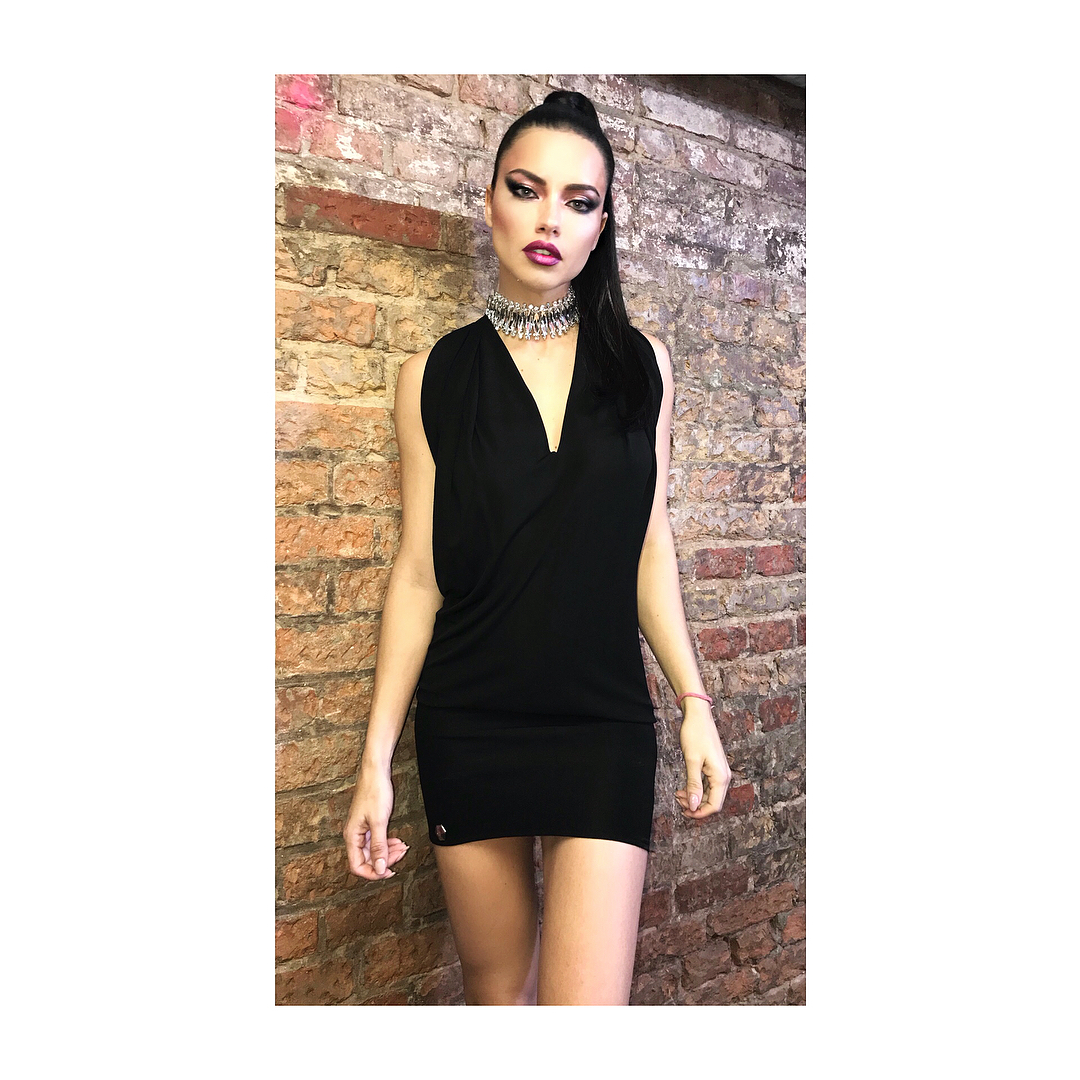
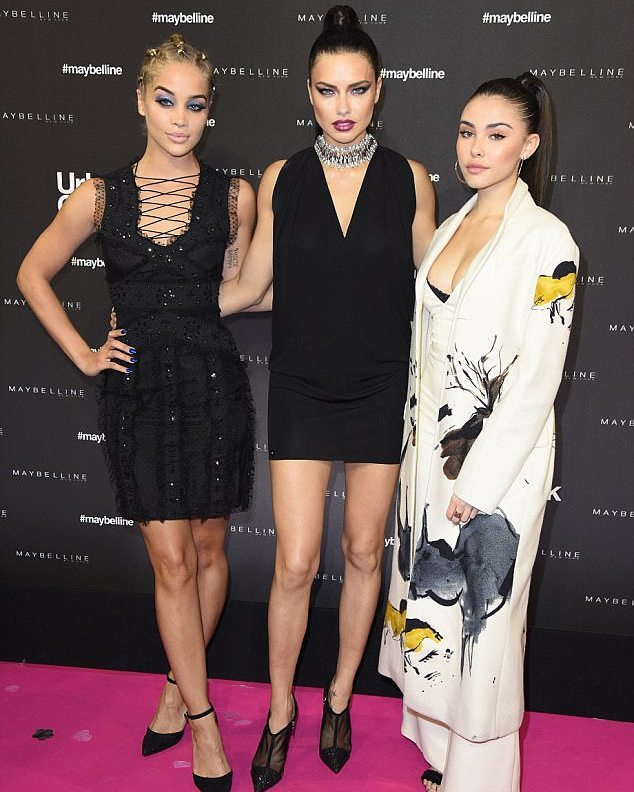
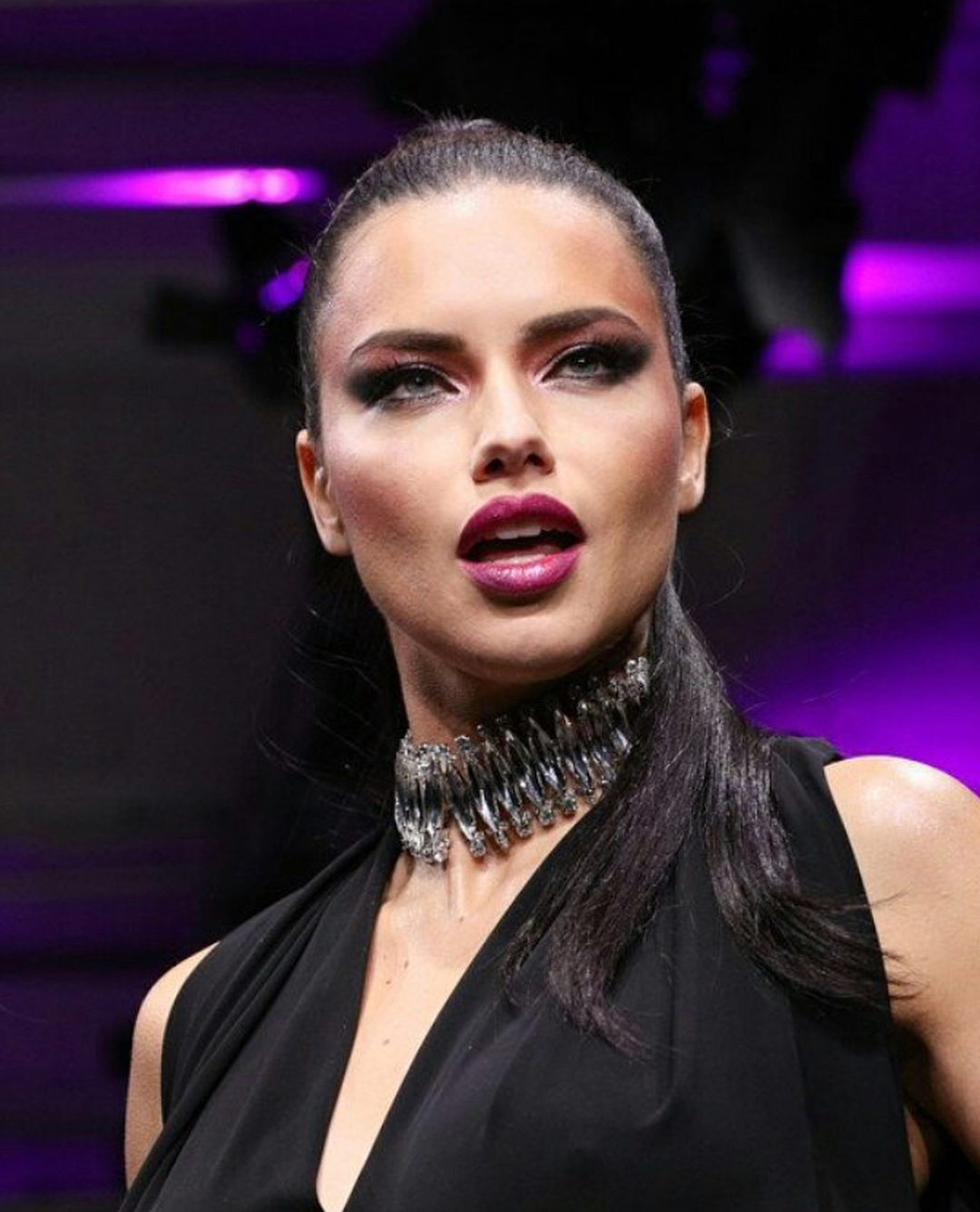
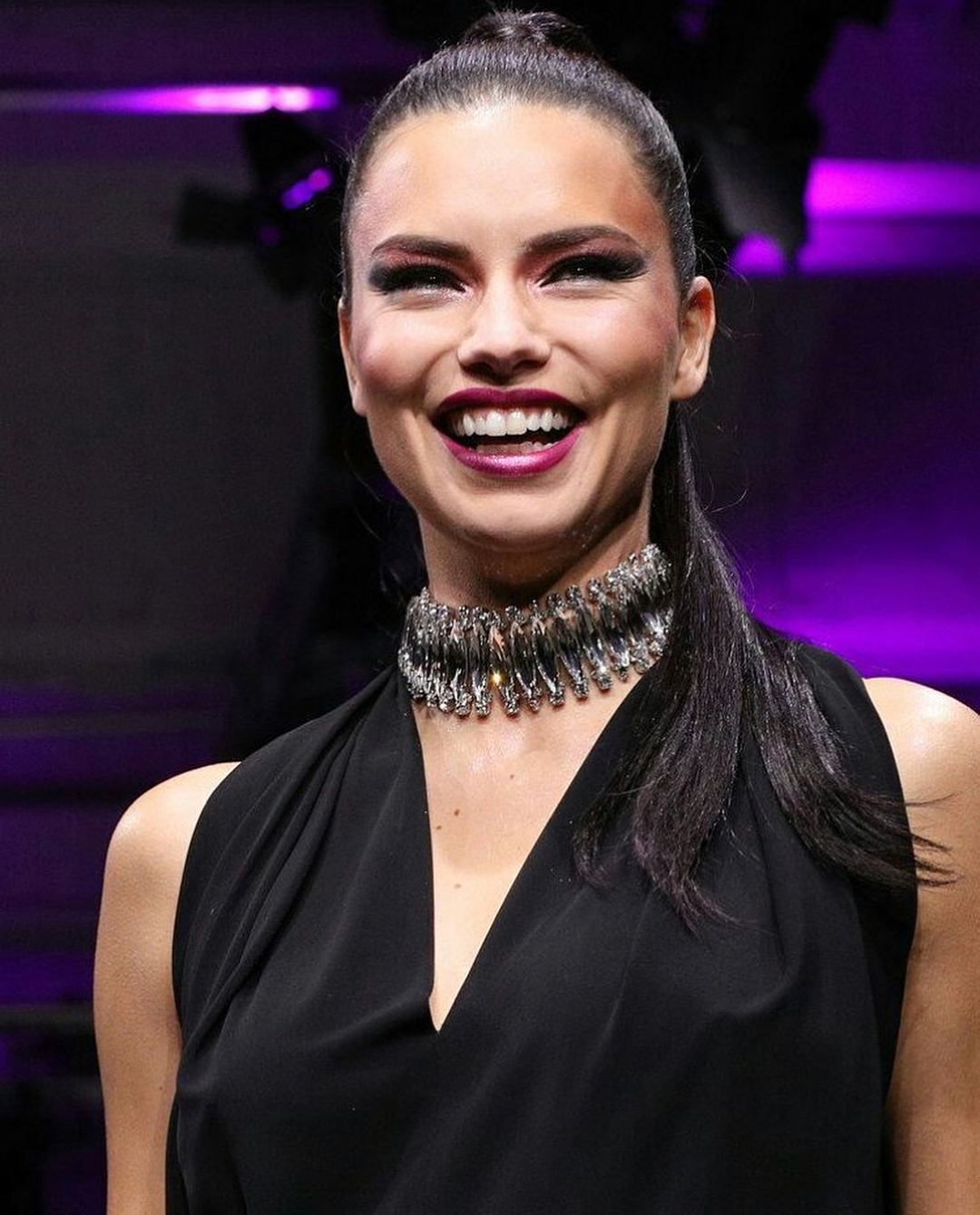
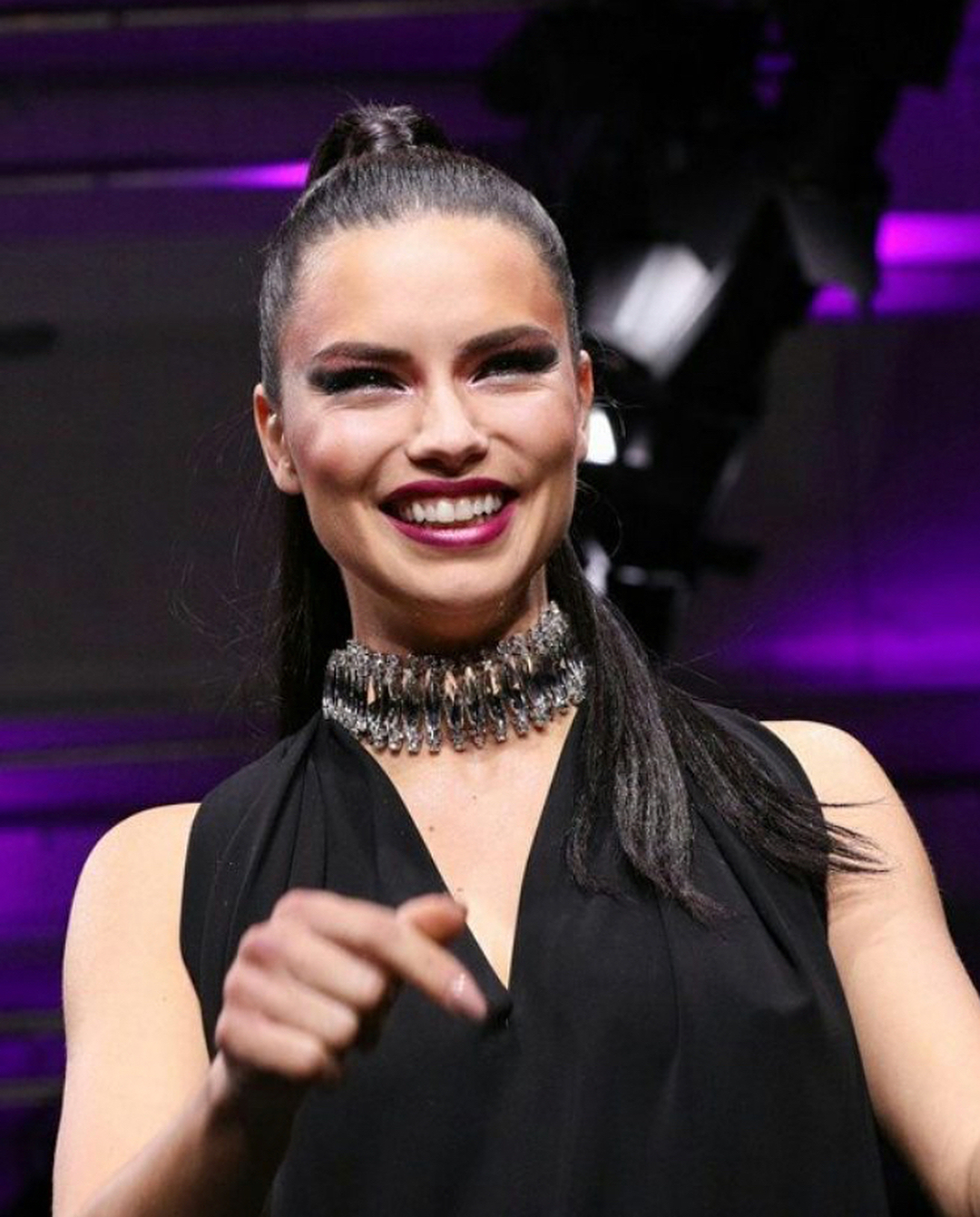
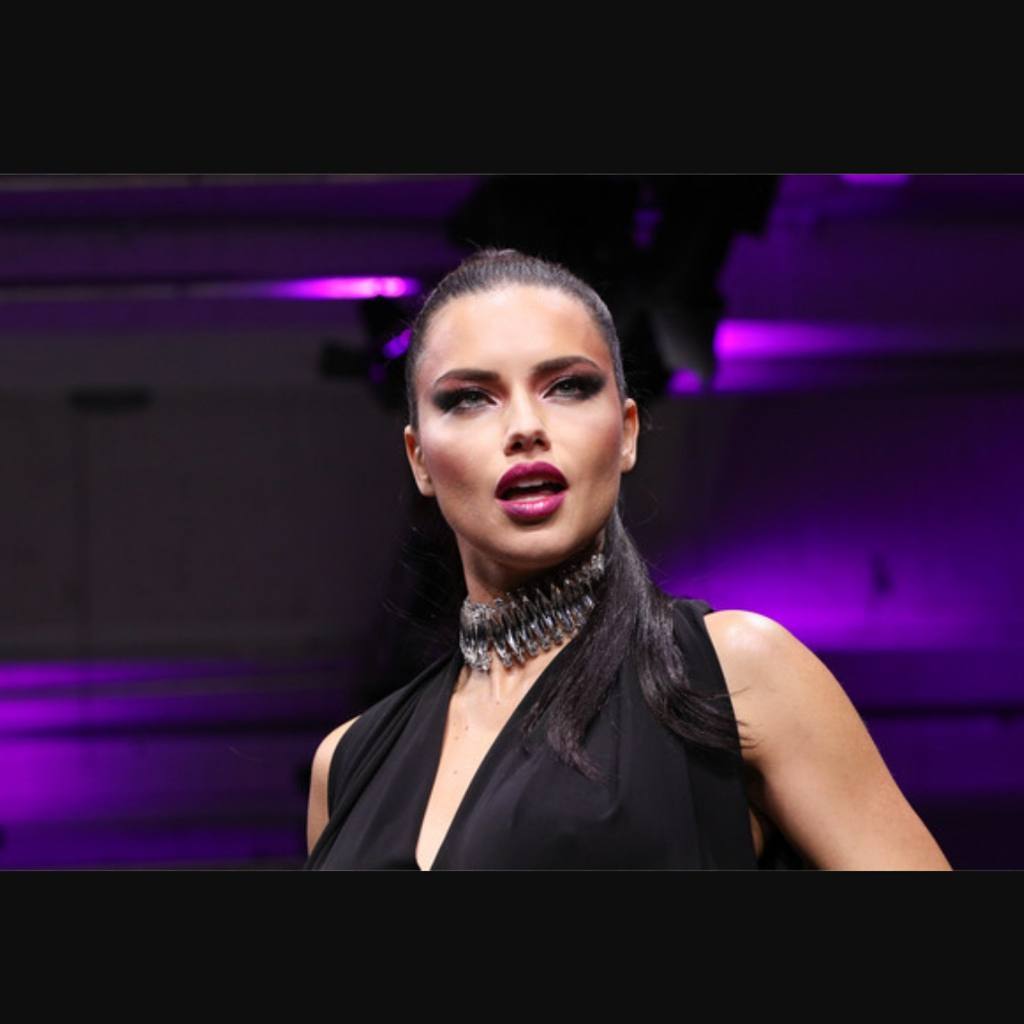
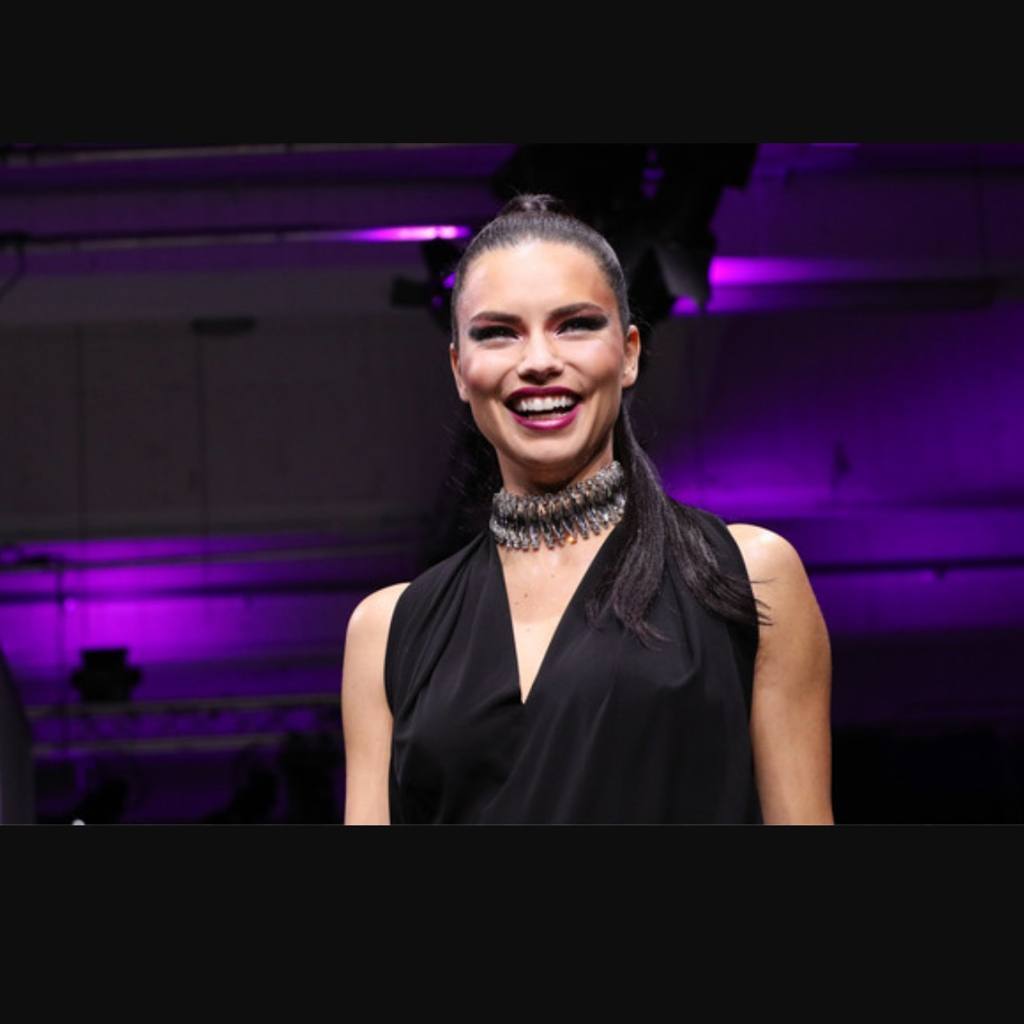
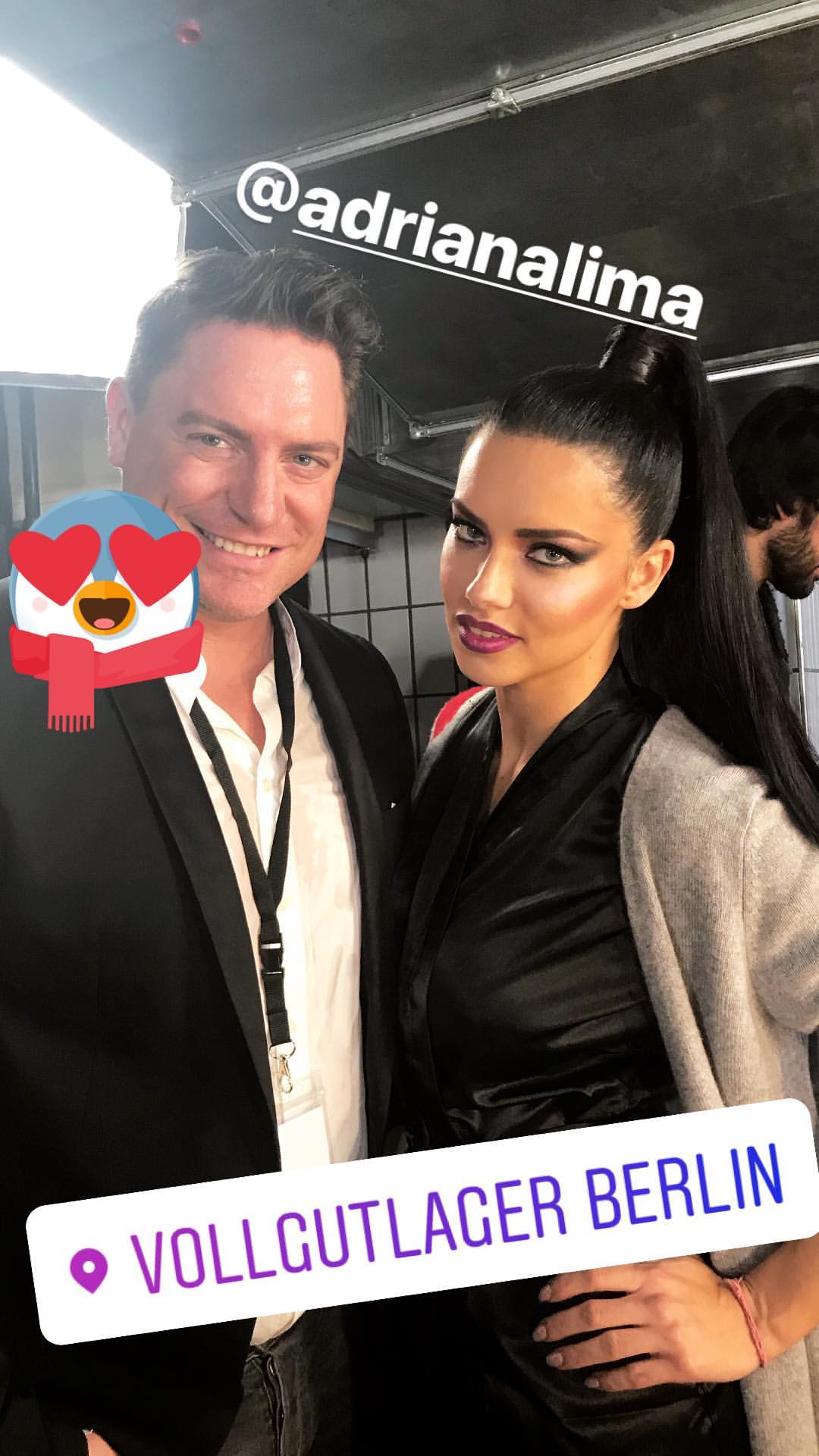
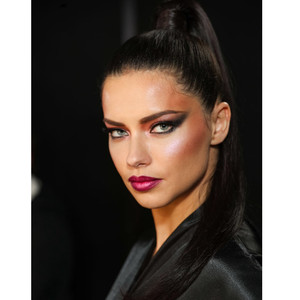
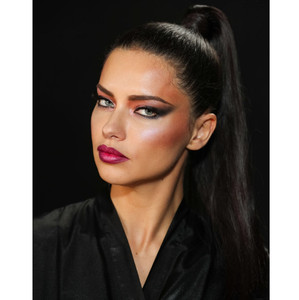
 I am glad see her with theses light make up. Make her so much younger. She look like she has 20. Much better than thoses red /purple lipistick
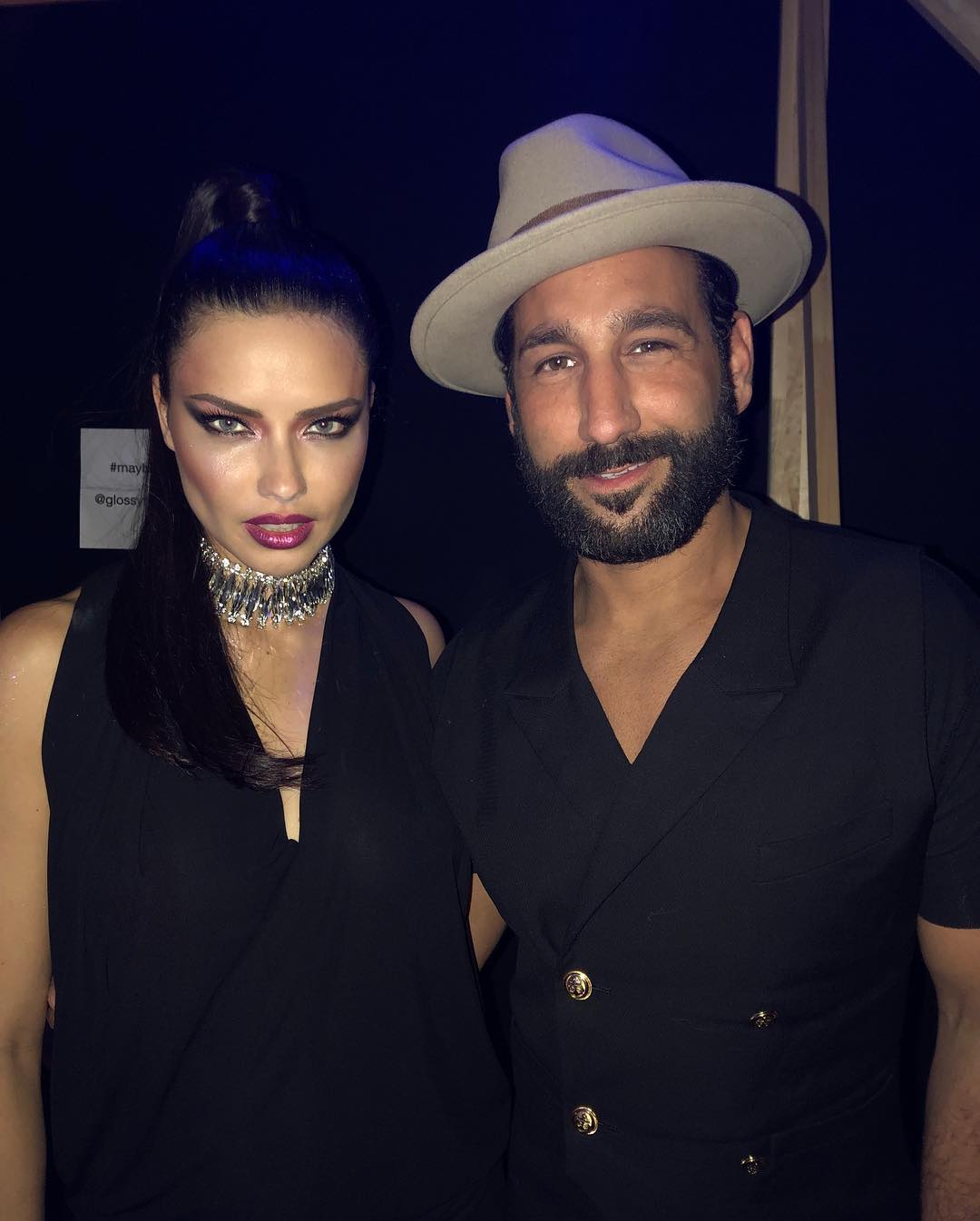
I Really love see both working together. I seems to be a nice guy.
So I don't think she walked for Balmain.. If it was.. We would a least saw some photos
For sure Daniela Braga will walk for Balmain. Maybe Adri will walk in some other brands? Because the Haute Couture it is starts now in 22nd
Yeh I would say the same thing now. I just saw on ig.
Maybe. Since she wrote work week. So maybe for some couture? It will begin in 22nd
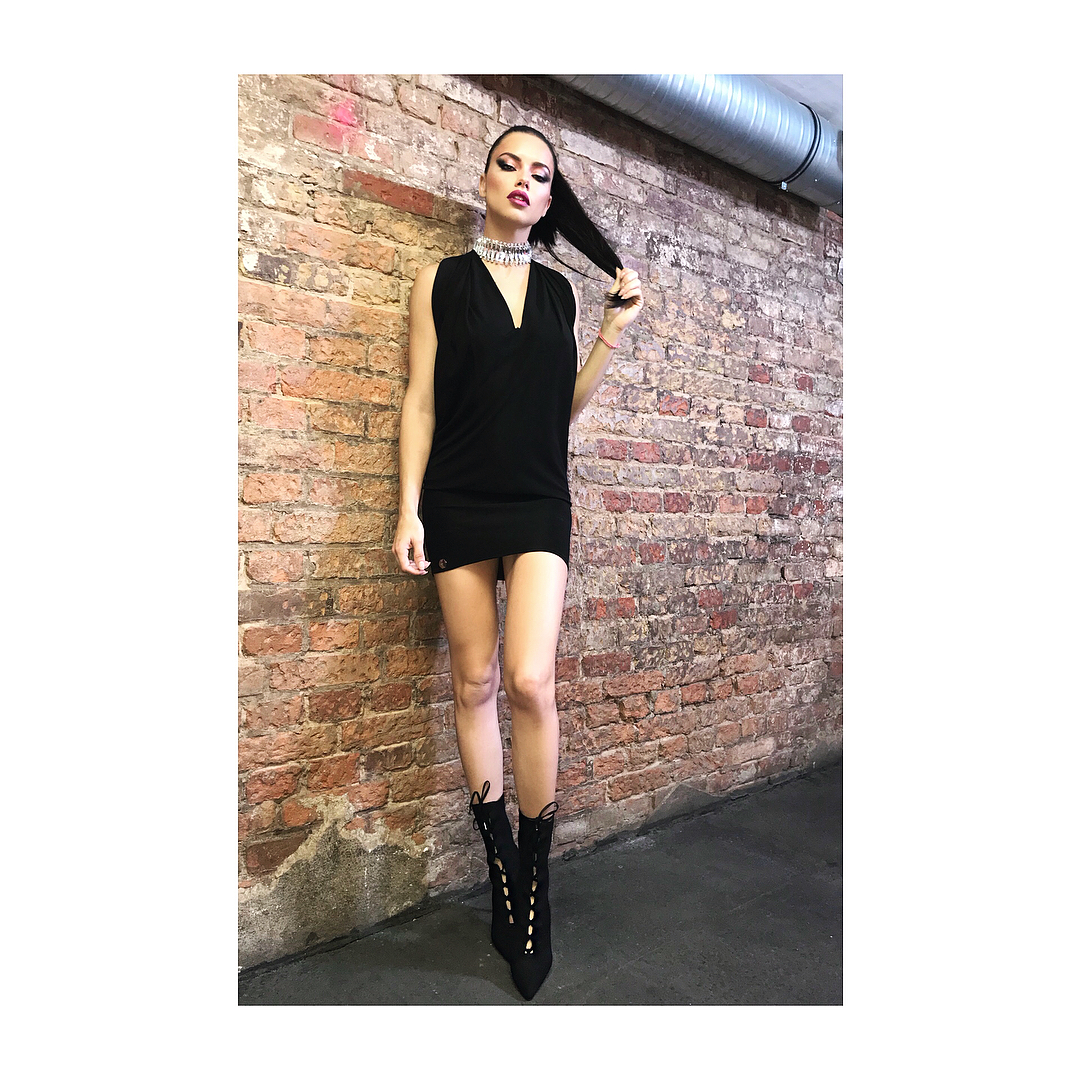
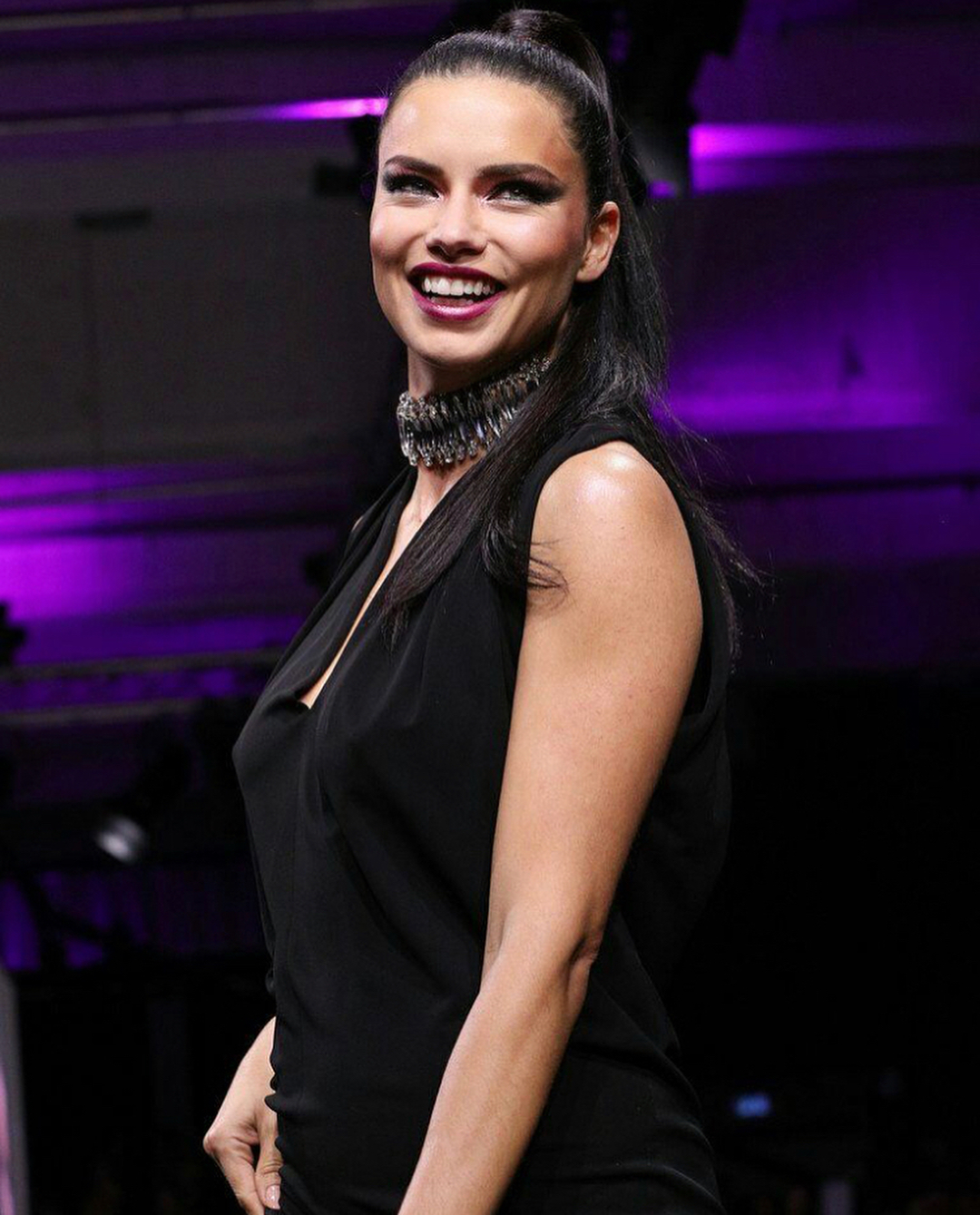
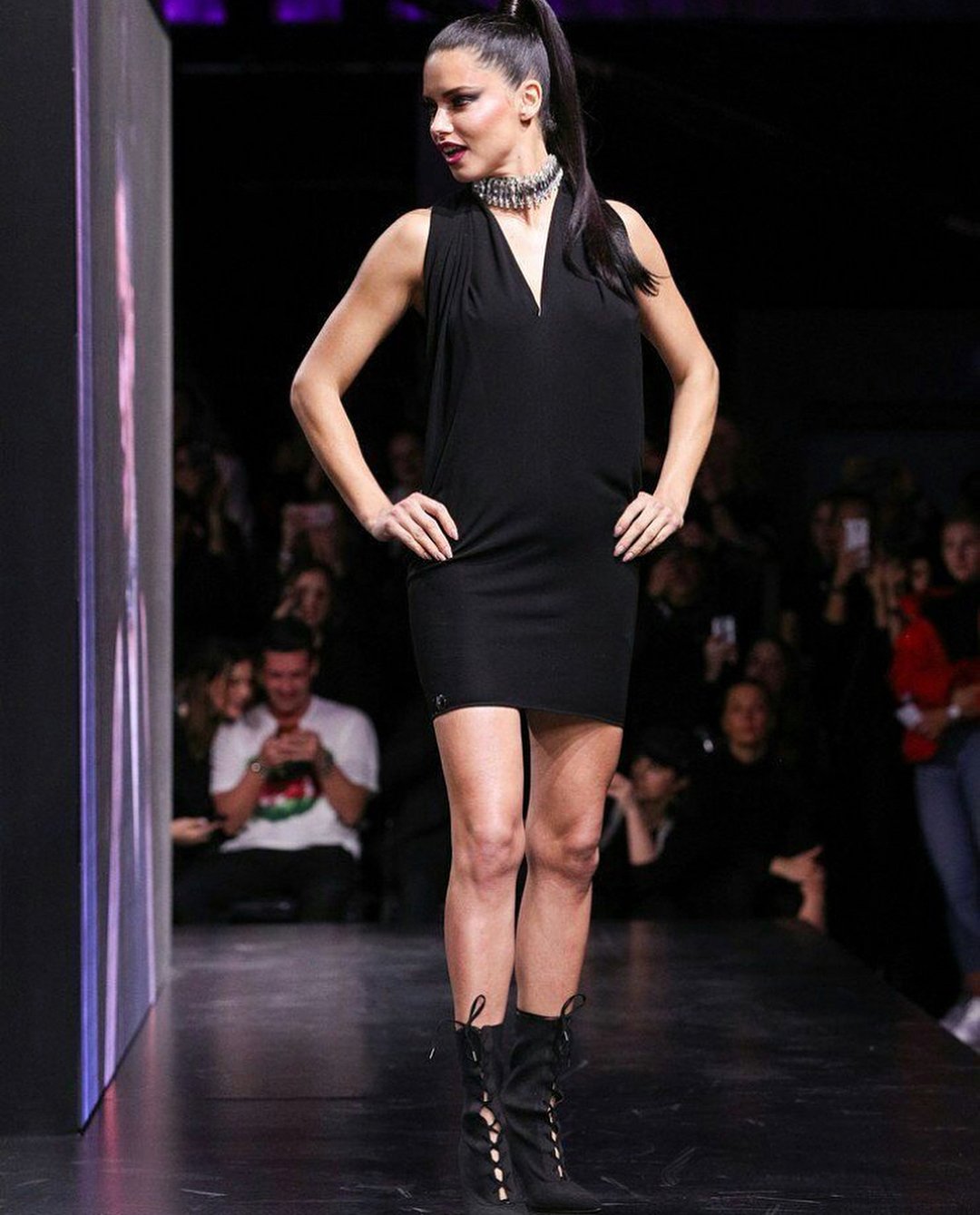
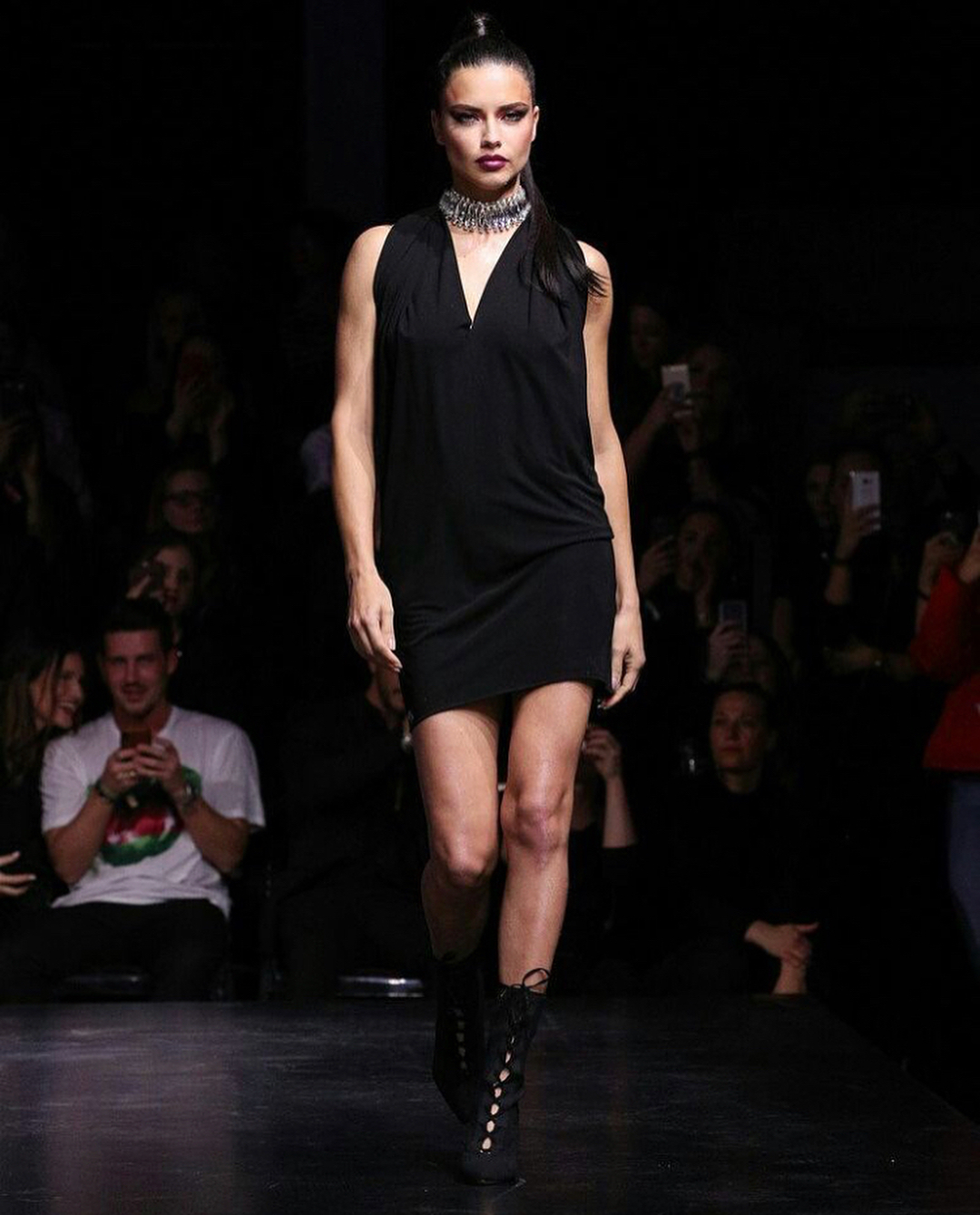
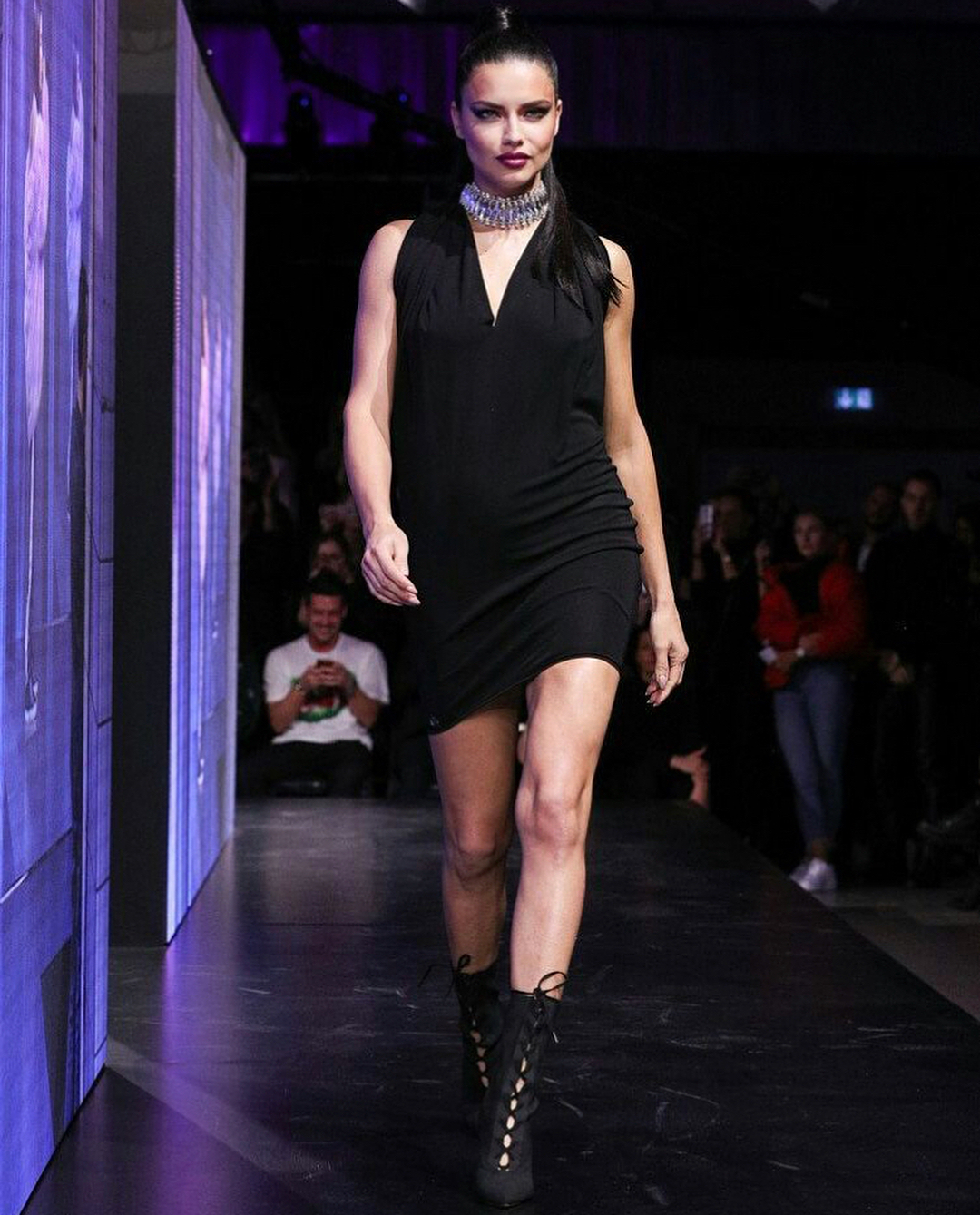
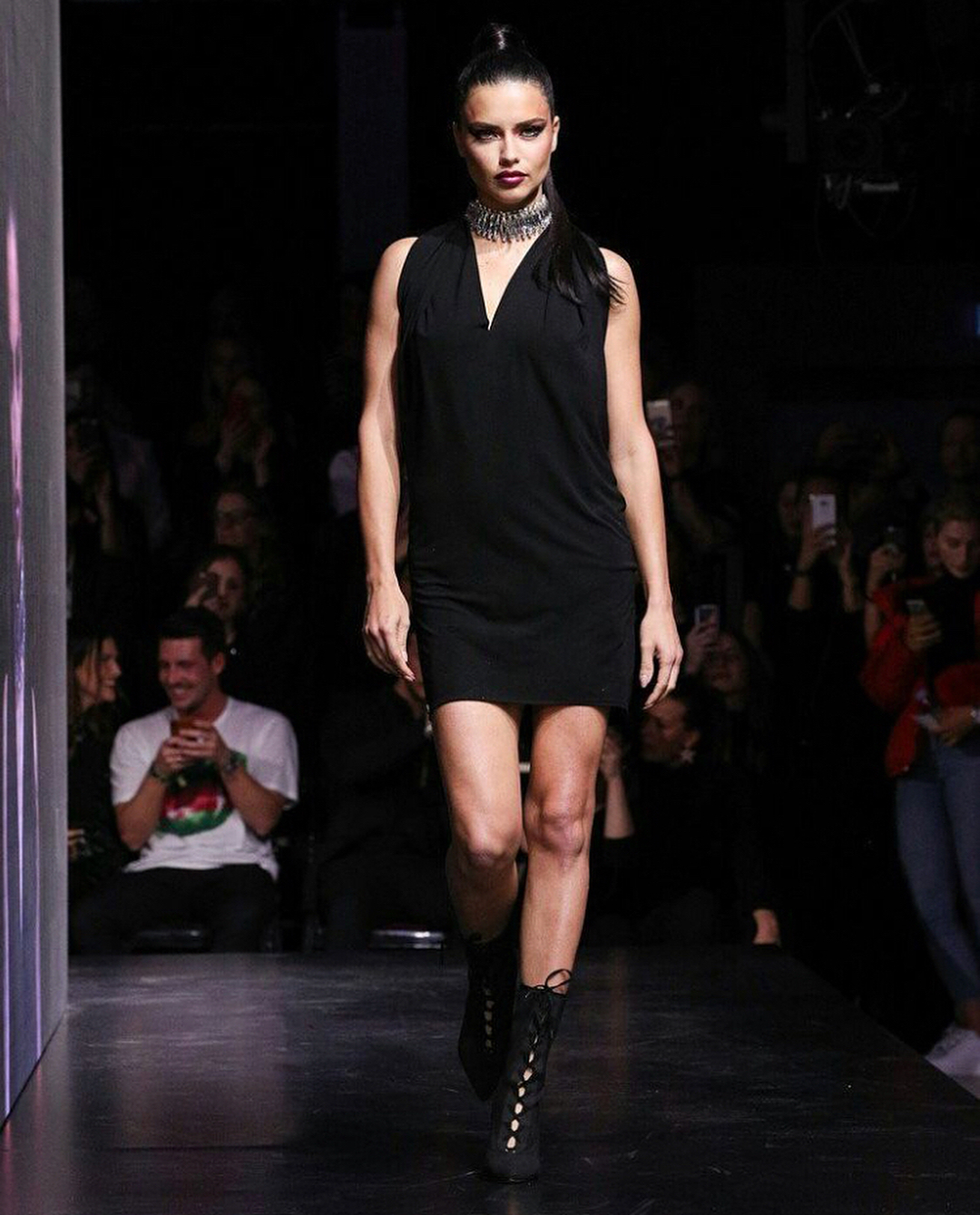
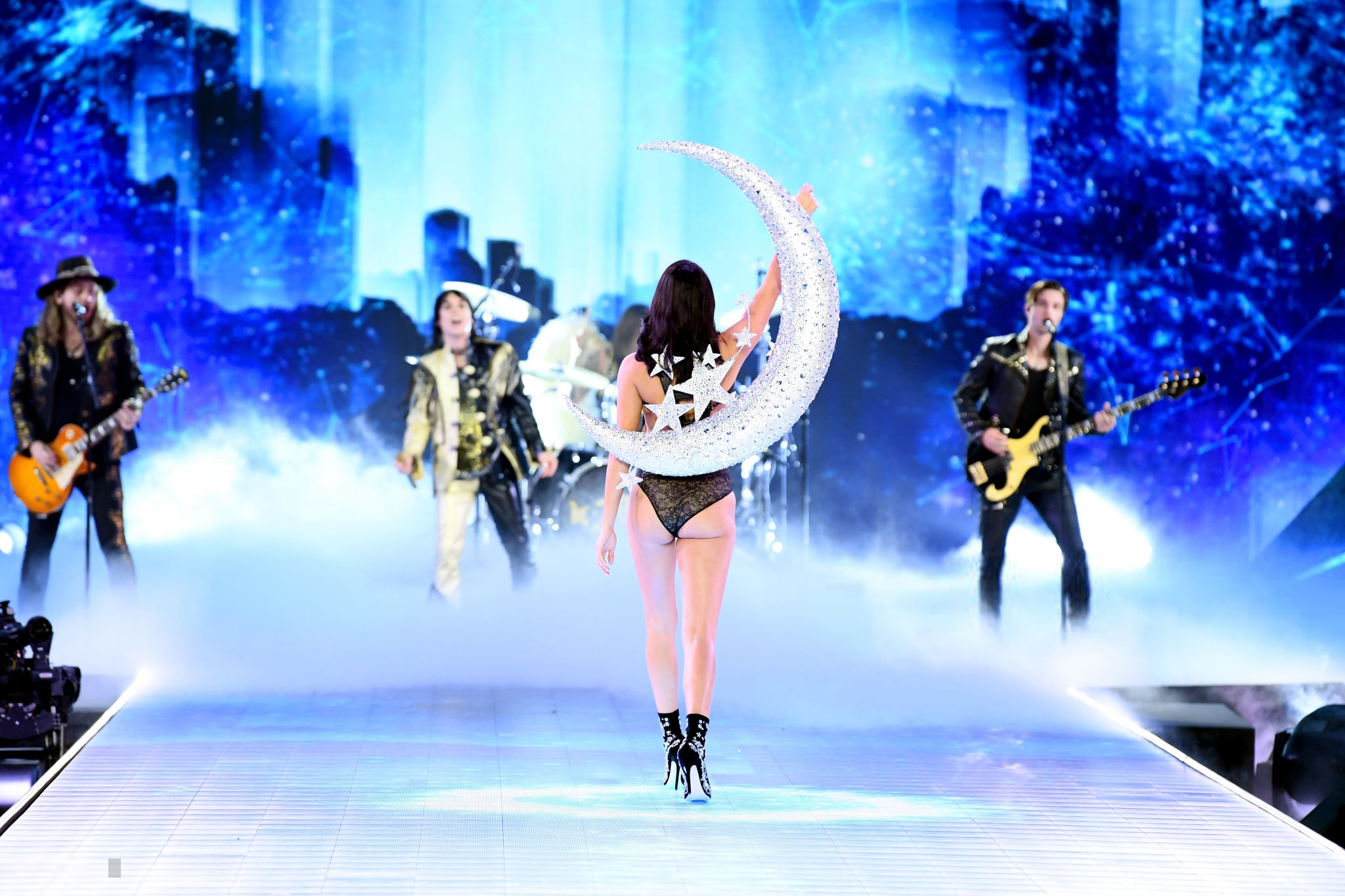
Is she pregnant? I saw some belly and her hips are little to large and also her face it remeber when she was pregnant. ?
She looks like she is pregnant in this dress
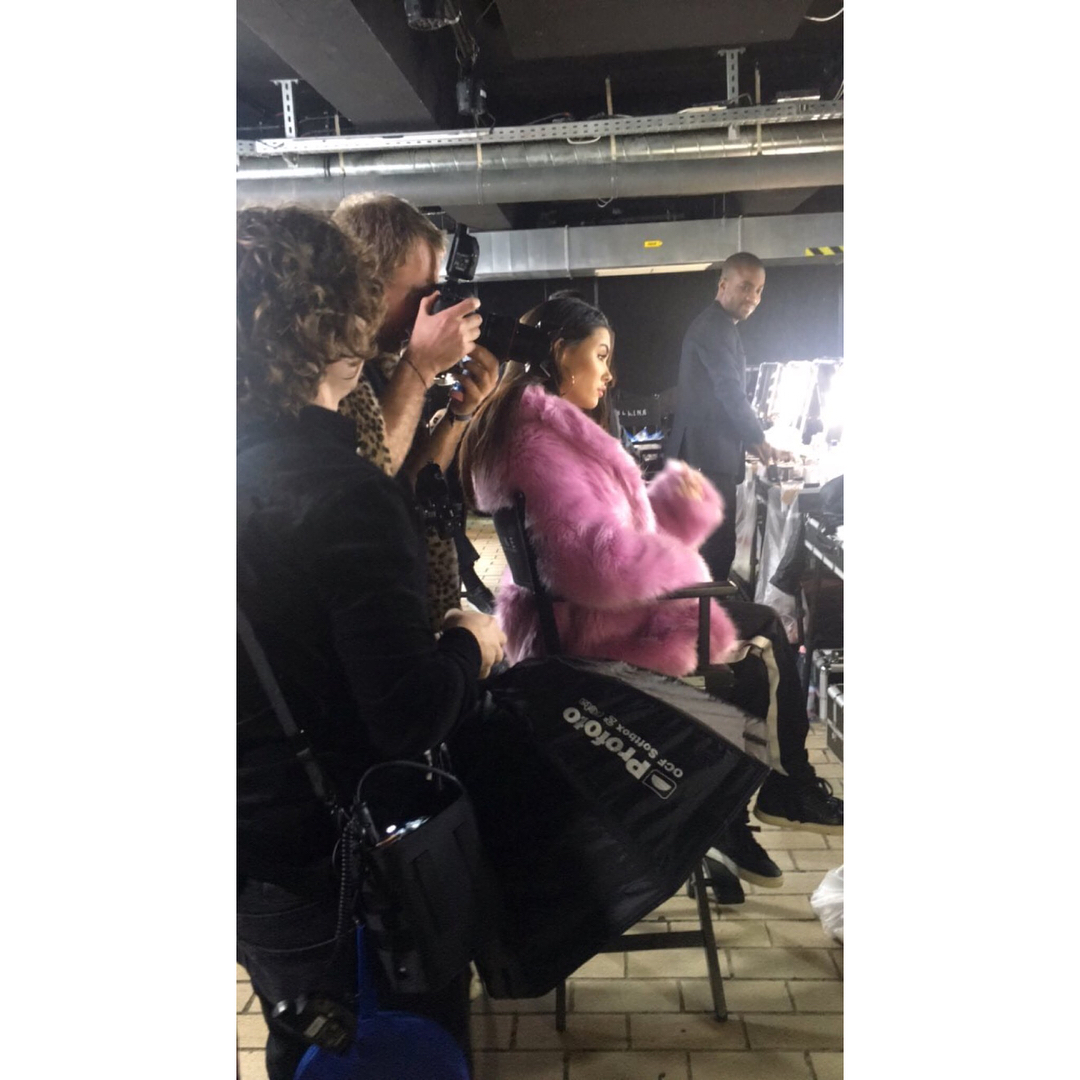
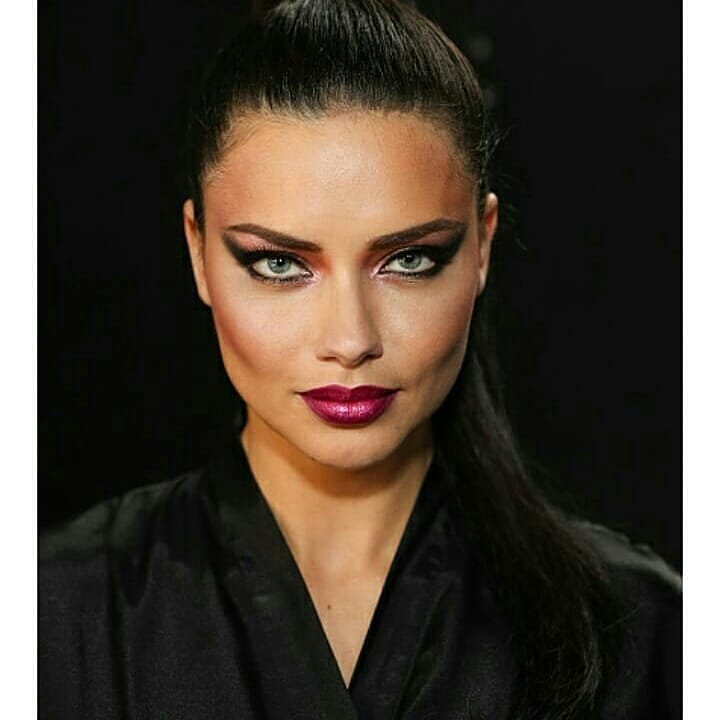
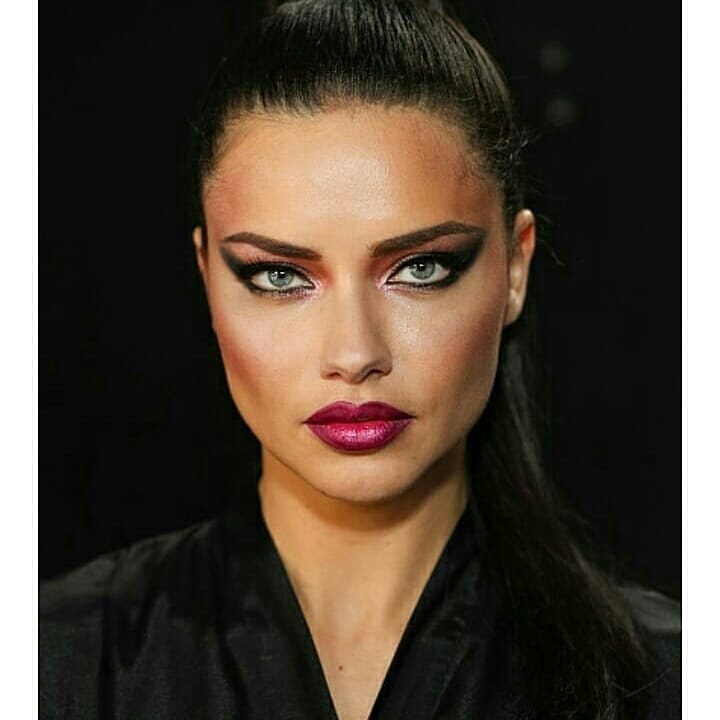
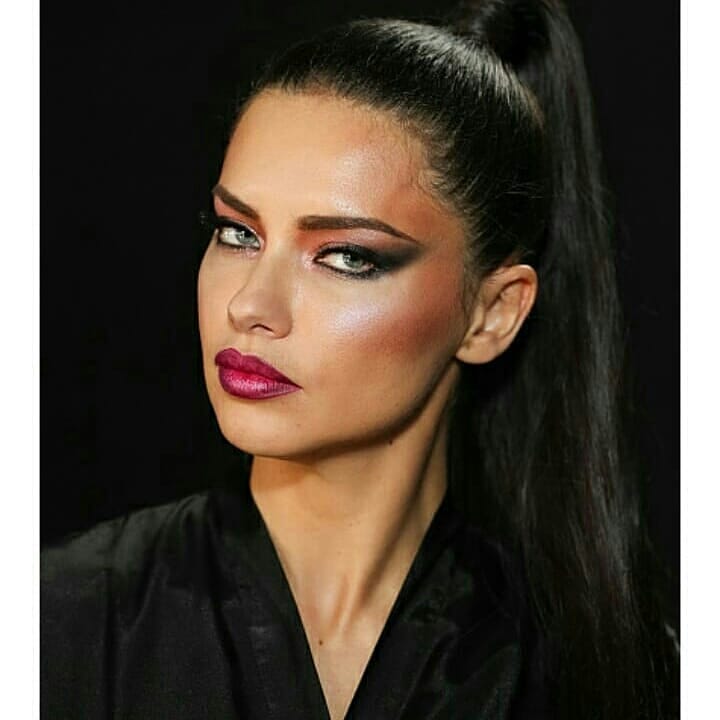
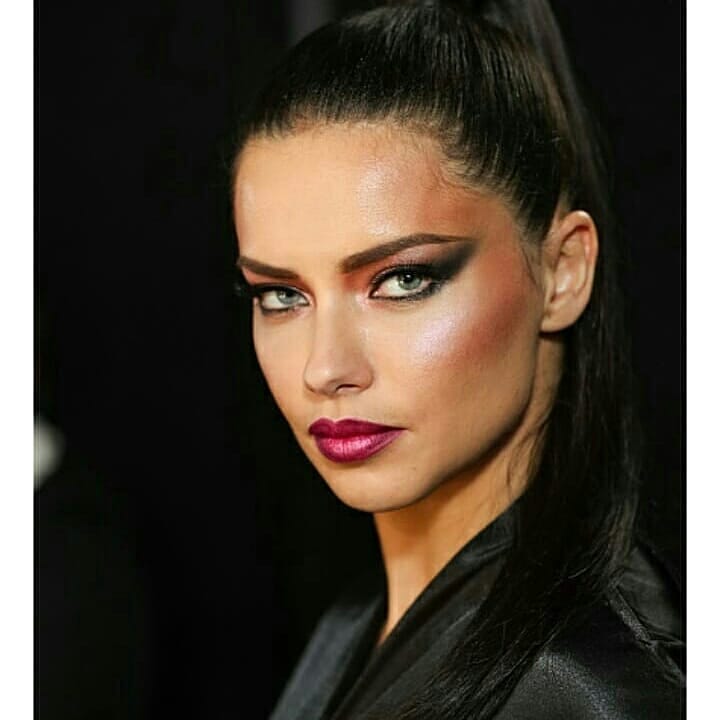
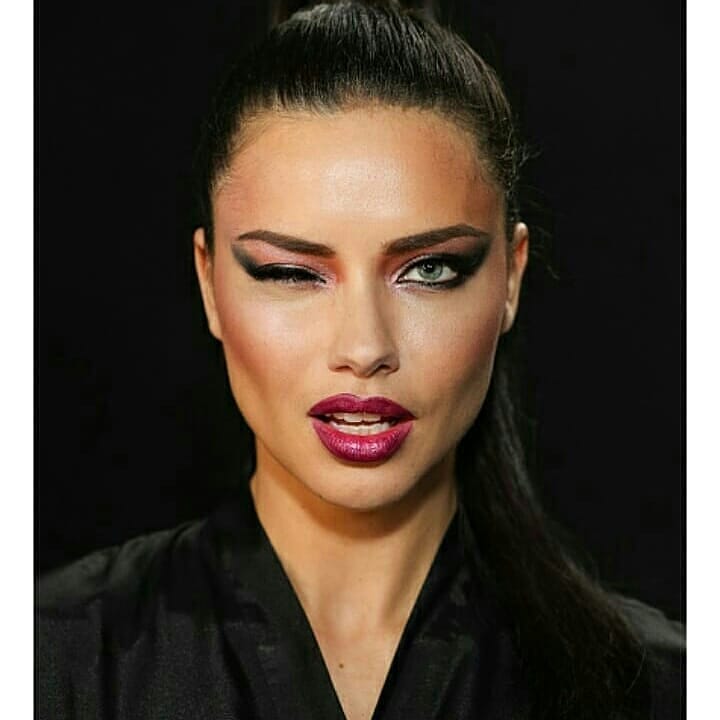
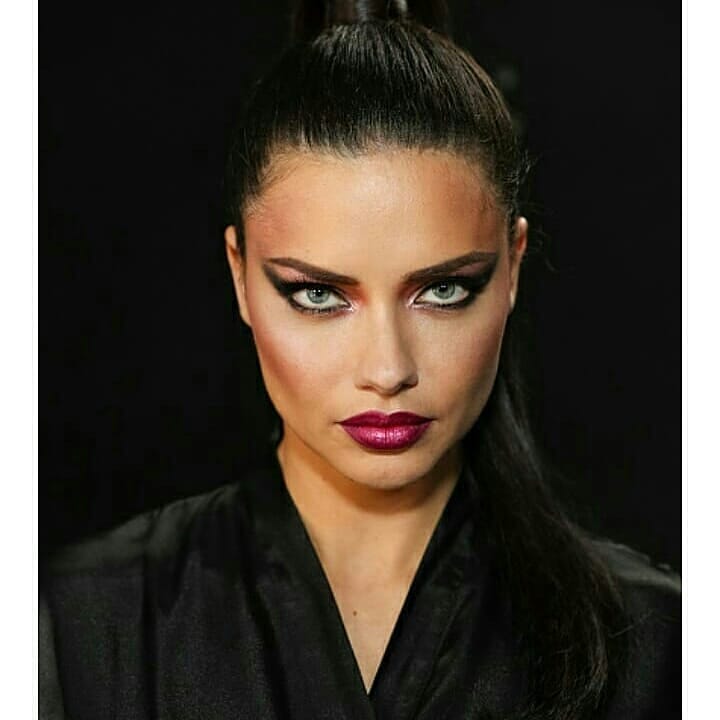
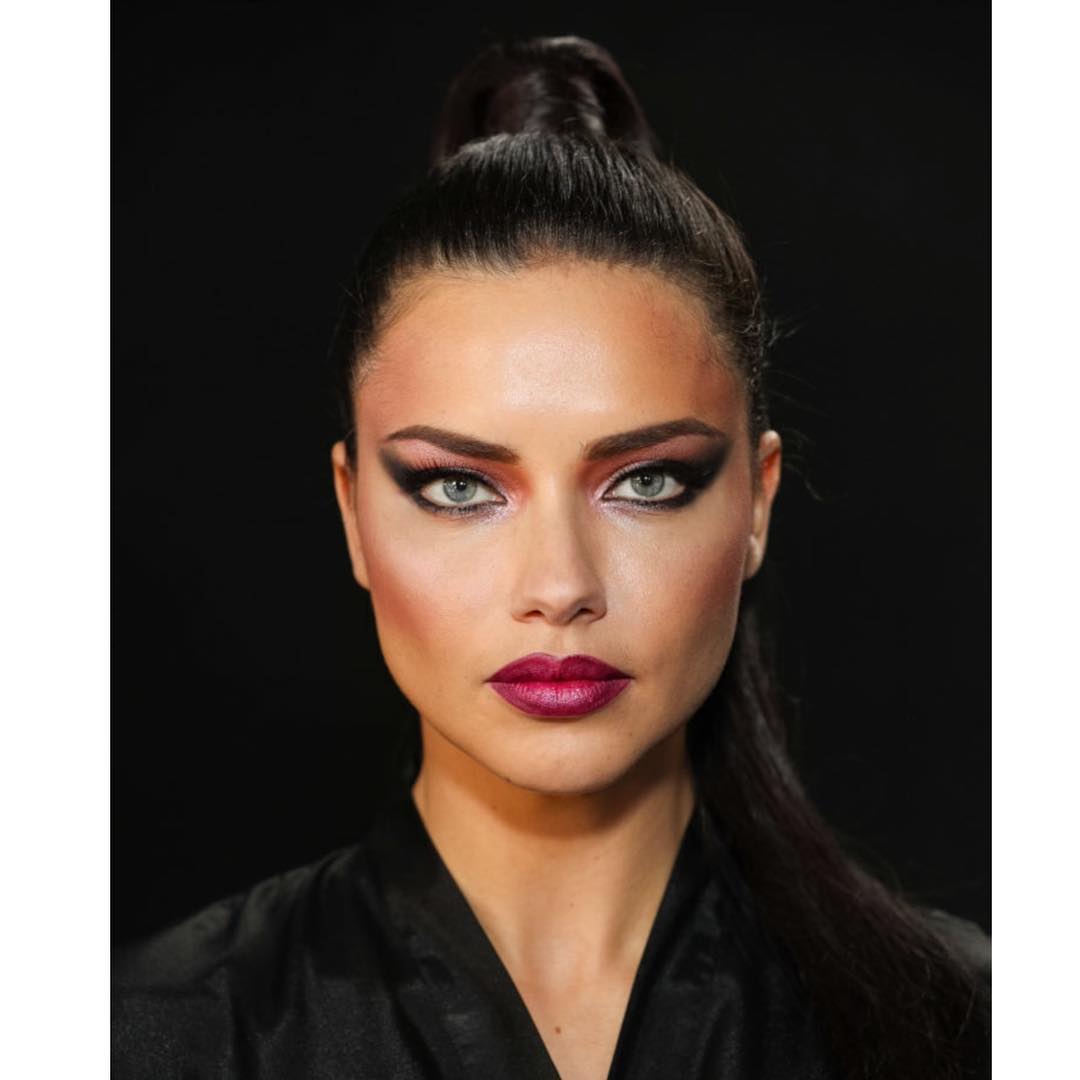
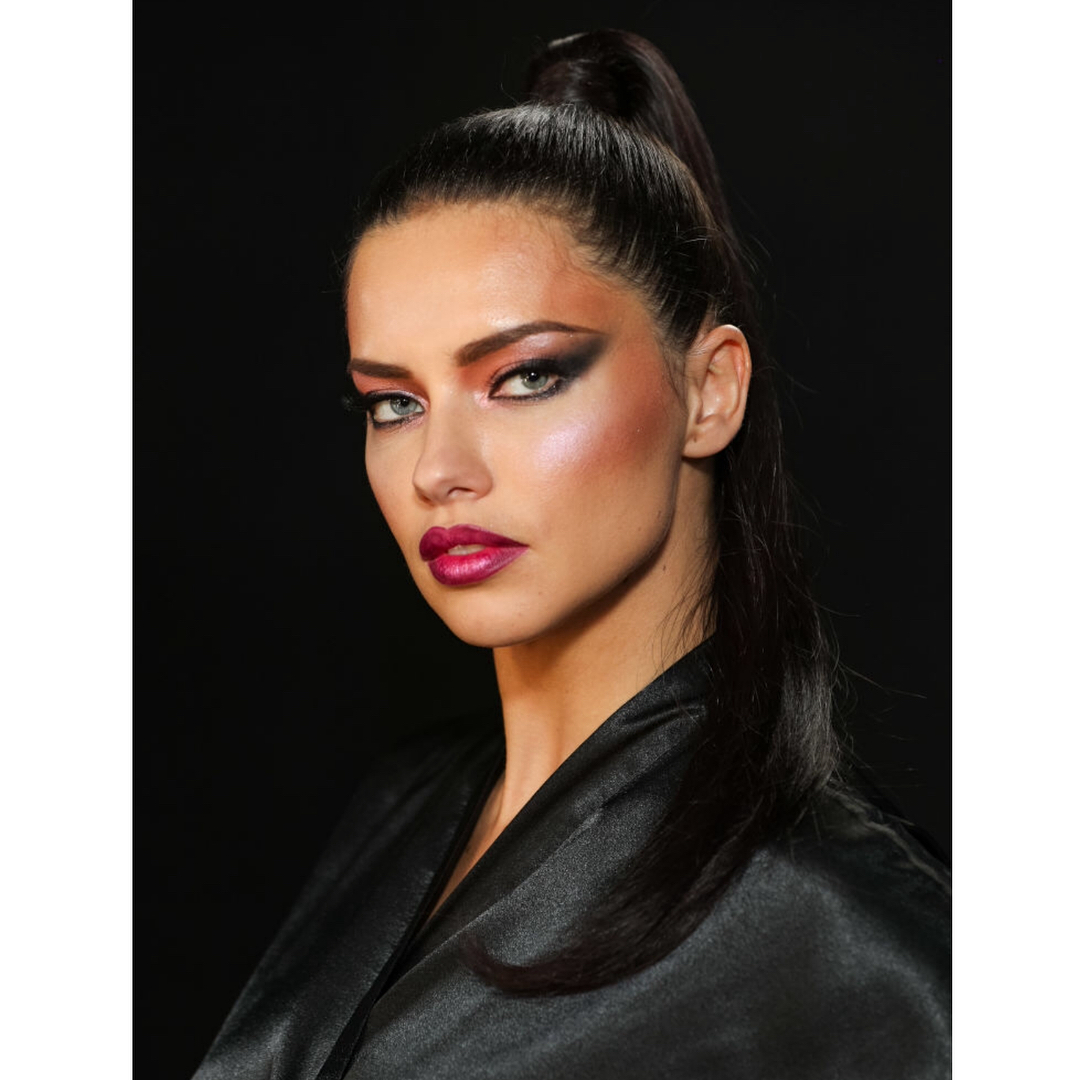
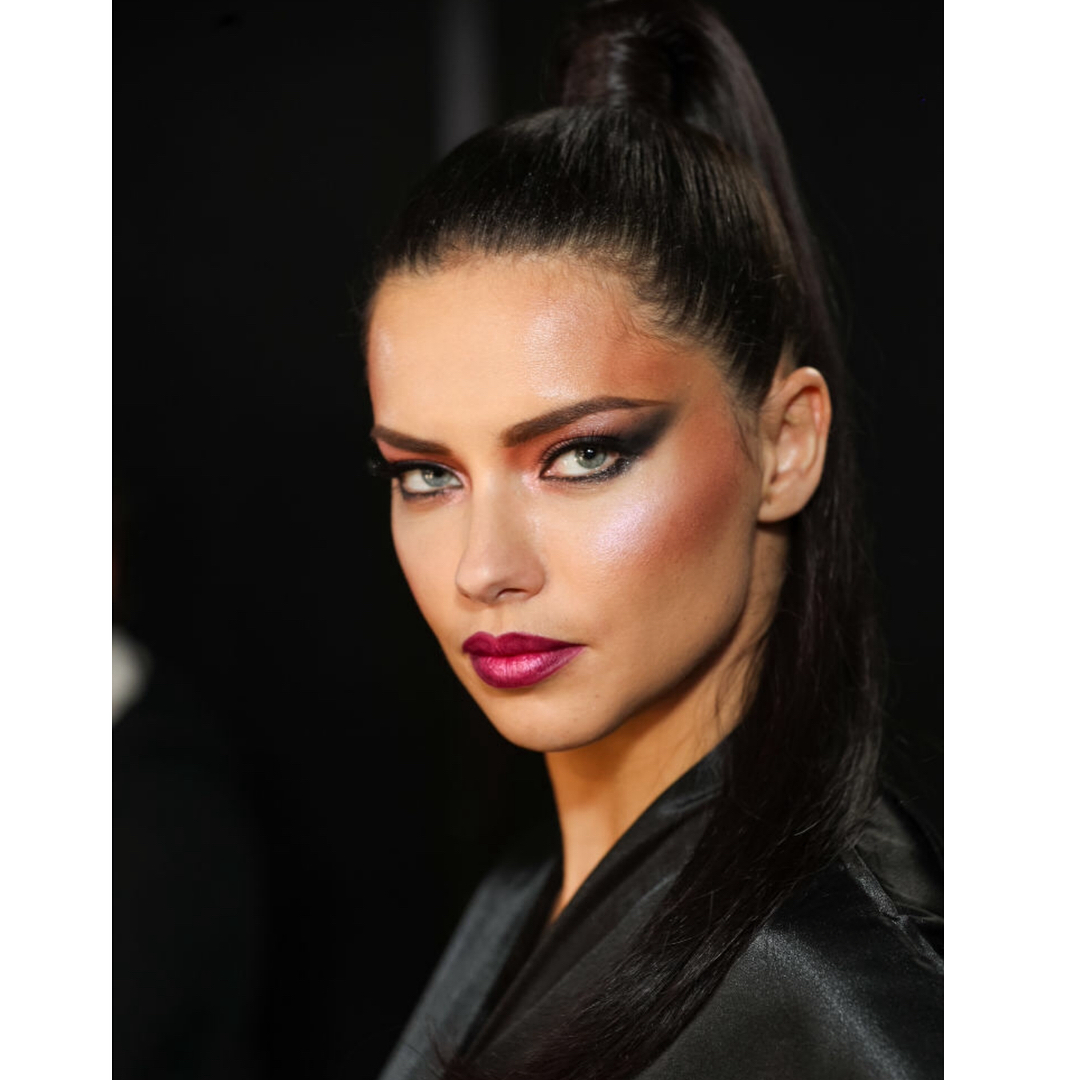
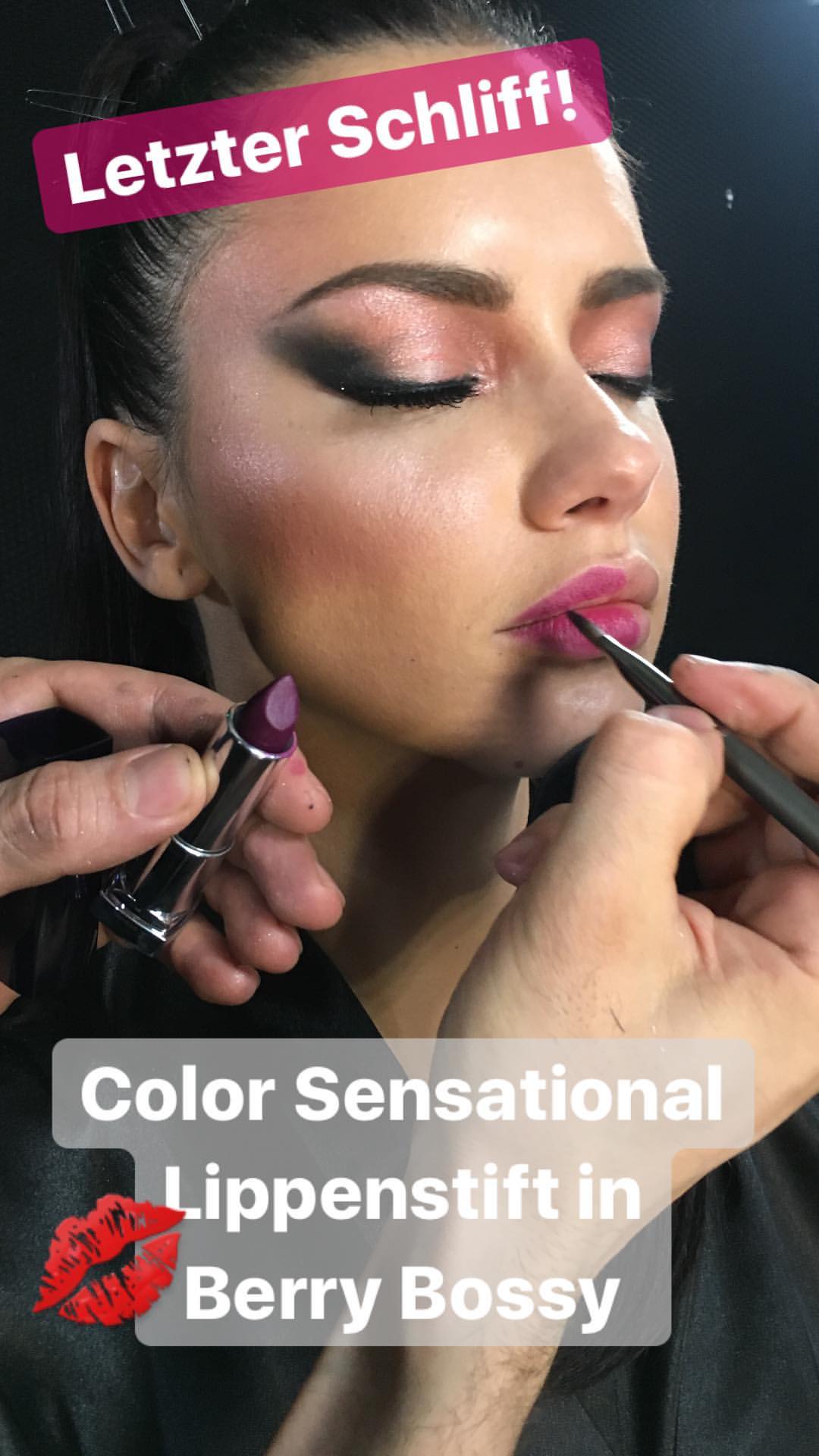
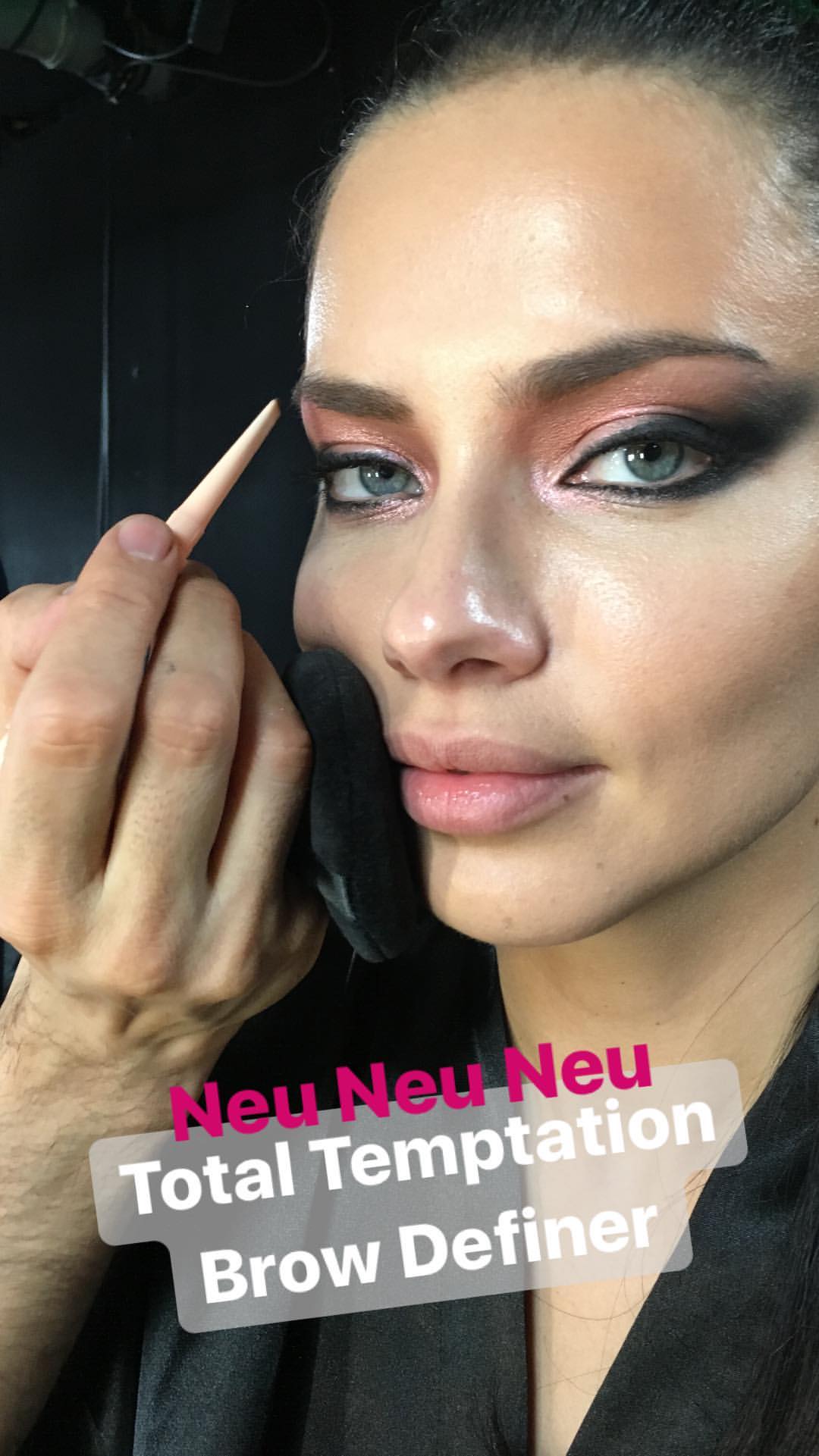
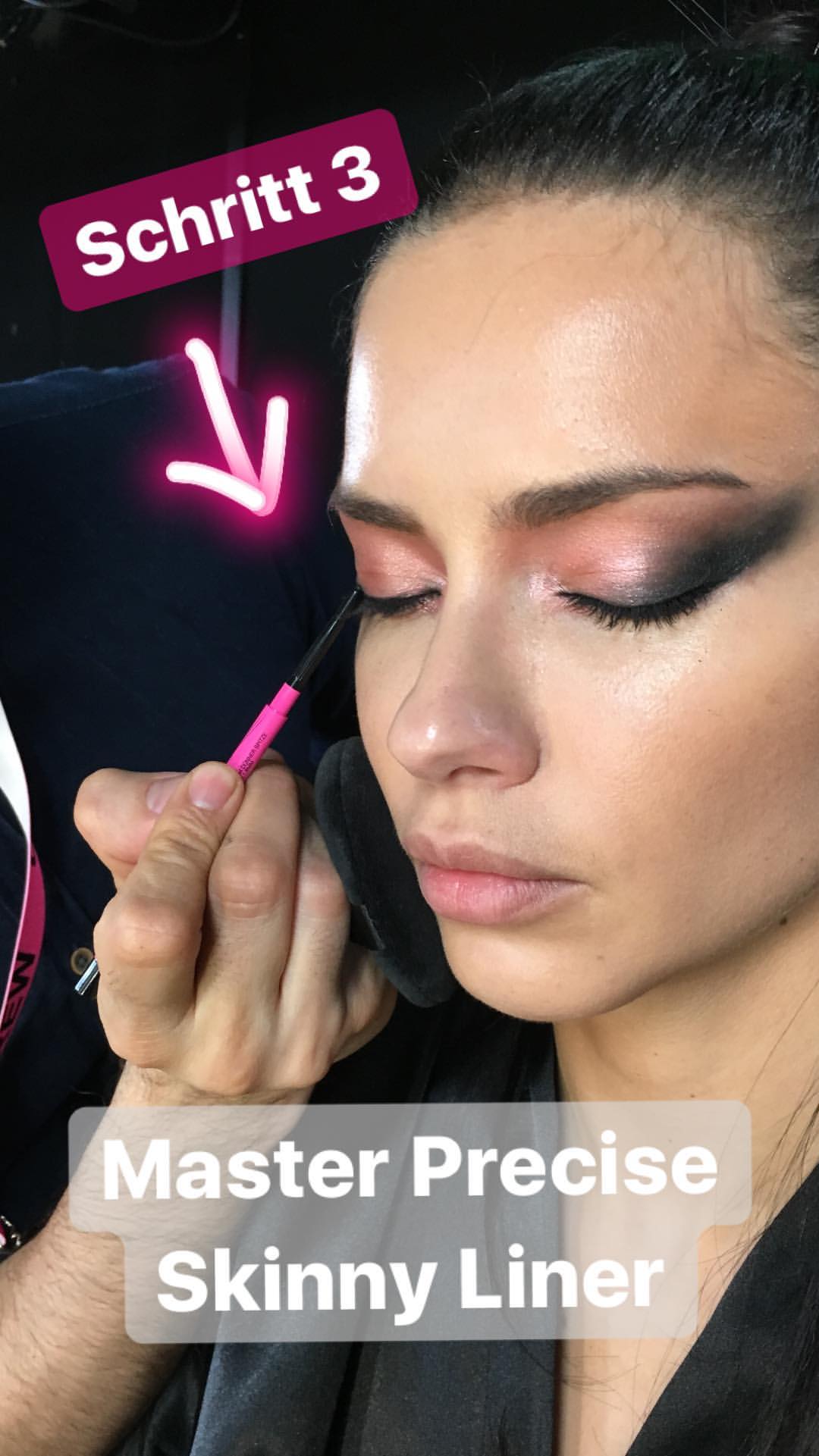
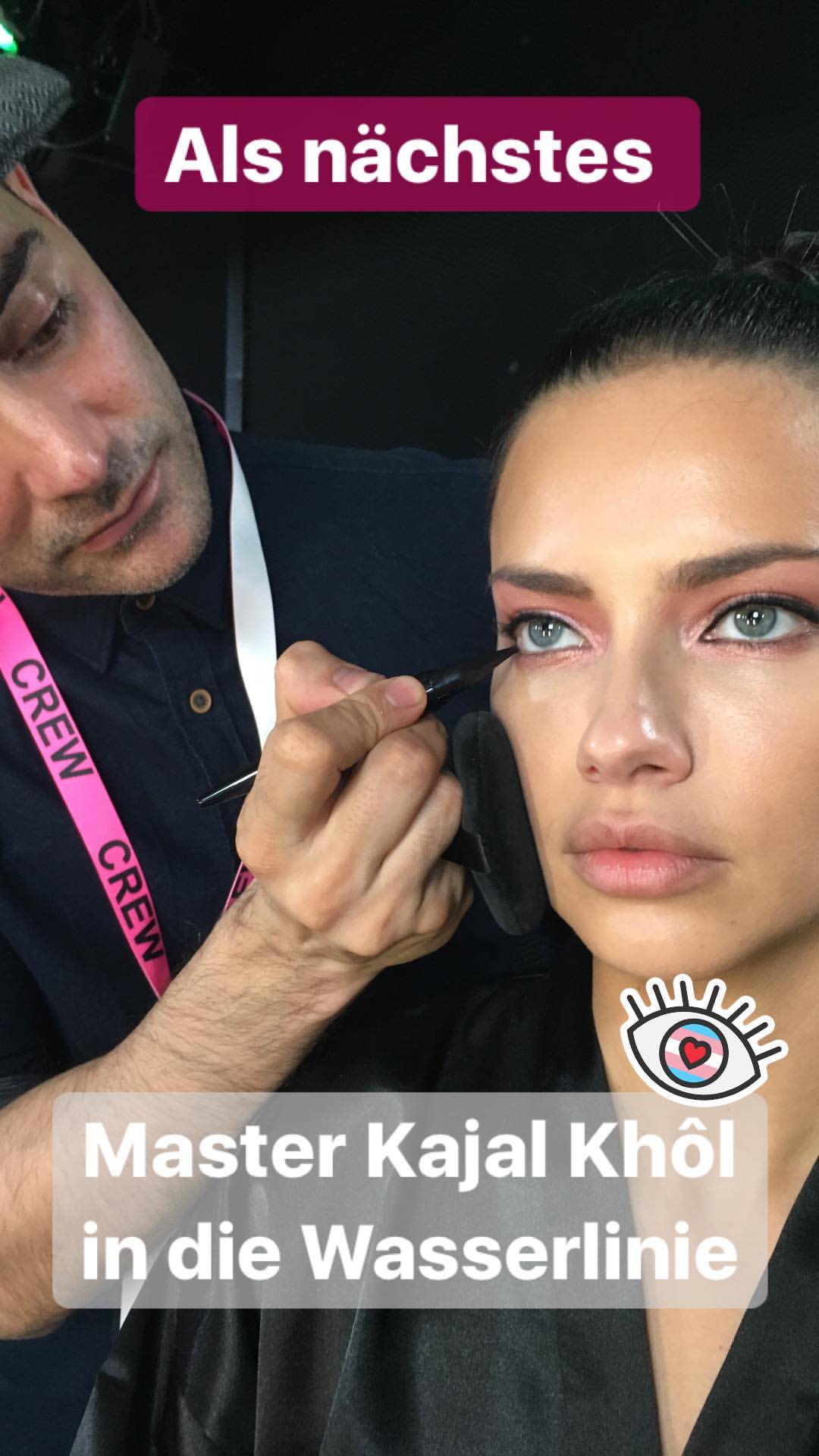
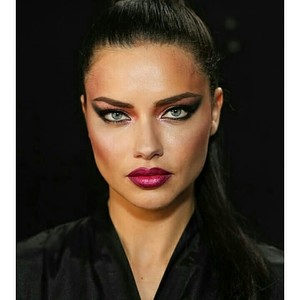
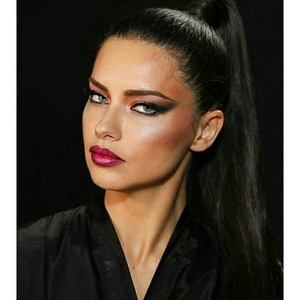
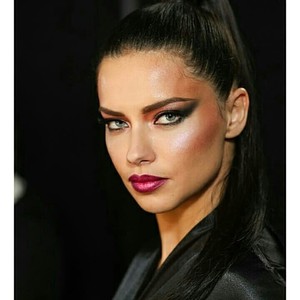
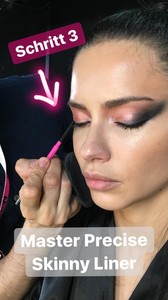
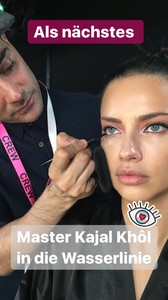
Some of the backstage photos
I am glad see her with theses light make up. Make her so much younger. She look like she has 20. Much better than thoses red /purple lipistick
I Really love see both working together. I seems to be a nice guy.
So I don't think she walked for Balmain.. If it was.. We would a least saw some photos
For sure Daniela Braga will walk for Balmain. Maybe Adri will walk in some other brands? Because the Haute Couture it is starts now in 22nd
Yeh I would say the same thing now. I just saw on ig.
Maybe. Since she wrote work week. So maybe for some couture? It will begin in 22nd
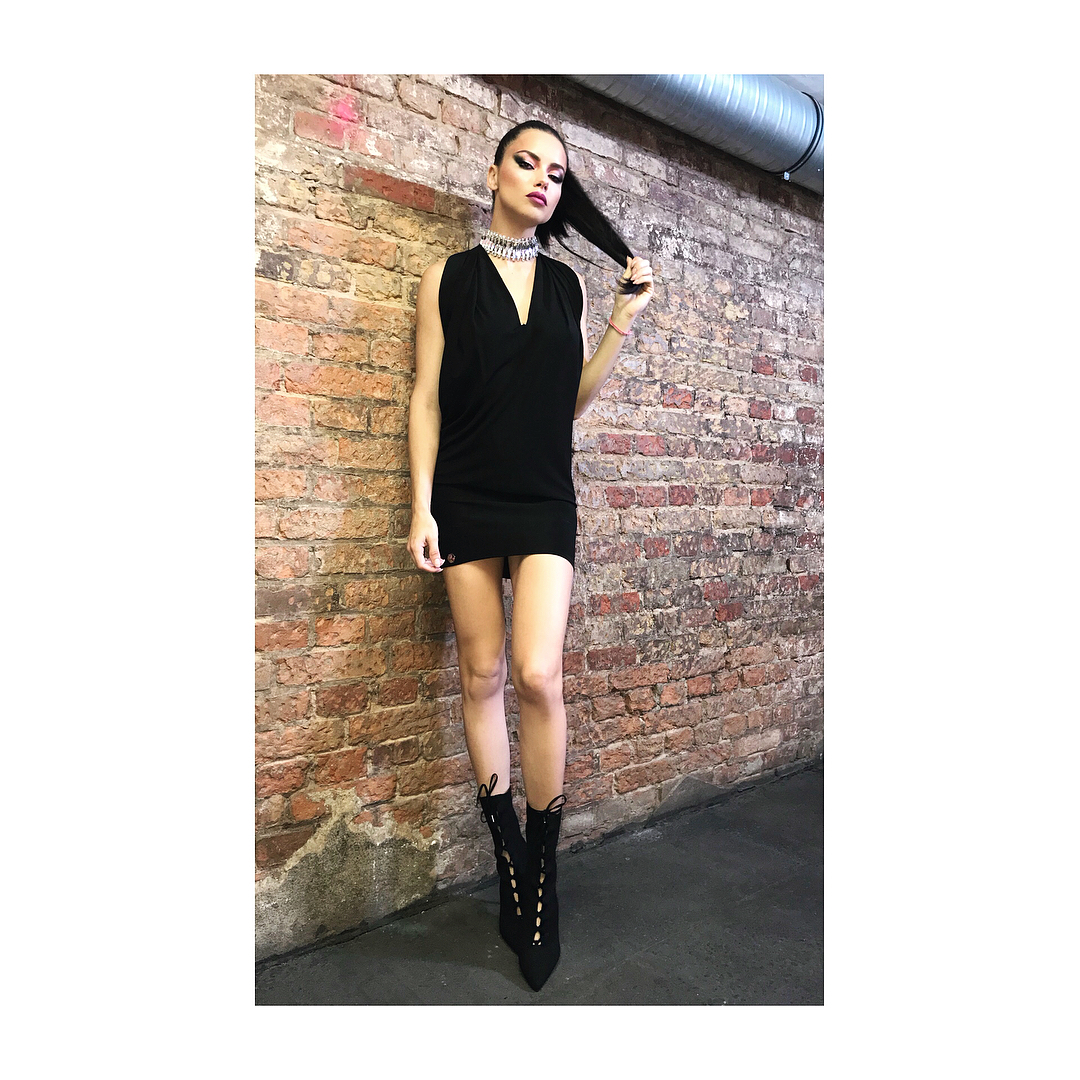
Is she pregnant? I saw some belly and her hips are little to large and also her face it remeber when she was pregnant. ?
She looks like she is pregnant in this dress
Some of the backstage photos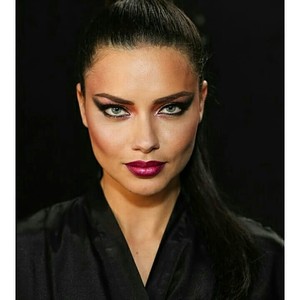
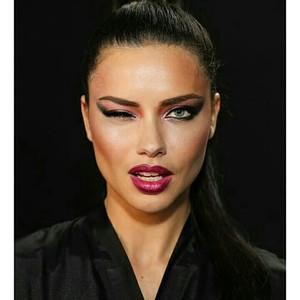
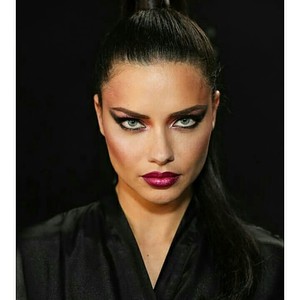
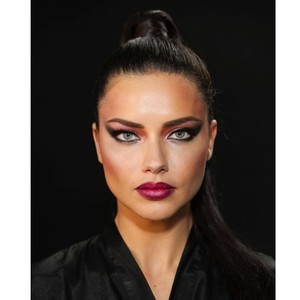
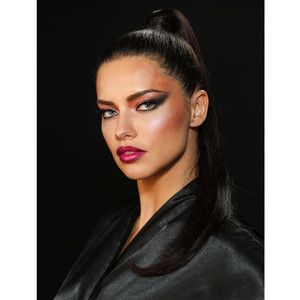
 Let's talk about the show or other things.. i mean, it doesn't matter theses things about him. She have to learn by herself. Staying here talk about both it only give more space for him. Let's talk good things.
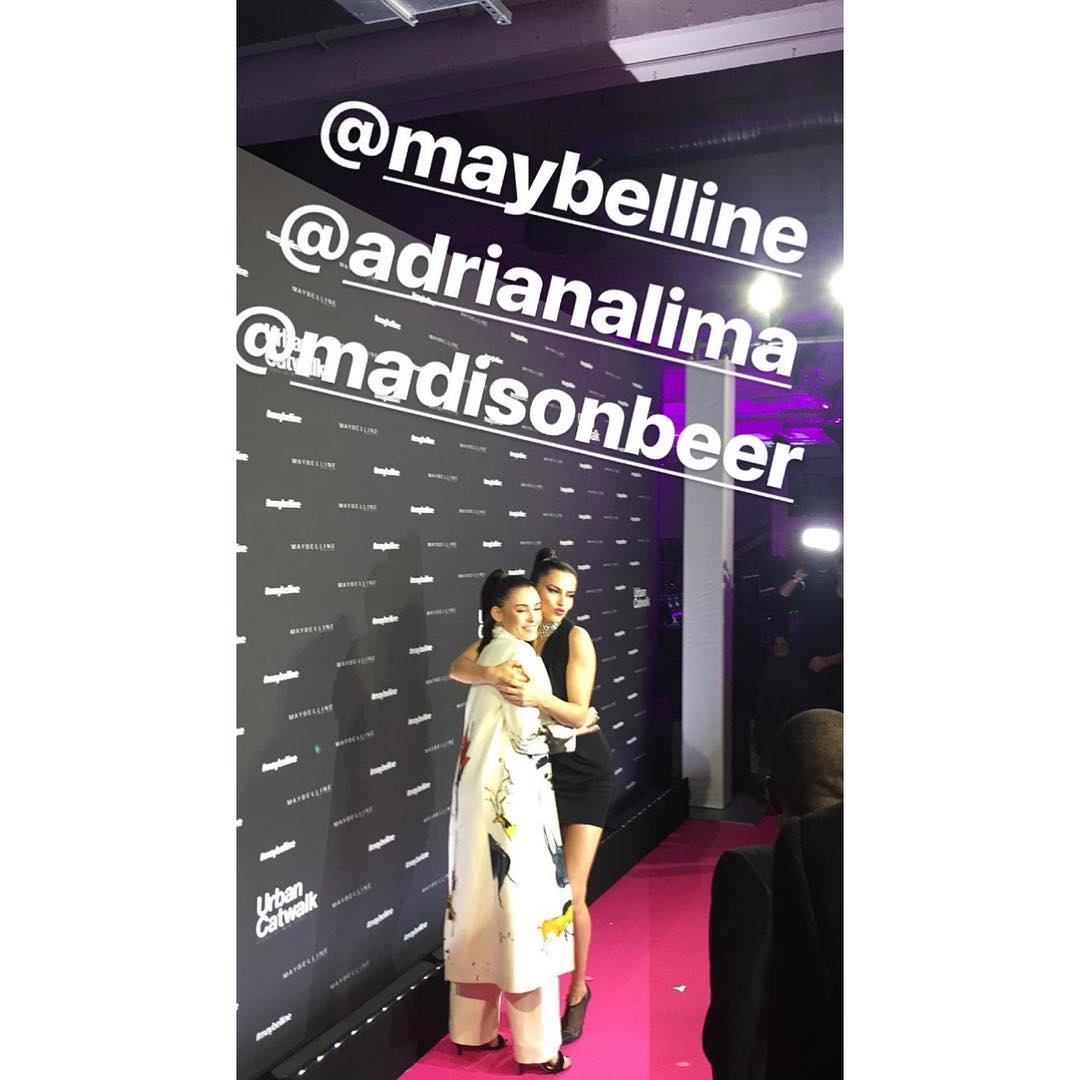
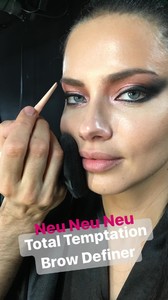
Glossy talk maybelline stories
Let's talk about the show or other things.. i mean, it doesn't matter theses things about him. She have to learn by herself. Staying here talk about both it only give more space for him. Let's talk good things.
Glossy talk maybelline stories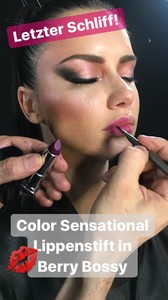

Account
Navigation
Search
Configure browser push notifications
Chrome (Android)
- Tap the lock icon next to the address bar.
- Tap Permissions → Notifications.
- Adjust your preference.
Chrome (Desktop)
- Click the padlock icon in the address bar.
- Select Site settings.
- Find Notifications and adjust your preference.
Safari (iOS 16.4+)
- Ensure the site is installed via Add to Home Screen.
- Open Settings App → Notifications.
- Find your app name and adjust your preference.
Safari (macOS)
- Go to Safari → Preferences.
- Click the Websites tab.
- Select Notifications in the sidebar.
- Find this website and adjust your preference.
Edge (Android)
- Tap the lock icon next to the address bar.
- Tap Permissions.
- Find Notifications and adjust your preference.
Edge (Desktop)
- Click the padlock icon in the address bar.
- Click Permissions for this site.
- Find Notifications and adjust your preference.
Firefox (Android)
- Go to Settings → Site permissions.
- Tap Notifications.
- Find this site in the list and adjust your preference.
Firefox (Desktop)
- Open Firefox Settings.
- Search for Notifications.
- Find this site in the list and adjust your preference.