Jump to content
View in the app

A better way to browse. Learn more.

Bellazon

A full-screen app on your home screen with push notifications, badges and more.

To install this app on iOS and iPadOS
  1. Tap the Share icon in Safari
  2. Scroll the menu and tap Add to Home Screen.
  3. Tap Add in the top-right corner.
To install this app on Android
  1. Tap the 3-dot menu (⋮) in the top-right corner of the browser.
  2. Tap Add to Home screen or Install app.
  3. Confirm by tapping Install.

bump

Members
  • Joined

  • Last visited

Everything posted by bump

  1. By Alicia Sessler 86294361_132344598277454_900202261731241026_n.mp4
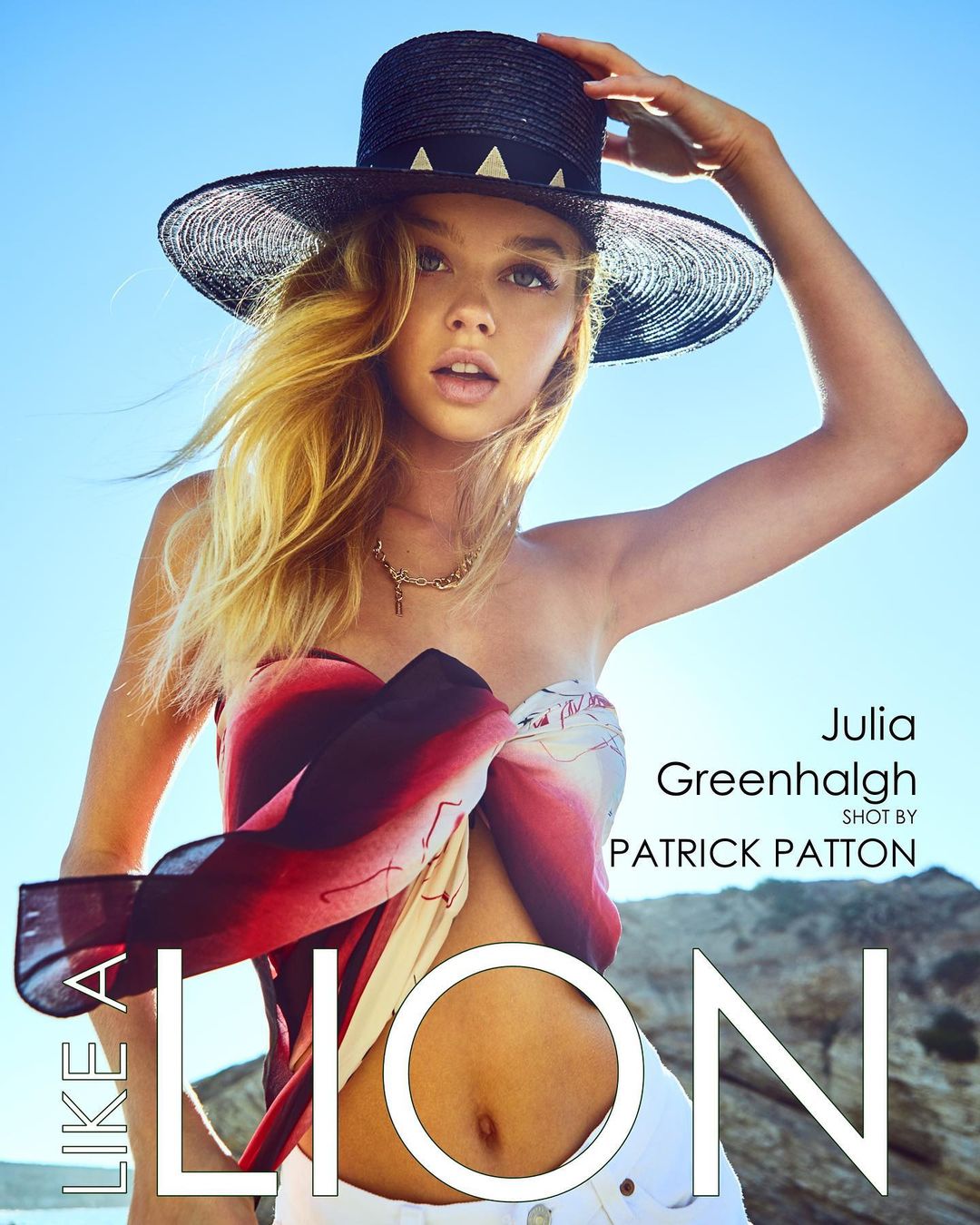
  2. For Like a Lion Magazine by Patrick Patton (styled by Tiffany Pryor) 119185917_2739617576276804_7884204711919943121_n.mp4
  3. Untamed Petals IG 164912674_591455718495527_7867791211808054259_n.mp4
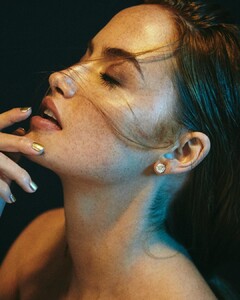
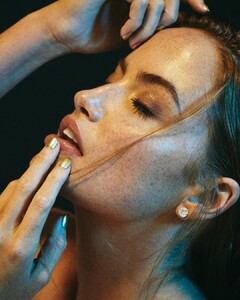
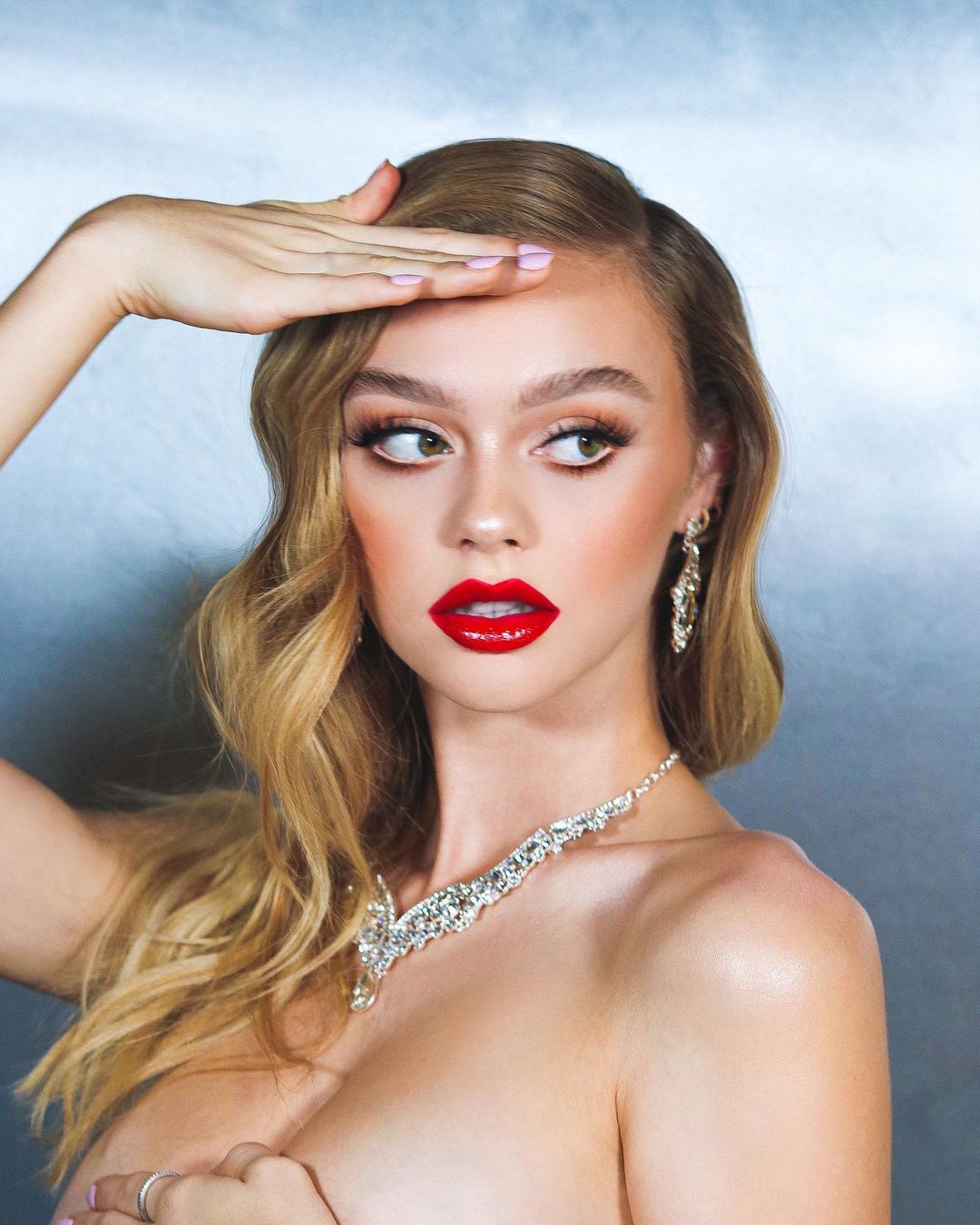
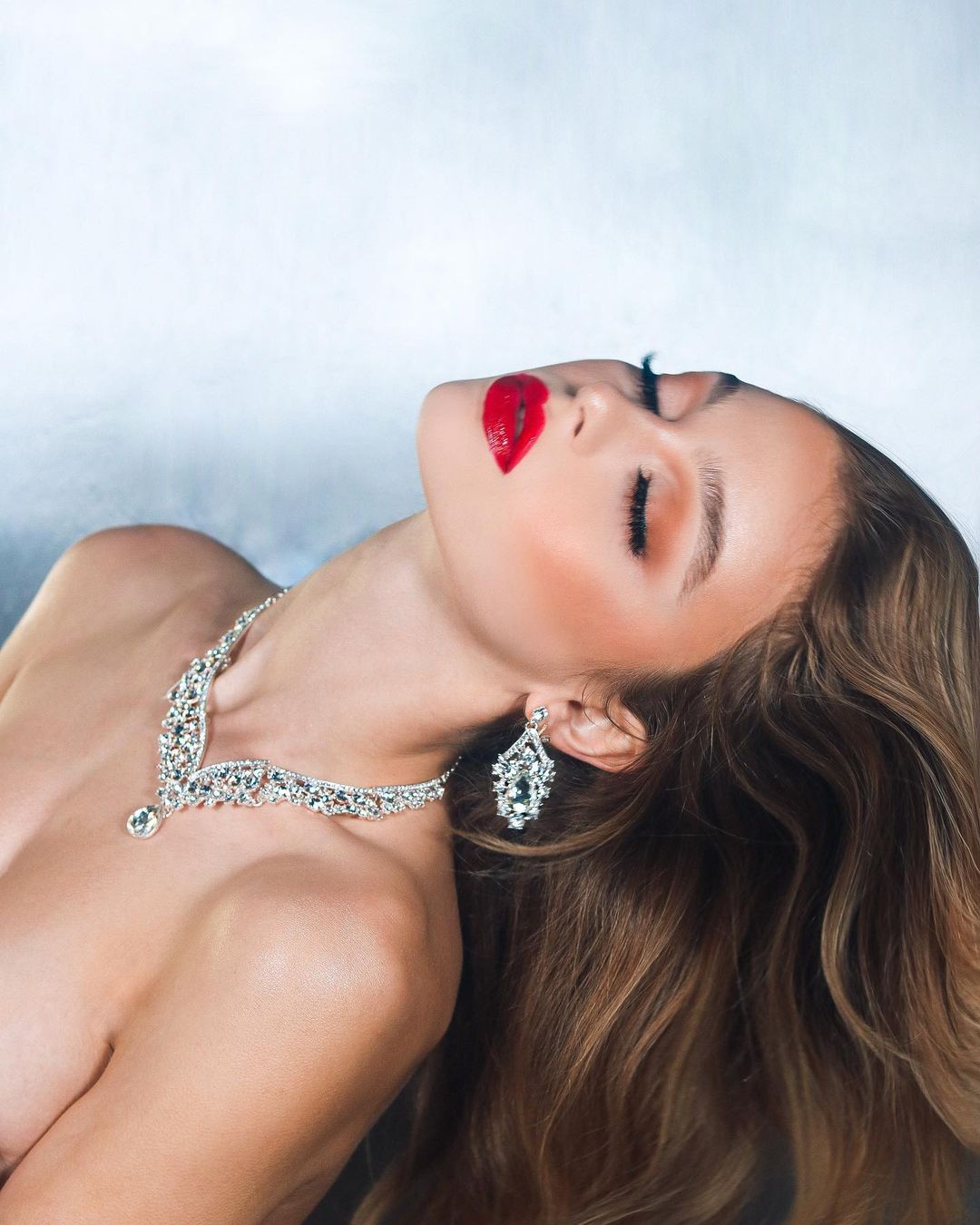
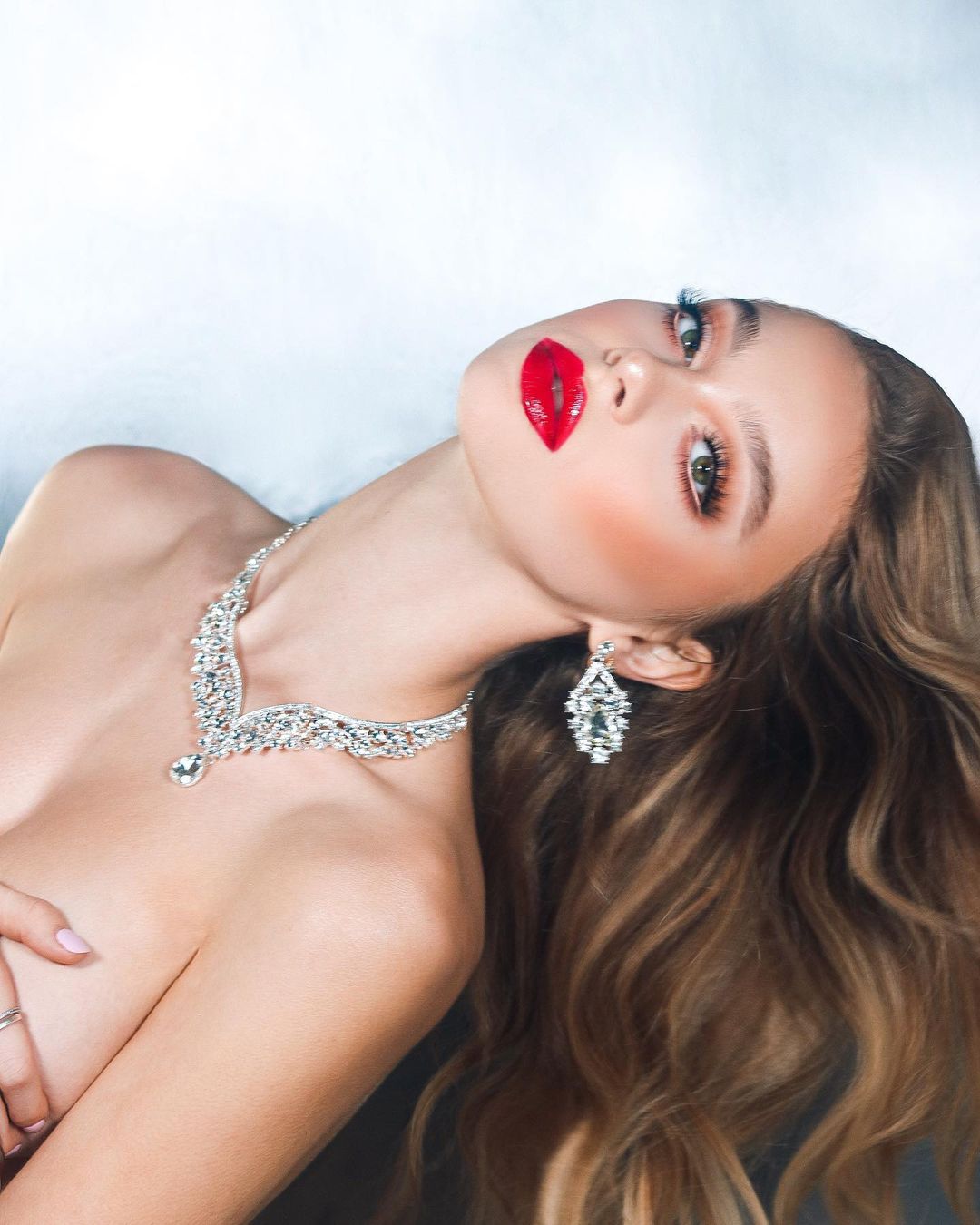
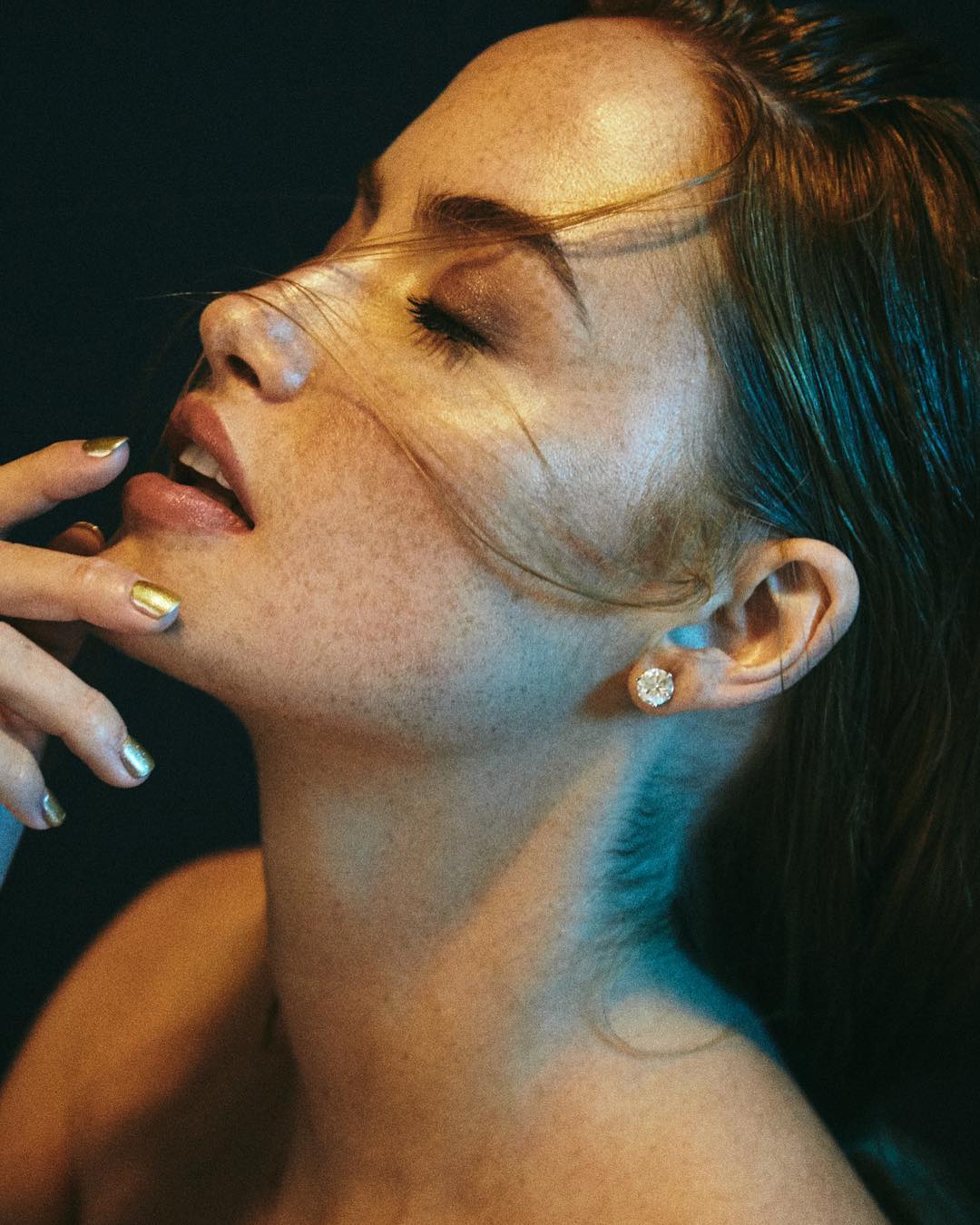
  4. By Alexandra Wallace (MUA and hair by Rubyxhair) for Ania Jewlery
  5. By Armando Garcia 110196787_414032716243263_8681922710724256998_n.mp4
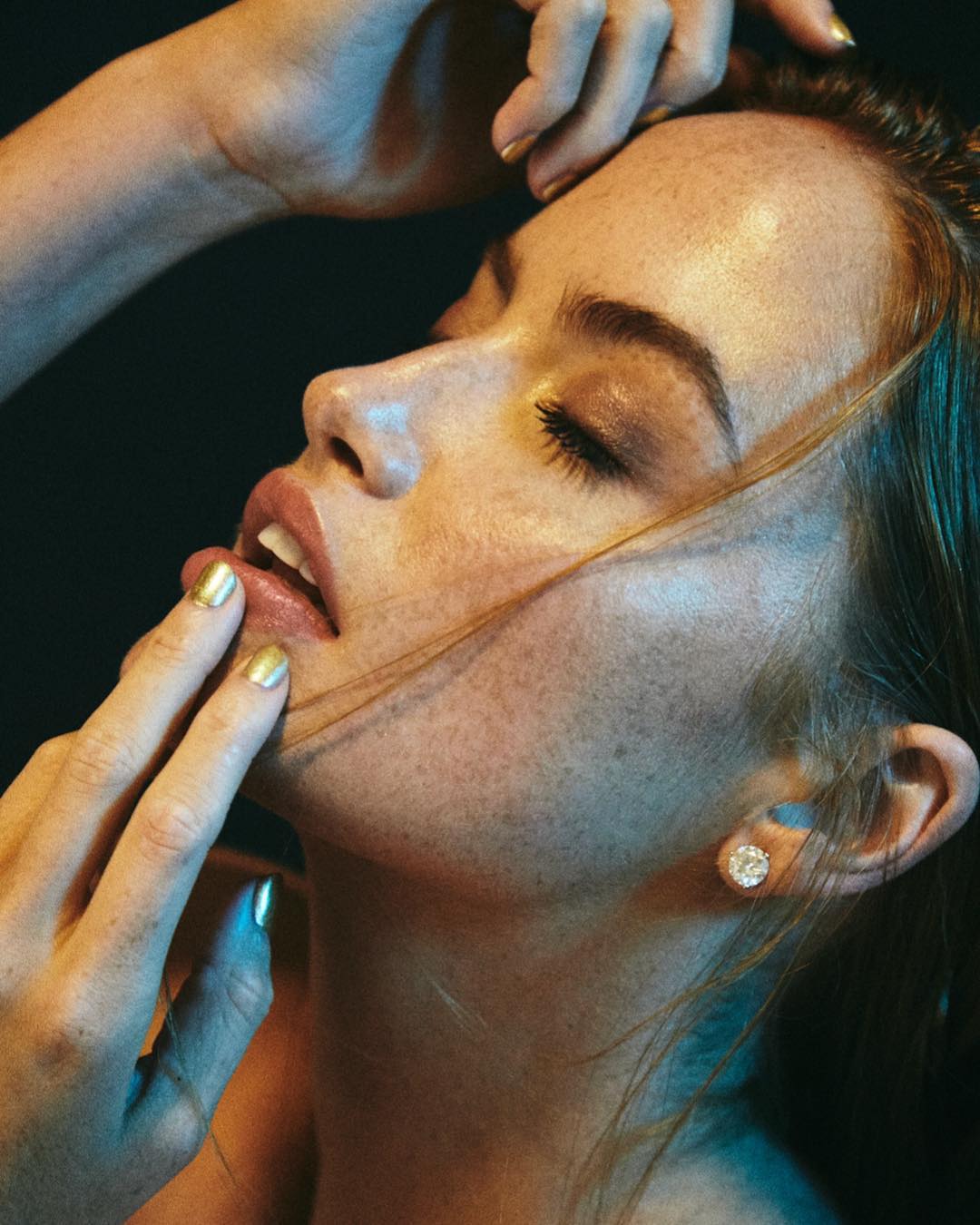
  6. By Lacey Moranville for Ania Bloom Jewlery (MUA and hair by rubyxhair)
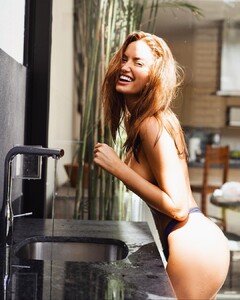
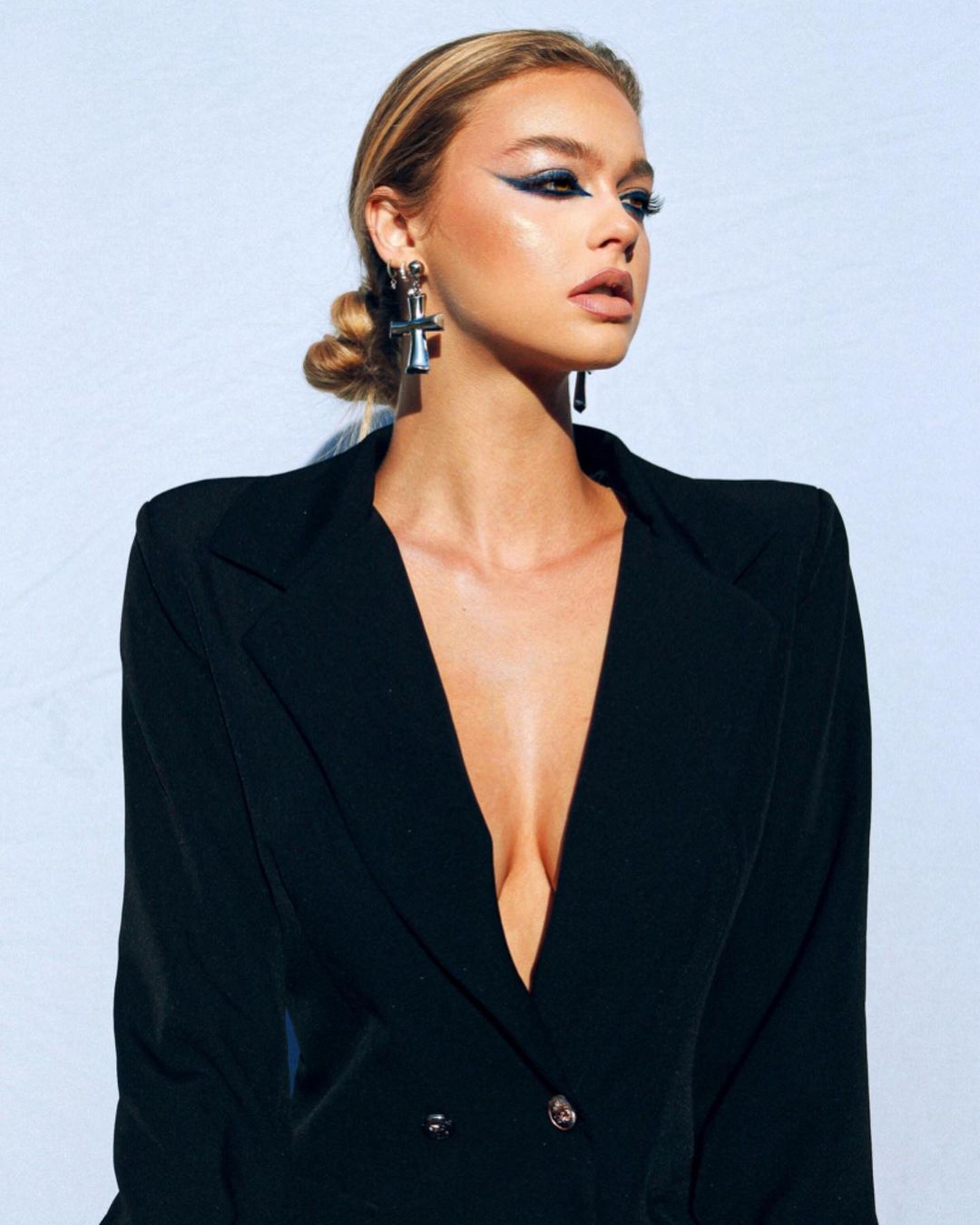
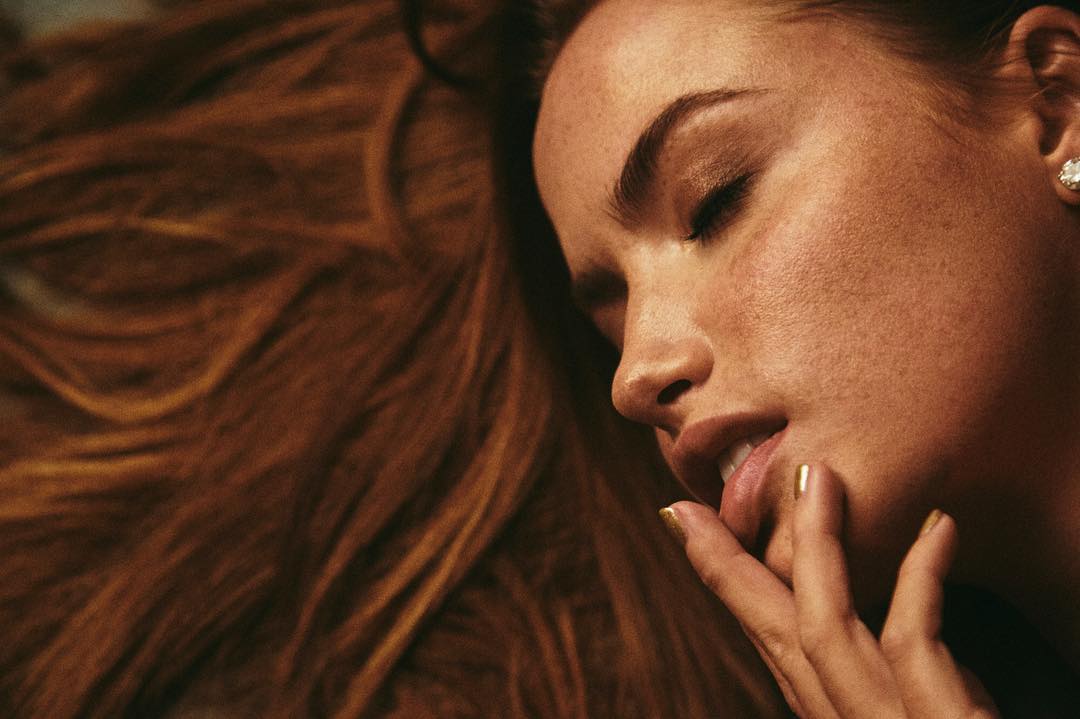
  7. By Lacey Moranville (MUA and hair by rubyxhair)
  8. By Dreamstatelive for Yelete
  9. By Armando Garcia (hair by rubyxhair)
  10. BY Dream statelive for Yelete
  11. With Evolve Models @evolve.models and @omodelsagency LA Her IG: https://www.instagram.com/julllliiaa/ HEIGHT: 5’ 11" / 180 cm BUST: 31 WAIST: 24 HIPS: 31 https://www.omodelsagency.com/talent-detail.html?q=efe23cca44cf00efbec3ce6ed8efcded3579
  12. Hailey Outland Carmella Rose Madison Headrick Natasja Madsen Renée Murden Colleen Cole Shanina Shayk Celine Farach Kate Li Yael Shelbia
  13. By Victor Robertof (goes with set on page 1)

  14. By Andrew Day (MUA Emilie Heathe and Shay Nicole, hair by raisingkaned)

  15. Her IG wearing Forever 21
  16. By Gregorio Campos
  17. By Christian Michel
  18. By Christian Michel (goes with set on page 20)

Configure browser push notifications

Chrome (Android)
  1. Tap the lock icon next to the address bar.
  2. Tap Permissions → Notifications.
  3. Adjust your preference.
Chrome (Desktop)

  1. Click the padlock icon in the address bar.
  2. Select Site settings.
  3. Find Notifications and adjust your preference.