All Activity
- Past hour
-
.thumb.jpeg.85b58b325b447ea199e29c85ce106f96.jpeg) Bravo dear friend✨🌼wonderful new topic 🌿
Bravo dear friend✨🌼wonderful new topic 🌿 -


 Oh What a Year, 29 november 2025









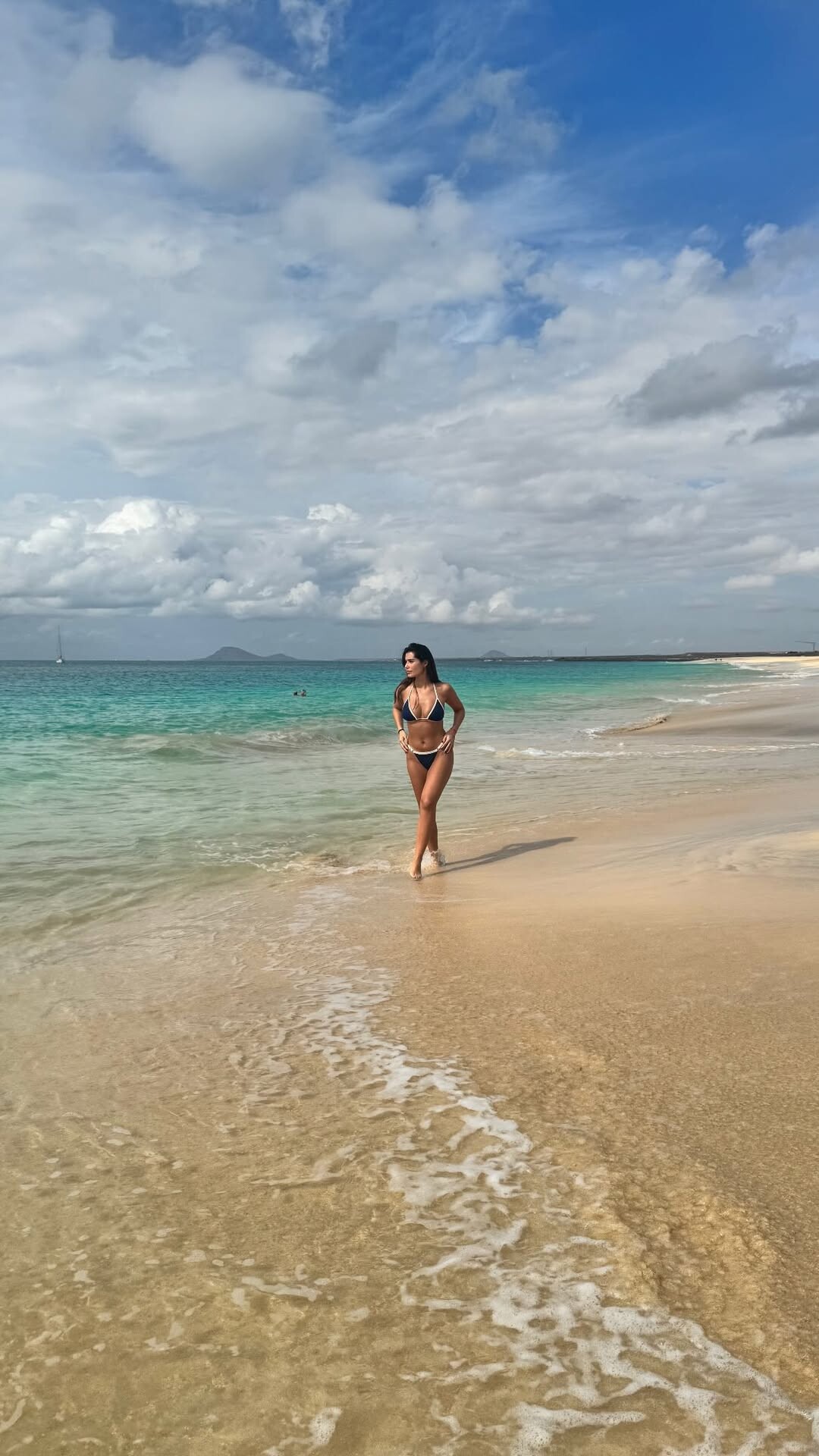
 Manuela Viegas [Most] Agnes Pimentel [Least] Milana Vino [Most] Priscilla Ricart [Least] Larissa Galvao [Most] Daphne Groeneveld Tyler Moolman Lilia Weddell Karin Alia [Least]
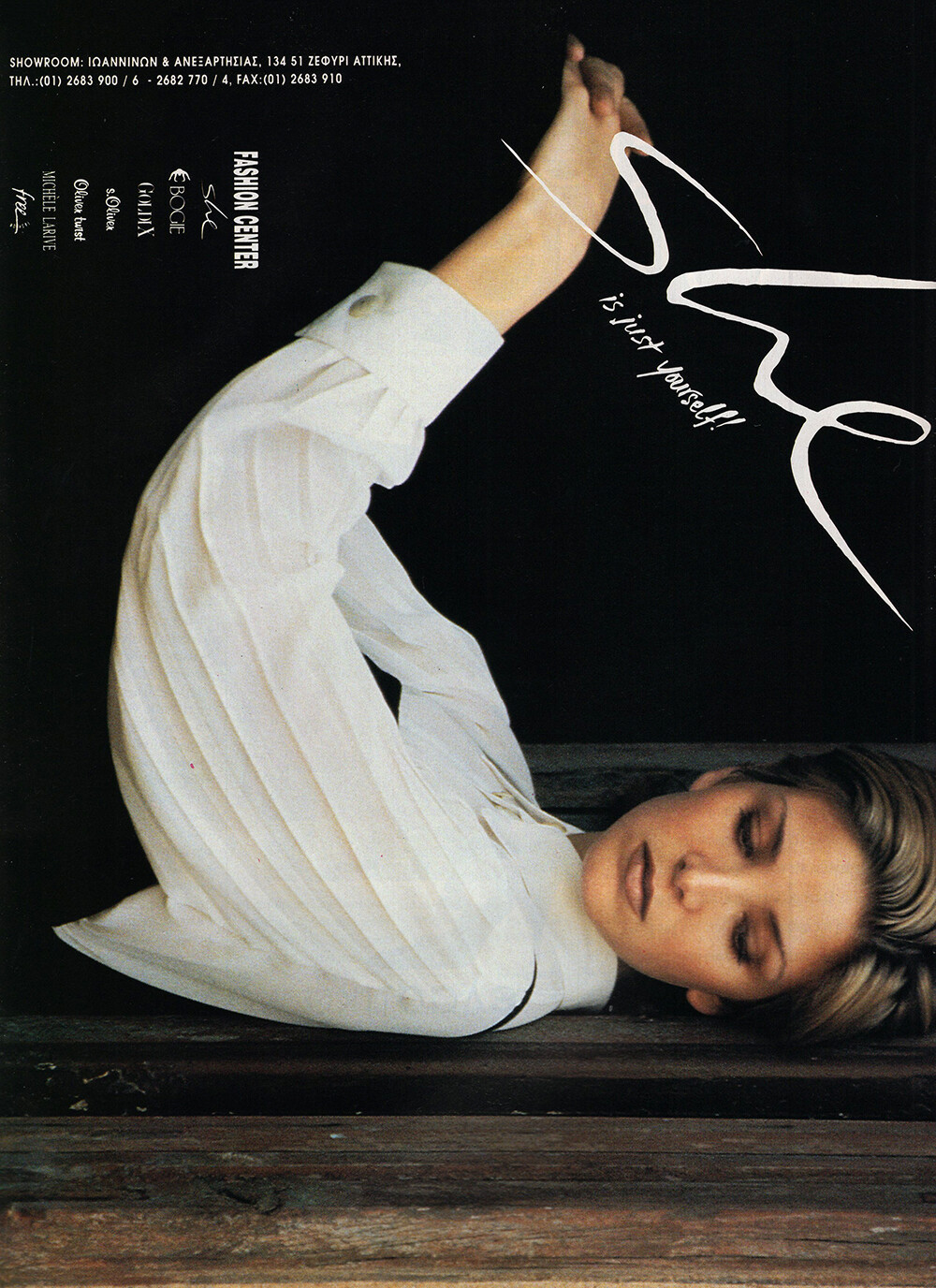
 CHIC 1994 - PH. UNK - MY SCAN
 FRENCH CONNECTION 1994 - PH. UNK - MY SCAN
 model agency portfolio














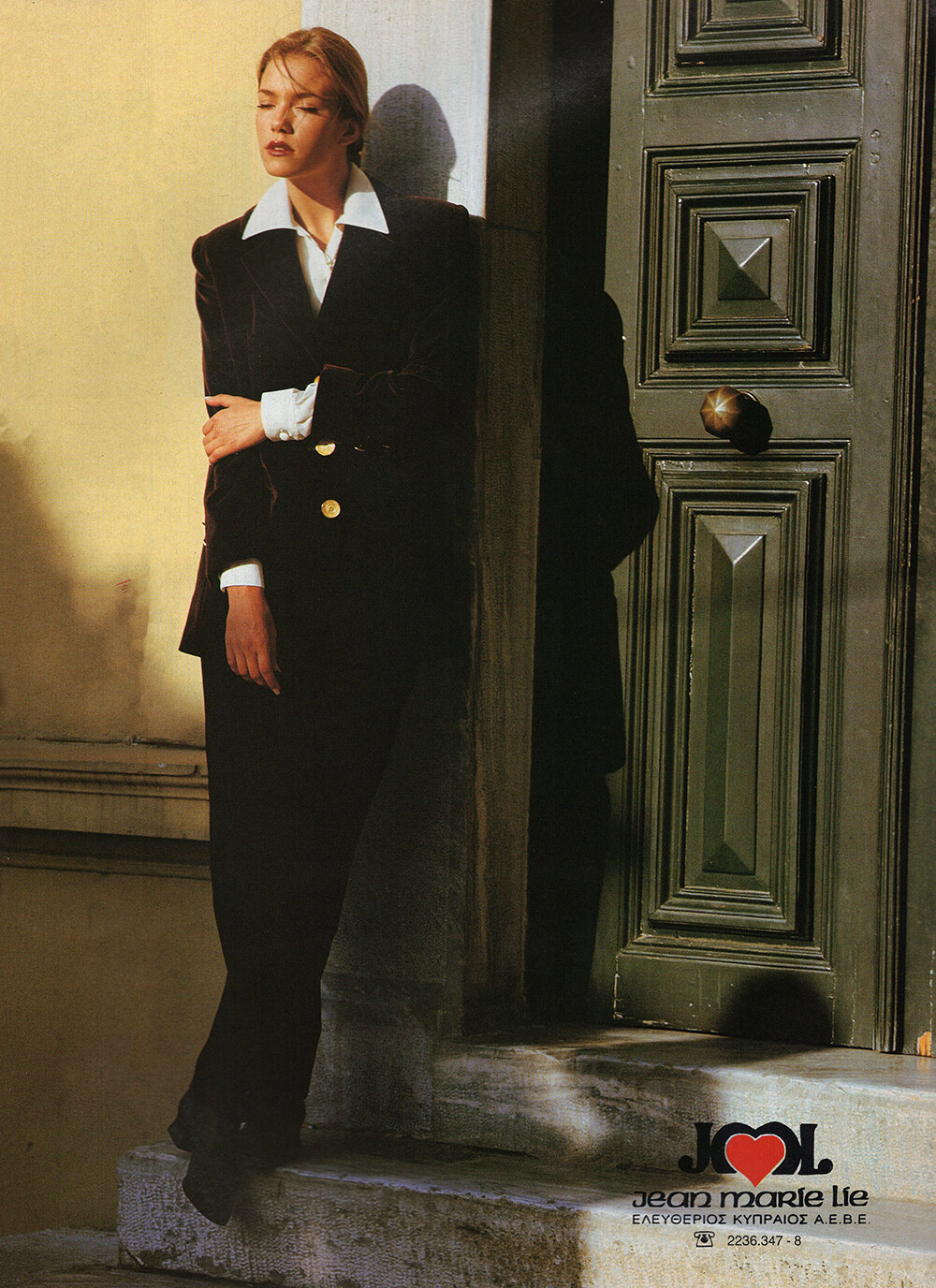
 JEAN MARIE LIE 1994 - PH. UNK - MY SCAN
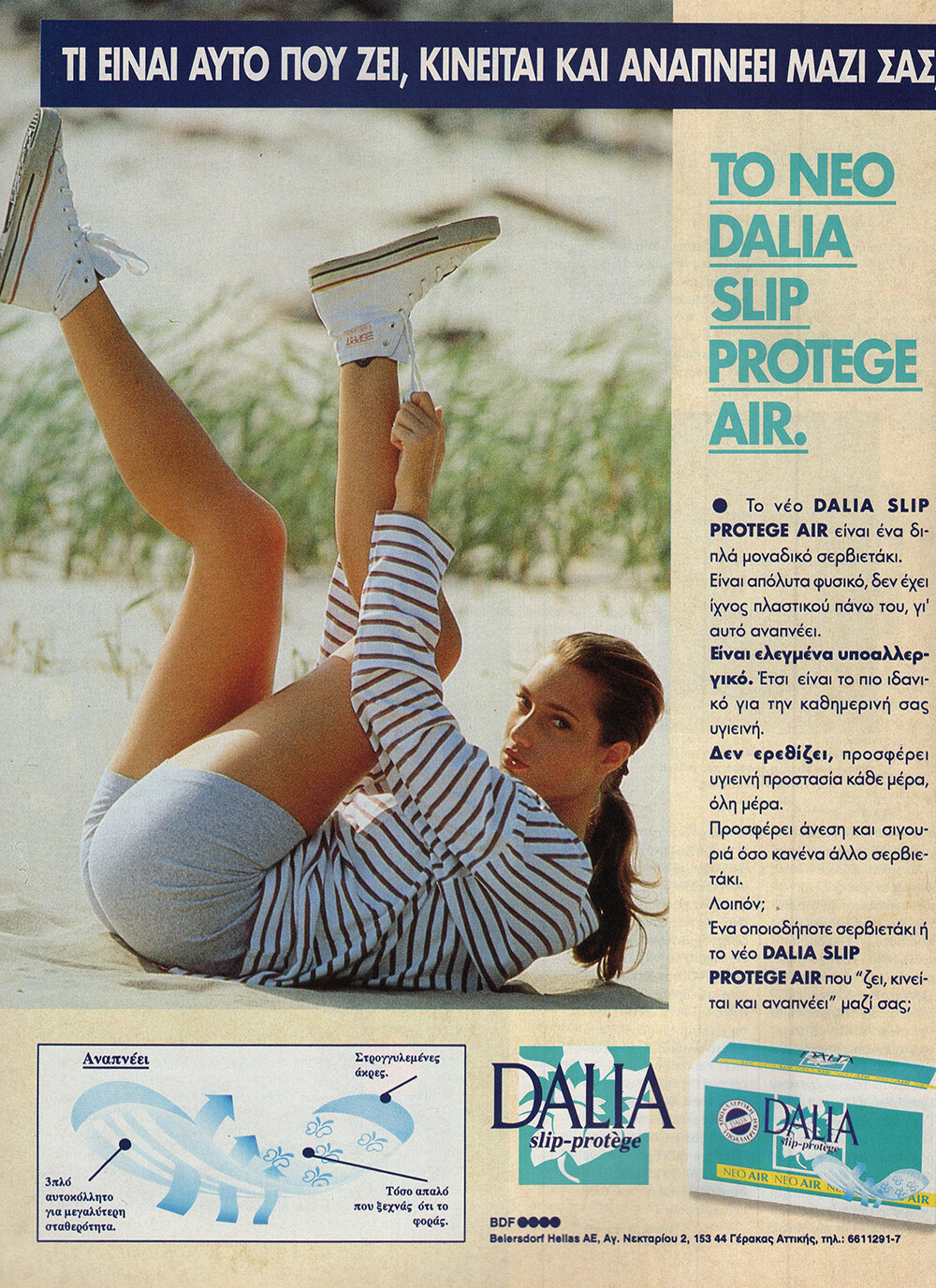
 DALIA 1994 - PH. UNK - MY SCAN
 selfie-polaroids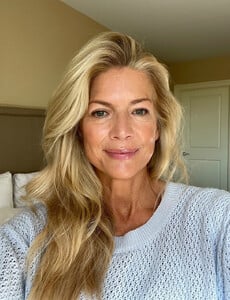
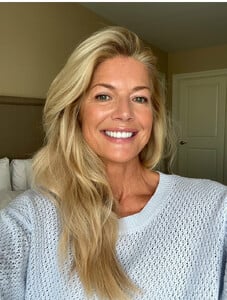

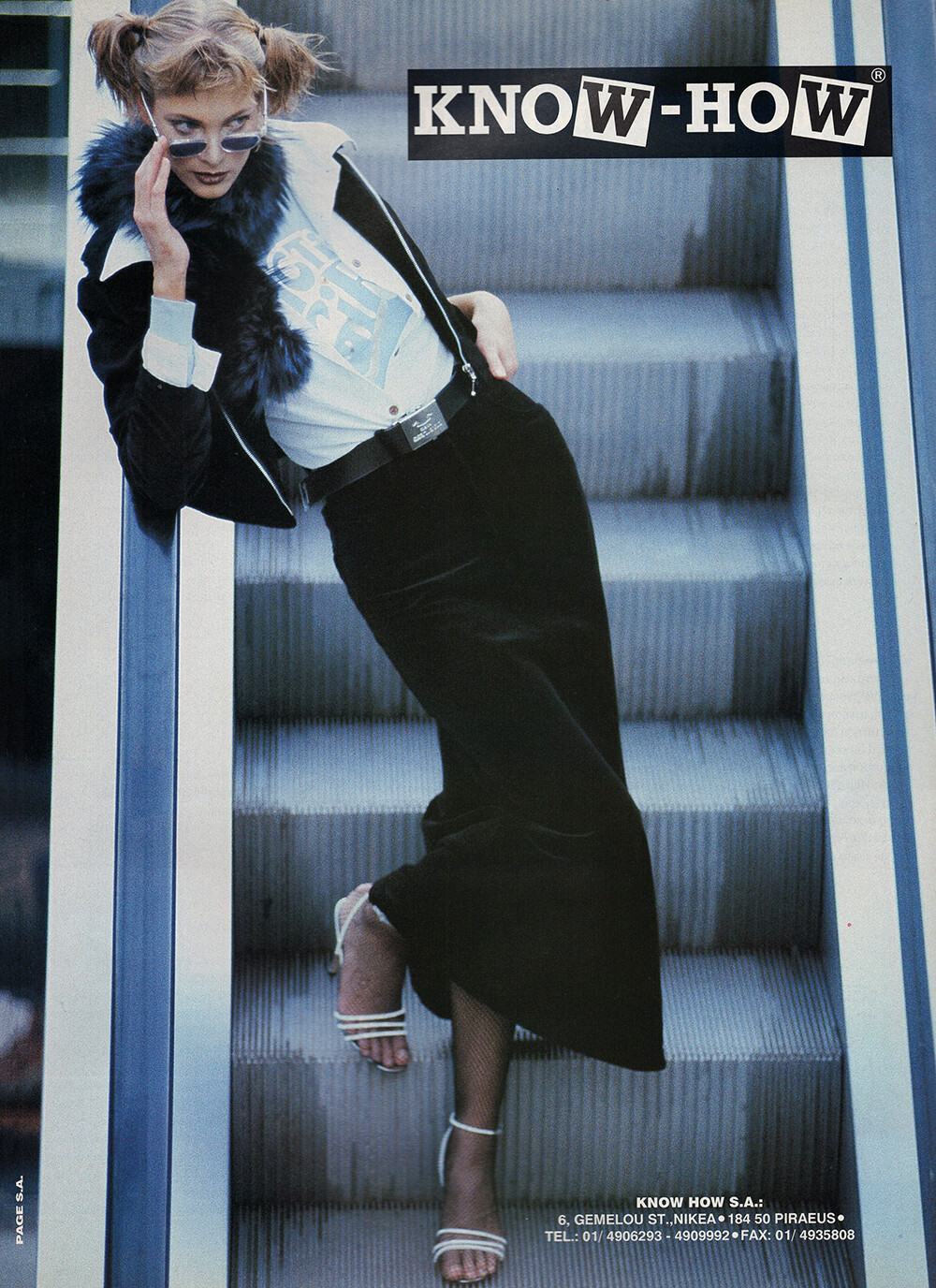
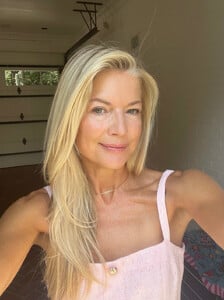 KNOW-HOW 1994 - PH. UNK - MY SCAN
 23rd season of Actors on Actors Thursday, Dec. 11: Sydney Sweeney (“Christy”) and Ethan Hawke (“Blue Moon”) https://variety.com/2025/film/news/actors-on-actors-lineup-leonardo-dicaprio-jennifer-lawrence-1236597143/
 LEJABY 1994 - PH. UNK - MY SCAN

 Journey to Joy. A holiday tradition. jaredjewelers jaredpartner


 'The Housemaid' premiere in New York via Variety lu9J-wOba3jkrDQu.mp4v9qxRsHRmpR1v9zs.mp4Esb1cXcqVrzI6sko.mp4


































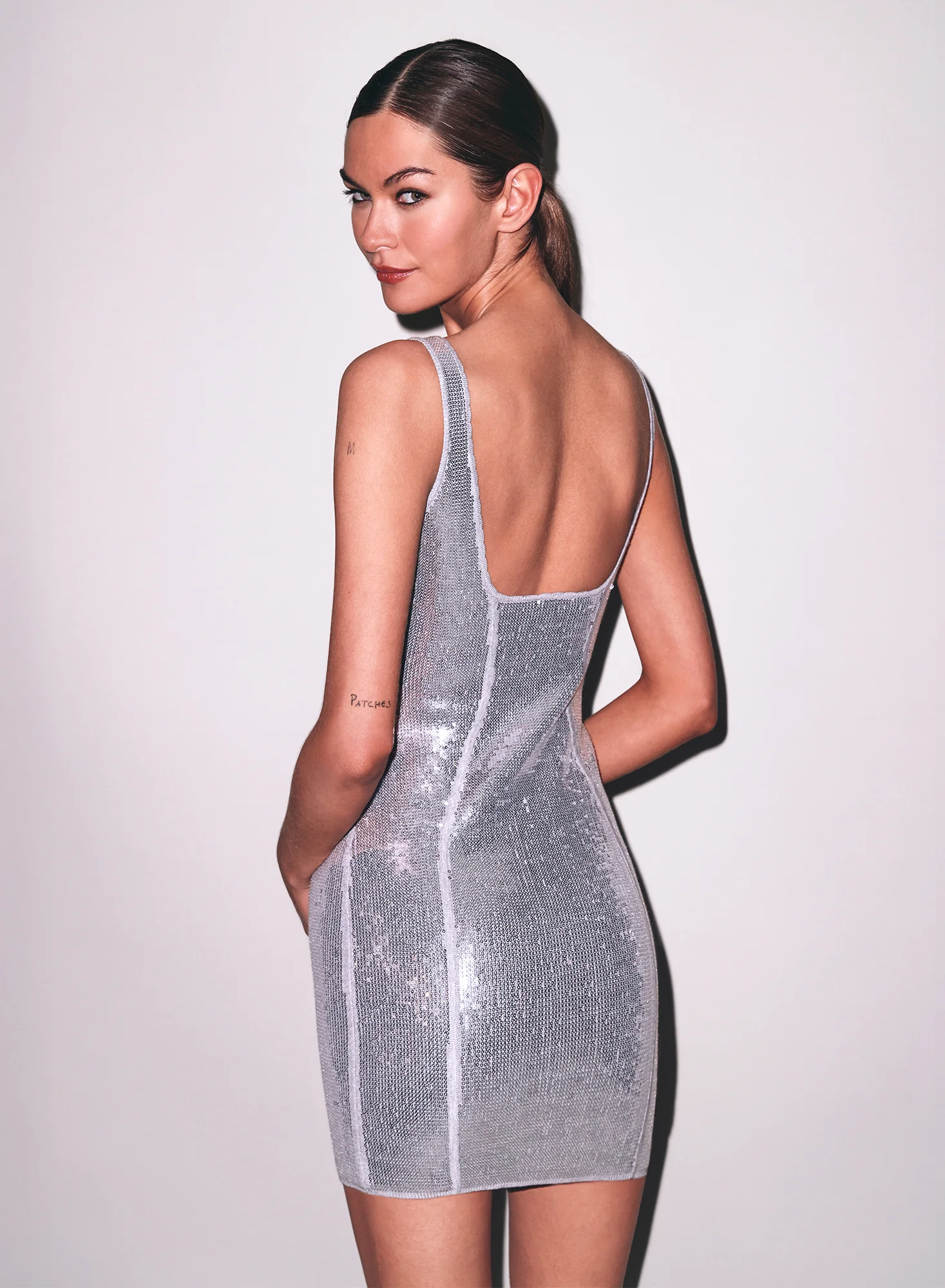
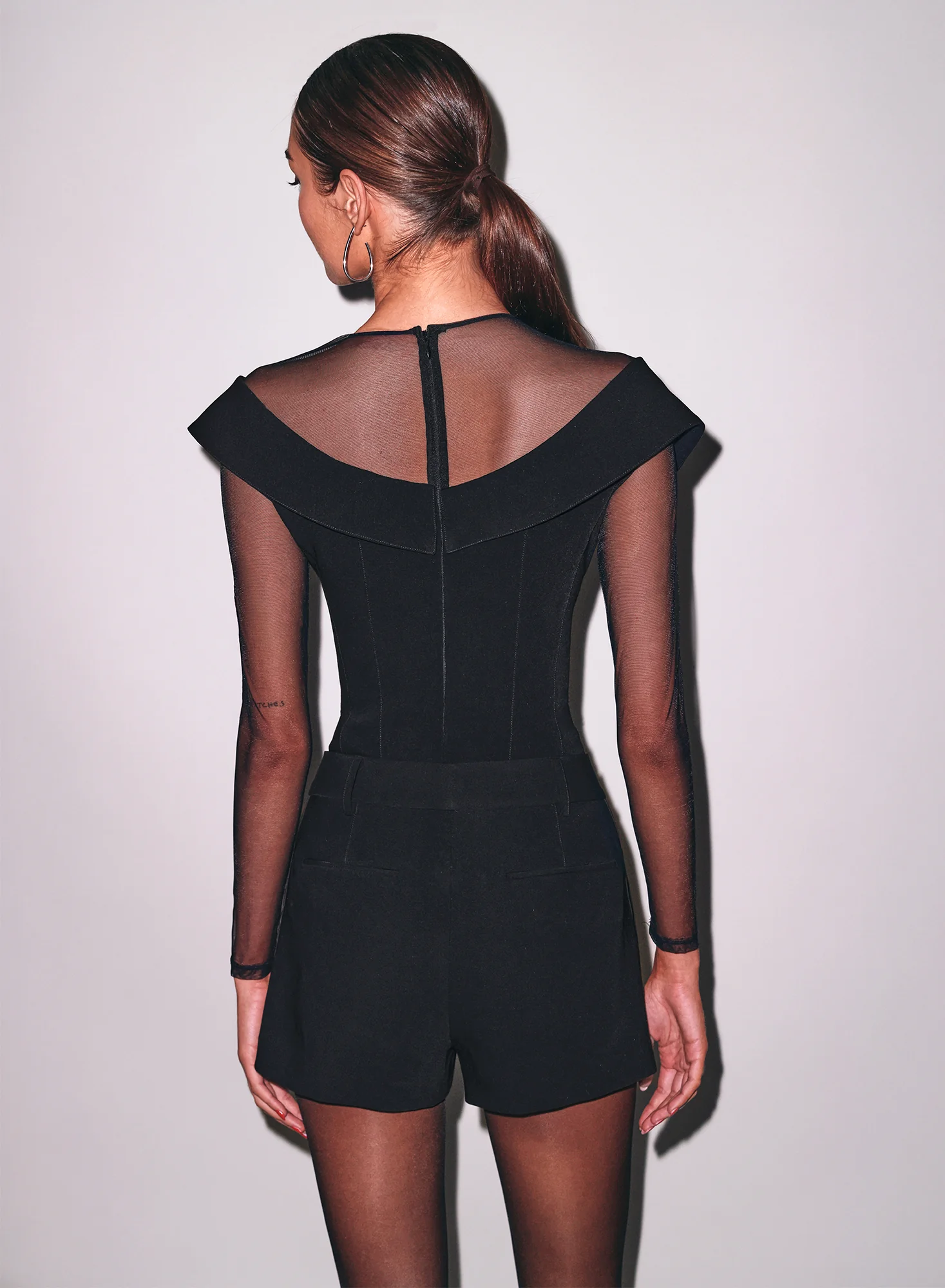
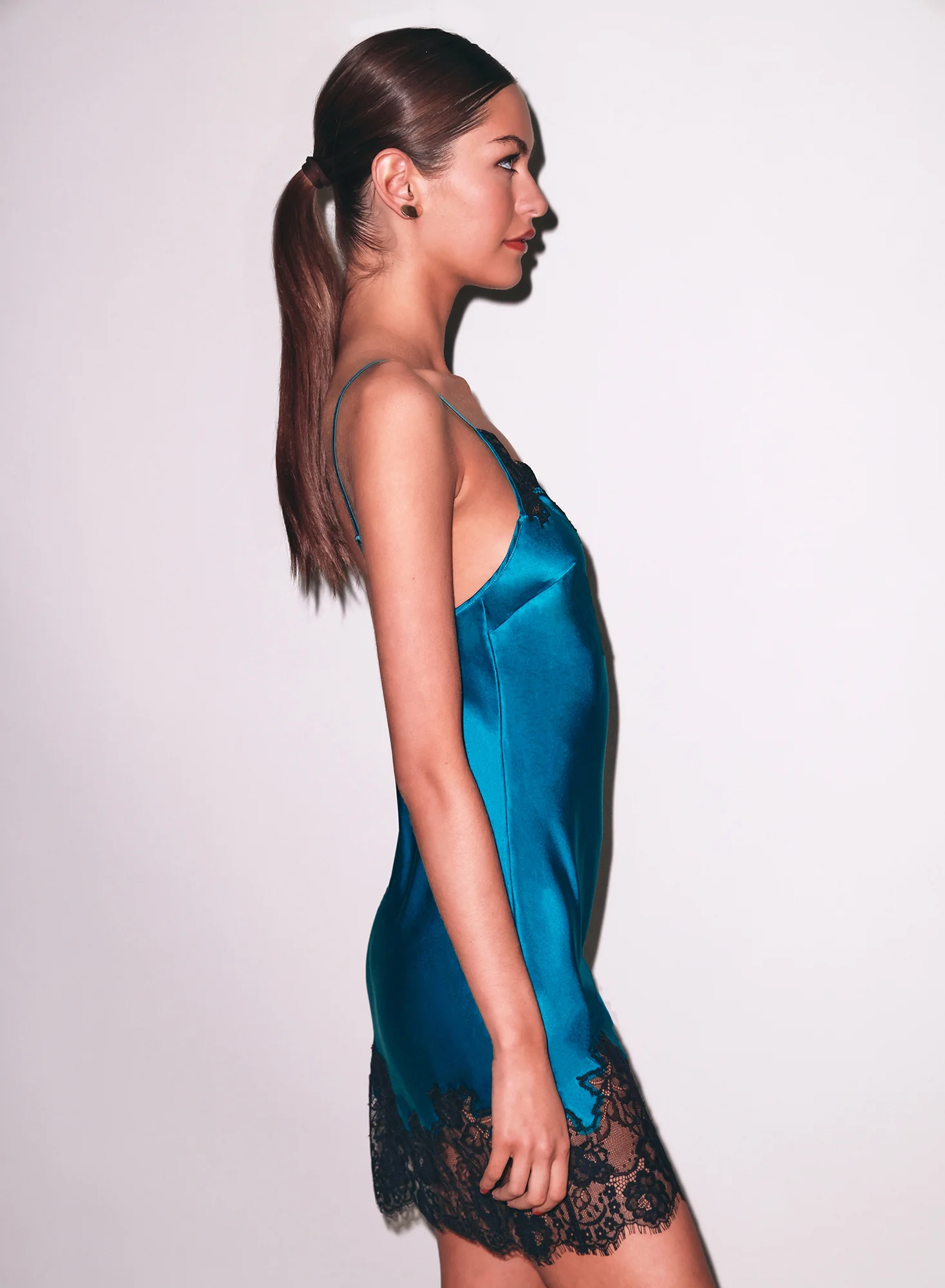
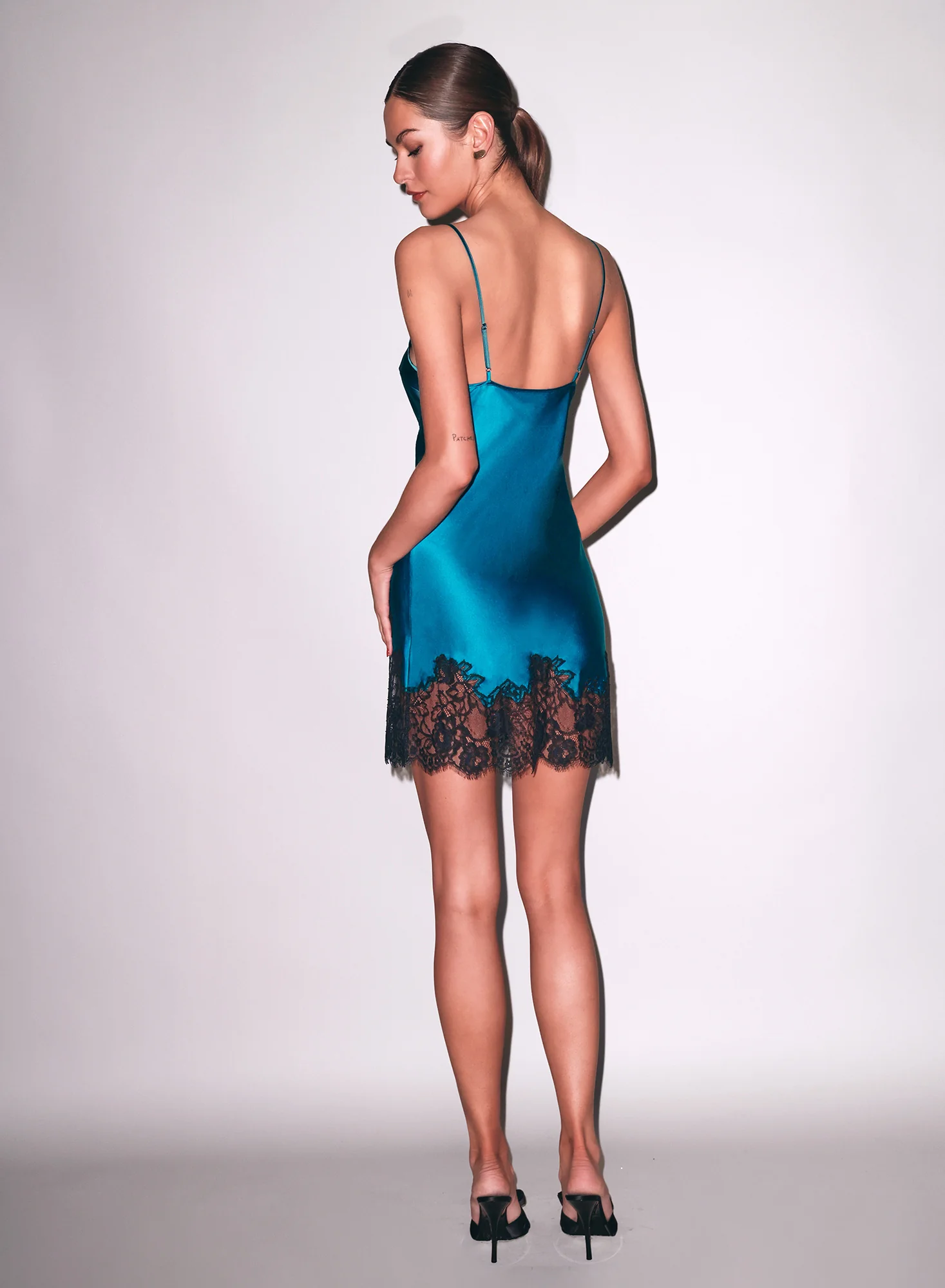
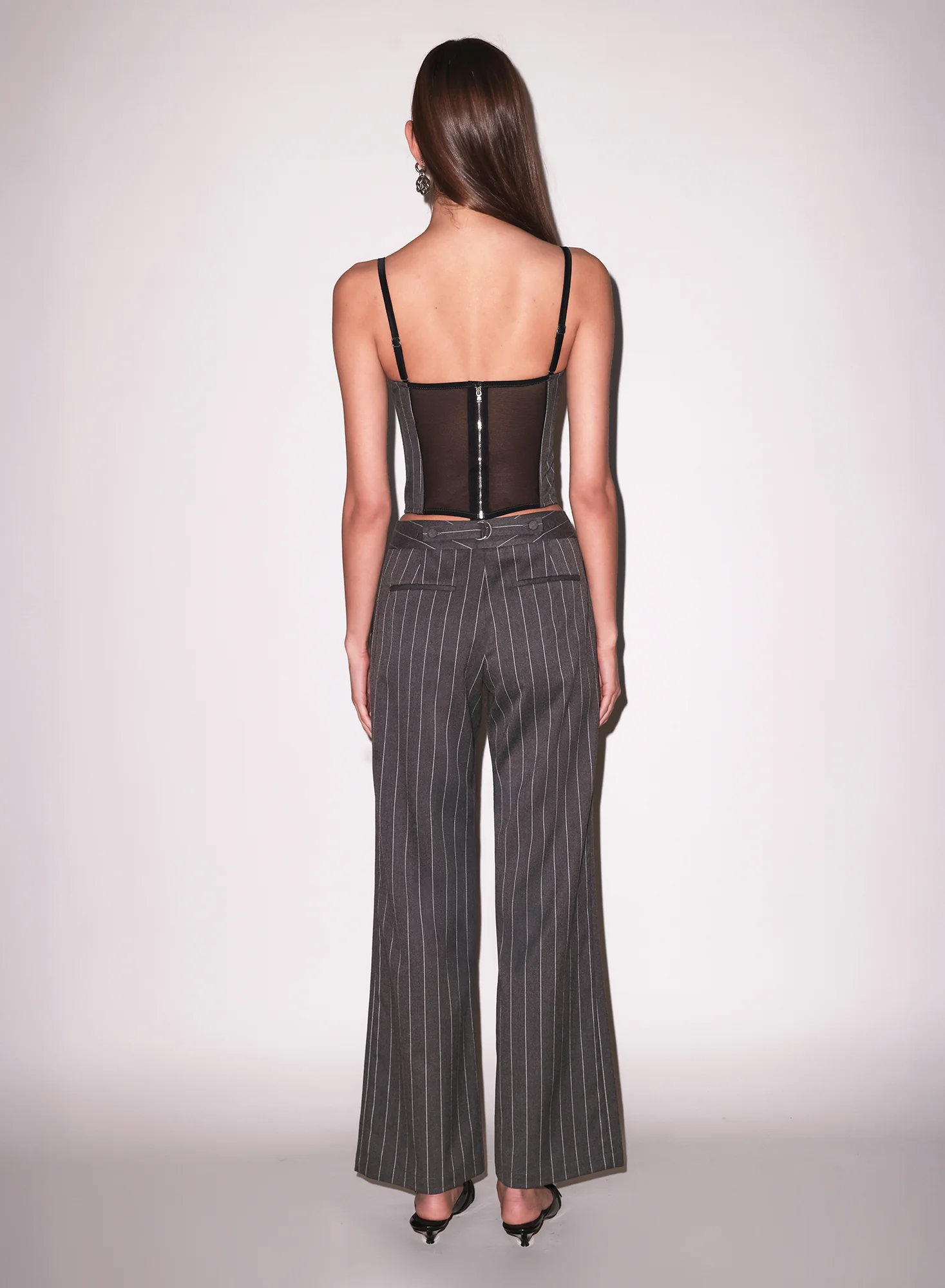
 Drope: stories video [2025.12.03] dropeclothing_3779590759780309592.mp4

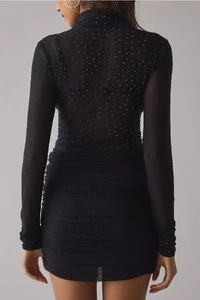
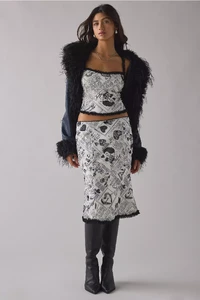
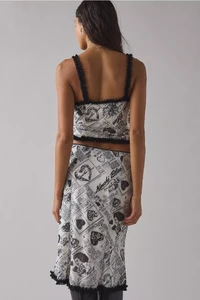
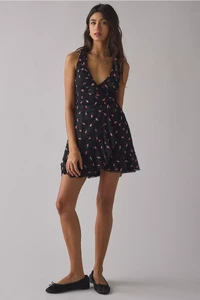
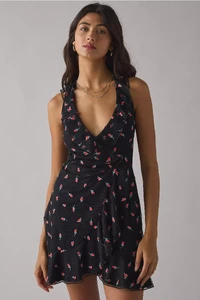
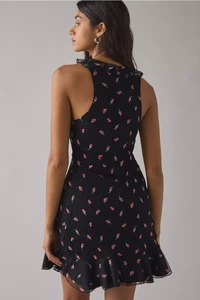
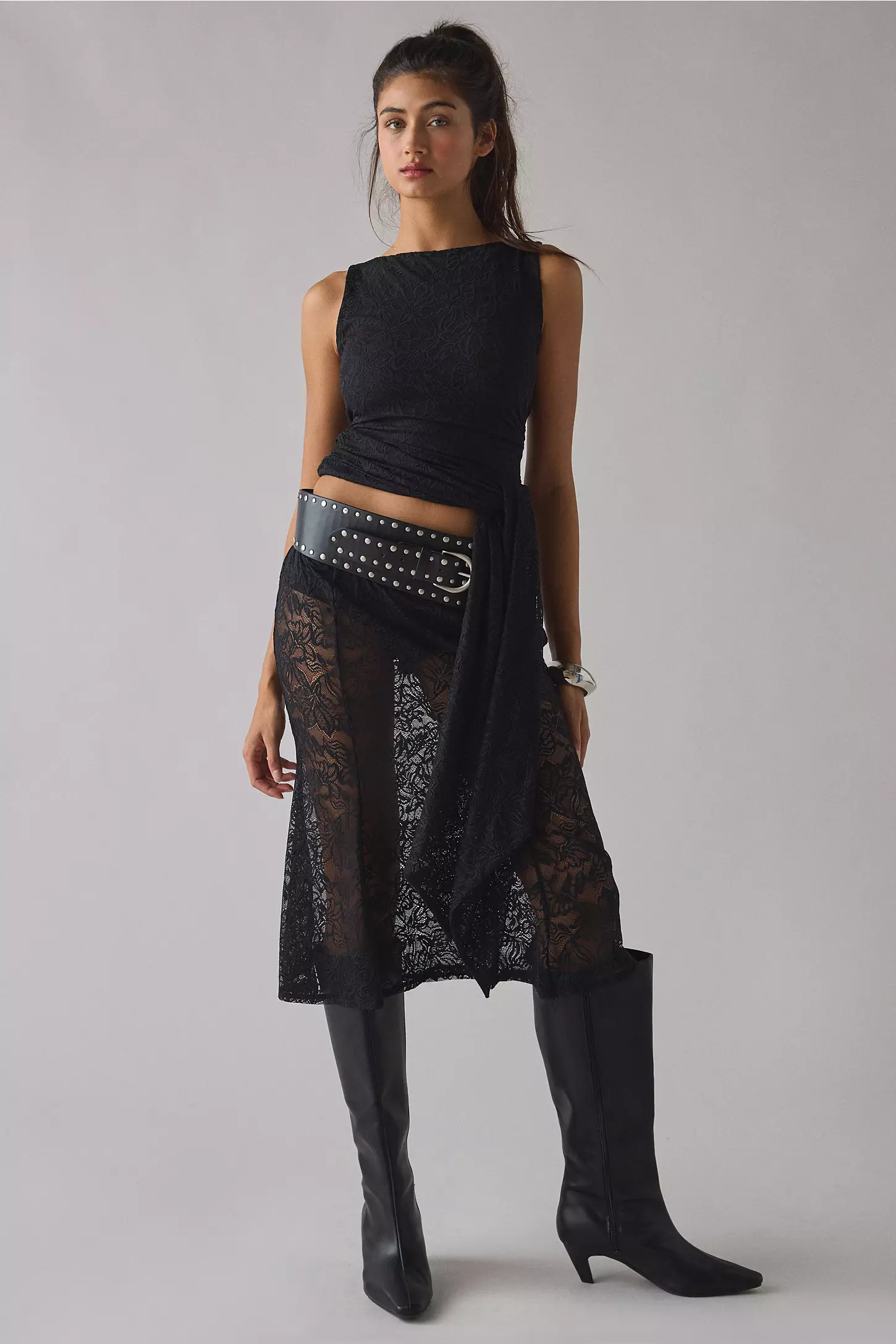
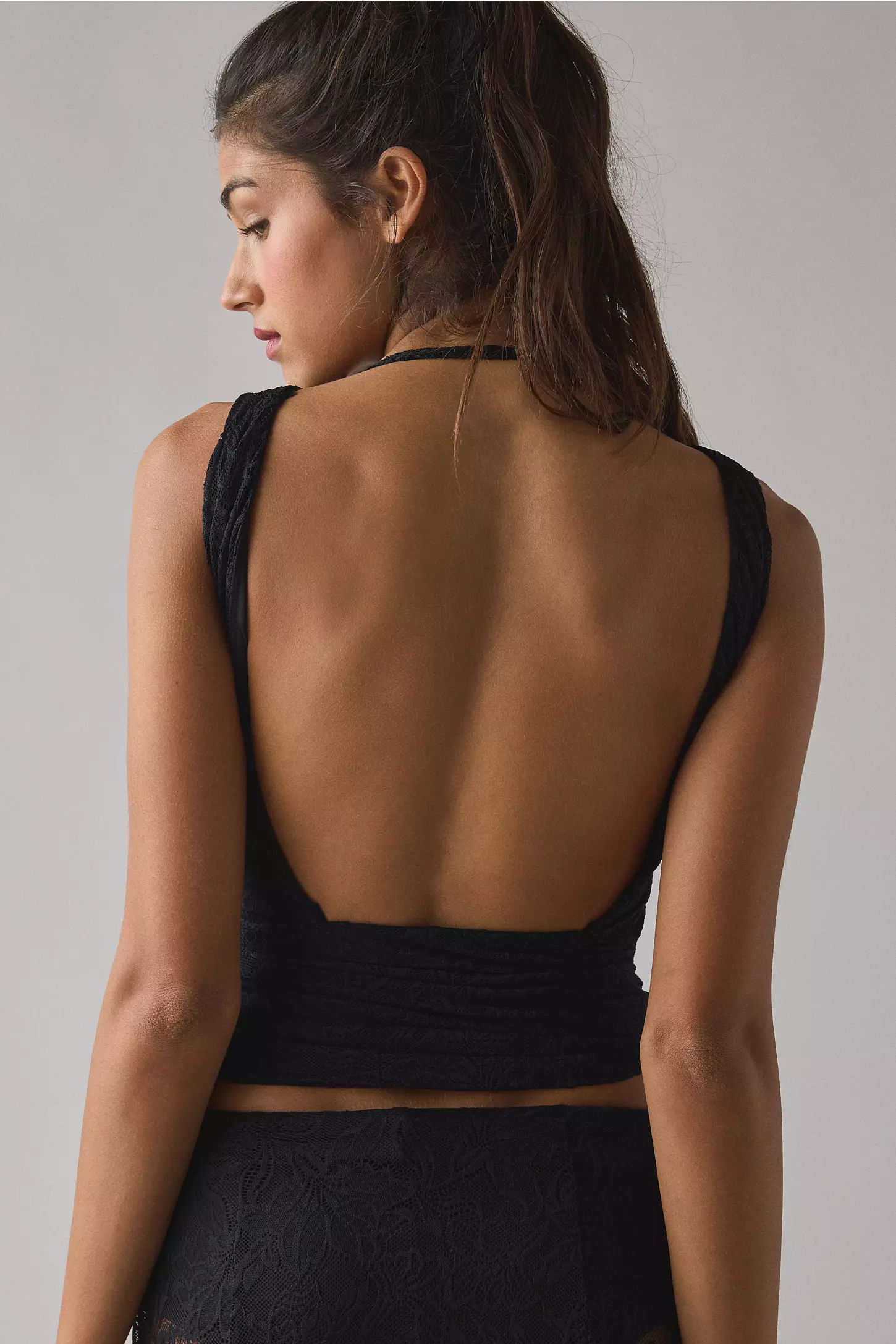
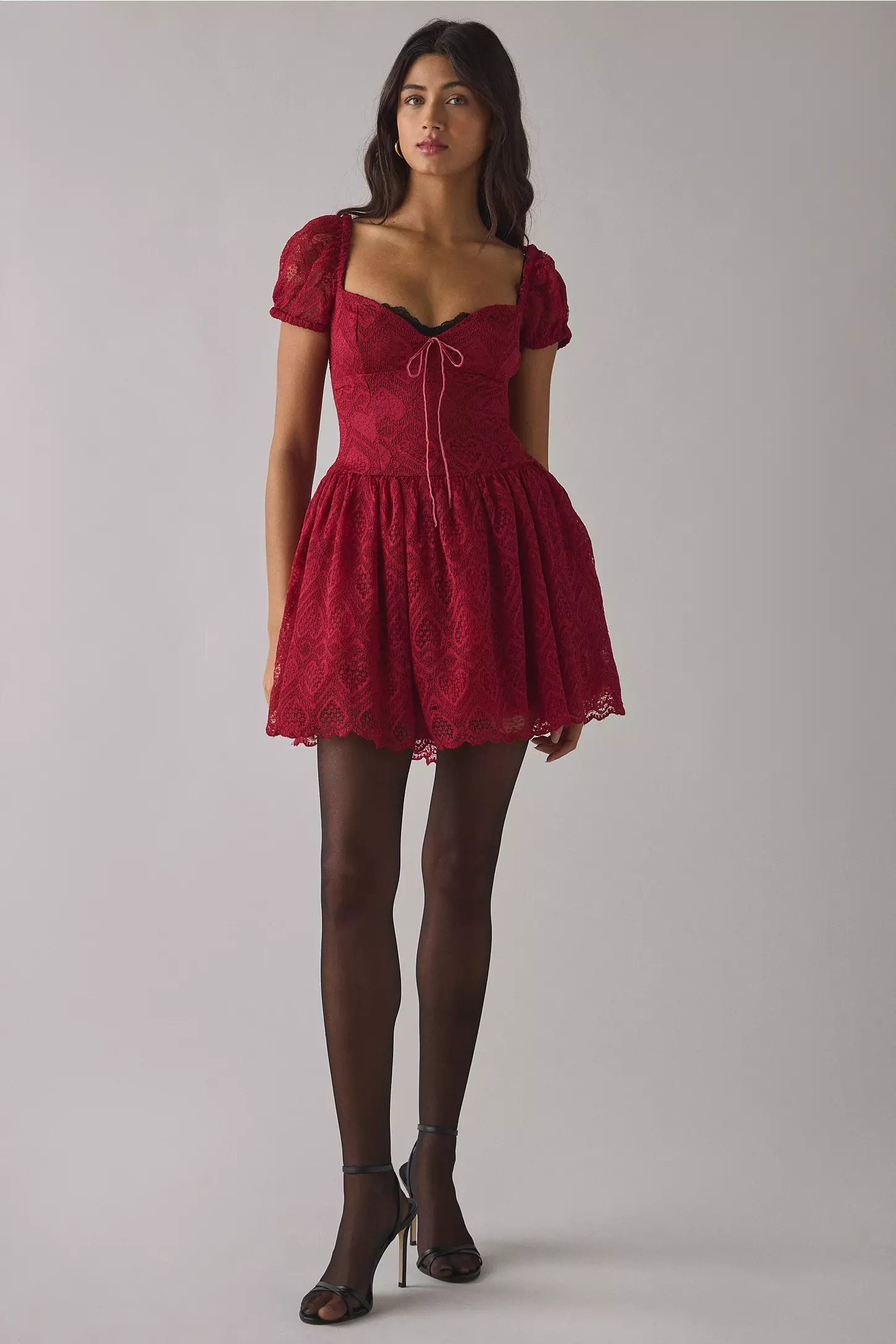
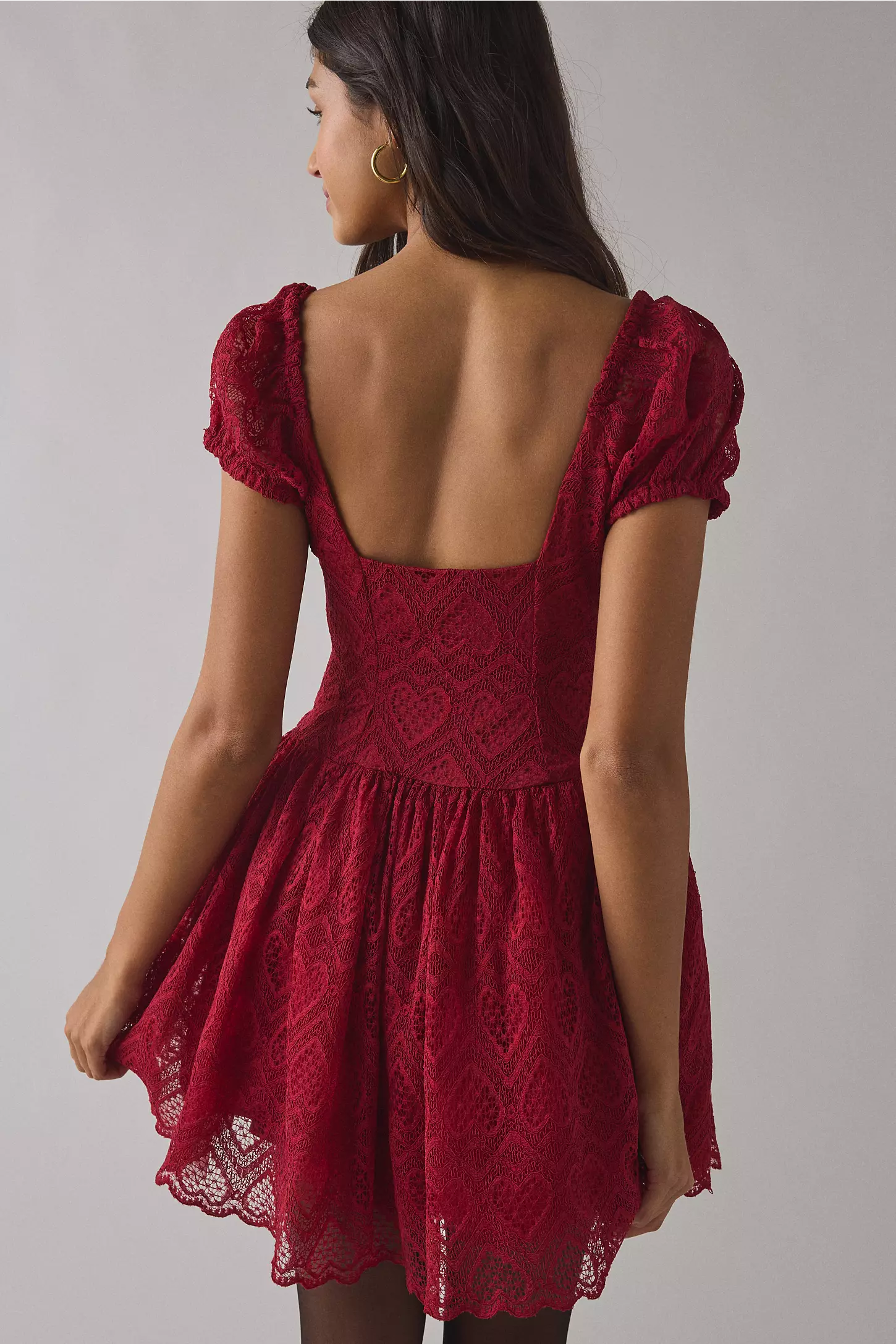
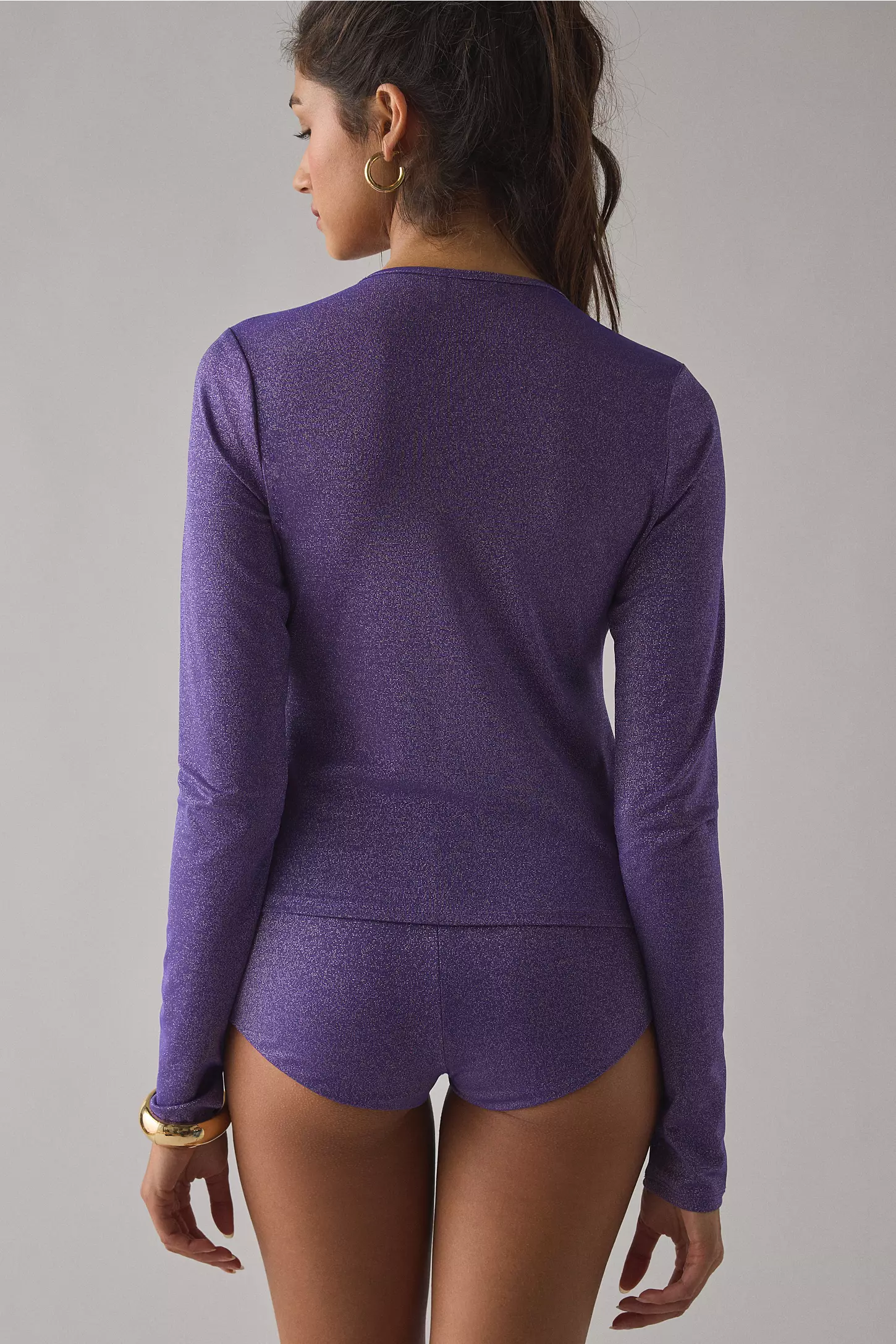
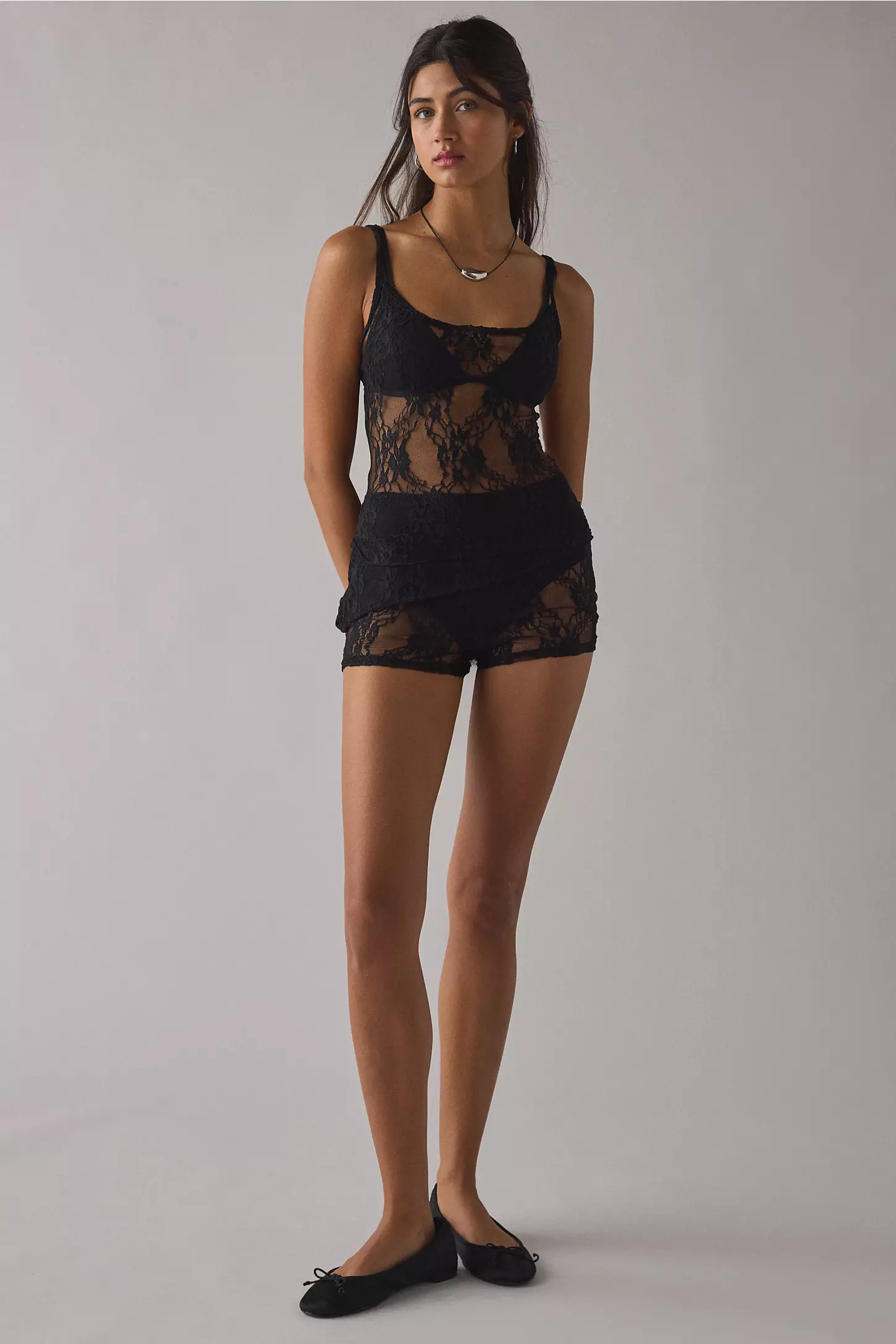
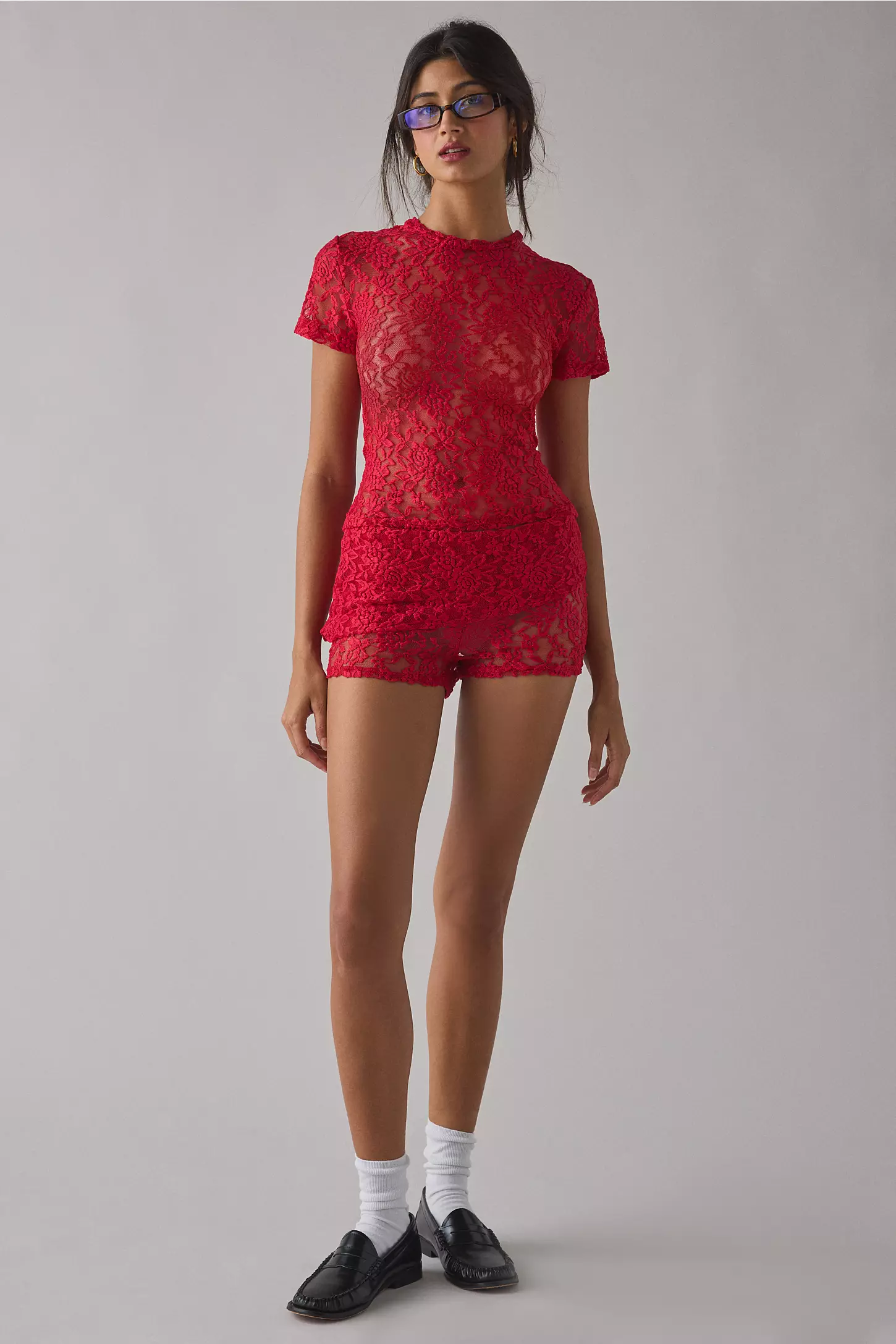
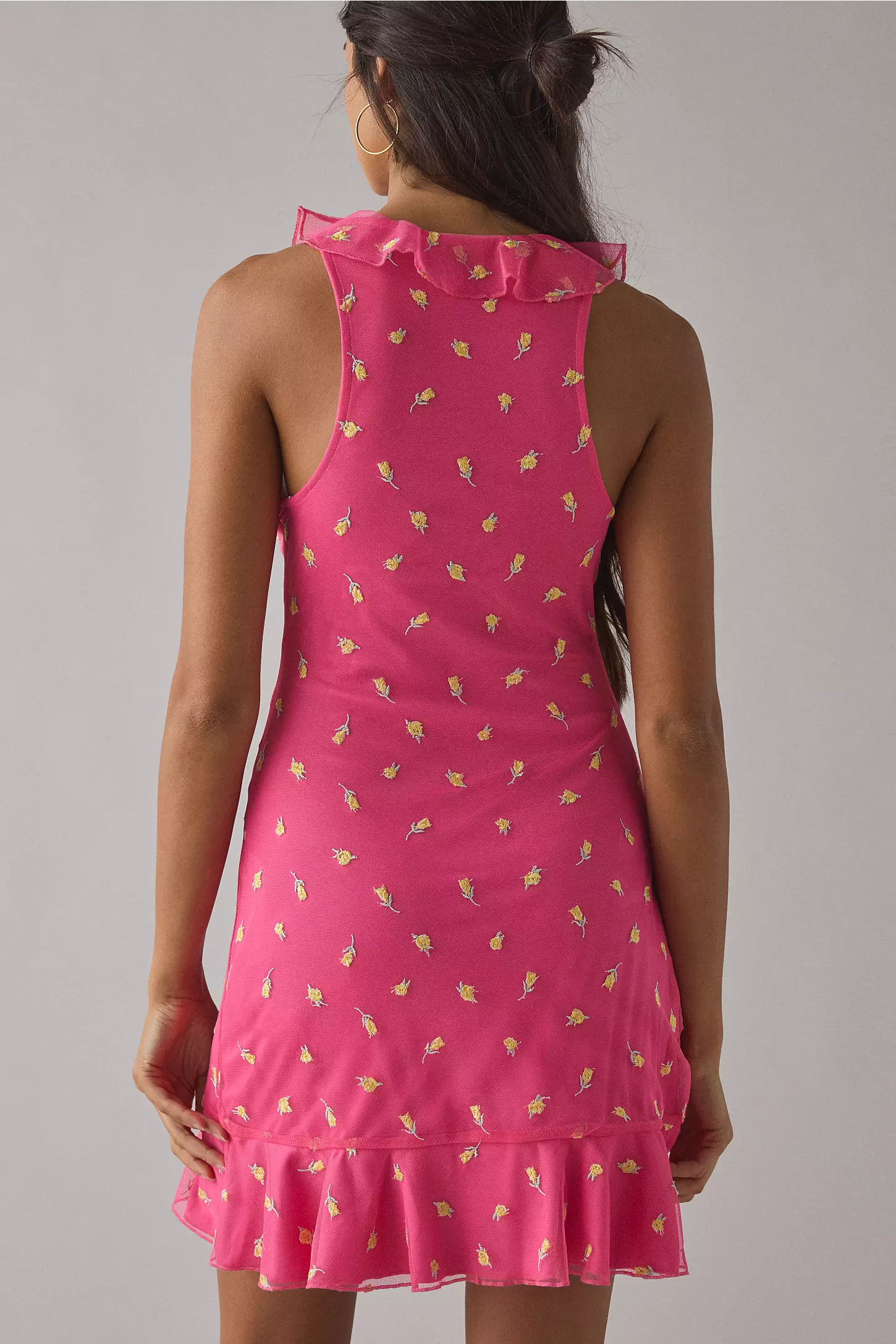
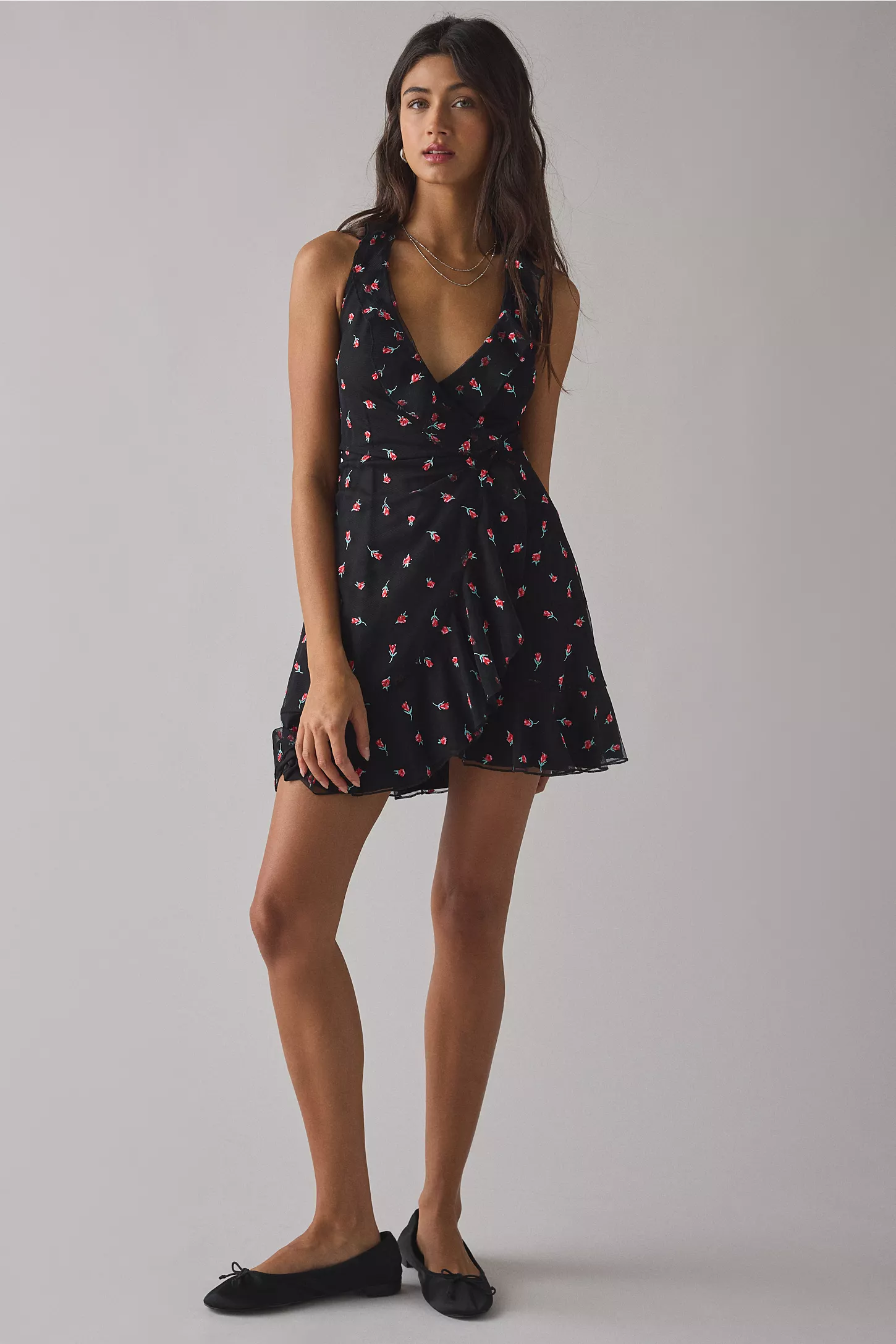
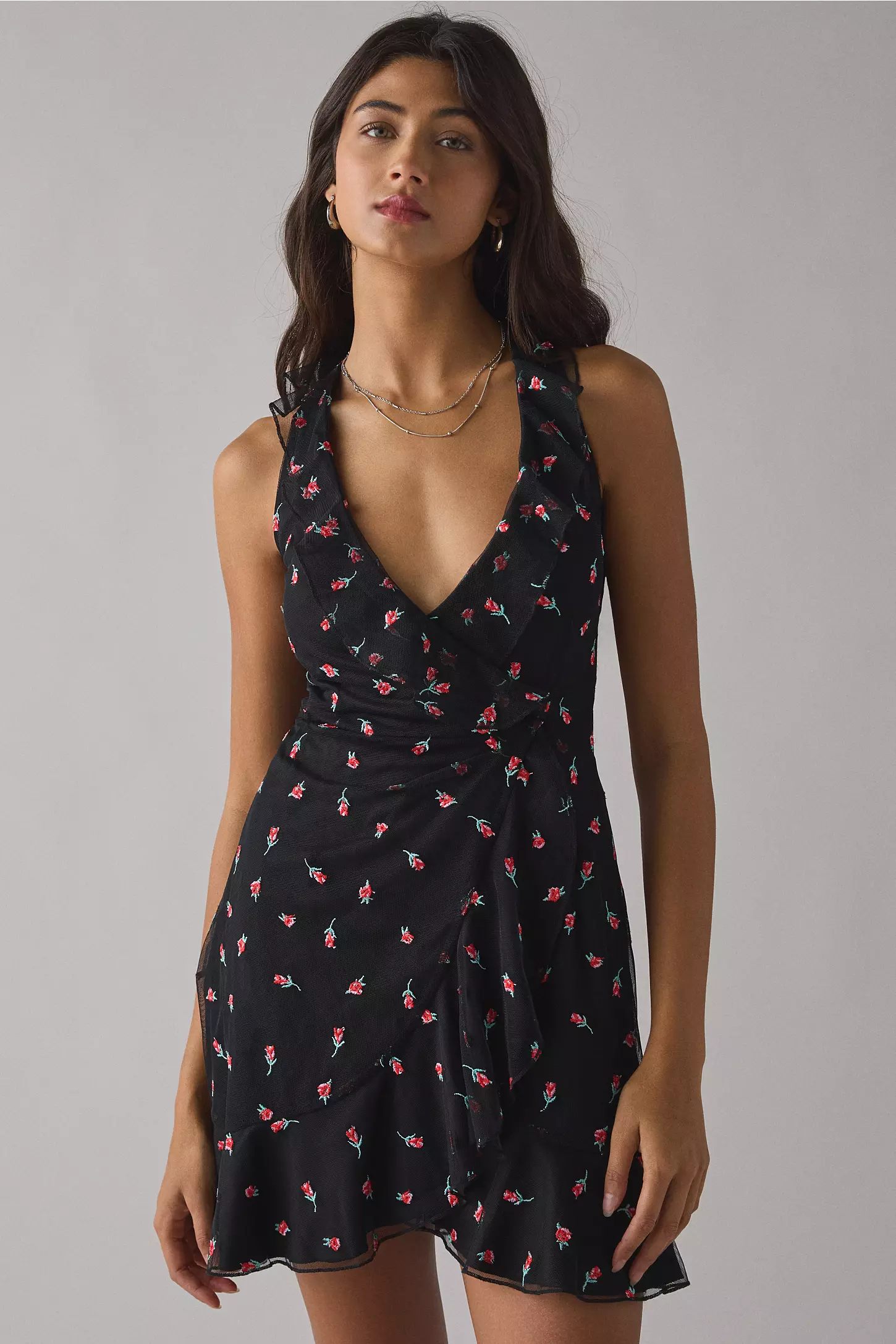
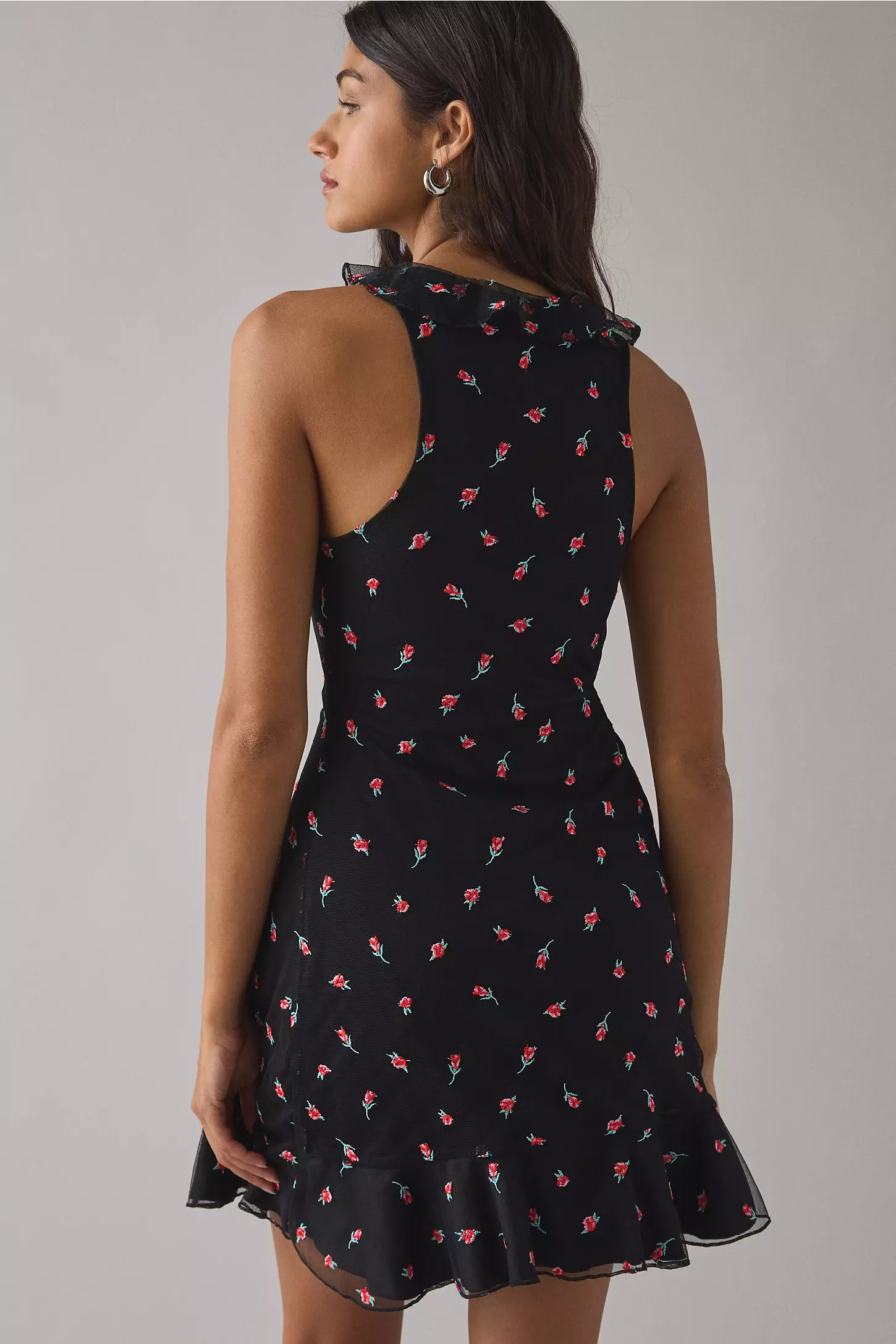
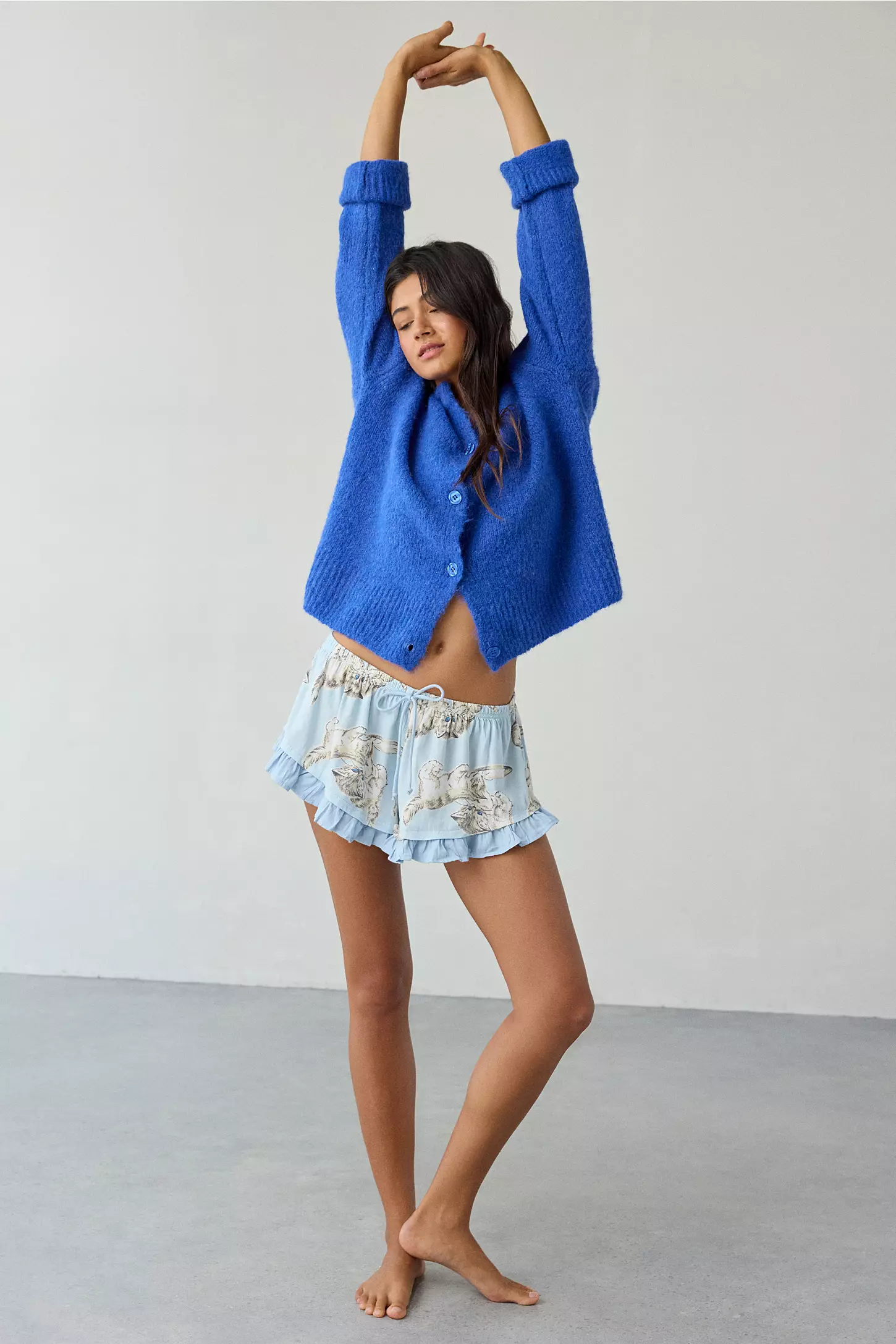
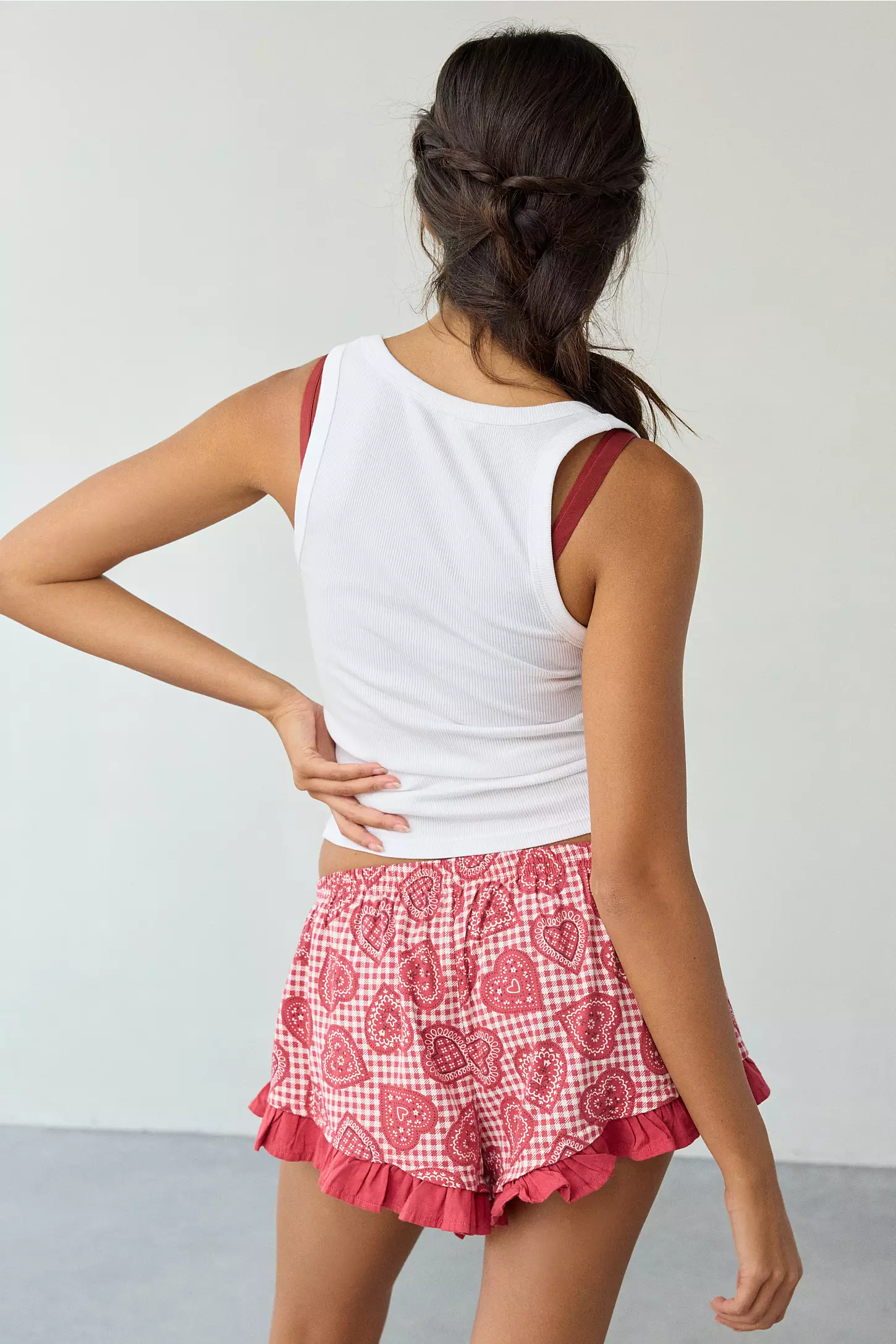
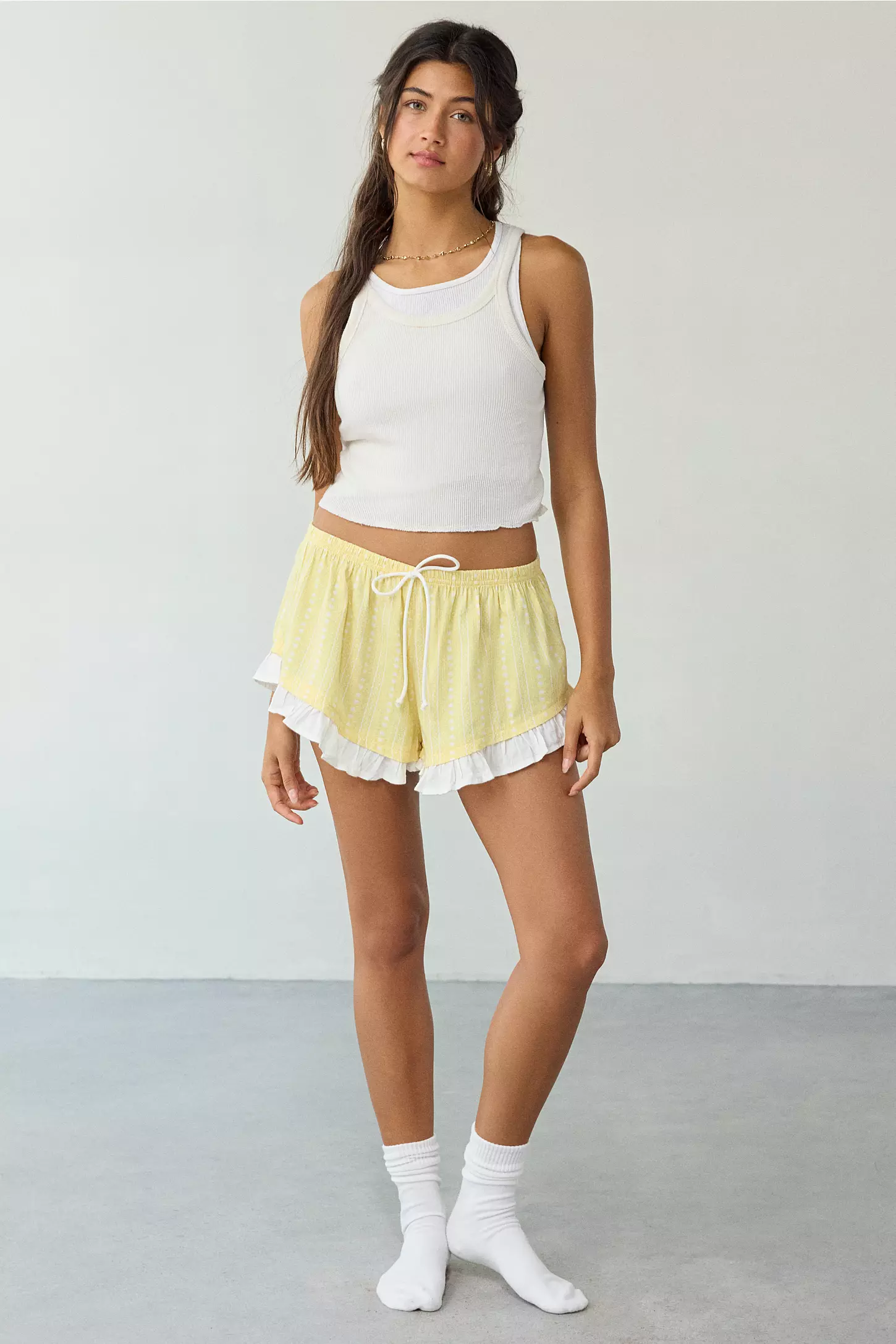
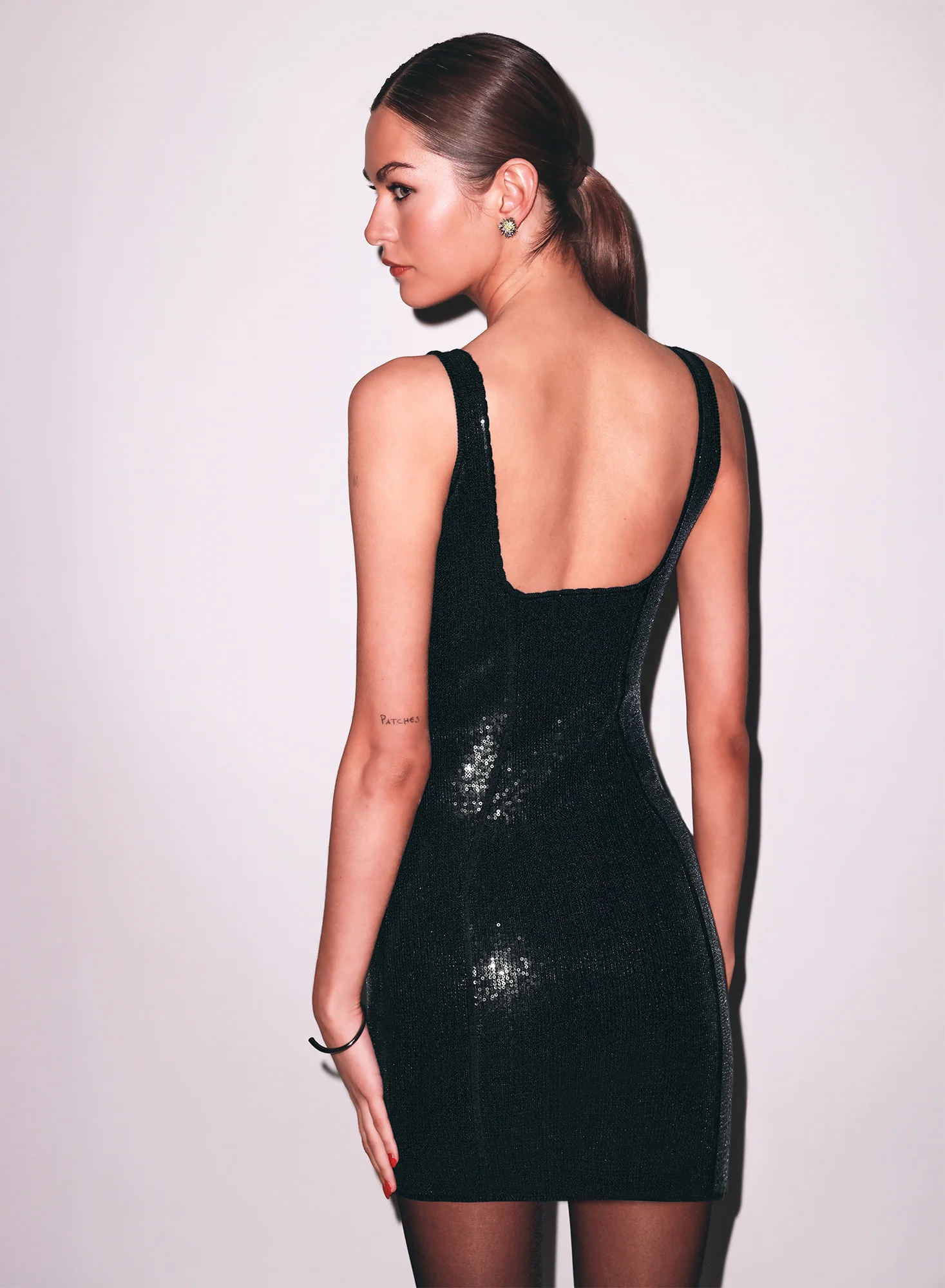
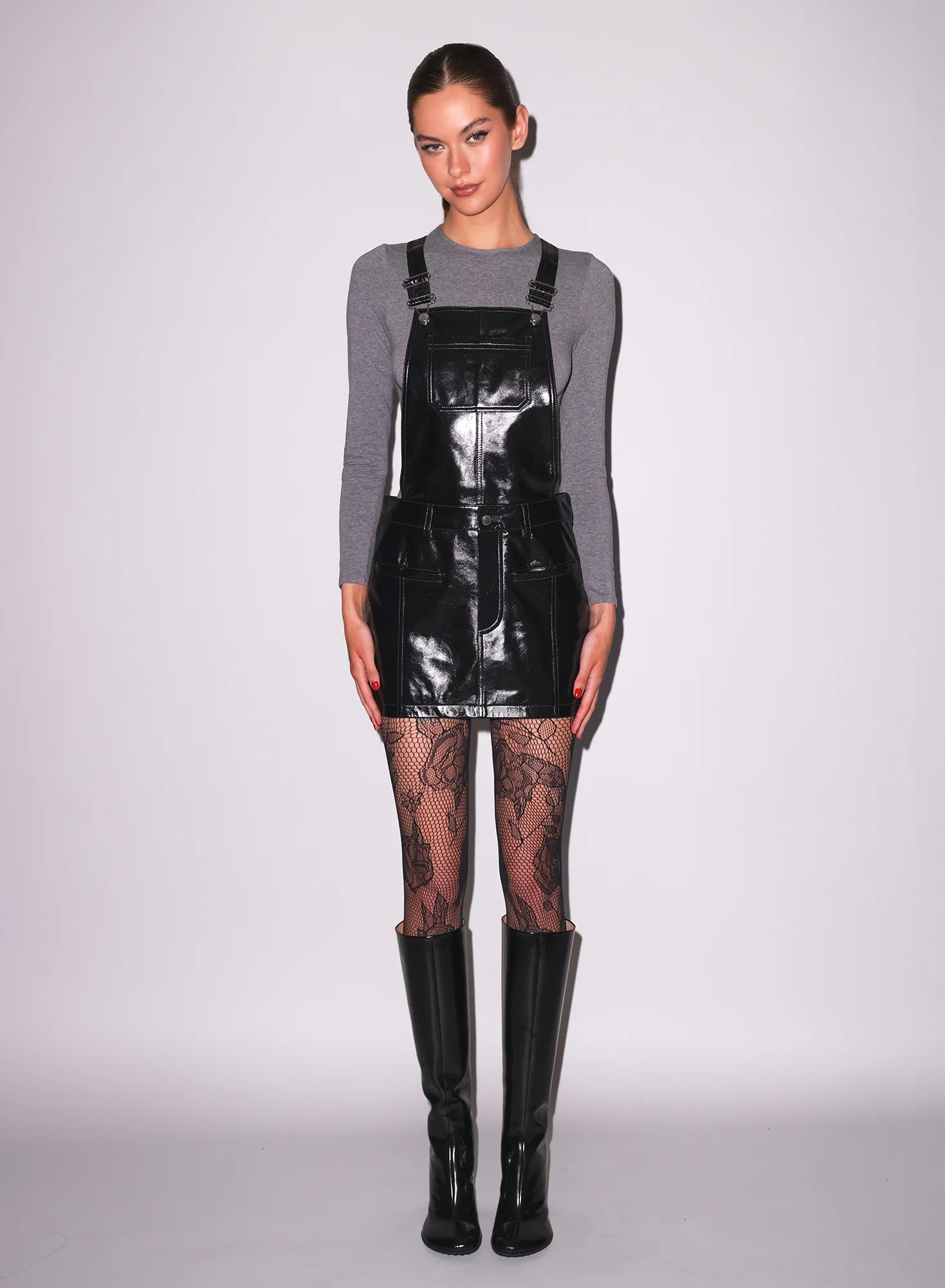
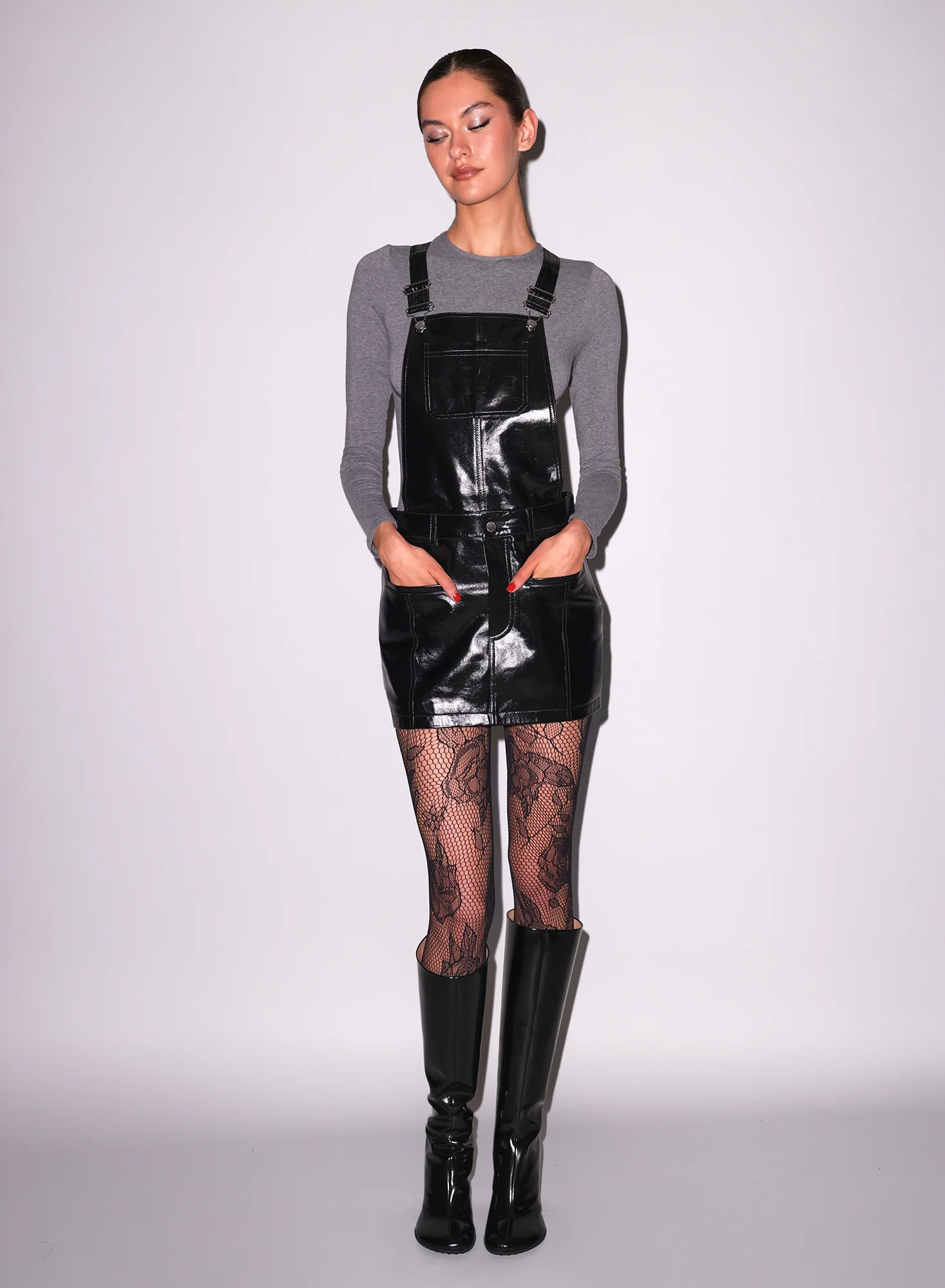
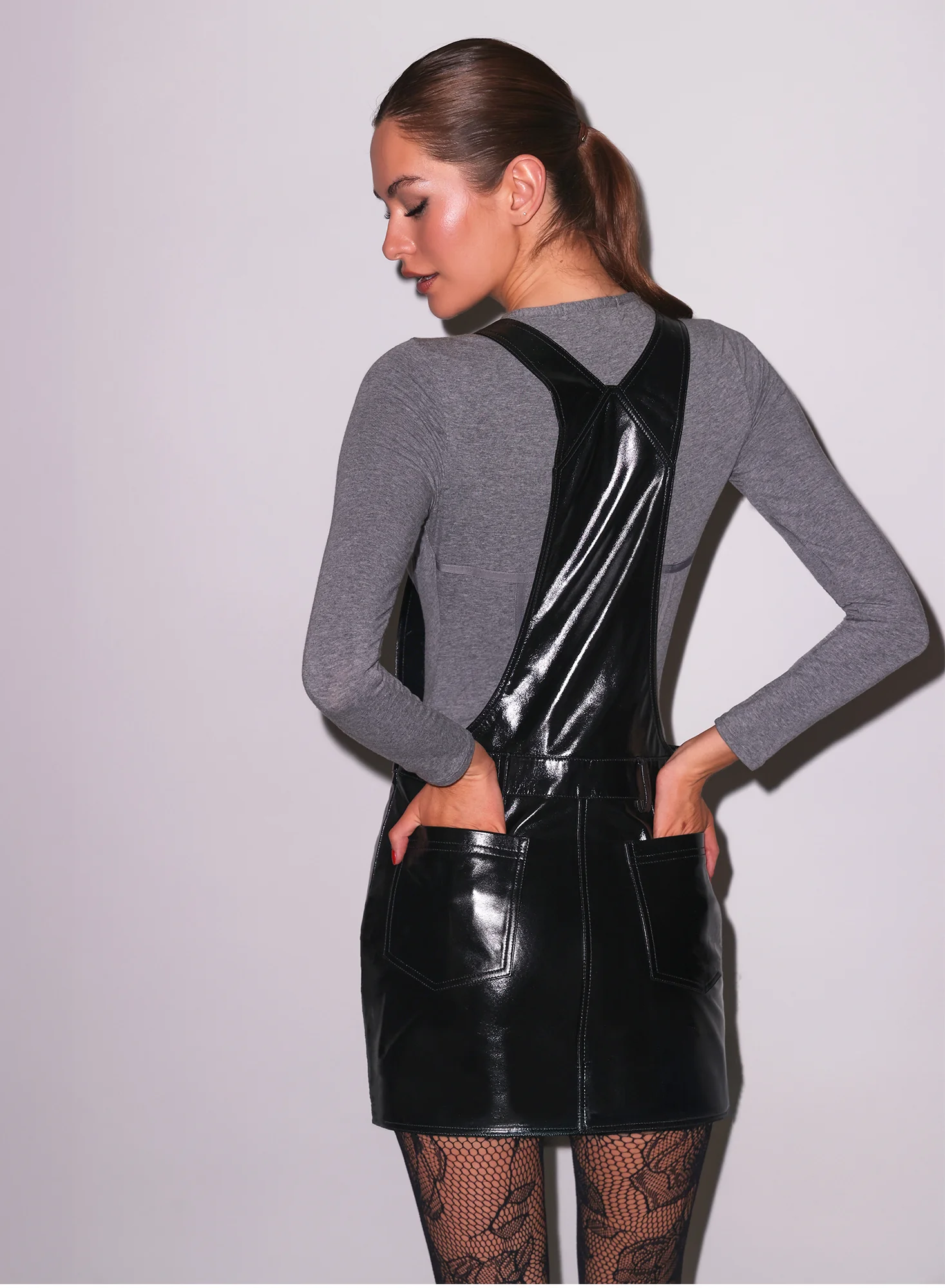
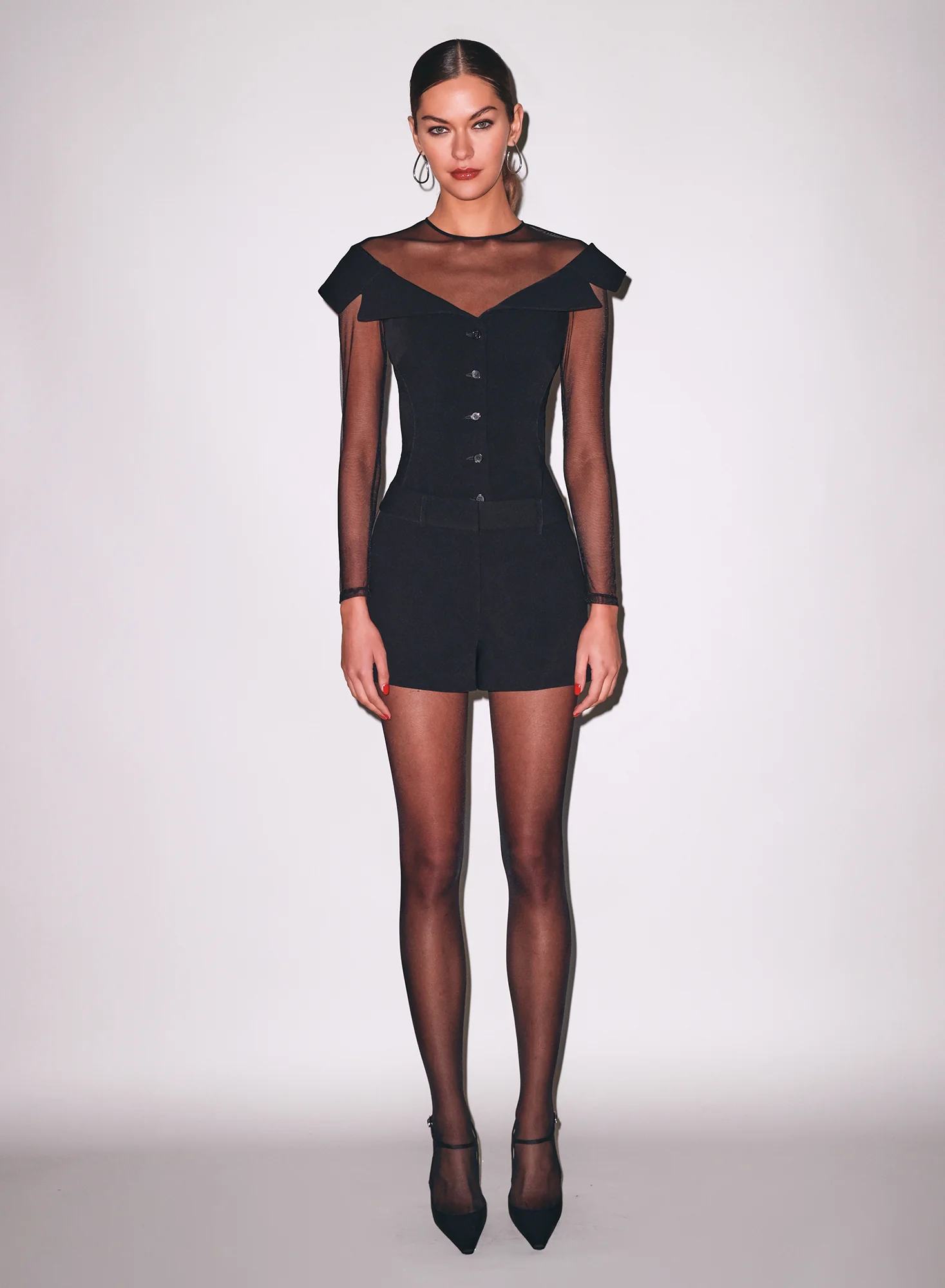
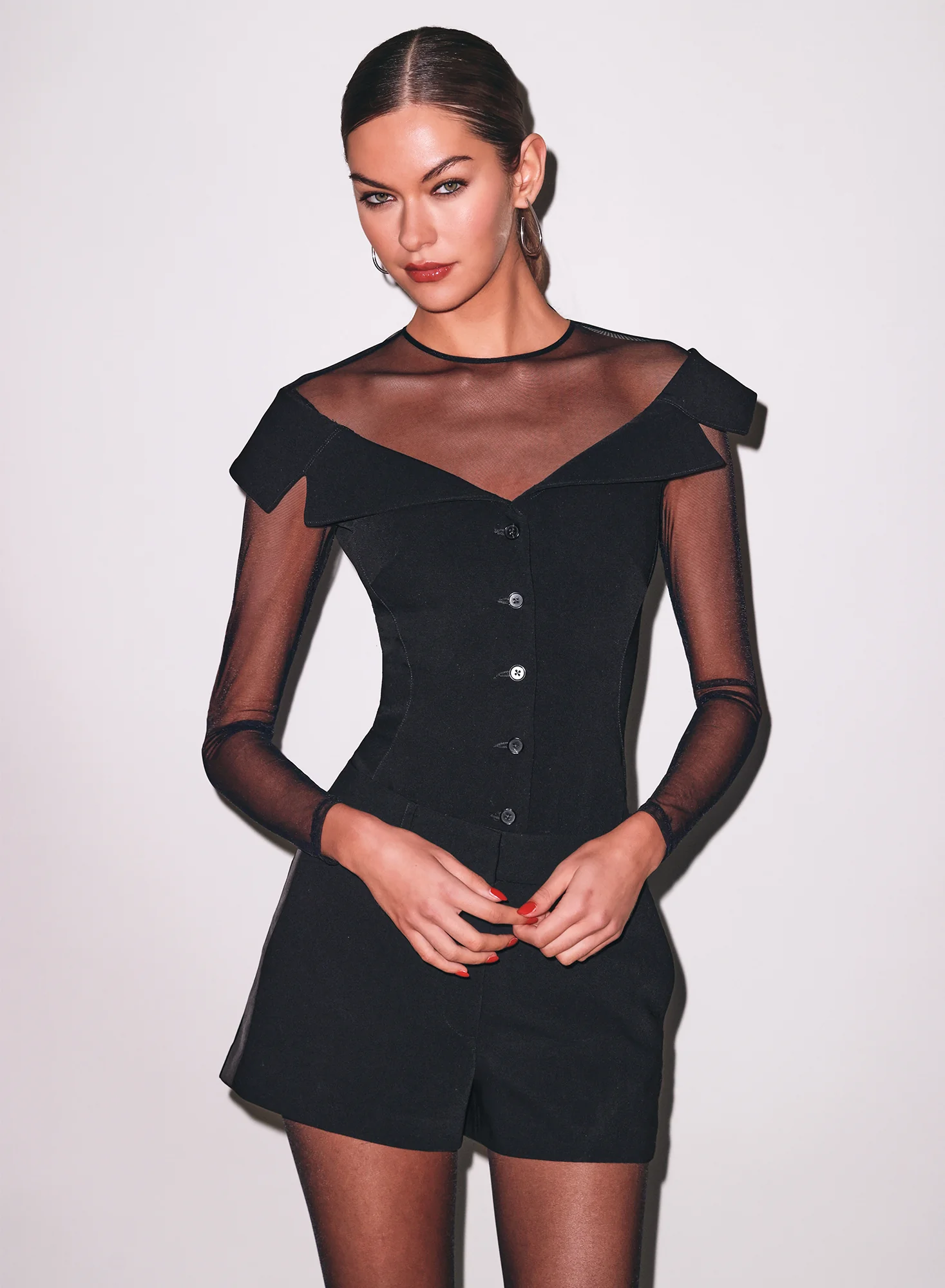
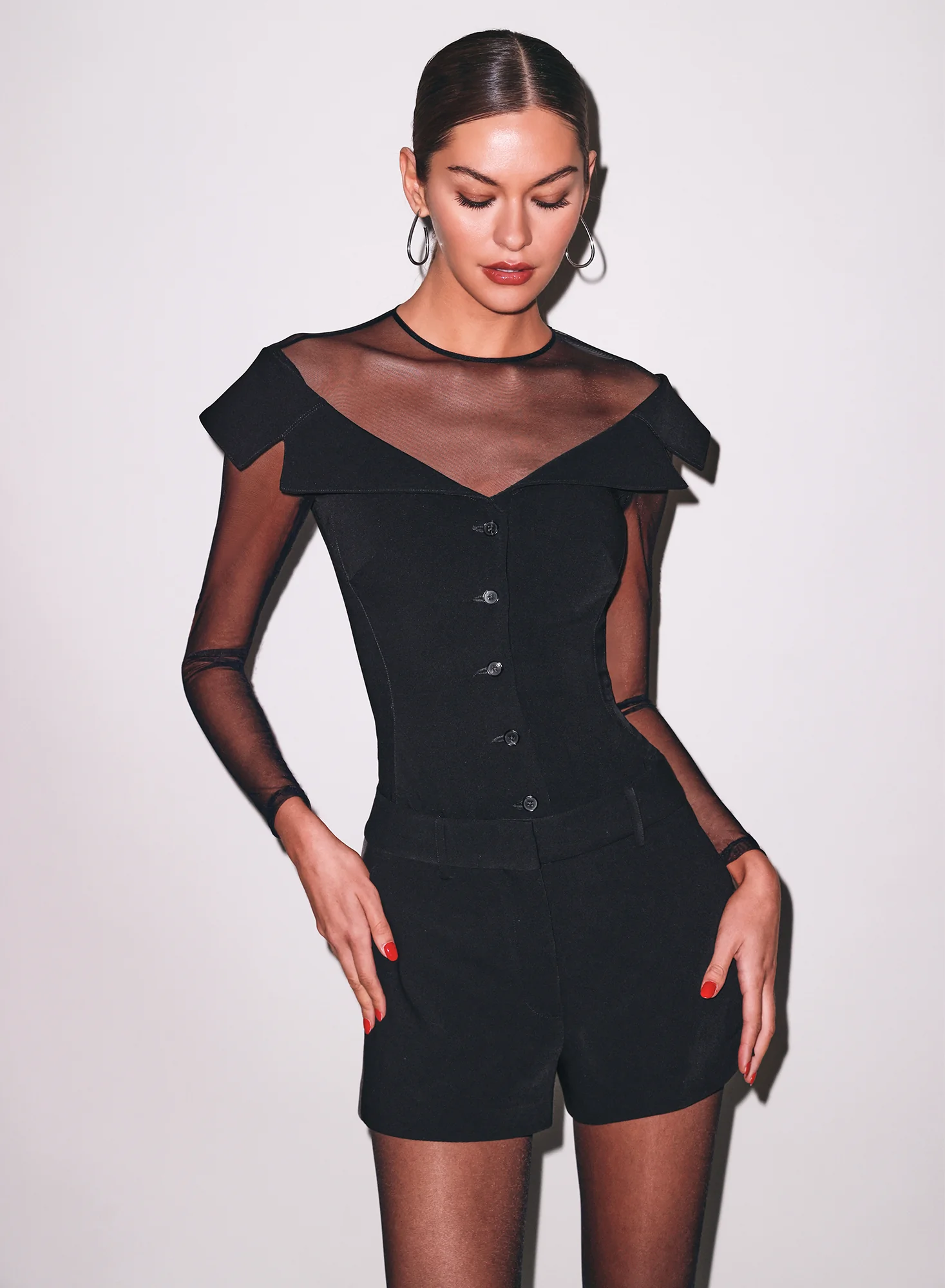
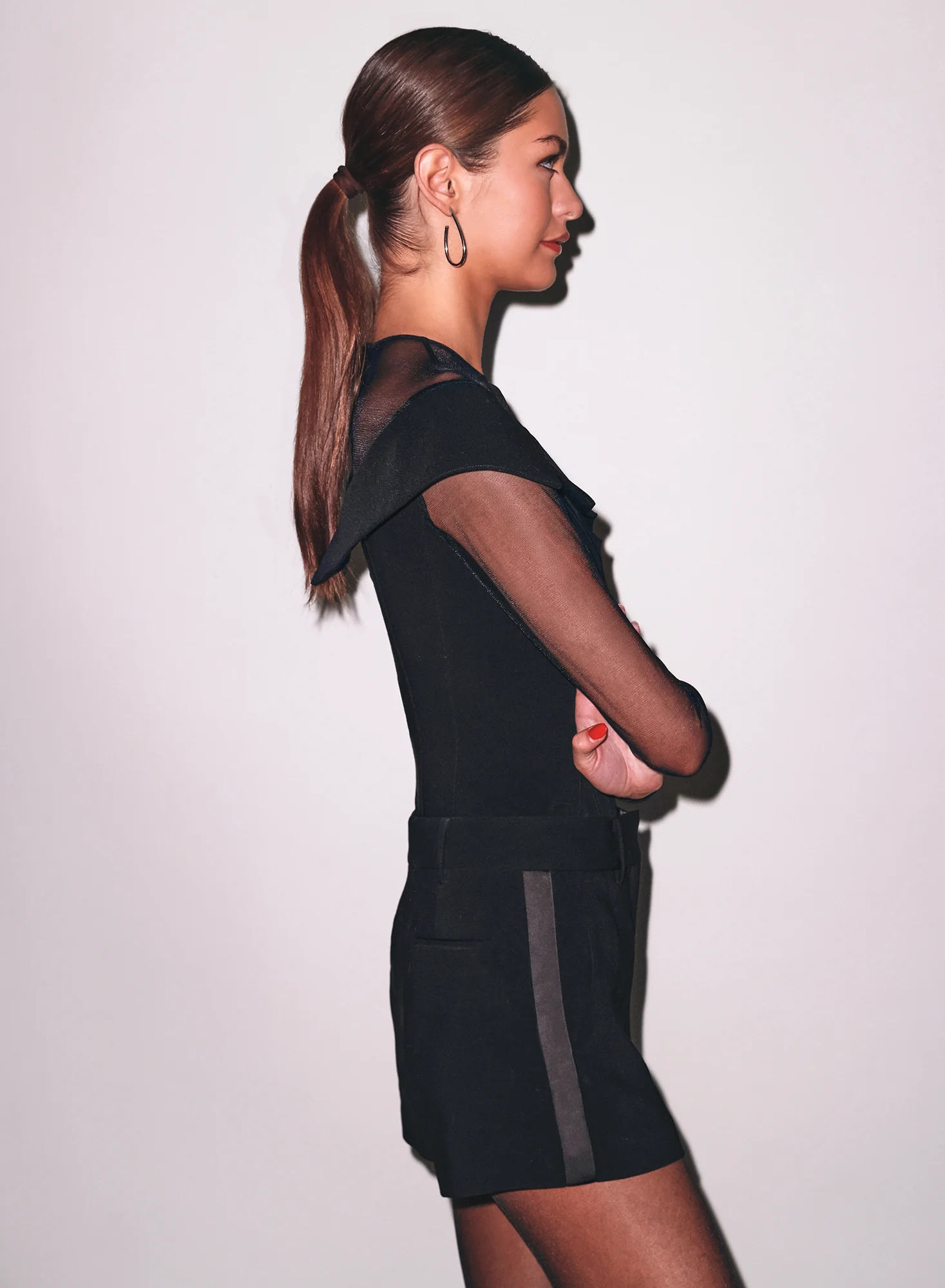
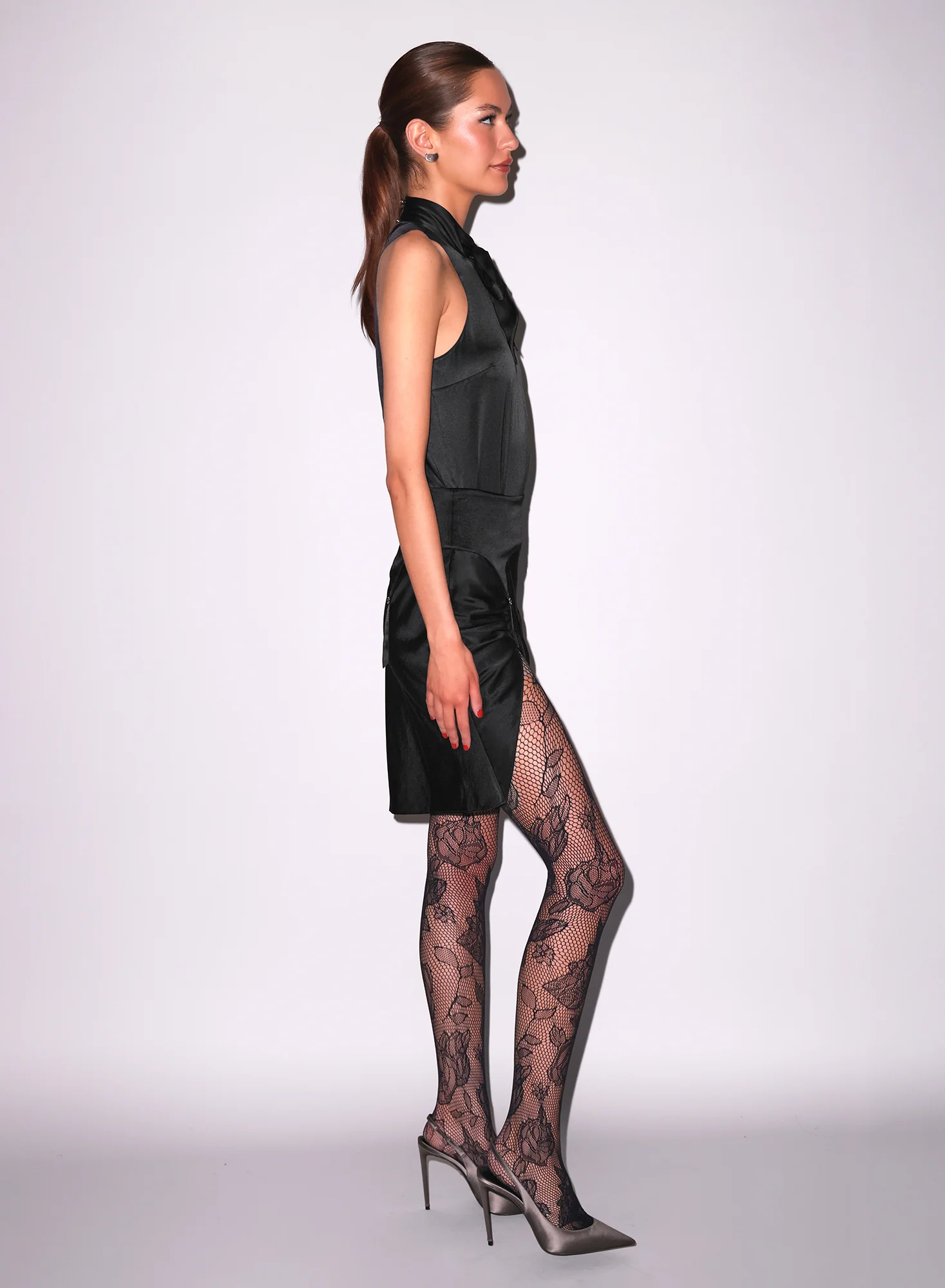
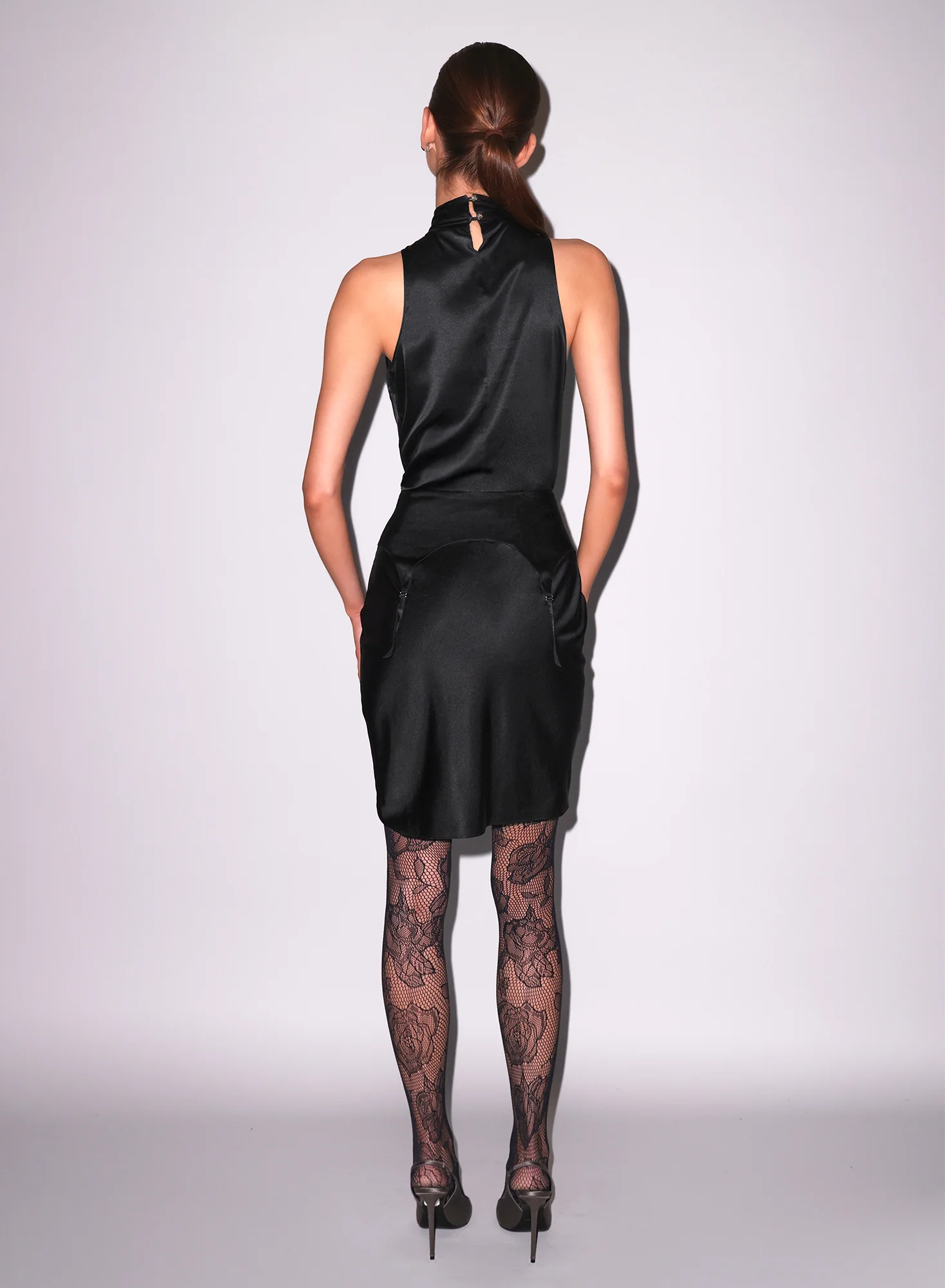
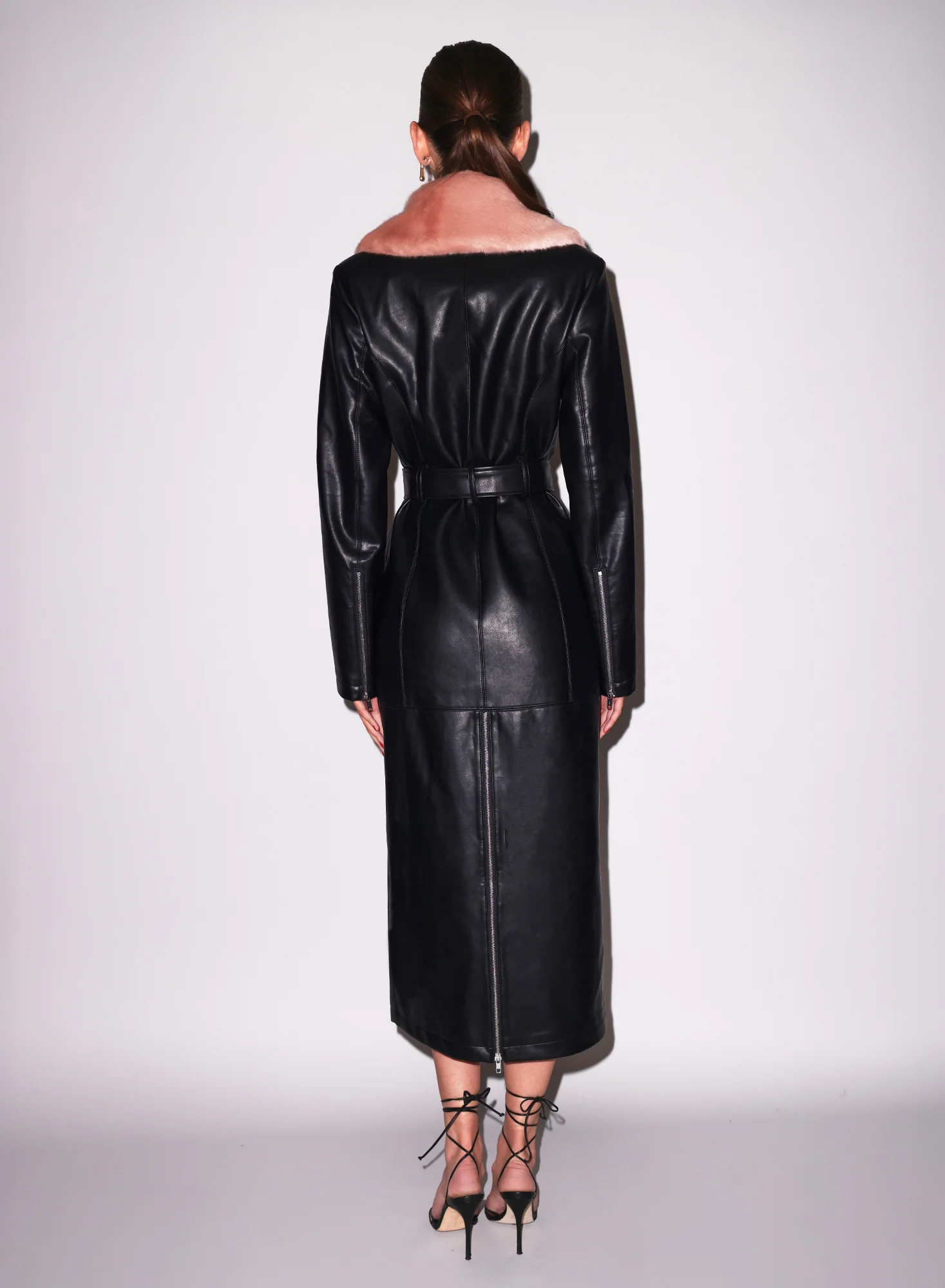
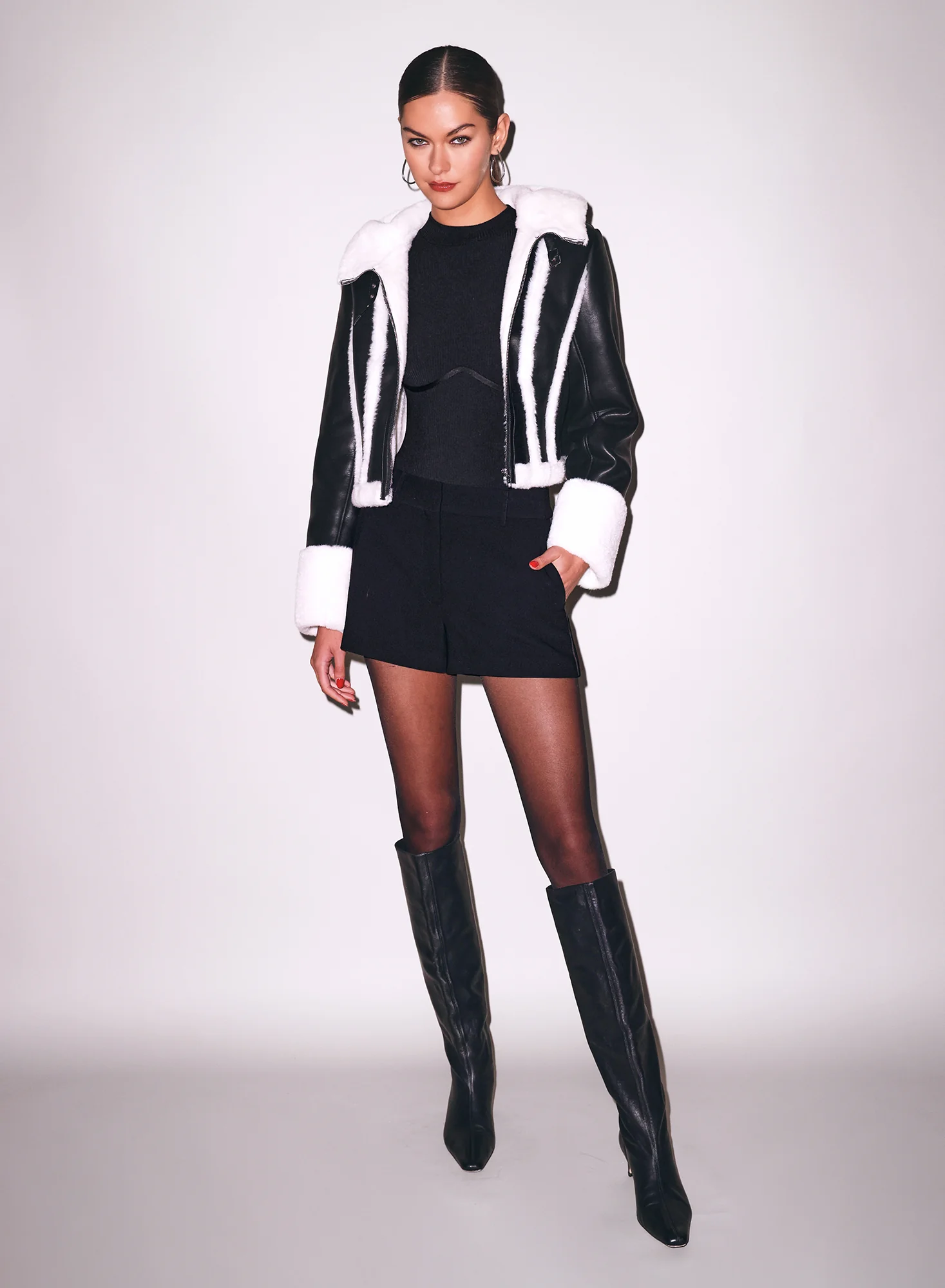
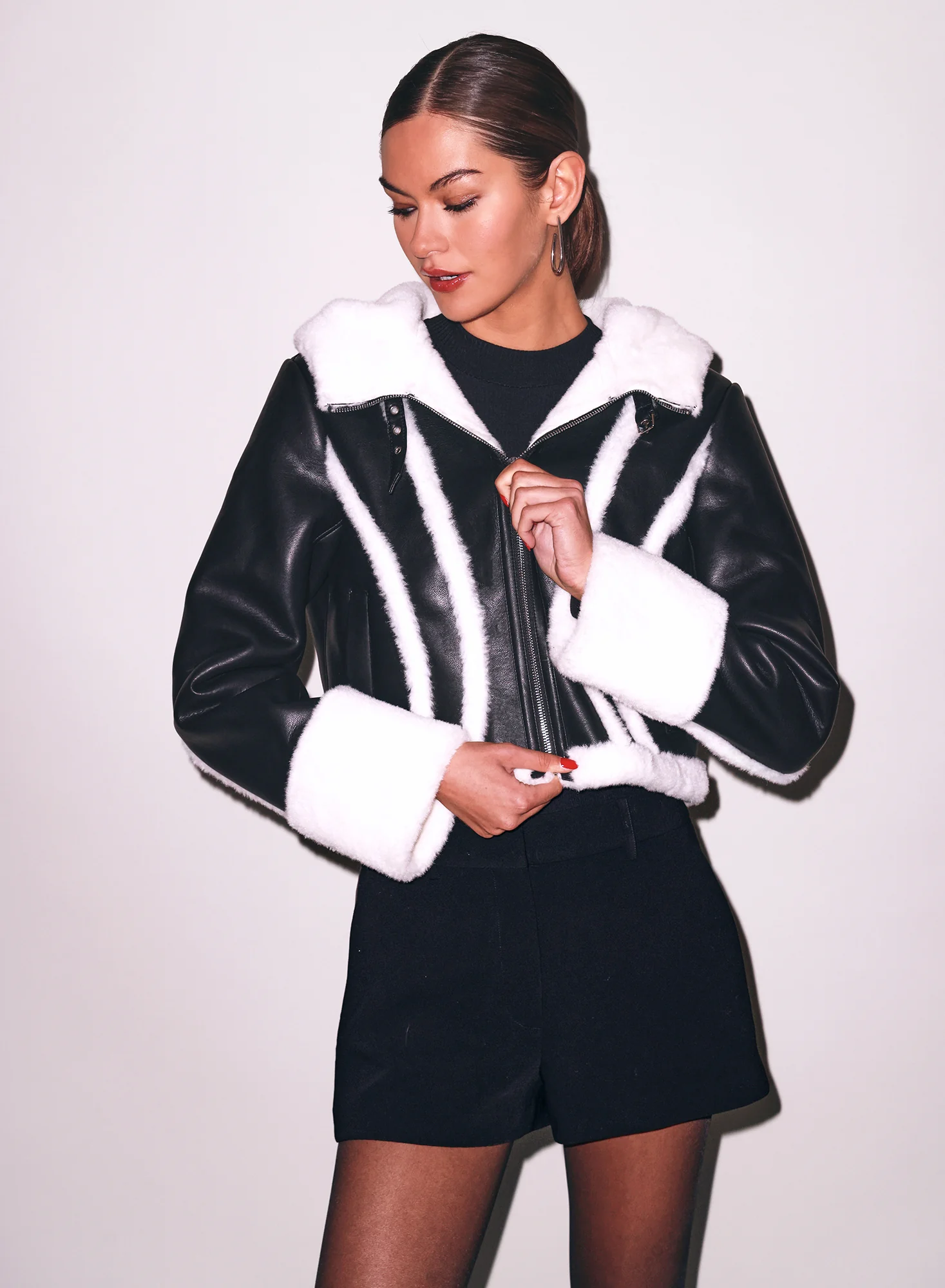
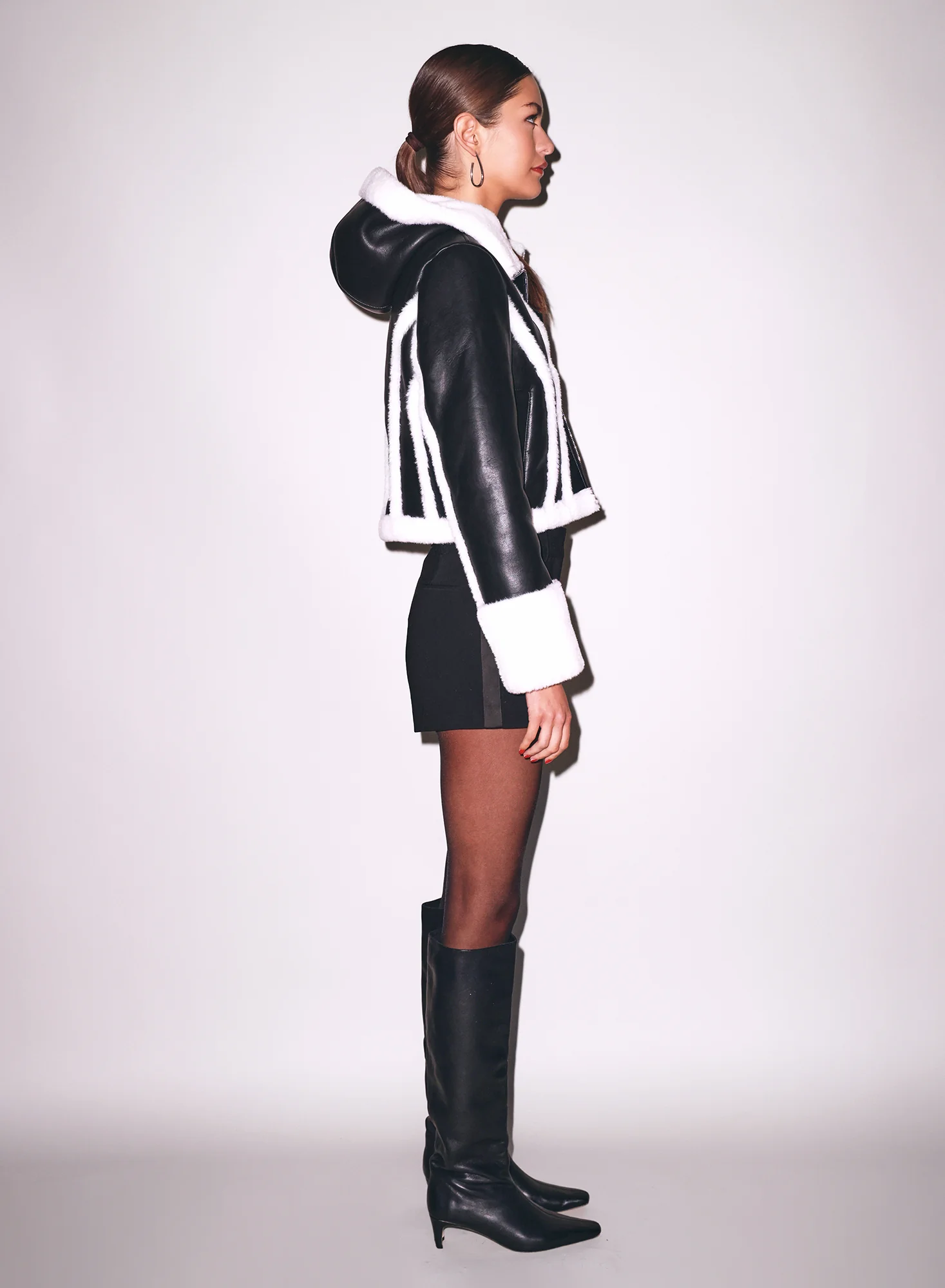
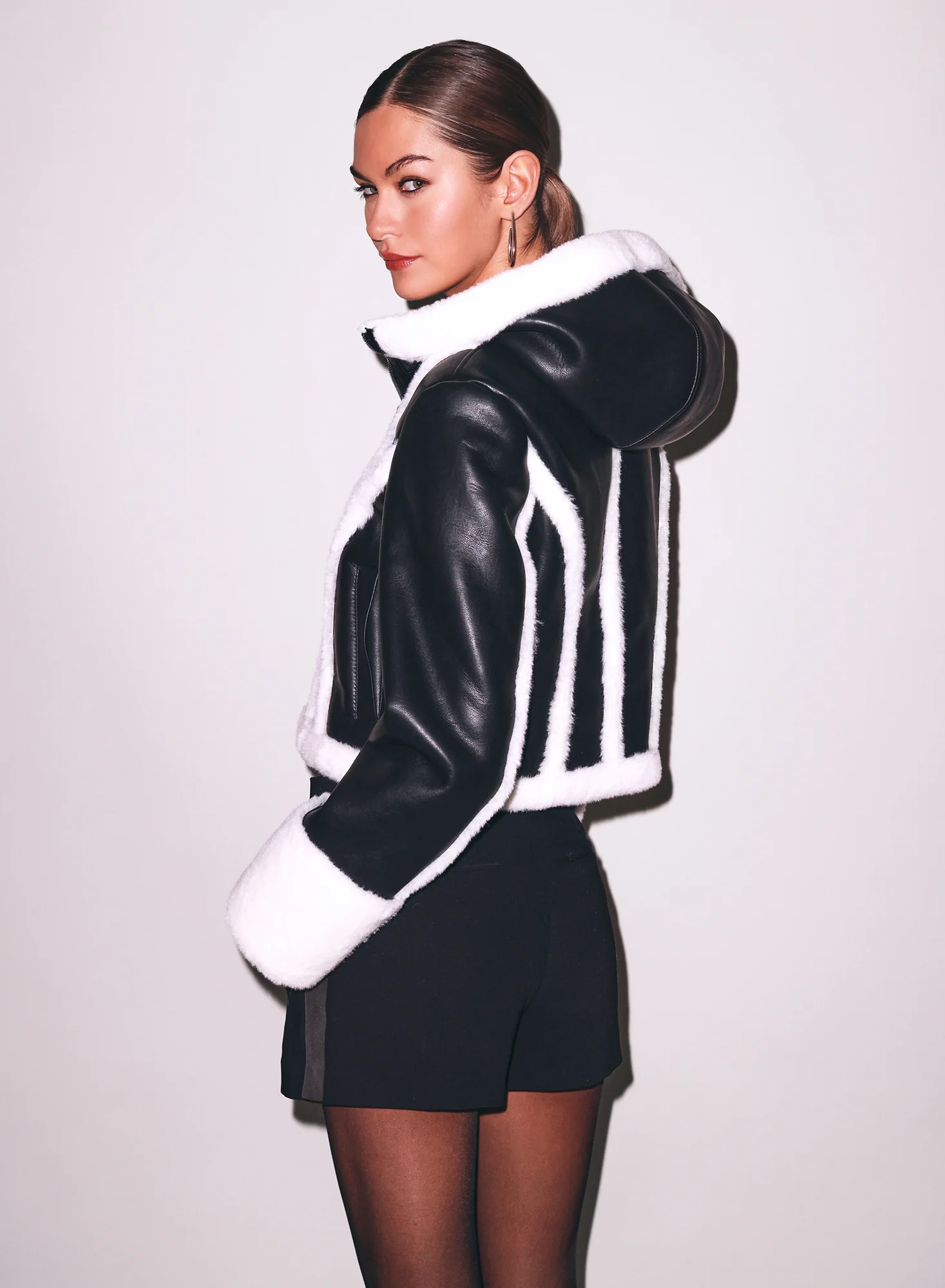
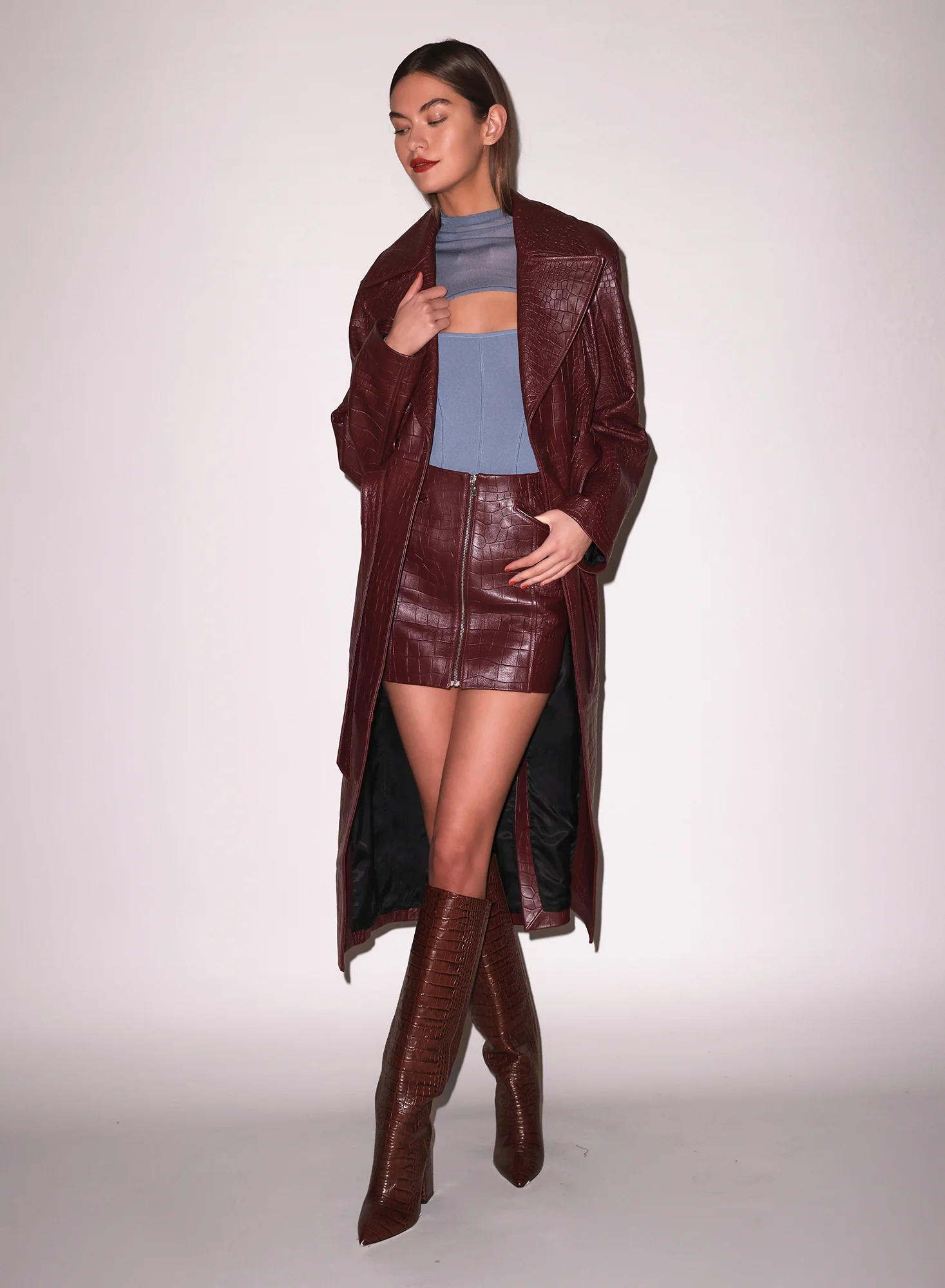
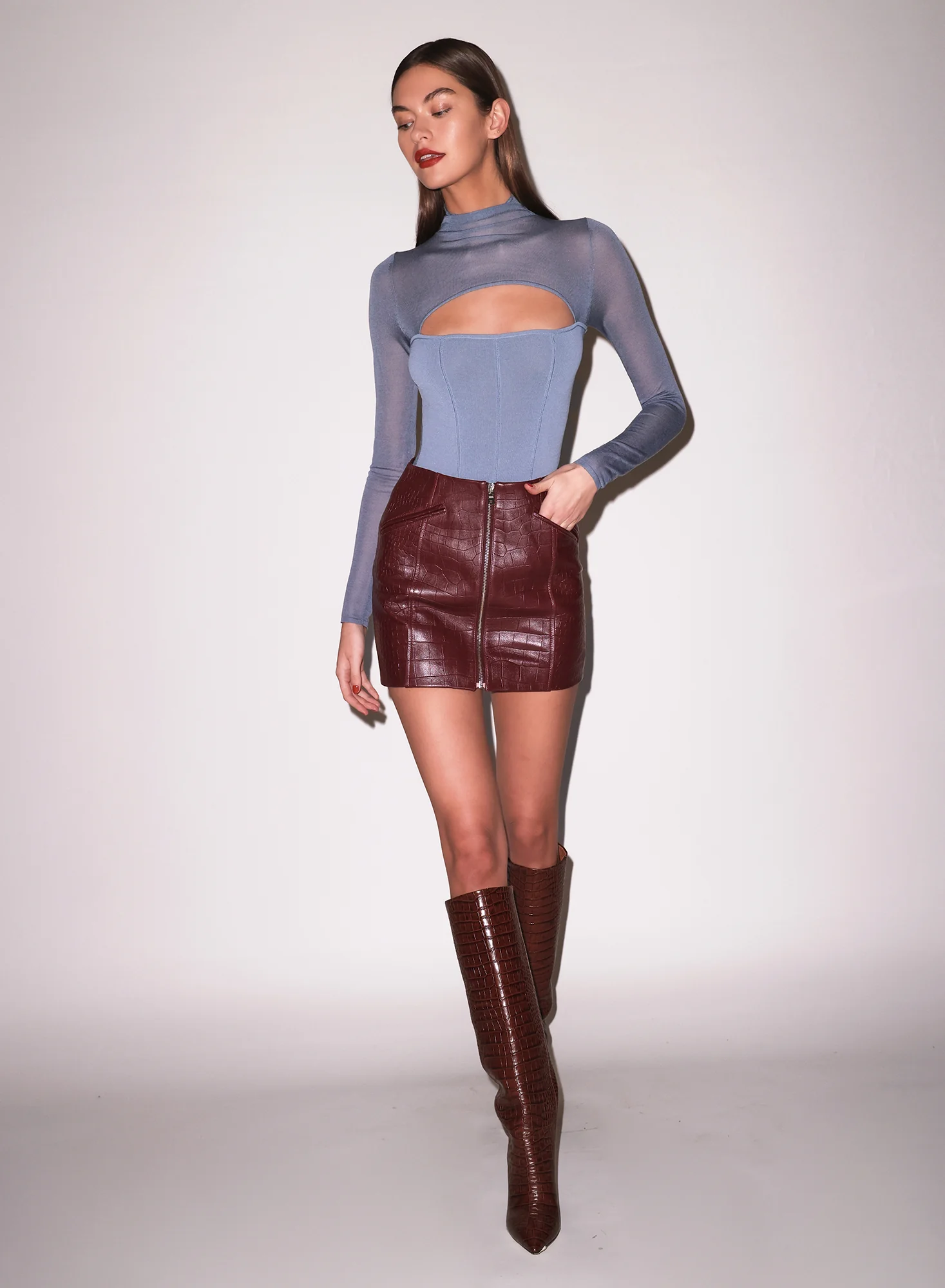
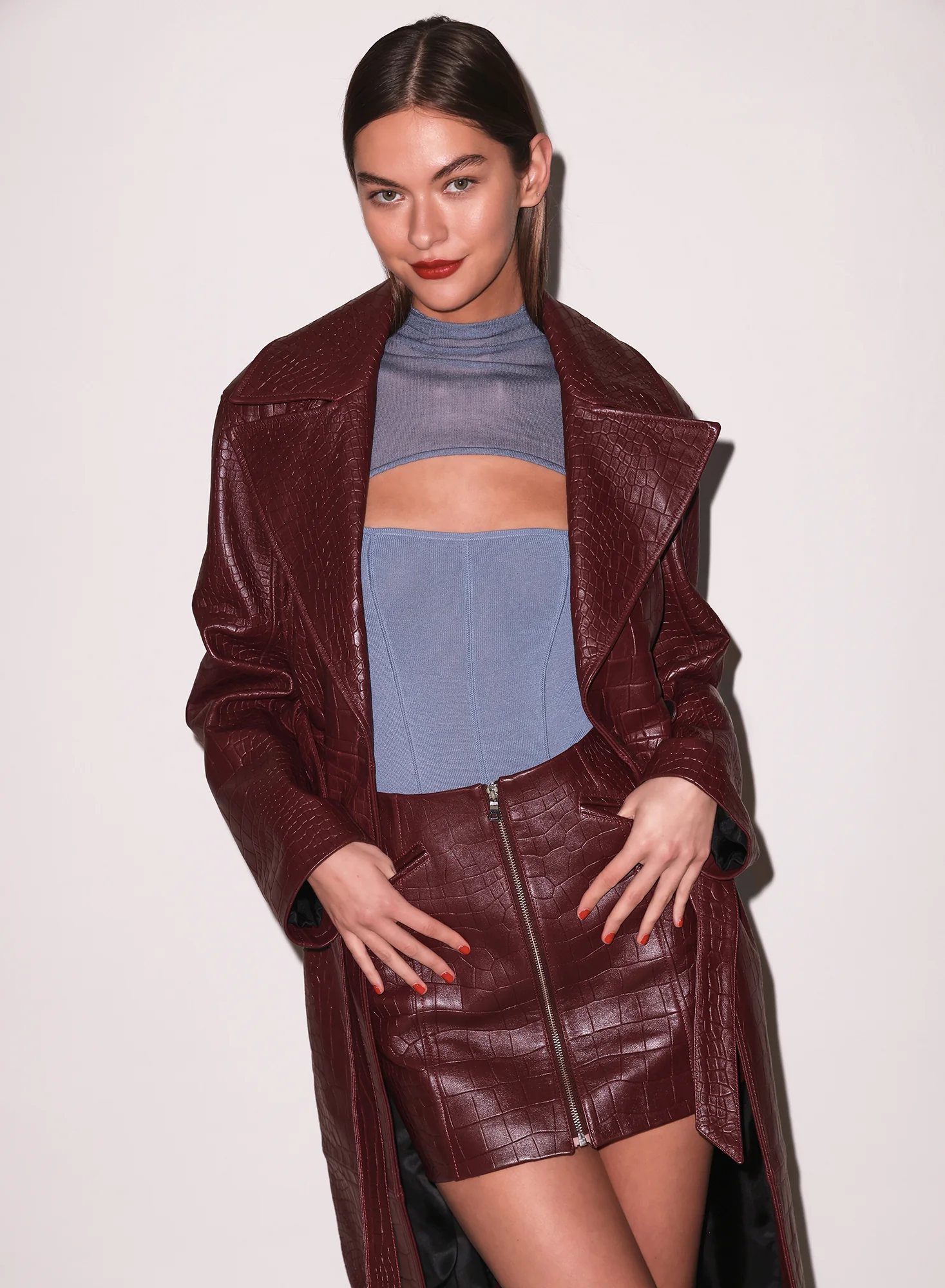
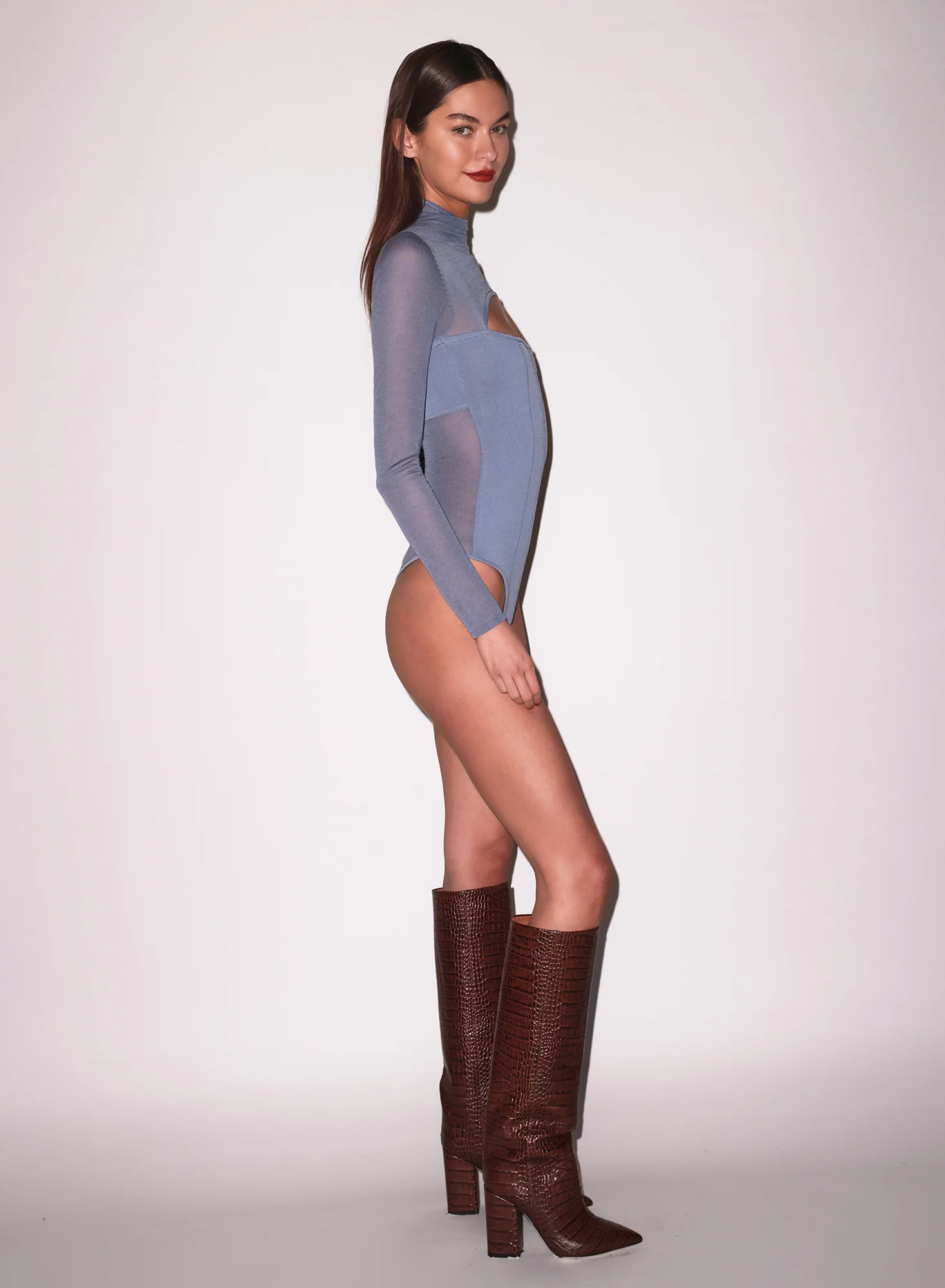
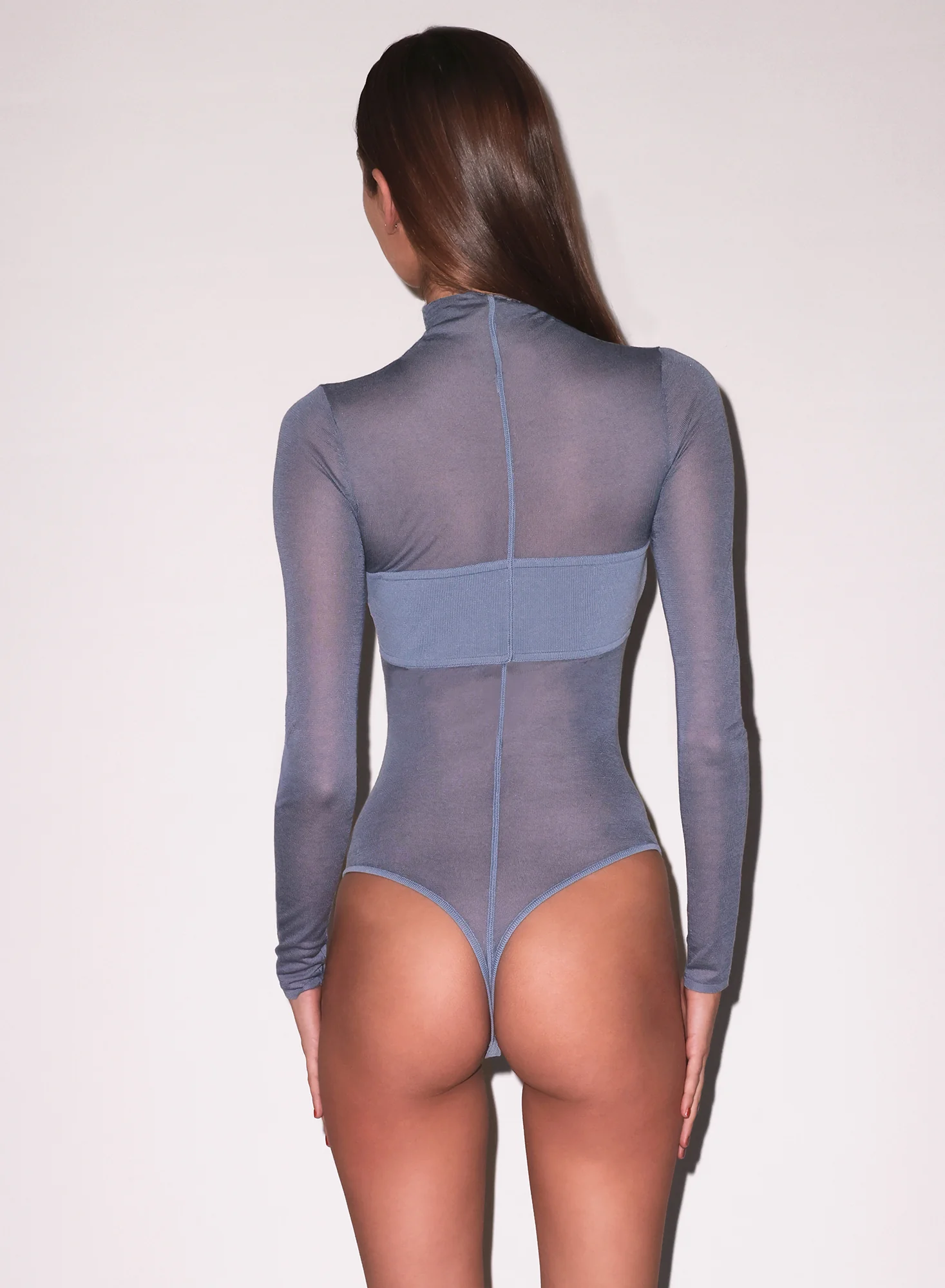
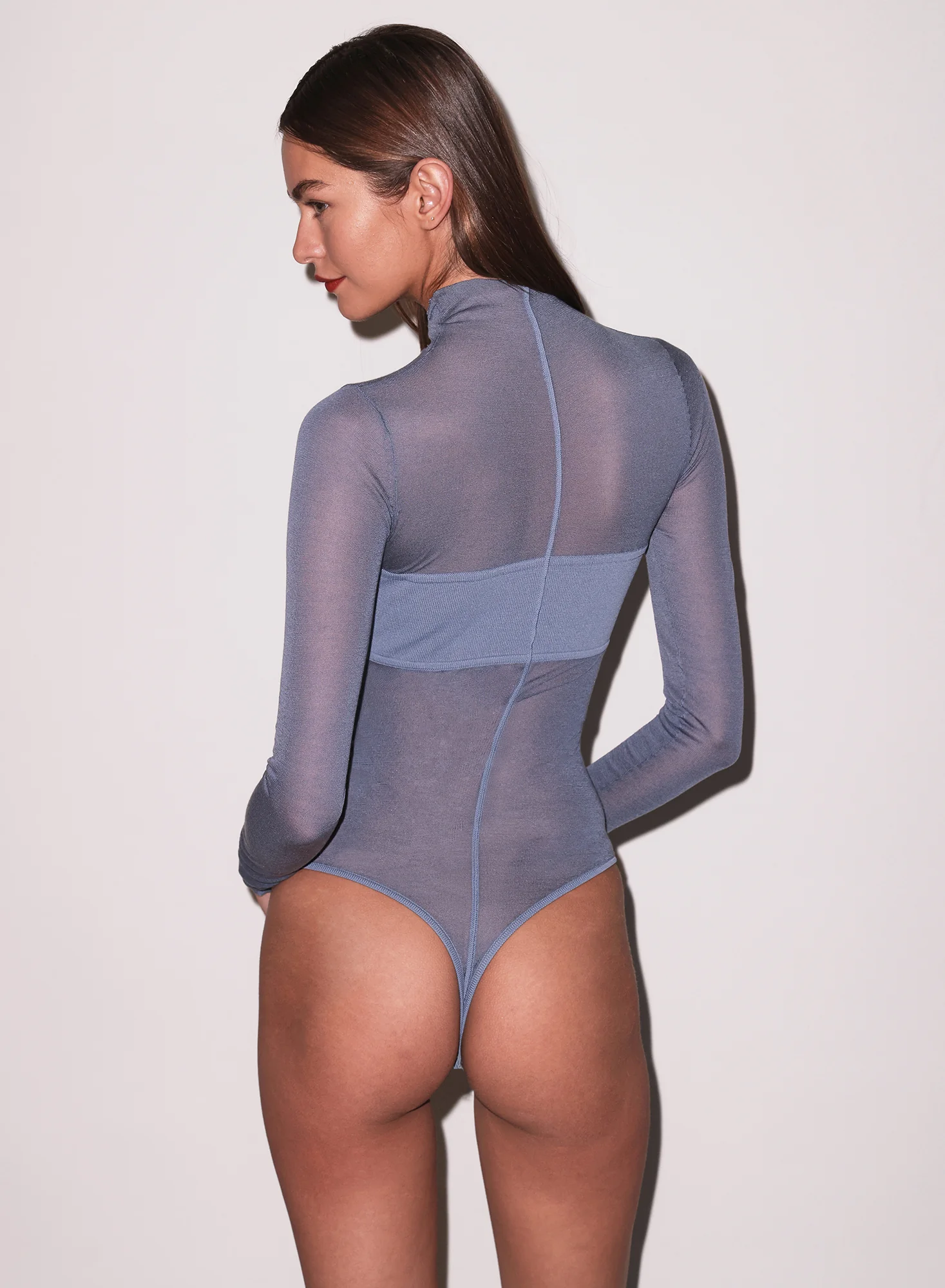
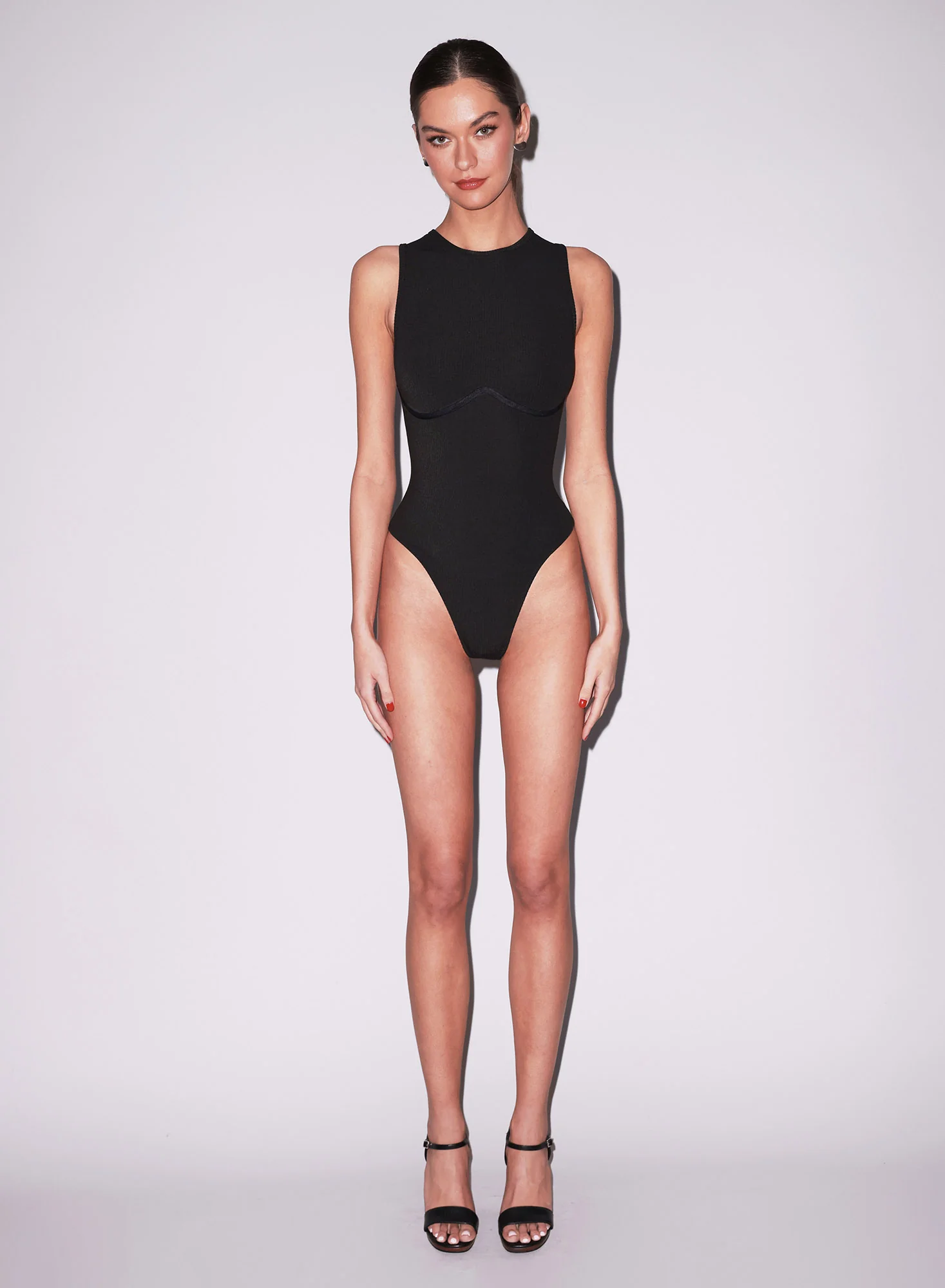
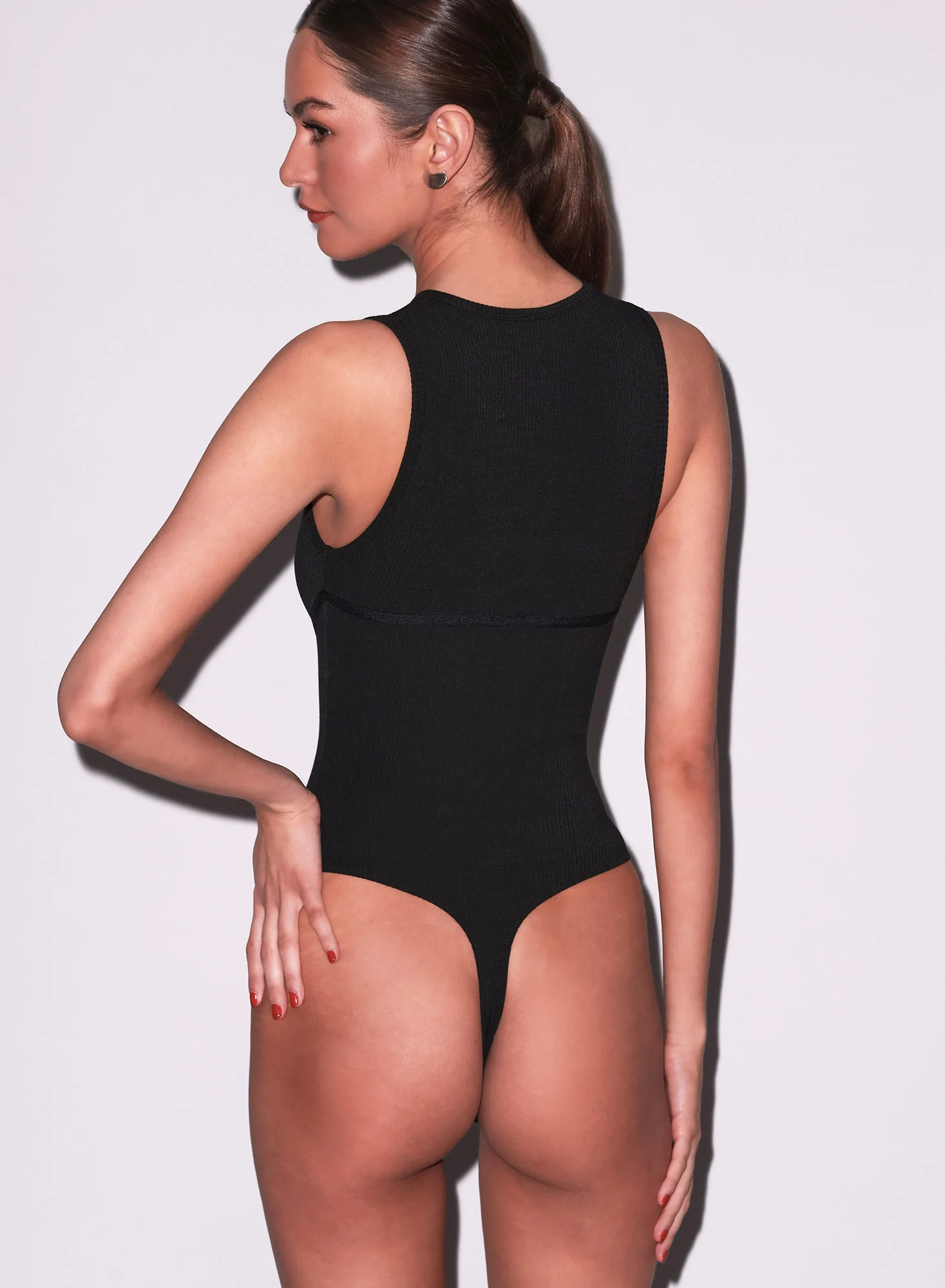
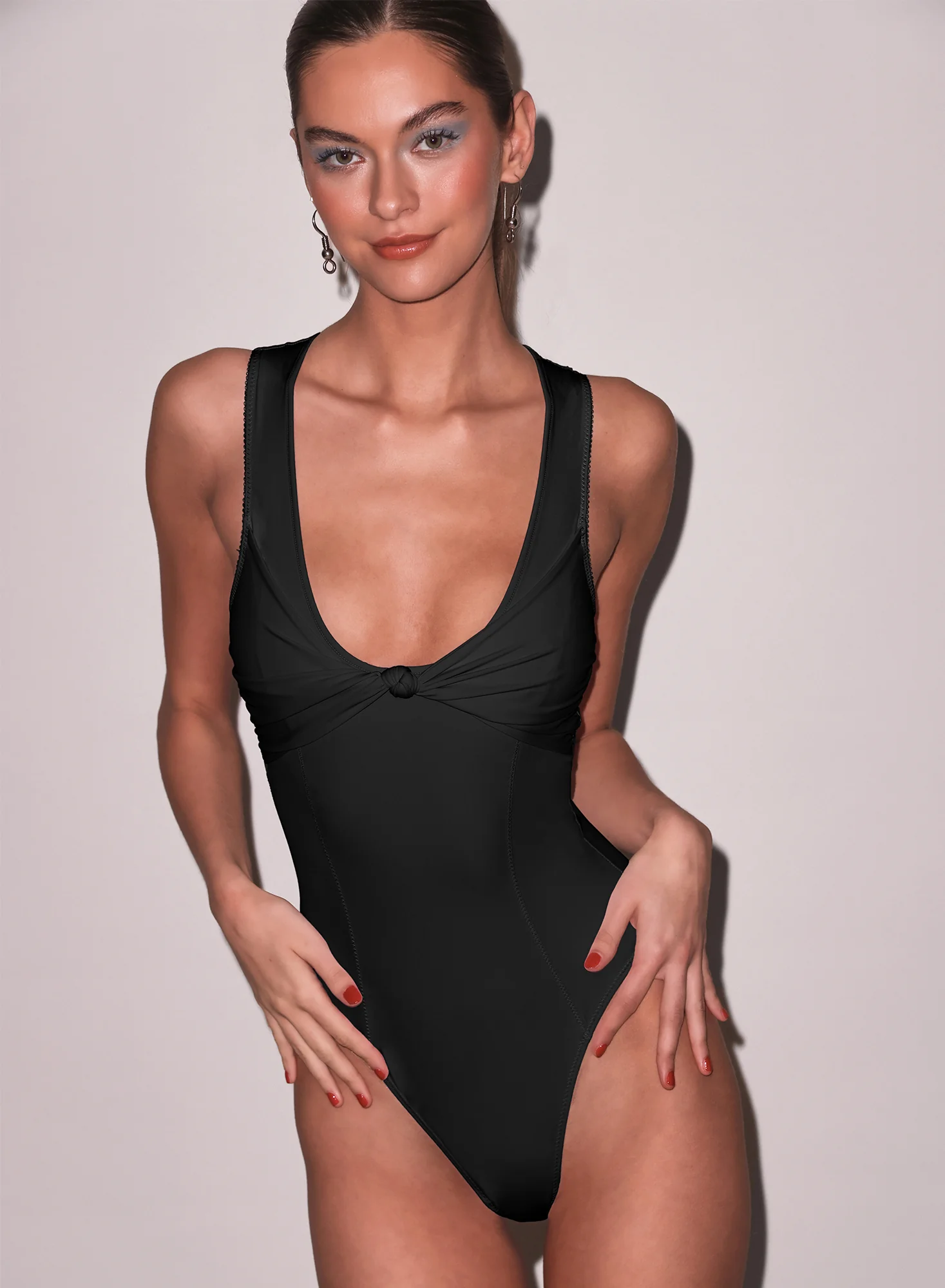
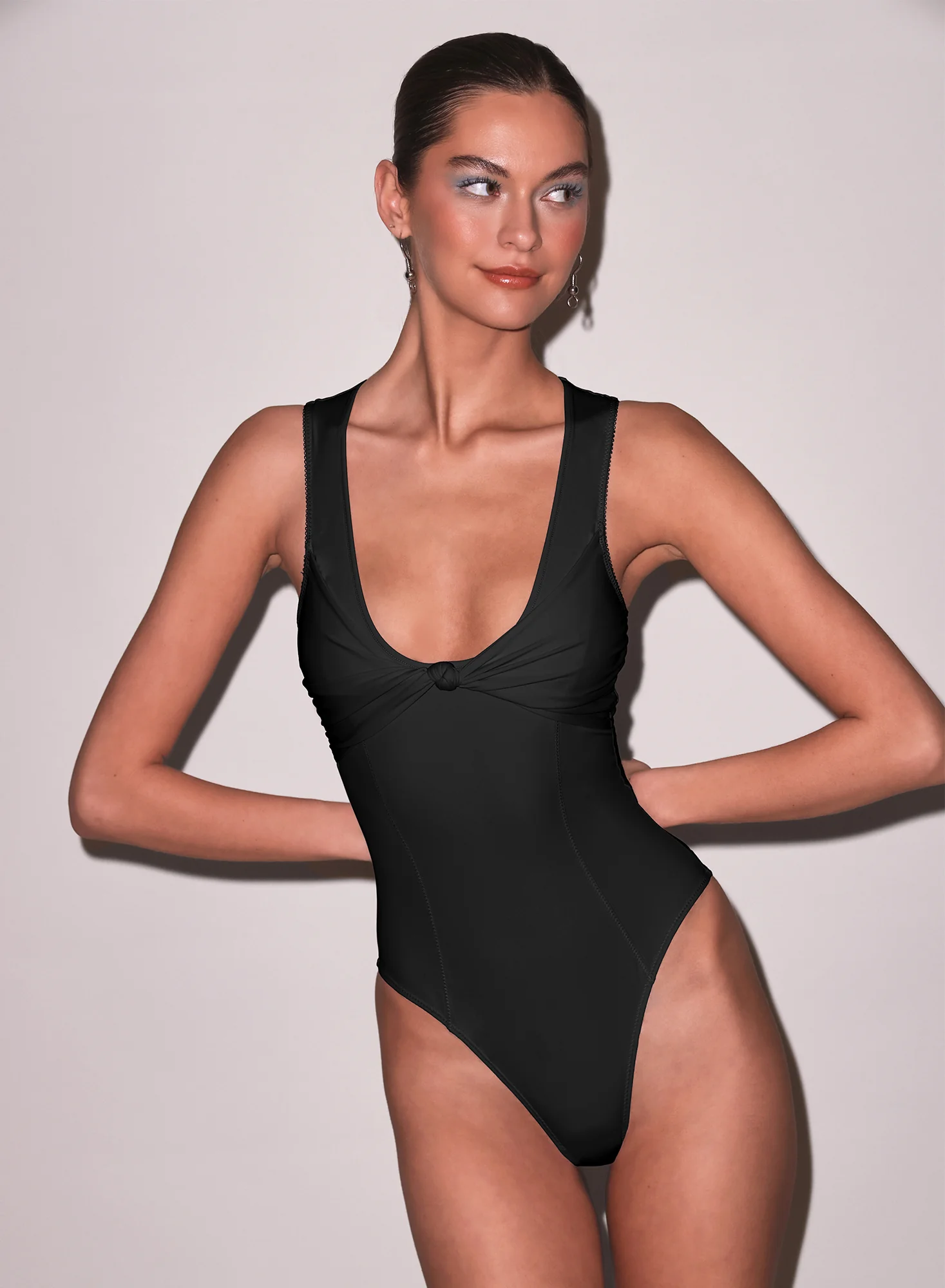
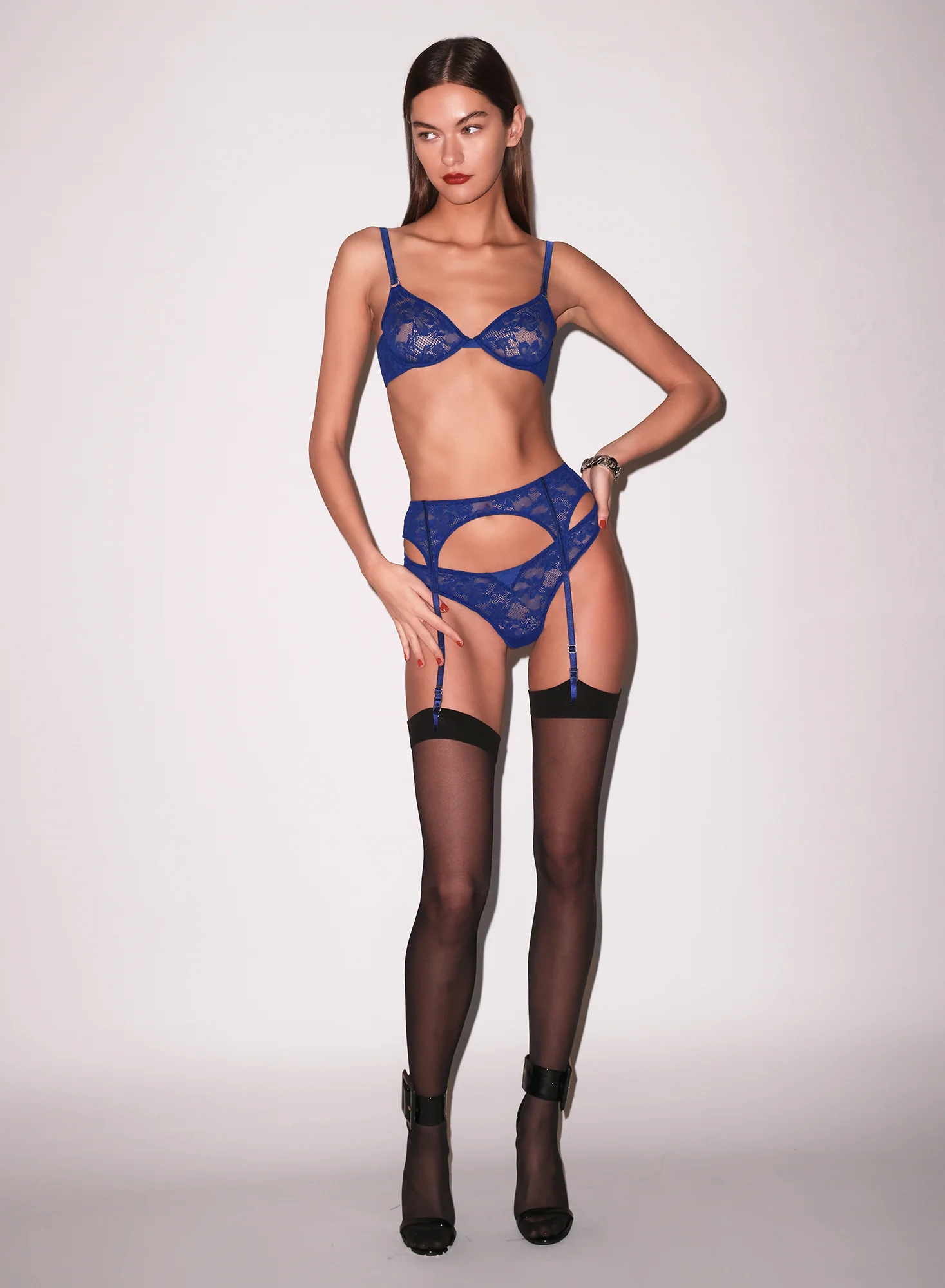
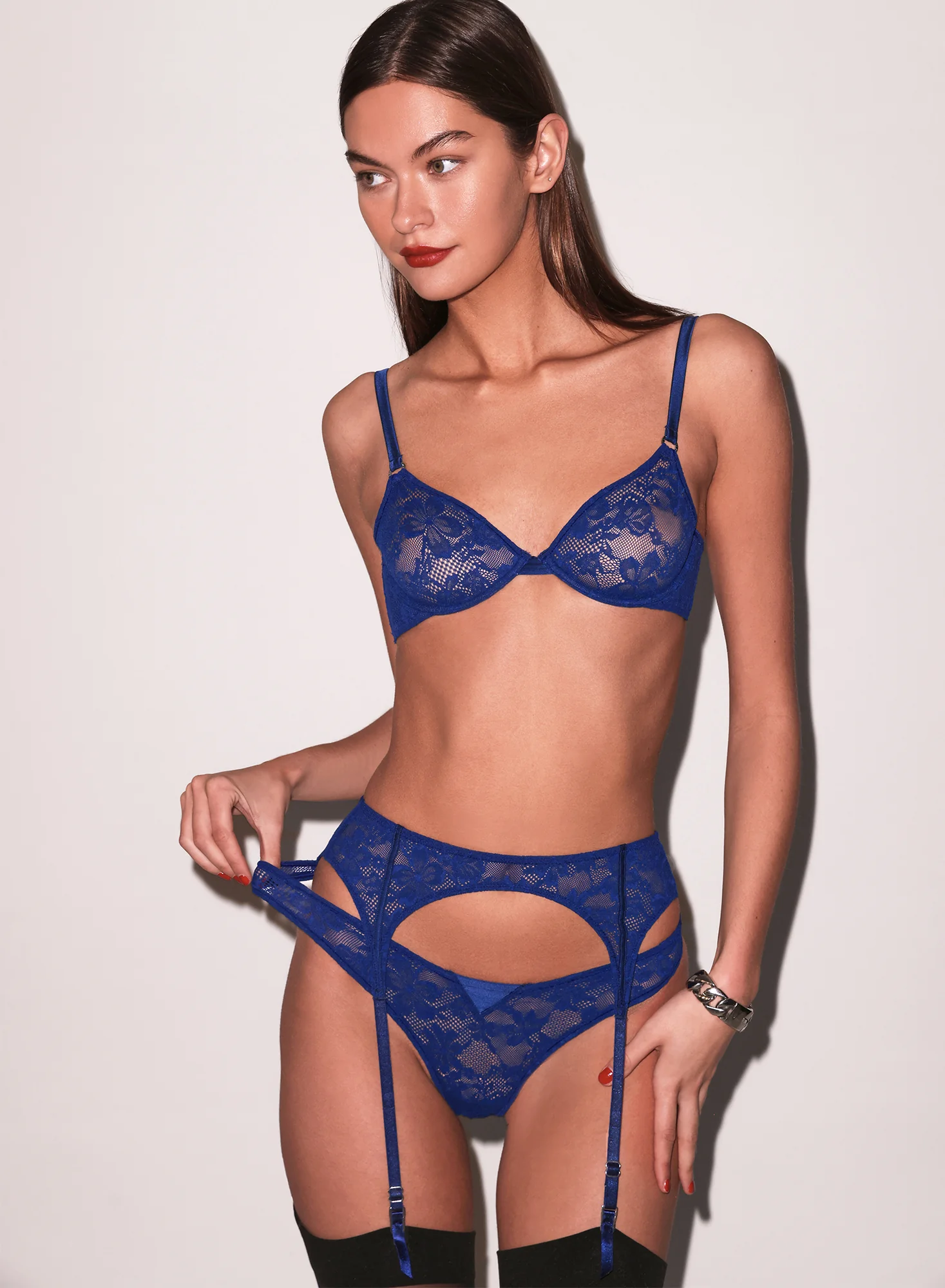
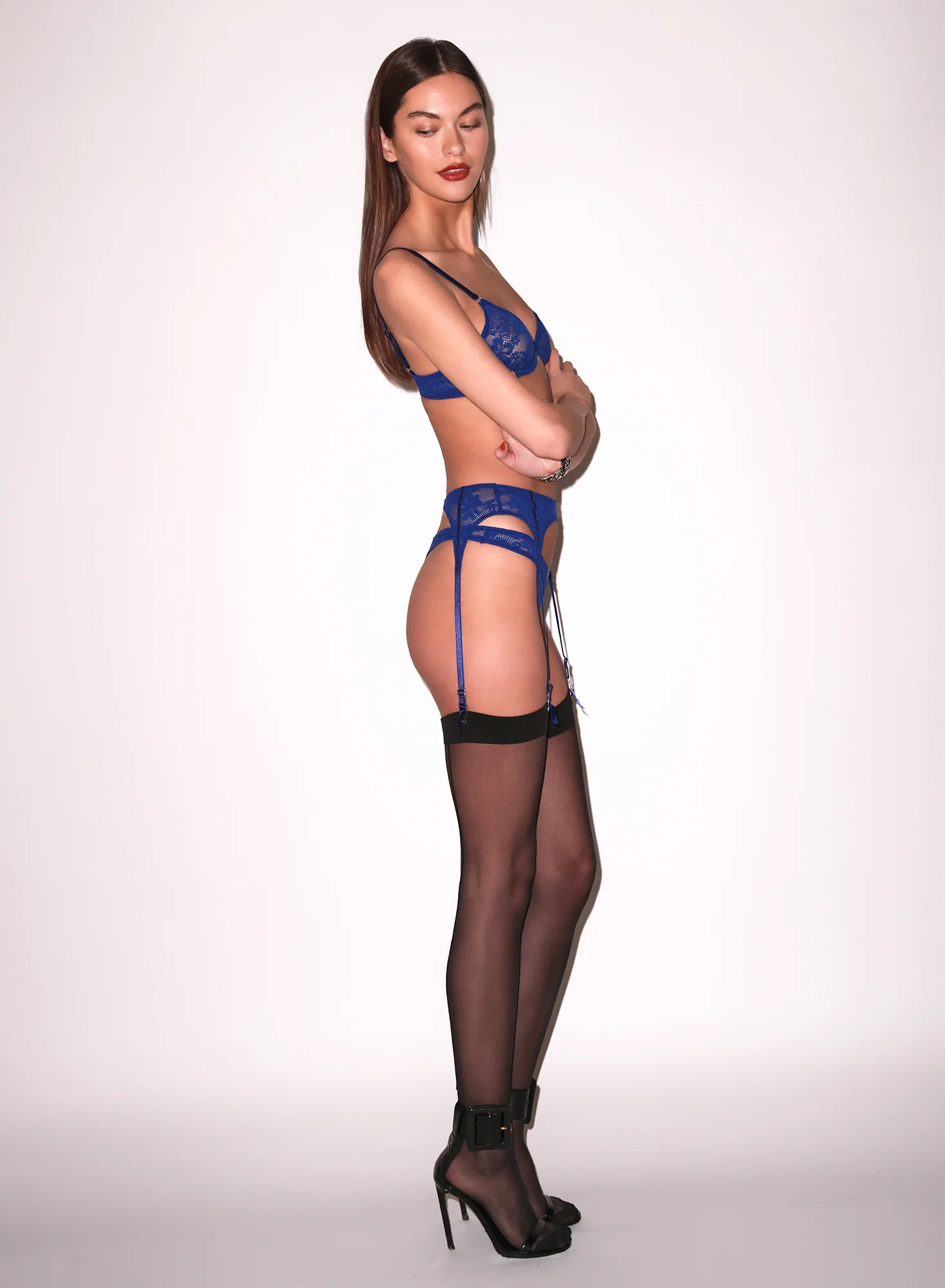
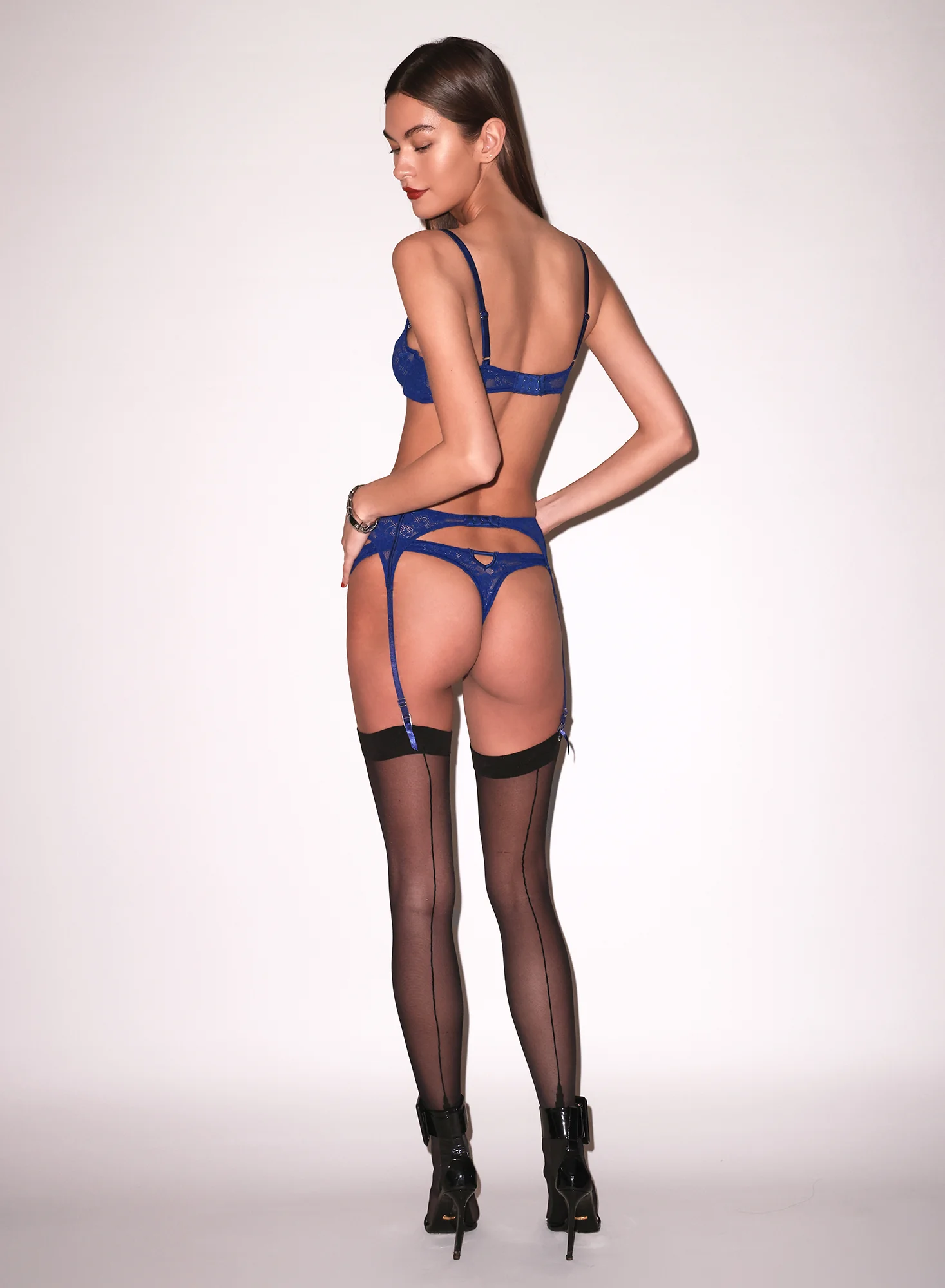
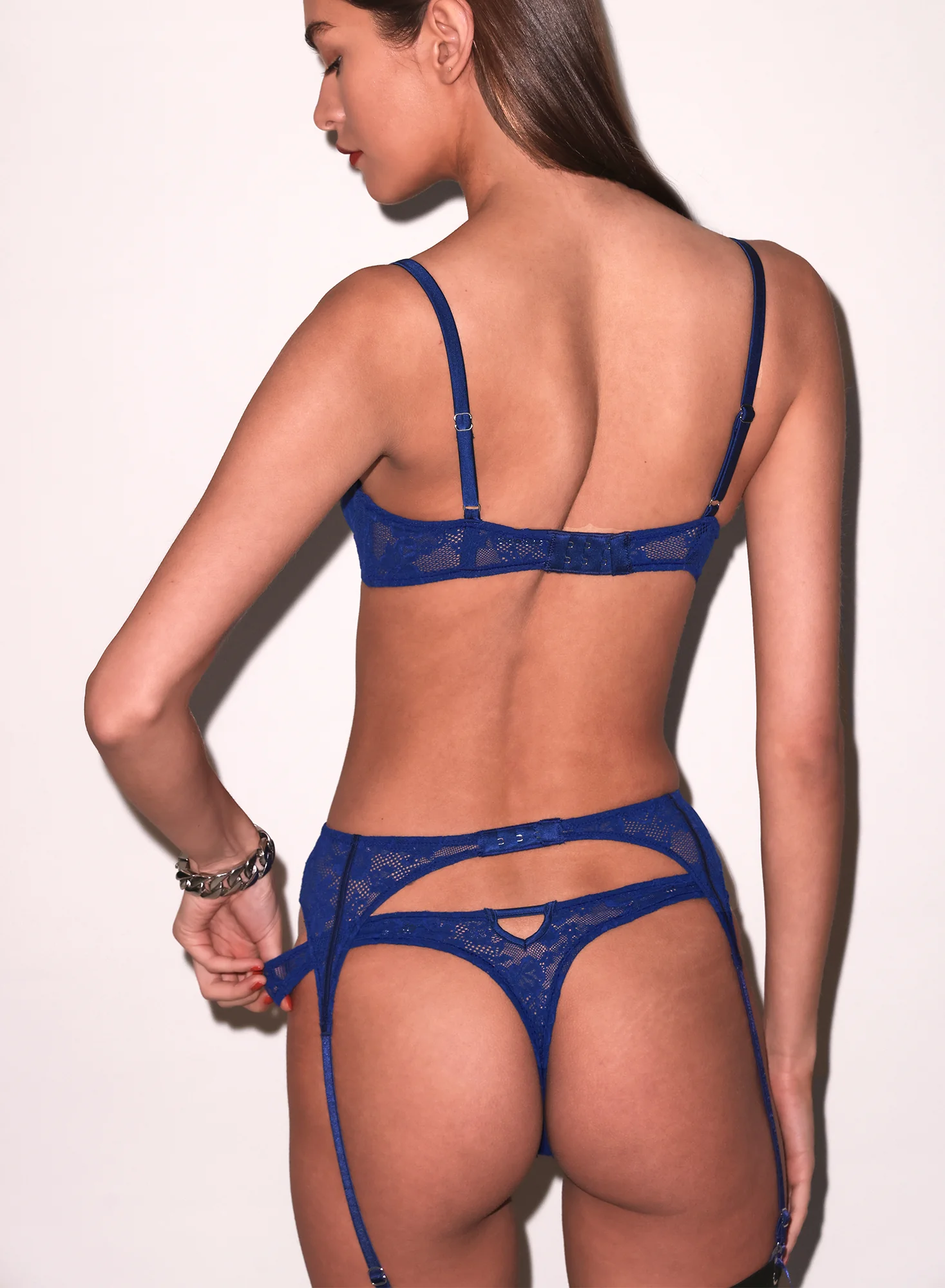
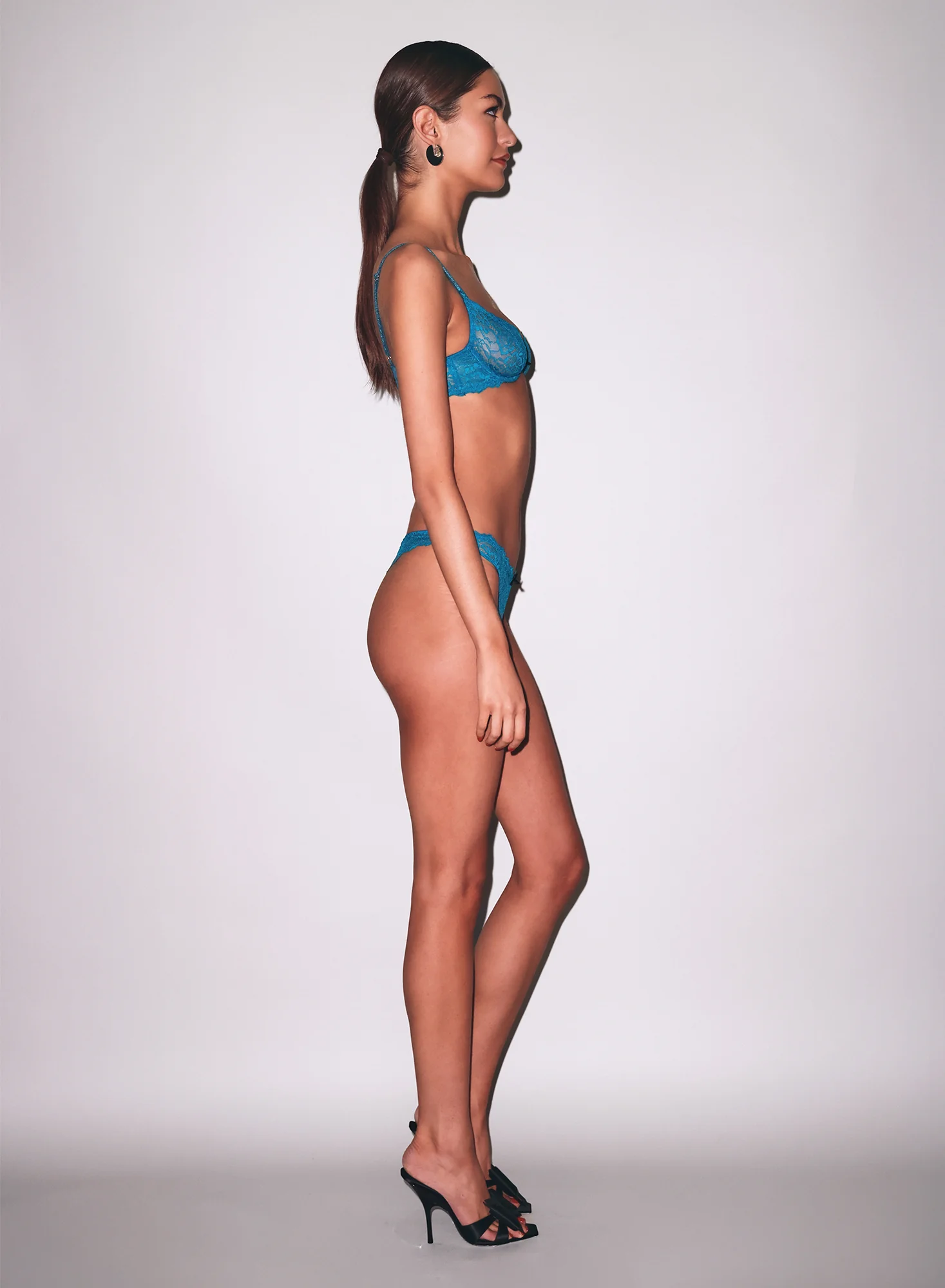
 Urban Outfitters










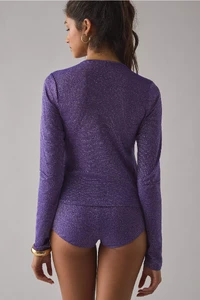






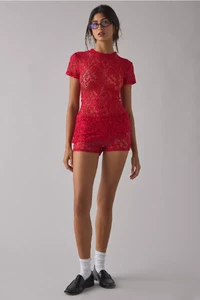
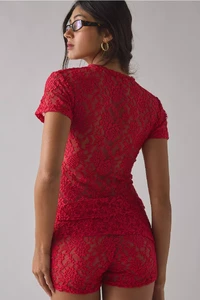























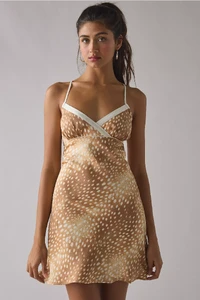

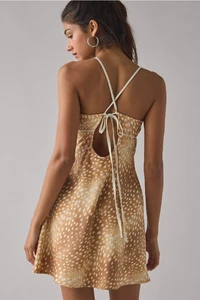



























 LUXOTTICA 1994 - PH. UNK - MY SCAN
























































































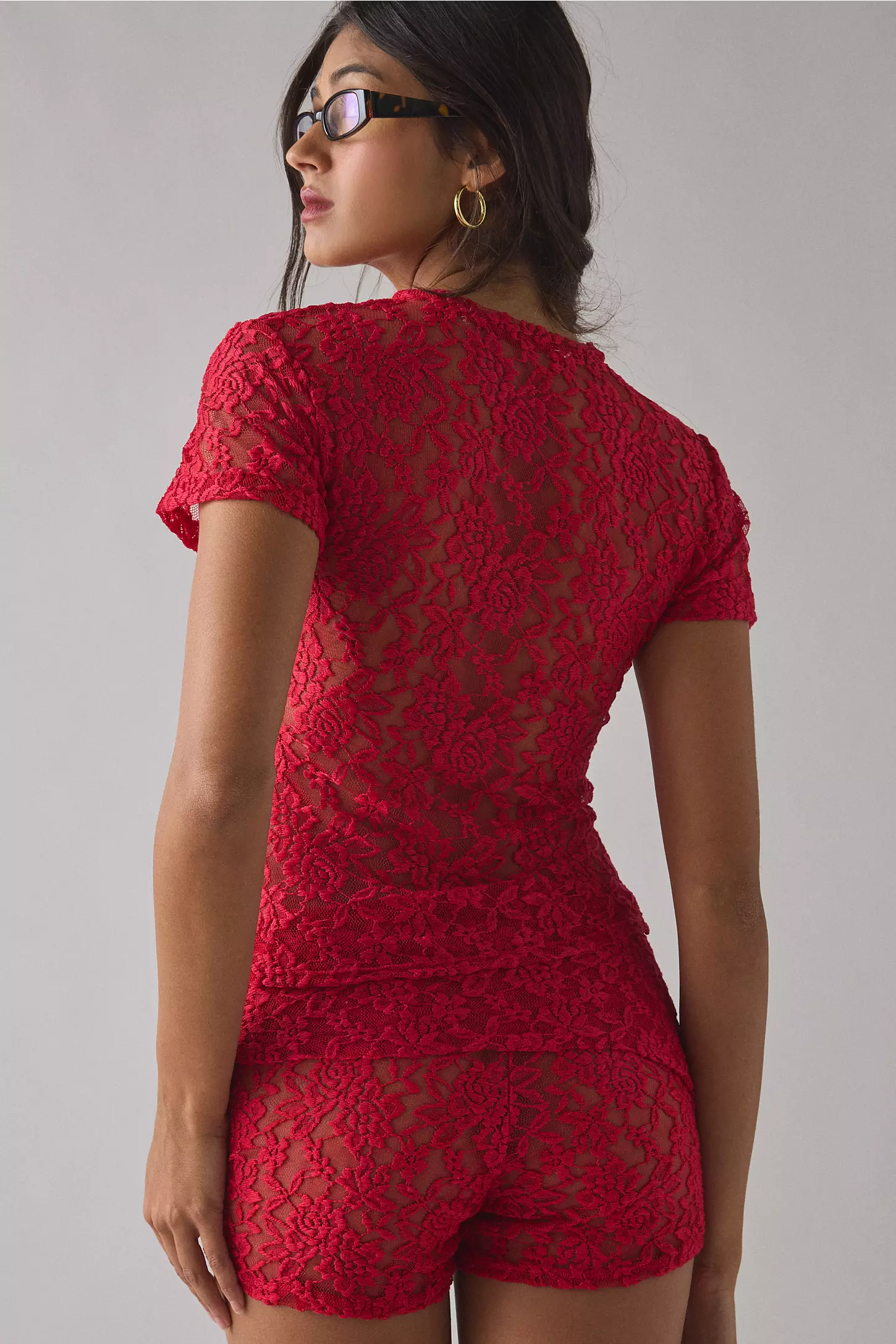
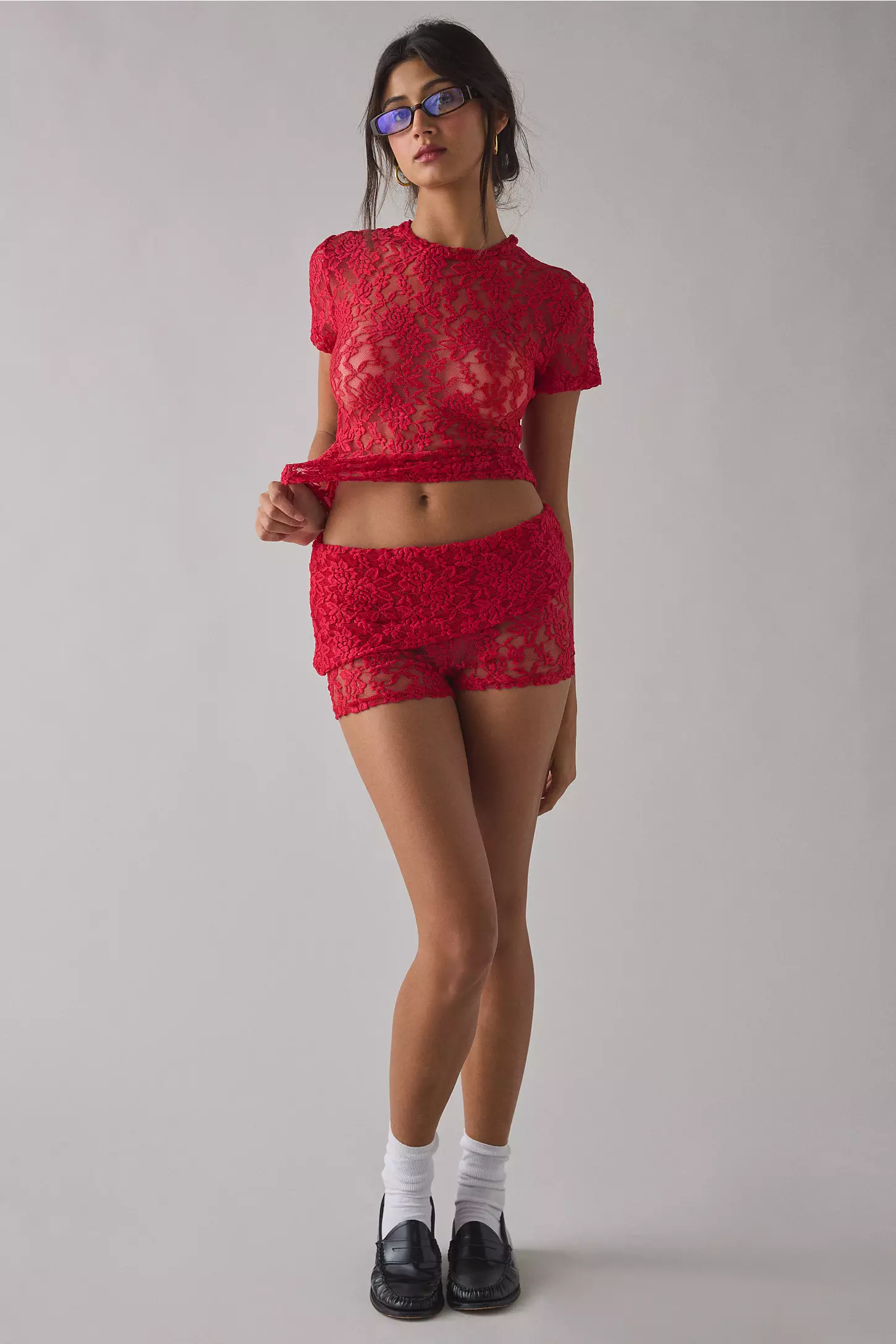



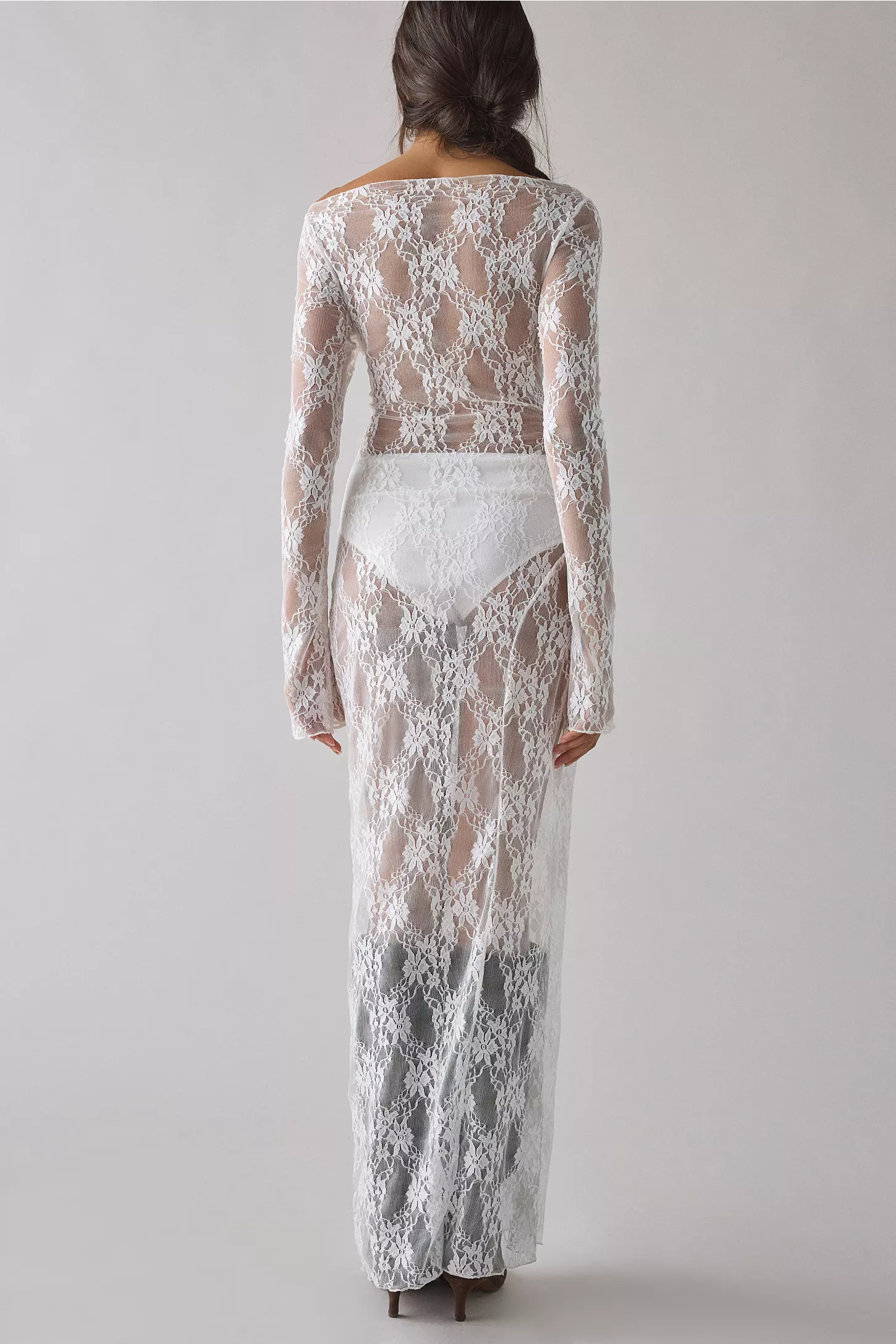








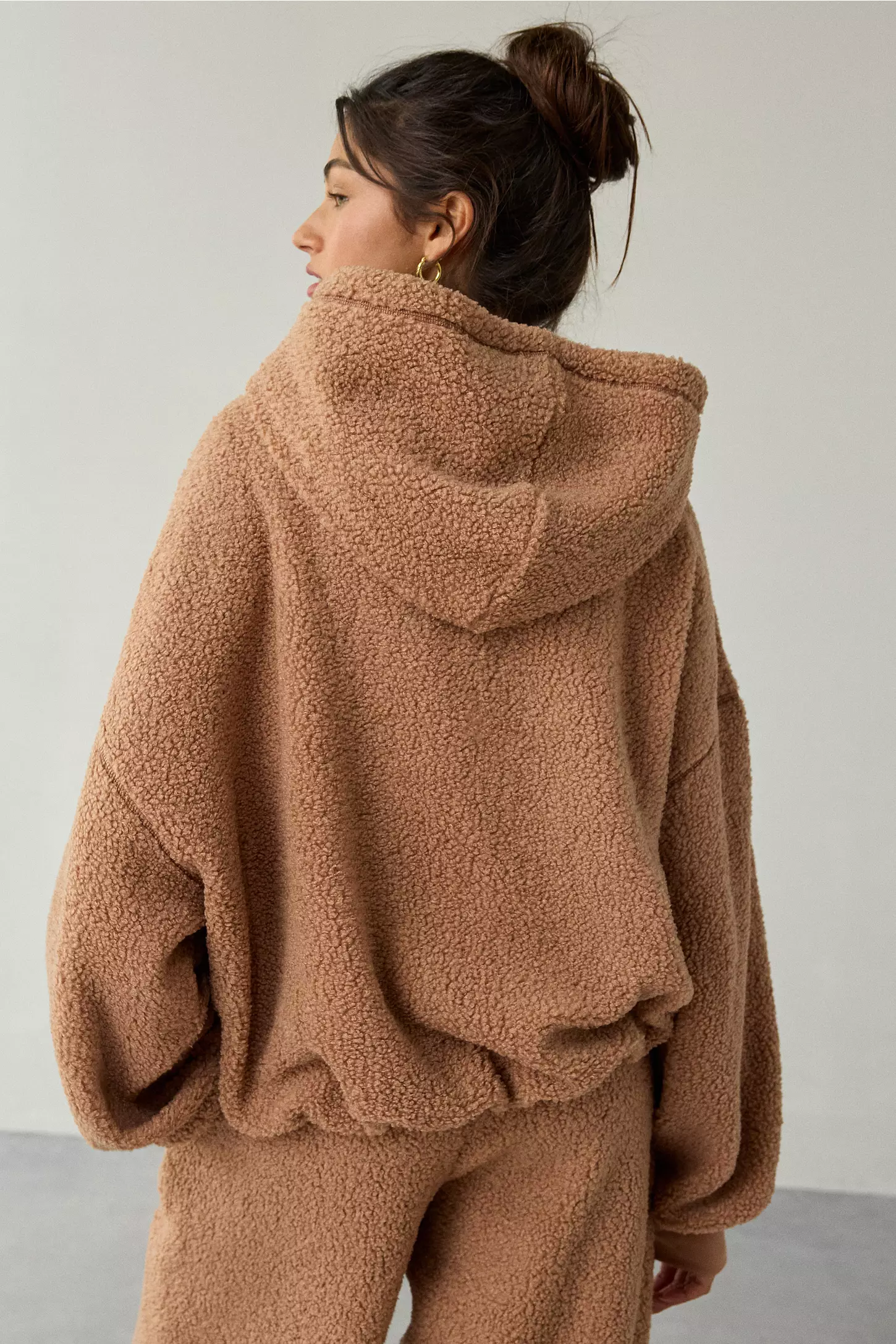





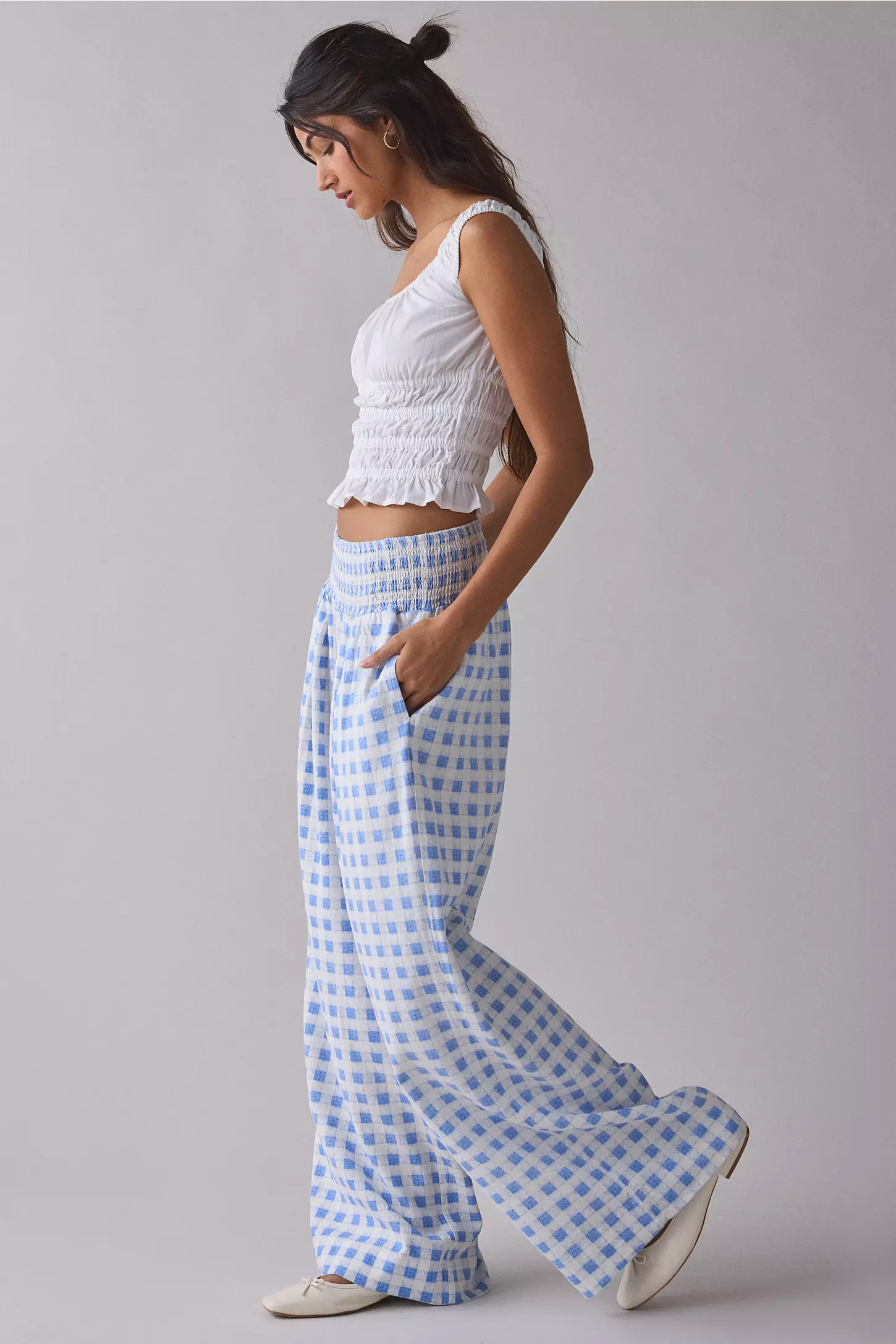



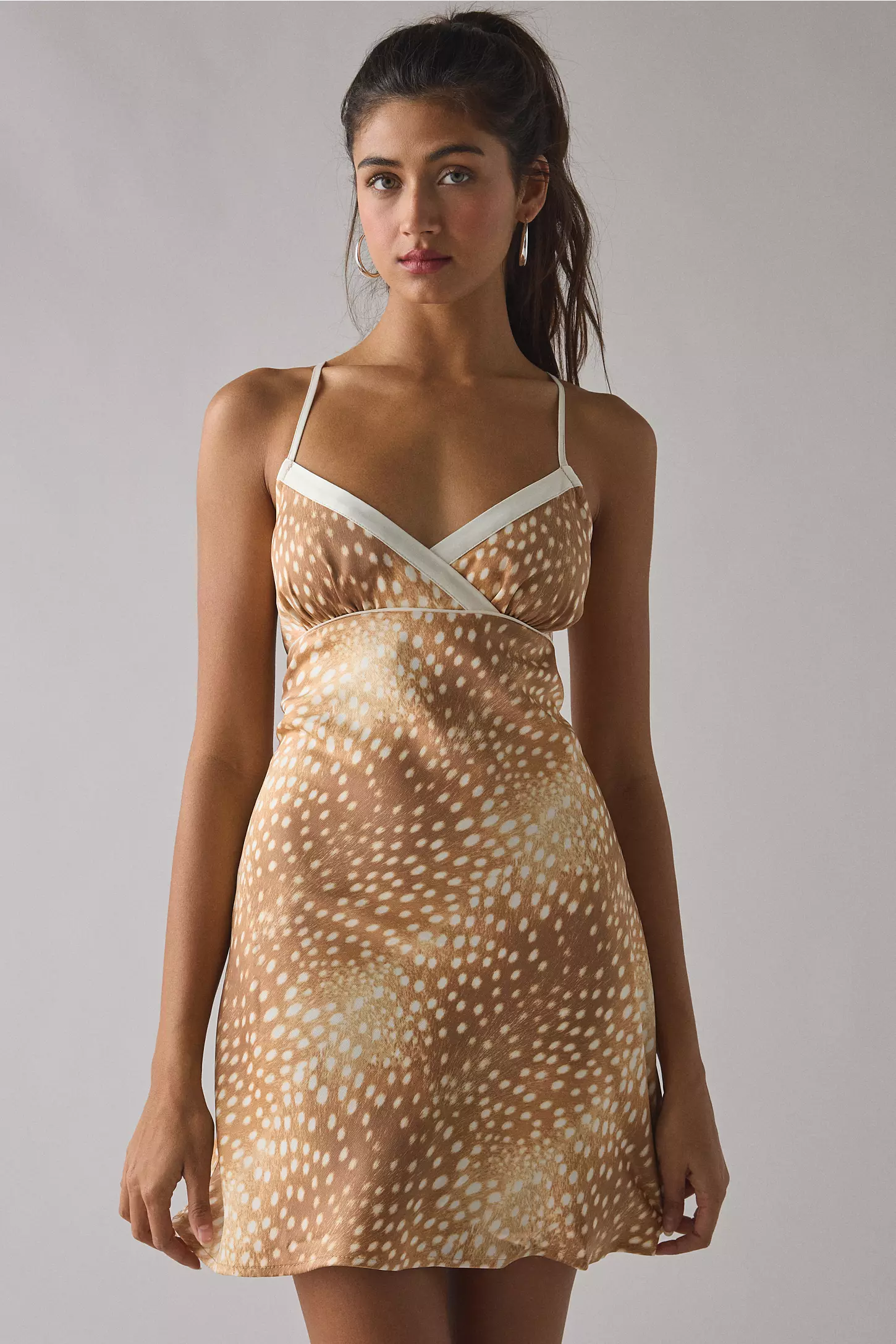




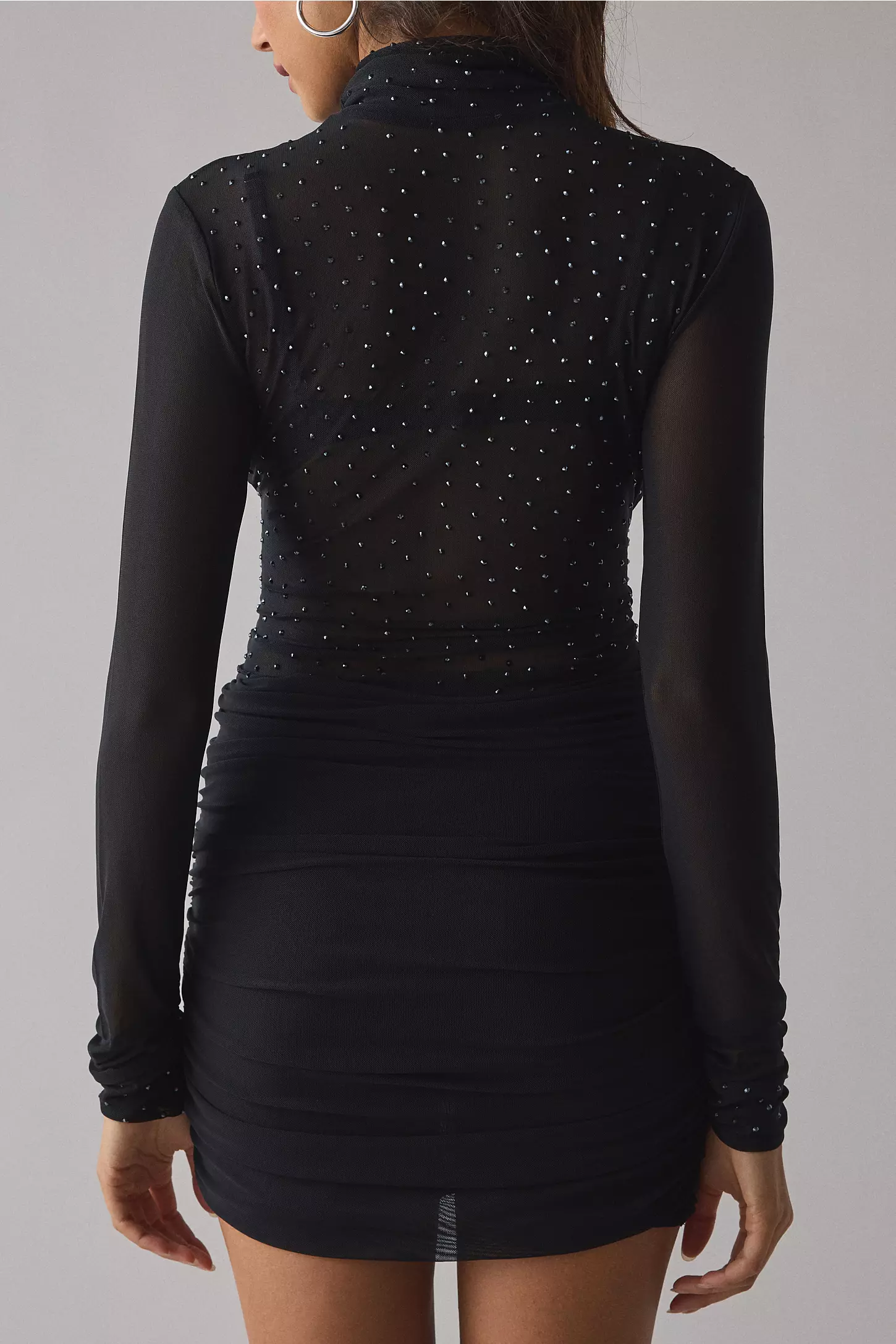








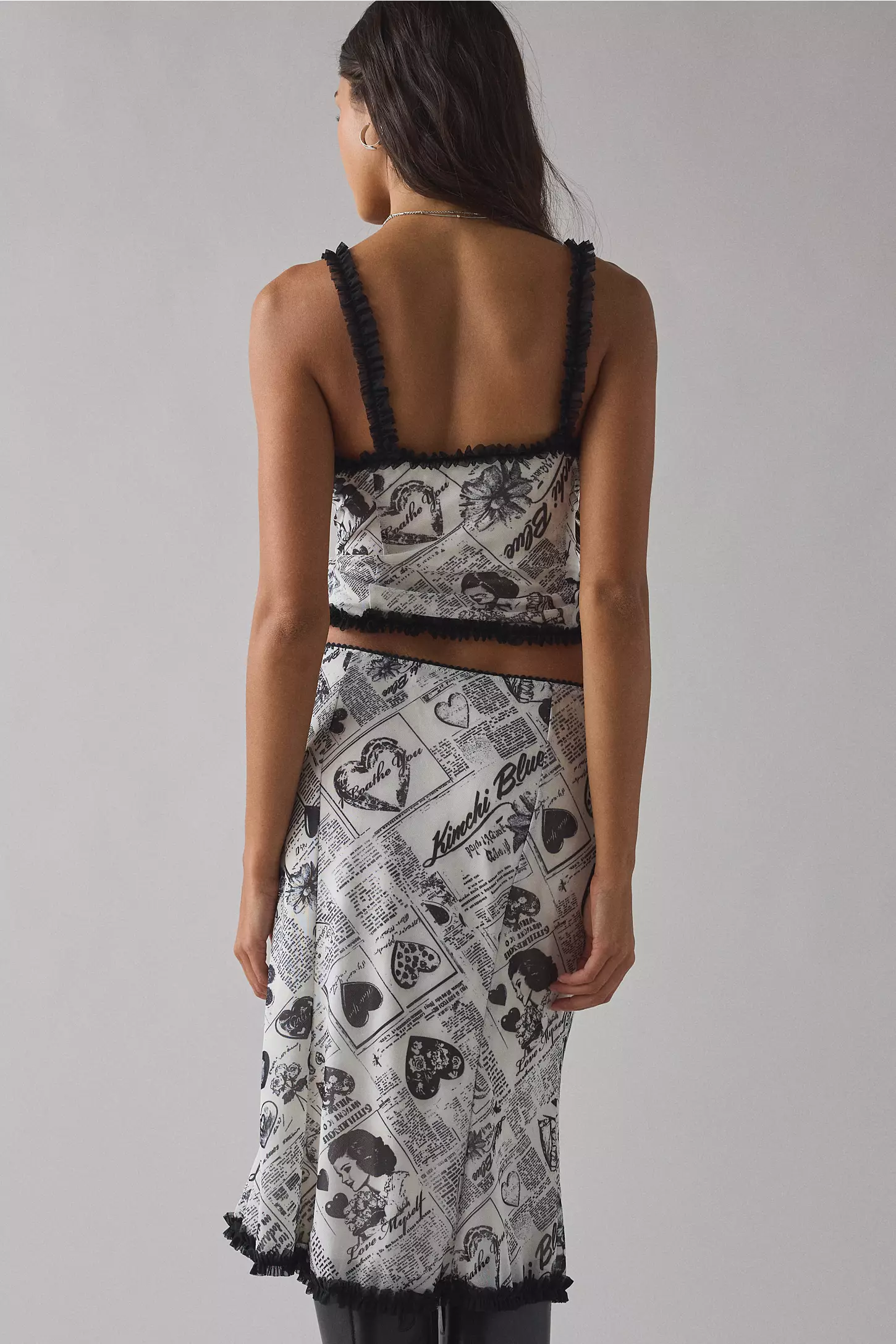


























































































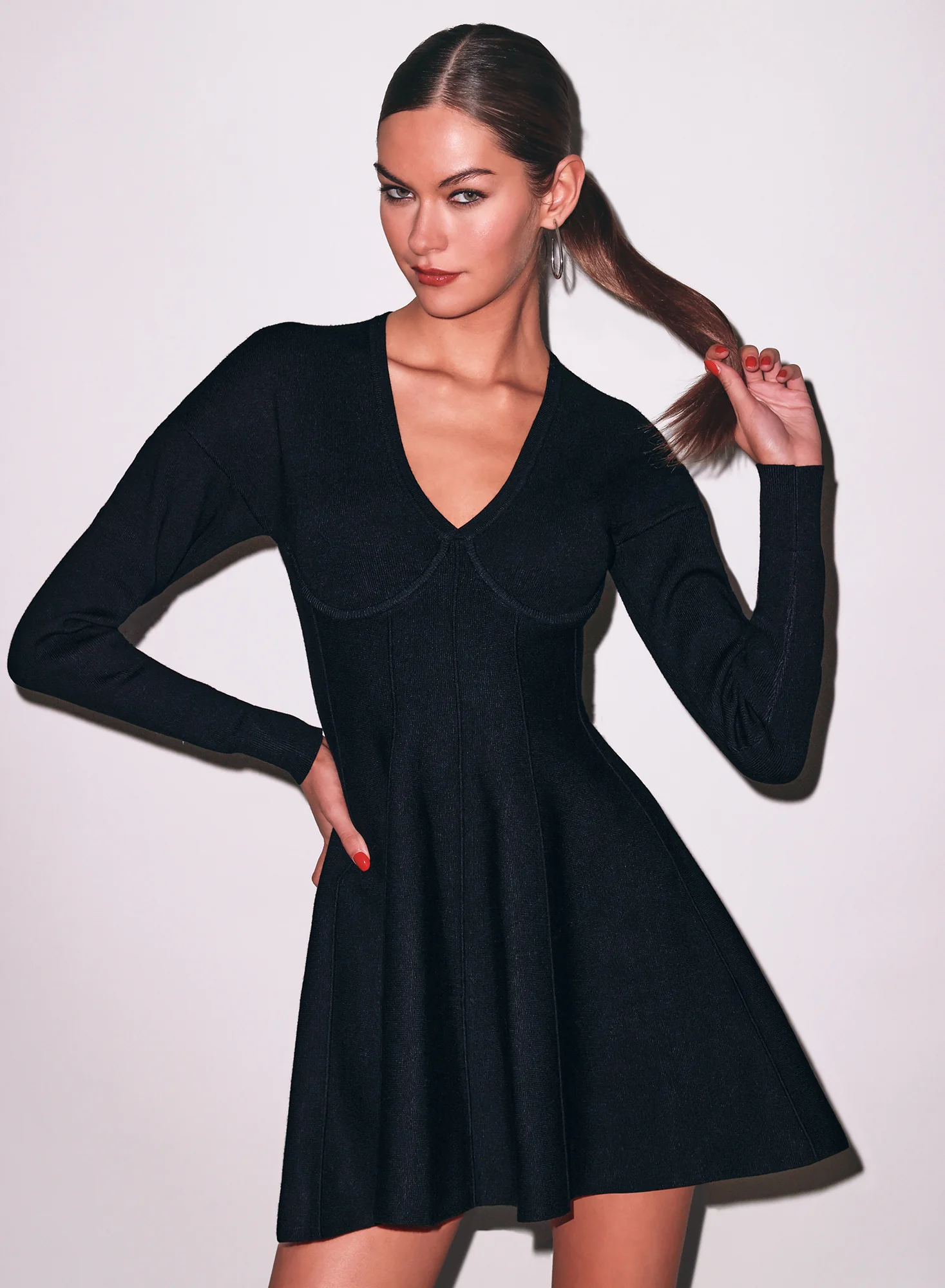
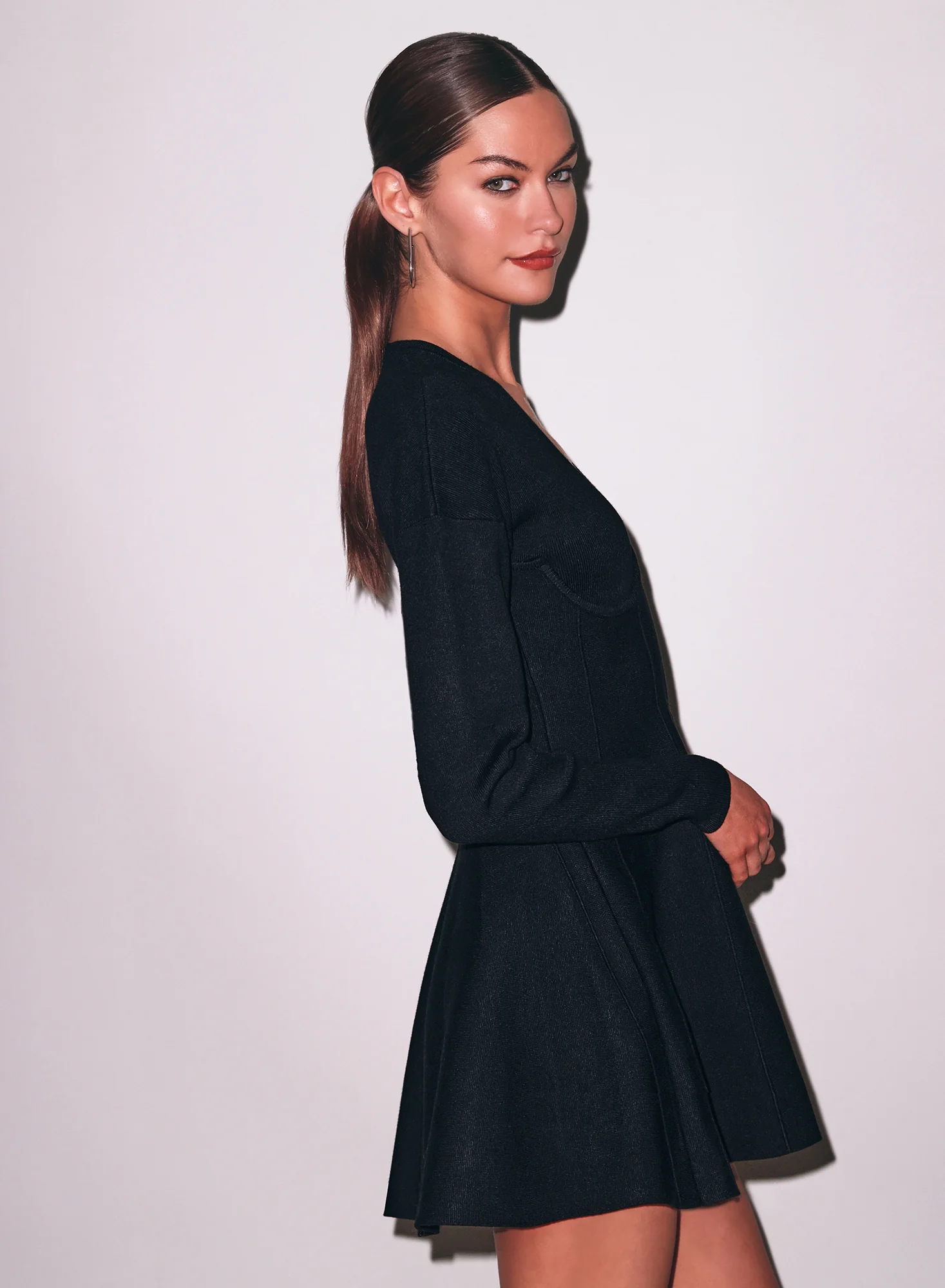

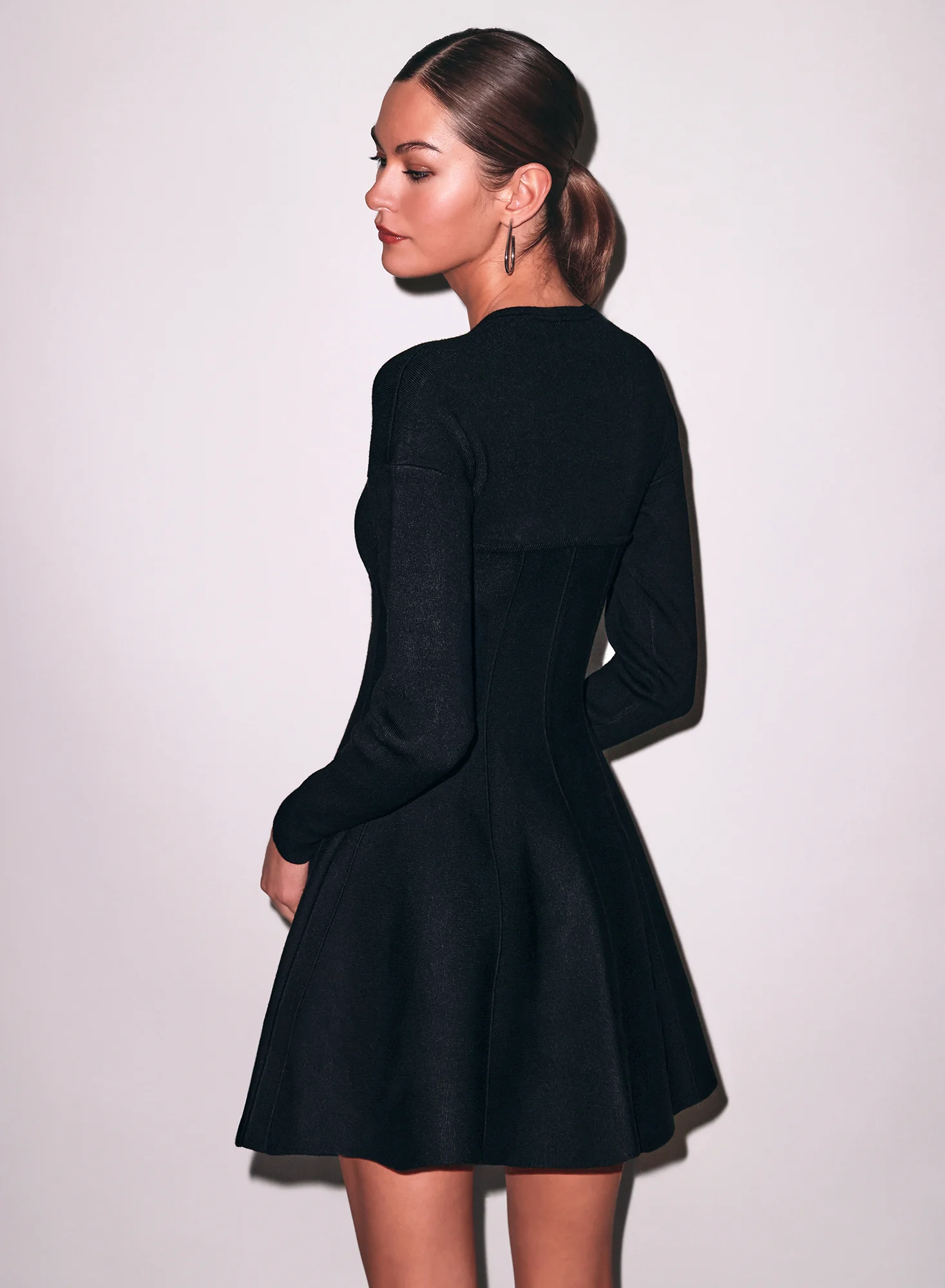
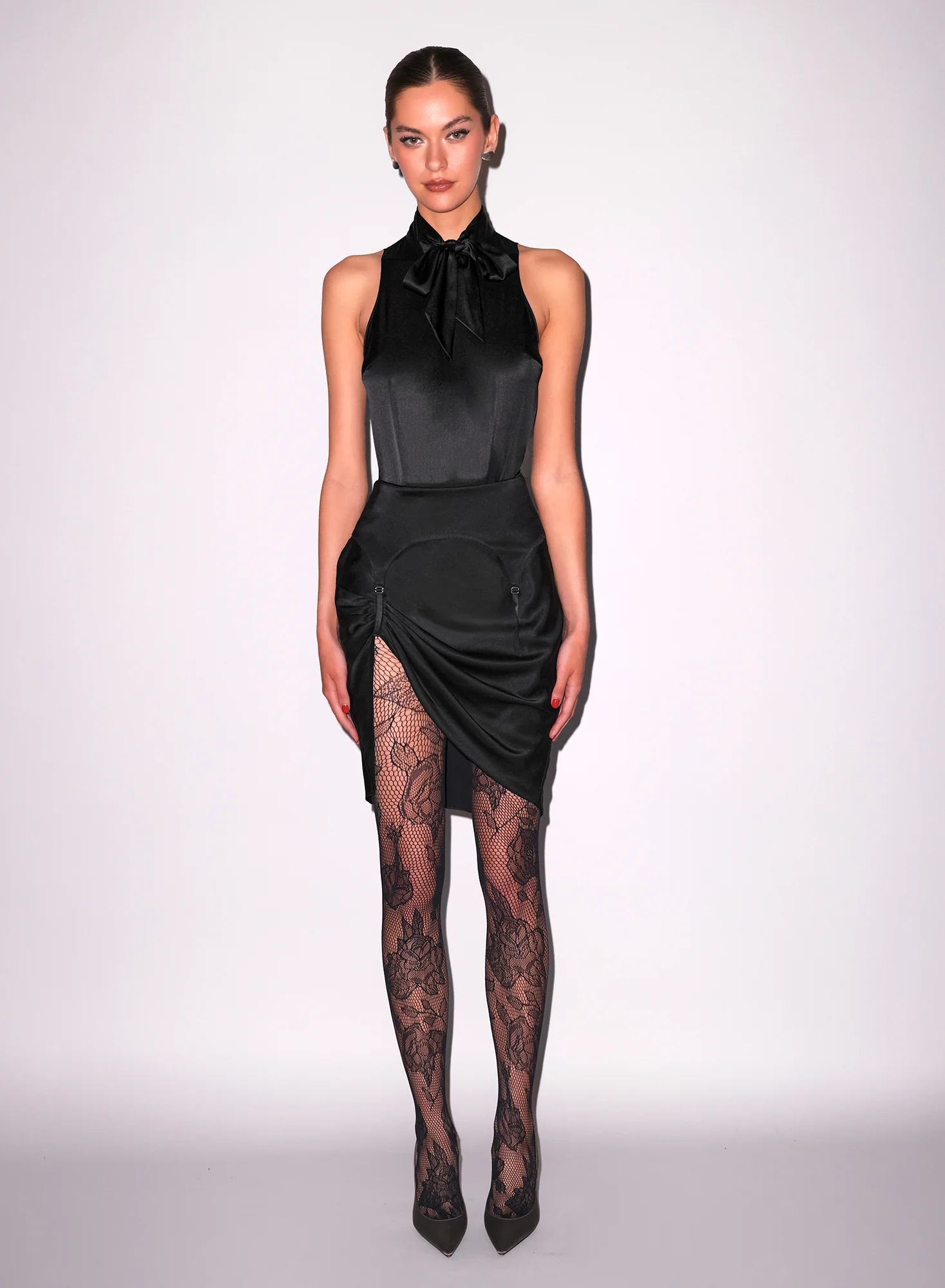








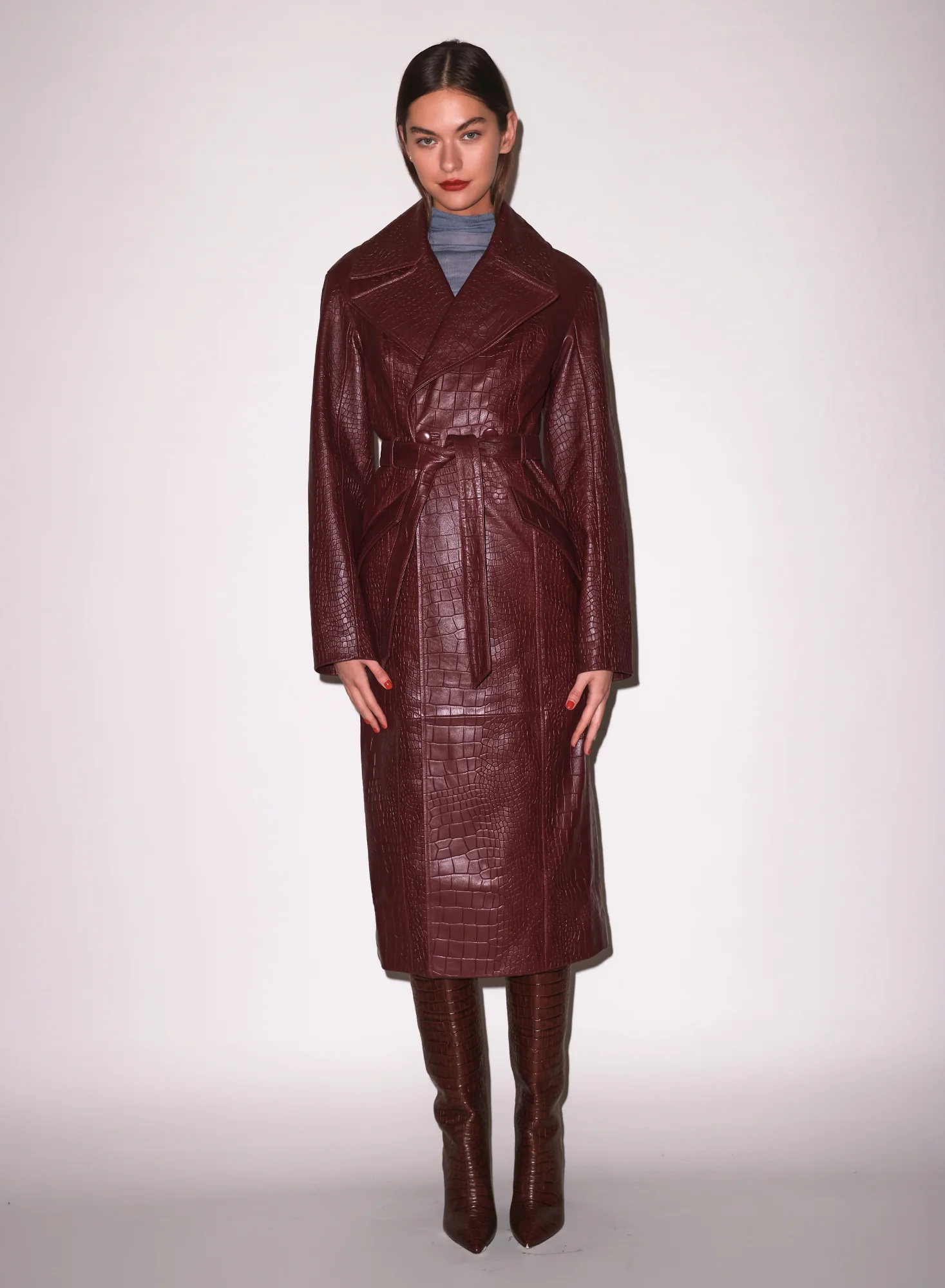
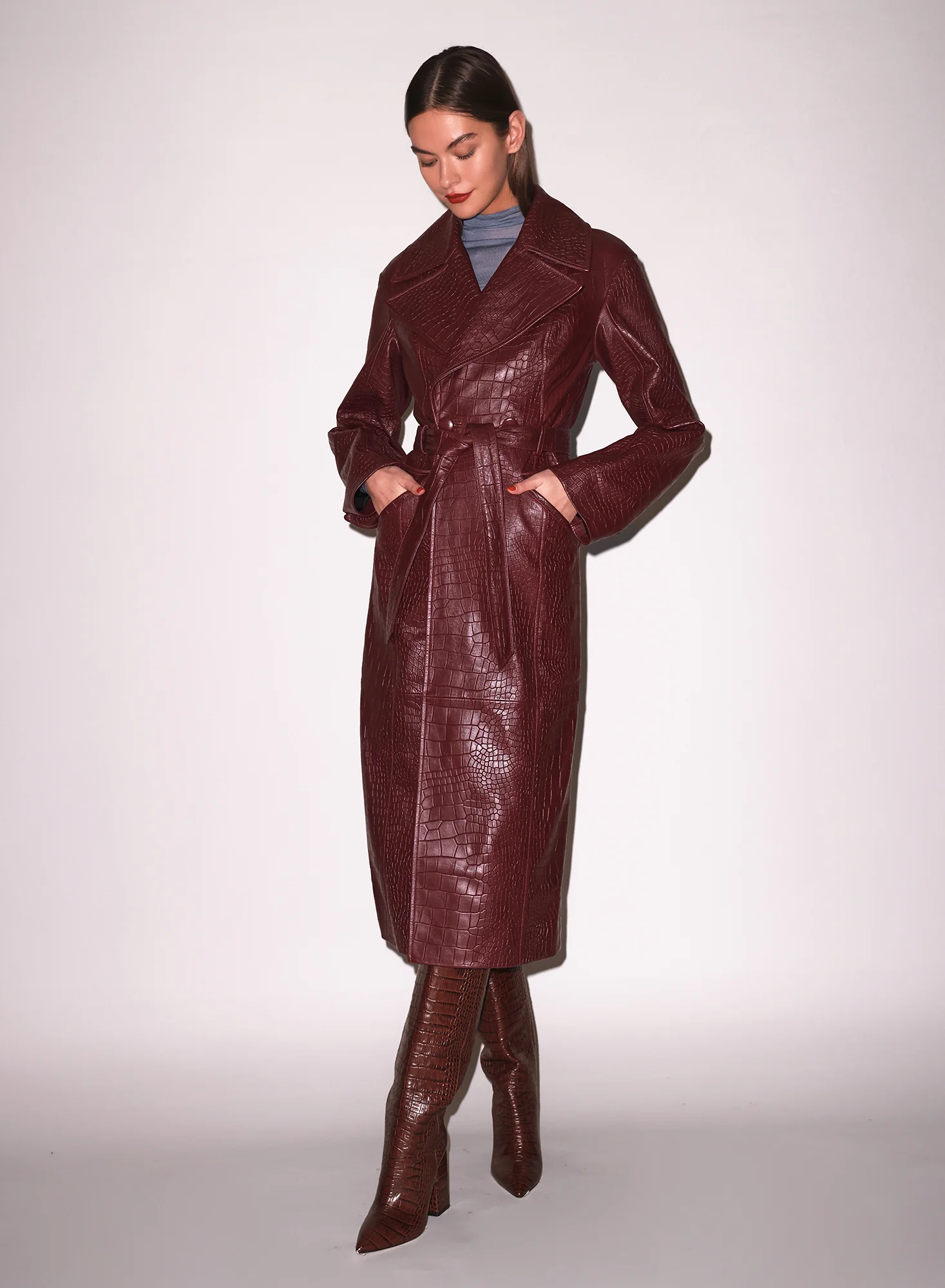

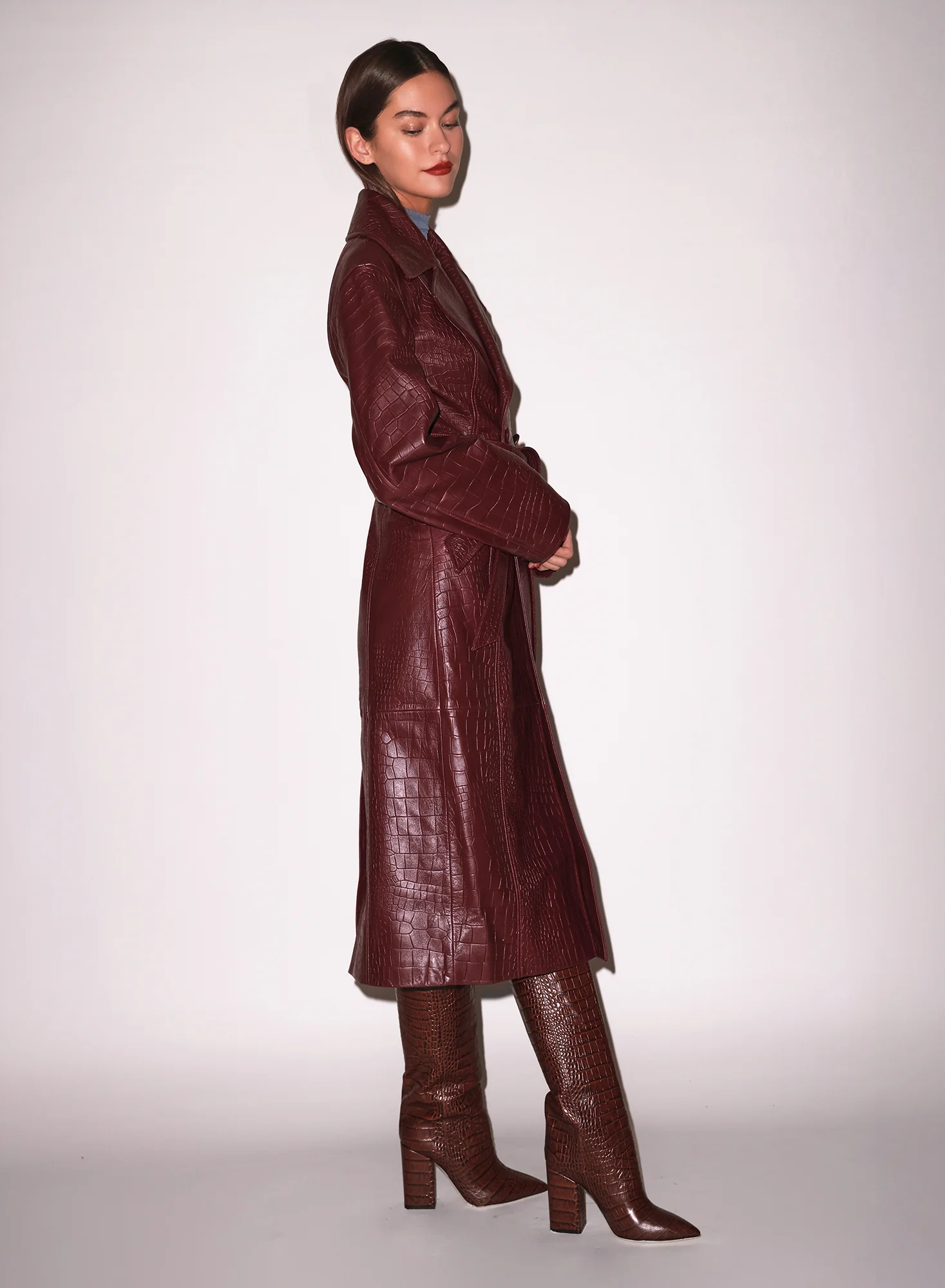
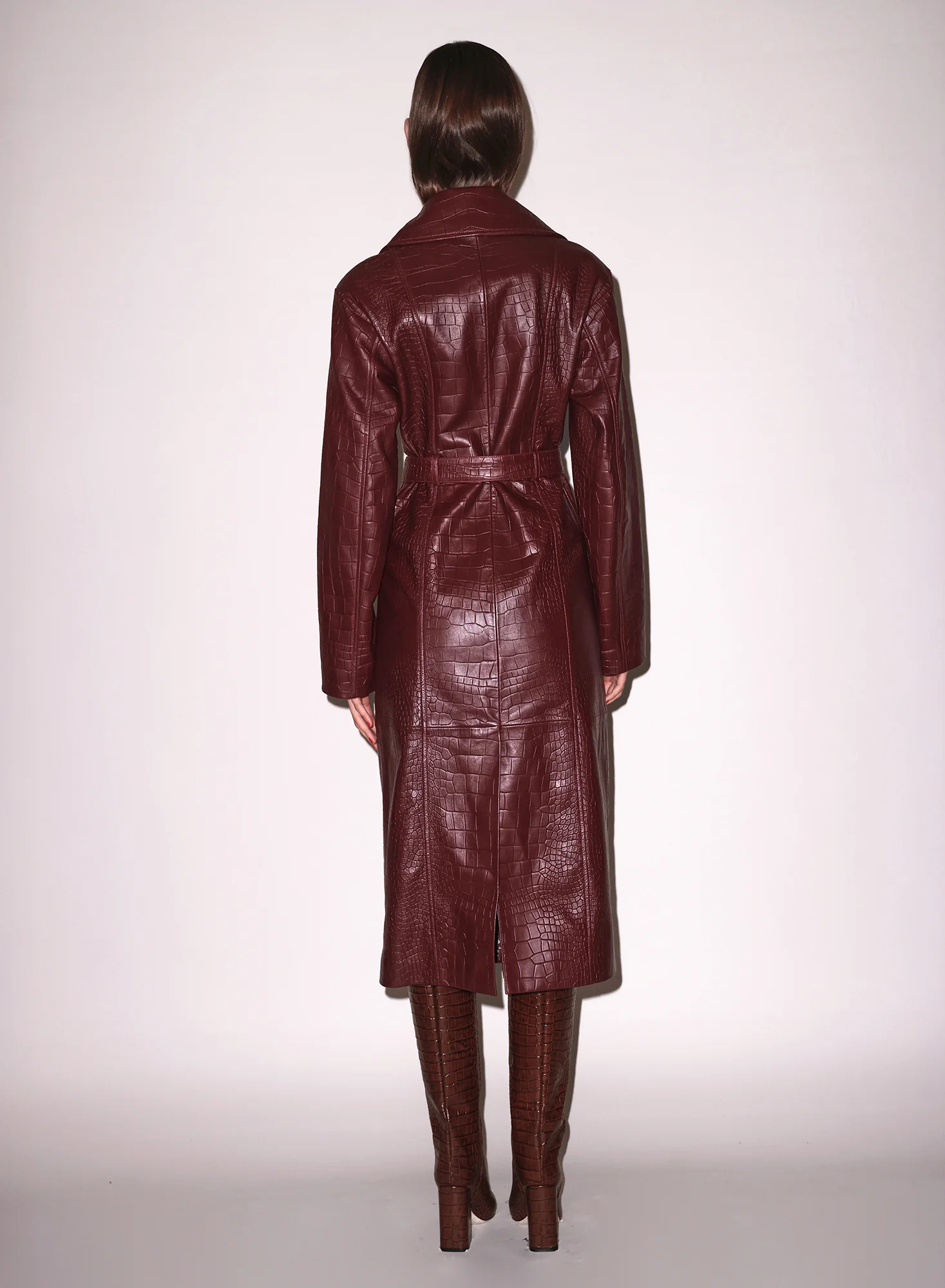






















Account
Search
Configure browser push notifications
Chrome (Android)
- Tap the lock icon next to the address bar.
- Tap Permissions → Notifications.
- Adjust your preference.
Chrome (Desktop)
- Click the padlock icon in the address bar.
- Select Site settings.
- Find Notifications and adjust your preference.
Safari (iOS 16.4+)
- Ensure the site is installed via Add to Home Screen.
- Open Settings App → Notifications.
- Find your app name and adjust your preference.
Safari (macOS)
- Go to Safari → Preferences.
- Click the Websites tab.
- Select Notifications in the sidebar.
- Find this website and adjust your preference.
Edge (Android)
- Tap the lock icon next to the address bar.
- Tap Permissions.
- Find Notifications and adjust your preference.
Edge (Desktop)
- Click the padlock icon in the address bar.
- Click Permissions for this site.
- Find Notifications and adjust your preference.
Firefox (Android)
- Go to Settings → Site permissions.
- Tap Notifications.
- Find this site in the list and adjust your preference.
Firefox (Desktop)
- Open Firefox Settings.
- Search for Notifications.
- Find this site in the list and adjust your preference.