All Activity
- Past hour
-
 💎💎
💎💎
-

-

-
-
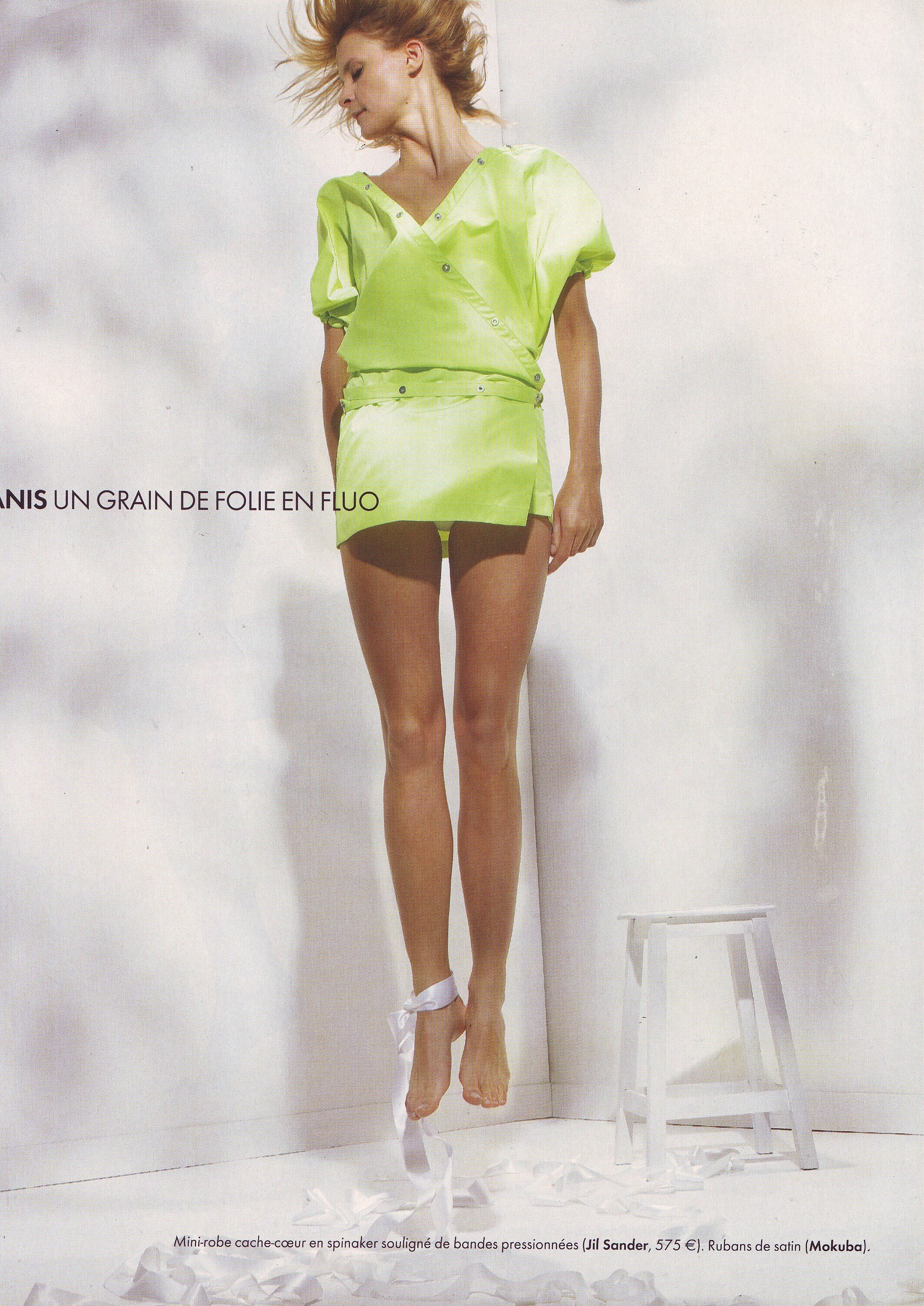
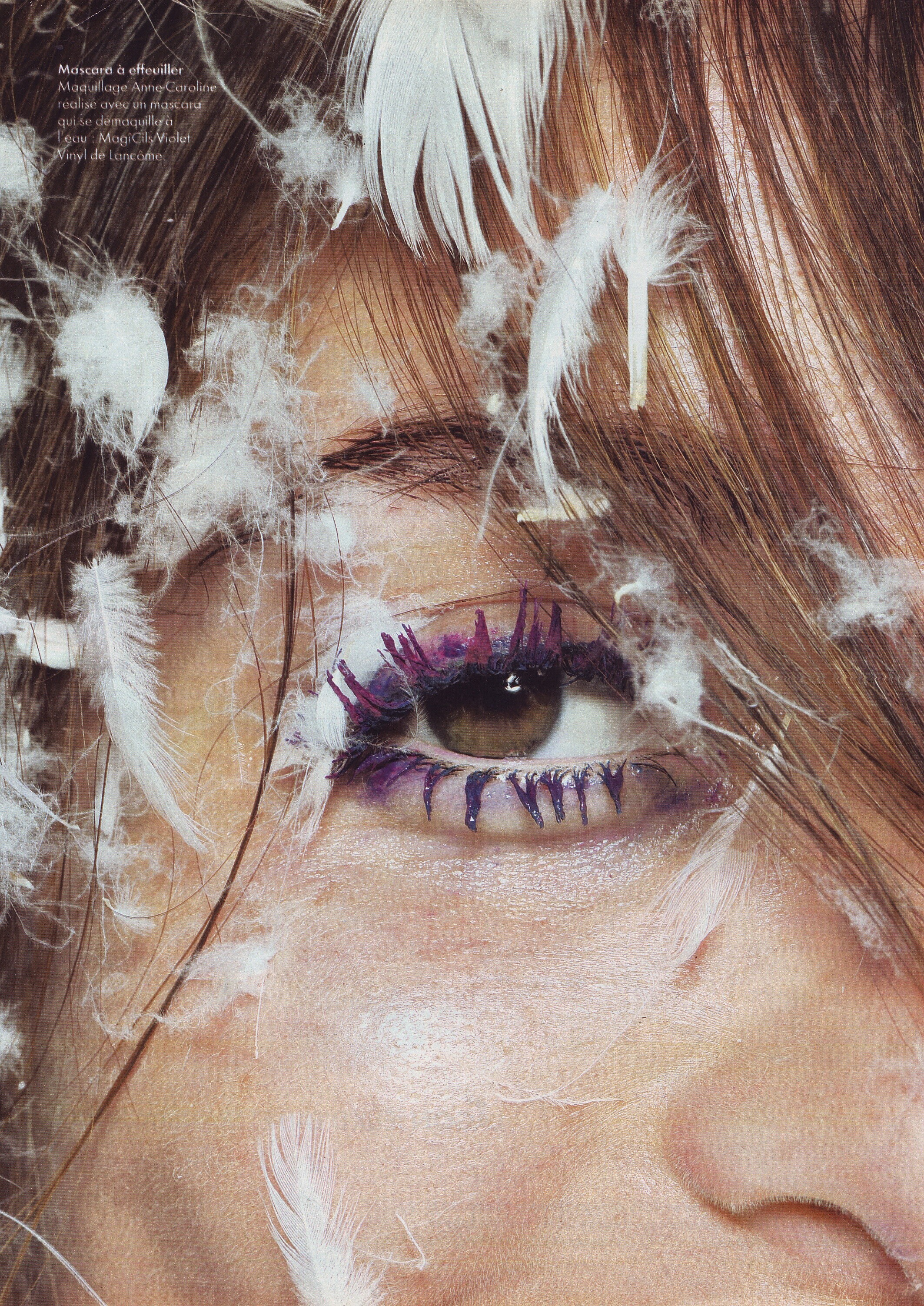
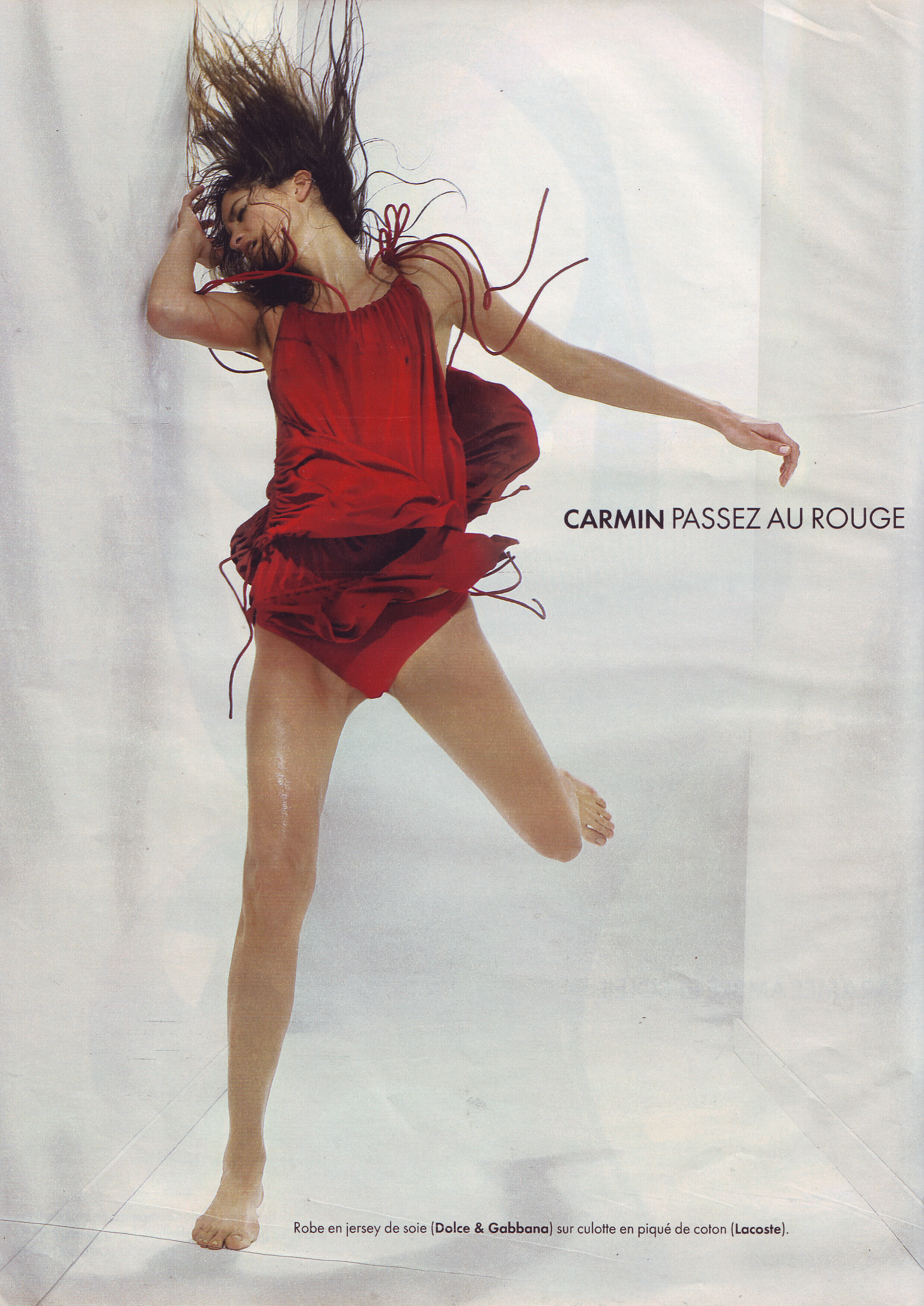
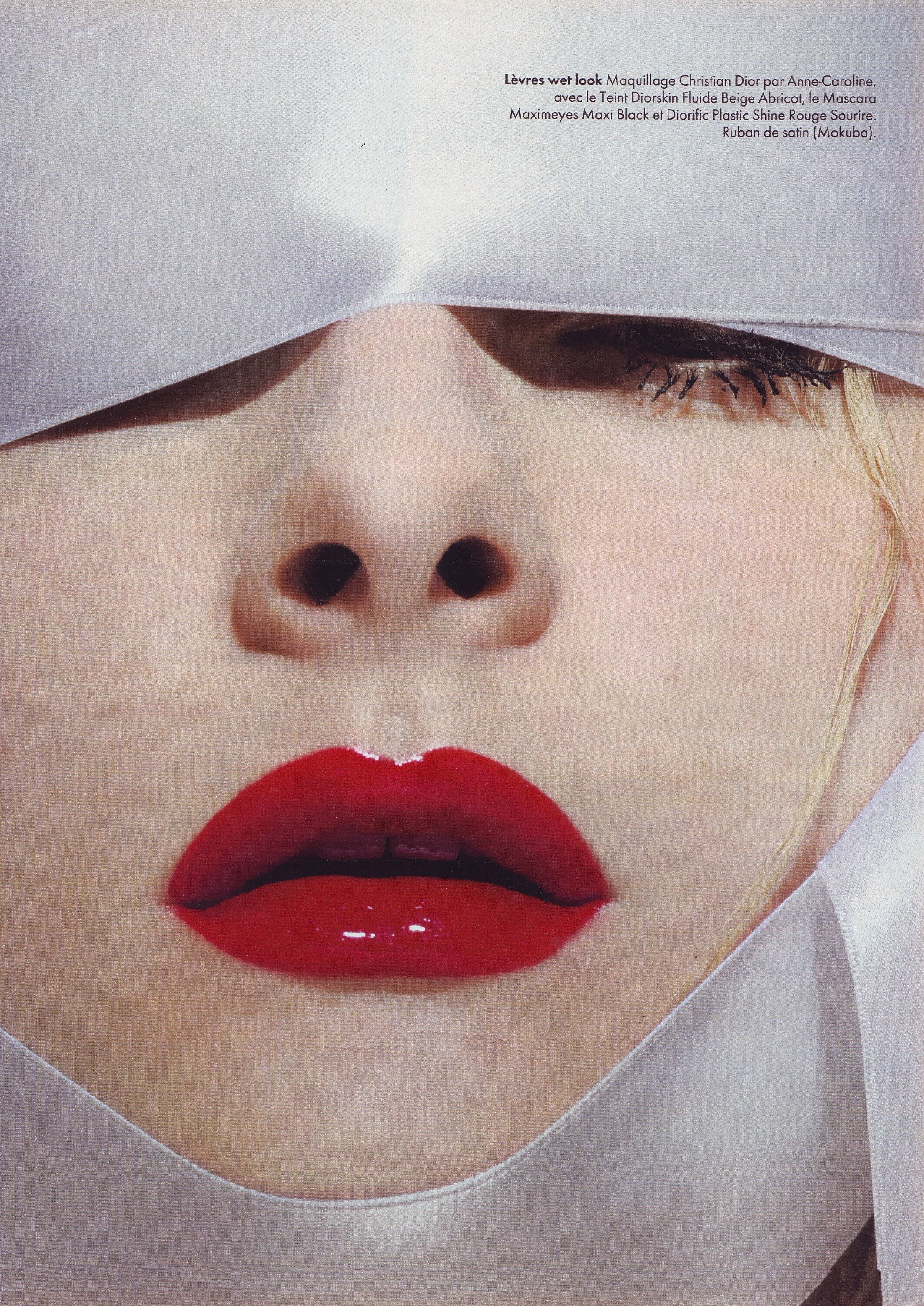
 Here are some photos

-
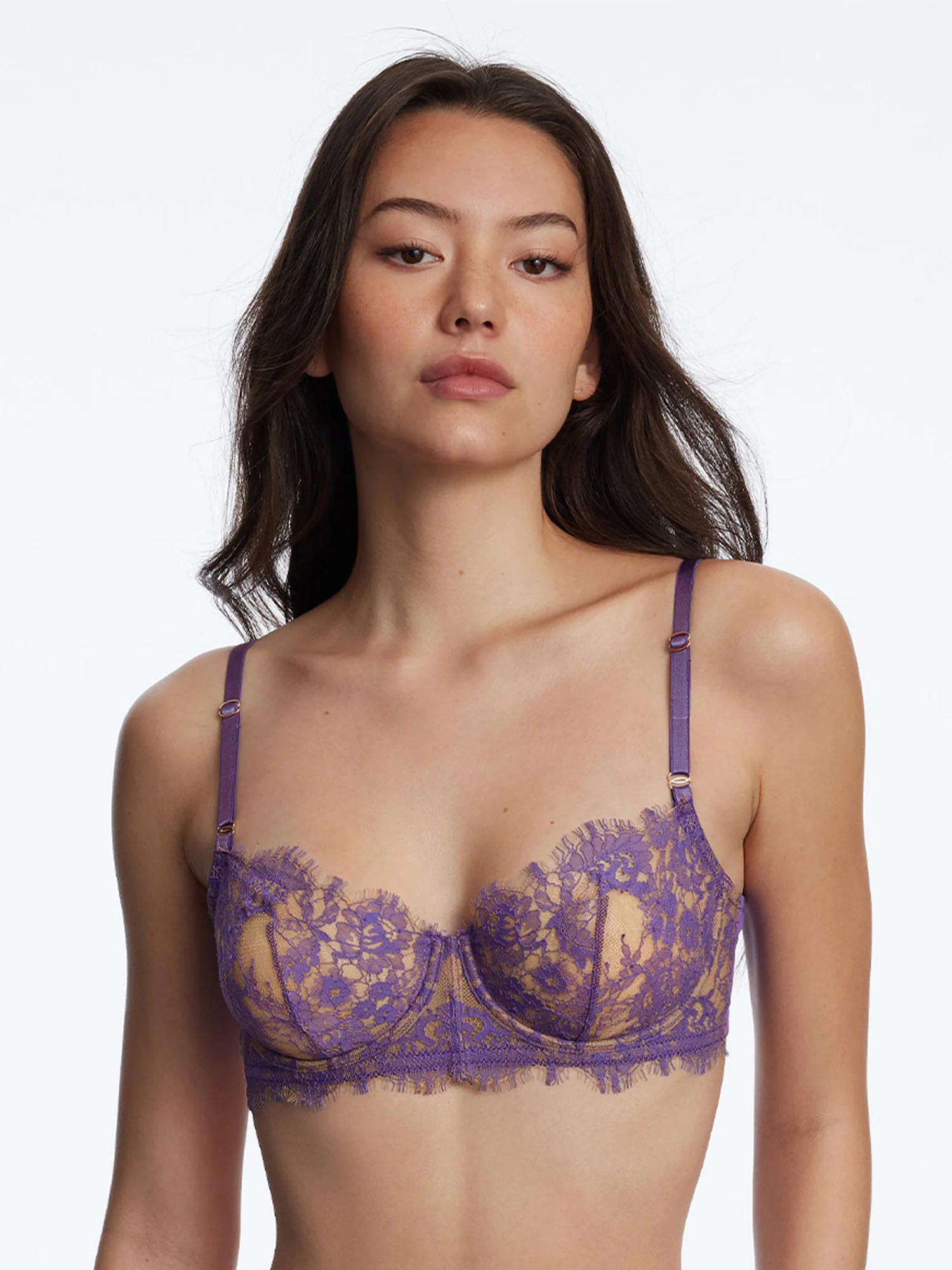
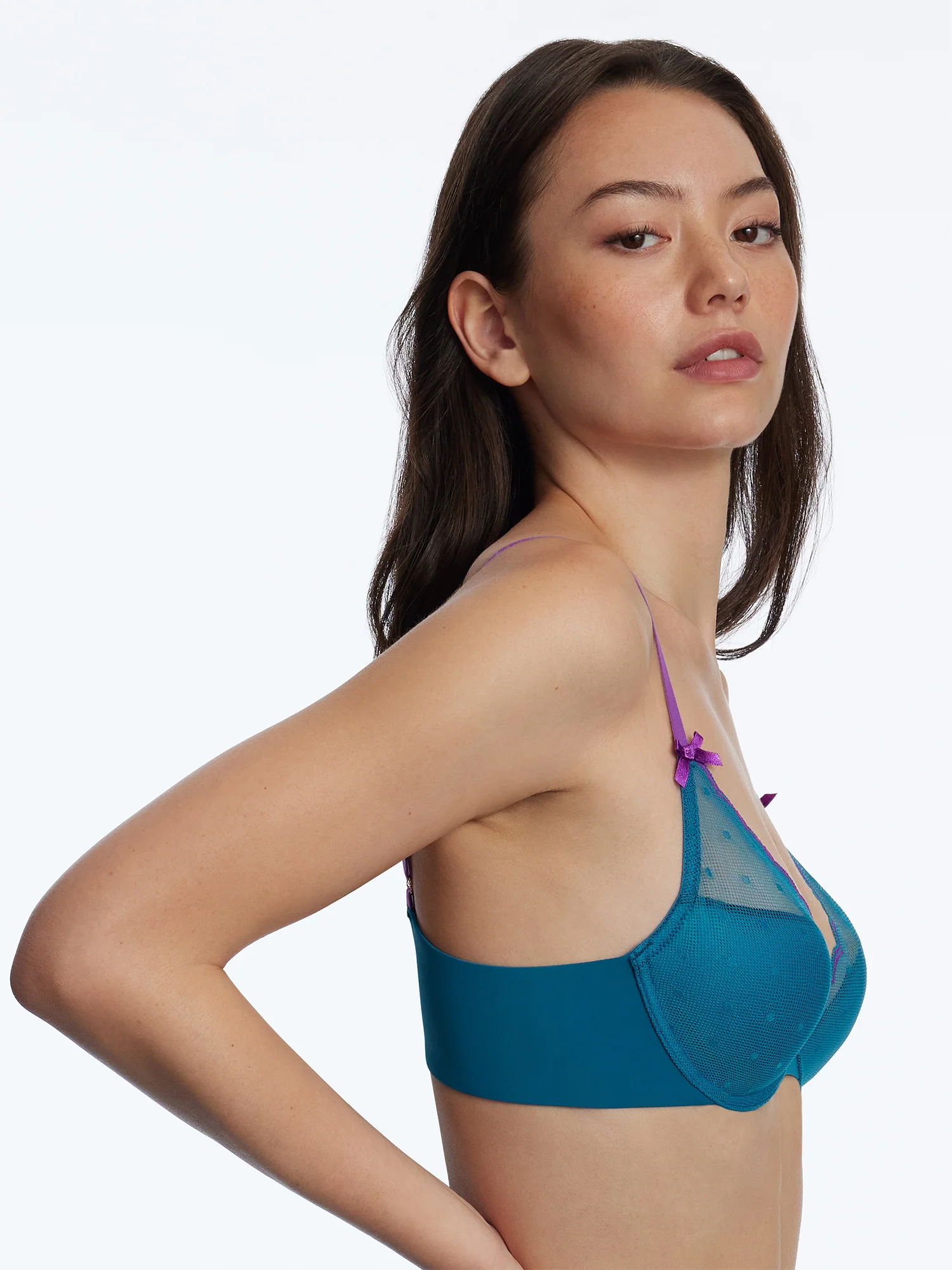
 American Eagle via complexstyle



-

-
-
Vernom and Carmen at Dior Couture Fall Winter 2000 by John Galliano

-
 Ginevra Ferrettini for Sarli. So,clockwise,actress x,Vicky,Nicoletta,Alina,Ginevra. @ser_franklin
 -
-
She is an Italian actress.The name escapes me at the moment.
-
aleksastarr joined the community
-
-
Yes! Thank you Is Alina.

-
-
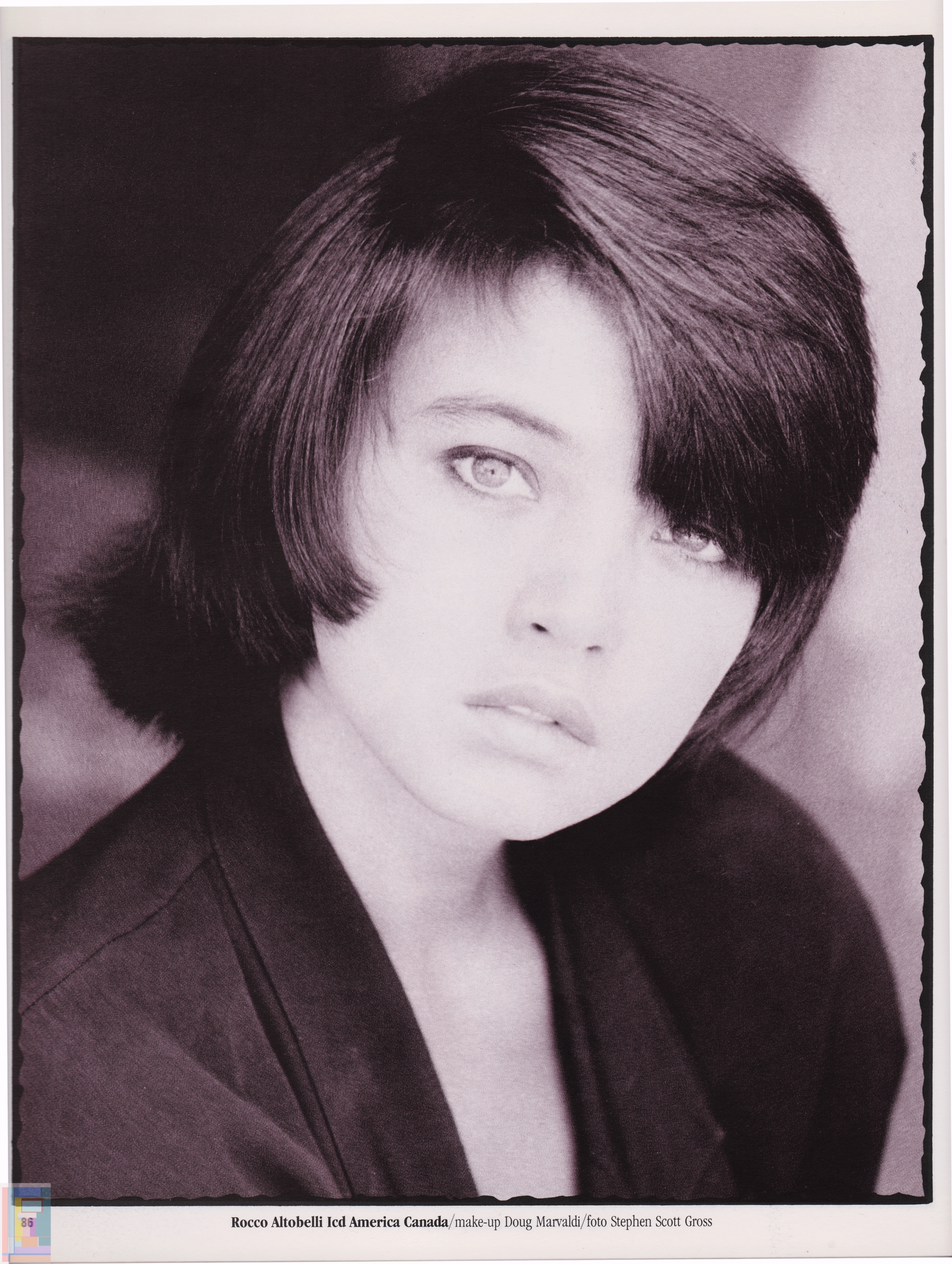
Zeffiro IT 04-1989 - my scan -
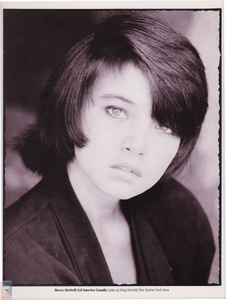
-
Rob,there's a problem with your latest photos, try replacing them, they're not visible at the moment.

-
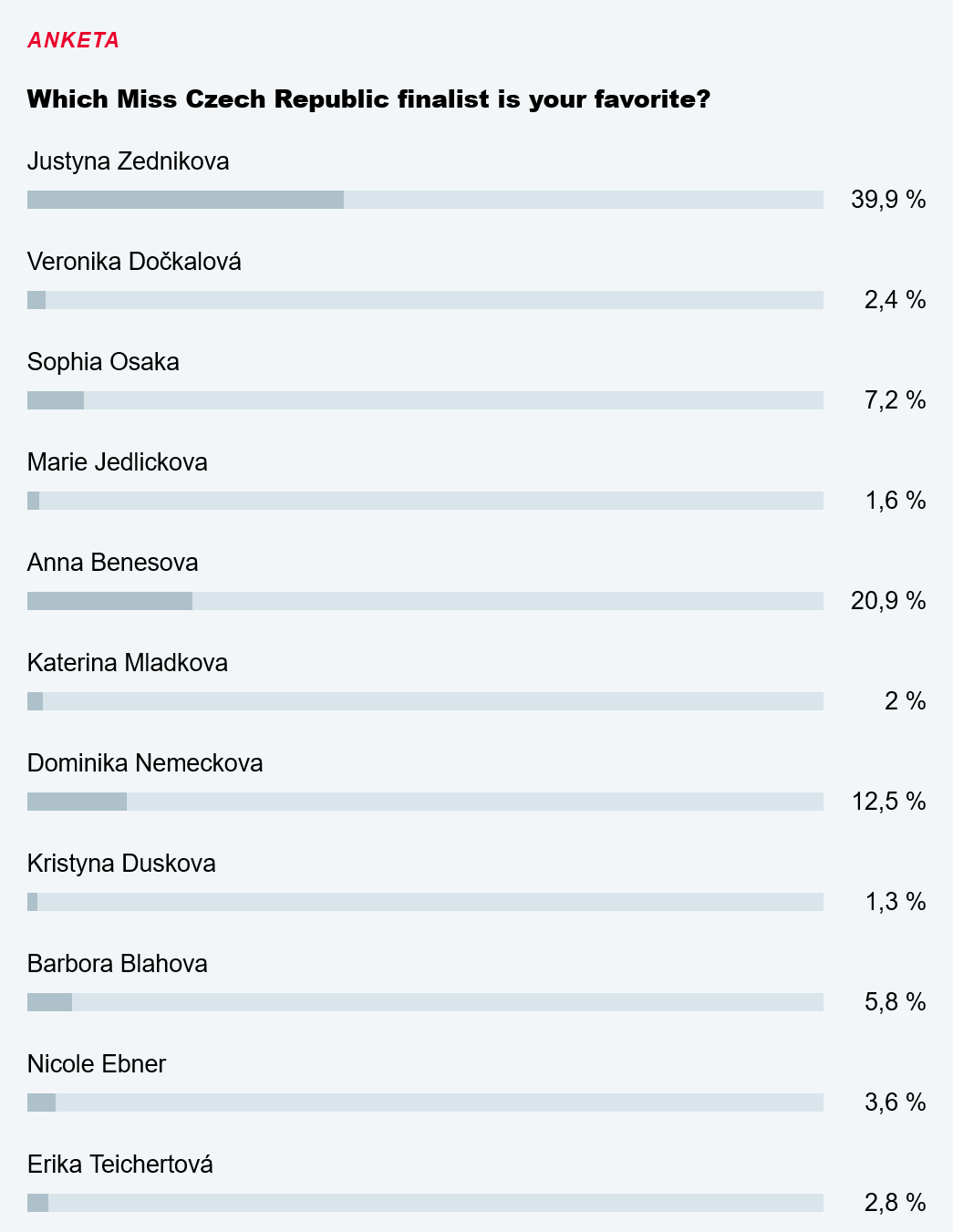
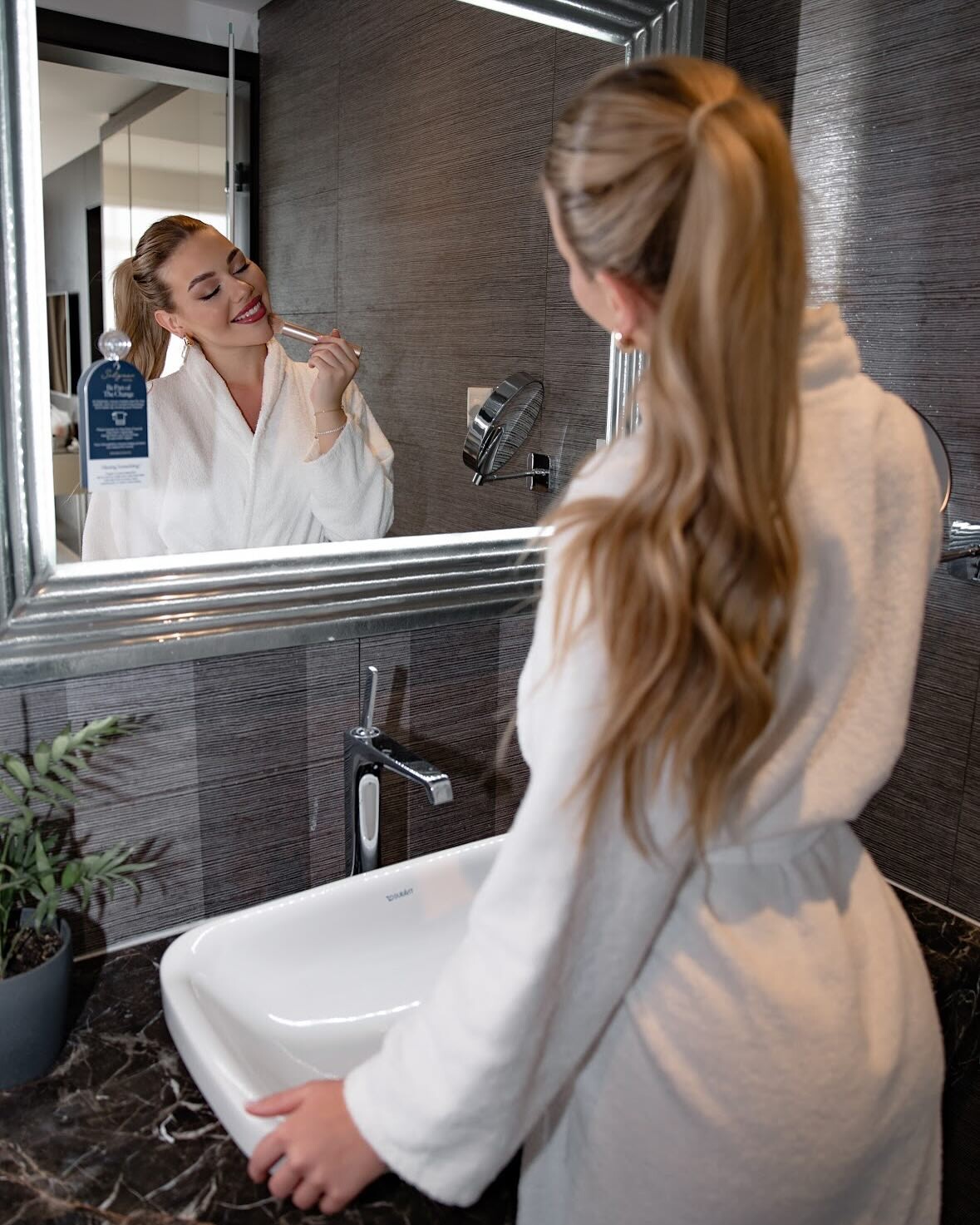
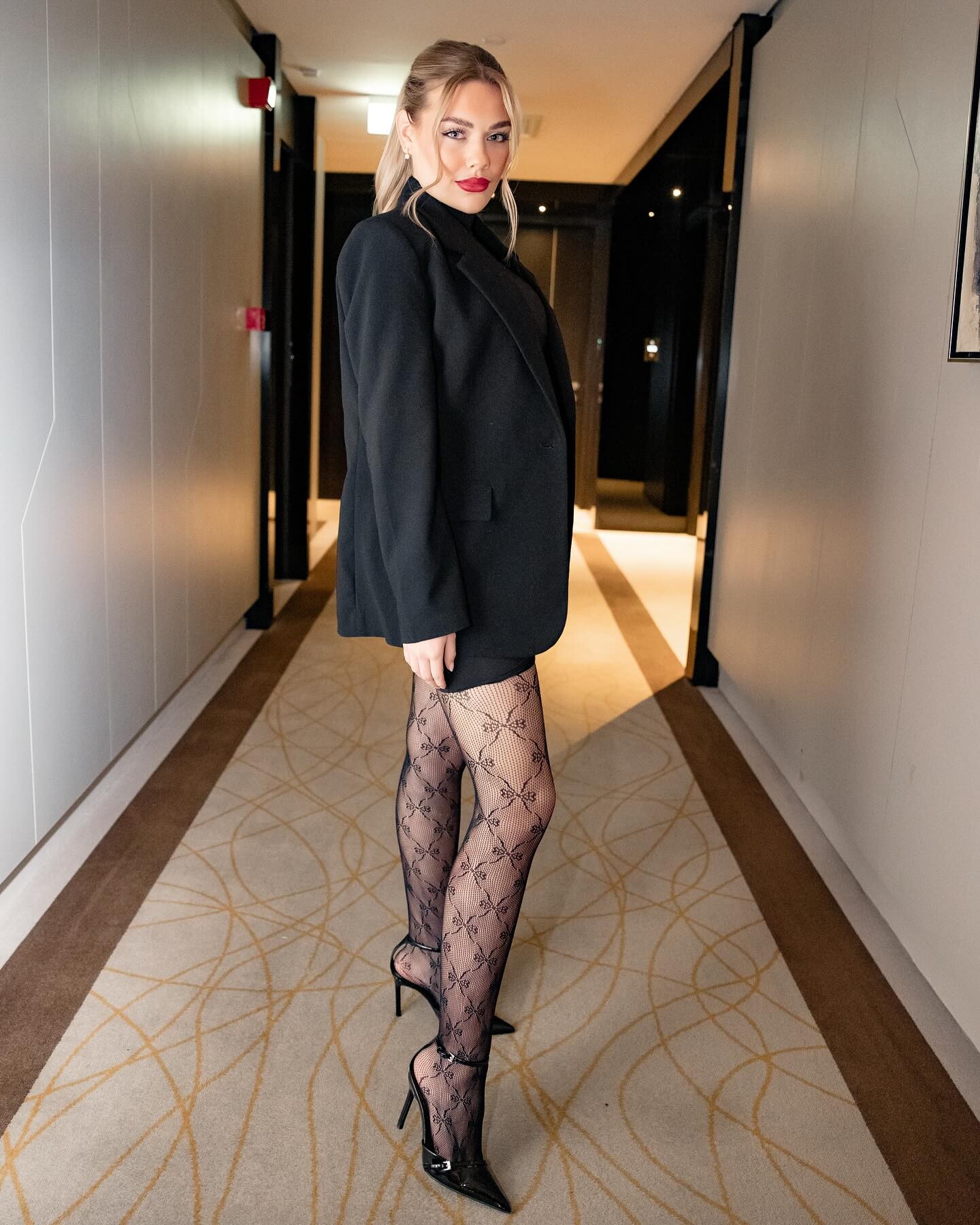
Miss Czech Republic 2025 related HQs Social media 2 short interviews, in English, with Adela Stroffekova and Alina Dementjeva, plus Sára's walk spliced from the semi final event in Prague, #63 (the last of the aspirants was #127): SaraA - MissCR'25 - 2025-03-08 (EngIV).mp4 SaraA - MissCR'25 - 2025-02-15 (EngIV).mp4 SaraA - MissCR'25 SemiFinal - 2024-12-15.mp4










































-
Caroline Bwomono-right name spelling and
-
 thanks a ton
 -
 https://www.wilhelmina.com/new-york/women/main/21905-tara-sears https://www.instagram.com/taraasears
 -
-


















































































Account
Navigation
Search
Configure browser push notifications
Chrome (Android)
- Tap the lock icon next to the address bar.
- Tap Permissions → Notifications.
- Adjust your preference.
Chrome (Desktop)
- Click the padlock icon in the address bar.
- Select Site settings.
- Find Notifications and adjust your preference.
Safari (iOS 16.4+)
- Ensure the site is installed via Add to Home Screen.
- Open Settings App → Notifications.
- Find your app name and adjust your preference.
Safari (macOS)
- Go to Safari → Preferences.
- Click the Websites tab.
- Select Notifications in the sidebar.
- Find this website and adjust your preference.
Edge (Android)
- Tap the lock icon next to the address bar.
- Tap Permissions.
- Find Notifications and adjust your preference.
Edge (Desktop)
- Click the padlock icon in the address bar.
- Click Permissions for this site.
- Find Notifications and adjust your preference.
Firefox (Android)
- Go to Settings → Site permissions.
- Tap Notifications.
- Find this site in the list and adjust your preference.
Firefox (Desktop)
- Open Firefox Settings.
- Search for Notifications.
- Find this site in the list and adjust your preference.