All Activity
- Past hour
-
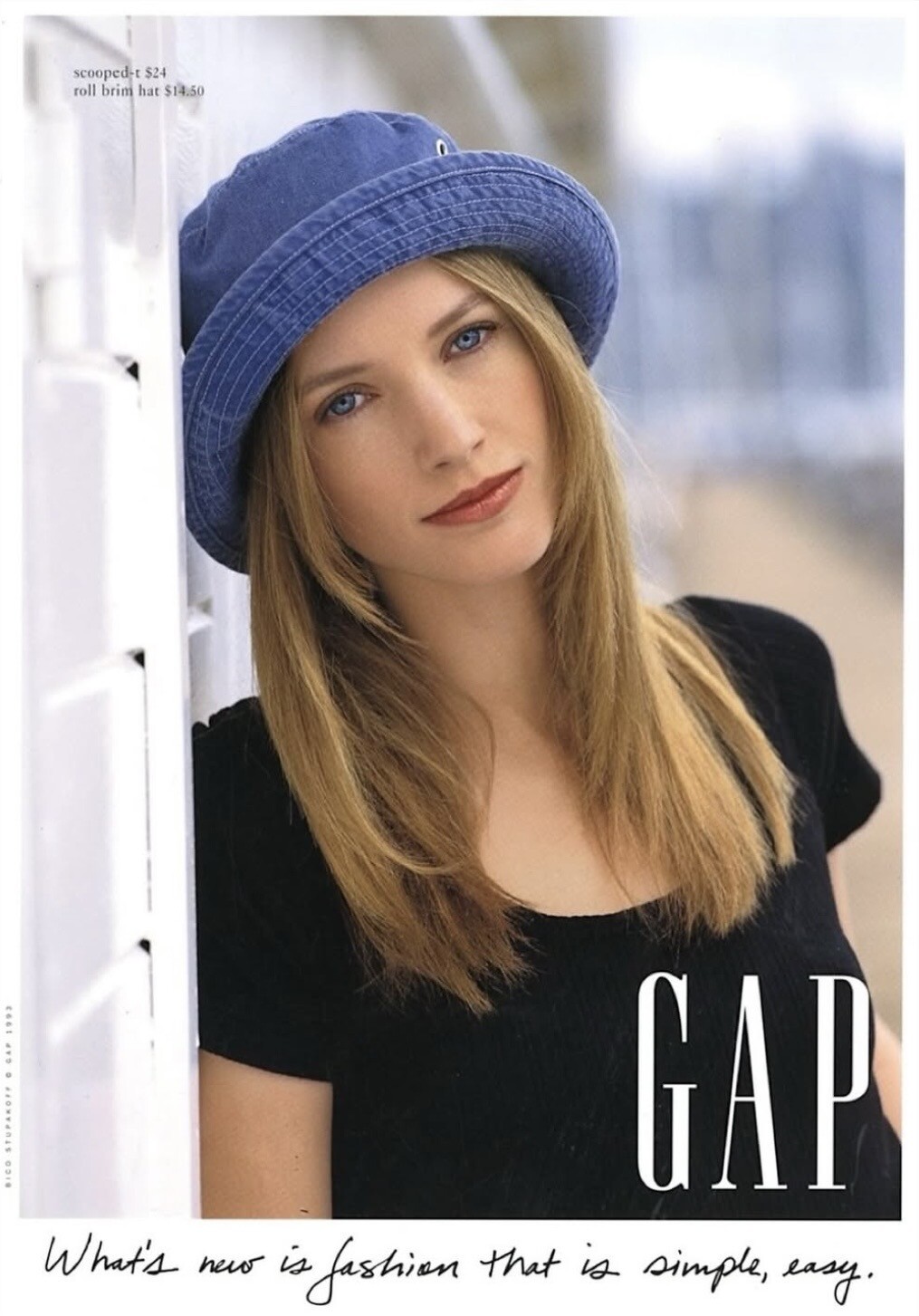
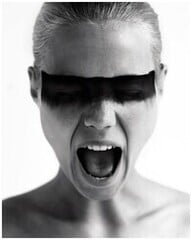 Gap Spring/Summer 1993 (Advertisement) Photographer: Bico Stupakoff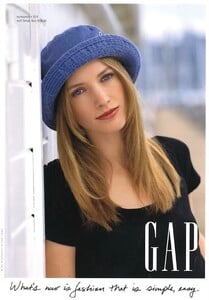
-
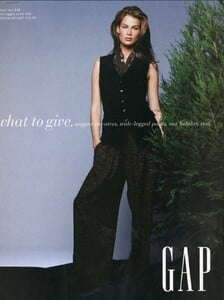
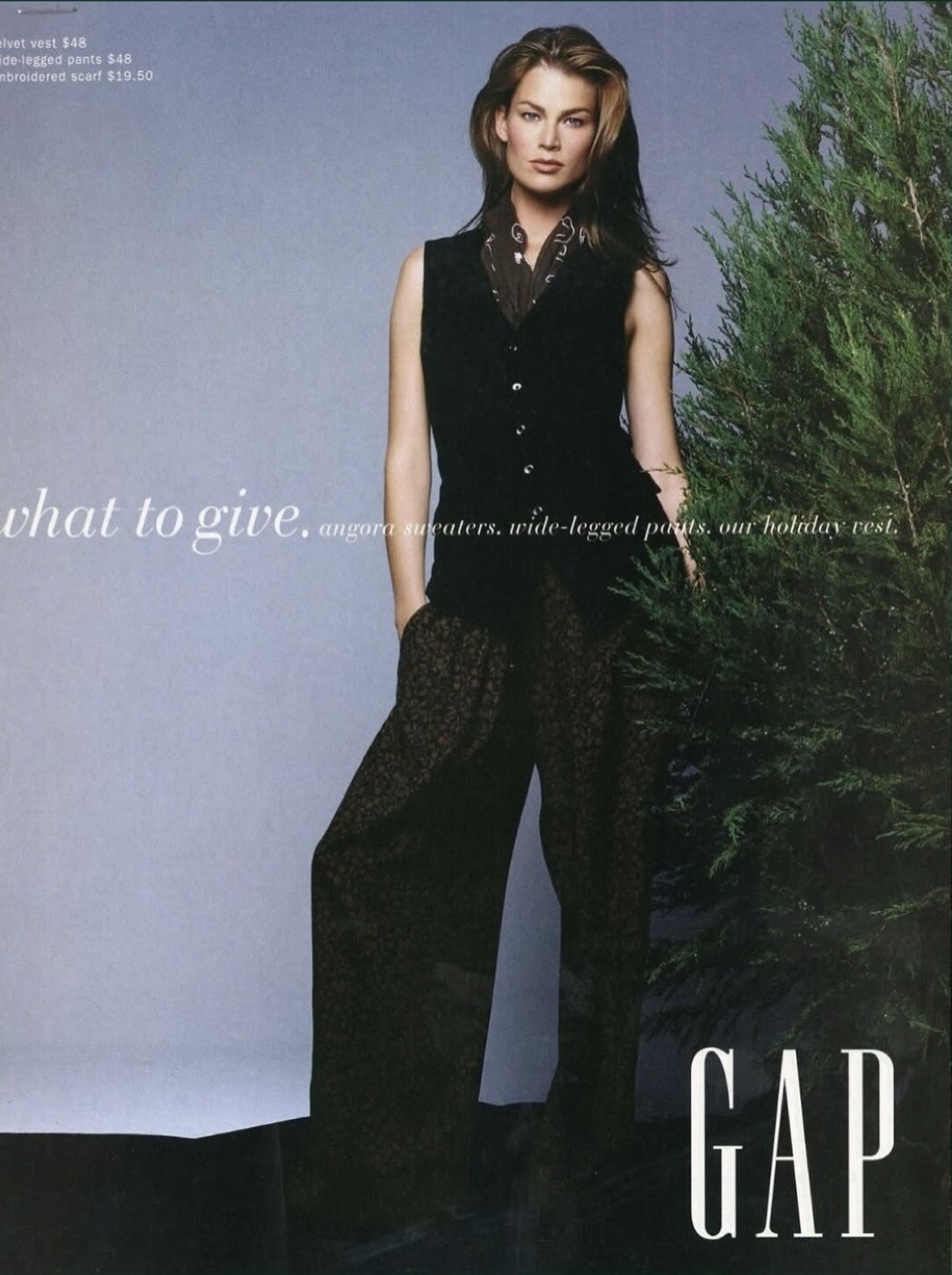
Gap Holiday Fall/Winter 1993 (Advertisement) Photographer: Patrick Demarchelier
-
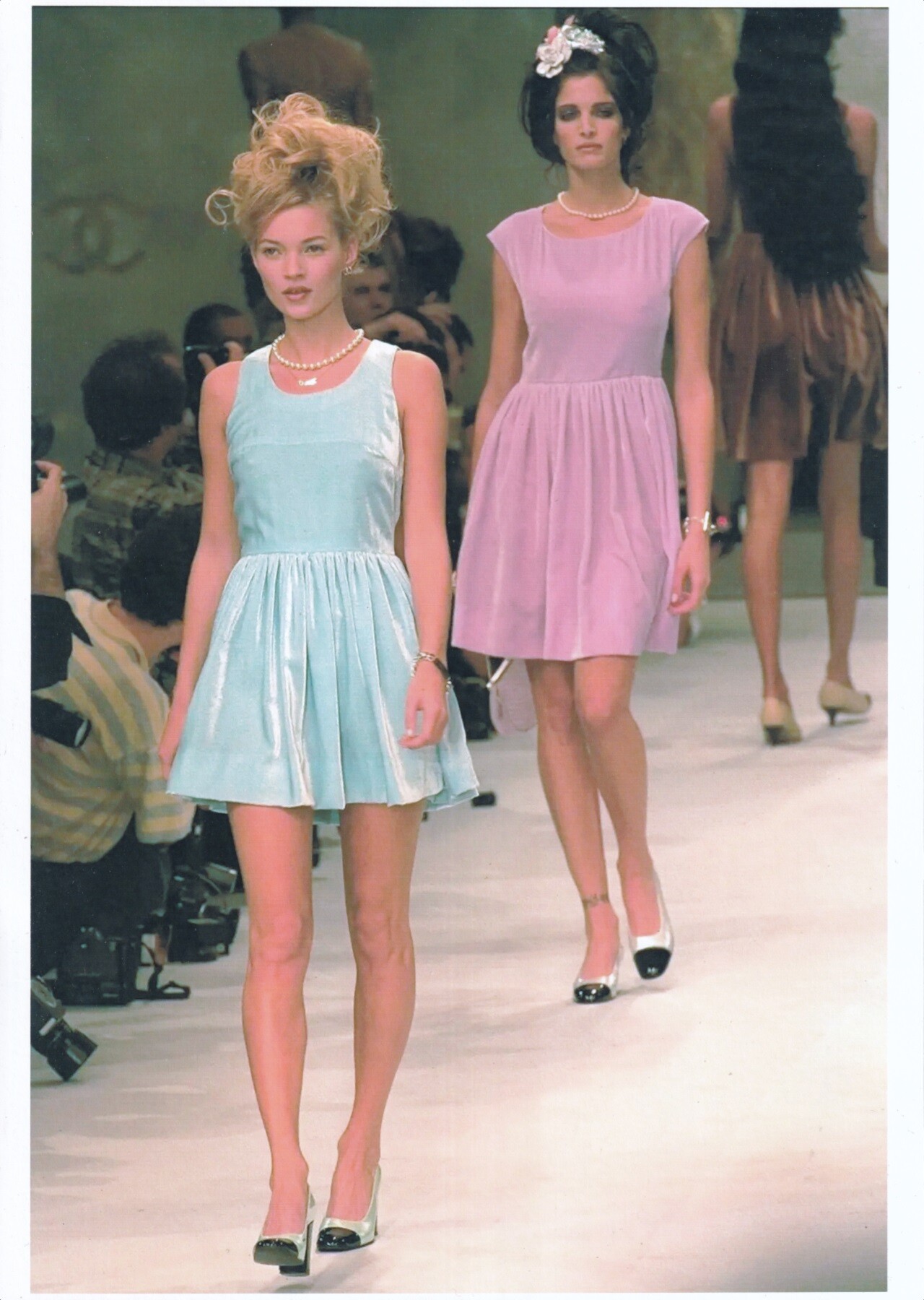
 Kate Moss & Stephanie Seymour for Chanel, ready-to-wear, spring/summer 1996 my scan
-
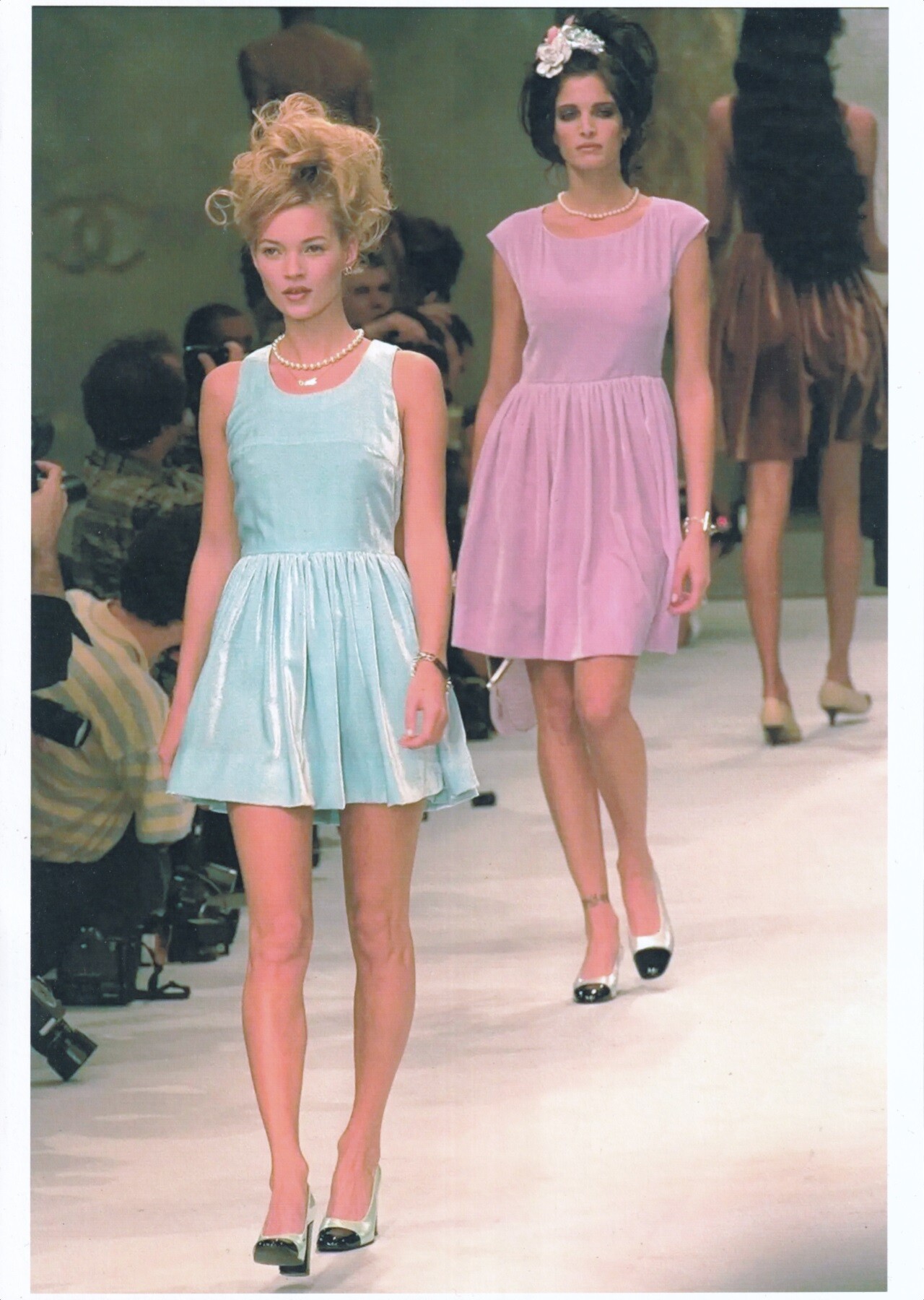
Kate Moss & Stephanie Seymour for Chanel, ready-to-wear, spring/summer 1996 my scan

-
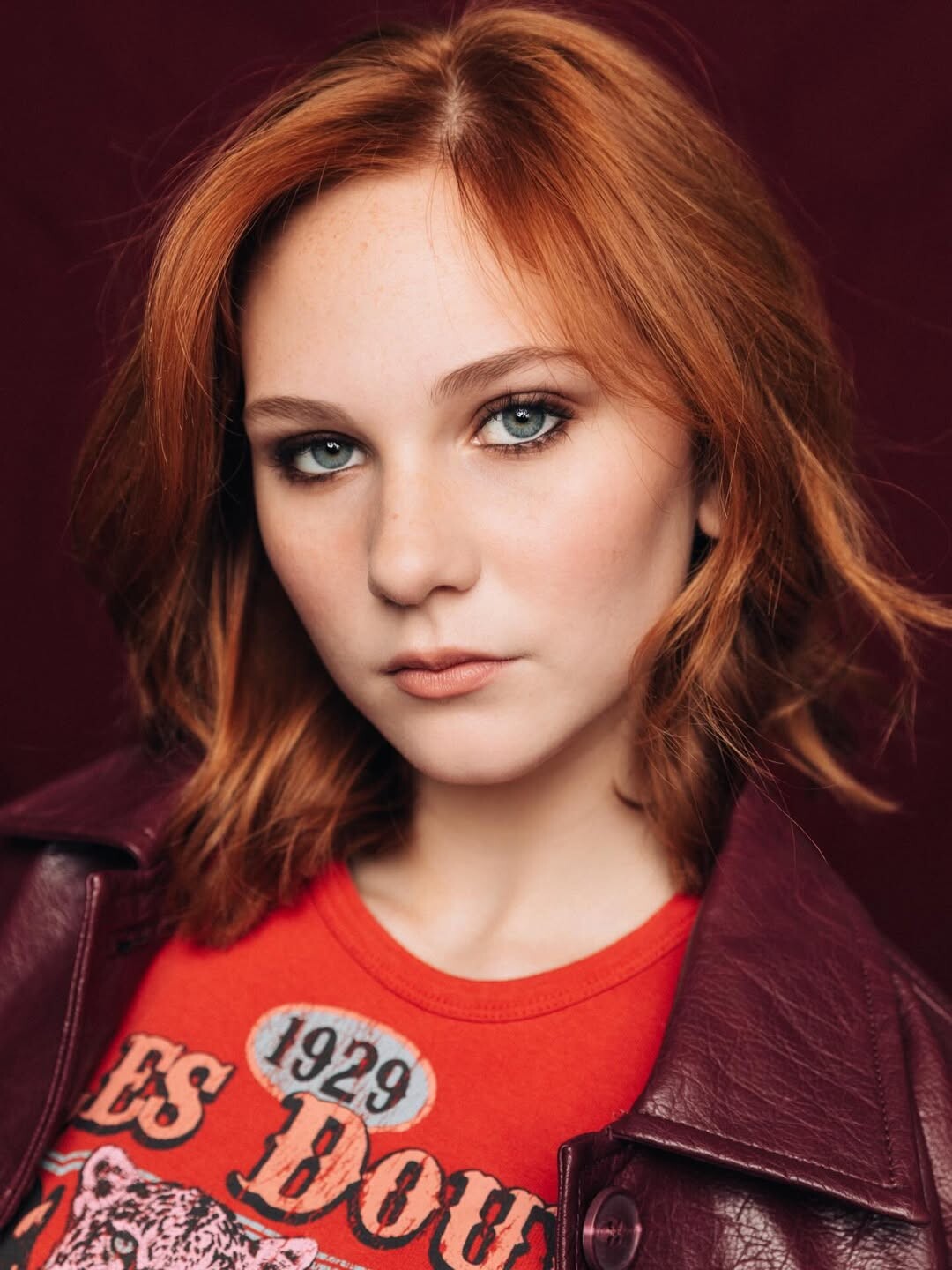
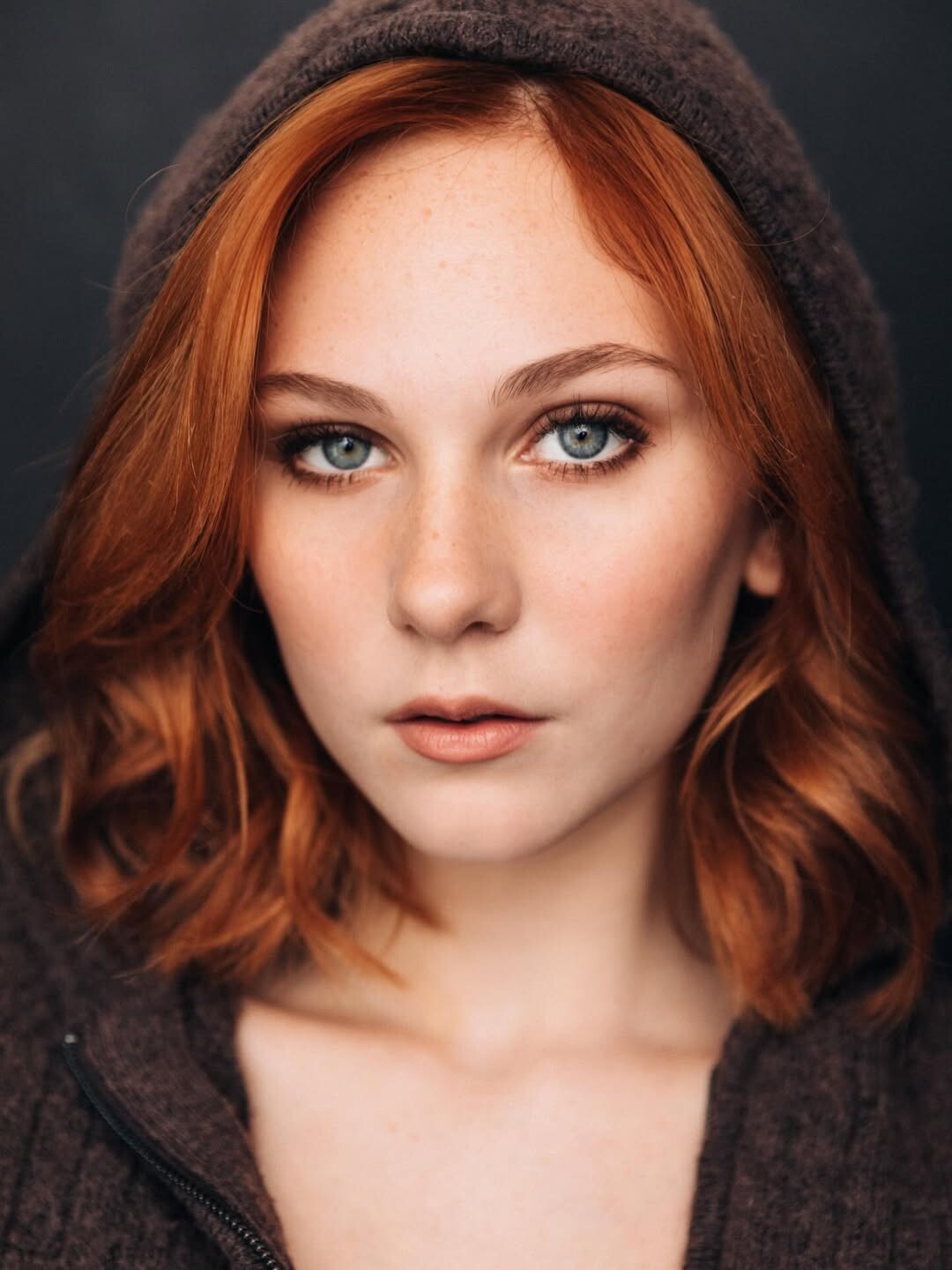
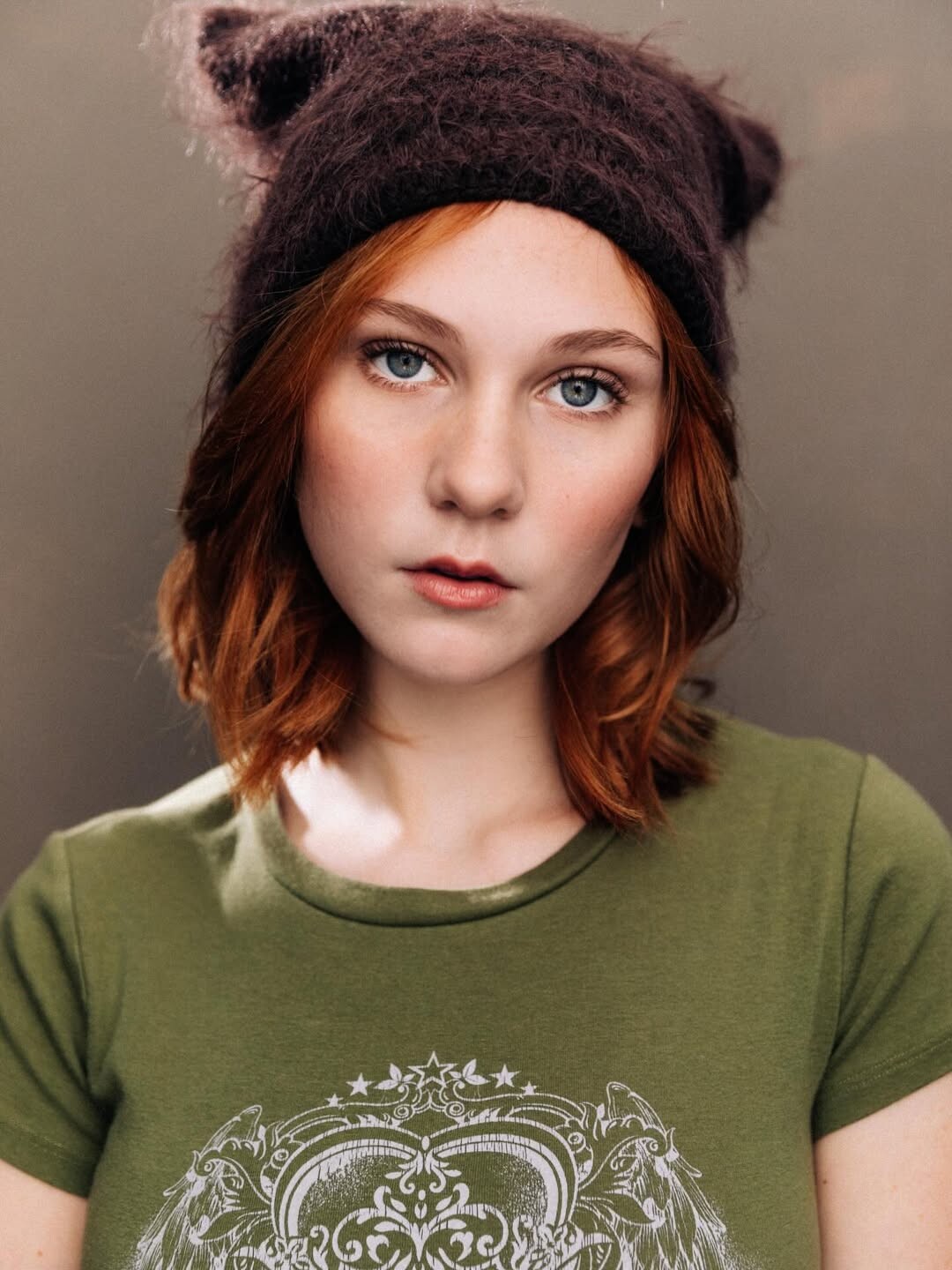
 Instagram Photos - New Headshots - 01/15/2026







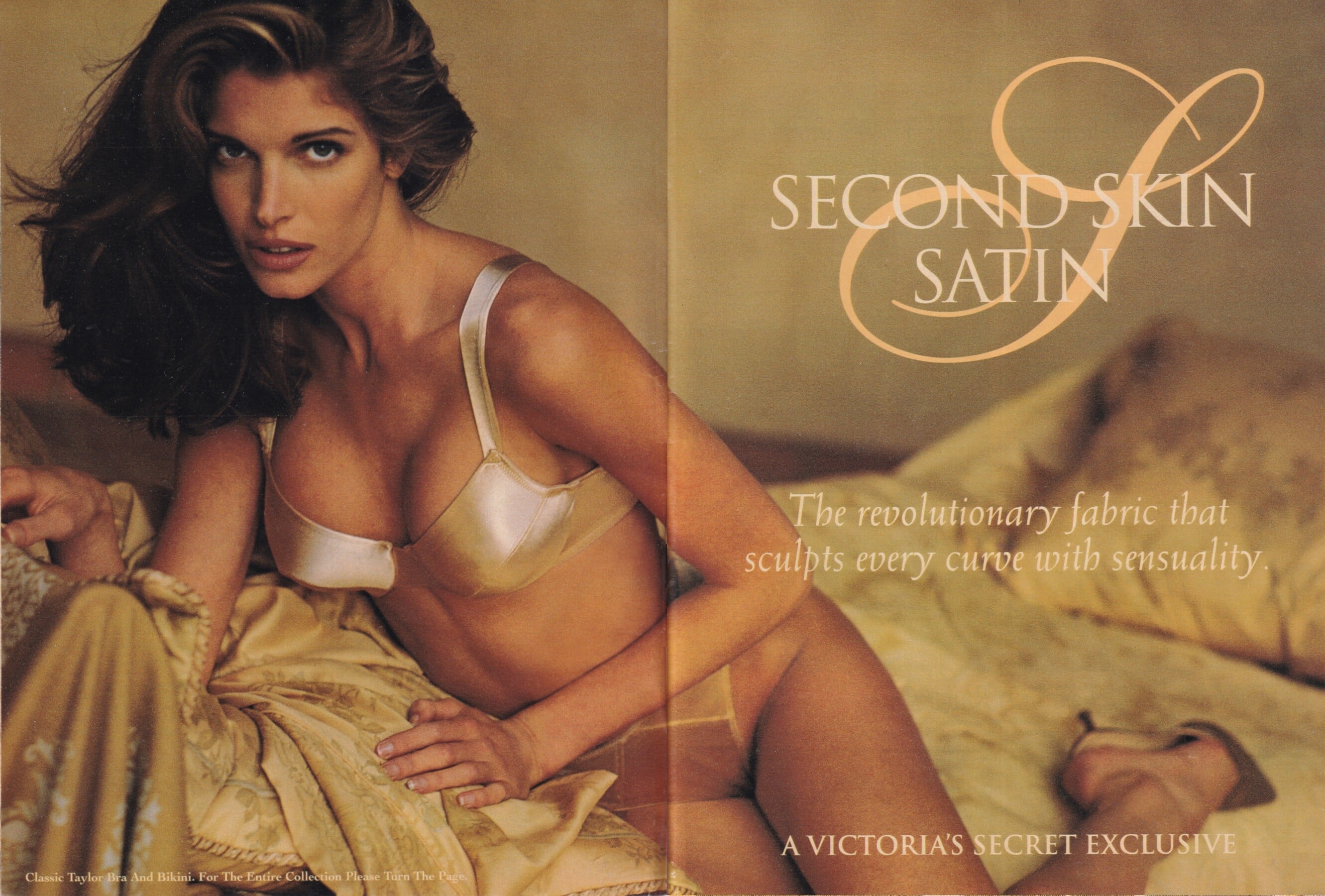
 Stephanie Seymour for Victoria's Secret, 1994 photographer unknown my scan
- Today
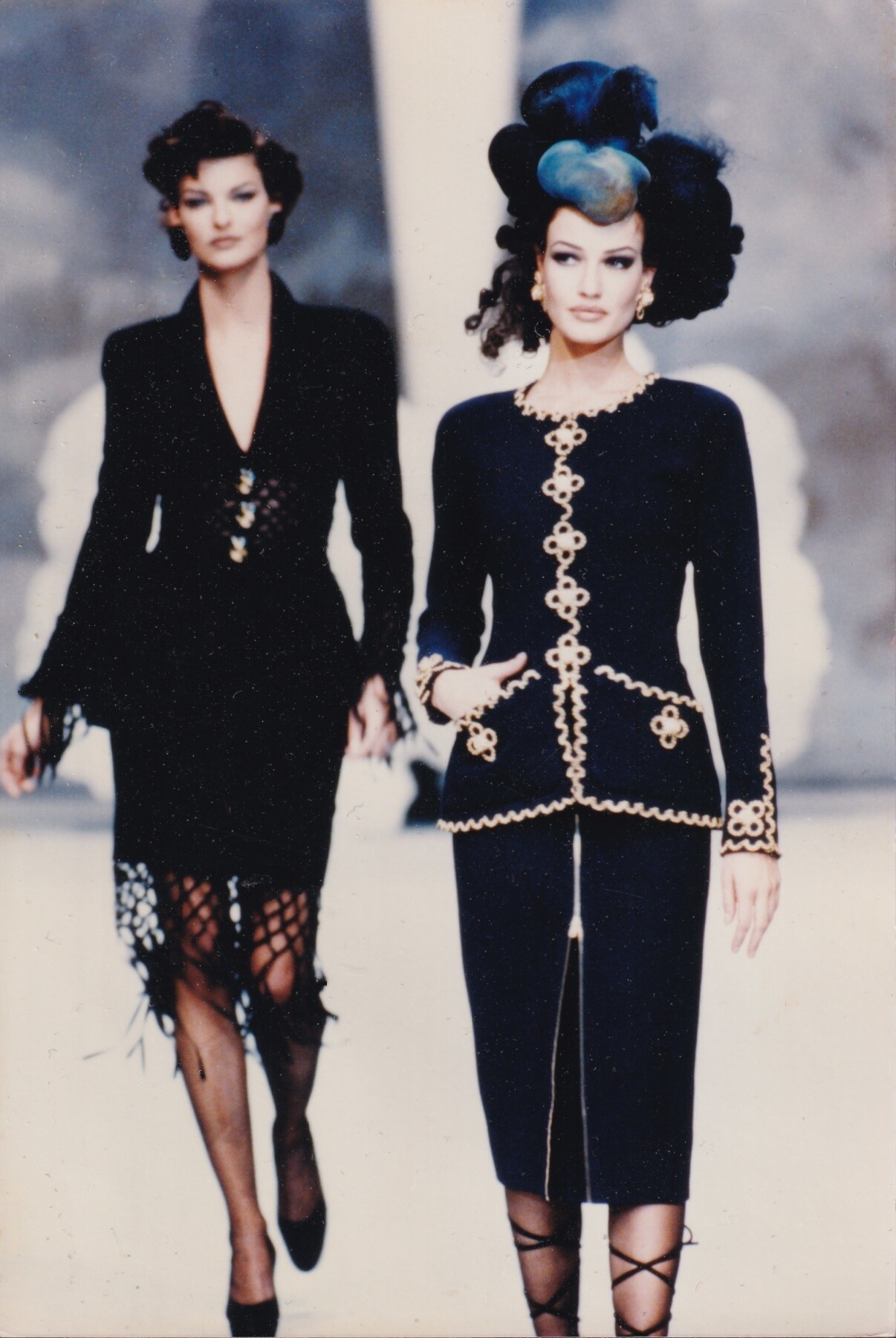
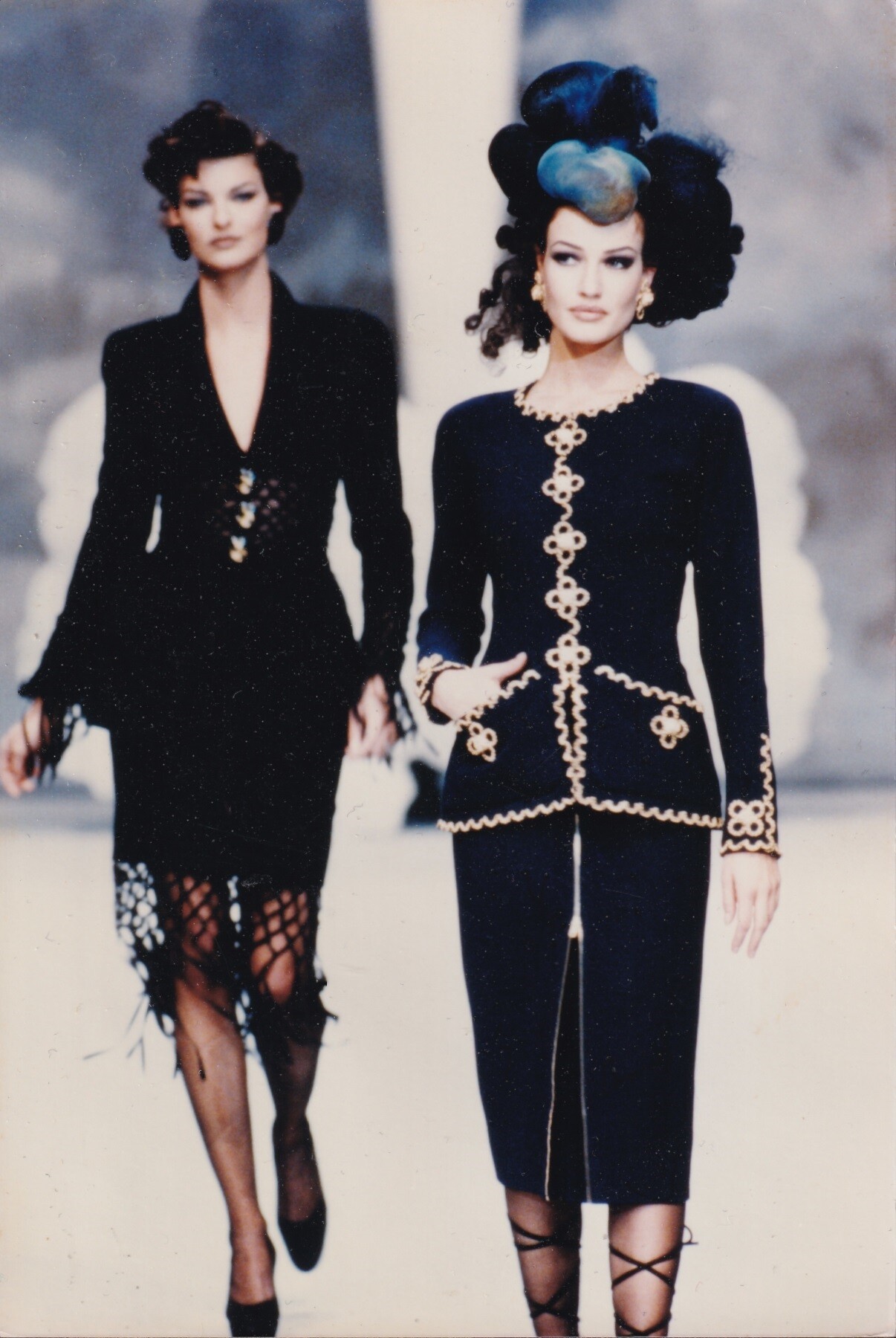
Karen Mulder & Linda Evangelista for Chanel, haute-couture, spring/summer 1992 my scan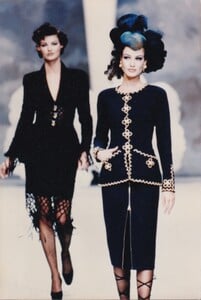 Karen Mulder & Linda Evangelista for Chanel, haute-couture, spring/summer 1992 my scan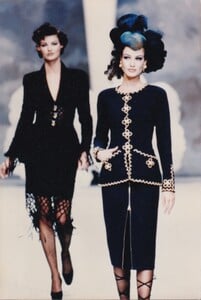
 TikTok 2025-12-03 2.mp41.mp4
 Fashion Nova, final set:

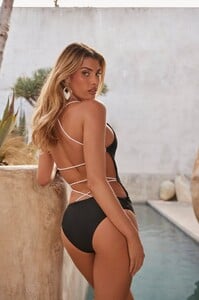





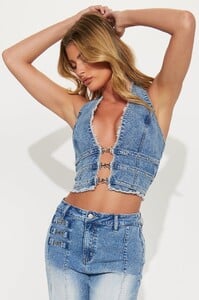

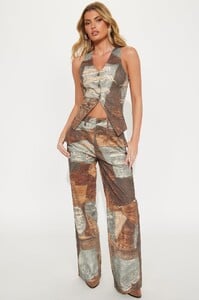
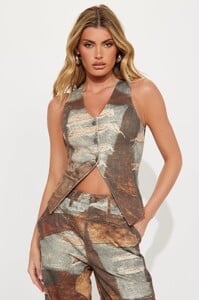
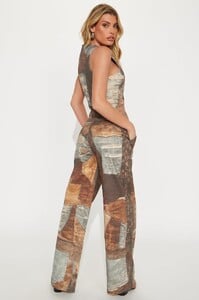
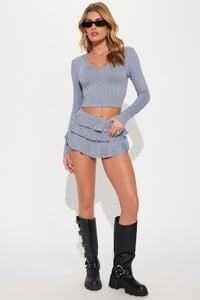
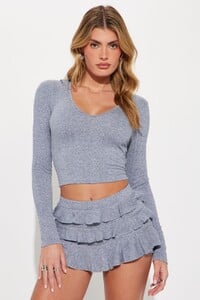
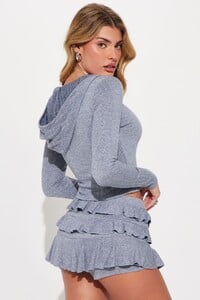













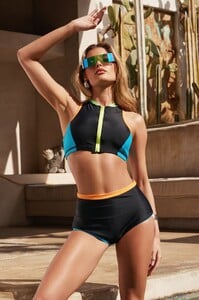
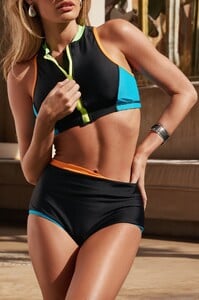
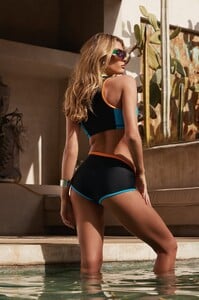

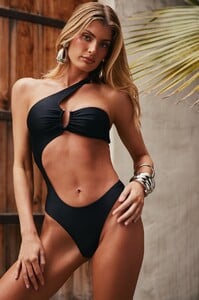
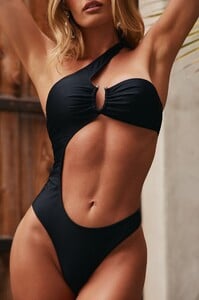





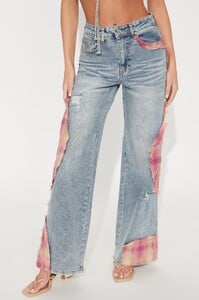
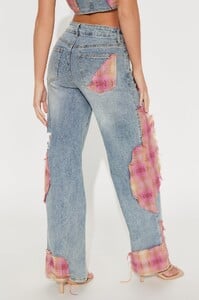

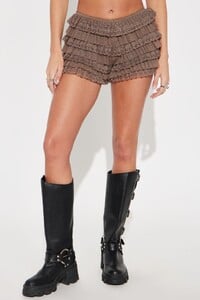
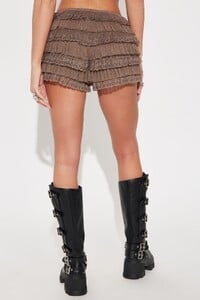
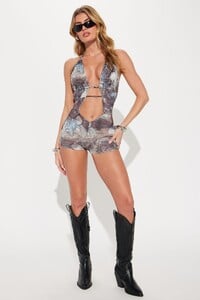
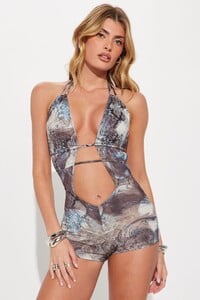
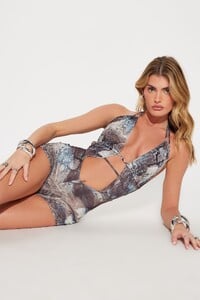
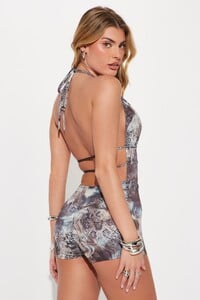







 Fashion Nova e-commerce images that I downloaded ~ 6 months ago (thanks to bigfeetbird for IDing her). Part 1:




























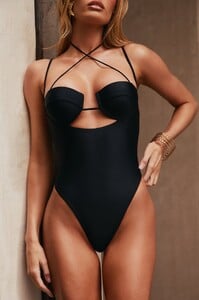


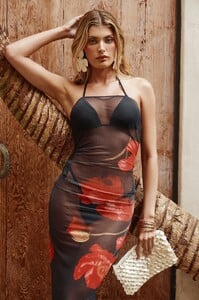




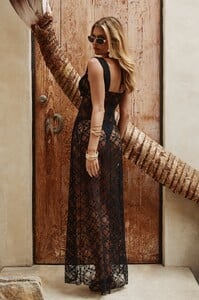








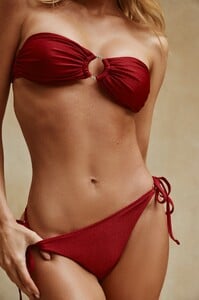



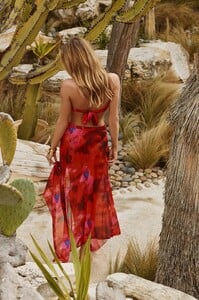


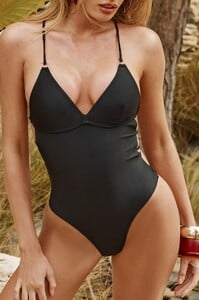





 Thank you for the names, bigfeetbird & mnwxguy39. Ray-anne from Brazil is really popular, 98 pages in her thread; she has even been in at least 1 Miami show. Missed it: Madison's thread
- Yesterday
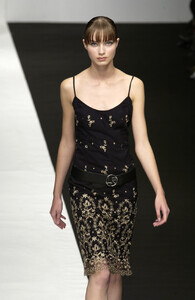
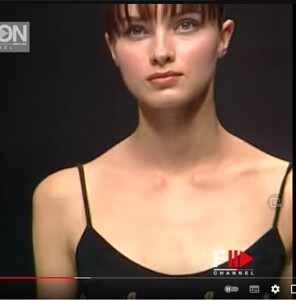
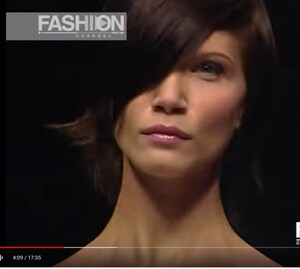
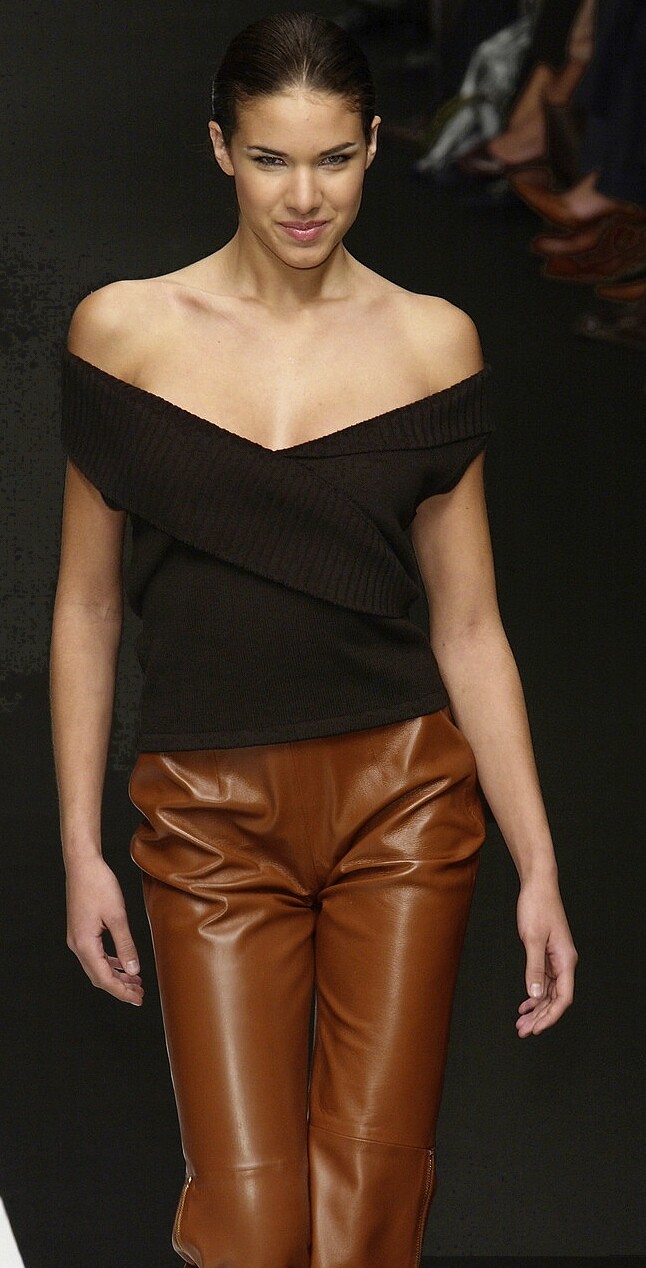
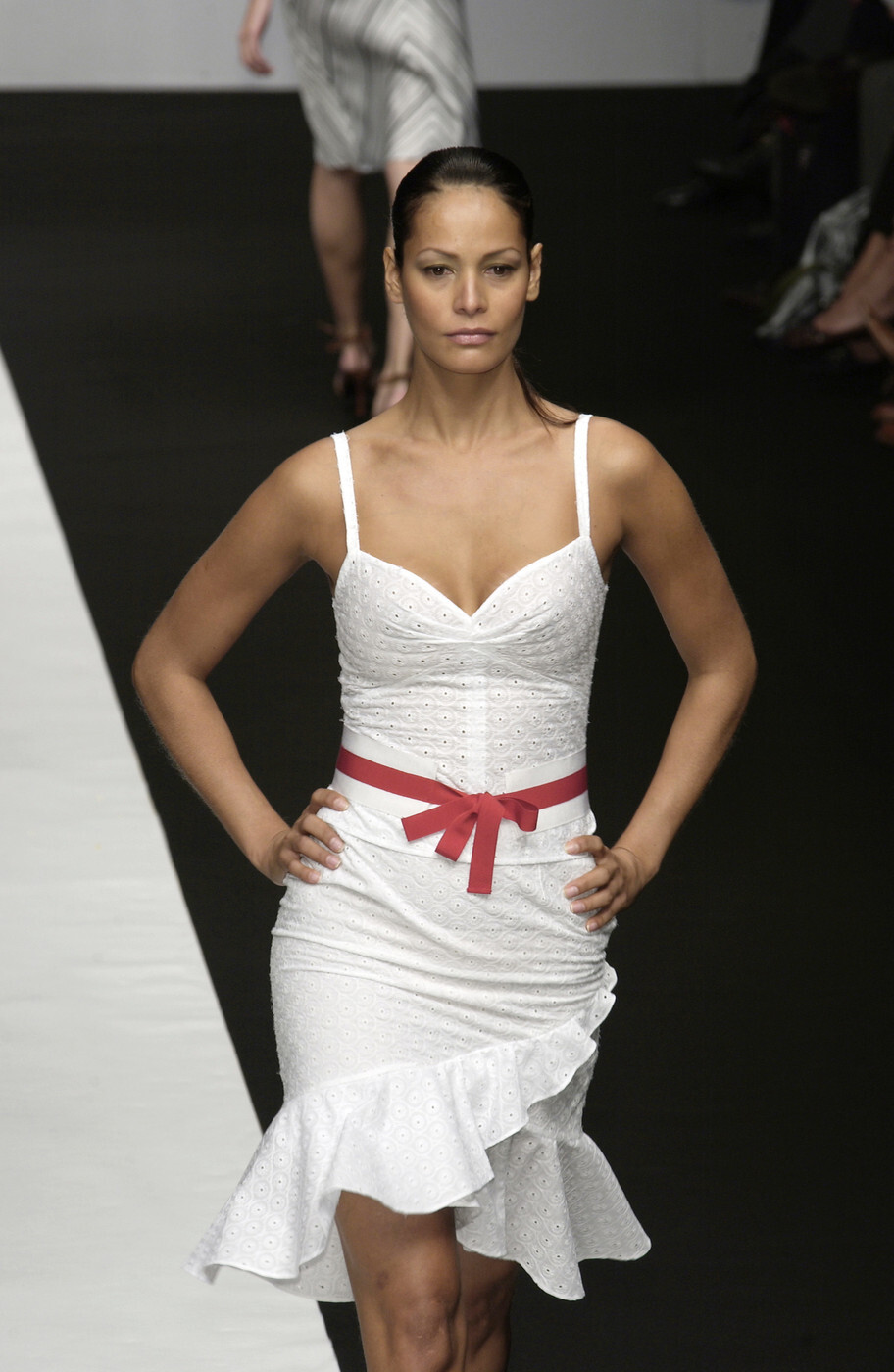
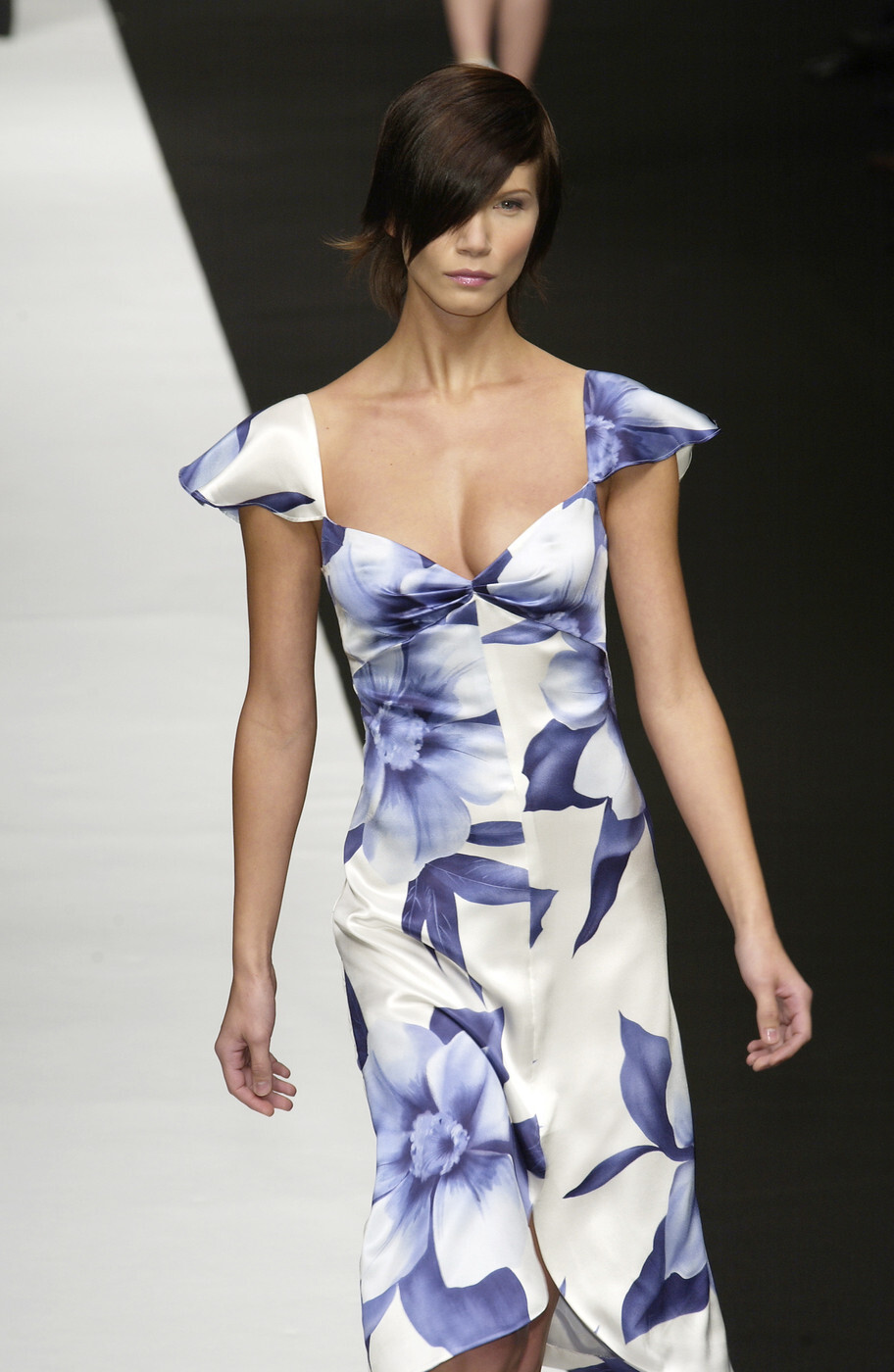
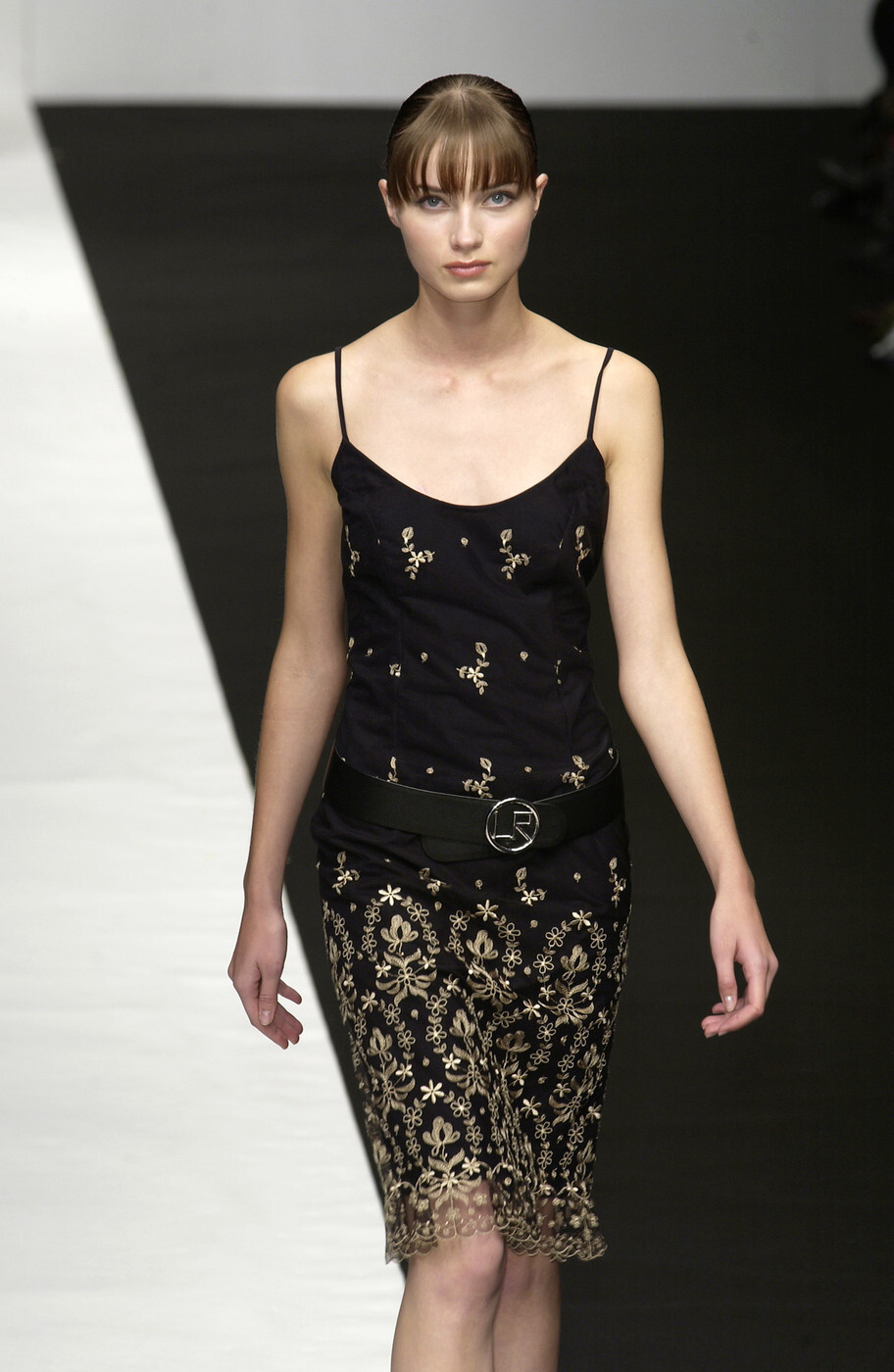
 Lorenzo Riva (Milan) spring 2003 250, 251 252, 253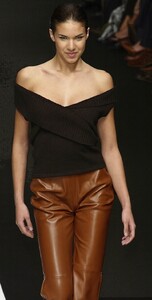
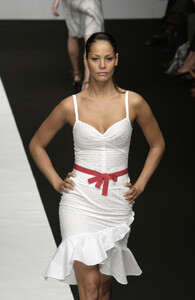
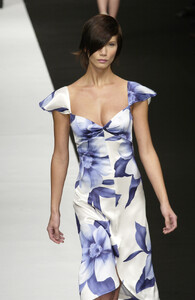



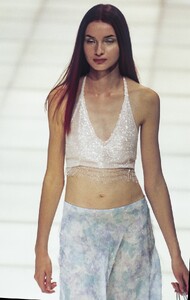
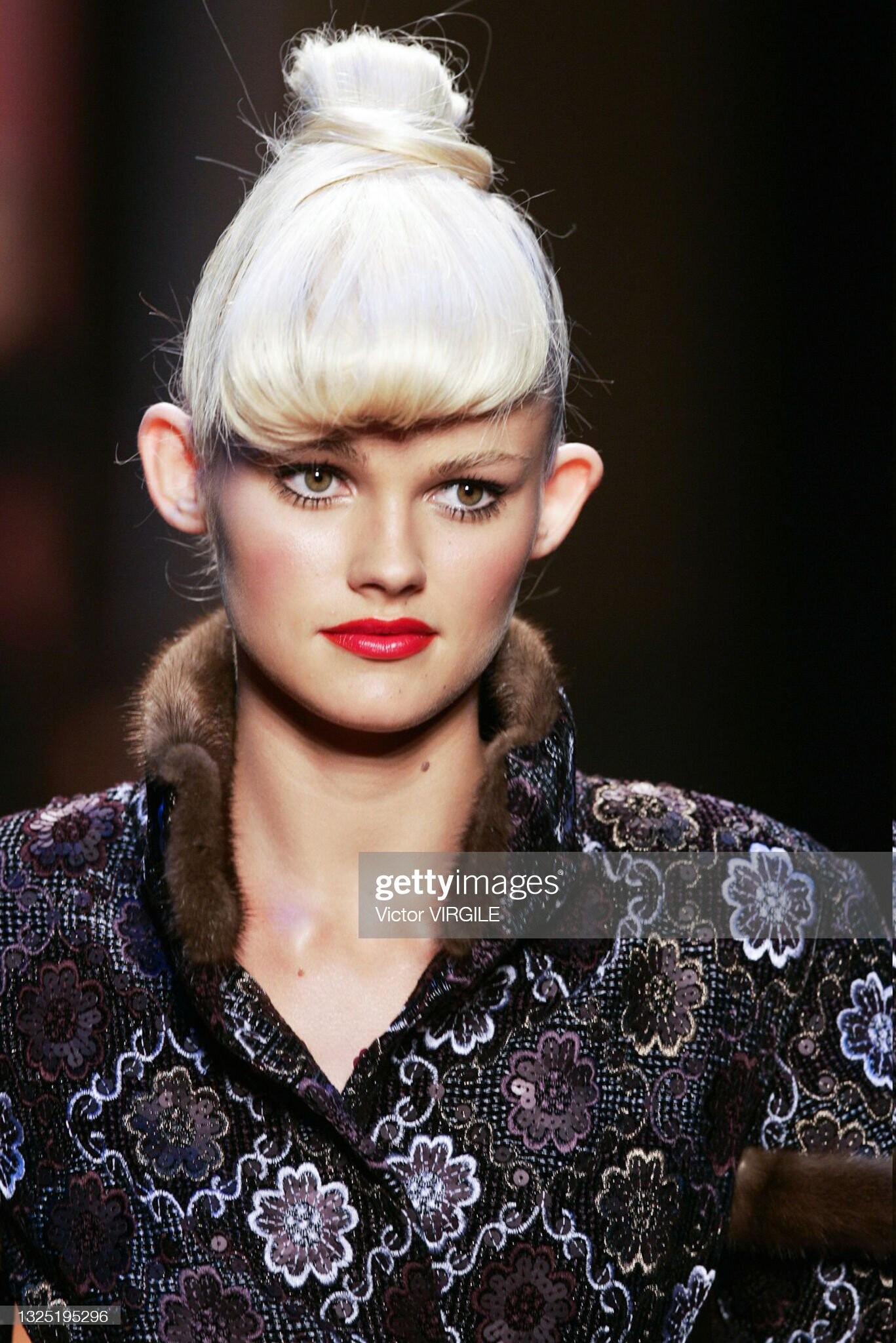
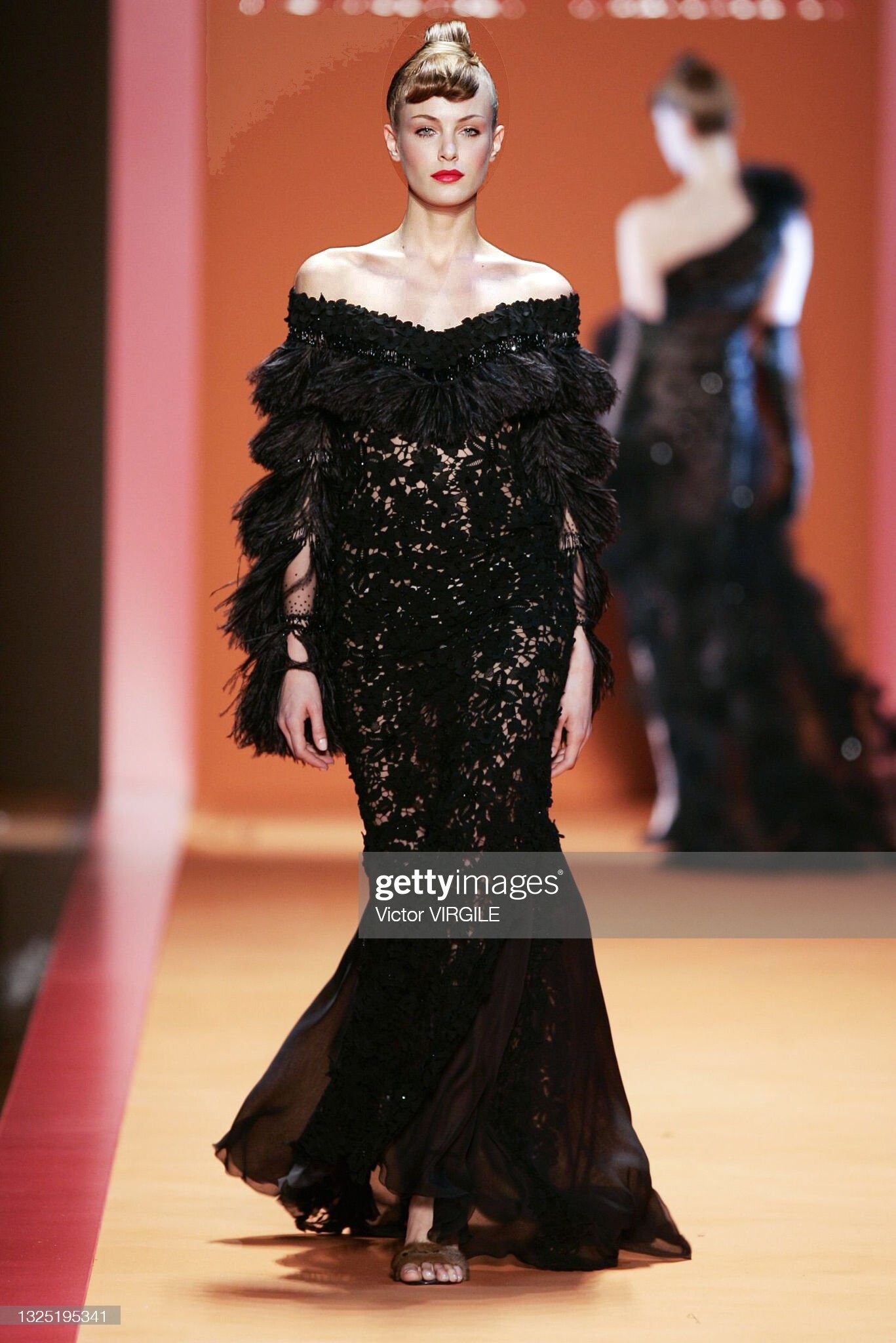
 Paris couture 2004 (fall; G. Chakra) 241 ?? & Sydonie Herrera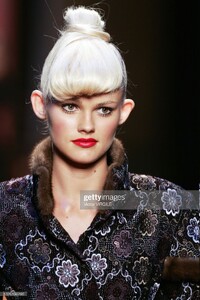
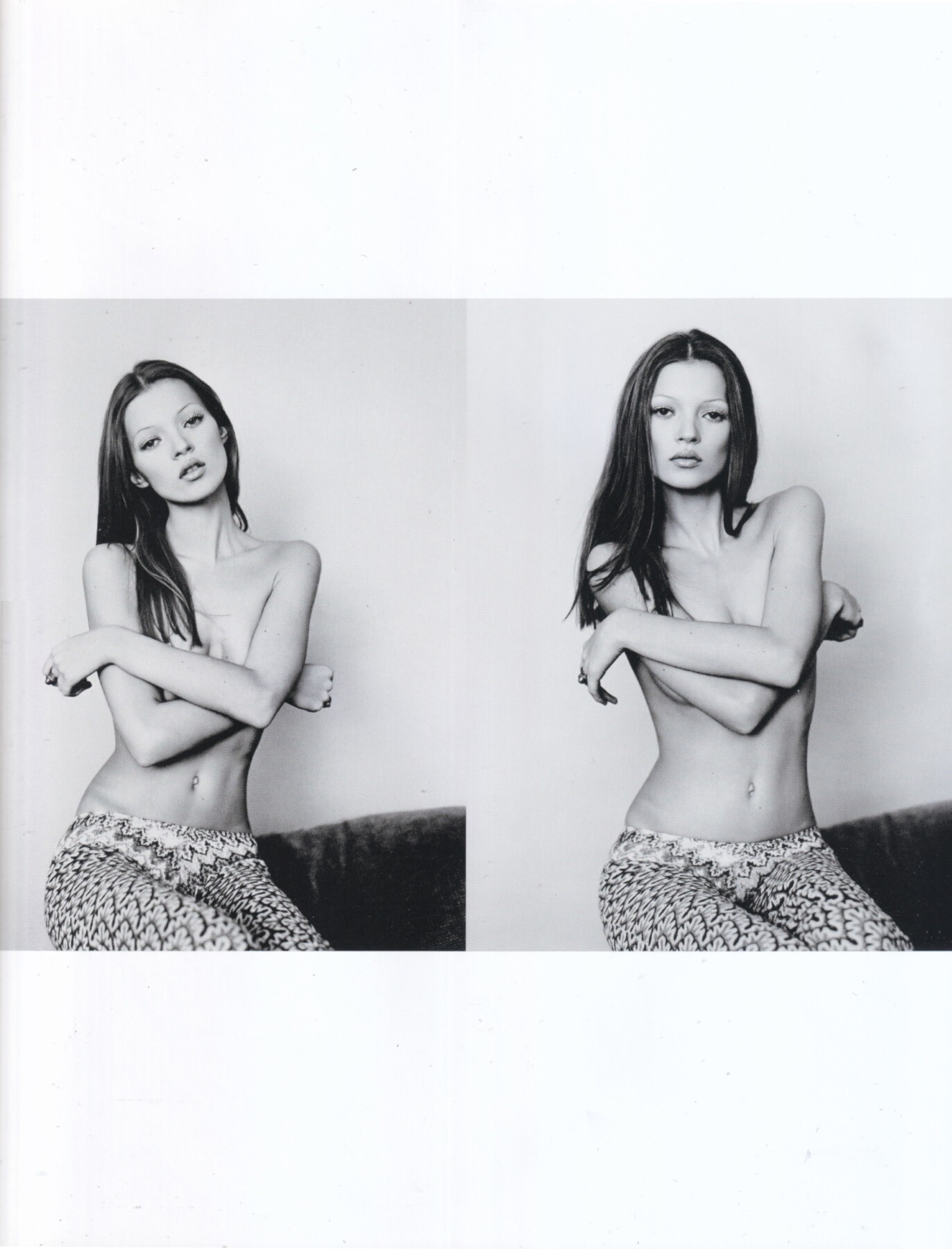
 Kate Moss by Michel Haddi, 1991 my scan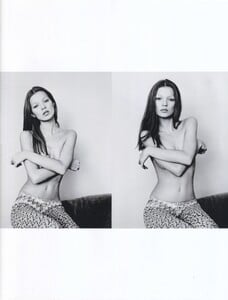

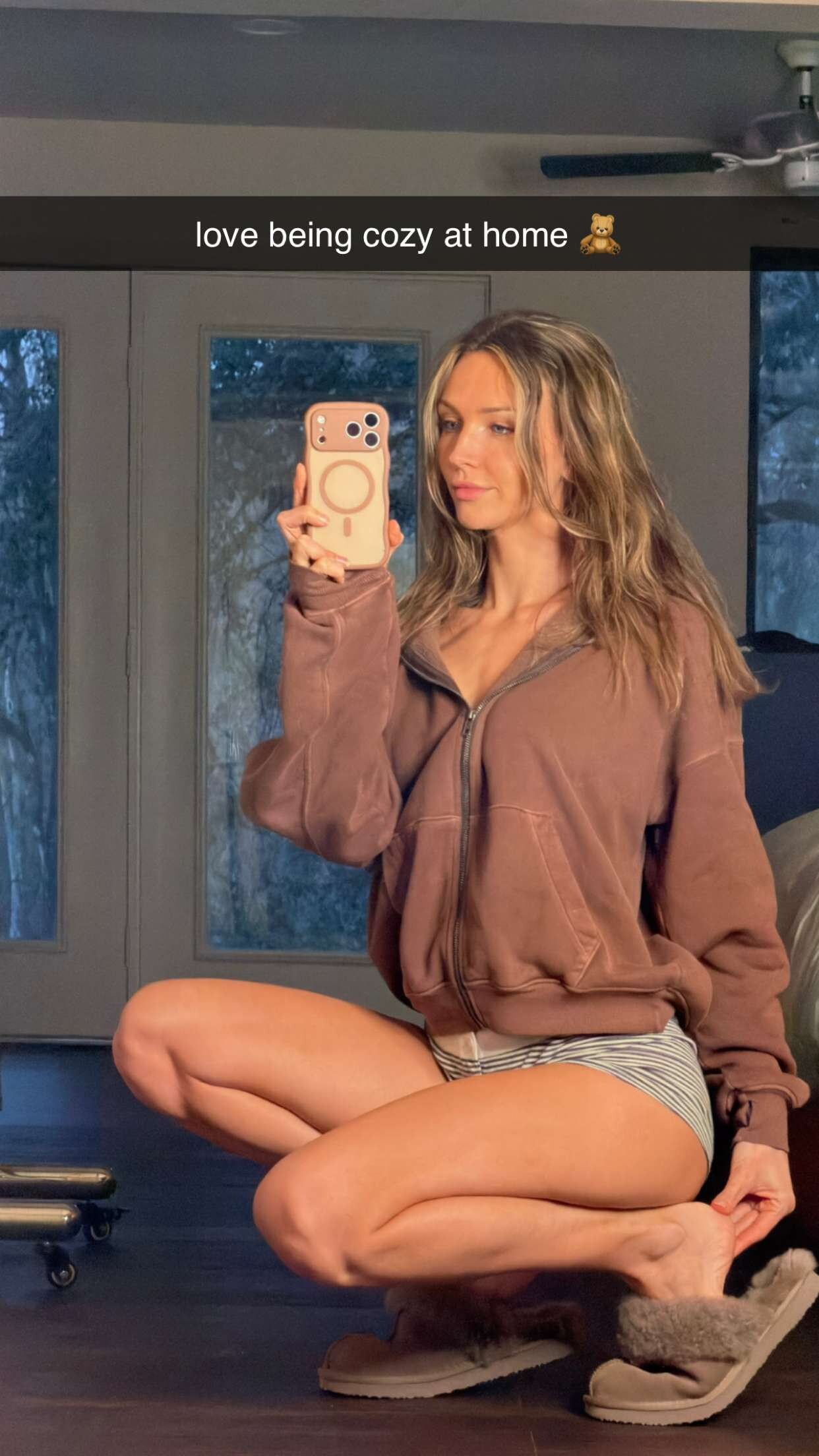
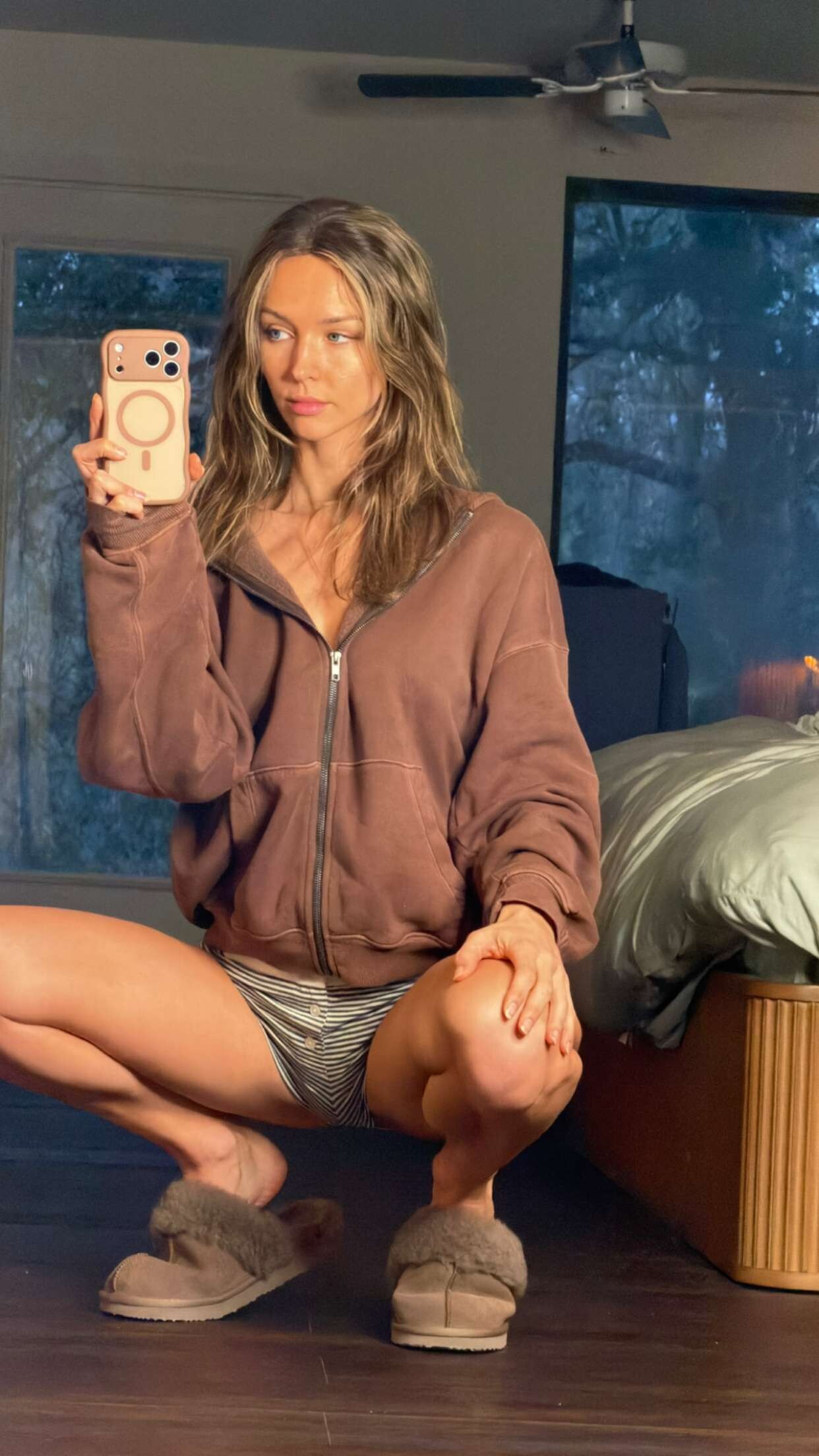
 Rachel Via Snapchat Spoiler rachelcook14-2026-01-15T16-39-48.mp4rachelcook14-2026-01-15T16-39-23.mp4rachelcook14-2026-01-15T16-39-02.mp4rachelcook14-2026-01-15T16-38-57.mp4rachelcook14-2026-01-15T16-37-25.mp4












.thumb.jpg.99a085a88b4f5bab9e93ae21a038c436.jpg)

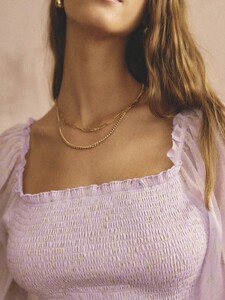
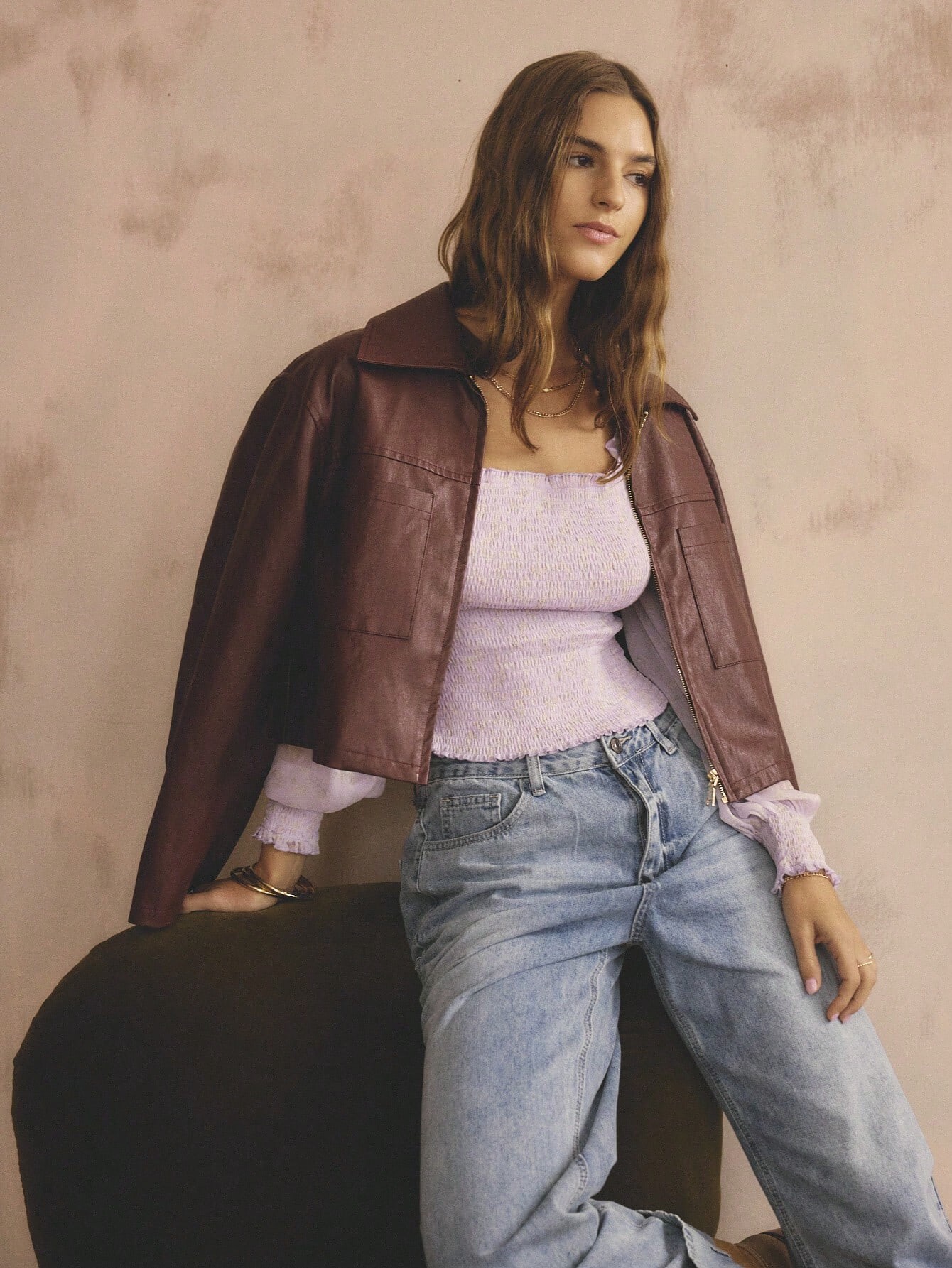
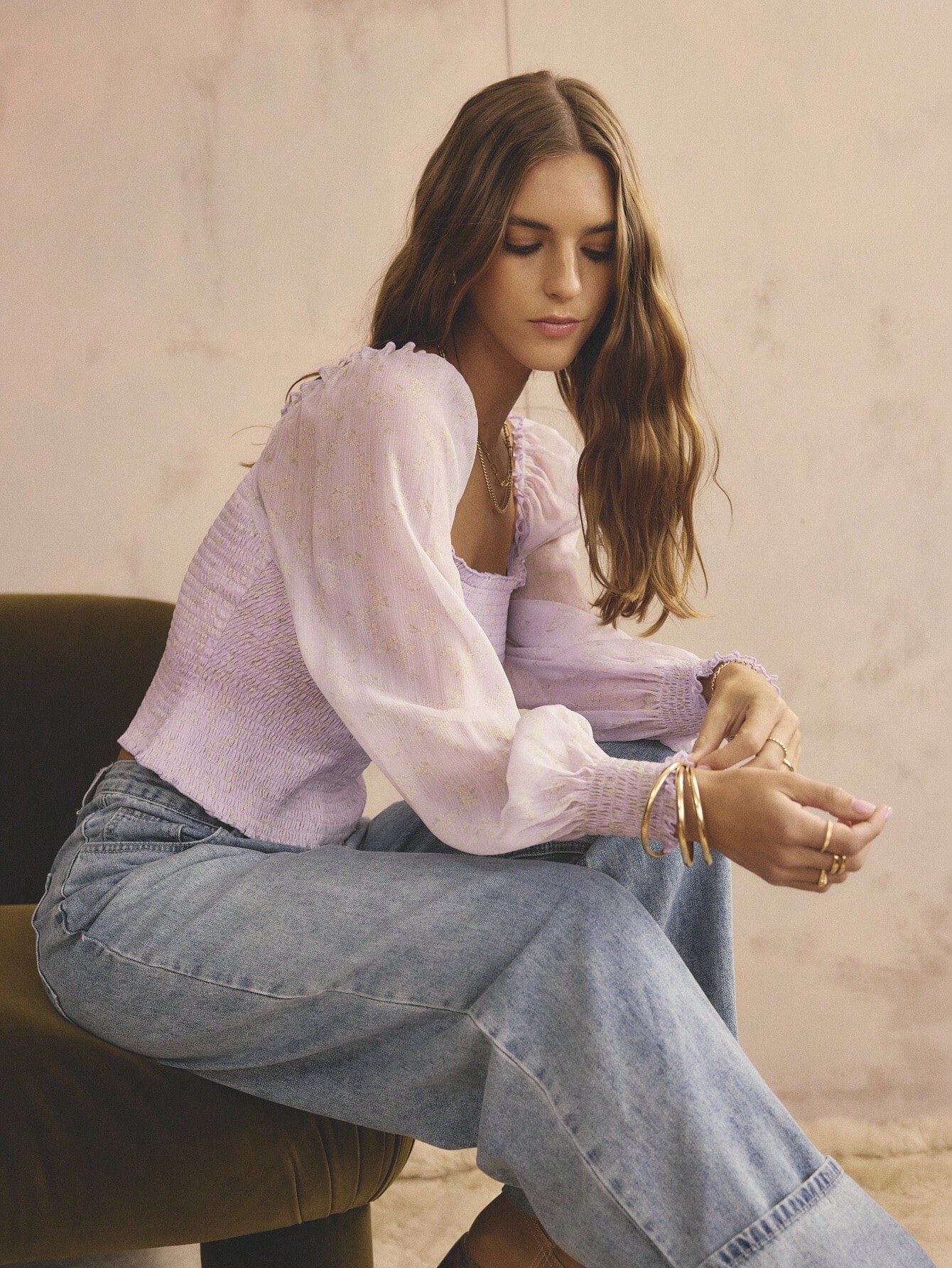
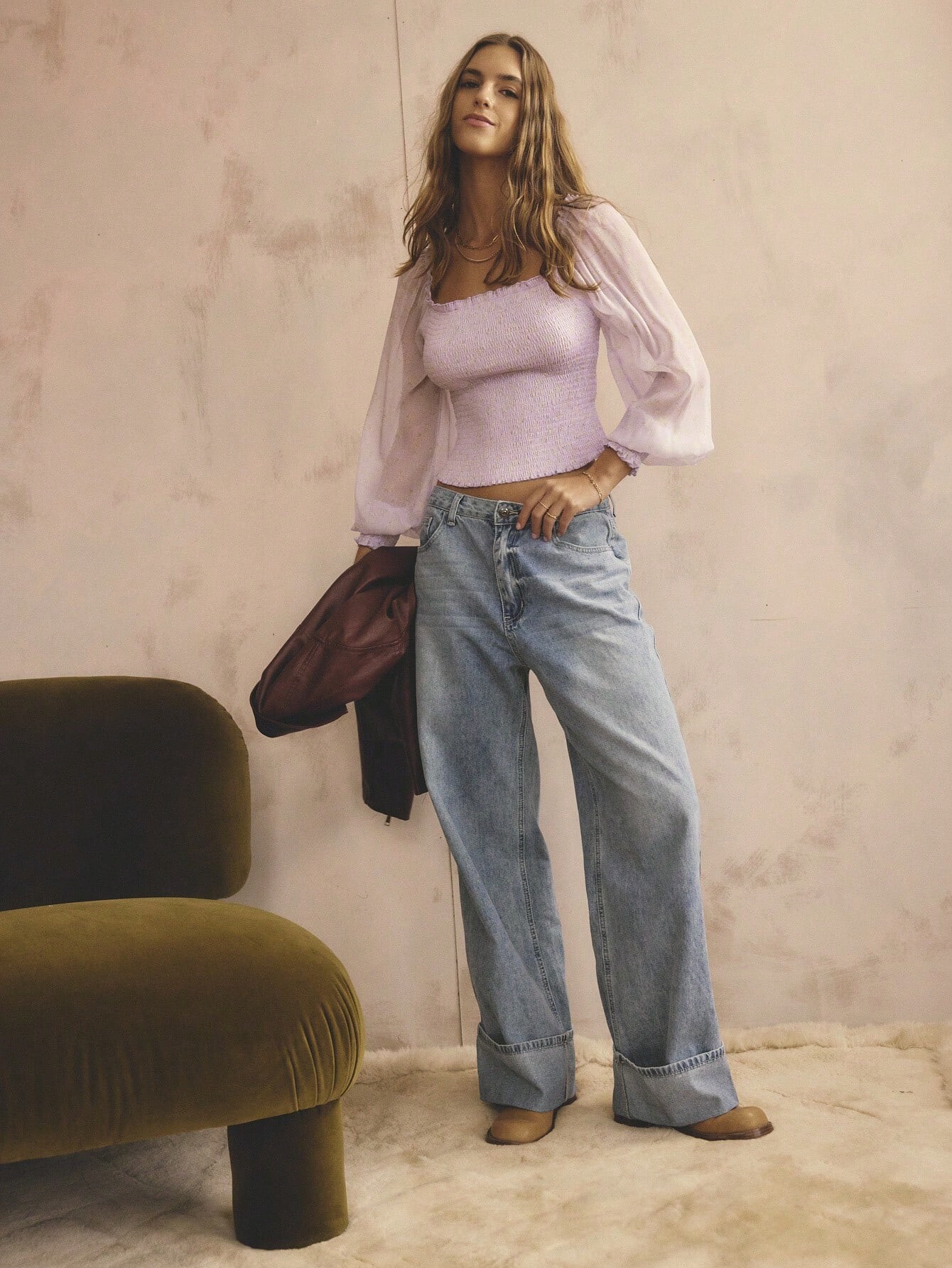
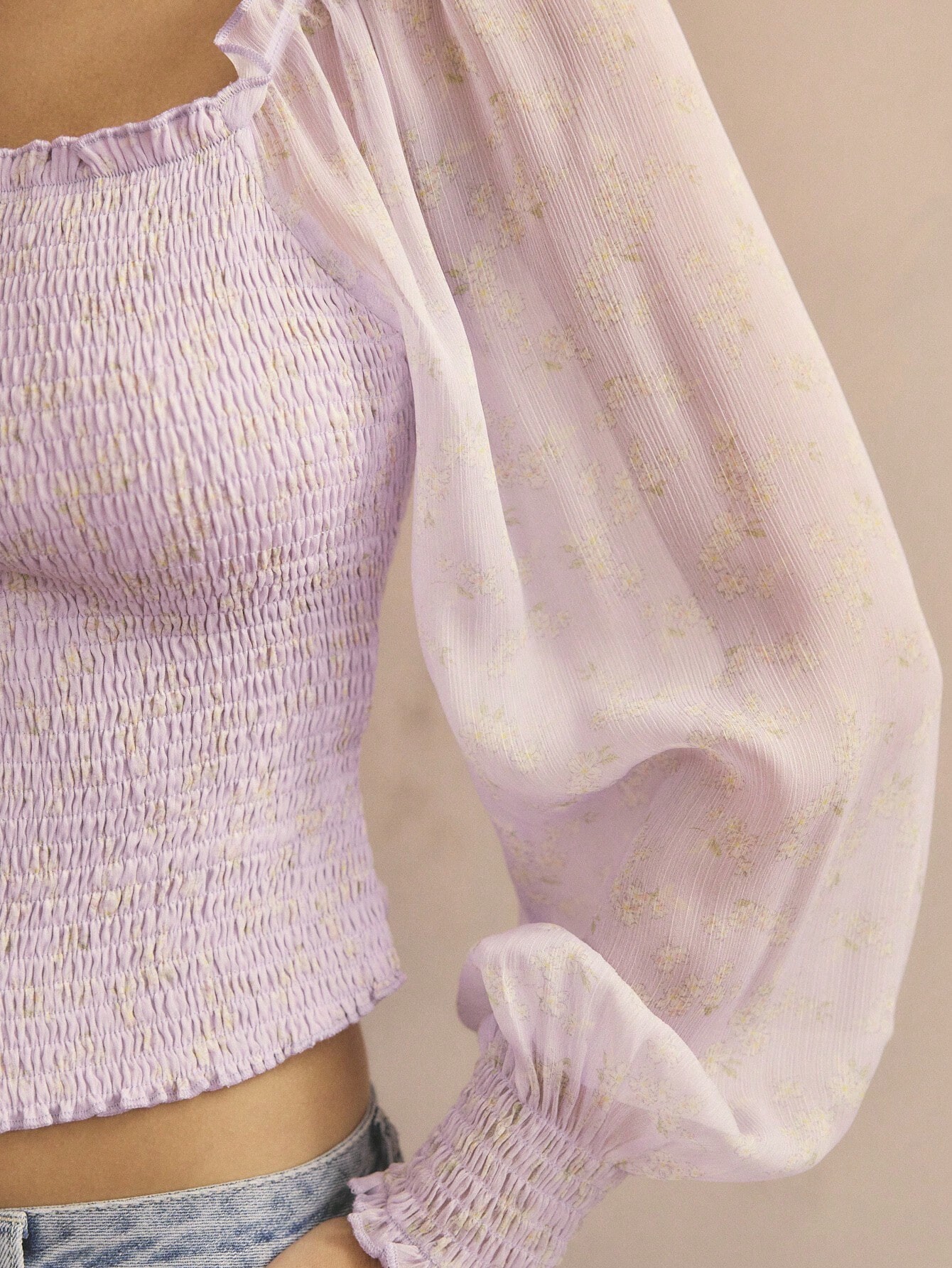
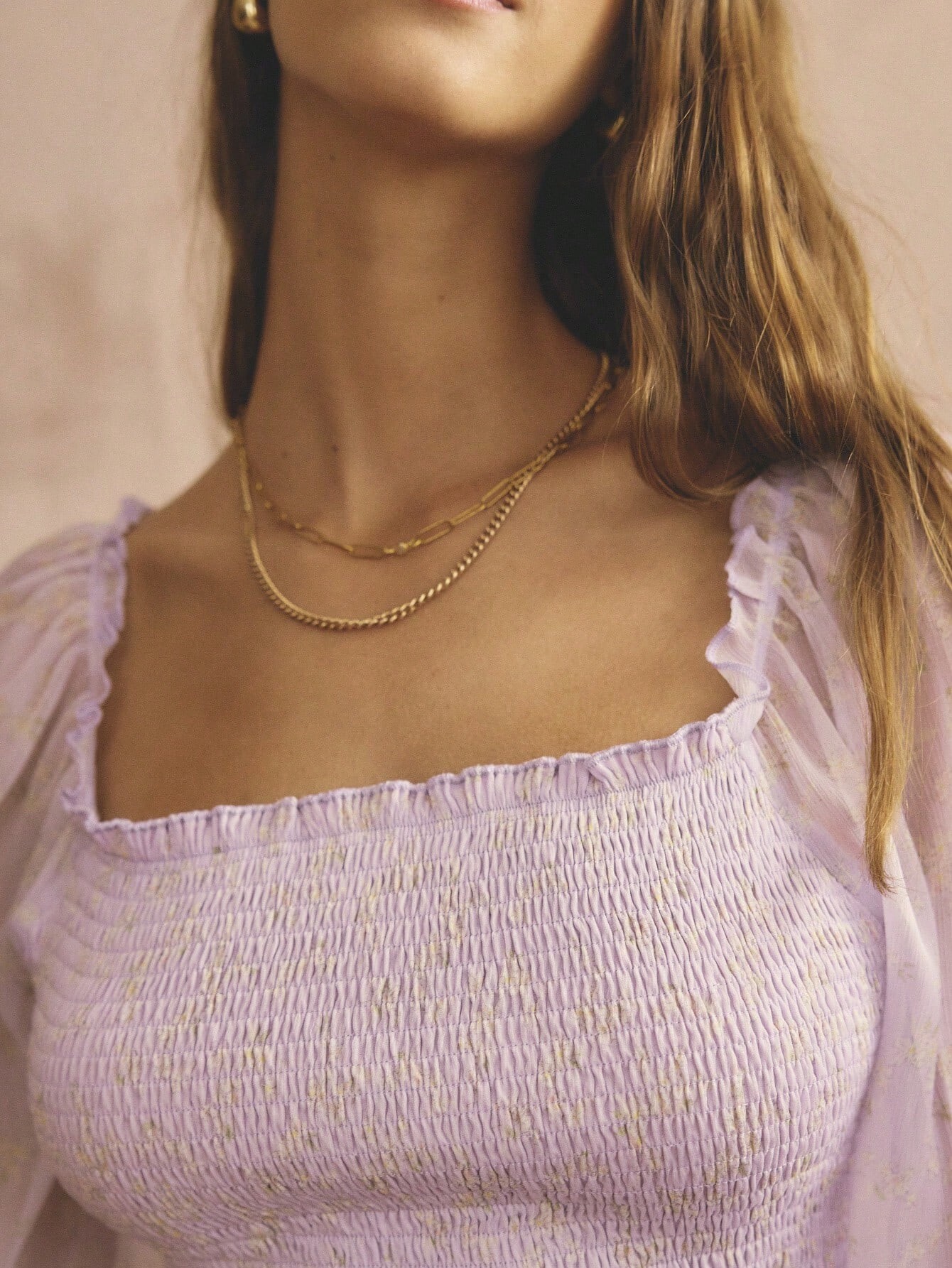
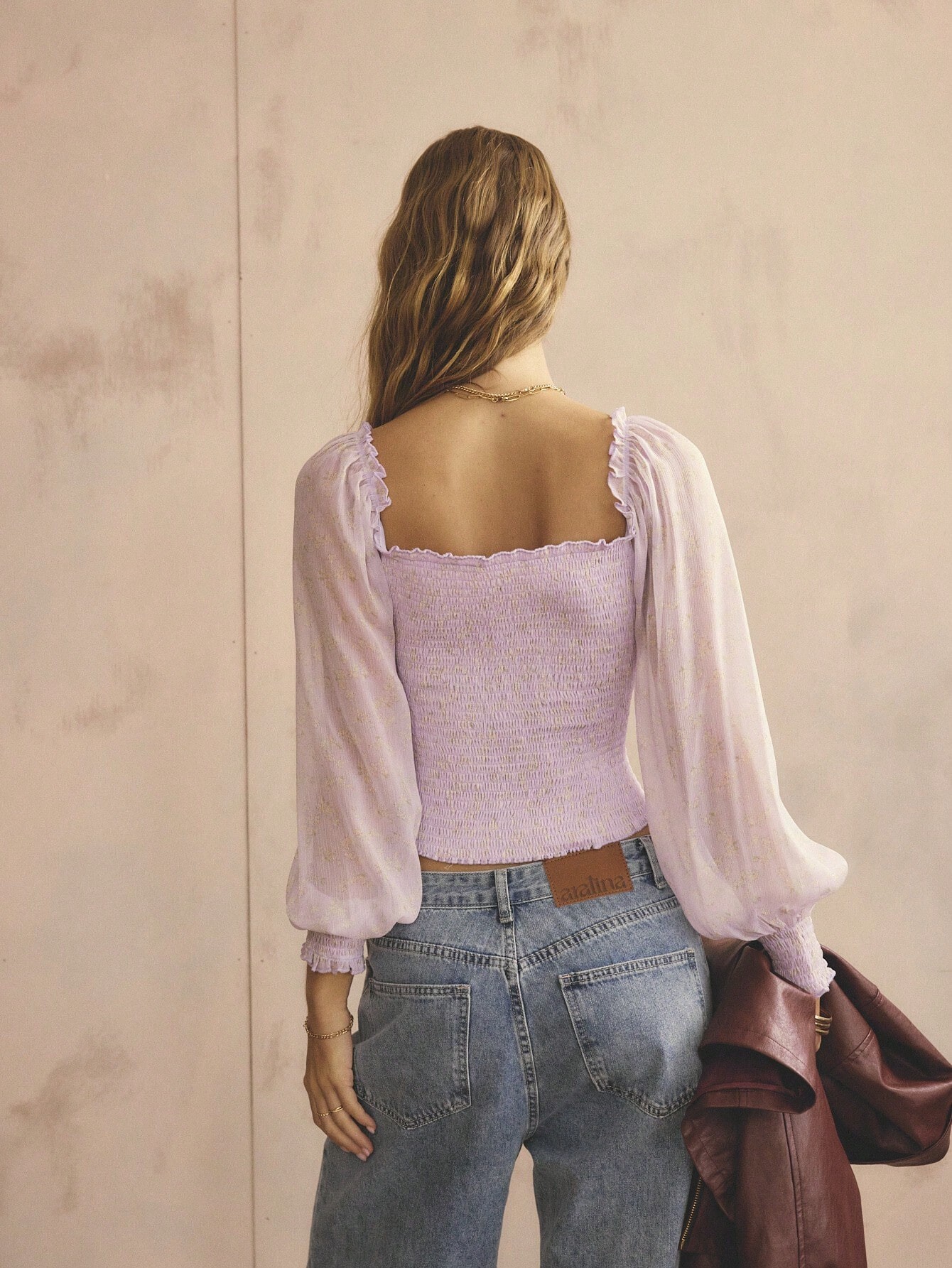
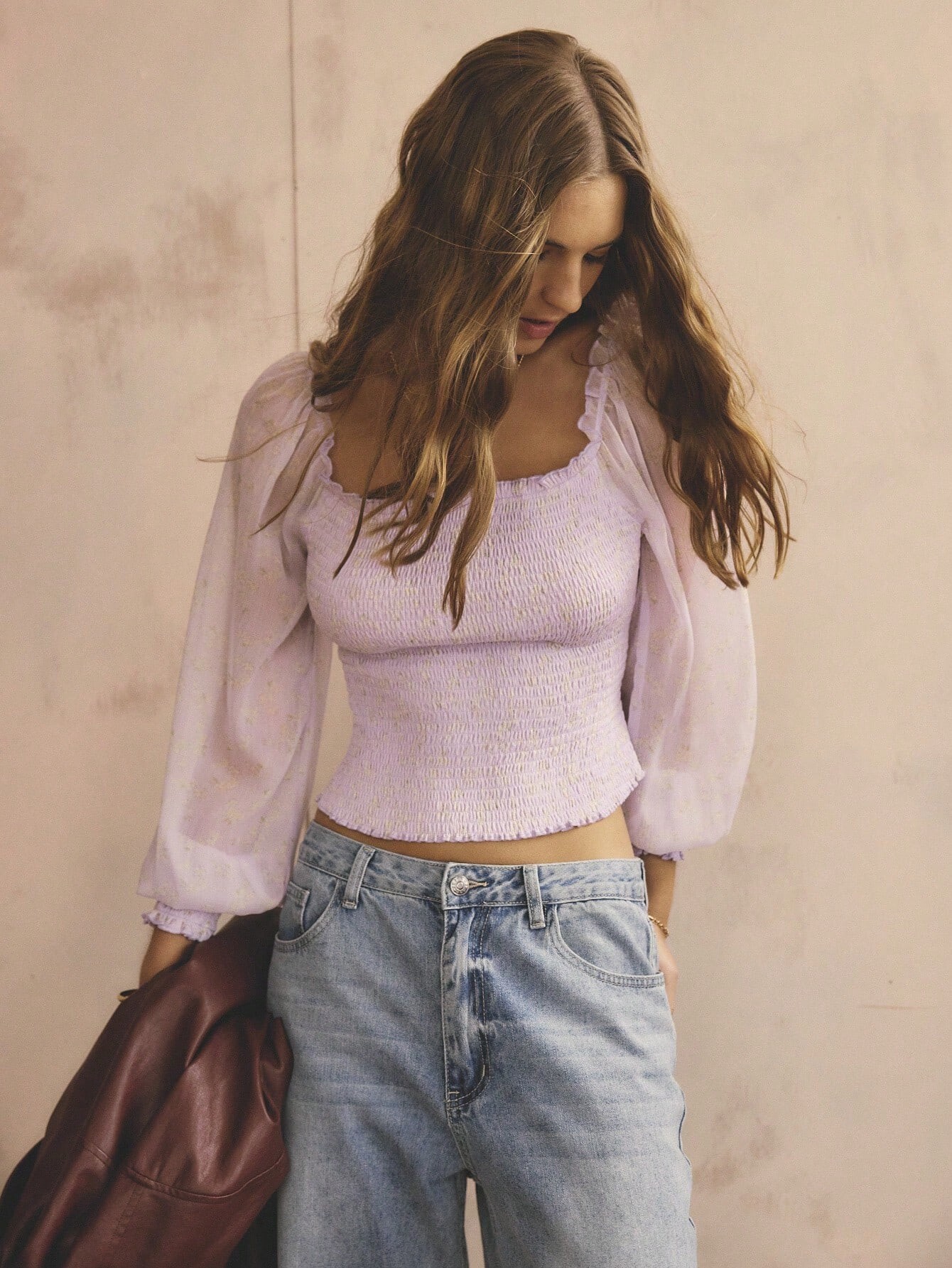
 Aralina Women's Casual Boho Sheer Puff Long Sleeve Shirred Square Neck Fall/Winter Vacation And Going Out Tops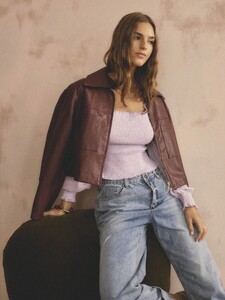


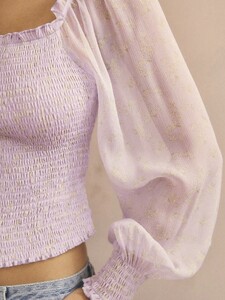



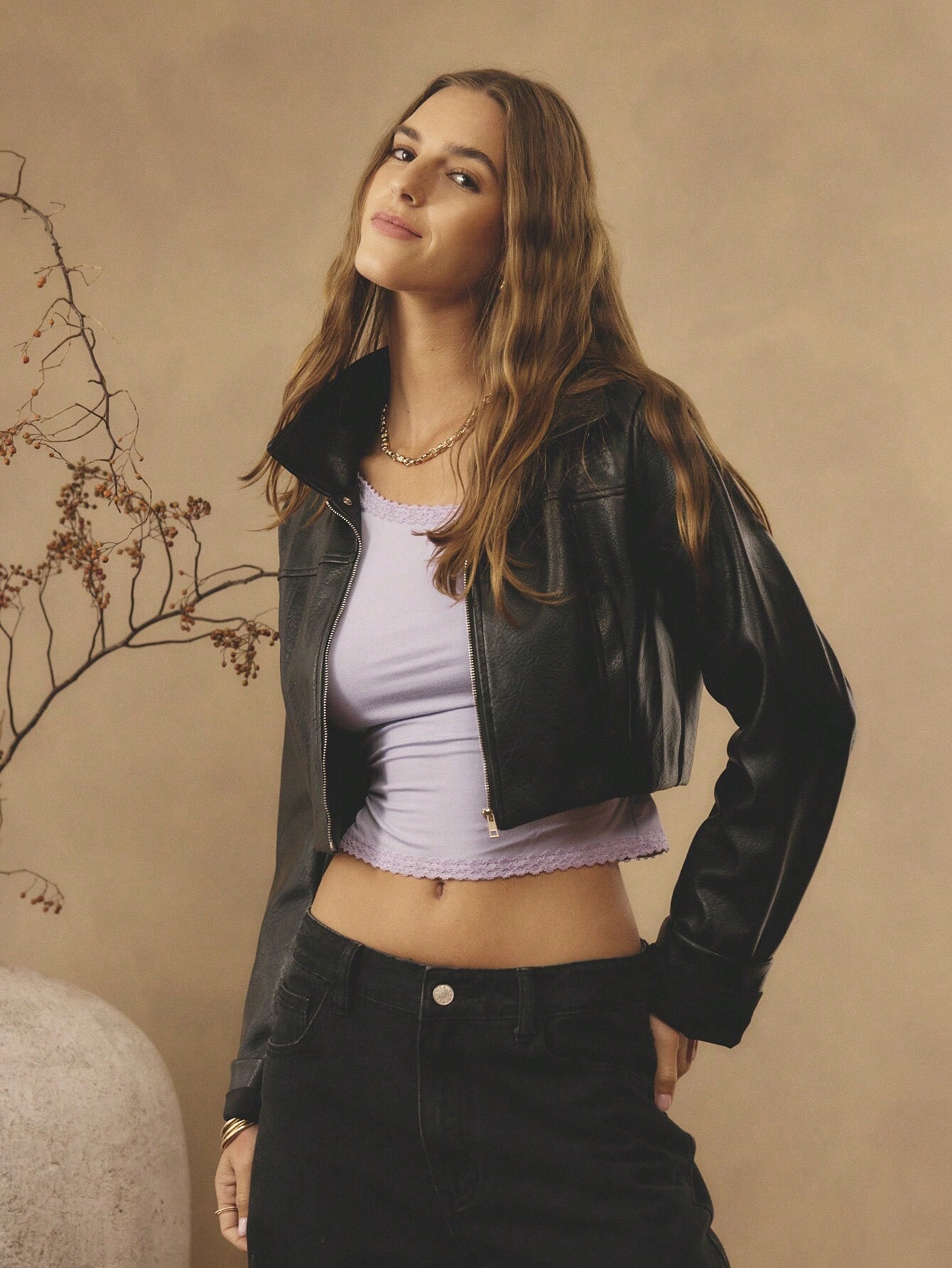
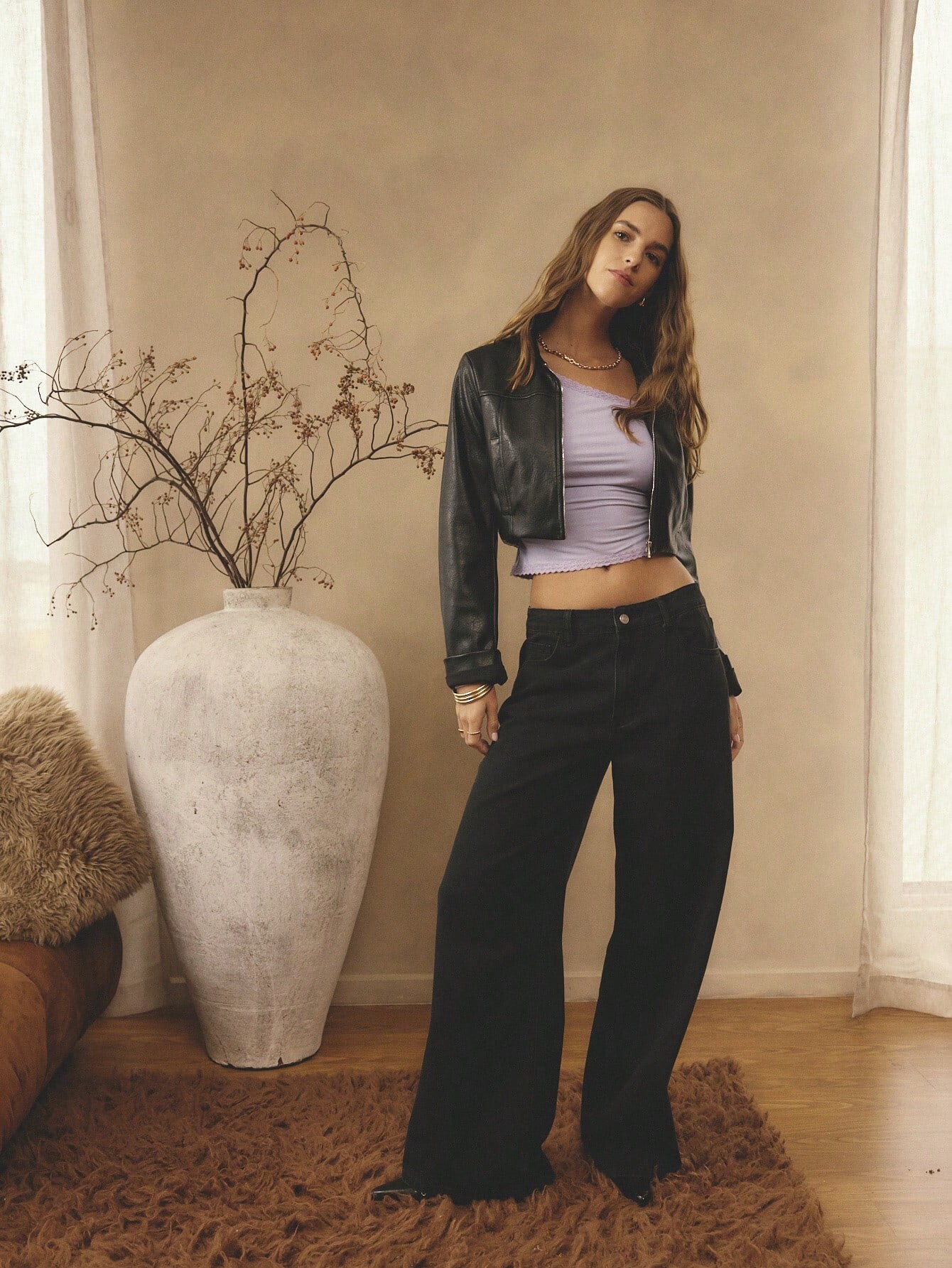
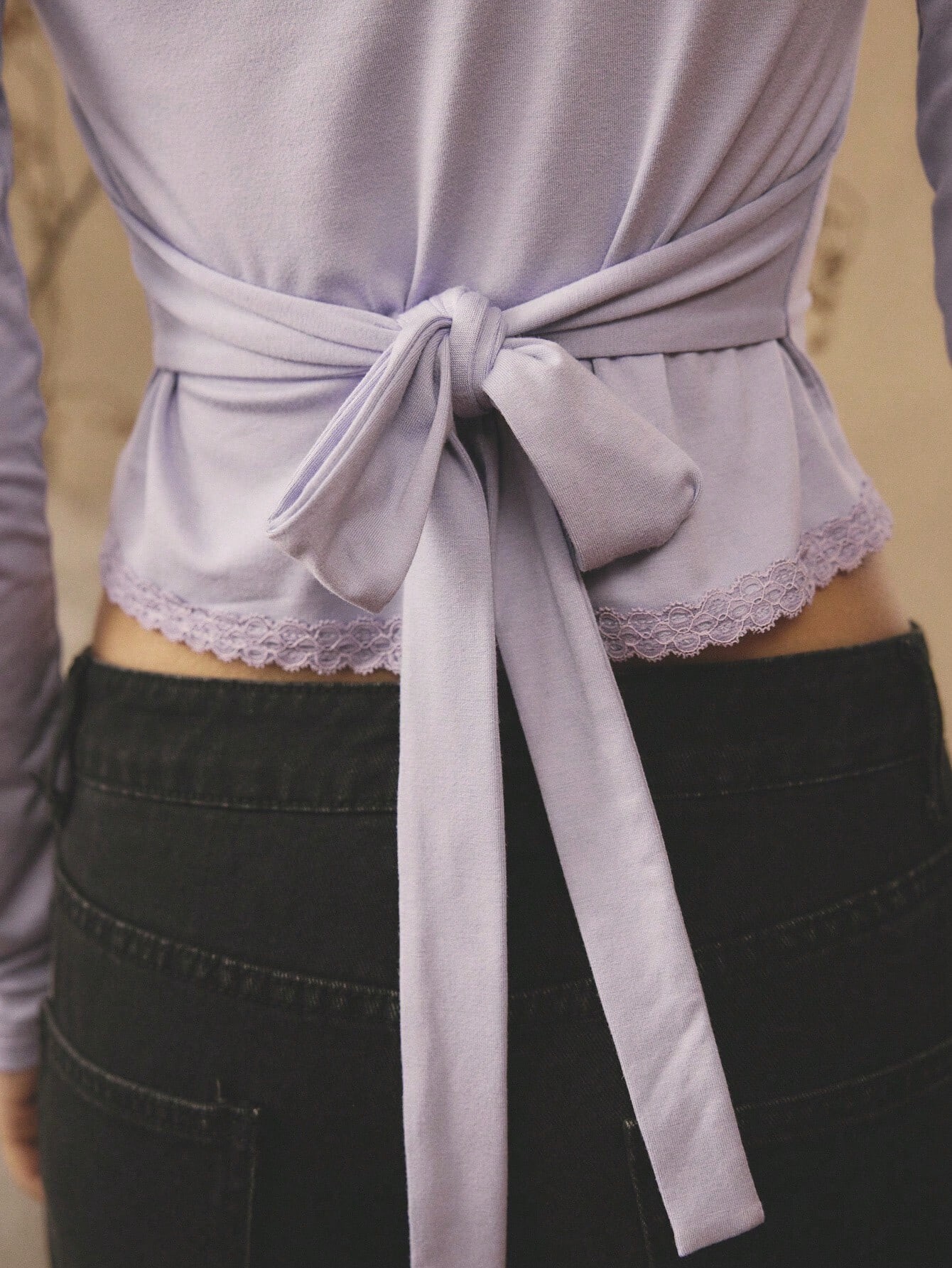
 Aralina Women's Casual One Shoulder Lace Trim Tie Waist Ribbed Long Sleeve Vacation Fall/Winter Going Out Top

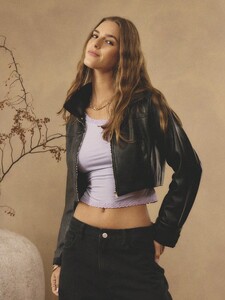
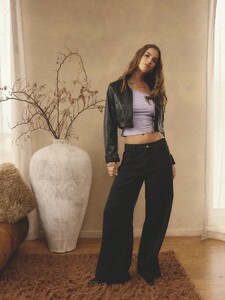
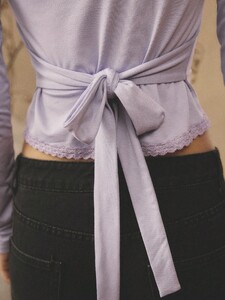
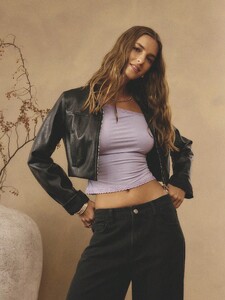
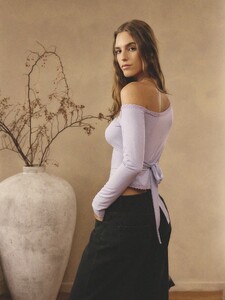
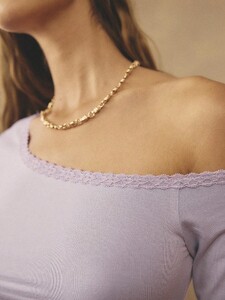
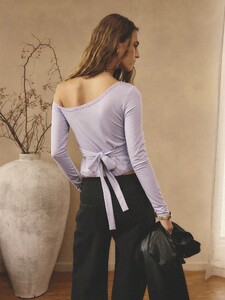
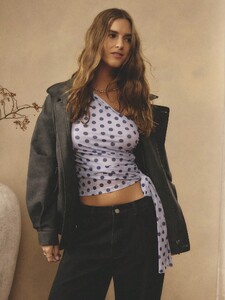
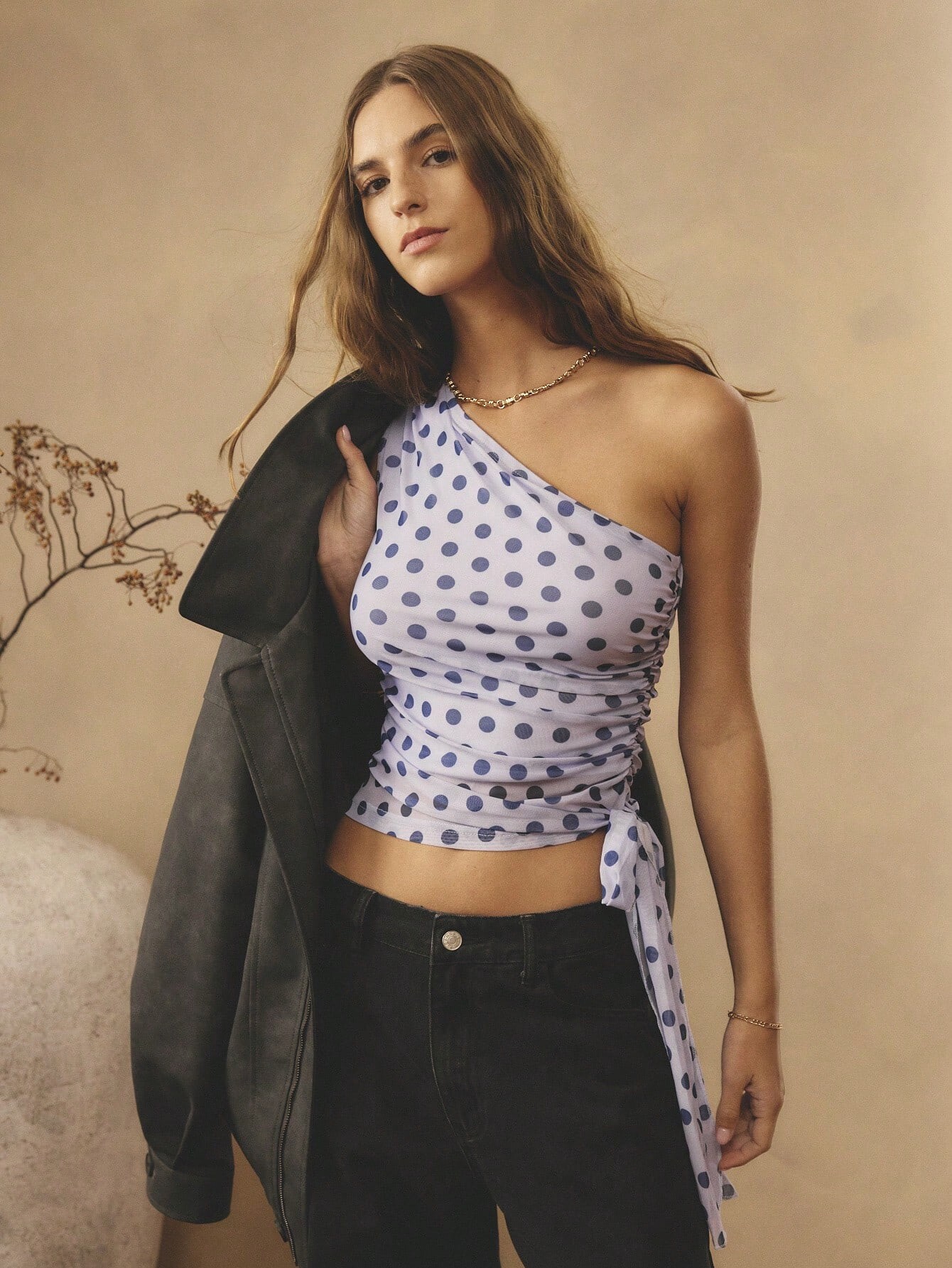
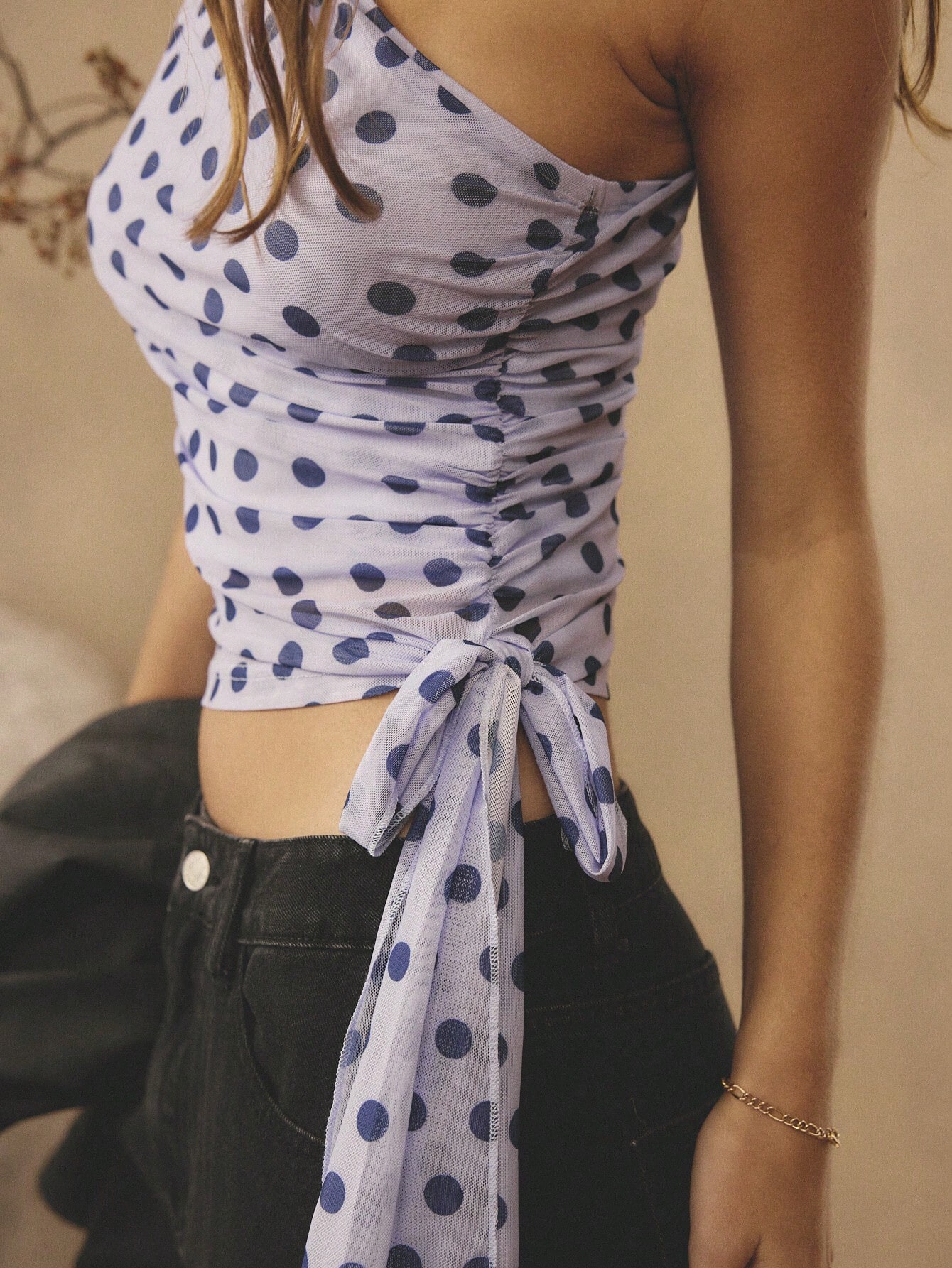
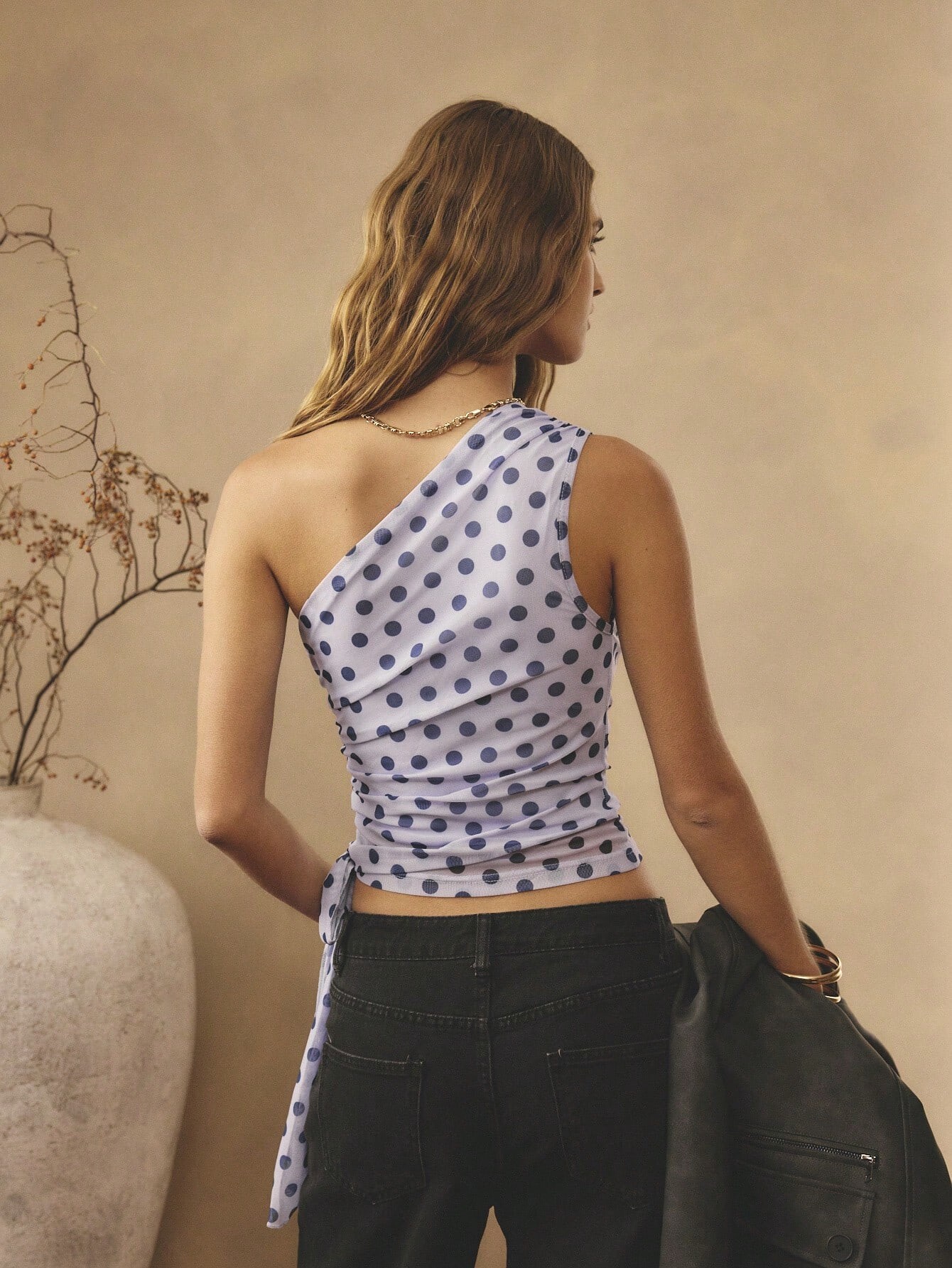
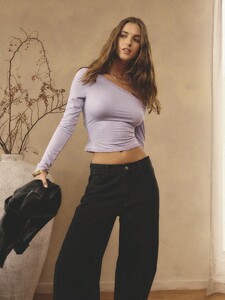 Aralina Women's Casual Chic Stockholm Style And Elegant One Shoulder Polka Dot Ruched Tie Waist Cinched Waist Vacation Outfits Woman Cute Fall Going Out Top Party Top Christmas Party Tops And New Years Party Tops And Thanksgiving Party Tops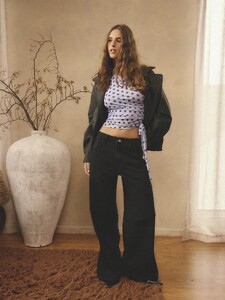


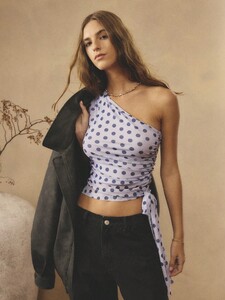
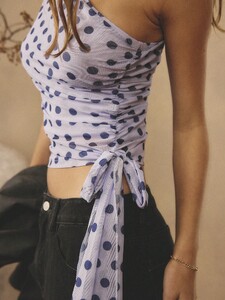
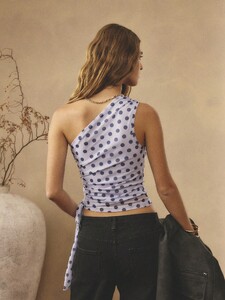








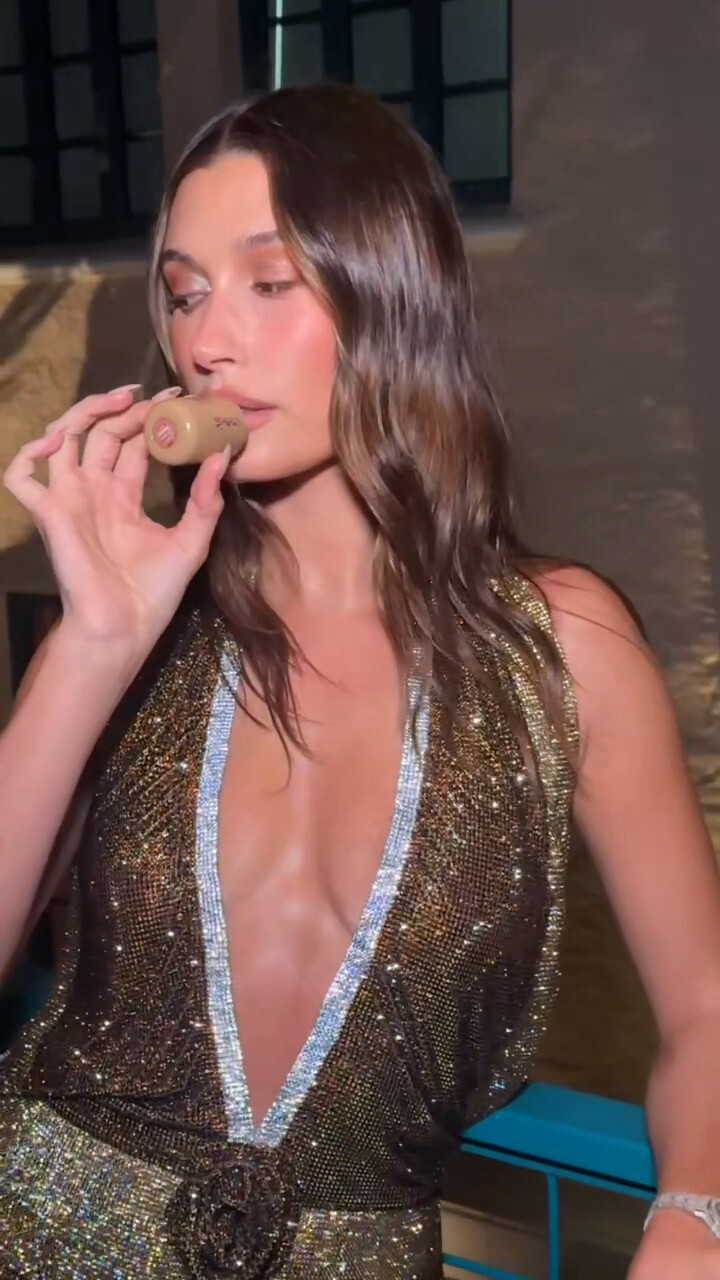






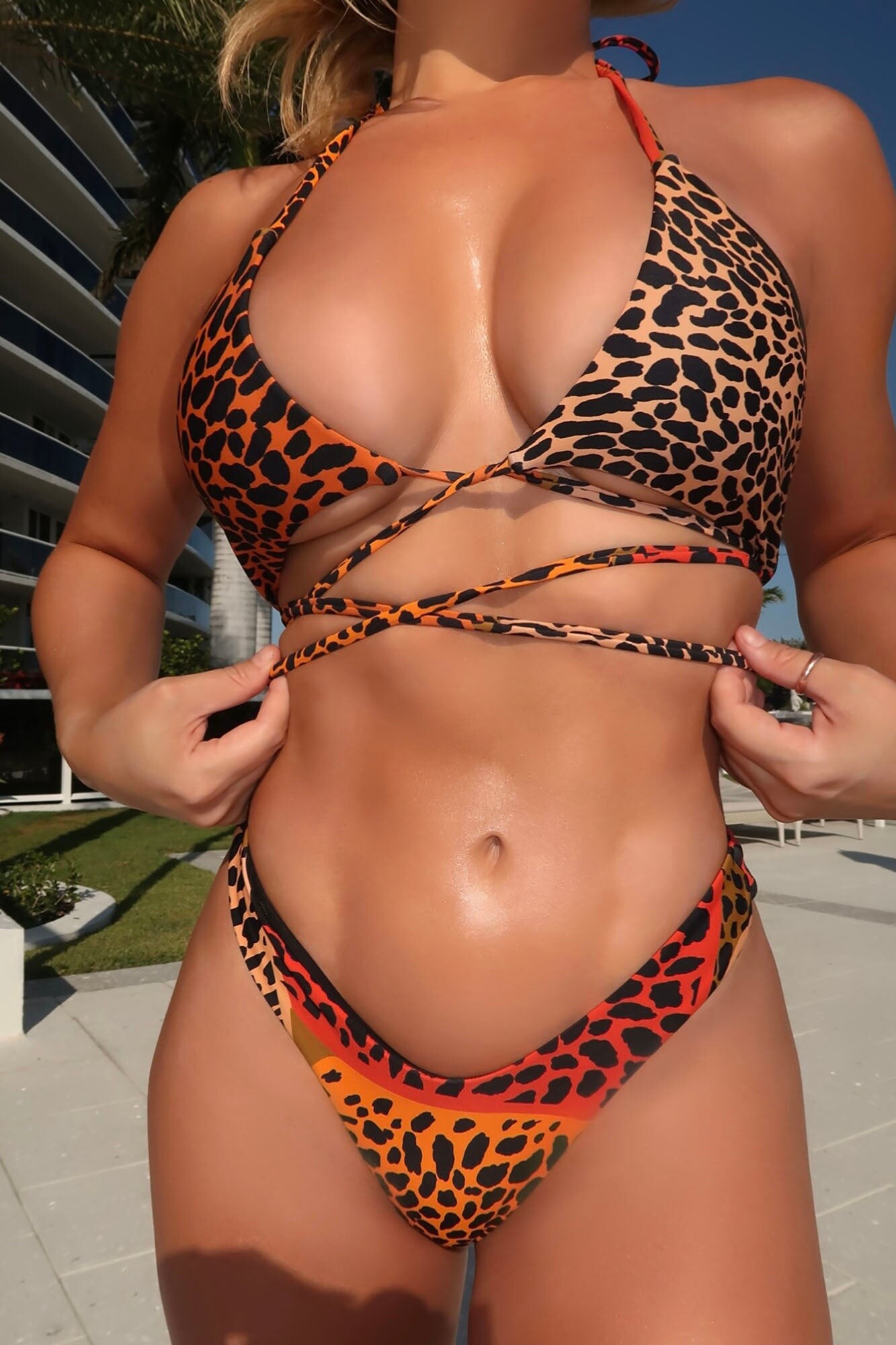


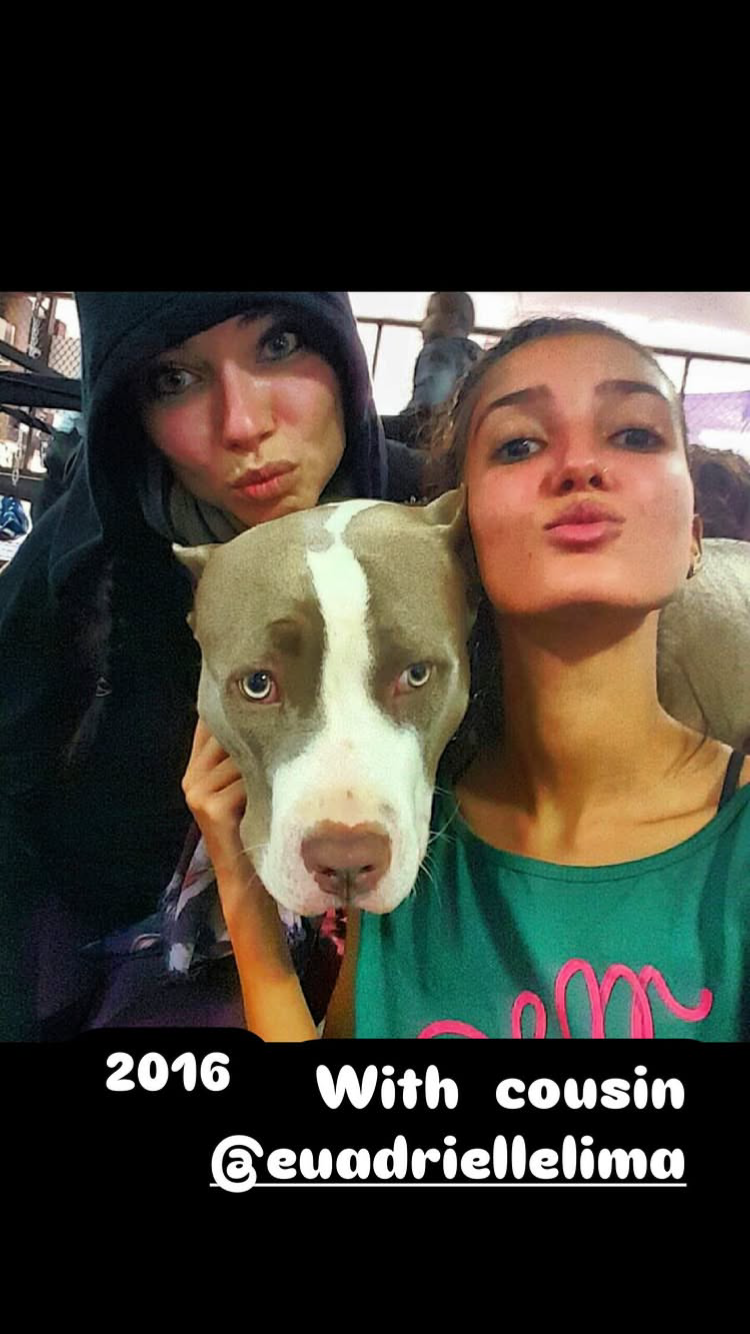
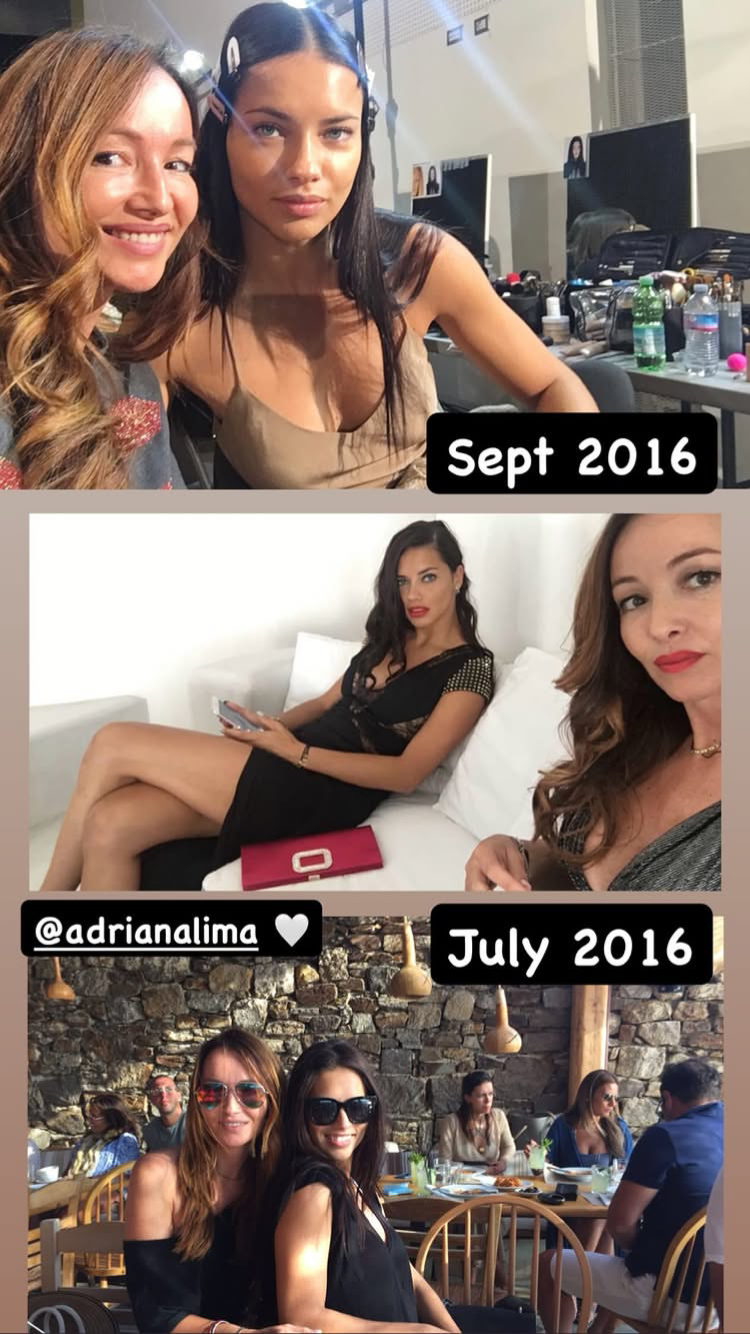
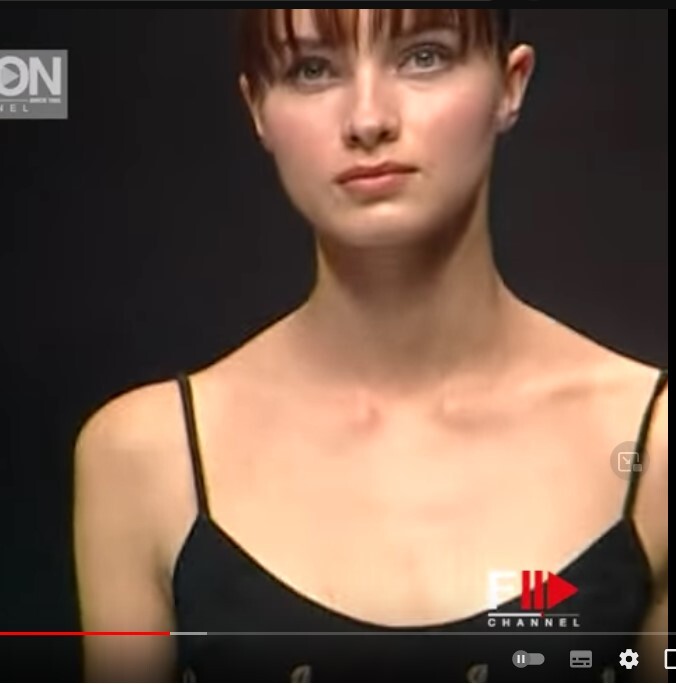

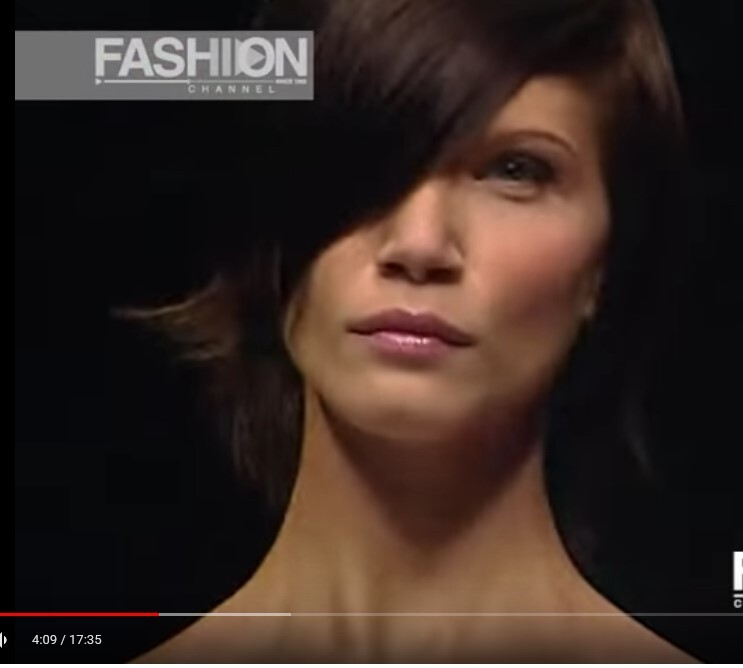

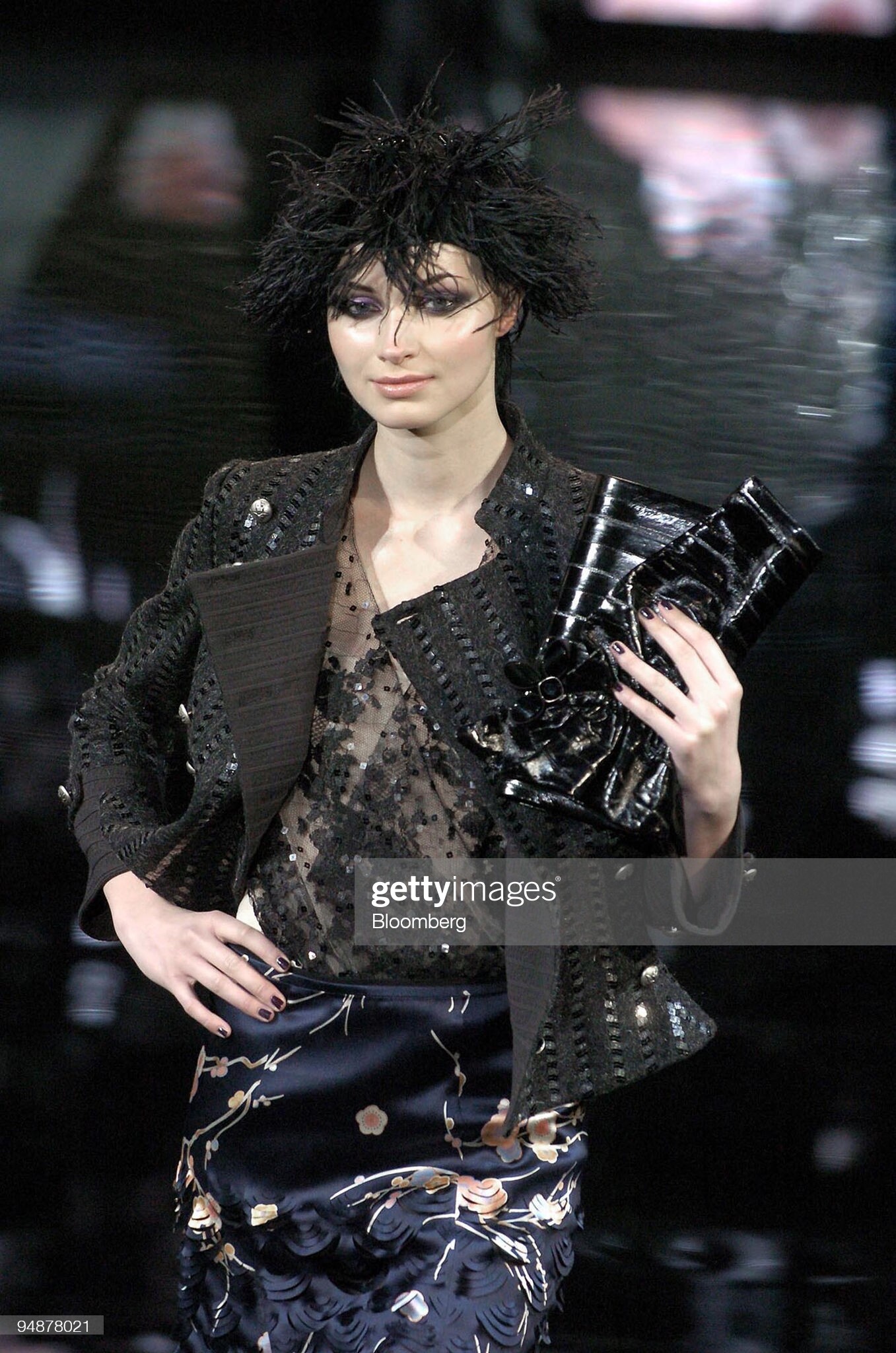
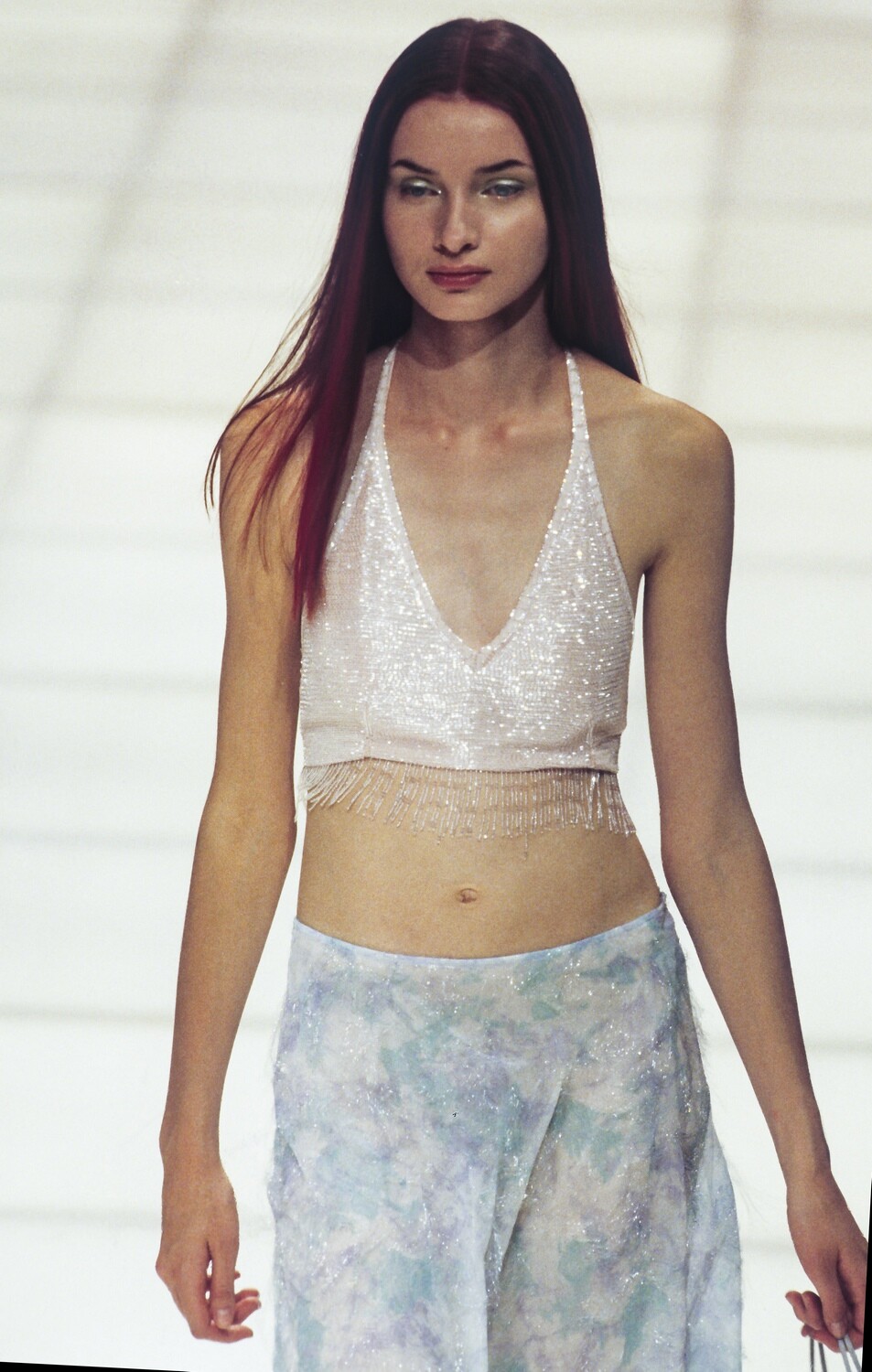



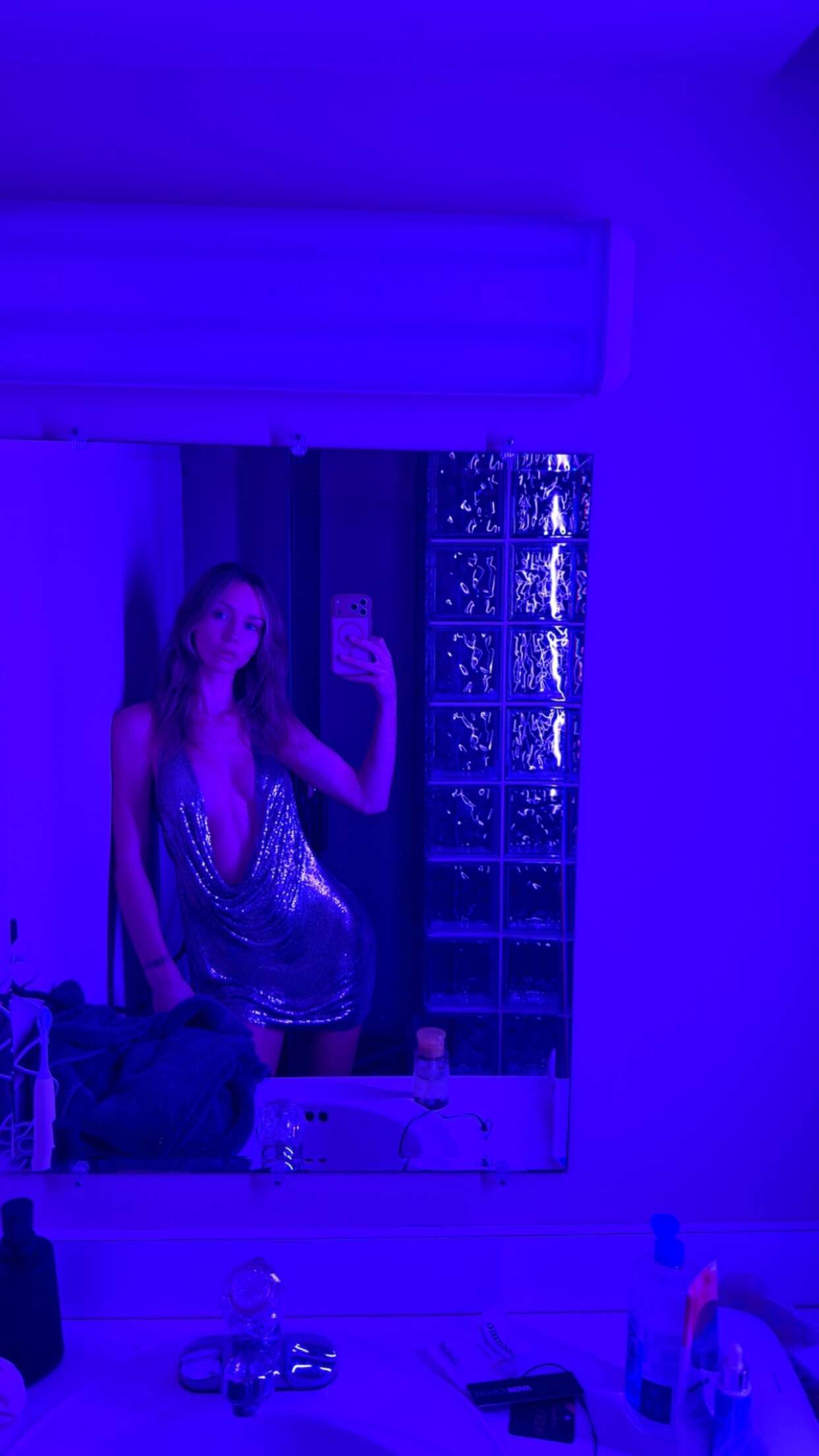





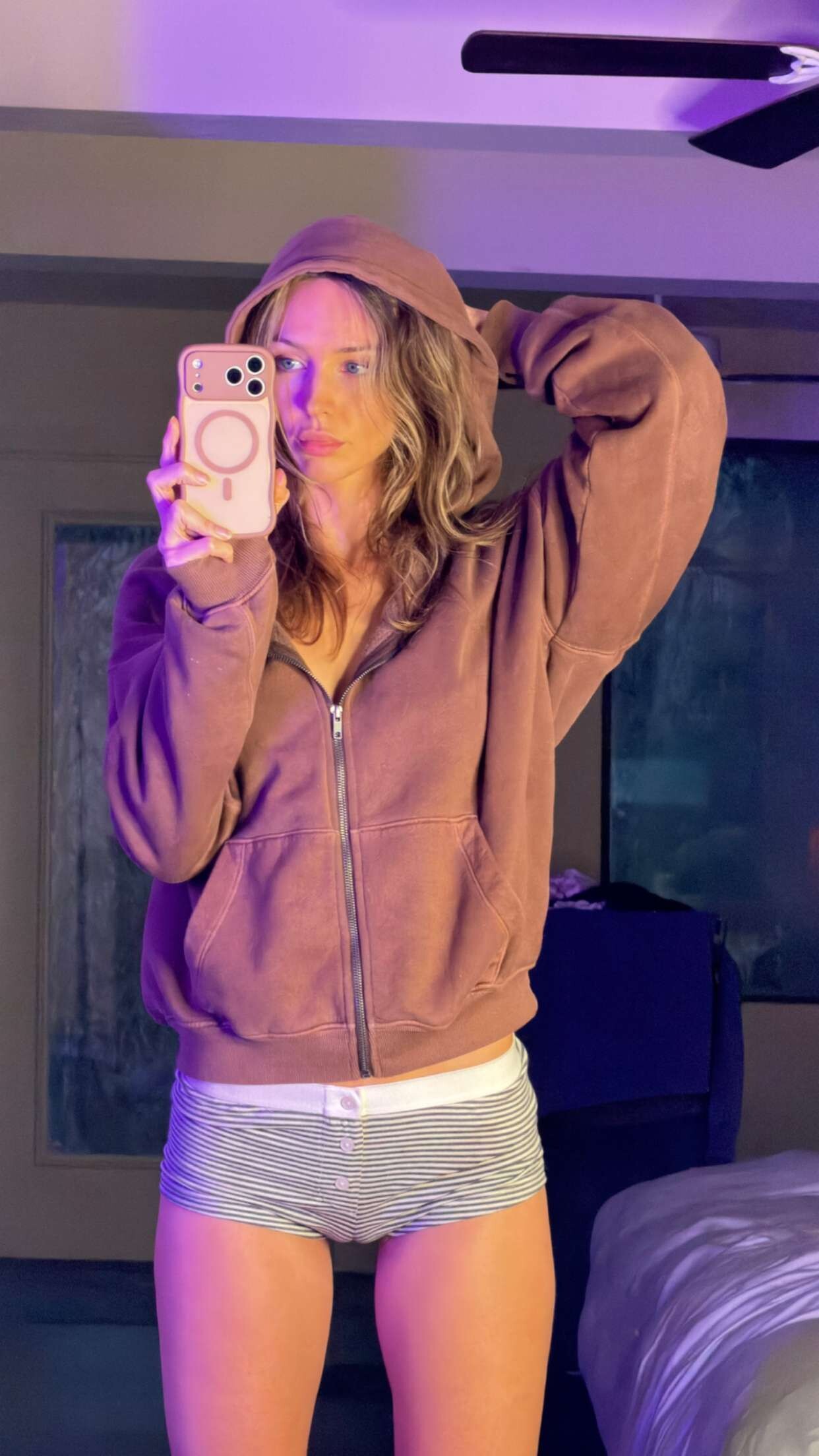
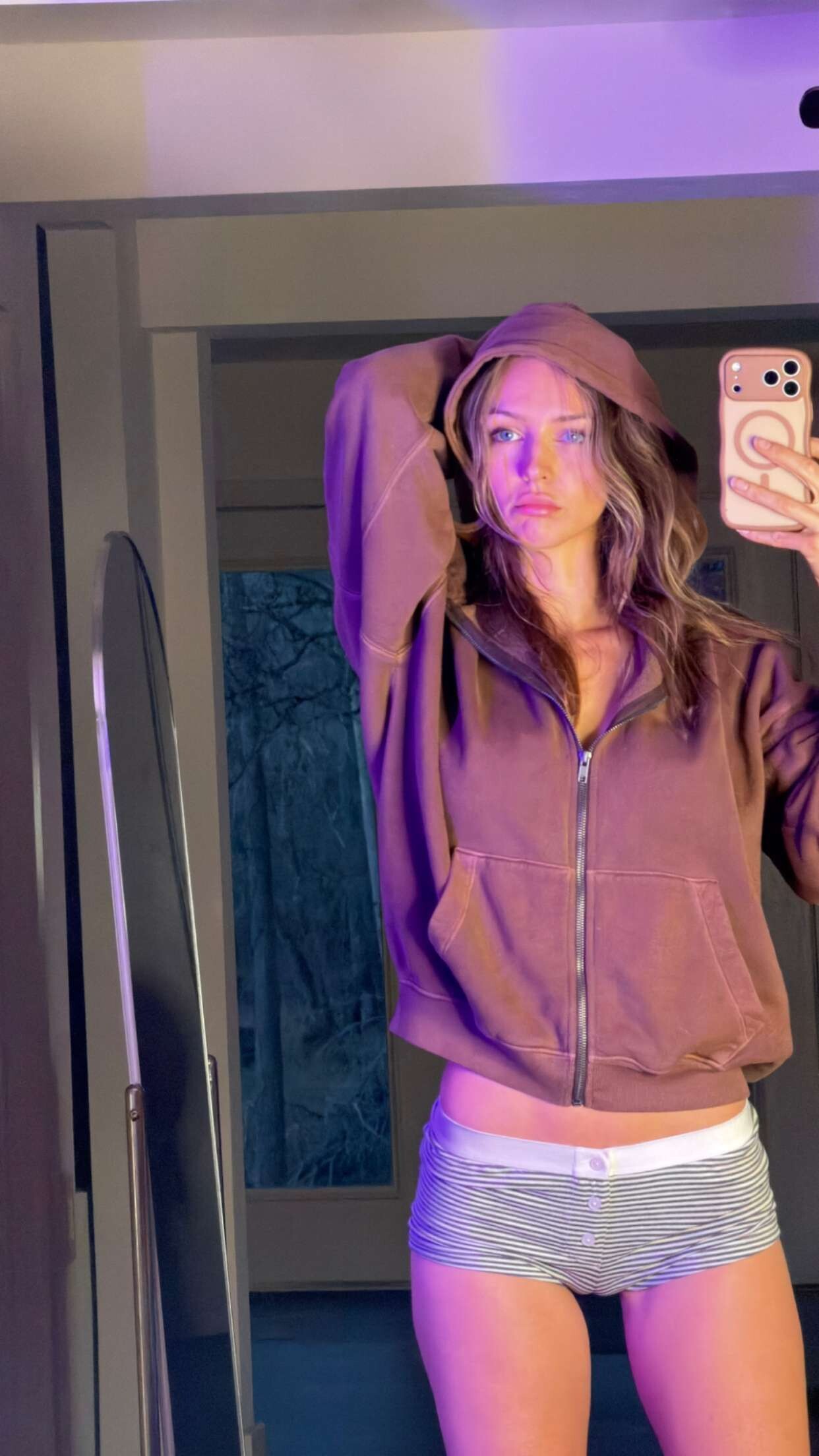
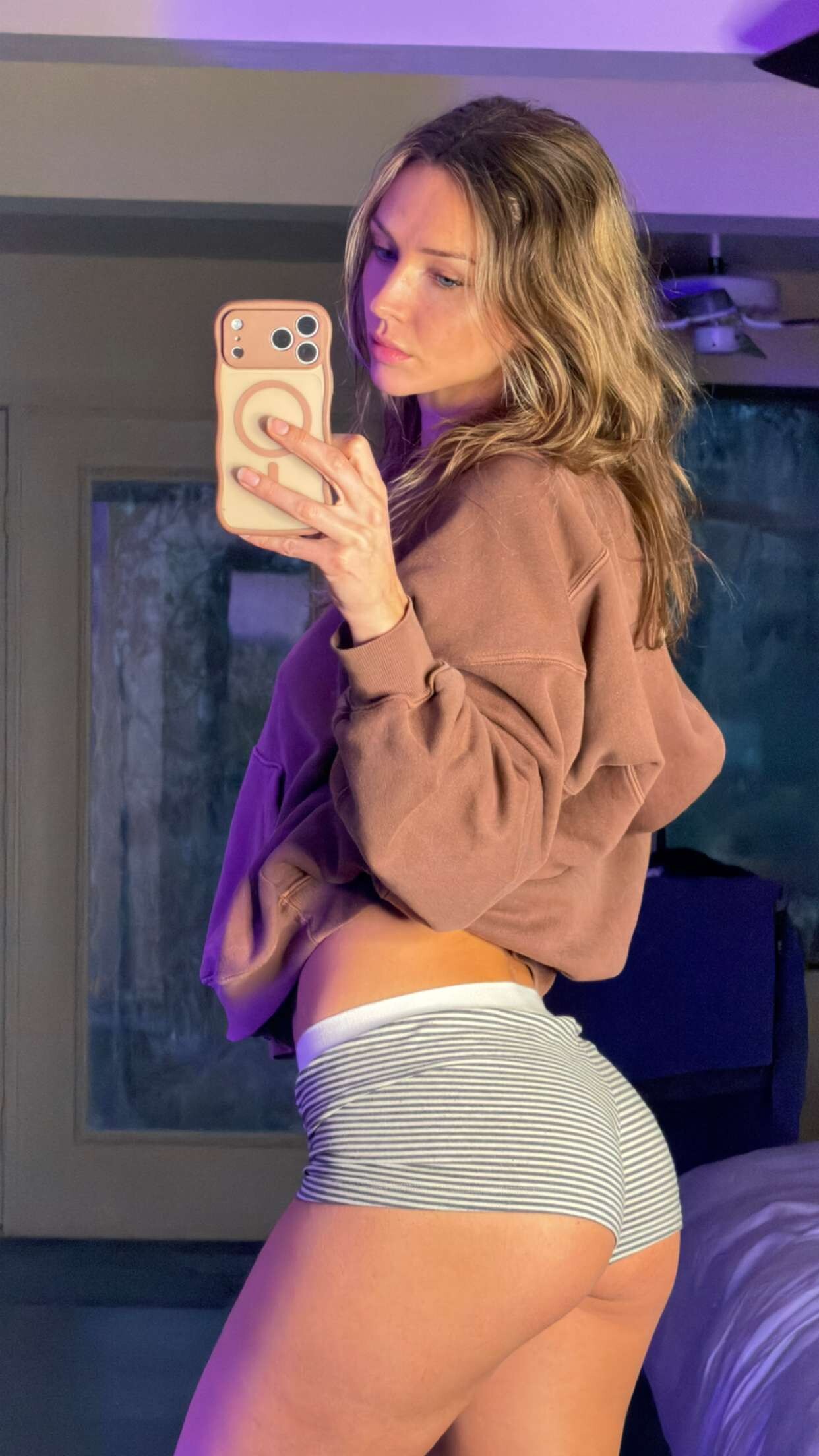
.jpg.dc774414cf465d45f588d40602f4a7be.jpg)






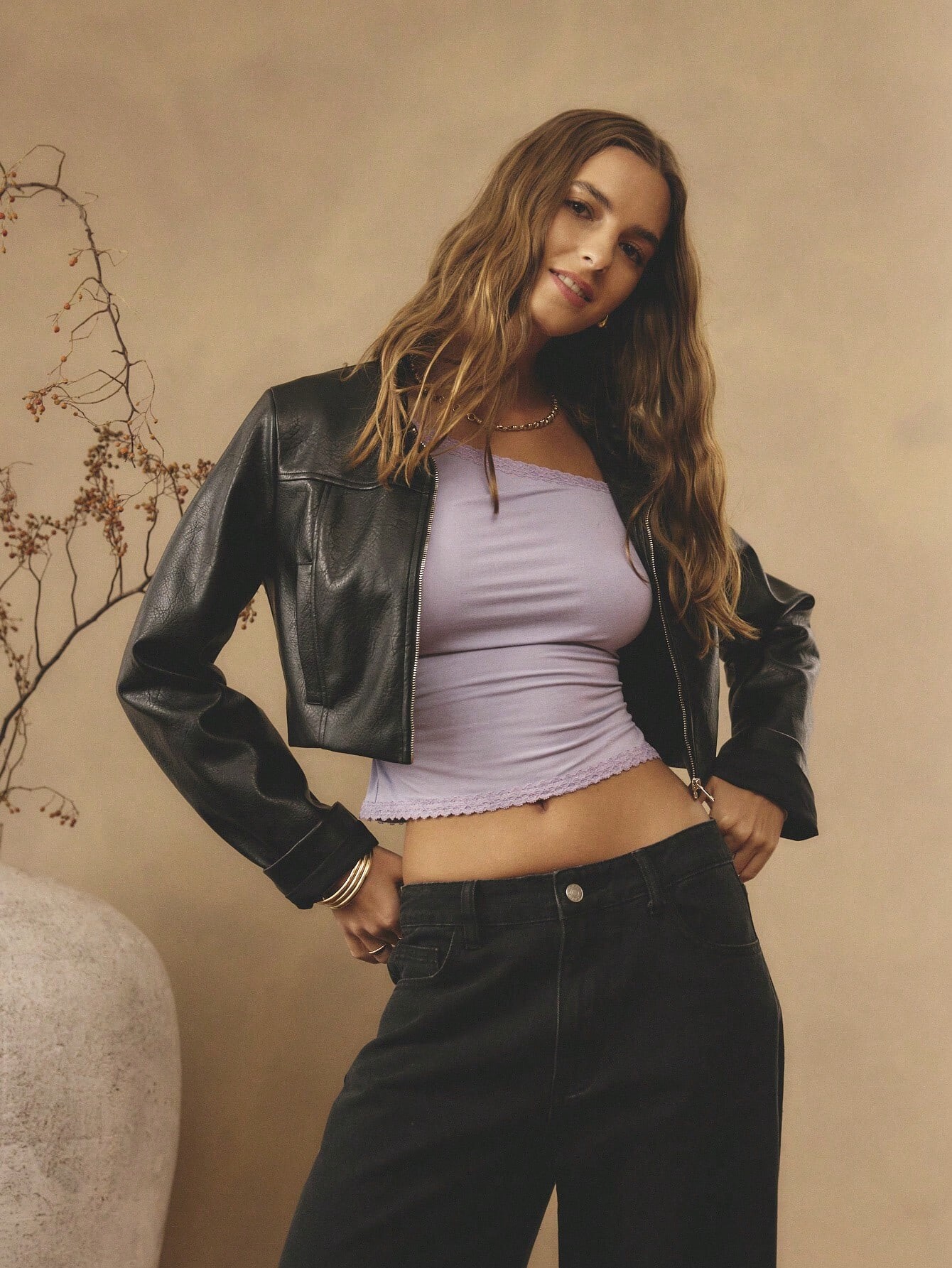
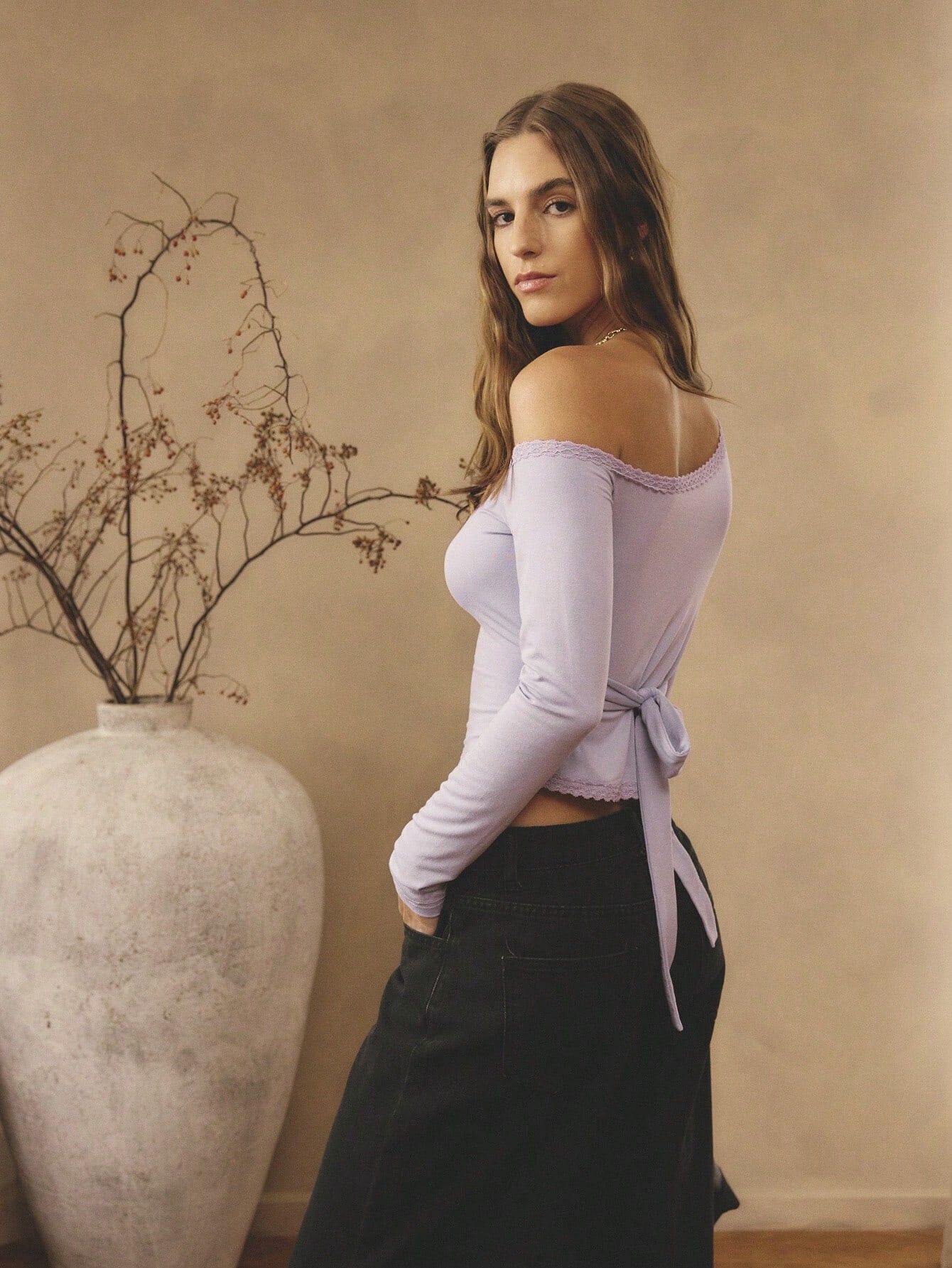
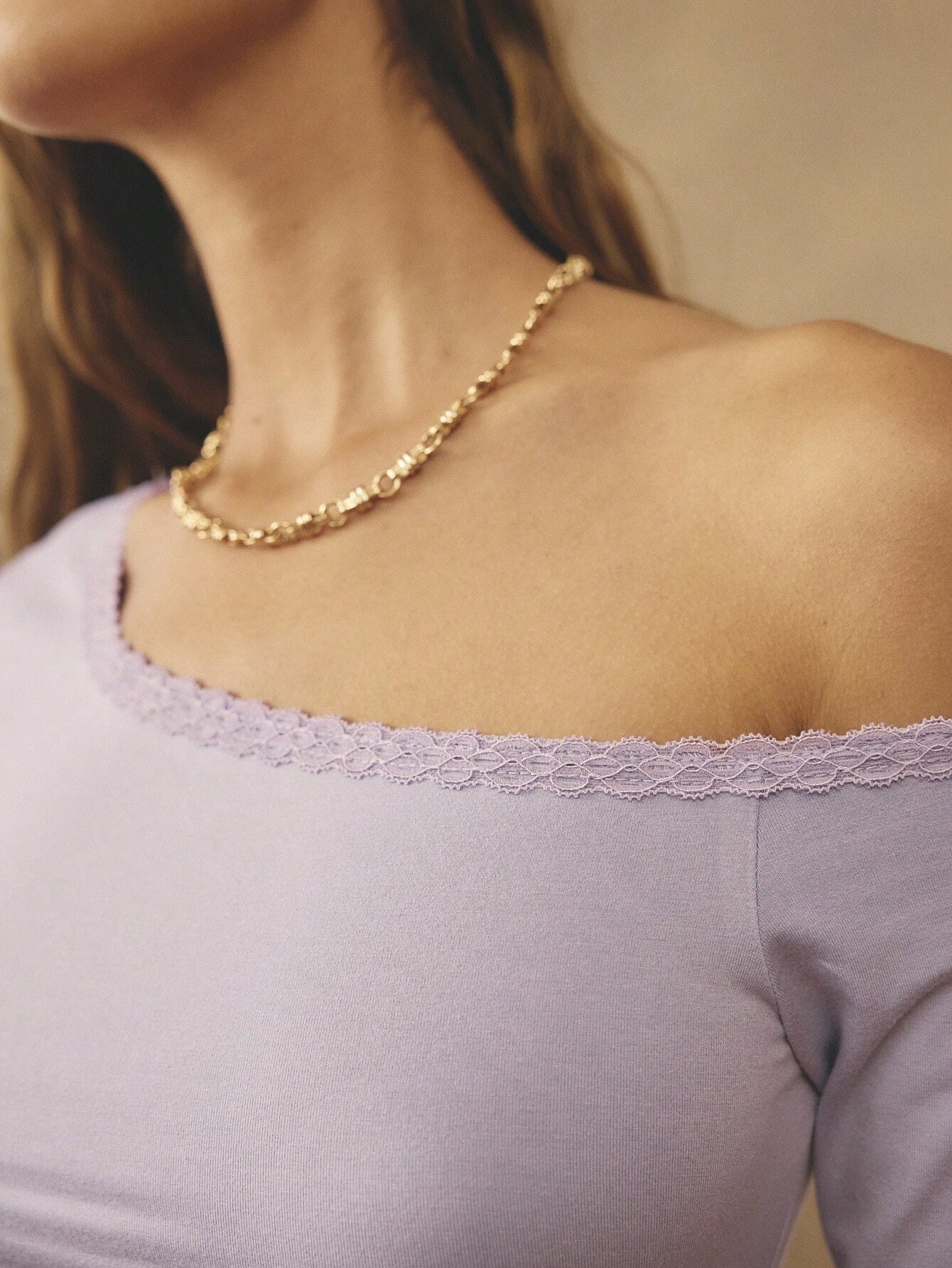
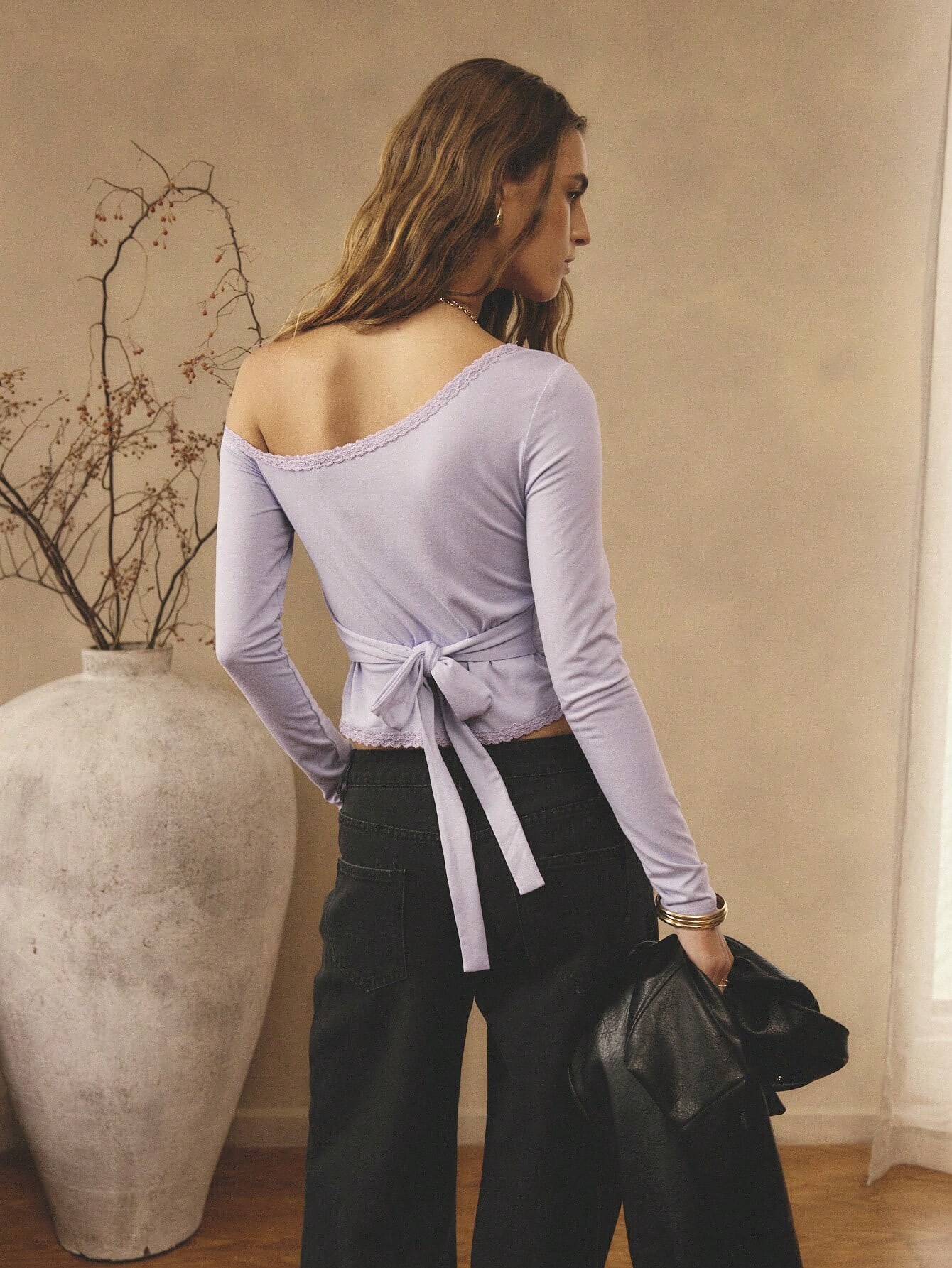
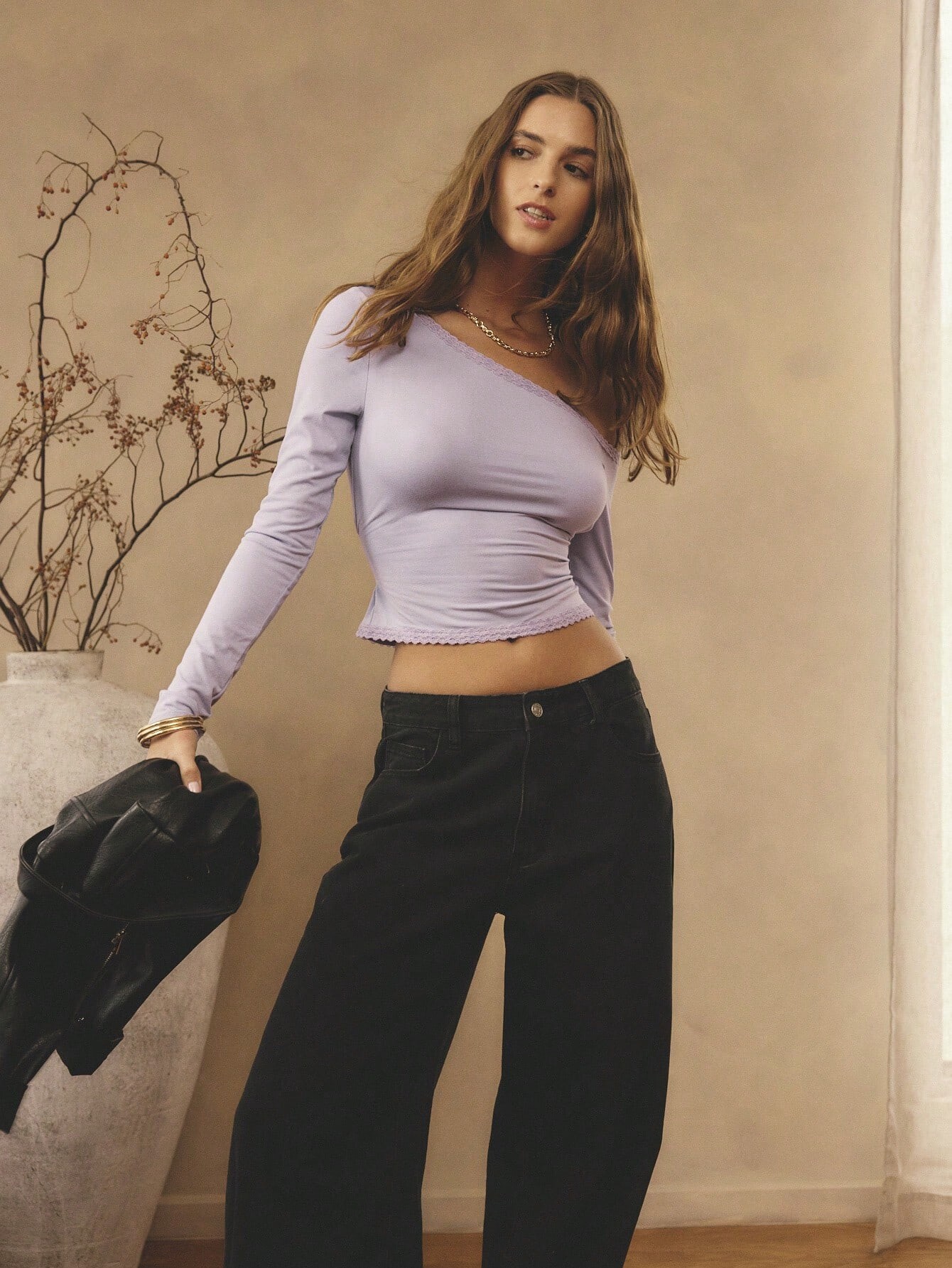
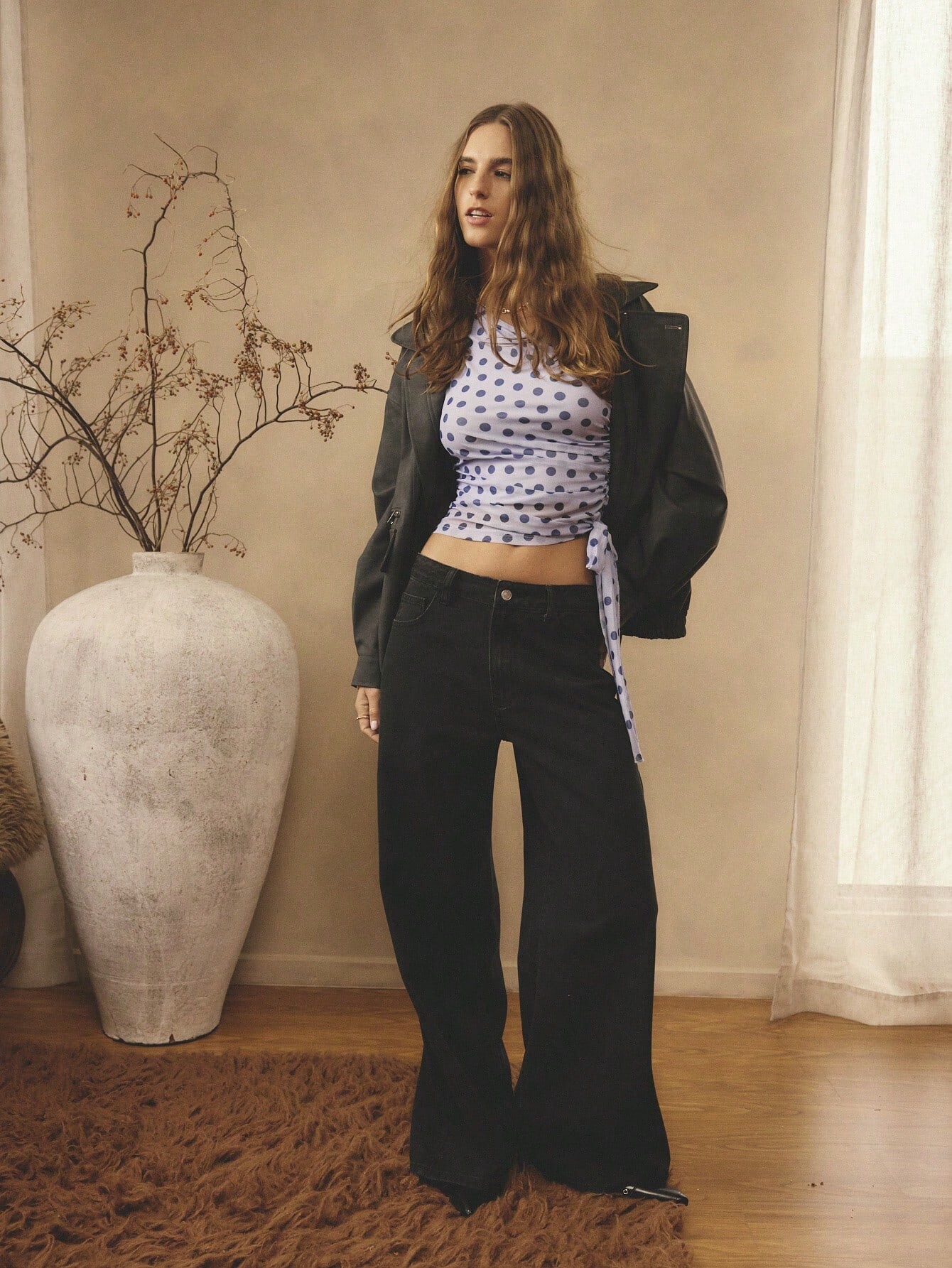

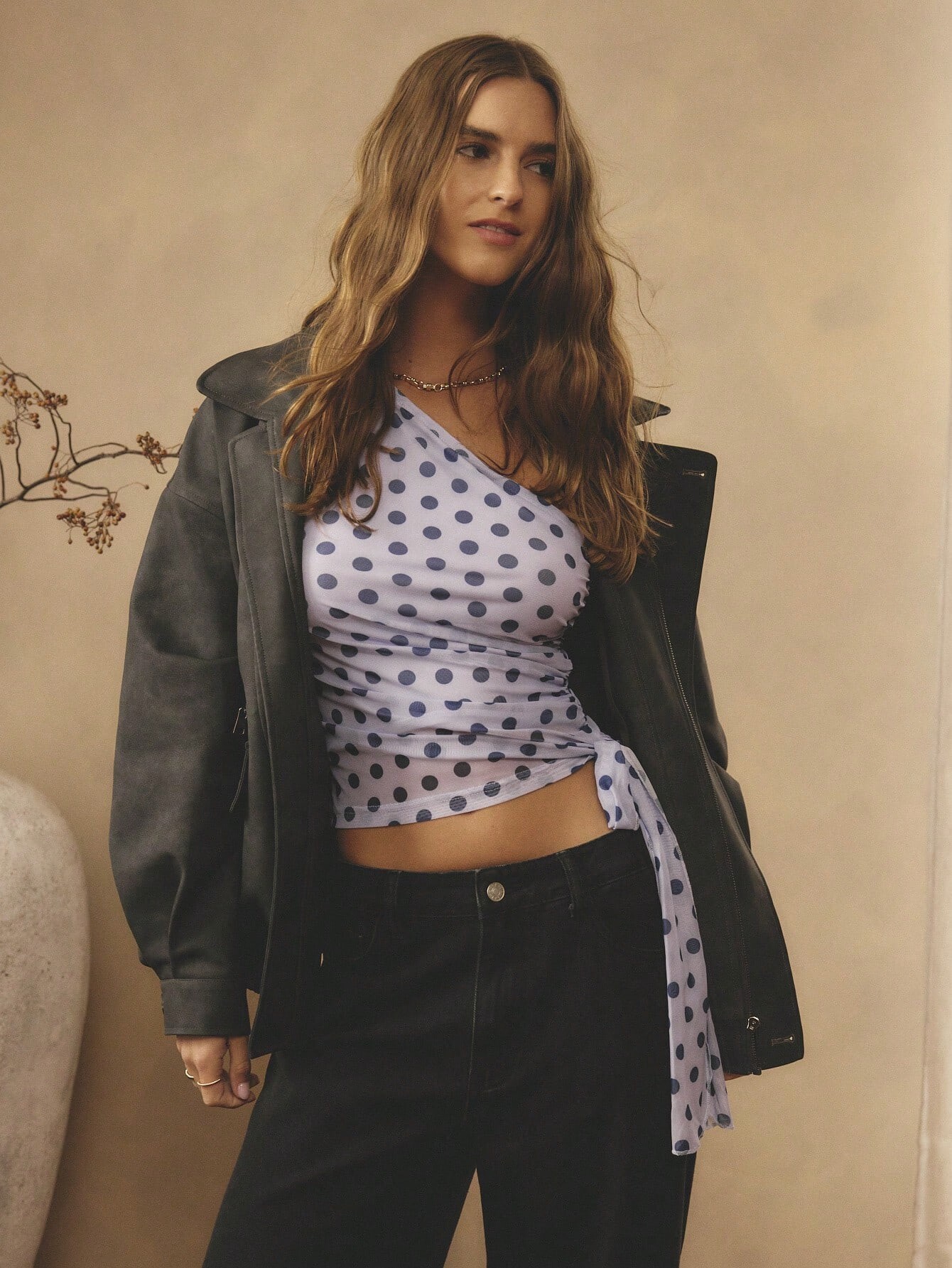
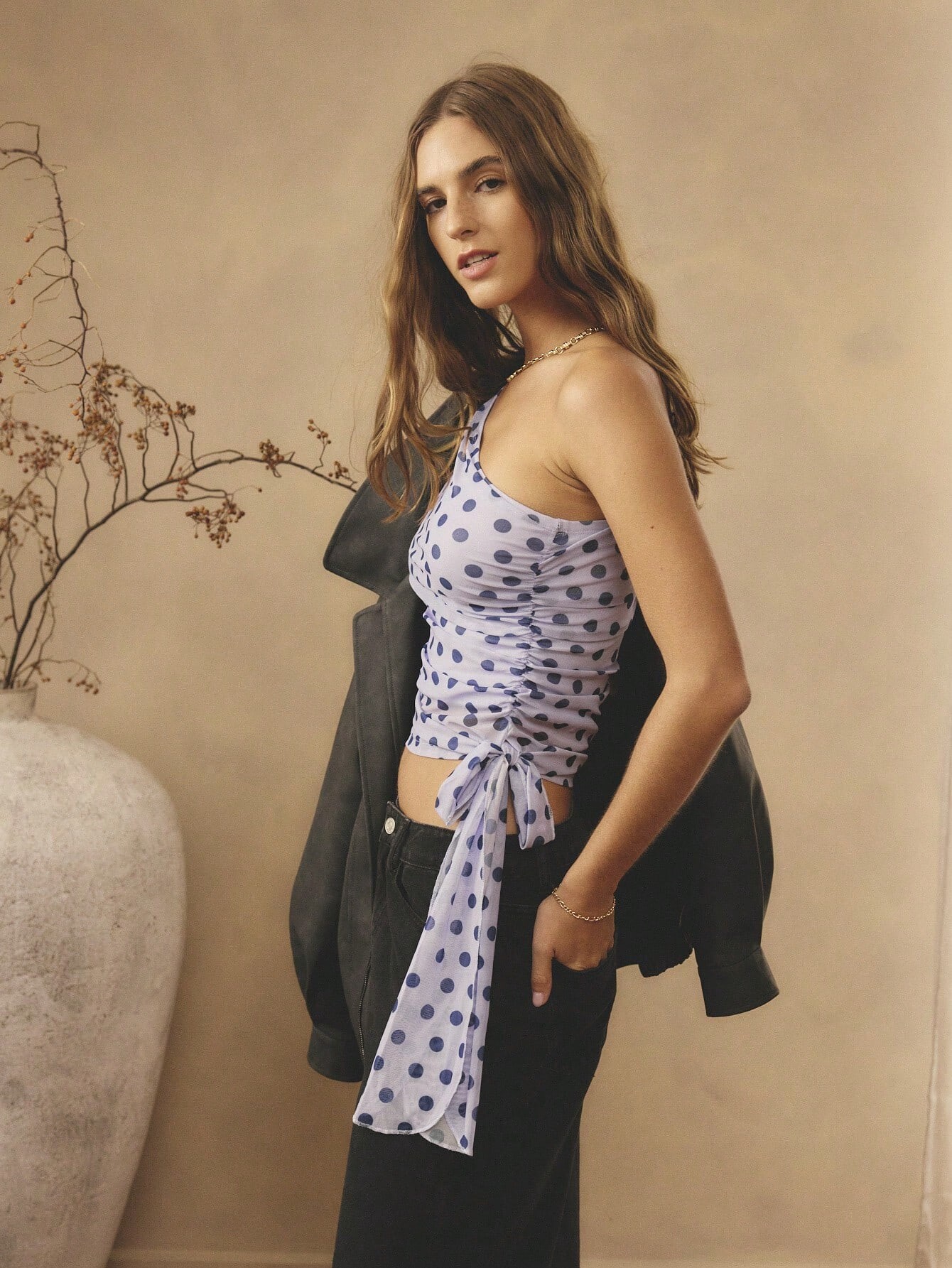

Account
Search
Configure browser push notifications
Chrome (Android)
- Tap the lock icon next to the address bar.
- Tap Permissions → Notifications.
- Adjust your preference.
Chrome (Desktop)
- Click the padlock icon in the address bar.
- Select Site settings.
- Find Notifications and adjust your preference.
Safari (iOS 16.4+)
- Ensure the site is installed via Add to Home Screen.
- Open Settings App → Notifications.
- Find your app name and adjust your preference.
Safari (macOS)
- Go to Safari → Preferences.
- Click the Websites tab.
- Select Notifications in the sidebar.
- Find this website and adjust your preference.
Edge (Android)
- Tap the lock icon next to the address bar.
- Tap Permissions.
- Find Notifications and adjust your preference.
Edge (Desktop)
- Click the padlock icon in the address bar.
- Click Permissions for this site.
- Find Notifications and adjust your preference.
Firefox (Android)
- Go to Settings → Site permissions.
- Tap Notifications.
- Find this site in the list and adjust your preference.
Firefox (Desktop)
- Open Firefox Settings.
- Search for Notifications.
- Find this site in the list and adjust your preference.