All Activity
- Past hour
-
 Ariana Grande for Swarovski's new Valentine's collection
.thumb.jpg.d0f197126e0f2587da3dbfb0c52851a5.jpg)
-
 Gooseberry













-
 Which would you choose?🤍🖤 r8 brabus 8K video [2026.01.17] lindsaymariebrewer_DTme0mYDhLD.mp4
-

 Tereza Maxova for Emmanuelle Khanh, ready-to-wear, fall/winter 1992 my scans

- Today
Tereza Maxova for Marina Spadafora, ready-to-wear, fall/winter 1992 my scan
 Ph: Henrik Purienne self service magazine nudity Spoiler









 Ceyla Lacerda for Katharine Hamnet, ready-to-wear, fall/winter 1992 my scan
 Brenda Schad for Genny, ready-to-wear, fall/winter 1992 my scan
 Veronica Webb for Chanel, ready-to-wear, fall/winter 1992 my scan
 Ph: Purienne Self Service Magazine 62












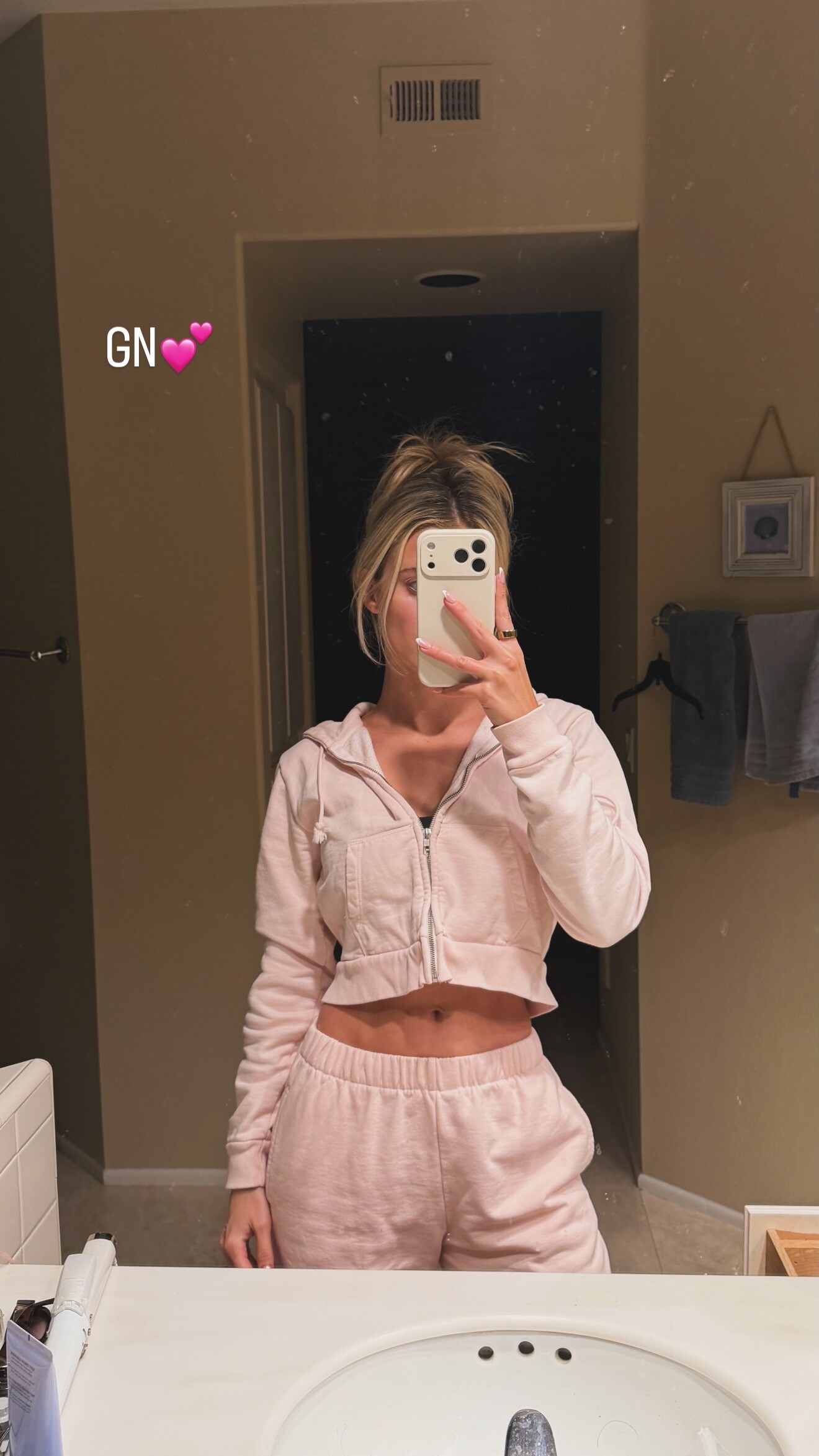
 stories videos [2026.01.16] lindsaymariebrewer's2026-1-17-3.20.332 story.mp4 [2026.01.16] lindsaymariebrewer's2026-1-17-3.20.350 story.mp4
 unpublished by mertalas + macpiggott

 stories video [2026.01.16] lizakovalenkoo's2026-1-16-10.13.289 story.mp4







 w/ mertalas 🖤
 Gran Turismo (2023) ★★★★☆ Dolby Vision • Dolby Atmos IMDb Trailers
 Tasha De Vasconcelos for Prada, ready-to-wear, fall/winter 1992 my scan
 Brenda Schad for Byblos, ready-to-wear, fall/winter 1992 my scan


.jpg.a9cbe41a101dc84a824222a47186fab4.jpg)


































































































































Account
Search
Configure browser push notifications
Chrome (Android)
- Tap the lock icon next to the address bar.
- Tap Permissions → Notifications.
- Adjust your preference.
Chrome (Desktop)
- Click the padlock icon in the address bar.
- Select Site settings.
- Find Notifications and adjust your preference.
Safari (iOS 16.4+)
- Ensure the site is installed via Add to Home Screen.
- Open Settings App → Notifications.
- Find your app name and adjust your preference.
Safari (macOS)
- Go to Safari → Preferences.
- Click the Websites tab.
- Select Notifications in the sidebar.
- Find this website and adjust your preference.
Edge (Android)
- Tap the lock icon next to the address bar.
- Tap Permissions.
- Find Notifications and adjust your preference.
Edge (Desktop)
- Click the padlock icon in the address bar.
- Click Permissions for this site.
- Find Notifications and adjust your preference.
Firefox (Android)
- Go to Settings → Site permissions.
- Tap Notifications.
- Find this site in the list and adjust your preference.
Firefox (Desktop)
- Open Firefox Settings.
- Search for Notifications.
- Find this site in the list and adjust your preference.