All Activity
- Past hour
-

-

-
 secasi2070 joined the community
 -
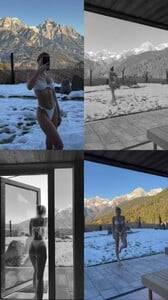
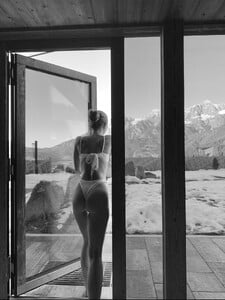
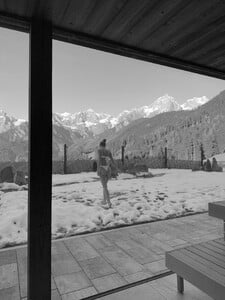
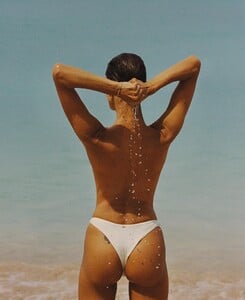
Zoleil: For wherever the holiday season takes you 🤍 Ida in Brigitte top & Léa bottoms 🪽 video [2025.12.15] zoleilofficial_3788309477892942672.mp4


-
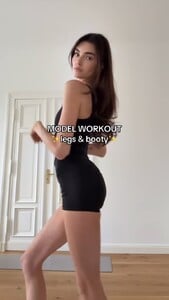
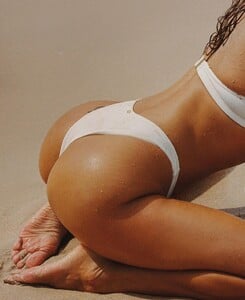
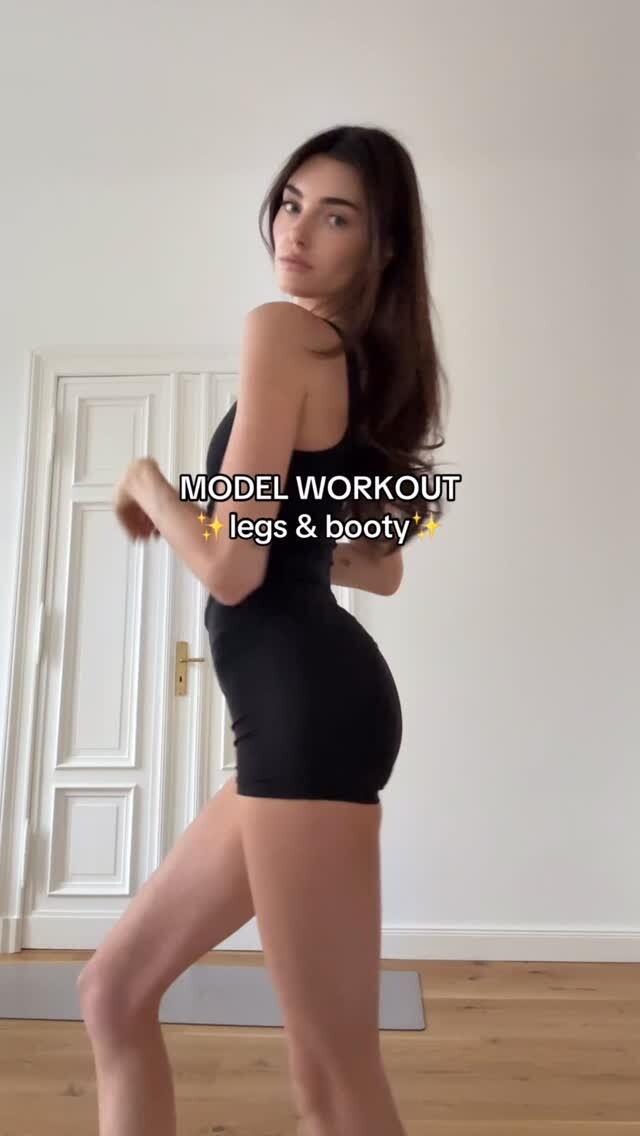
 Ad/ this one burnssss 🍑🔥🤜🏼 wearing 4K video [2025.12.22] celinebethmann_DSklKDhjIEC.mp4
 Caras online




 Apparently she is in Miami and missing recent VS shoot
stories video [2025.12.16] nina_3788995605981396671.mp4
Apparently she is in Miami and missing recent VS shoot
stories video [2025.12.16] nina_3788995605981396671.mp4
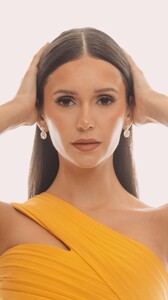
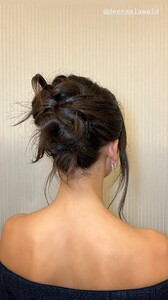
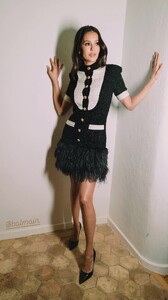
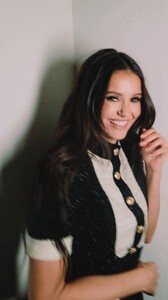
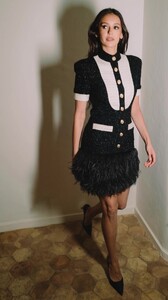
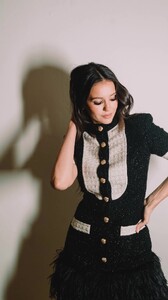




 Runway
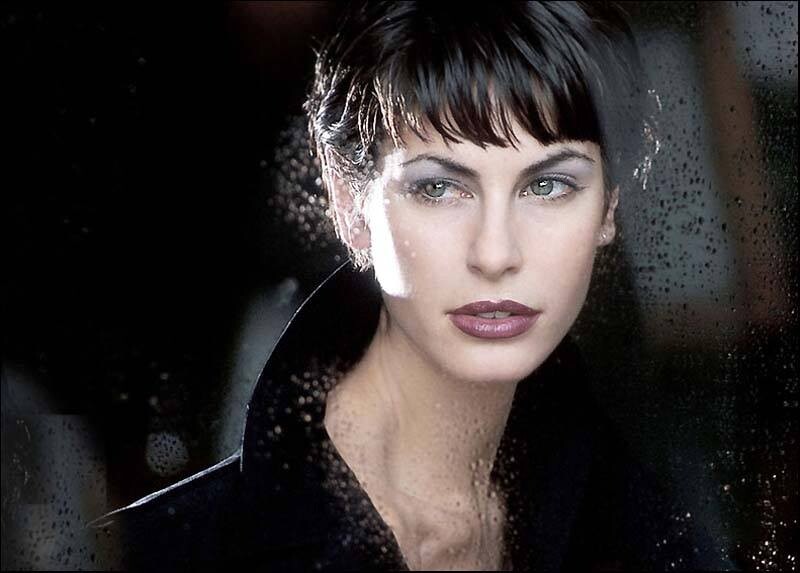
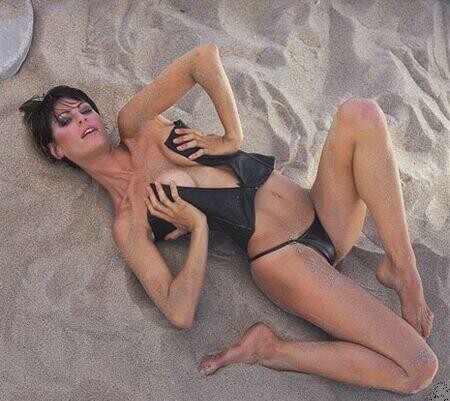
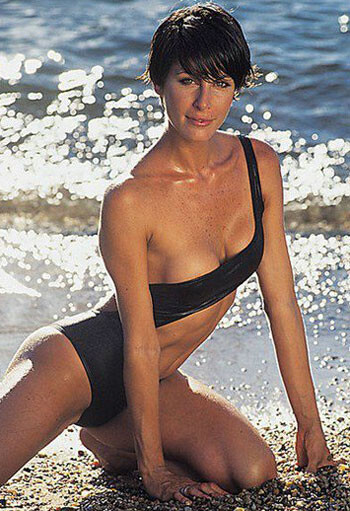
 Old scans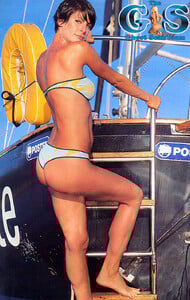

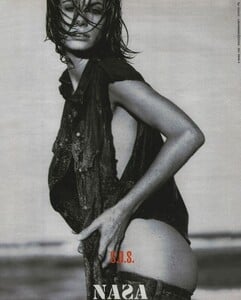
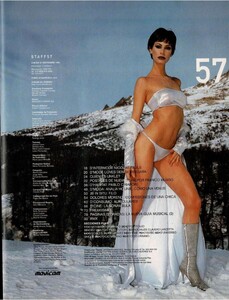
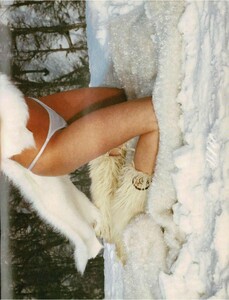
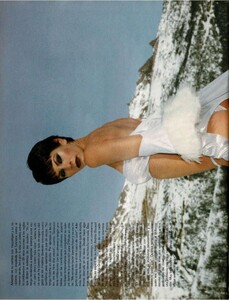
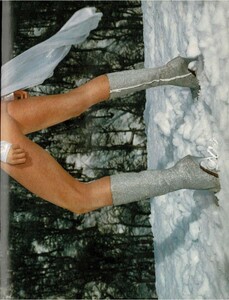
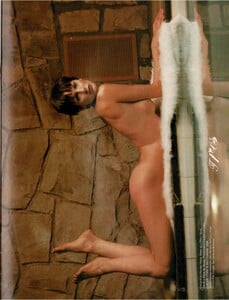
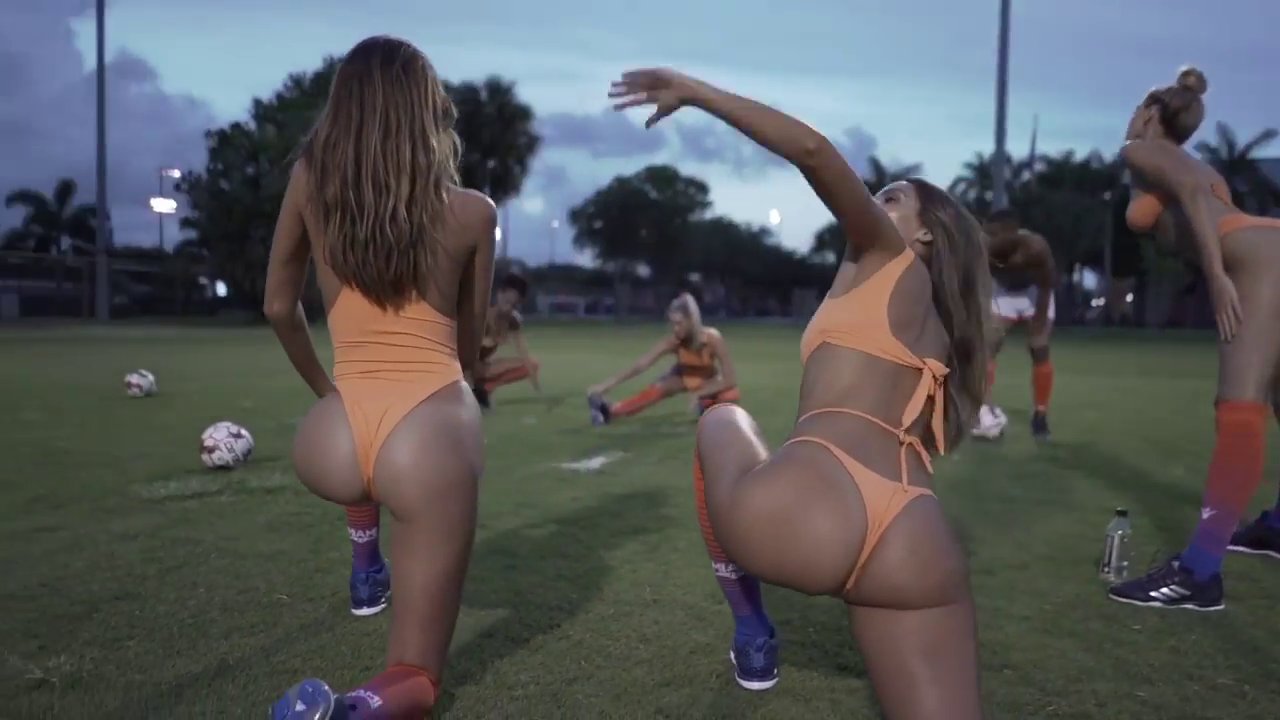
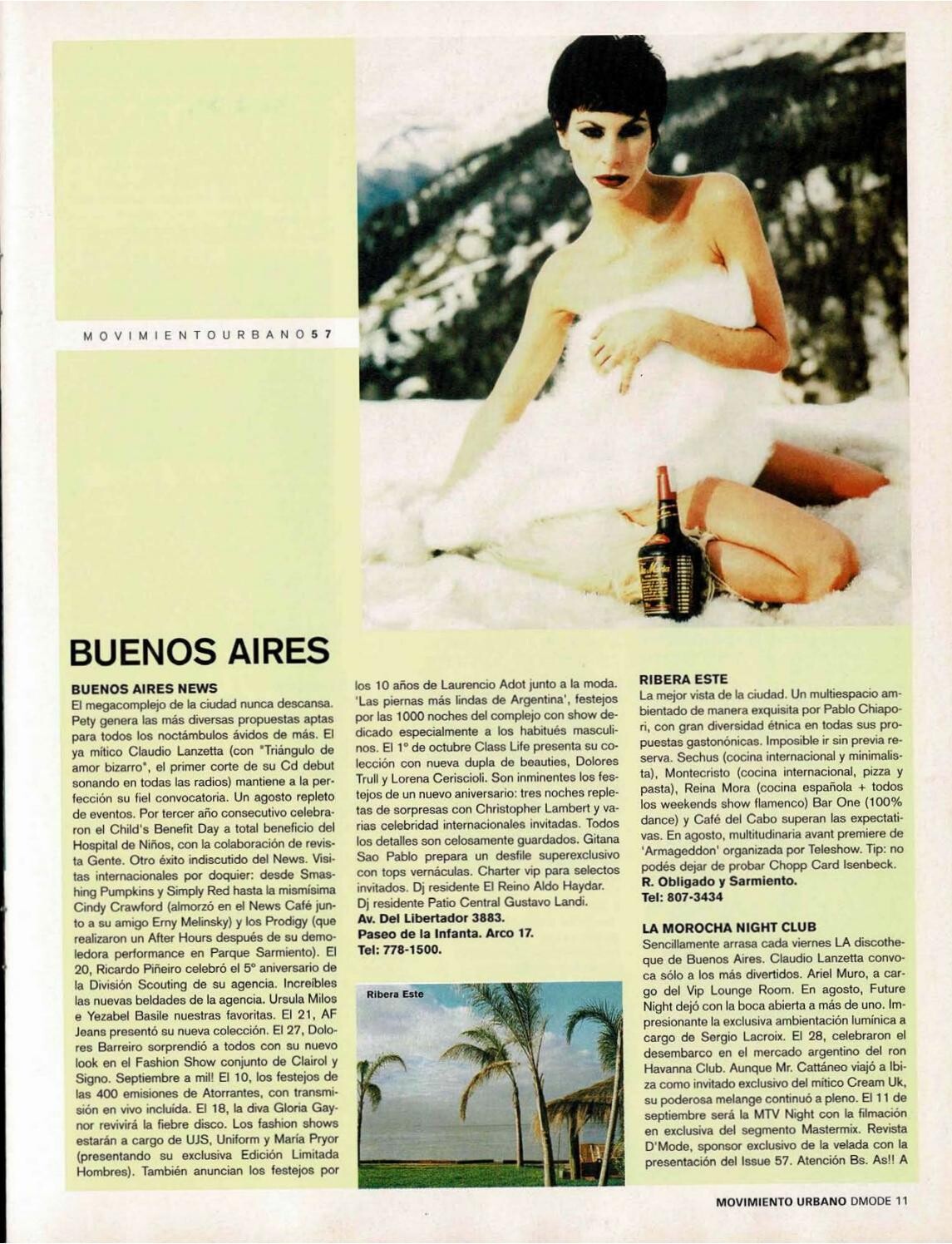
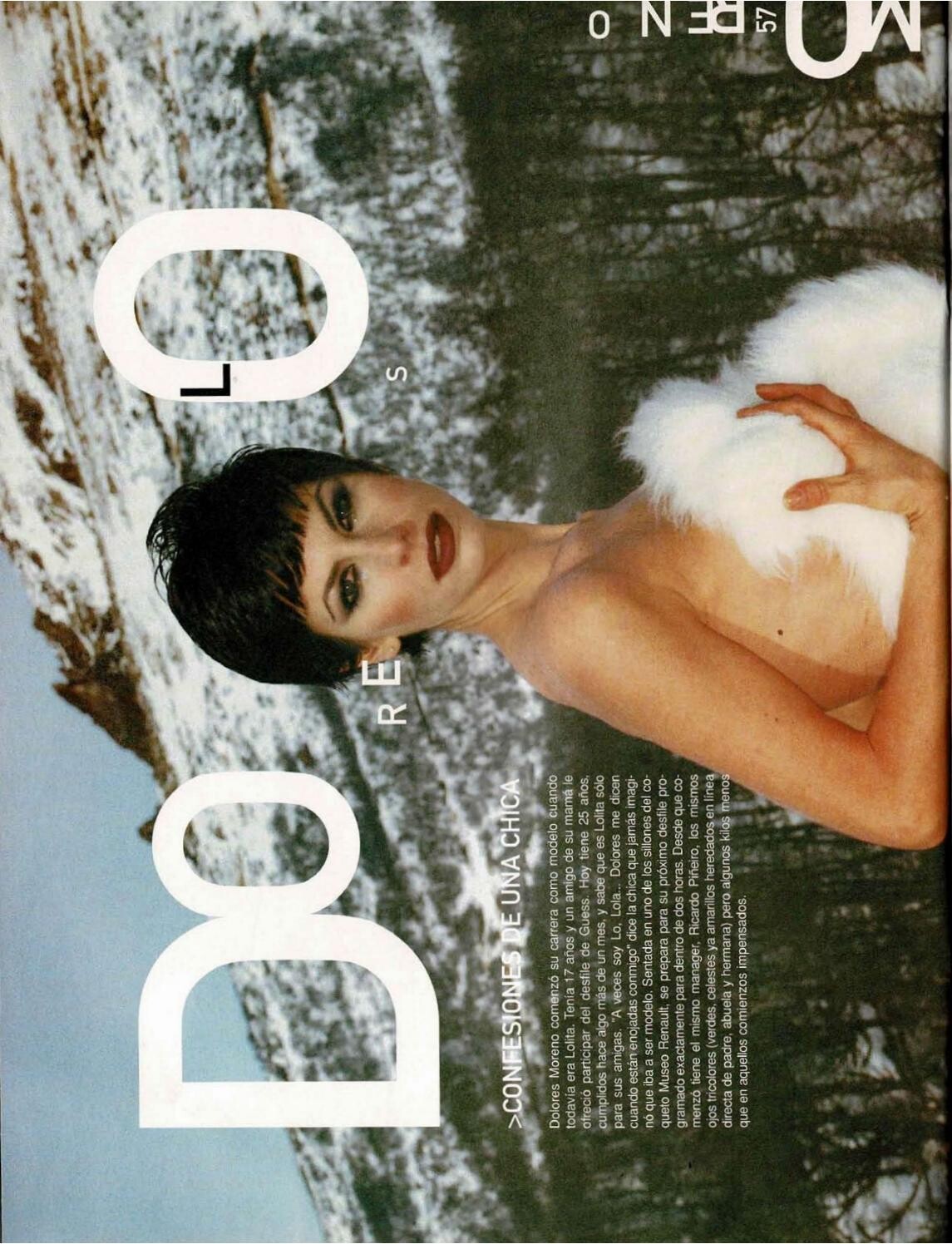
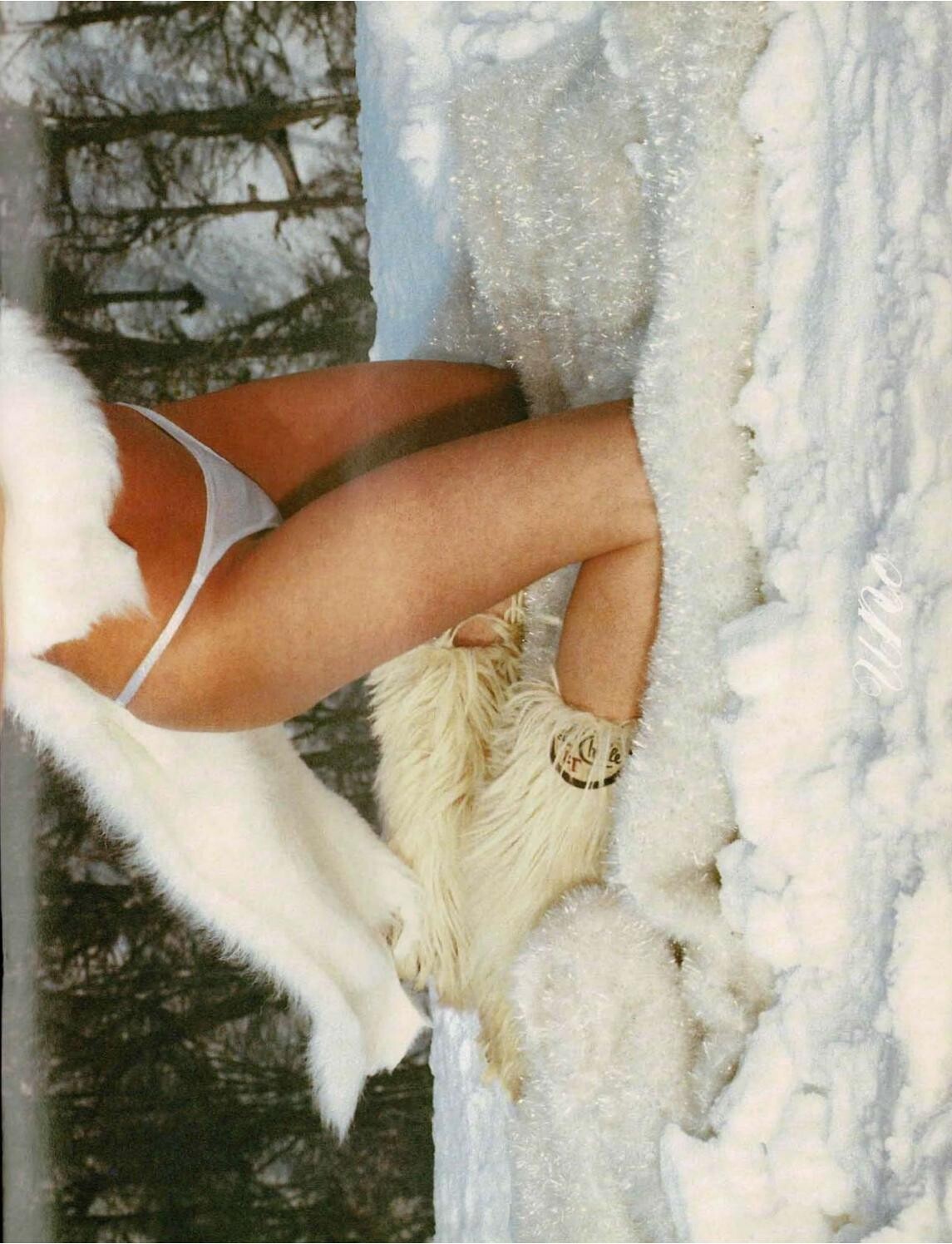
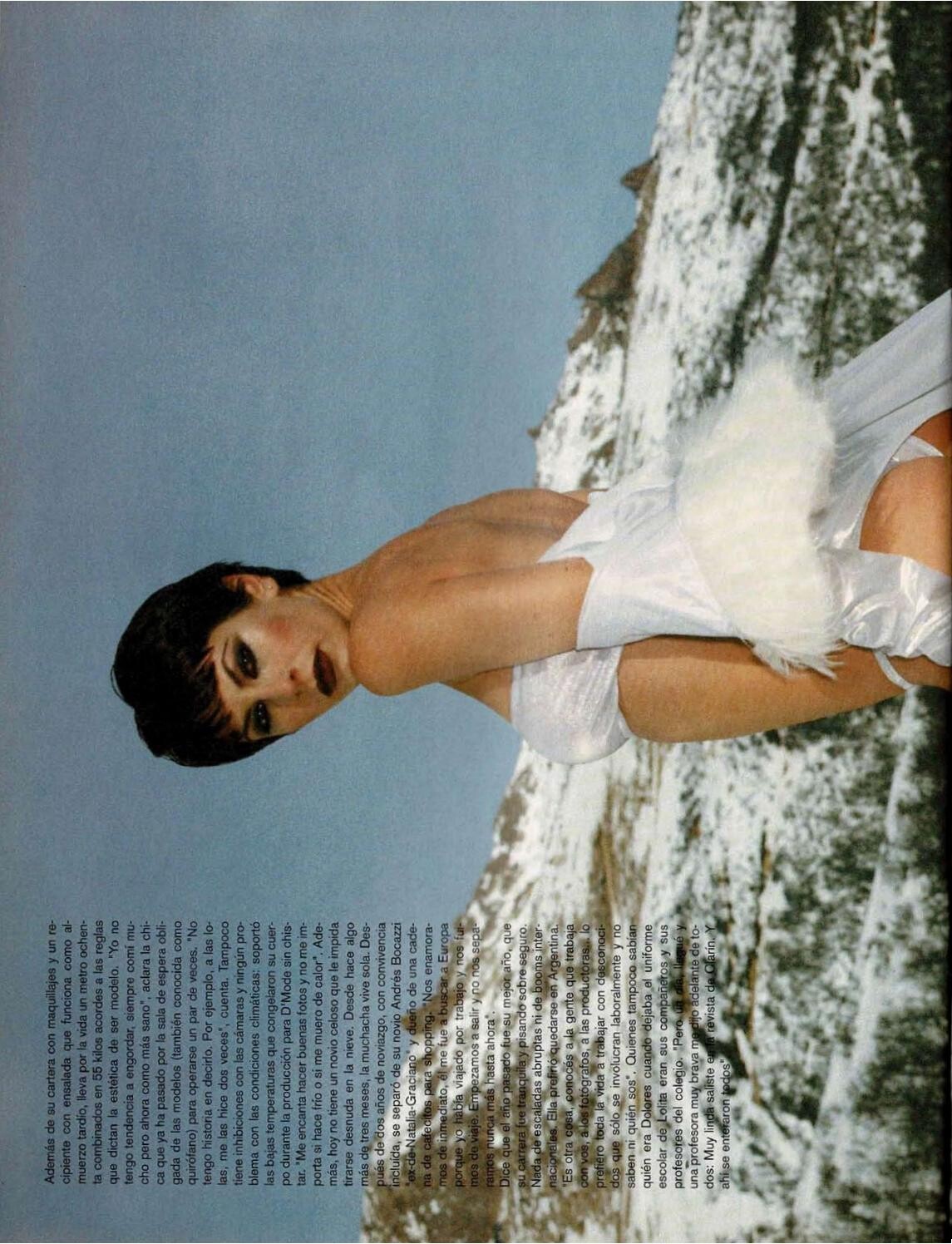
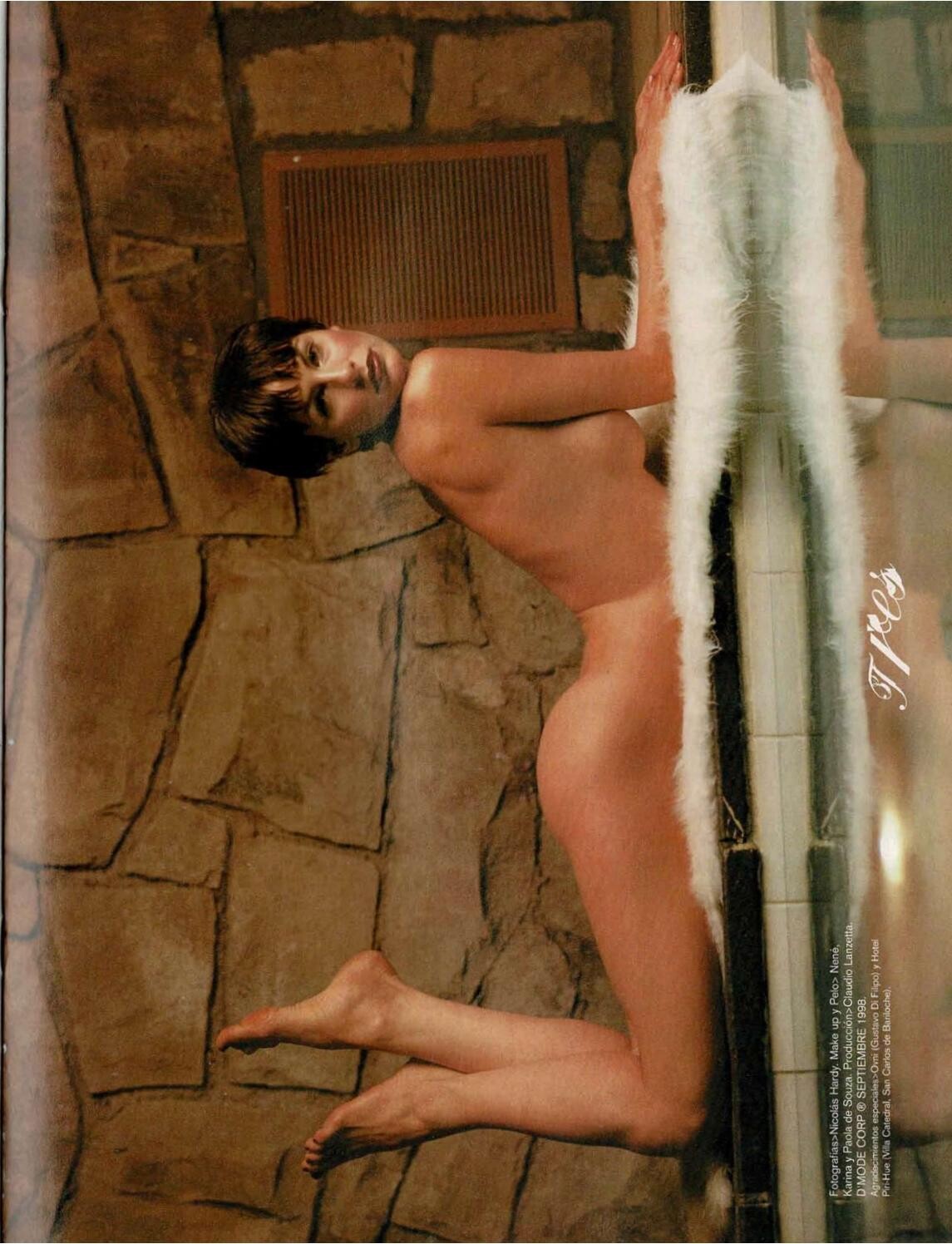
 I found this screenshot that definitely has to be from this shoot. But it's not a scene in that video. Maybe there's a second video? I searched everywhere, even did a reverse image search, and nothing. Maybe someone has seen it or has it saved.
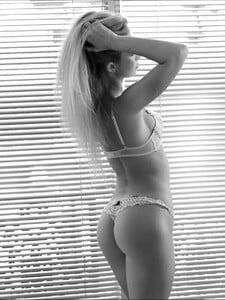
 Ph: Hervé Lewis 2 more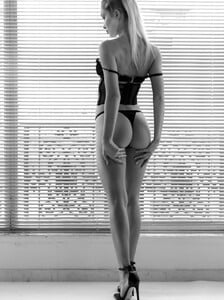
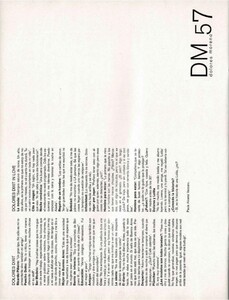
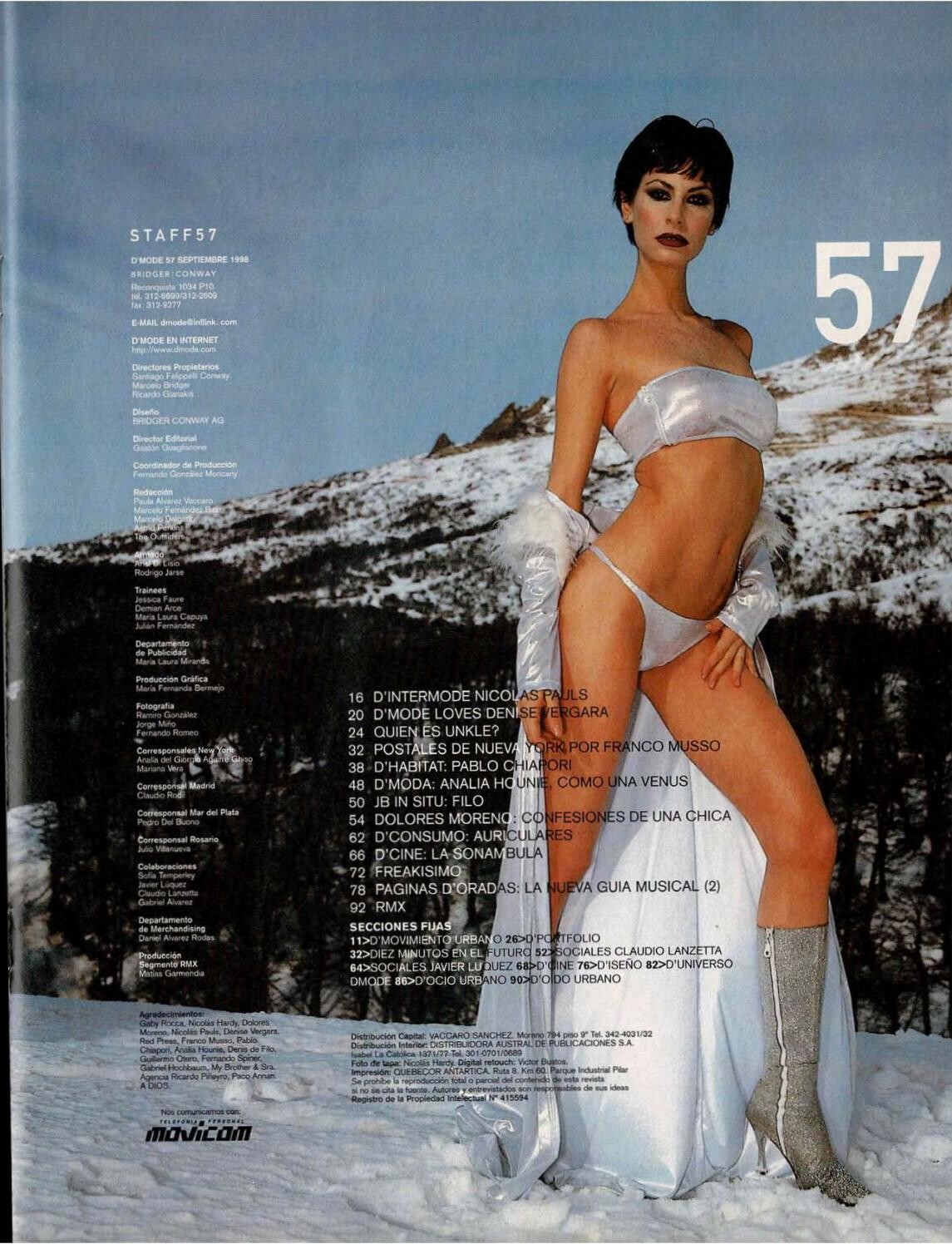
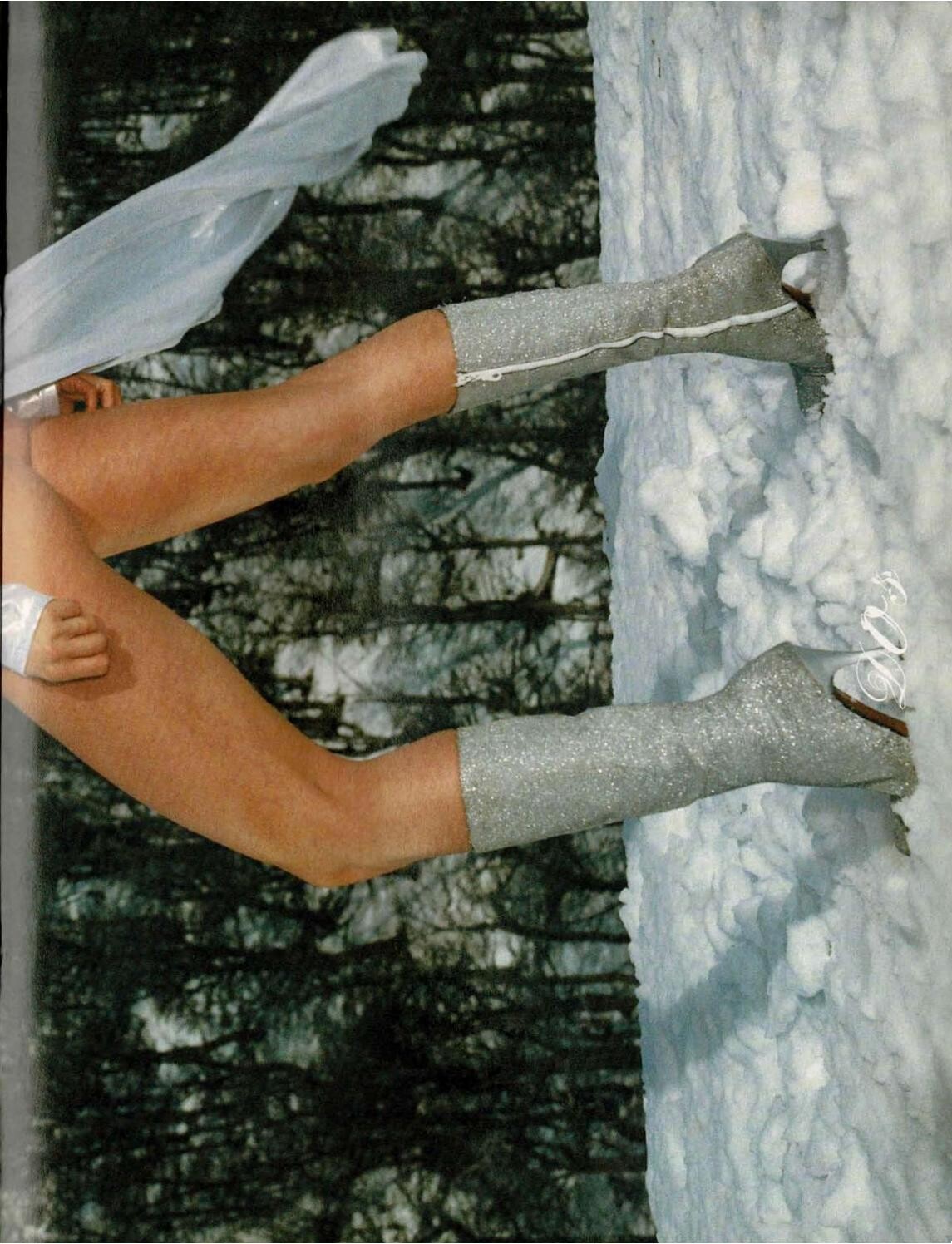
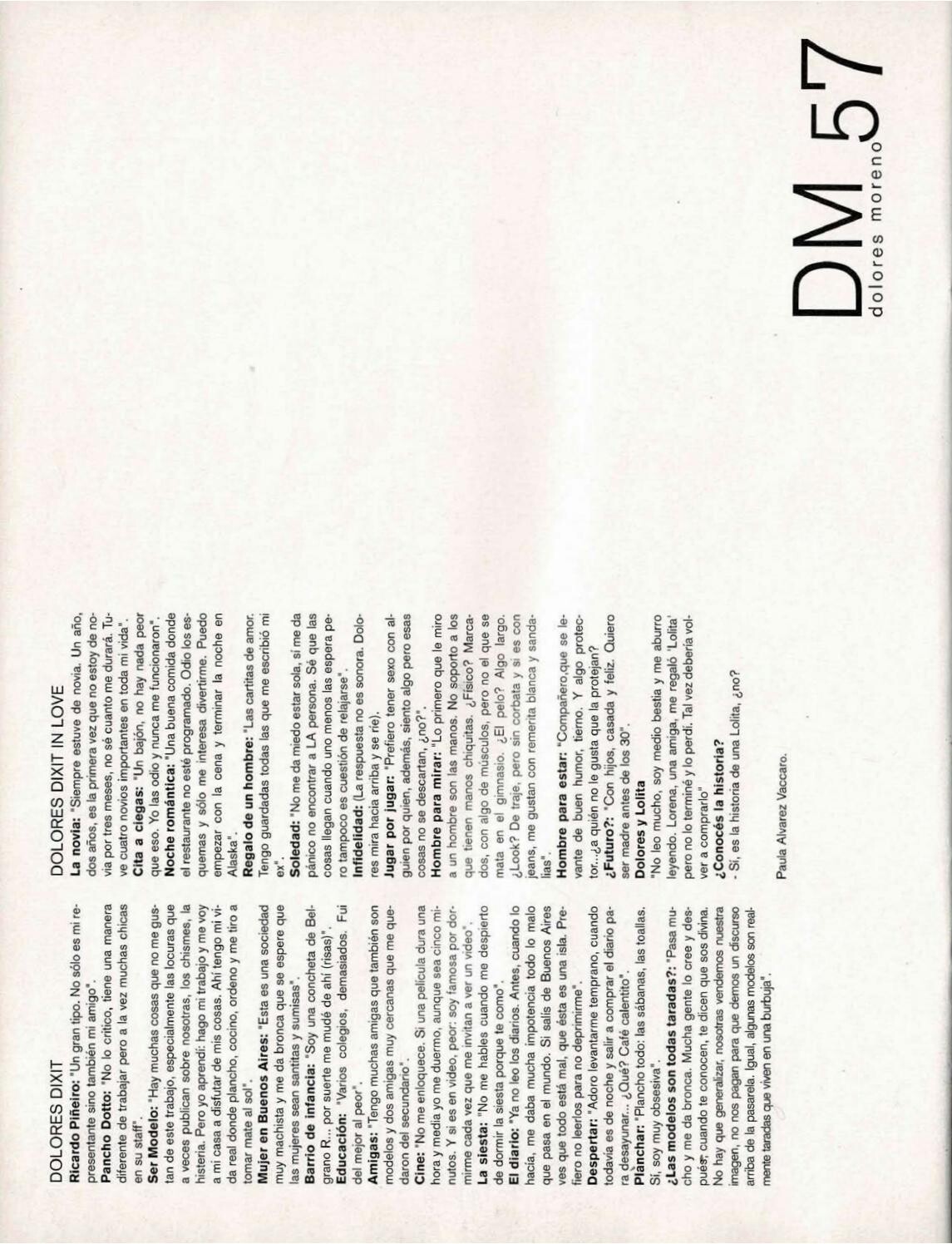
 D'MODE ISSUE #57 september 1998.


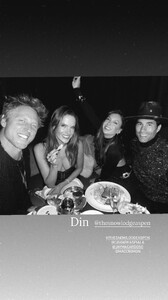
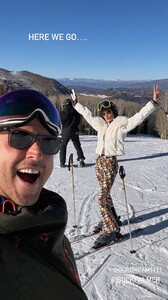
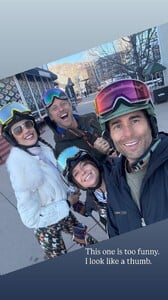
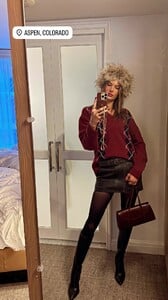
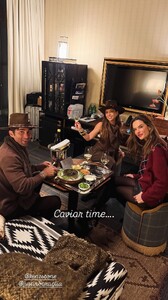
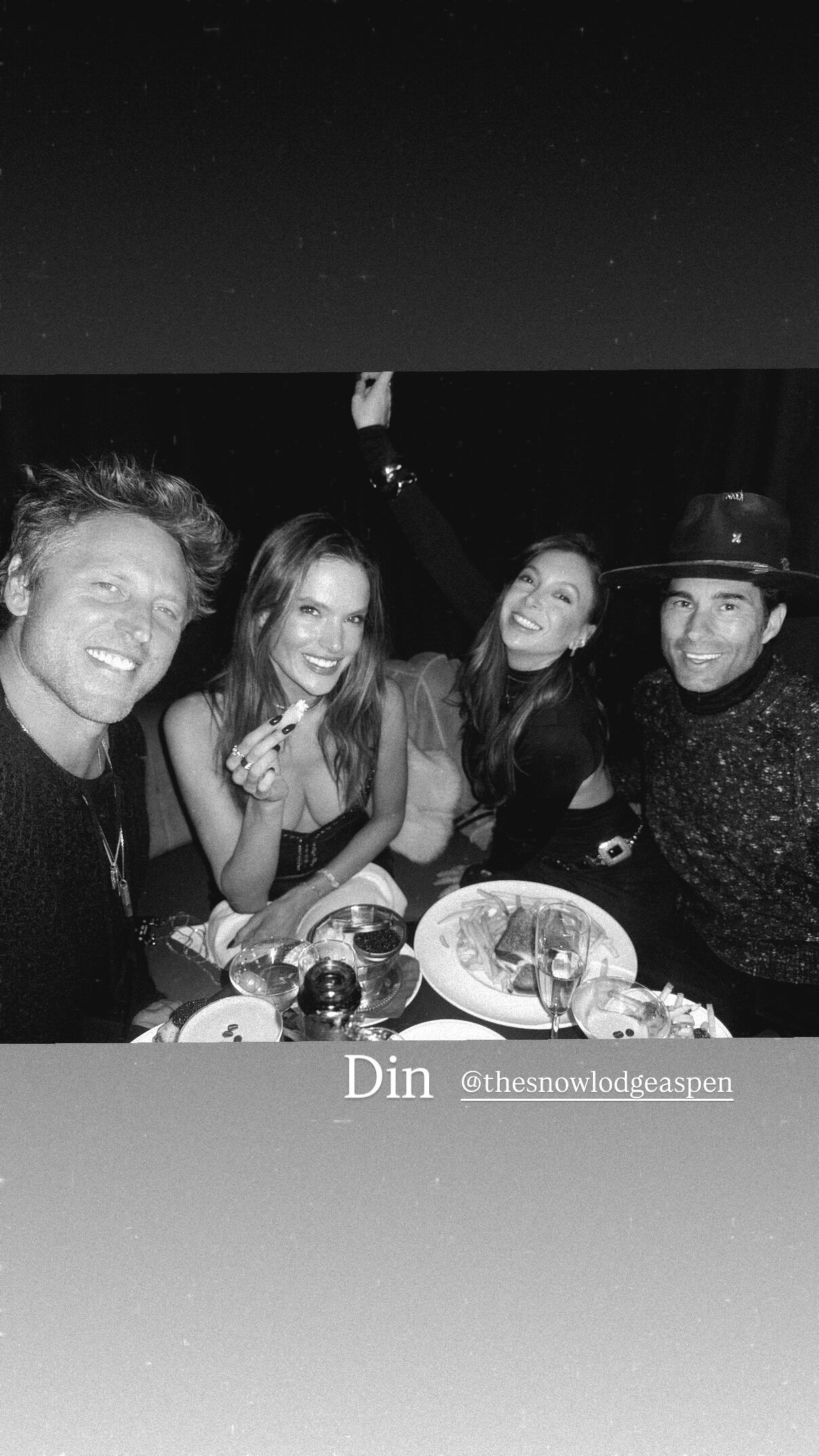
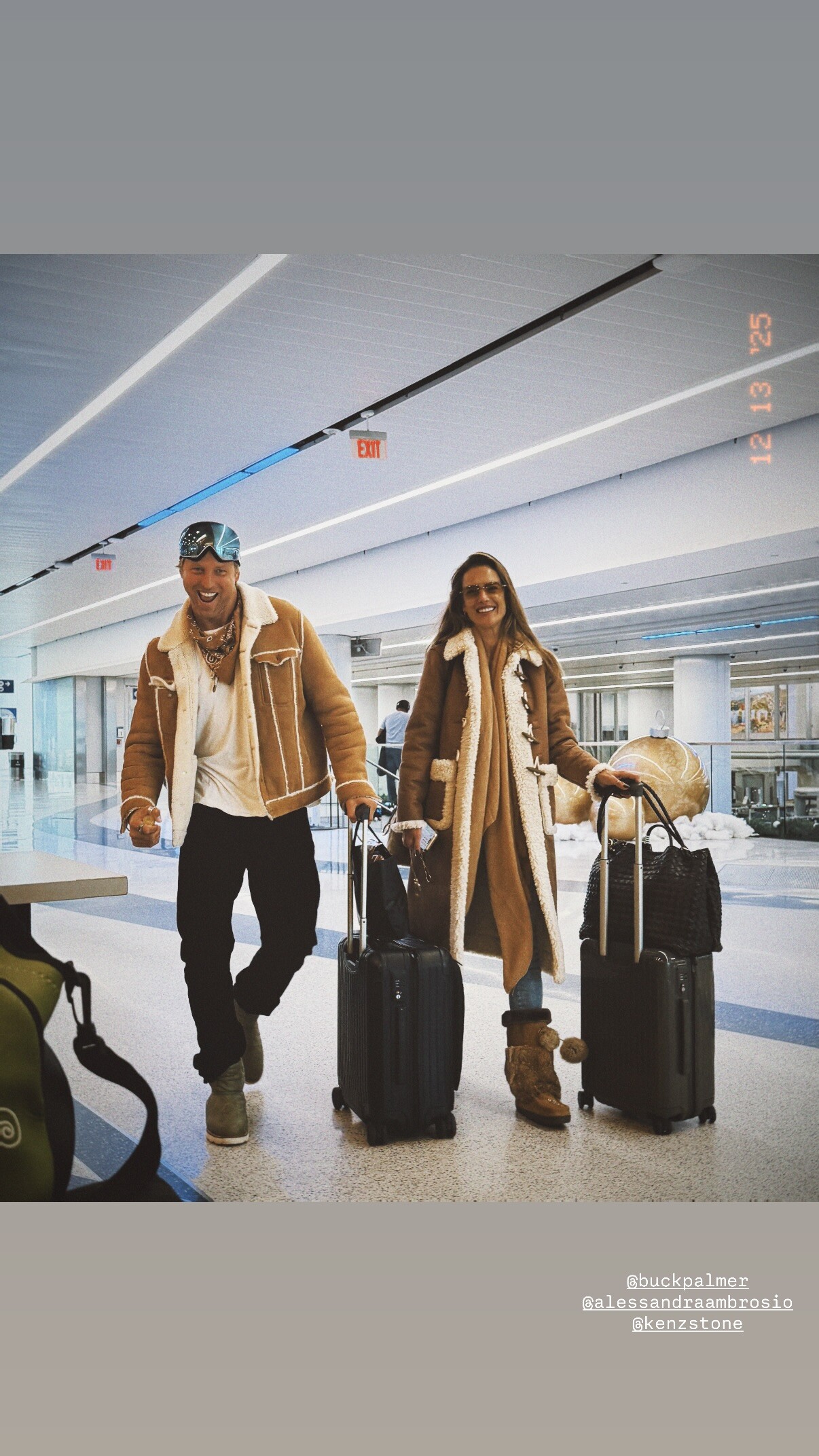
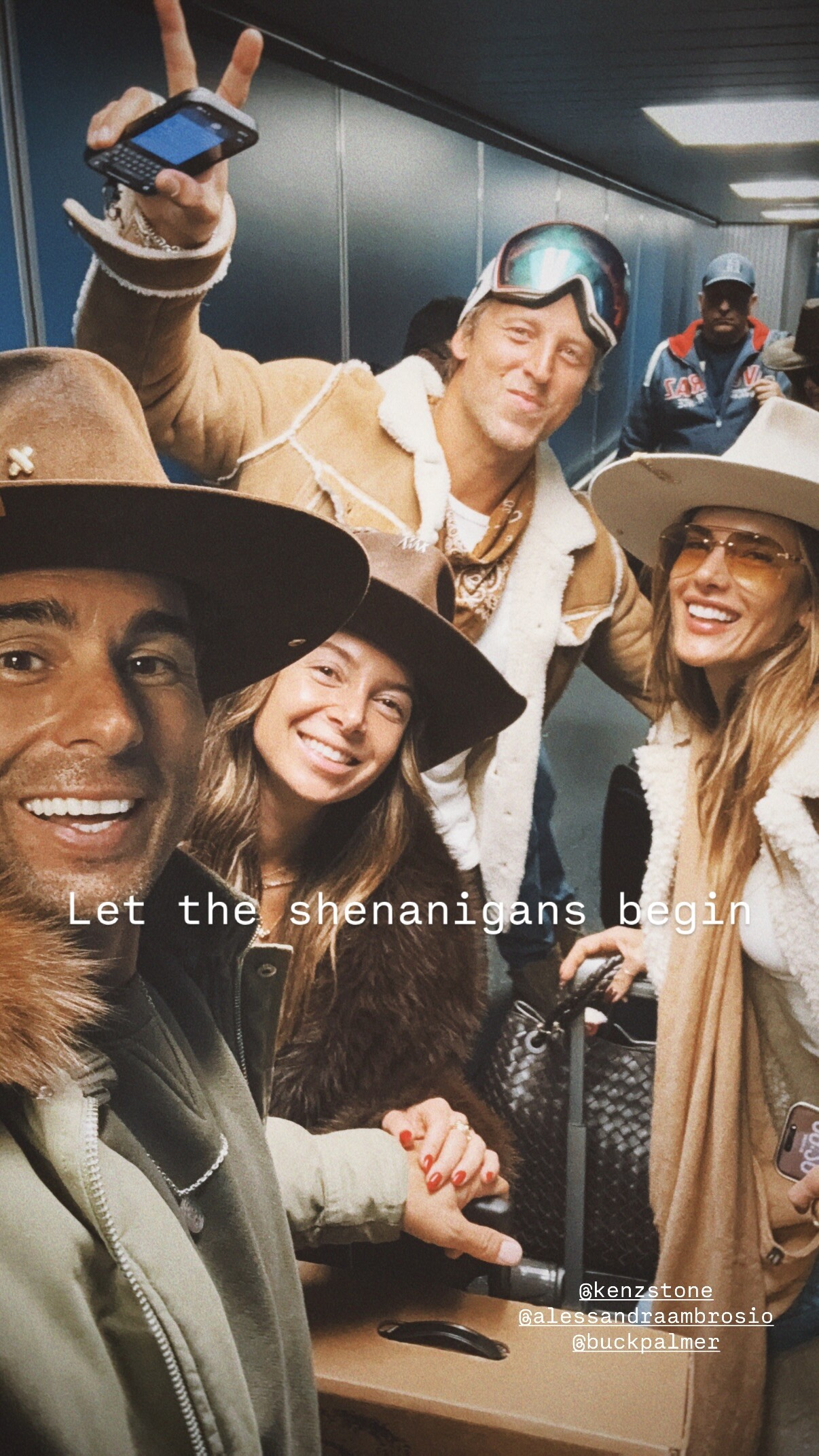
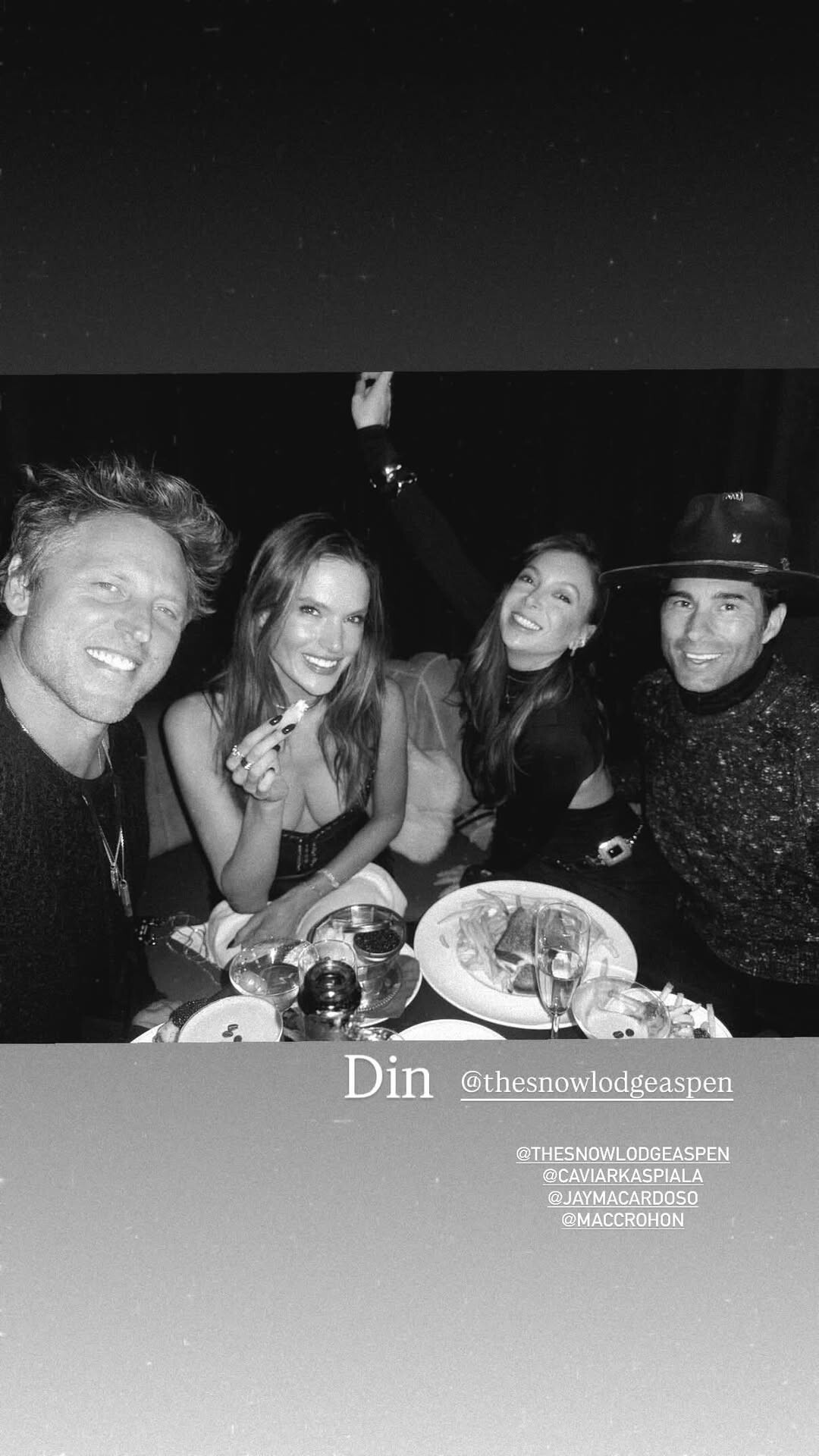
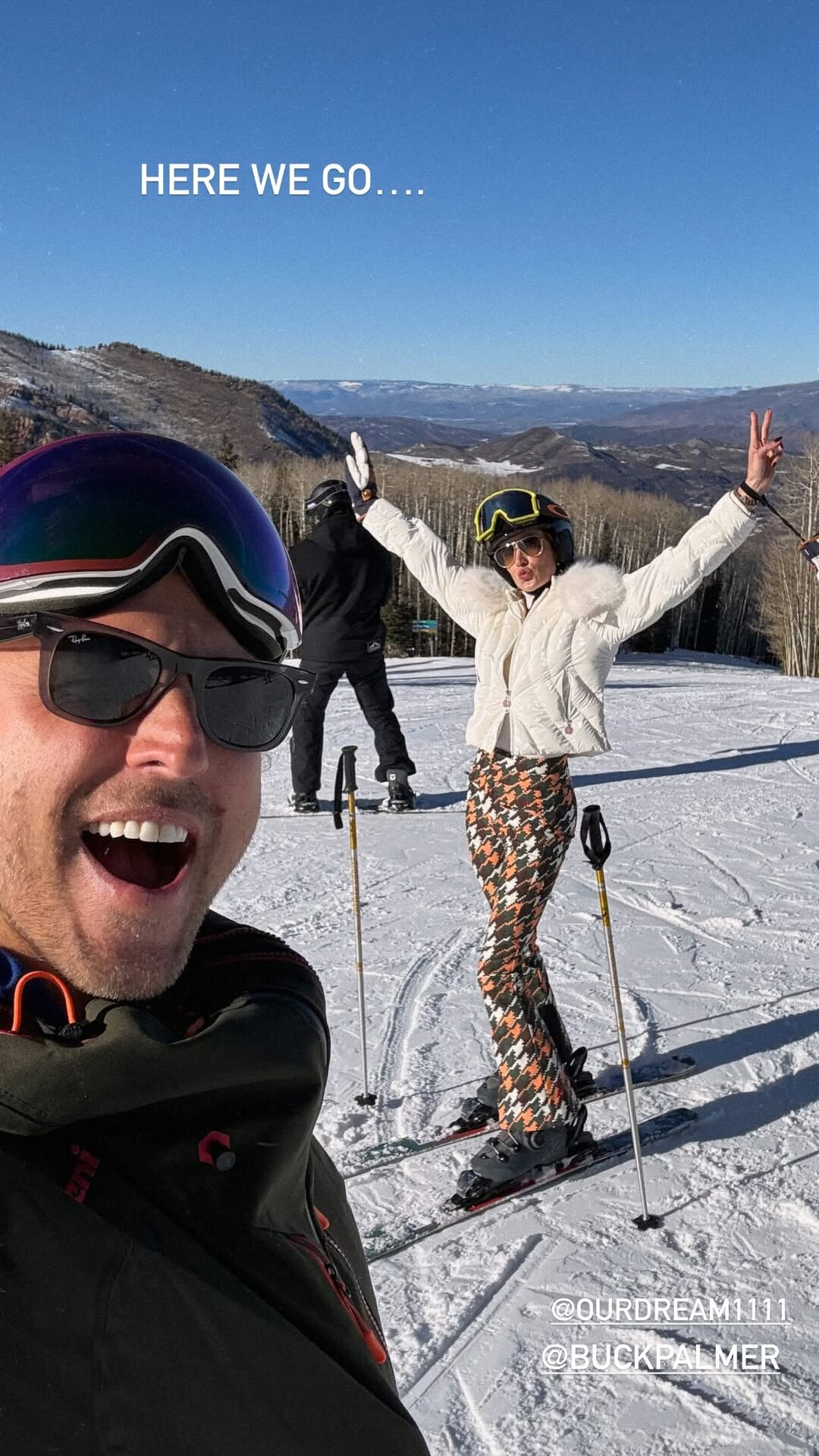
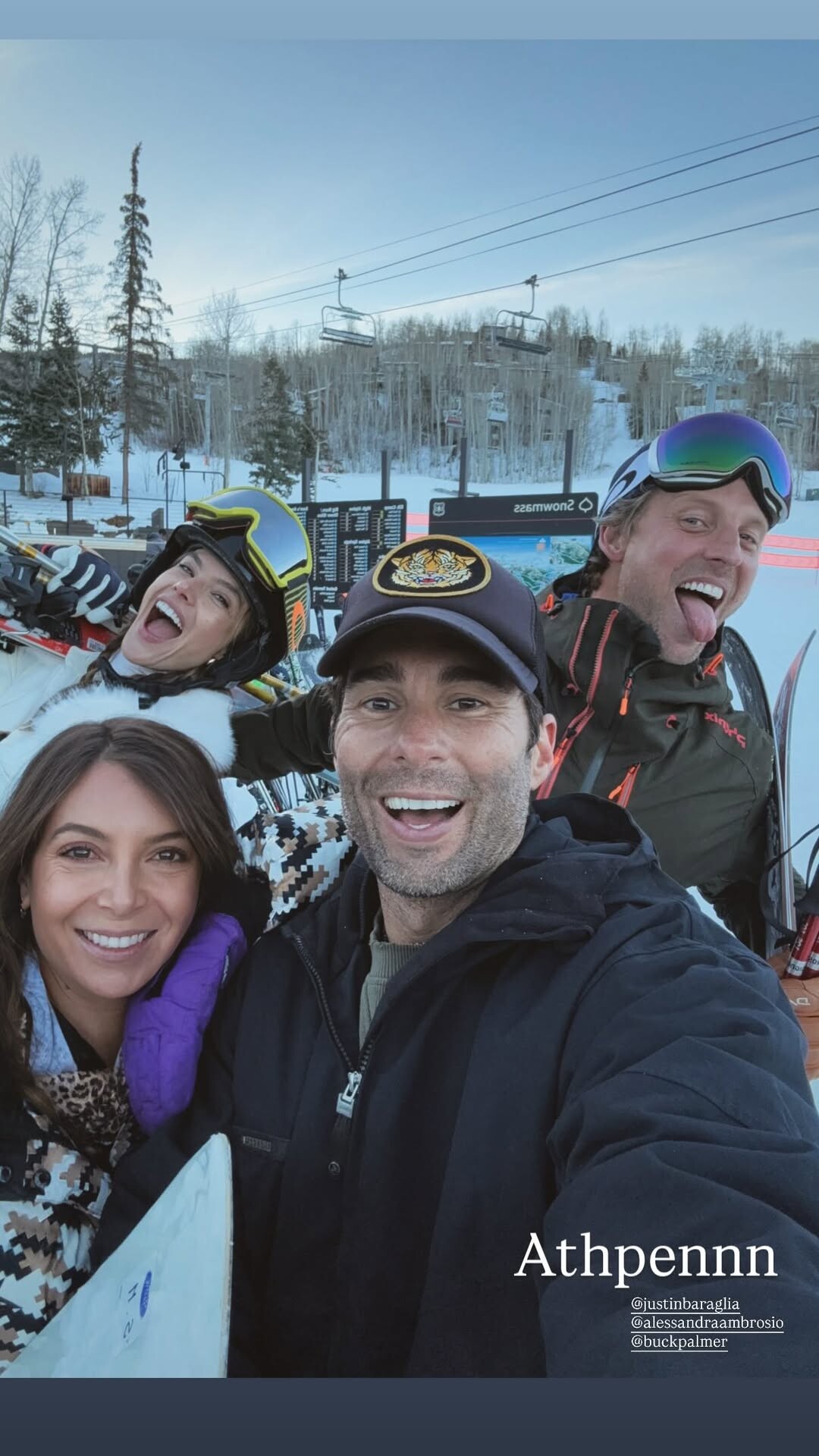
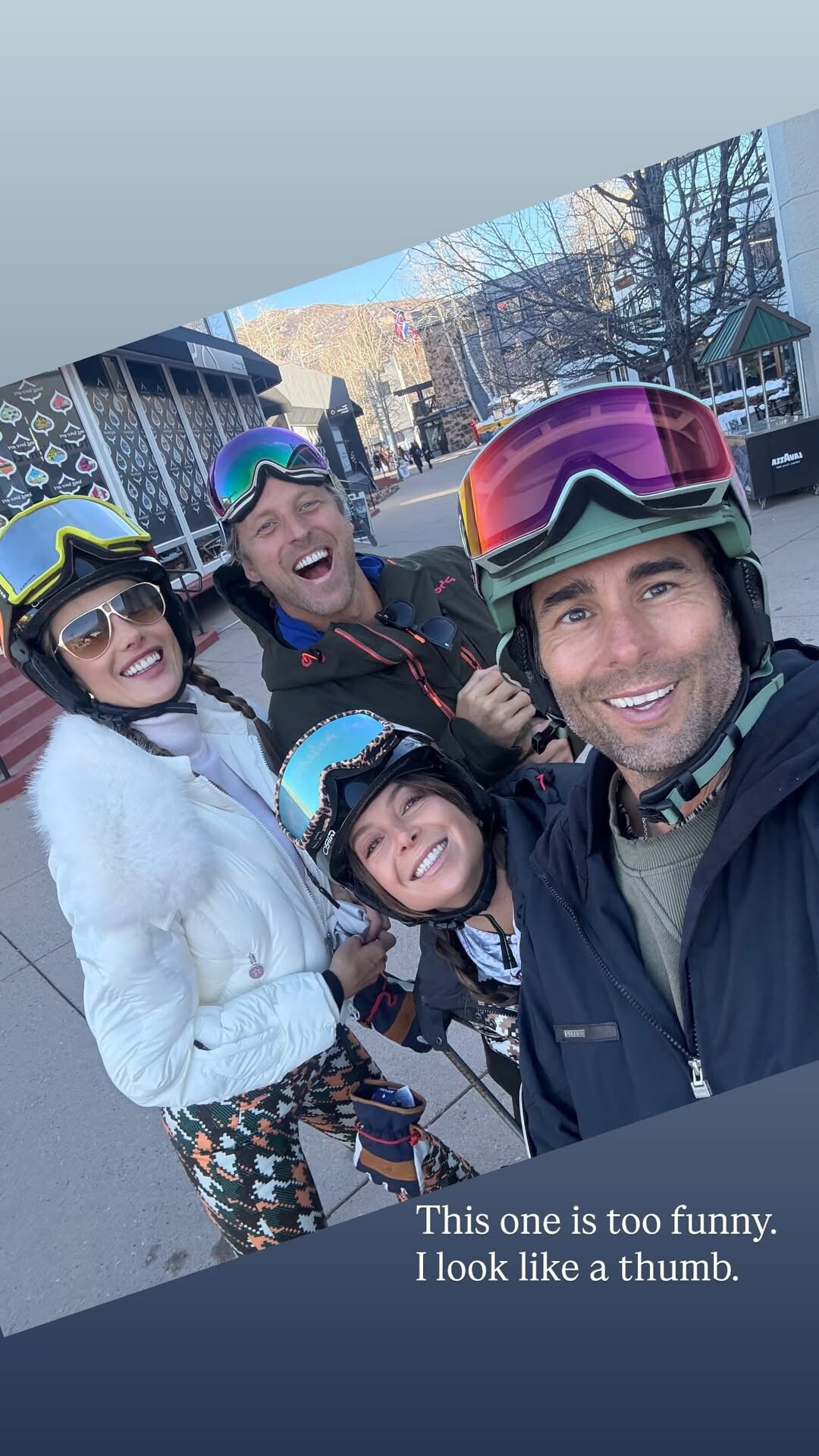
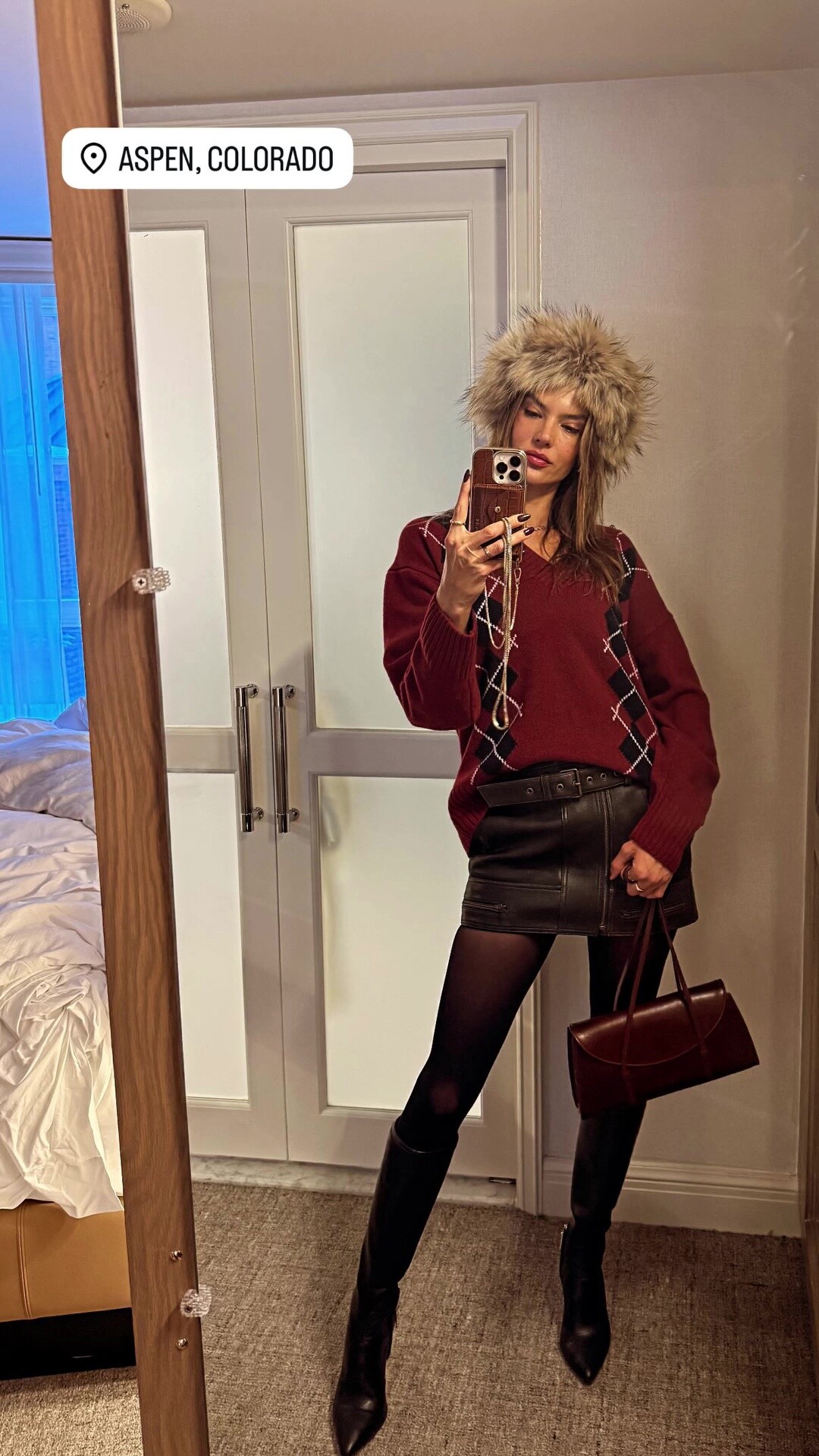
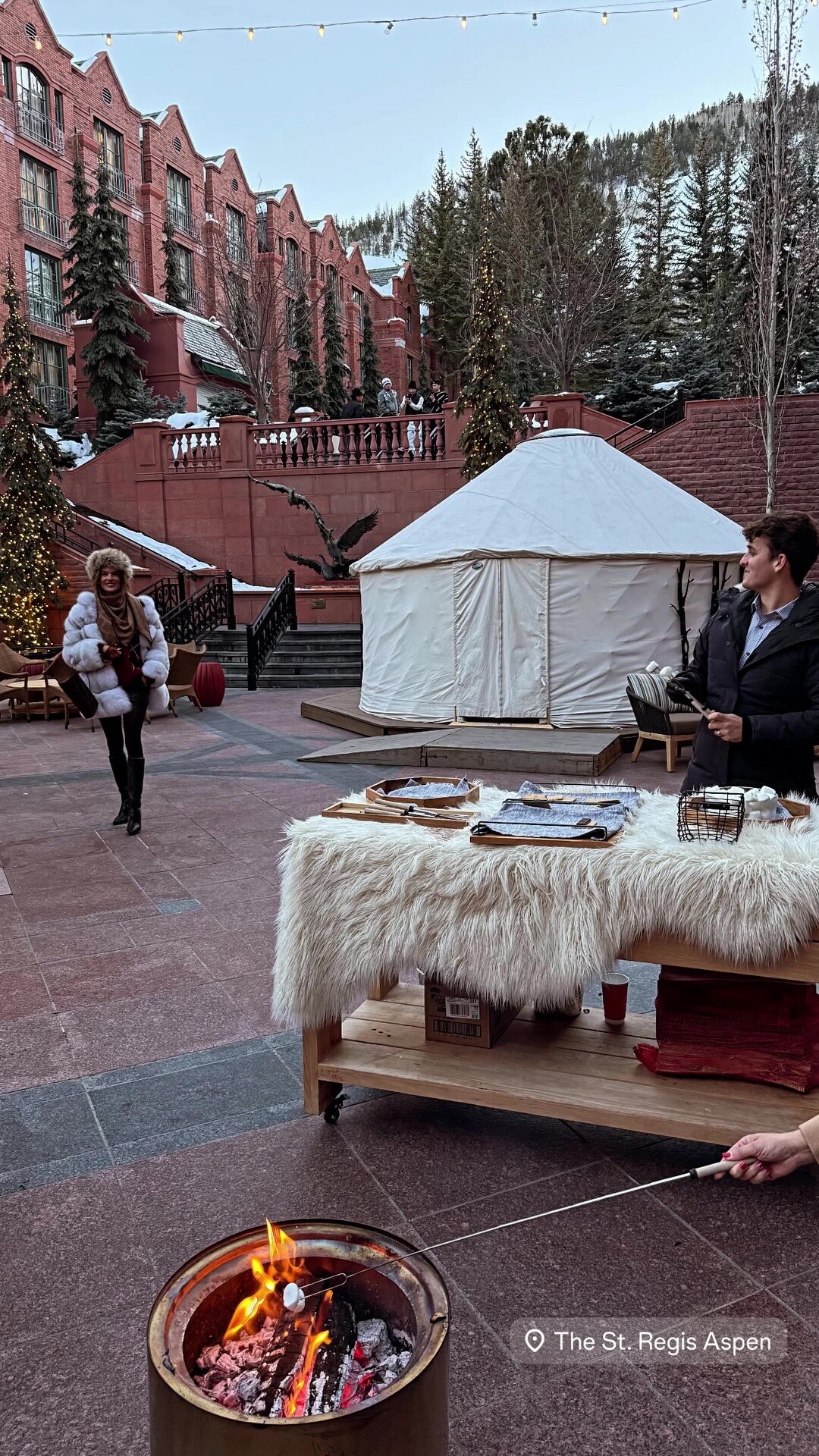
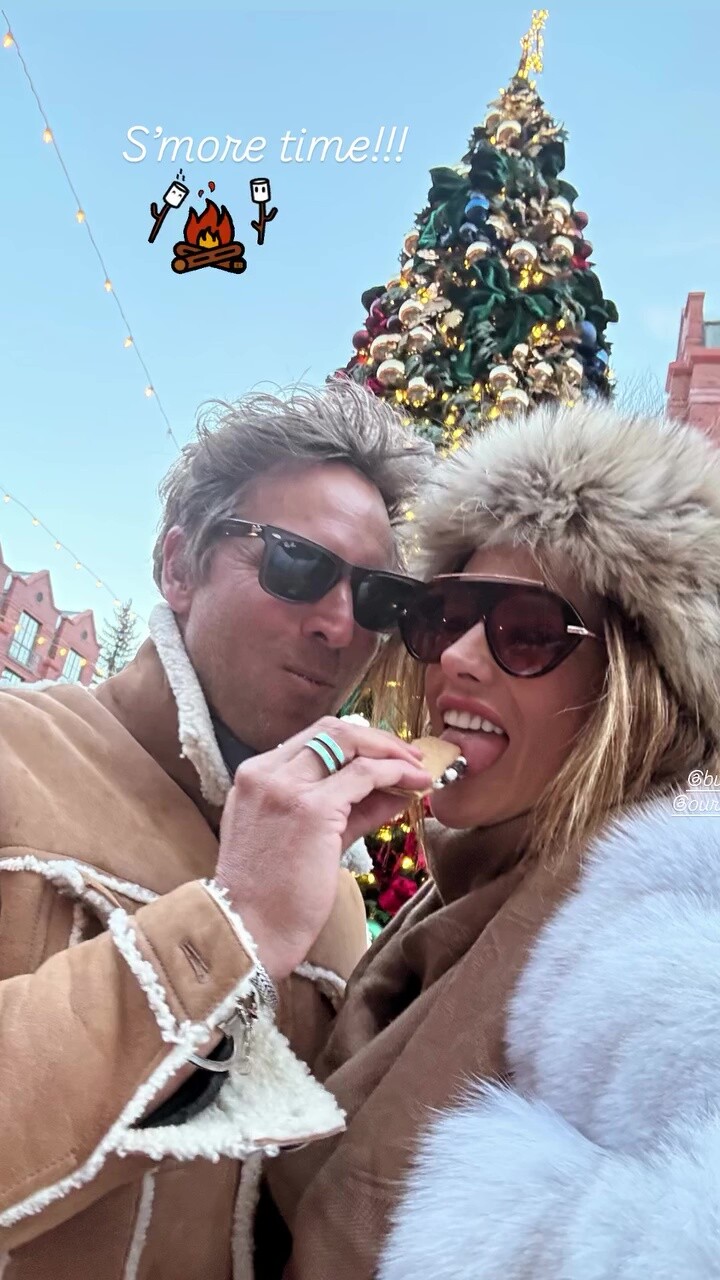
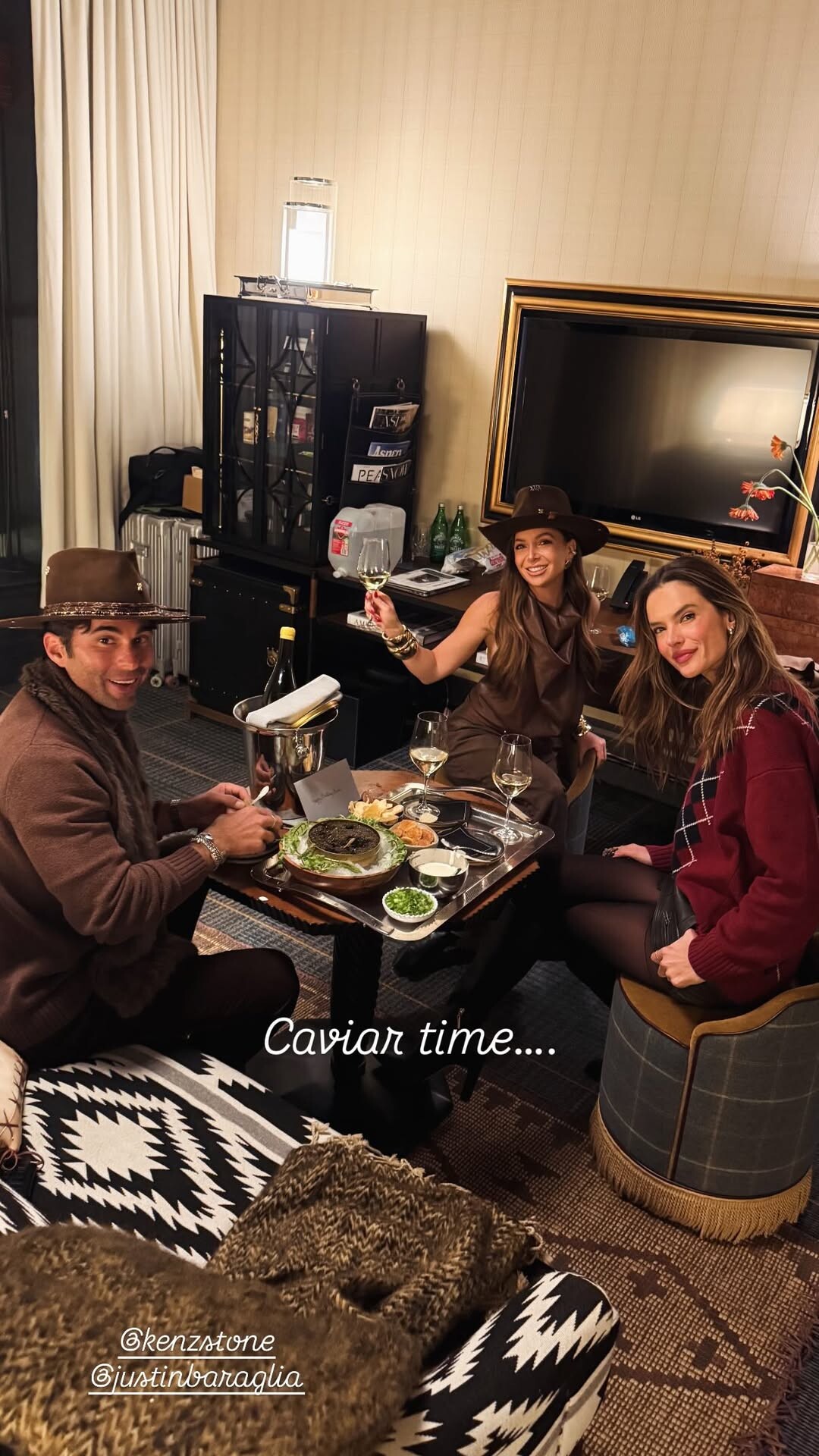
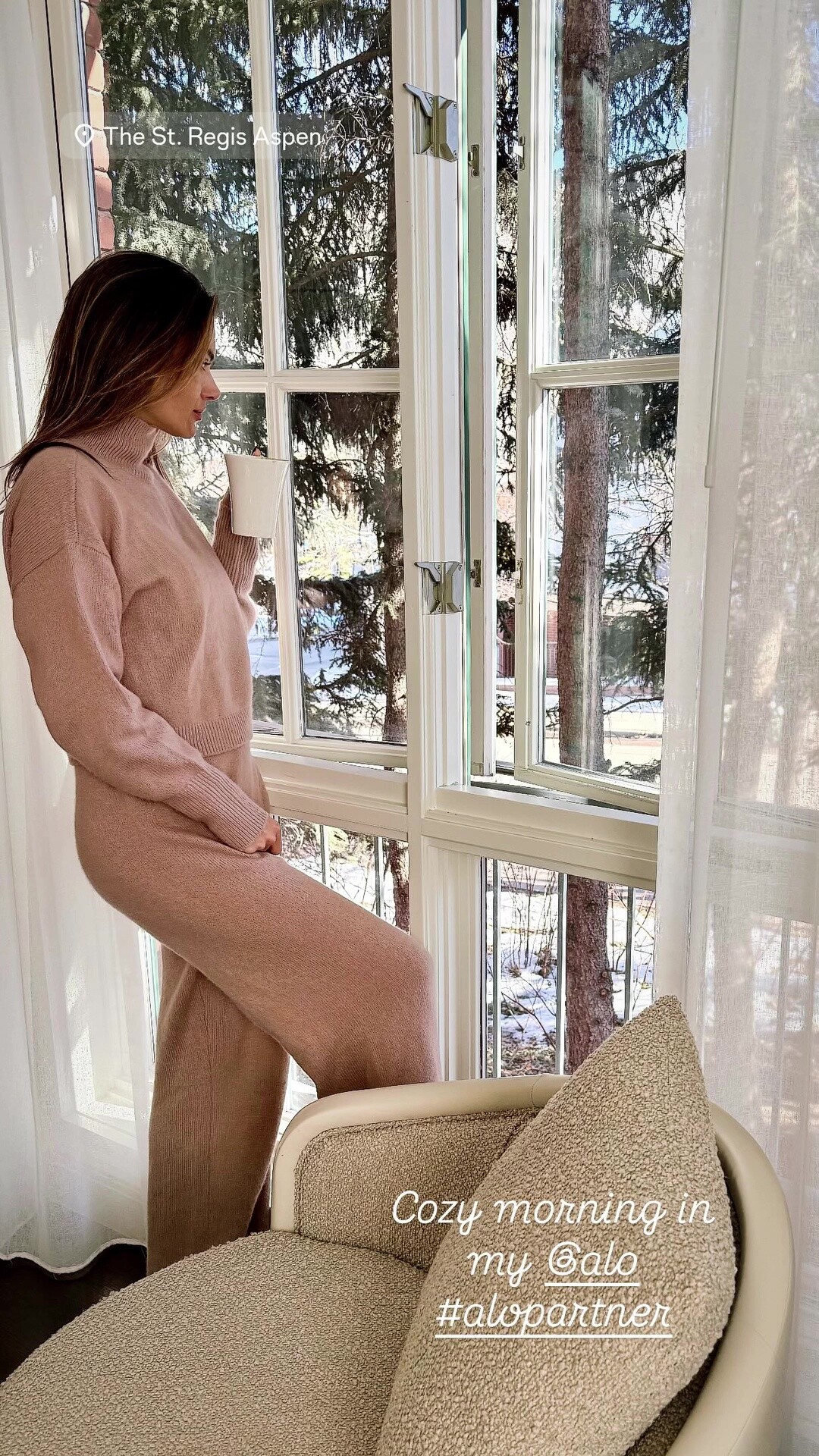
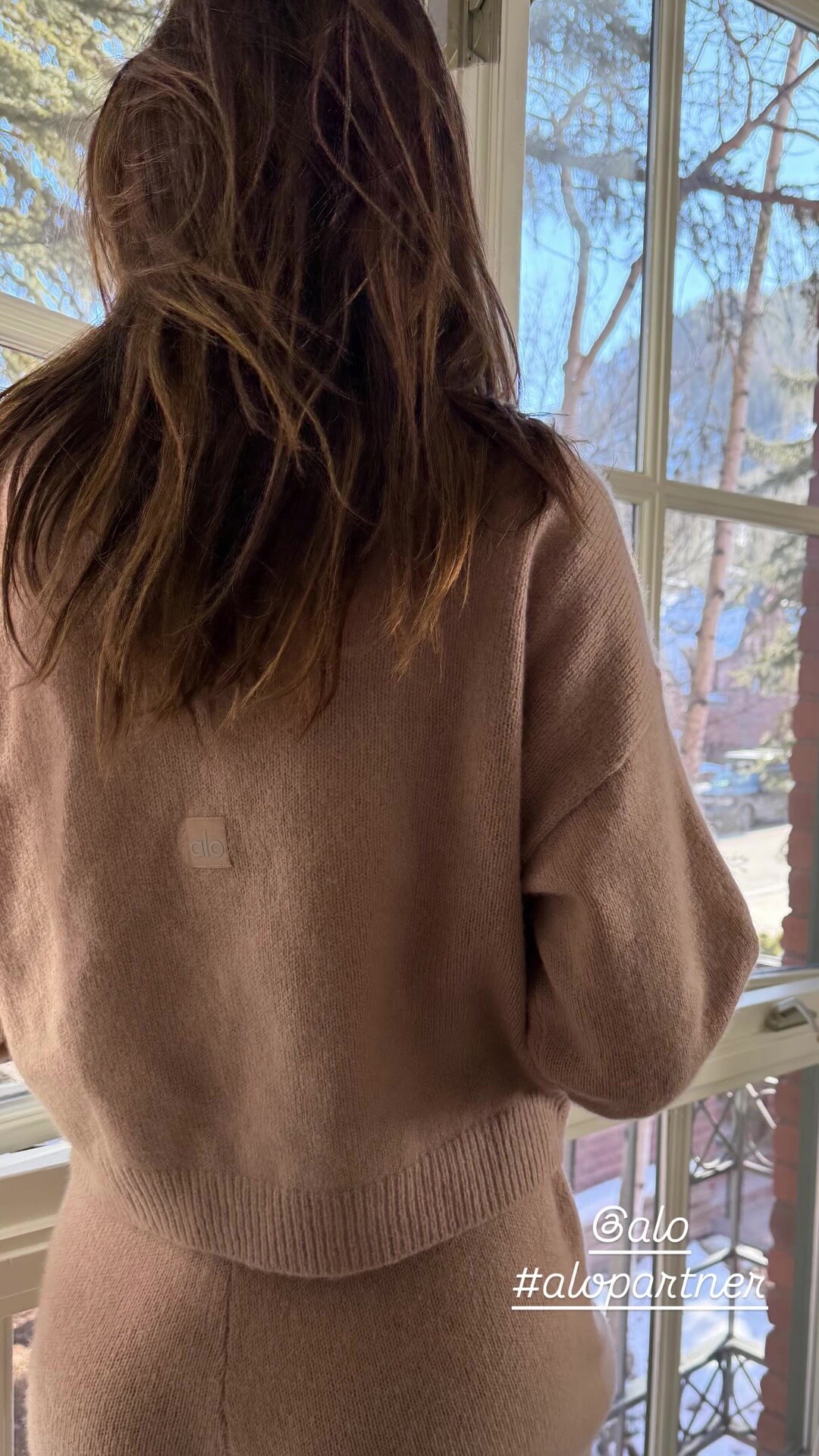
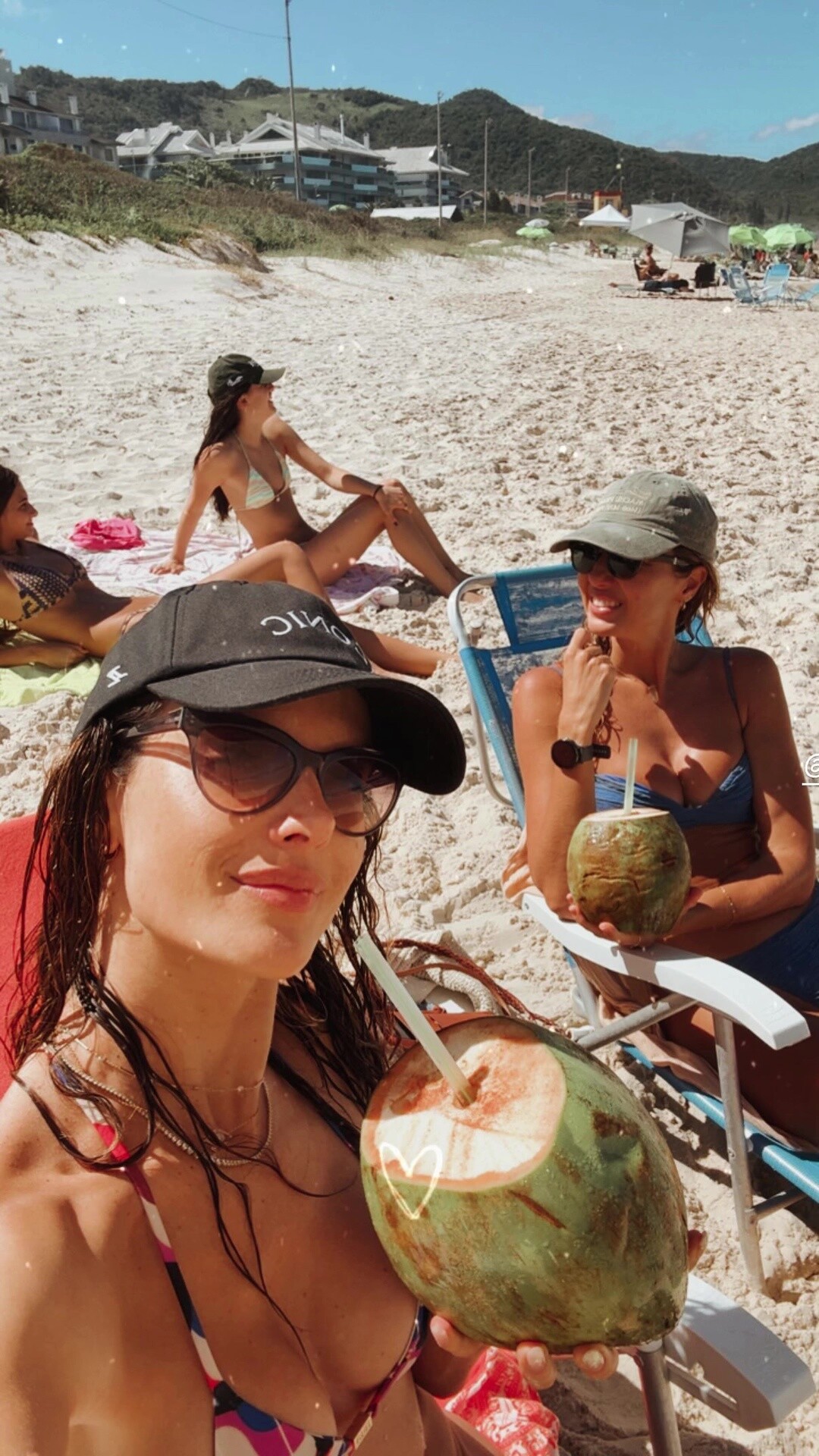
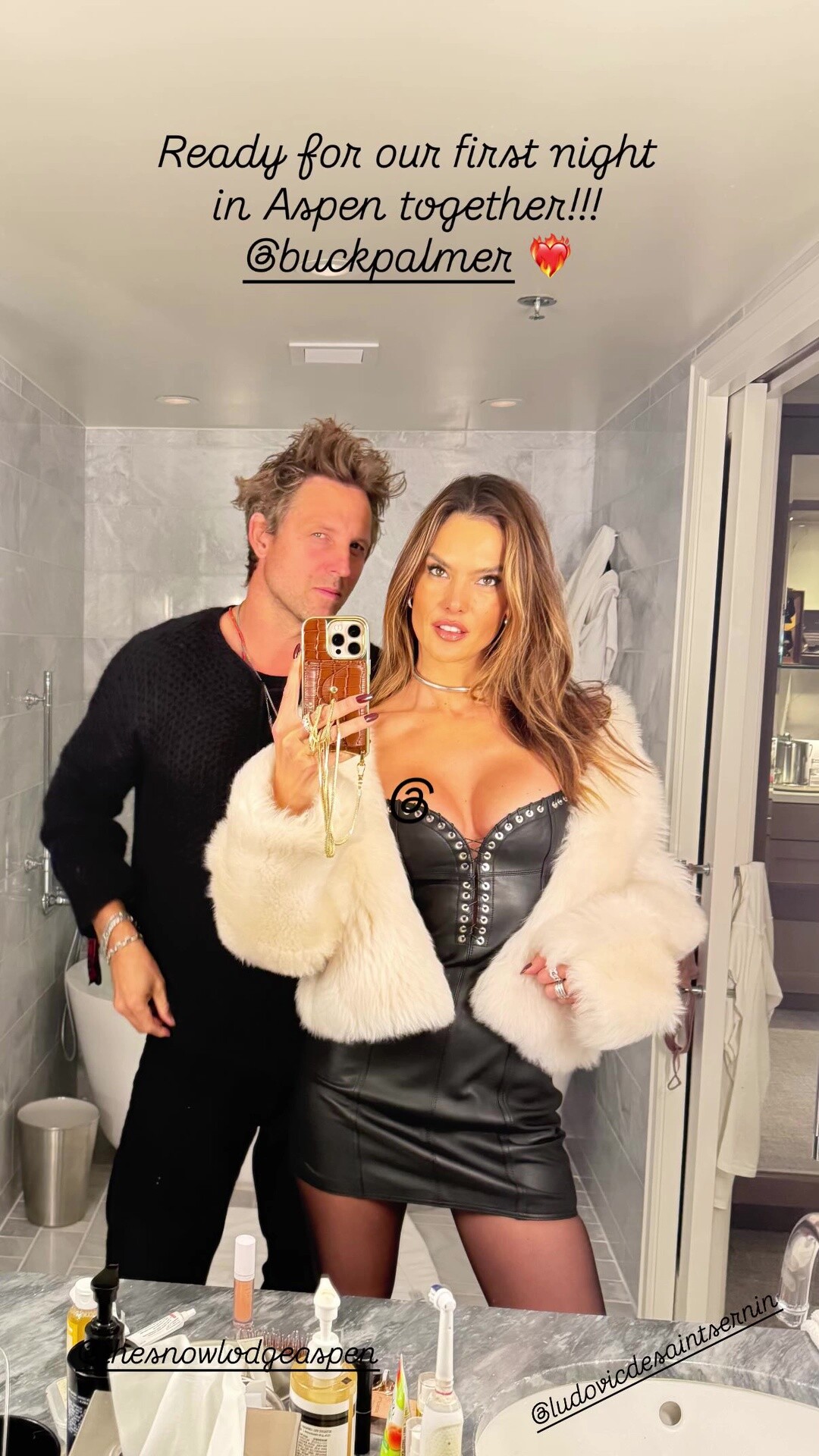
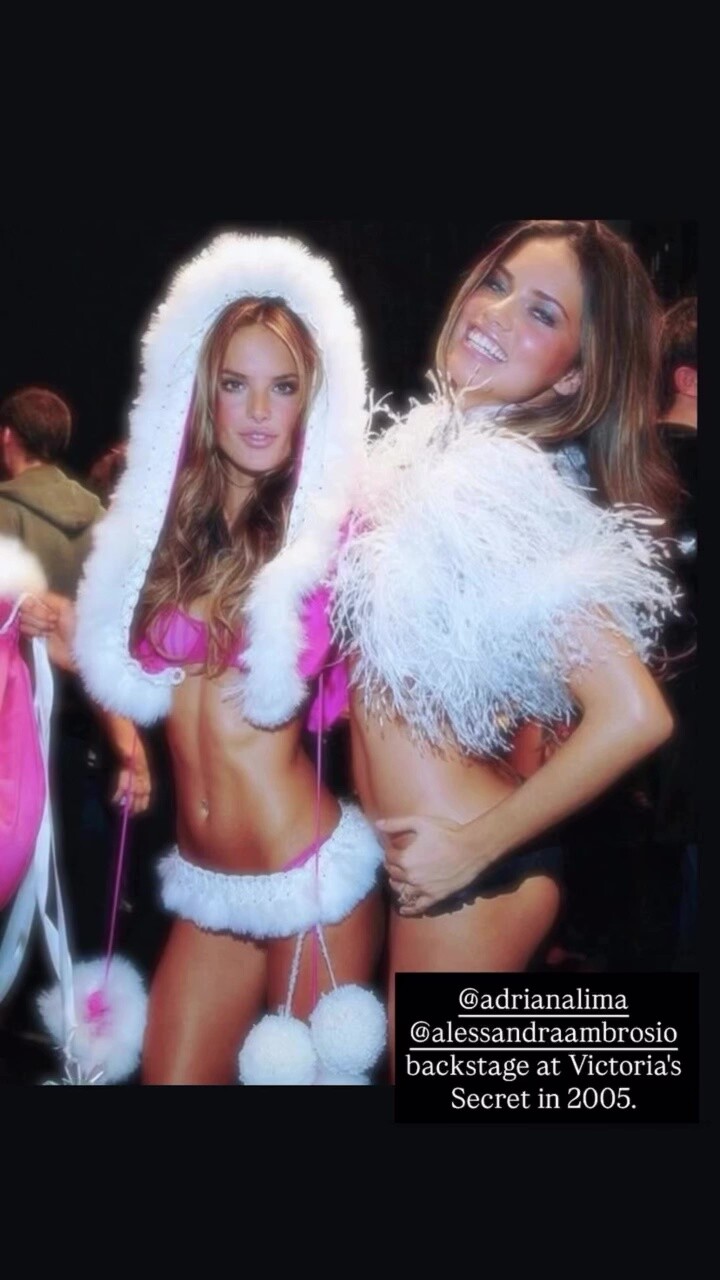
 stories videos [2025.12.15] alessandraambrosio_3788696019664792366.mp4[2025.12.16] alessandraambrosio_3789090204146579778.mp4[2025.12.16] alessandraambrosio_3789194562423082722.mp4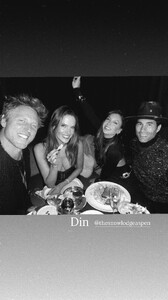









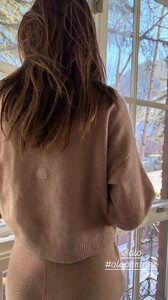




 Ana-conda December 24th exclusively in theatres 😘😘 video [2025.12.22] danielamelchior_DSkGzclDZae.mp4
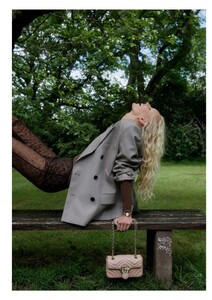
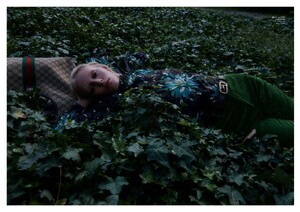
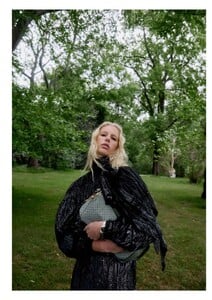
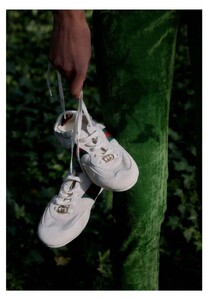
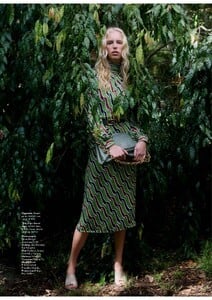
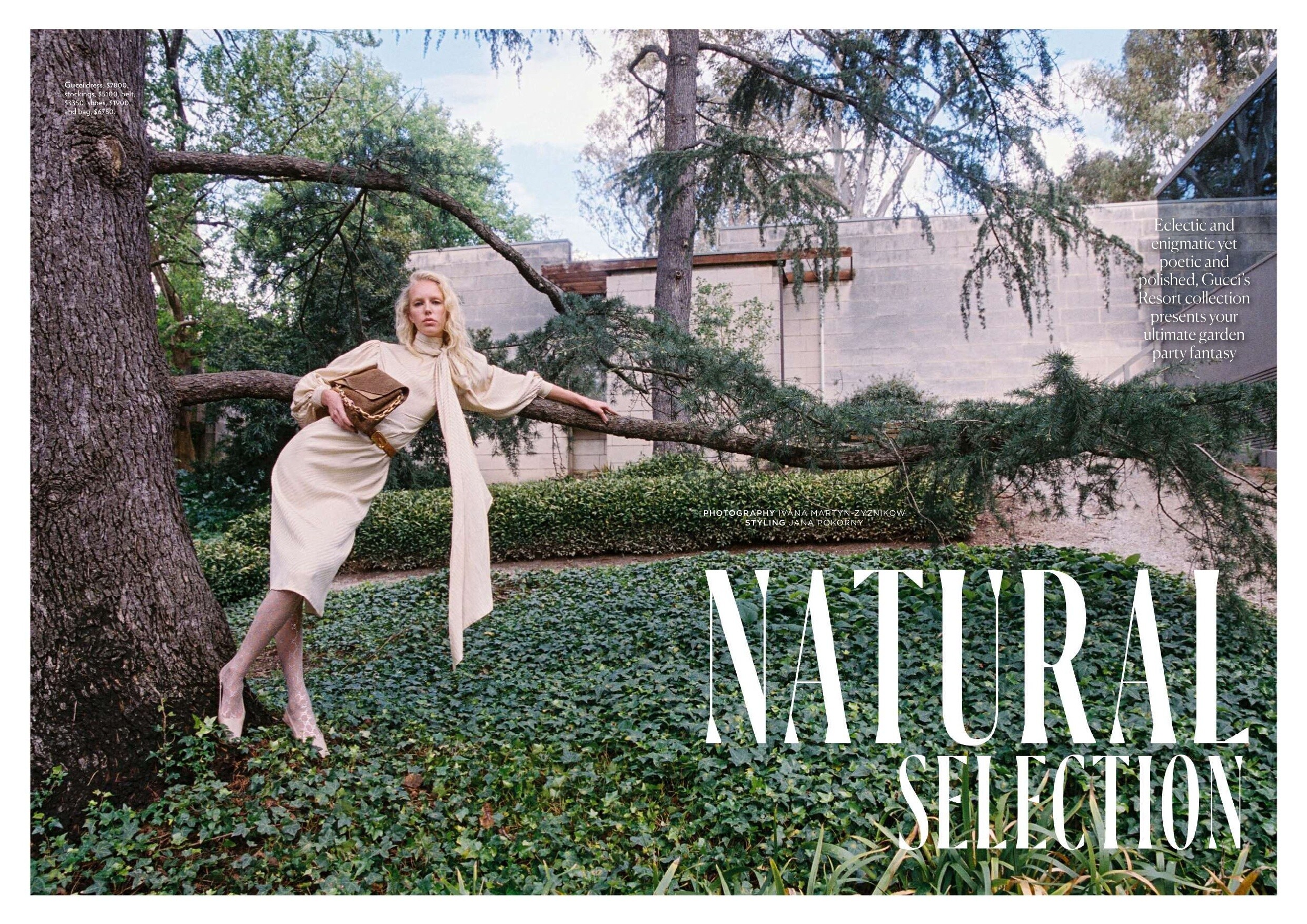
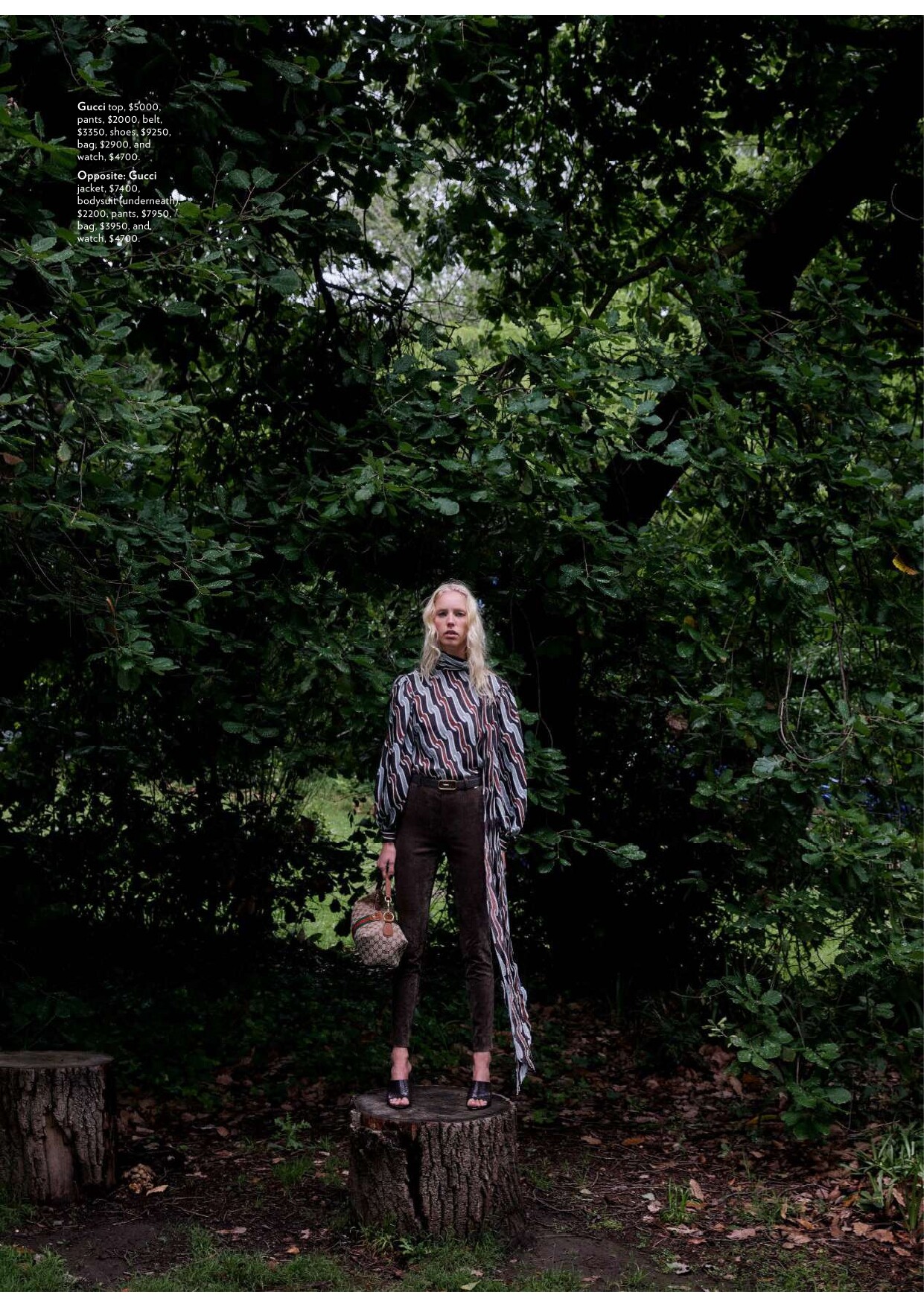
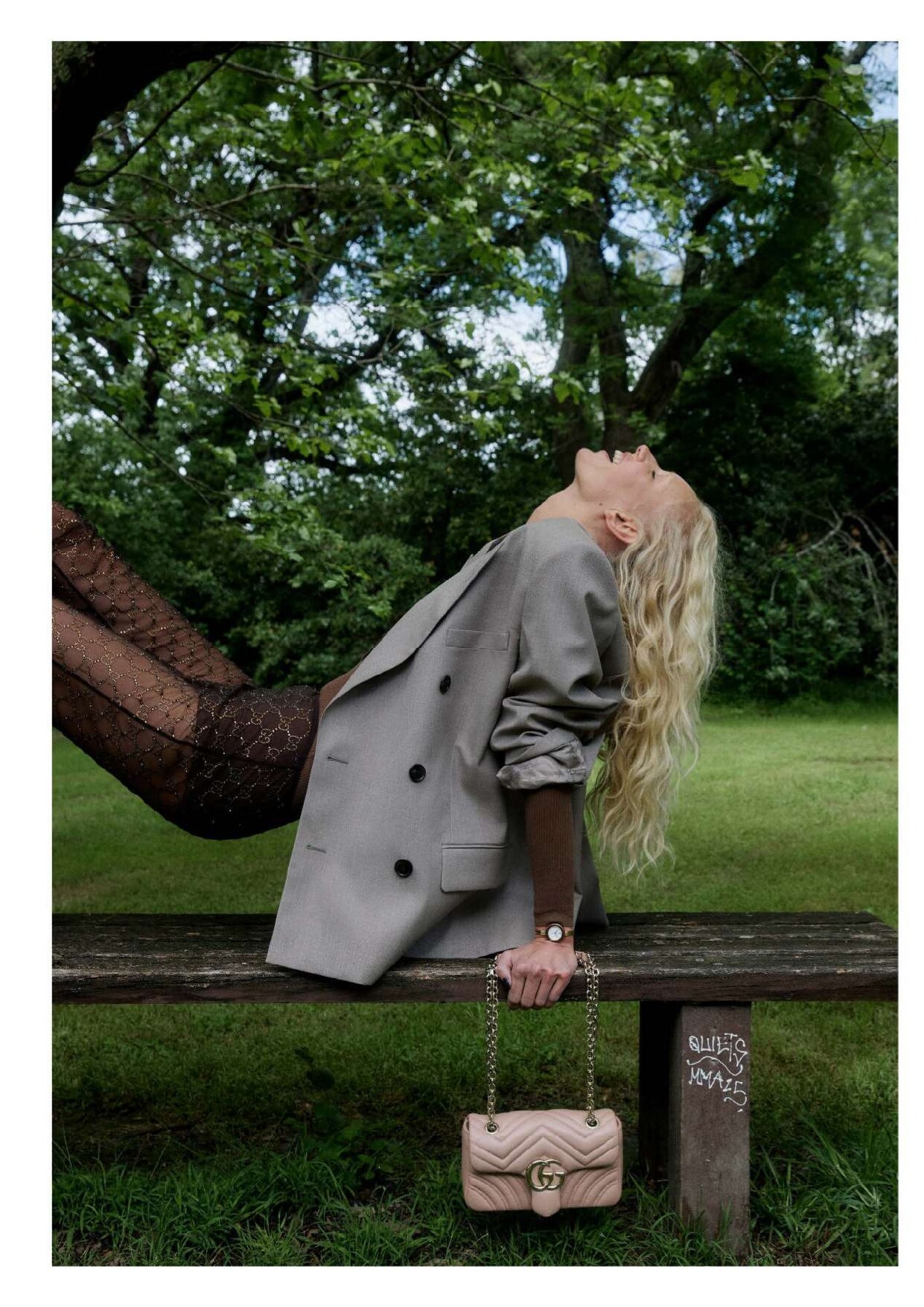
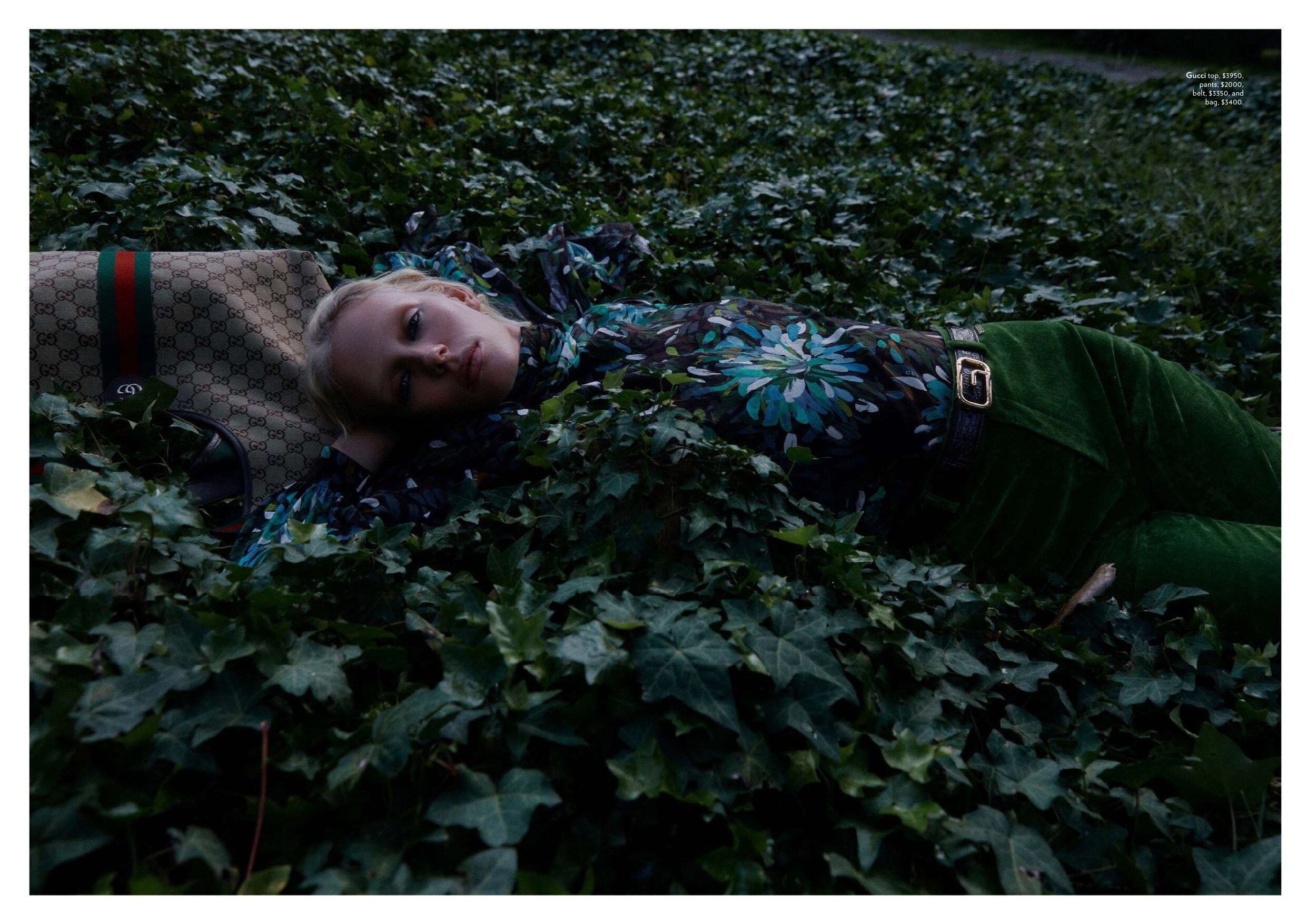
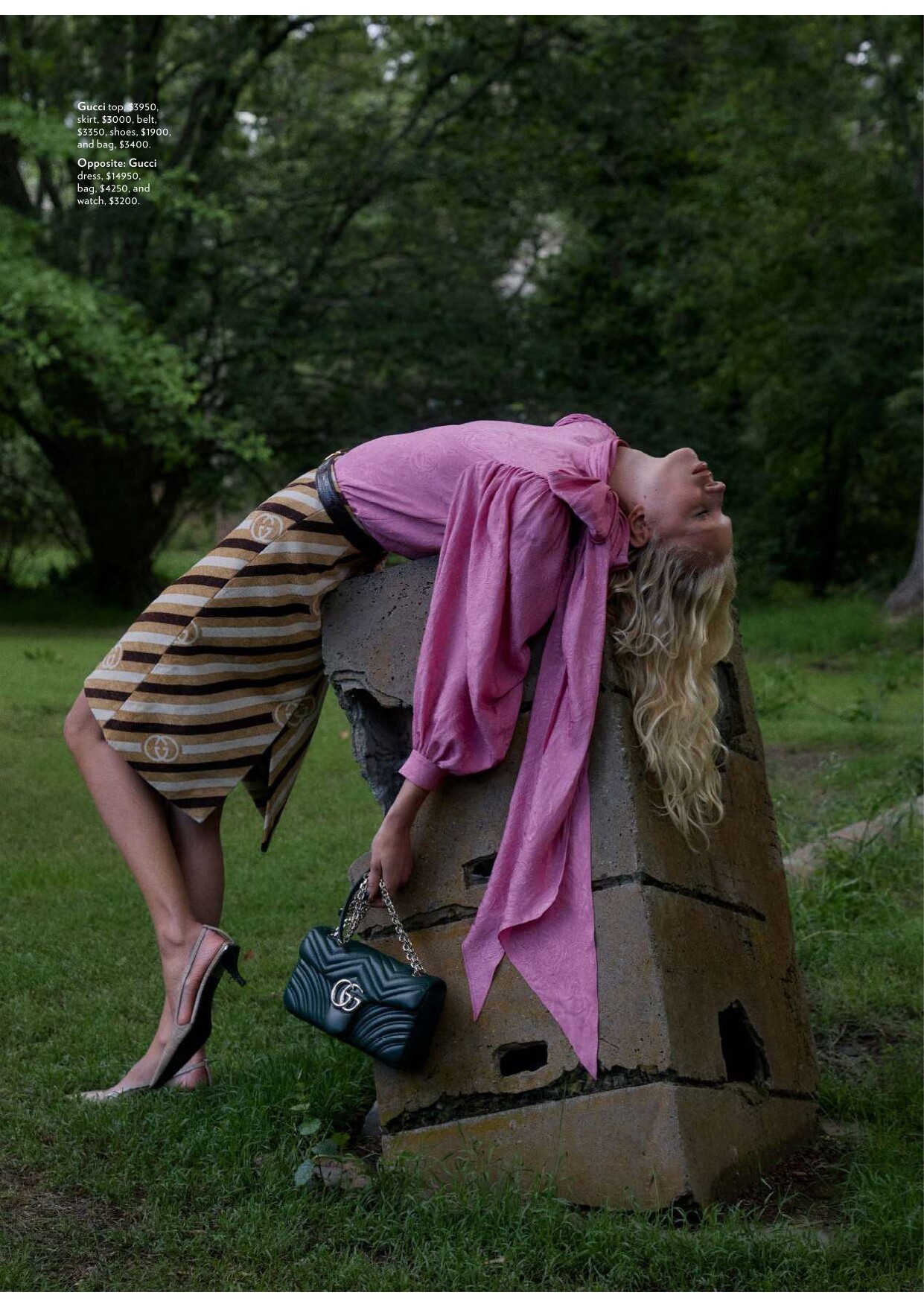
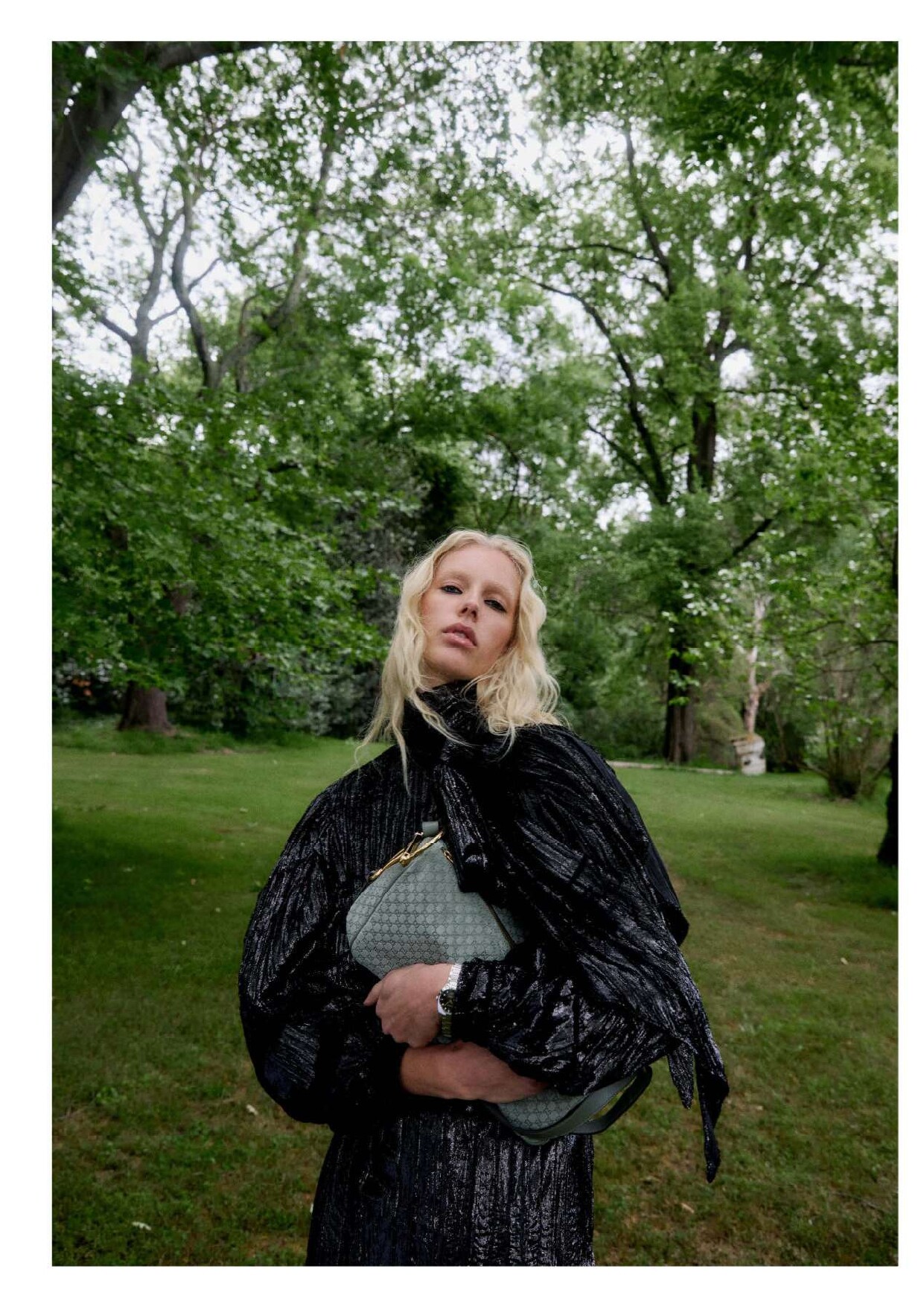
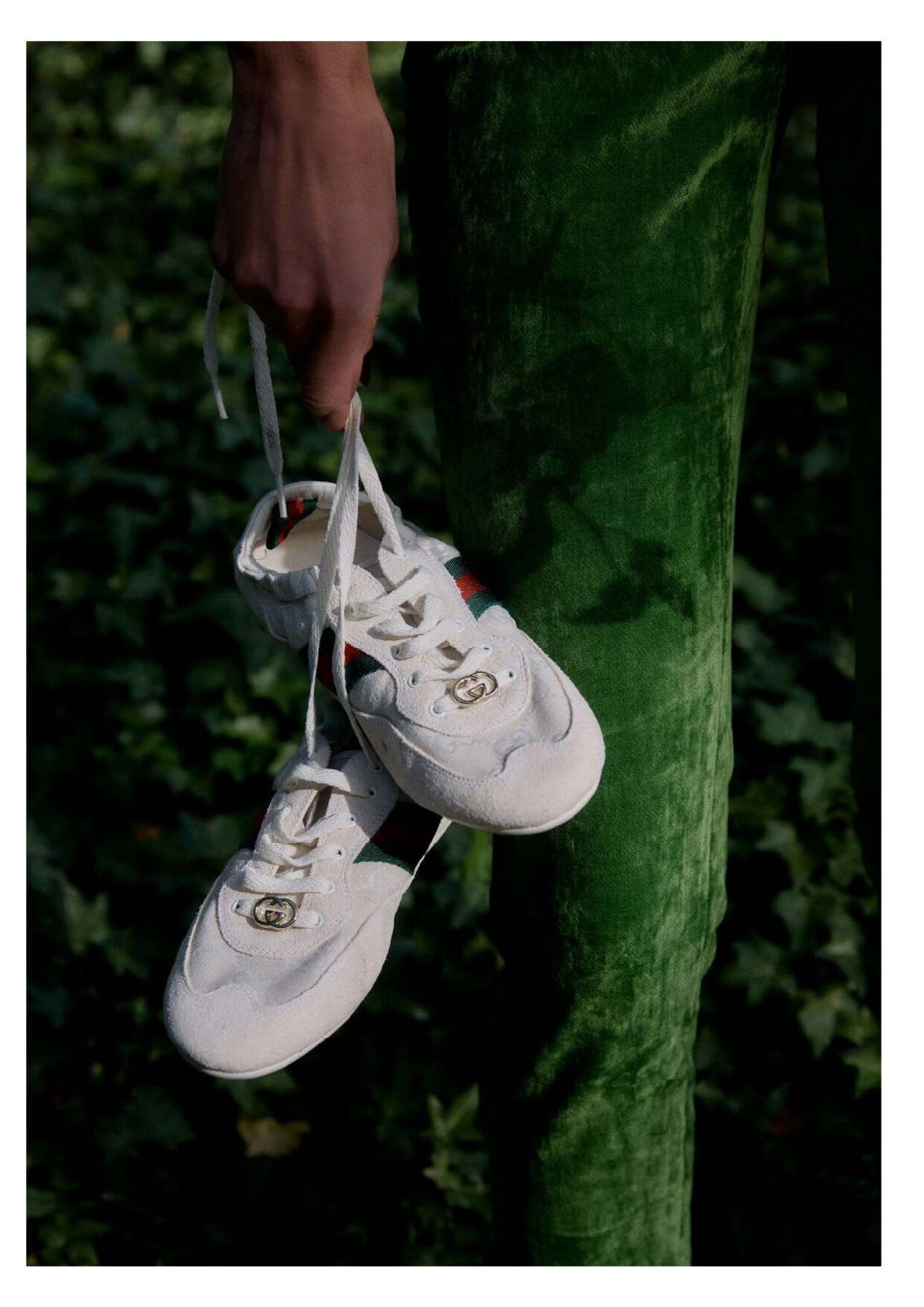
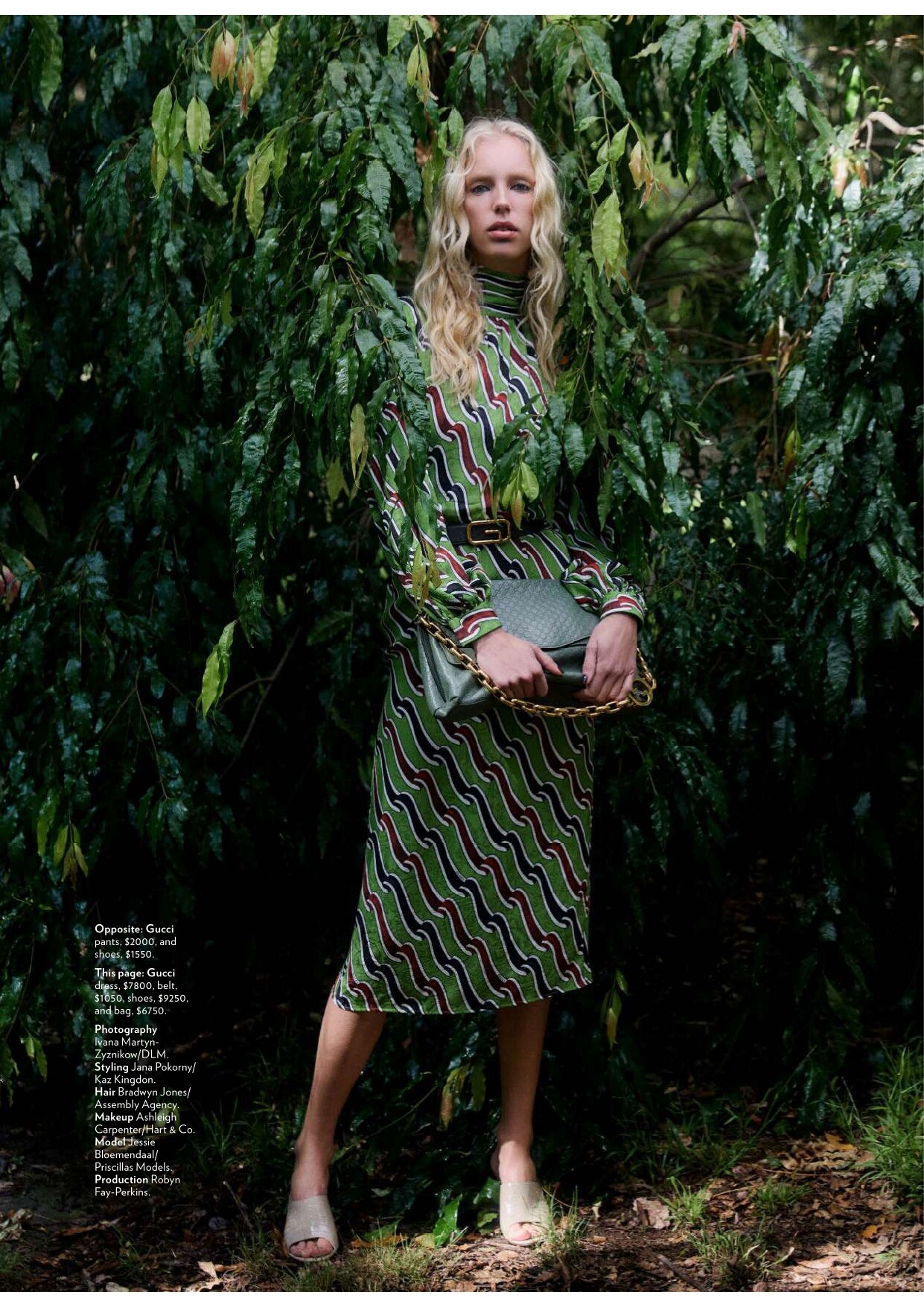
 Marie Claire Australia - January 2026 "Natural Selection" Photo :Ivana Martyn-Zyznikow Styling : Jana Pokorny Hair : Bradwyn Jones Makeup : Ashleigh Carpenter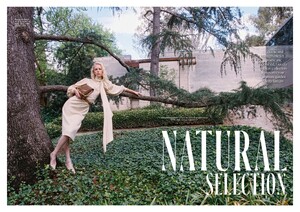
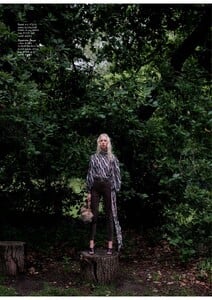

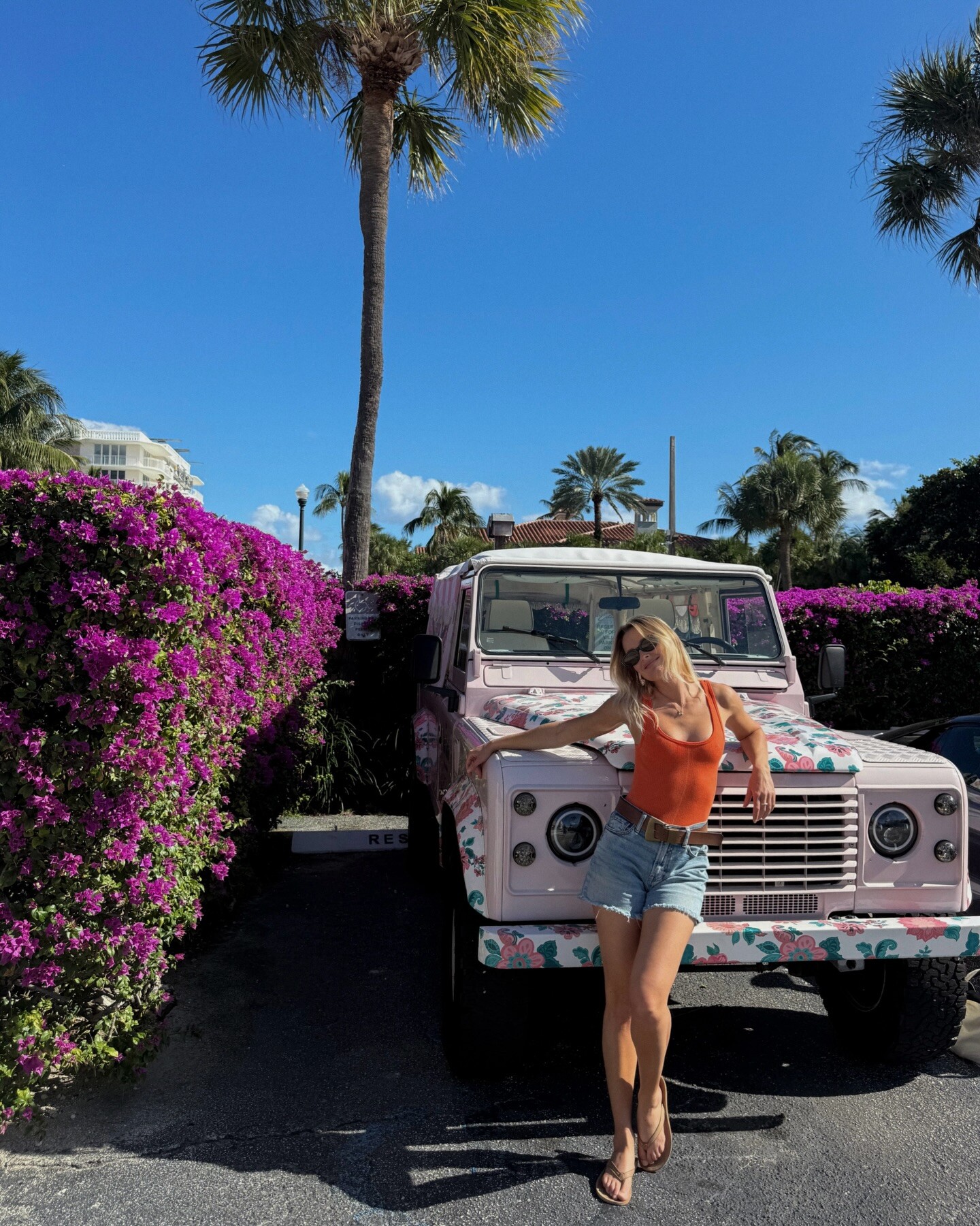
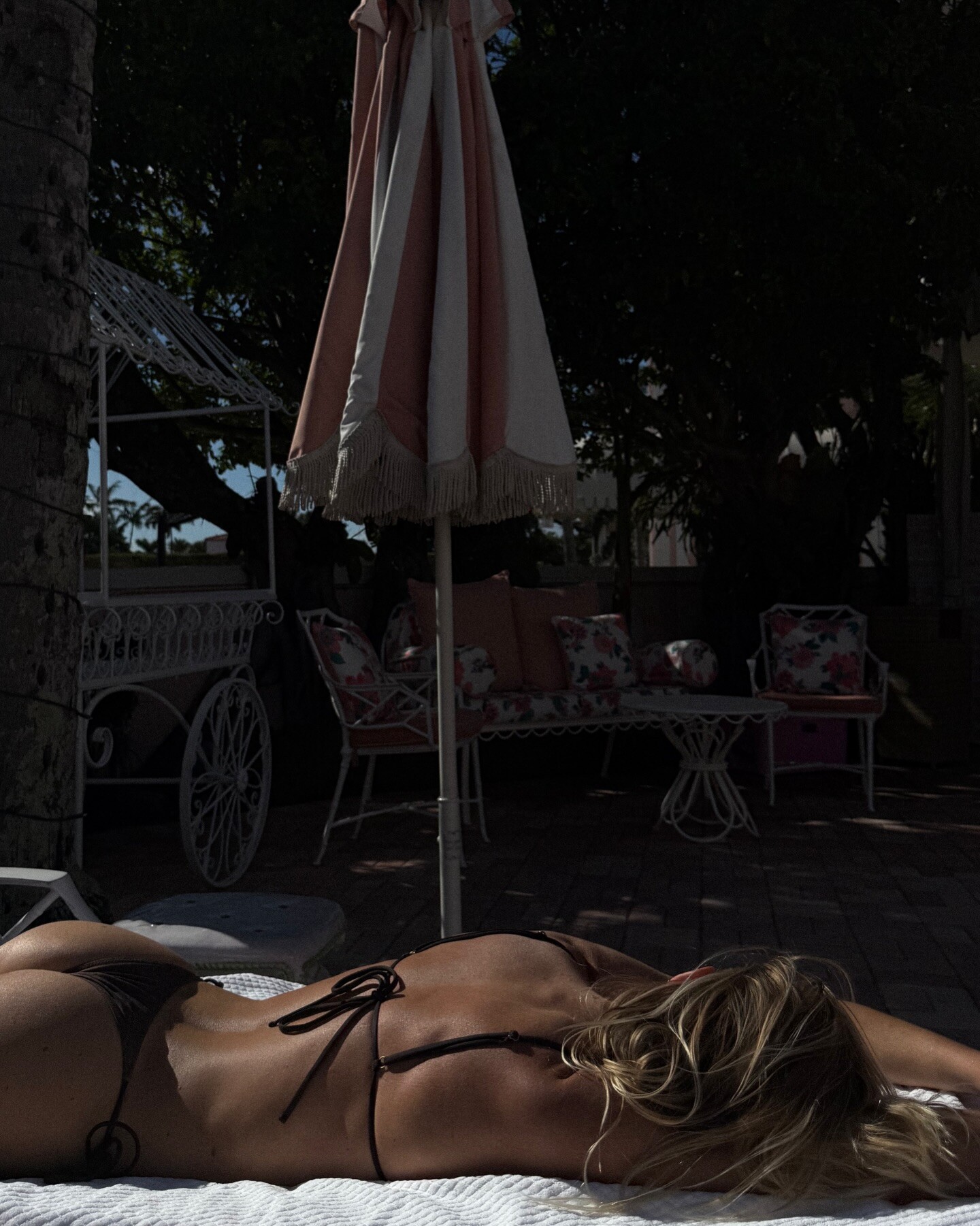
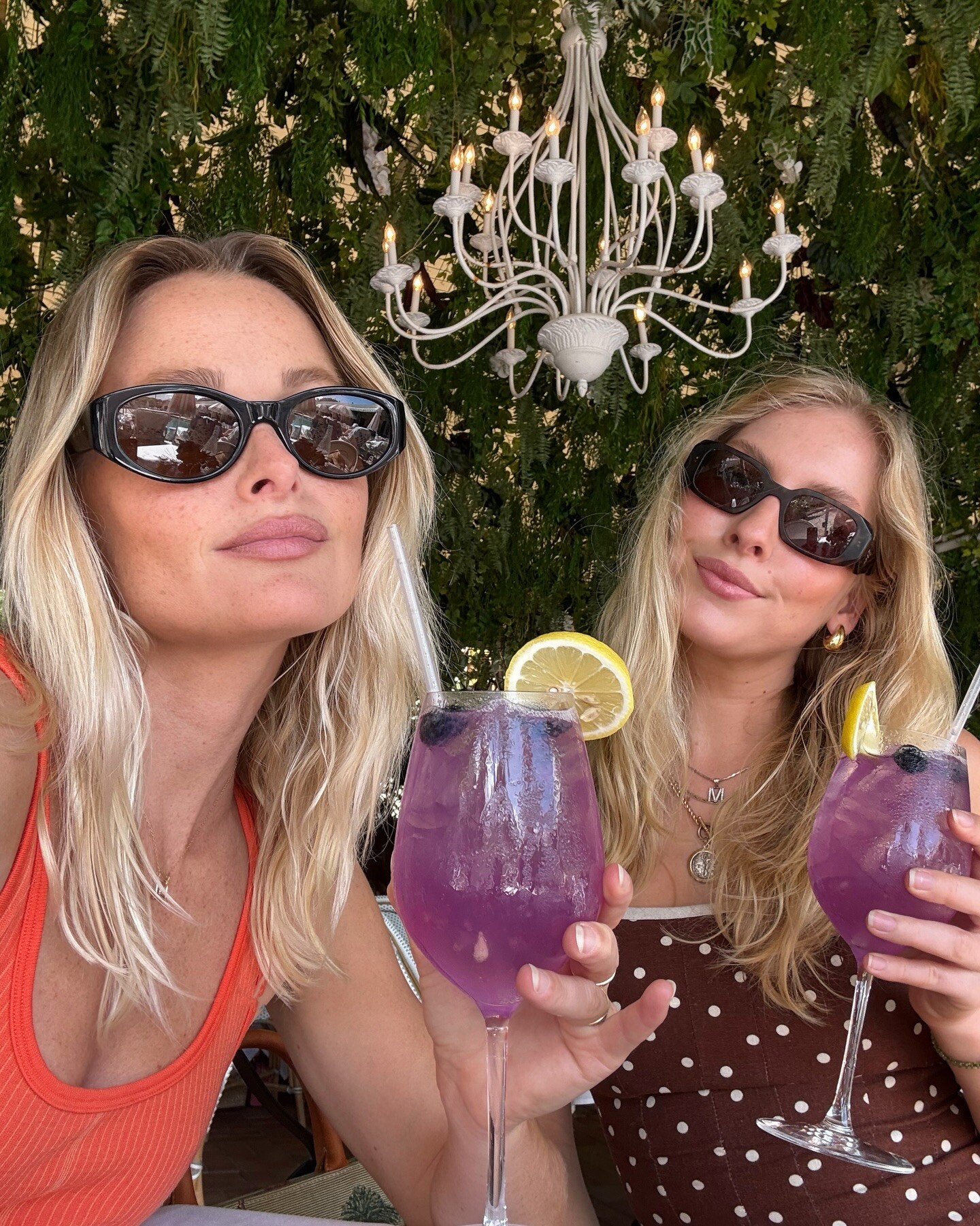
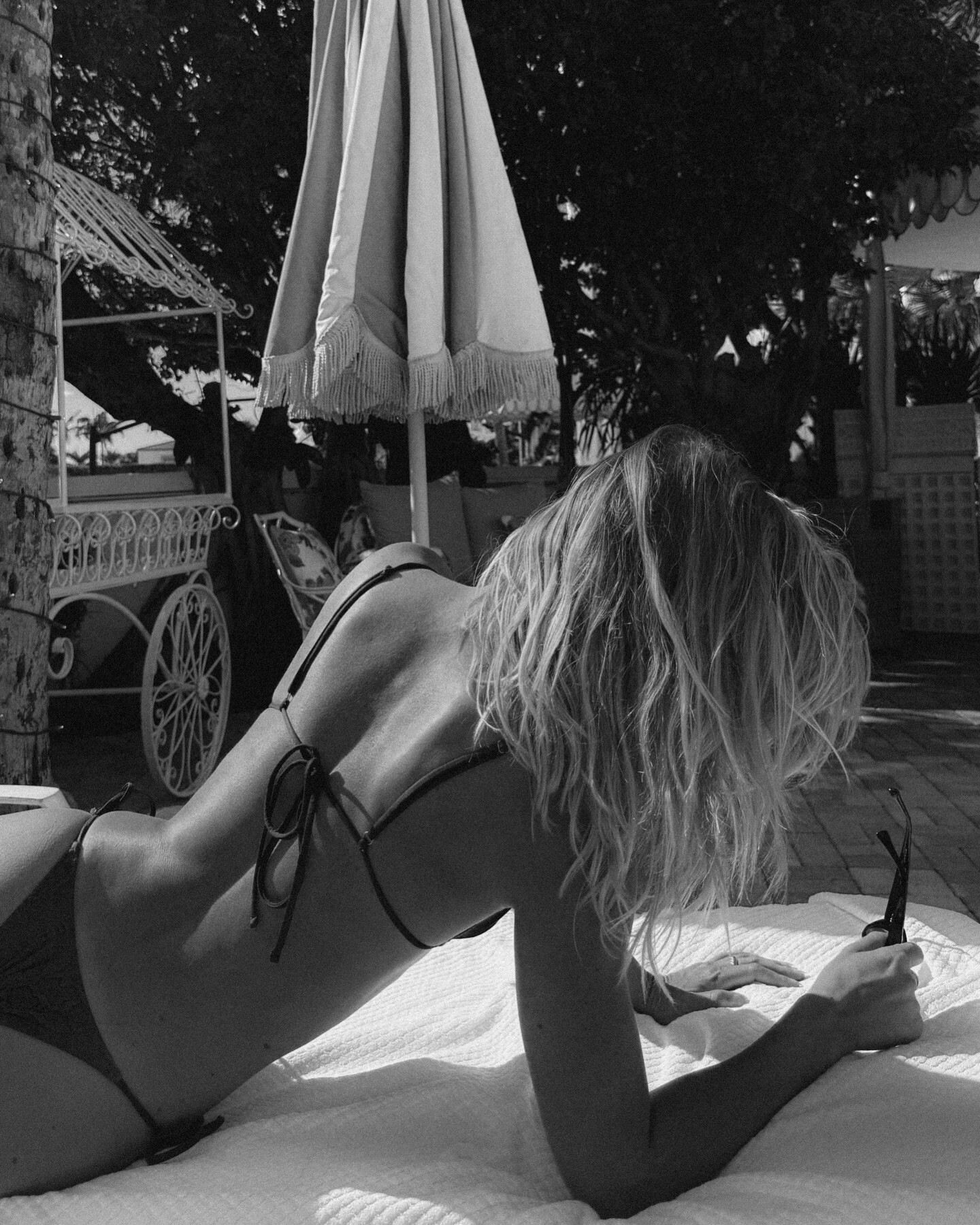
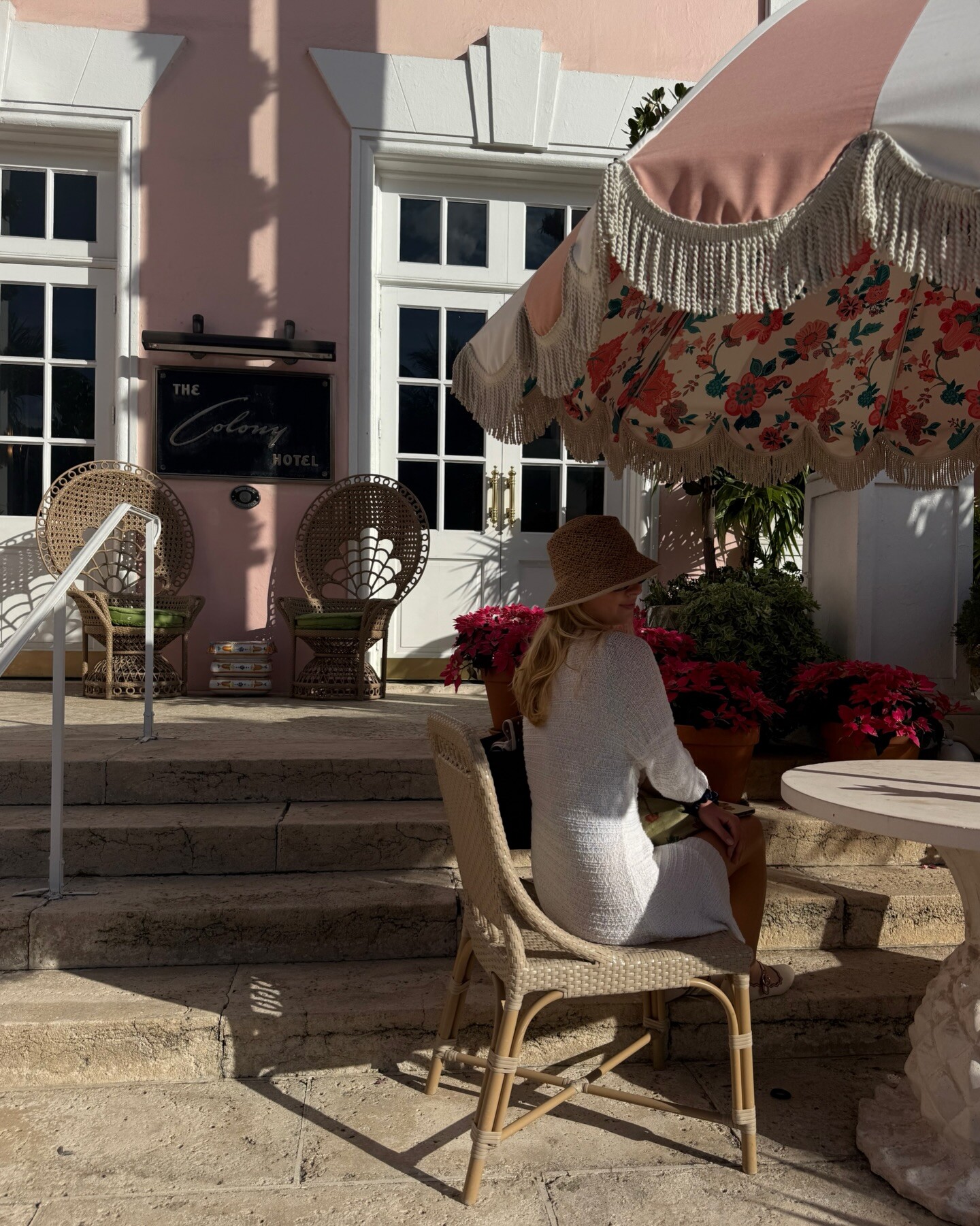
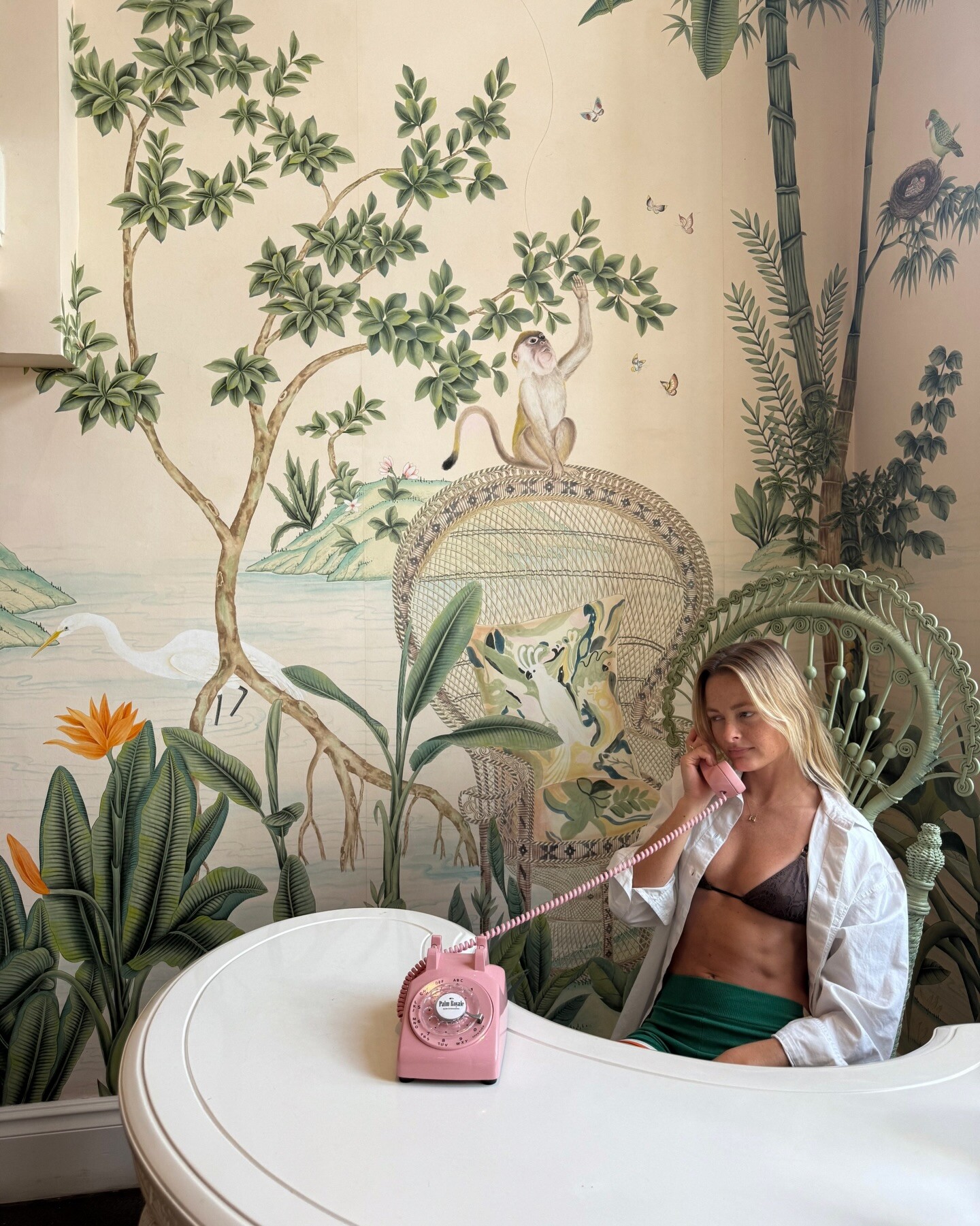
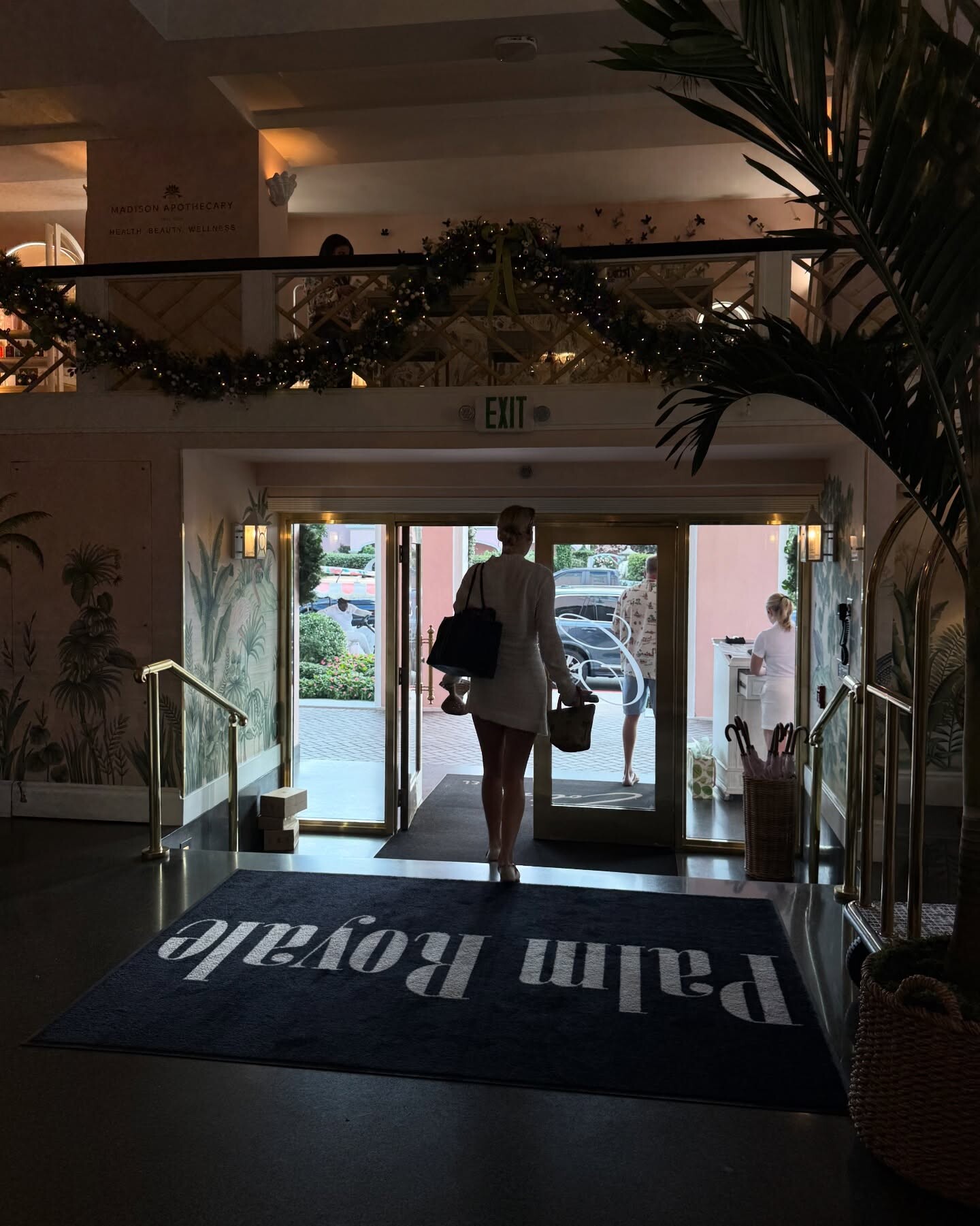
 ‘Twas a lovely day at thecolonypalmbeach channeling 1960s Palm Beach glamour. 🌴👙🥂 PalmRoyale now streaming on appletv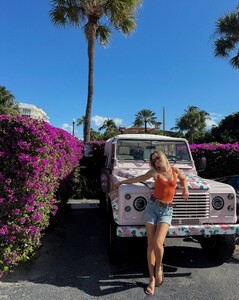
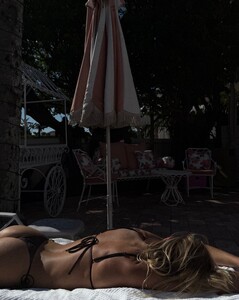
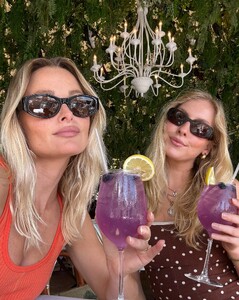
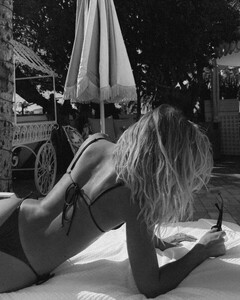
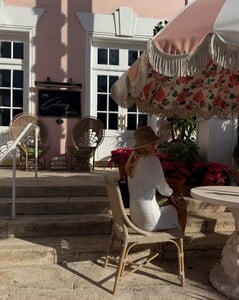
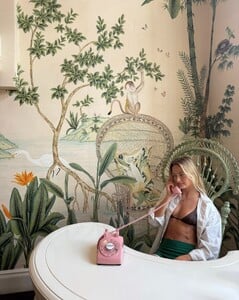
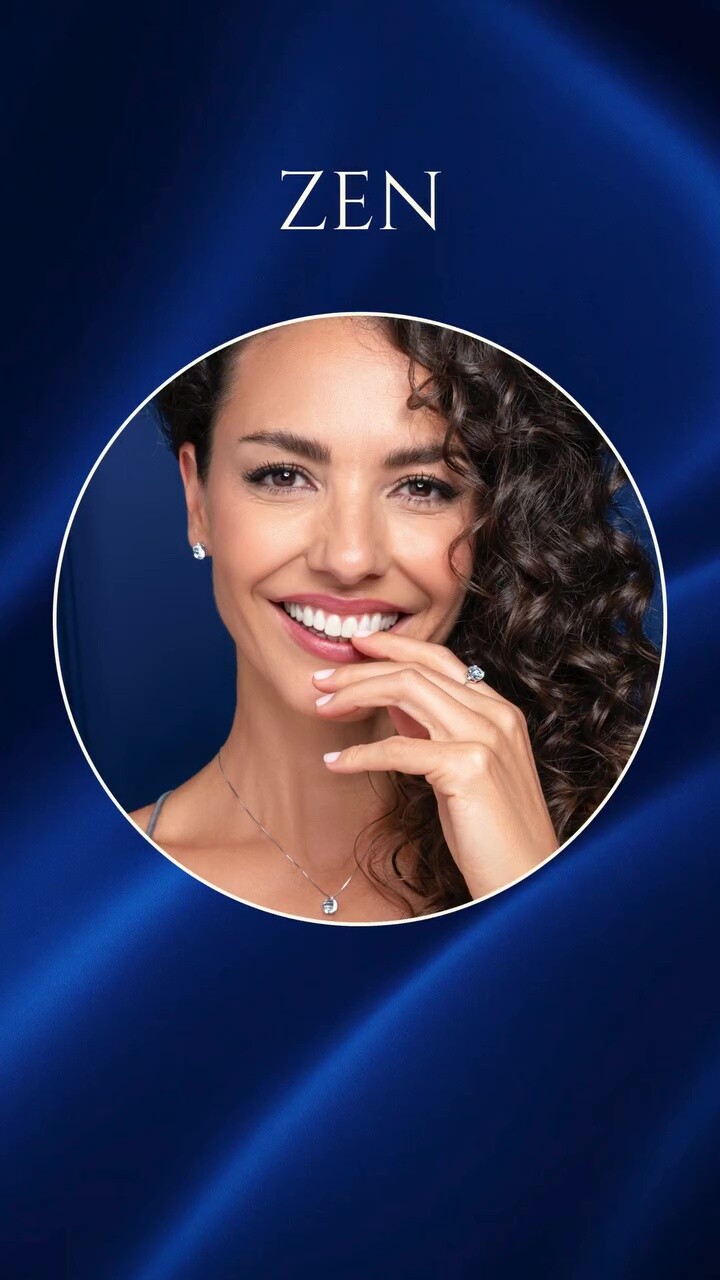
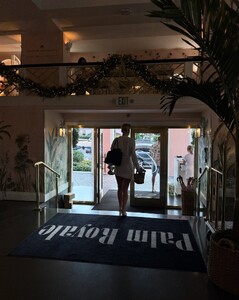 Kioto Jewelry: stories video [2025.12.17] kiotogioielli_official_3790167411161337136.mp4

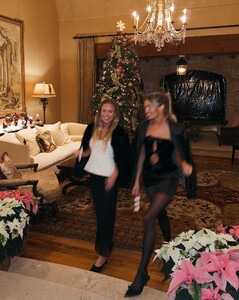
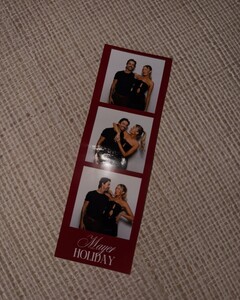
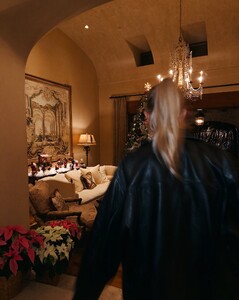
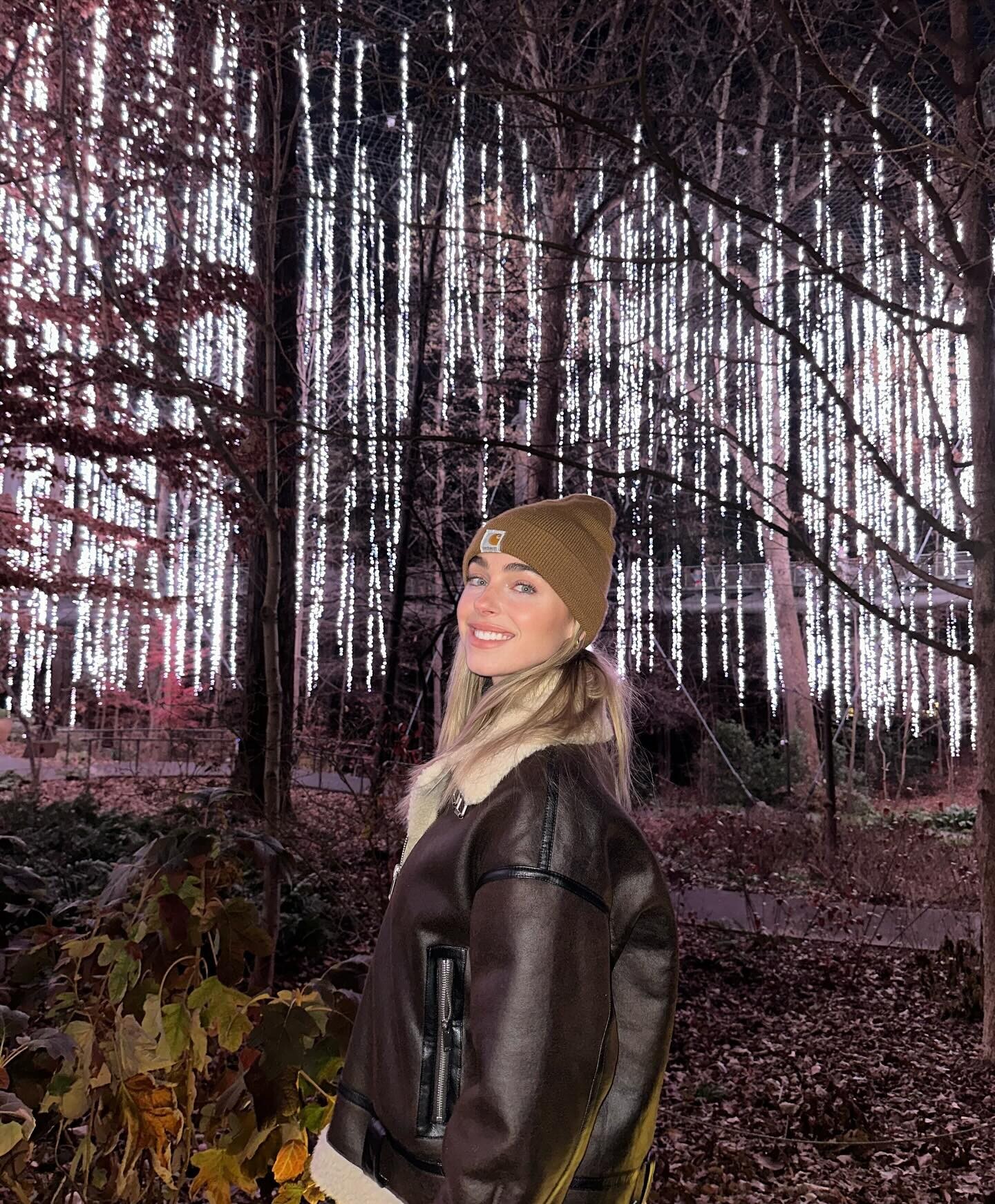
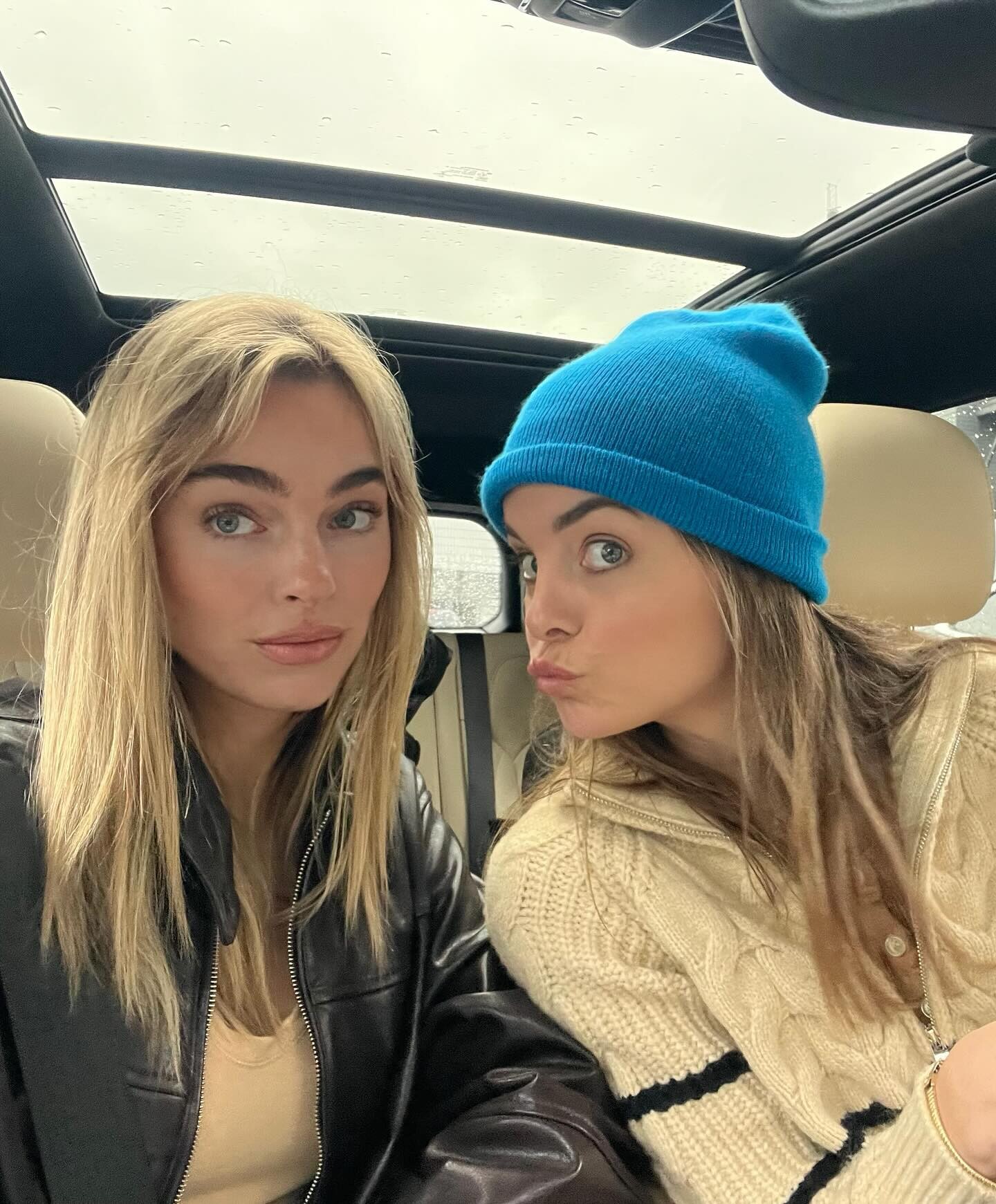
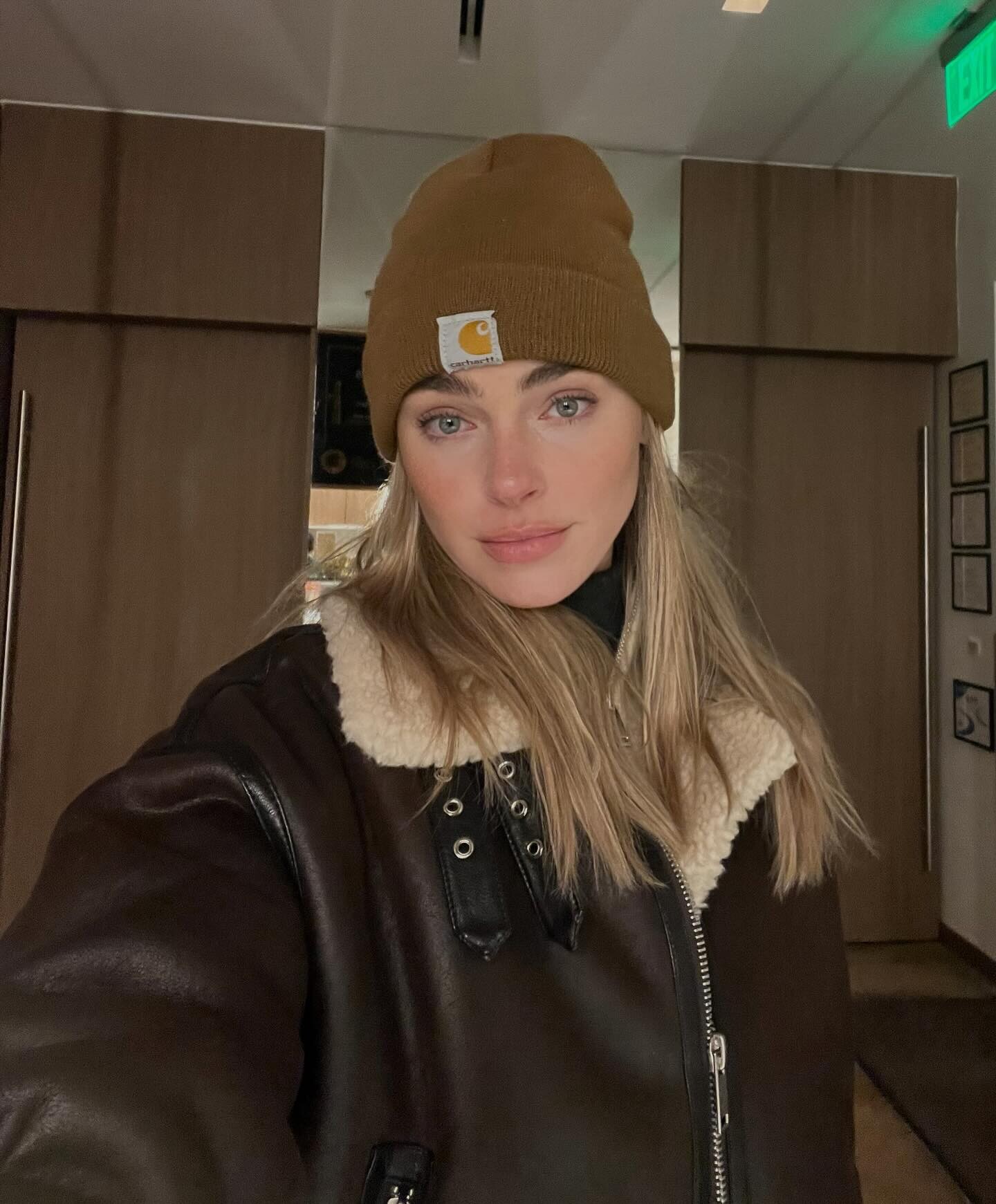
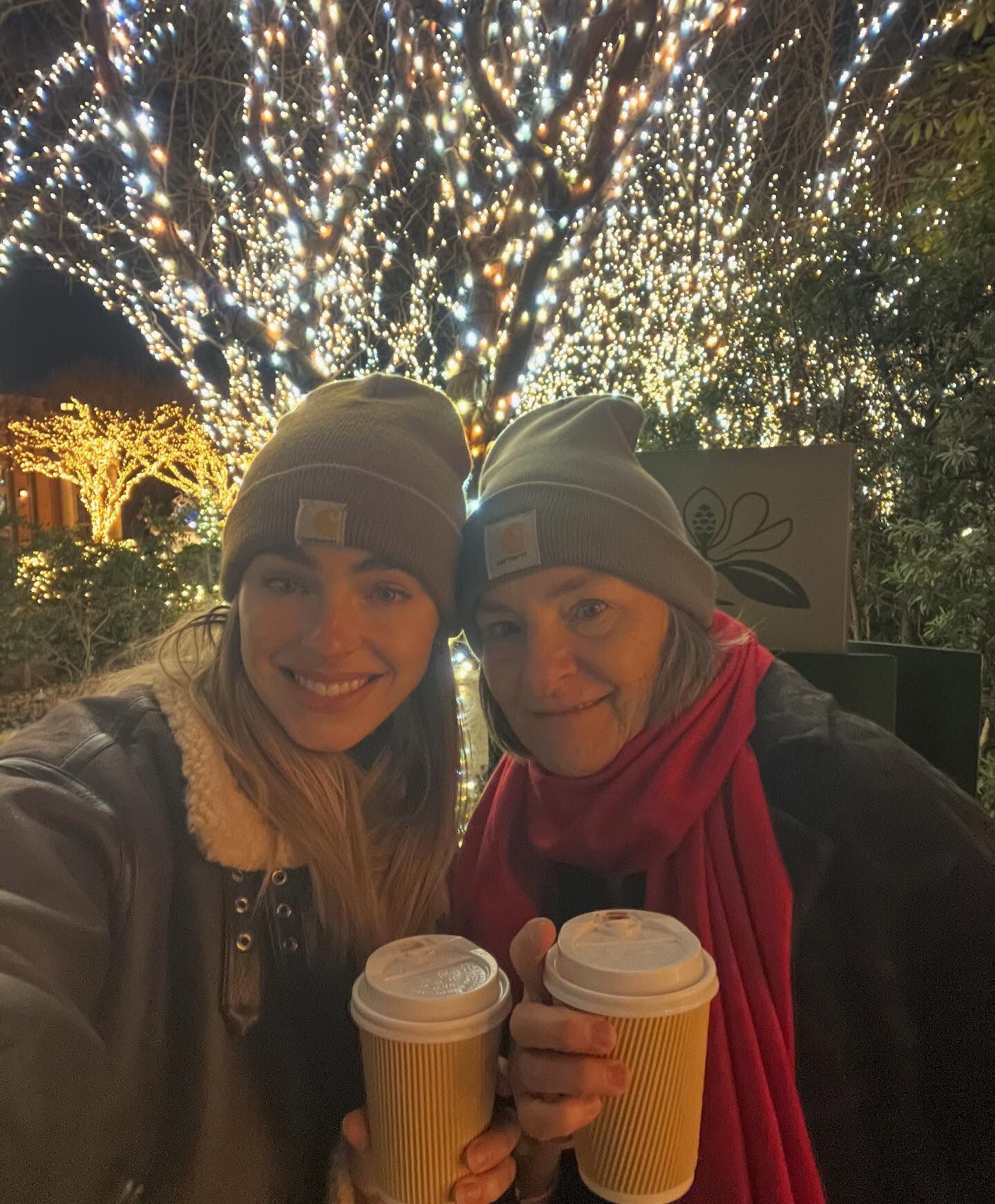
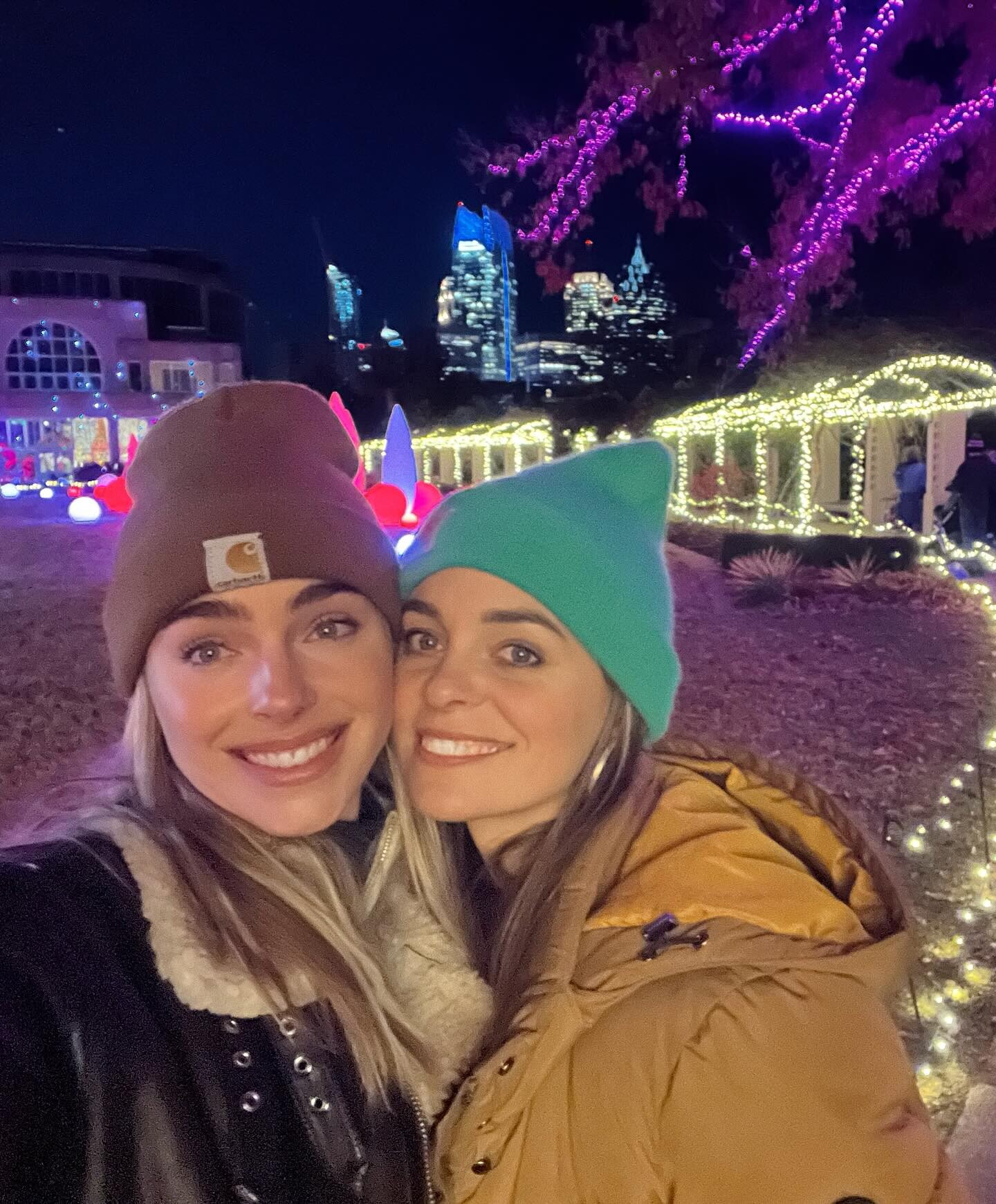
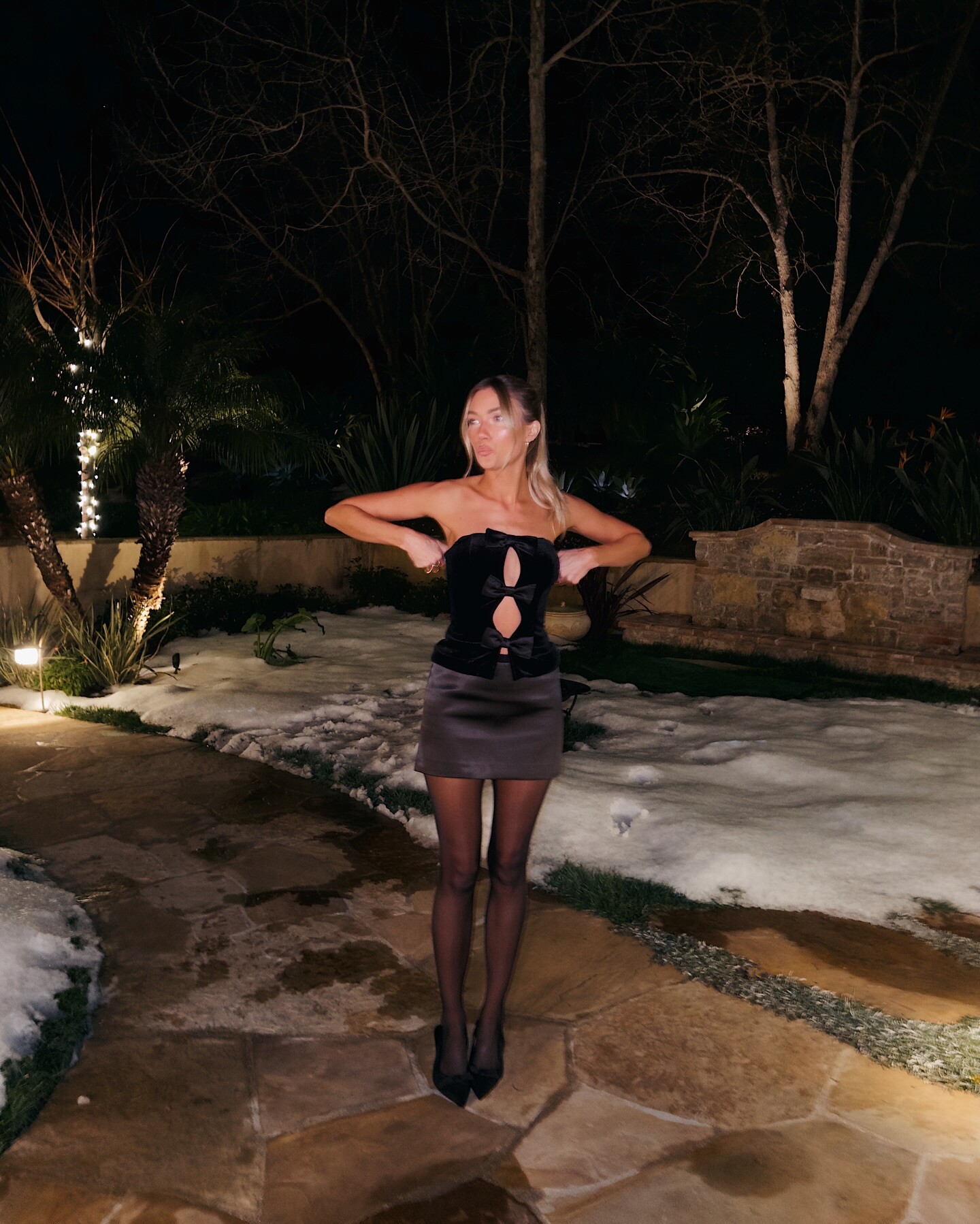
 Hates winter loves holidays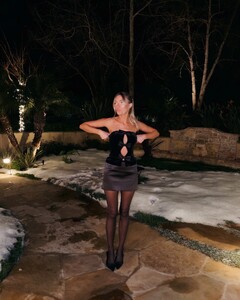

 HienSenpuuKyaku joined the community
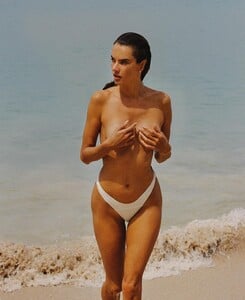
And just when you thought it couldn't get any better...
Summer solstice ☀️
HienSenpuuKyaku joined the community
And just when you thought it couldn't get any better...
Summer solstice ☀️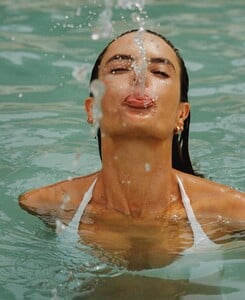













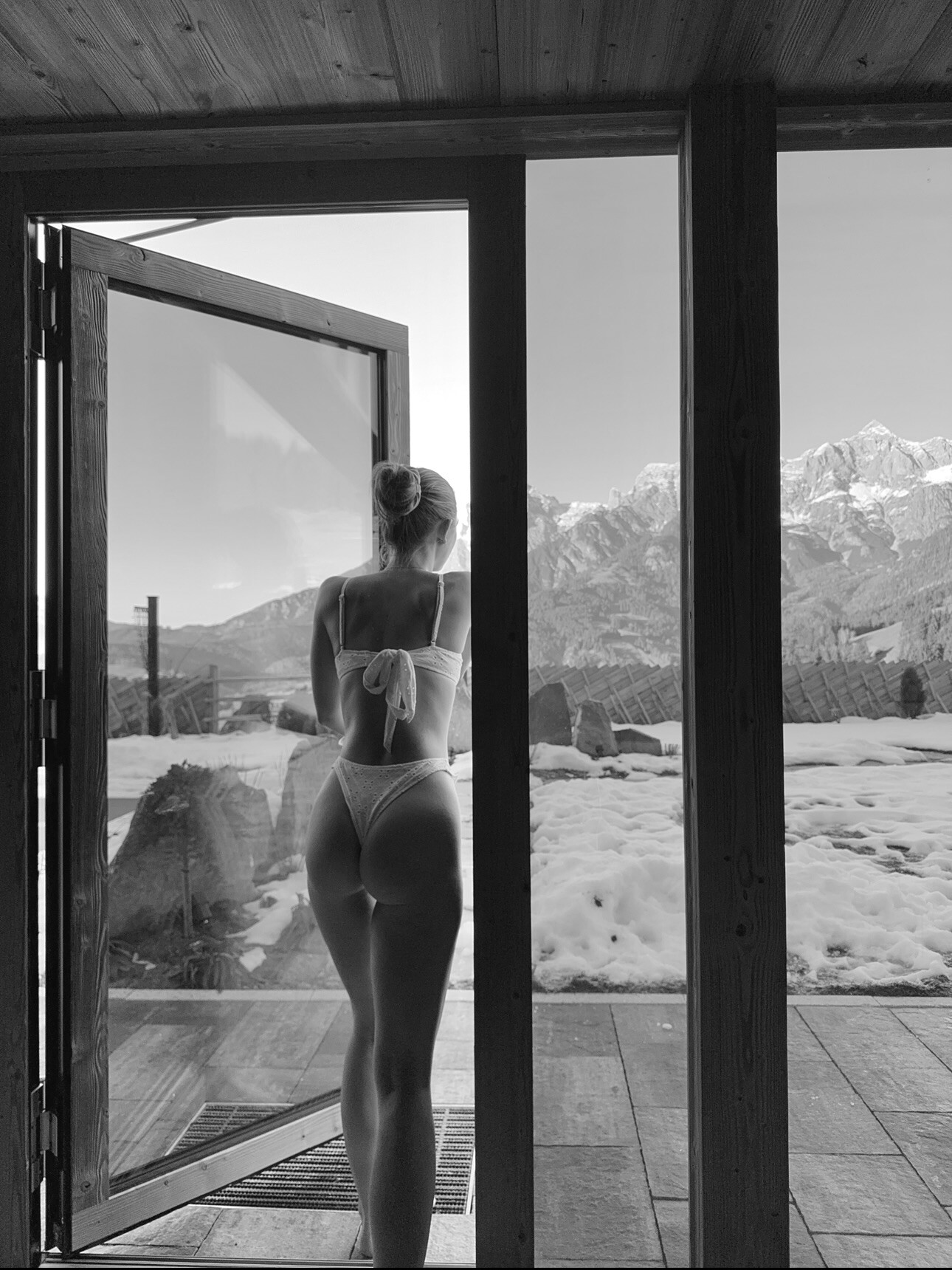
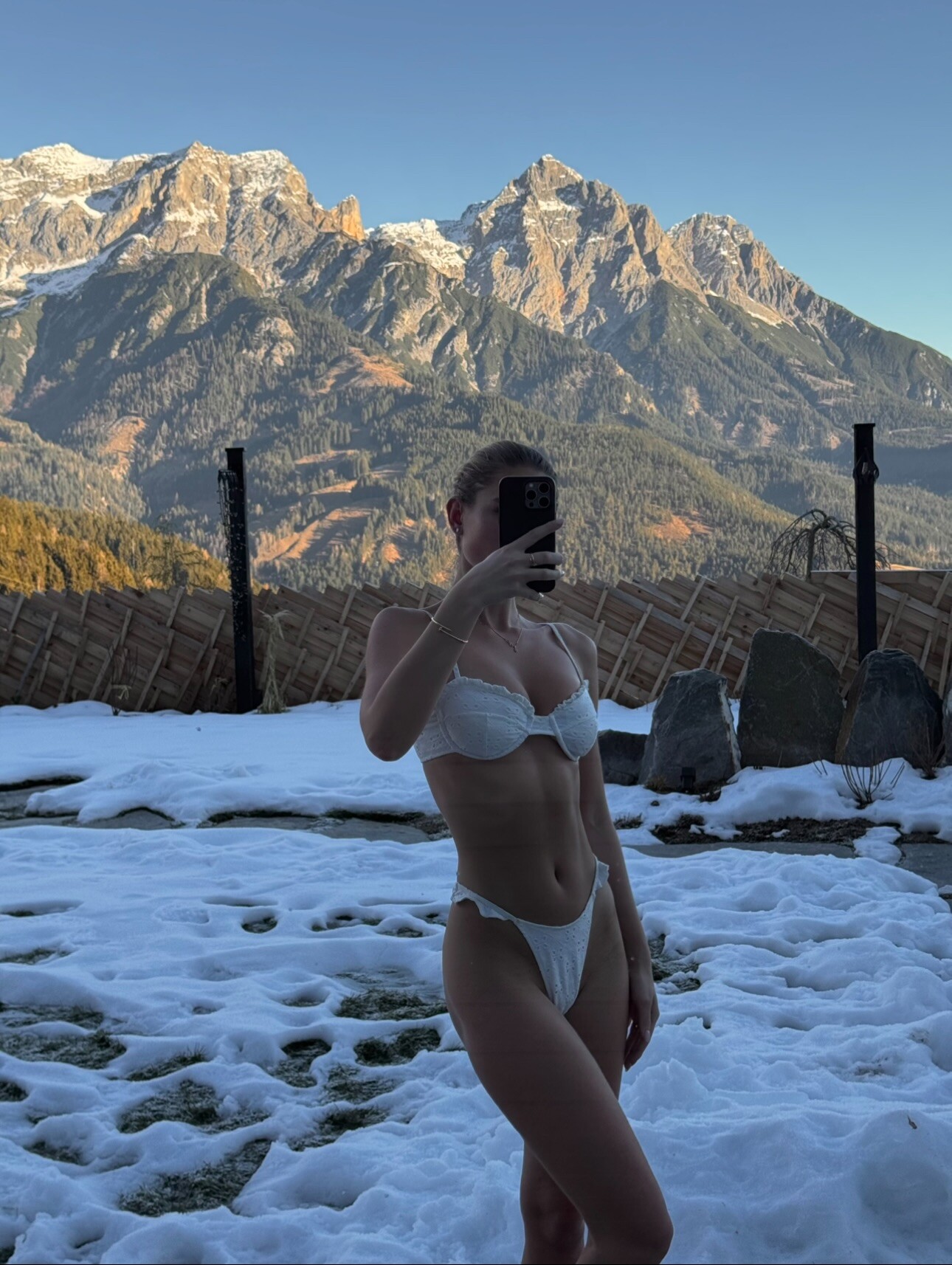
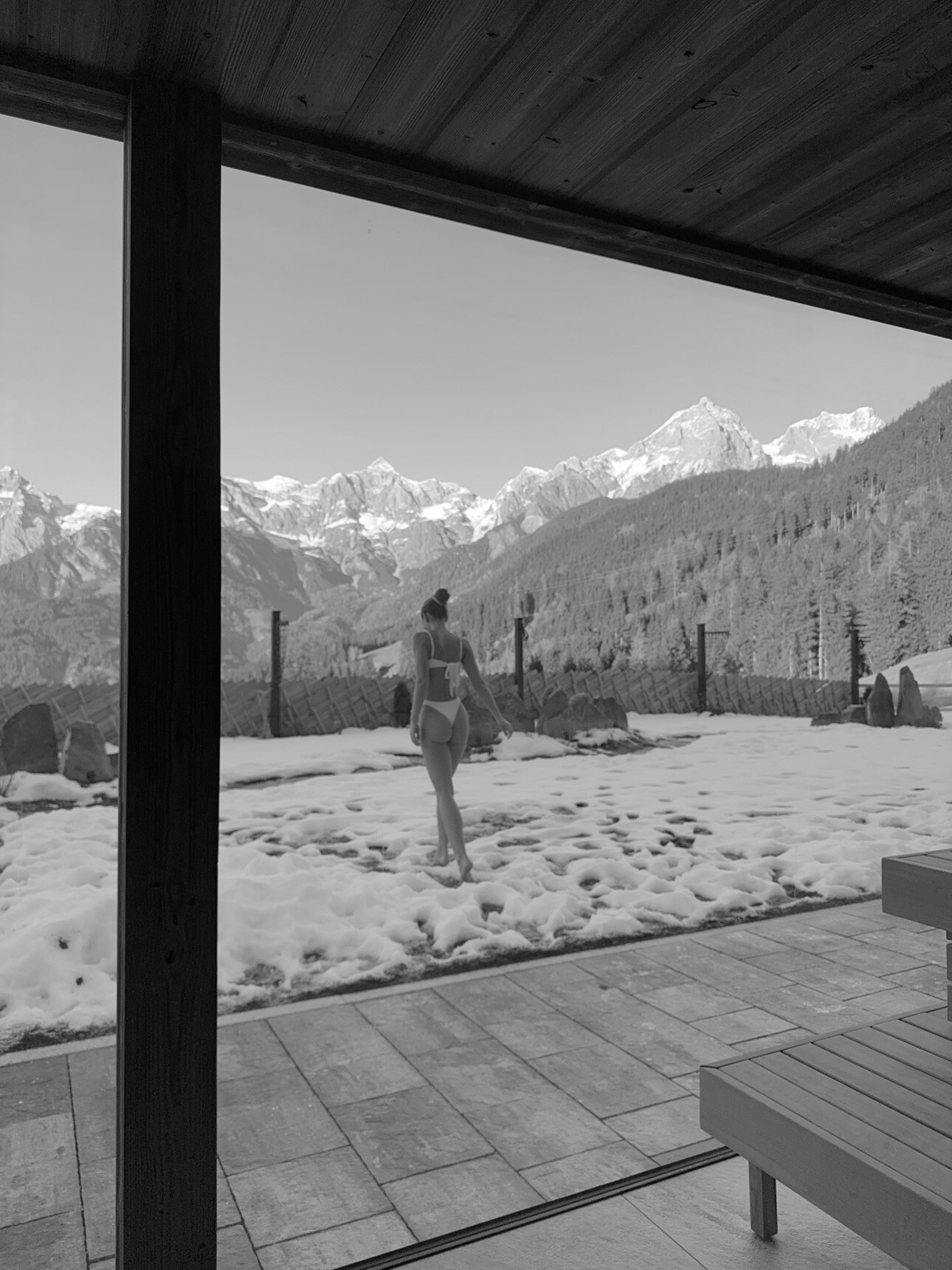
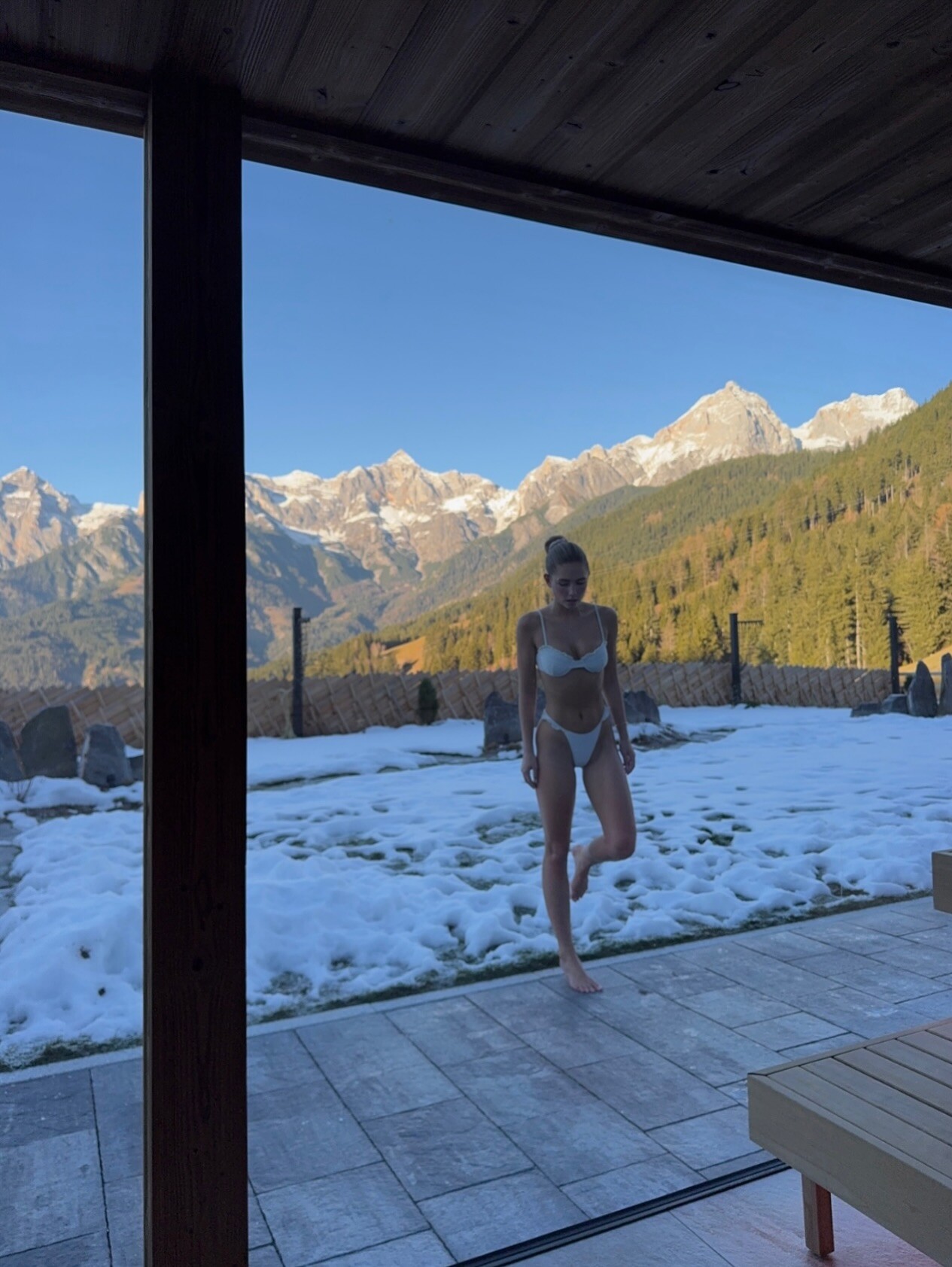











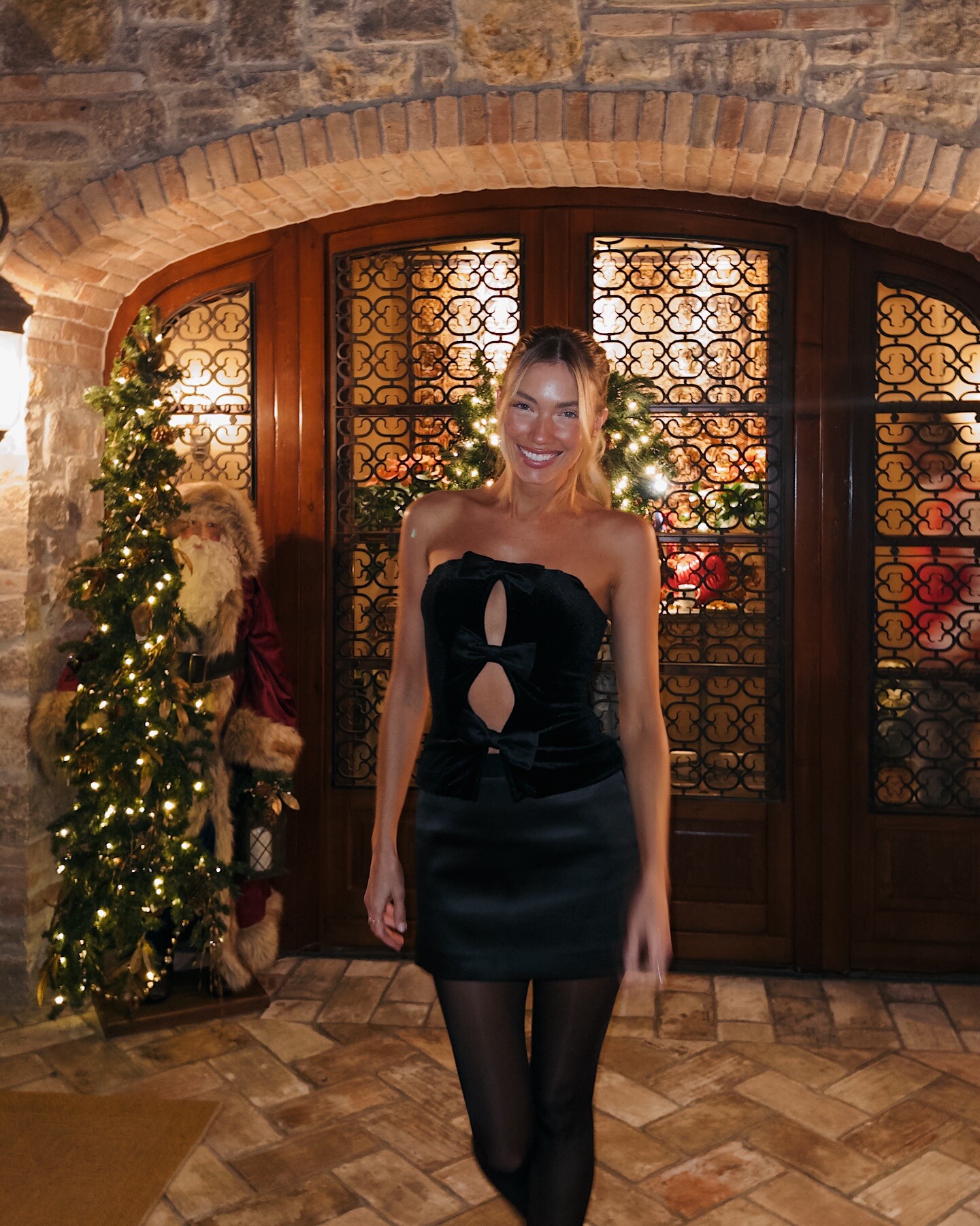
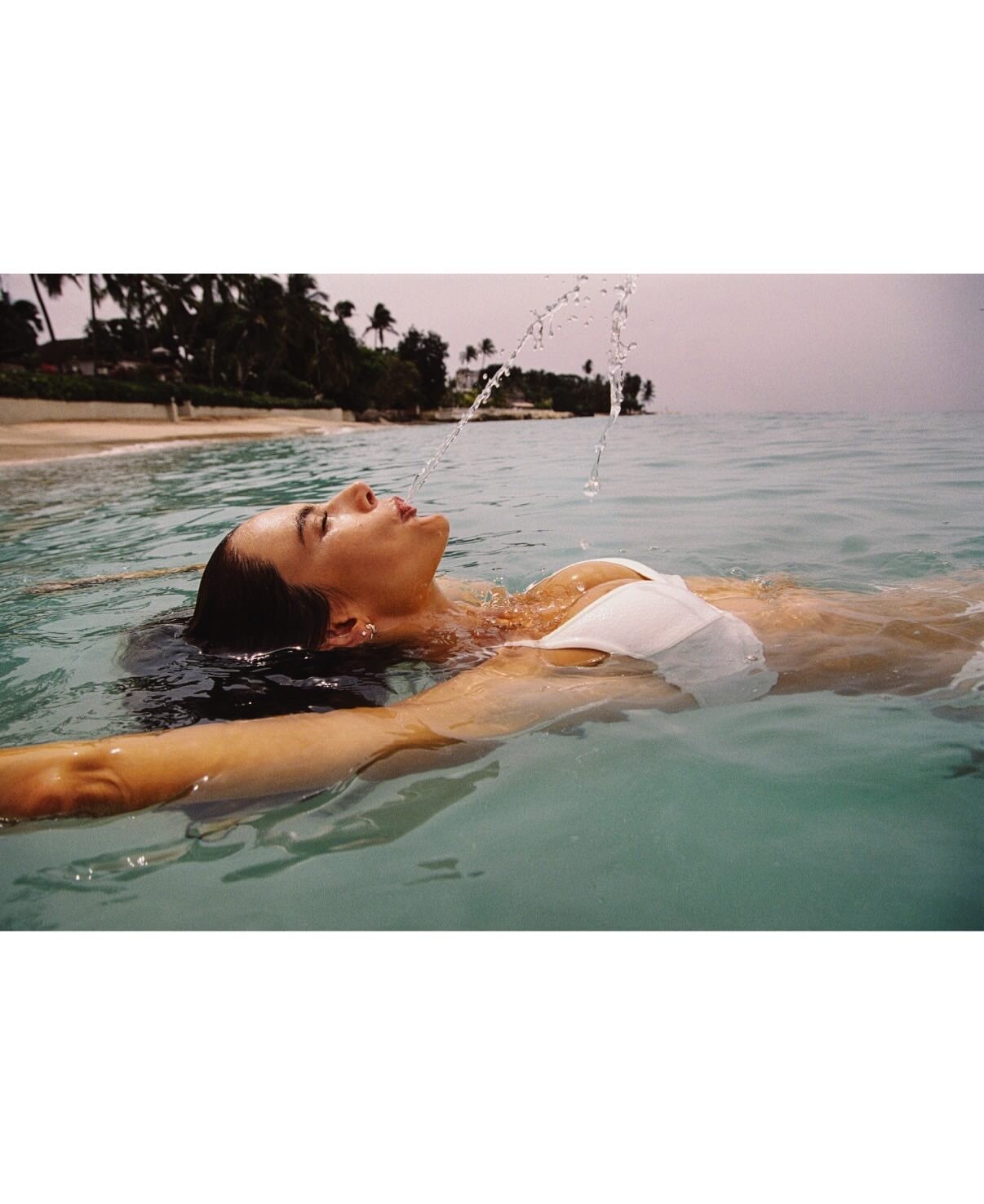
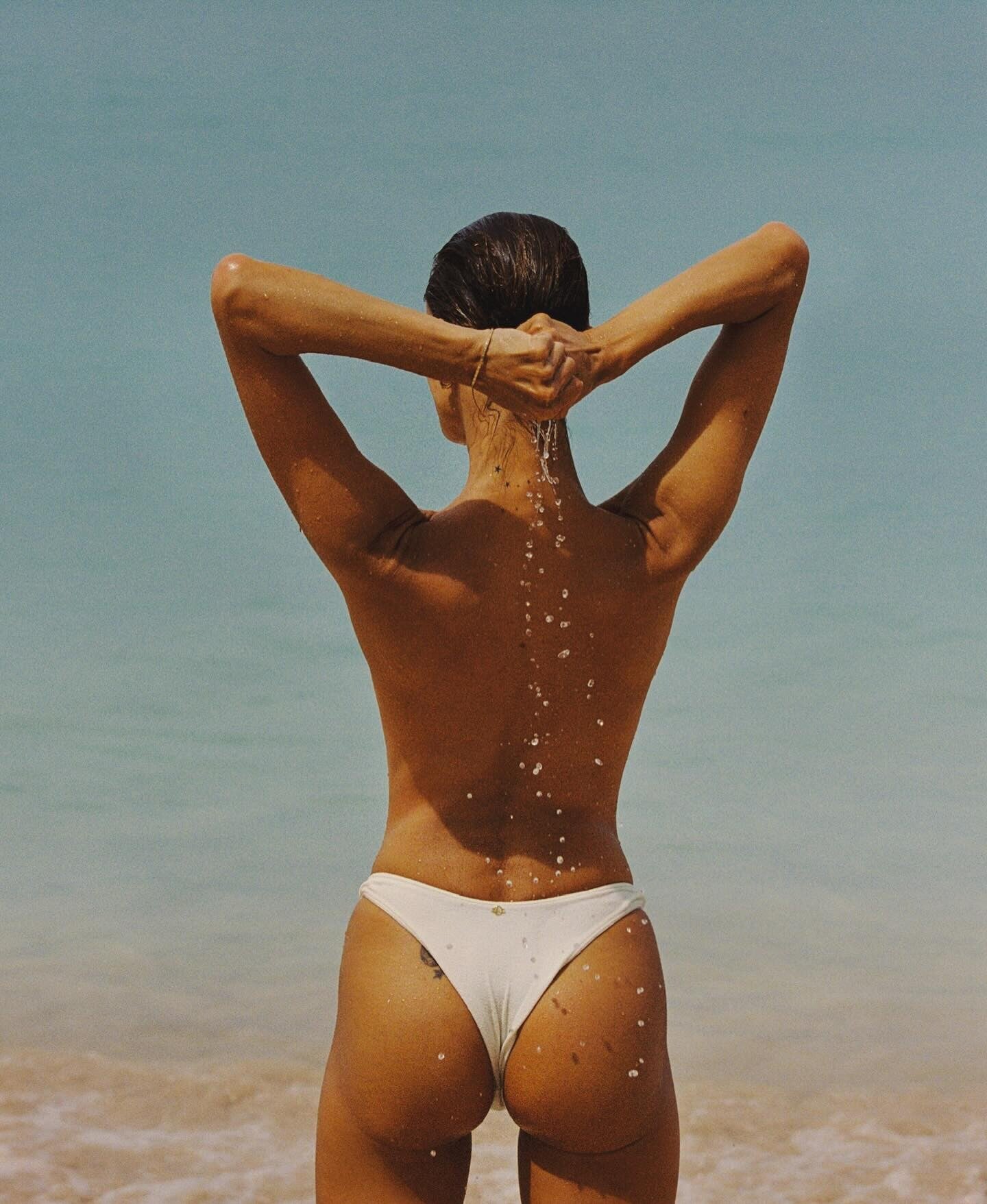
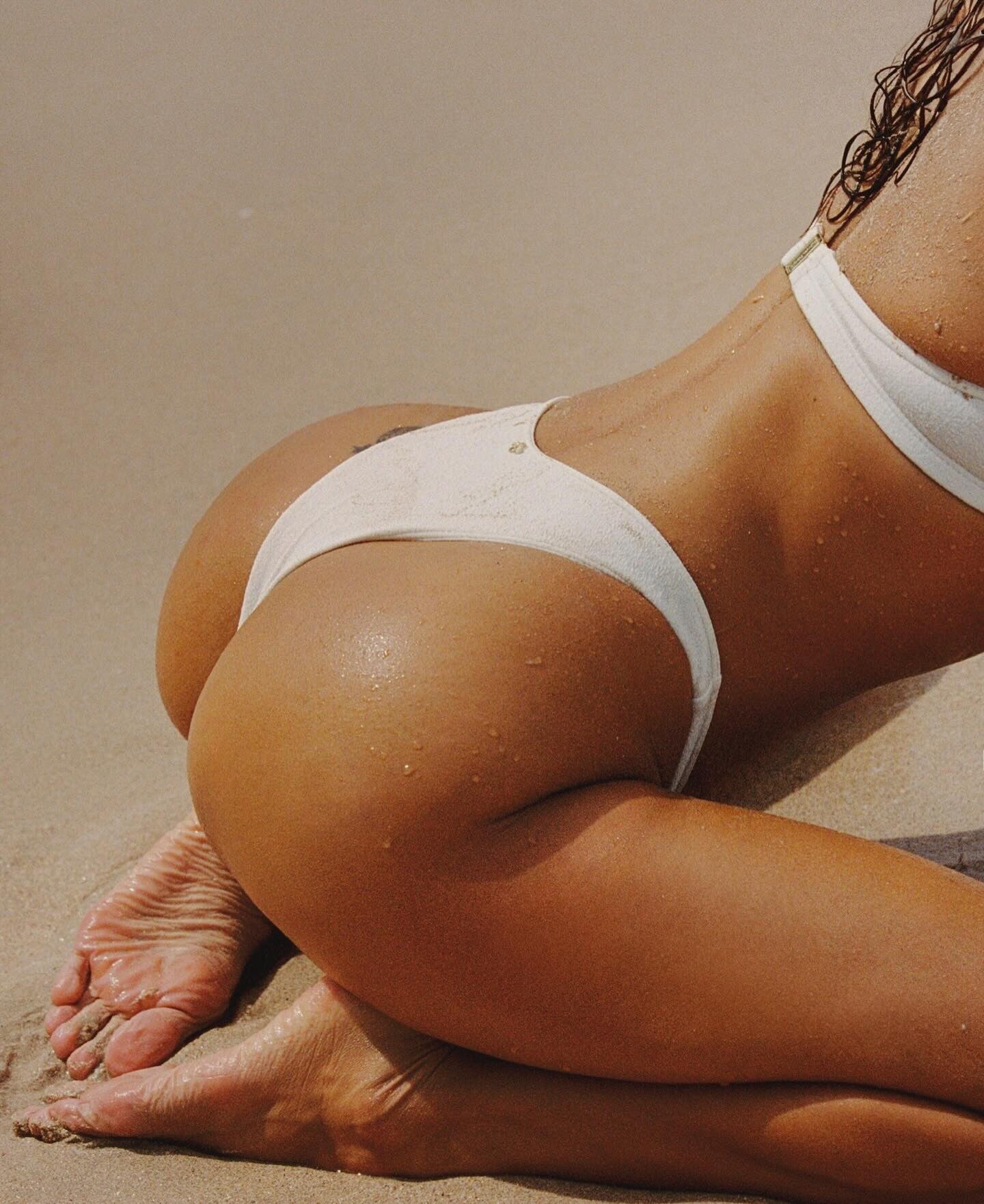
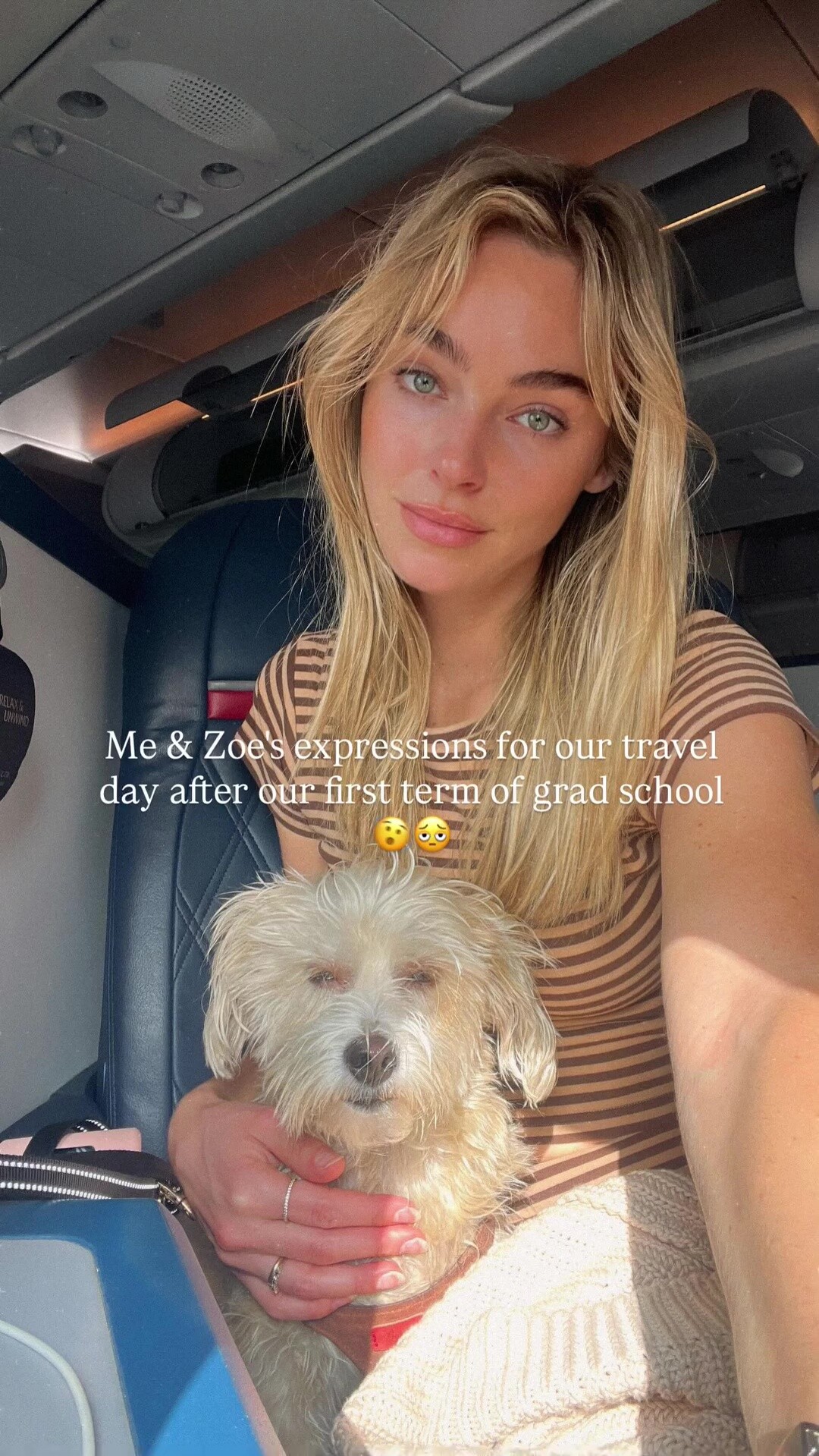


Account
Search
Configure browser push notifications
Chrome (Android)
- Tap the lock icon next to the address bar.
- Tap Permissions → Notifications.
- Adjust your preference.
Chrome (Desktop)
- Click the padlock icon in the address bar.
- Select Site settings.
- Find Notifications and adjust your preference.
Safari (iOS 16.4+)
- Ensure the site is installed via Add to Home Screen.
- Open Settings App → Notifications.
- Find your app name and adjust your preference.
Safari (macOS)
- Go to Safari → Preferences.
- Click the Websites tab.
- Select Notifications in the sidebar.
- Find this website and adjust your preference.
Edge (Android)
- Tap the lock icon next to the address bar.
- Tap Permissions.
- Find Notifications and adjust your preference.
Edge (Desktop)
- Click the padlock icon in the address bar.
- Click Permissions for this site.
- Find Notifications and adjust your preference.
Firefox (Android)
- Go to Settings → Site permissions.
- Tap Notifications.
- Find this site in the list and adjust your preference.
Firefox (Desktop)
- Open Firefox Settings.
- Search for Notifications.
- Find this site in the list and adjust your preference.