All Activity
- Past hour
-
Same for me. Update notifications for certain topics don't come in for some, intermittent for others, and 100% for others. @maddog107 any ideas?Ask and ye shall recieve 😉Yes its working again tyWoww what a beach! What a day. What a life 🌊💕




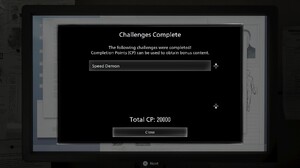
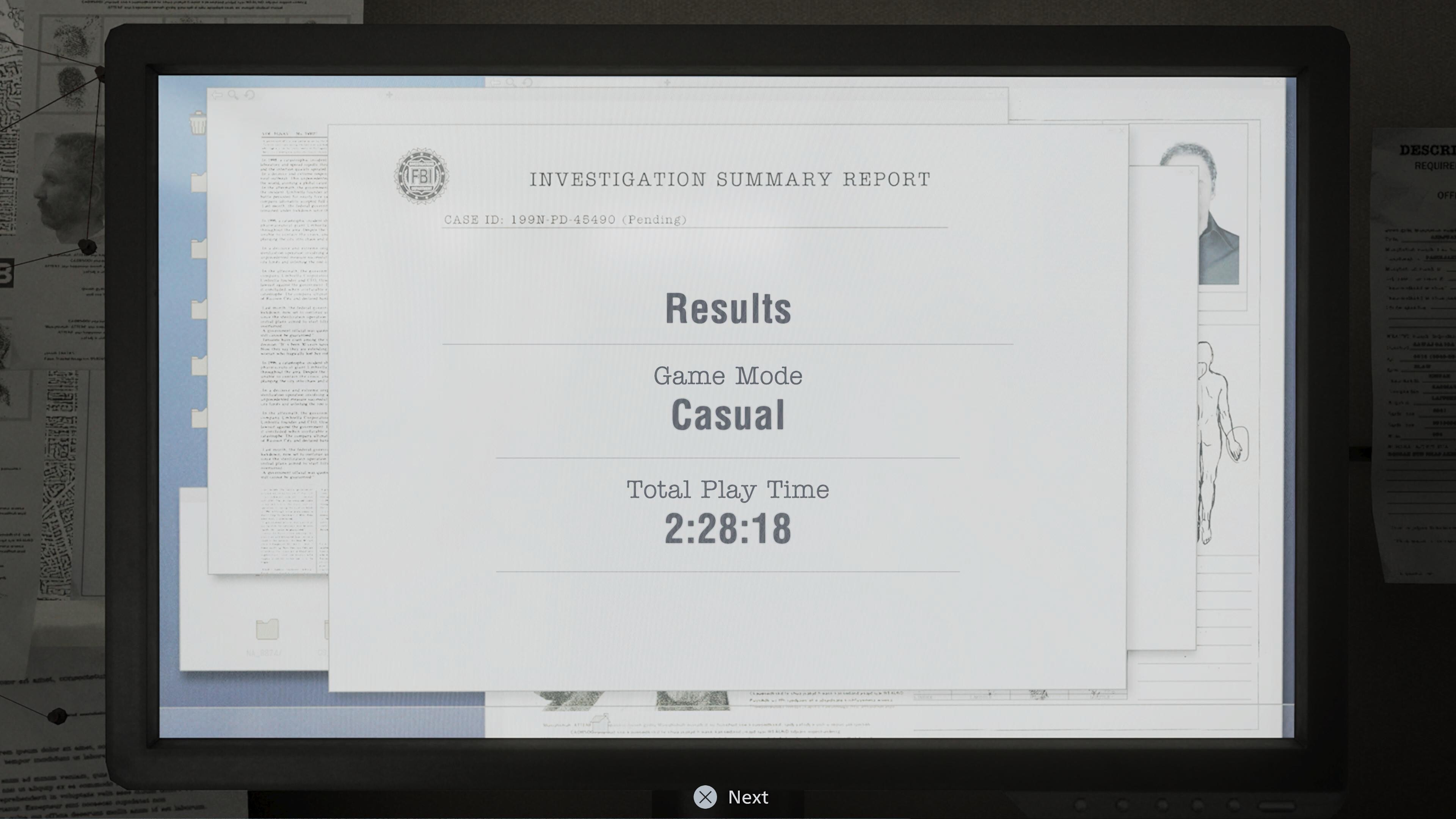
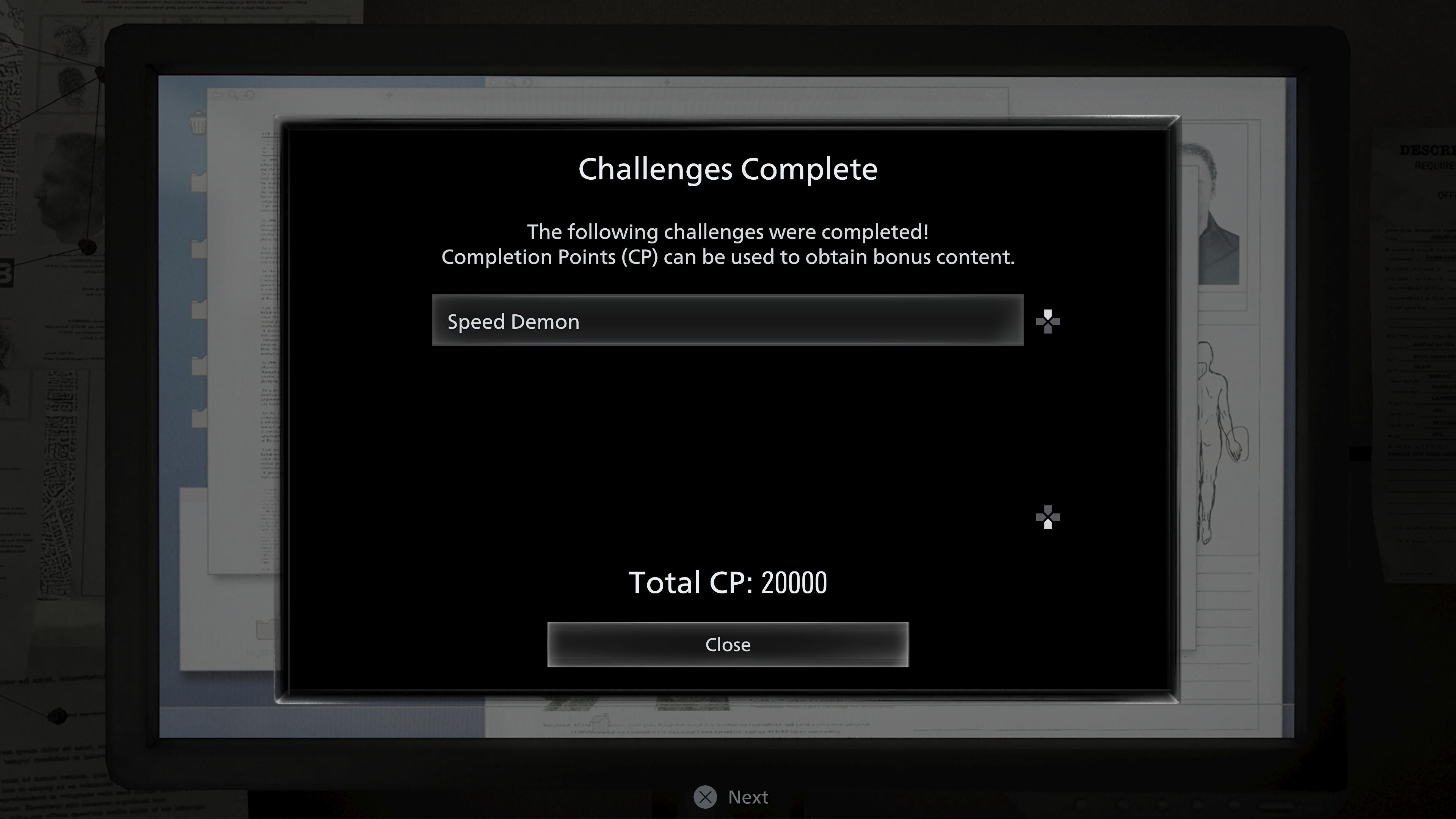
 @maddog107 It appears that notifications are working again. (they're delayed though)Finally got the Speed Demon challenge done. The goal was sub 2:30:00, so I'm happy.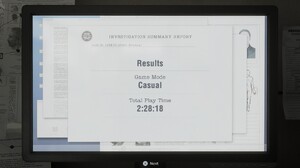
 my topics, I think this happened to everyone elsestories videos





 what do you mean my threads? Like Activities page?I've enhanced the photo with AI
 stories videos


 More Behadam❤️ https___www.instagram.com_stories_erinduganjurchak_3857435409488032224_utm_source_ig_story_item_share_igsh_MXc5djZtd2ZoYjRoNQ__(MP4).mp4 AQNEX0N1dUmWnoLFGhnbs8mUlM4KBOArz5h6j7oOXqzHMDLbn5iQYDvvfg10l6xYlXhKodYlW_AbMjbB8FxXq8QB..mp4nanette lapore ss2001
 dior fw1999
 Stephan Janson SS 2000: Firstview.com

- Today
Ariana via instagram






























.jpg.f7780551d64f070451157709196c4a1f.jpg)













Account
Navigation
Search
Configure browser push notifications
Chrome (Android)
- Tap the lock icon next to the address bar.
- Tap Permissions → Notifications.
- Adjust your preference.
Chrome (Desktop)
- Click the padlock icon in the address bar.
- Select Site settings.
- Find Notifications and adjust your preference.
Safari (iOS 16.4+)
- Ensure the site is installed via Add to Home Screen.
- Open Settings App → Notifications.
- Find your app name and adjust your preference.
Safari (macOS)
- Go to Safari → Preferences.
- Click the Websites tab.
- Select Notifications in the sidebar.
- Find this website and adjust your preference.
Edge (Android)
- Tap the lock icon next to the address bar.
- Tap Permissions.
- Find Notifications and adjust your preference.
Edge (Desktop)
- Click the padlock icon in the address bar.
- Click Permissions for this site.
- Find Notifications and adjust your preference.
Firefox (Android)
- Go to Settings → Site permissions.
- Tap Notifications.
- Find this site in the list and adjust your preference.
Firefox (Desktop)
- Open Firefox Settings.
- Search for Notifications.
- Find this site in the list and adjust your preference.