All Activity
- Past hour
-
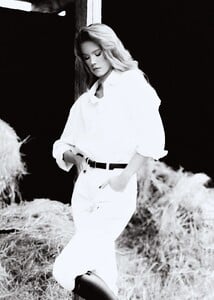
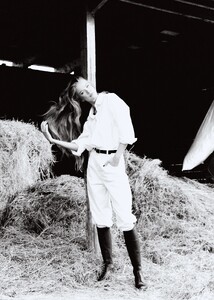
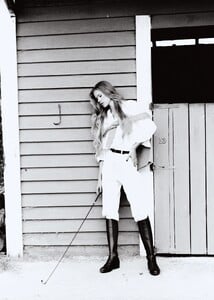
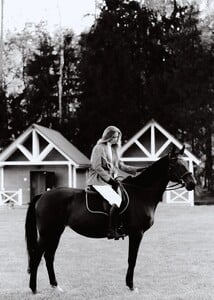
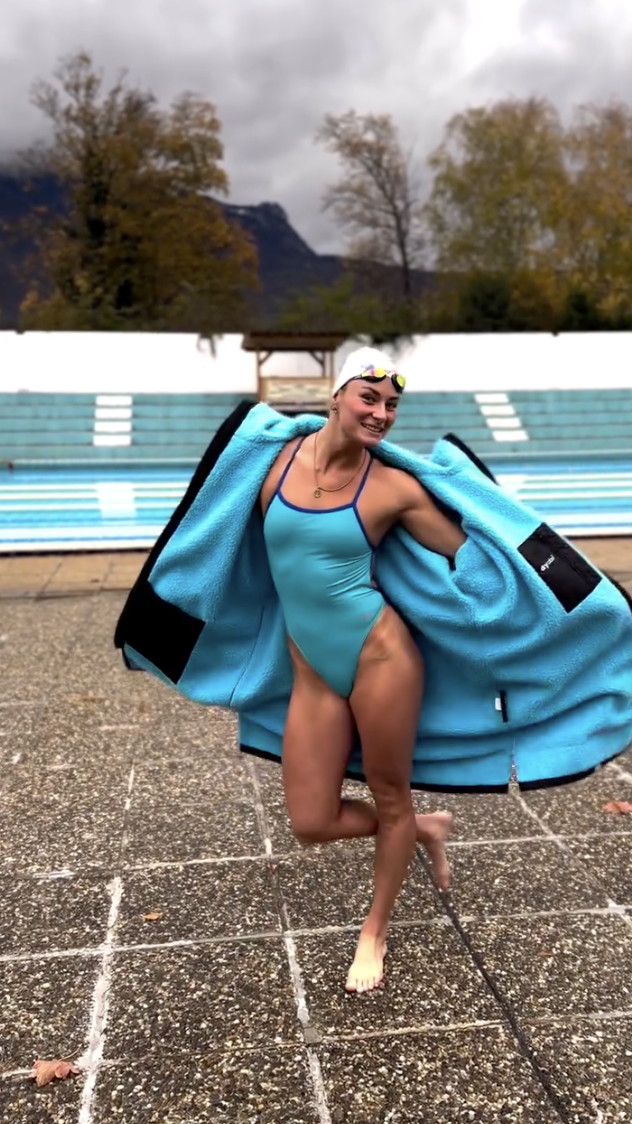
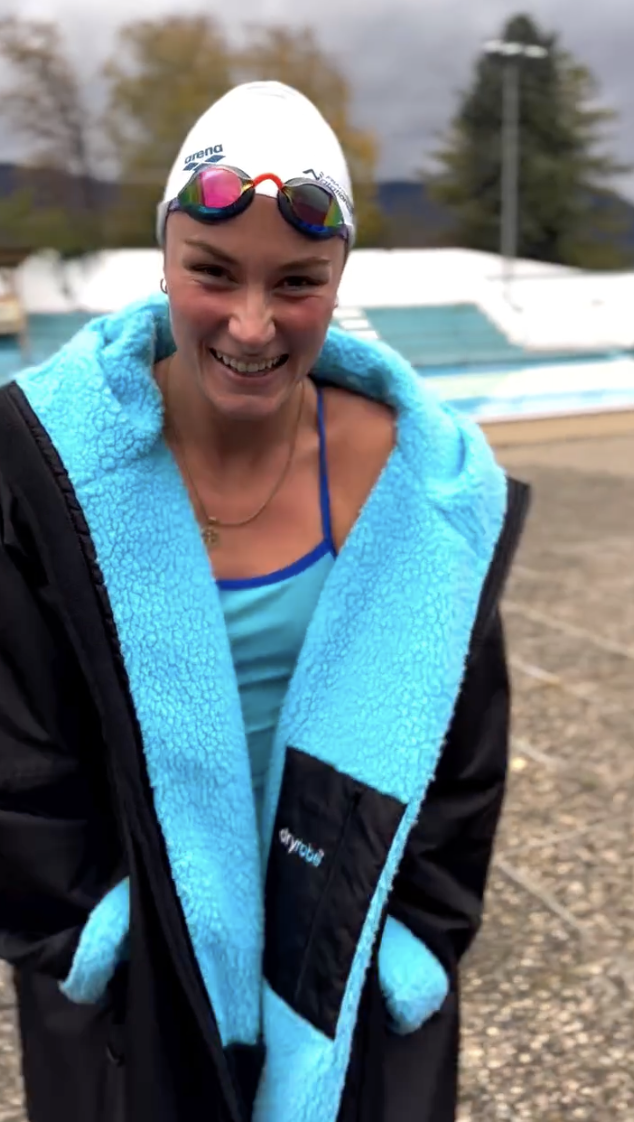
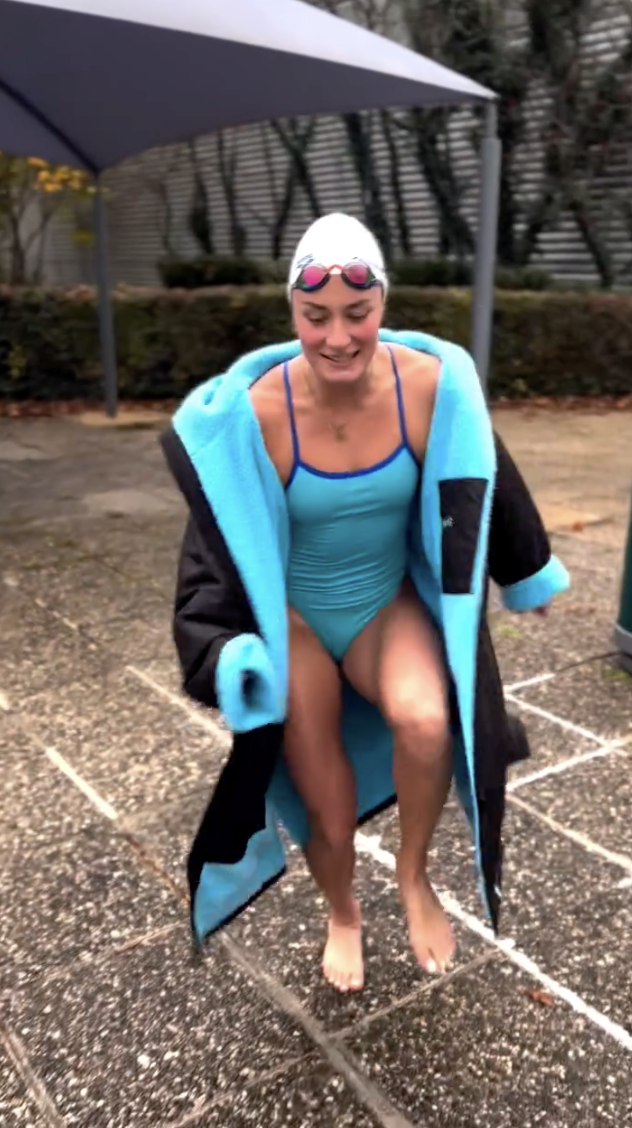
 Ph: Ekaterina Yakovych 2025 AQOZZrXaTdb7Ym2zS7BFpM_LbVx55cEXEPpZDajmwelFQDGEFIUT_T8o58CG1pRVHO8MOU9JmFX0_IMNKjG1XyKLPqxeYg_H7HXTC2E.mp4AQOhWTNWGh5qQWsEH2KdCQ1jtuirNFt6Imwn_bh2PiPY2tIJDGX1yBUWgV9r1we3HTwa2lhYc8fgVe1GNj0JVwDTJqDcduO4WZnLEgA.mp4






























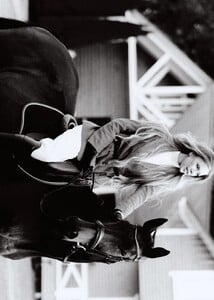
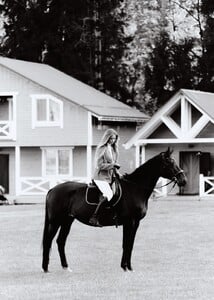
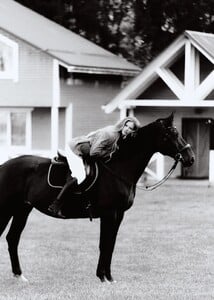

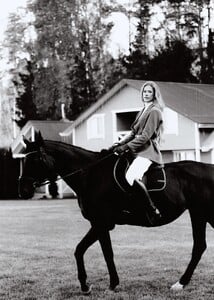





-

-
-

-
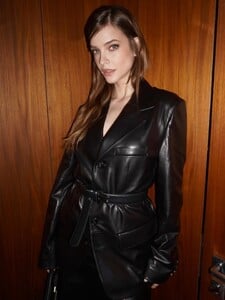
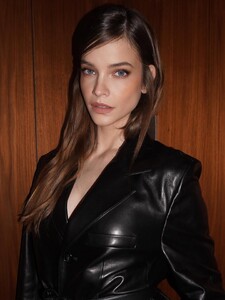
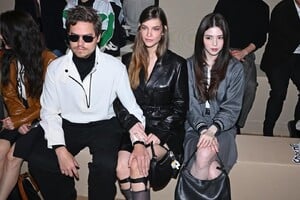
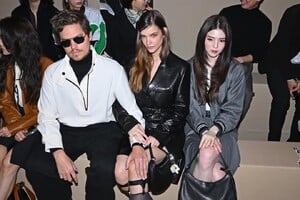
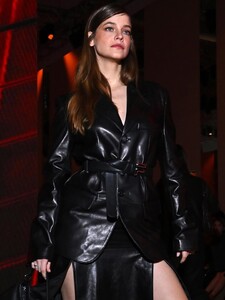
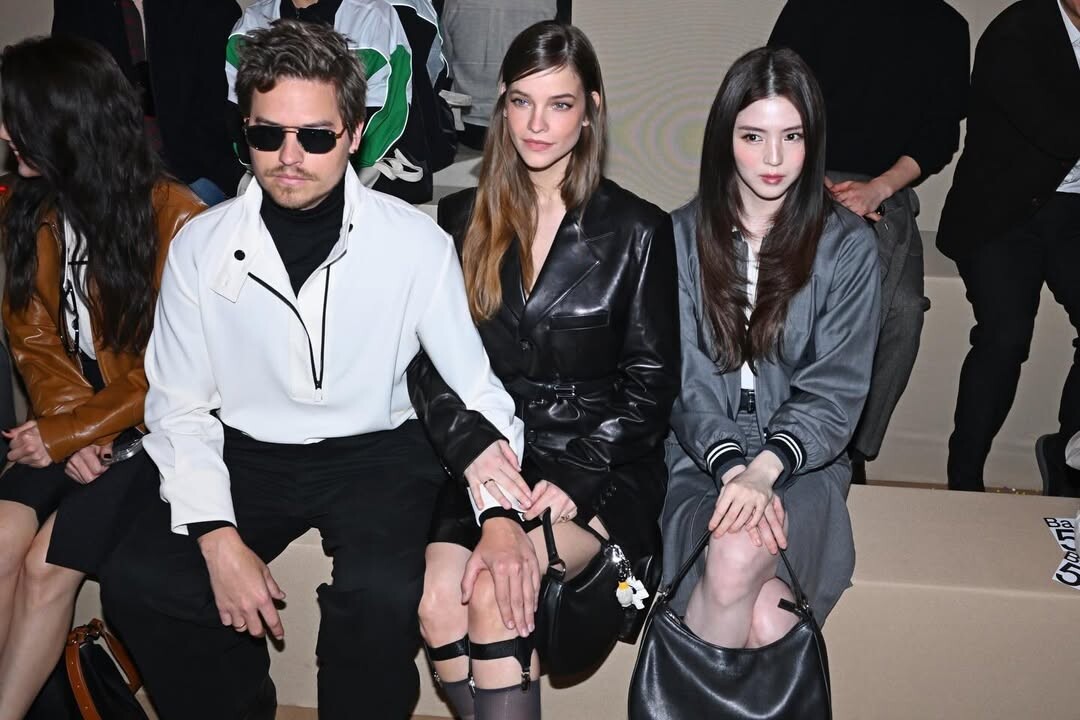
She (and Dylan) is in Milan and attended the Fila event. From Tobimakeup's IG. At the event Videos


-

- Today
-
-
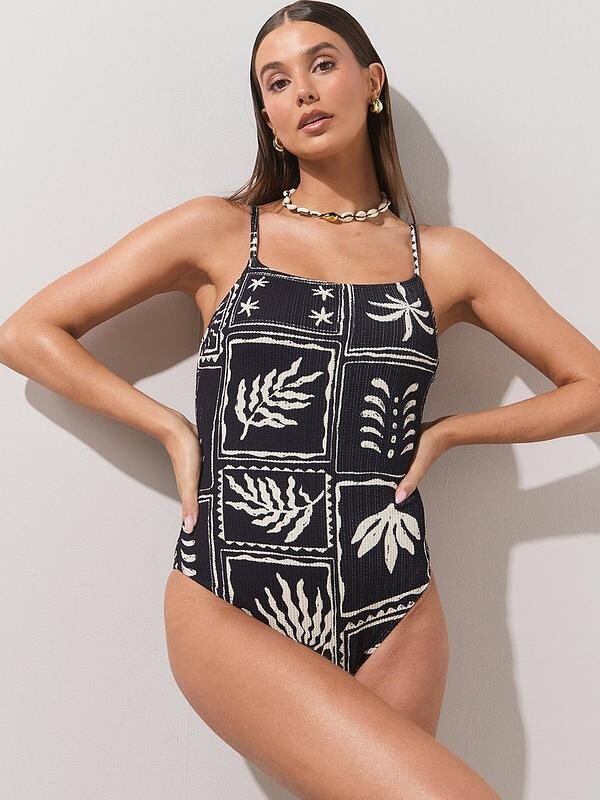
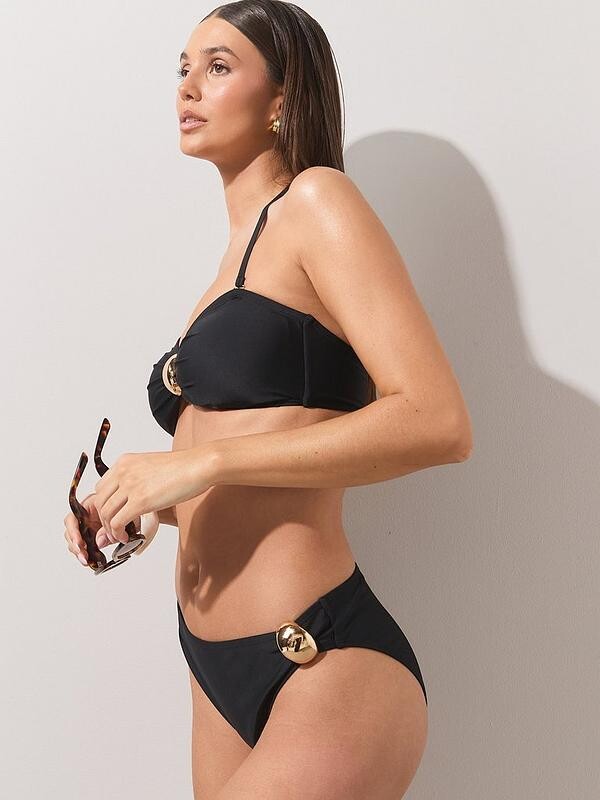
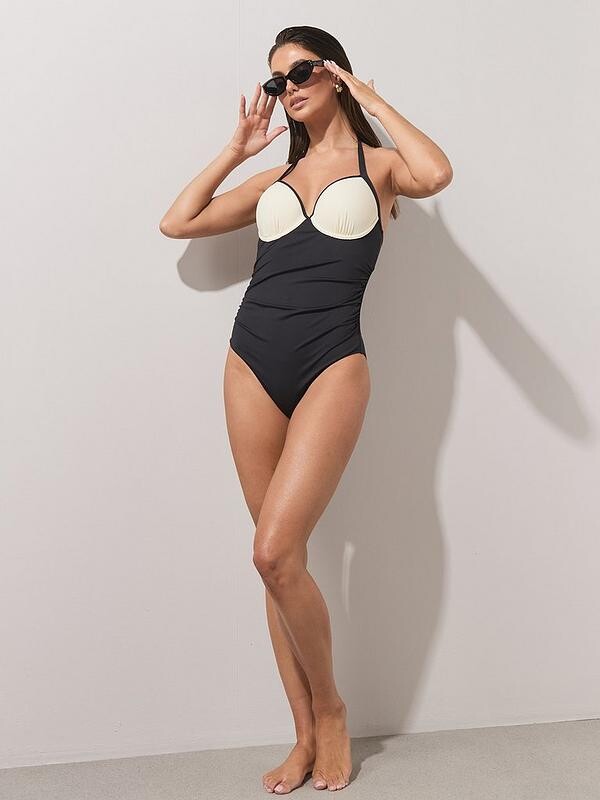
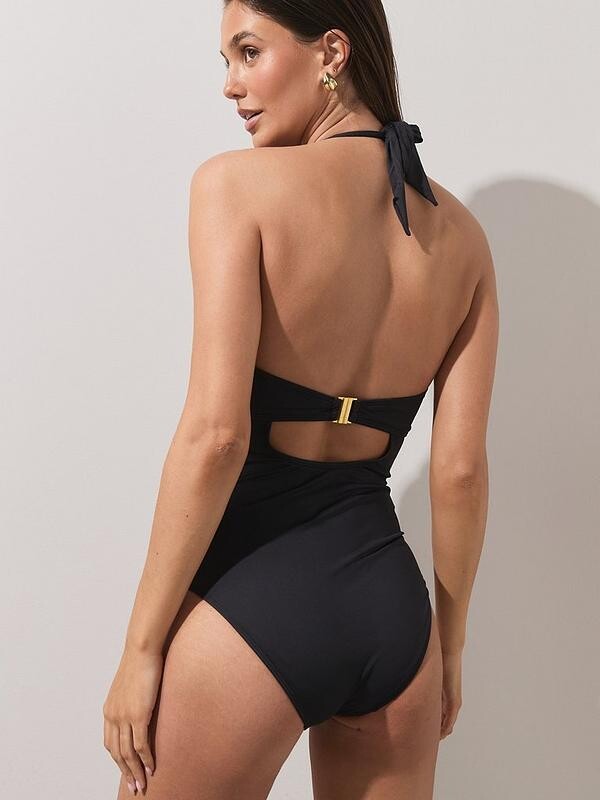
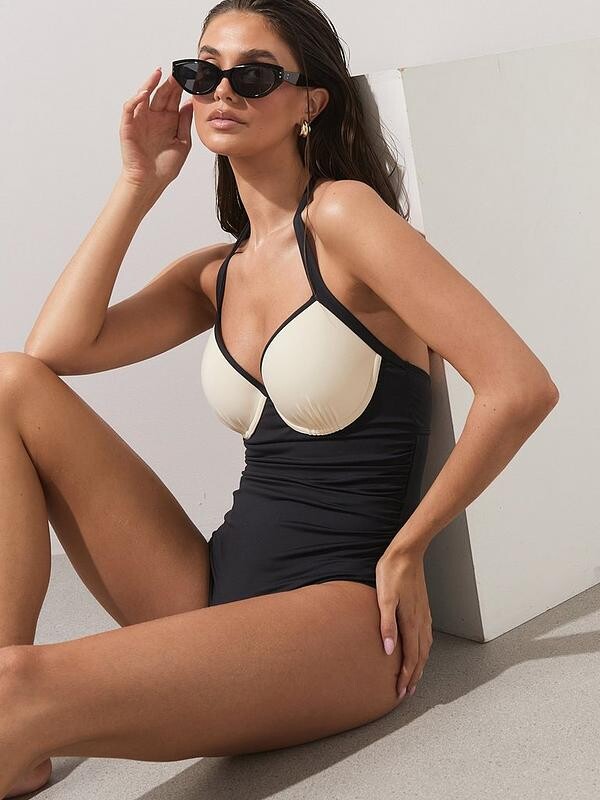
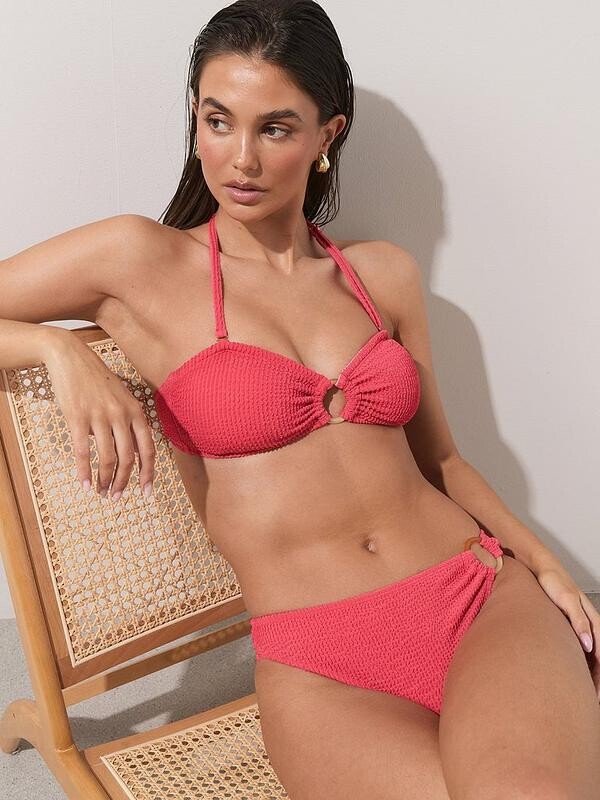
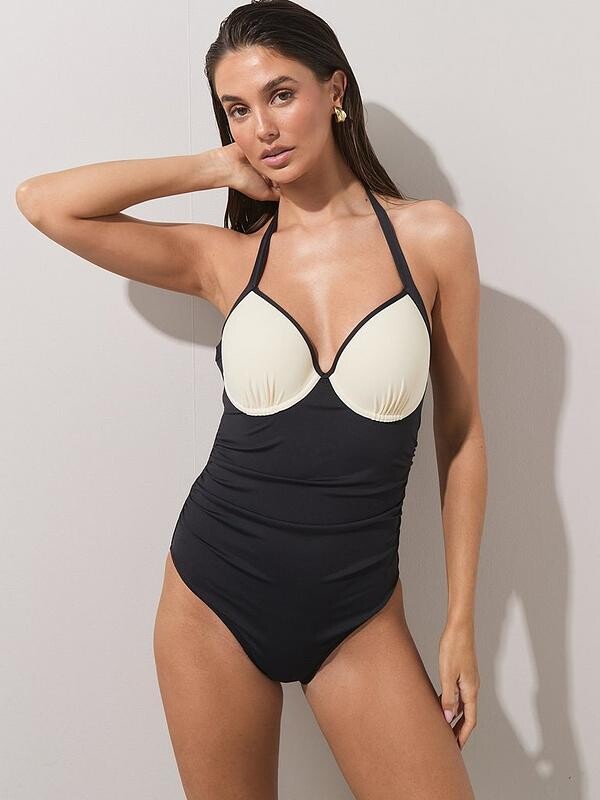
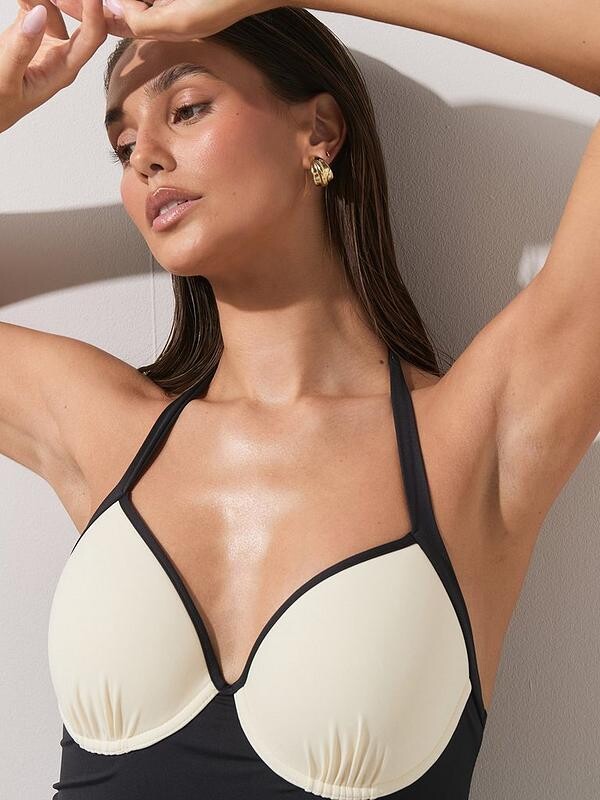
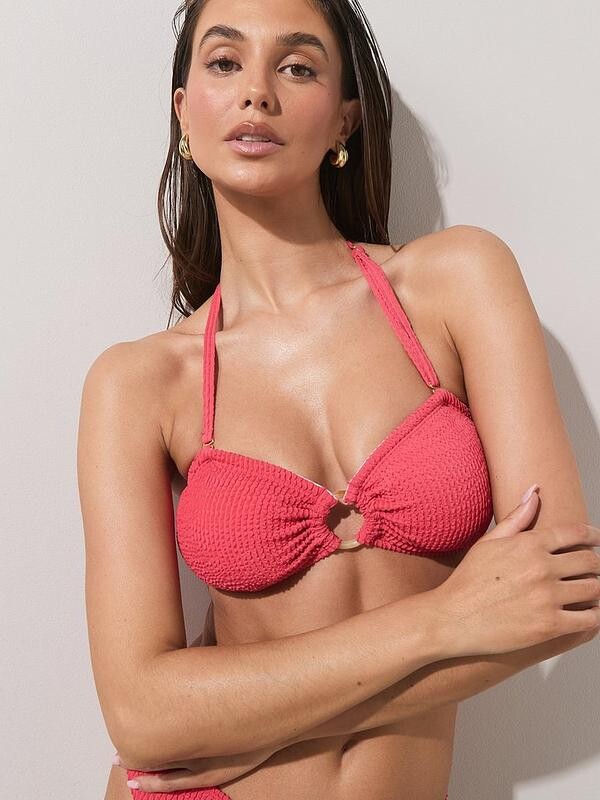
 Everieswim Over 20k+ sets sold! The original navy & butter.mp4
 -

-
-
-
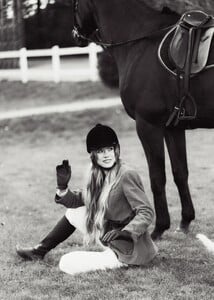
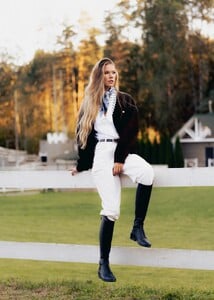
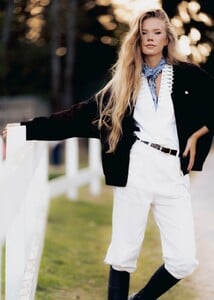
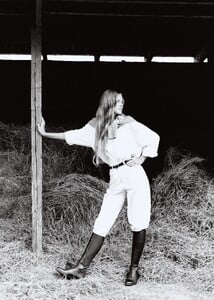
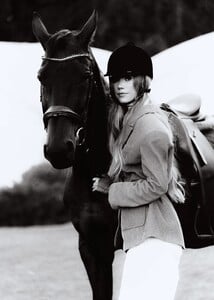
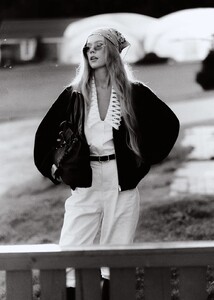
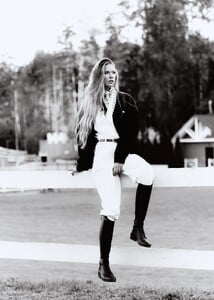
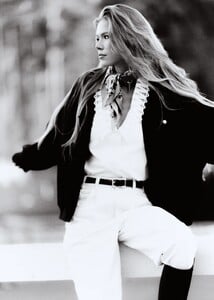
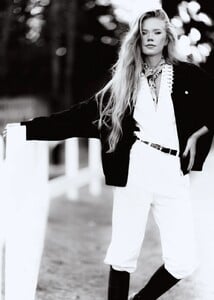
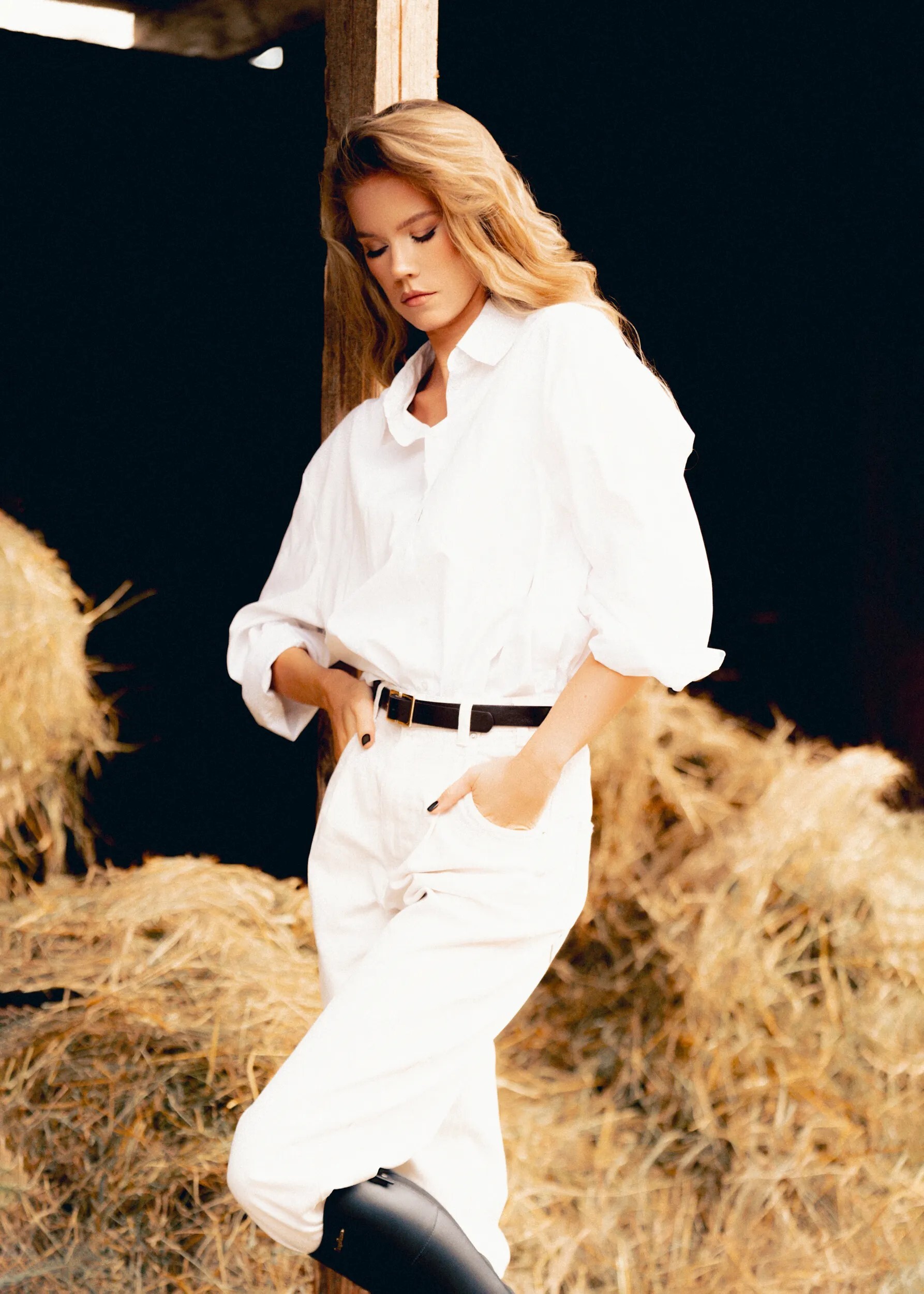
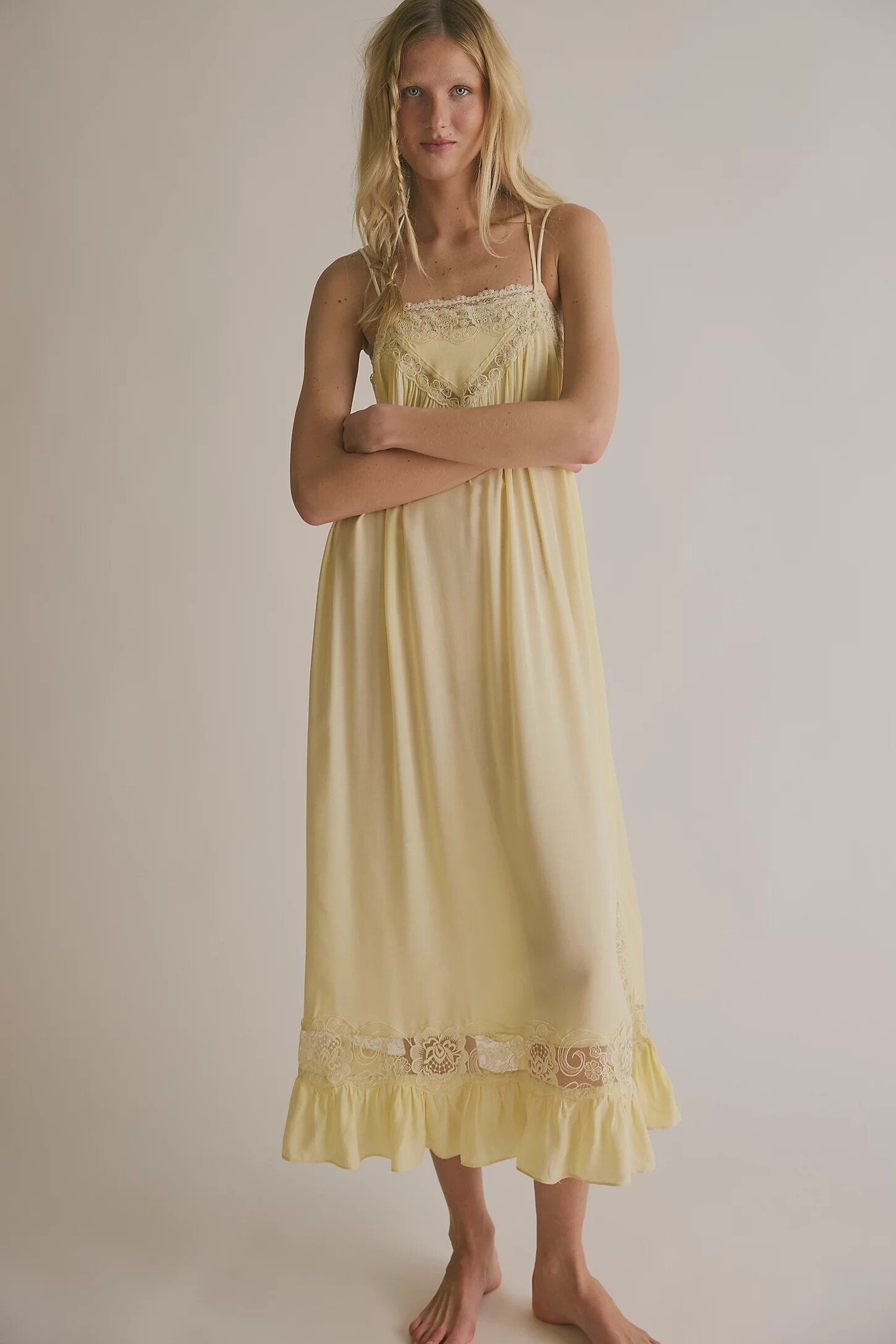
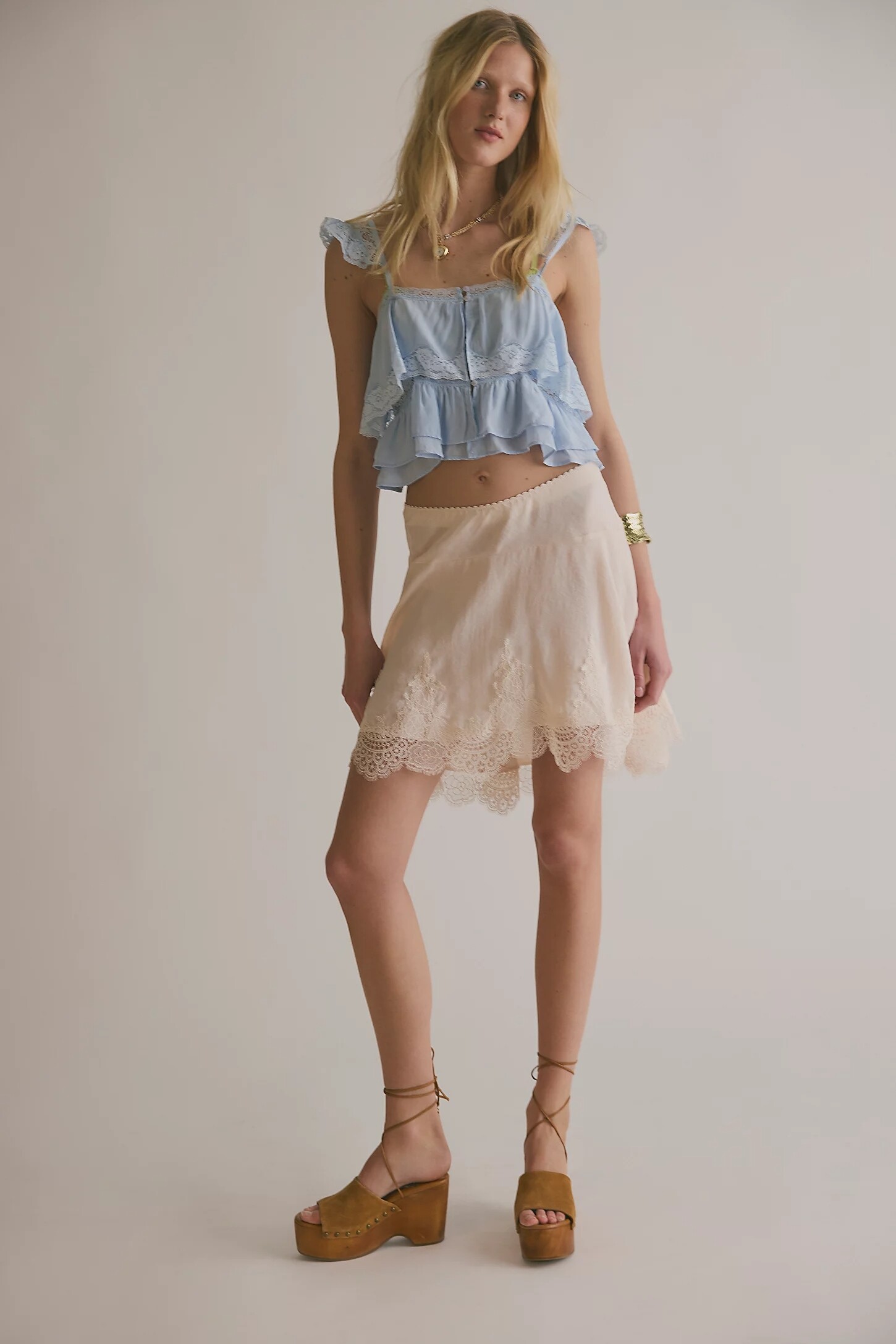
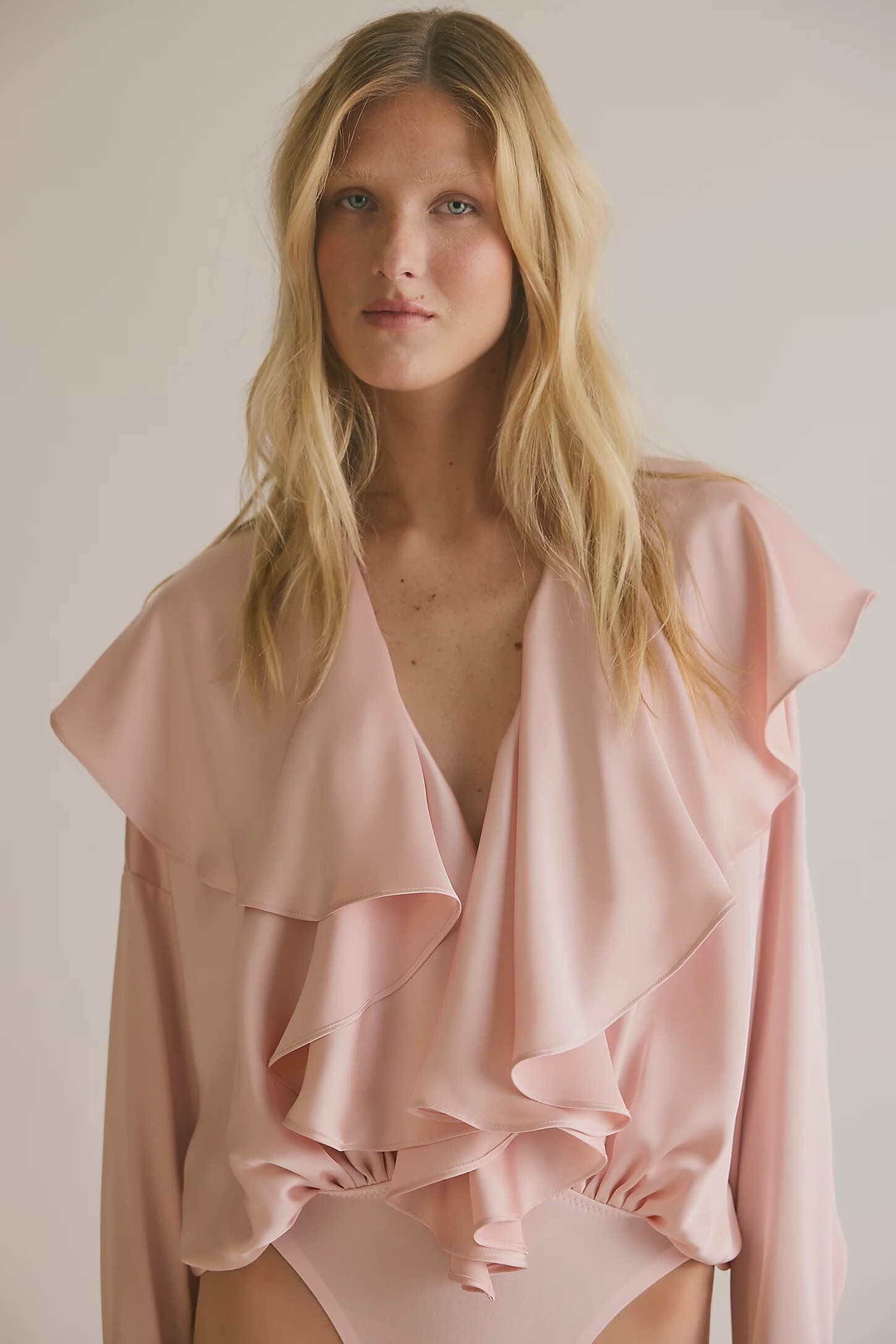
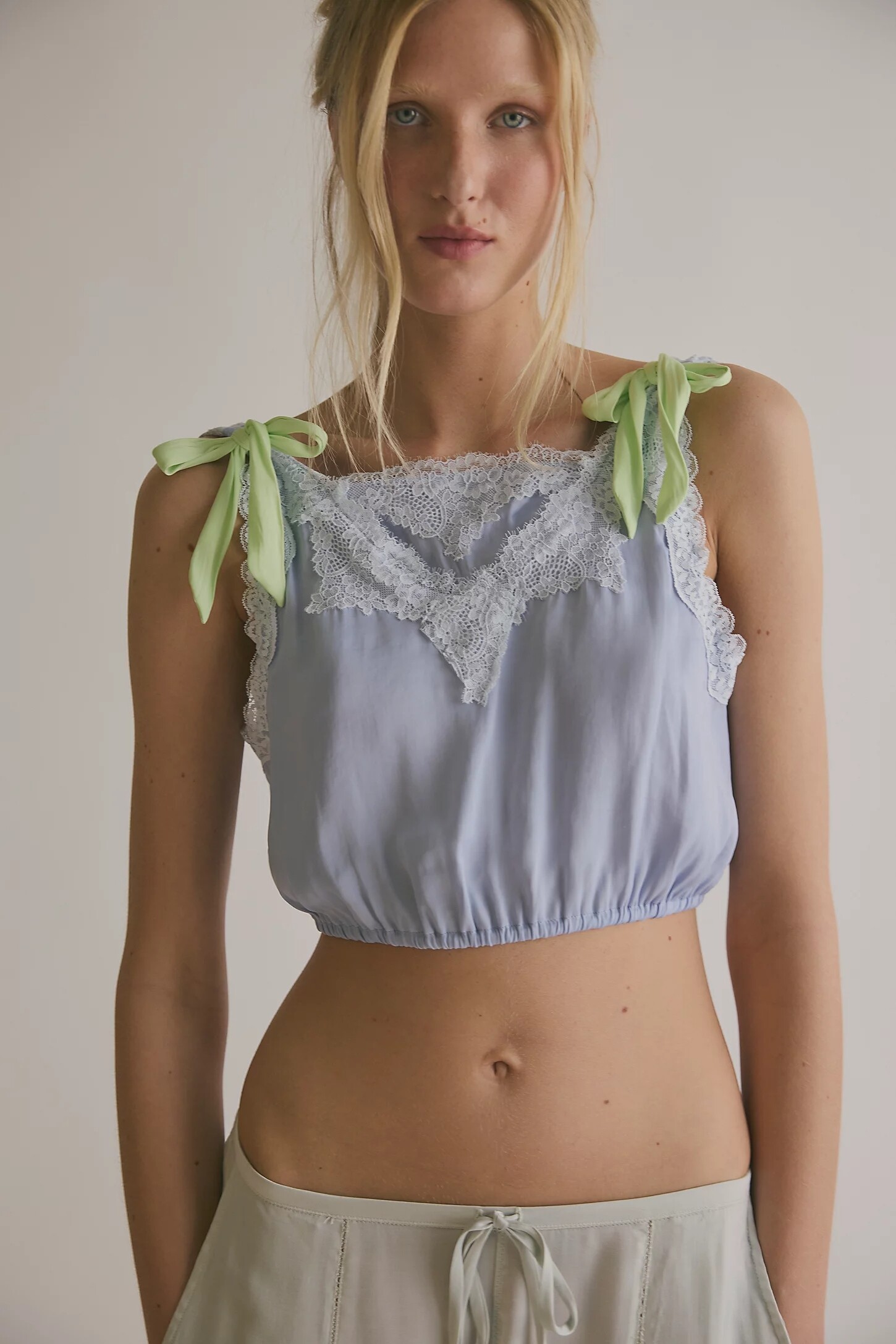
 Hey all, Any ideas about this cute blonde for Free People? Thanks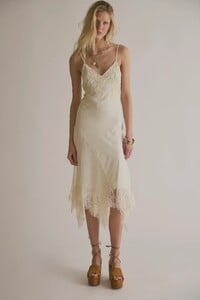
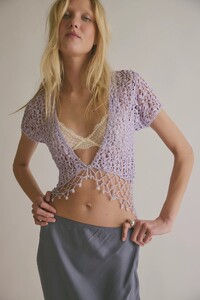
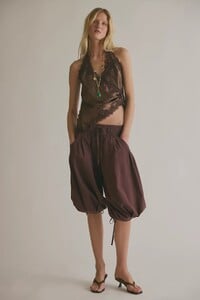




-
-

 IVana Figueiras - Pink Models Management BA
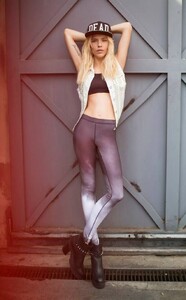 winter camp (2026) anastasia_urbaniak Kopie 8.mp4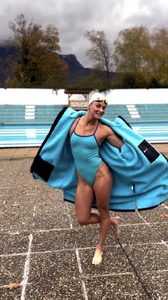
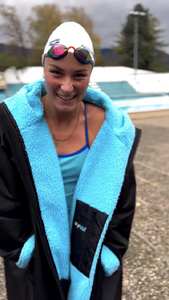
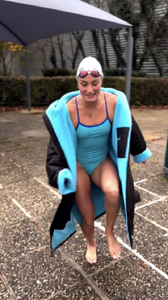
 Le Clotte 2026
.thumb.jpg.2995044b840d7cf483d65b4c979a9bcc.jpg)
.thumb.jpg.a06442141809d53785aac4891621e6b3.jpg)
.thumb.jpg.ce10c082425e173aef4f240ba8879942.jpg)
.thumb.jpg.7d96bdabc4b952f4a1ea011b55cd0f9a.jpg)
.thumb.jpg.3cb4d34a29d9fc933e7a75ae49e67f38.jpg)
.thumb.jpg.6dfe2f31b9bf038c122c40f9c70008e0.jpg)
.thumb.jpg.21dcaf5874d7f0b505df8188b6467a7d.jpg)
.thumb.jpg.8890bfa8e0b013fb391c8b41140fe43e.jpg)
.thumb.jpg.2ec6b34300fd9a22a5e7d90705b2500f.jpg)
.thumb.jpg.6081dc1b5e16035f56b3e8eeaec40477.jpg)
.thumb.jpg.d1e1426a5e0f9afc1e90643bbcc5b9ee.jpg)
.thumb.jpg.cfca822e06c036329cf613fa0b740c60.jpg)
.thumb.jpg.e039bcc7cdd969cebcc9da007c8aaa2f.jpg)
.thumb.jpg.2e7fb8e524b8f894e0f11c94a7a521f4.jpg)
.thumb.jpg.f70c949c1dee0256df360d5a0ccdf1af.jpg)
.thumb.jpg.593a226ec4b70b3d3d4abae3e47b4d9f.jpg)
.thumb.jpg.b64ceba719d9b8487161c158276112fe.jpg)
.thumb.jpg.3fbe8ffdc03502d7cc6261e5b010acab.jpg)
.thumb.jpg.04a4877bfaf0dd7a98daf90ae4777e67.jpg)
.thumb.jpg.da8463dcf846e2ffe7a9075160936707.jpg)
.thumb.jpg.ec3f4775bdbeb0fbaad0e132d591e934.jpg)
.thumb.jpg.ed3015582a9b9ee2c0fb99308d31b20e.jpg)
.thumb.jpg.3de51d7c35e6ace4fb279c8633c15829.jpg)
.thumb.jpg.c426c5add23dcf006dd0e88dbb565495.jpg)
.thumb.jpg.708d29dcc56dfd50b9b5be34f4f7248a.jpg)
.thumb.jpg.15a70e22d719c2899d17333c9788630b.jpg)
.thumb.jpg.dddf9b3a30f19b358c03cc6ffb84040d.jpg)
.thumb.jpg.6f314324db4ed5bcfc153c2de6e9ed0d.jpg)
.thumb.jpg.66534270c647371d22dbbdab46535b8b.jpg)
 junipeerr333 joined the community
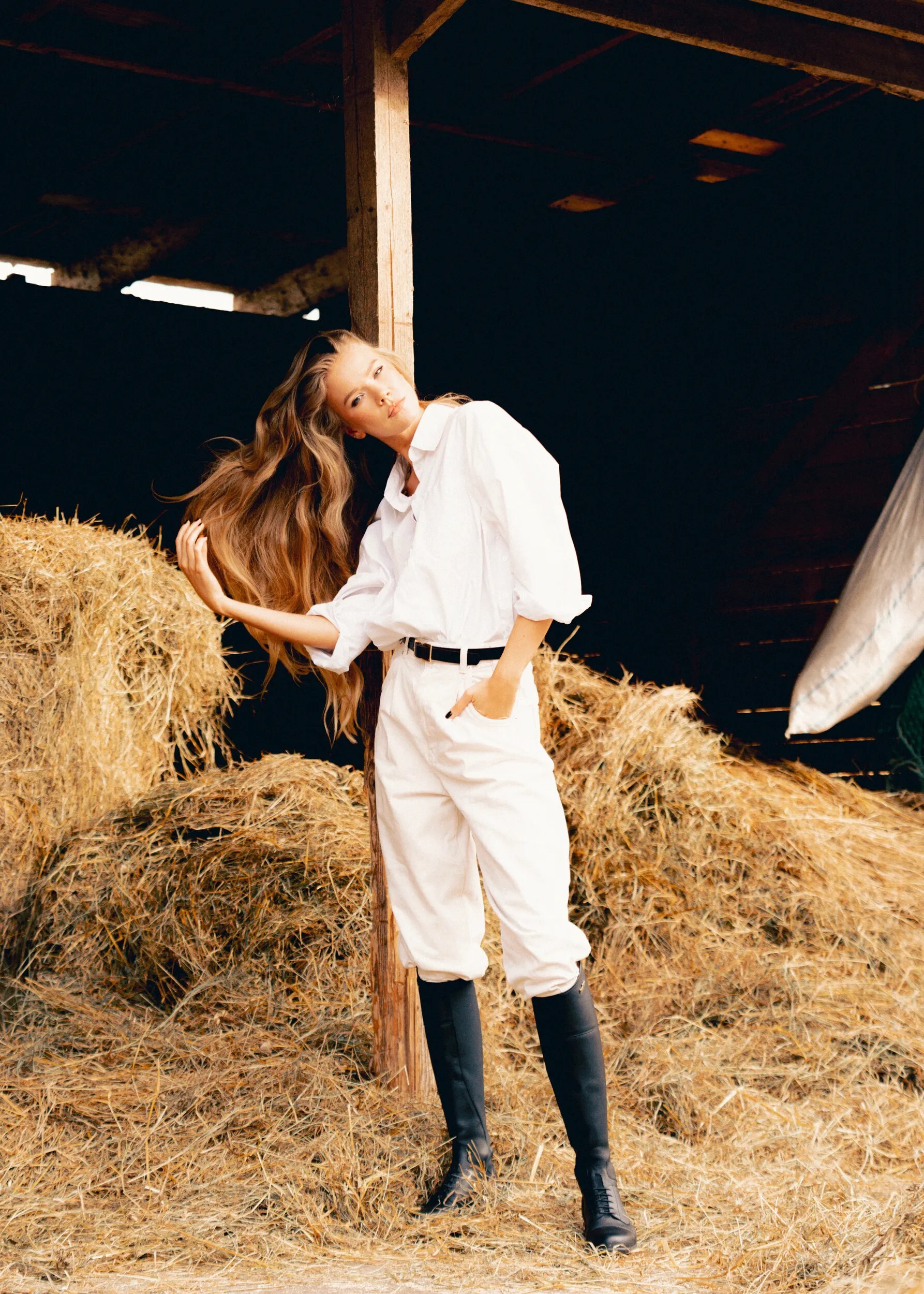
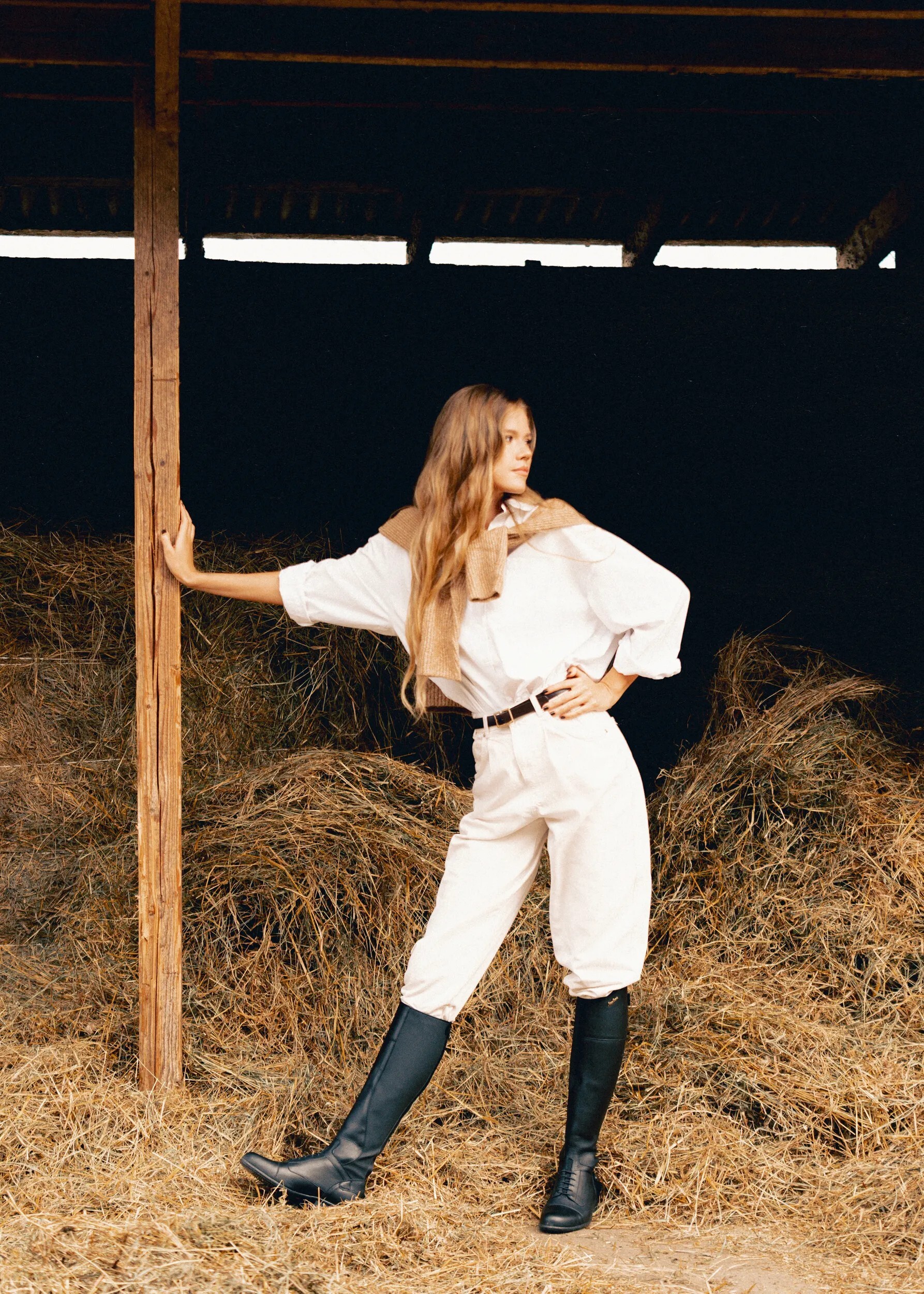
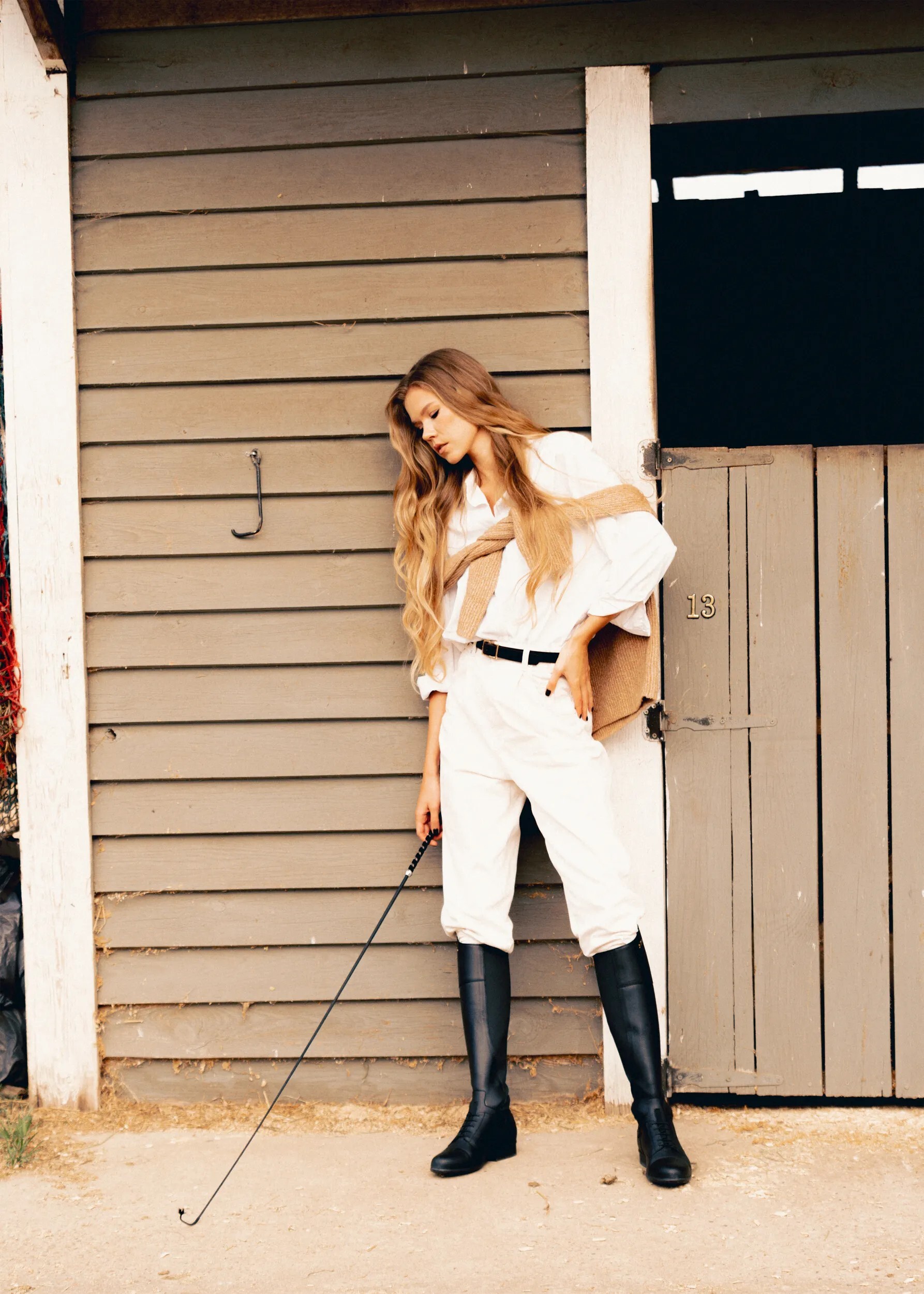
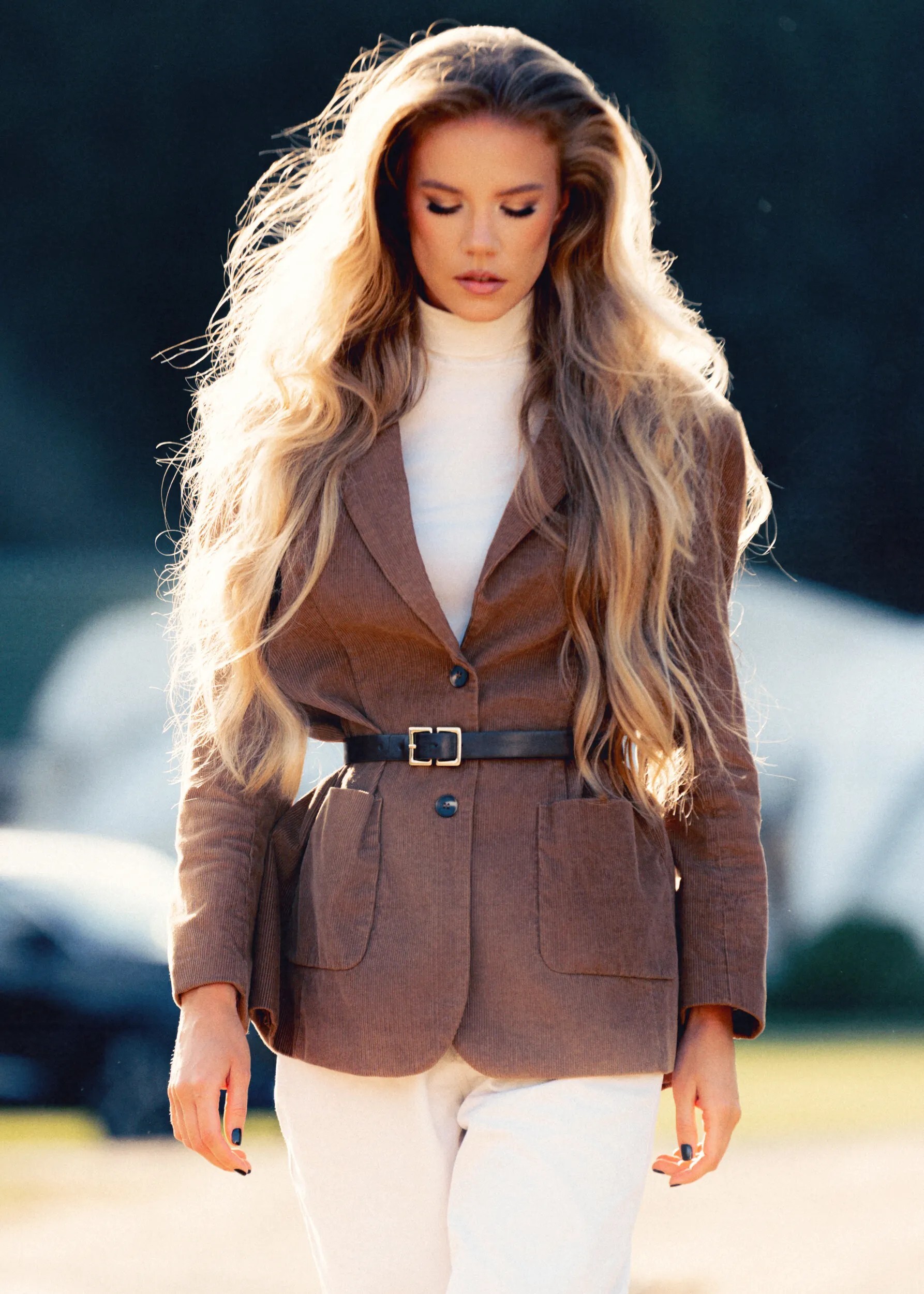
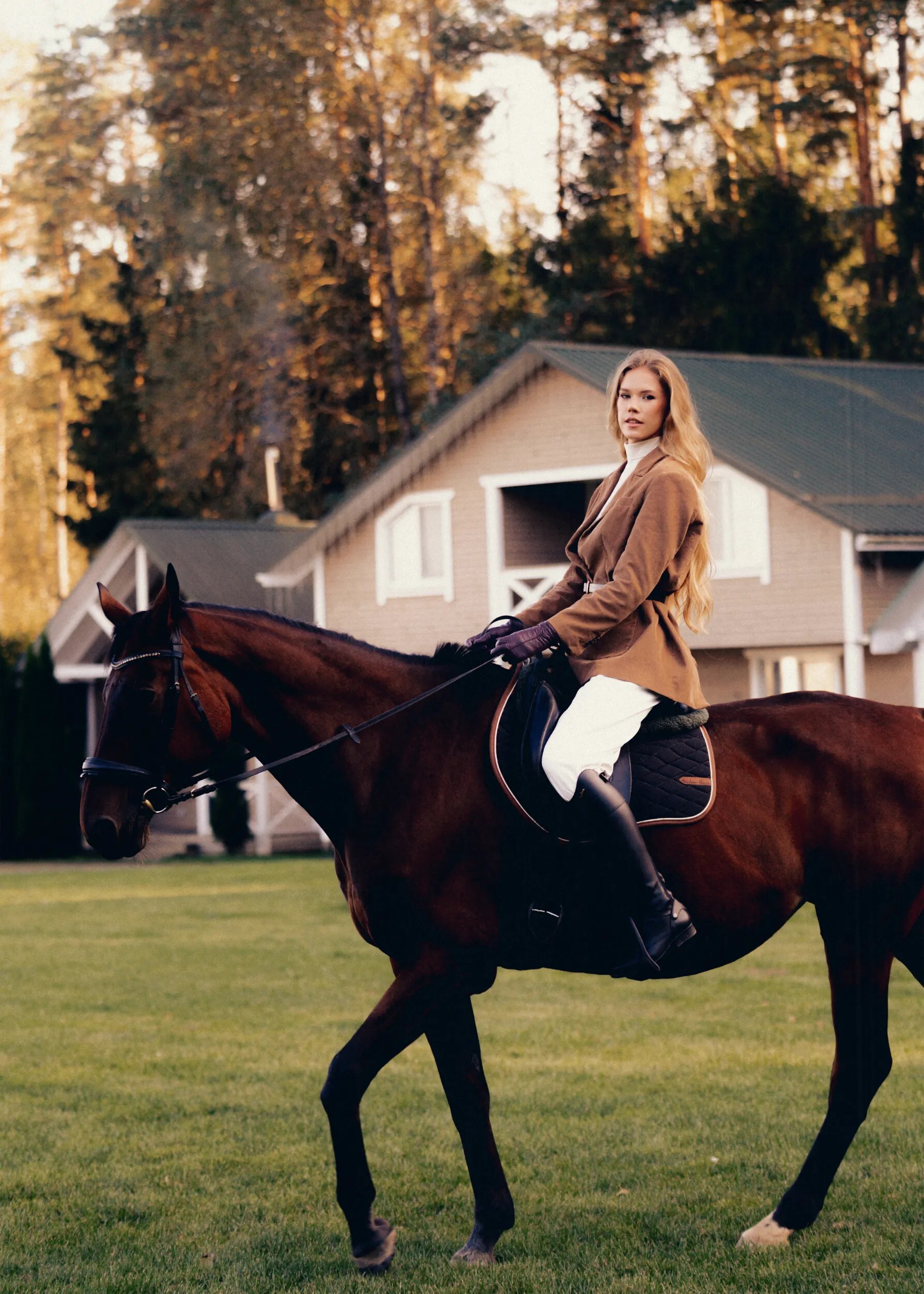
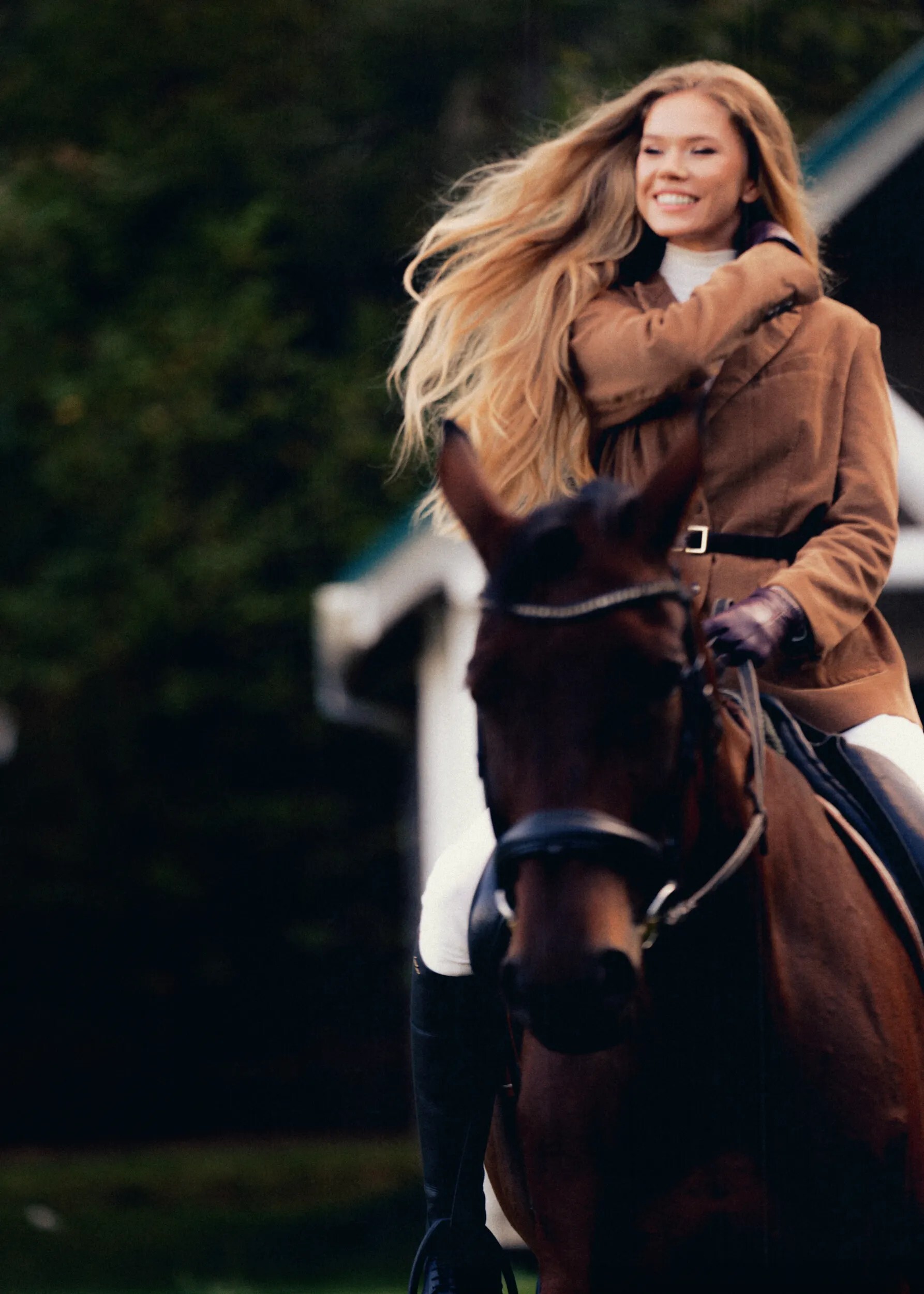
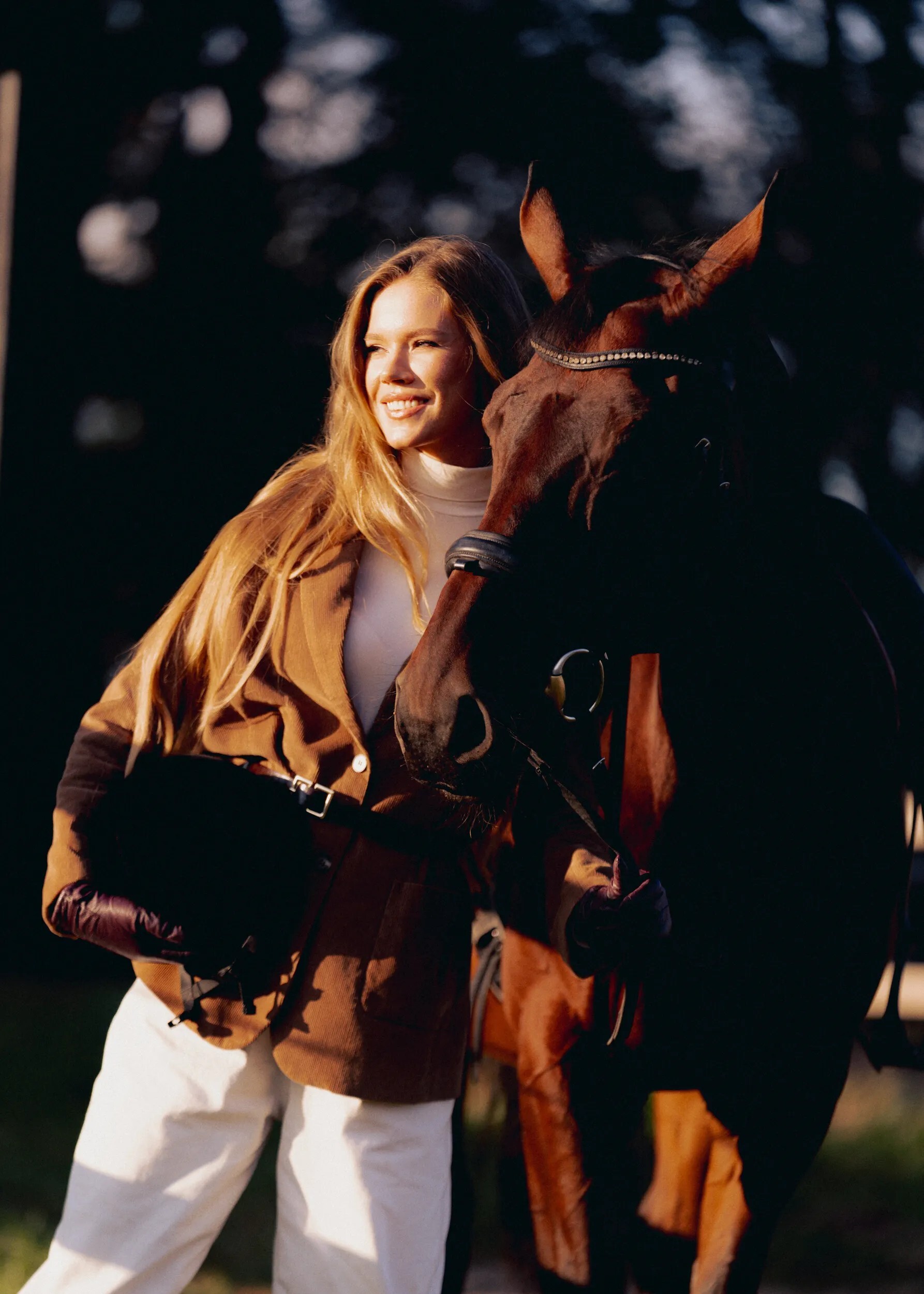
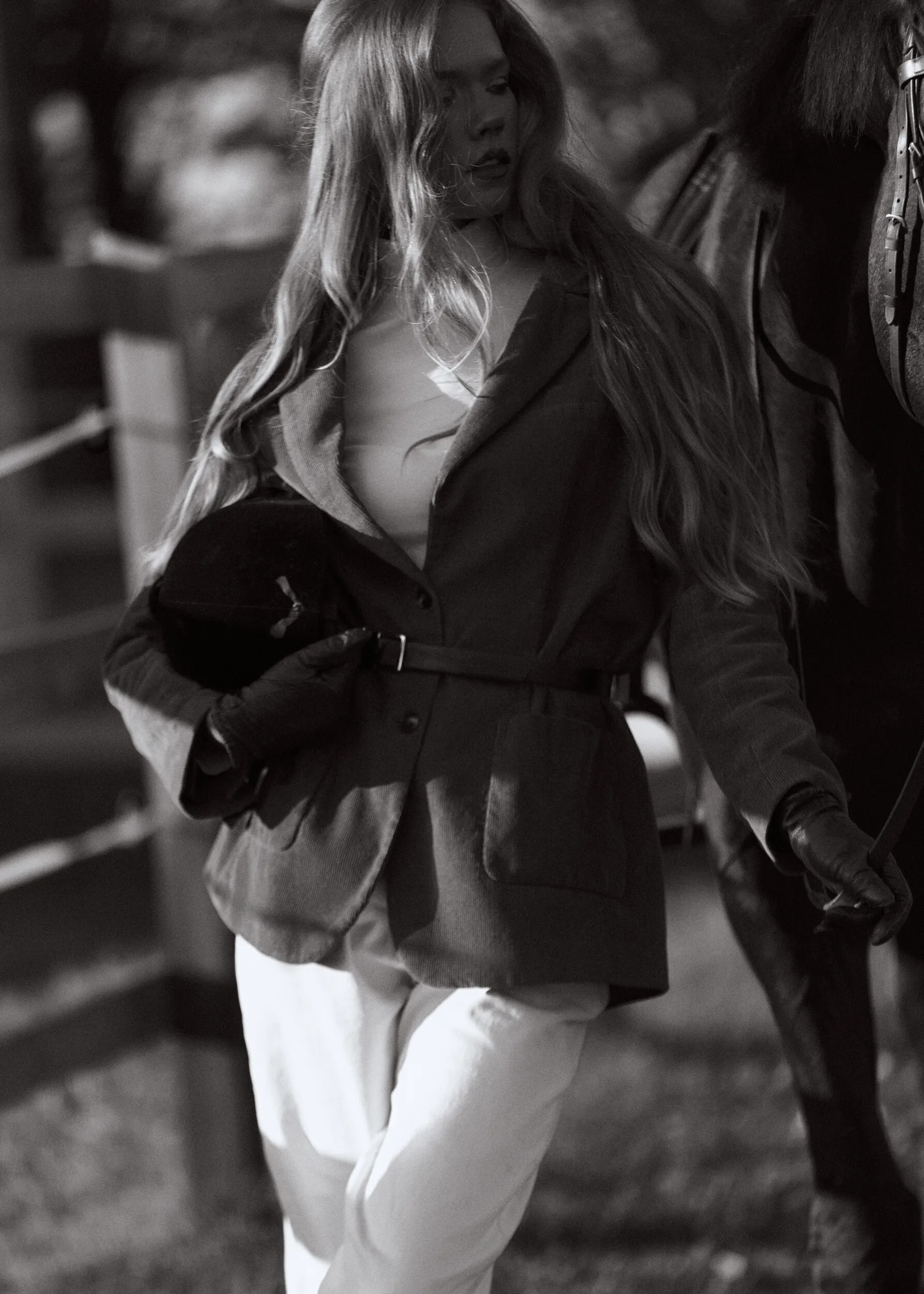

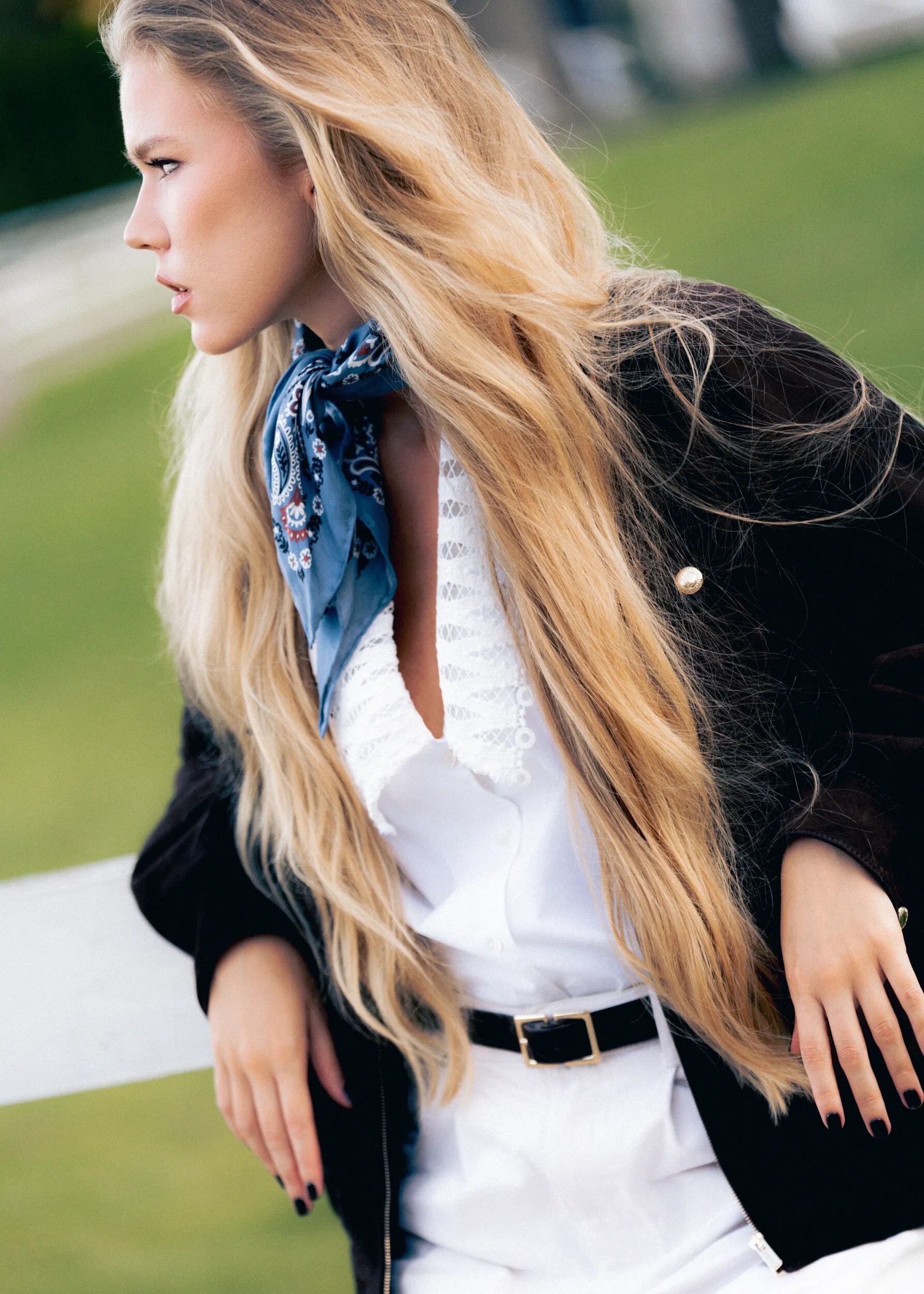
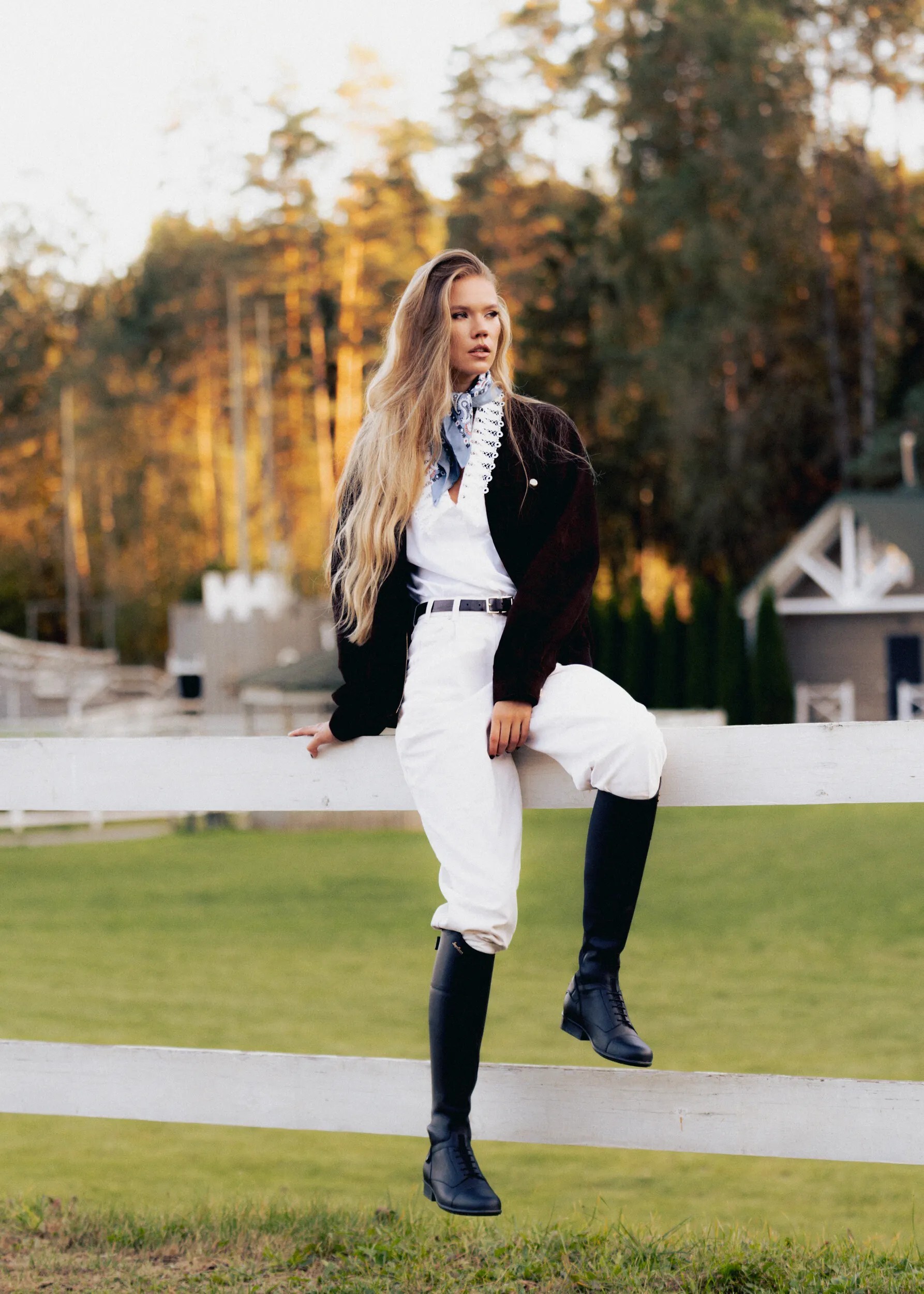
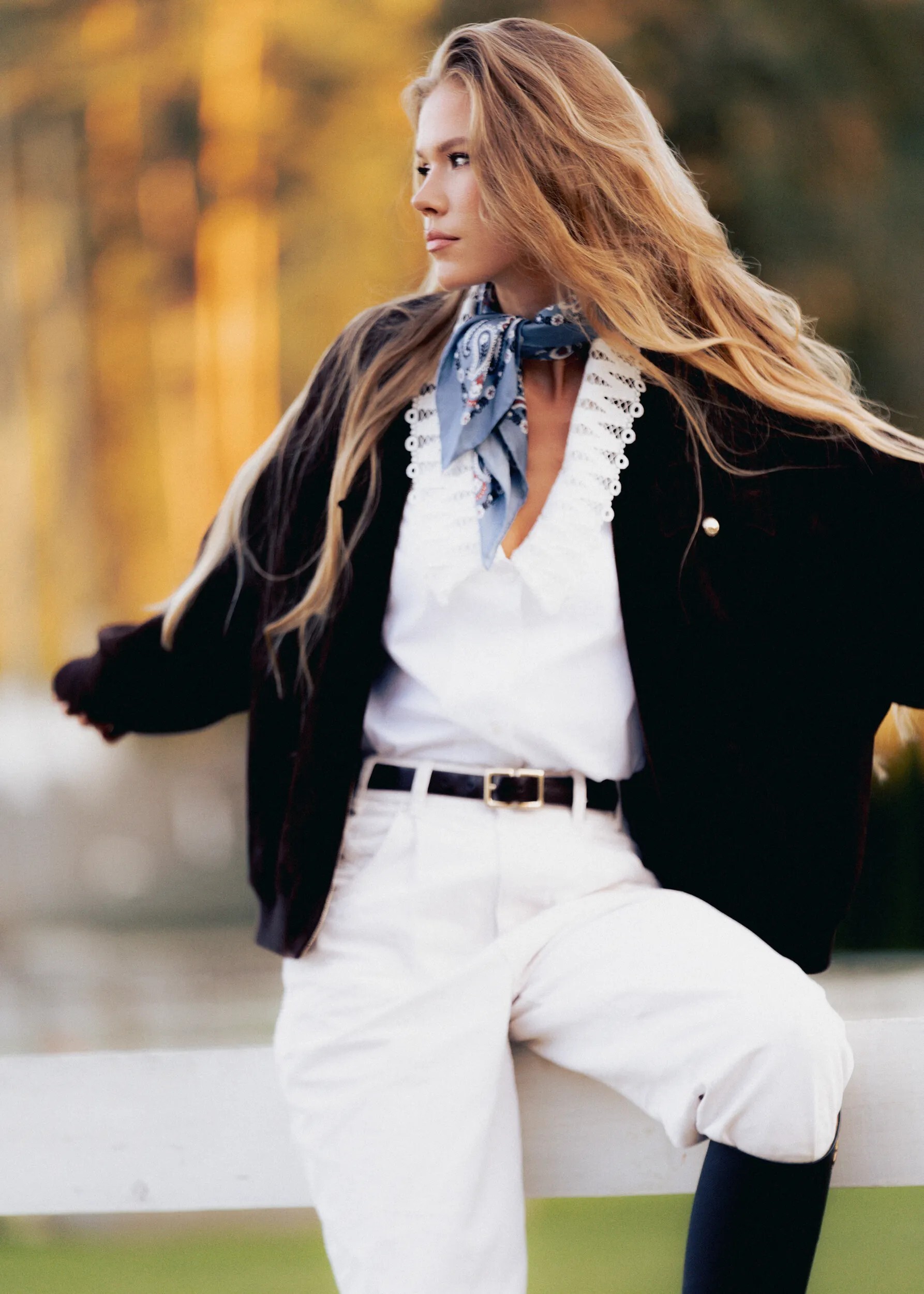
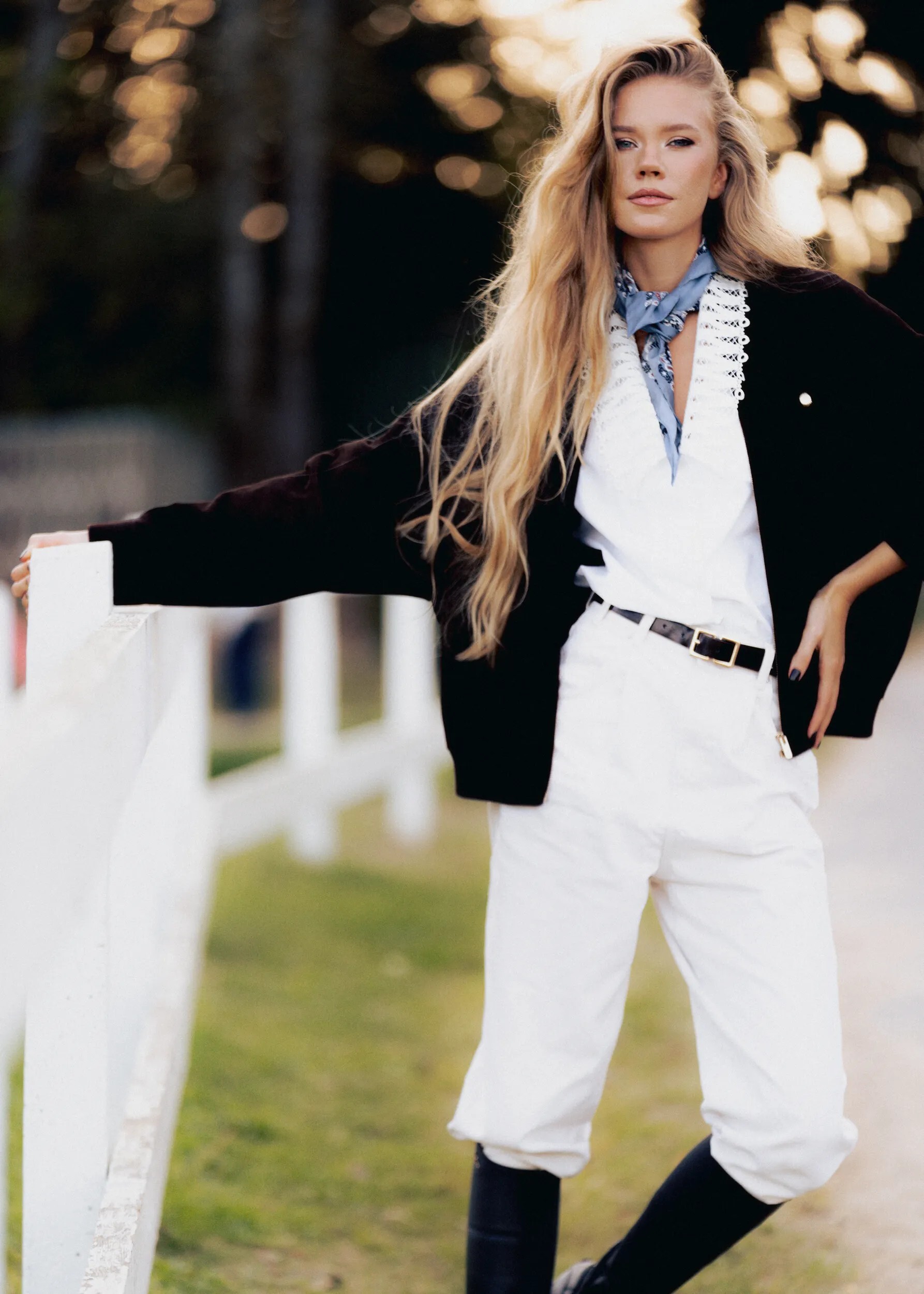
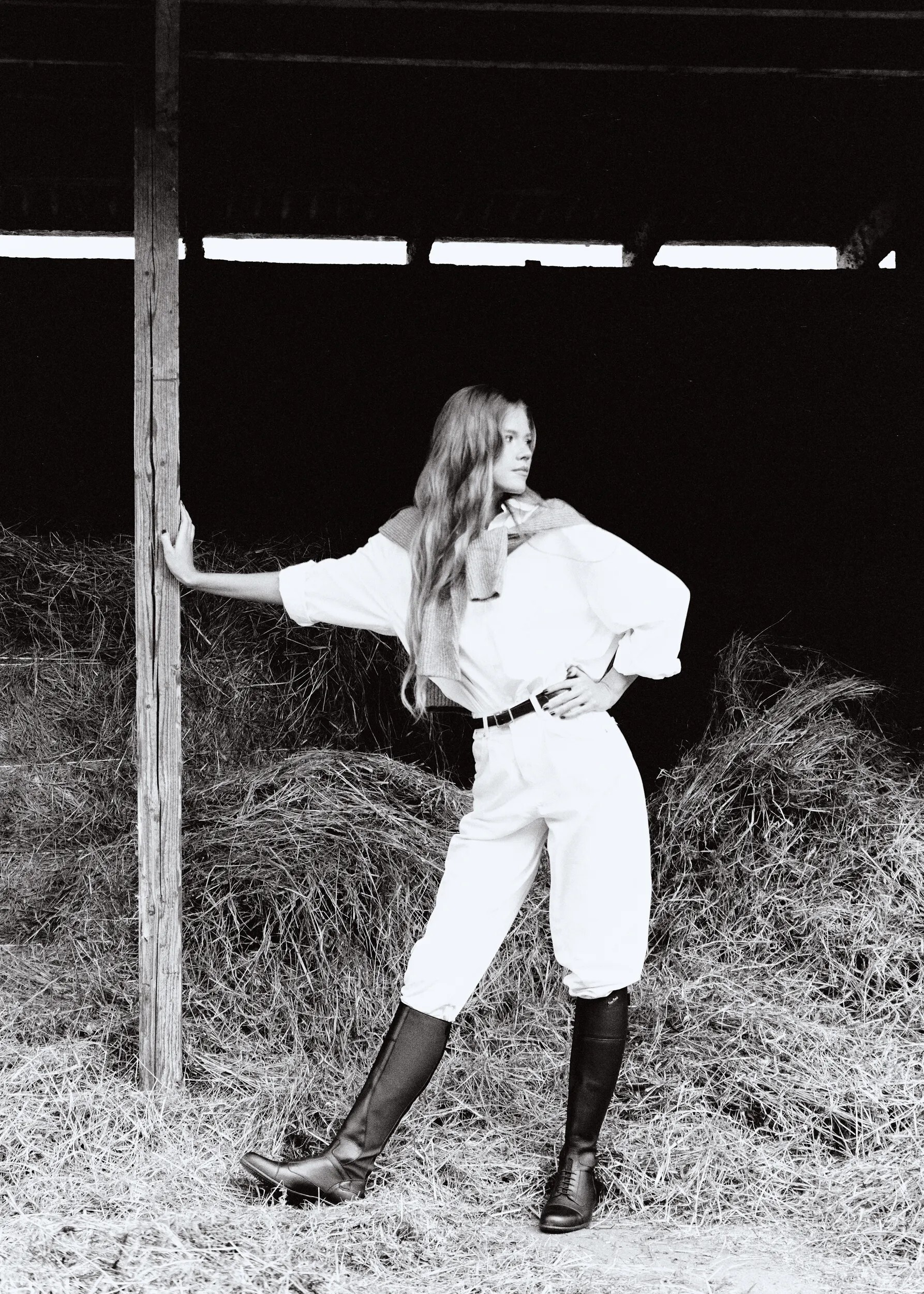
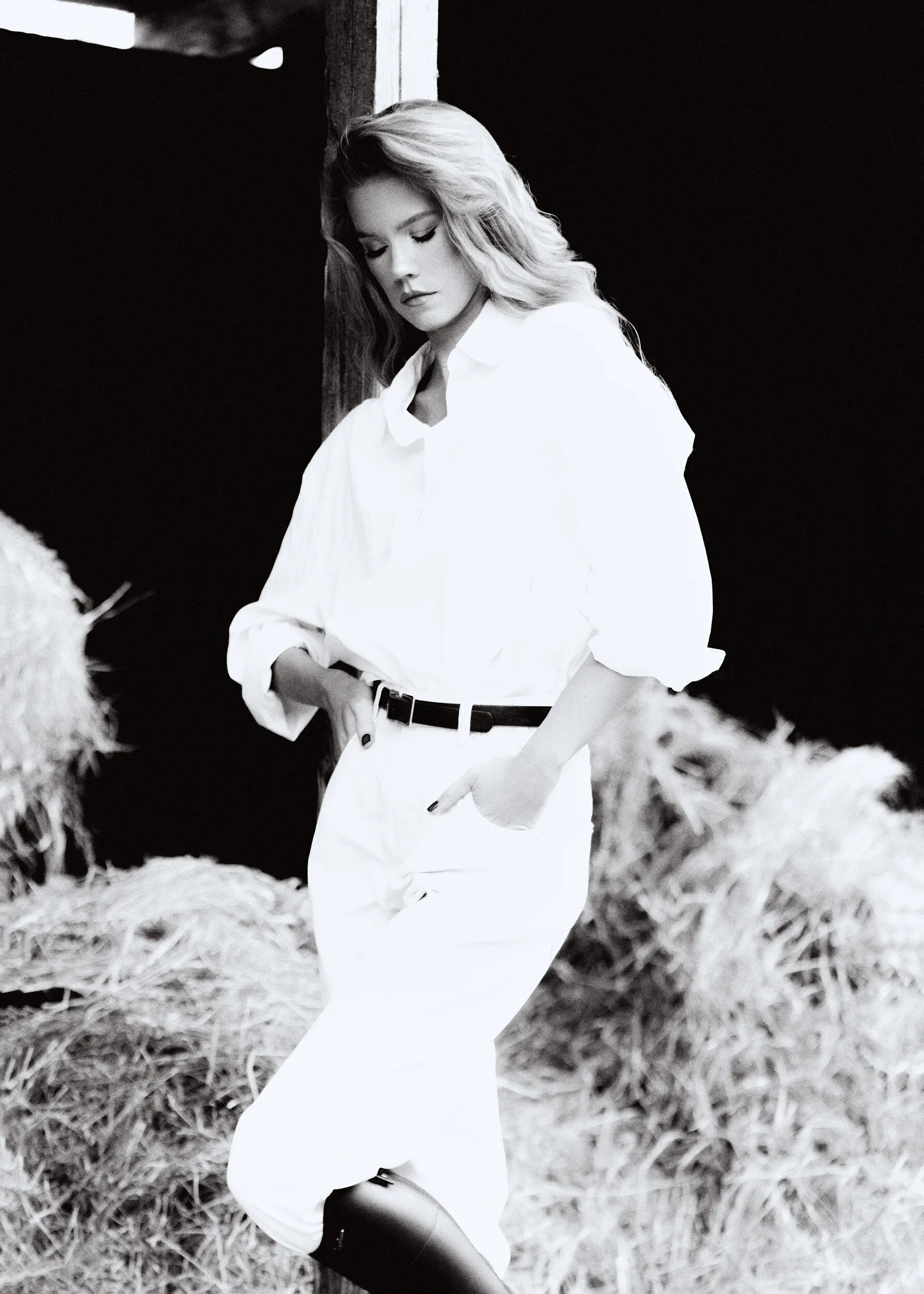
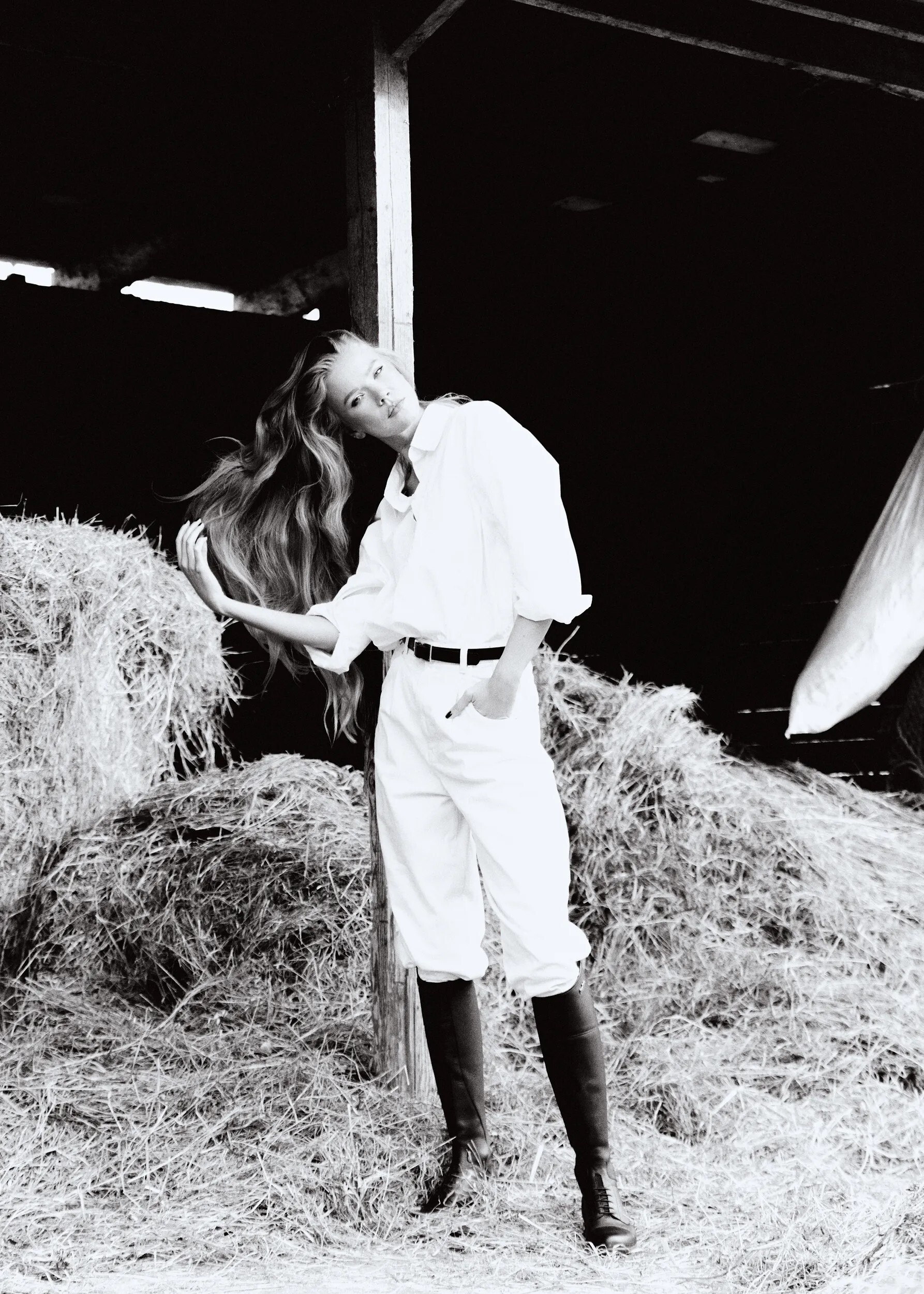
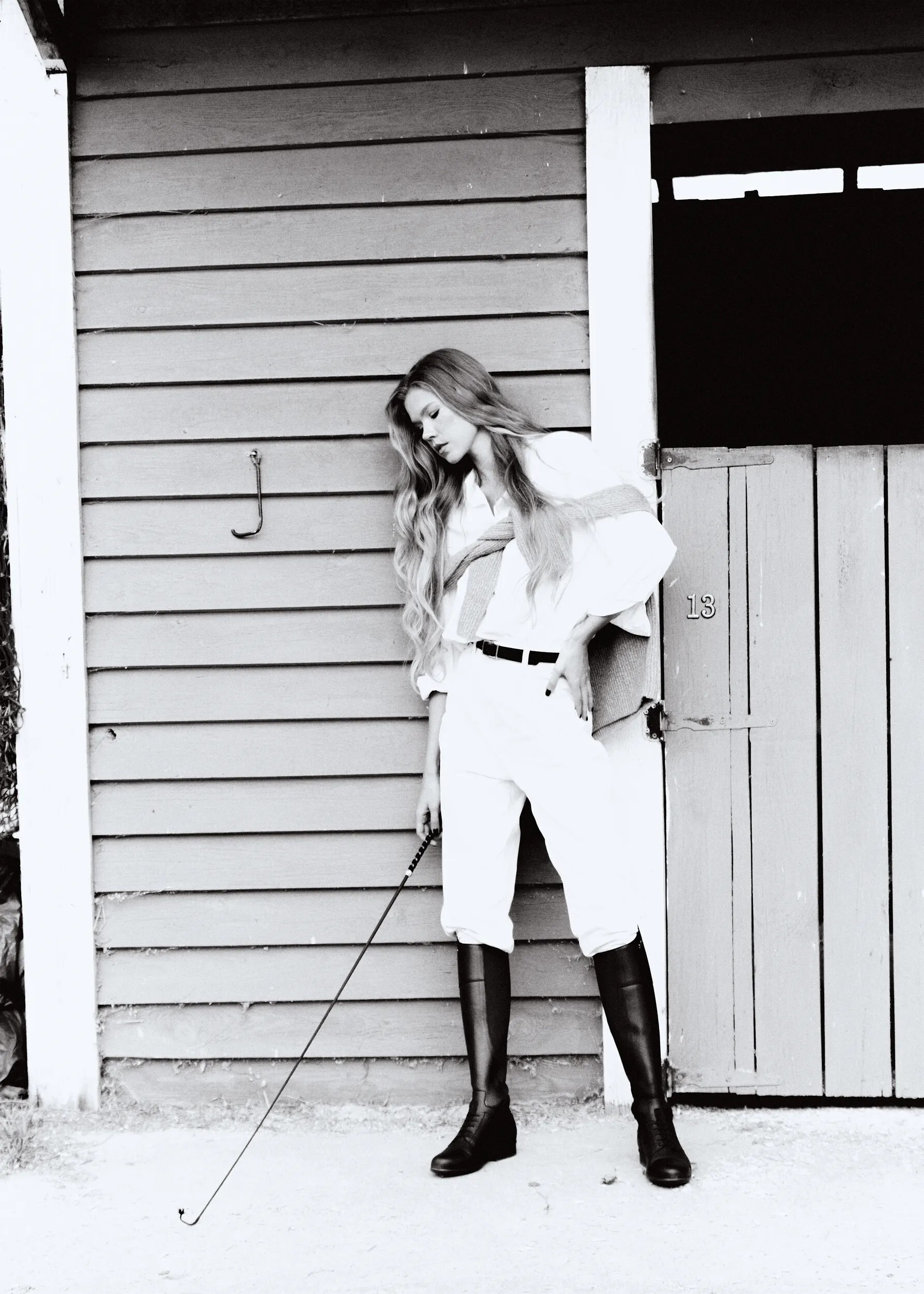
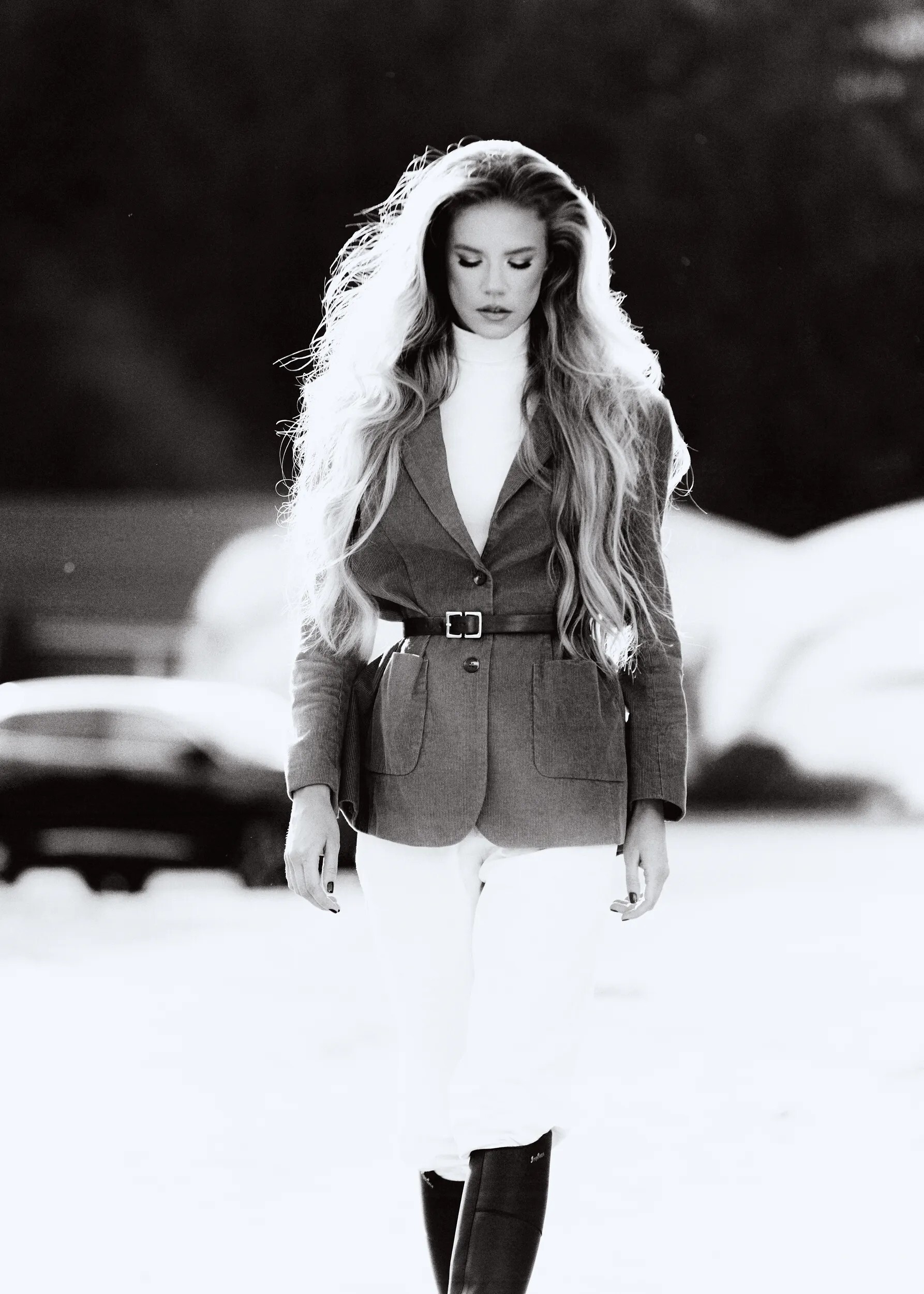
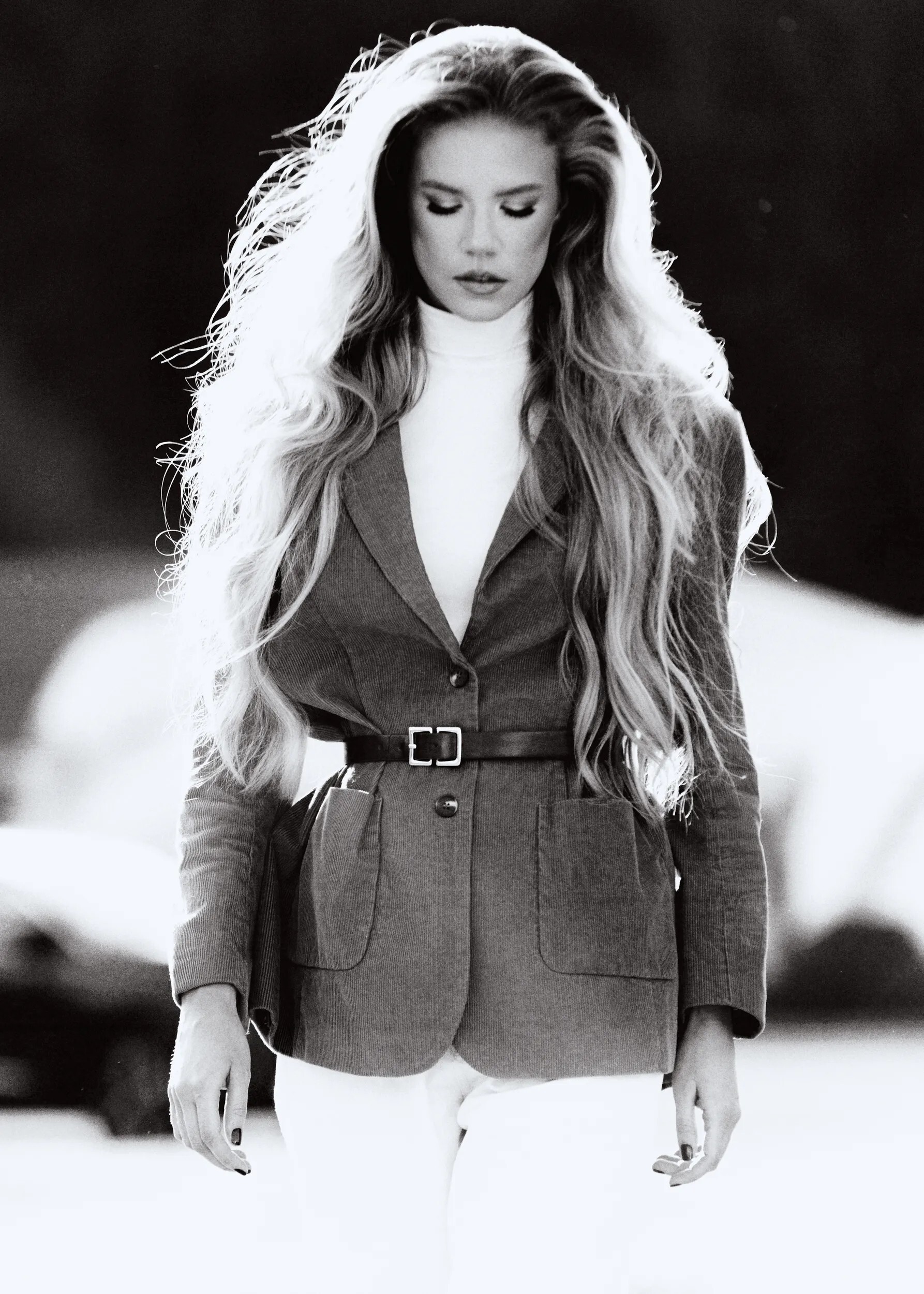
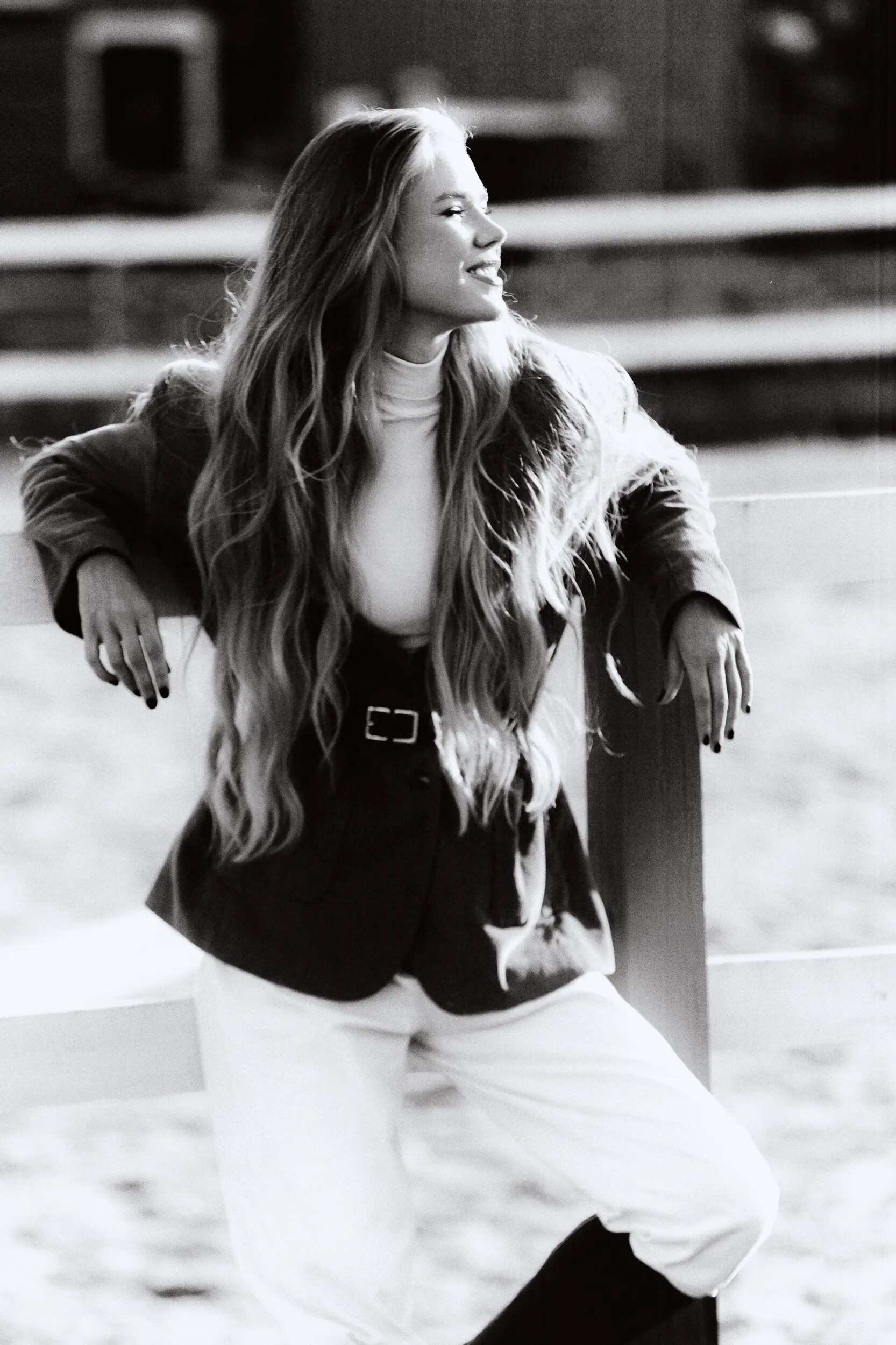
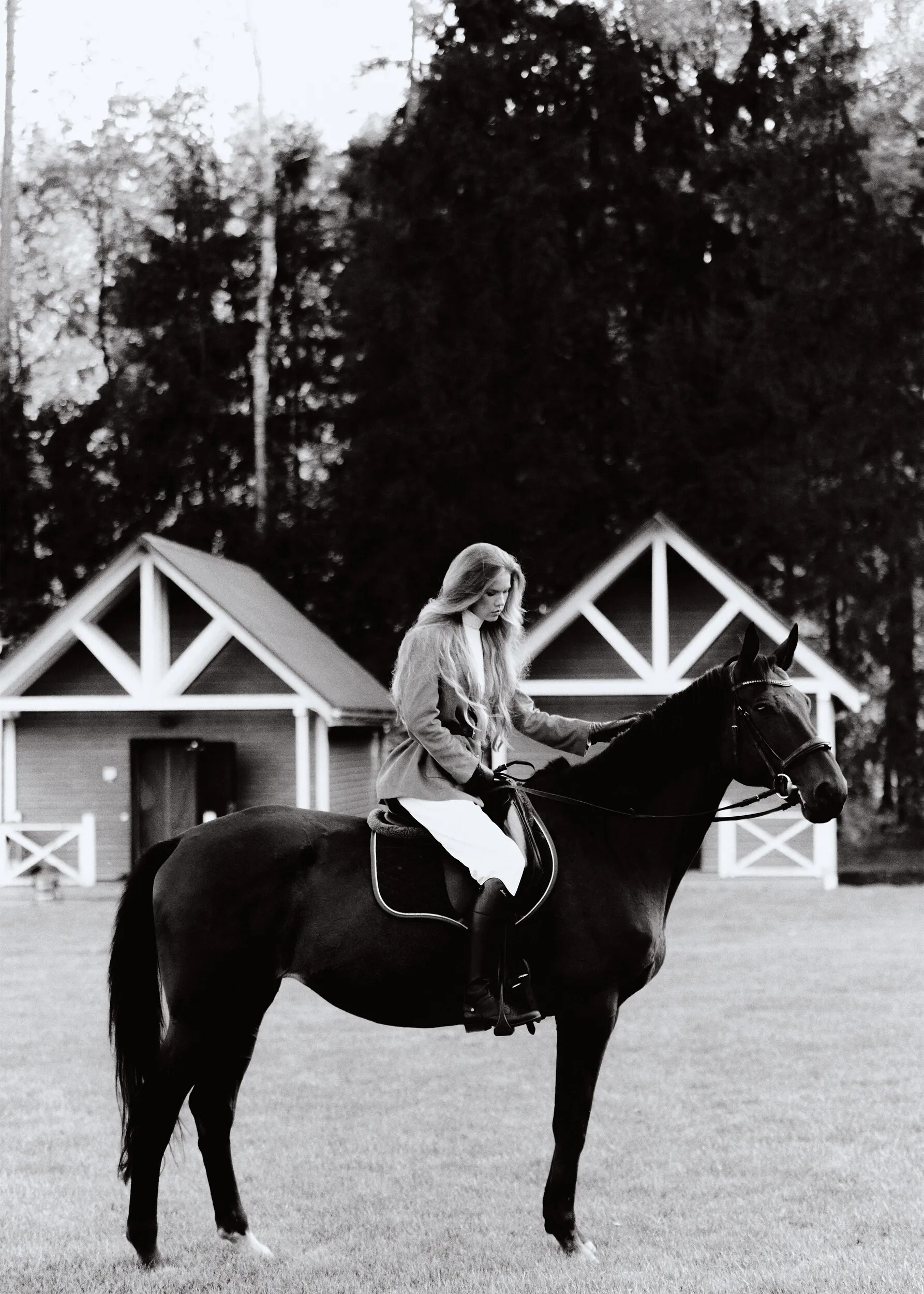
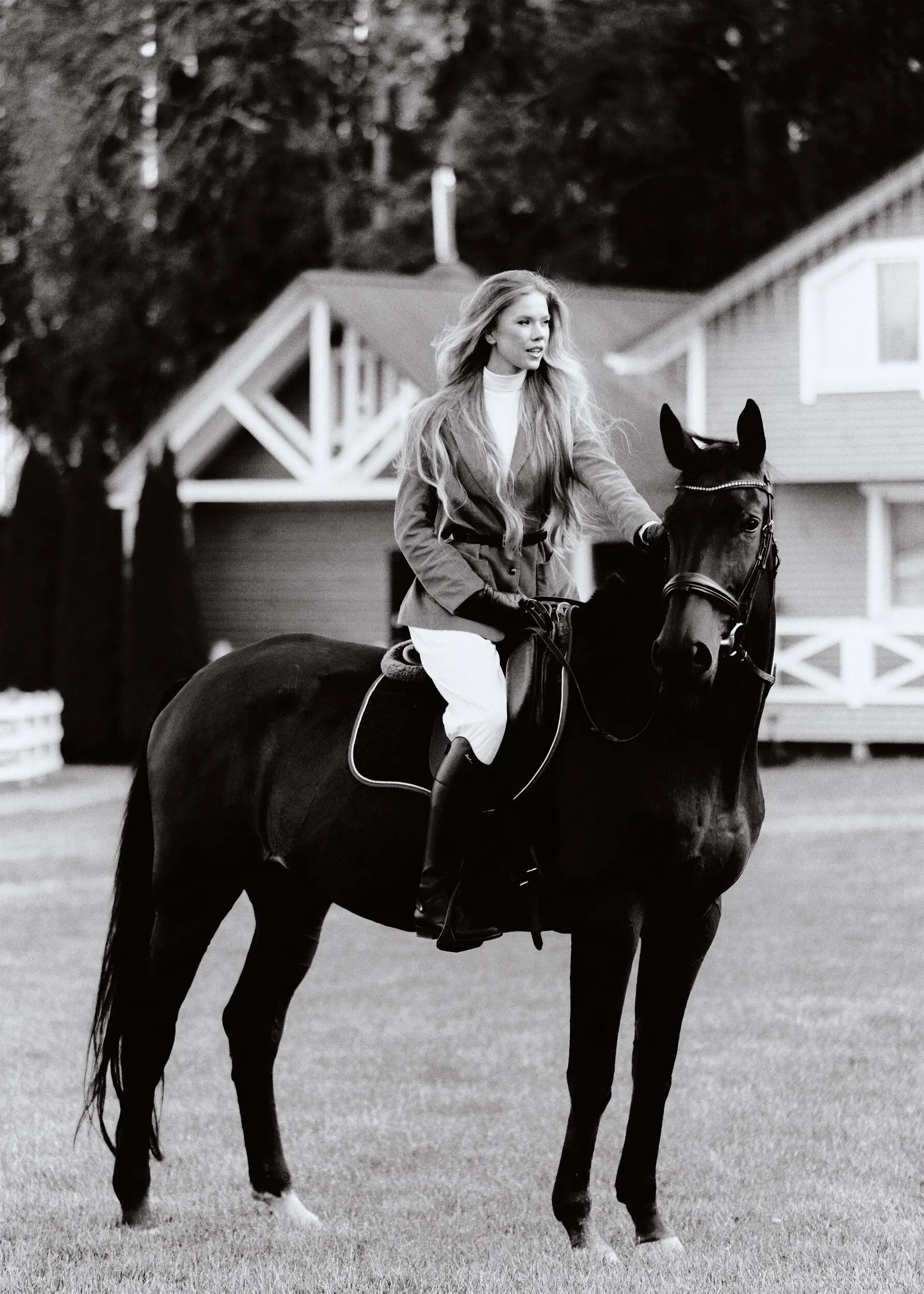
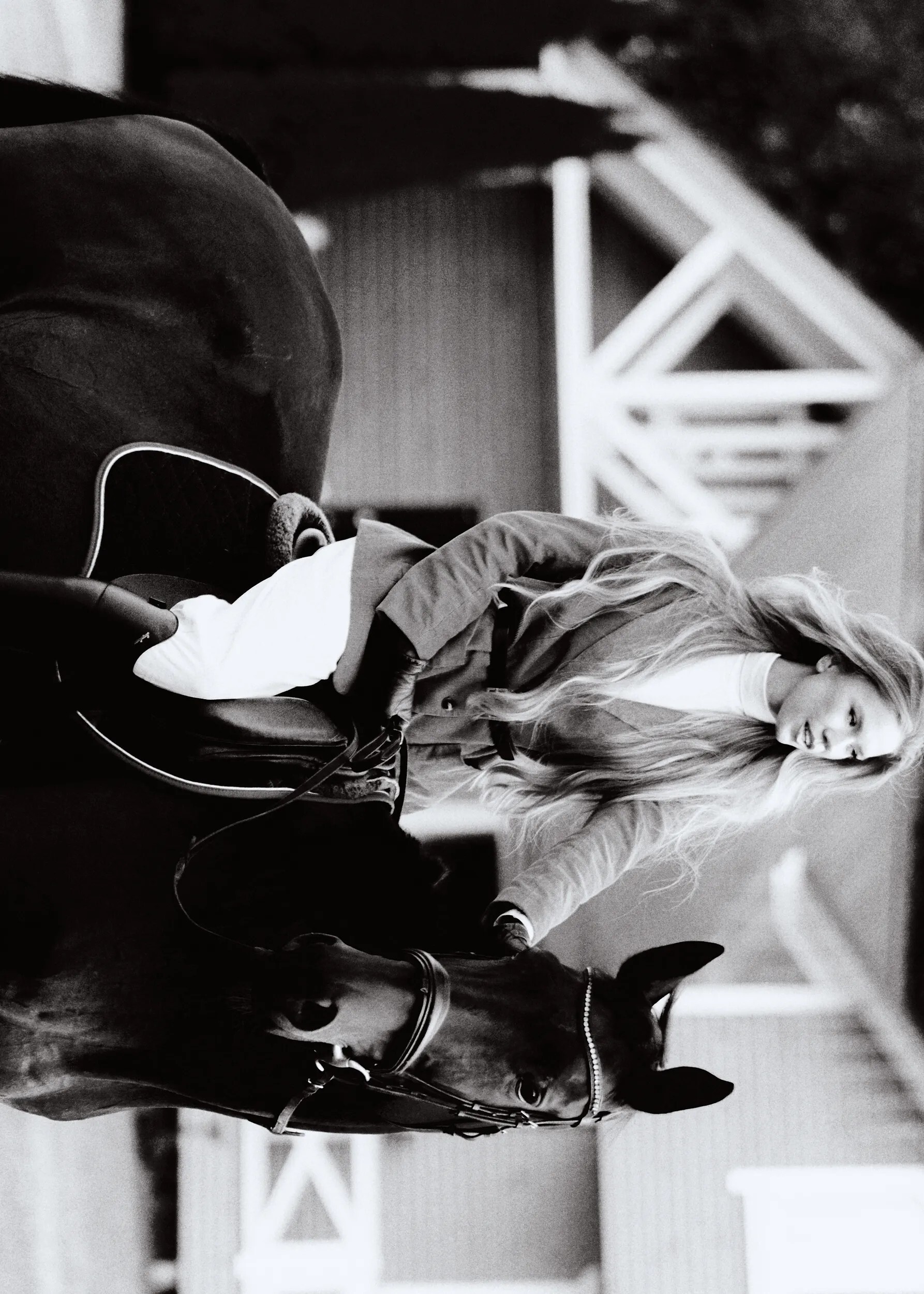
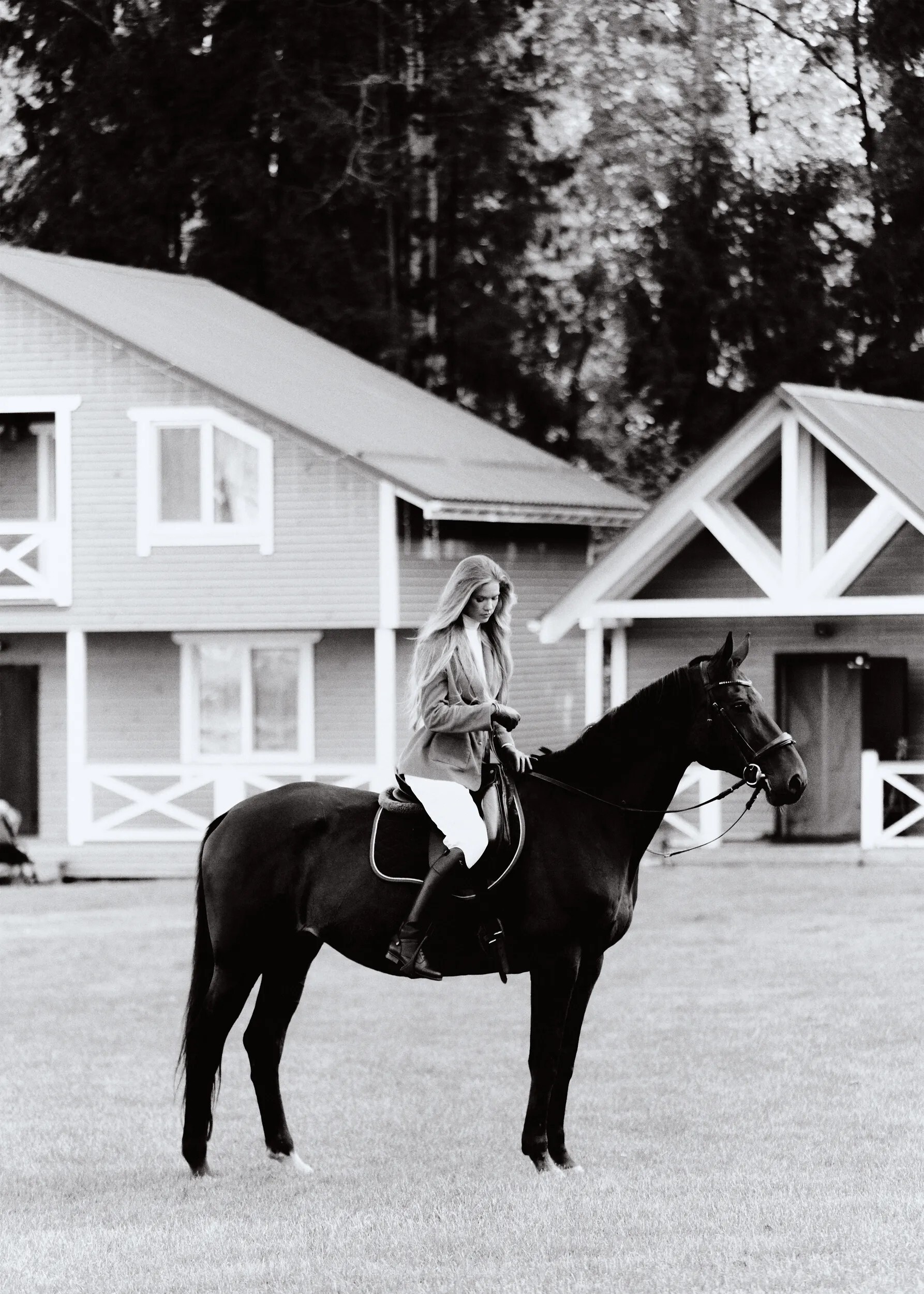
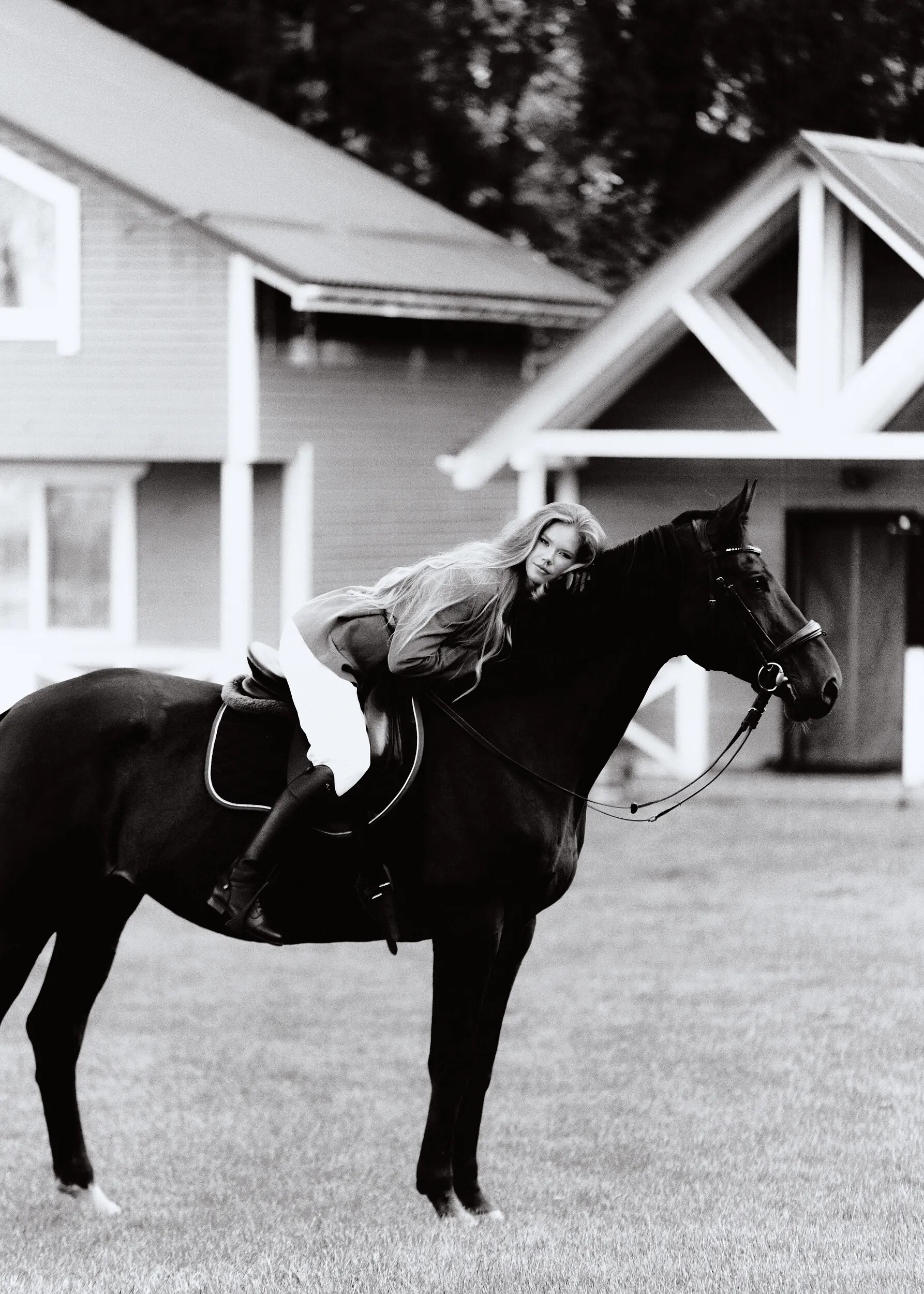
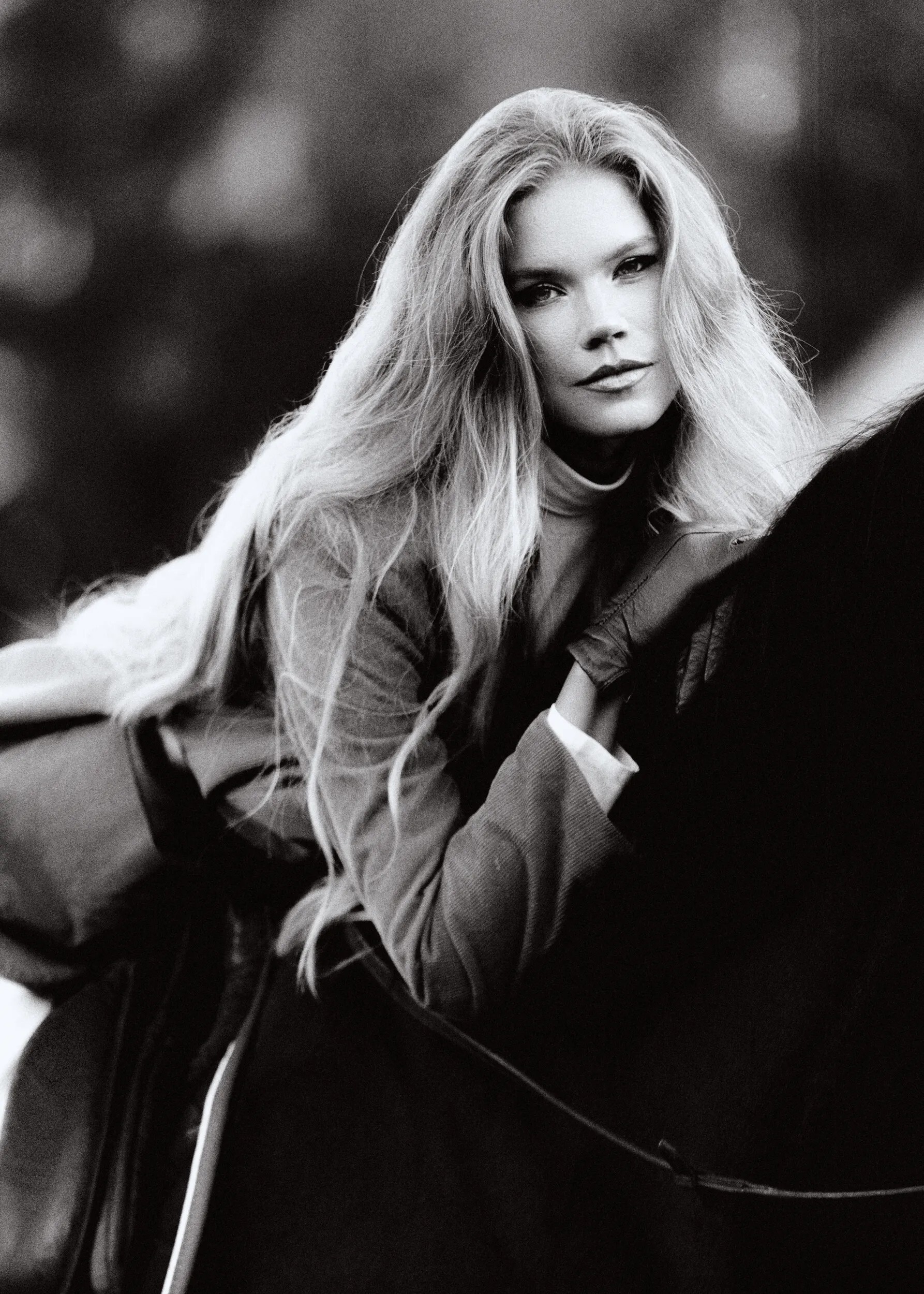
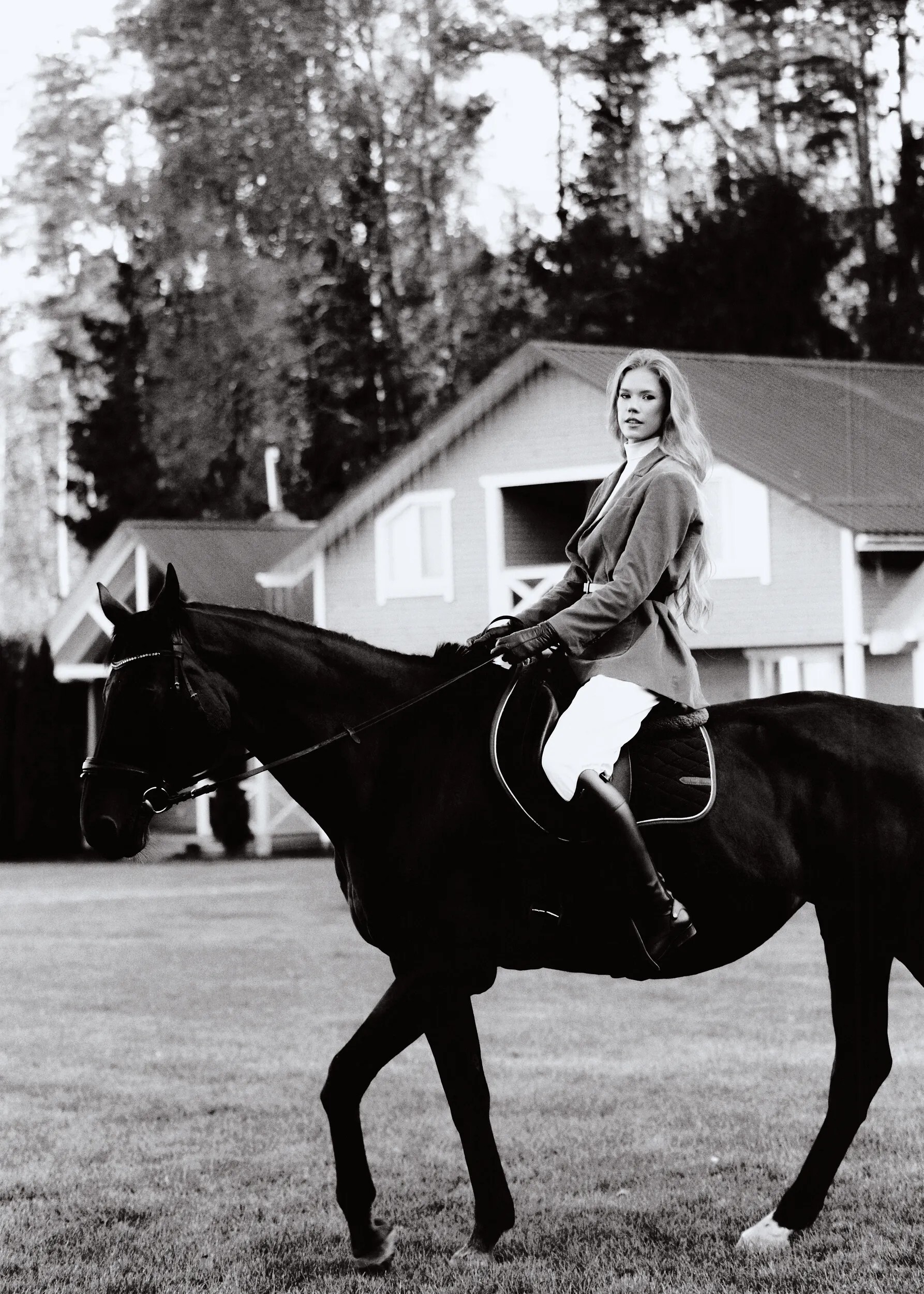

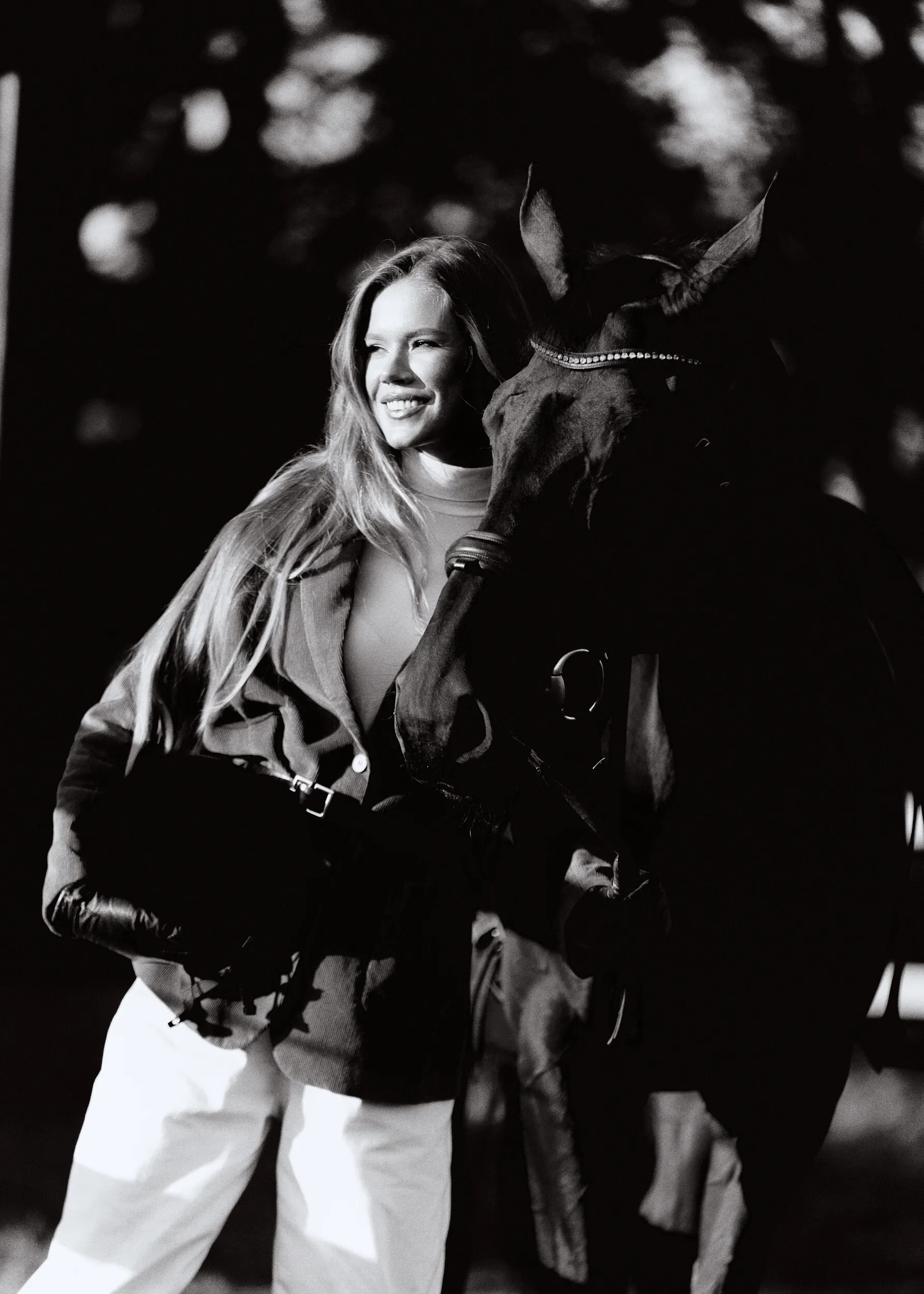
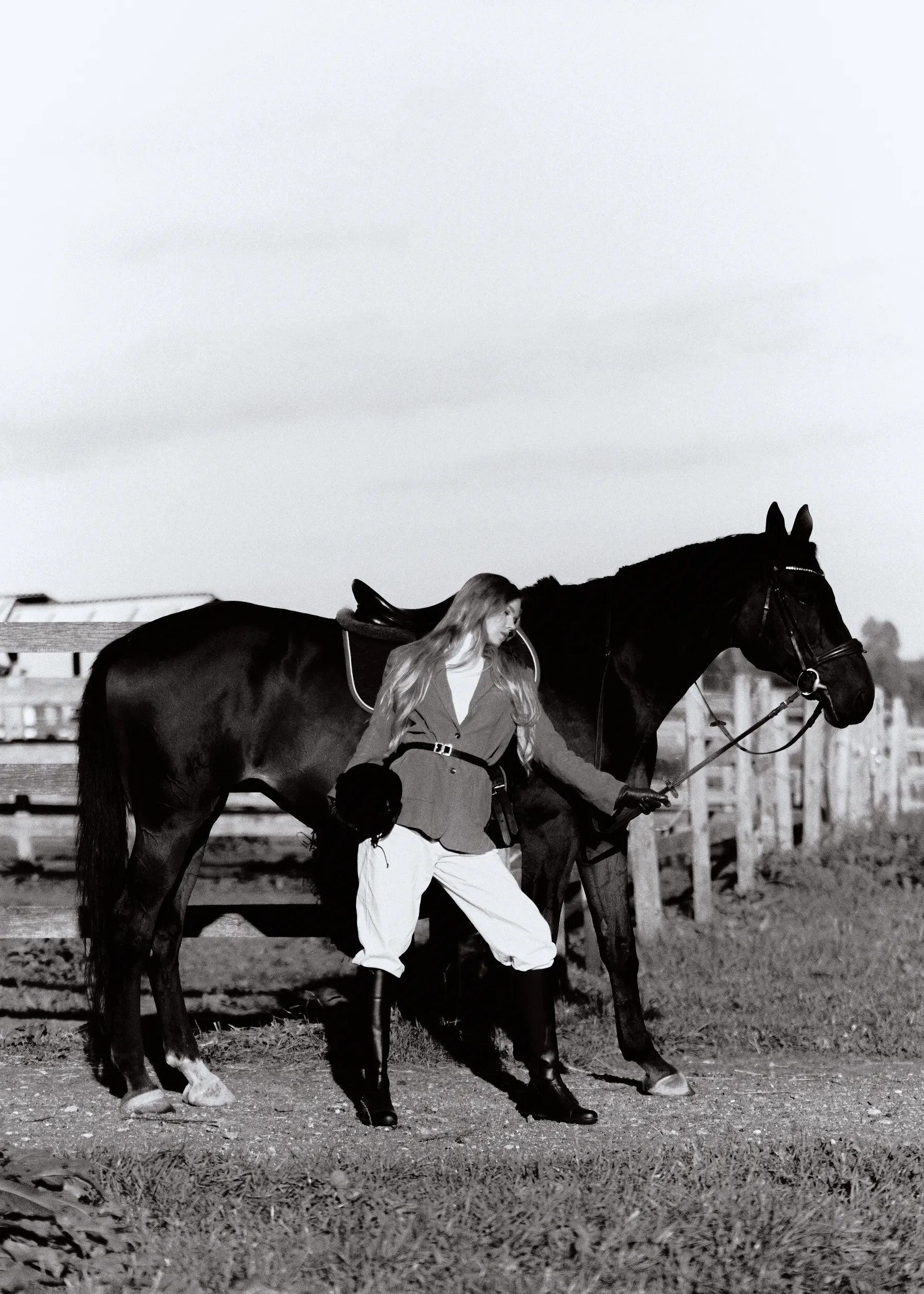
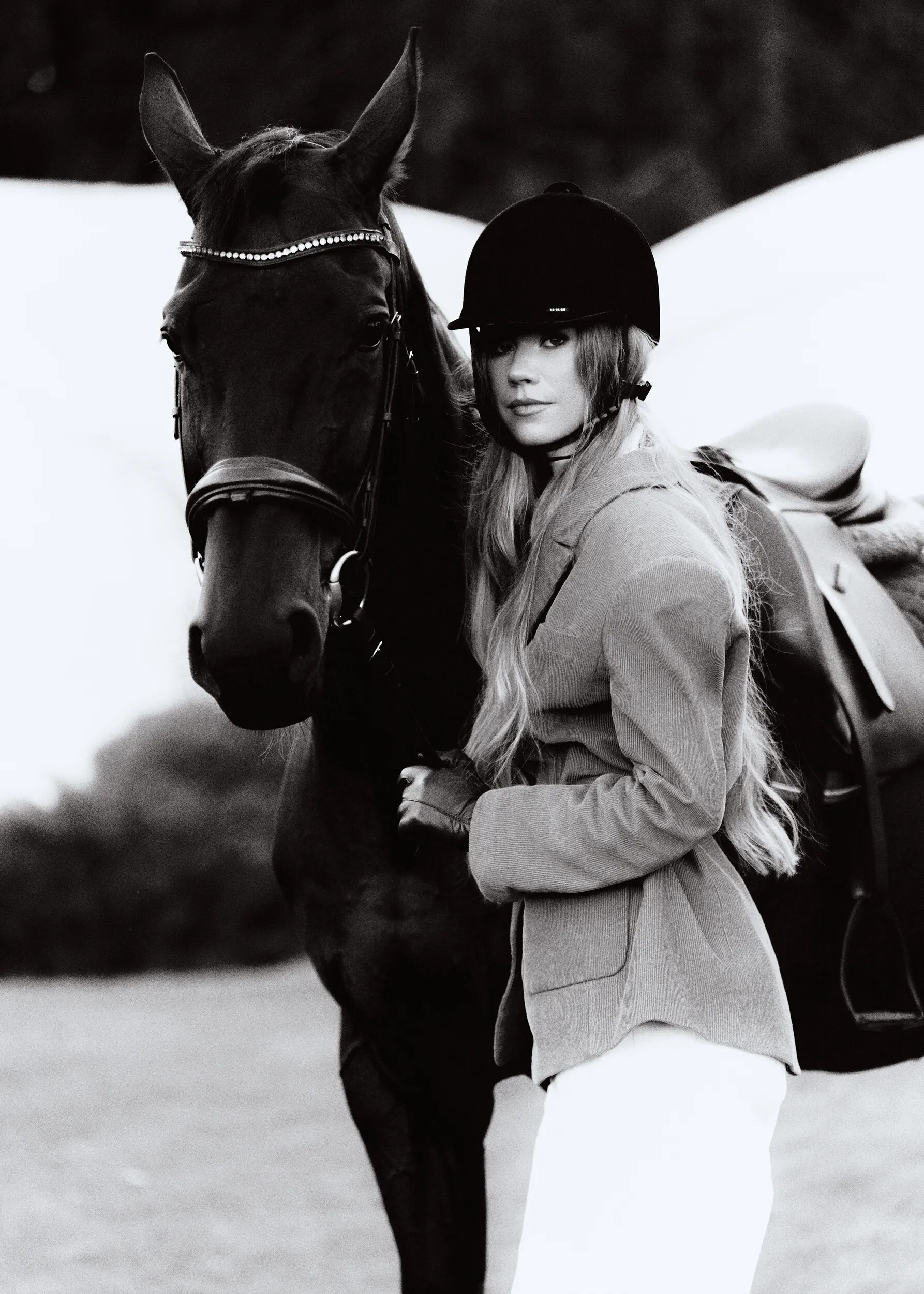
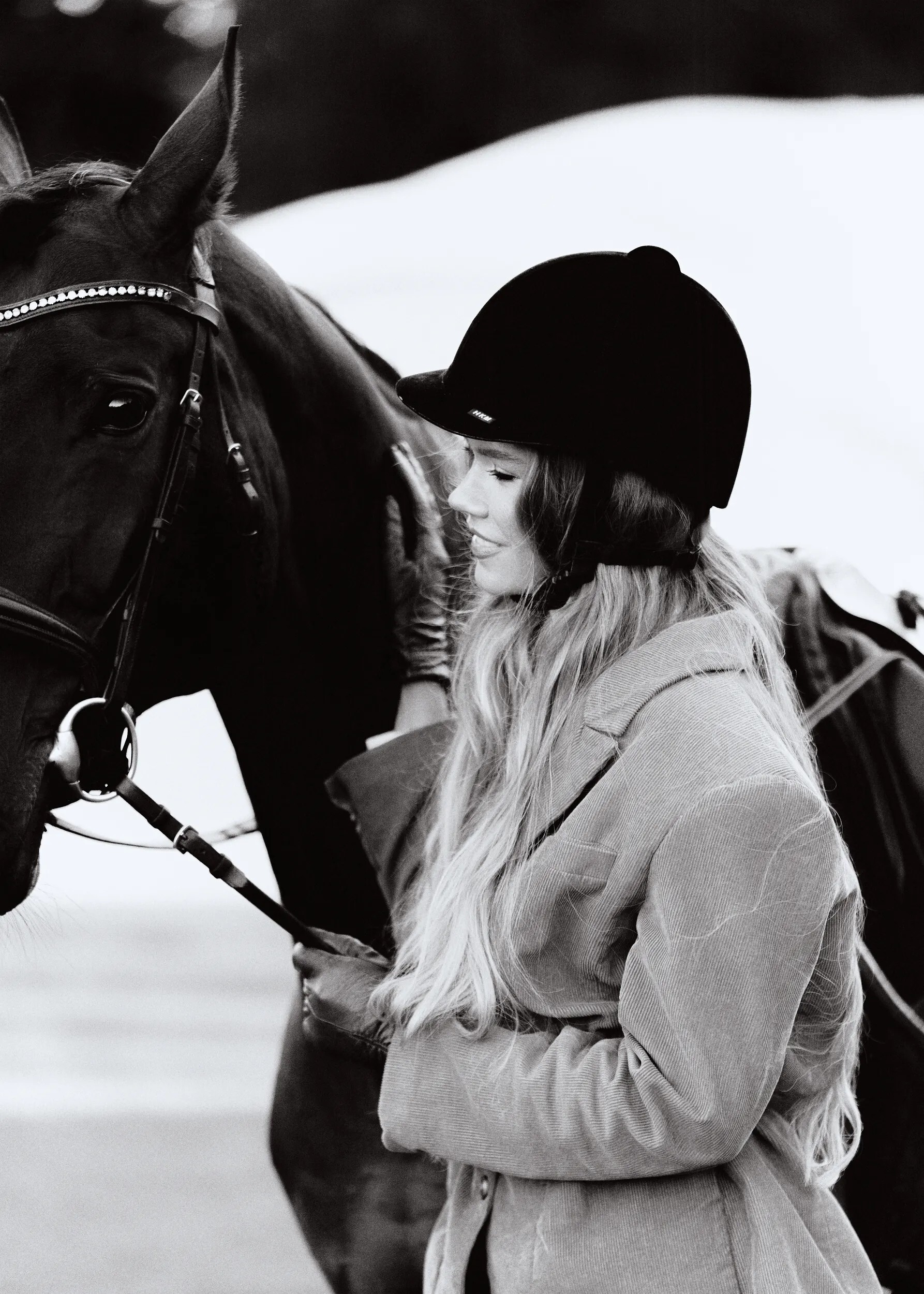
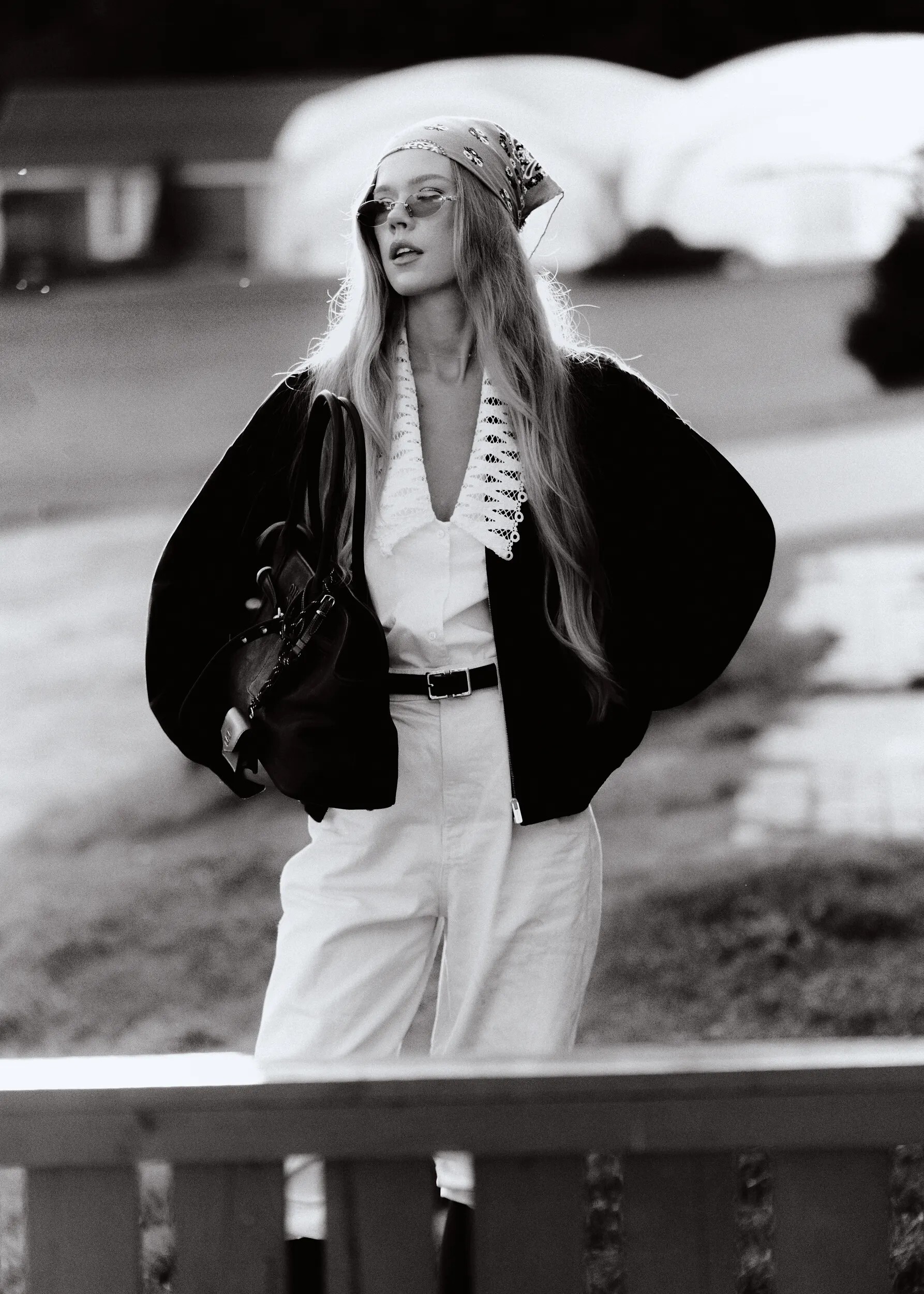
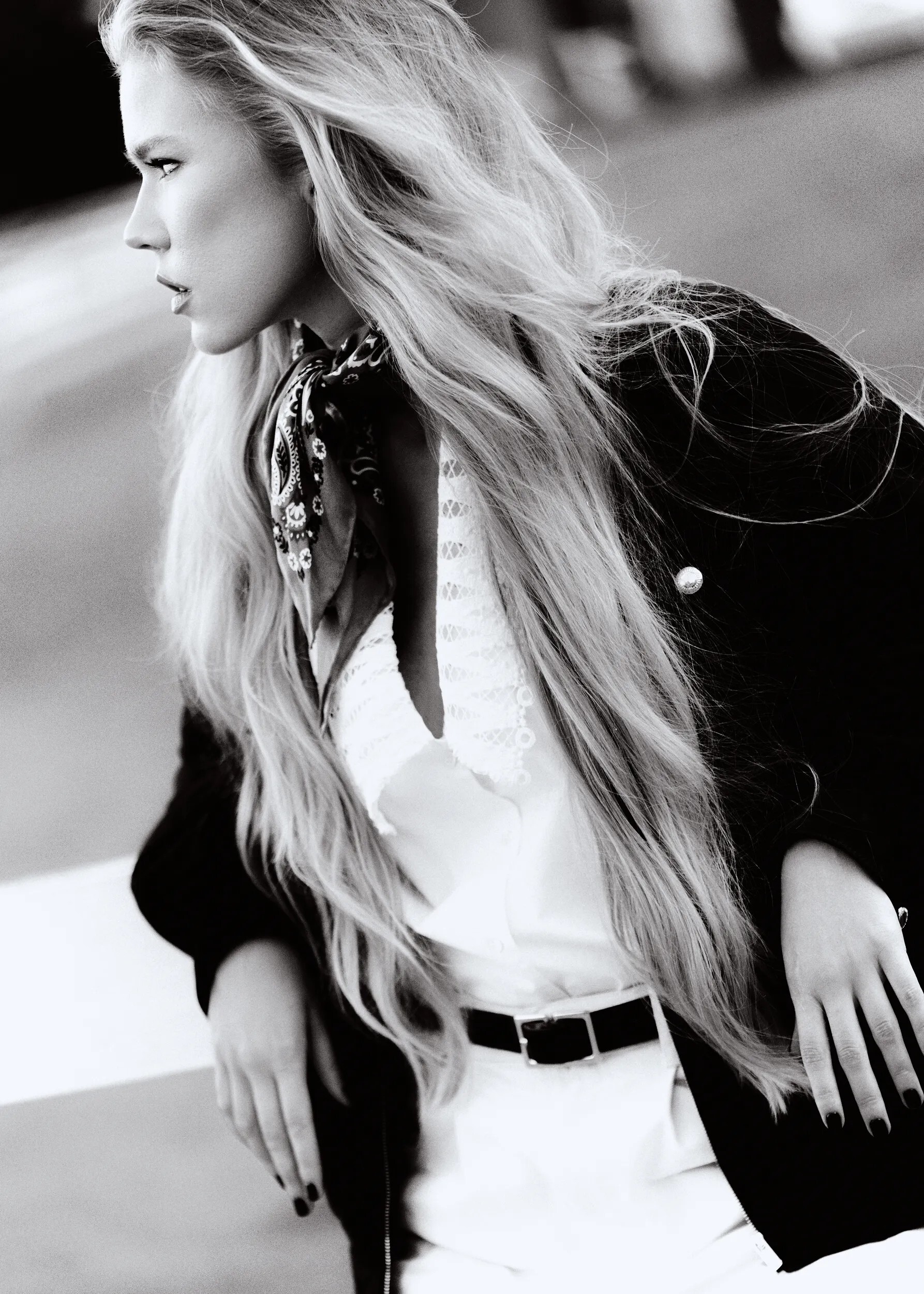
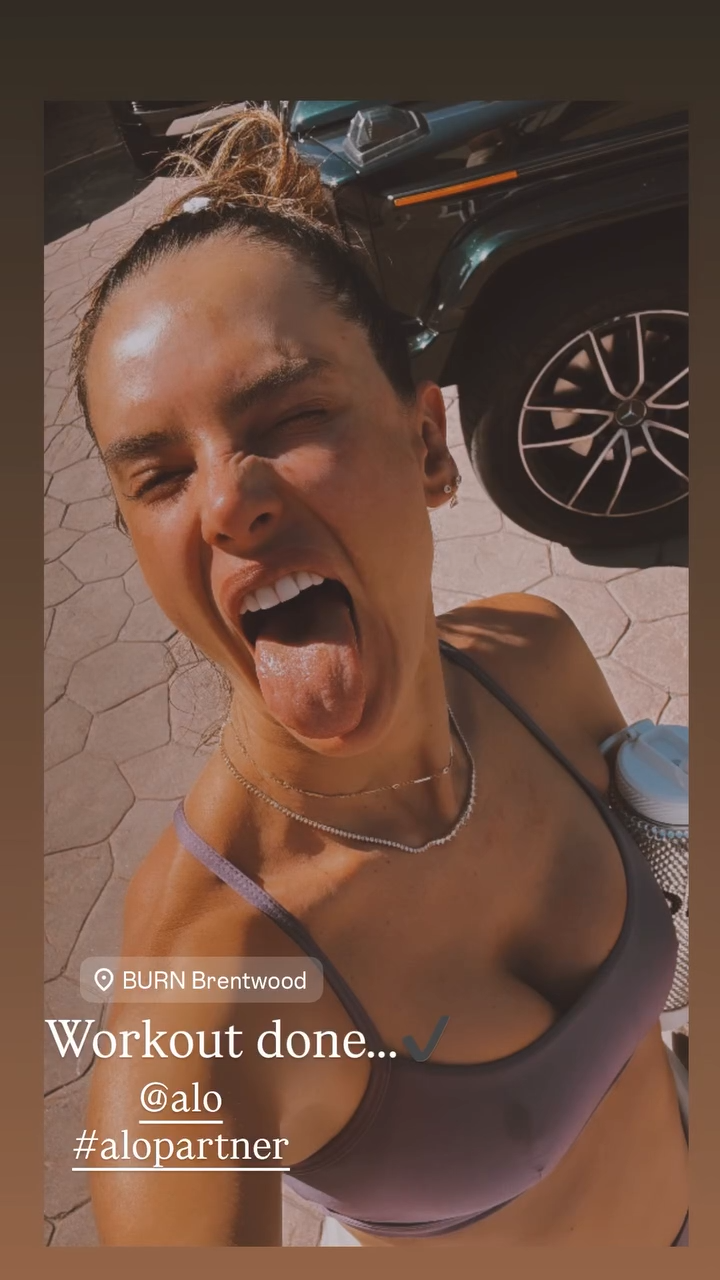
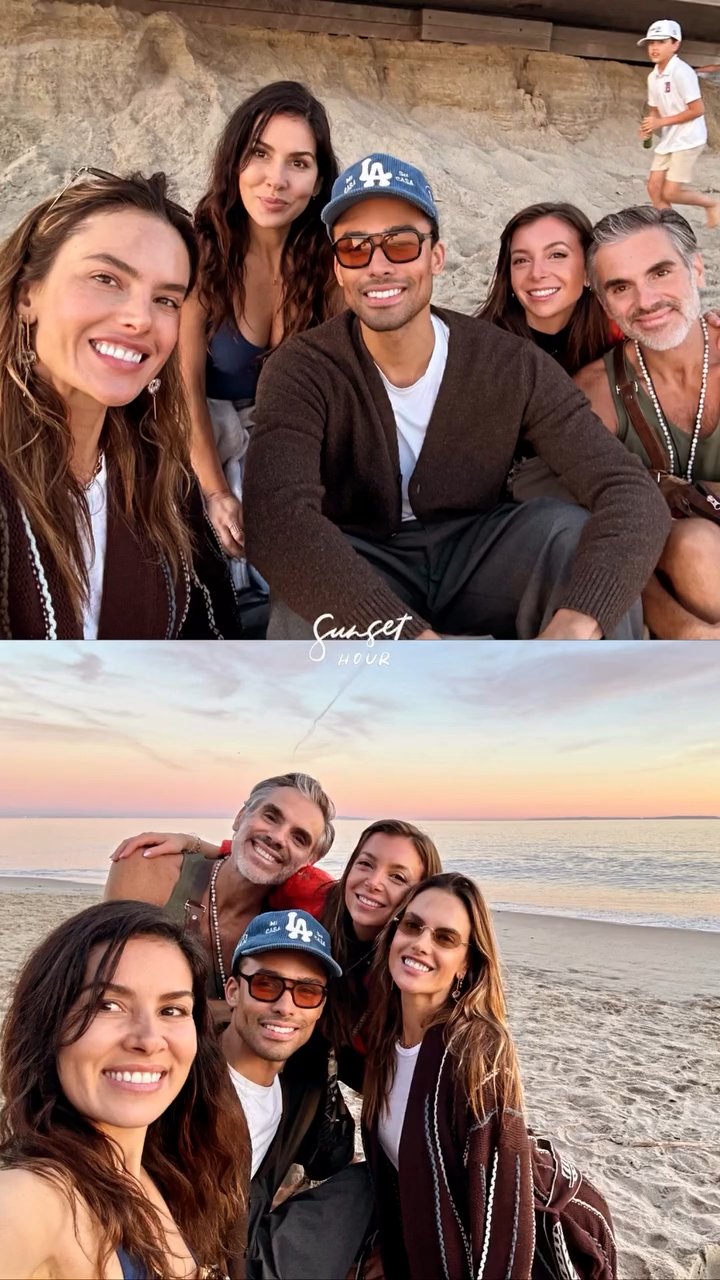
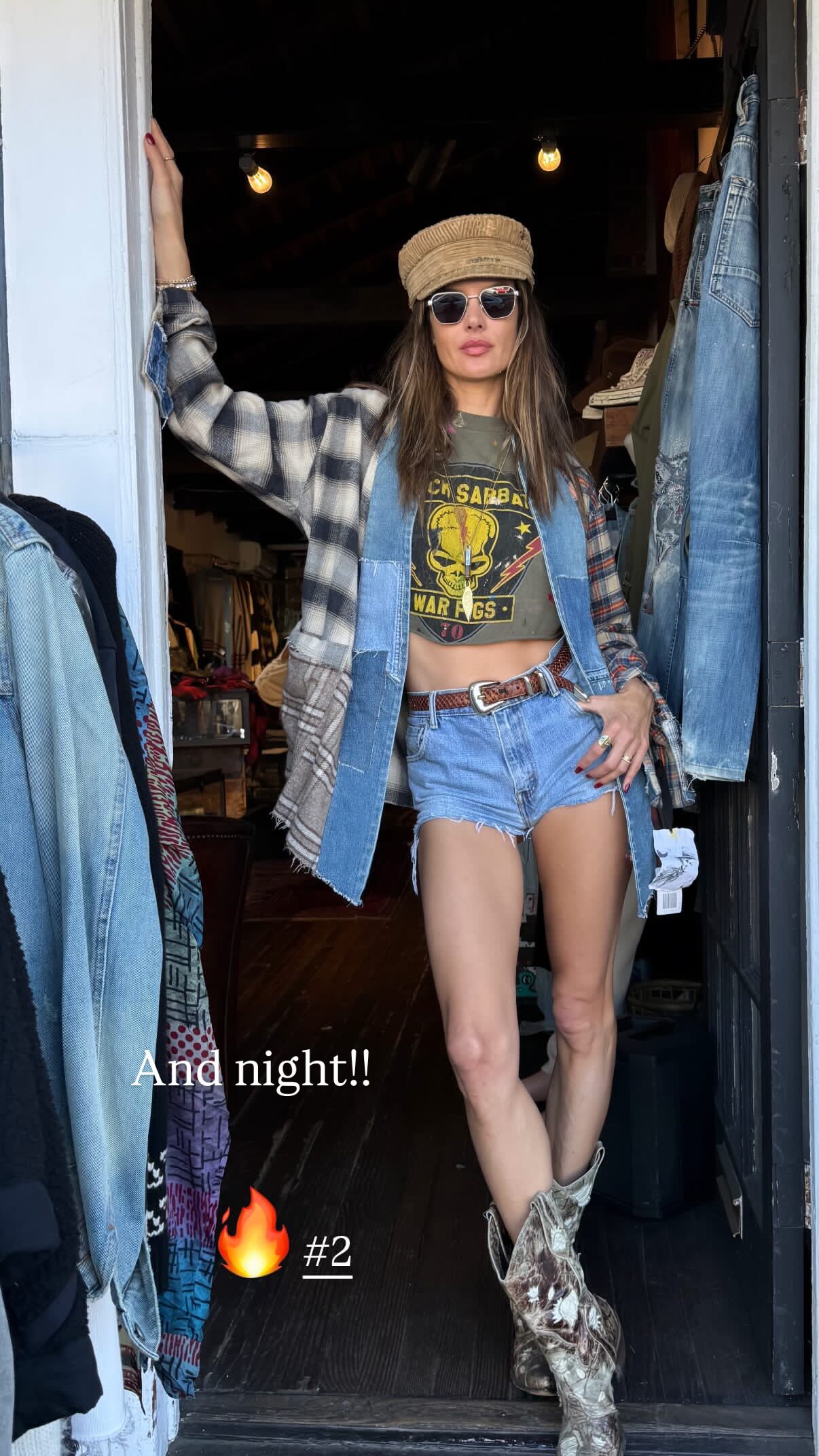
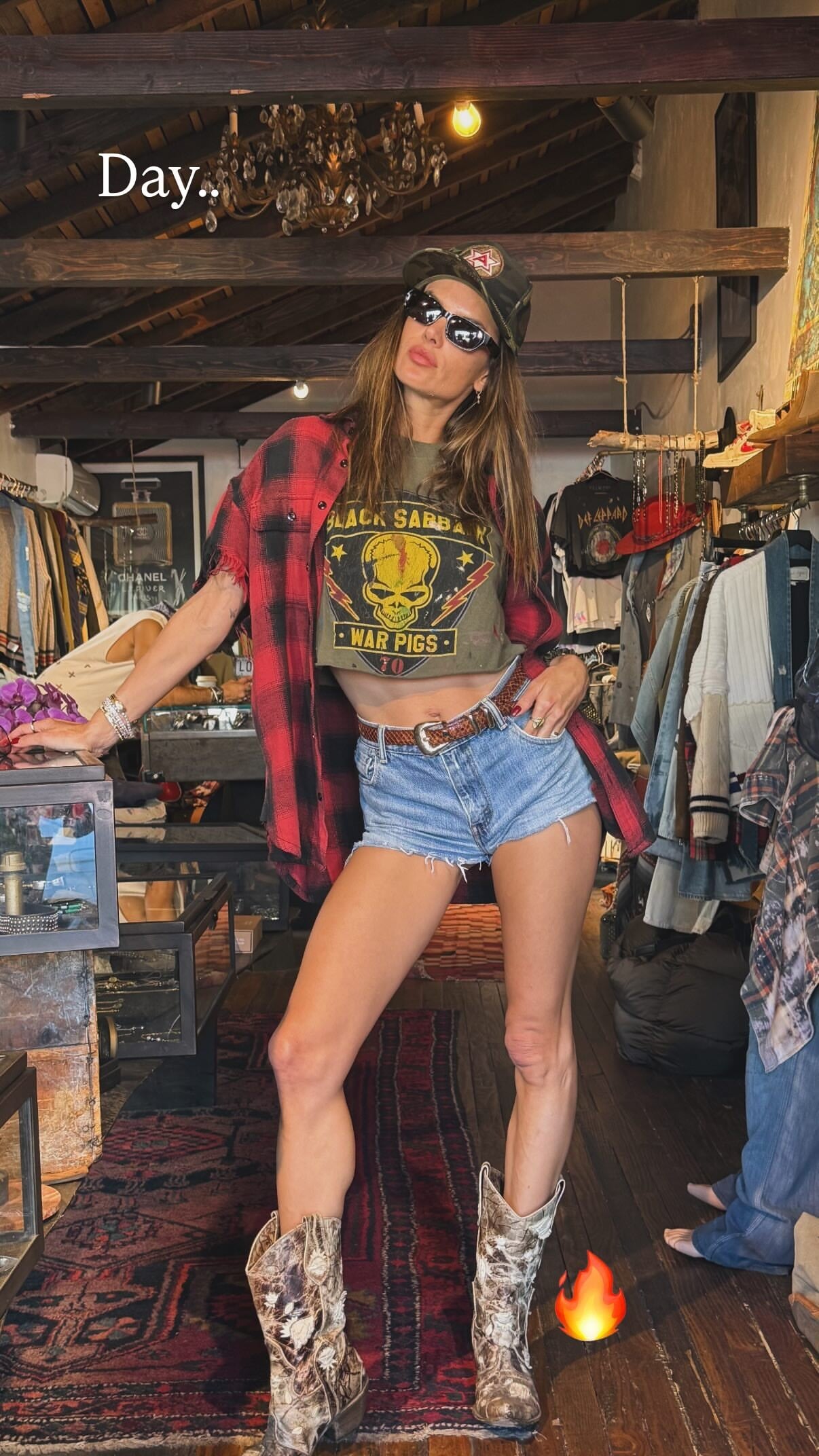
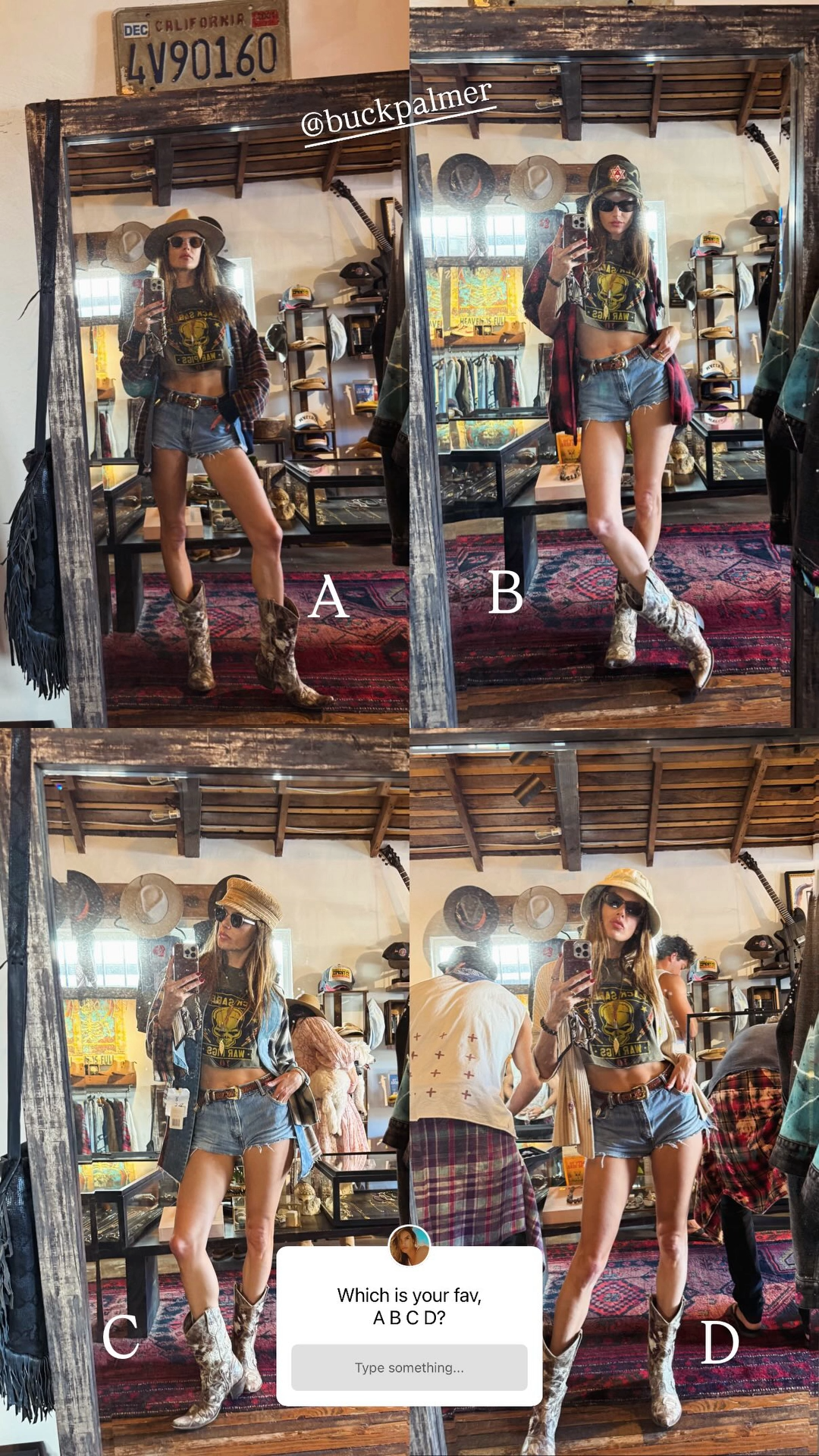

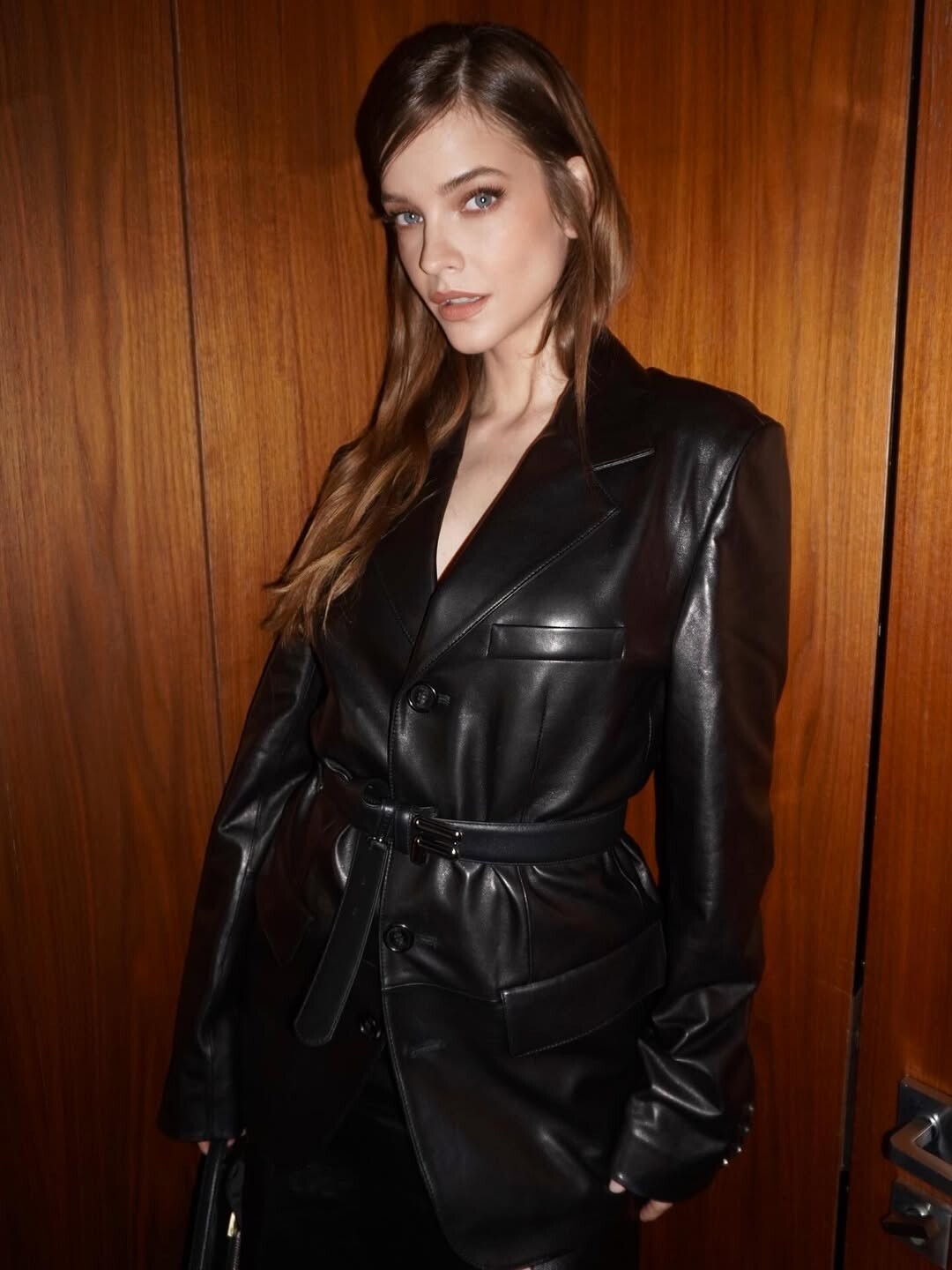
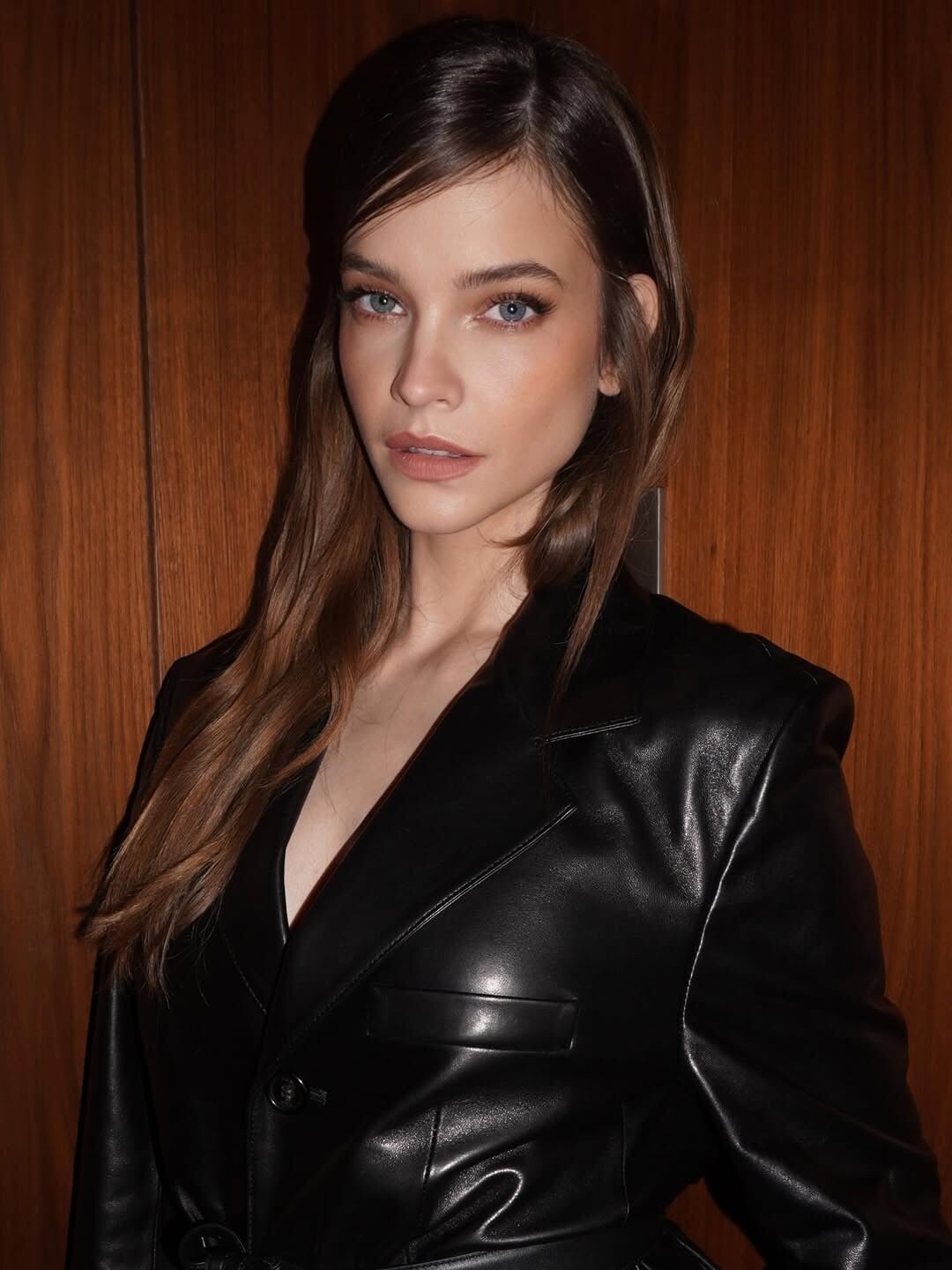
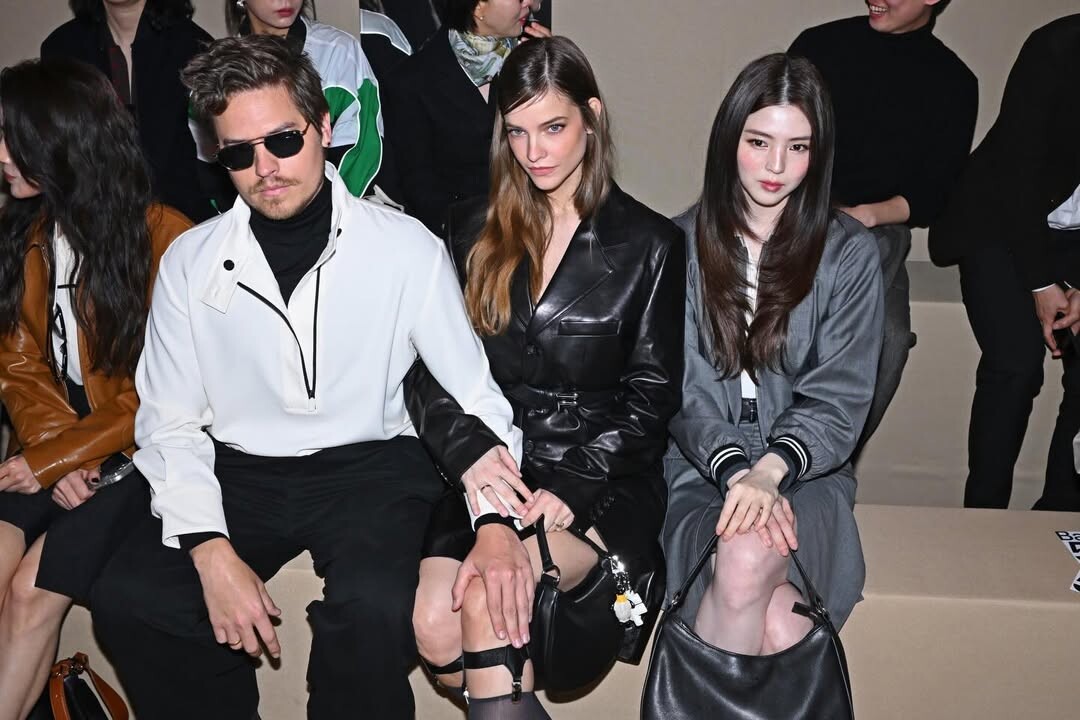
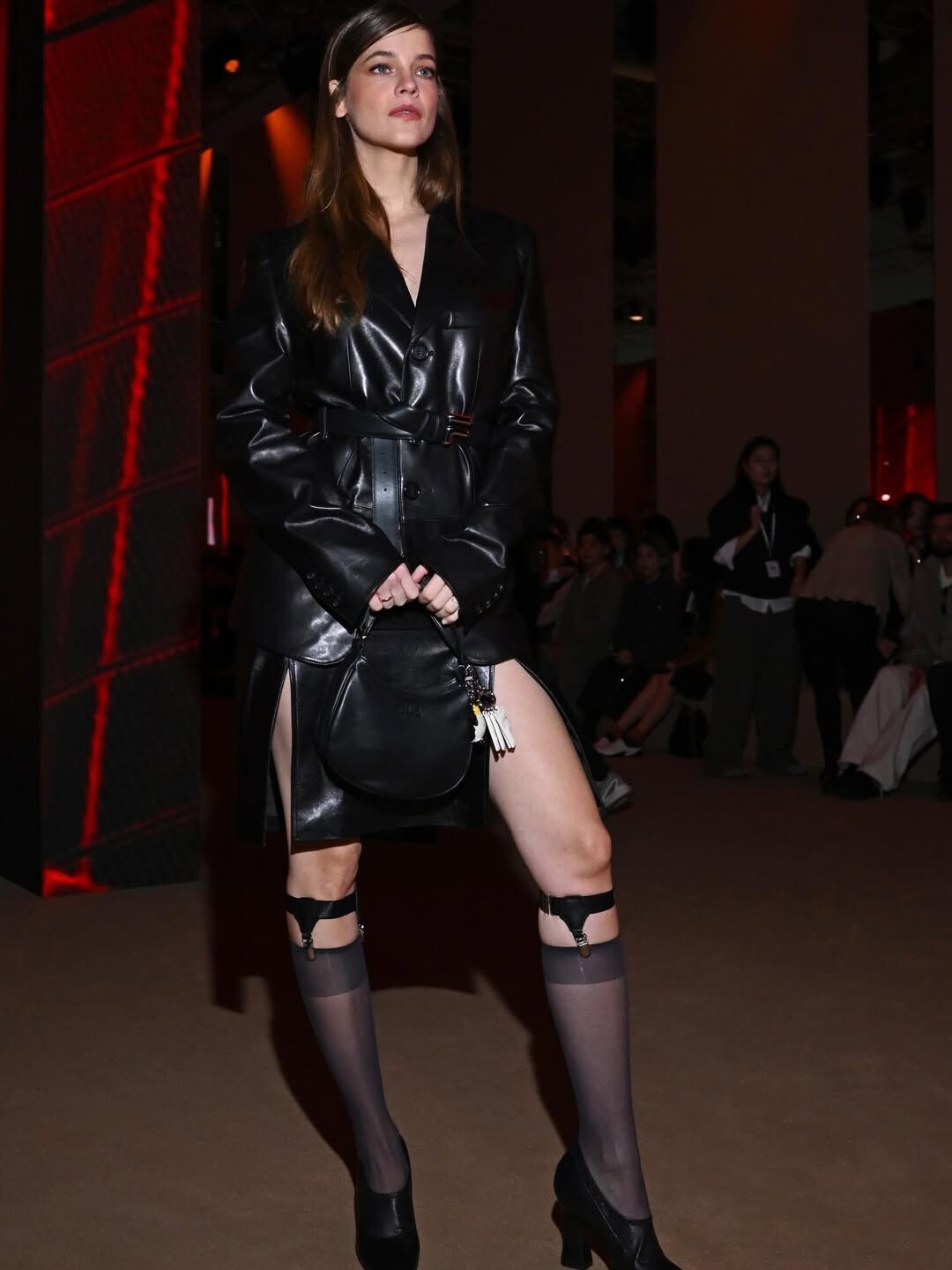
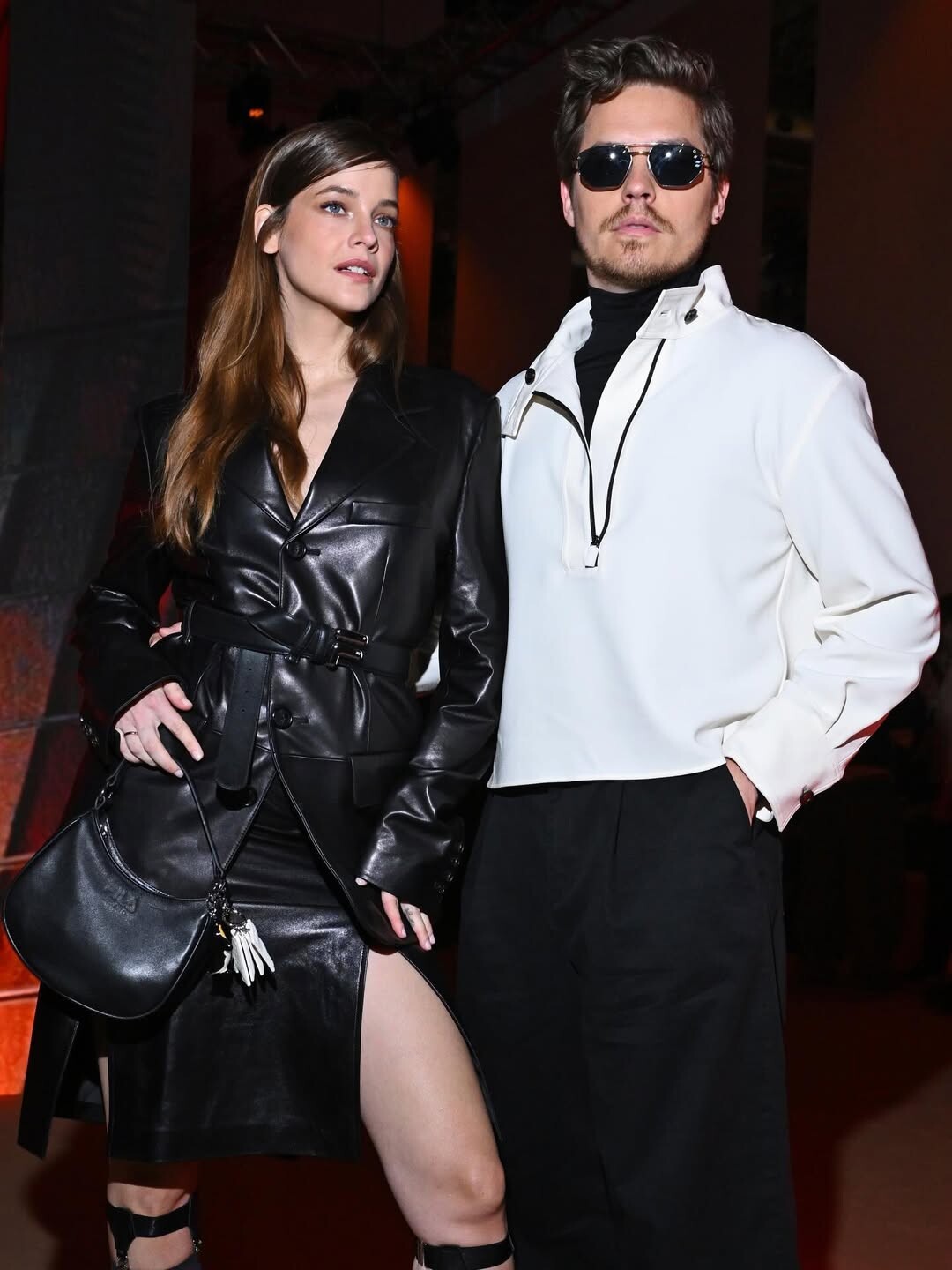
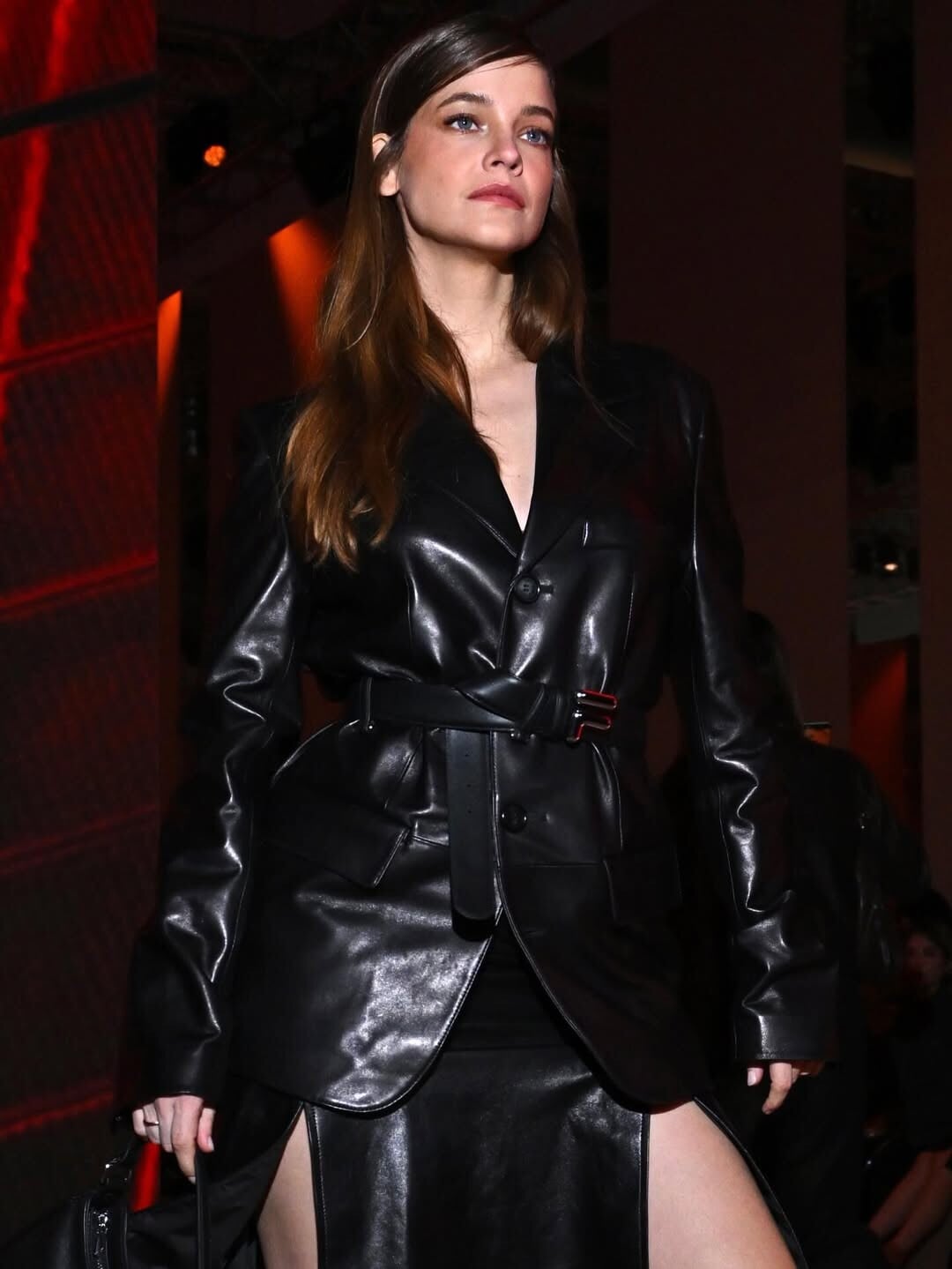


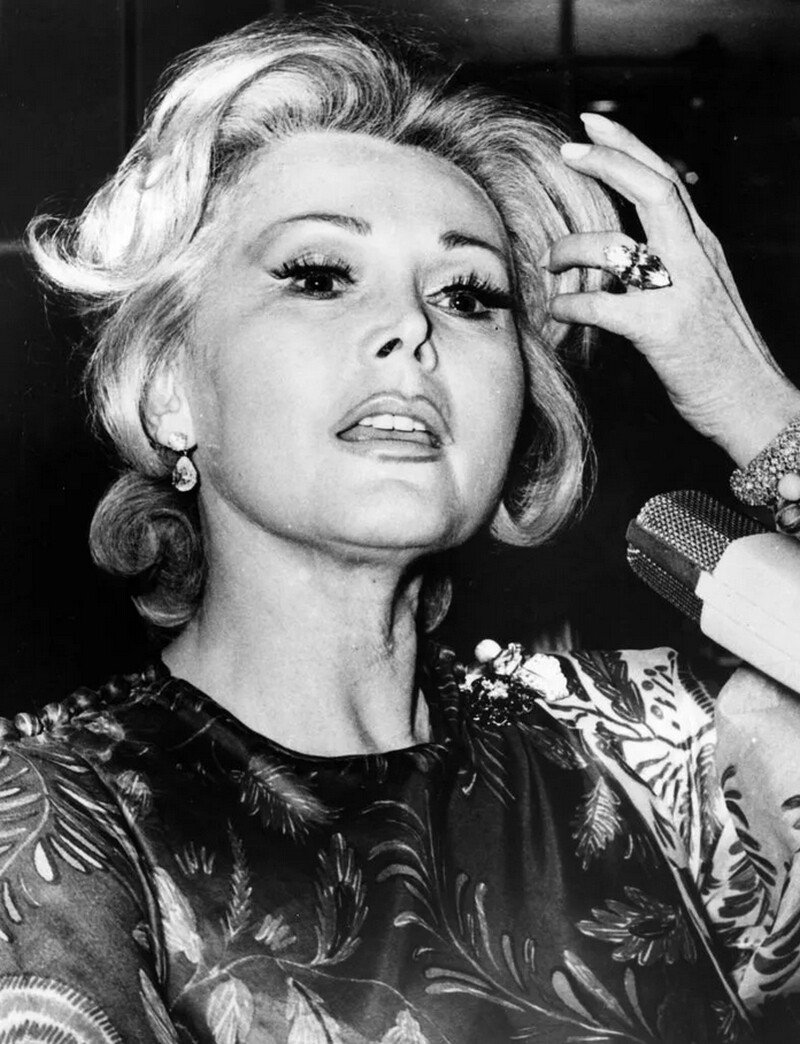
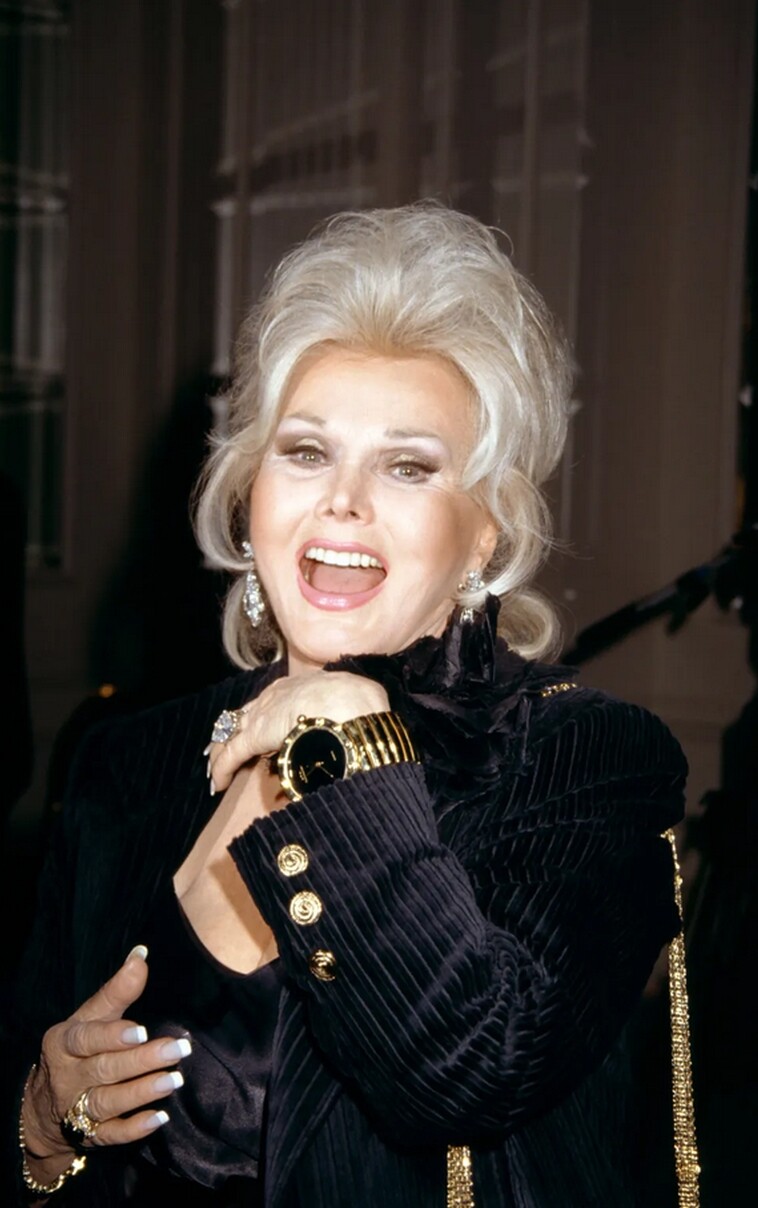
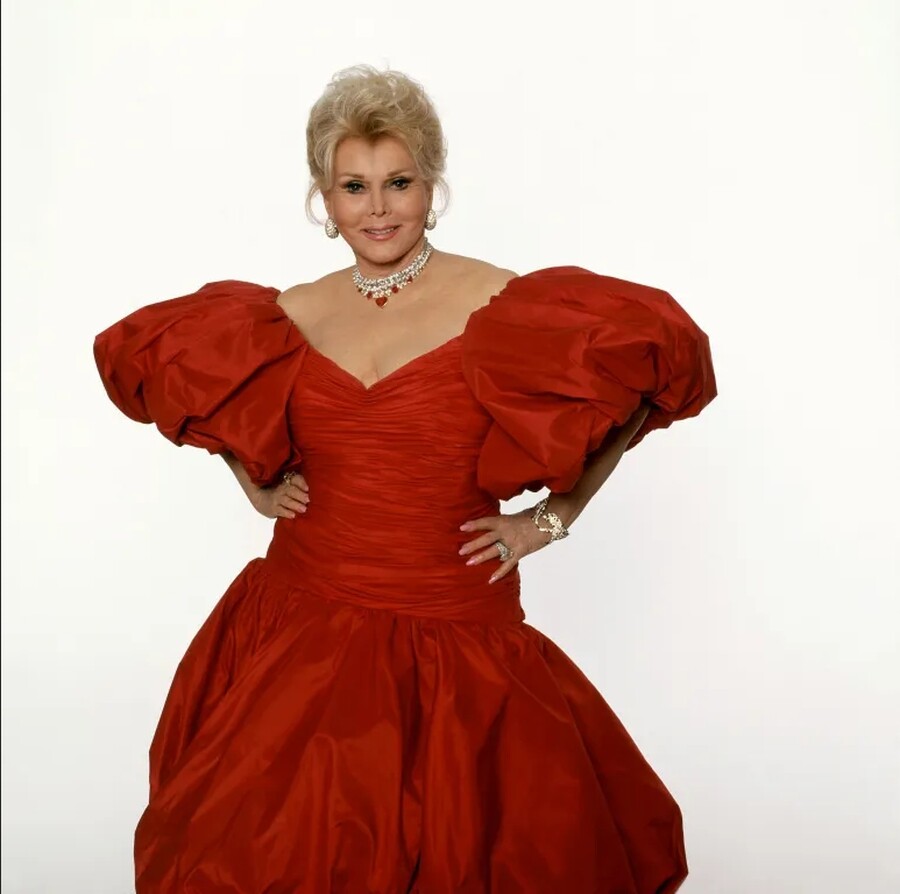

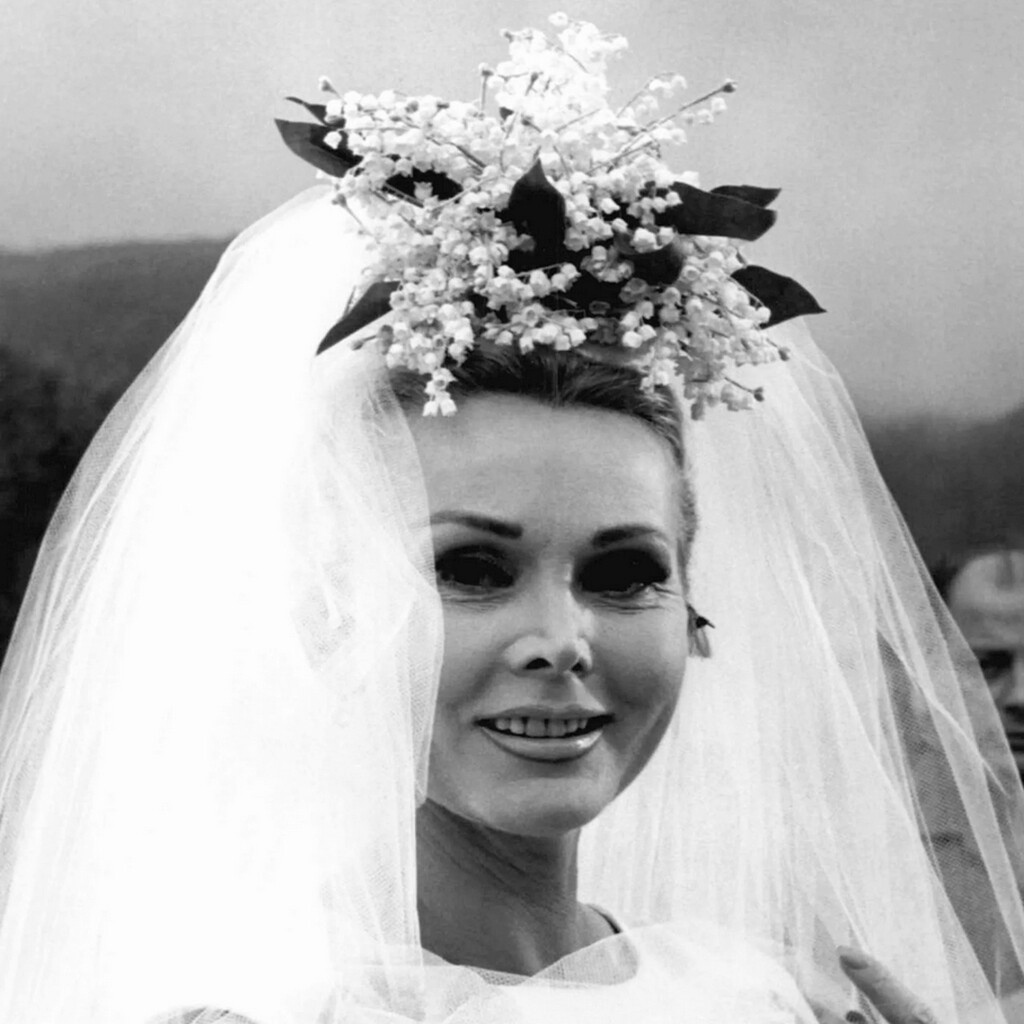







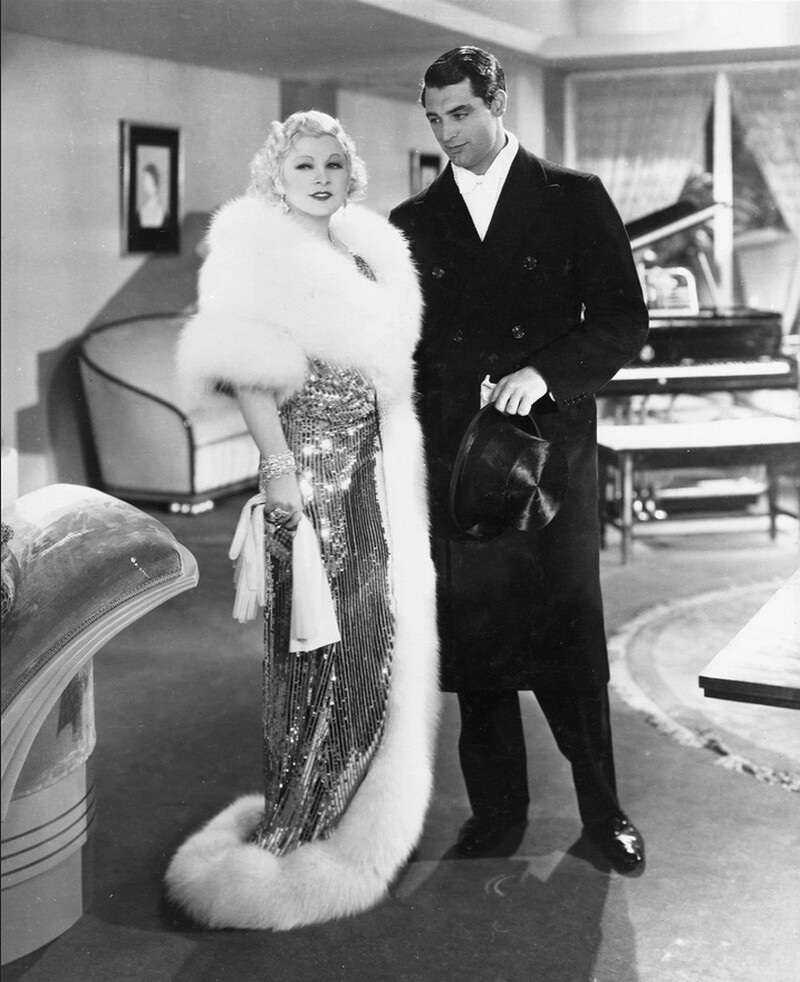
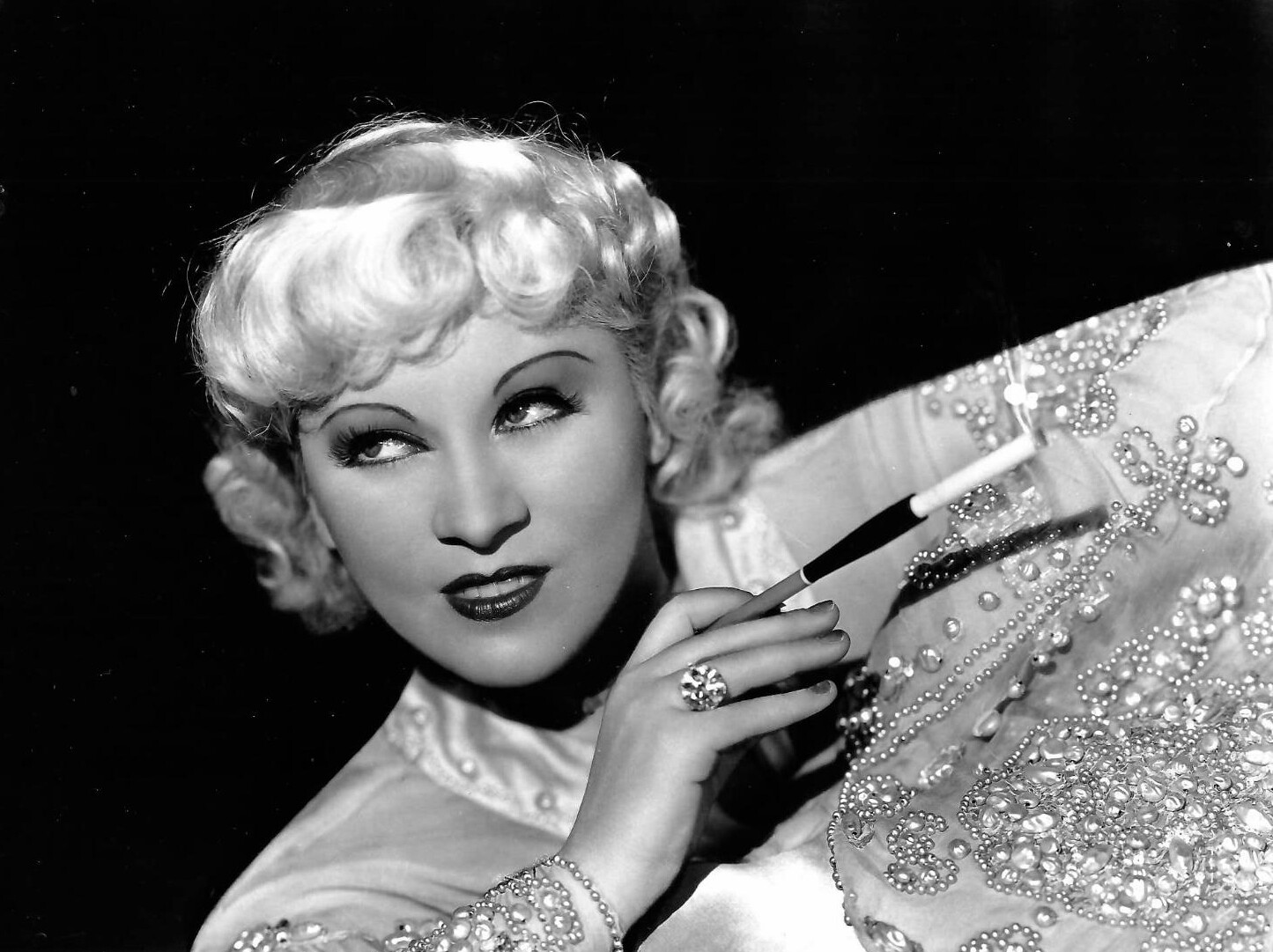
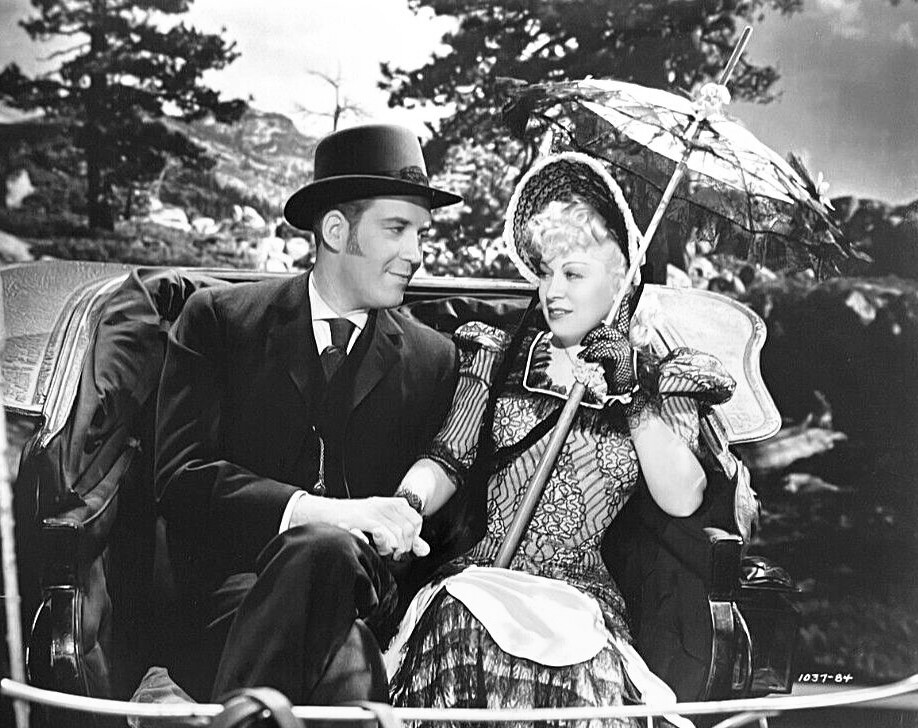
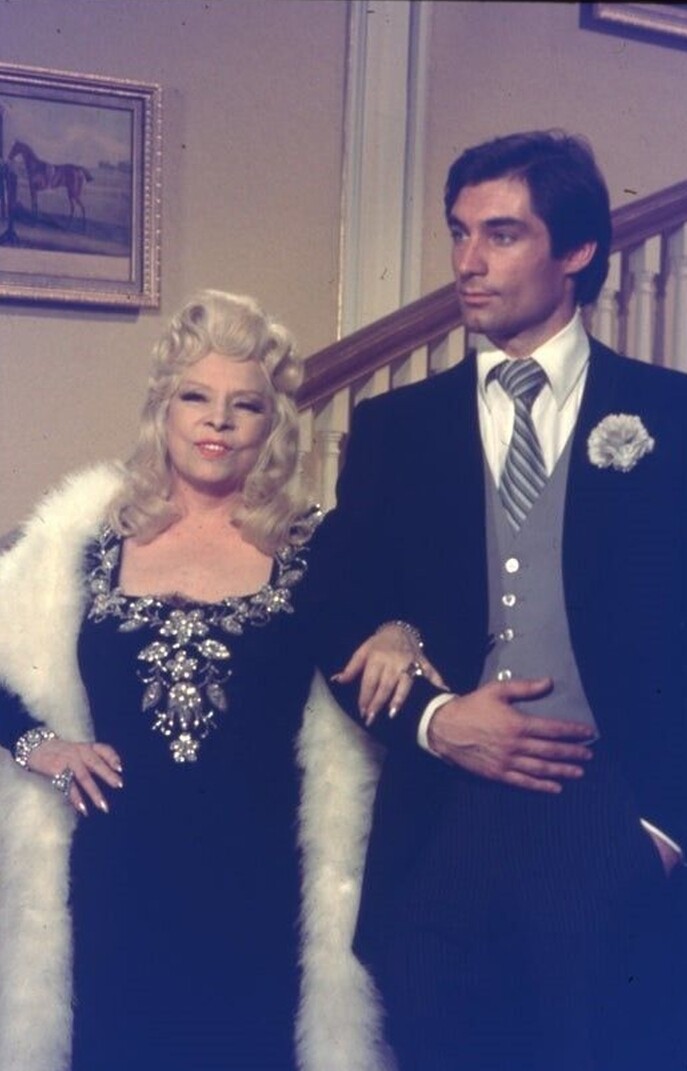

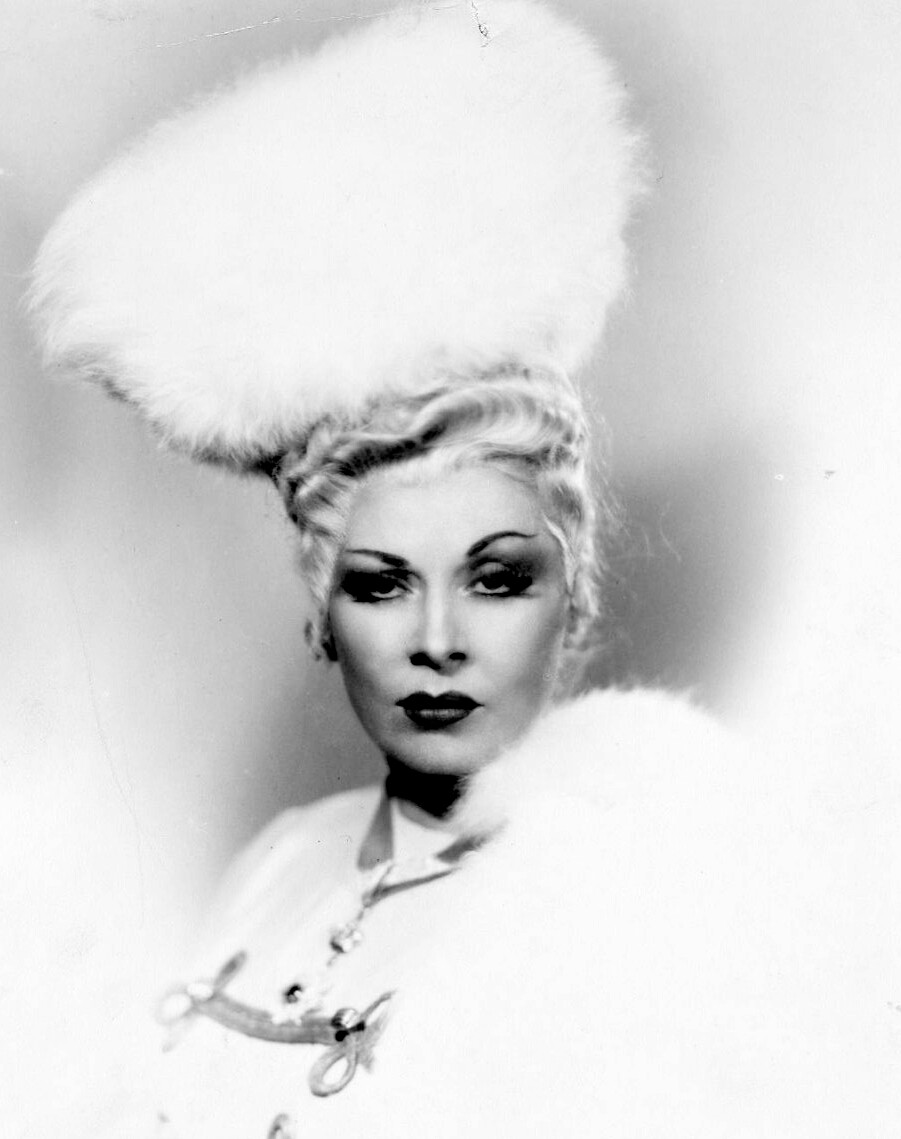
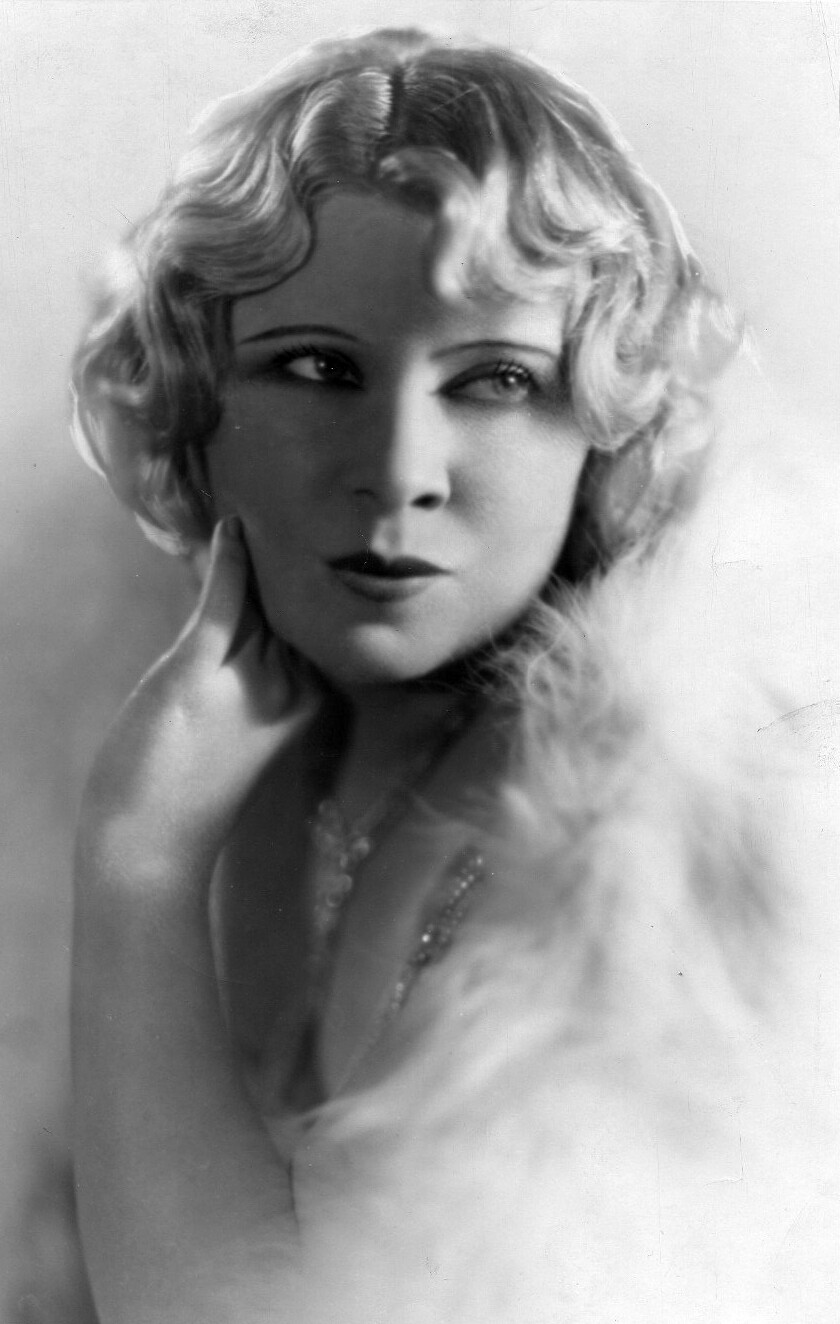
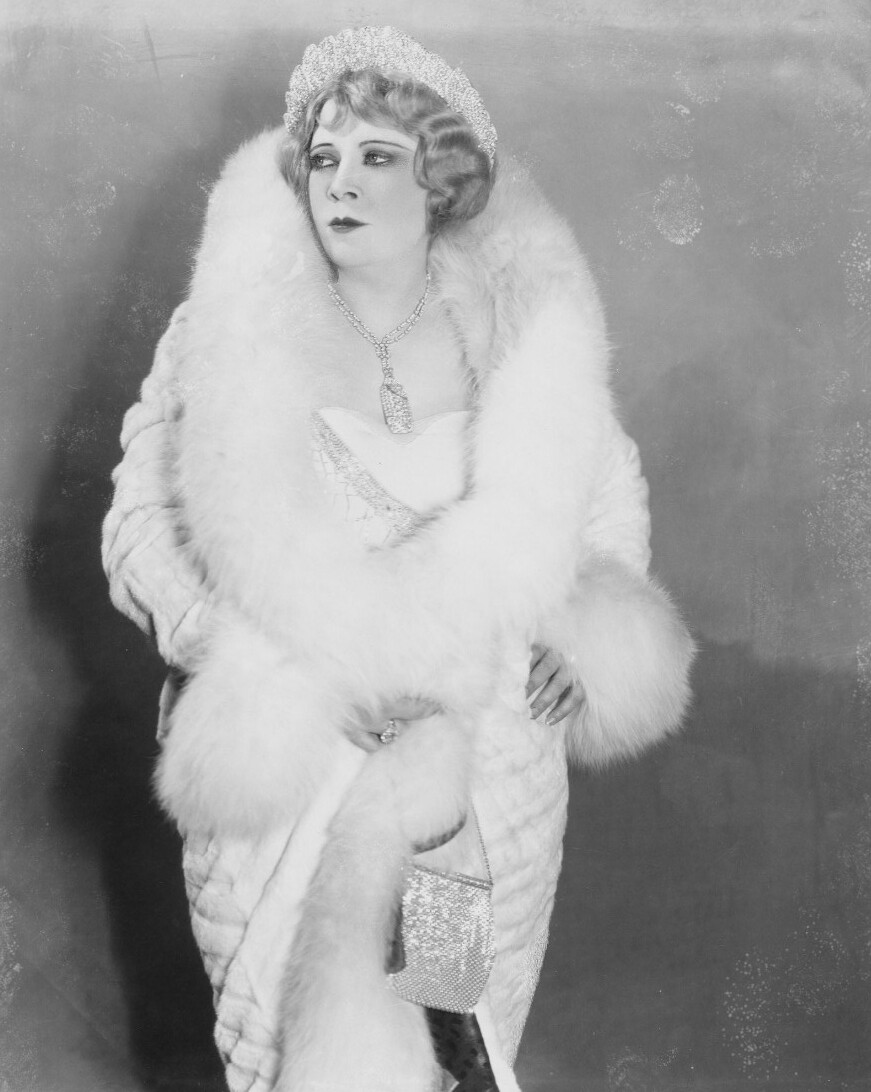
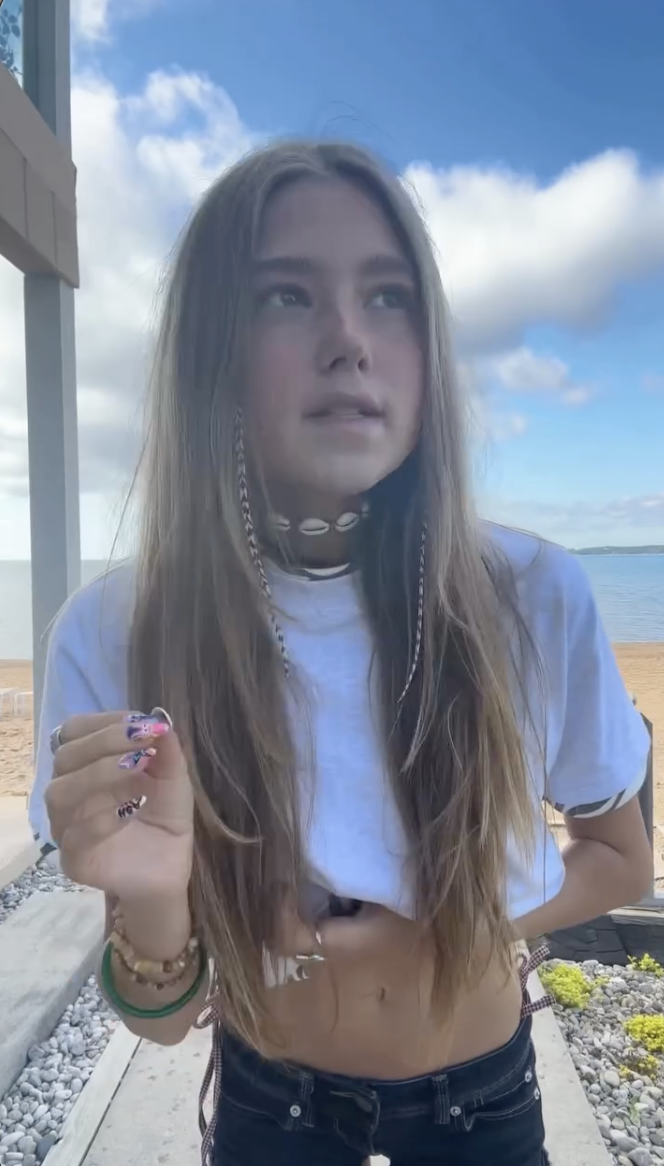
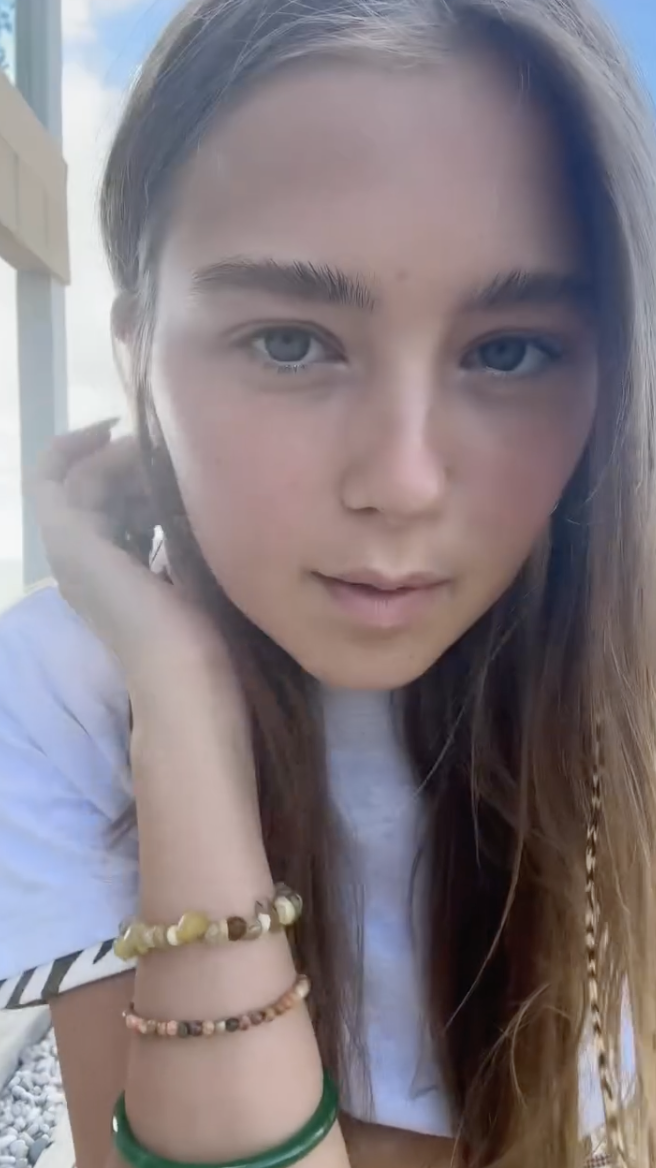
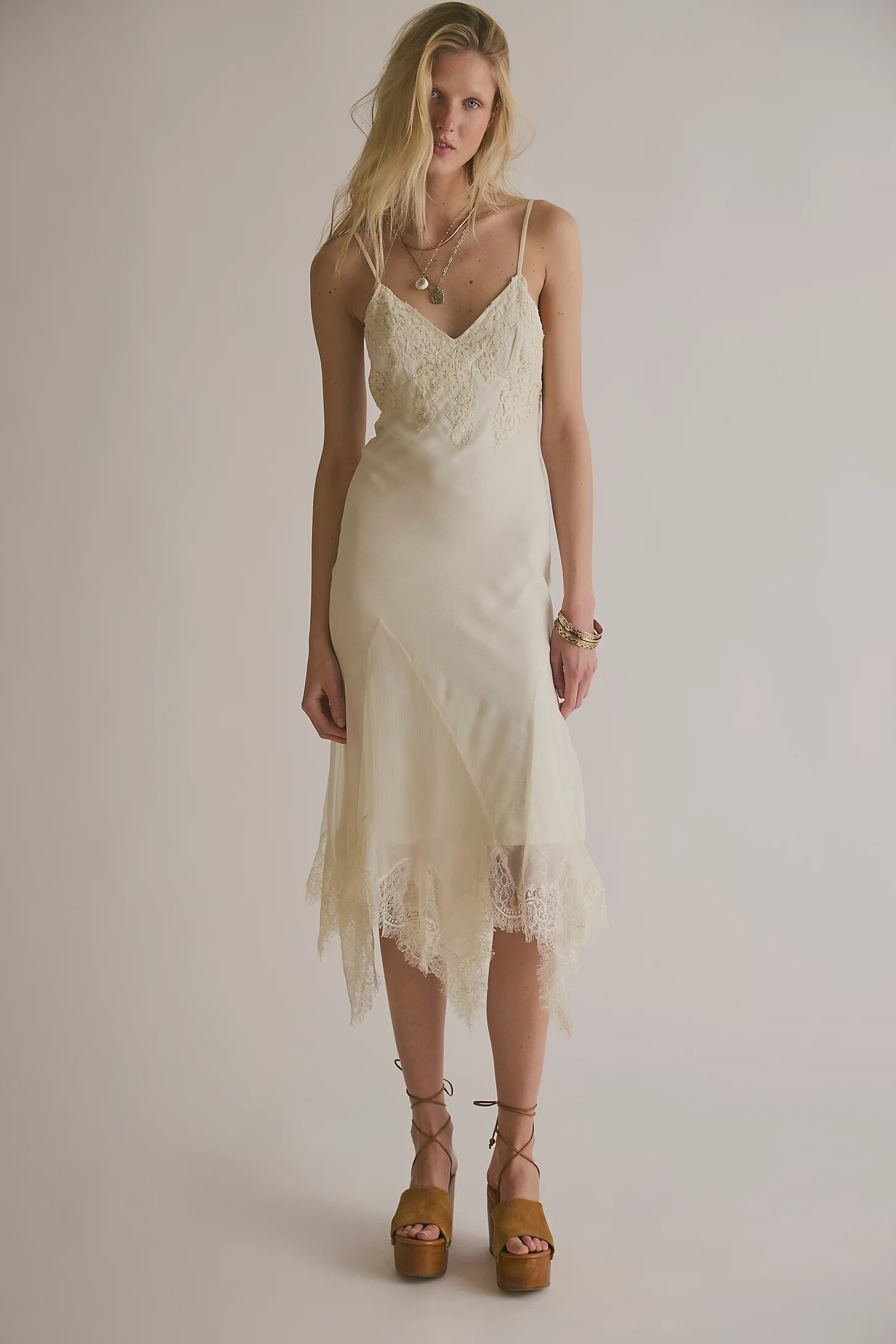
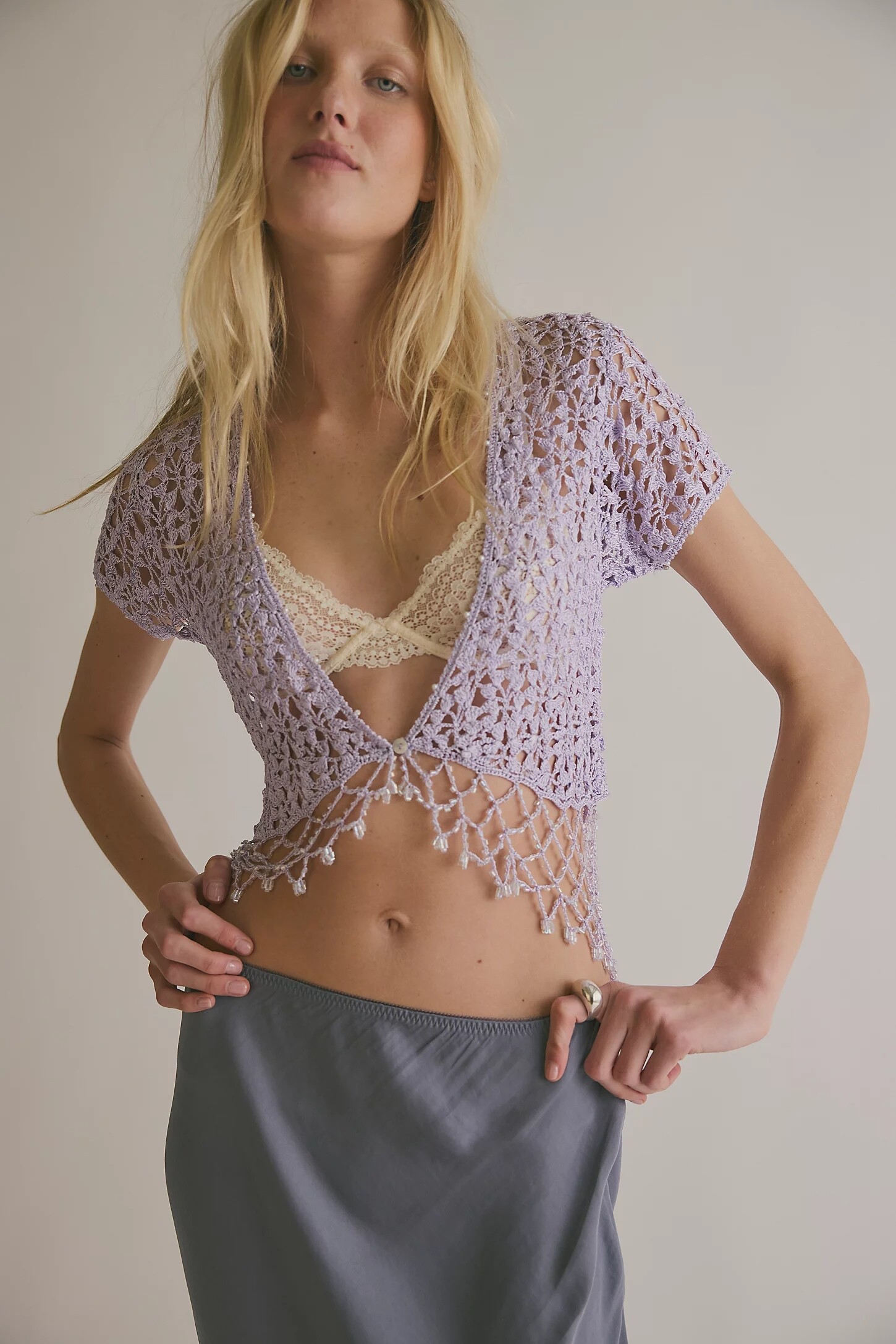
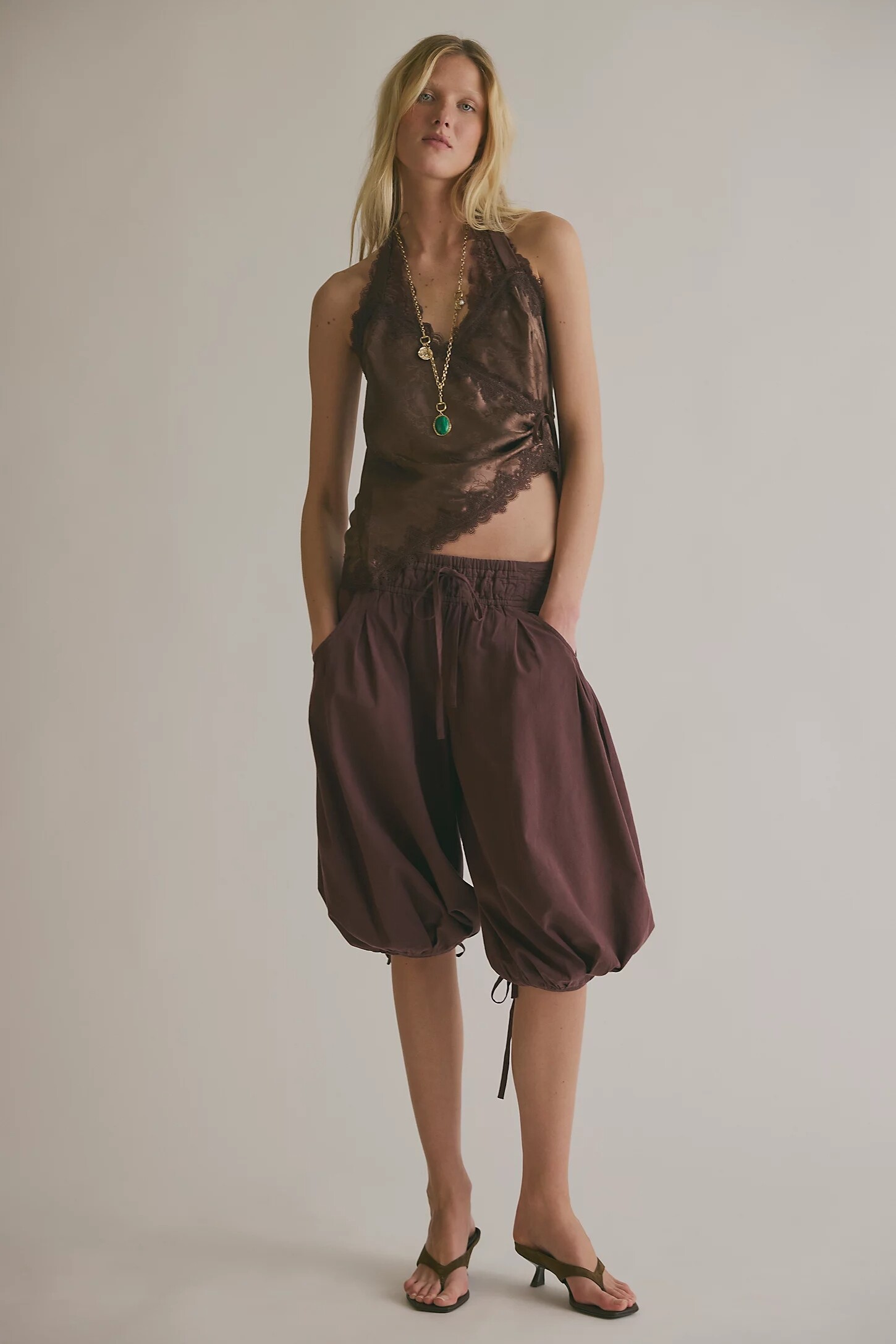

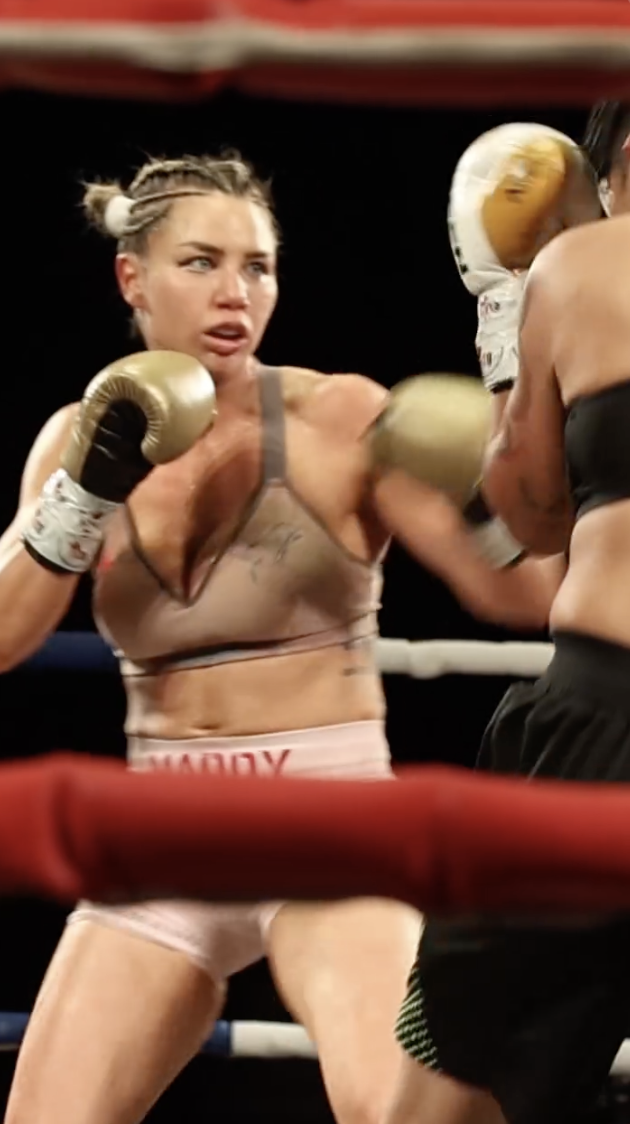

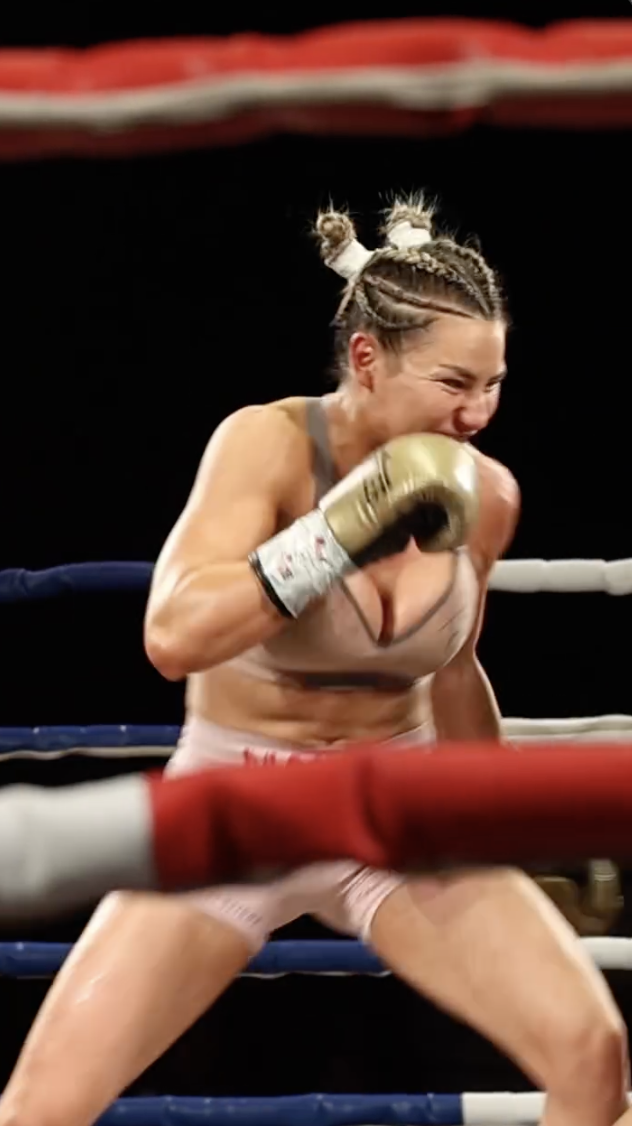
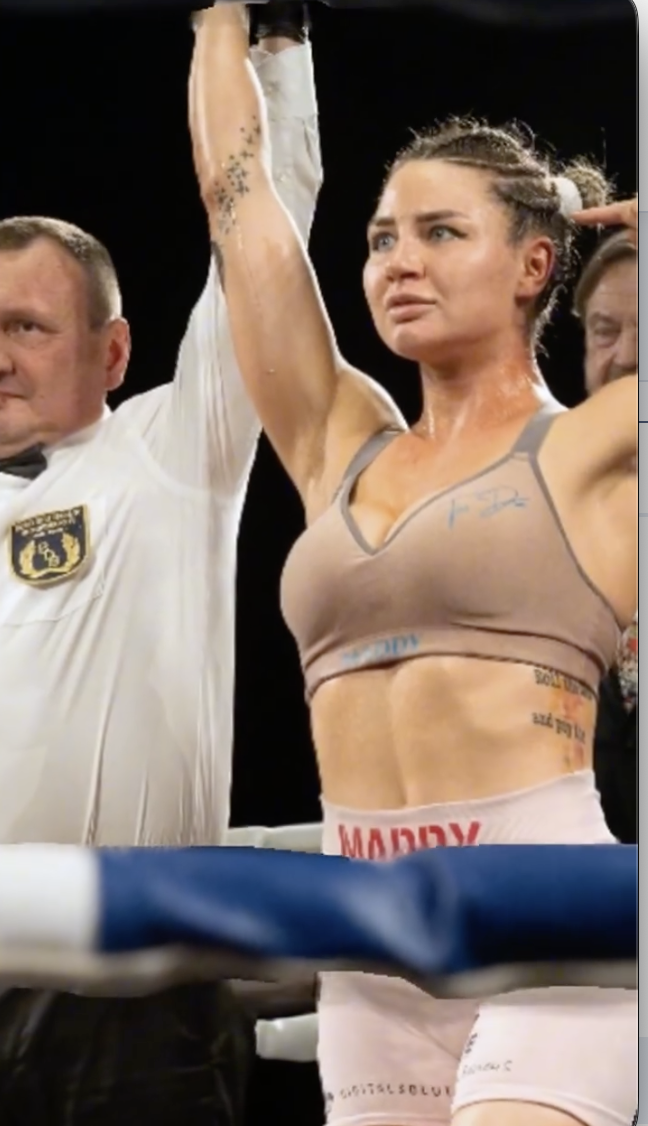



.jpg.b102c5dace3a66b531e7427ed5dd870a.jpg)
.jpg.4837e2db1779f5235628b96411b94794.jpg)
.jpg.26a4651707bf77312d860998d5c130bd.jpg)
.jpg.c821e0a643f2b34b5e079bbd02900e4e.jpg)
.jpg.b6ab9b3504235a5960663638e8ae55a7.jpg)
.jpg.a920151301ac5adeaf6de95b1d229750.jpg)
.jpg.93d7c5b79c9edaec2b11e40228305032.jpg)
.jpg.690c3b1d5a2b78cc20514d85b479ea28.jpg)
.jpg.516a68fa643529cddde85f9eeaa478b7.jpg)
.jpg.f75bac8d49c3a13e6f9a3efac6ba2407.jpg)
.jpg.81b752a15ea48fac7bdac471e554c955.jpg)
.jpg.15bcd0b495b5263a3ef50838df523962.jpg)
.jpg.f7fd319076a1feda8acf68f50a24c3a0.jpg)
.jpg.64acf92bde8700ceb984621bed2fefa9.jpg)
.jpg.6d7b866b6fe80e653ed876353a2e5687.jpg)
.jpg.82a372a2bef14942d2b2d899b6426665.jpg)
.jpg.af847a2123ba915cce4ebd1c3a6957ea.jpg)
.jpg.8b1d4d161cd690d9916768093e5a59e7.jpg)
.jpg.8962fa51c463d64ef65c9267cf2101e8.jpg)
.jpg.ec6f2ae03b632706fbb92476ecacccf4.jpg)
.jpg.23b2b2de471e5fe7201ce5e76df4c0b2.jpg)
.jpg.22b83e38dba51598166e5d594f948cd5.jpg)
.jpg.89a4cf4ce7585c2bd413be100baa244b.jpg)
.jpg.f0a39643a8524dd8de4d7ad1e7b6ee45.jpg)
.jpg.c9db5388320647bbbee112bcd5210112.jpg)
.jpg.4c578fdd0b957411642077521bc5e9eb.jpg)
.jpg.8616c3e93268353716887f6931f229f6.jpg)
.jpg.b2e51add8a349f784f877c61538920d5.jpg)
.jpg.ab6cfe5be47a2972581a75f336670f59.jpg)

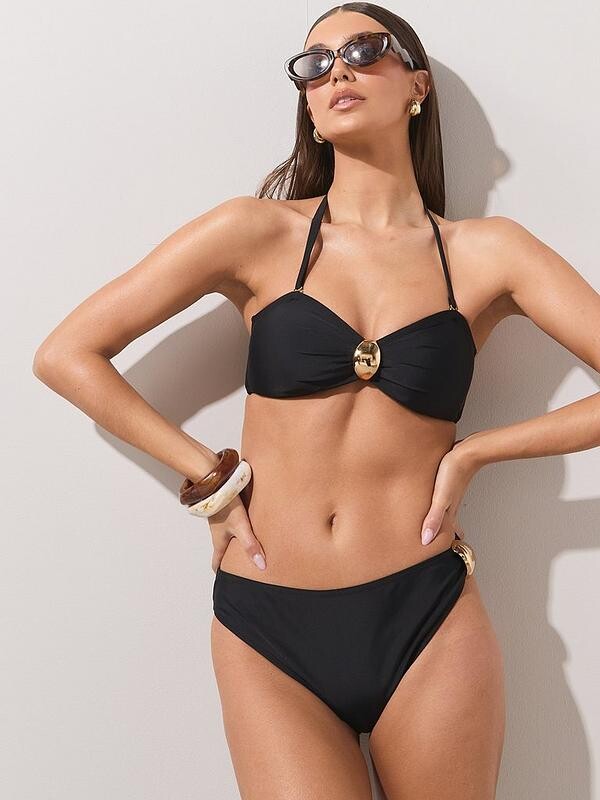
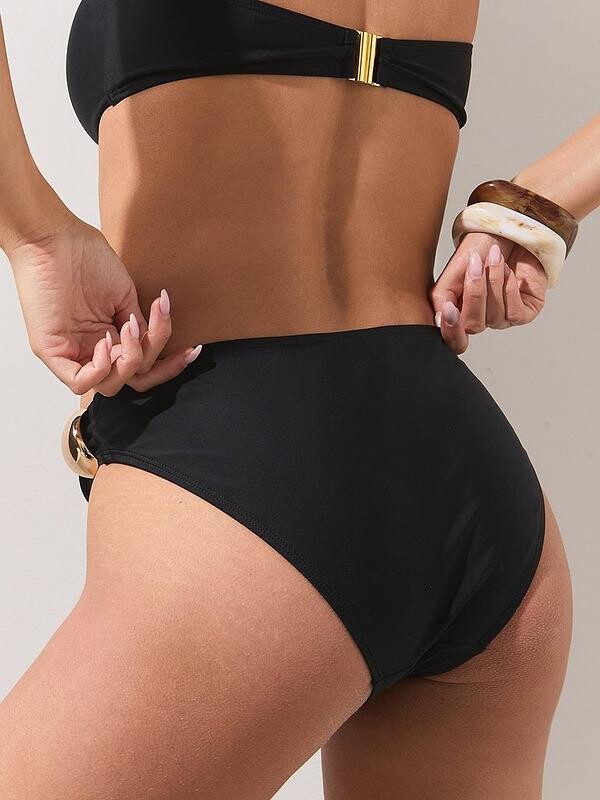
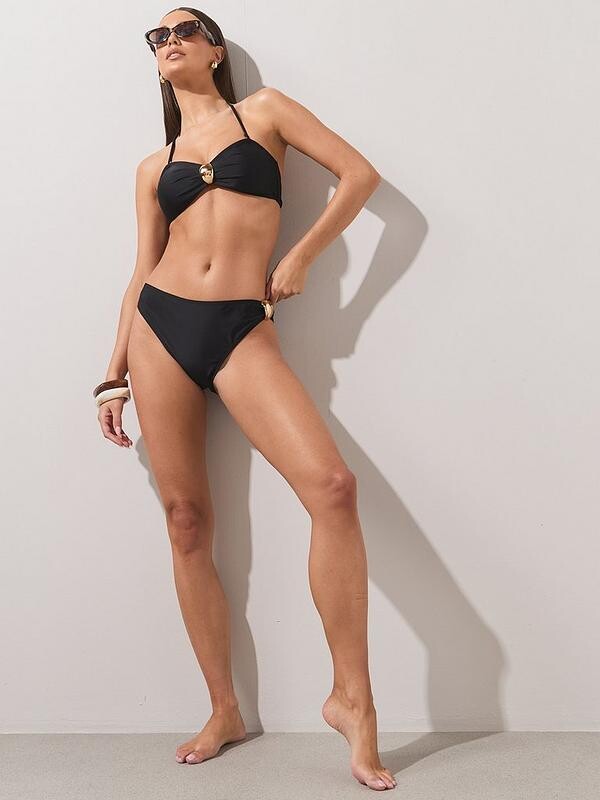
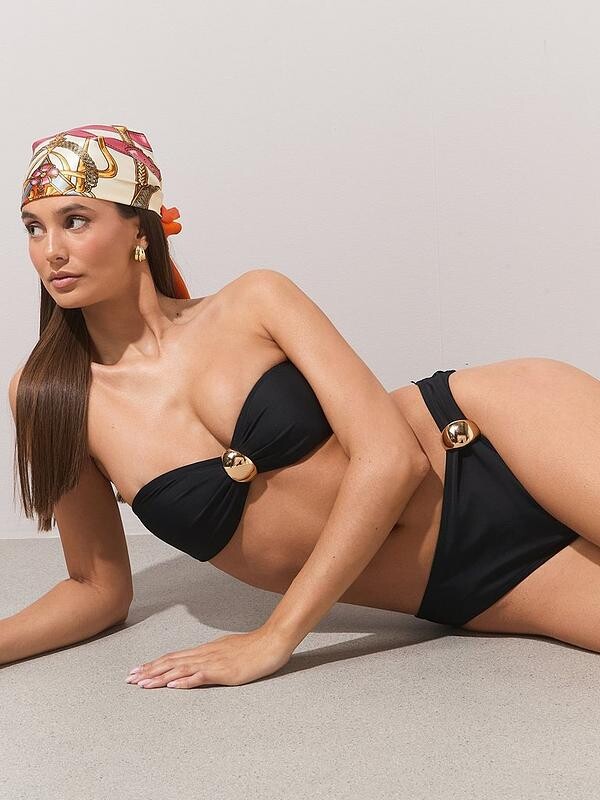
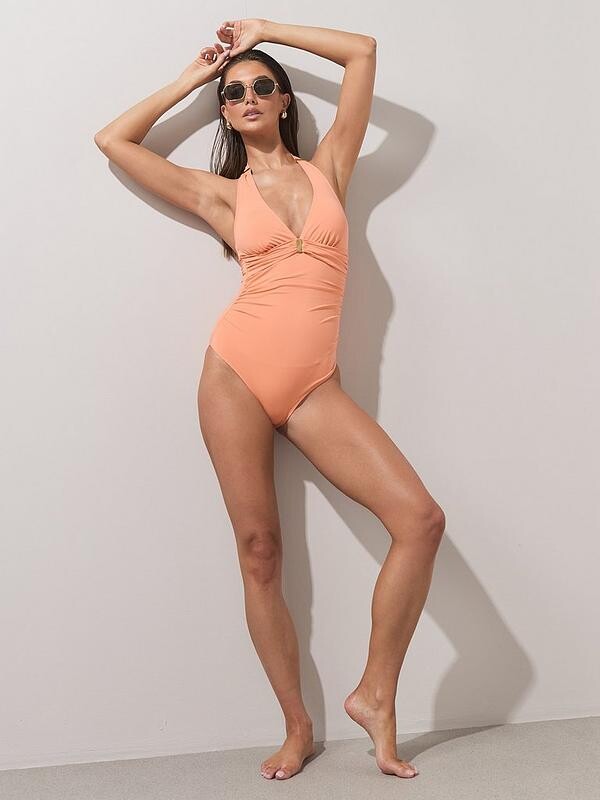
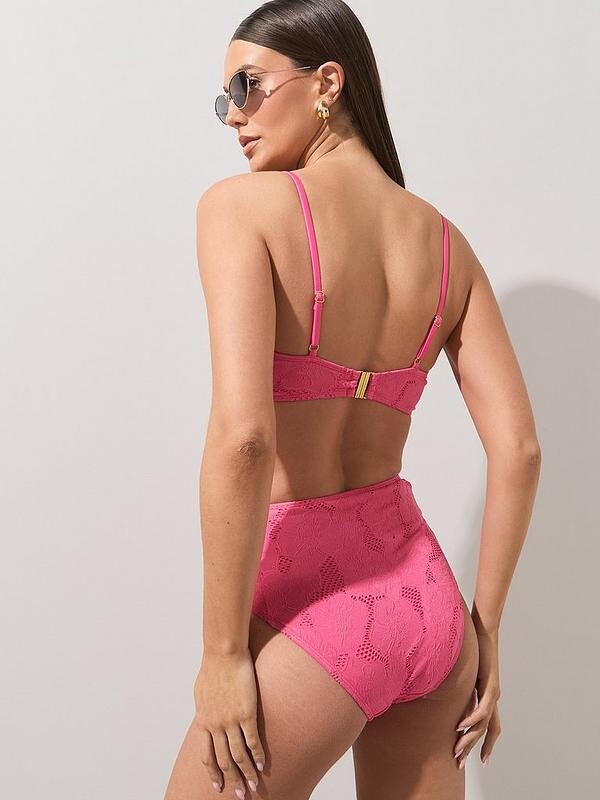
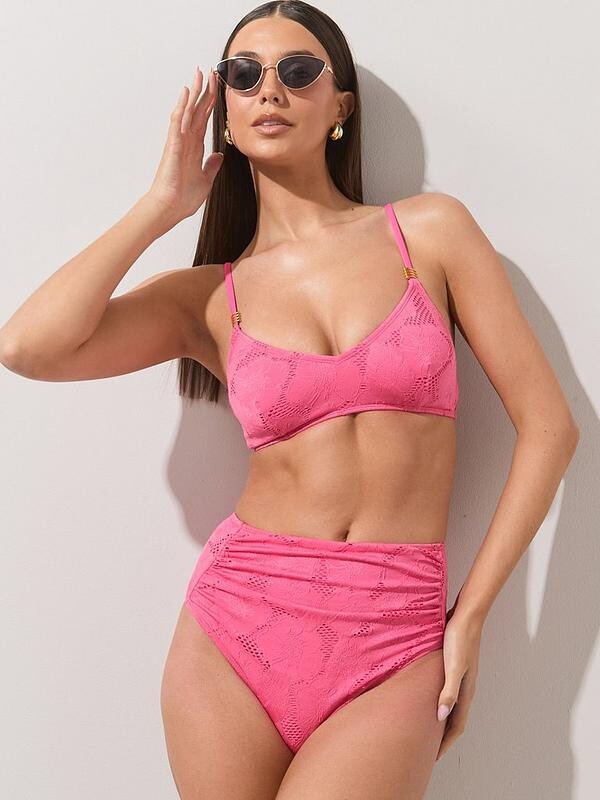
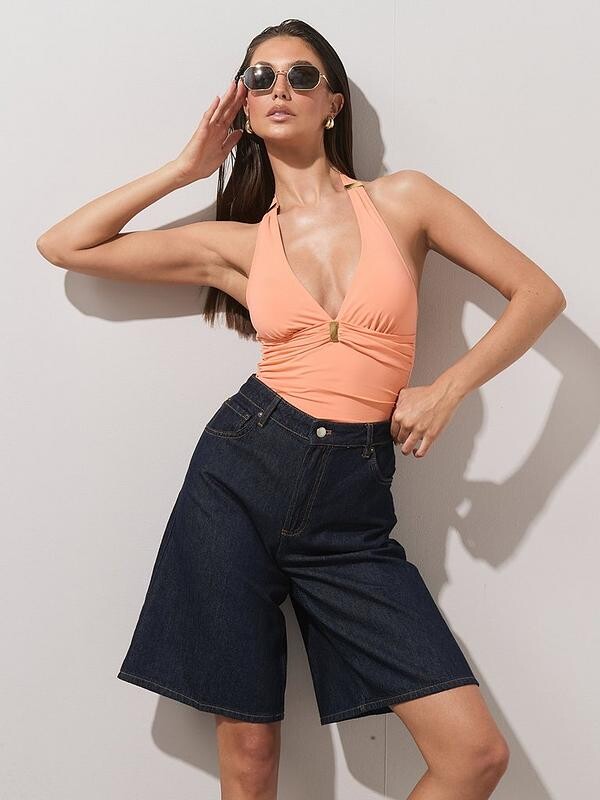
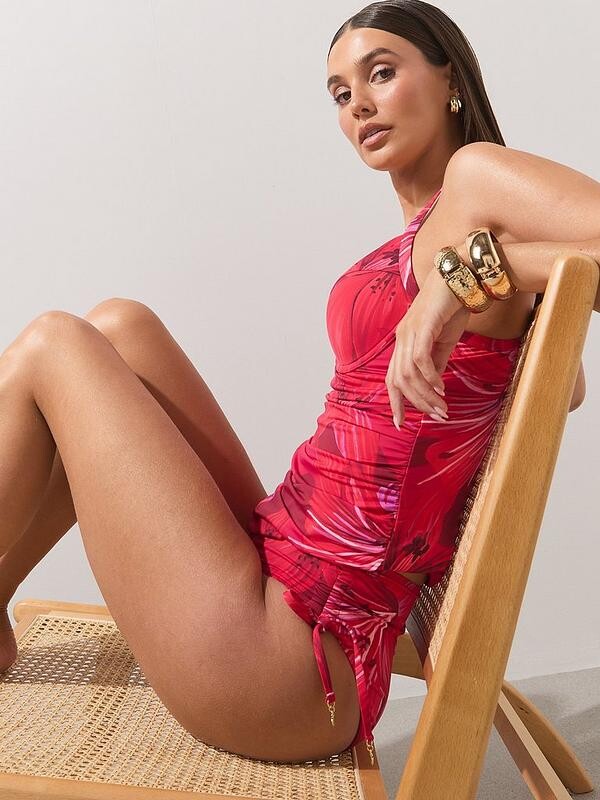
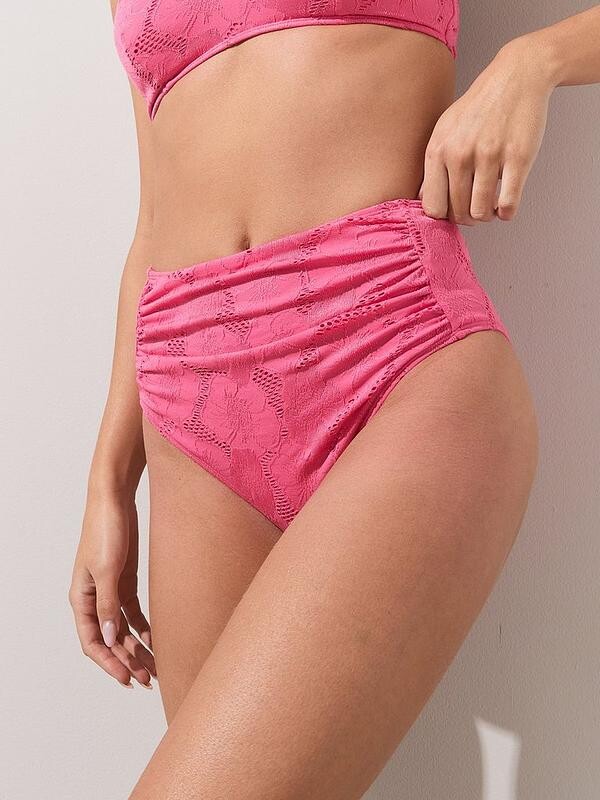
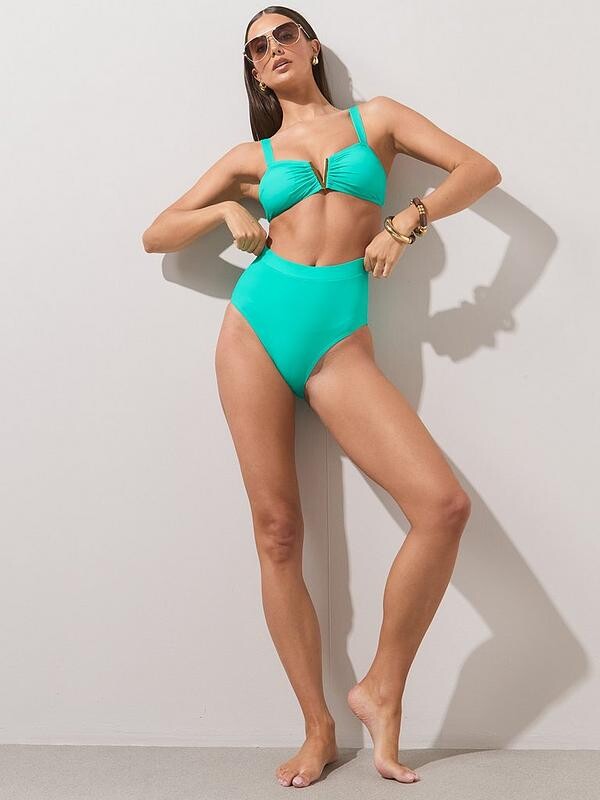
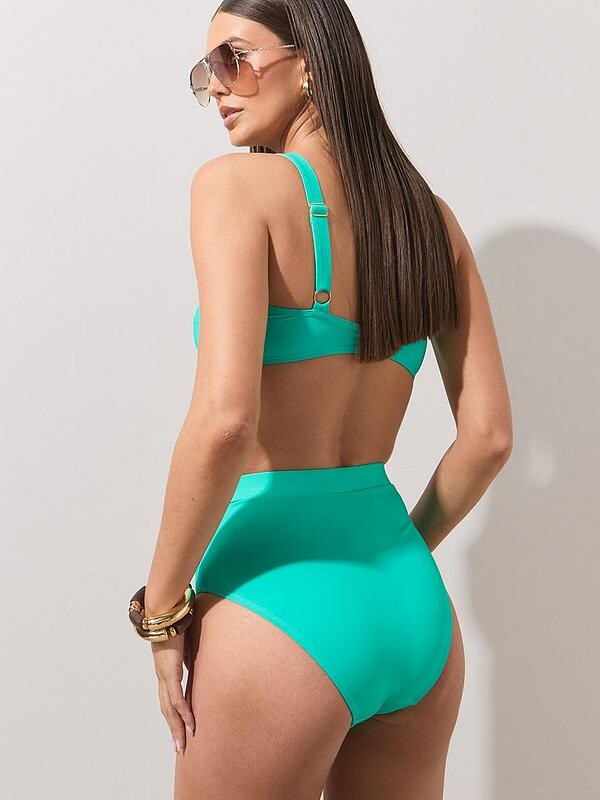
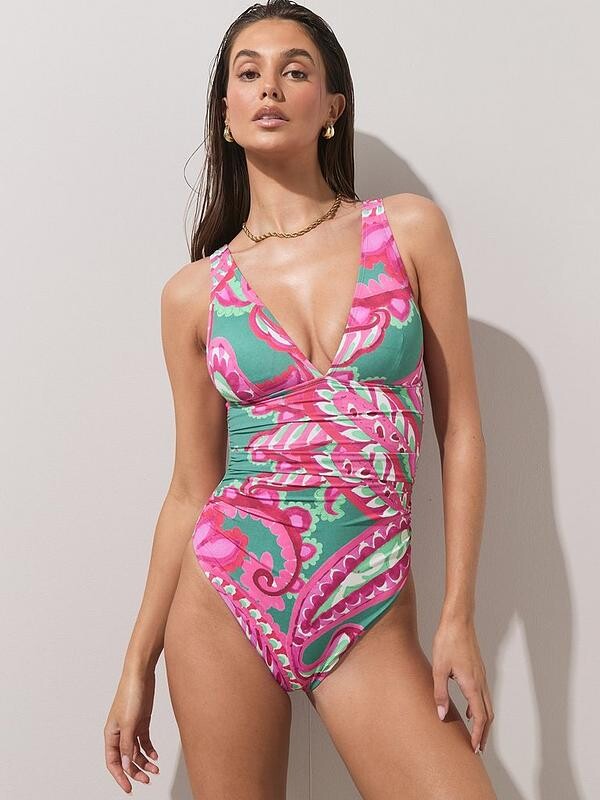
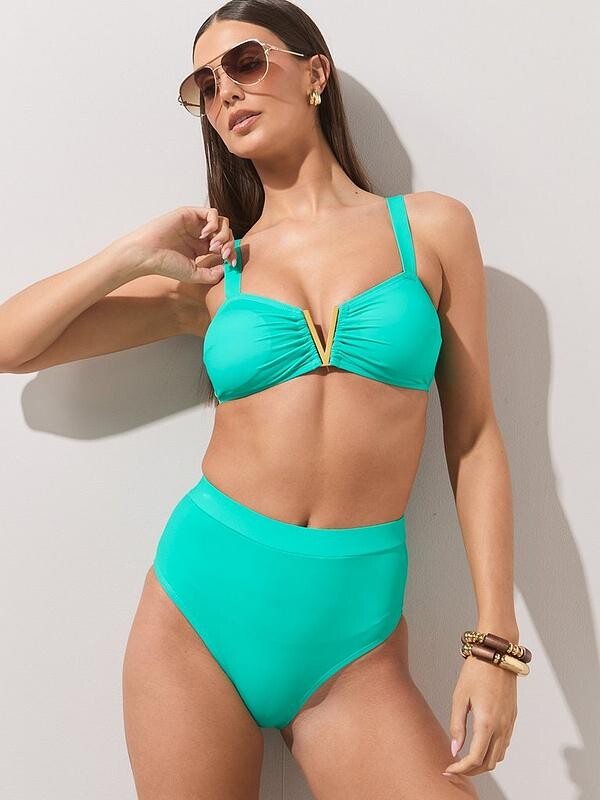
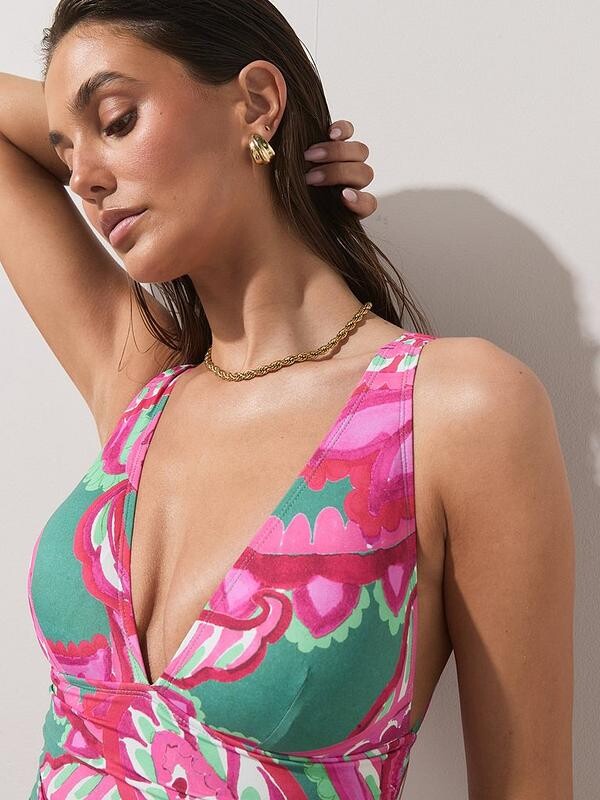
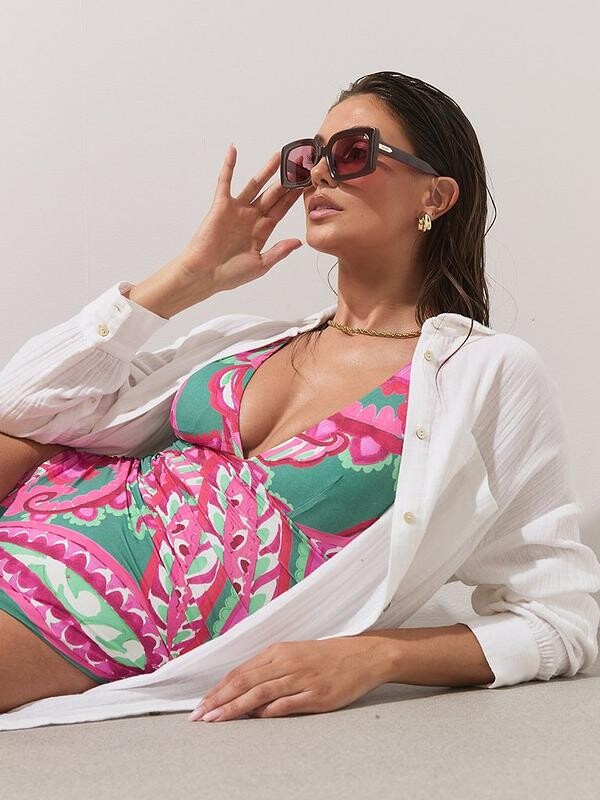





















Account
Navigation
Search
Configure browser push notifications
Chrome (Android)
- Tap the lock icon next to the address bar.
- Tap Permissions → Notifications.
- Adjust your preference.
Chrome (Desktop)
- Click the padlock icon in the address bar.
- Select Site settings.
- Find Notifications and adjust your preference.
Safari (iOS 16.4+)
- Ensure the site is installed via Add to Home Screen.
- Open Settings App → Notifications.
- Find your app name and adjust your preference.
Safari (macOS)
- Go to Safari → Preferences.
- Click the Websites tab.
- Select Notifications in the sidebar.
- Find this website and adjust your preference.
Edge (Android)
- Tap the lock icon next to the address bar.
- Tap Permissions.
- Find Notifications and adjust your preference.
Edge (Desktop)
- Click the padlock icon in the address bar.
- Click Permissions for this site.
- Find Notifications and adjust your preference.
Firefox (Android)
- Go to Settings → Site permissions.
- Tap Notifications.
- Find this site in the list and adjust your preference.
Firefox (Desktop)
- Open Firefox Settings.
- Search for Notifications.
- Find this site in the list and adjust your preference.