All Activity
- Past hour
-
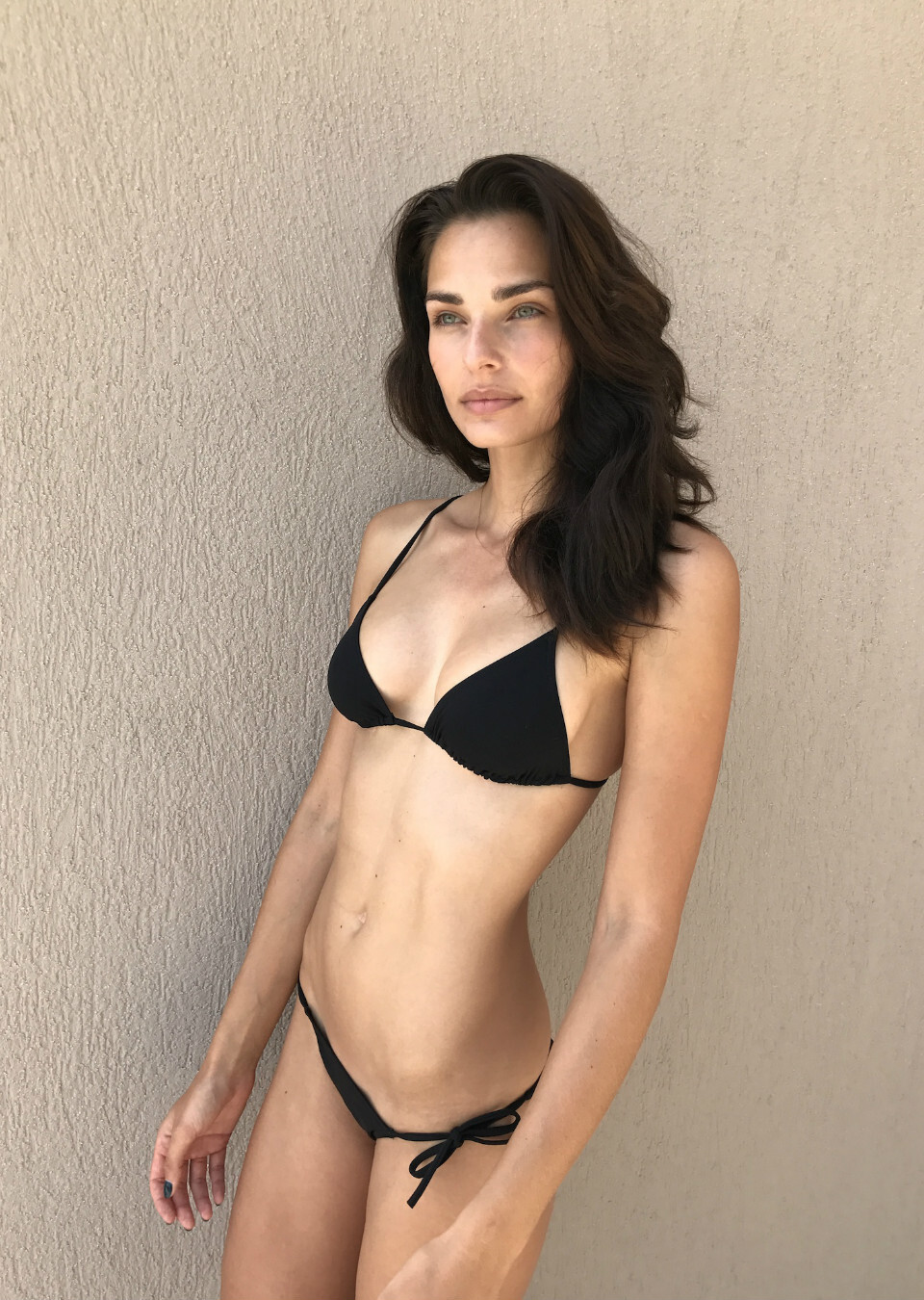
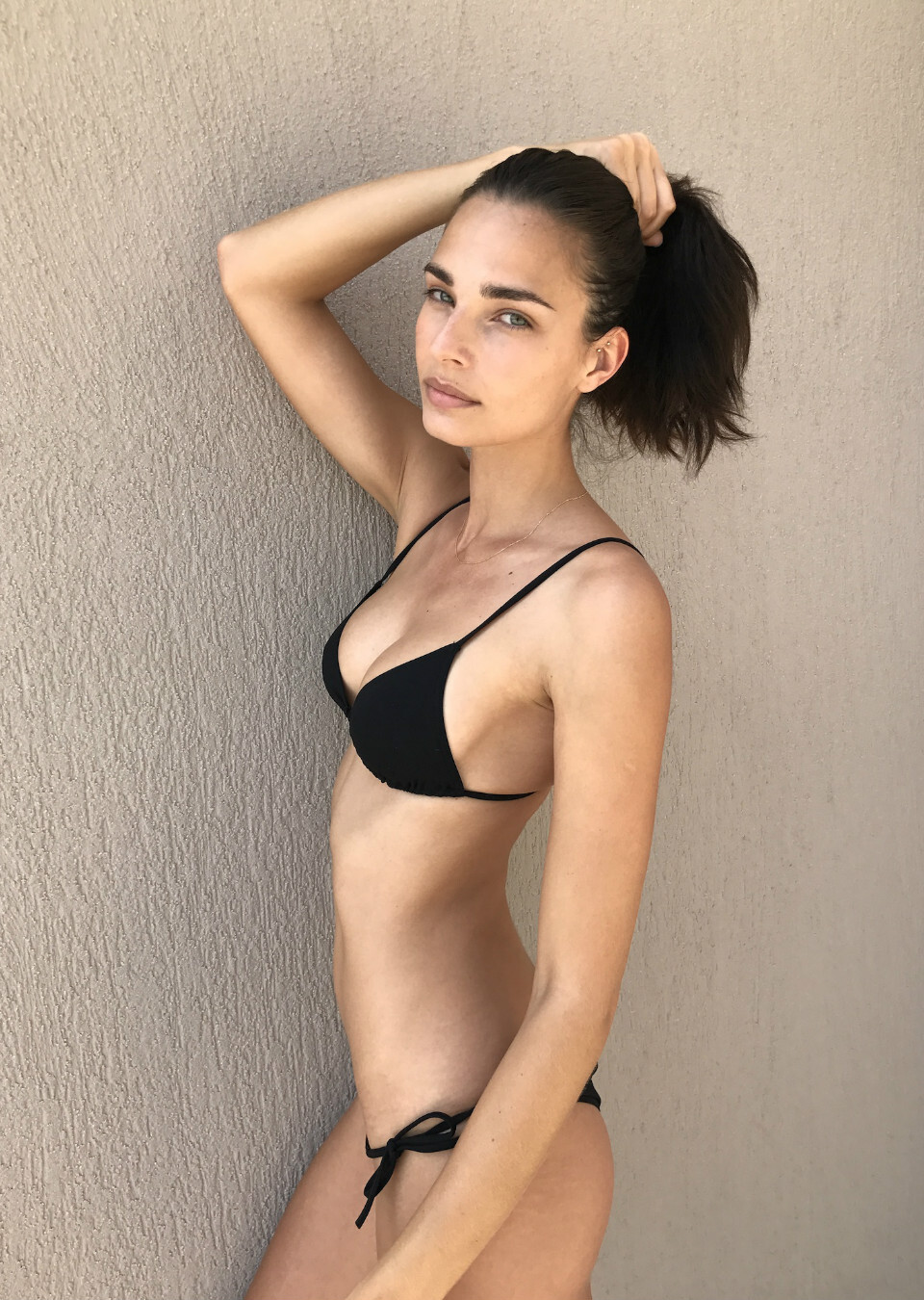
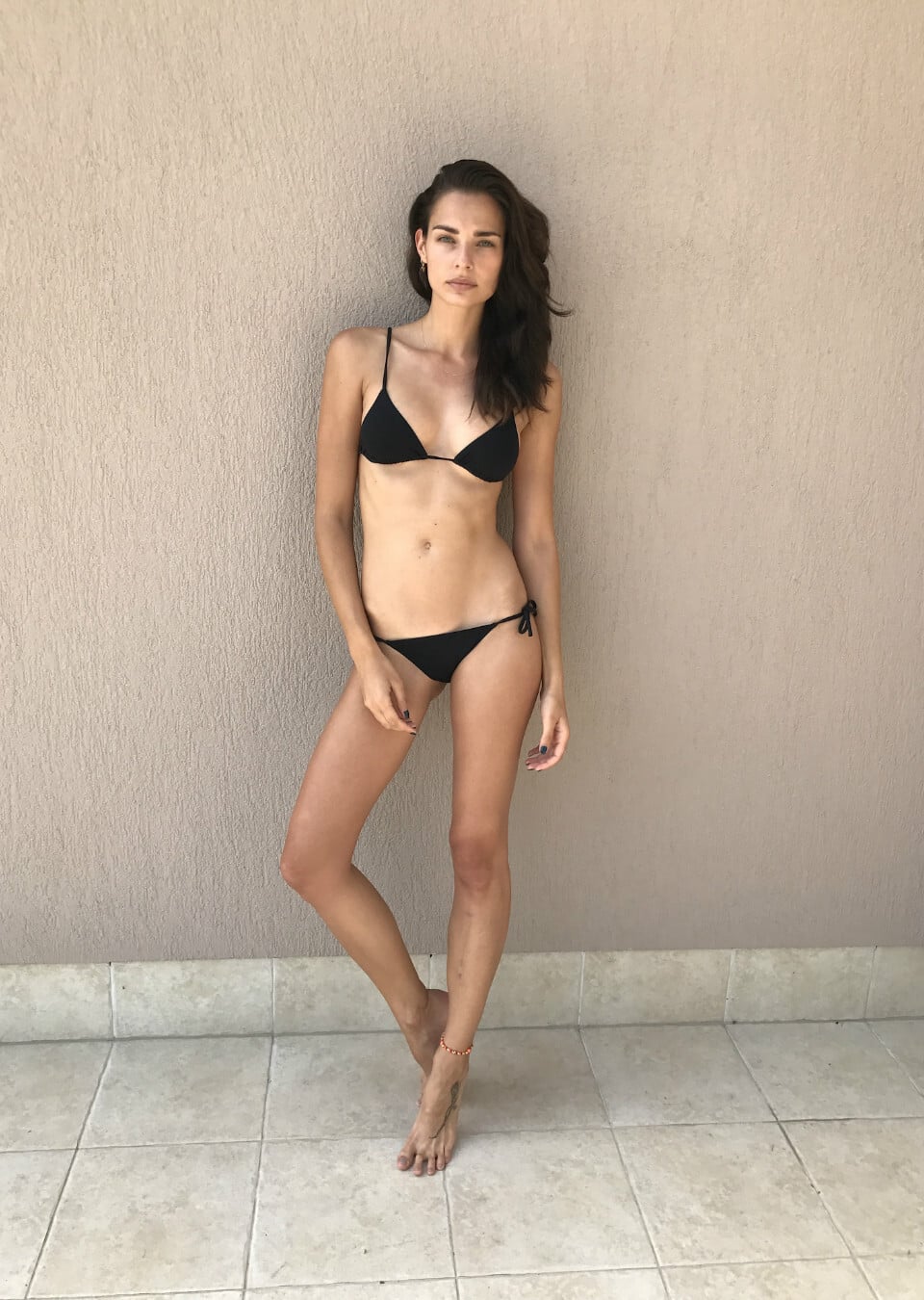
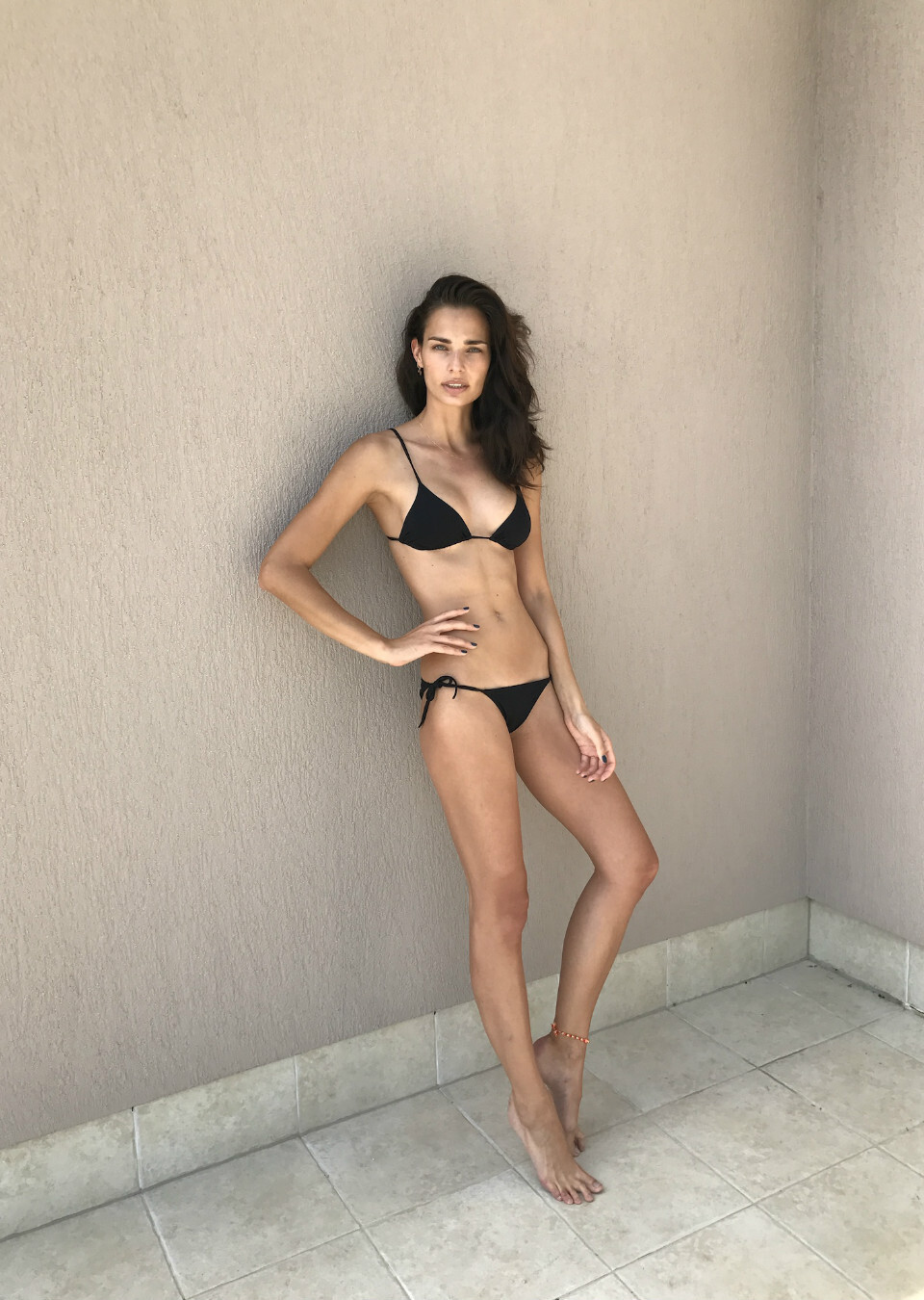
 Natasha Livak
-

-

-
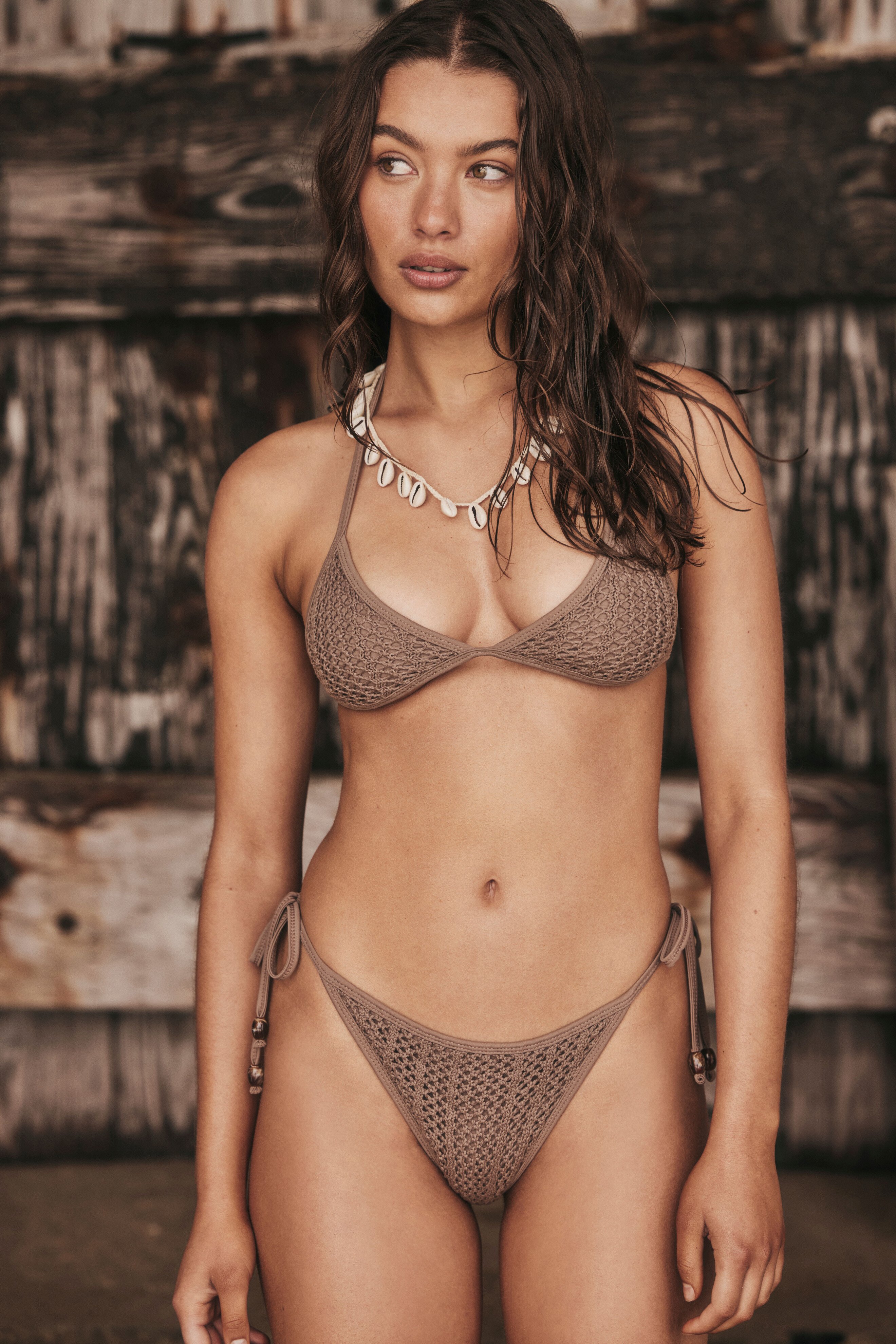
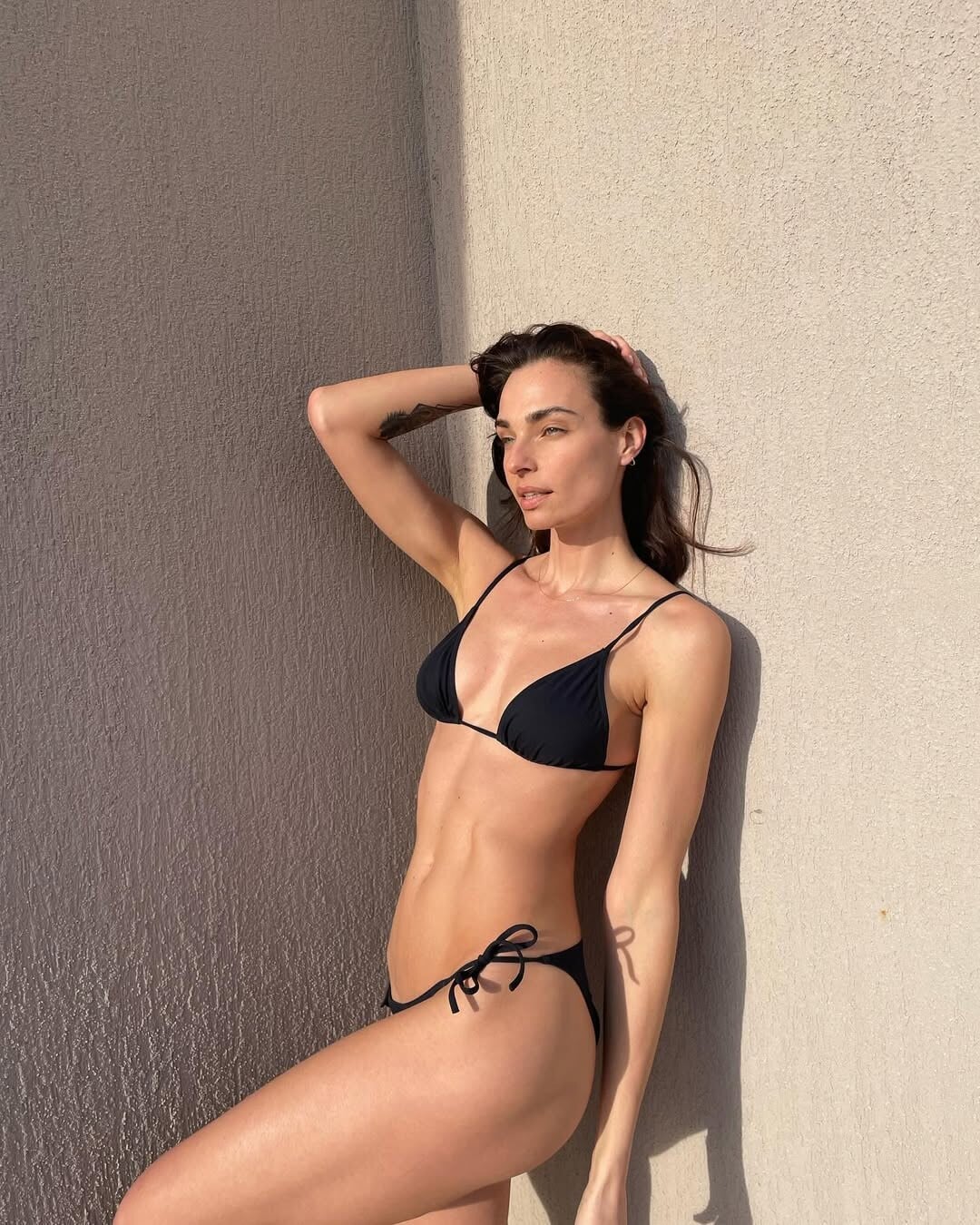
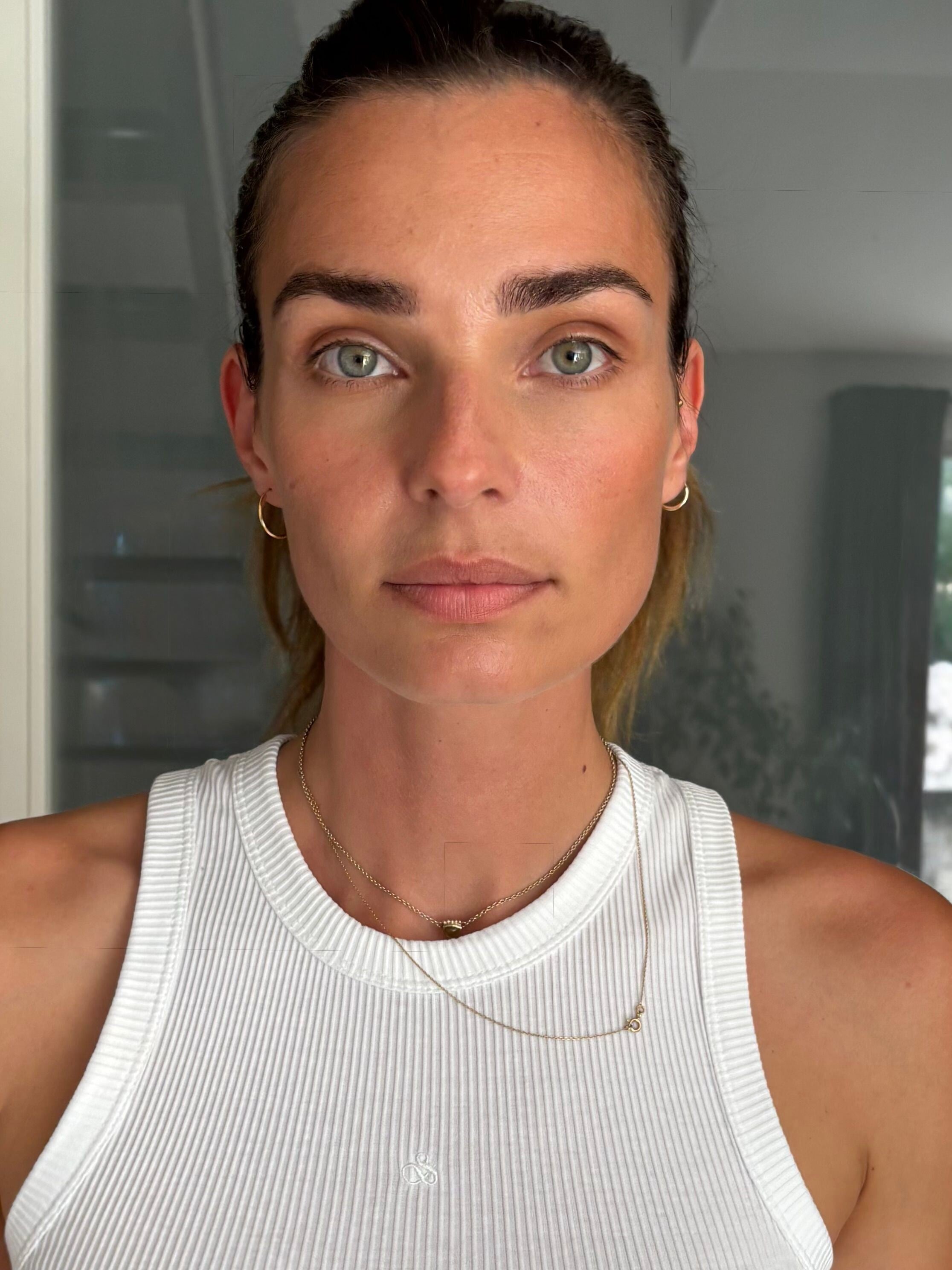
 La Gomera Testshoot




-
Entertainment Weekly Viva New Vegas: Fallout stars go all in for an exclusive peek at season 2's 'explosive' finale Ph. Abi Polinsky https://ew.com/fallout-season-2-finale-cover-story-exclusive-11893674








-
 video Suzana Horvat 45.mp4



 you're welcome
you're welcome
you're welcome
you're welcome
you're welcome ❤️❤️ I don't know anything about k-pop but these girls are gorgeous.. this anna girl is probably the most beautiful japanese woman I've ever seen.. https://www.instagram.com/anna.meovv_/?hl=en
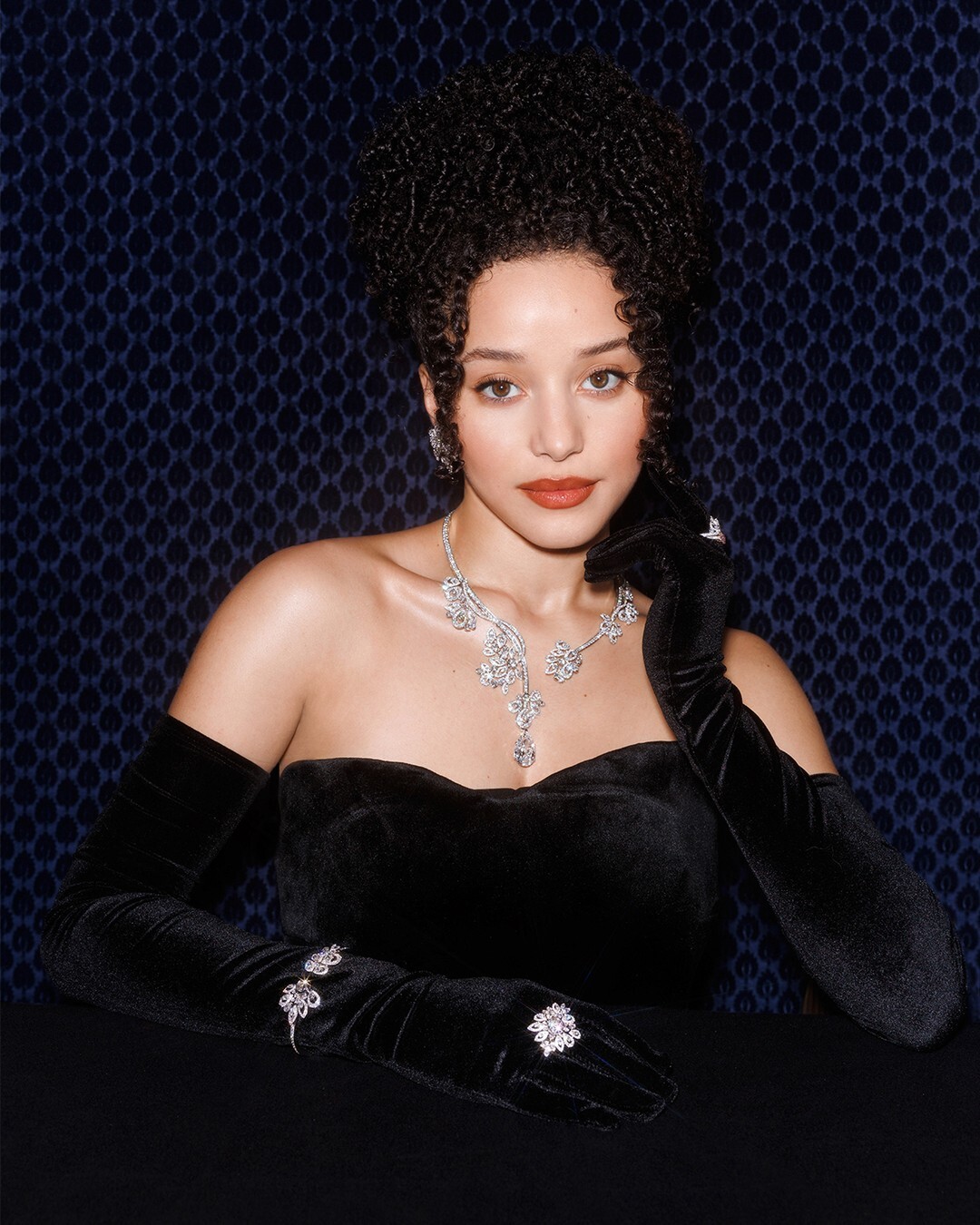
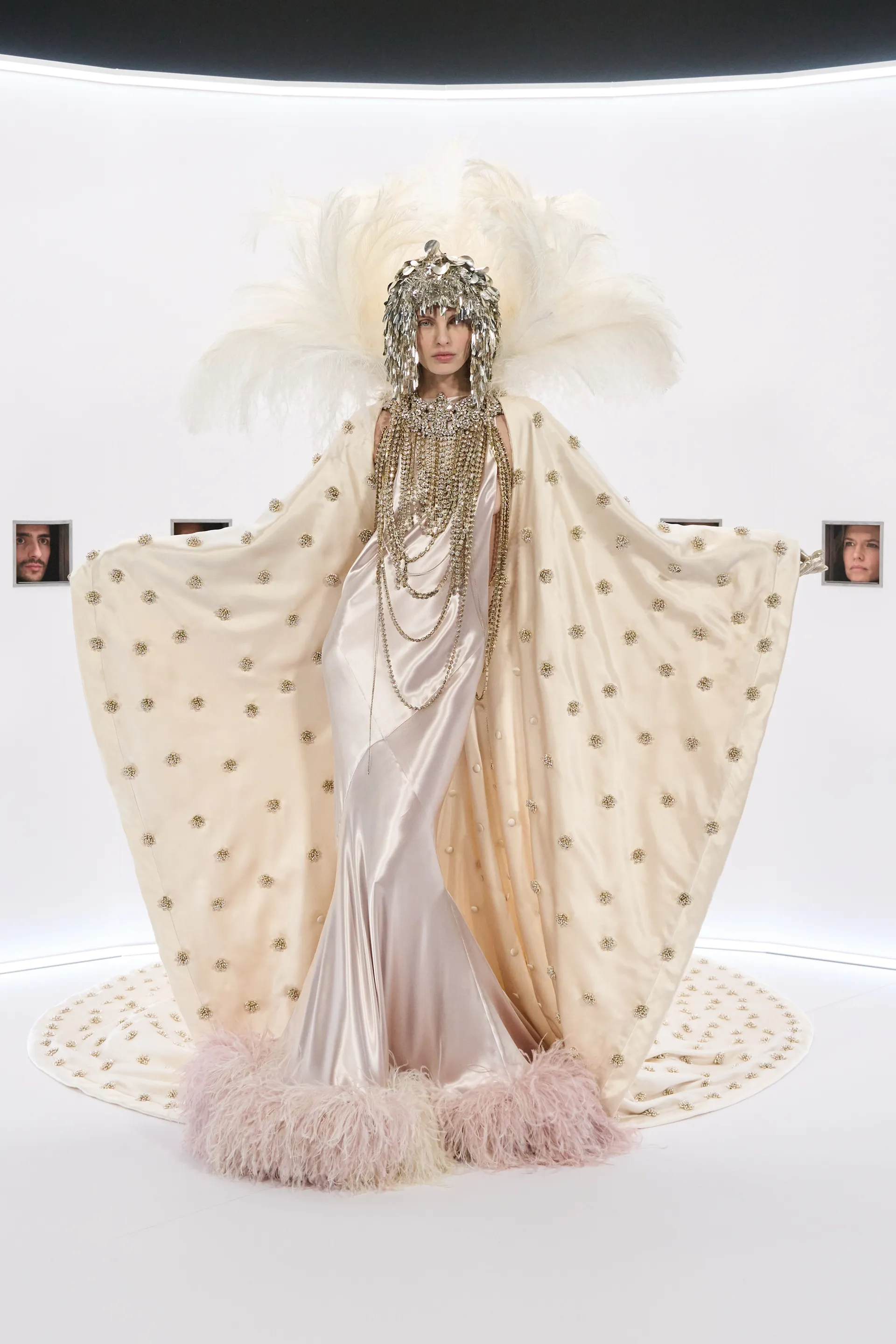
Valentino Couture SS2026 🤍 Vogue,com
❤️❤️ I don't know anything about k-pop but these girls are gorgeous.. this anna girl is probably the most beautiful japanese woman I've ever seen.. https://www.instagram.com/anna.meovv_/?hl=en
Valentino Couture SS2026 🤍 Vogue,com i found 2 possibilities: Victoria Zuban or Kristen Carroll (Bintempi's books)...
 Thank you!
Thank you very much!
Thank you!
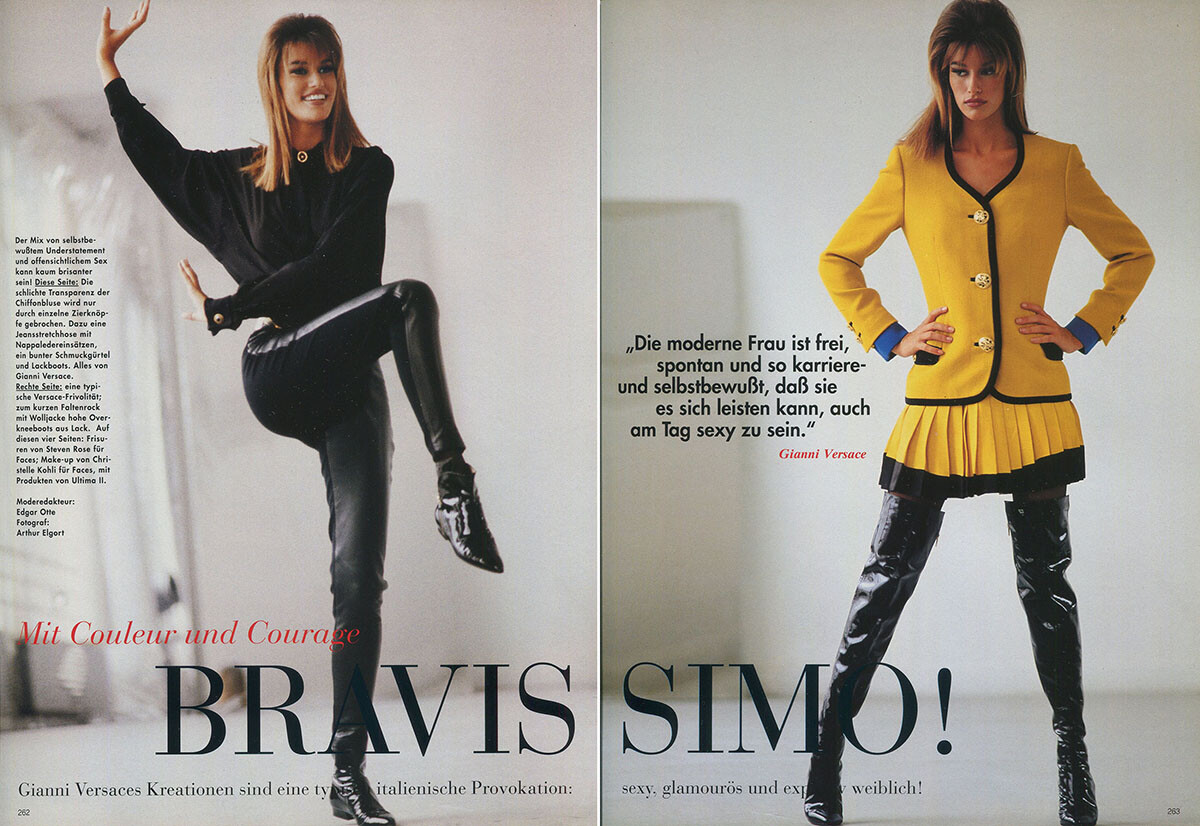
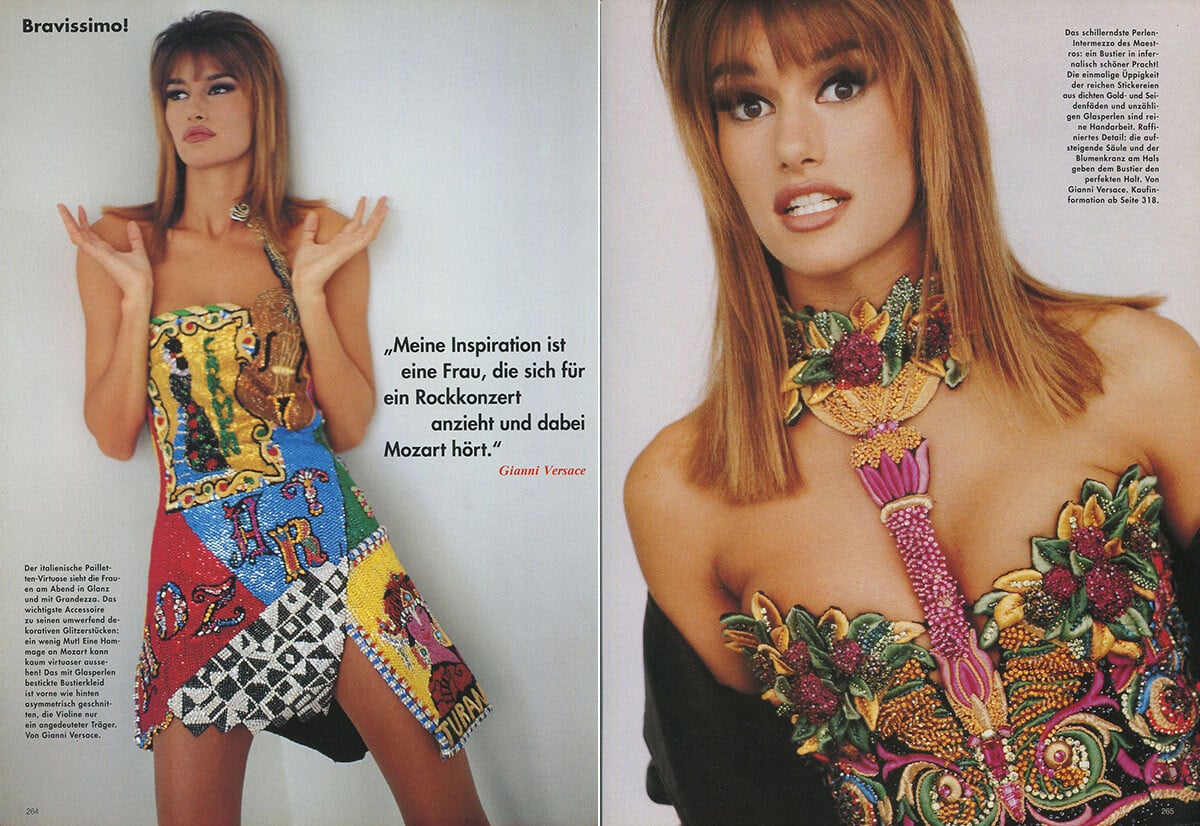
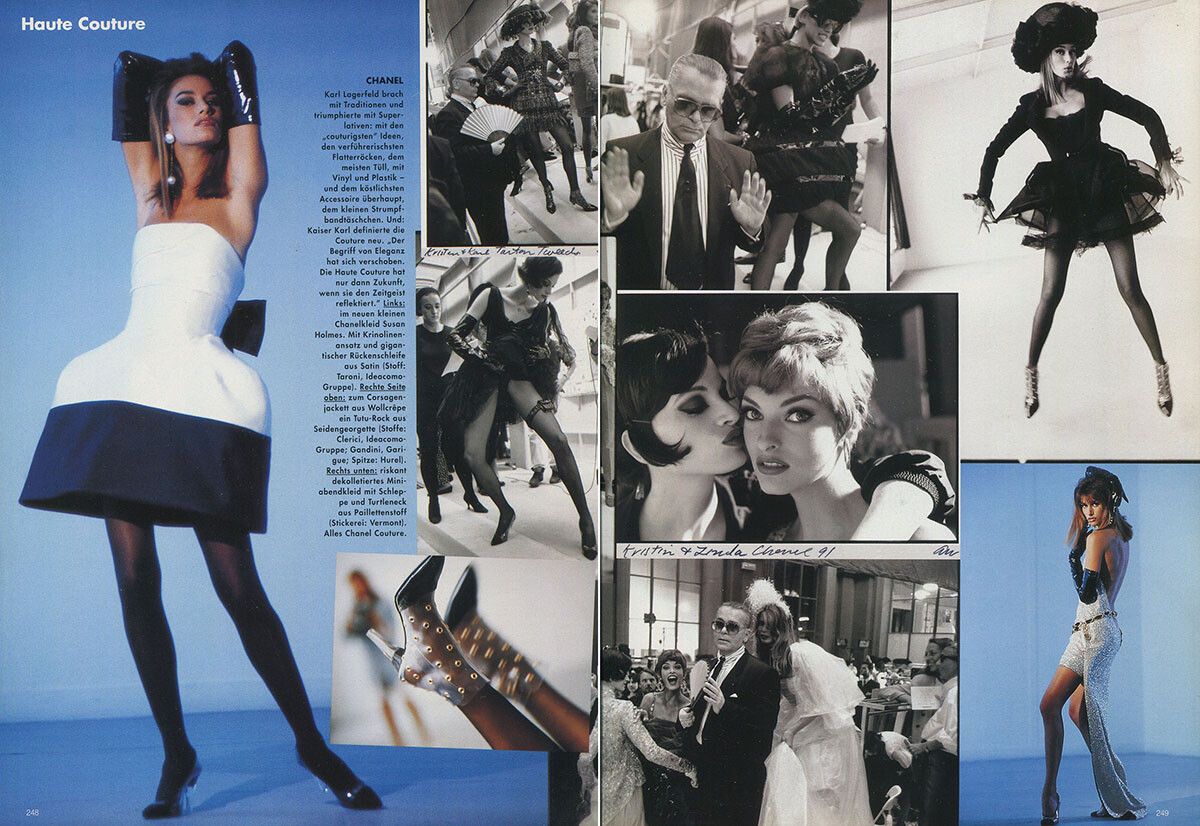
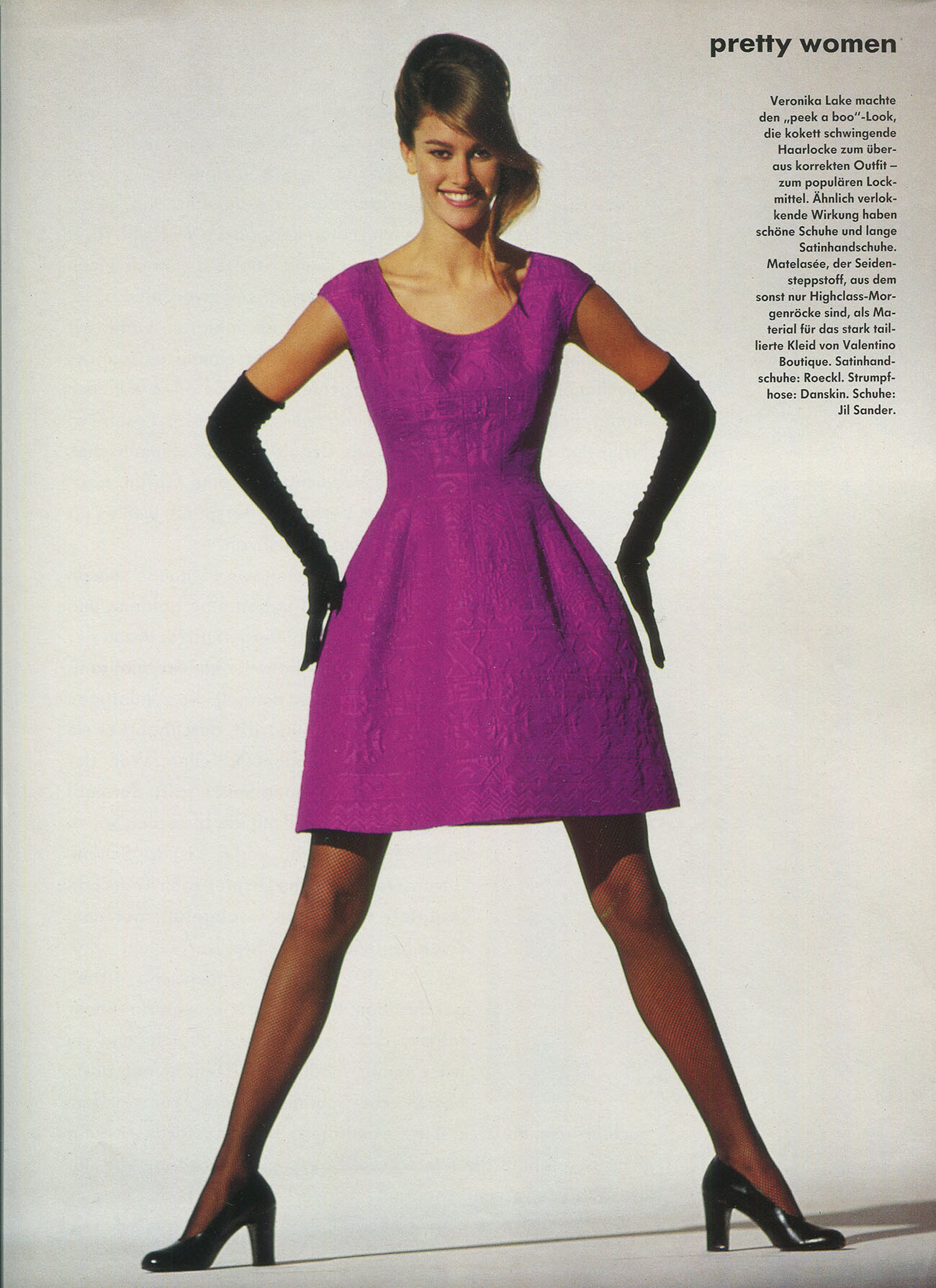
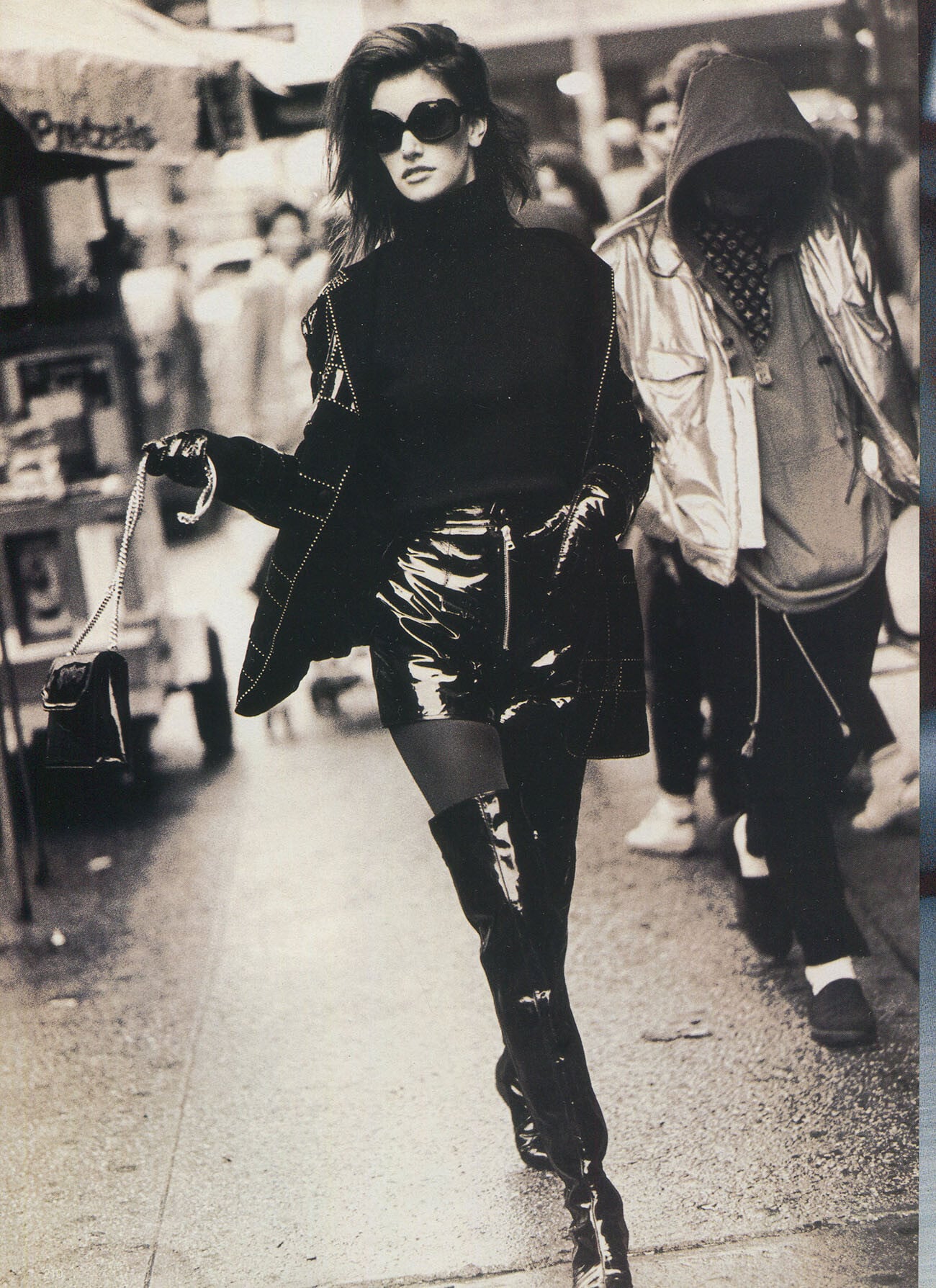
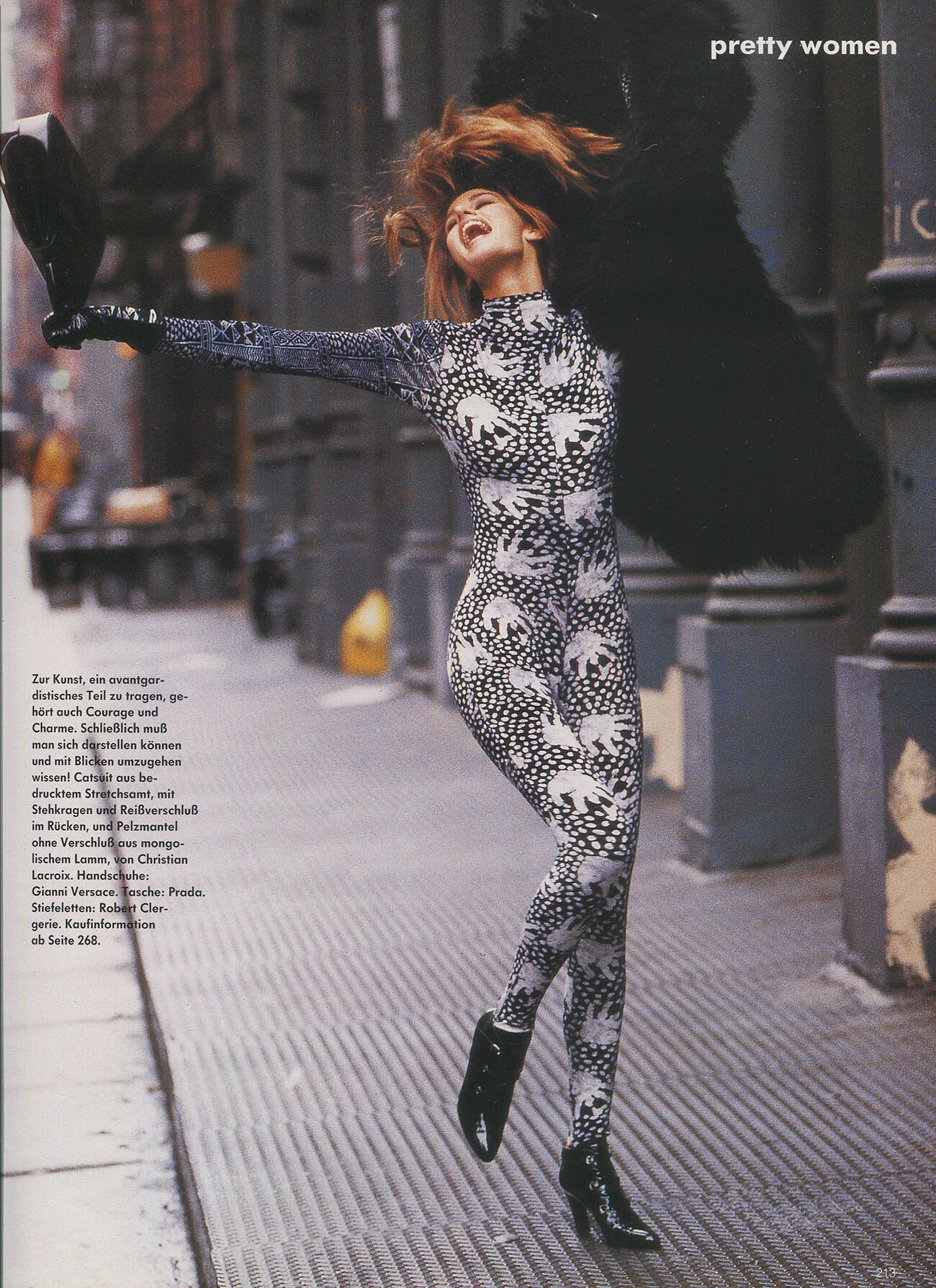
Thank you very much! Vogue Germany 10/1991,my scans:


 Thetse are from Vogue Germany, does anyone know the exact date? my scans:
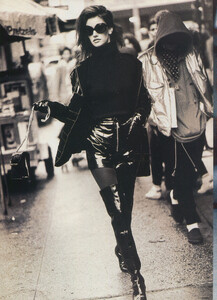
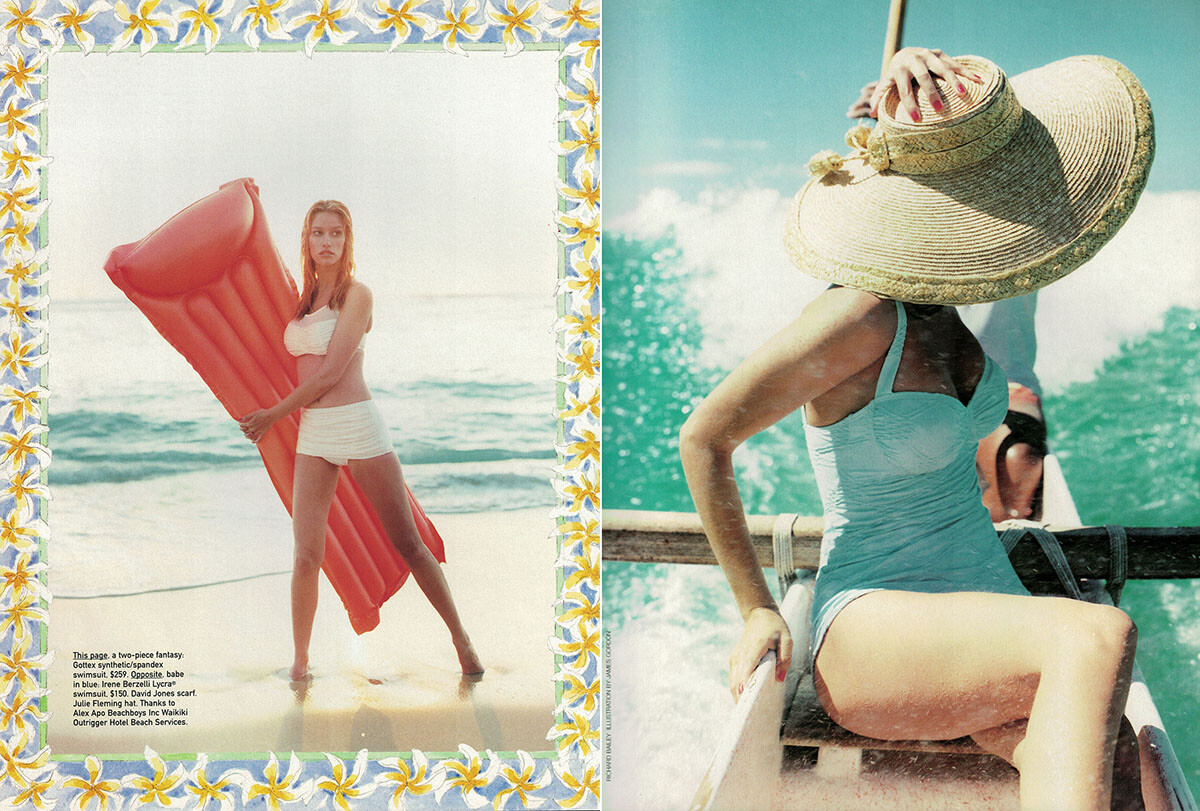
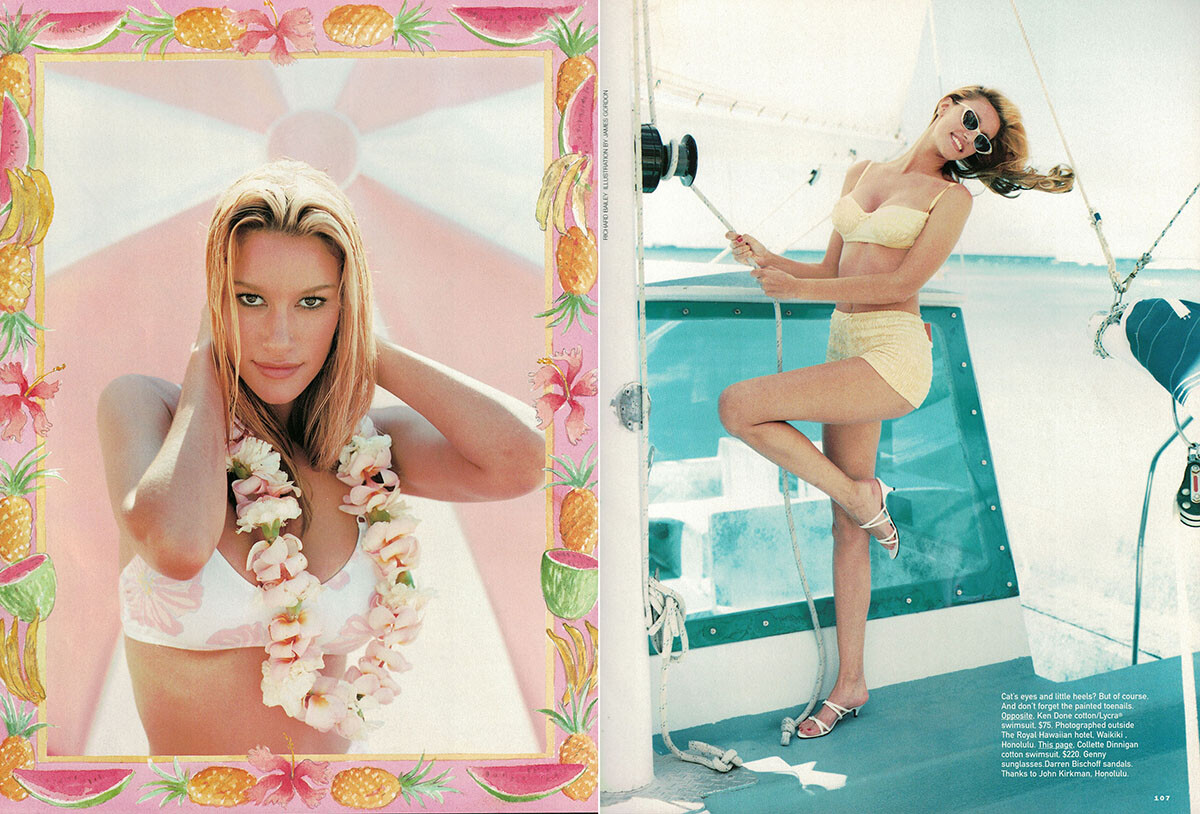
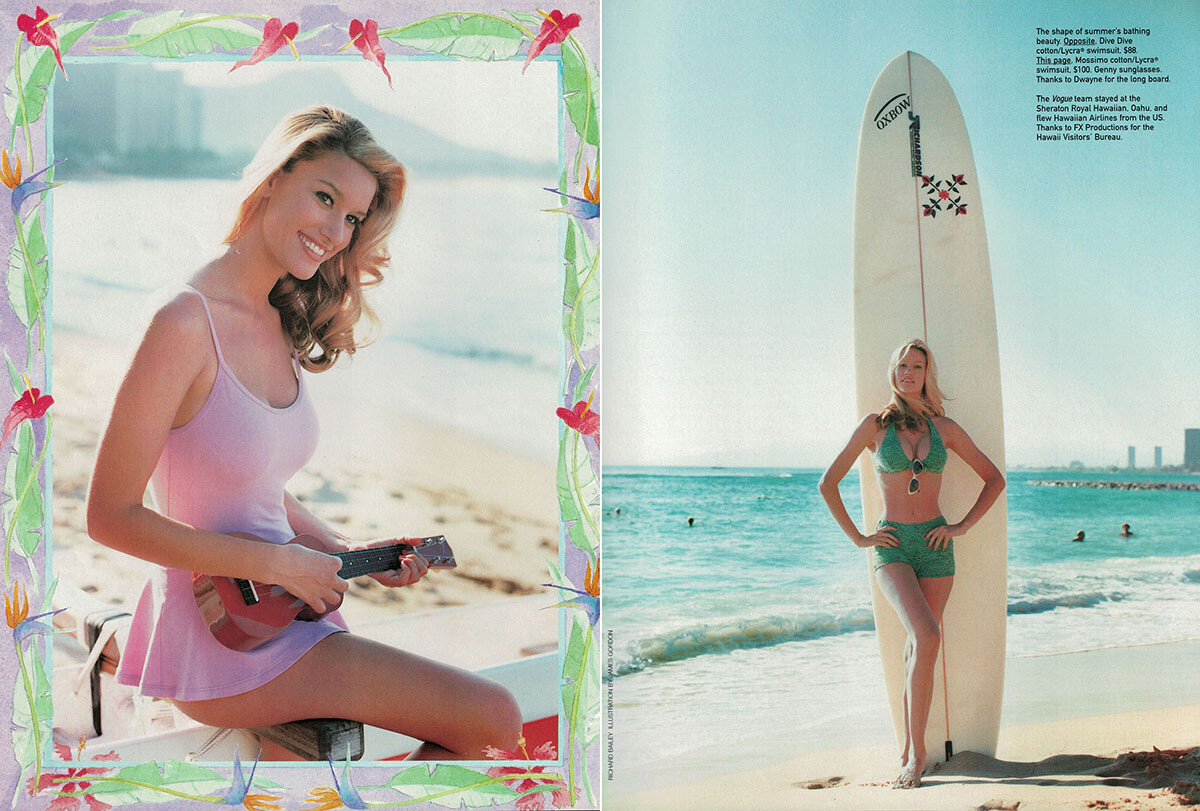
 Vogue Australia 7/1995, my scans:


 Vogue Australia 1/1993 + 5/1993, my scans:
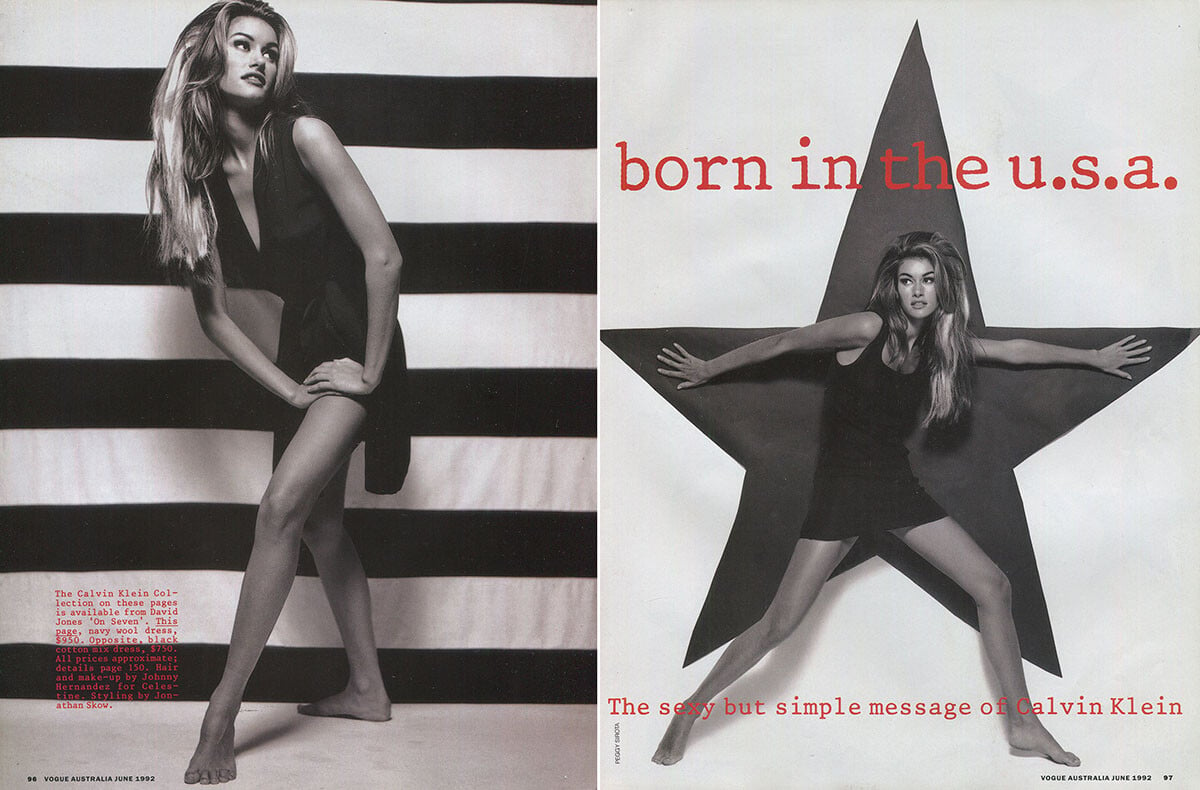
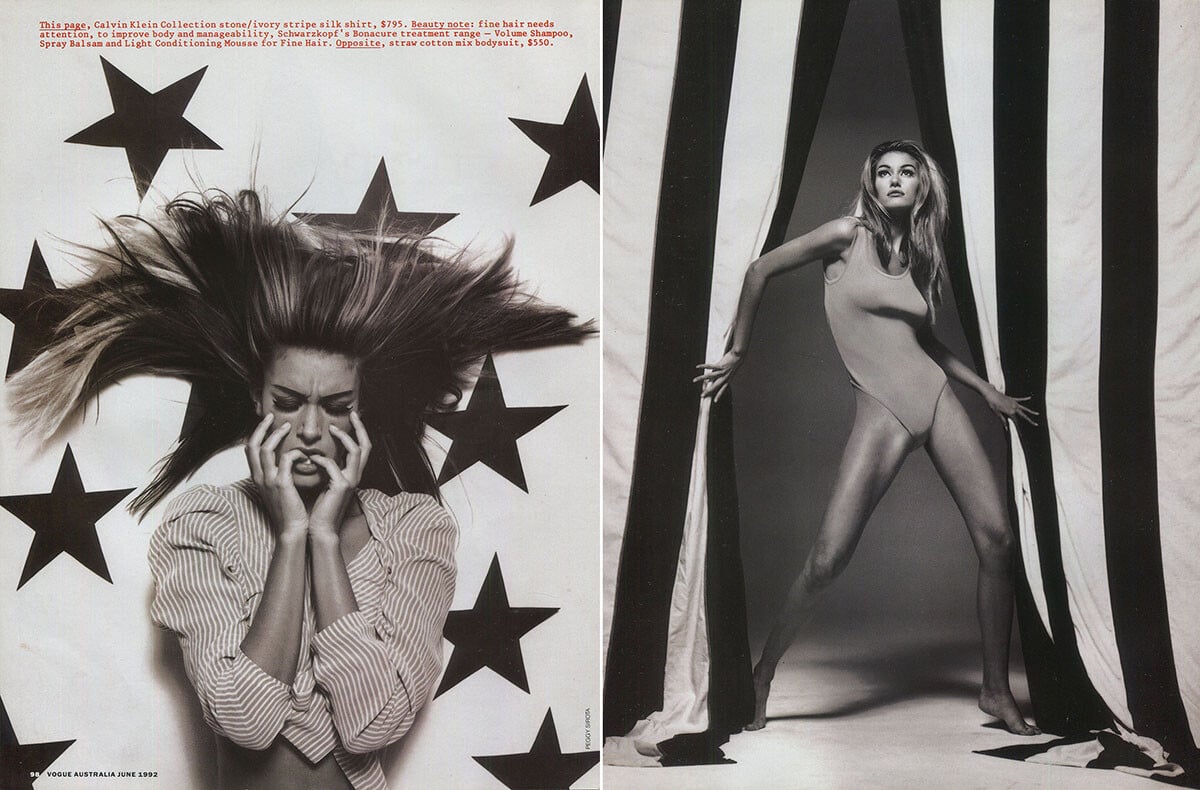
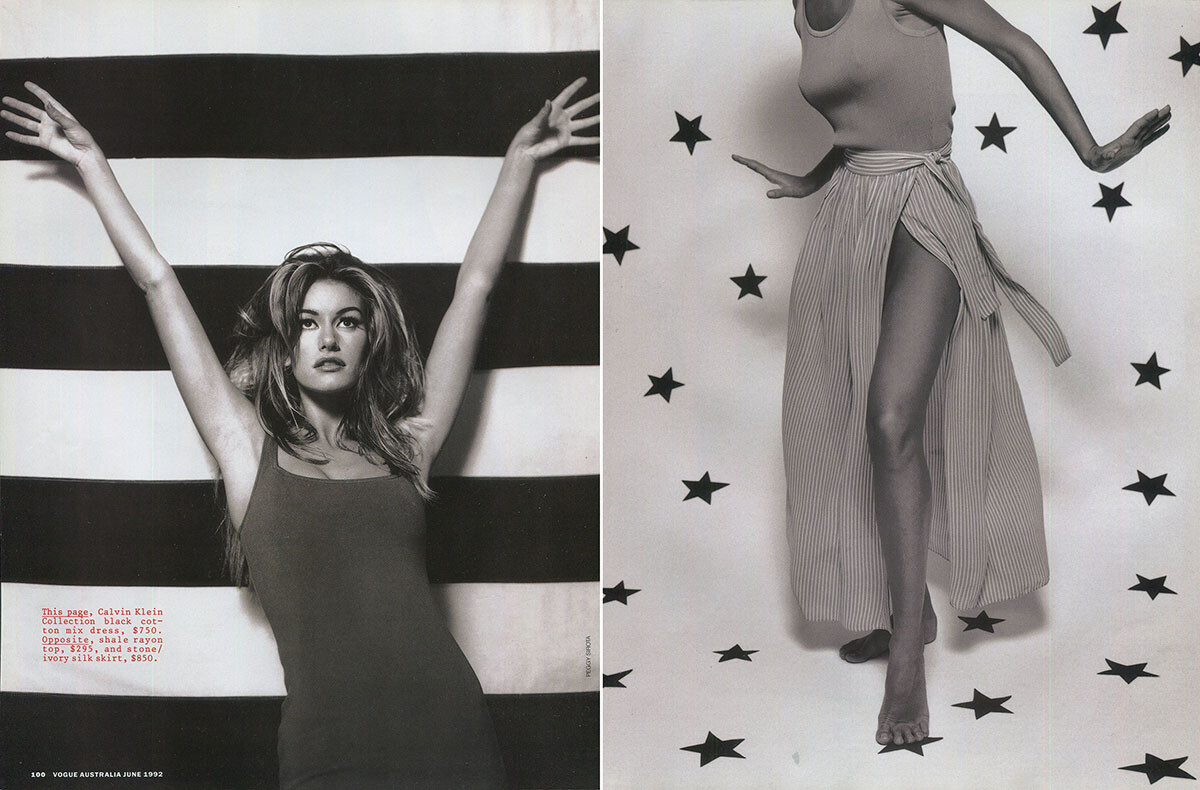
 Vogue Australia 6/1992, my scans:



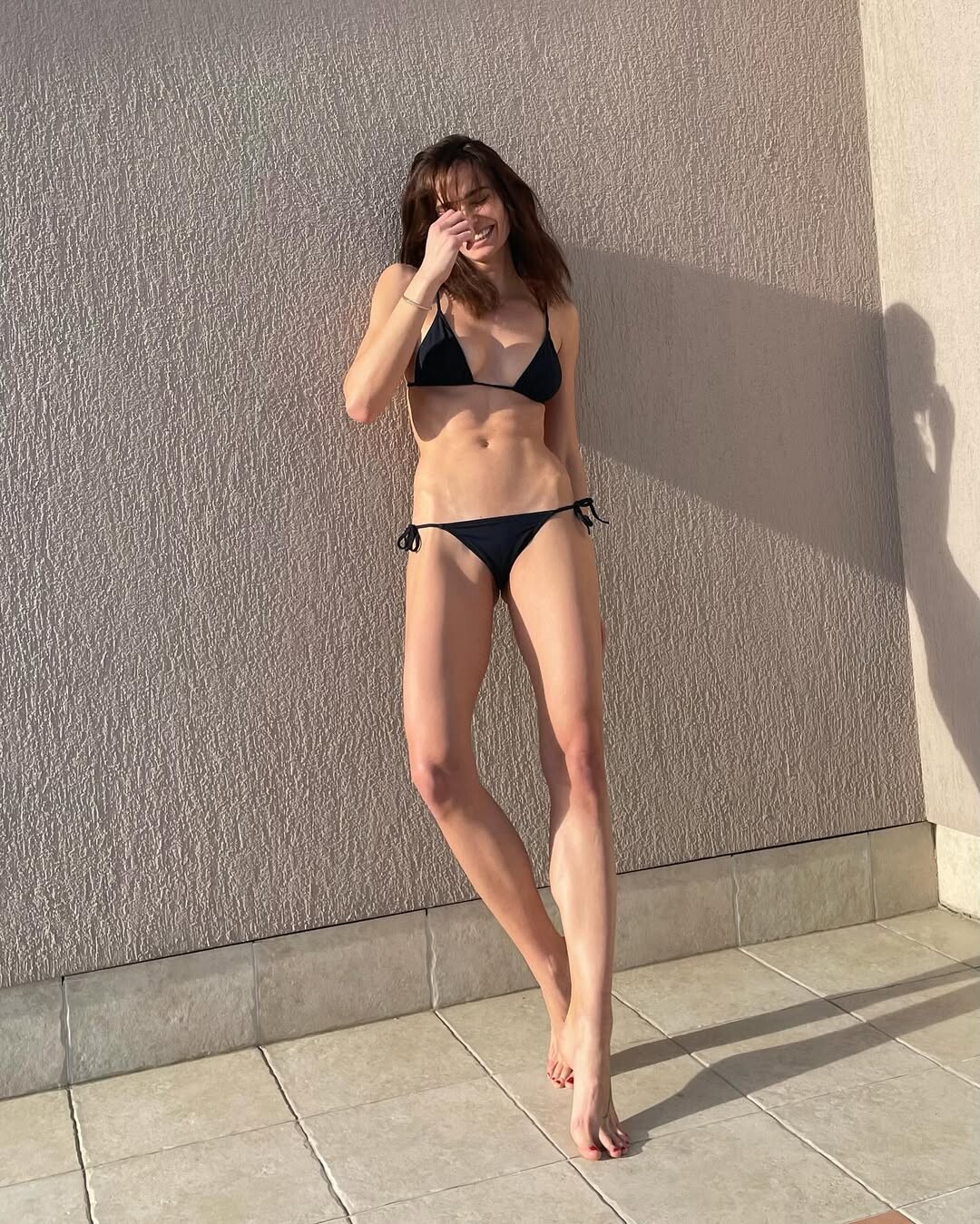
 https://www.instagram.com/ida_kulis/?hl=en https://teamagency.gr/portfolio/ida-kulis/































Account
Search
Configure browser push notifications
Chrome (Android)
- Tap the lock icon next to the address bar.
- Tap Permissions → Notifications.
- Adjust your preference.
Chrome (Desktop)
- Click the padlock icon in the address bar.
- Select Site settings.
- Find Notifications and adjust your preference.
Safari (iOS 16.4+)
- Ensure the site is installed via Add to Home Screen.
- Open Settings App → Notifications.
- Find your app name and adjust your preference.
Safari (macOS)
- Go to Safari → Preferences.
- Click the Websites tab.
- Select Notifications in the sidebar.
- Find this website and adjust your preference.
Edge (Android)
- Tap the lock icon next to the address bar.
- Tap Permissions.
- Find Notifications and adjust your preference.
Edge (Desktop)
- Click the padlock icon in the address bar.
- Click Permissions for this site.
- Find Notifications and adjust your preference.
Firefox (Android)
- Go to Settings → Site permissions.
- Tap Notifications.
- Find this site in the list and adjust your preference.
Firefox (Desktop)
- Open Firefox Settings.
- Search for Notifications.
- Find this site in the list and adjust your preference.