All Activity
- Past hour
-



 Naor Appel adirjacob_1769875530_3822313429986503238_43745663.mp4







 kees06 joined the community
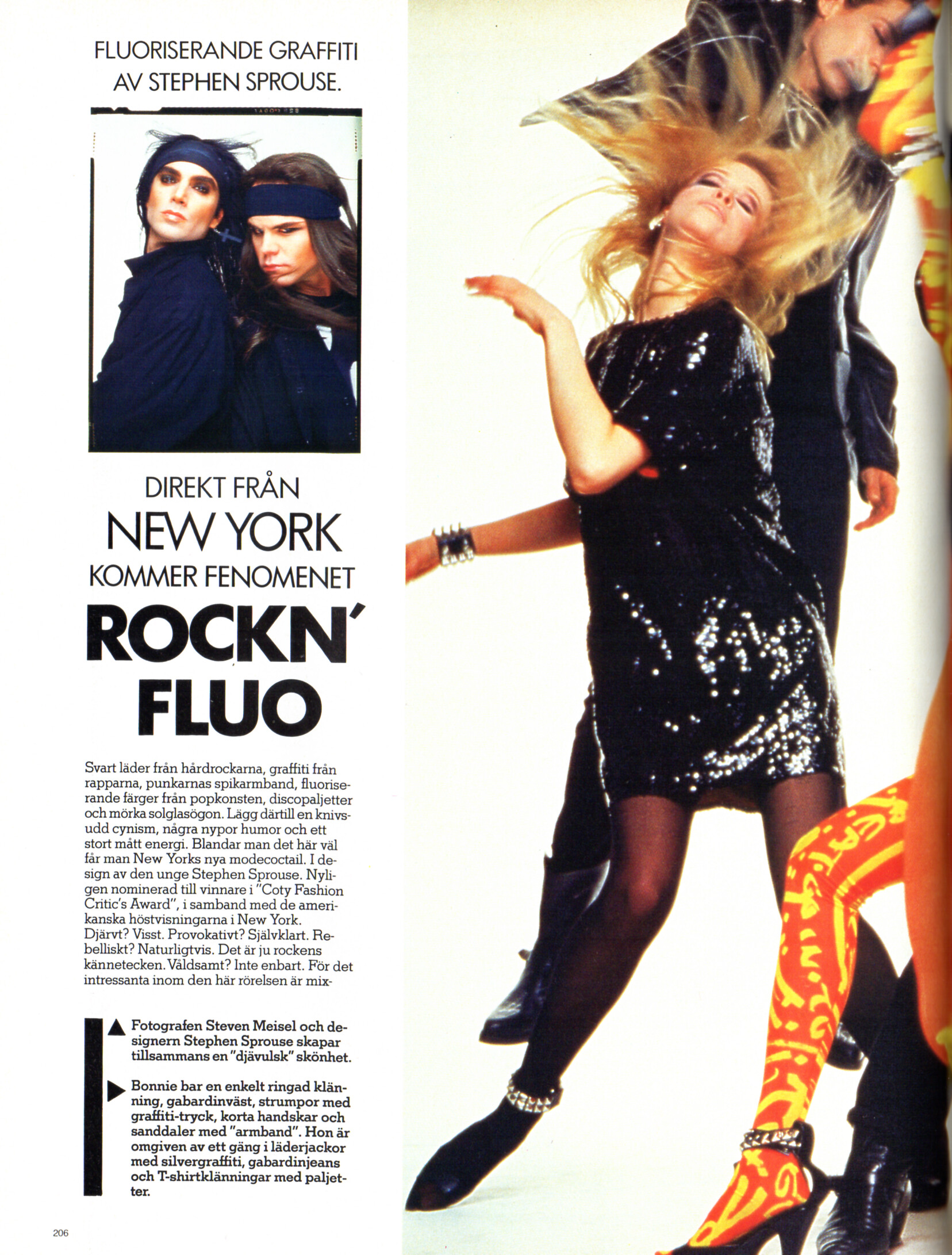
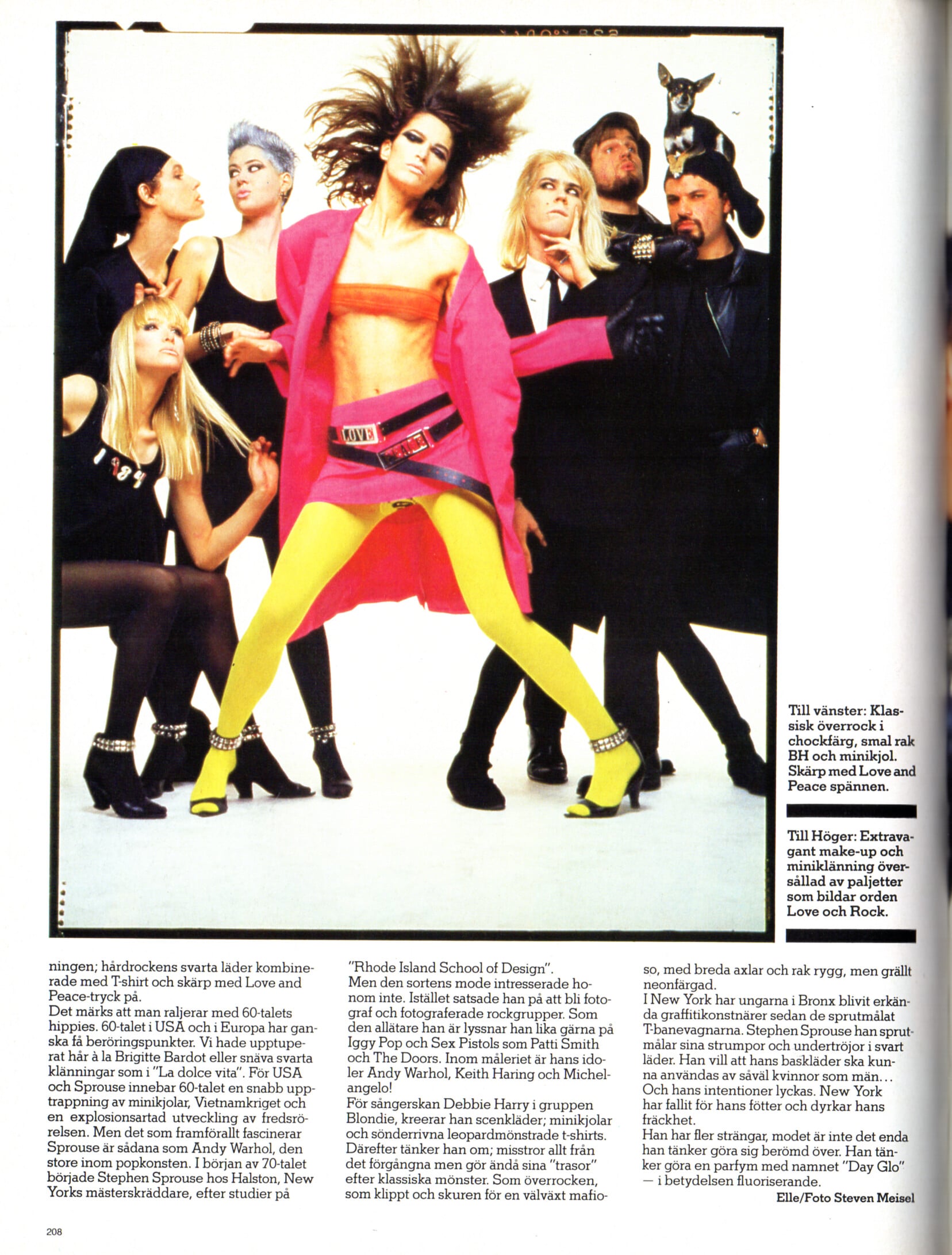
"ROCKN FLUO" - CliC Sweden Autumn 1984 #3 by Steven Meisel - also showing Bonnie Berman, unknown
kees06 joined the community
"ROCKN FLUO" - CliC Sweden Autumn 1984 #3 by Steven Meisel - also showing Bonnie Berman, unknown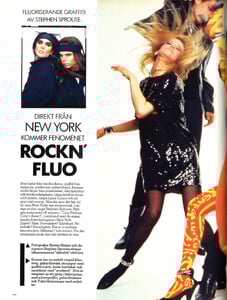

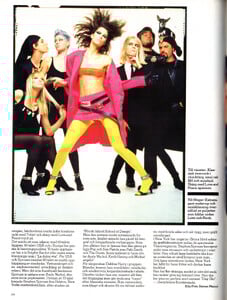
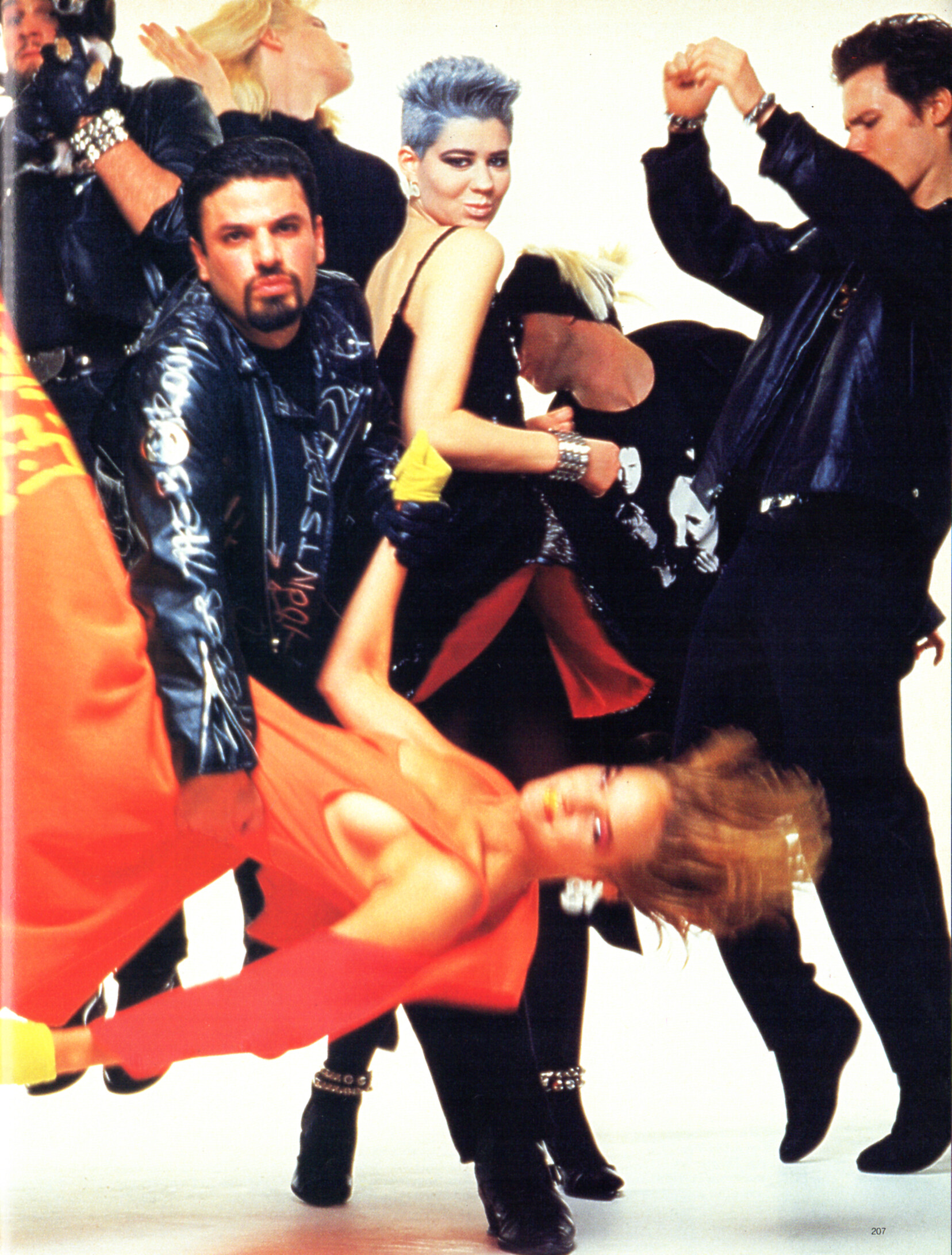
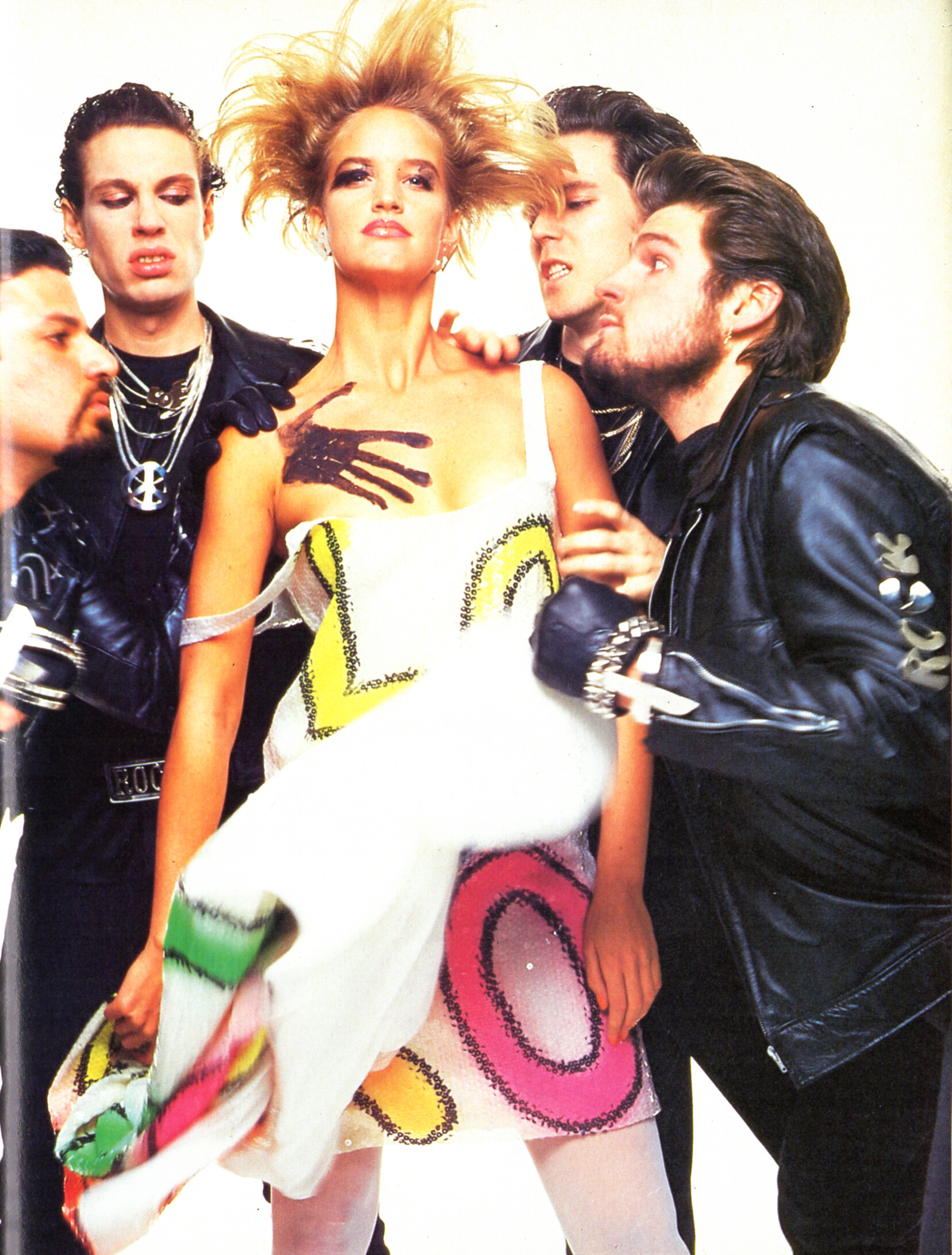
 "ROCKN FLUO" - CliC Sweden Autumn 1984 #3 by Steven Meisel - also showing Lynne Koester, unknown
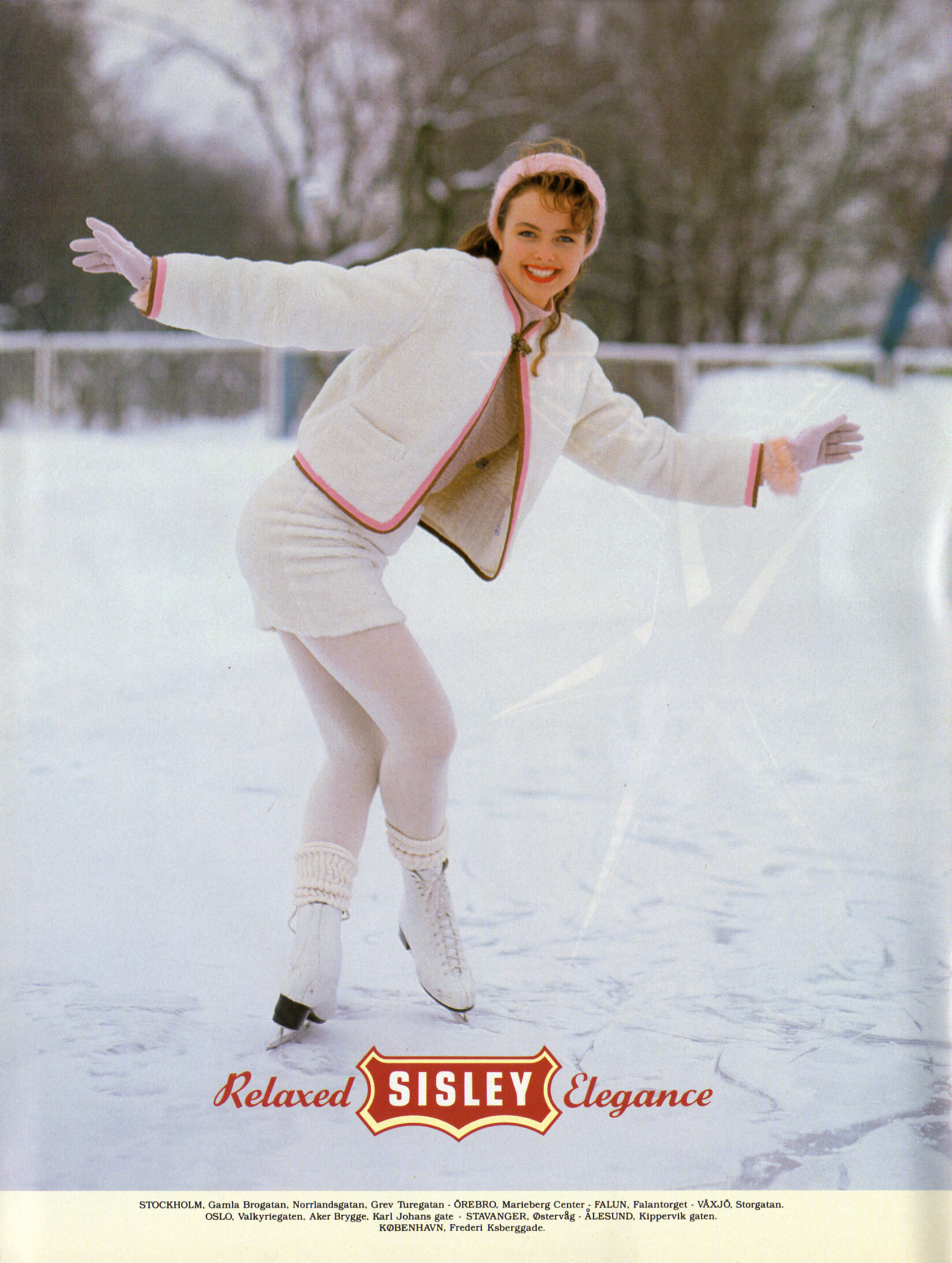
SISLEY IVAN THE TERRIBLE AUTUMN WINTER 1988 advertisement - CliC Sweden Autumn 1988 #4
"ROCKN FLUO" - CliC Sweden Autumn 1984 #3 by Steven Meisel - also showing Lynne Koester, unknown
SISLEY IVAN THE TERRIBLE AUTUMN WINTER 1988 advertisement - CliC Sweden Autumn 1988 #4



 Van Gils advertisement - CliC Sweden Autumn 1988 #4 Marie Lindfors?
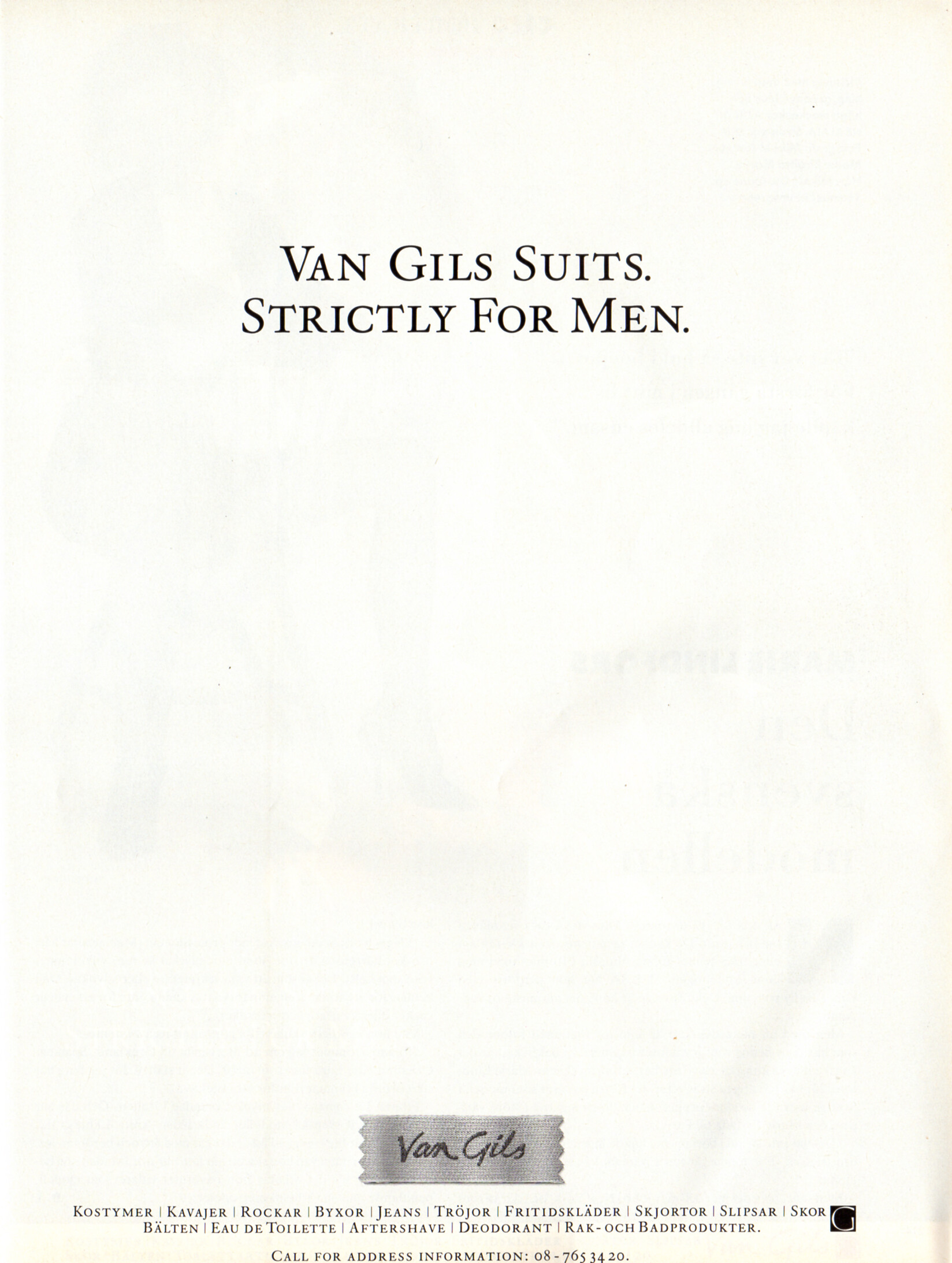
 Van Gils advertisement - CliC Sweden Autumn 1988 #4
 Backstage Kilian Kerner 🖤


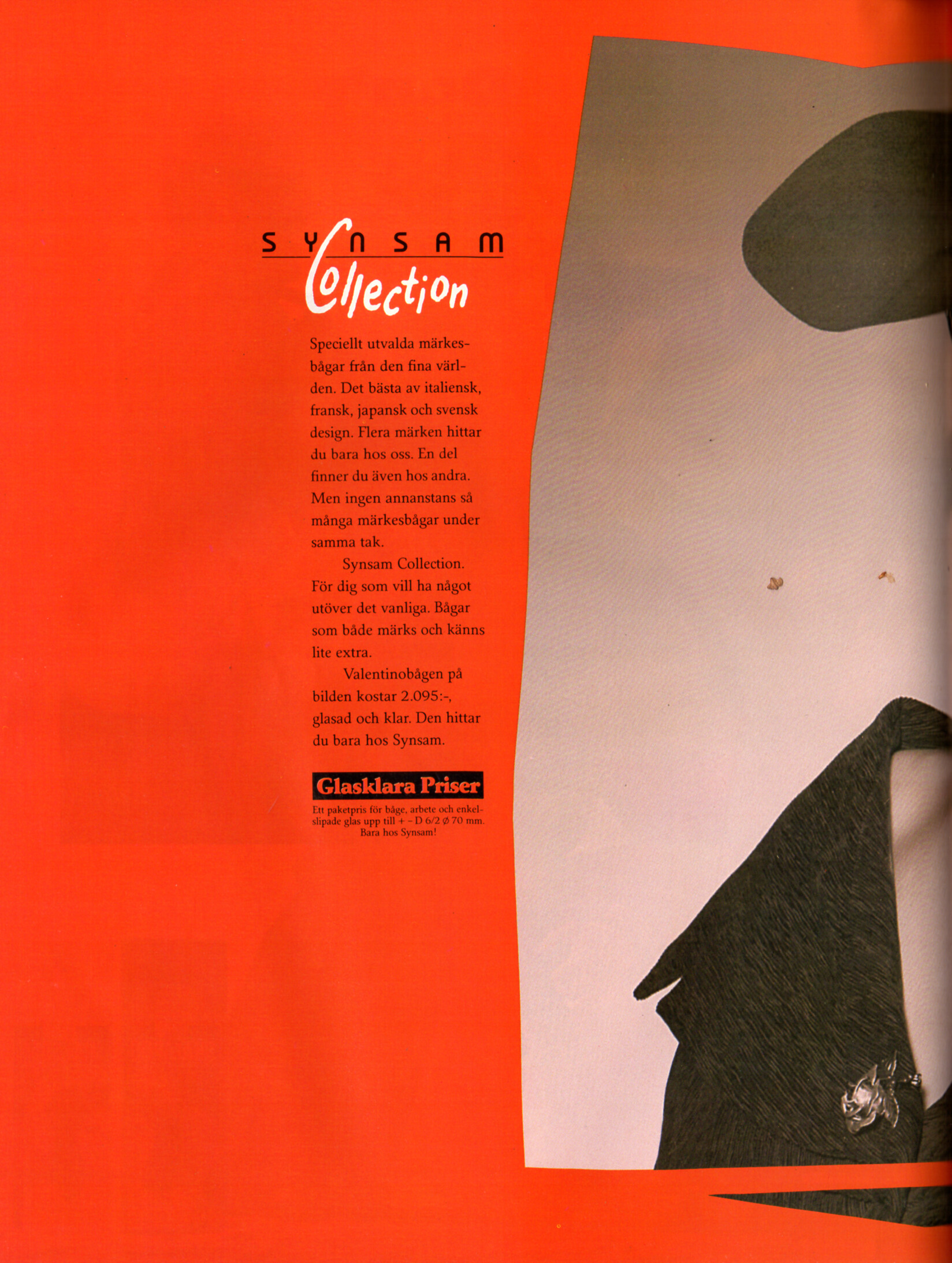
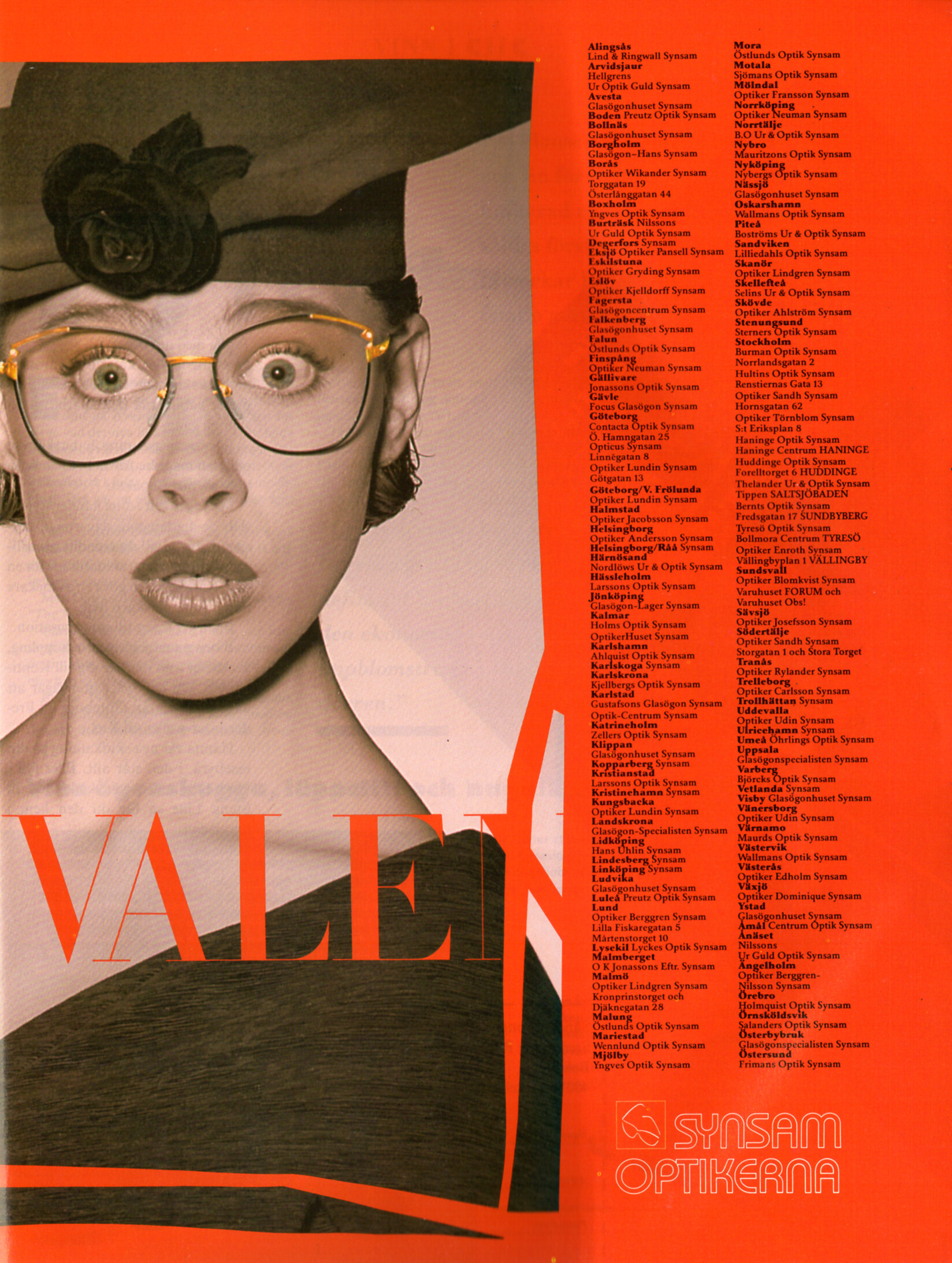
 SYNSAM OPTIKERNA Valentino advertisement - CliC Sweden Autumn 1988 #4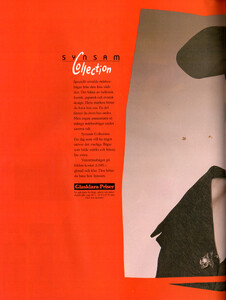
 JANE HELLEN advertisement - CliC Sweden Autumn 1988 #4

 Via insta stories AQNAh_ebNySmnxMFW1-7T9s0w15QLMqO_C6OI7l0dfox8xpQPeQty-oxADsirXlmjJOwLpYx-H7GqtB_SYwyjU_Lwzd40vX3HhJS69E.mp4
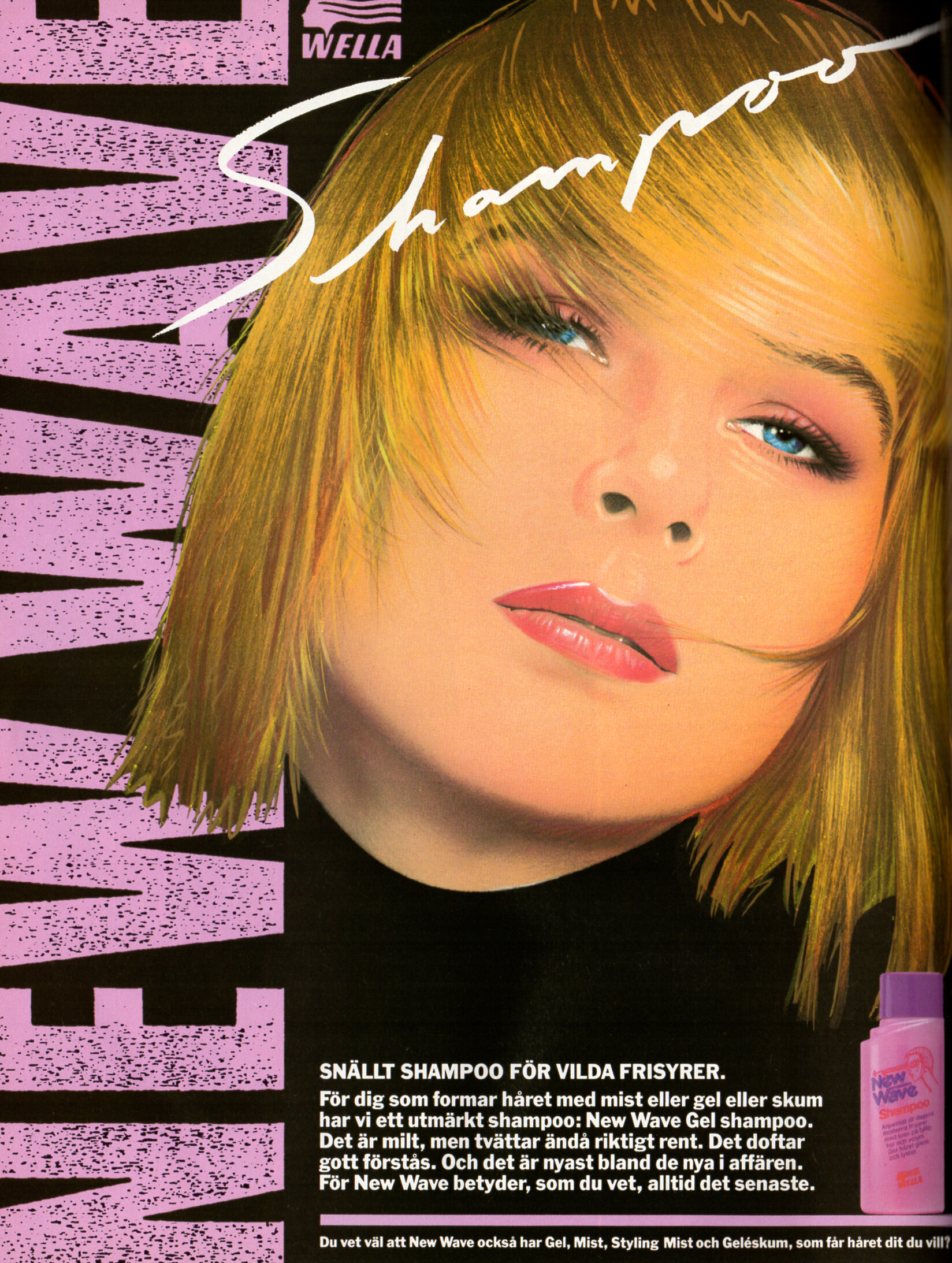
WELLA New Wave advertisement - CliC Sweden Autumn 1988 #4
Via insta stories AQNAh_ebNySmnxMFW1-7T9s0w15QLMqO_C6OI7l0dfox8xpQPeQty-oxADsirXlmjJOwLpYx-H7GqtB_SYwyjU_Lwzd40vX3HhJS69E.mp4
WELLA New Wave advertisement - CliC Sweden Autumn 1988 #4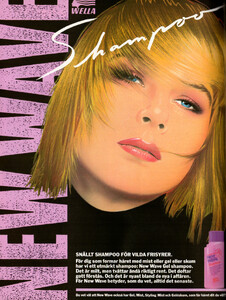 ELLECI advertisement - CliC Sweden Autumn 1988 #4
 Celia Kritharioti Spring 2025 Couture
 KS. Klaus Steilmann Selection advertisement - CliC Sweden Autumn 1988 #4
 CLIC BOUTIQUE - CliC Sweden Autumn 1988 #4 - also showing Paulina Porizkova
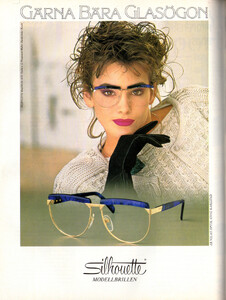
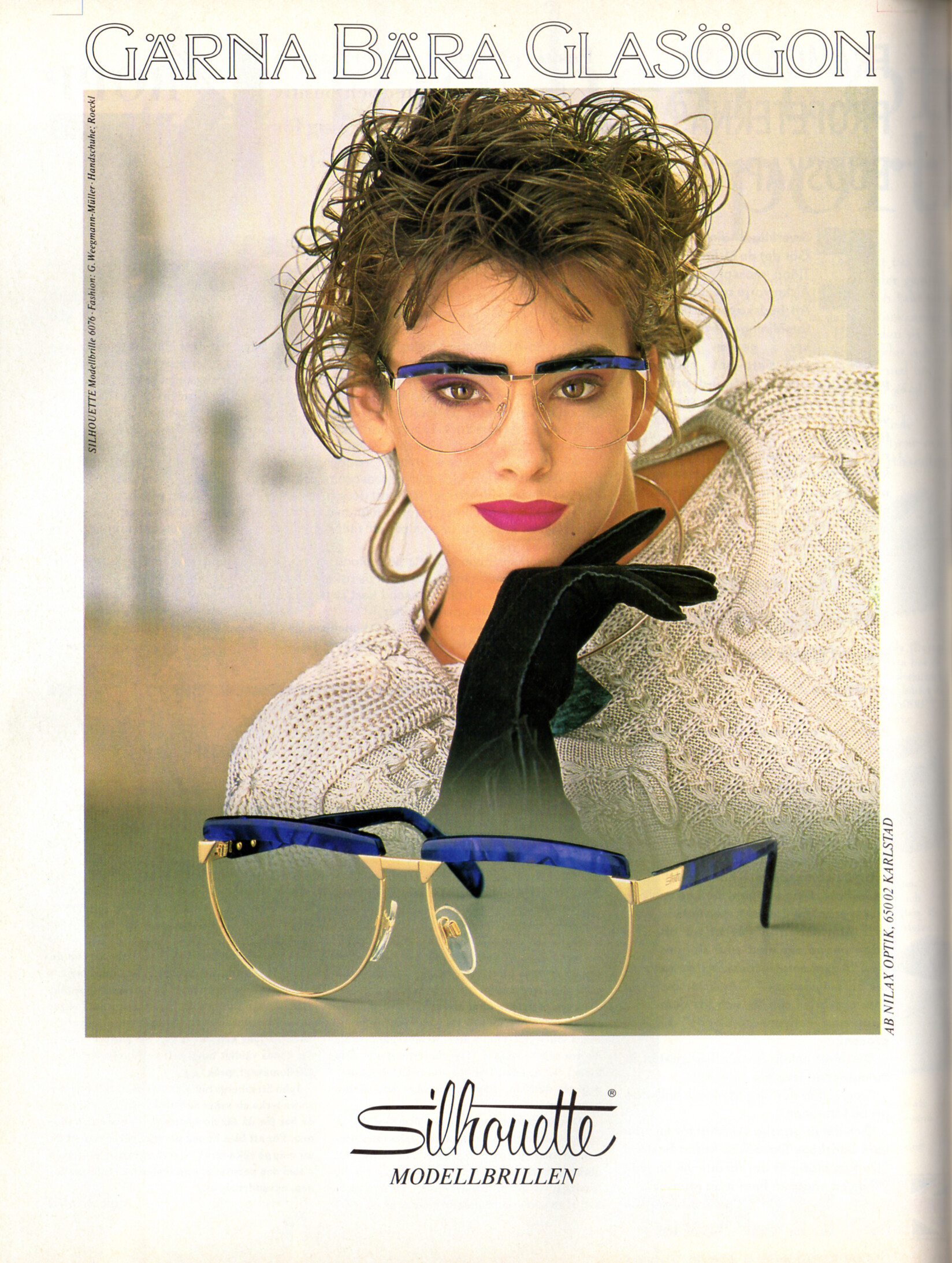
 Silhouette advertisement - CliC Sweden Autumn 1988 #4
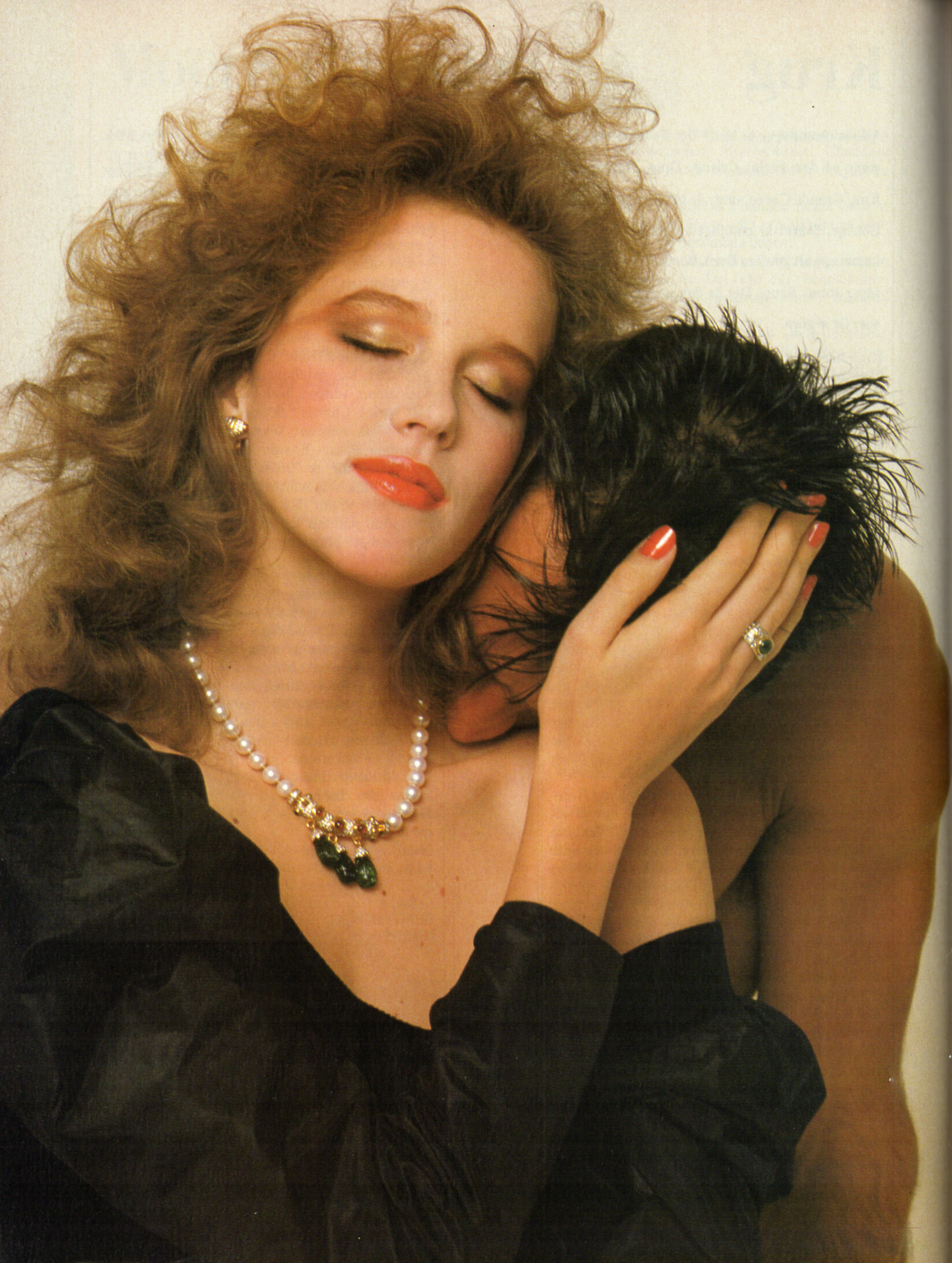
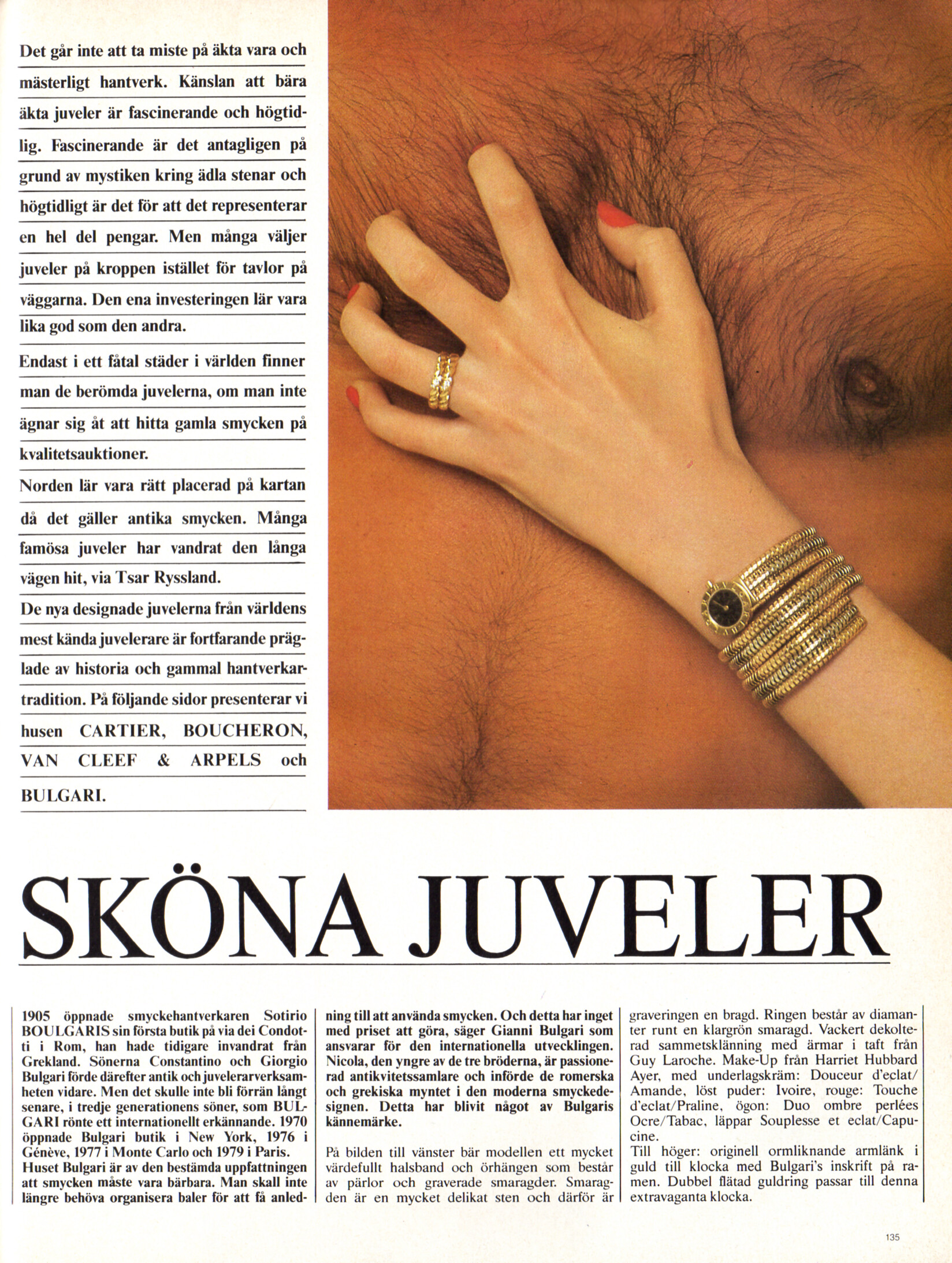
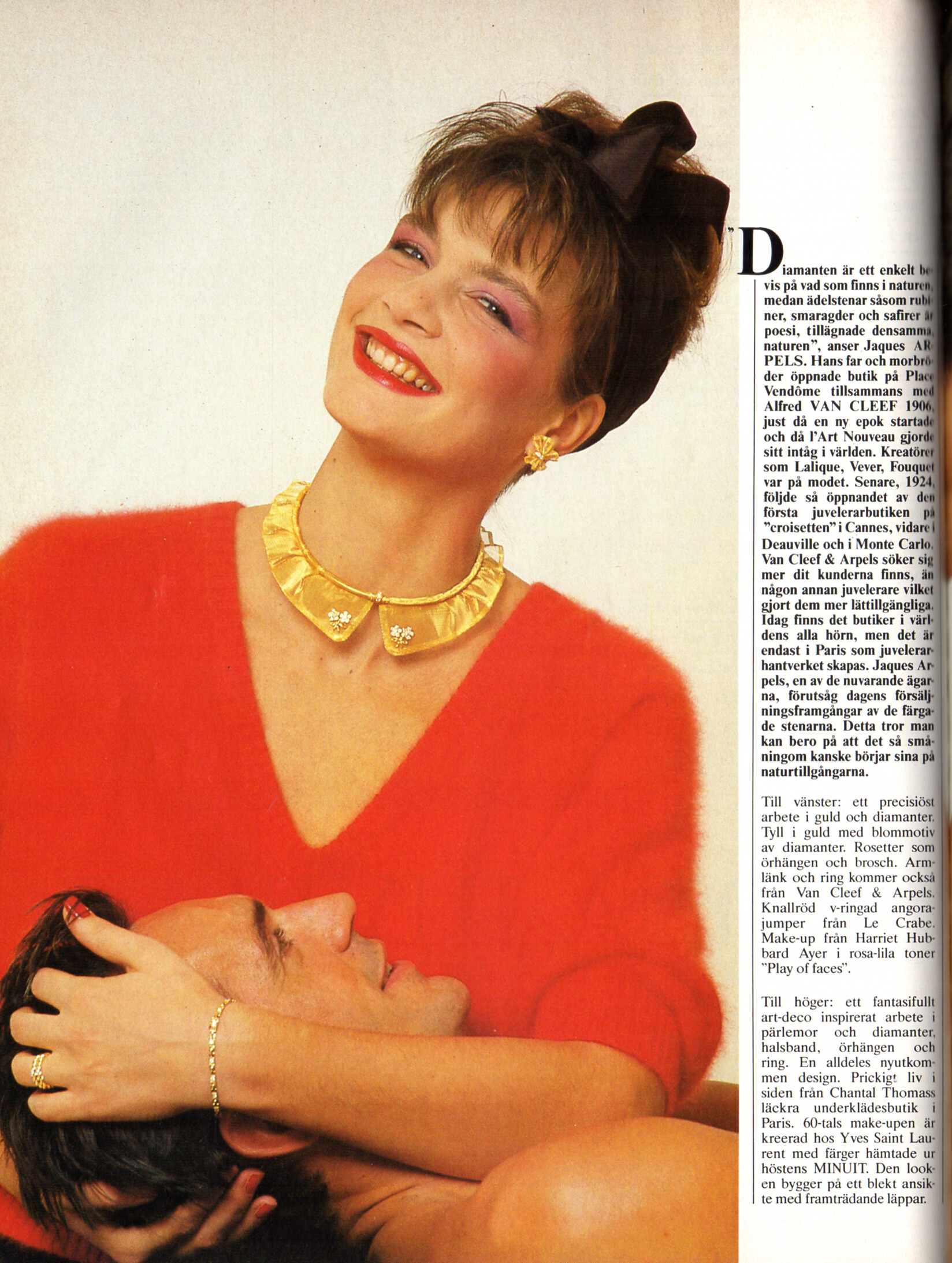
 CLASSIC KAFFE advertisement - CliC Sweden Autumn 1988 #4 Henriette Zobel


































Account
Search
Configure browser push notifications
Chrome (Android)
- Tap the lock icon next to the address bar.
- Tap Permissions → Notifications.
- Adjust your preference.
Chrome (Desktop)
- Click the padlock icon in the address bar.
- Select Site settings.
- Find Notifications and adjust your preference.
Safari (iOS 16.4+)
- Ensure the site is installed via Add to Home Screen.
- Open Settings App → Notifications.
- Find your app name and adjust your preference.
Safari (macOS)
- Go to Safari → Preferences.
- Click the Websites tab.
- Select Notifications in the sidebar.
- Find this website and adjust your preference.
Edge (Android)
- Tap the lock icon next to the address bar.
- Tap Permissions.
- Find Notifications and adjust your preference.
Edge (Desktop)
- Click the padlock icon in the address bar.
- Click Permissions for this site.
- Find Notifications and adjust your preference.
Firefox (Android)
- Go to Settings → Site permissions.
- Tap Notifications.
- Find this site in the list and adjust your preference.
Firefox (Desktop)
- Open Firefox Settings.
- Search for Notifications.
- Find this site in the list and adjust your preference.