All Activity
- Past hour
-
Condor advertisement - VIVA Germany November 1988

-
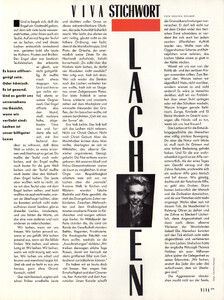
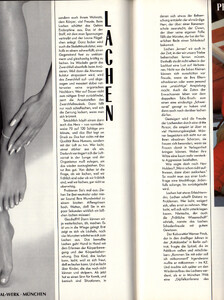
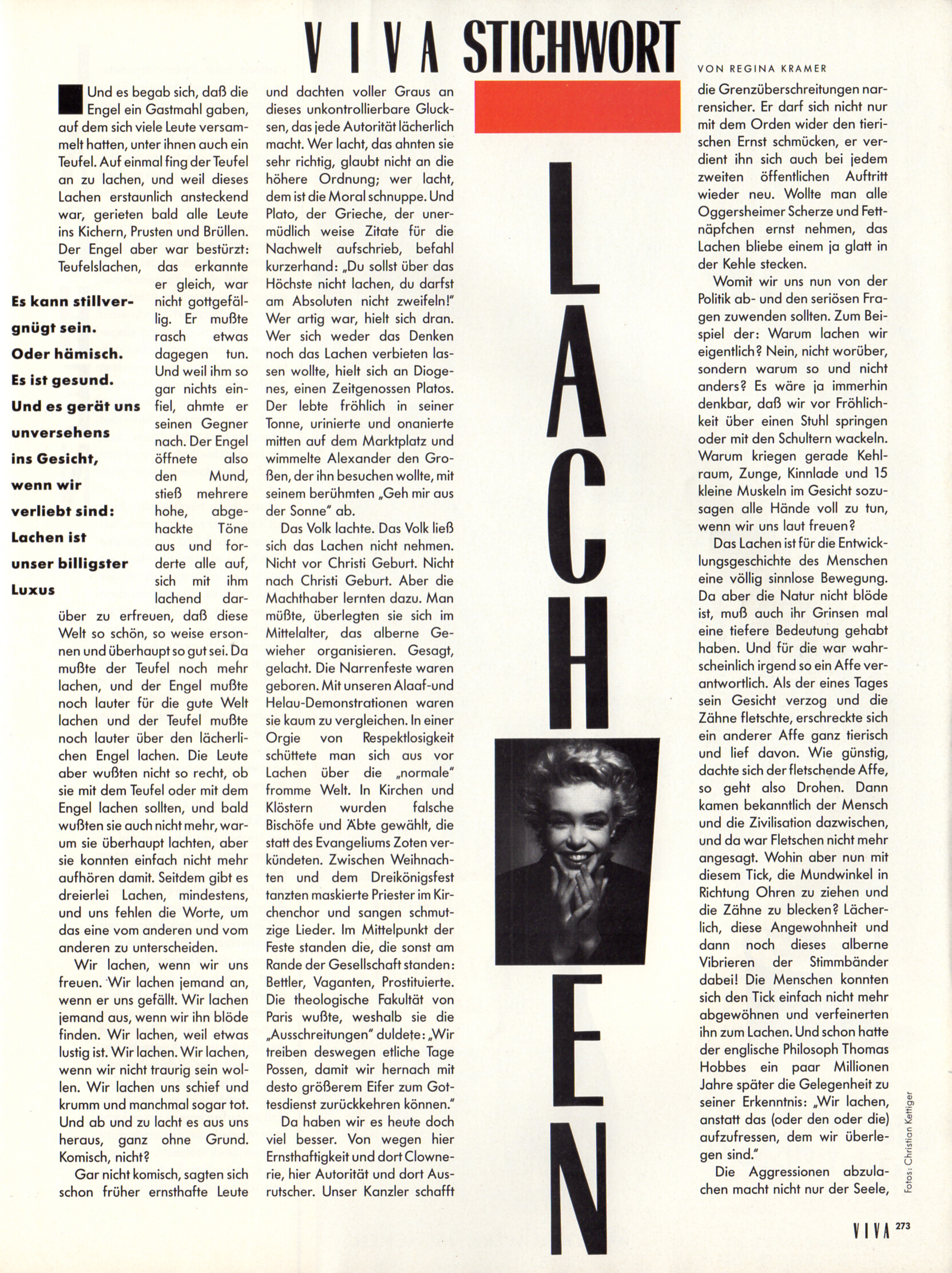
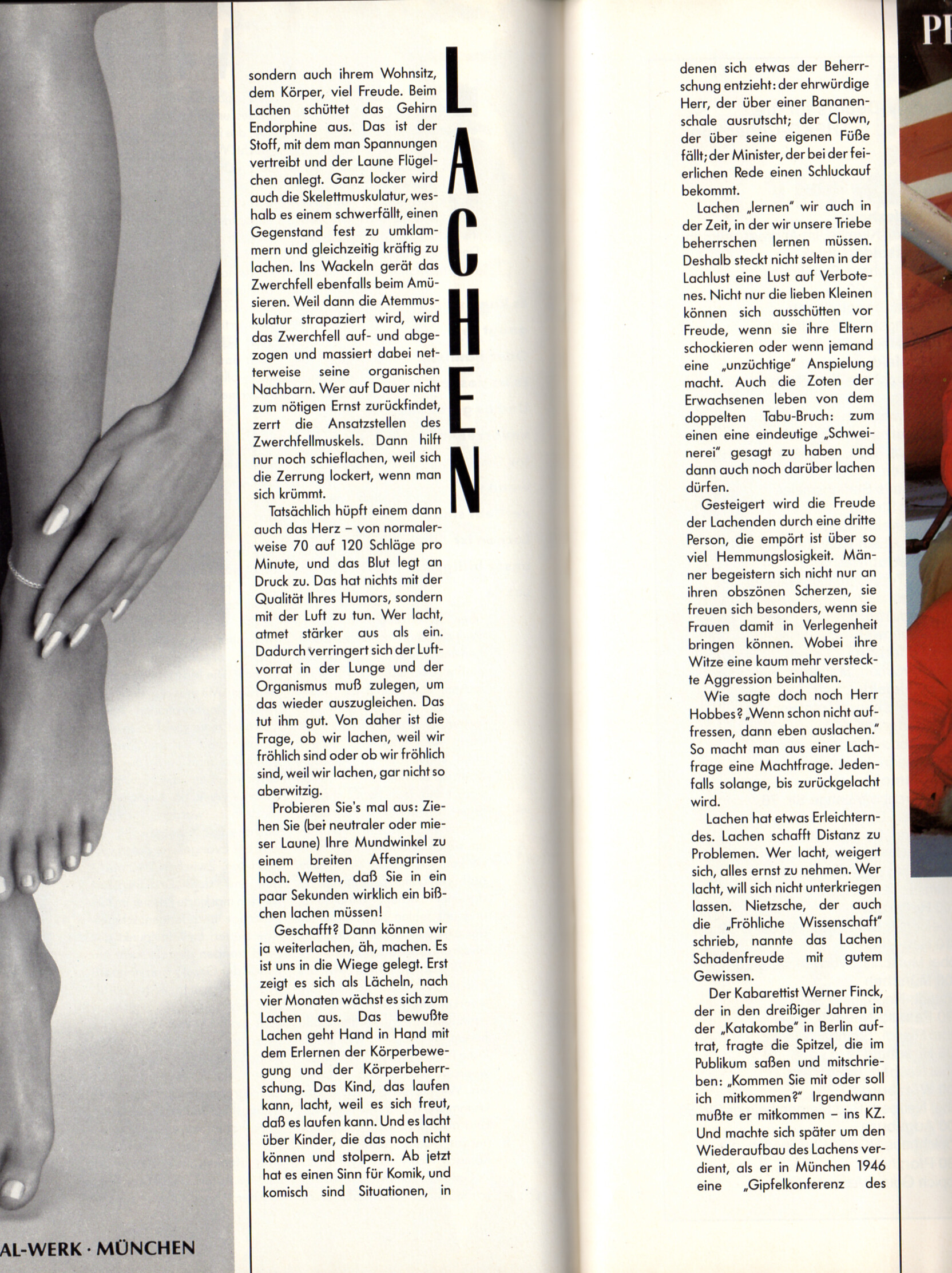
"LÄCHELN" - VIVA Germany November 1988 by Christian Kettiger

-
-
BONAQUA advertisement - VIVA Germany November 1988

-
Margarida Corceiro Olivia Mathers Danika Peinaar Lilly Lagodka Bridget Satterlee Mieke Visser Irina Sharipova Jessie Li Wang
-
PUMA advertisement - VIVA Germany November 1988

-
b.young (2026)



-
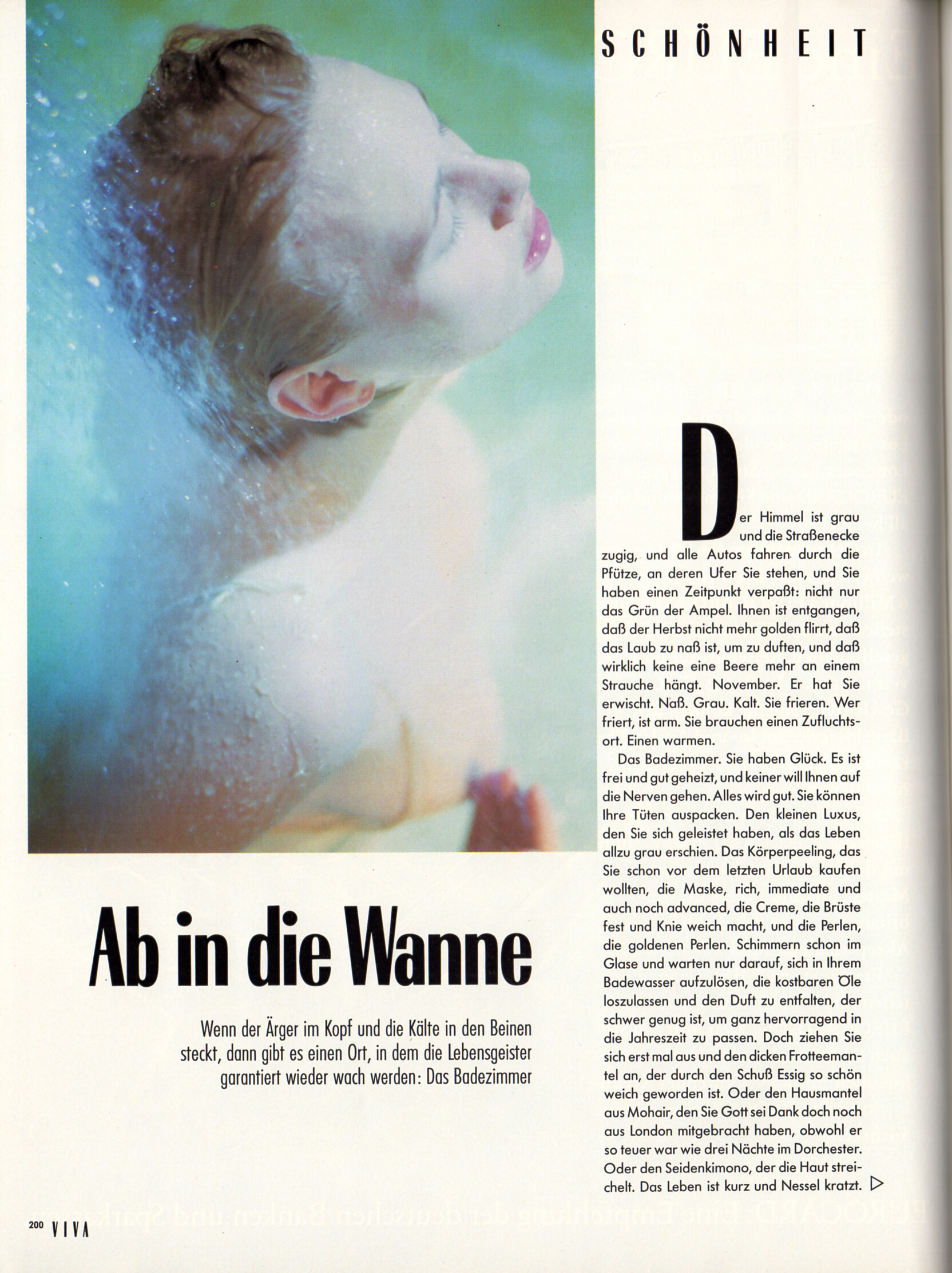
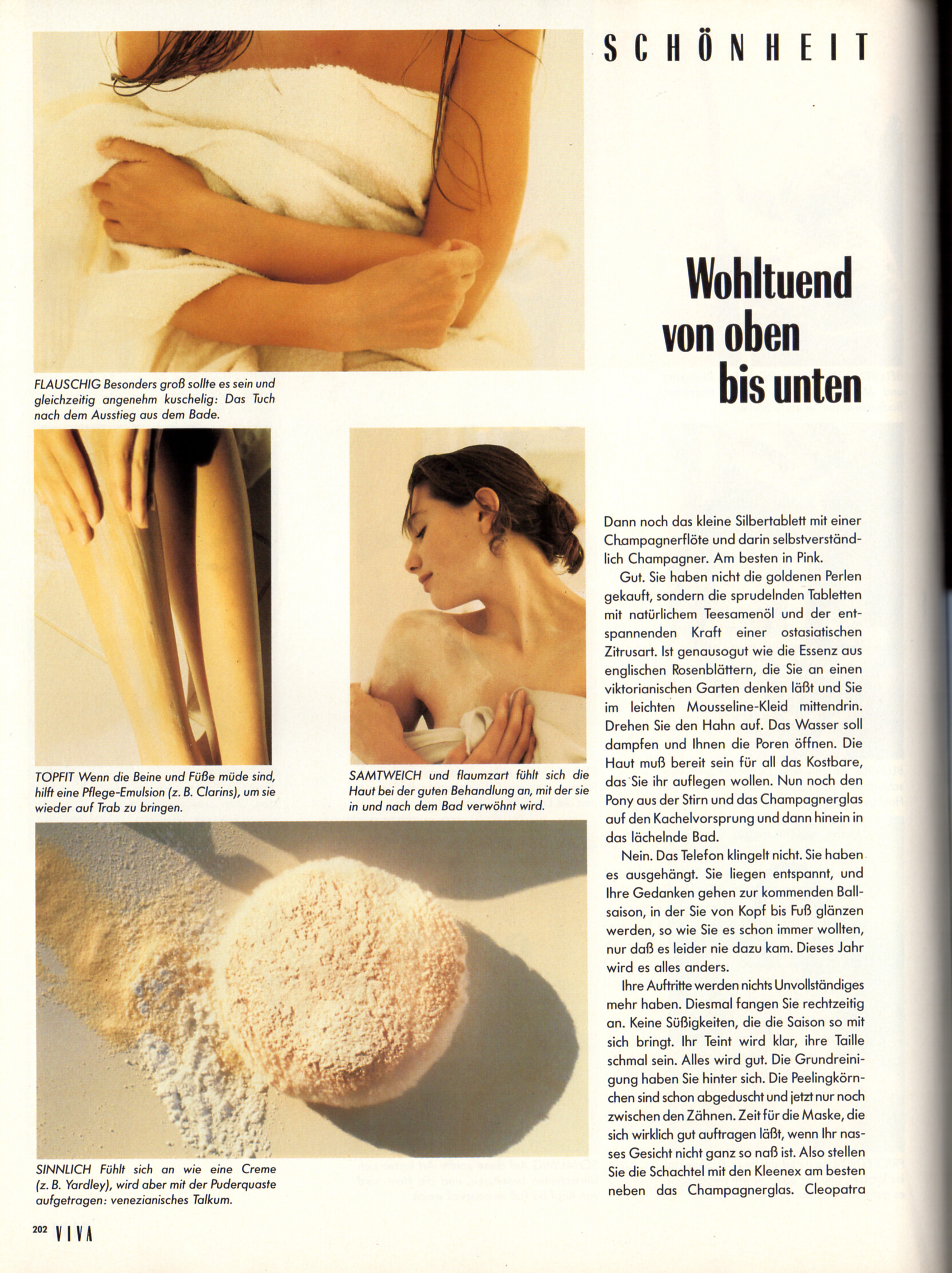
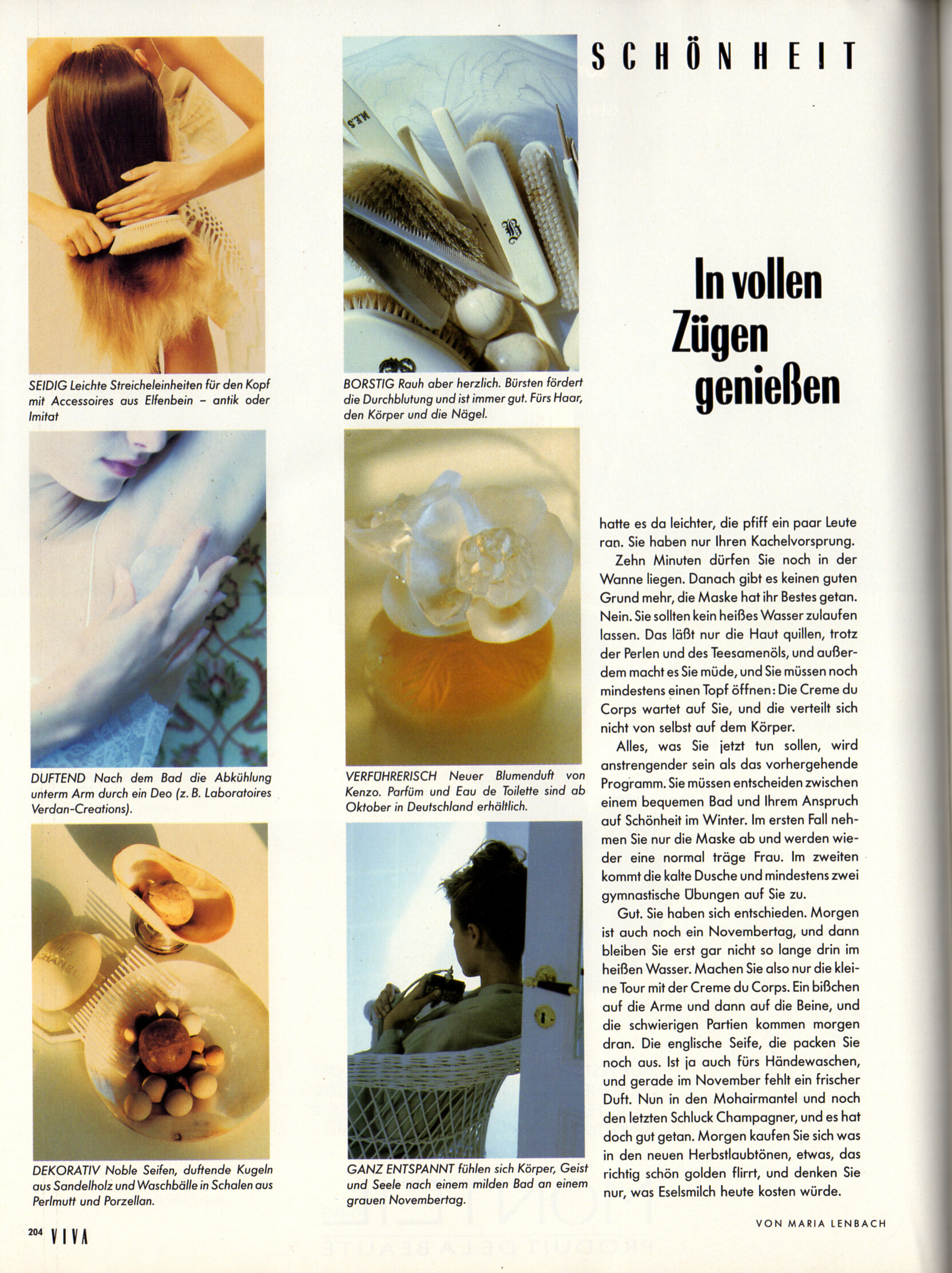
"Ab in die Wanne" - VIVA Germany November 1988 by Kay Degenhard




-
WARNING! NUDITY!
 o. b. advertisement - VIVA Germany November 1988
 "Große Wäsche" - VIVA Germany November 1988 by Jim Rakete Cara Leigh (blonde) and...?





 Lord advertisement - VIVA Germany November 1988 Tara Shannon (left) and the blonde....?
 COMMERZBANK advertisement - VIVA Germany November 1988
 Cecilia started modeling at the age of 17 and worked for Zadig & Voltaire from time to time as a model. In 2003 she presented a couple of own design ideas to the founder Thierry Gillier who made her an assistant straight away. 4 years later she became chief designer of the brand, is married to Gillier and they have 4 children together.Mr. Piggy. 😋Leo and Jennifer Lawrence on What Happens at night set in Czechia <font dir="auto" style="vertical-align: inherit;"><font dir="auto" style="vertical-align: inherit;">VID_20260320_120150_477.mp4</font></font>



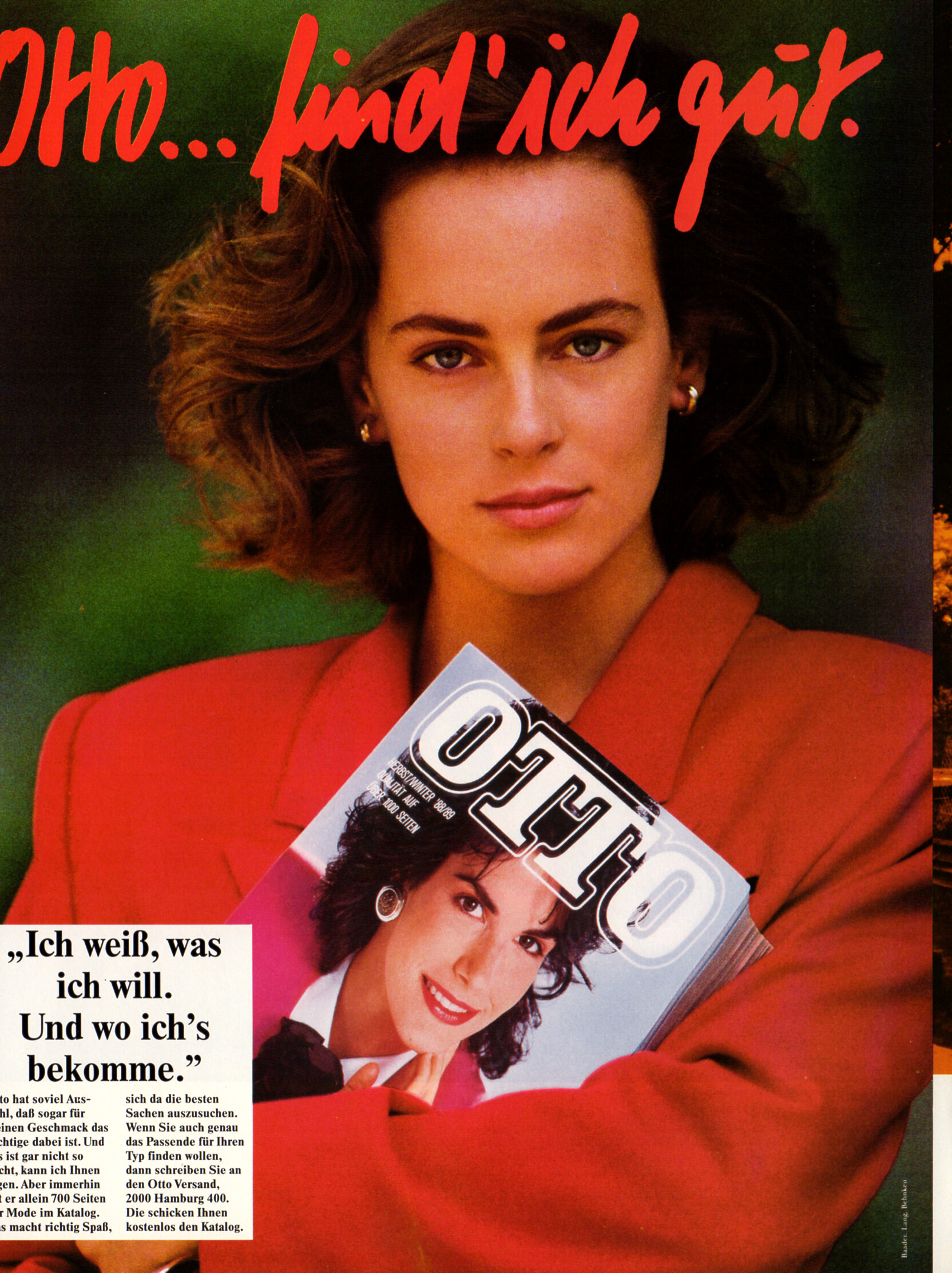
 Potu111111 joined the communityLilly Lagodka Jessie Li Wang Irina Sharipova Bridget Satterlee Mieke Visser Margarida Corceiro Danika Pienaar Olivia MathersOTTO catalog advertisement - VIVA Germany November 1988 - also showing Terri Garber
 Cerise and Miss Piggy! 🤣




































Account
Navigation
Search
Configure browser push notifications
Chrome (Android)
- Tap the lock icon next to the address bar.
- Tap Permissions → Notifications.
- Adjust your preference.
Chrome (Desktop)
- Click the padlock icon in the address bar.
- Select Site settings.
- Find Notifications and adjust your preference.
Safari (iOS 16.4+)
- Ensure the site is installed via Add to Home Screen.
- Open Settings App → Notifications.
- Find your app name and adjust your preference.
Safari (macOS)
- Go to Safari → Preferences.
- Click the Websites tab.
- Select Notifications in the sidebar.
- Find this website and adjust your preference.
Edge (Android)
- Tap the lock icon next to the address bar.
- Tap Permissions.
- Find Notifications and adjust your preference.
Edge (Desktop)
- Click the padlock icon in the address bar.
- Click Permissions for this site.
- Find Notifications and adjust your preference.
Firefox (Android)
- Go to Settings → Site permissions.
- Tap Notifications.
- Find this site in the list and adjust your preference.
Firefox (Desktop)
- Open Firefox Settings.
- Search for Notifications.
- Find this site in the list and adjust your preference.