All Activity
- Past hour
-
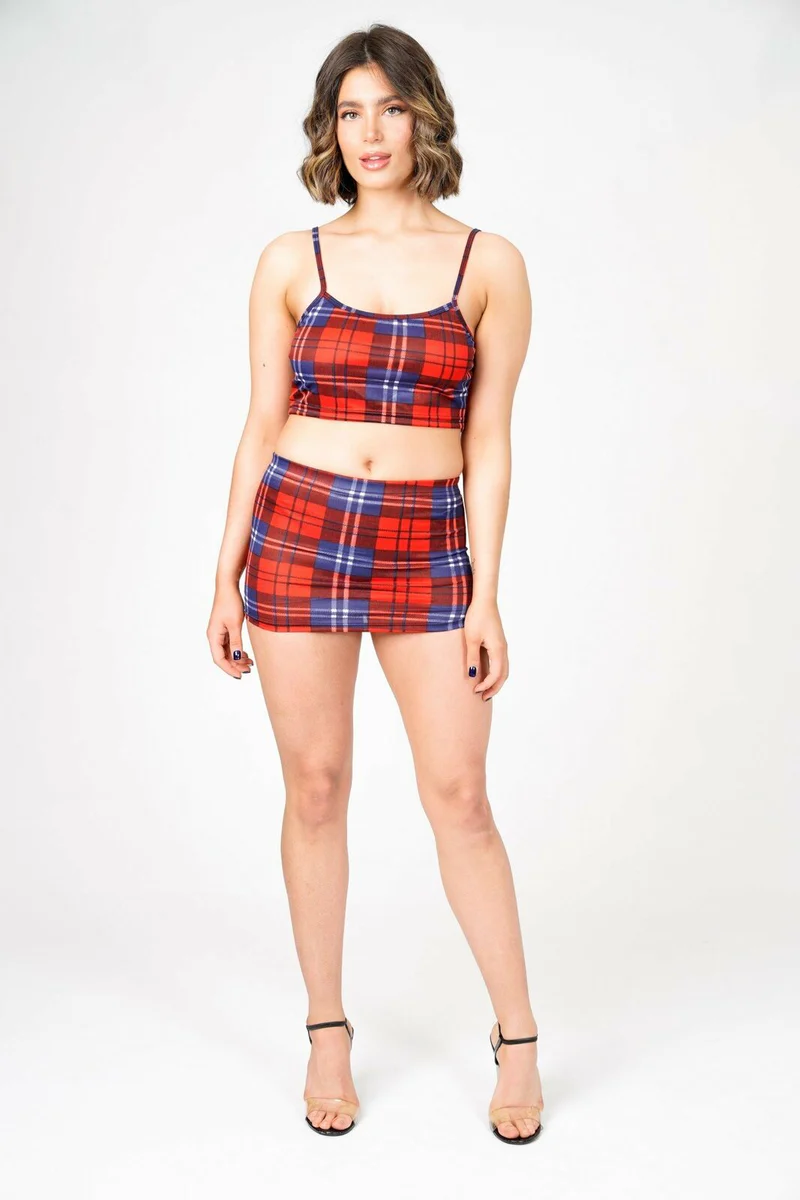
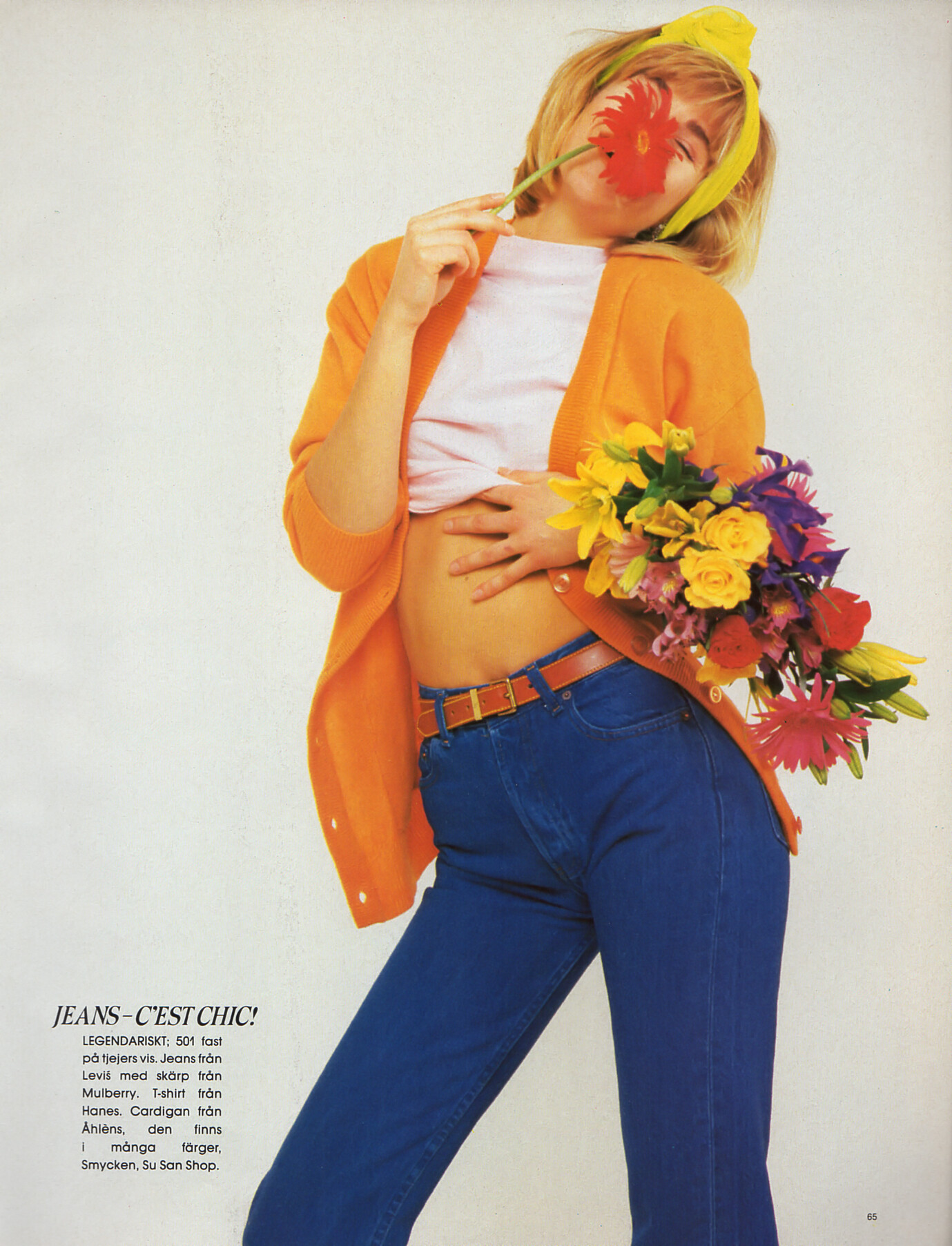
 Anyone know her last name? https://models.com/models/taylor-d
 -
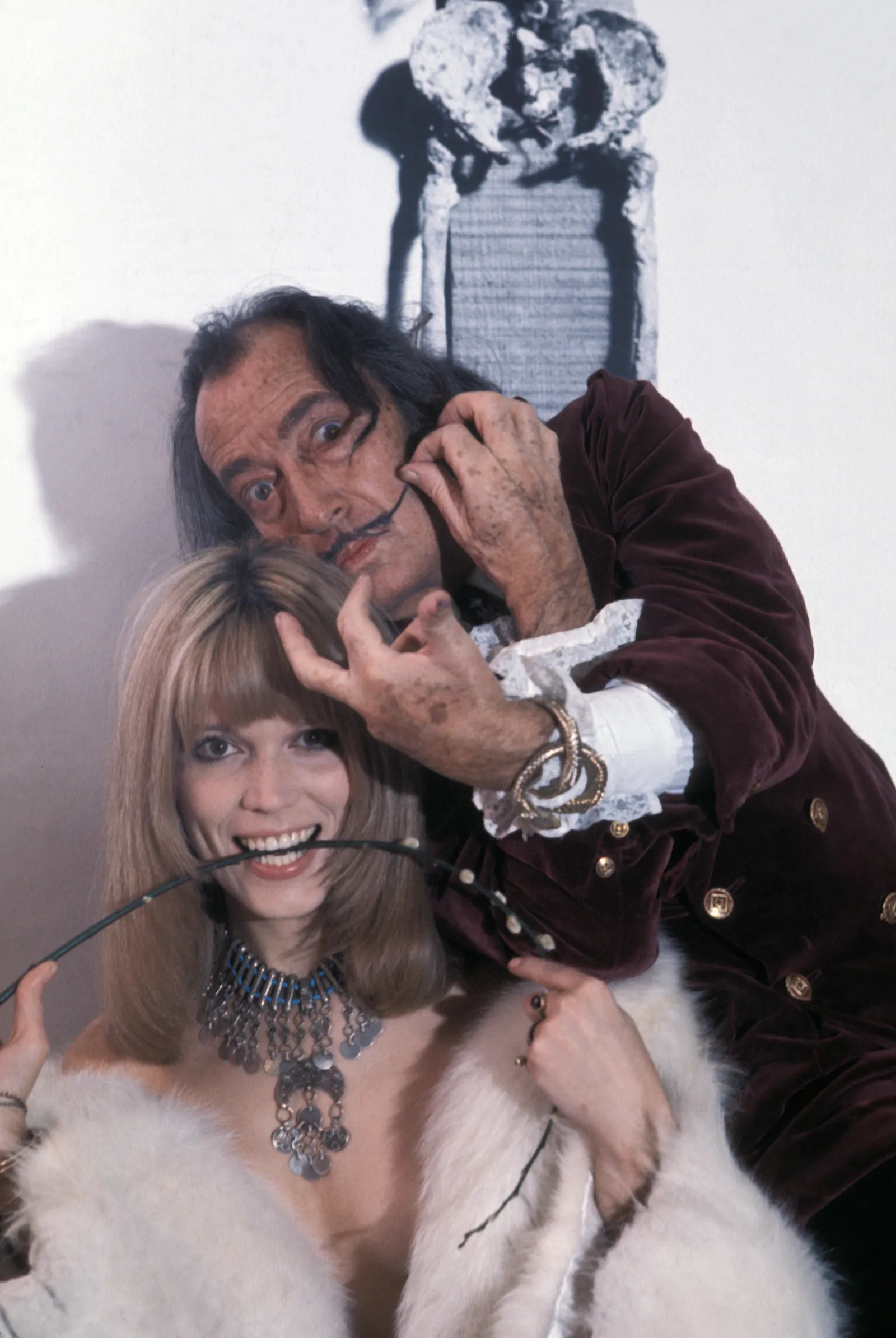
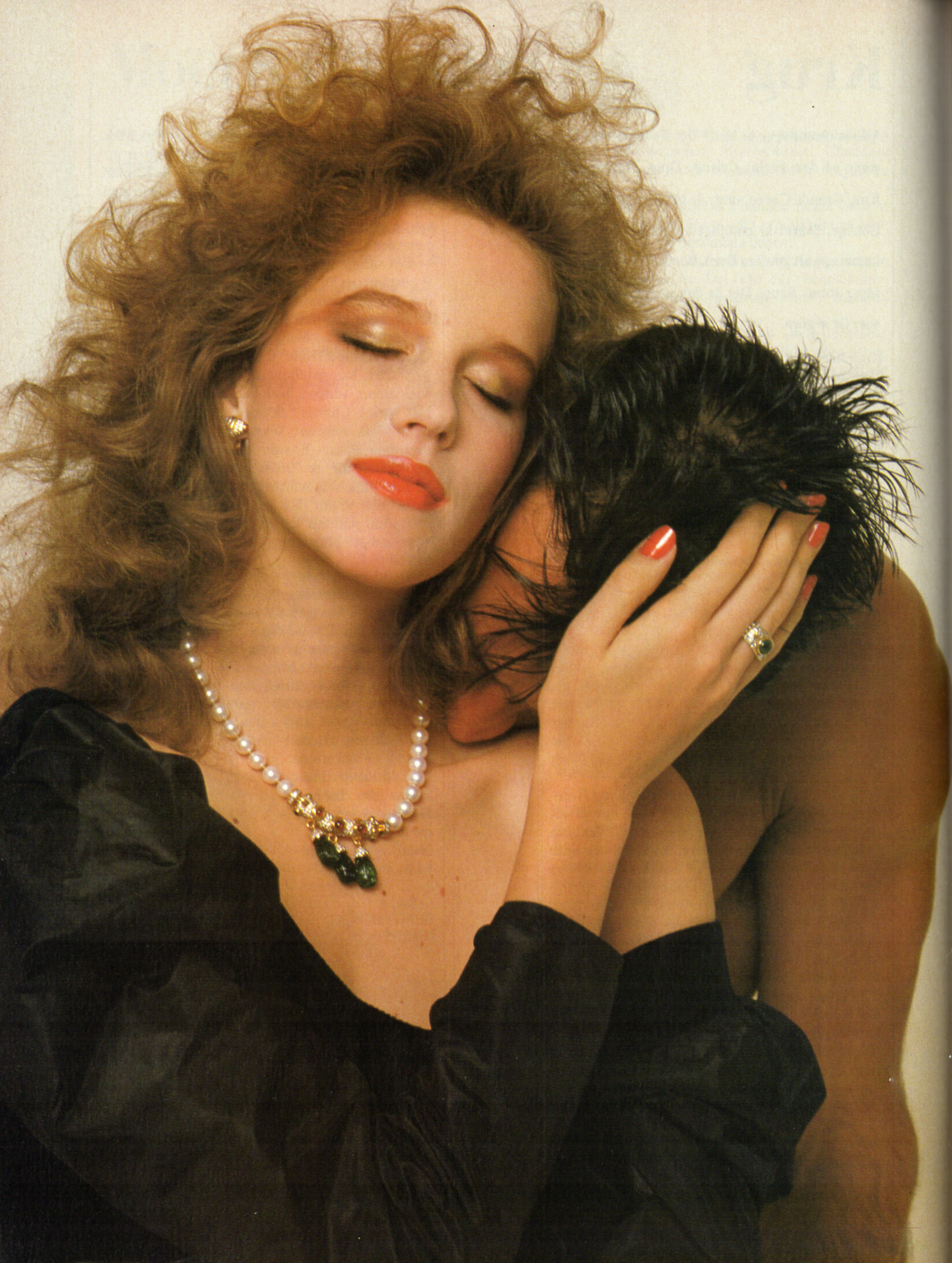
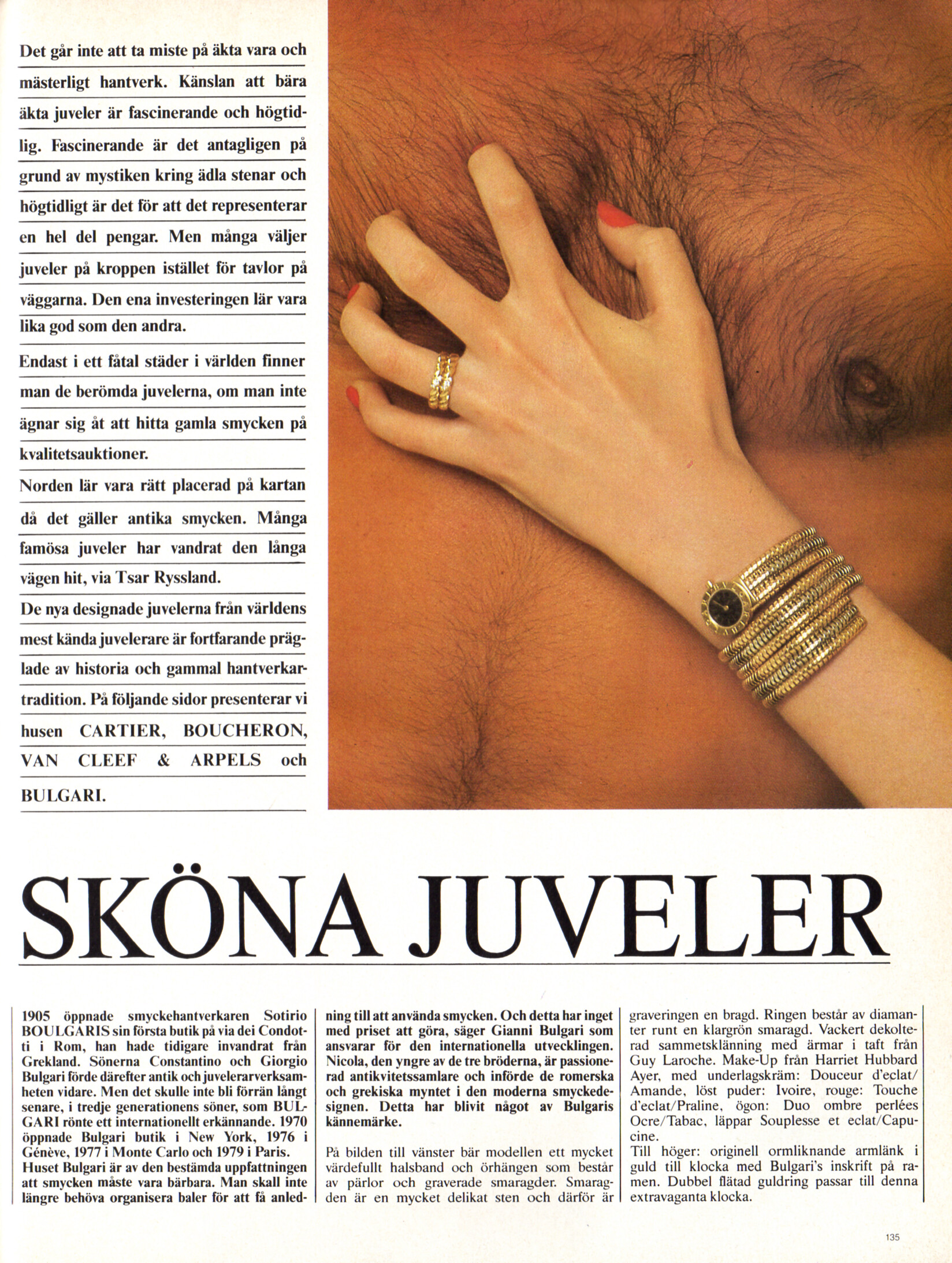
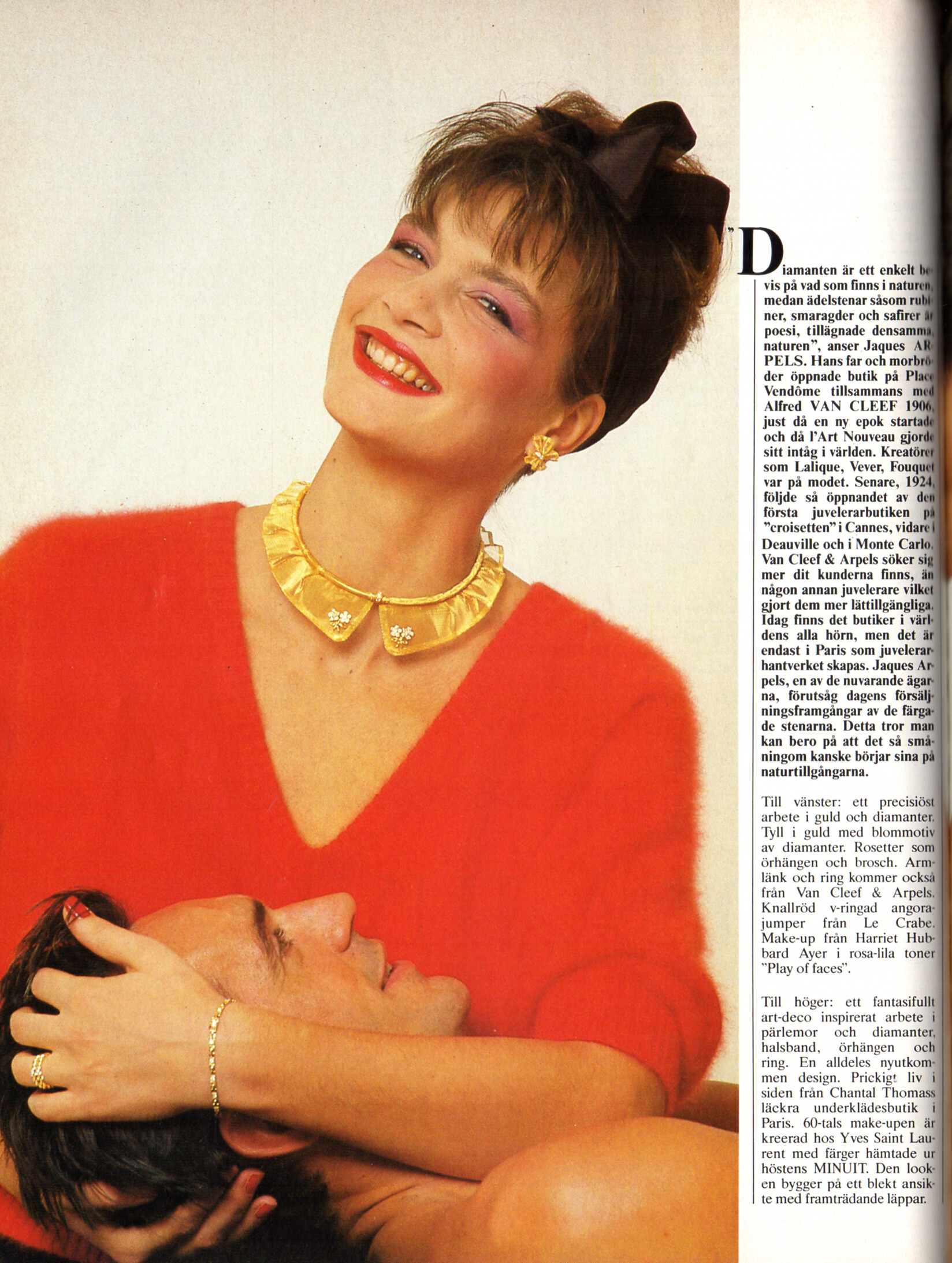
 Two different models? Because in the second photo looks a lot like Amanda Lear, who should have been "about" 50, although with her that's not a problem... 🤪 ad-italia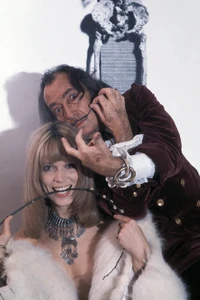
-
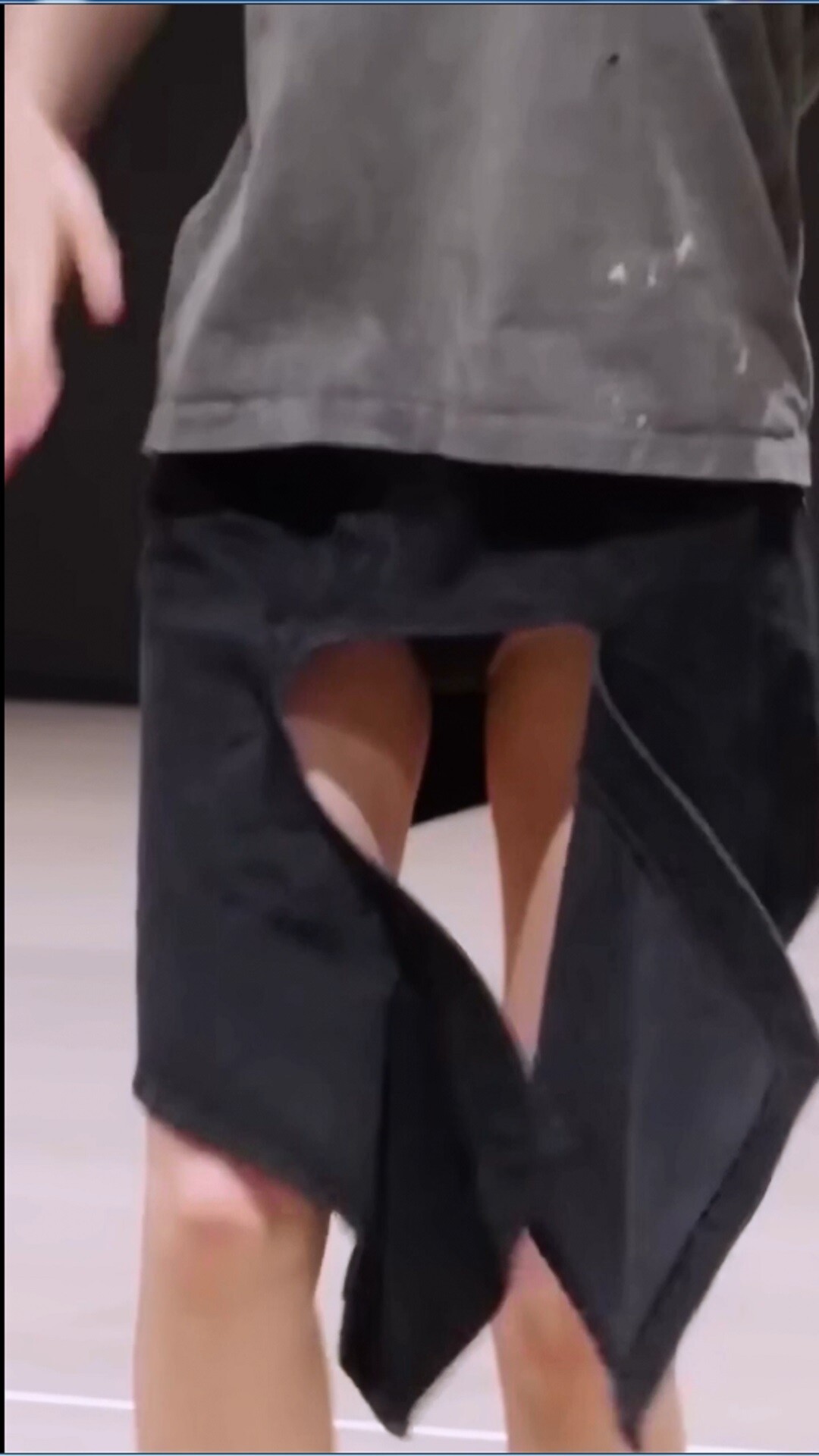
 https://en.wikipedia.org/wiki/Jeon_Somi Jeon Somi / Ennik Somi Douma / Somi Kpop accidents (nipslip, panty-slip) Somi - Chae Yeon - Hwasa Duration: 00:01:00 Resolution: 1080x1920 Format: mp4 Size: 34.1 MB https://filejoker.net/s08a7c3bgu8l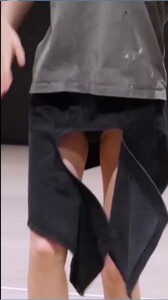





-
 maybe, https://www.instagram.com/sharonaandreaa https://www.instagram.com/thesharonandrea/
 -

 Has appeared on divasworld and waisttrain

.thumb.webp.5539d20dea52496095472585179c3acb.webp)


.thumb.webp.afdcbb3f201f5593ef940e1eaf35e90a.webp)





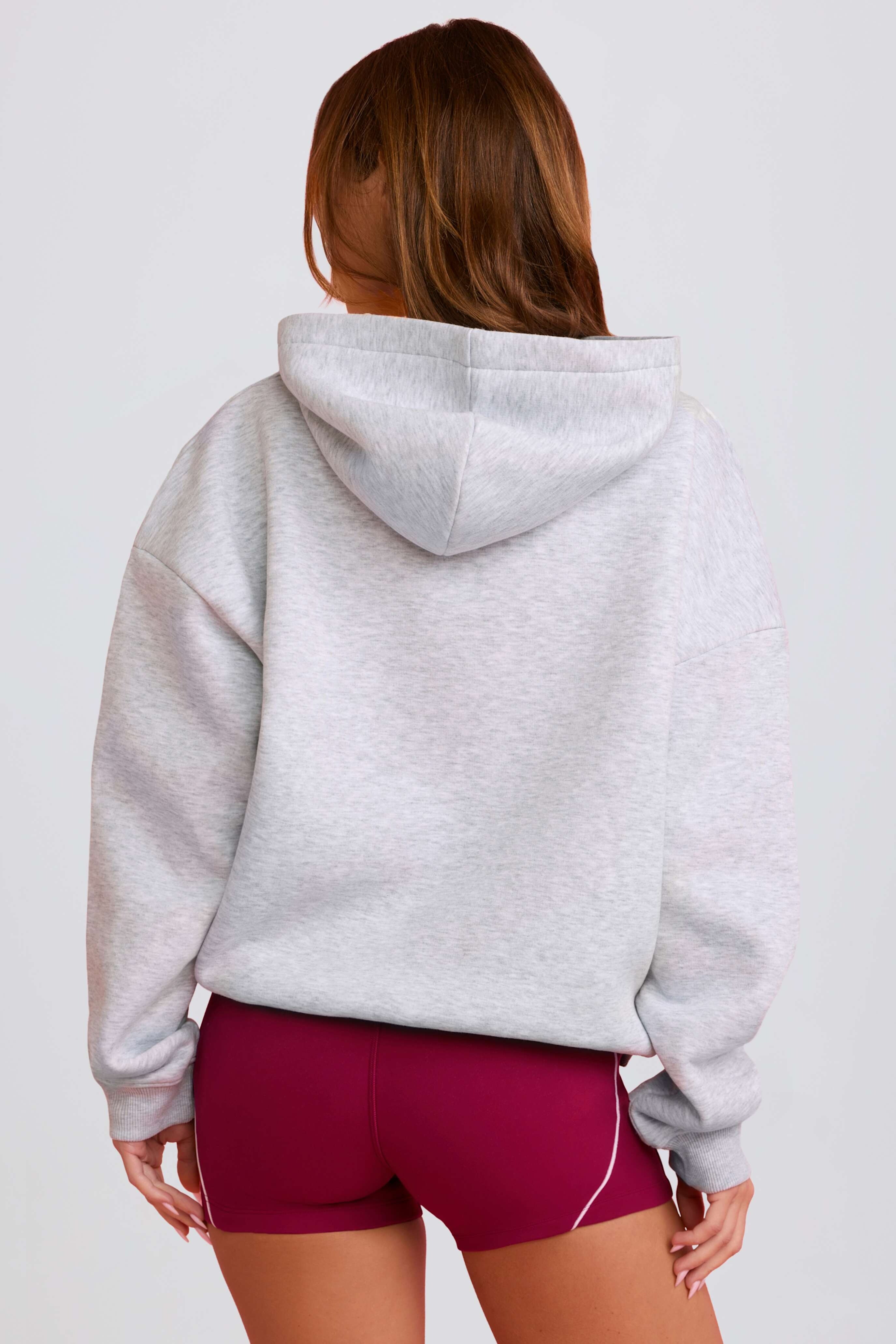
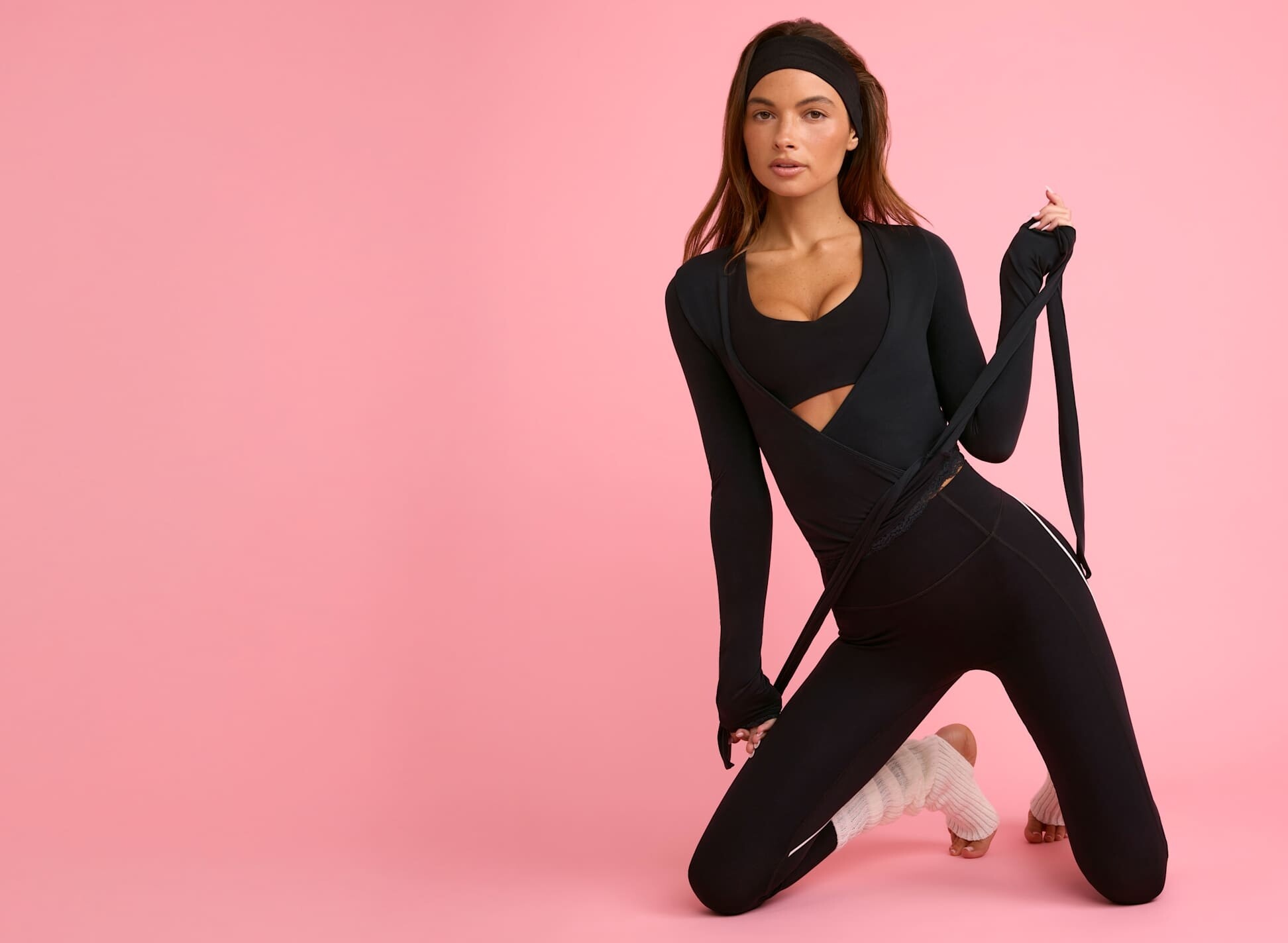
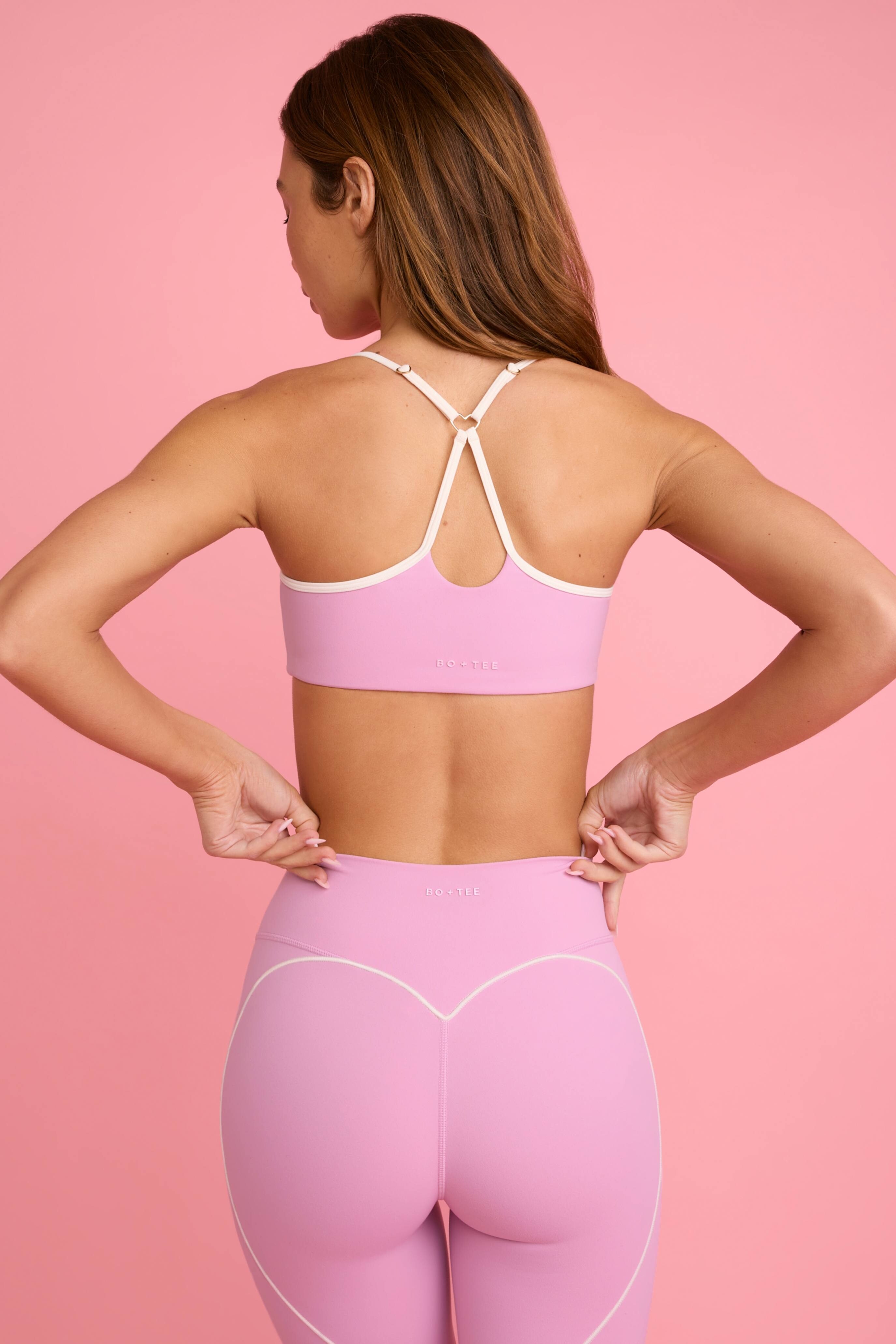
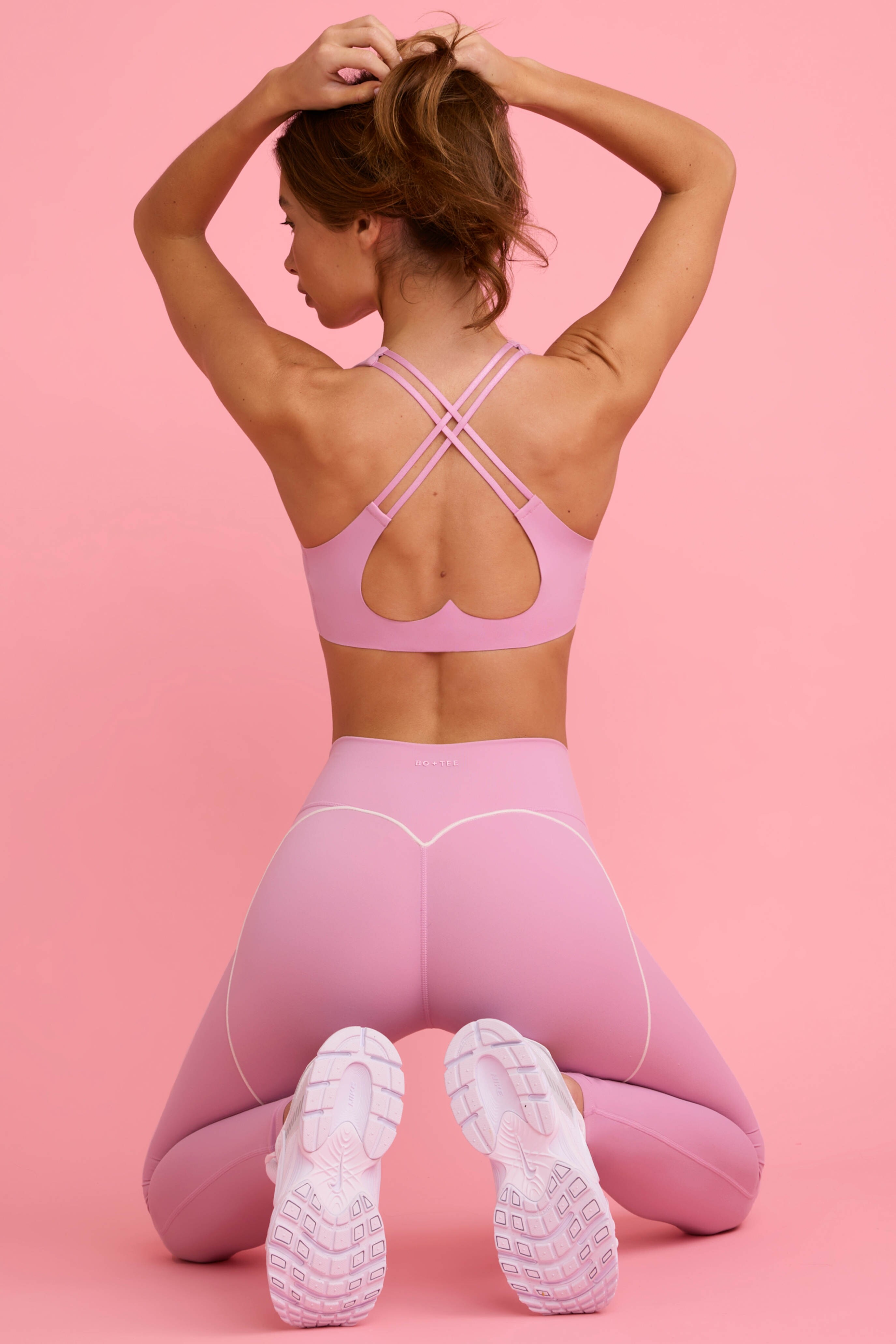
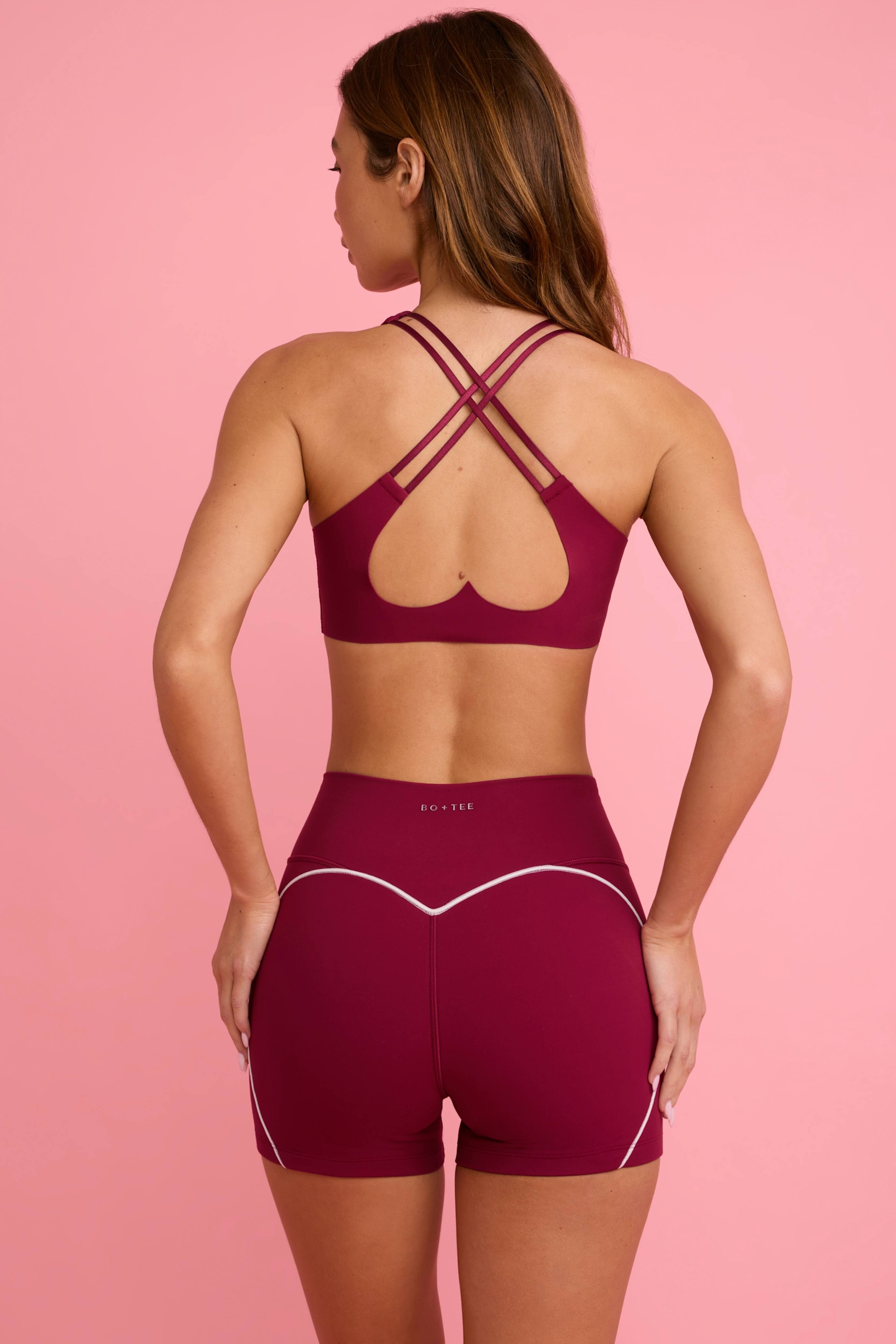
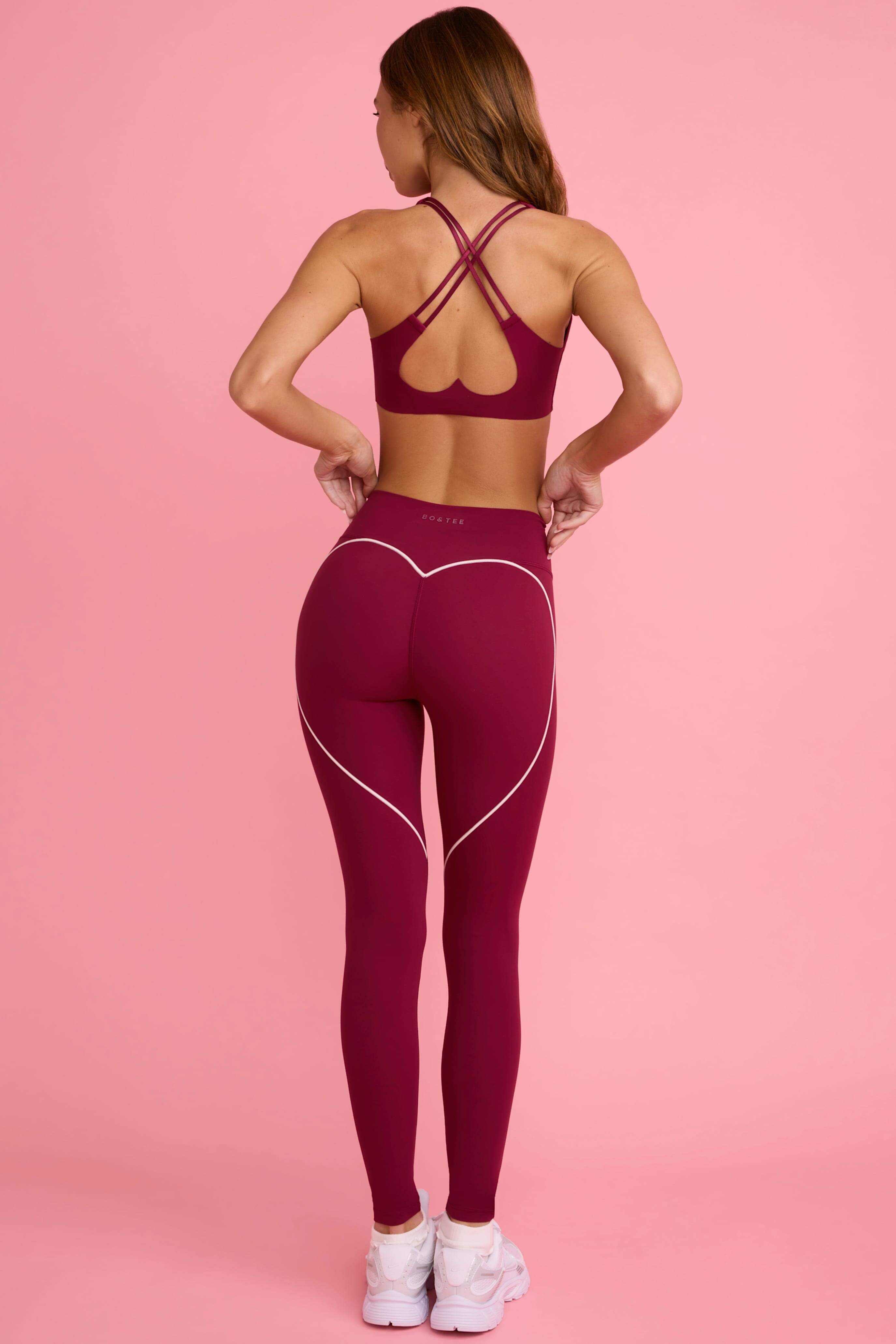
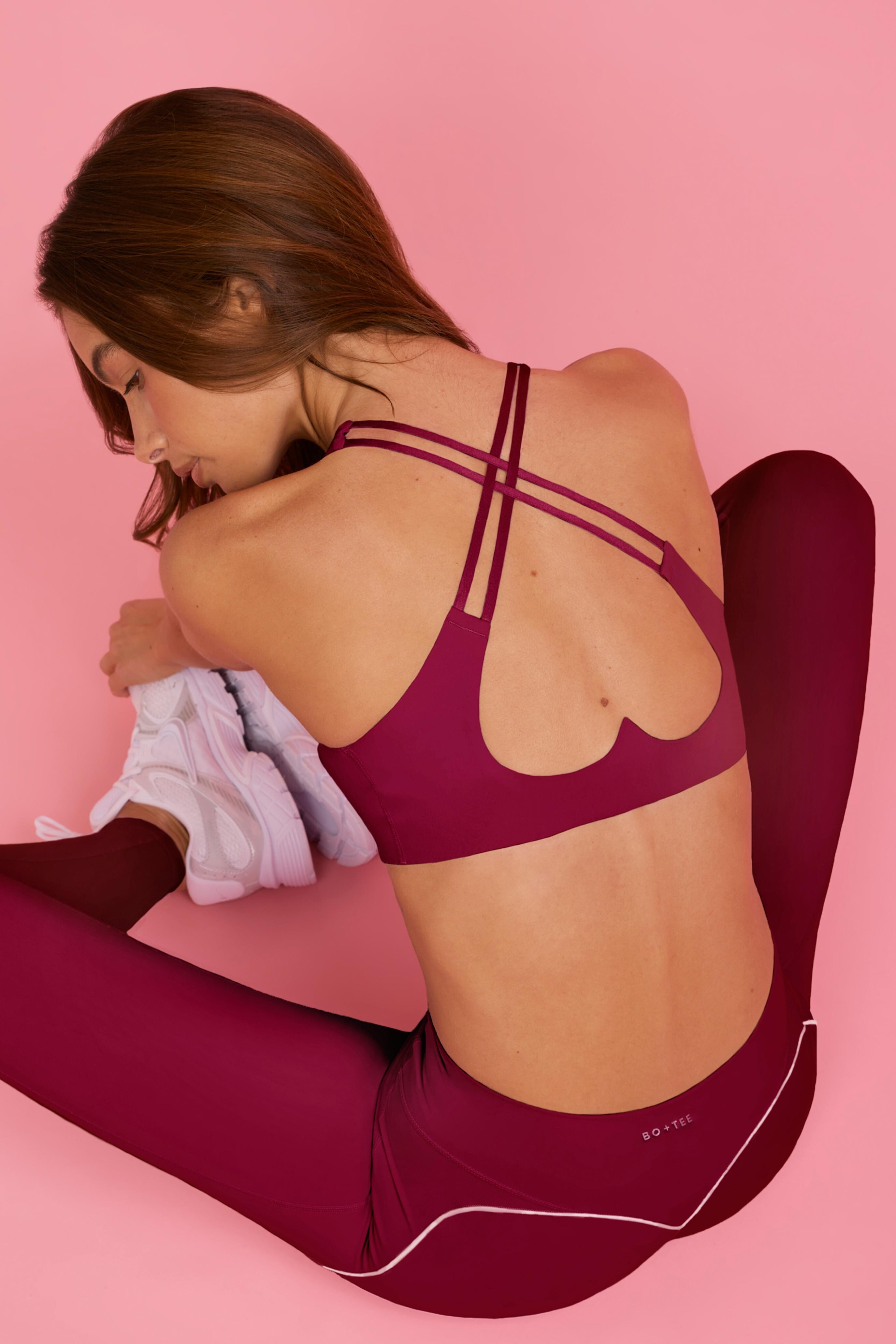
 BO + TEE BT11256-Grey_WithLovePerfectMatch_15.mp4 BT11251-Ivory_WithLovePerfectMatch_15.mp4 BT2097B-DustyPink_WithLovePerfectMatch_15.mp4 BT2089BC-DustyPink_WithLovePerfectMatch_15.mp4 BT2094B-DustyPink_WithLovePerfectMatch_15.mp4
BO + TEE
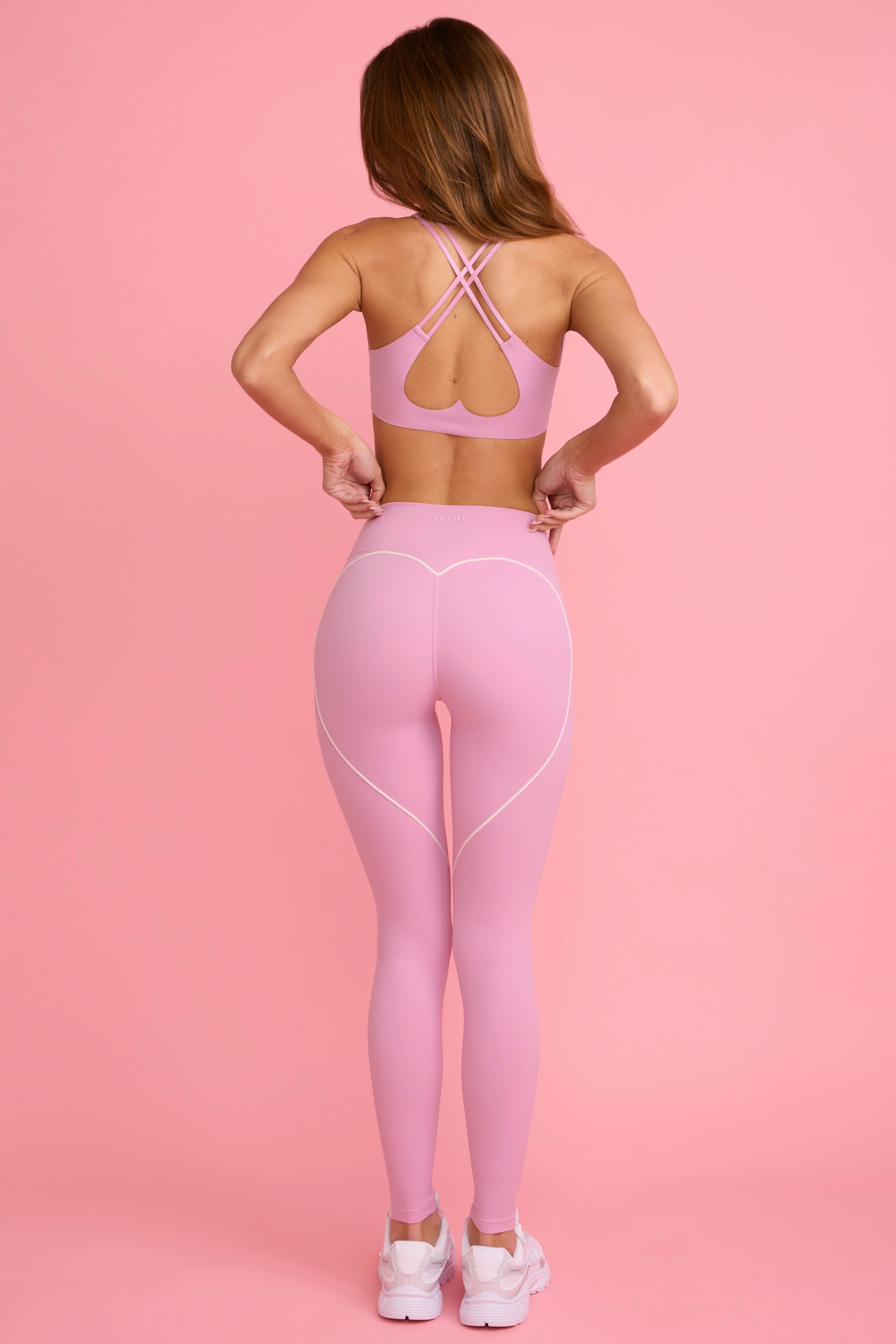
BO + TEE BT11256-Grey_WithLovePerfectMatch_15.mp4 BT11251-Ivory_WithLovePerfectMatch_15.mp4 BT2097B-DustyPink_WithLovePerfectMatch_15.mp4 BT2089BC-DustyPink_WithLovePerfectMatch_15.mp4 BT2094B-DustyPink_WithLovePerfectMatch_15.mp4
BO + TEE













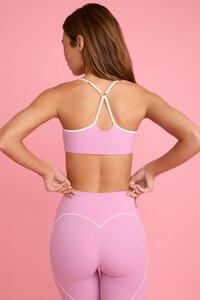











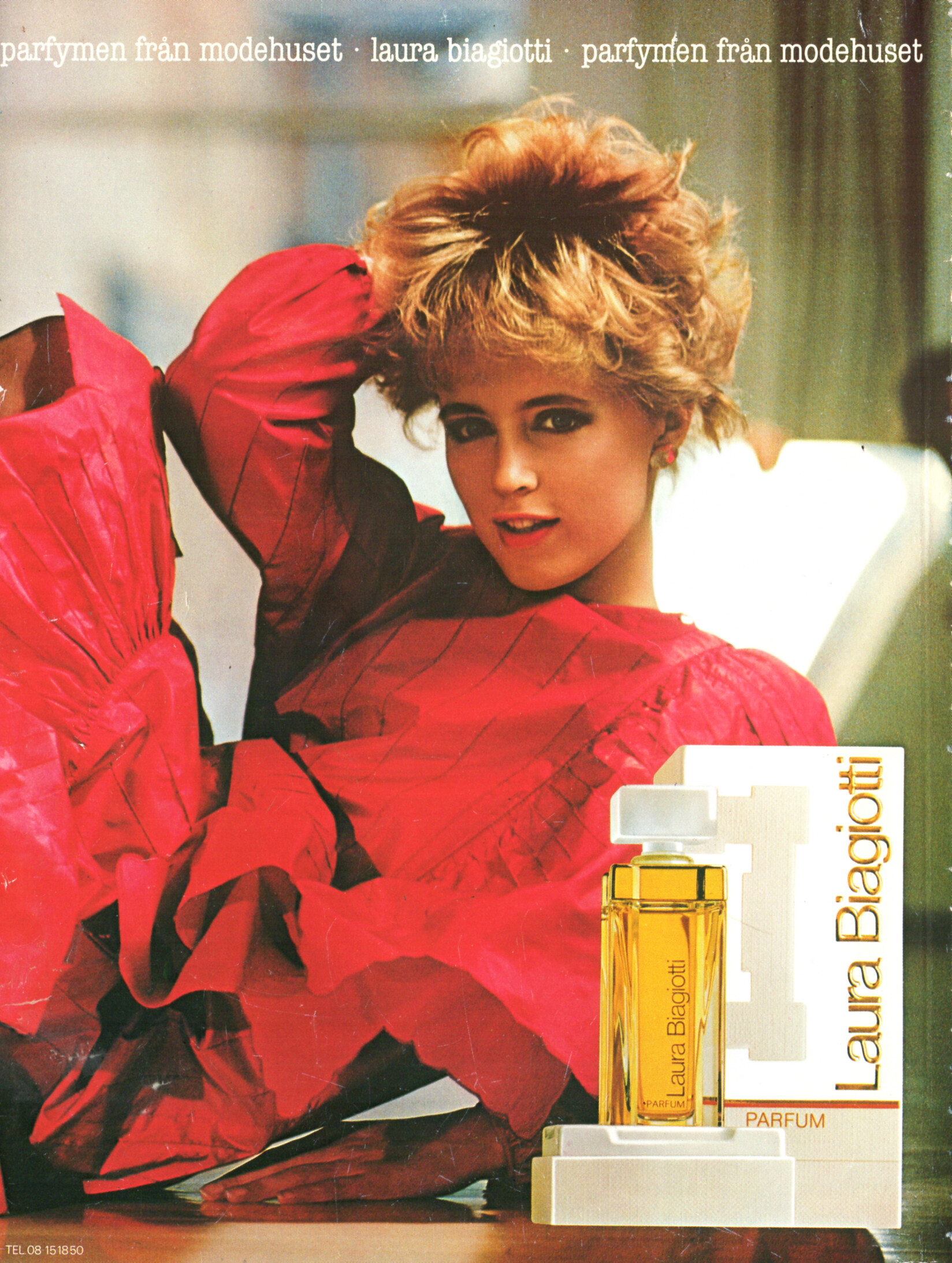
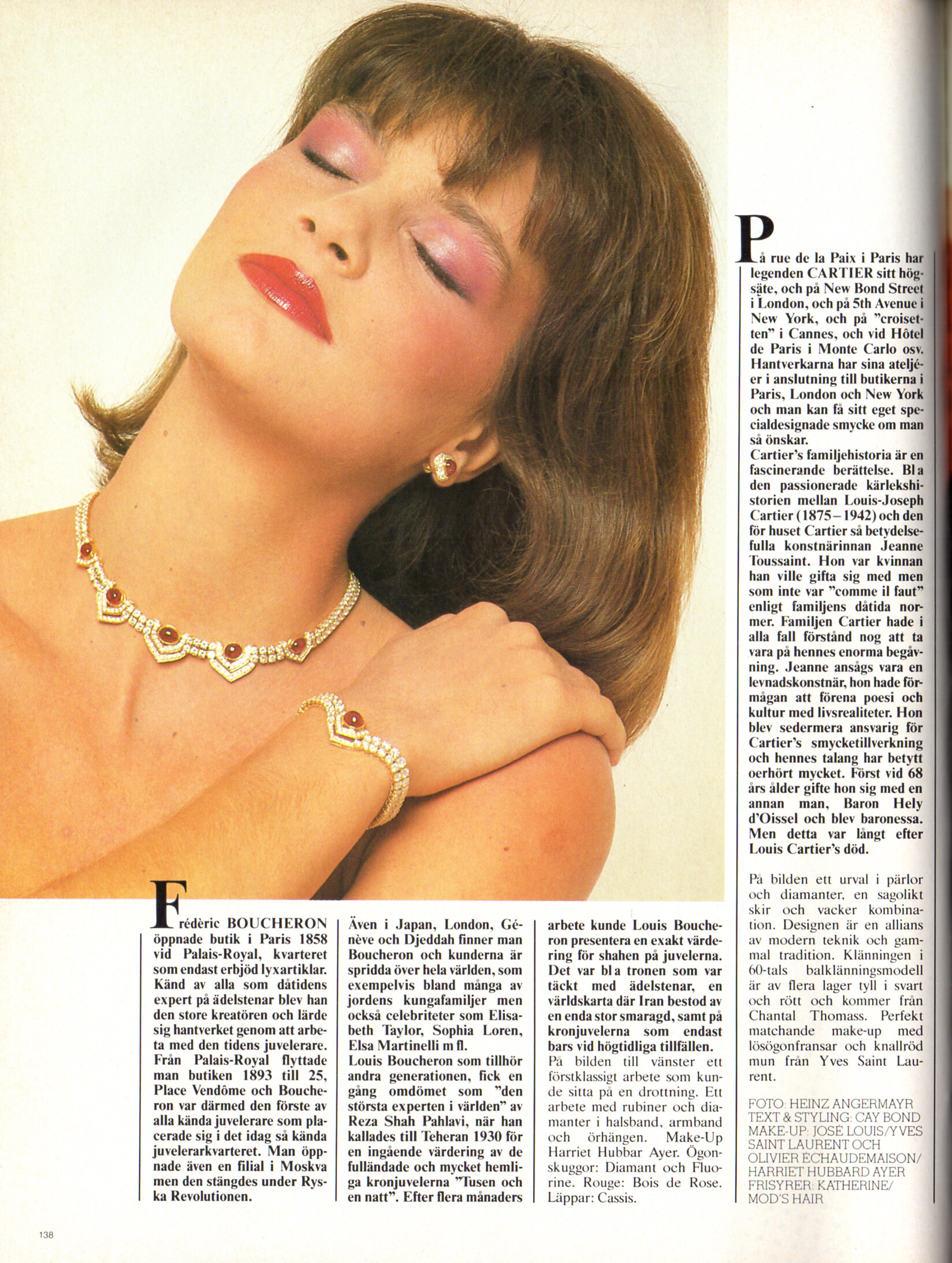
 Laura Biagotti perfume advertisement - CliC Sweden Winter 1983 #4
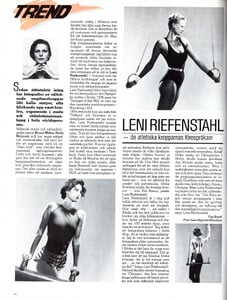
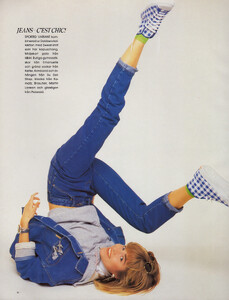
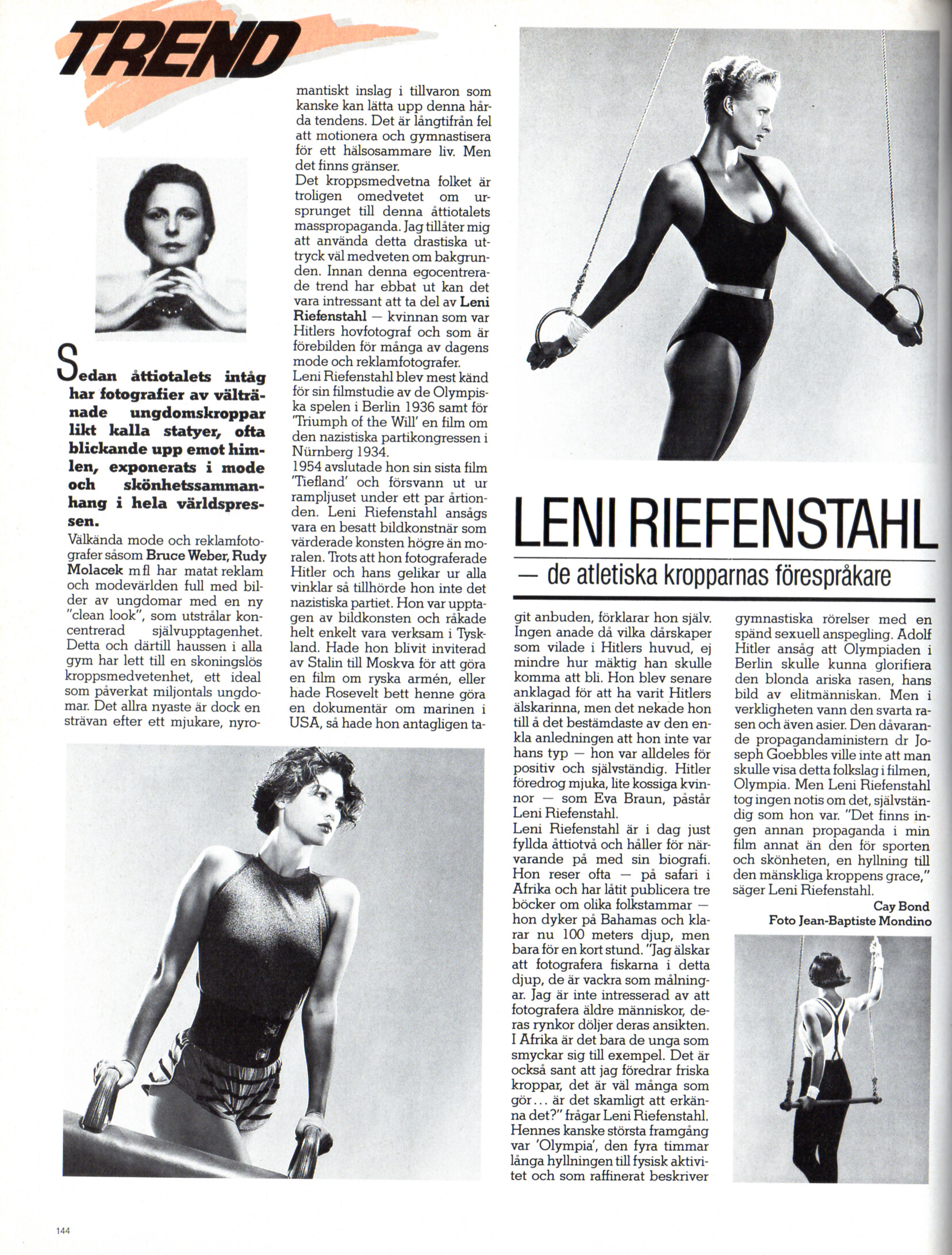
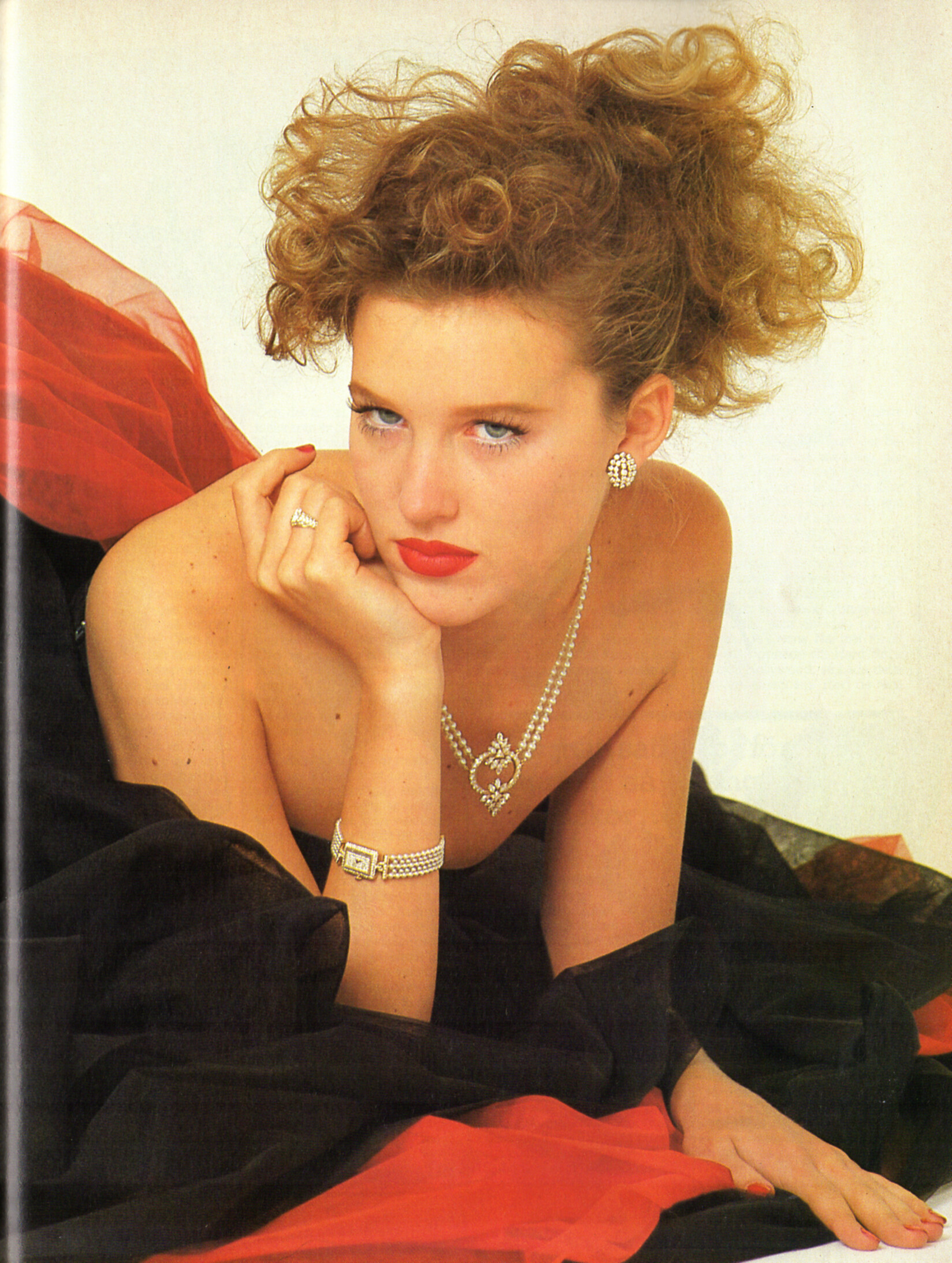
 "TREND LENI RIEENSTAHL" - CliC Sweden Autumn 1984 #3 by Jean-Baptiste Mondino - also showing unknown
 Jon Foltman




 Thank you, friends.

 Naor Appel adirjacob_1769875530_3822313429986503238_43745663.mp4







 kees06 joined the community
- Today
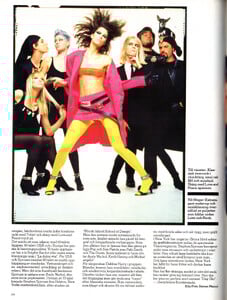
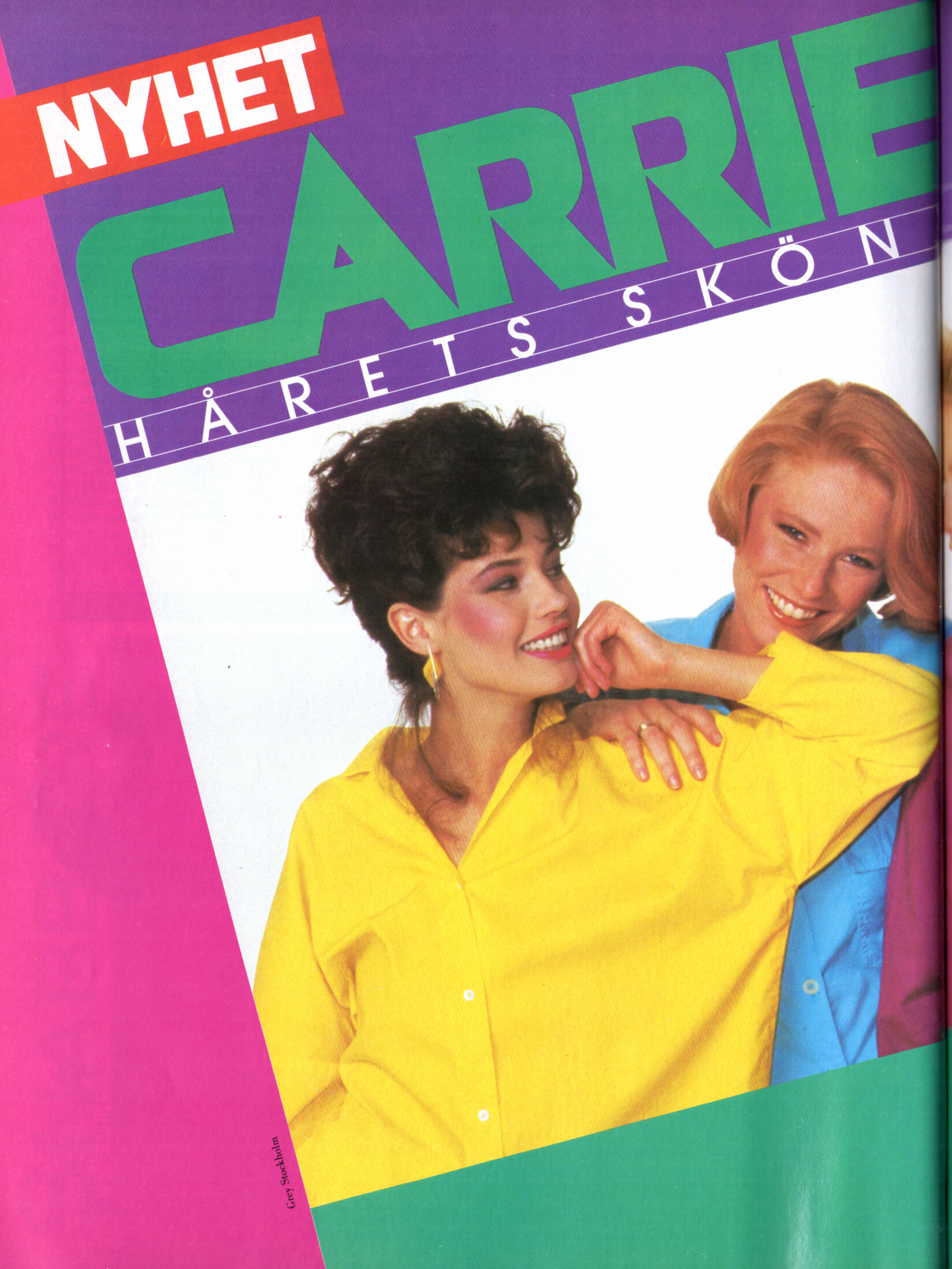
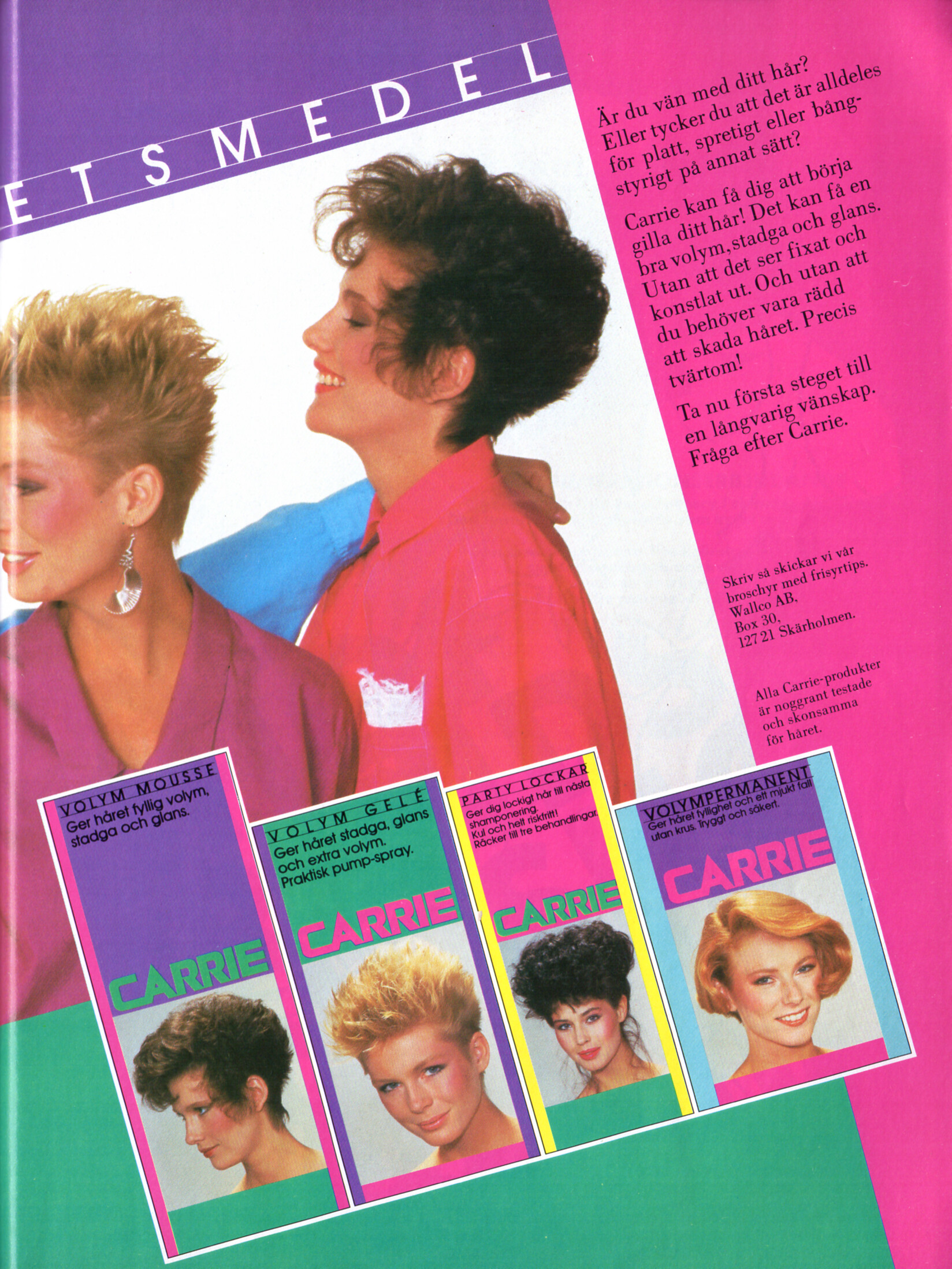
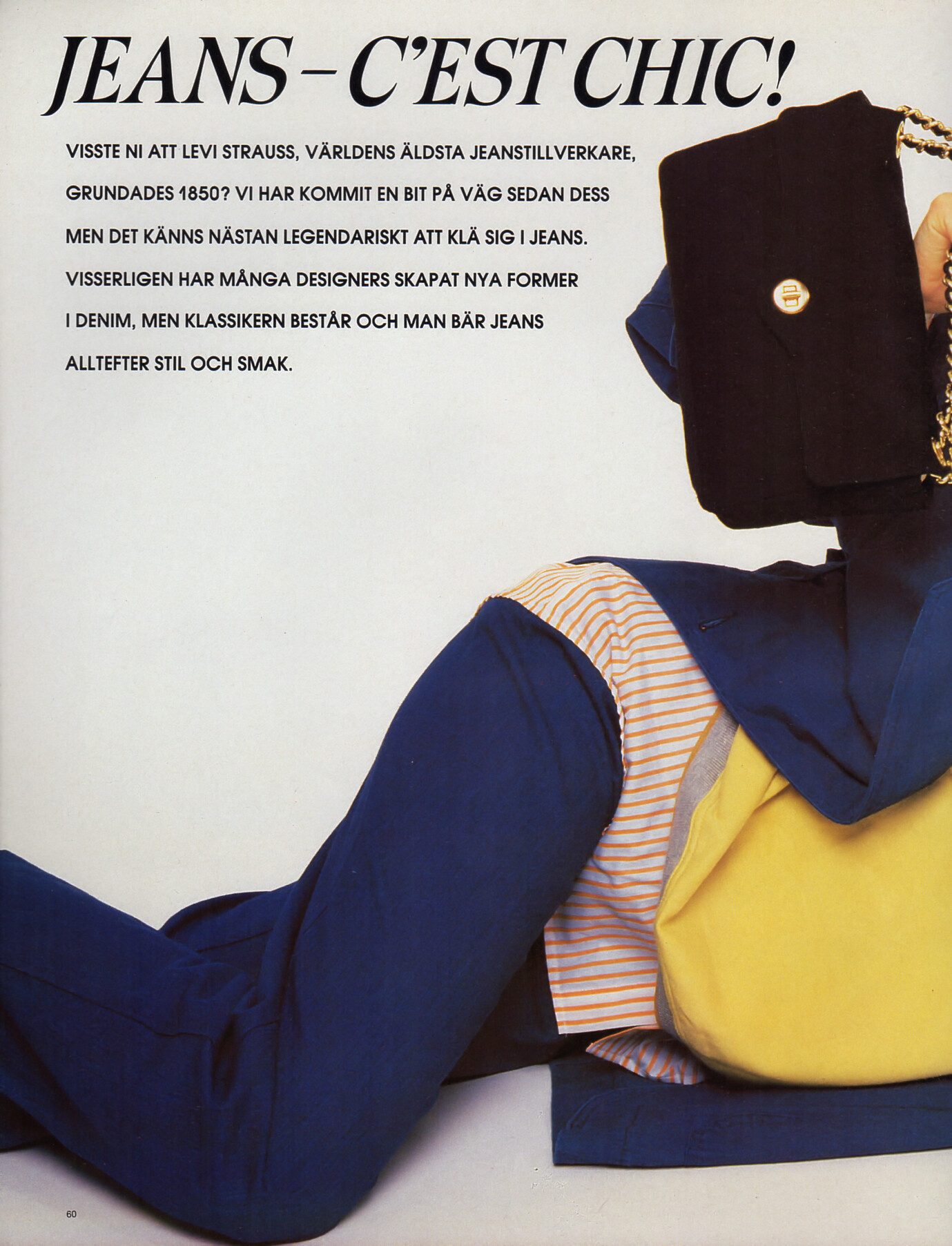
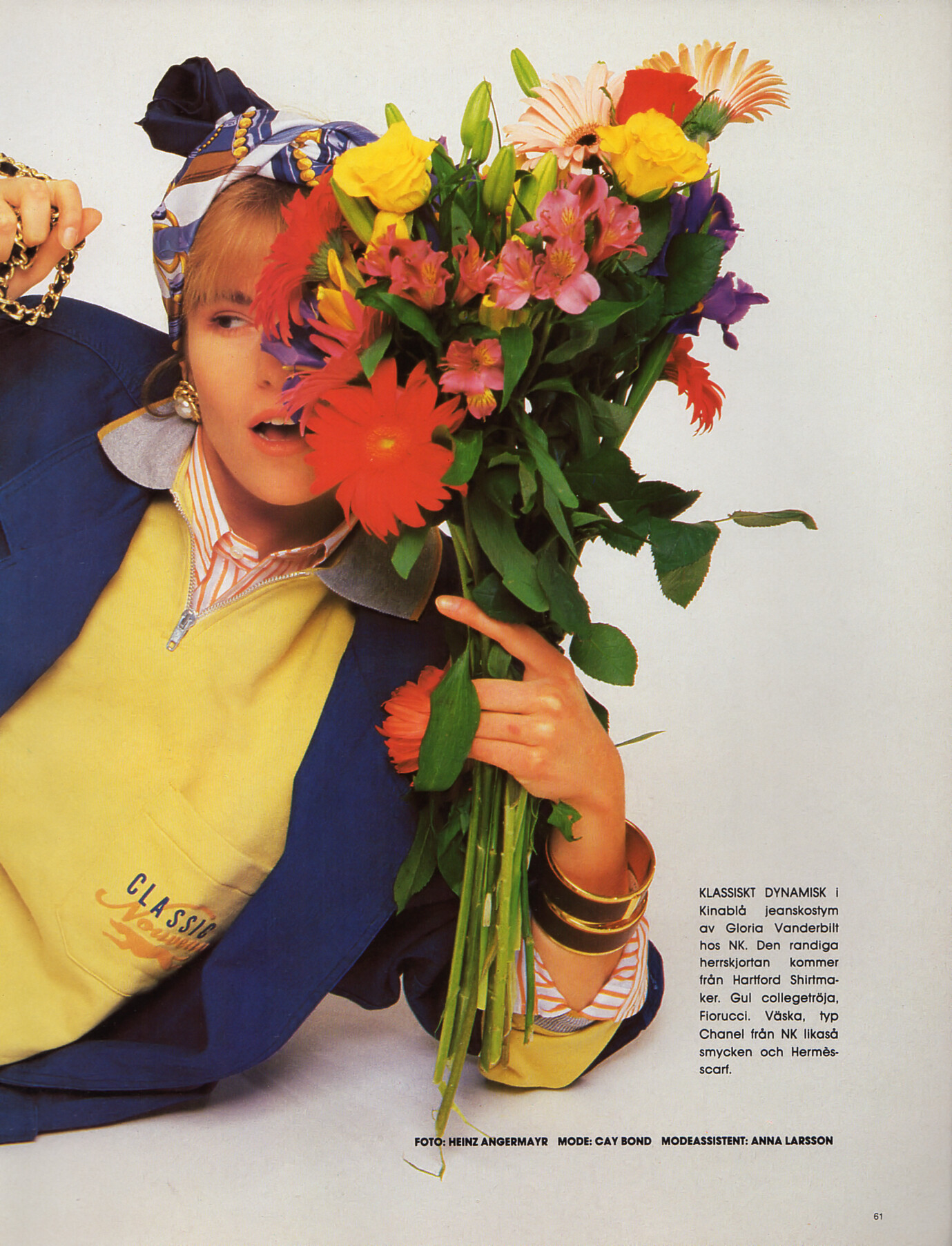
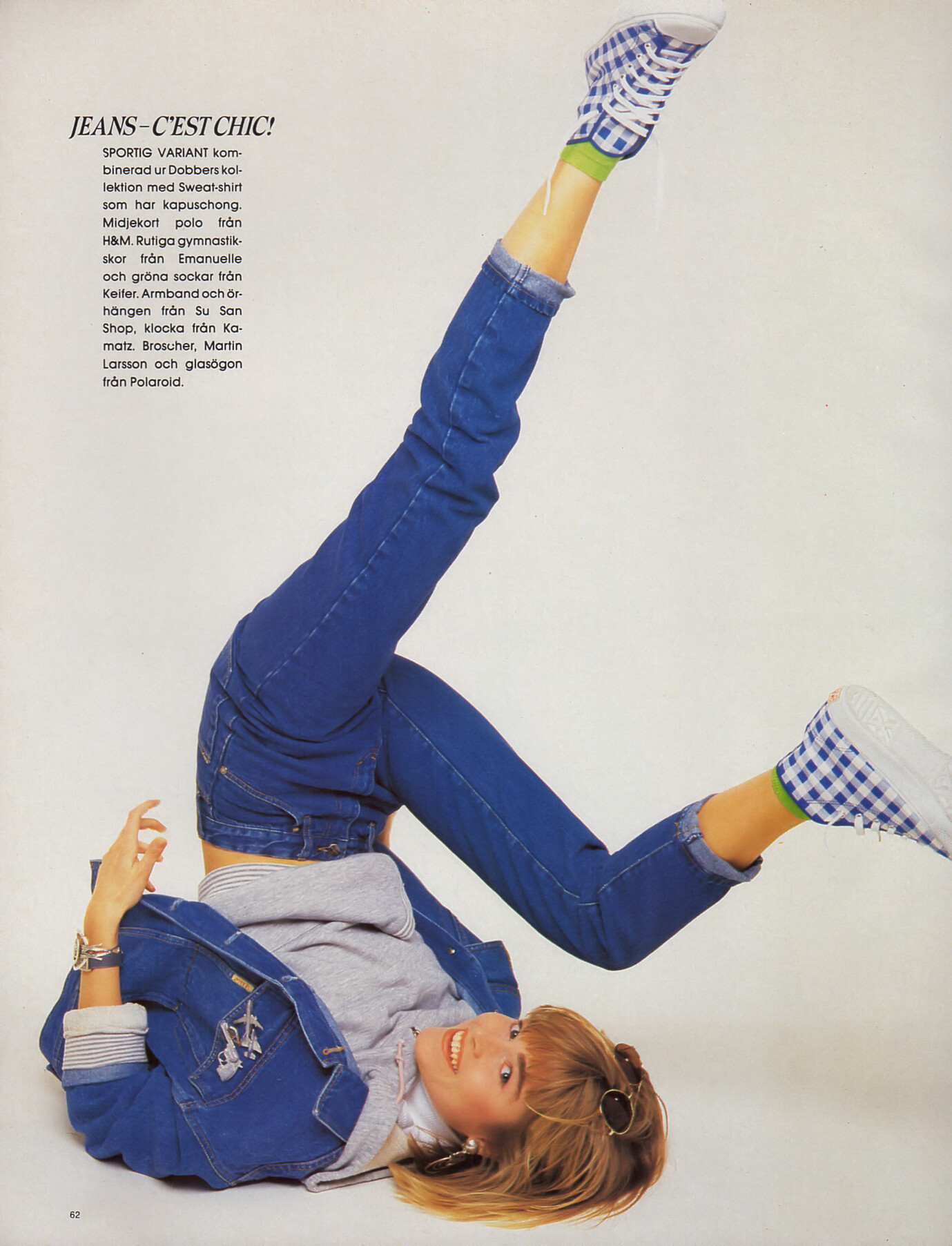
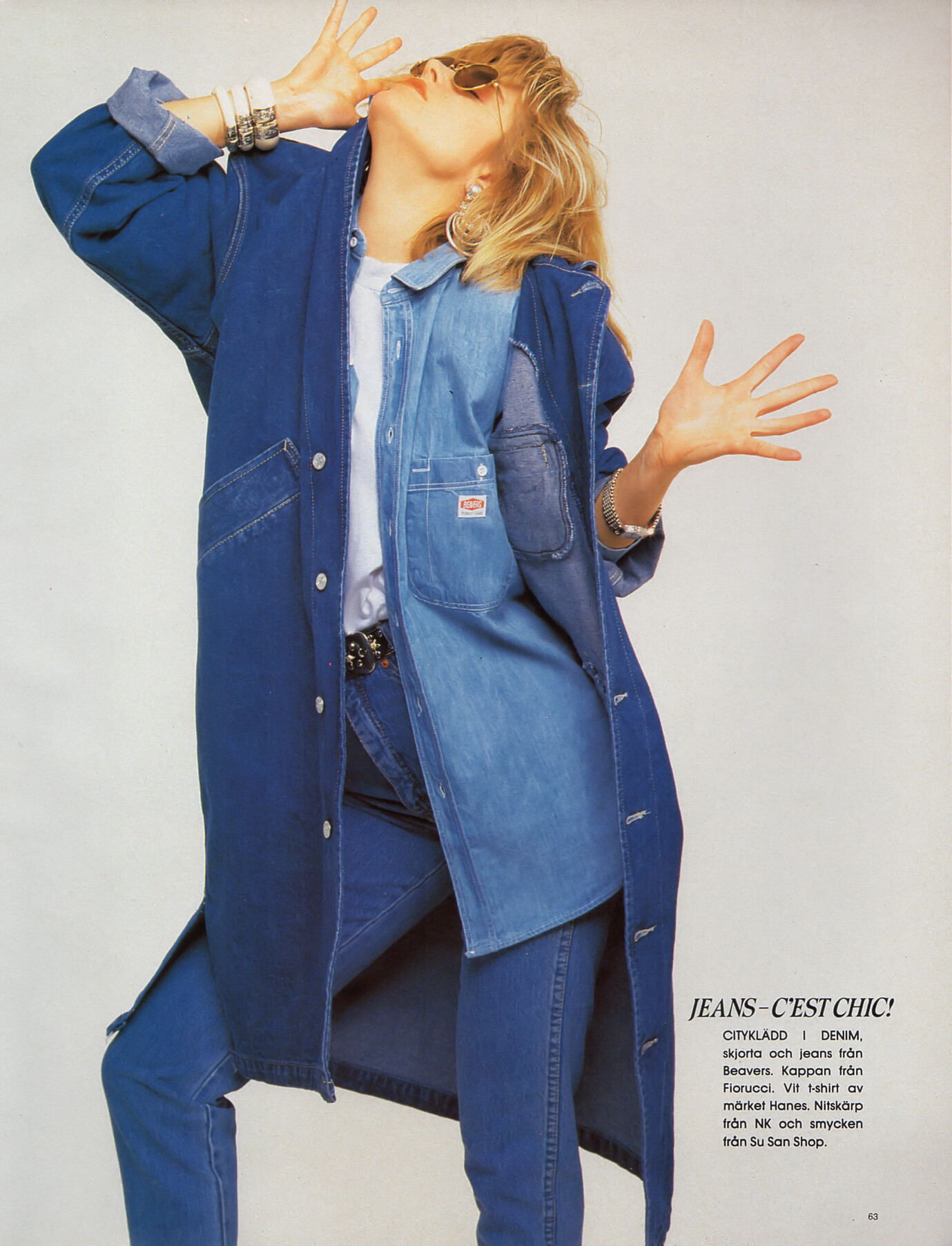
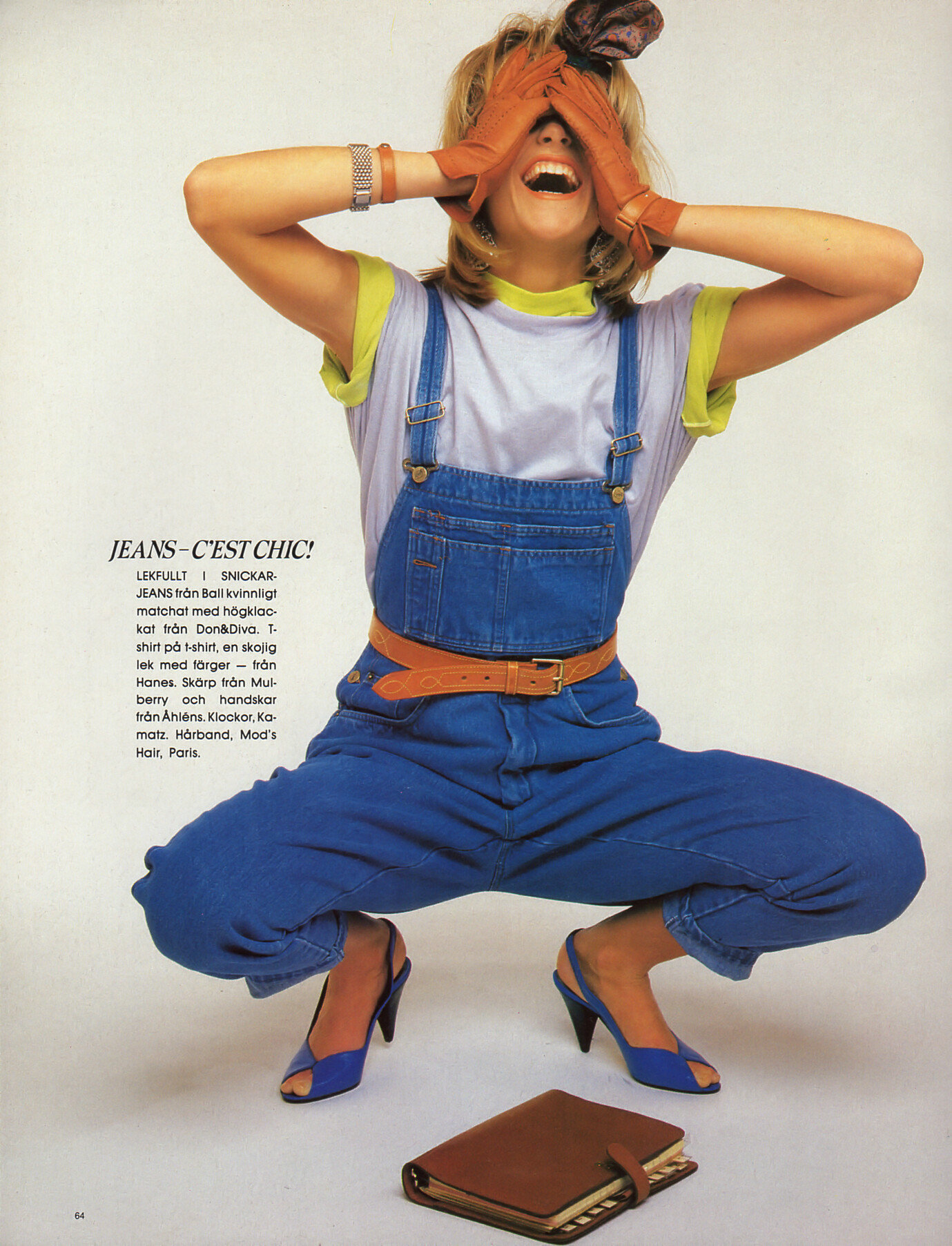
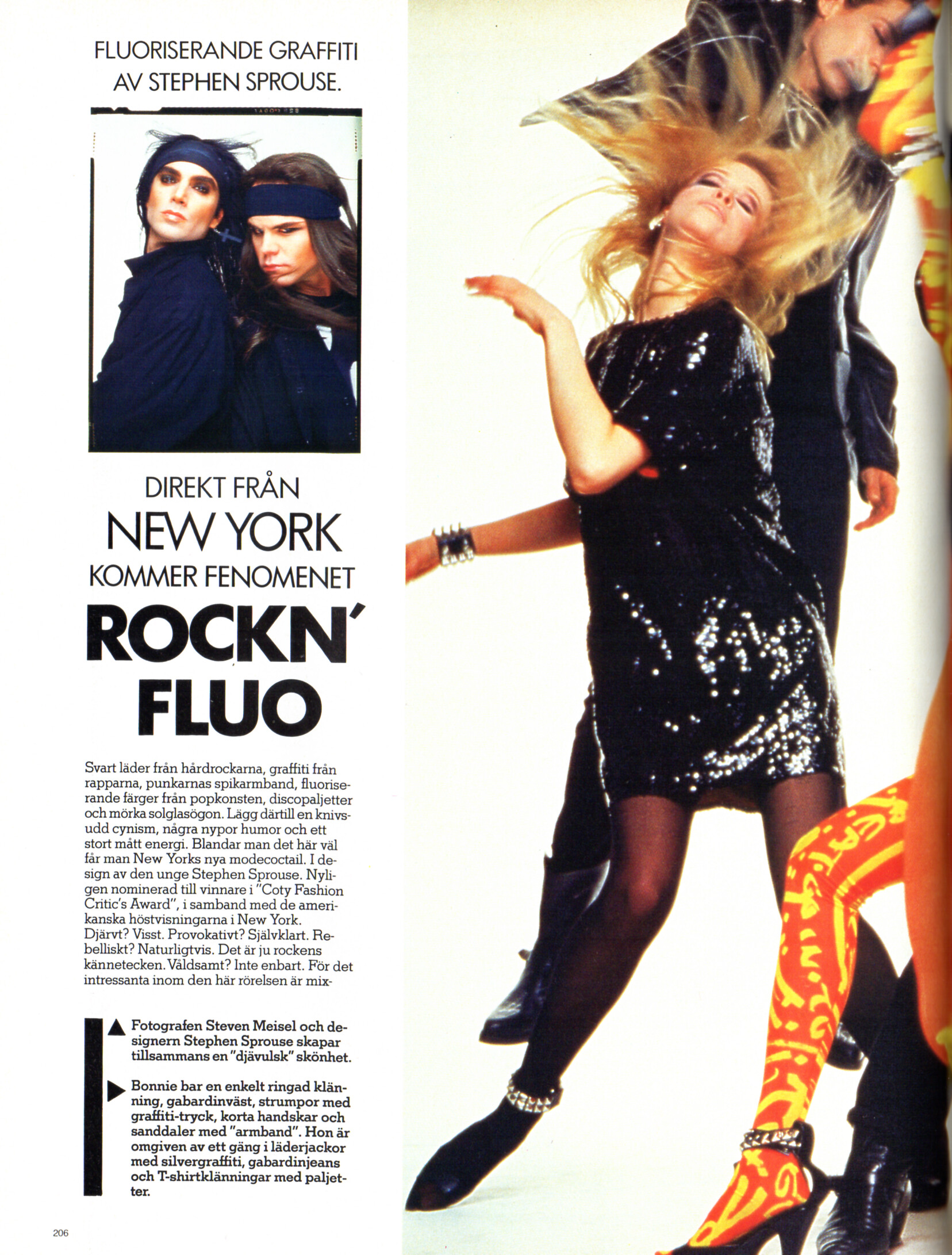
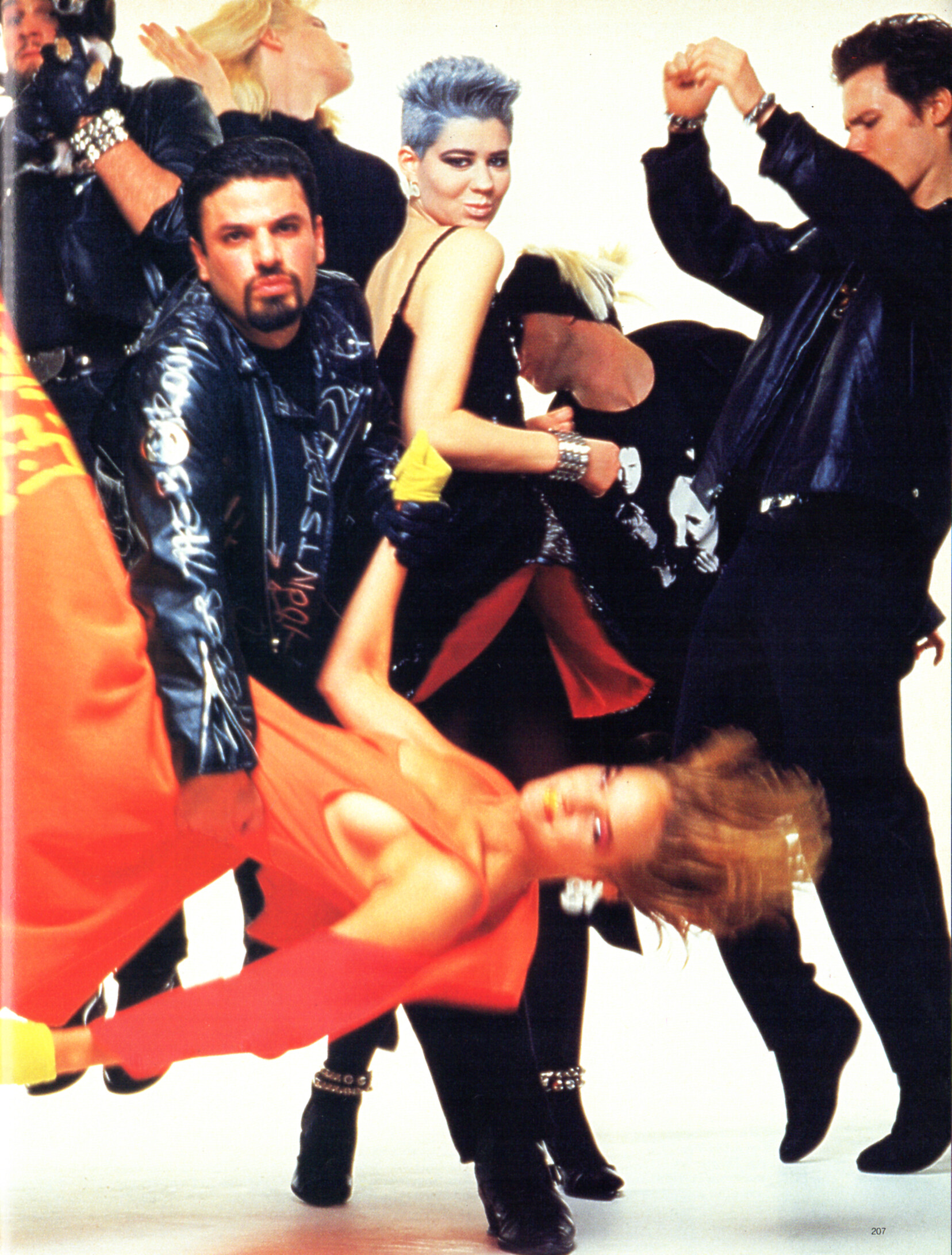
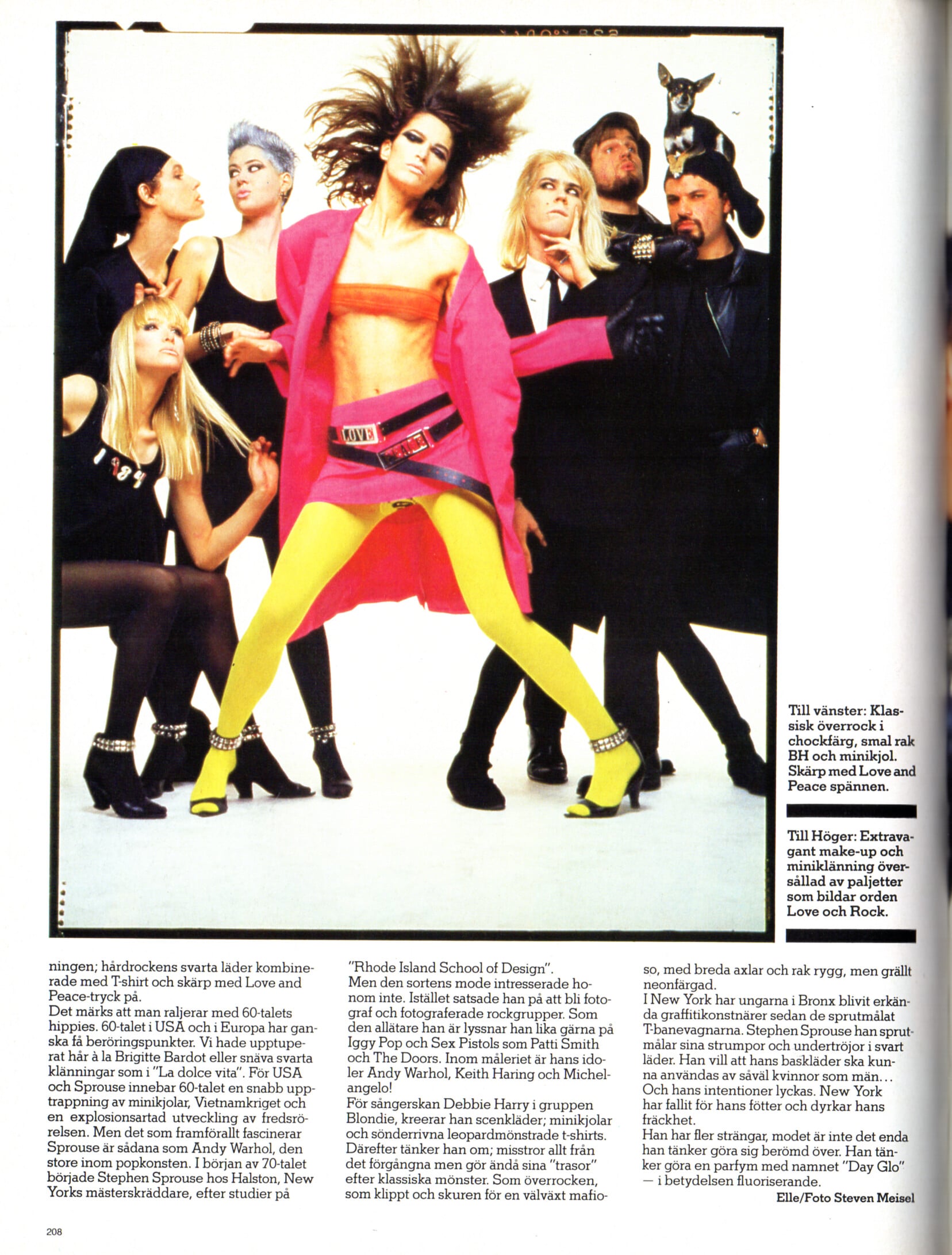
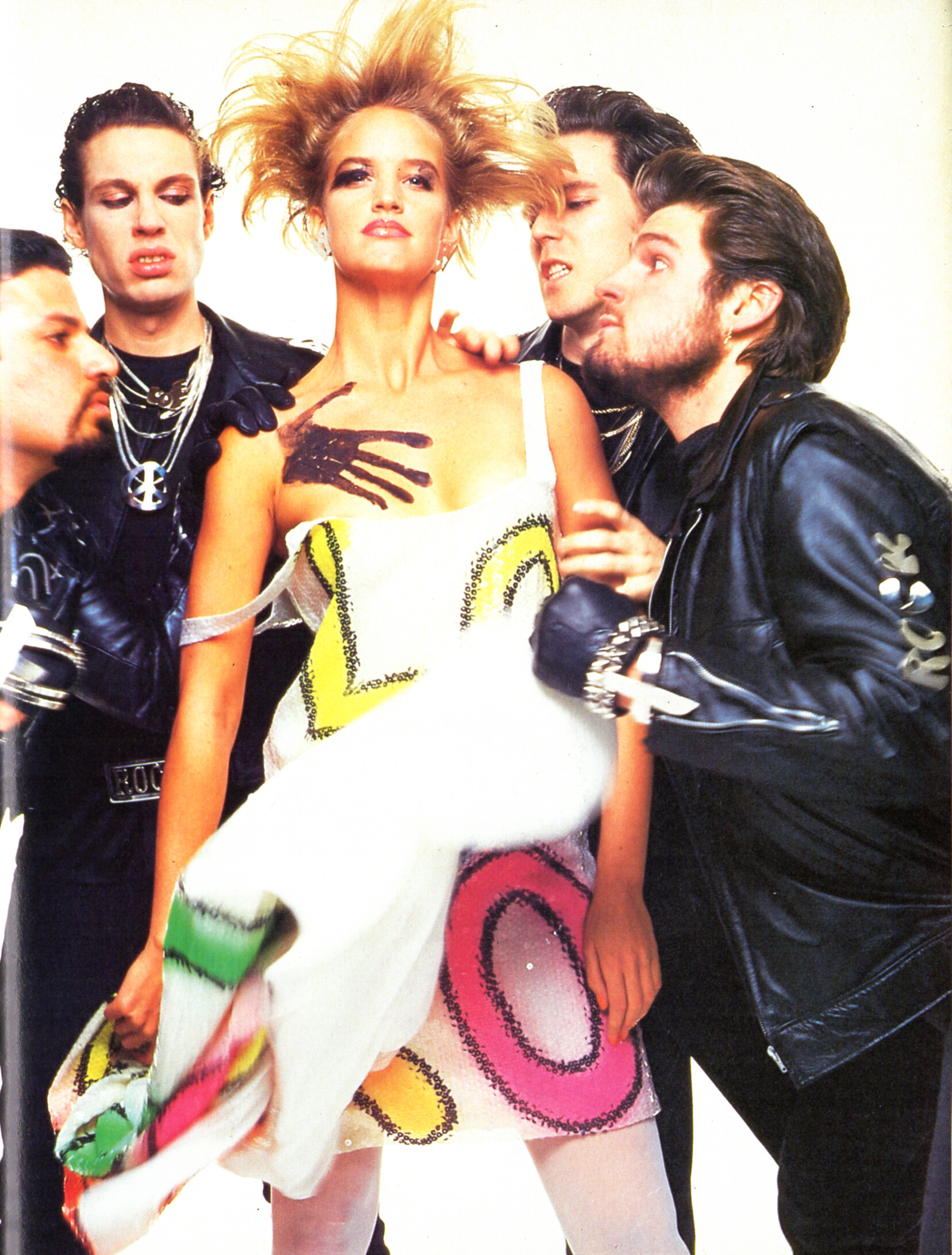
"ROCKN FLUO" - CliC Sweden Autumn 1984 #3 by Steven Meisel - also showing Bonnie Berman, unknown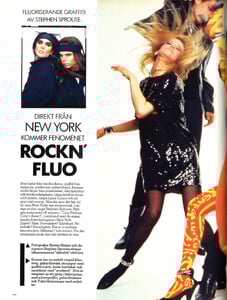









.webp.44775fec2953f9df6fbeee0b3b6b30a9.webp)


.webp.04d45fdb3502d496467c85e5b6d7a253.webp)






































Account
Search
Configure browser push notifications
Chrome (Android)
- Tap the lock icon next to the address bar.
- Tap Permissions → Notifications.
- Adjust your preference.
Chrome (Desktop)
- Click the padlock icon in the address bar.
- Select Site settings.
- Find Notifications and adjust your preference.
Safari (iOS 16.4+)
- Ensure the site is installed via Add to Home Screen.
- Open Settings App → Notifications.
- Find your app name and adjust your preference.
Safari (macOS)
- Go to Safari → Preferences.
- Click the Websites tab.
- Select Notifications in the sidebar.
- Find this website and adjust your preference.
Edge (Android)
- Tap the lock icon next to the address bar.
- Tap Permissions.
- Find Notifications and adjust your preference.
Edge (Desktop)
- Click the padlock icon in the address bar.
- Click Permissions for this site.
- Find Notifications and adjust your preference.
Firefox (Android)
- Go to Settings → Site permissions.
- Tap Notifications.
- Find this site in the list and adjust your preference.
Firefox (Desktop)
- Open Firefox Settings.
- Search for Notifications.
- Find this site in the list and adjust your preference.