All Activity
- Past hour
-

-
 Stella McCartney F/W 26
-
 haribhai joined the community
 -
Roberto Cavalli F/W 26
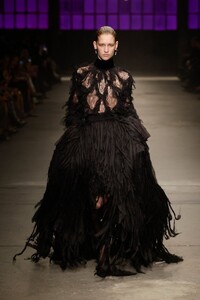
-
Max Mara F/W 26
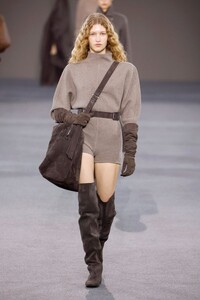
-
 Missoni F/W 26
 SnapInsta.to_AQM6jaP-G_6pHjN2gvDTS2ewAU4hHFmN5M09qI-N0Wls4xkldZ_aKBEIDDybD24C_Mw7Kgu6EXxDoAqA77J6jD0L94CWXVy1YzR6uo4.mp4 SnapInsta.to_AQOzKDcav3xqM3vld5mGLKBHYqdCB20vZ3x3Q4ZqYNYt3BuBbv5iespnyX9qwybpR90CjbQjNLiOzGbhE5WrP1yNo2u--Gw8Juvv9OI.mp4









 Various shows FW26 so far Fendi F/W 26
 Chloé
Chloé Massimo Dutti Spring "Notes from Marrakech"














 Belly1967 changed their profile photo
 Thanks a lot Martial ! Any composite cards for her ?
 Jumugo joined the community
 Emily Via Instagram
.thumb.jpg.5cbcce2c19fbf95cfcd88e264affa7fb.jpg)
.thumb.jpg.098aa8539e398f065df591820260b237.jpg)
.thumb.jpg.3485ce0ede6db3c5b0c5a67cc74d5aa2.jpg)
.thumb.jpg.d65962a17dc36bddcb6a0cebd2a14495.jpg)

- Today



 caty clement
Your daily distraction has arrived video
caty clement
Your daily distraction has arrived video






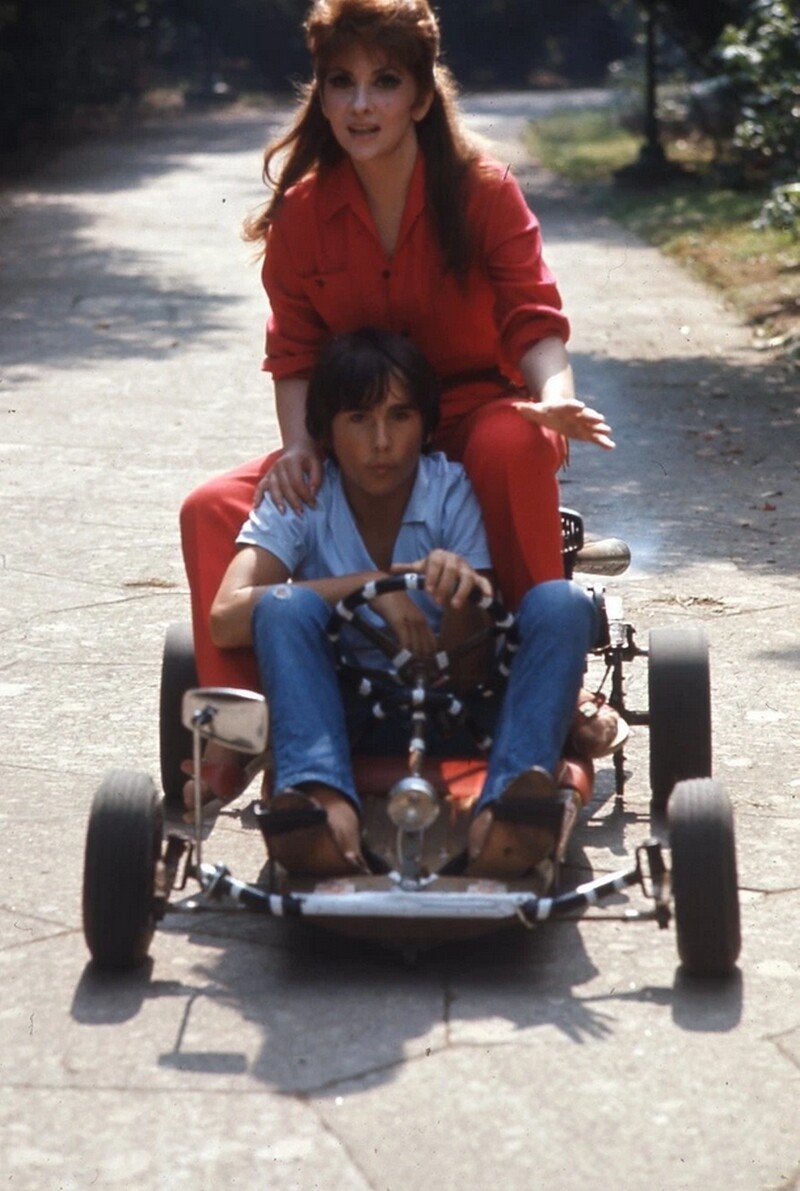














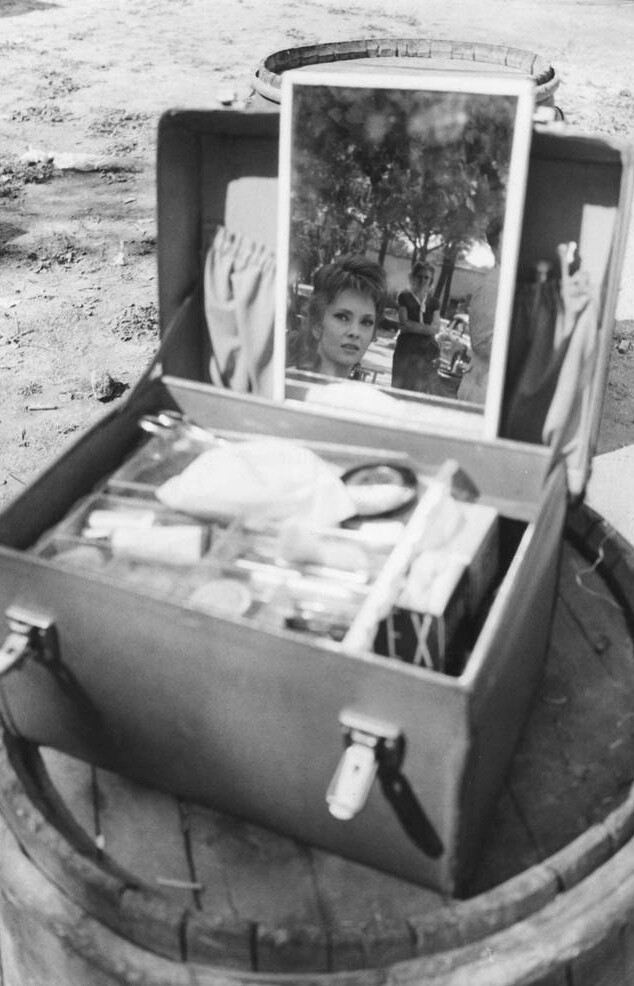
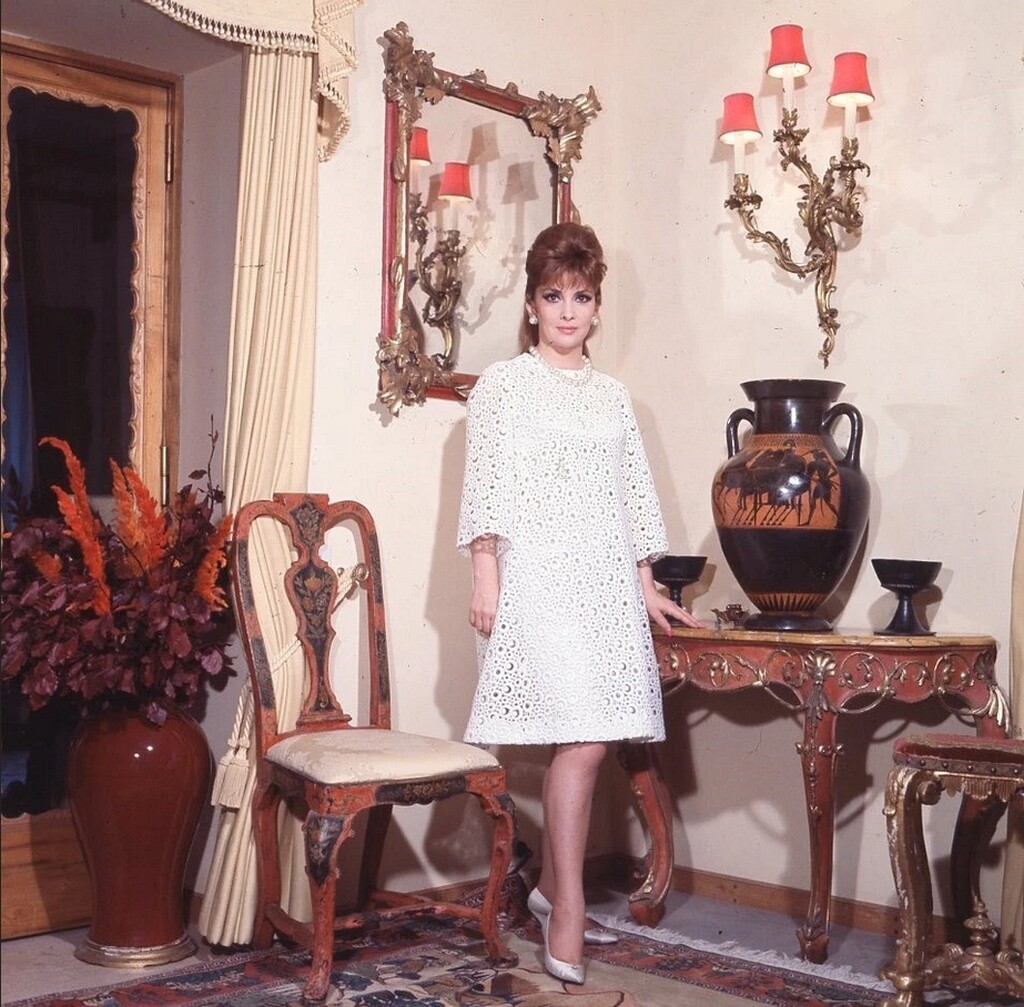








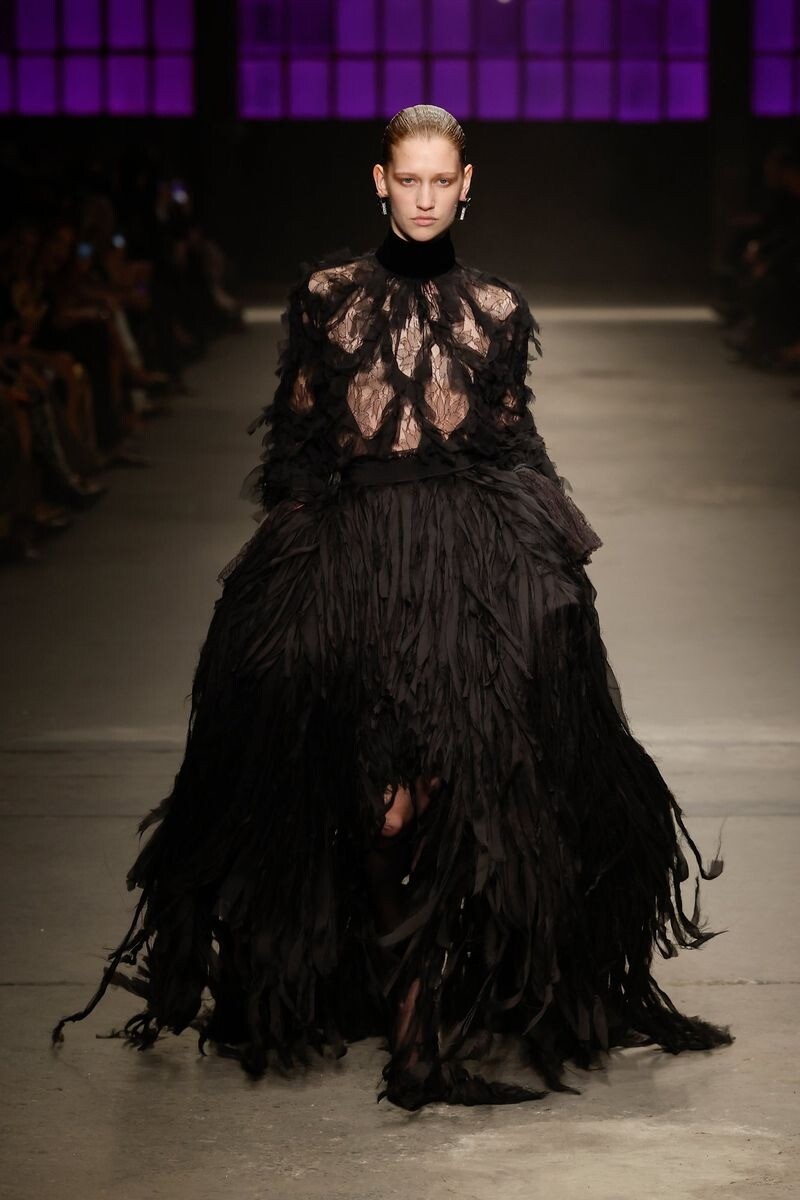
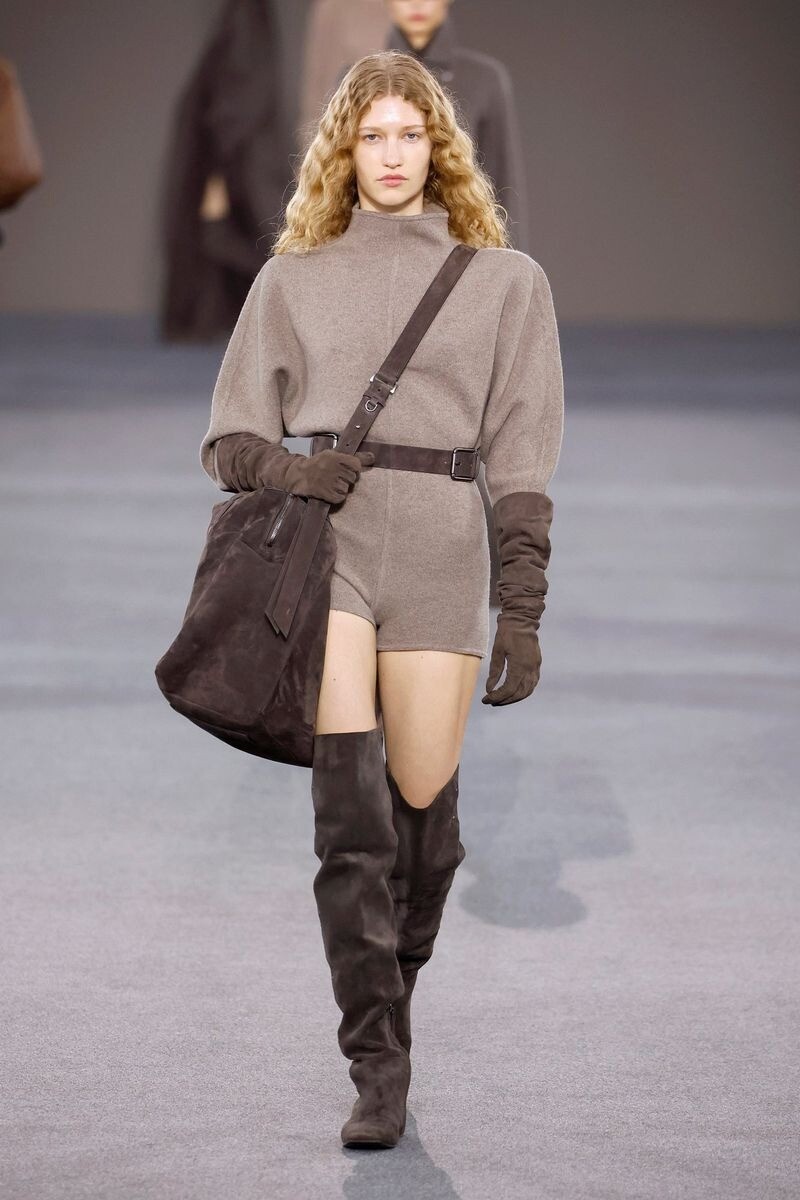





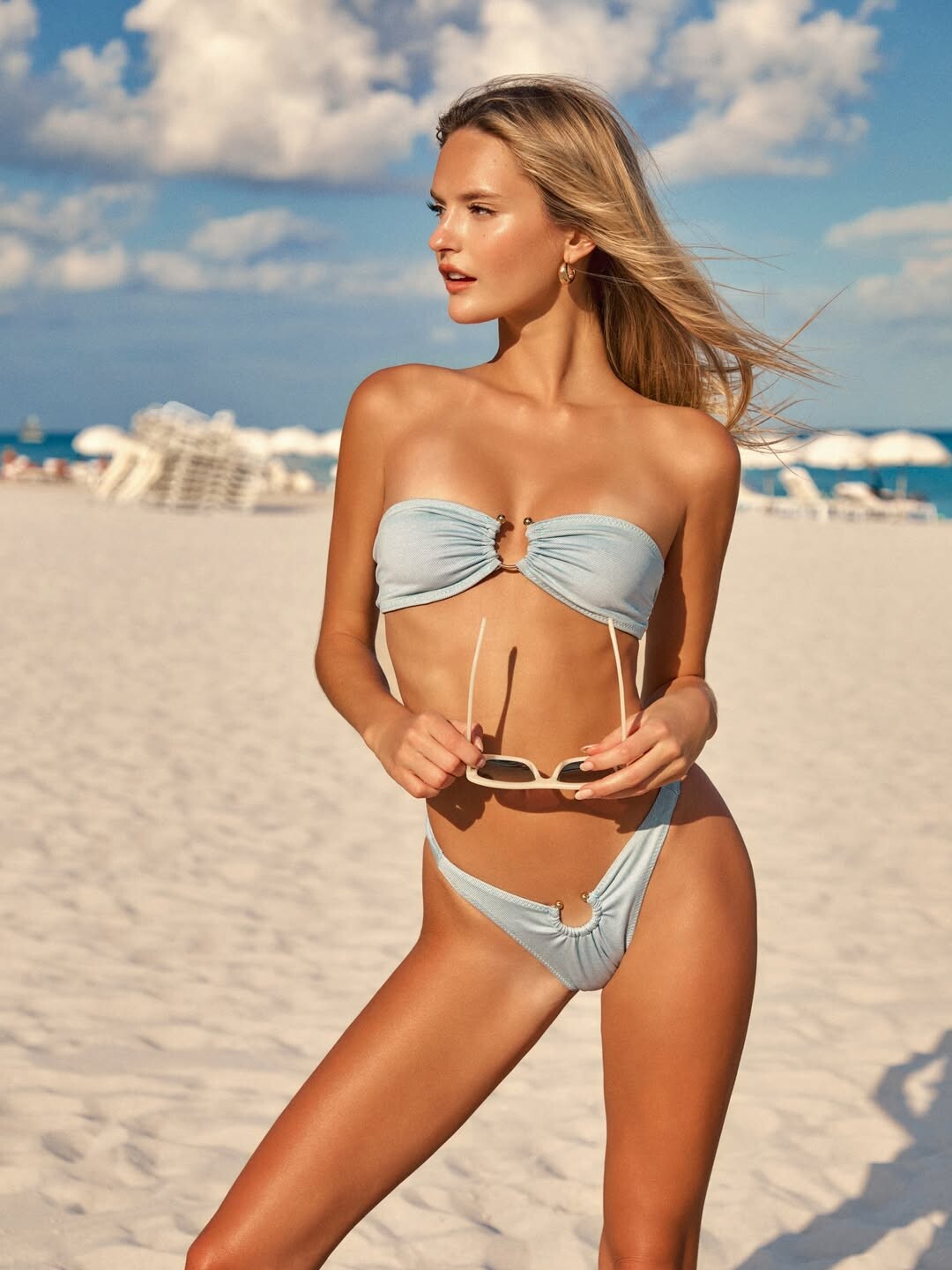
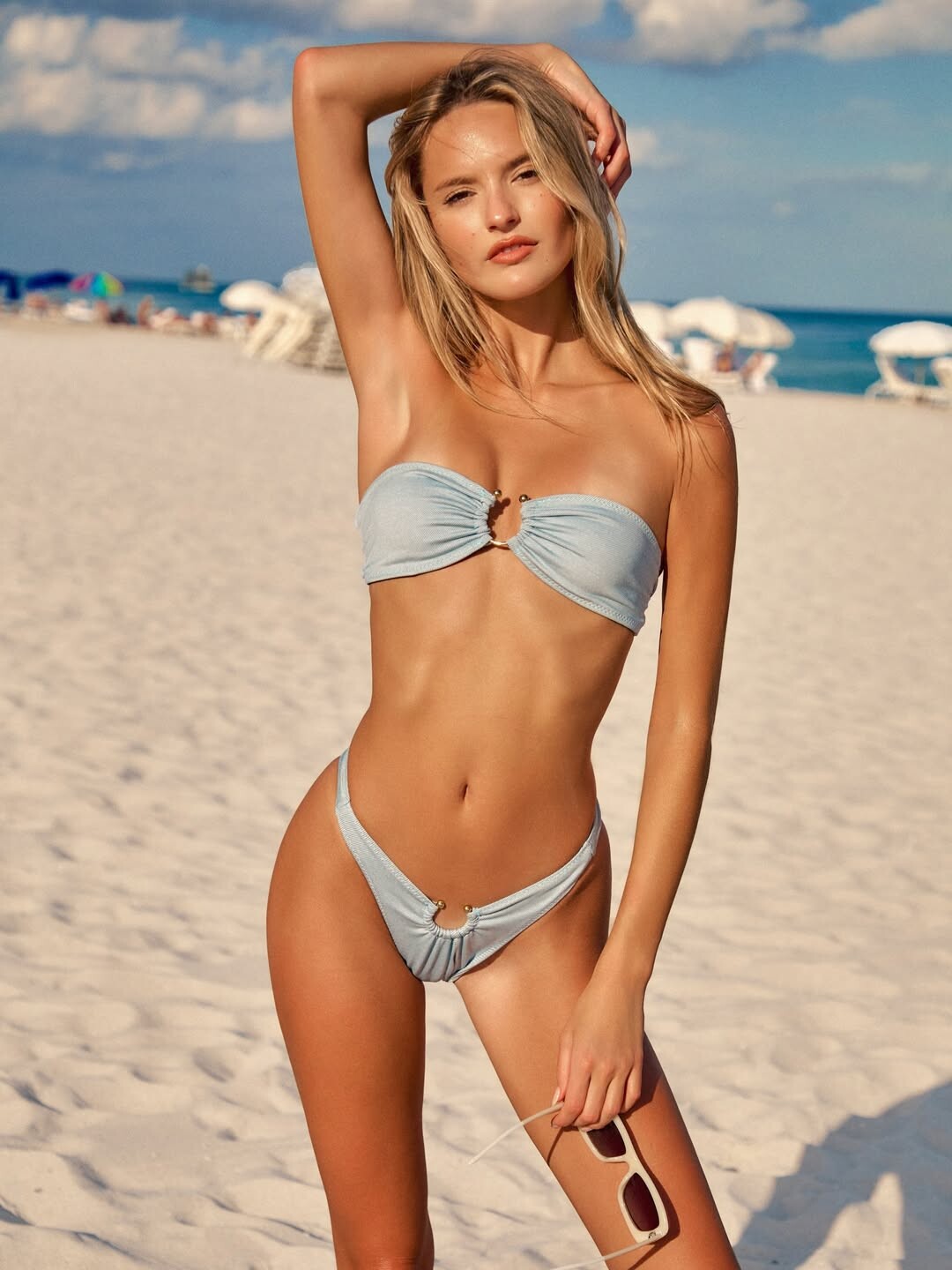


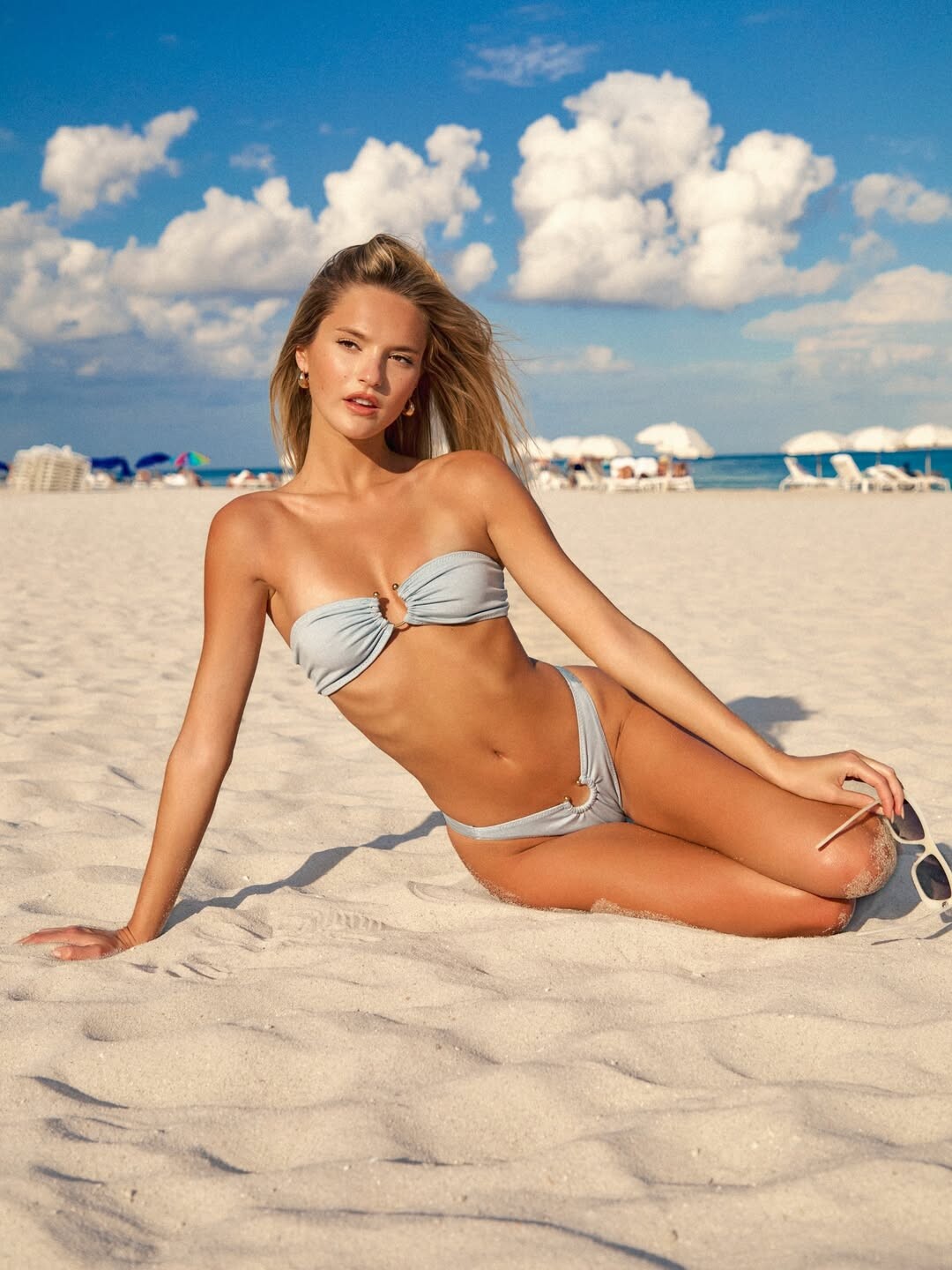
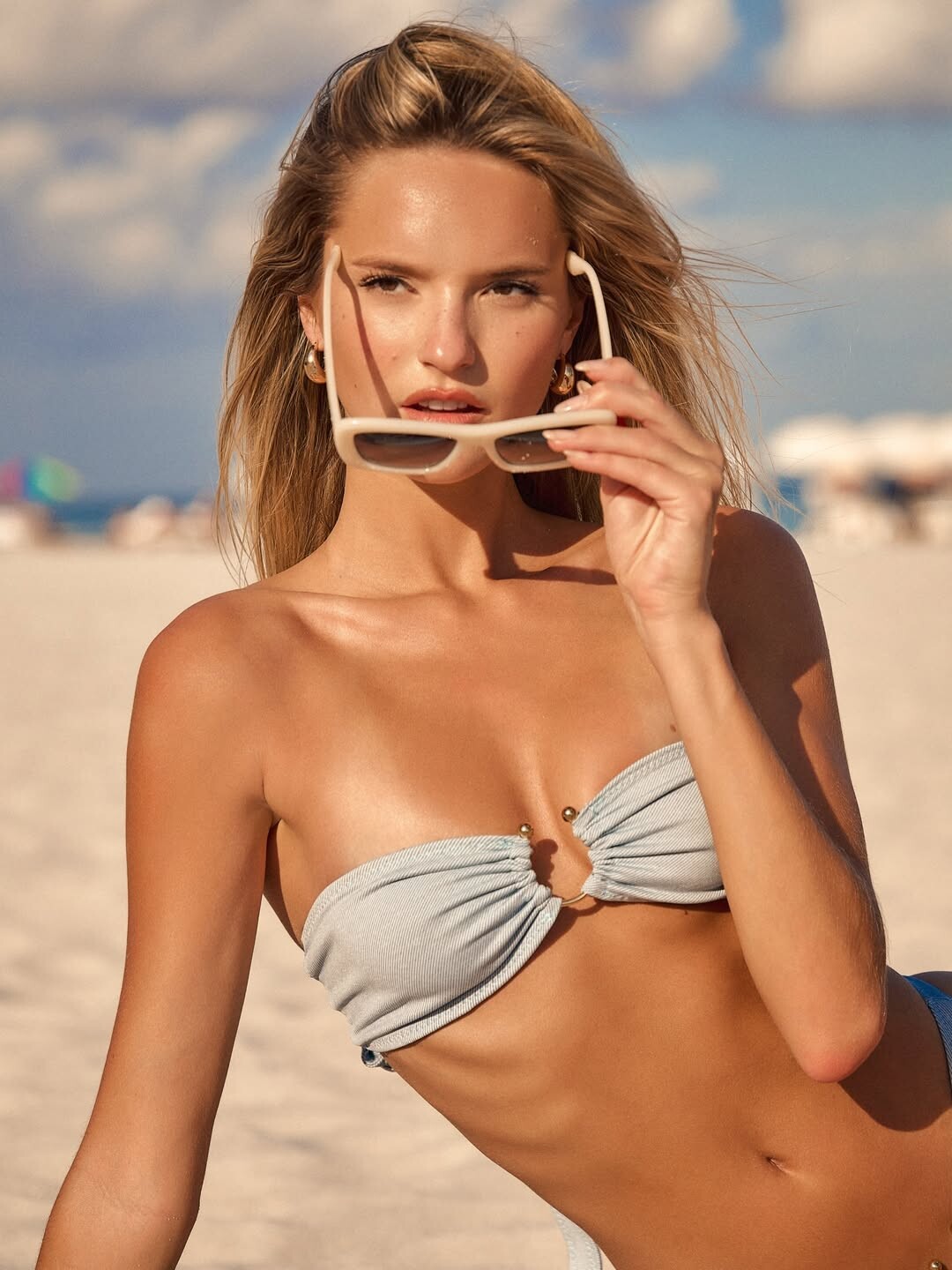




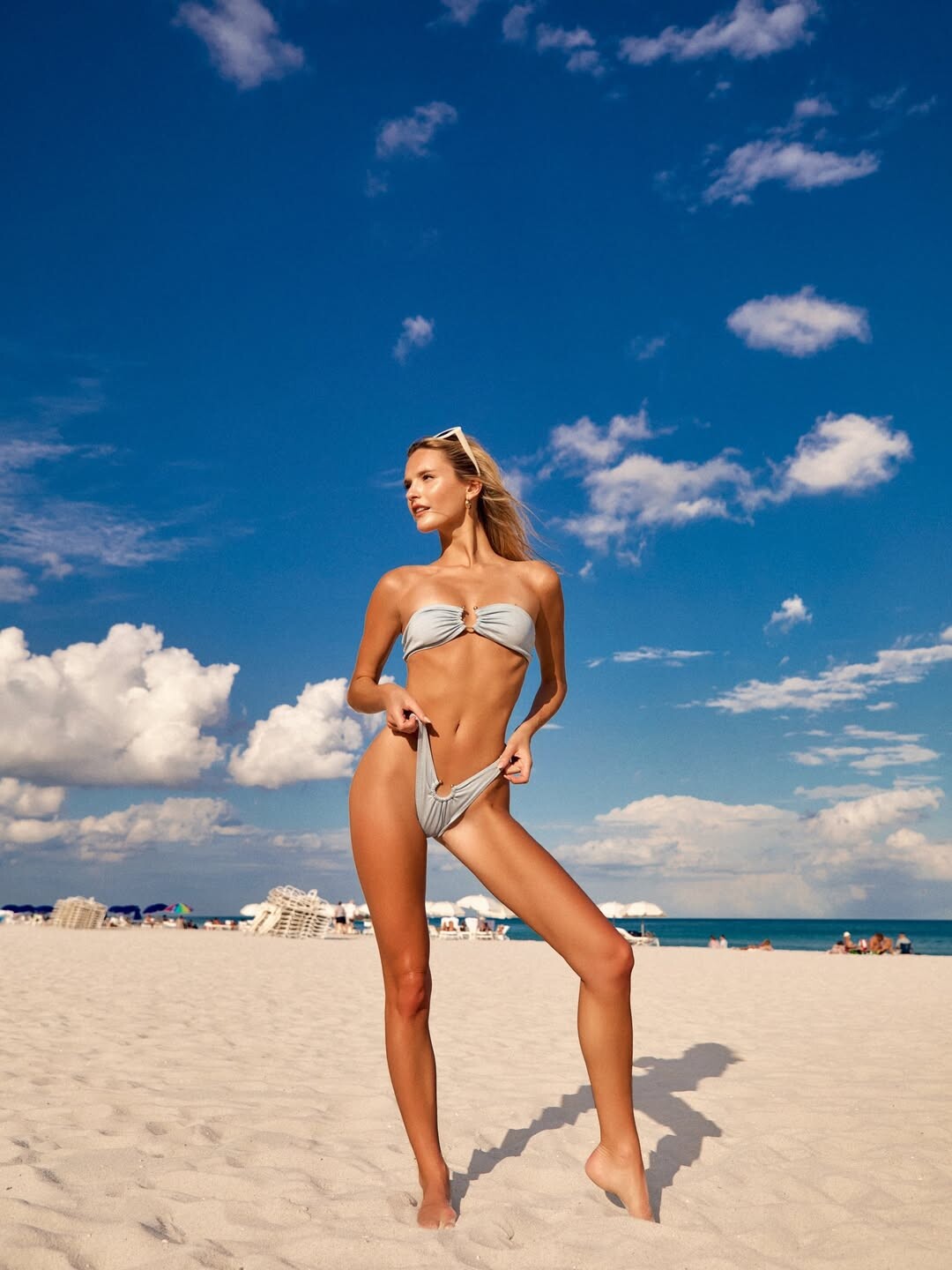


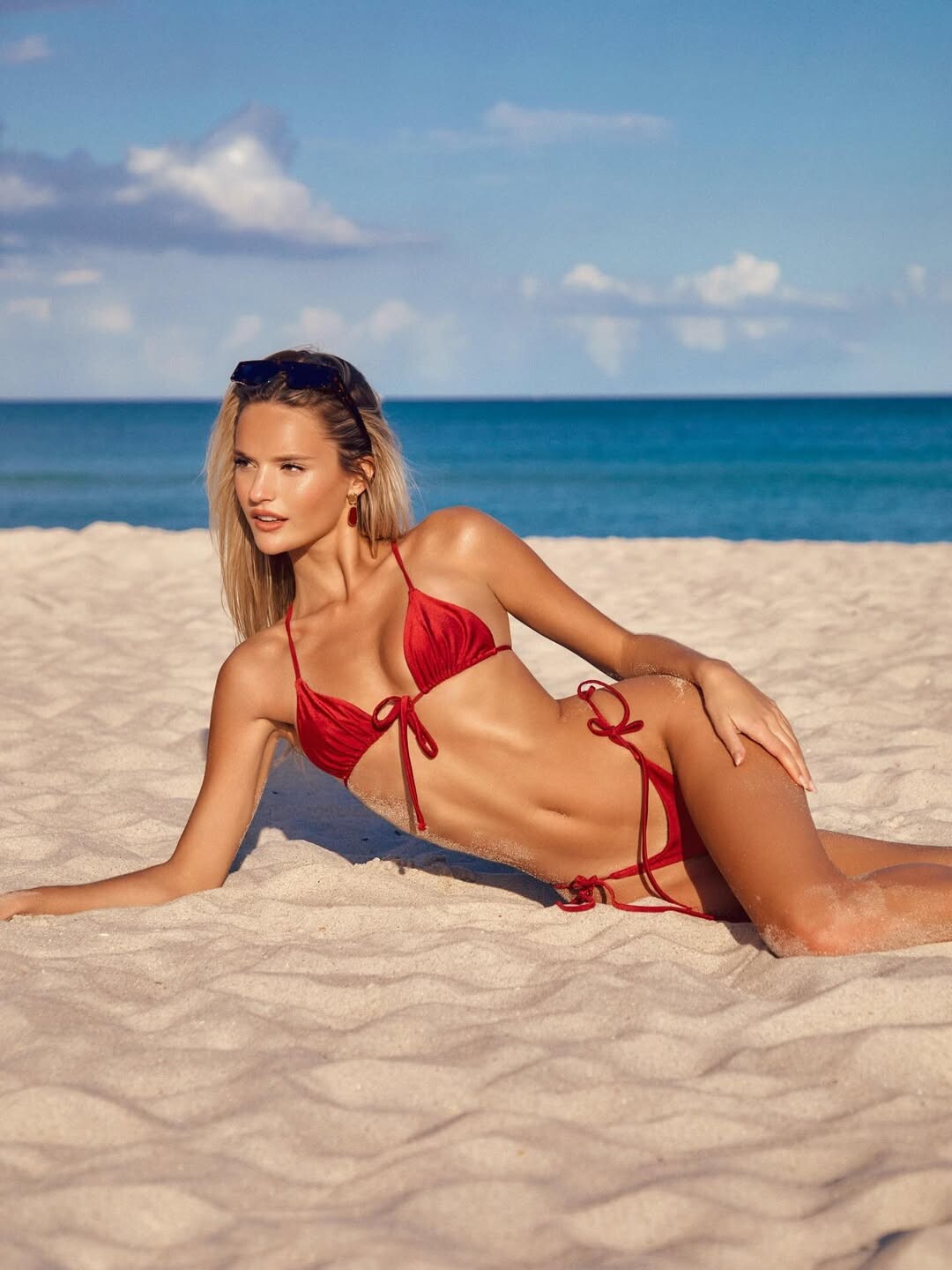
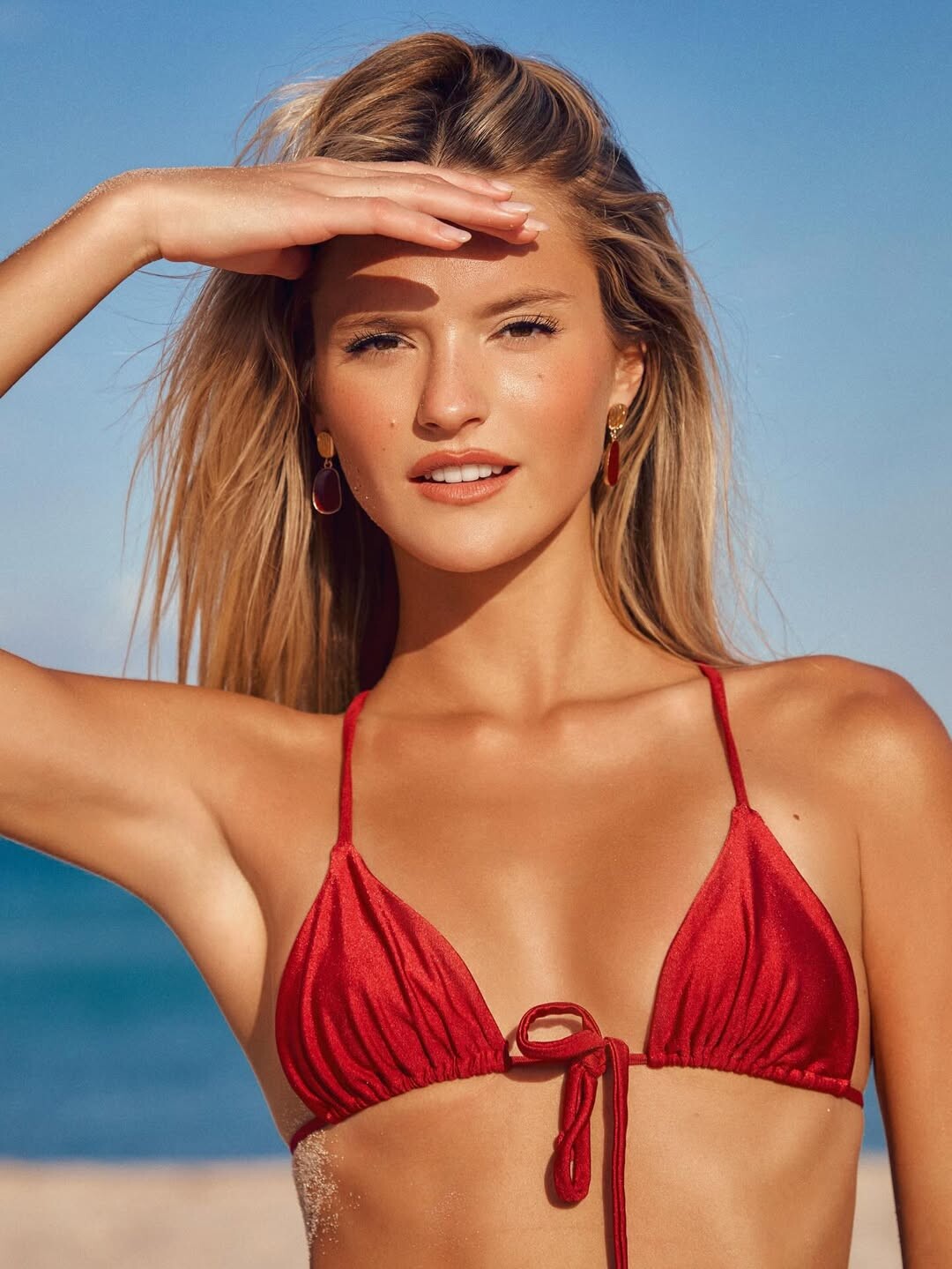

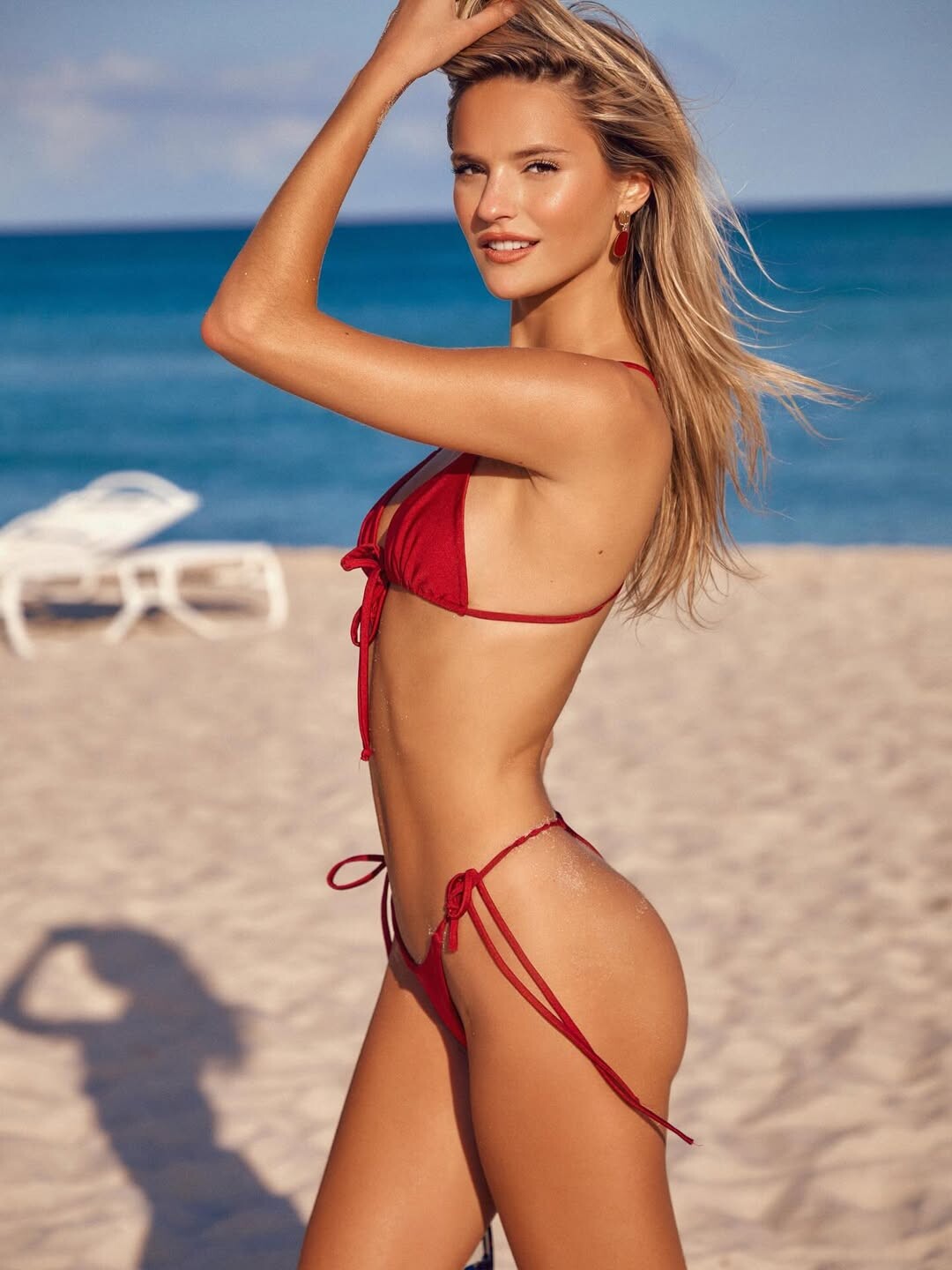



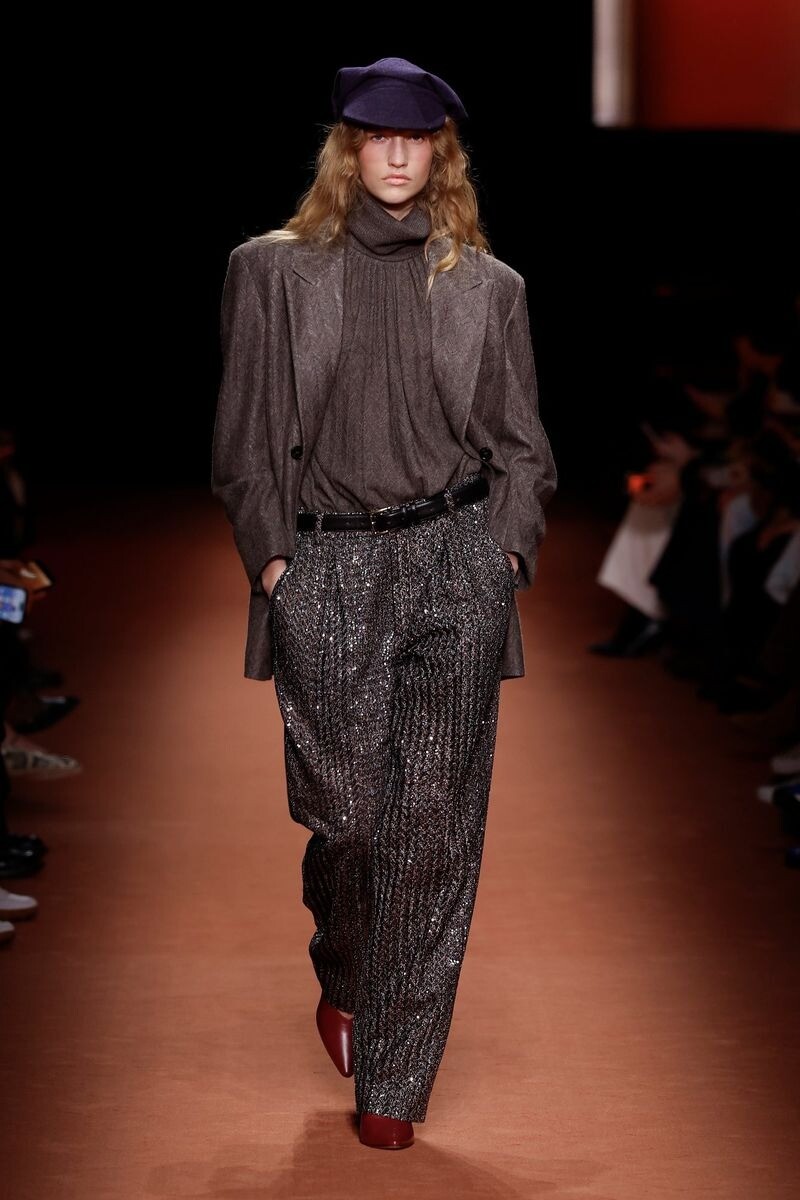



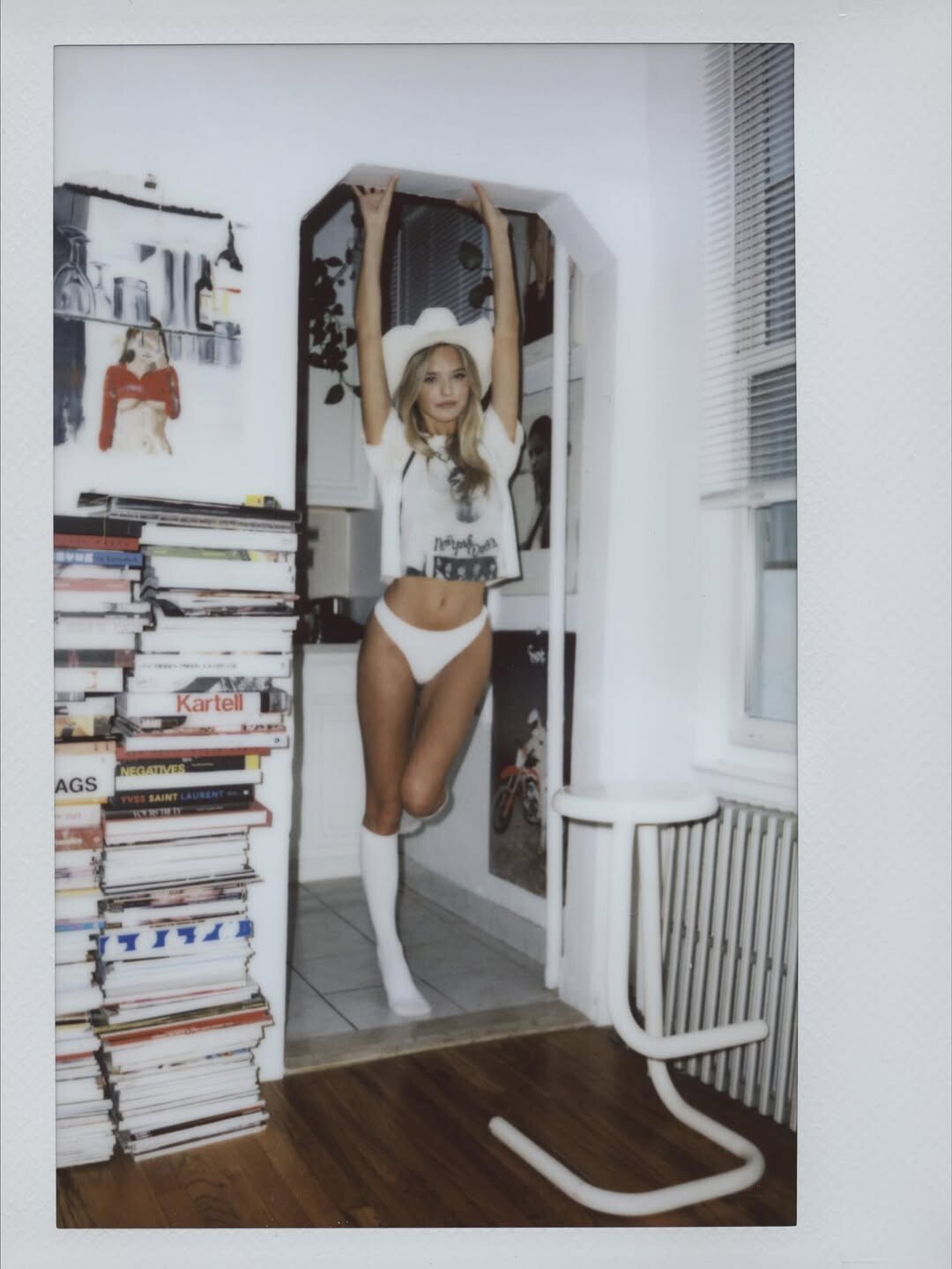



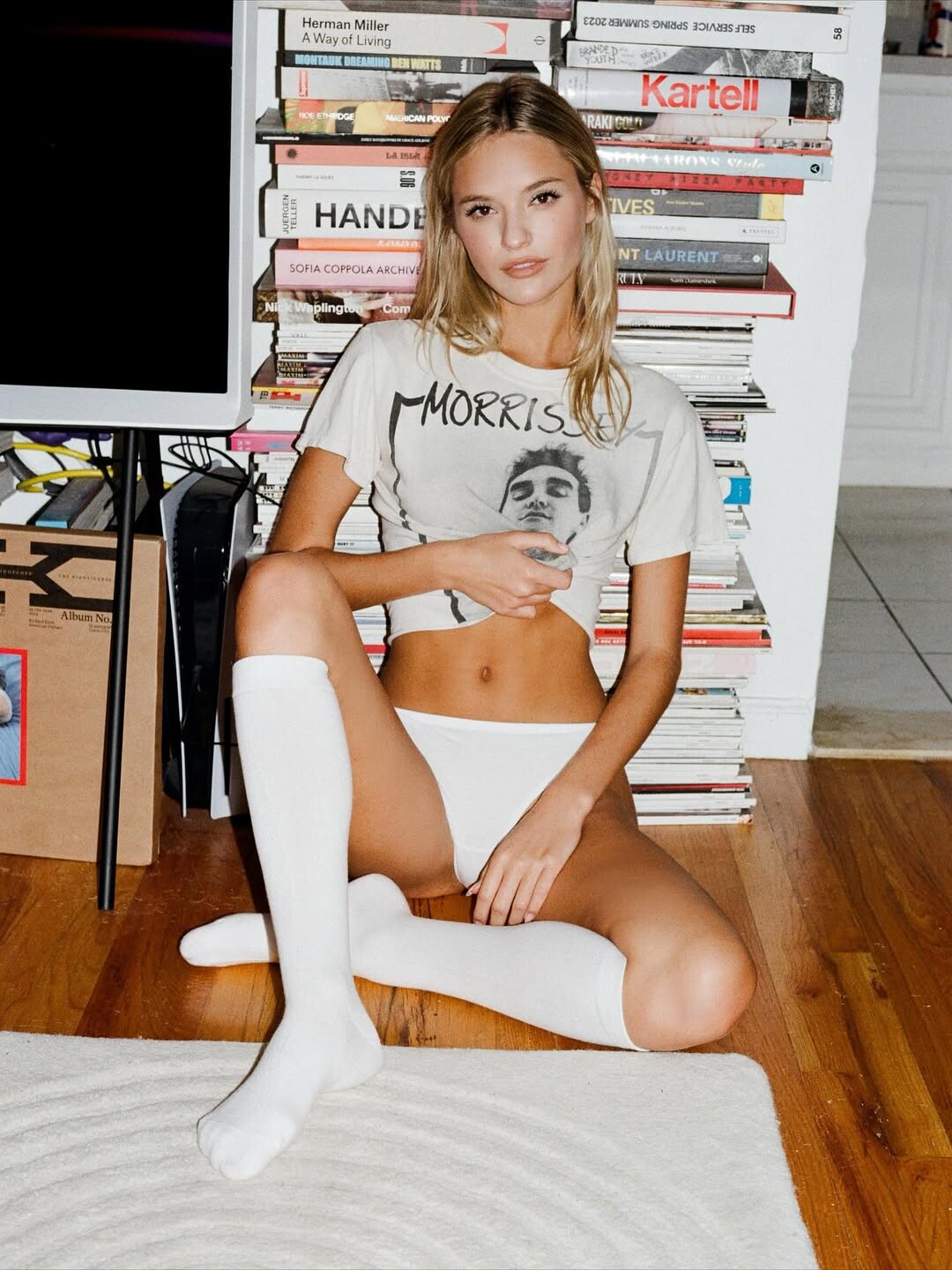

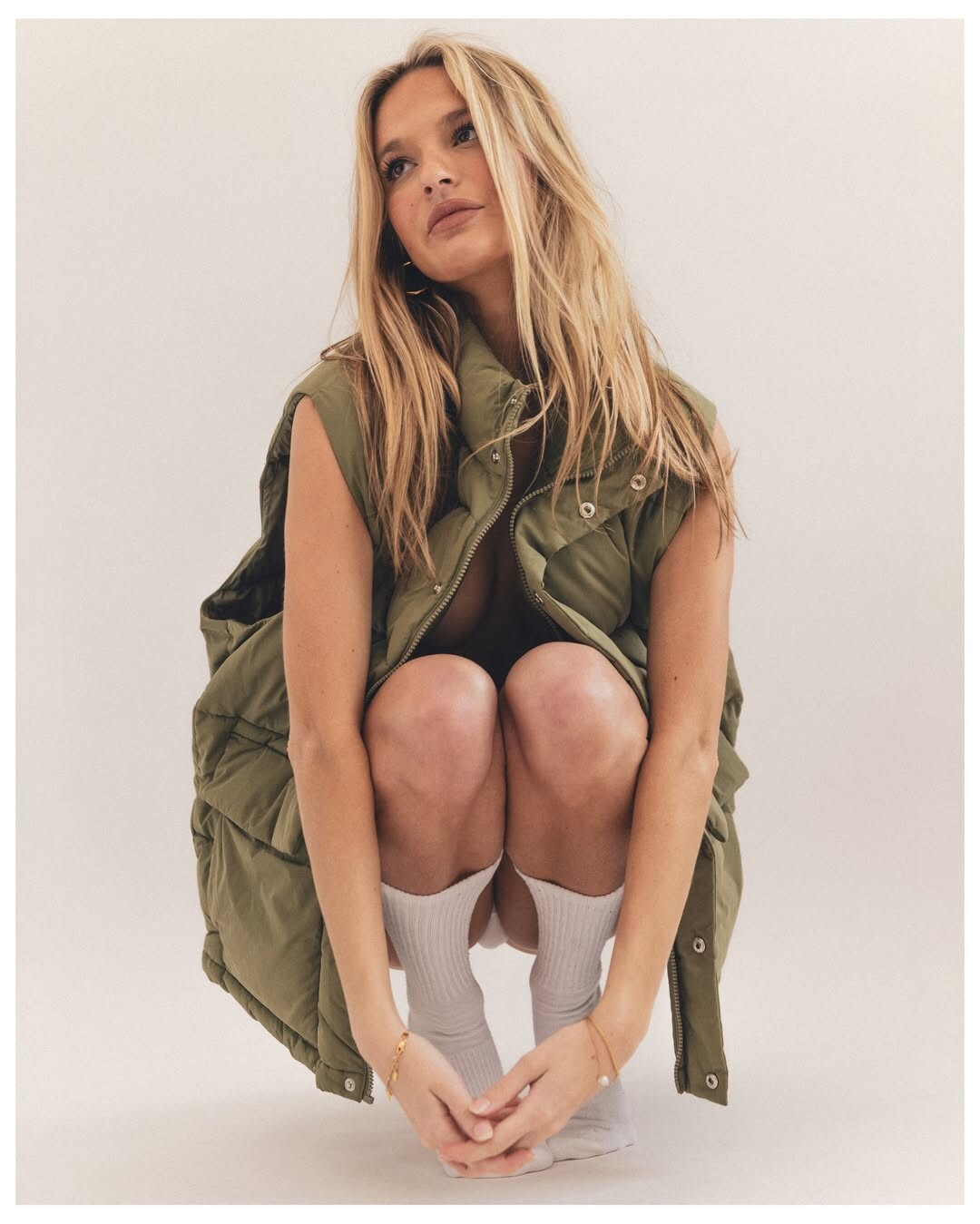



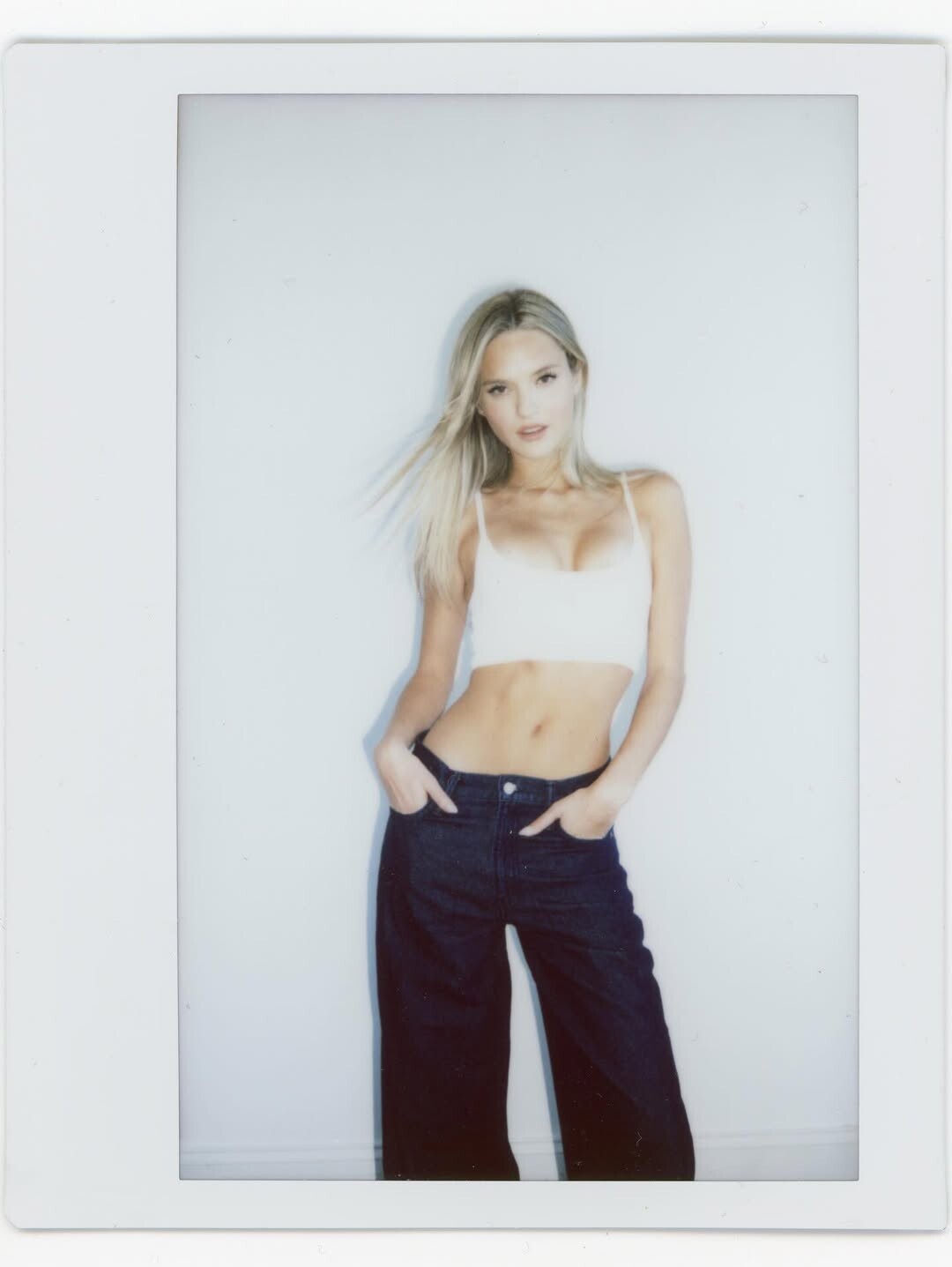






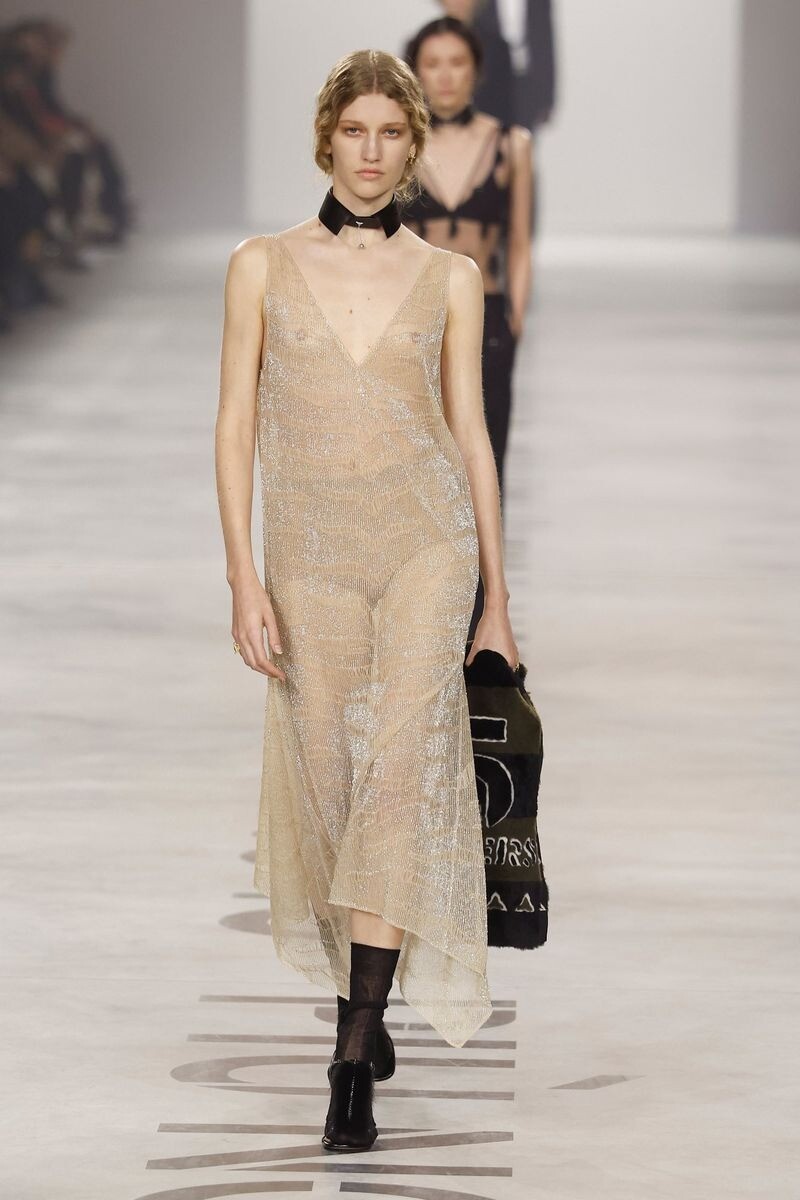





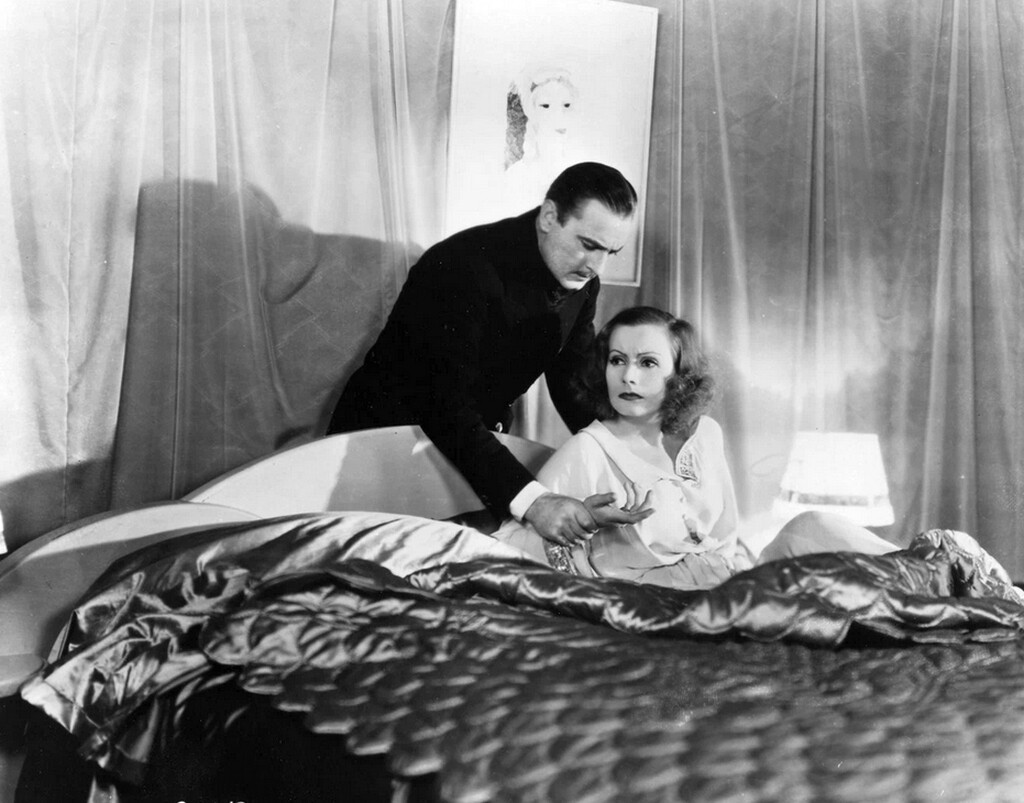






























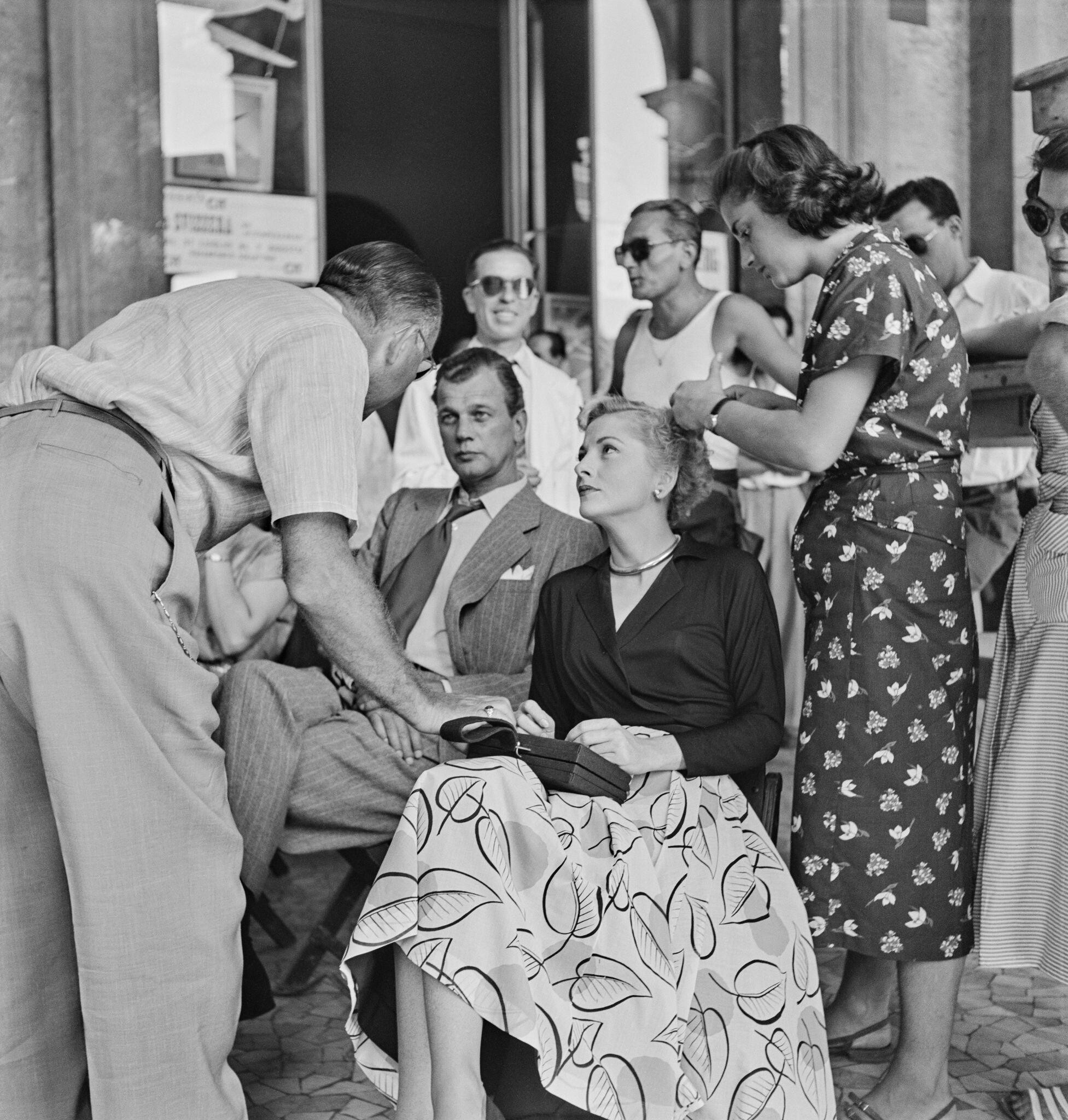


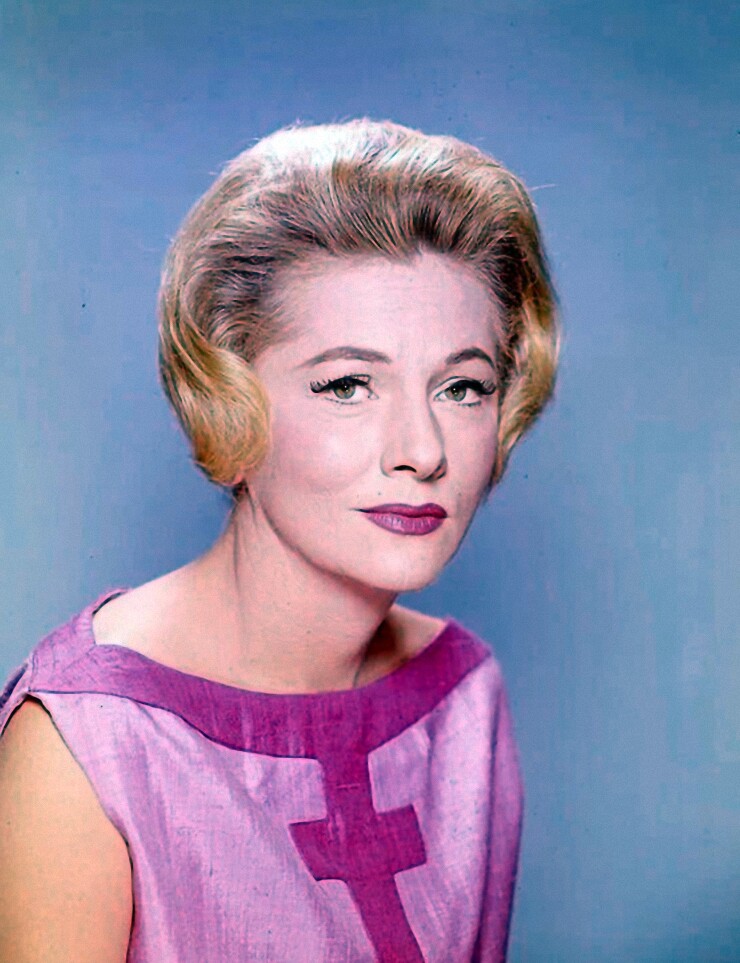
















.jpg.cbe8ca01772ab1151323abac3c475b6e.jpg)
.jpg.05d20bcd18e95a48e8392c38dc586e9b.jpg)
.jpg.135b51c94af20c03bf32612345feabe6.jpg)
.jpg.f1fad85e0582419a48af85a48c14dc81.jpg)






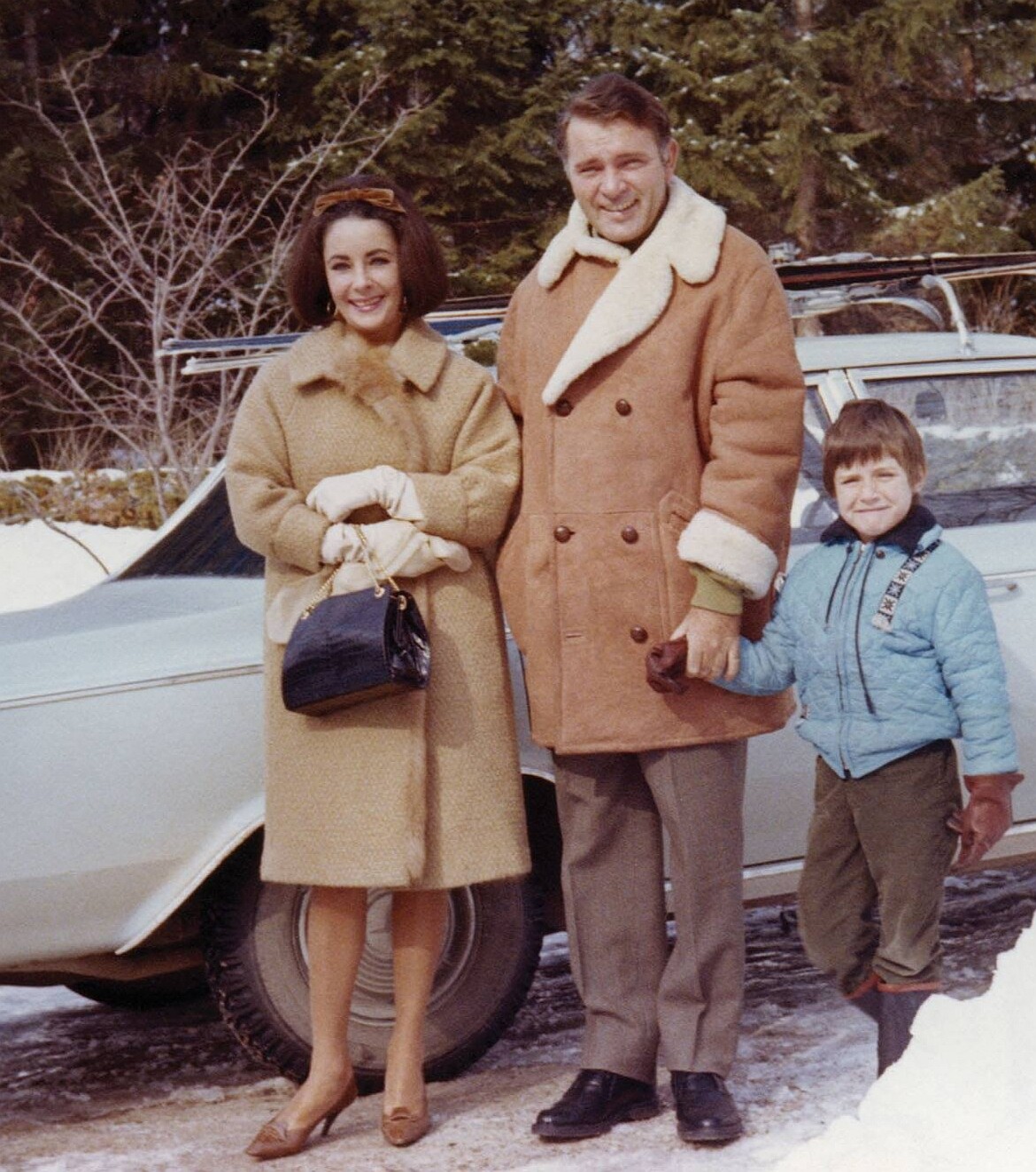



























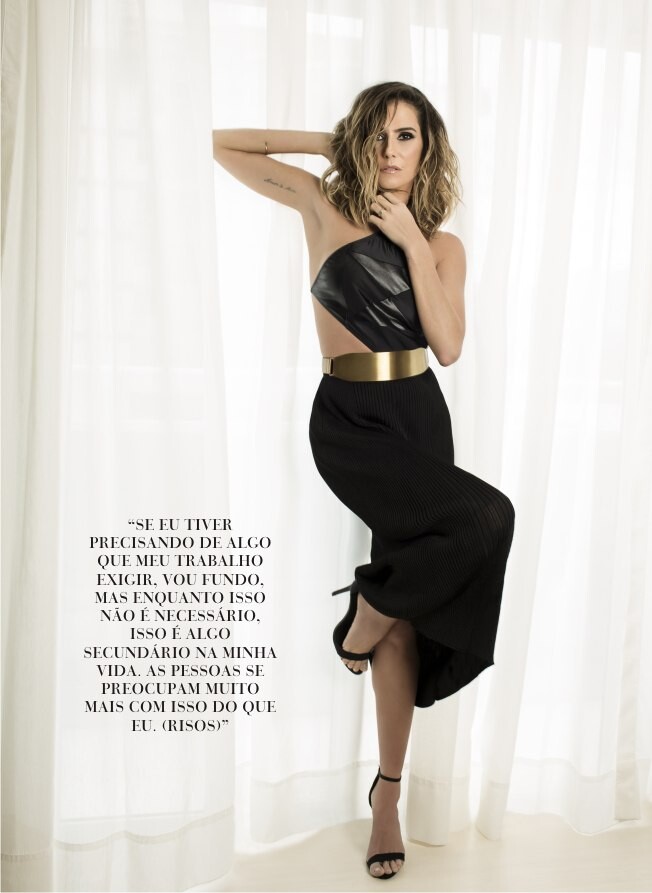



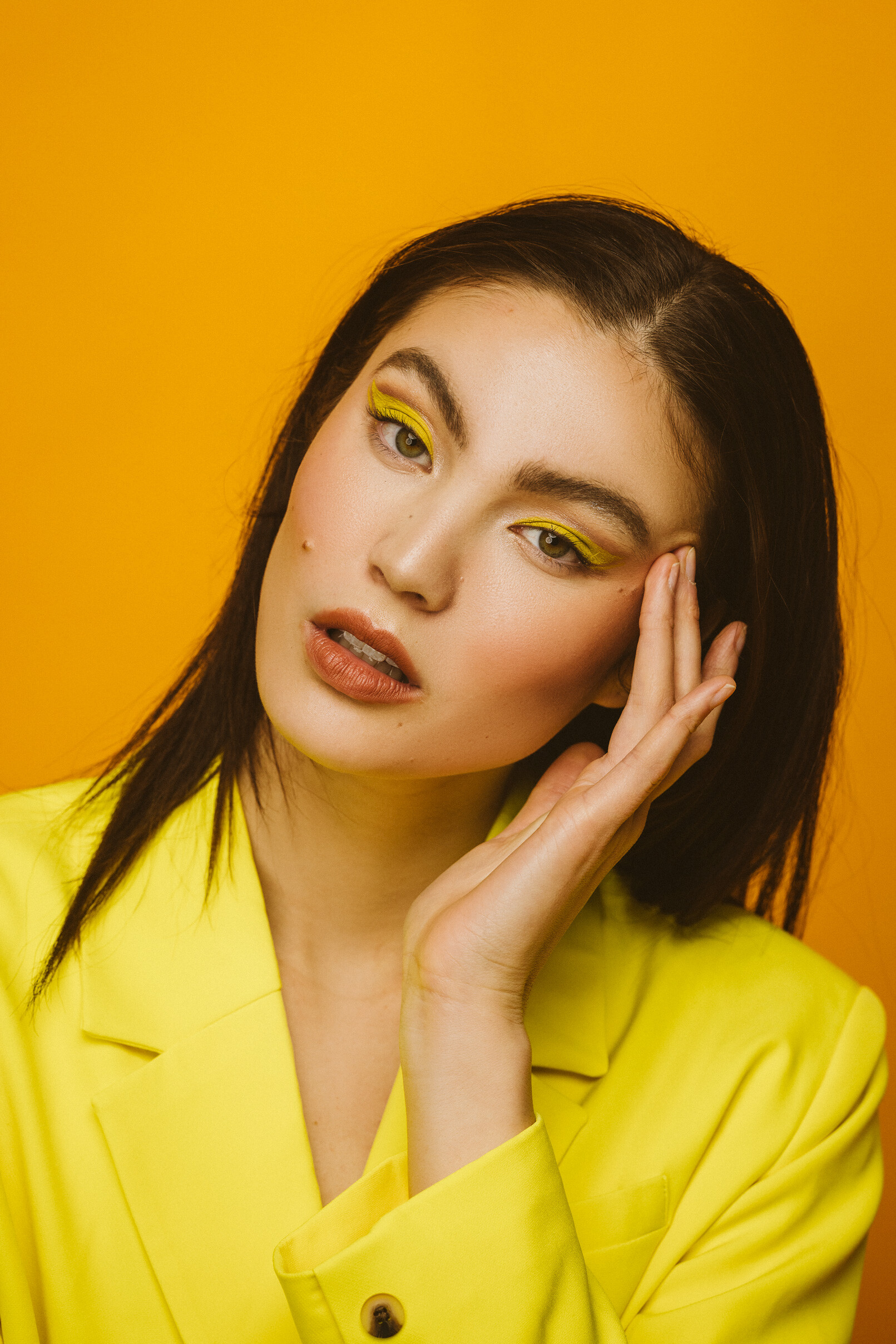
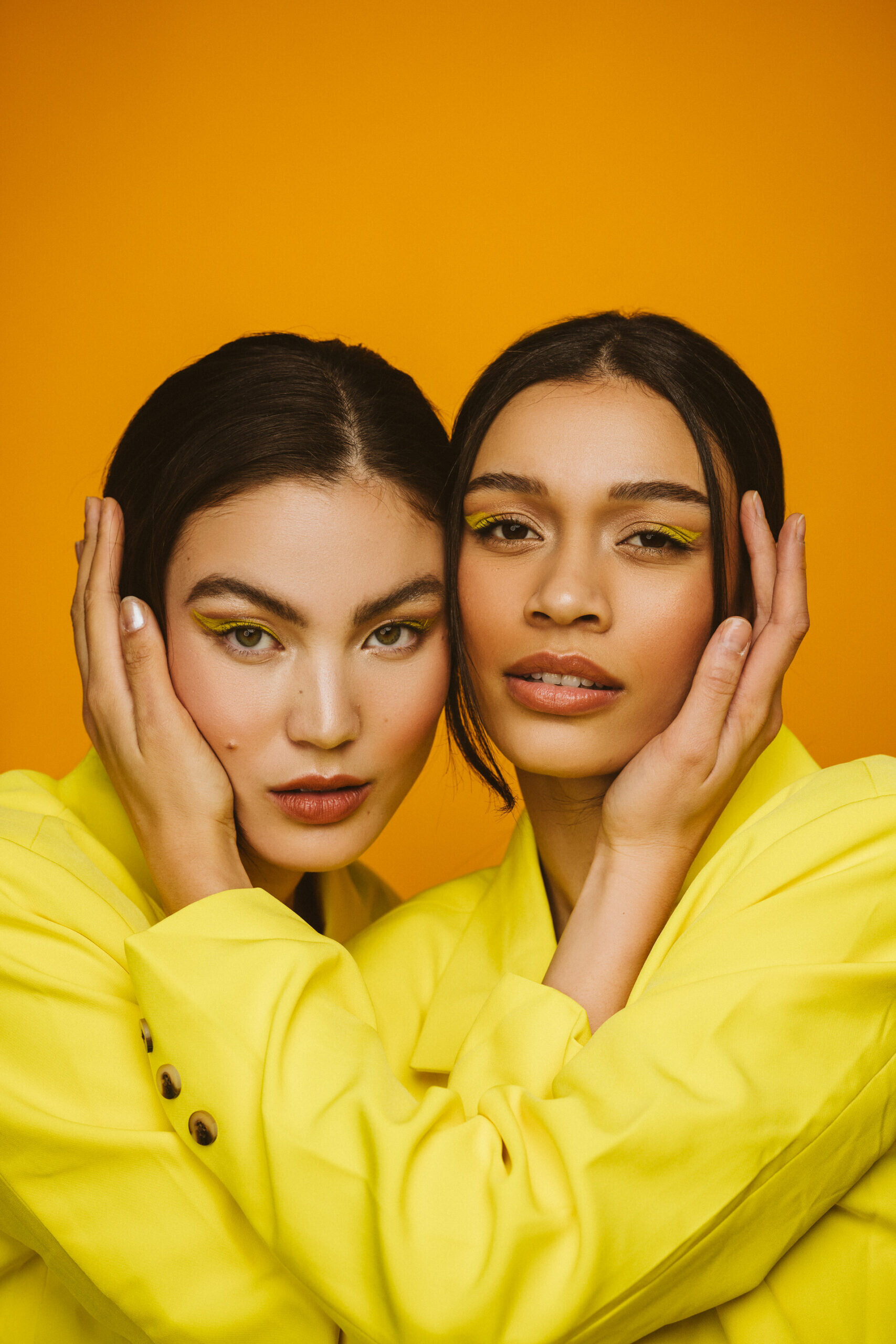









Account
Navigation
Search
Configure browser push notifications
Chrome (Android)
- Tap the lock icon next to the address bar.
- Tap Permissions → Notifications.
- Adjust your preference.
Chrome (Desktop)
- Click the padlock icon in the address bar.
- Select Site settings.
- Find Notifications and adjust your preference.
Safari (iOS 16.4+)
- Ensure the site is installed via Add to Home Screen.
- Open Settings App → Notifications.
- Find your app name and adjust your preference.
Safari (macOS)
- Go to Safari → Preferences.
- Click the Websites tab.
- Select Notifications in the sidebar.
- Find this website and adjust your preference.
Edge (Android)
- Tap the lock icon next to the address bar.
- Tap Permissions.
- Find Notifications and adjust your preference.
Edge (Desktop)
- Click the padlock icon in the address bar.
- Click Permissions for this site.
- Find Notifications and adjust your preference.
Firefox (Android)
- Go to Settings → Site permissions.
- Tap Notifications.
- Find this site in the list and adjust your preference.
Firefox (Desktop)
- Open Firefox Settings.
- Search for Notifications.
- Find this site in the list and adjust your preference.