All Activity
- Past hour
-
 same as above

-
Linda Evangelista for Complice, ready-to-wear, fall/winter 1992 my scan

-
Elle MacPherson for Michael Kors, ready-to-wear, fall/winter 1992 my scan

-
Christy Turlington for Genny, ready-to-wear, fall/winter 1992 my scan

-
 Leon's face is kind of scary looking (up close) in his 'middle age'. Looks like he had a hard life. I guess he didn't marry the president's daughter..
Elaine Irwin for Genny, ready-to-wear, fall/winter 1992 my scan
Leon's face is kind of scary looking (up close) in his 'middle age'. Looks like he had a hard life. I guess he didn't marry the president's daughter..
Elaine Irwin for Genny, ready-to-wear, fall/winter 1992 my scan Linda Evangelista for Jil Sander, ready-to-wear, fall/winter 1992 my scan
 ek18 joined the community
Emma Sjoberg for Chanel ready-to-wear, fall/winter 1992 my scan
ek18 joined the community
Emma Sjoberg for Chanel ready-to-wear, fall/winter 1992 my scan
 at Jimmy Kimmel Live! - 01/26/2026 joe d at picturepub




 . [DLBunny.com][xhs]很严肃,但是看到镜头就笑了的17🥰.mp4
- Today
 livelle one year insta bar livelle one year_3 RBecMqM1WMHH98xyYg.mp4 bar_2 H0g1sPx9jcM2h-sZS--0PRfsi07JhQ.mp4 bar livelle one year_2 RBecMqM1WMHH98xyYg.mp4 bar livelle one year_RBecMqM1WMHH98xyYg.mp4 bar workout-bEukN9Rt3E5hMV98DjB_sDw6_h8.mp4



 Shalom Harlow for Chanel, ready-to-wear, spring/summer 1995 my scan
 Linda Evangelista for Chanel, ready-to-wear, spring/summer 1995 my scan
 Kristen McMenamy for Koji Tatsuno, ready-to-wear, fall/winter 1992 my scan


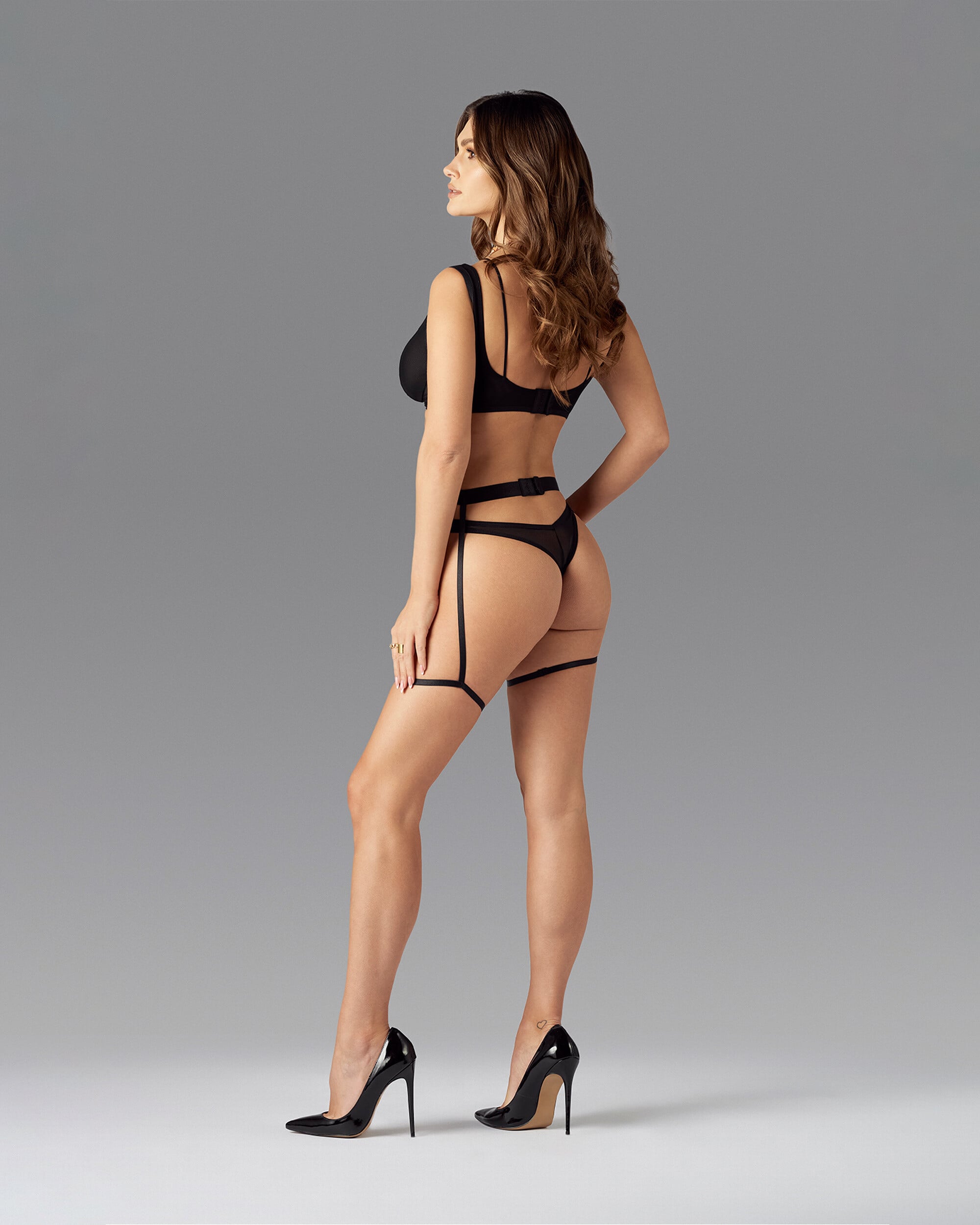
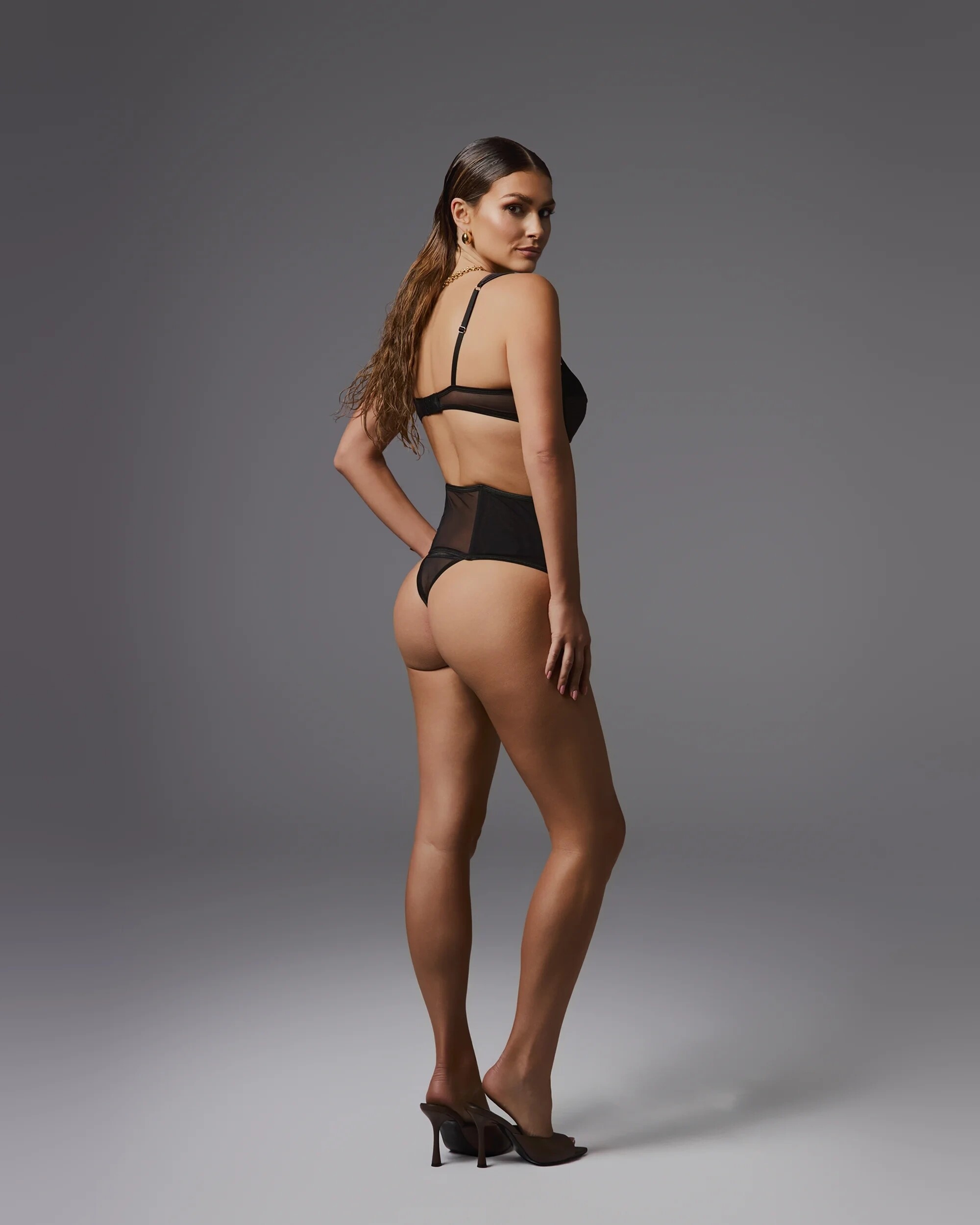
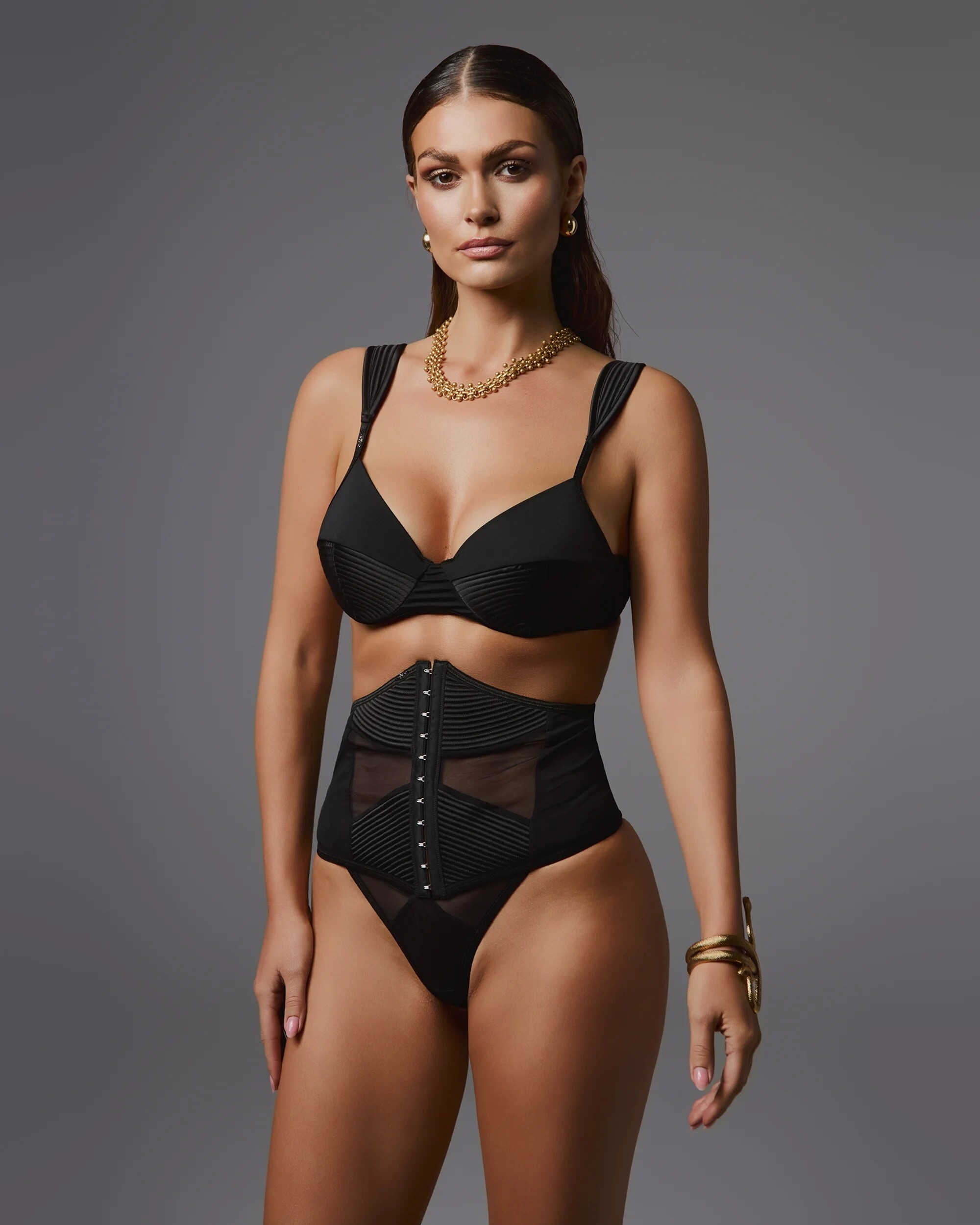
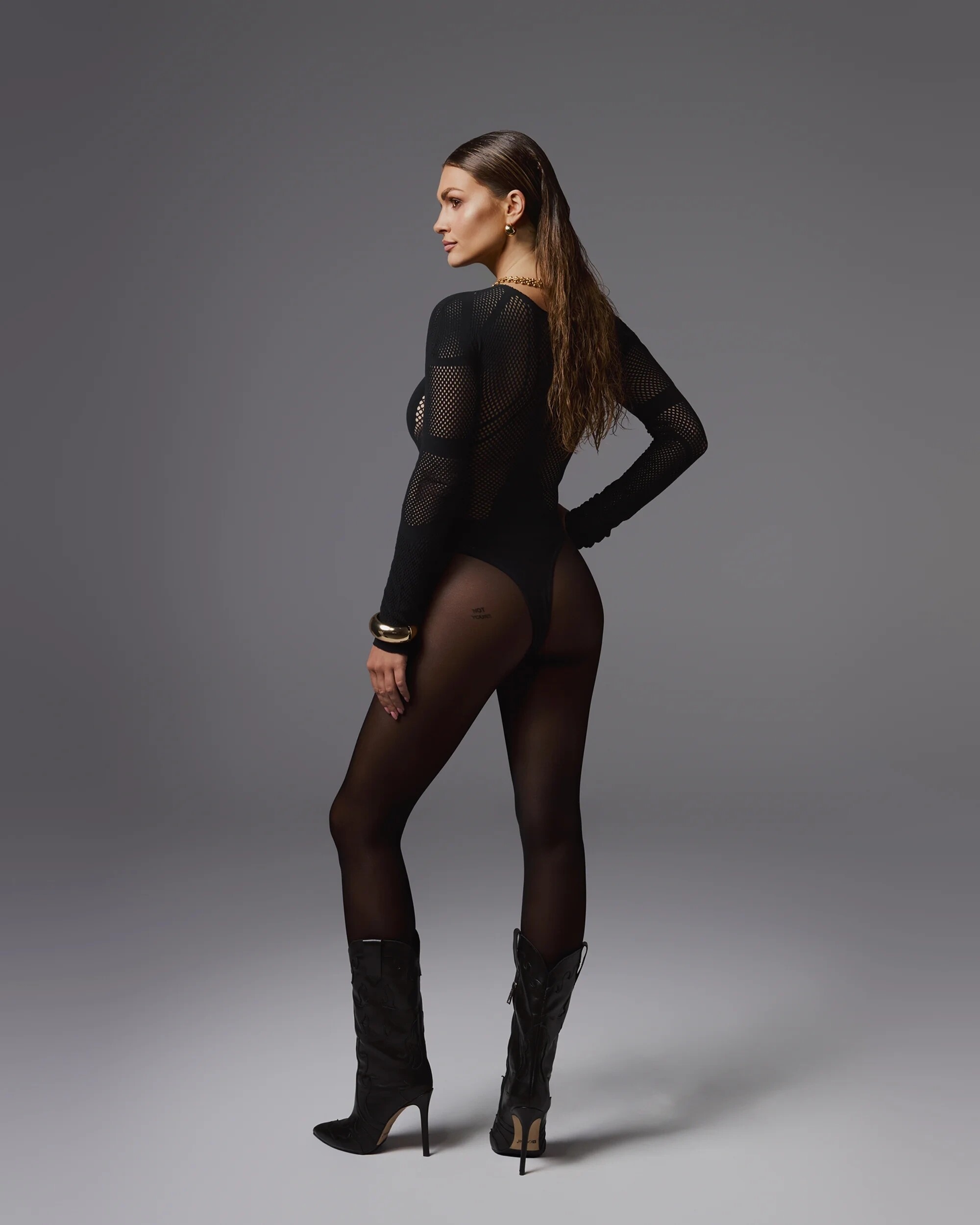
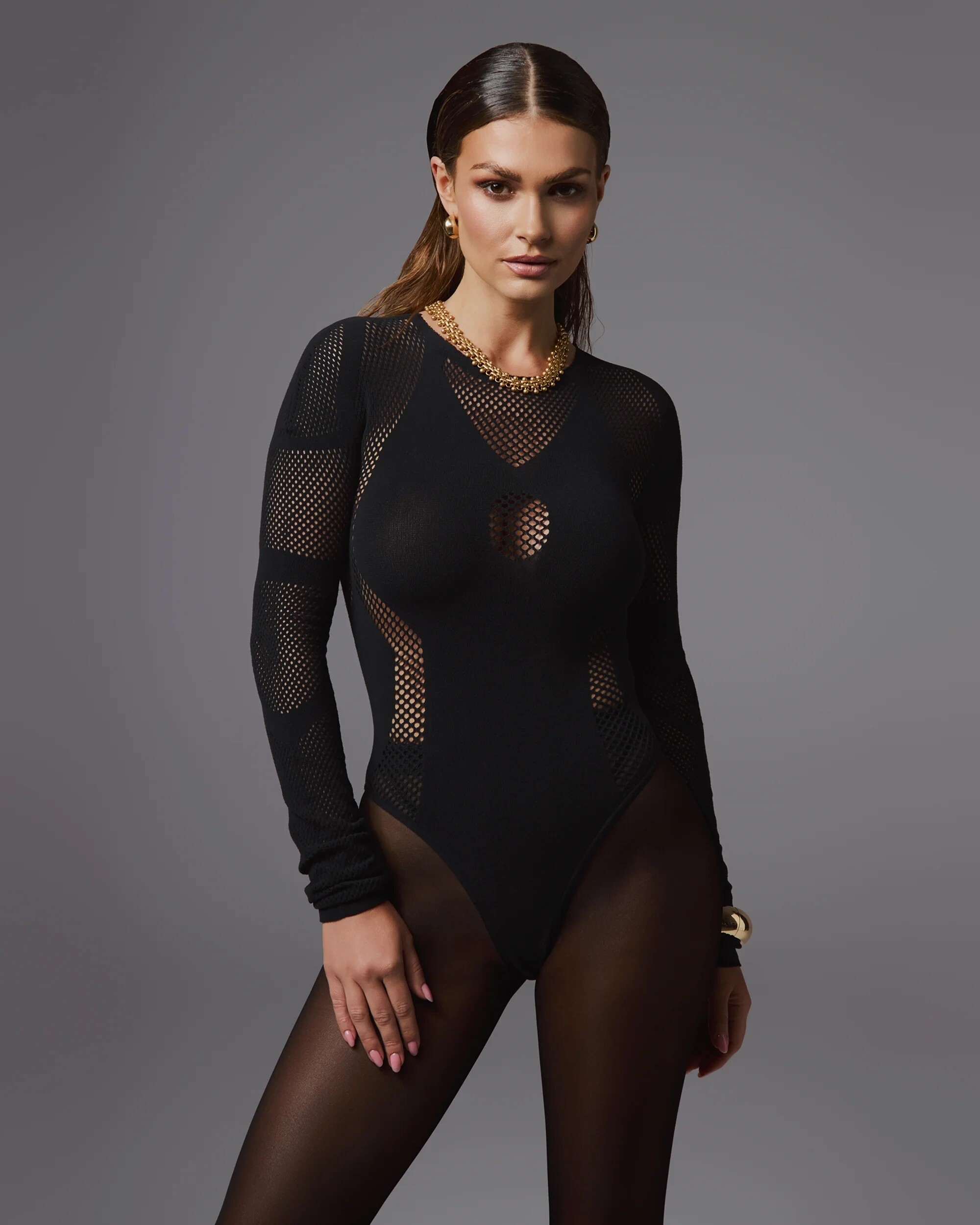
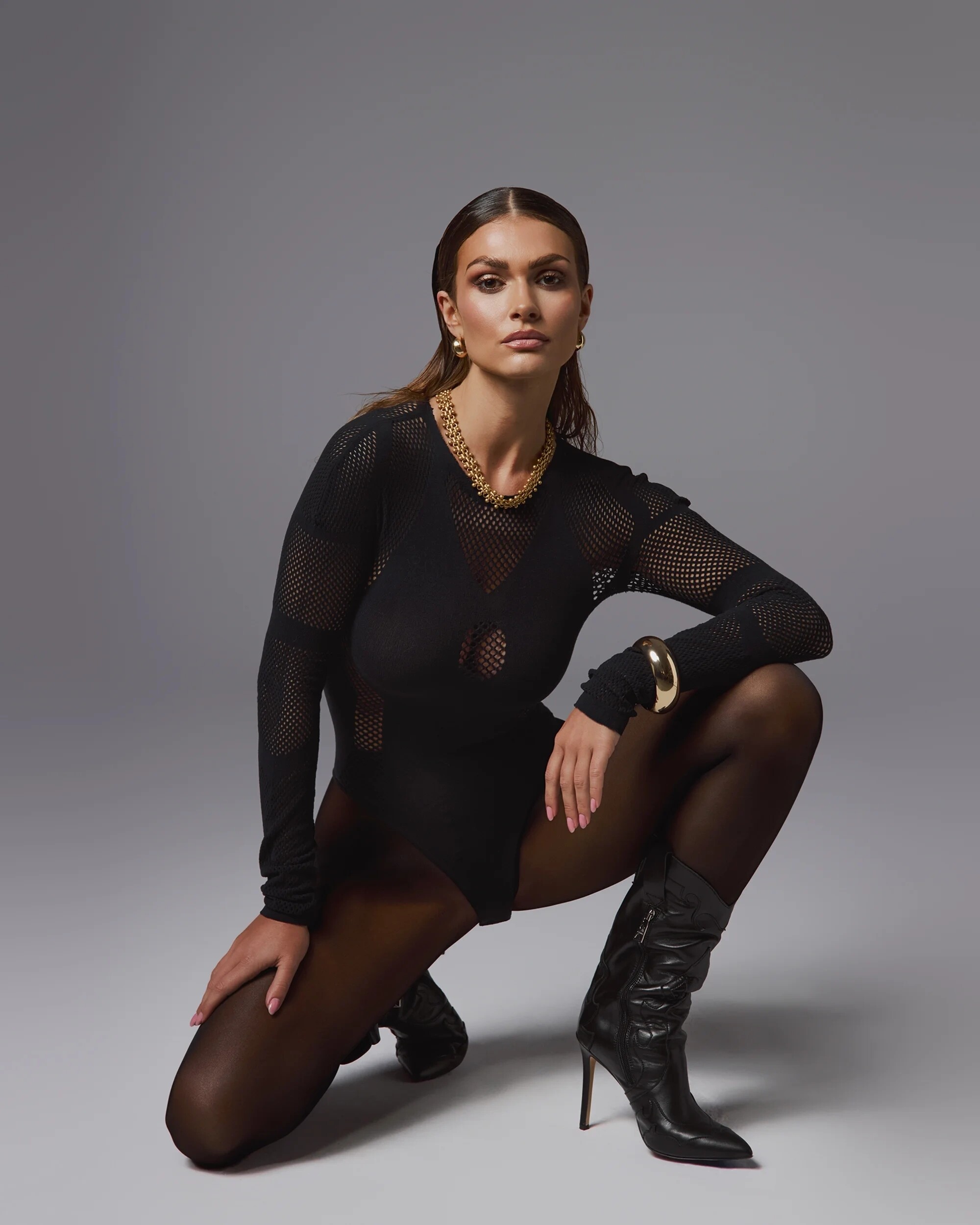
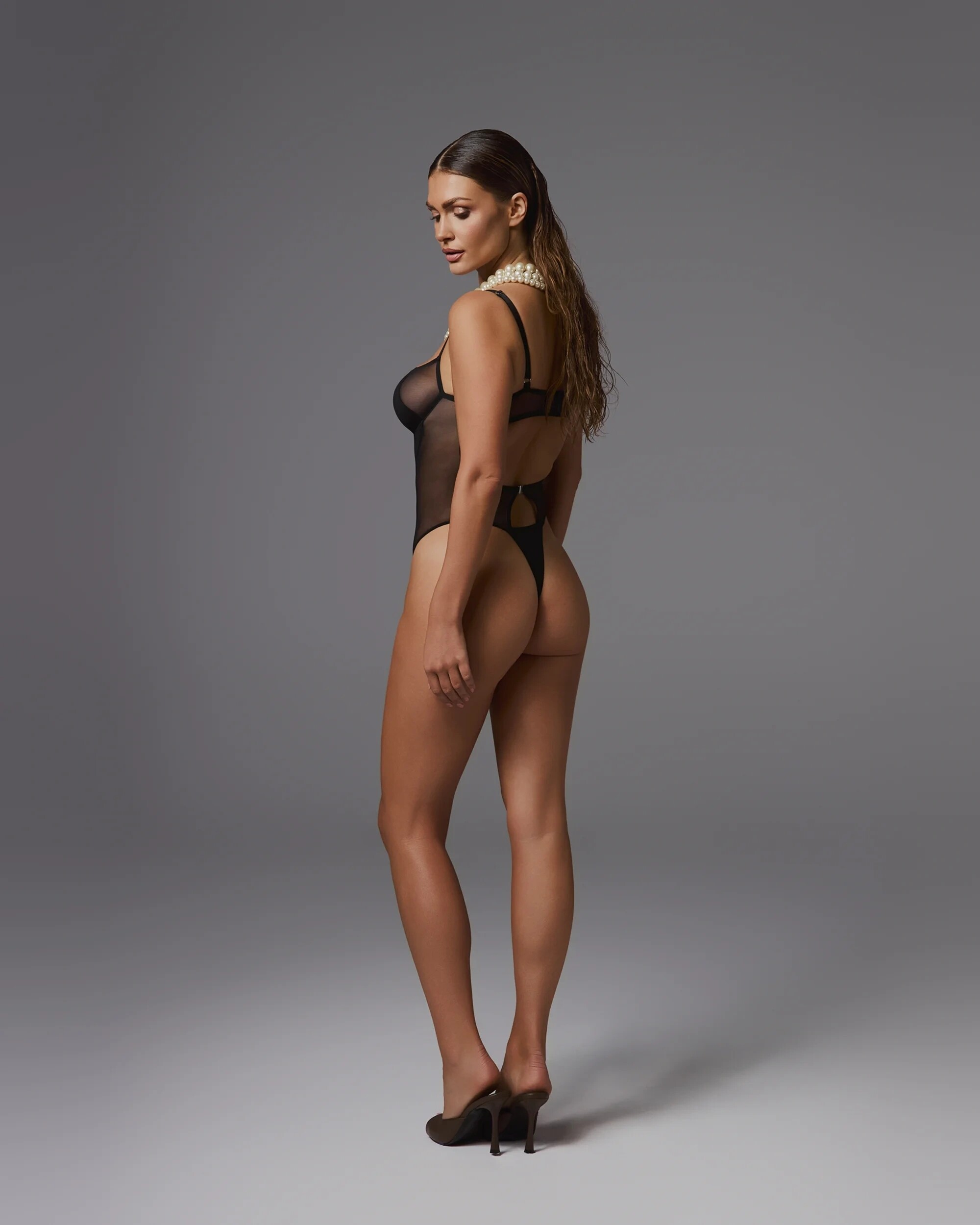
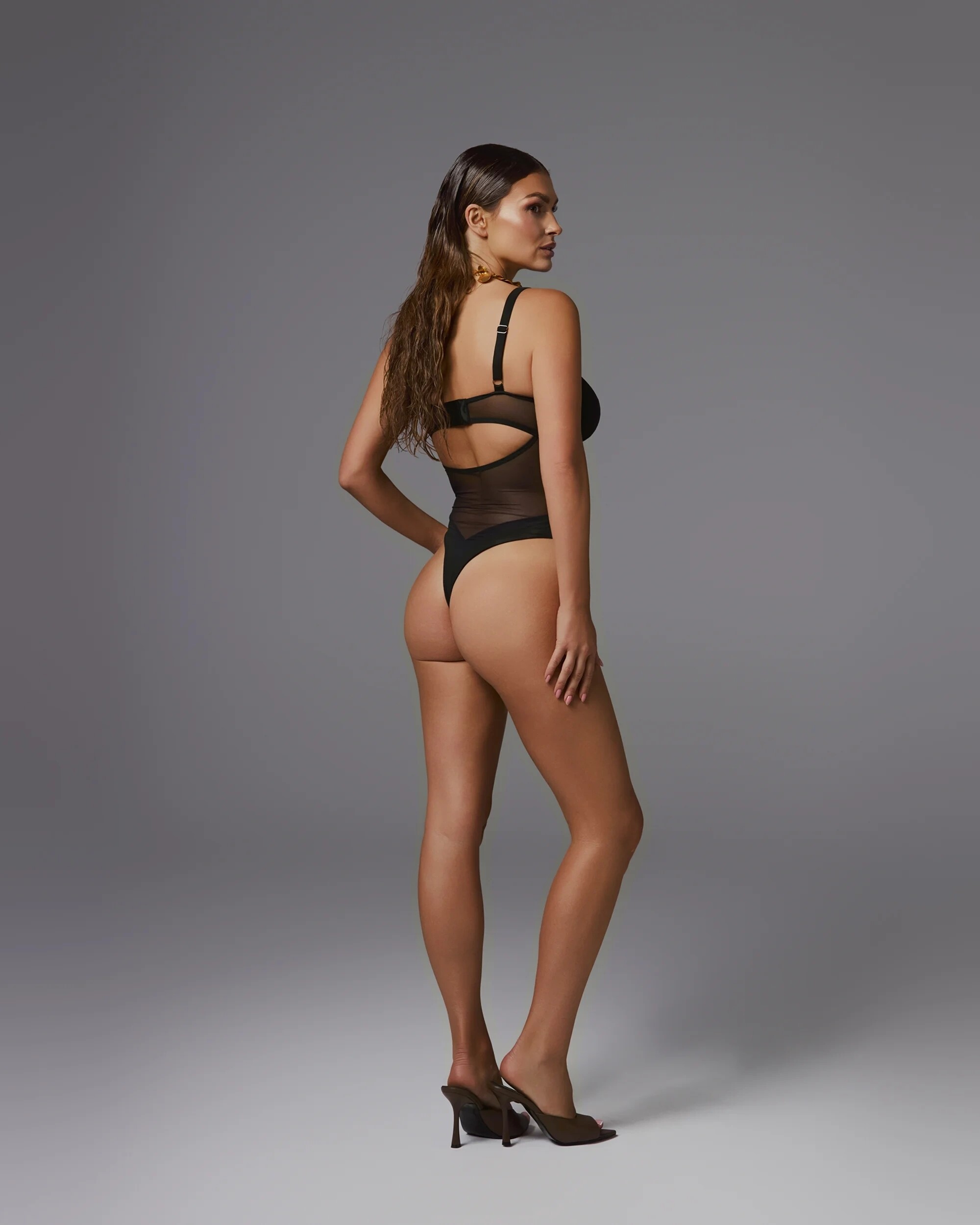
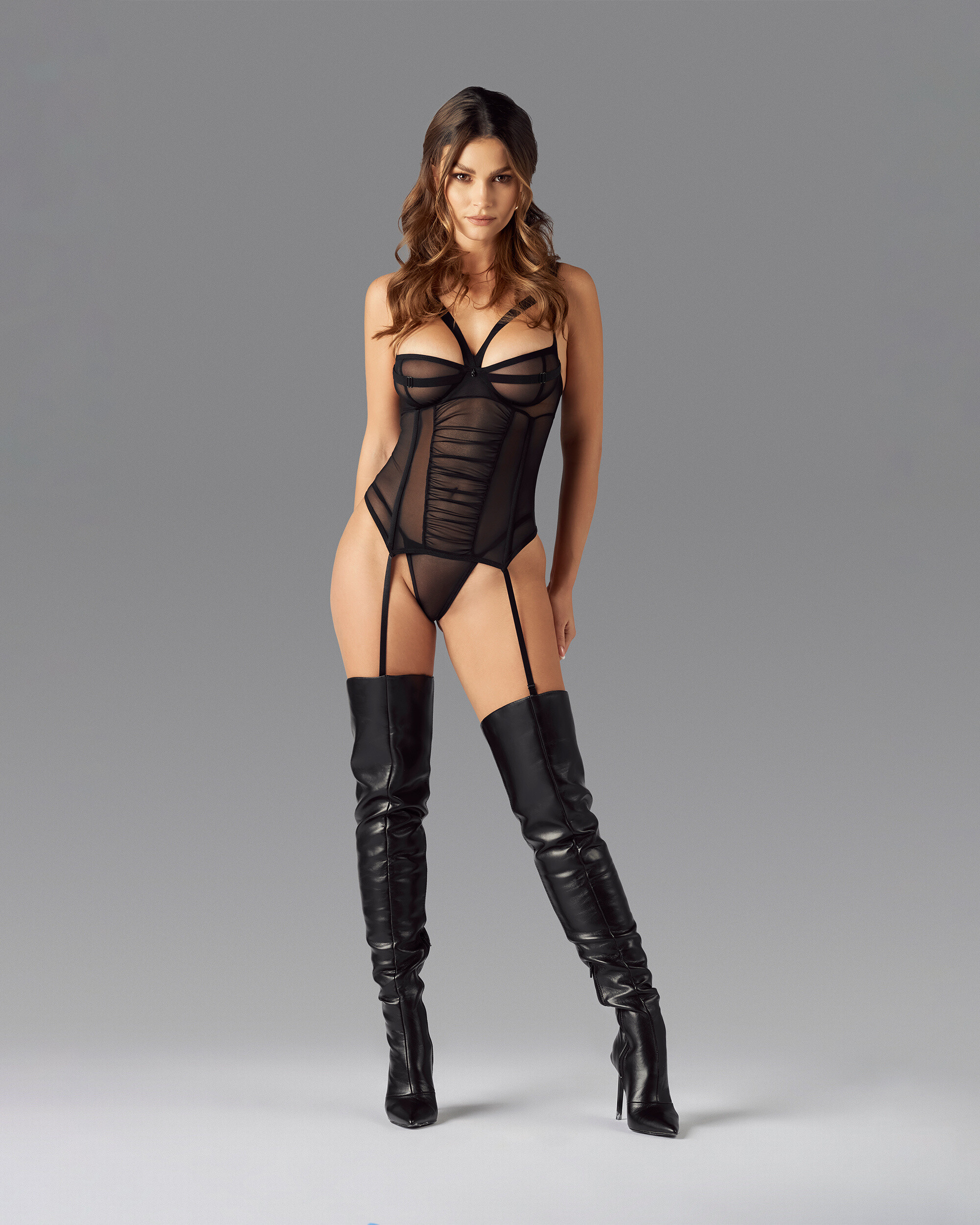
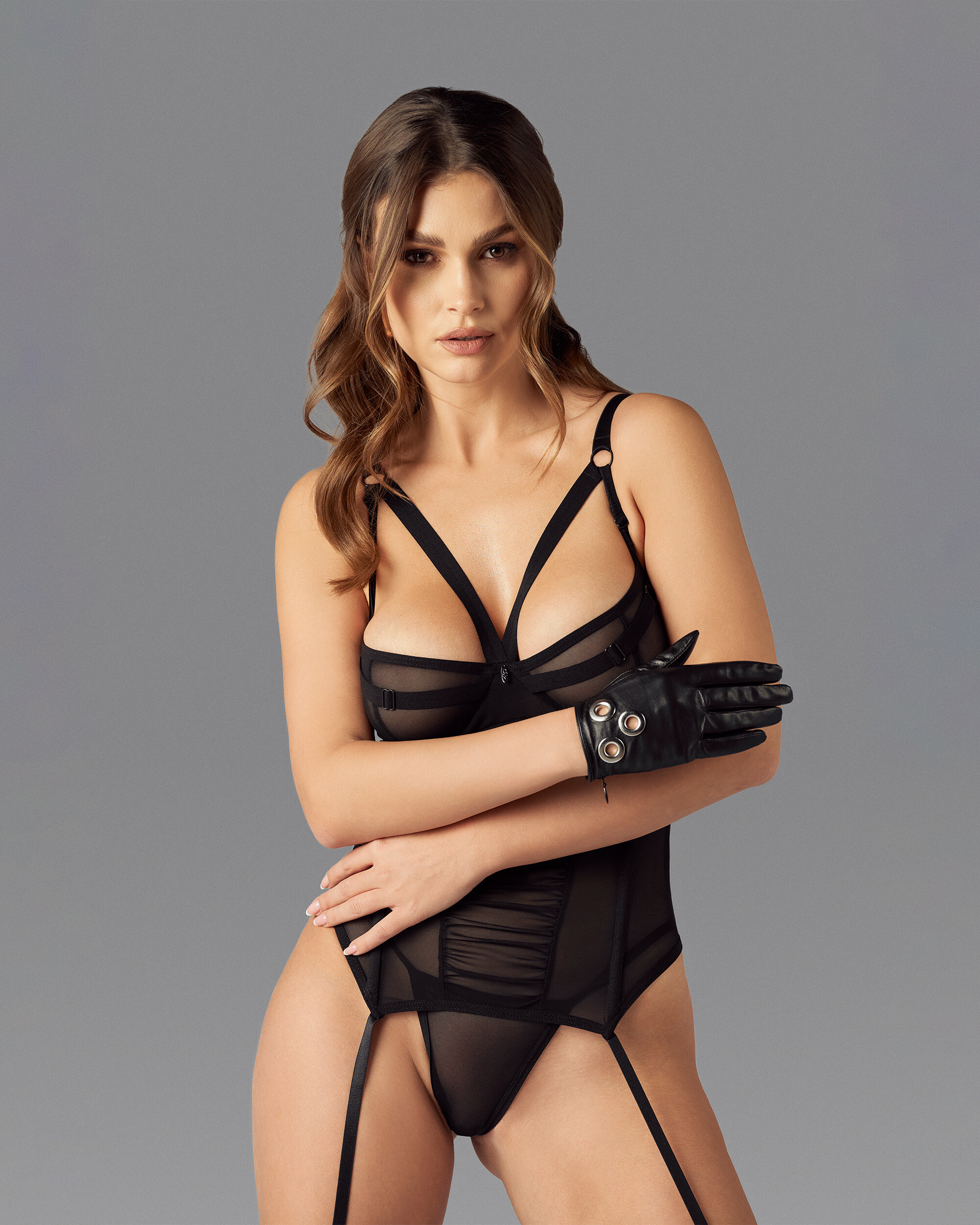
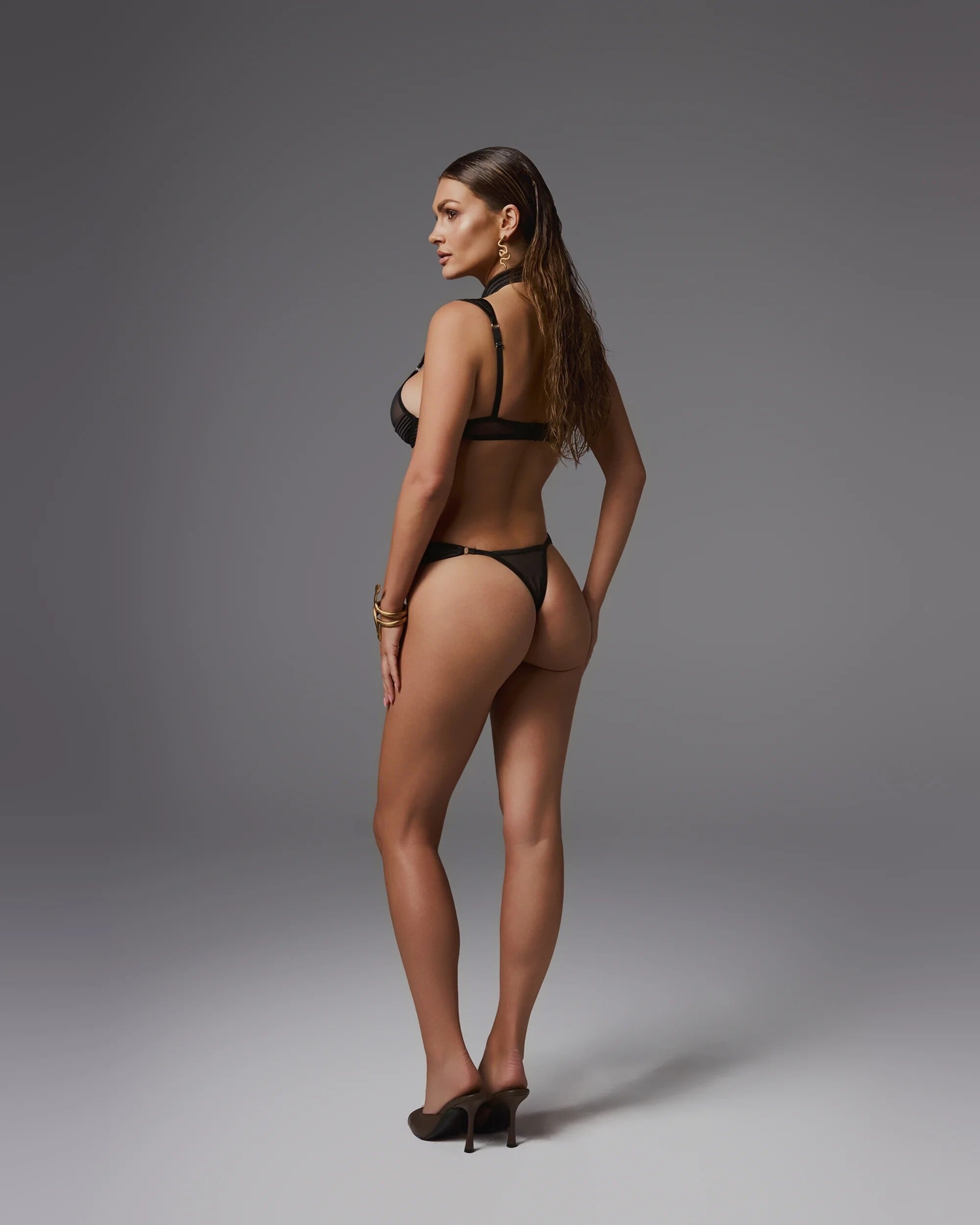
 photos by Danielle Guizio

 Christy Turlington for Martine Sitbon, ready-to-wear, fall/winter 1992 my scan




































































Account
Search
Configure browser push notifications
Chrome (Android)
- Tap the lock icon next to the address bar.
- Tap Permissions → Notifications.
- Adjust your preference.
Chrome (Desktop)
- Click the padlock icon in the address bar.
- Select Site settings.
- Find Notifications and adjust your preference.
Safari (iOS 16.4+)
- Ensure the site is installed via Add to Home Screen.
- Open Settings App → Notifications.
- Find your app name and adjust your preference.
Safari (macOS)
- Go to Safari → Preferences.
- Click the Websites tab.
- Select Notifications in the sidebar.
- Find this website and adjust your preference.
Edge (Android)
- Tap the lock icon next to the address bar.
- Tap Permissions.
- Find Notifications and adjust your preference.
Edge (Desktop)
- Click the padlock icon in the address bar.
- Click Permissions for this site.
- Find Notifications and adjust your preference.
Firefox (Android)
- Go to Settings → Site permissions.
- Tap Notifications.
- Find this site in the list and adjust your preference.
Firefox (Desktop)
- Open Firefox Settings.
- Search for Notifications.
- Find this site in the list and adjust your preference.