All Activity
- Past hour
-
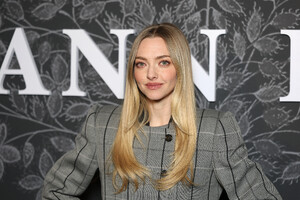
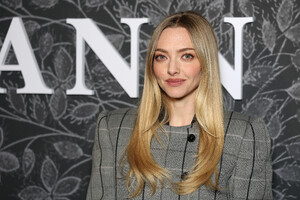
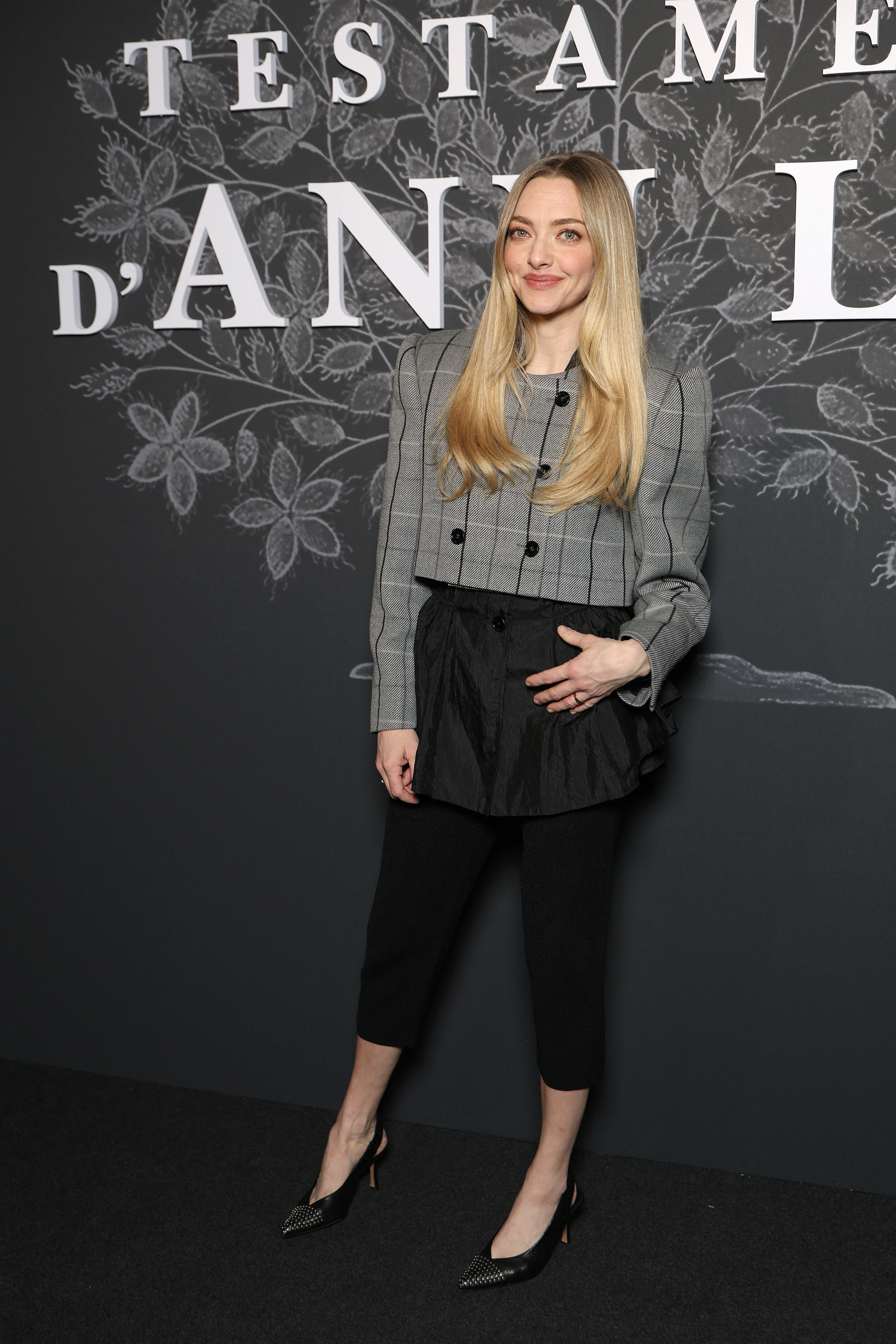
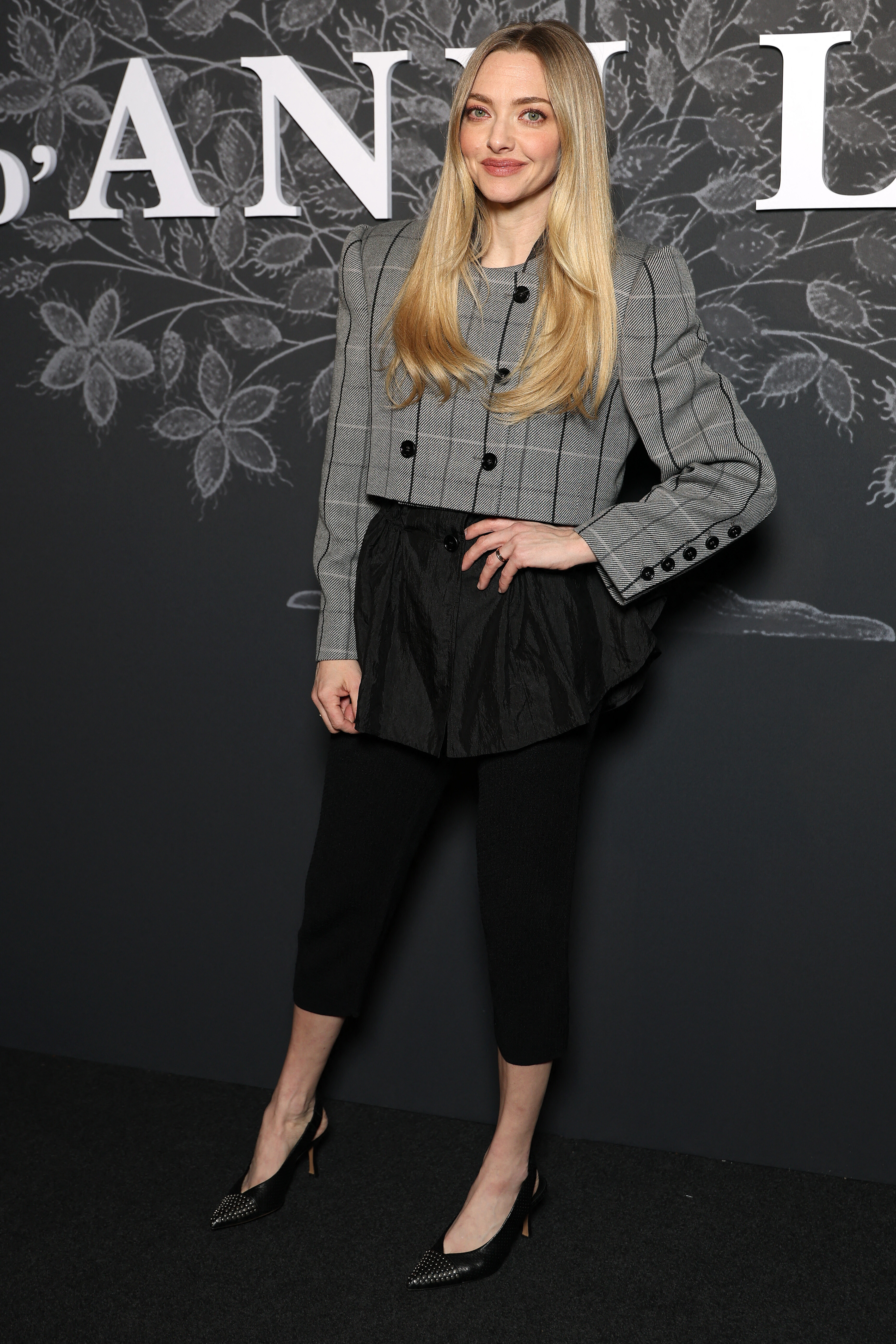
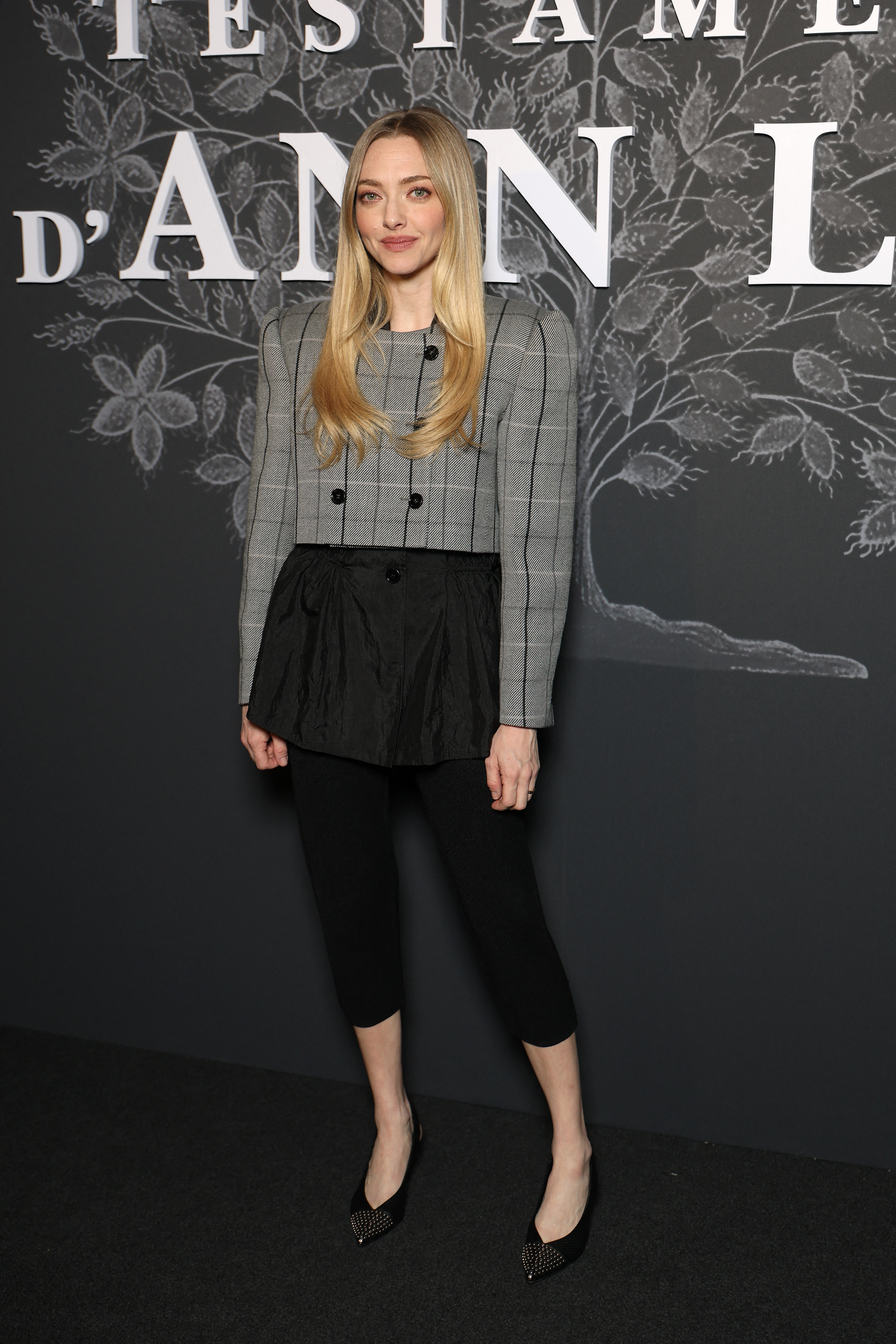
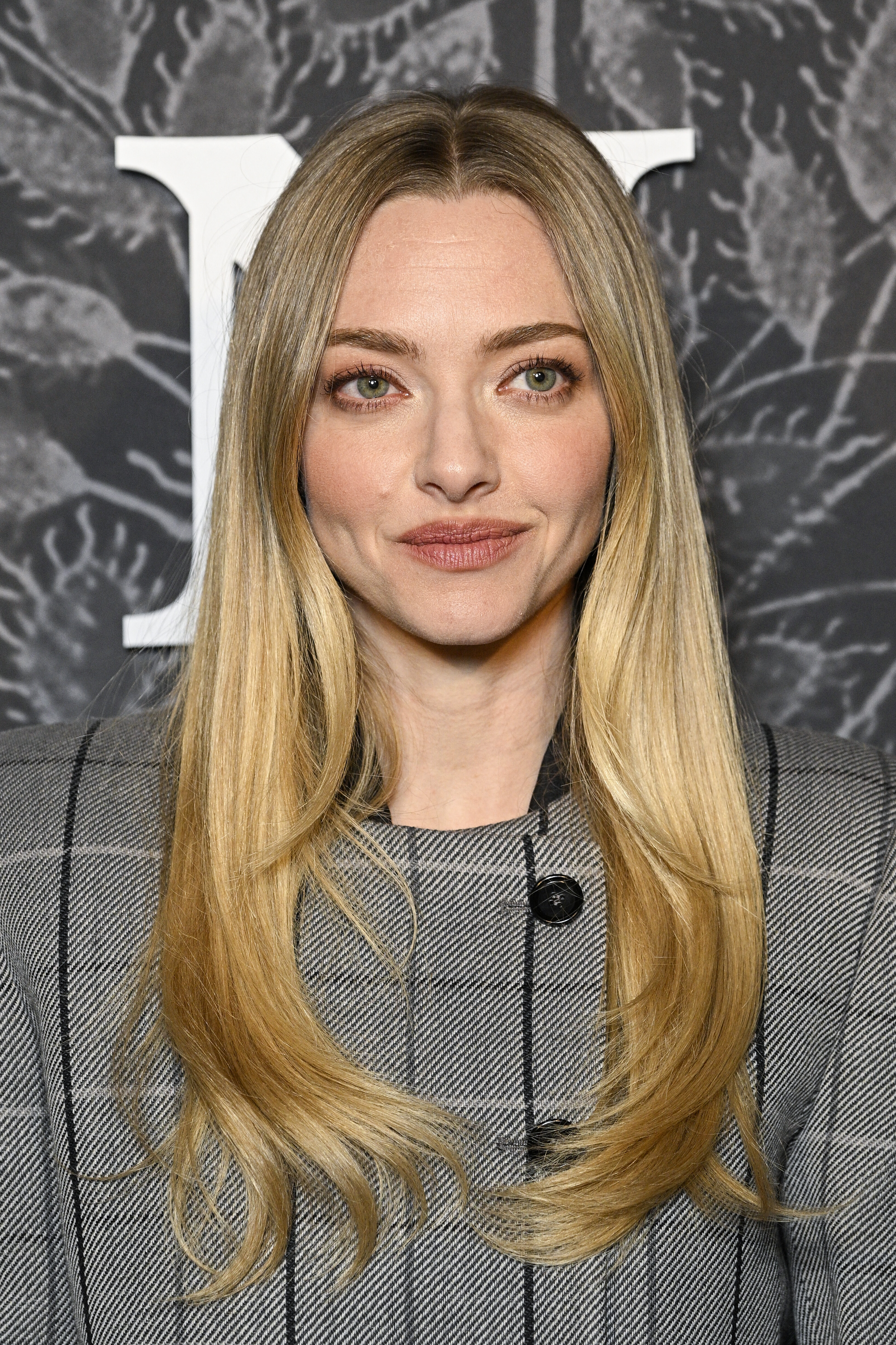
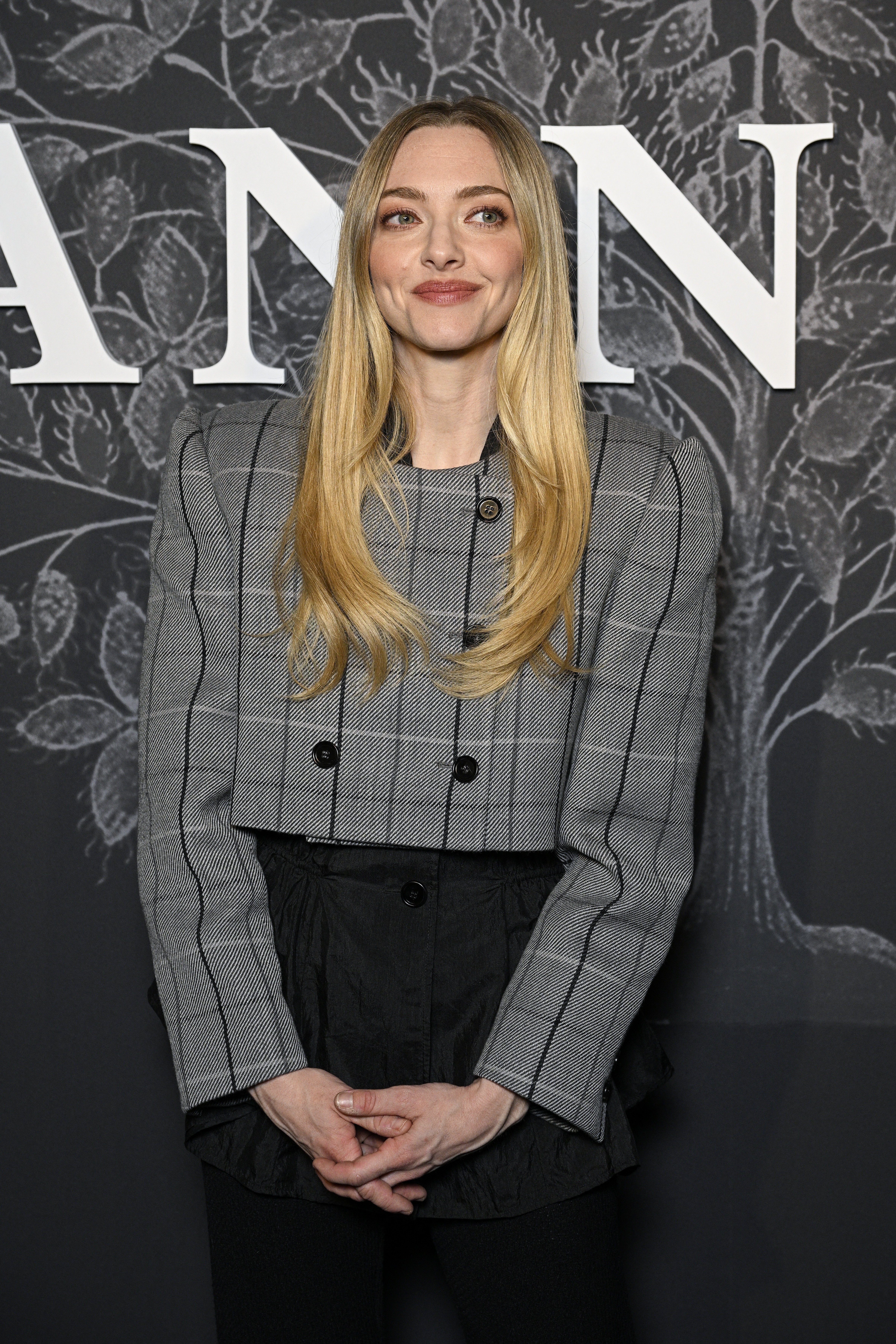
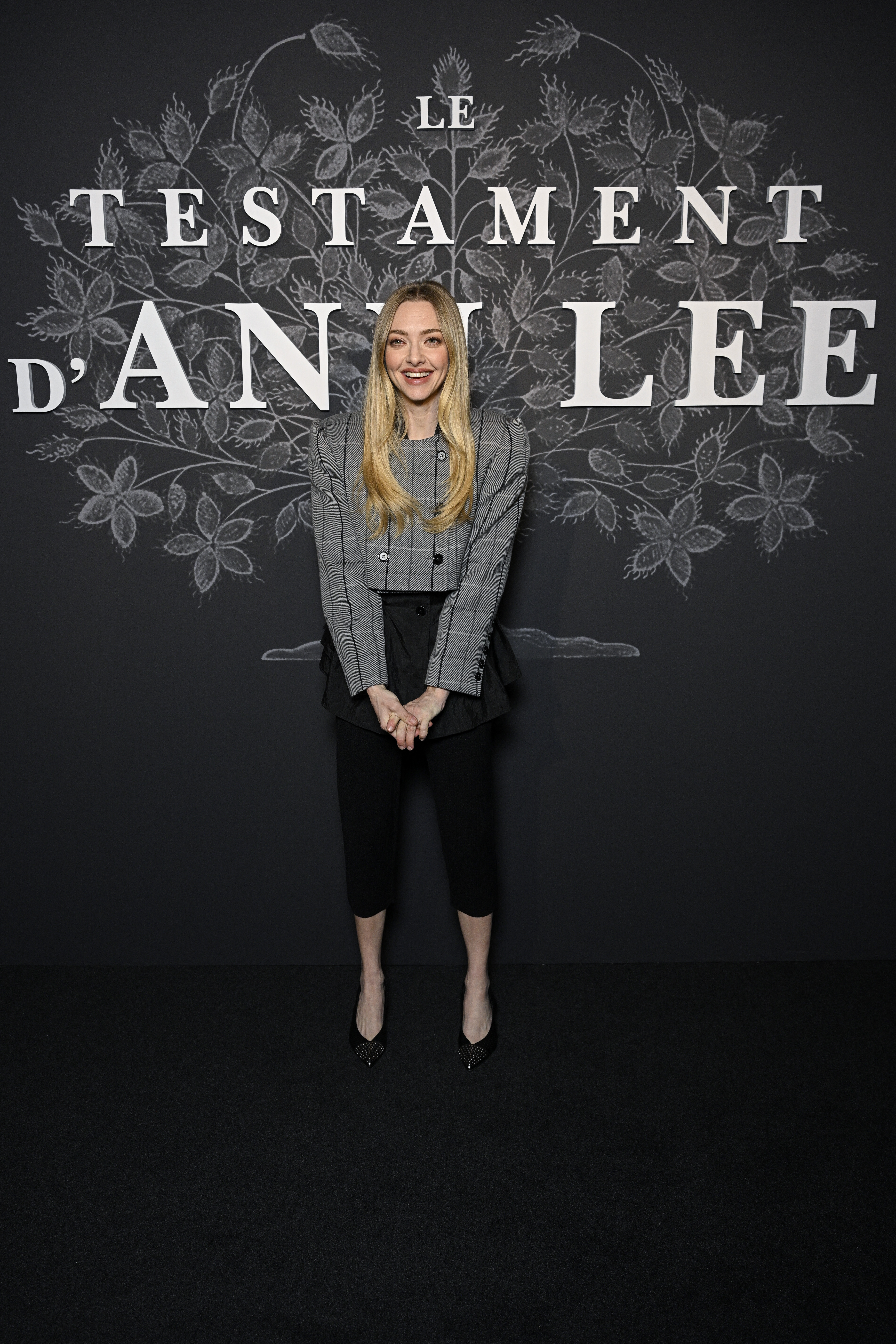
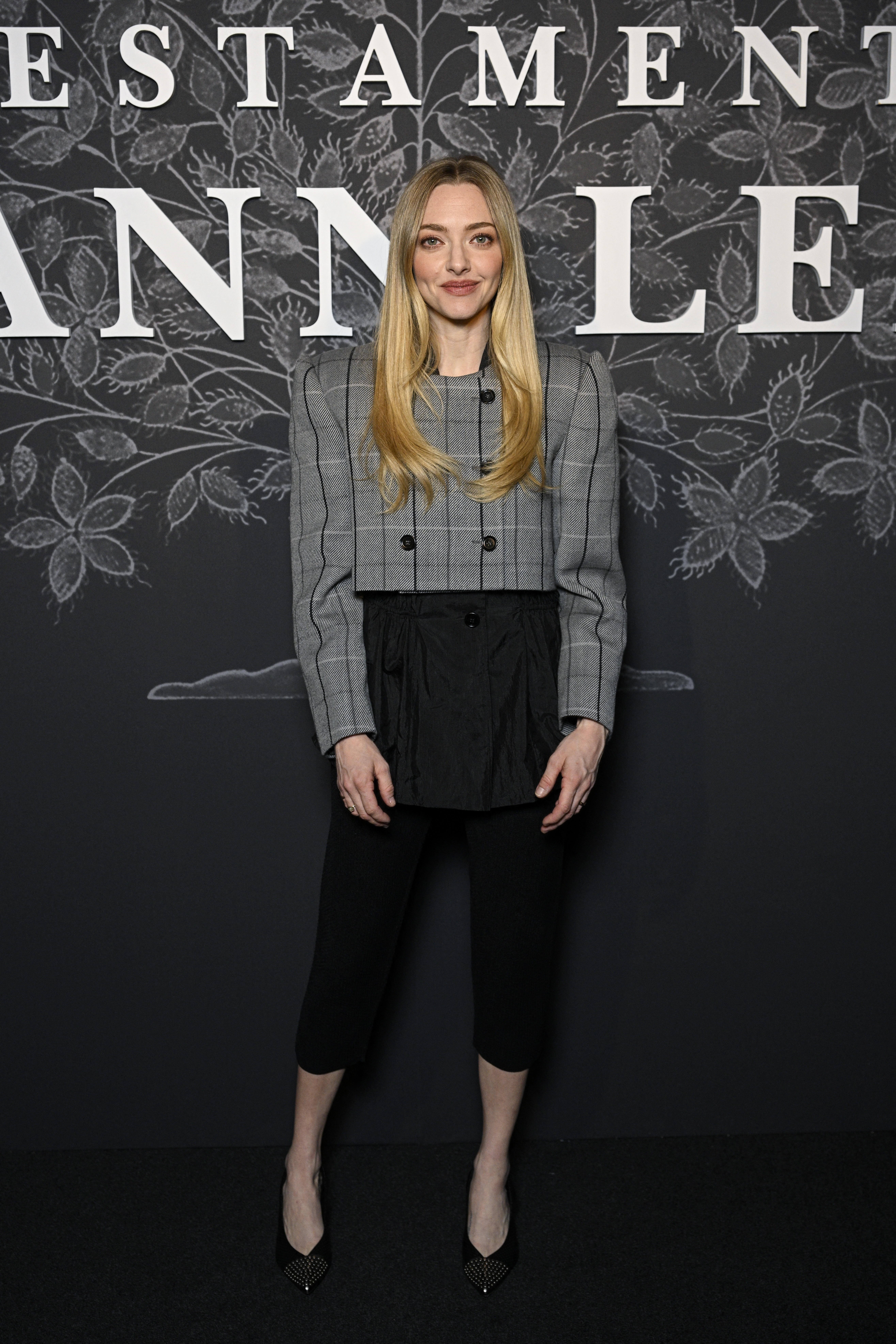
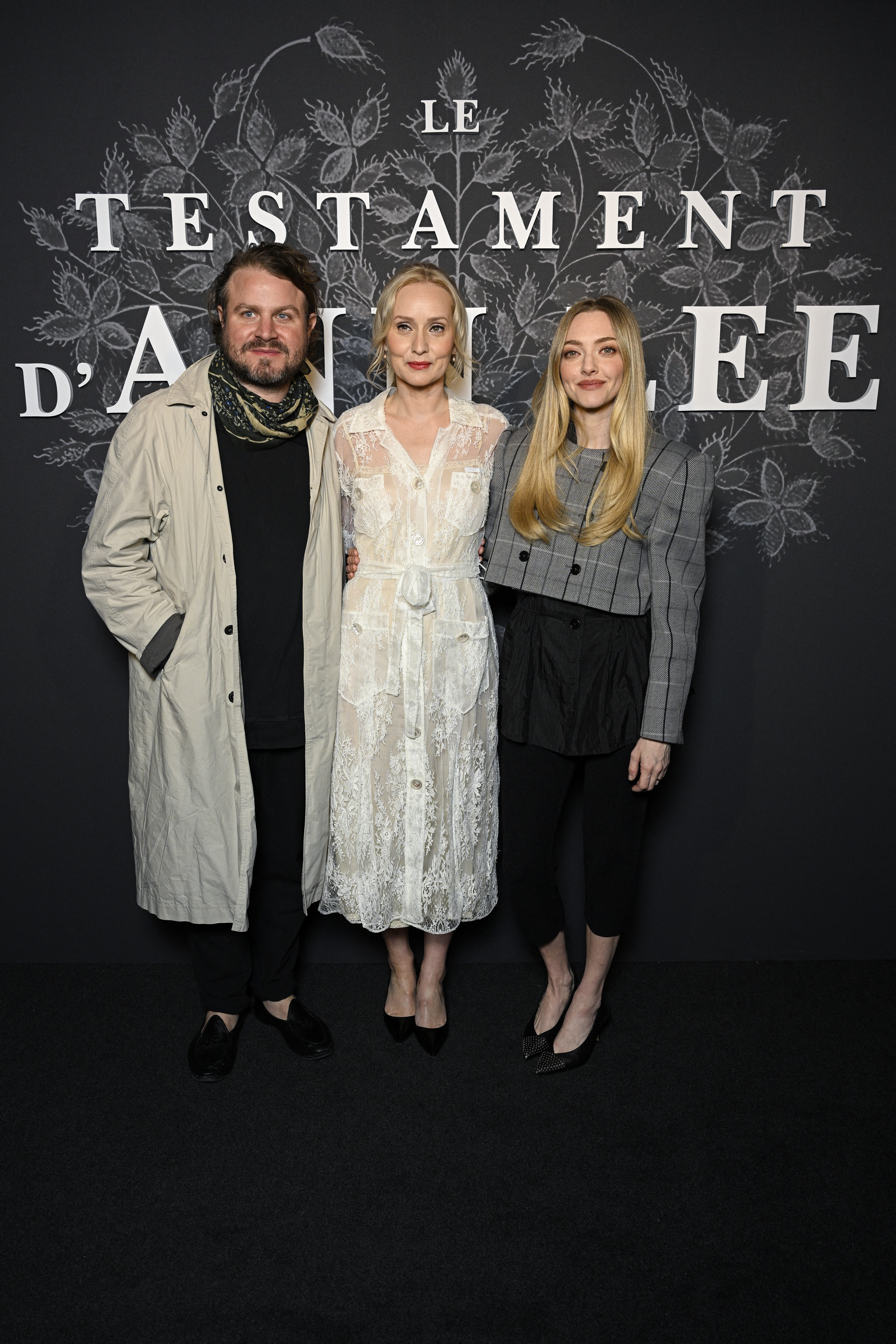
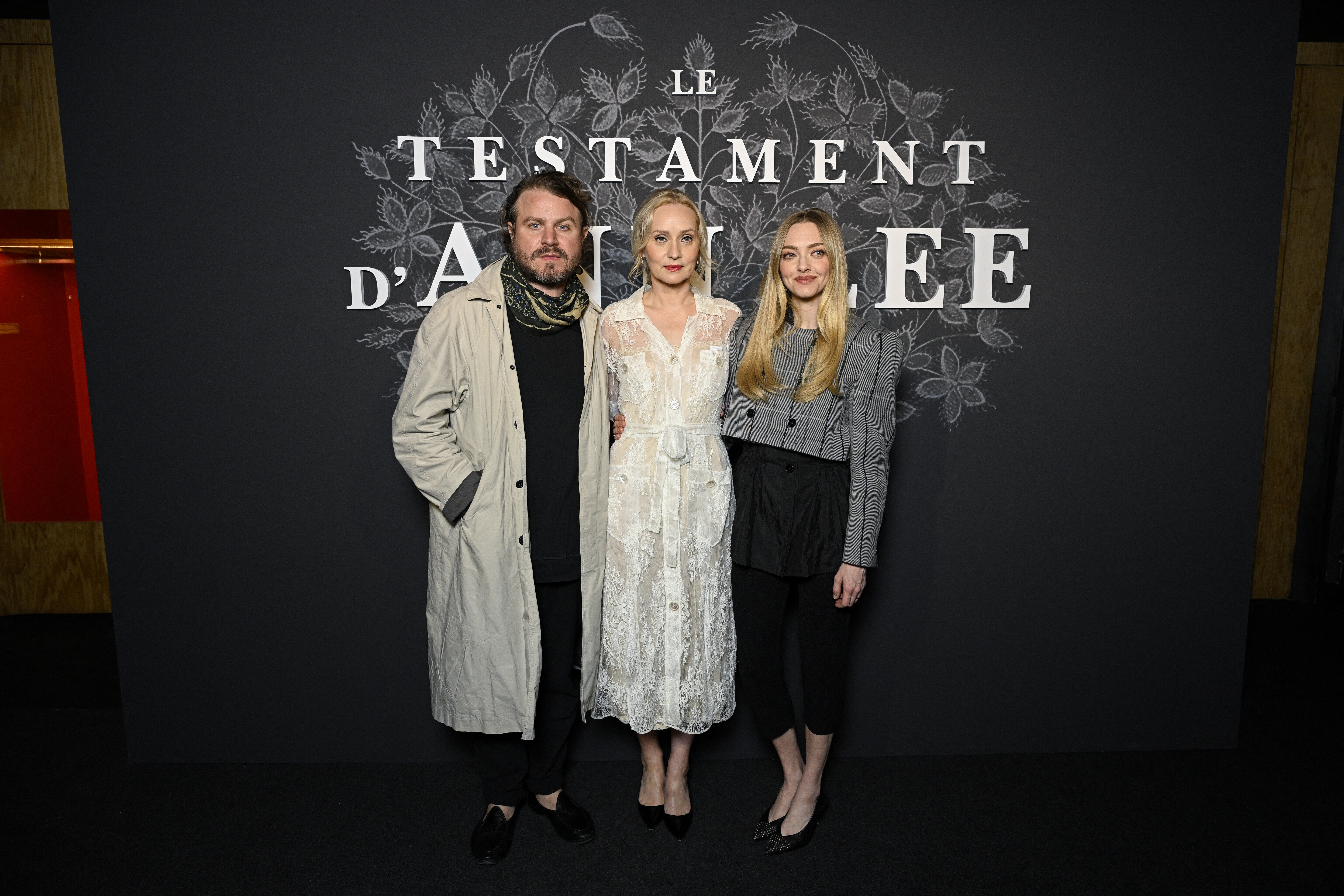
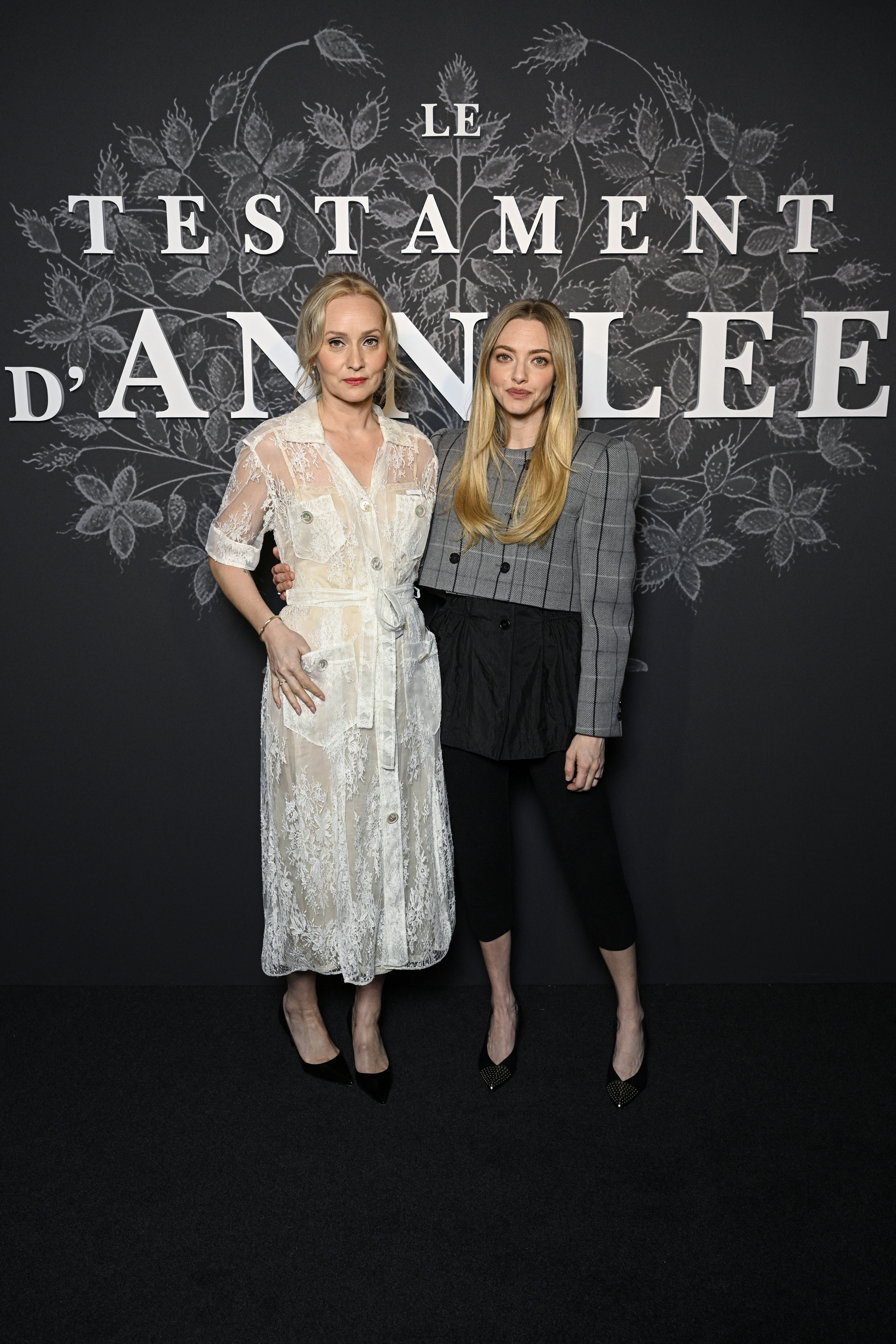
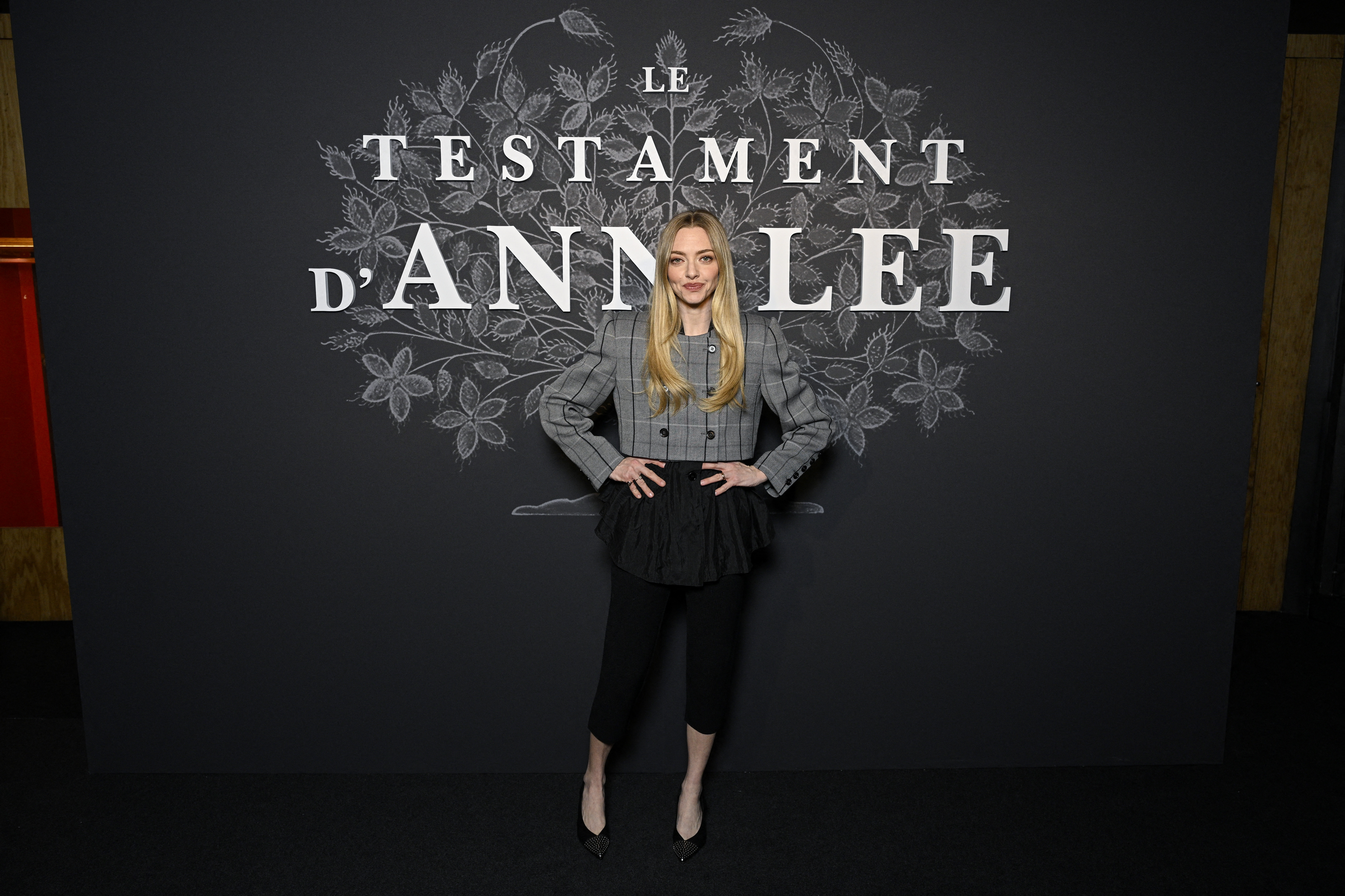
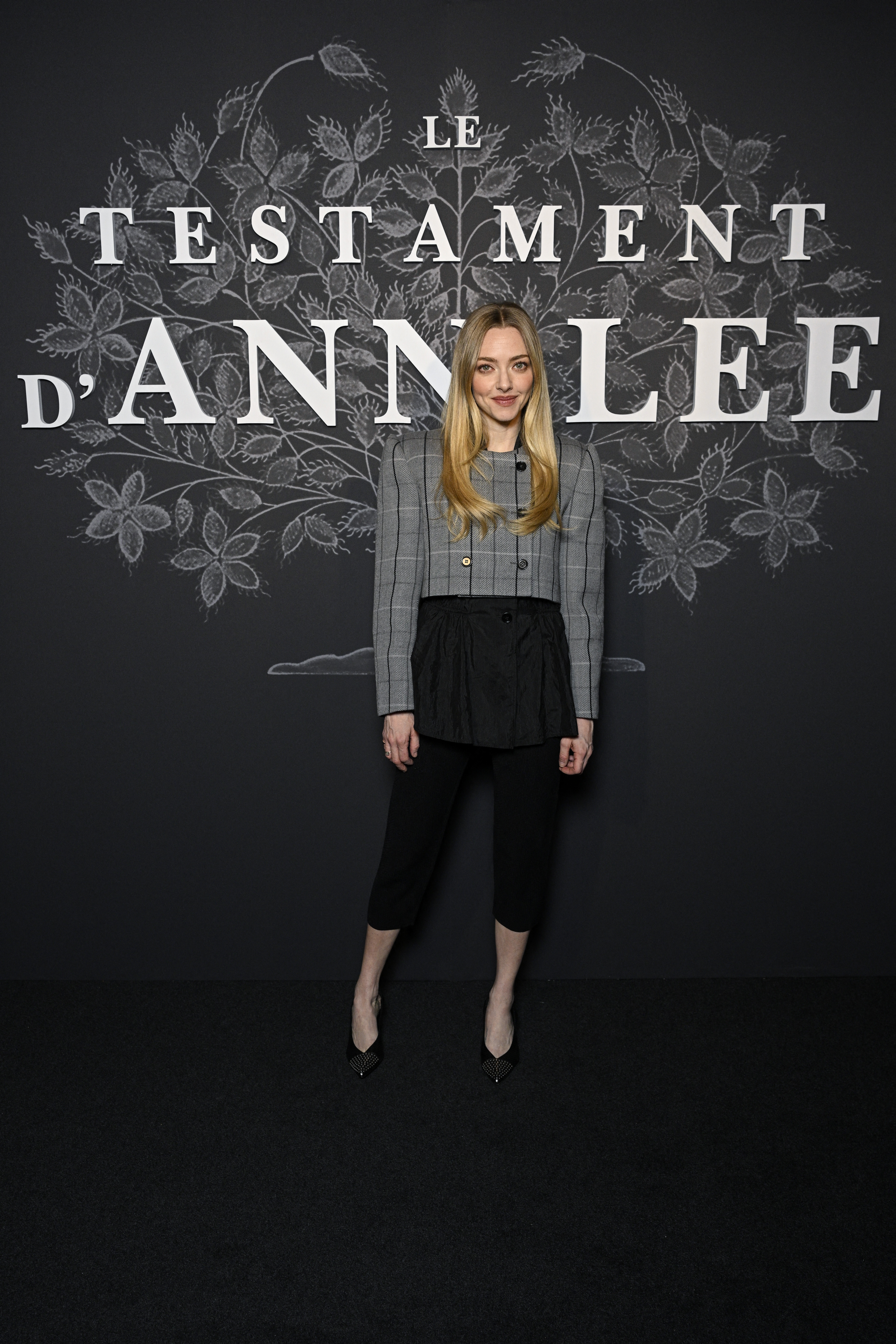
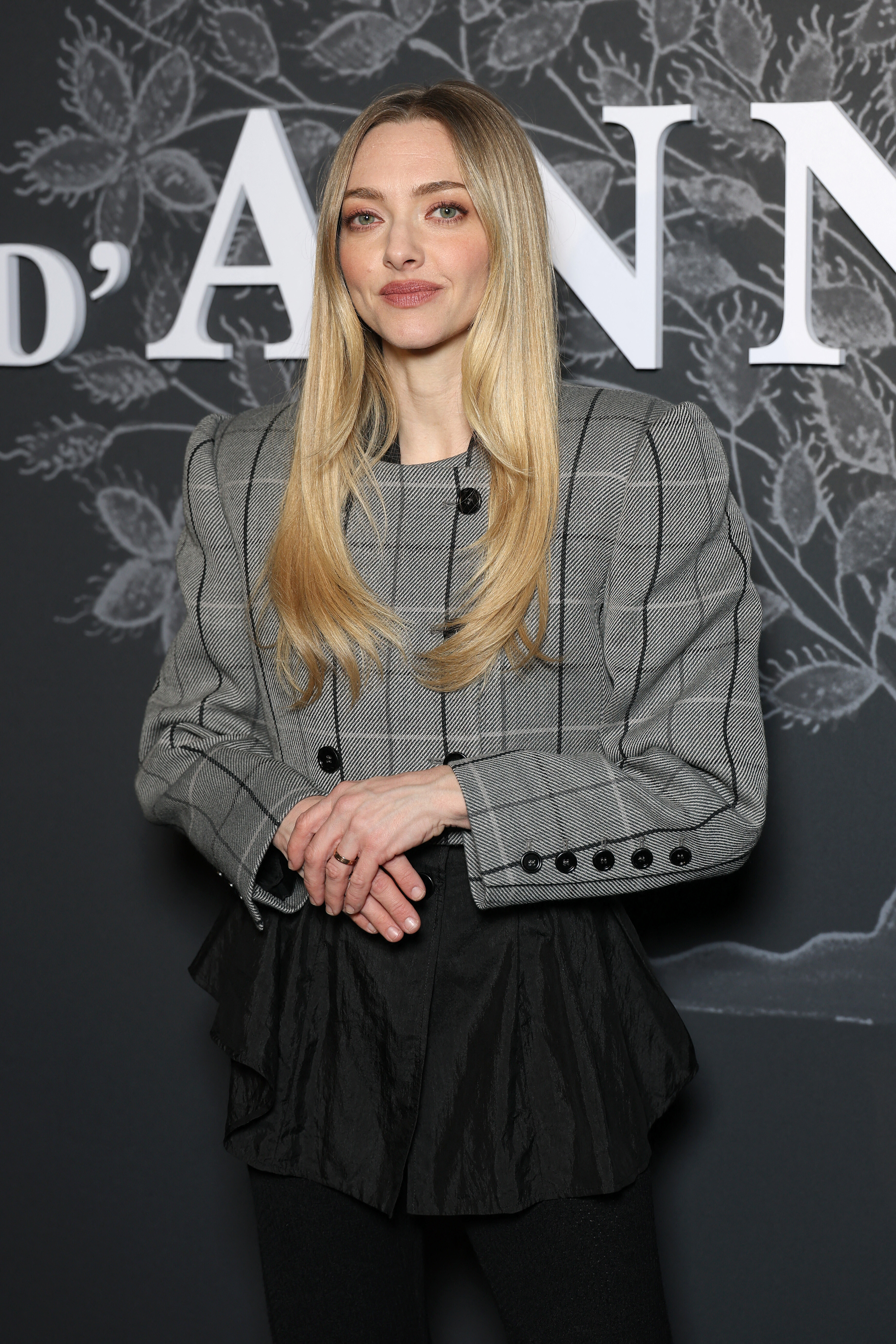
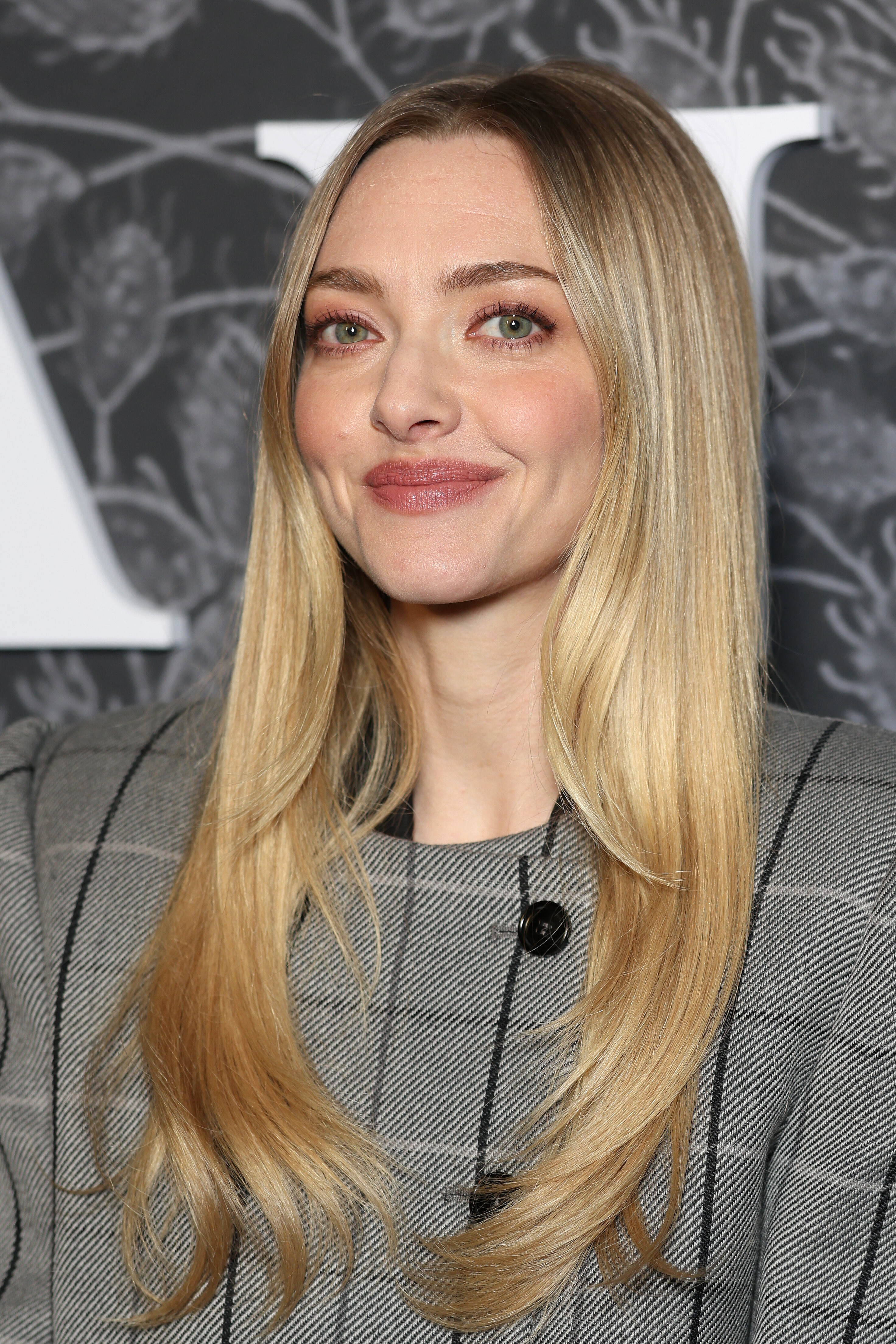
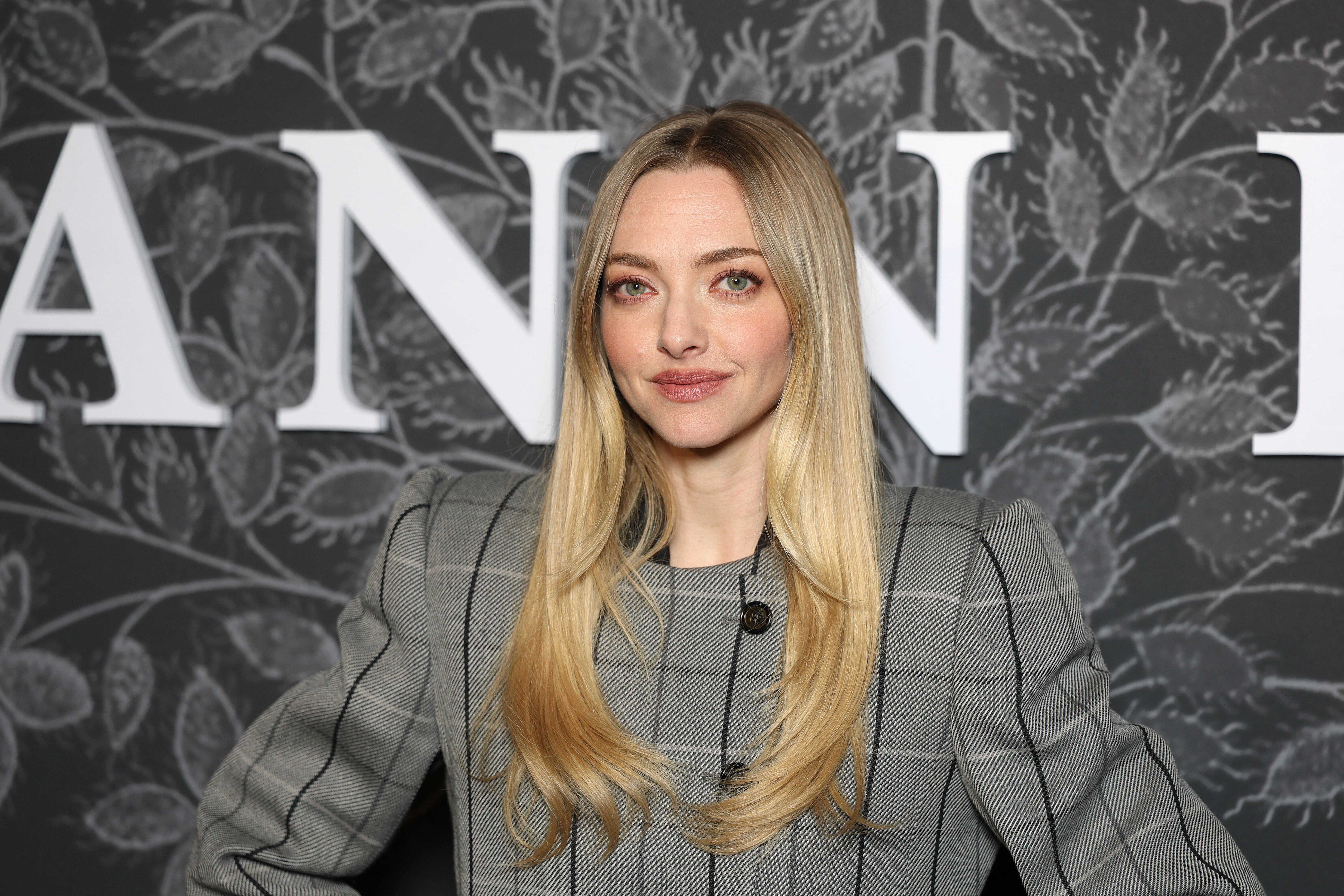
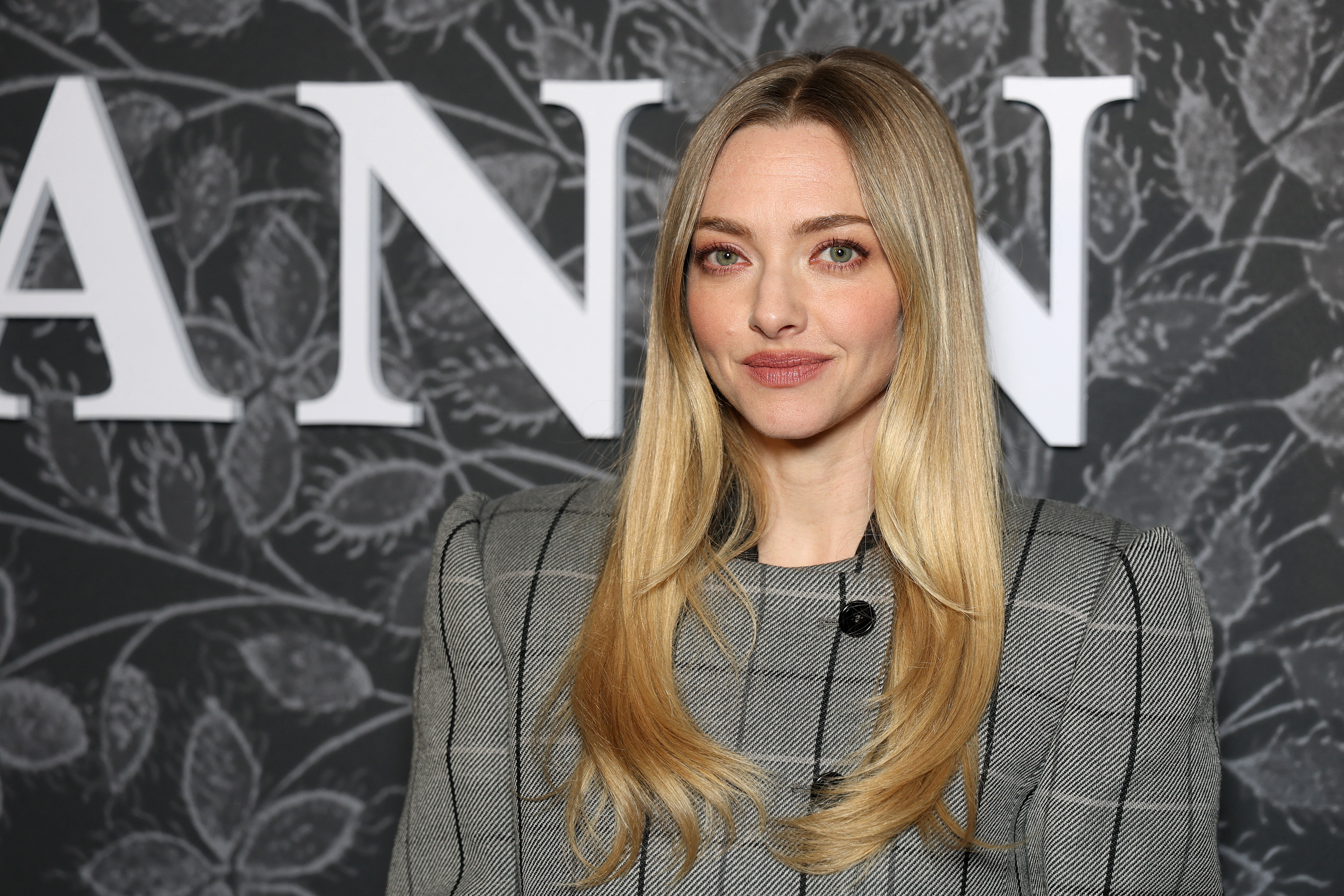
 Special screening of Searchlight Pictures "The Testament of Ann Lee"














-

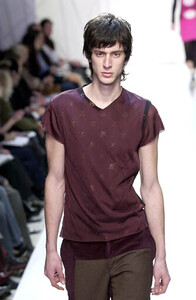
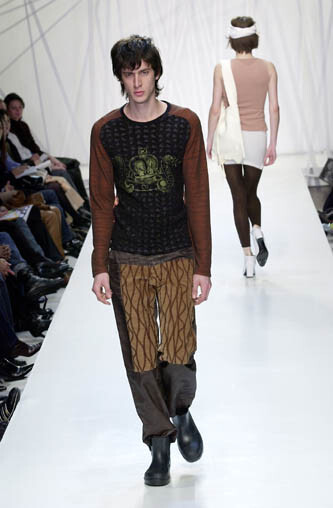
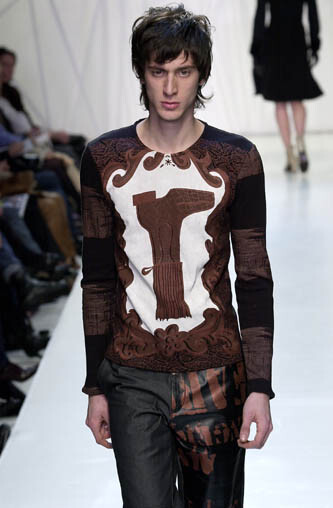
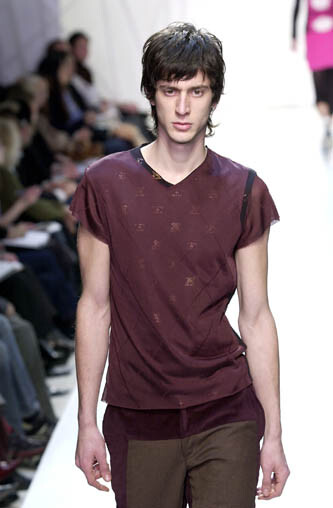
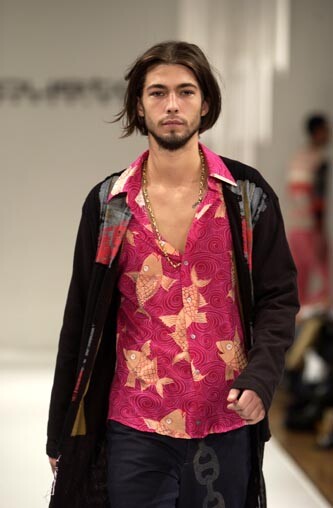
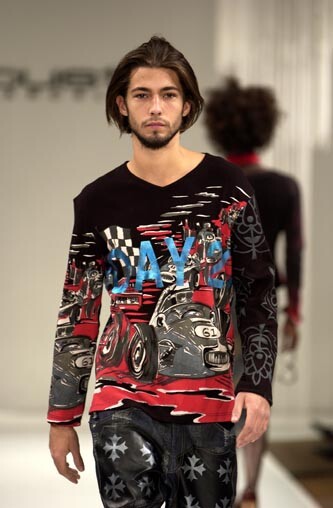
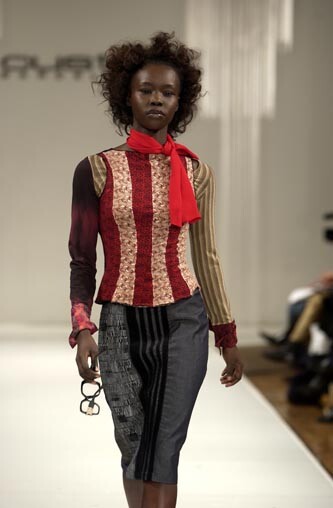
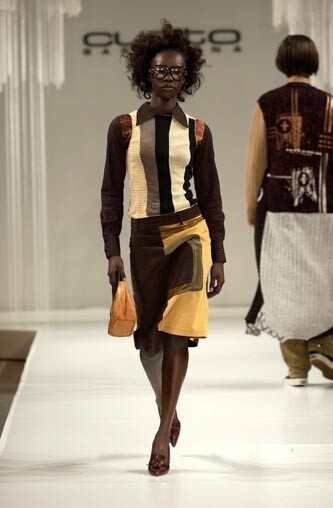
 Custo Bareclona FW01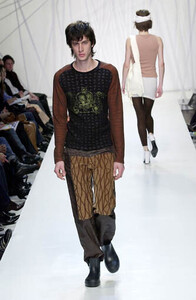
 A Flaunt Film | Amanda Seyfried
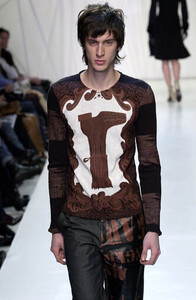
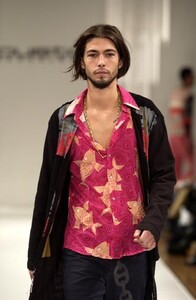
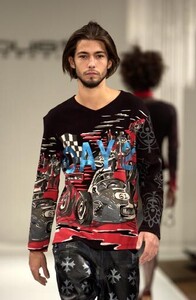
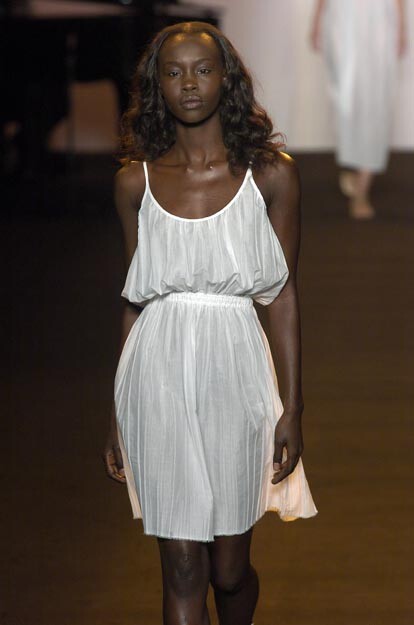
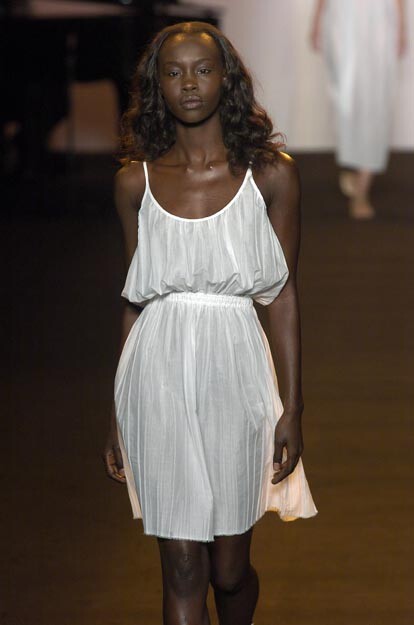
custo barcelona fw2002
A Flaunt Film | Amanda Seyfried
custo barcelona fw2002
 🍑
🍑 custo barcelona f/w 2002
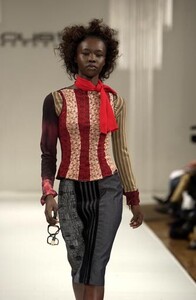
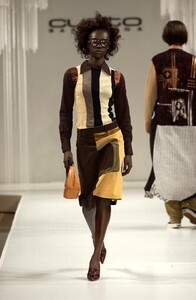 rebecca moses ss2001
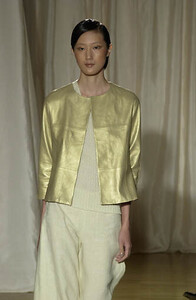 rebecca moses f/w 2001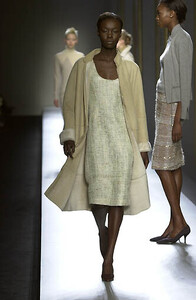
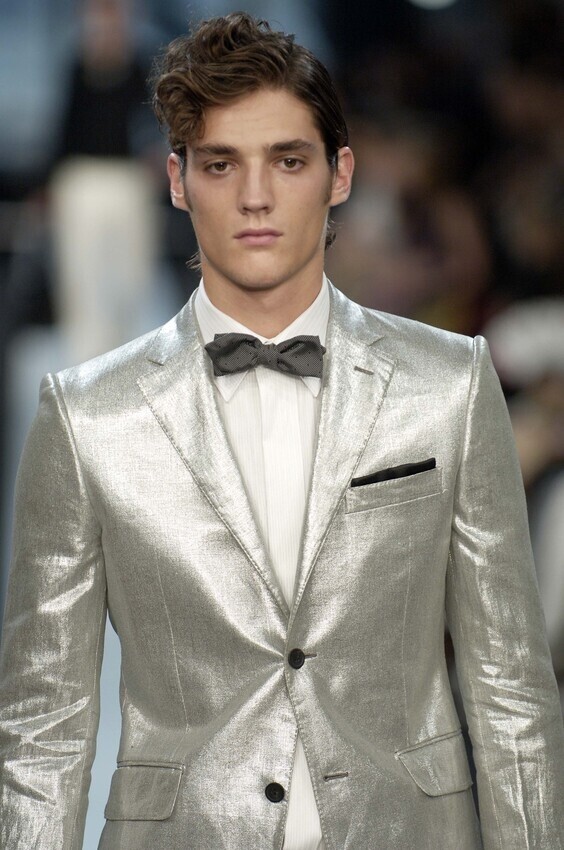
 givenchy menswear ss 2007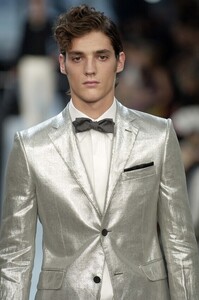
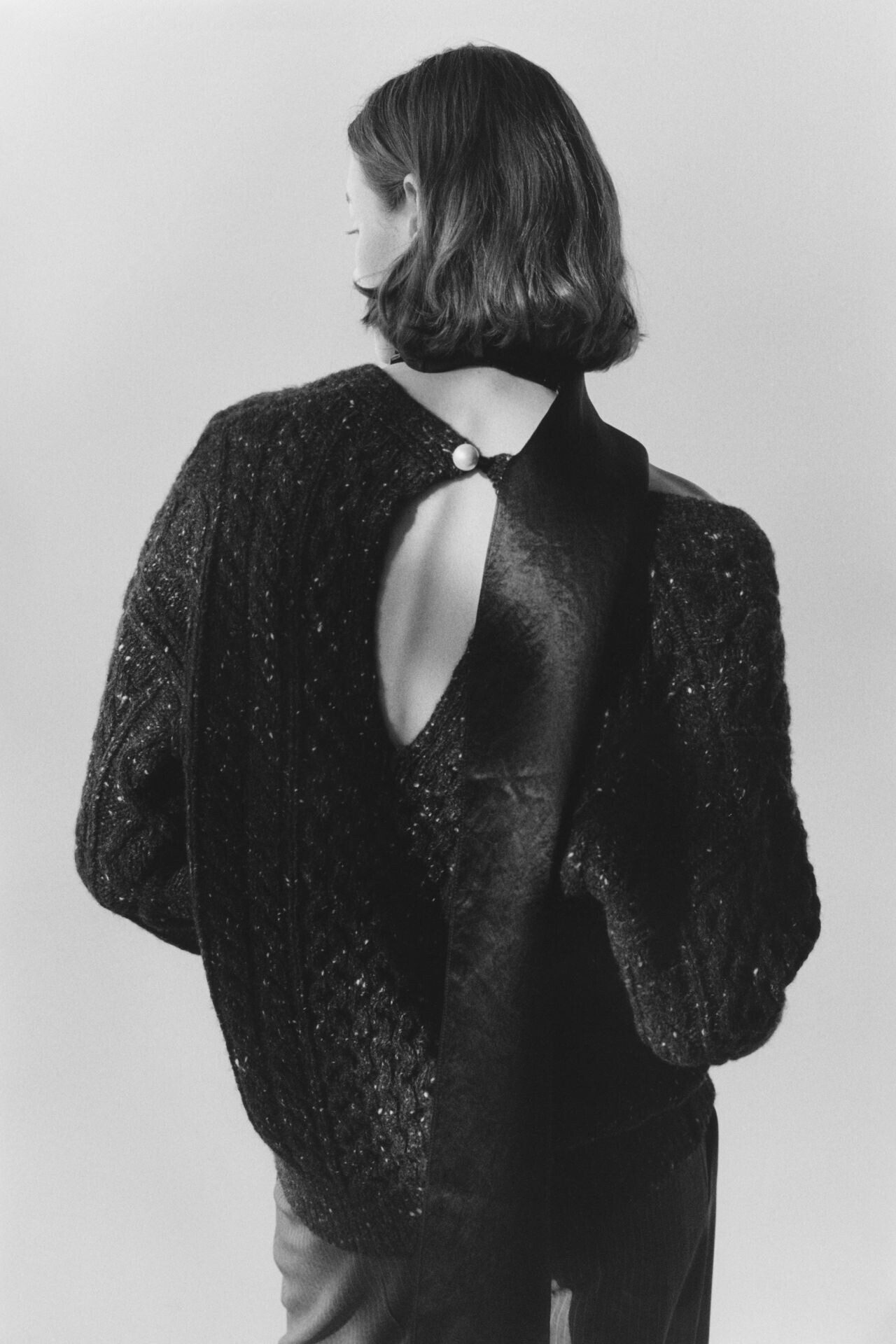
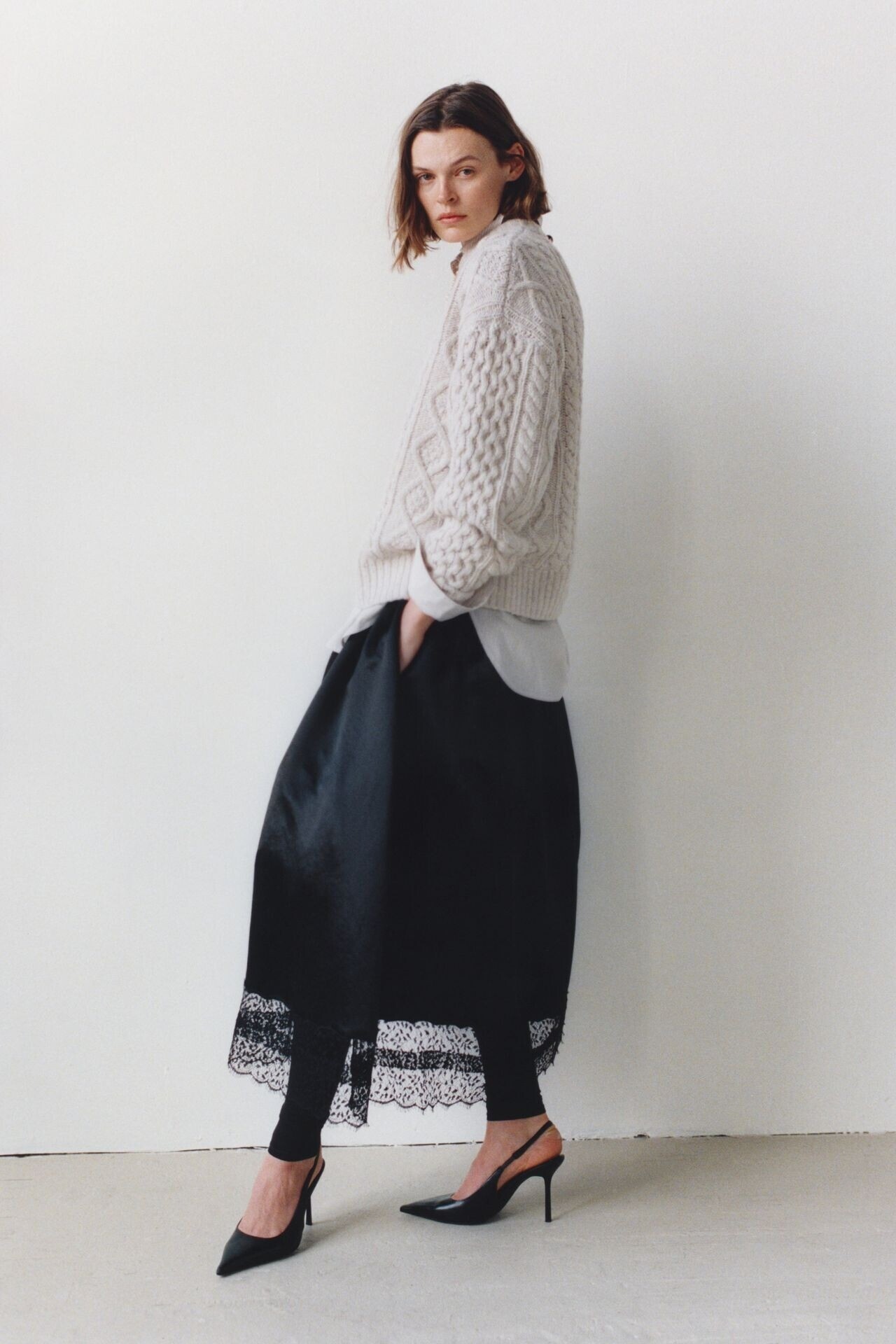
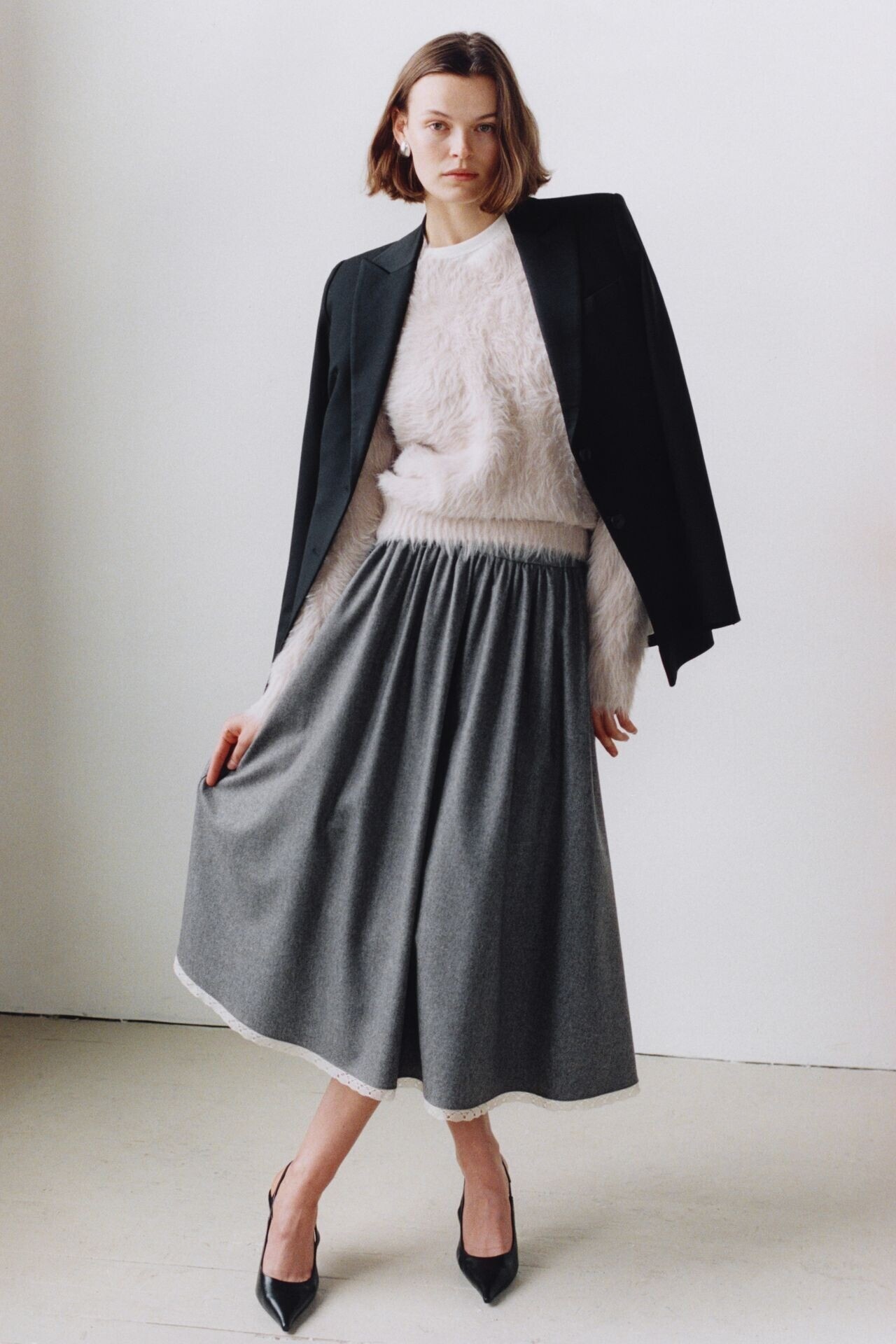
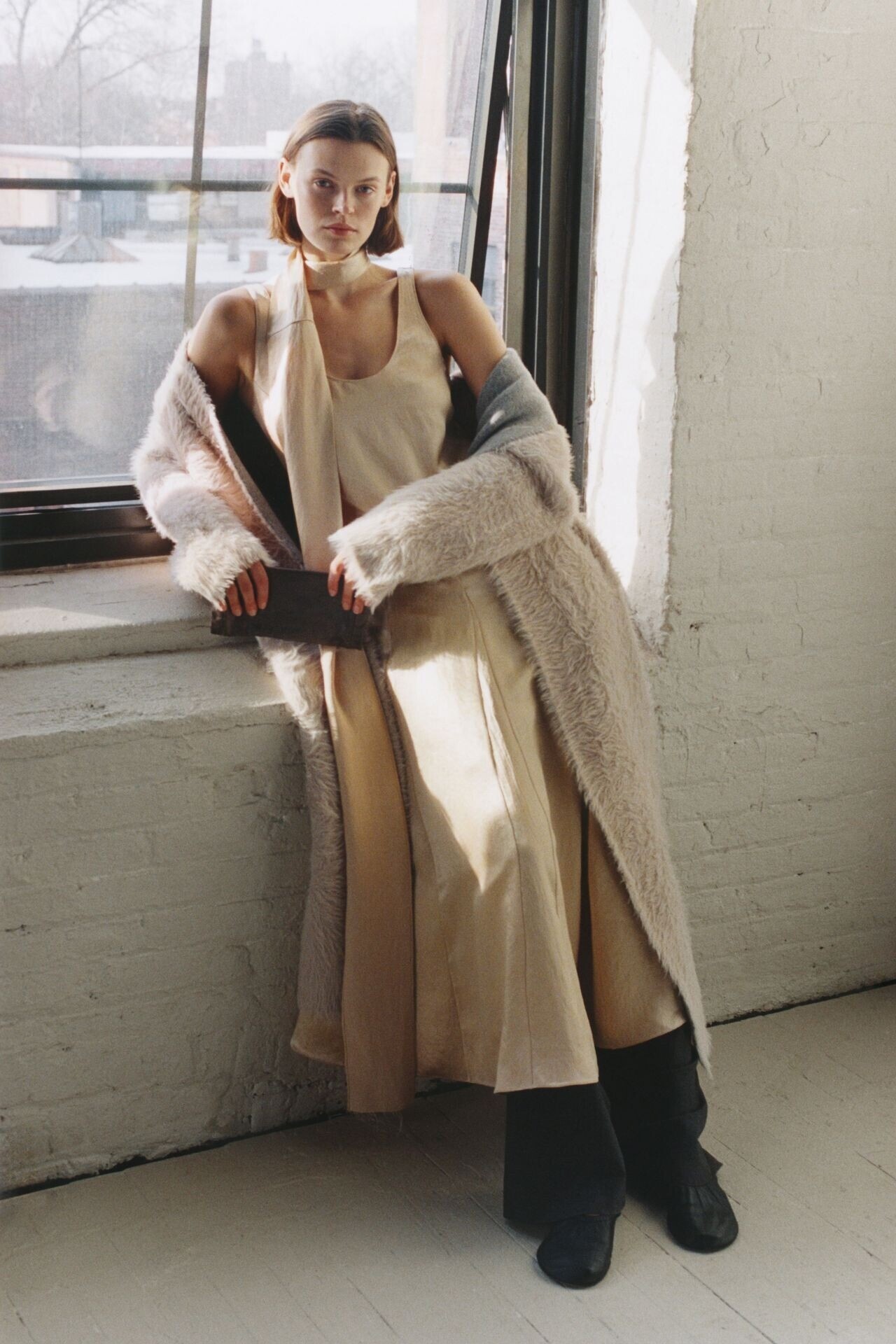
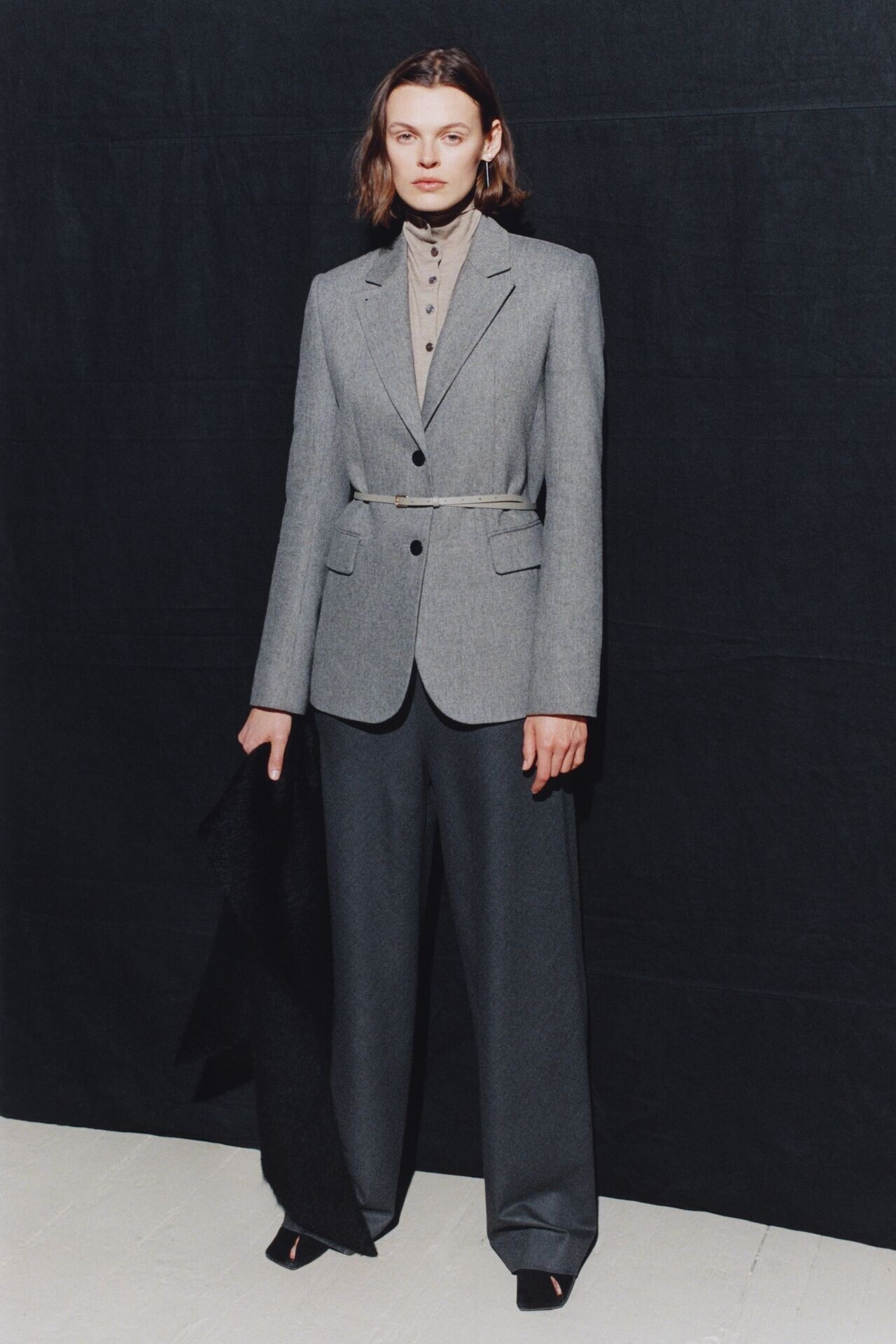
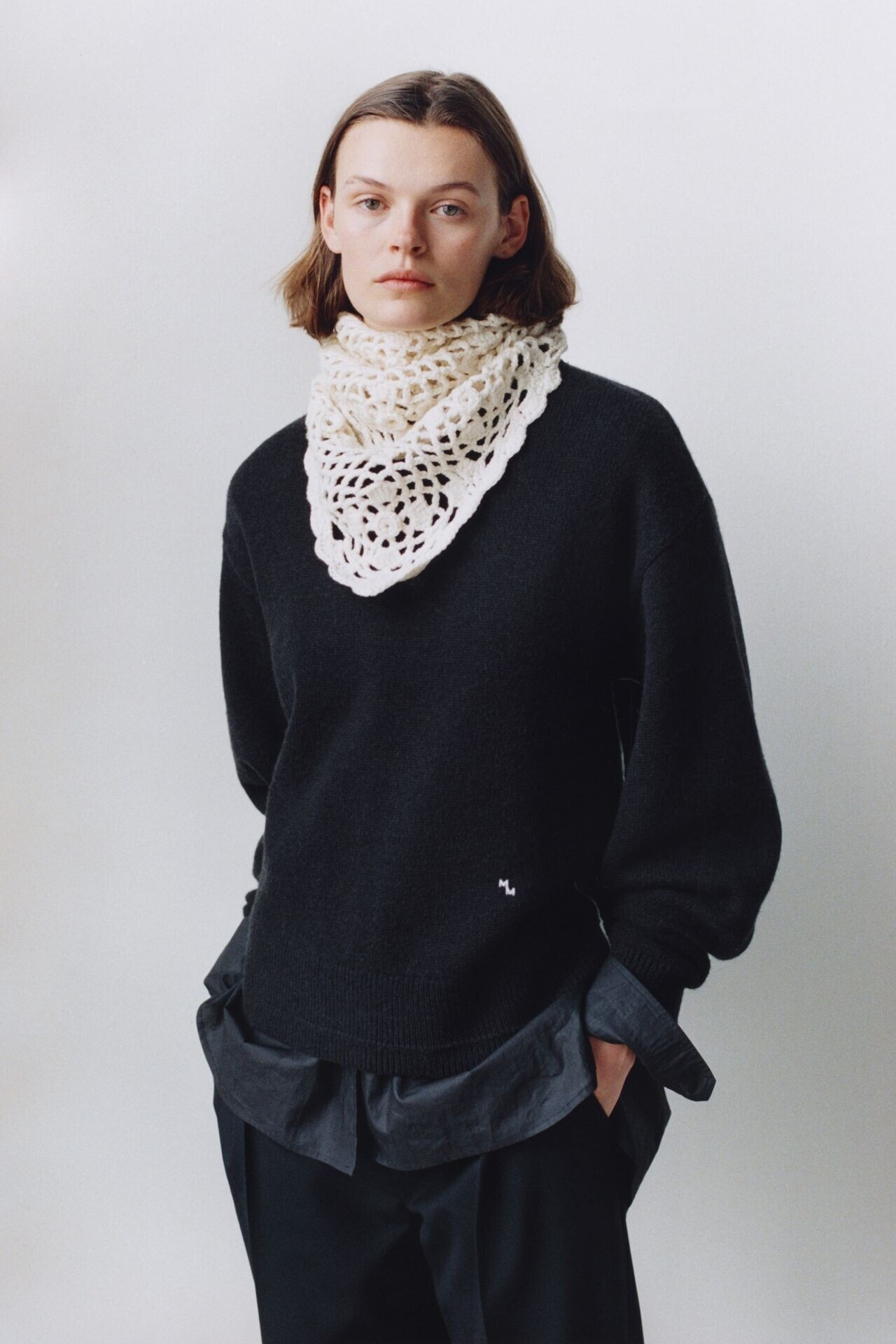
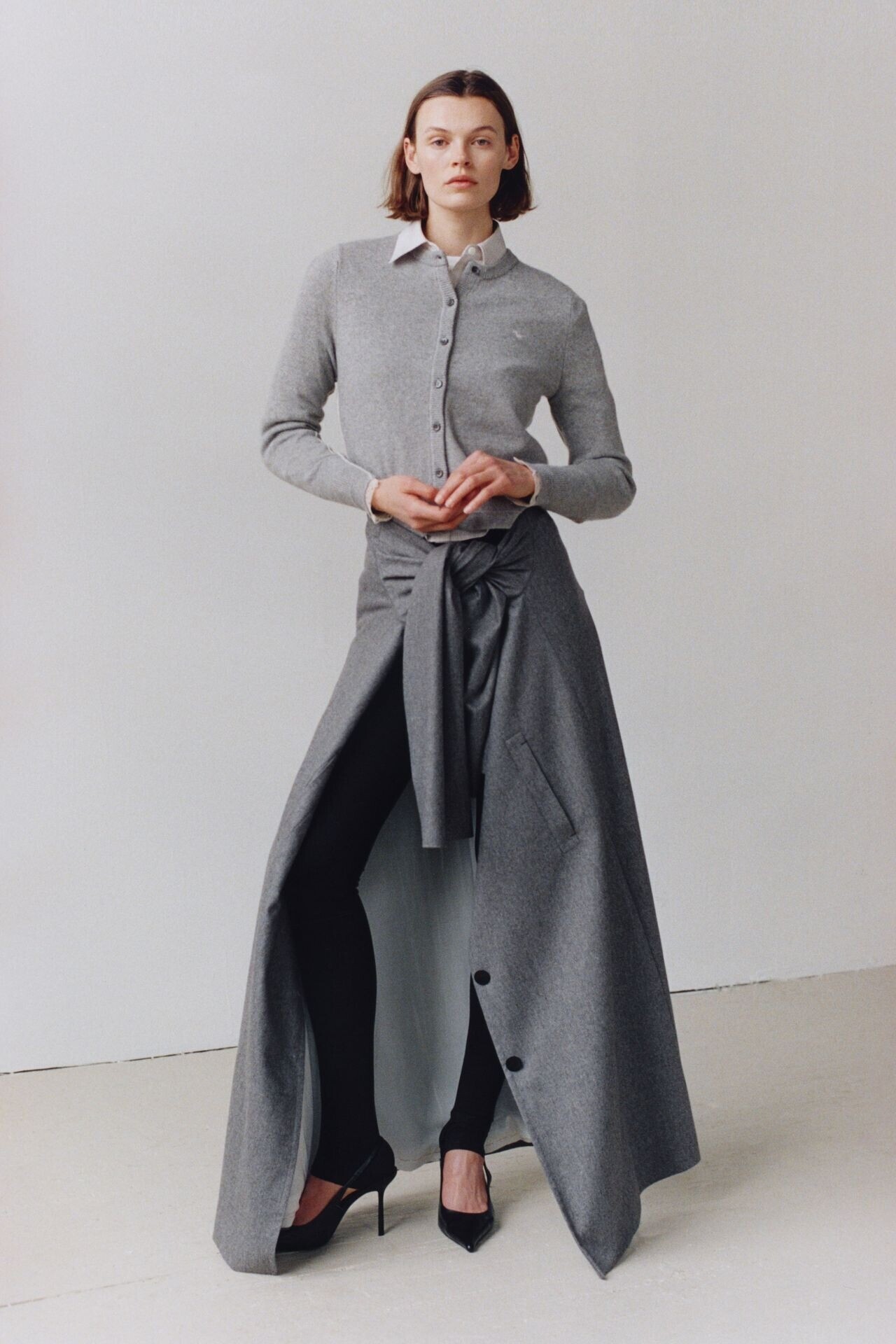
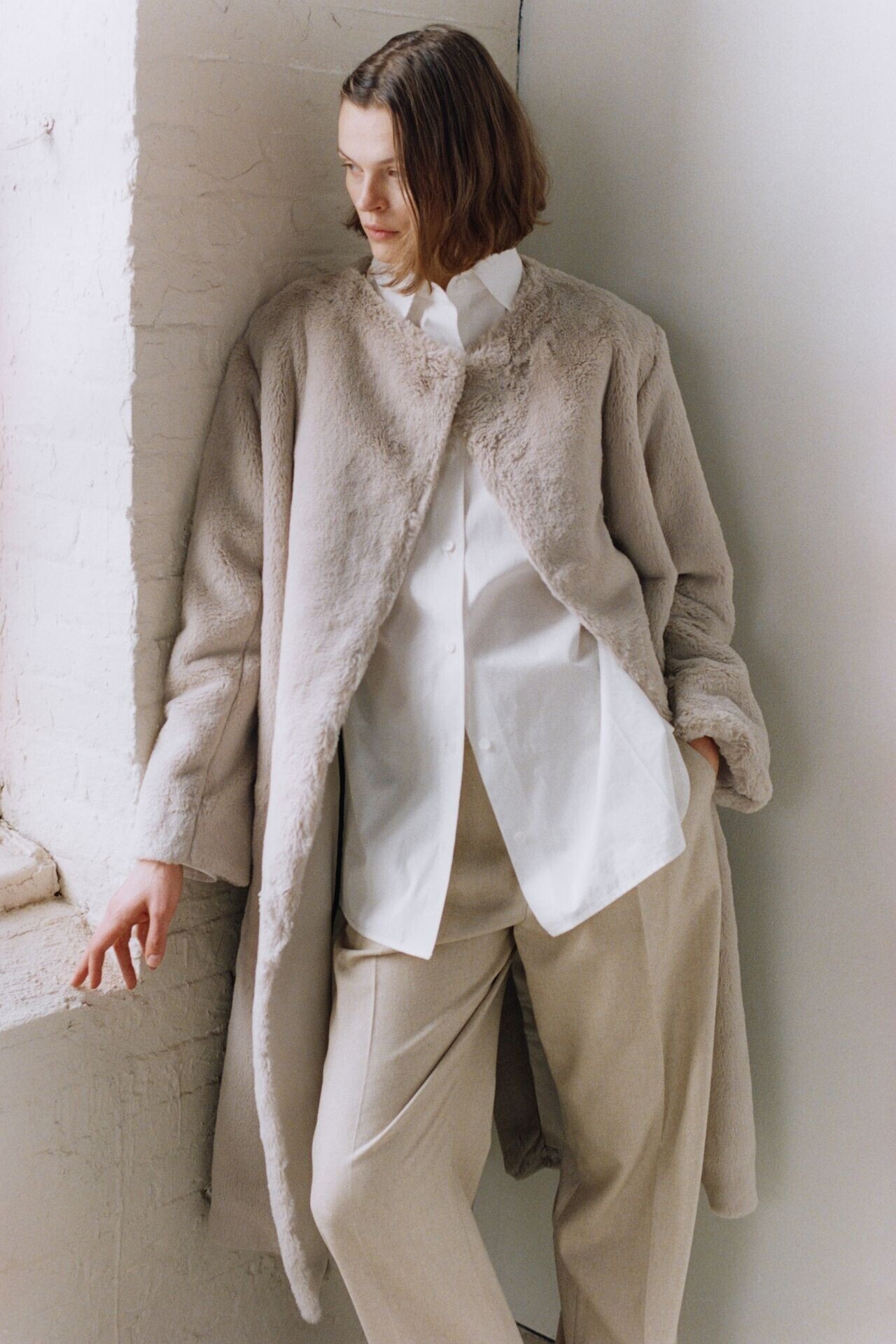
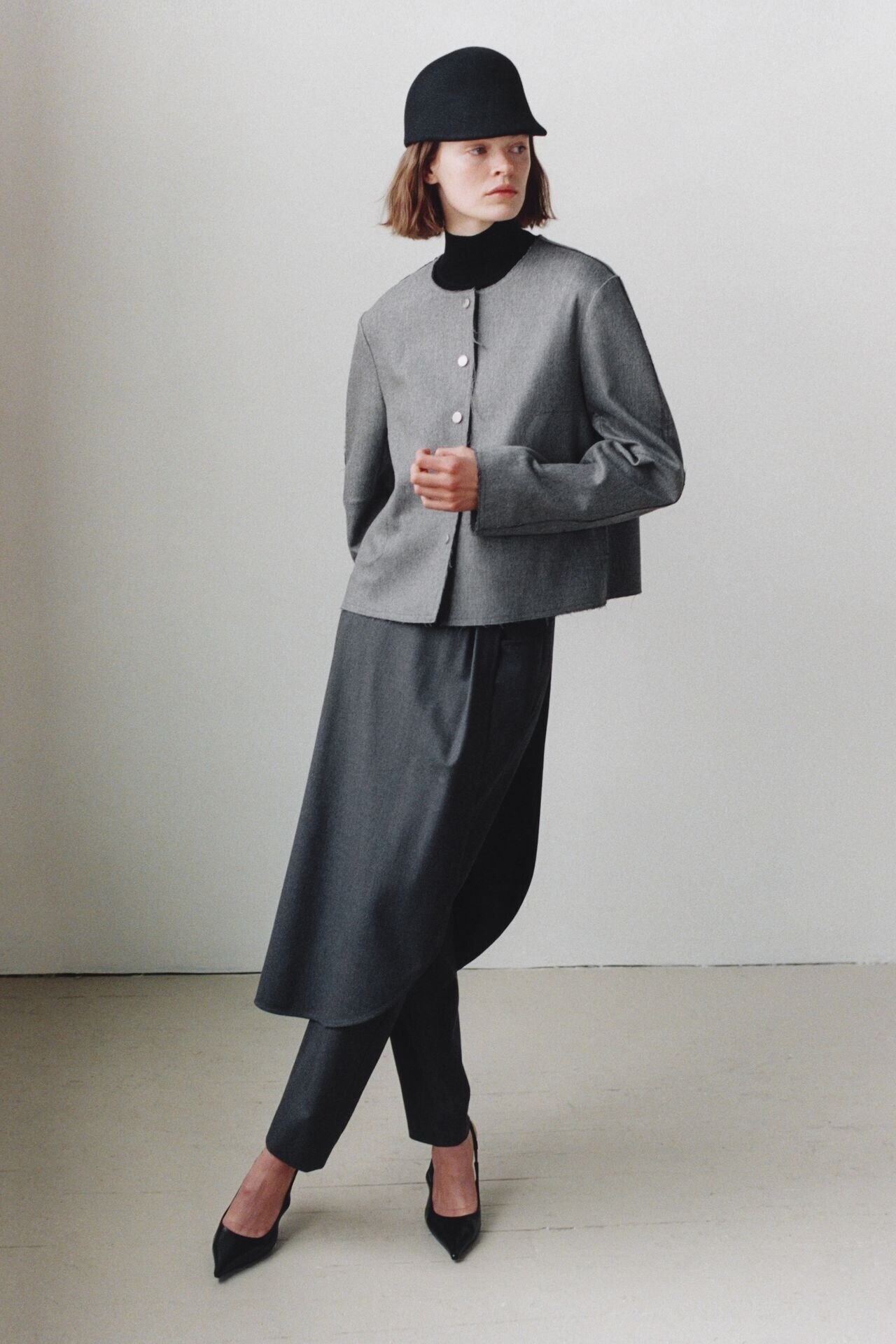
 Maria Mcmanus Fall Winter 2026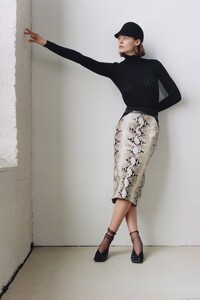

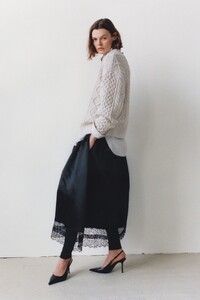
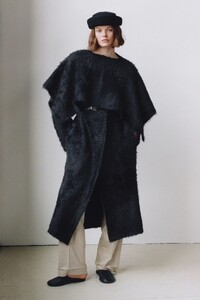

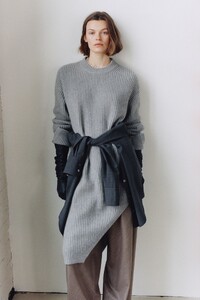
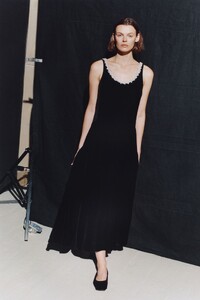
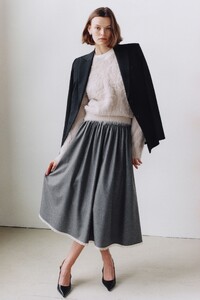
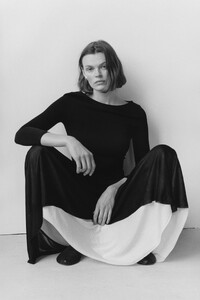

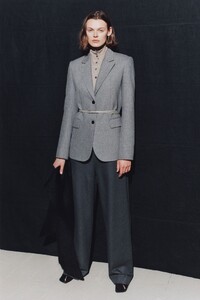
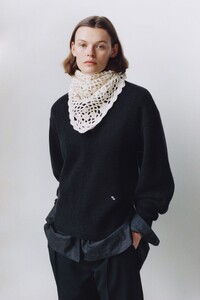
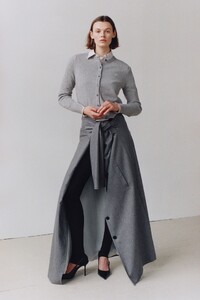

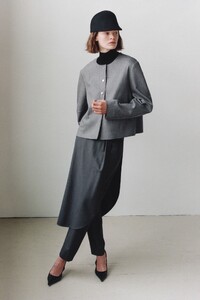 imitation of christ s/s 2005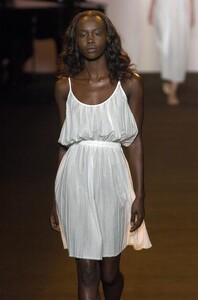
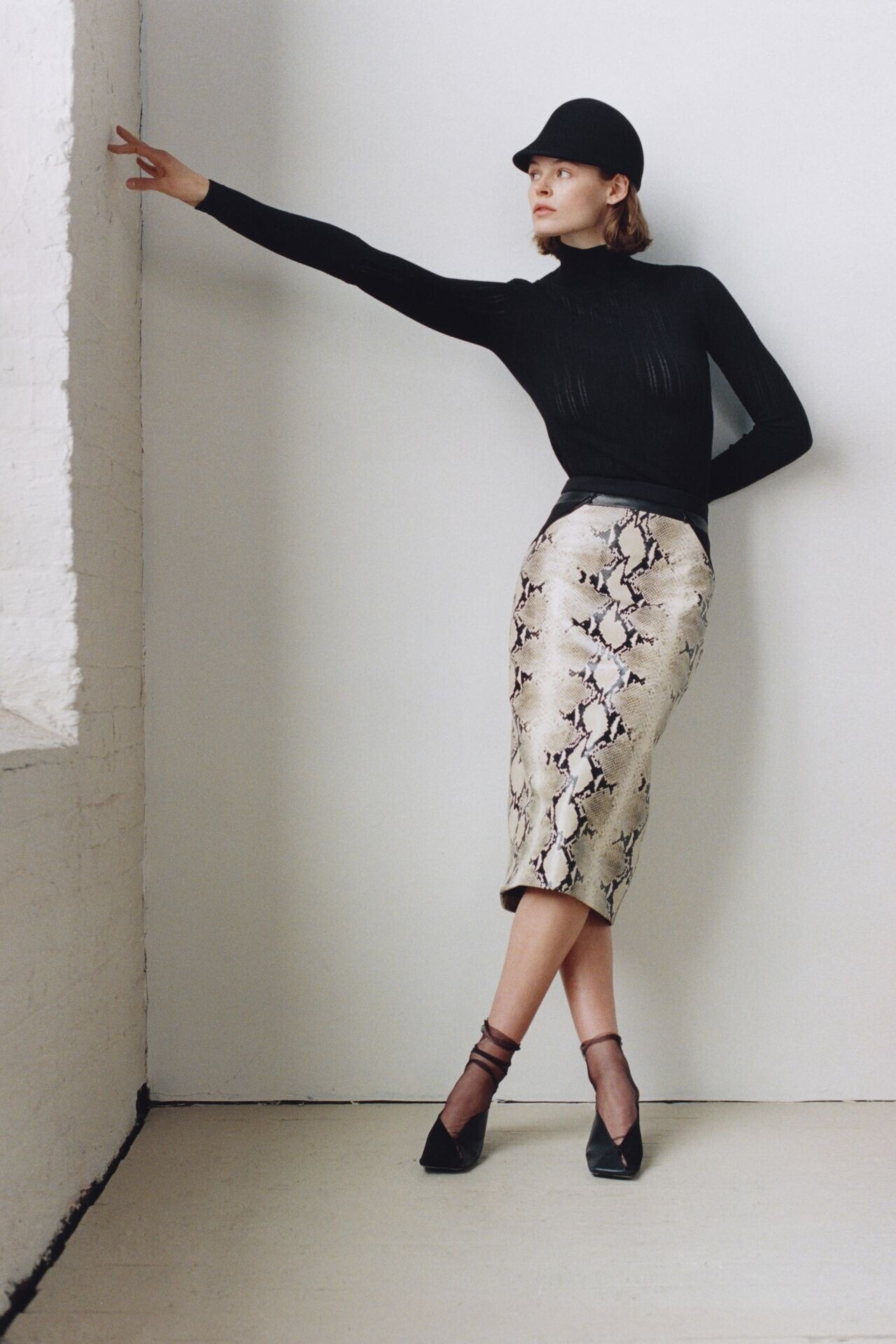
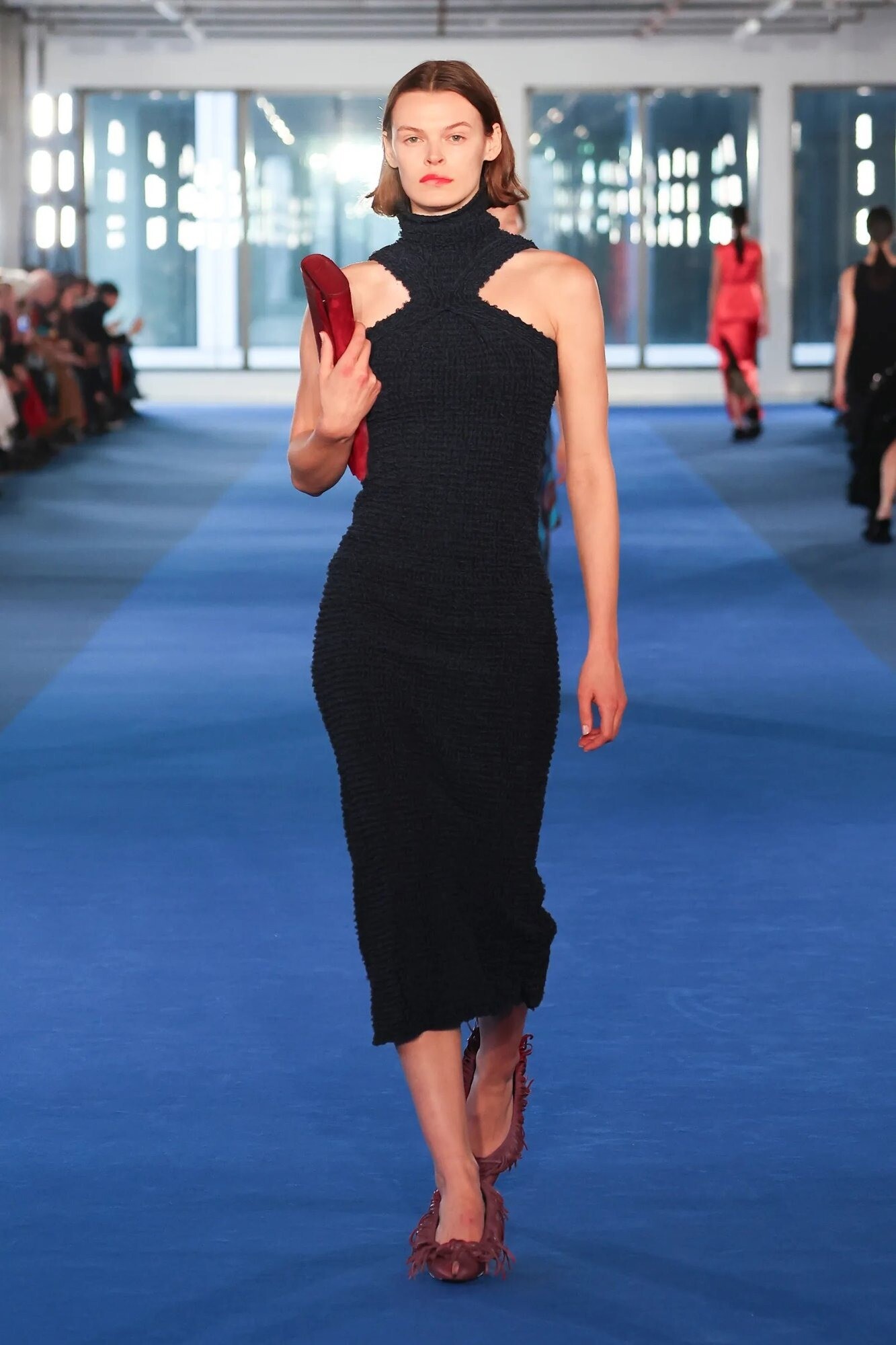
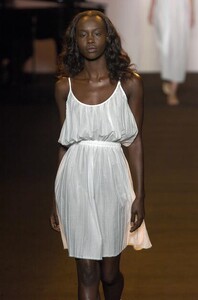 Proenza Schouler F/W 26
 thank you very much
 Zoe Gegout.mp4
Kasia Galaska 11.mp4 bikini walk
Zoe Gegout.mp4
Kasia Galaska 11.mp4 bikini walk- Today
 The US' most significant export is not even goods/services but the US dollar & treasuries. This is the 'tax' it collects from the rest of the world so it can run deficit spending. Naturally this cannot go on for another hundred years if the US military is no longer considered the best in the world and the US economy's problems continue.. It is common knowledge in the US that de-industrialization destroyed the real economy. The problem is the radical de-industrialization of the late 1970s- 2000s is easy to do but re-industrialization takes decades. Trump must know this and the tariffs was always just optics/theatrics to satisfy blue collar supporters.
Eliza Finskaya - Wilhelmina.mp4
The US' most significant export is not even goods/services but the US dollar & treasuries. This is the 'tax' it collects from the rest of the world so it can run deficit spending. Naturally this cannot go on for another hundred years if the US military is no longer considered the best in the world and the US economy's problems continue.. It is common knowledge in the US that de-industrialization destroyed the real economy. The problem is the radical de-industrialization of the late 1970s- 2000s is easy to do but re-industrialization takes decades. Trump must know this and the tariffs was always just optics/theatrics to satisfy blue collar supporters.
Eliza Finskaya - Wilhelmina.mp4 @J3diTwins99 Google says she is Gillian Nation - confirmed by matching tattoo https://www.instagram.com/gillian_nation/?hl=en
5
@J3diTwins99 Google says she is Gillian Nation - confirmed by matching tattoo https://www.instagram.com/gillian_nation/?hl=en
5




Account
Navigation
Search
Configure browser push notifications
Chrome (Android)
- Tap the lock icon next to the address bar.
- Tap Permissions → Notifications.
- Adjust your preference.
Chrome (Desktop)
- Click the padlock icon in the address bar.
- Select Site settings.
- Find Notifications and adjust your preference.
Safari (iOS 16.4+)
- Ensure the site is installed via Add to Home Screen.
- Open Settings App → Notifications.
- Find your app name and adjust your preference.
Safari (macOS)
- Go to Safari → Preferences.
- Click the Websites tab.
- Select Notifications in the sidebar.
- Find this website and adjust your preference.
Edge (Android)
- Tap the lock icon next to the address bar.
- Tap Permissions.
- Find Notifications and adjust your preference.
Edge (Desktop)
- Click the padlock icon in the address bar.
- Click Permissions for this site.
- Find Notifications and adjust your preference.
Firefox (Android)
- Go to Settings → Site permissions.
- Tap Notifications.
- Find this site in the list and adjust your preference.
Firefox (Desktop)
- Open Firefox Settings.
- Search for Notifications.
- Find this site in the list and adjust your preference.