All Activity
- Past hour
-
 exte ss2004

-
exte s/s 2004

-
blumarine ss2004


-
Blumarine SS04


-
 'Hawkeye' Interviews With Jeremy Renner, Hailee Steinfeld & More! CinemaBlend
 -

-
-
 delrey5 joined the community
 -
Slavic coded video

-

 IG stories videos
 ❤️🥰😘 SnapInsta.to_AQMrhhDAOI6DNworFWop2tXAfVjxXUWxJXmPFjVLaoW5_6Q9SxONyjxafnYdSS4ozWc5KdLbcPETsBBMR3BKrd8SI3QRy4rdRQBvfQ4.mp4
 Honey Birdette
 SnapInsta.to_AQNa_XPUMmt7RQTKXKB4aAaQW2rctNEKWHkYughNSJ9GvBz4wBp_-mhmP6-AKQpvygGijuFfspyK1VZLVFRYDoGO.mp4
I'm not a rascal! 💜😊 videos
SnapInsta.to_AQNa_XPUMmt7RQTKXKB4aAaQW2rctNEKWHkYughNSJ9GvBz4wBp_-mhmP6-AKQpvygGijuFfspyK1VZLVFRYDoGO.mp4
I'm not a rascal! 💜😊 videos
 SnapInsta.to_AQMAABxEyV6V1cdOgPCujuslzNSThPmMj5HU_fArYp8MUdpZ_xx3ZKAzDec-ufOOlg7PV5ST5HeVflb2U5DNRmhz.mp4
- Today
 Some More Tropic of C Download (5).mp4 anonyig.io_Instagram__3839007954855349600.mp4 Download (5).mp4 AQNGsPfhzJMmI-IMo31X8WvahqZdJtBcNizvUXqs-l3eVlJkNnRIthmcirz6z5vWRxykRCk7WNKvI85Jd6pJXWUZ.mp4 anonyig.io_Instagram__3837615907636619321.mp4 Download (6).mp4
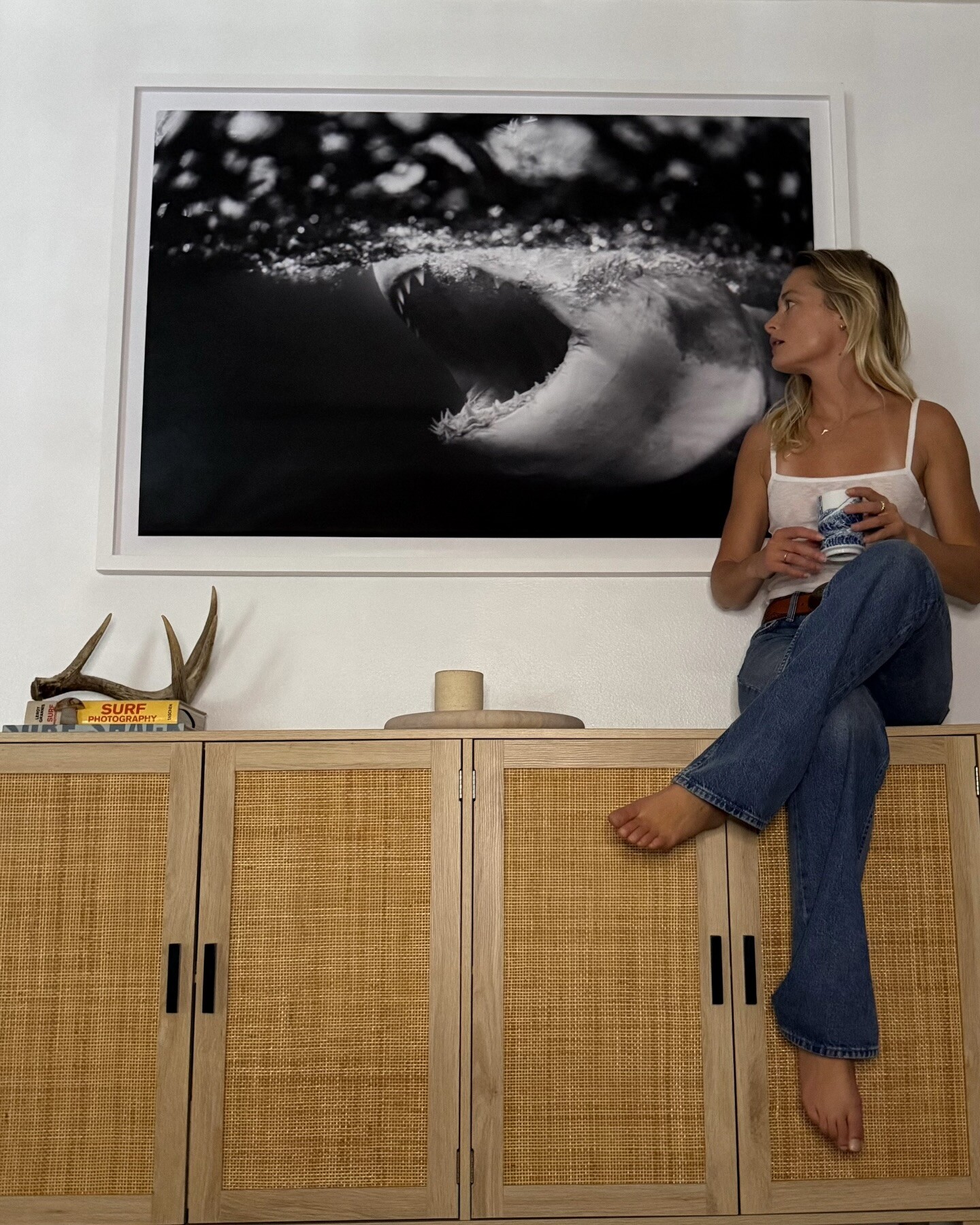
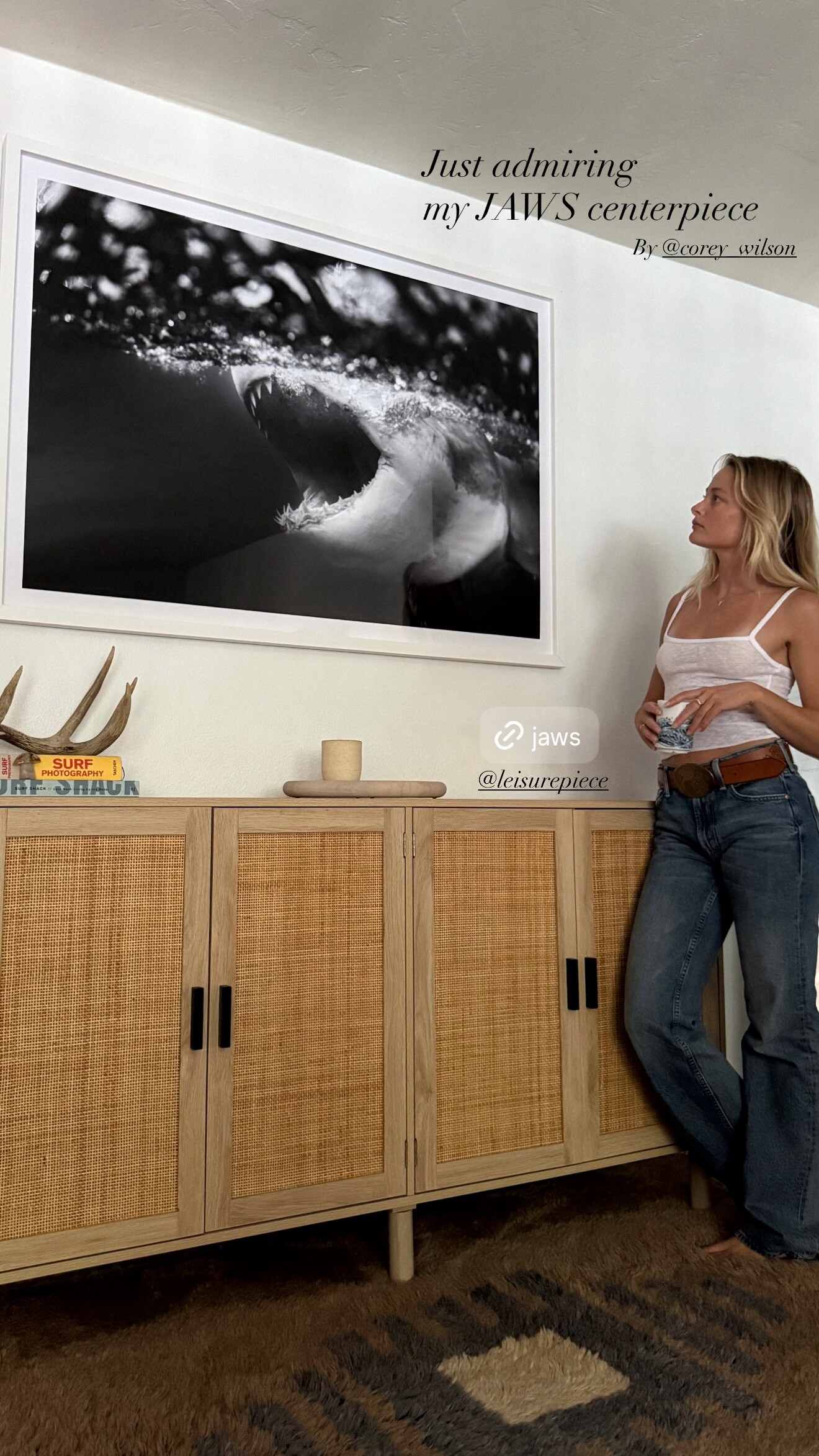
 I love walking in the door and immediately seeing my favorite leisurepiece photos on the wall — our space looks amazing now. The gorgeous pieces were perfectly packaged and arrived ready to hang! My favorite thing about these high-quality prints is that they’re on floating mounts, which look so clean. videos



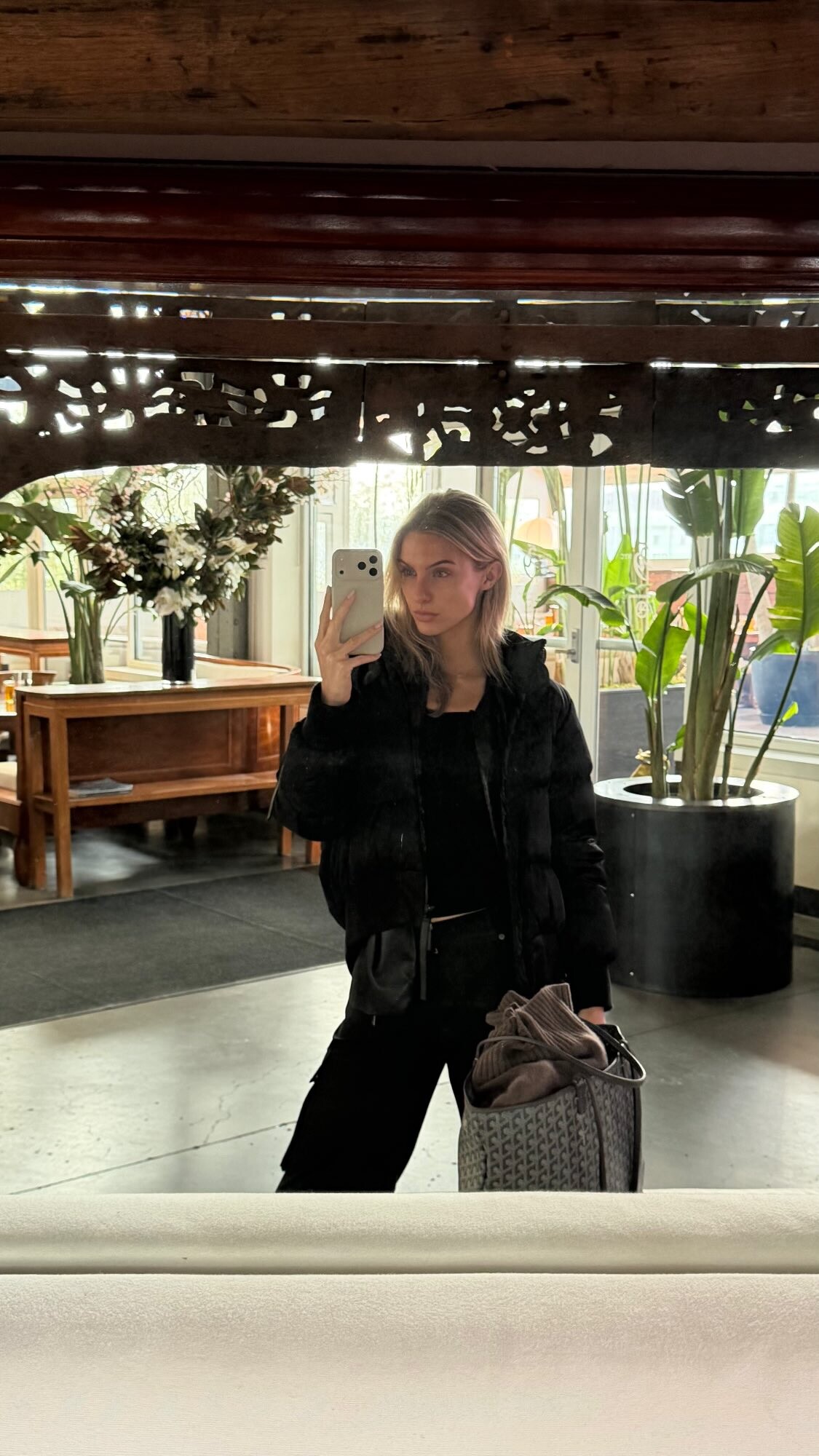
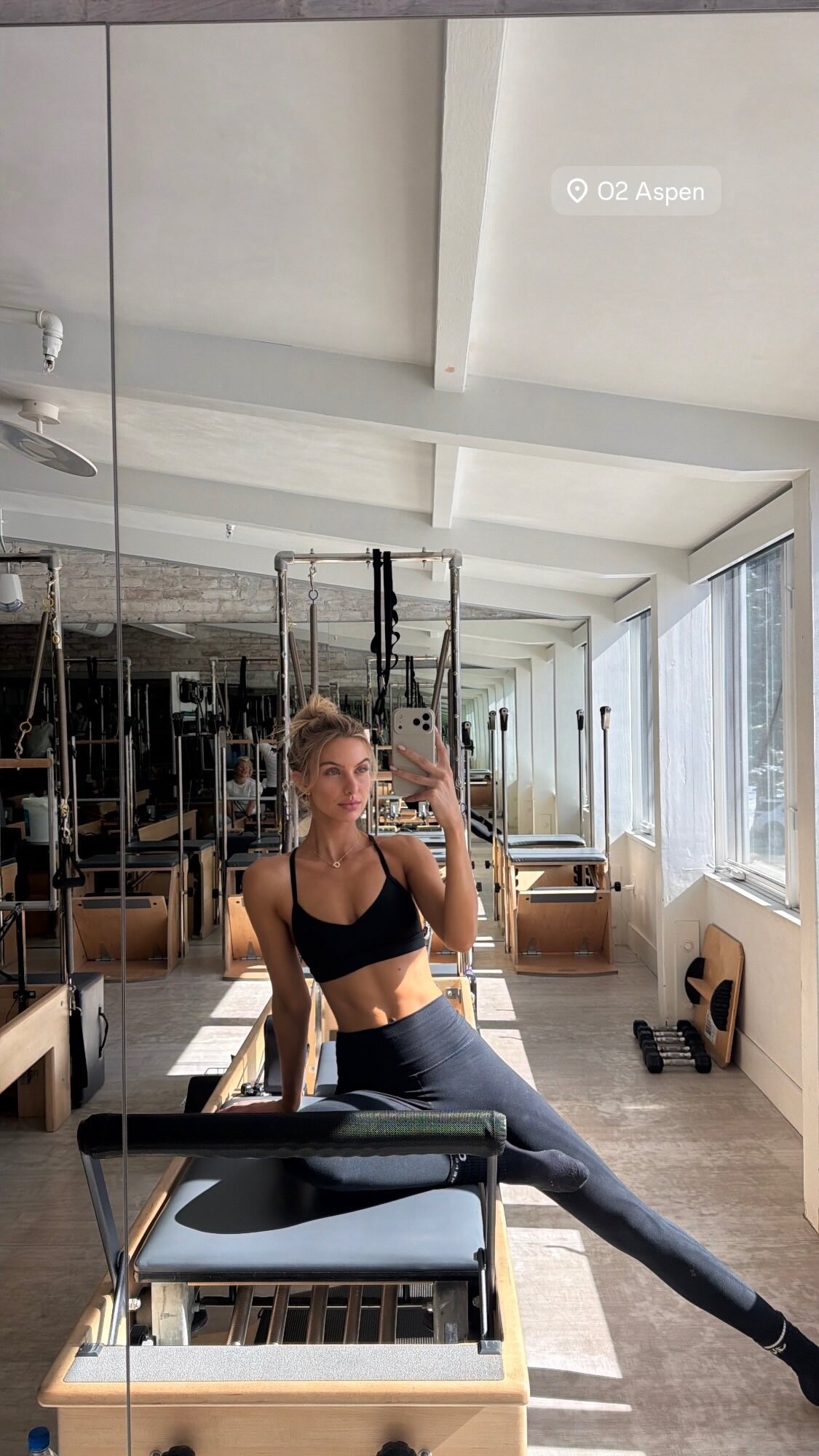
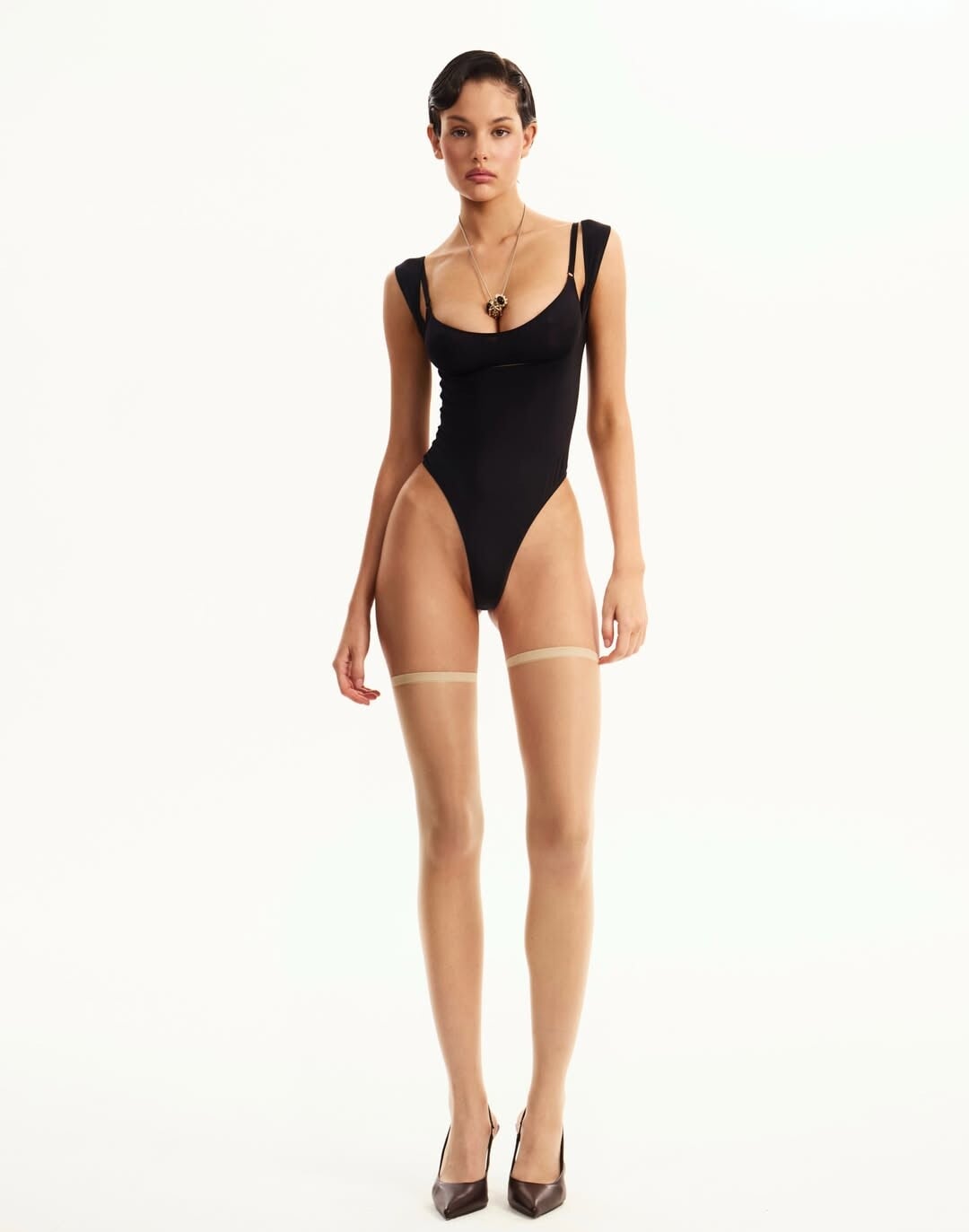
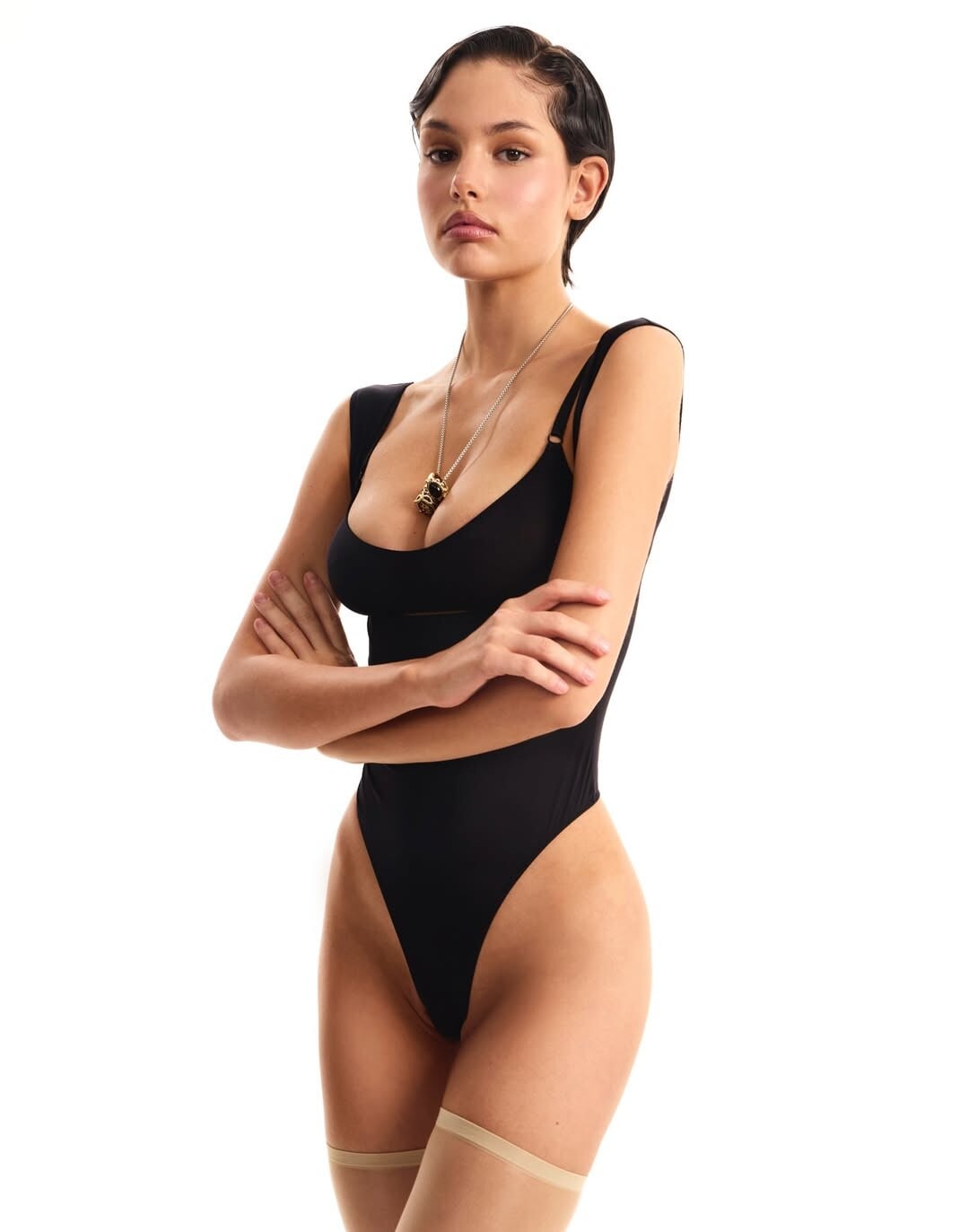
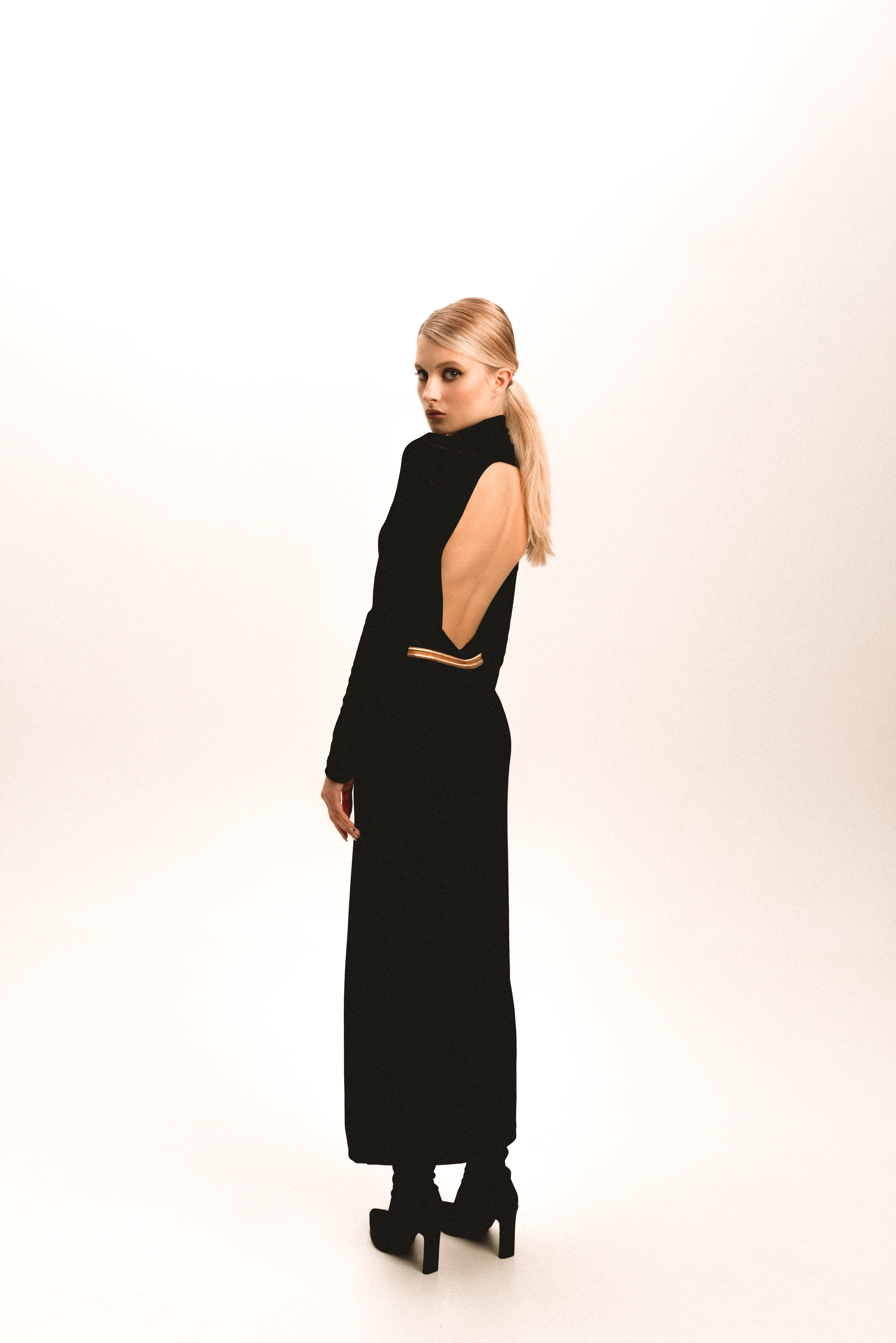
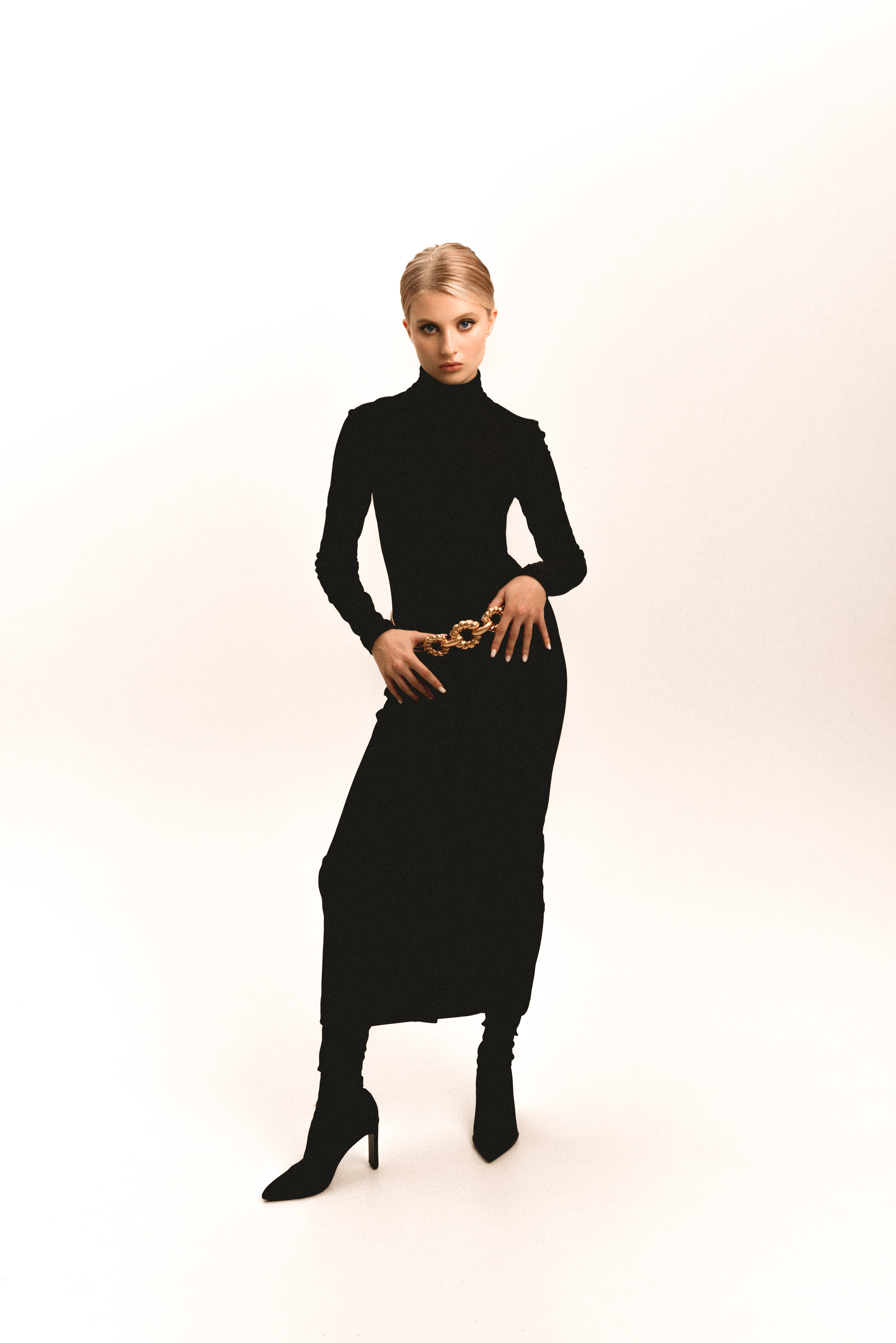
 Any help with her Id and name?
 Closer Couture




















































Account
Navigation
Search
Configure browser push notifications
Chrome (Android)
- Tap the lock icon next to the address bar.
- Tap Permissions → Notifications.
- Adjust your preference.
Chrome (Desktop)
- Click the padlock icon in the address bar.
- Select Site settings.
- Find Notifications and adjust your preference.
Safari (iOS 16.4+)
- Ensure the site is installed via Add to Home Screen.
- Open Settings App → Notifications.
- Find your app name and adjust your preference.
Safari (macOS)
- Go to Safari → Preferences.
- Click the Websites tab.
- Select Notifications in the sidebar.
- Find this website and adjust your preference.
Edge (Android)
- Tap the lock icon next to the address bar.
- Tap Permissions.
- Find Notifications and adjust your preference.
Edge (Desktop)
- Click the padlock icon in the address bar.
- Click Permissions for this site.
- Find Notifications and adjust your preference.
Firefox (Android)
- Go to Settings → Site permissions.
- Tap Notifications.
- Find this site in the list and adjust your preference.
Firefox (Desktop)
- Open Firefox Settings.
- Search for Notifications.
- Find this site in the list and adjust your preference.