All Activity
- Past hour
-
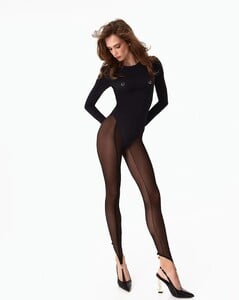
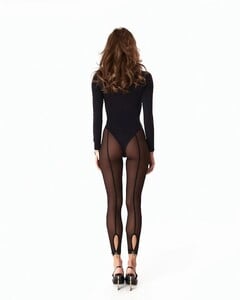
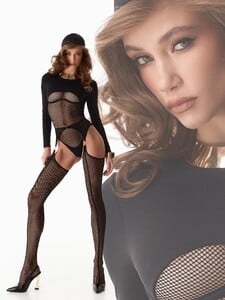
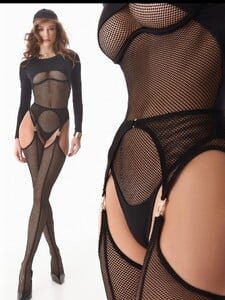
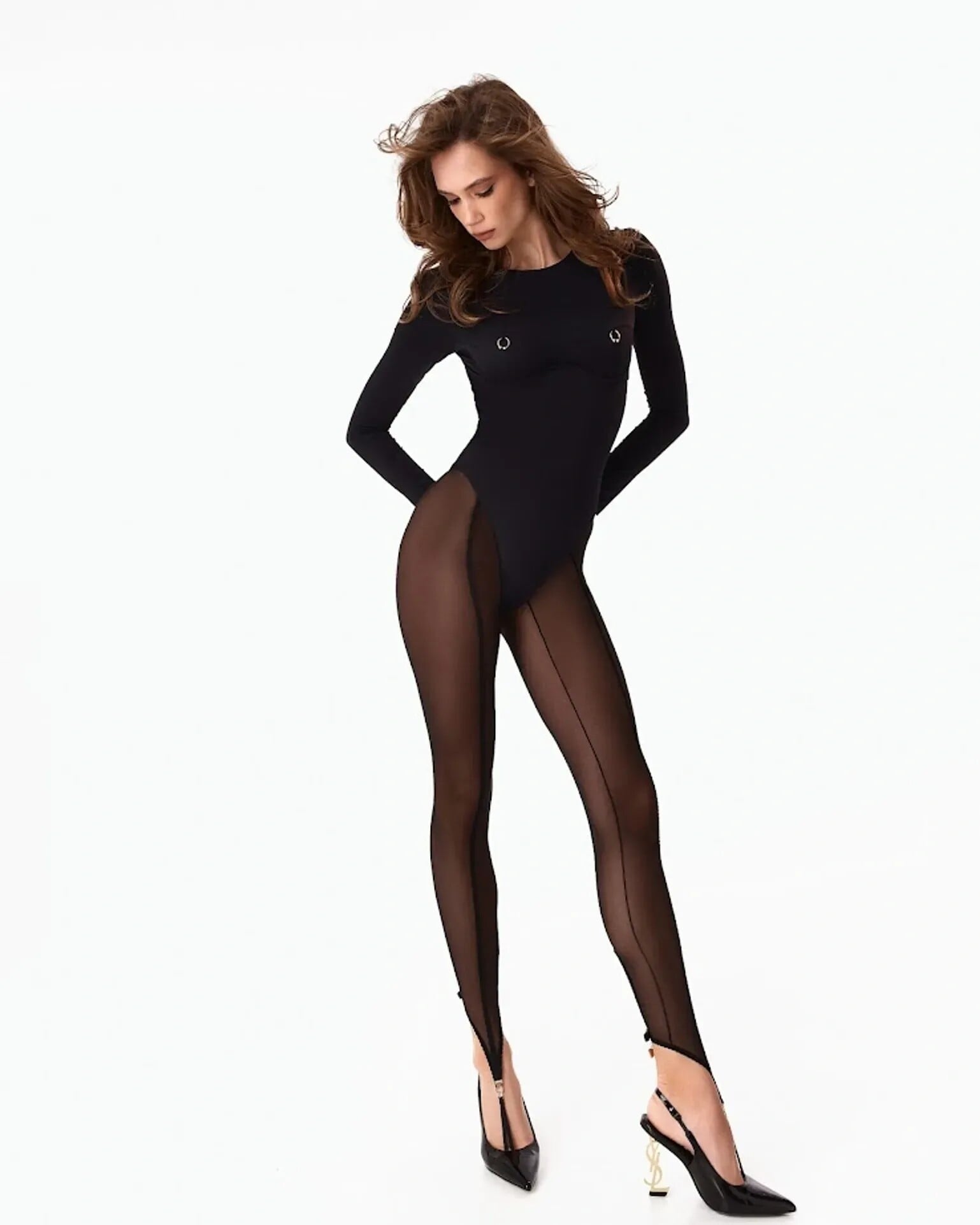
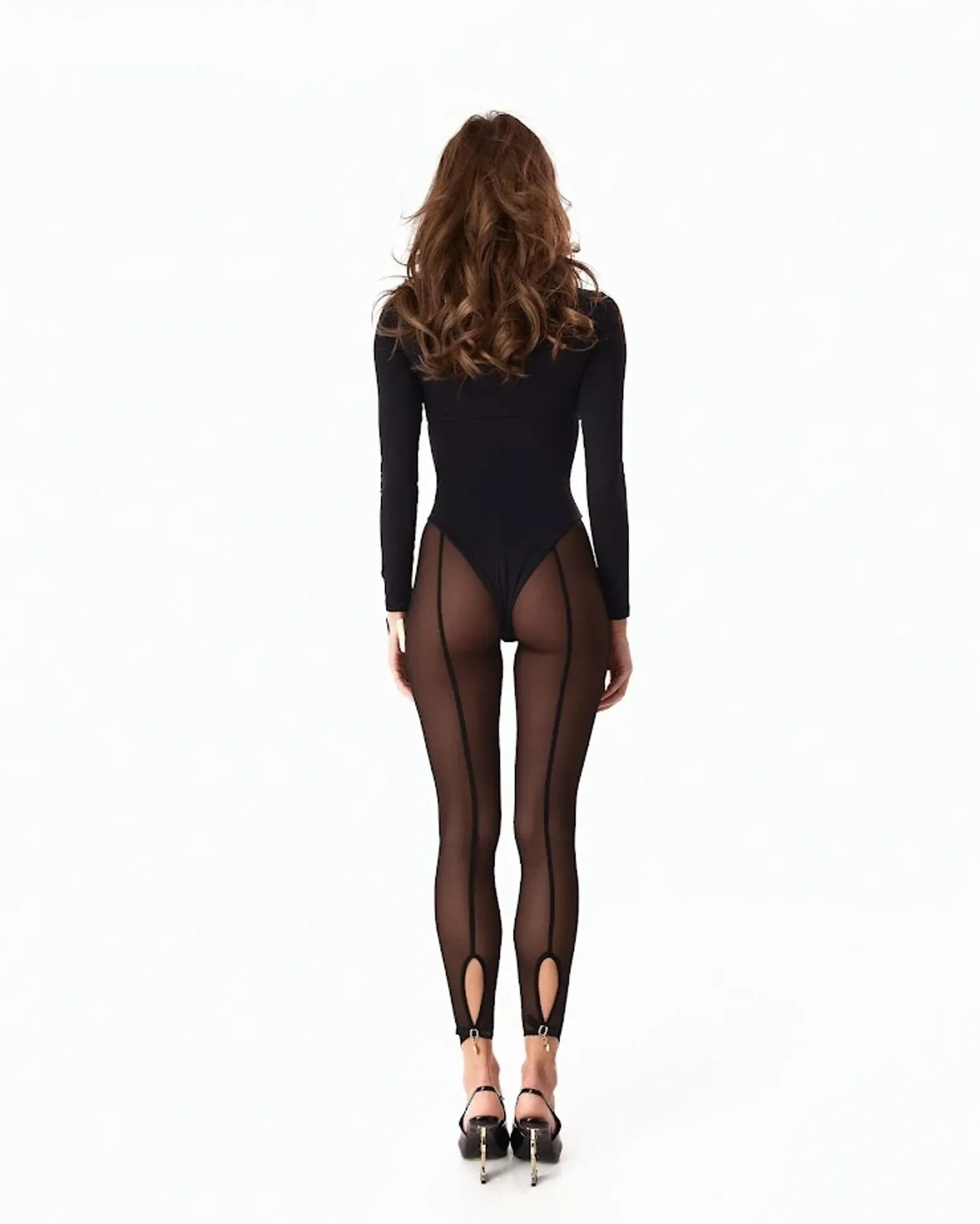
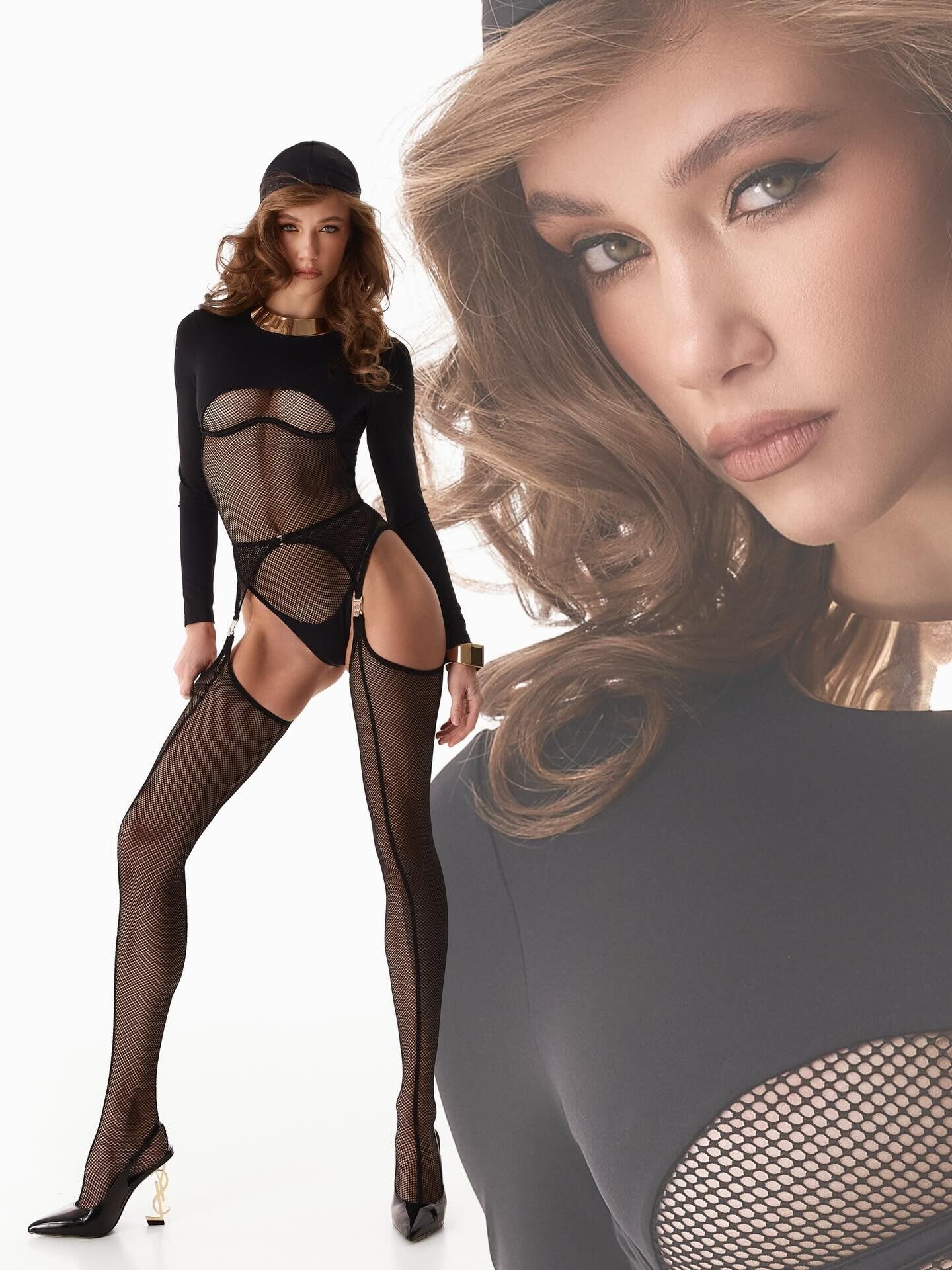
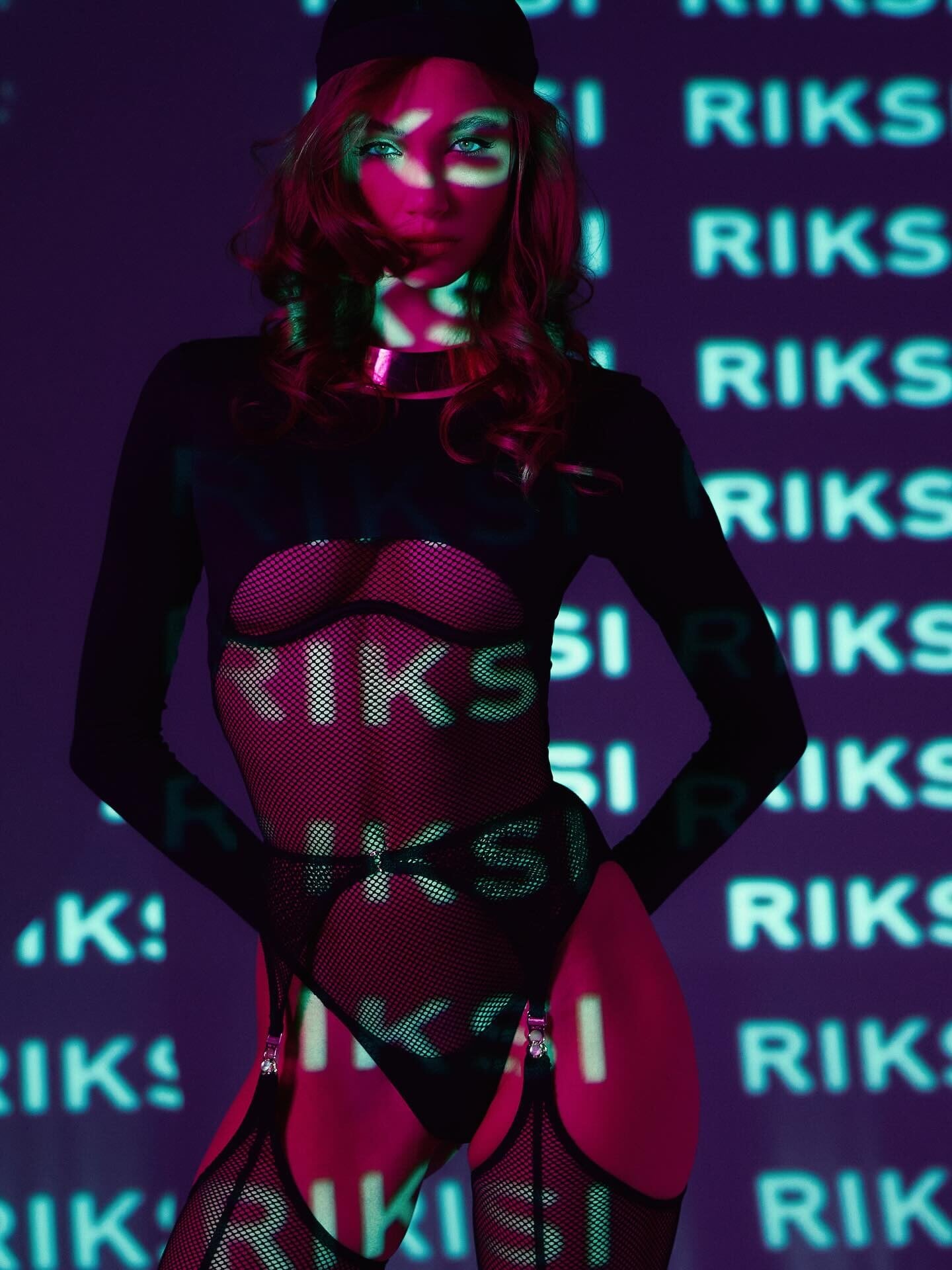
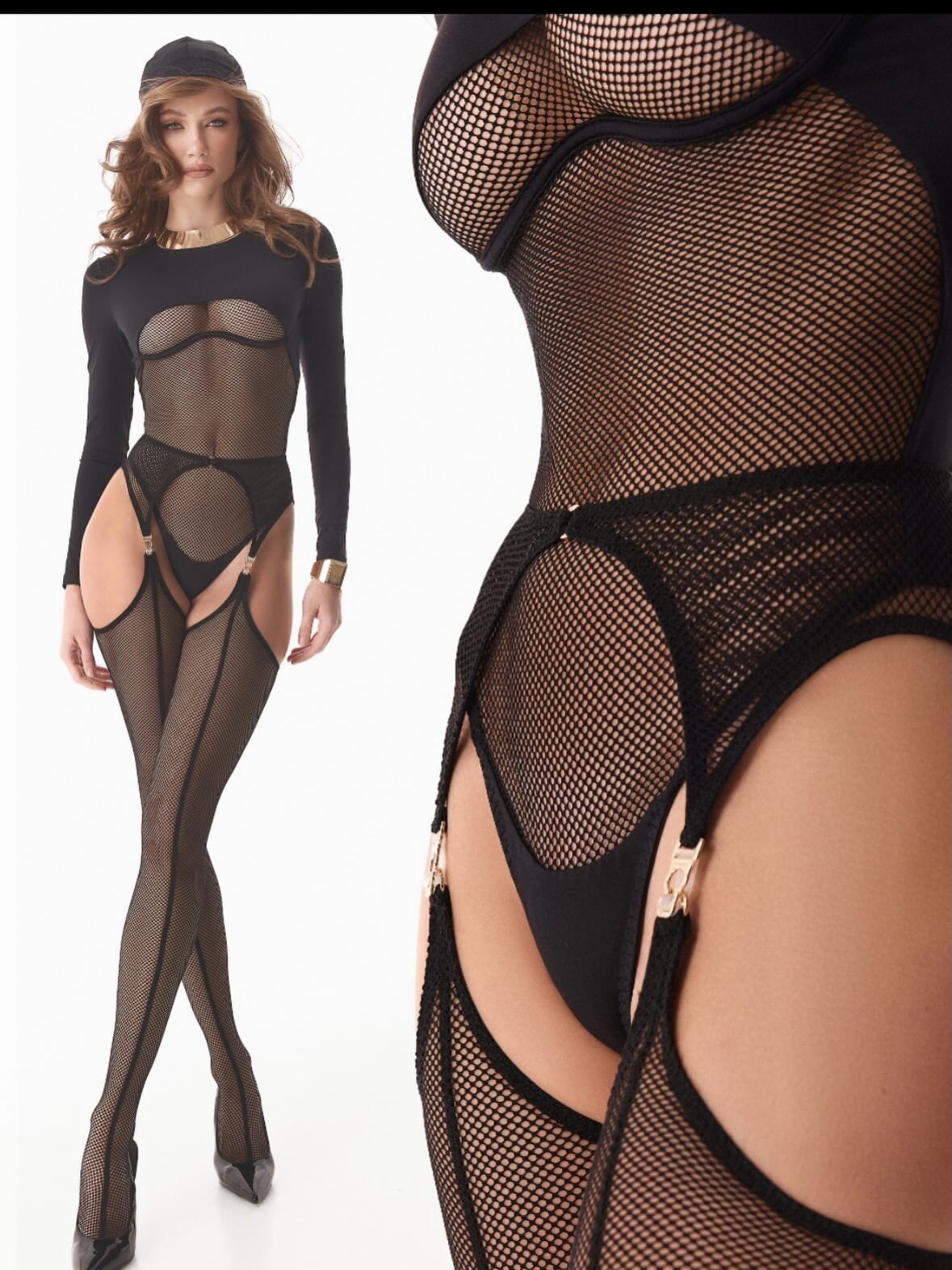
 Svitlana Samoilenko📷\RIKSI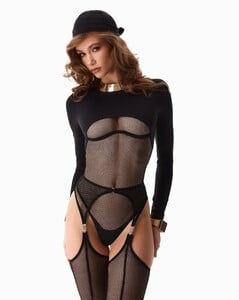
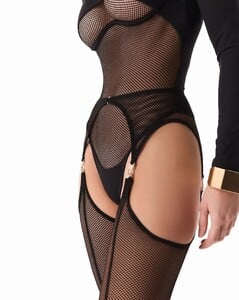
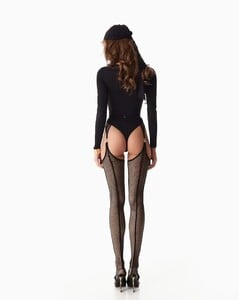
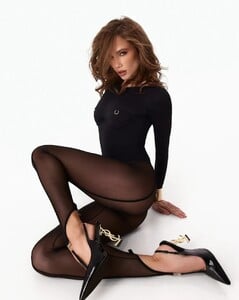

-
 thirdlove7597506881929694494_original.mp4
 -
.jpg.ae5a19b79cbc4b403a7ae81fcbda55f7_cropped(2).thumb.png.bcf791fab378ac84d9176d17773d5c7e.png) Instagram | marcmena Final chapter of The Strangers done. Three movies, zero mercy. You crushed it, madelame 🔥🎬 Video SnapInsta.to_AQM7AY2JbT6RhZYlmv-CbCcAexsGf9RFndVC_4ggItxPuttNPsbZ7pFvo4V3eoXi93B2xgPIALjVIMWwISAplvGX.mp4
Instagram | marcmena Final chapter of The Strangers done. Three movies, zero mercy. You crushed it, madelame 🔥🎬 Video SnapInsta.to_AQM7AY2JbT6RhZYlmv-CbCcAexsGf9RFndVC_4ggItxPuttNPsbZ7pFvo4V3eoXi93B2xgPIALjVIMWwISAplvGX.mp4

-
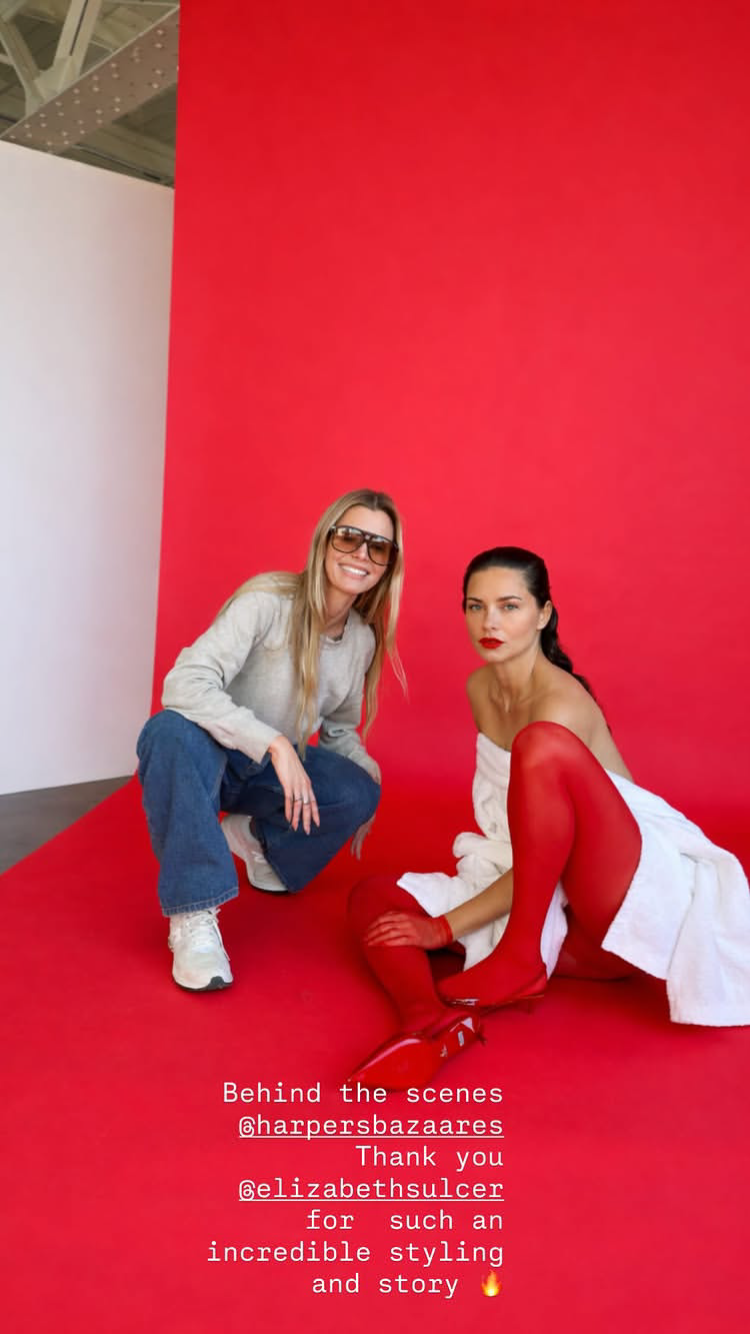
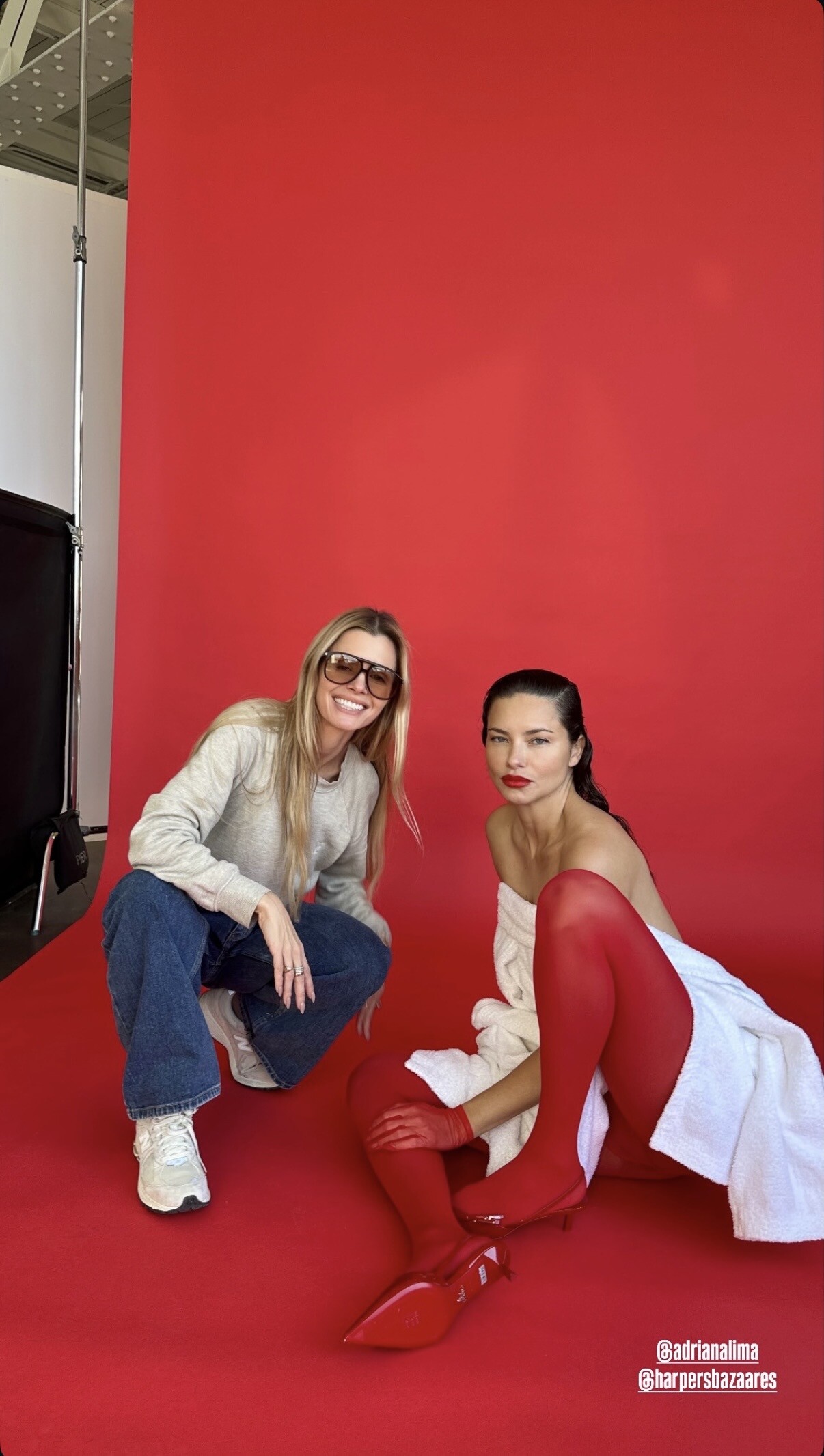
 Slightly different by elizabethsulcer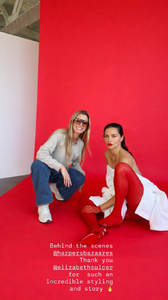

-
 Luciana y Nicolas.
 -


- Today

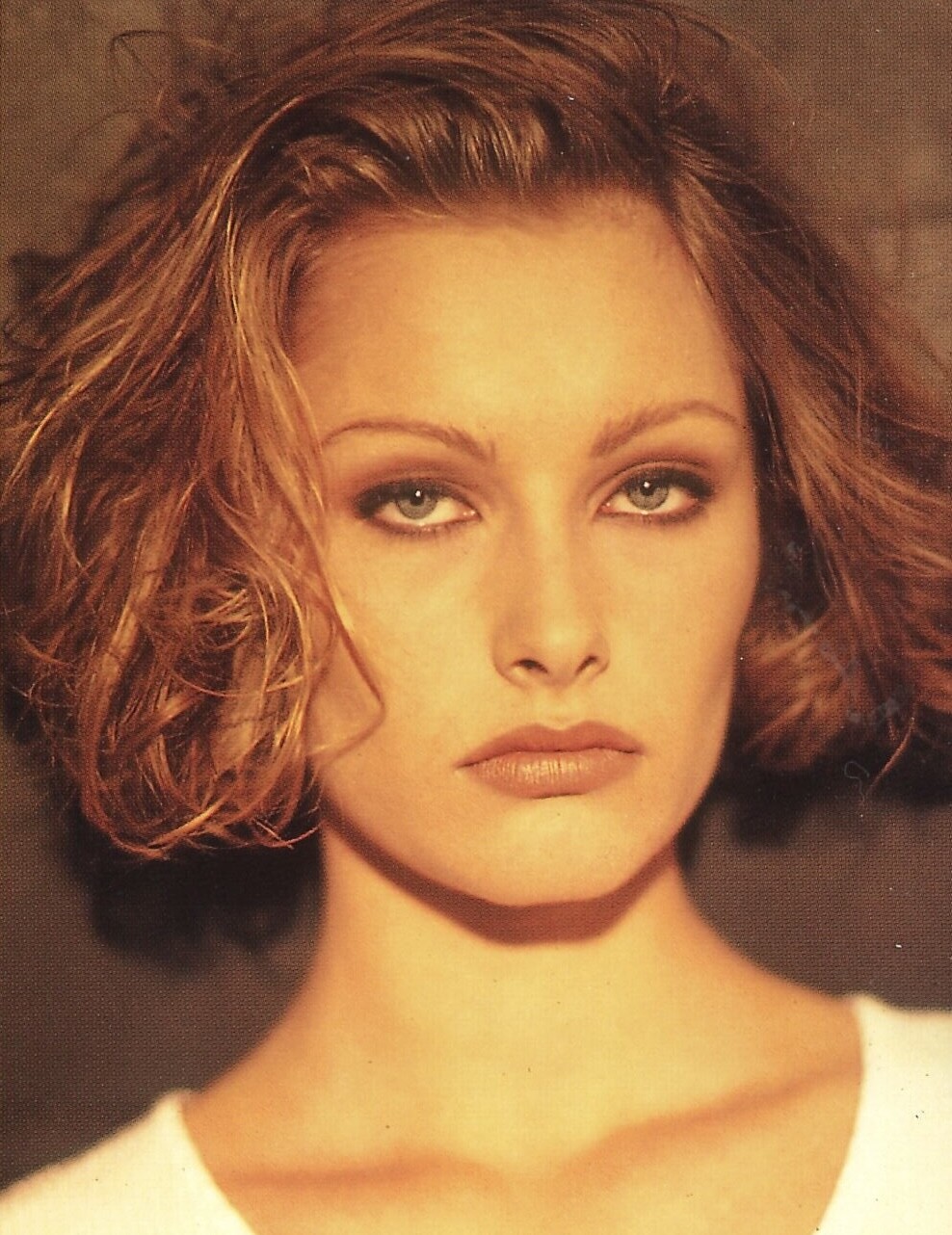
 HELENE BEHR Helene Behr was a Danish model that was active all through the 1990s. She was discovered by Scandinavian Models/Elite Copenhagen and worked inside the Elite network. Height: 1,78m / 5‘10 Hair: blonde Eyes: grey-green Elite Europe agency book 1994 / my scan Former Agencies: Scandinavian Models / Elite Copenhagen (motheragency) Elite Paris Elite Milan Elite Premier London Model Management Hamburg Munich Models („Helen“ is an incorrect spelling on the Elite comp!)
 https://www.instagram.com/p/DT02X1UEYPE/
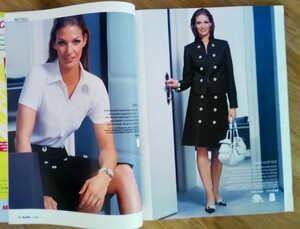
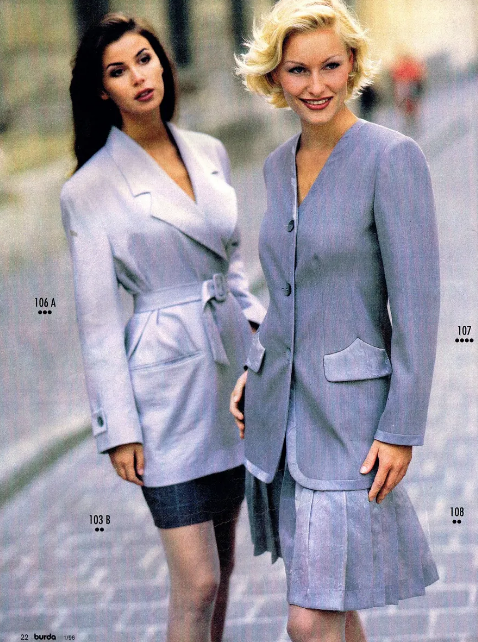
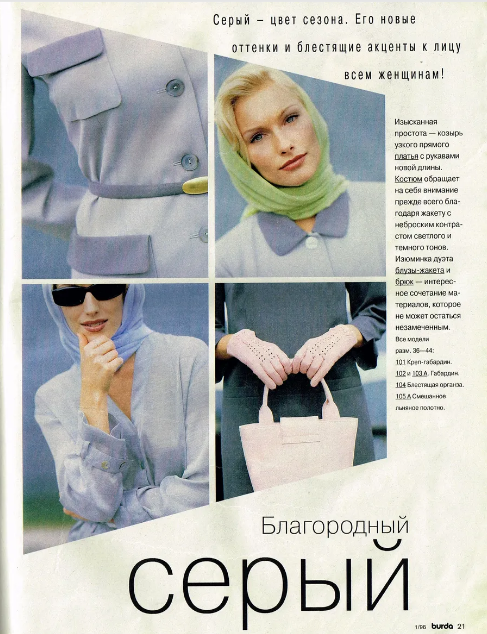
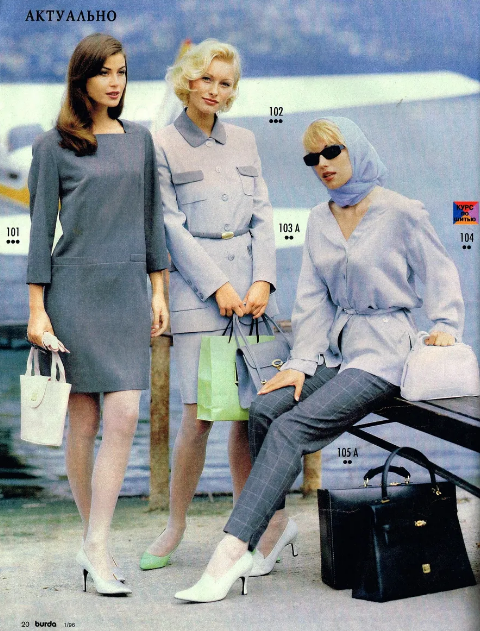
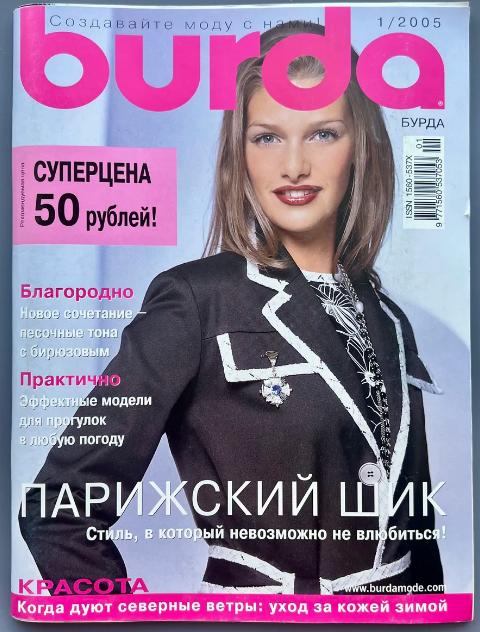
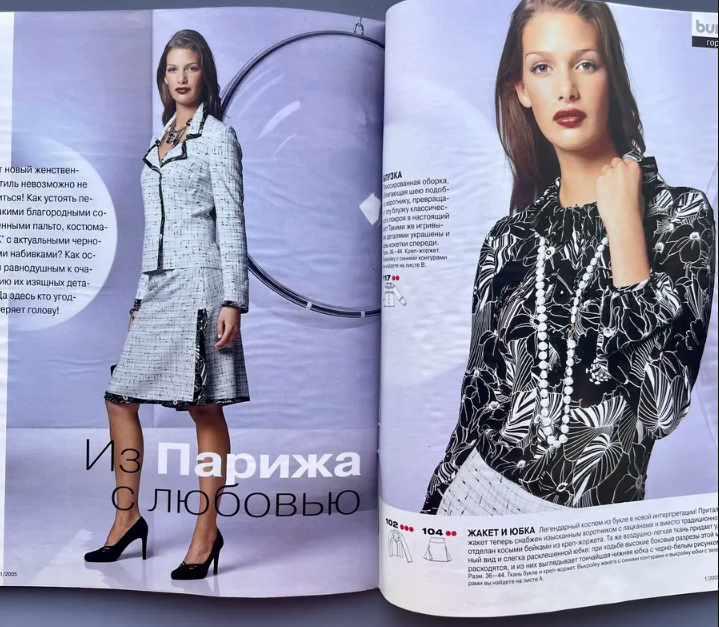
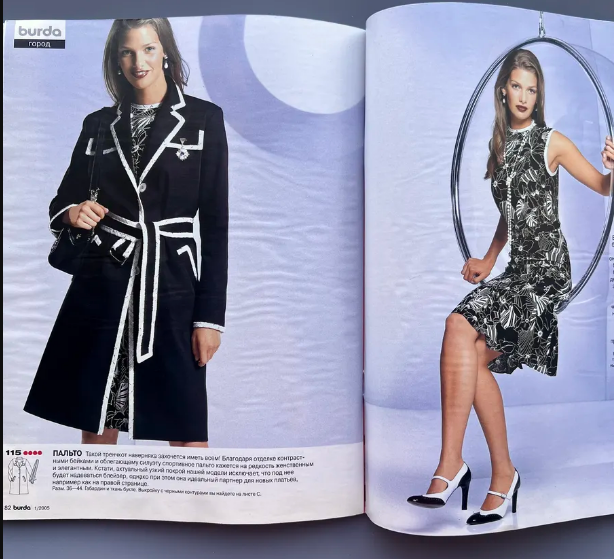
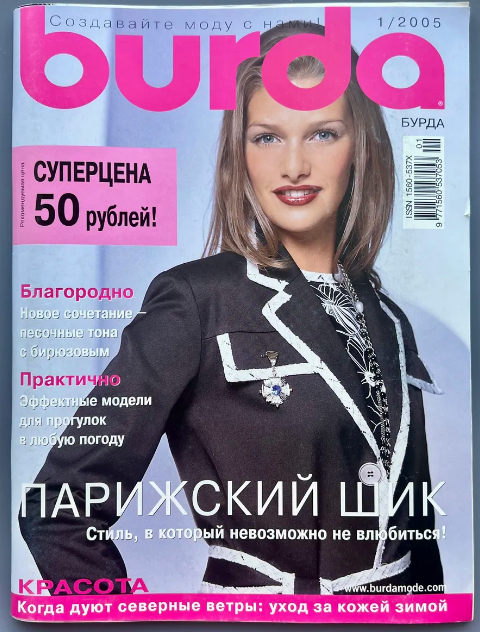
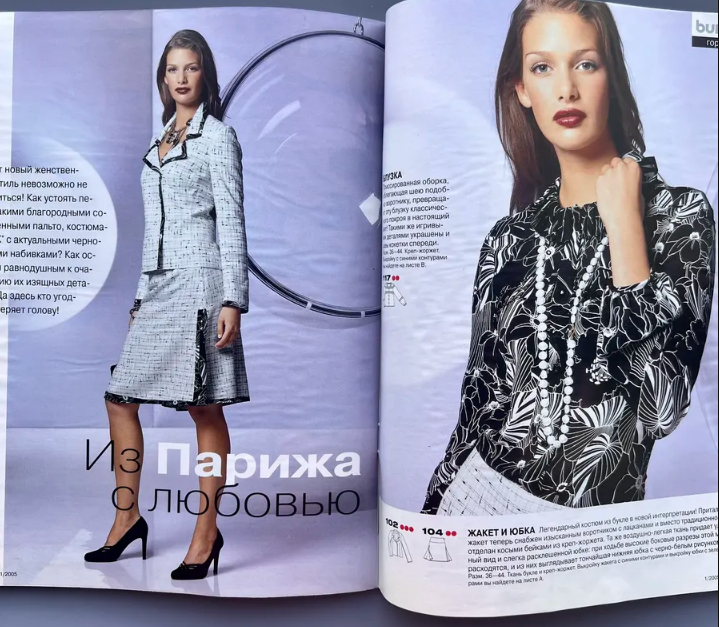
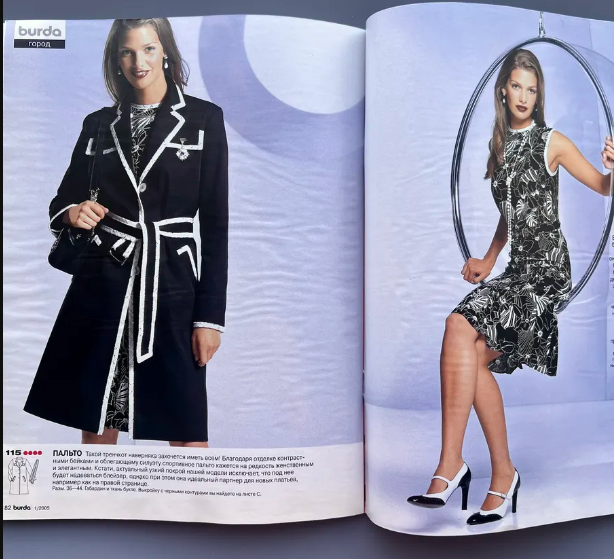
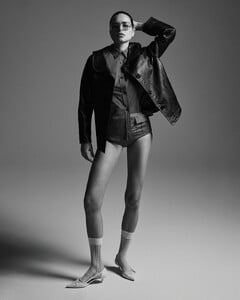 Burda Russia 01/2005 ''From Paris with love'' ph. Gerry Witting Pinterest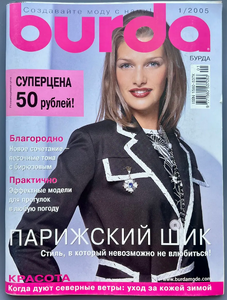
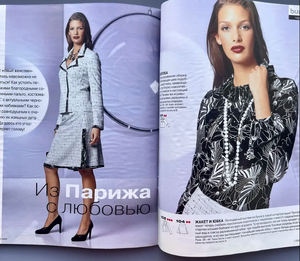
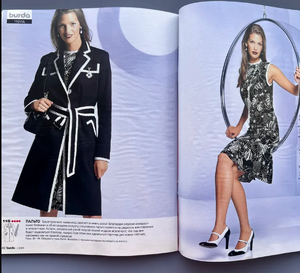
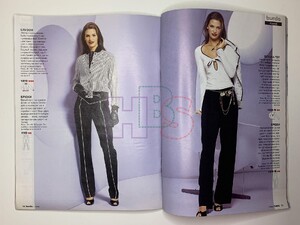
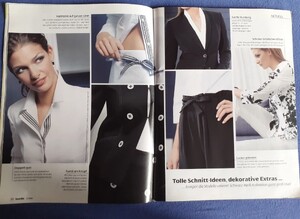
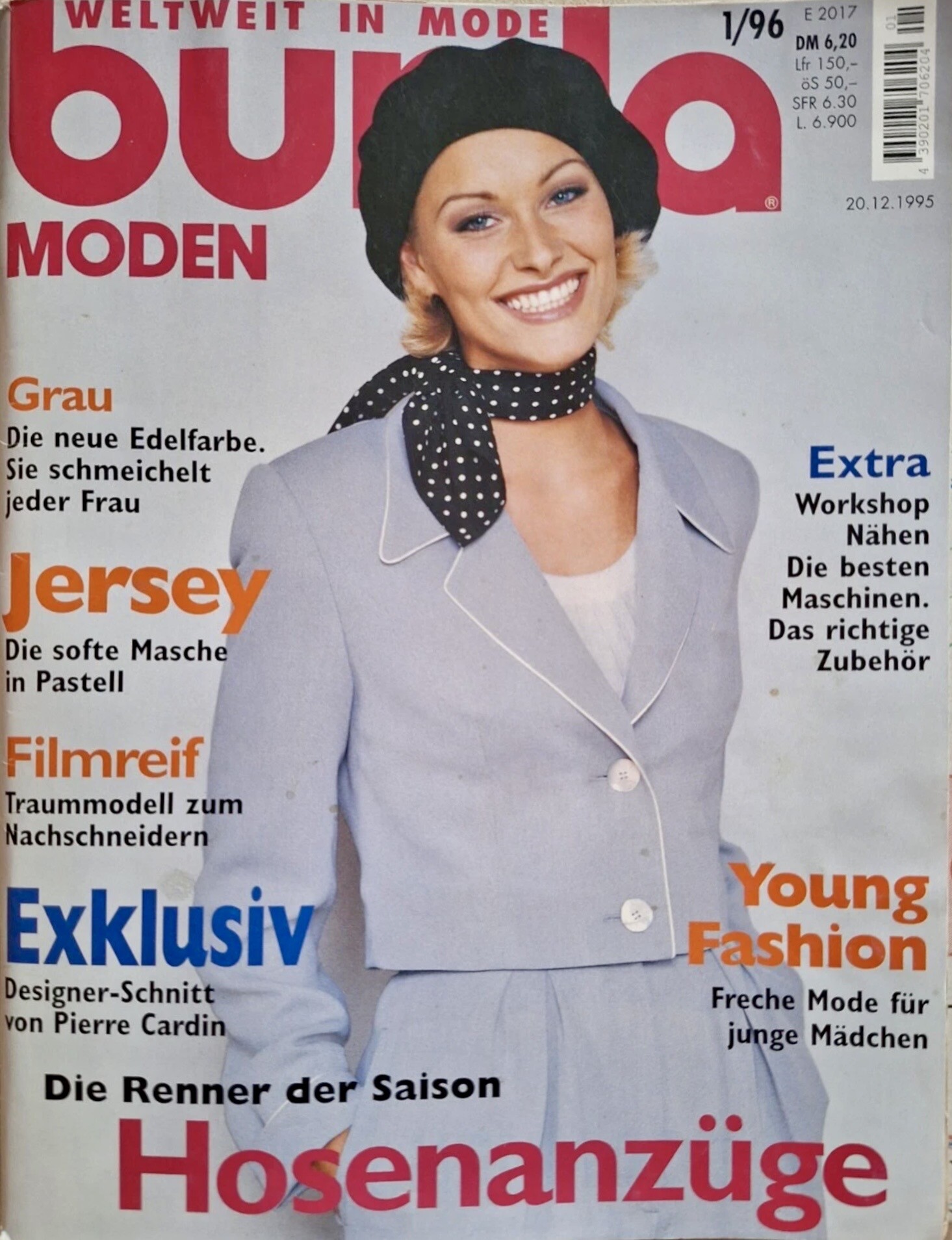
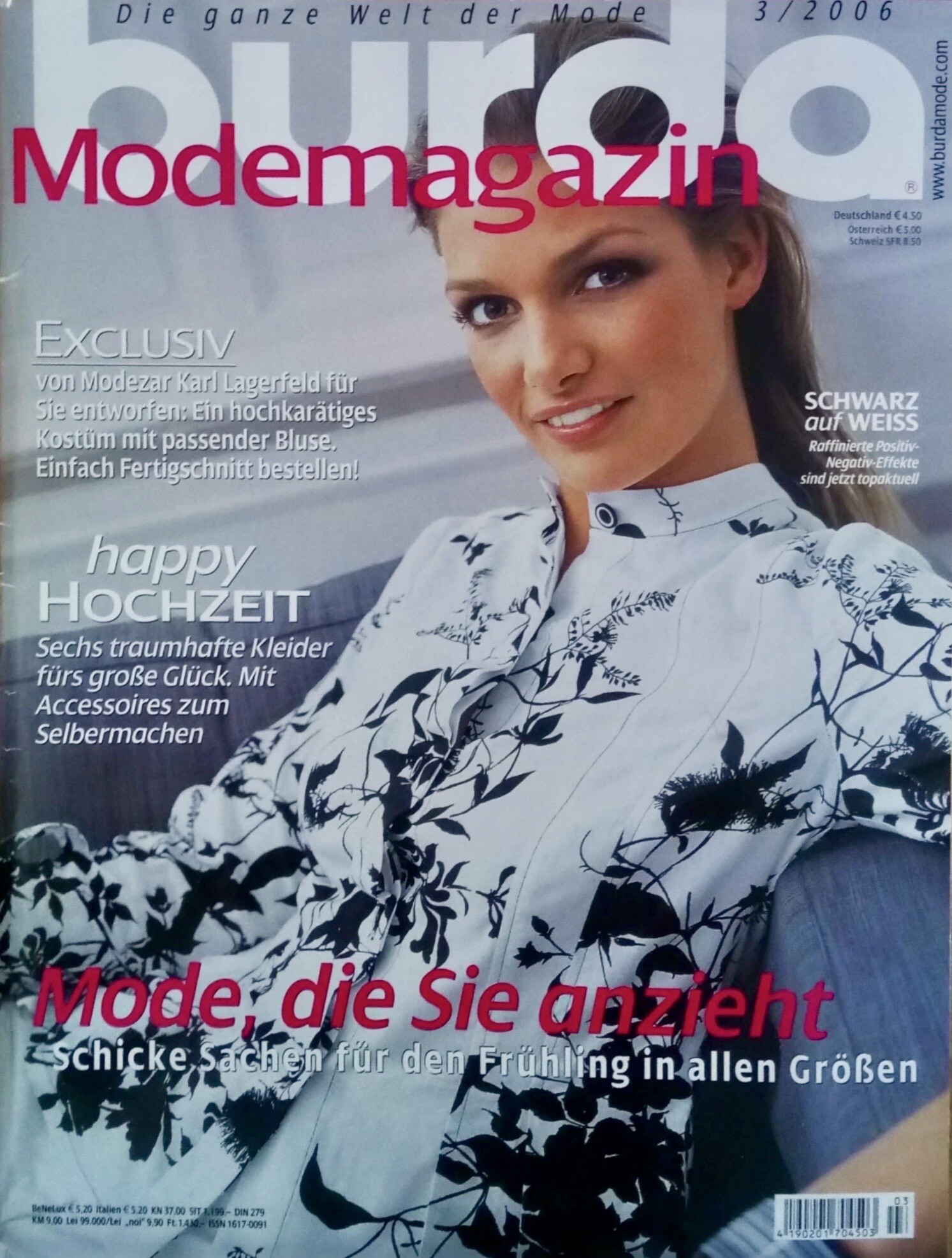
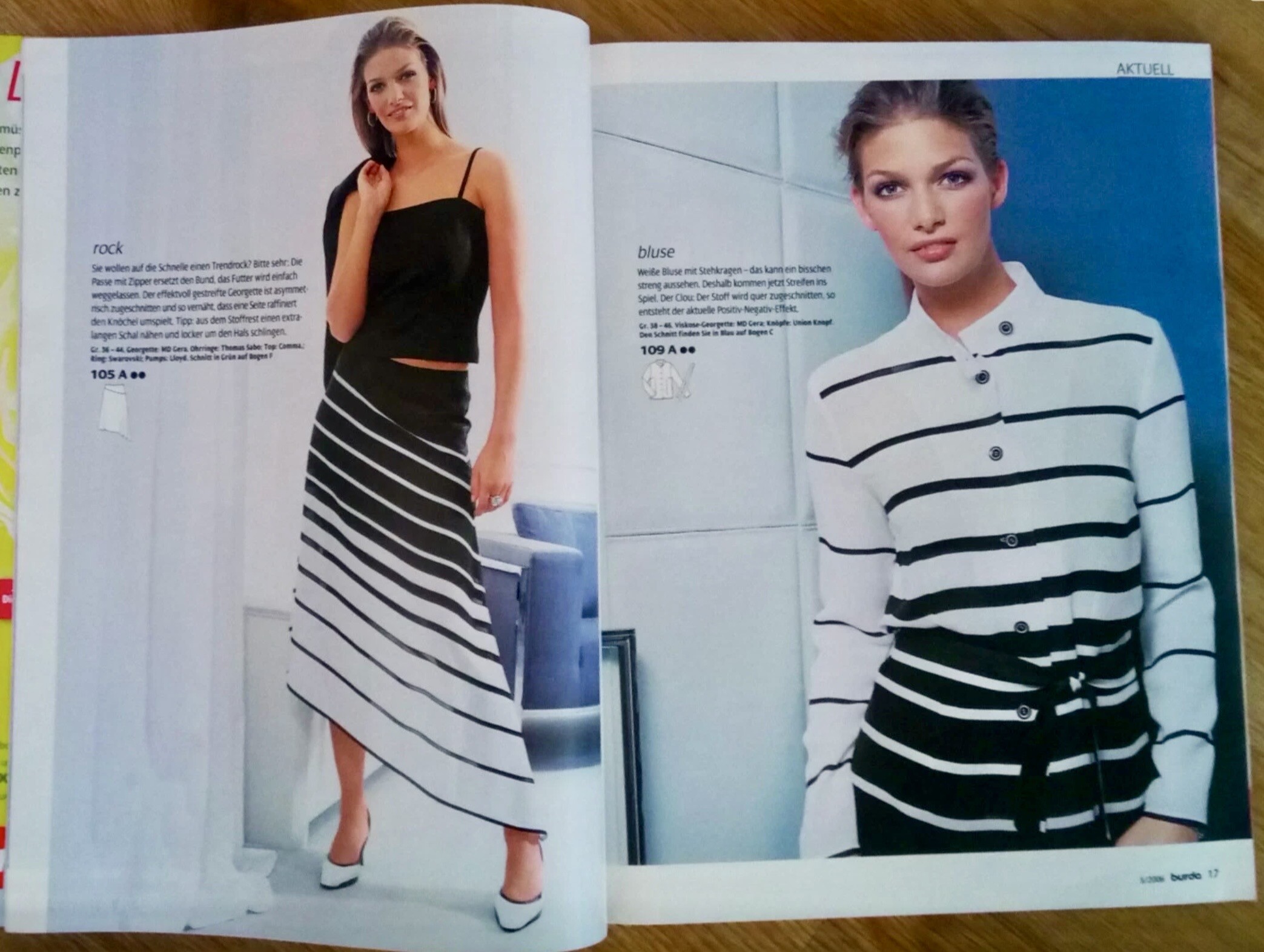
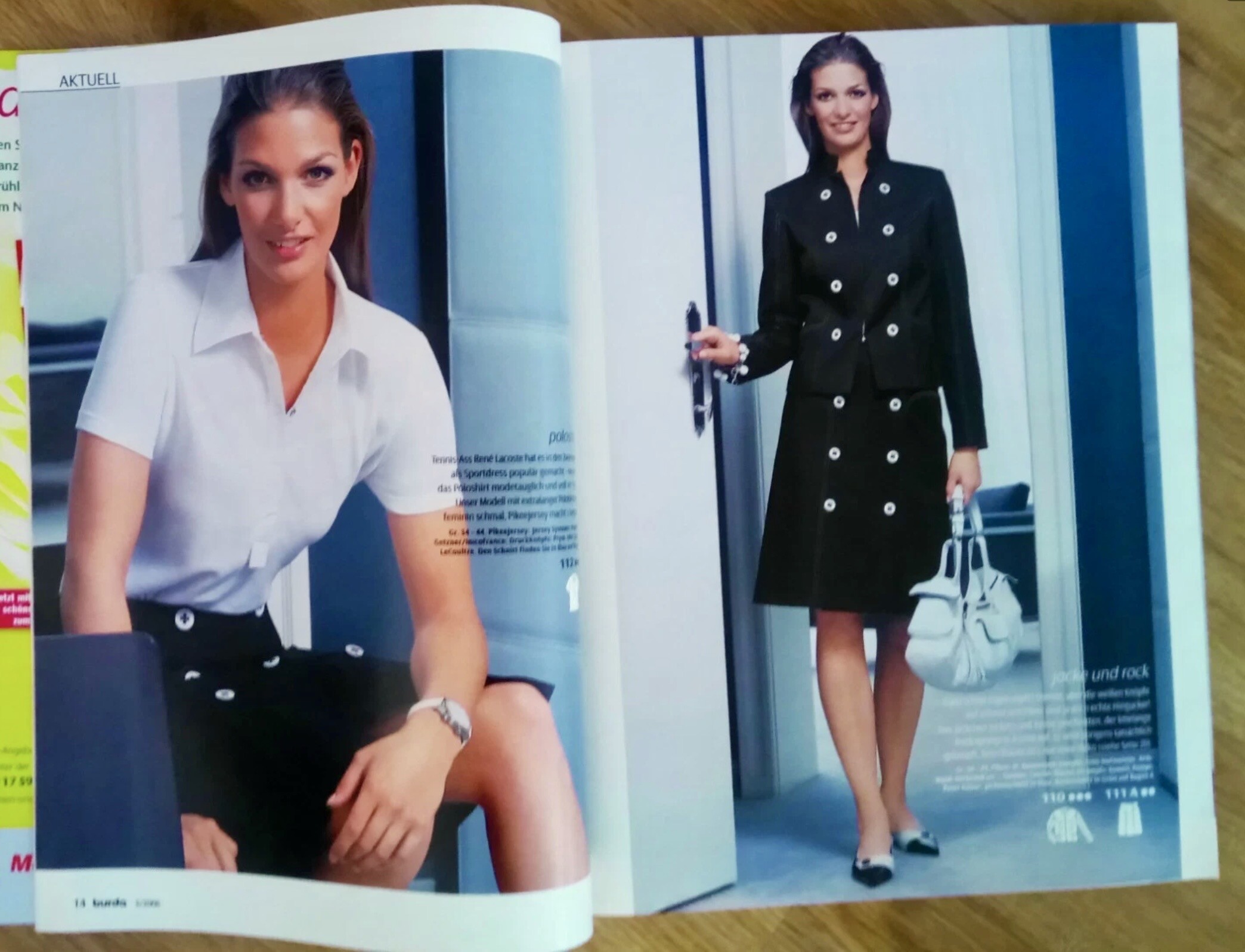
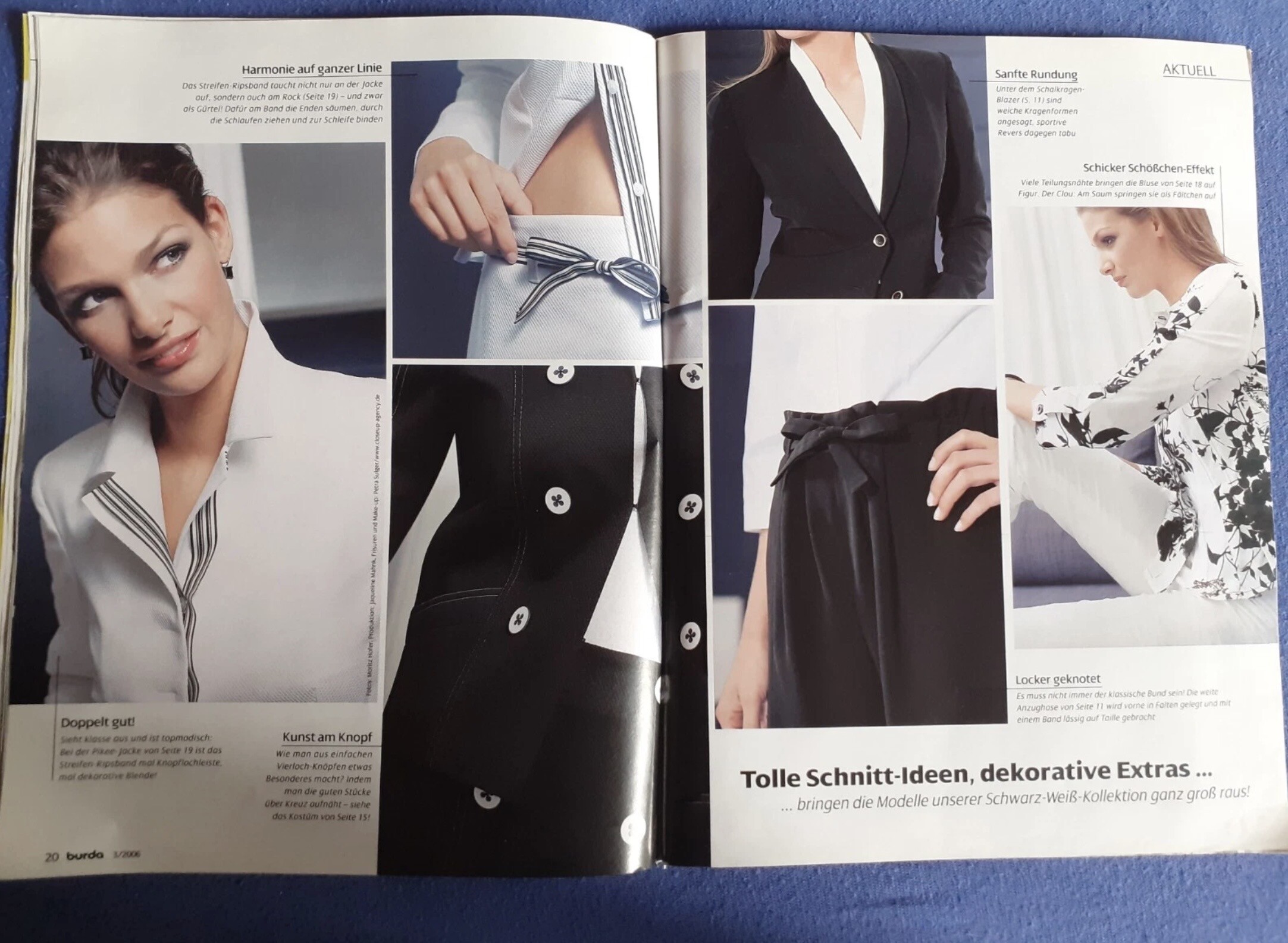
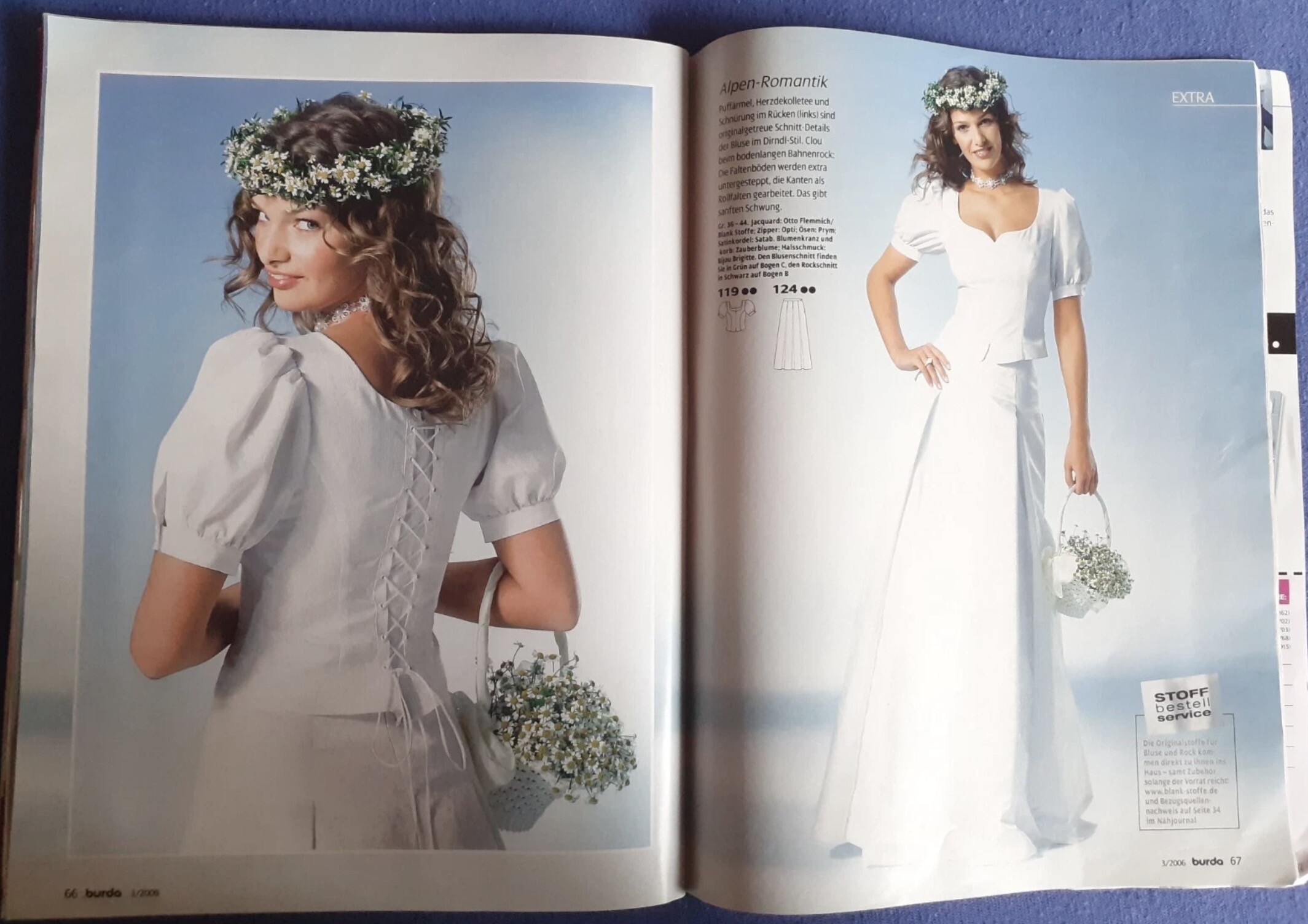
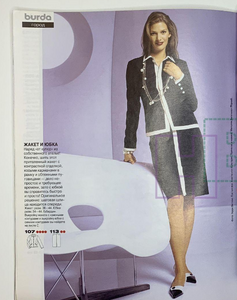 BURDA MODEMAGAZIN 3/2006 - photo unknown eBay
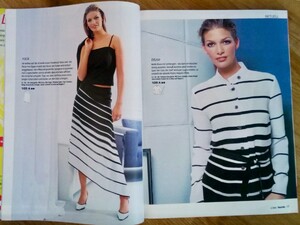

 Congrats to Leo and all involved in OBBA! 👏👏👏
 Adriana Caye
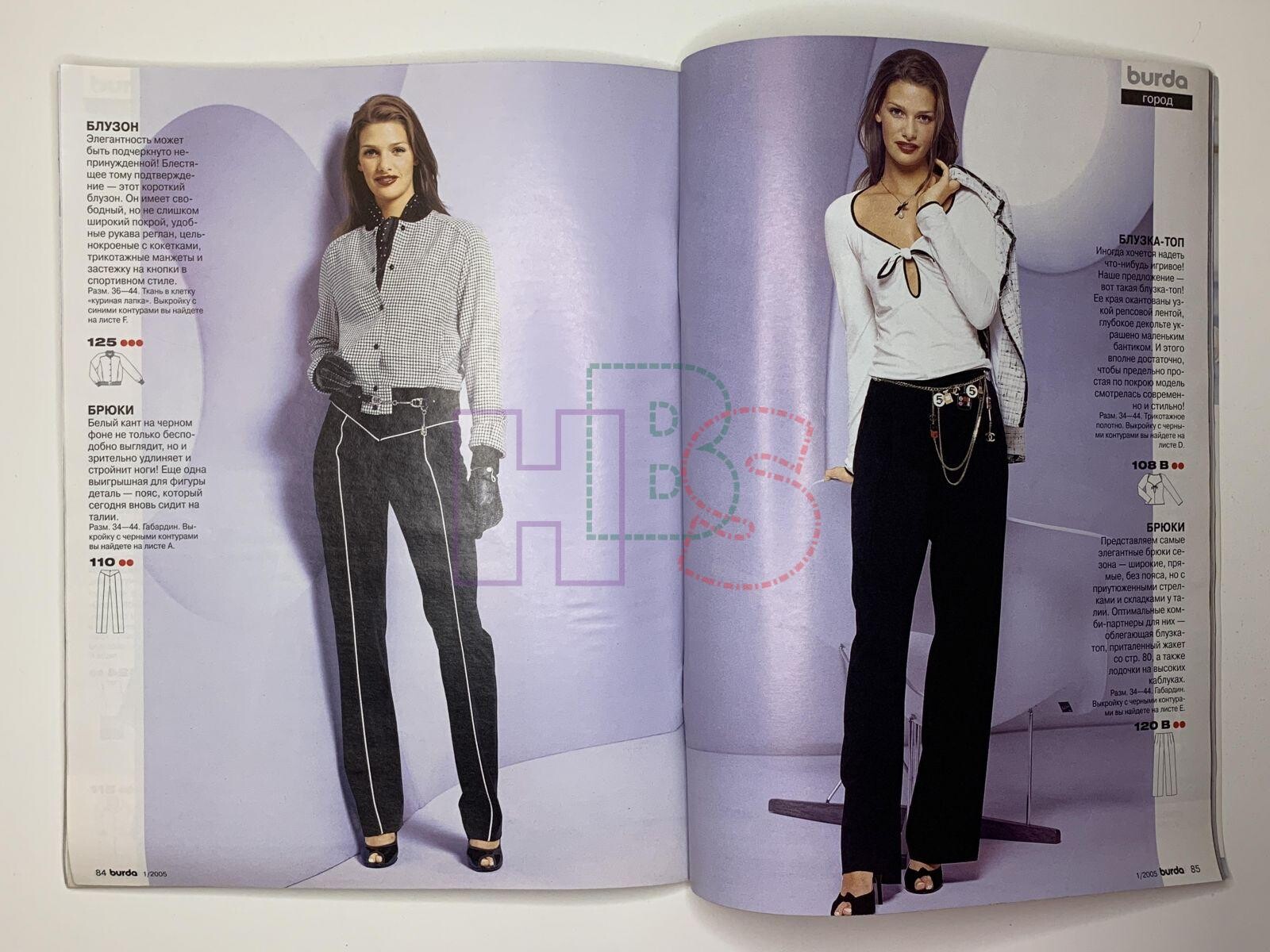
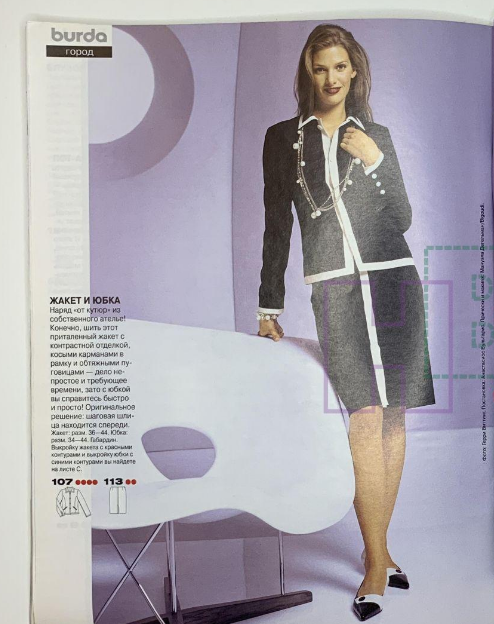
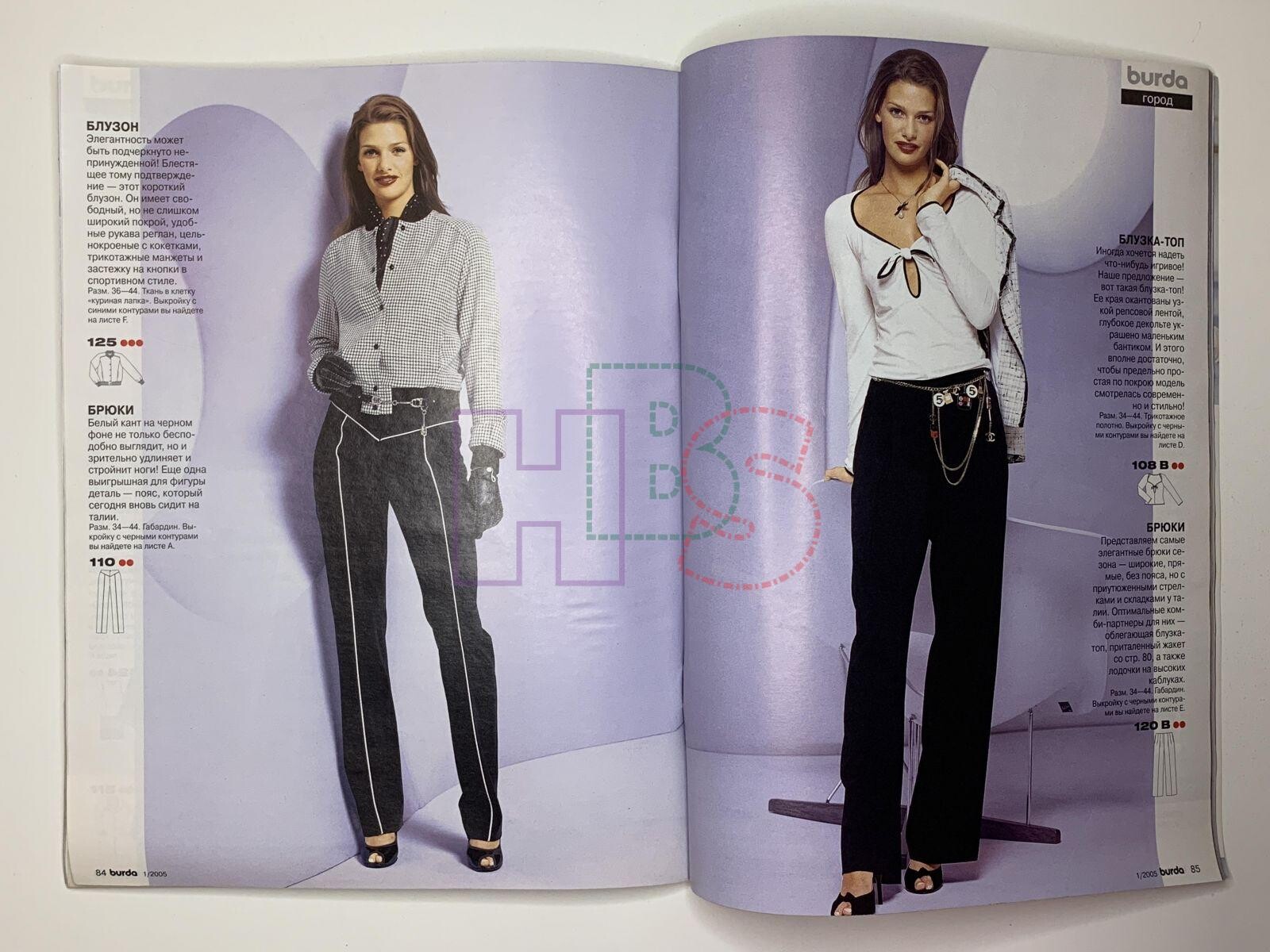
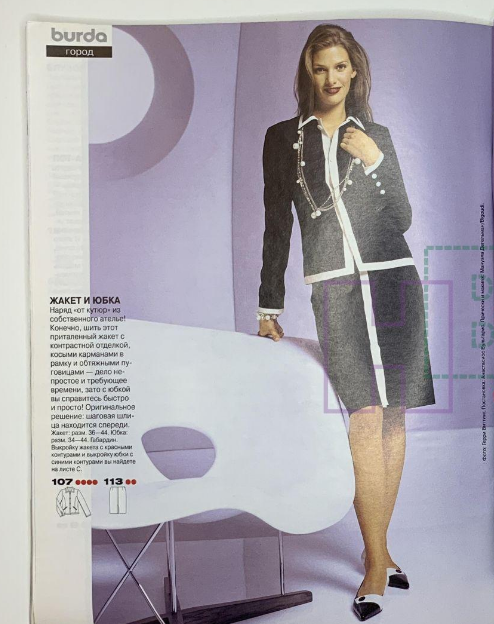
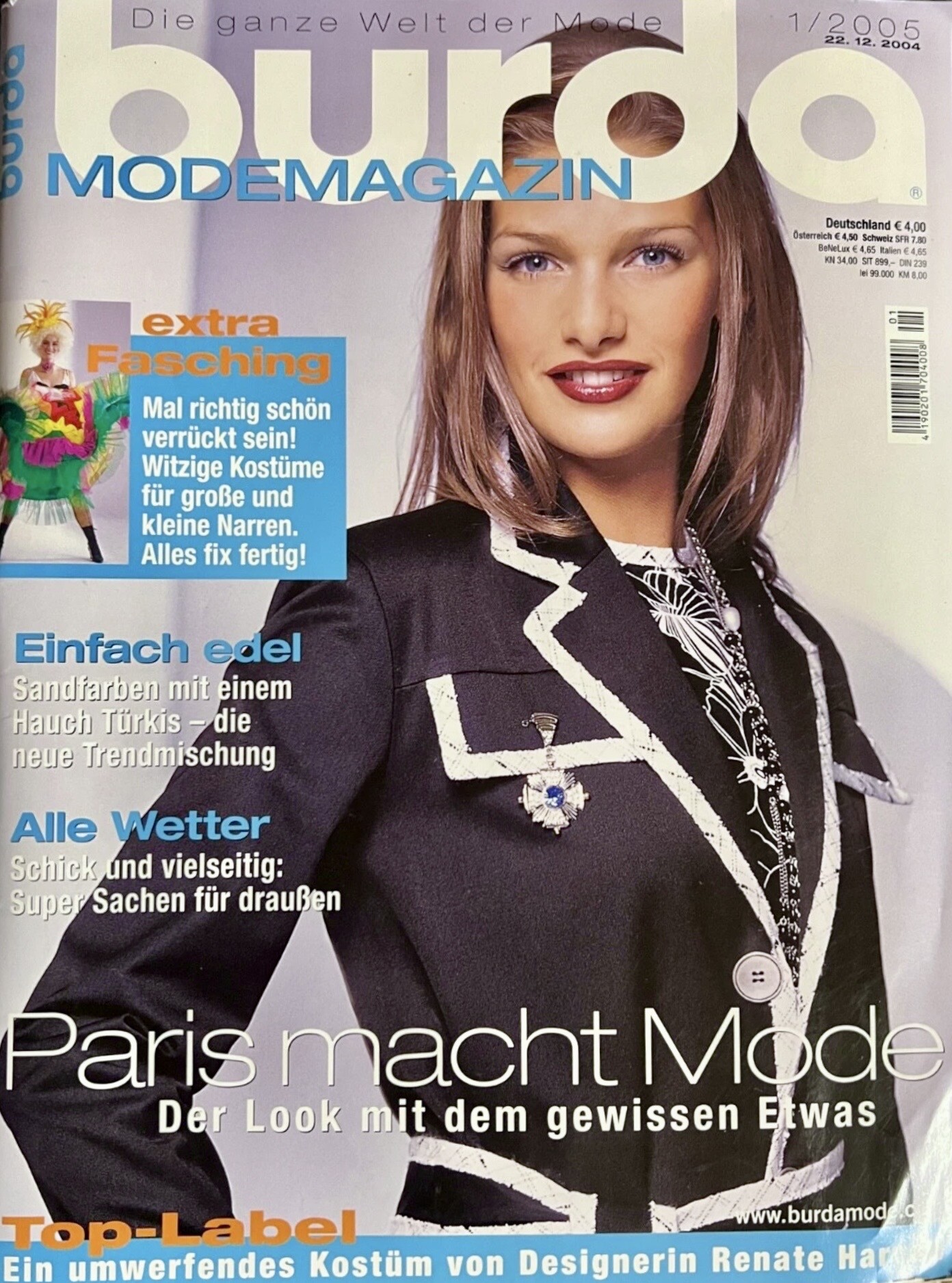
BURDA MODEMAGAZIN 1/2005 Dec.22, 2004 - photo unknown eBay
Adriana Caye
BURDA MODEMAGAZIN 1/2005 Dec.22, 2004 - photo unknown eBay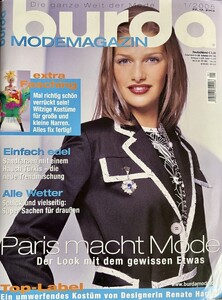
 Skinny dipped partner 🍫 New favorite snack for the whole family. __skinnydipped 🥥 🥜 🍫 _skinnydippedpartner(MP4).mp4
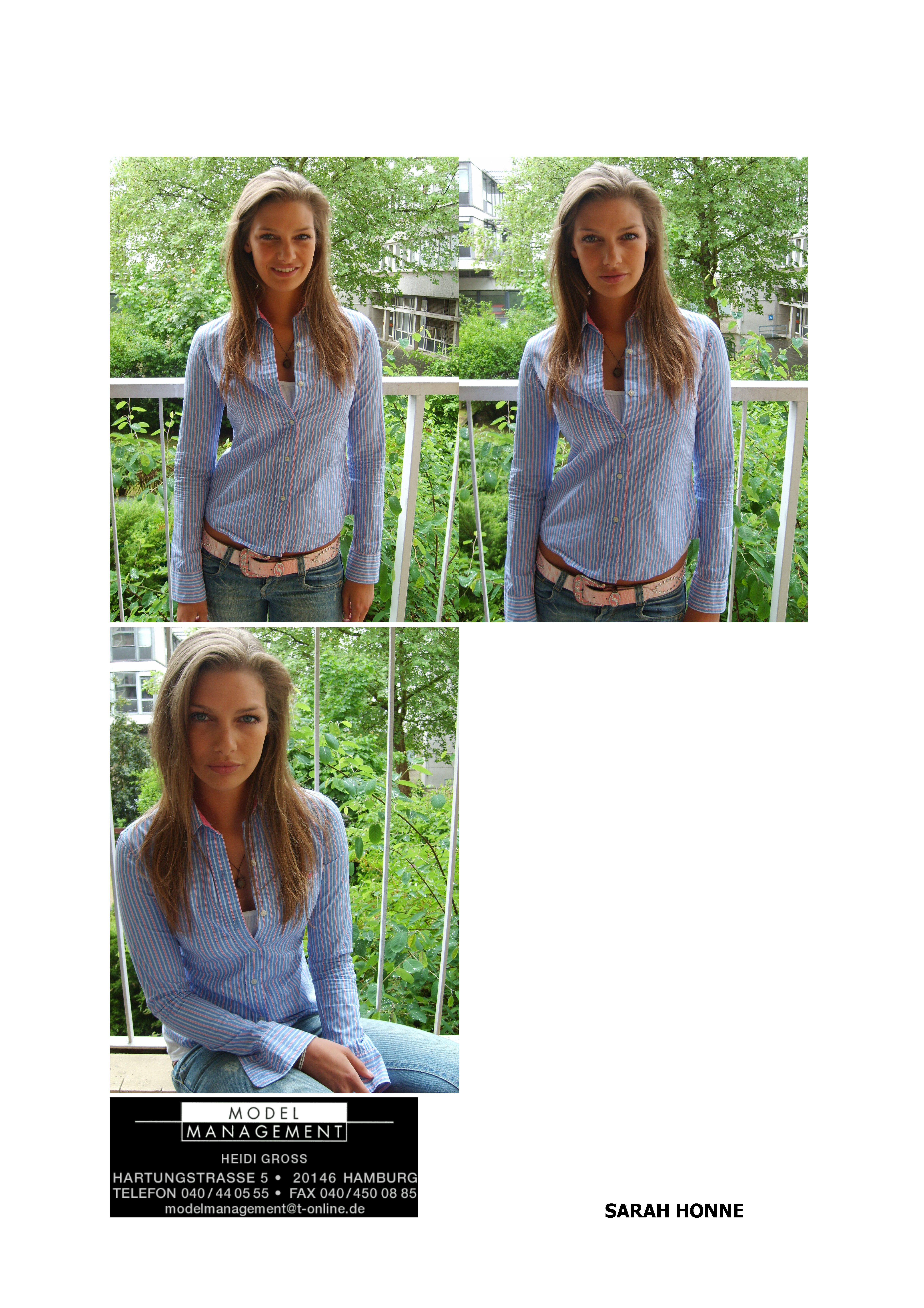
POLAROIDS ca.2006 Model Management Hamburg my scan
Skinny dipped partner 🍫 New favorite snack for the whole family. __skinnydipped 🥥 🥜 🍫 _skinnydippedpartner(MP4).mp4
POLAROIDS ca.2006 Model Management Hamburg my scan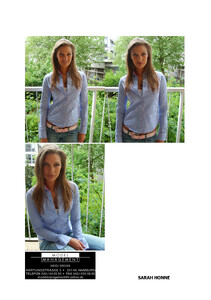
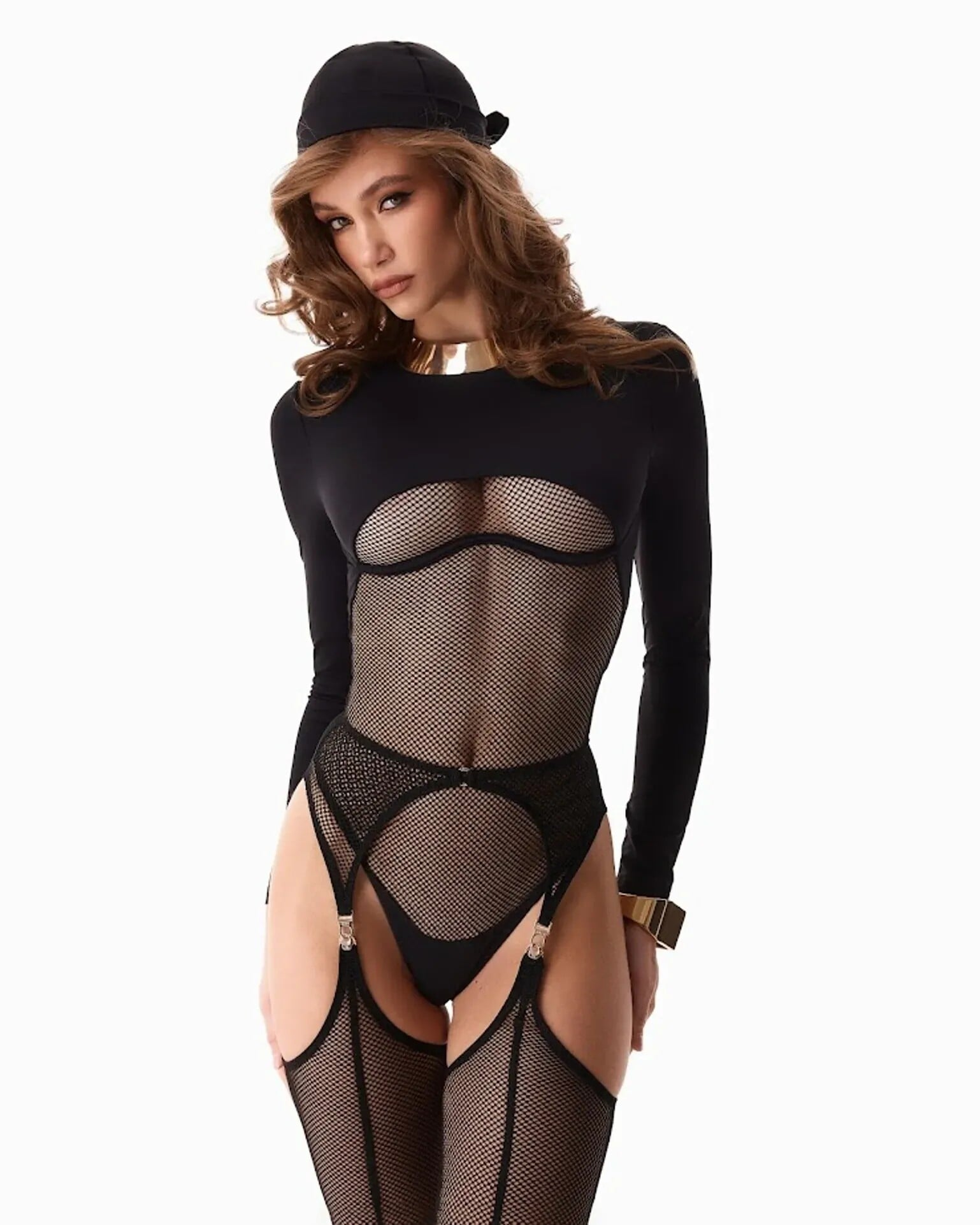
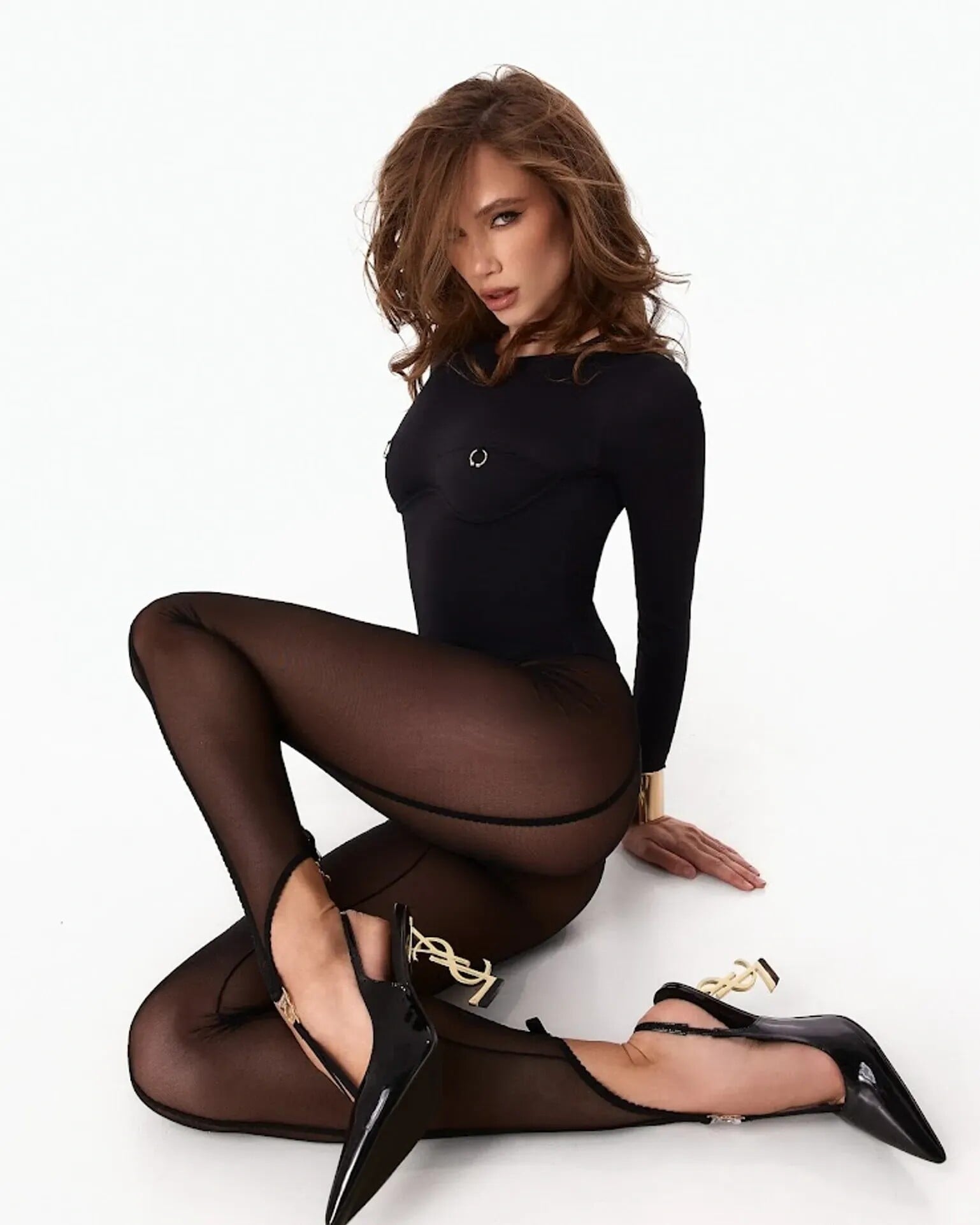


.png.fdcfc1054a3bb3cb2cb1455ae82eb2f6.png)
.png.2d544bd152a07e25ba032825f7aa6a53.png)
.png.ac86ff6a9e549076f5e6bdeda7dba525.png)
.png.a8d8abe62d7c4bf1071ef26311b5b330.png)
.png.dc6fb40a936319ed2f30e4be3bd779c7.png)
.png.16fbdc167bbe2583849f401f1a726a50.png)
.png.e7665c9c456803348d583b19e6c19a59.png)
.png.49bb5d9c9052f56d84aa0344992c3ca7.png)
.png.3c335910c35c2870fd560c24690d30dc.png)
.png.269d55788c0cbf100994fd1dc4ff7e79.png)
.png.ce617fa5d96596ad4dde660bcb72fa32.png)
.png.8a9455dbb04c758e69638f20c44f245e.png)
.png.9eeccf3db45416bcddd5adda9af467b9.png)
.png.e408dd326f17dc36d628aee269dc81c9.png)
.png.b7734c962d88419438f99602e2f22ea3.png)
.png.12d9e8842e09cc2916b0a8ce86032adc.png)
.png.7806f9adaae6a28de0c7994b290b624a.png)

Account
Search
Configure browser push notifications
Chrome (Android)
- Tap the lock icon next to the address bar.
- Tap Permissions → Notifications.
- Adjust your preference.
Chrome (Desktop)
- Click the padlock icon in the address bar.
- Select Site settings.
- Find Notifications and adjust your preference.
Safari (iOS 16.4+)
- Ensure the site is installed via Add to Home Screen.
- Open Settings App → Notifications.
- Find your app name and adjust your preference.
Safari (macOS)
- Go to Safari → Preferences.
- Click the Websites tab.
- Select Notifications in the sidebar.
- Find this website and adjust your preference.
Edge (Android)
- Tap the lock icon next to the address bar.
- Tap Permissions.
- Find Notifications and adjust your preference.
Edge (Desktop)
- Click the padlock icon in the address bar.
- Click Permissions for this site.
- Find Notifications and adjust your preference.
Firefox (Android)
- Go to Settings → Site permissions.
- Tap Notifications.
- Find this site in the list and adjust your preference.
Firefox (Desktop)
- Open Firefox Settings.
- Search for Notifications.
- Find this site in the list and adjust your preference.