All Activity
- Past hour
-

-

-
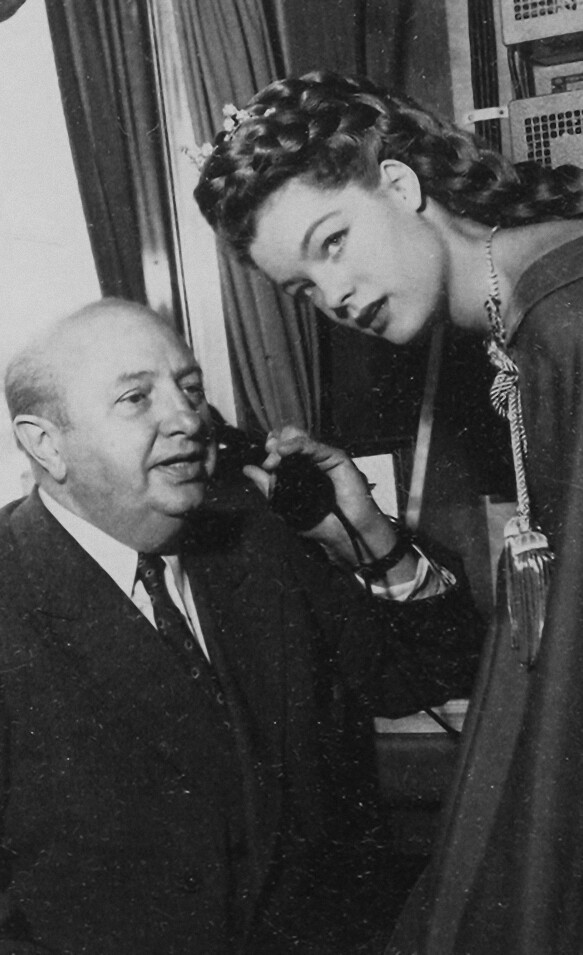
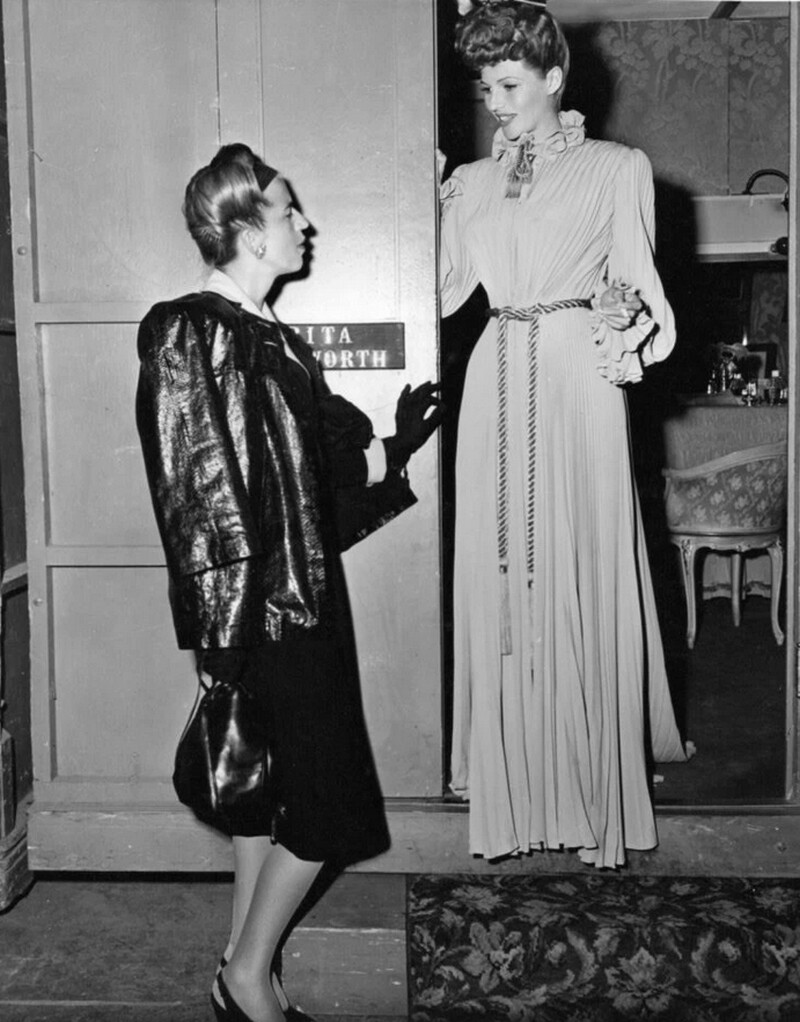
 Clarins 2000's Pinterest
-
-
 Mariana LALI Esposito


-
-
 stories videos [2026.01.28] kimberleygarner's2026-1-28-5.52.766 story.mp4 [2026.01.30] kimberleygarner's2026-1-30-9.51.288 story.mp4 [2026.01.28] kimberleygarner's2026-1-28-5.53.745 story.mp4 [2026.01.28] kimberleygarner's2026-1-28-12.49.800 story.mp4 [2026.01.28] kimberleygarner's2026-1-28-5.52.629 rotate.mp4


-
 Aralina







-
-
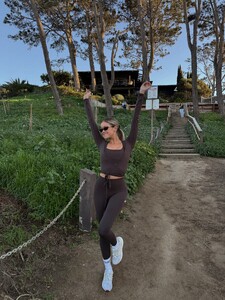
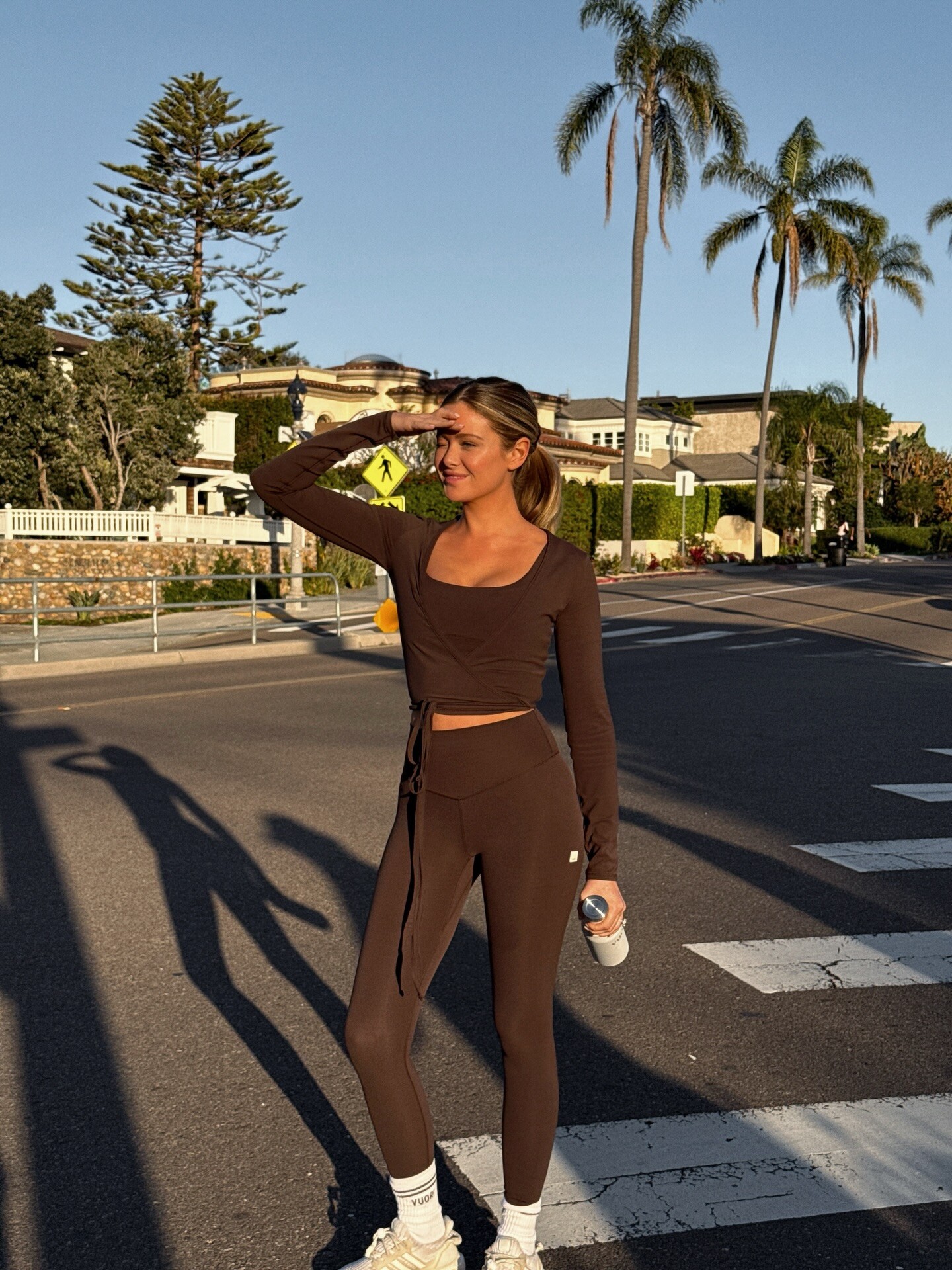
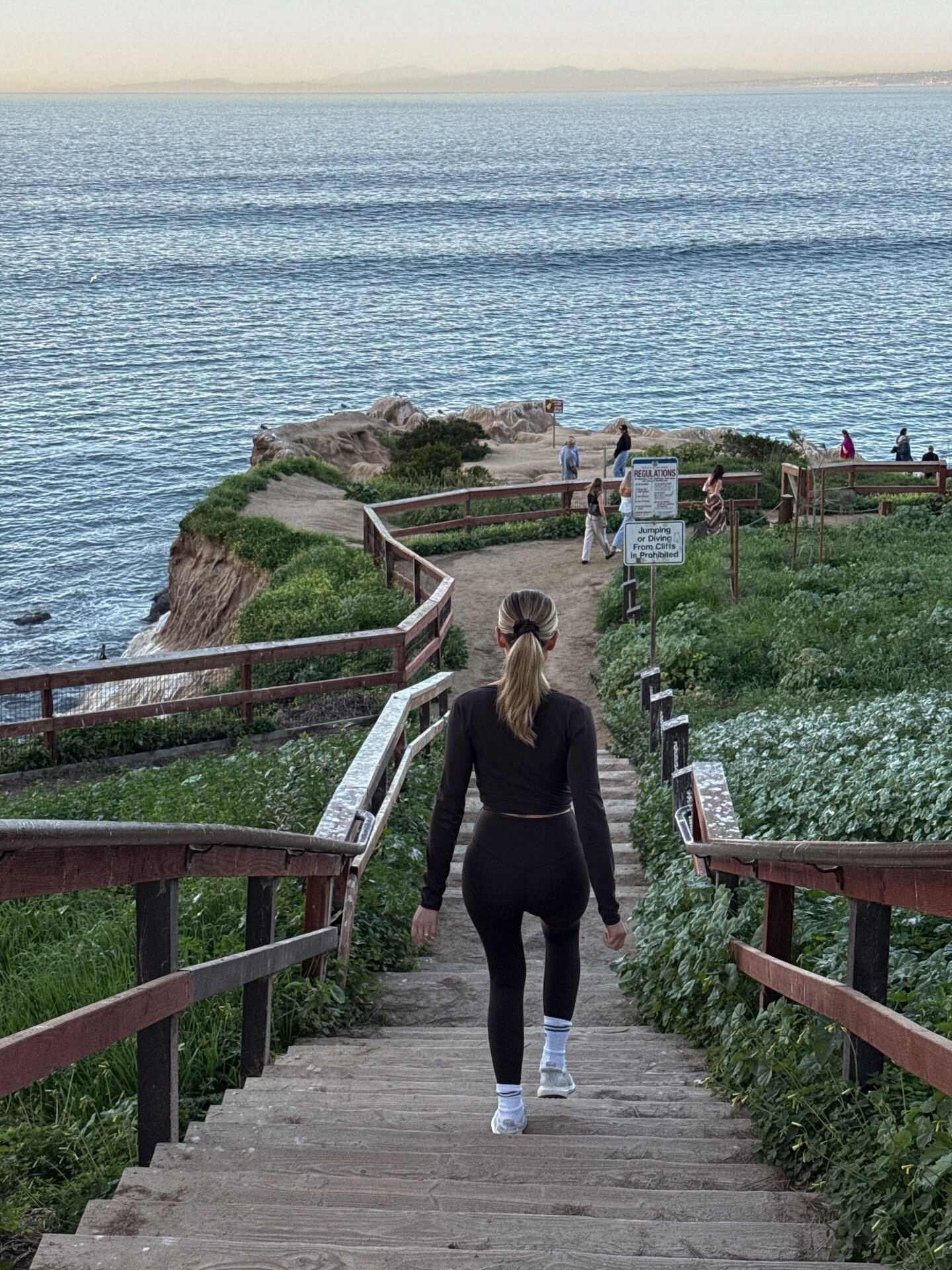
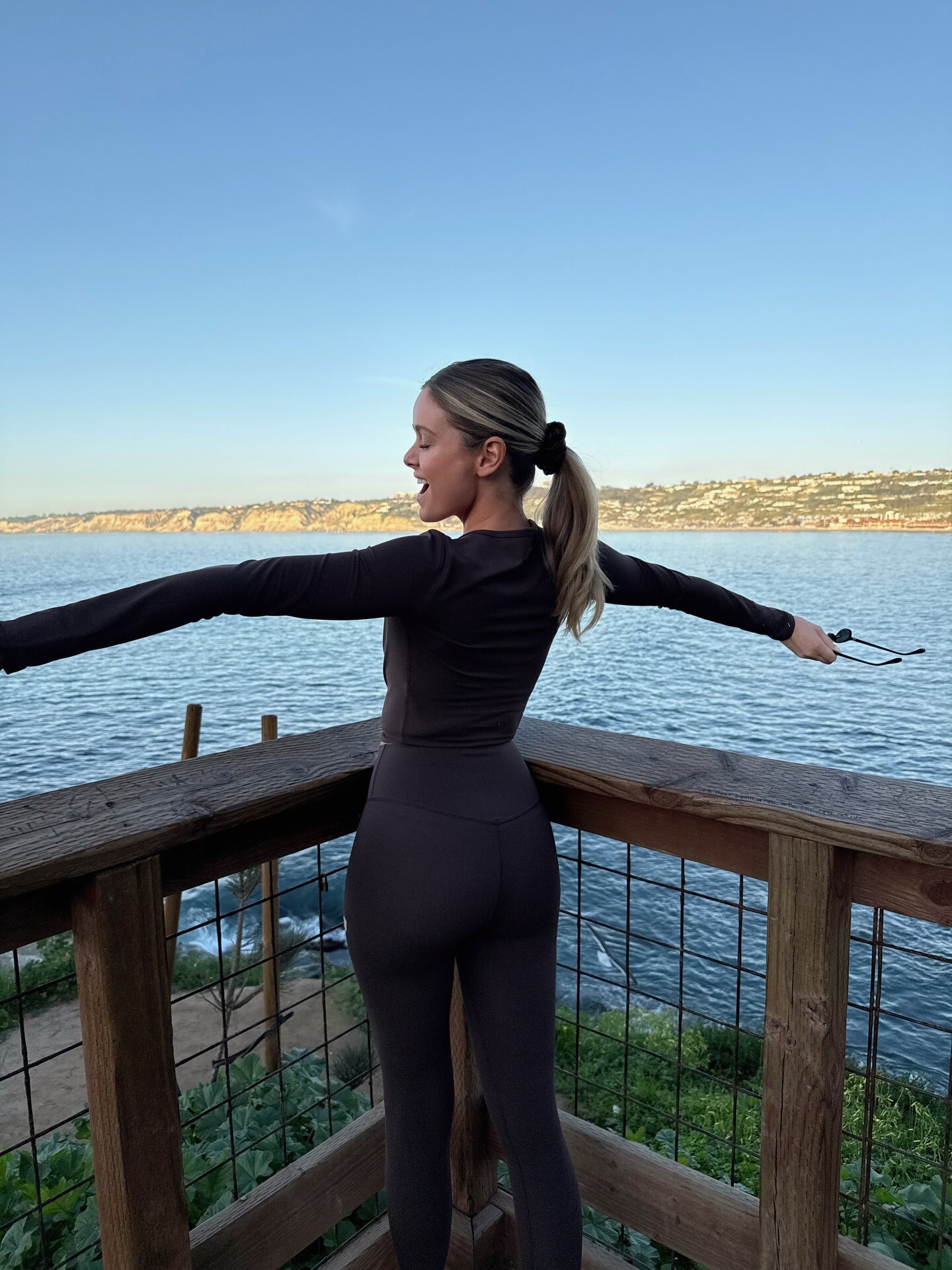
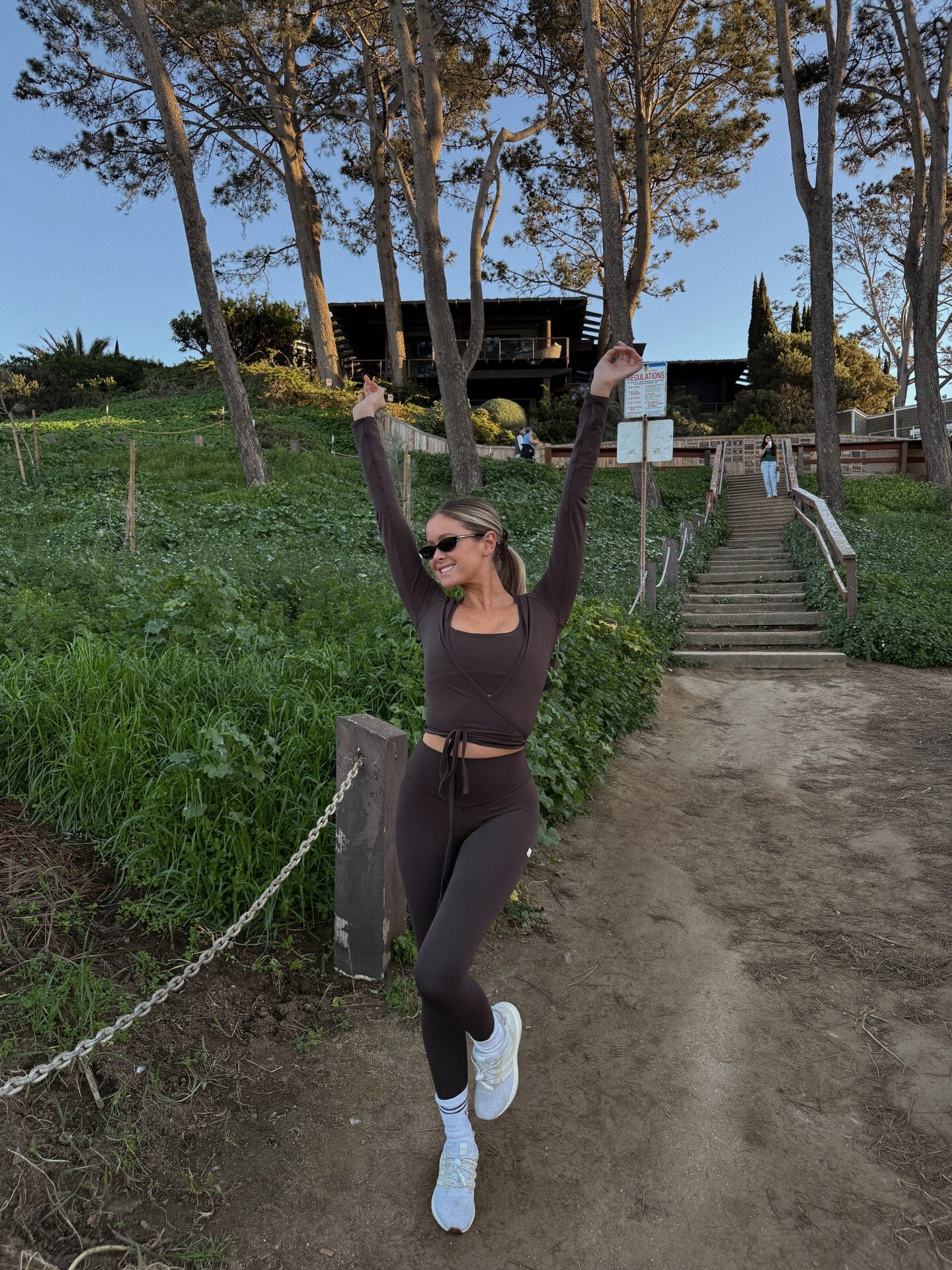
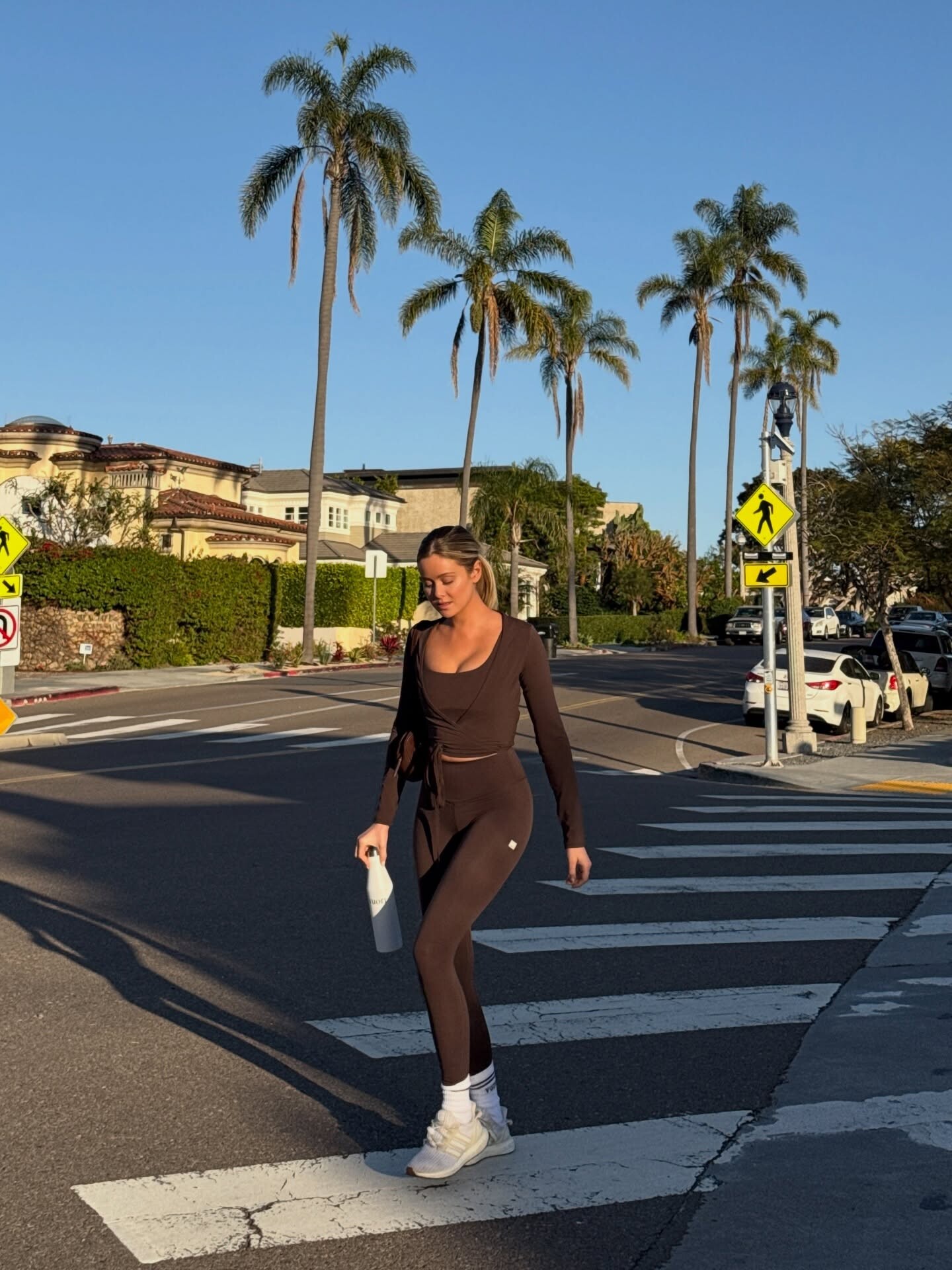
take a hike!! 🌊 I love being home & in my @vuoriclothing 🤎 #vuoripartner video [2026.01.31] hannahg_DUMZPX6EoSq.mp4






-
Aralina


-
Aralina









-
.thumb.jpg.bc7cc495086007005617080648d664bb.jpg) Thx so much! Love Steph ❤️
Thx so much! Love Steph ❤️ -
Aralina





















- Today
-
Kioto Jewelry: Every woman is unique and deserves a special gift. 💙✨

-
-
Aralina










-
Aralina








-
 SnapInsta.to_AQM15gUZGuuN0VdcBocHyxBjrFhuXlpVM5sXMtSst_ZvMkUo7odzfHGAgZTuJ5LYdagLiQ-j7MWZQ2gTtjAPGGfUpSTcP-Aj8RYzLCE.mp4
-
One Girl, Ten Obsessions.






 2021-2013 Leah walking video.mkv Leah Rose Intro.mkv

















































































































































































Account
Search
Configure browser push notifications
Chrome (Android)
- Tap the lock icon next to the address bar.
- Tap Permissions → Notifications.
- Adjust your preference.
Chrome (Desktop)
- Click the padlock icon in the address bar.
- Select Site settings.
- Find Notifications and adjust your preference.
Safari (iOS 16.4+)
- Ensure the site is installed via Add to Home Screen.
- Open Settings App → Notifications.
- Find your app name and adjust your preference.
Safari (macOS)
- Go to Safari → Preferences.
- Click the Websites tab.
- Select Notifications in the sidebar.
- Find this website and adjust your preference.
Edge (Android)
- Tap the lock icon next to the address bar.
- Tap Permissions.
- Find Notifications and adjust your preference.
Edge (Desktop)
- Click the padlock icon in the address bar.
- Click Permissions for this site.
- Find Notifications and adjust your preference.
Firefox (Android)
- Go to Settings → Site permissions.
- Tap Notifications.
- Find this site in the list and adjust your preference.
Firefox (Desktop)
- Open Firefox Settings.
- Search for Notifications.
- Find this site in the list and adjust your preference.