All Activity
- Past hour
-

-
 stella cadente fw 2002

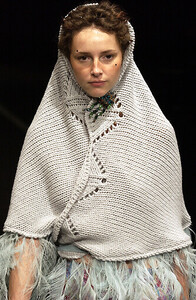
-
saskia van drimmelen fw 2002


-
 walter rodrigues fw2002
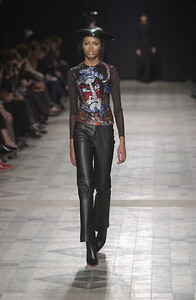 walter rodrigues fw2002

 The Computer Magician llc changed their profile photo
Sorry
The Computer Magician llc changed their profile photo
Sorry grlandscapeservices joined the community
 https://www.elitemodels.com/new-york/elite/2717-sydney-harper https://www.theindustrymgmt.com/model/los-angeles/management-board/2341-sydney-harper/12244-portfolio https://www.instagram.com/sydneyjharper
 Christy.See Stefmodels ads 1985 https://www.stefmodels.com/zpages/ads_year.php?num=30&annee=1985 @justaguy is very reliable on girl too.
The Computer Magician llc joined the community
yoichi nagasawa f/w 2002
Christy.See Stefmodels ads 1985 https://www.stefmodels.com/zpages/ads_year.php?num=30&annee=1985 @justaguy is very reliable on girl too.
The Computer Magician llc joined the community
yoichi nagasawa f/w 2002


 and these were a bit later, sorry if repost 15a06e3f-d190-4c8f-ad05-4db58baa9dd1.mp488dd5c72-6e4a-4ebd-b7d5-13c3bb1dc365.mp4Ida Zeile.mp4da409adc-4851-4e3a-8aba-91a002ca7d45.mp4e3e9cfa4-87c3-4ce4-b984-521280027003.mp4
From greenish amber to smoked grey-green
and these were a bit later, sorry if repost 15a06e3f-d190-4c8f-ad05-4db58baa9dd1.mp488dd5c72-6e4a-4ebd-b7d5-13c3bb1dc365.mp4Ida Zeile.mp4da409adc-4851-4e3a-8aba-91a002ca7d45.mp4e3e9cfa4-87c3-4ce4-b984-521280027003.mp4
From greenish amber to smoked grey-green

- Today
a5a02e2f-3150-4bb2-ab6e-30eaf3f58aed (1).mp4555 Ida Zeile.mp44017d217-d9ea-48ea-8efc-26caad794db8.mp446774bda-c701-44a2-9357-4fc74edd4bbd.mp41af90ad6-8472-4623-97b1-6bedc3141bb7.mp4
Yoshiki Hishinuma Fw2002

.jpg.d45e30d25fe73129a600de9d43c08c97.jpg)
.jpg.9bc48e70d13a84e50138b015aba1f5de.jpg)
.jpg.ac75e594e5f450c39ff9740c5f1e1803.jpg)
.jpg.604d5ac571fbc808c047999ffeee32fd.jpg)





















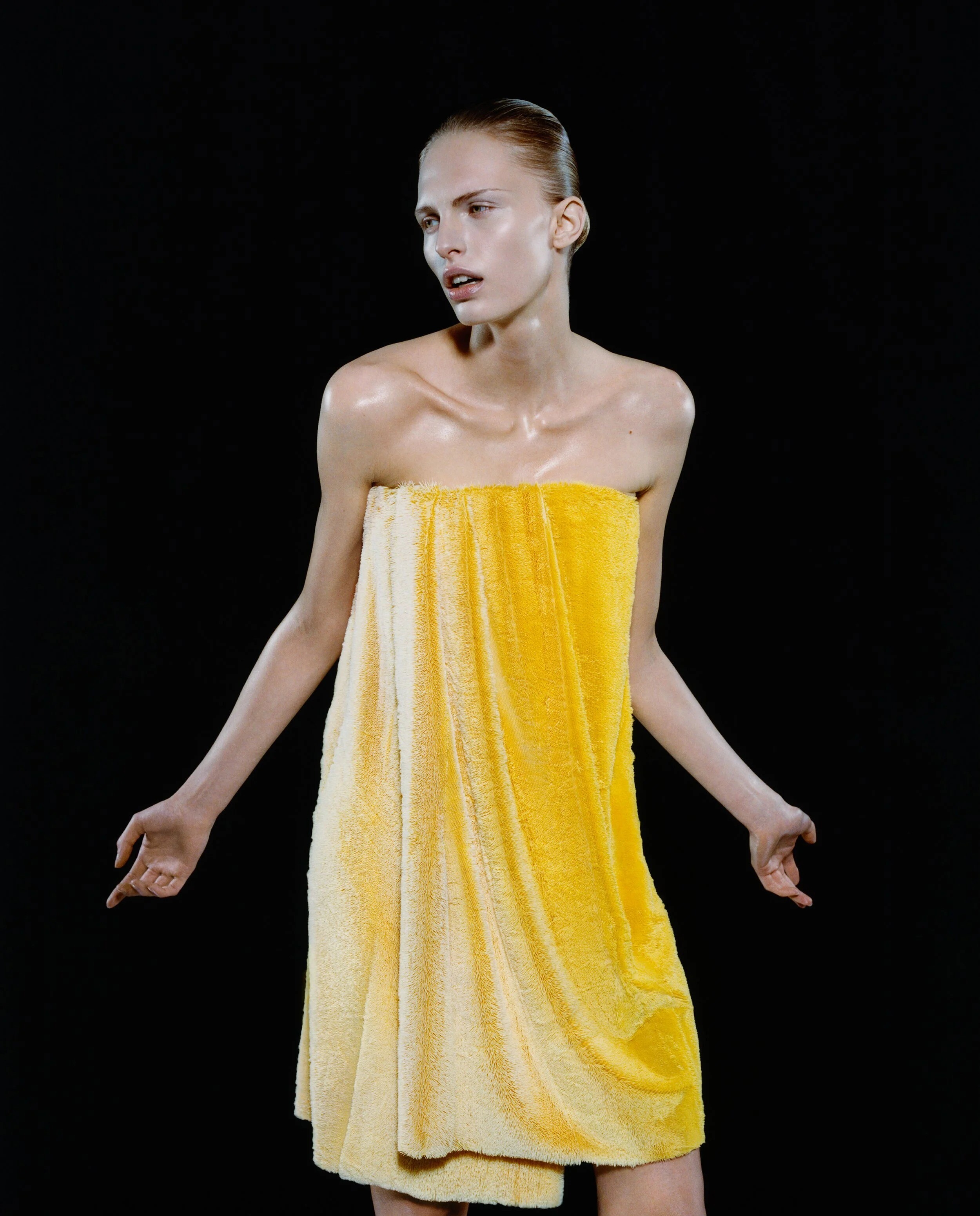


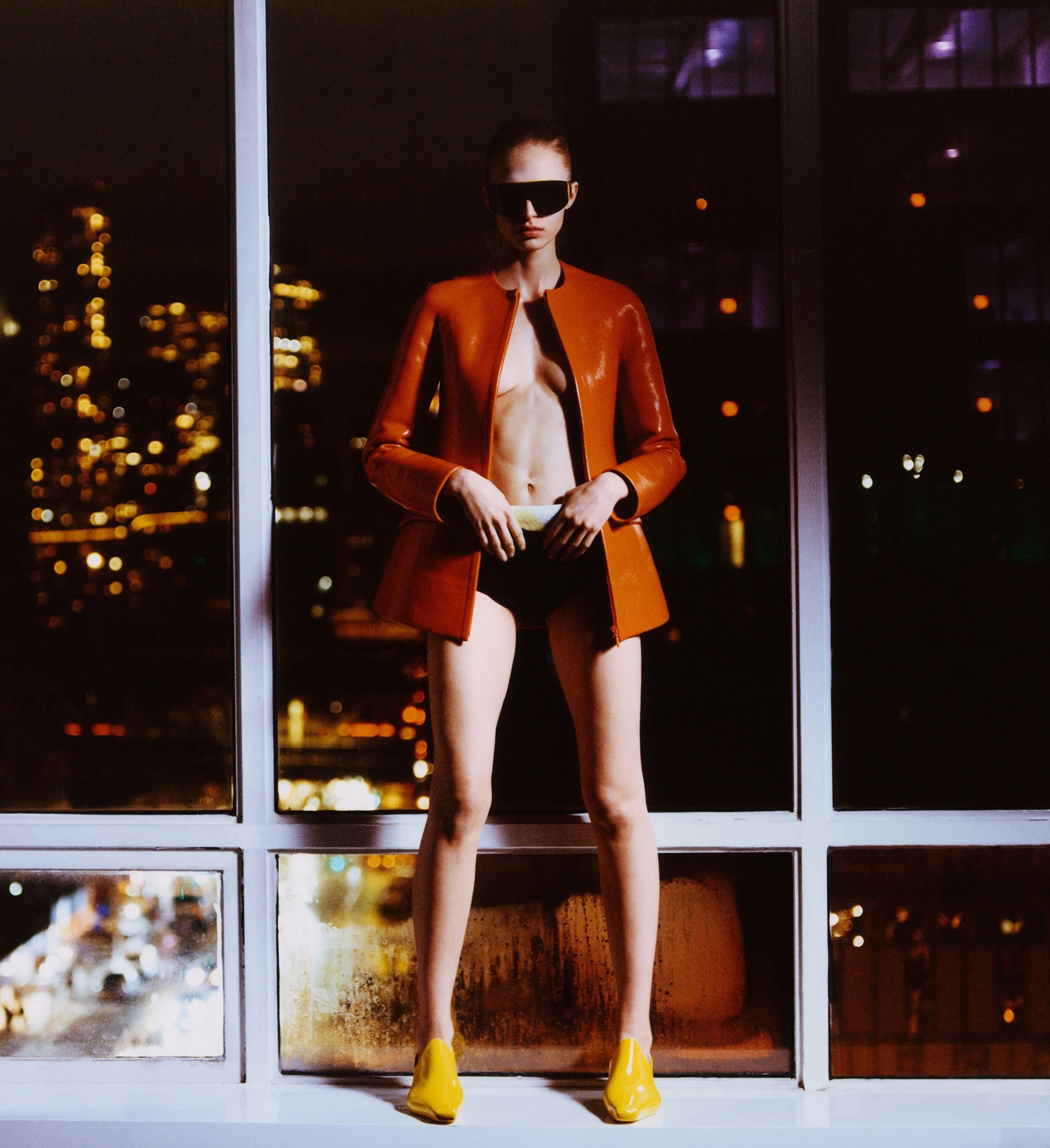
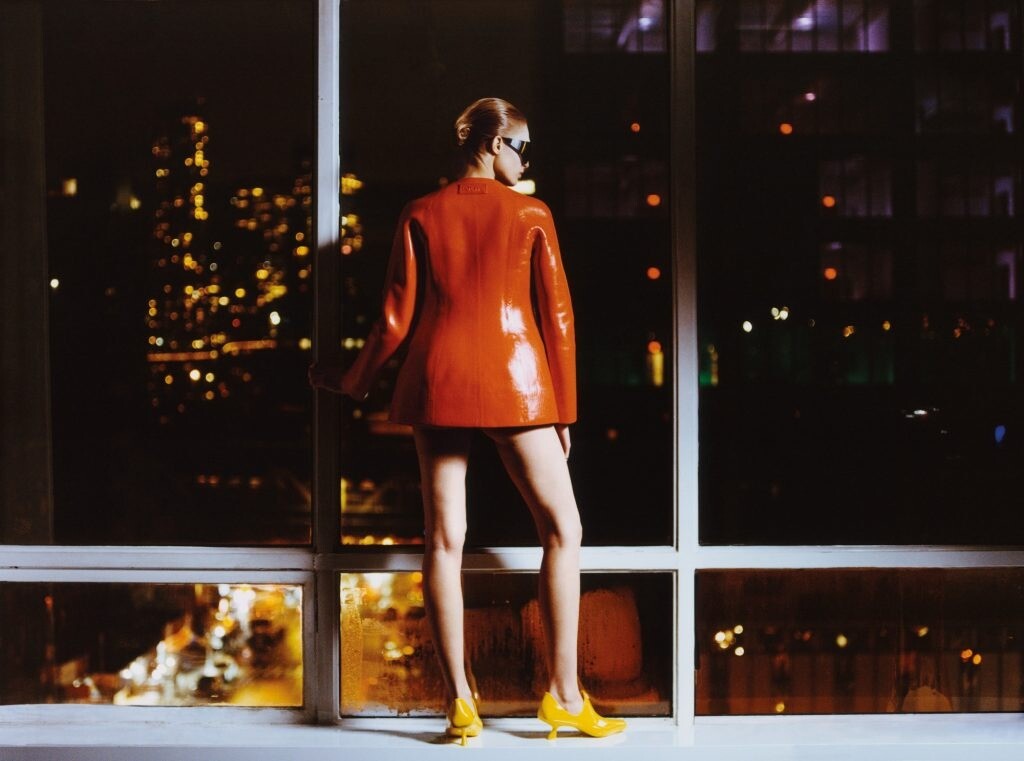


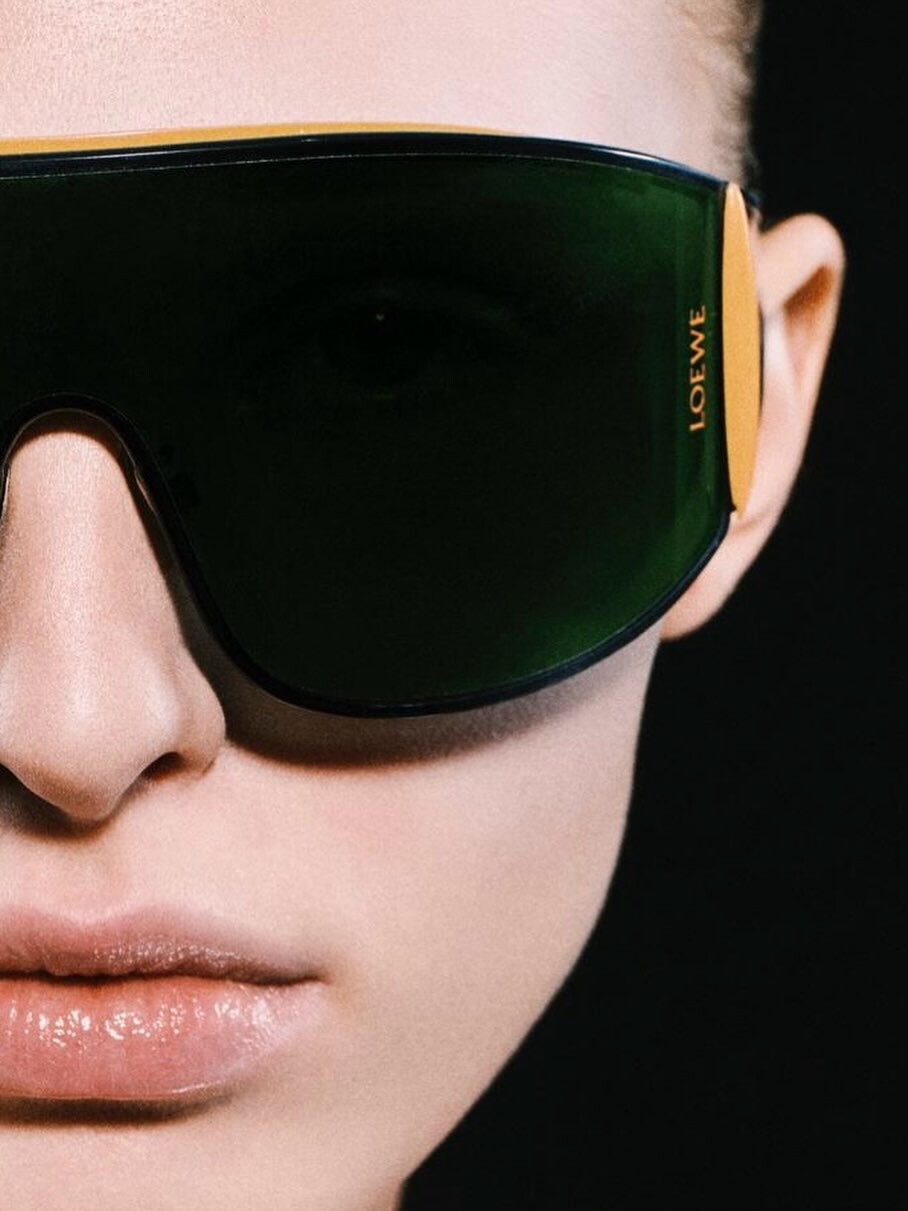






Account
Navigation
Search
Configure browser push notifications
Chrome (Android)
- Tap the lock icon next to the address bar.
- Tap Permissions → Notifications.
- Adjust your preference.
Chrome (Desktop)
- Click the padlock icon in the address bar.
- Select Site settings.
- Find Notifications and adjust your preference.
Safari (iOS 16.4+)
- Ensure the site is installed via Add to Home Screen.
- Open Settings App → Notifications.
- Find your app name and adjust your preference.
Safari (macOS)
- Go to Safari → Preferences.
- Click the Websites tab.
- Select Notifications in the sidebar.
- Find this website and adjust your preference.
Edge (Android)
- Tap the lock icon next to the address bar.
- Tap Permissions.
- Find Notifications and adjust your preference.
Edge (Desktop)
- Click the padlock icon in the address bar.
- Click Permissions for this site.
- Find Notifications and adjust your preference.
Firefox (Android)
- Go to Settings → Site permissions.
- Tap Notifications.
- Find this site in the list and adjust your preference.
Firefox (Desktop)
- Open Firefox Settings.
- Search for Notifications.
- Find this site in the list and adjust your preference.