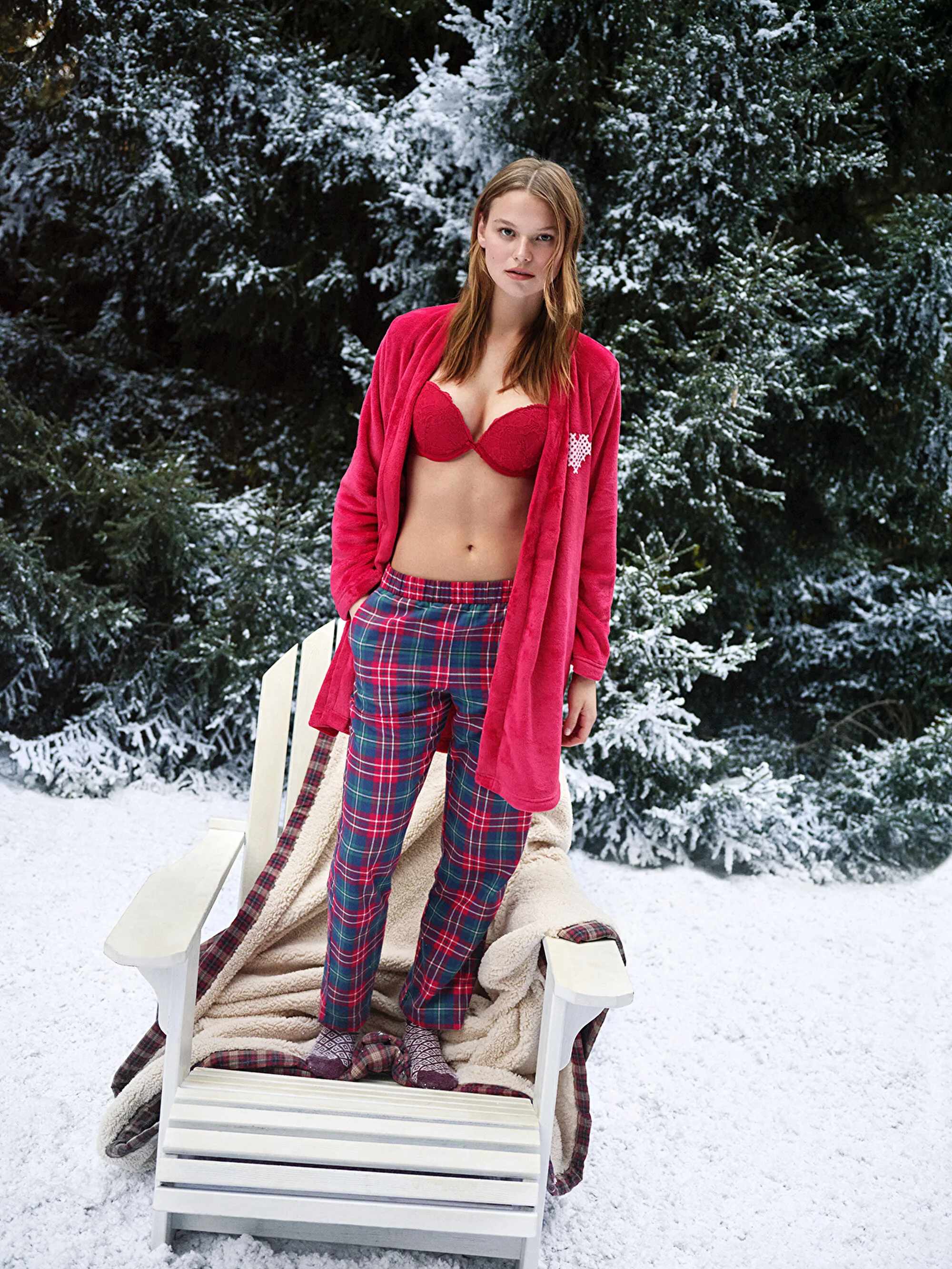
# sexy bra
-
- 9 comments
- 4,263 views
-
- 9 comments
- 3,732 views
-
- 1 comment
- 1,155 views
Image hidden for guestsSign in to view -
- 6 comments
- 1,449 views
Image hidden for guestsSign in to view -
- 3 comments
- 2,002 views
Image hidden for guestsSign in to view -
- 1 comment
- 2,127 views
Image hidden for guestsSign in to view -
- suwen lingerie
- penti
- sex
- sexy
-
Tagged with:
- 2 comments
- 2,681 views
-
- 4 comments
- 1,930 views
-
- penti
- sexy
- sex
- sexy women
-
Tagged with:
- 2 comments
- 1,374 views
-
- 4 comments
- 1,608 views
-
- 3 comments
- 4,064 views
-
- 4 comments
- 4,771 views
-
- 2 comments
- 4,410 views
-
- 2 comments
- 116 views