# red
-
- 31 comments
- 1,891 views
-
- 51 comments
- 7,907 views
-
- 16 comments
- 4,283 views
-
- 5 comments
- 934 views
-
- 24 comments
- 5,651 views
-
- 12 comments
- 4,075 views
-
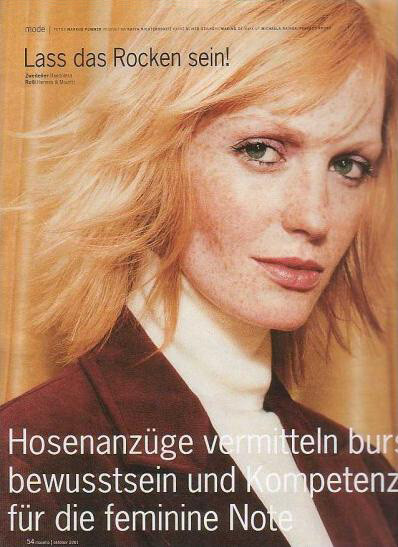
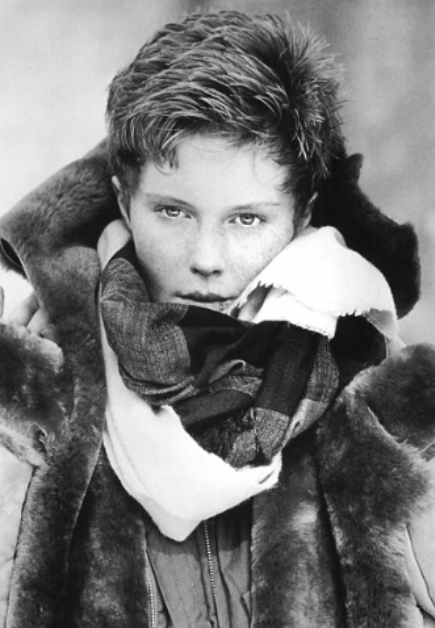
- 2000s
- blonde
- female model
- freckles
-
Tagged with:
- 5 comments
- 932 views
-
- 15 comments
- 1,212 views
-
- 6 comments
- 714 views
-
- 8 comments
- 1,458 views
-
- 4 comments
- 559 views
-
- 3 comments
- 558 views
-
- 5 comments
- 729 views
-
- 37 comments
- 10,811 views
-
- 8 comments
- 943 views
-
- 18 comments
- 4,778 views
-
- 26 comments
- 7,682 views
-
- 6 comments
- 1,000 views
-
- 5 comments
- 3,048 views