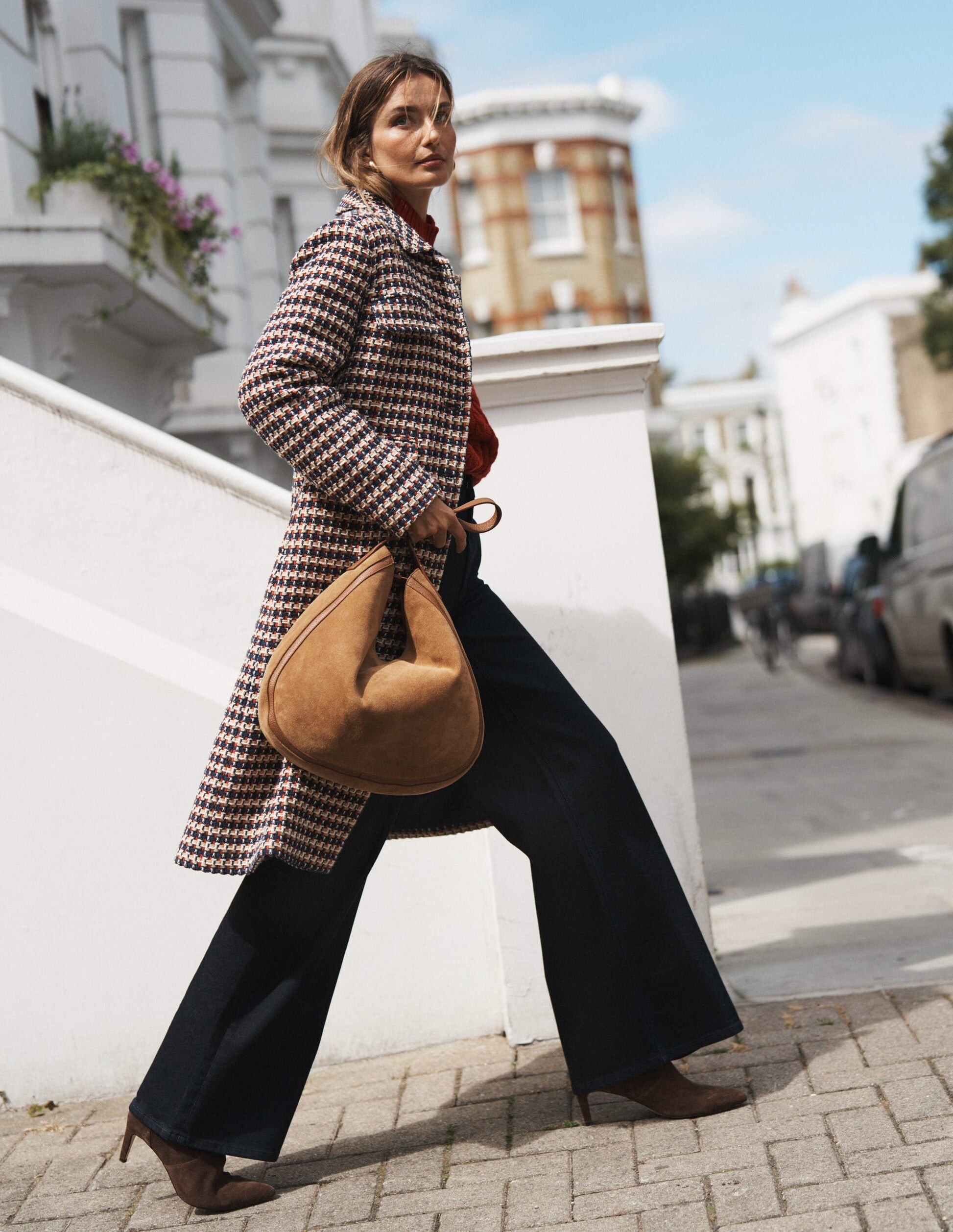
Everything posted by gedeon67
-

Jeanne Cadieu
- Mali Koopman

- Grace Hartzel

- Grace Hartzel

Chloé Winter 2025 Campaign Chemena Kamali - Designer David Sims - Photographer David Sims - Director Elodie David Touboul - Fashion Director Esther Langham - Hair Stylist Hiromi Ueda - Makeup Artist- Marlijn Hoek






- Aylah Peterson
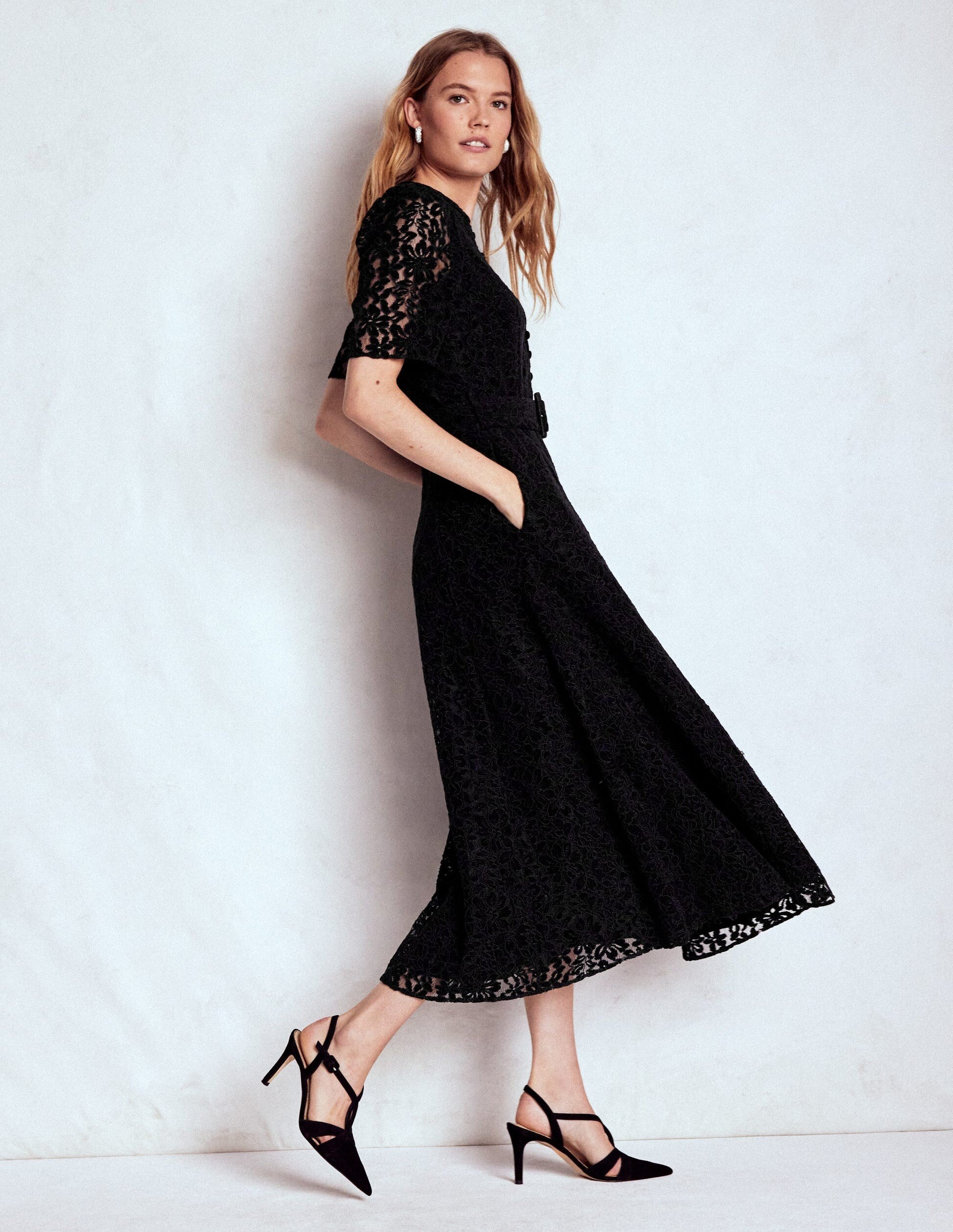
- Grace Hartzel
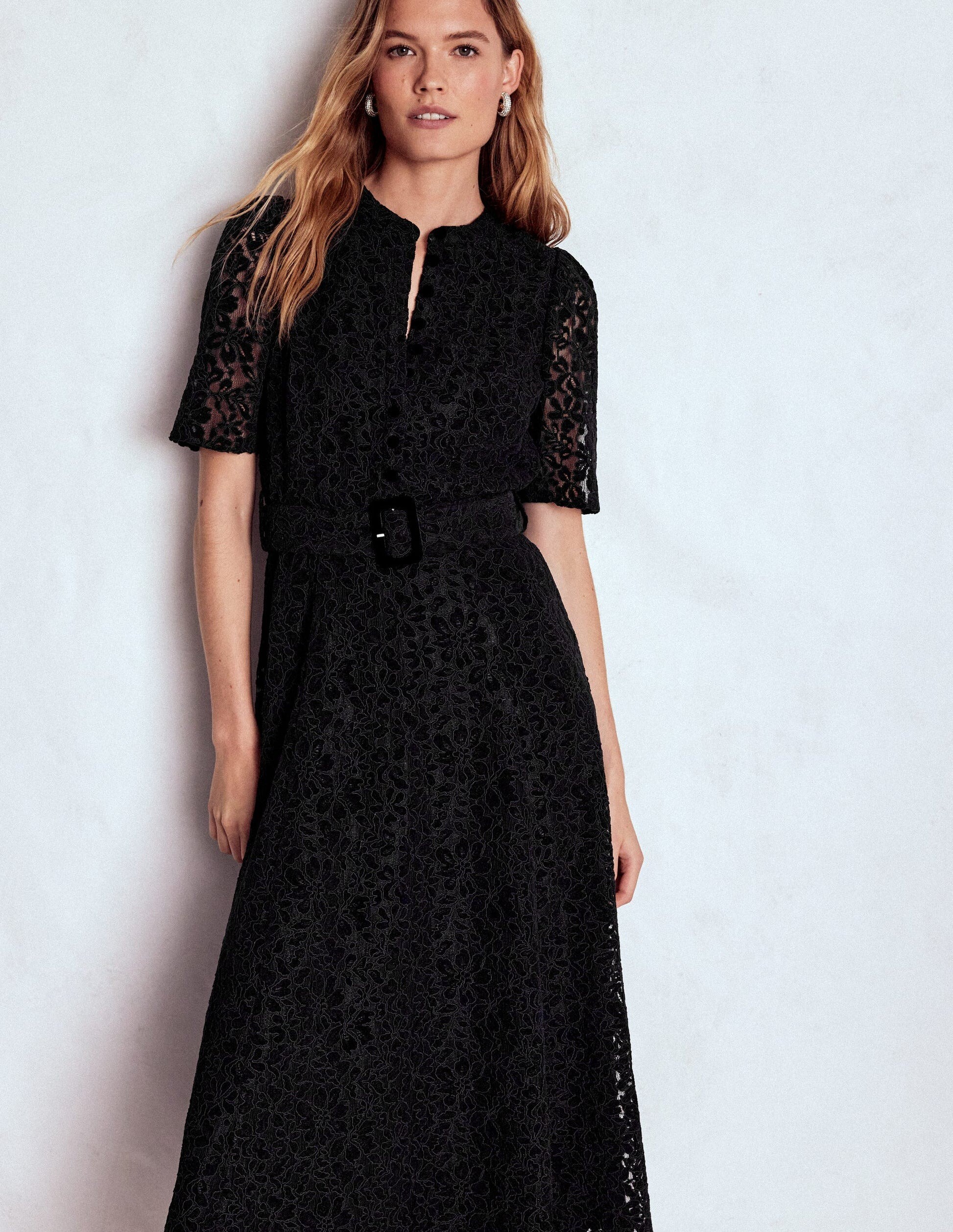
- Hailey Bieber
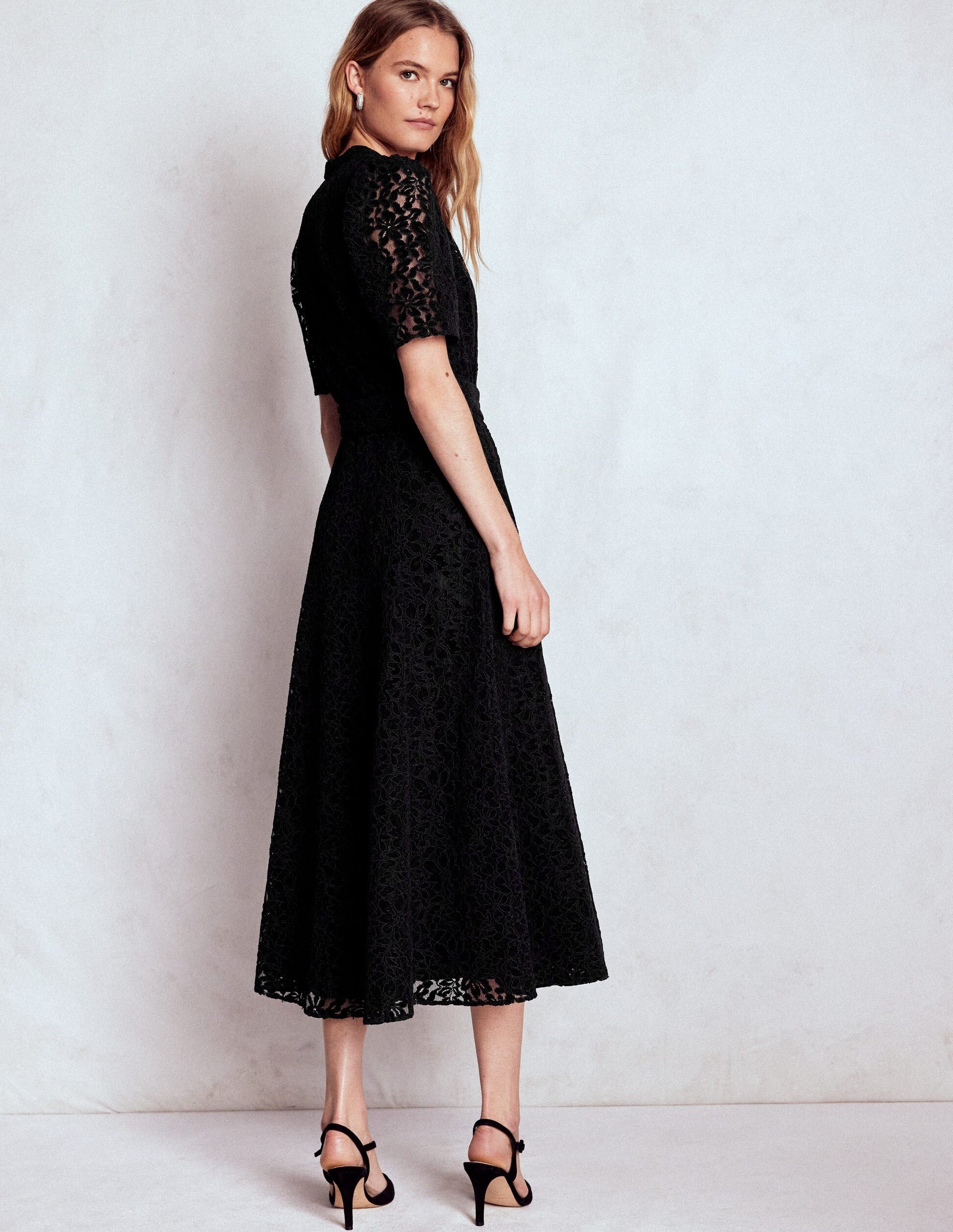
- Ida Heiner

- Jamilla Hoogenboom





Harper's Bazaar UK - October 2024 Beauty Photo : Matheusz Sitek Styling : Holly Gorst Hair : Chris Sweeney Make-up : Natsumi Narita Nails : Ami Streets- Jamilla Hoogenboom

Marie Claire 2 - The Best of Beauty 12/2024 Relax Immersivo Photo : Rosi Di Stefano Styling : Elisabetta Massari- Jamilla Hoogenboom

- Jamilla Hoogenboom

- Kaia Gerber

- Vittoria Ceretti

Givenchy F/W 2025 CampaignCollier Schorr- Photographer 006-vittoria-individual-16x9-generic-data.mp4- Bianca Balti
- Maty Fall Diba

- Ella McCutcheon
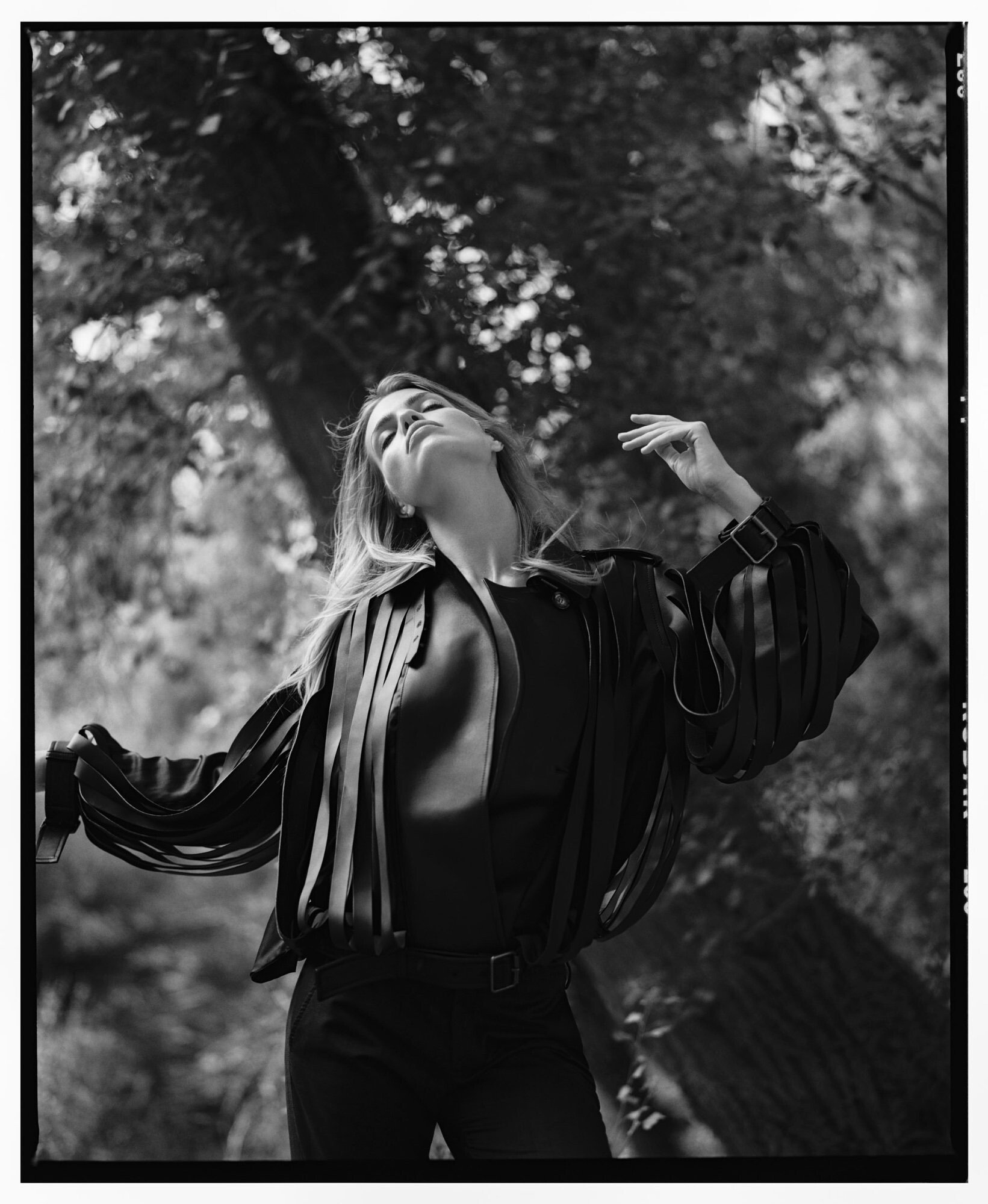
- Lulu Tenney

- Eva Herzigova

Givenchy FW25 Direction artistique : Sarah Burton Photographe : Collier Schorr Styling: Camilla Nickerson Casting: Jess Hallett Make up: Lucia Pieroni Hair: Olivier Schawalder Manucure: Ama Quashie Givenchy-fw25.mp4- Natasa Vojnovic
- Mali Koopman
Account
Navigation
Search
Configure browser push notifications
Chrome (Android)
- Tap the lock icon next to the address bar.
- Tap Permissions → Notifications.

- Adjust your preference.

Chrome (Desktop)
- Click the padlock icon in the address bar.

- Select Site settings.

- Find Notifications and adjust your preference.

Safari (iOS 16.4+)
- Ensure the site is installed via Add to Home Screen.

- Open Settings App → Notifications.

- Find your app name and adjust your preference.
Safari (macOS)
- Go to Safari → Preferences.
- Click the Websites tab.
- Select Notifications in the sidebar.
- Find this website and adjust your preference.
Edge (Android)
- Tap the lock icon next to the address bar.
- Tap Permissions.
- Find Notifications and adjust your preference.
Edge (Desktop)
- Click the padlock icon in the address bar.
- Click Permissions for this site.
- Find Notifications and adjust your preference.
Firefox (Android)
- Go to Settings → Site permissions.
- Tap Notifications.
- Find this site in the list and adjust your preference.
Firefox (Desktop)
- Open Firefox Settings.
- Search for Notifications.
- Find this site in the list and adjust your preference.