Jade Bahr
Members
-
Joined
-
Last visited
-
Currently
Viewing Topic: Leonardo DiCaprio - (Please Read First Post Prior to Posting)
Everything posted by Jade Bahr
-
-
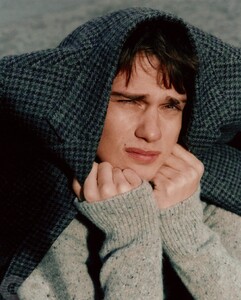
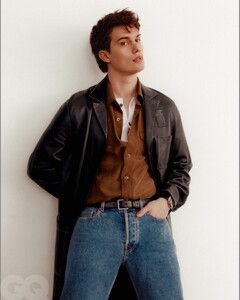
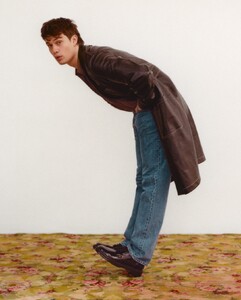
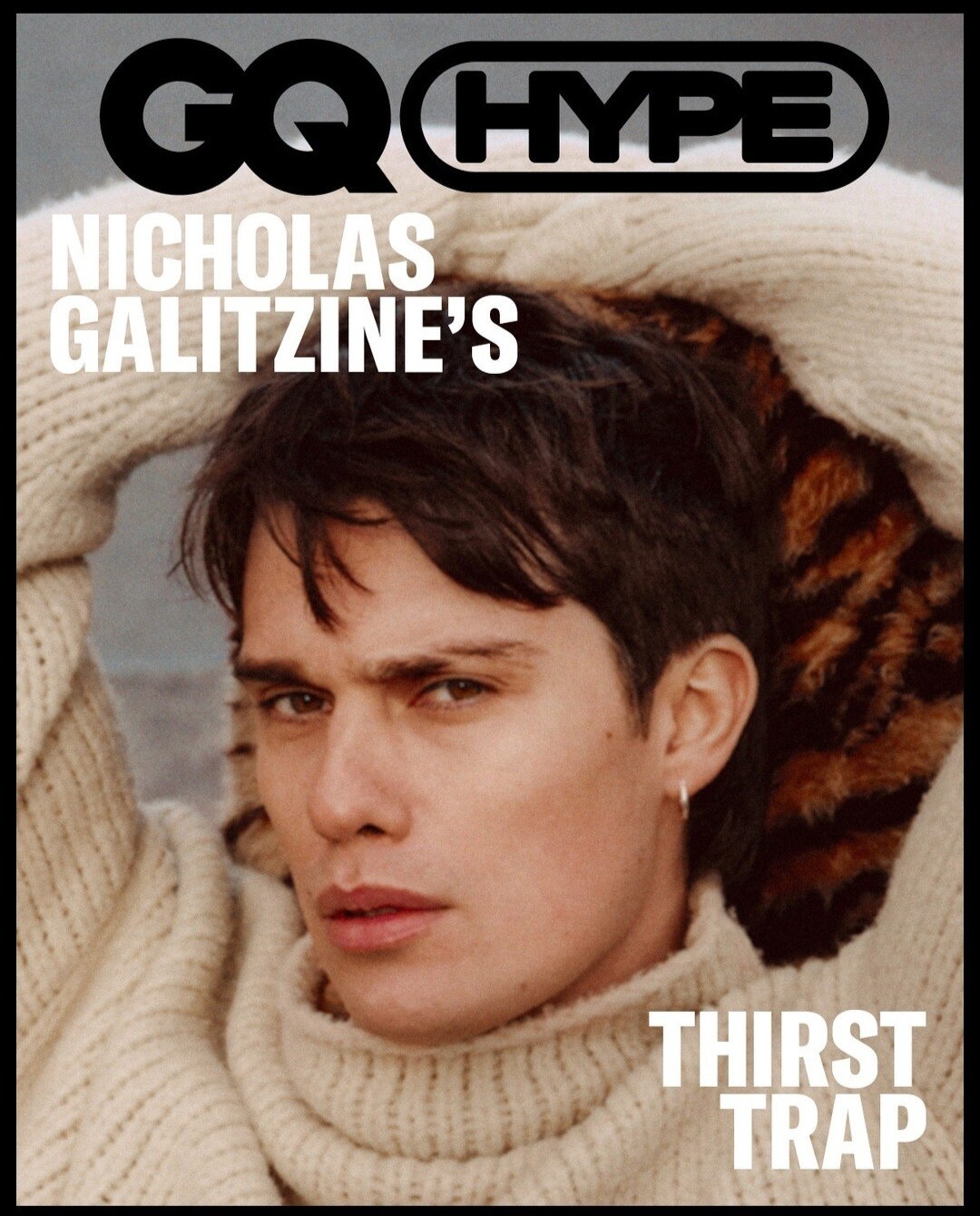
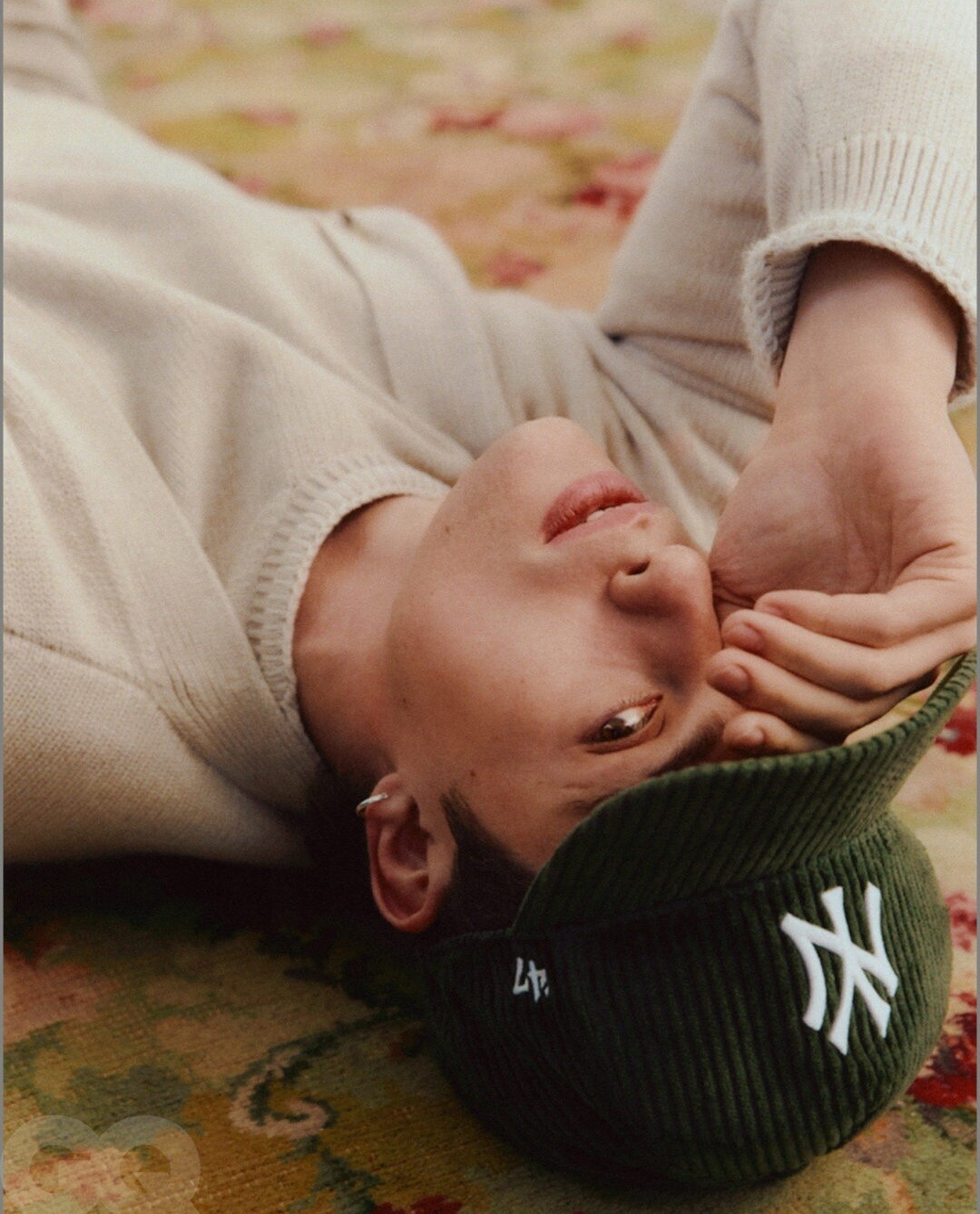
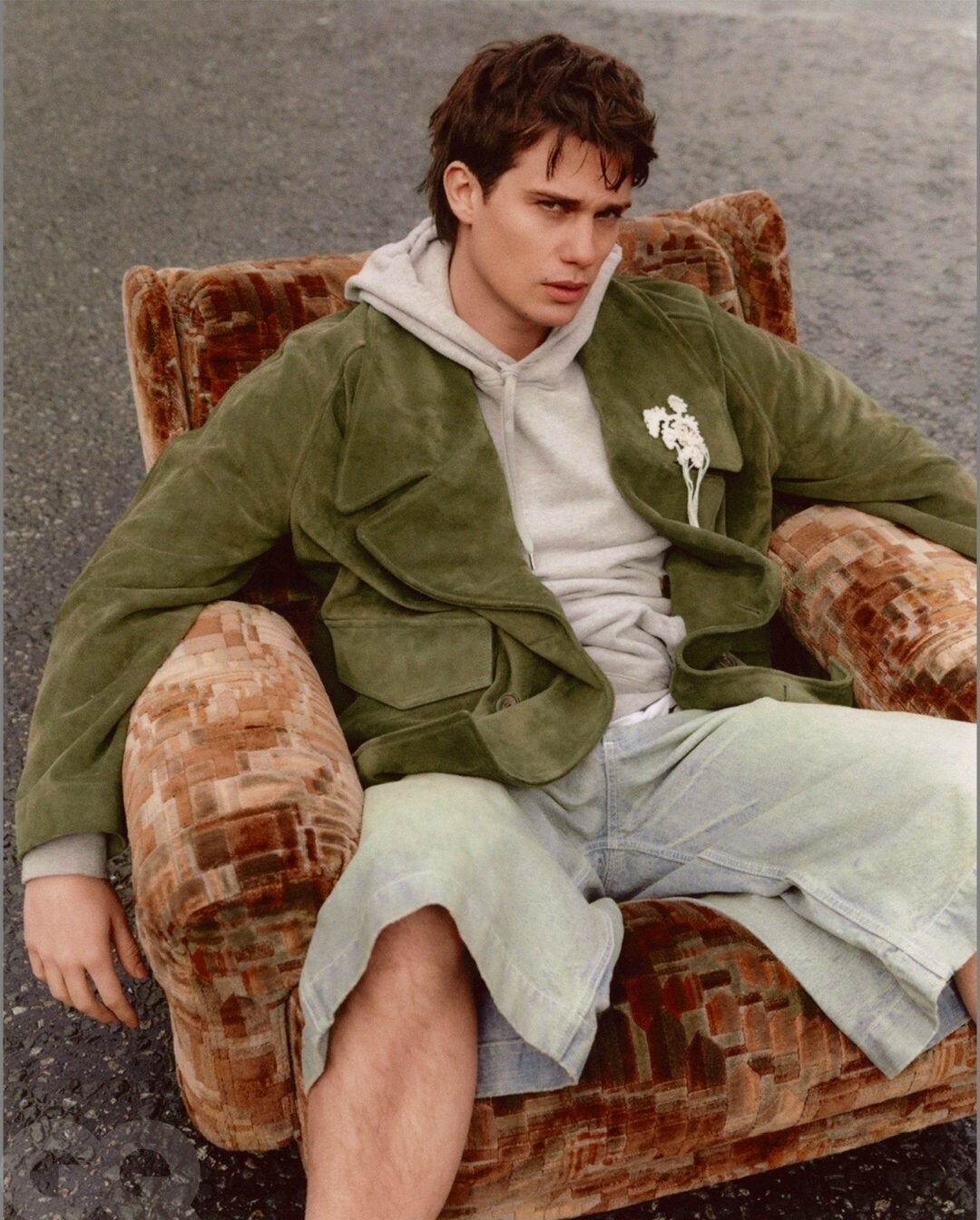
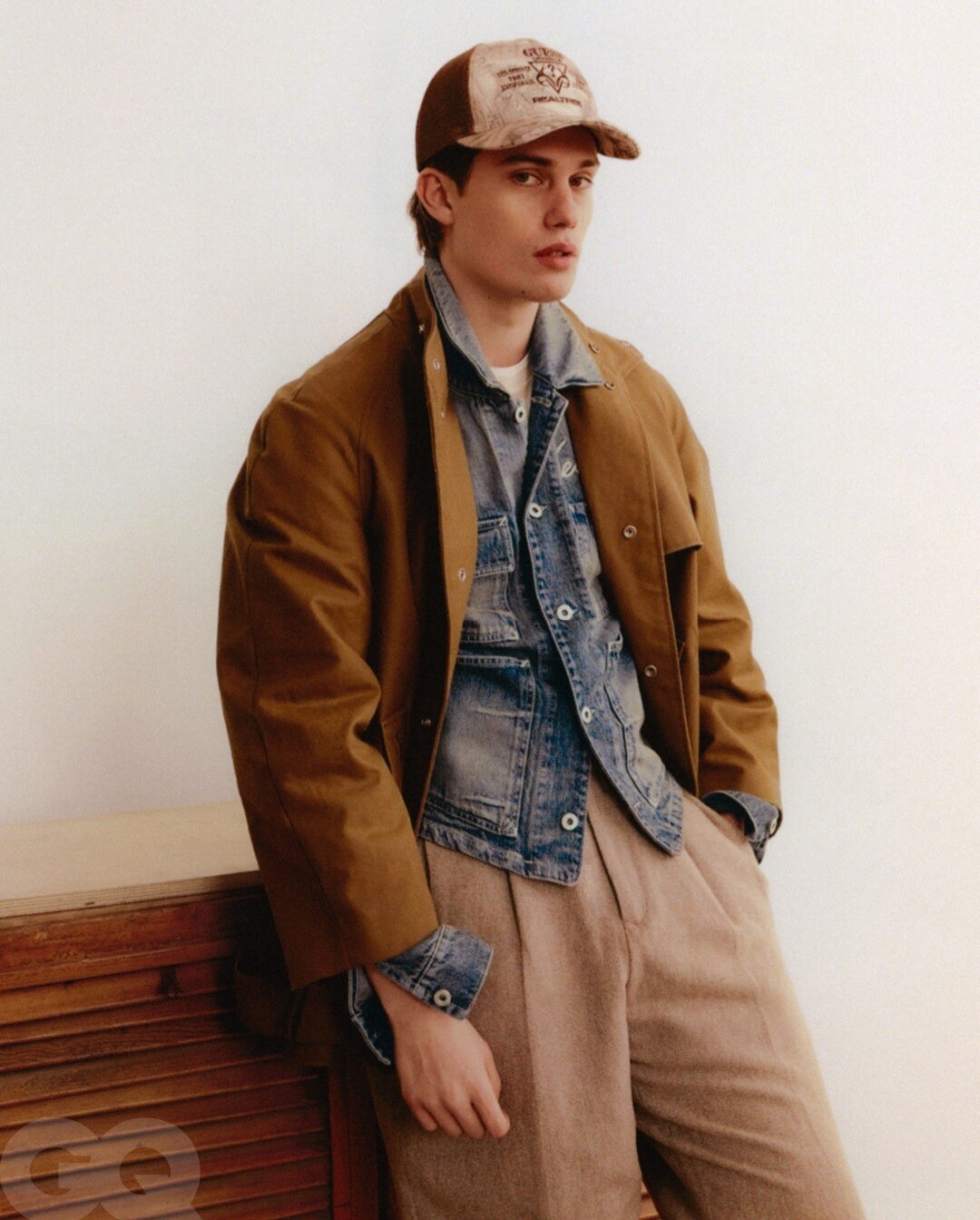
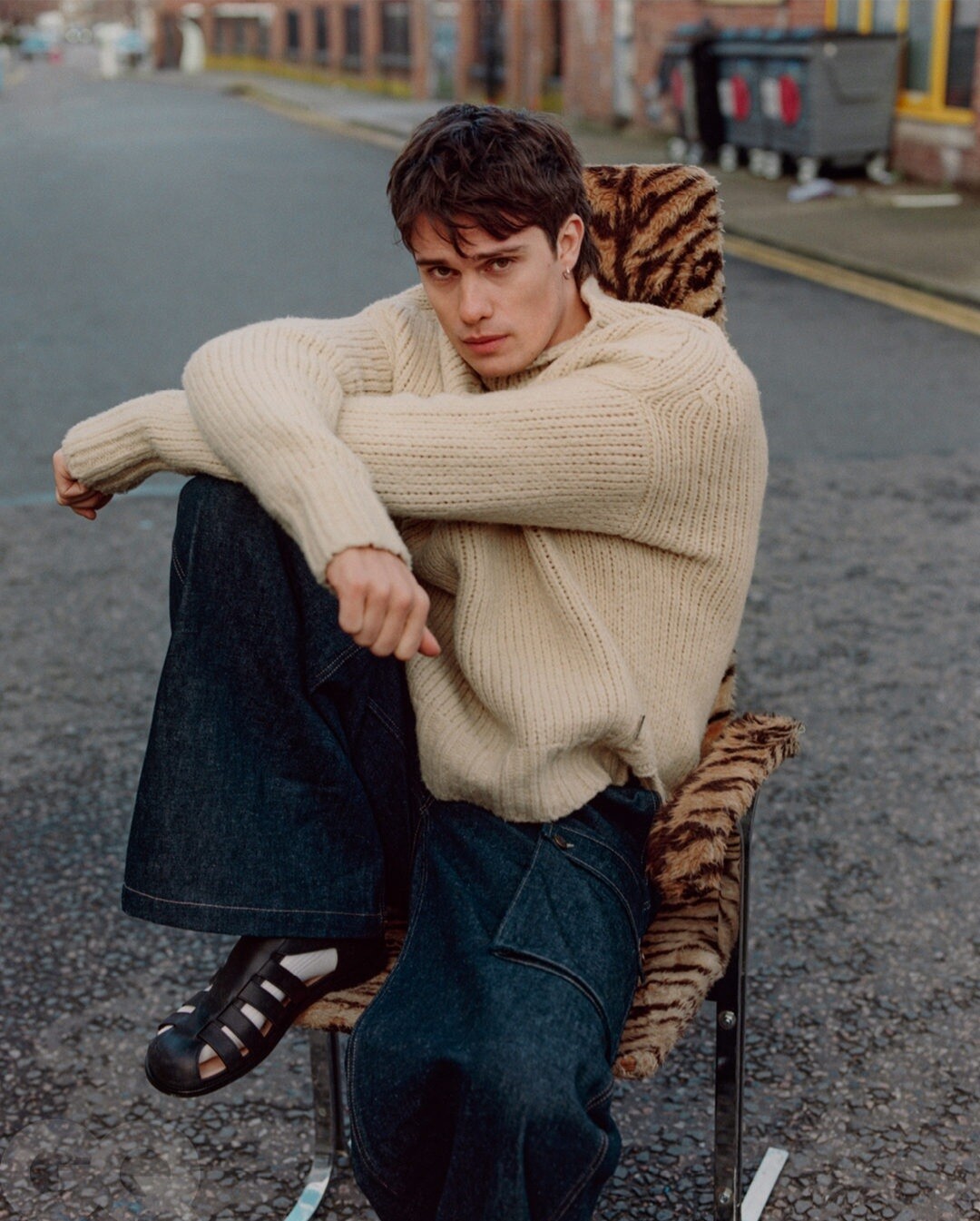
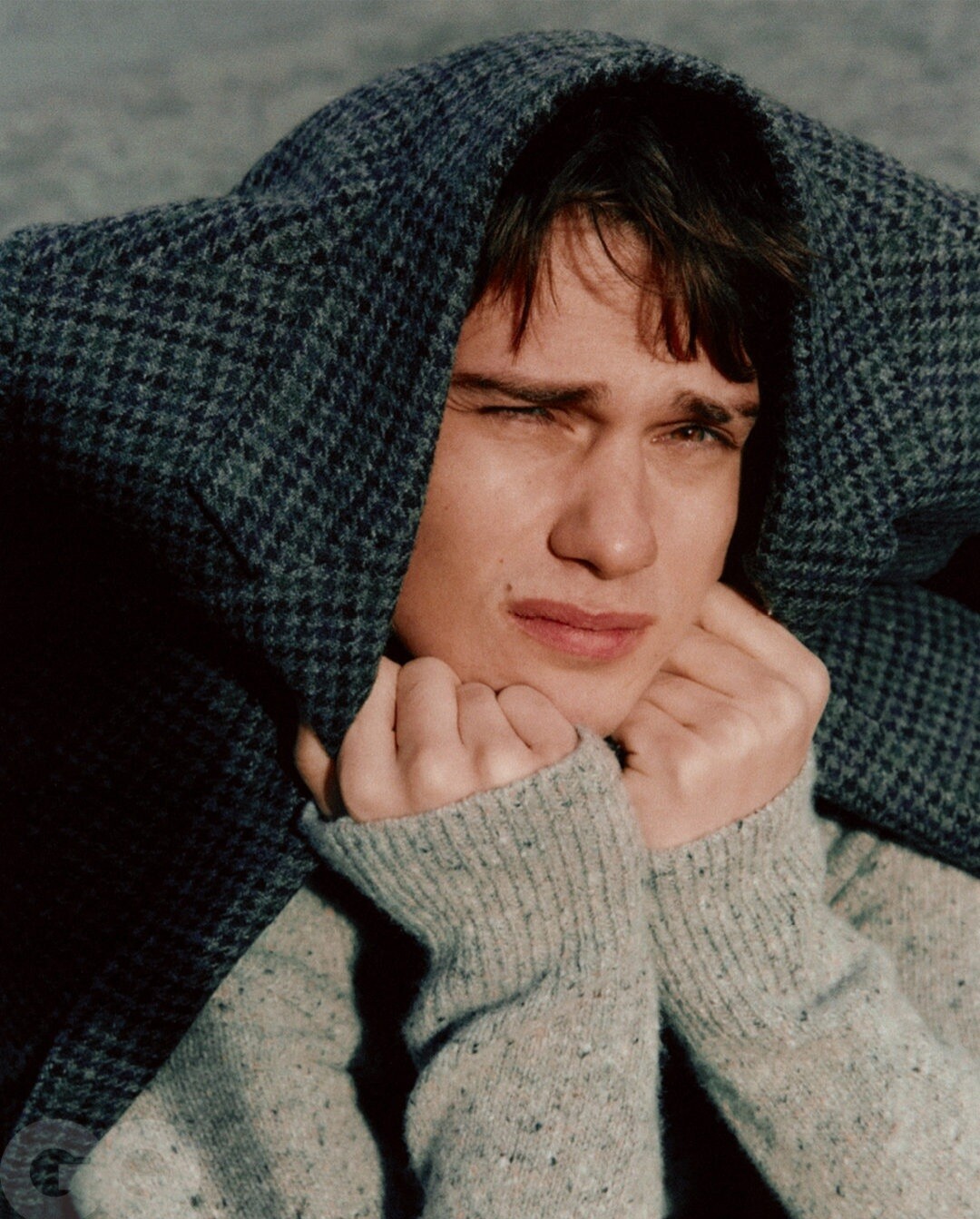
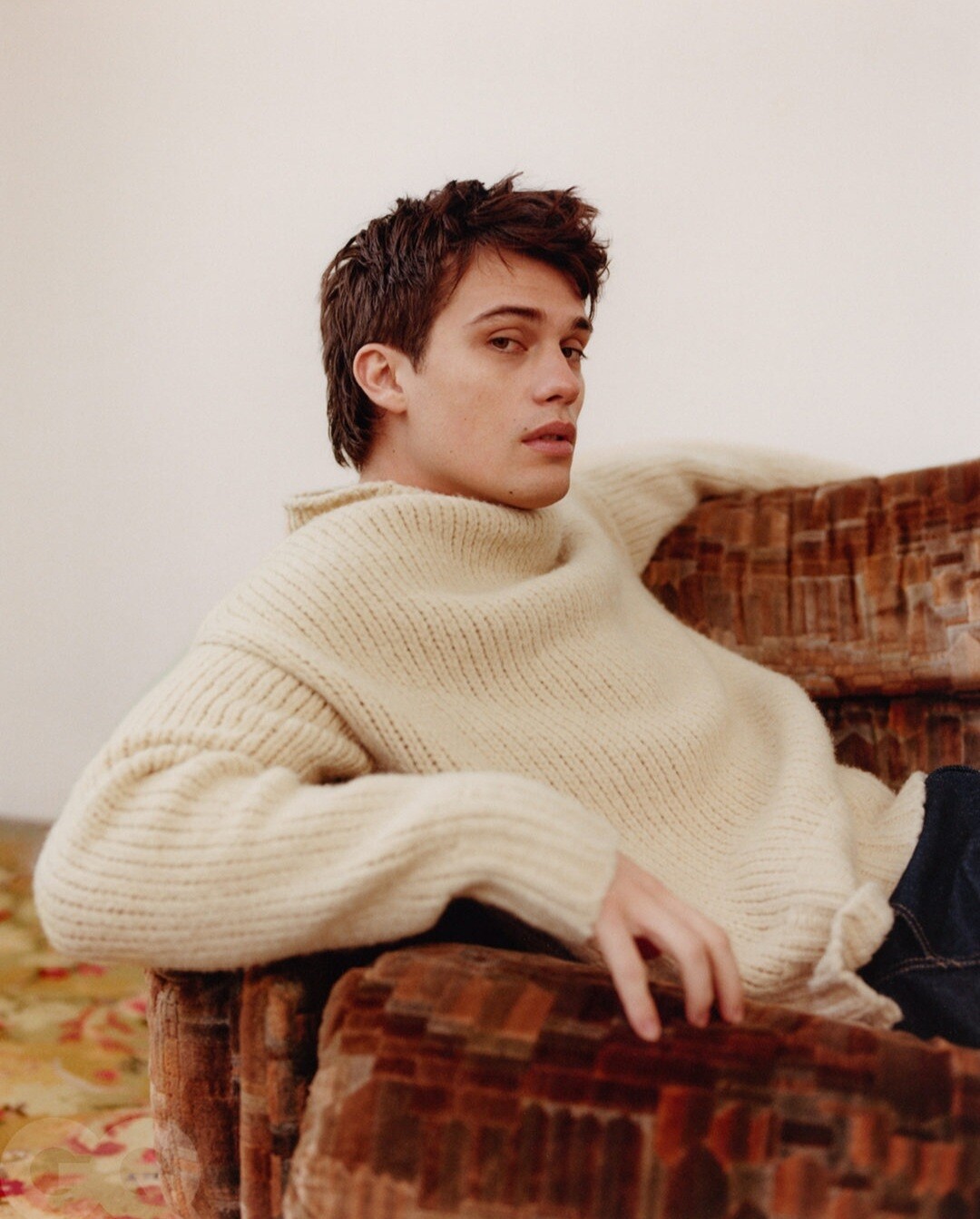
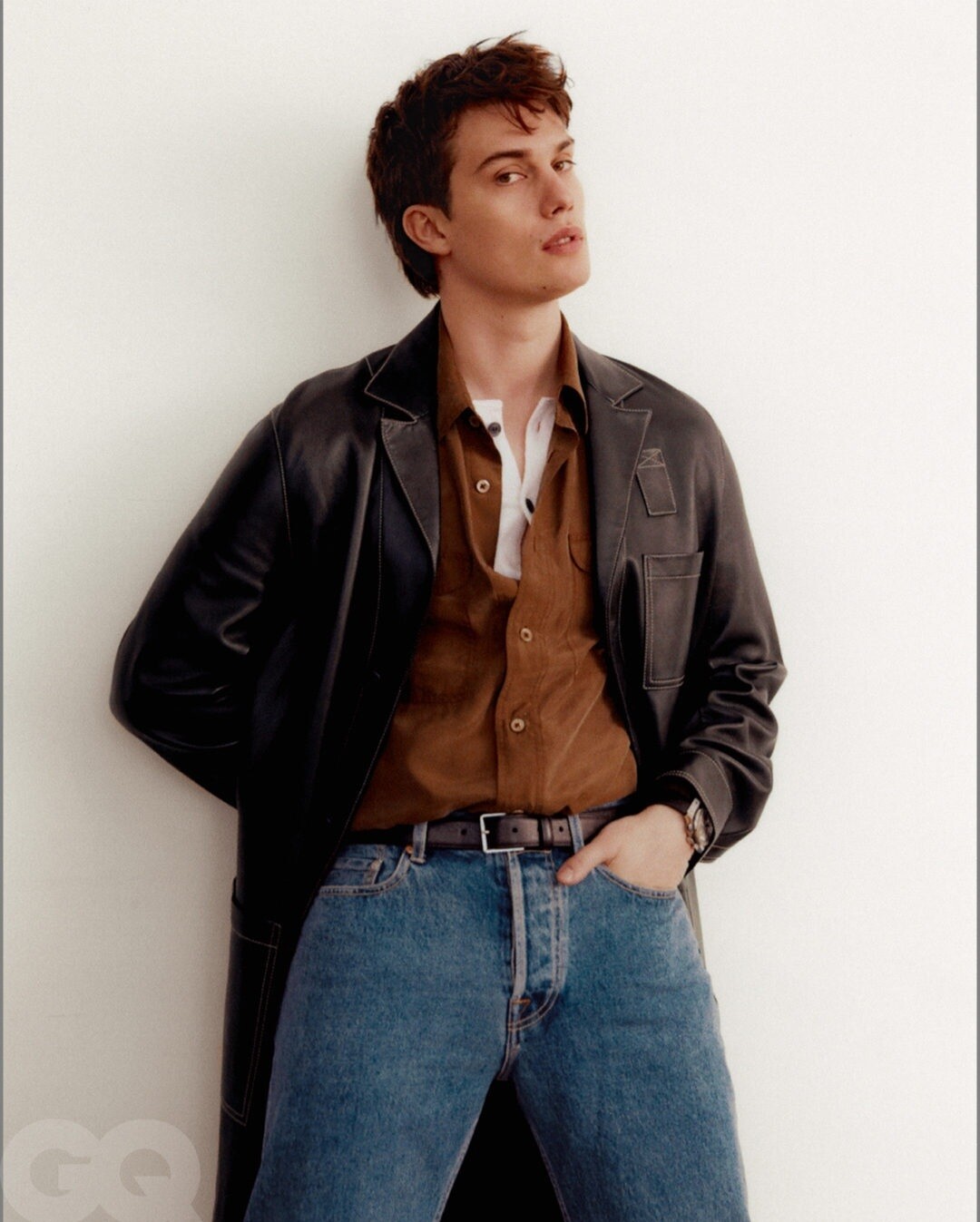
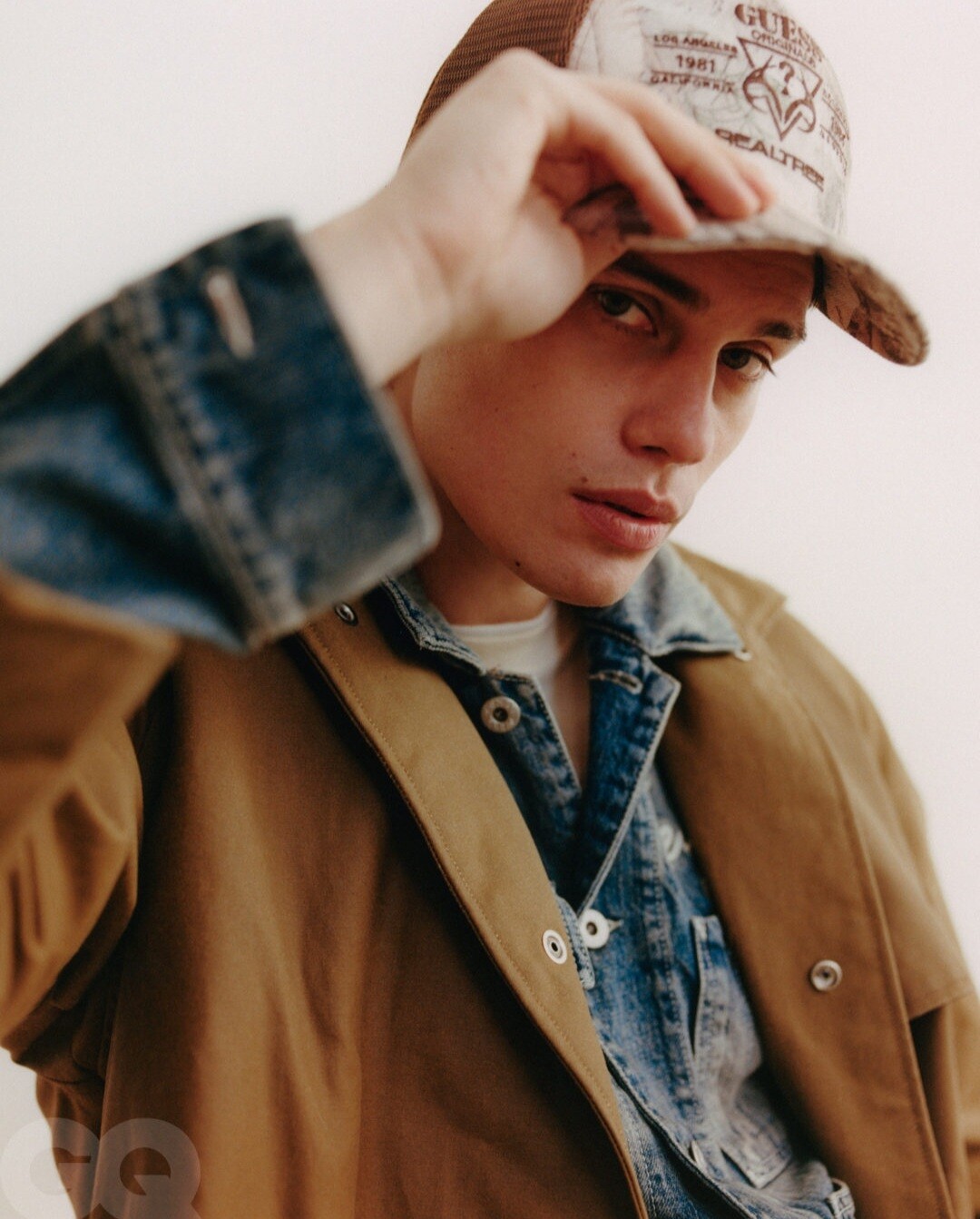
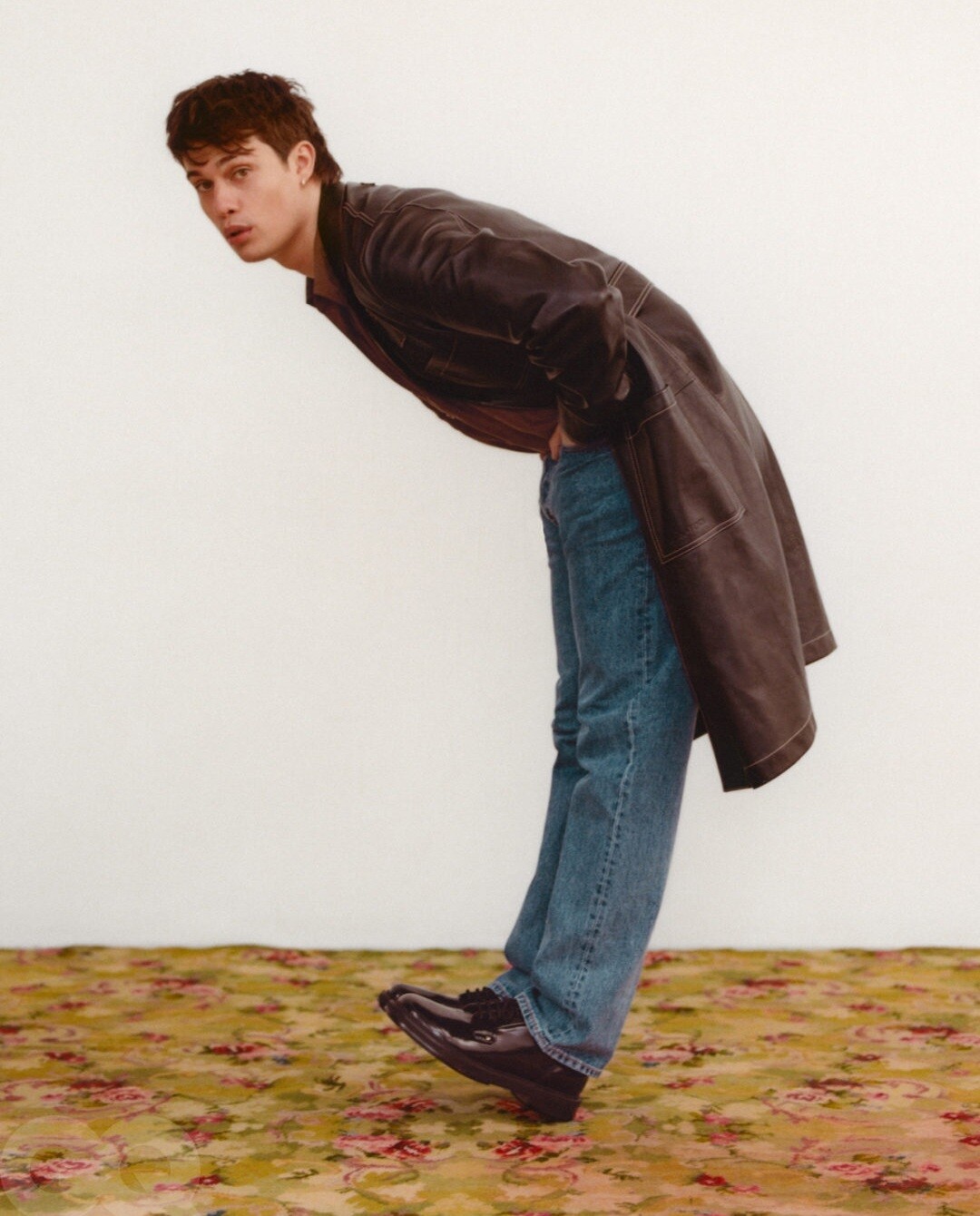
The Idea of Nicholas Galitzine: 90’s Inspired Streetwear in Brooklyn
-
Why?
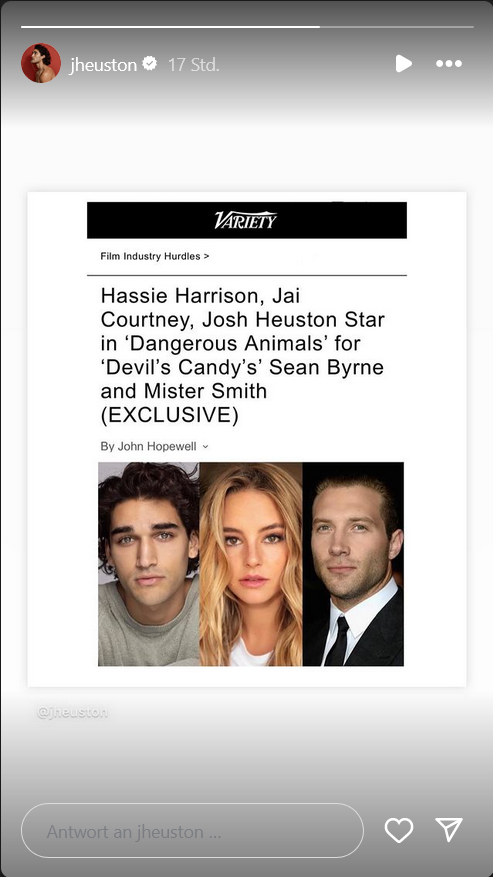
I mean at least this kinda fits @Lilja K (also my god young Val was gorgeous ) Austin Butler to Star in Michael Mann's ‘Heat 2' Alright, after a week of waiting, I finally got a second source to confirm this, so I can confidently report that Austin Butler is in final talks to star in Michael Mann’s “Heat 2” Butler is set to play Chris Shiherlis, originally portrayed in 1995’s “Heat” by Val Kilmer. The resemblance between young Kilmer and current-day Butler is uncanny. This casting is a no-brainer. It also helps that Butler is a talented actor — Oscar-nominated for “Elvis” and who can next be seen this summer in Jeff Nichols’ “The Bikeriders.” I’m told casting on the film is very much under way. We already know that Mann’s “Ferrari” star, Adam Driver, will most likely be taking on the role of Neil MacCauley (originally played by Robert De Niro). Other actors who are rumored to have been offered roles for the sequel include Al Pacino and Ana de Armas. Michael Mann has been reluctant in confirming any of the actors who will take part in the sequel, and I’m told by one of my sources that it’s because there isn’t an exact date as to when “Heat 2” will start production. Right now, it’s looking like a shoot in November is planned for the film. Butler is supposed shoot Aronofsky’s “Caught Stealing” in September, so he’ll most likely going to be doing these two back-to-back. This past January, Mann mentioned that he wanted to shoot “Heat 2” on film — something he hasn’t done since the aughts. Mann is coming off last year’s “Ferrari,” which was his first film since 2015’s “Blackhat.” The Film Stage had recently reported, via “strong sources,” that Warner Bros. was ready to allocate a big budget for the hotly anticipated sequel and that almost every hot young star in the biz had been trying to get cast in Mann’s film — they included the likes of Channing Tatum and Jeremy Allen White, who have apparently made their interest actively known to Mann and Warner Bros. “Heat 2” will be an adaptation of Mann’s own published novel, which became a New York Times #1 best-seller in August 2022 — it’s a continuation of the “Heat” saga. The setting takes place both before and after the original, utilizing flashbacks in the same vein as in The Godfather Part II, and largely focusing on Vincent Hanna (Al Pacino) and Shiherlis (Val Kilmer).
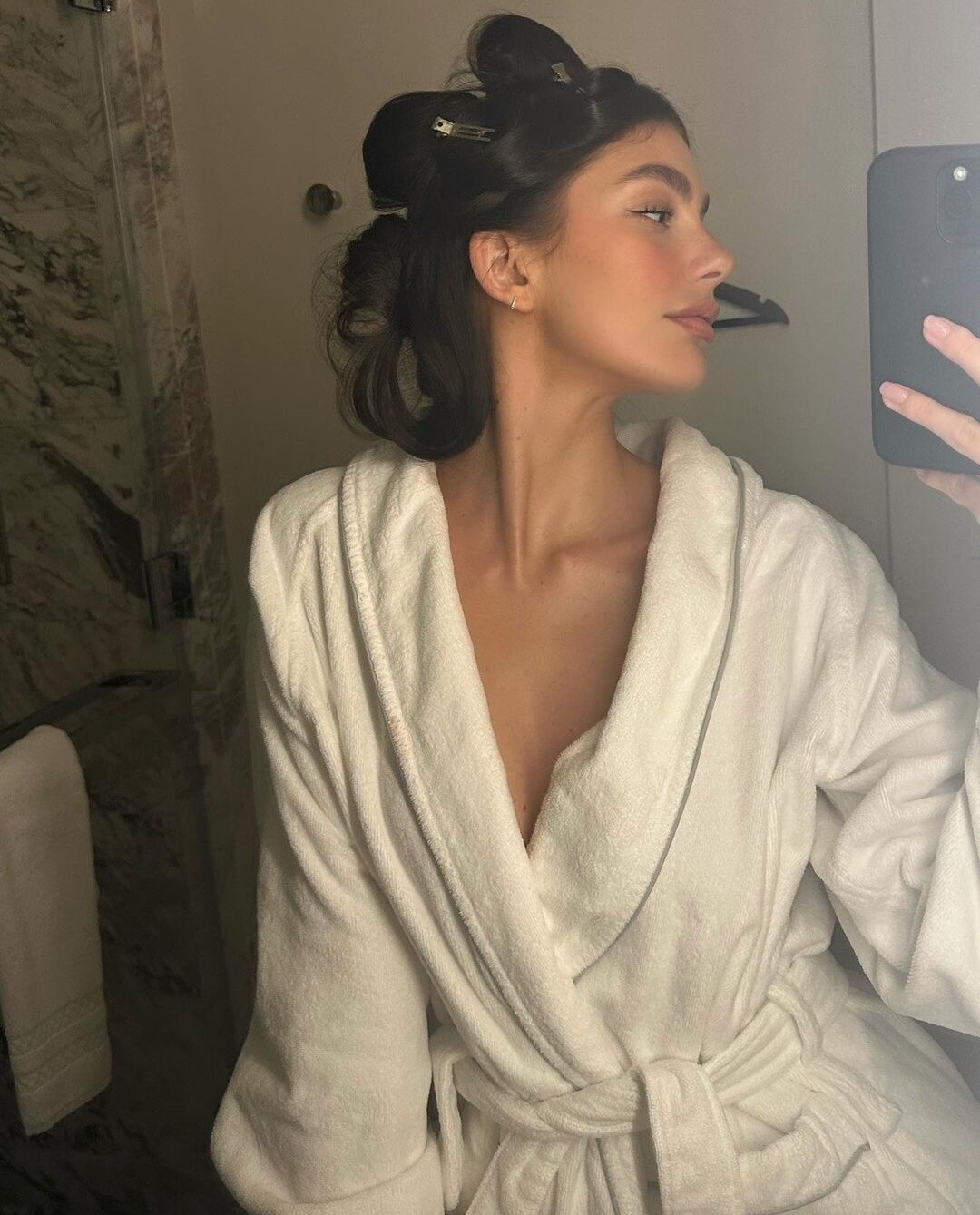
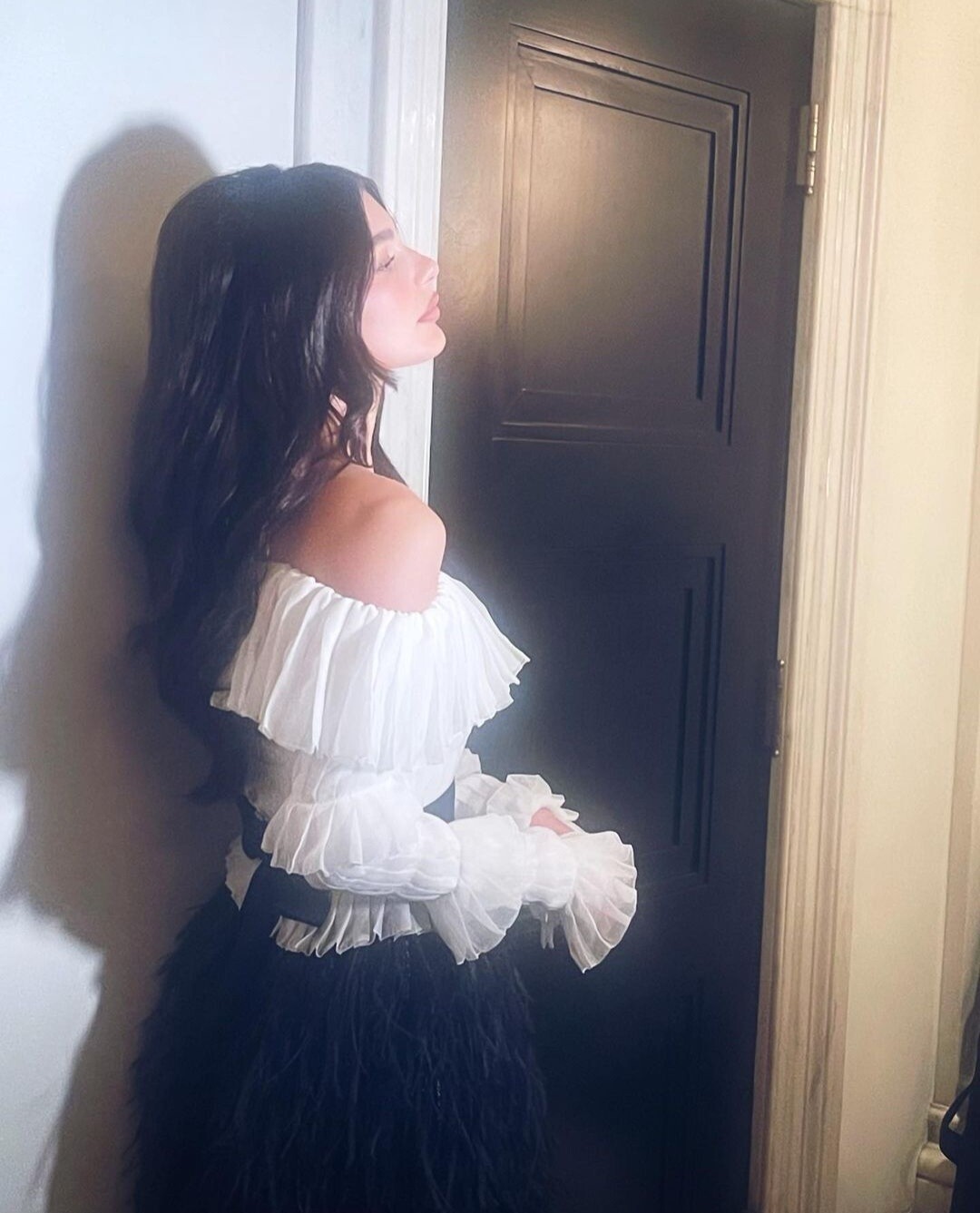
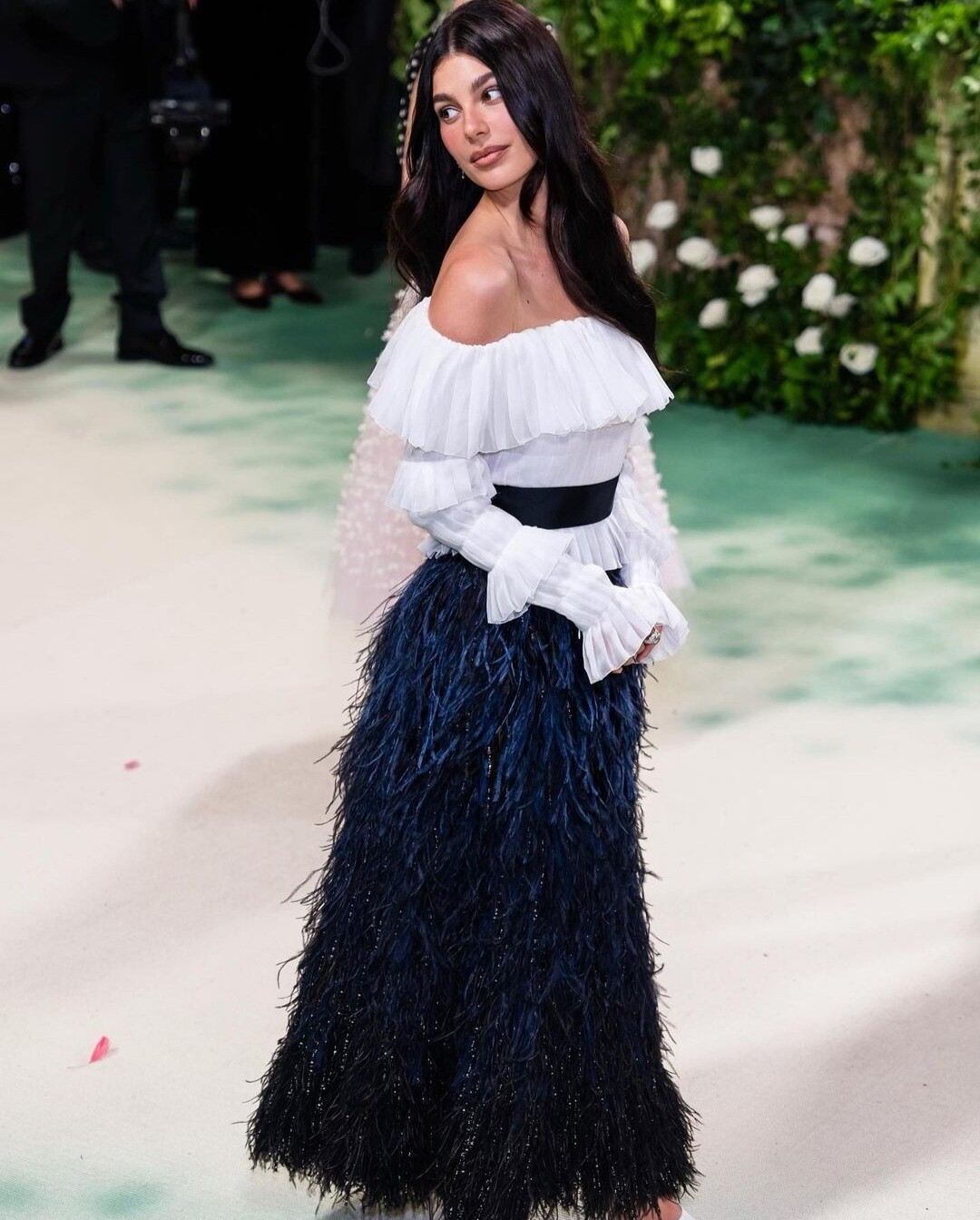
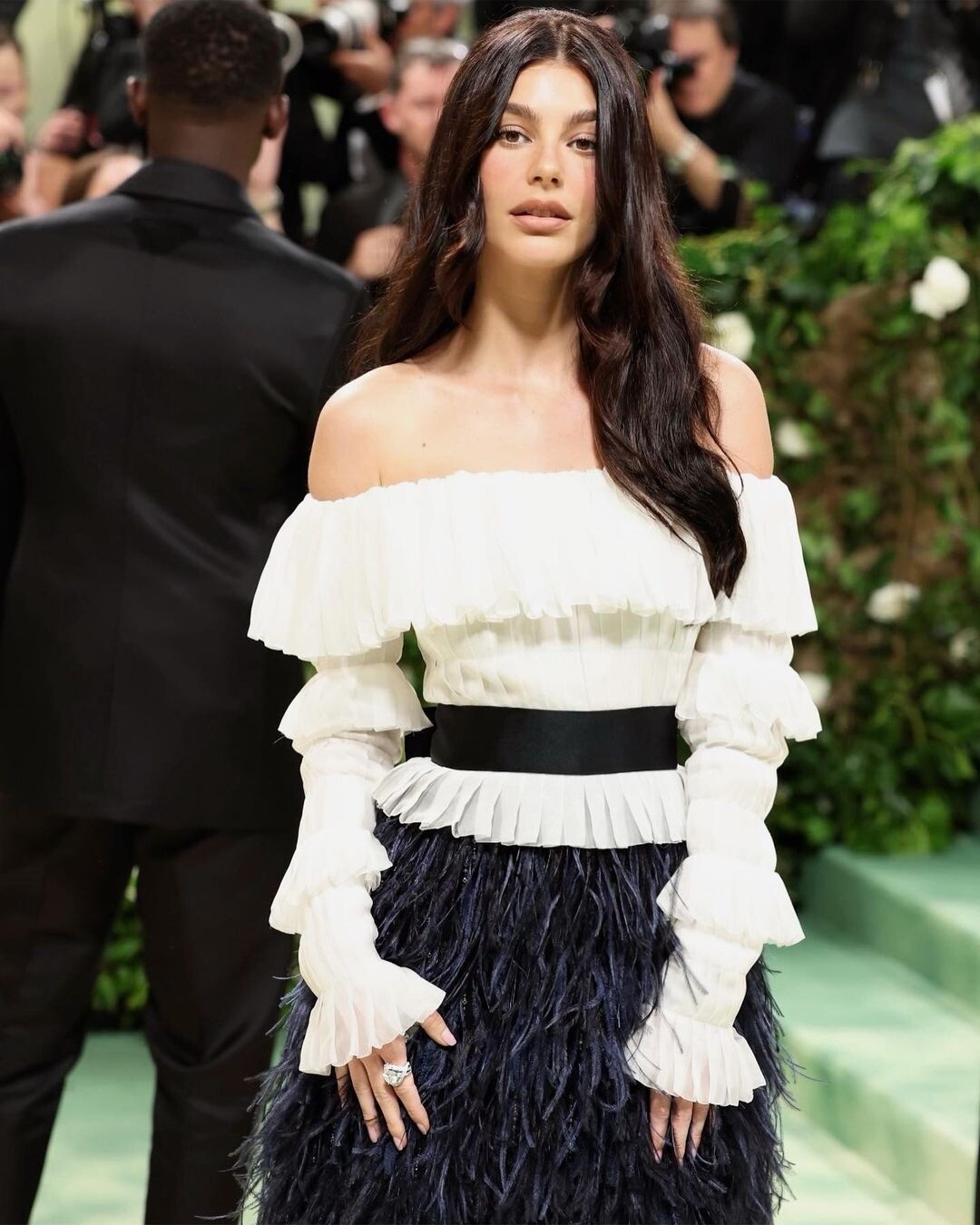
LOL Not really Leo related but kinda 👇
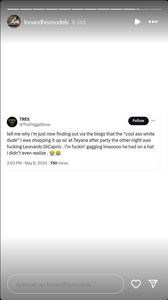 Thirst trap indeed 🥵 @Lilja K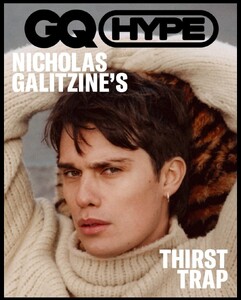
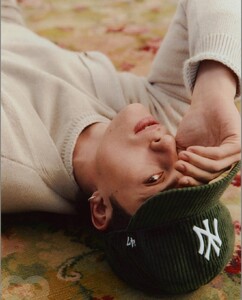

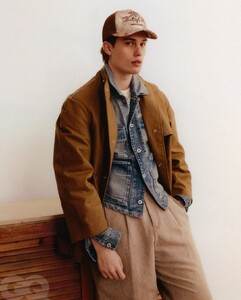
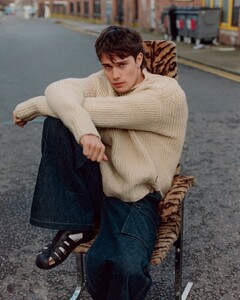


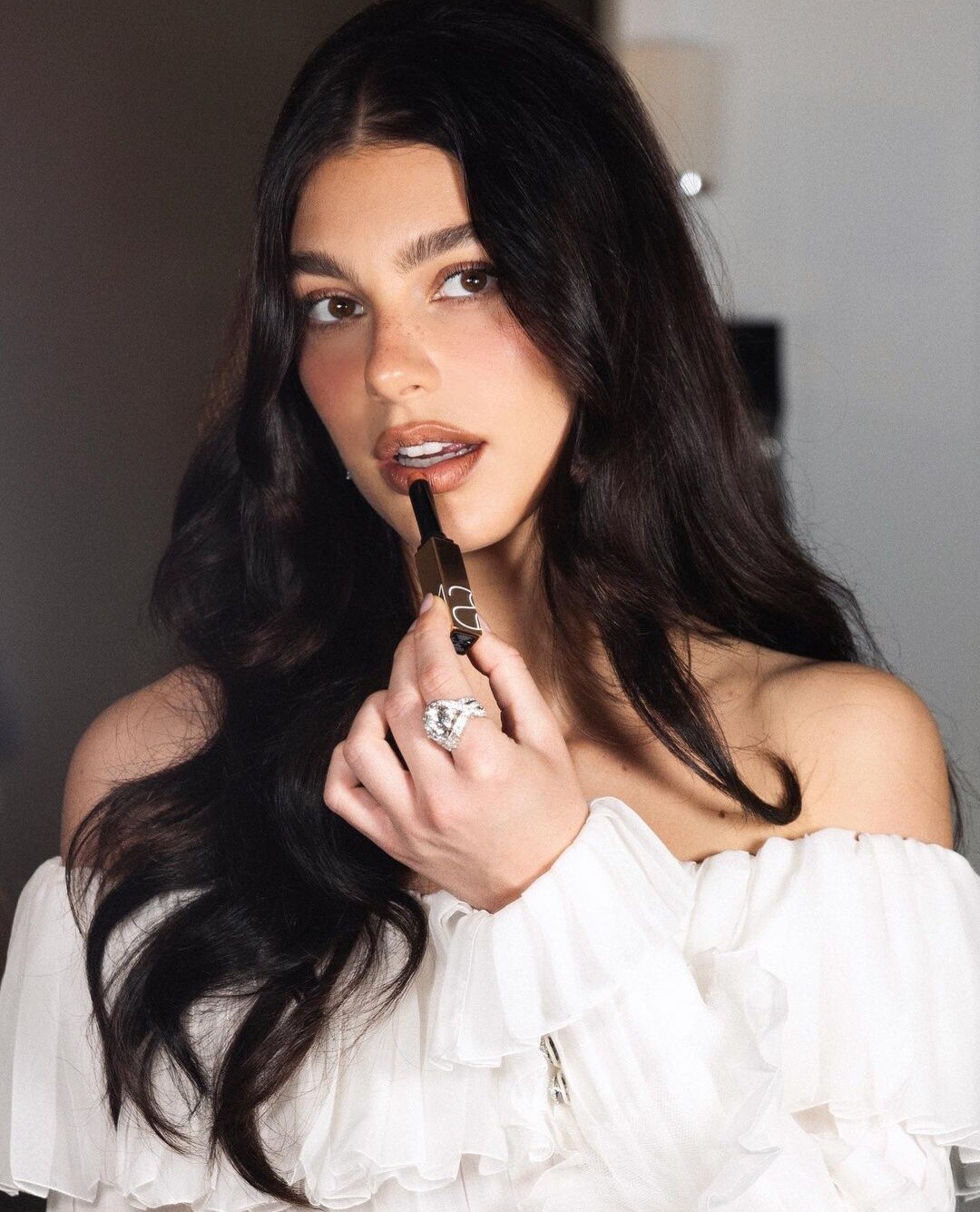
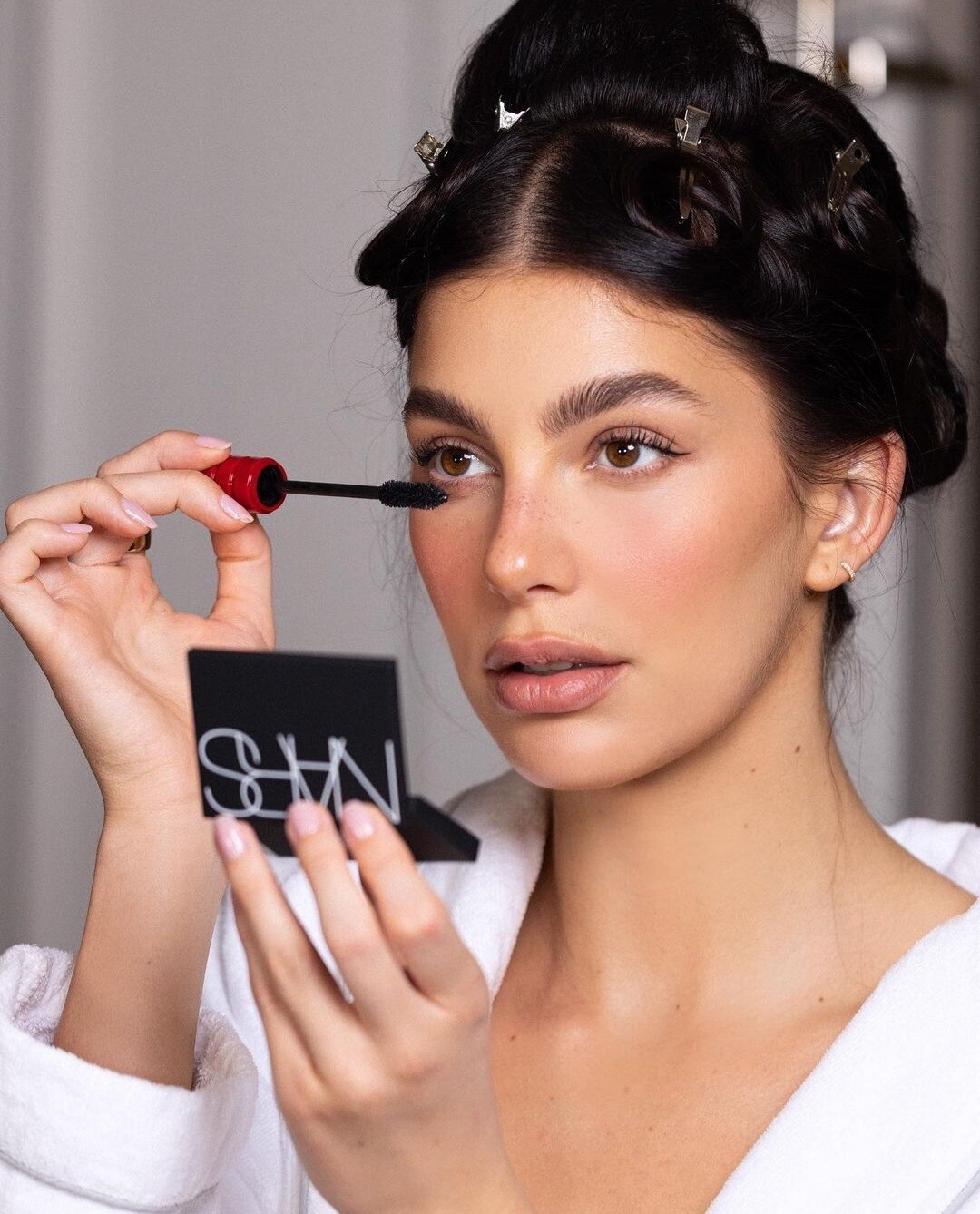
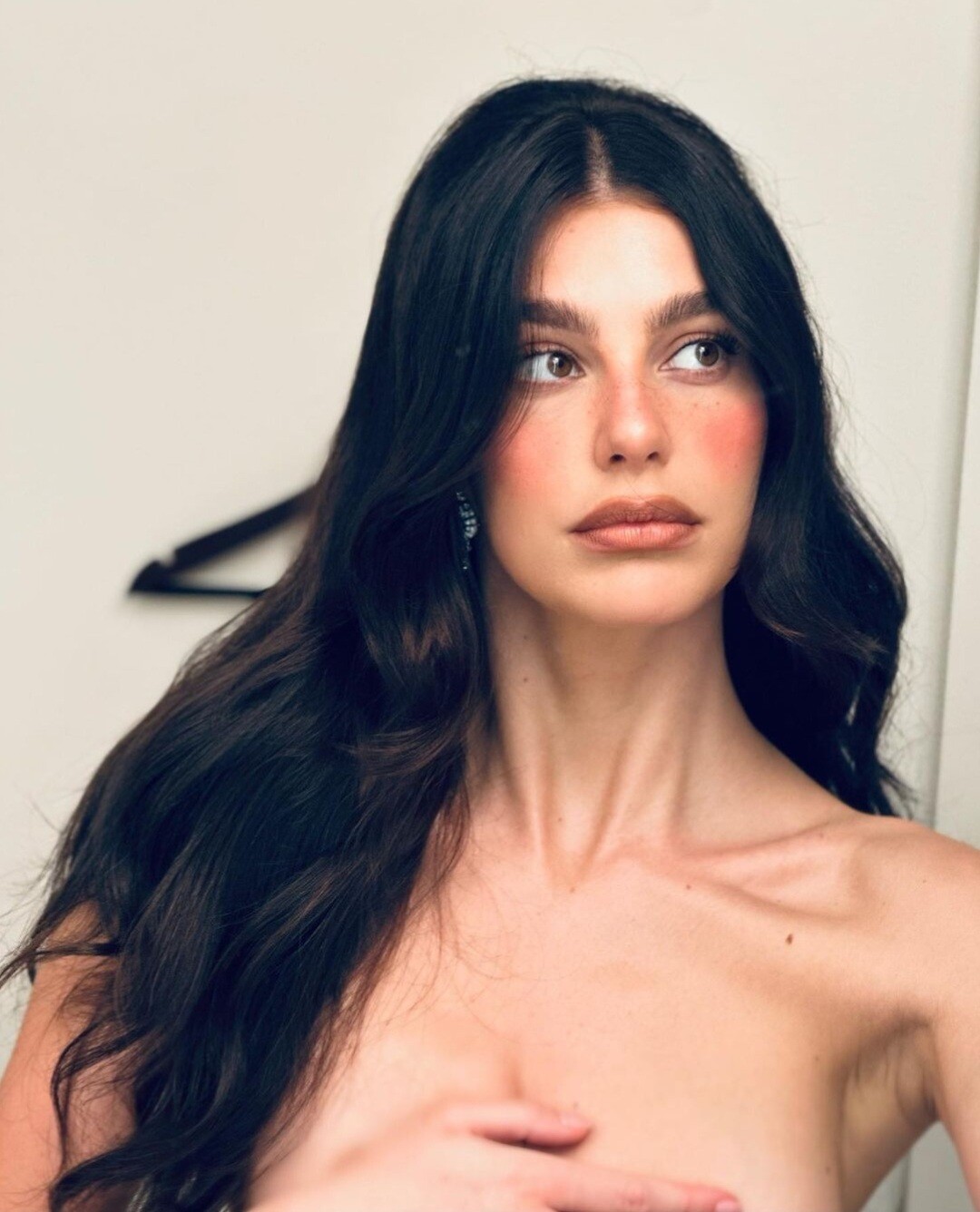
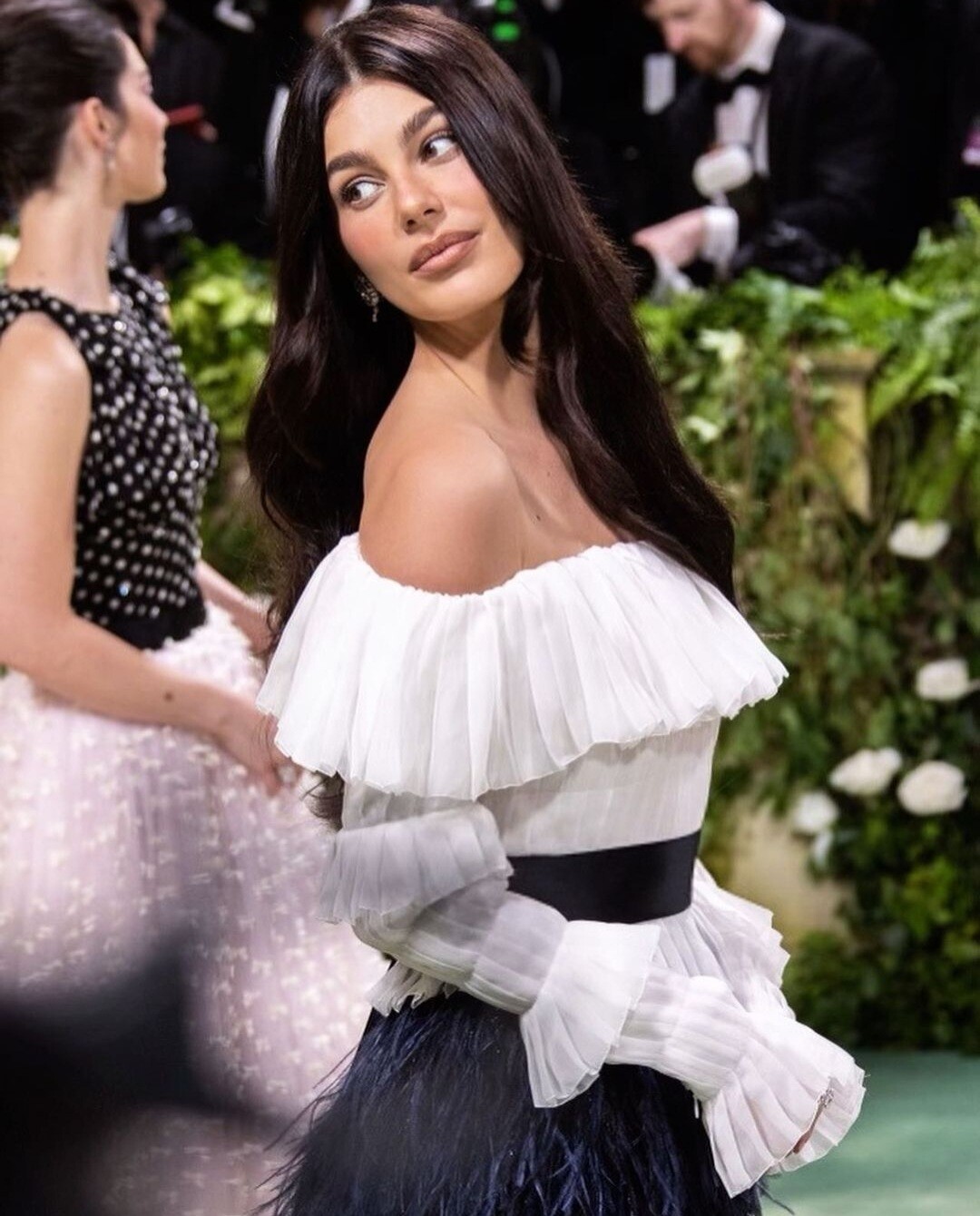
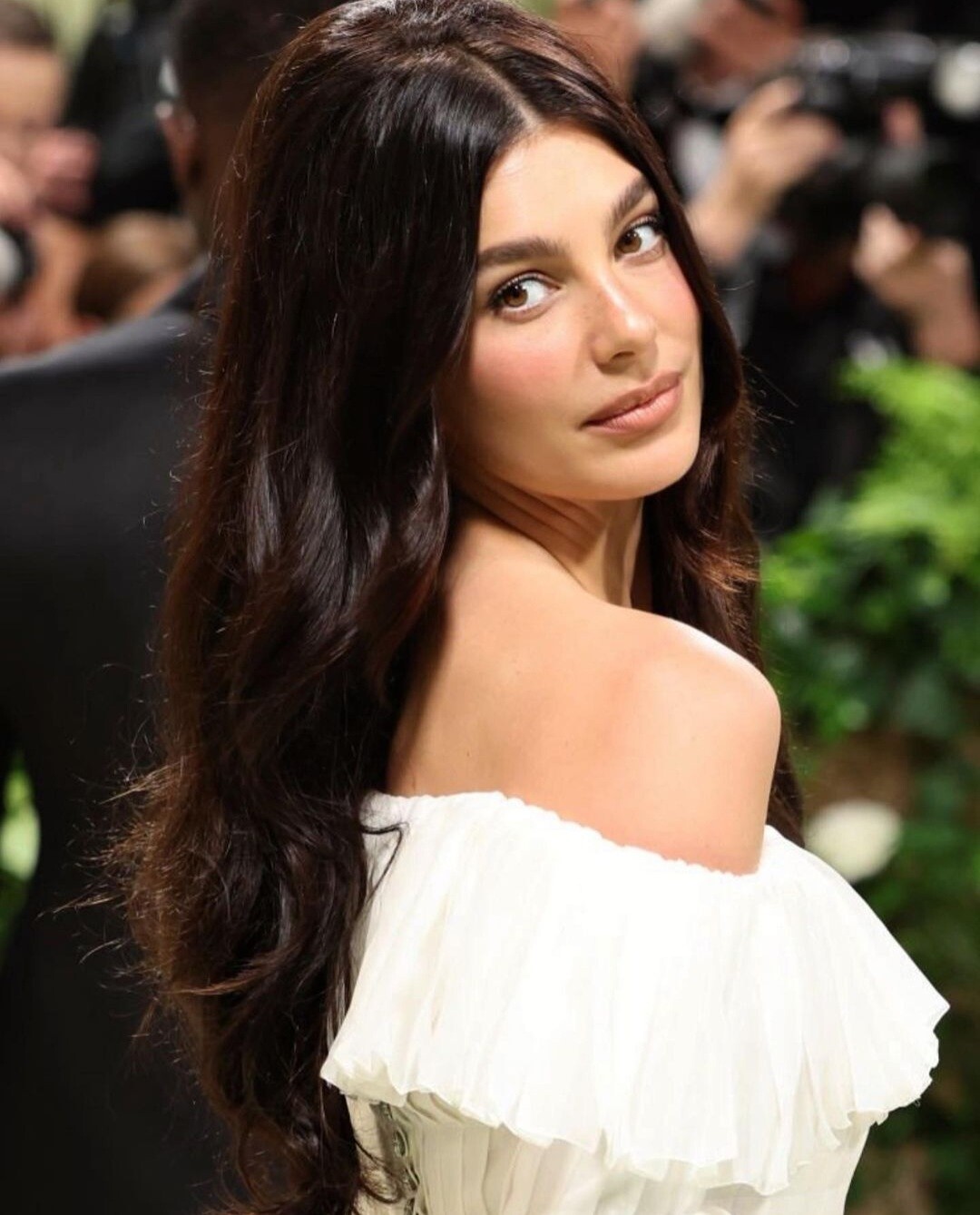
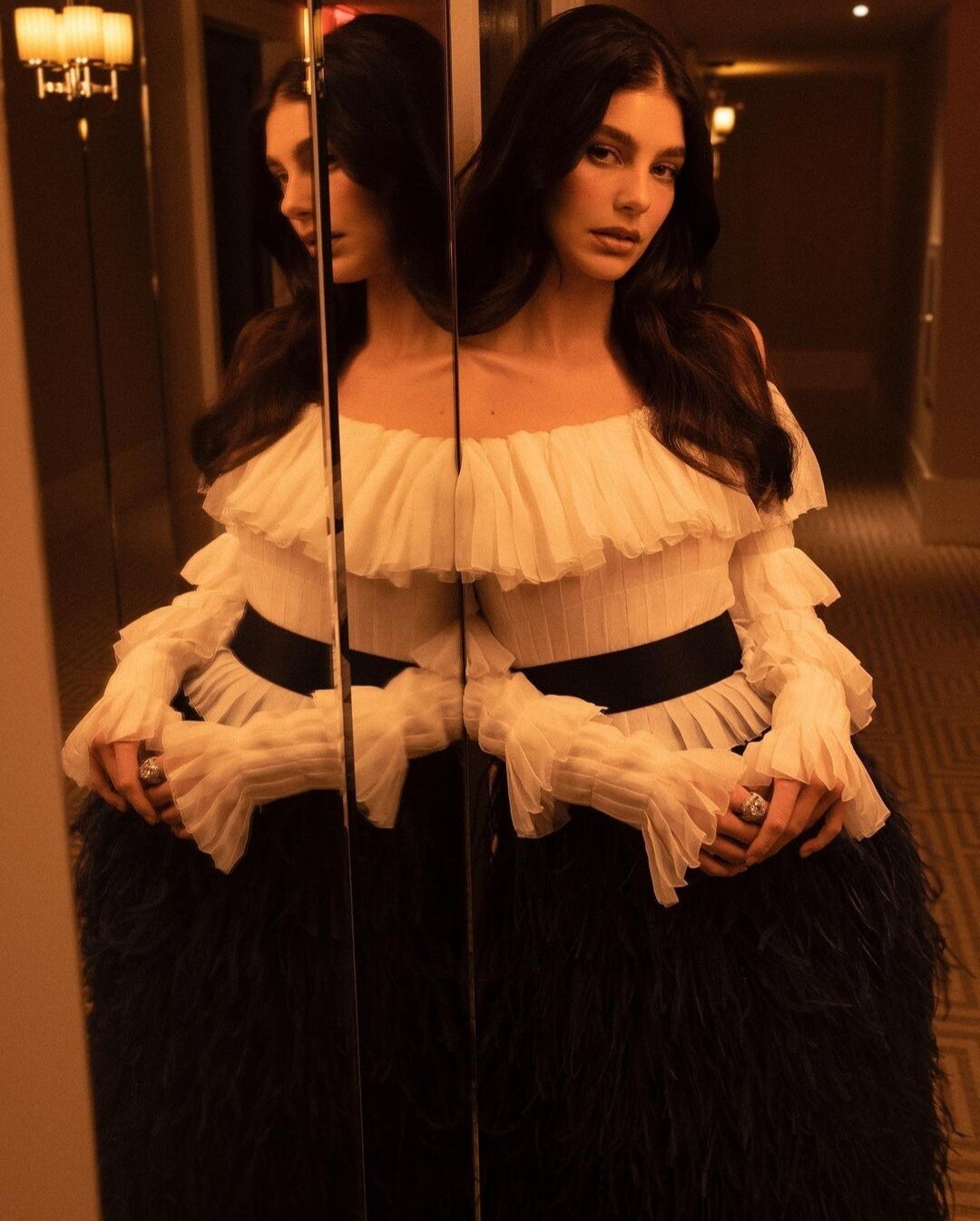
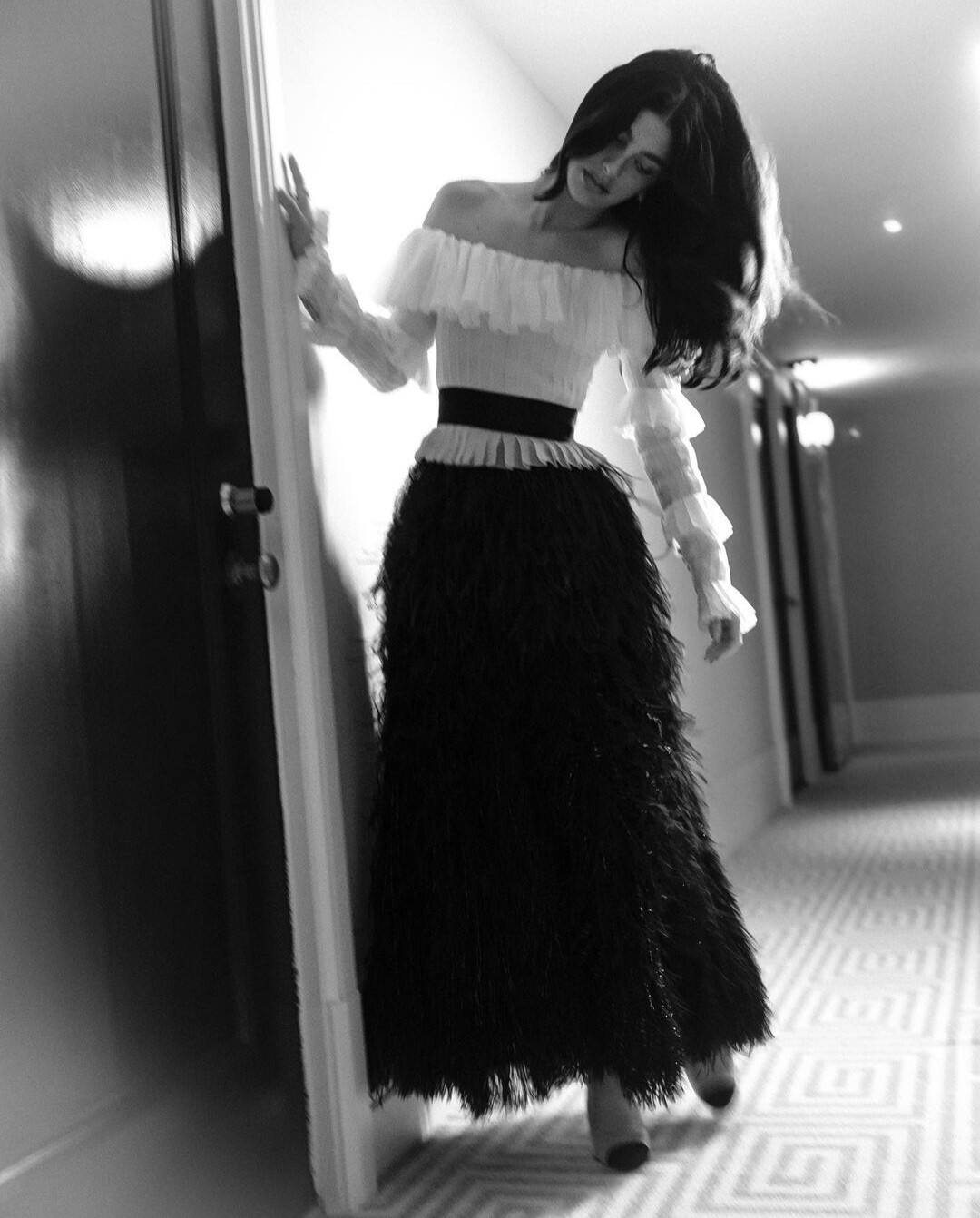
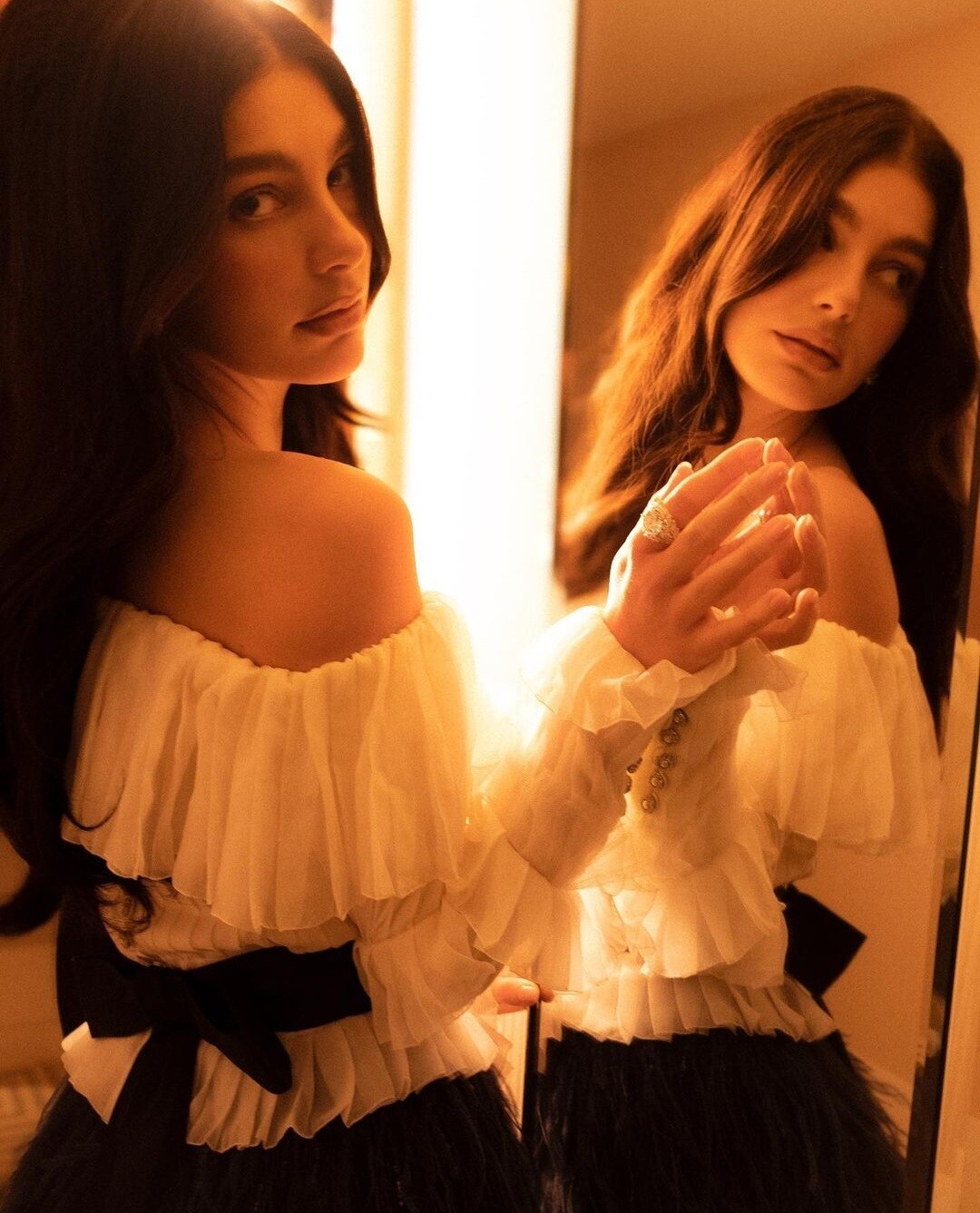
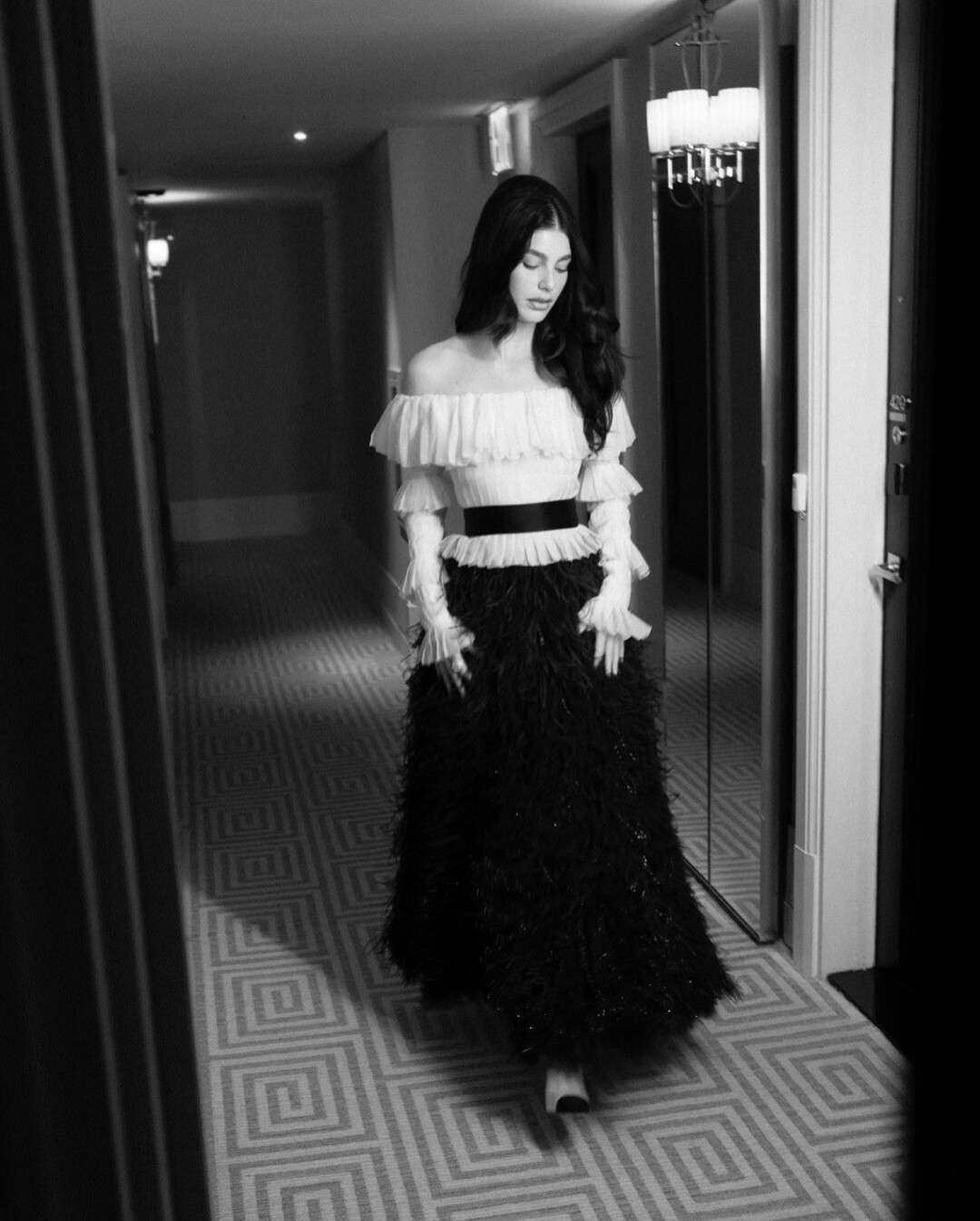
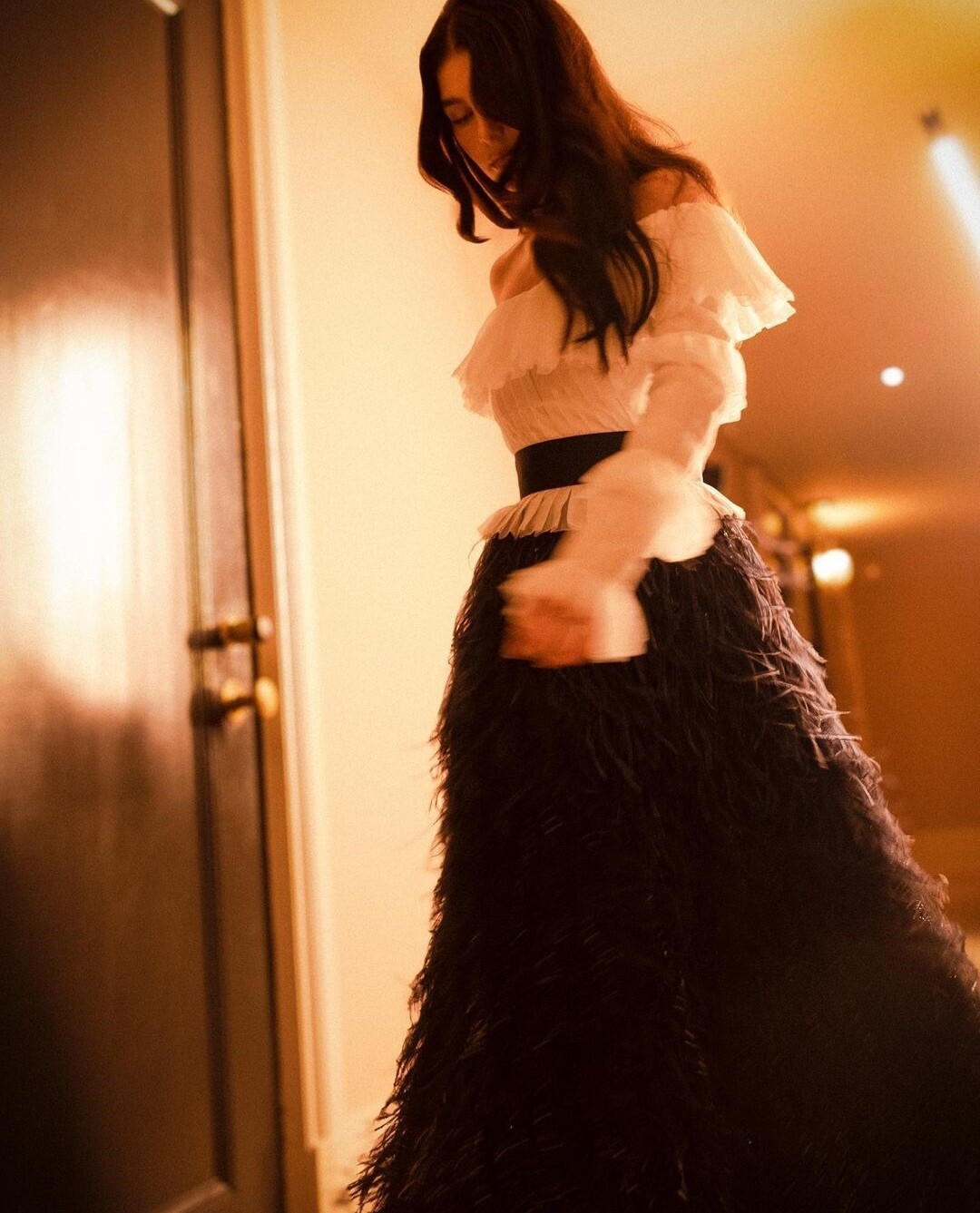
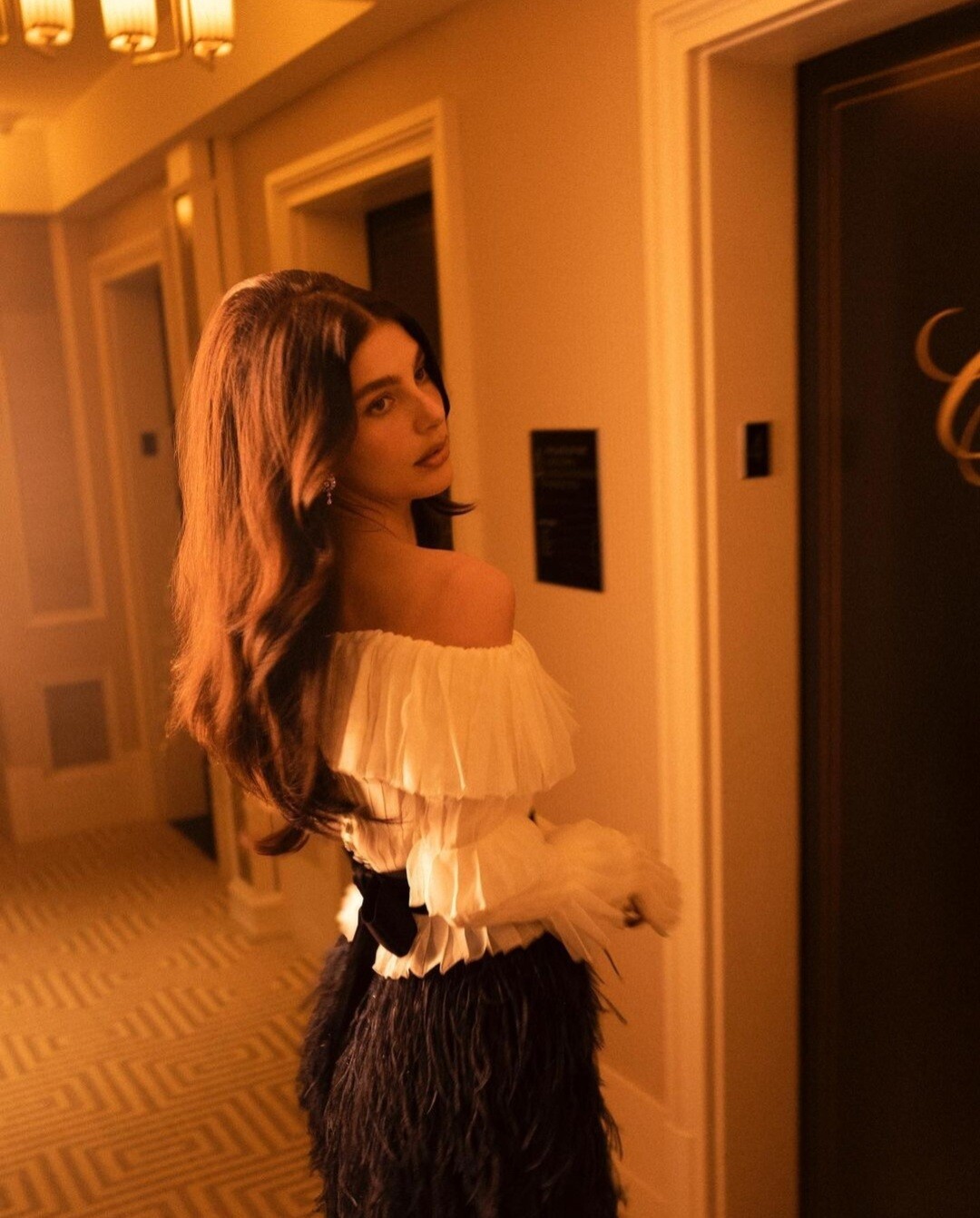
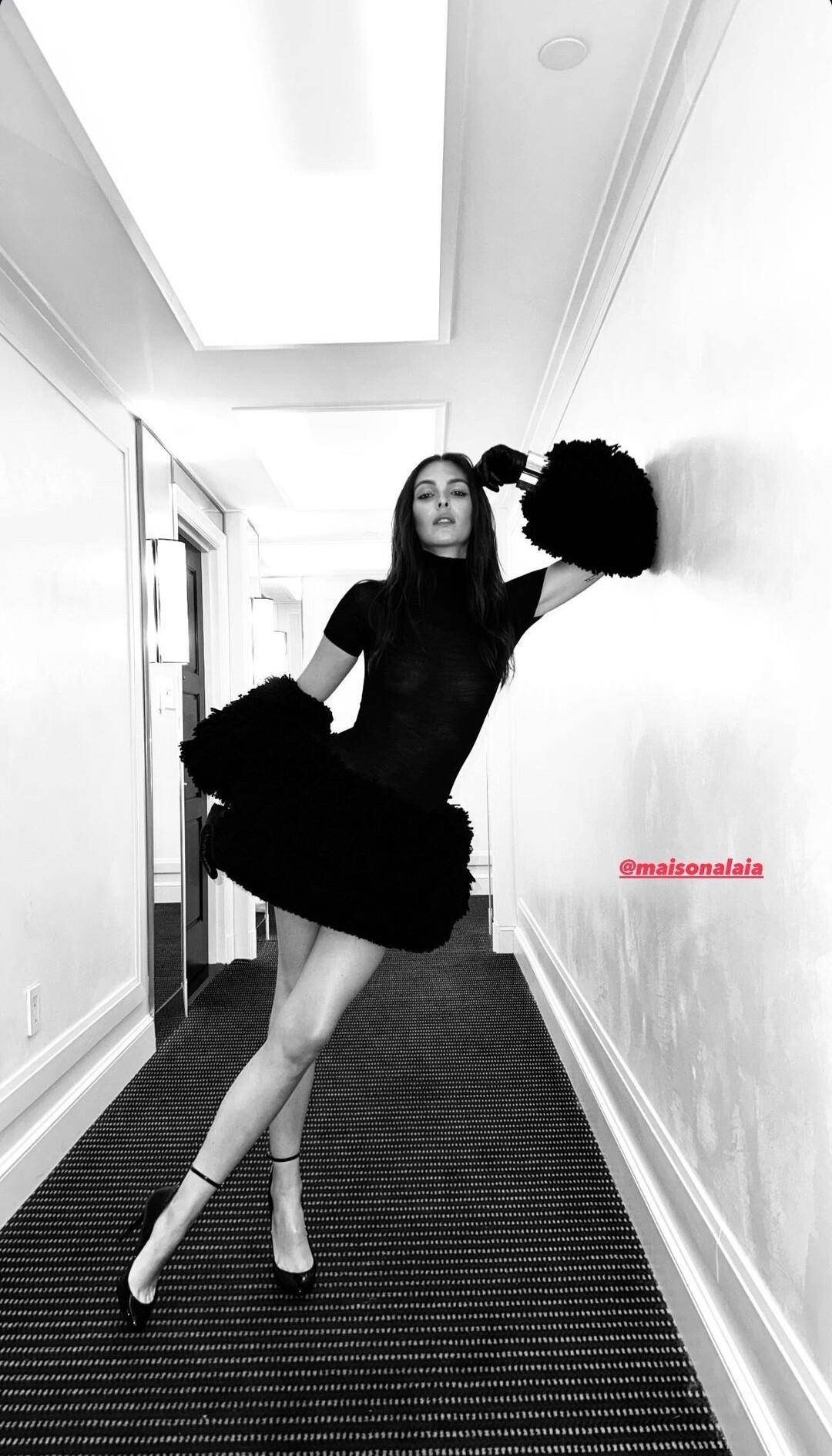
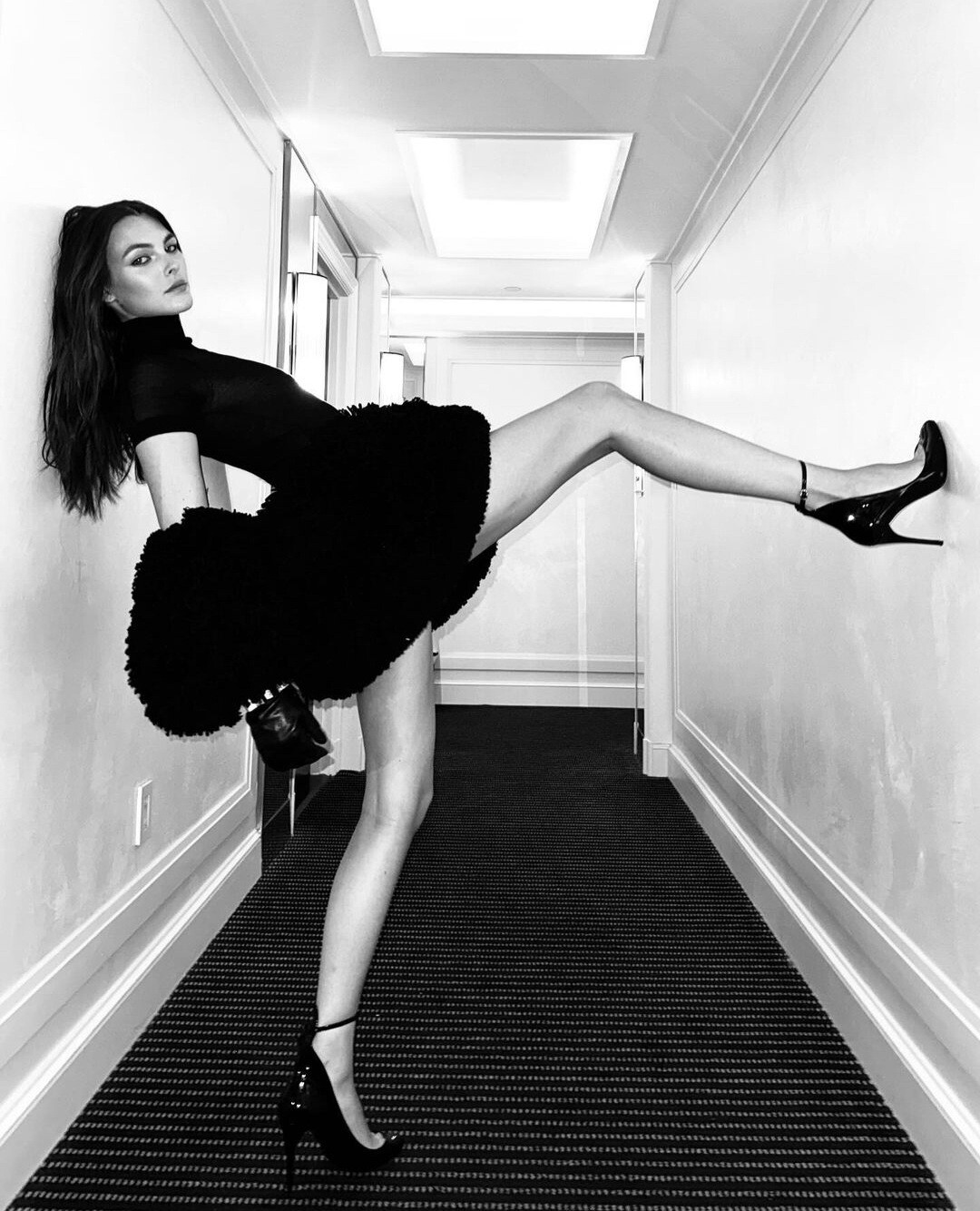
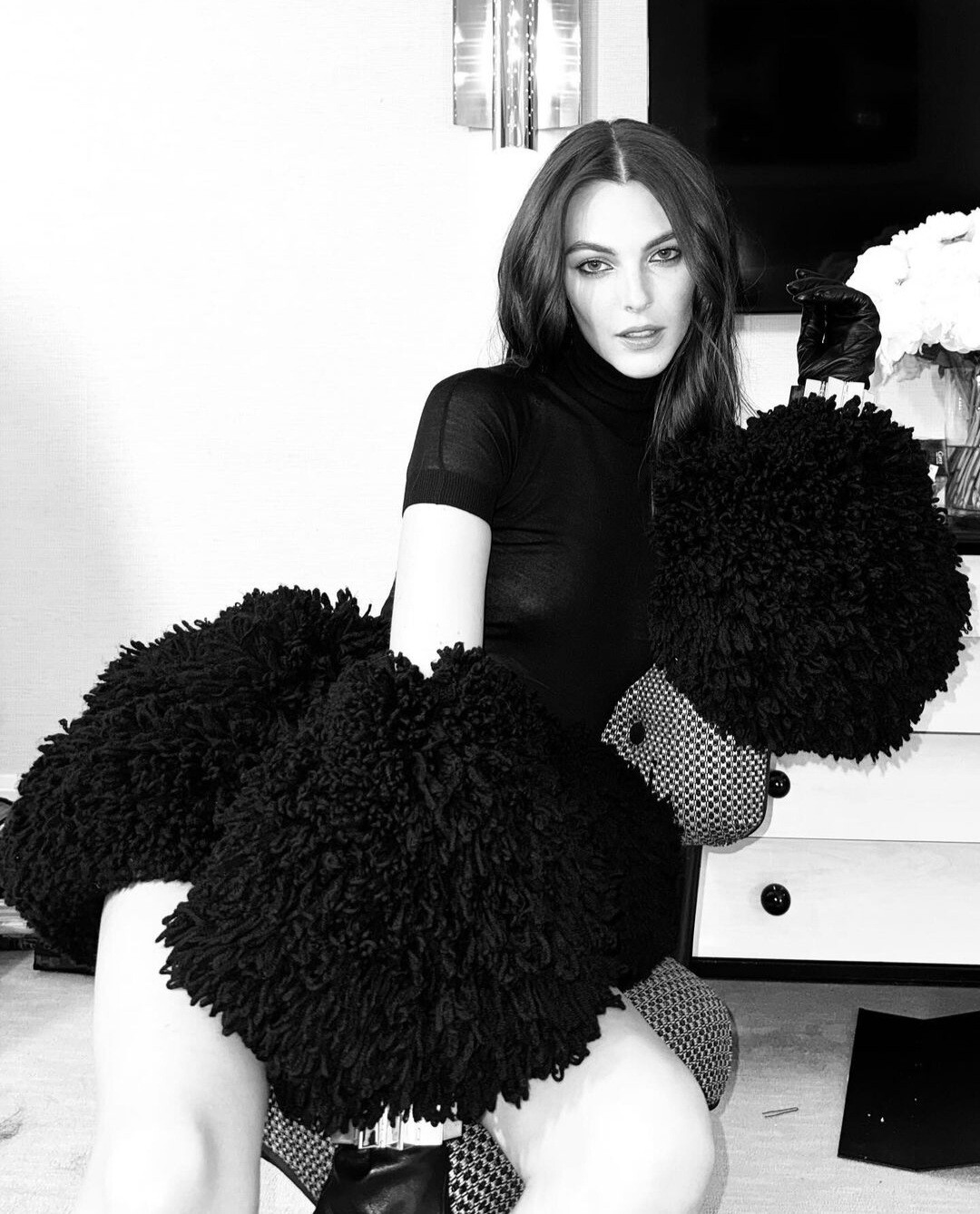
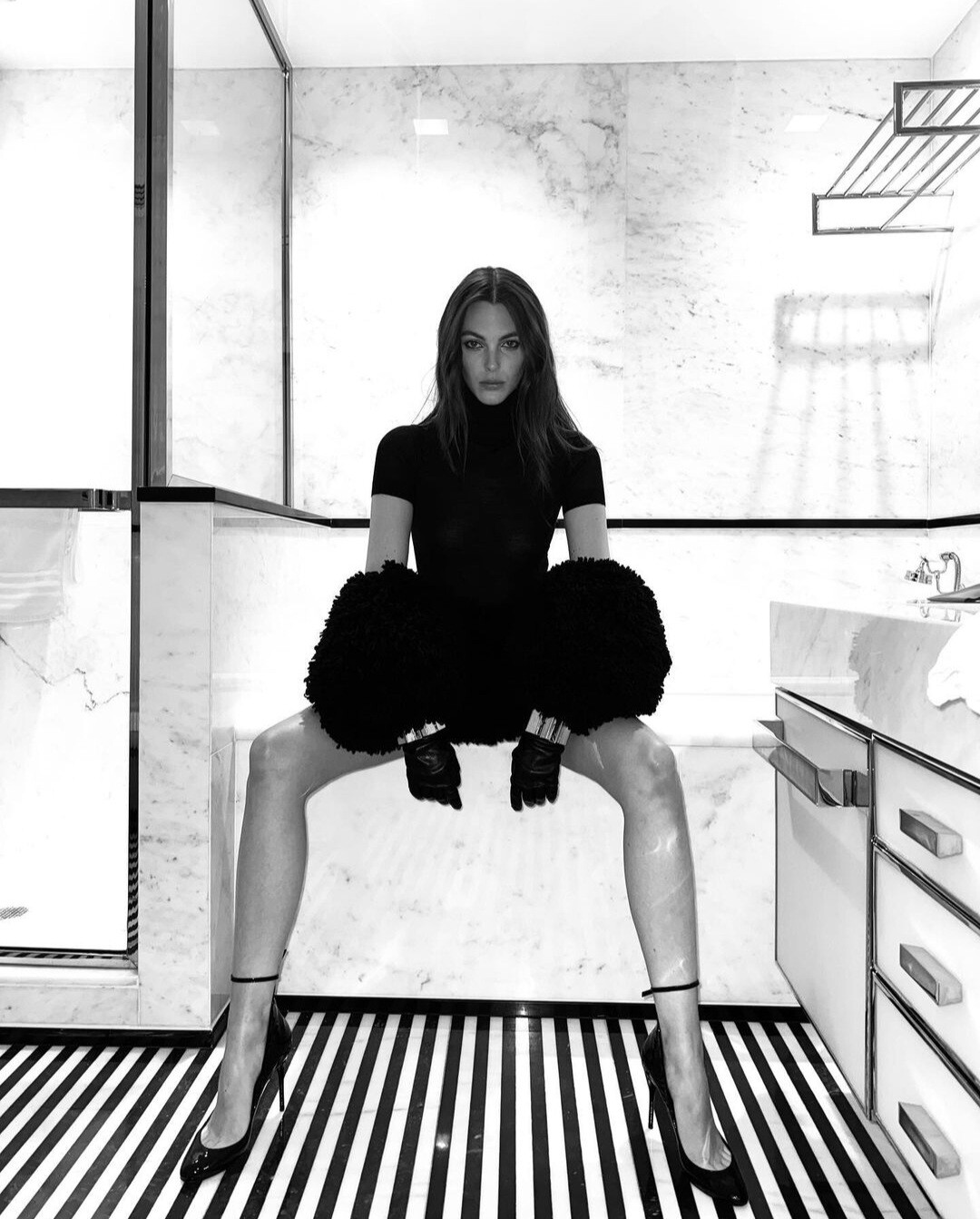
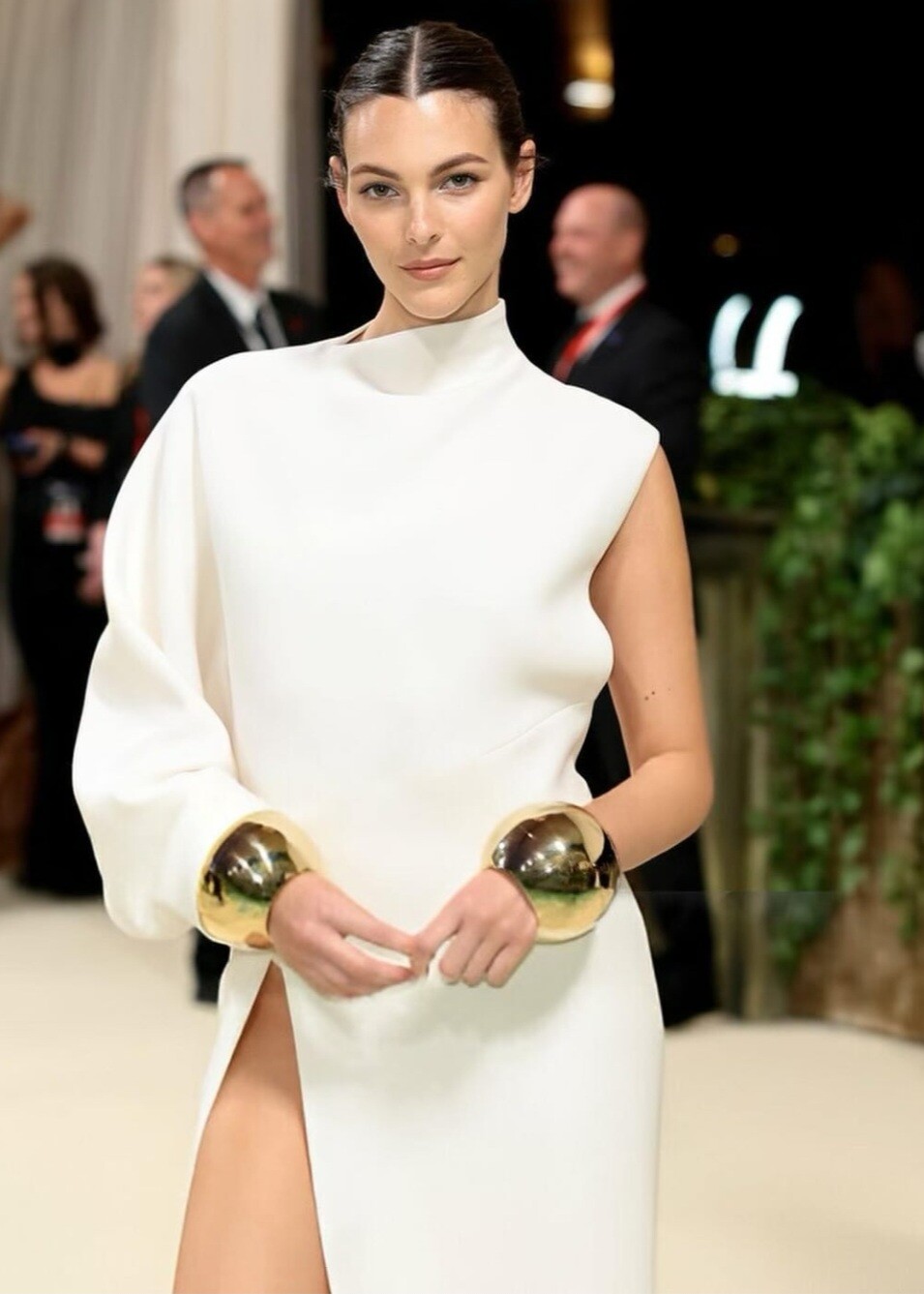
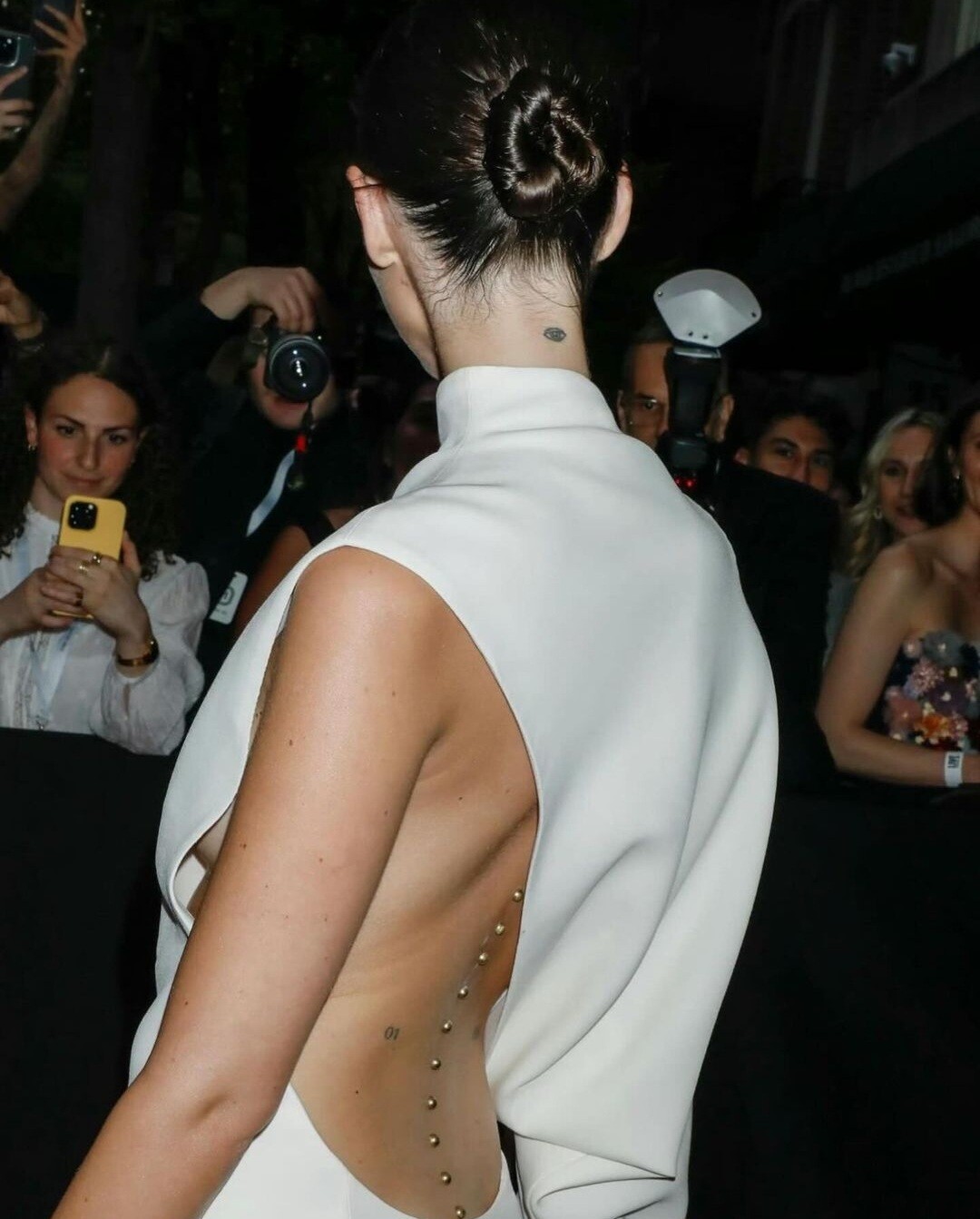
 Met madness 2024 by Cami 🖤🤍 @Lilja K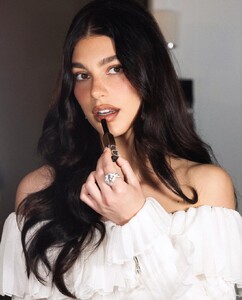
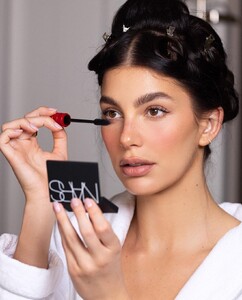
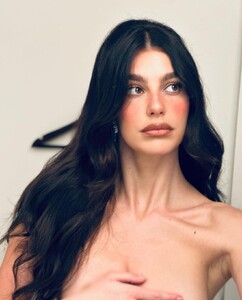
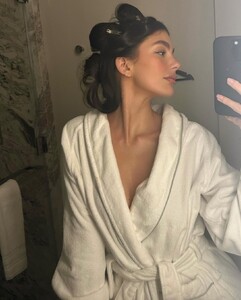
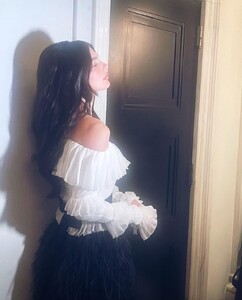
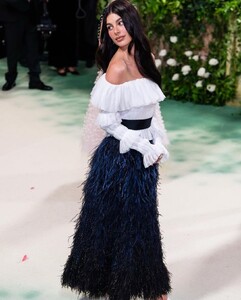
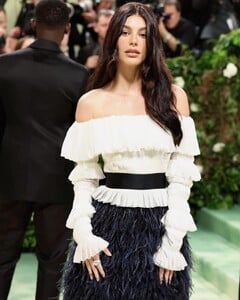
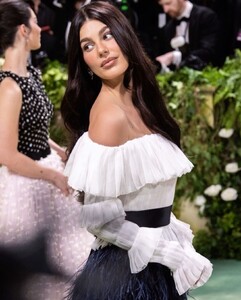
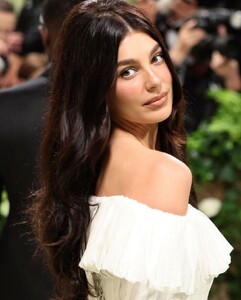
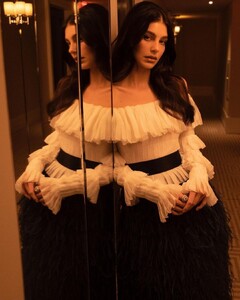
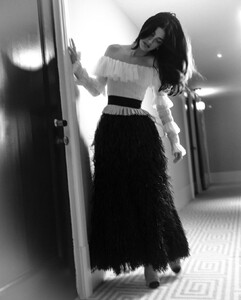
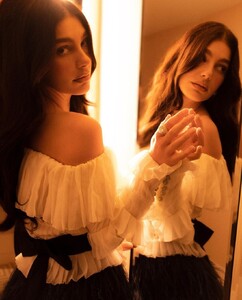
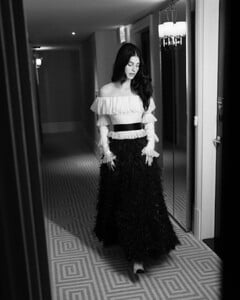
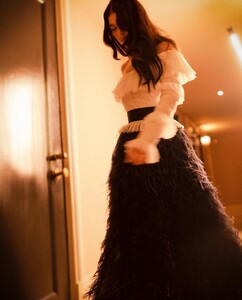
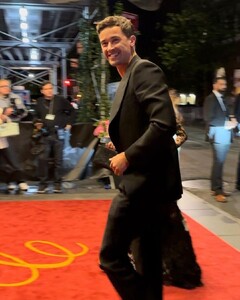
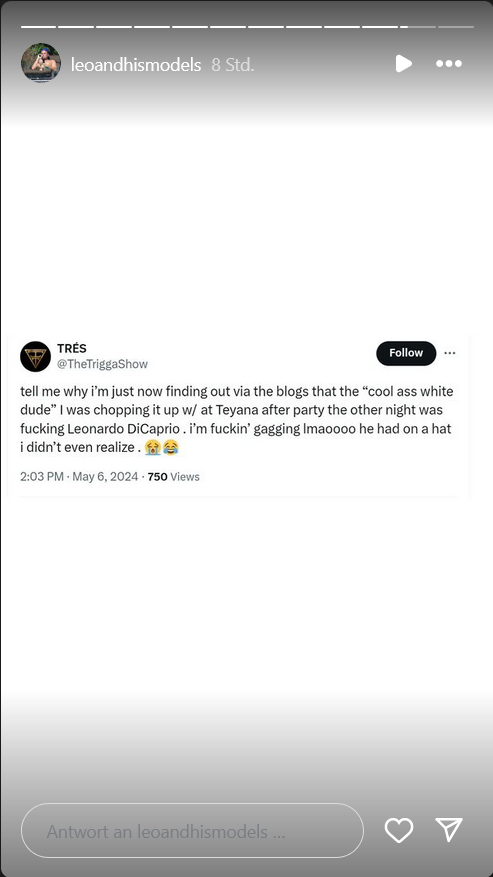
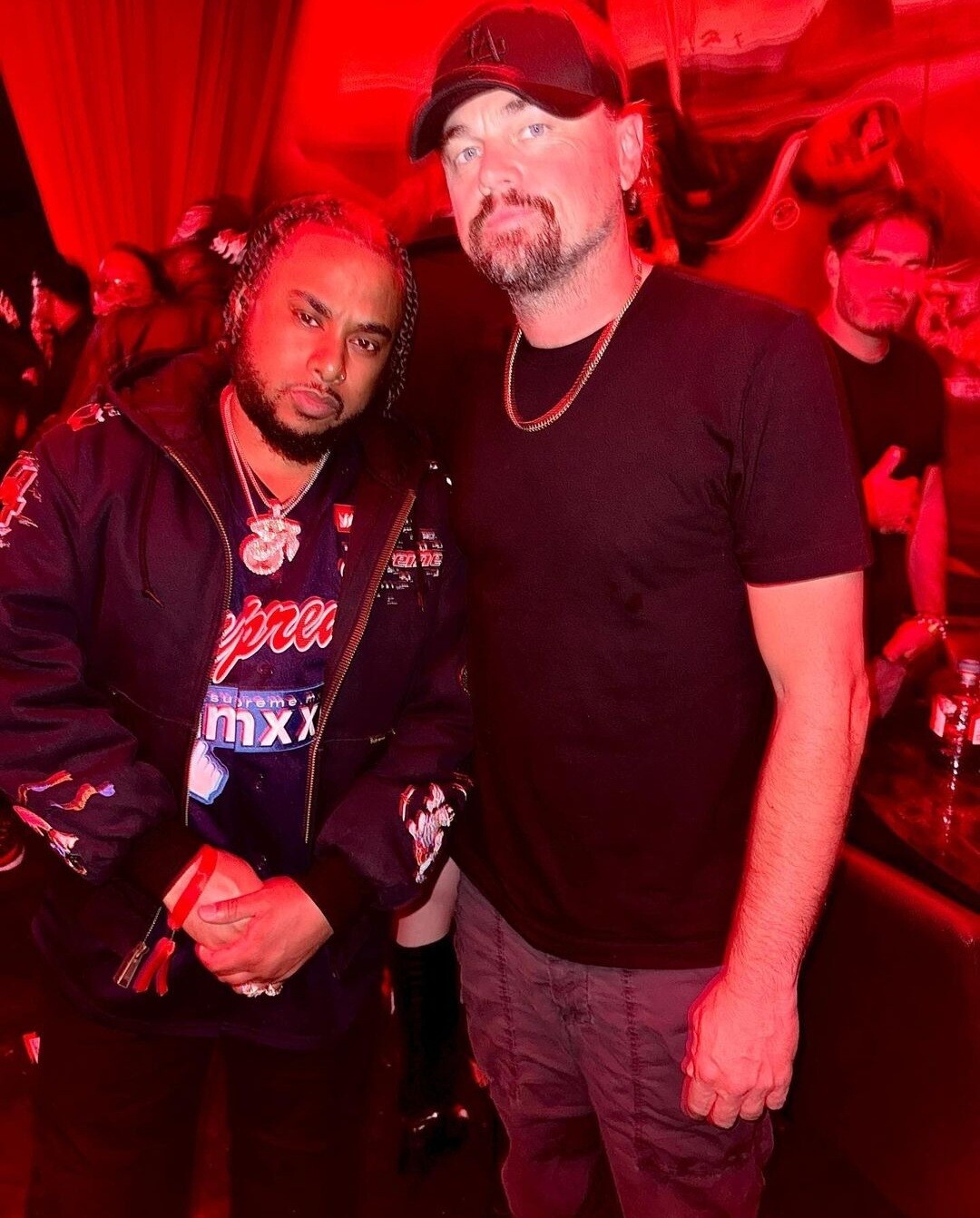
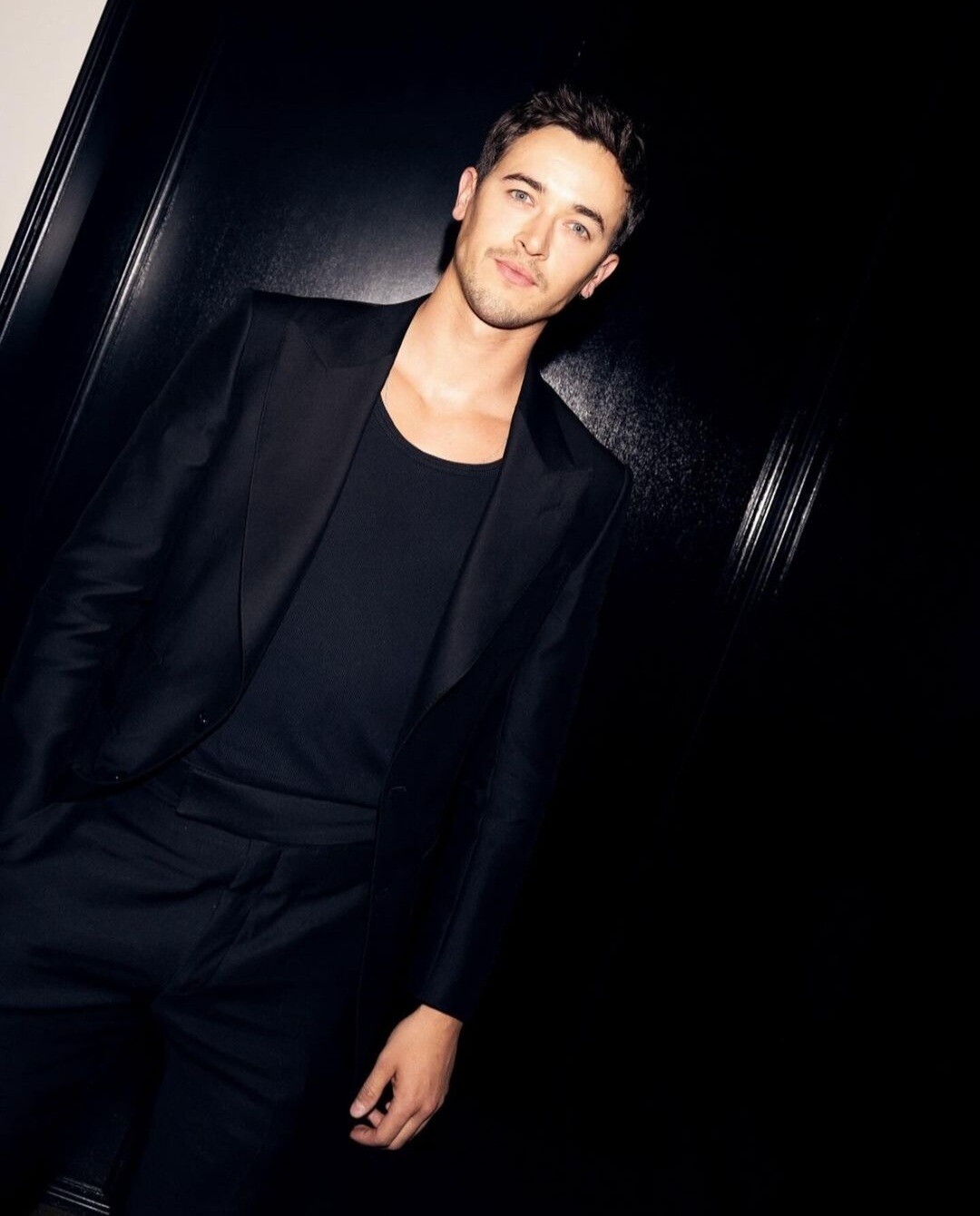
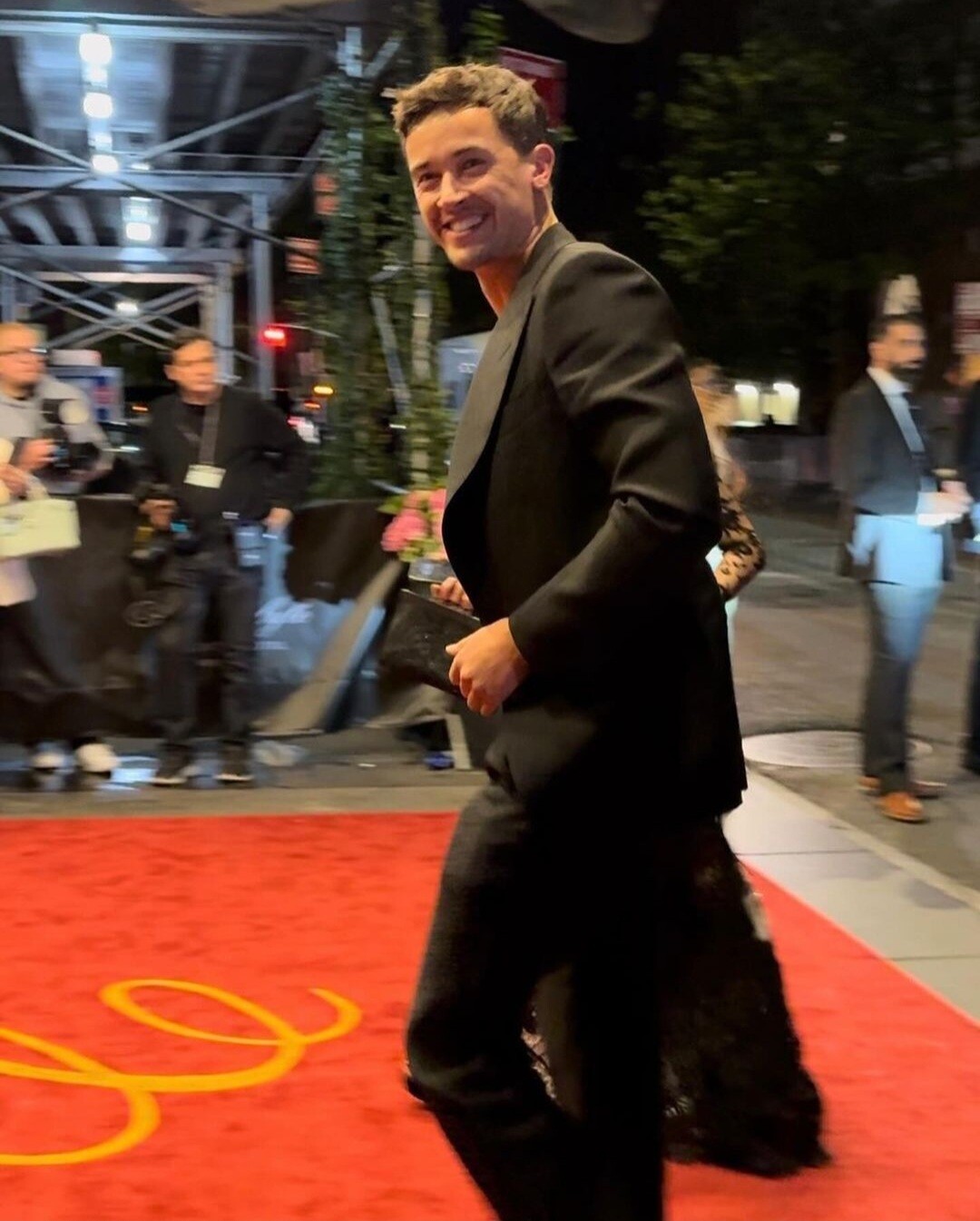
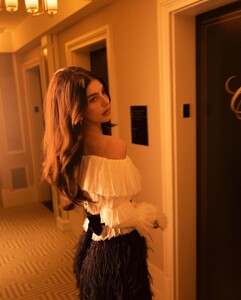 Just for science 😋 #also exactly my thoughts lol Apparently he's only going to the after parties (last year, this year) and always wearing black. Is this some kind of motto I wonder? 🖤 @Lilja K I mean not that I'm complaining the man looks hella fine in black
https://www.instagram.com/p/C6rpoGGL0g-/
Just for science 😋 #also exactly my thoughts lol Apparently he's only going to the after parties (last year, this year) and always wearing black. Is this some kind of motto I wonder? 🖤 @Lilja K I mean not that I'm complaining the man looks hella fine in black
https://www.instagram.com/p/C6rpoGGL0g-/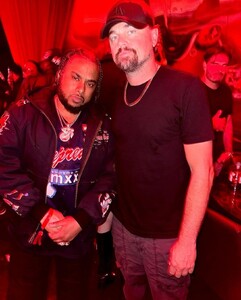 ^more female crushes of mine 💘 o1. Kate Winslet o2. Rachel McAdams o3. Jennifer Lopez o4. Lily James o5. Jennifer Lawrence o6. Keira Knightley o7. Holliday Grainger o8. Natalie Portman o9. Mandy Moore 1o. Camila Morrone 11. Scarlett Johansson 12. Dakota Johnson 13. Penelope Cruz 14. Hailee Steinfeld 15. Jessica Chastain 16. Margot Robbie 17. Florence Pugh 18. Thandie Newton 19. Brie Larson 2o. Hayley Atwell
@Cult Icon great list of ladies Thx for sharing I watched GIA last night with Angelina Jolie. Good lord she's unreal in this movie 🤯
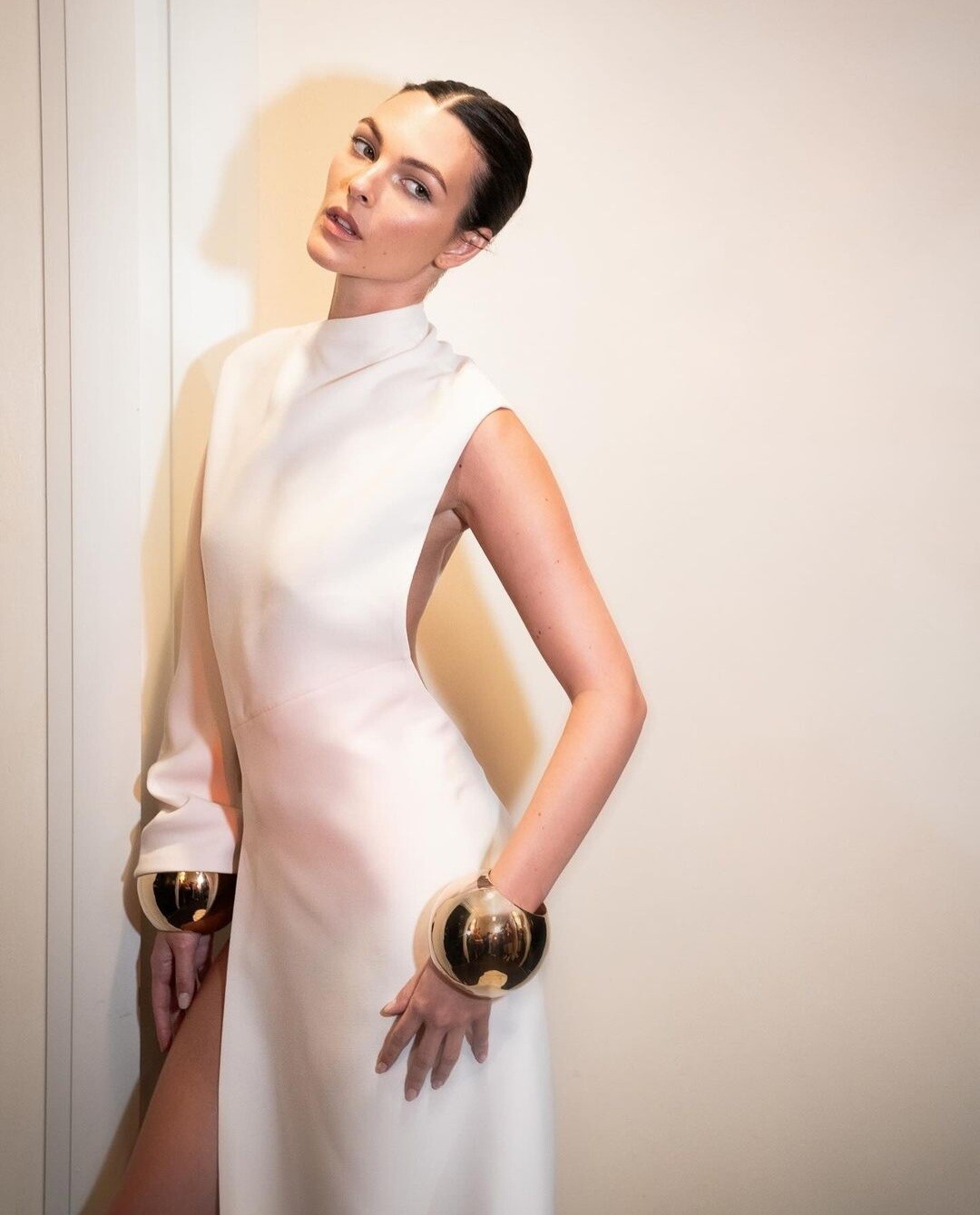
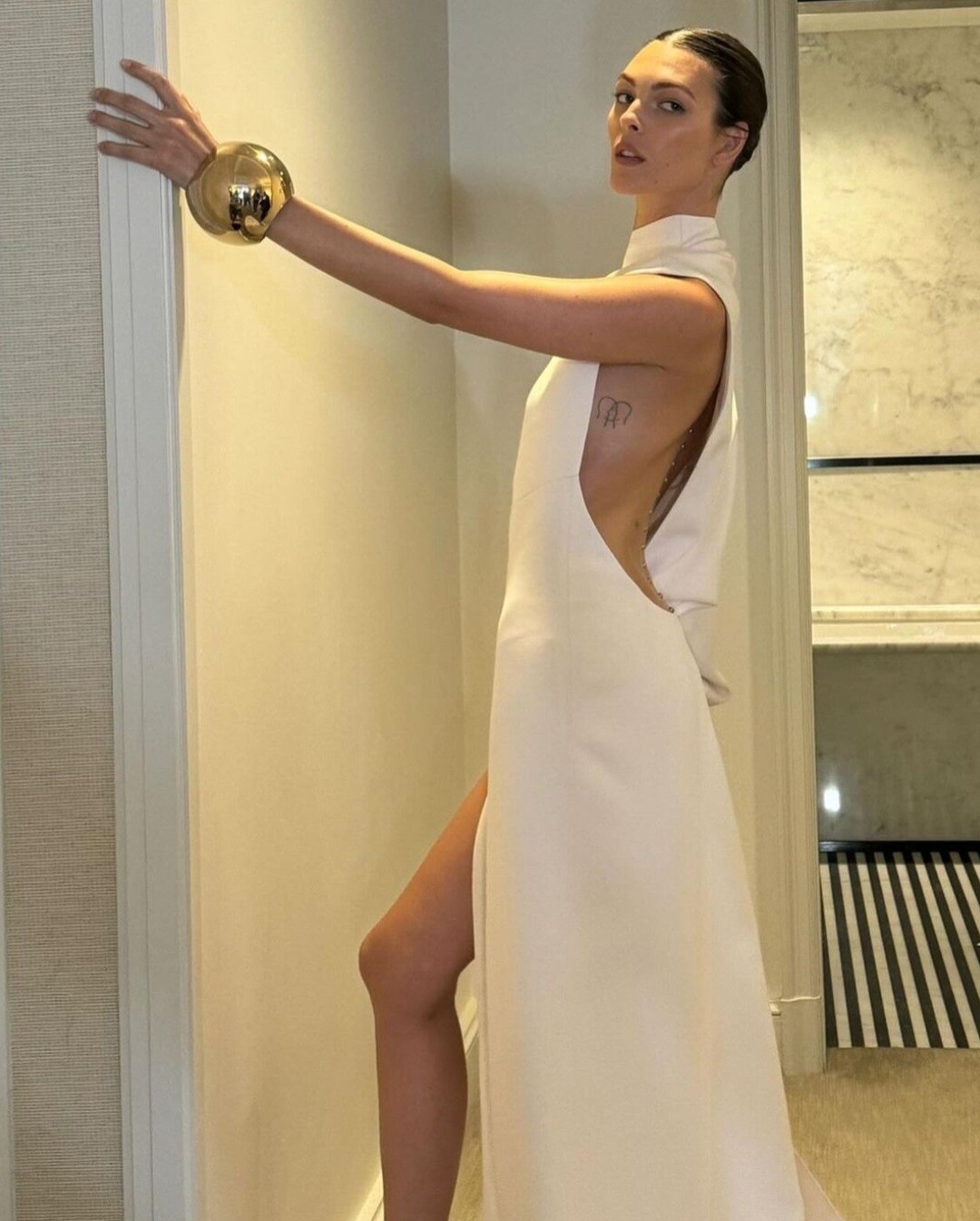
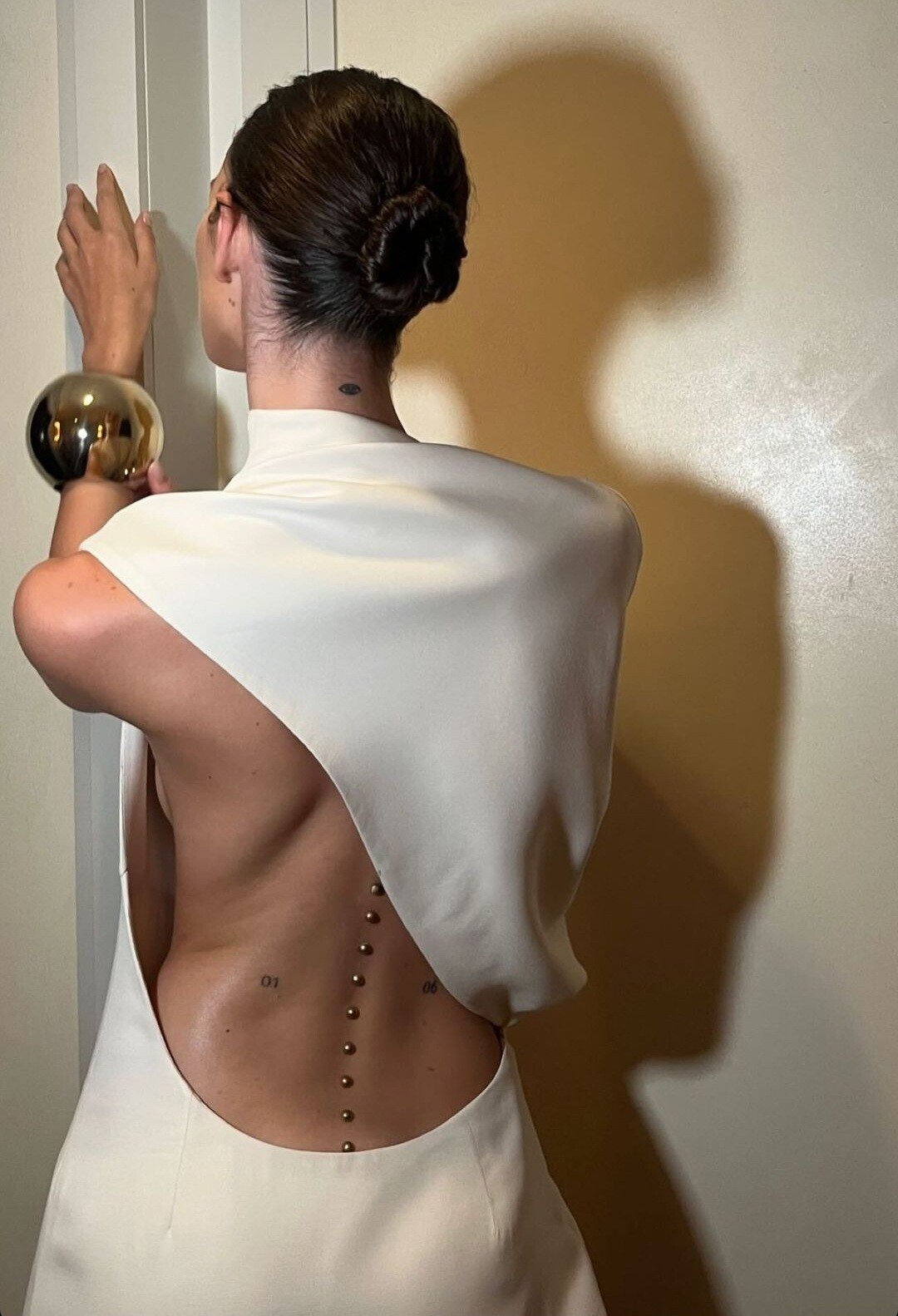
Slaying @Lilja K Met after party
^more female crushes of mine 💘 o1. Kate Winslet o2. Rachel McAdams o3. Jennifer Lopez o4. Lily James o5. Jennifer Lawrence o6. Keira Knightley o7. Holliday Grainger o8. Natalie Portman o9. Mandy Moore 1o. Camila Morrone 11. Scarlett Johansson 12. Dakota Johnson 13. Penelope Cruz 14. Hailee Steinfeld 15. Jessica Chastain 16. Margot Robbie 17. Florence Pugh 18. Thandie Newton 19. Brie Larson 2o. Hayley Atwell
@Cult Icon great list of ladies Thx for sharing I watched GIA last night with Angelina Jolie. Good lord she's unreal in this movie 🤯
Slaying @Lilja K Met after party
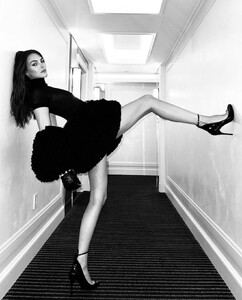
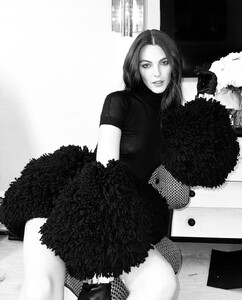
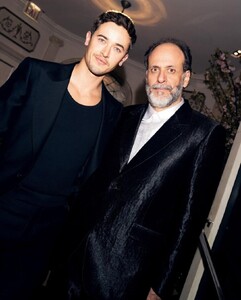
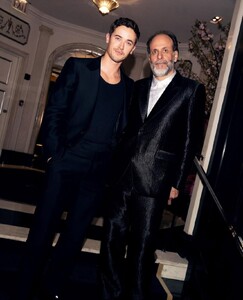
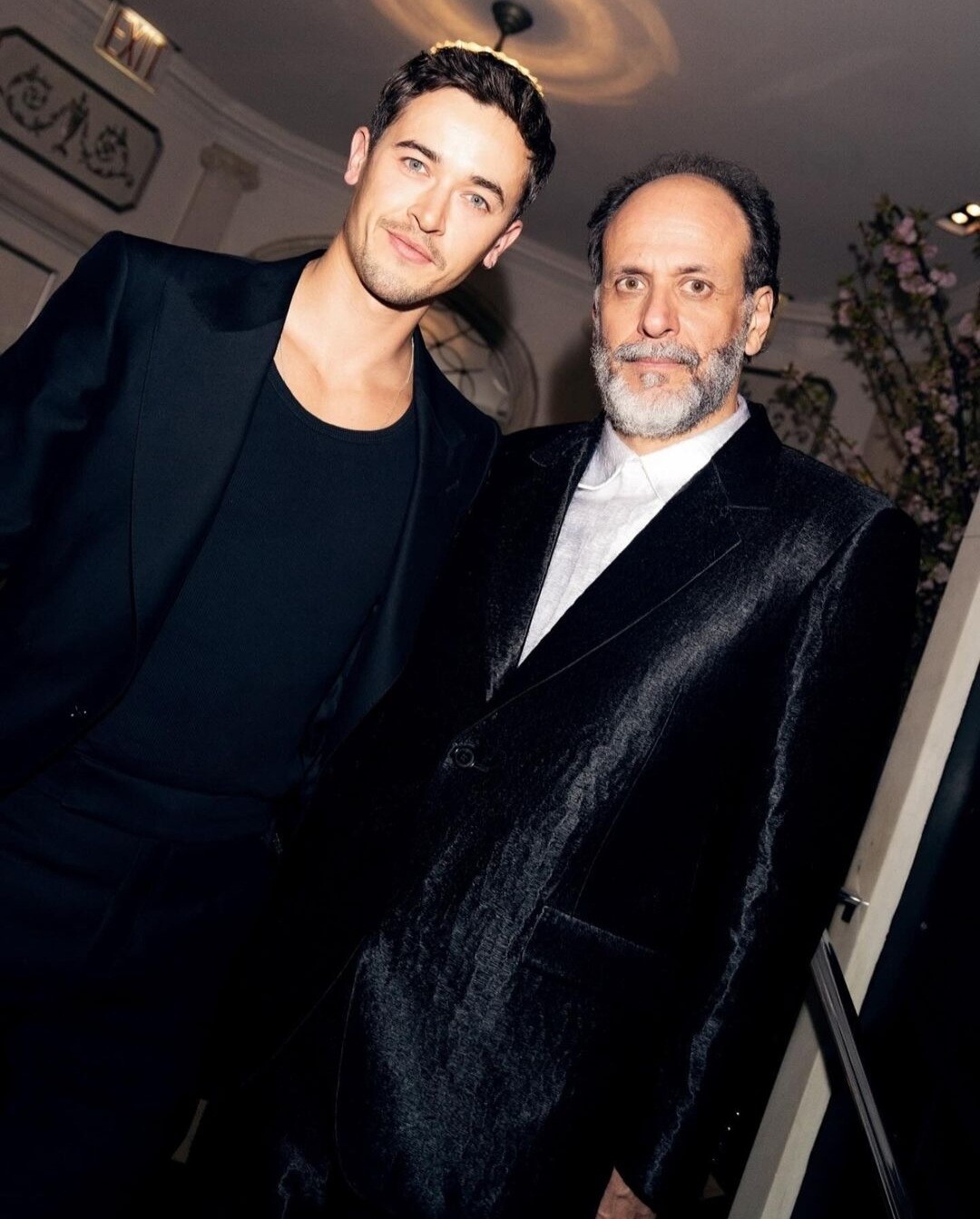
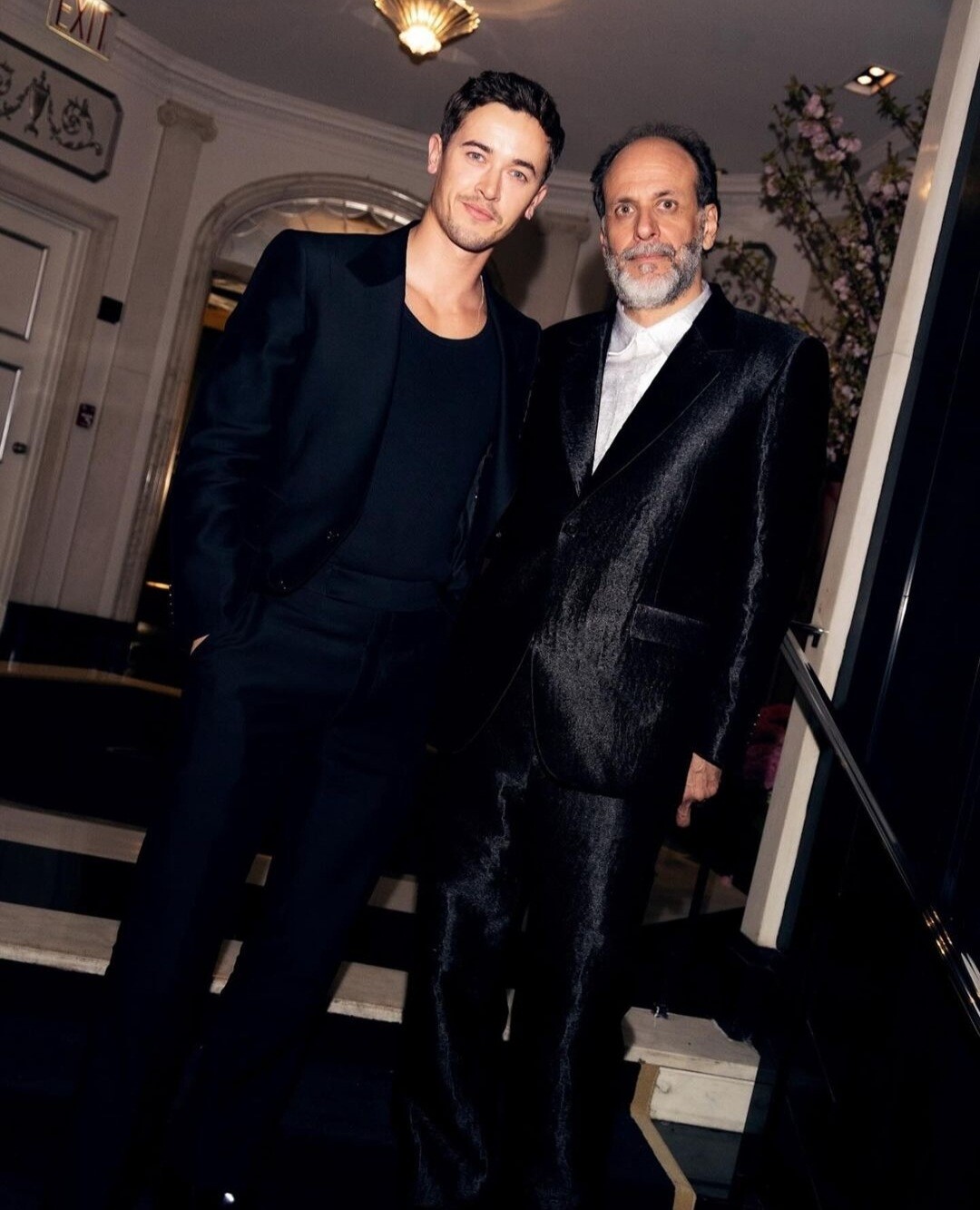
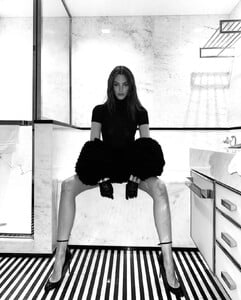 Met gala after party 2024 (with director Luca Guadagnino) I'm fainting @Lilja K means this a future project?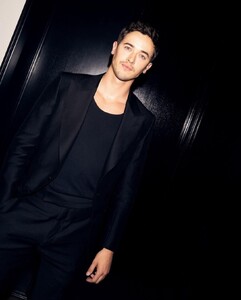
 I felt the same but I listened to my gut so the faces came pretty natural to me 😅
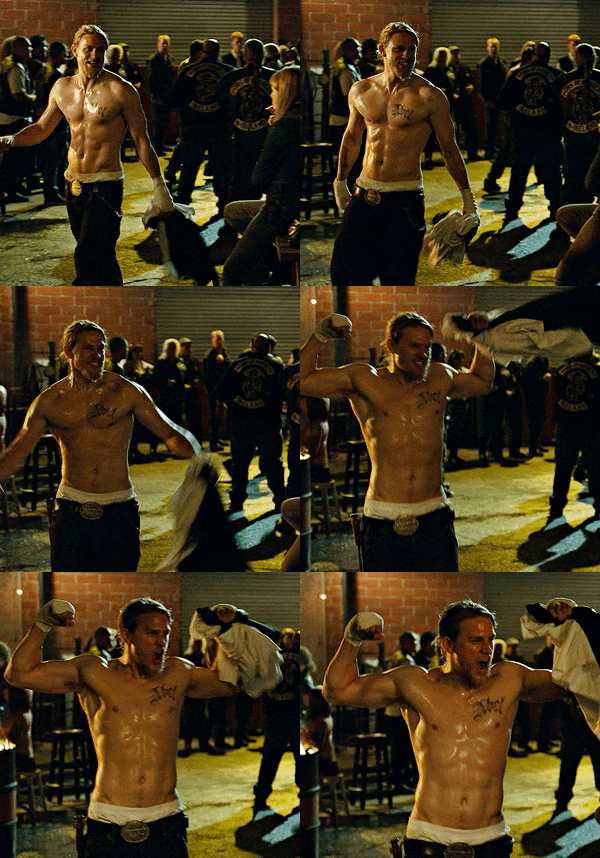
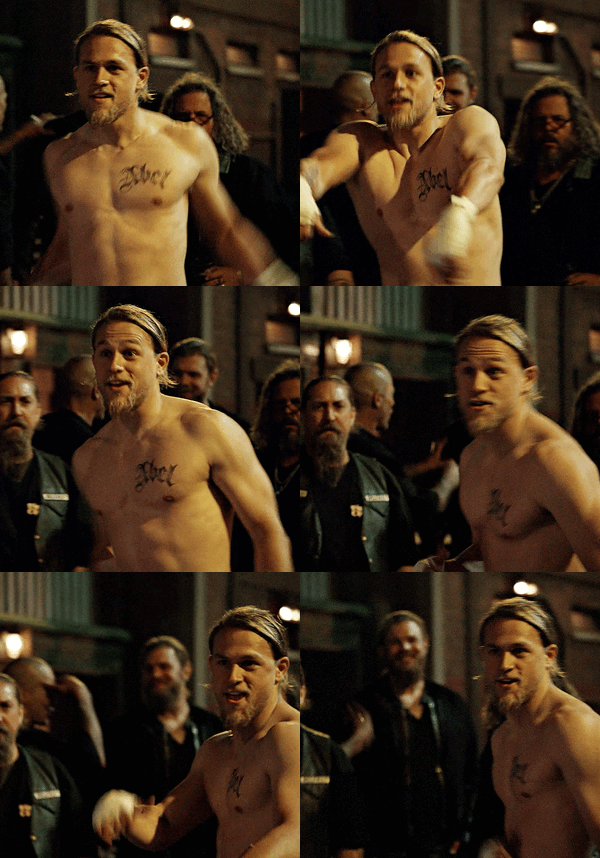
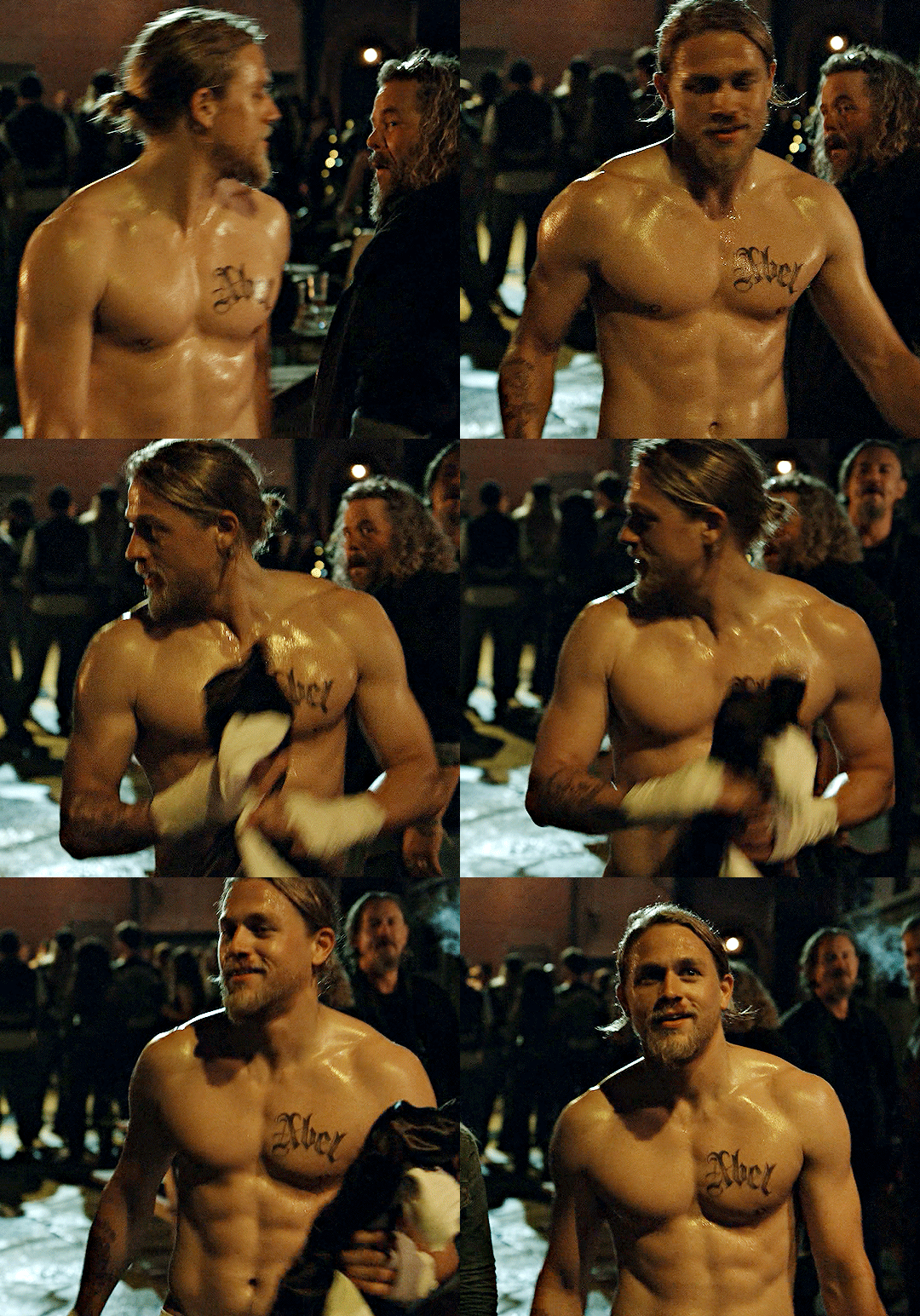
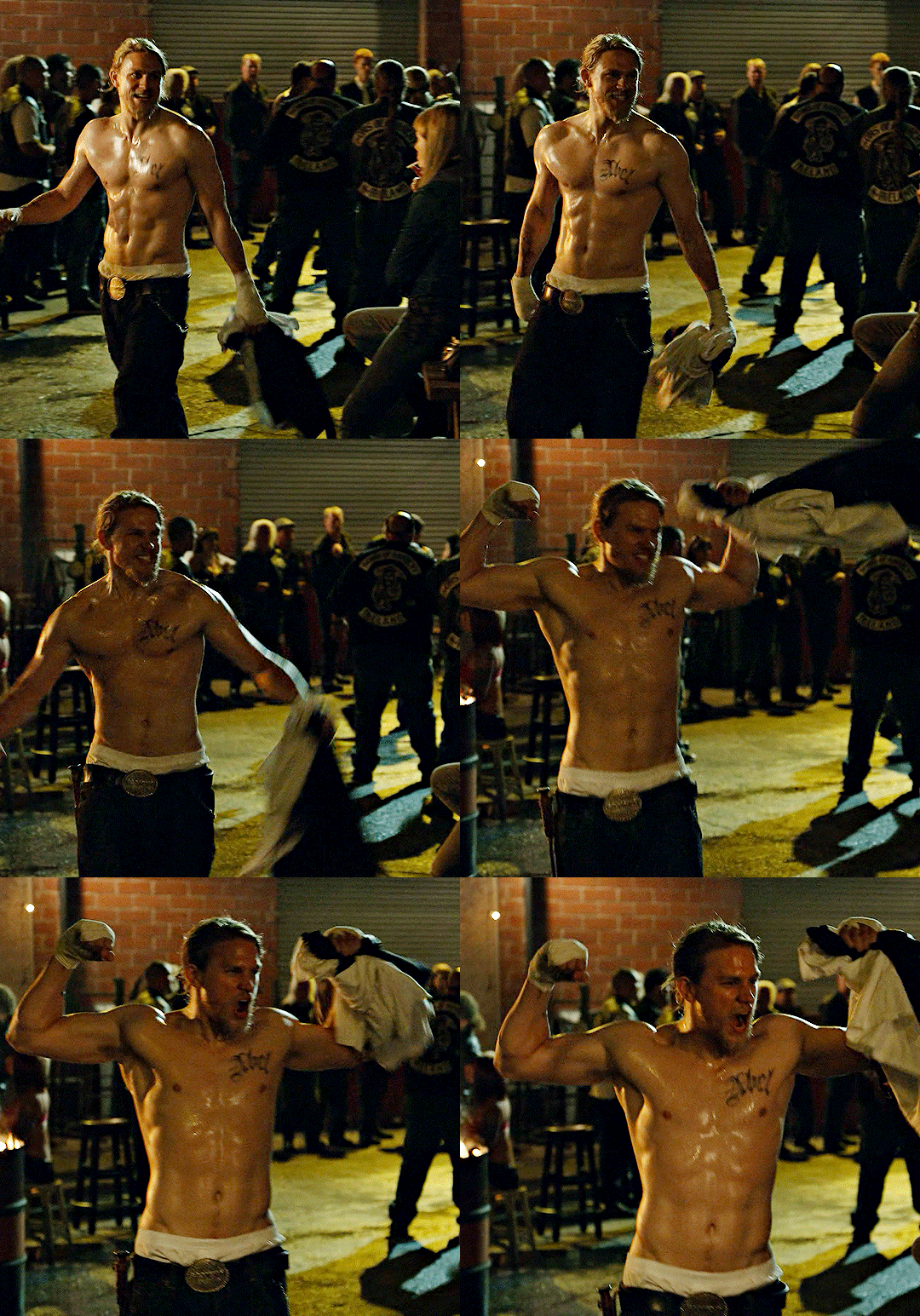
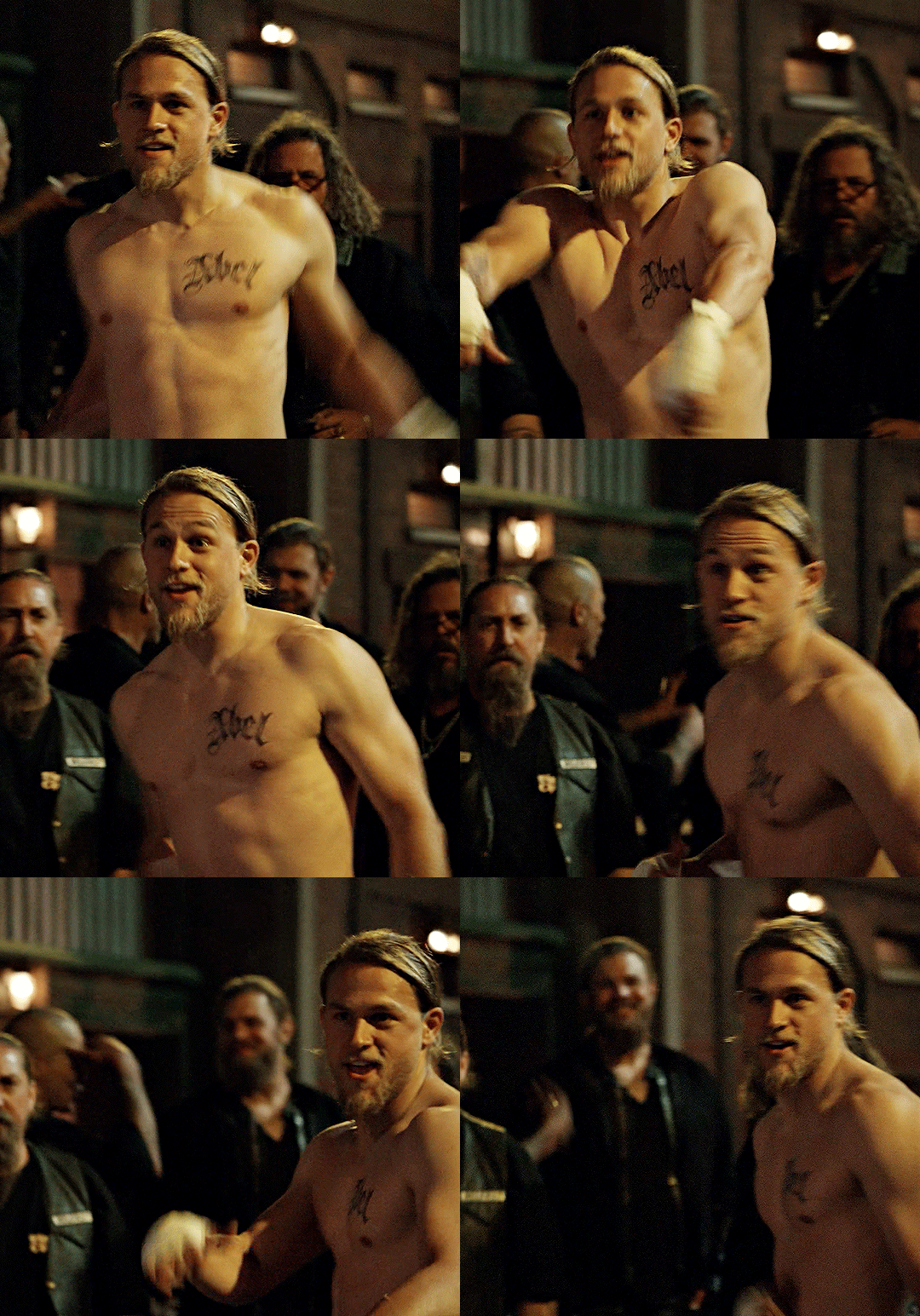
That would be probably Charlie Hunnam. From everything I know about him to physical attraction and age, etc I think he would be my perfect match. This look is...🥵😵🤯😳😲😱🤩 My attraction level here is fully reached. 10/10 🔥🔥🔥💥💥💥💯💯💯💣💣💣
I felt the same but I listened to my gut so the faces came pretty natural to me 😅
That would be probably Charlie Hunnam. From everything I know about him to physical attraction and age, etc I think he would be my perfect match. This look is...🥵😵🤯😳😲😱🤩 My attraction level here is fully reached. 10/10 🔥🔥🔥💥💥💥💯💯💯💣💣💣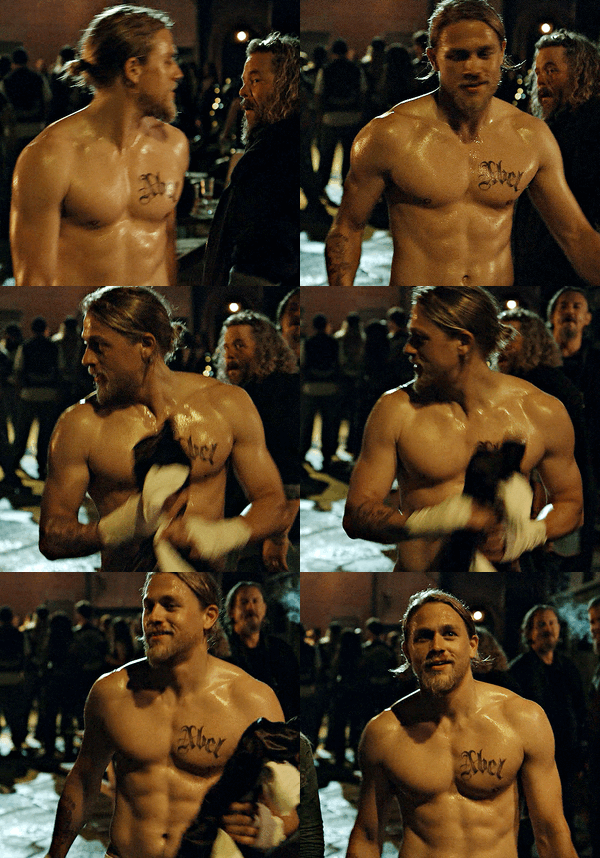
 Can't wait for your list
@AnatasiaSteele82 @Lilja K I'm trying to think about my biggest crushes (I had several since I was a teen to say the least lol) and put them in some order of intensity and lasting. It wasn't easy, especially deciding who not to put on the list because it would have been too many 😅 And yeah I'm a white boys girl, sorry not sorry. o1.) Leo My Cabrio (I've met him several times in Berlin back in 2009 and 2010. He's even more gorgeous in real life. he was also very nice and if I wouldn't know better I claimed of the top of my lungs he's the love of my life. He for sure was my first love back in 1998. Jack Dawson is unbeaten. I'll never let go I promise ) o2.) Gaspard Ulliel (good lord I was obsessed with him after HANNIBAL RISING in 2007 as young Hannibal Lecter. baby Lecter ya know LOL my friend and me even traveled to Paris but we didn't meet him. I'm still heartbroken over his tragic sudden death 2 years ago 💔😭) o3.) Charlie Hunnam (my absolute most favorite blonde bearded dude on this planet 😍 I think he's one of the most chilled, nicest, down to earth celebs EVER. He's gorgeous inside and out and I would have died if he had played Christian Grey. I would kneel for him whenever he wants me to 🤯 Jax Teller is also one of my all time favorite male characters.) o4.) Heath Ledger (I was madly in love with him after A KNIGHTS TALE when I was a teen. Now he's an angel himself 😪 I still miss him 💔) o5.) Colin Farrell (my hot irish sugar daddy 💚 I love him since "Phone Booth" in 2002 and can't wait to finally watch SUGAR with him. Also him as John Smith in "The New World"? Lord have mercy 🥰🥵) o6.) Boyd Holbrook (I clearly have a thing for tall blue eyed blonde bearded dudes and he's among my absolute favorites 💜💙💛🧡) o7.) Travis Fimmel (he makes me weak in the knees since VIKINGS - also what a goddamn earth shattering performance. There is something weirdly irresistible about him. If he wanted me he could have me in a blink 🥵🤤) o8.) Theo James (I'm pretty sure he is one of the most beautiful men I laid ever eyes on 👀 I also think his body is the definition of perfection. "Theo, put your shirt back on." Said no one ever.) o9.) Richard Madden (I would claim he's hot in everything and from all angles even as a goddamn priest. Great face, great hair, great body, great everything Prince Charming coming to life 😍) 1o.) Brad Pitt (Two words: Tristan Ludlow. He's my roman empire. One of my favorite fictional torned male characters ever written lord have mercy with me. I have so MUCH sympathy for Susannah and her never ending love for him no matter what I don't know where to start seriously 💔) 11.) Andrew Garfield (cutest pie ever made. Love him. And my favorite Peter Parker/Spiderman. Period. He's adorable 💐💝) 12.) Sam Claflin (he's blonde, he's british, he's adorable, he's one of my fave HUNGER GAMES characters -Finnick Odair- what can I say I adore him your honor 🥰🥰🥰) 13.) Matt Bomer (he's perfection from tip to toe. The living doll Ken if you want so 😍) 14.) Sebastian Stan (I'm down for Bucky Barnes since the very beginning of Marvel and I think he's the best thing this never ending comic movie universe brought us ladies and gentleman. I would shatter in a million pieces if he kissed me like this 🥵) 15.) Mads Mikkelsen (my favorite danish villian. christ he's so attractive and also a brilliant intense actor 🖤🤍) 16.) Jude Law (one of my all time favorites. this face? I could stare at it for the rest of my life and be happy. I met him once and he came so close I could smell him. And yeah he smelled AMAZING ) 17.) Chris Pine (I met him at a Star Trek premiere in Berlin years ago. Next to Leo he had the most intense blue eyes I've ever seen in my life. He's so handsome 😭 I had a huge crush on him after Princess Diaries 2. What a baby he was 😄) 18.) Kevin Costner (I grew up with him and his movies. I don't think there is any other actor I watched this amount of movies and tv shows. Some of them are still among my faves like BODYGUARD or MESSAGE IN A BOTTLE. He's iconic. Also young Kevin Costner was hot as fuck 🤯) 19.) Timothy Olyphant (another 90s crush this time SCREAM 2. he's so underrated in hotness and talent!!! 💖) 2o.) Tom Blyth (I put him in the last spot because I just knew him since last years "The Hunger Games: The Ballad of Songbirds & Snakes" but it's been a while since I had a big crush like this on someone so he's kinda special 💫 his face is killing me, it's so magnificent and charismatic. And don't let me start babbling about his slutty waist, smile and plump lips because this would take some hours )
Can't wait for your list
@AnatasiaSteele82 @Lilja K I'm trying to think about my biggest crushes (I had several since I was a teen to say the least lol) and put them in some order of intensity and lasting. It wasn't easy, especially deciding who not to put on the list because it would have been too many 😅 And yeah I'm a white boys girl, sorry not sorry. o1.) Leo My Cabrio (I've met him several times in Berlin back in 2009 and 2010. He's even more gorgeous in real life. he was also very nice and if I wouldn't know better I claimed of the top of my lungs he's the love of my life. He for sure was my first love back in 1998. Jack Dawson is unbeaten. I'll never let go I promise ) o2.) Gaspard Ulliel (good lord I was obsessed with him after HANNIBAL RISING in 2007 as young Hannibal Lecter. baby Lecter ya know LOL my friend and me even traveled to Paris but we didn't meet him. I'm still heartbroken over his tragic sudden death 2 years ago 💔😭) o3.) Charlie Hunnam (my absolute most favorite blonde bearded dude on this planet 😍 I think he's one of the most chilled, nicest, down to earth celebs EVER. He's gorgeous inside and out and I would have died if he had played Christian Grey. I would kneel for him whenever he wants me to 🤯 Jax Teller is also one of my all time favorite male characters.) o4.) Heath Ledger (I was madly in love with him after A KNIGHTS TALE when I was a teen. Now he's an angel himself 😪 I still miss him 💔) o5.) Colin Farrell (my hot irish sugar daddy 💚 I love him since "Phone Booth" in 2002 and can't wait to finally watch SUGAR with him. Also him as John Smith in "The New World"? Lord have mercy 🥰🥵) o6.) Boyd Holbrook (I clearly have a thing for tall blue eyed blonde bearded dudes and he's among my absolute favorites 💜💙💛🧡) o7.) Travis Fimmel (he makes me weak in the knees since VIKINGS - also what a goddamn earth shattering performance. There is something weirdly irresistible about him. If he wanted me he could have me in a blink 🥵🤤) o8.) Theo James (I'm pretty sure he is one of the most beautiful men I laid ever eyes on 👀 I also think his body is the definition of perfection. "Theo, put your shirt back on." Said no one ever.) o9.) Richard Madden (I would claim he's hot in everything and from all angles even as a goddamn priest. Great face, great hair, great body, great everything Prince Charming coming to life 😍) 1o.) Brad Pitt (Two words: Tristan Ludlow. He's my roman empire. One of my favorite fictional torned male characters ever written lord have mercy with me. I have so MUCH sympathy for Susannah and her never ending love for him no matter what I don't know where to start seriously 💔) 11.) Andrew Garfield (cutest pie ever made. Love him. And my favorite Peter Parker/Spiderman. Period. He's adorable 💐💝) 12.) Sam Claflin (he's blonde, he's british, he's adorable, he's one of my fave HUNGER GAMES characters -Finnick Odair- what can I say I adore him your honor 🥰🥰🥰) 13.) Matt Bomer (he's perfection from tip to toe. The living doll Ken if you want so 😍) 14.) Sebastian Stan (I'm down for Bucky Barnes since the very beginning of Marvel and I think he's the best thing this never ending comic movie universe brought us ladies and gentleman. I would shatter in a million pieces if he kissed me like this 🥵) 15.) Mads Mikkelsen (my favorite danish villian. christ he's so attractive and also a brilliant intense actor 🖤🤍) 16.) Jude Law (one of my all time favorites. this face? I could stare at it for the rest of my life and be happy. I met him once and he came so close I could smell him. And yeah he smelled AMAZING ) 17.) Chris Pine (I met him at a Star Trek premiere in Berlin years ago. Next to Leo he had the most intense blue eyes I've ever seen in my life. He's so handsome 😭 I had a huge crush on him after Princess Diaries 2. What a baby he was 😄) 18.) Kevin Costner (I grew up with him and his movies. I don't think there is any other actor I watched this amount of movies and tv shows. Some of them are still among my faves like BODYGUARD or MESSAGE IN A BOTTLE. He's iconic. Also young Kevin Costner was hot as fuck 🤯) 19.) Timothy Olyphant (another 90s crush this time SCREAM 2. he's so underrated in hotness and talent!!! 💖) 2o.) Tom Blyth (I put him in the last spot because I just knew him since last years "The Hunger Games: The Ballad of Songbirds & Snakes" but it's been a while since I had a big crush like this on someone so he's kinda special 💫 his face is killing me, it's so magnificent and charismatic. And don't let me start babbling about his slutty waist, smile and plump lips because this would take some hours )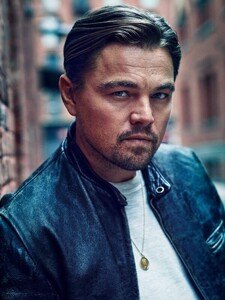 Love her make up, hair and head jewelry but I don't feel the dress @Lilja K LILY GLADSTONE attends The 2024 Met Gala on May 06, 2024 in New York City
Lovely @Lilja K ALIA BHATT in Sabyasachi | Met Gala 2024
Love her make up, hair and head jewelry but I don't feel the dress @Lilja K LILY GLADSTONE attends The 2024 Met Gala on May 06, 2024 in New York City
Lovely @Lilja K ALIA BHATT in Sabyasachi | Met Gala 2024
Account
Navigation
Search
Configure browser push notifications
Chrome (Android)
- Tap the lock icon next to the address bar.
- Tap Permissions → Notifications.
- Adjust your preference.
Chrome (Desktop)
- Click the padlock icon in the address bar.
- Select Site settings.
- Find Notifications and adjust your preference.
Safari (iOS 16.4+)
- Ensure the site is installed via Add to Home Screen.
- Open Settings App → Notifications.
- Find your app name and adjust your preference.
Safari (macOS)
- Go to Safari → Preferences.
- Click the Websites tab.
- Select Notifications in the sidebar.
- Find this website and adjust your preference.
Edge (Android)
- Tap the lock icon next to the address bar.
- Tap Permissions.
- Find Notifications and adjust your preference.
Edge (Desktop)
- Click the padlock icon in the address bar.
- Click Permissions for this site.
- Find Notifications and adjust your preference.
Firefox (Android)
- Go to Settings → Site permissions.
- Tap Notifications.
- Find this site in the list and adjust your preference.
Firefox (Desktop)
- Open Firefox Settings.
- Search for Notifications.
- Find this site in the list and adjust your preference.