

Weasel79
Members
-
Joined
-
Last visited
Everything posted by Weasel79
-
I haven't seen any nudes from her on there.
-
Instagram











-
-
😆. Here's more.


-
She's so good, isn't she?
-
I think you nailed their biggest problem when you mentioned the quality of their product. I don't see who the models were as the reason sales would be down.Born 2 Dress

 Fashion Wild Cat
 Bikini Crush 191385220_334199124757272_5738602708565168063_n.mp4
 Miss Circle 201482911_4381381818559169_5055323389649947131_n.mp4 201483146_101053062197790_3425873144098775893_n.mp4











 Congrats to Martha!Instagram 202565016_571713033815418_1008617783105103168_n.mp4 203283493_1390153921368346_556614198849361949_n.mp4 202003365_116558047300736_584637691292117442_n.mp4 201550322_1061112854294963_7103776938022506684_n.mp4 202294910_765759617446065_8247837606818501599_n.mp4
 Miss Circle
 Fashion Wild Cat




 I hope it doesn't work out them. Hope the models still got their full contract amount. Some other company could always rise up to fill VS's old spot.Nylon Apparel






























































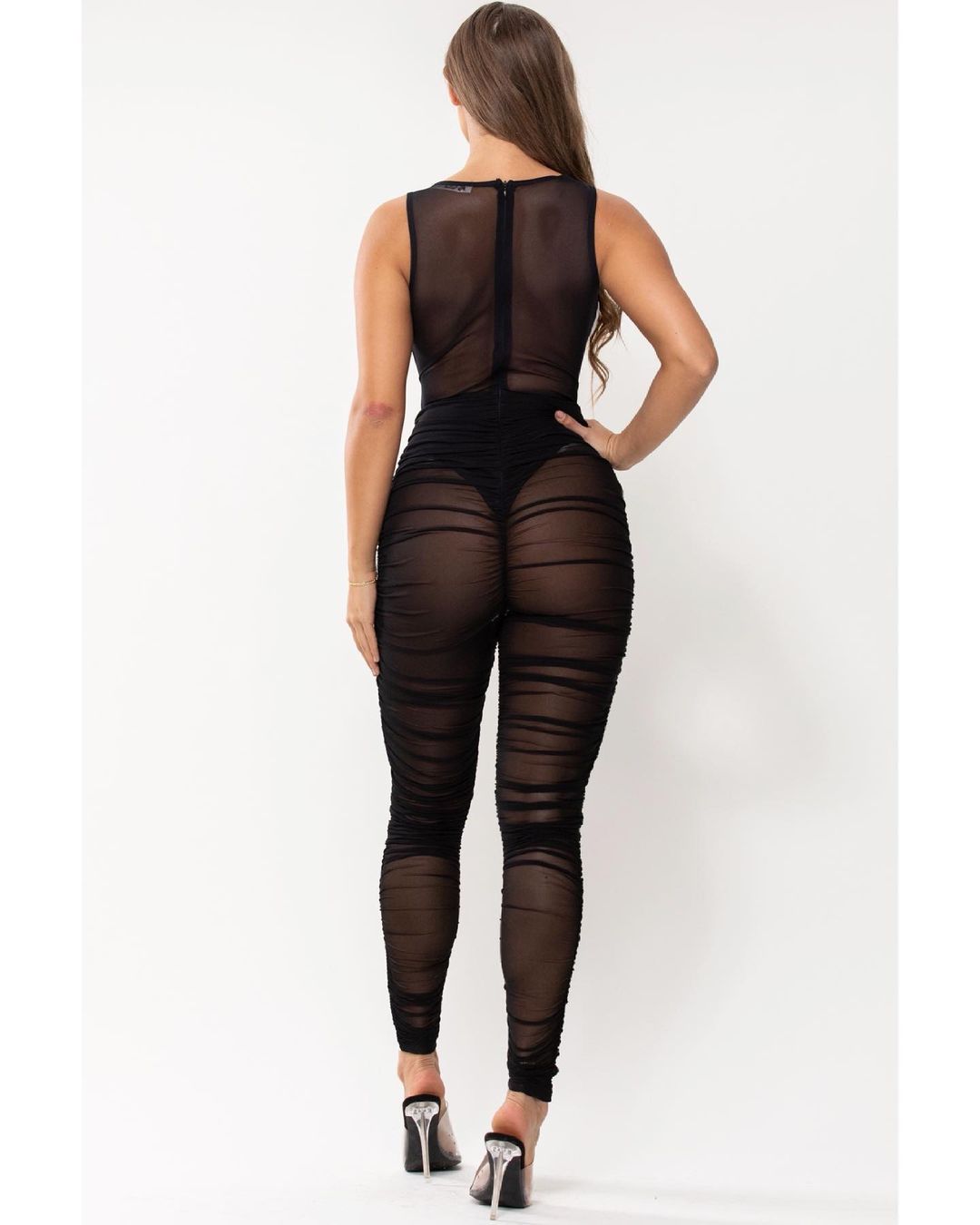
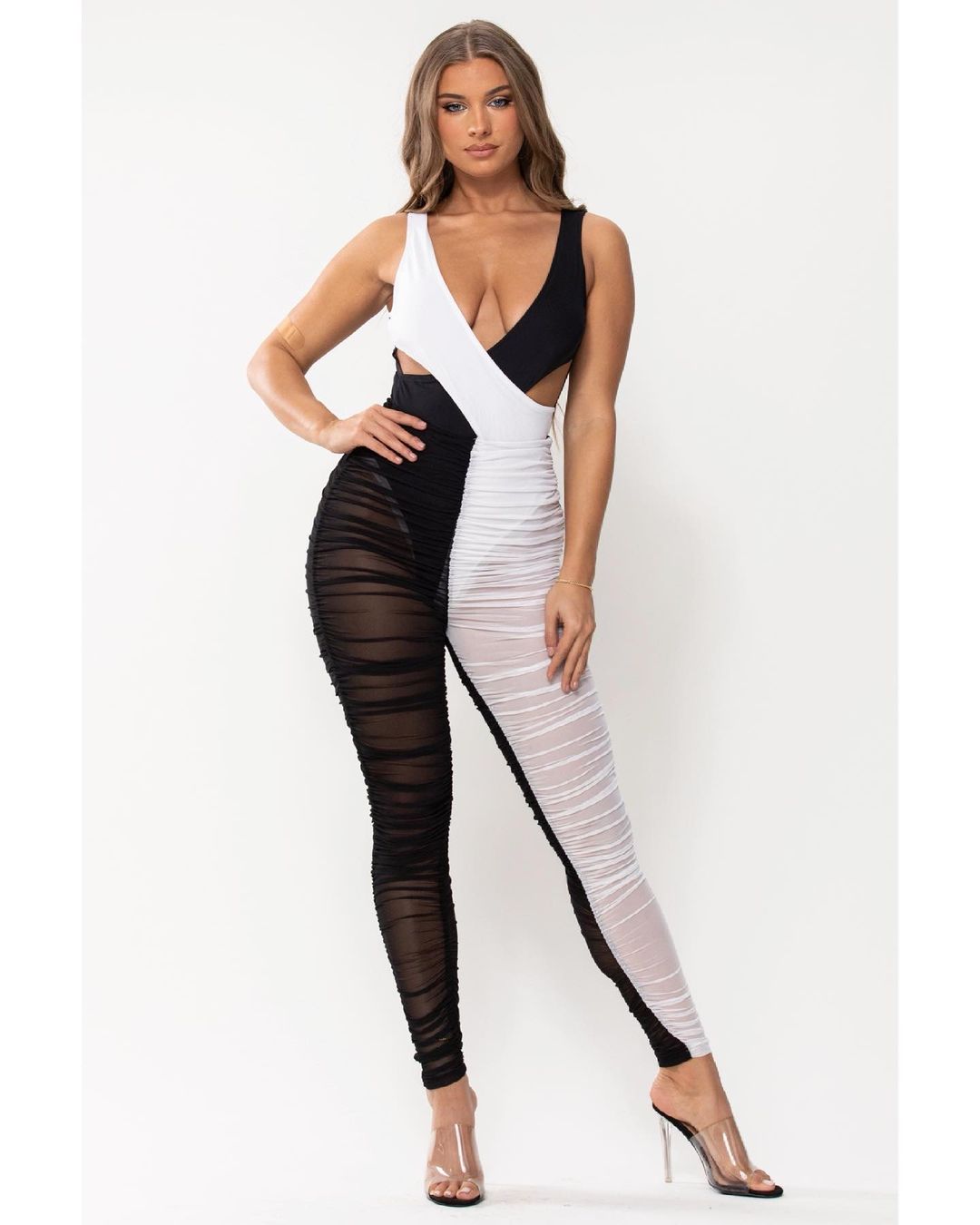




































Account
Navigation
Search
Configure browser push notifications
Chrome (Android)
- Tap the lock icon next to the address bar.
- Tap Permissions → Notifications.
- Adjust your preference.
Chrome (Desktop)
- Click the padlock icon in the address bar.
- Select Site settings.
- Find Notifications and adjust your preference.
Safari (iOS 16.4+)
- Ensure the site is installed via Add to Home Screen.
- Open Settings App → Notifications.
- Find your app name and adjust your preference.
Safari (macOS)
- Go to Safari → Preferences.
- Click the Websites tab.
- Select Notifications in the sidebar.
- Find this website and adjust your preference.
Edge (Android)
- Tap the lock icon next to the address bar.
- Tap Permissions.
- Find Notifications and adjust your preference.
Edge (Desktop)
- Click the padlock icon in the address bar.
- Click Permissions for this site.
- Find Notifications and adjust your preference.
Firefox (Android)
- Go to Settings → Site permissions.
- Tap Notifications.
- Find this site in the list and adjust your preference.
Firefox (Desktop)
- Open Firefox Settings.
- Search for Notifications.
- Find this site in the list and adjust your preference.