
balenciagaaa
Members
-
Joined
-
Last visited
Everything posted by balenciagaaa
-
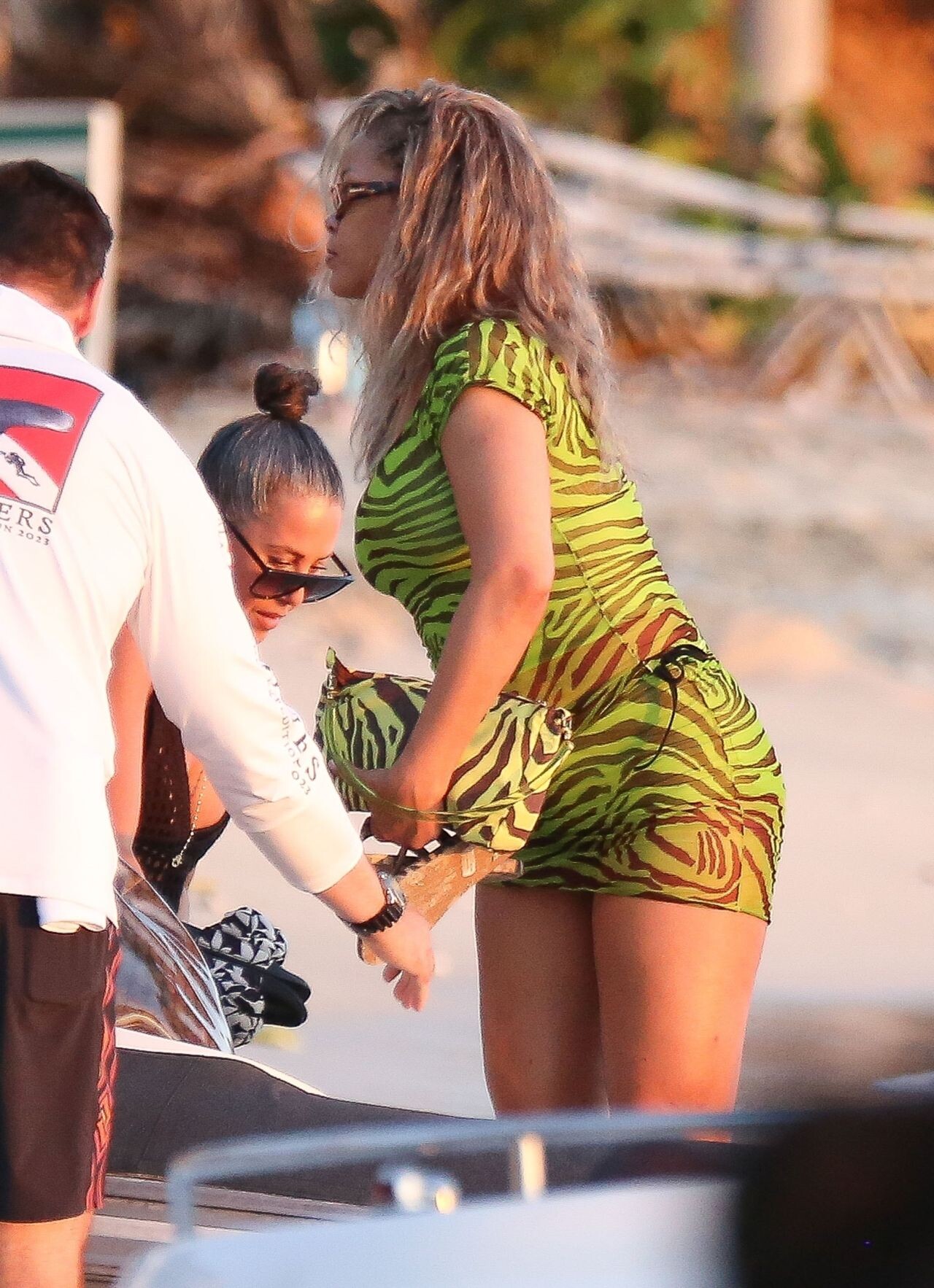
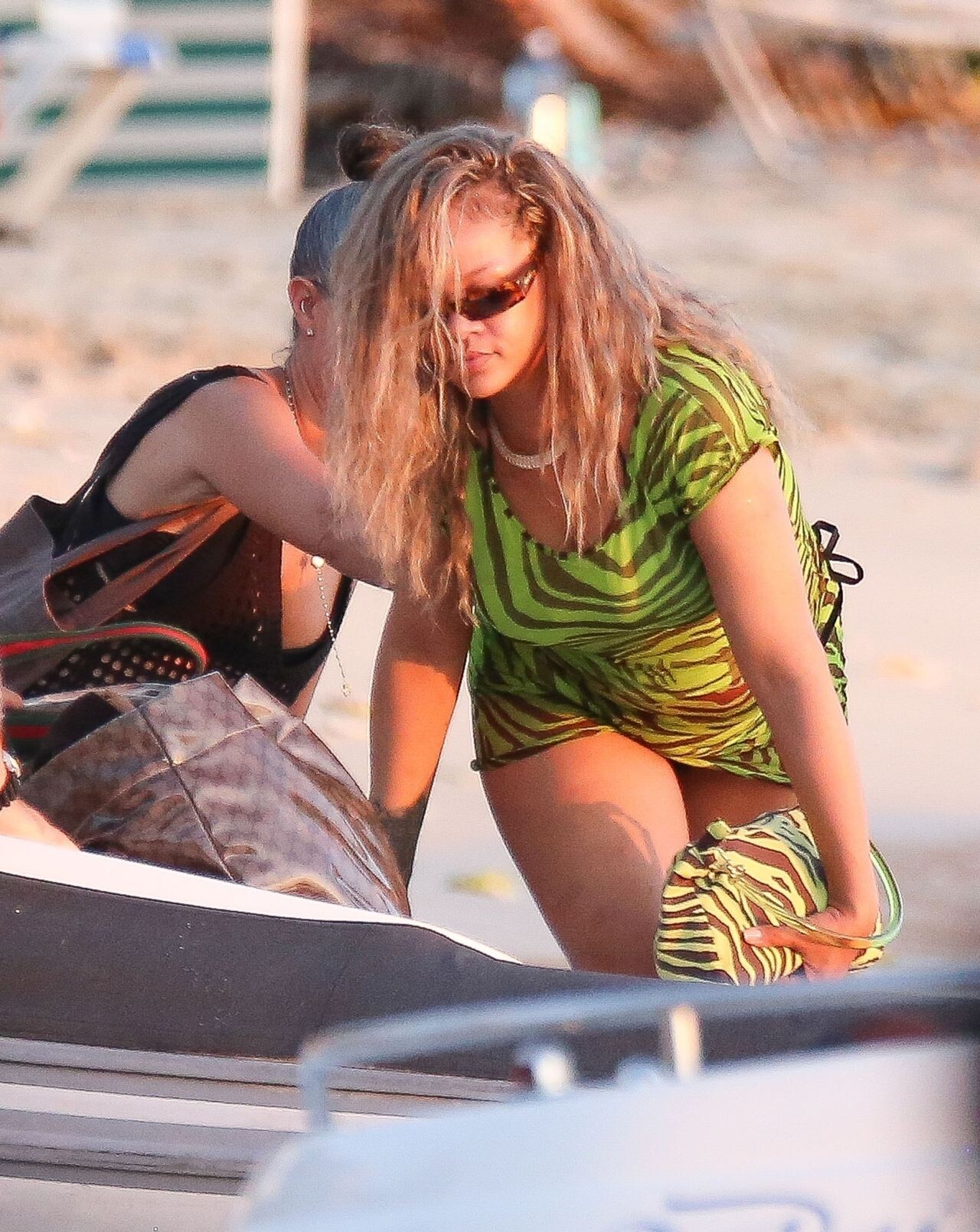
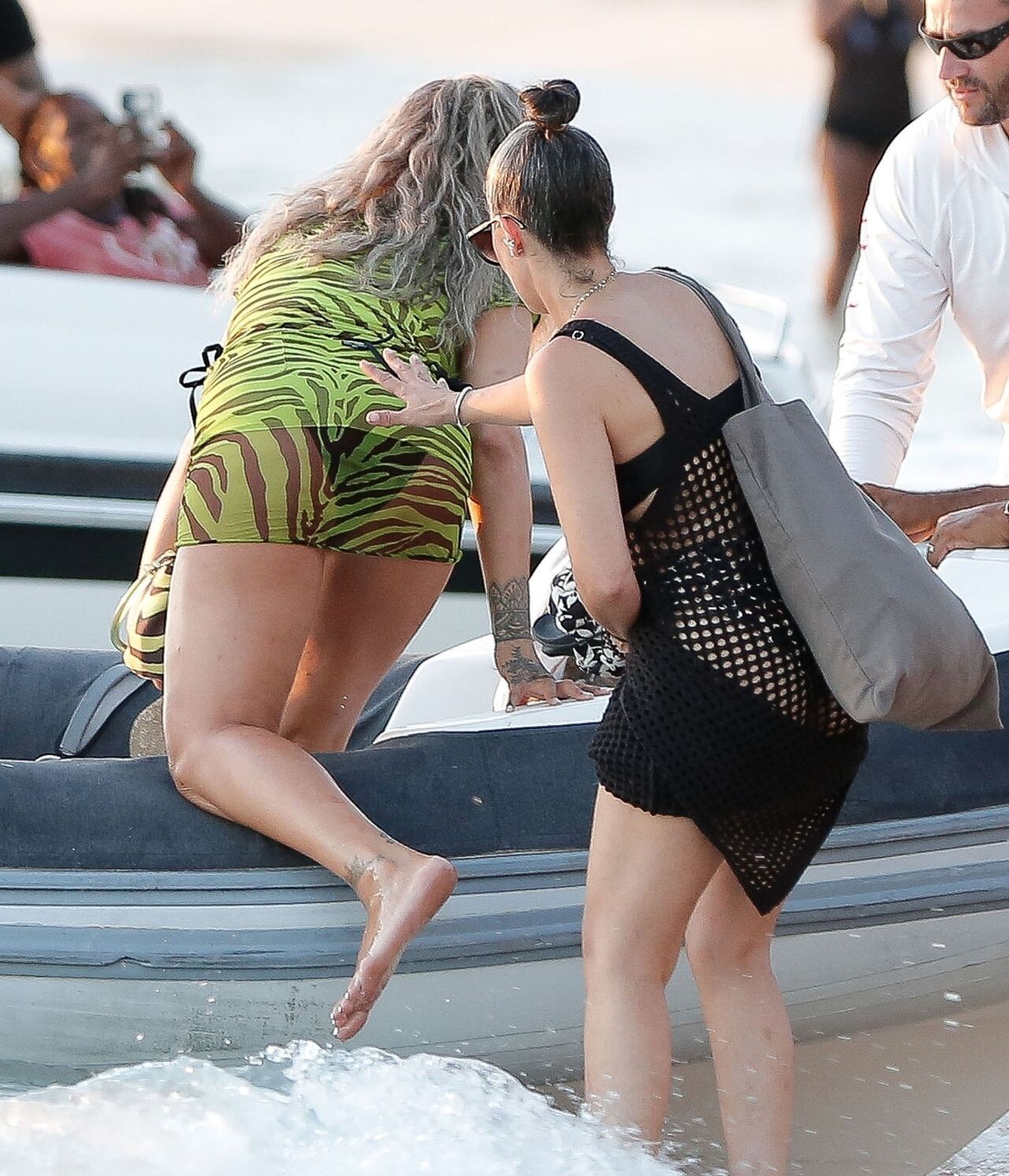
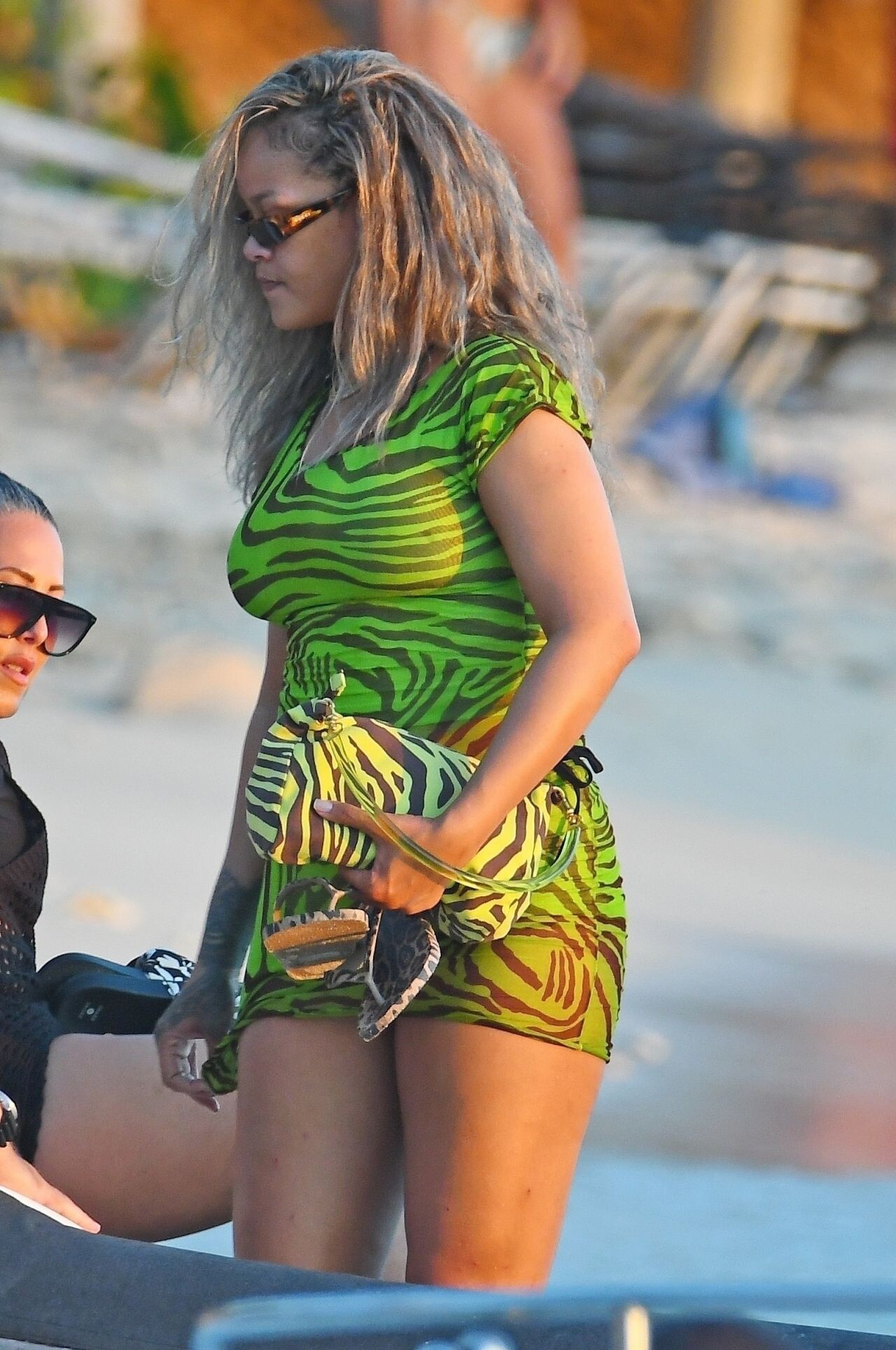
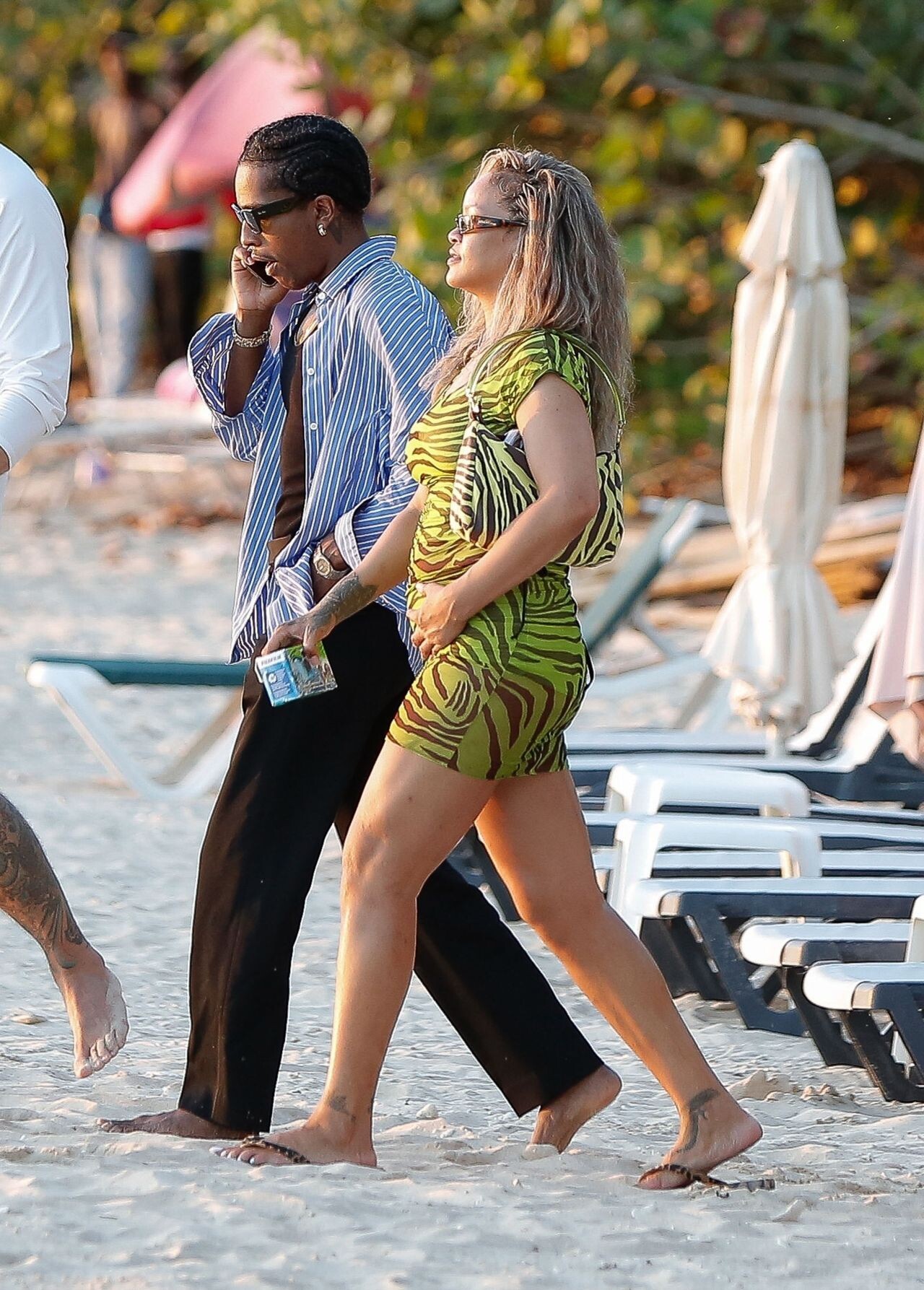
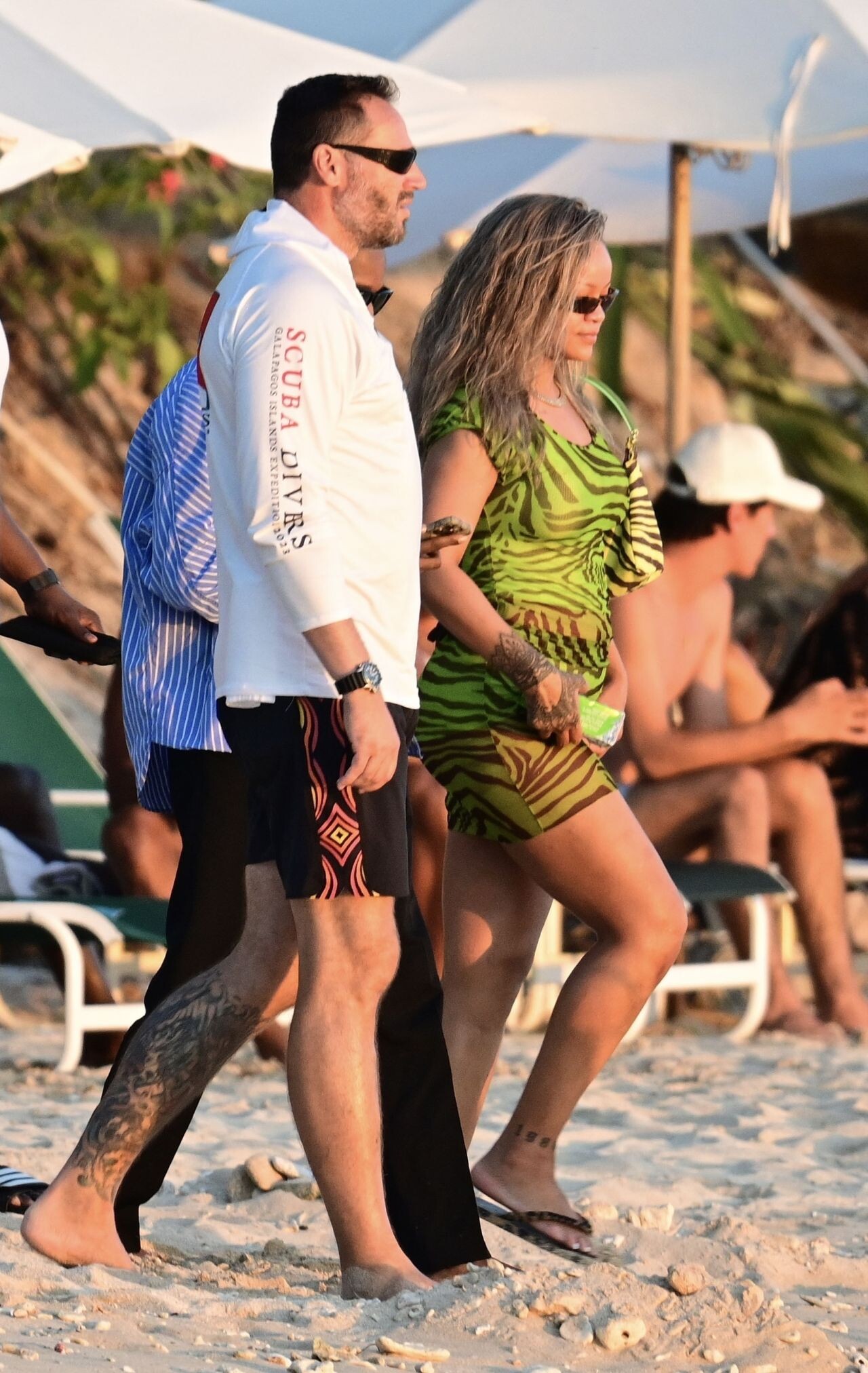
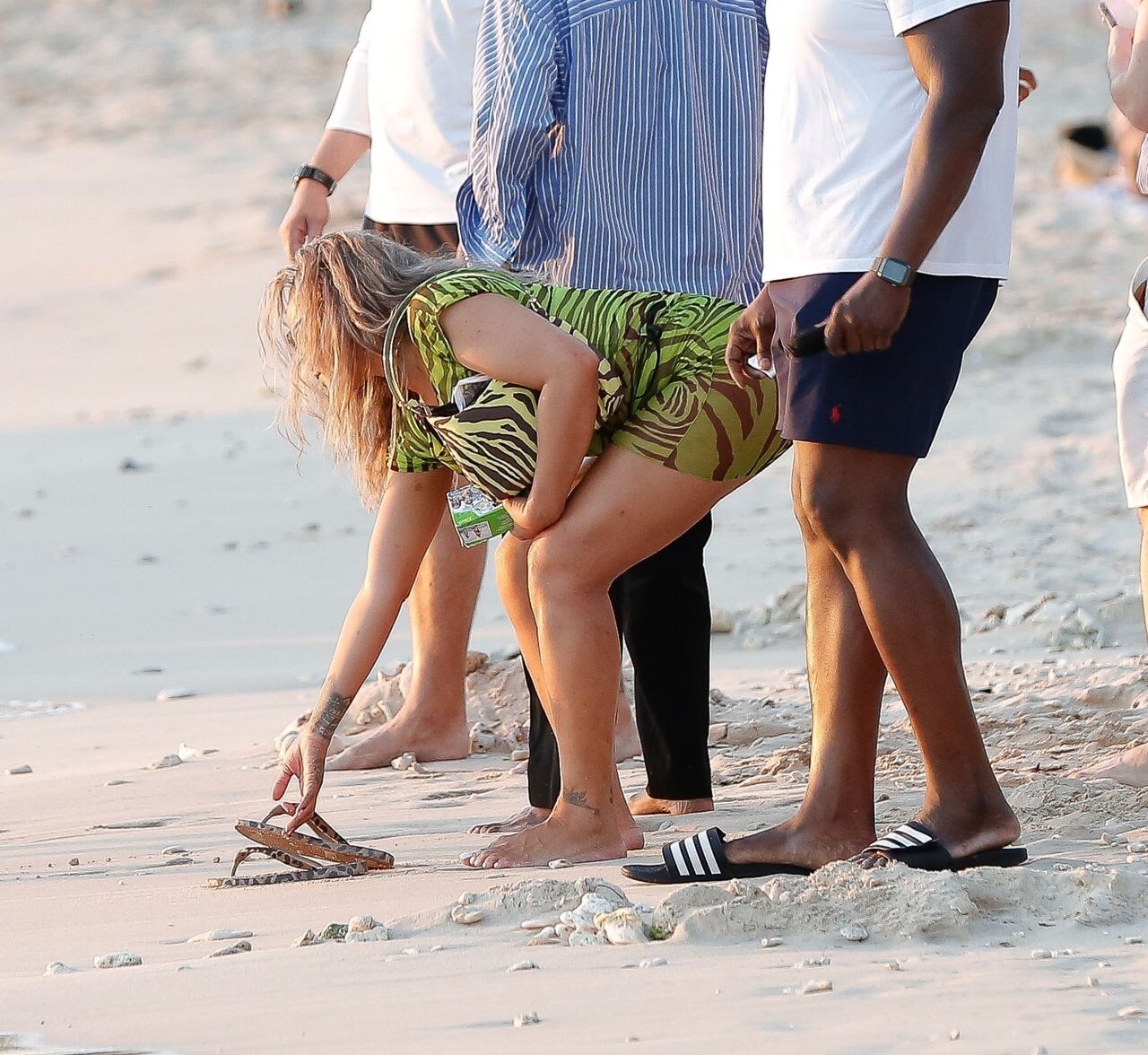
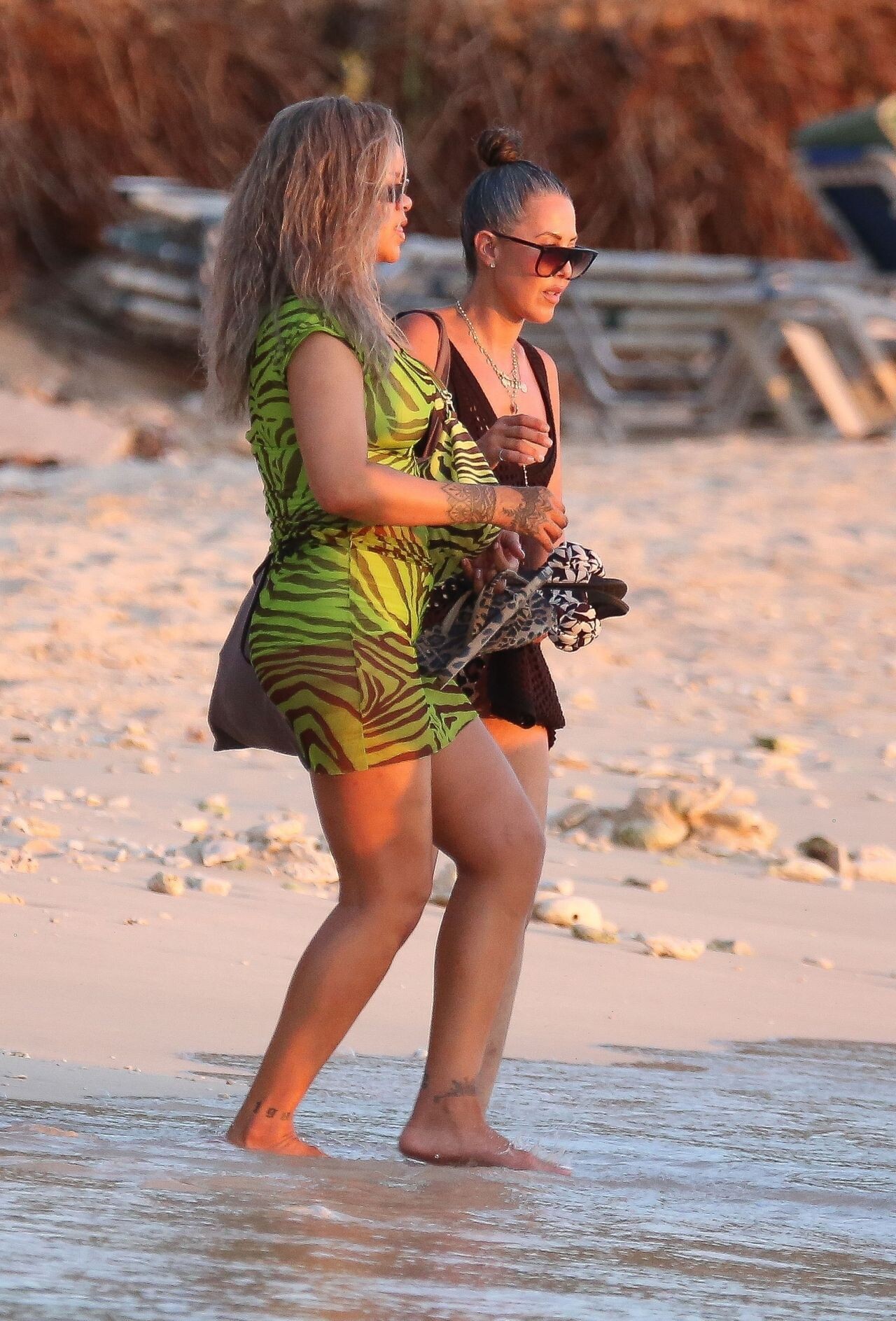
 in Barbados August , 2024
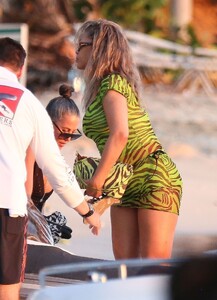

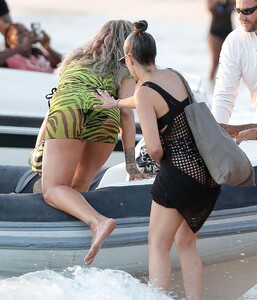


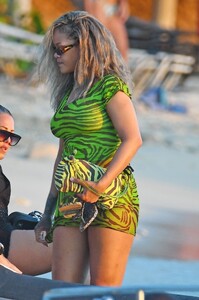
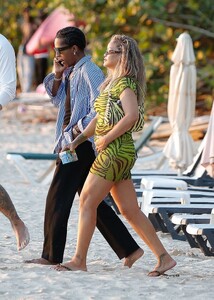






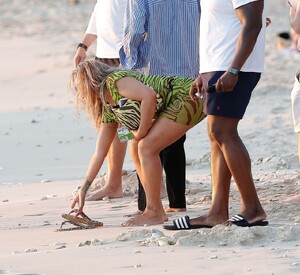
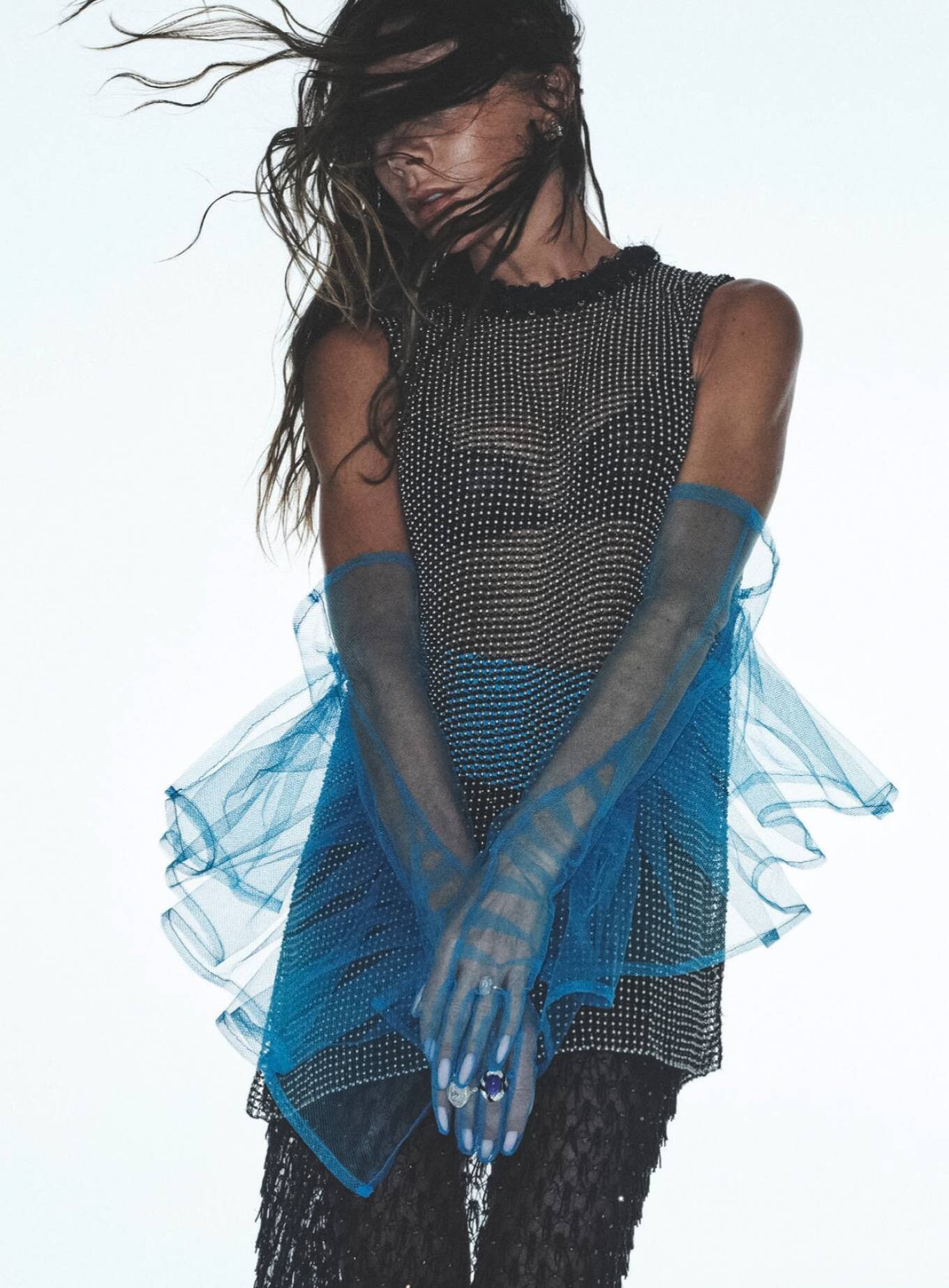
 Good American – The Khloe Edit Campaign 2024


 Savage X Fenty 2024




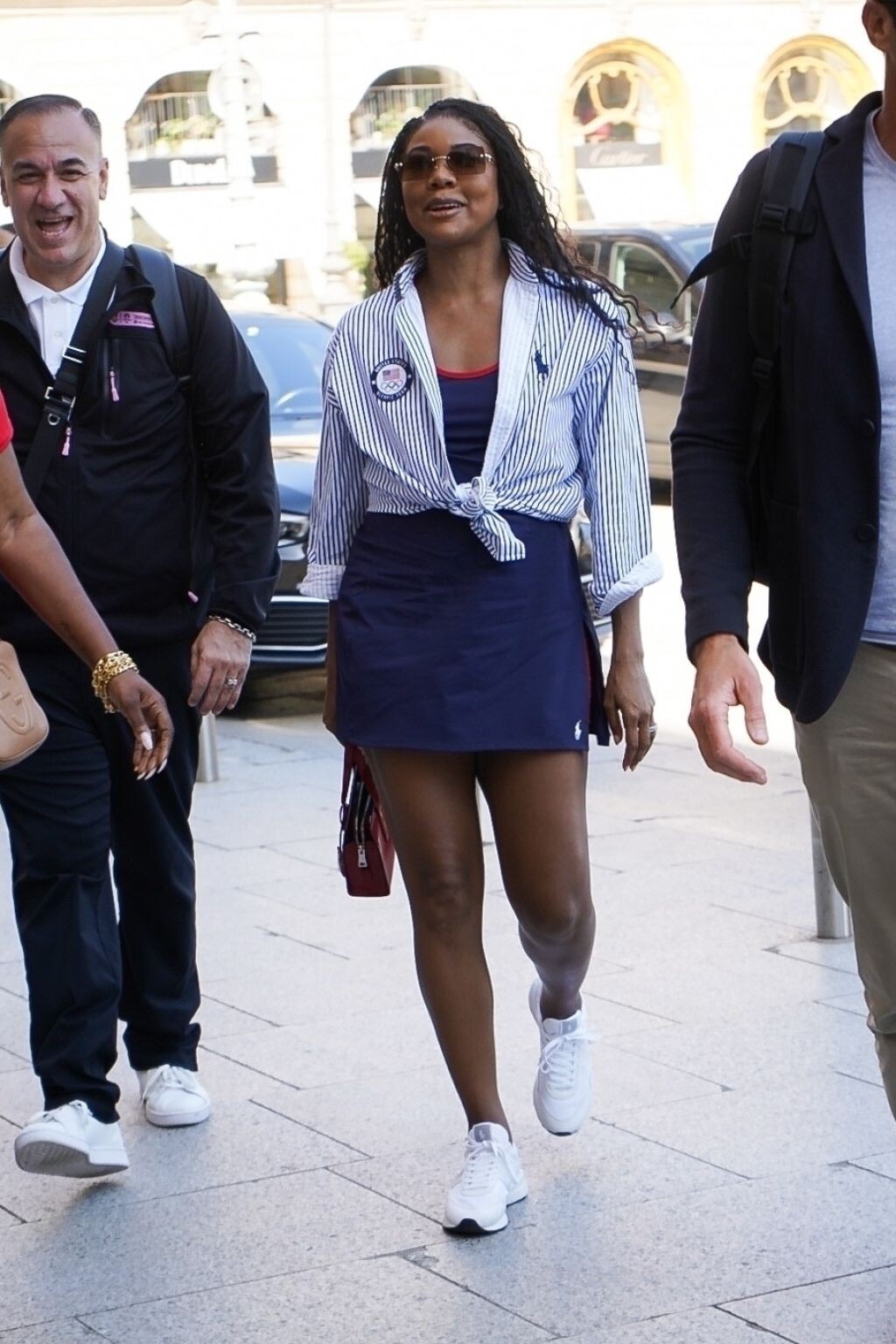
 Paris 08-05-2024





 Paris 08-05-2024





 2024 Met Gala in New York 05-06-2024


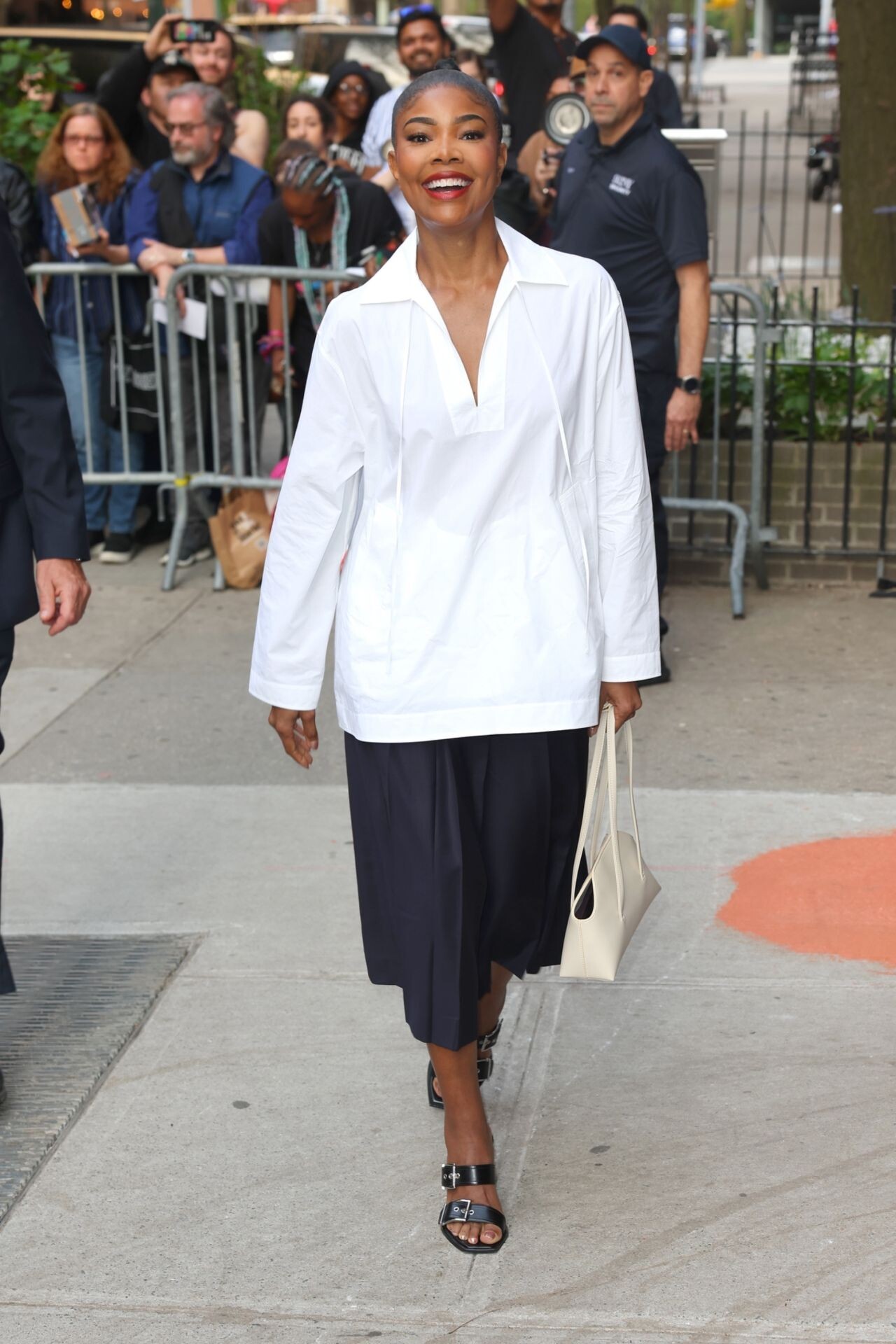
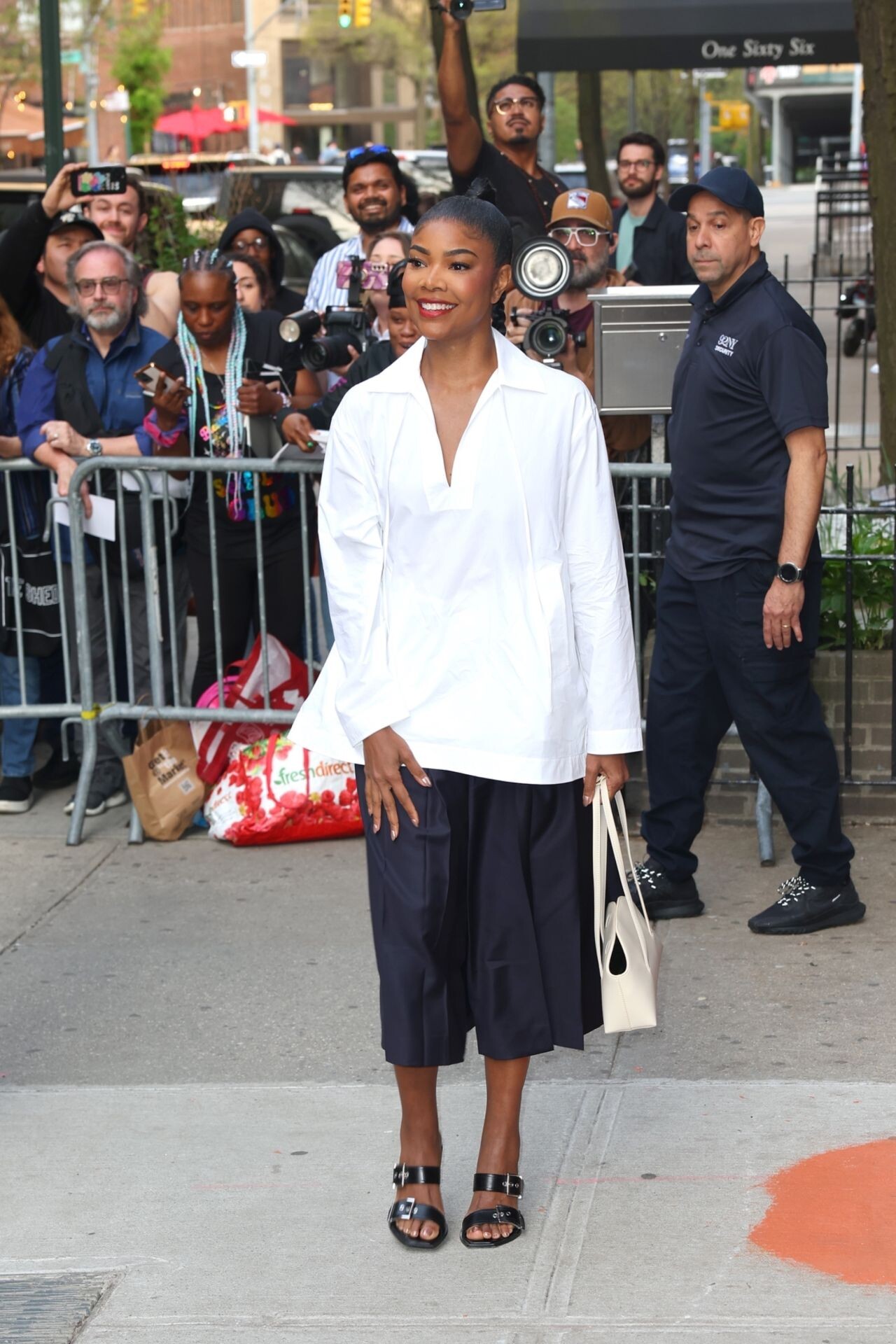
 “The Idea of You” Premiere in NY
.thumb.jpg.93330044a8d0f58ea3a24c2a2ee3f222.jpg)
.thumb.jpg.d96ba9d3dac5d076aec2b18559dca041.jpg)

.thumb.jpg.461dd80429a4a54d5631e2680fe12dbb.jpg)
.thumb.jpg.3e725f1909e8d17c396ccef8b3b25c9f.jpg)
.thumb.jpg.b52627819ae90da4b579b285614d3243.jpg)





 “The Idea of You” Screening in NYC 04-28-2024



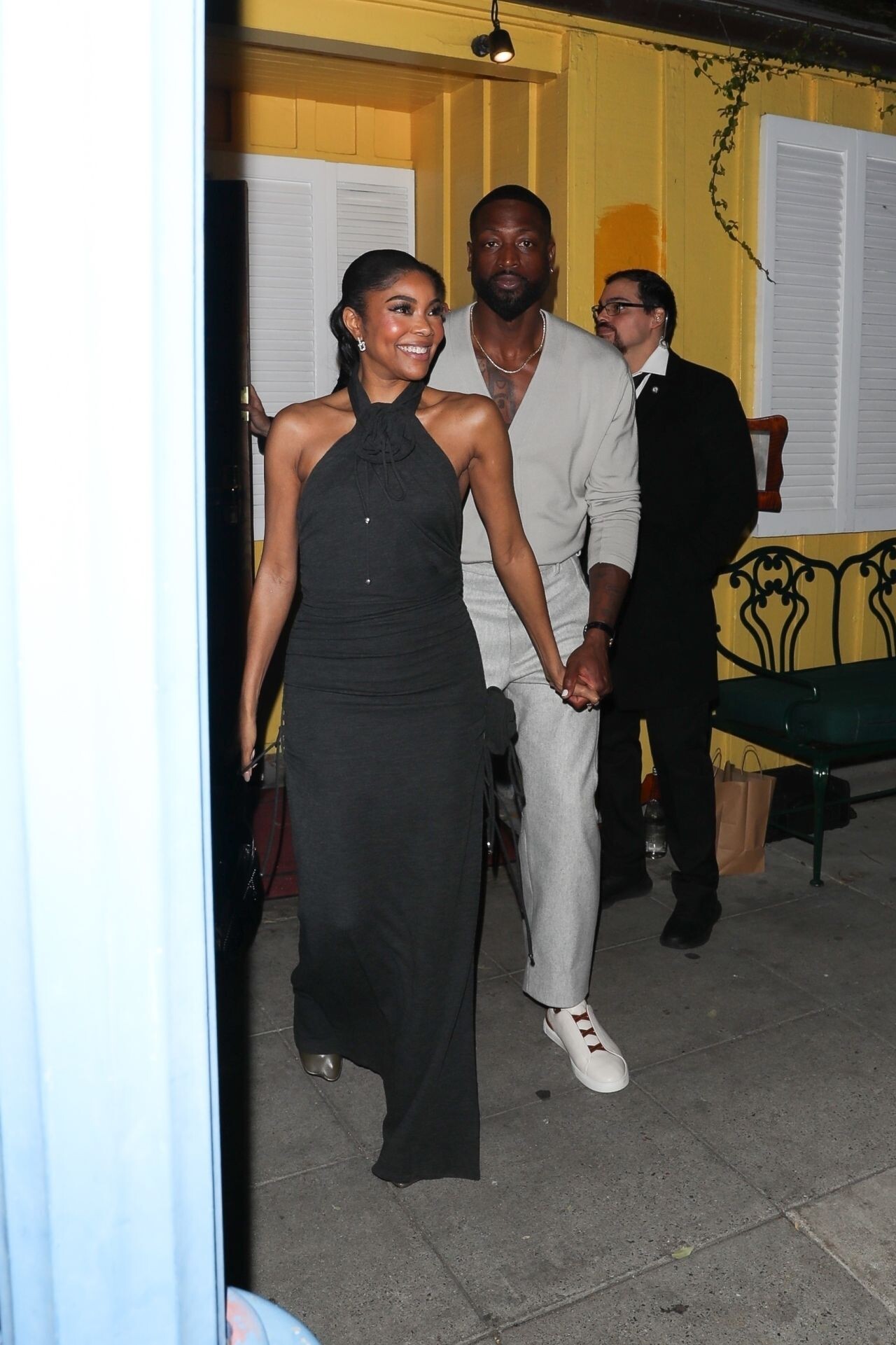
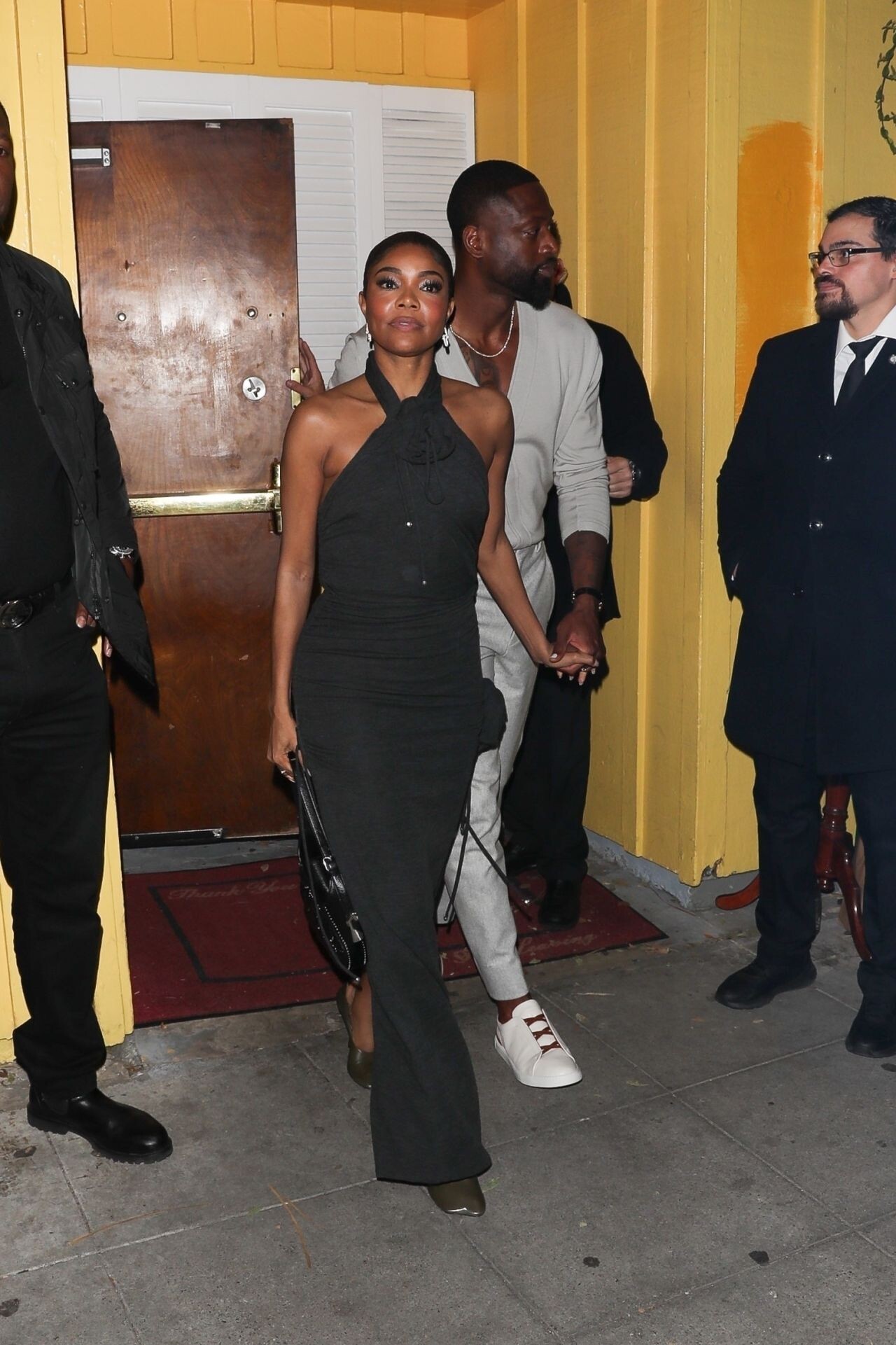
 Gabrielle Union and Dwyane Wade Leave Dan Tana’s in West Hollywood 03/15/2024



 instagram















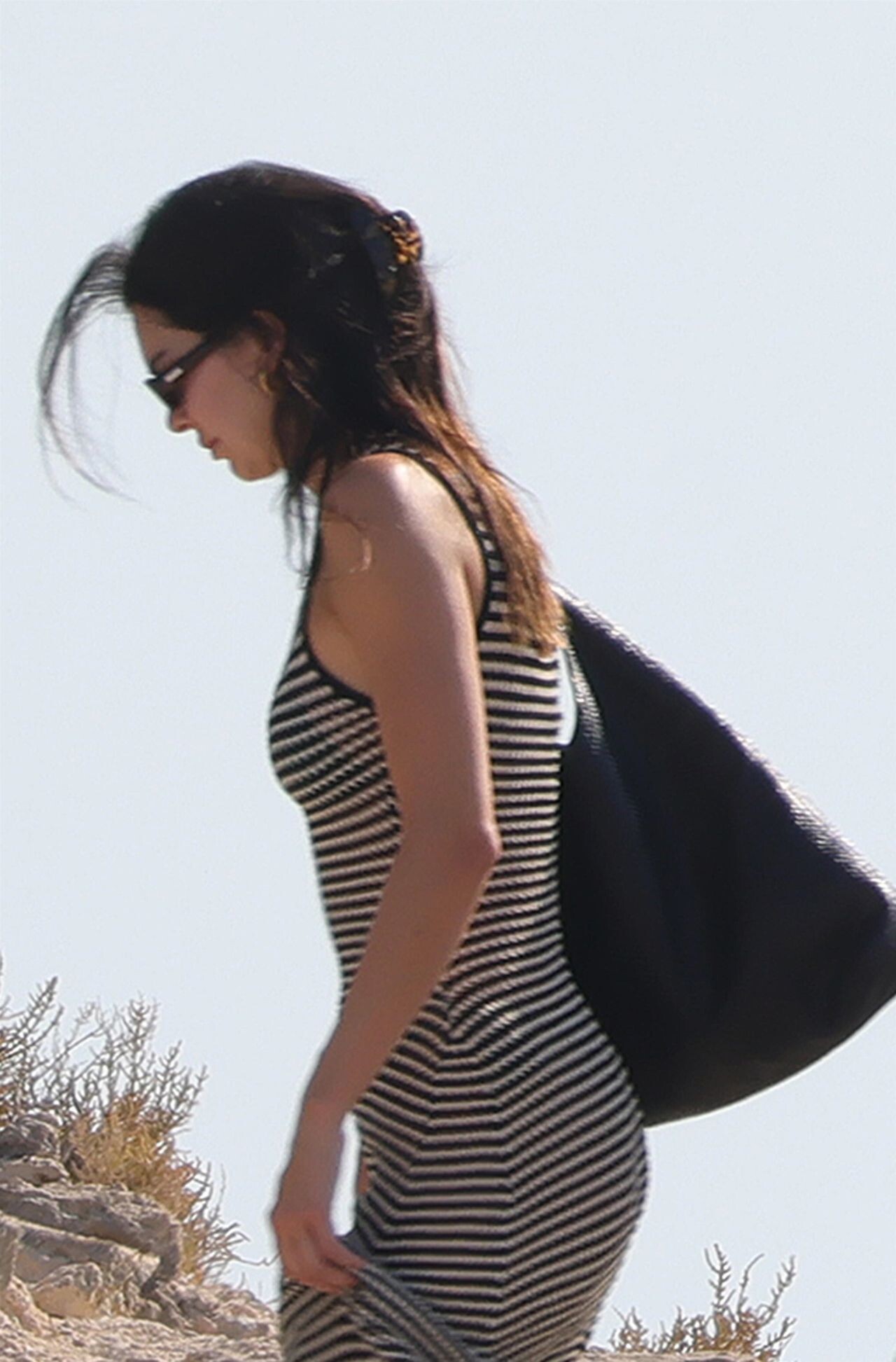
 Ibiza 08-06-2024

 Kendall Jenner and Fai Khadra in Ibiza 08-05-2024





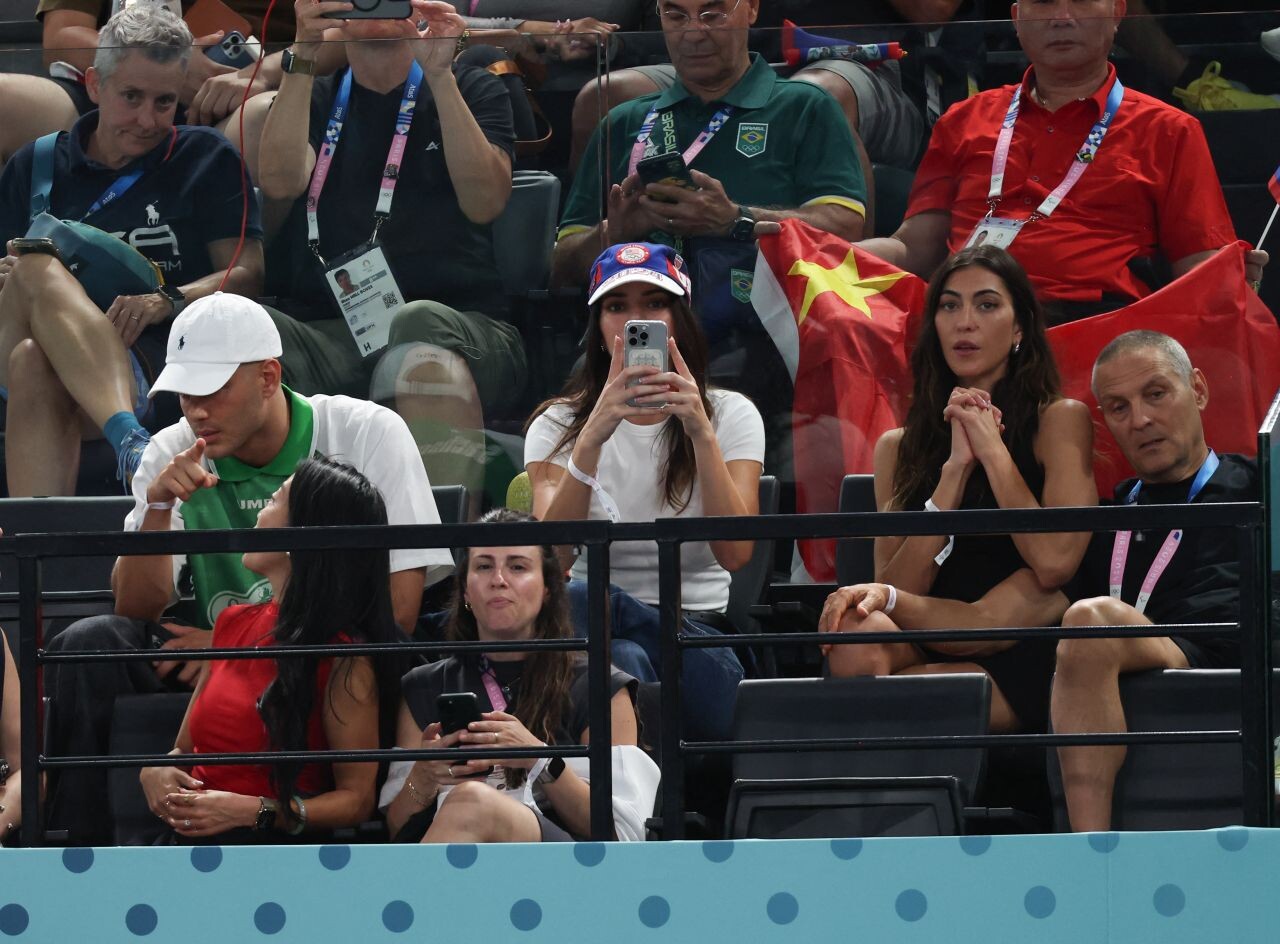
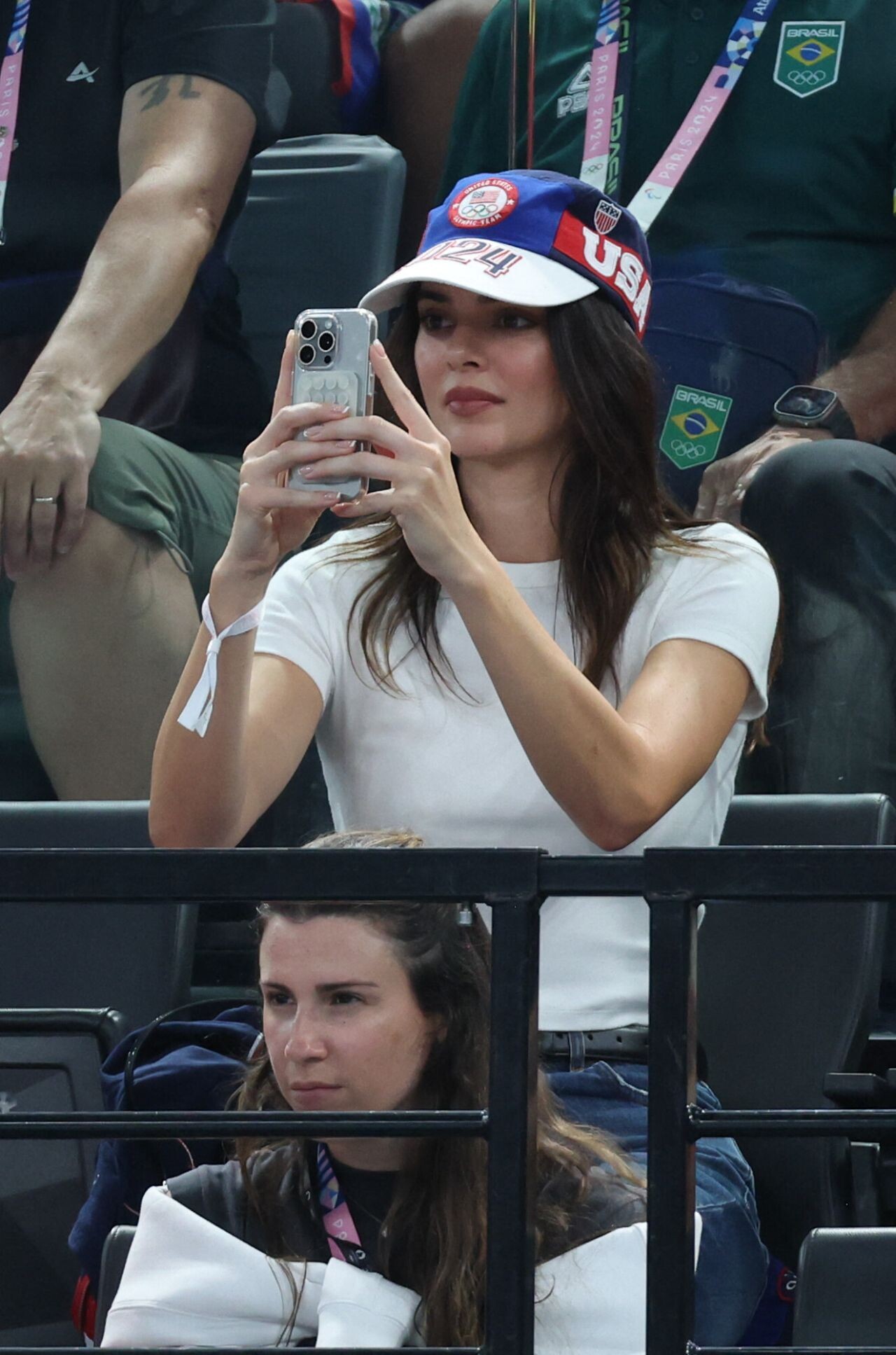
 at Paris 2024 Olympic Games Gymnastique Women’s Final 08-01-2024





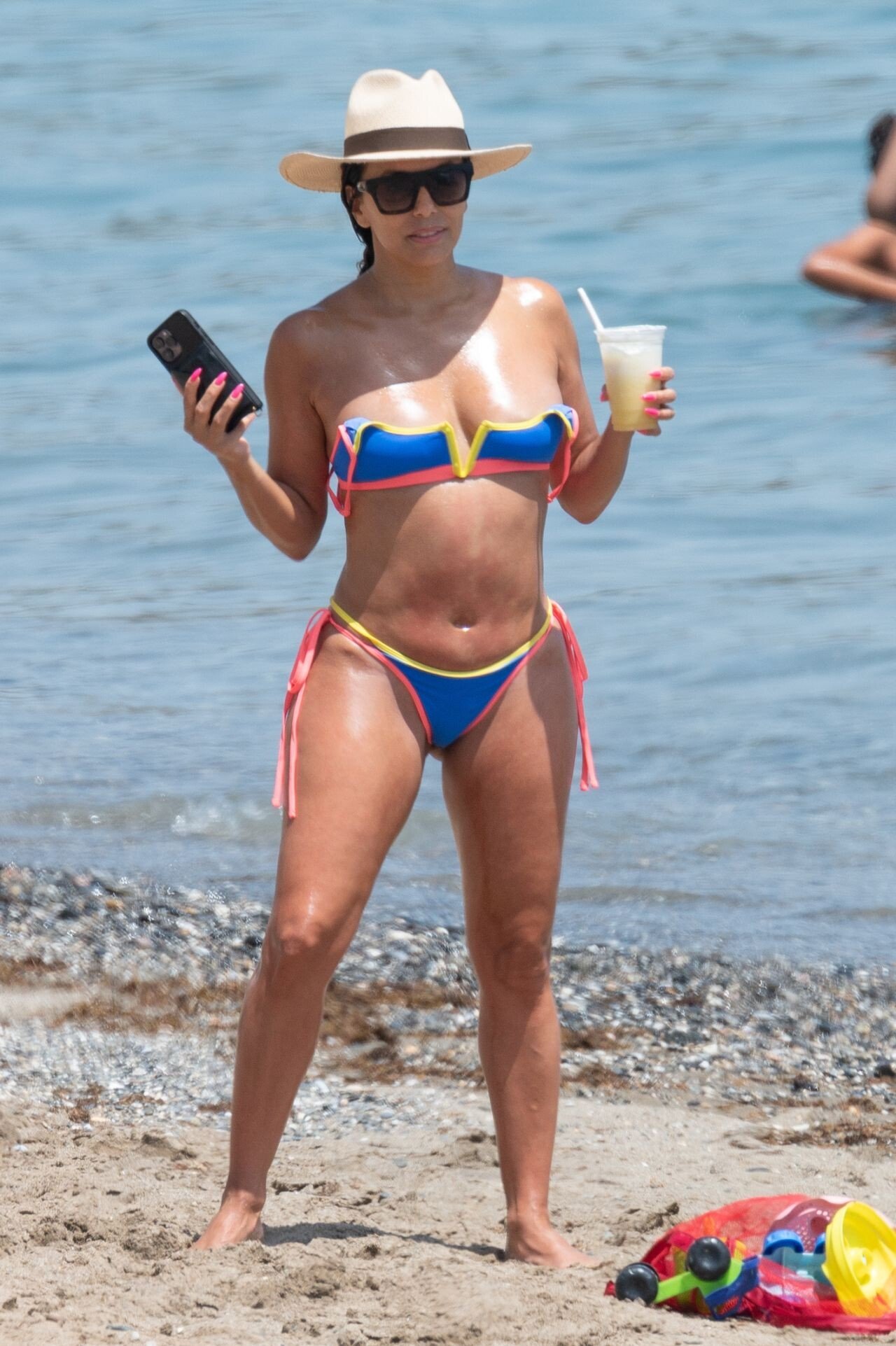
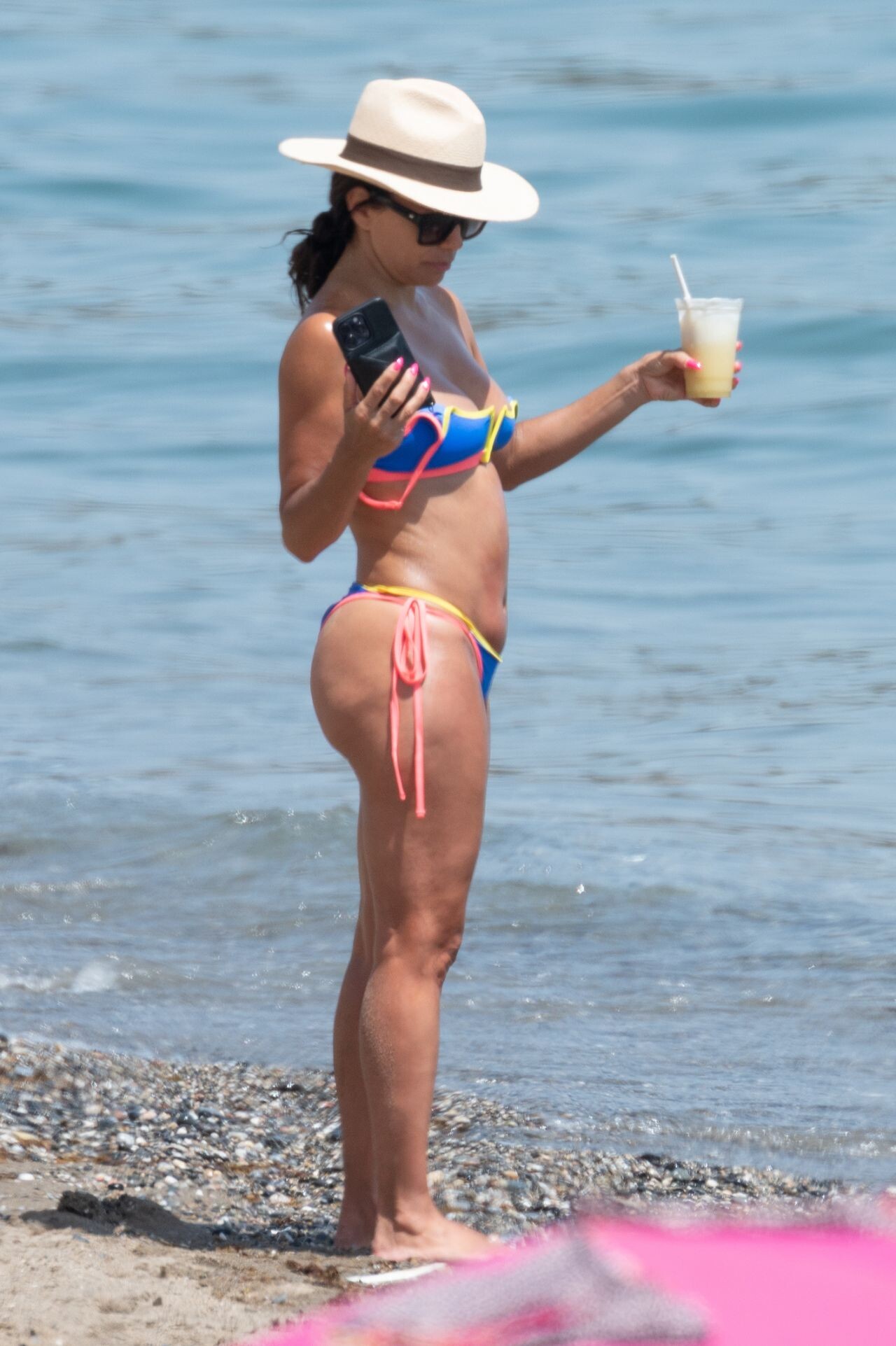
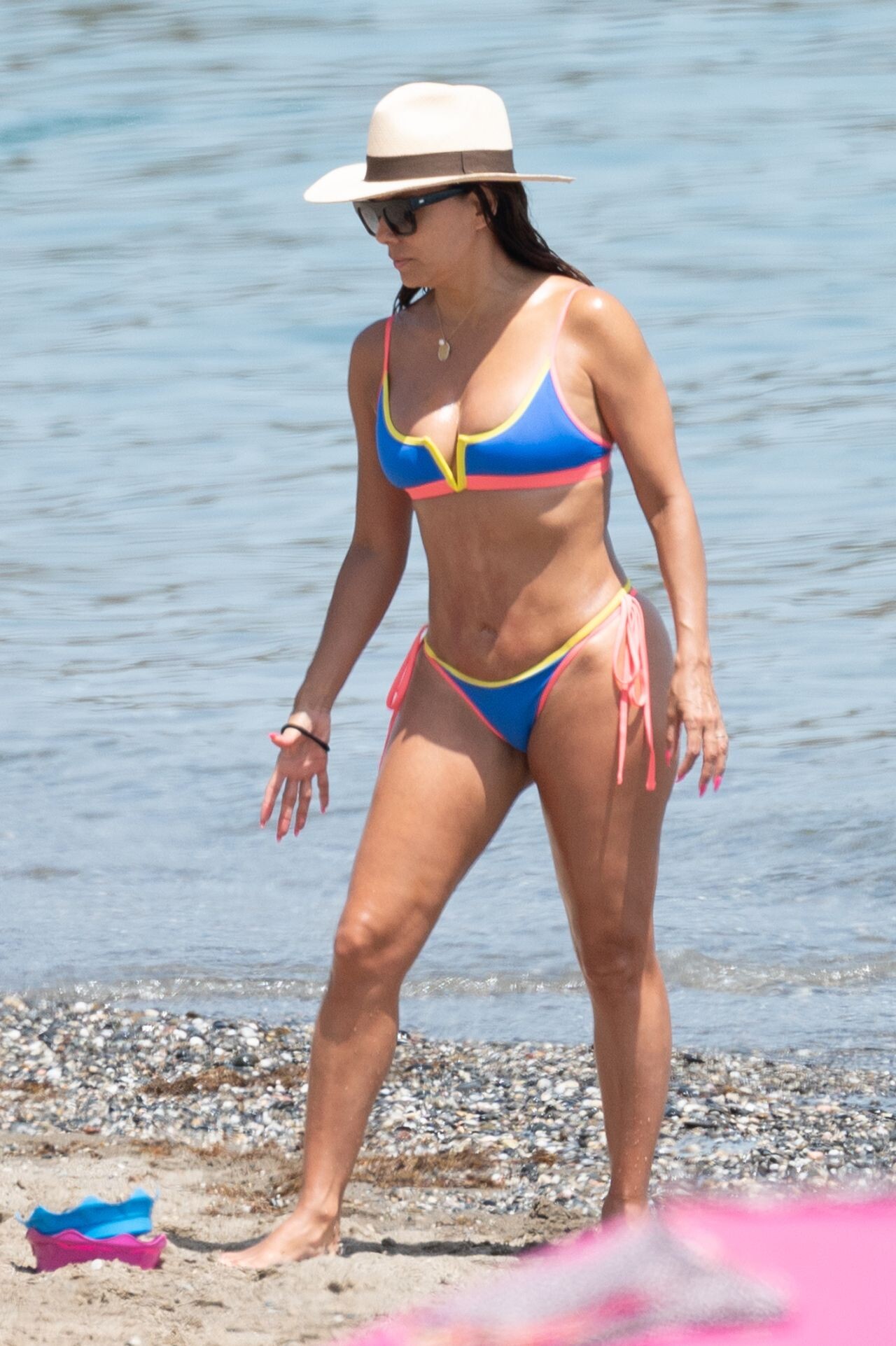
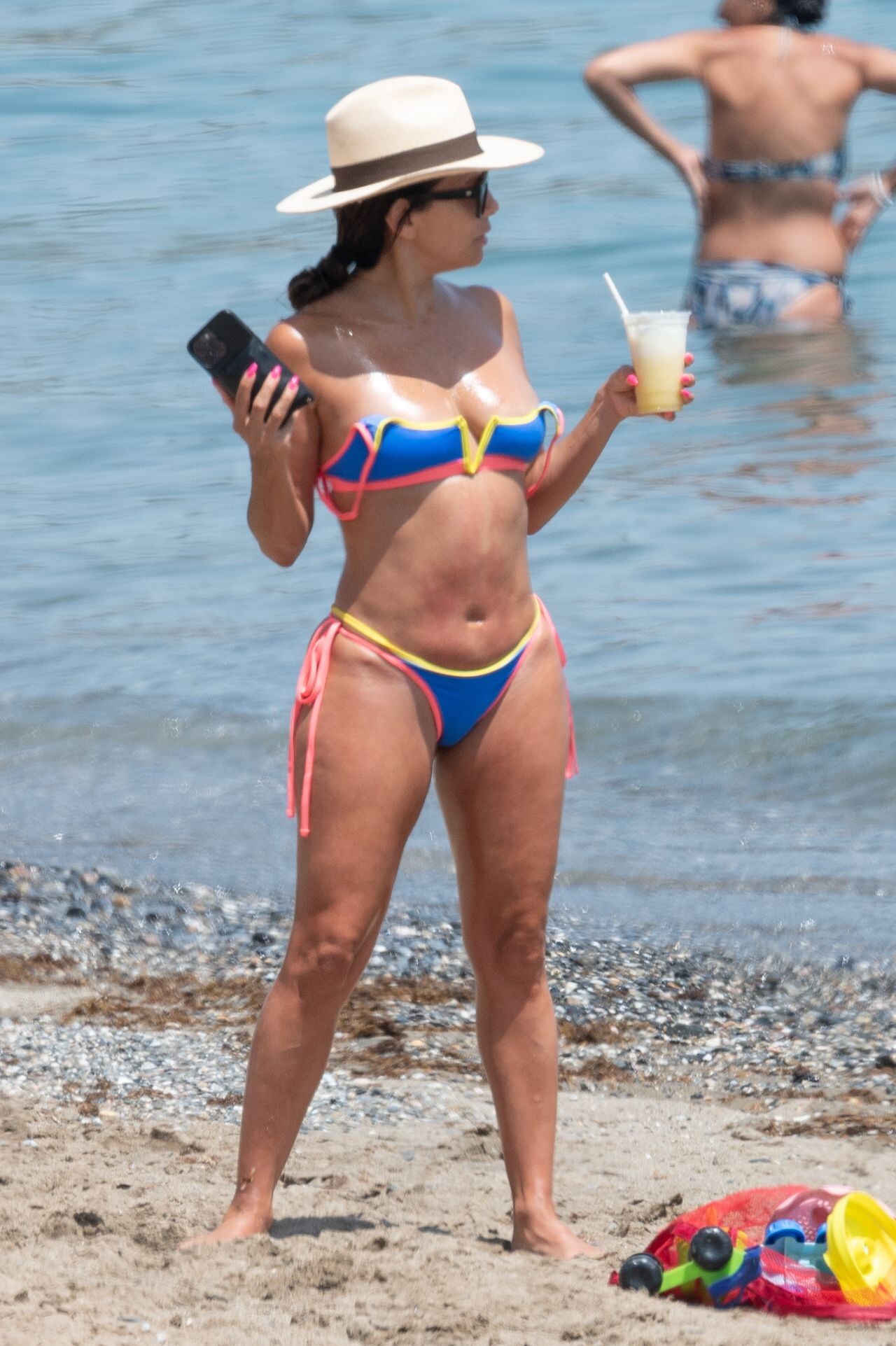
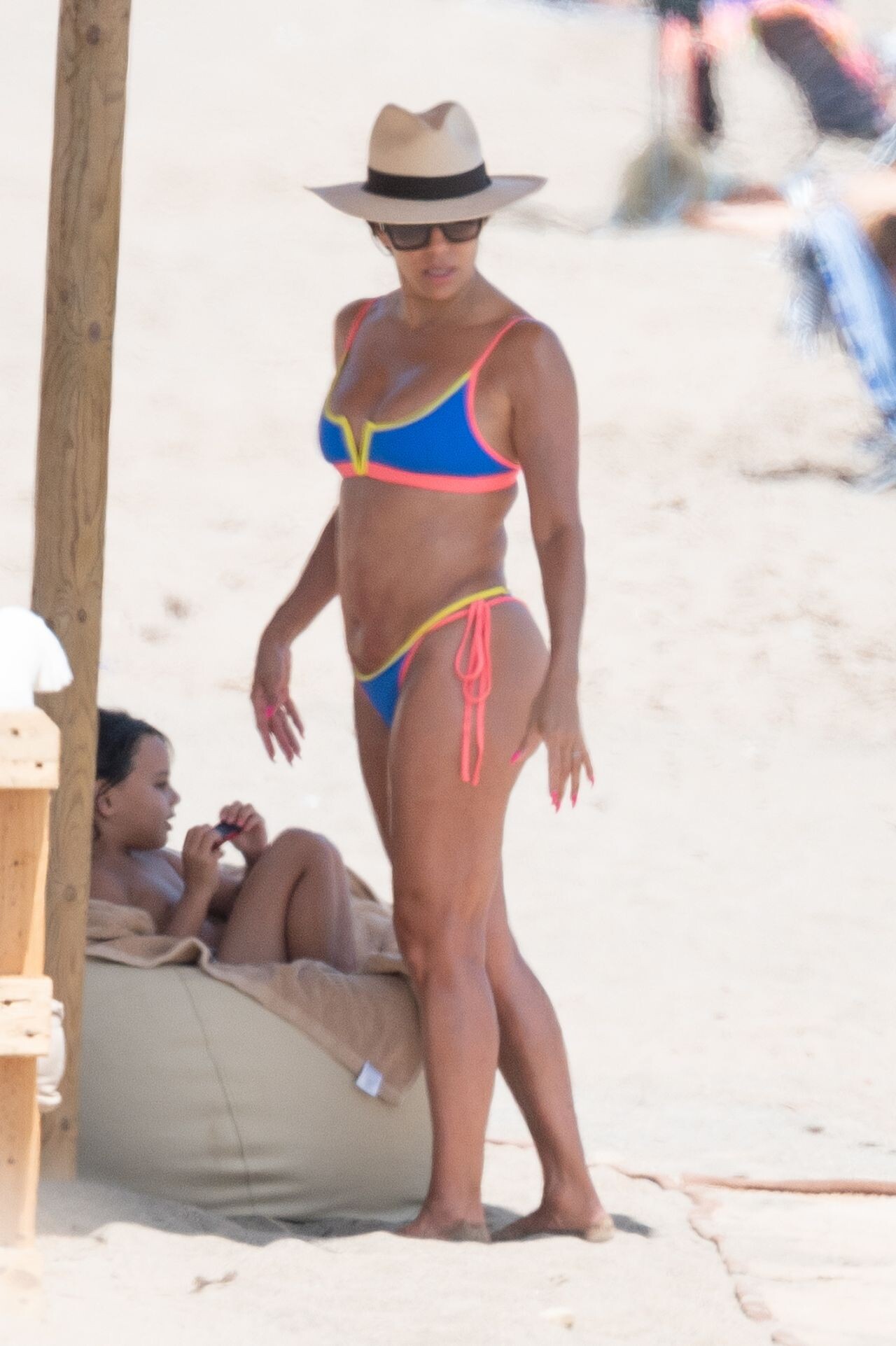
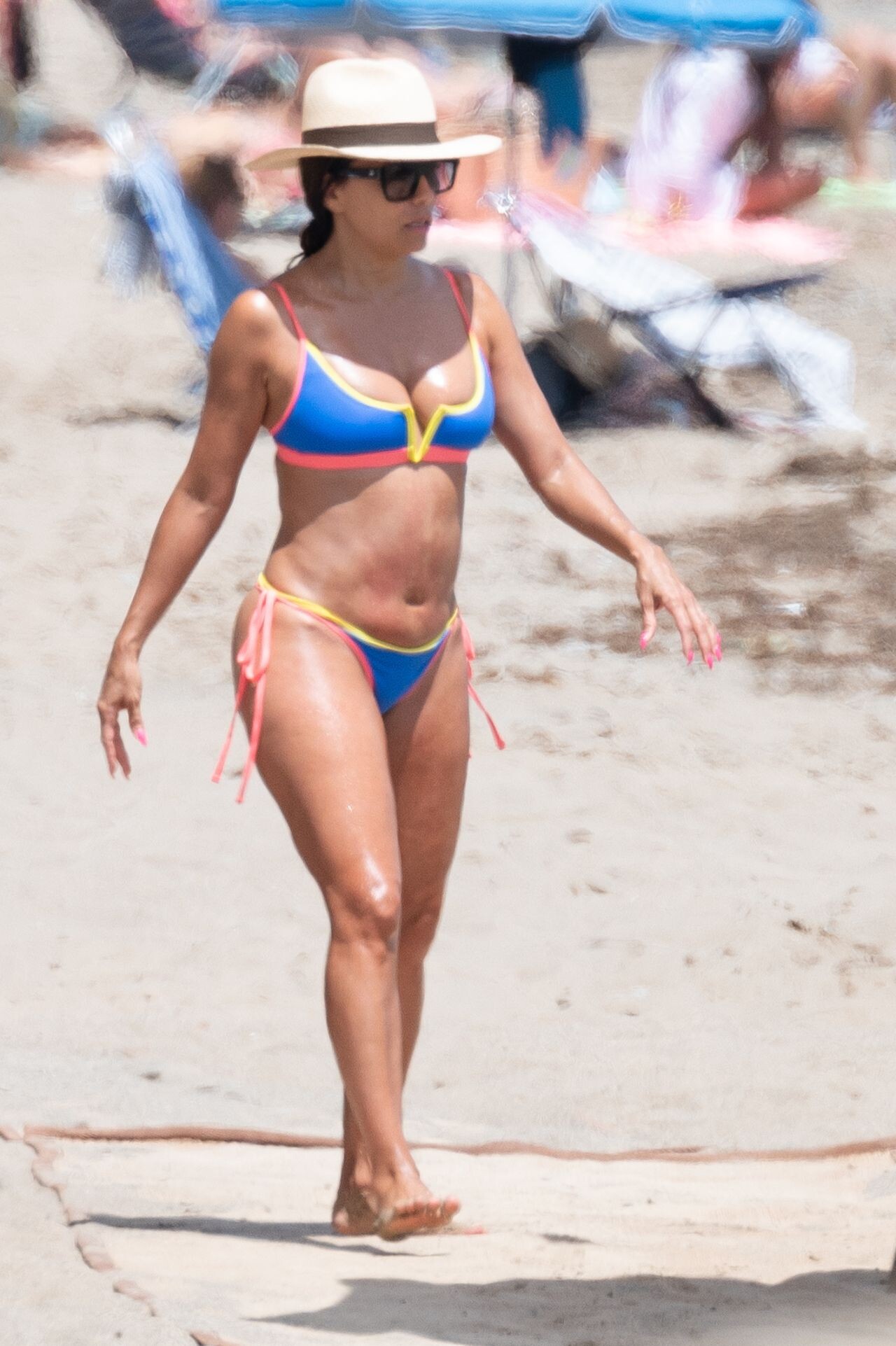
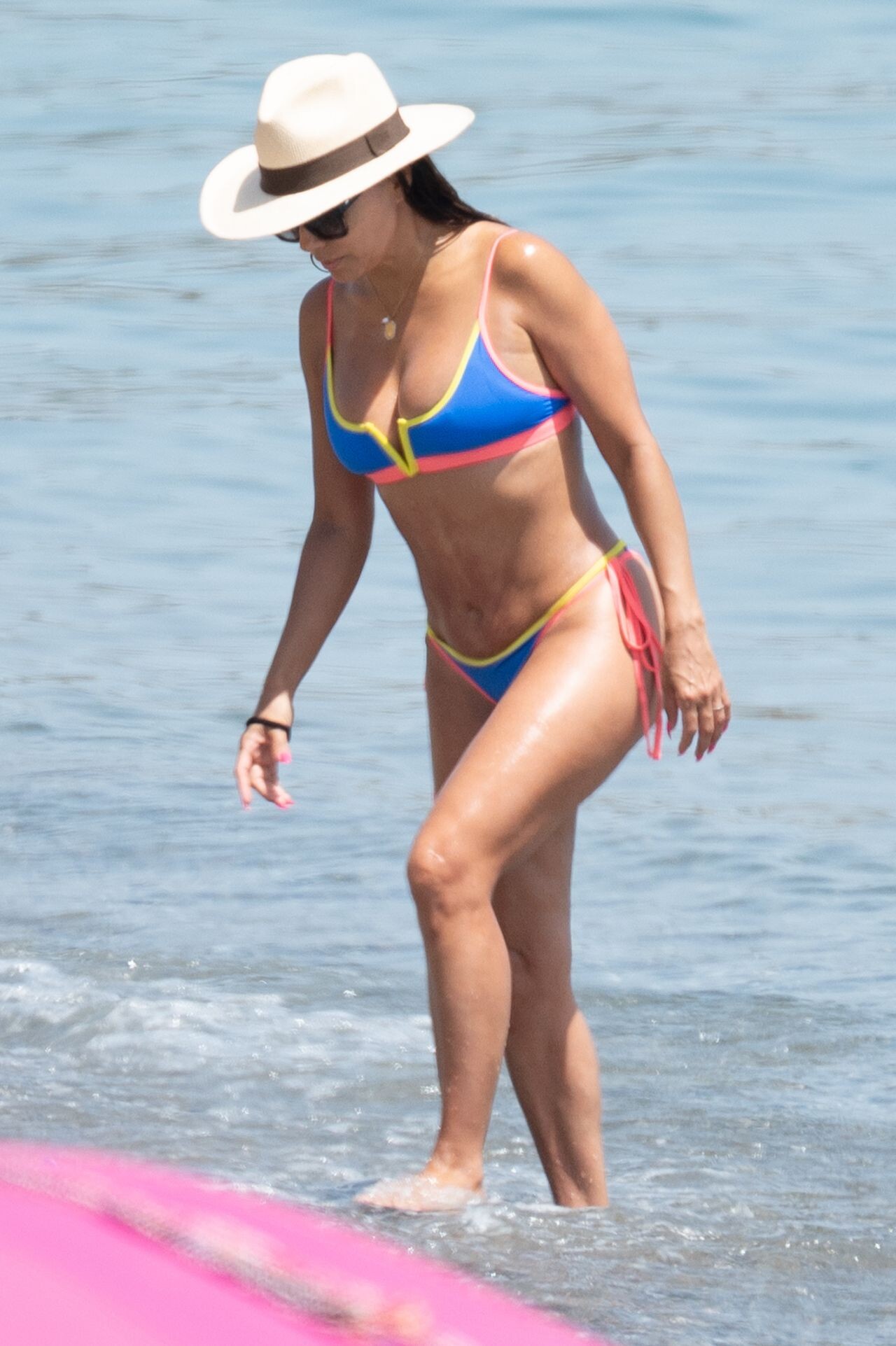
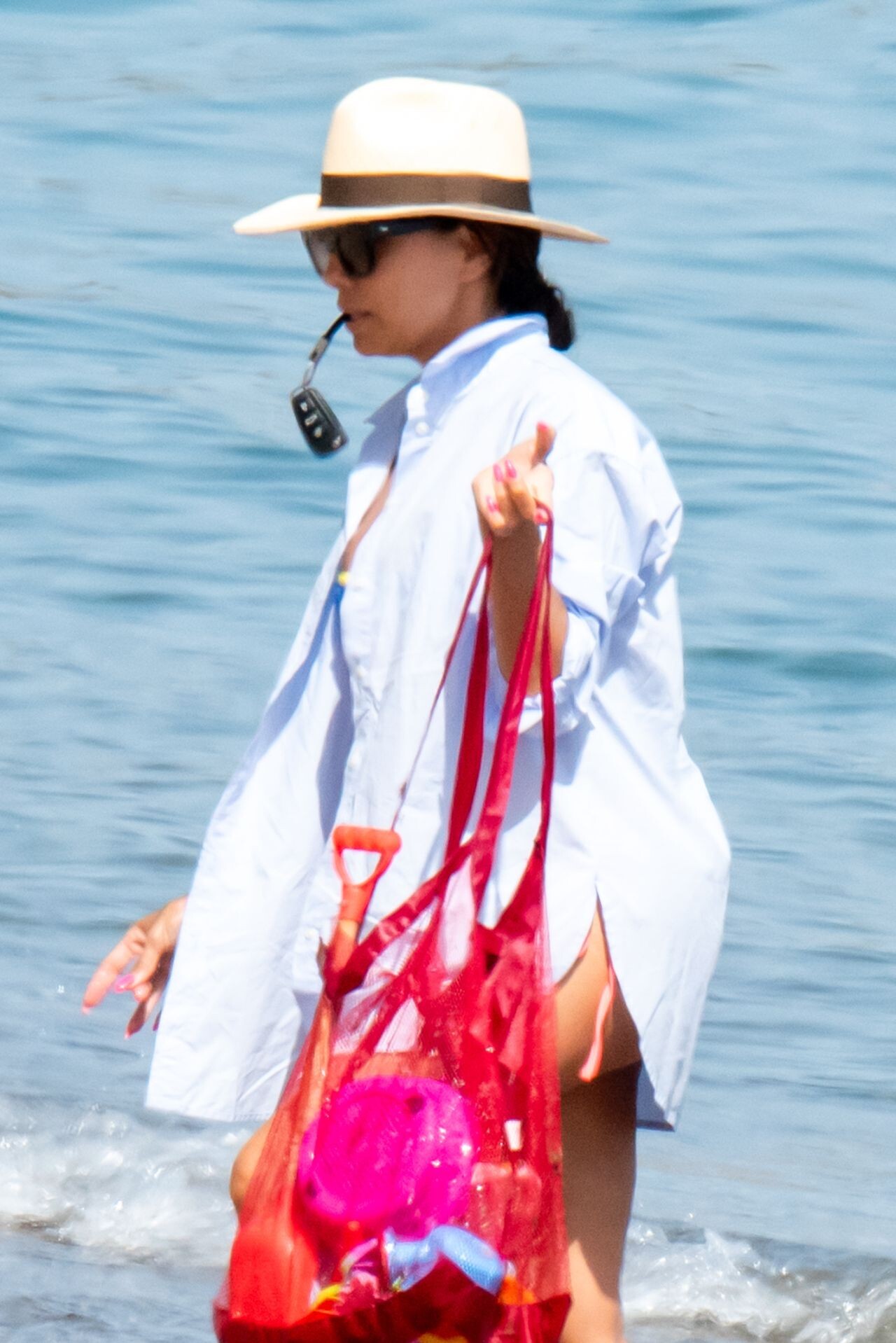
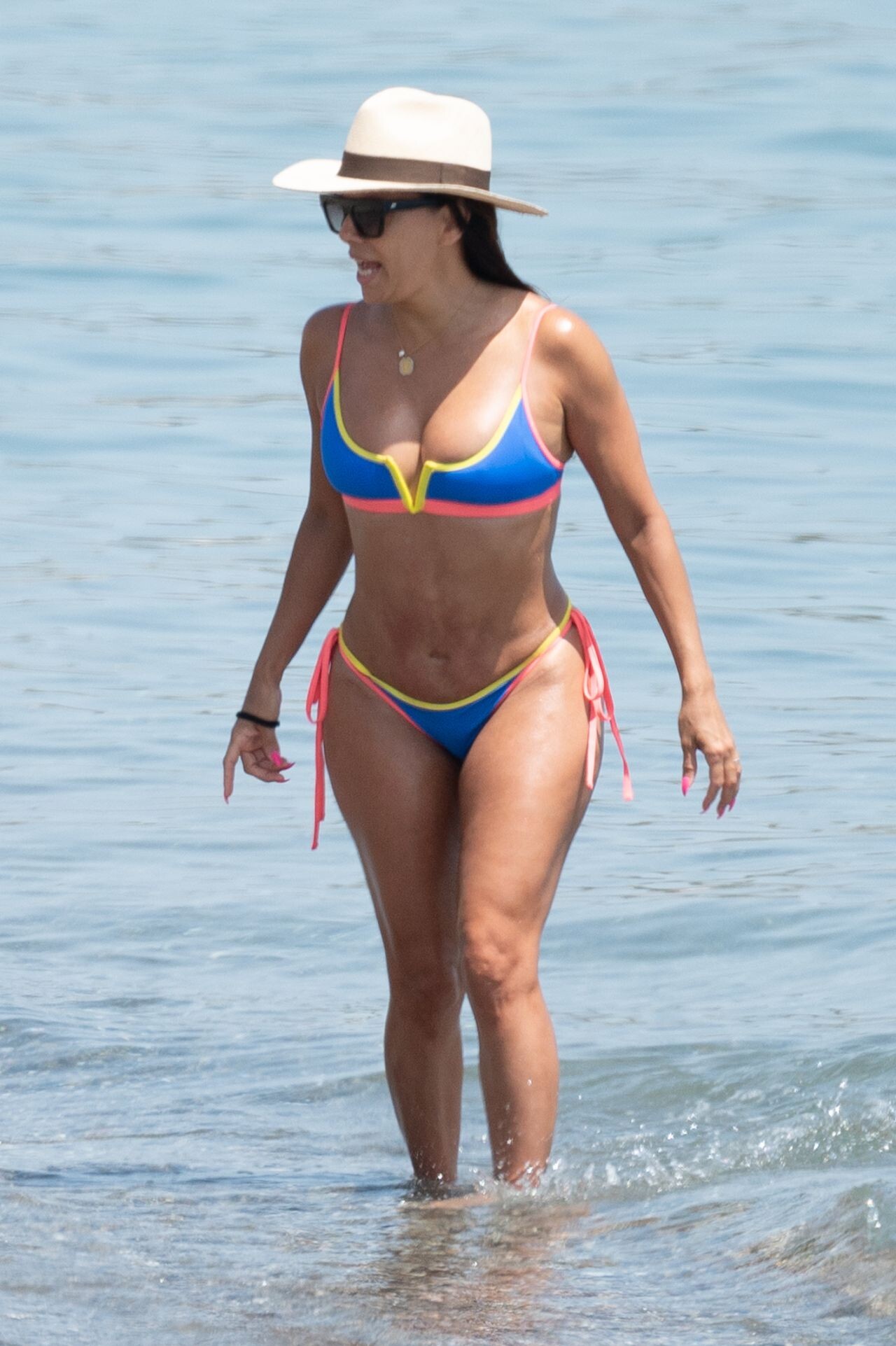
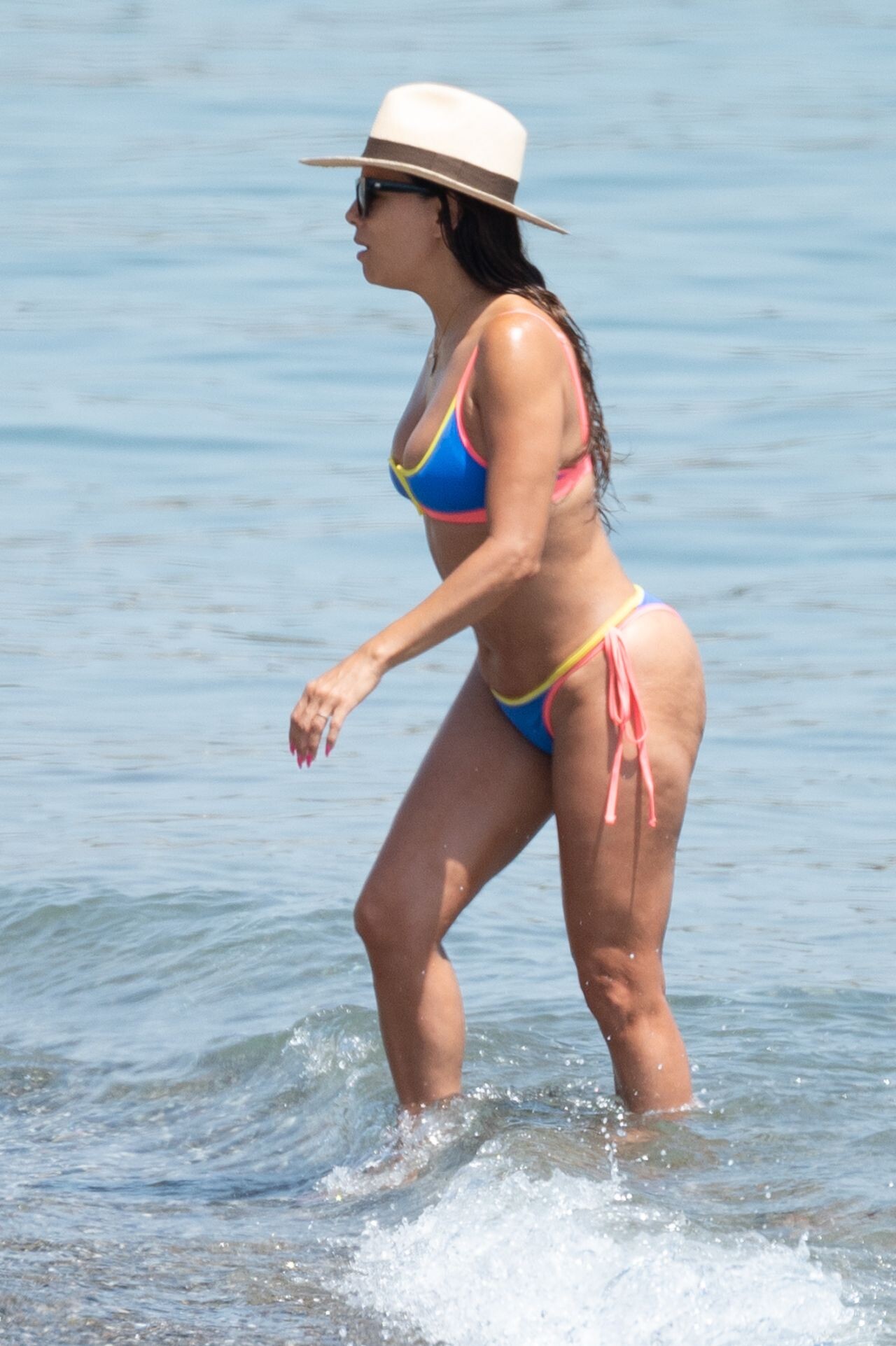
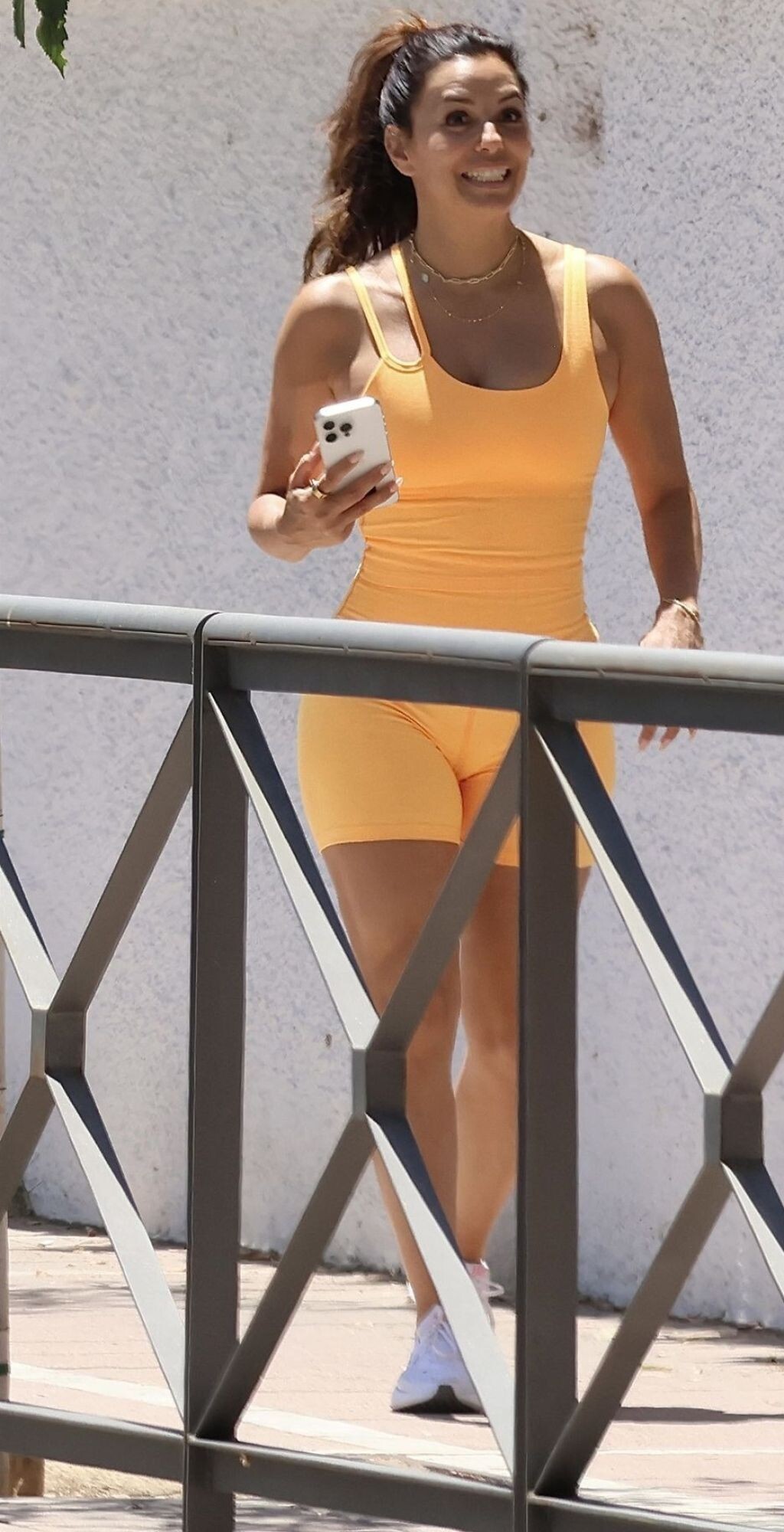
 On the Beach in Spain 08-06-2024











 ELLE Gourmet Awards 2024 at the Italian Embassy in Madrid















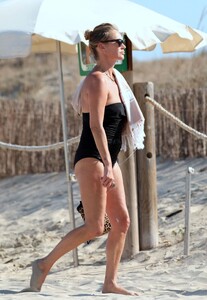
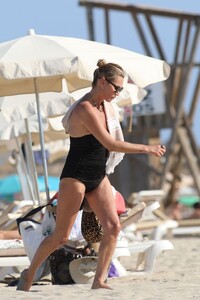
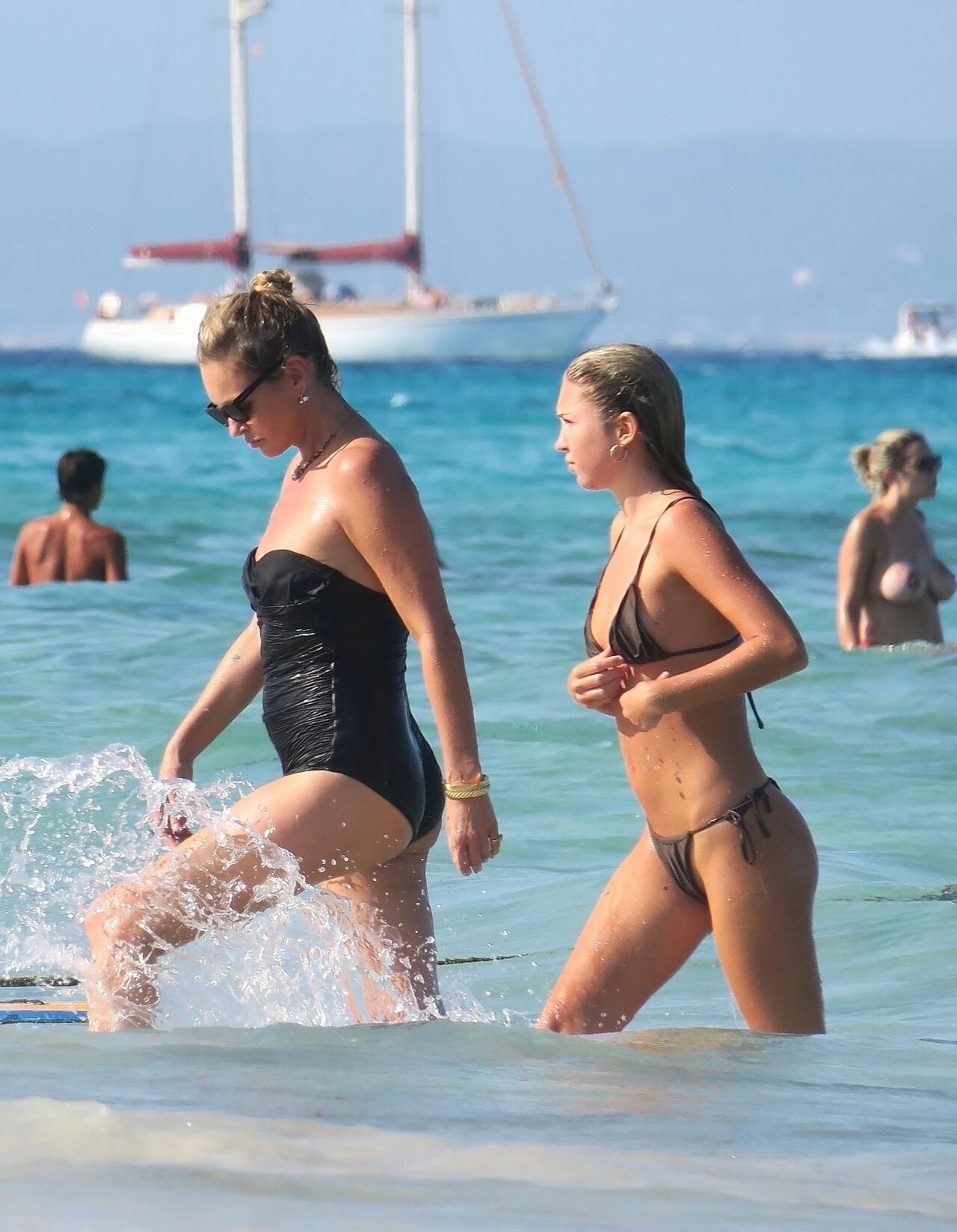
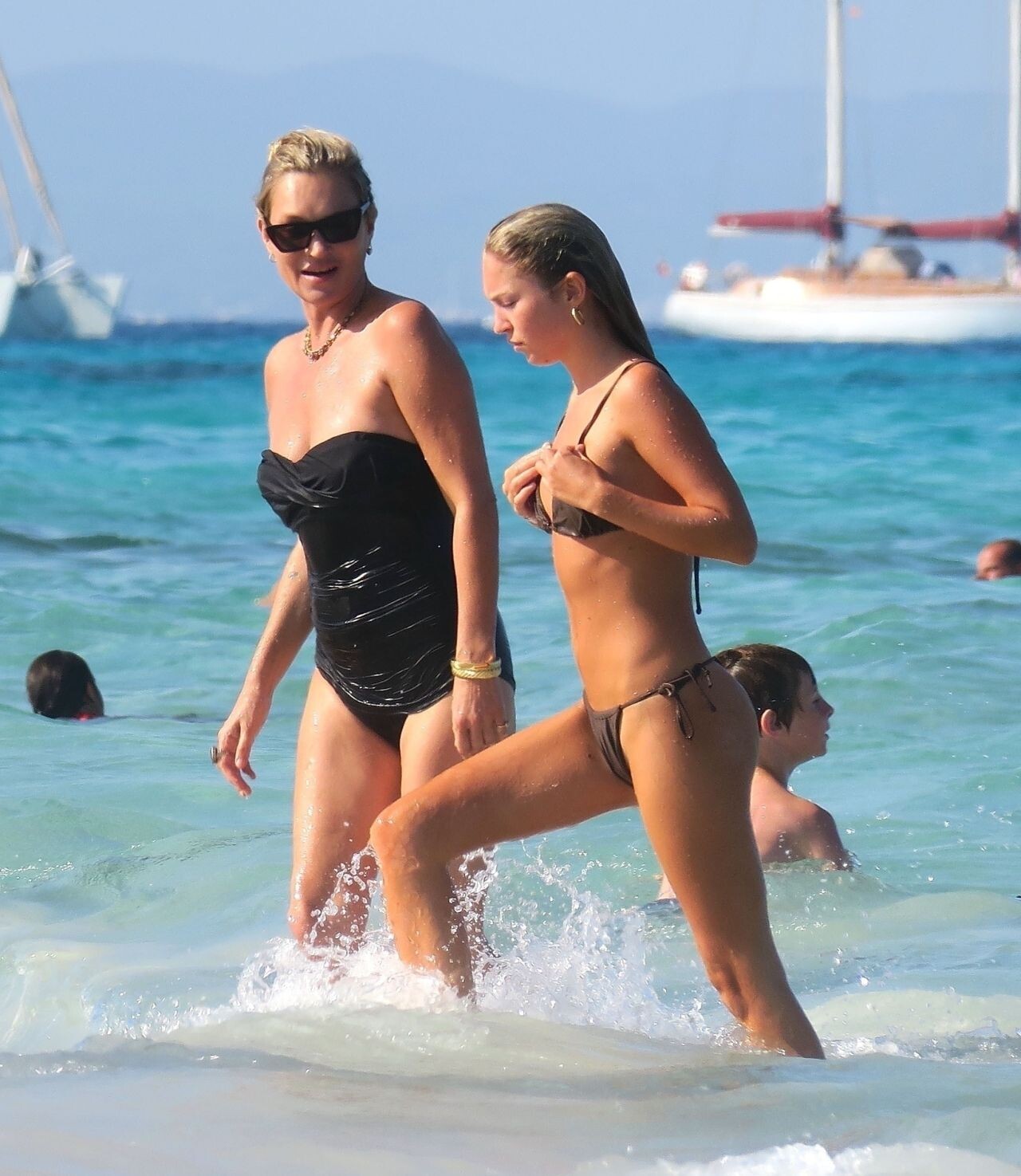
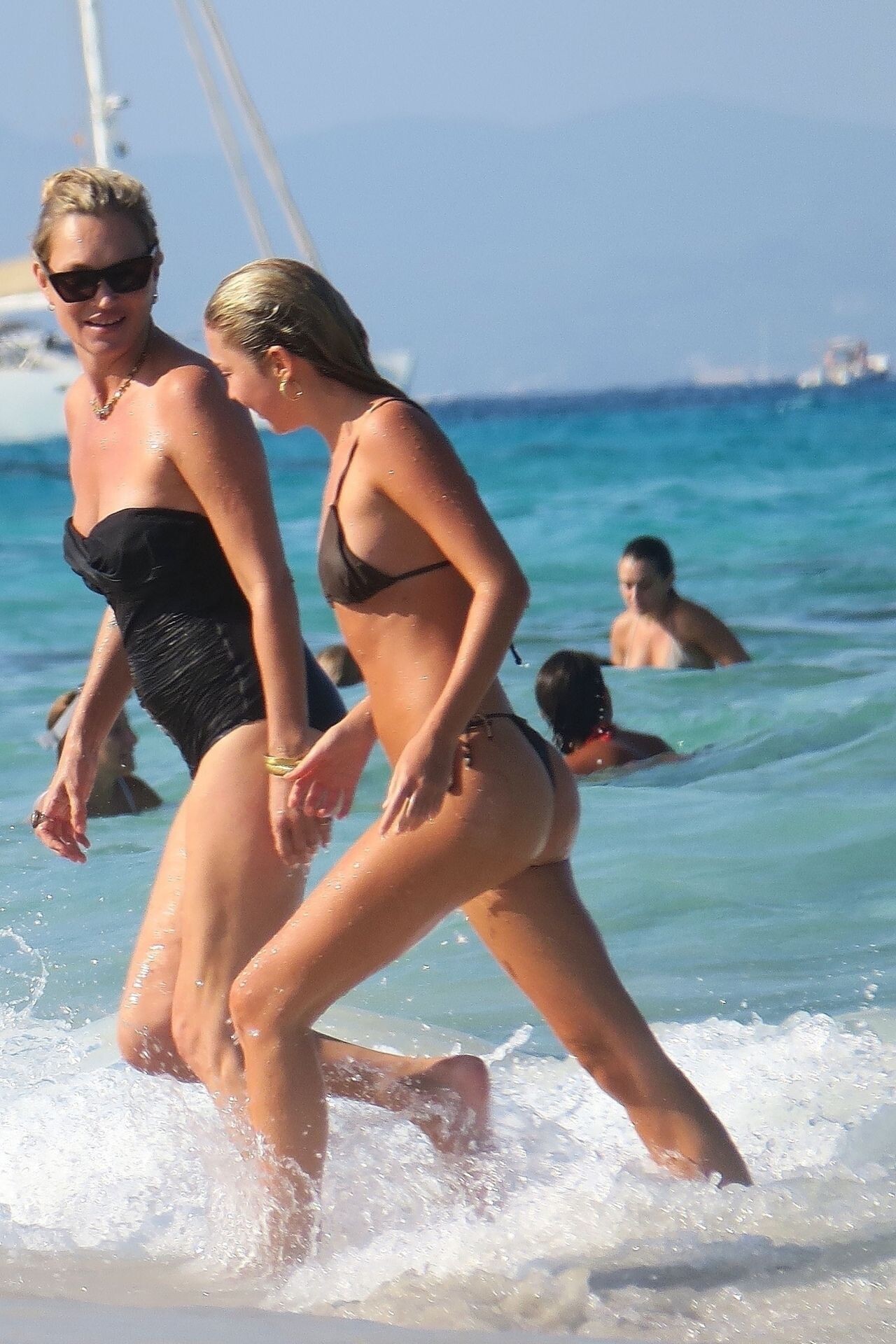
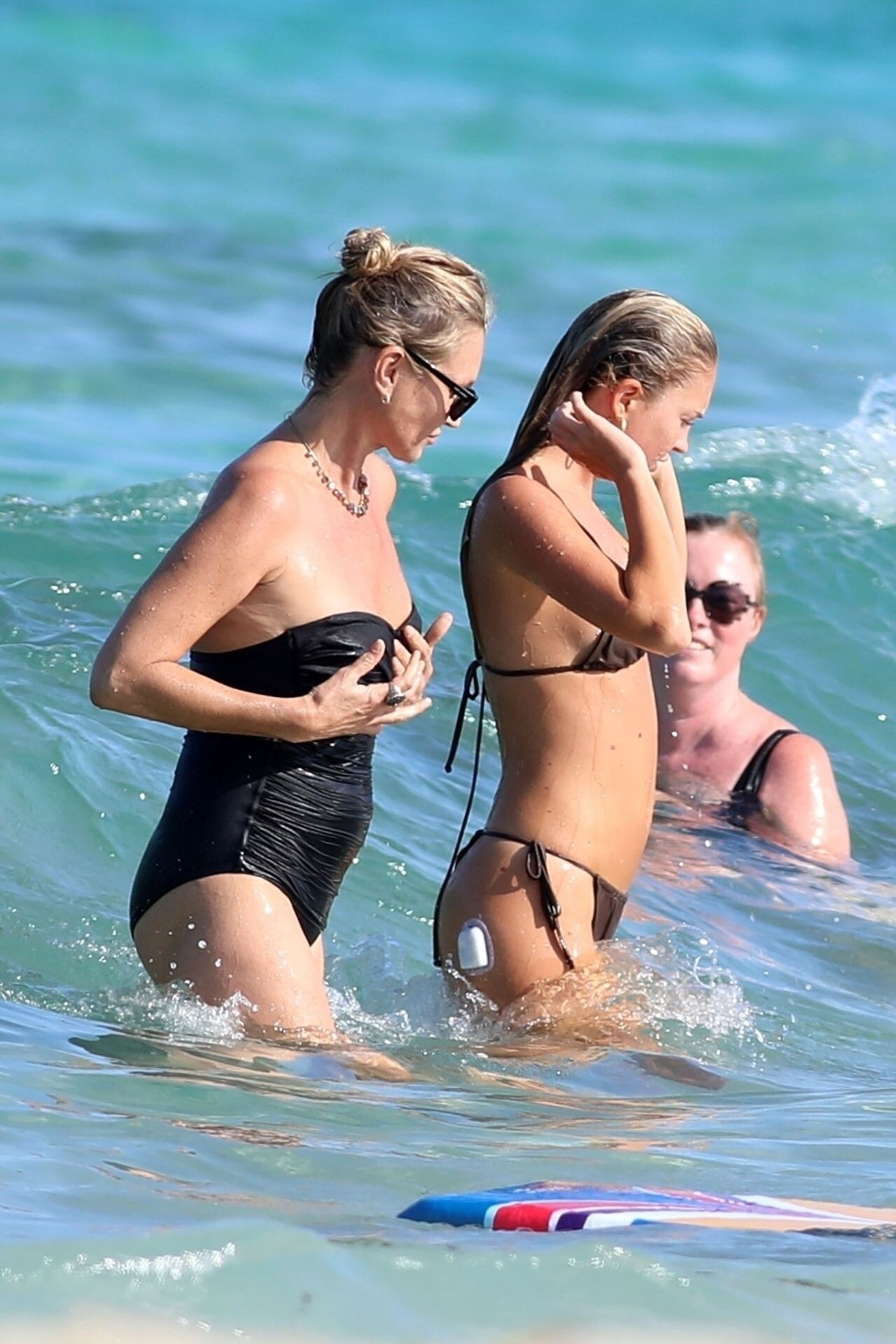
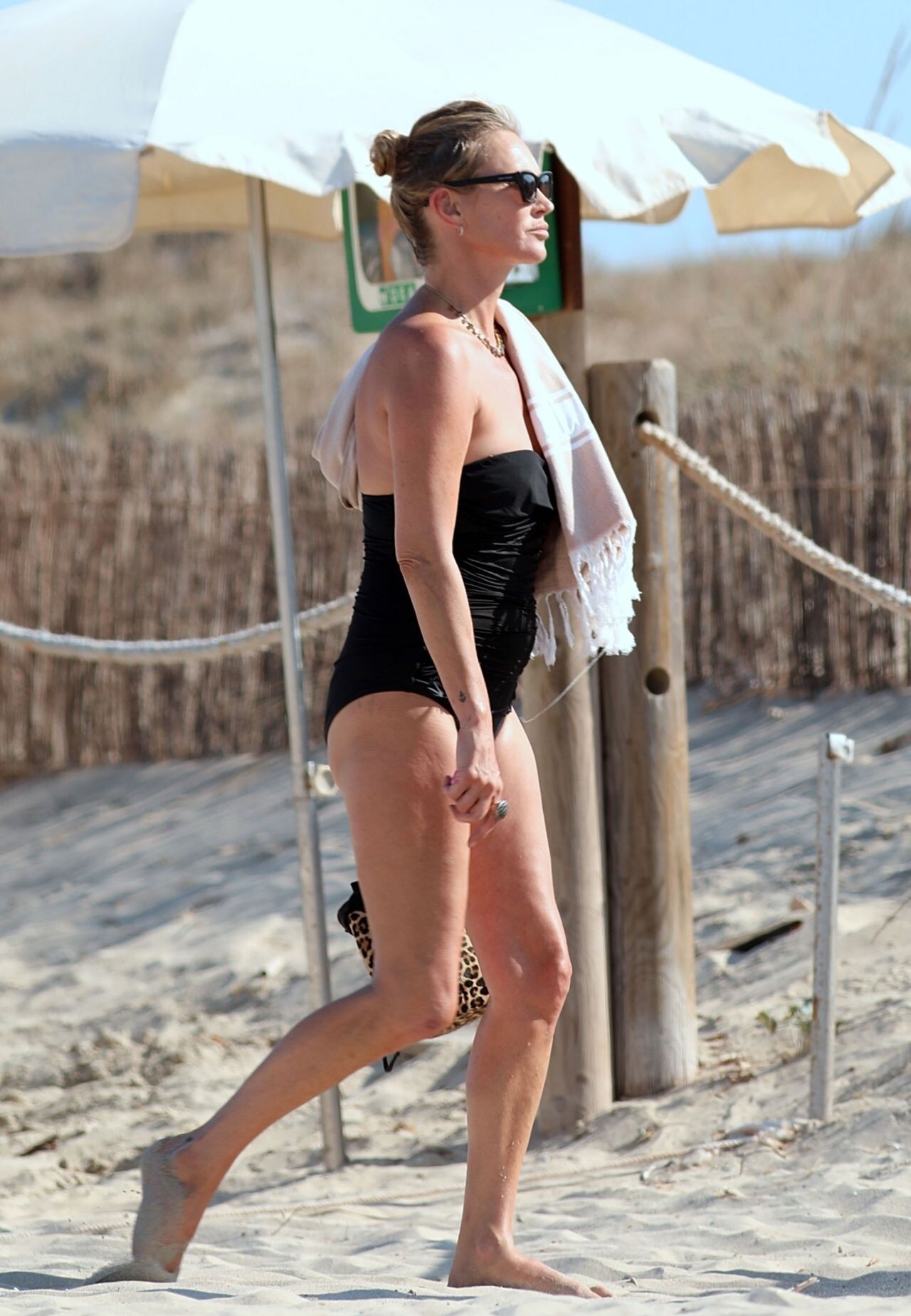
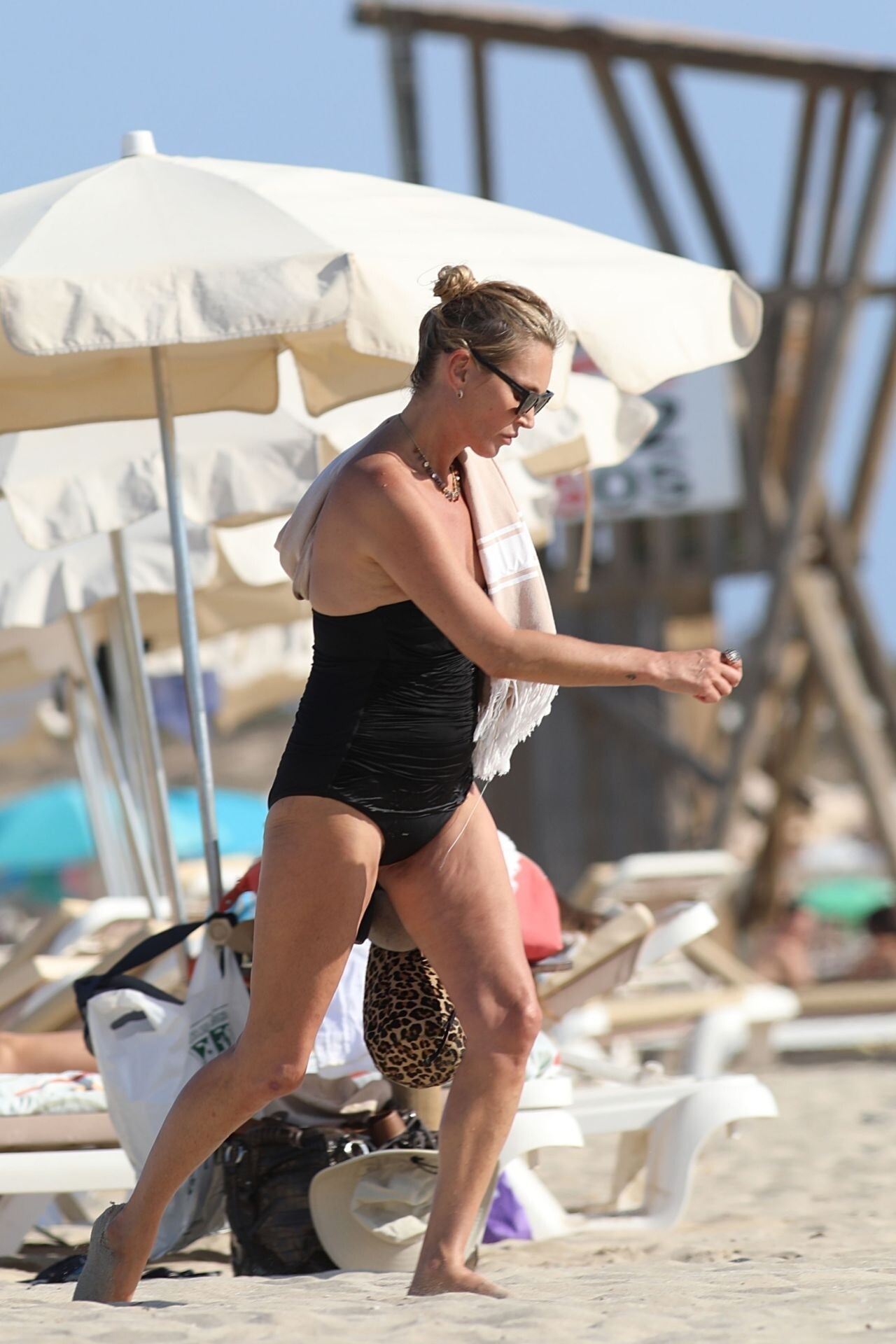
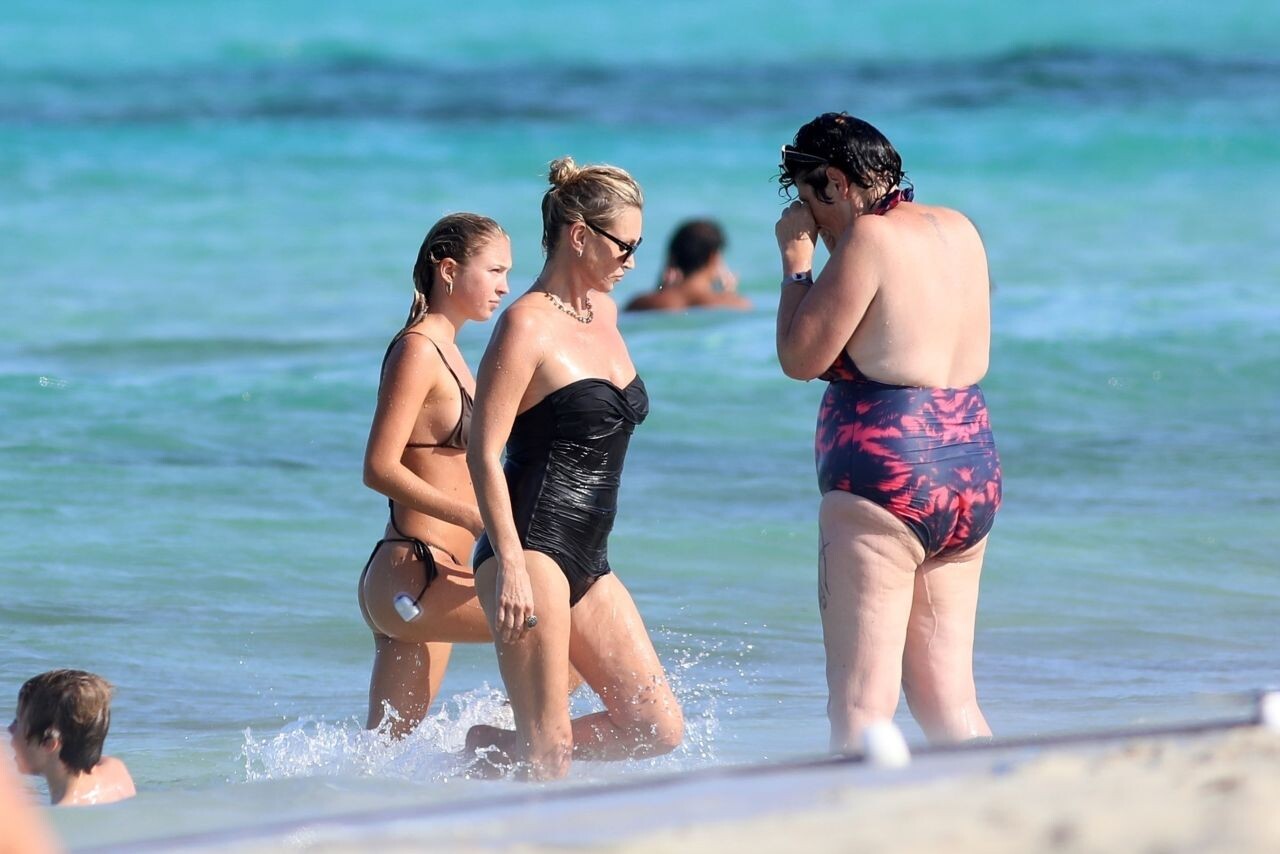
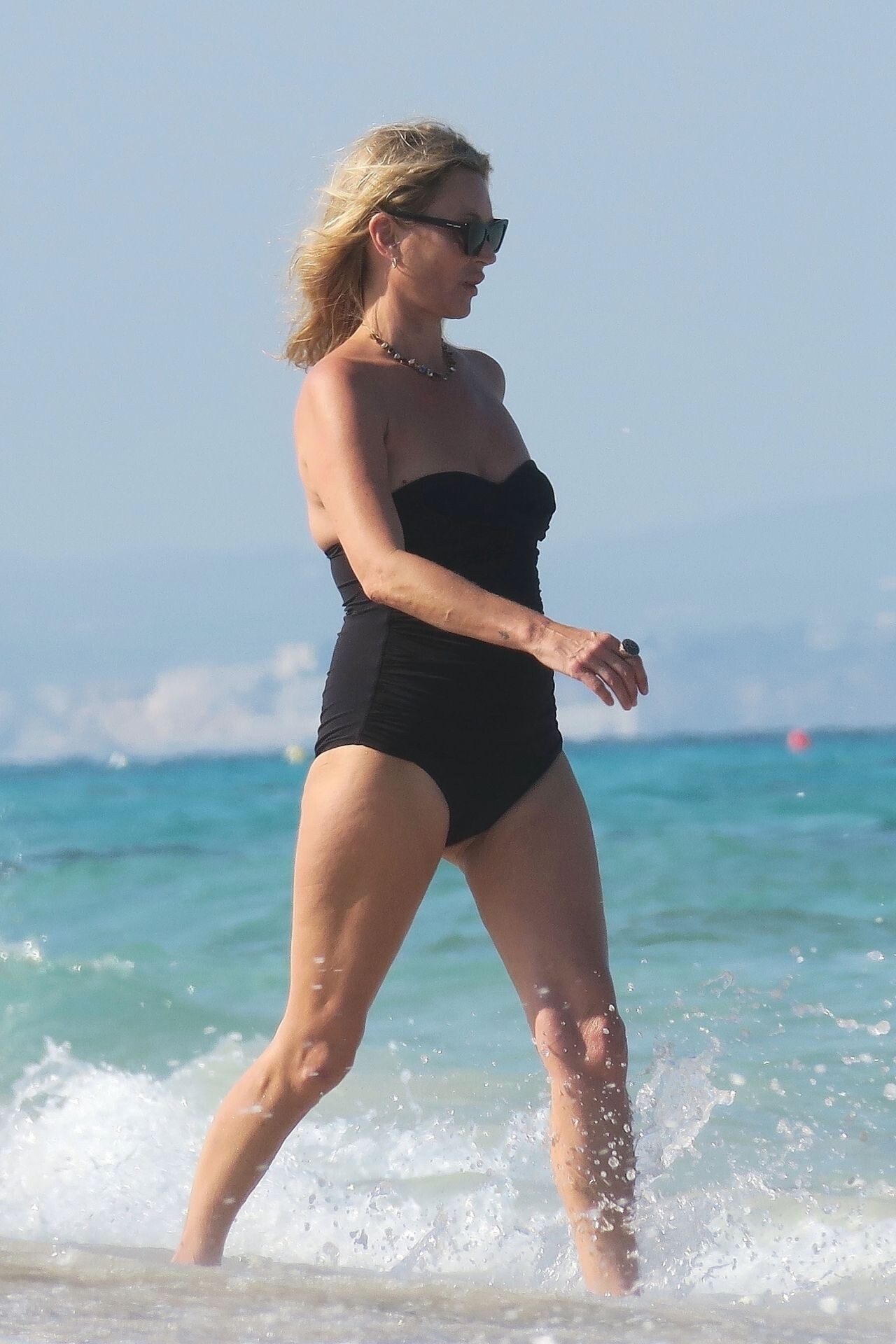
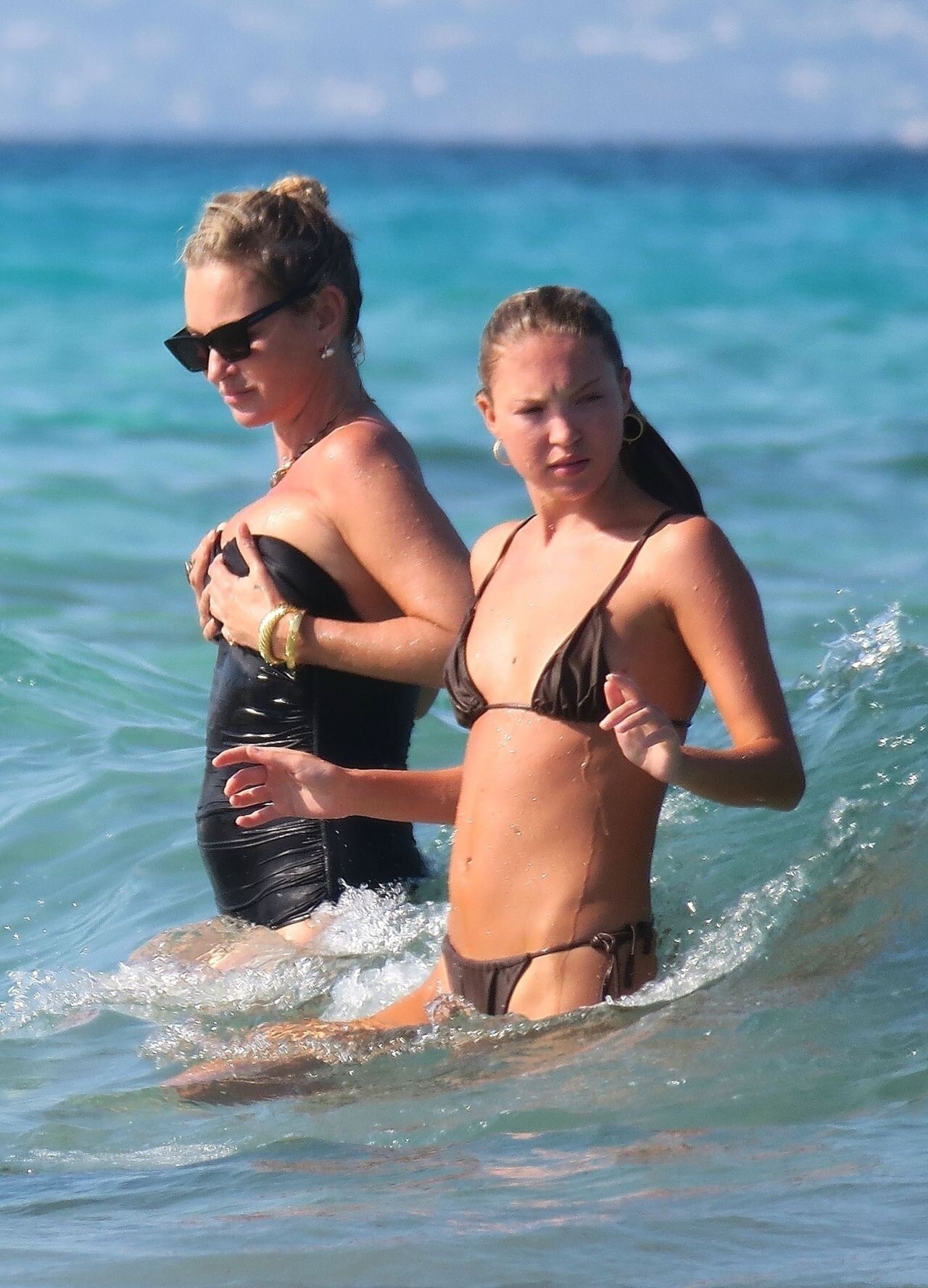
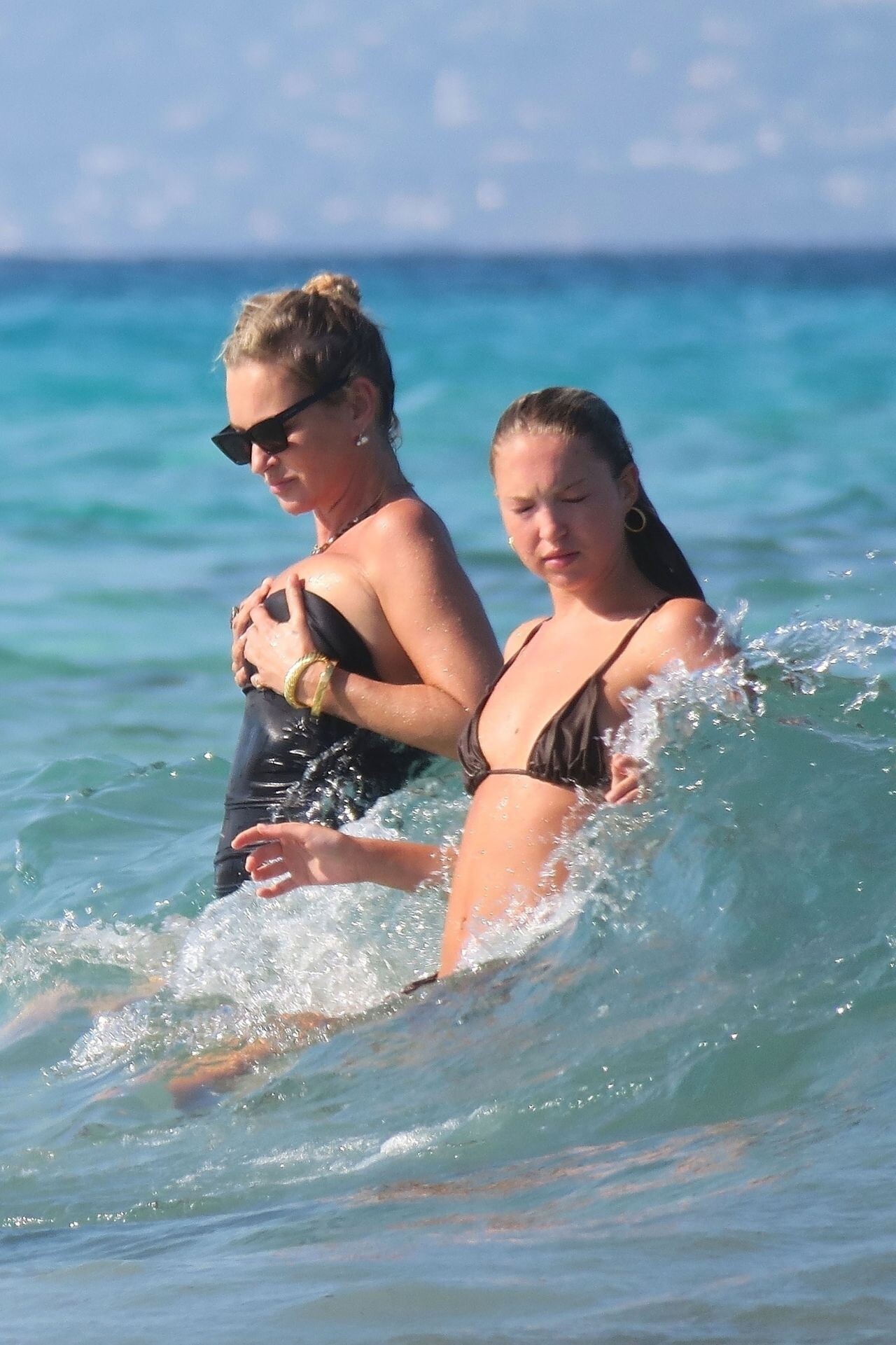
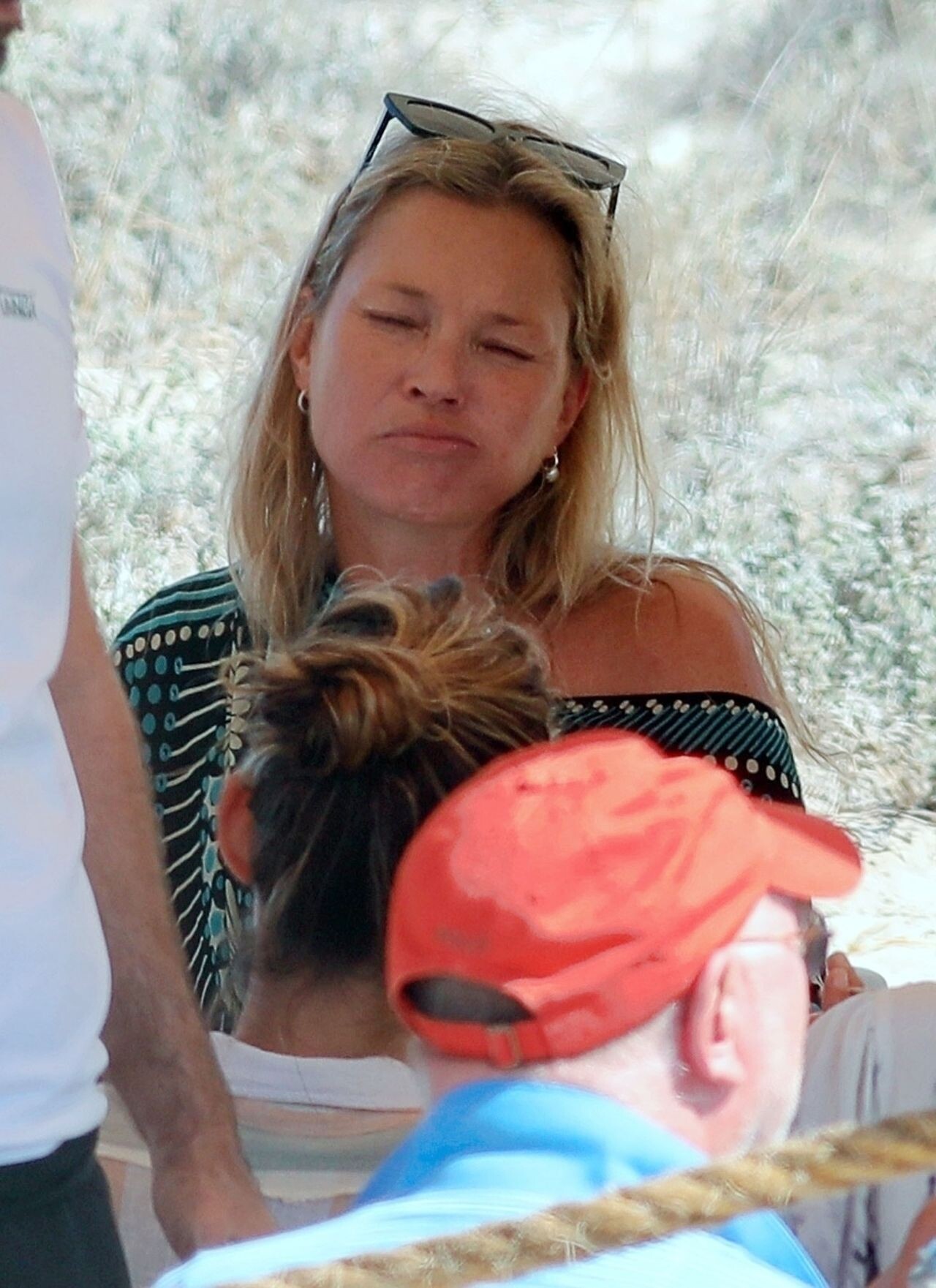
 Kate Moss and Lila Grace Moss on the Beach in Ibiza 08-07-2024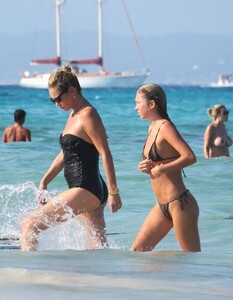
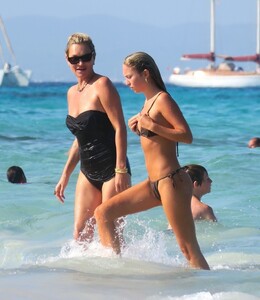

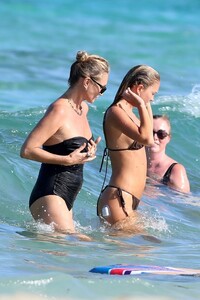








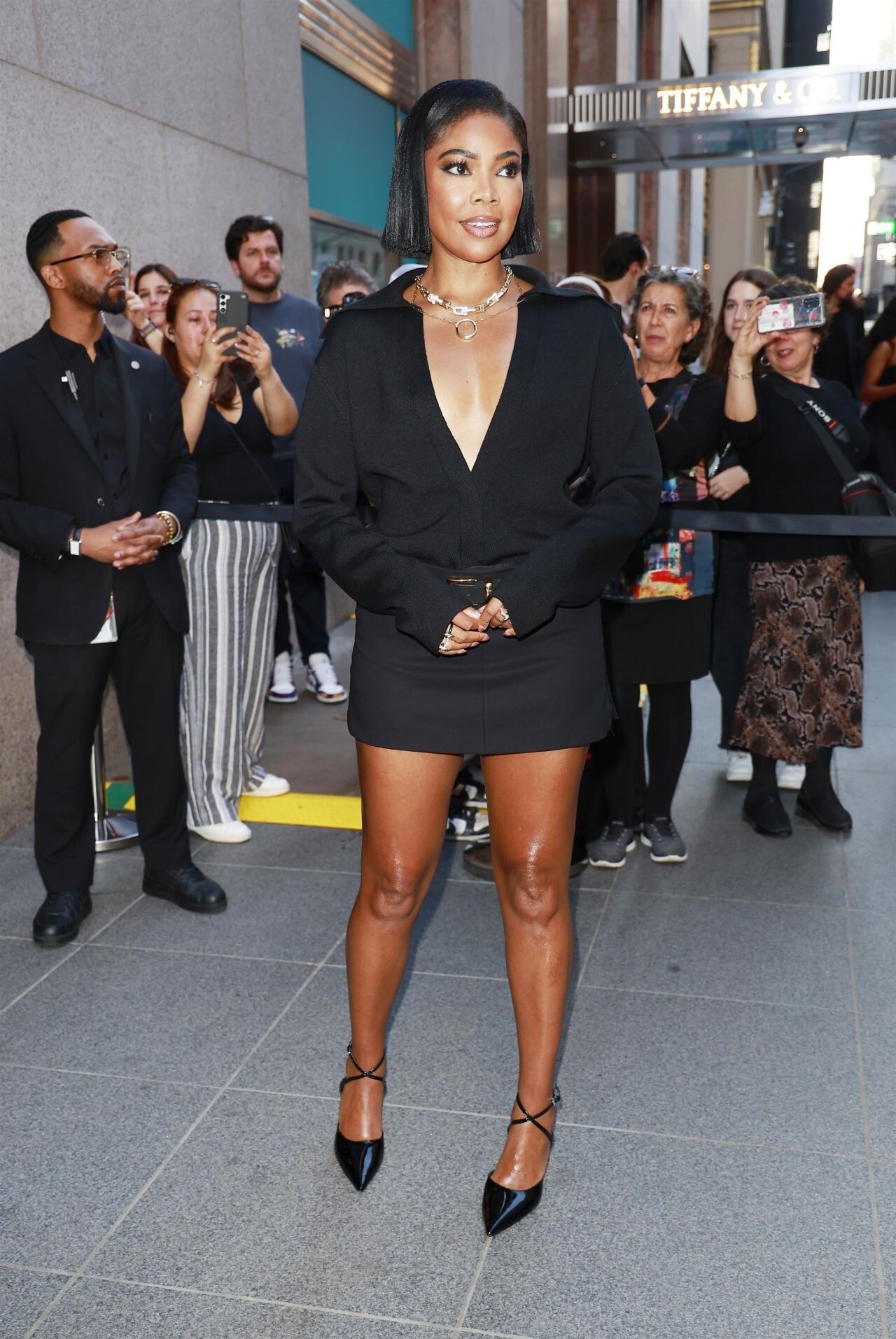
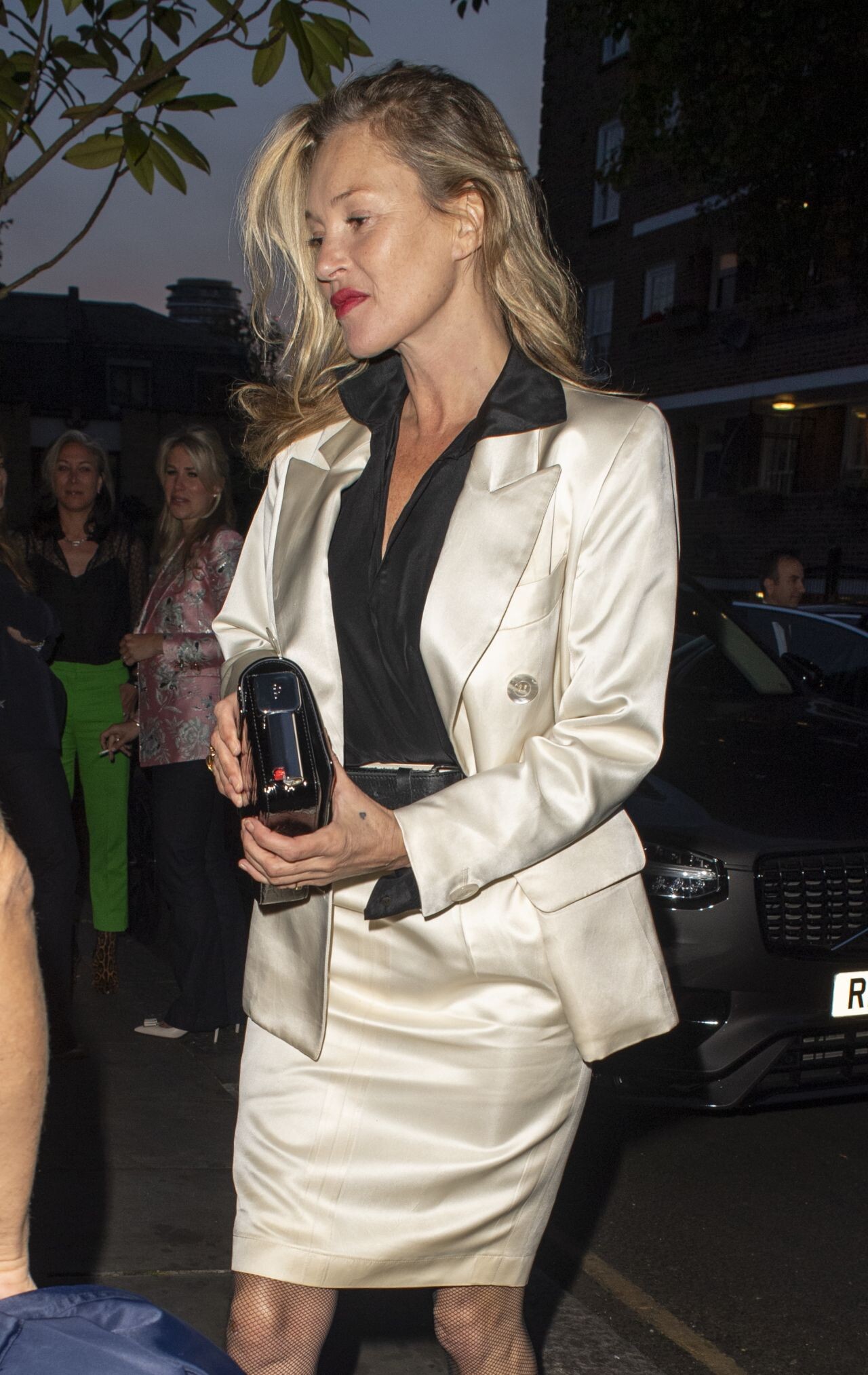
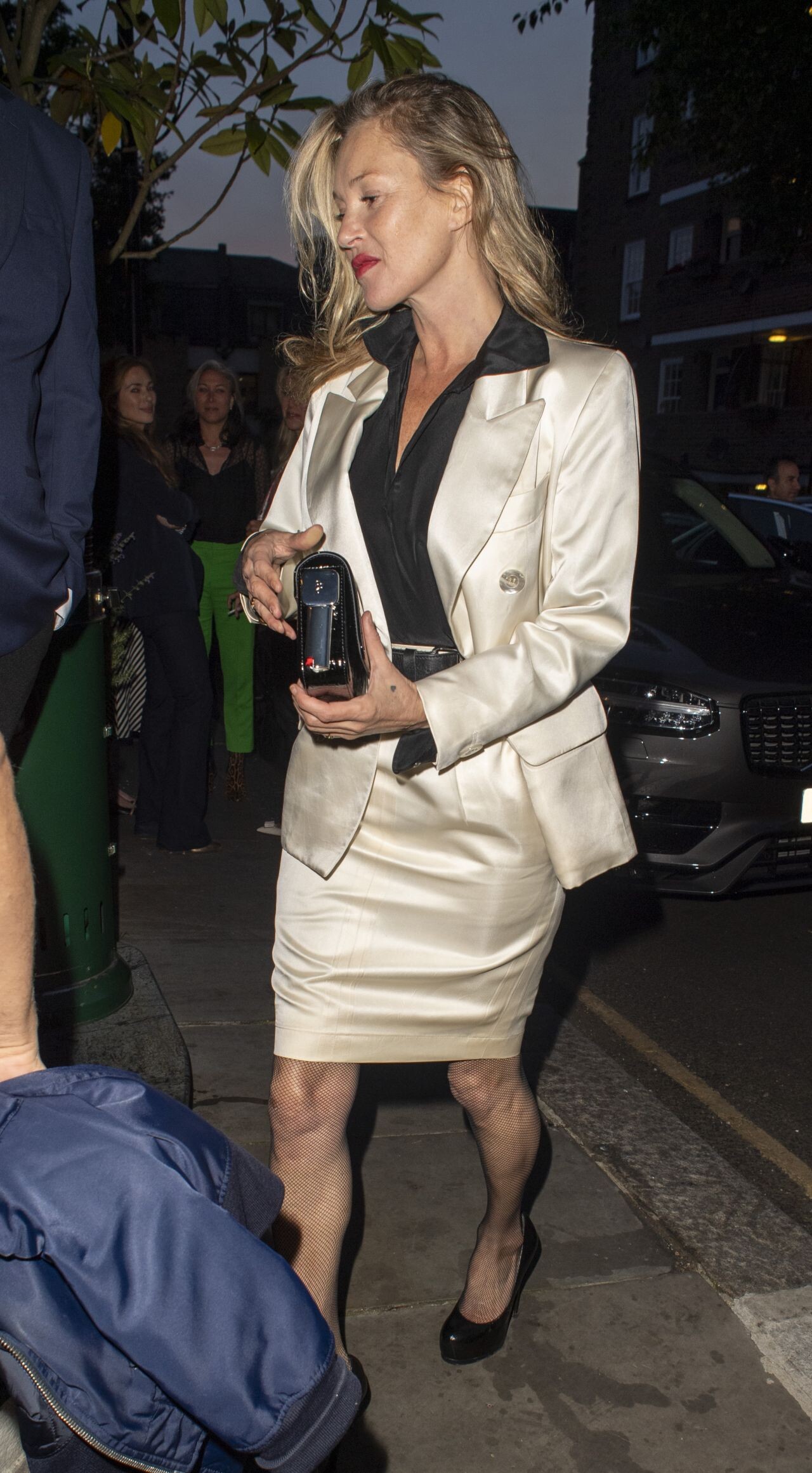
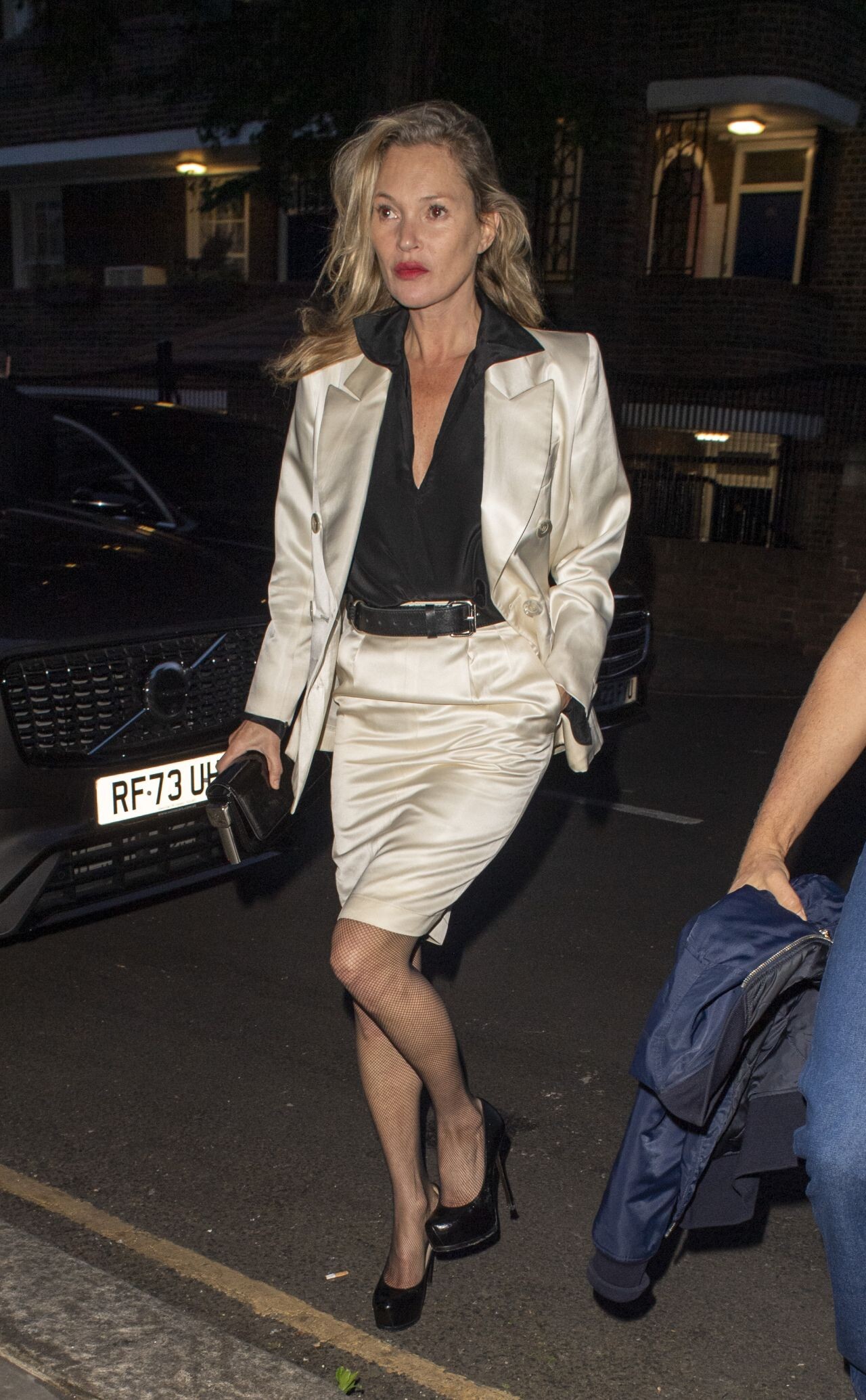
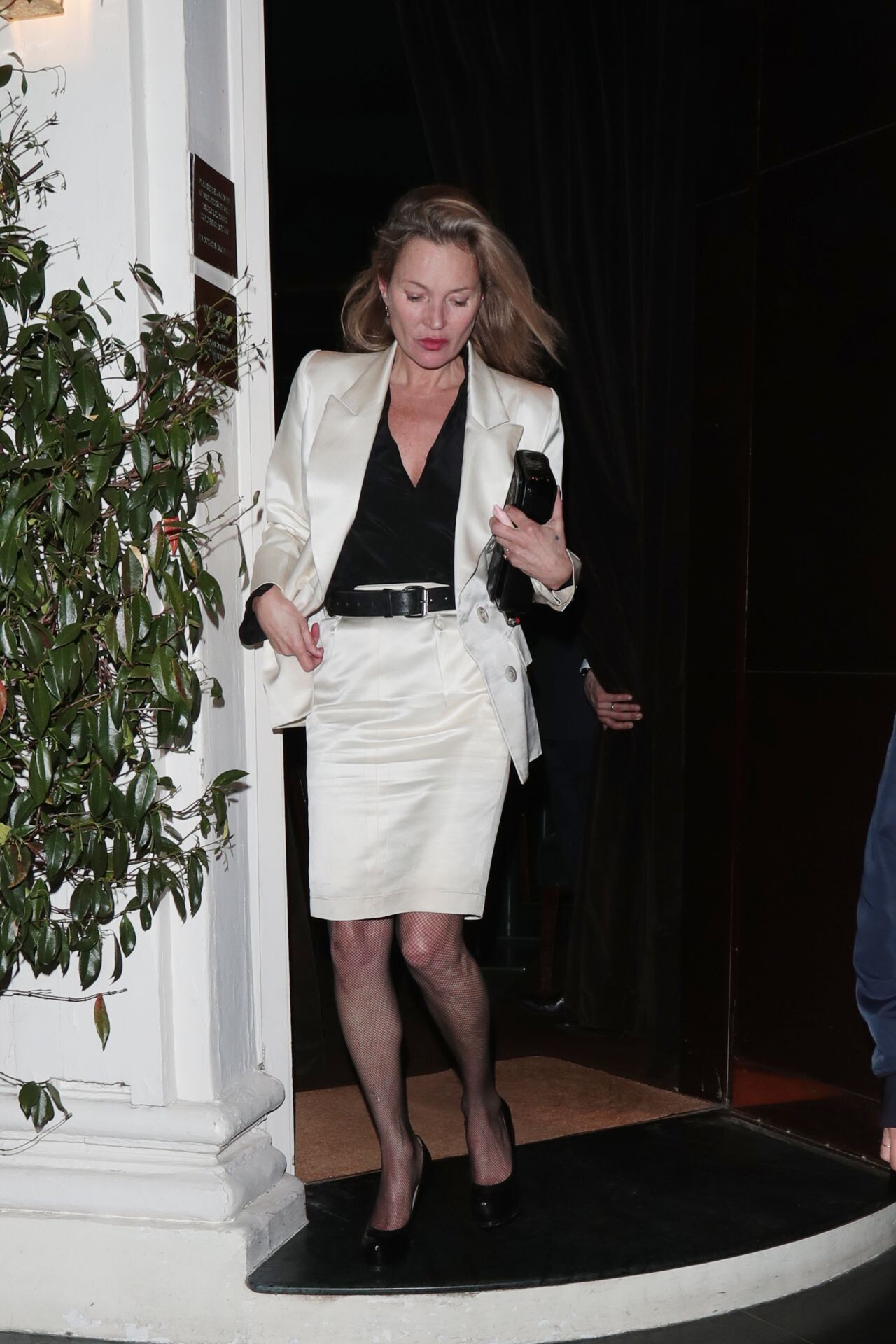
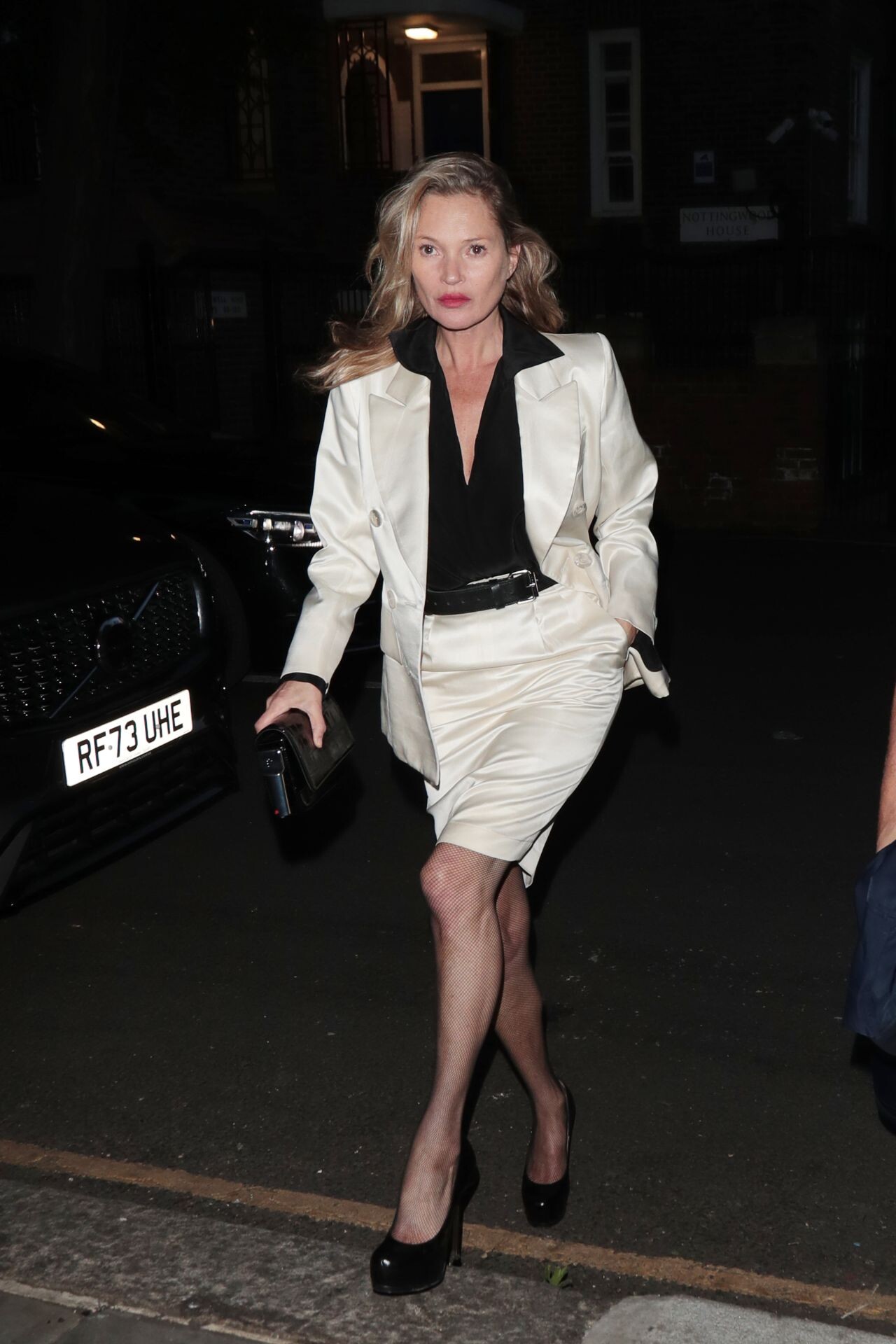
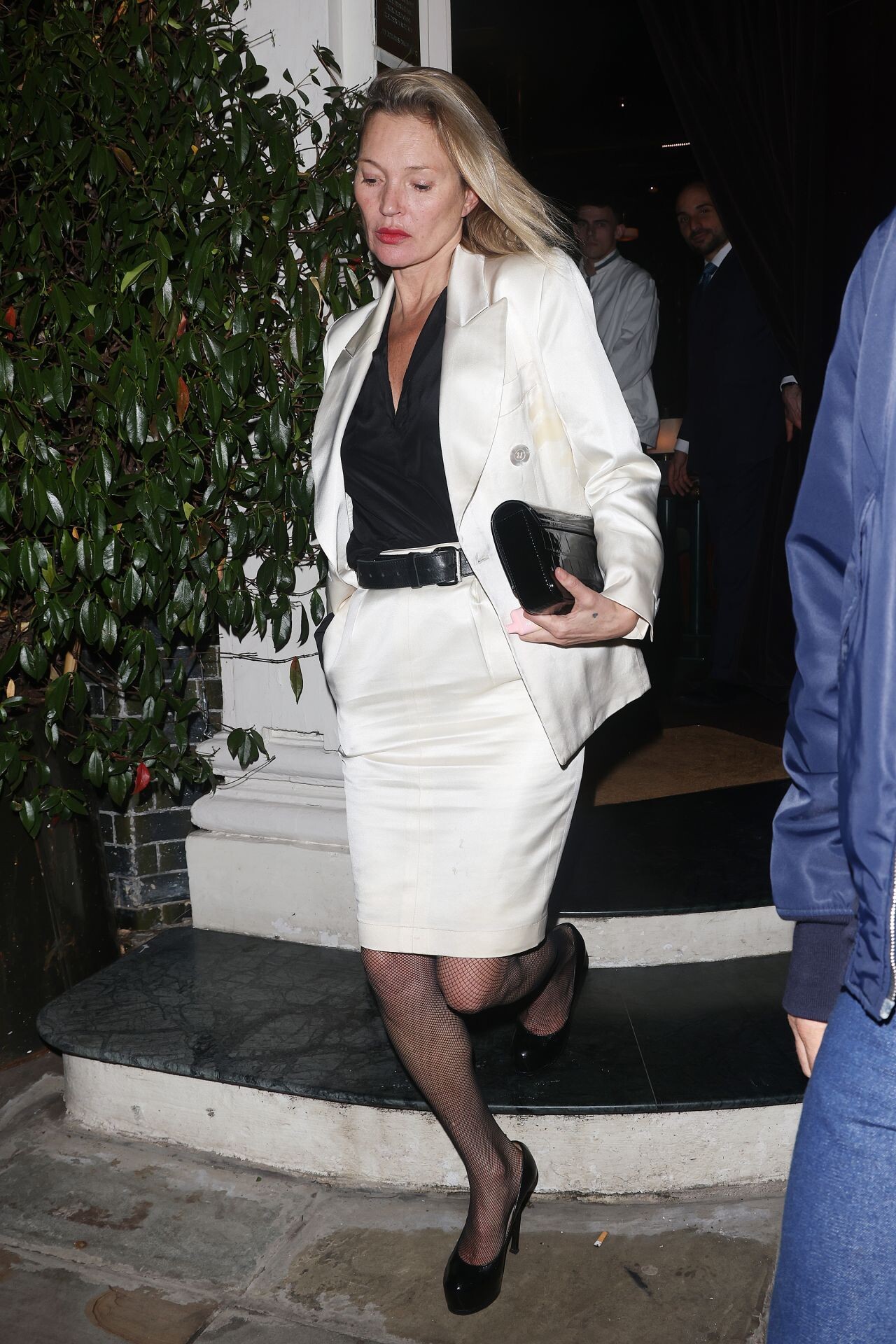
 Night Out at Argentinean Restaurant Casa Cruz in Notting Hill 06-11-2024





























































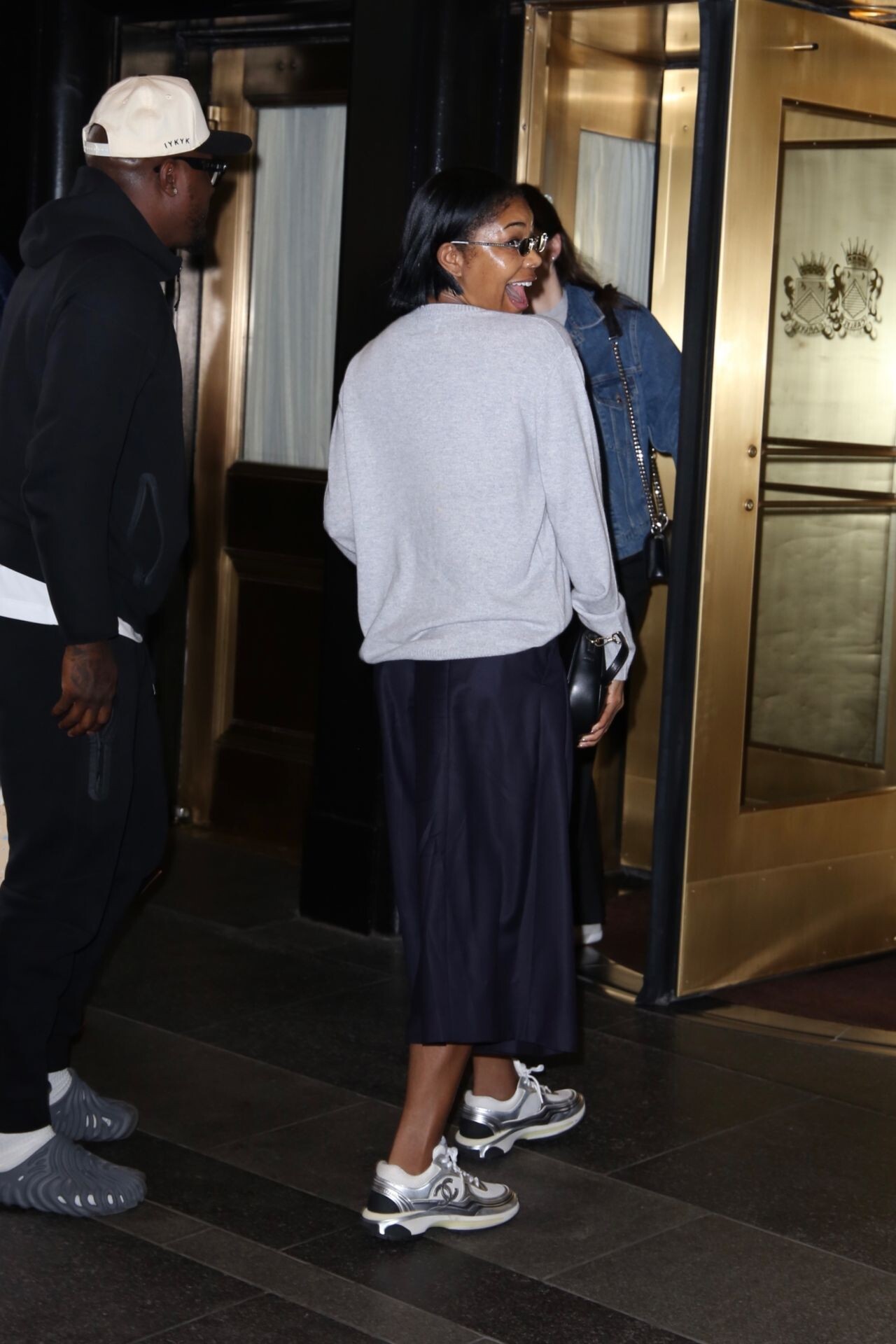



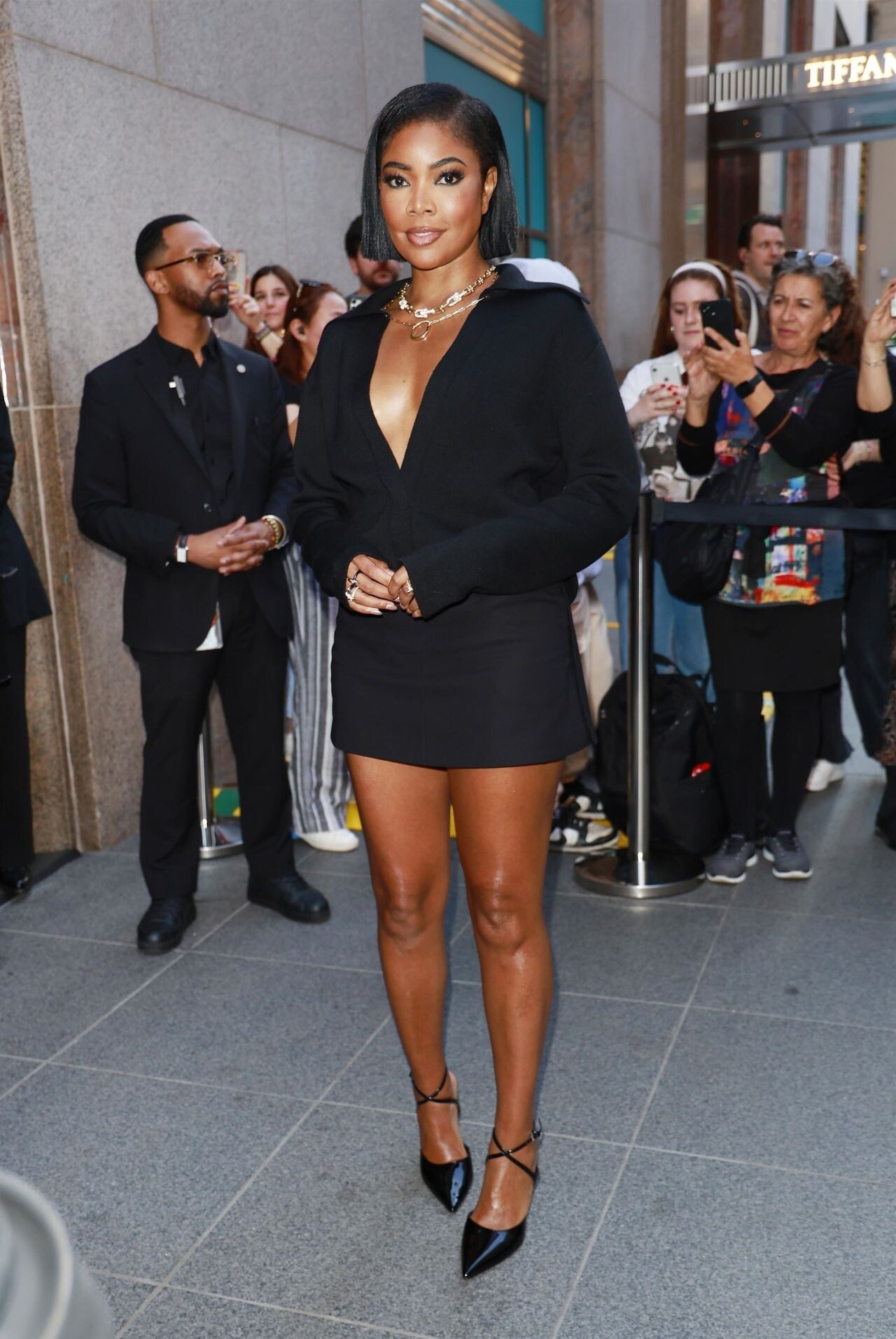
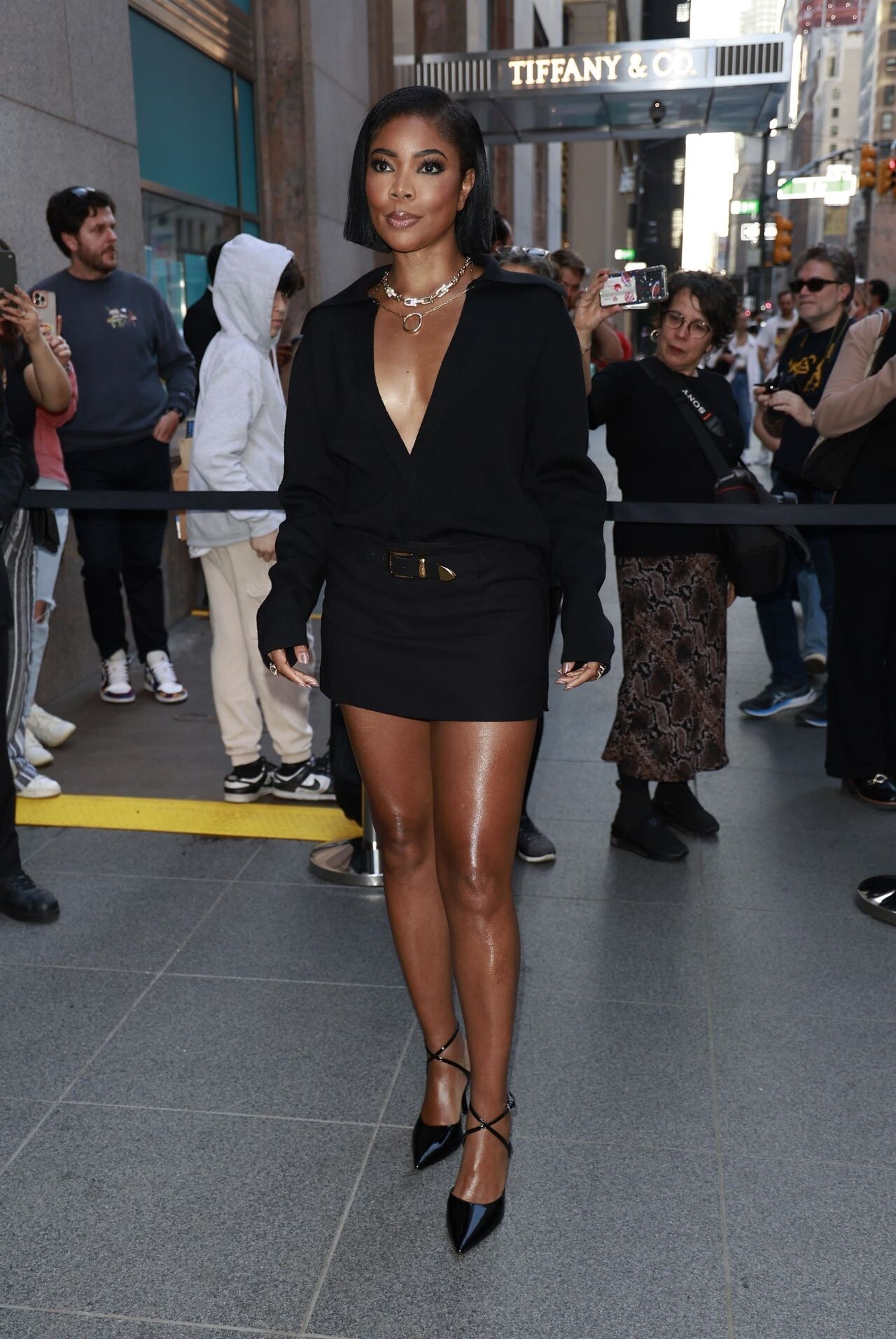



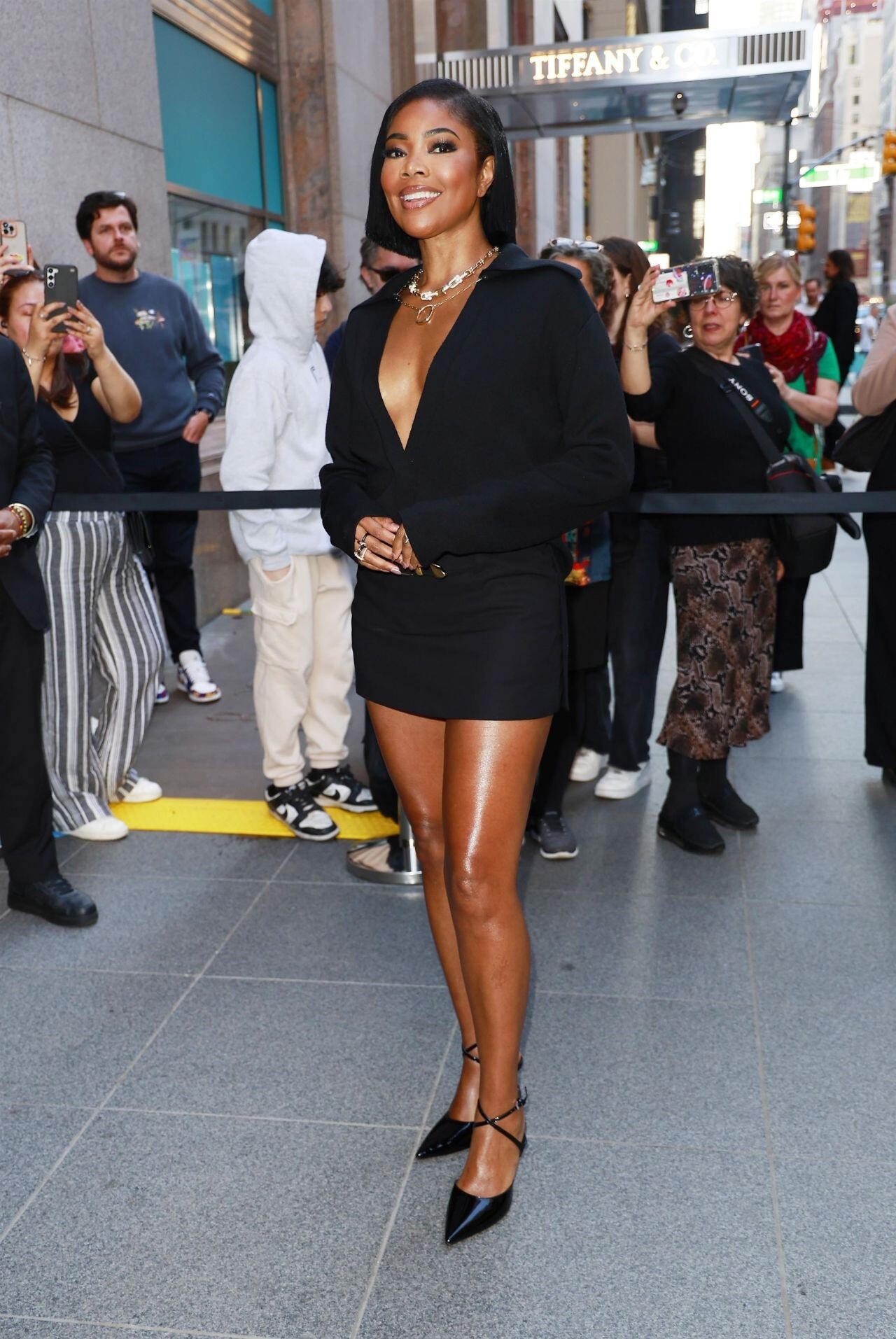

.jpg.87615e4e3ccf5200e4059a18878c5eb6.jpg)
.jpg.febc10706fc1e3a27adfbb869d2e0d88.jpg)

.jpg.52a5a4383e3e27b3789b2f820f9ccfd5.jpg)
.jpg.cd5058f00ac203cee87aeaac4339989f.jpg)
.jpg.33529a56af408f4f636b0d6bd024ee49.jpg)











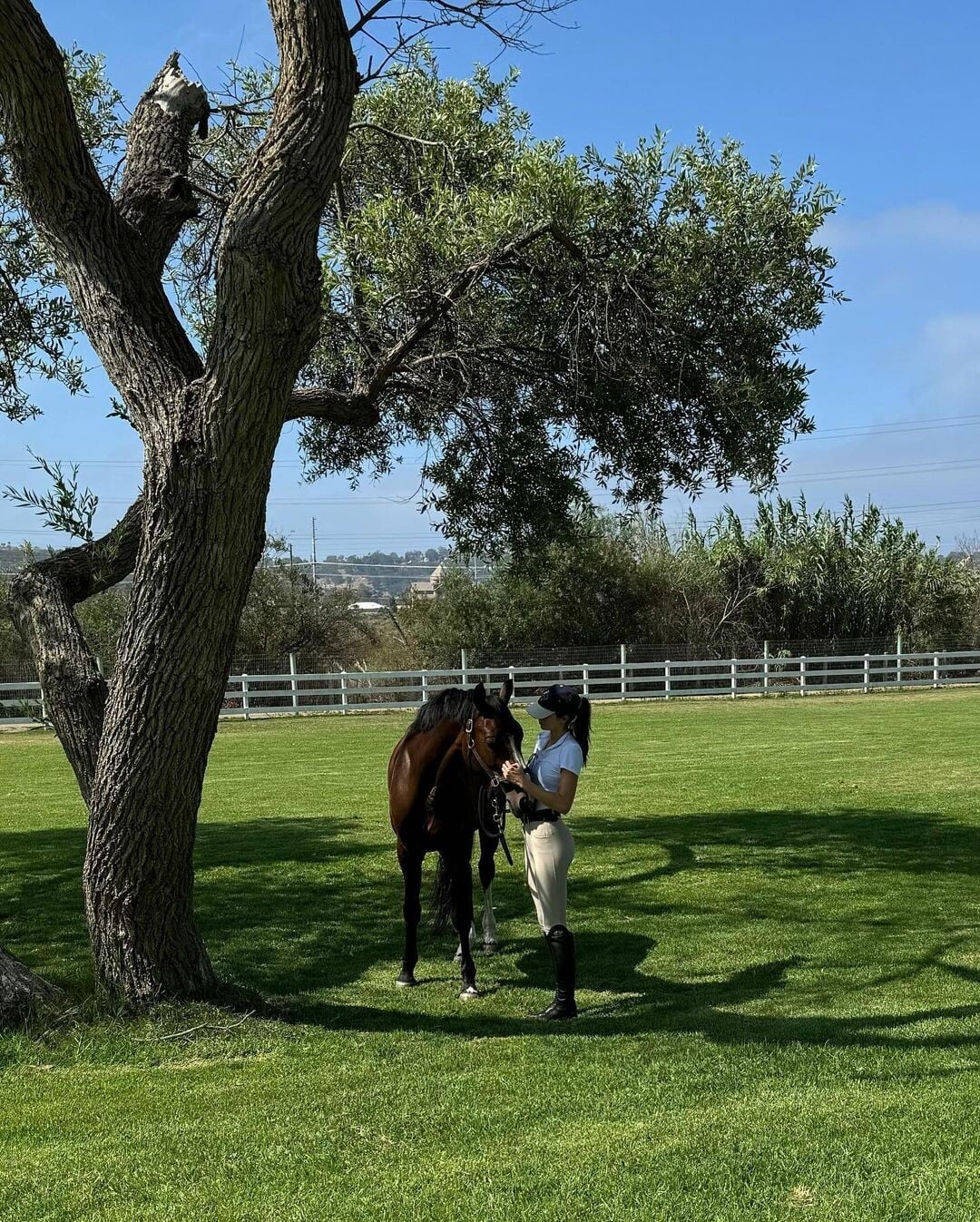
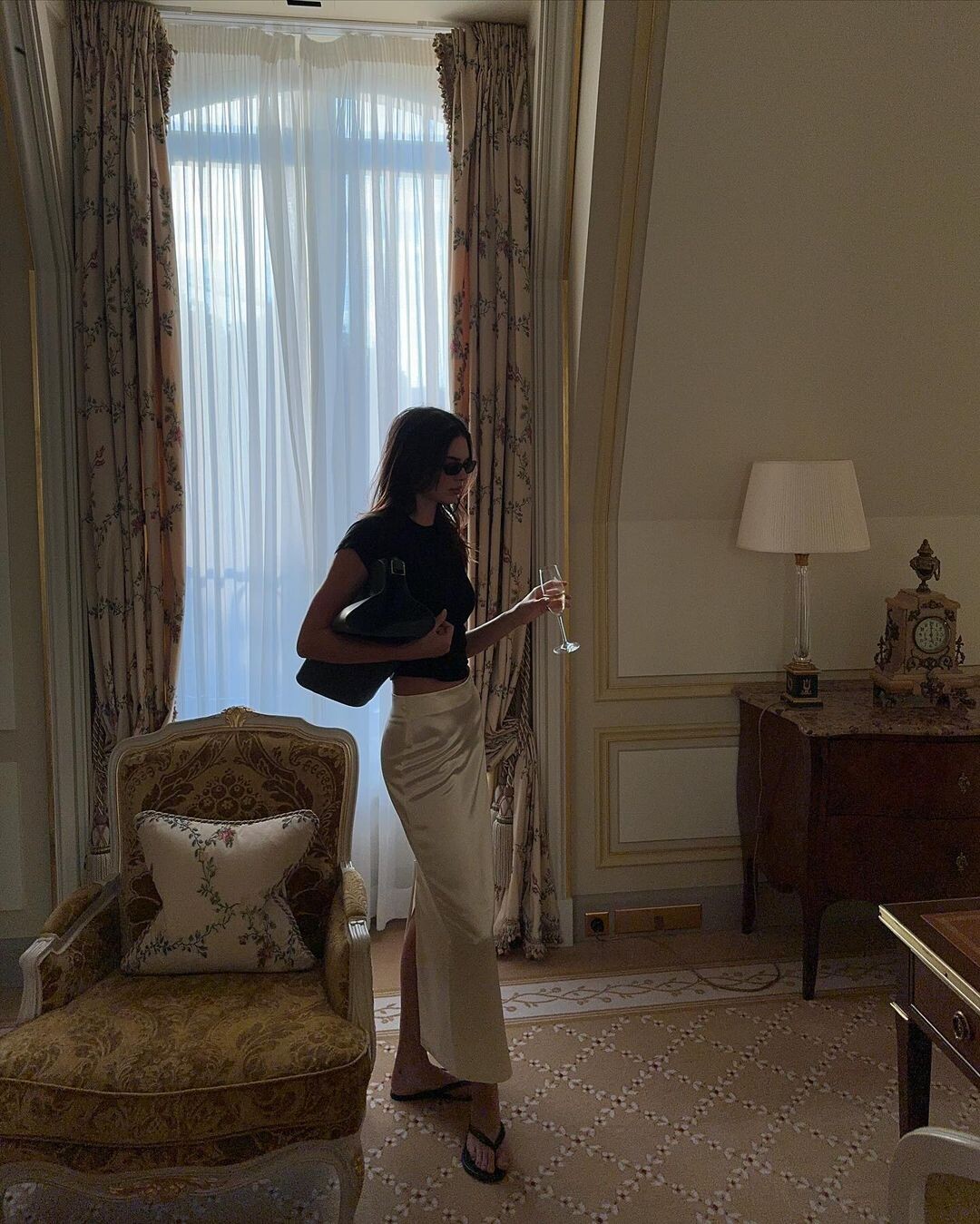

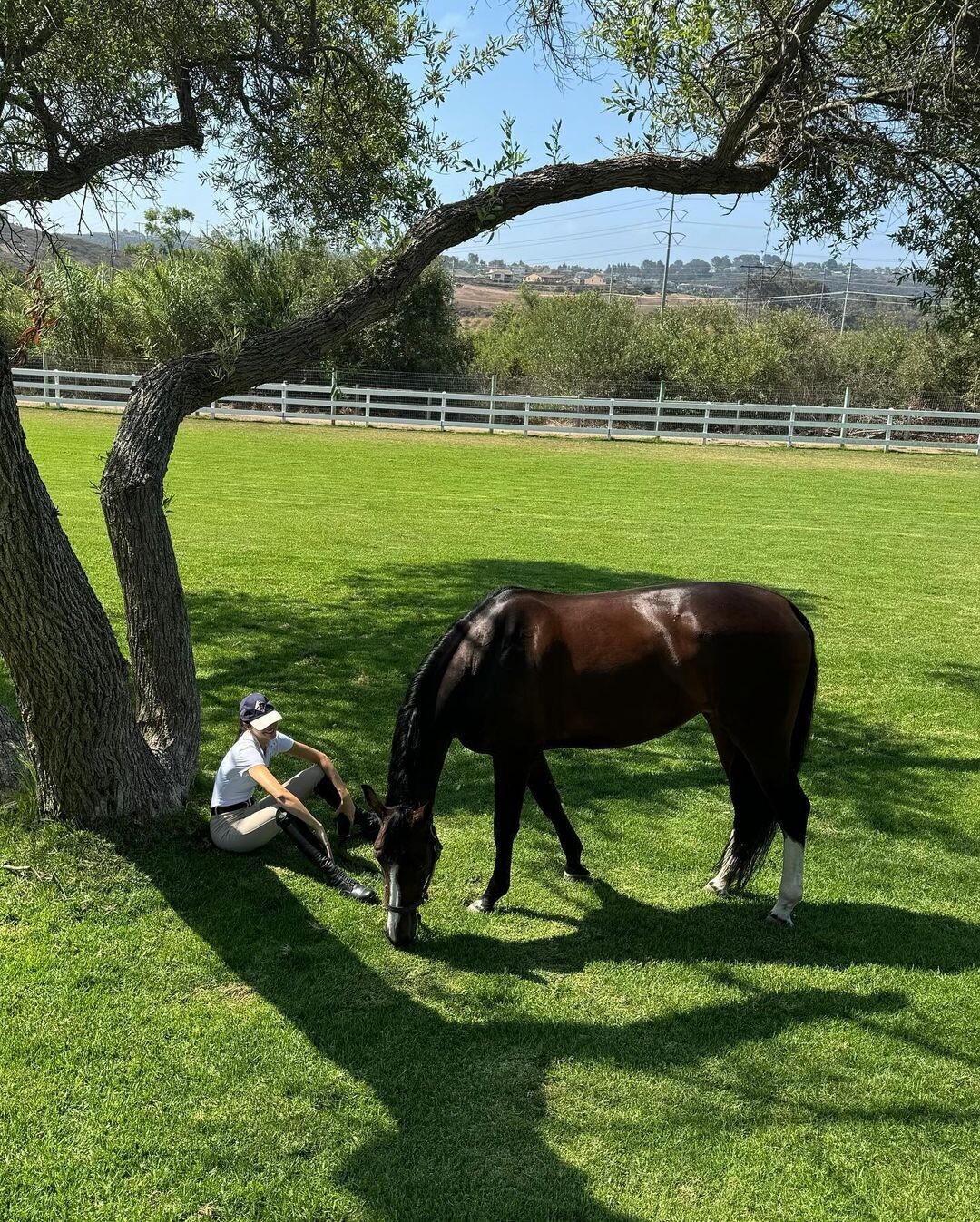



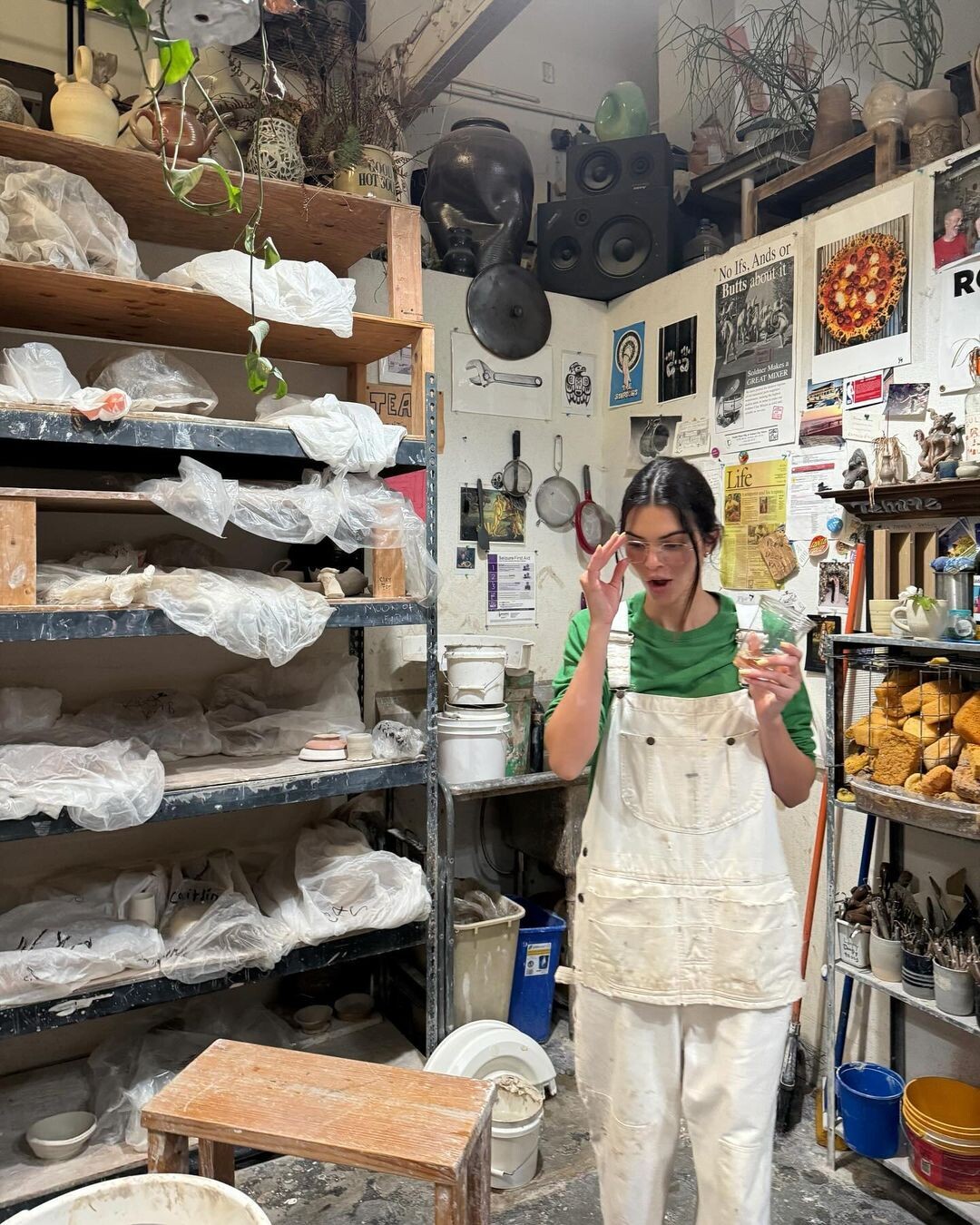





































































Account
Navigation
Search
Configure browser push notifications
Chrome (Android)
- Tap the lock icon next to the address bar.
- Tap Permissions → Notifications.
- Adjust your preference.
Chrome (Desktop)
- Click the padlock icon in the address bar.
- Select Site settings.
- Find Notifications and adjust your preference.
Safari (iOS 16.4+)
- Ensure the site is installed via Add to Home Screen.
- Open Settings App → Notifications.
- Find your app name and adjust your preference.
Safari (macOS)
- Go to Safari → Preferences.
- Click the Websites tab.
- Select Notifications in the sidebar.
- Find this website and adjust your preference.
Edge (Android)
- Tap the lock icon next to the address bar.
- Tap Permissions.
- Find Notifications and adjust your preference.
Edge (Desktop)
- Click the padlock icon in the address bar.
- Click Permissions for this site.
- Find Notifications and adjust your preference.
Firefox (Android)
- Go to Settings → Site permissions.
- Tap Notifications.
- Find this site in the list and adjust your preference.
Firefox (Desktop)
- Open Firefox Settings.
- Search for Notifications.
- Find this site in the list and adjust your preference.