
balenciagaaa
Members
-
Joined
-
Last visited
Everything posted by balenciagaaa
-
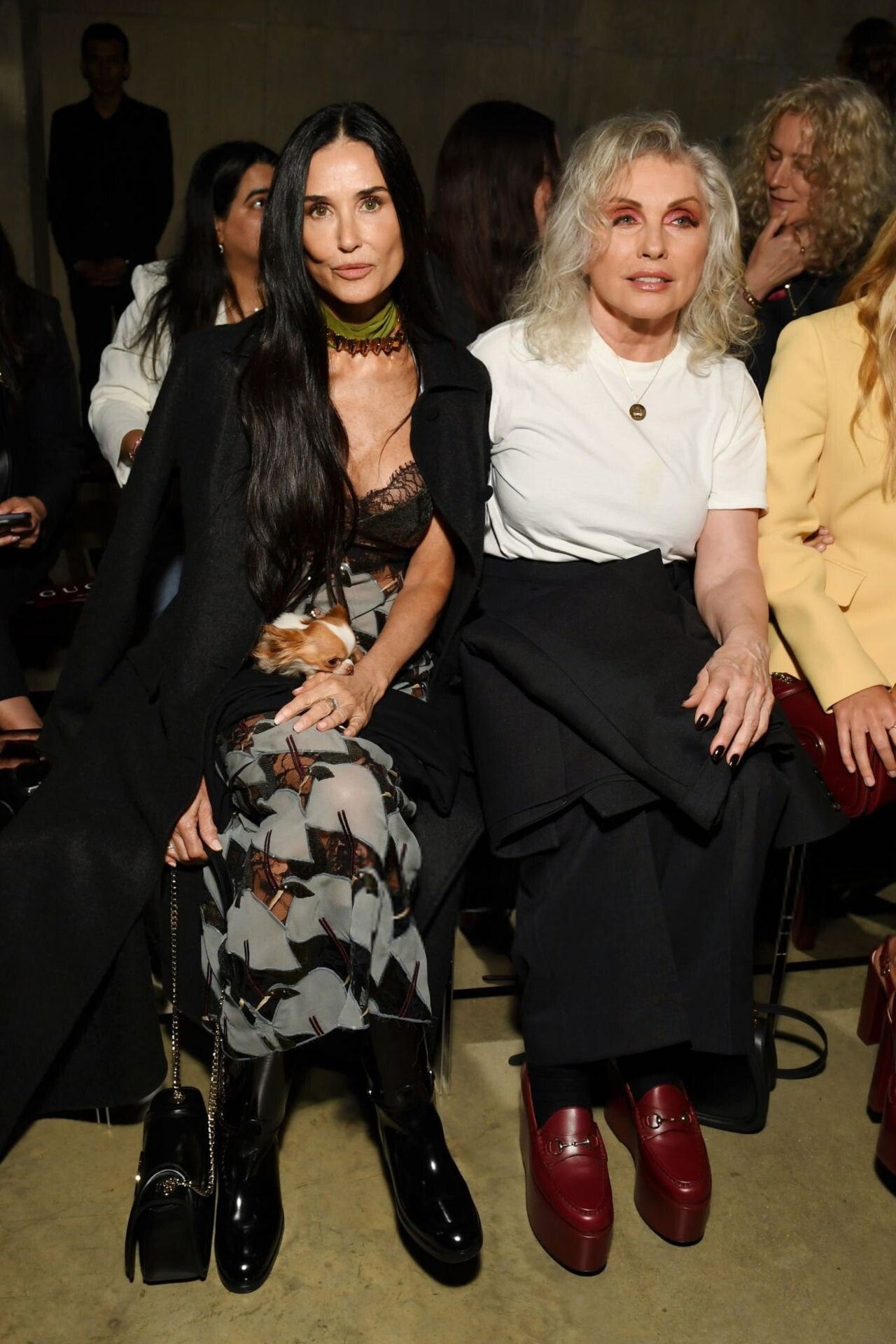
 Gucci Cruise 2025 Fashion Show in London 05-13-2024








-
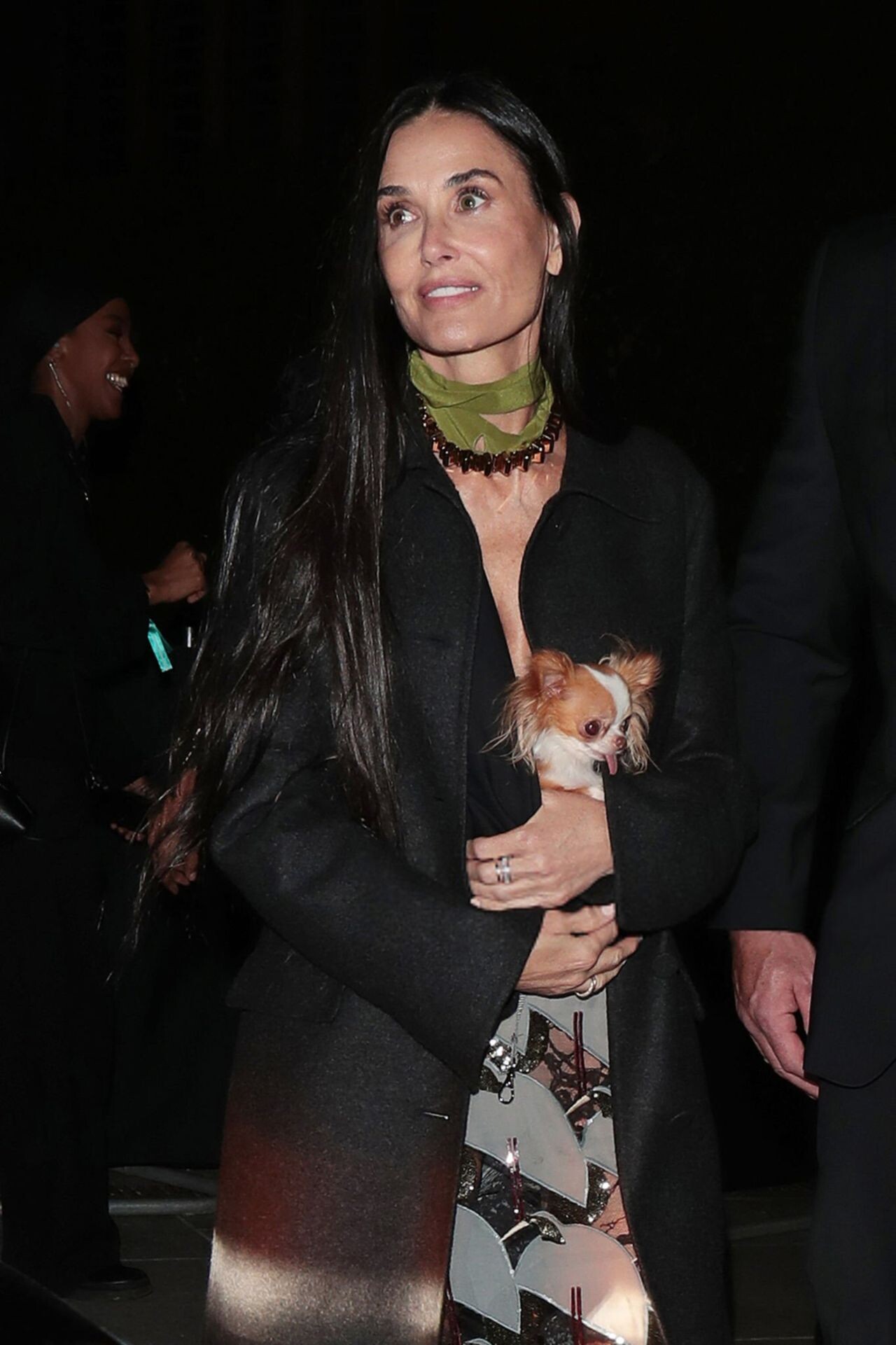
at The Mark Restaurant by Jean-Georges in New York 05-05-2024






-
Dolce & Gabbana 40th Anniversary Exhibition in Milan 04/06/2024





-
Out in Calabasas 08-09-2024




-
Leaving a Burbank Photo Studio in a Form-fitting Outfit 08-02-2024






-
Shopping at Rite Aid in Calabasas 04/03/2024







-
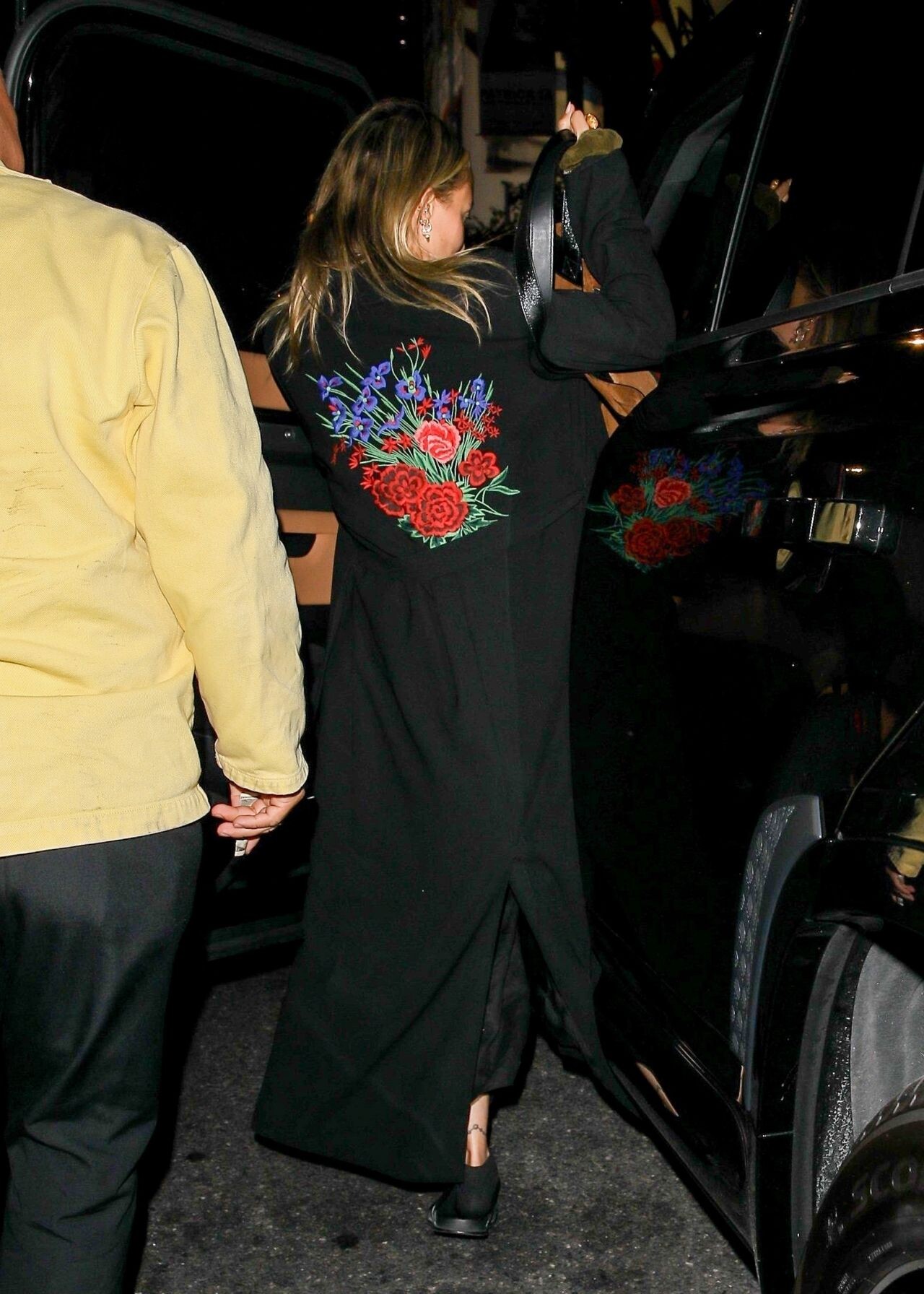
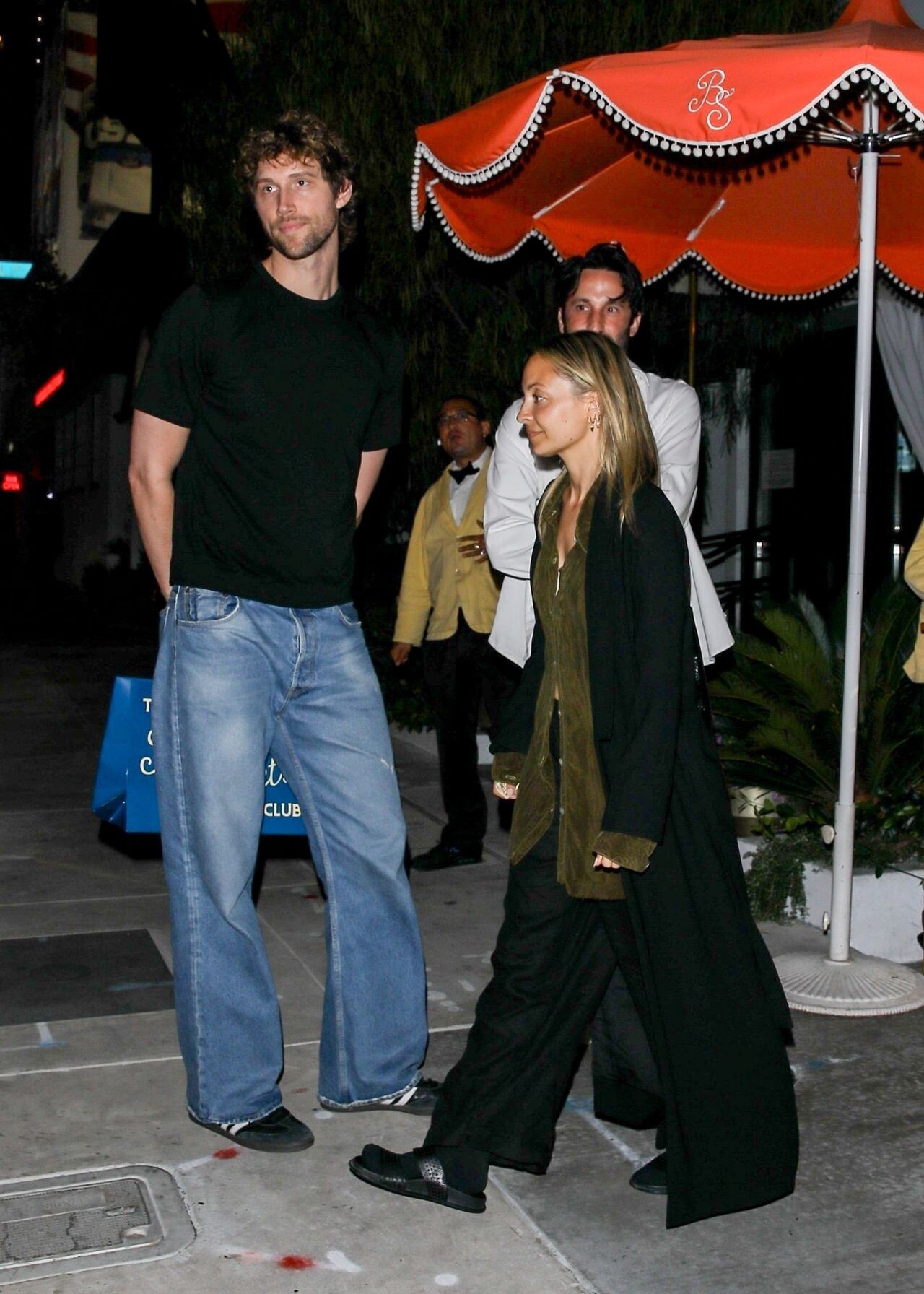
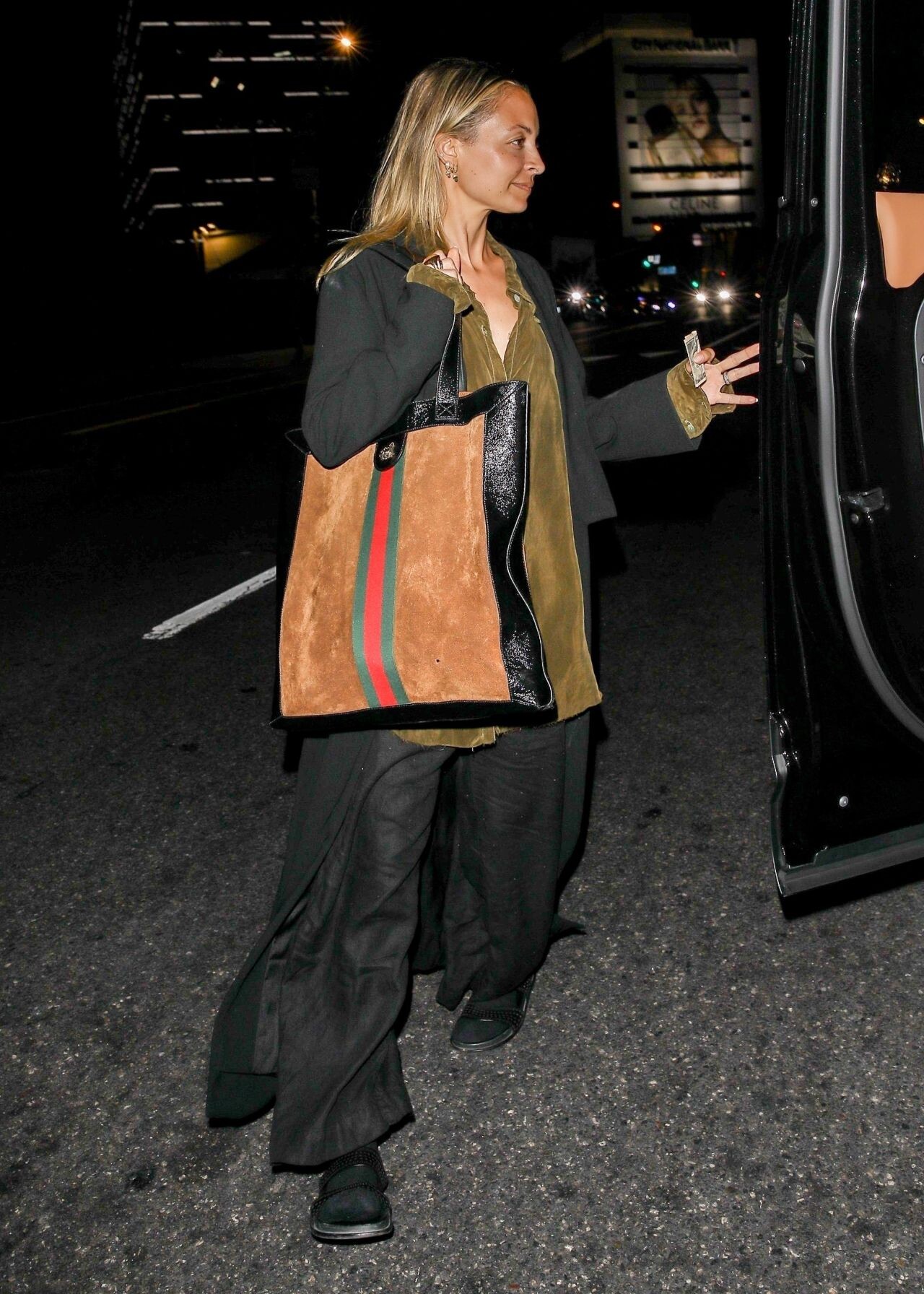
at The Bird Streets Club in West Hollywood 08-09-2024



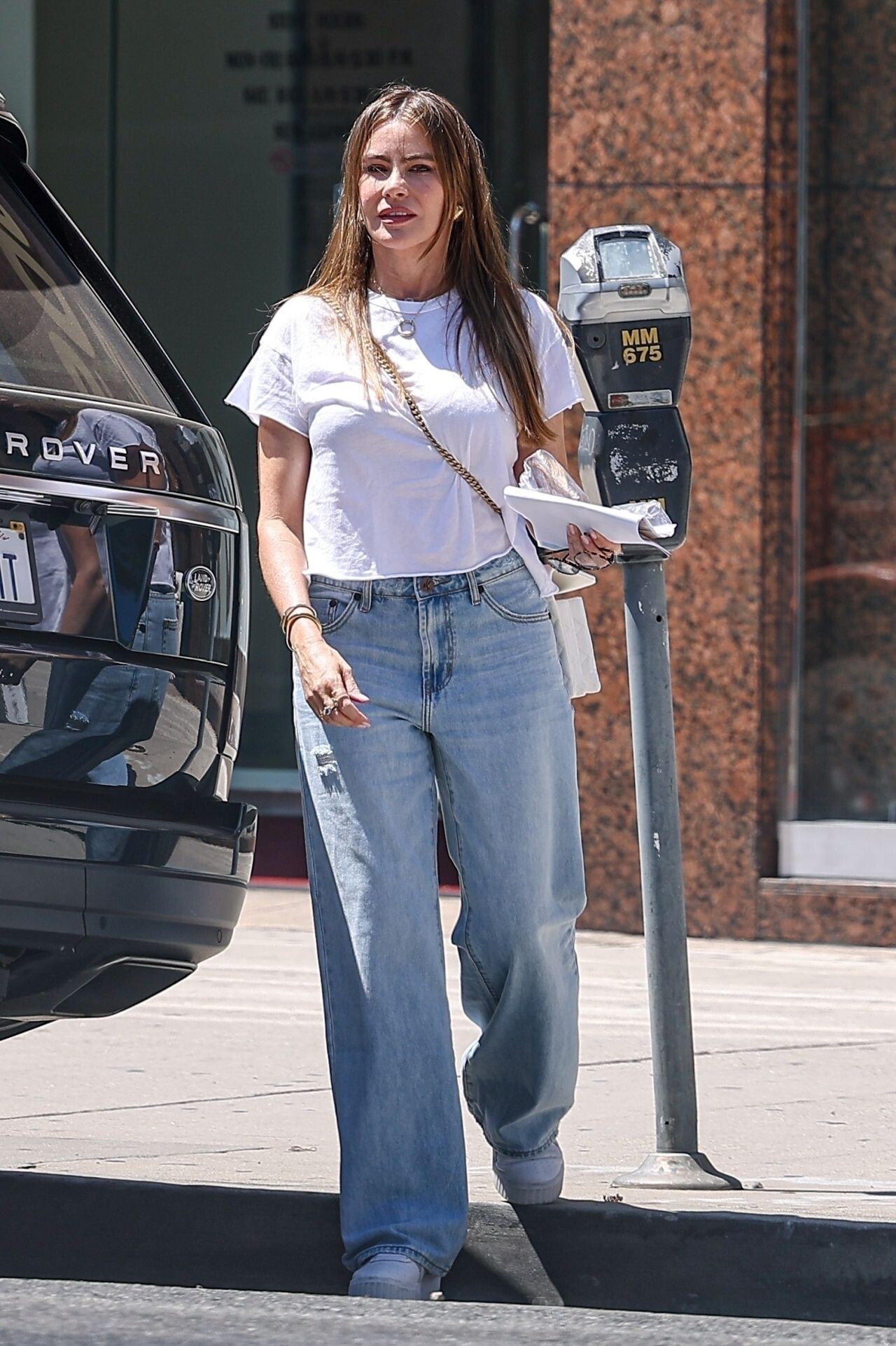
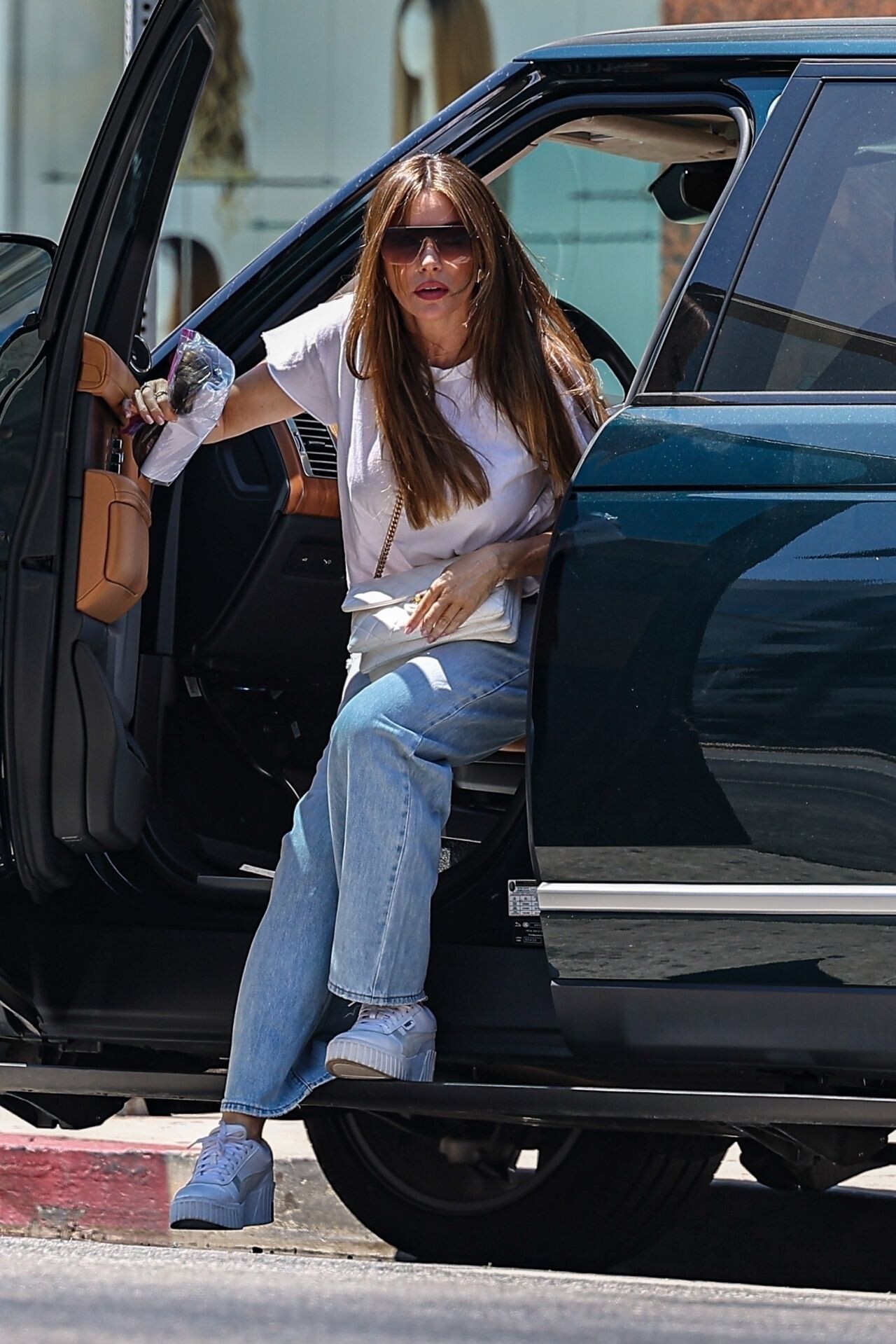
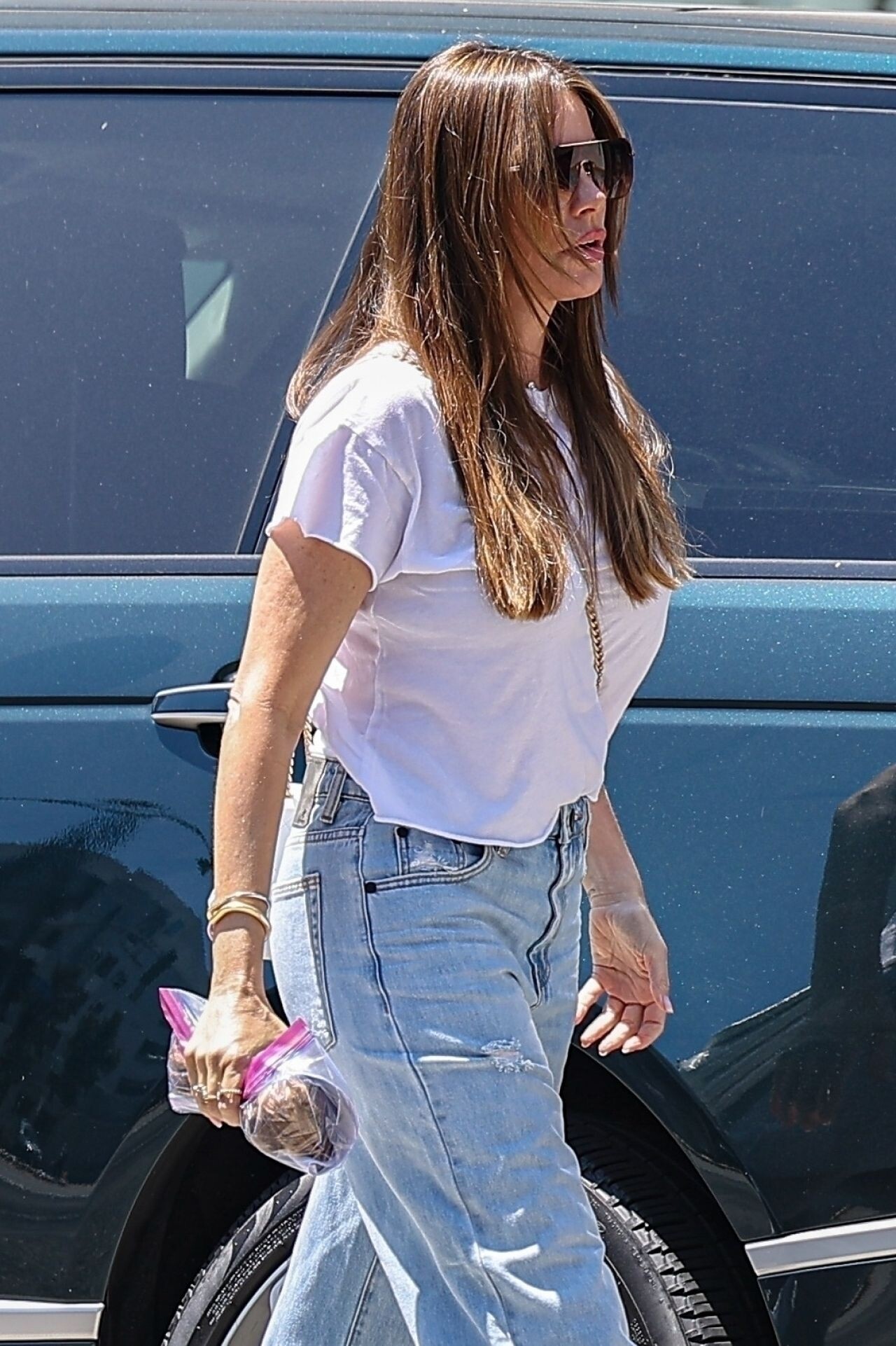
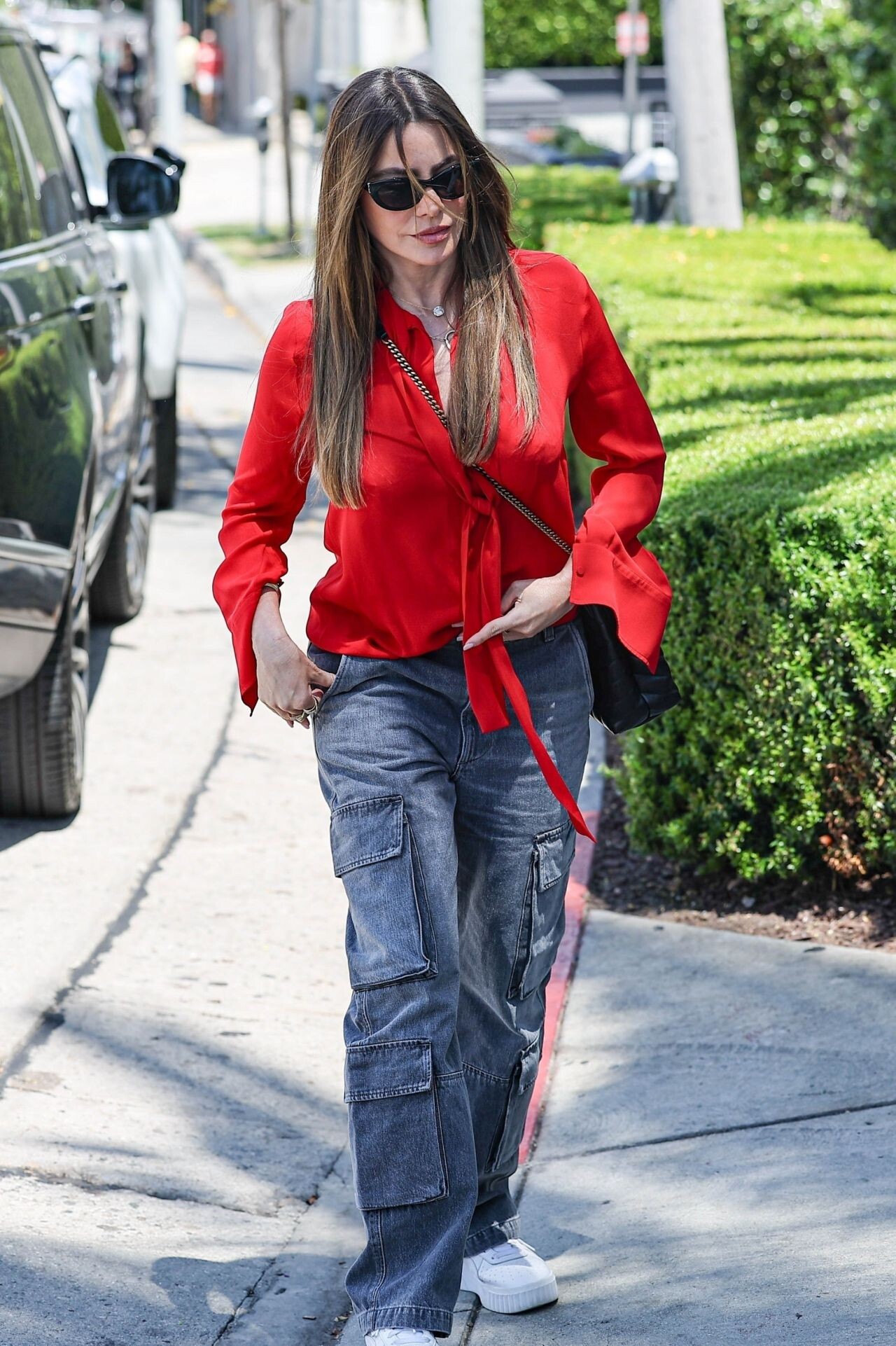
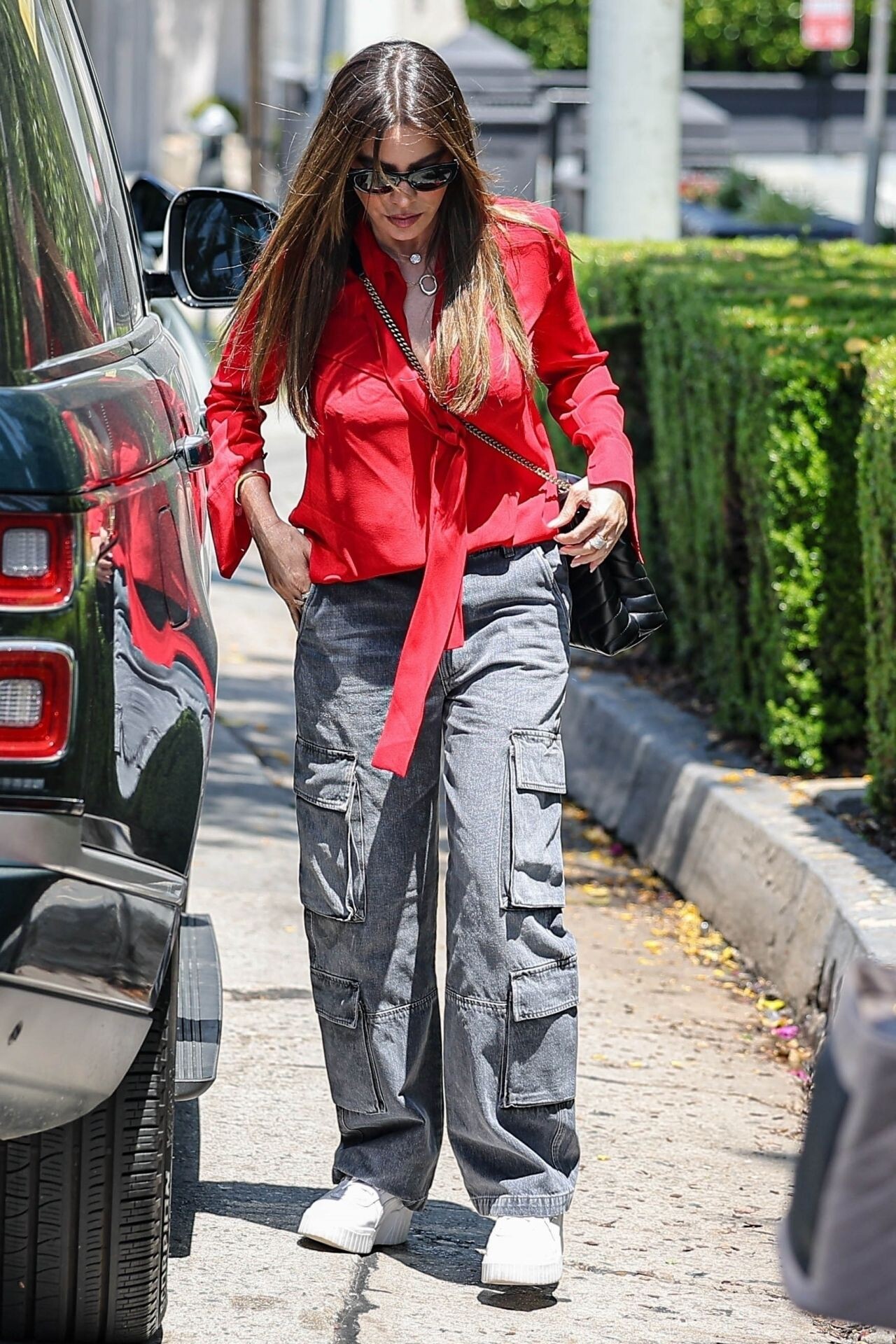
 Los Angeles 08-04-2024



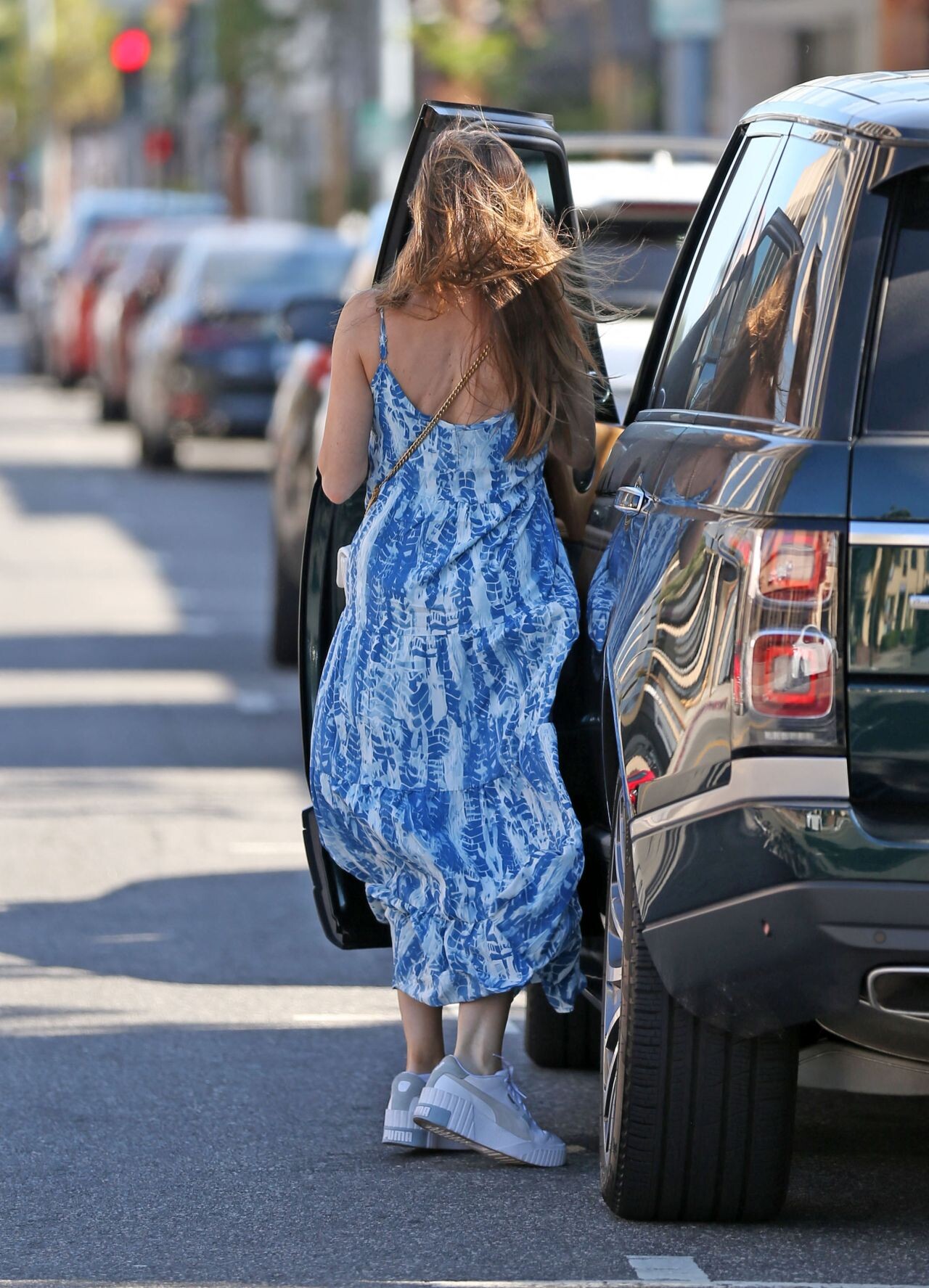
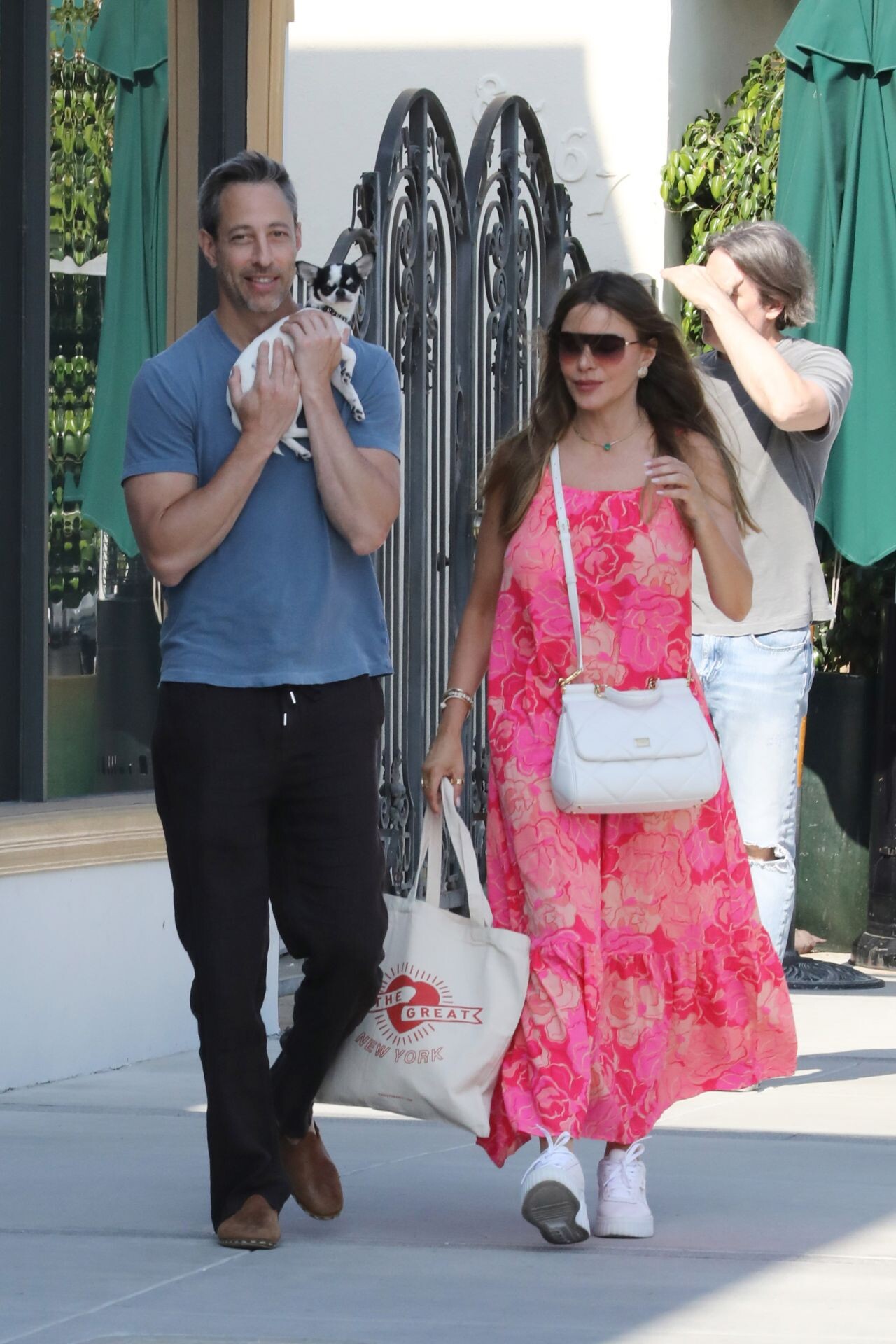
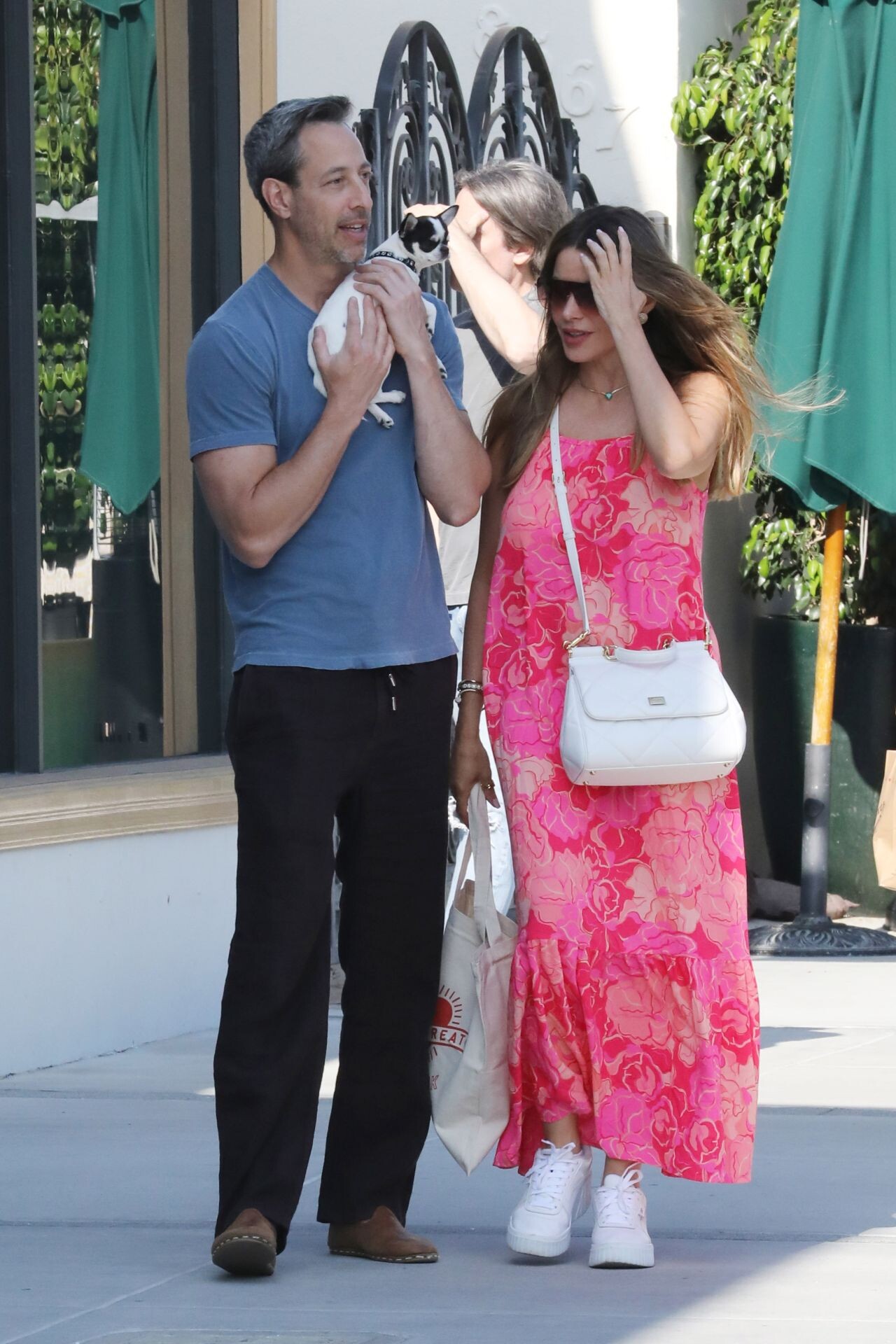
 Beverly Hills 08-02-2024







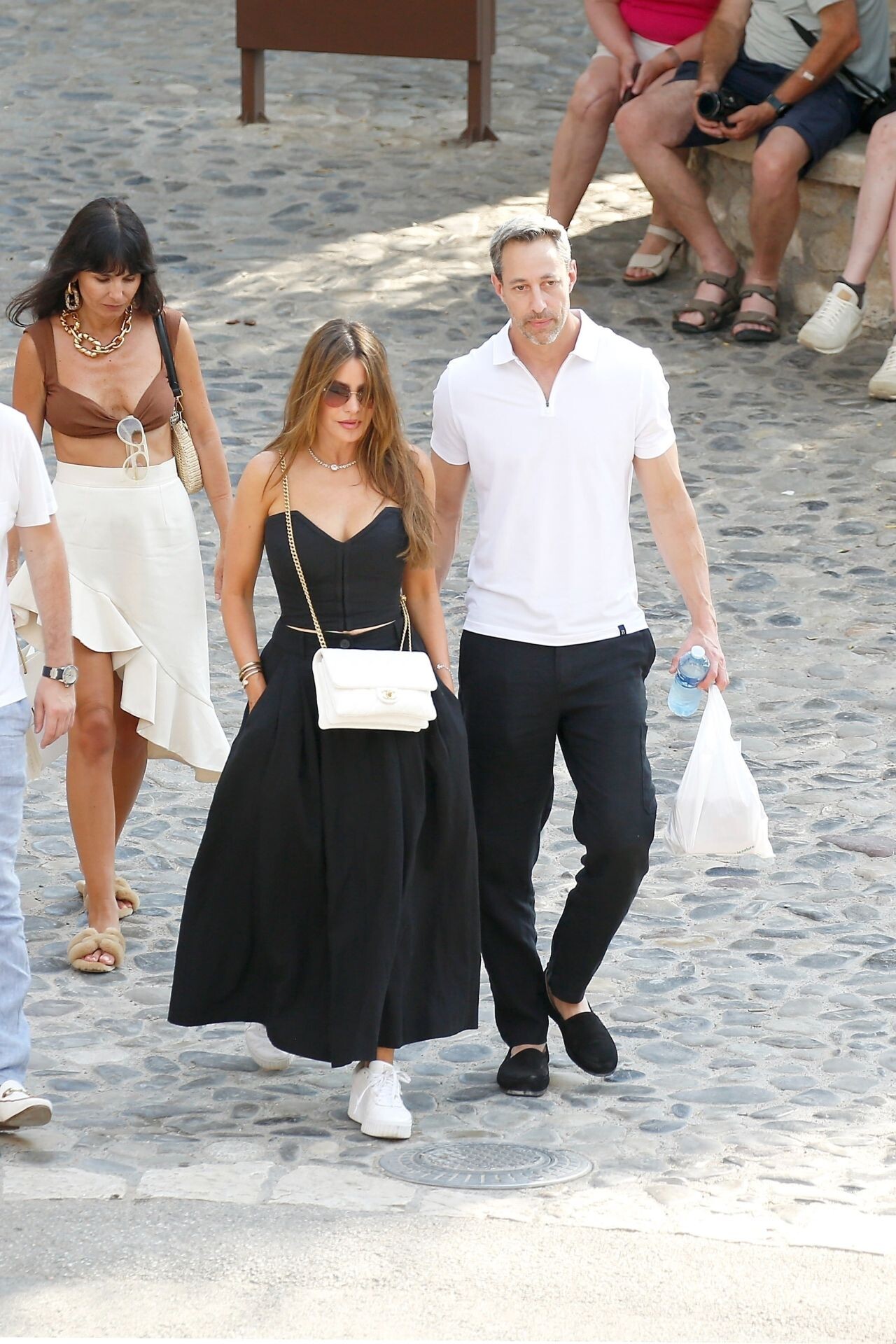
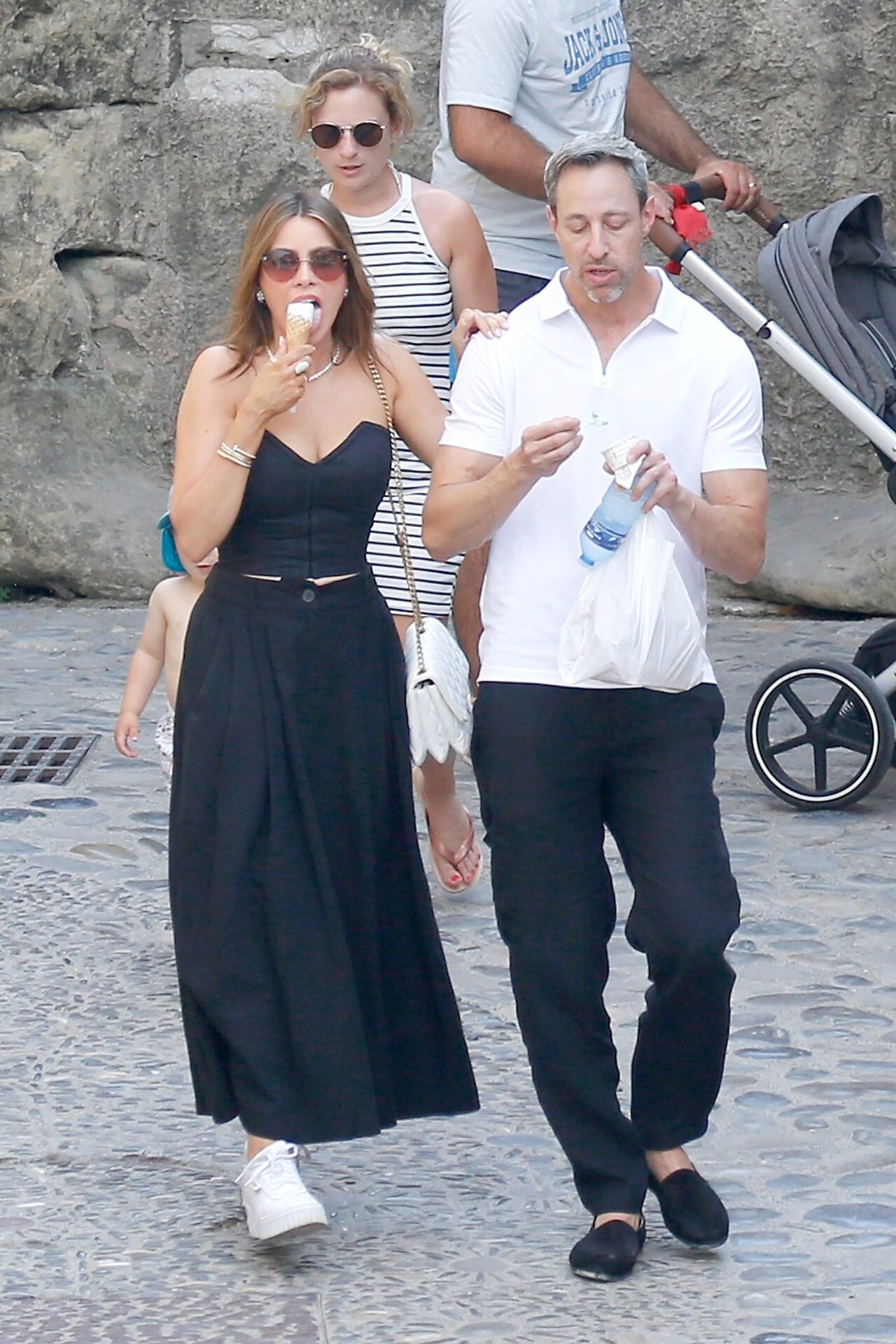
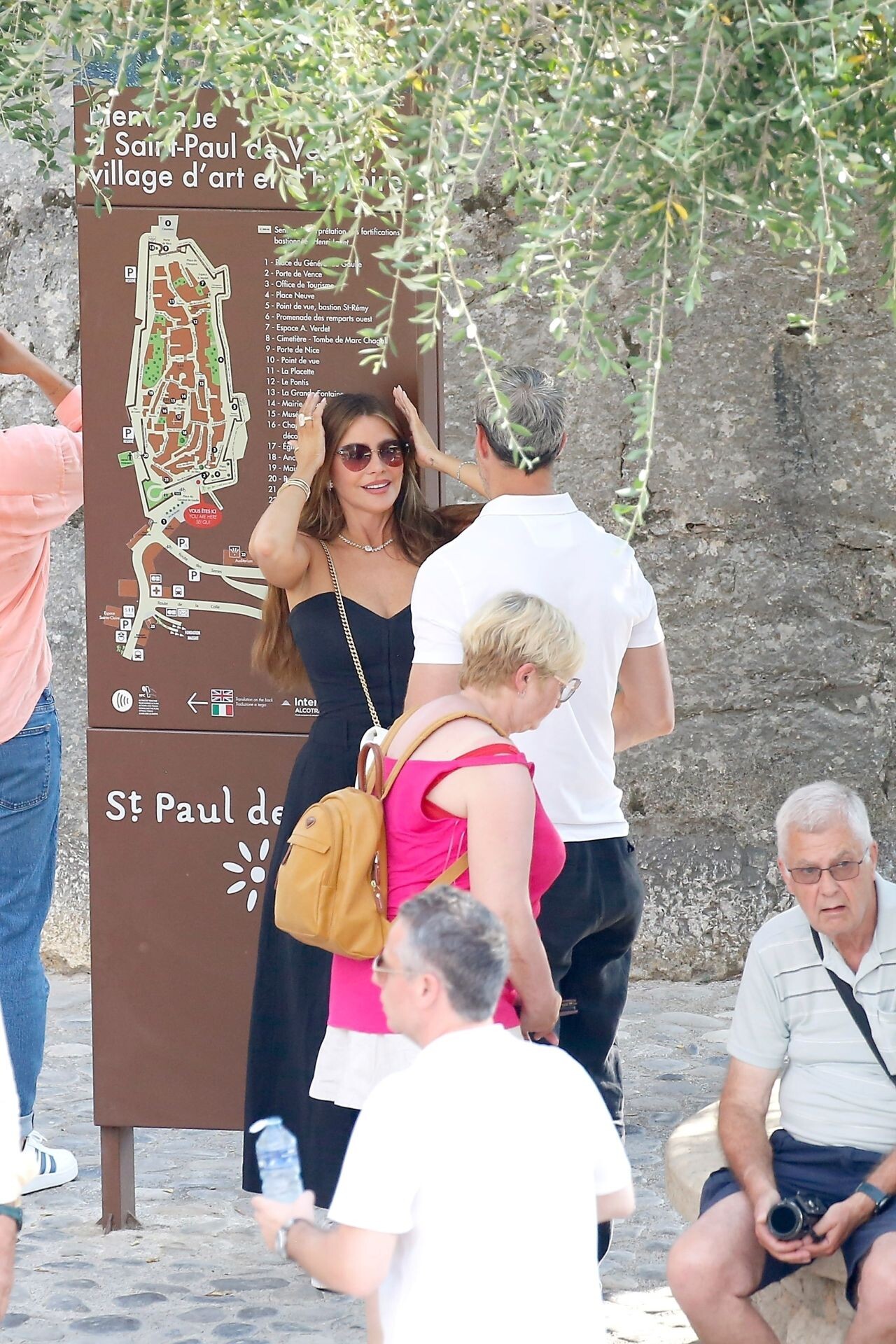
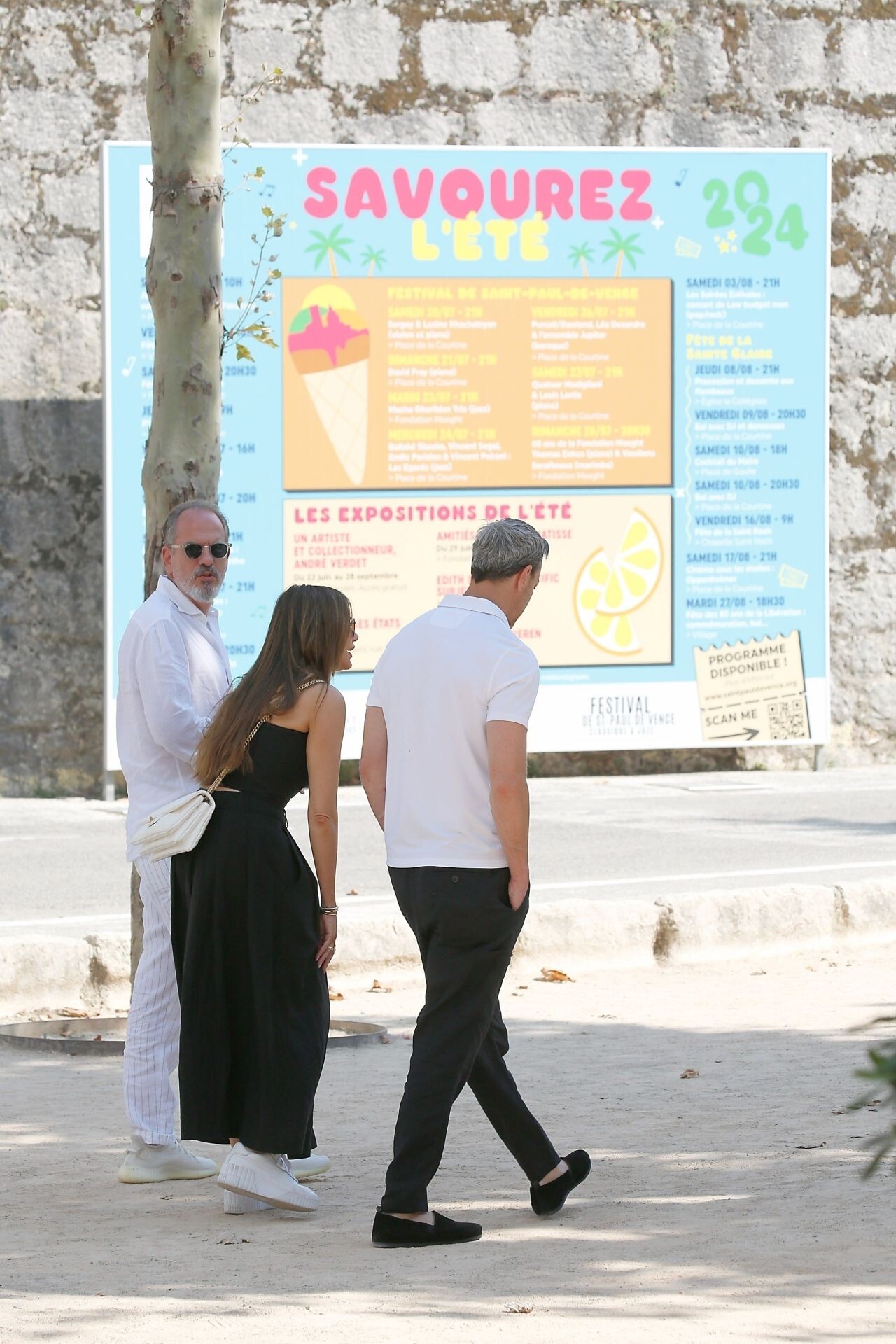
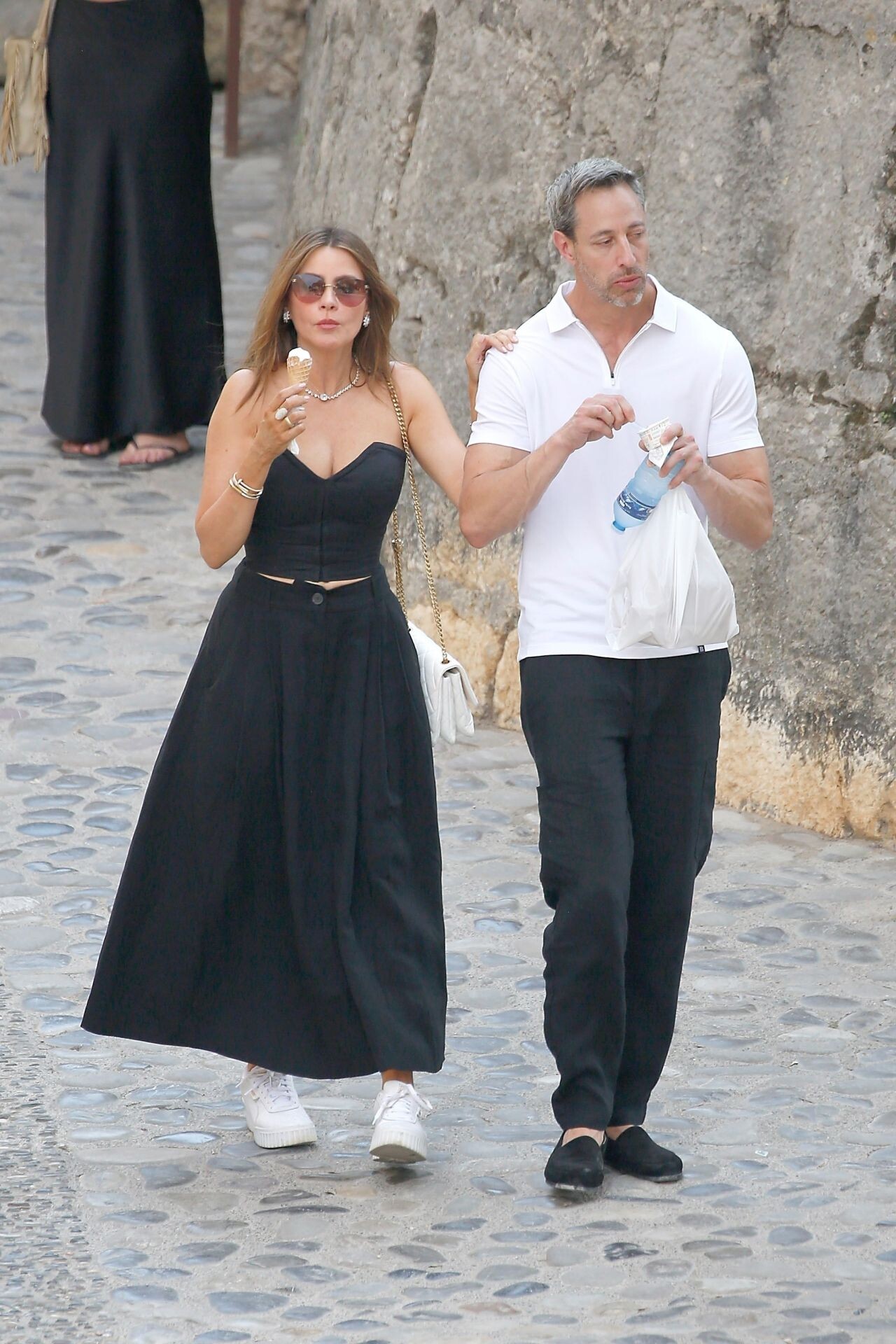
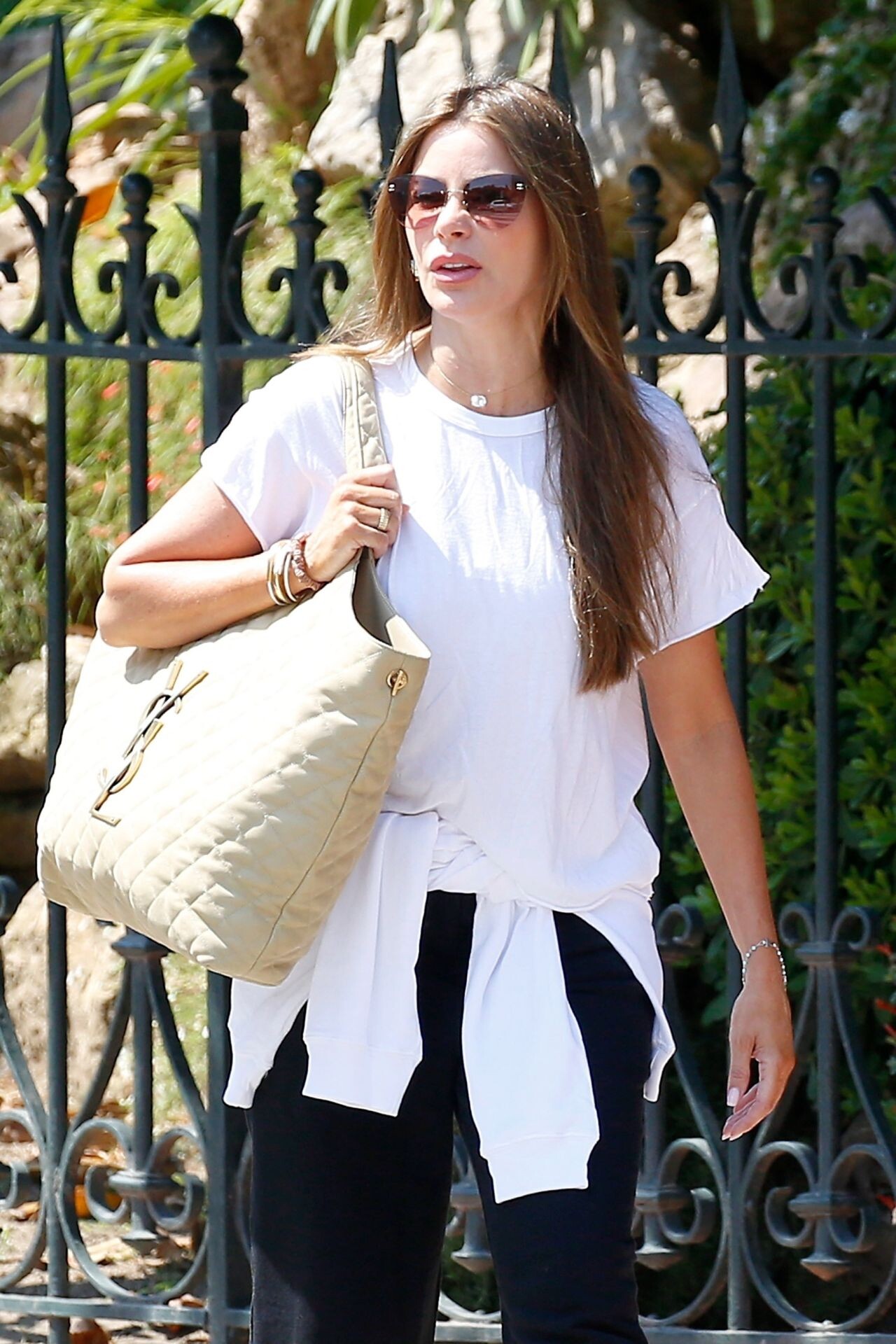
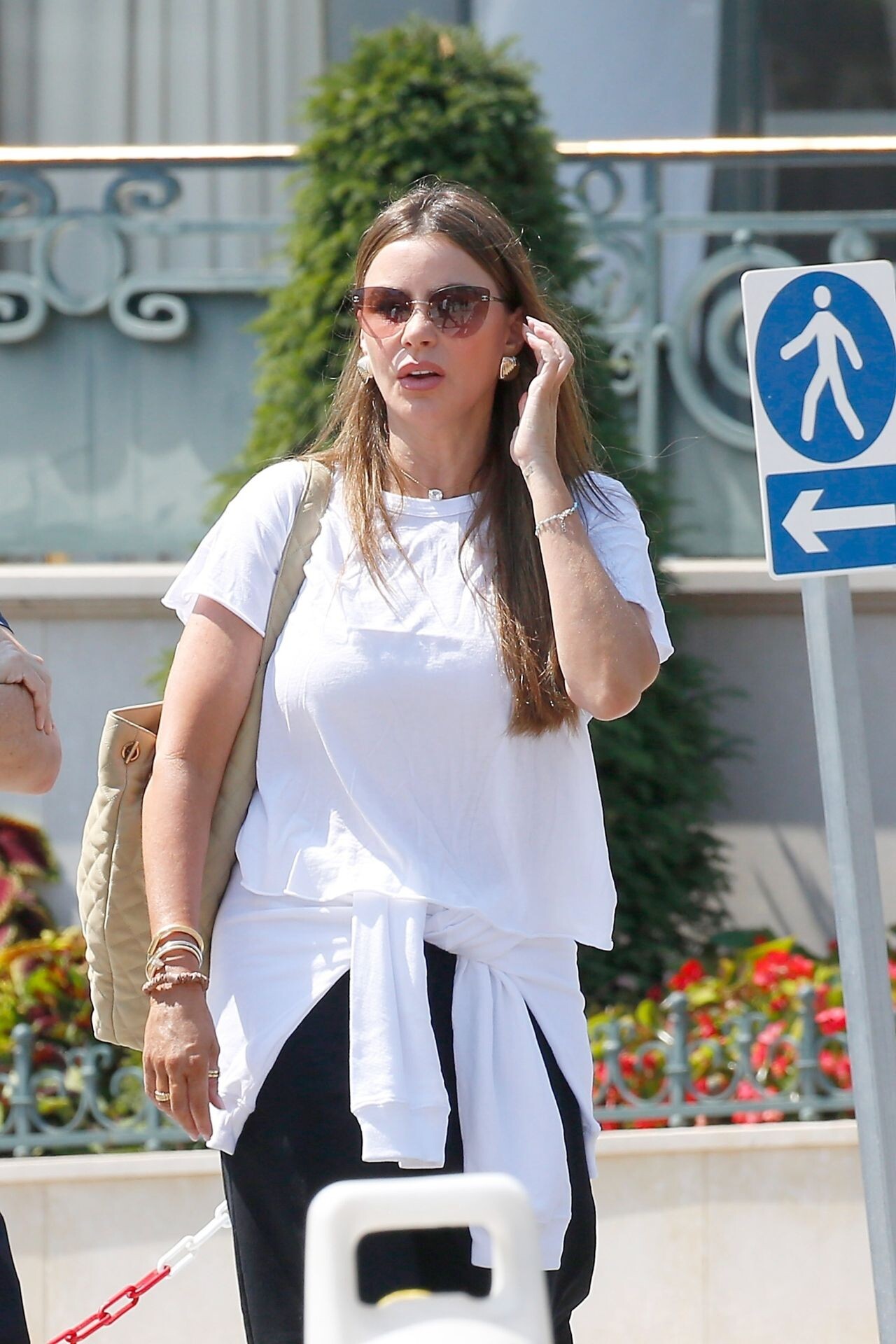
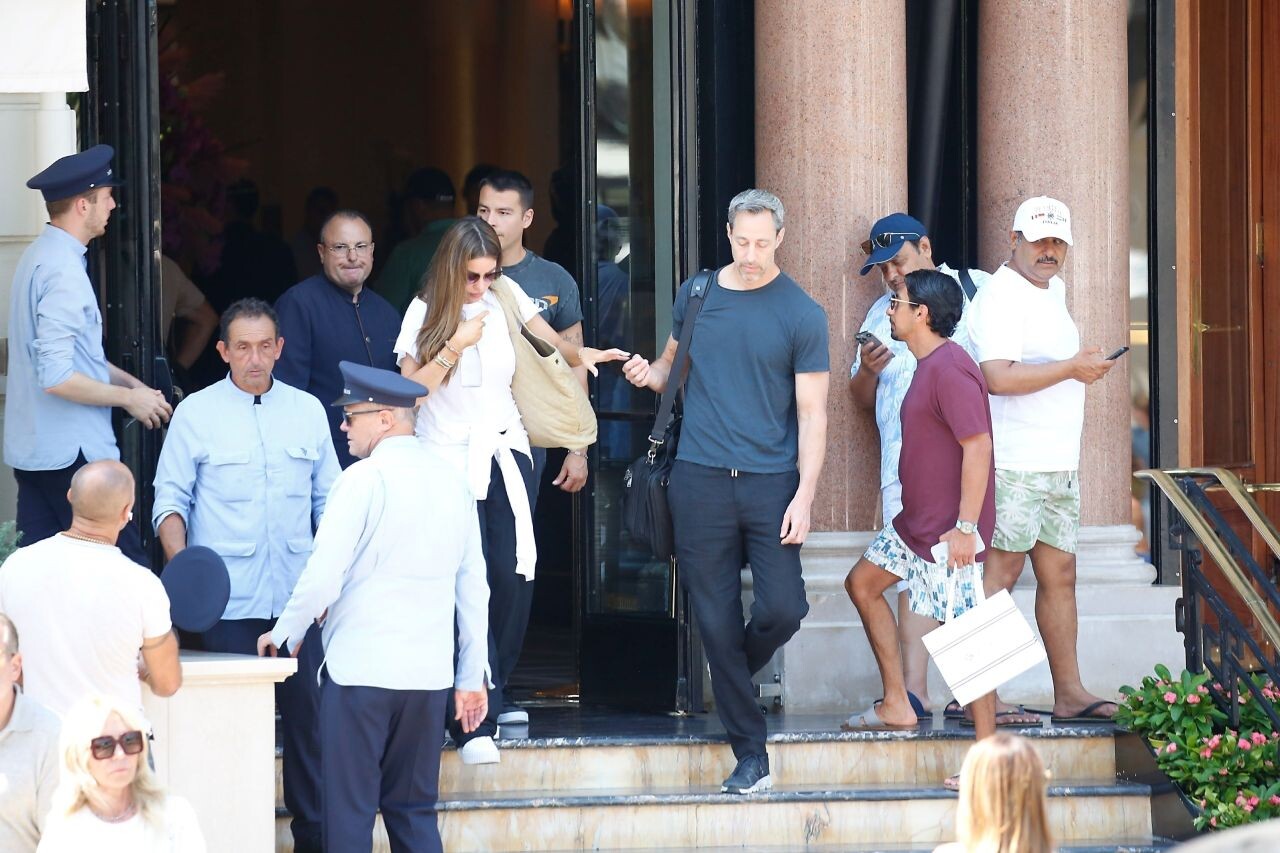
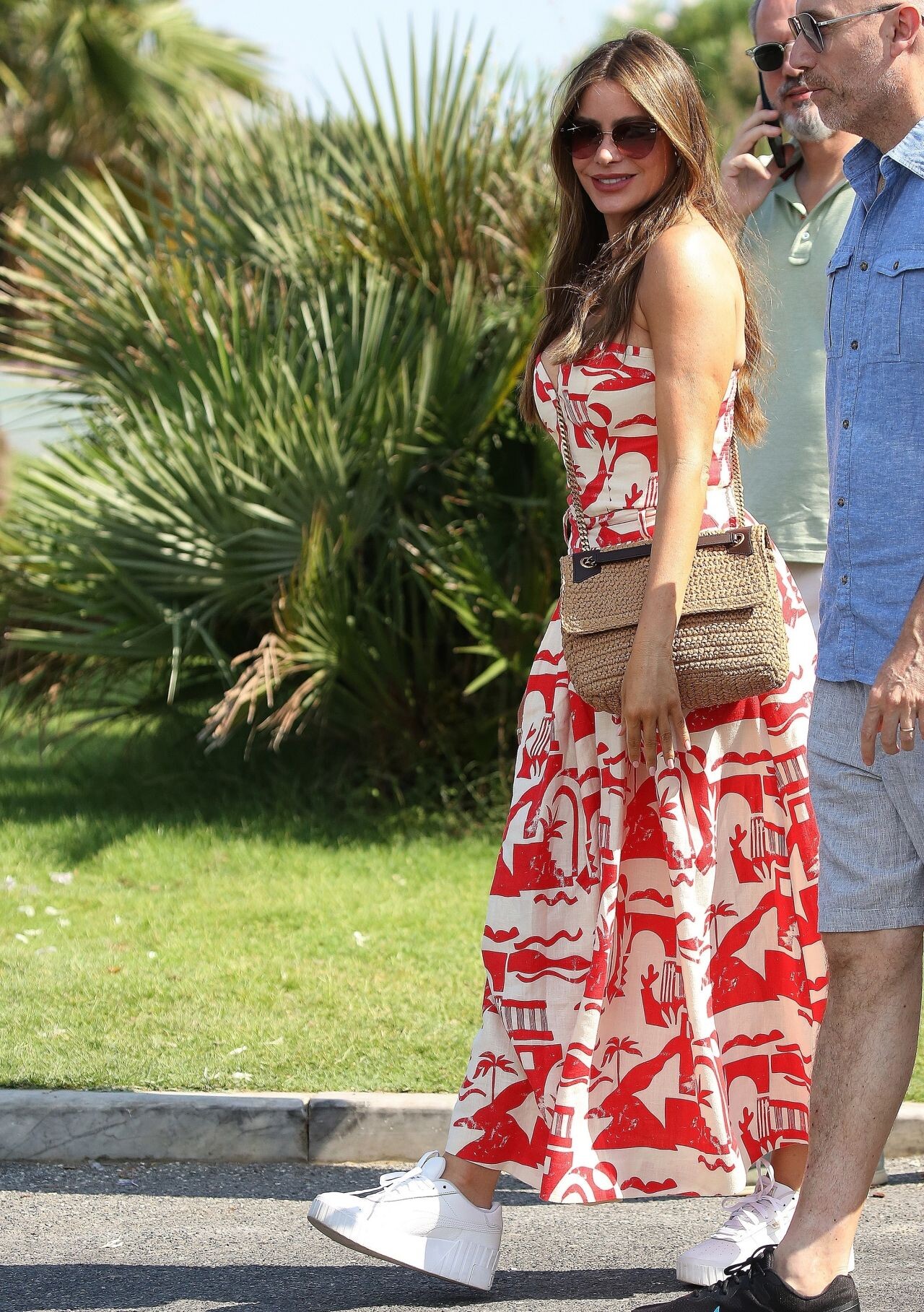
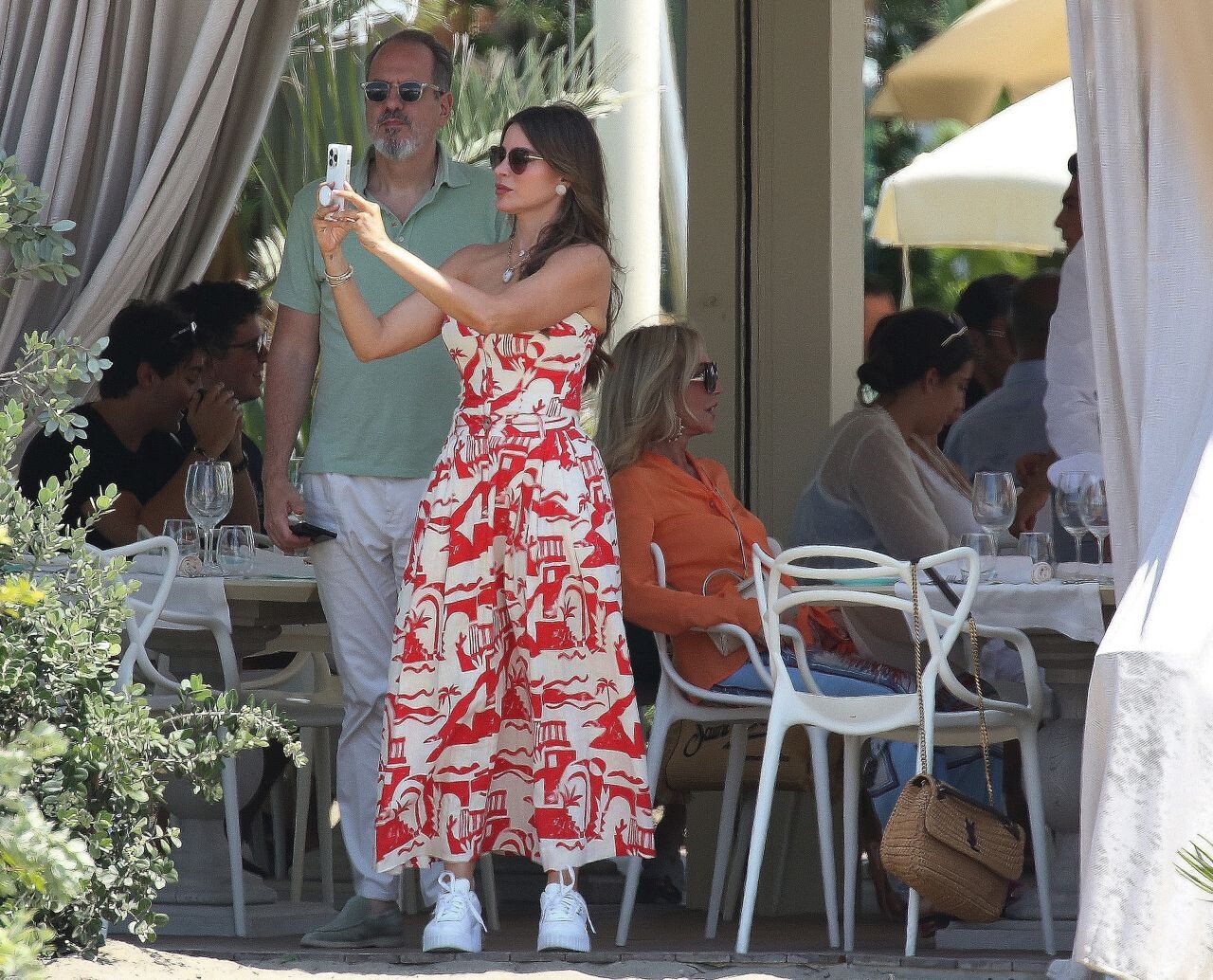
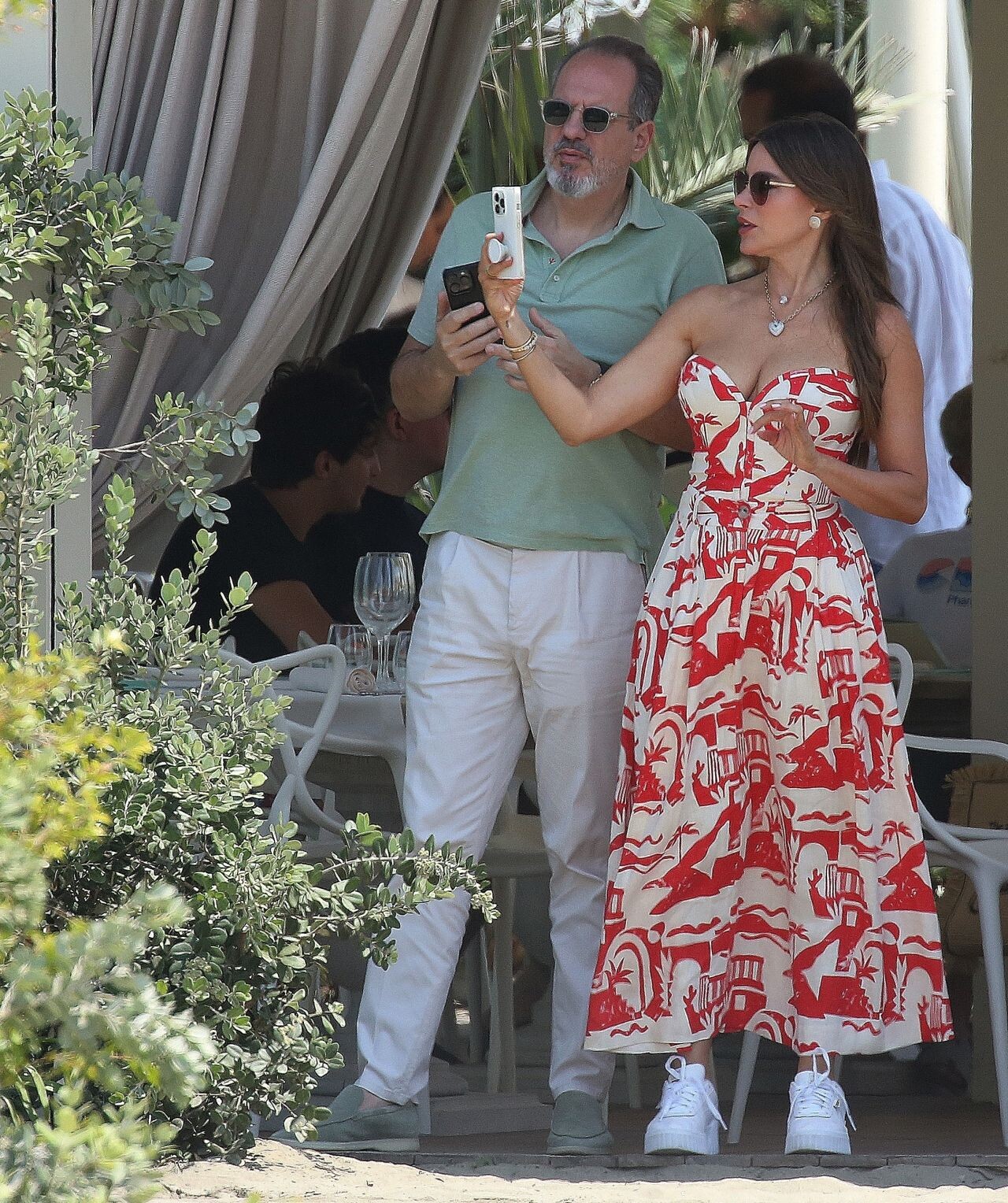
 South of France







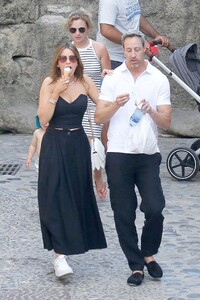





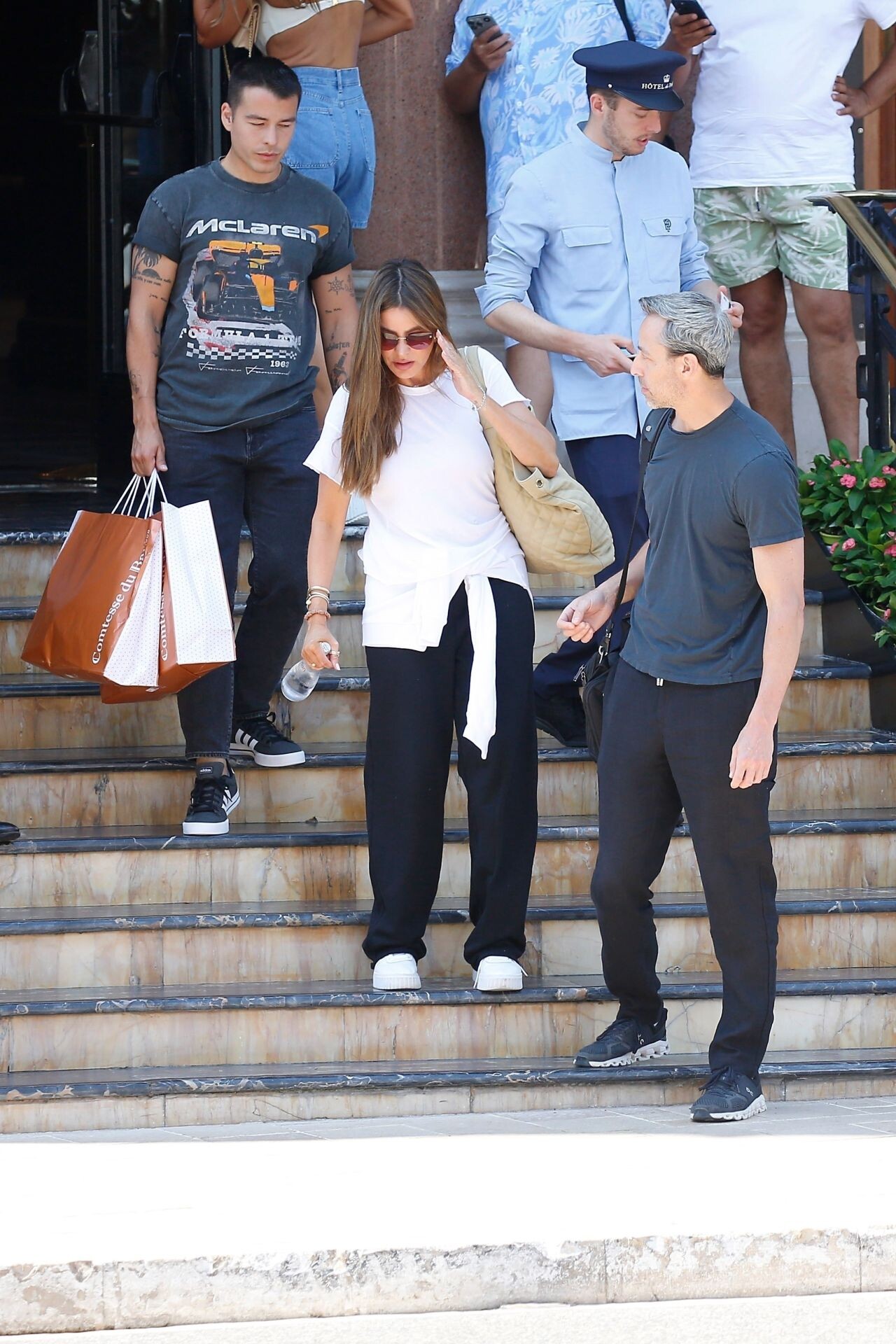
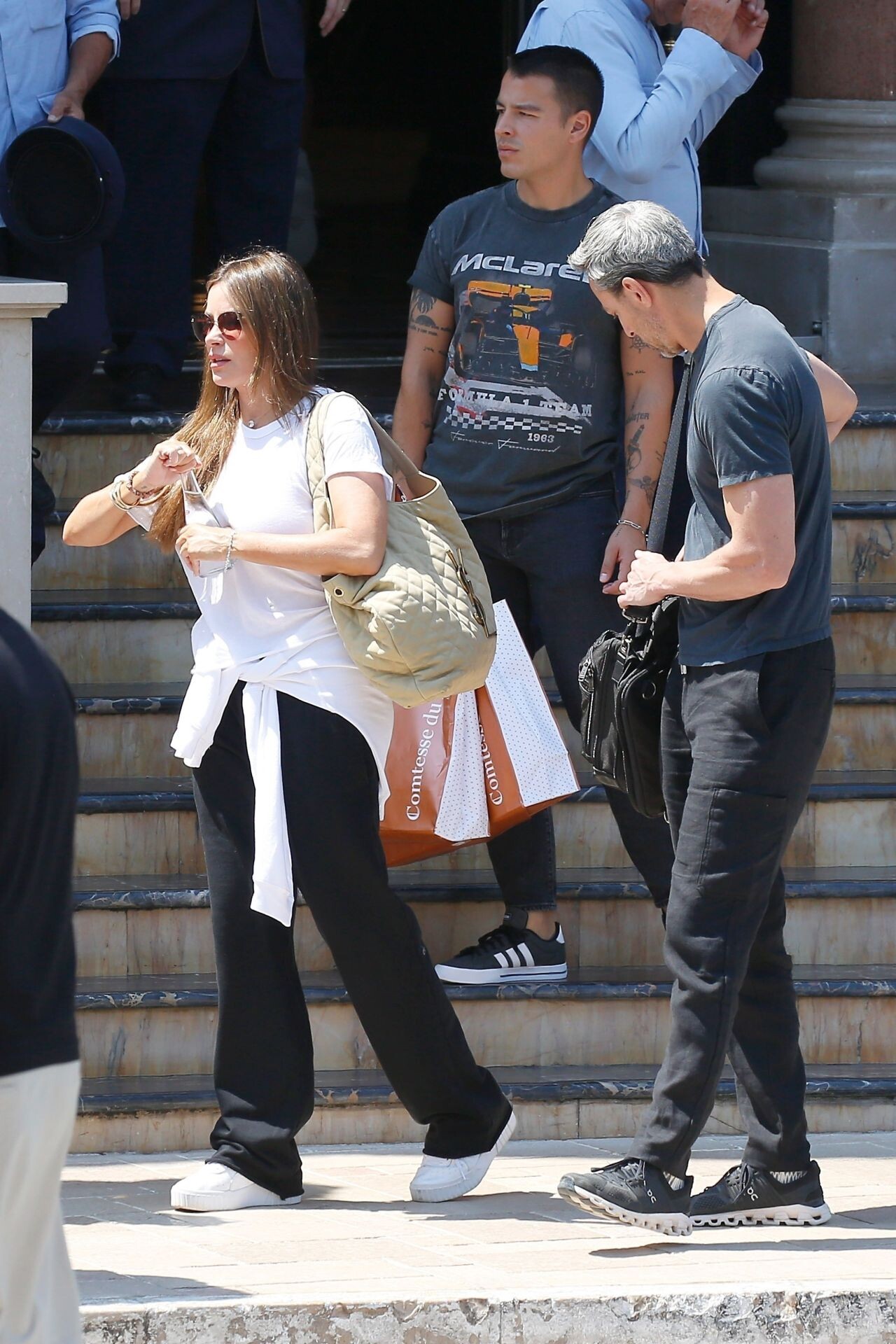
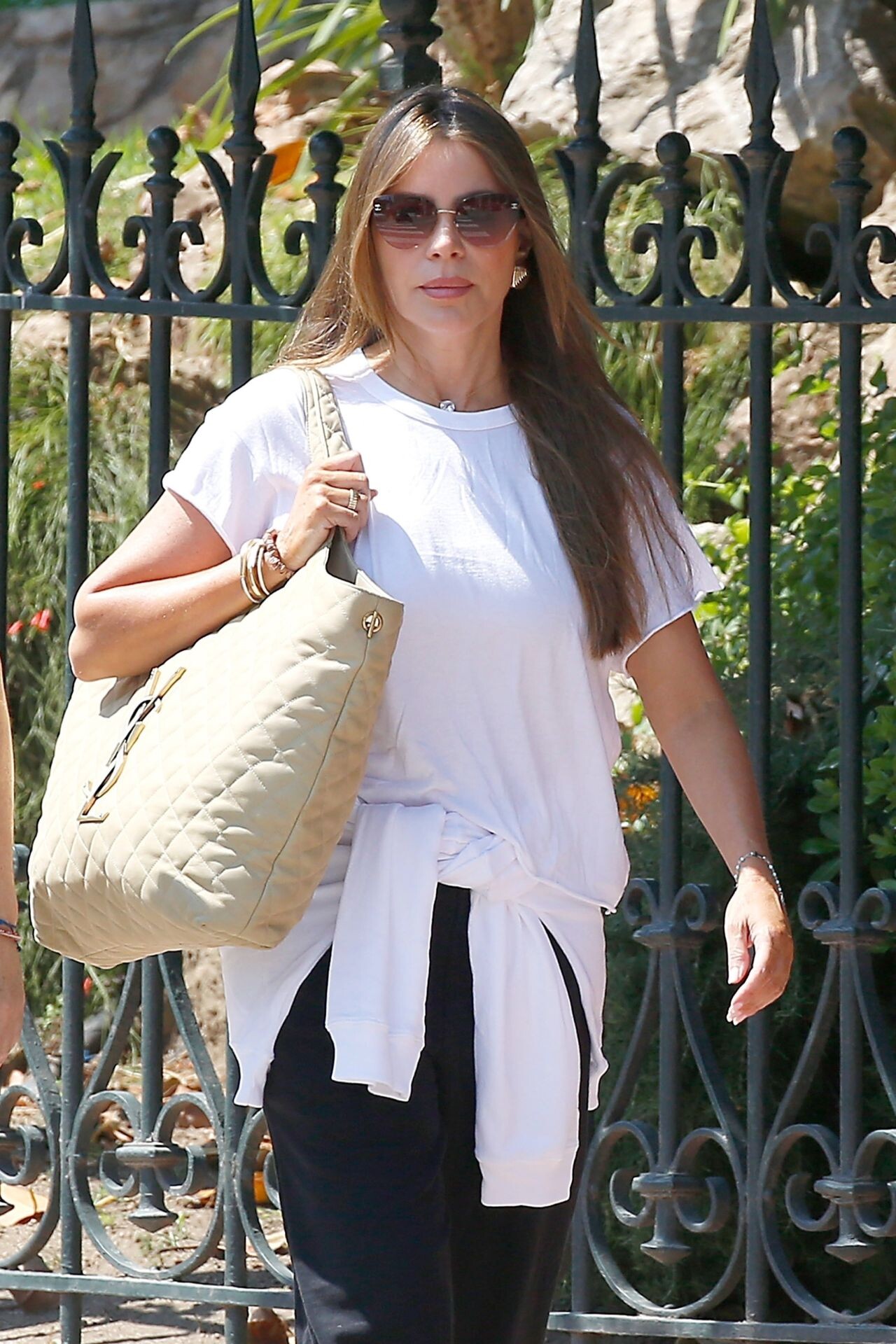
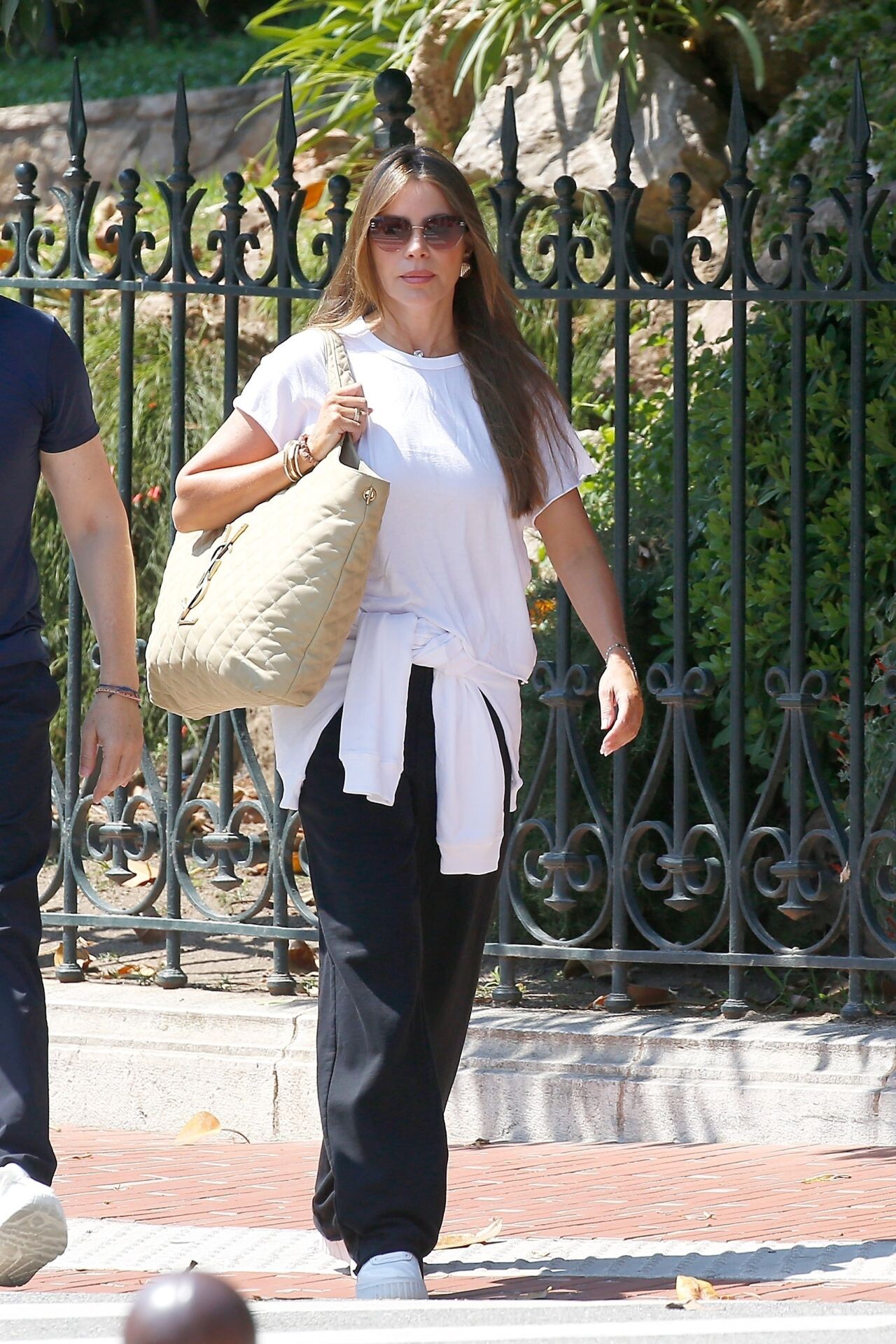
 Monaco 07-30-2024


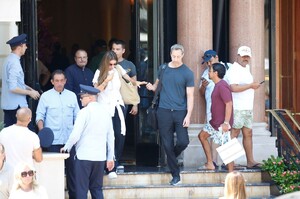





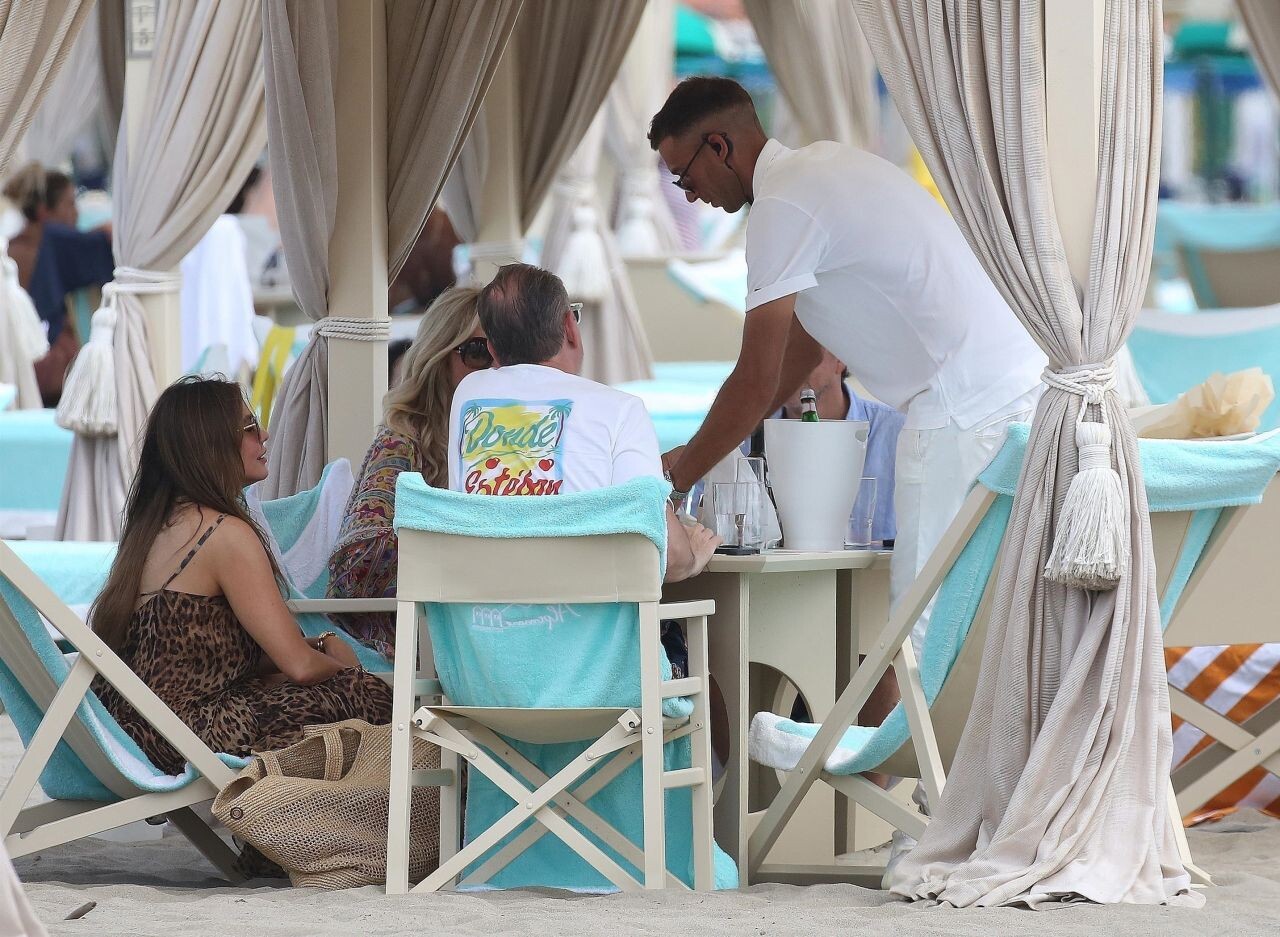
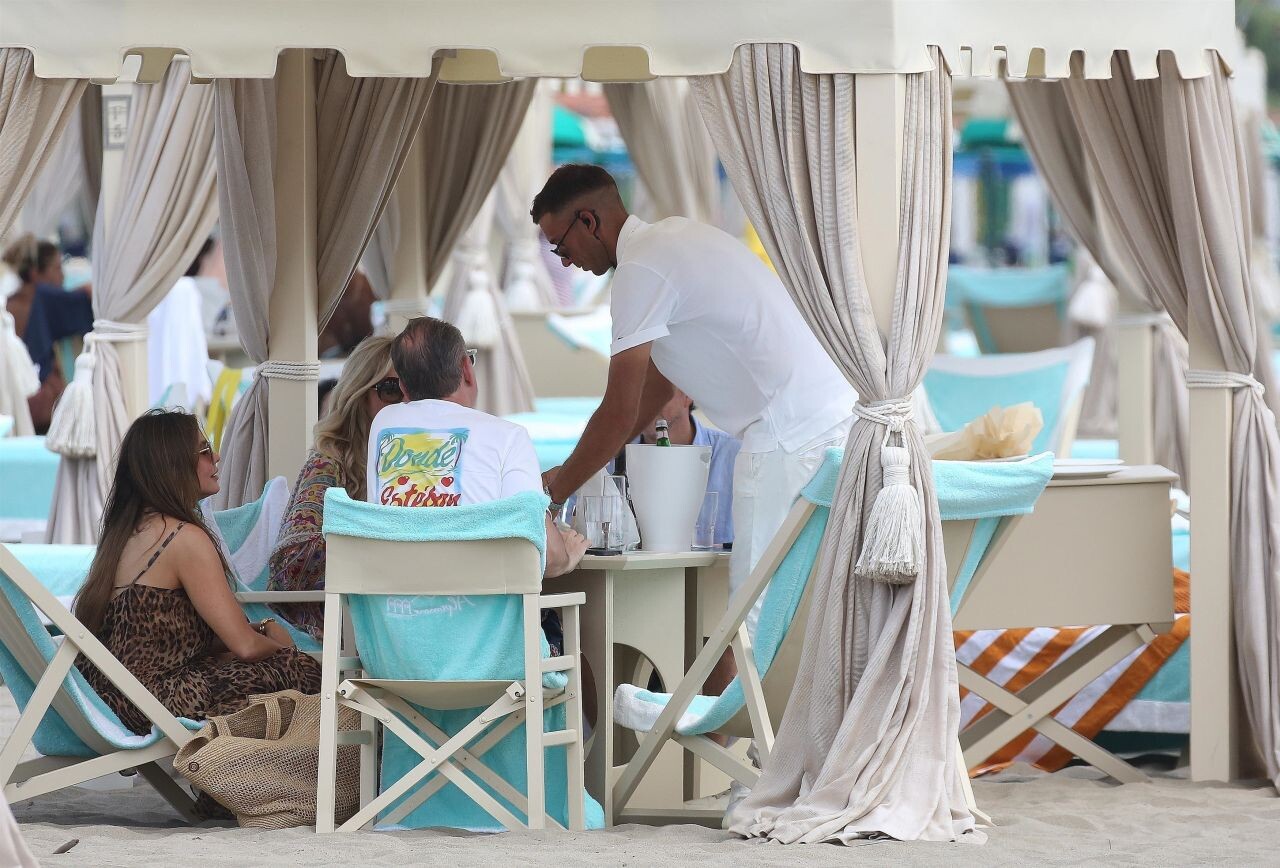
 at Alpemare Beach in Forte dei Marmi 07-21-2024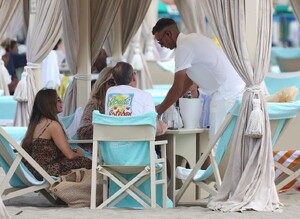





 Celebrates her 52nd Birthday at Celebrity Hotspot Novikov Restaurant in Beverly Hills











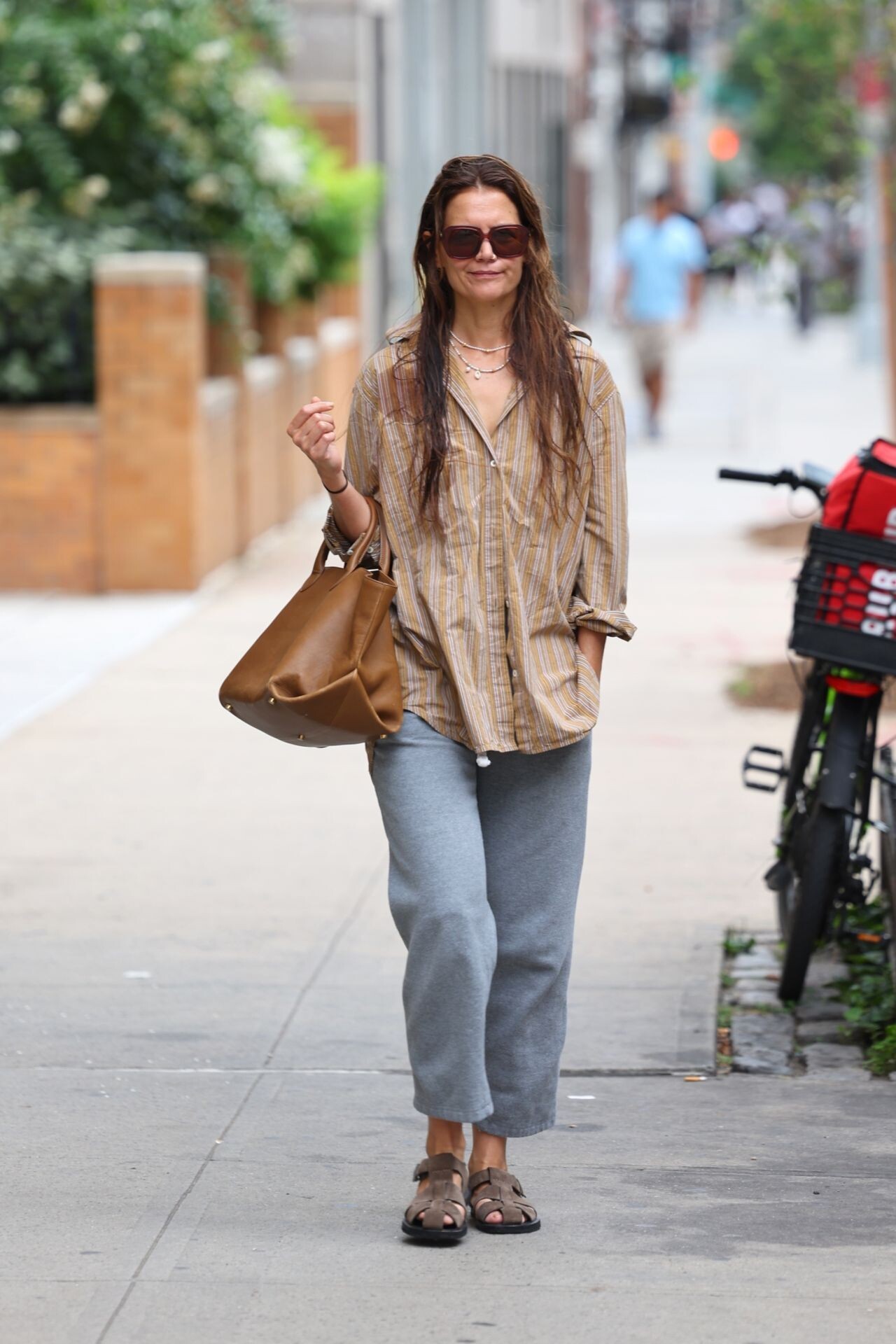
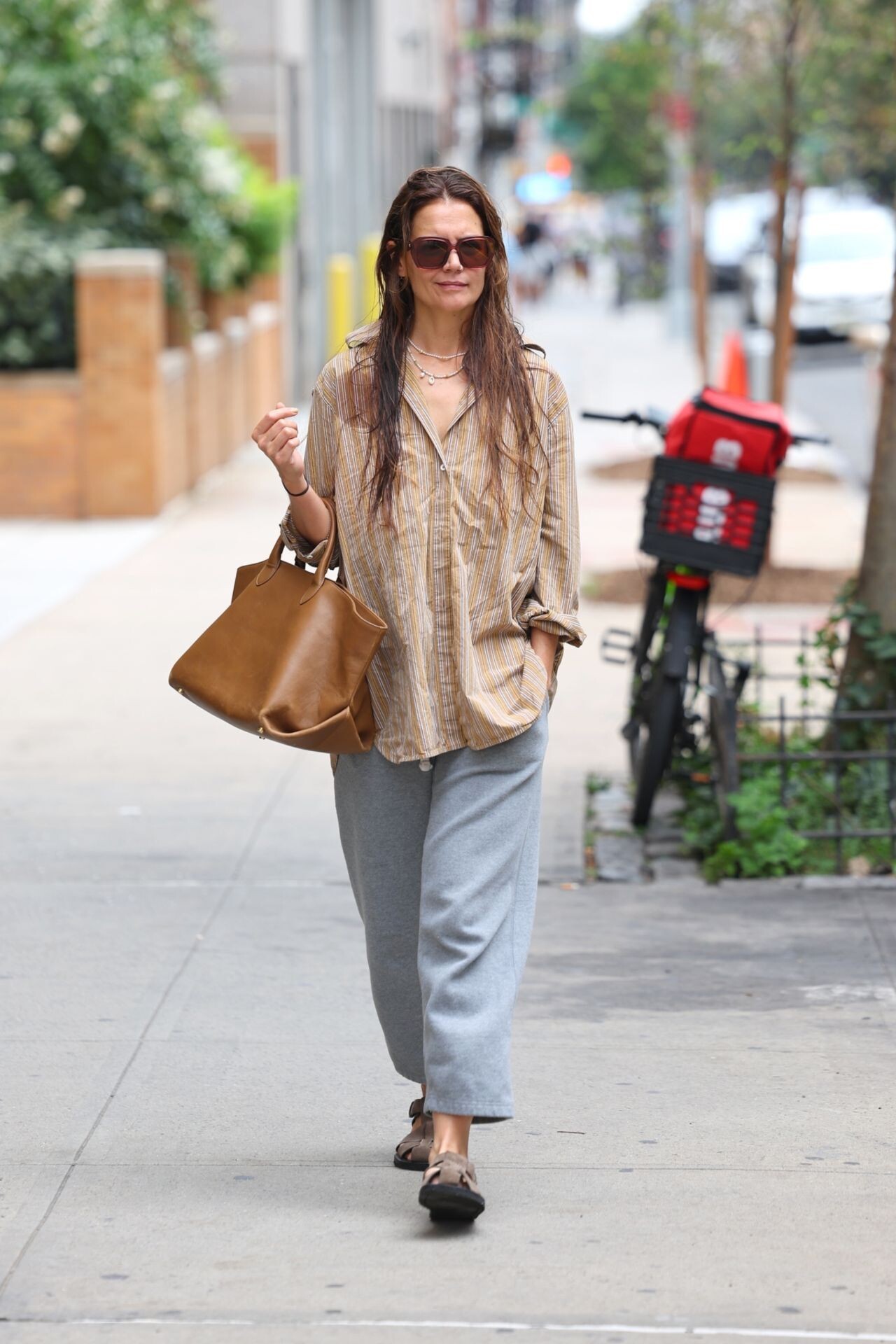
 Los Angeles 07-02-2024



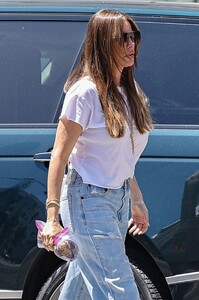

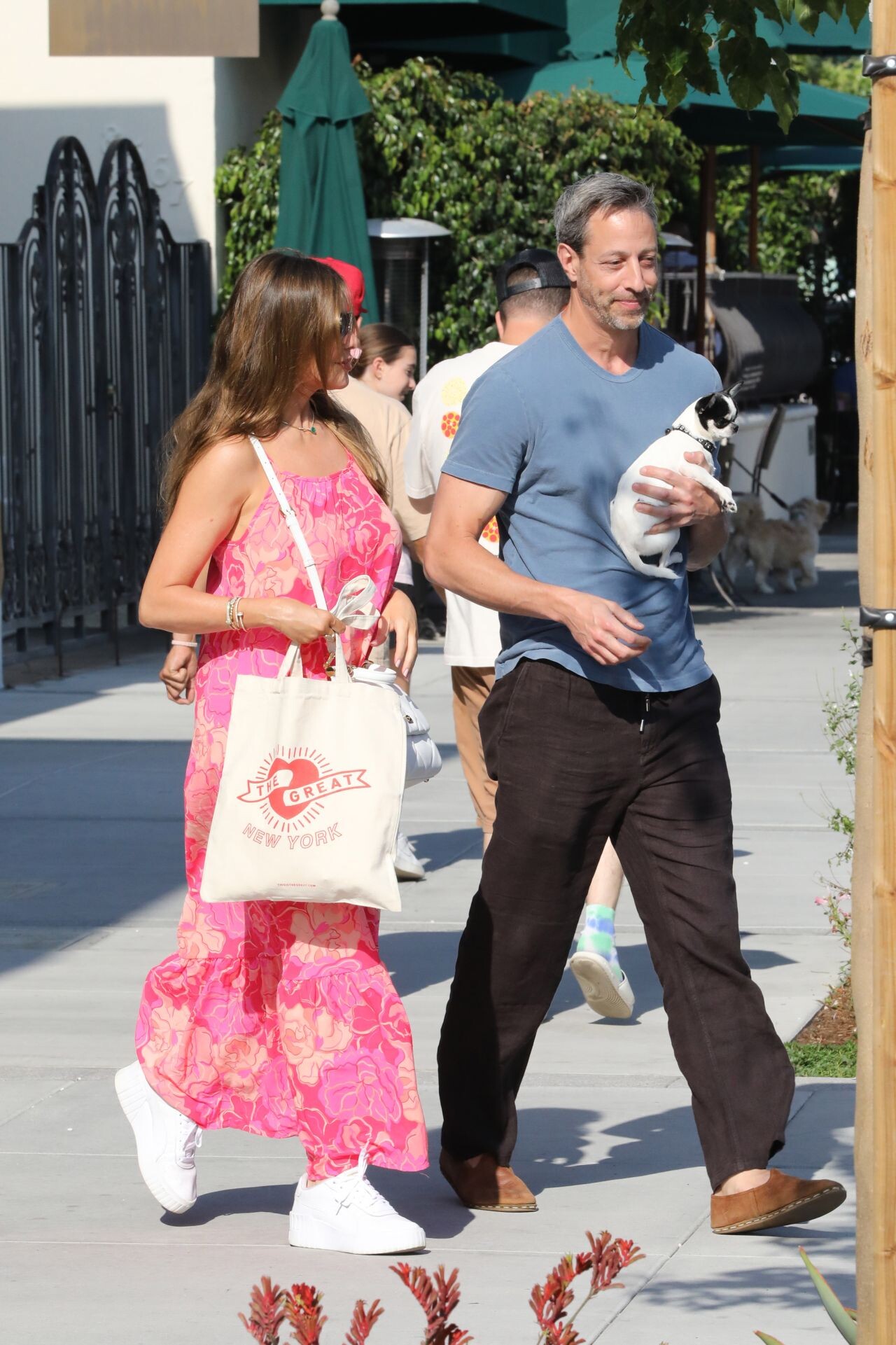
 Date Night at YU/MI Sushi in Beverly Hills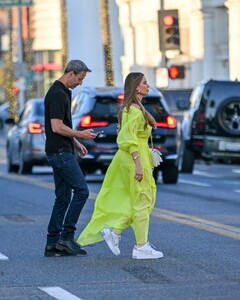







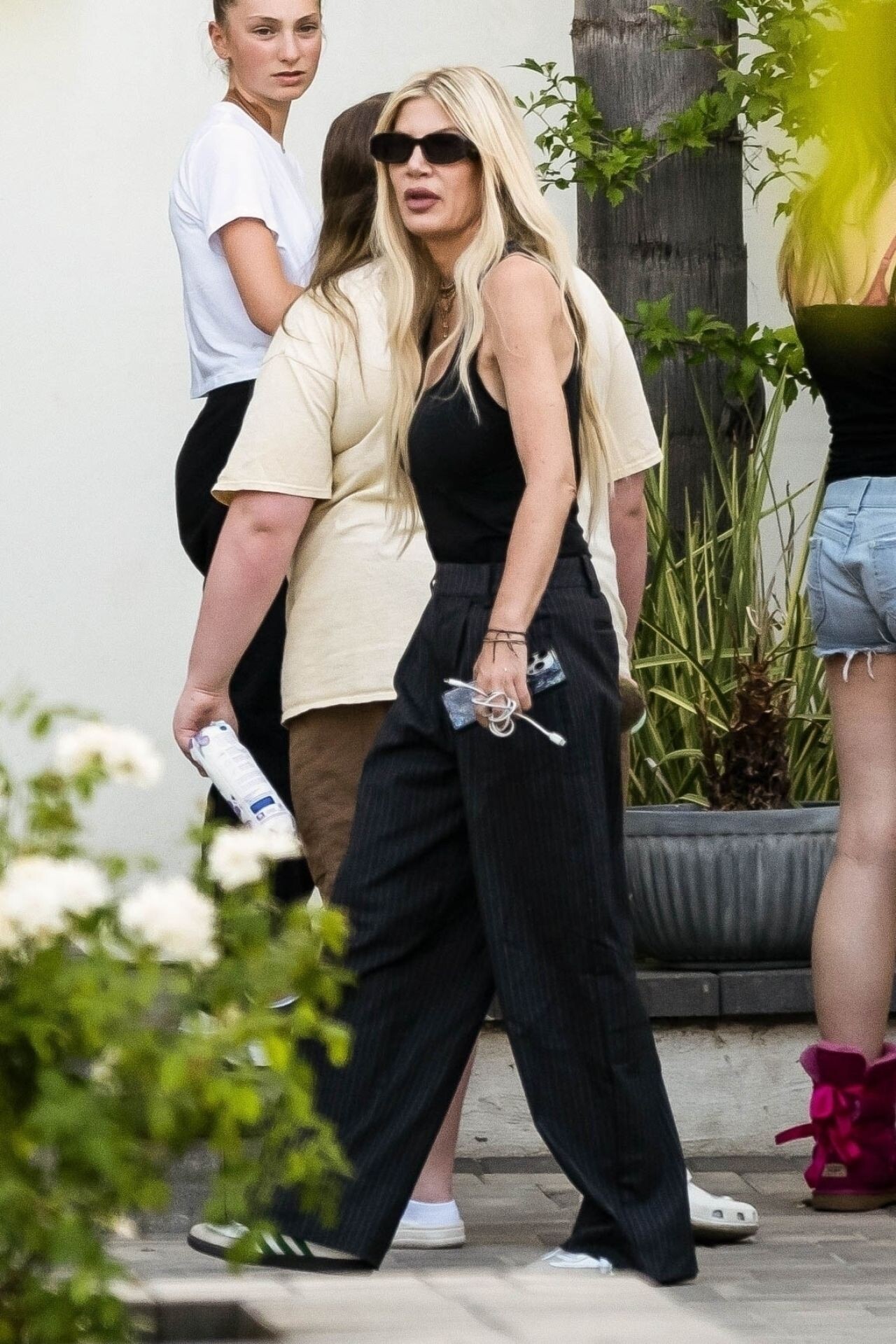
 TOMA Event in West Hollywood 06-07-2024





 Jimmy Kimmel Live 05-30-2024









































































































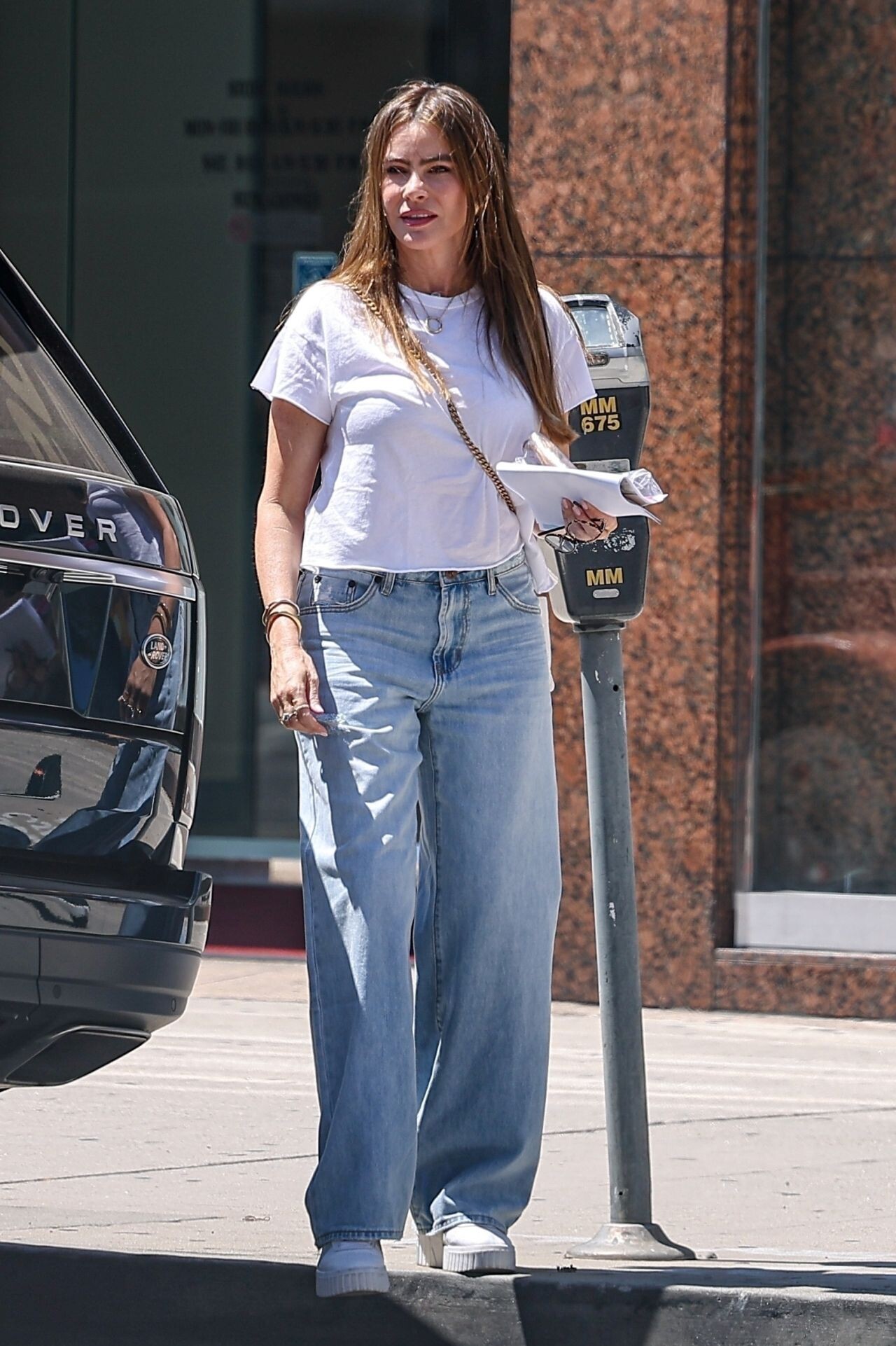

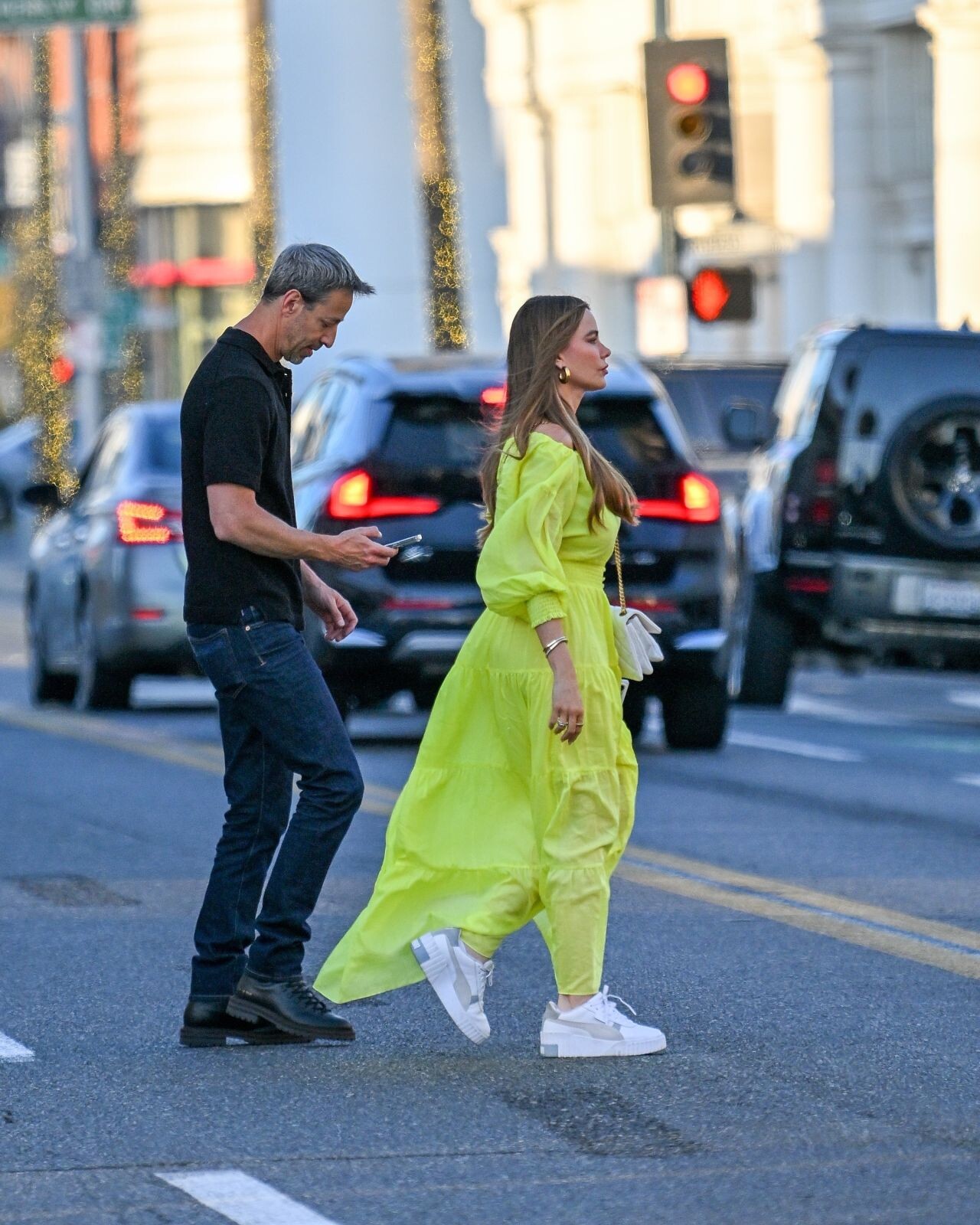

















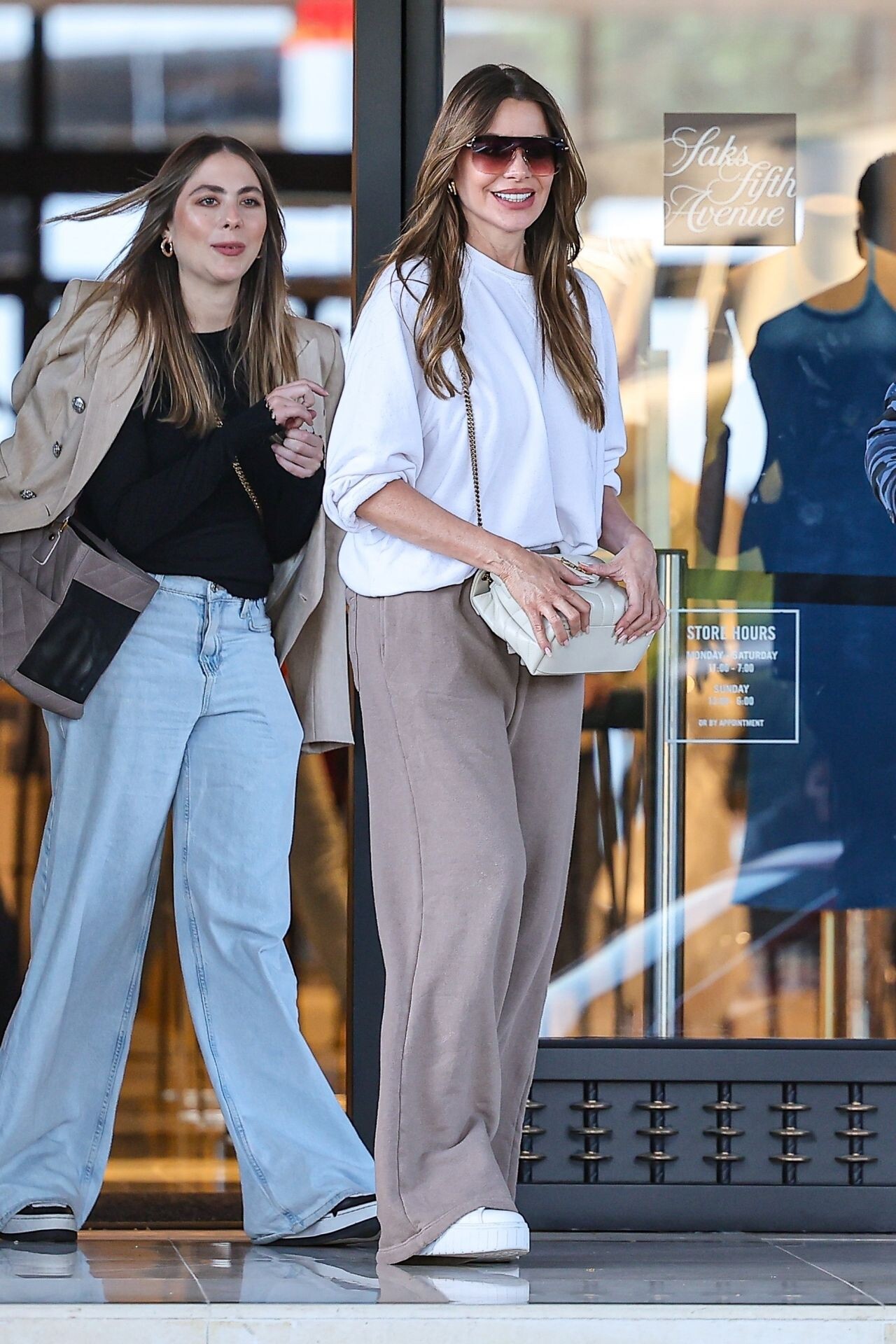

















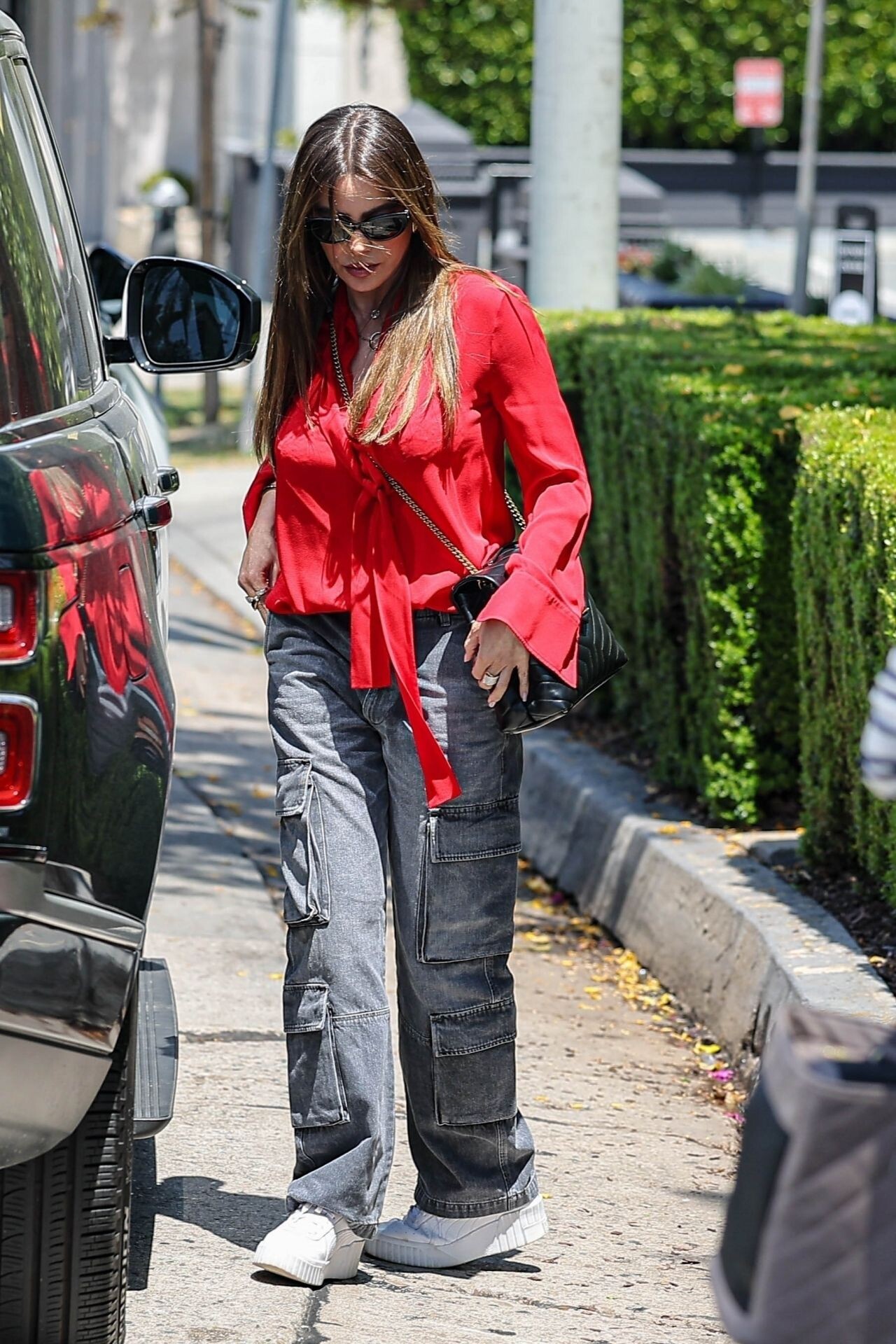























Account
Navigation
Search
Configure browser push notifications
Chrome (Android)
- Tap the lock icon next to the address bar.
- Tap Permissions → Notifications.
- Adjust your preference.
Chrome (Desktop)
- Click the padlock icon in the address bar.
- Select Site settings.
- Find Notifications and adjust your preference.
Safari (iOS 16.4+)
- Ensure the site is installed via Add to Home Screen.
- Open Settings App → Notifications.
- Find your app name and adjust your preference.
Safari (macOS)
- Go to Safari → Preferences.
- Click the Websites tab.
- Select Notifications in the sidebar.
- Find this website and adjust your preference.
Edge (Android)
- Tap the lock icon next to the address bar.
- Tap Permissions.
- Find Notifications and adjust your preference.
Edge (Desktop)
- Click the padlock icon in the address bar.
- Click Permissions for this site.
- Find Notifications and adjust your preference.
Firefox (Android)
- Go to Settings → Site permissions.
- Tap Notifications.
- Find this site in the list and adjust your preference.
Firefox (Desktop)
- Open Firefox Settings.
- Search for Notifications.
- Find this site in the list and adjust your preference.