
balenciagaaa
Members
-
Joined
-
Last visited
Everything posted by balenciagaaa
-
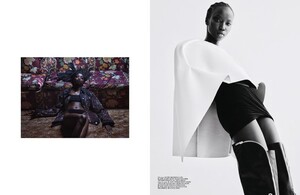
 Self Service April 2021 BOLD









-
Hugo Comte Book 2021


-
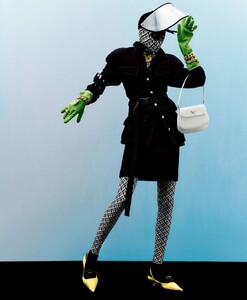
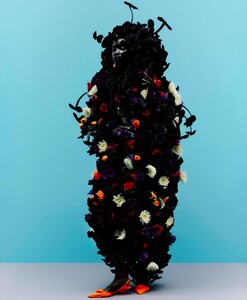
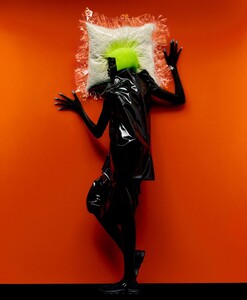
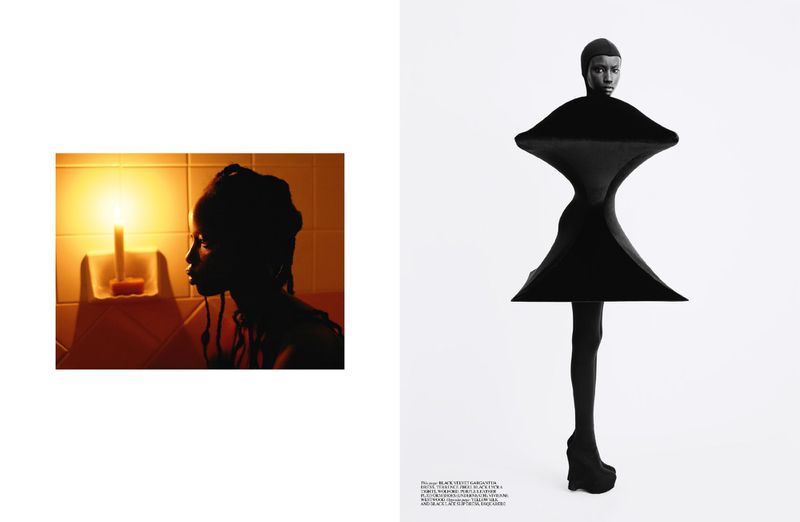
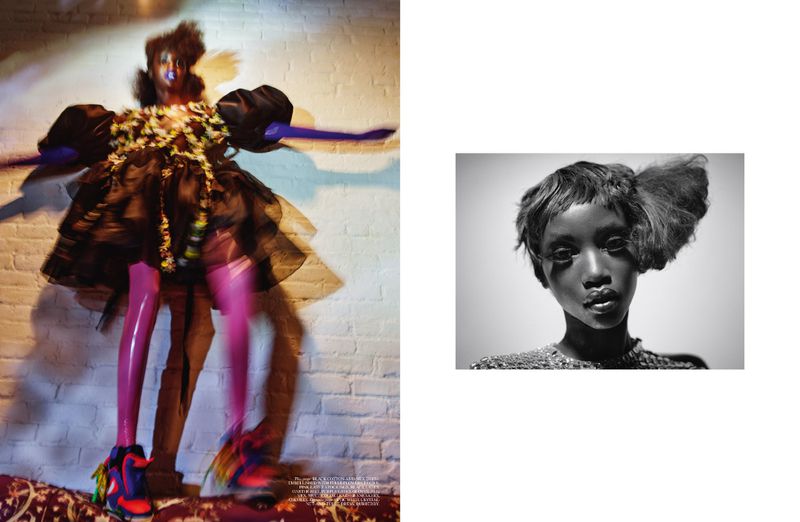
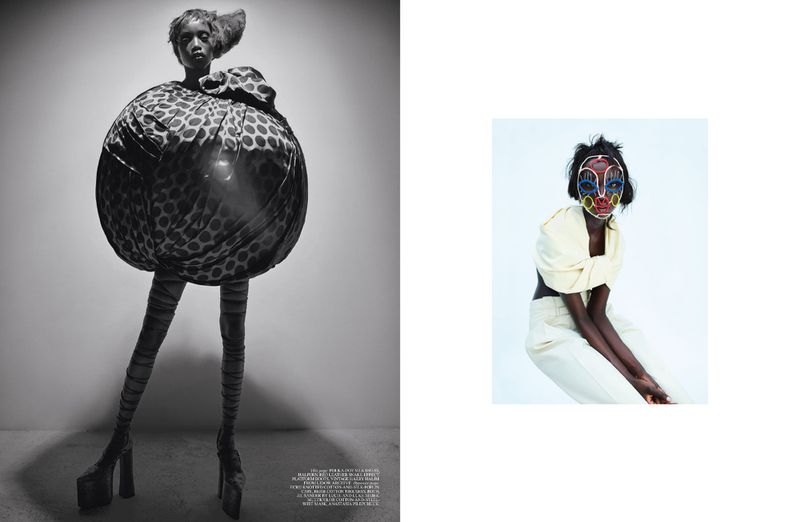
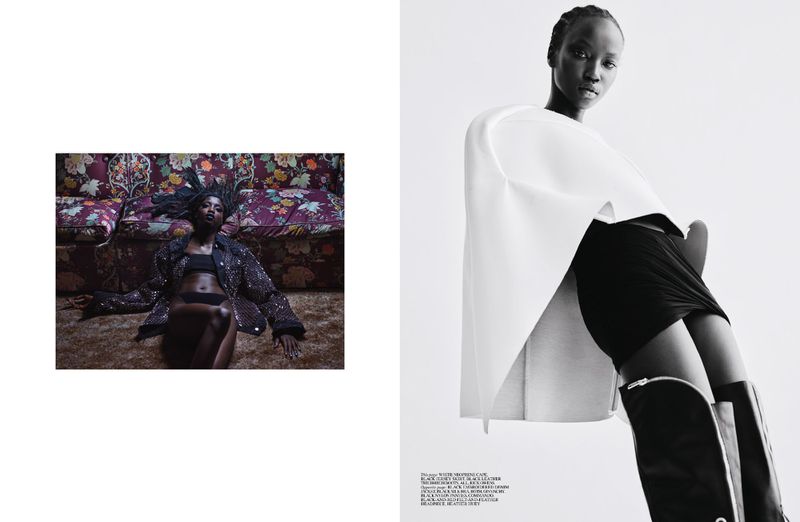
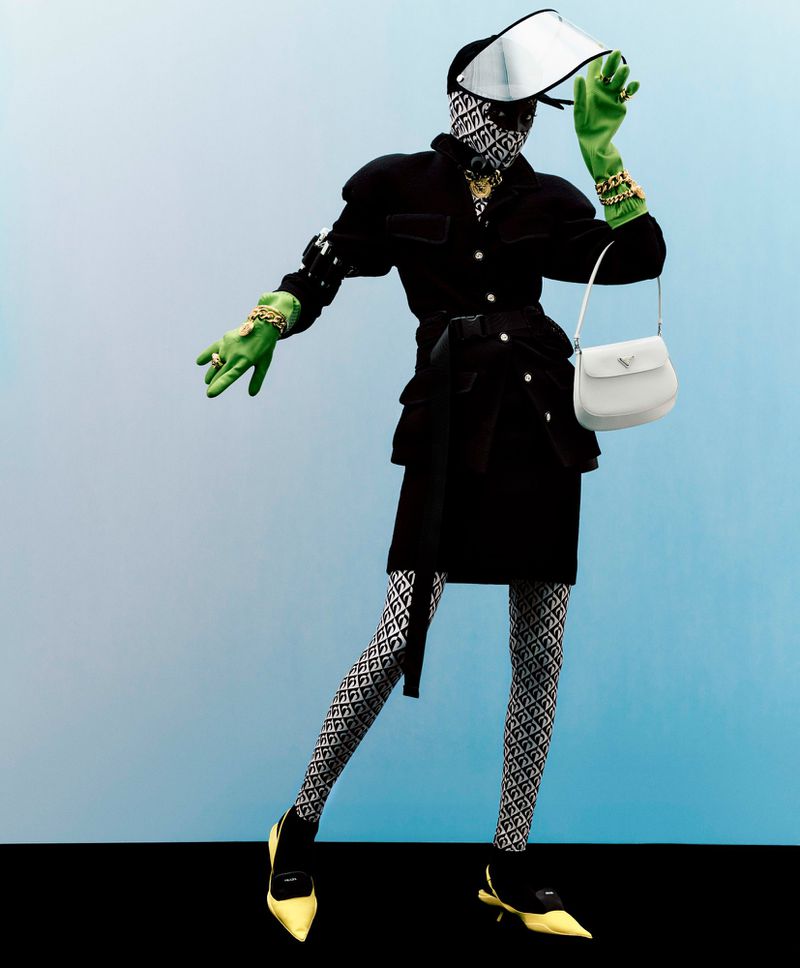
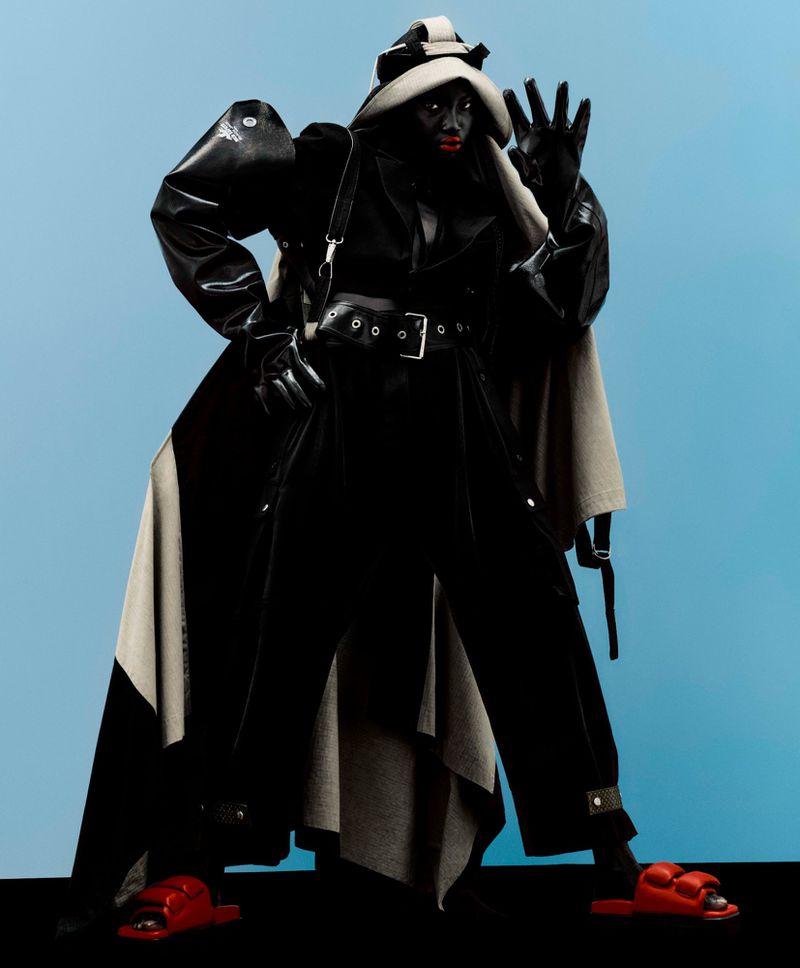
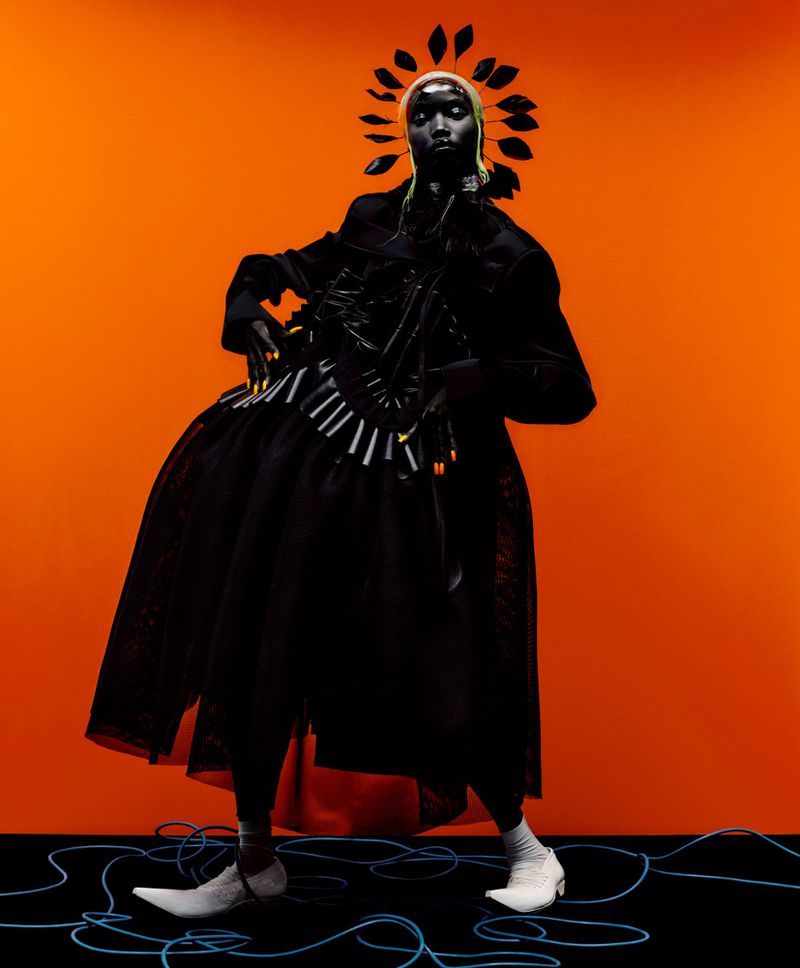
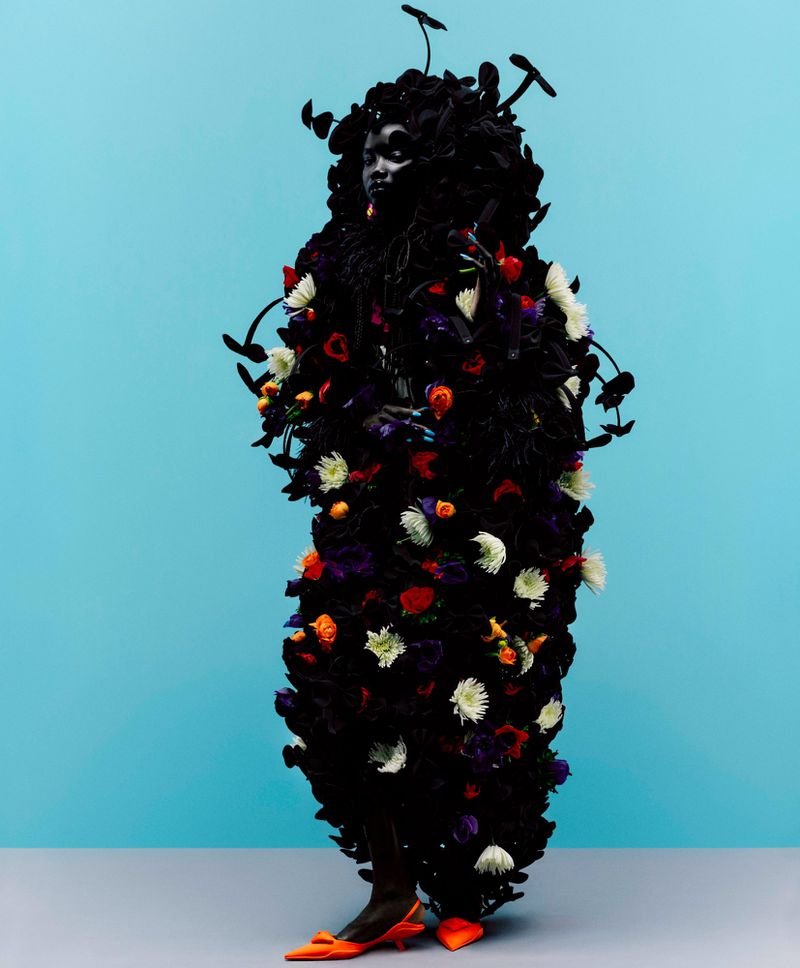
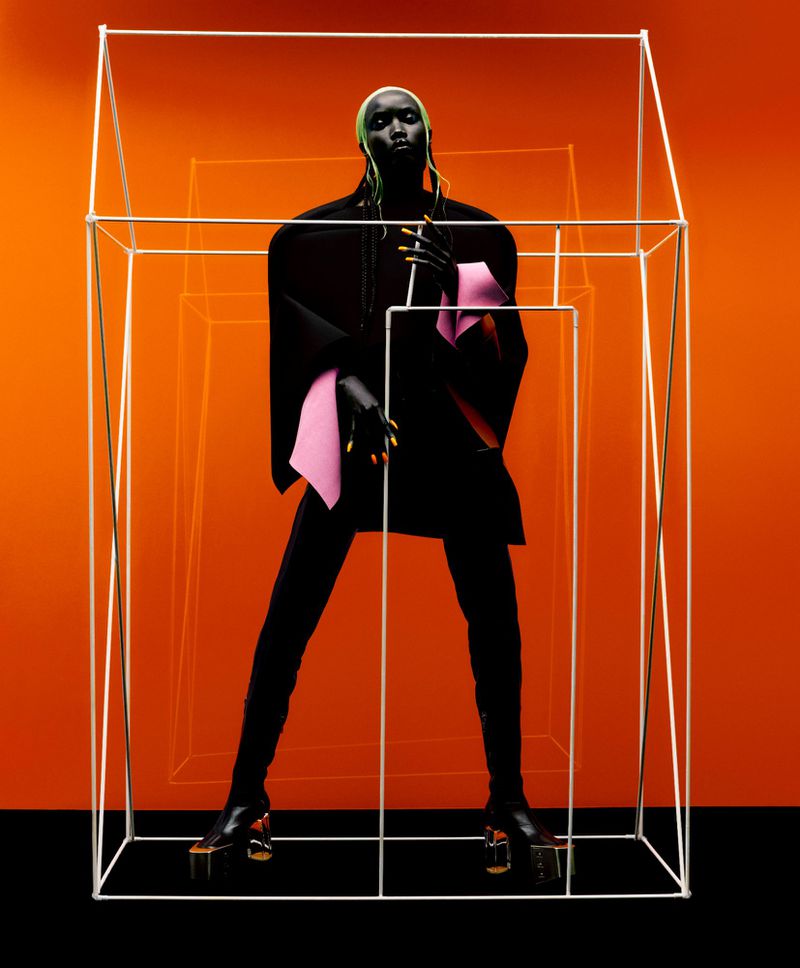
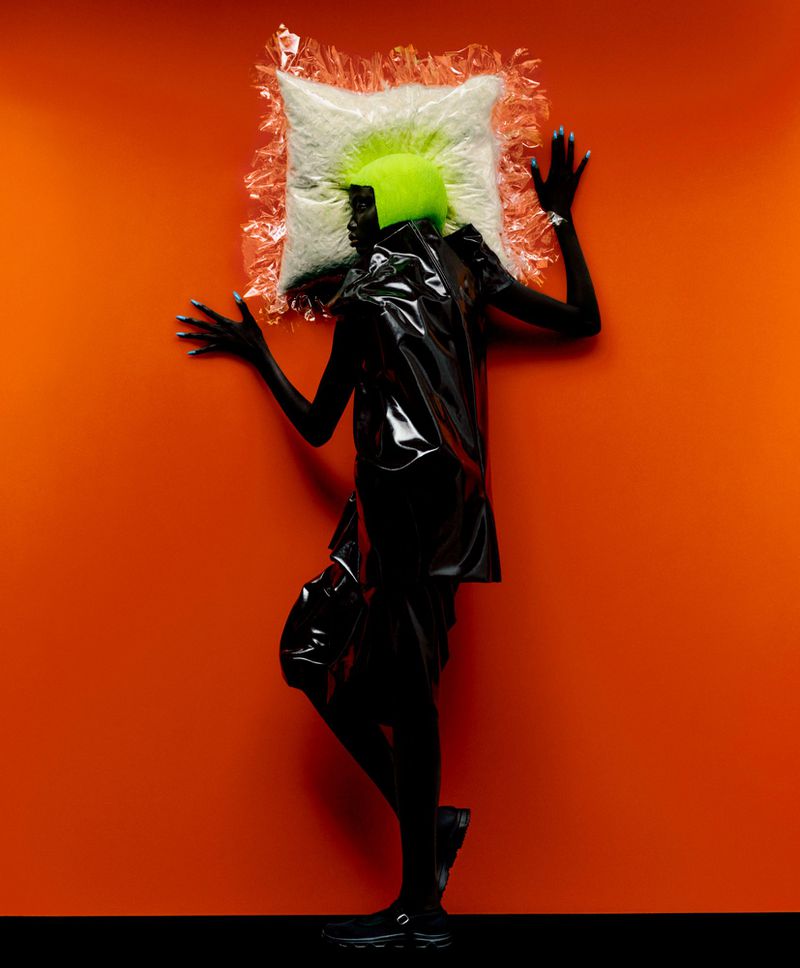
T: The New York Times Style Magazine February 2021 Protective Layers






-
Max Mara S/S 21 Campaign



-
Vogue Korea May 2021

-
poses with her husband and three kids on Easter
-
4 May 2021
-
5 May 2021
-
posed in the Maldives for the 100th cover of Vogue Thailand
-
Puma campaign
Kourtney Kardashian is seen out with Luka Sabbat and Fai Khadra on a juice run with her son Mason Disick, 11, in West Hollywood
😄👍 shopping in Santa Monica
heads out to celebrate the end of filming for House of Gucci in Rome
V Magazine
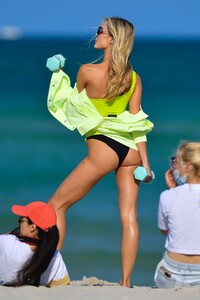
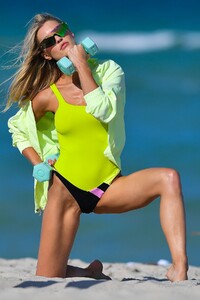
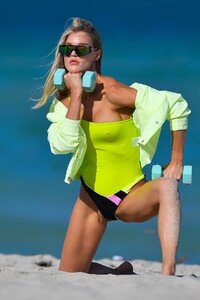
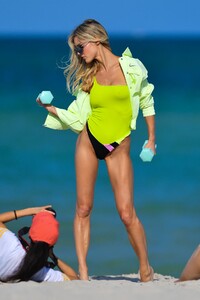
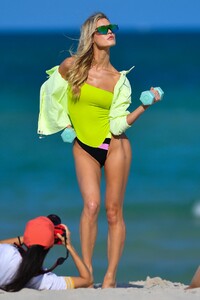
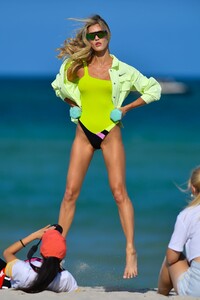
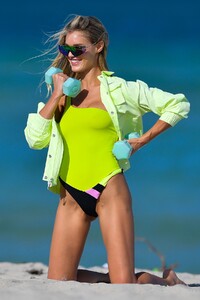
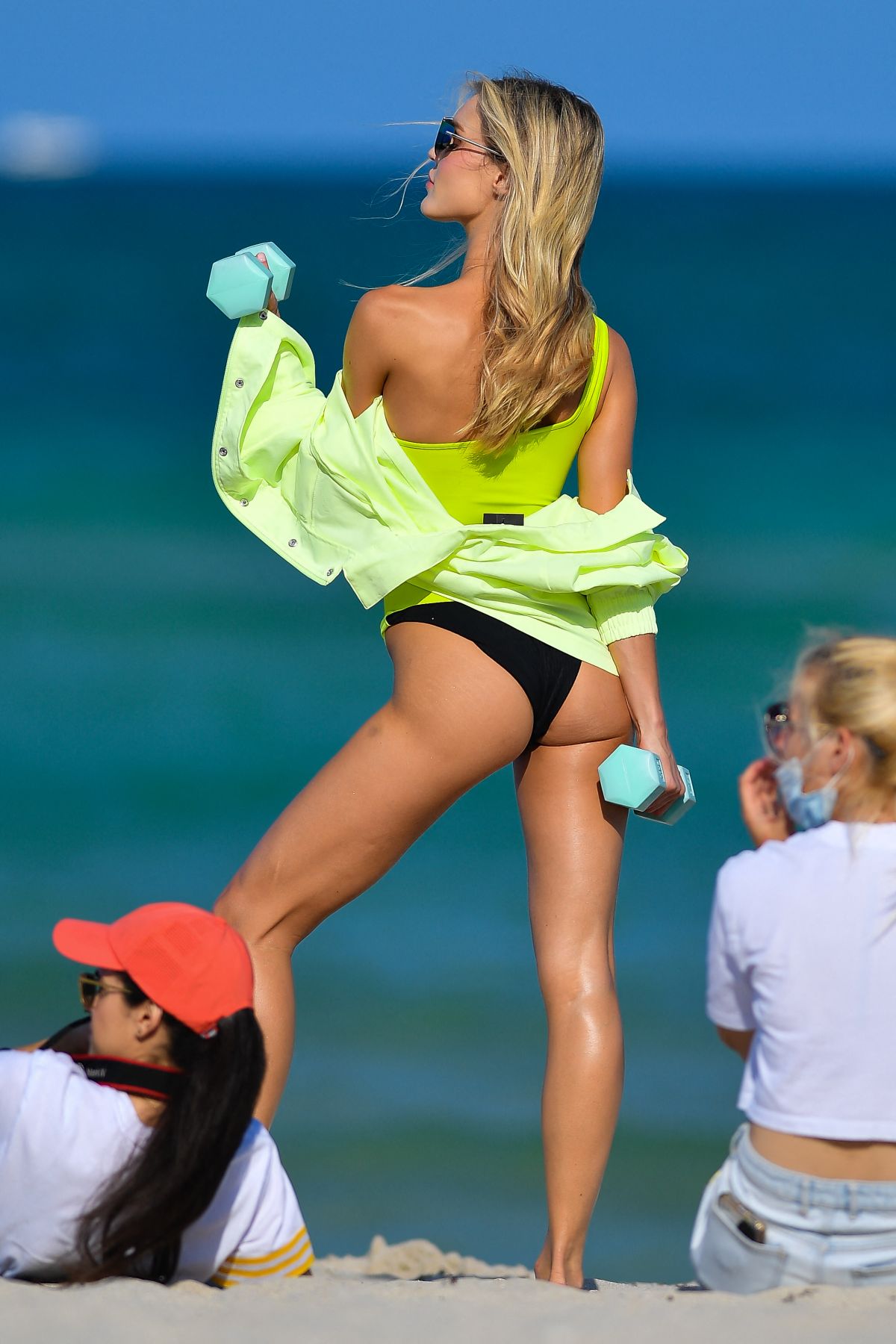
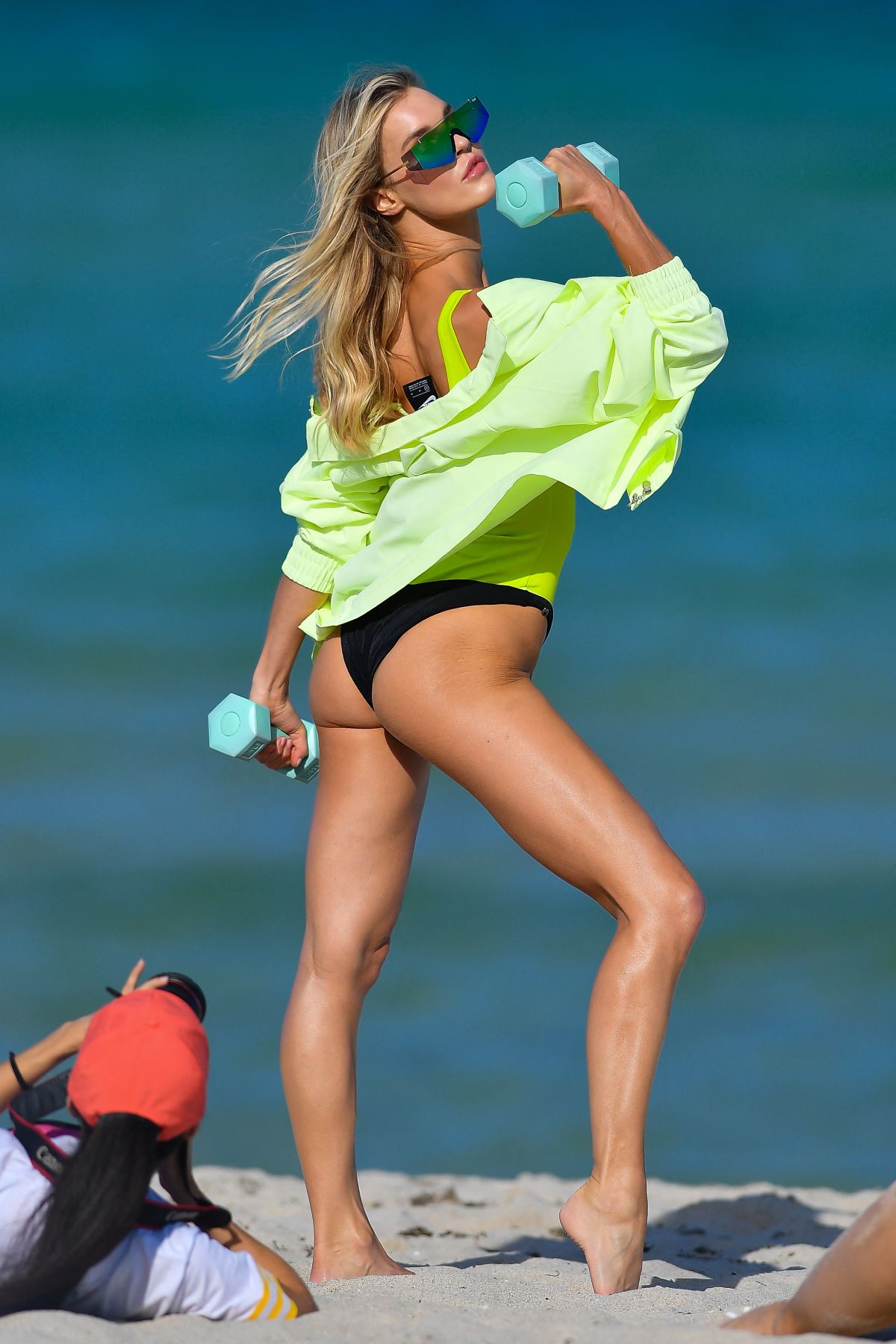
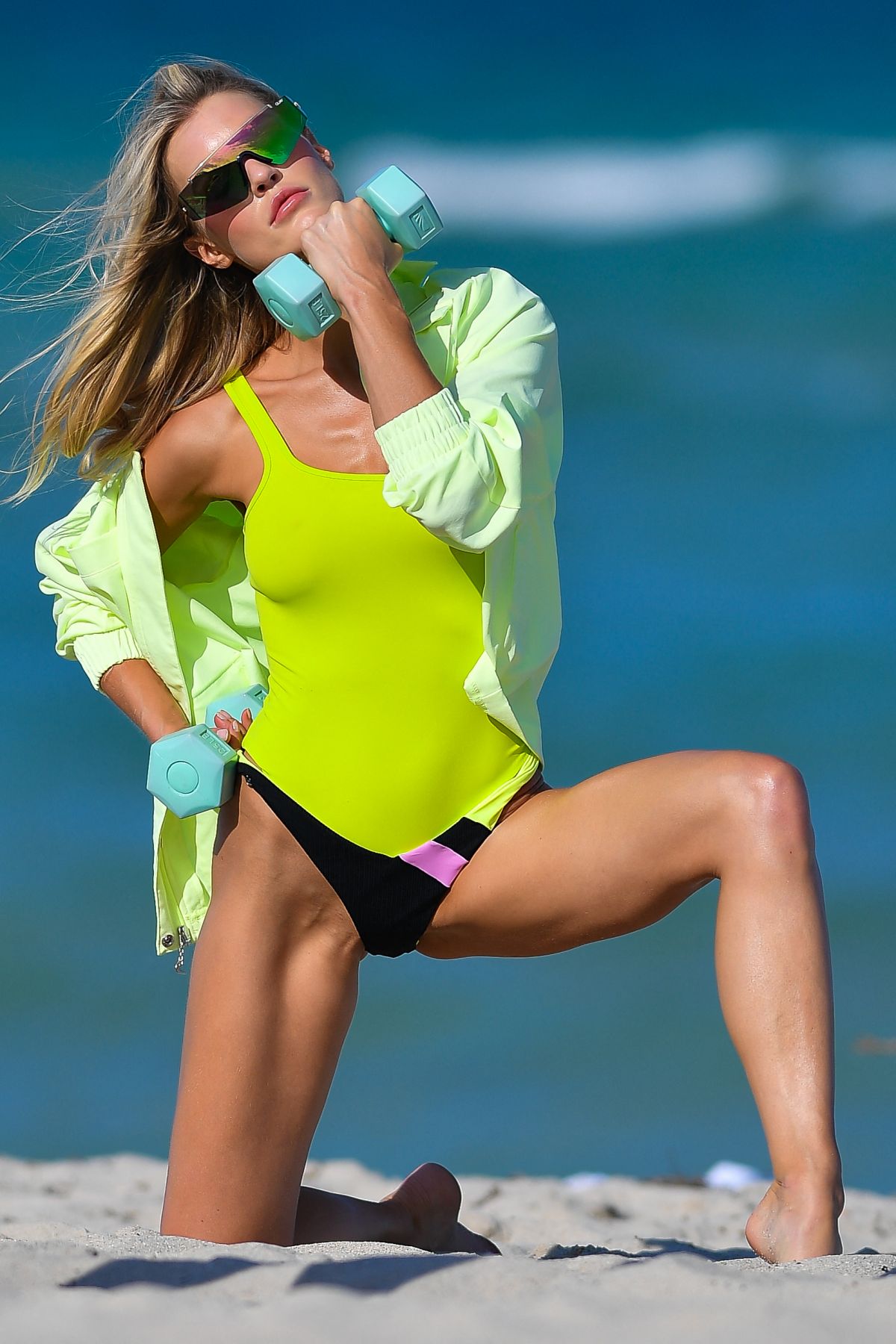
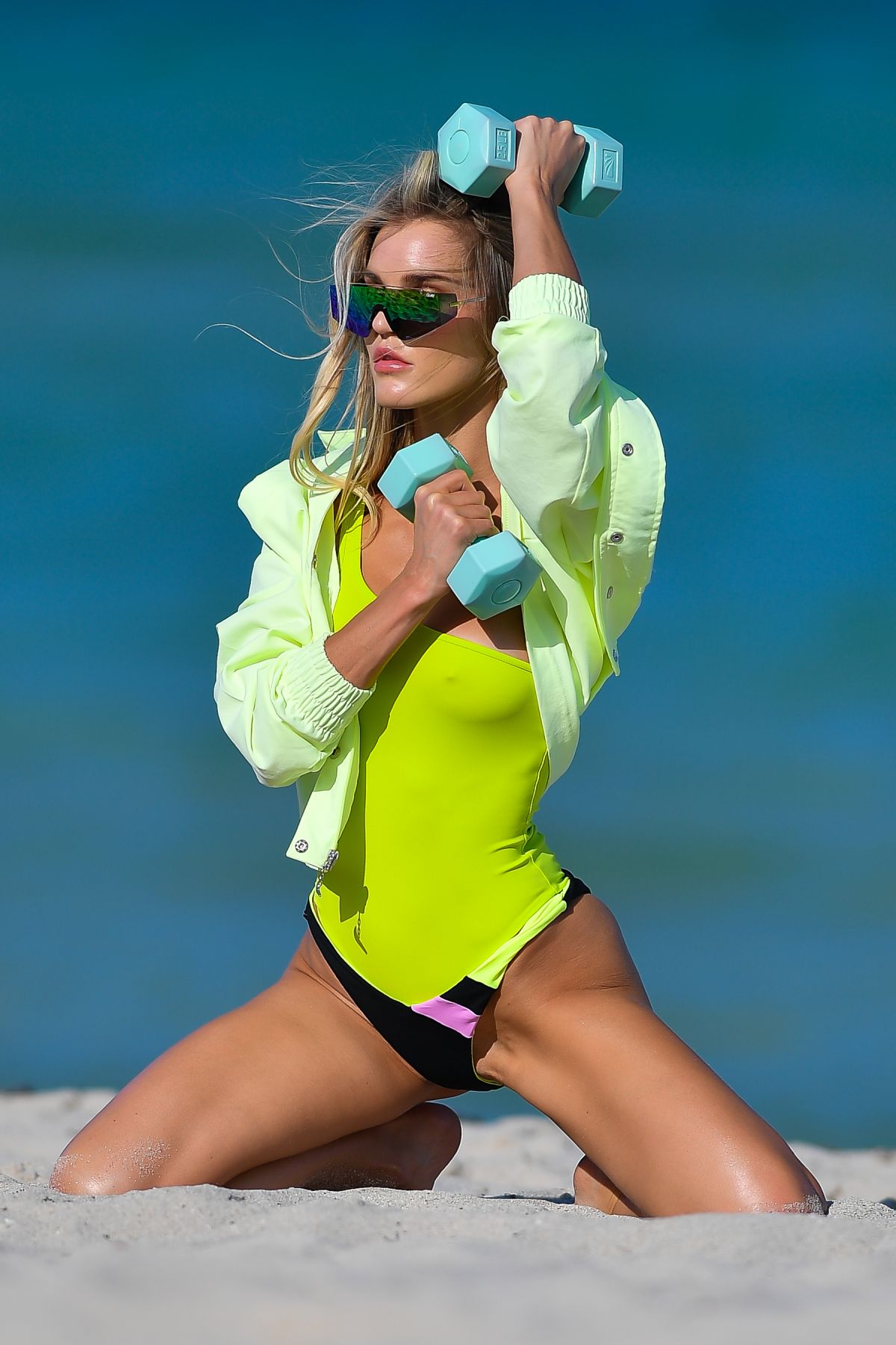
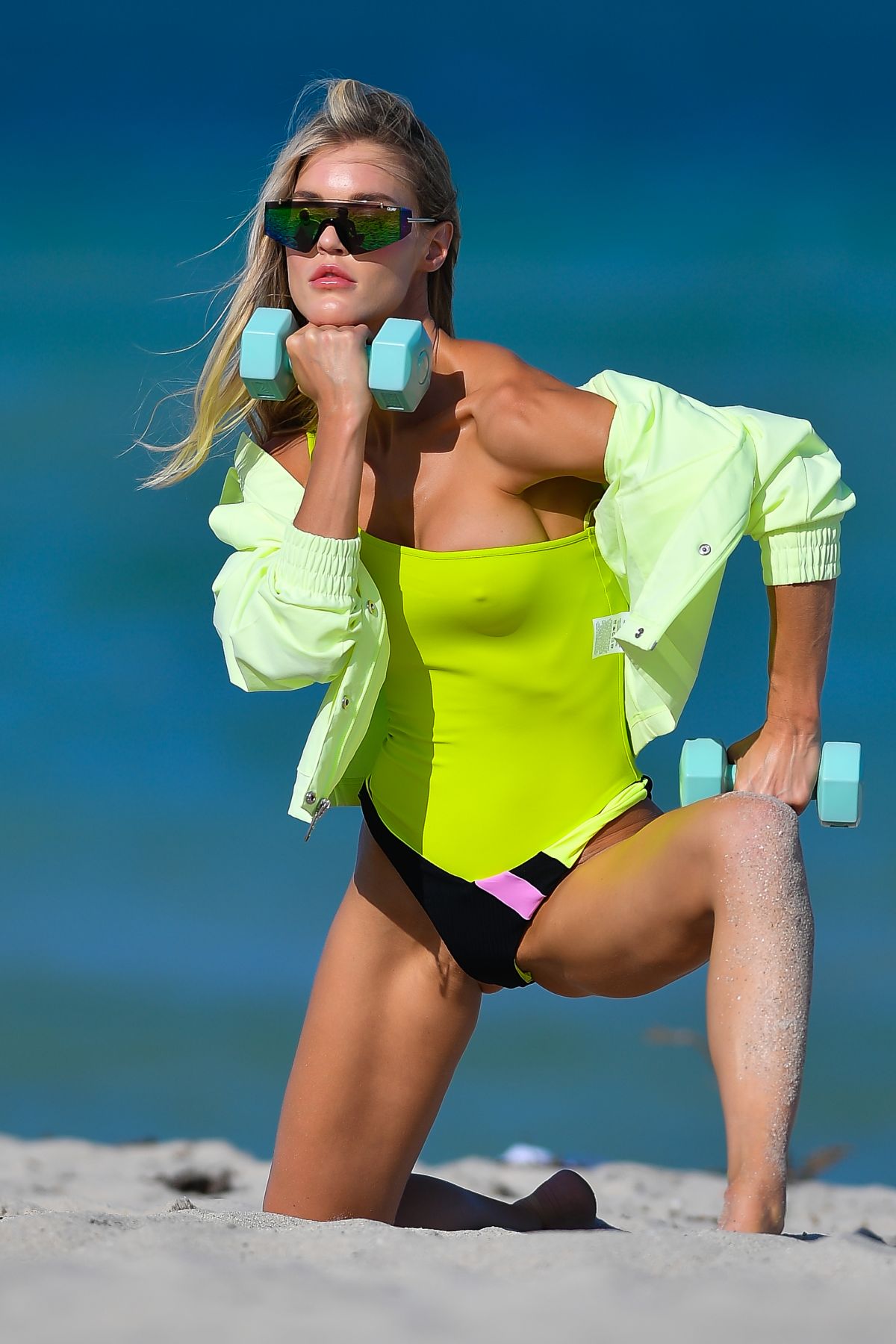
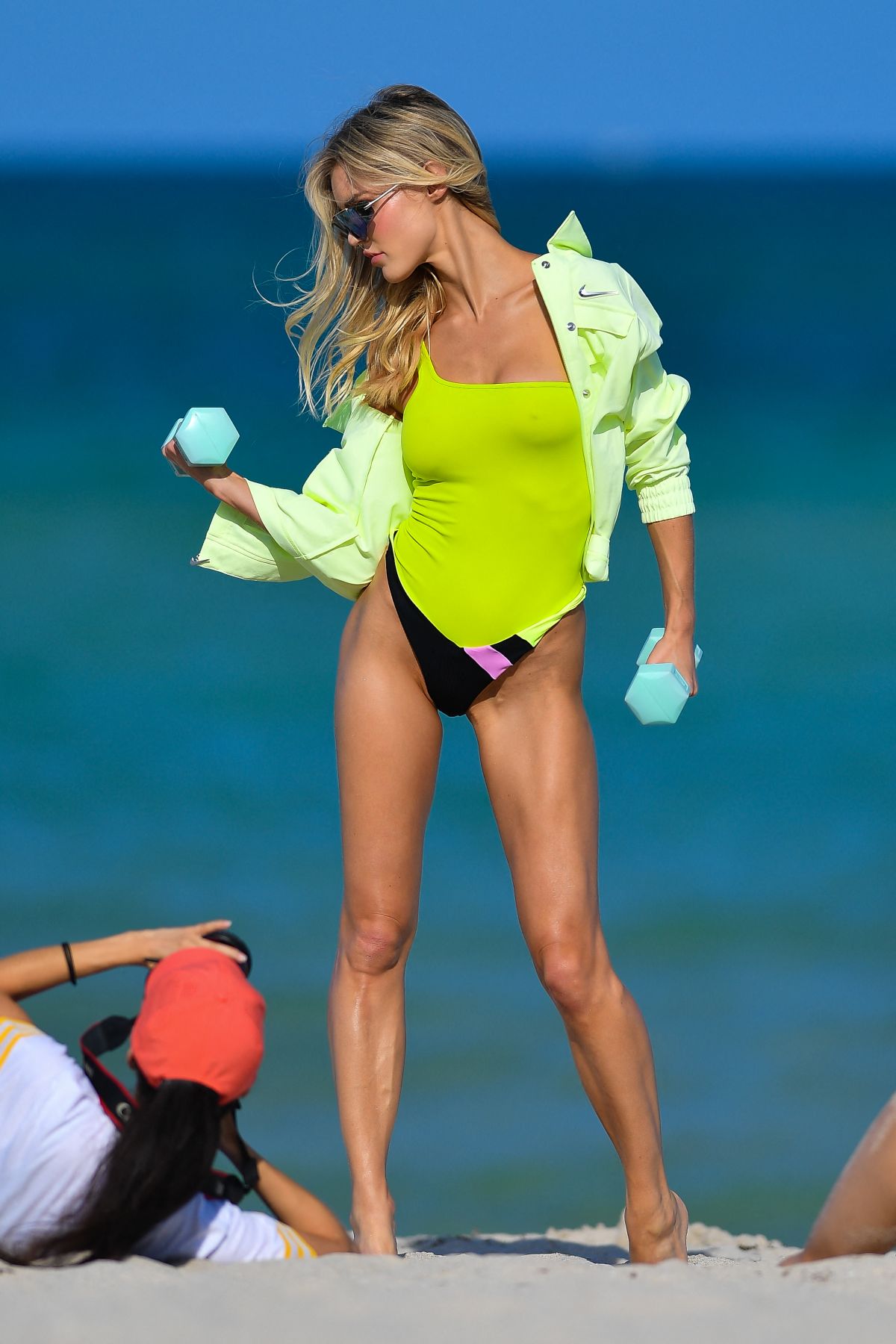
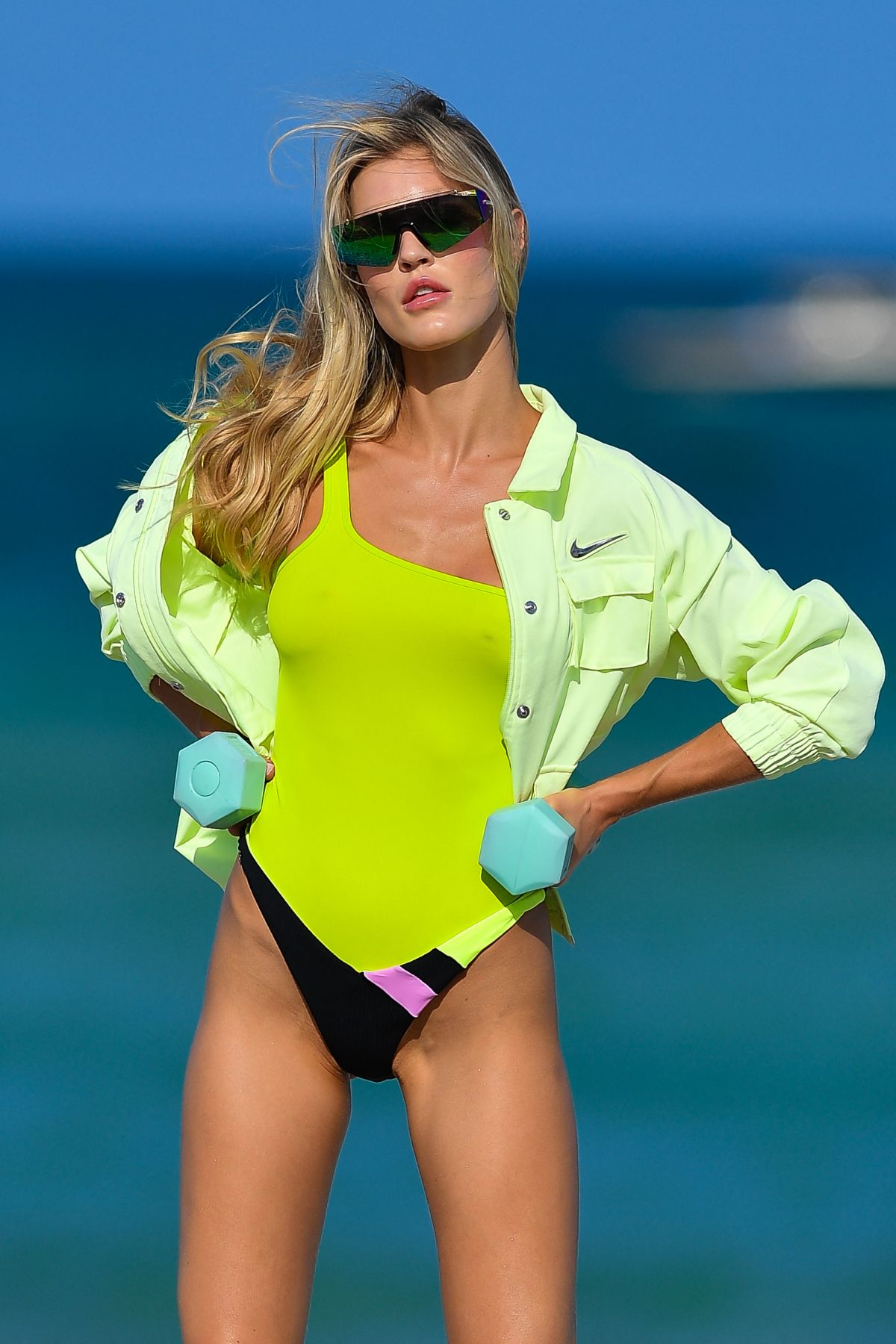
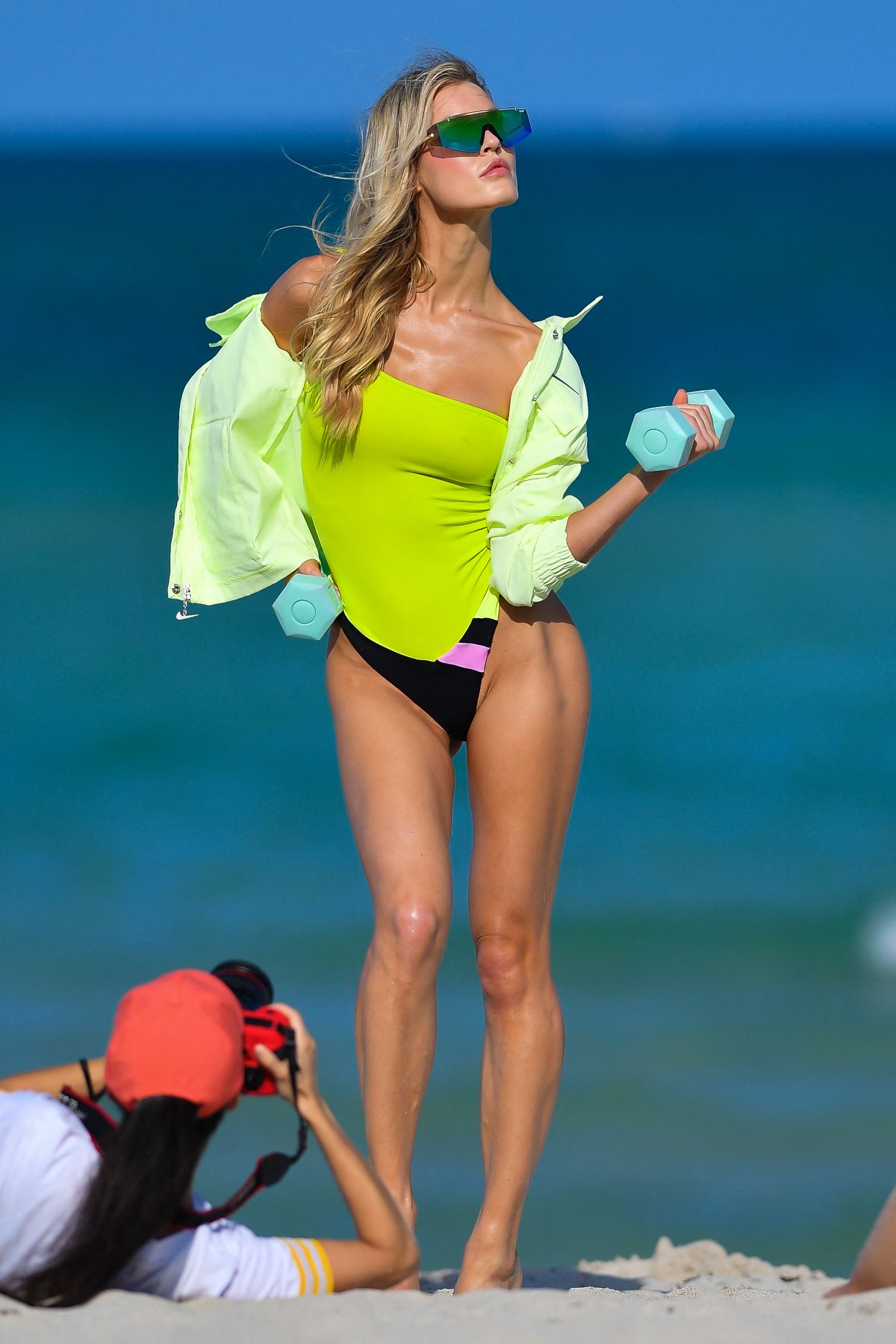
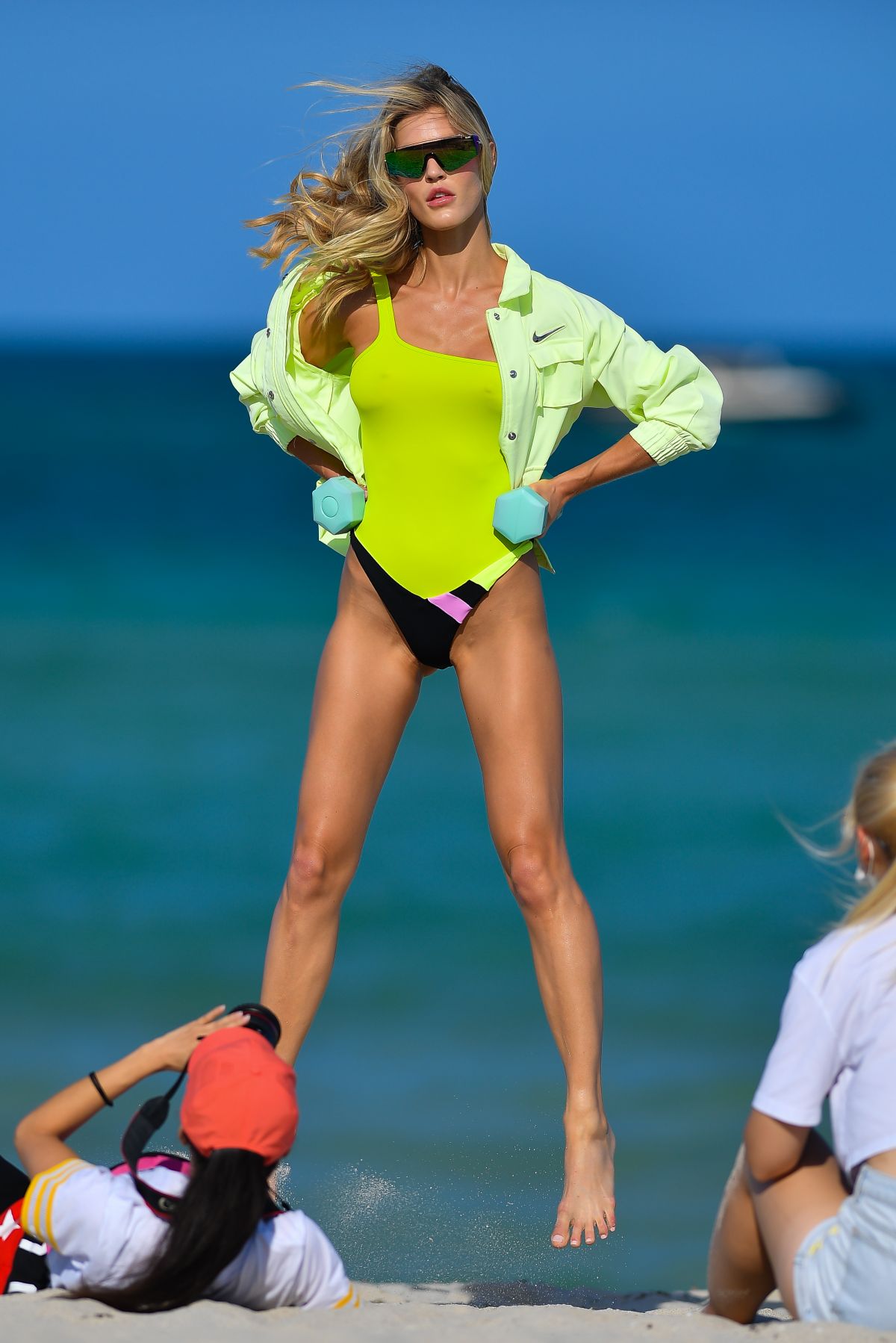
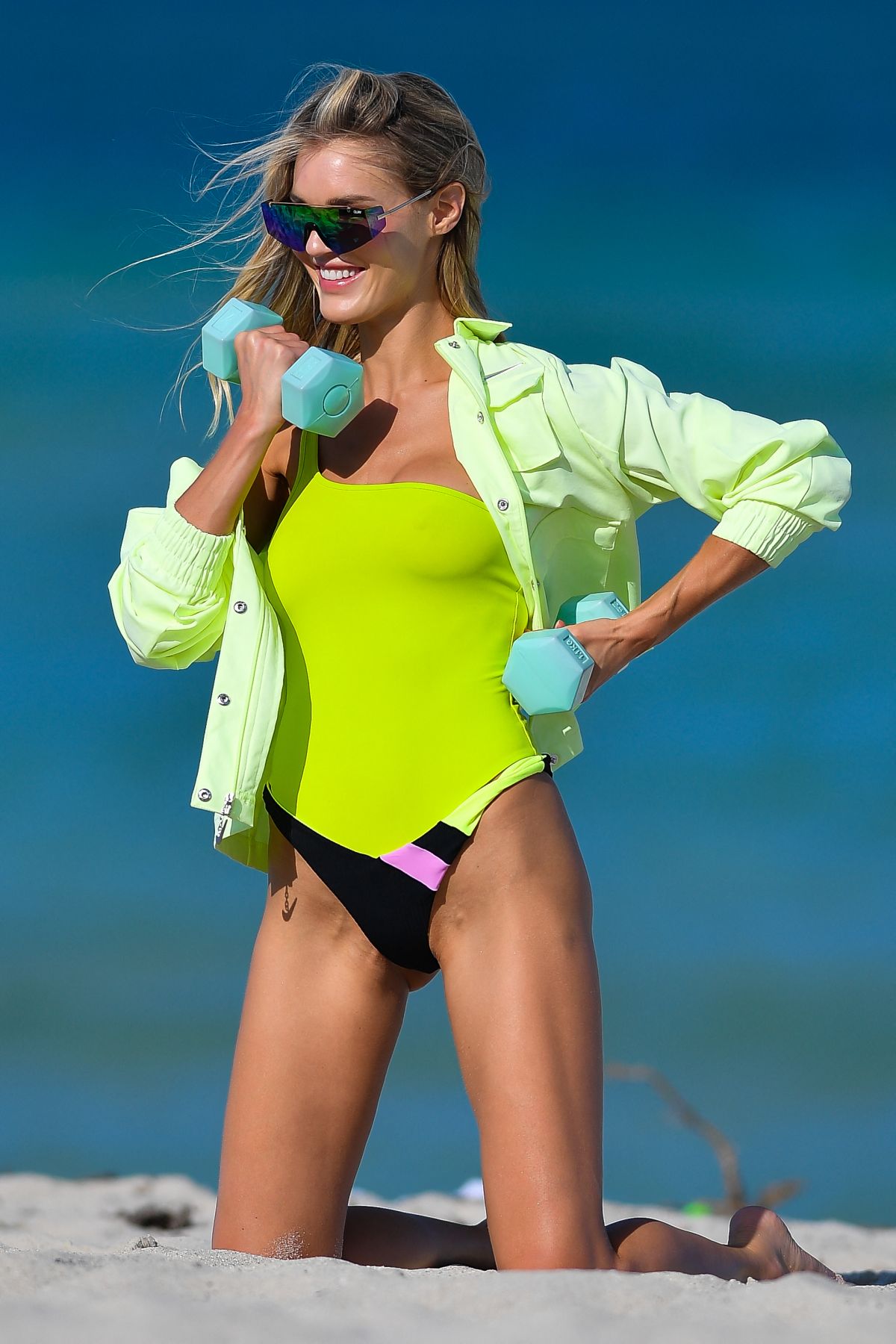
Photoshoot in Miami Beach 05/05/2021



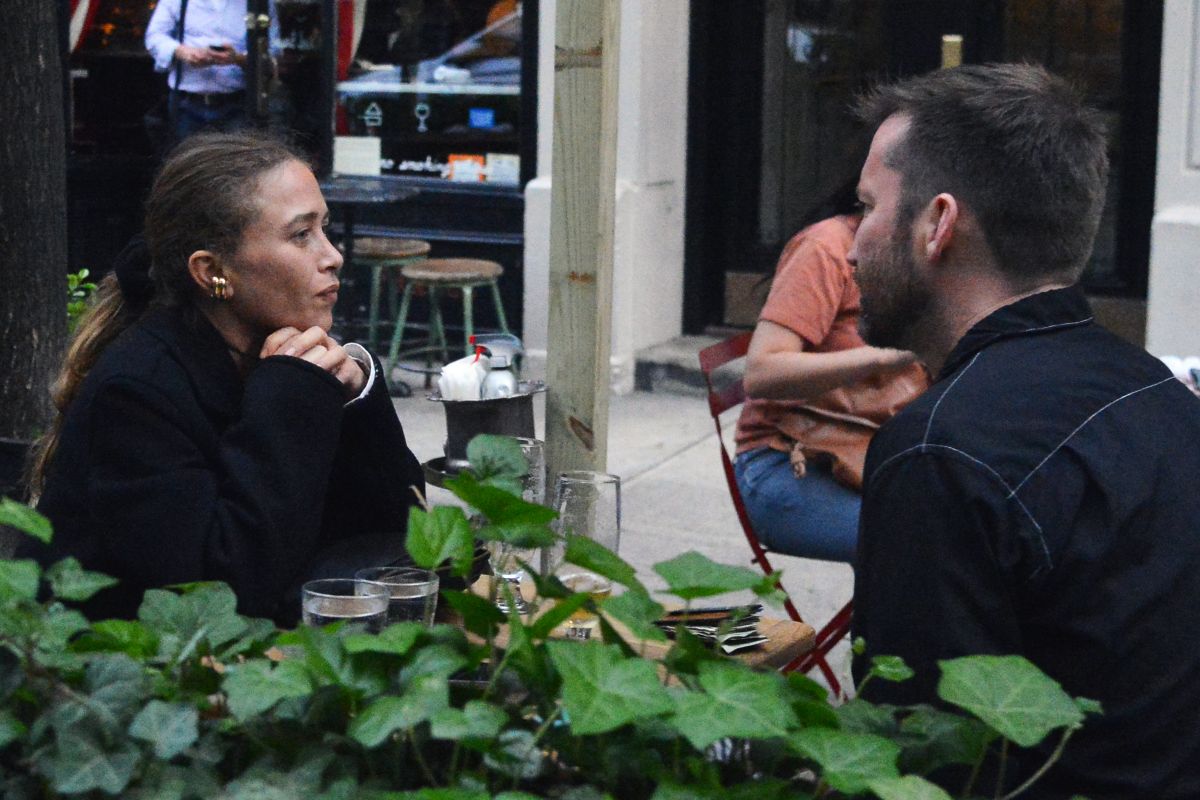
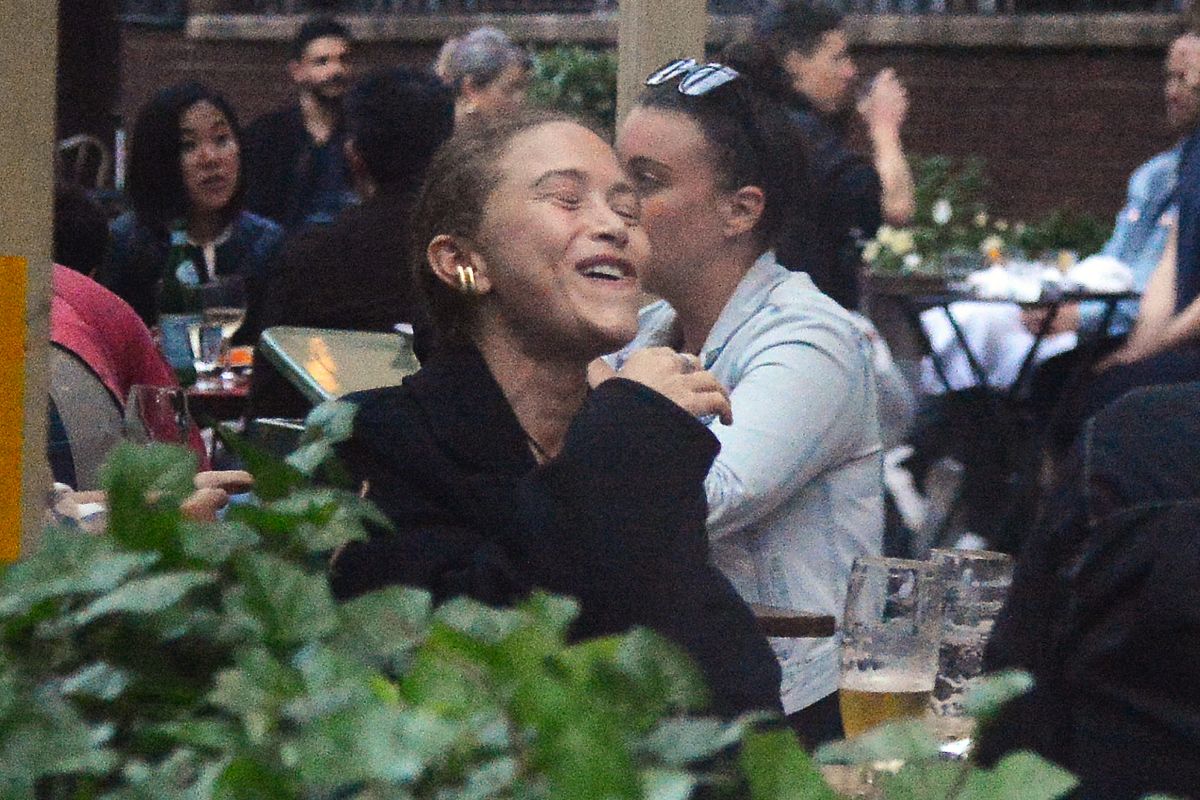
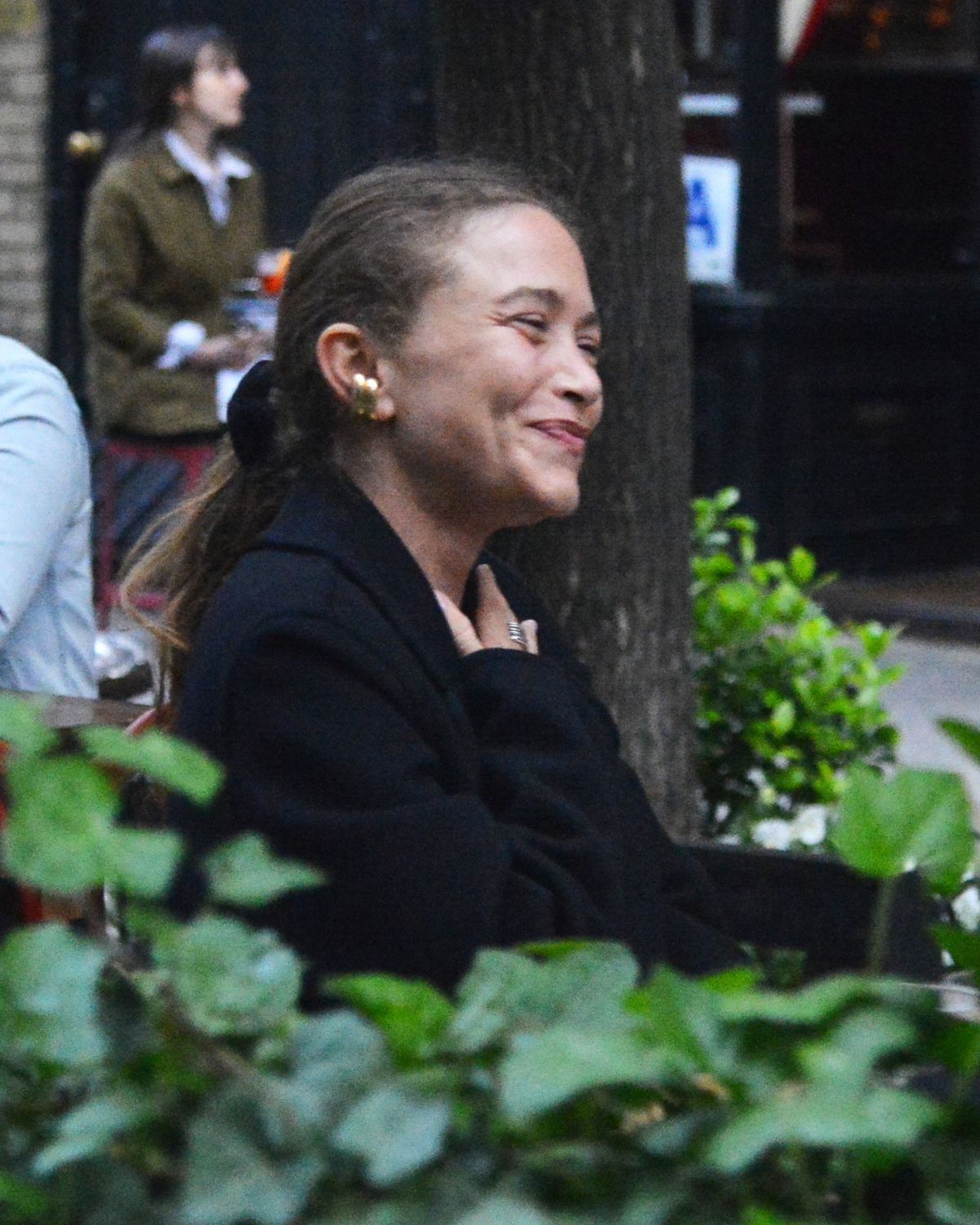
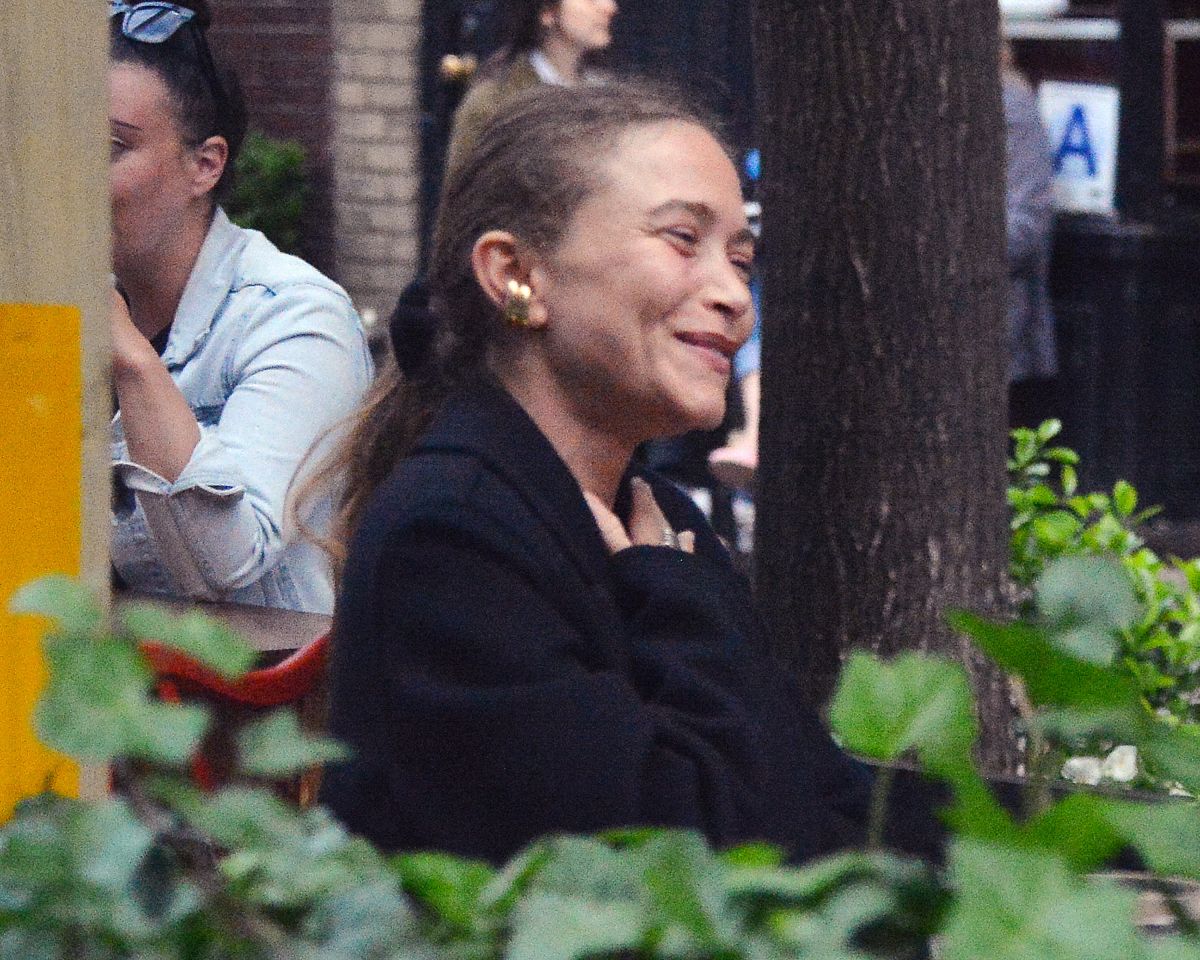
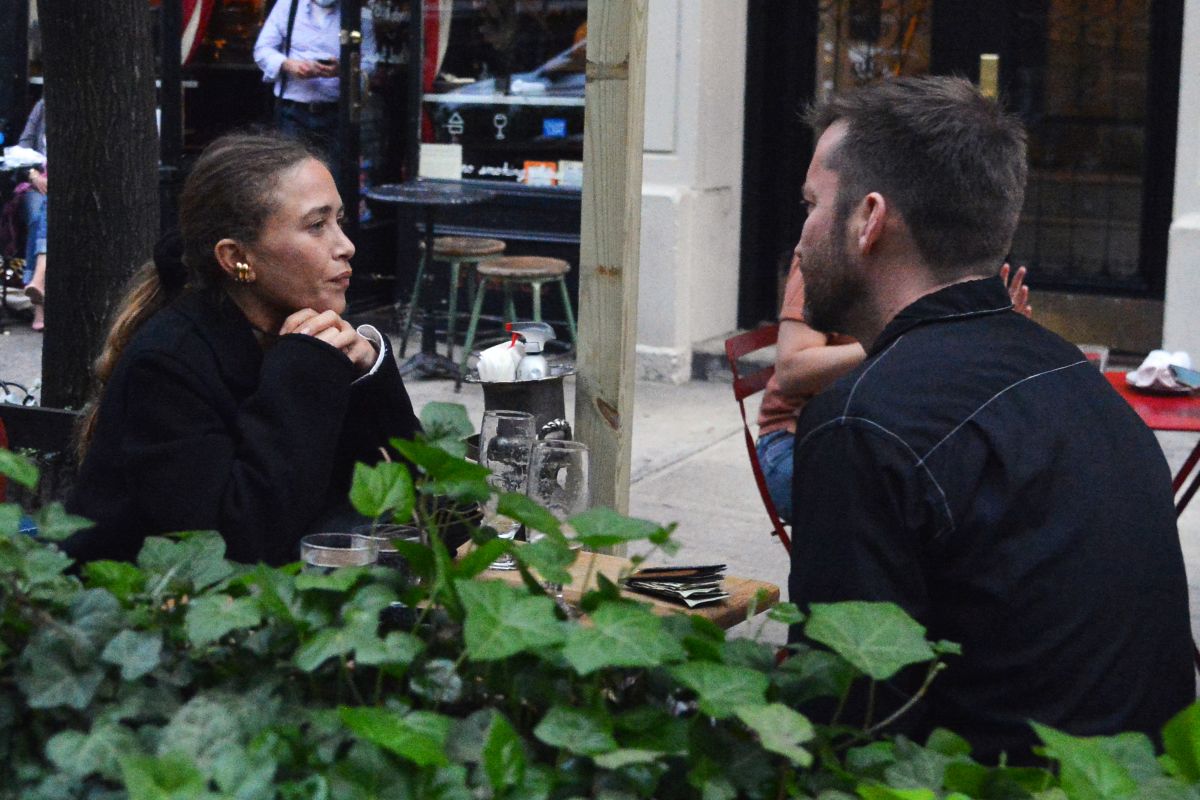
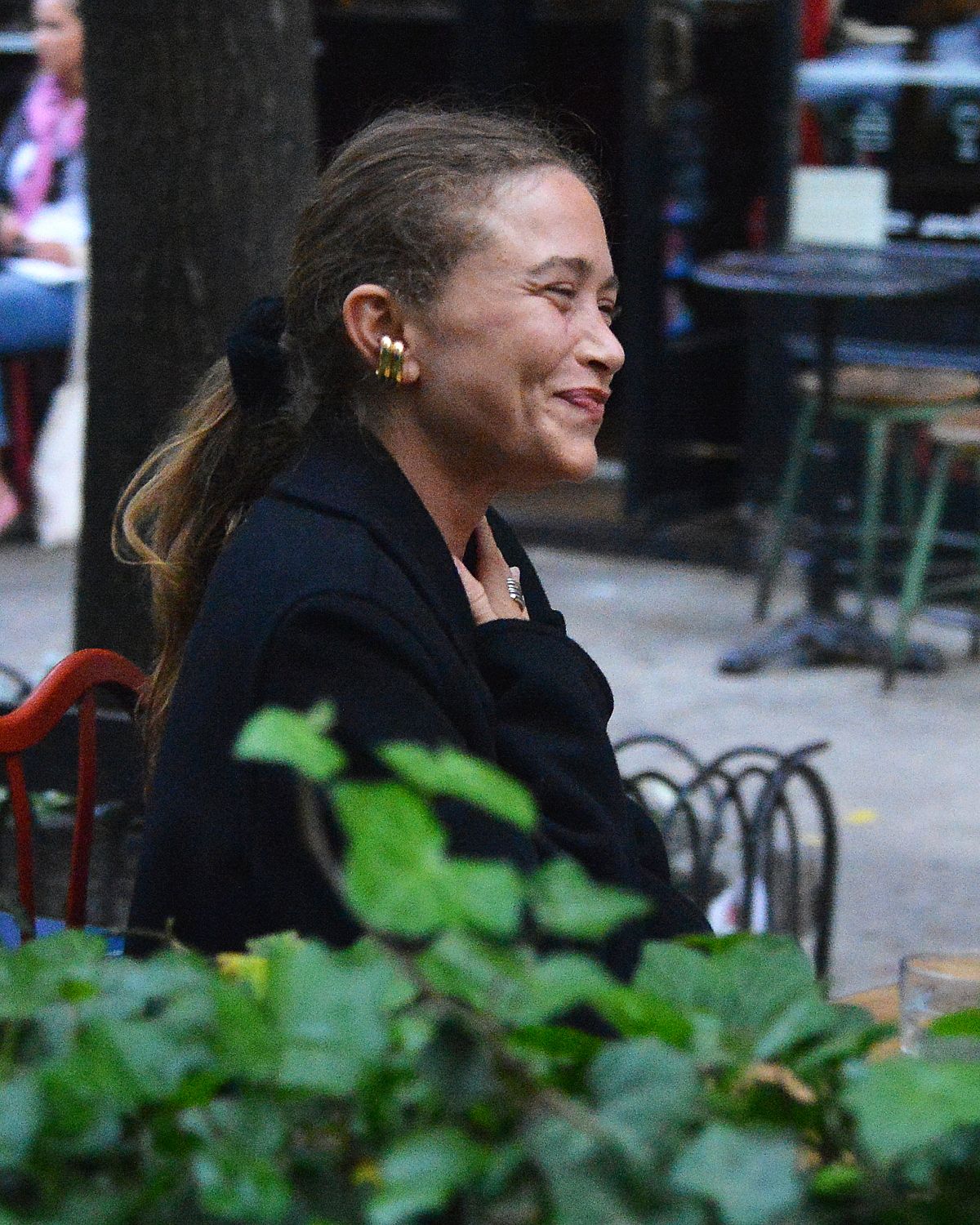
 MARY KATE OLSEN Out for Dinner in New York 05/04/2021 Grabbing a bite to eat with stylist Brian Molloy, the pair caught up at Buvette, a charming French bistro featuring small-plates and drinks in the West Village, according to Page Six





 visited National Portrait Gallery red coat by Eponine London
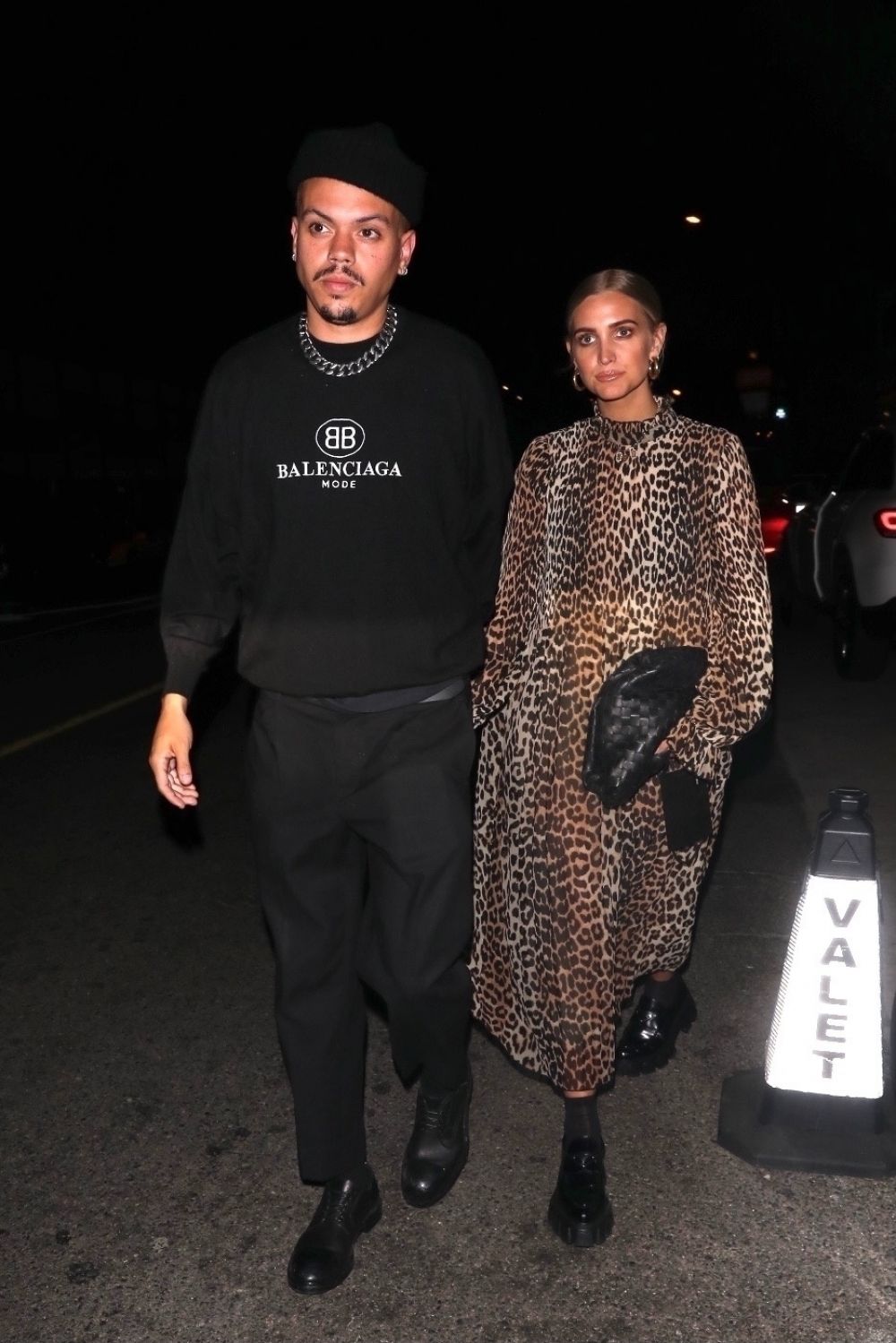
at Giorgio Baldi in Santa Monica 05/06/2021
visited National Portrait Gallery red coat by Eponine London
at Giorgio Baldi in Santa Monica 05/06/2021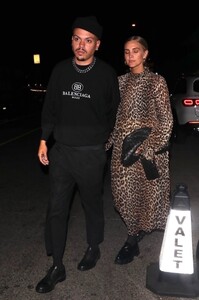
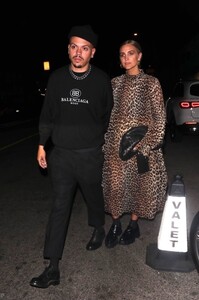
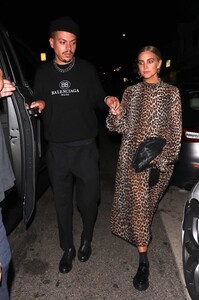
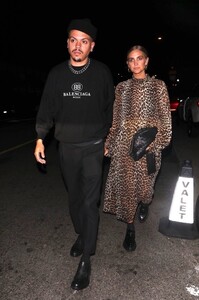
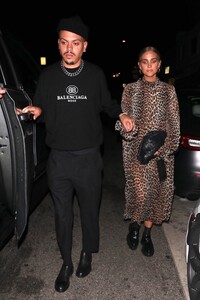
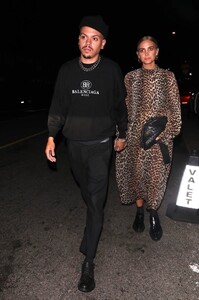
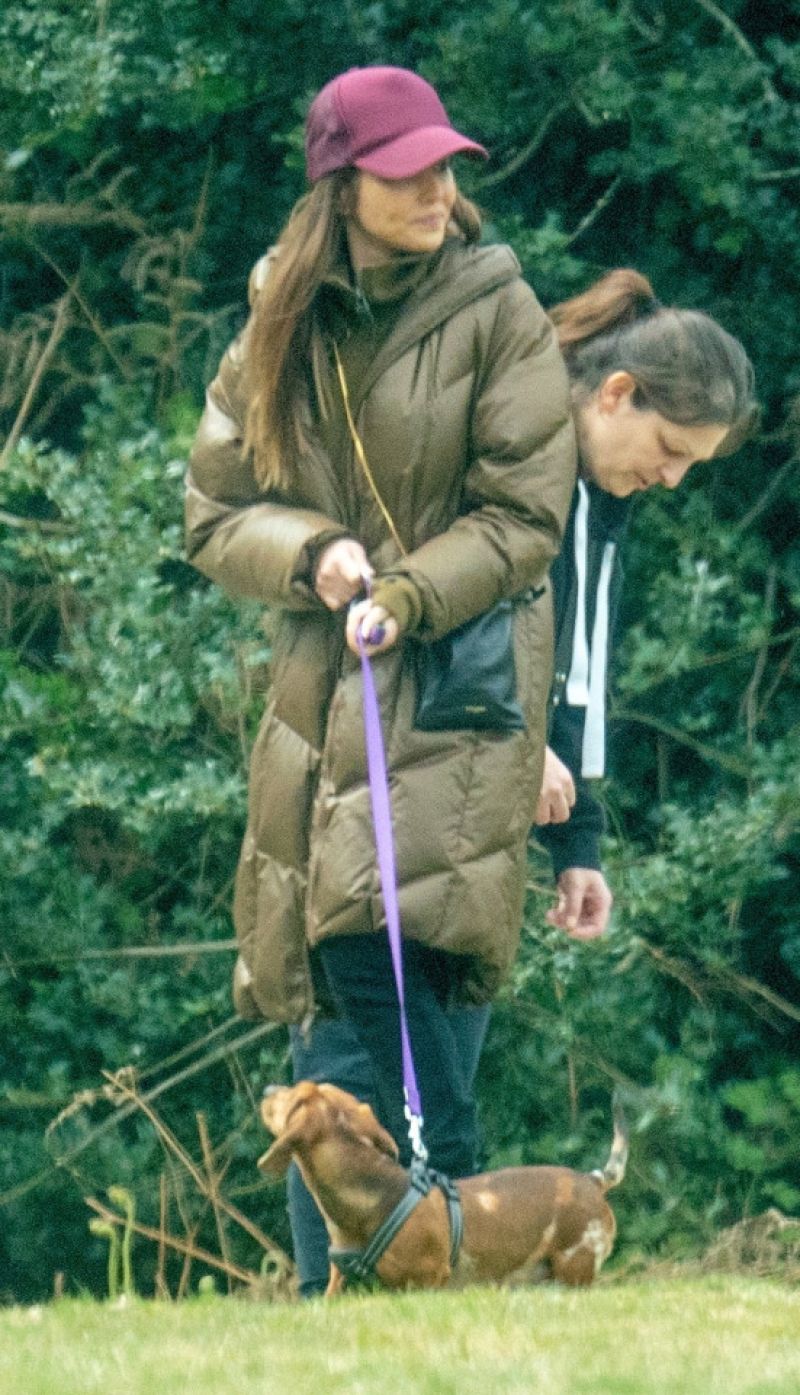
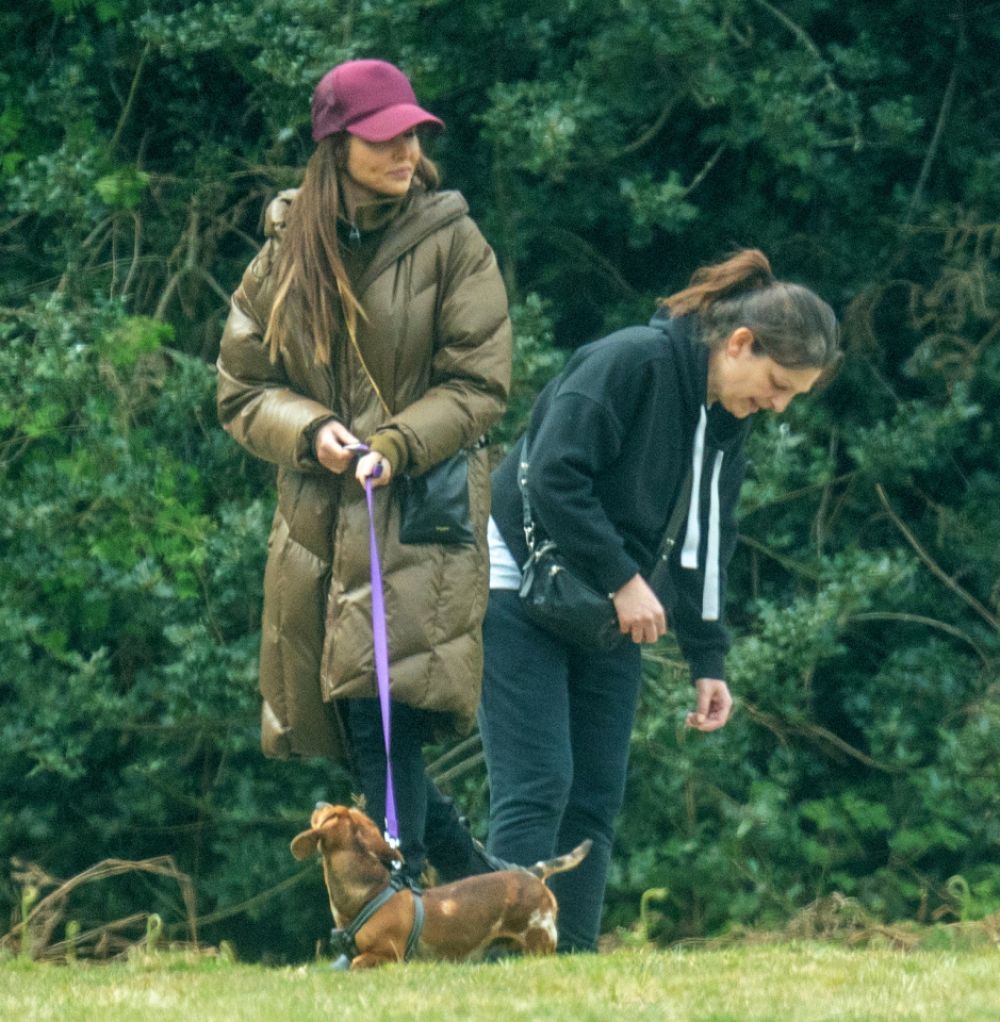
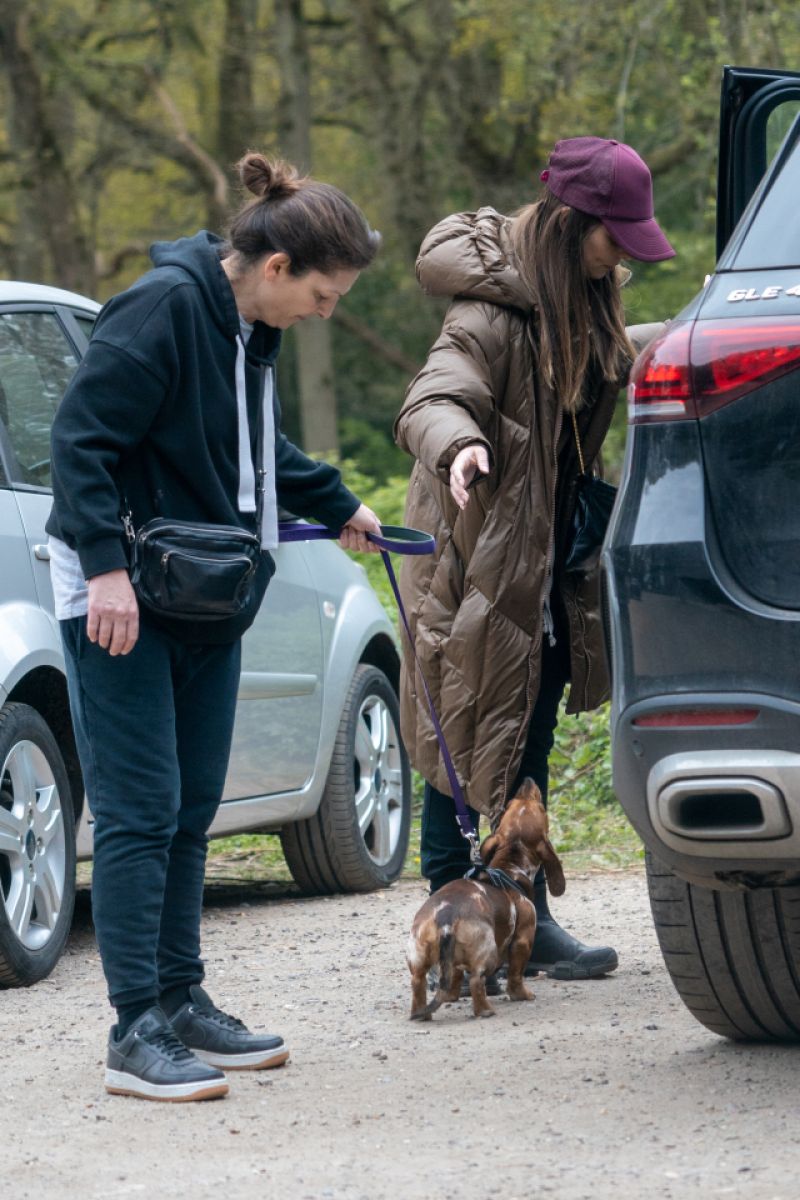
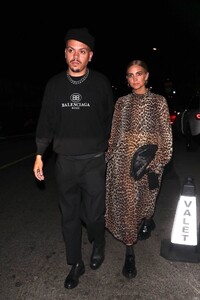 Hertfordshire 04/28/2021

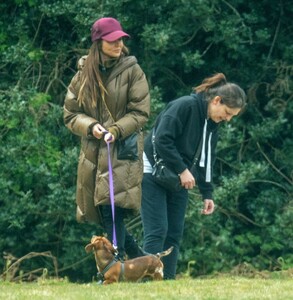


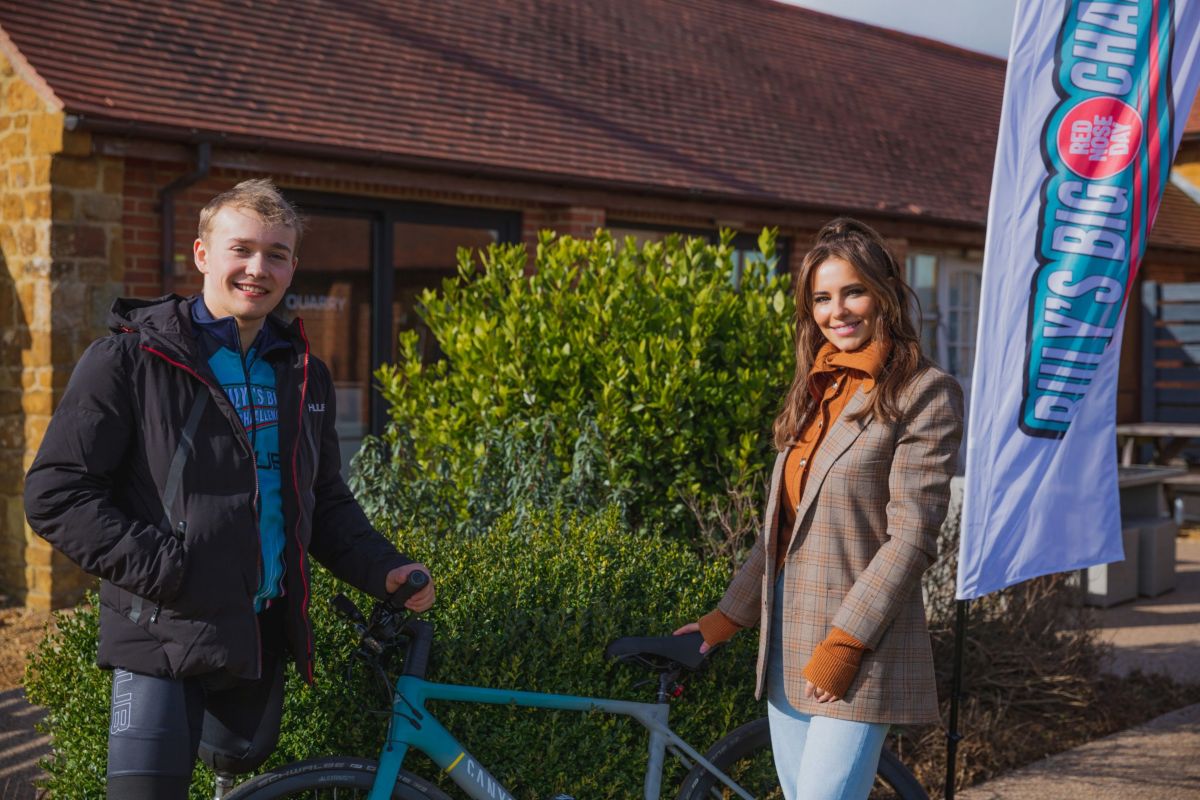
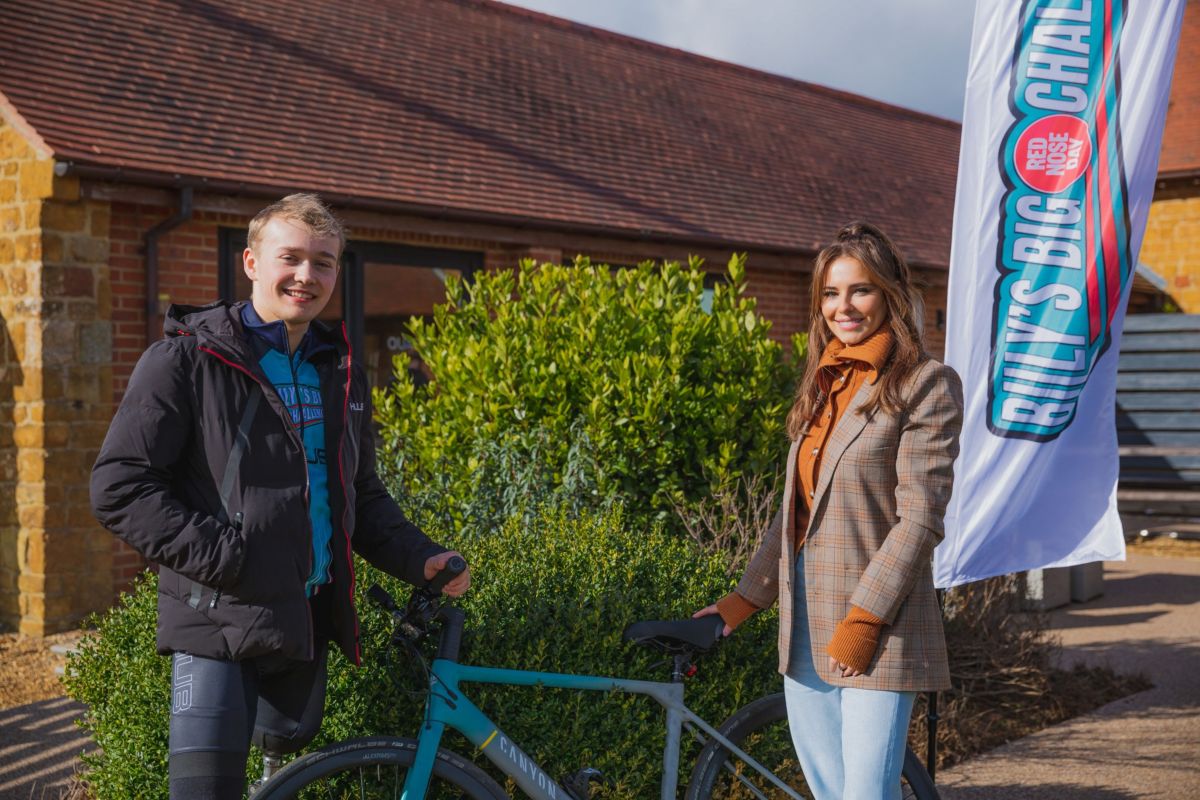
 at Billy’s Big Challenge Red Nose Day 2021 02/25/2021



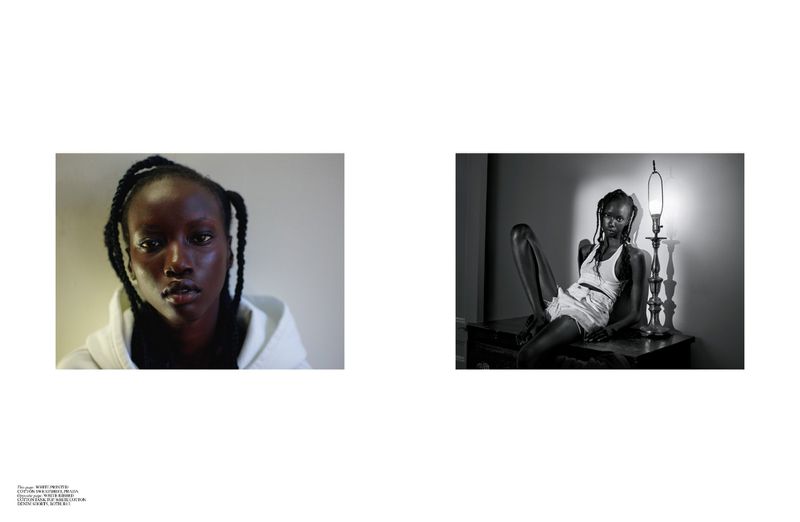





















Account
Navigation
Search
Configure browser push notifications
Chrome (Android)
- Tap the lock icon next to the address bar.
- Tap Permissions → Notifications.
- Adjust your preference.
Chrome (Desktop)
- Click the padlock icon in the address bar.
- Select Site settings.
- Find Notifications and adjust your preference.
Safari (iOS 16.4+)
- Ensure the site is installed via Add to Home Screen.
- Open Settings App → Notifications.
- Find your app name and adjust your preference.
Safari (macOS)
- Go to Safari → Preferences.
- Click the Websites tab.
- Select Notifications in the sidebar.
- Find this website and adjust your preference.
Edge (Android)
- Tap the lock icon next to the address bar.
- Tap Permissions.
- Find Notifications and adjust your preference.
Edge (Desktop)
- Click the padlock icon in the address bar.
- Click Permissions for this site.
- Find Notifications and adjust your preference.
Firefox (Android)
- Go to Settings → Site permissions.
- Tap Notifications.
- Find this site in the list and adjust your preference.
Firefox (Desktop)
- Open Firefox Settings.
- Search for Notifications.
- Find this site in the list and adjust your preference.