
balenciagaaa
Members
-
Joined
-
Last visited
Everything posted by balenciagaaa
-
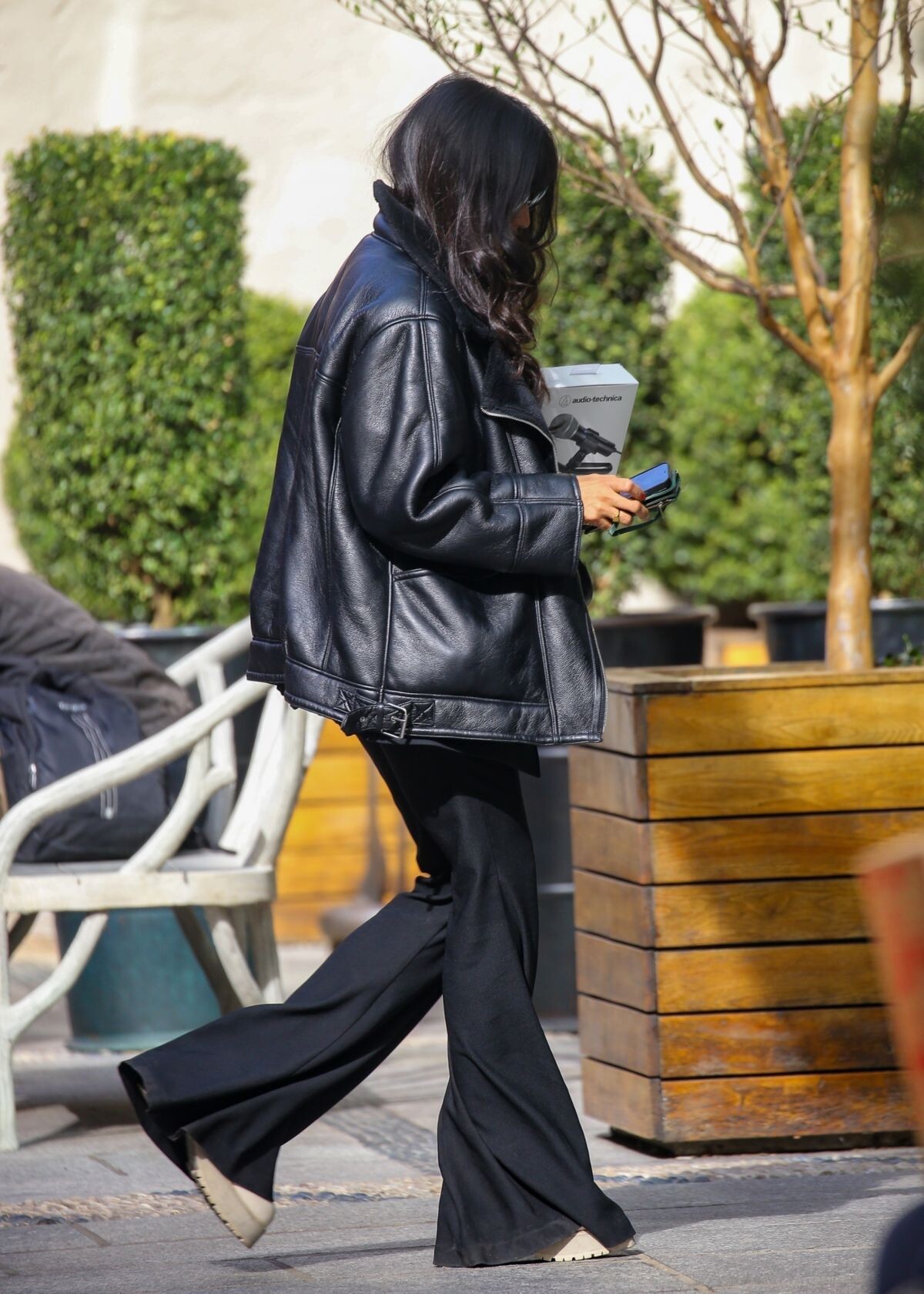
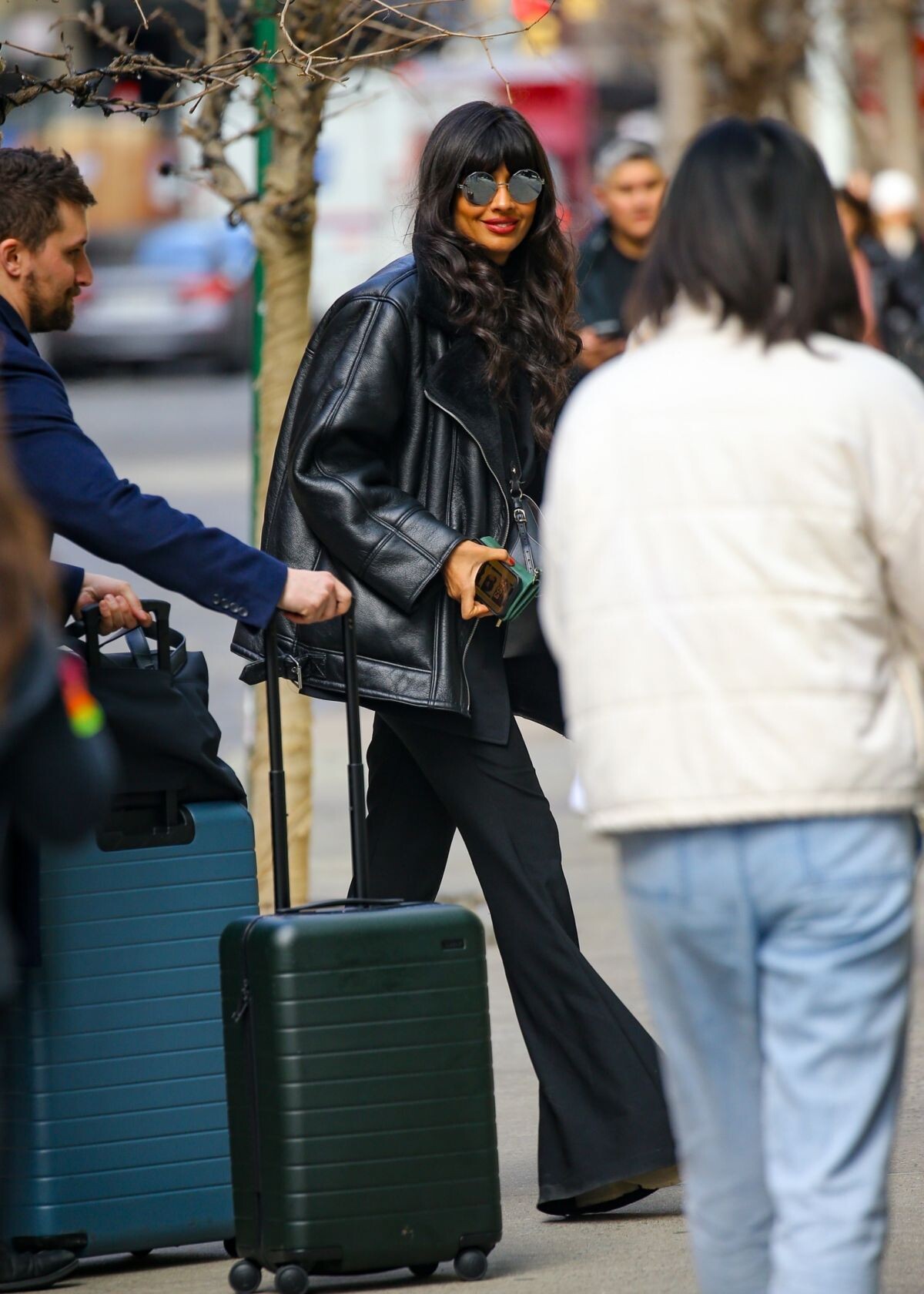
 Leaves Bowery Hotel in New York 04/27/2023


-
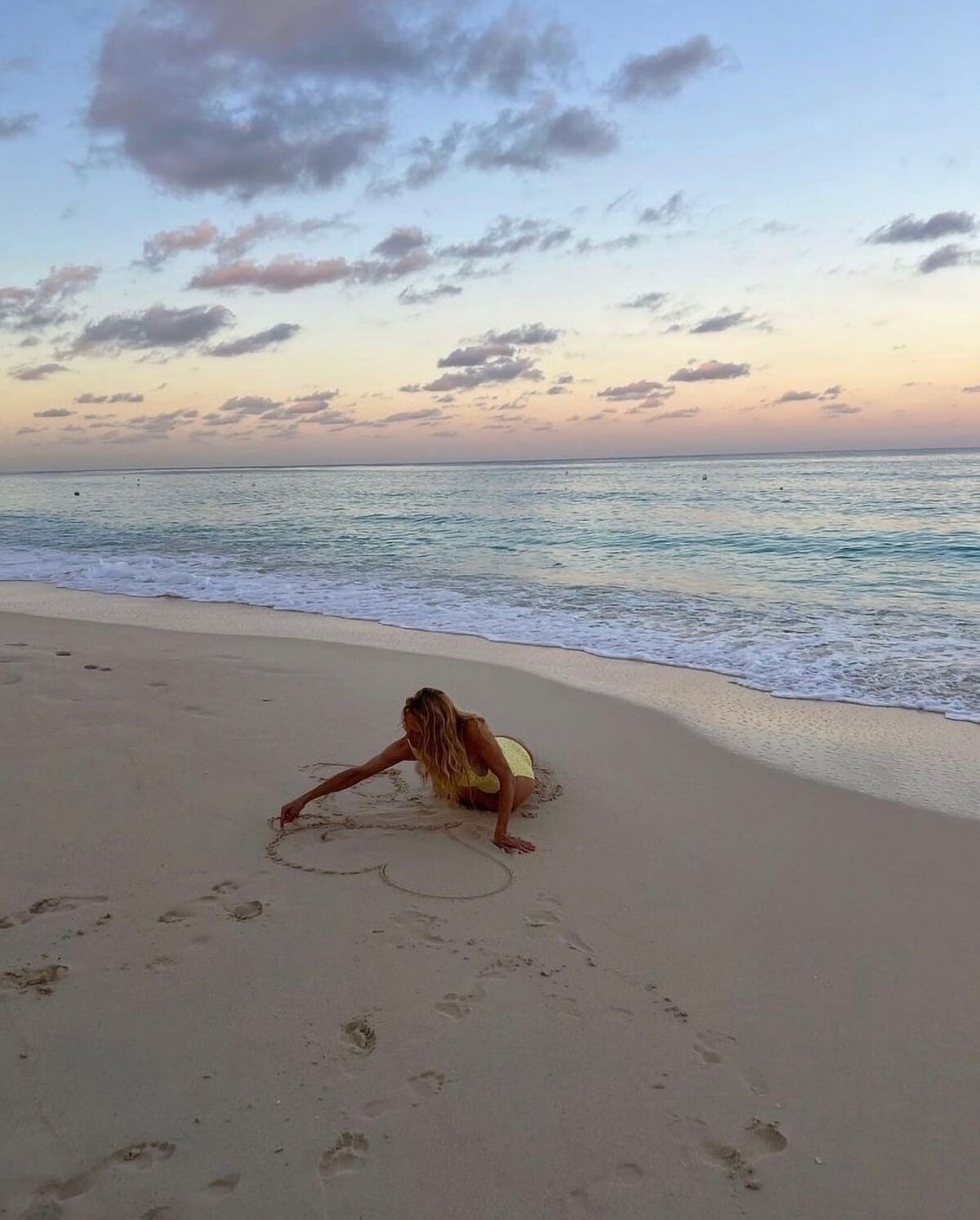
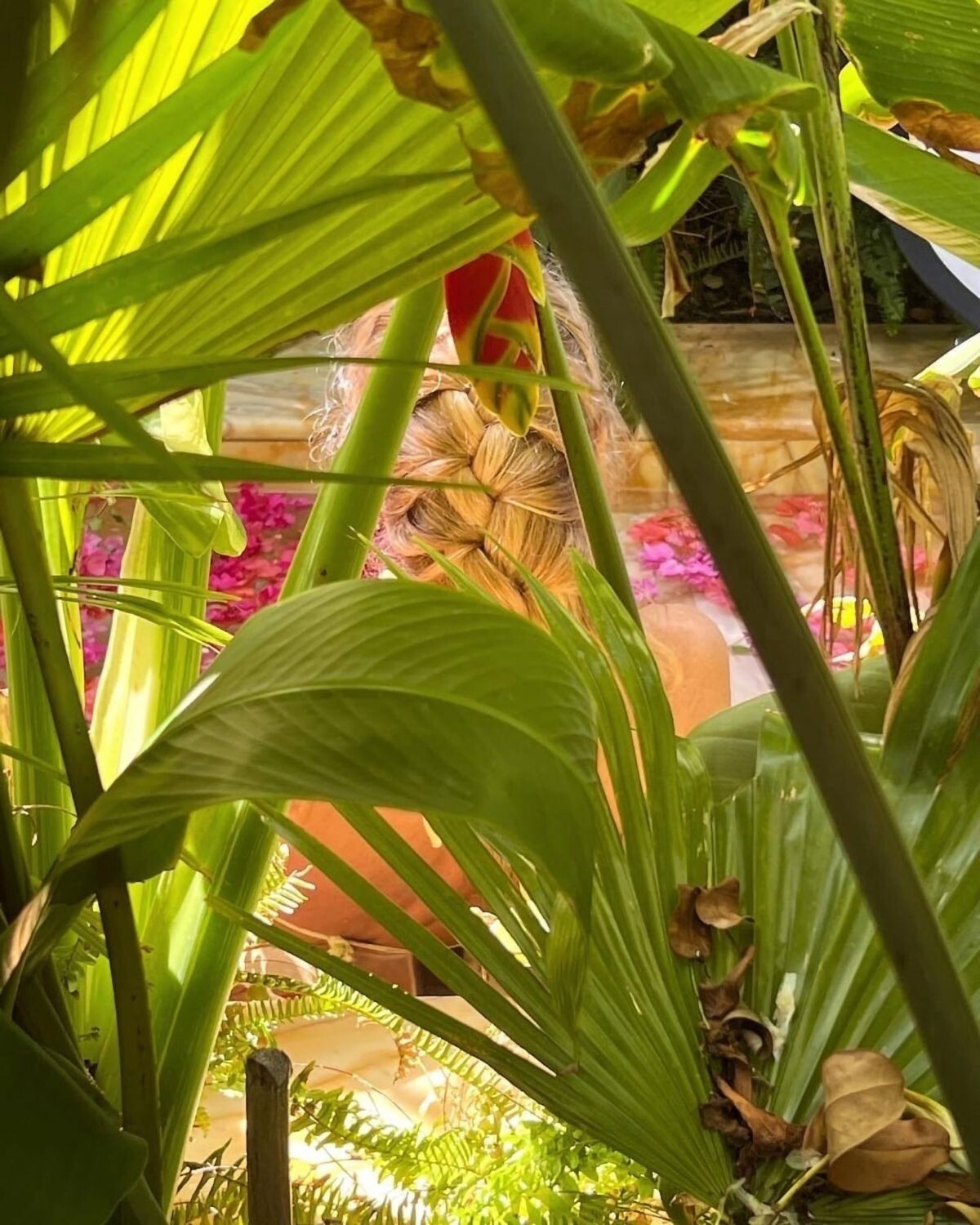
Frankies Bikini Campaign 2023













-
-
-
-
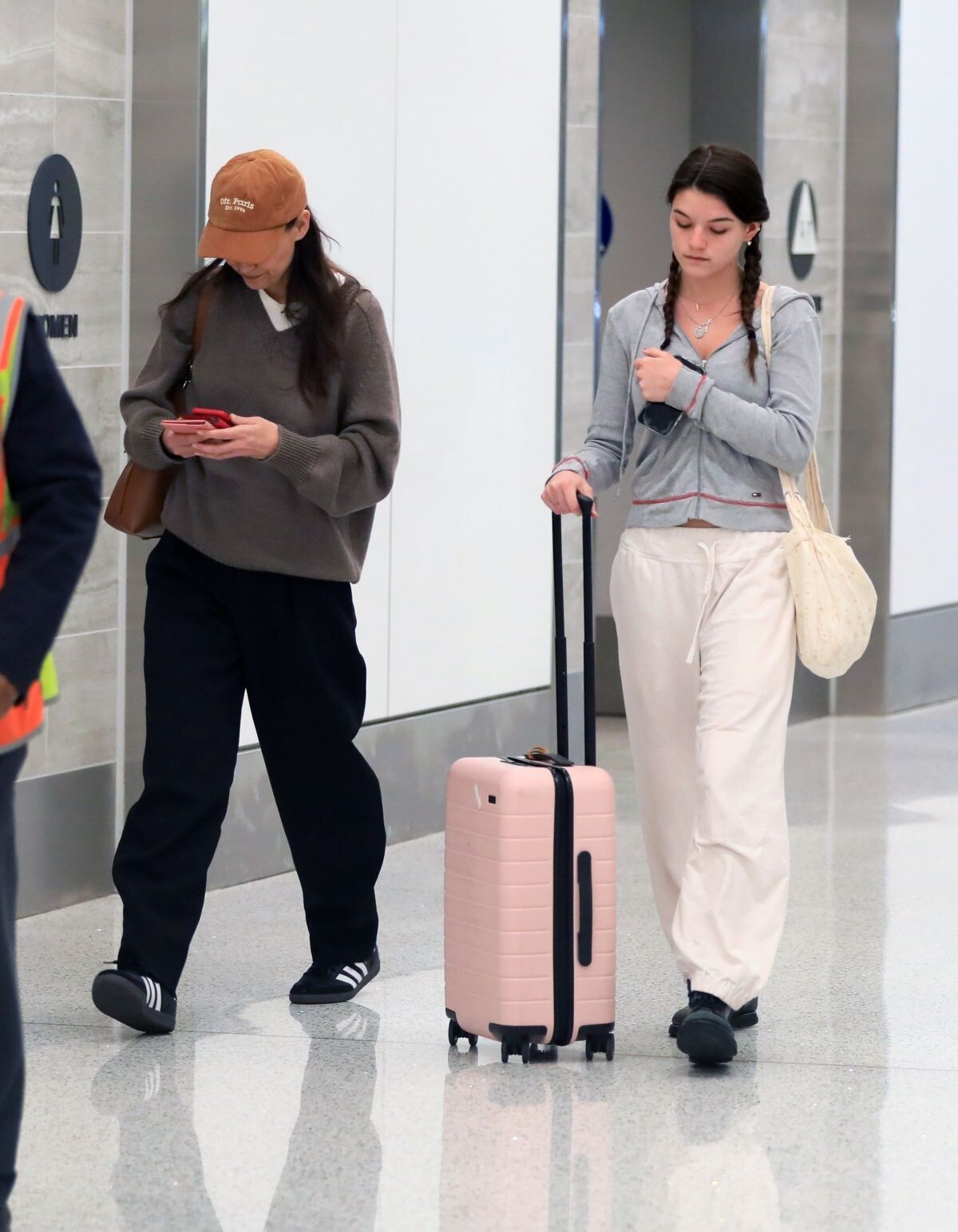
at LAX Airport in Los Angeles 04/24/2023







-
-
Arrives at The Drew Barrymore Show in New York 04/13/2023




-
-
Arrives at Today Show in New York 04/12/2023







-
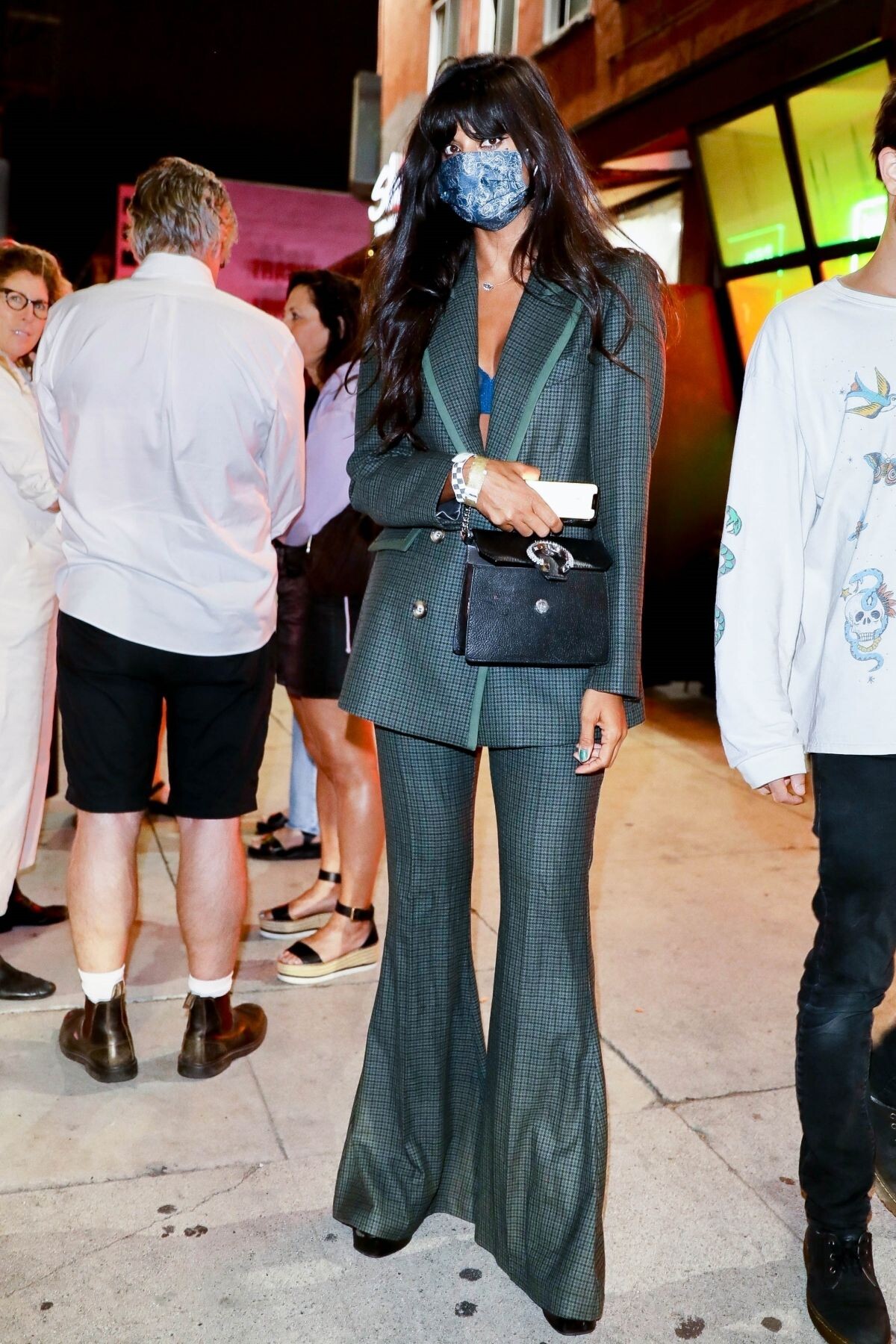
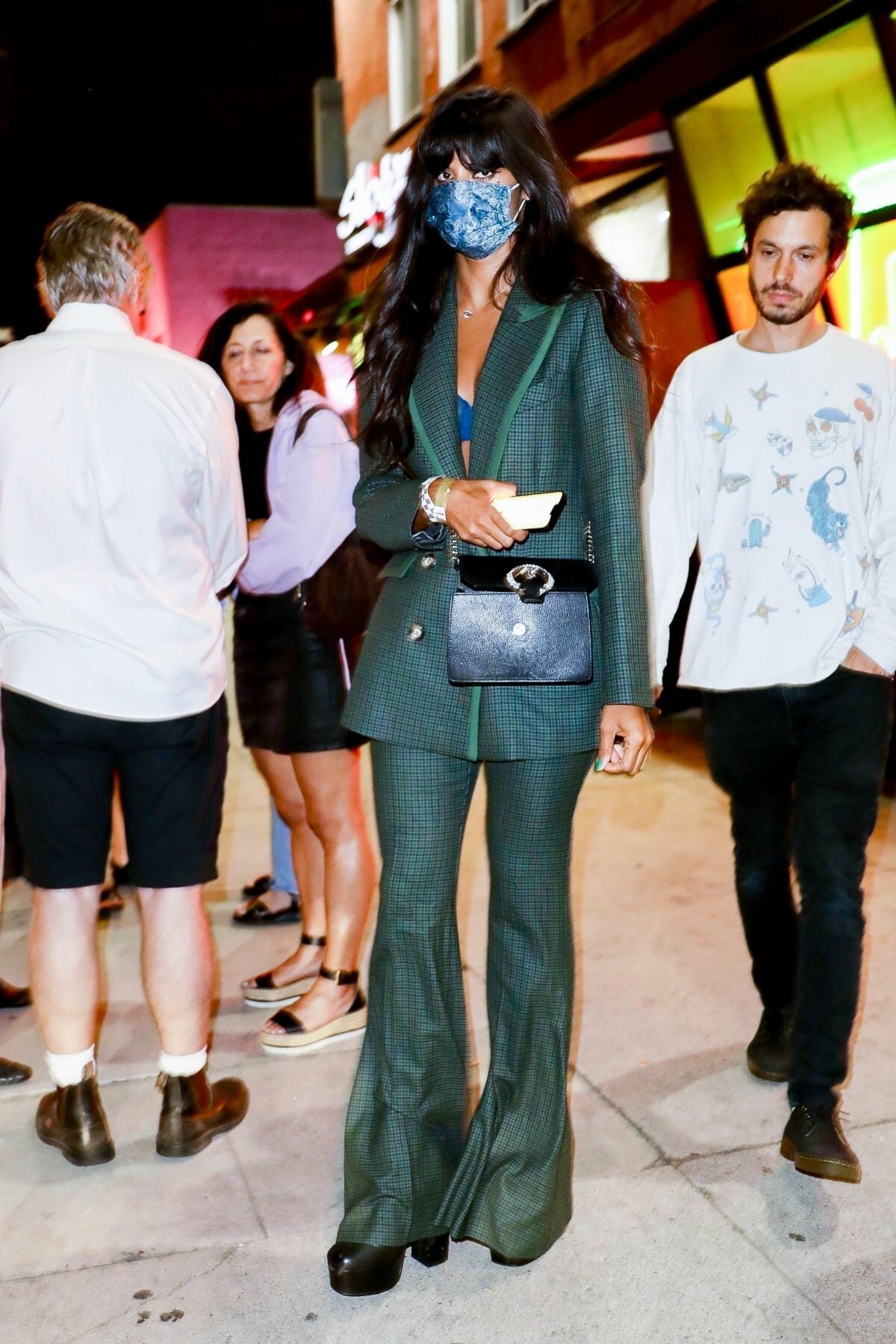
What Goes Around Comes Around Karl Lagerfeld Retrospective Hosted by Helena Christensen in New York 04/28/2023


-
What Goes Around Comes Around Karl Lagerfeld Retrospective Hosted by Helena Christensen in New York 04/28/2023










-
Leaves a Studio in Los Angeles 04/26/2023




-
Out for Lunch with a Friend in New York 04/27/2023






-
-
-
Black Panther: Wakanda Forever Premiere in Los Angeles 10/26/2022



 29th Annual Elle Women in Hollywood Celebration in Los Angeles 10/17/2022





 Siriusxm Studios in New York 09/13/2022


 Leaves Her Hotel in New York 04/27/2023





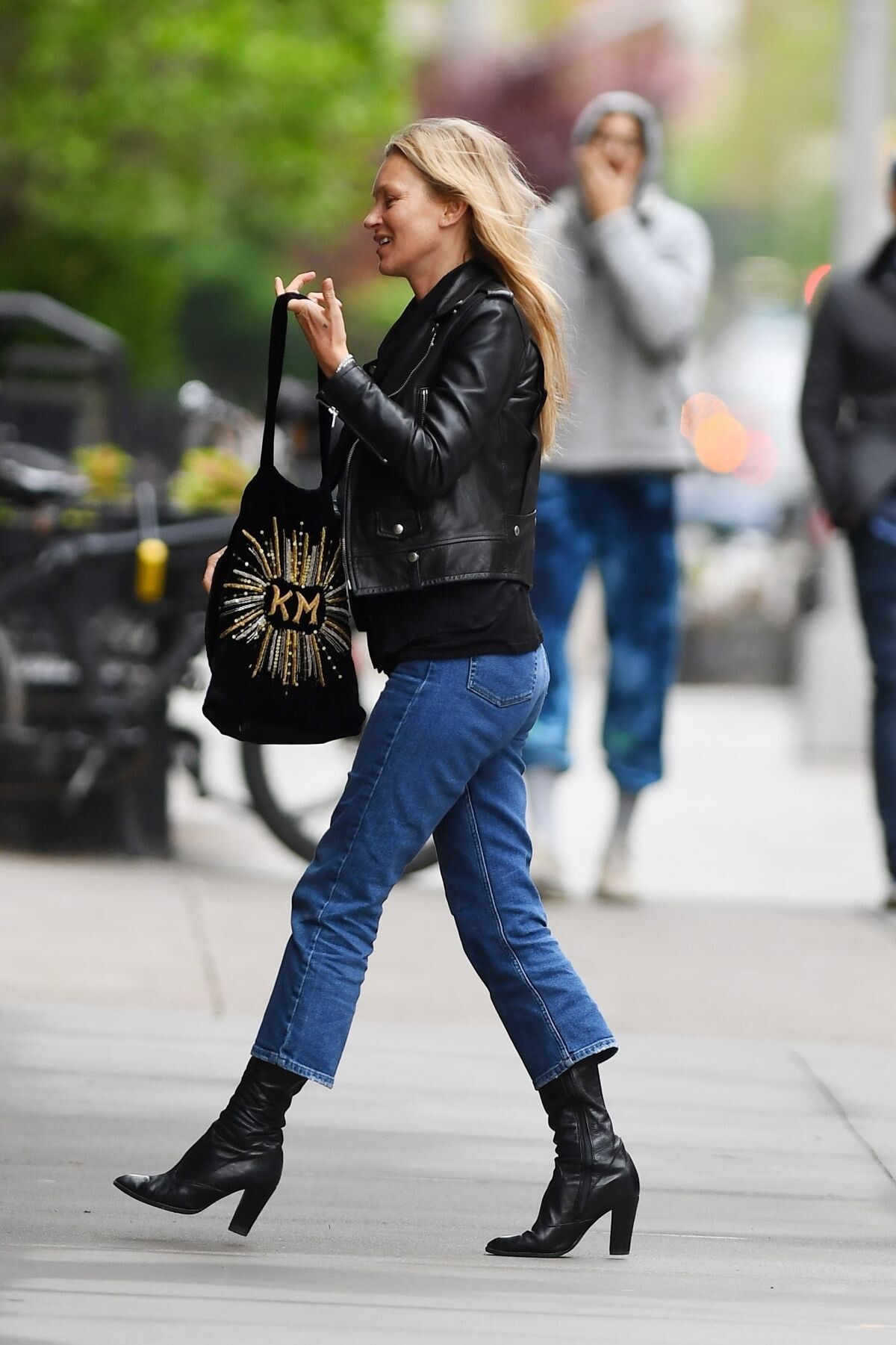
 Out and About in New York 04/28/2023





































































































































































Account
Navigation
Search
Configure browser push notifications
Chrome (Android)
- Tap the lock icon next to the address bar.
- Tap Permissions → Notifications.
- Adjust your preference.
Chrome (Desktop)
- Click the padlock icon in the address bar.
- Select Site settings.
- Find Notifications and adjust your preference.
Safari (iOS 16.4+)
- Ensure the site is installed via Add to Home Screen.
- Open Settings App → Notifications.
- Find your app name and adjust your preference.
Safari (macOS)
- Go to Safari → Preferences.
- Click the Websites tab.
- Select Notifications in the sidebar.
- Find this website and adjust your preference.
Edge (Android)
- Tap the lock icon next to the address bar.
- Tap Permissions.
- Find Notifications and adjust your preference.
Edge (Desktop)
- Click the padlock icon in the address bar.
- Click Permissions for this site.
- Find Notifications and adjust your preference.
Firefox (Android)
- Go to Settings → Site permissions.
- Tap Notifications.
- Find this site in the list and adjust your preference.
Firefox (Desktop)
- Open Firefox Settings.
- Search for Notifications.
- Find this site in the list and adjust your preference.