
balenciagaaa
Members
-
Joined
-
Last visited
Everything posted by balenciagaaa
-
 Arrives at a Hotel to Get Ready for Met Gala in New York 05/01/2023






-
Night Out in New York 04/29/2023

















-
-
-
-
-
-
-
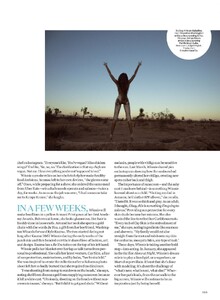
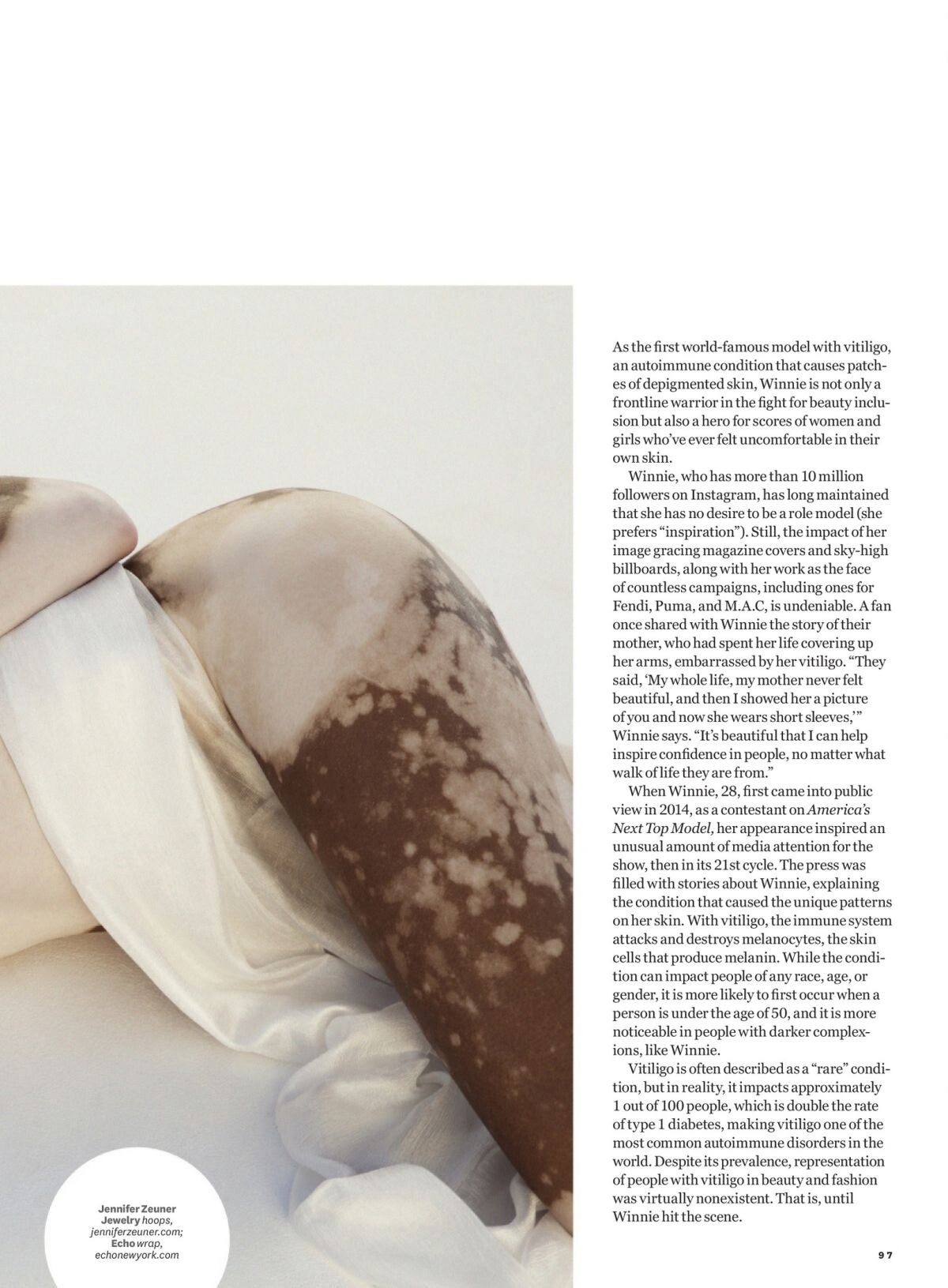
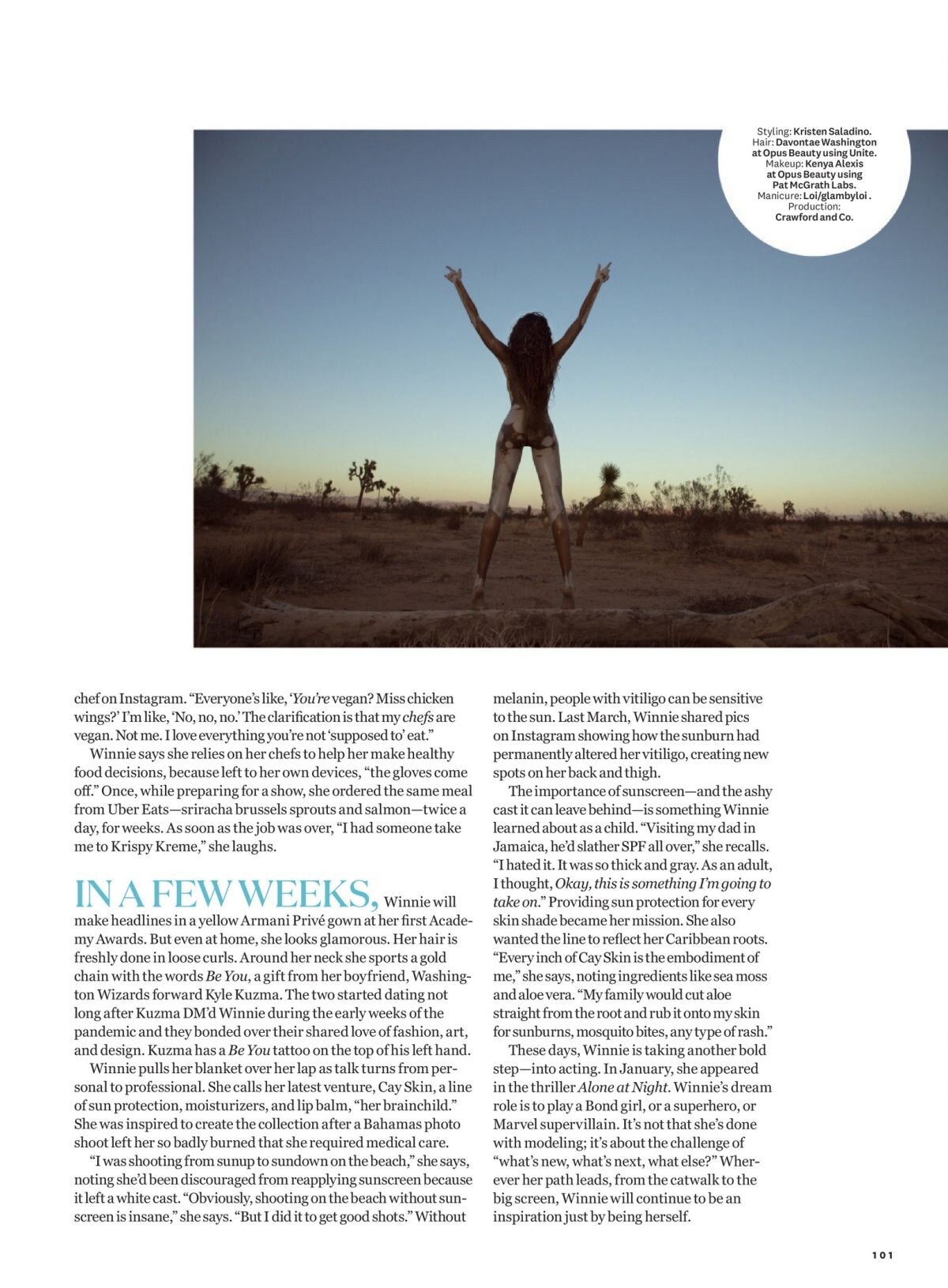
Women’s Health: The Body Issue, May/june 2023








-
The Prince’s Trust Gala in New York 04/27/2023




-
Yard Mas and Xodus Carnival in Jamaica 04/16/2023




-
-
Night Out in New York 05/02/2023







-
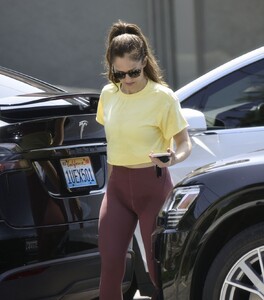
Leaves a Gym in Los Angeles 04/26/2023






-
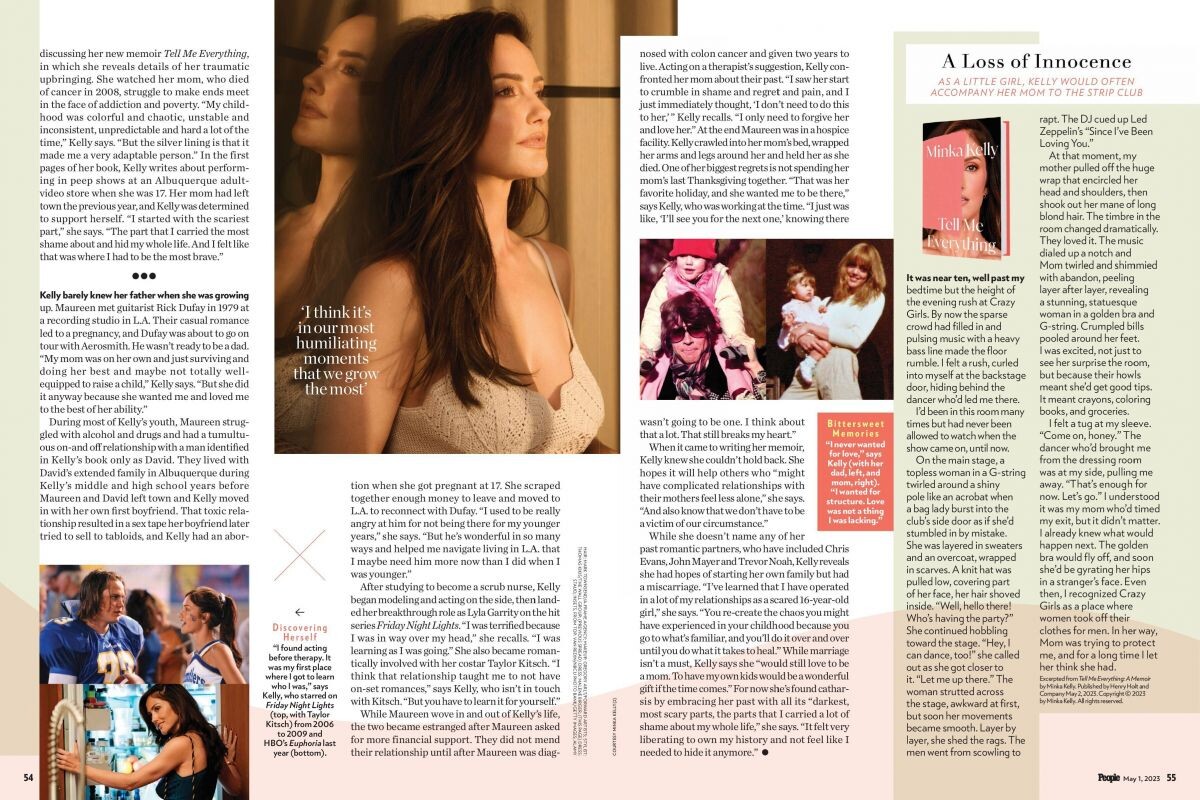
People Magazine, May 2023






-
West Hollywood 04/18/2023




-
Minka Kelly and Dan Reynolds







 Los Angeles 01/03/2023






 2023 Met Gala Celebrating Karl Lagerfeld: A Line of Beauty in New York 05/01/2023








 Met Gala Afterparty in New York 05/01/2023








 New York 03/22/2023


 Tiffany & Co. Celebrates Reopening of NYC Flagship Store in New York 04/27/2023






























































































































































































Account
Navigation
Search
Configure browser push notifications
Chrome (Android)
- Tap the lock icon next to the address bar.
- Tap Permissions → Notifications.
- Adjust your preference.
Chrome (Desktop)
- Click the padlock icon in the address bar.
- Select Site settings.
- Find Notifications and adjust your preference.
Safari (iOS 16.4+)
- Ensure the site is installed via Add to Home Screen.
- Open Settings App → Notifications.
- Find your app name and adjust your preference.
Safari (macOS)
- Go to Safari → Preferences.
- Click the Websites tab.
- Select Notifications in the sidebar.
- Find this website and adjust your preference.
Edge (Android)
- Tap the lock icon next to the address bar.
- Tap Permissions.
- Find Notifications and adjust your preference.
Edge (Desktop)
- Click the padlock icon in the address bar.
- Click Permissions for this site.
- Find Notifications and adjust your preference.
Firefox (Android)
- Go to Settings → Site permissions.
- Tap Notifications.
- Find this site in the list and adjust your preference.
Firefox (Desktop)
- Open Firefox Settings.
- Search for Notifications.
- Find this site in the list and adjust your preference.