
balenciagaaa
Members
-
Joined
-
Last visited
Everything posted by balenciagaaa
-
 US Vogue May 2023

-
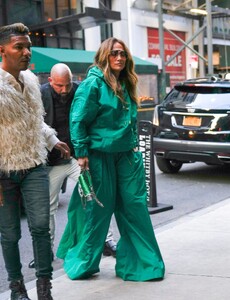
Out to Promotes Her New Show Mother in New York 05/02/2023






-
US Vogue May 2023


-
2023 Met Gala Celebrating Karl Lagerfeld: A Line of Beauty in New York 05/01/2023







-
-
Out in Los Angeles 05/02/2023






-
-
-
NBC’s Today Show in New York 12/06/2022









 Skating Event at Rockefeller Center in NY 08/12/2022





 Out in New York 03/17/2022 Good Morning America in New York 03/08/2022 Cabo San Lucas 03/30/2022









 Leaves Harry Belafonte’s 95th Birthday Celebration in New York 03/01/2022


 LoanDepot Park in Miami 02/22/2022


 New York 05/03/2023





 Out in Los Angeles 04/18/2023





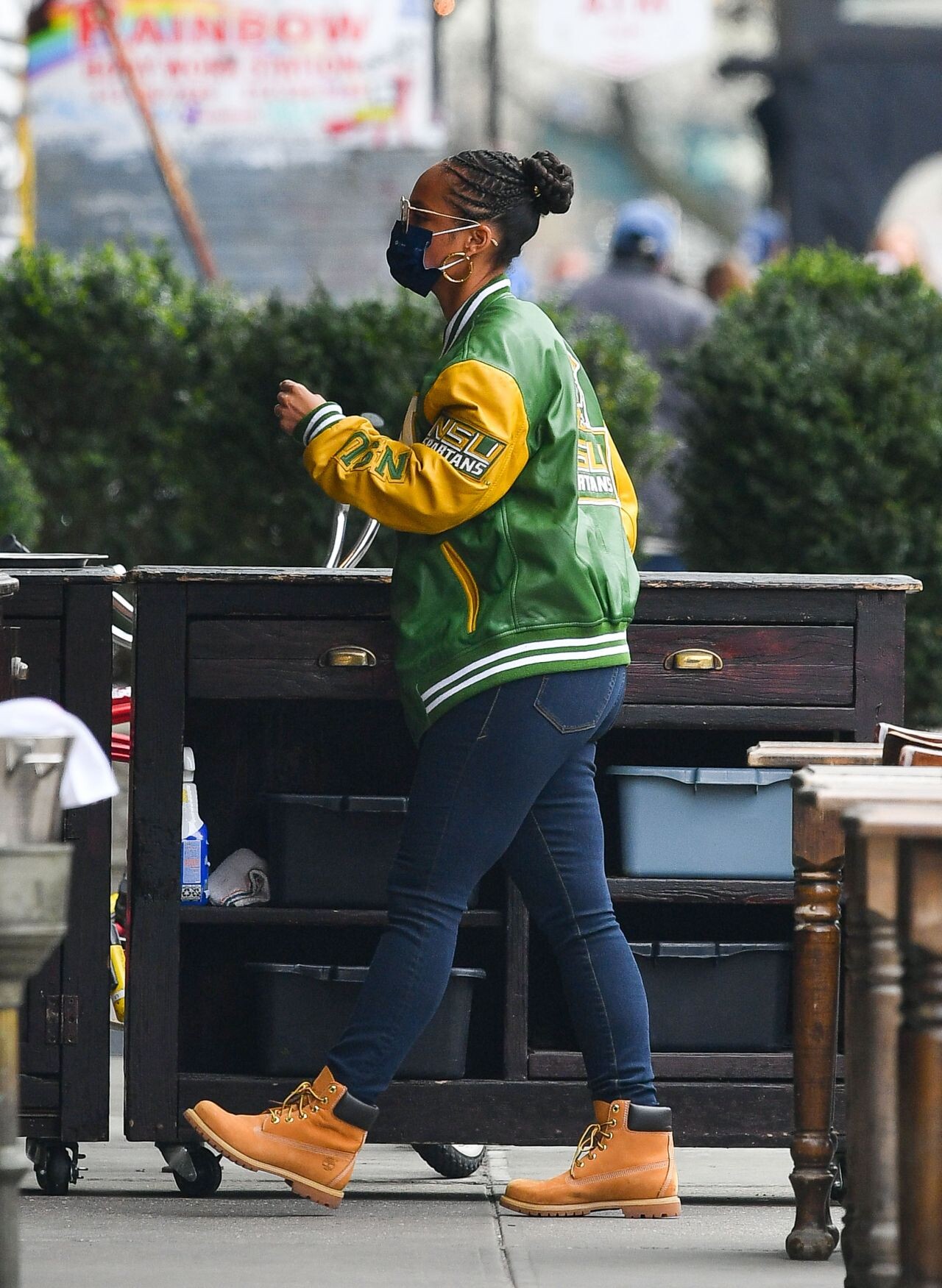
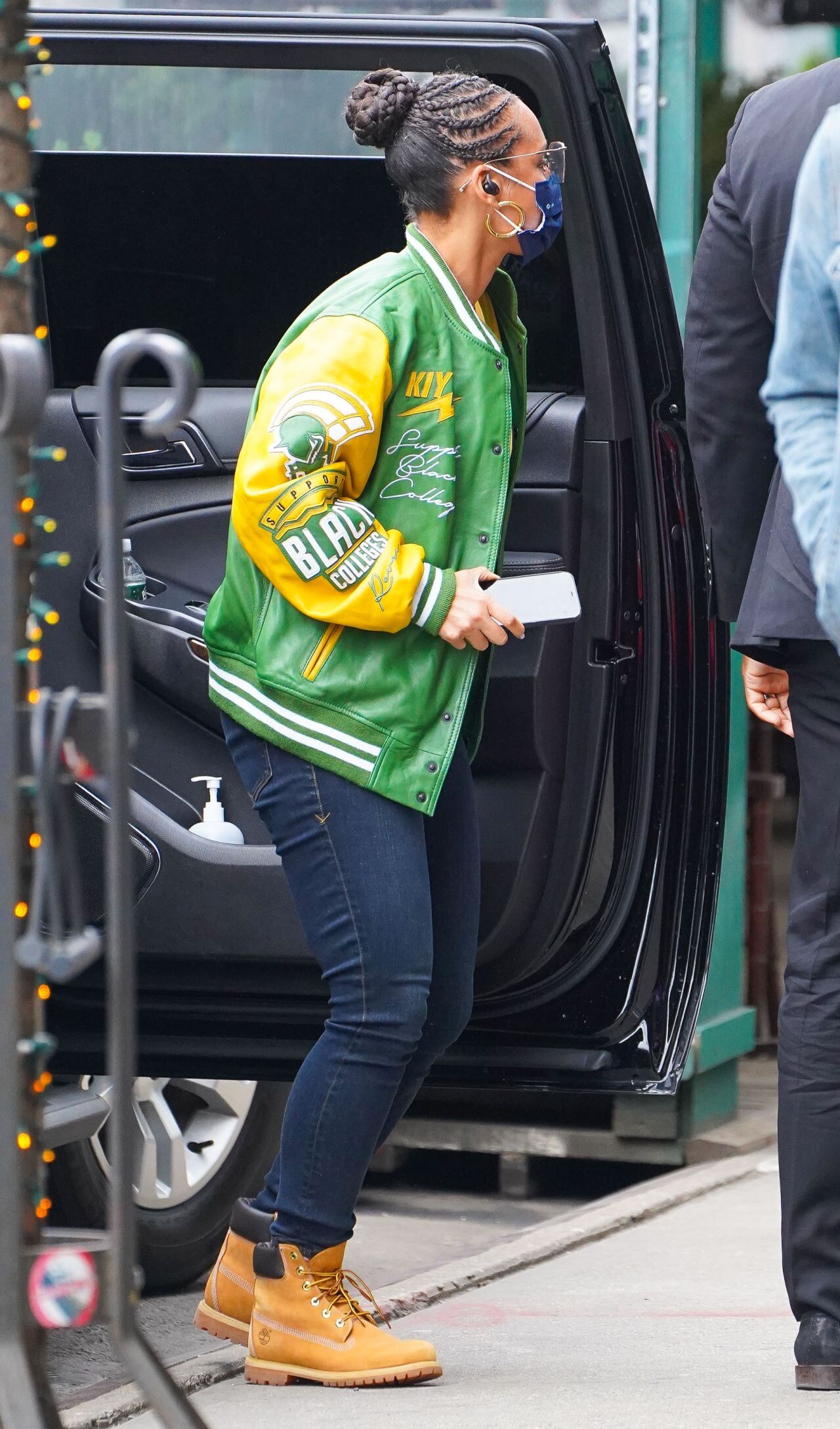
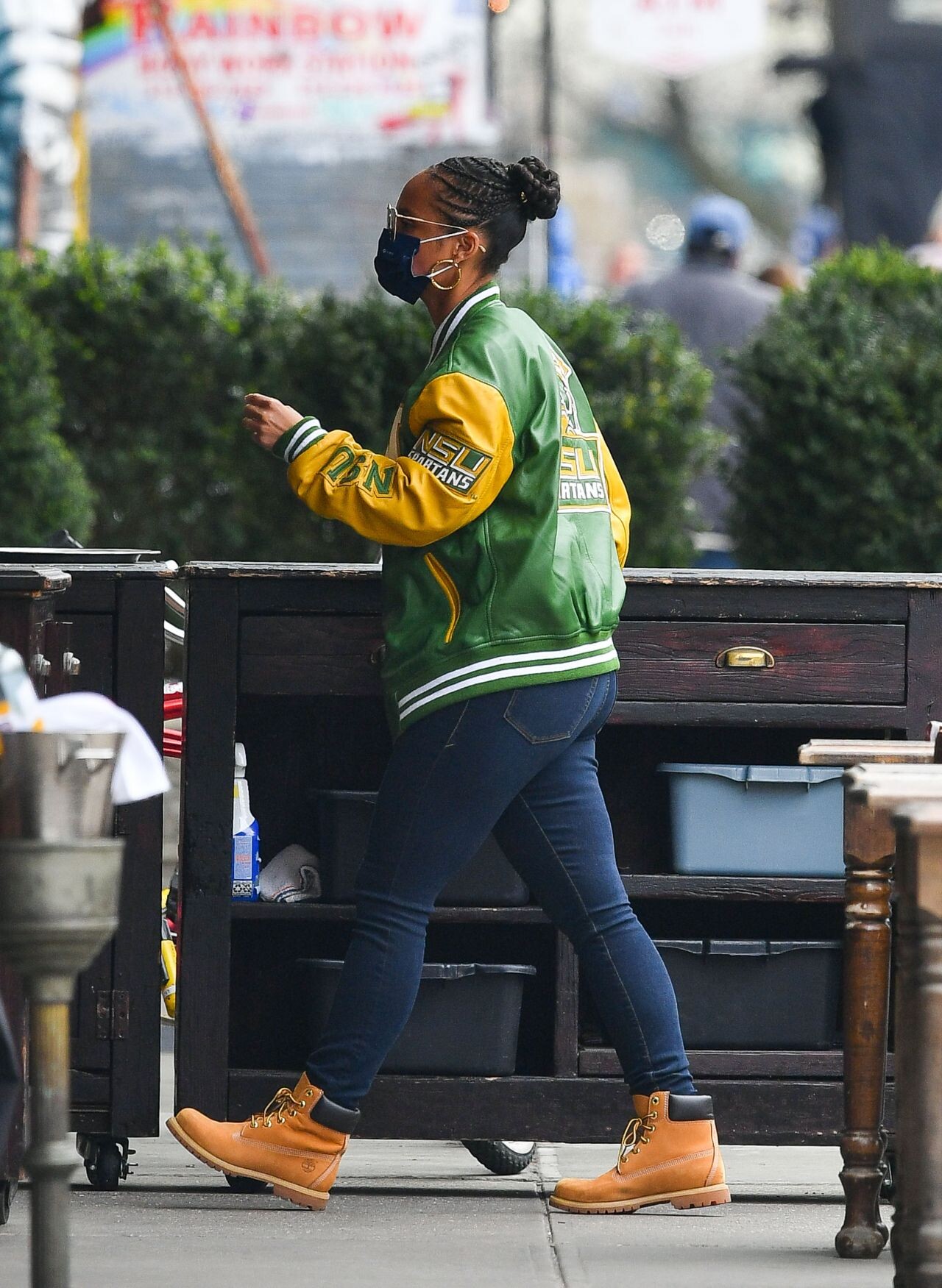
 Outside the GMA Studios in Manhattan 05/02/2023





























































































































































































Account
Navigation
Search
Configure browser push notifications
Chrome (Android)
- Tap the lock icon next to the address bar.
- Tap Permissions → Notifications.
- Adjust your preference.
Chrome (Desktop)
- Click the padlock icon in the address bar.
- Select Site settings.
- Find Notifications and adjust your preference.
Safari (iOS 16.4+)
- Ensure the site is installed via Add to Home Screen.
- Open Settings App → Notifications.
- Find your app name and adjust your preference.
Safari (macOS)
- Go to Safari → Preferences.
- Click the Websites tab.
- Select Notifications in the sidebar.
- Find this website and adjust your preference.
Edge (Android)
- Tap the lock icon next to the address bar.
- Tap Permissions.
- Find Notifications and adjust your preference.
Edge (Desktop)
- Click the padlock icon in the address bar.
- Click Permissions for this site.
- Find Notifications and adjust your preference.
Firefox (Android)
- Go to Settings → Site permissions.
- Tap Notifications.
- Find this site in the list and adjust your preference.
Firefox (Desktop)
- Open Firefox Settings.
- Search for Notifications.
- Find this site in the list and adjust your preference.