

RIP_Cabrini_Green
Members
-
Joined
-
Last visited
Everything posted by RIP_Cabrini_Green
-
 Kyra walks at: Opens show, 5:40, 10:20
 -
NME Magazine



-
GQ Magazine November 2015 Cover

-
^ We need to see that duo in S.I.!!!!
-
Gorgeous!!!
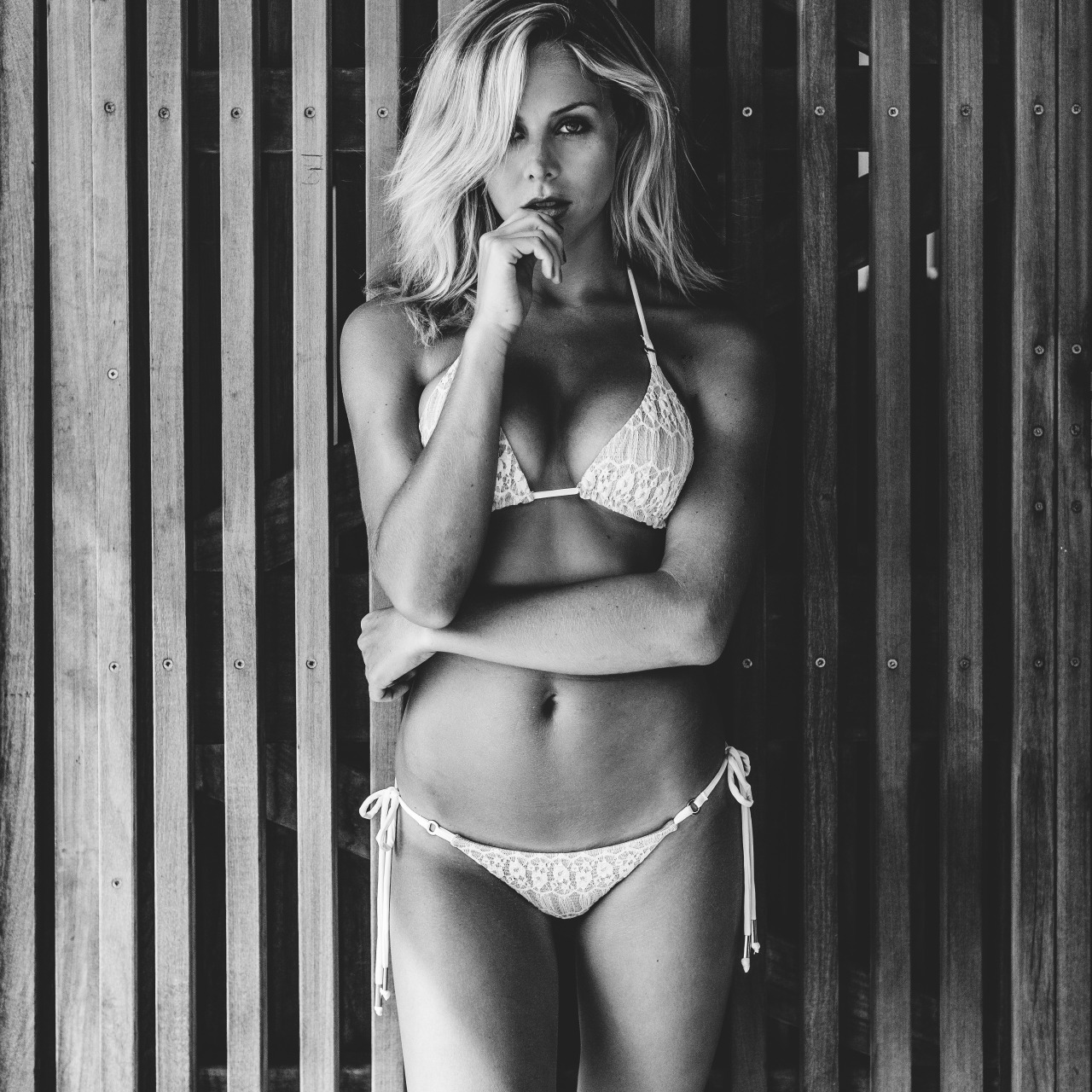
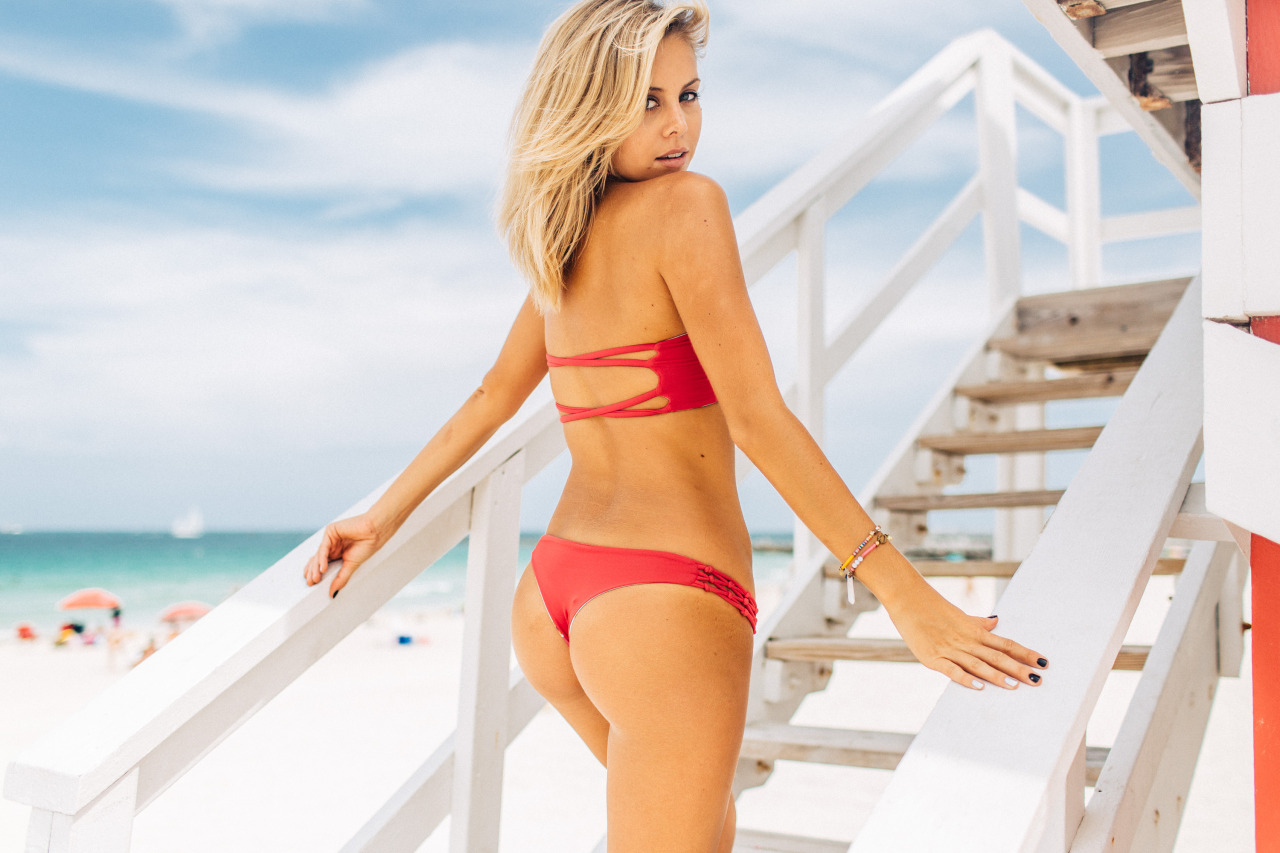
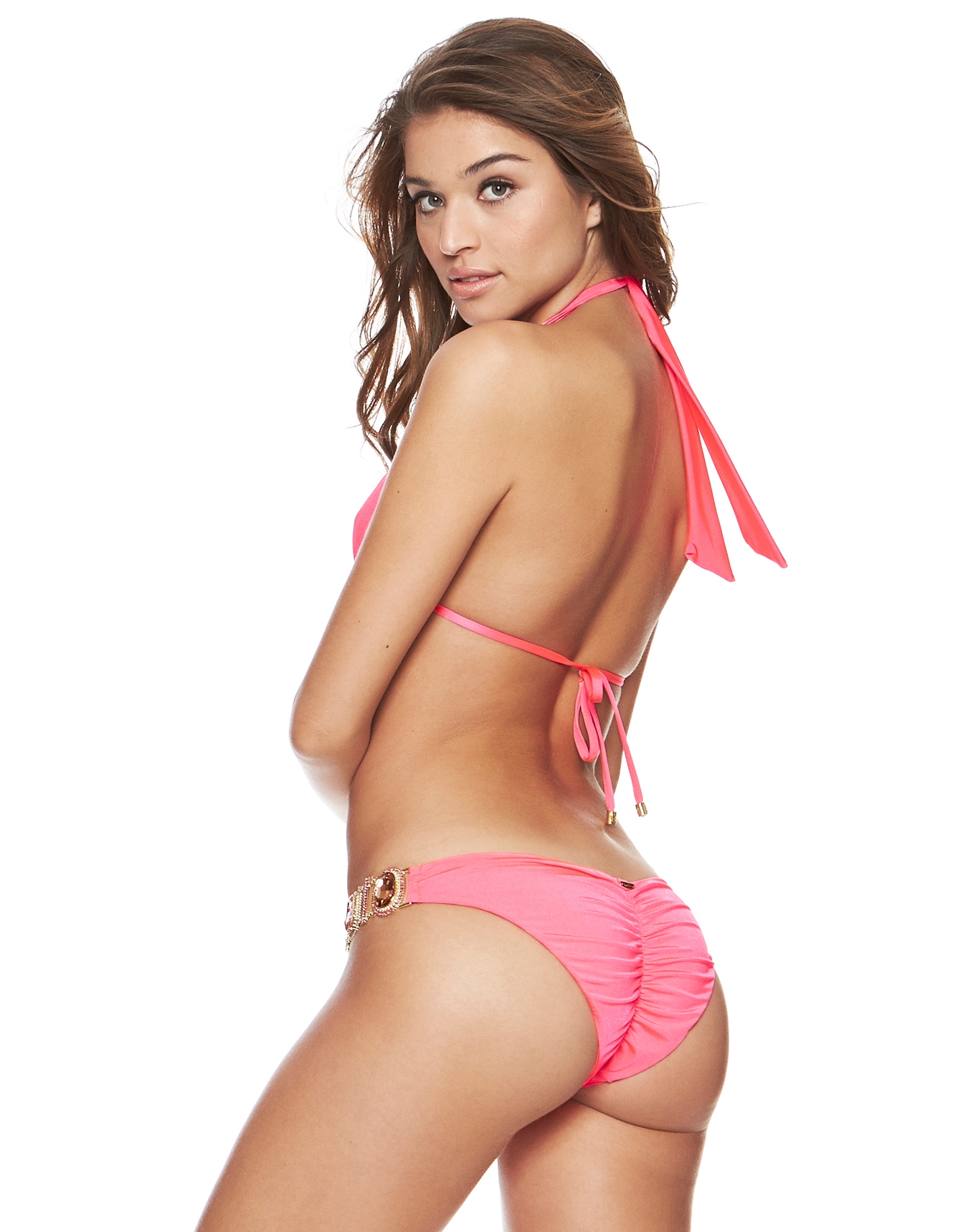
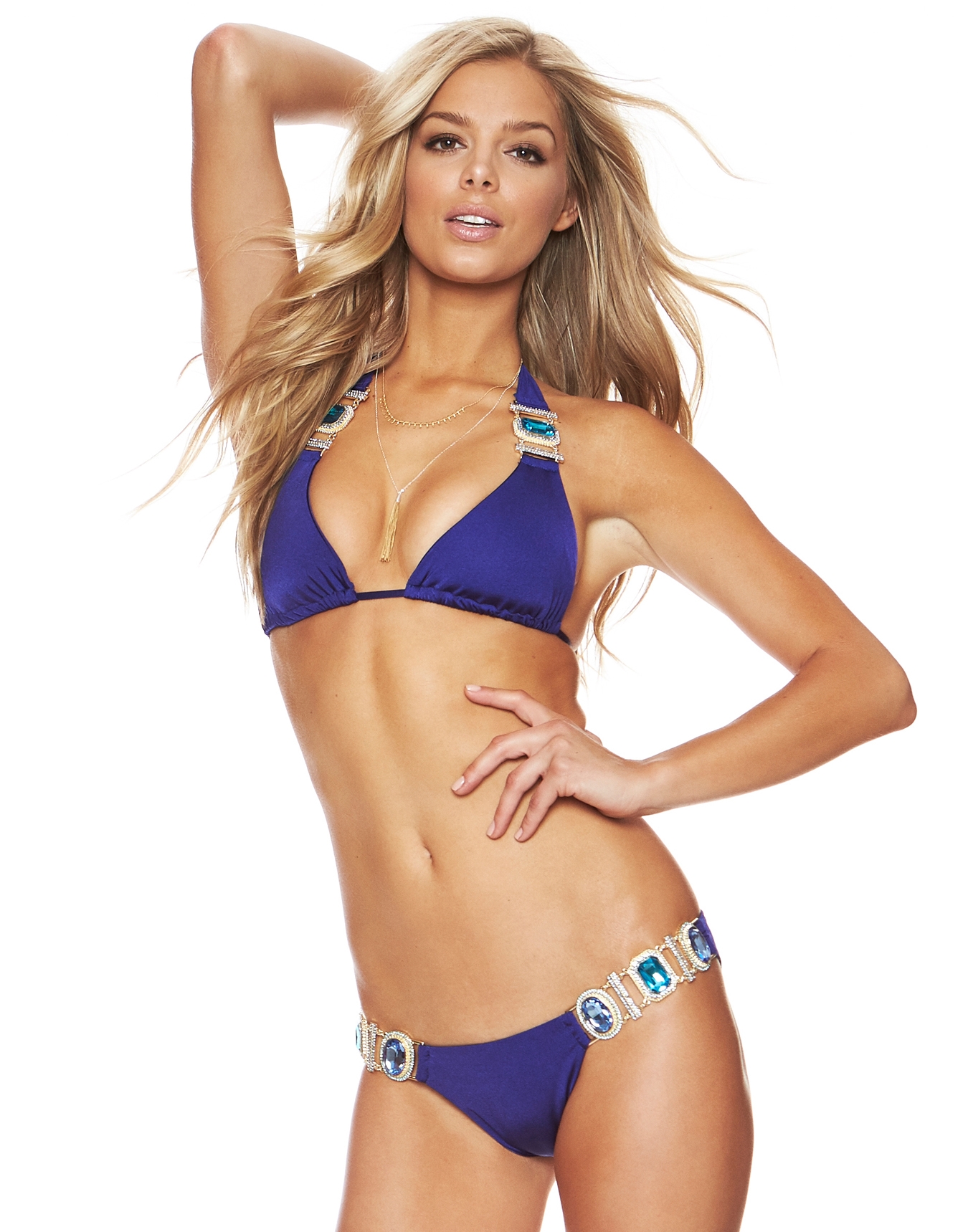
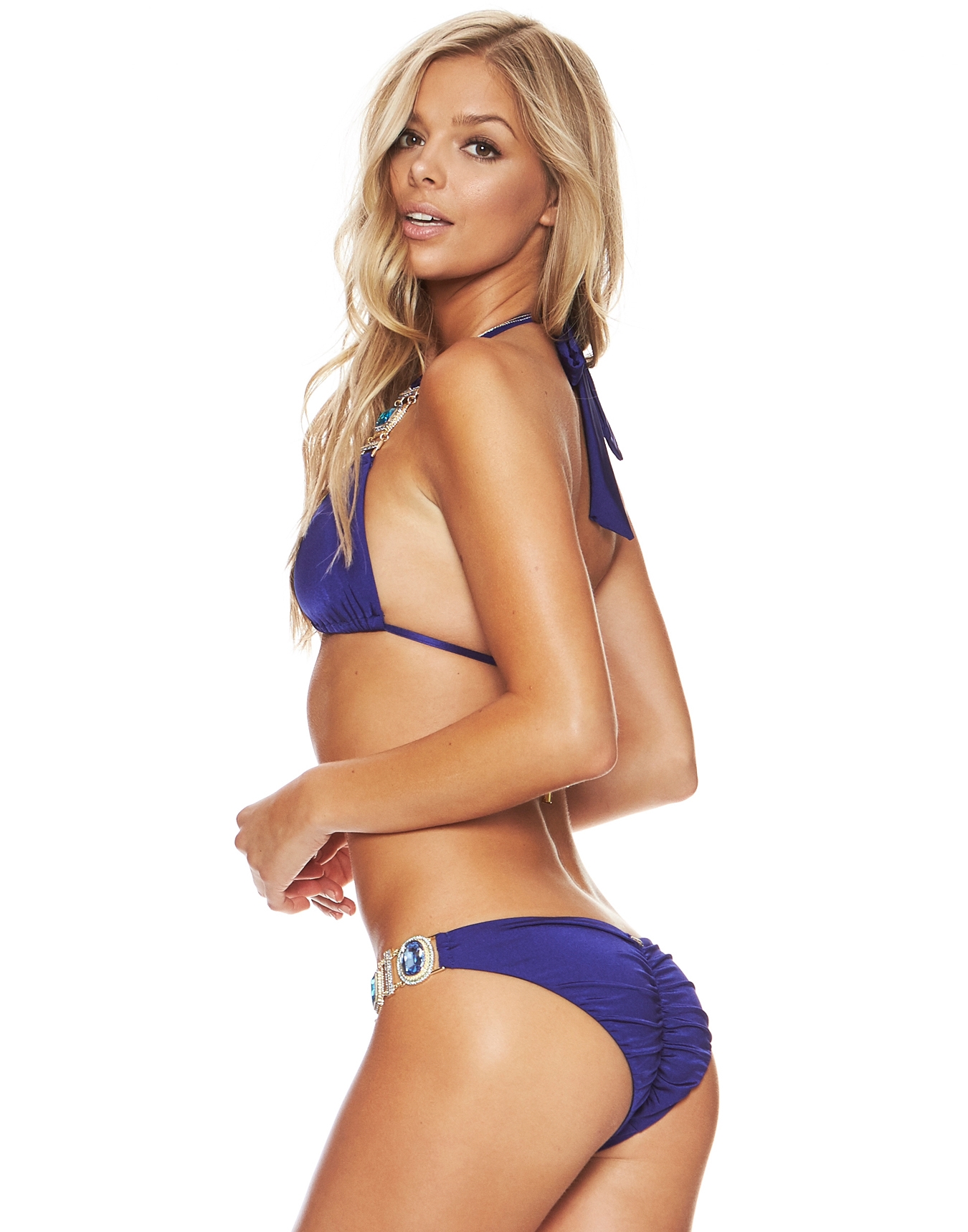
Ph: Corey Epstein Source:http://coreyepstein.tumblr.com/



 Ph: Corey Epstein Source:http://coreyepstein.tumblr.com/








 Ph: Corey Epstein Source:http://coreyepstein.tumblr.com/





 Ph: Corey Epstein Source:http://coreyepstein.tumblr.com/


 Awww. She looks so tired. But still gorgeous. Can't wait to see all the stuff she's been working so hard on!
Hmmm. Well that will be interesting to see.
What the hell is she shooting for?
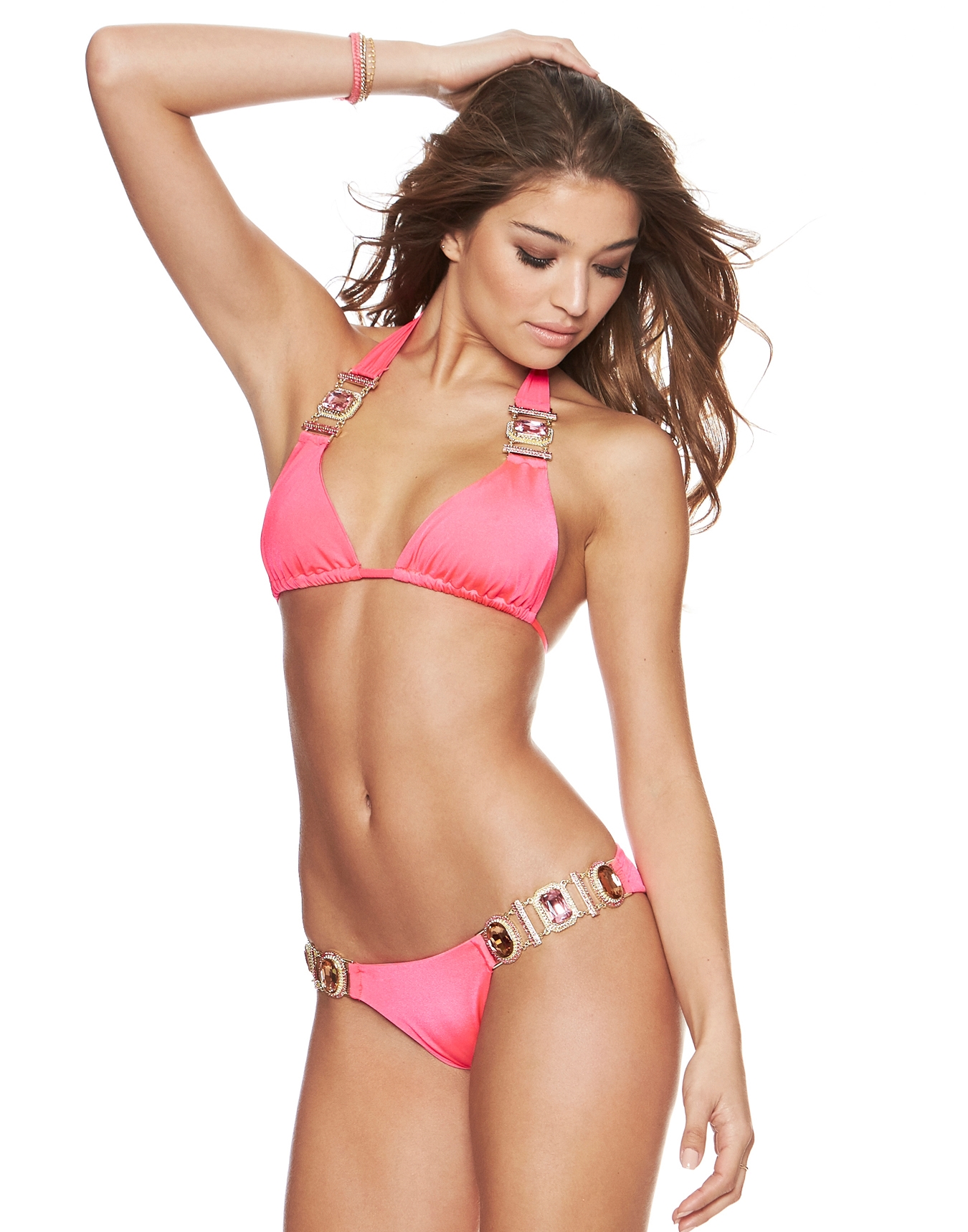
Beach Bunny
Awww. She looks so tired. But still gorgeous. Can't wait to see all the stuff she's been working so hard on!
Hmmm. Well that will be interesting to see.
What the hell is she shooting for?
Beach Bunny

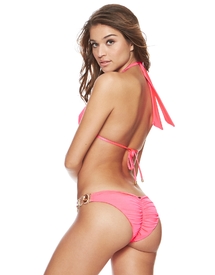 Beach Bunny
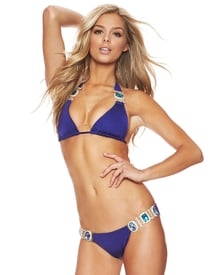
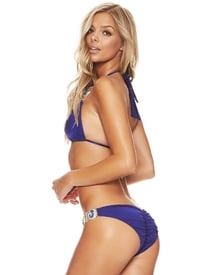 Ok good. Sometimes I get in a hurry and type shit and don't clarify enough. Sorry. lol Gen has been in S.I. quite awhile now. I'm kind of hoping to see some of those vets "retire" from S.I. and am ready for the new generation to take over. (Hopefully, DaniL, Cami Morrone, Danielle Knudson) But I do like her, and it will be nice to see her WSSE stuff!
Fantastic video. Hahaha.
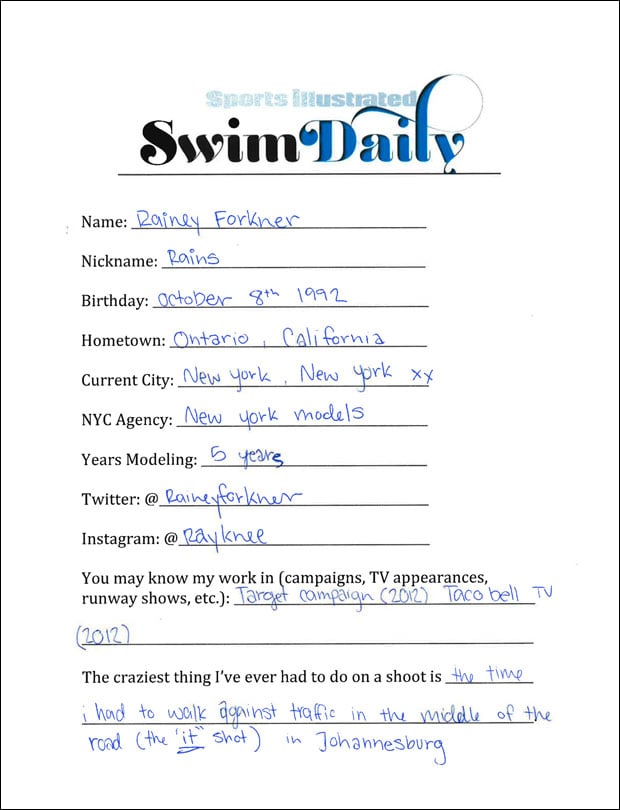
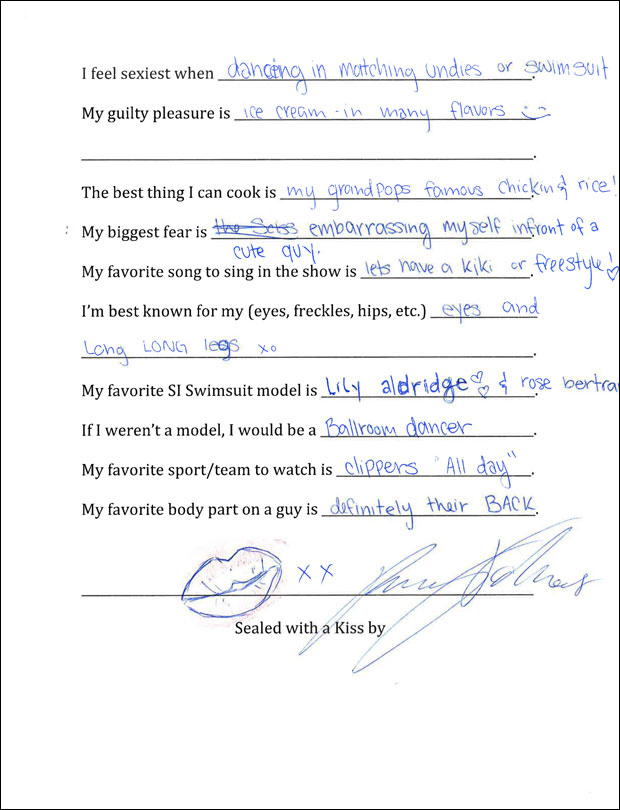
S.I. Swim Casting Call Source:http://www.si.com/swim-daily/2015/10/07/si-swimsuit-2016-casting-call-rainey-forkner
Ok good. Sometimes I get in a hurry and type shit and don't clarify enough. Sorry. lol Gen has been in S.I. quite awhile now. I'm kind of hoping to see some of those vets "retire" from S.I. and am ready for the new generation to take over. (Hopefully, DaniL, Cami Morrone, Danielle Knudson) But I do like her, and it will be nice to see her WSSE stuff!
Fantastic video. Hahaha.
S.I. Swim Casting Call Source:http://www.si.com/swim-daily/2015/10/07/si-swimsuit-2016-casting-call-rainey-forkner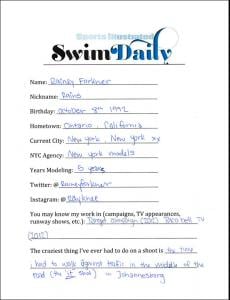































Account
Search
Configure browser push notifications
Chrome (Android)
- Tap the lock icon next to the address bar.
- Tap Permissions → Notifications.
- Adjust your preference.
Chrome (Desktop)
- Click the padlock icon in the address bar.
- Select Site settings.
- Find Notifications and adjust your preference.
Safari (iOS 16.4+)
- Ensure the site is installed via Add to Home Screen.
- Open Settings App → Notifications.
- Find your app name and adjust your preference.
Safari (macOS)
- Go to Safari → Preferences.
- Click the Websites tab.
- Select Notifications in the sidebar.
- Find this website and adjust your preference.
Edge (Android)
- Tap the lock icon next to the address bar.
- Tap Permissions.
- Find Notifications and adjust your preference.
Edge (Desktop)
- Click the padlock icon in the address bar.
- Click Permissions for this site.
- Find Notifications and adjust your preference.
Firefox (Android)
- Go to Settings → Site permissions.
- Tap Notifications.
- Find this site in the list and adjust your preference.
Firefox (Desktop)
- Open Firefox Settings.
- Search for Notifications.
- Find this site in the list and adjust your preference.