RIP_Cabrini_Green
Members
-
Joined
-
Last visited
Everything posted by RIP_Cabrini_Green
-

-
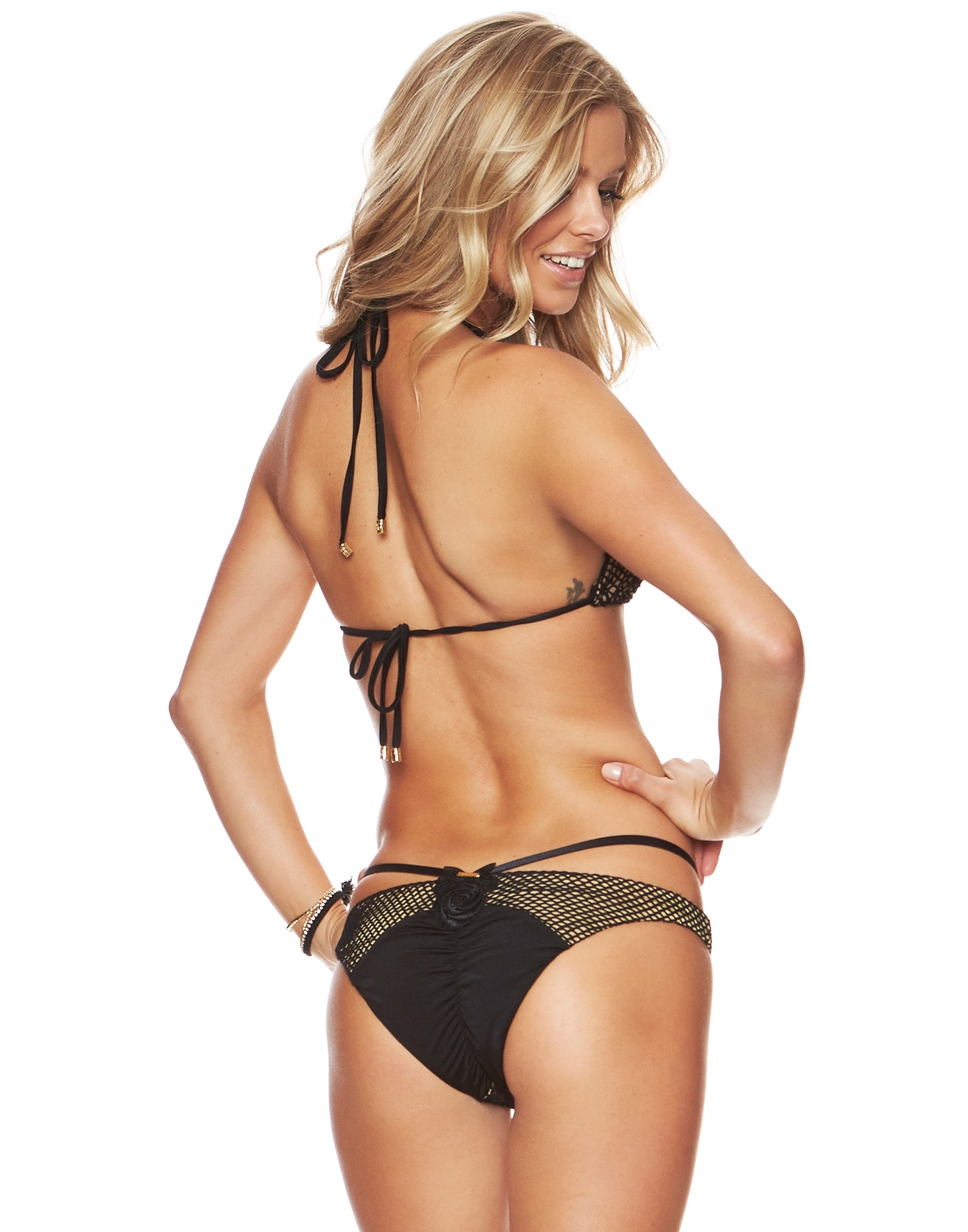
Beach Bunny /monthly_10_2015/post-85348-0-1593840599-17507_thumb.jpg" class="ipsImage ipsImage_thumbnailed" alt="1_1163943_ZM_BLNU_BACK.jpg">


 With Celeste Bright
Wow. Ashley Sky in a bikini. I thought I'd never see this again. Thanks Eddi.
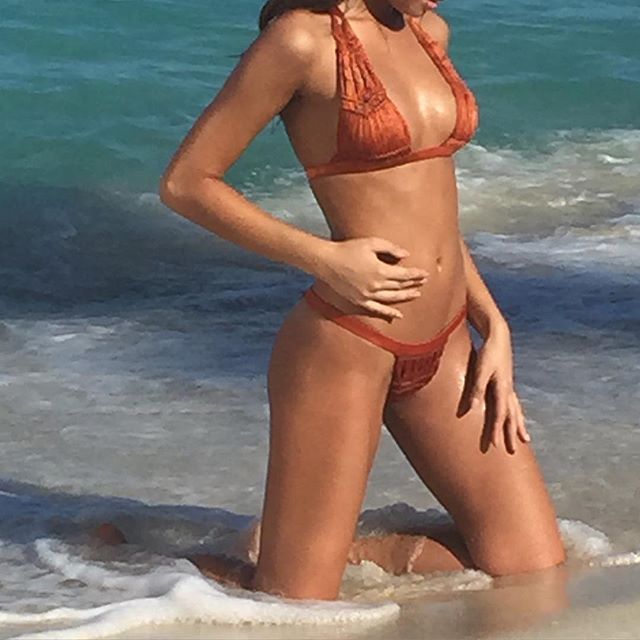
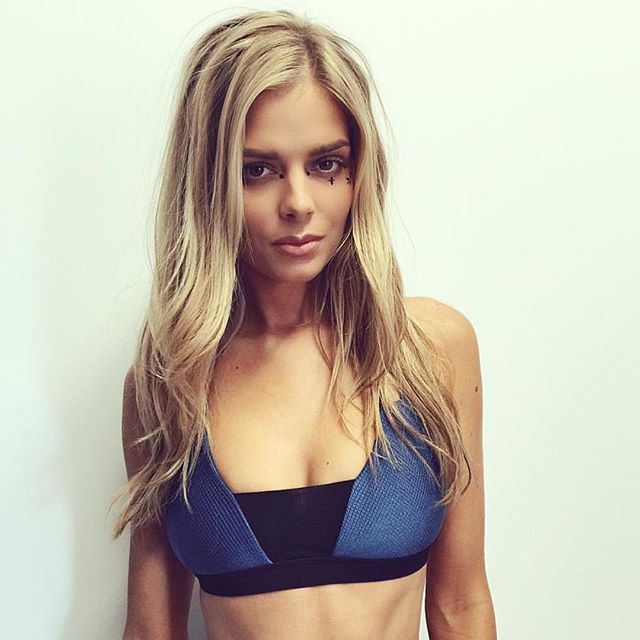
BTS shooting for Plant Blue
With Celeste Bright
Wow. Ashley Sky in a bikini. I thought I'd never see this again. Thanks Eddi.
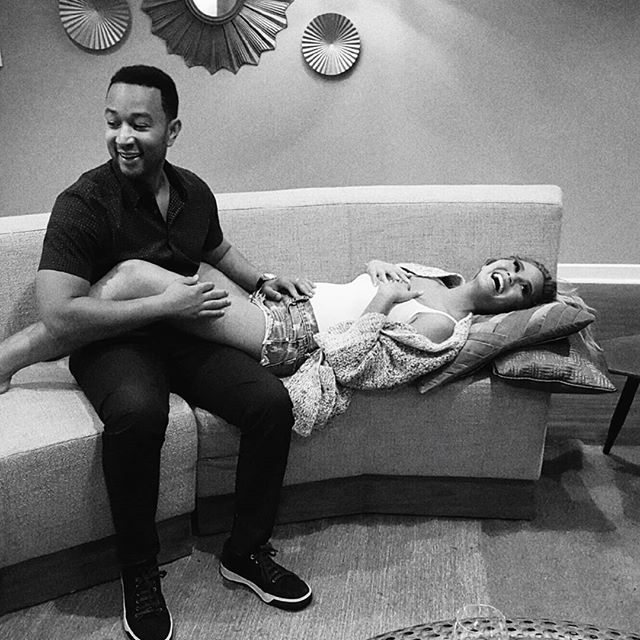
BTS shooting for Plant Blue BTS for Lurelly
I'm guessing this is the 17 yr old you were talking about, Pretty?
BTS for Lurelly
I'm guessing this is the 17 yr old you were talking about, Pretty?Account
Search
Configure browser push notifications
Chrome (Android)
- Tap the lock icon next to the address bar.
- Tap Permissions → Notifications.
- Adjust your preference.
Chrome (Desktop)
- Click the padlock icon in the address bar.
- Select Site settings.
- Find Notifications and adjust your preference.
Safari (iOS 16.4+)
- Ensure the site is installed via Add to Home Screen.
- Open Settings App → Notifications.
- Find your app name and adjust your preference.
Safari (macOS)
- Go to Safari → Preferences.
- Click the Websites tab.
- Select Notifications in the sidebar.
- Find this website and adjust your preference.
Edge (Android)
- Tap the lock icon next to the address bar.
- Tap Permissions.
- Find Notifications and adjust your preference.
Edge (Desktop)
- Click the padlock icon in the address bar.
- Click Permissions for this site.
- Find Notifications and adjust your preference.
Firefox (Android)
- Go to Settings → Site permissions.
- Tap Notifications.
- Find this site in the list and adjust your preference.
Firefox (Desktop)
- Open Firefox Settings.
- Search for Notifications.
- Find this site in the list and adjust your preference.