

RIP_Cabrini_Green
Members
-
Joined
-
Last visited
Everything posted by RIP_Cabrini_Green
-
 Lol instead of Hair Gel, are we going to have to start calling you Hair Spray? hahaha
 -
All good in the hood. It was a fantastic shoot for her, she looked so gorgeous. Thanks for all the new stuff! She's a stunner!
-
May I say.....I'm loving all these booty shots lately!!!!
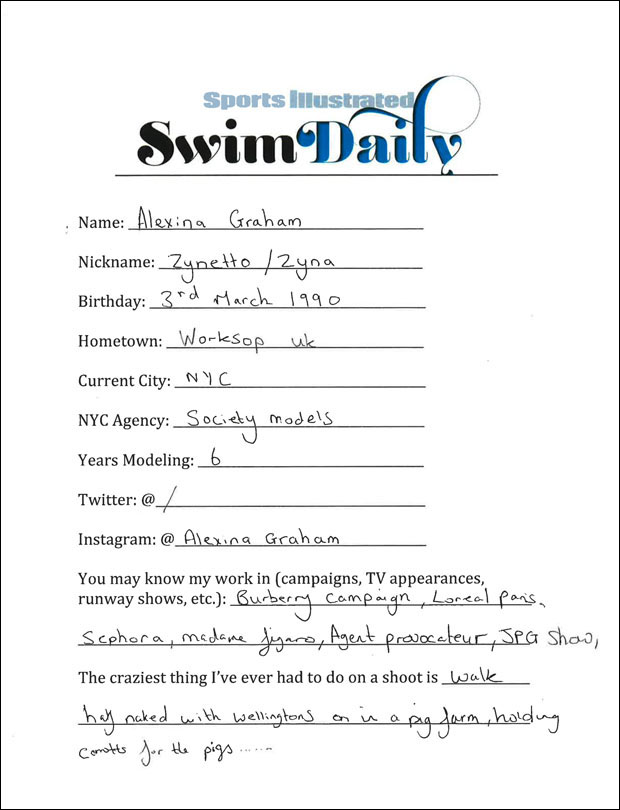
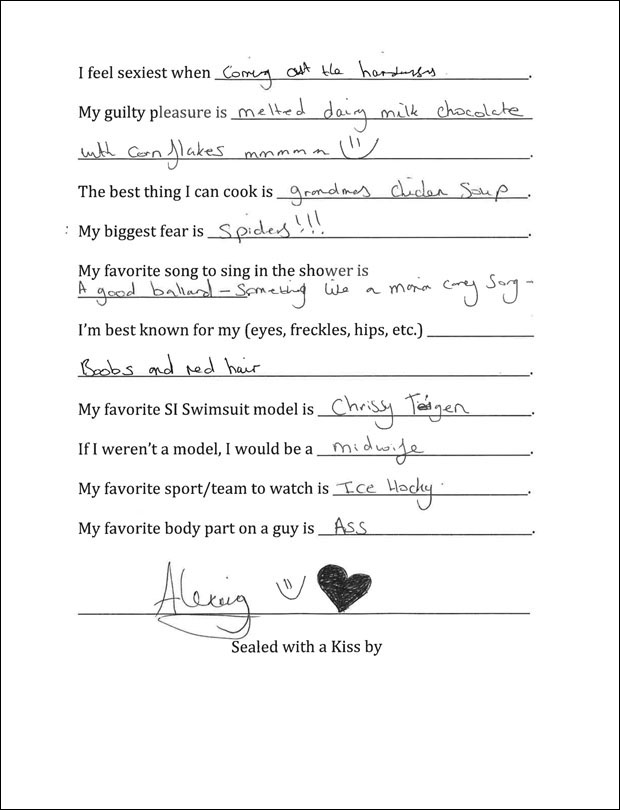
S.I. Swim Casting Call Source:http://www.si.com/swim-daily/2015/10/09/si-swimsuit-2016-casting-call-alexina-graham
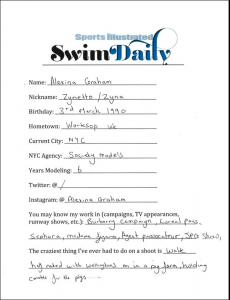
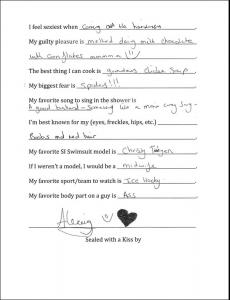
 Thanks for keeping up with her social media Laura!!!
Untagged
Thanks for keeping up with her social media Laura!!!
Untagged
 Ph: Corey Epstein Source:http://coreyepstein.tumblr.com/page/2

 Ph: Corey Epstein Source:http://coreyepstein.tumblr.com/page/2










 Gorgeous!
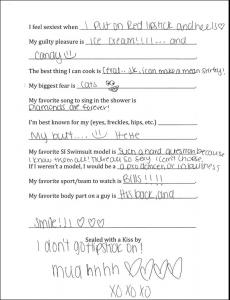
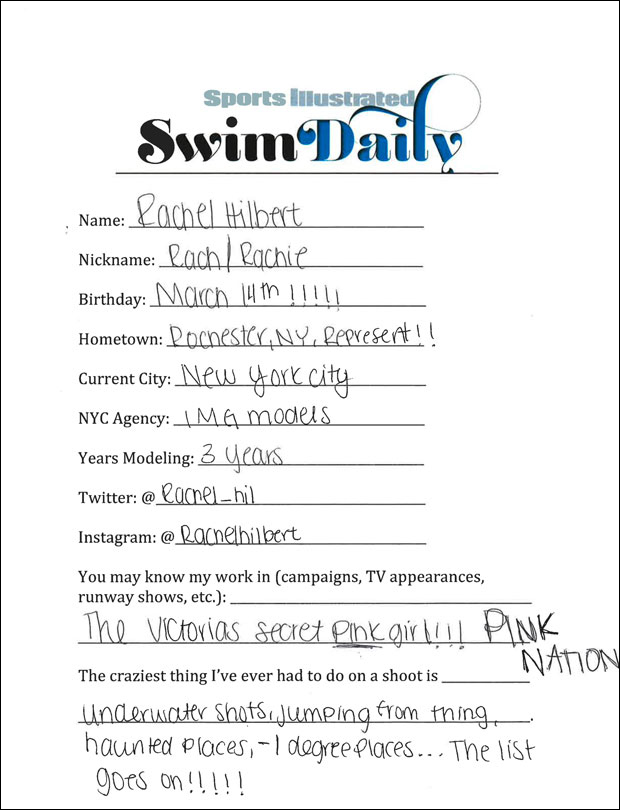
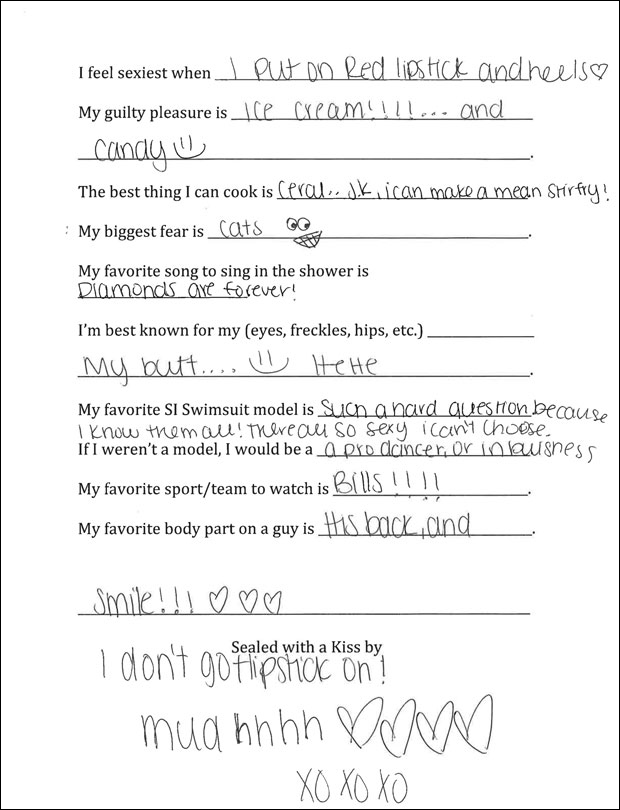
S.I. Swim Casting Call Source:http://www.si.com/swim-daily/2015/10/07/si-swimsuit-2016-casting-call-rachel-hilbert
Gorgeous!
S.I. Swim Casting Call Source:http://www.si.com/swim-daily/2015/10/07/si-swimsuit-2016-casting-call-rachel-hilbert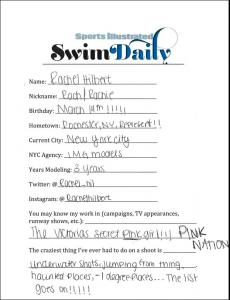
 Ph: Yves Huy Truong
Ph: Aris Jerome Source:http://arisjerome.tumblr.com/
Cailin walks briefly in the finale at 12:30 to end the show.
Ph: Yves Huy Truong
Ph: Aris Jerome Source:http://arisjerome.tumblr.com/
Cailin walks briefly in the finale at 12:30 to end the show.






























Account
Search
Configure browser push notifications
Chrome (Android)
- Tap the lock icon next to the address bar.
- Tap Permissions → Notifications.
- Adjust your preference.
Chrome (Desktop)
- Click the padlock icon in the address bar.
- Select Site settings.
- Find Notifications and adjust your preference.
Safari (iOS 16.4+)
- Ensure the site is installed via Add to Home Screen.
- Open Settings App → Notifications.
- Find your app name and adjust your preference.
Safari (macOS)
- Go to Safari → Preferences.
- Click the Websites tab.
- Select Notifications in the sidebar.
- Find this website and adjust your preference.
Edge (Android)
- Tap the lock icon next to the address bar.
- Tap Permissions.
- Find Notifications and adjust your preference.
Edge (Desktop)
- Click the padlock icon in the address bar.
- Click Permissions for this site.
- Find Notifications and adjust your preference.
Firefox (Android)
- Go to Settings → Site permissions.
- Tap Notifications.
- Find this site in the list and adjust your preference.
Firefox (Desktop)
- Open Firefox Settings.
- Search for Notifications.
- Find this site in the list and adjust your preference.