

RIP_Cabrini_Green
Members
-
Joined
-
Last visited
Everything posted by RIP_Cabrini_Green
-
 Sandra Kubicka - 20 ------ Cora Keegan - 3 Kate Bock - 17
:wub2: :wub2: :wub2:
Sandra Kubicka - 20 ------ Cora Keegan - 3 Kate Bock - 17
:wub2: :wub2: :wub2: I'm so pumped for her. So proud for her. Let's hope for the best! She deserves it!!
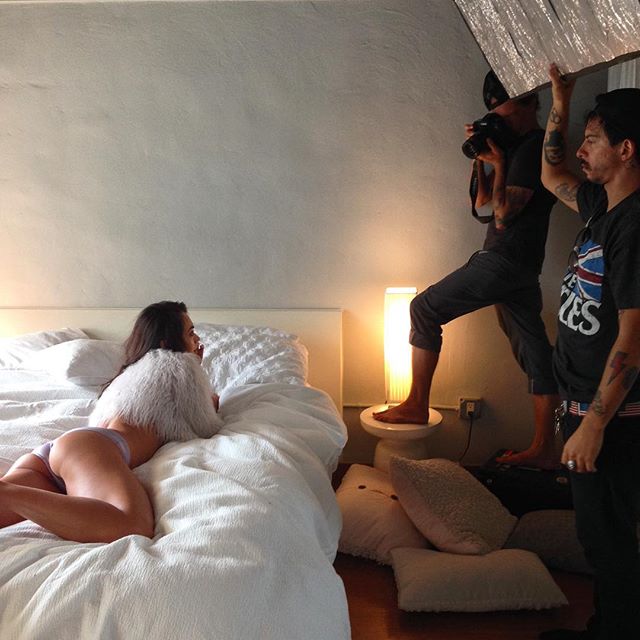
BTS Source:http://juliocarlos.com/films Source:http://andrewurban.com/#/genre/portfolio
I'm so pumped for her. So proud for her. Let's hope for the best! She deserves it!!
BTS Source:http://juliocarlos.com/films Source:http://andrewurban.com/#/genre/portfolio
















 Ahhh I see. Well hopefully she comes to visit a ton more because I live 7 blocks away from Ford Chicago and wouldn't mind bumping into her again. lol
I saw this girl today here in Chicago. Is she based here?
@lifewithoutandy
Oh damn, it's been so hectic on here lately....Happy 100 Pages of Sandra everyone!!!
I've already sent up a few! Hahaha
Bellemere is a Legend. Incredible shots.
Even if it's just for the PINK section. I don't care. But she NEEDS to be in that damn show!! I'm usually not the praying type, but my ass is getting on my knees tonight to toss a couple up to the big man! Good Luck Sandra!!! break a leg!
She's interesting to say the least!
^ Let the speculation begin!
Ahhh I see. Well hopefully she comes to visit a ton more because I live 7 blocks away from Ford Chicago and wouldn't mind bumping into her again. lol
I saw this girl today here in Chicago. Is she based here?
@lifewithoutandy
Oh damn, it's been so hectic on here lately....Happy 100 Pages of Sandra everyone!!!
I've already sent up a few! Hahaha
Bellemere is a Legend. Incredible shots.
Even if it's just for the PINK section. I don't care. But she NEEDS to be in that damn show!! I'm usually not the praying type, but my ass is getting on my knees tonight to toss a couple up to the big man! Good Luck Sandra!!! break a leg!
She's interesting to say the least!
^ Let the speculation begin!































































Account
Search
Configure browser push notifications
Chrome (Android)
- Tap the lock icon next to the address bar.
- Tap Permissions → Notifications.
- Adjust your preference.
Chrome (Desktop)
- Click the padlock icon in the address bar.
- Select Site settings.
- Find Notifications and adjust your preference.
Safari (iOS 16.4+)
- Ensure the site is installed via Add to Home Screen.
- Open Settings App → Notifications.
- Find your app name and adjust your preference.
Safari (macOS)
- Go to Safari → Preferences.
- Click the Websites tab.
- Select Notifications in the sidebar.
- Find this website and adjust your preference.
Edge (Android)
- Tap the lock icon next to the address bar.
- Tap Permissions.
- Find Notifications and adjust your preference.
Edge (Desktop)
- Click the padlock icon in the address bar.
- Click Permissions for this site.
- Find Notifications and adjust your preference.
Firefox (Android)
- Go to Settings → Site permissions.
- Tap Notifications.
- Find this site in the list and adjust your preference.
Firefox (Desktop)
- Open Firefox Settings.
- Search for Notifications.
- Find this site in the list and adjust your preference.