

RIP_Cabrini_Green
Members
-
Joined
-
Last visited
Everything posted by RIP_Cabrini_Green
-
 LeAnn Crupi
-
Don't know the girls, but a hell of a shot.

-
Carmella Rose



-
Kimberley Garner
Gorgeous!
Yeah. I'm freaking obsessed.
Stella always looks bored. Not when Miley's hand is down her pants.
She talks a little about the World Swimsuit issue and a little about S.I.
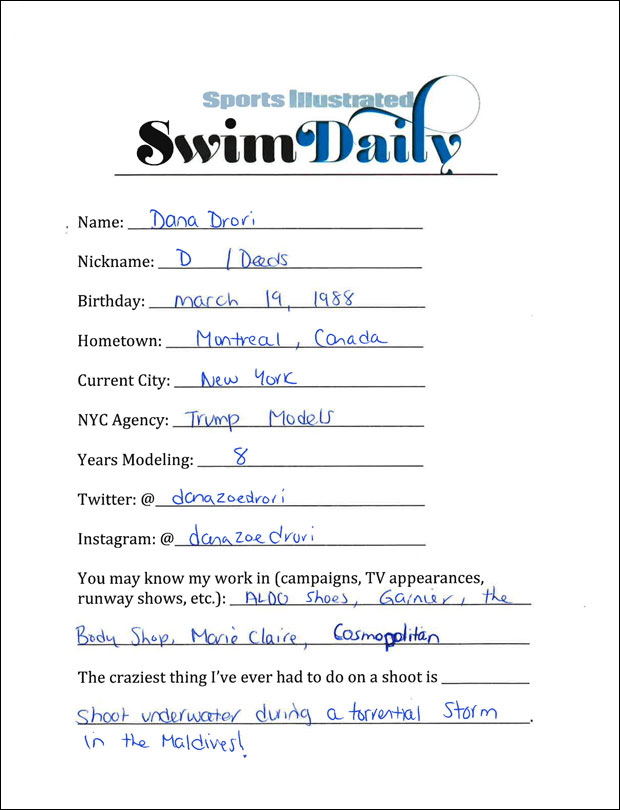
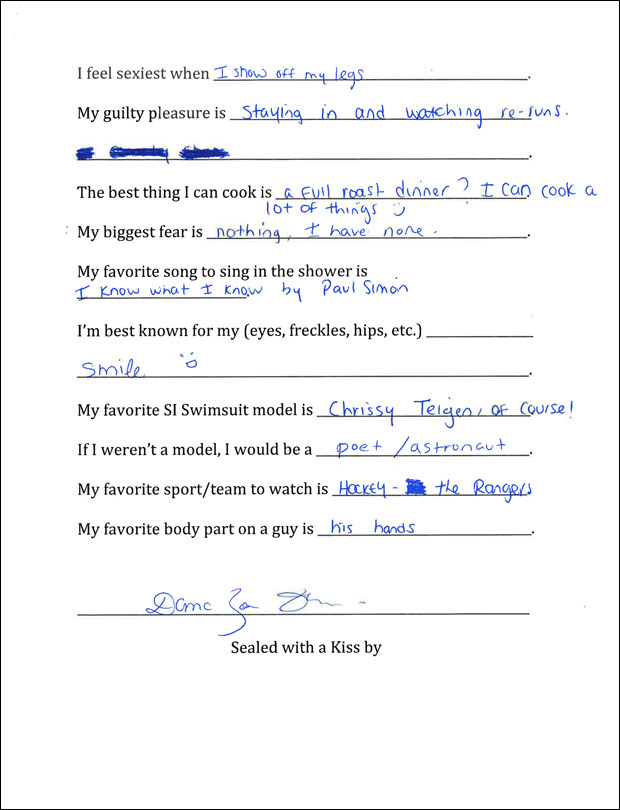
S.I. Swim Casting Call Source:http://www.si.com/swim-daily/2015/11/03/si-swimsuit-2016-casting-call-dana-drori
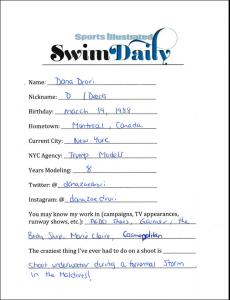
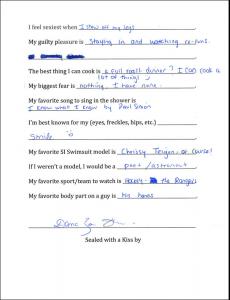
 :BaronFaint: :BaronFaint:
 Bregje Heinen - 2 Yulia Rose - 18 Genevieve Morton - 2 Shiloh Malka - 18 ------- Kristina Romanova - 5 Marloes Horst - 5 Hannah Ferguson - 30
Sherri Hill Spring 2016 Source:http://sherrihill.com
Bregje Heinen - 2 Yulia Rose - 18 Genevieve Morton - 2 Shiloh Malka - 18 ------- Kristina Romanova - 5 Marloes Horst - 5 Hannah Ferguson - 30
Sherri Hill Spring 2016 Source:http://sherrihill.com

















































































Account
Search
Configure browser push notifications
Chrome (Android)
- Tap the lock icon next to the address bar.
- Tap Permissions → Notifications.
- Adjust your preference.
Chrome (Desktop)
- Click the padlock icon in the address bar.
- Select Site settings.
- Find Notifications and adjust your preference.
Safari (iOS 16.4+)
- Ensure the site is installed via Add to Home Screen.
- Open Settings App → Notifications.
- Find your app name and adjust your preference.
Safari (macOS)
- Go to Safari → Preferences.
- Click the Websites tab.
- Select Notifications in the sidebar.
- Find this website and adjust your preference.
Edge (Android)
- Tap the lock icon next to the address bar.
- Tap Permissions.
- Find Notifications and adjust your preference.
Edge (Desktop)
- Click the padlock icon in the address bar.
- Click Permissions for this site.
- Find Notifications and adjust your preference.
Firefox (Android)
- Go to Settings → Site permissions.
- Tap Notifications.
- Find this site in the list and adjust your preference.
Firefox (Desktop)
- Open Firefox Settings.
- Search for Notifications.
- Find this site in the list and adjust your preference.