RIP_Cabrini_Green
Members
-
Joined
-
Last visited
Everything posted by RIP_Cabrini_Green
-
 Doing further research on Leafy.......
 -
She's probably thinking: "My fans are dumbasses but at least they're sweet" hahaha
-
-
Yeah except for the fact that I look brain-dead as fuck with all those grammatical errors. I typed too fast on my IPad and didn't proof read. Oh well, I think my point got across. lol
-
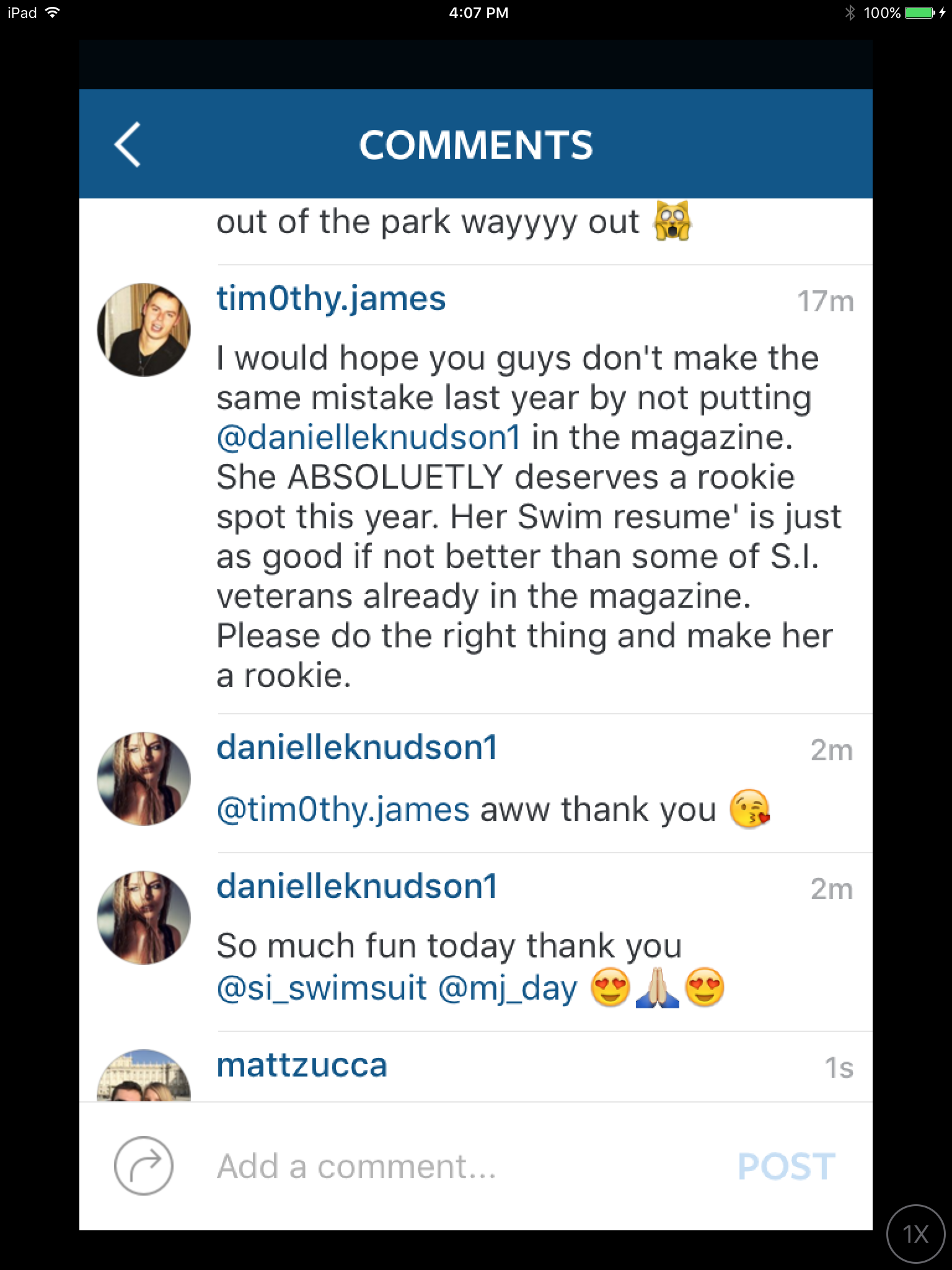
DK responded back to me! That's pretty cool it's my BZ throwaway account to follow models and photographers.. Don't get any ideas creeps. muhahahaha
-
Nah, they just enjoy getting my hopes up just to crush them and watch me crumble. hahaha meanies.
-
No that wasn't me. I was in the middle of a work call when the Q&A was going on so I didn't get to ask a questions. I would've asked more specifically about Chicago though. Or I would have asked what her favorite swim job to date has been and if she had a dream photographer to work with. (I would love to see her and Bellemere do something.)
Adriana Kylie
Trying to sleep but my dumbass is in love with taking naps in the late afternoon so now I'm wide the fuck awake.
Jon Huntsman, who wasn't even in the race was my dream candidate. I flirted with the idea of Marco for a bit. I personally think Cruz and Trump are both absolute dog shit, but I'm no fan of Hillary either......so I'm trying to talk myself into Trump at the moment. Haha. this is all so fucked.
Account
Search
Configure browser push notifications
Chrome (Android)
- Tap the lock icon next to the address bar.
- Tap Permissions → Notifications.
- Adjust your preference.
Chrome (Desktop)
- Click the padlock icon in the address bar.
- Select Site settings.
- Find Notifications and adjust your preference.
Safari (iOS 16.4+)
- Ensure the site is installed via Add to Home Screen.
- Open Settings App → Notifications.
- Find your app name and adjust your preference.
Safari (macOS)
- Go to Safari → Preferences.
- Click the Websites tab.
- Select Notifications in the sidebar.
- Find this website and adjust your preference.
Edge (Android)
- Tap the lock icon next to the address bar.
- Tap Permissions.
- Find Notifications and adjust your preference.
Edge (Desktop)
- Click the padlock icon in the address bar.
- Click Permissions for this site.
- Find Notifications and adjust your preference.
Firefox (Android)
- Go to Settings → Site permissions.
- Tap Notifications.
- Find this site in the list and adjust your preference.
Firefox (Desktop)
- Open Firefox Settings.
- Search for Notifications.
- Find this site in the list and adjust your preference.