

RIP_Cabrini_Green
Members
-
Joined
-
Last visited
Everything posted by RIP_Cabrini_Green
-
 6. Cameron Russell (most liked)5. Tanya Mityushina4. Melissa Haro3. Andreea Diaconu2. Jacquelyn Jablonski1. Daisy Lowe (least liked)
Well, then let's be thankful more optimistic people than you are running the SpaceX programs. haha.
Dasha Dereviankina Freja Beha Erichsen Catherine McNeil Ginta Lapina Lara Stone Arlenis Sosa Pena
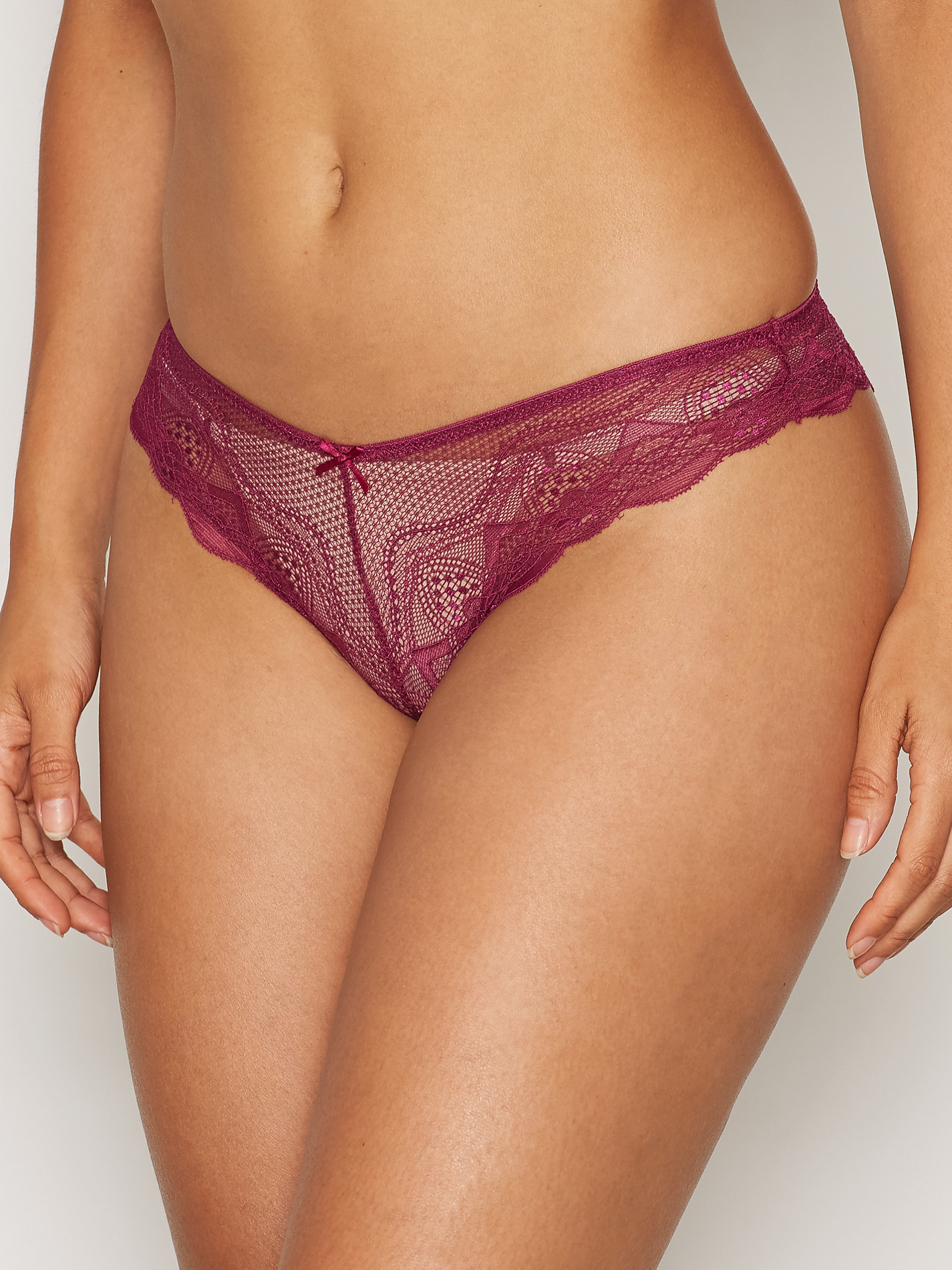
Nelly Intimates
6. Cameron Russell (most liked)5. Tanya Mityushina4. Melissa Haro3. Andreea Diaconu2. Jacquelyn Jablonski1. Daisy Lowe (least liked)
Well, then let's be thankful more optimistic people than you are running the SpaceX programs. haha.
Dasha Dereviankina Freja Beha Erichsen Catherine McNeil Ginta Lapina Lara Stone Arlenis Sosa Pena
Nelly Intimates














































 Nelly Dresses Accessories








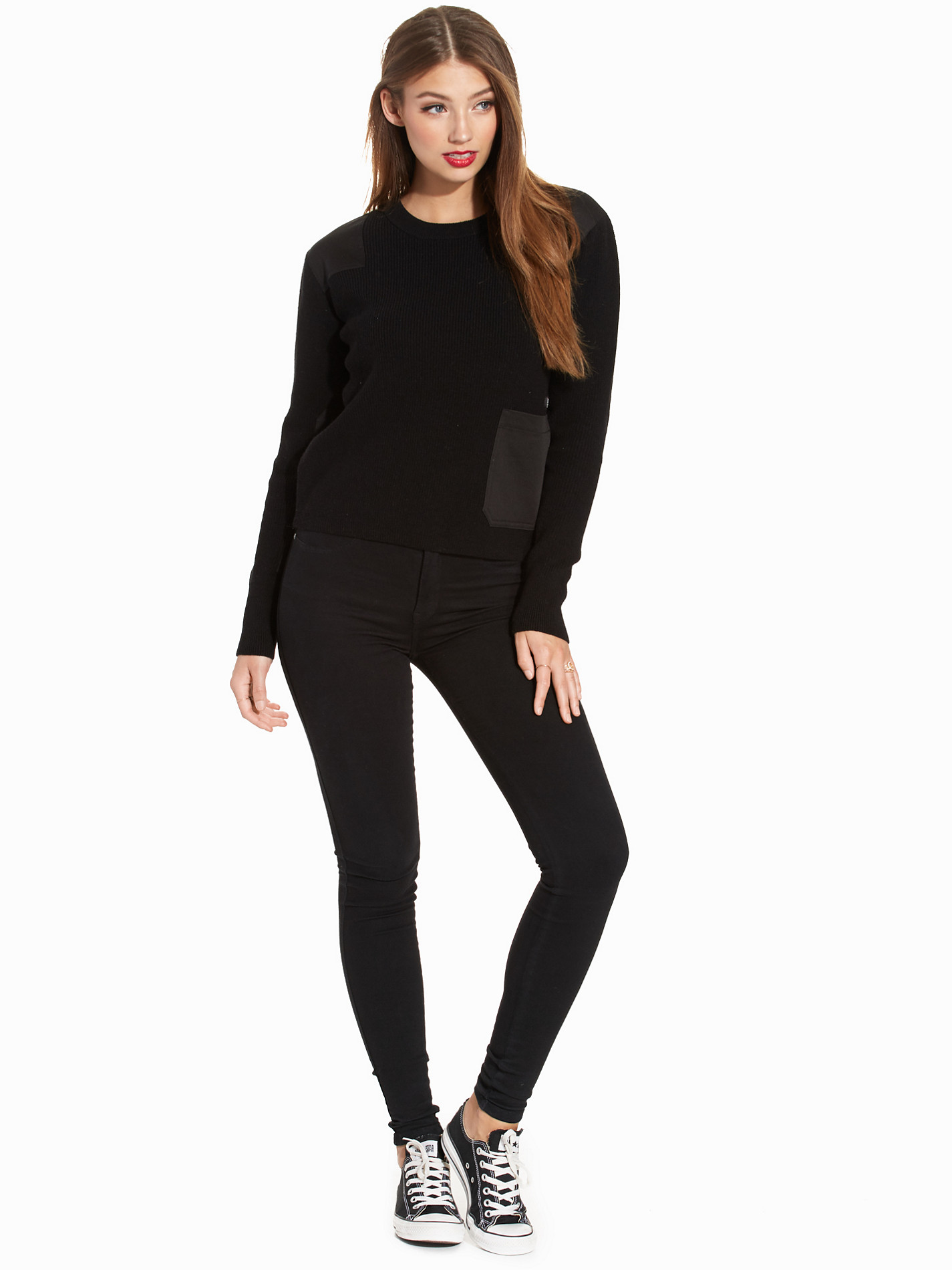
 Nelly Clothing

























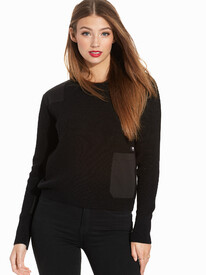

 Nelly Jackets







































 Well for the sake of this country, he better start studying. He needs to brush up on some NATO 101.










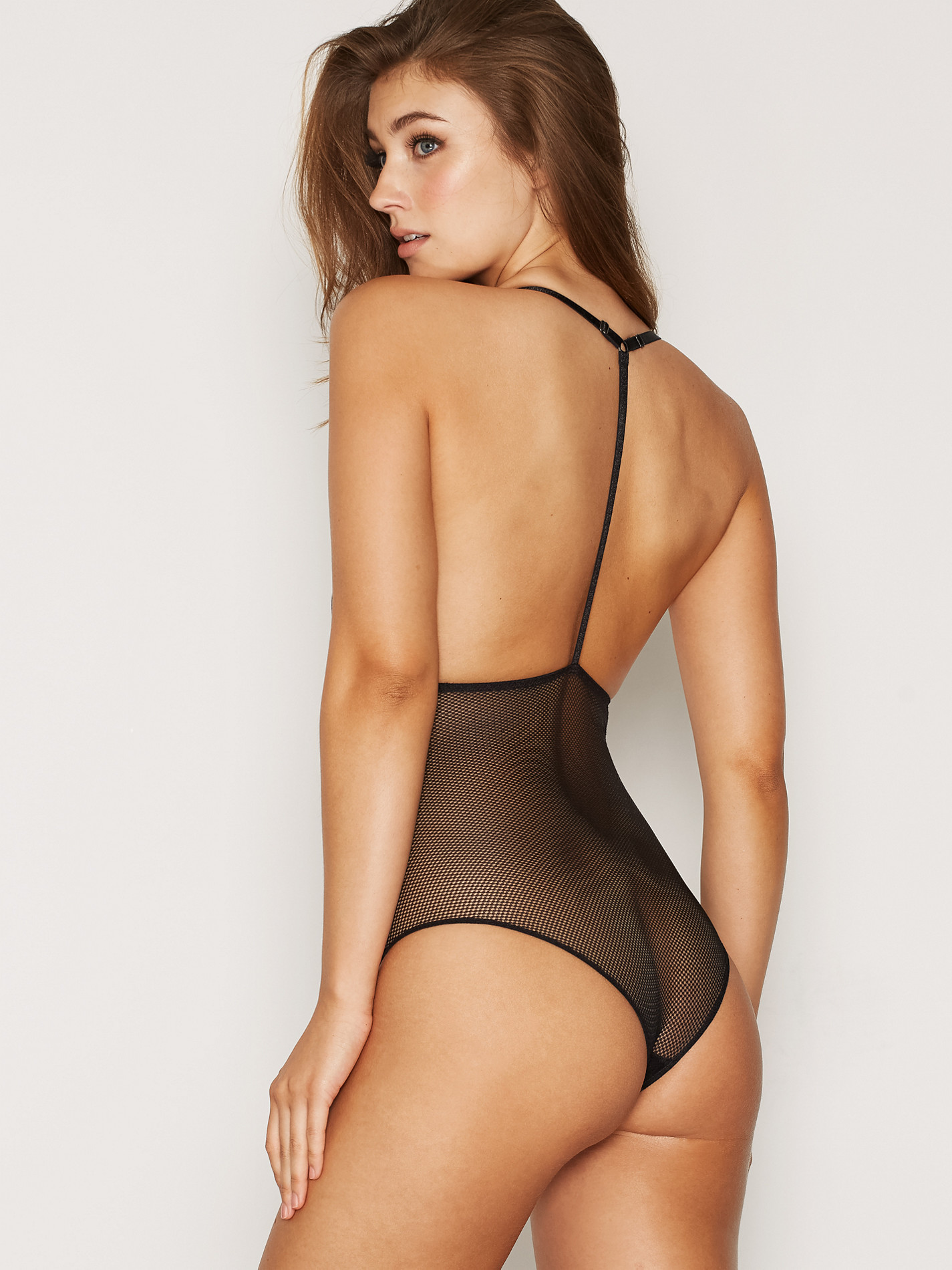

















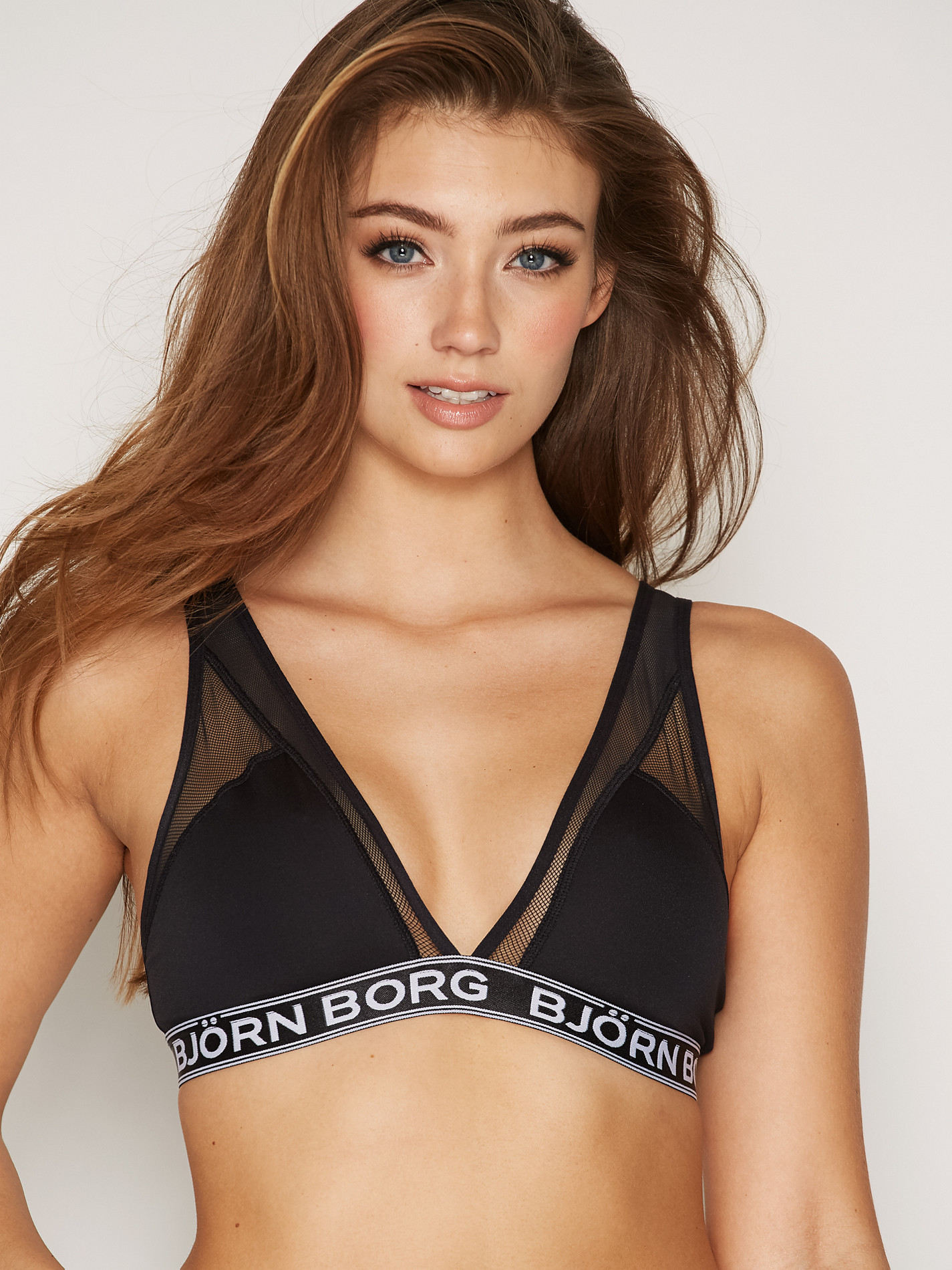








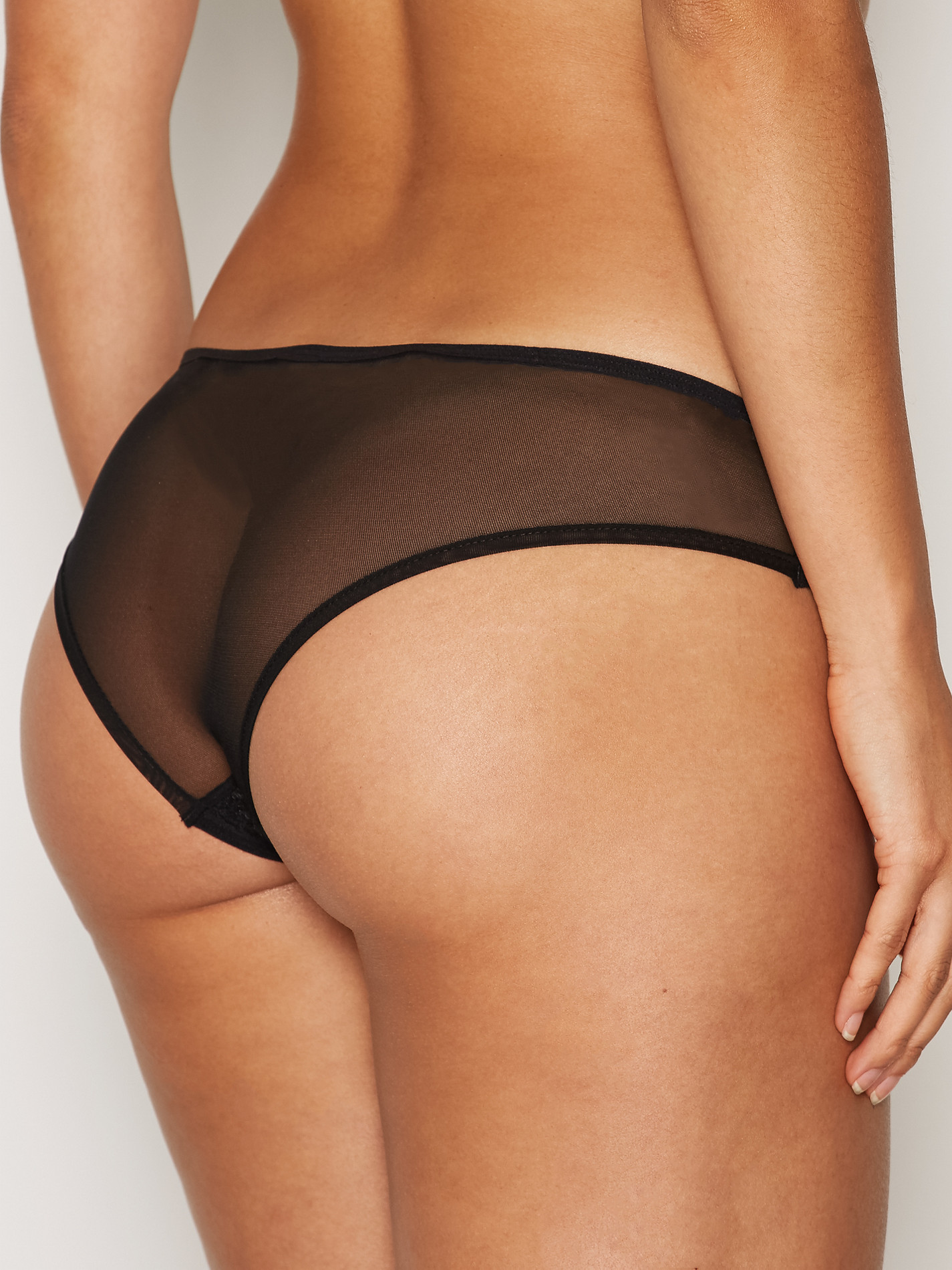


























































































Account
Search
Configure browser push notifications
Chrome (Android)
- Tap the lock icon next to the address bar.
- Tap Permissions → Notifications.
- Adjust your preference.
Chrome (Desktop)
- Click the padlock icon in the address bar.
- Select Site settings.
- Find Notifications and adjust your preference.
Safari (iOS 16.4+)
- Ensure the site is installed via Add to Home Screen.
- Open Settings App → Notifications.
- Find your app name and adjust your preference.
Safari (macOS)
- Go to Safari → Preferences.
- Click the Websites tab.
- Select Notifications in the sidebar.
- Find this website and adjust your preference.
Edge (Android)
- Tap the lock icon next to the address bar.
- Tap Permissions.
- Find Notifications and adjust your preference.
Edge (Desktop)
- Click the padlock icon in the address bar.
- Click Permissions for this site.
- Find Notifications and adjust your preference.
Firefox (Android)
- Go to Settings → Site permissions.
- Tap Notifications.
- Find this site in the list and adjust your preference.
Firefox (Desktop)
- Open Firefox Settings.
- Search for Notifications.
- Find this site in the list and adjust your preference.