

pourlessrebelless
Members
-
Joined
-
Last visited
Everything posted by pourlessrebelless
-
 Urban Outfitters.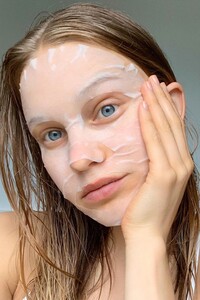
-
Ardene




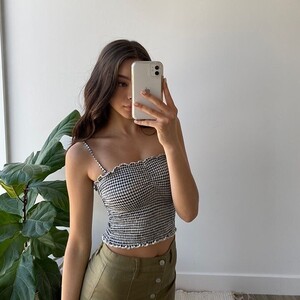

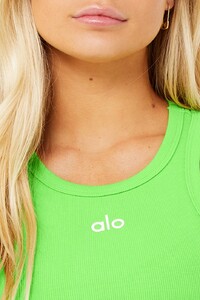
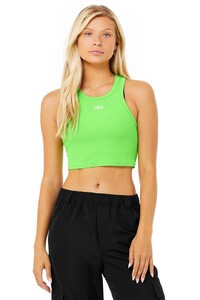
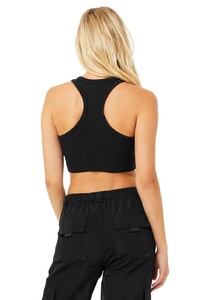
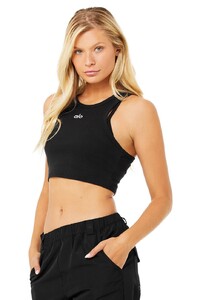
 Alo Yoga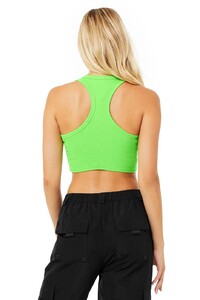
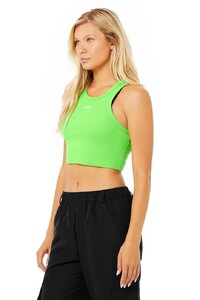
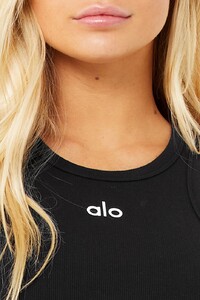
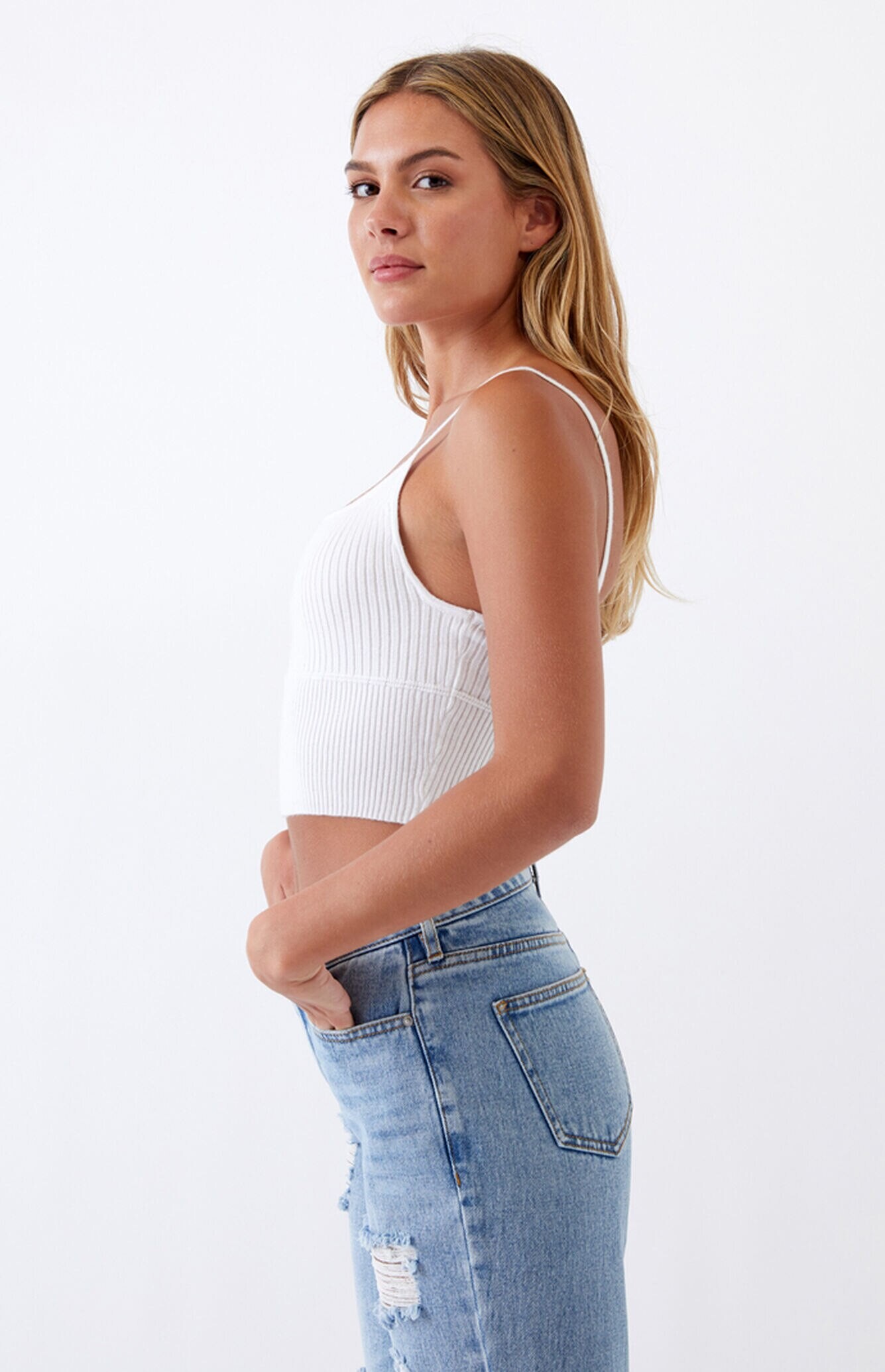
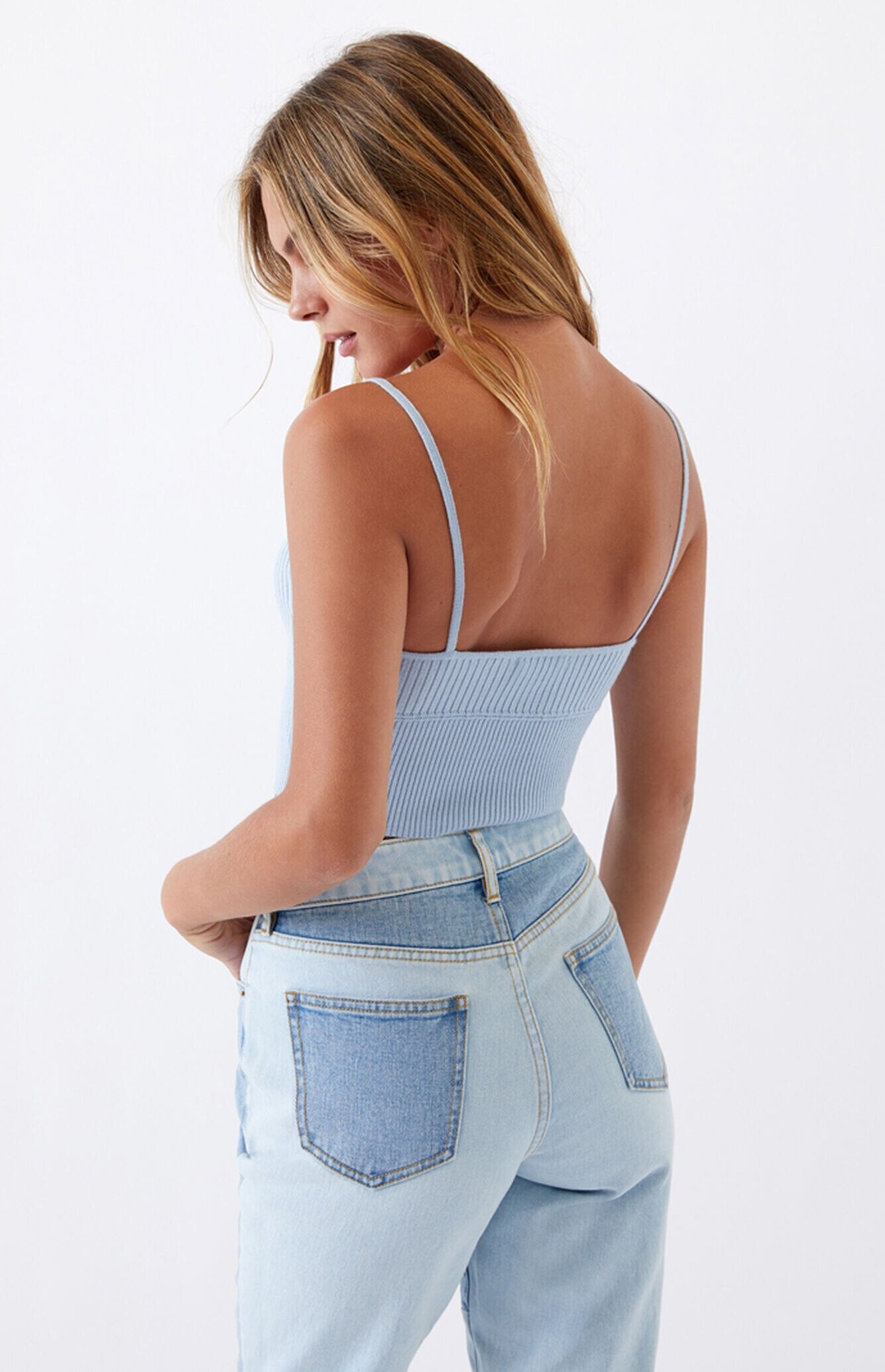
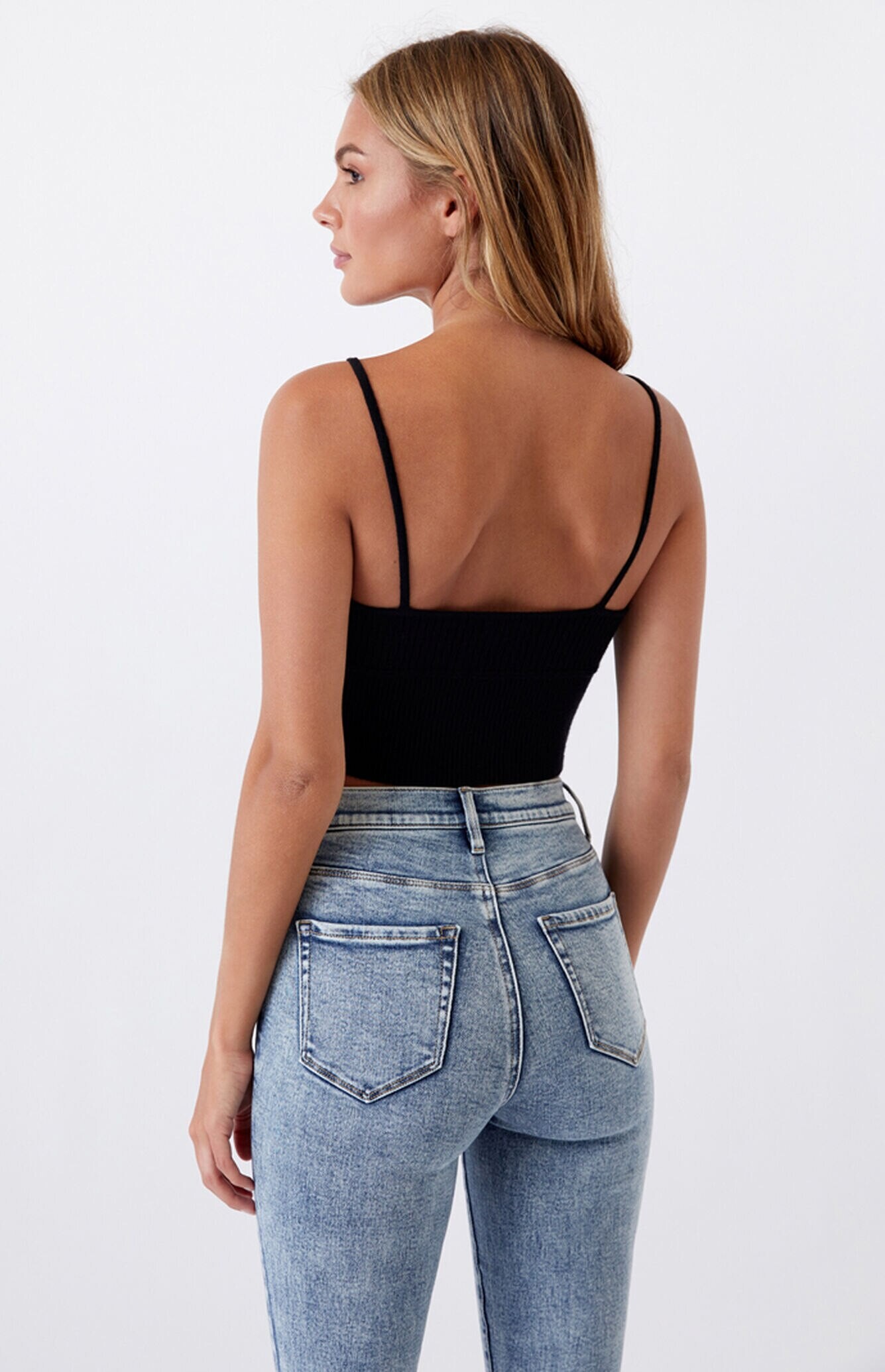
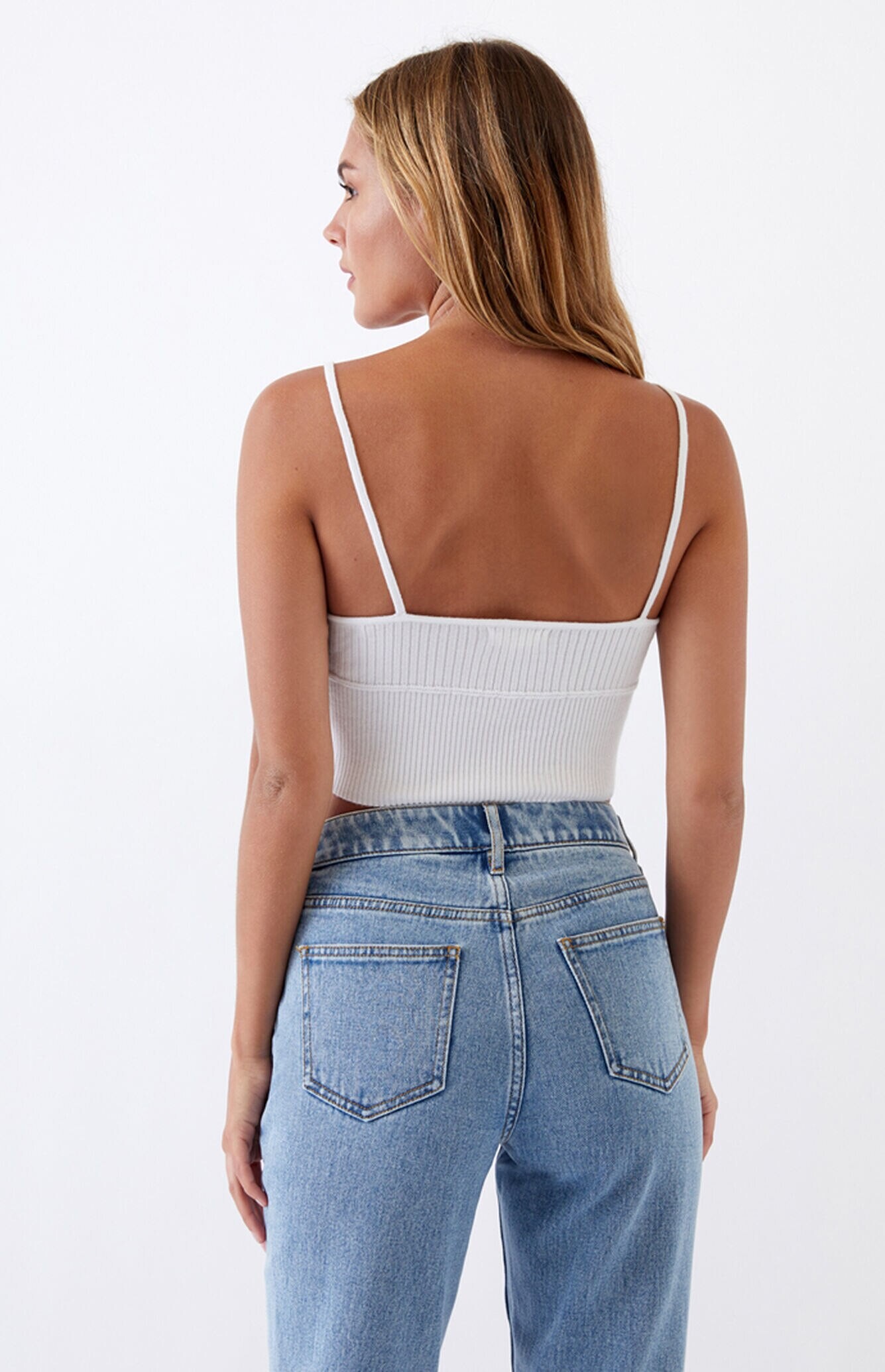
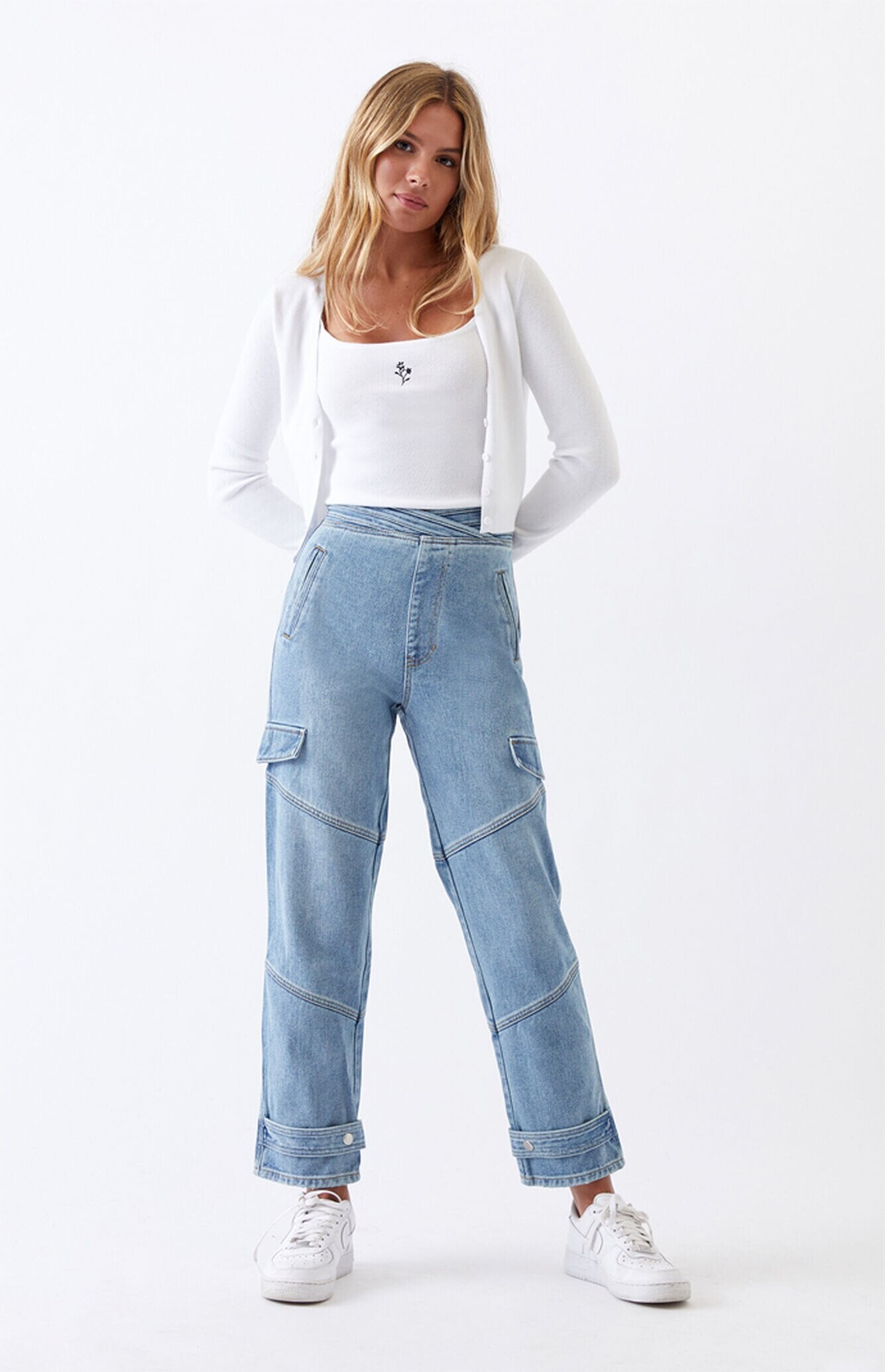
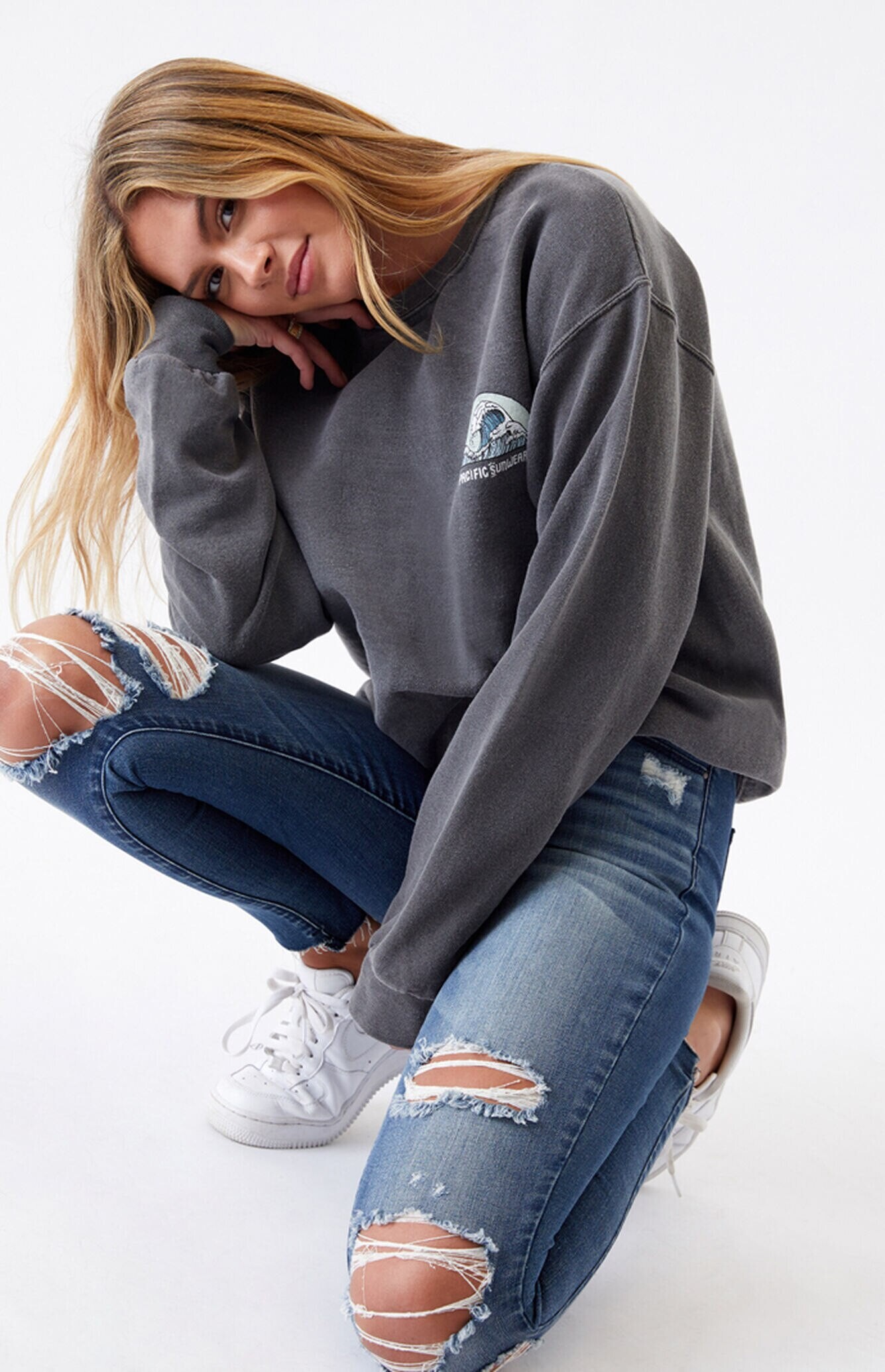
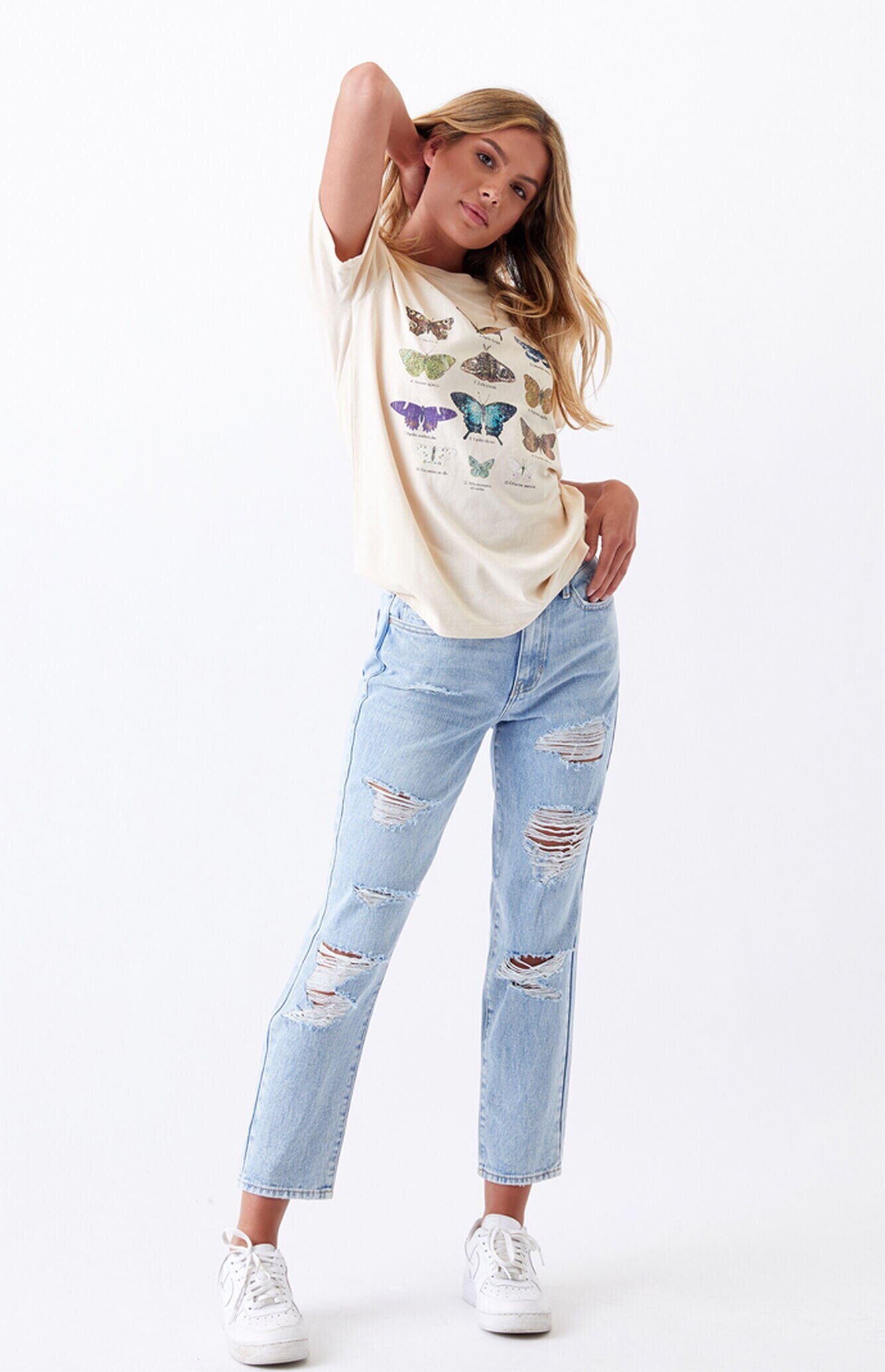
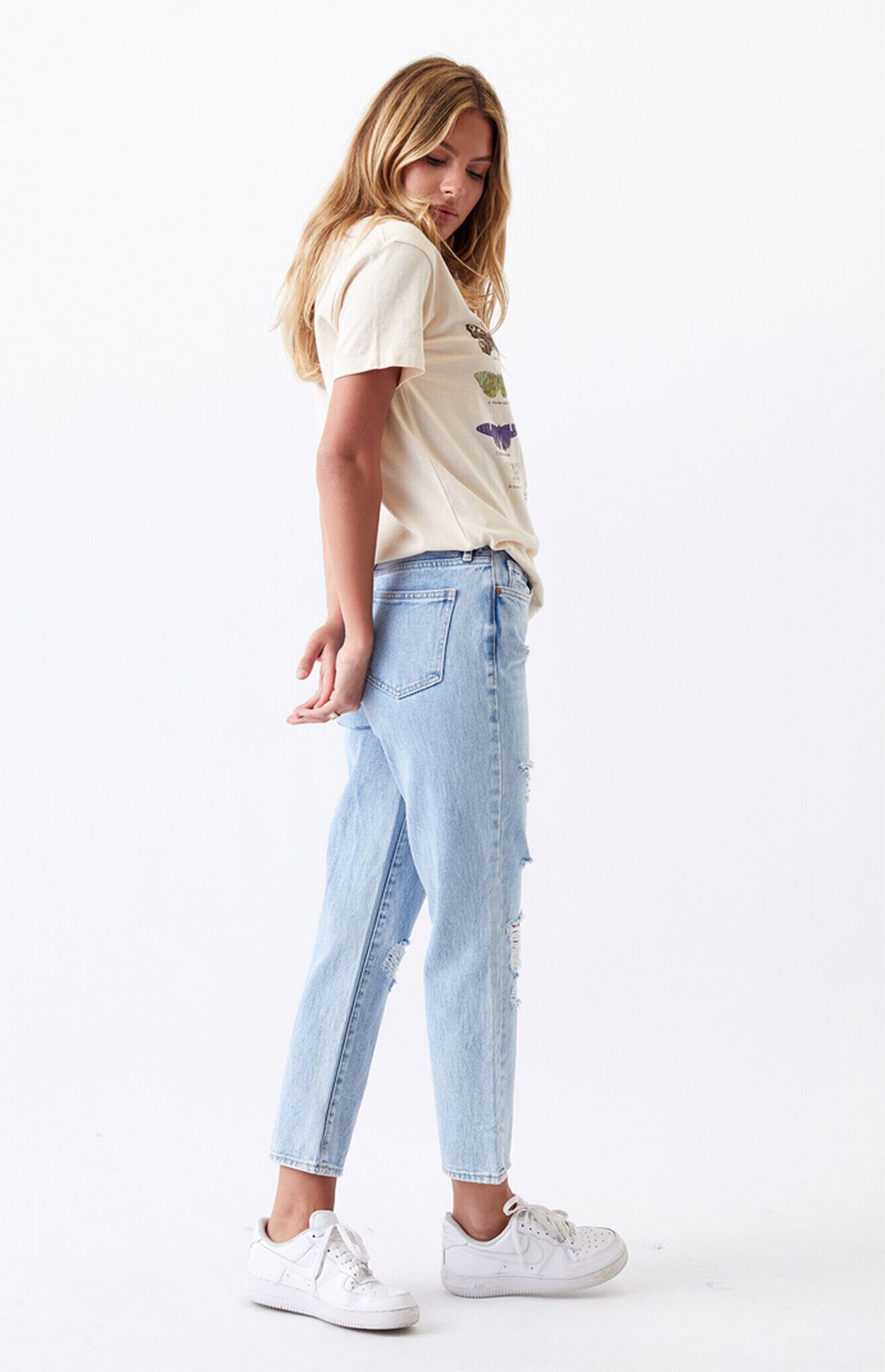
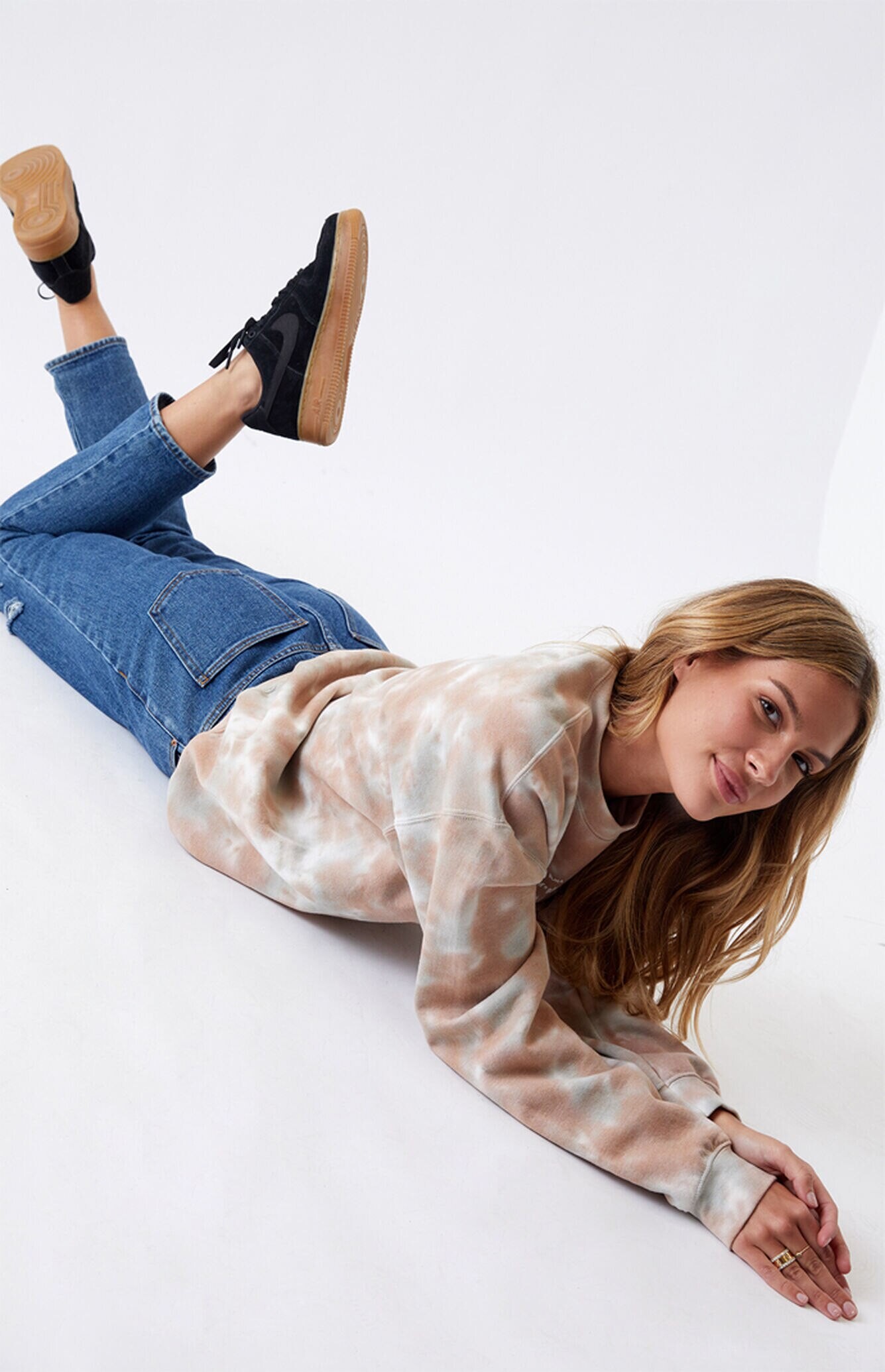
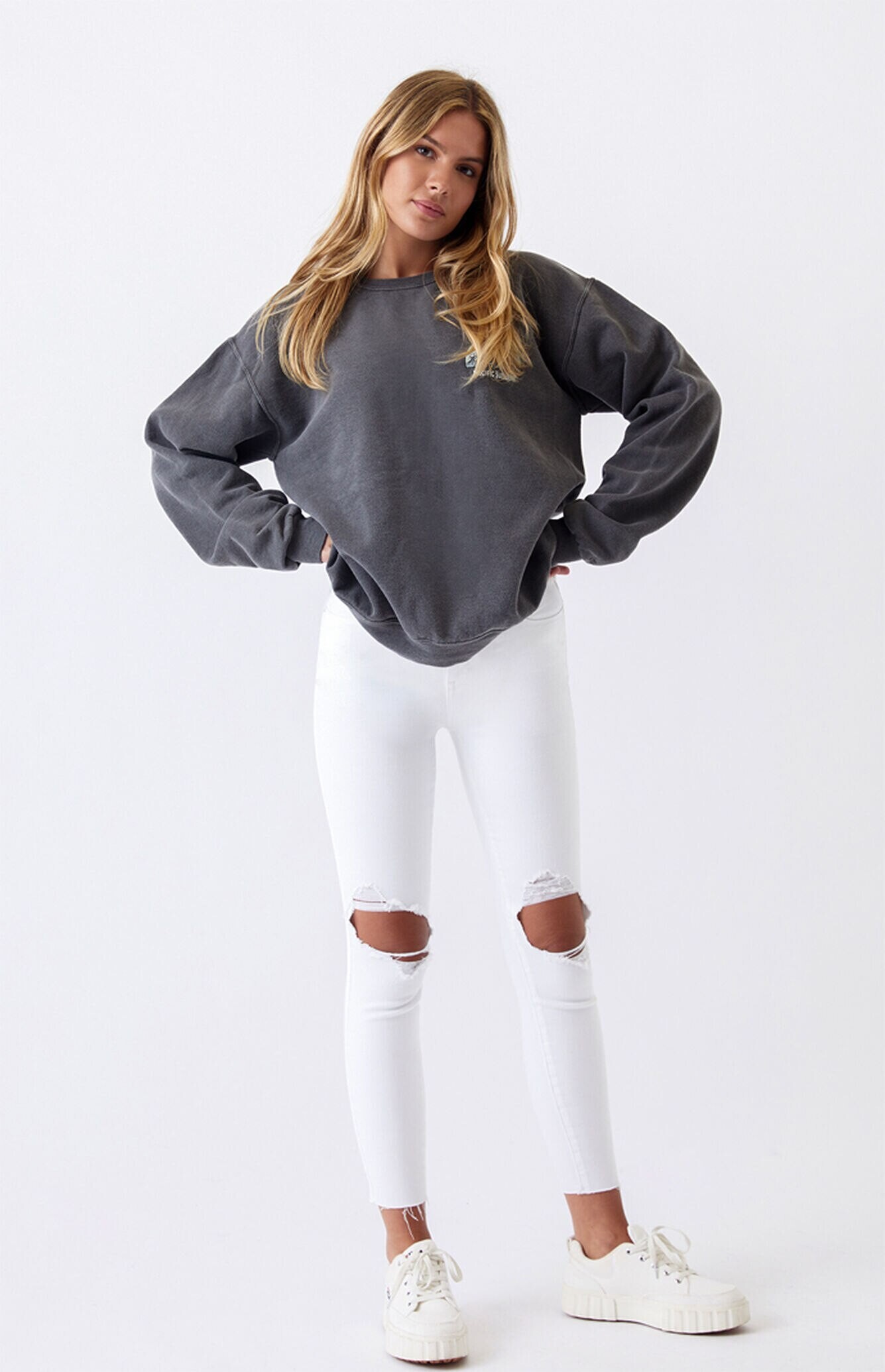
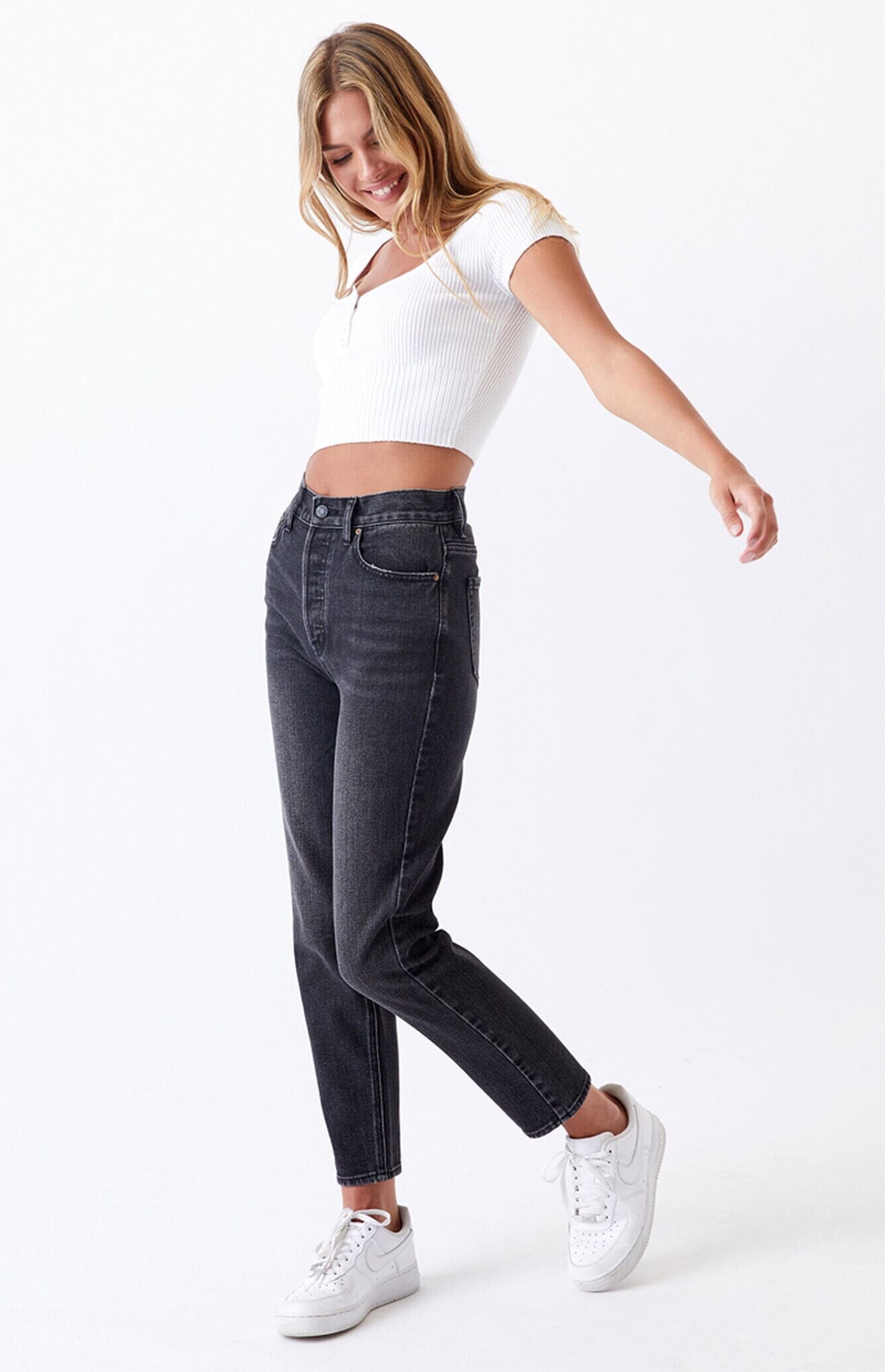
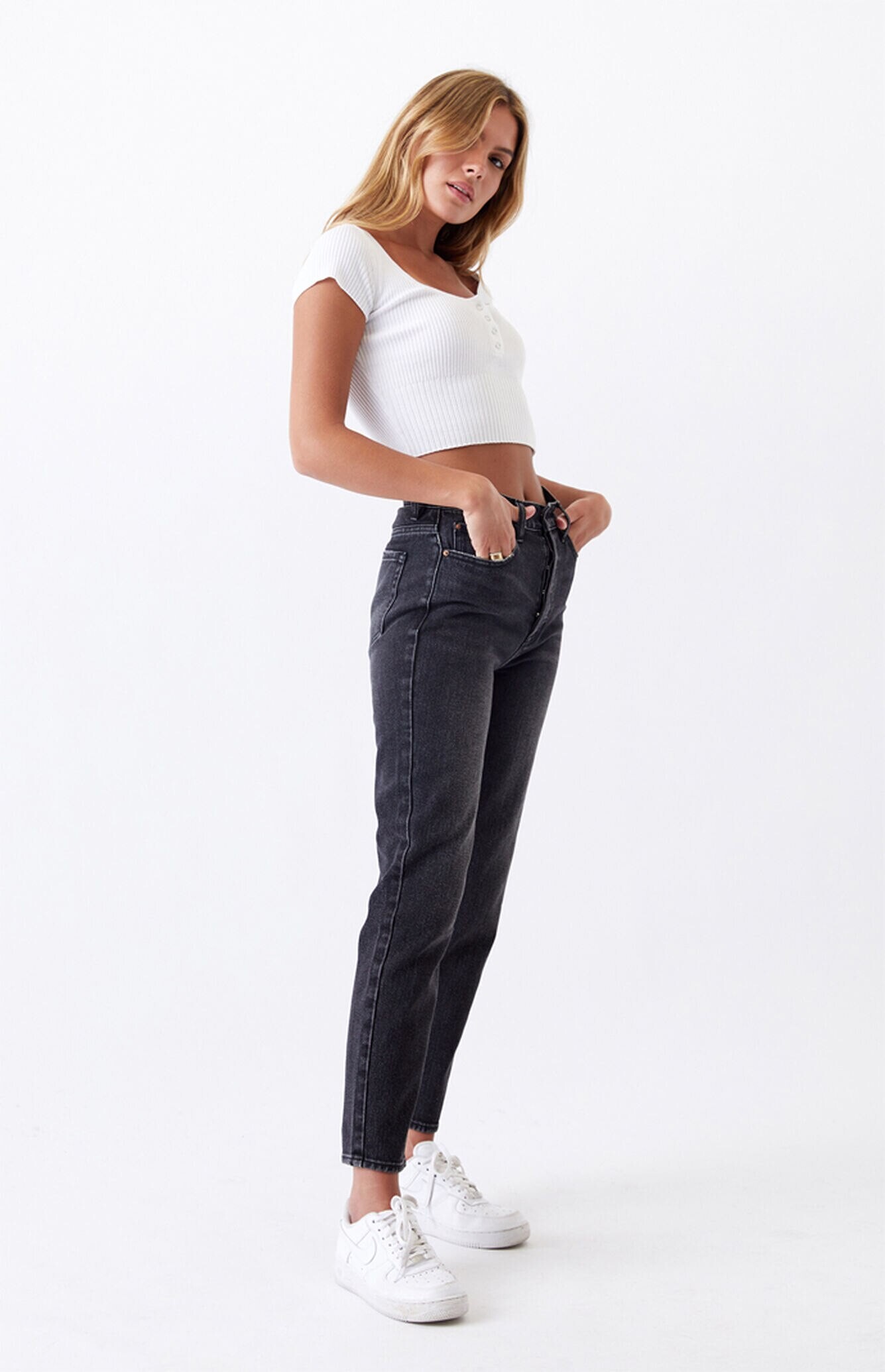
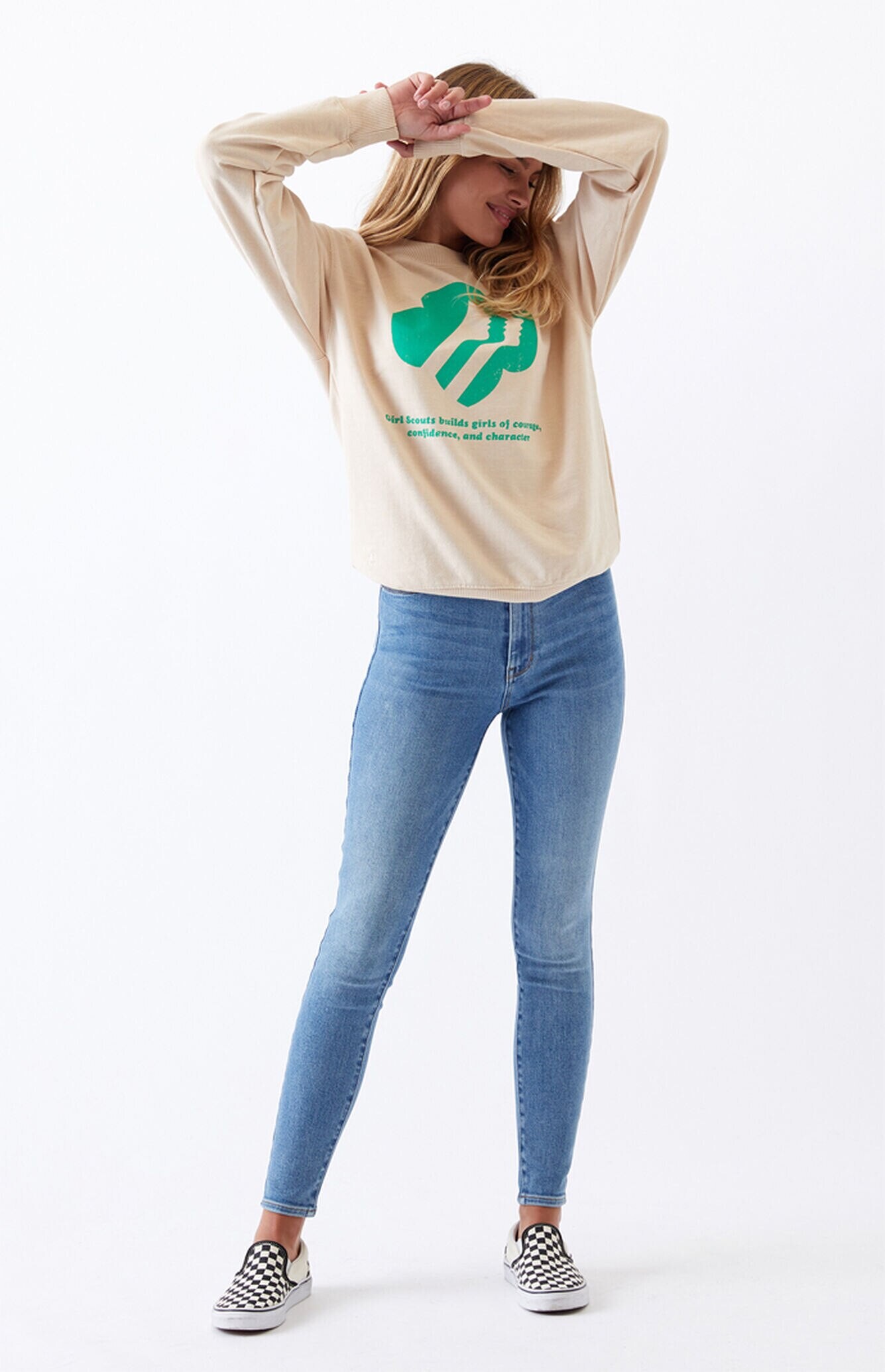
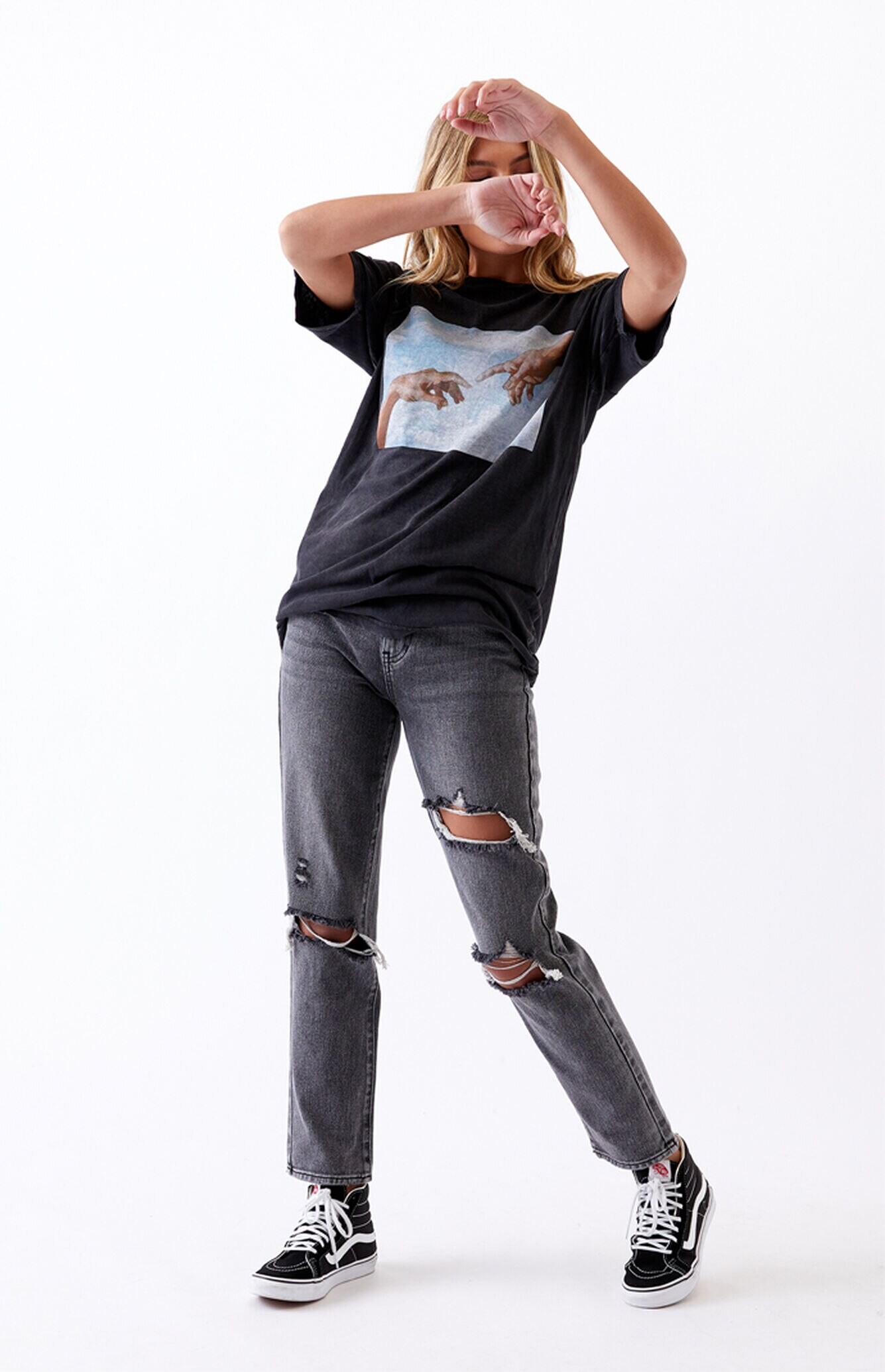
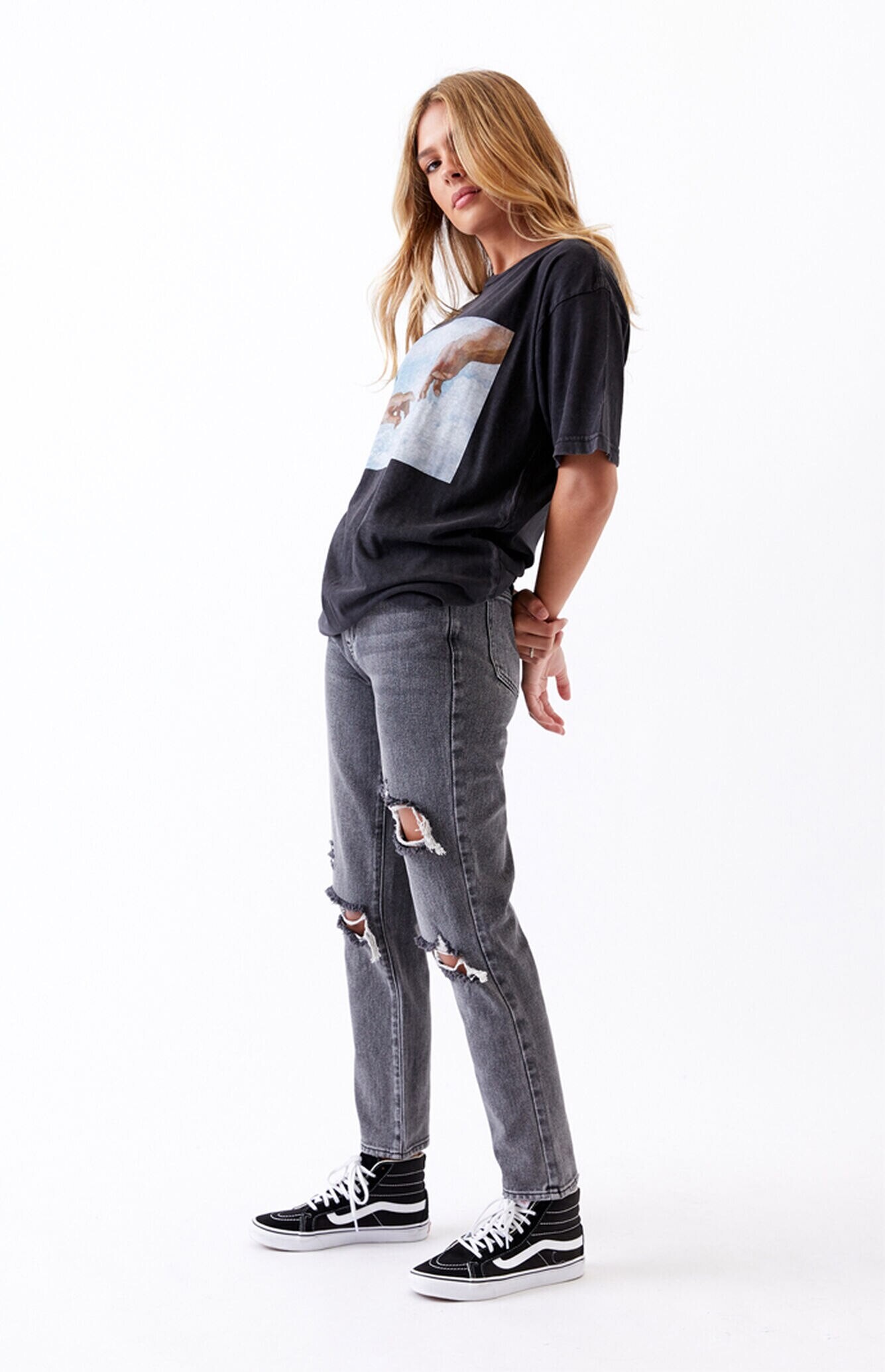
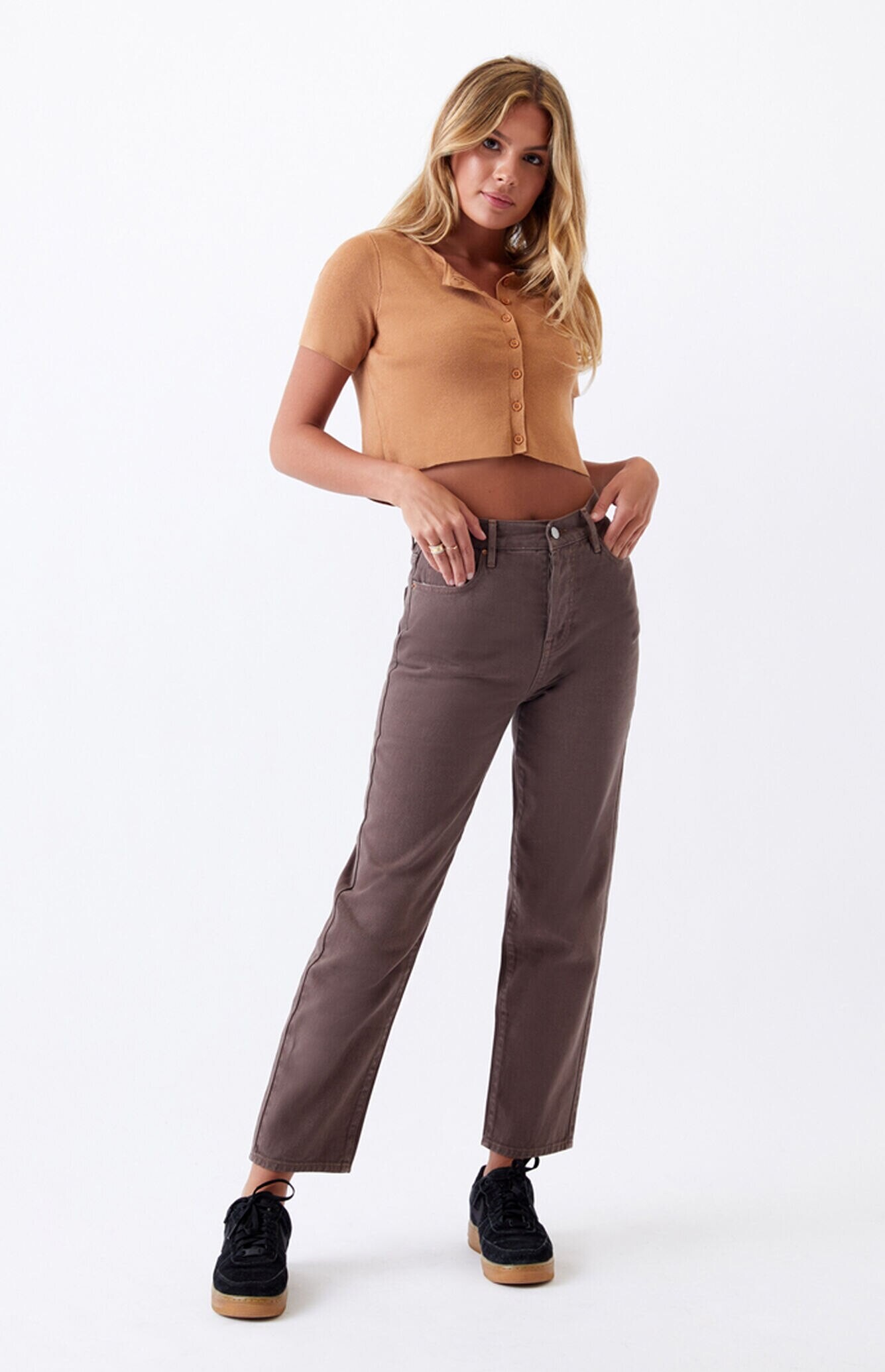
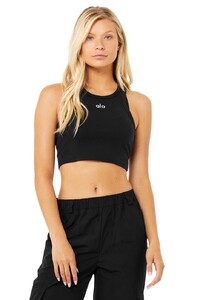 Pacsun



 Pacsun 0850436750049NEW_05_075.webp 0860602180015NEW_05_349.webp 0870461580458NEW_02_030.webp

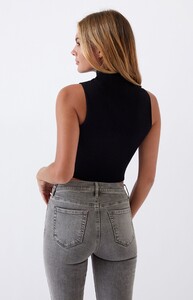
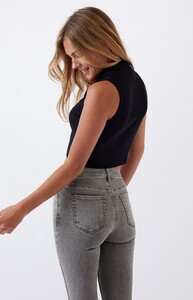
.thumb.jpg.8e53c306f893d759211f07a1a1dc7822.jpg)

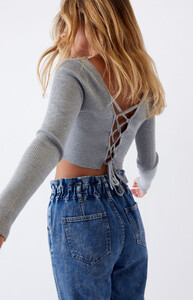



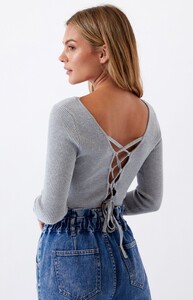









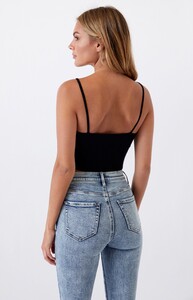
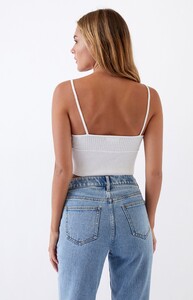










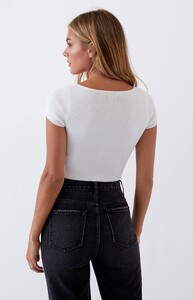
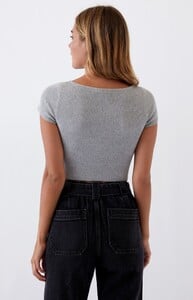
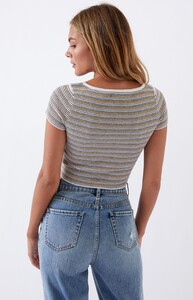
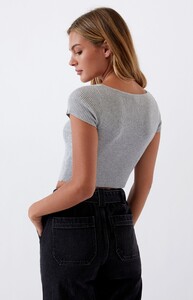
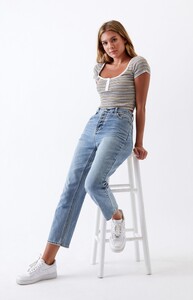
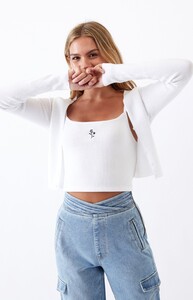

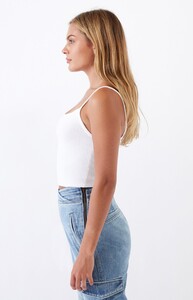



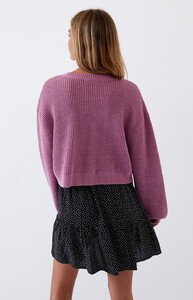
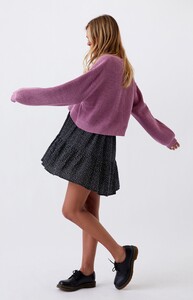




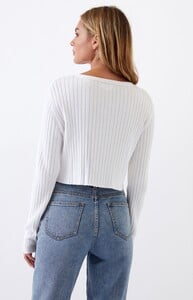








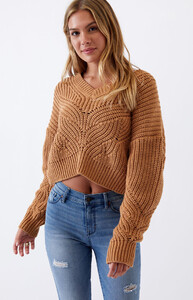
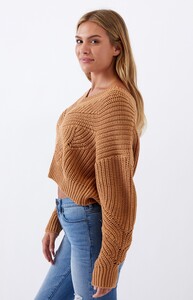
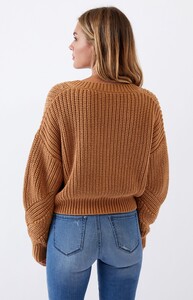

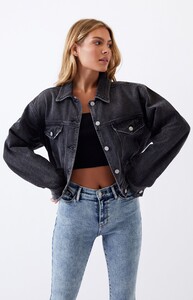
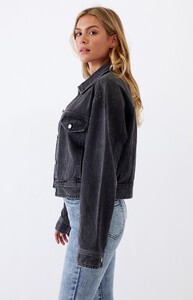
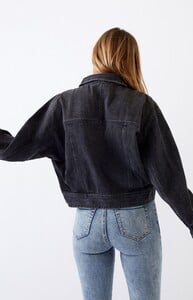




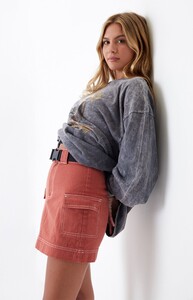
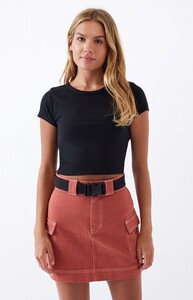
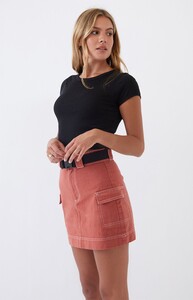
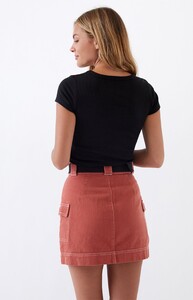

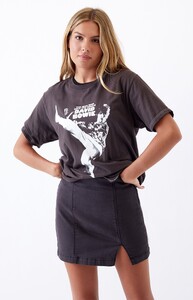
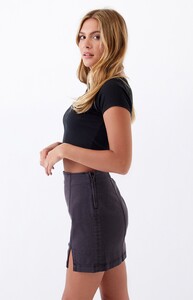
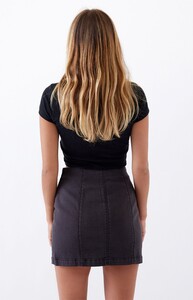
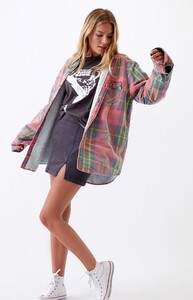
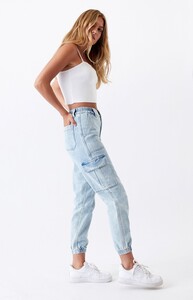
.thumb.jpg.0e455361e8f30d5f4a9dfb031c39481e.jpg)
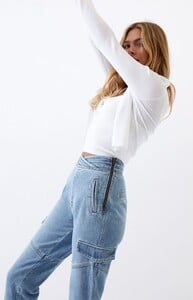
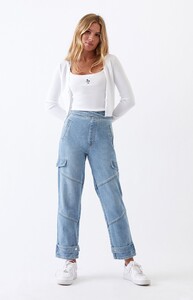



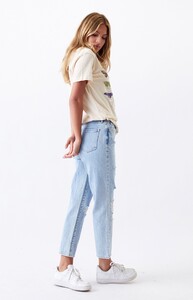
.thumb.jpg.081be8a8a16aa8012be00102b0be2c28.jpg)

.thumb.jpg.782fa75120b8205ea8bd5bf3b6bb83f6.jpg)




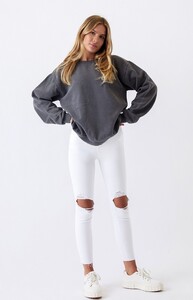


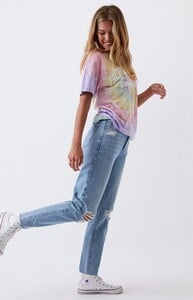

.thumb.jpg.4e50e3365795ddd4db37972945a18ad5.jpg)
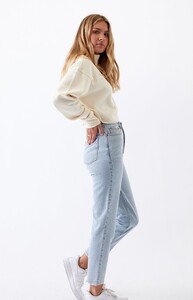
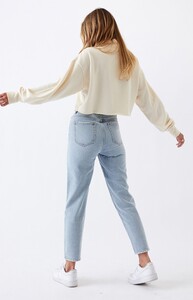


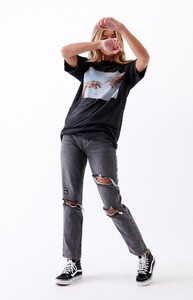
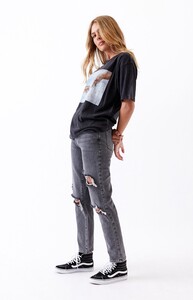
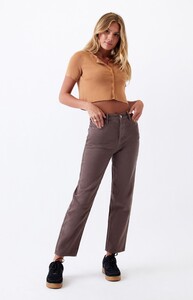

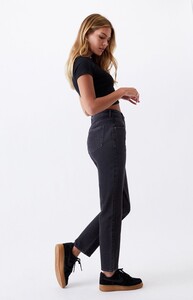



.thumb.jpg.7fa11ecc691486eb879b4821d723a7bc.jpg)

.thumb.jpg.6ee54eed910d70344404e0a308dcfdff.jpg)







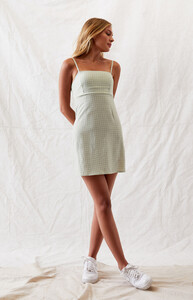








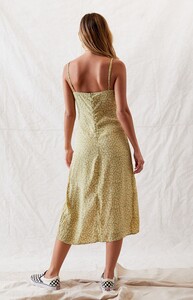


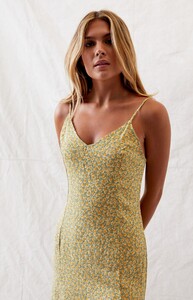
.thumb.jpg.9dda0006356dafdc773c8c384cd76eaf.jpg)

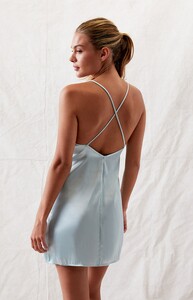
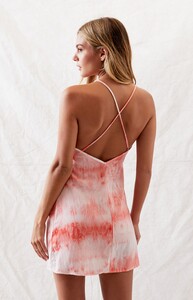
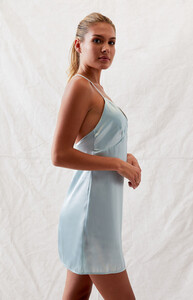



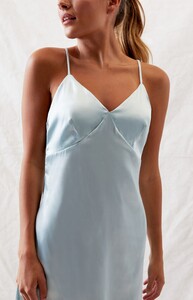 Abby is in the video.
IG story
Abby is in the video.
IG story
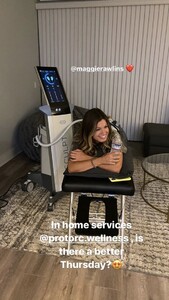

 Height, 175cm. Bust, 81cm. Waist, 64cm. Hips, 92cm. Shoes, 38. Eyes, Blue. Hair, Dark Blond






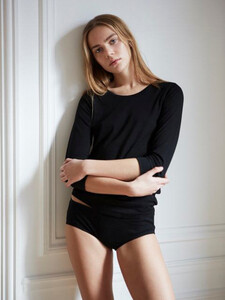
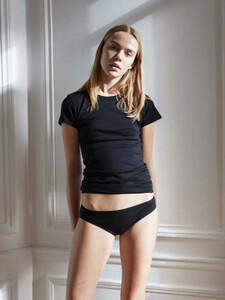
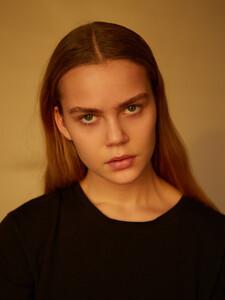

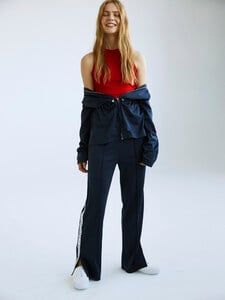



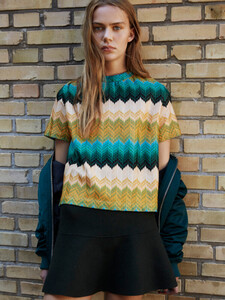
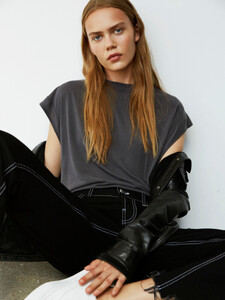
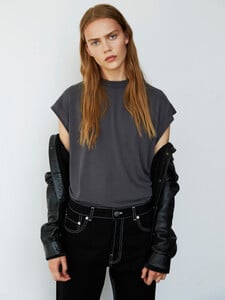




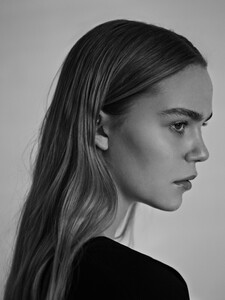







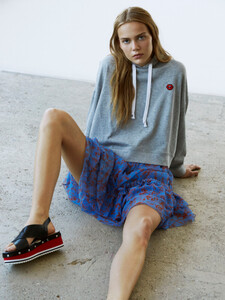
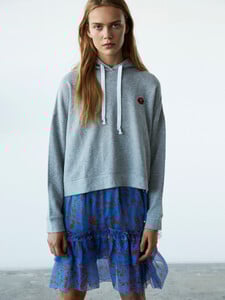


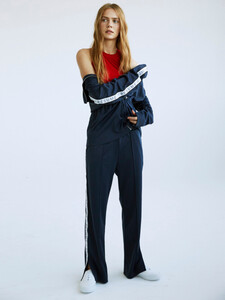
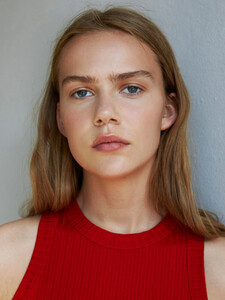
 Height 175 cm Bust 75 cm Waist 59,5 cm Hips 86 cm Shoes 40 Eyes Blue Hair Light Brown
.thumb.jpg.36abe72a2b84697db153045e6fb527ff.jpg)






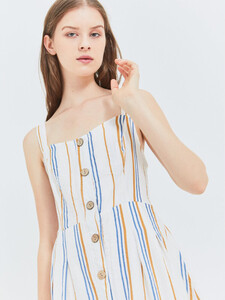
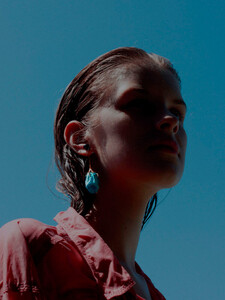

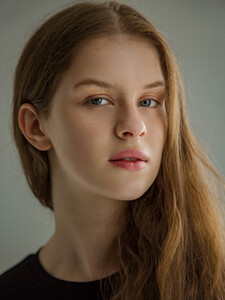







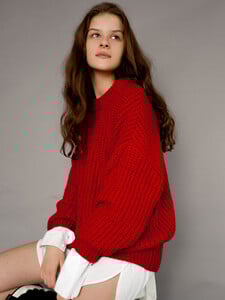
 Height: 1,66m Bust: 79cm Waist: 63cm Hips: 90cm Size: 34 Shoes: 39 EU Eyes: Brown Hair: Brown









 Digitals

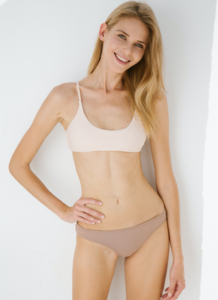
 Digitals
 MGM models






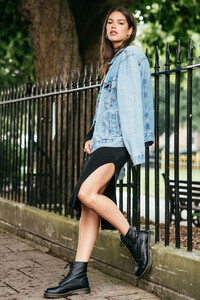
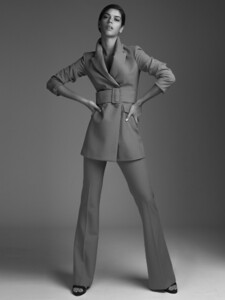


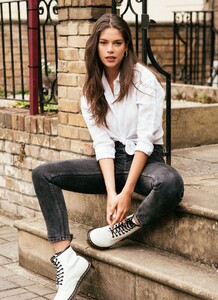






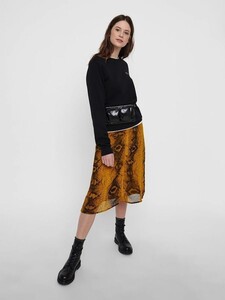
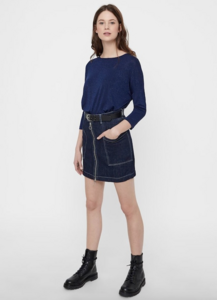
 Height 5'9.5 Bust 32" · Cup B Waist 25" Hips 35.5" Dress 36 EU/6 US/8 UK Shoes size 39 EU/8 US/6 UK Hair brown Eyes blue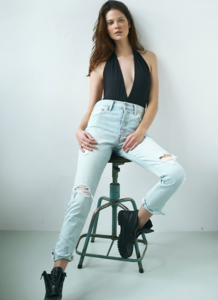




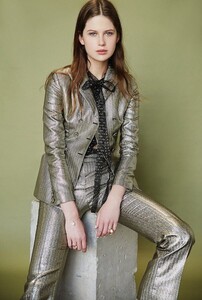








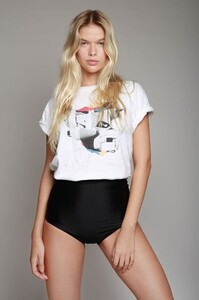
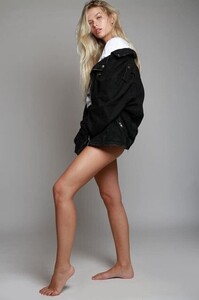
 Height 5'8" Bust 33" · Cup C Waist 24.5" Hips 36" Dress 36 EU/6 US/8 UK Shoes size 38 EU/7 US/5 UK Hair blonde Eyes blue-green Mega Models Brasil






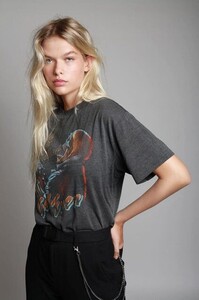






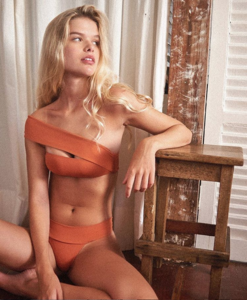





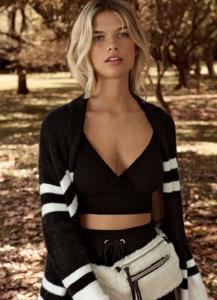
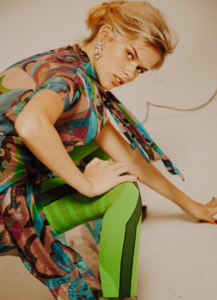




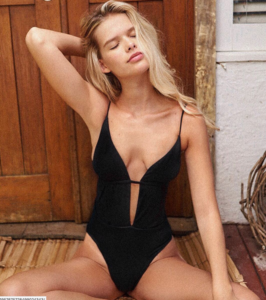
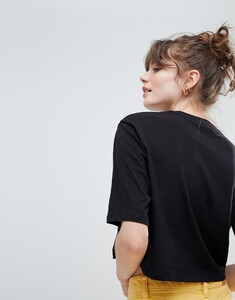
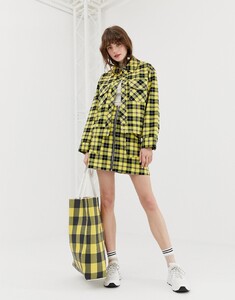
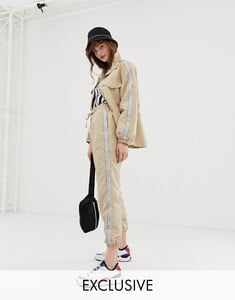
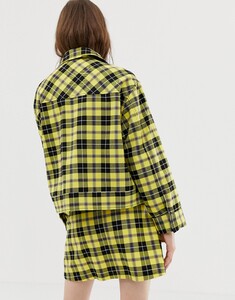
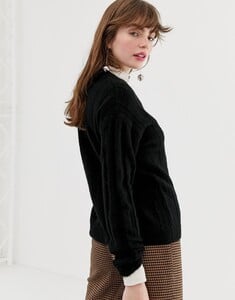
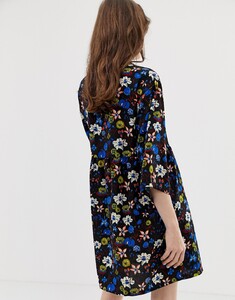
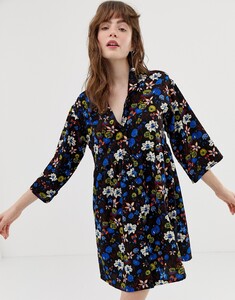
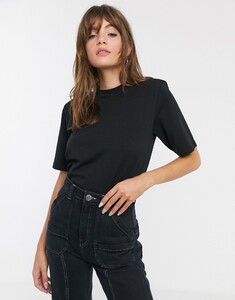
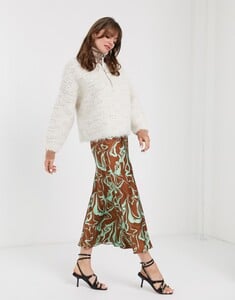
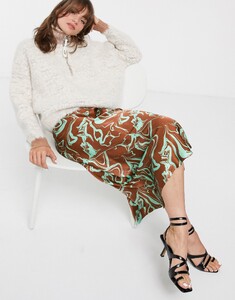
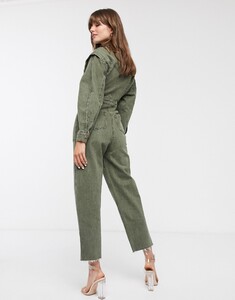
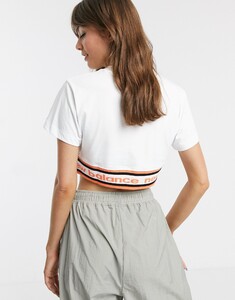
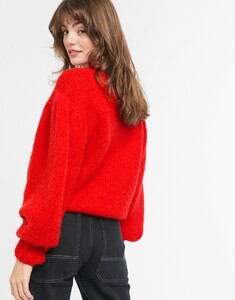
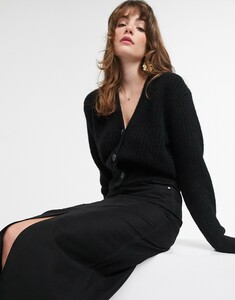
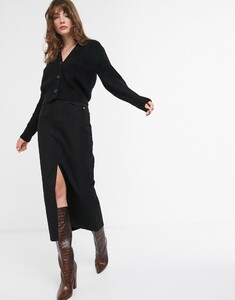
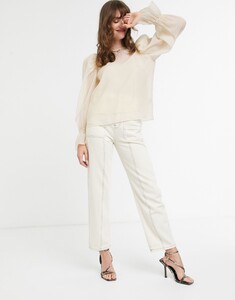
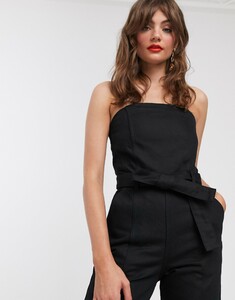
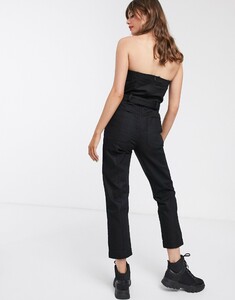
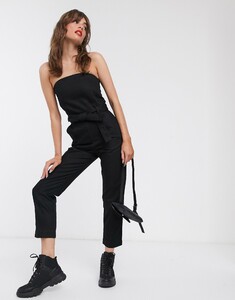
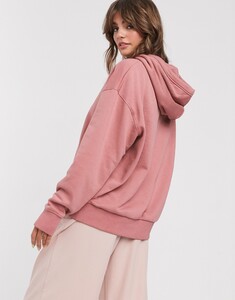
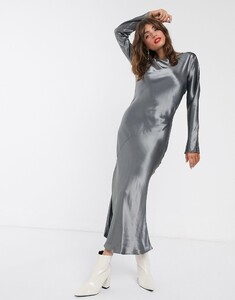
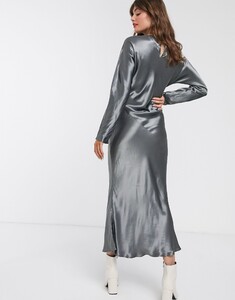
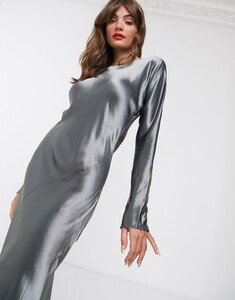
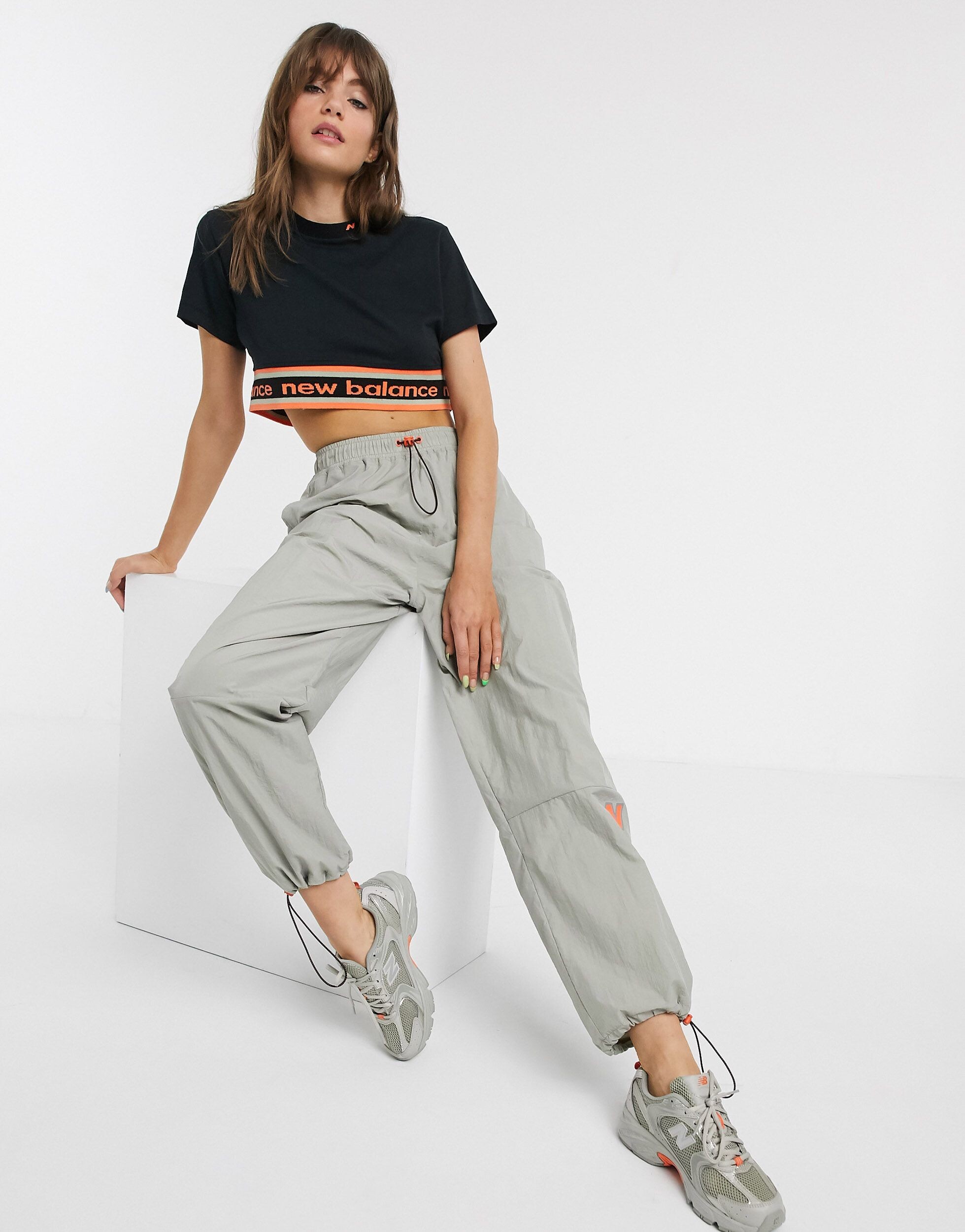
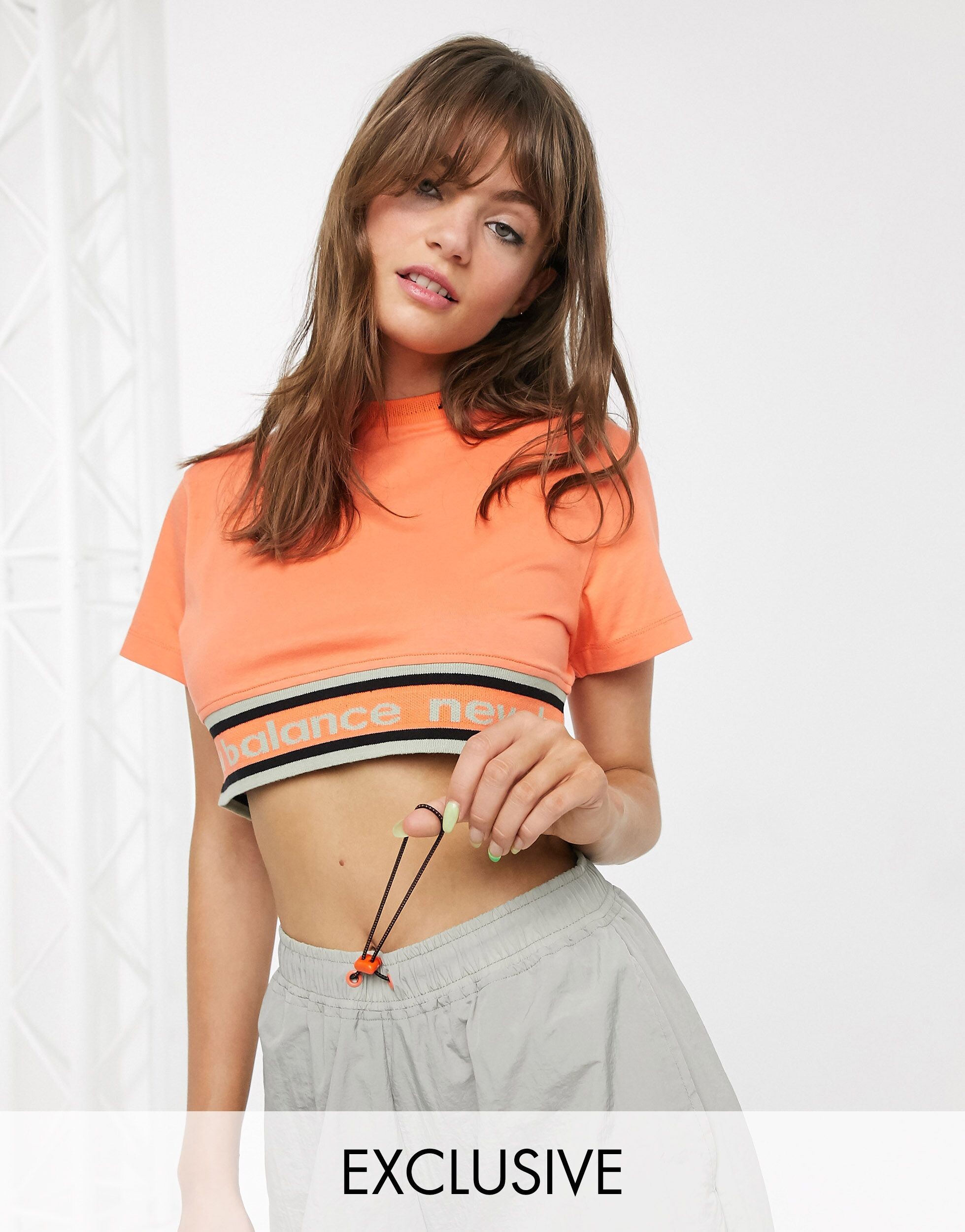
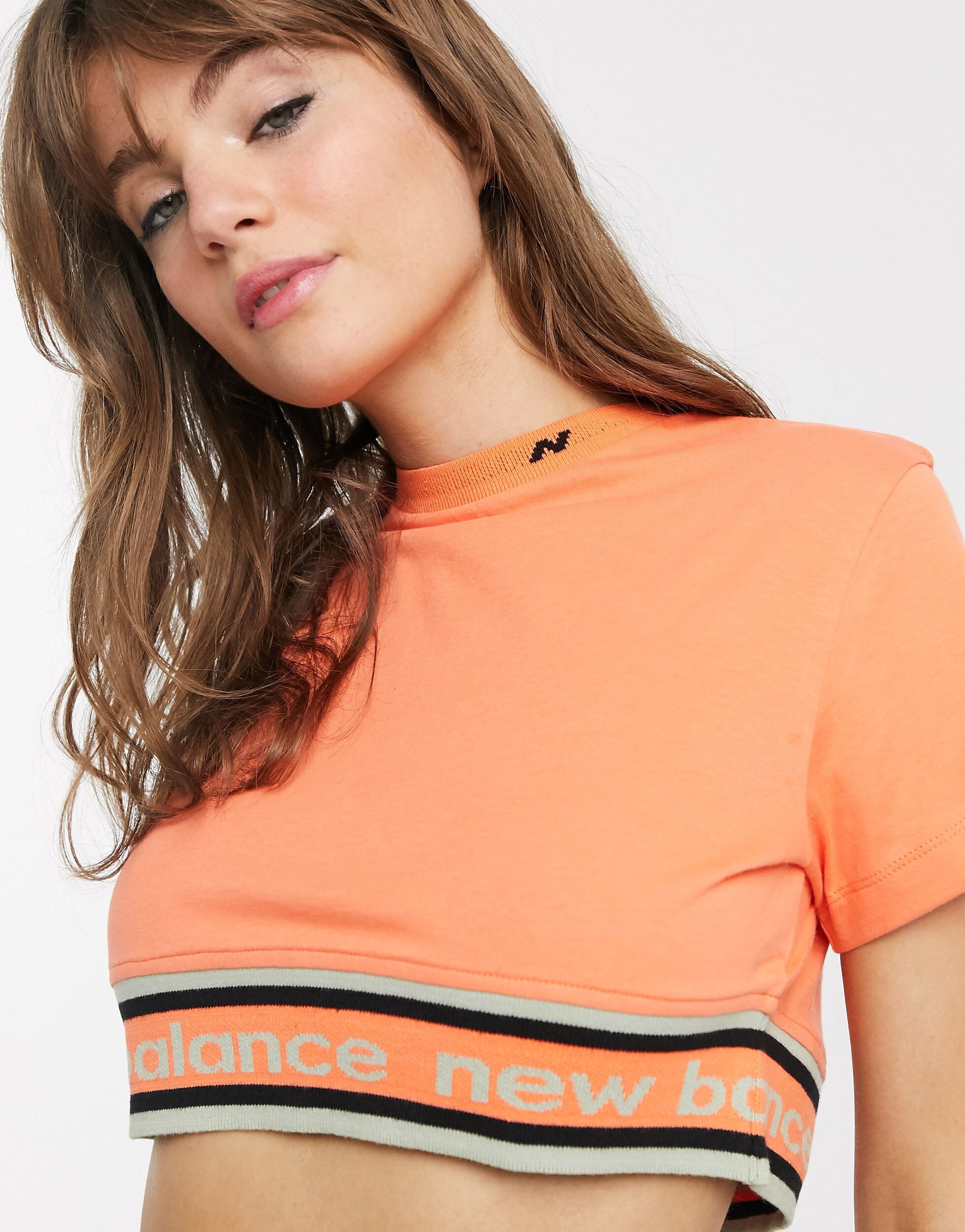
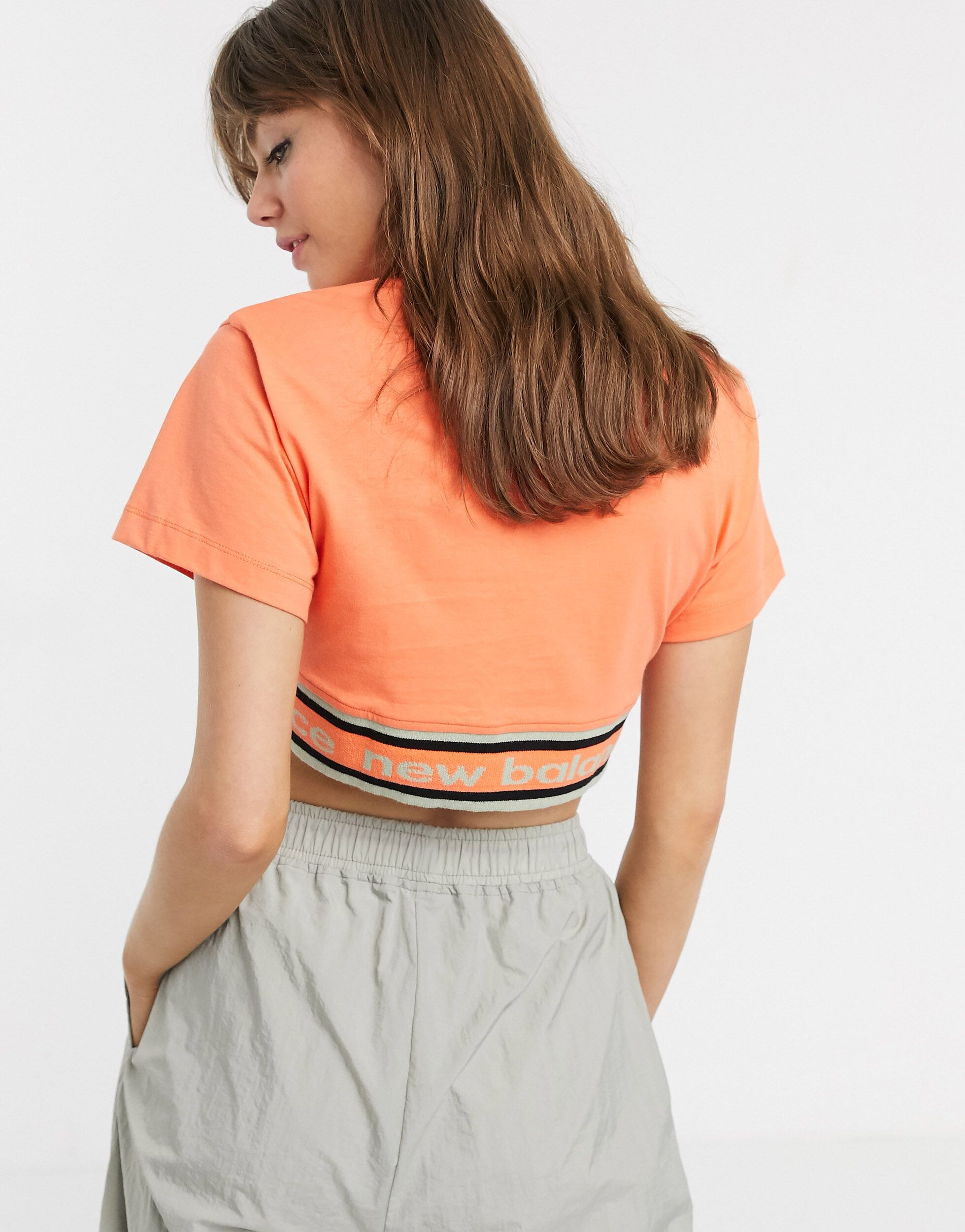
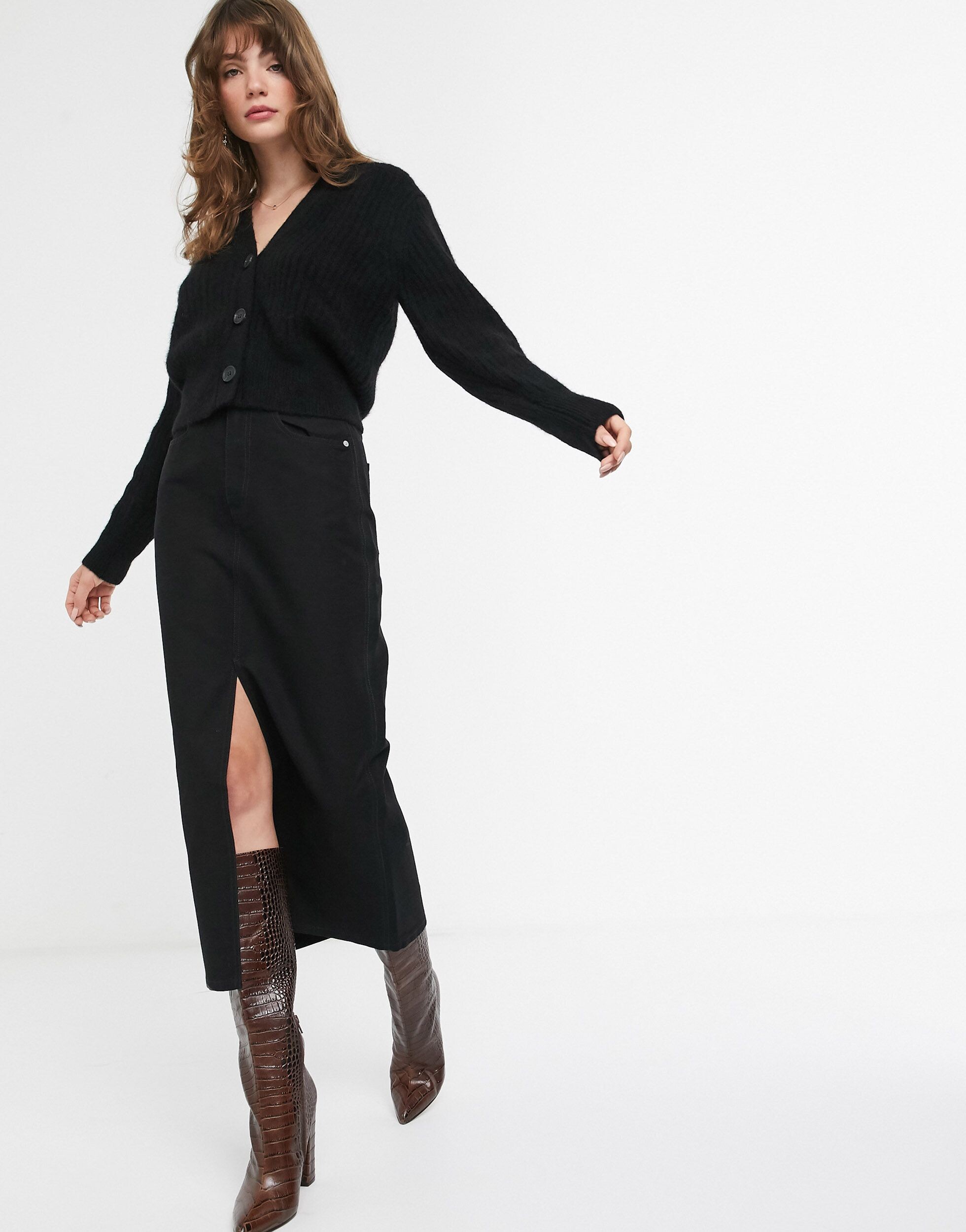
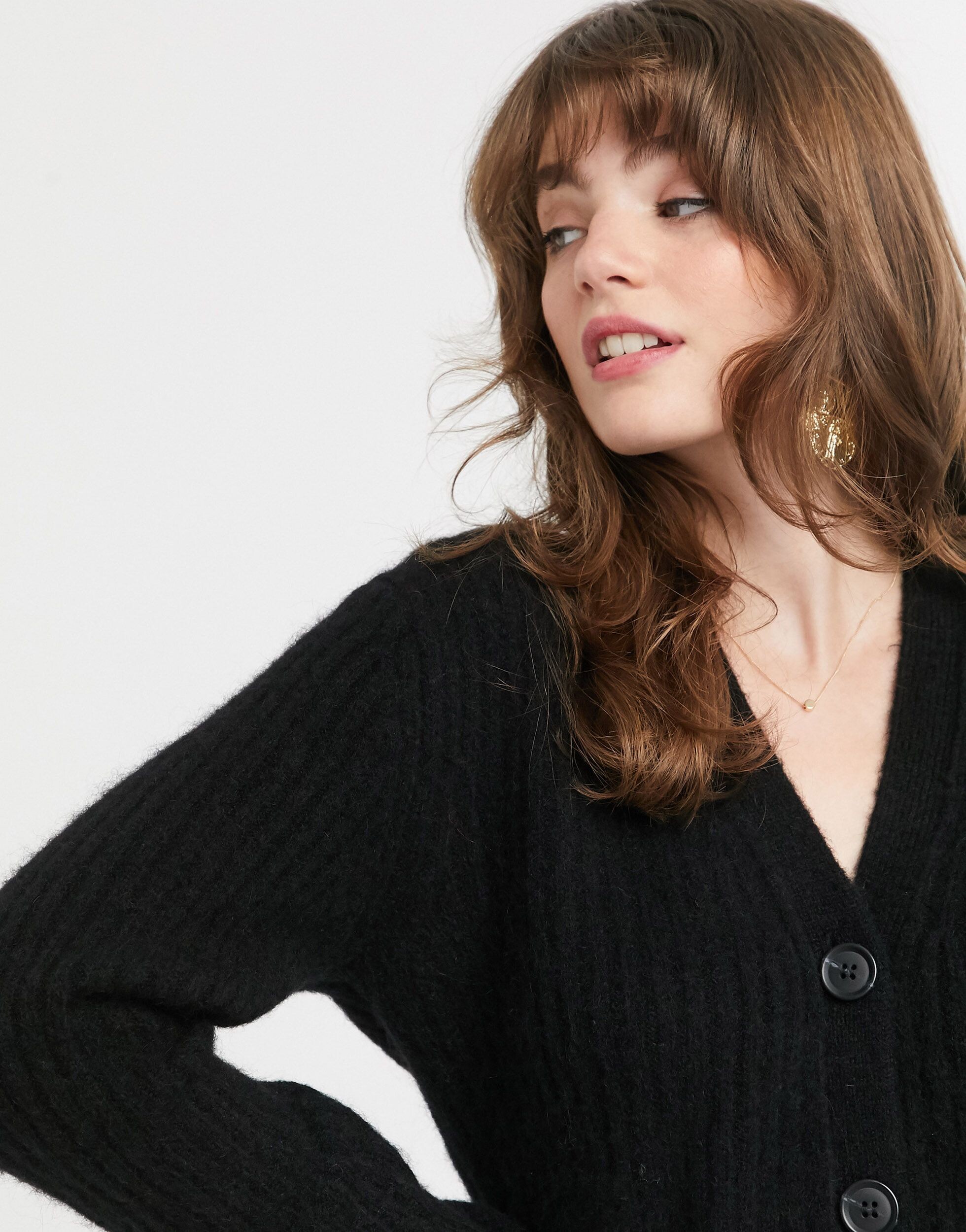
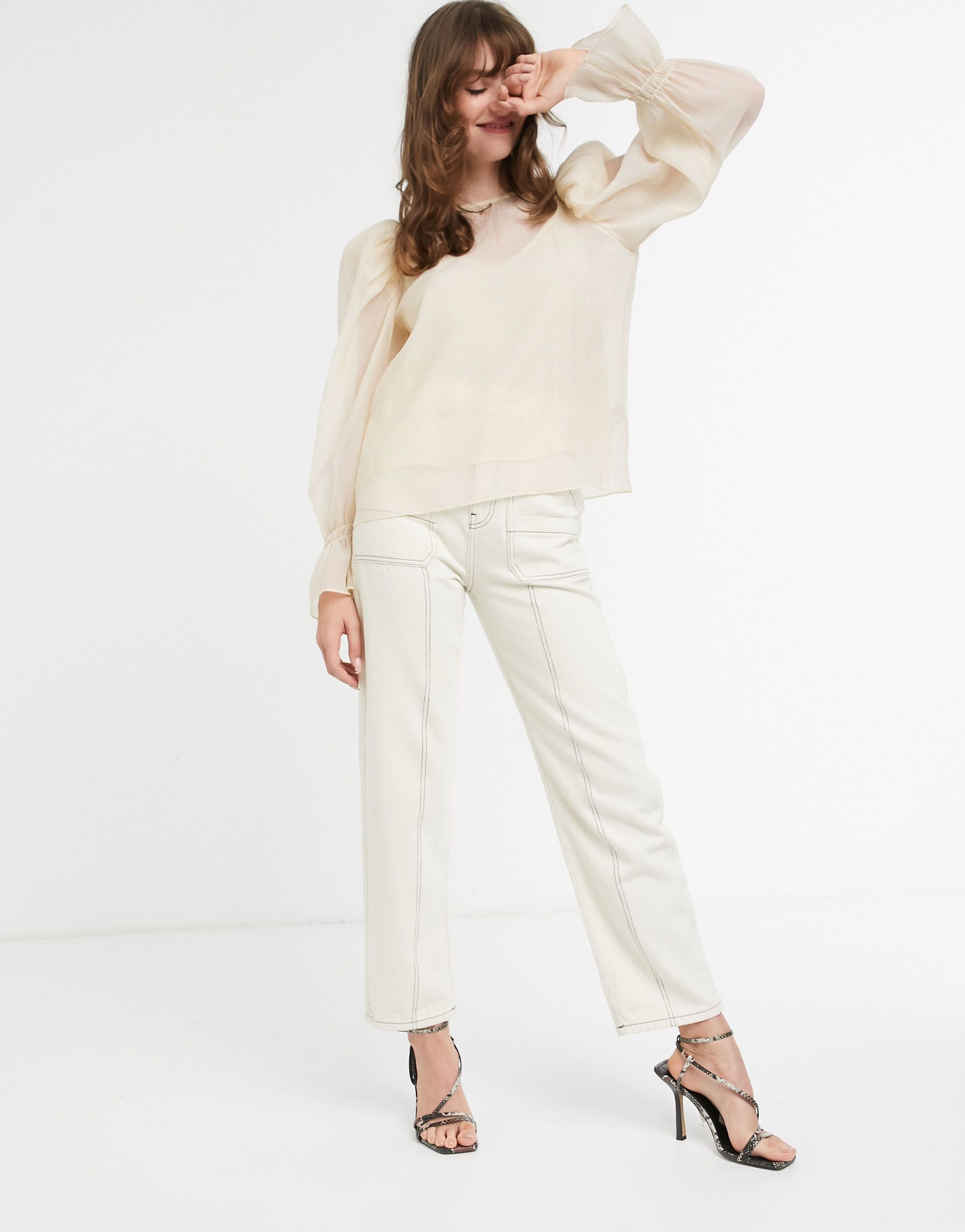
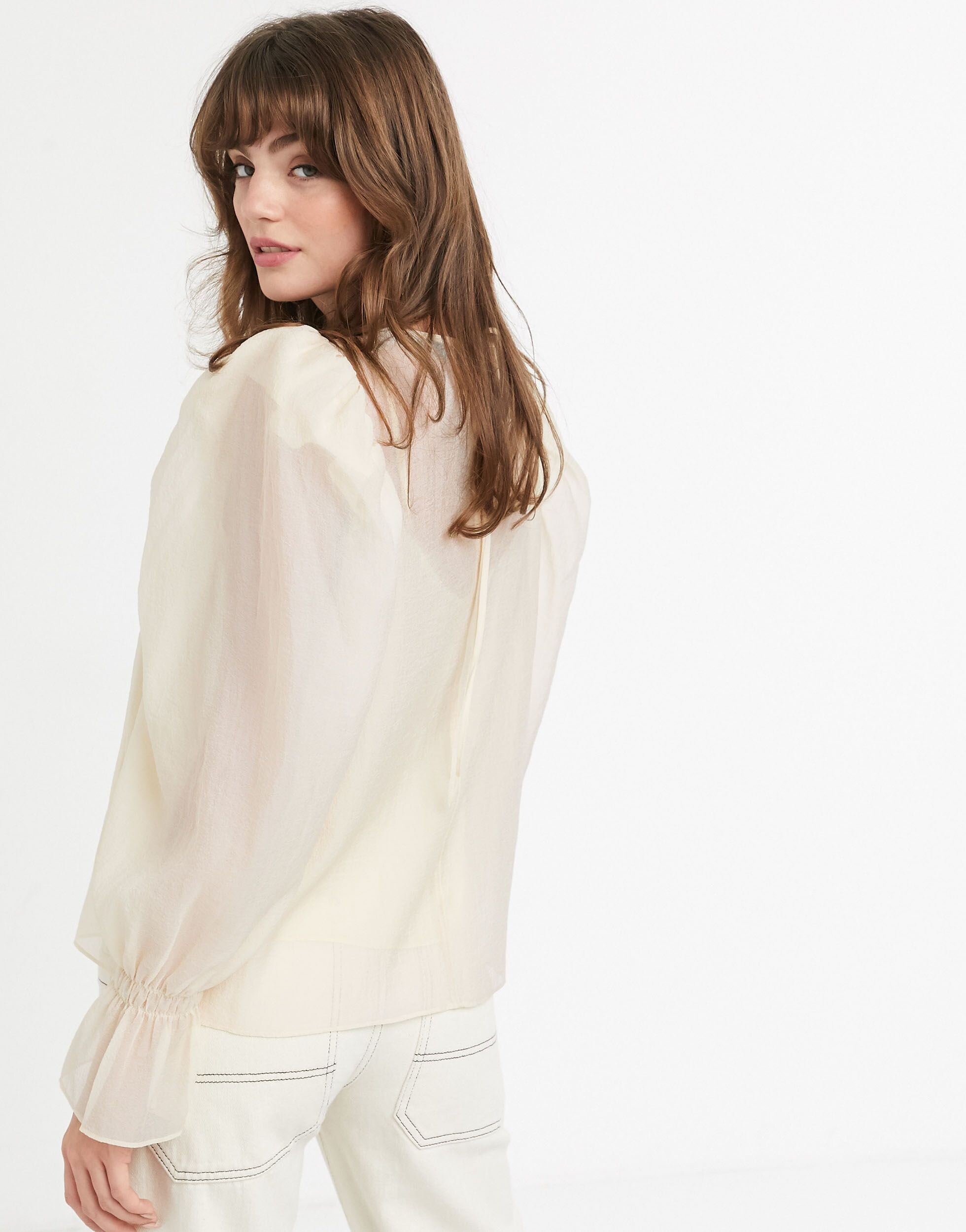
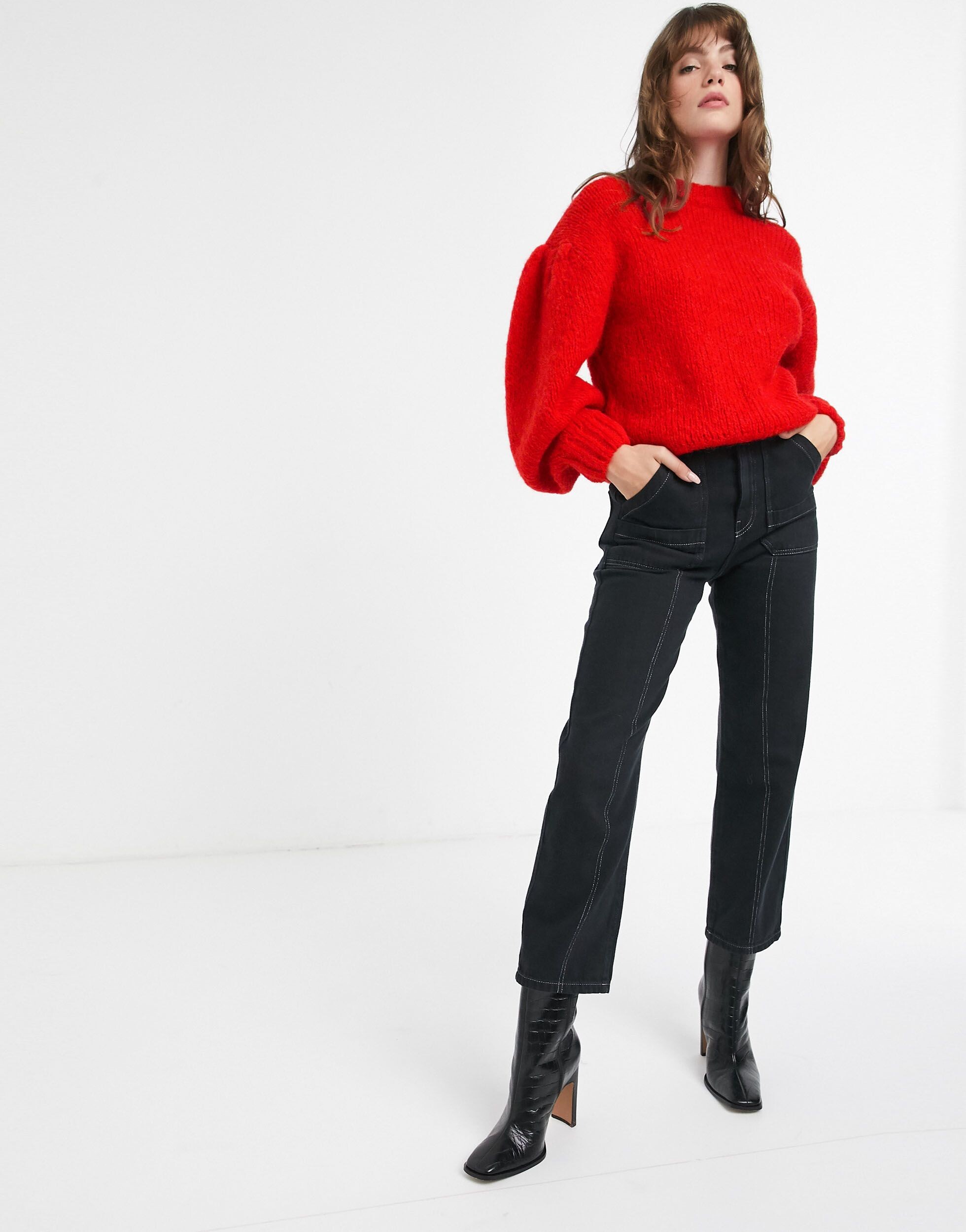
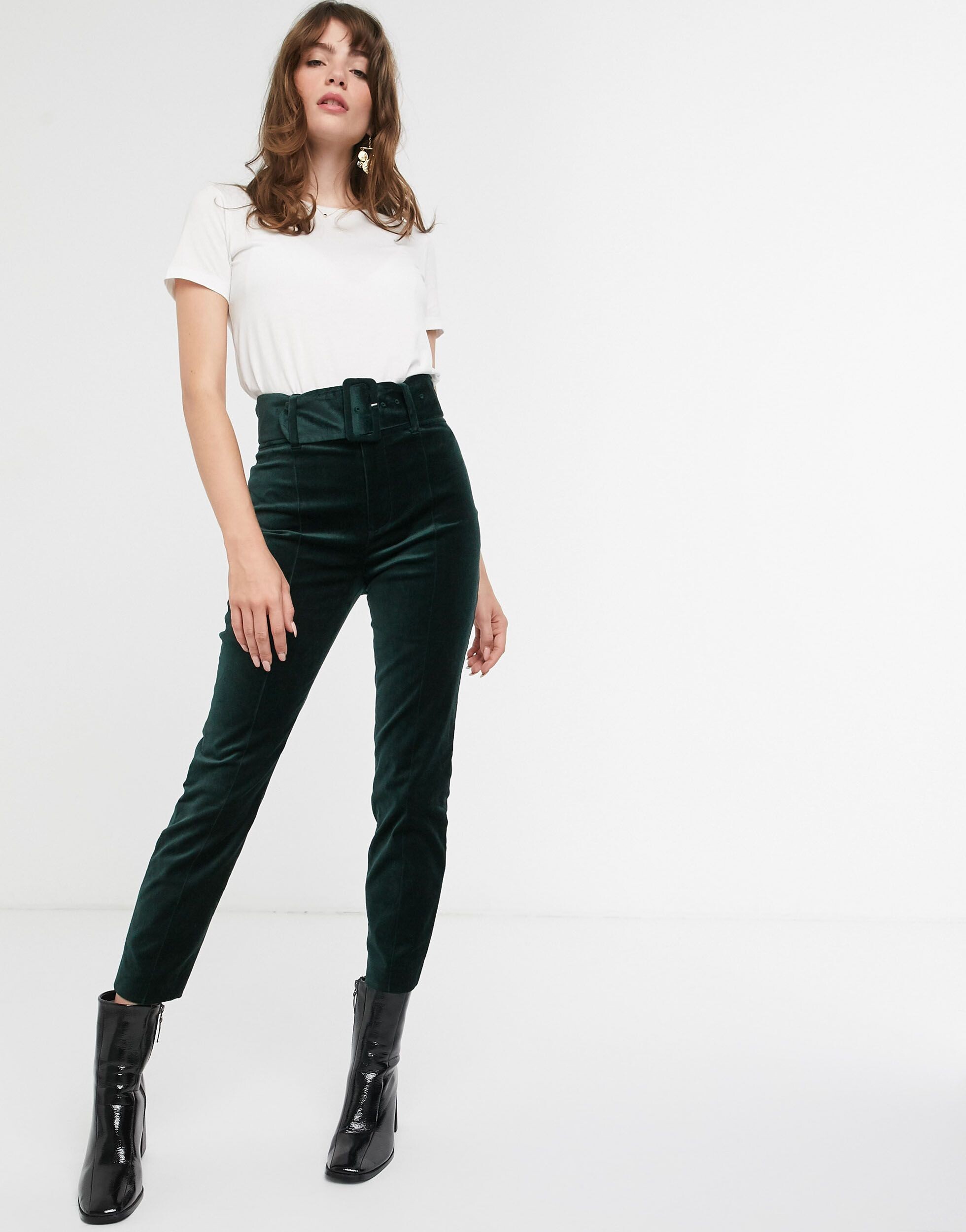
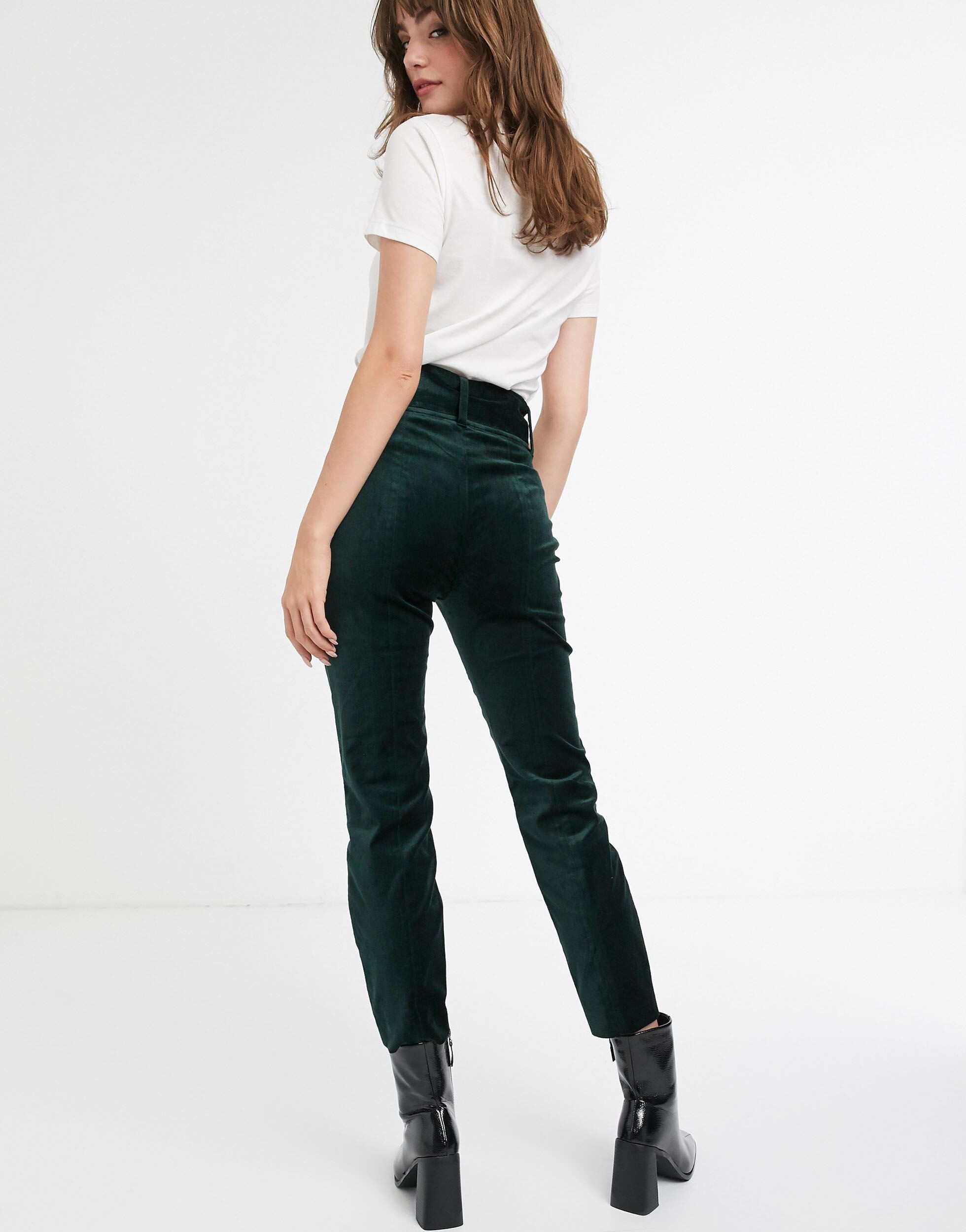
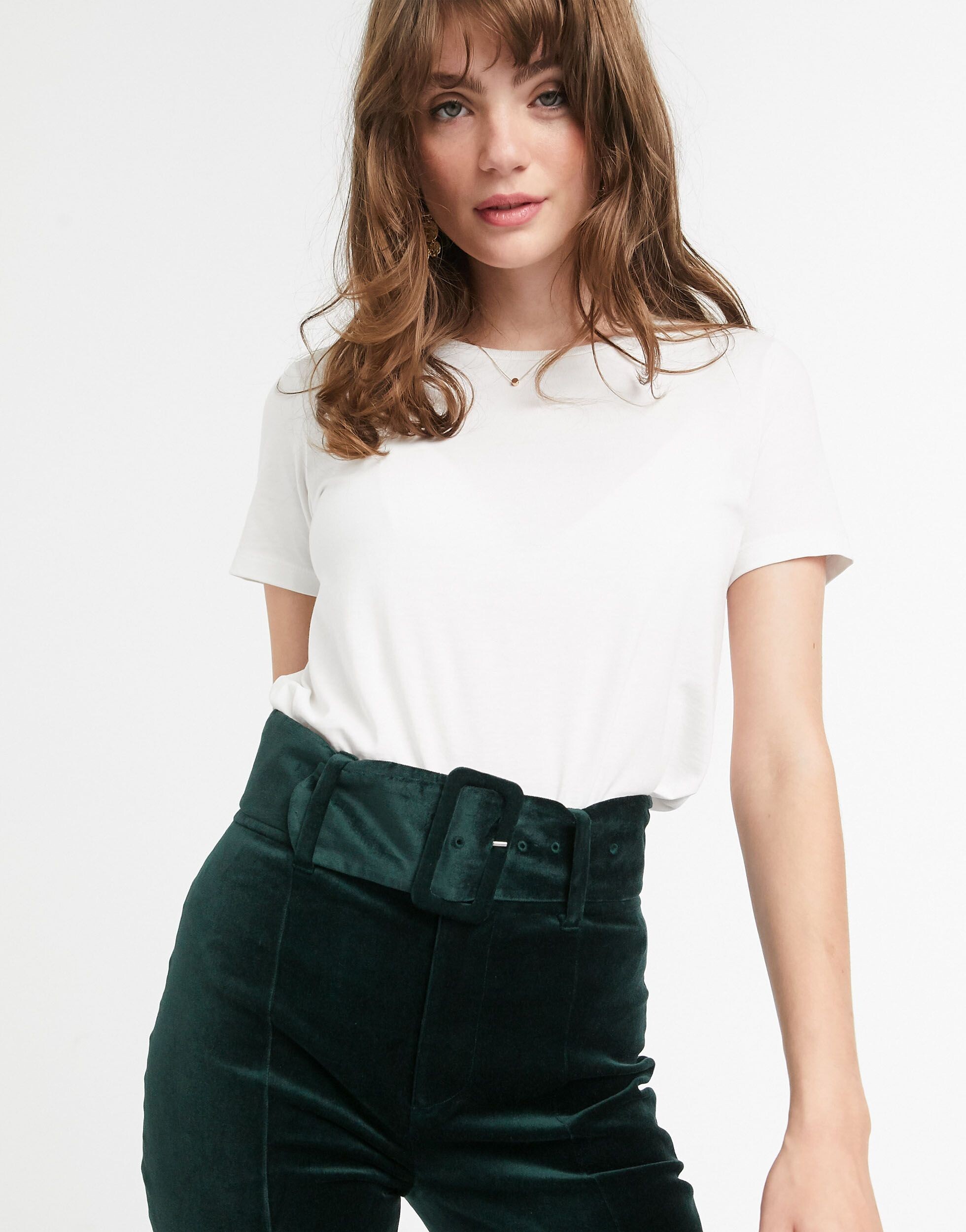
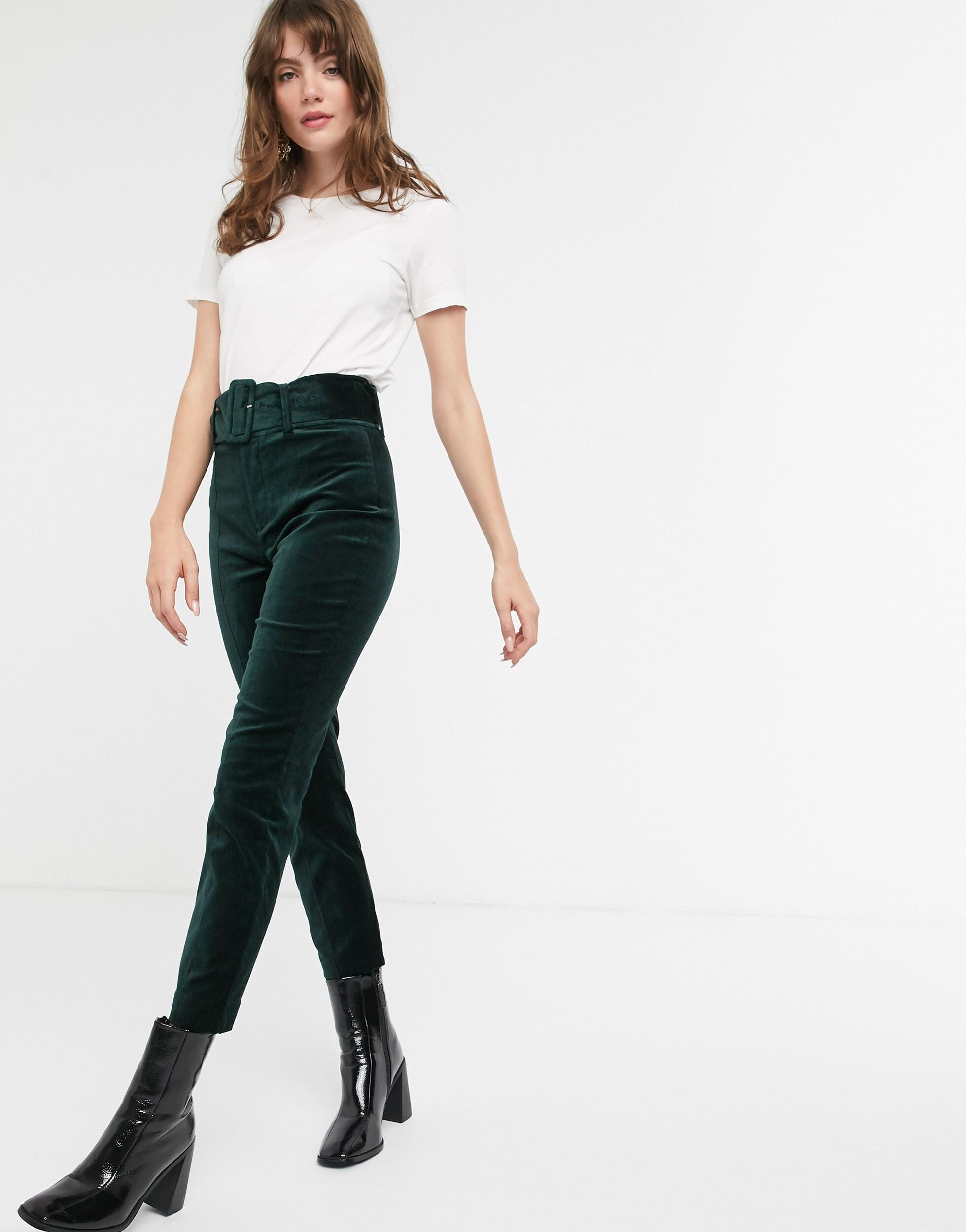
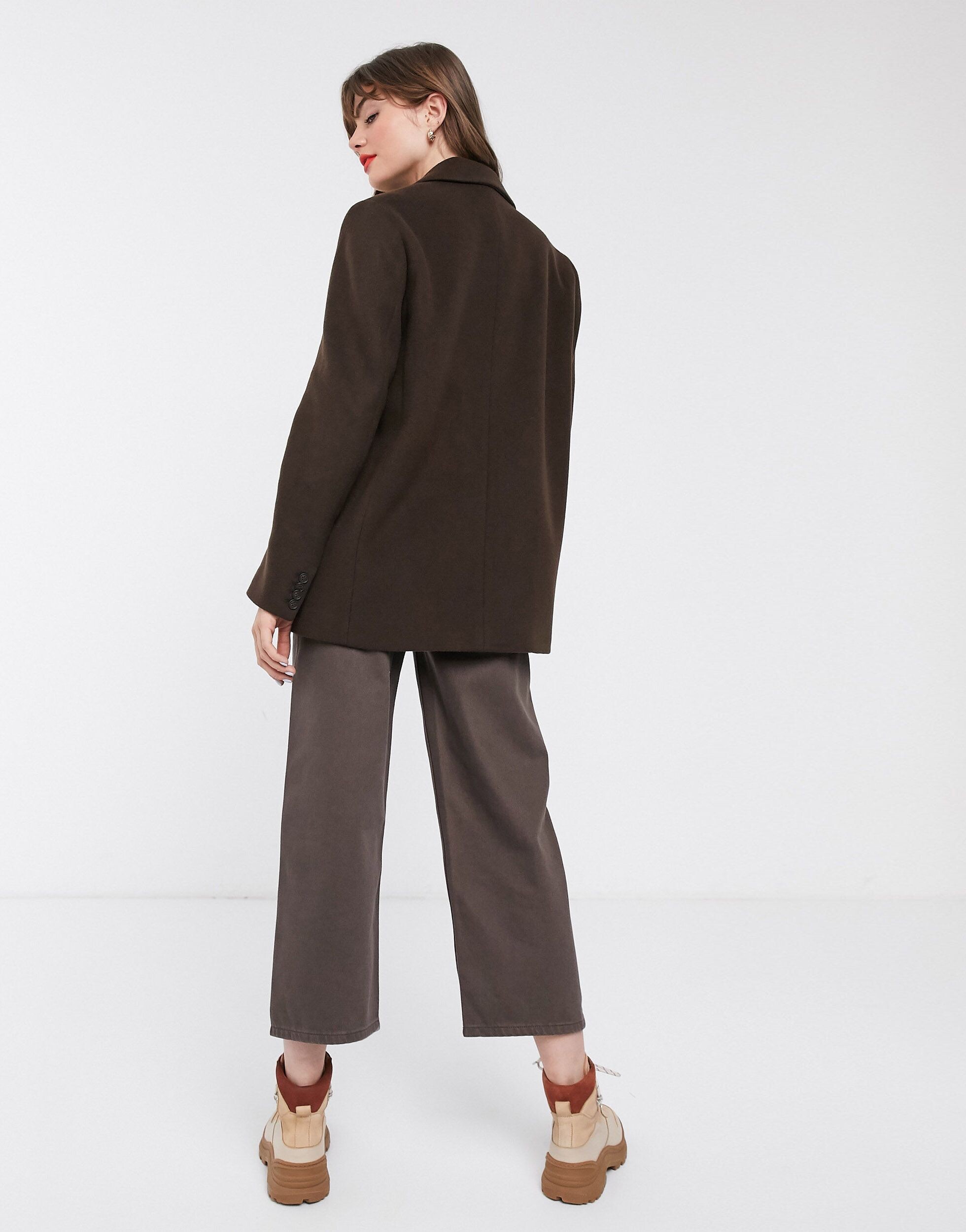
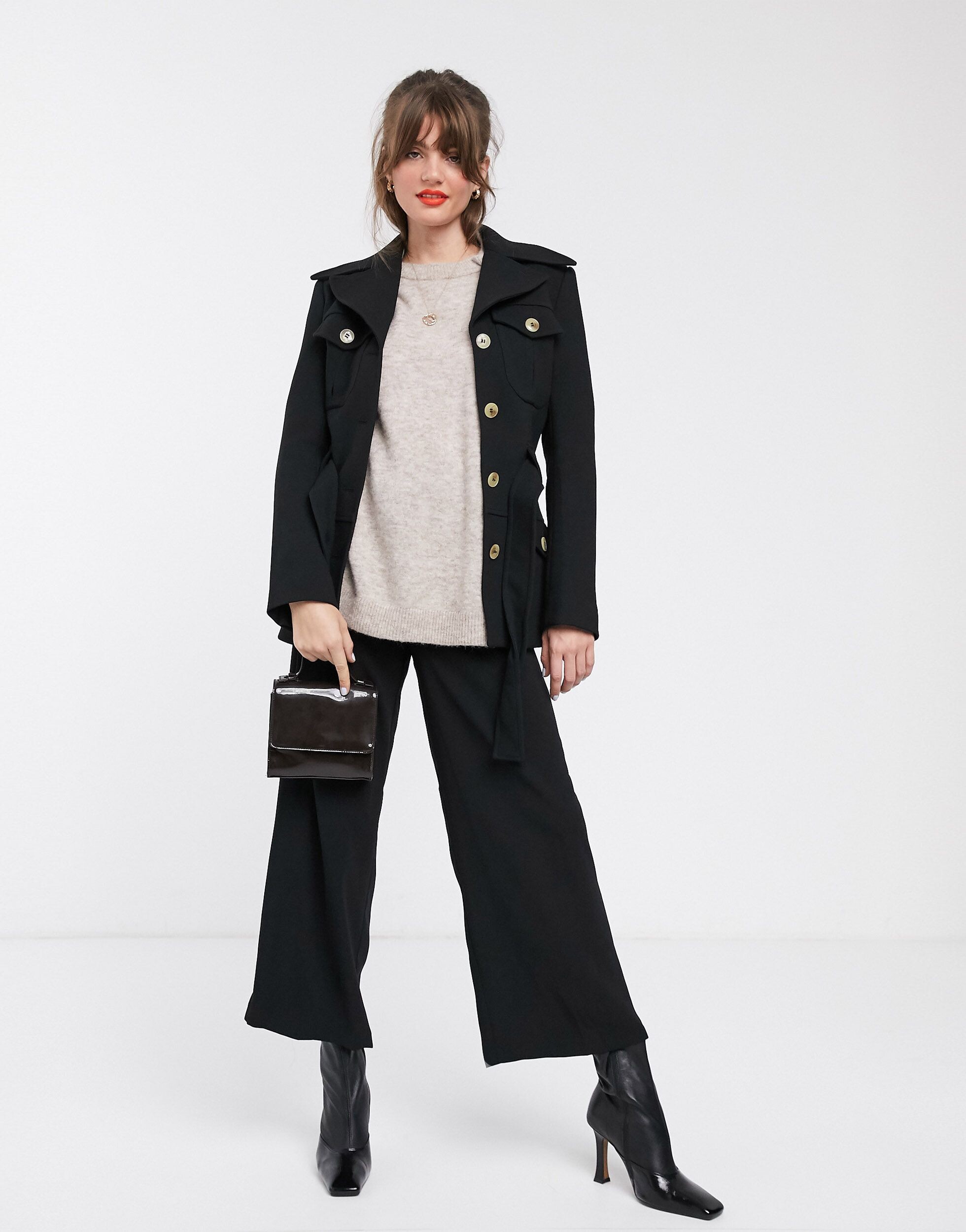
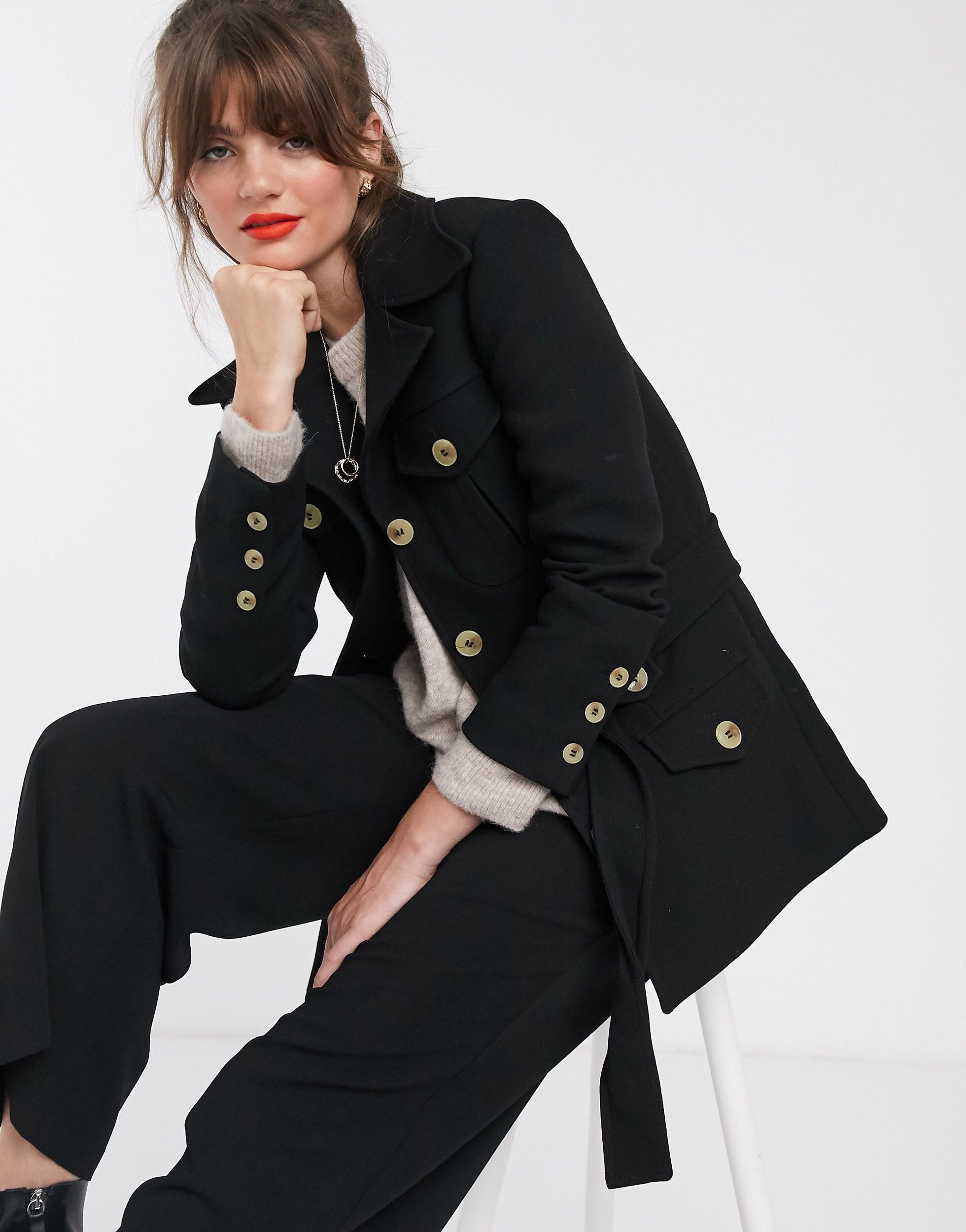
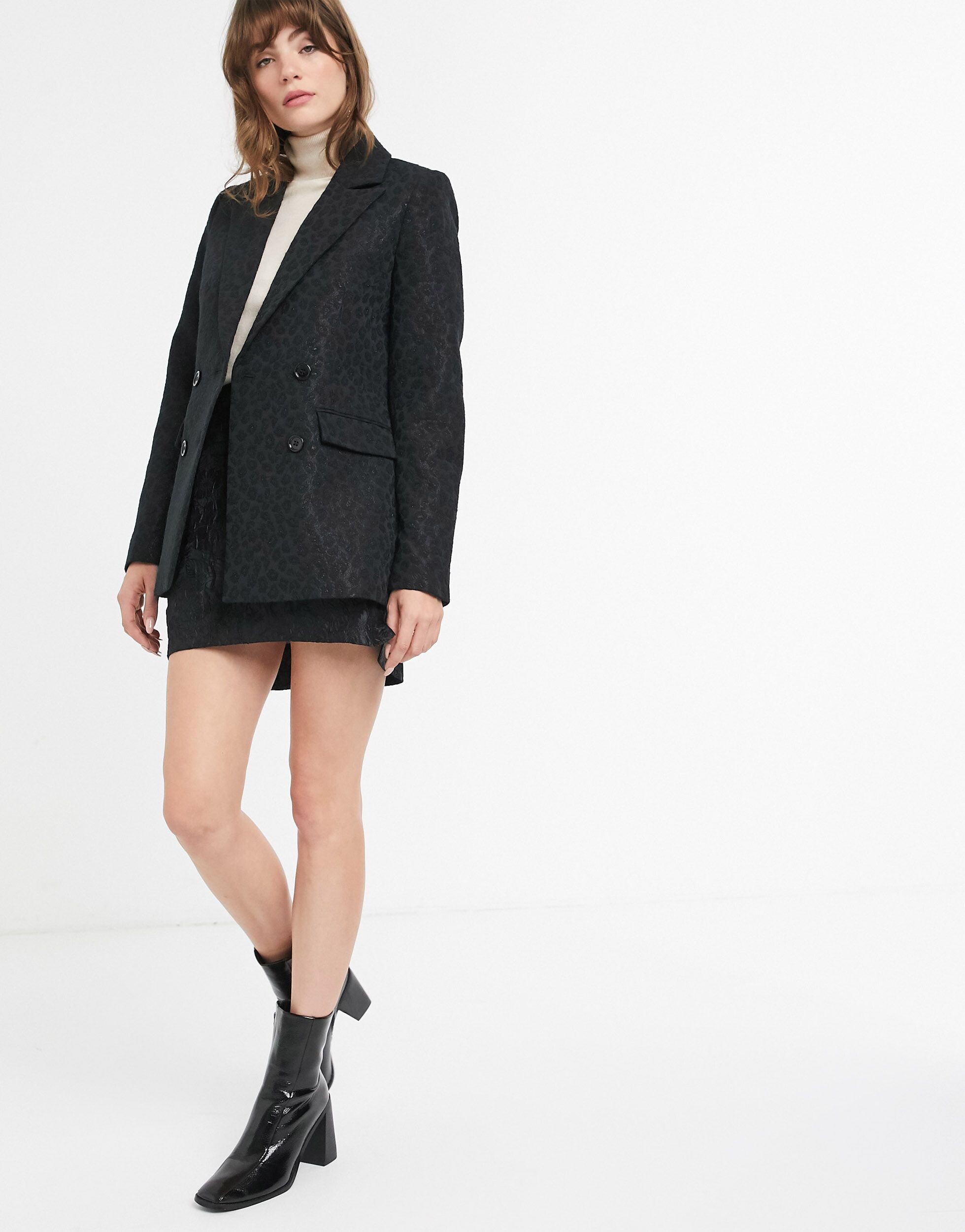
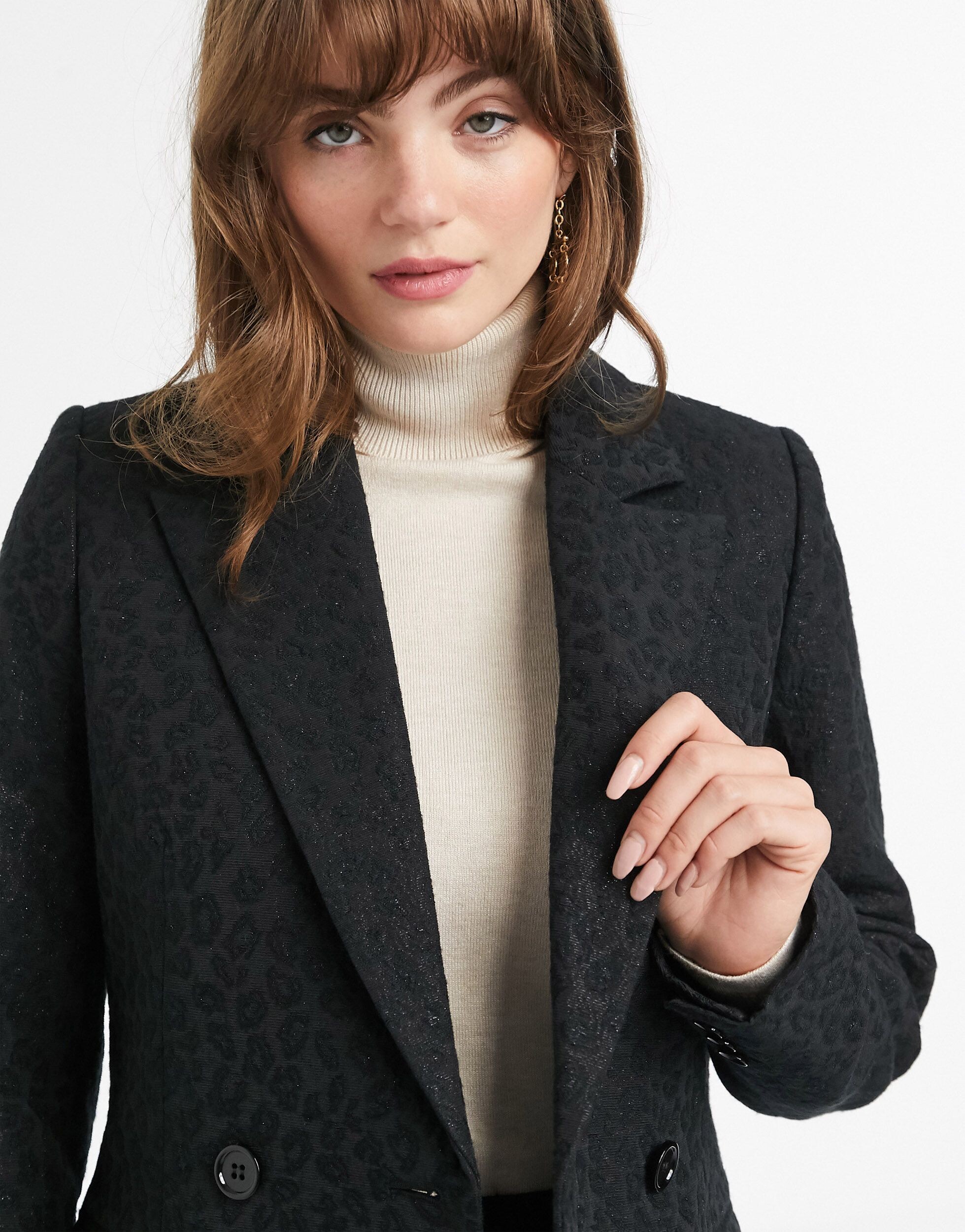
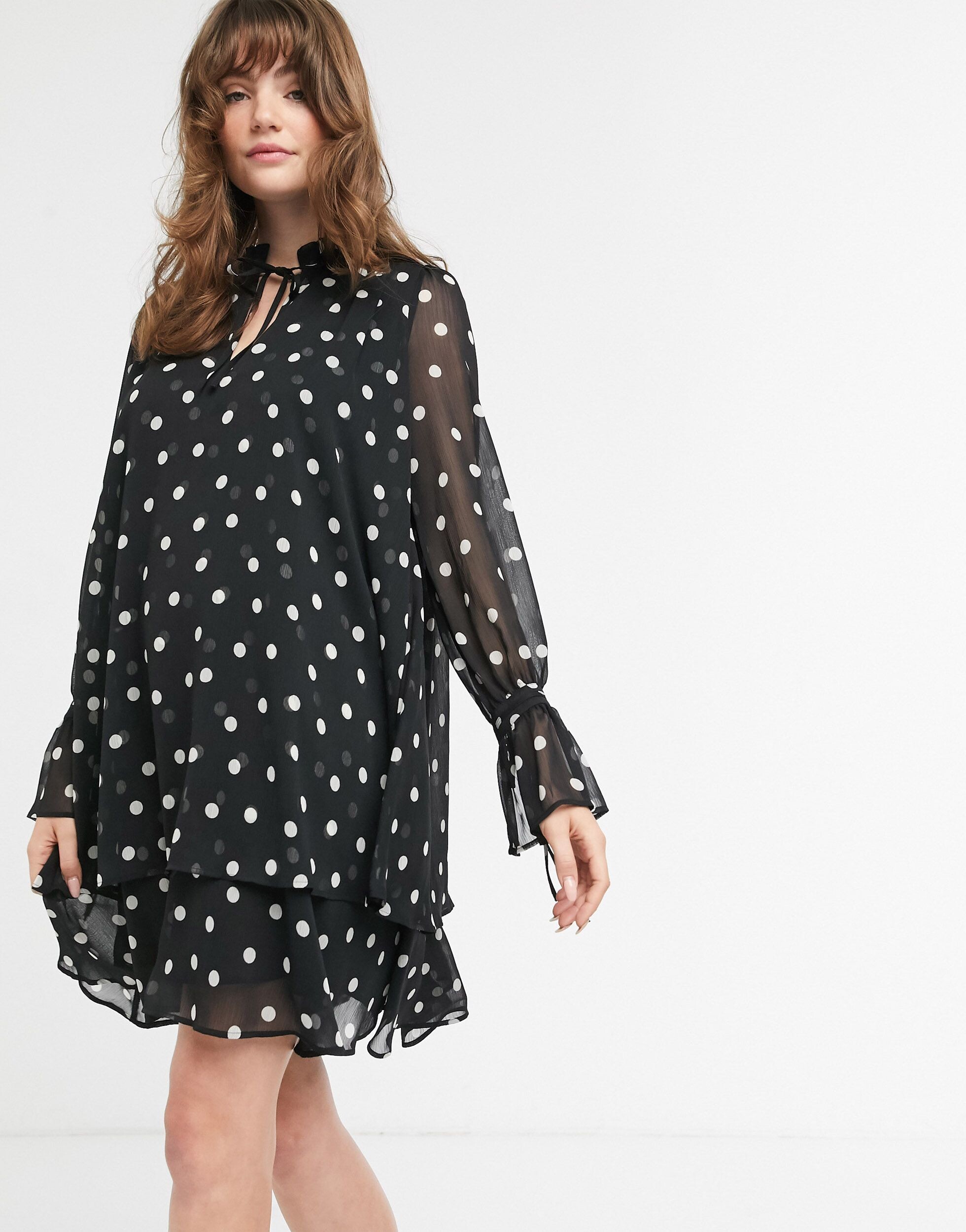
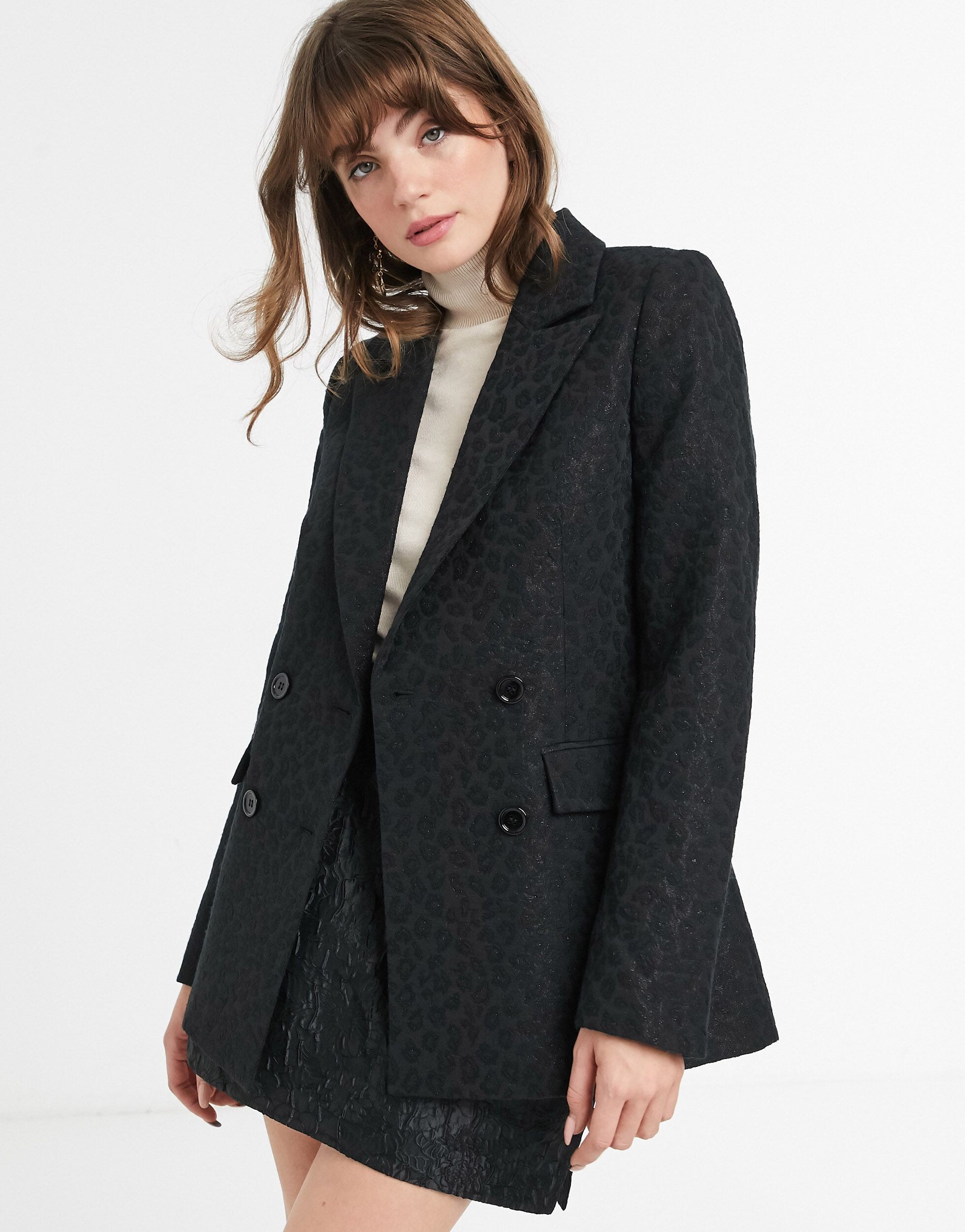
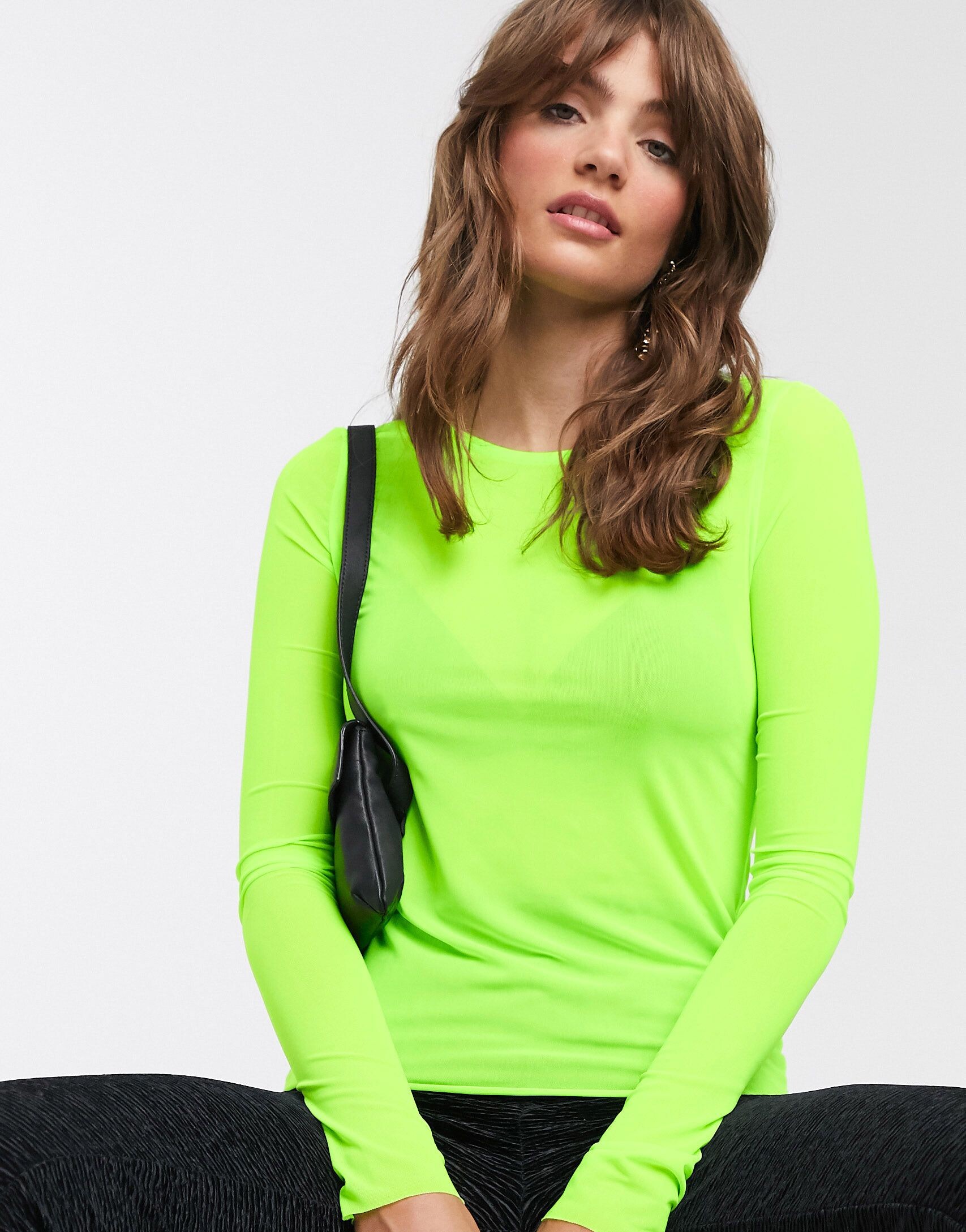
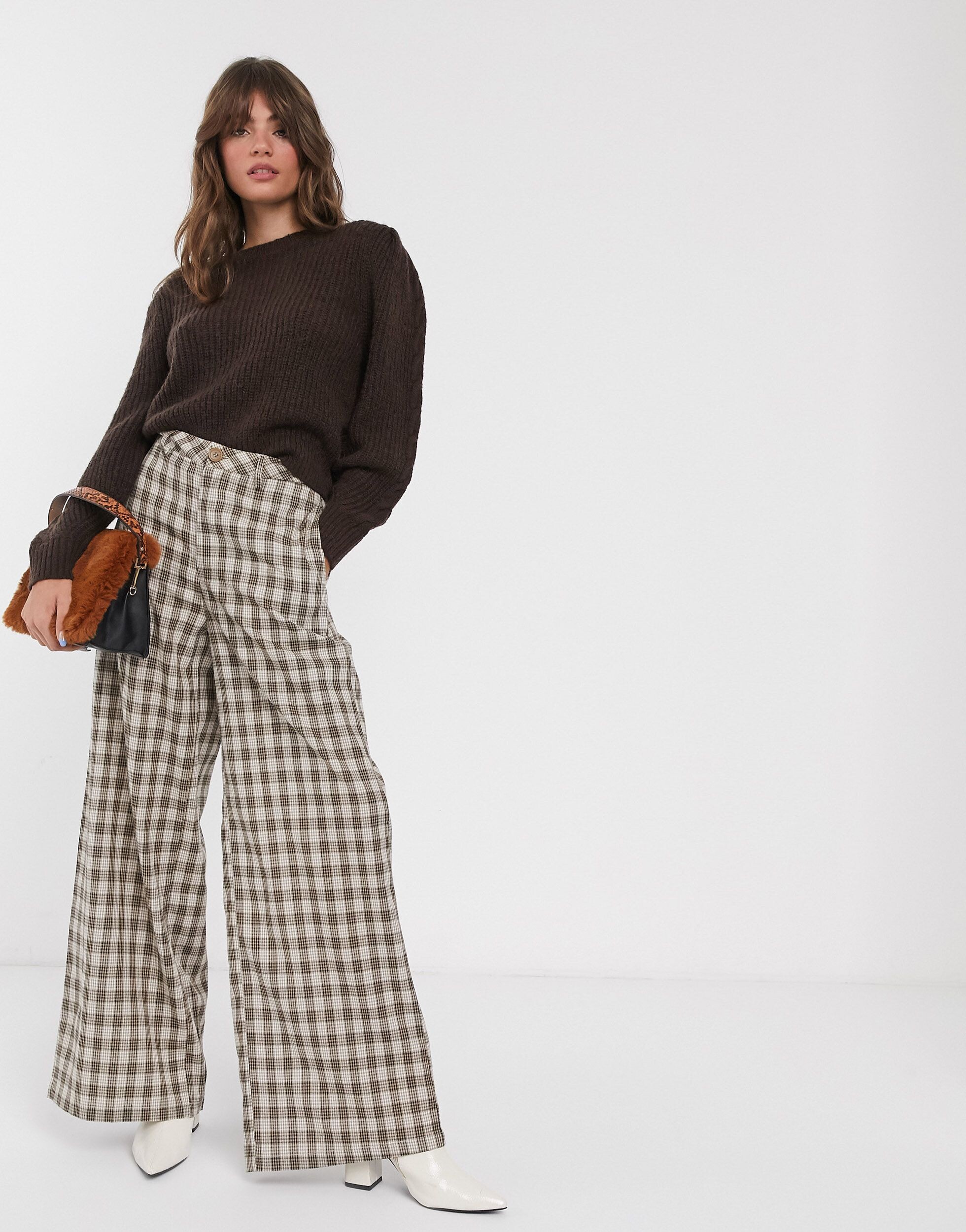
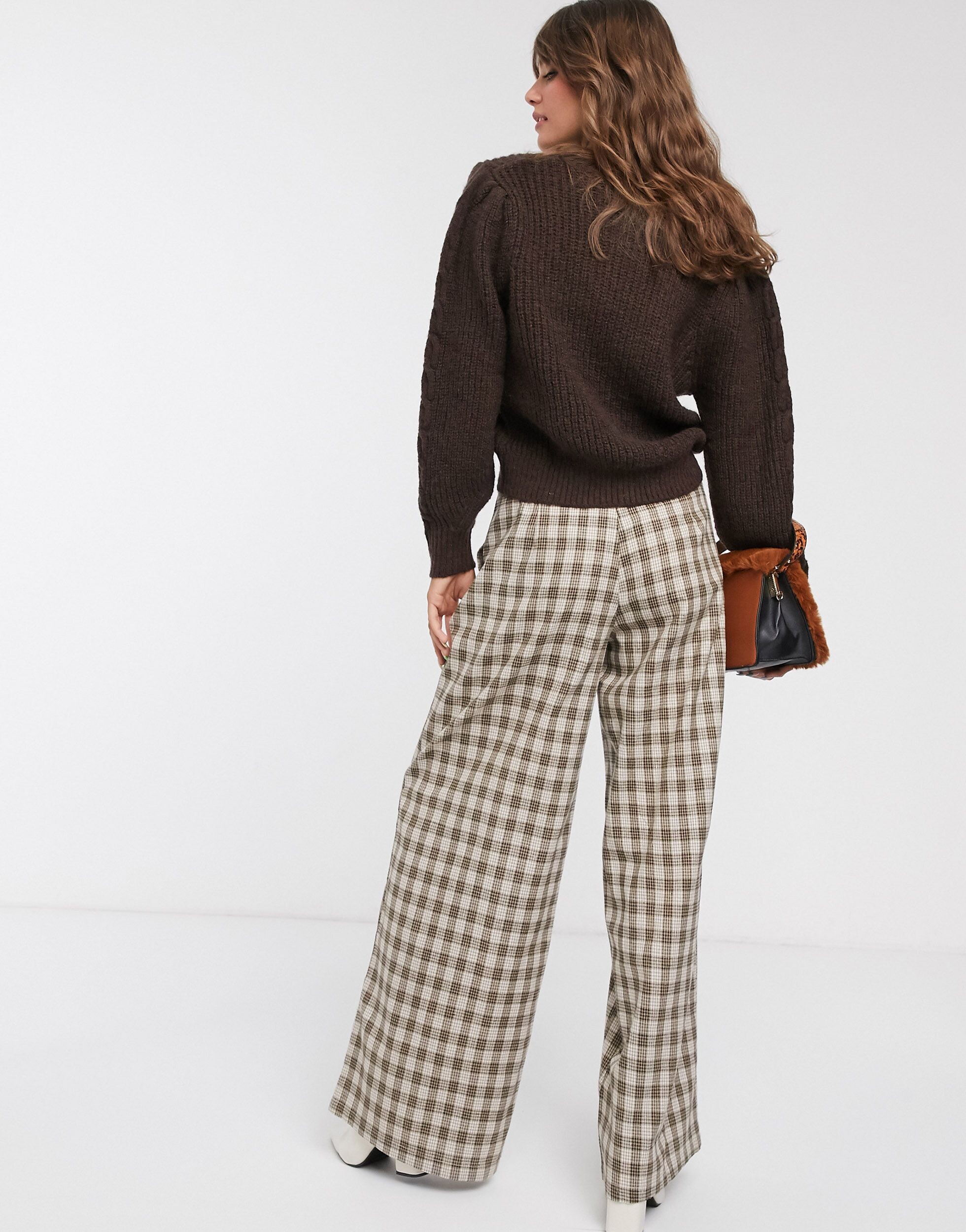
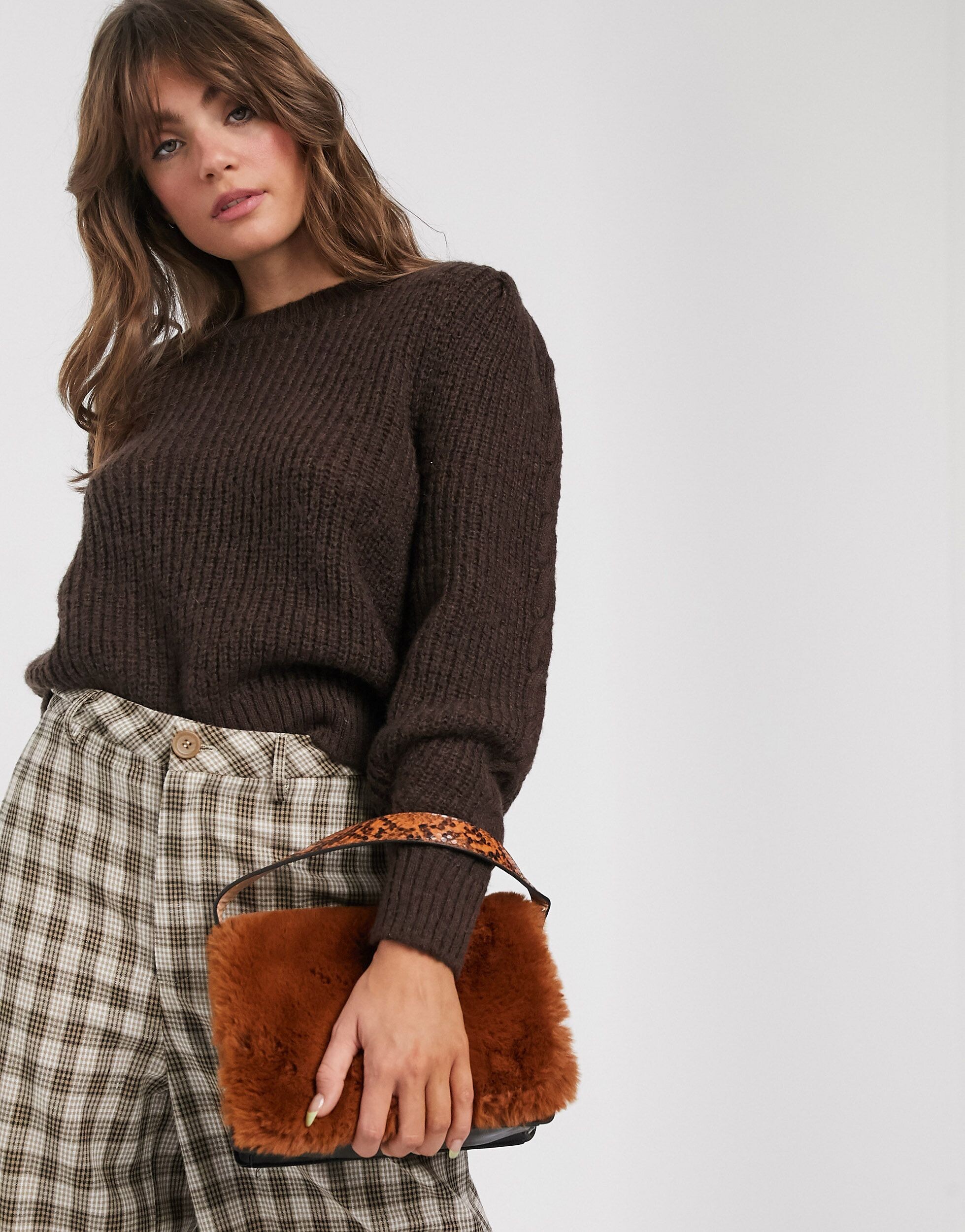
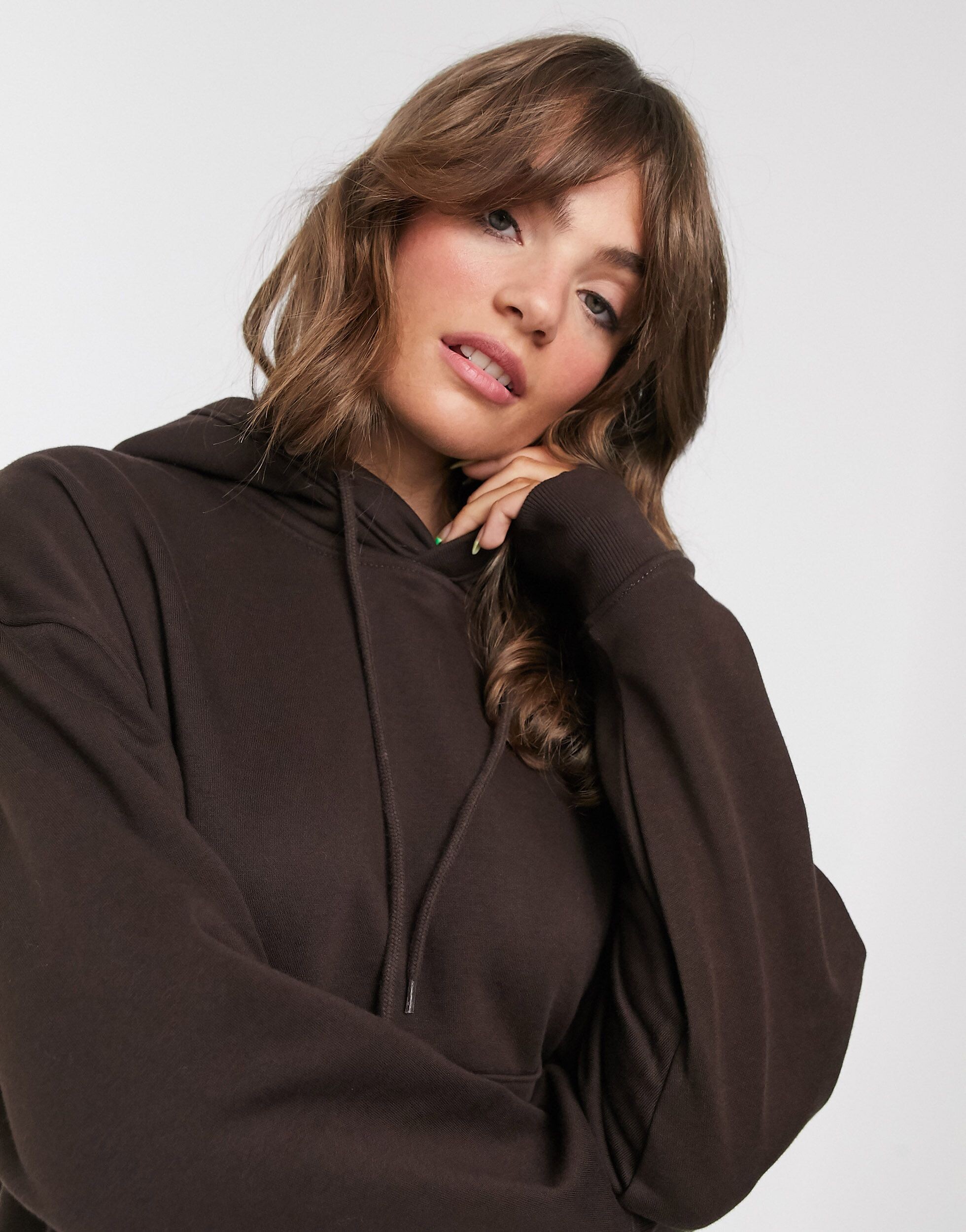
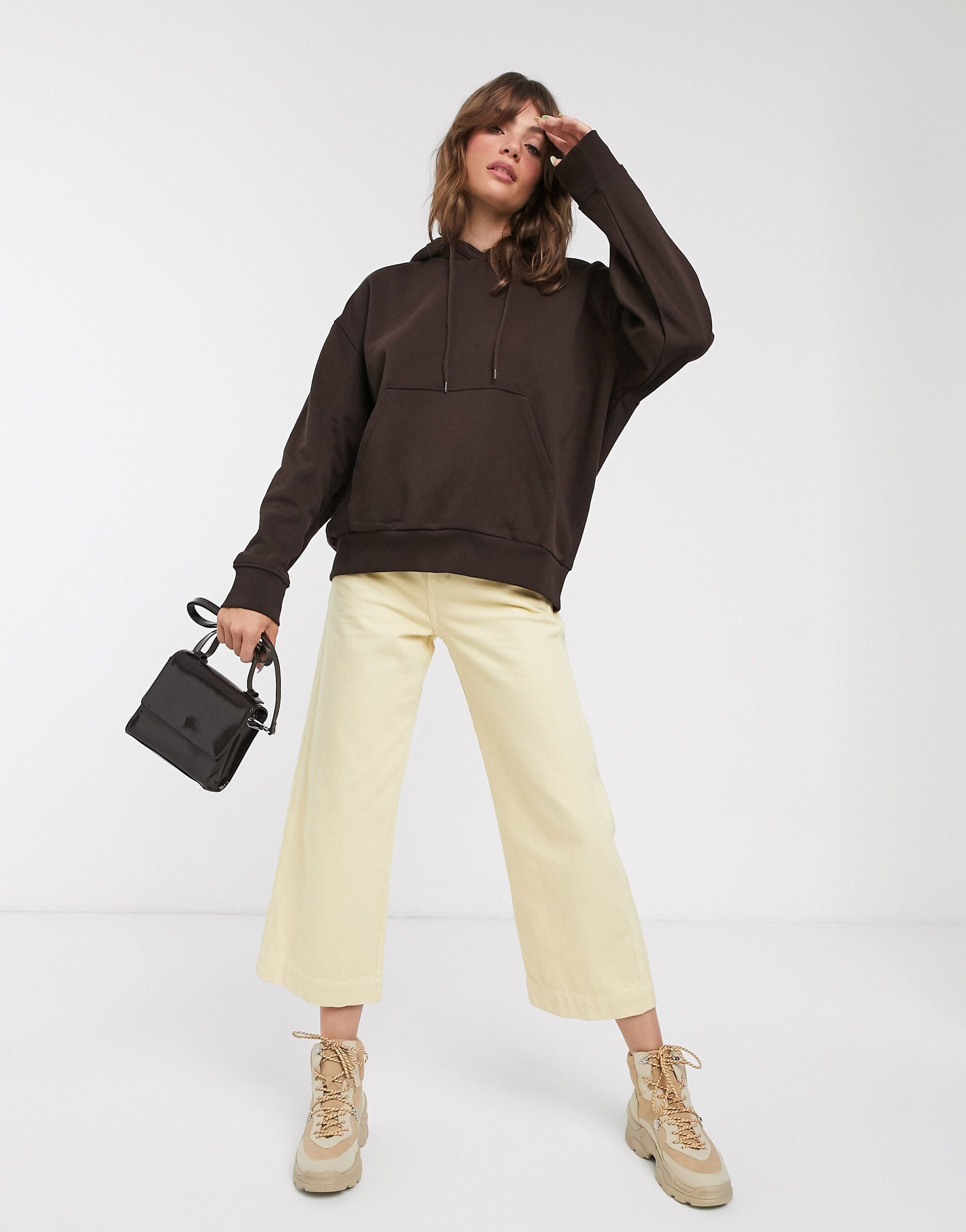
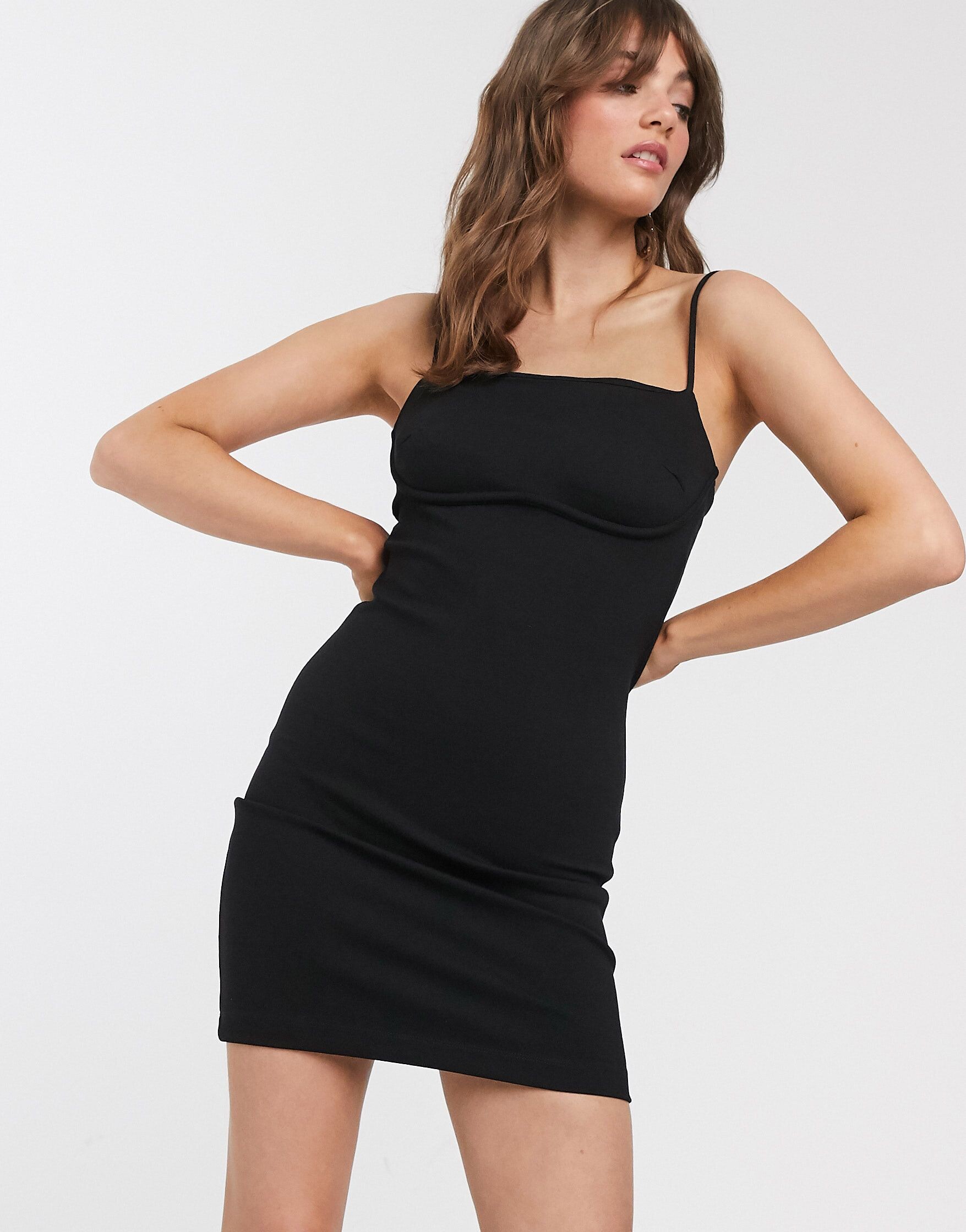
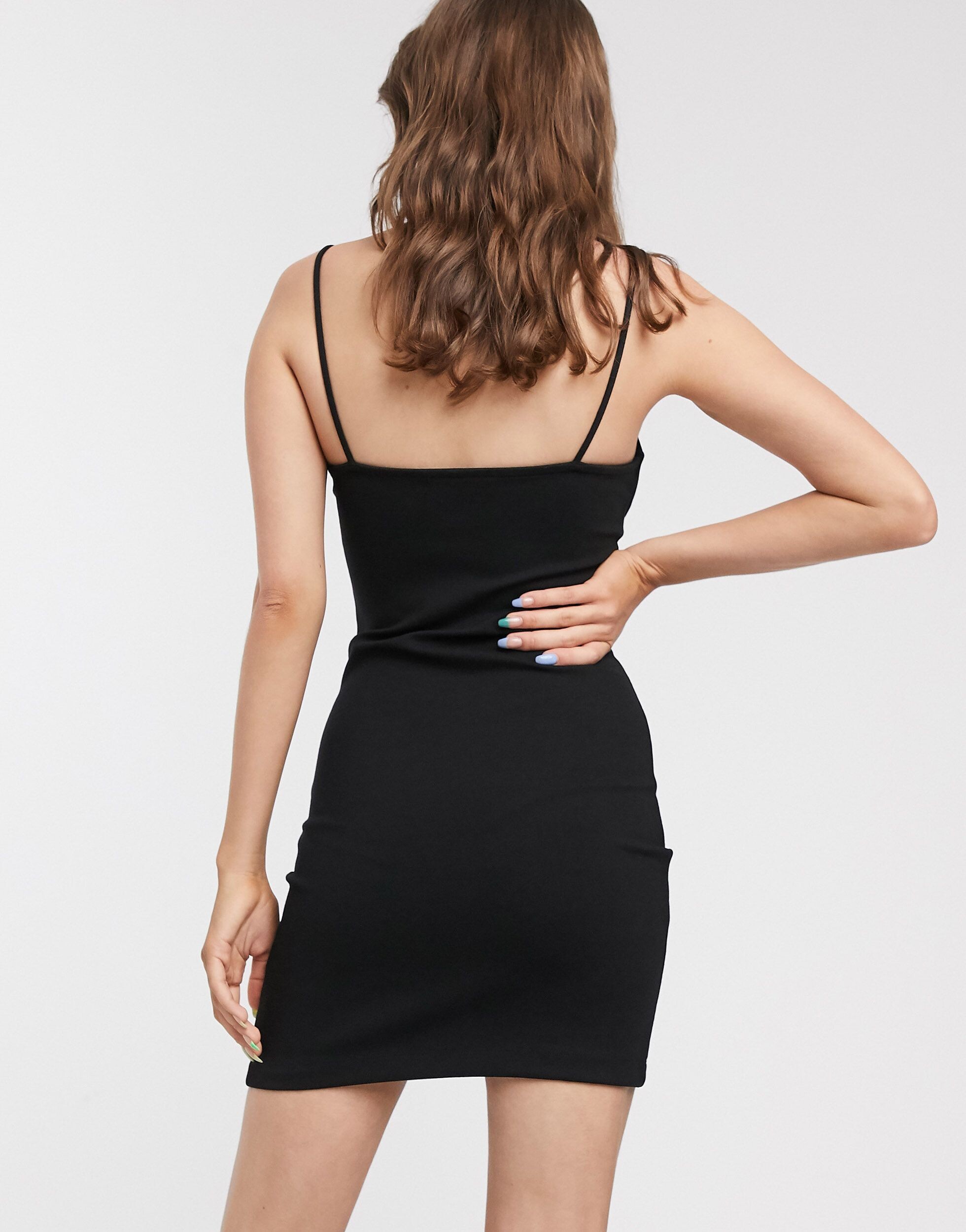
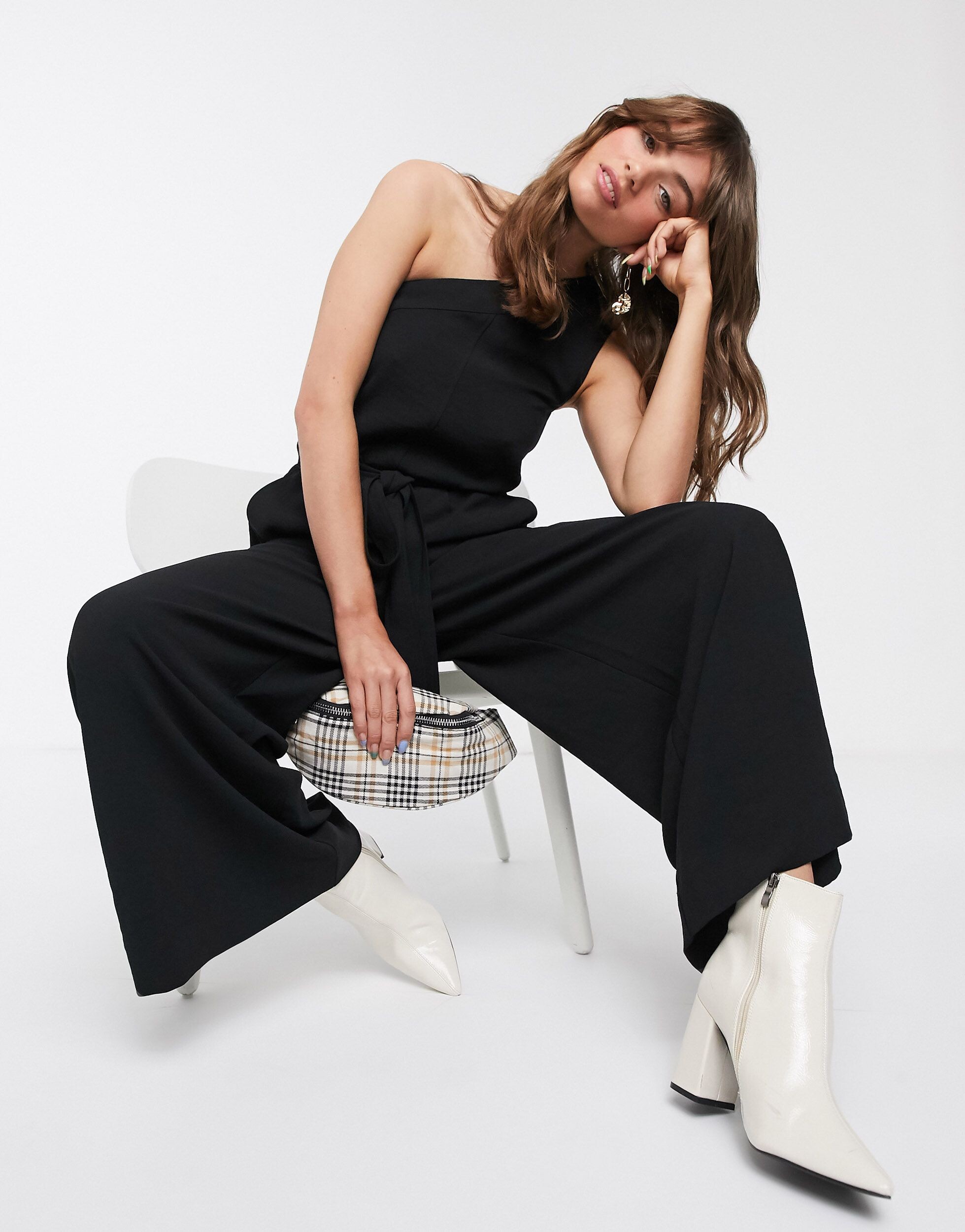
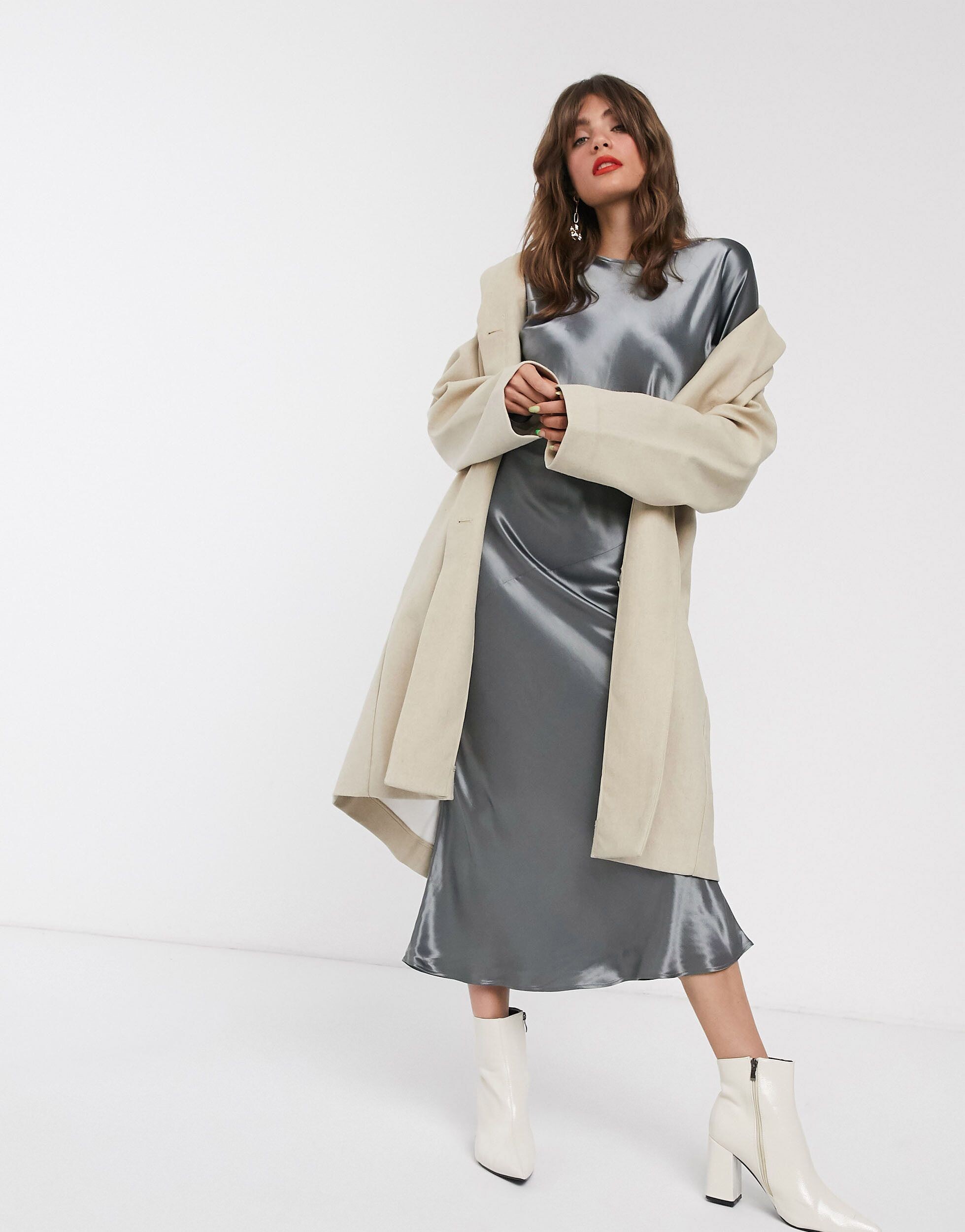
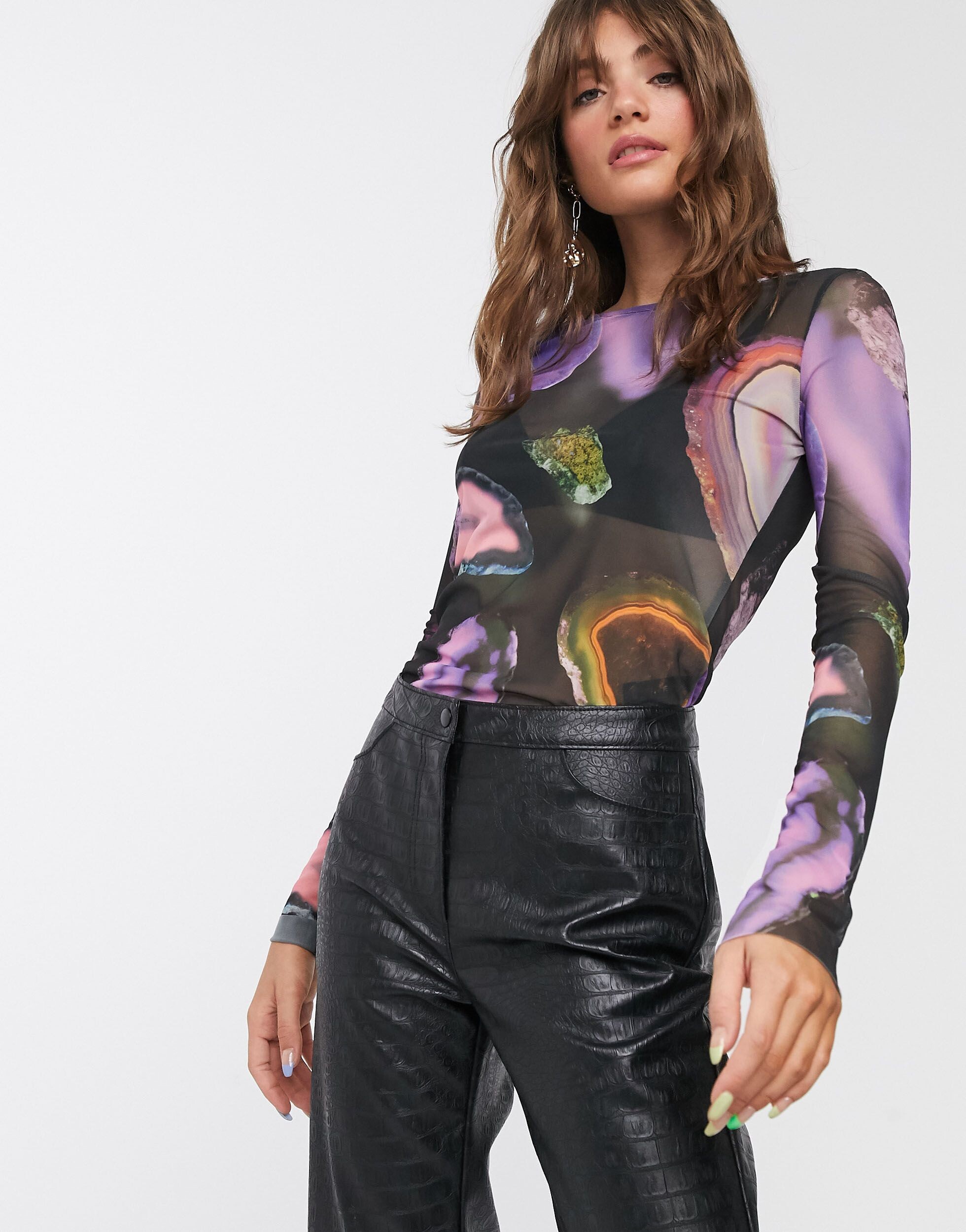
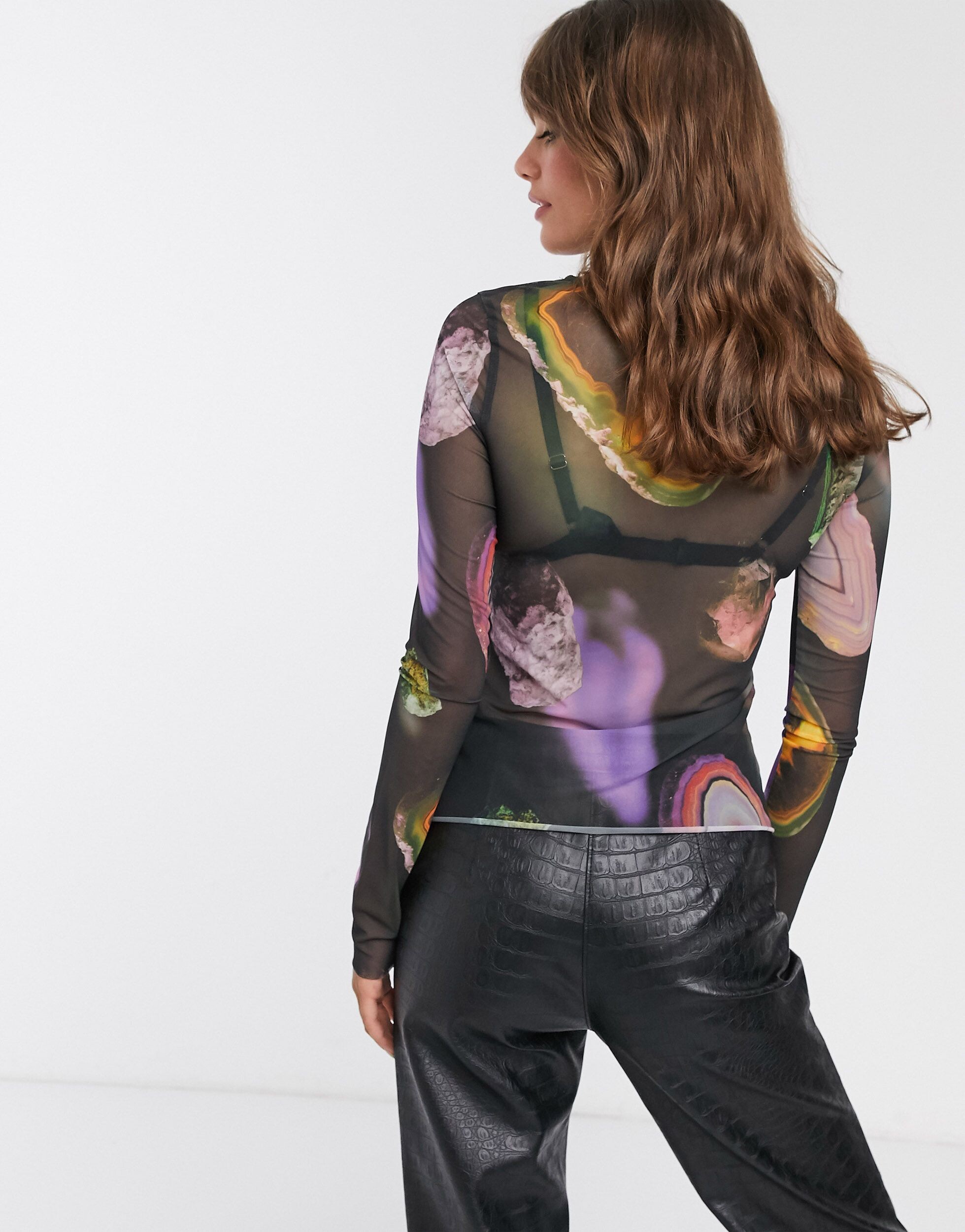
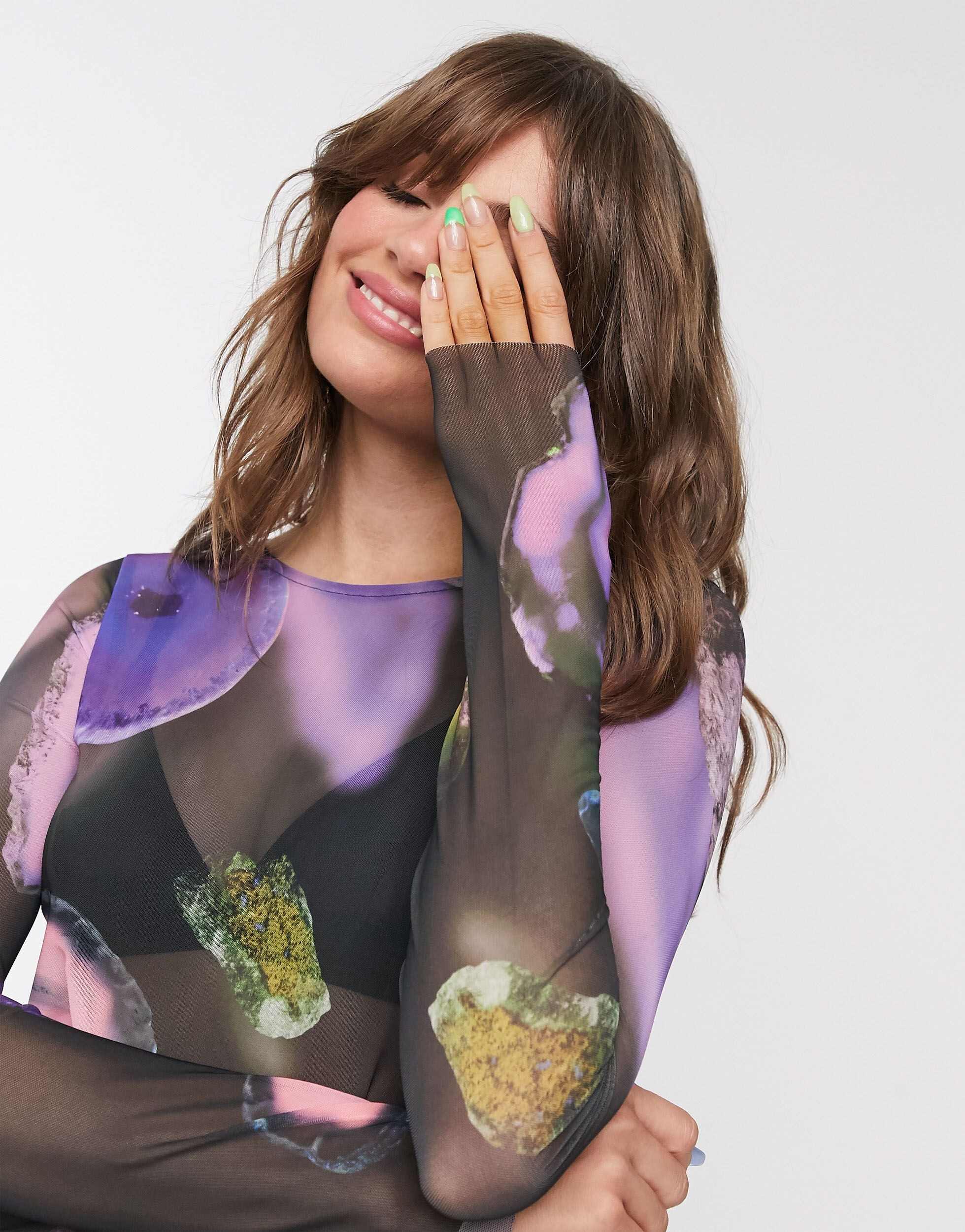
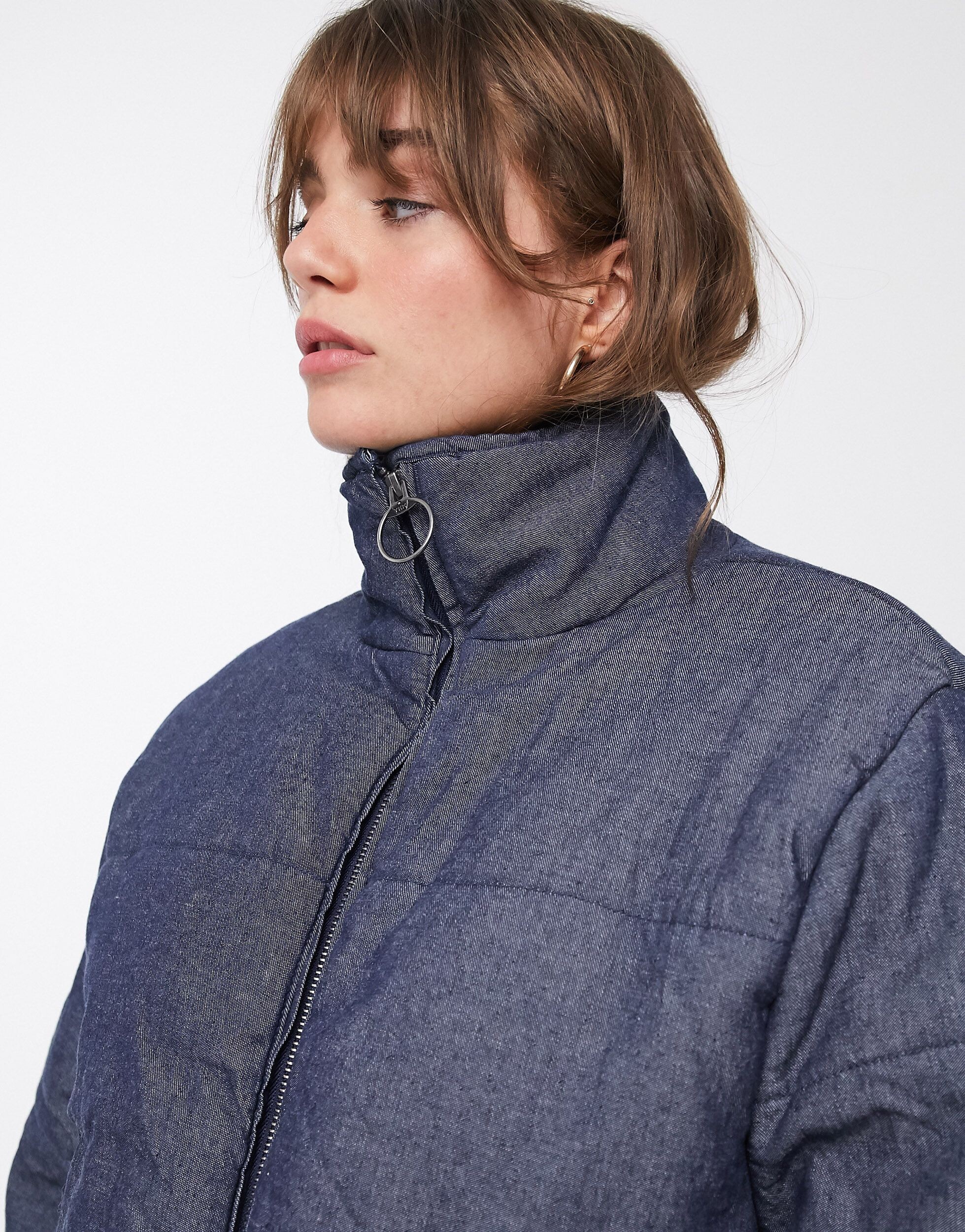
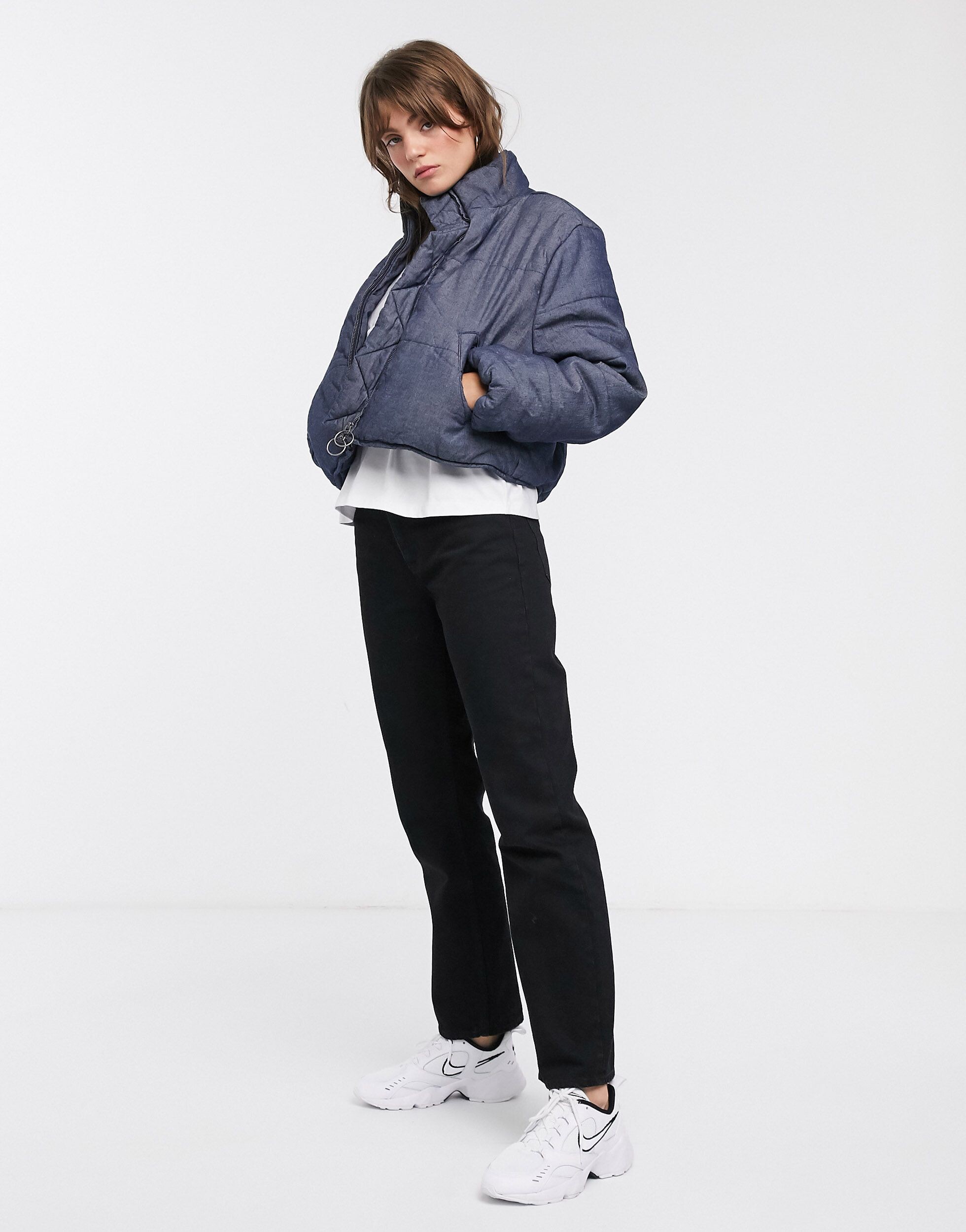
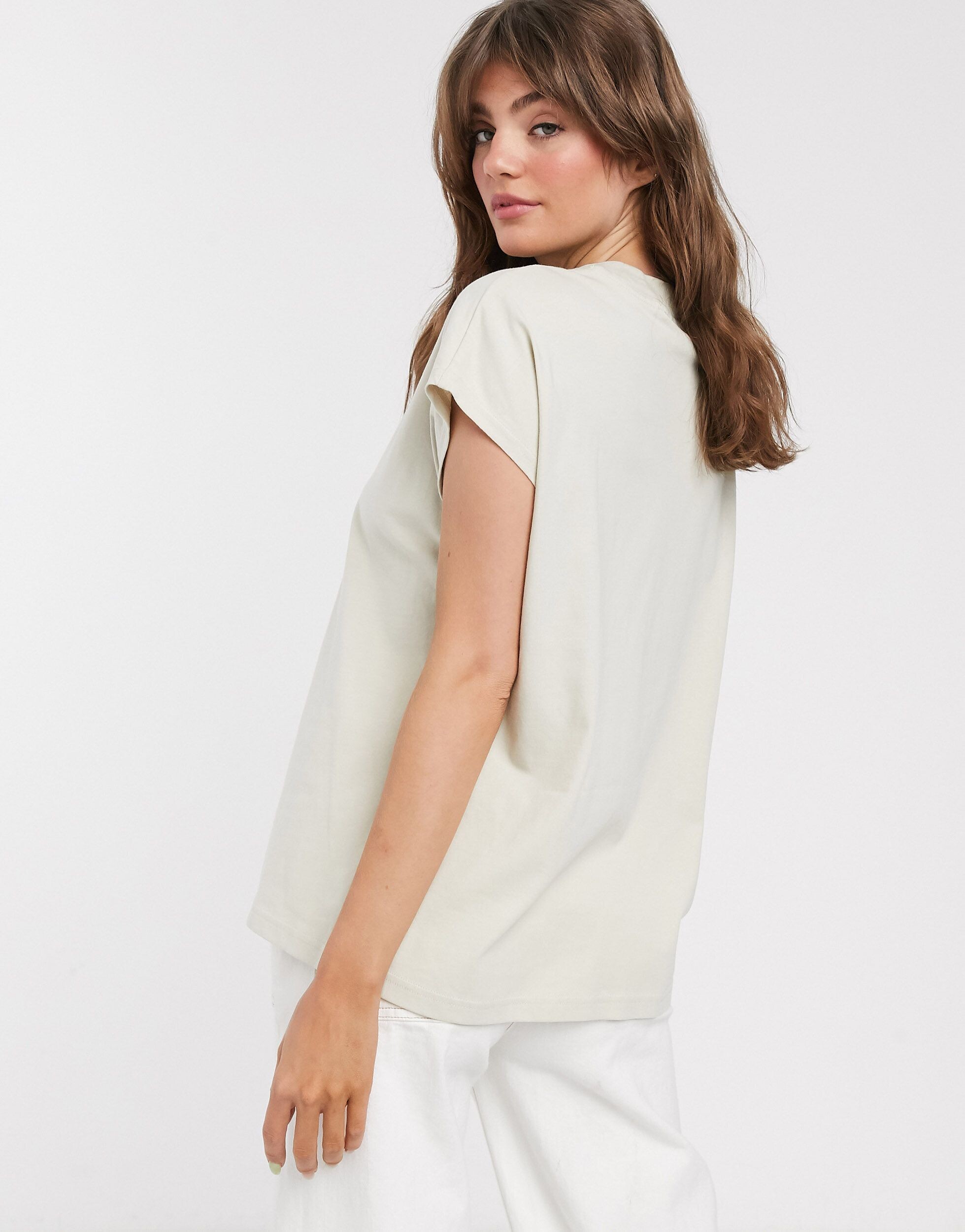
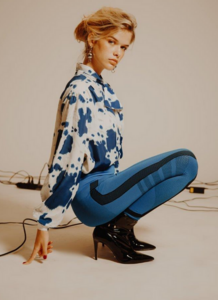 Asos efe6cd6a-34ae-4d26-a7c7-f290fe96eec4.mp4 87038221-37bb-4ae7-b5f7-d00a3e25fdc3.mp4 6abe44f7-f10d-4958-b0fa-42f34b9a726c.mp4 38838ae7-93d1-4fae-a498-579b3f42ca1a.mp4 13df236e-6c8d-4ac6-986e-5a33d90aeb82.mp4 a67a5439-2c15-4931-948f-6c583e0d89a1.mp4 9da422c1-e694-4809-850b-bc889251719d.mp4 c94ebd7b-f38e-473c-8755-7c1b787310f0.mp4 19614acd-9b49-468a-9361-be61fabc42d9.mp4 14218791-2.jfif



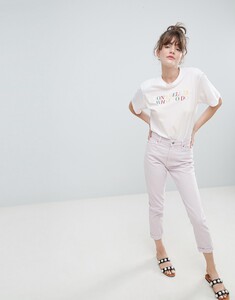
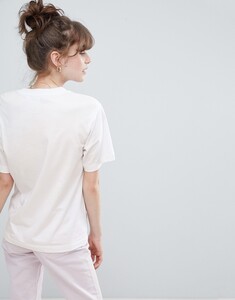
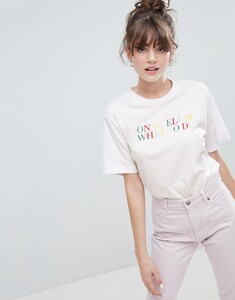



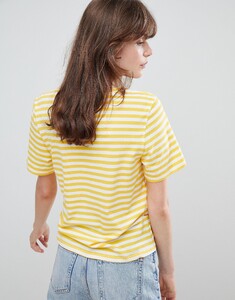




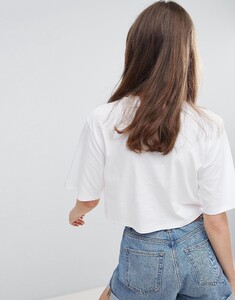

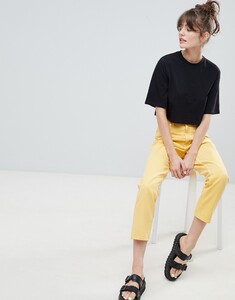


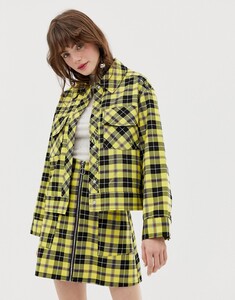
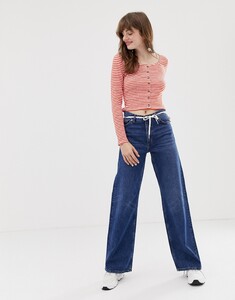




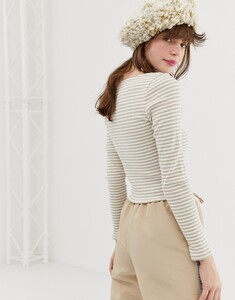

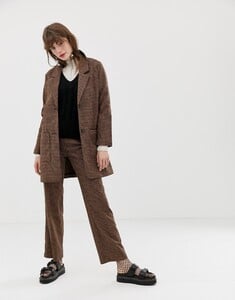







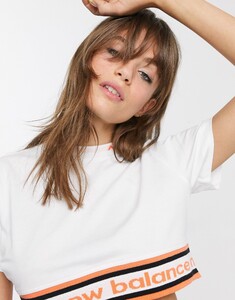
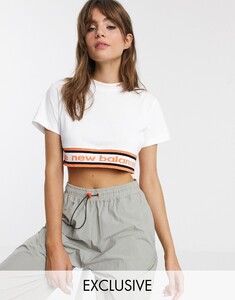
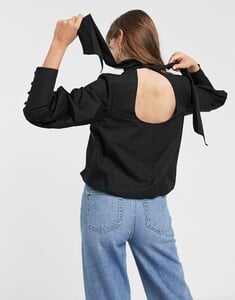
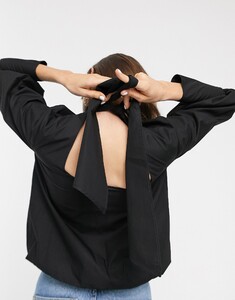
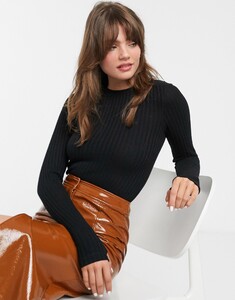
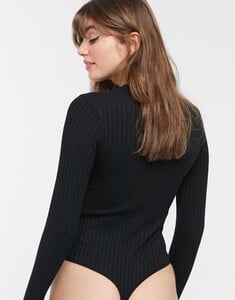
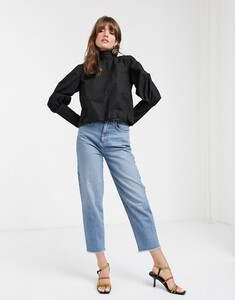
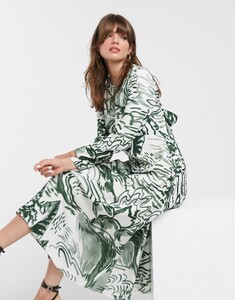
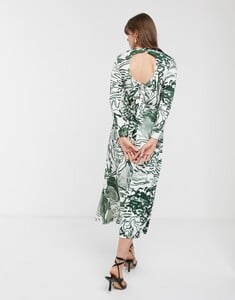

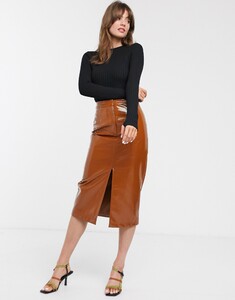
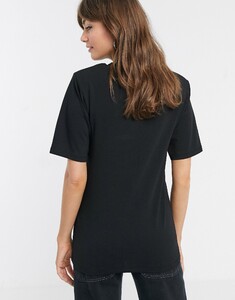
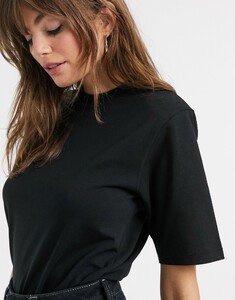
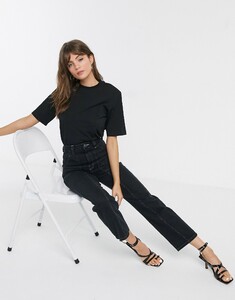
.thumb.jpg.458ed8c690e2cc82e07b1f63fdf01c7f.jpg)
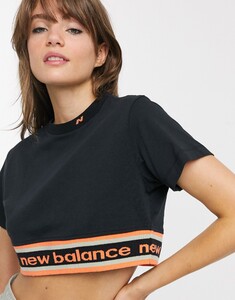
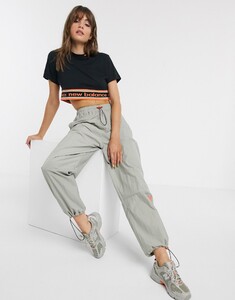


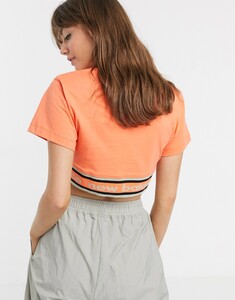
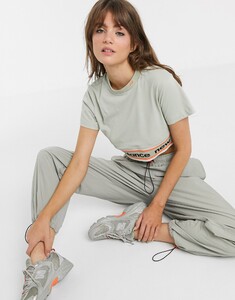

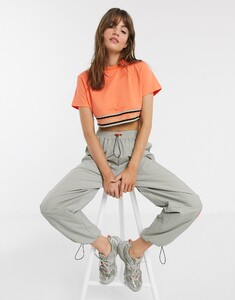

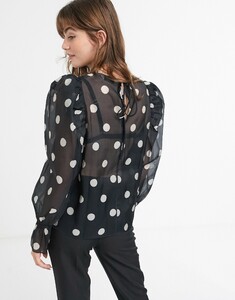

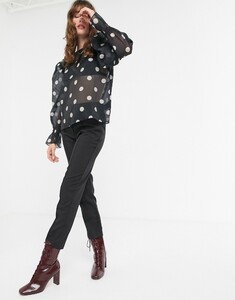



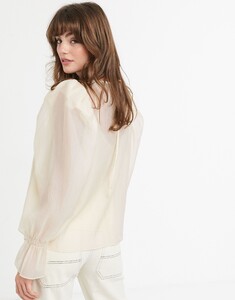

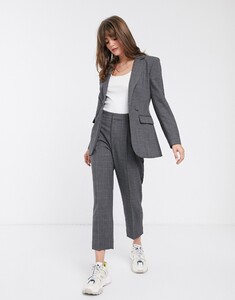
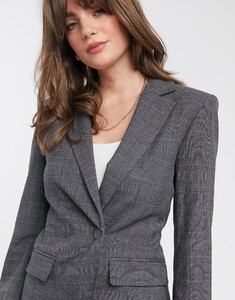
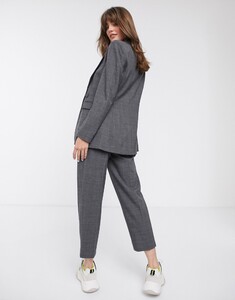

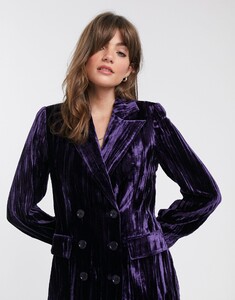
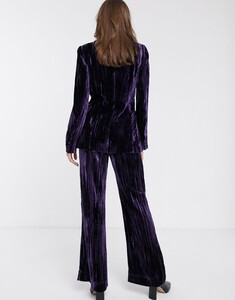
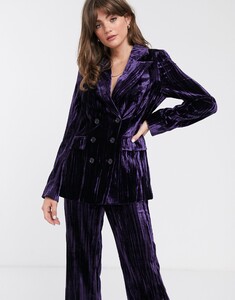

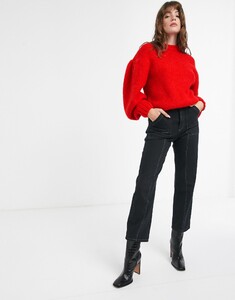
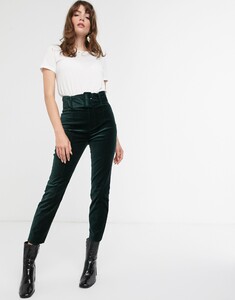
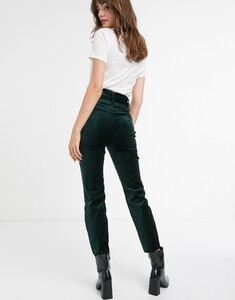
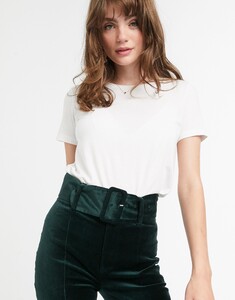
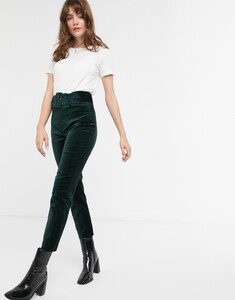
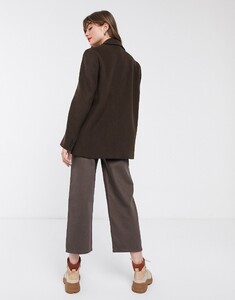
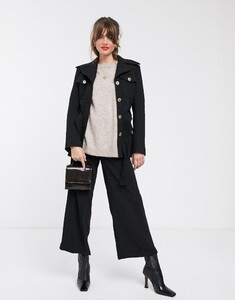
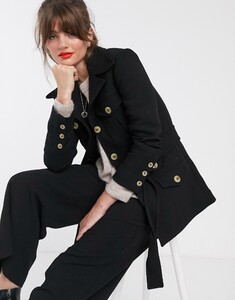
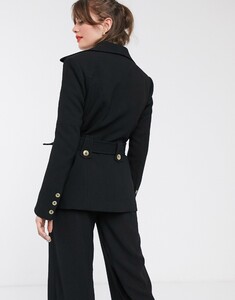
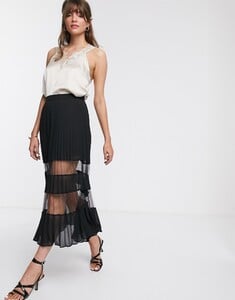
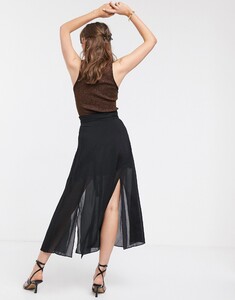
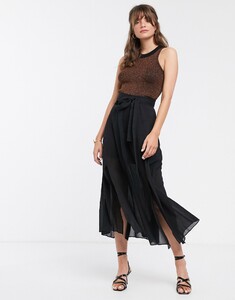
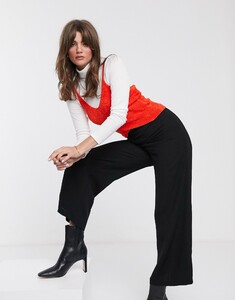
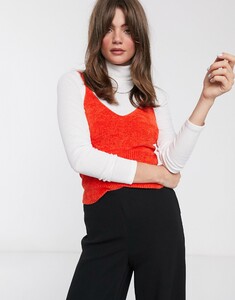

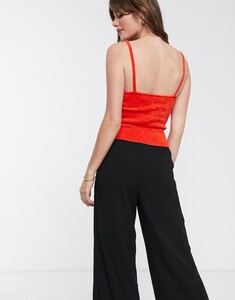

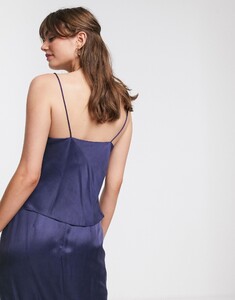
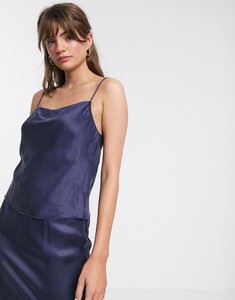
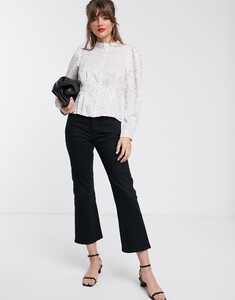

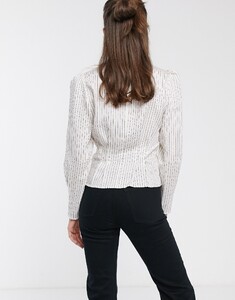
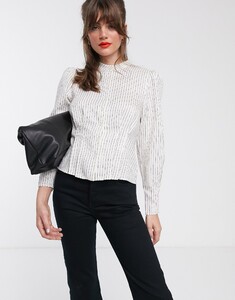
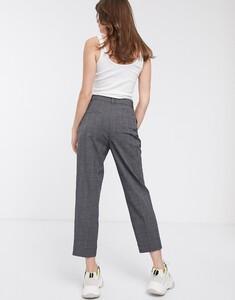
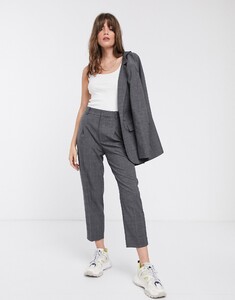


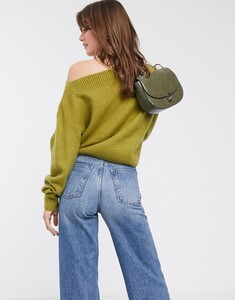

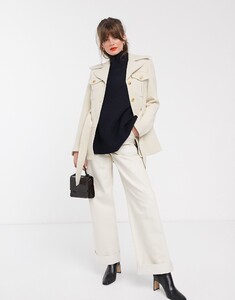
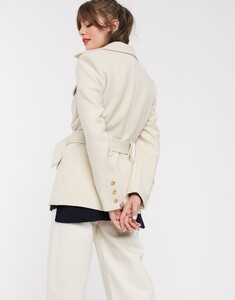
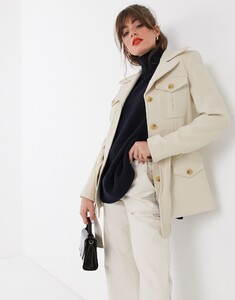
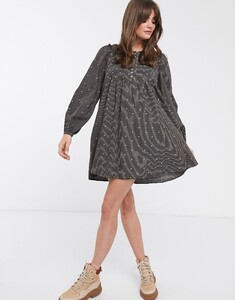
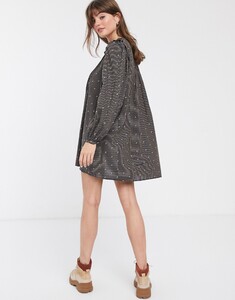

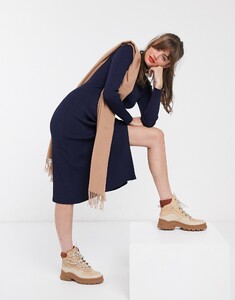
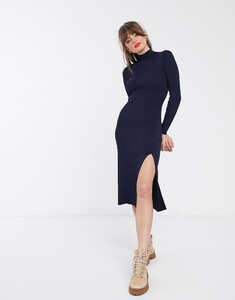
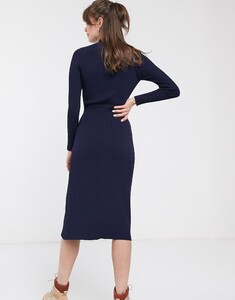
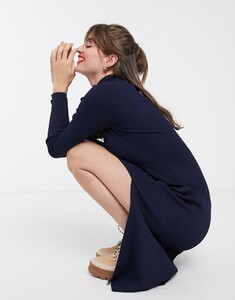
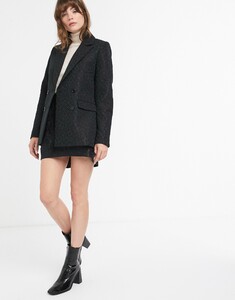
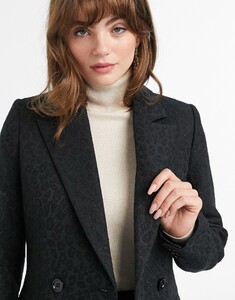
.thumb.jpg.1fd6e786e15749955f8e2c73d33e478d.jpg)
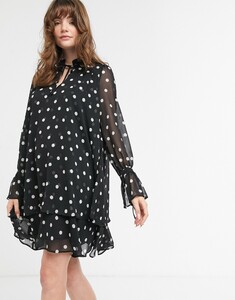
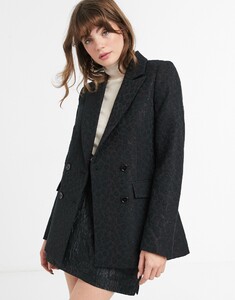
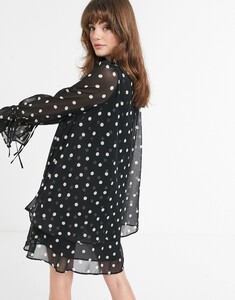
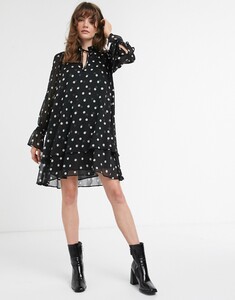
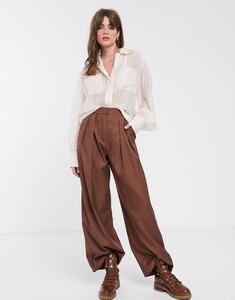
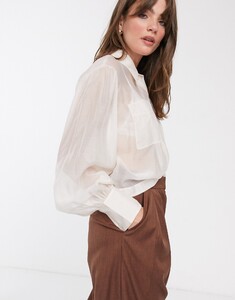
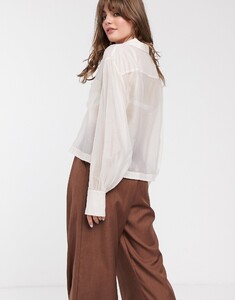


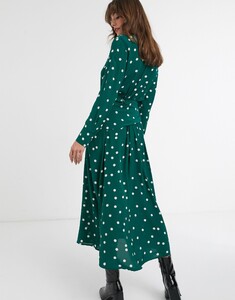
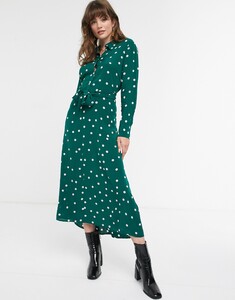


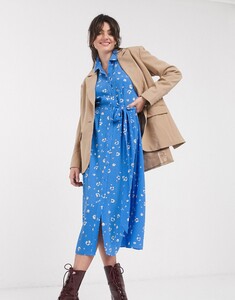
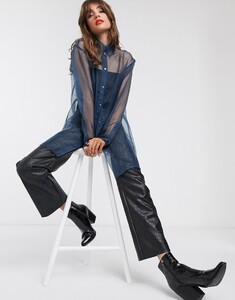

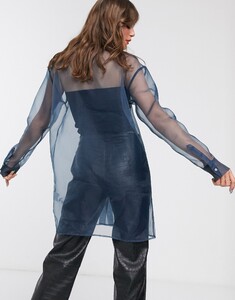
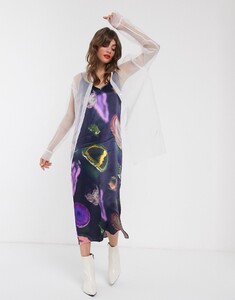
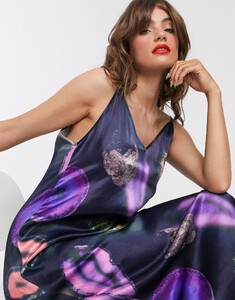
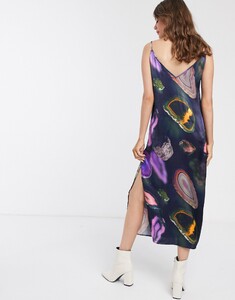
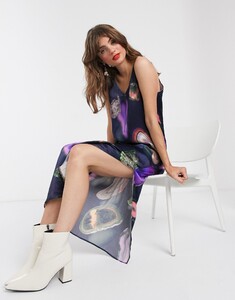
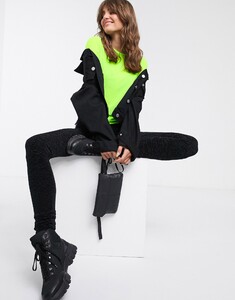

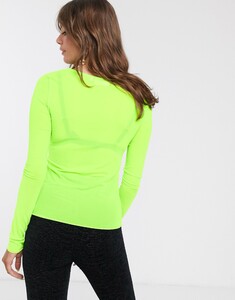
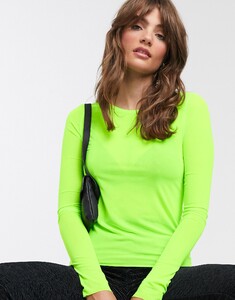
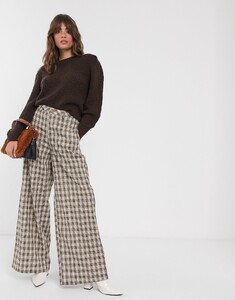
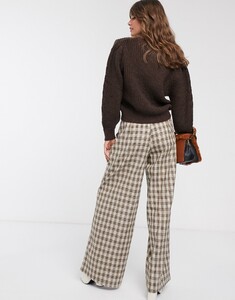
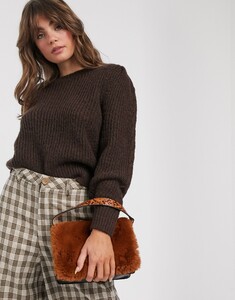
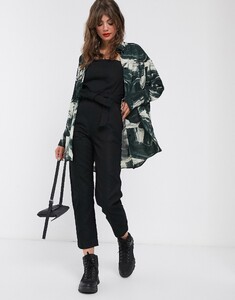


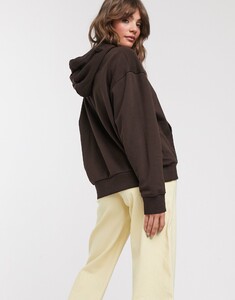

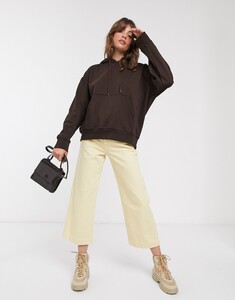
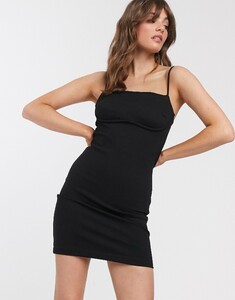
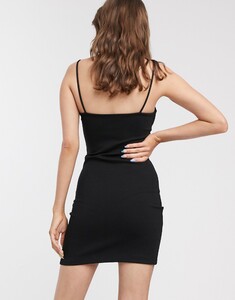
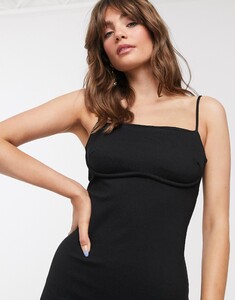
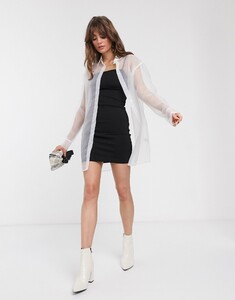
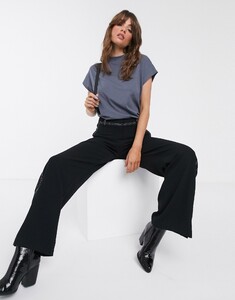
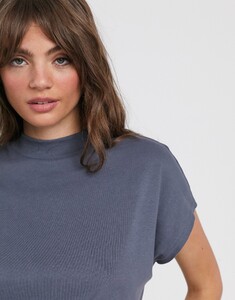
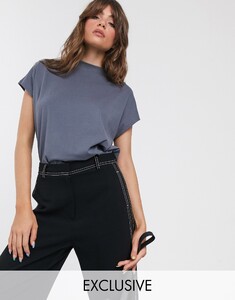
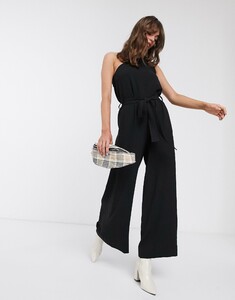
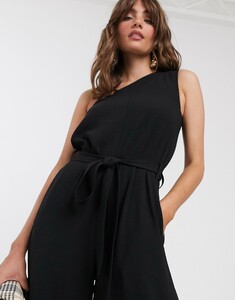
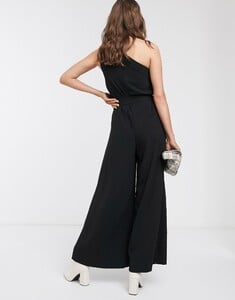

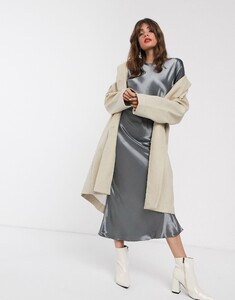
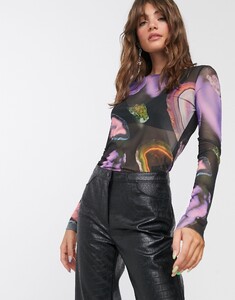
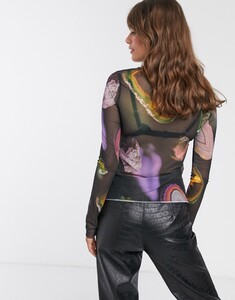

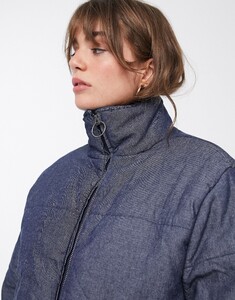
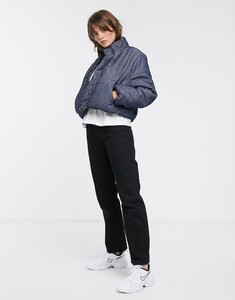

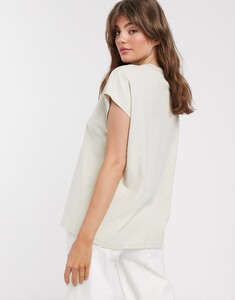
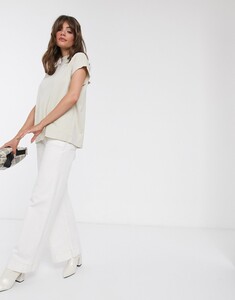


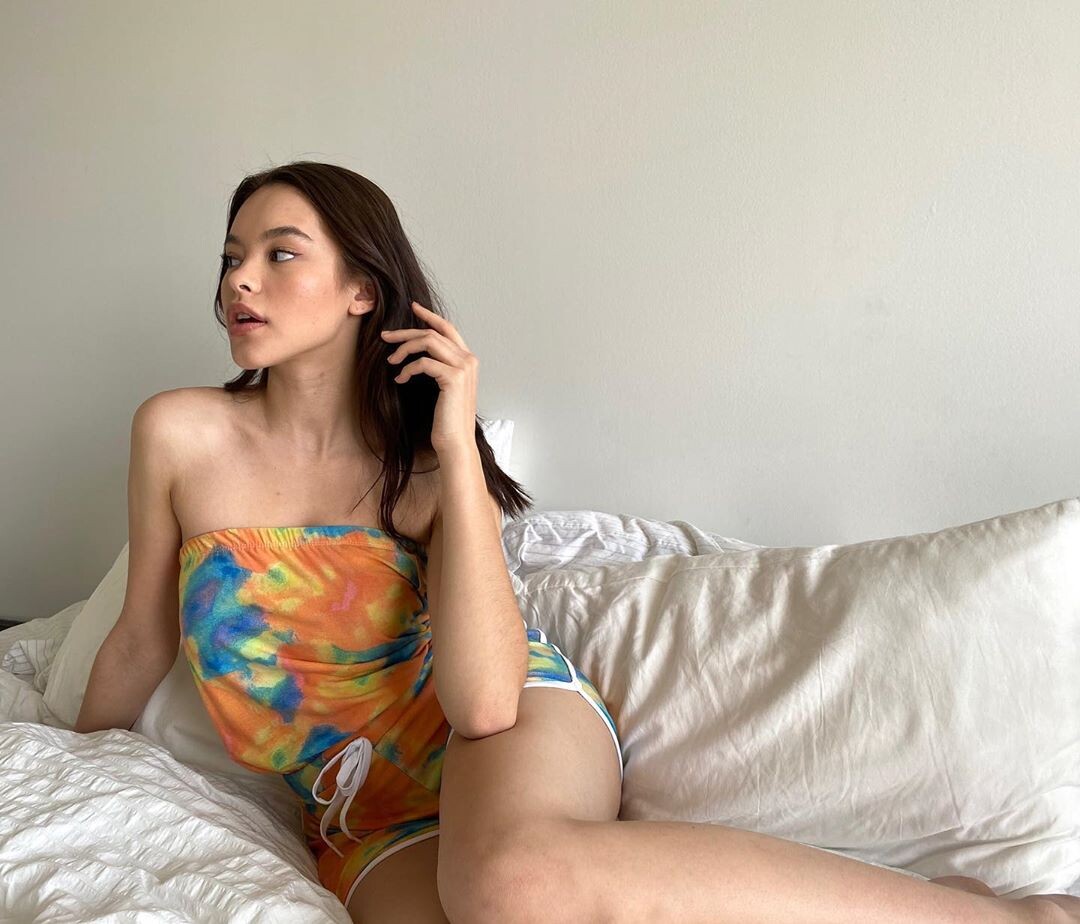


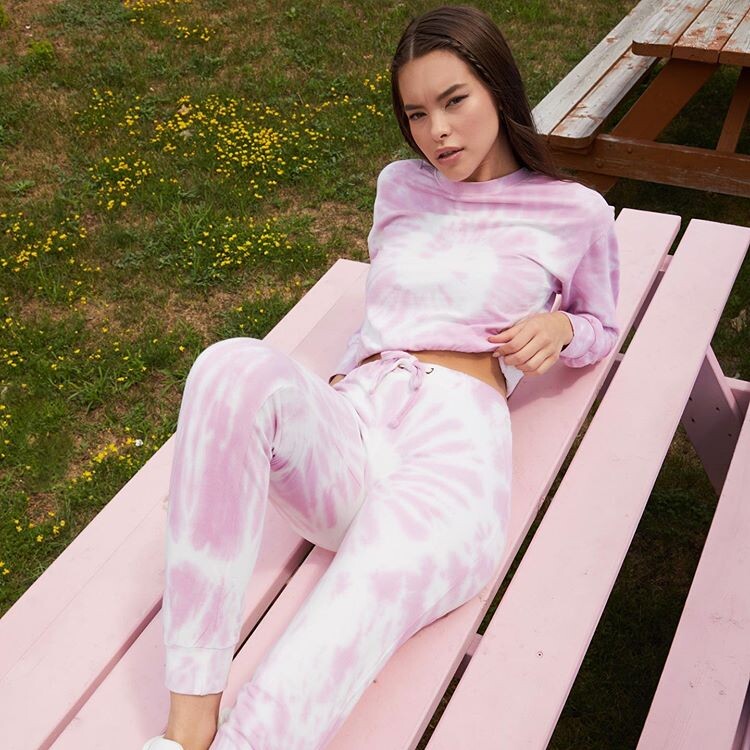
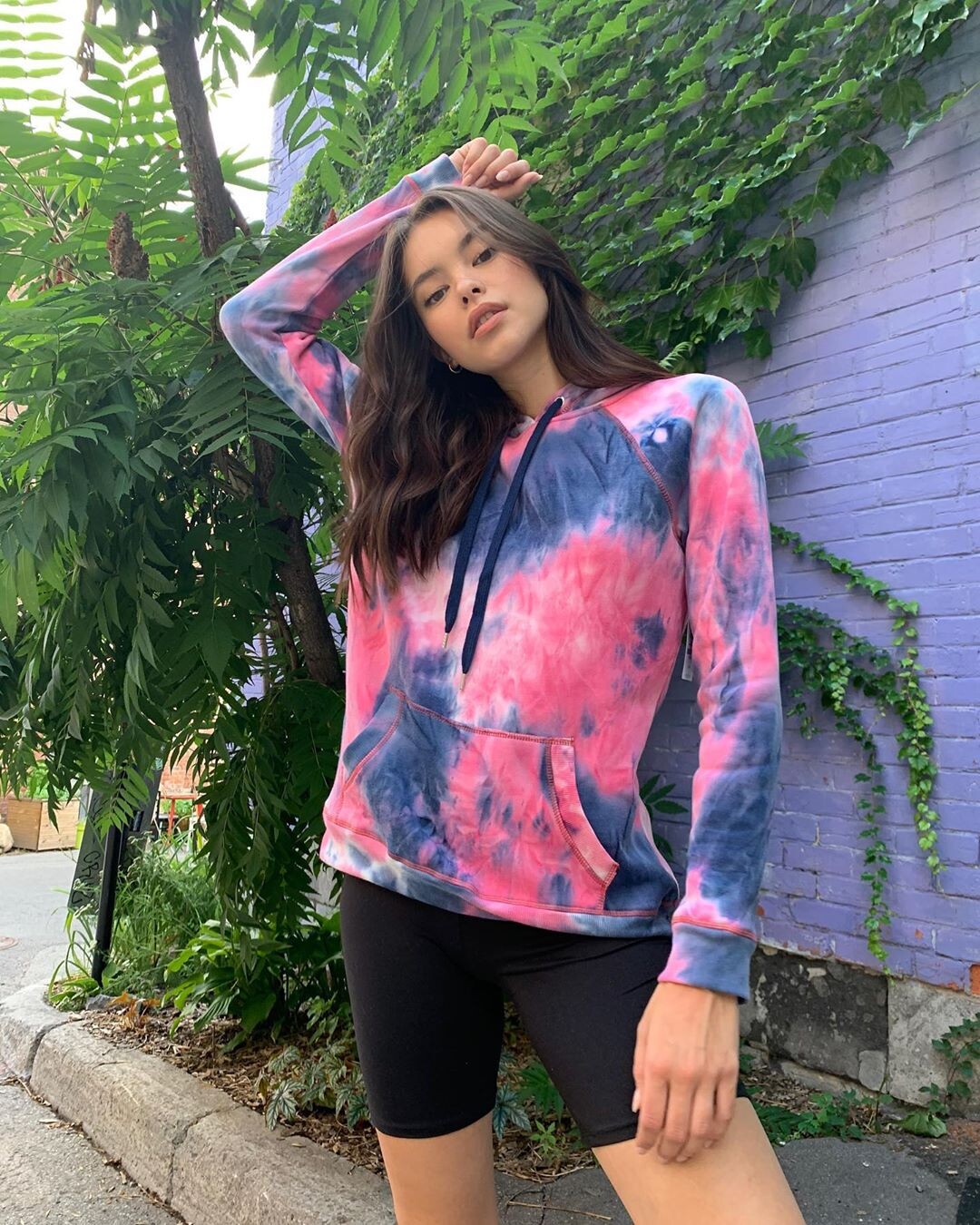
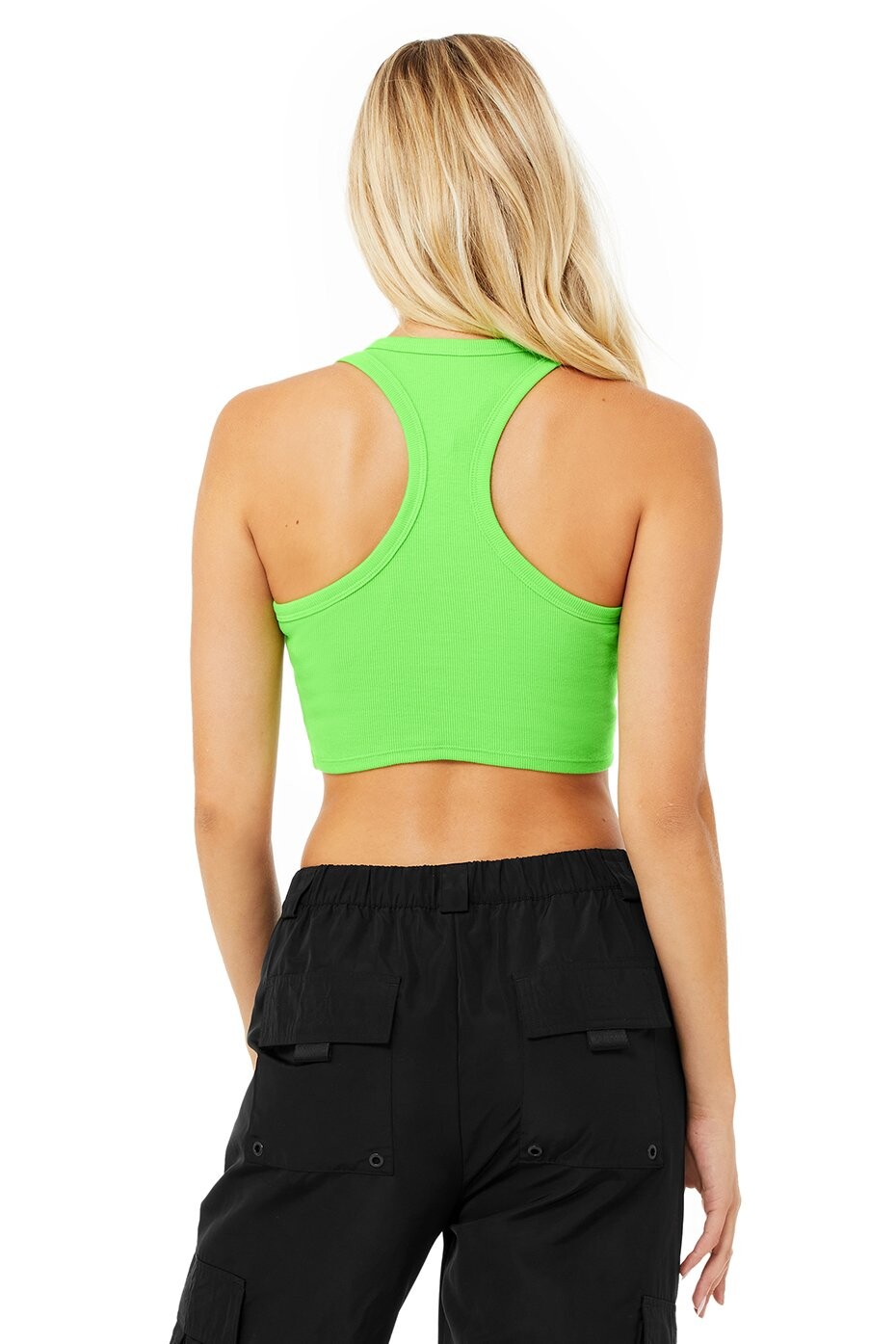
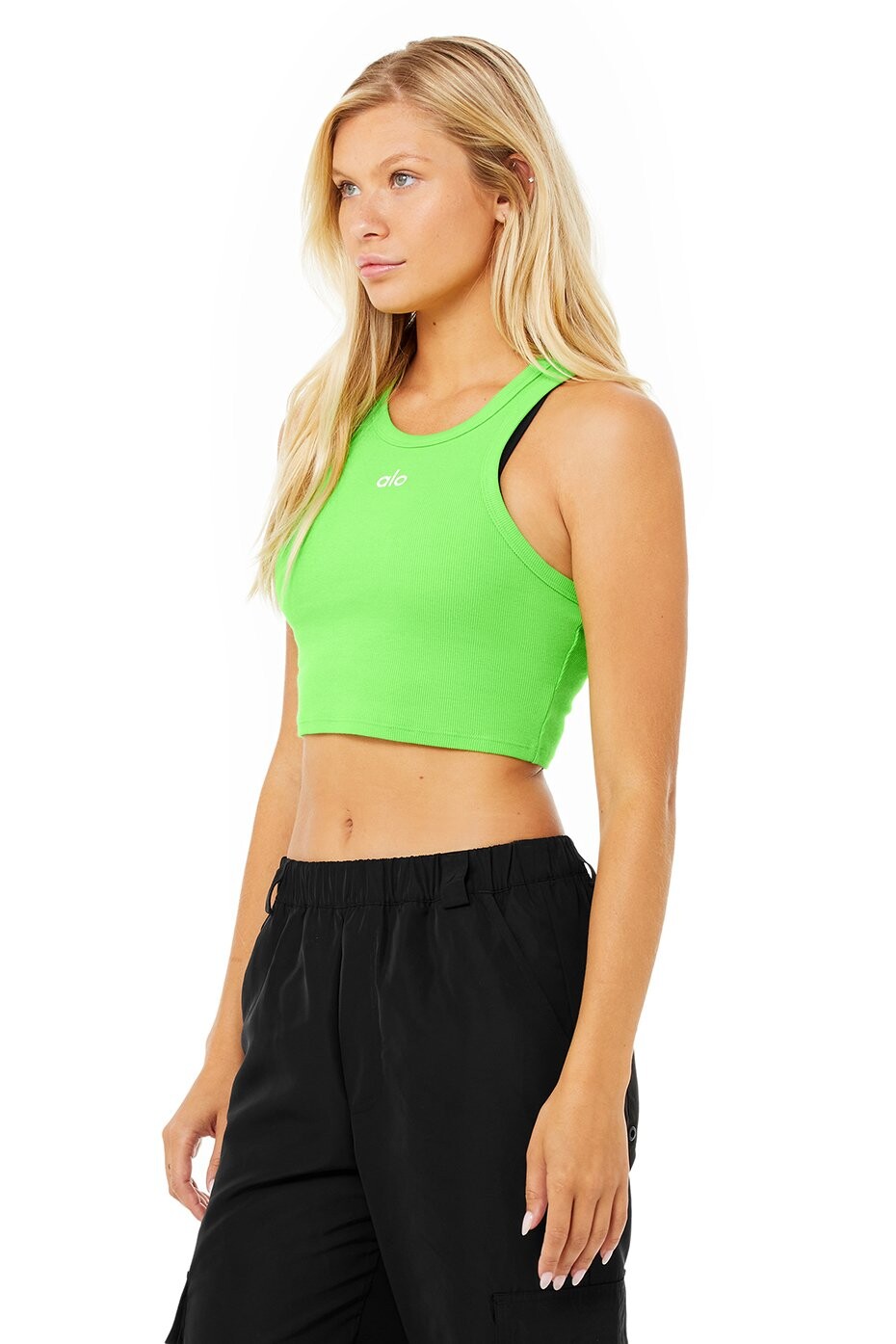
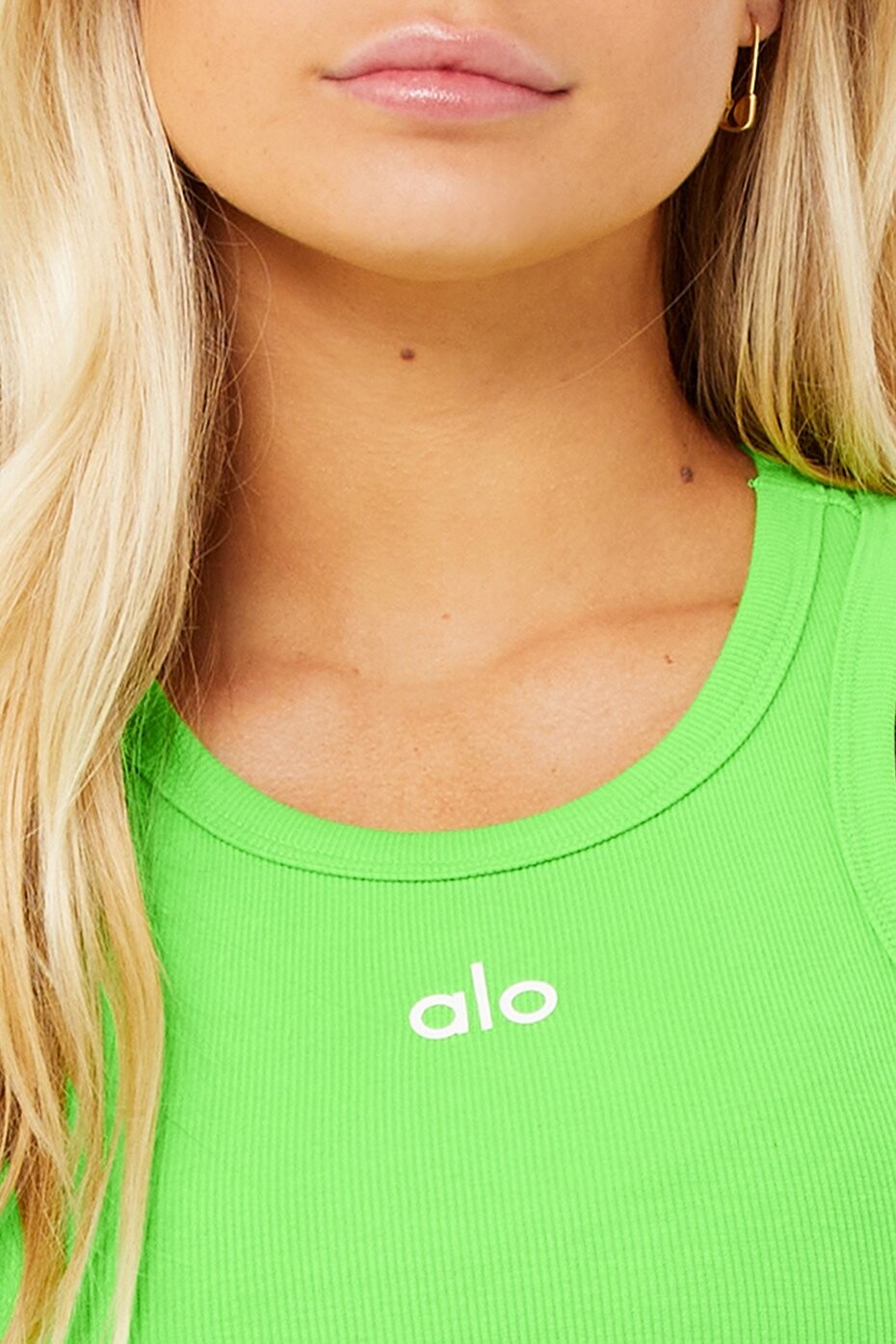
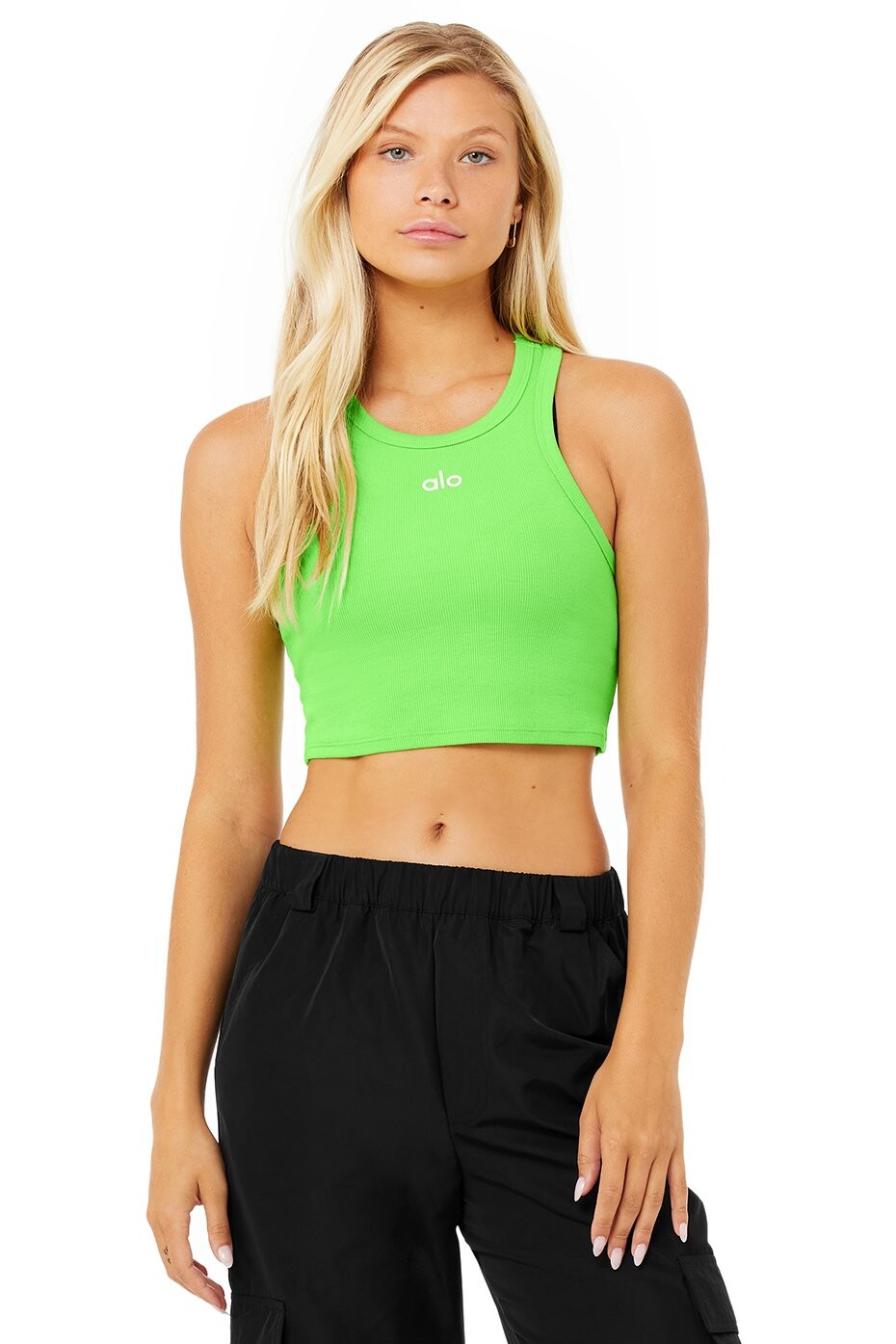
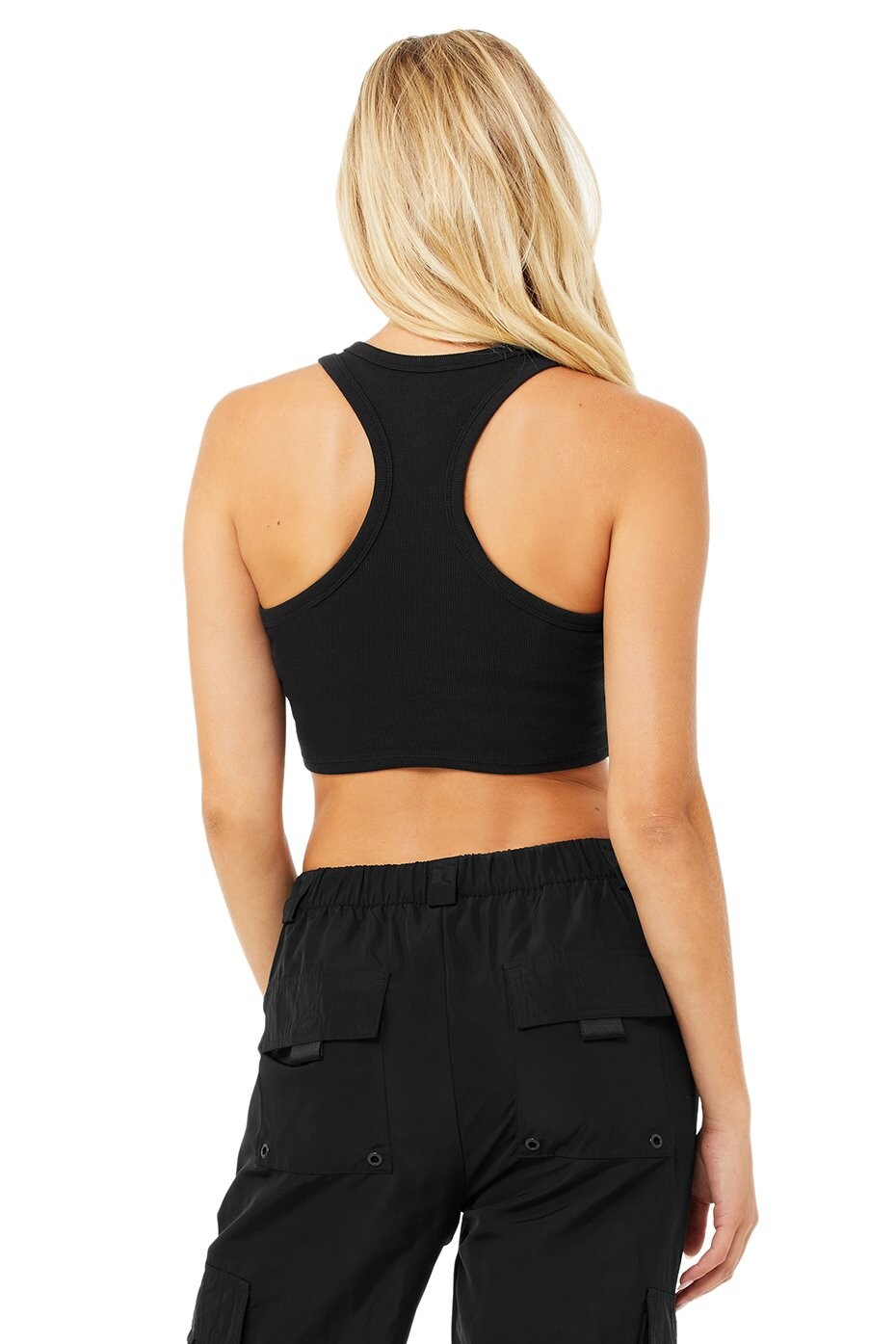
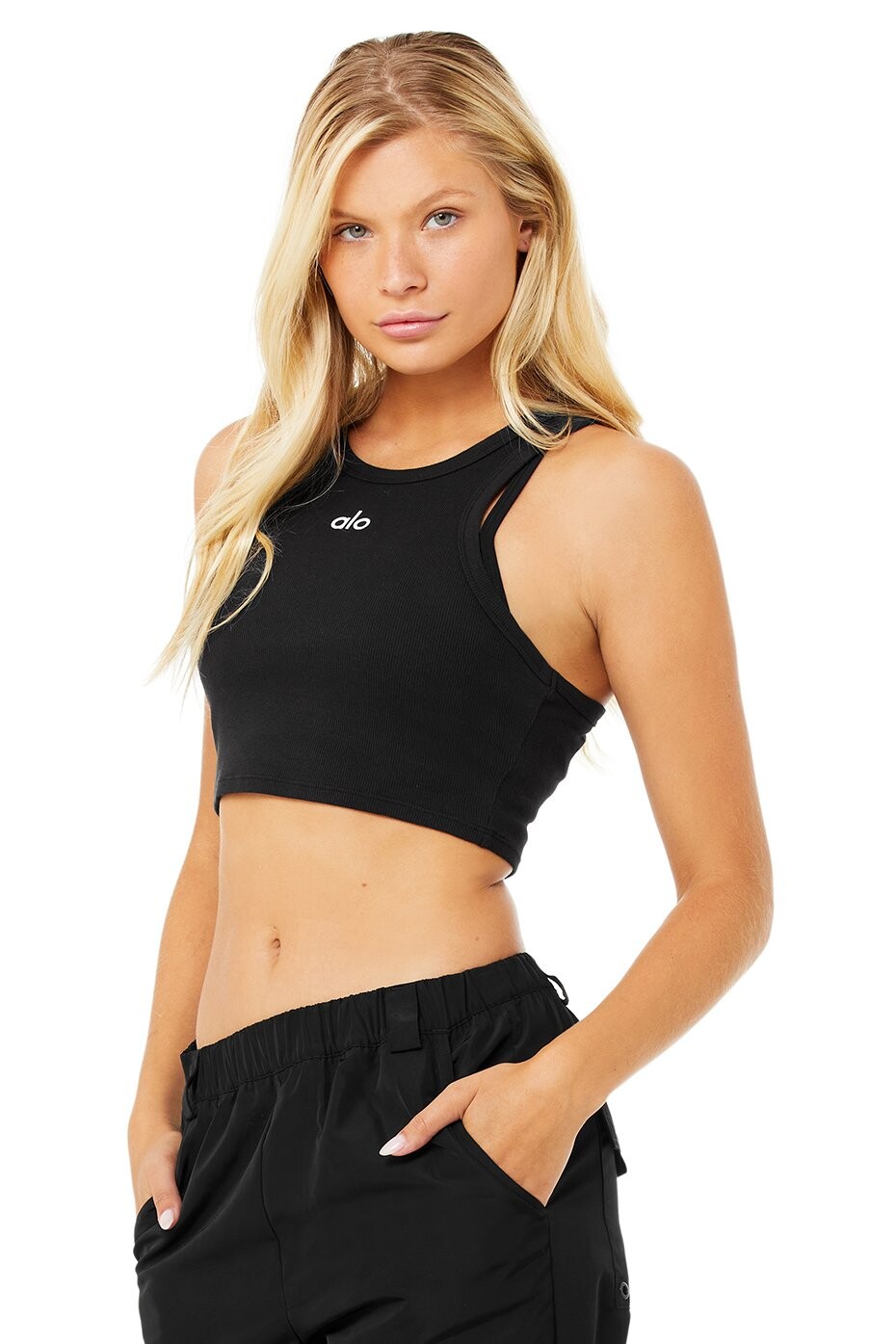
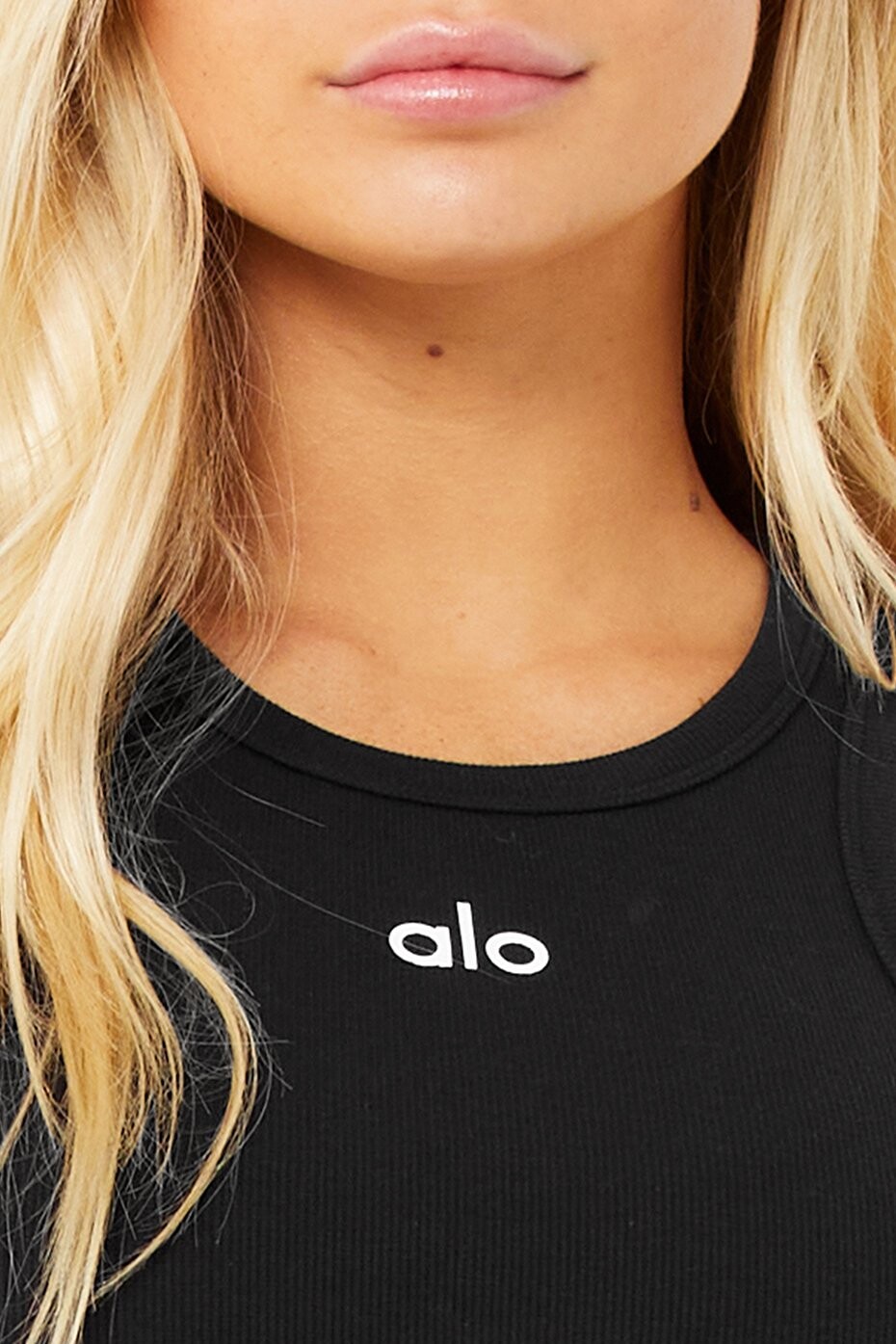
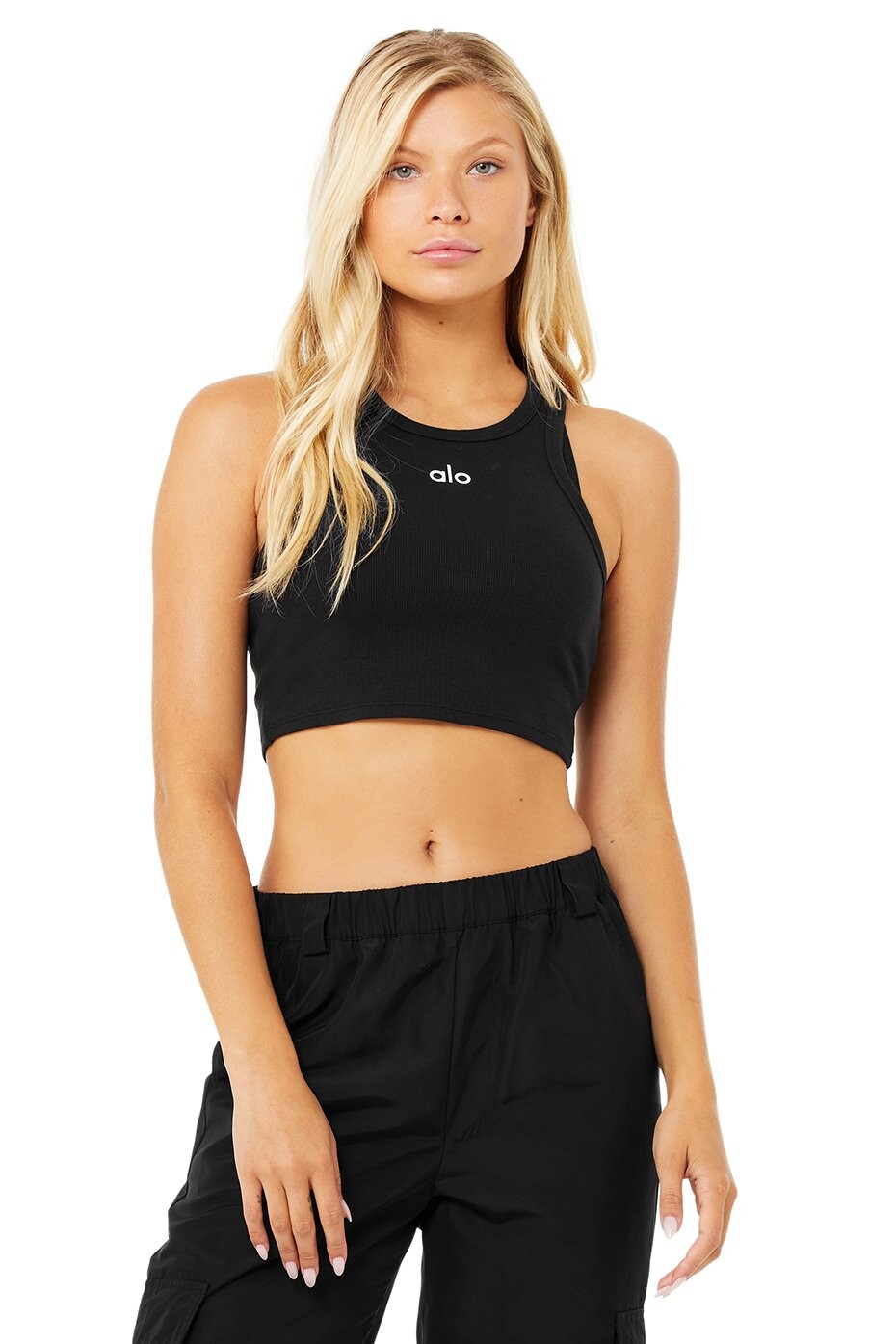
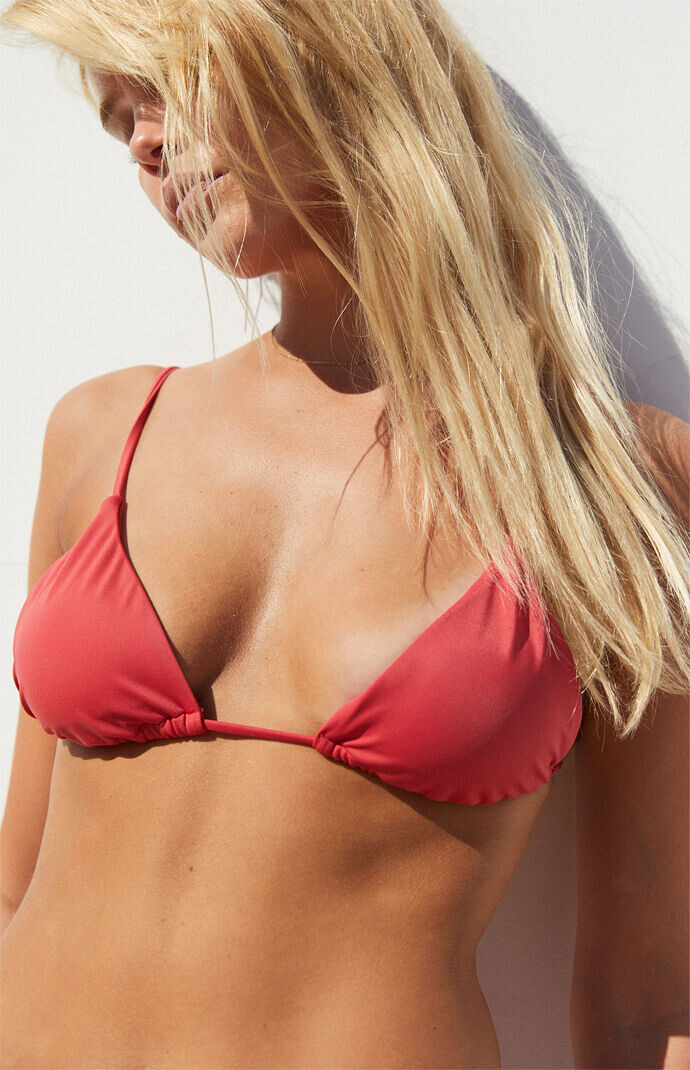
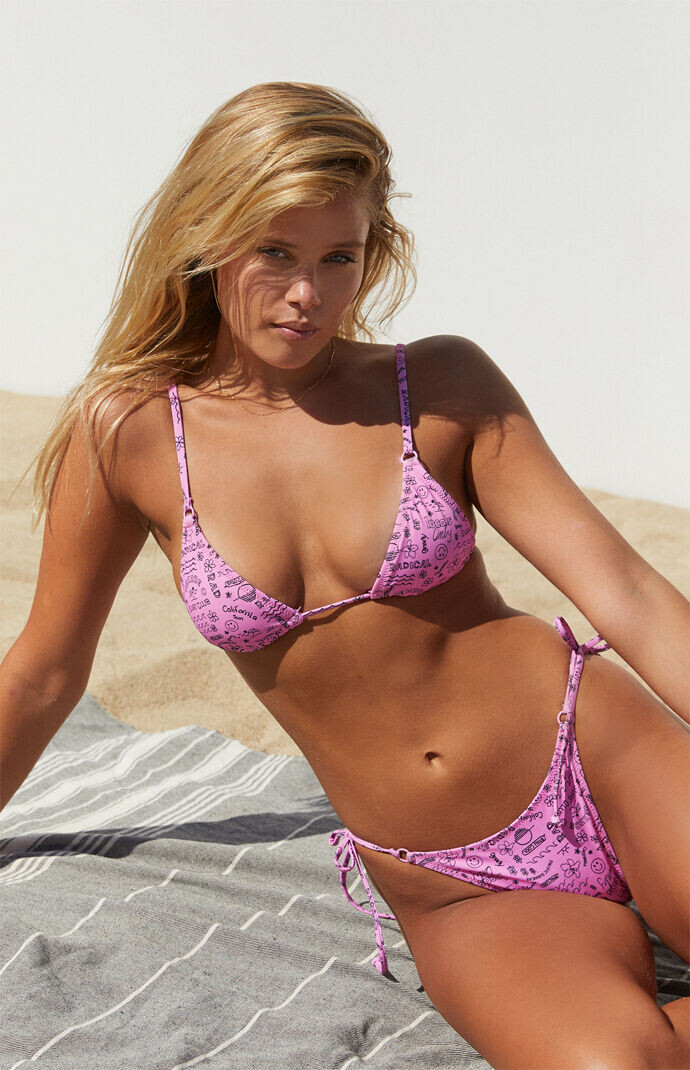
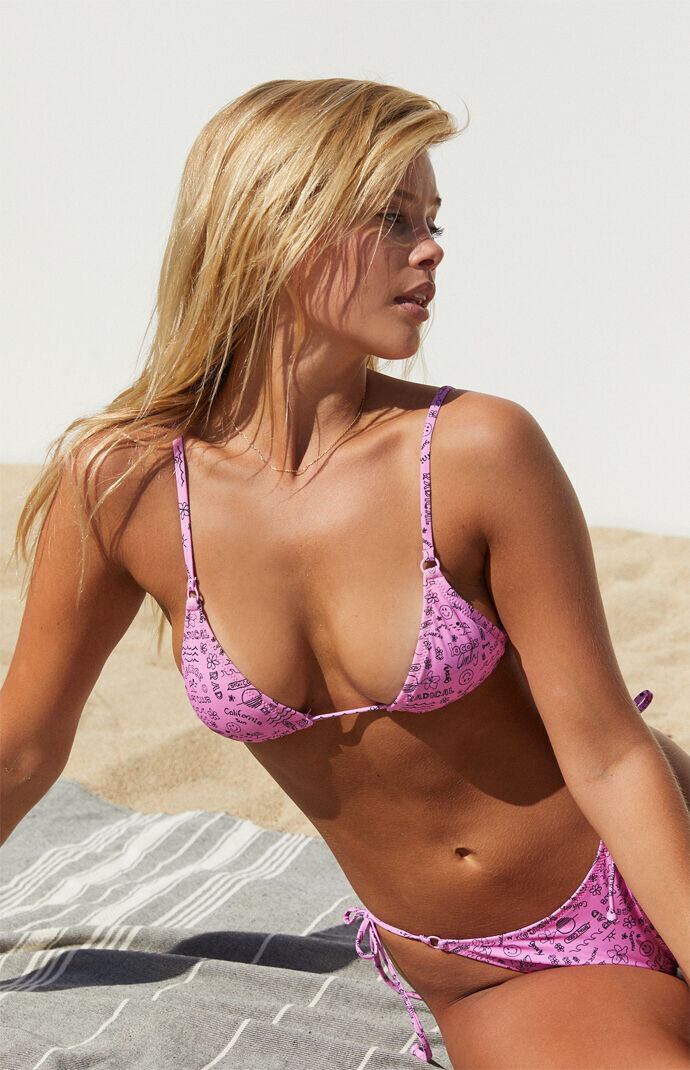



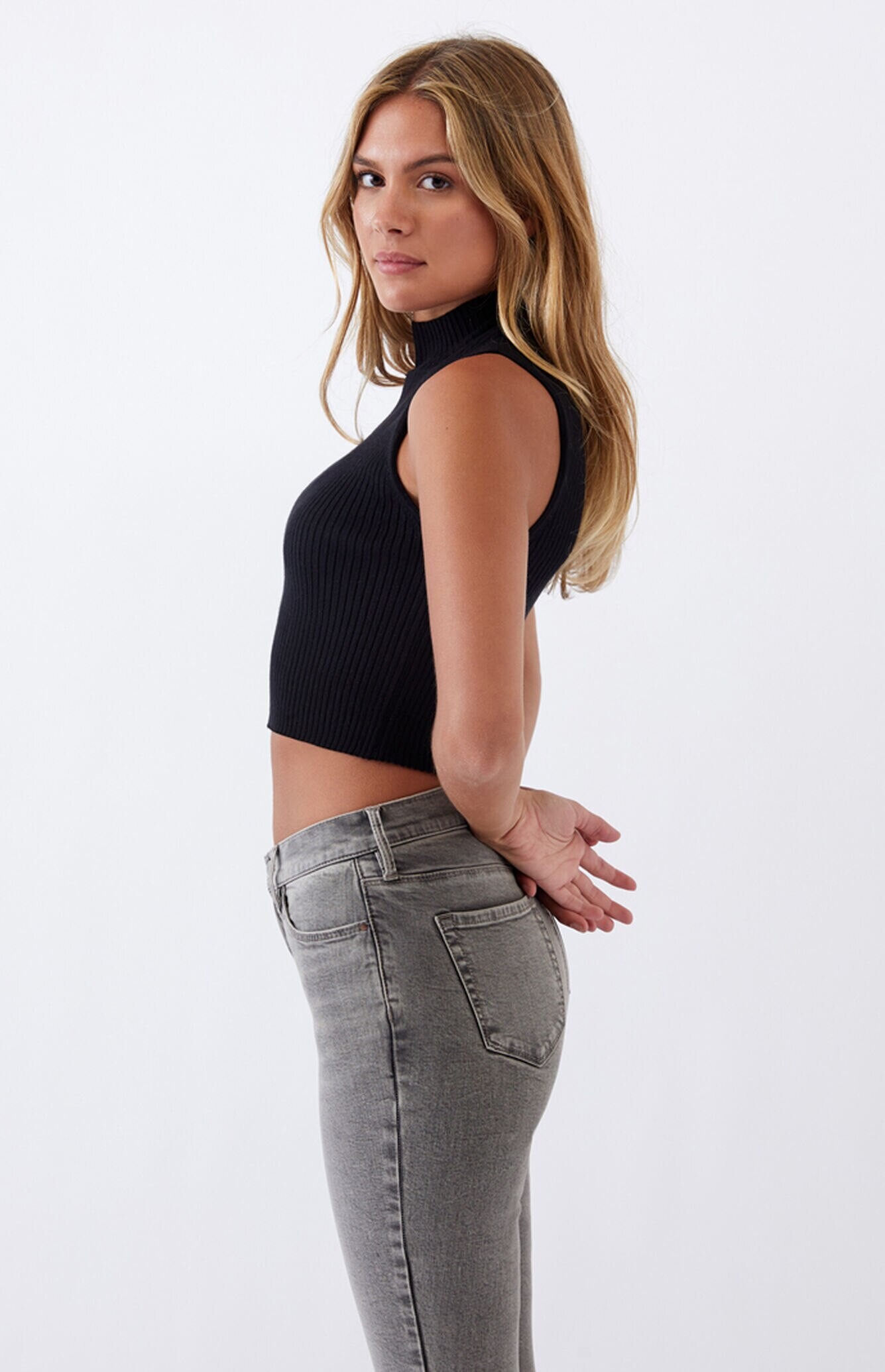
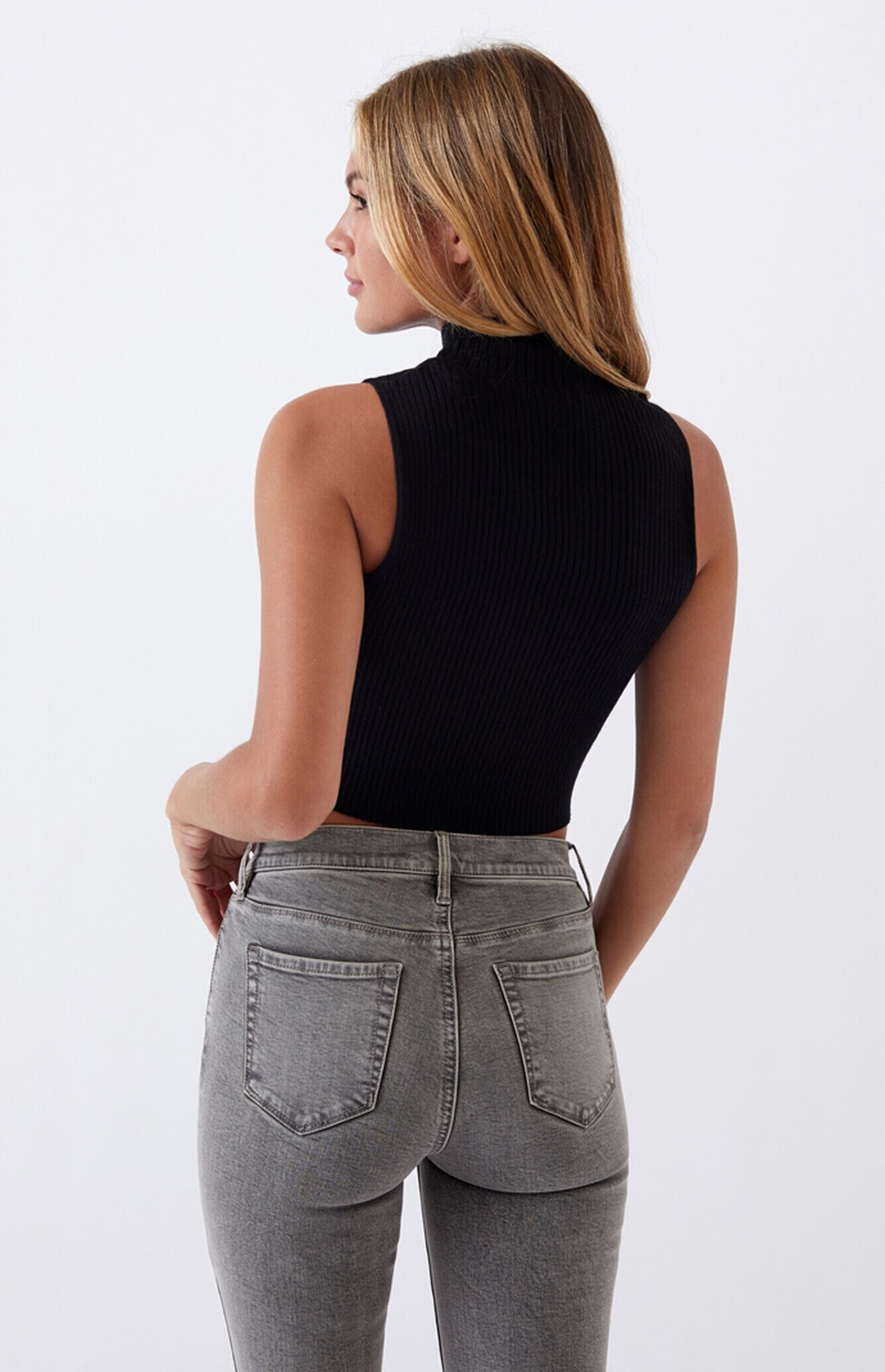
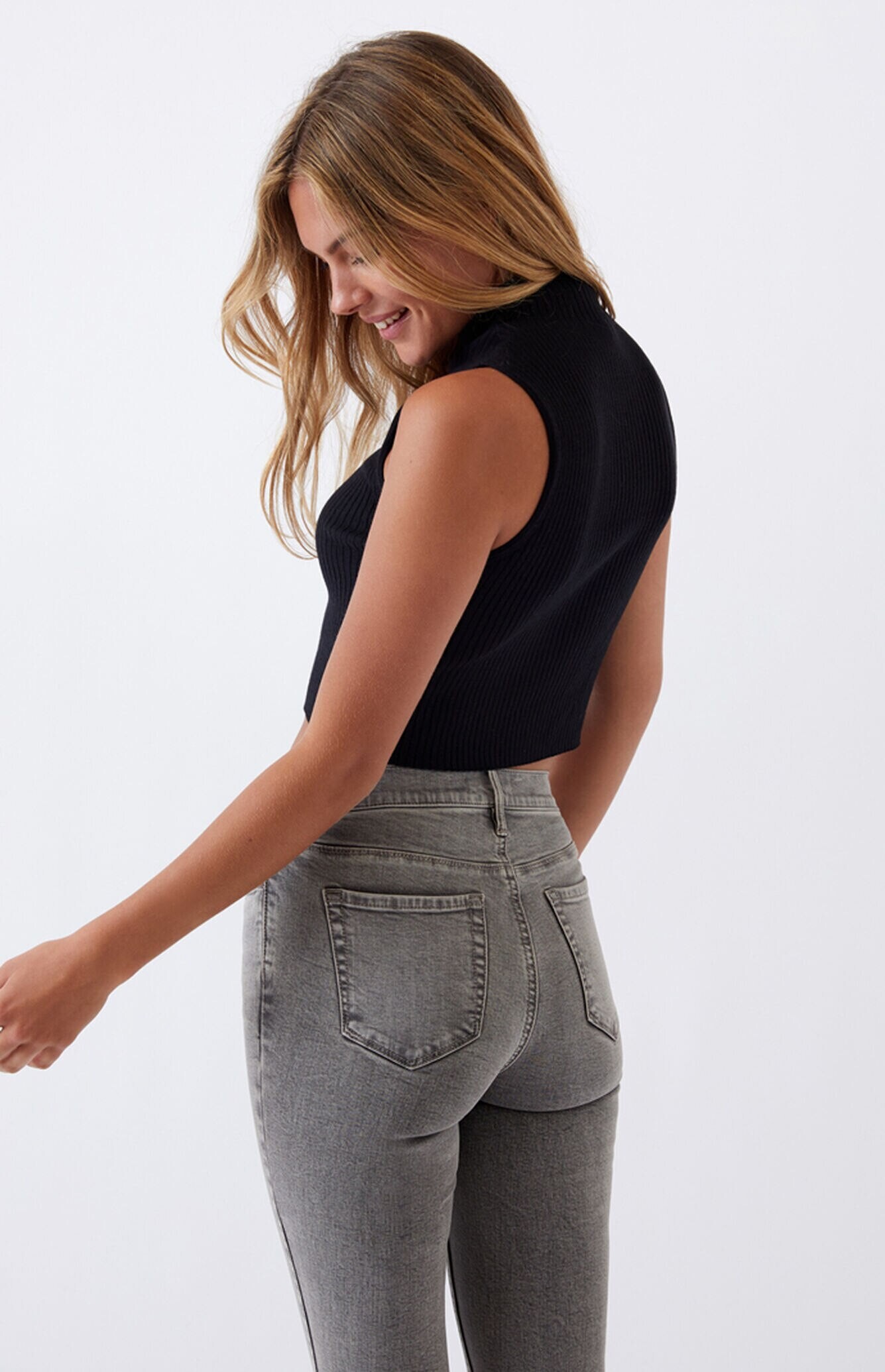
.jpg.c339aa9f4d9e8a4aa2864b599c9b3e76.jpg)
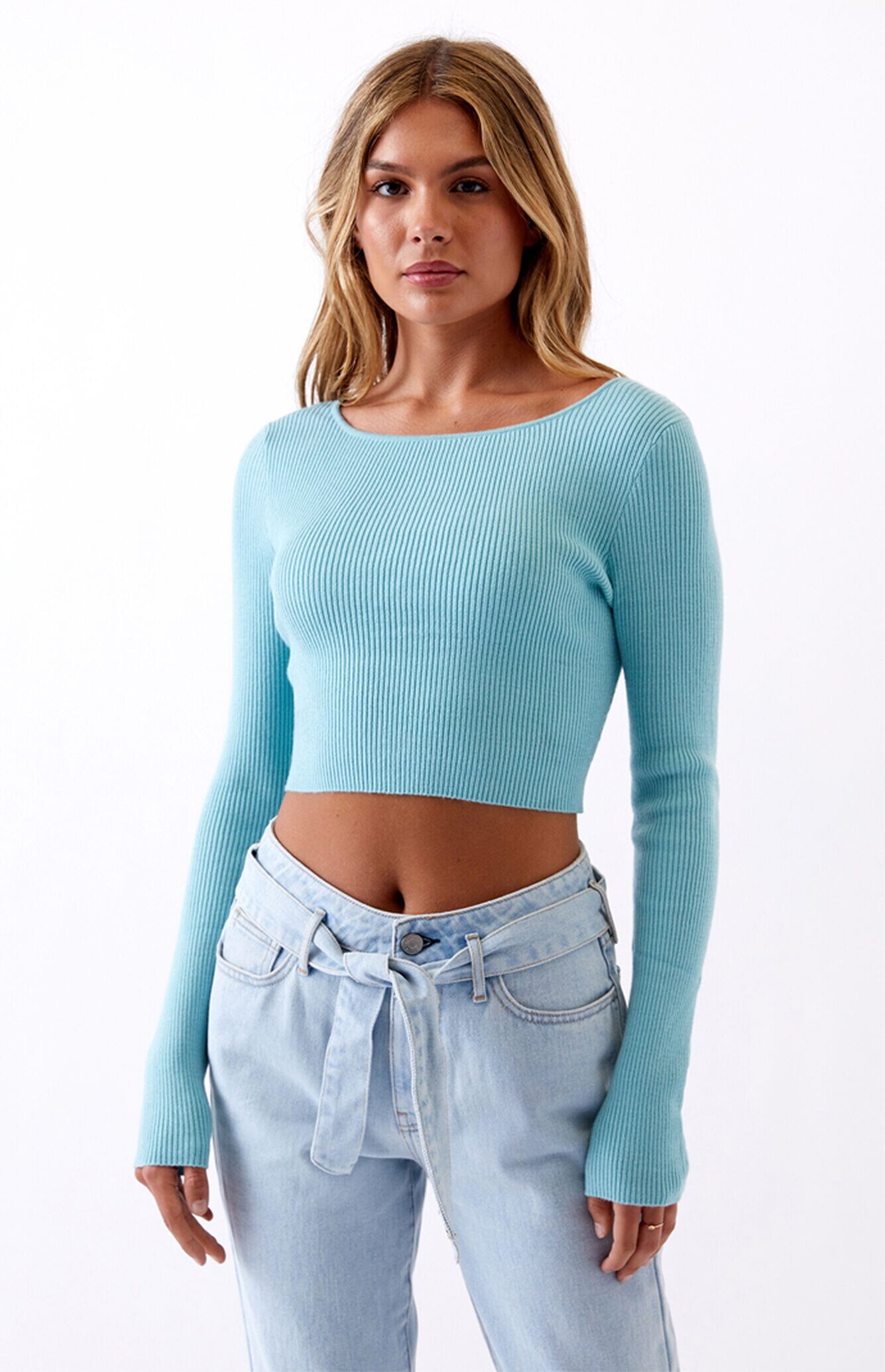
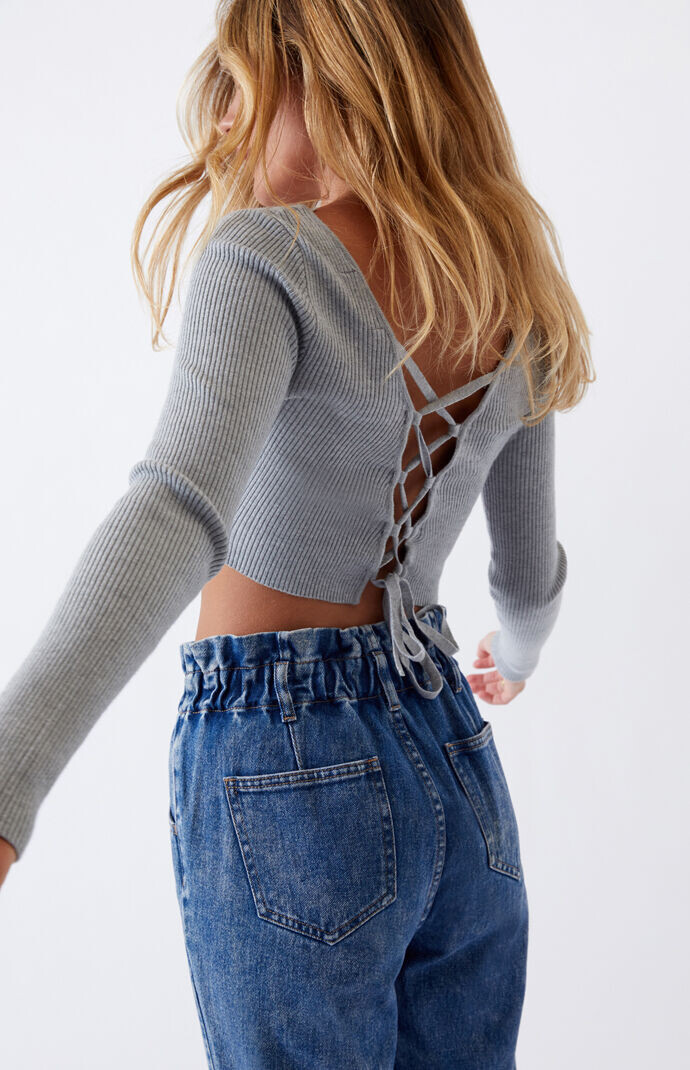
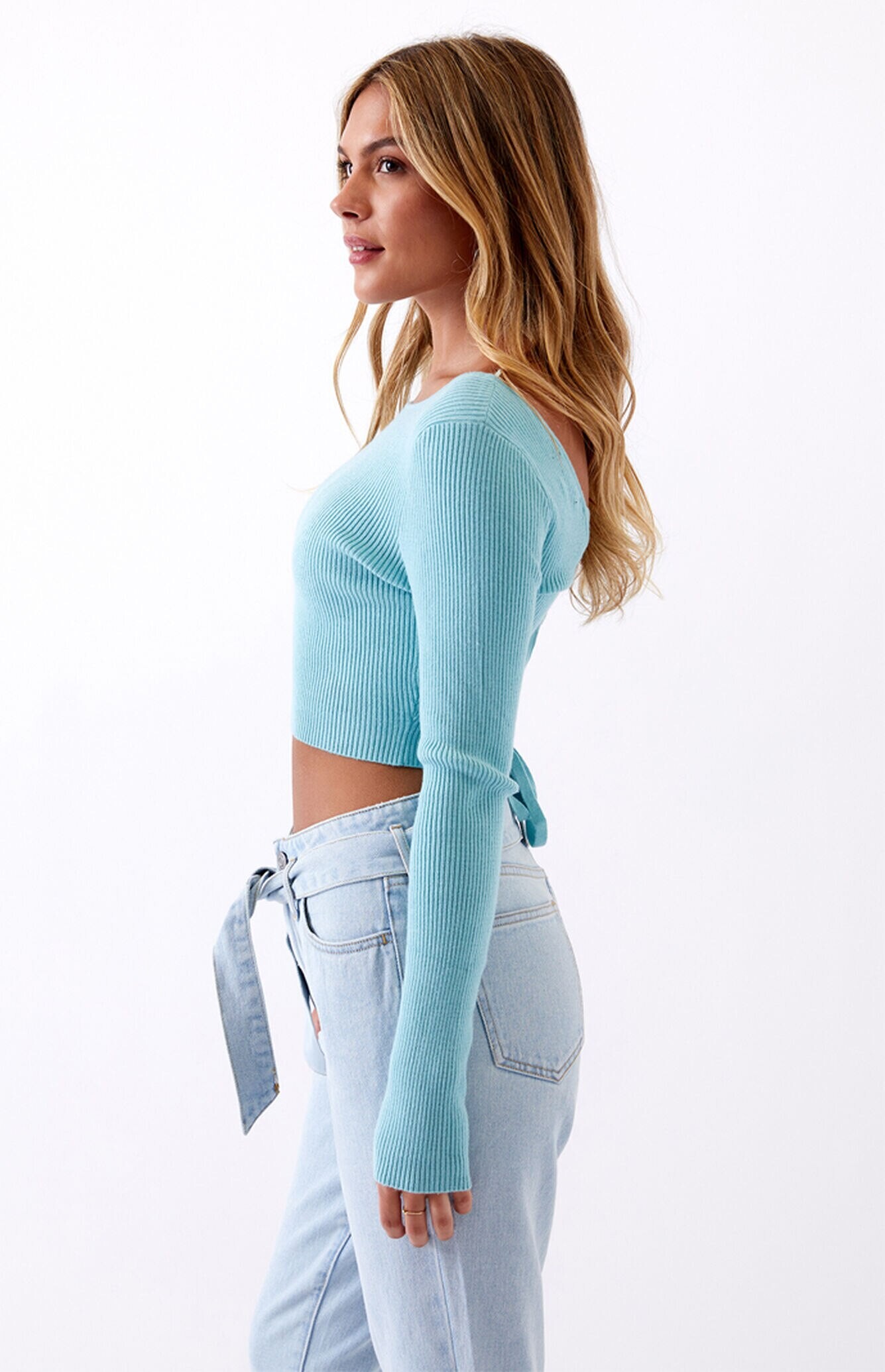
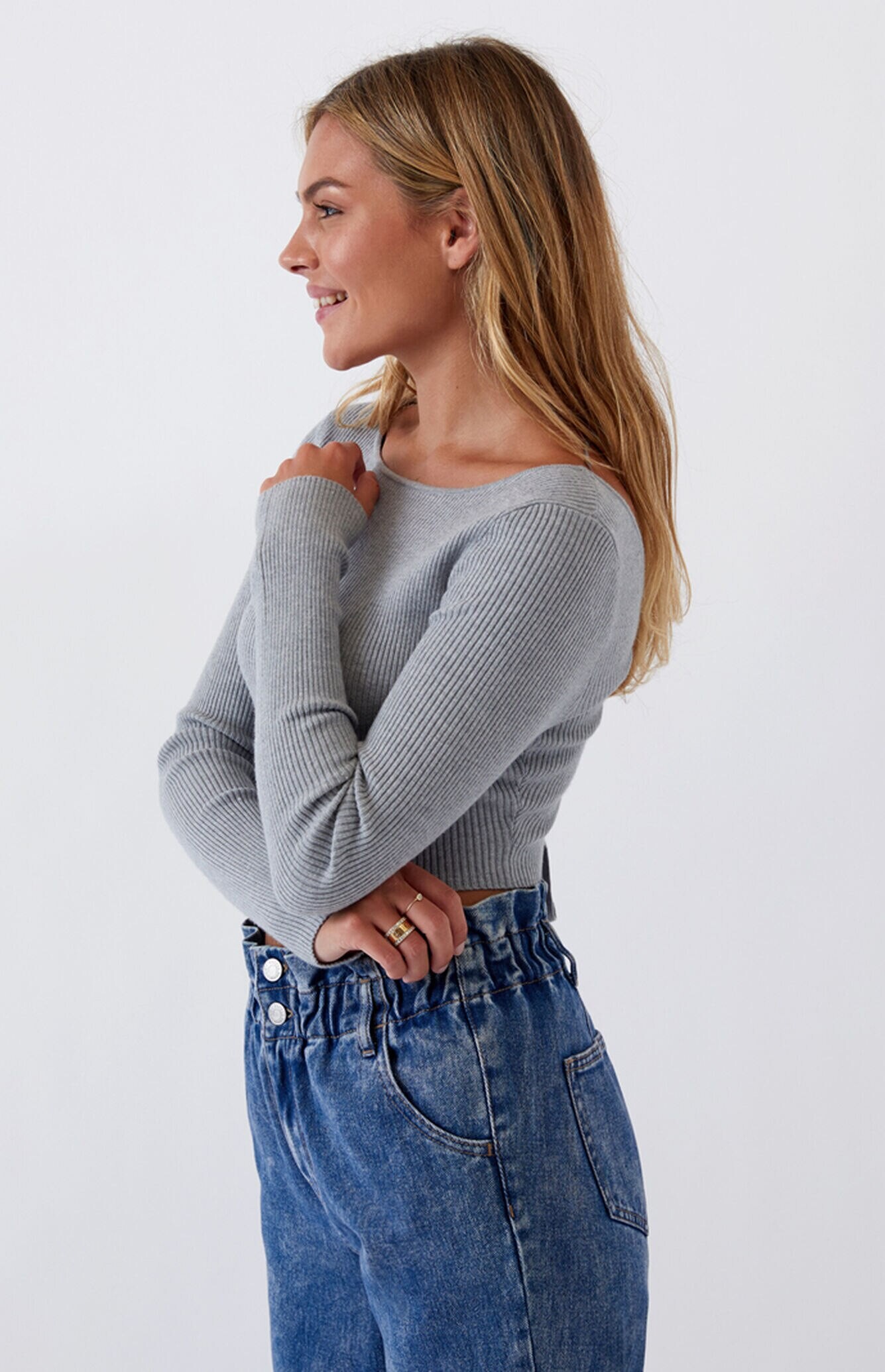
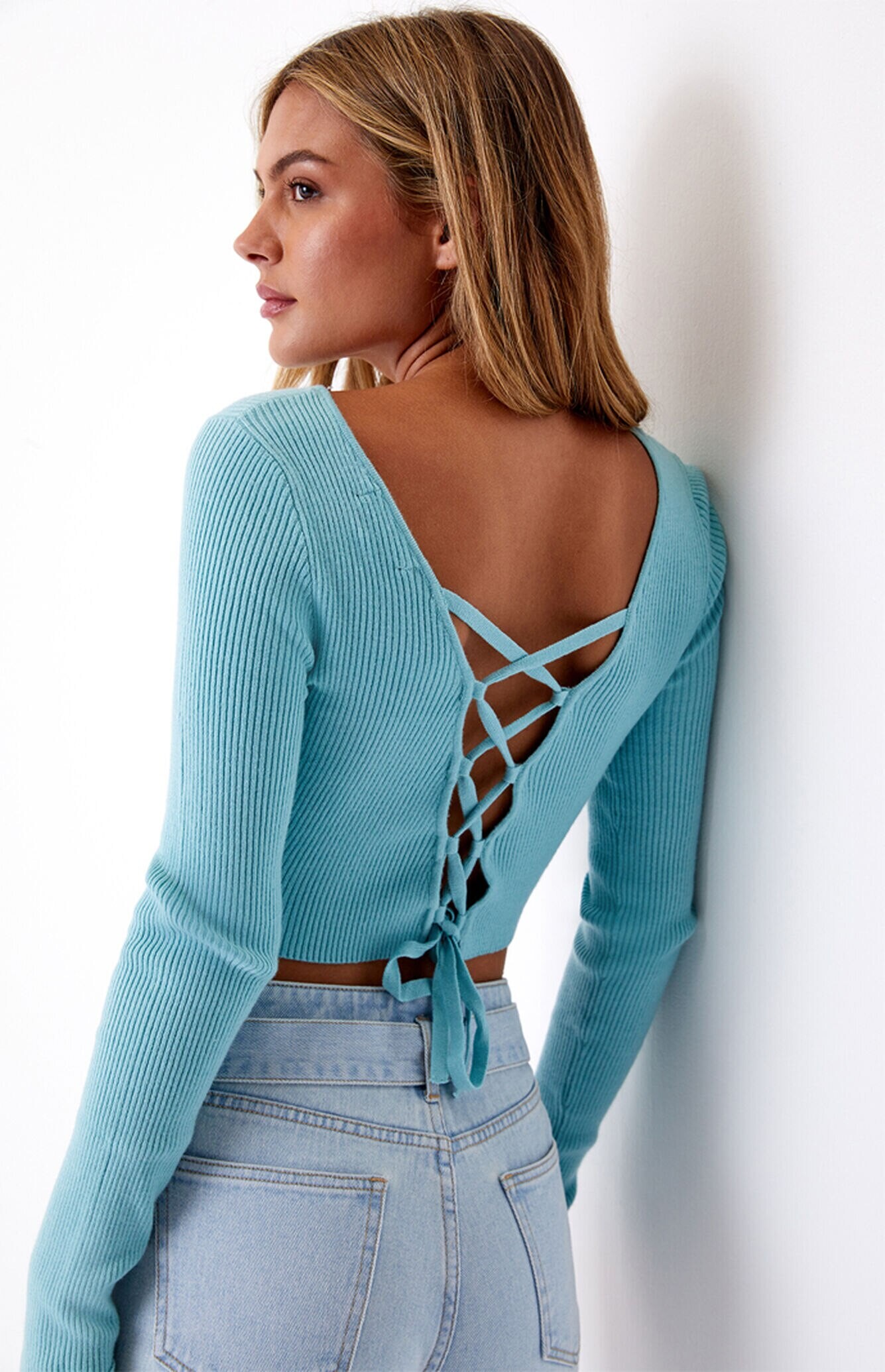
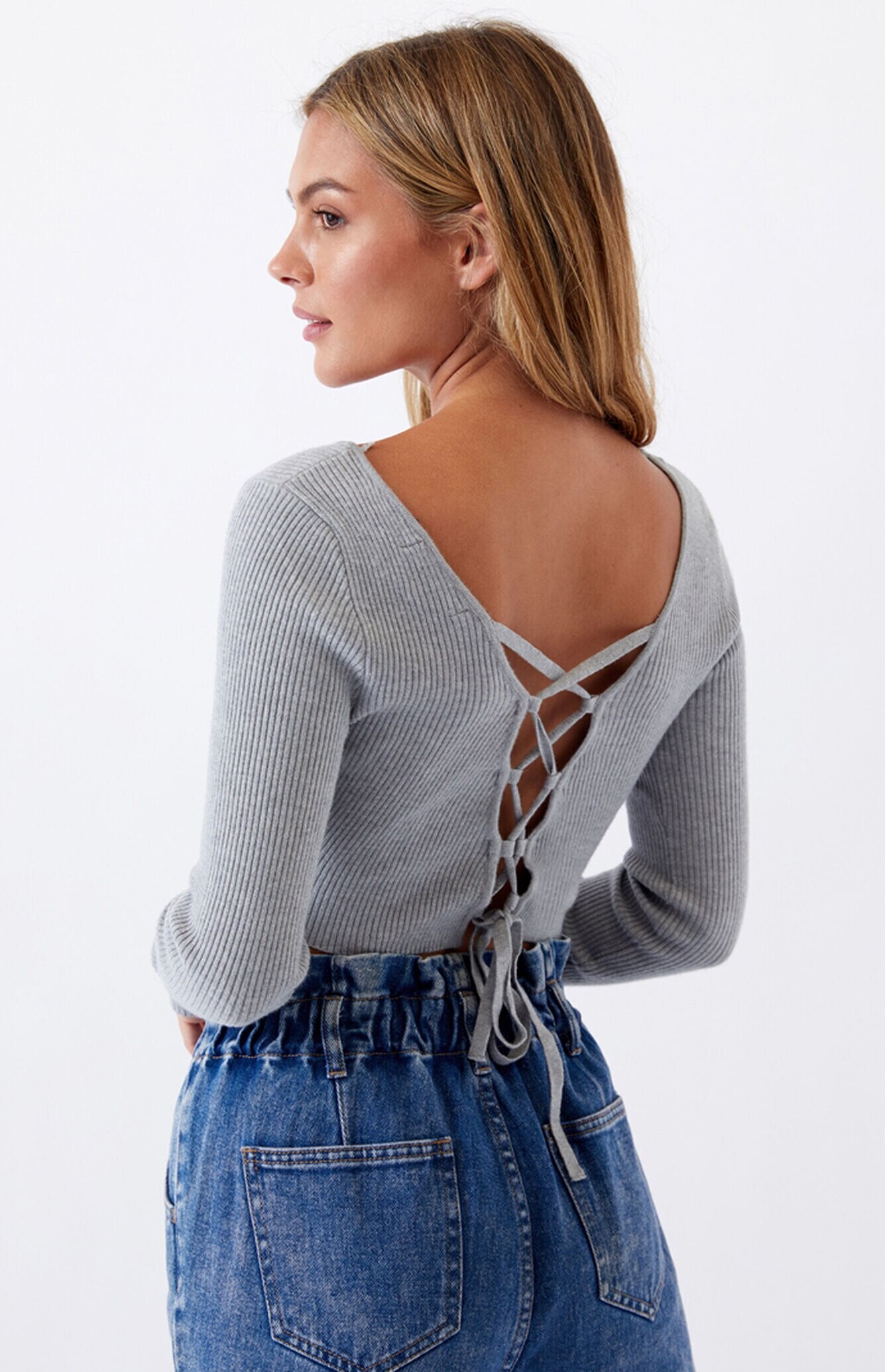
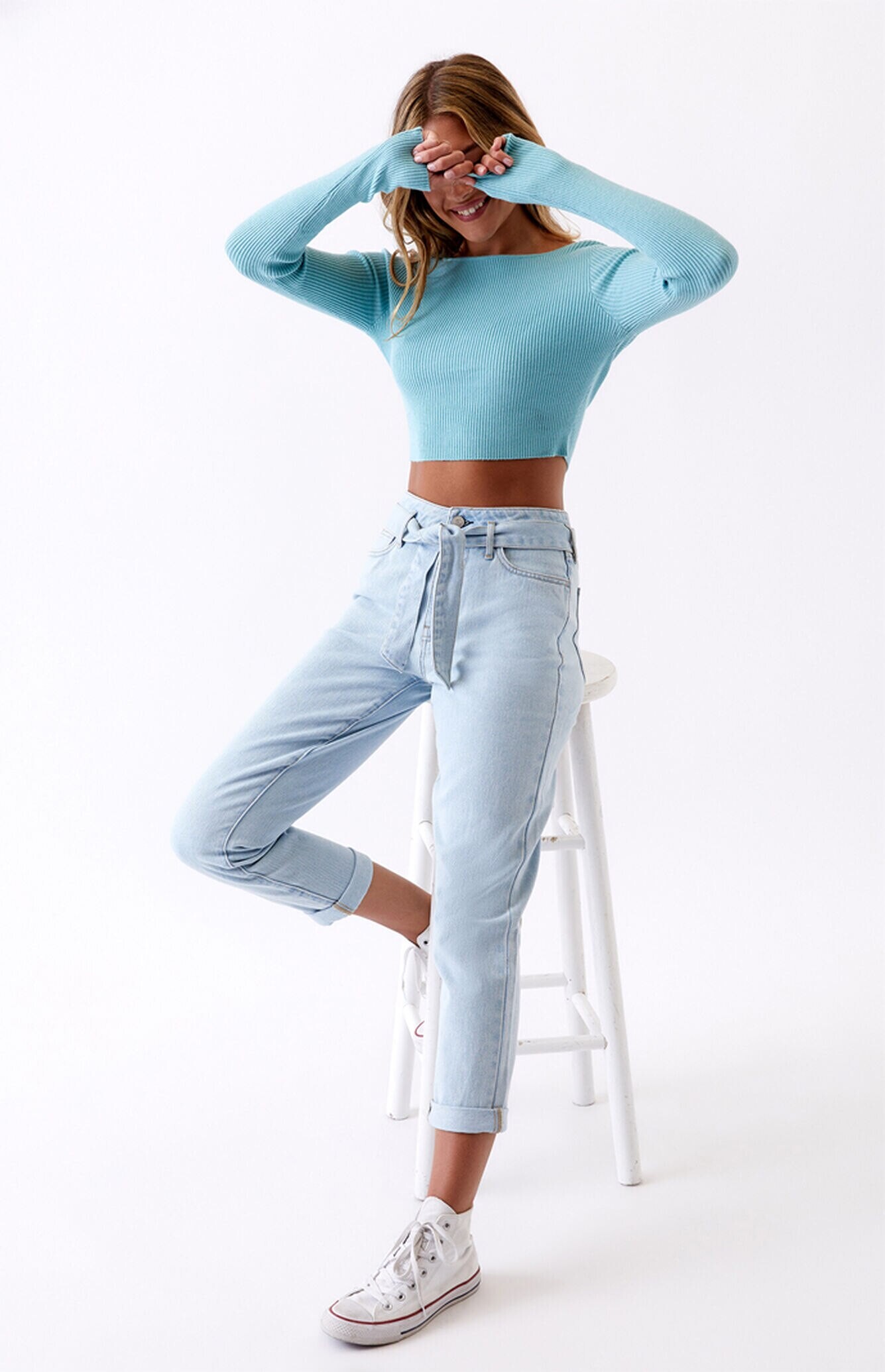
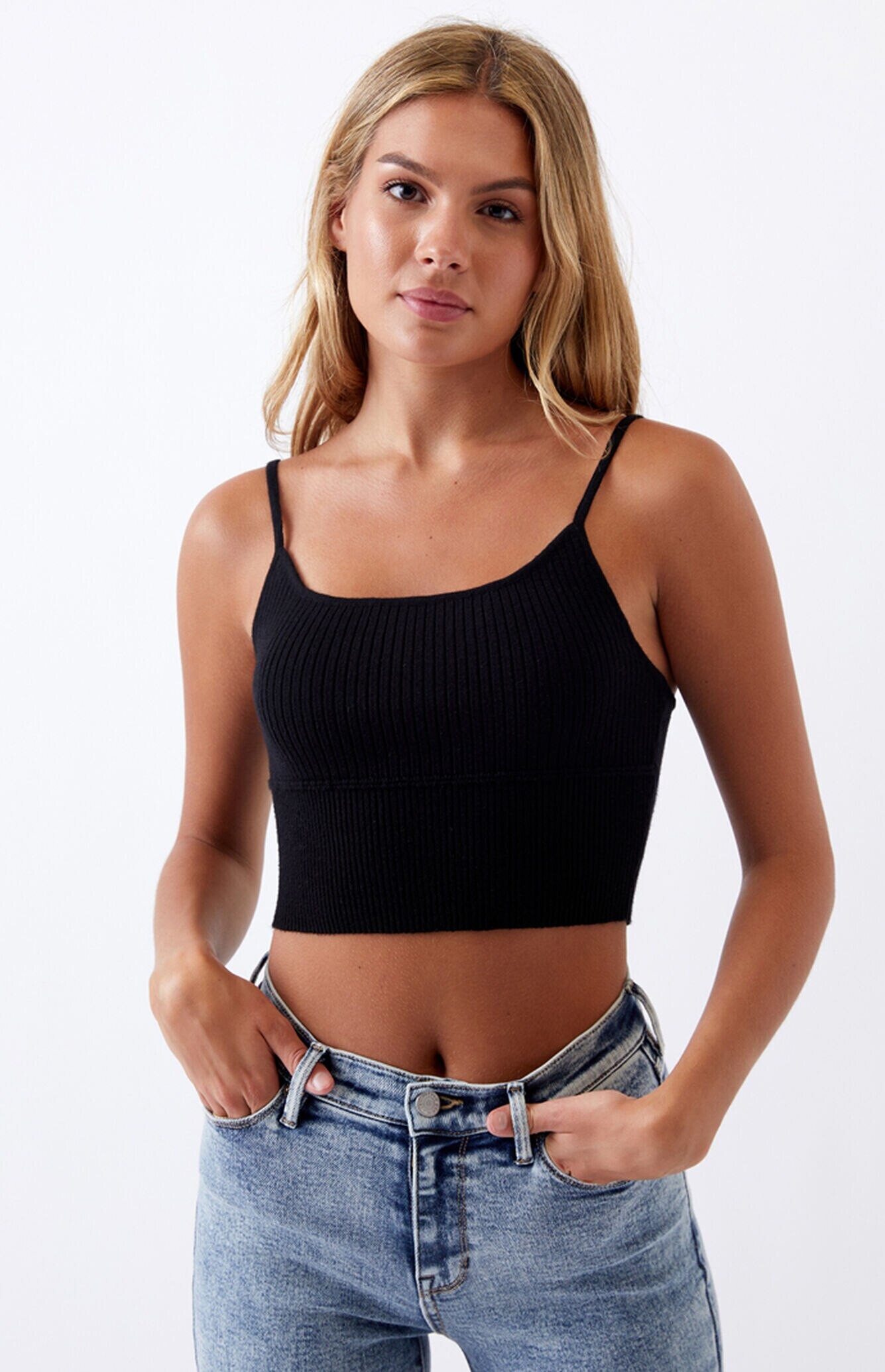

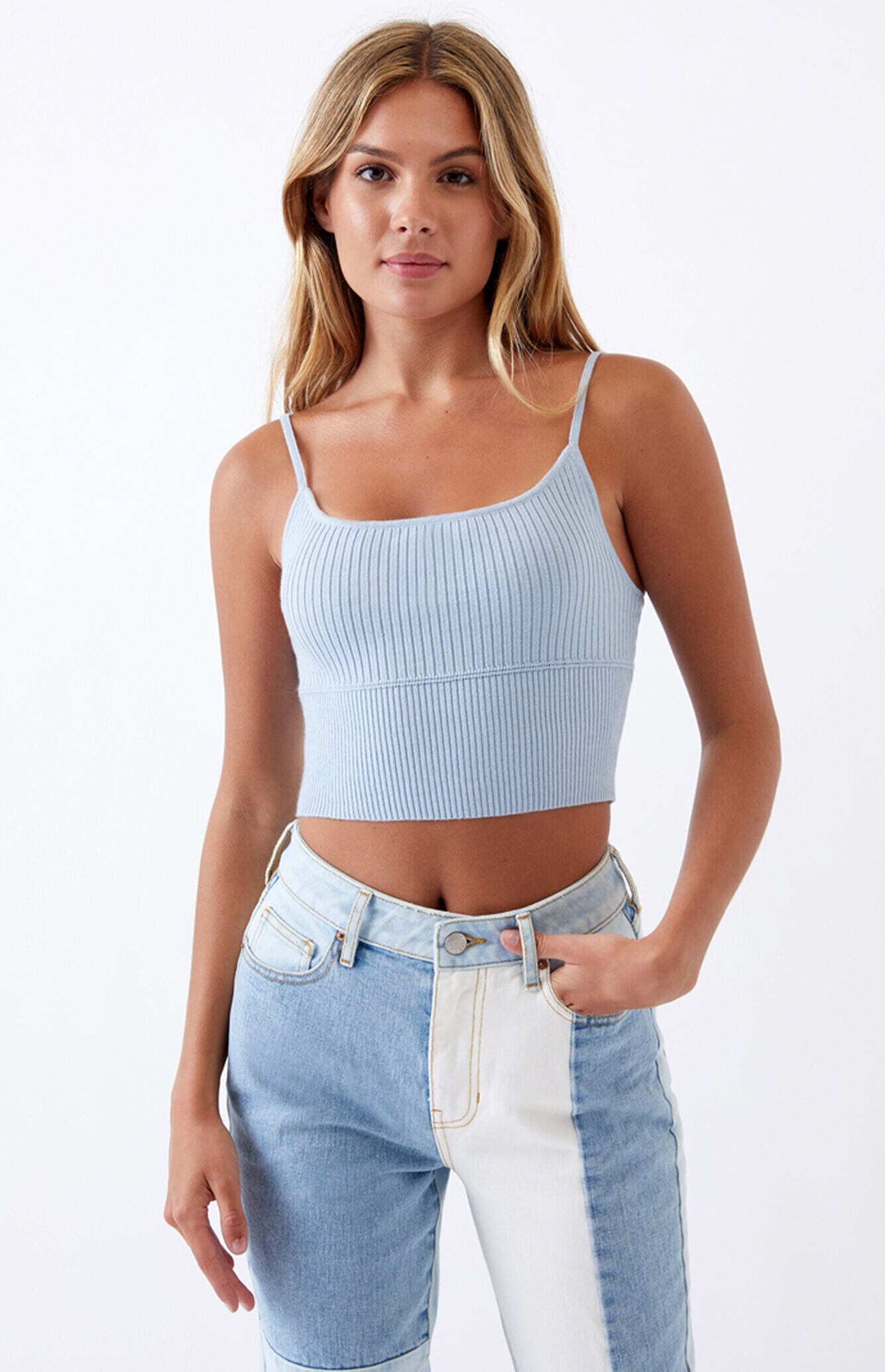
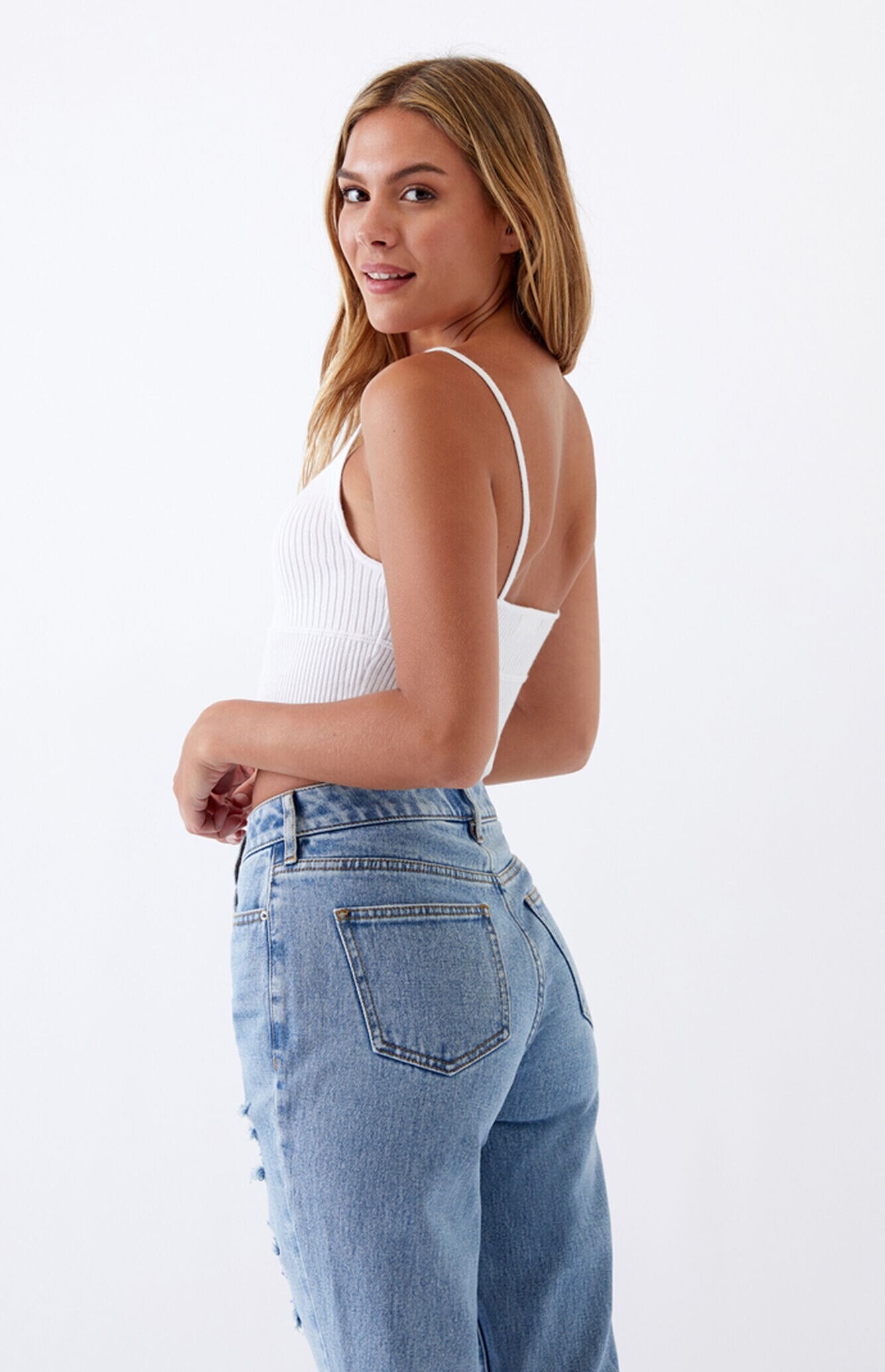

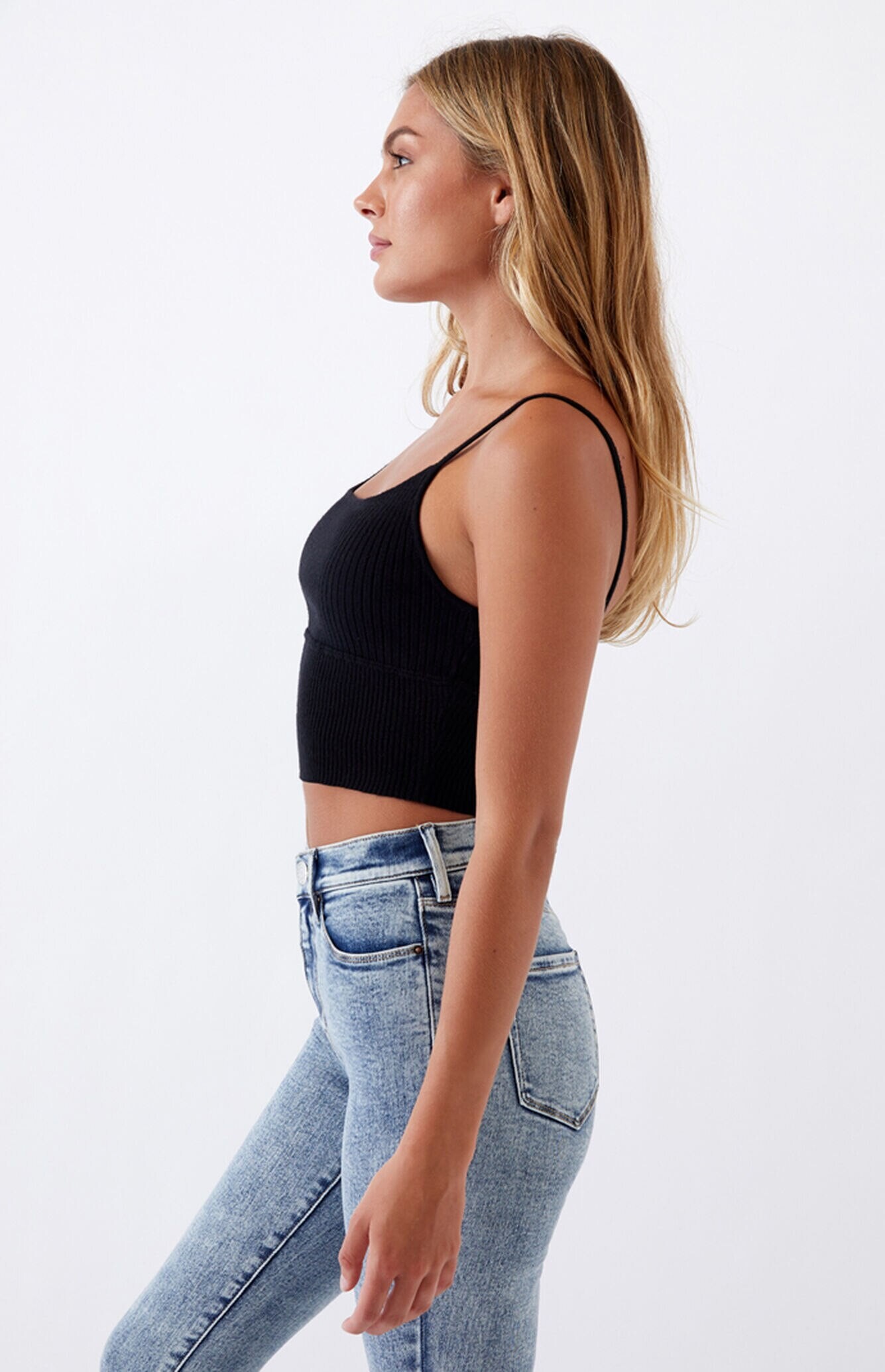
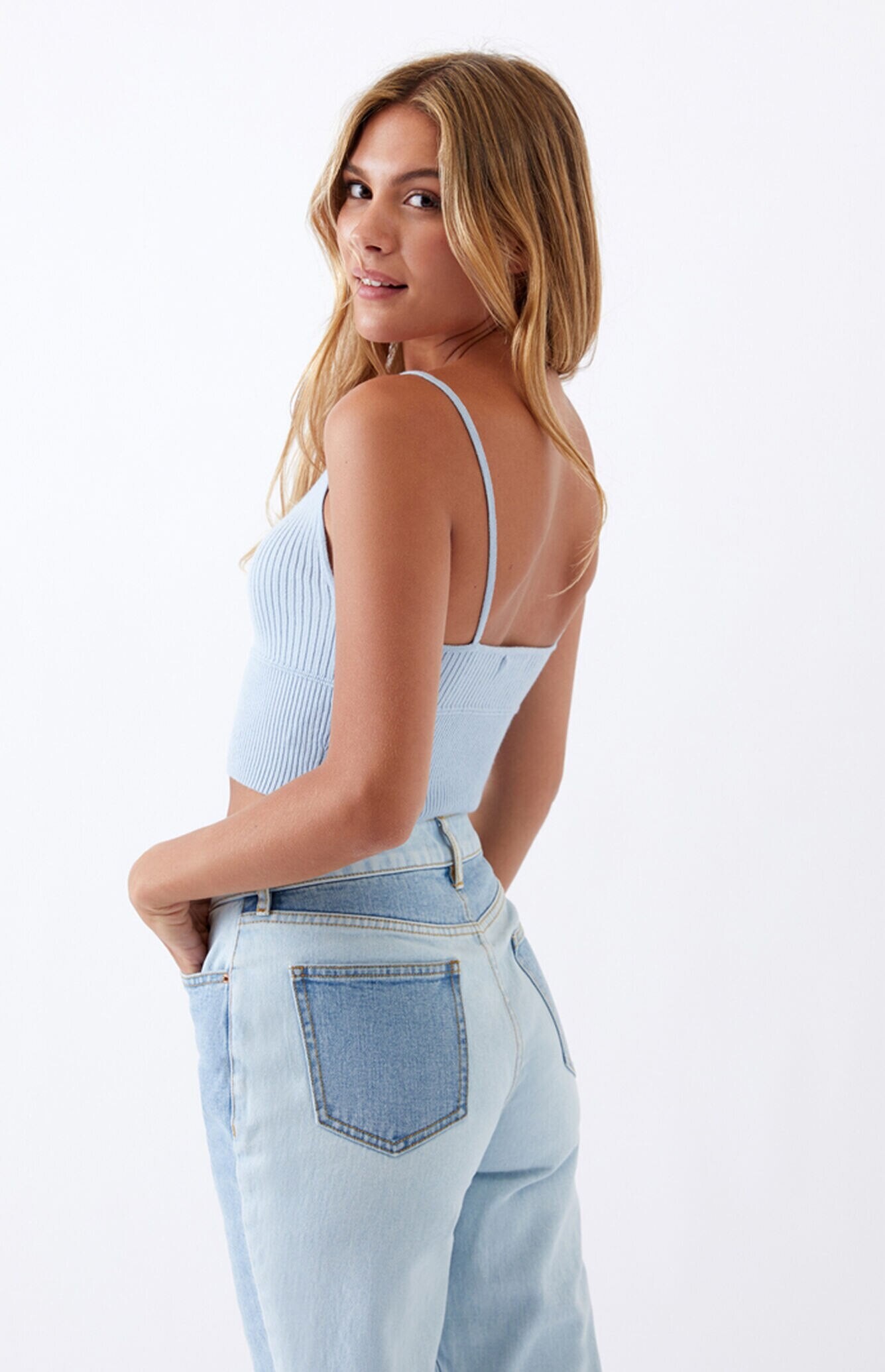
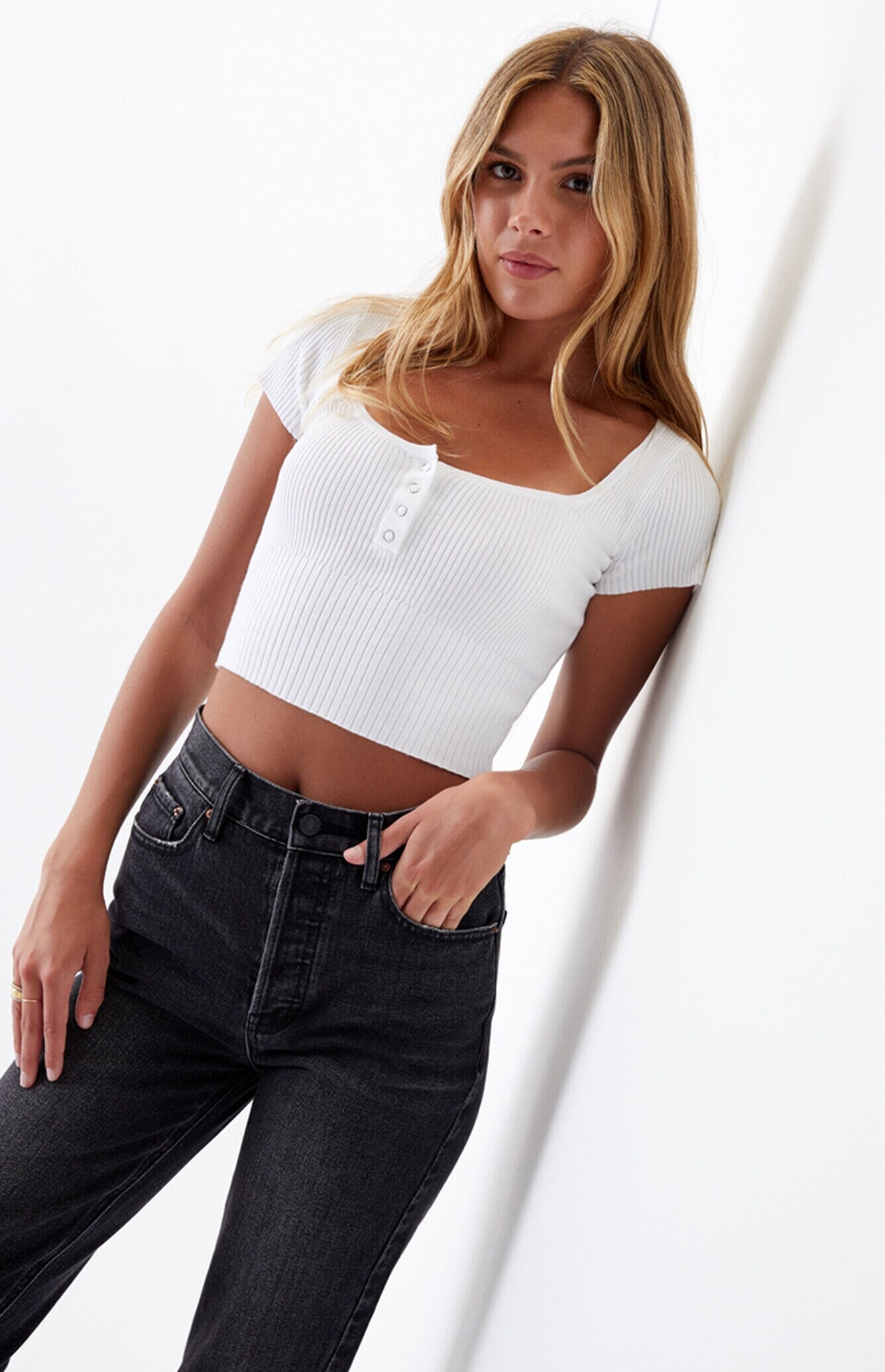
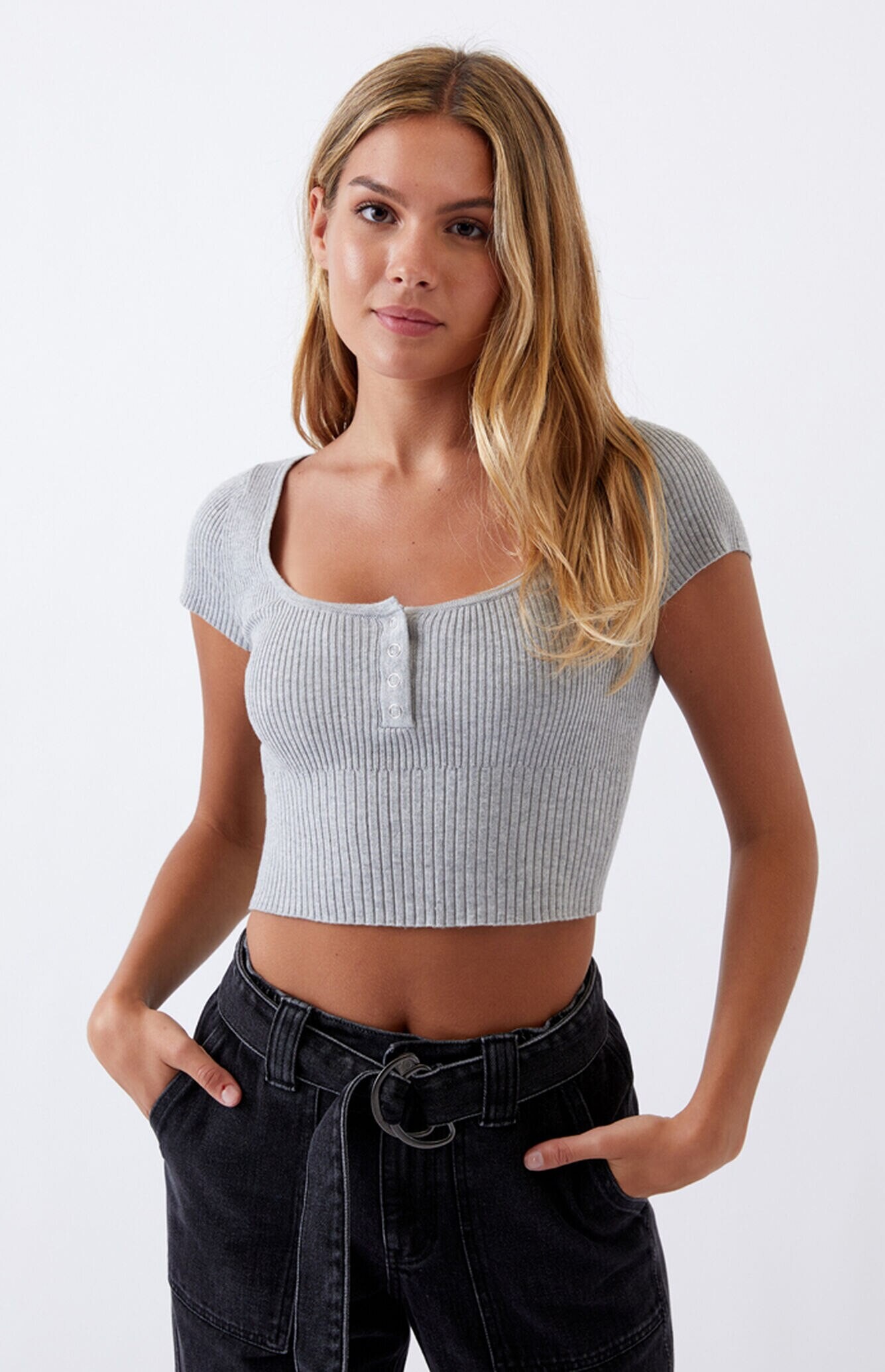

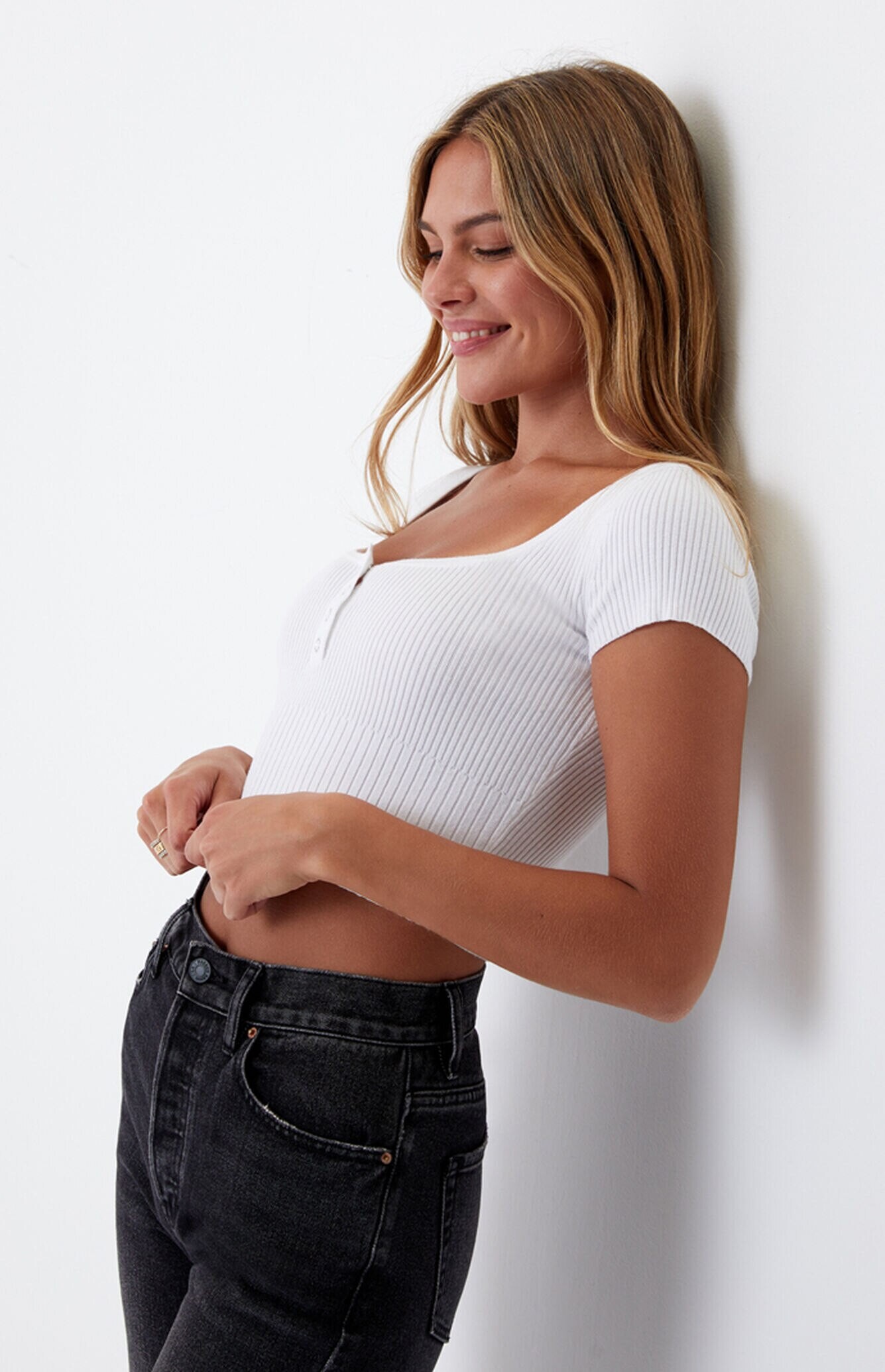

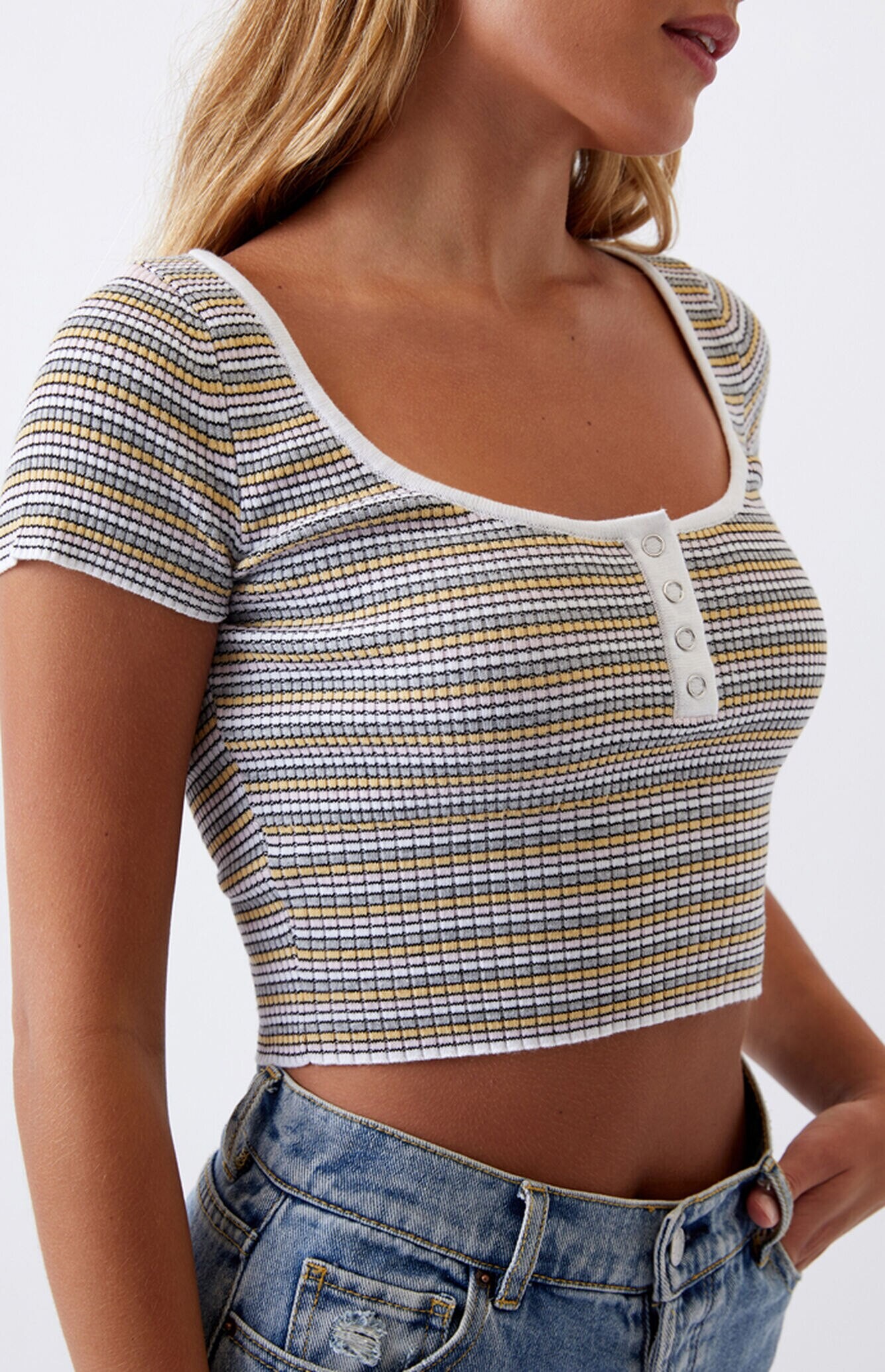
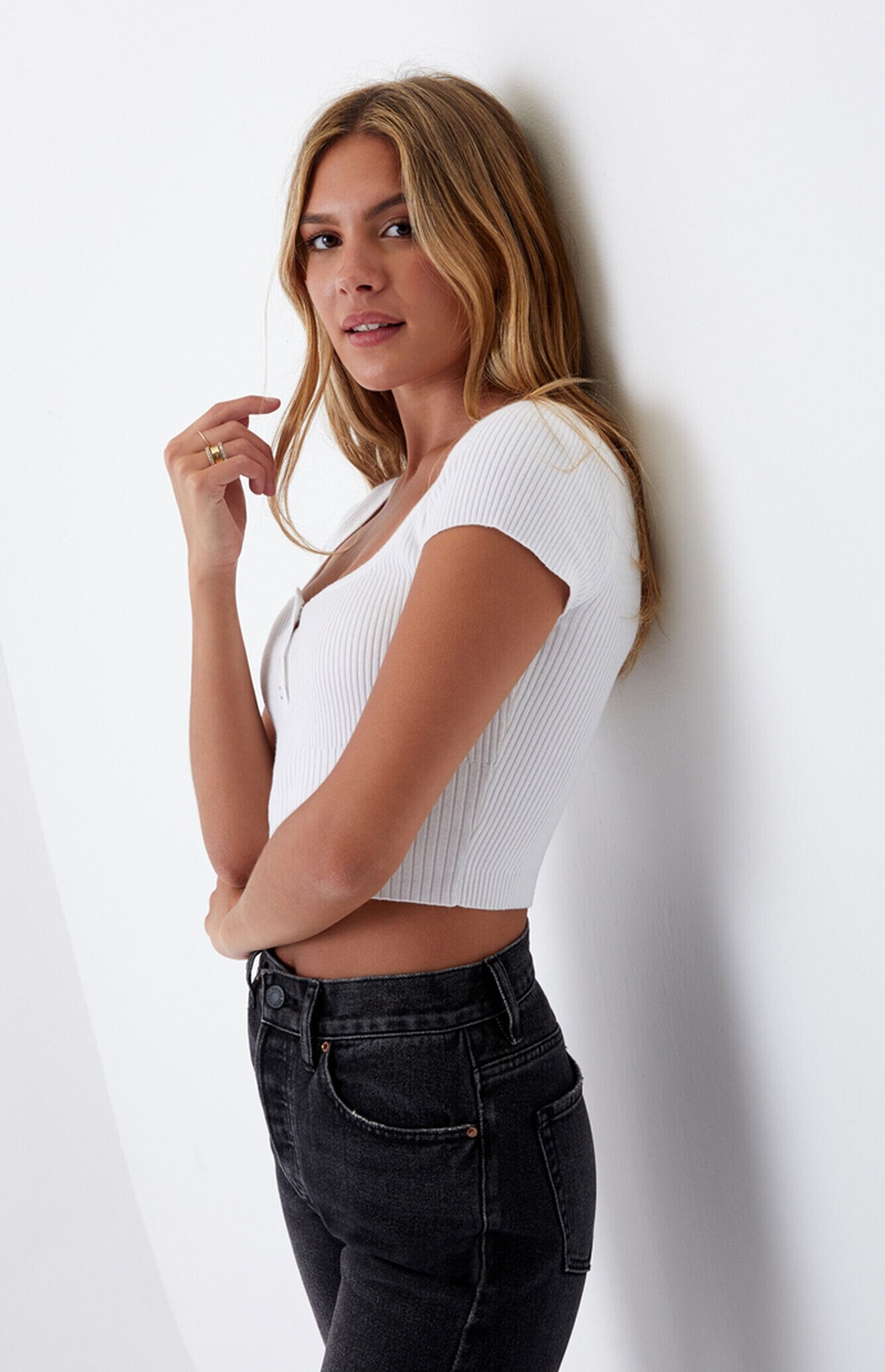
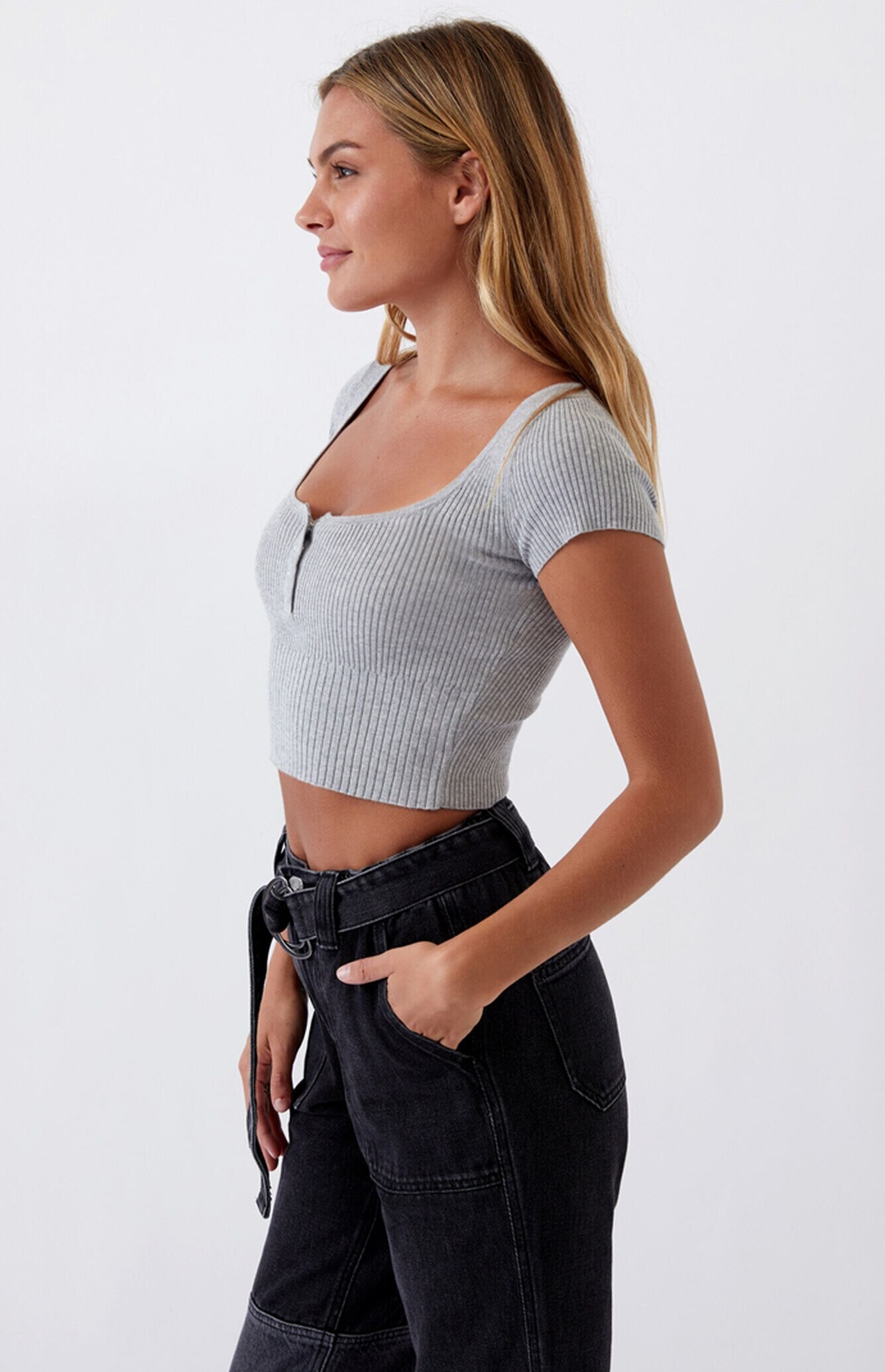
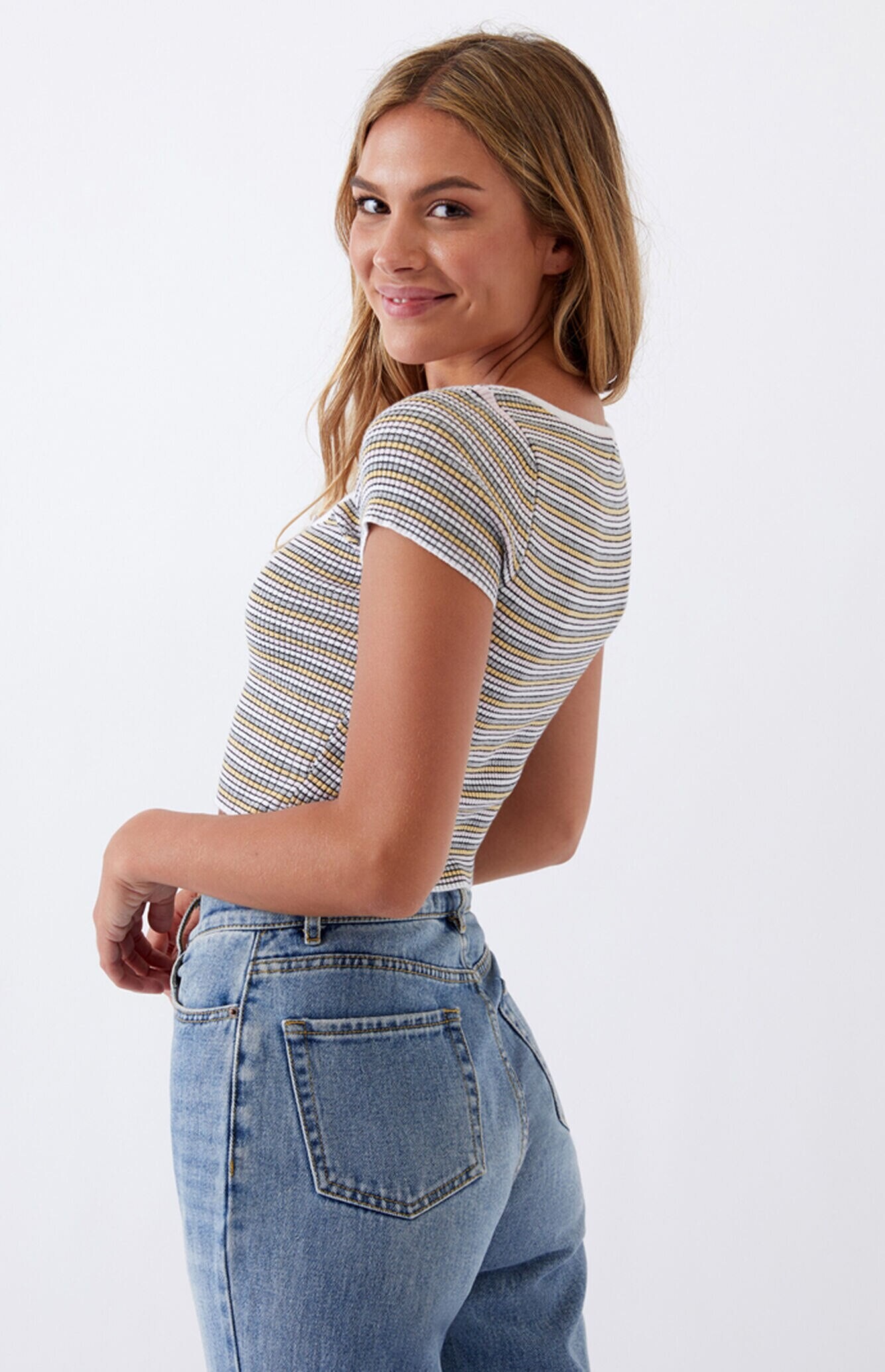
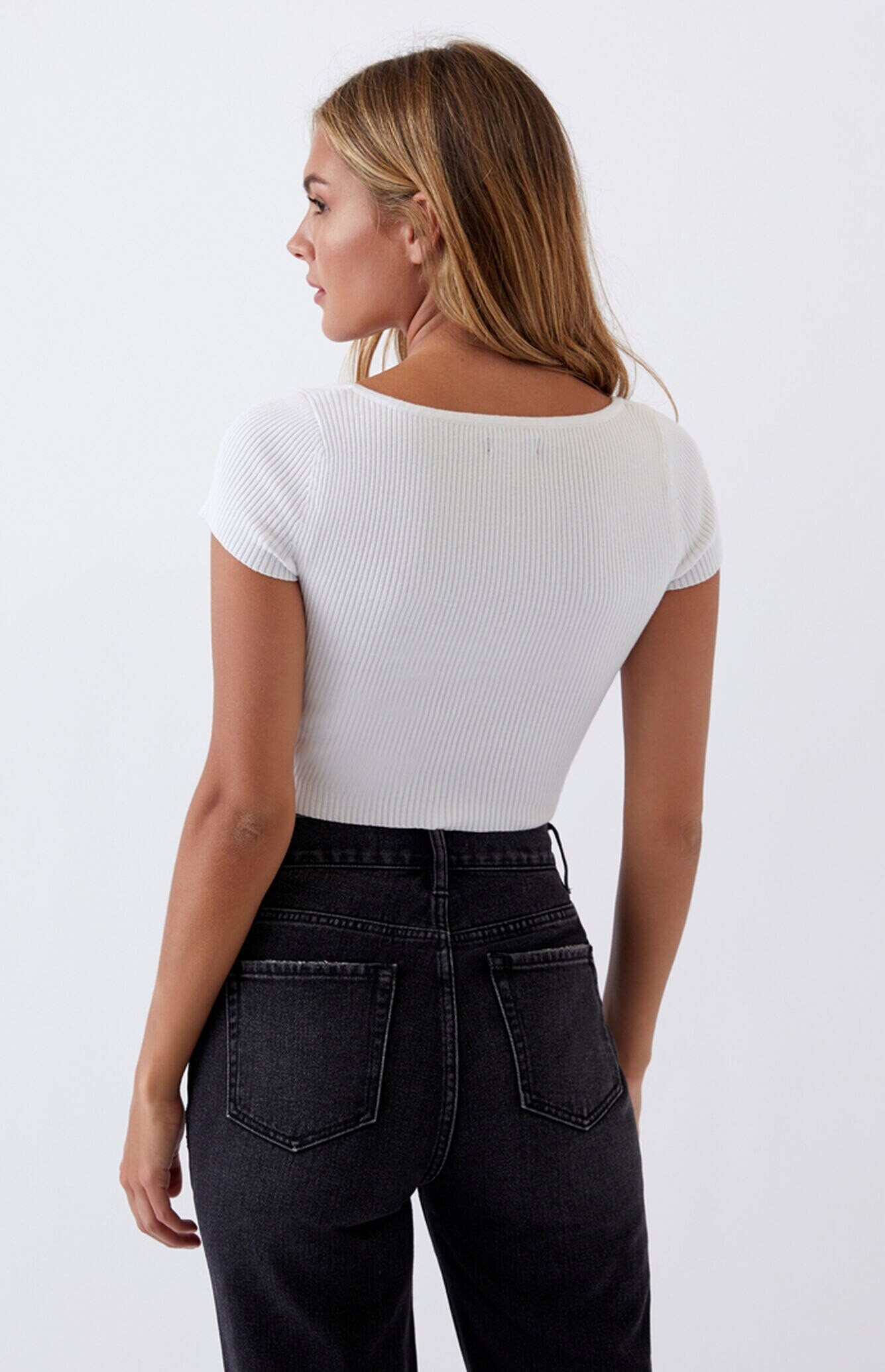
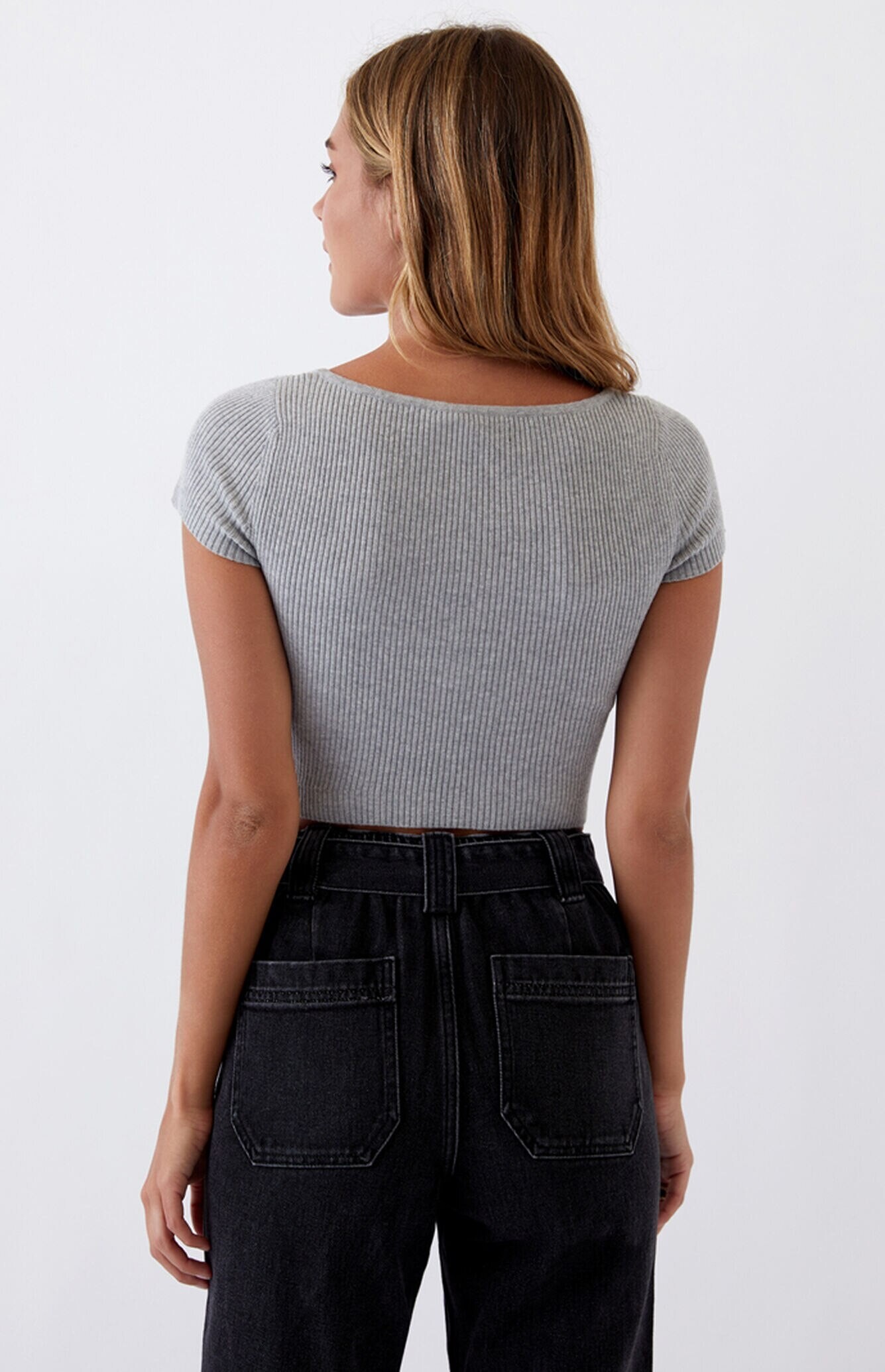
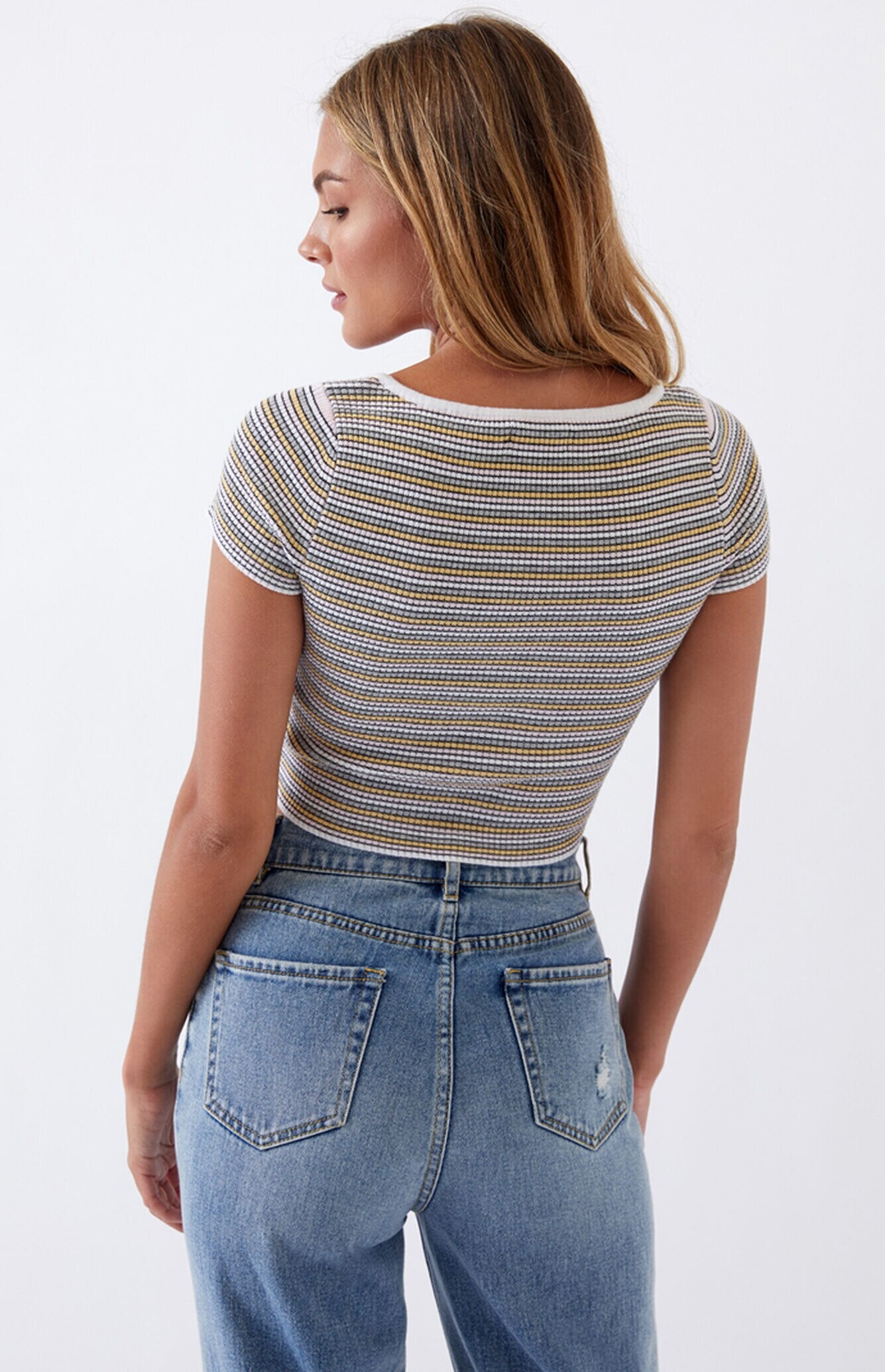
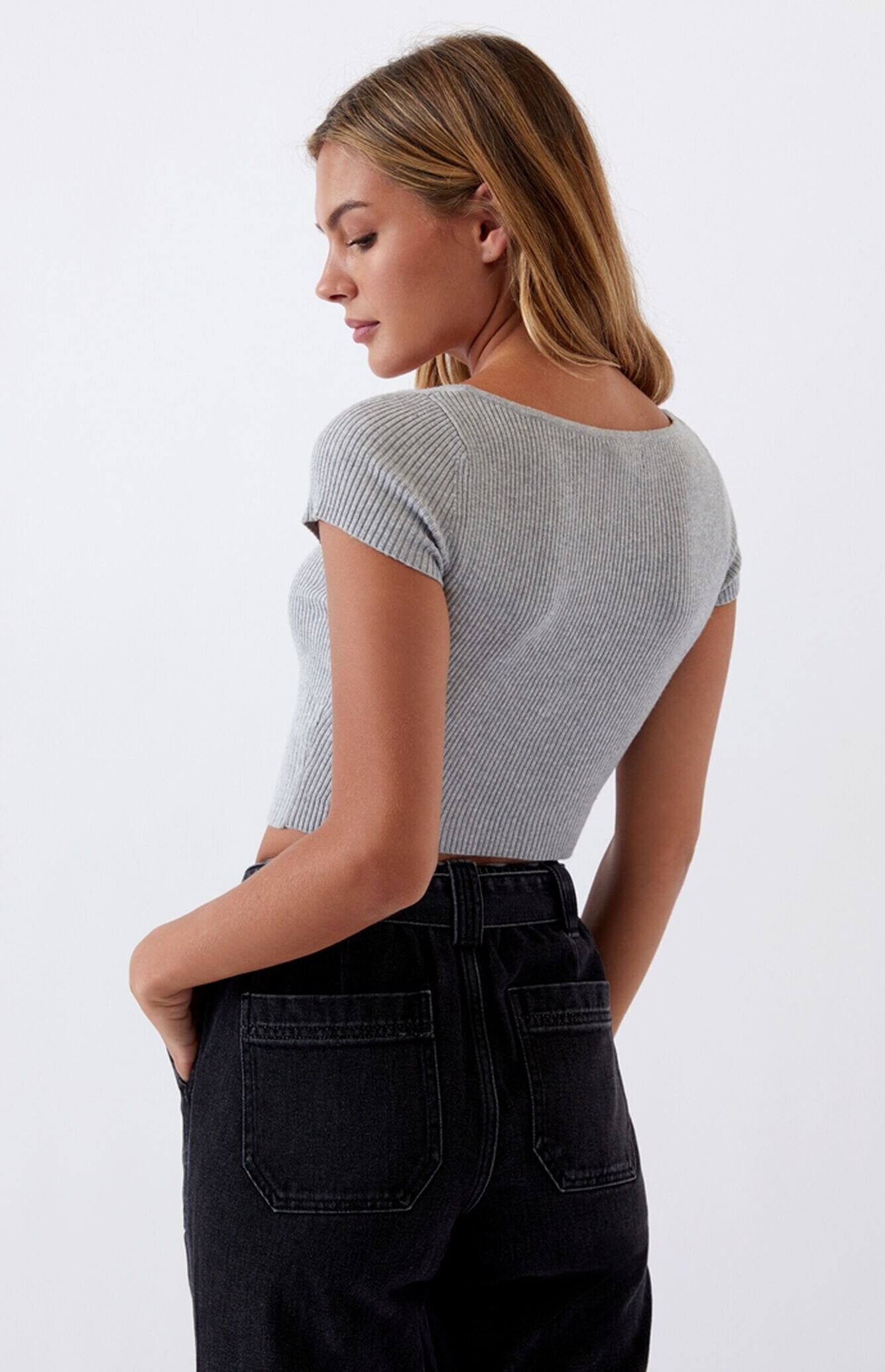
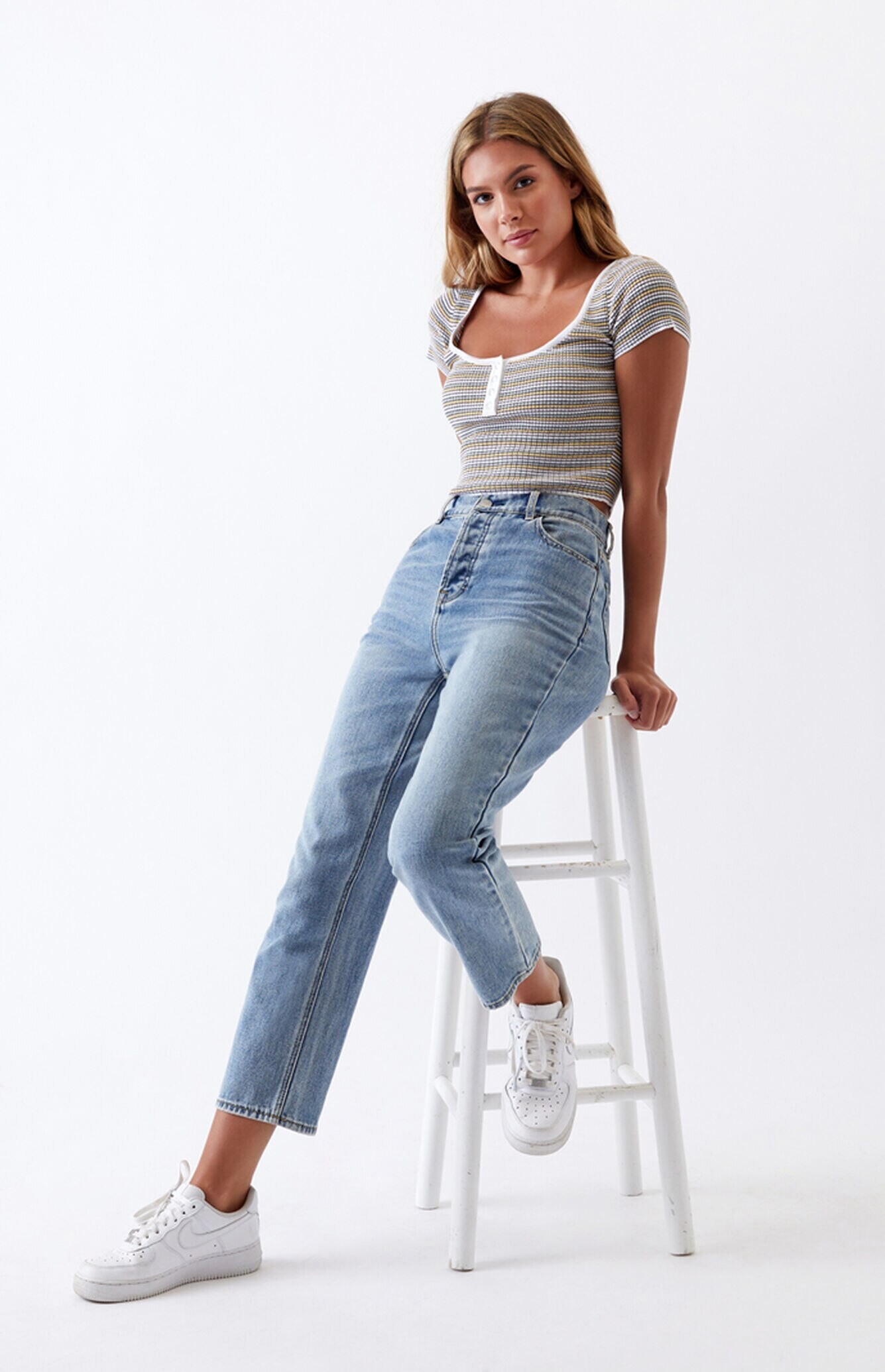
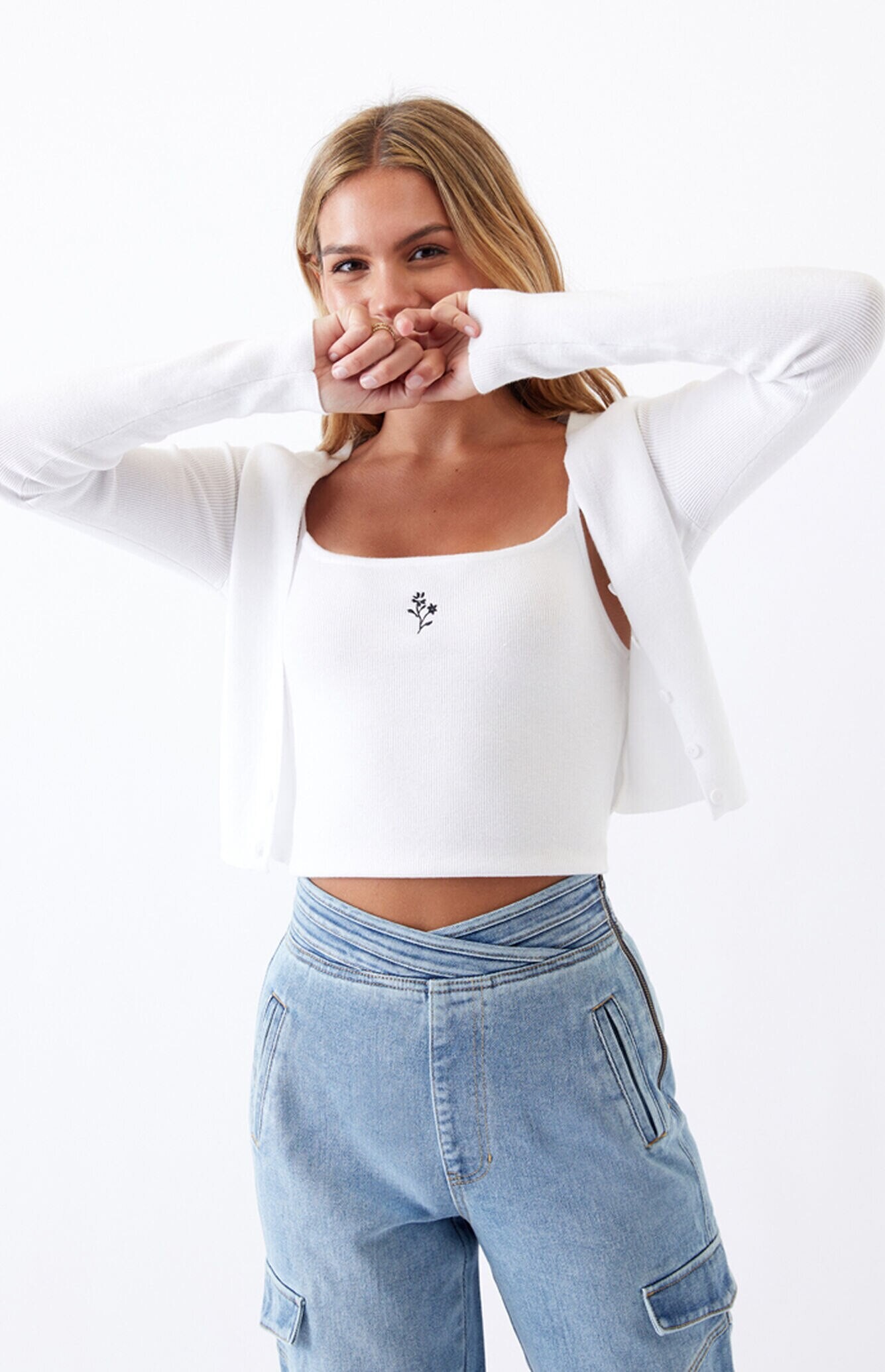
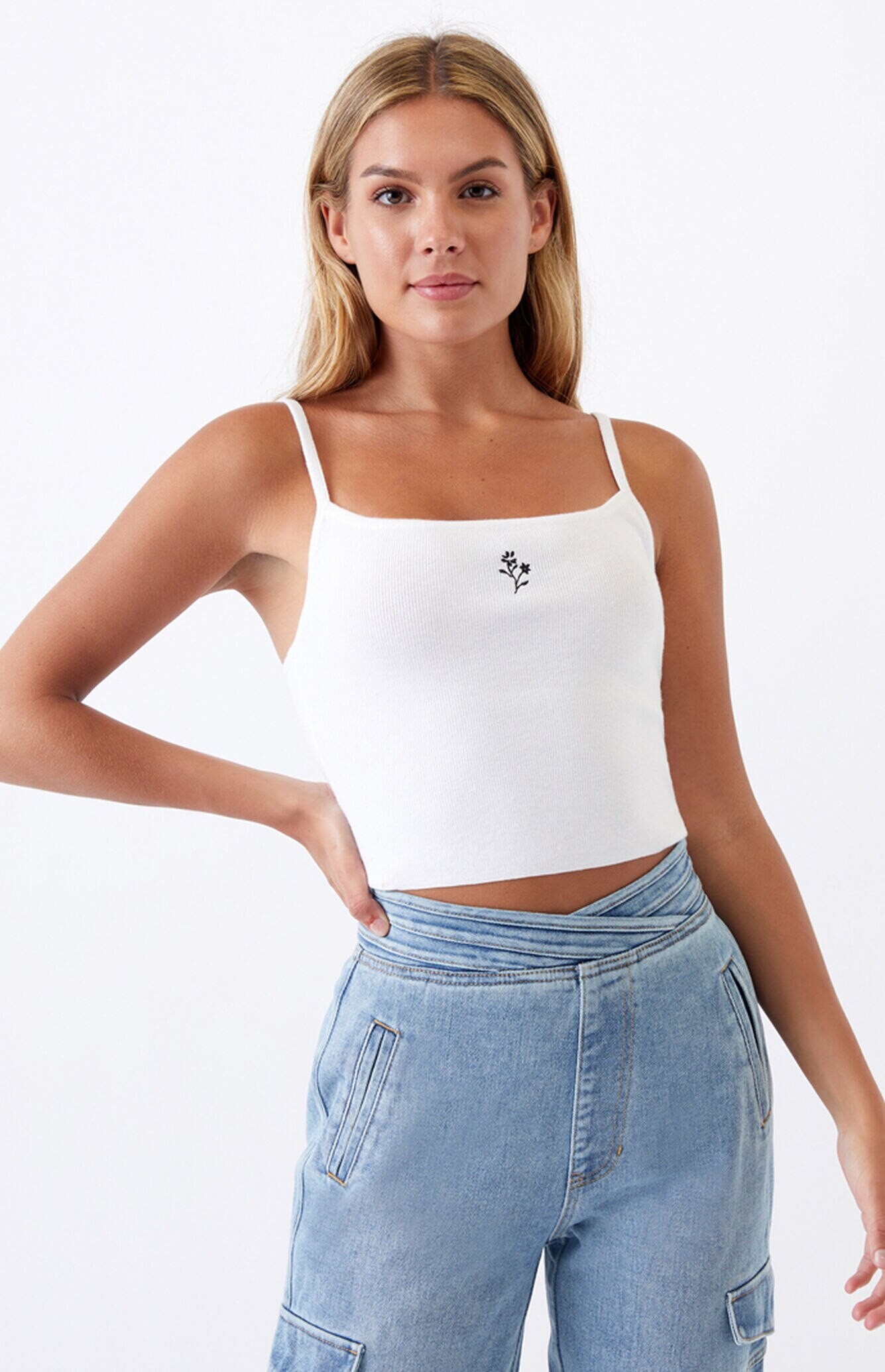
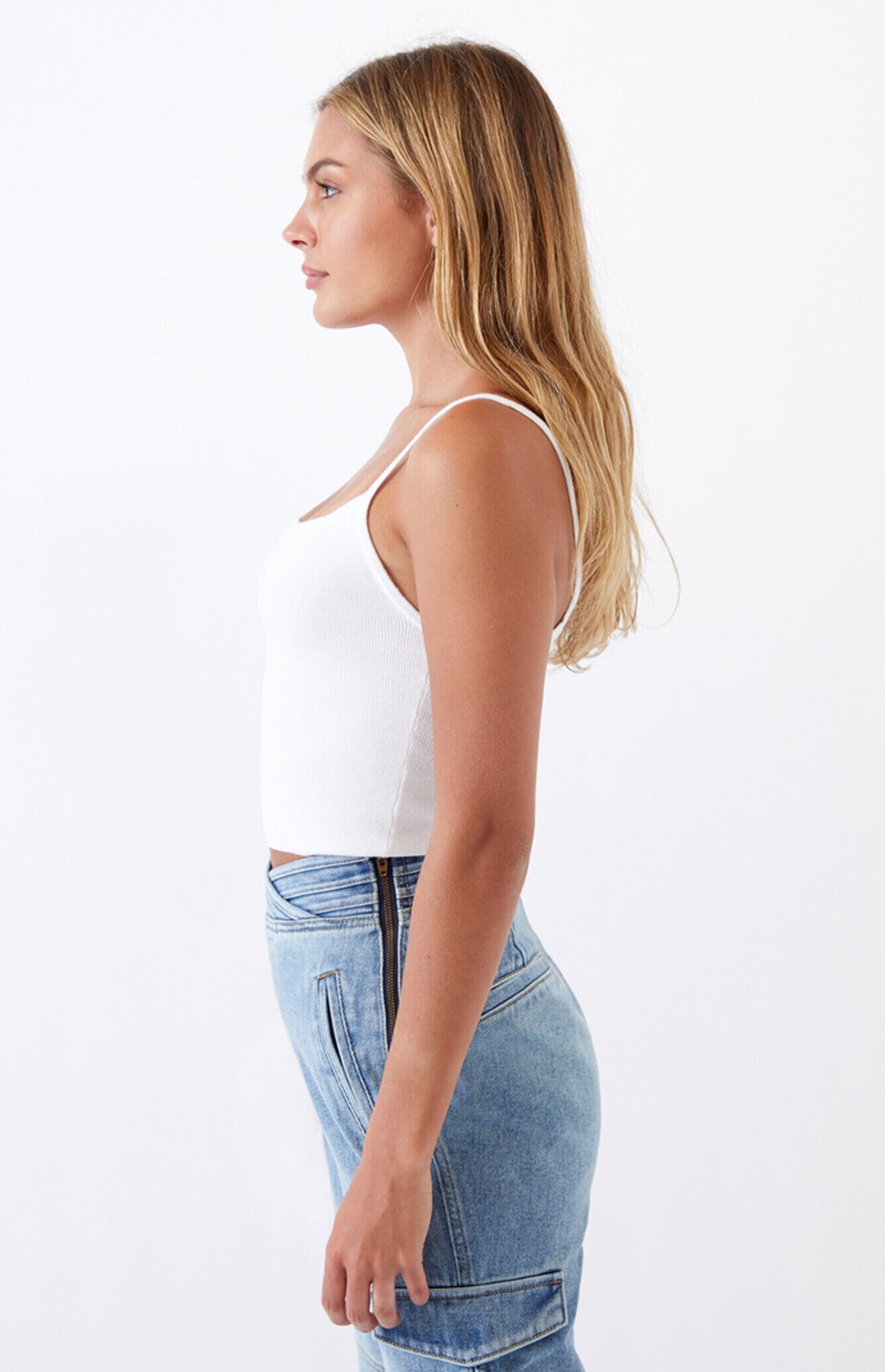
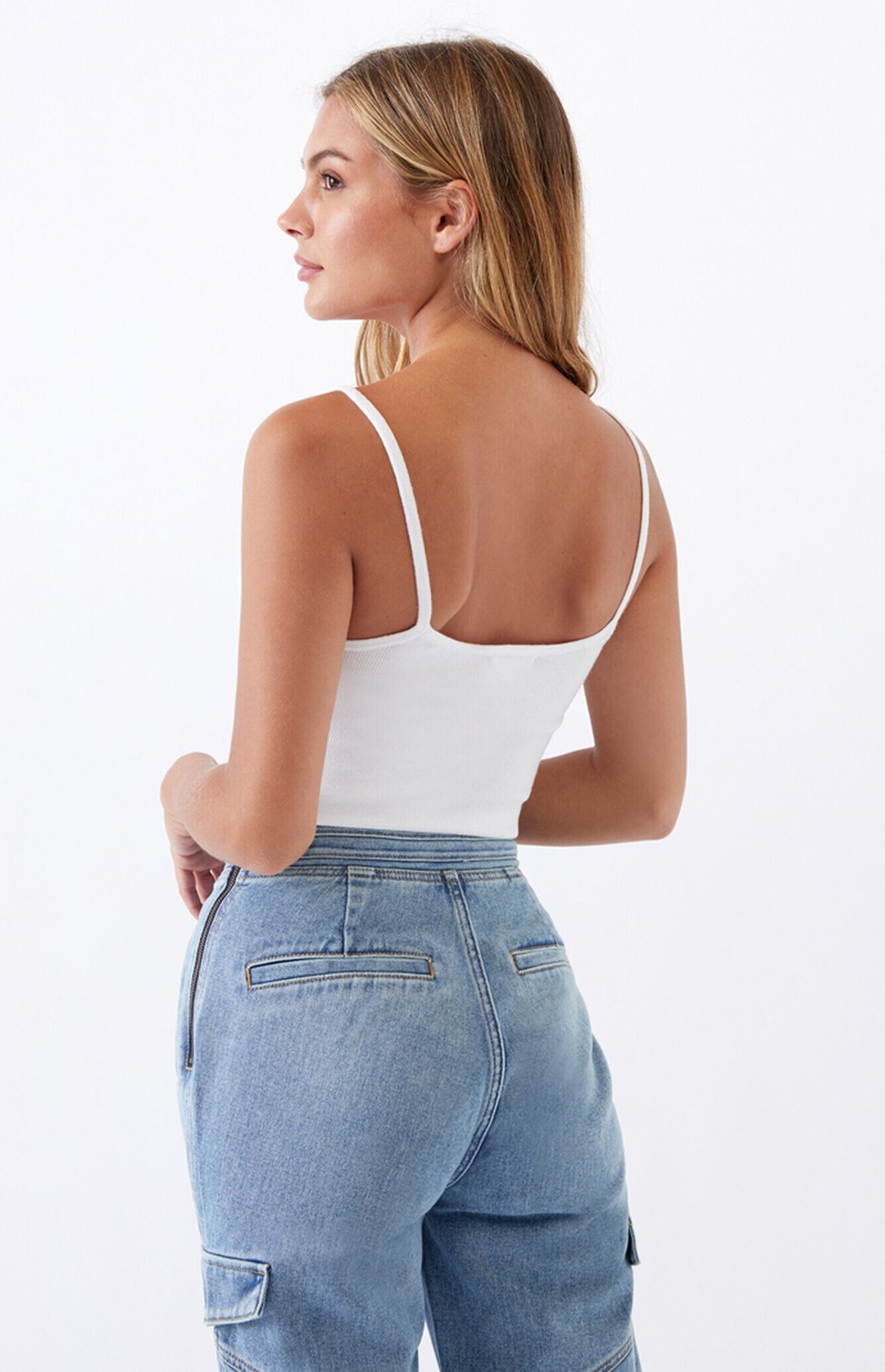
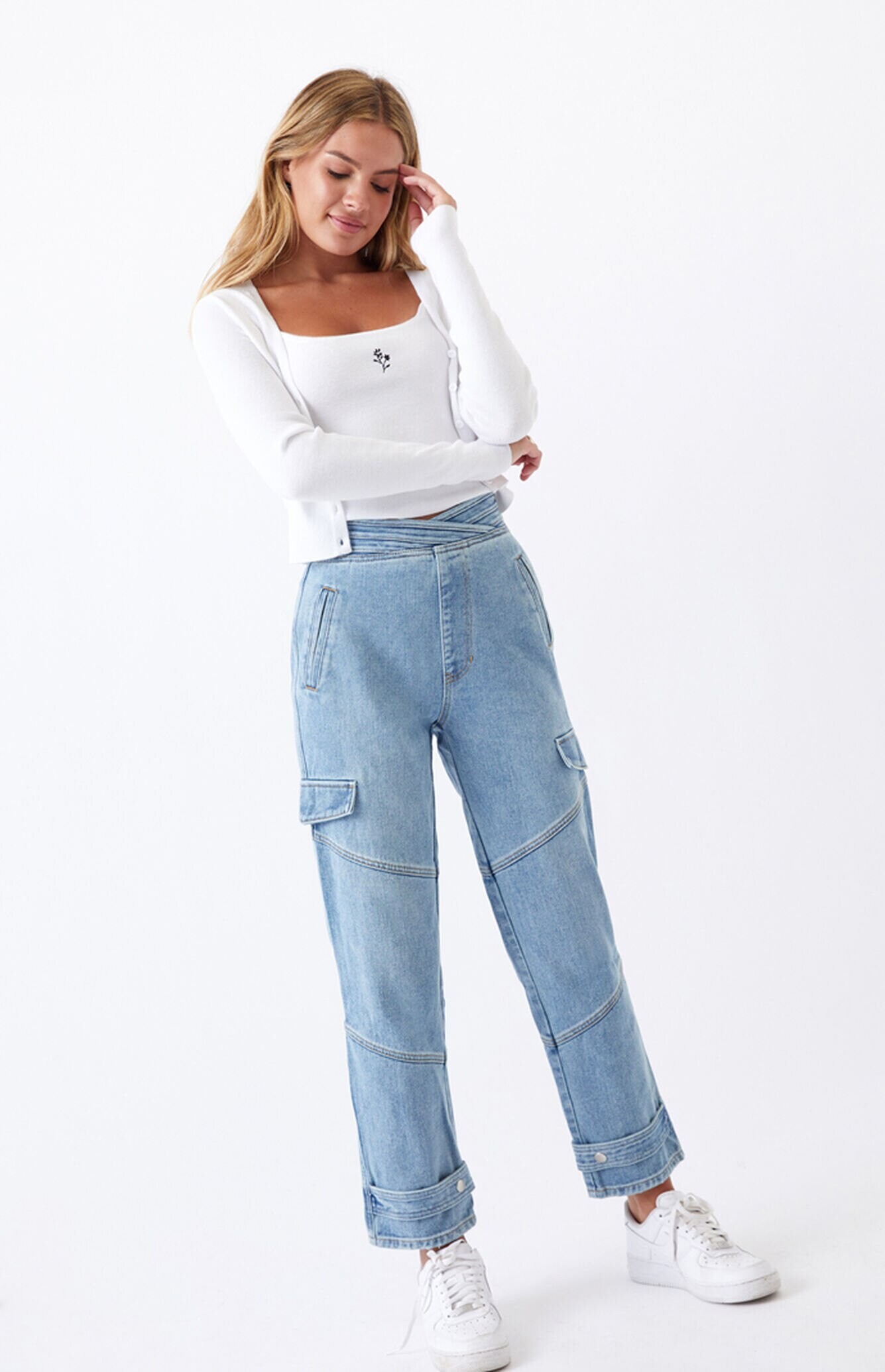
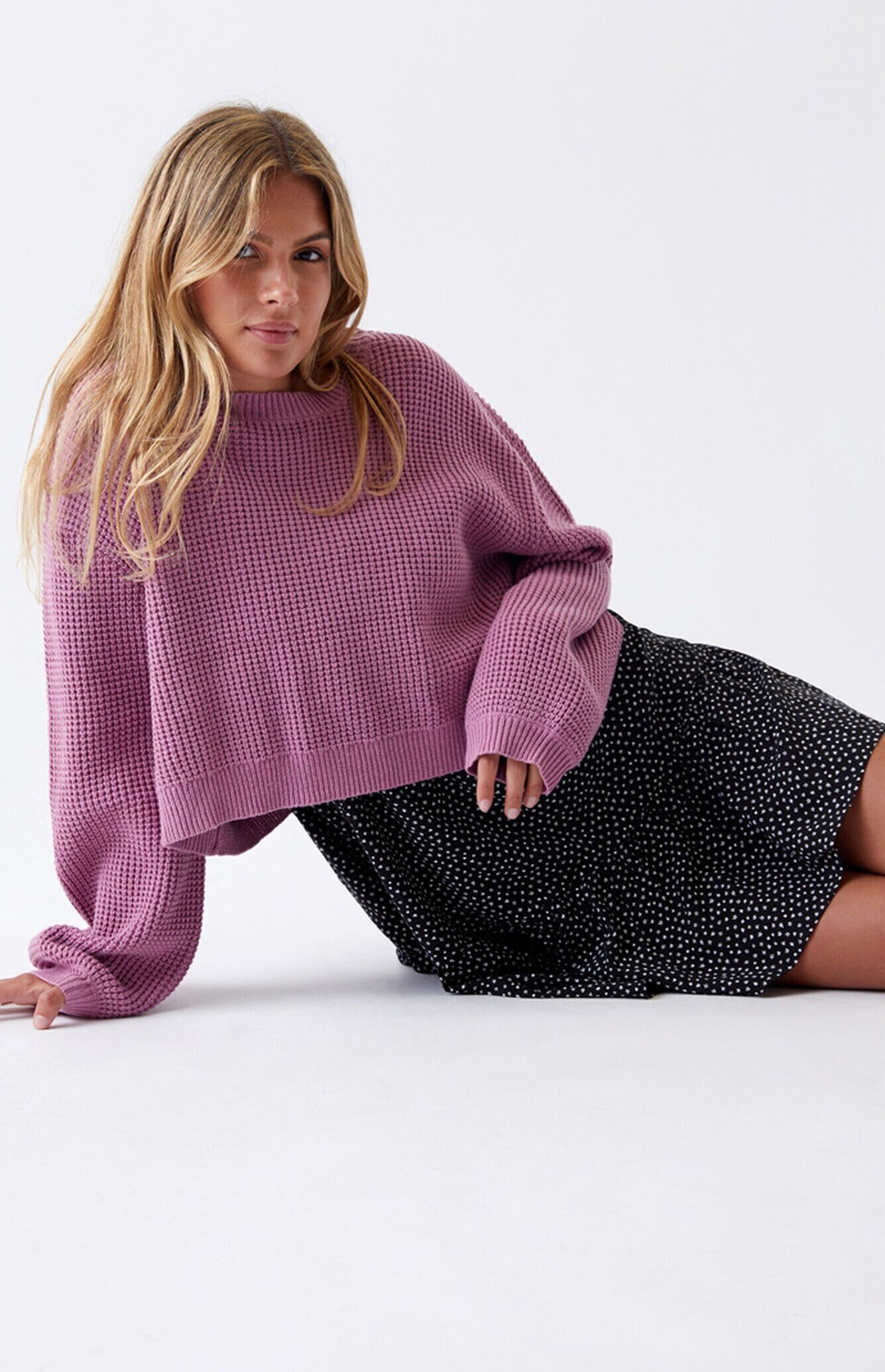
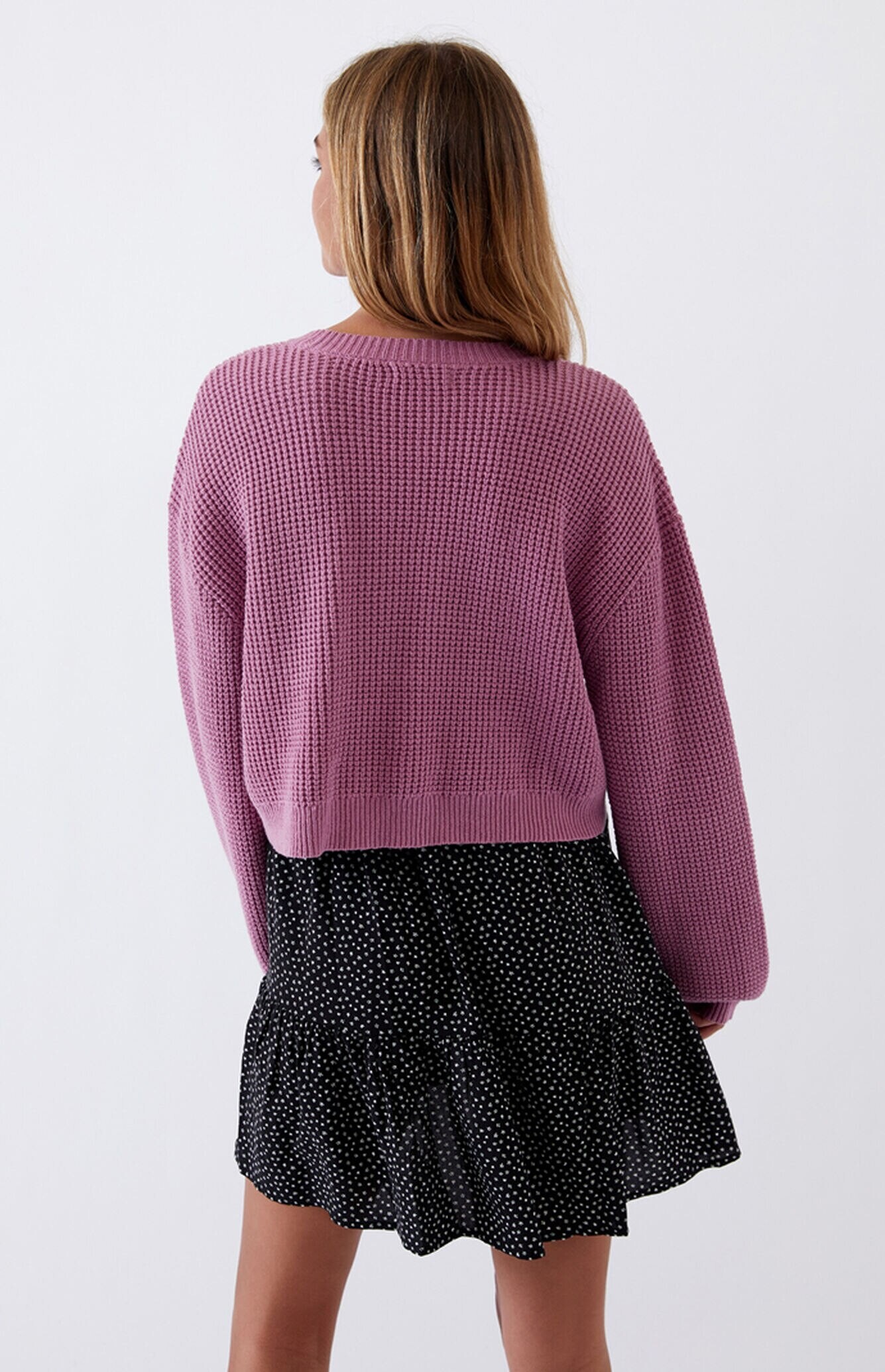
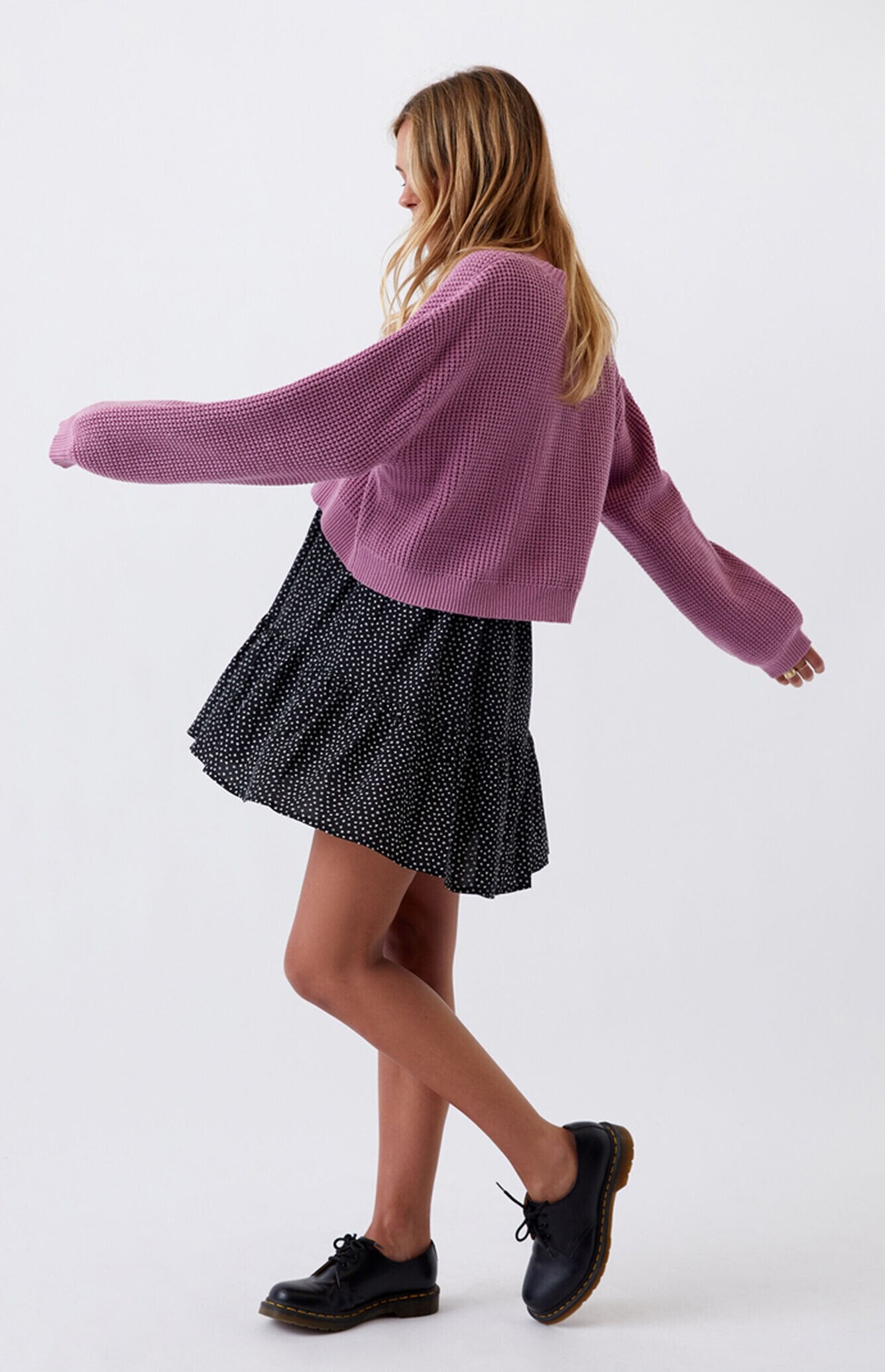

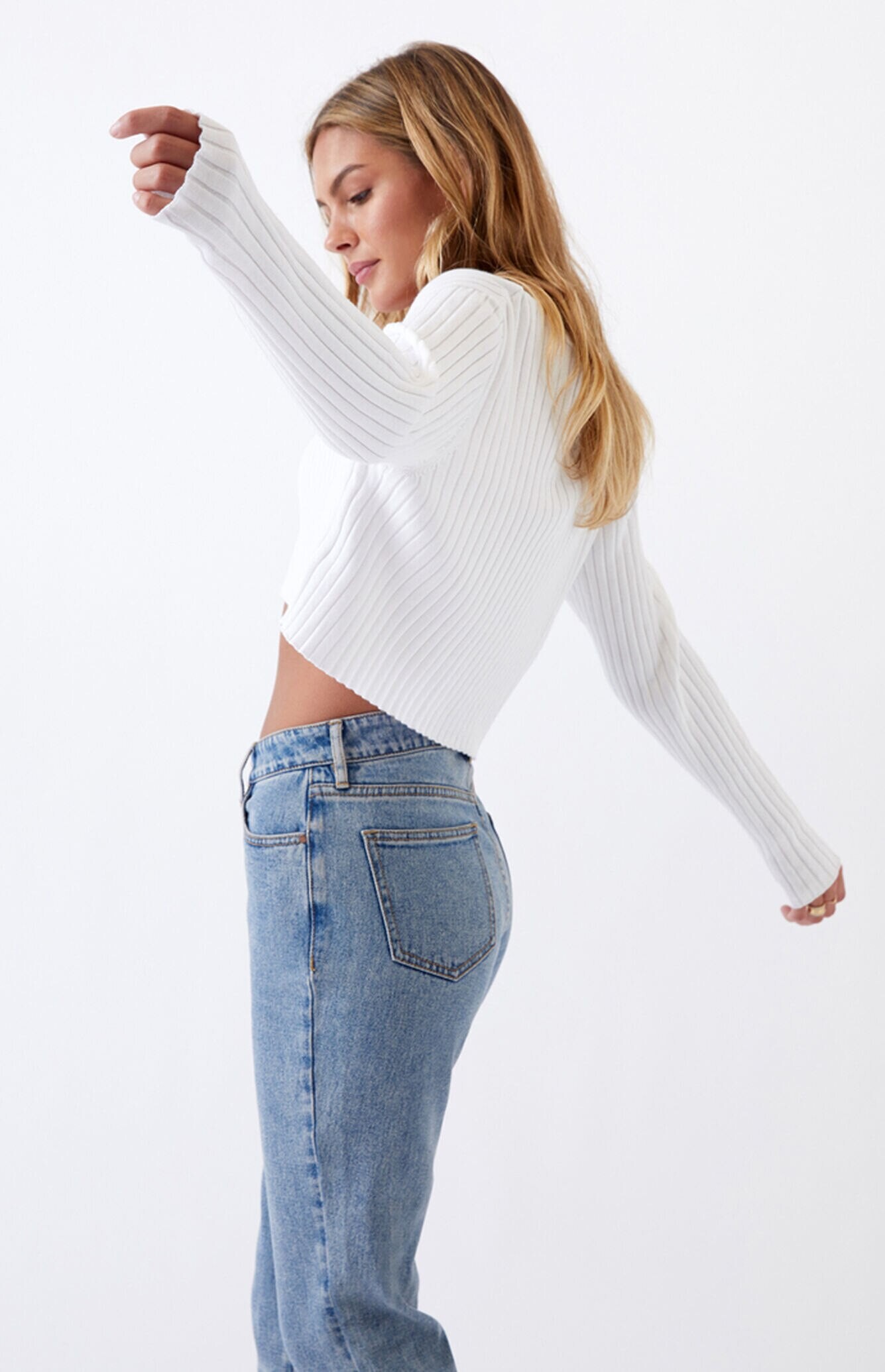

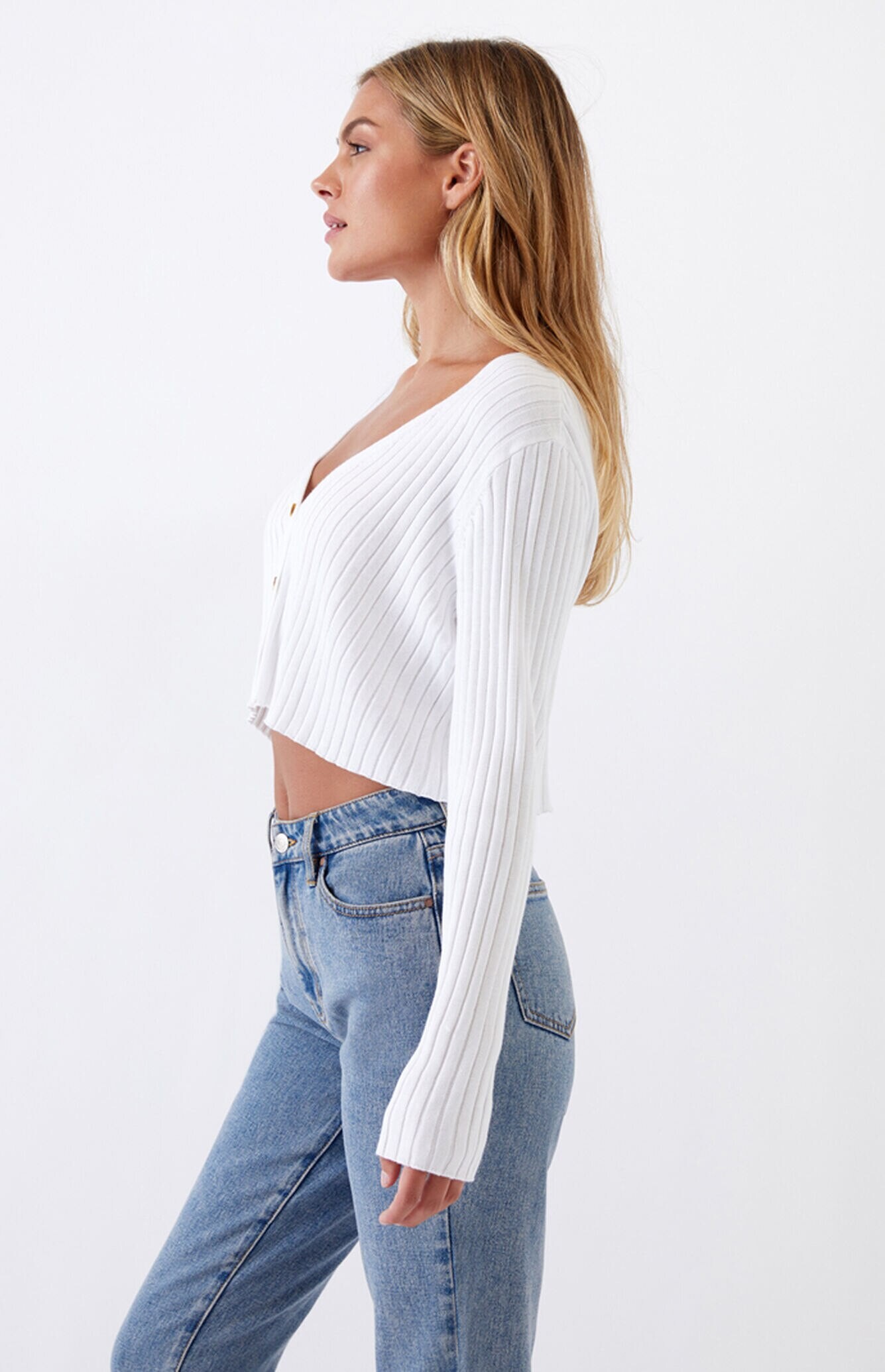
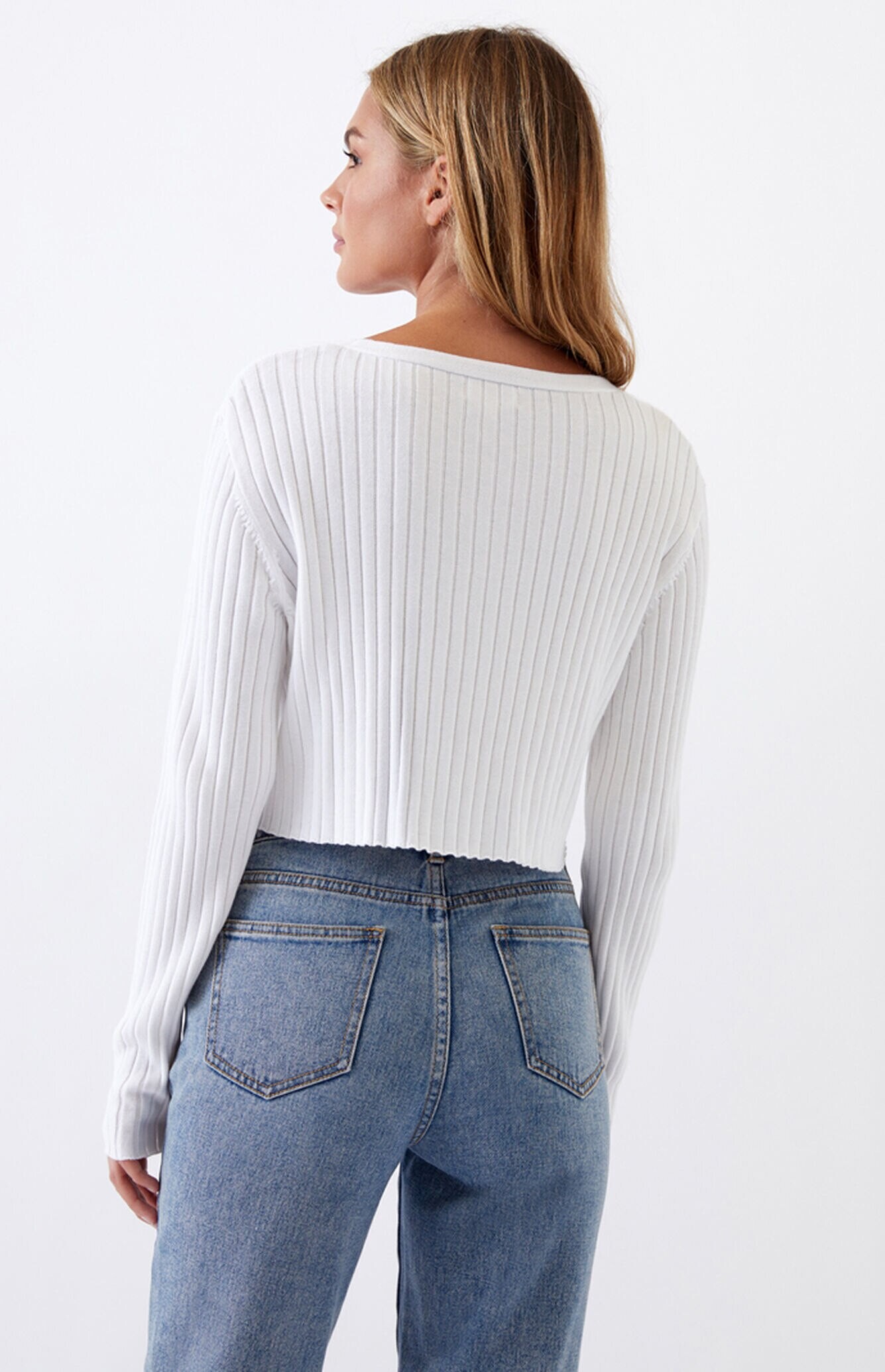


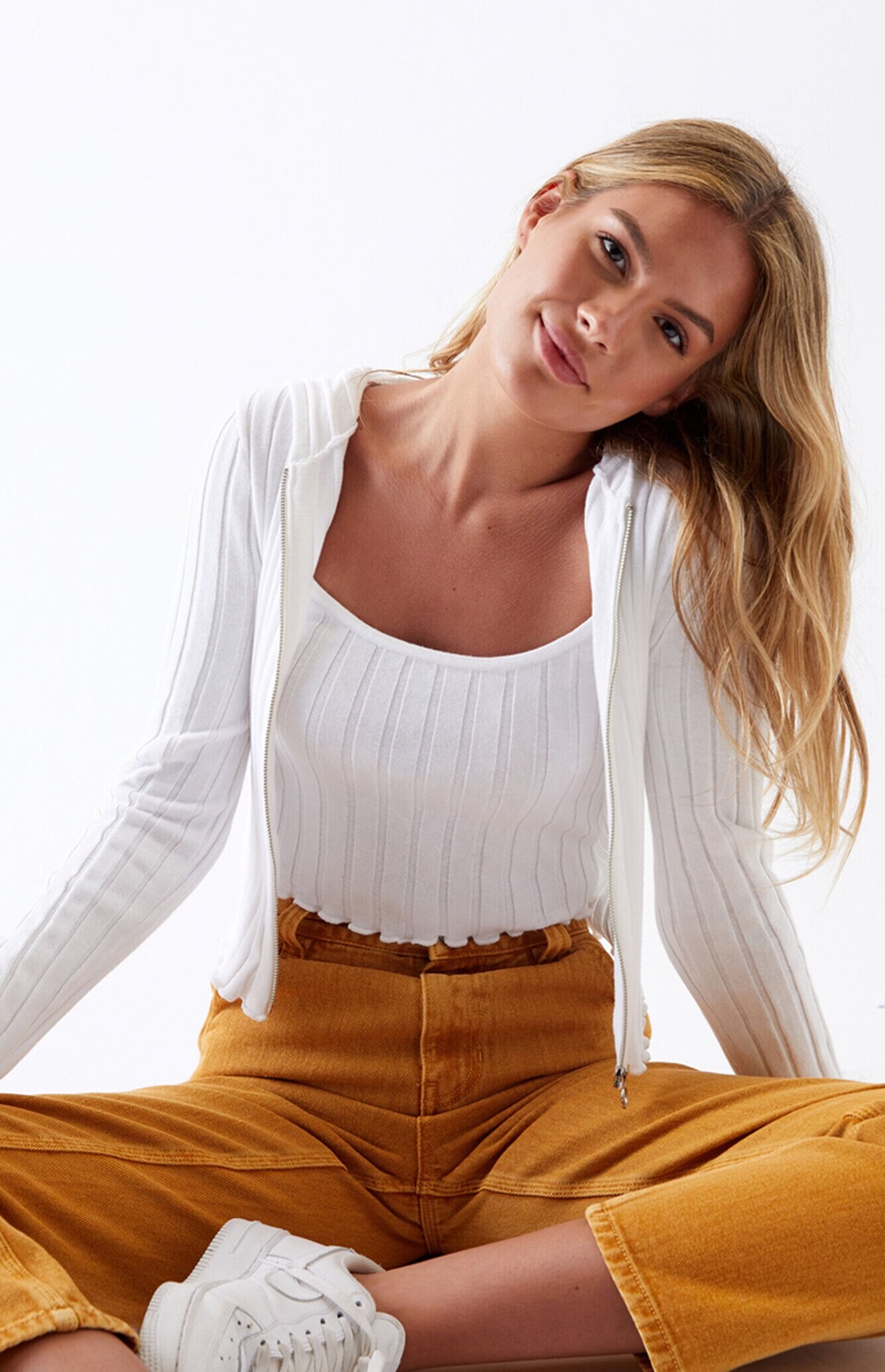

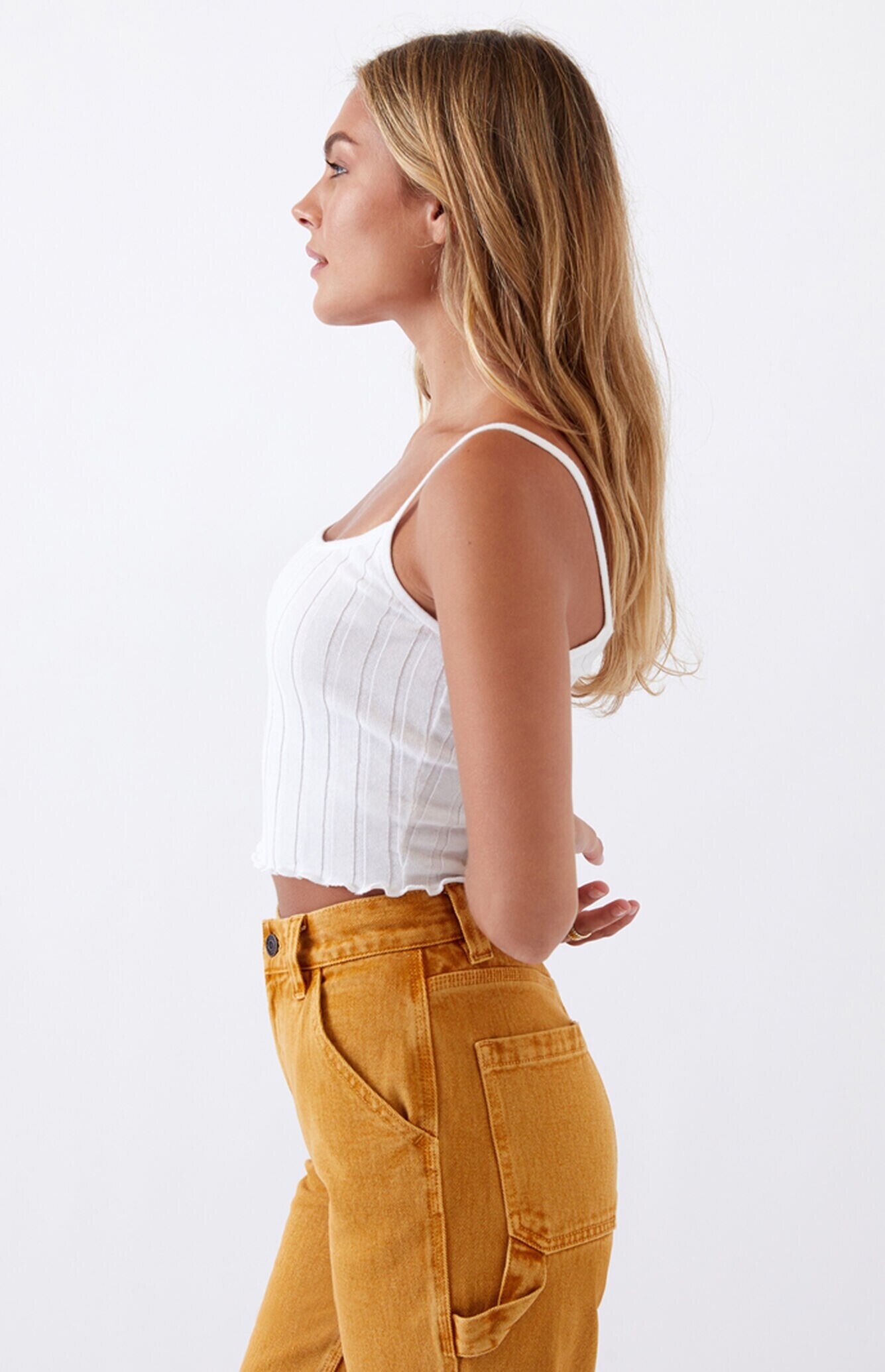
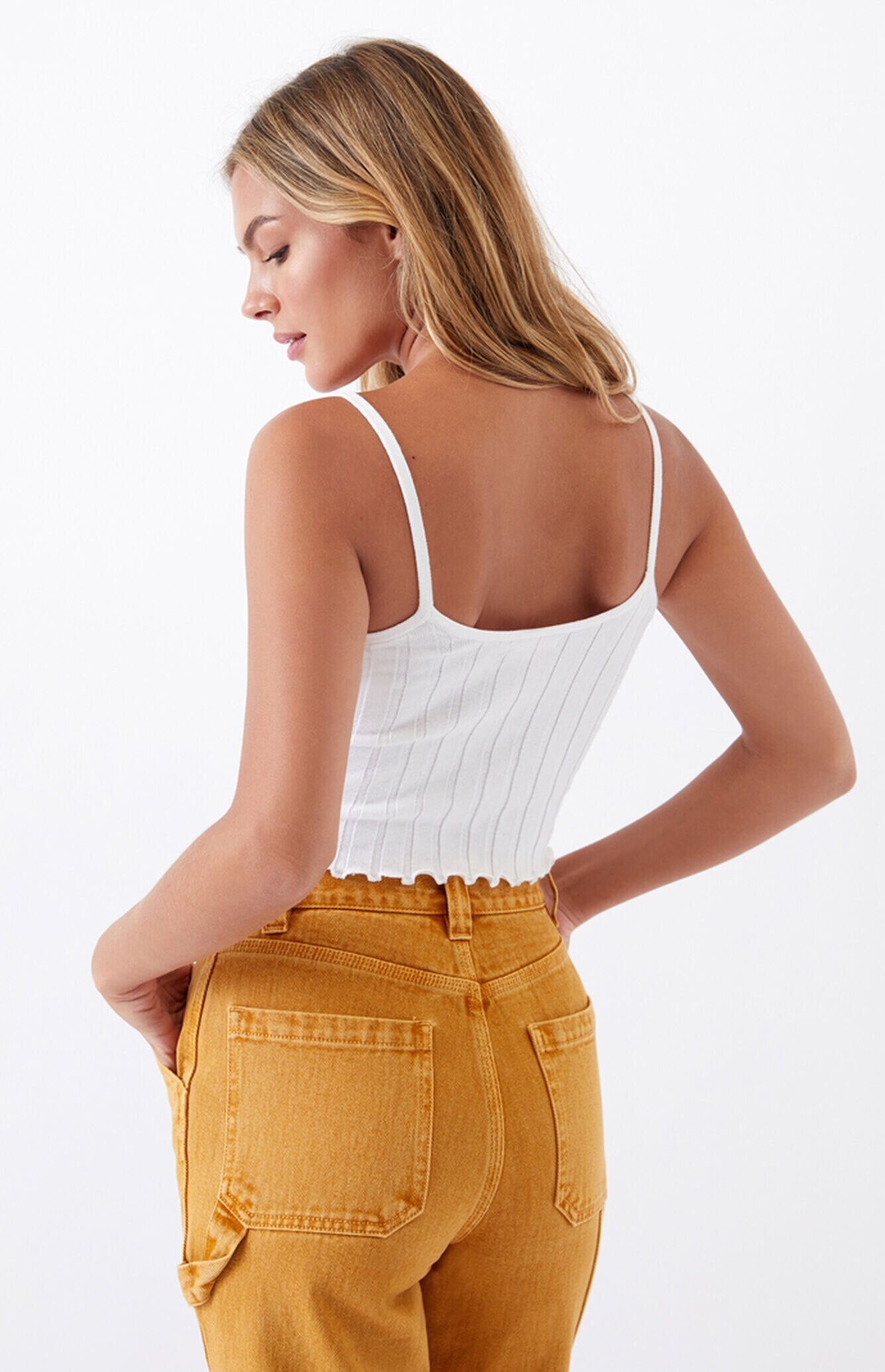
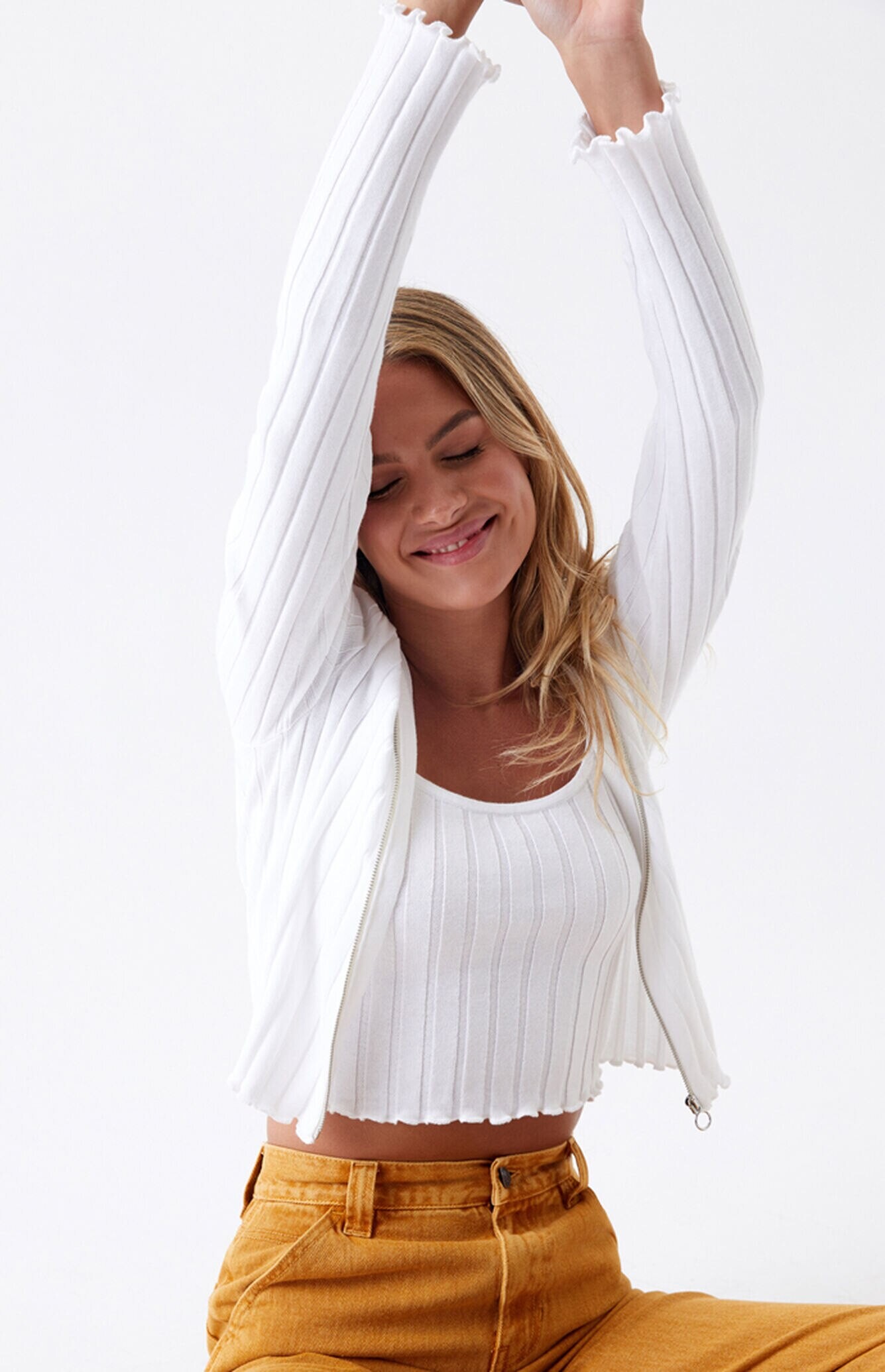


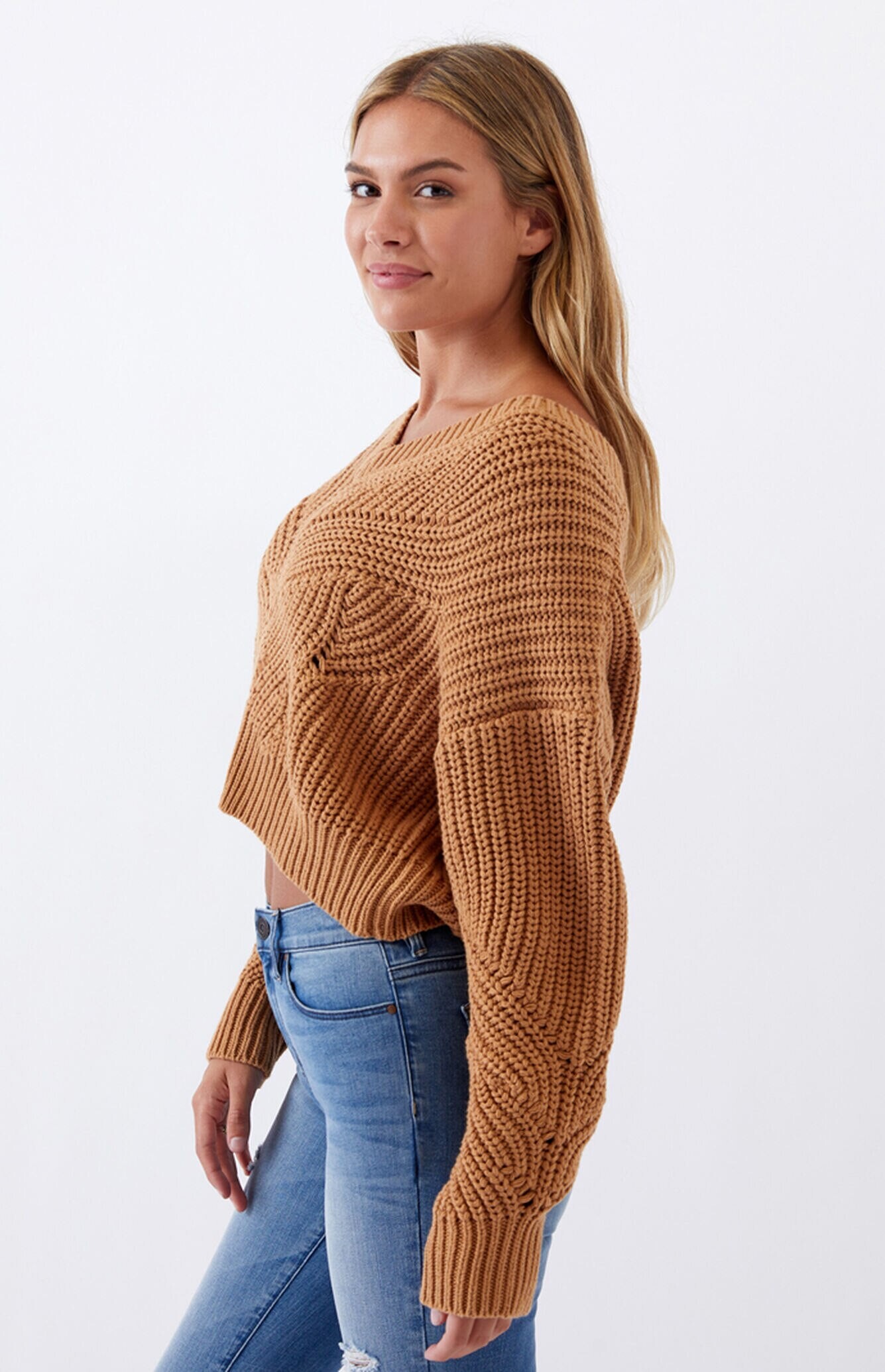
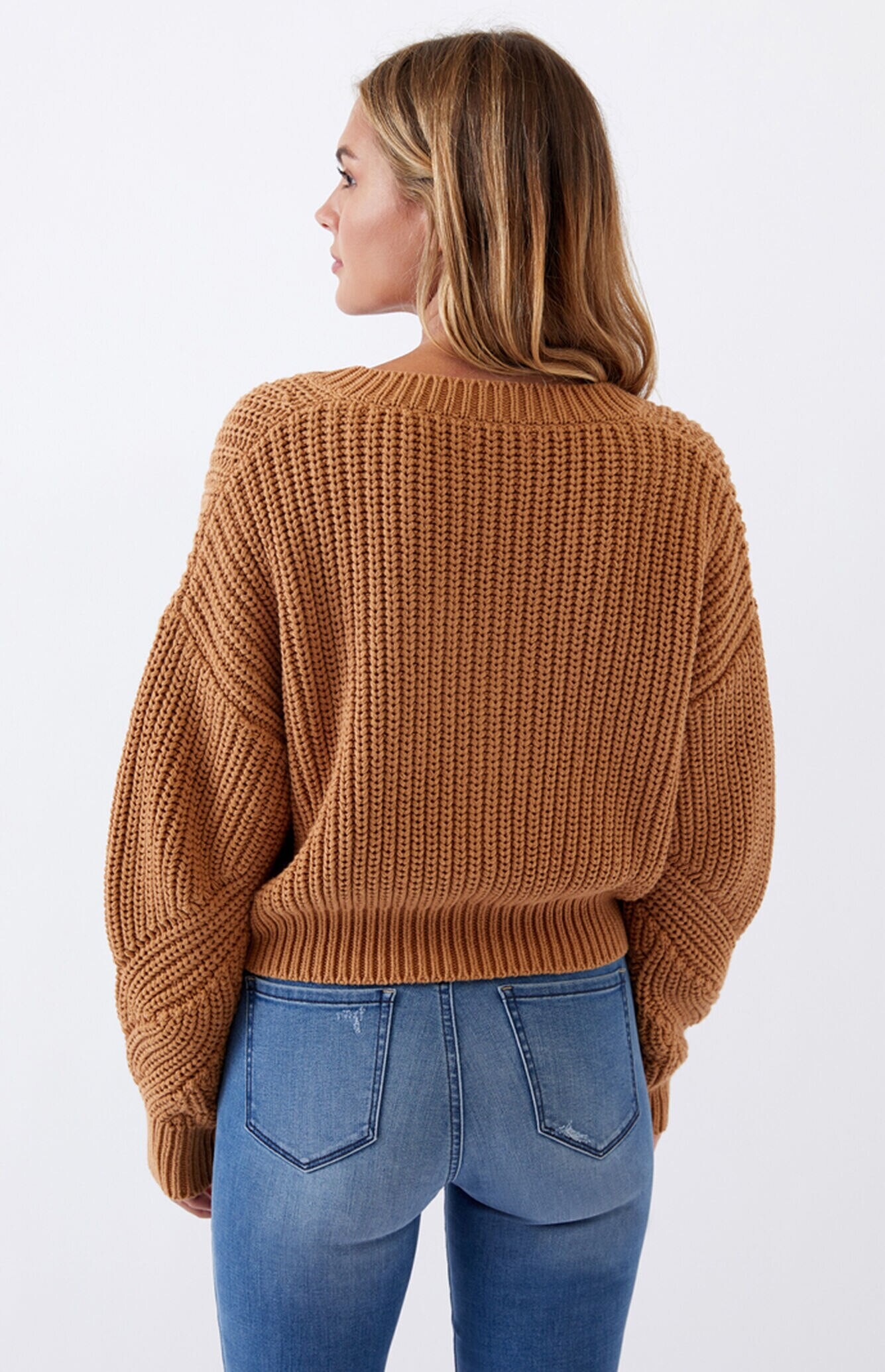
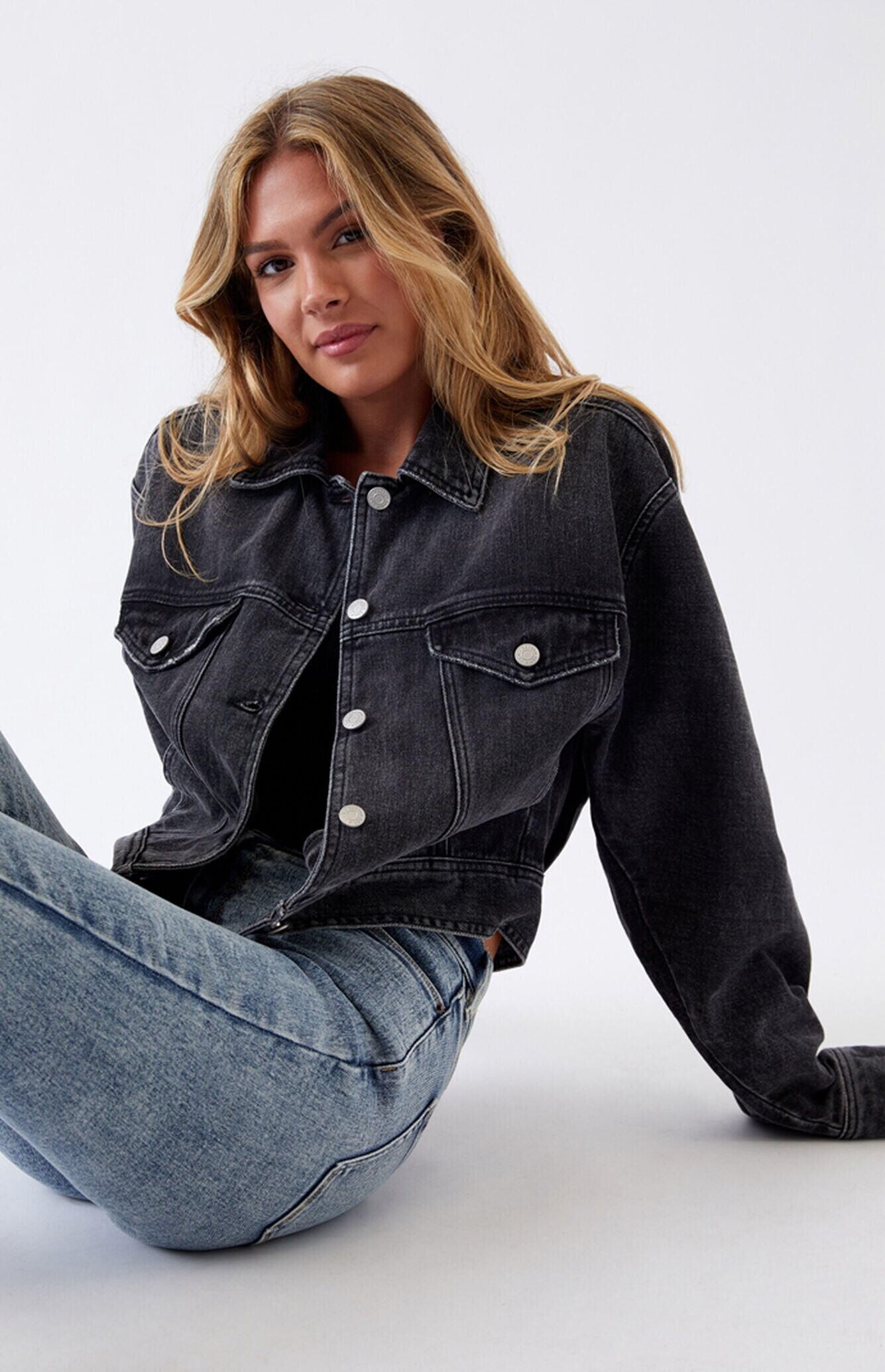
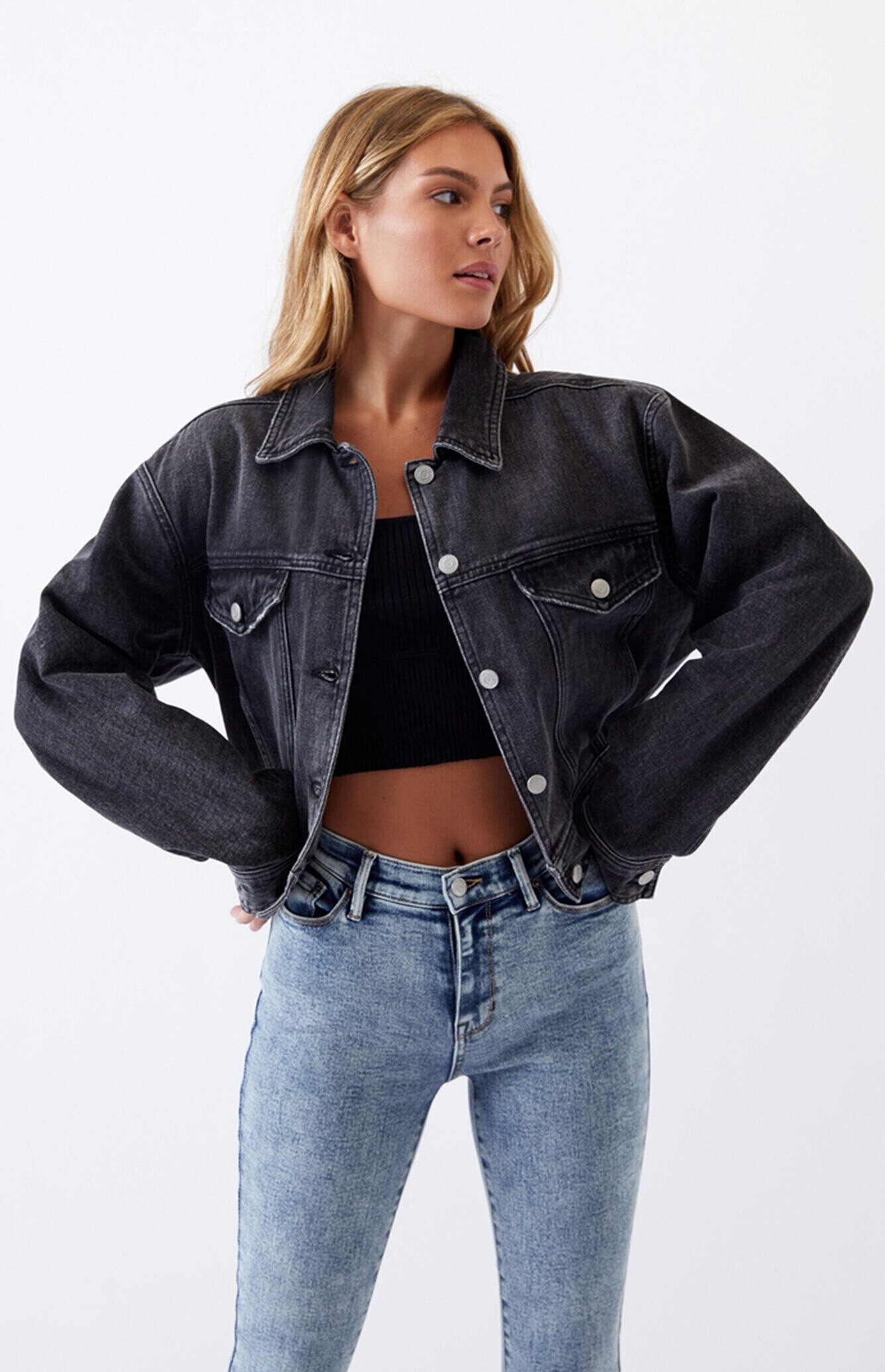
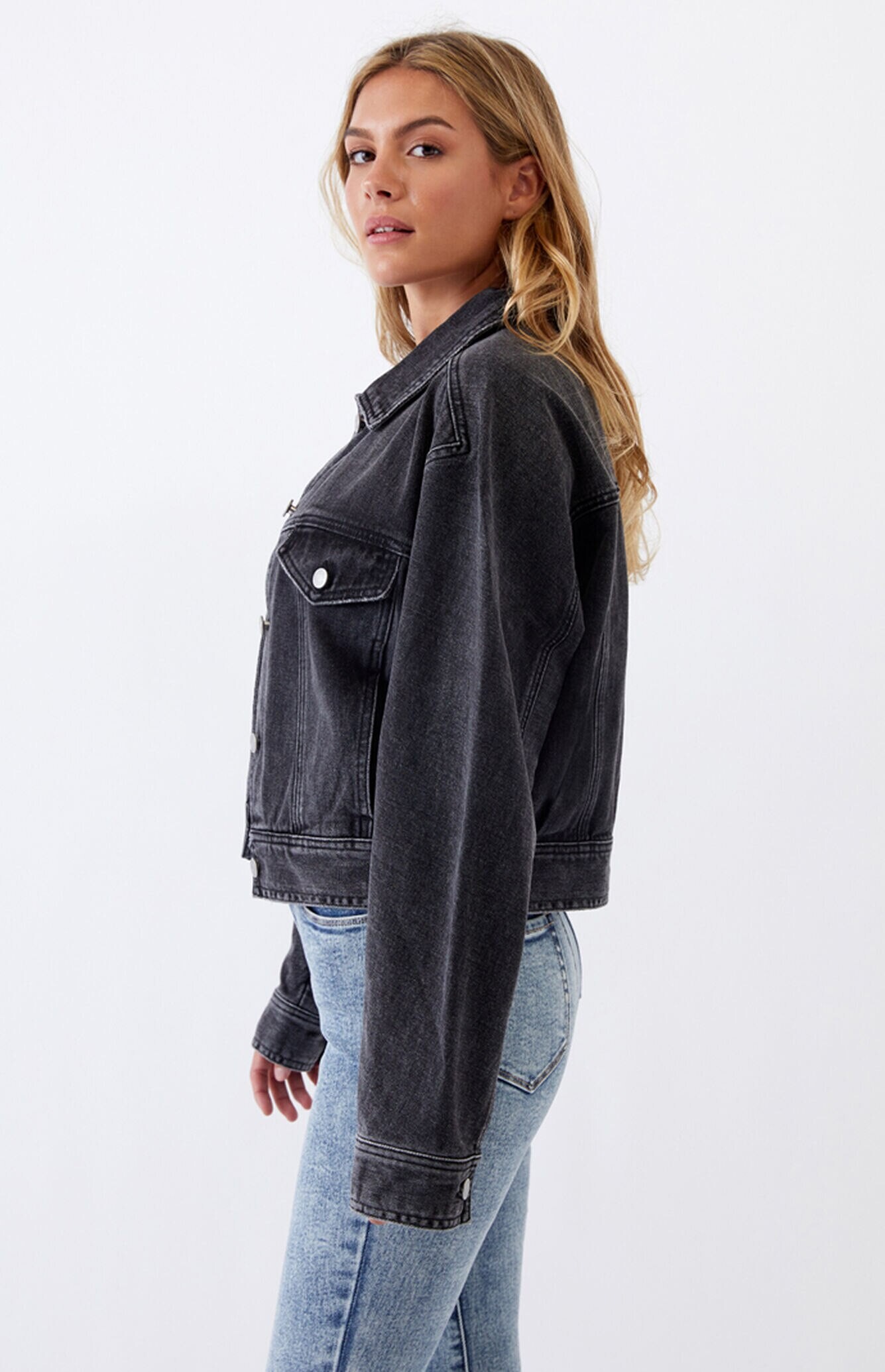
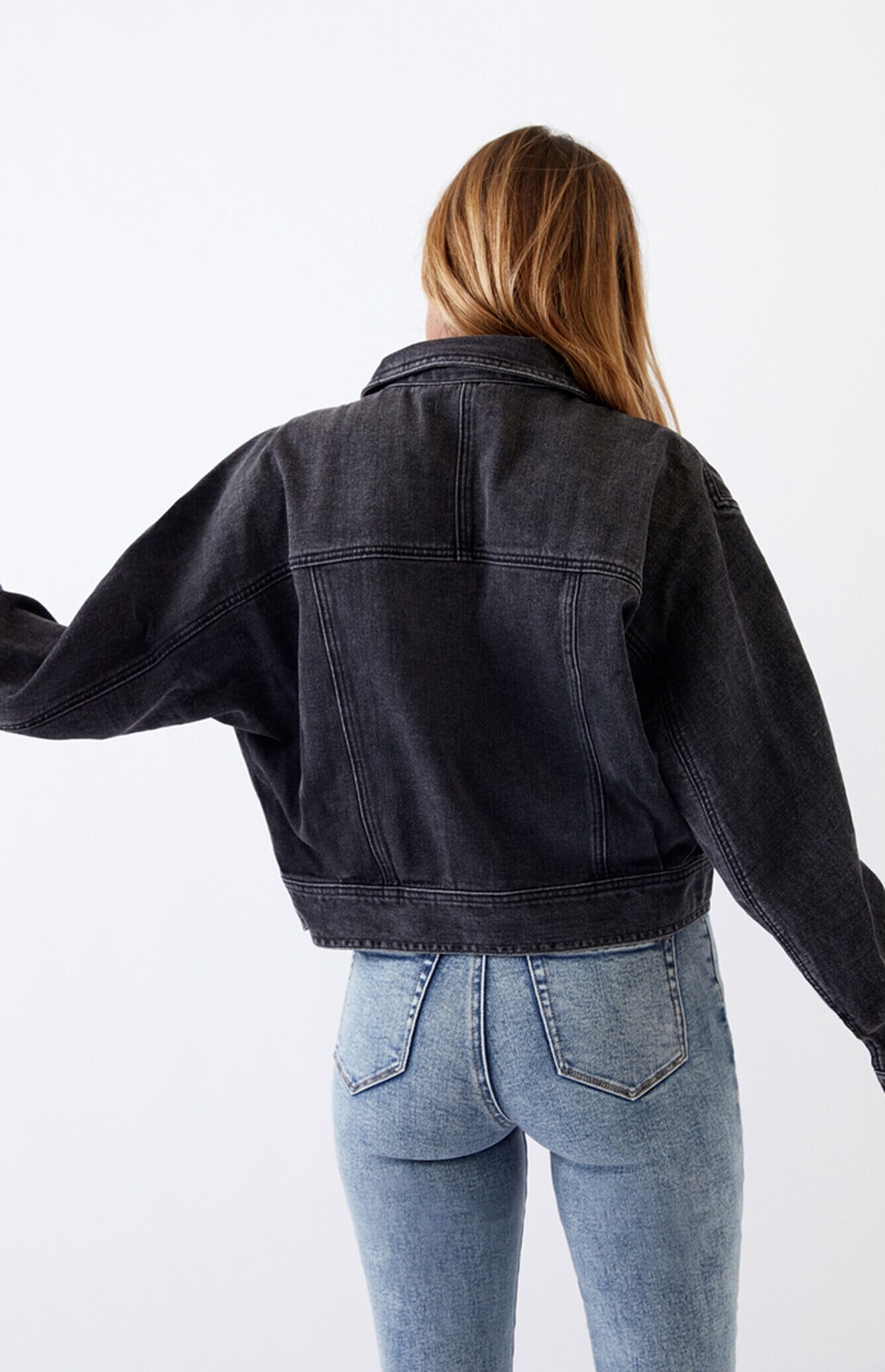
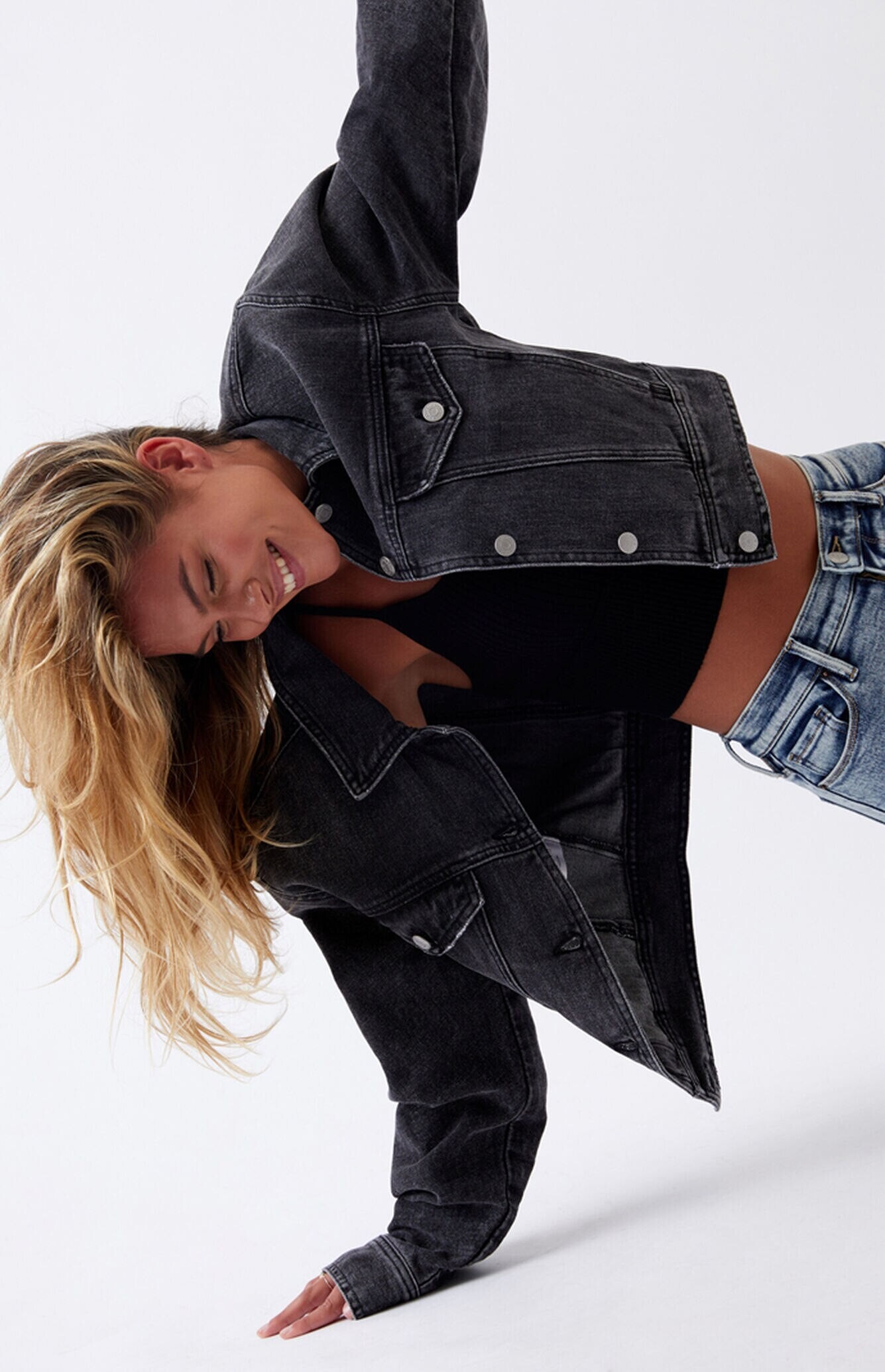

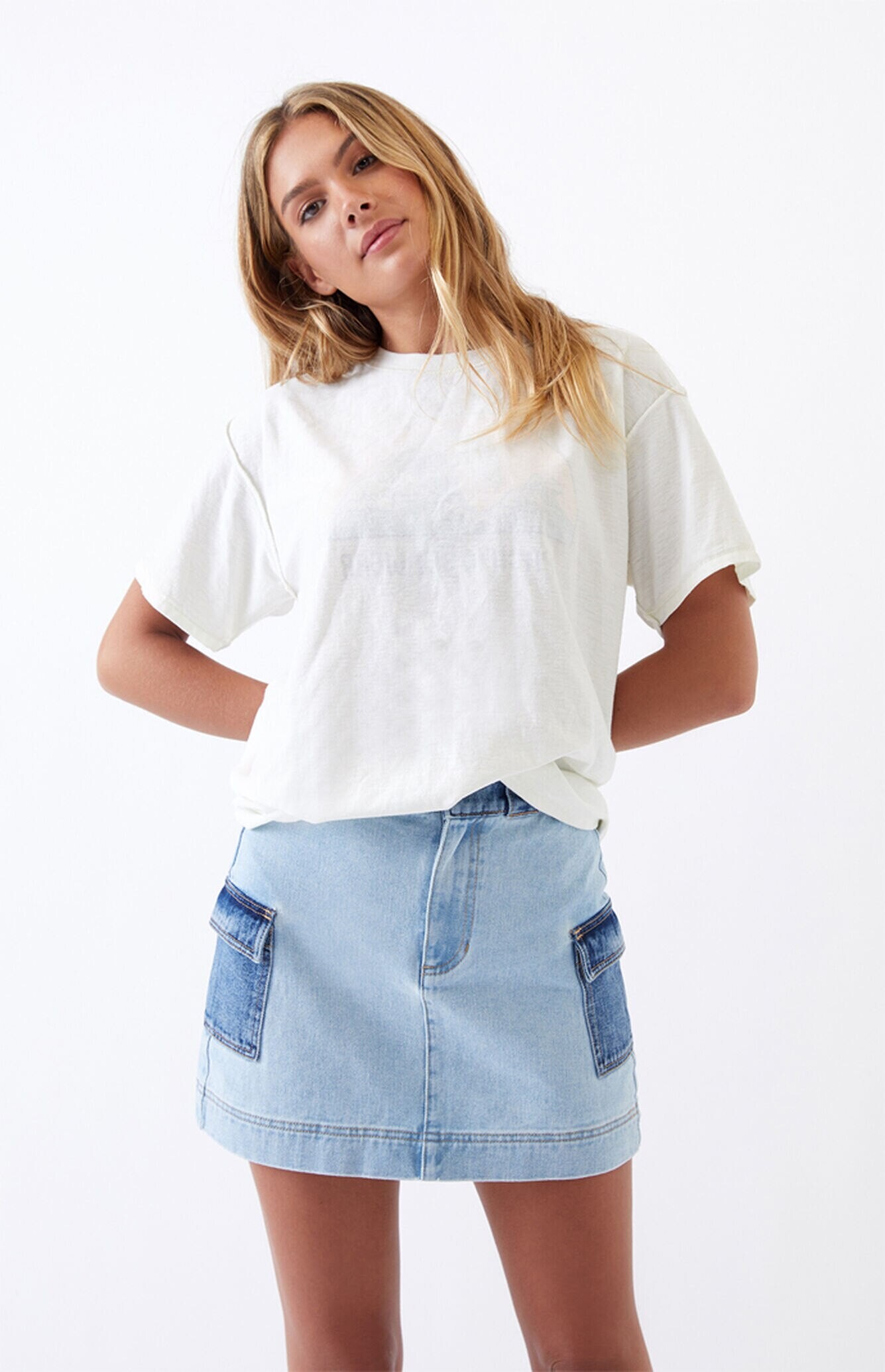
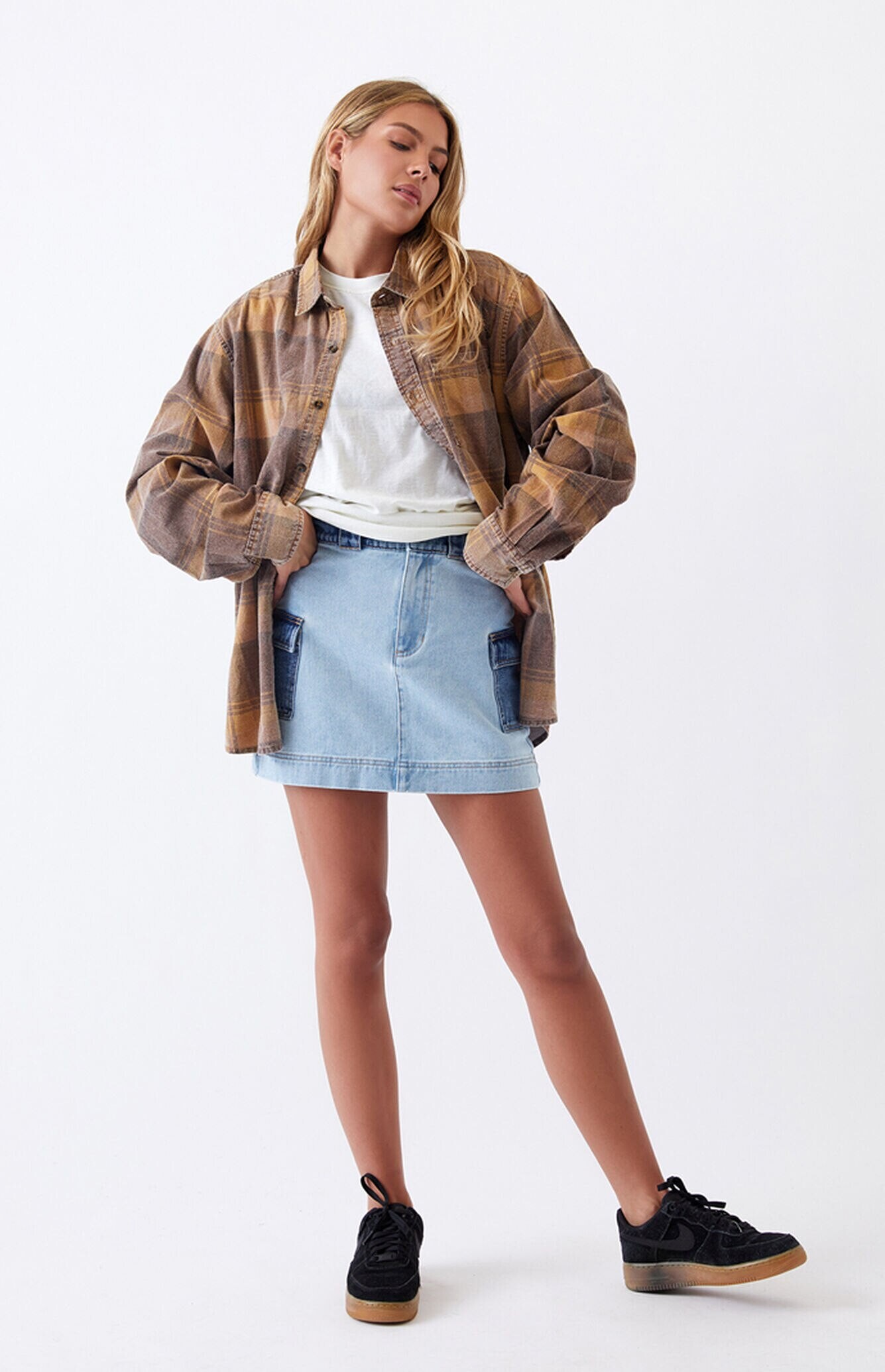
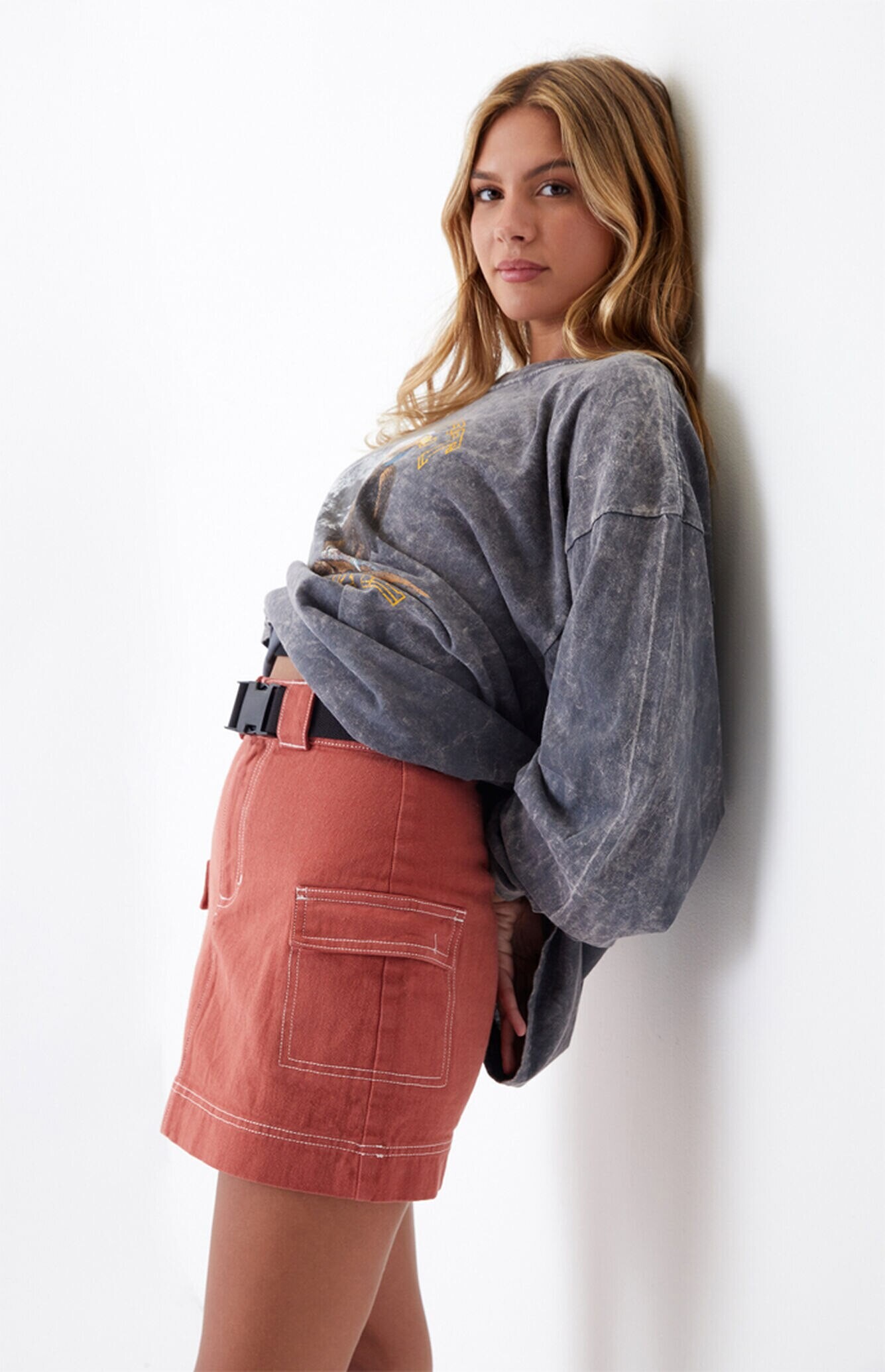
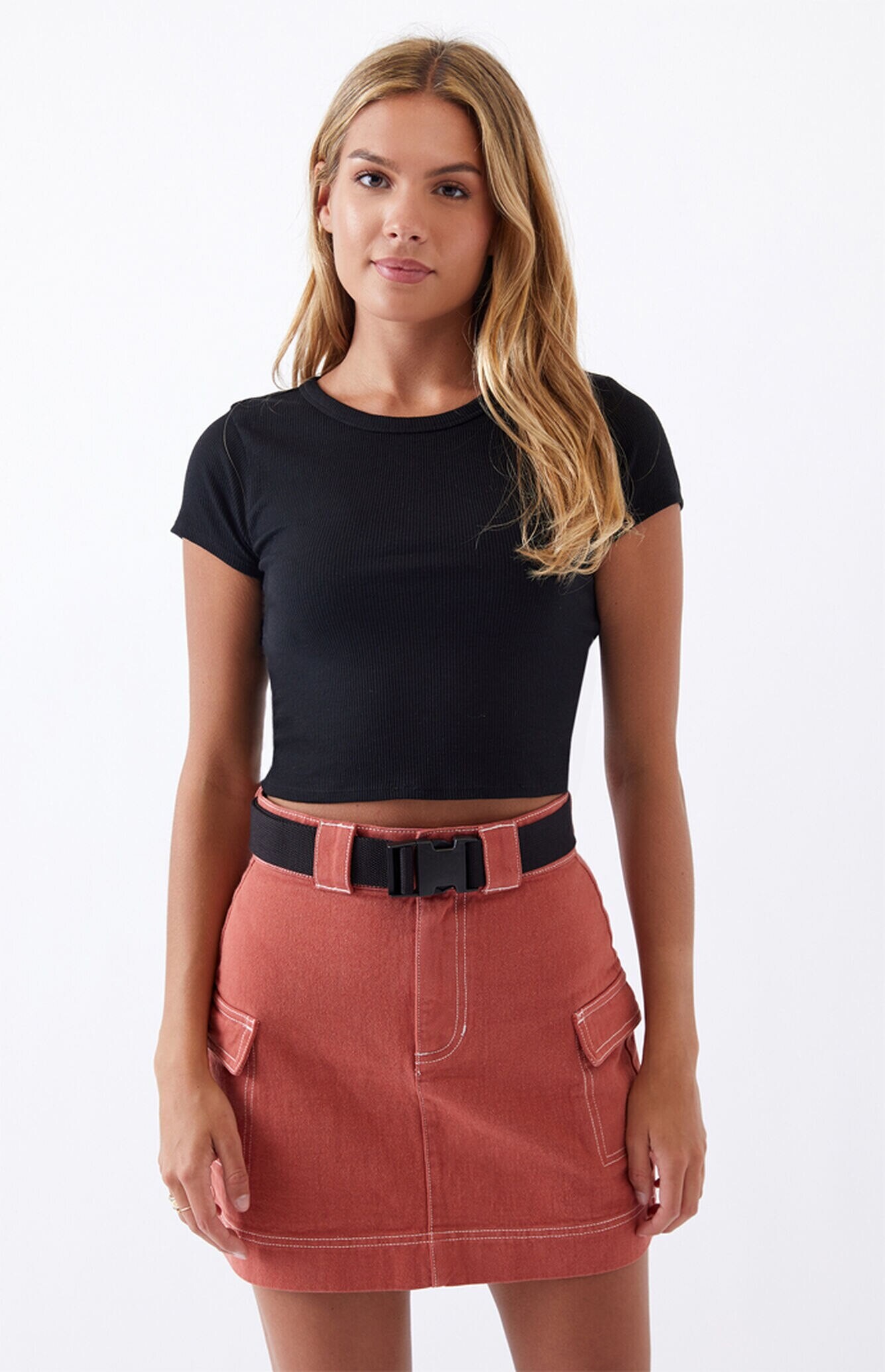
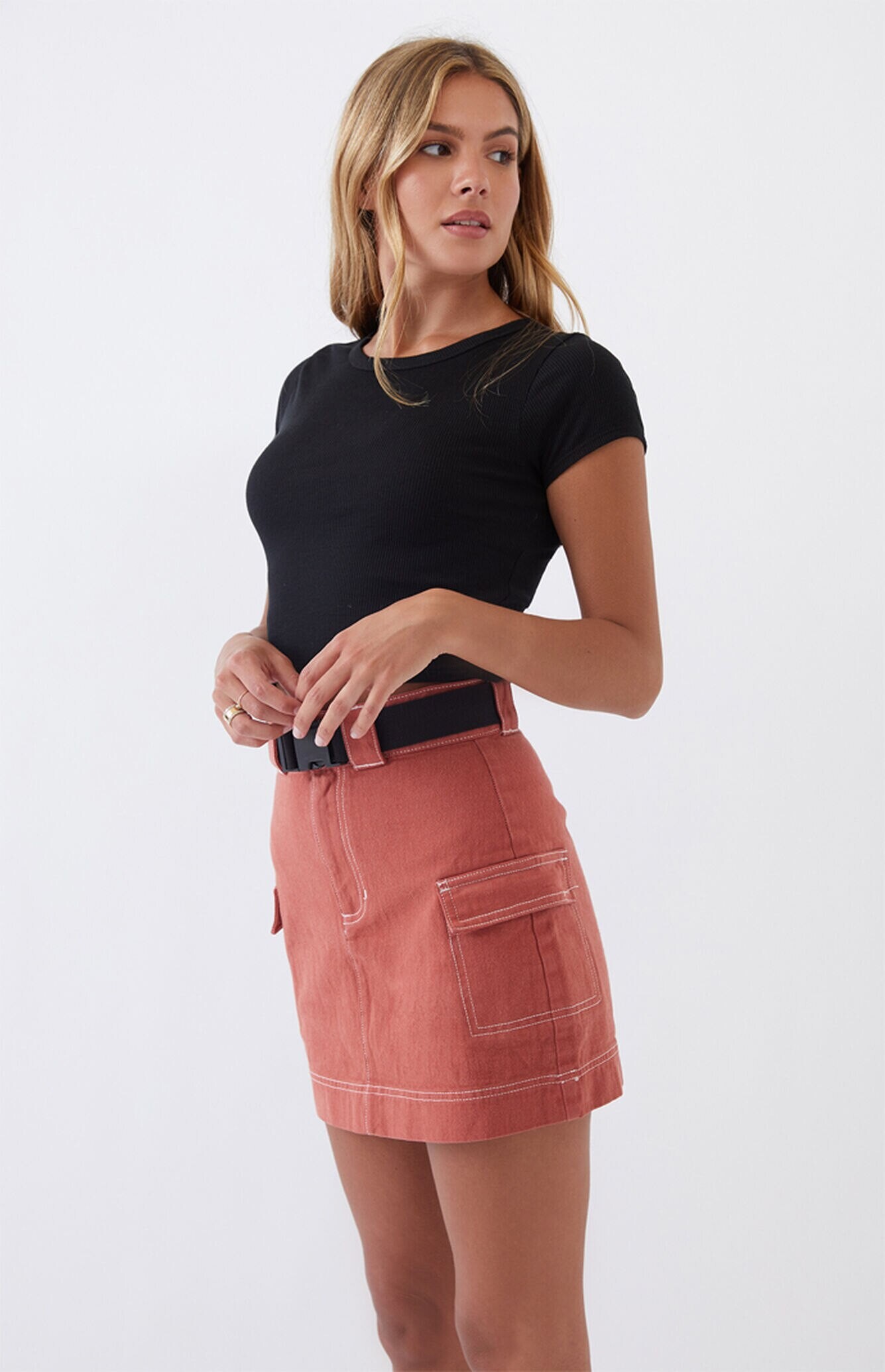
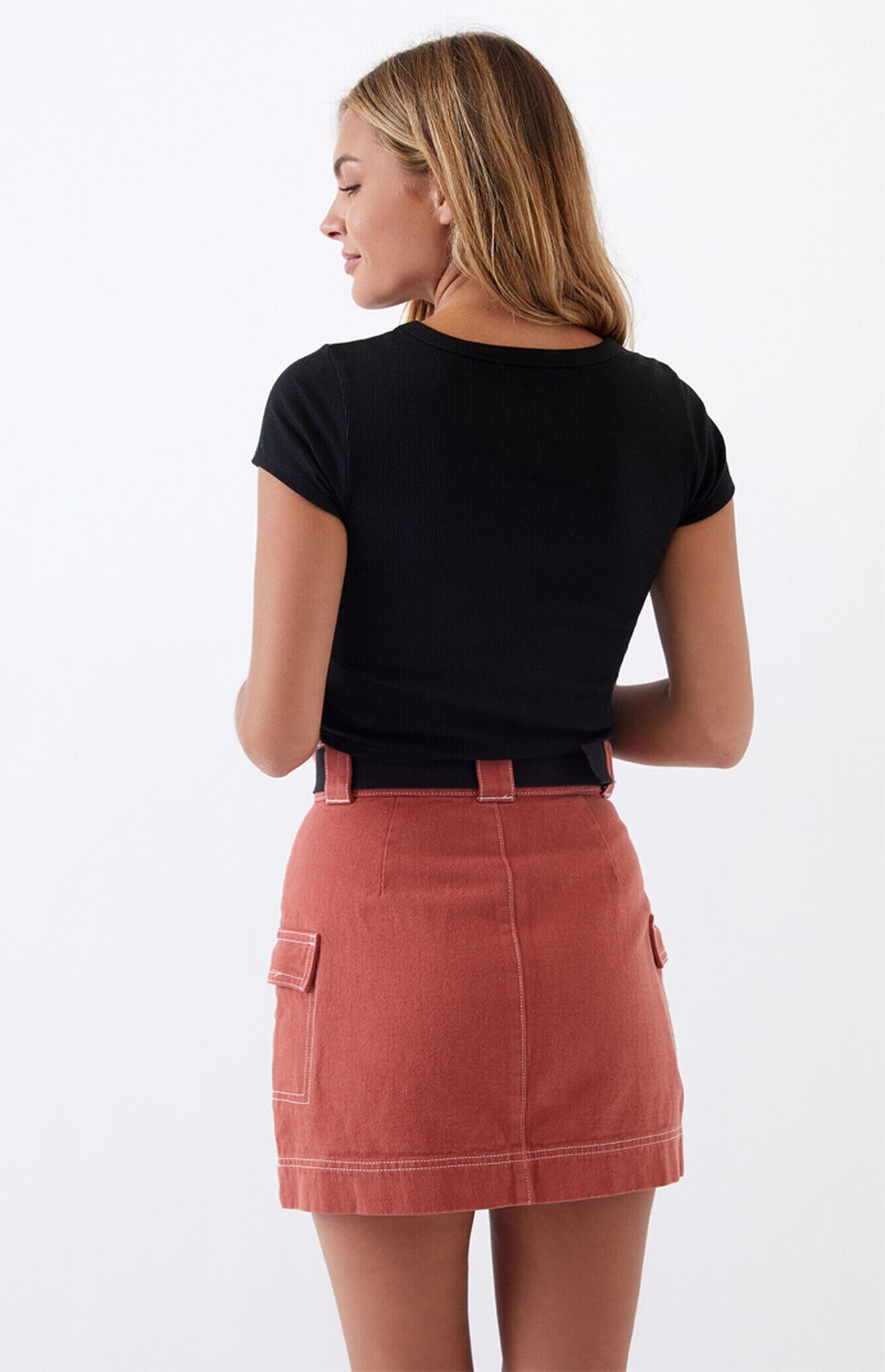
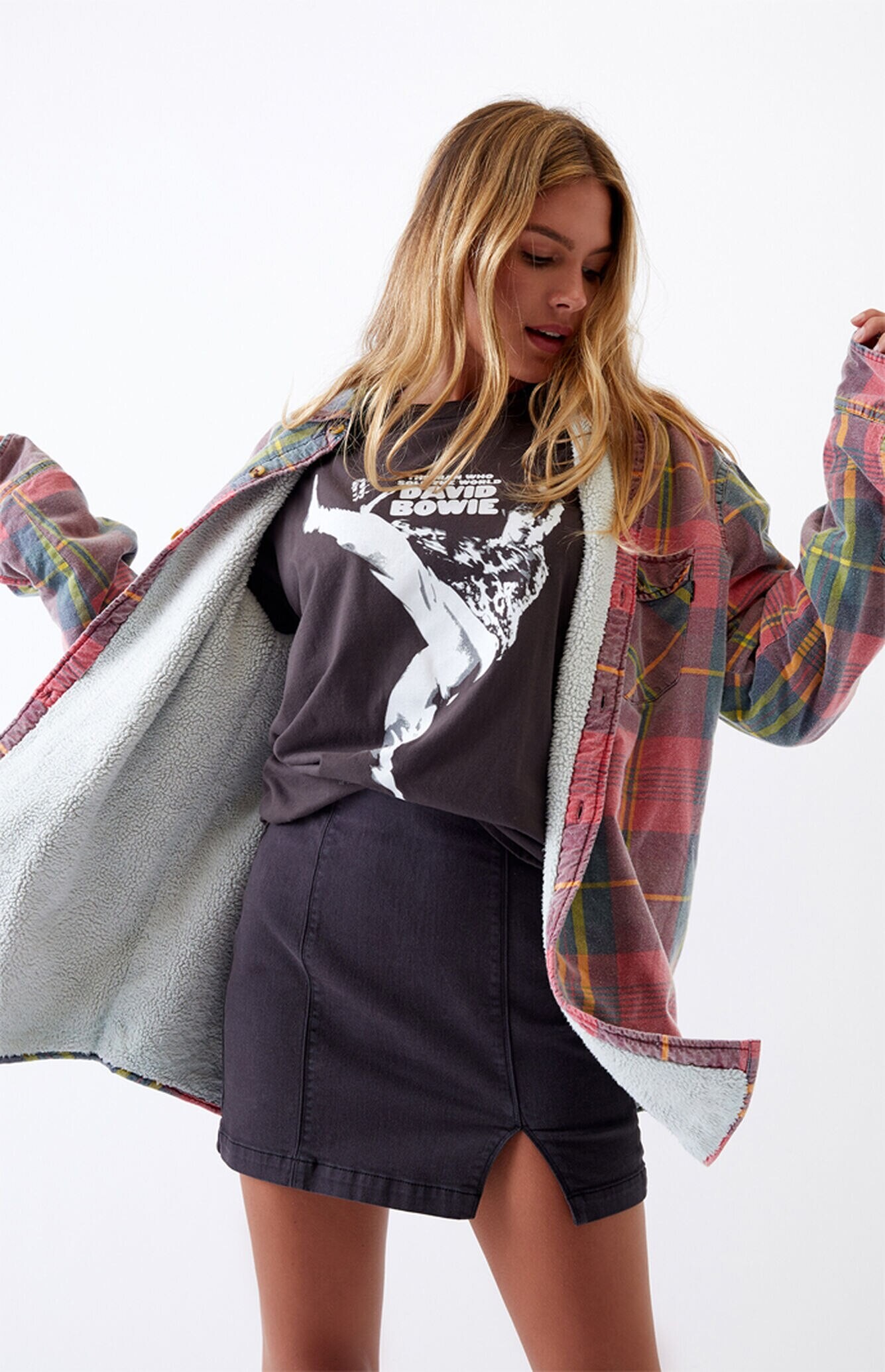
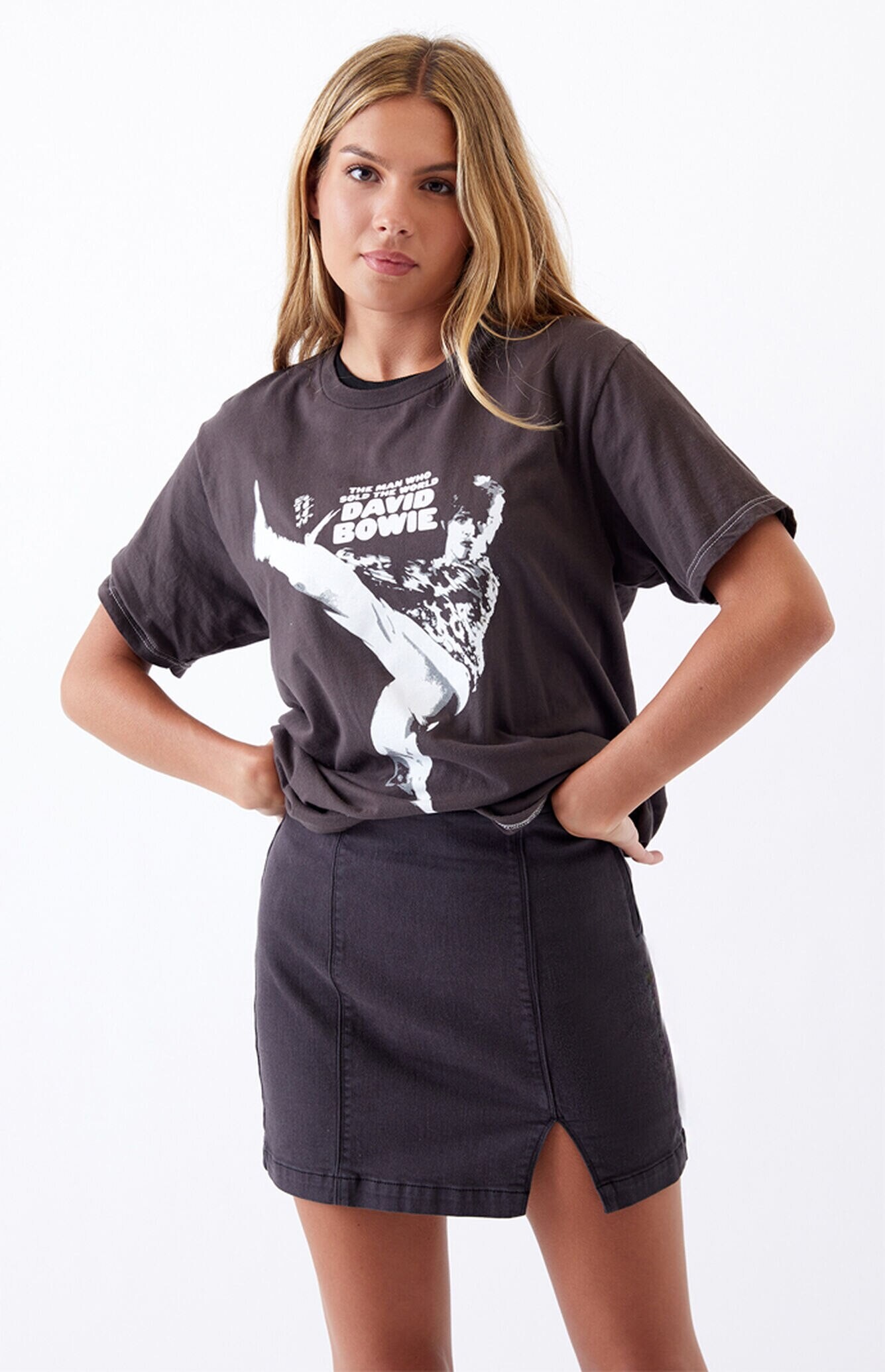
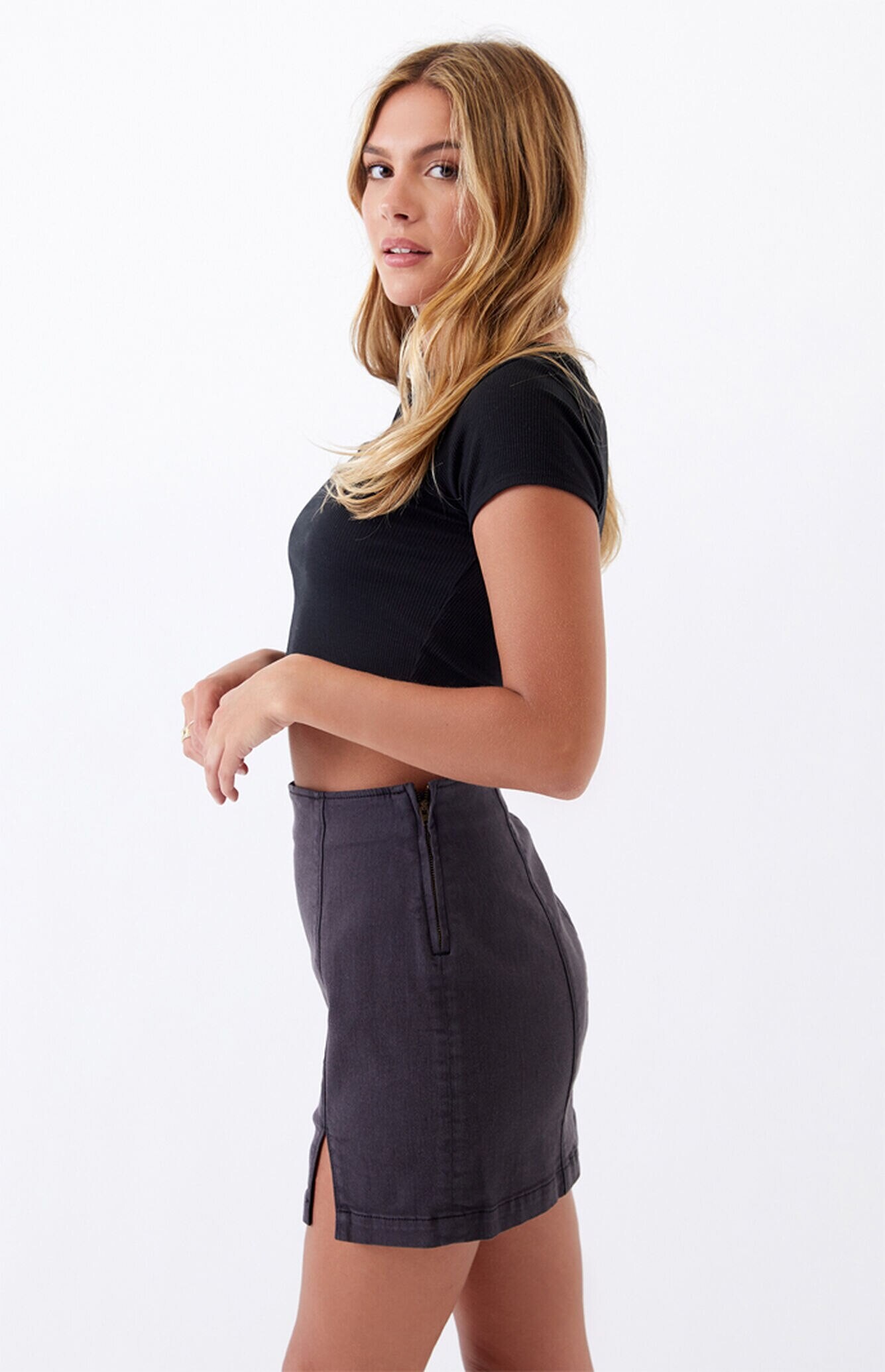
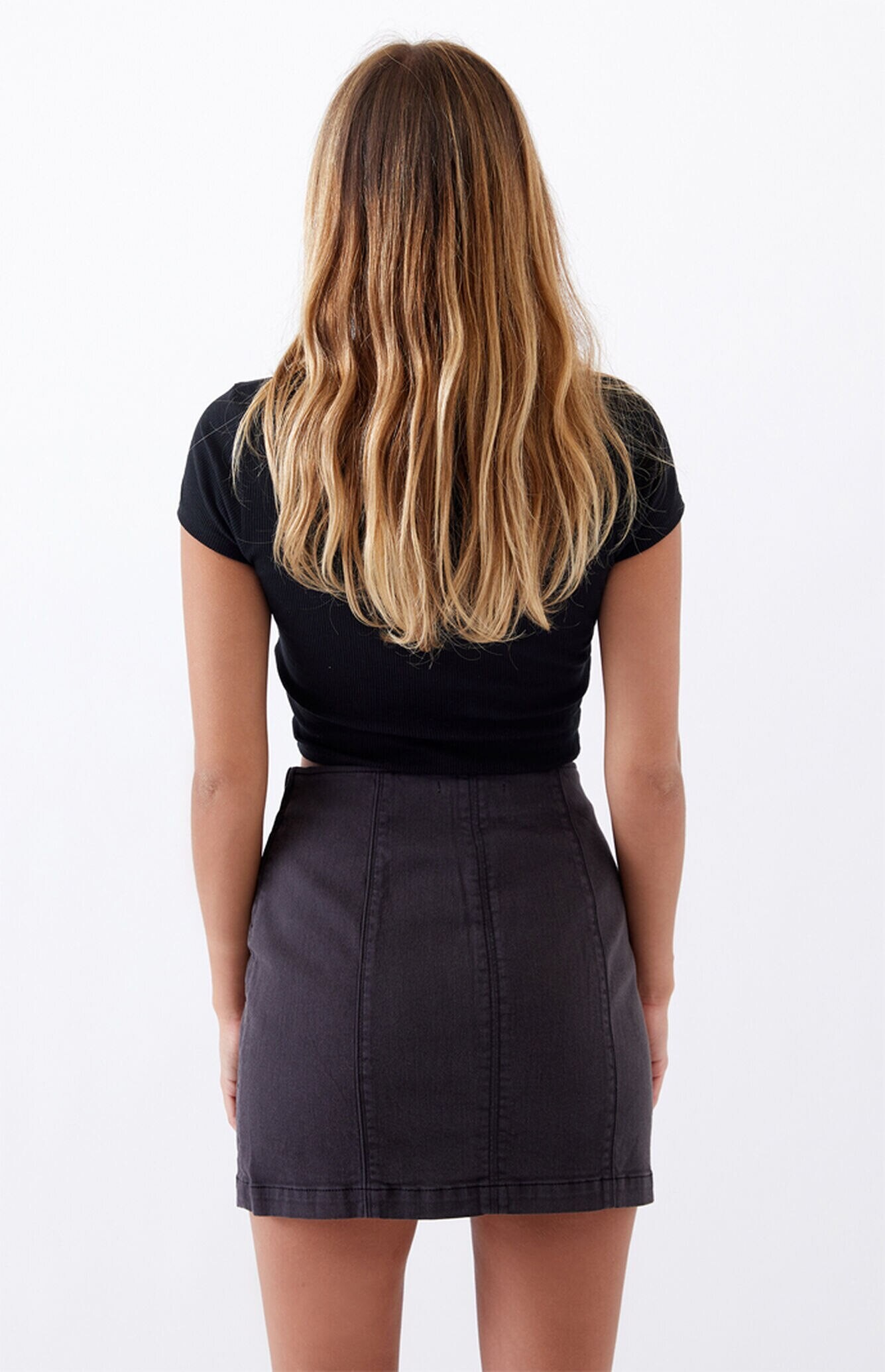
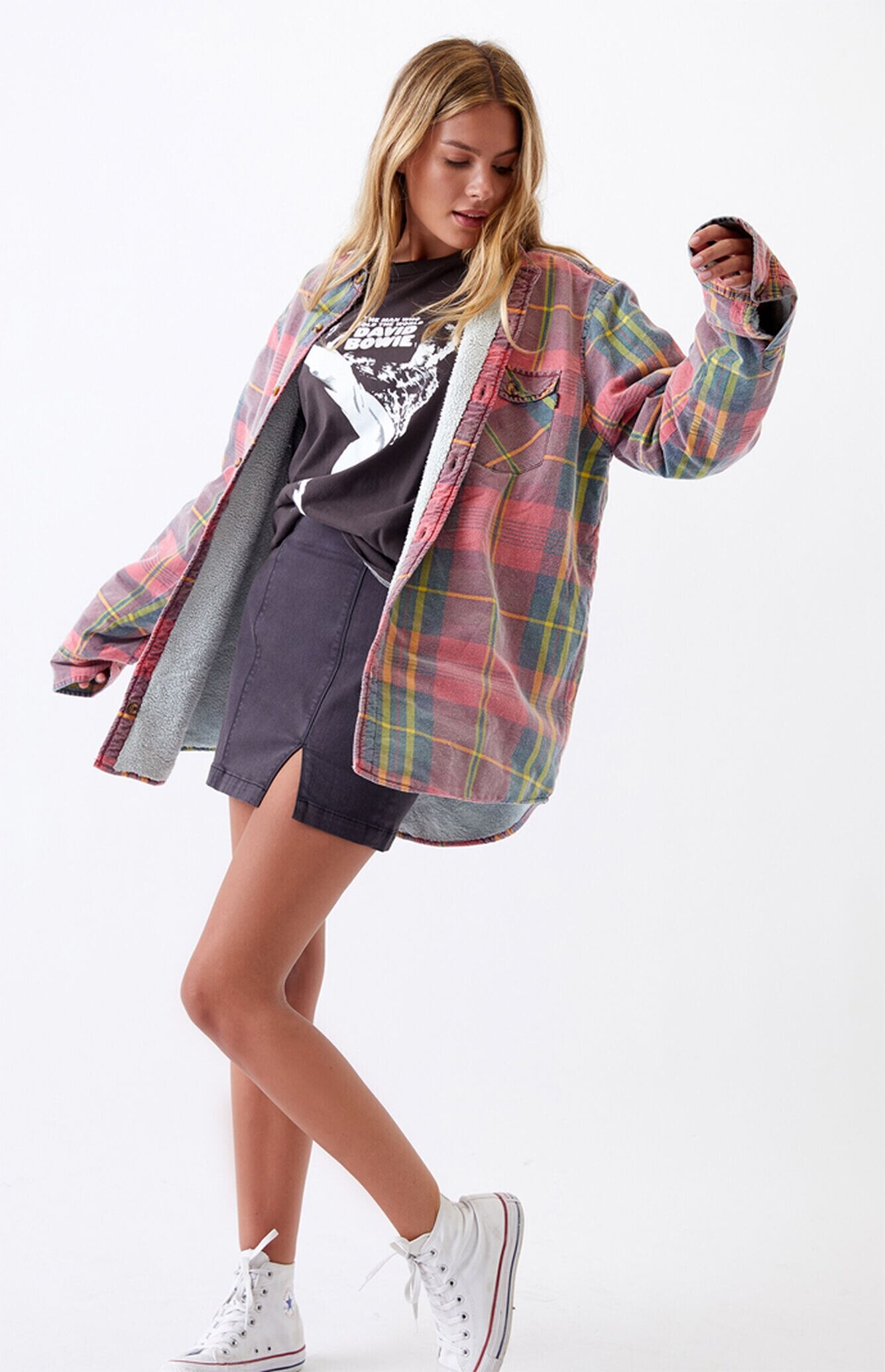
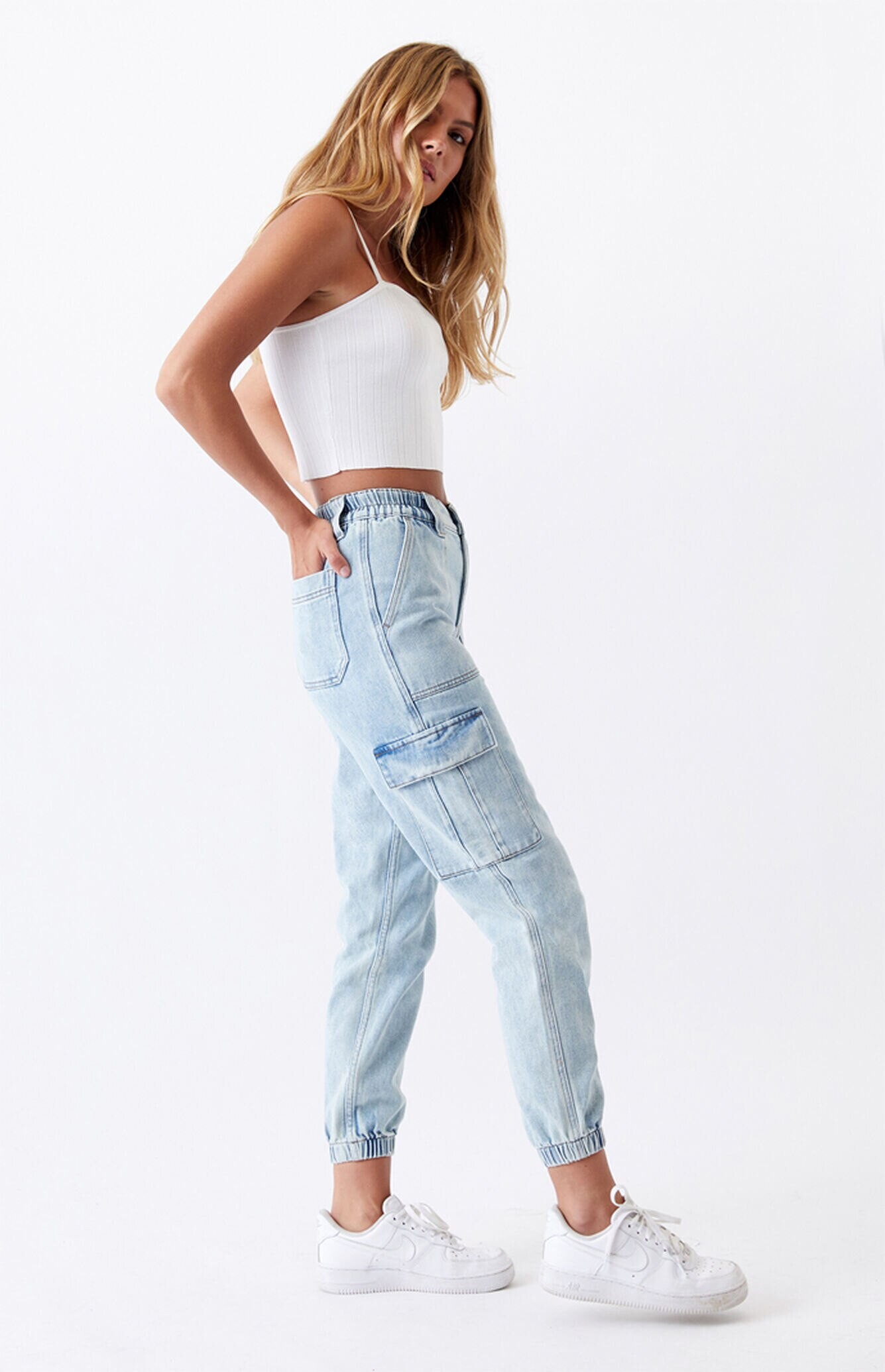
.jpg.07e33ed6b4db774a85f407a8f2e14a48.jpg)
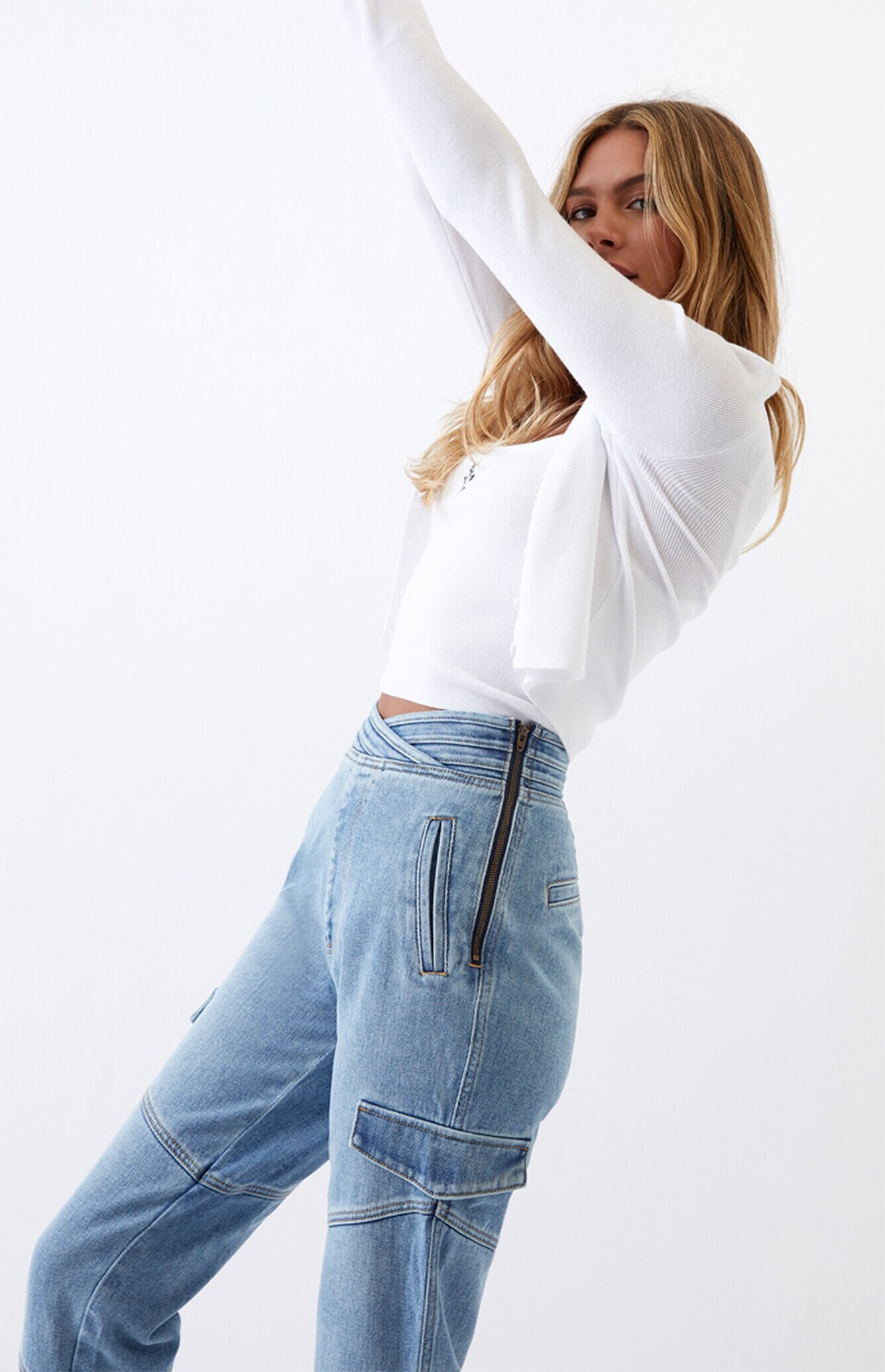

.jpg.721dadbfdf30b5a724cf3cb64d9788ad.jpg)
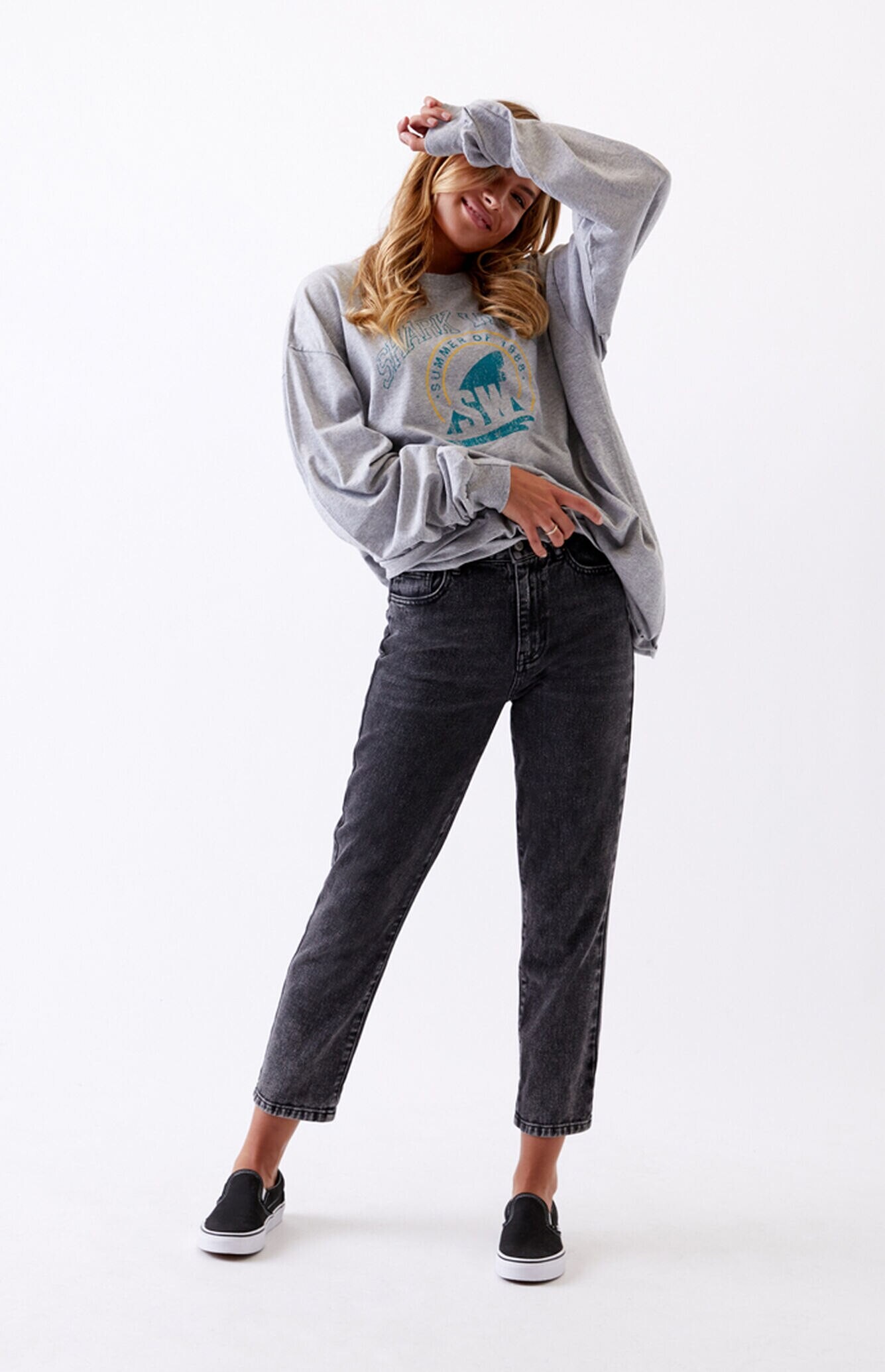
.jpg.feb05e8855d74f22dee973c83282ddcf.jpg)
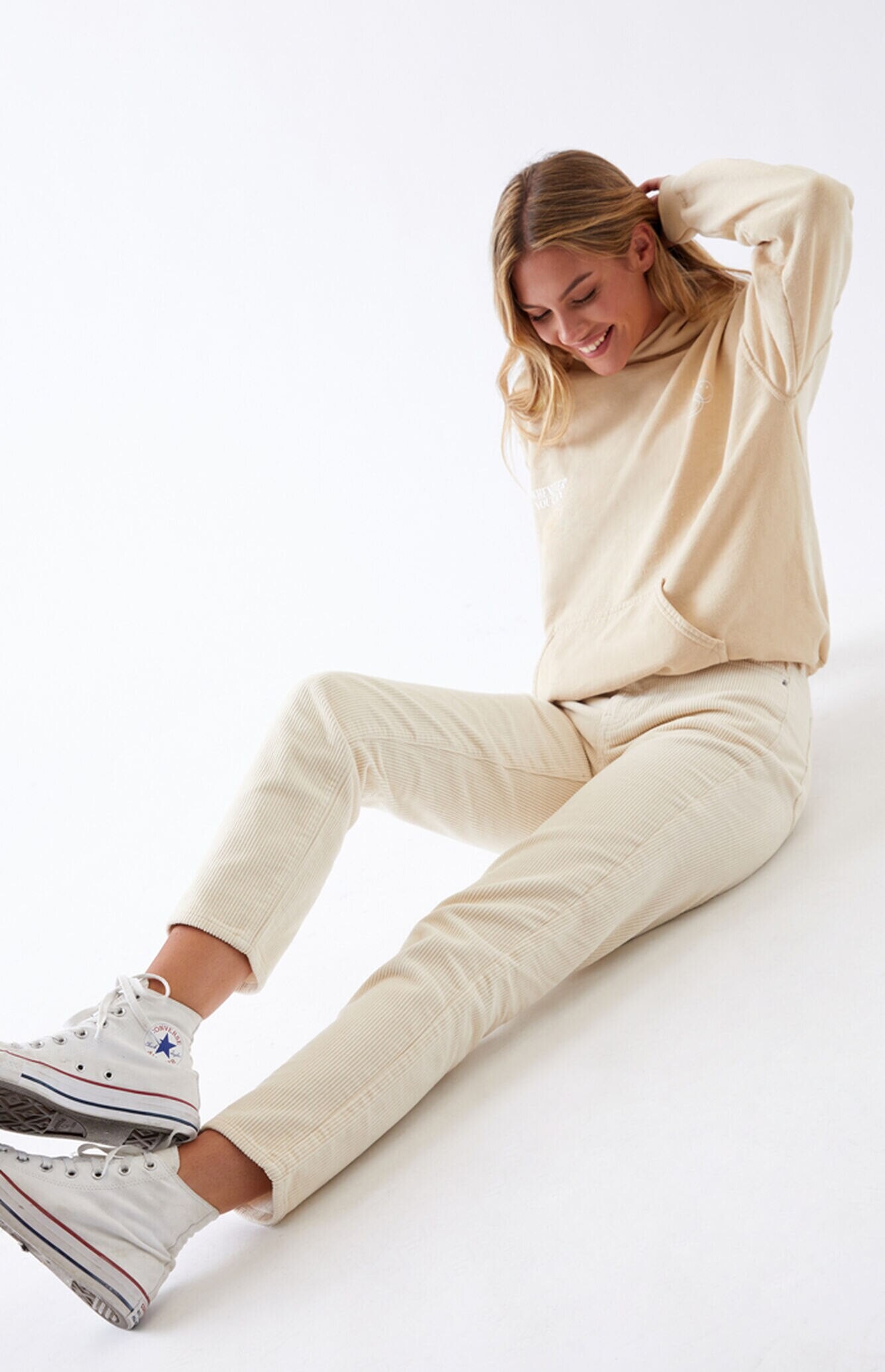
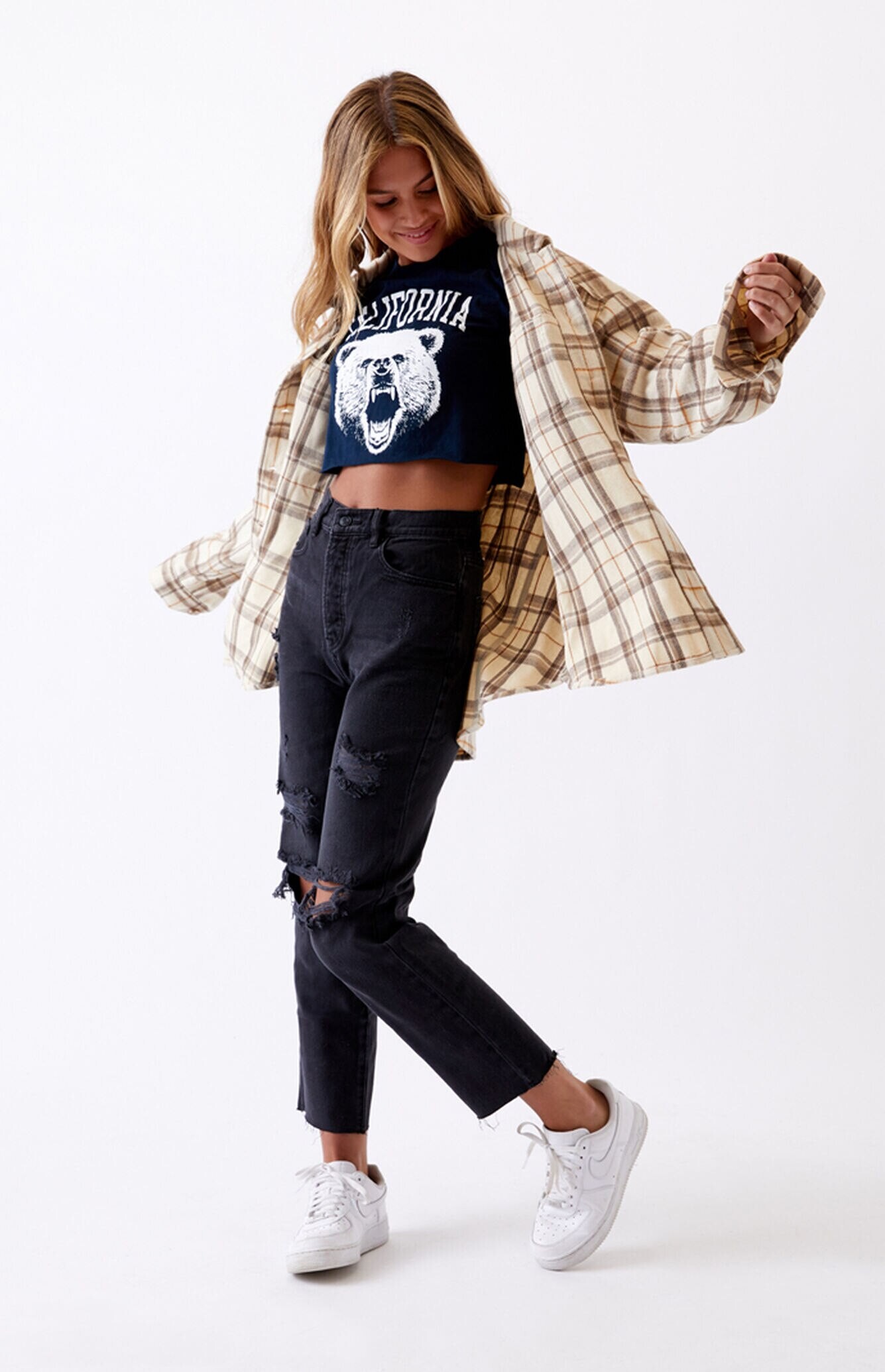
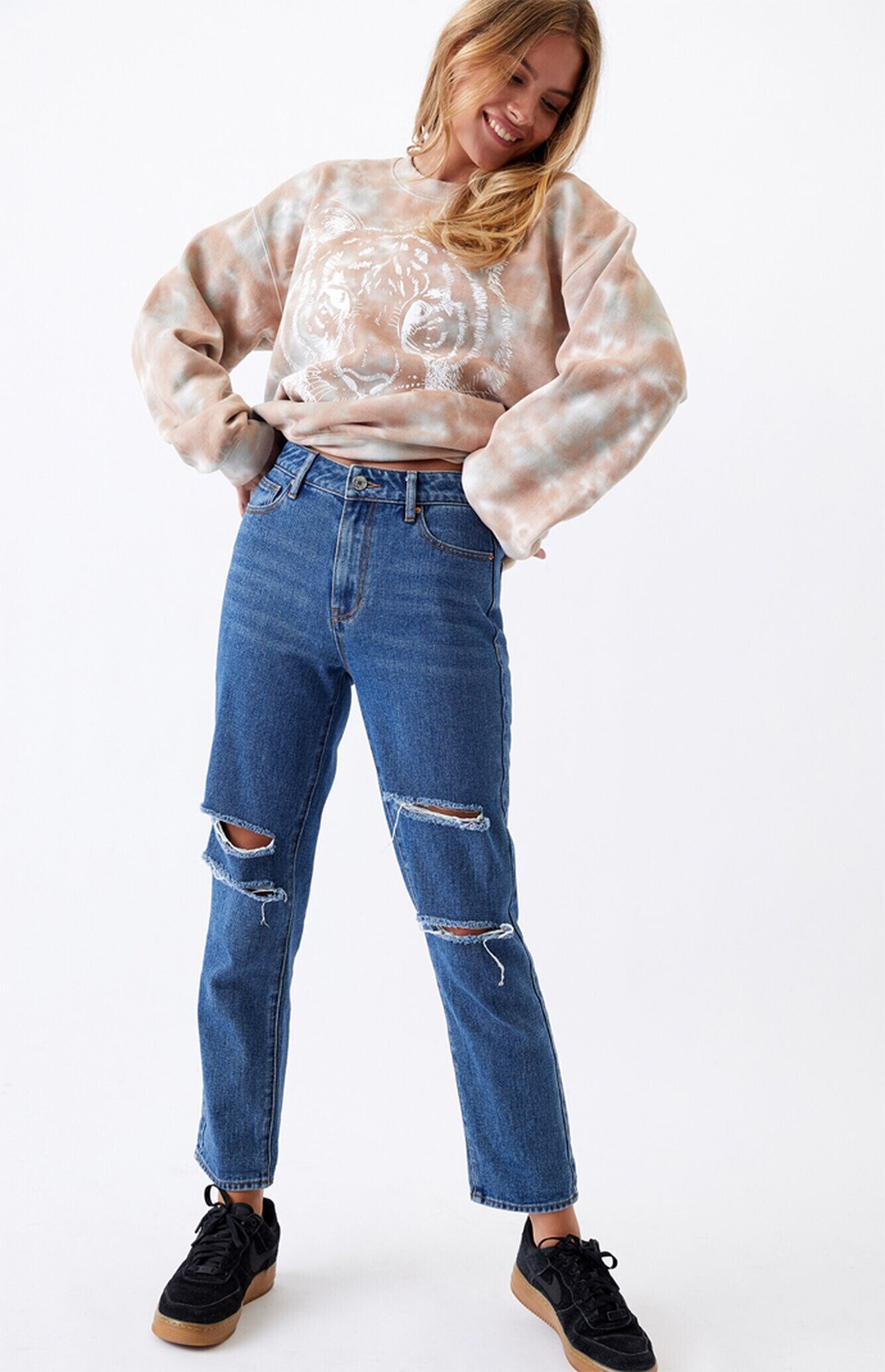
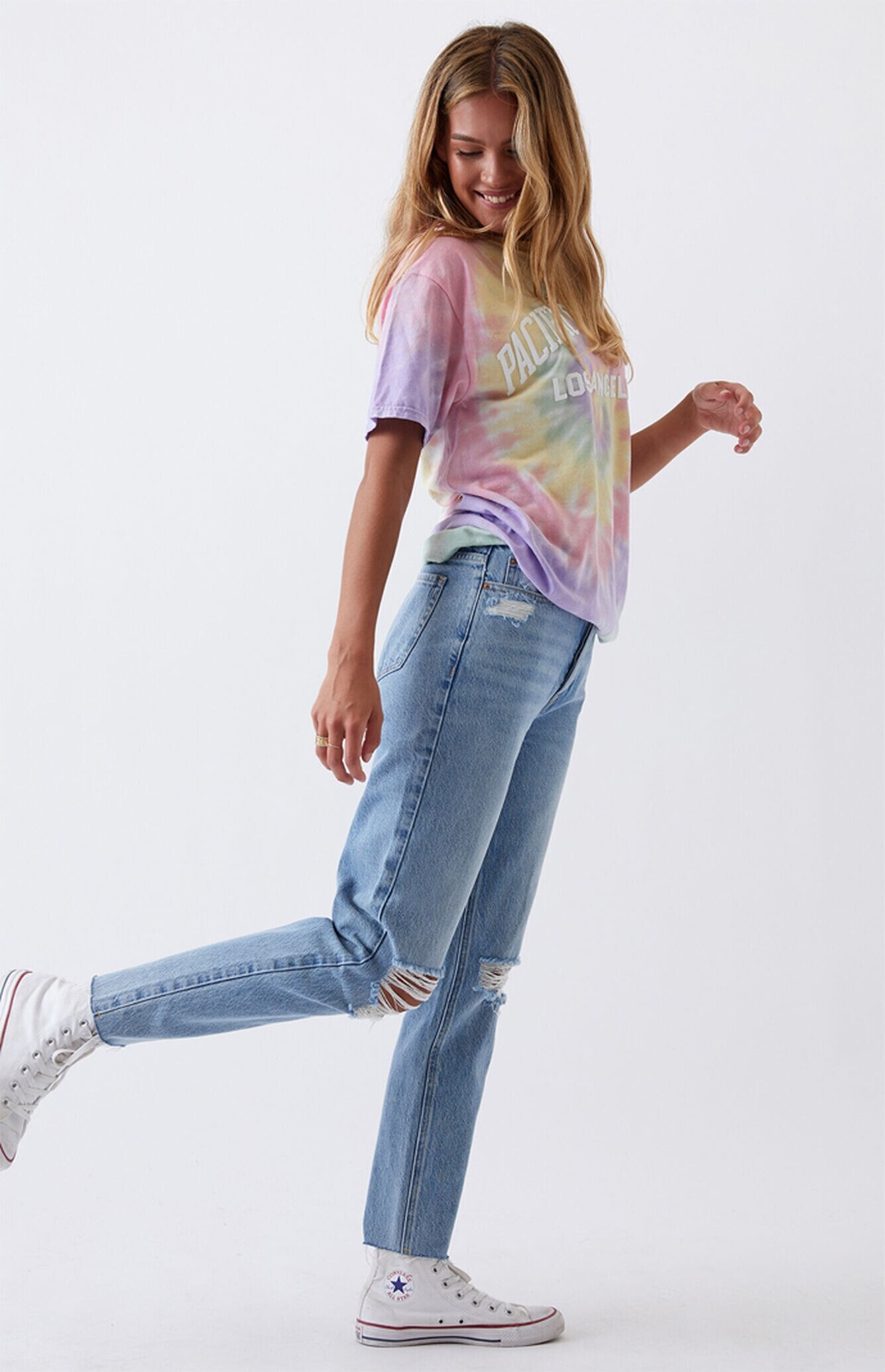

.jpg.5ccd92e7947b7b58203f8d11006f0796.jpg)
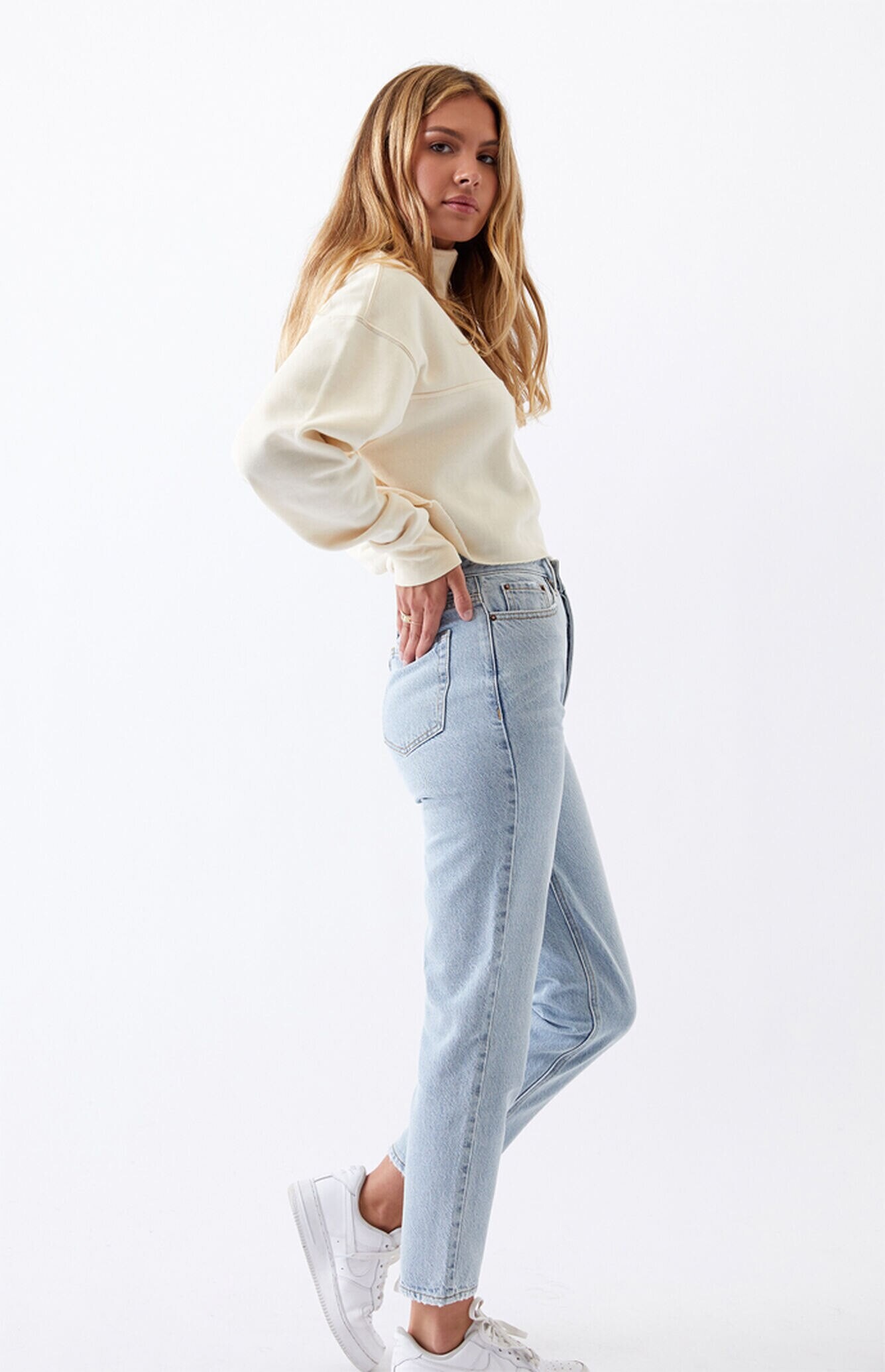
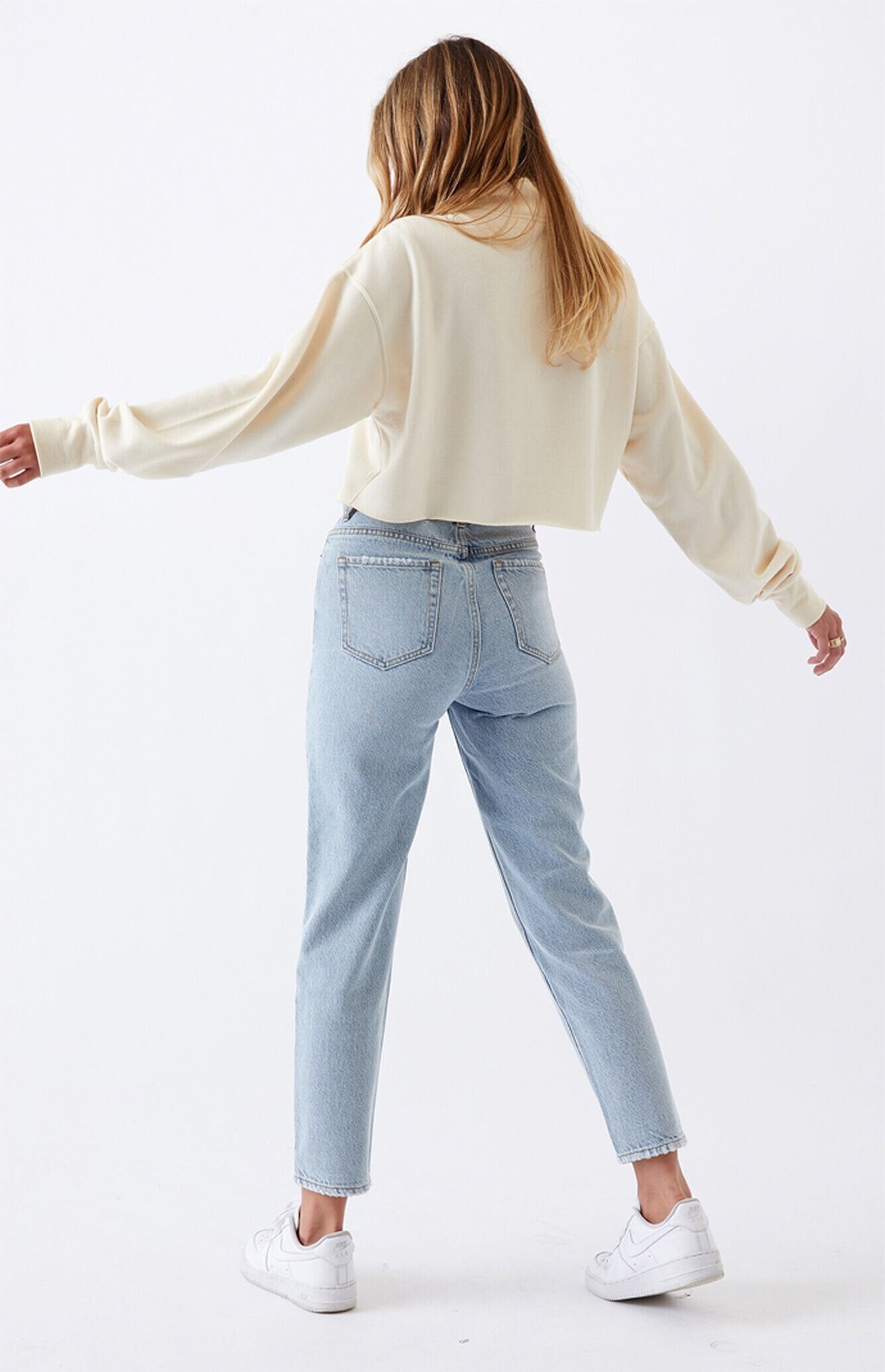
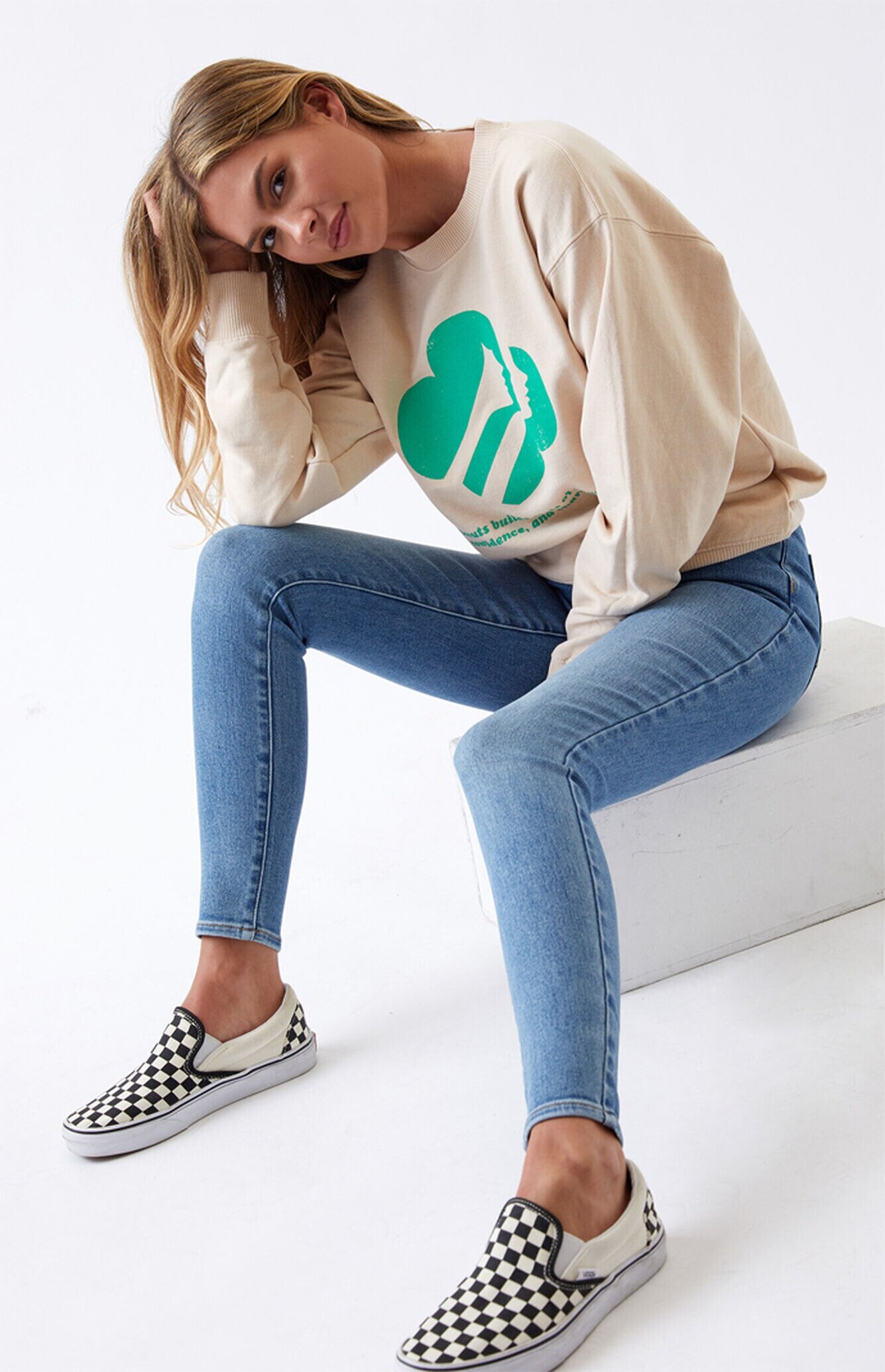
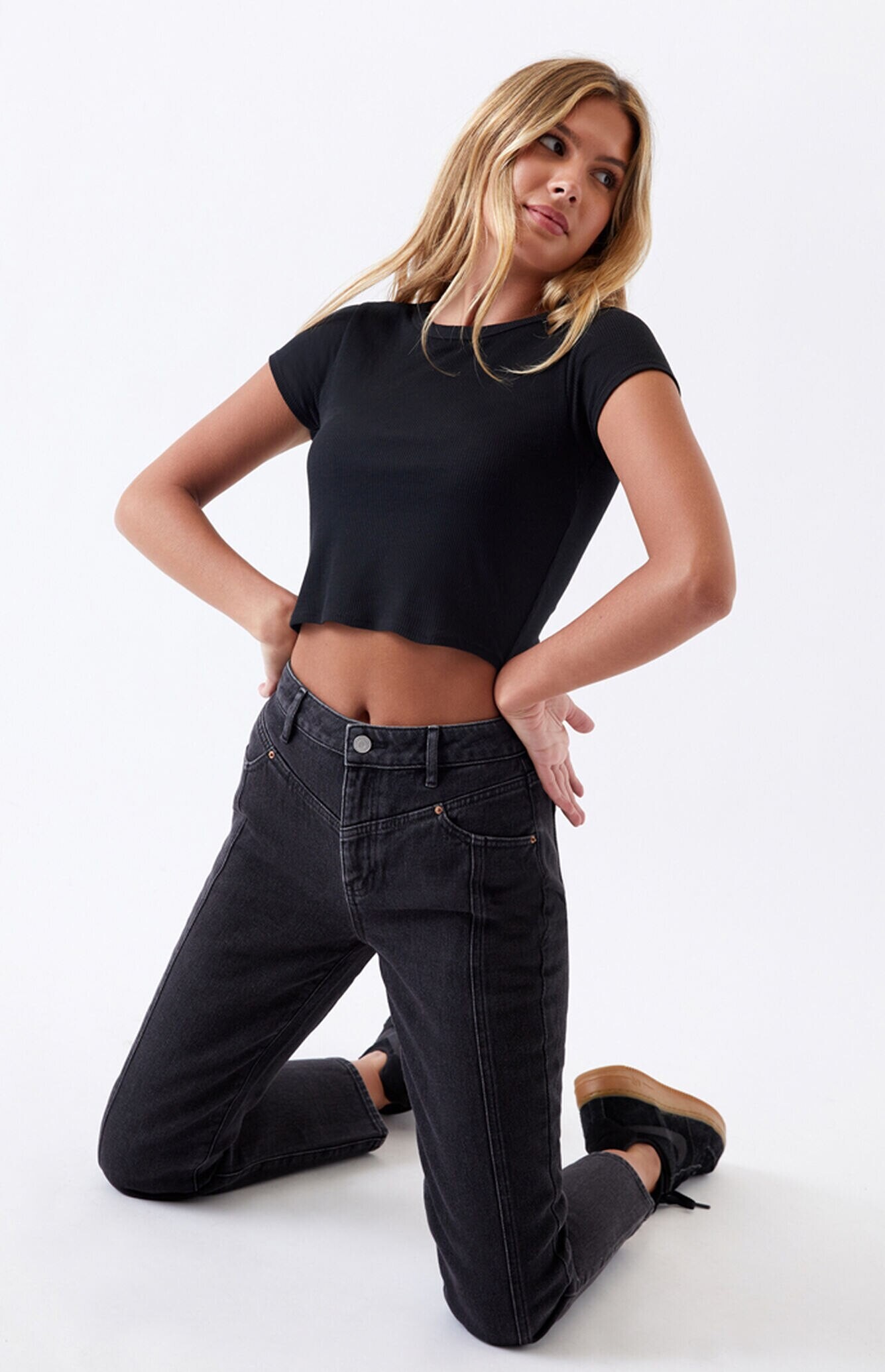
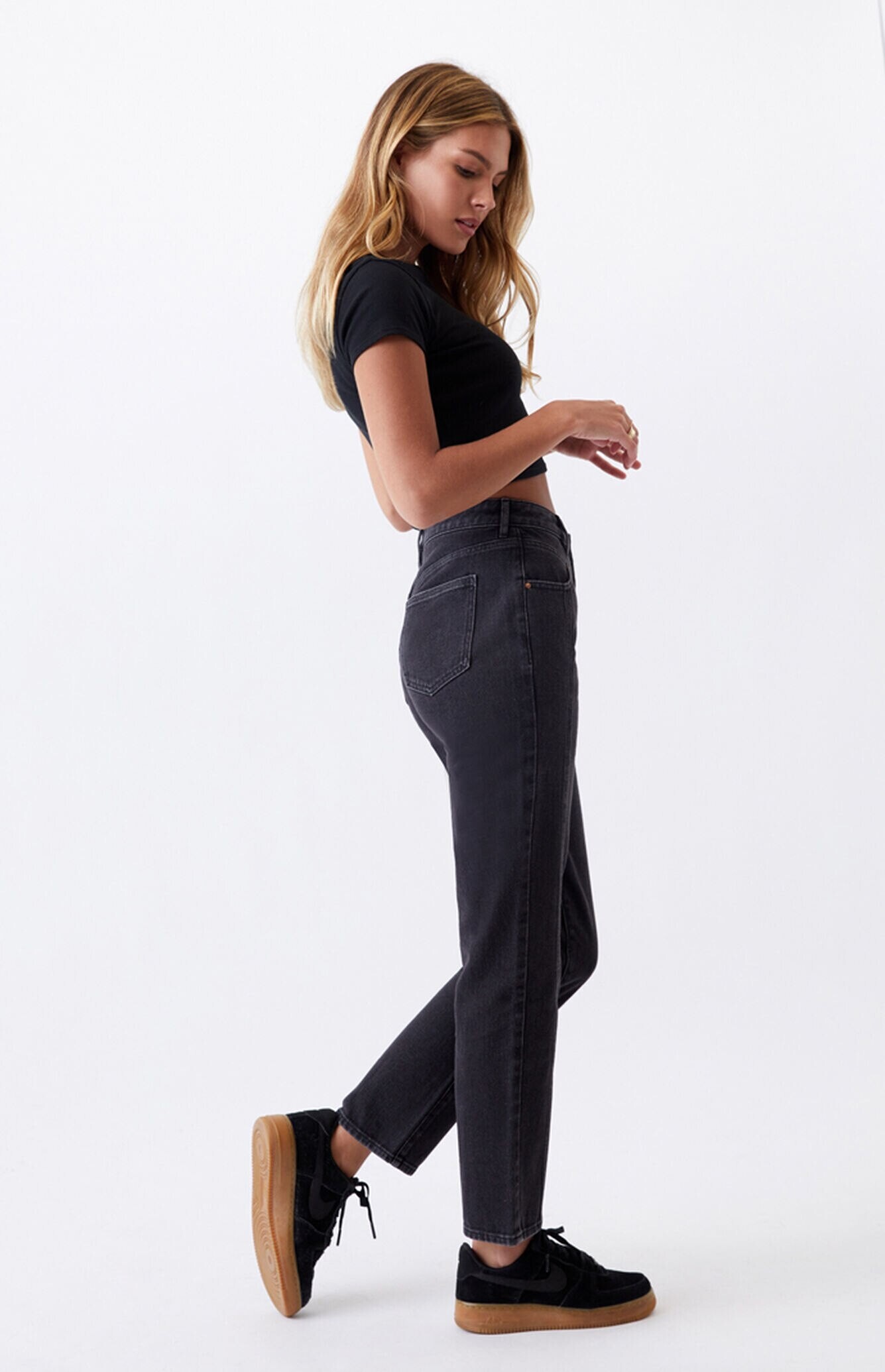
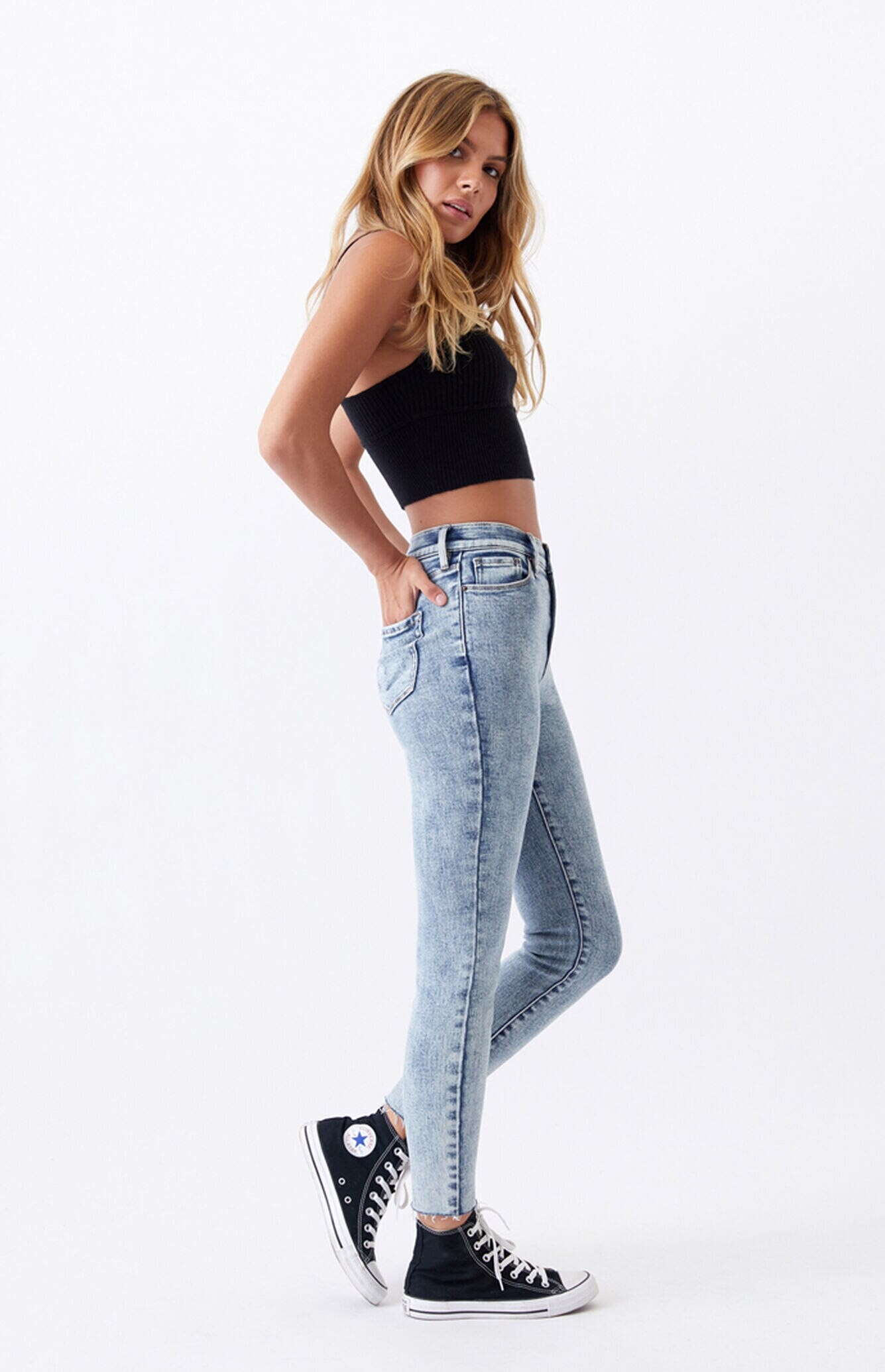

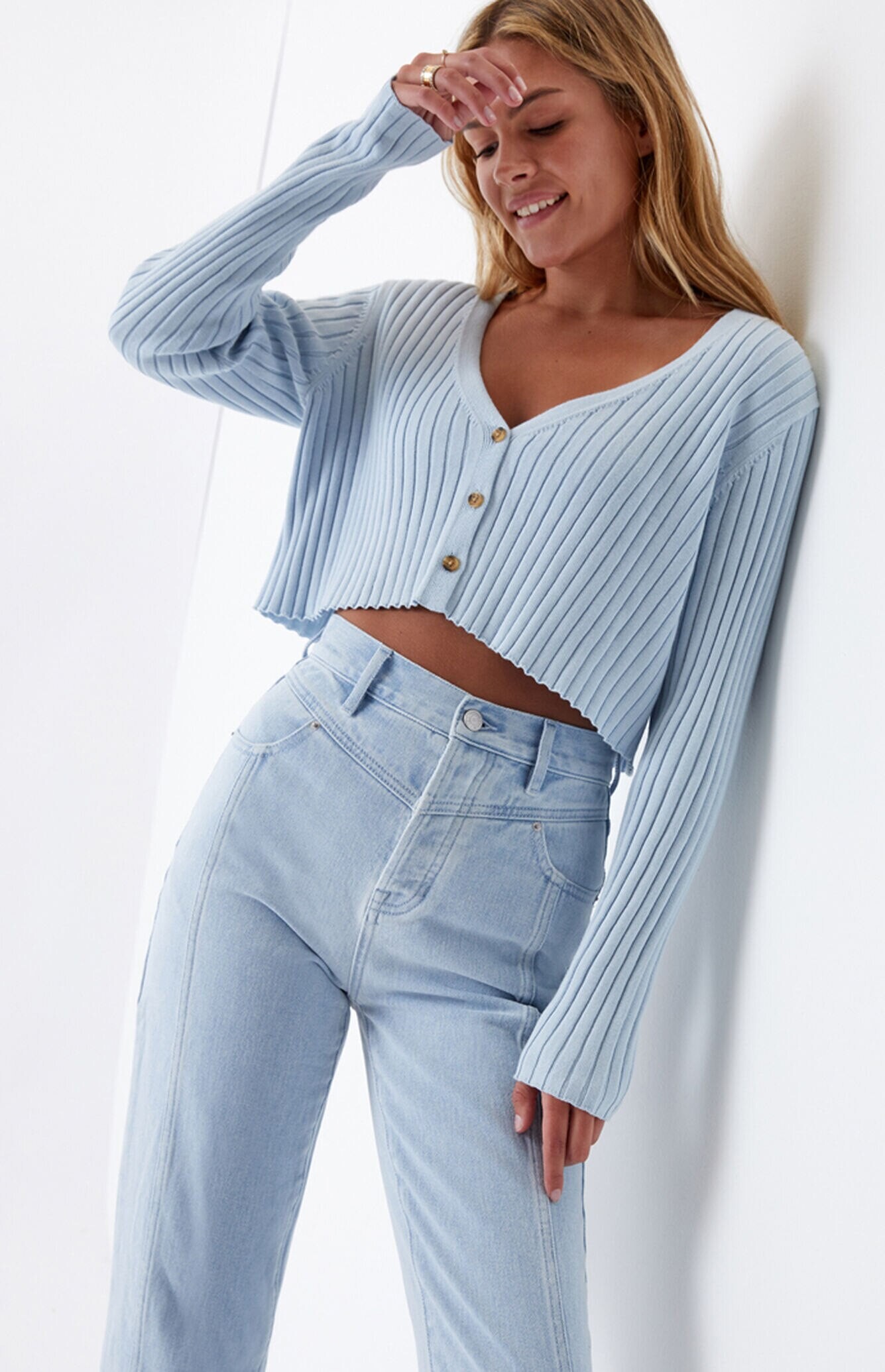
.jpg.9f7ea2309c61a6ba32c0c7038857617d.jpg)
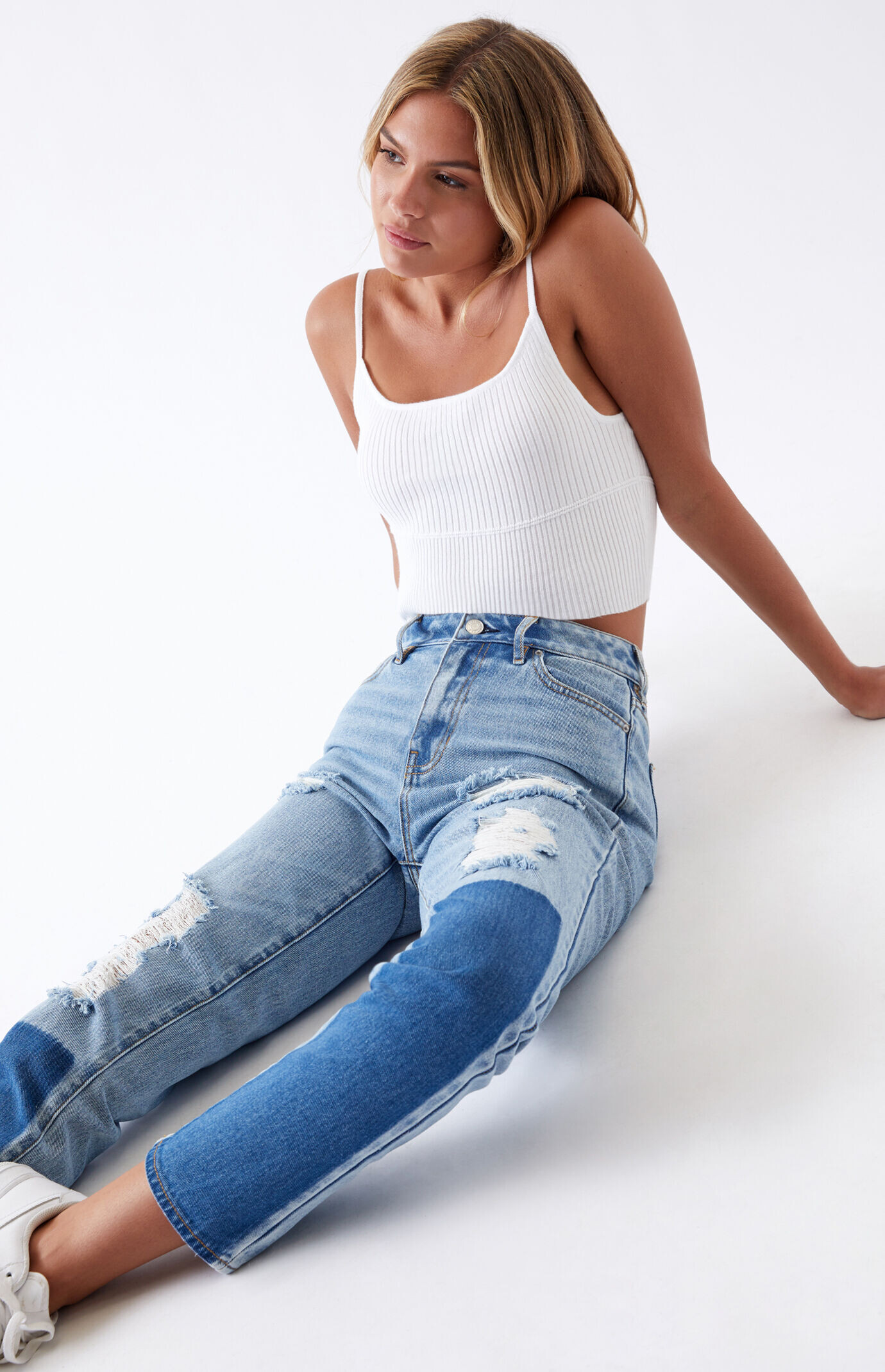
.jpg.537370c1bfebe7270de39146a8277ba3.jpg)
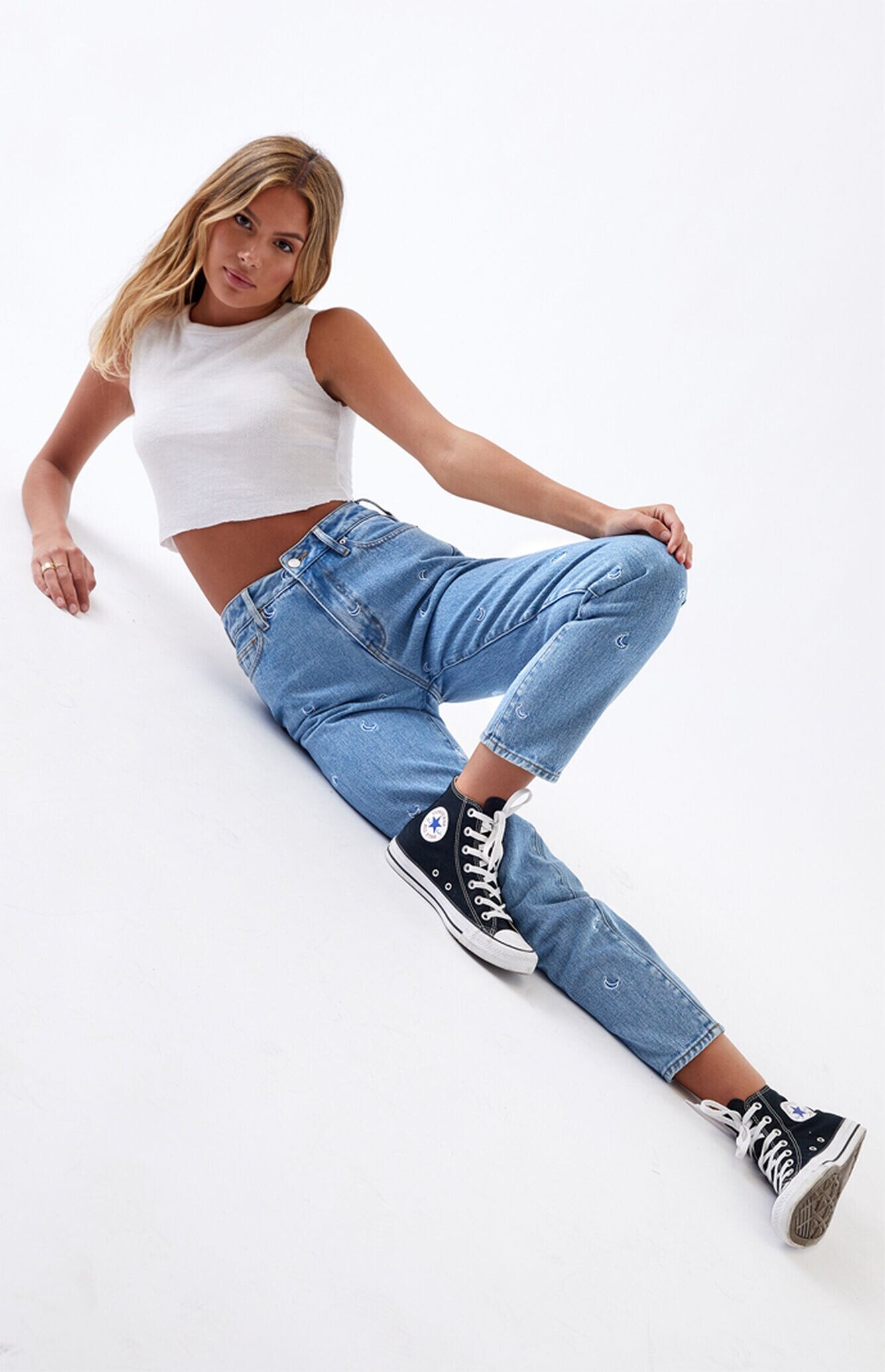

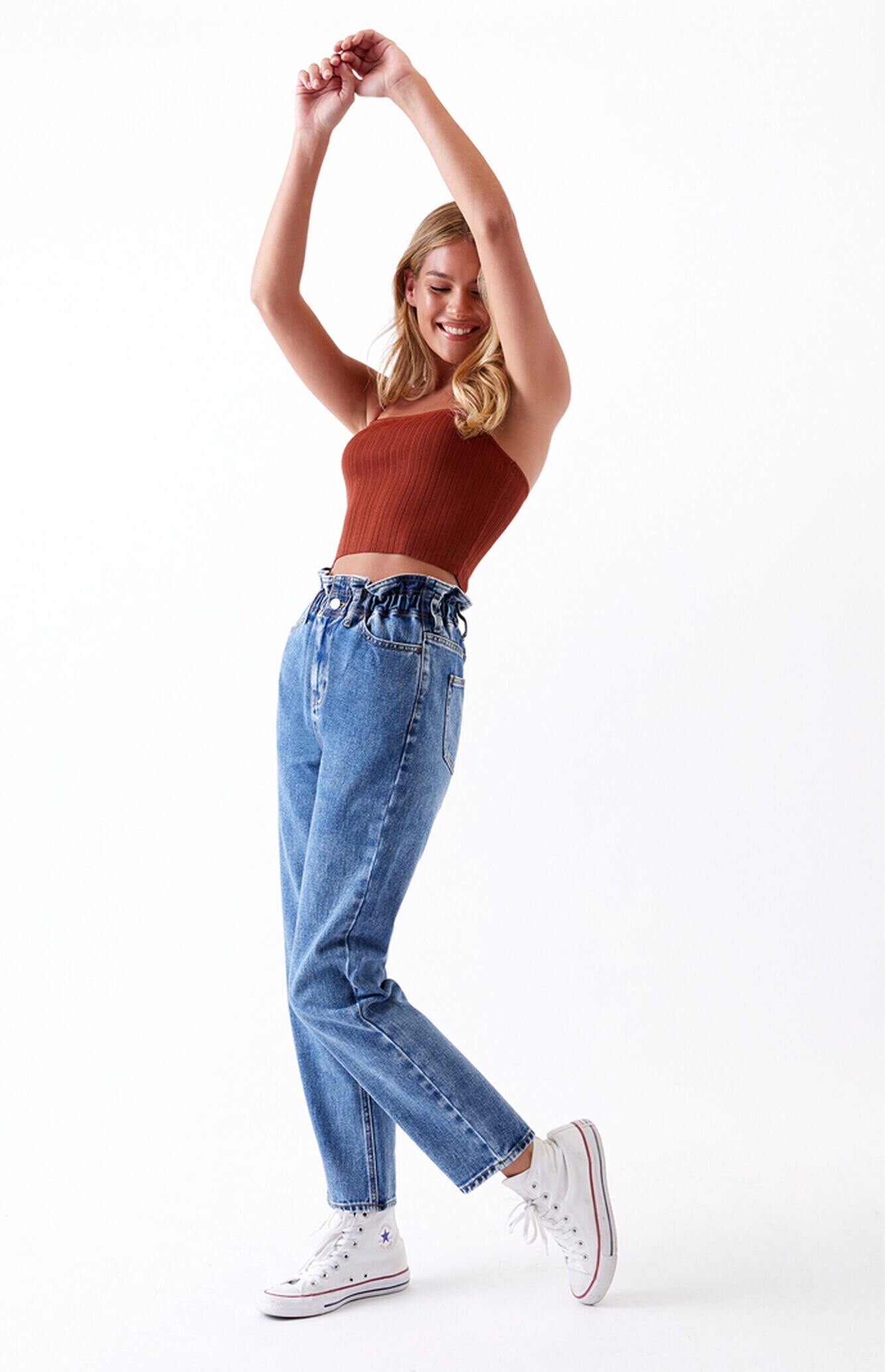
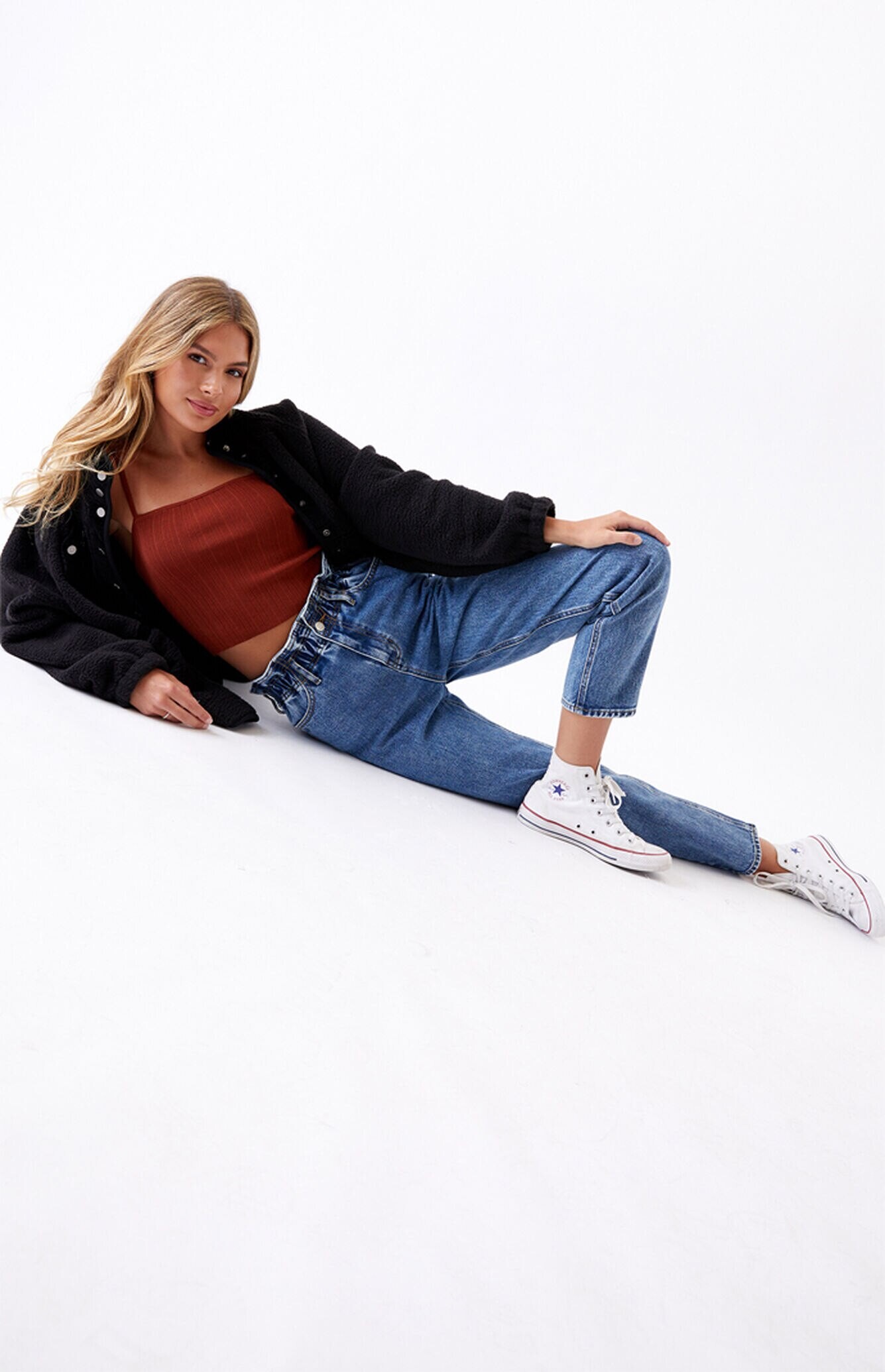
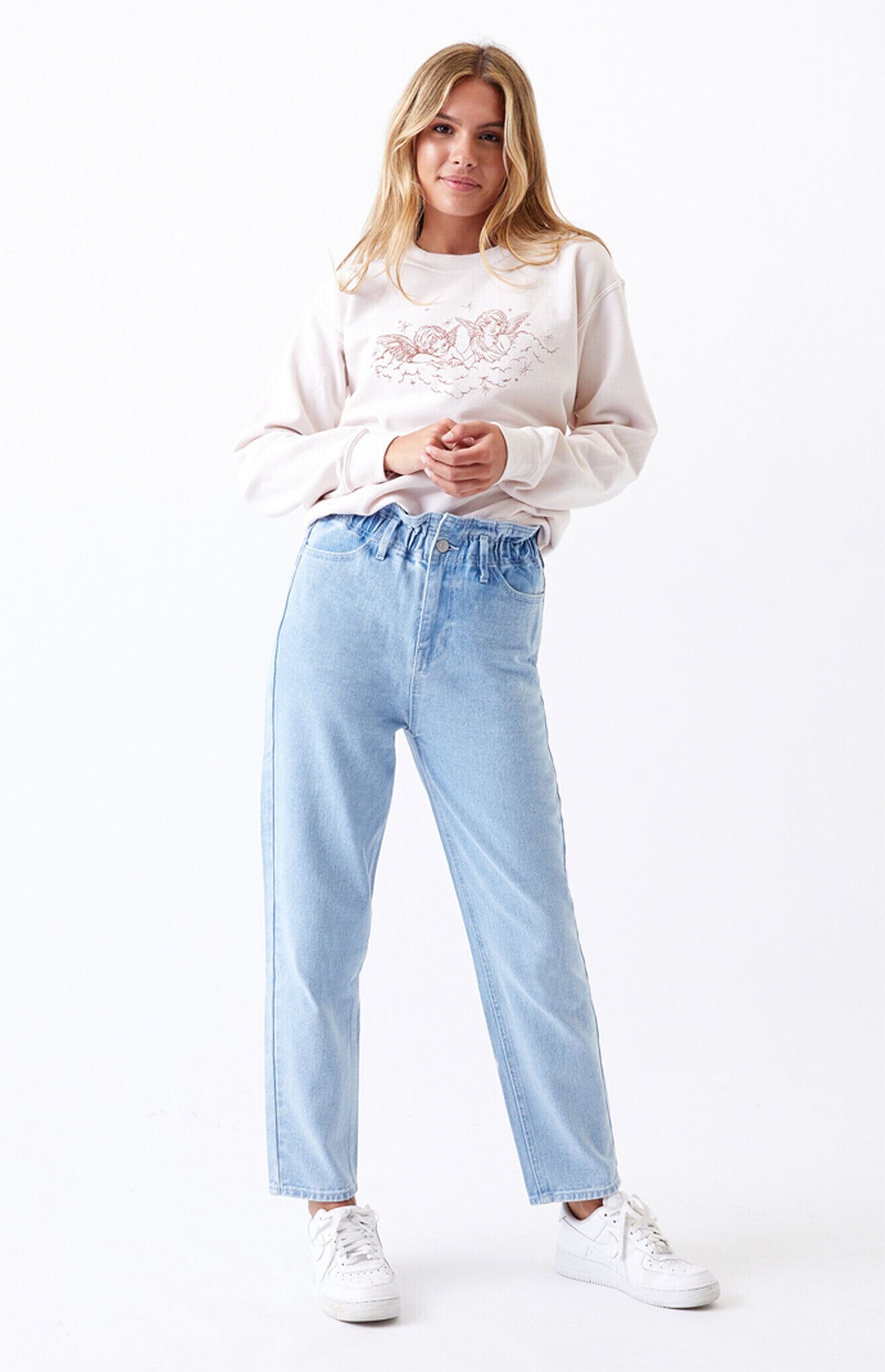

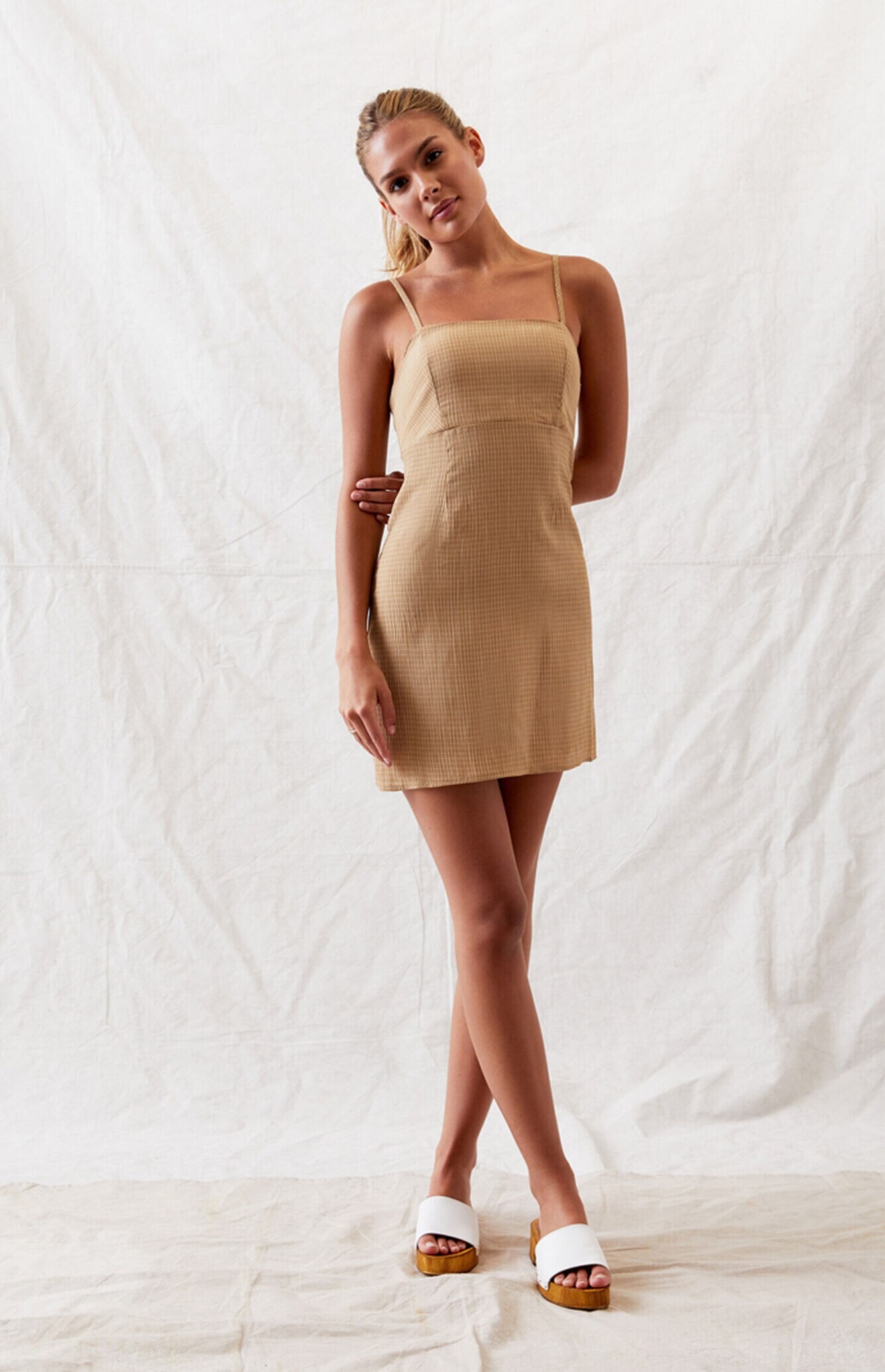
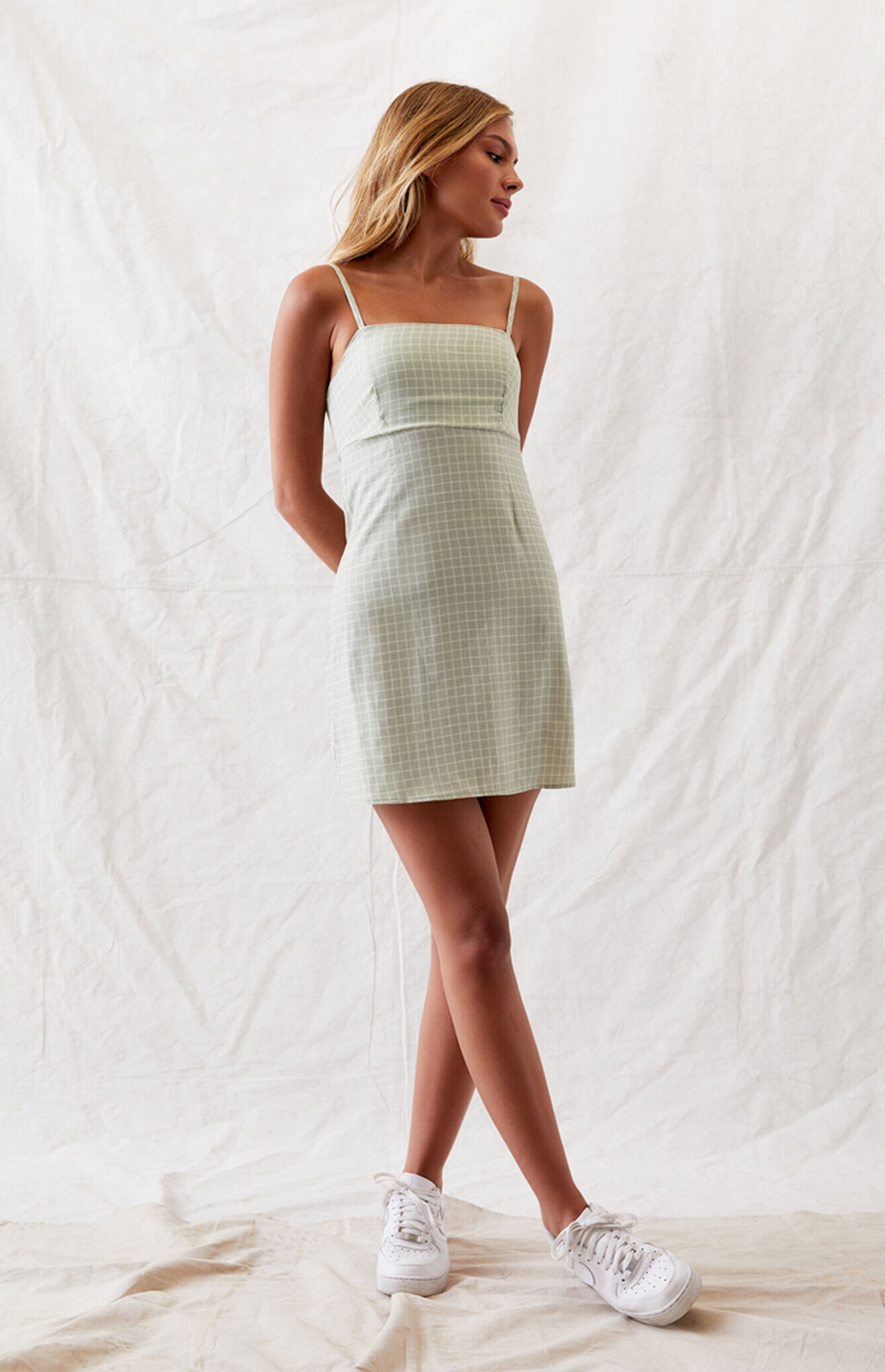
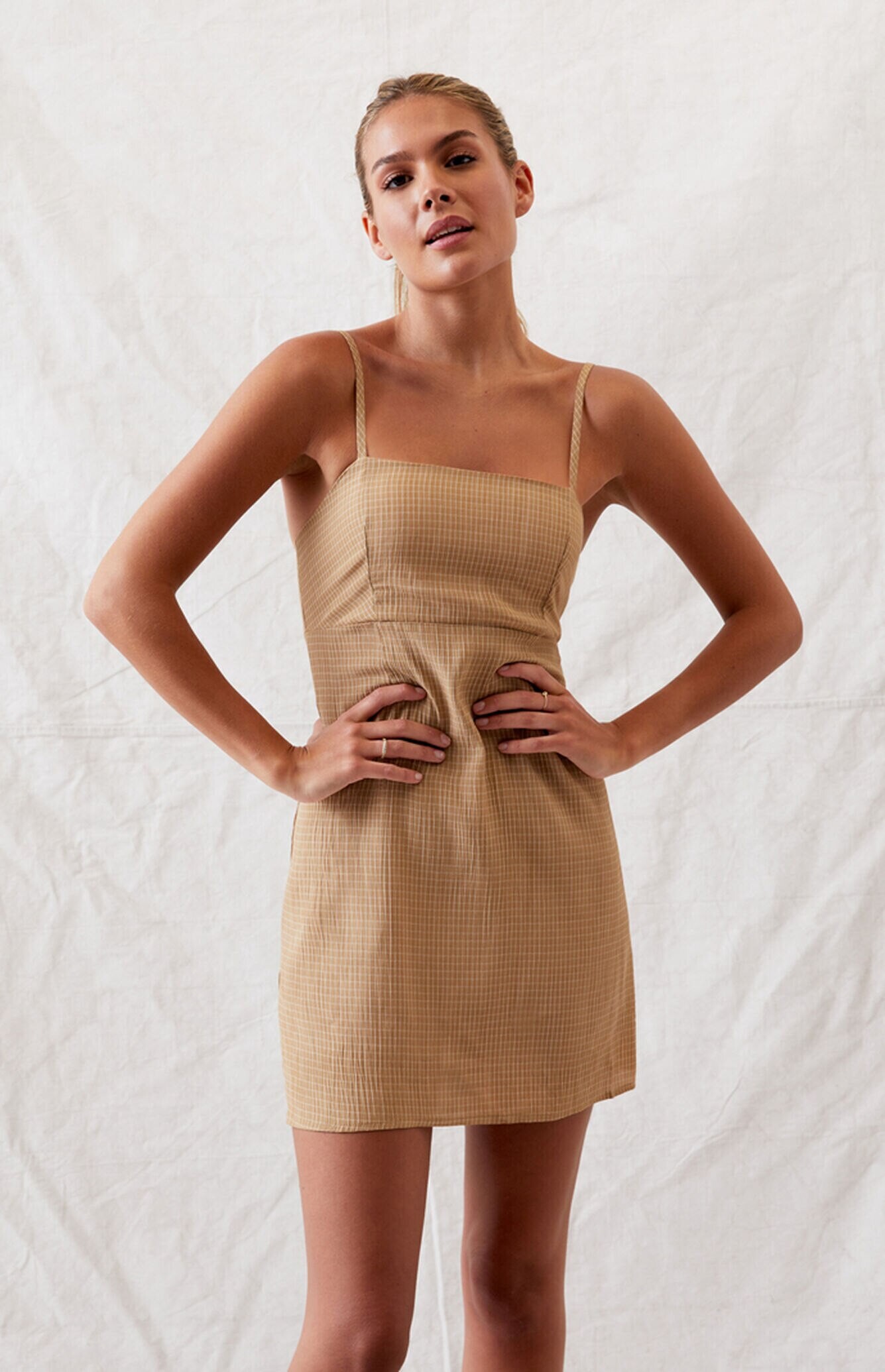
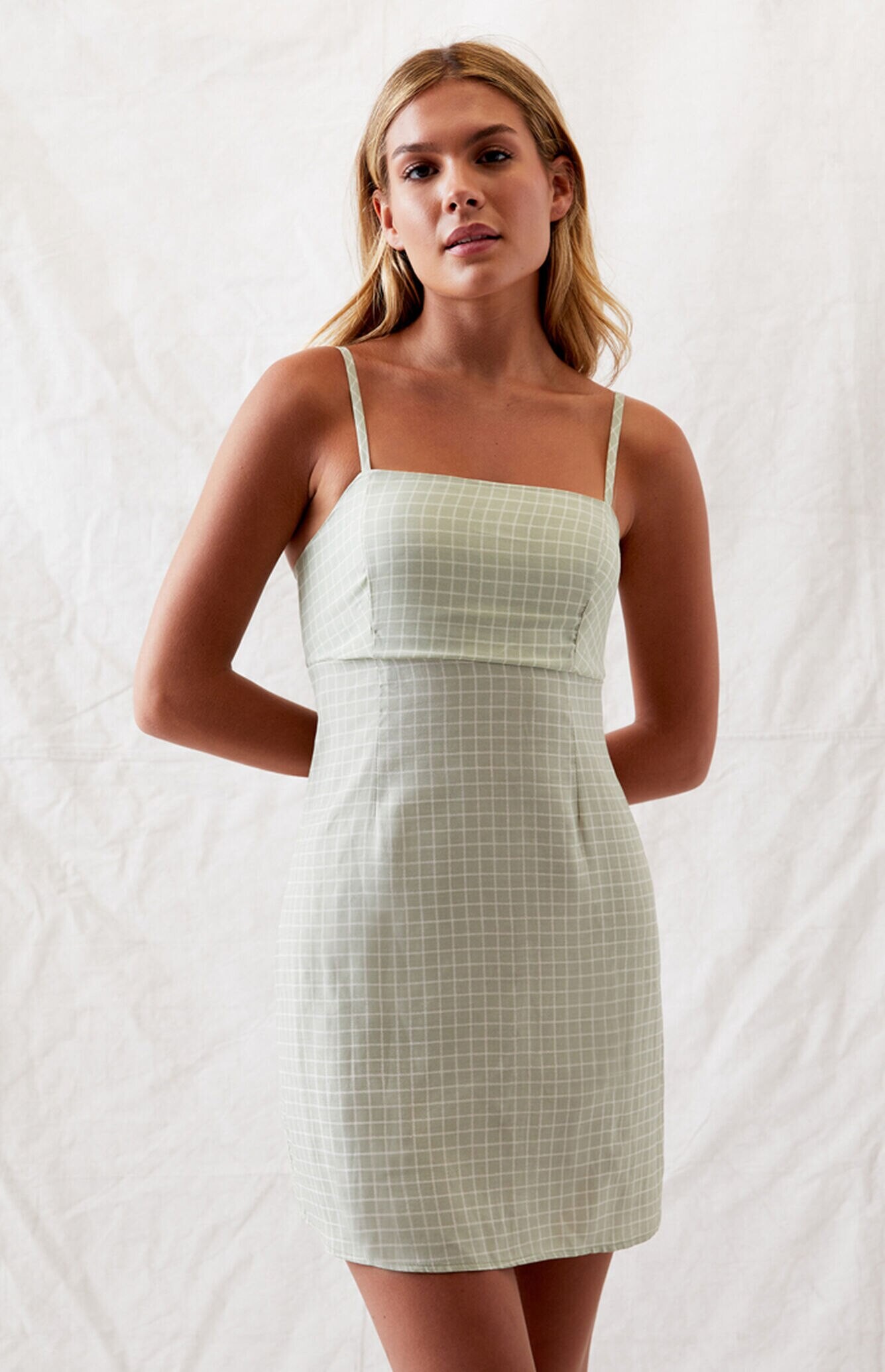

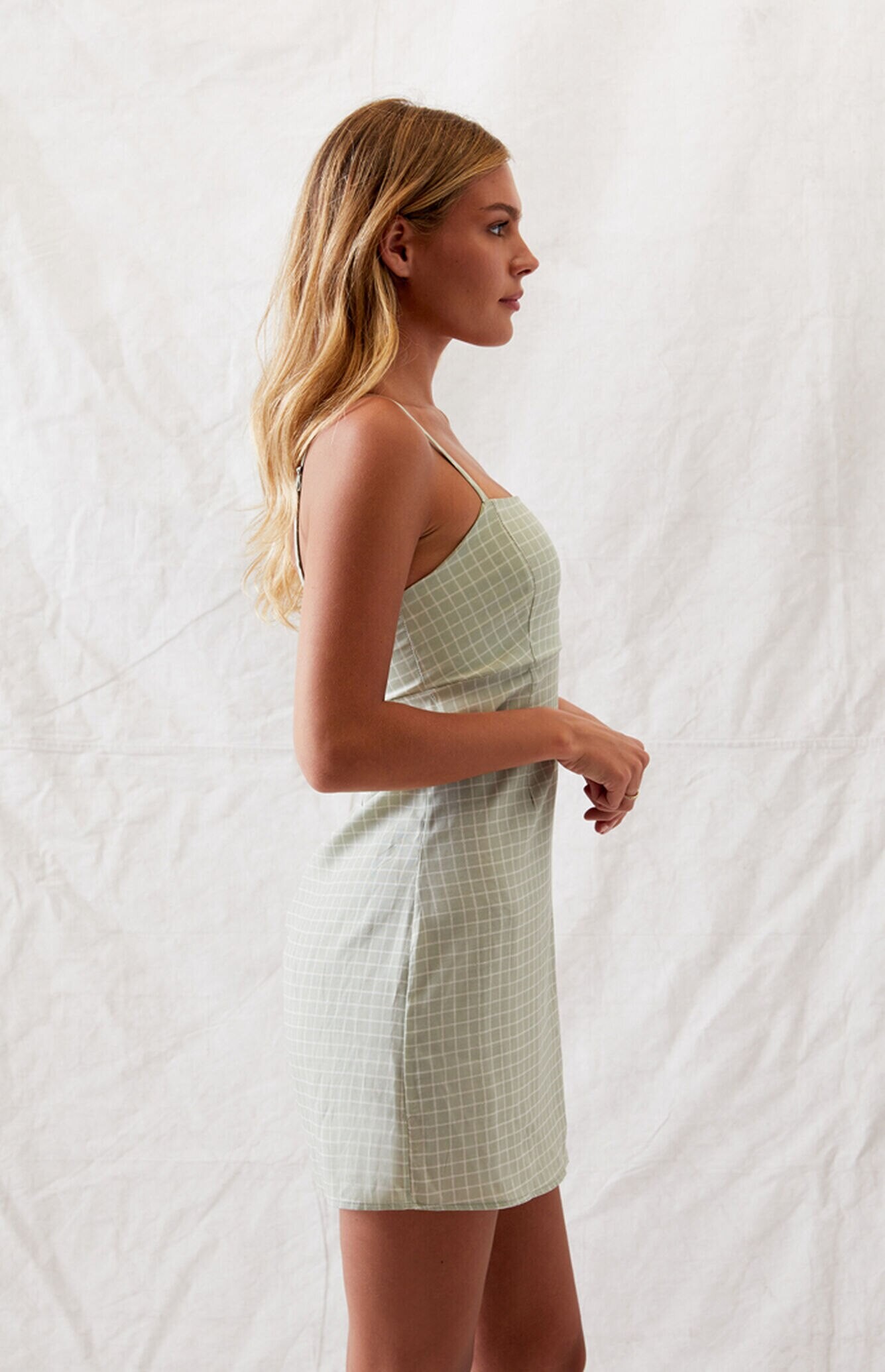
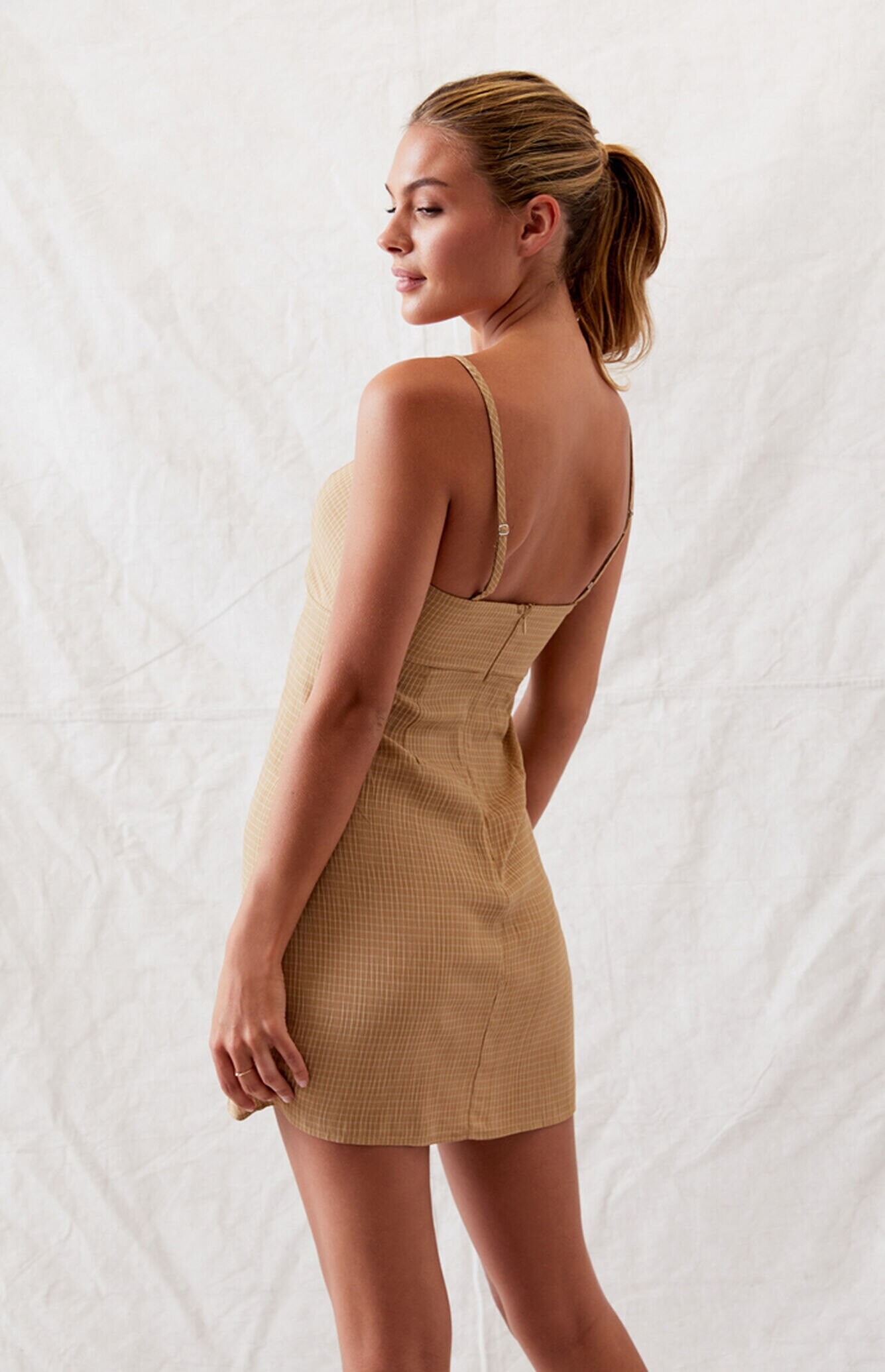
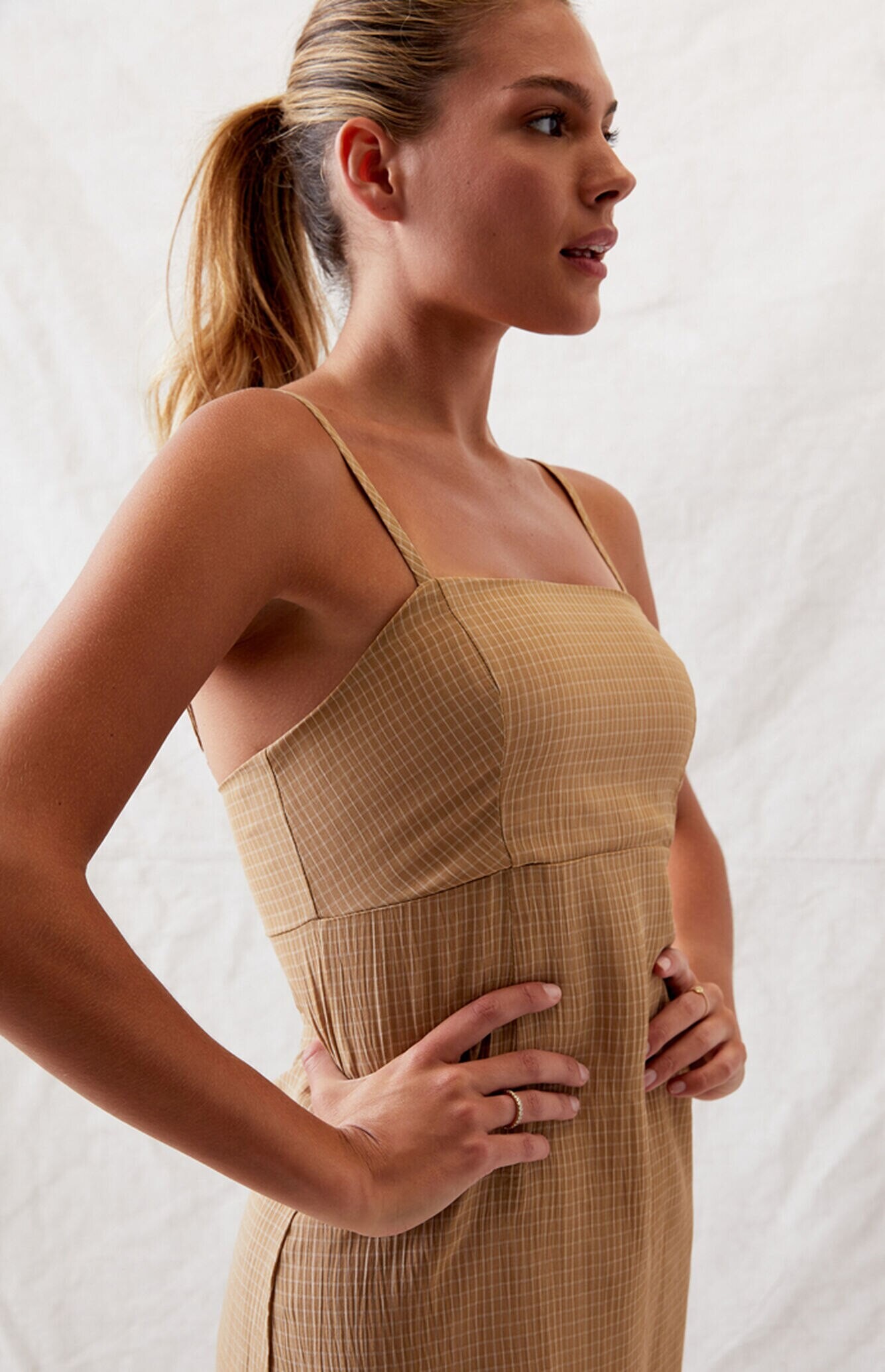
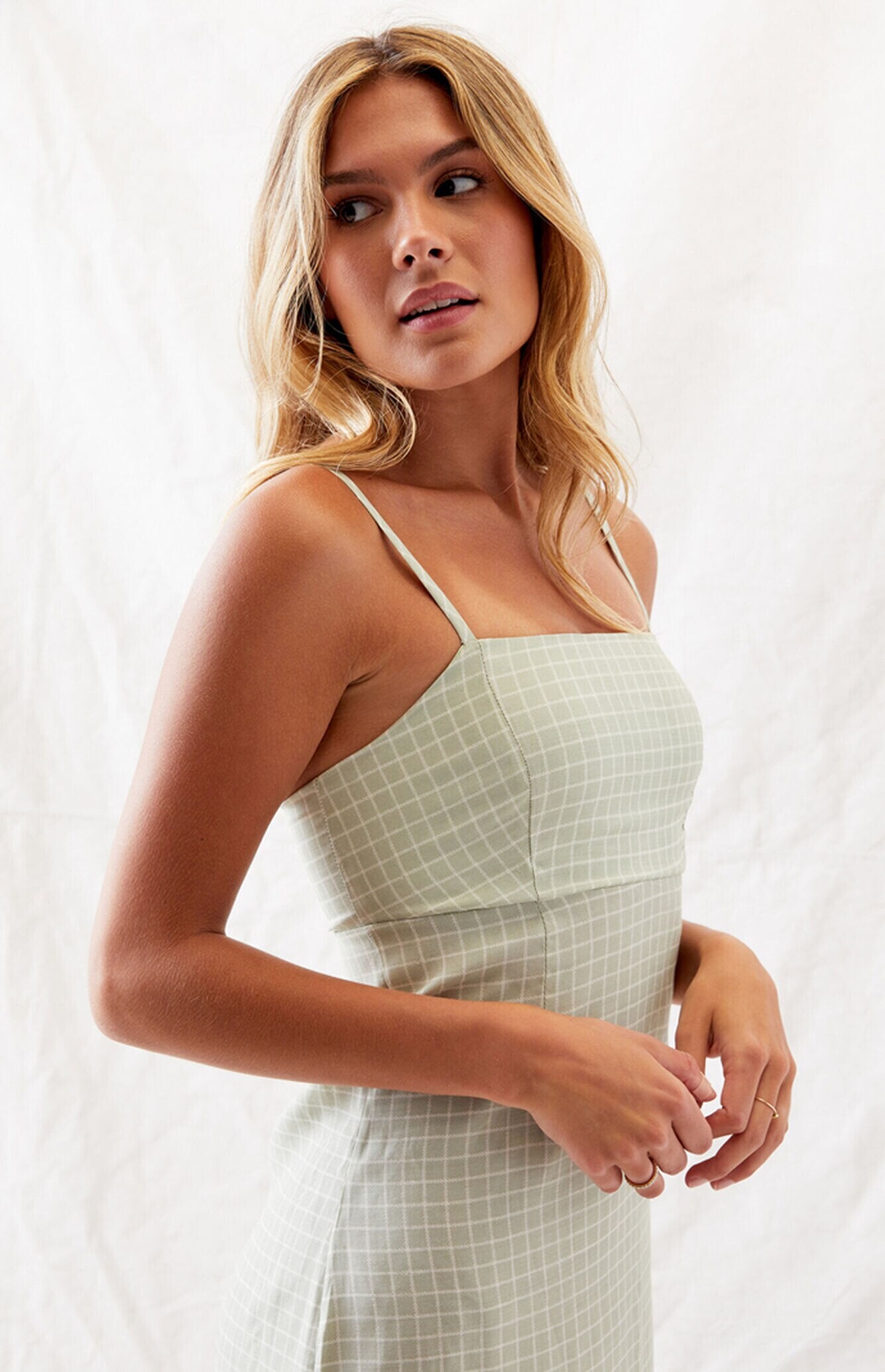
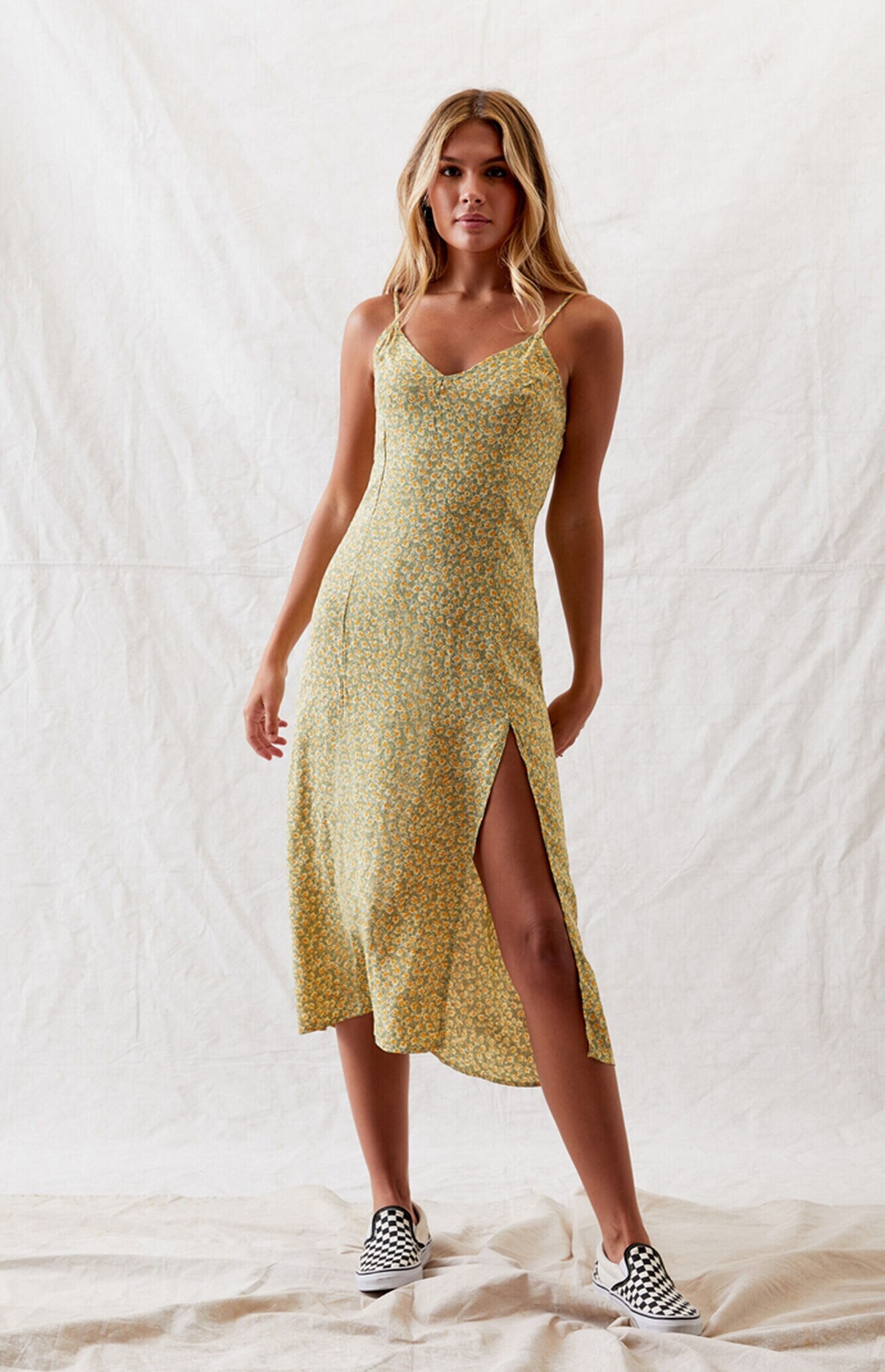
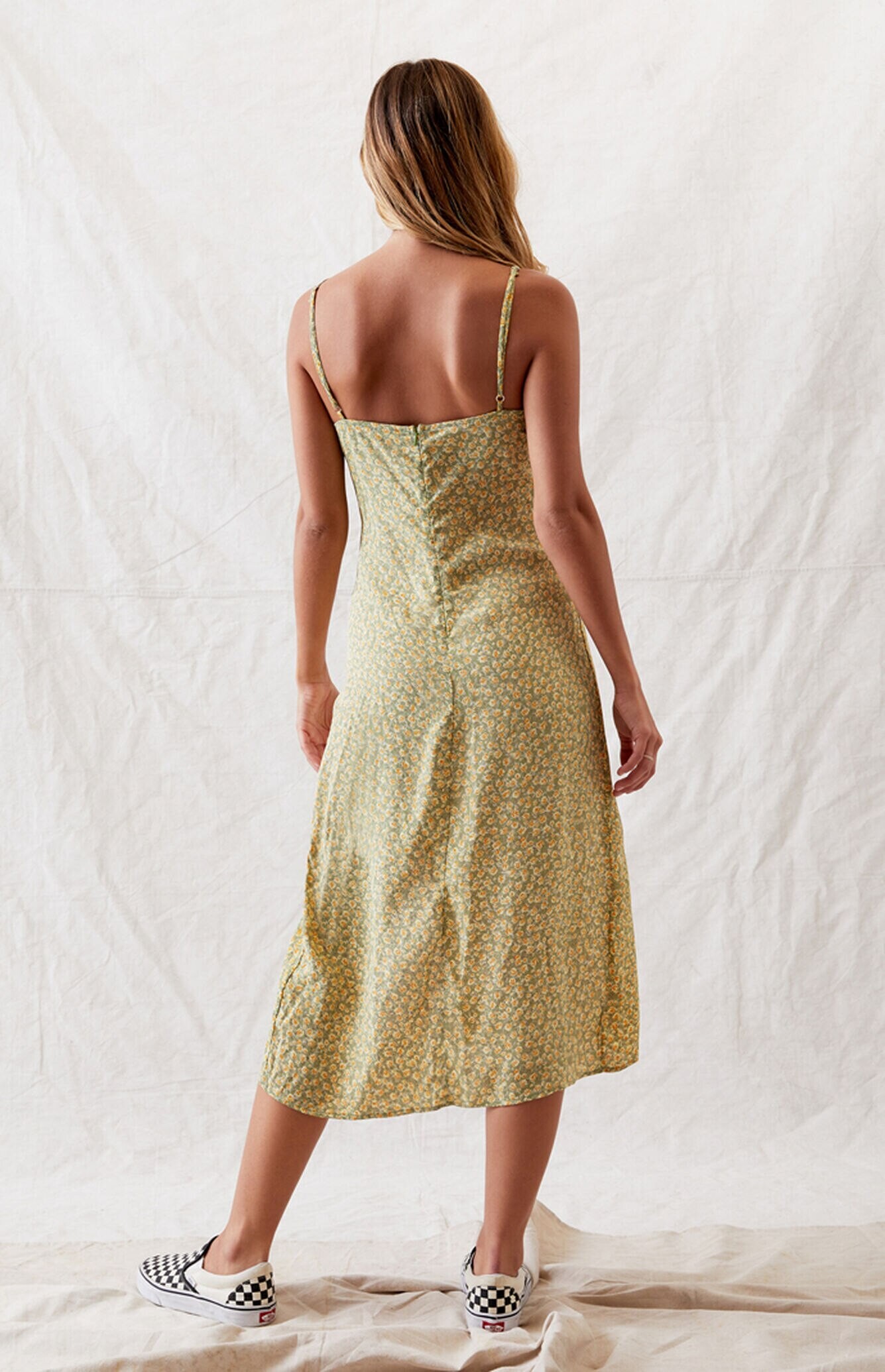

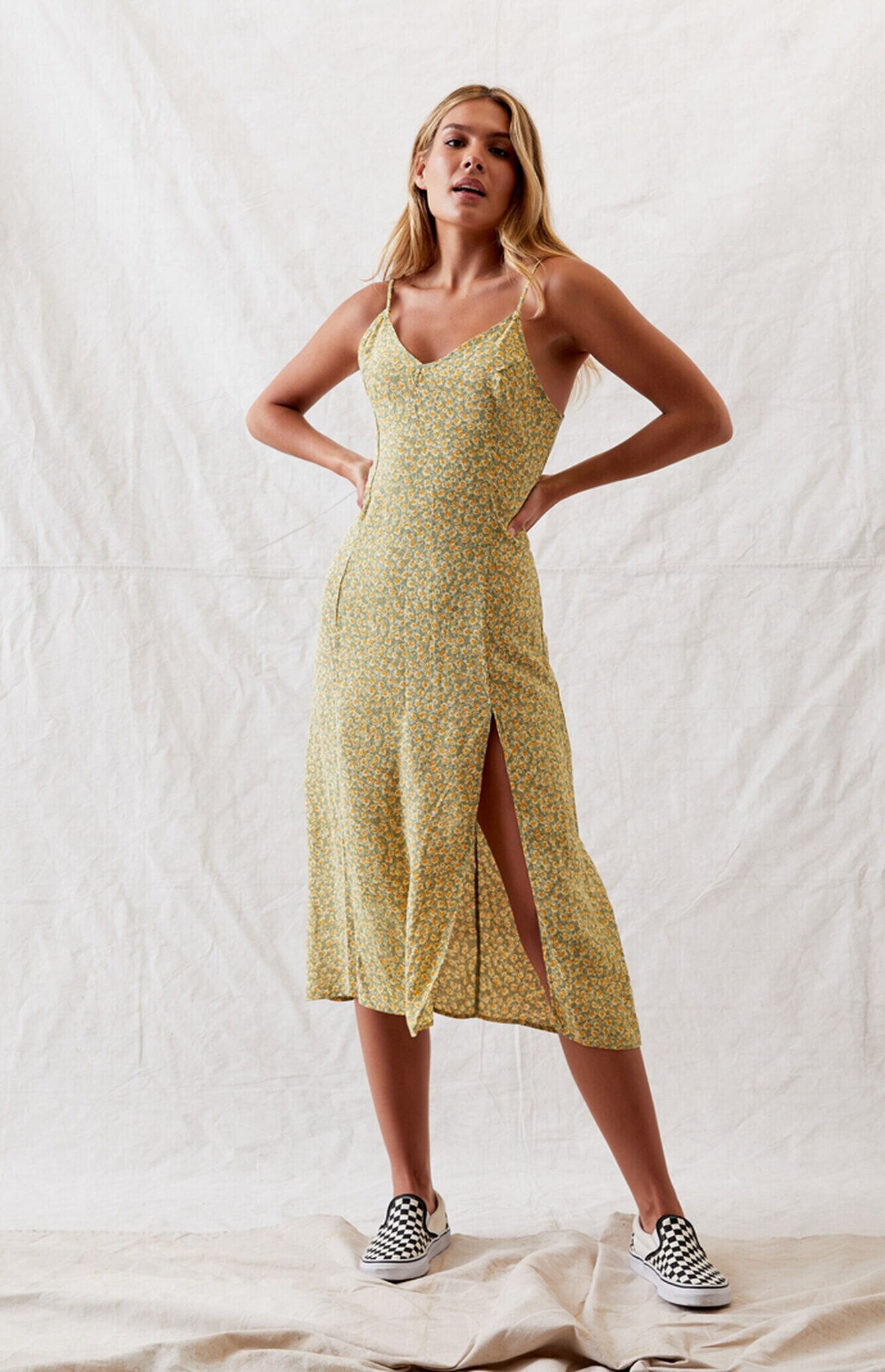
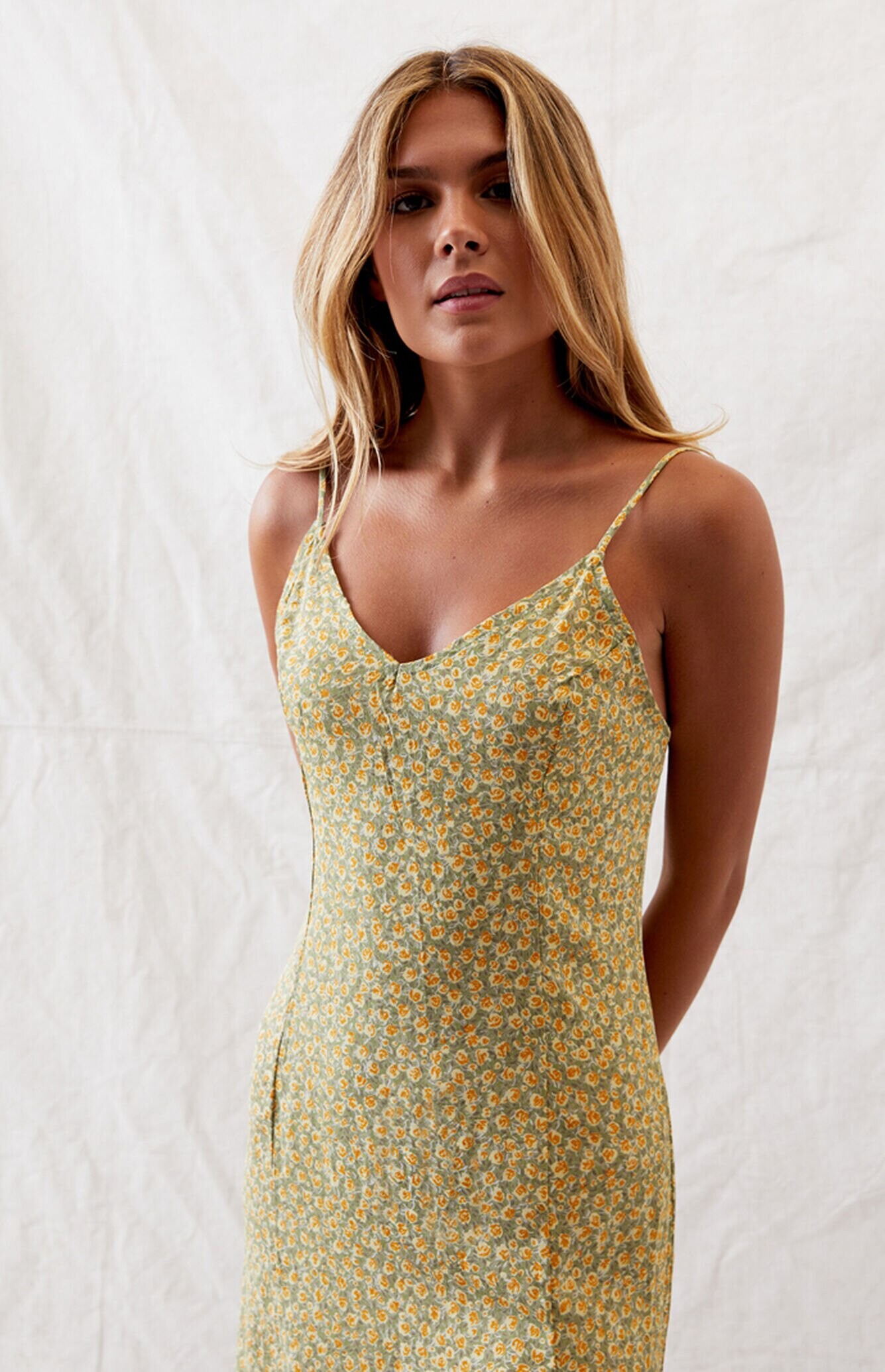
.jpg.0287f147d5c9ac29963b7674e7833d78.jpg)
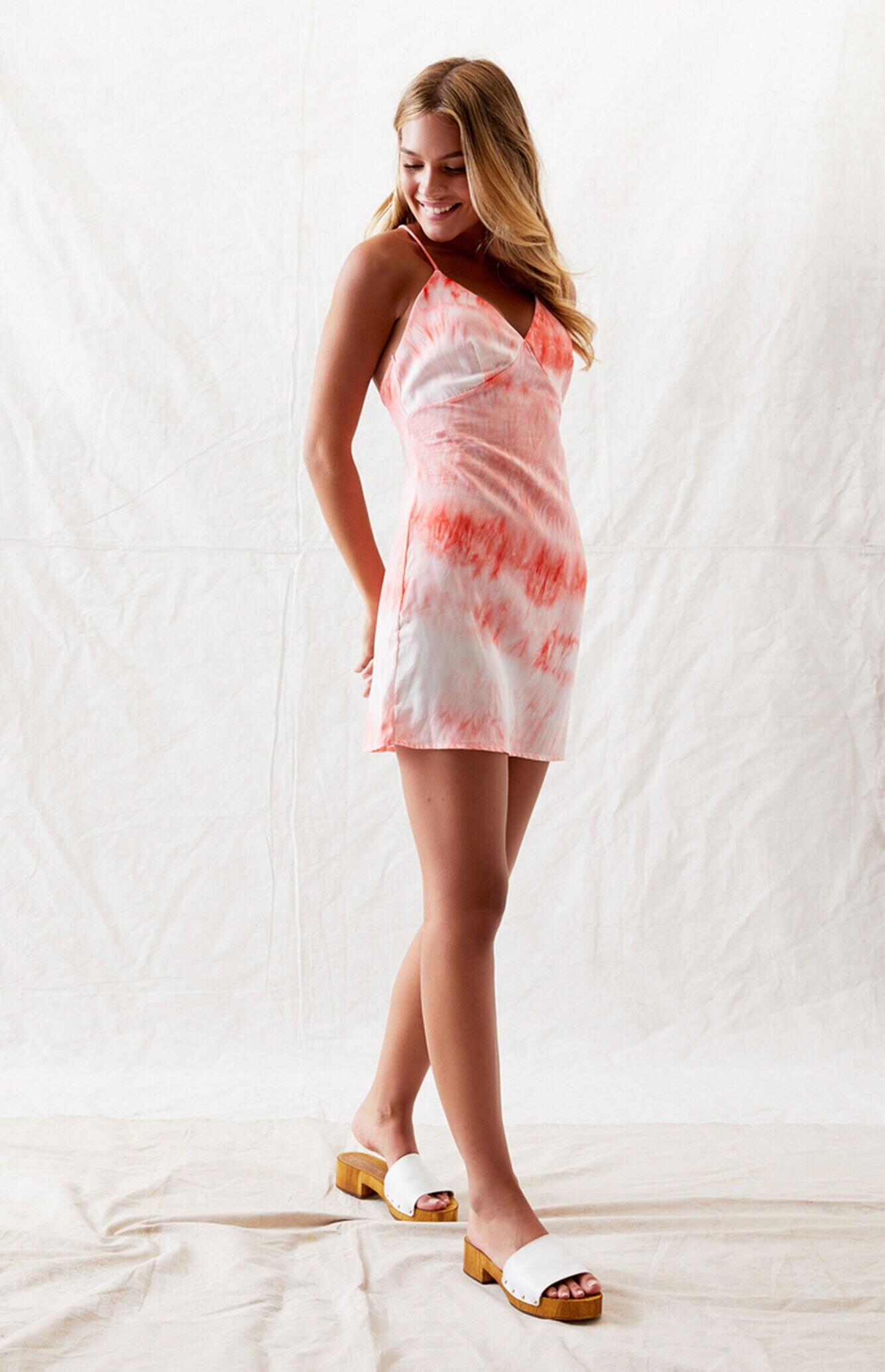
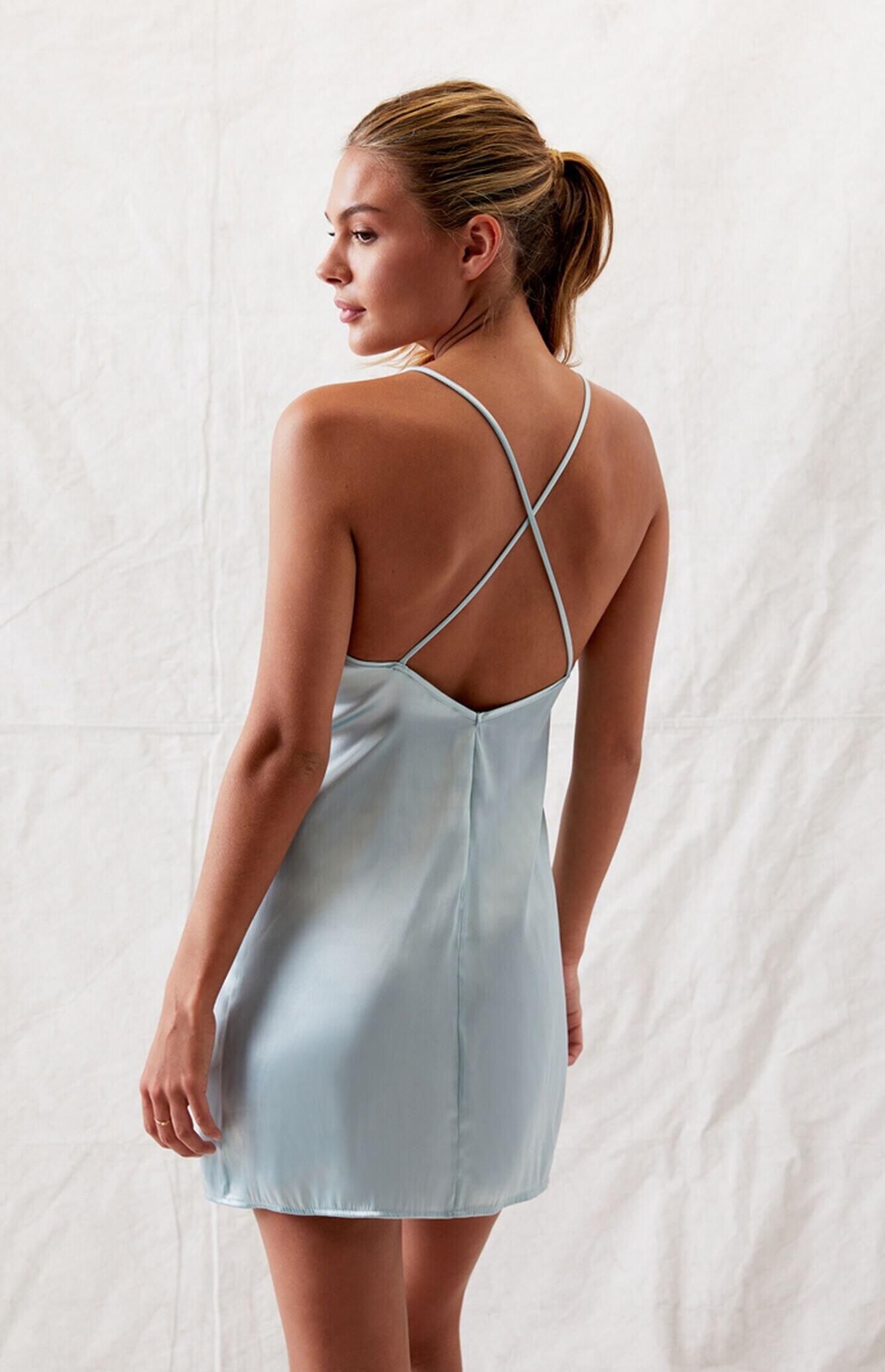
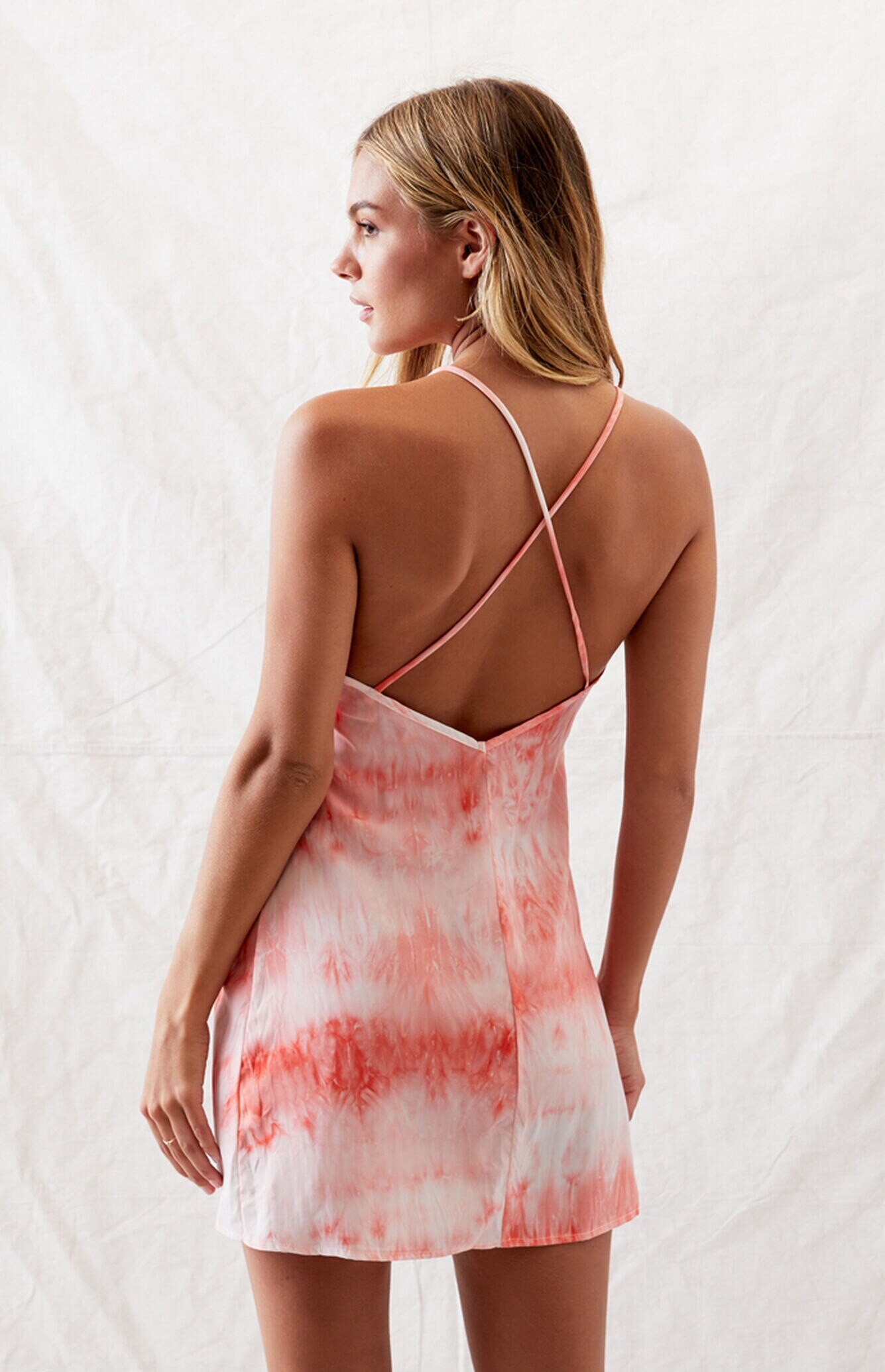
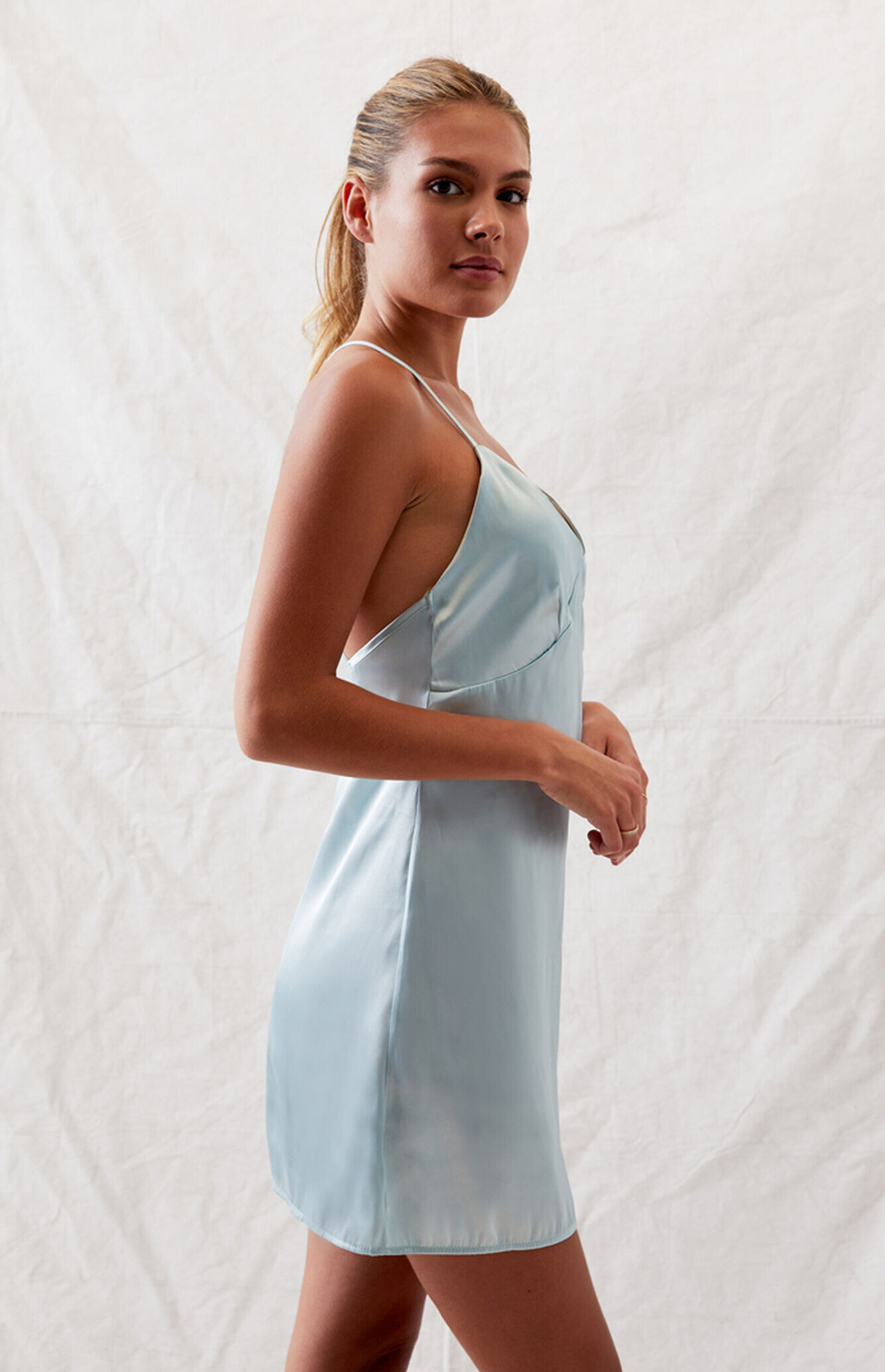
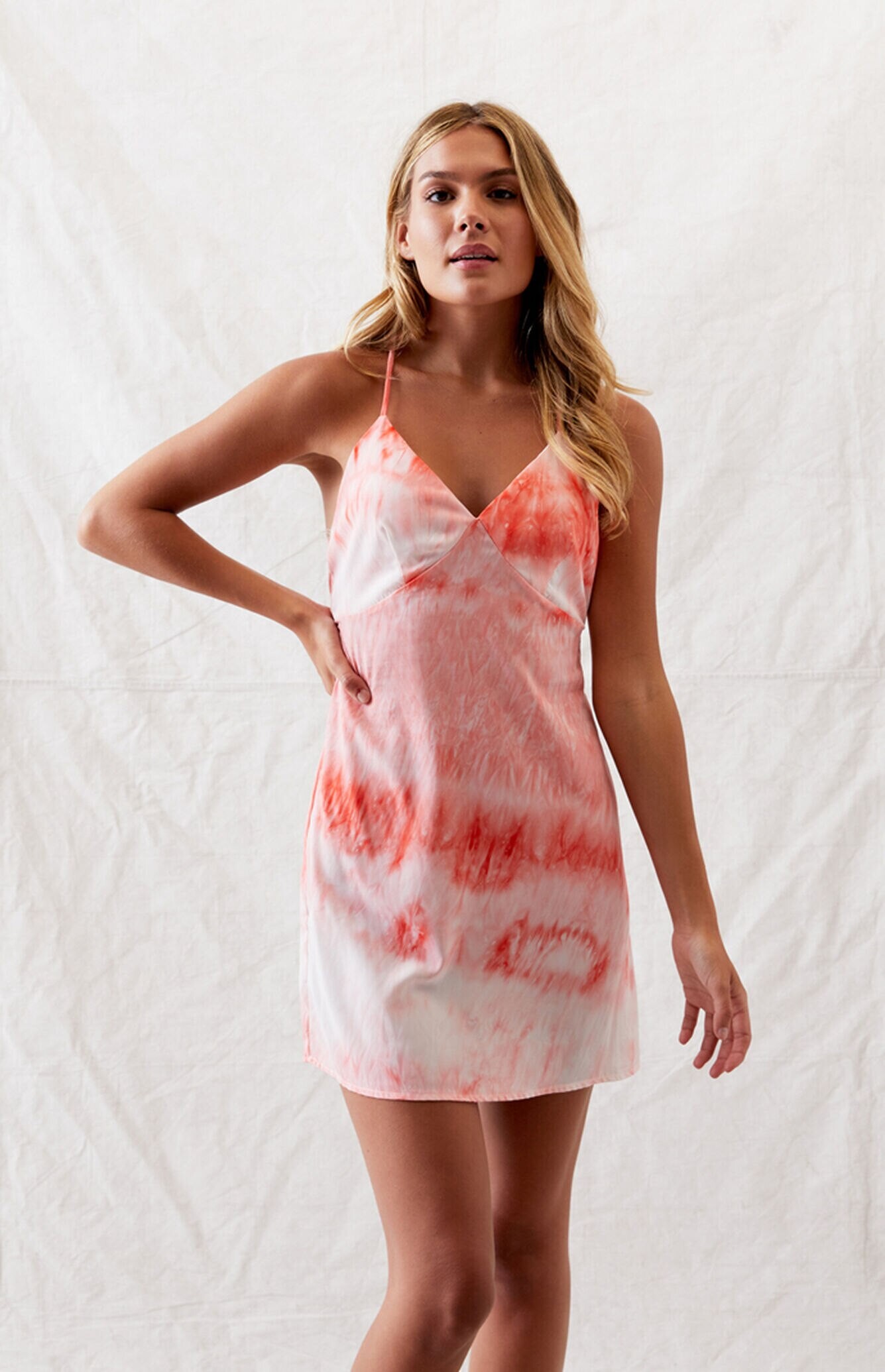
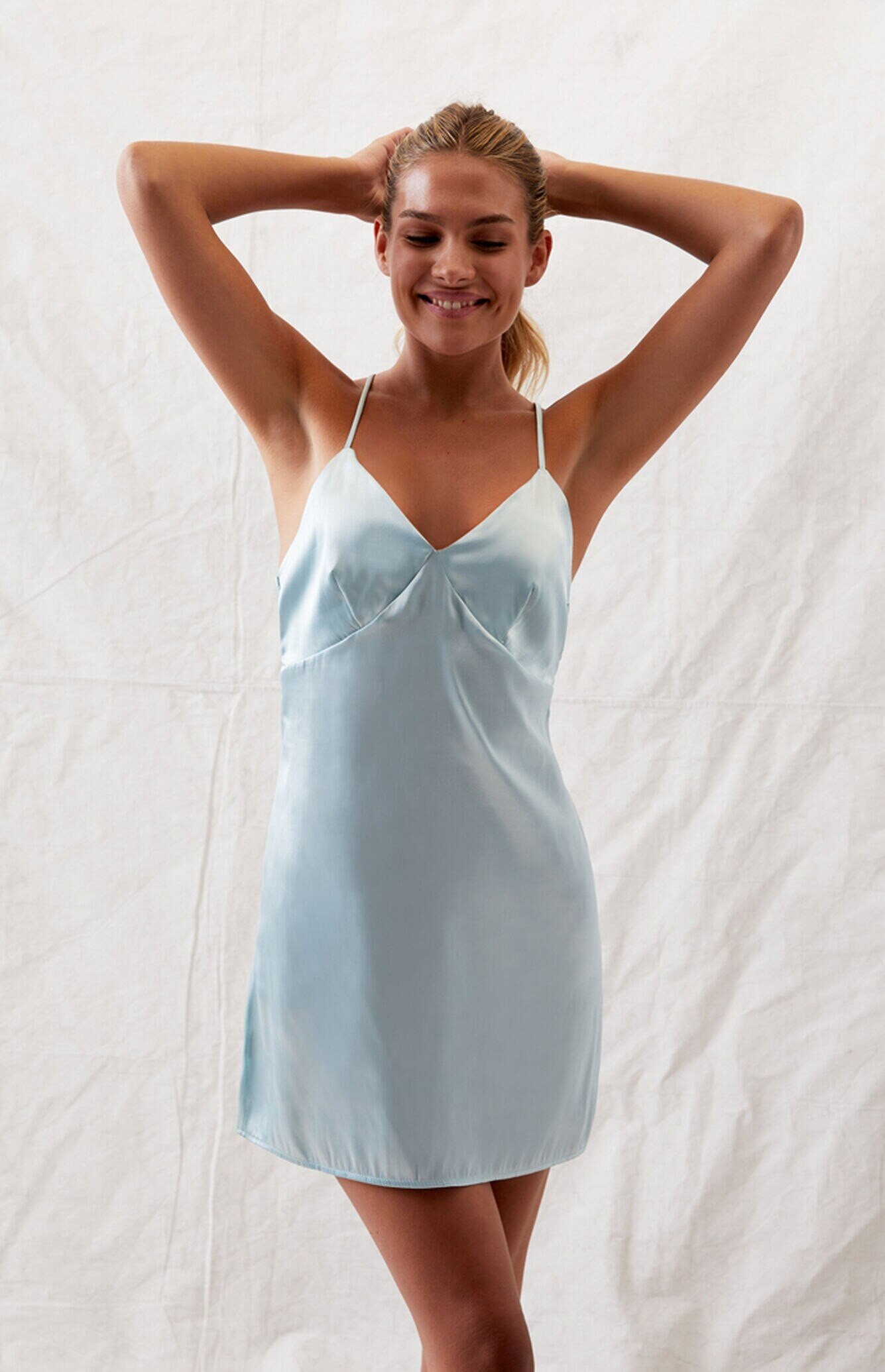
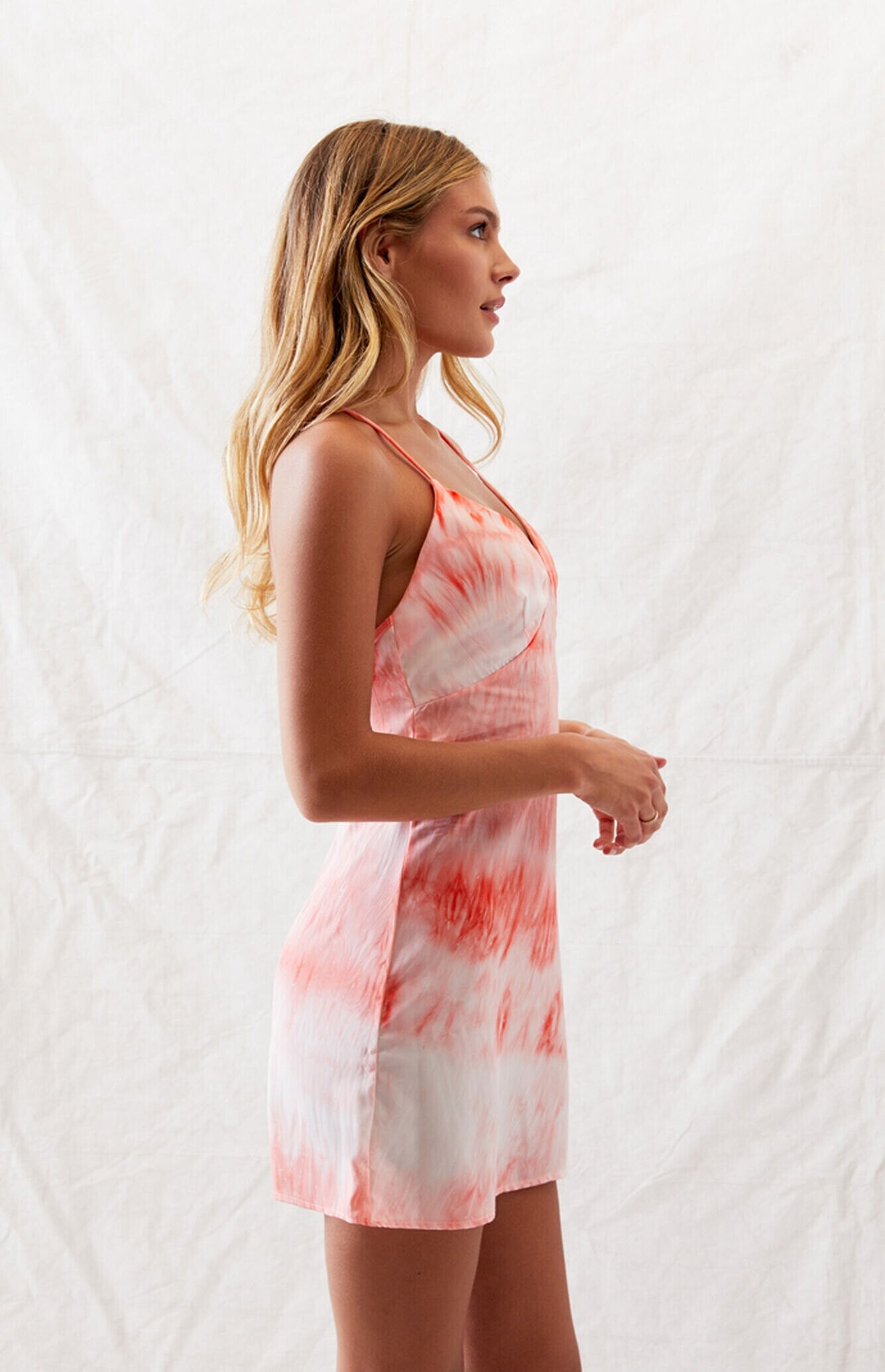

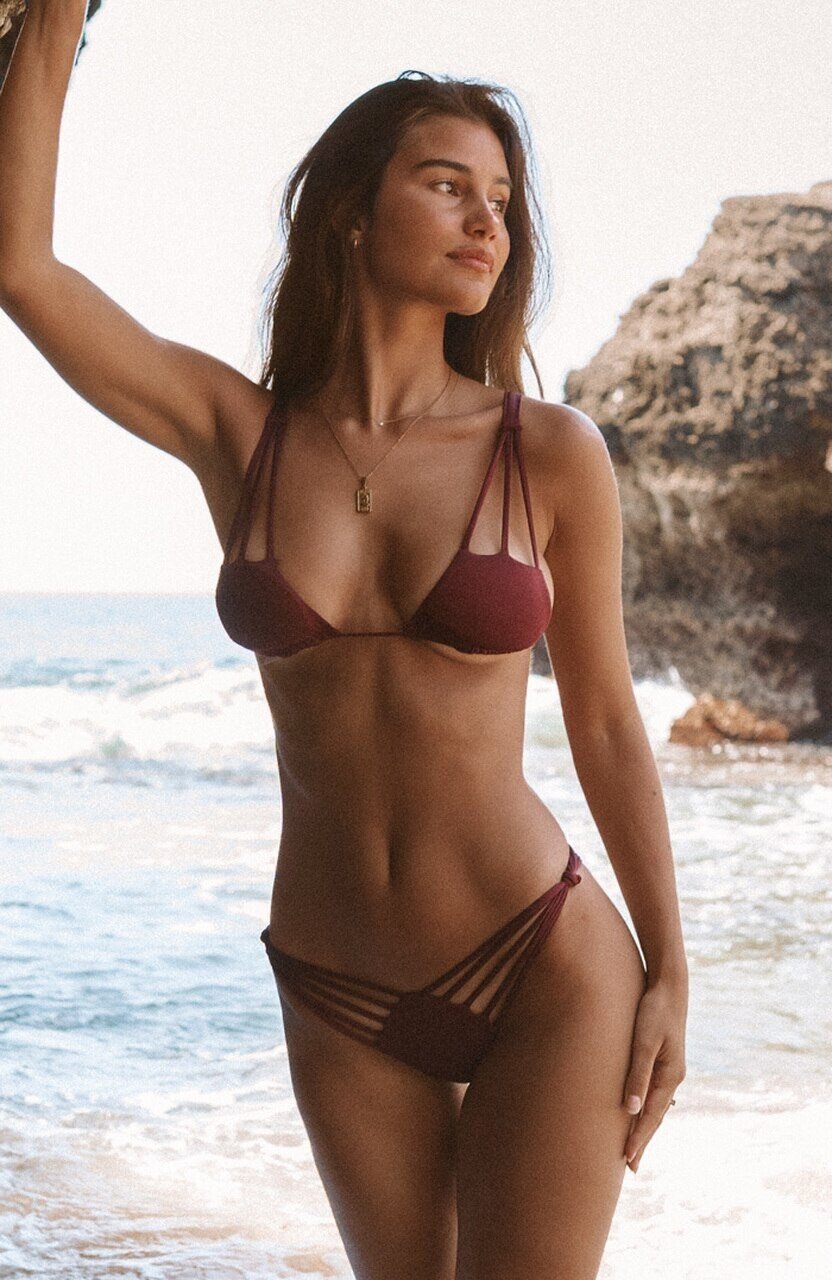
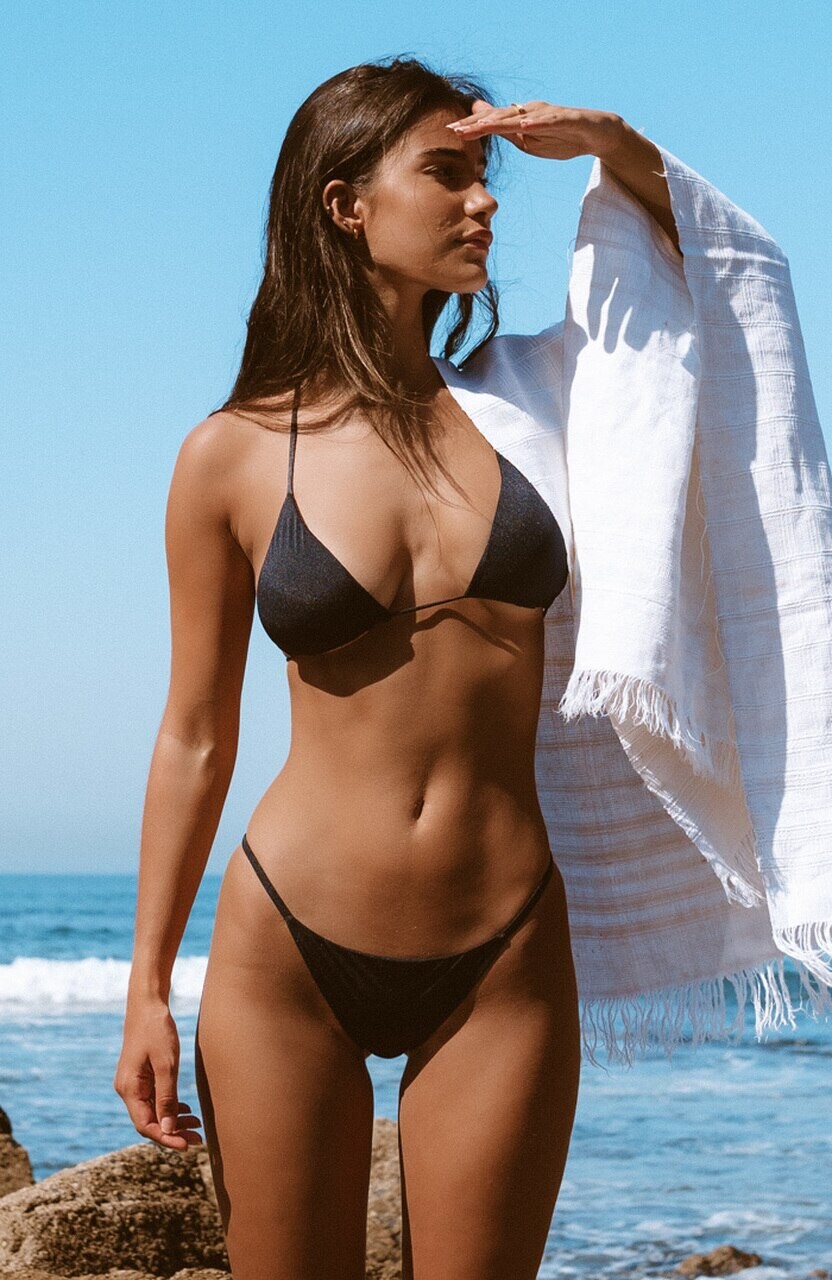



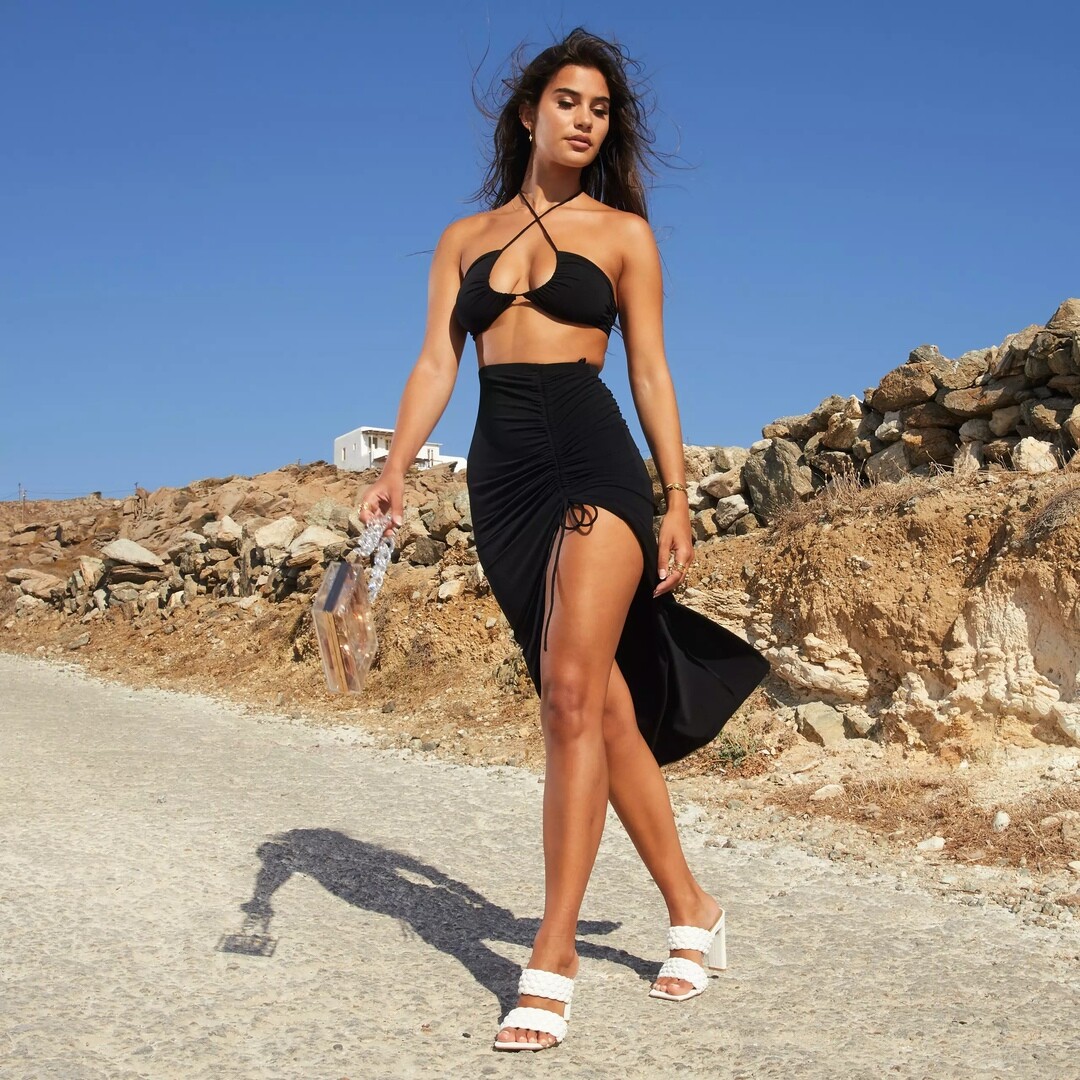








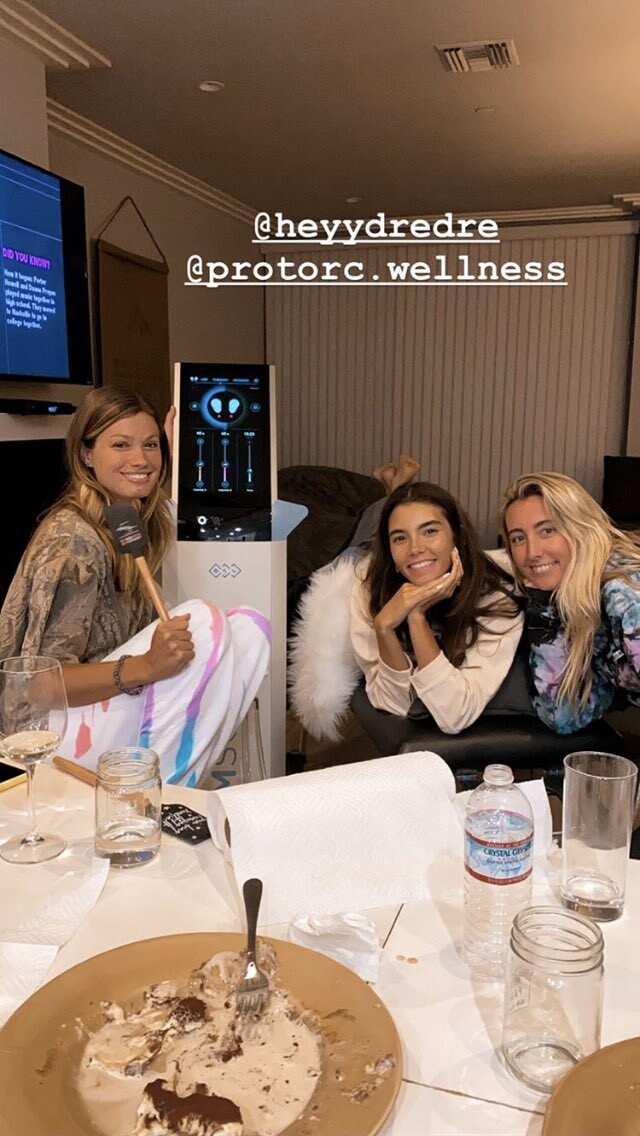







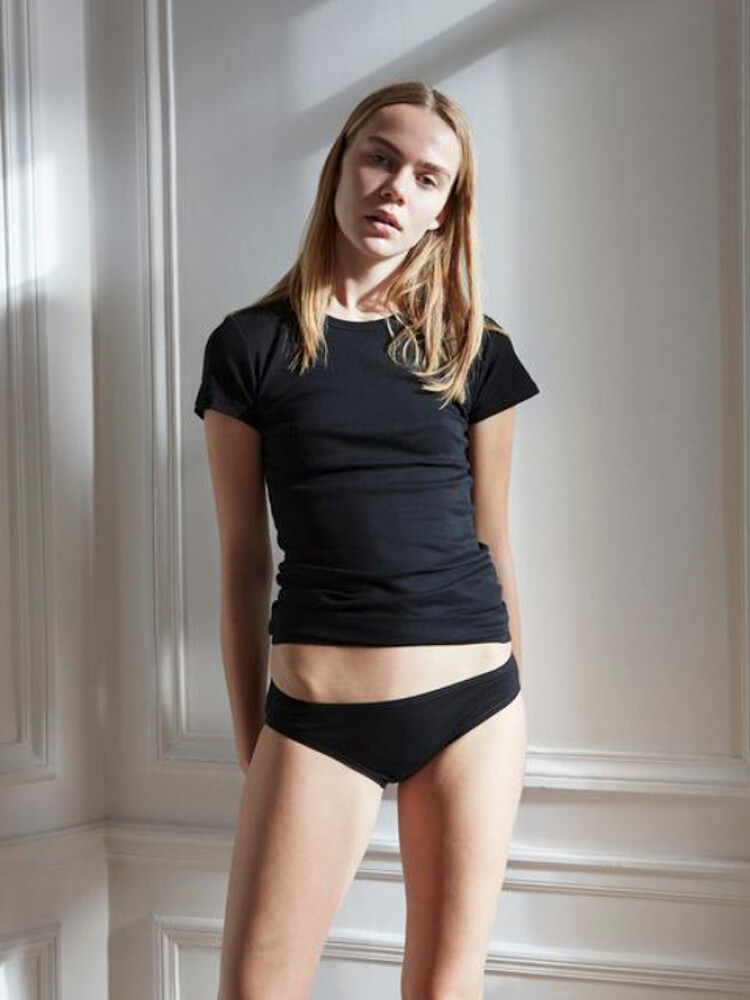
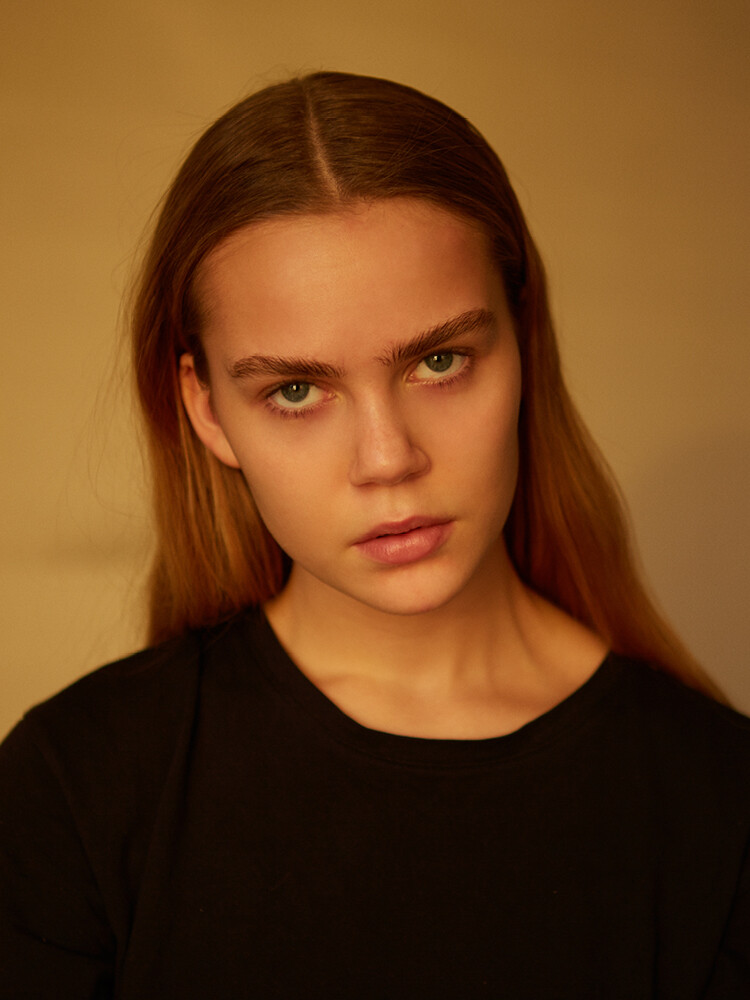

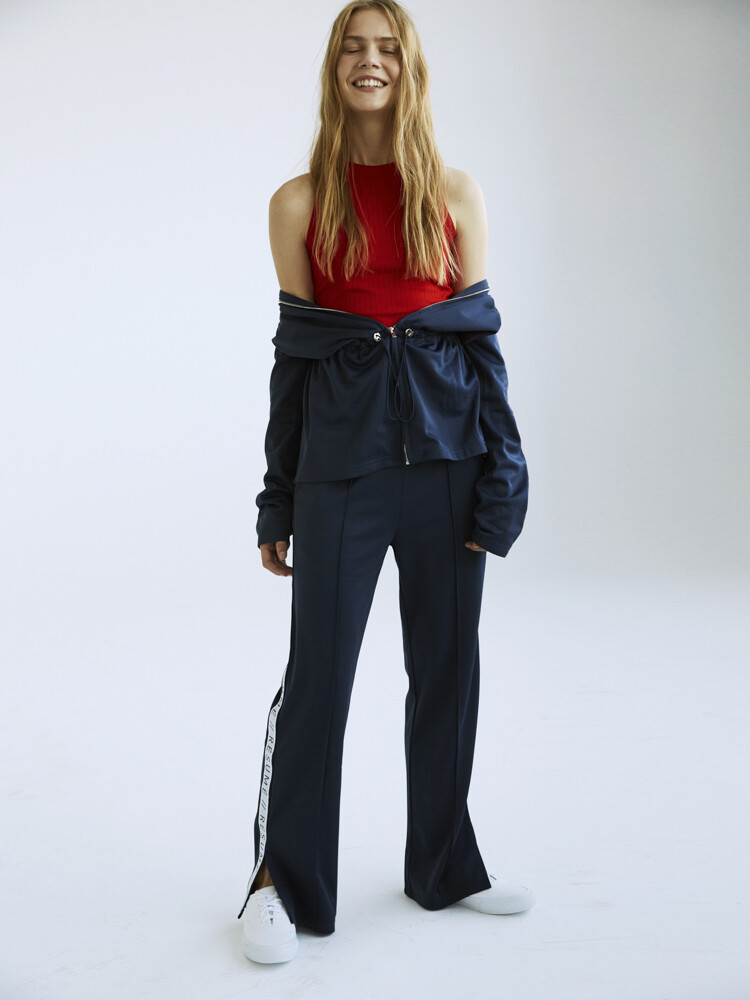
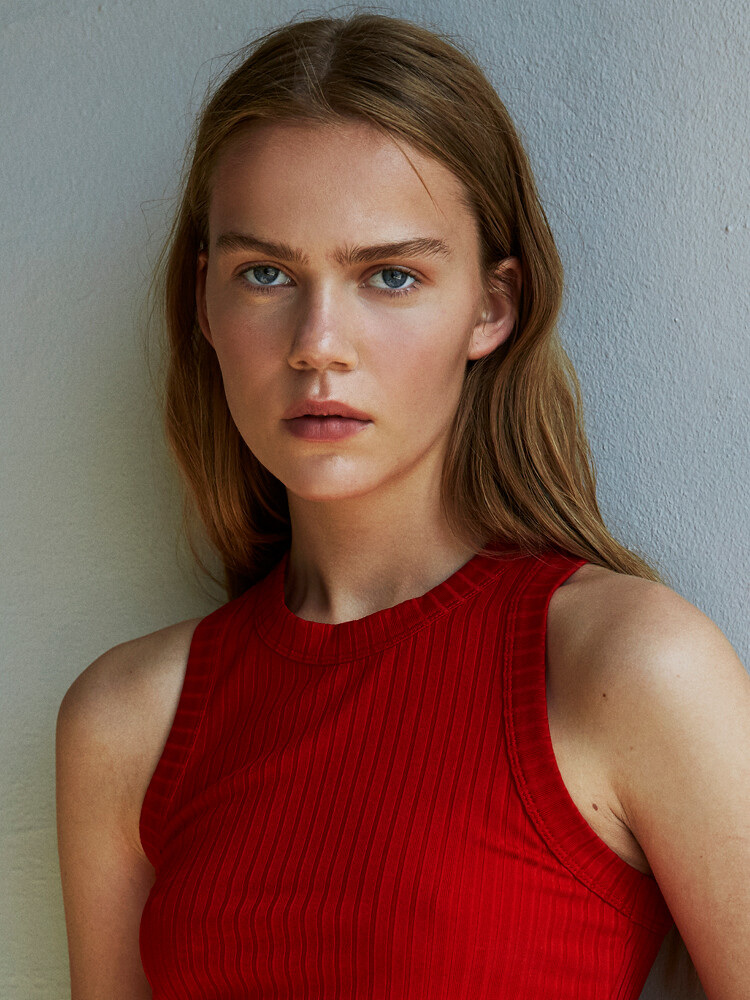
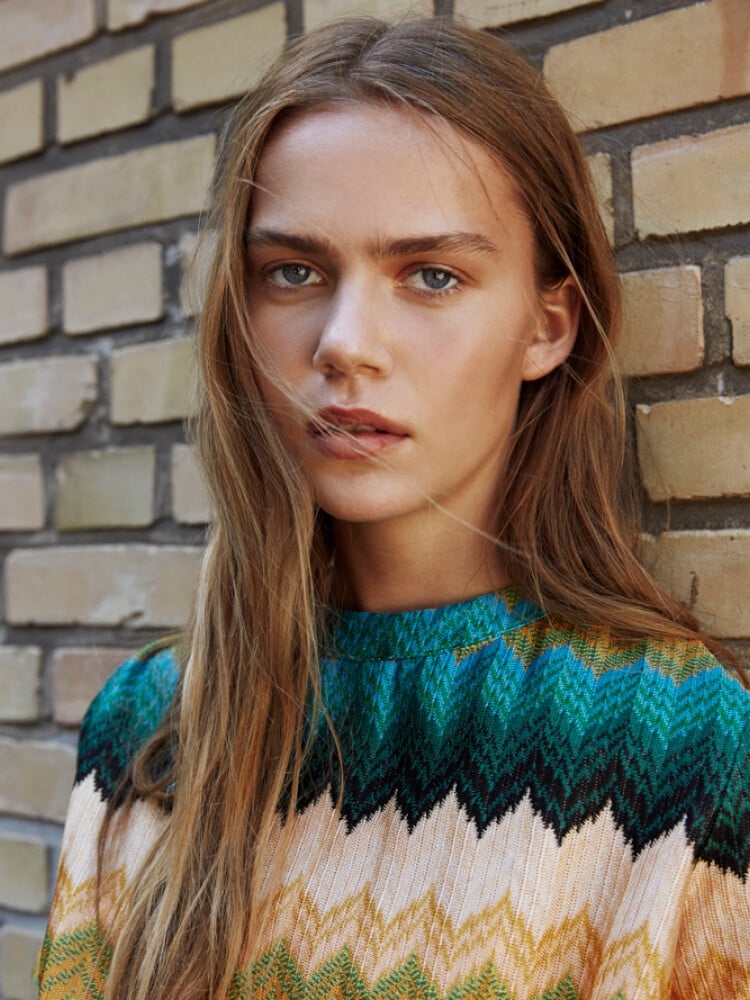
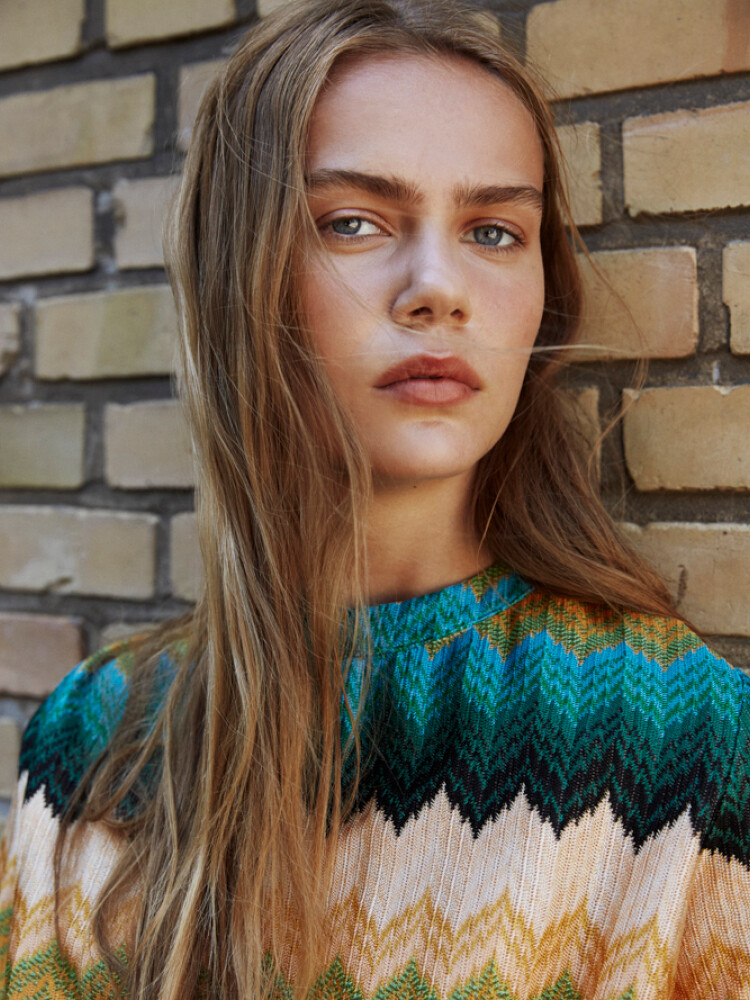
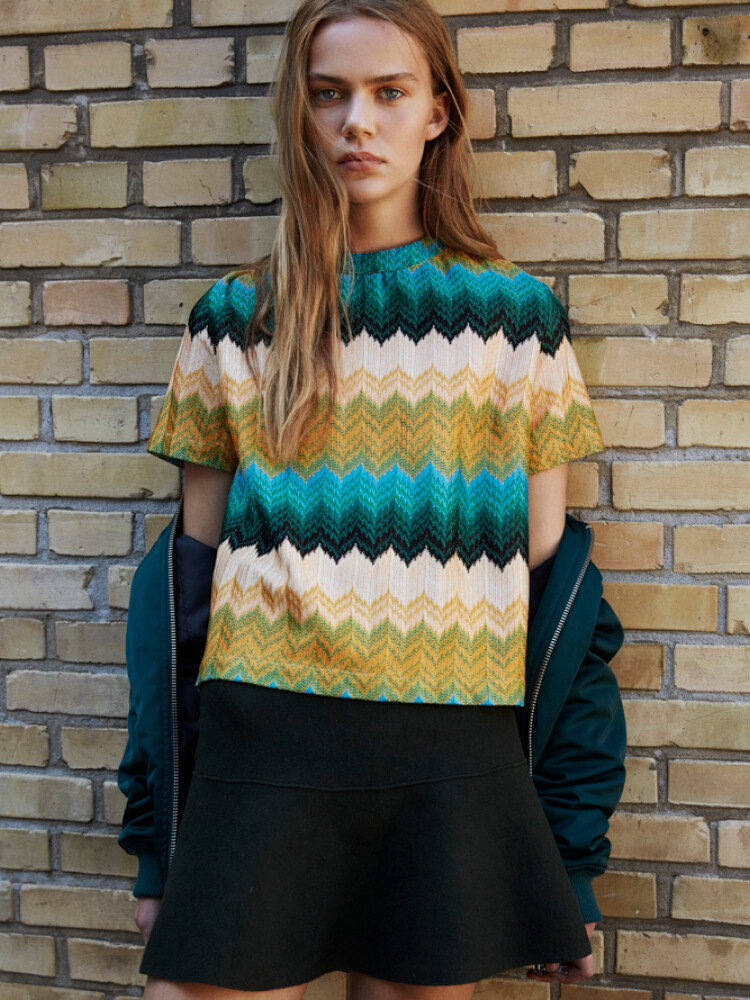
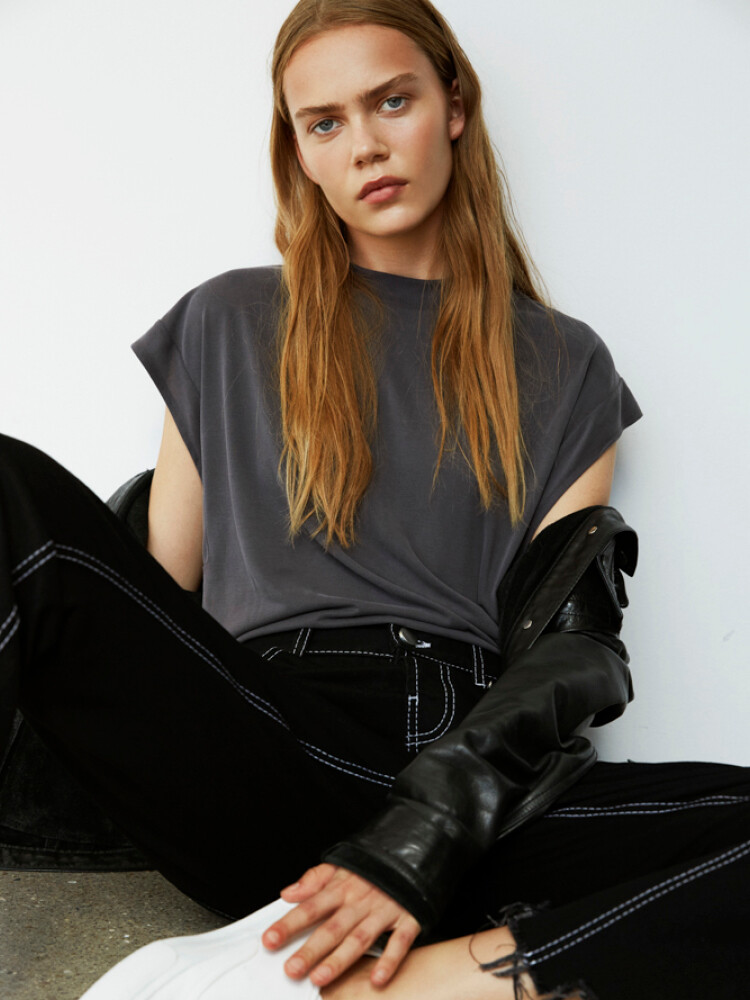
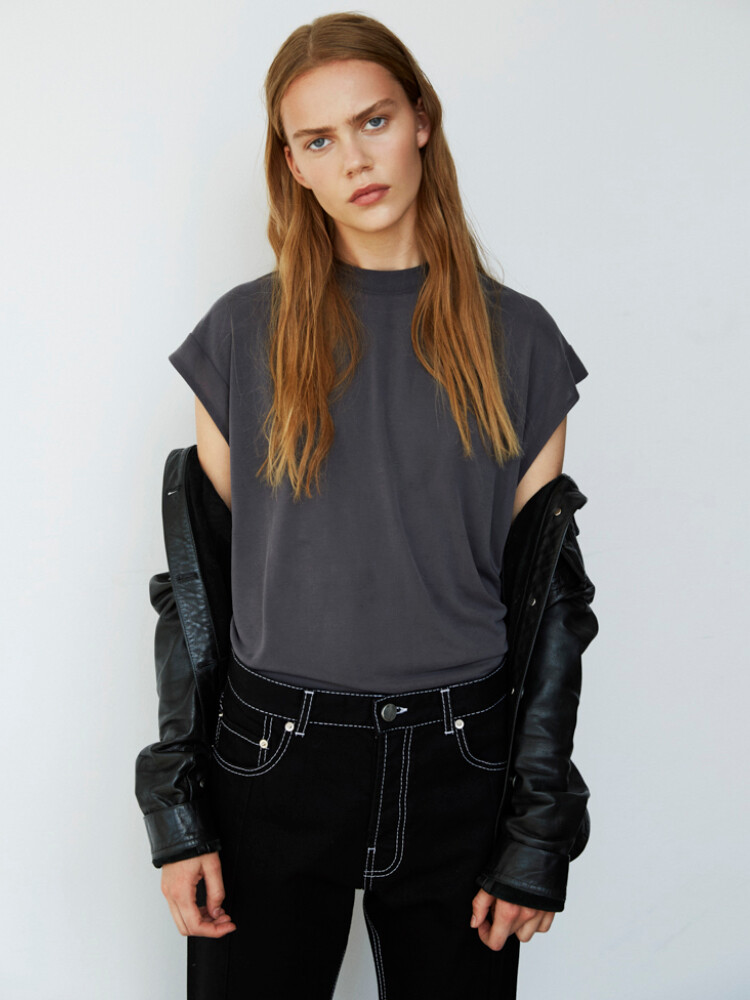




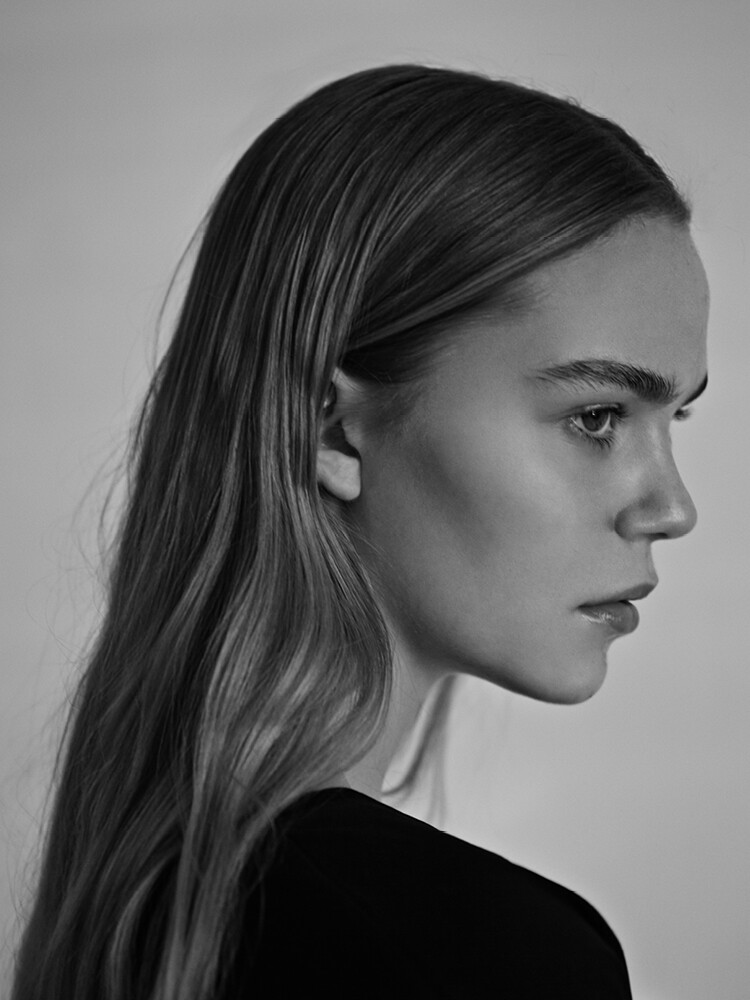
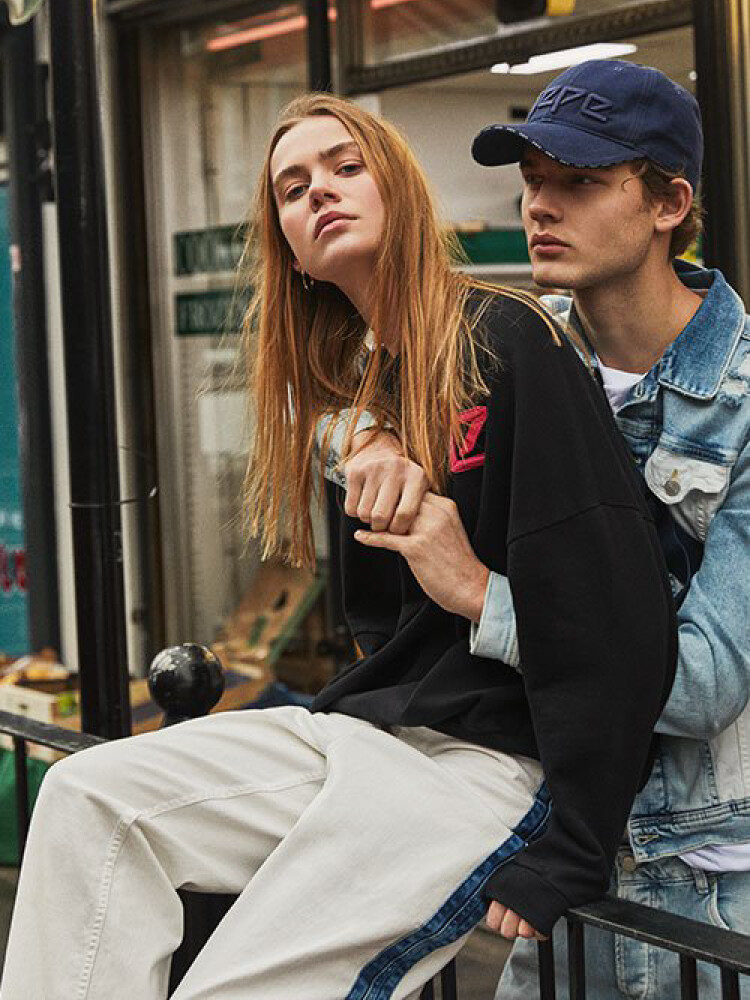



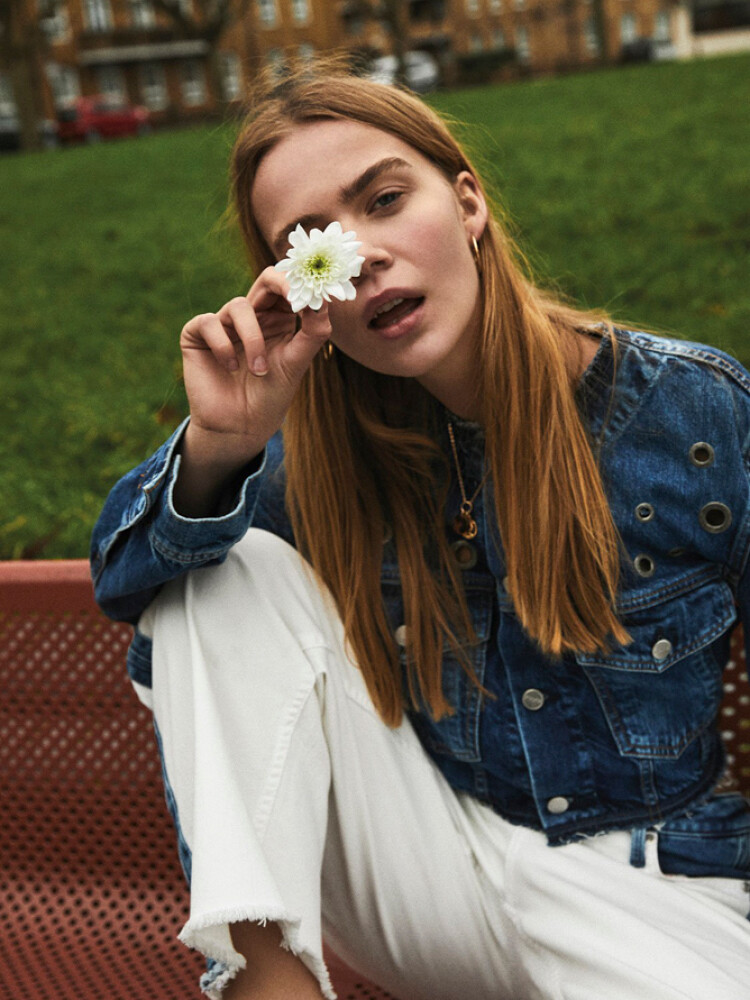
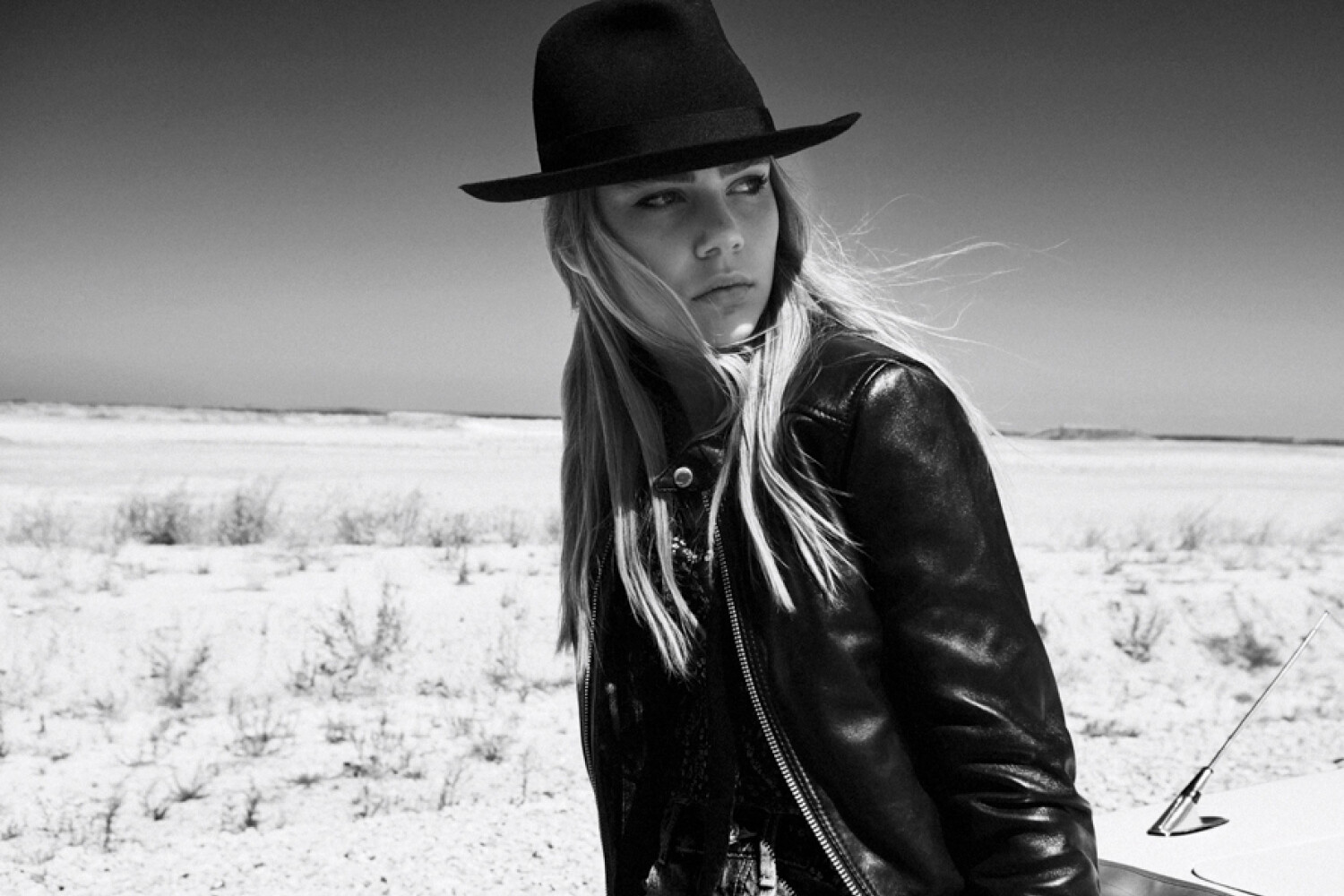

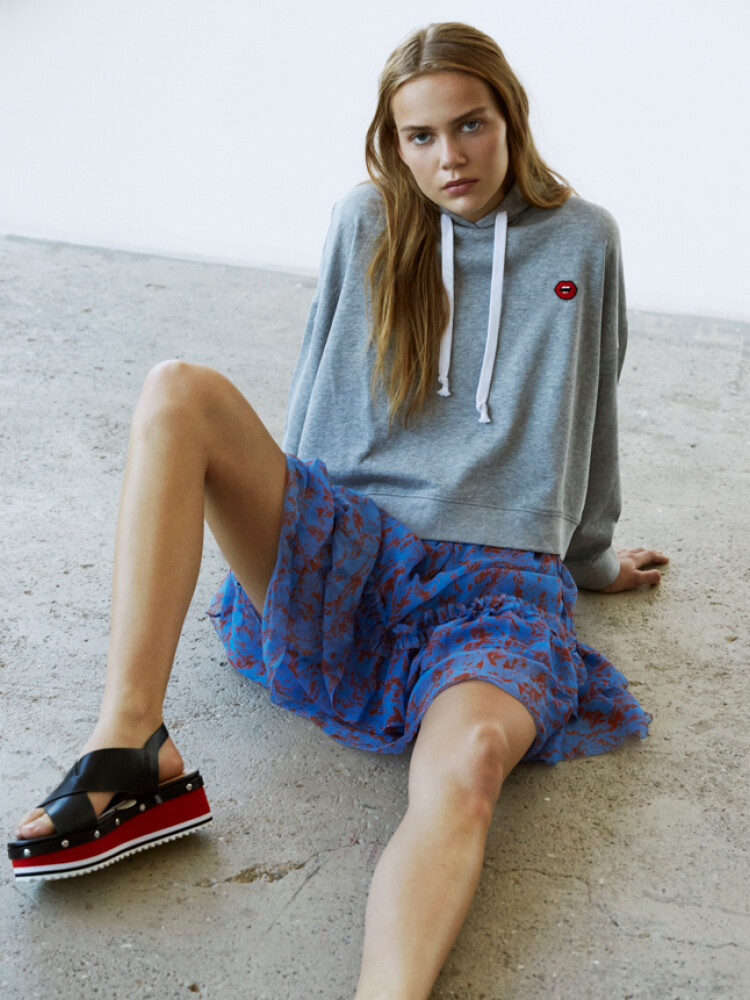
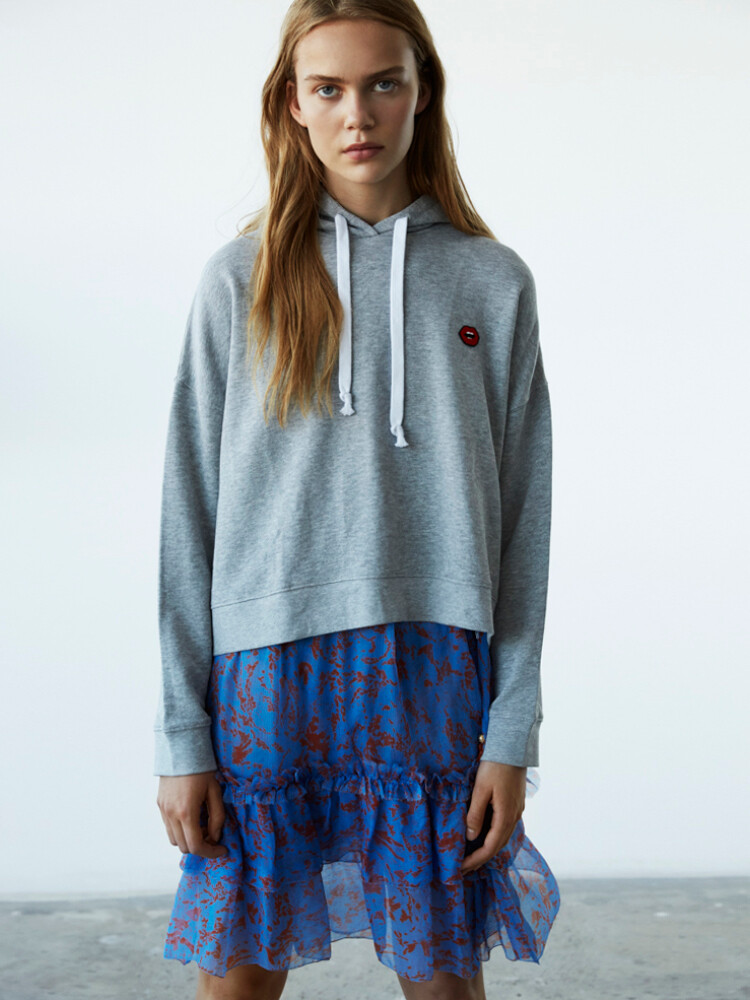
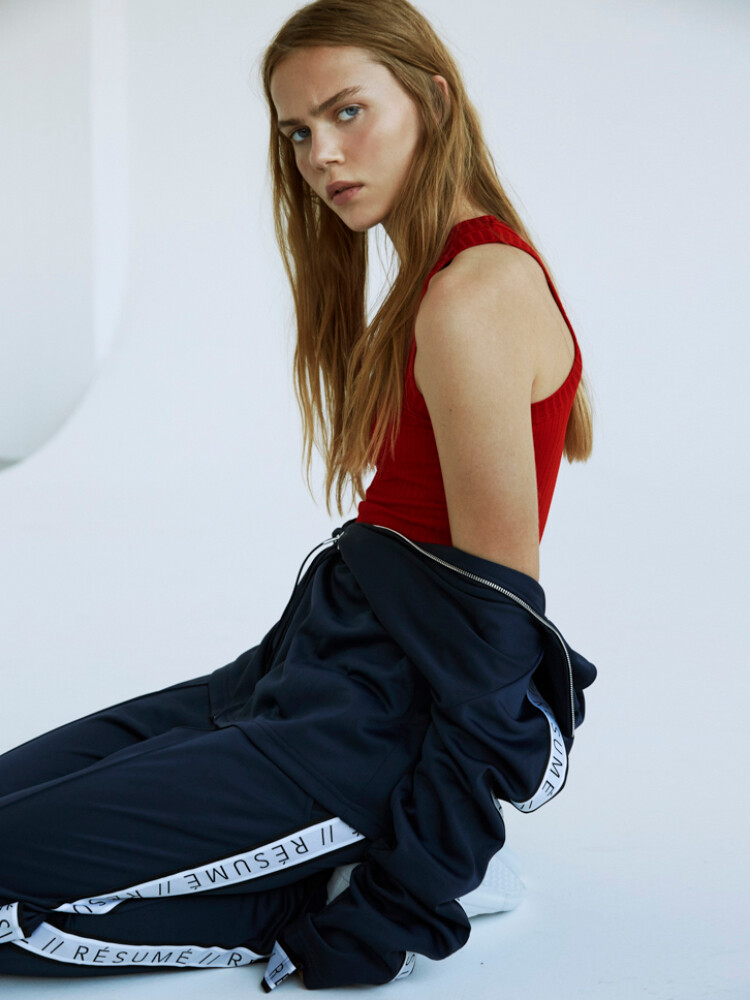
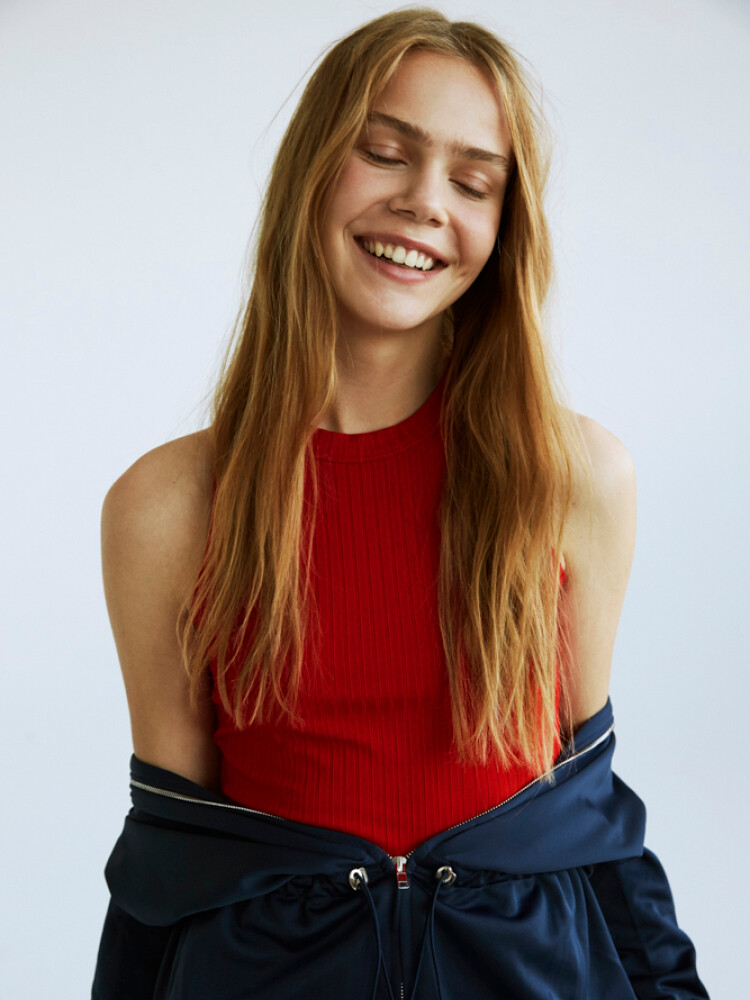
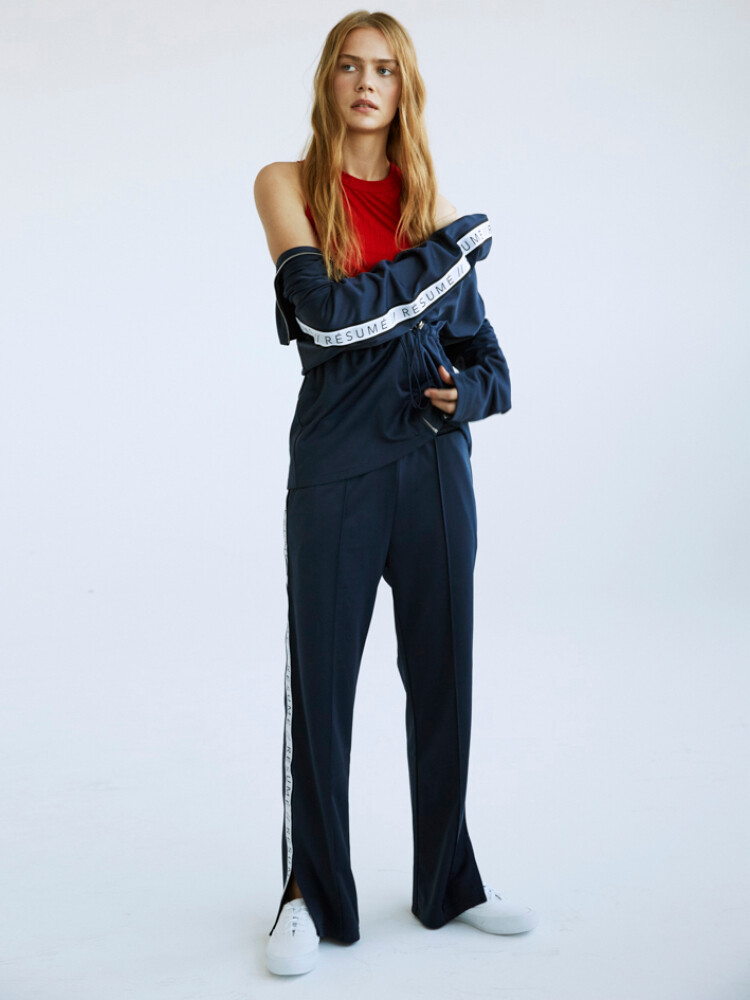
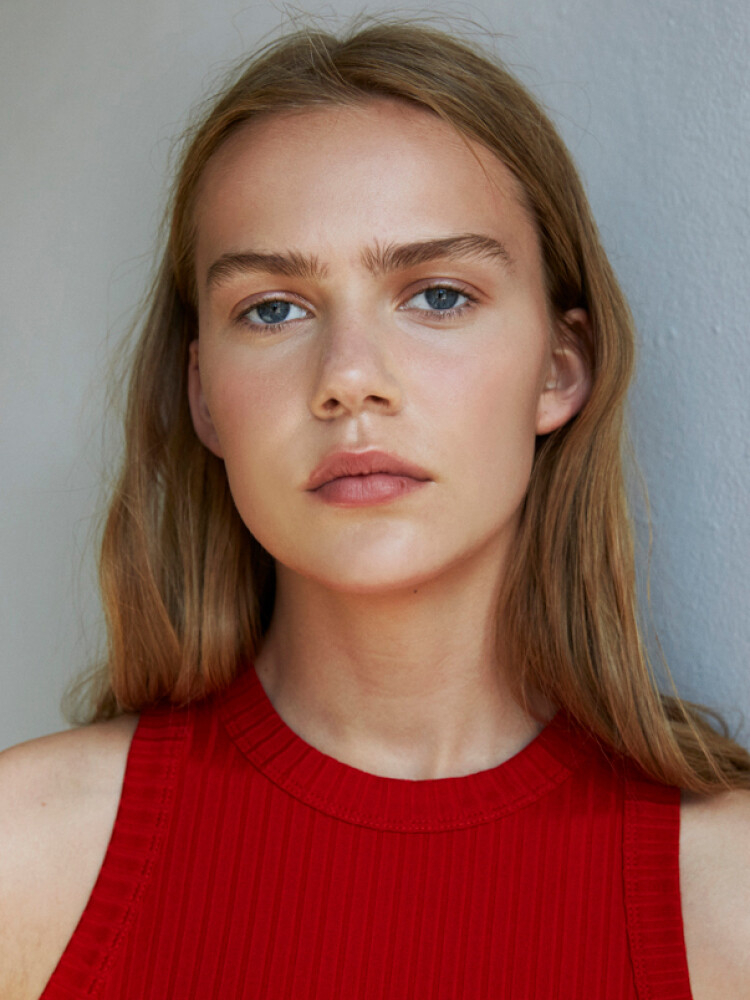


.jpg.6c72f42597a0b16479b2655e7bade9c8.jpg)




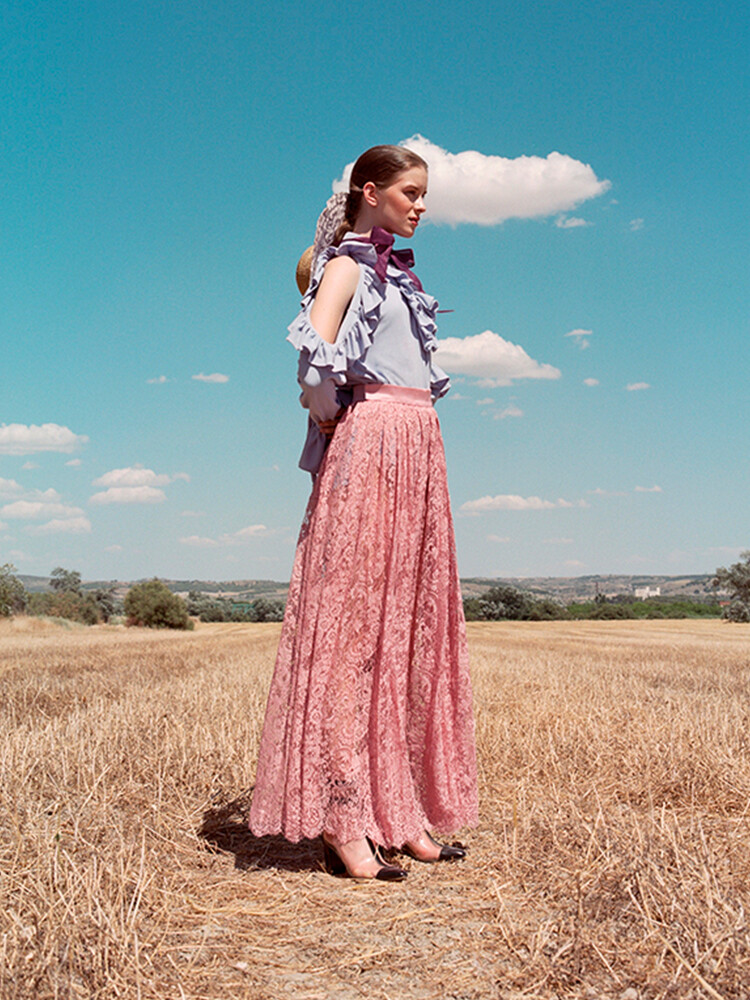

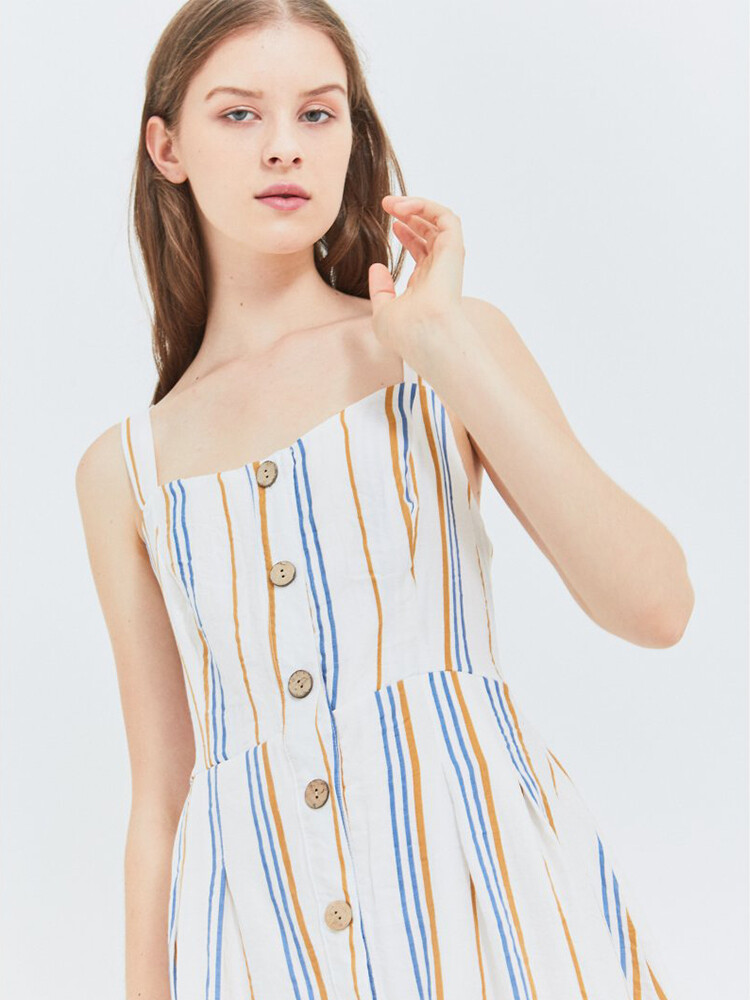
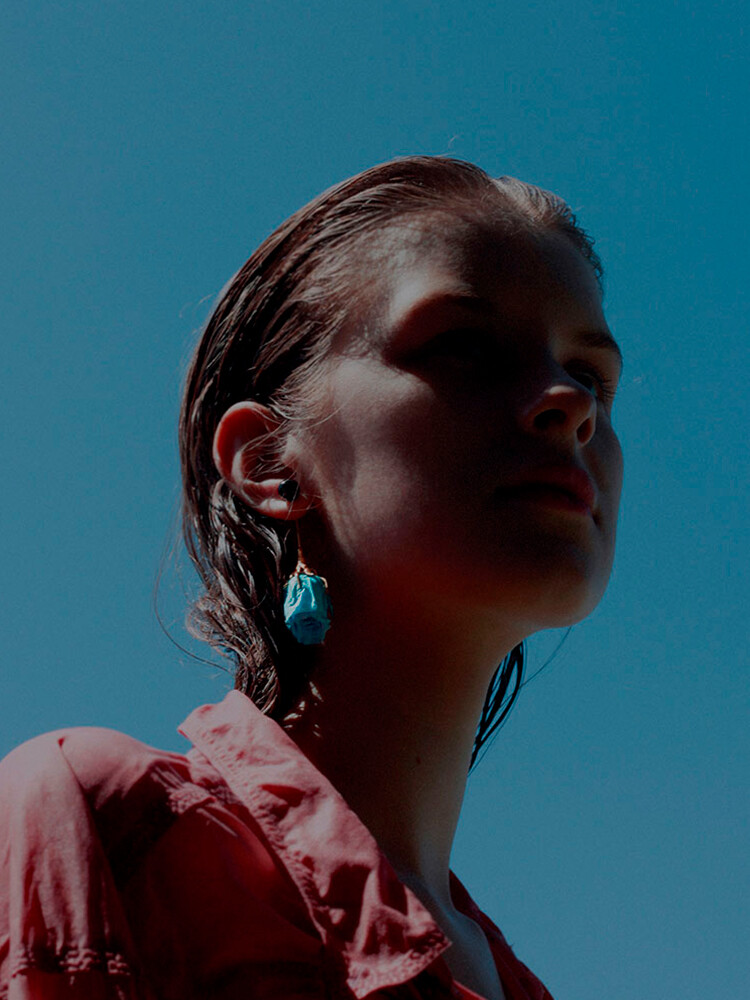

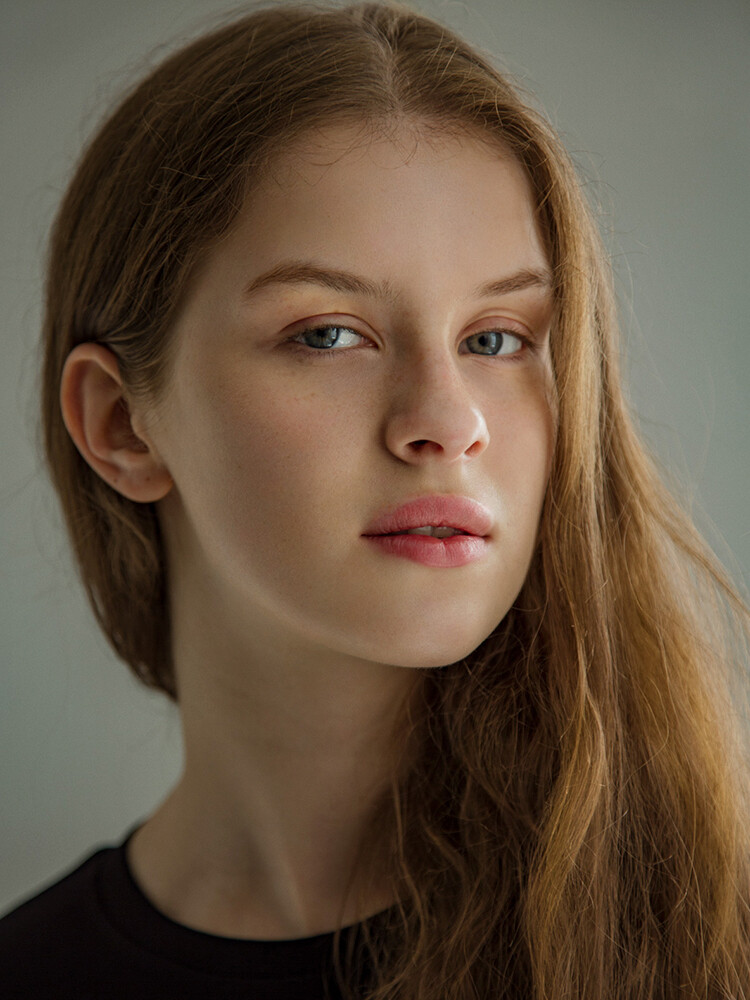


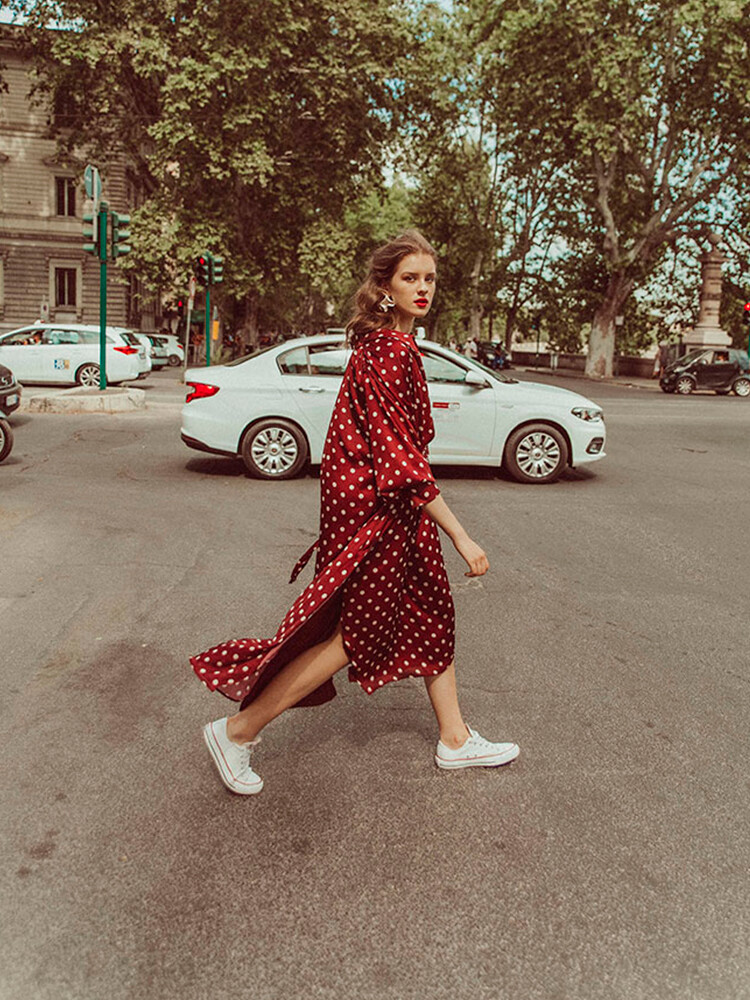


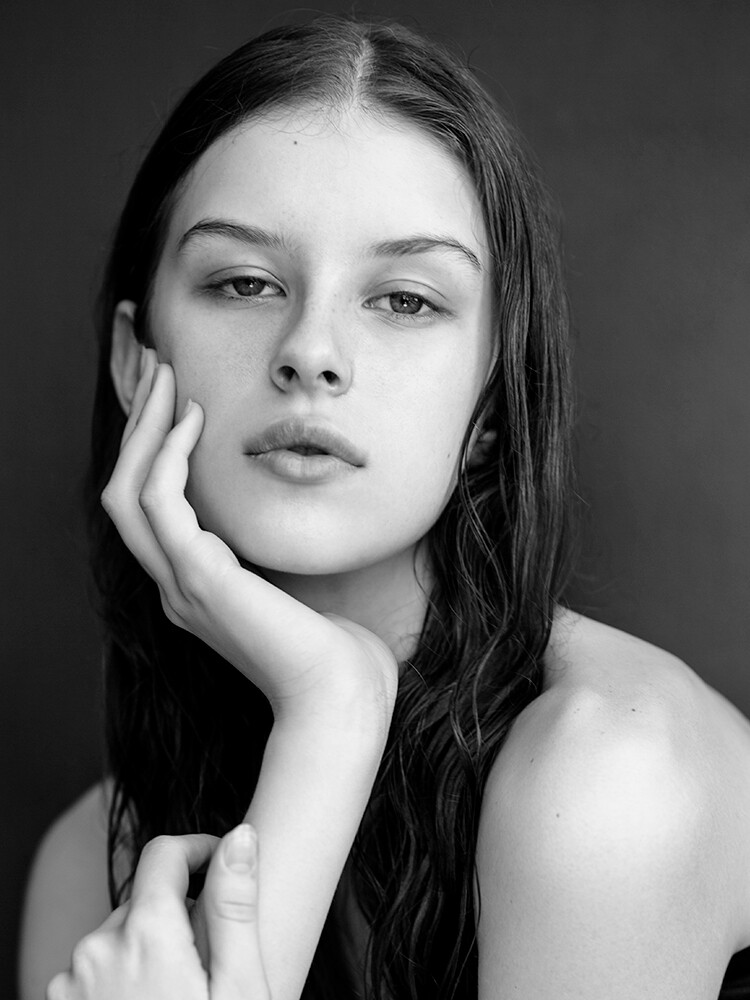

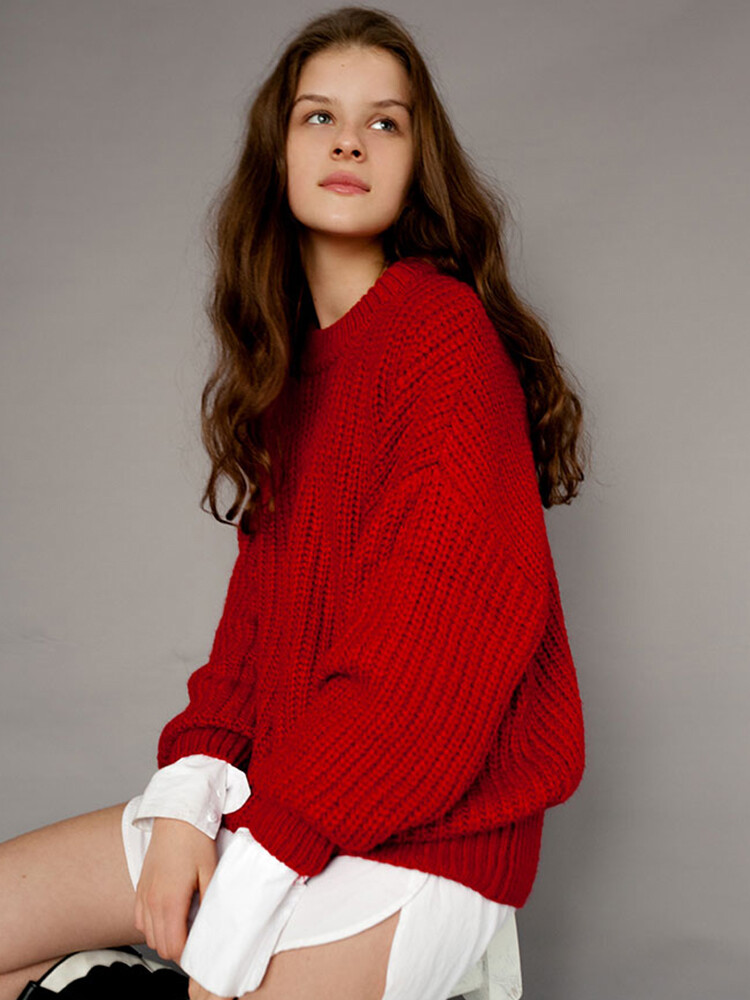

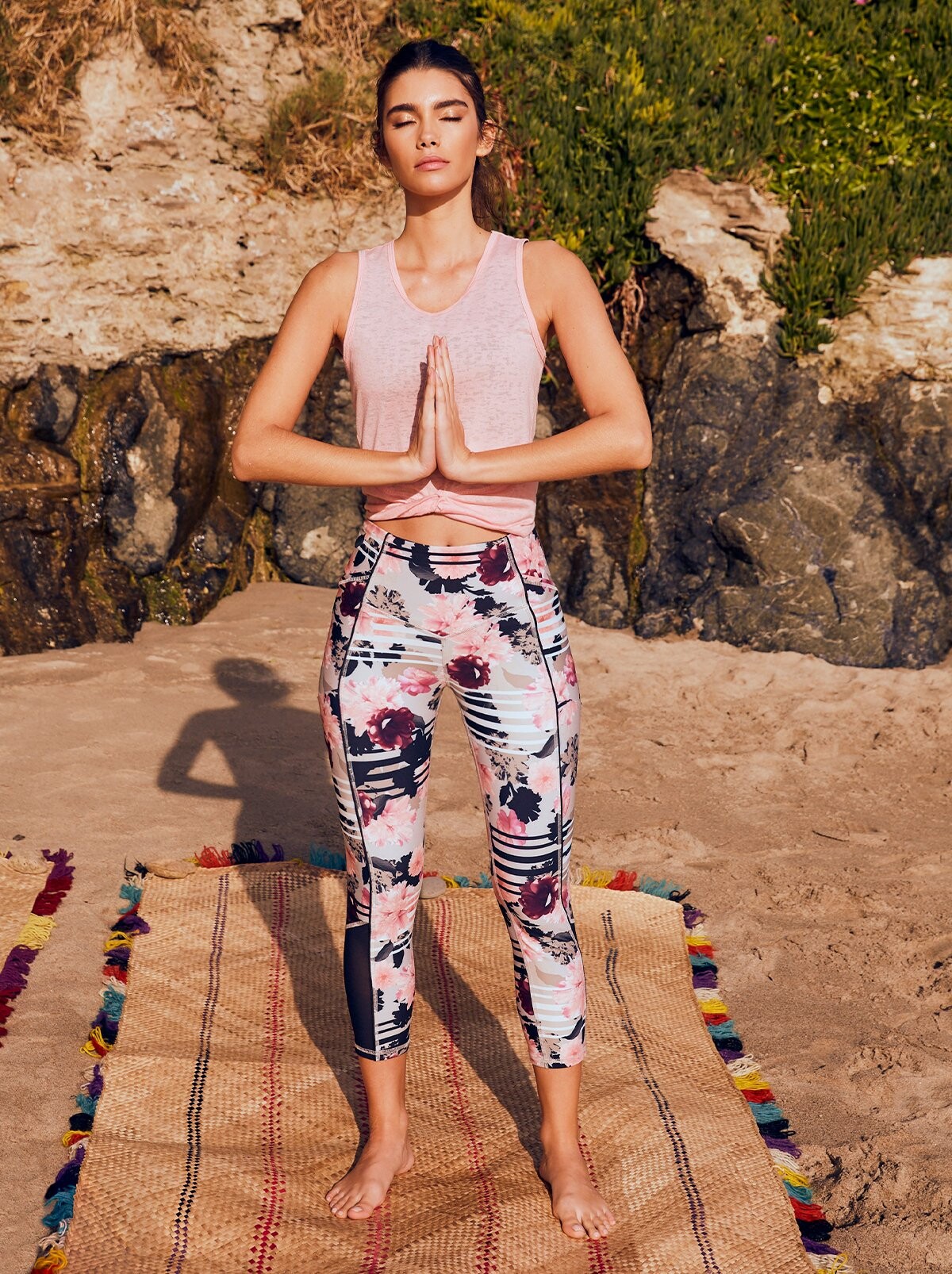
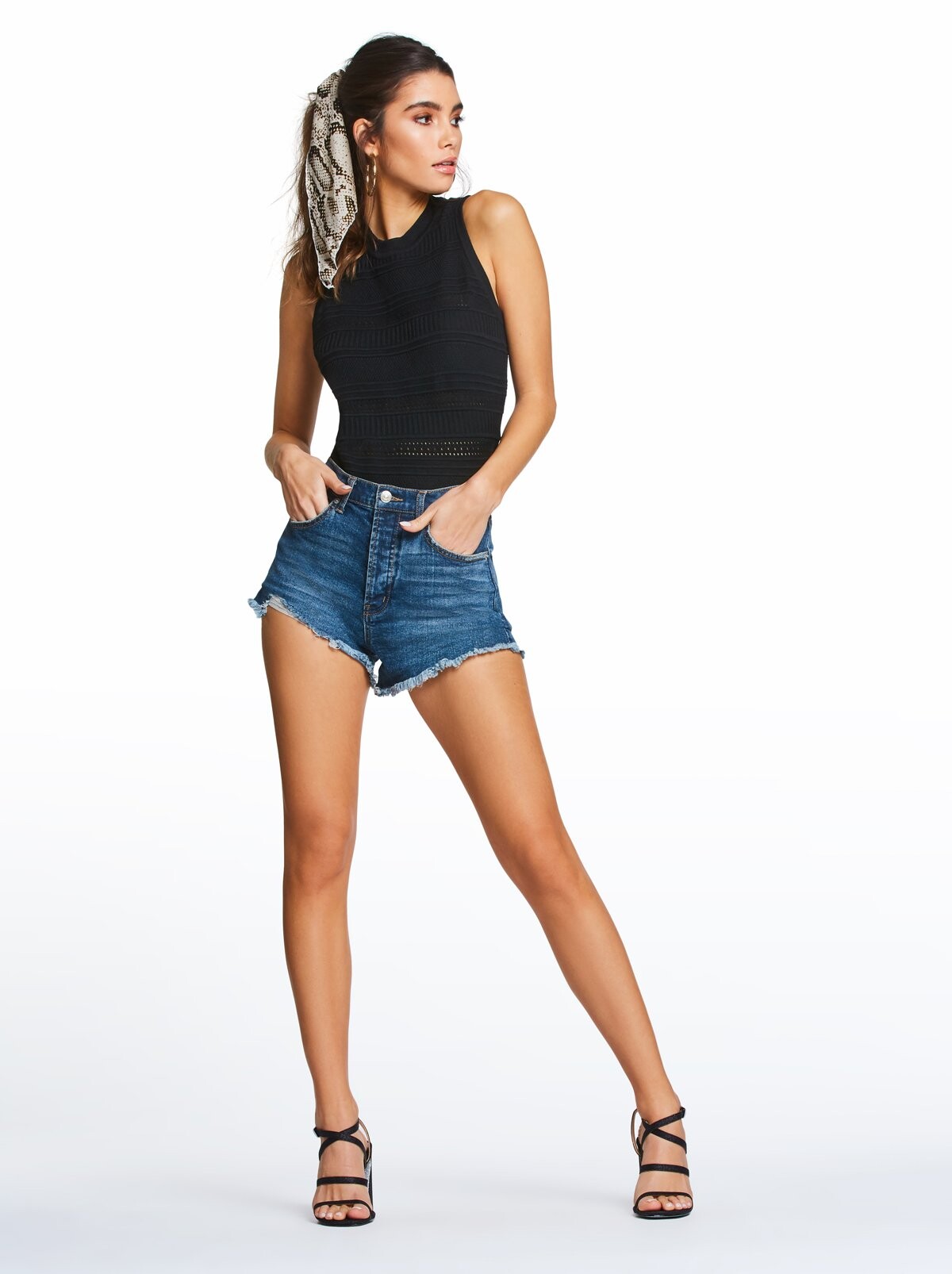
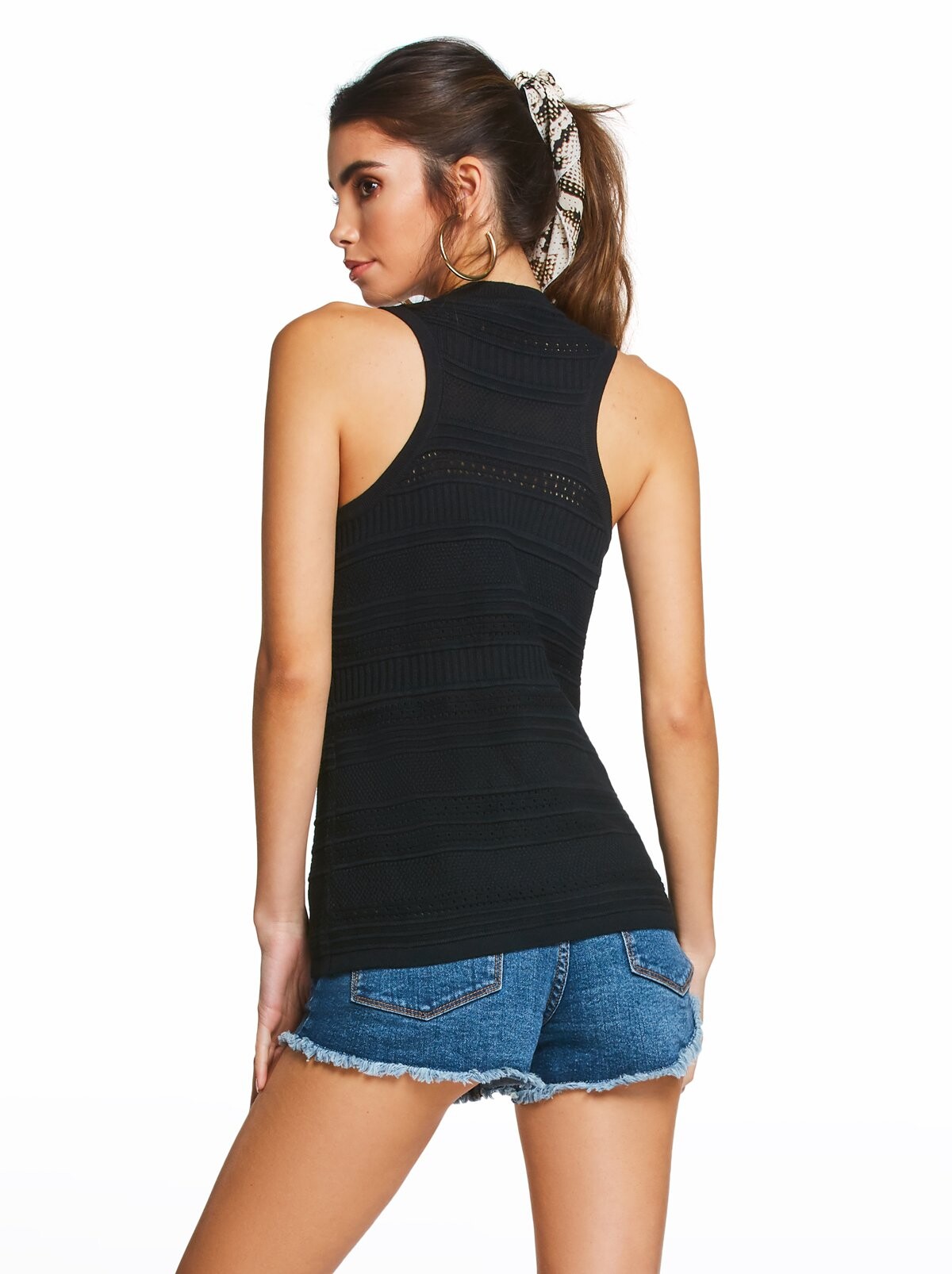
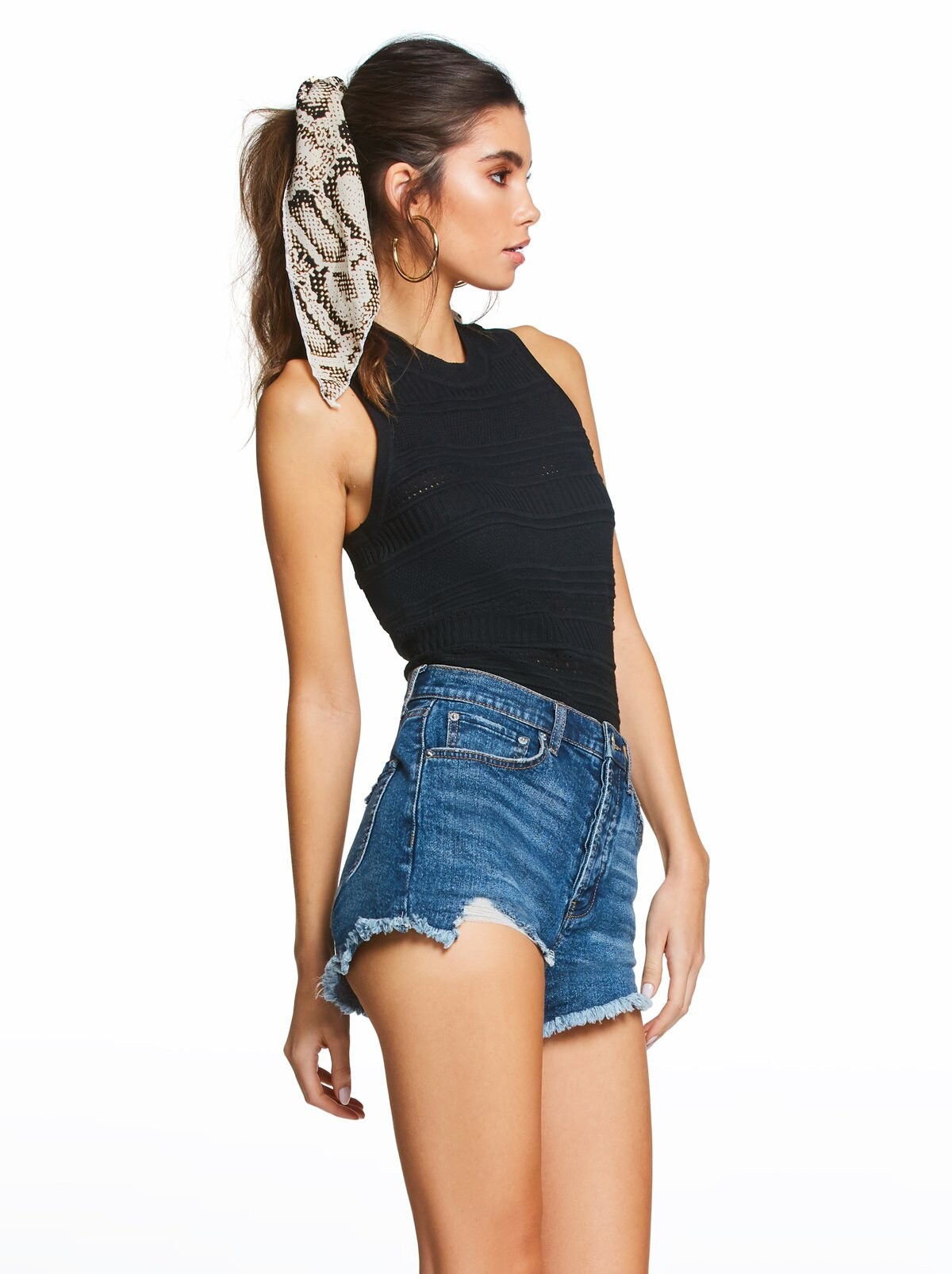
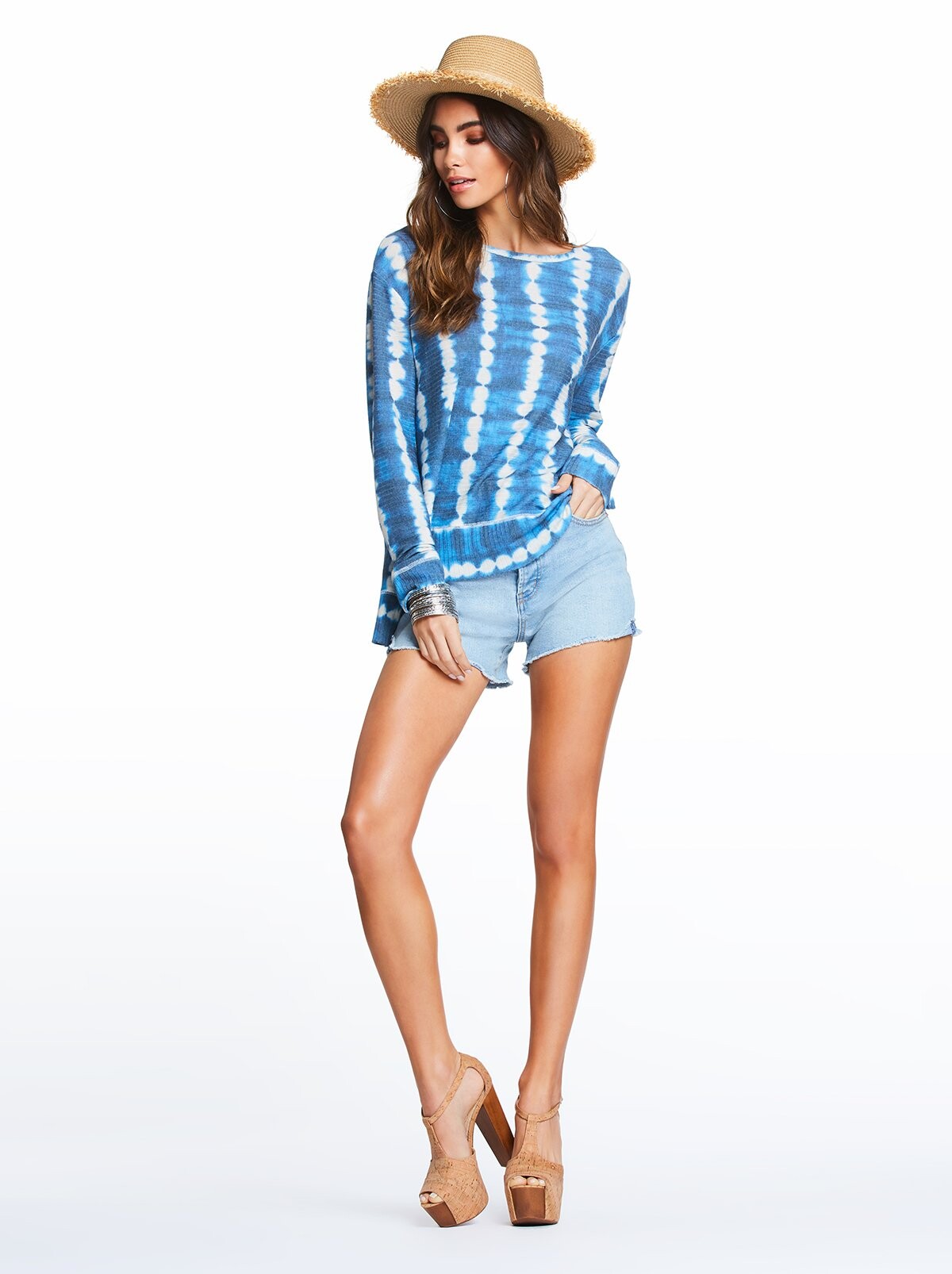
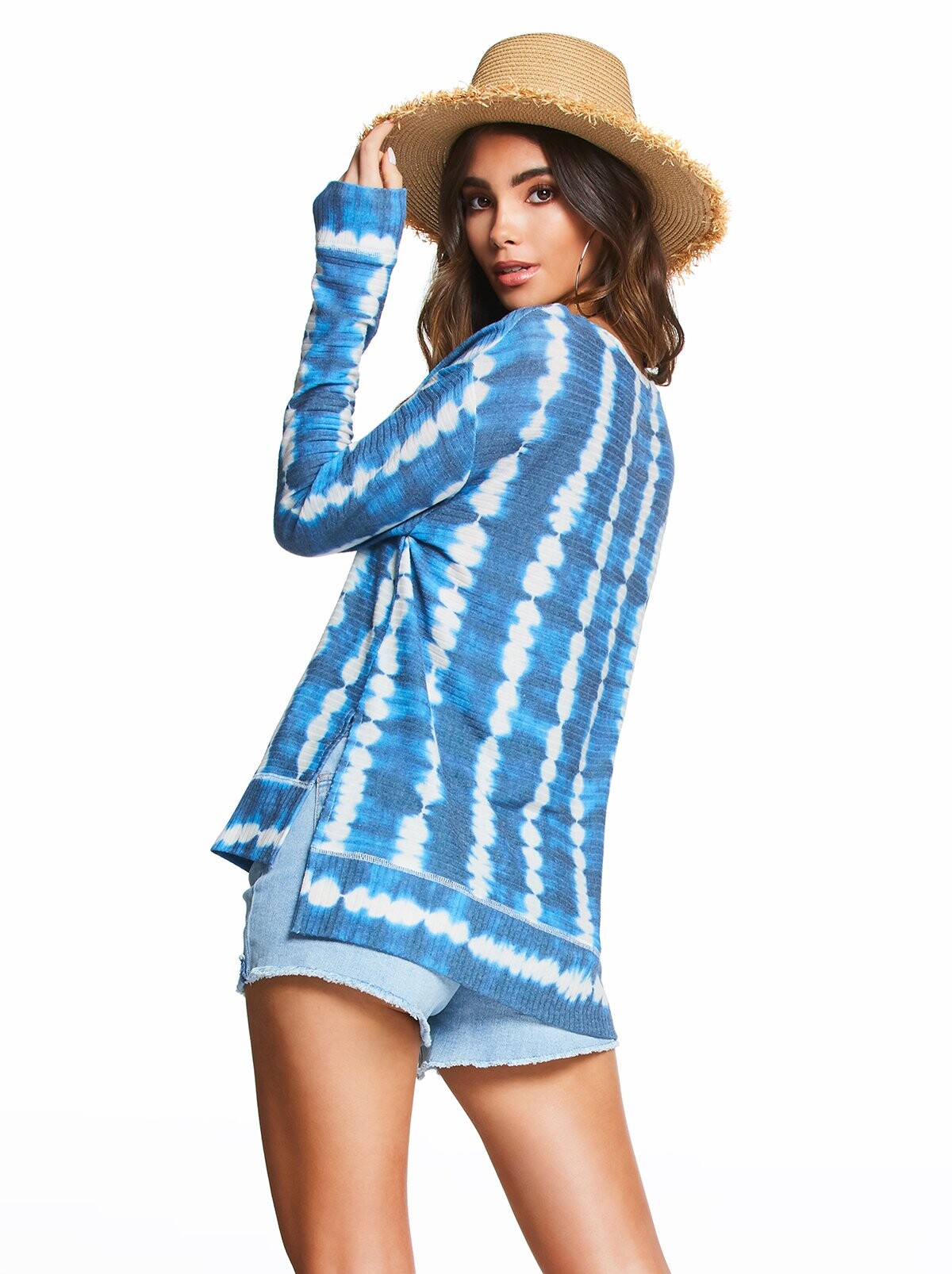
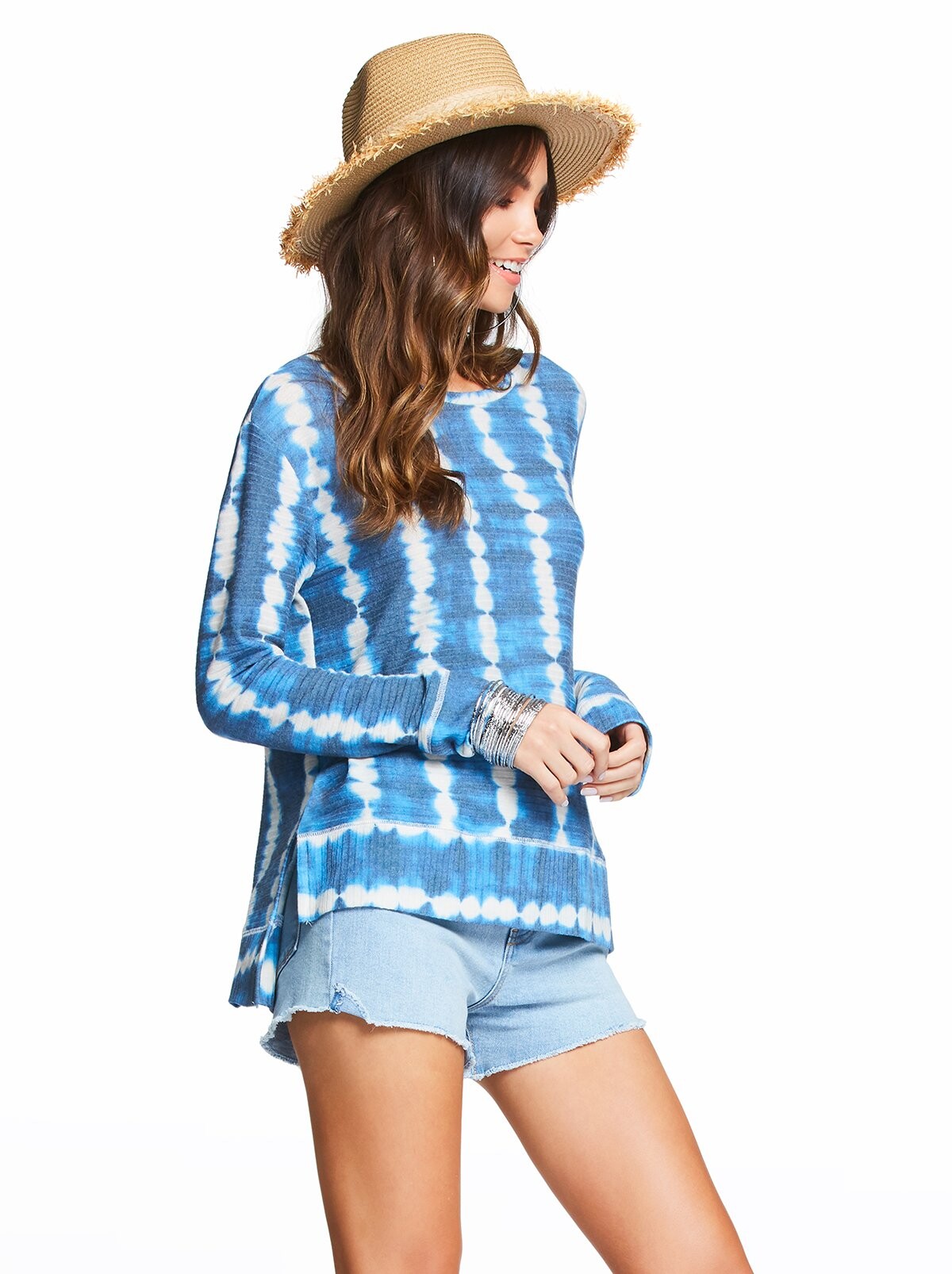
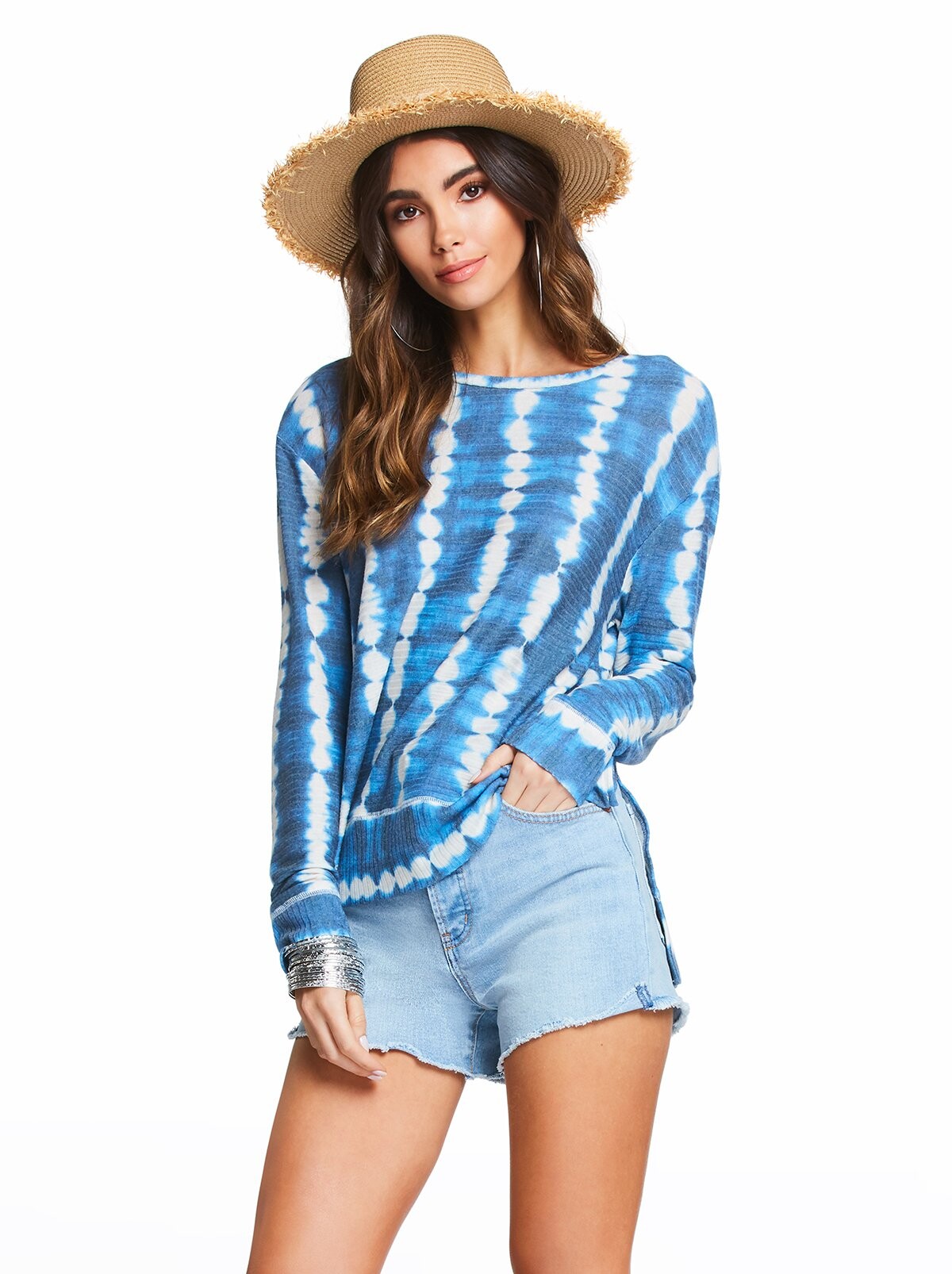
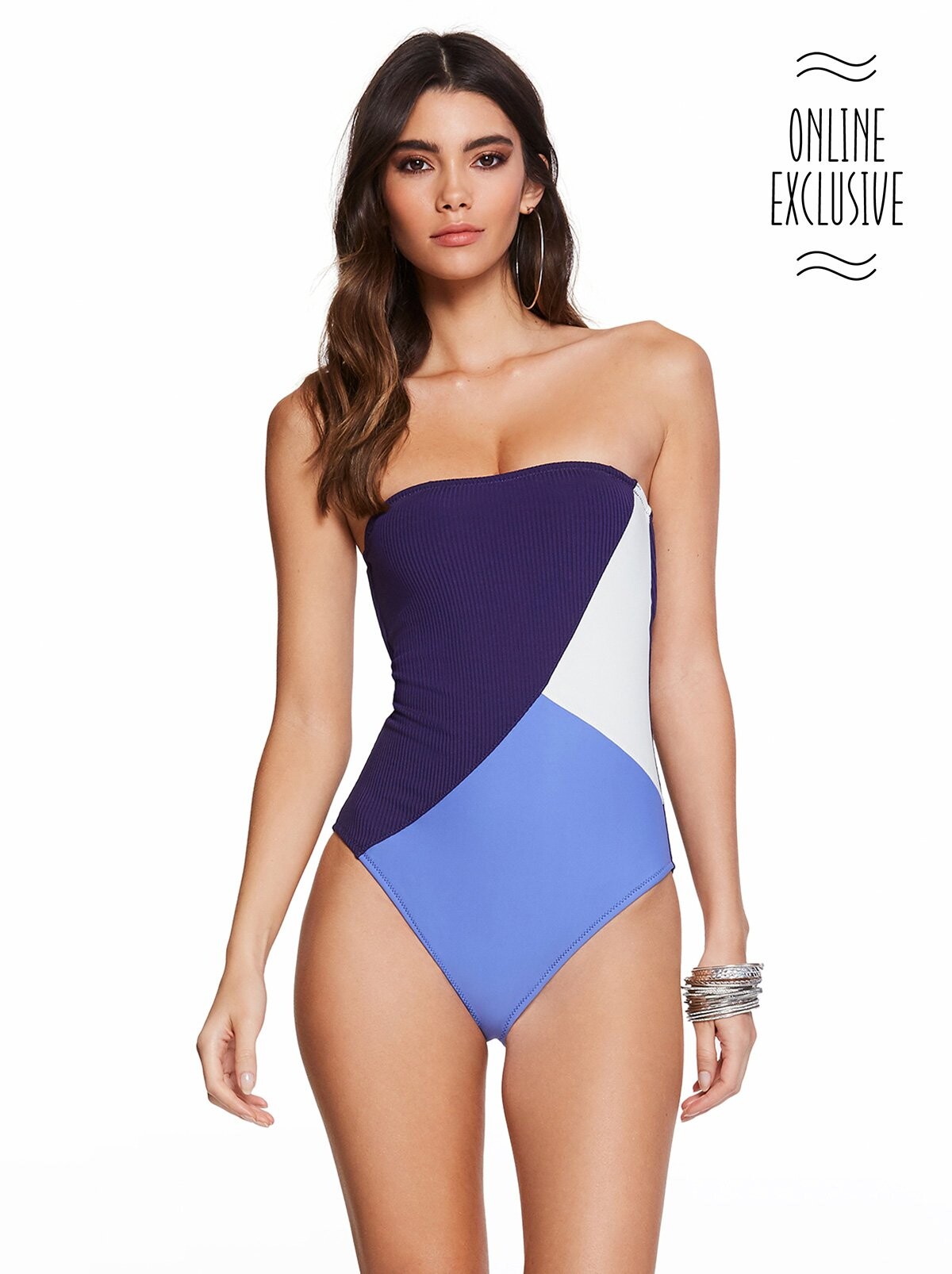
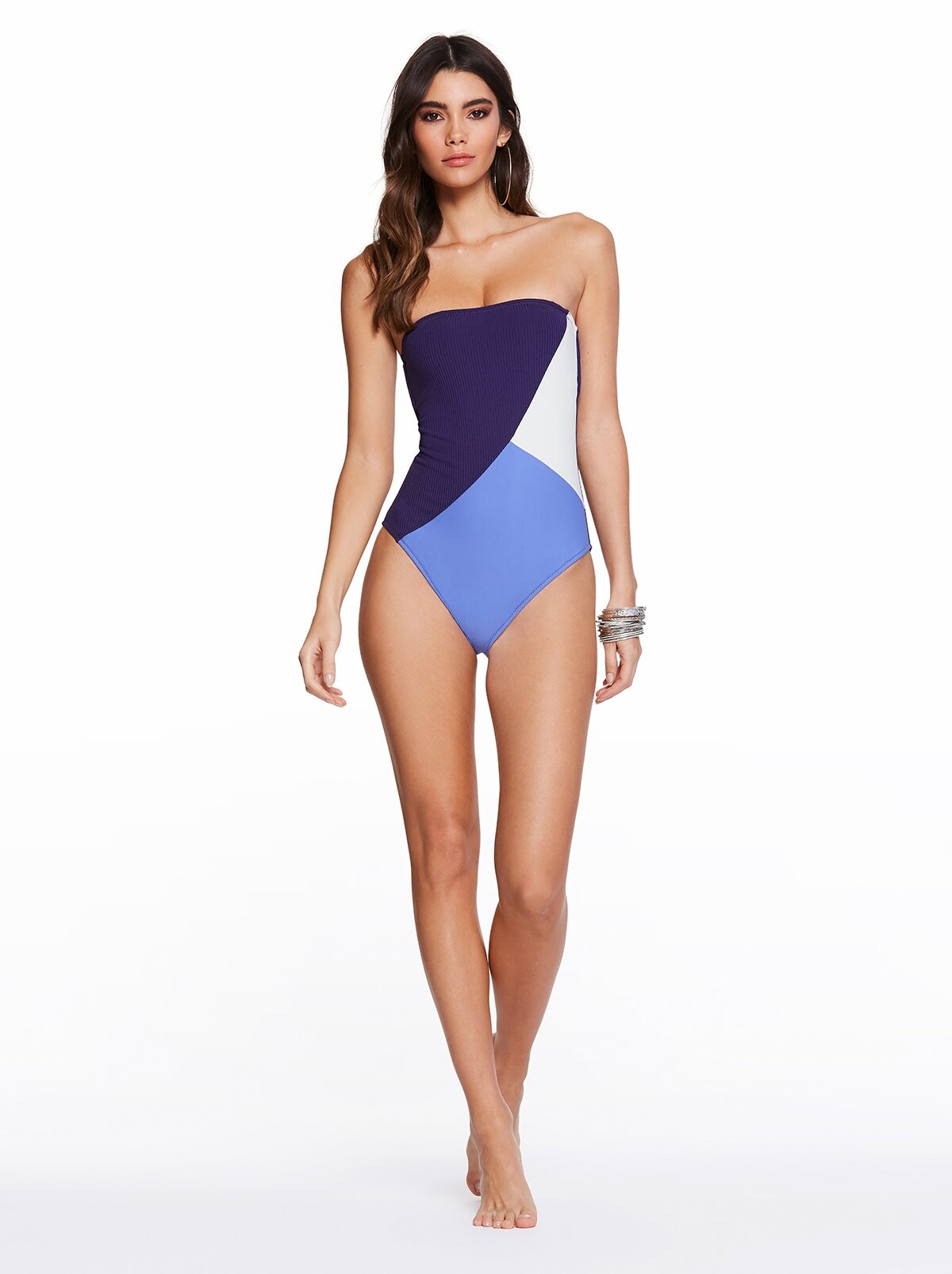
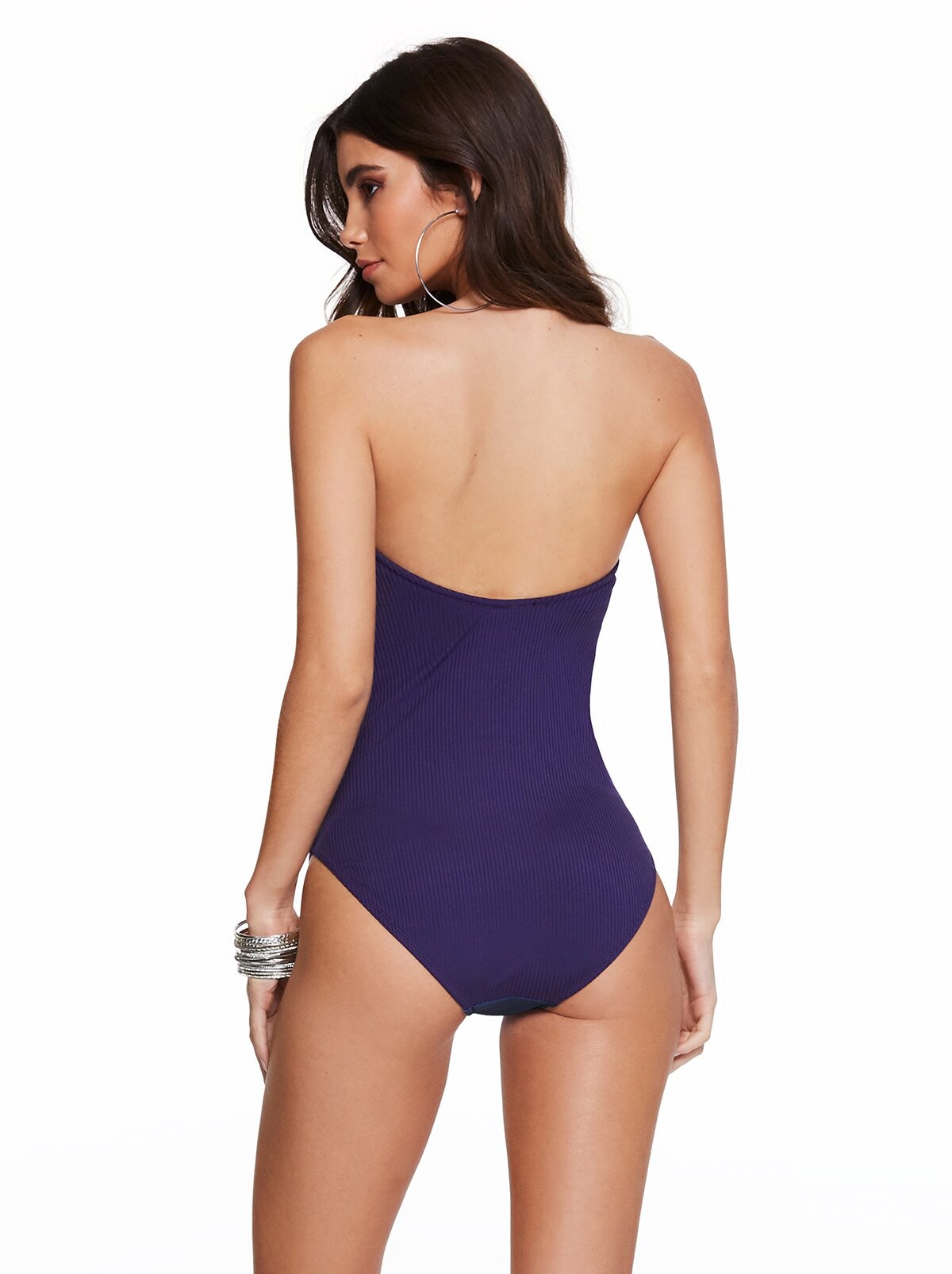
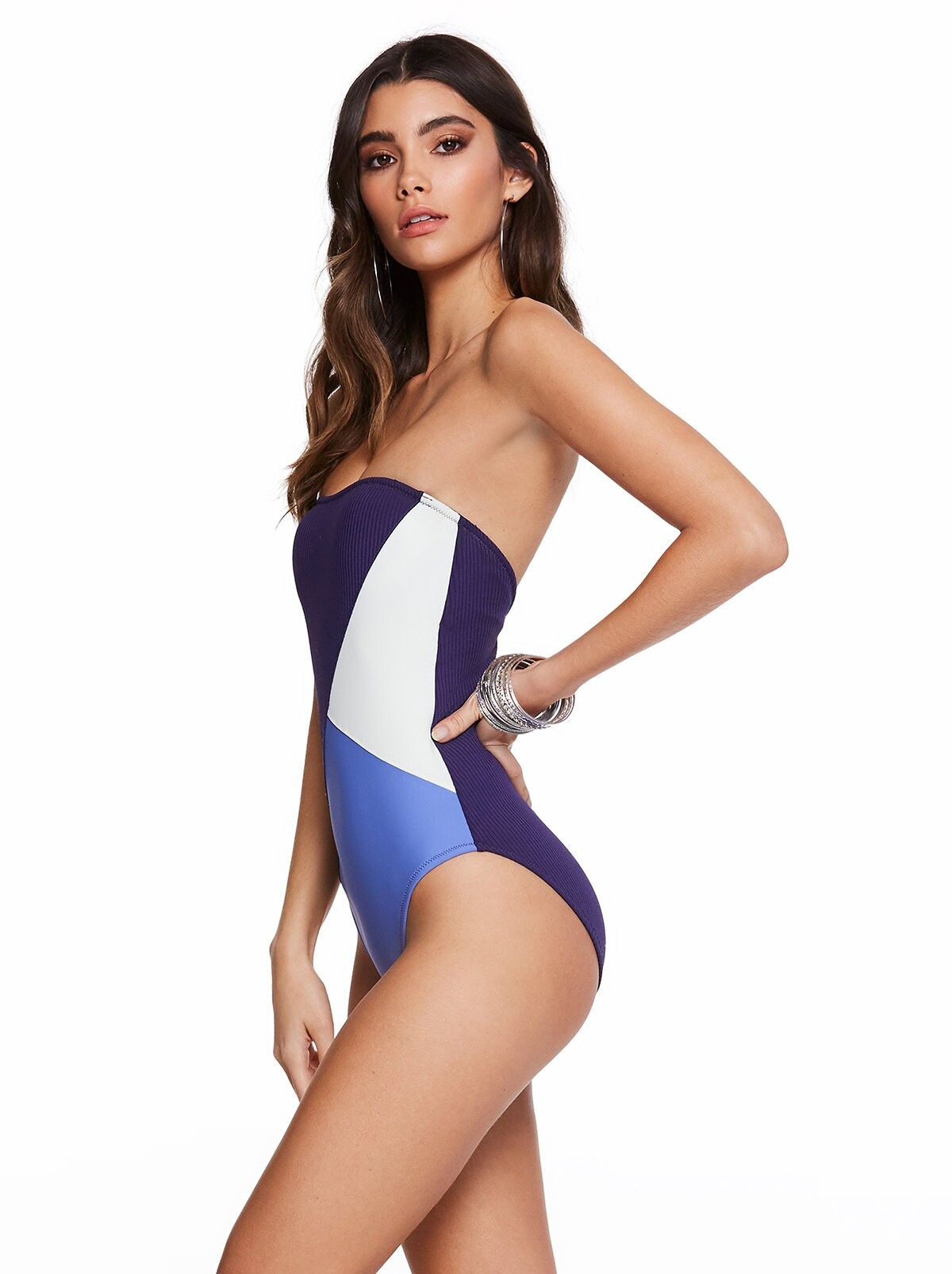
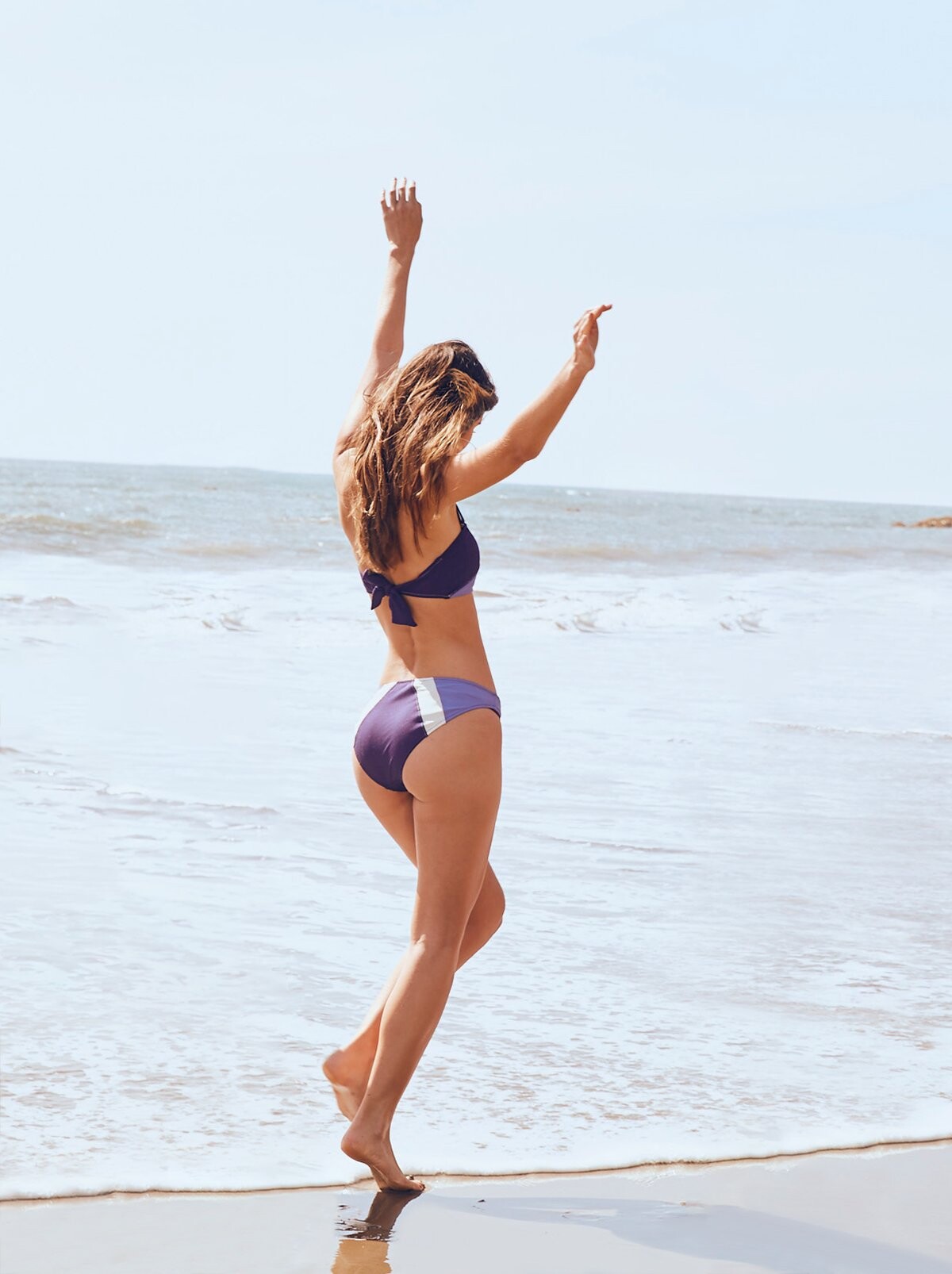
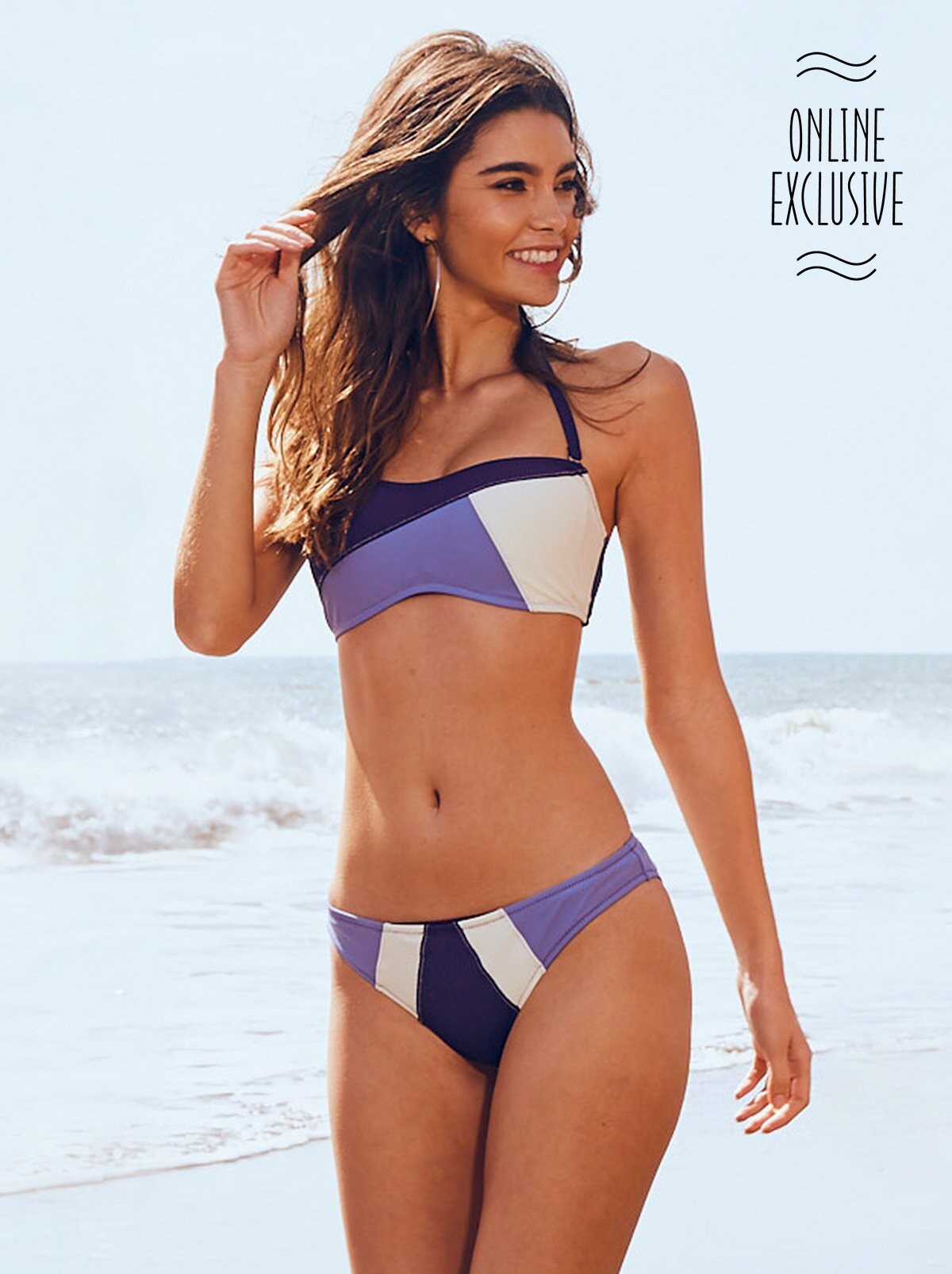
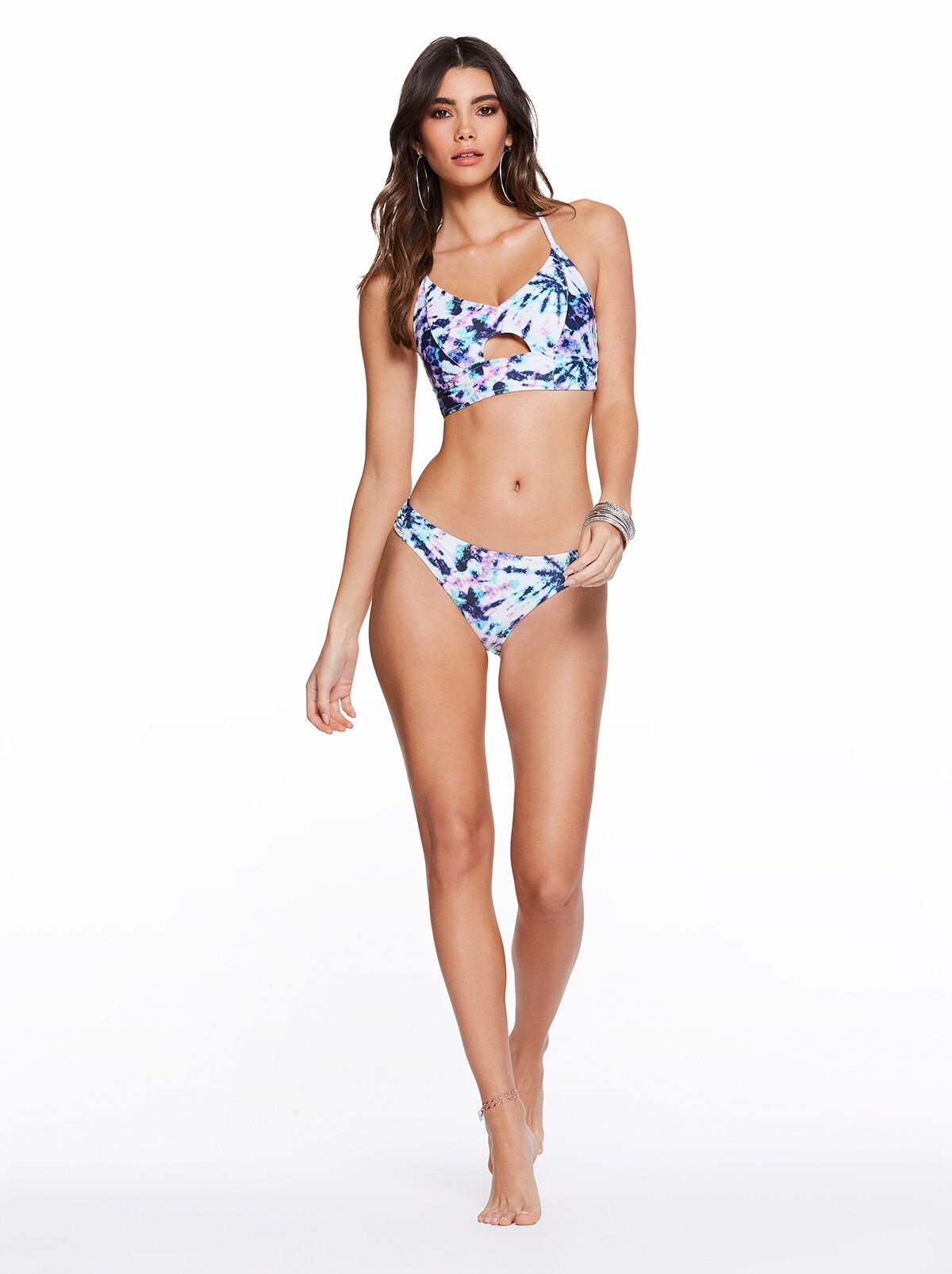
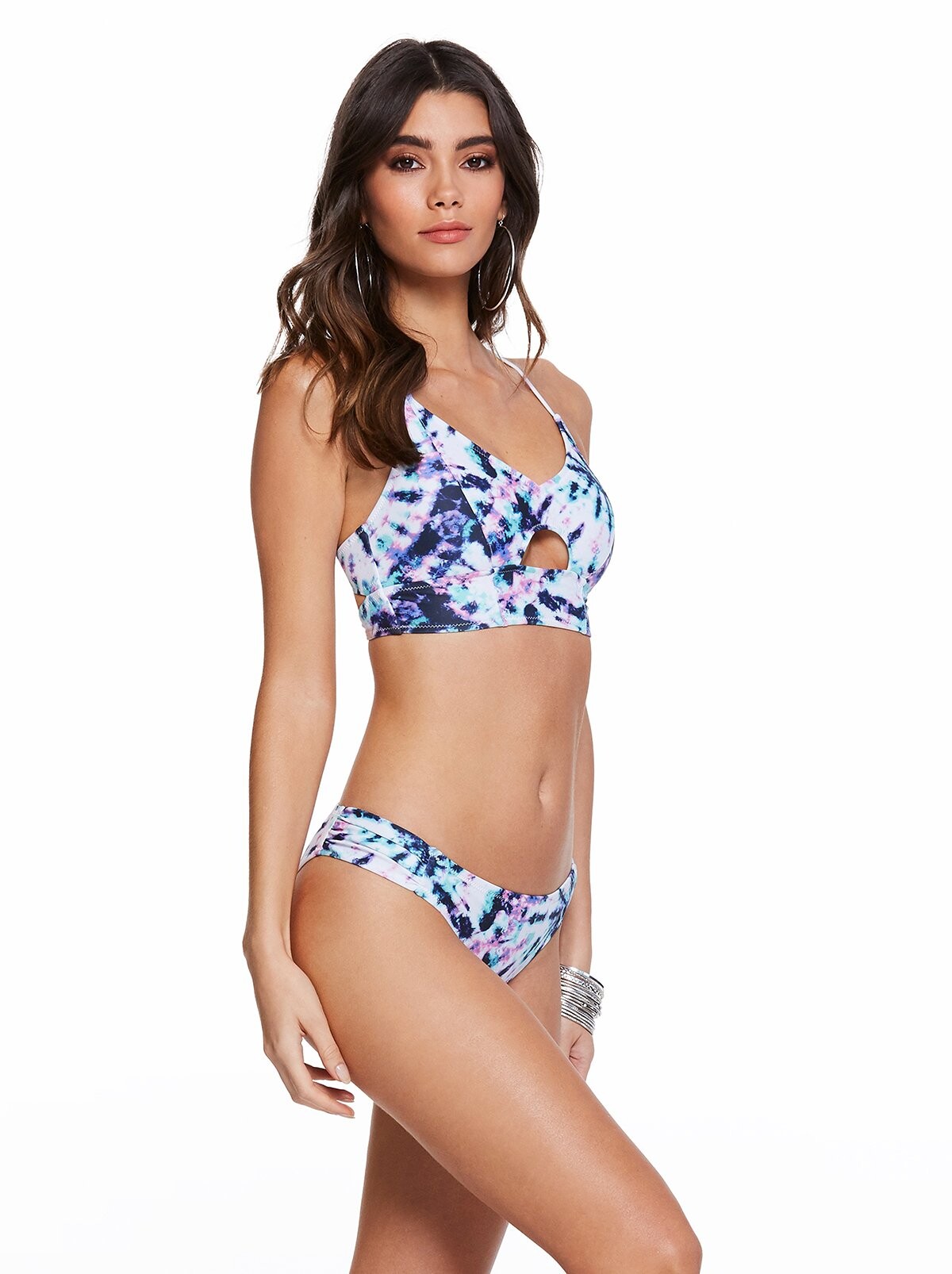
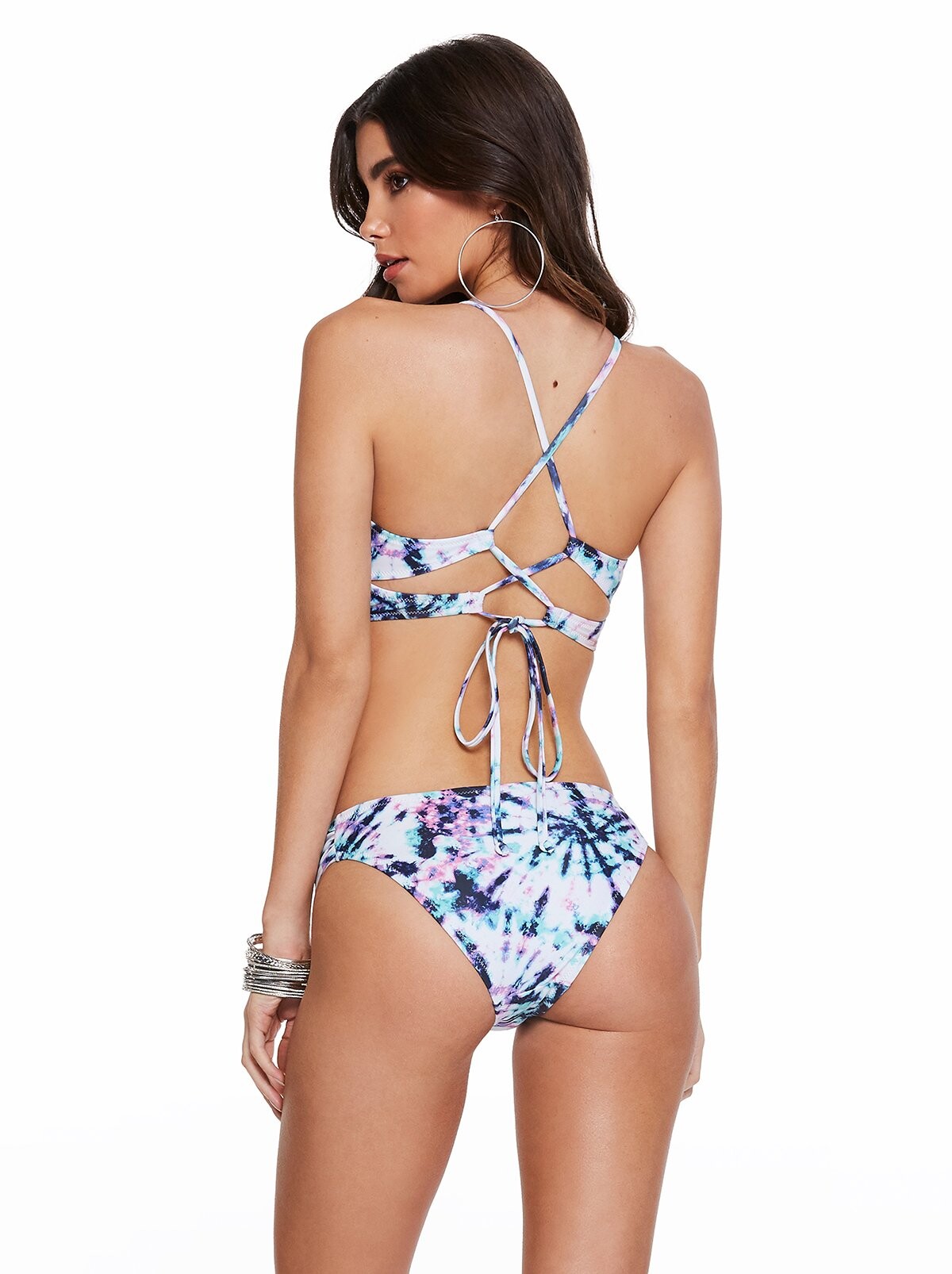
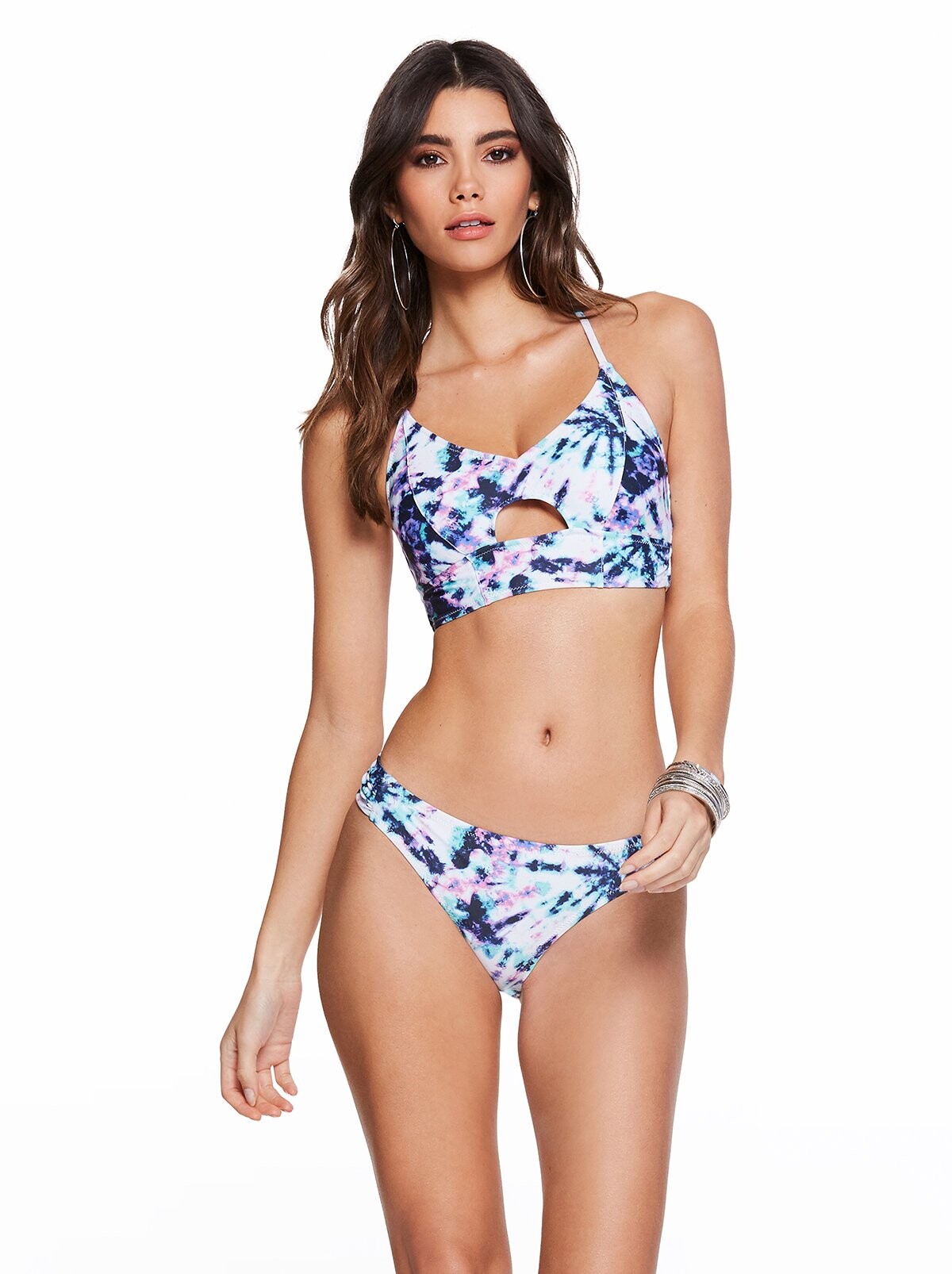
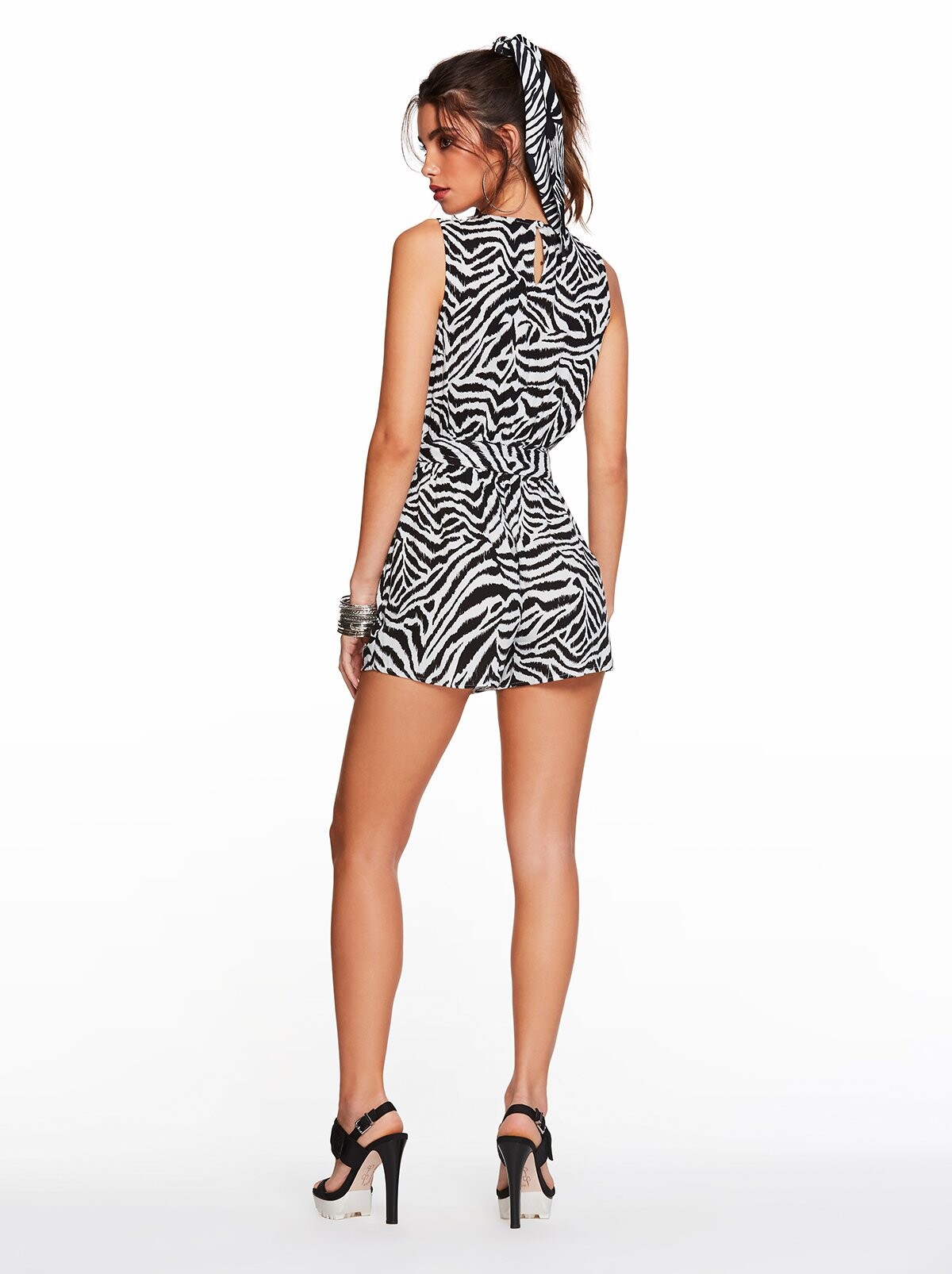
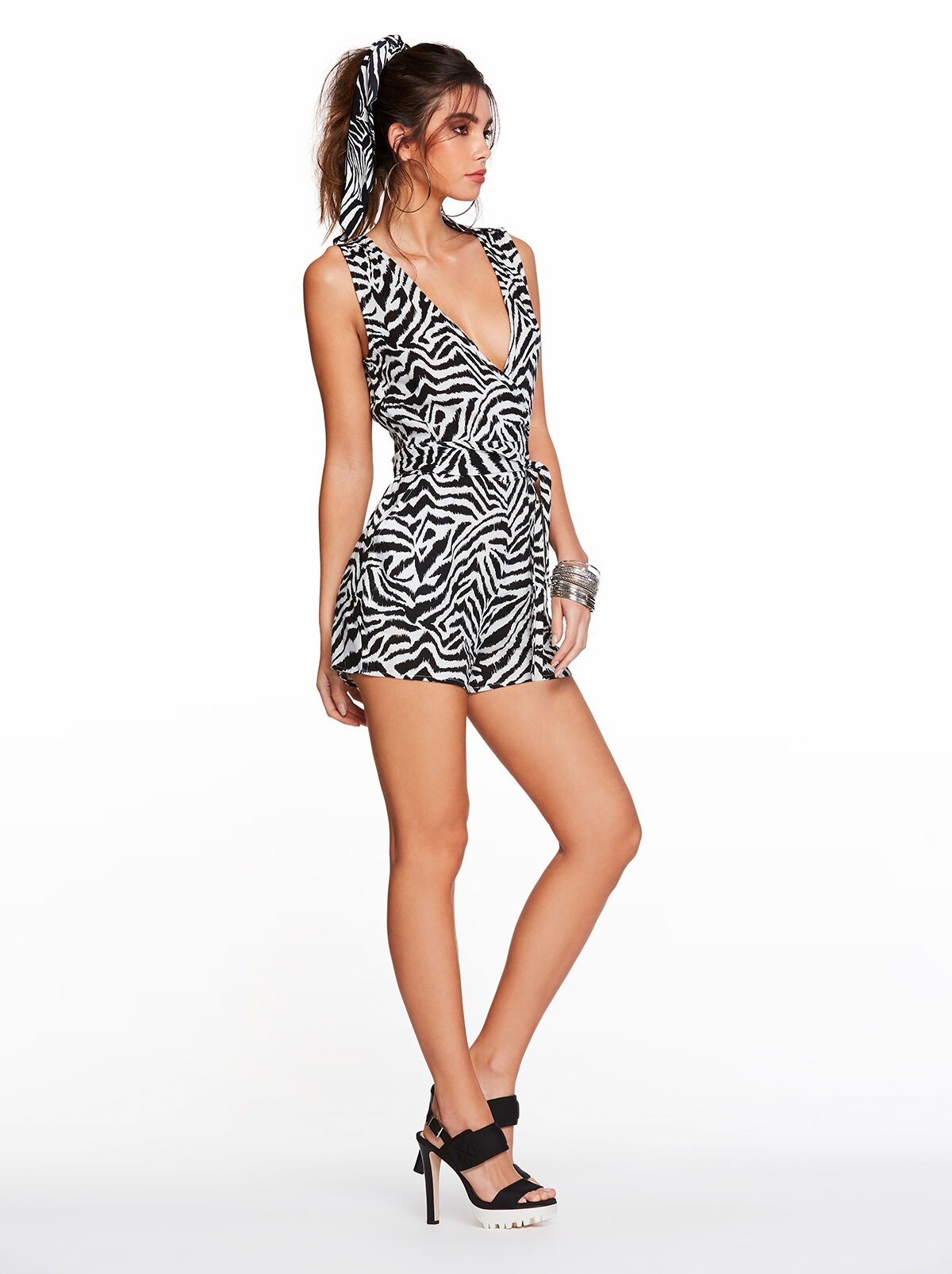
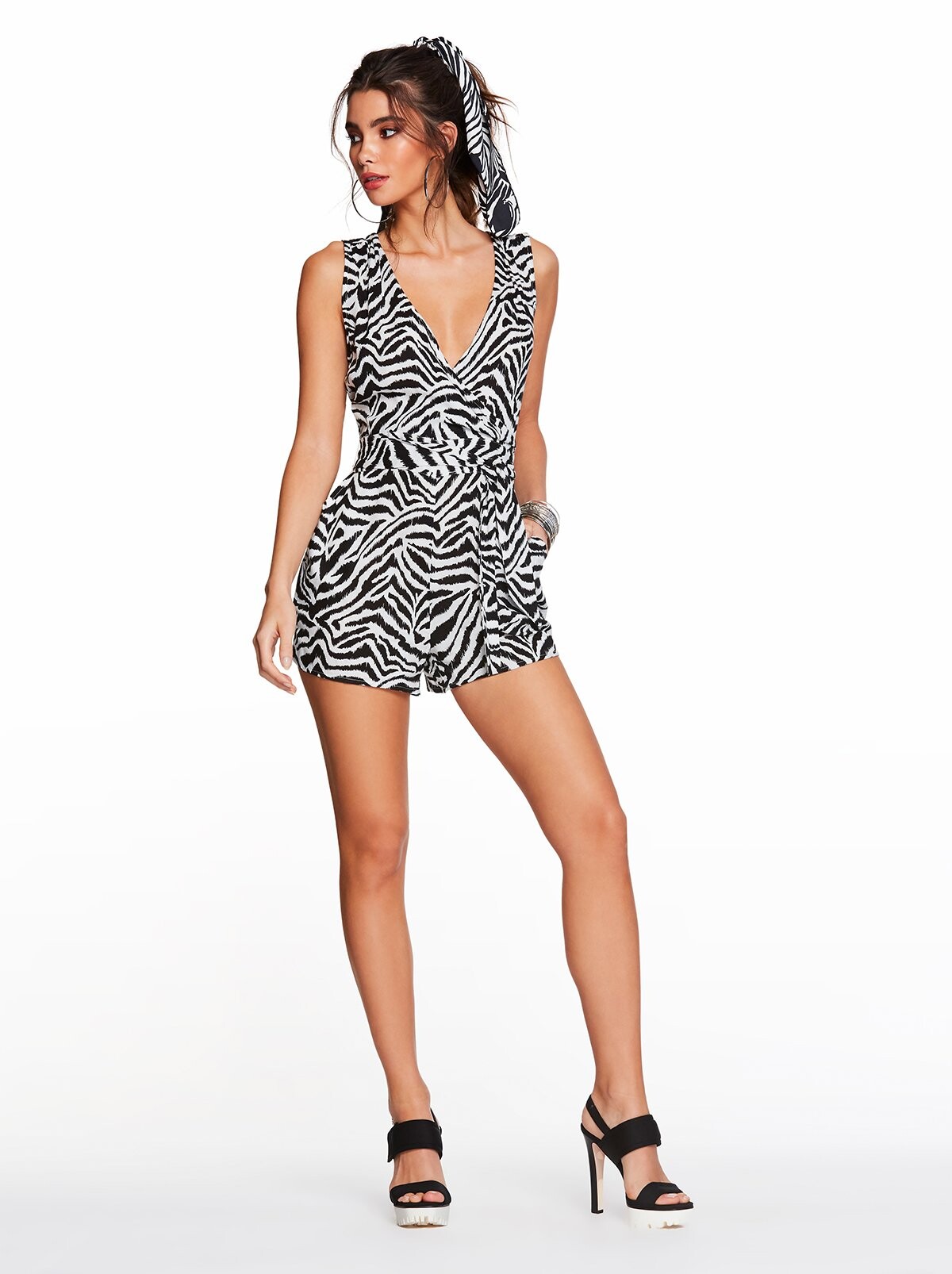












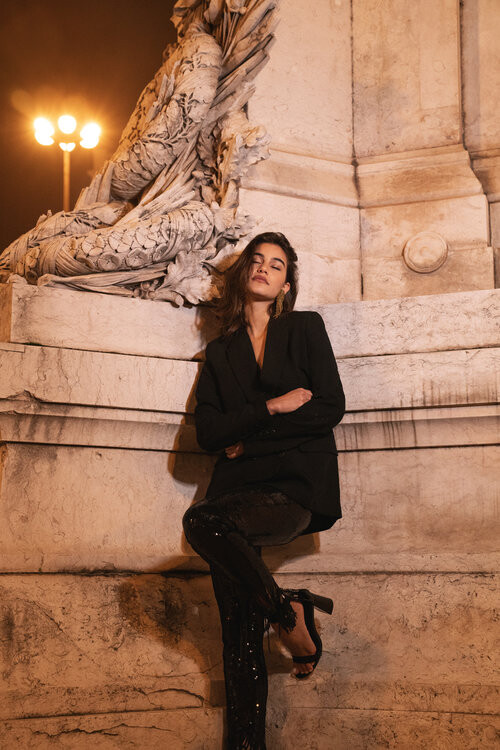
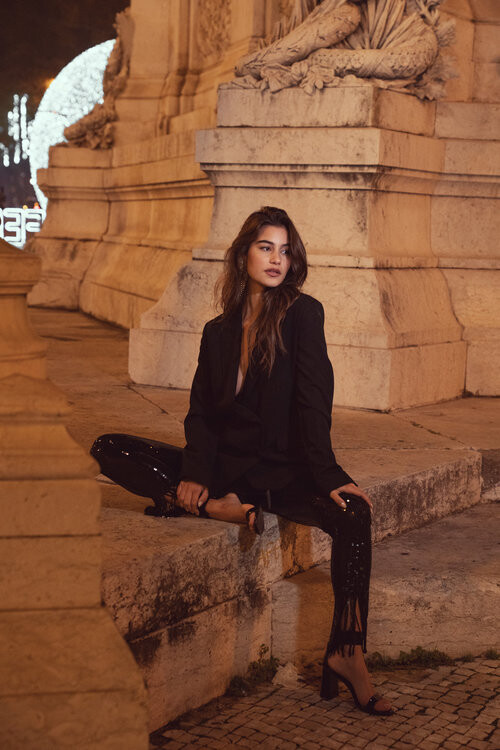
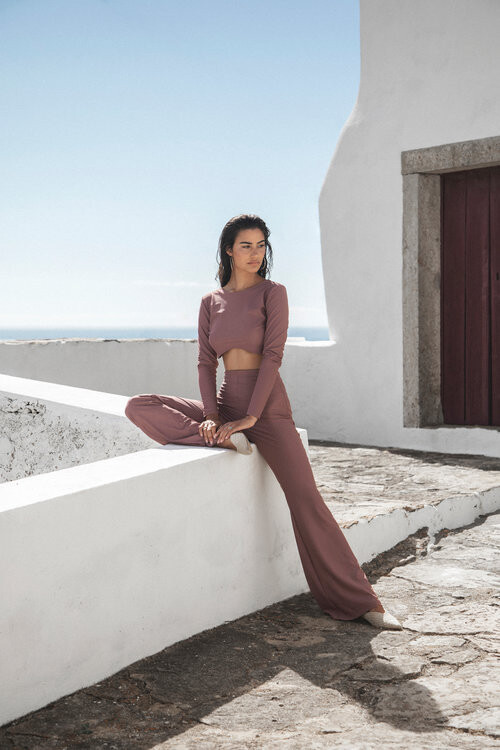



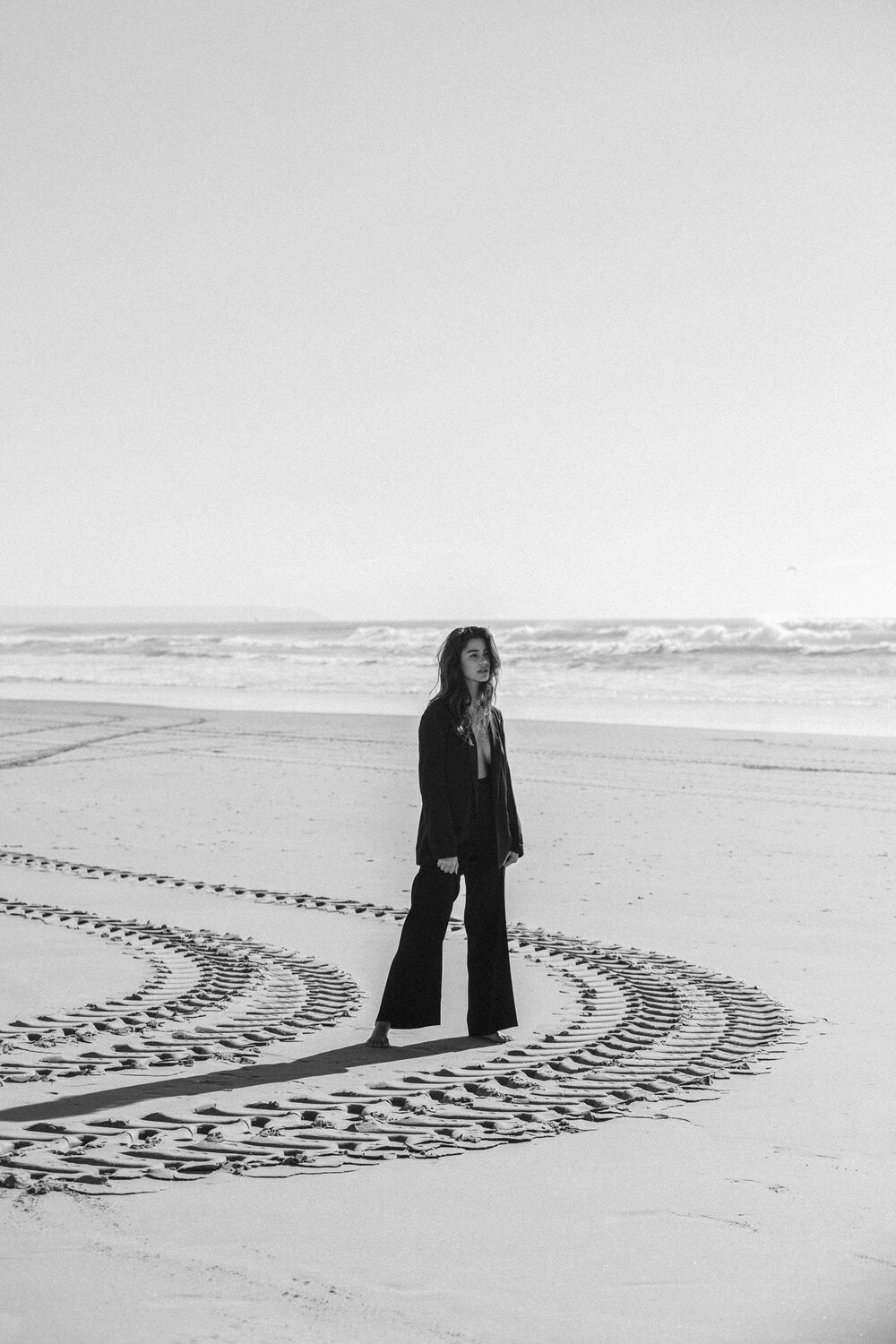




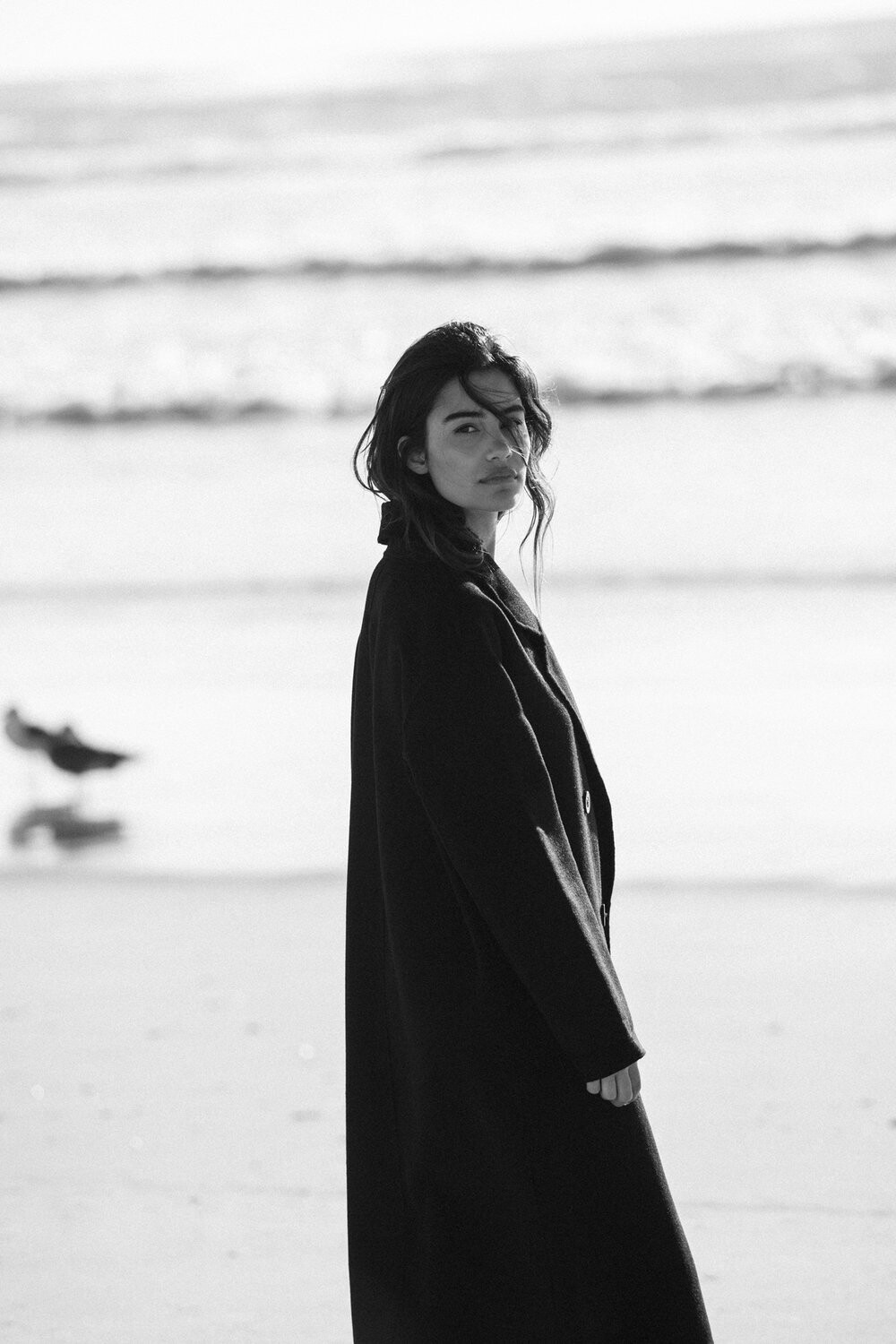
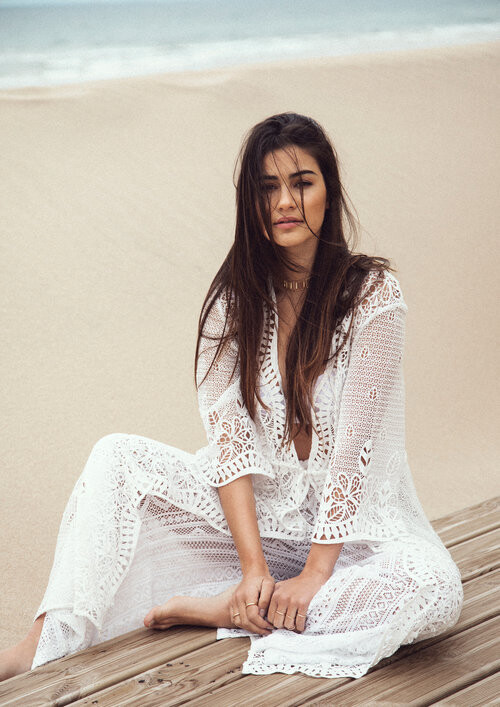
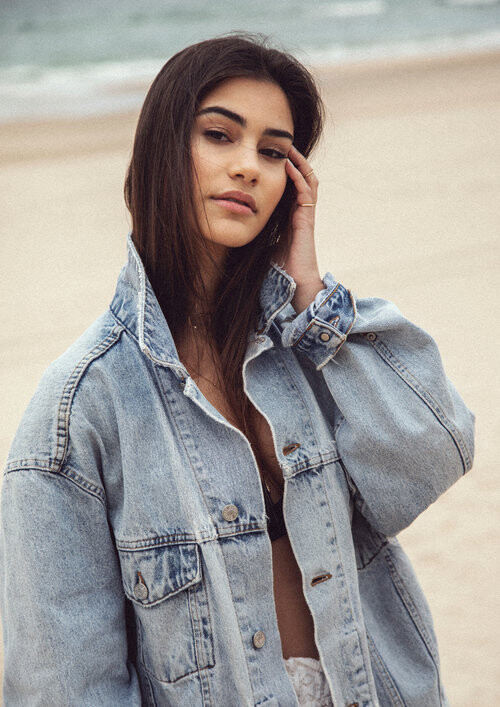
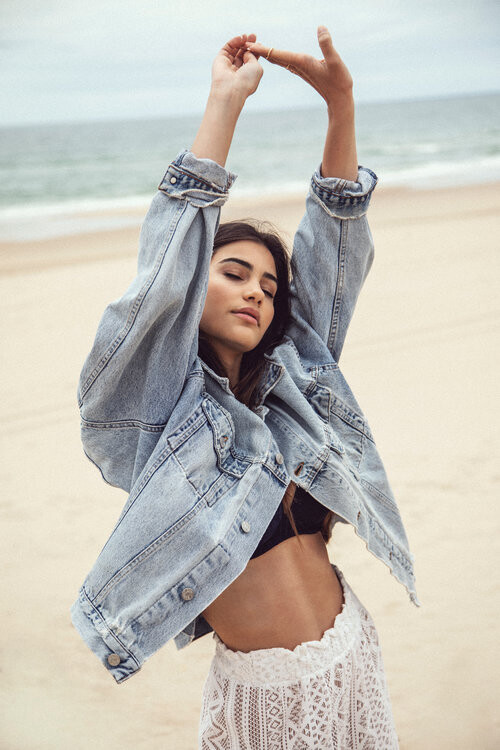
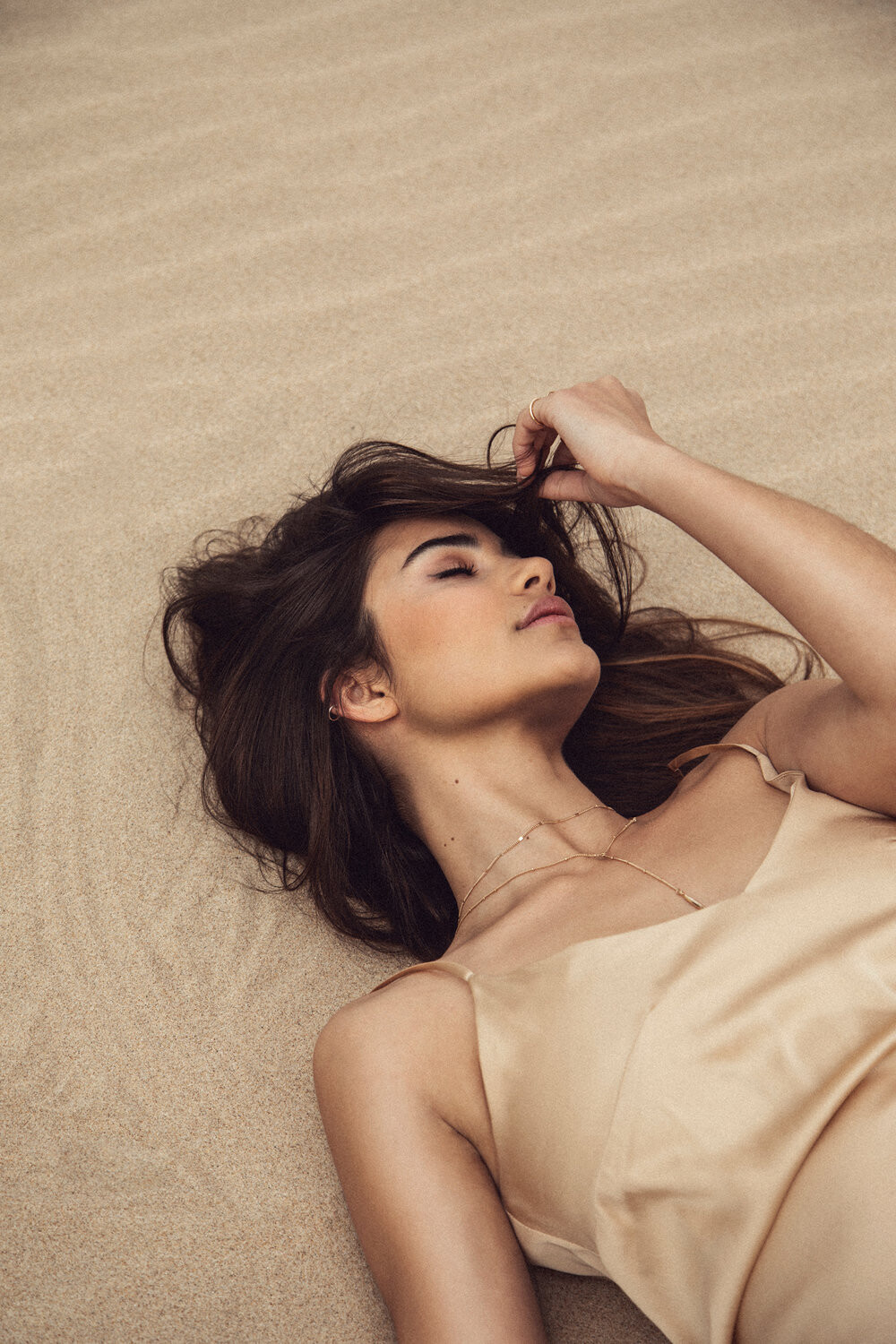
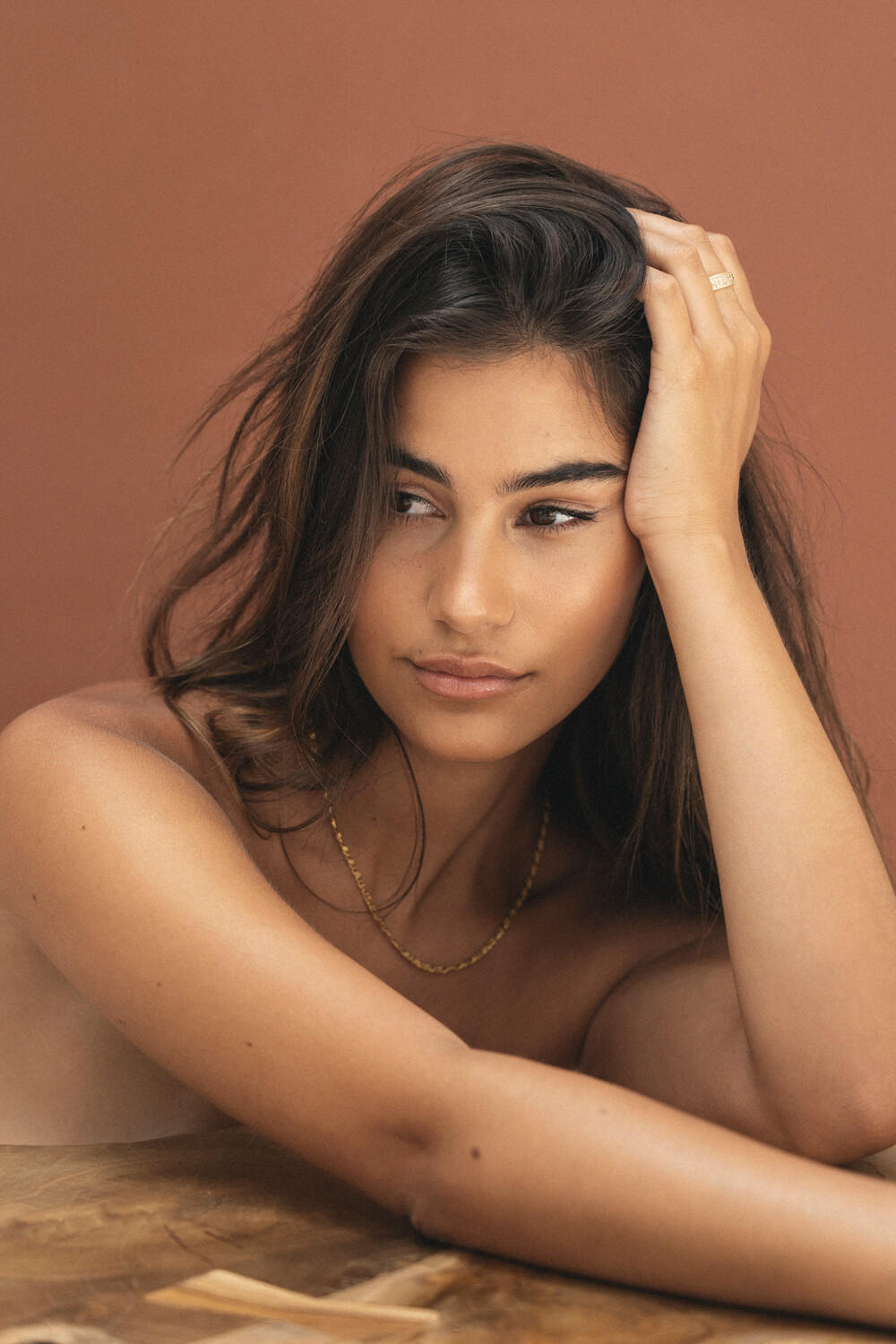
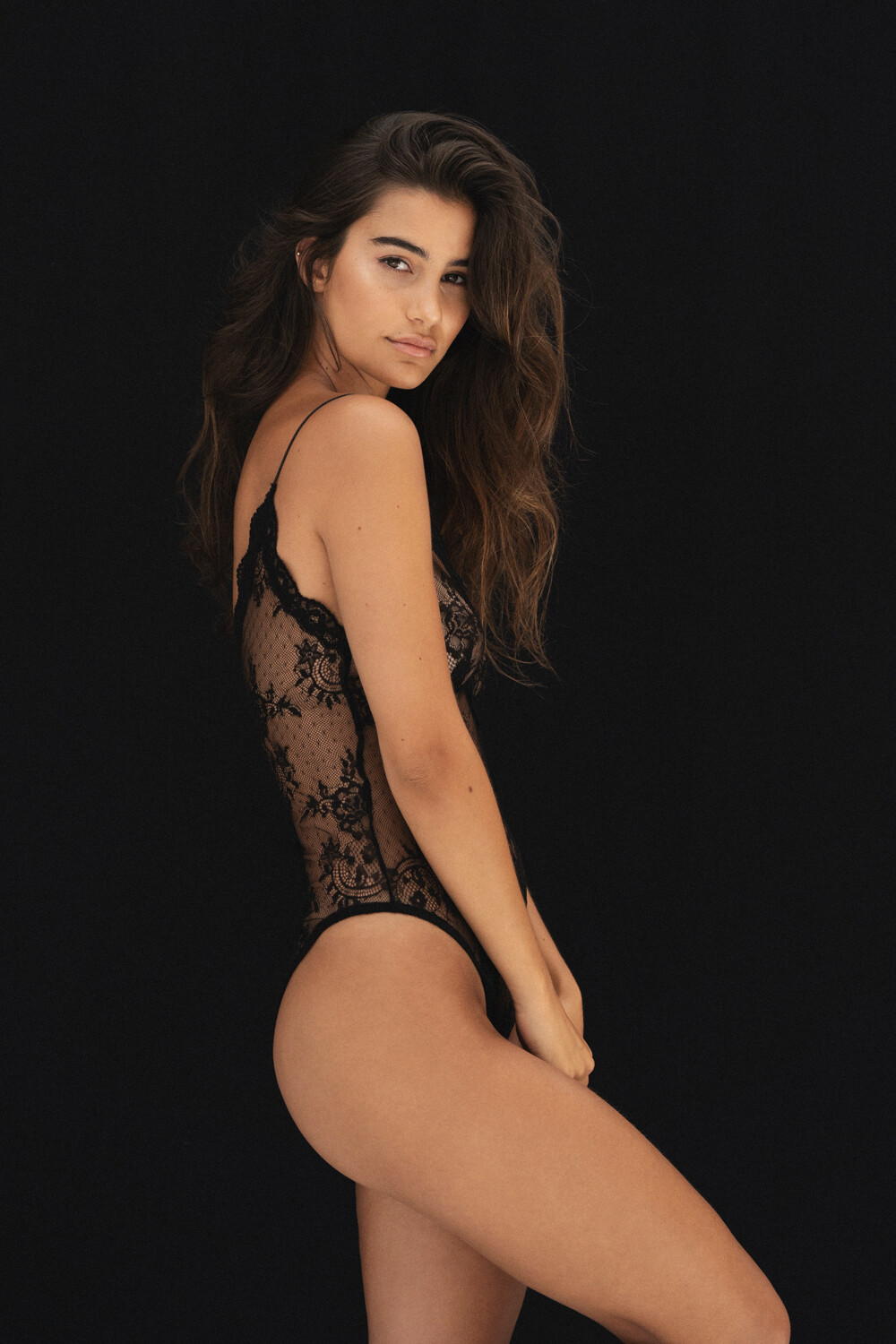
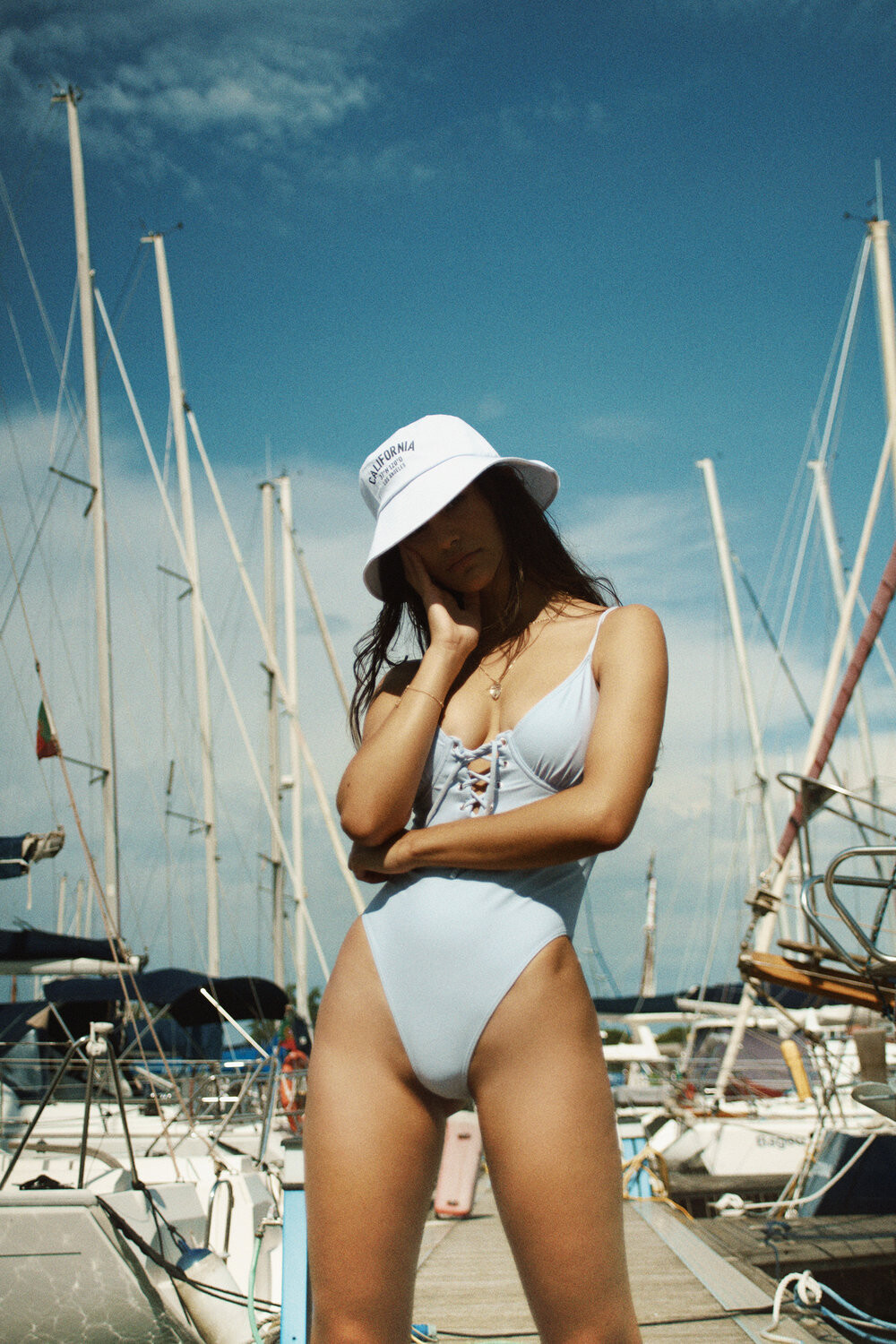

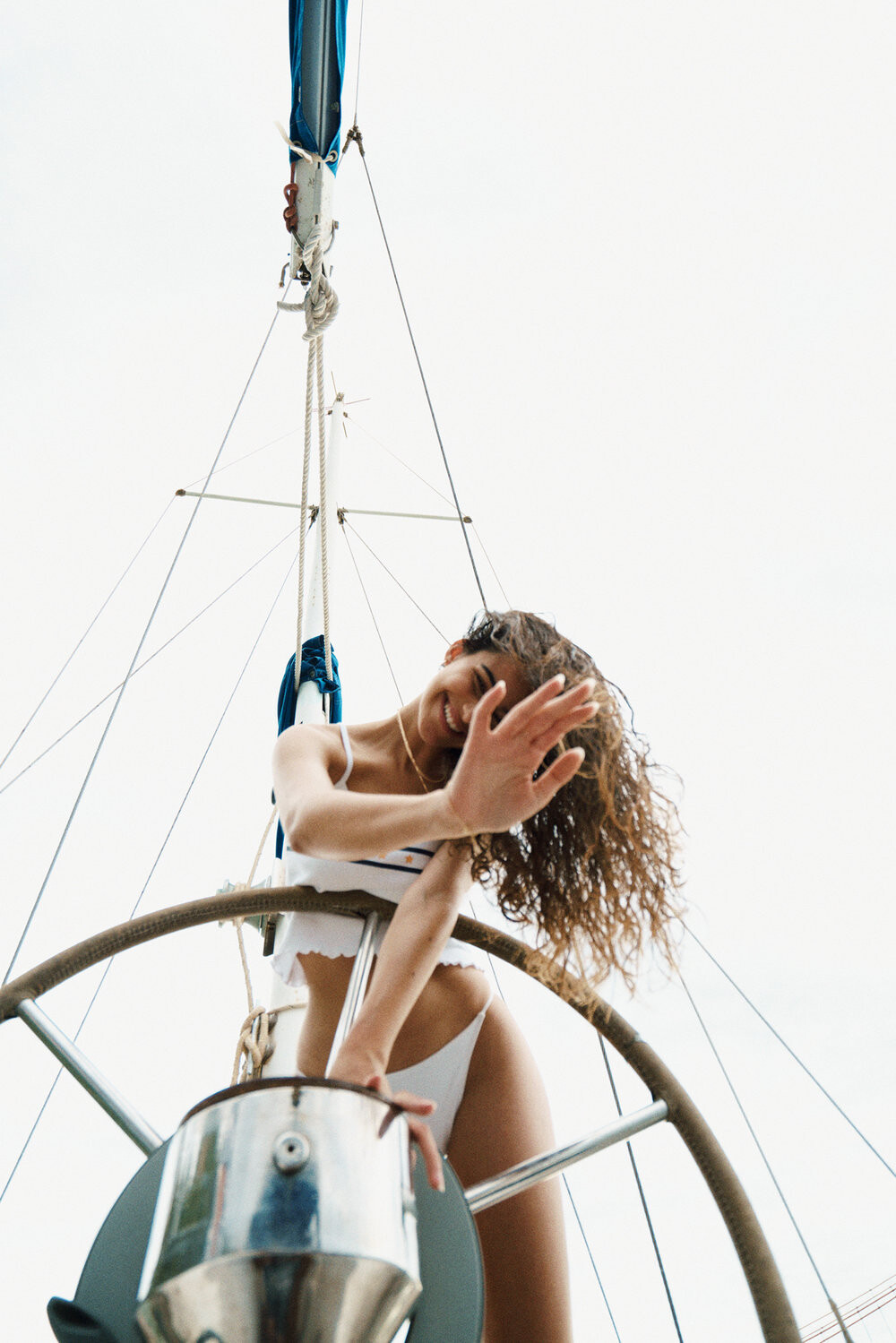

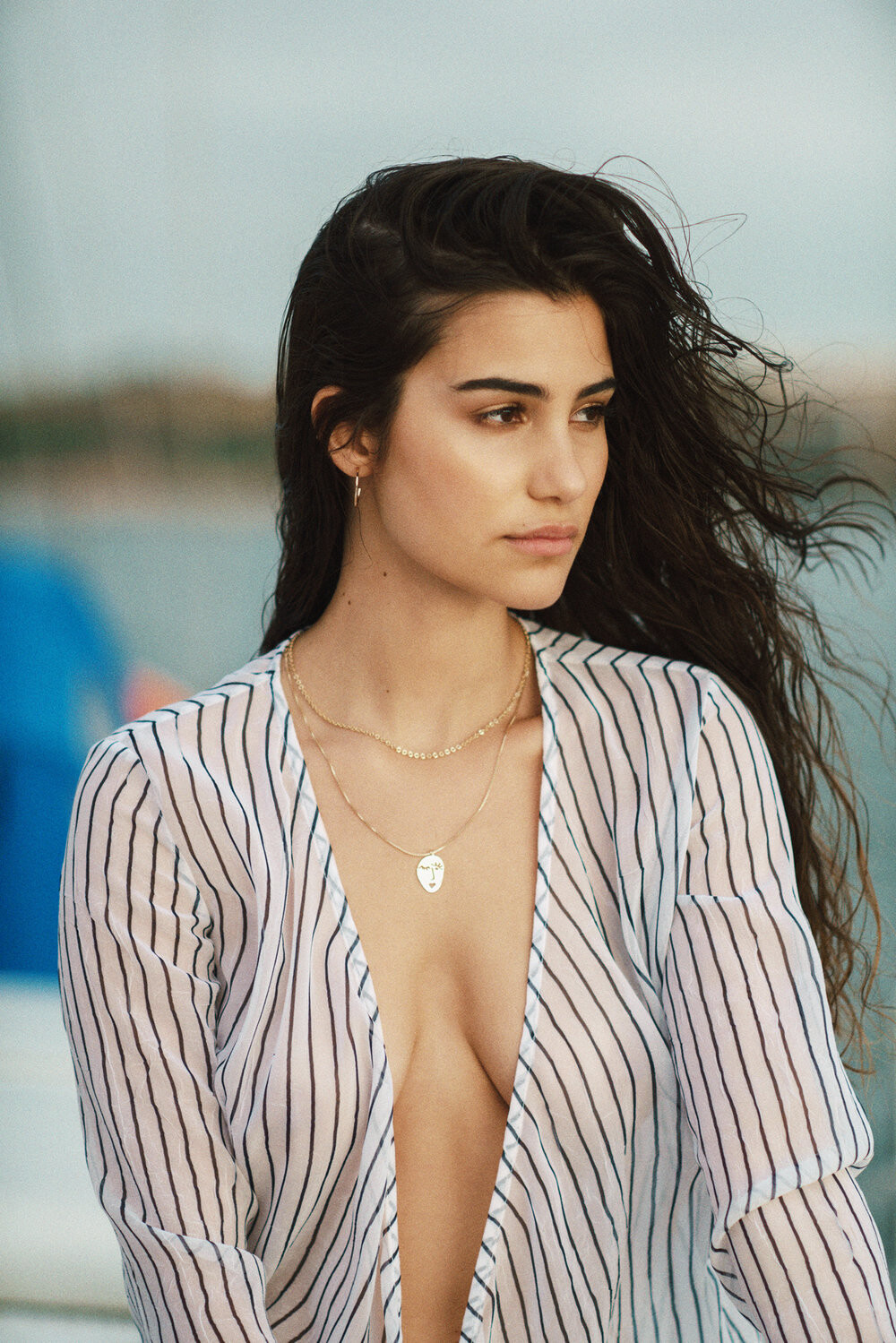




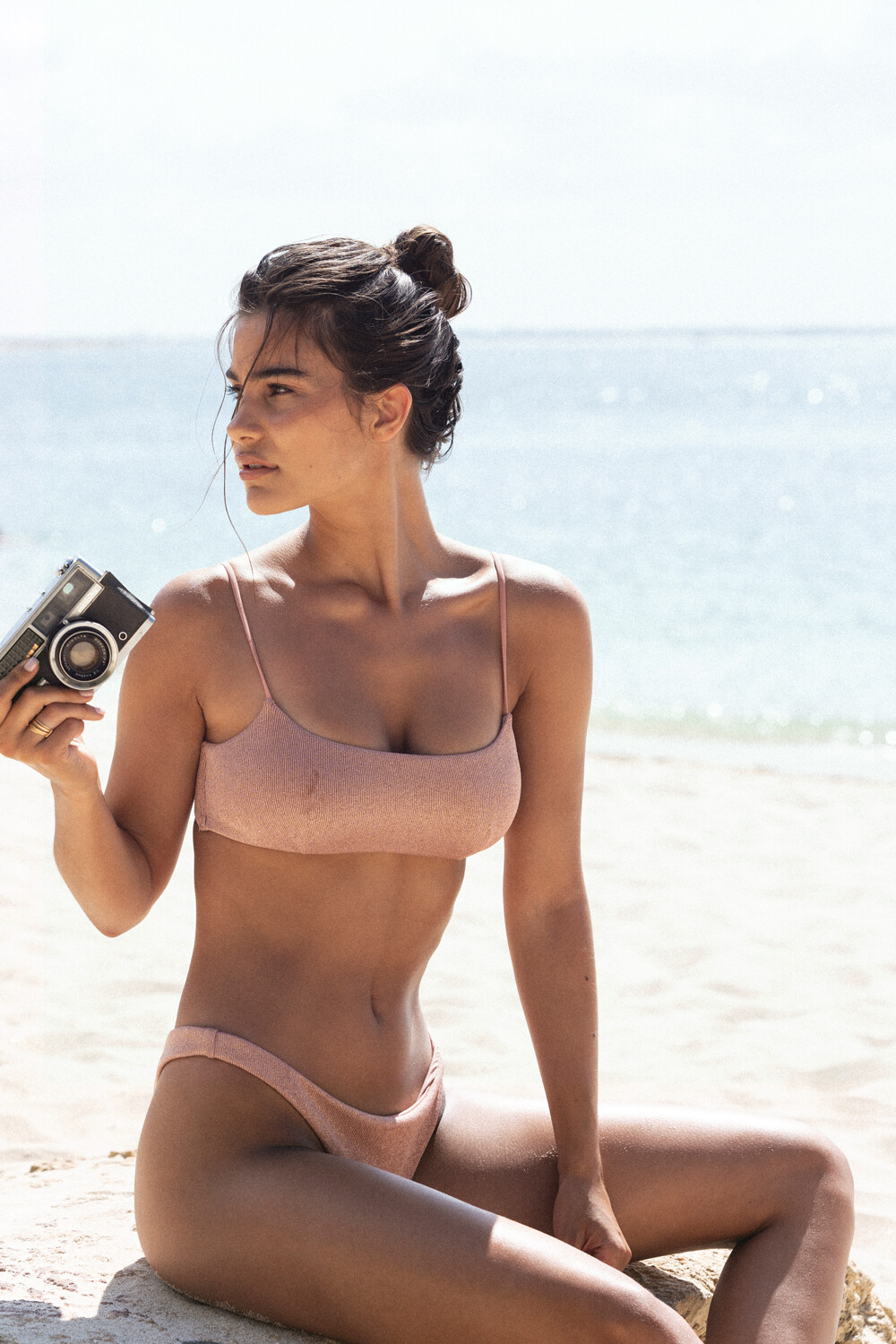
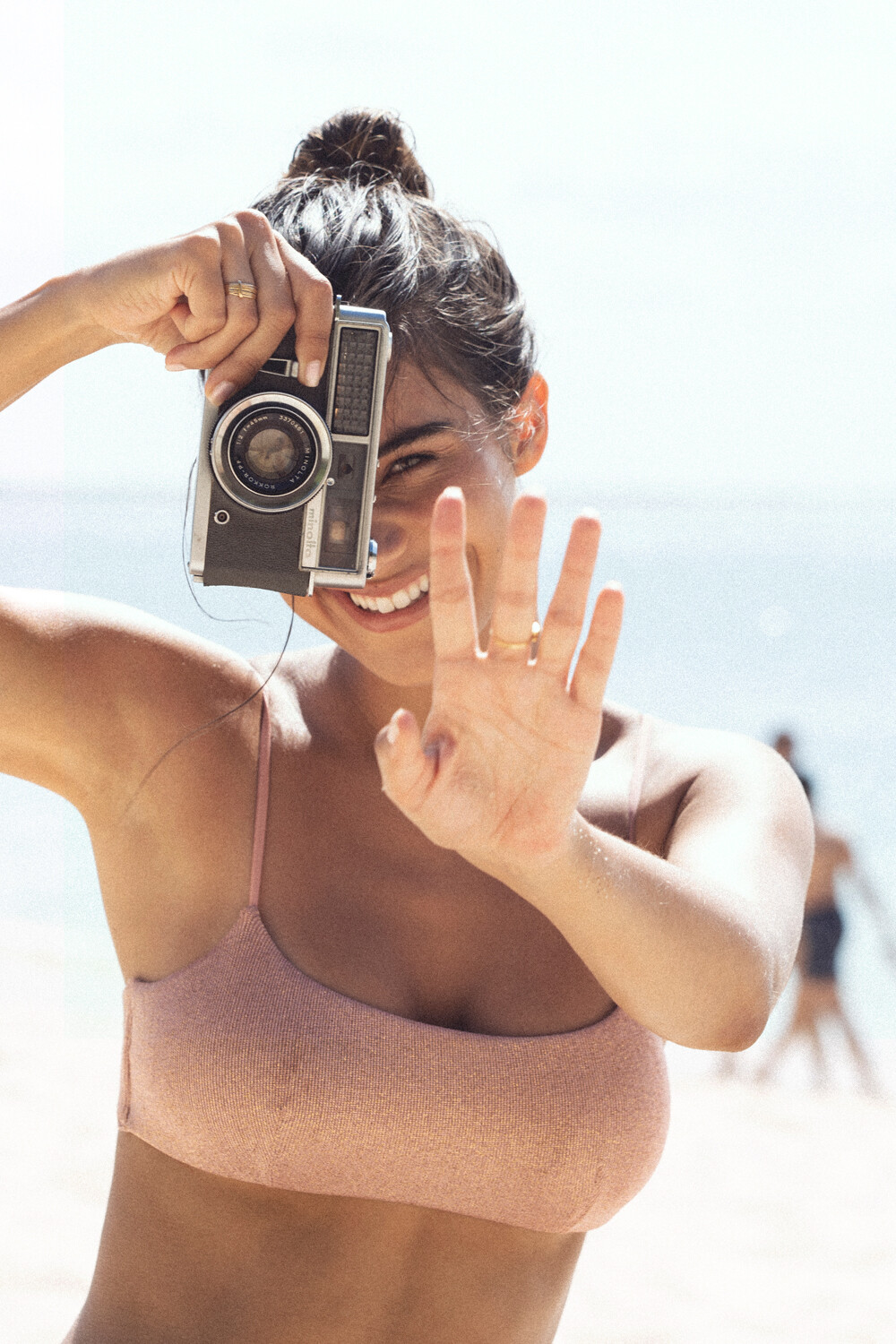
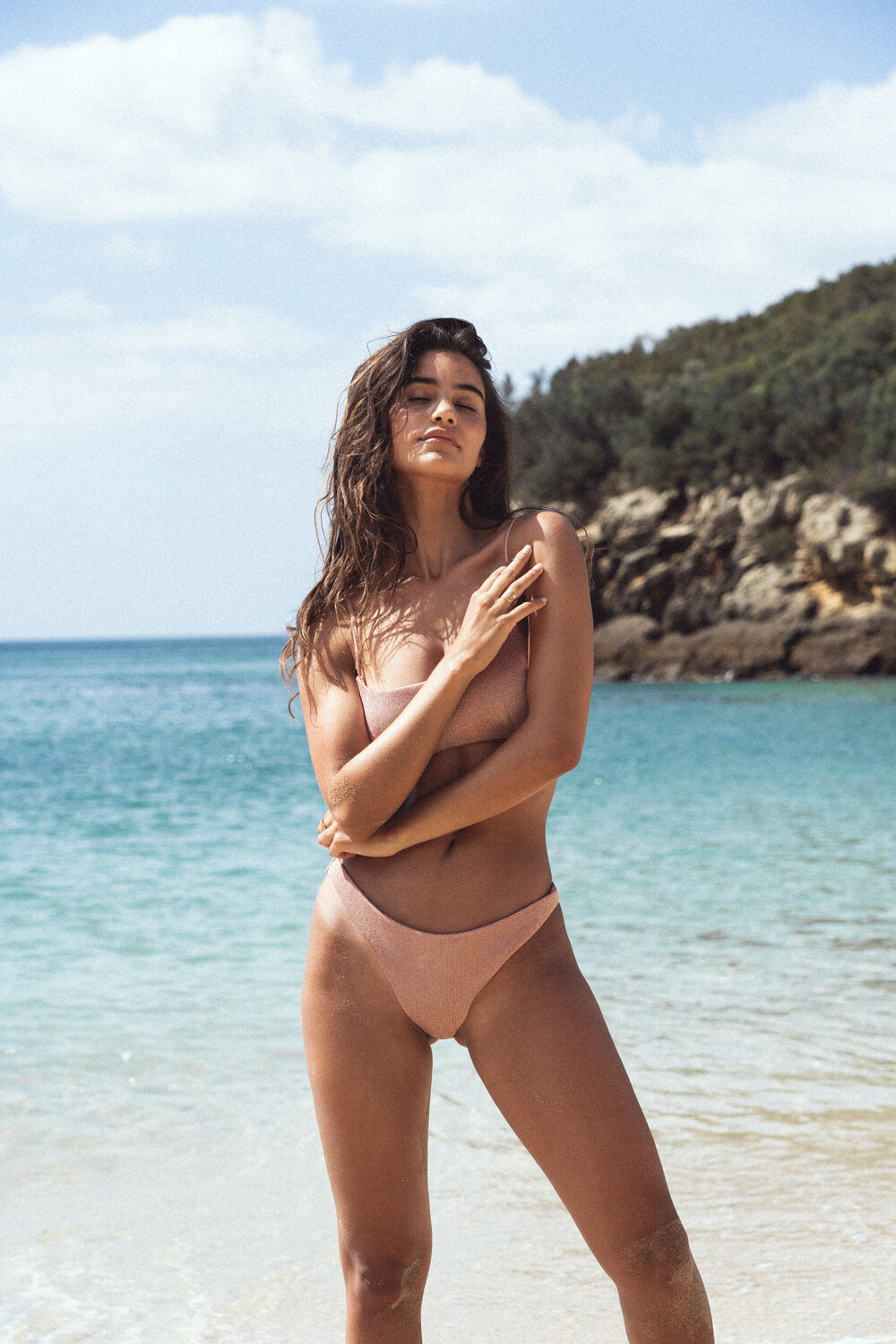
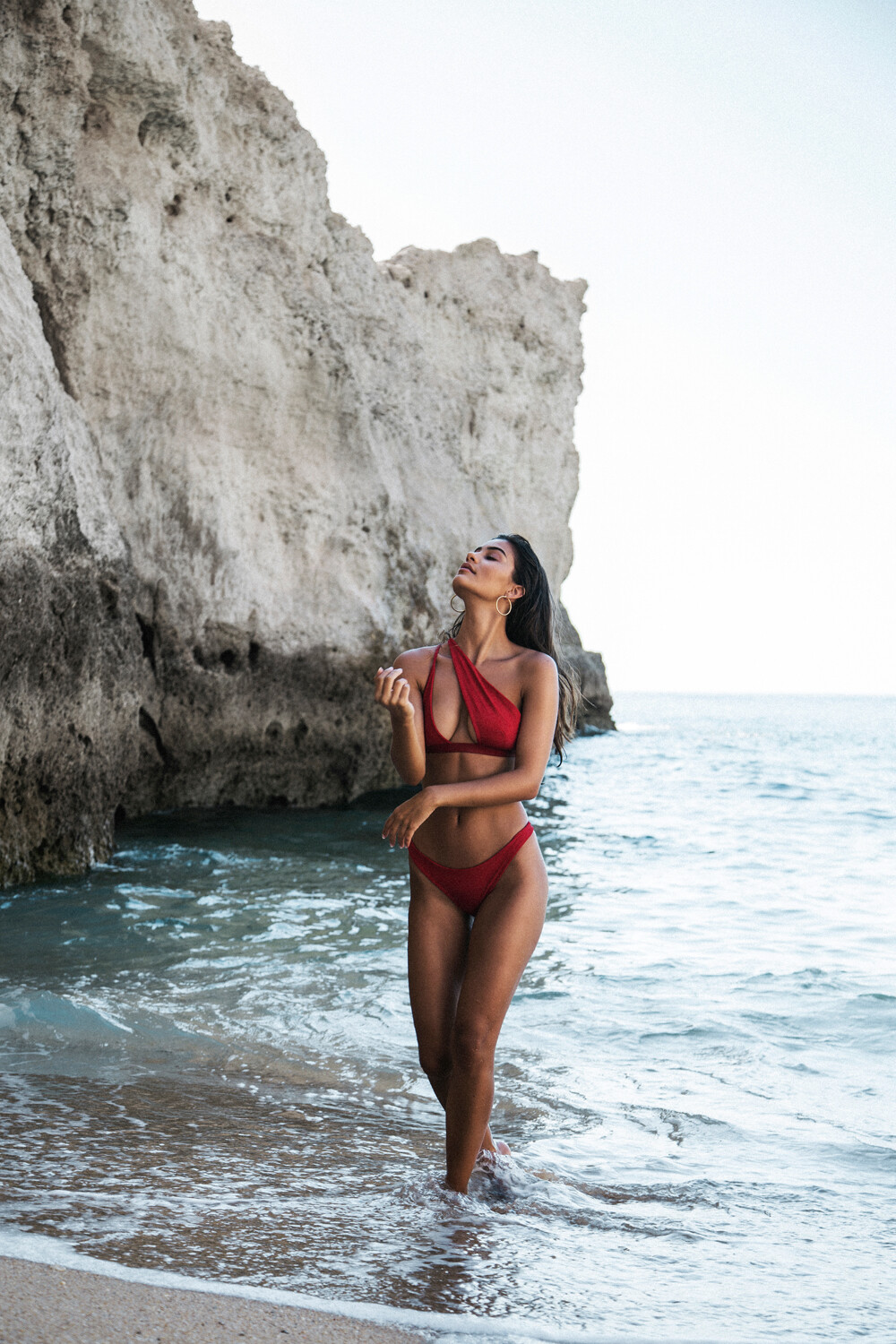

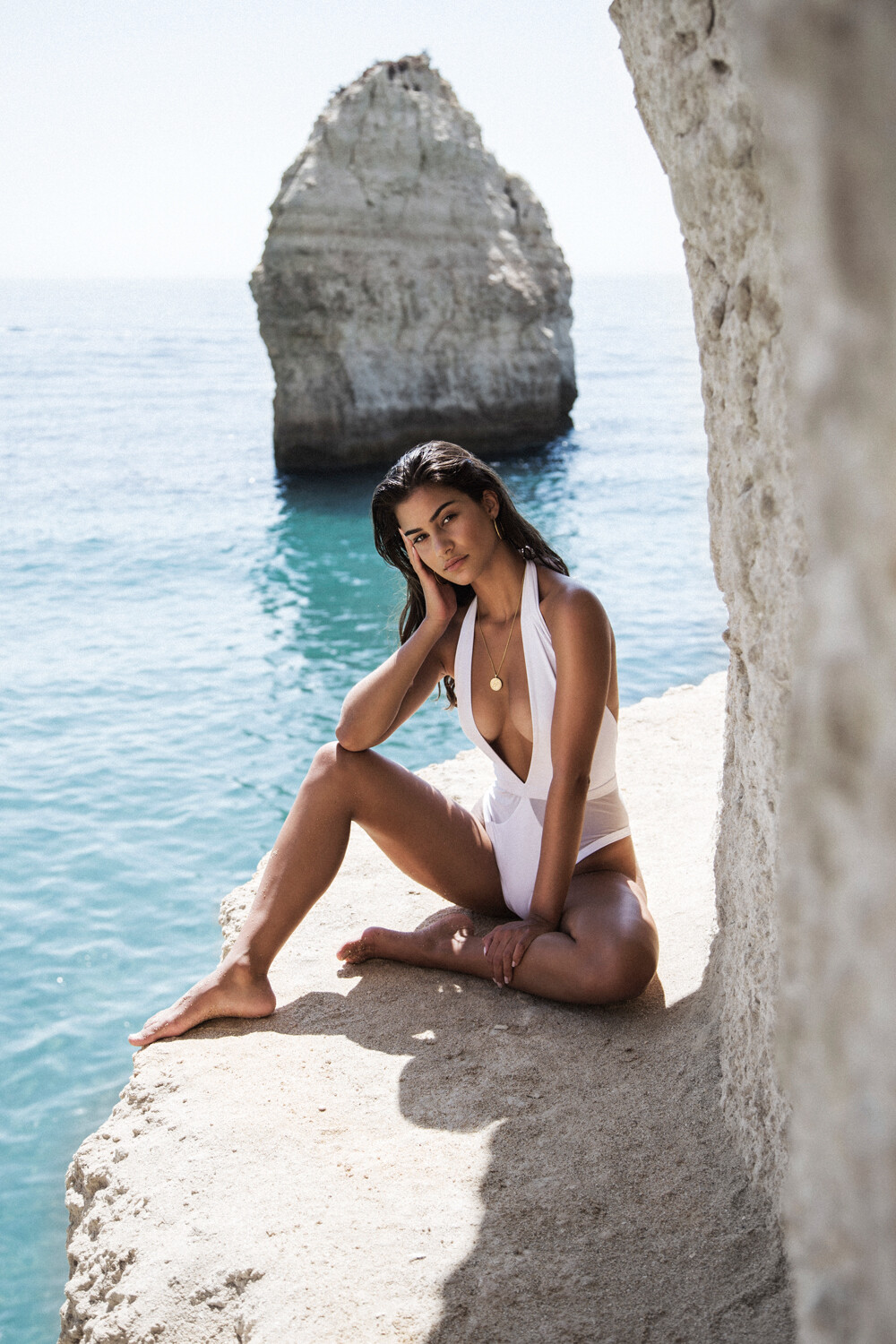

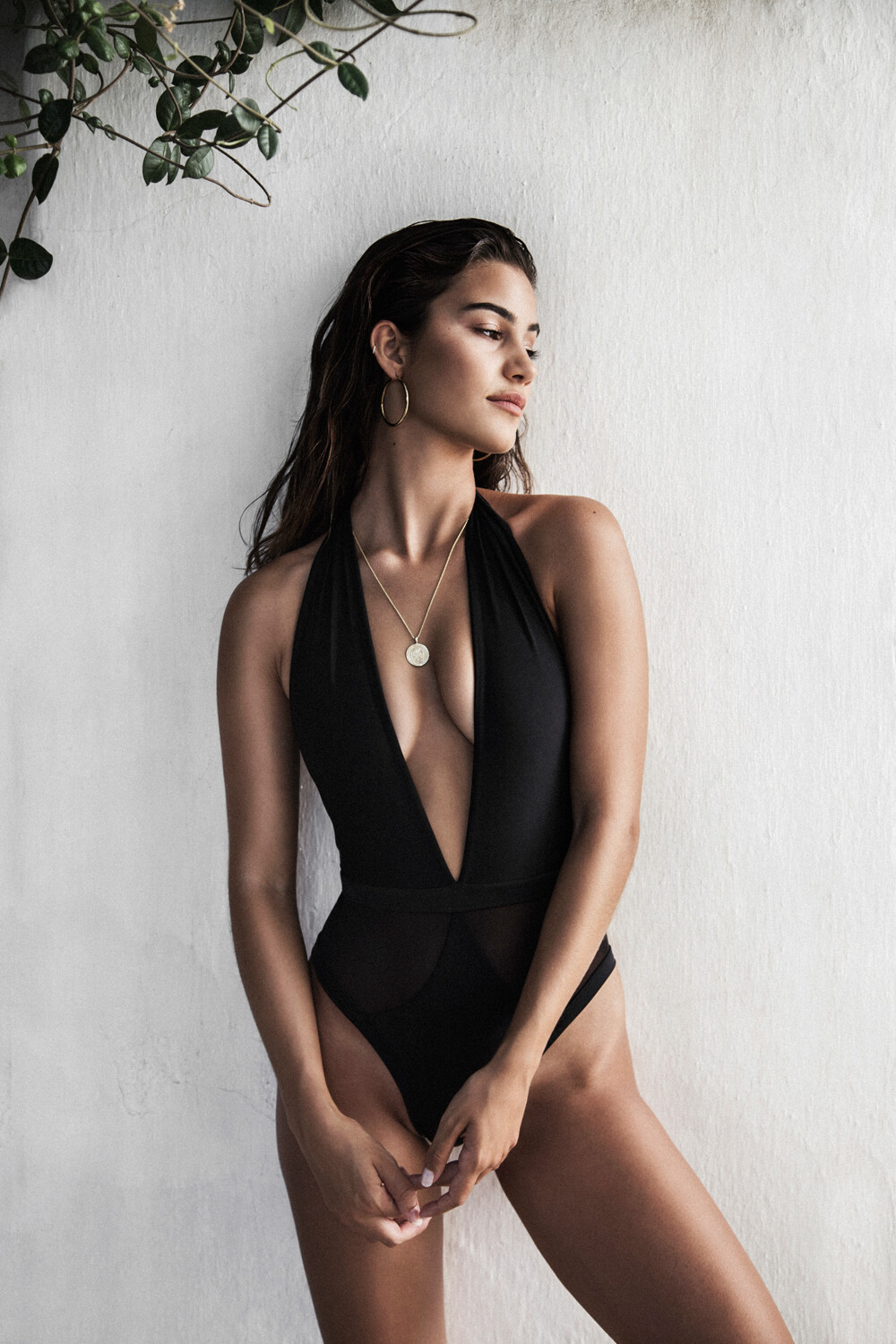
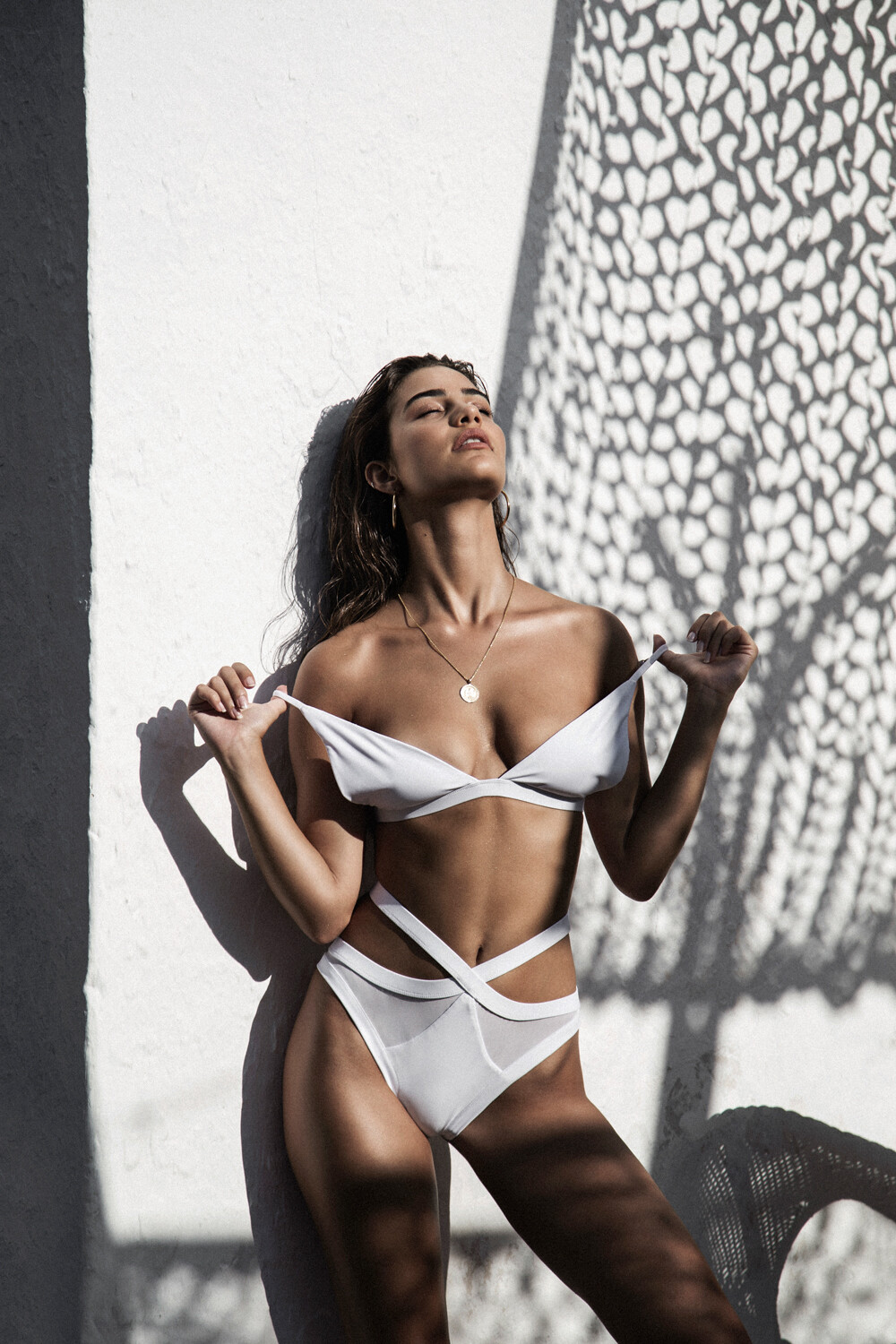













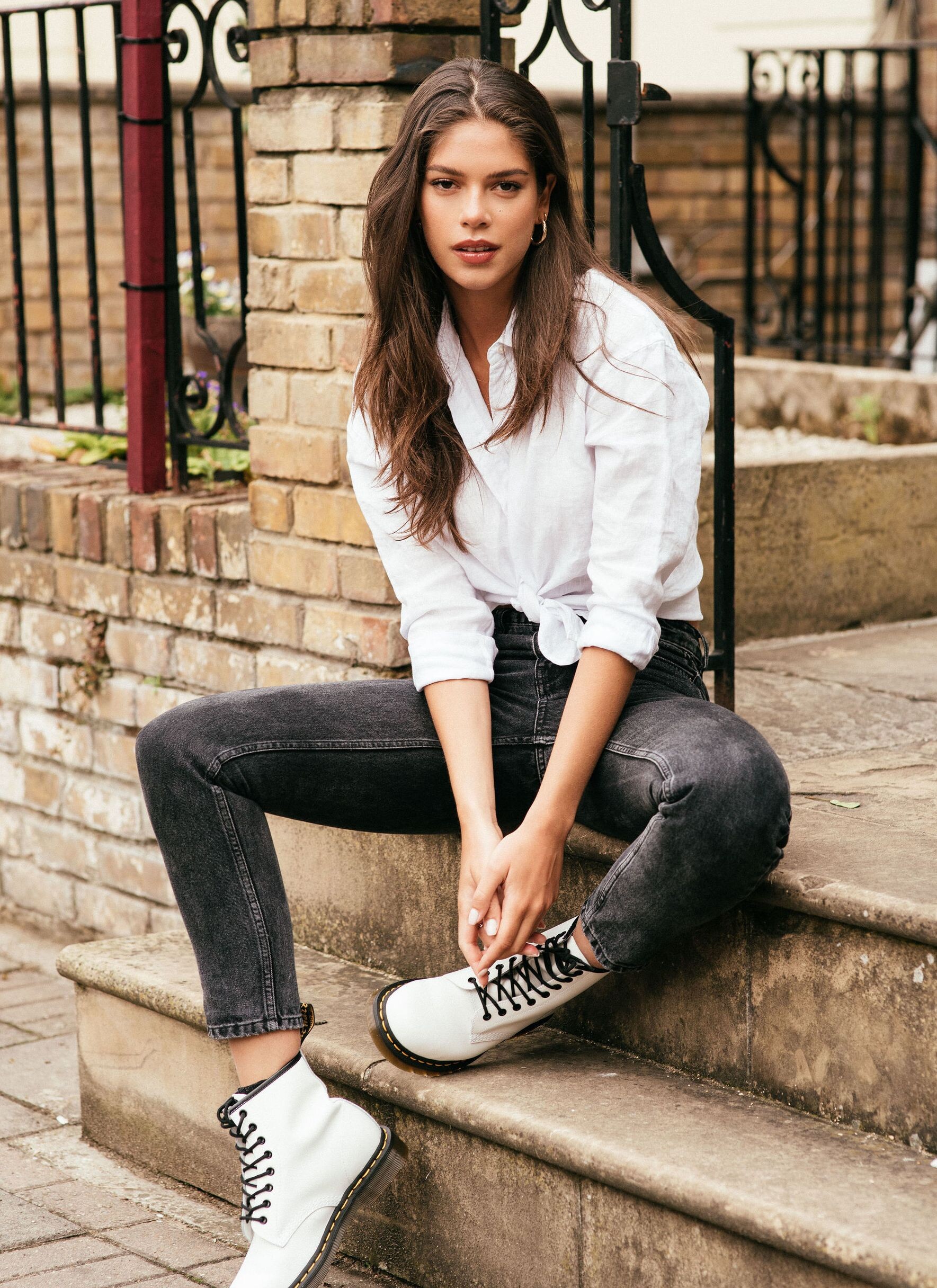
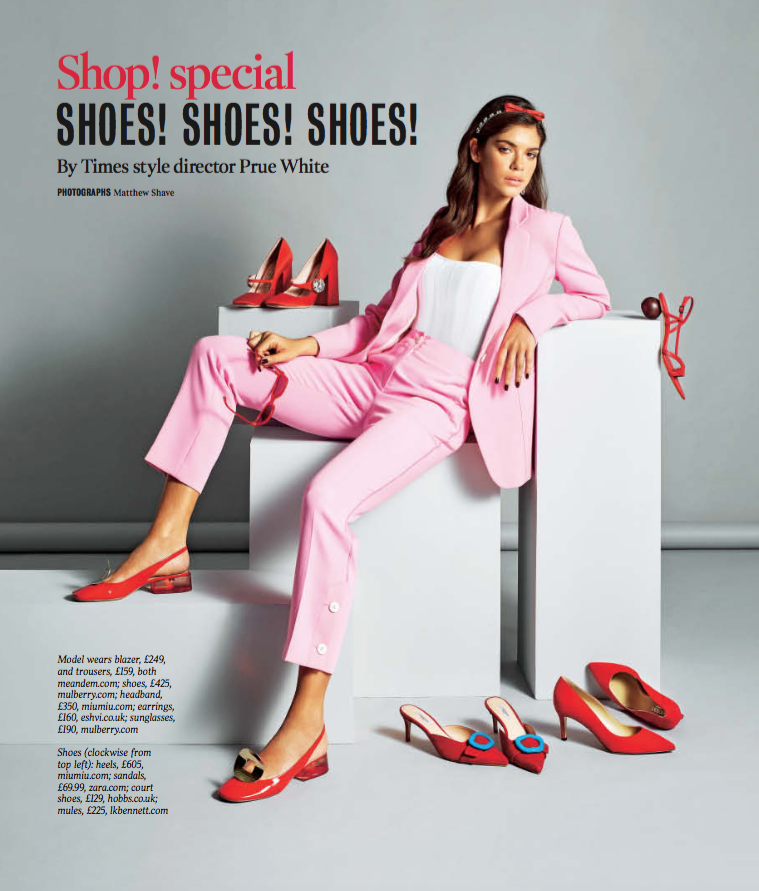

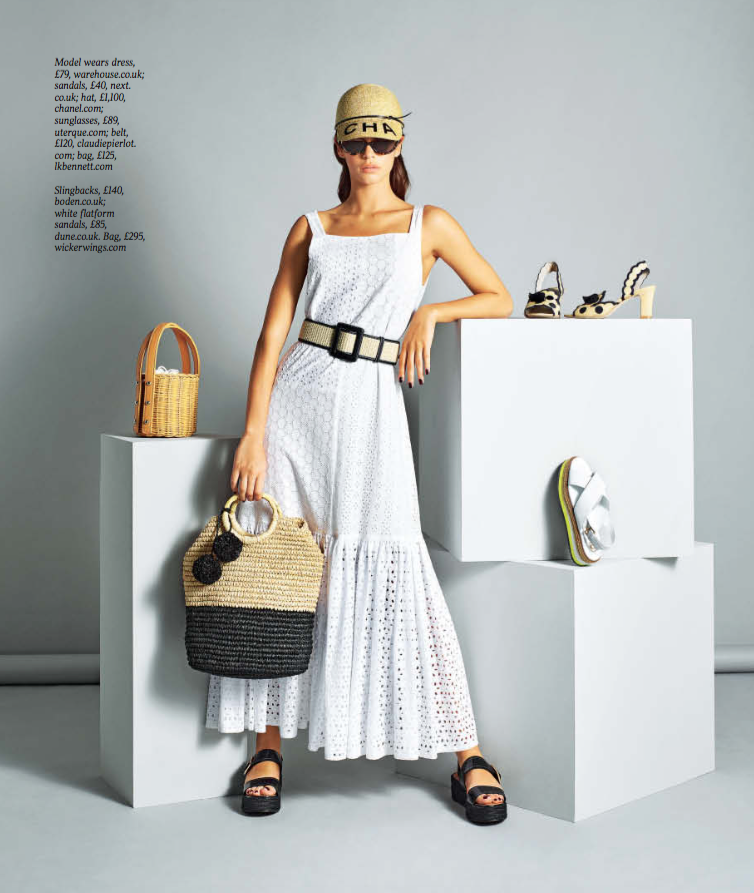
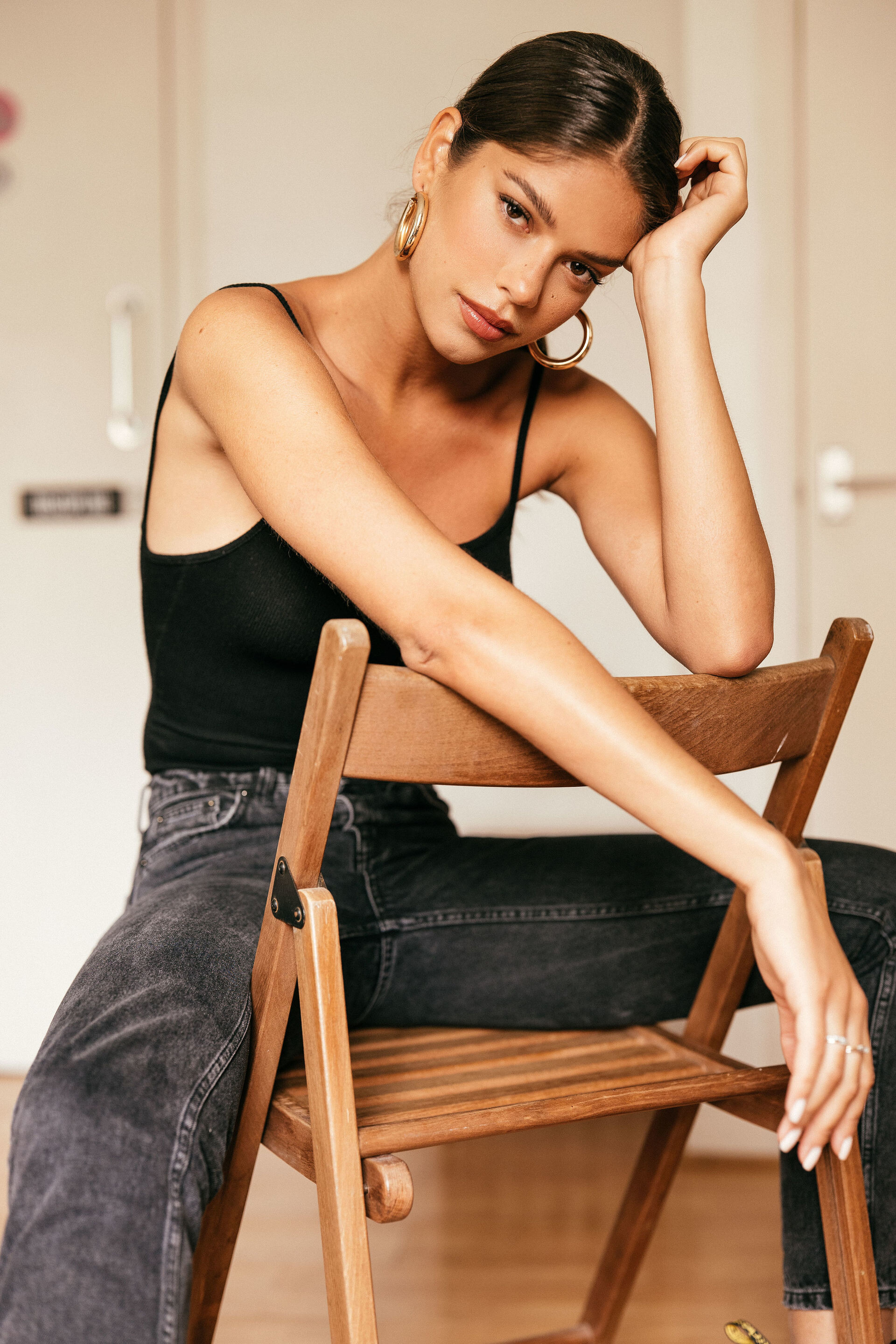


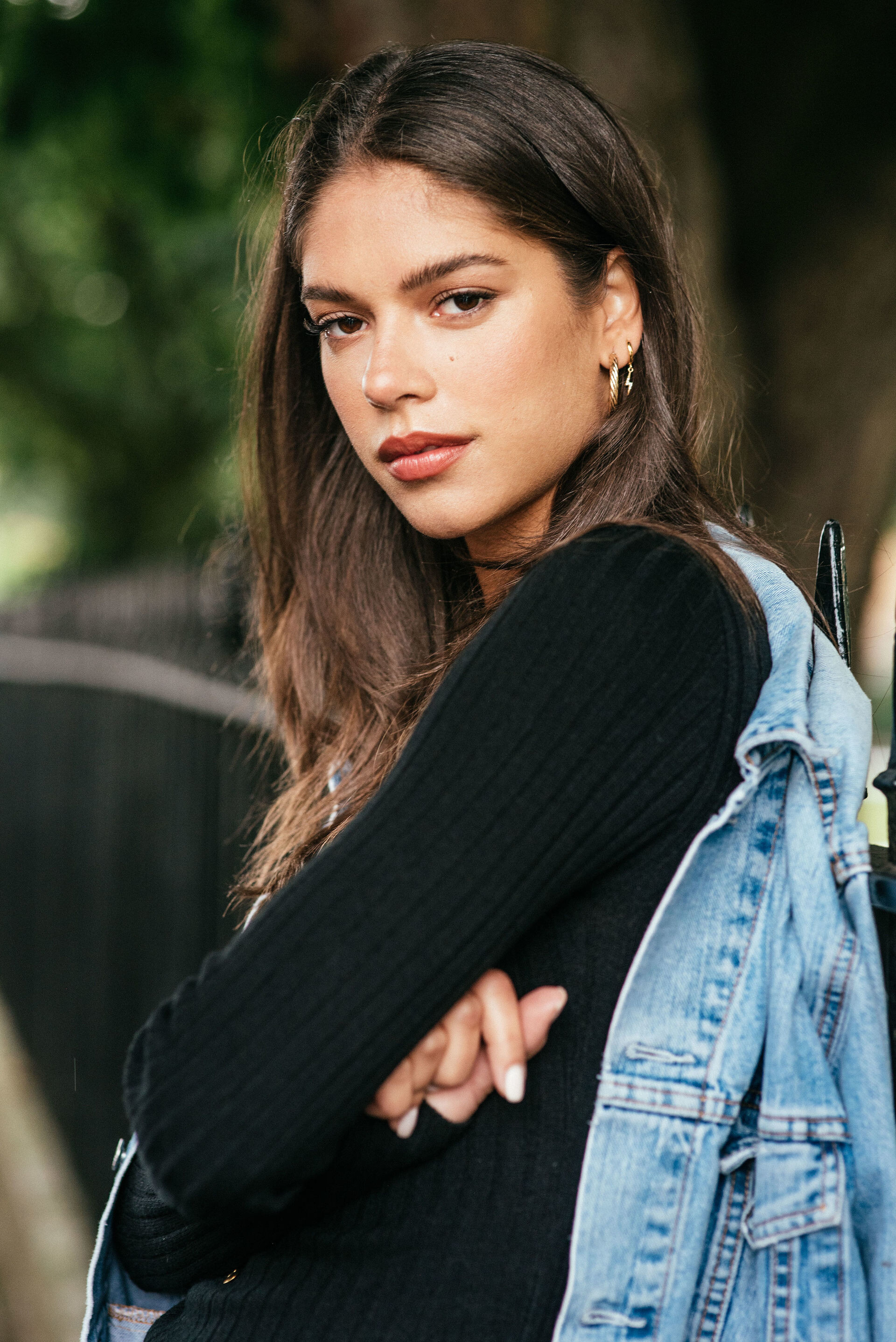


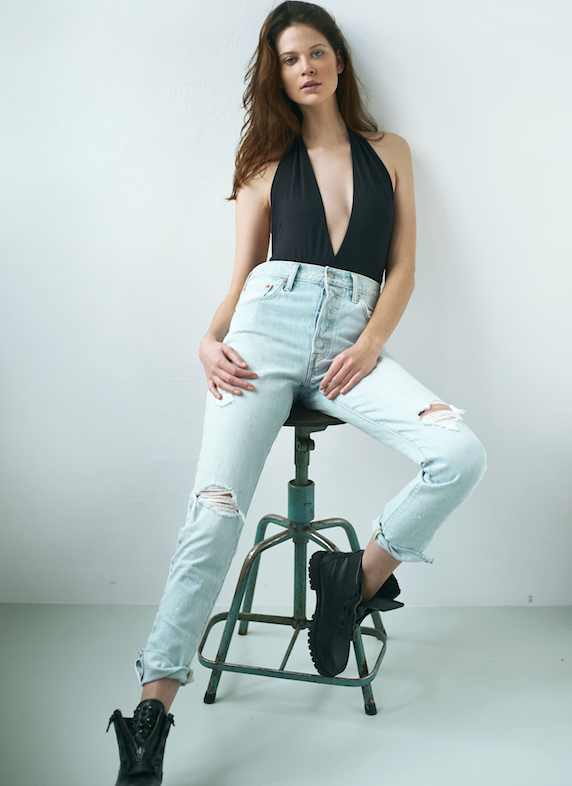



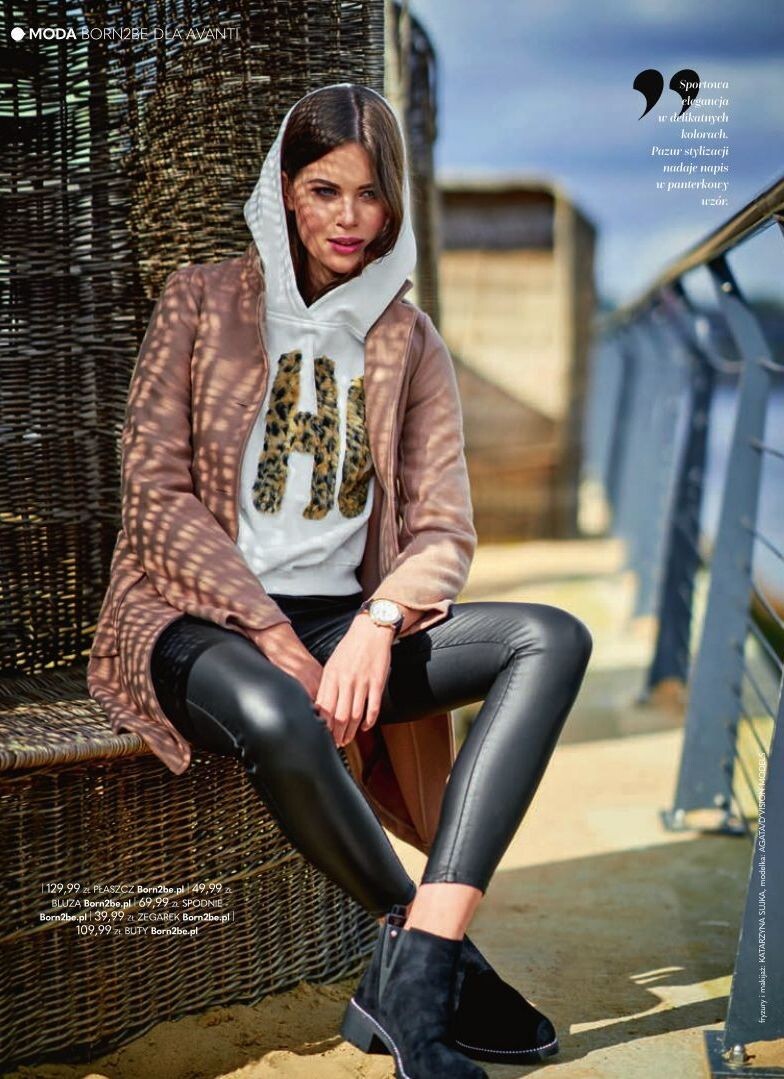
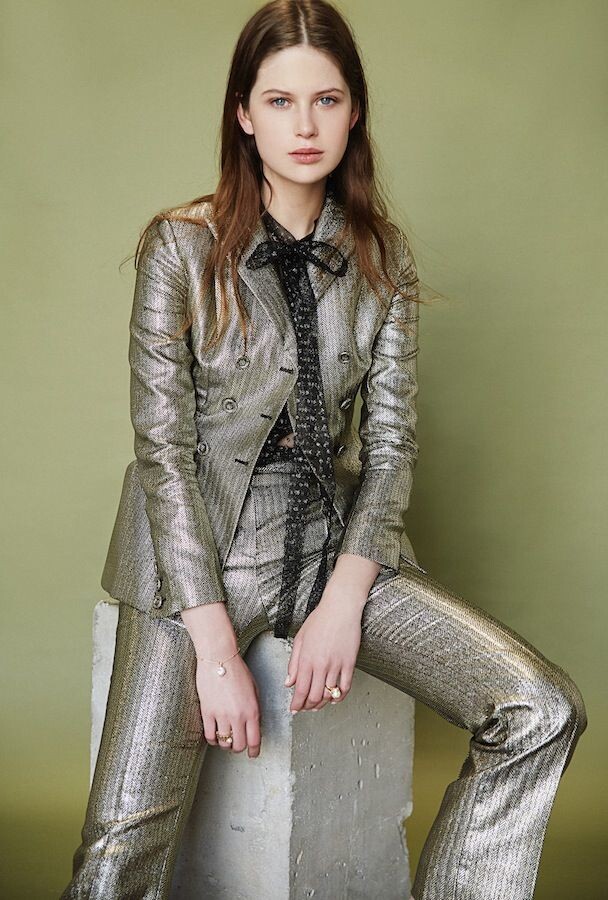





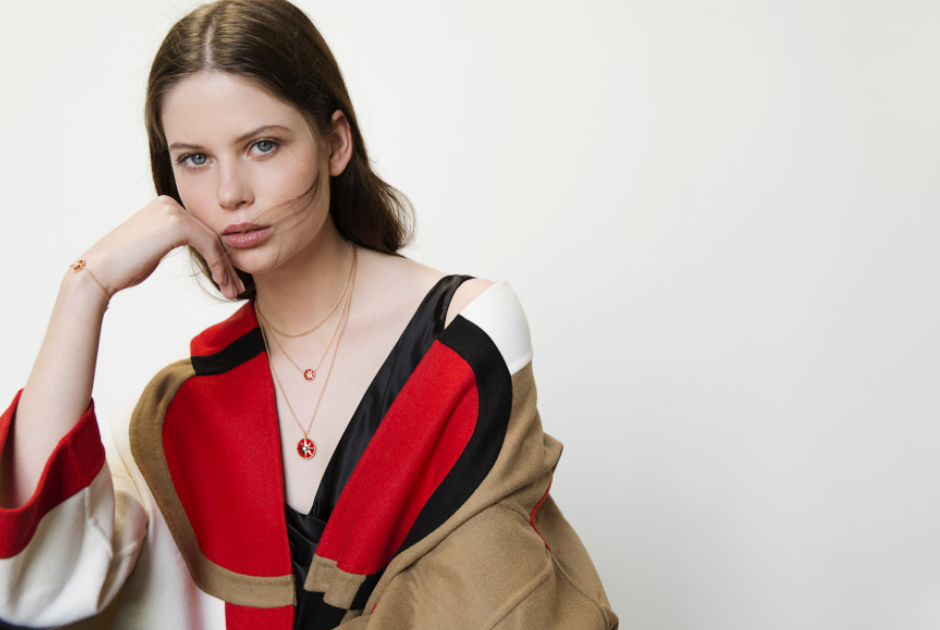
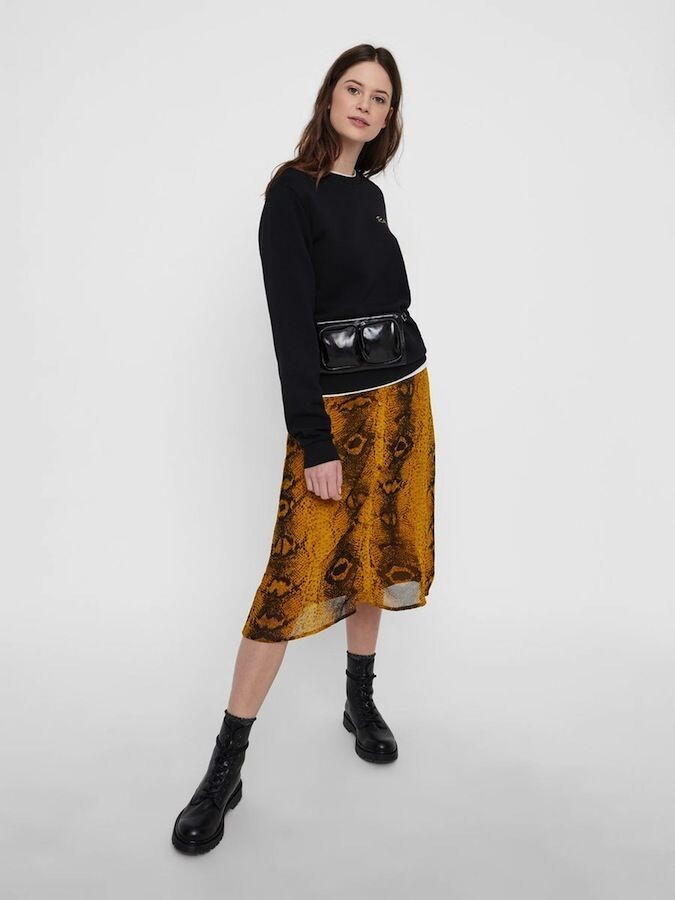

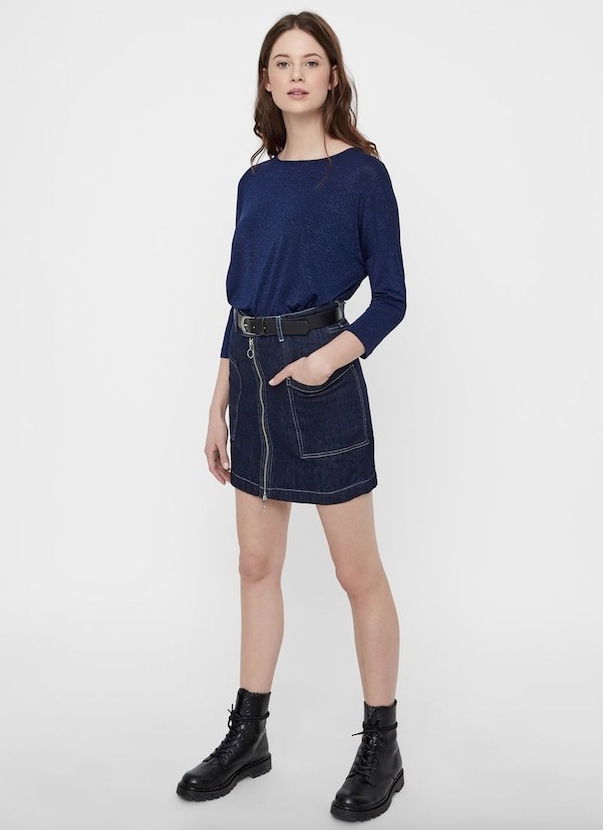
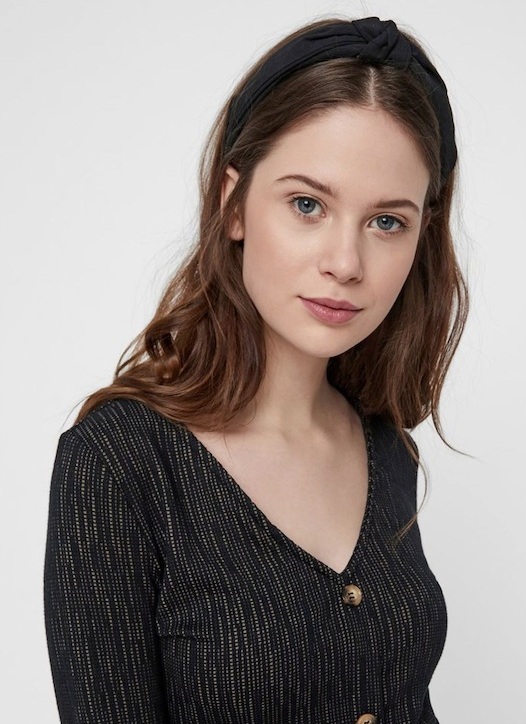


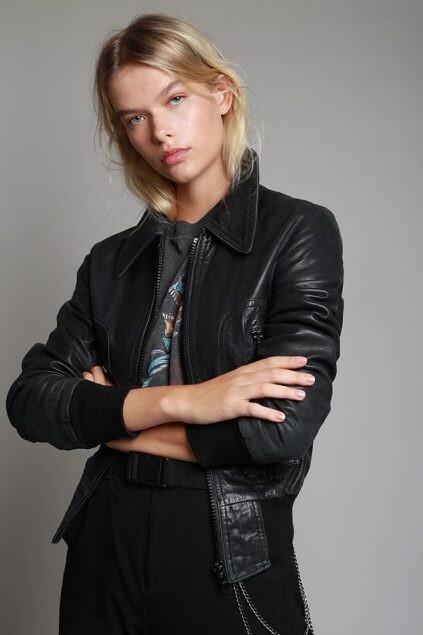
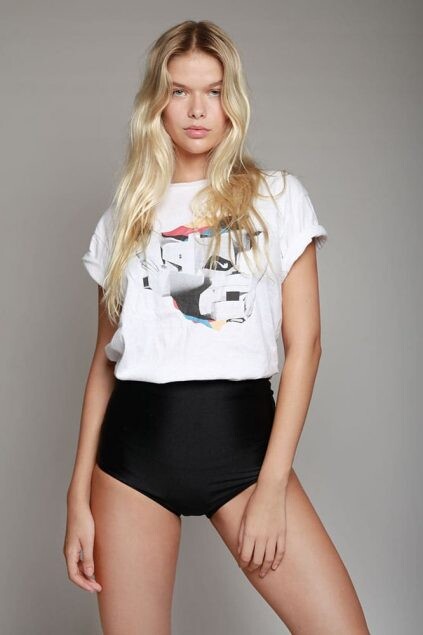
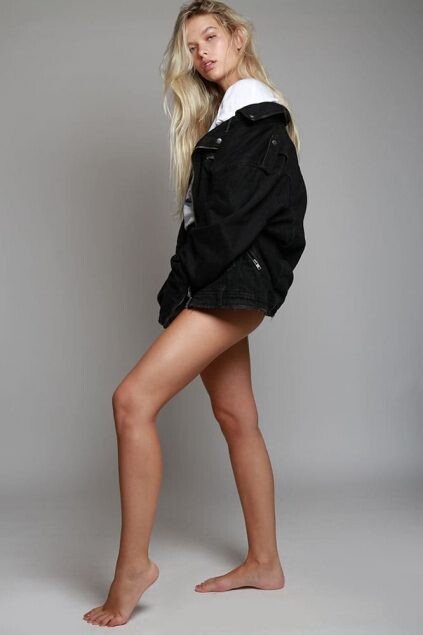

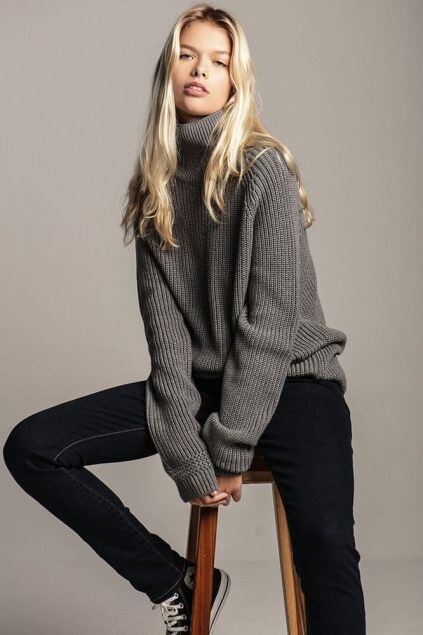


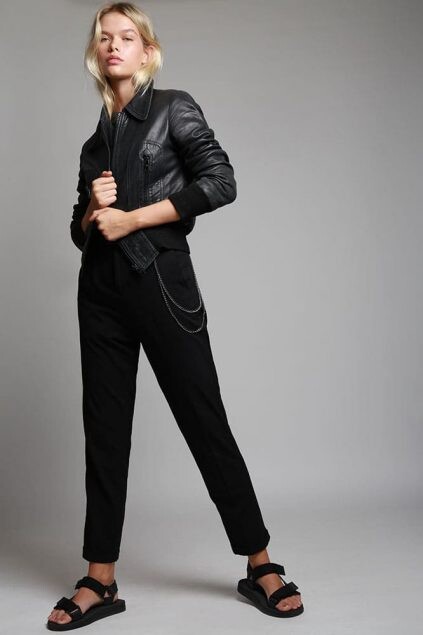
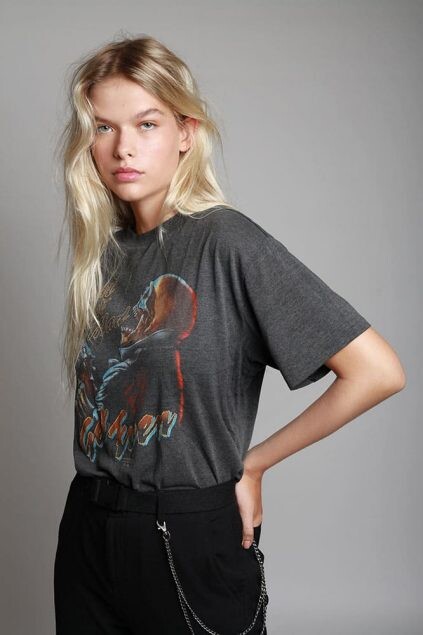






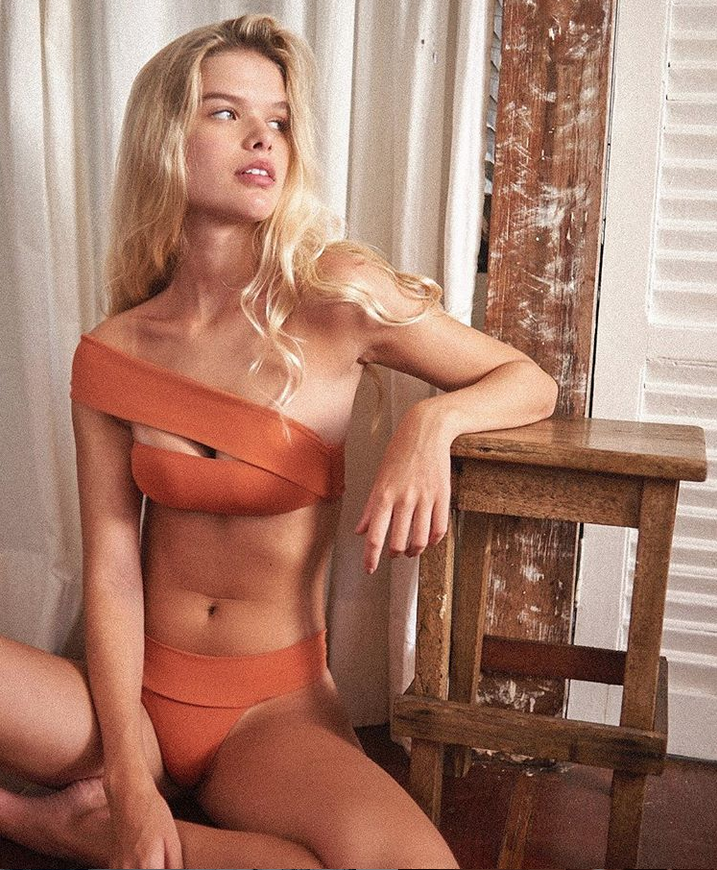
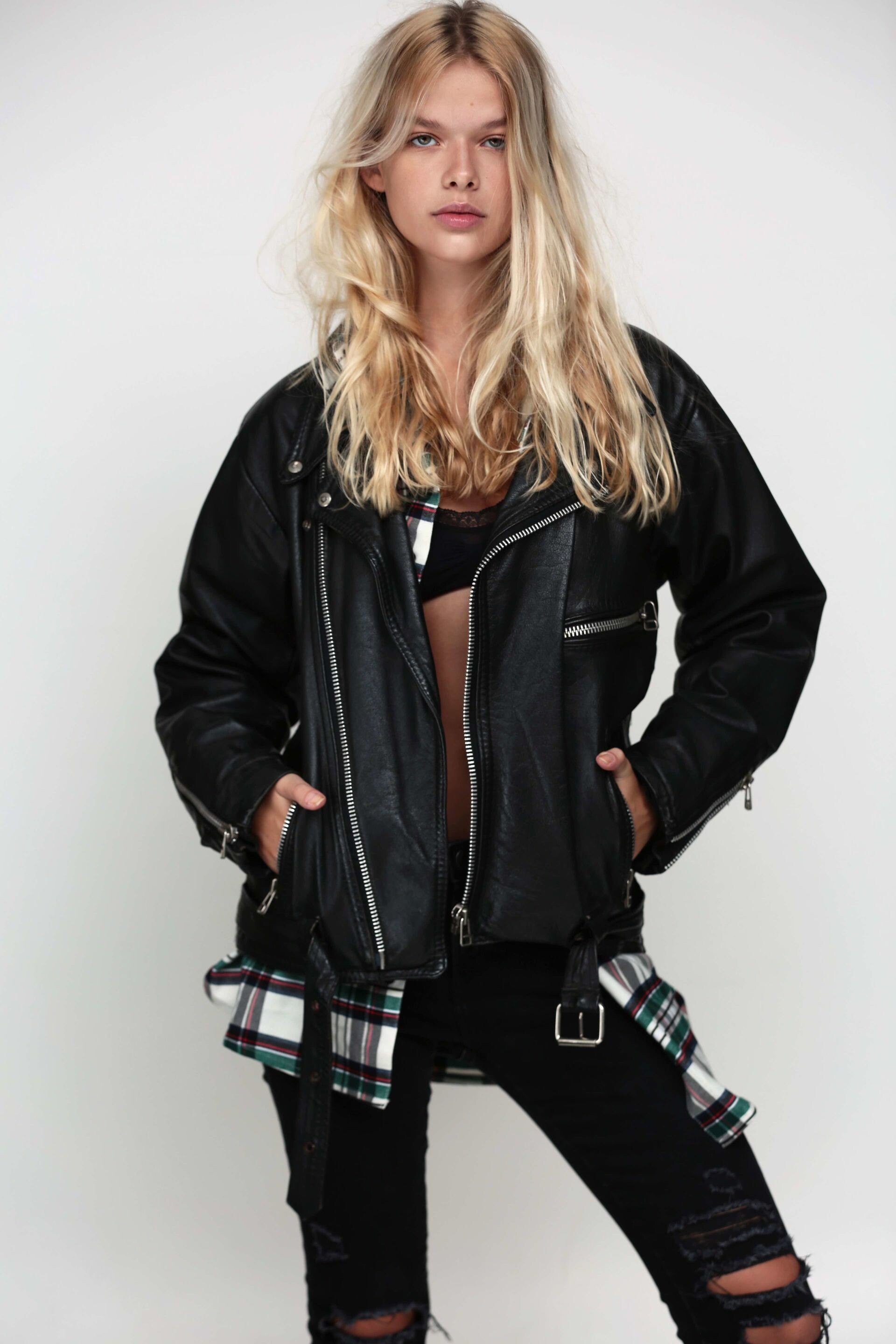

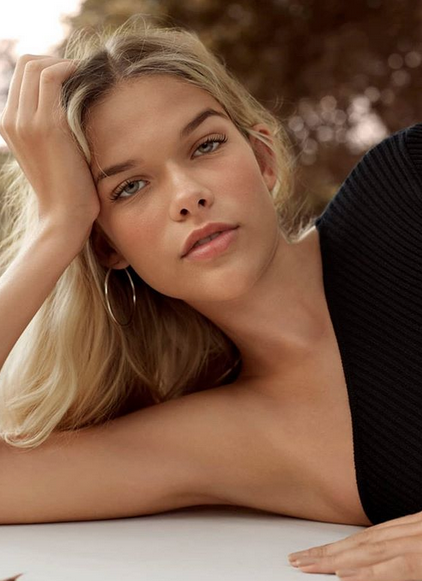

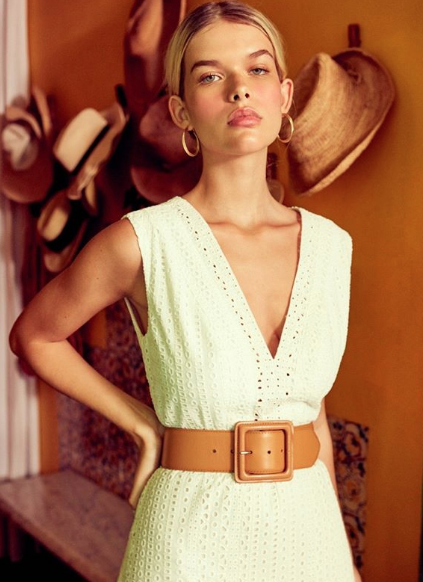
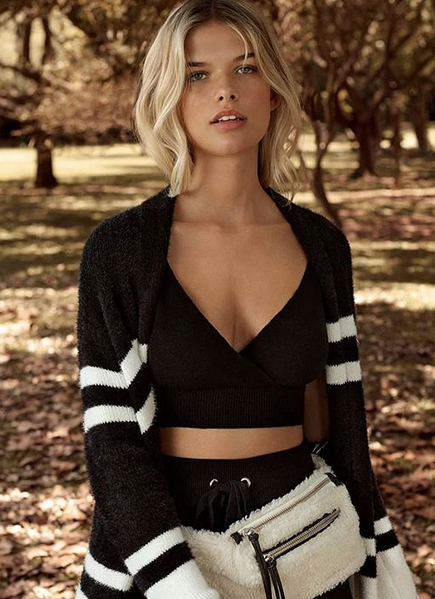
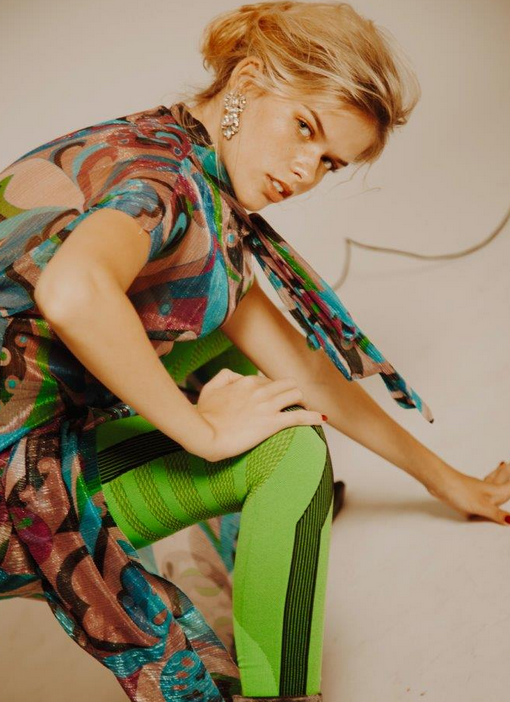


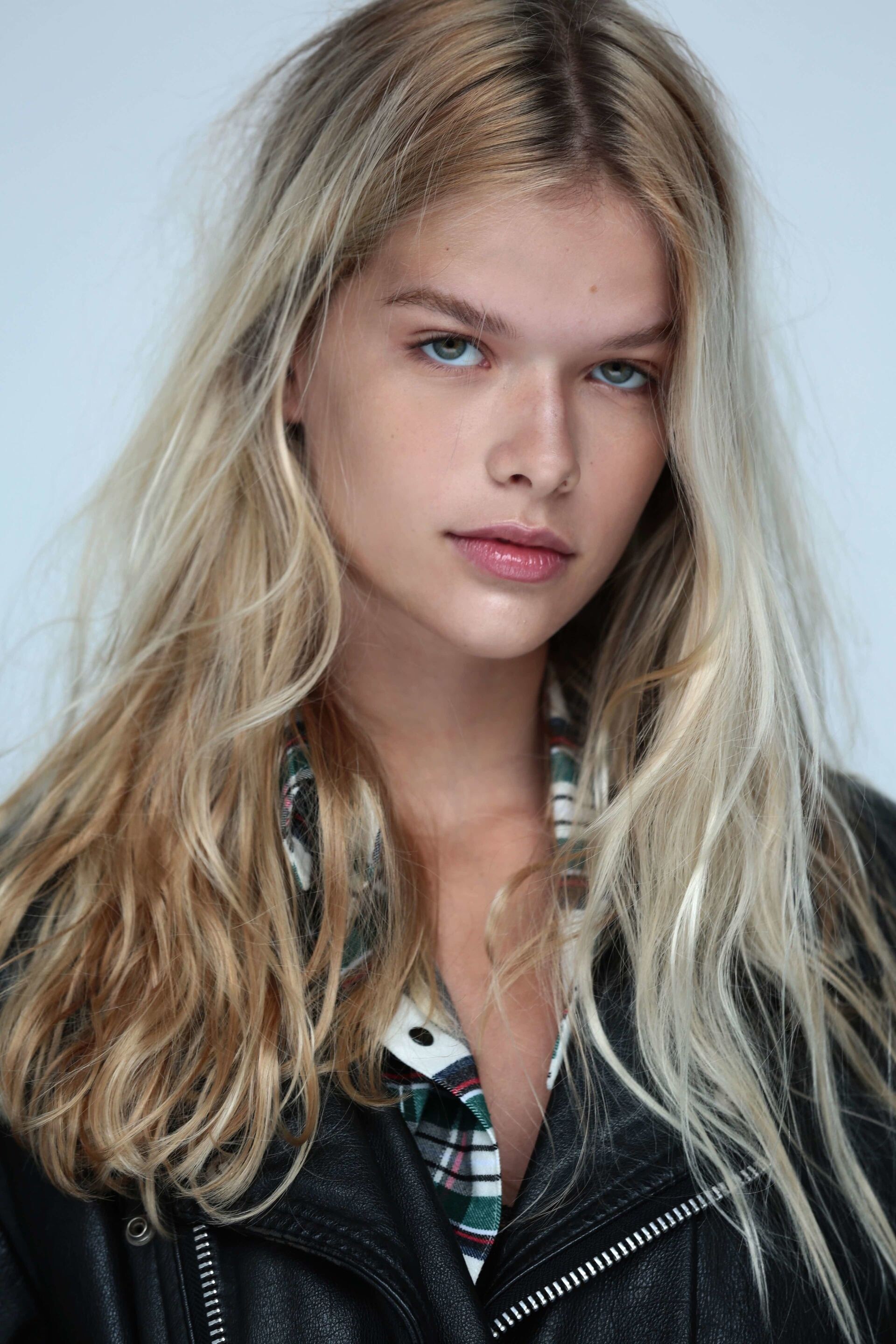

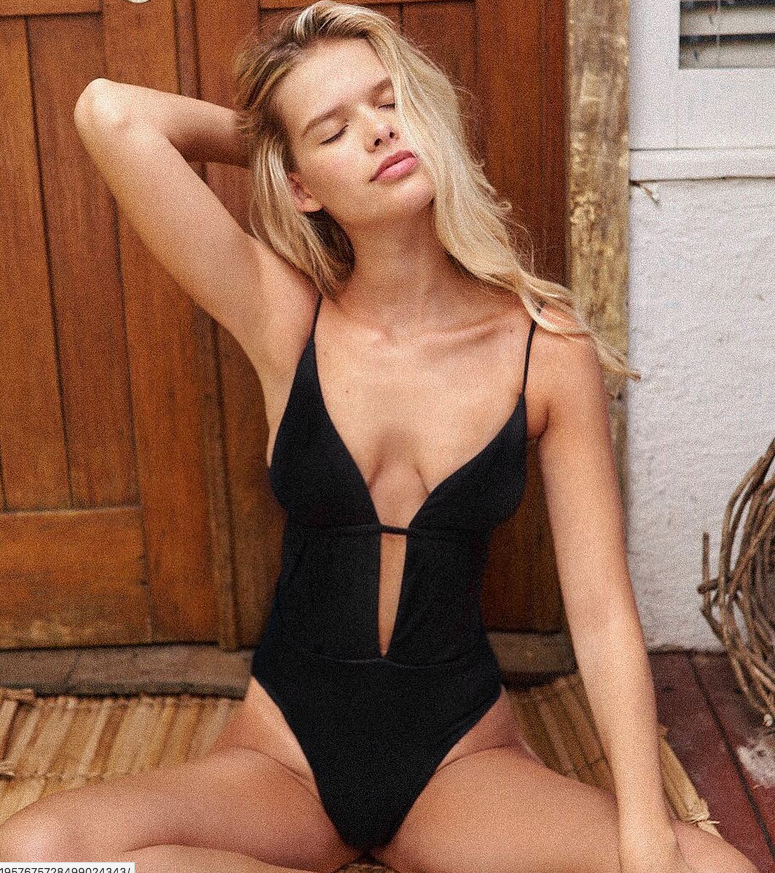
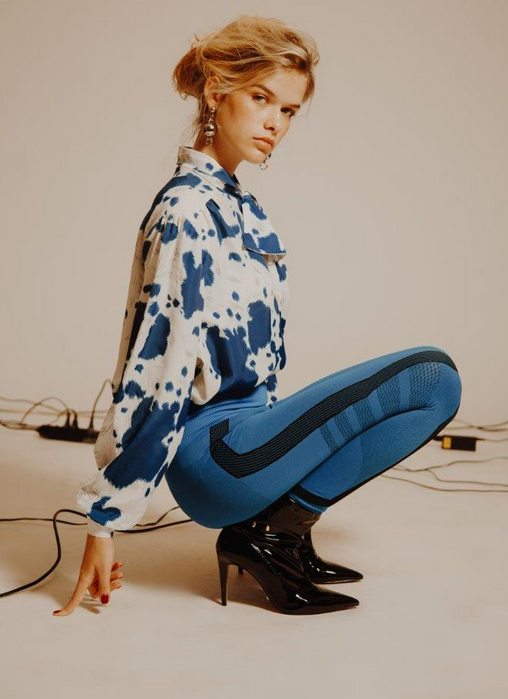


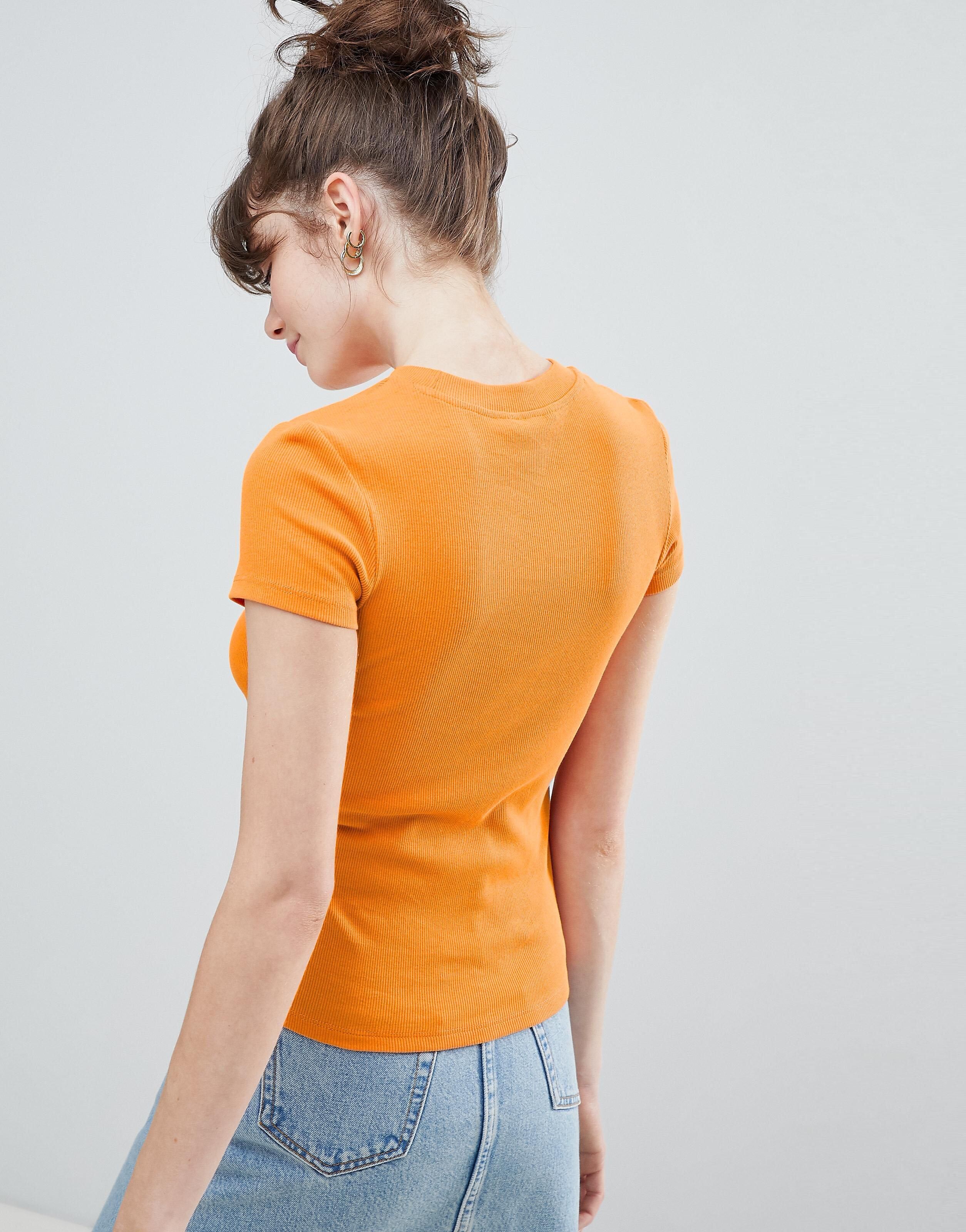

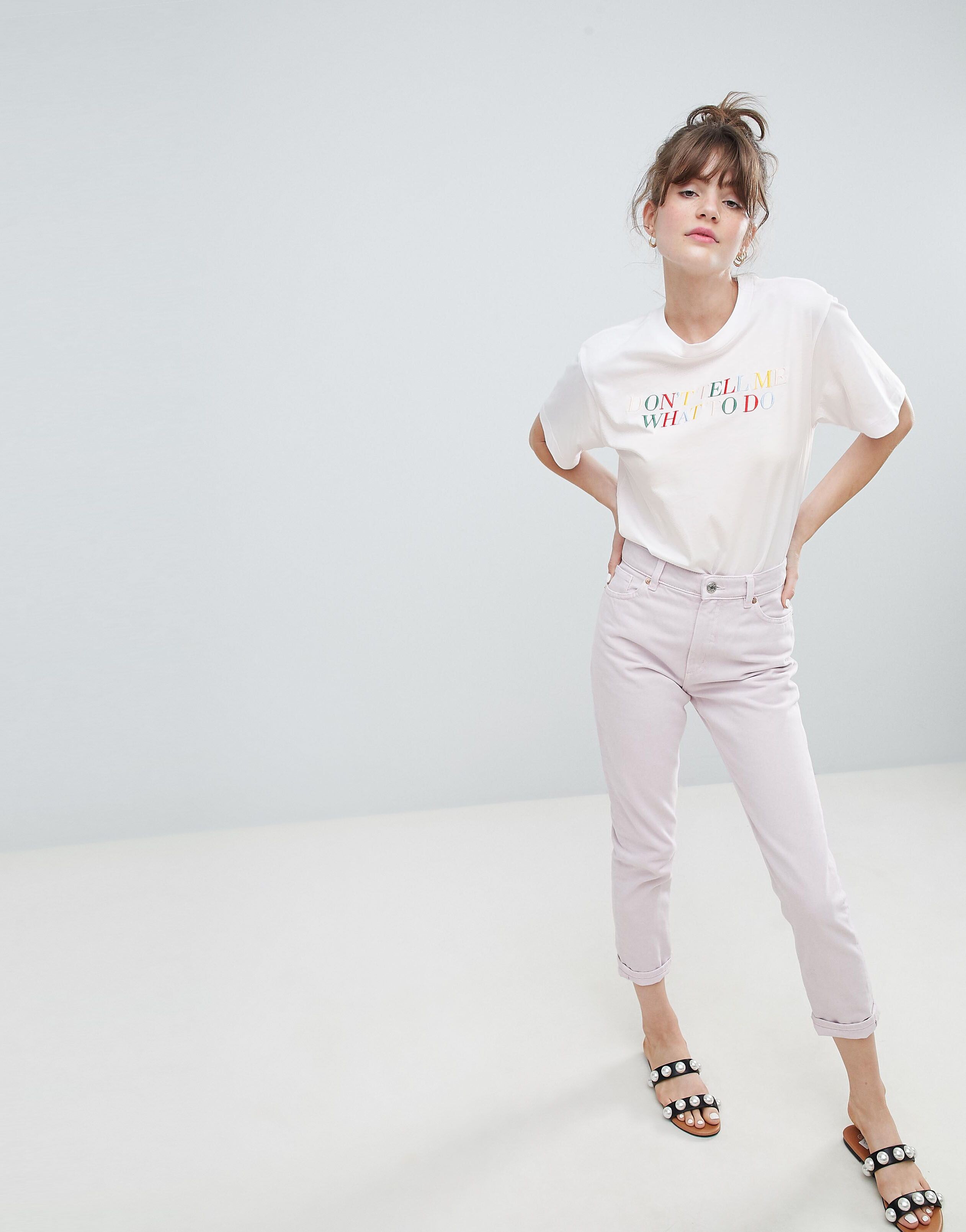
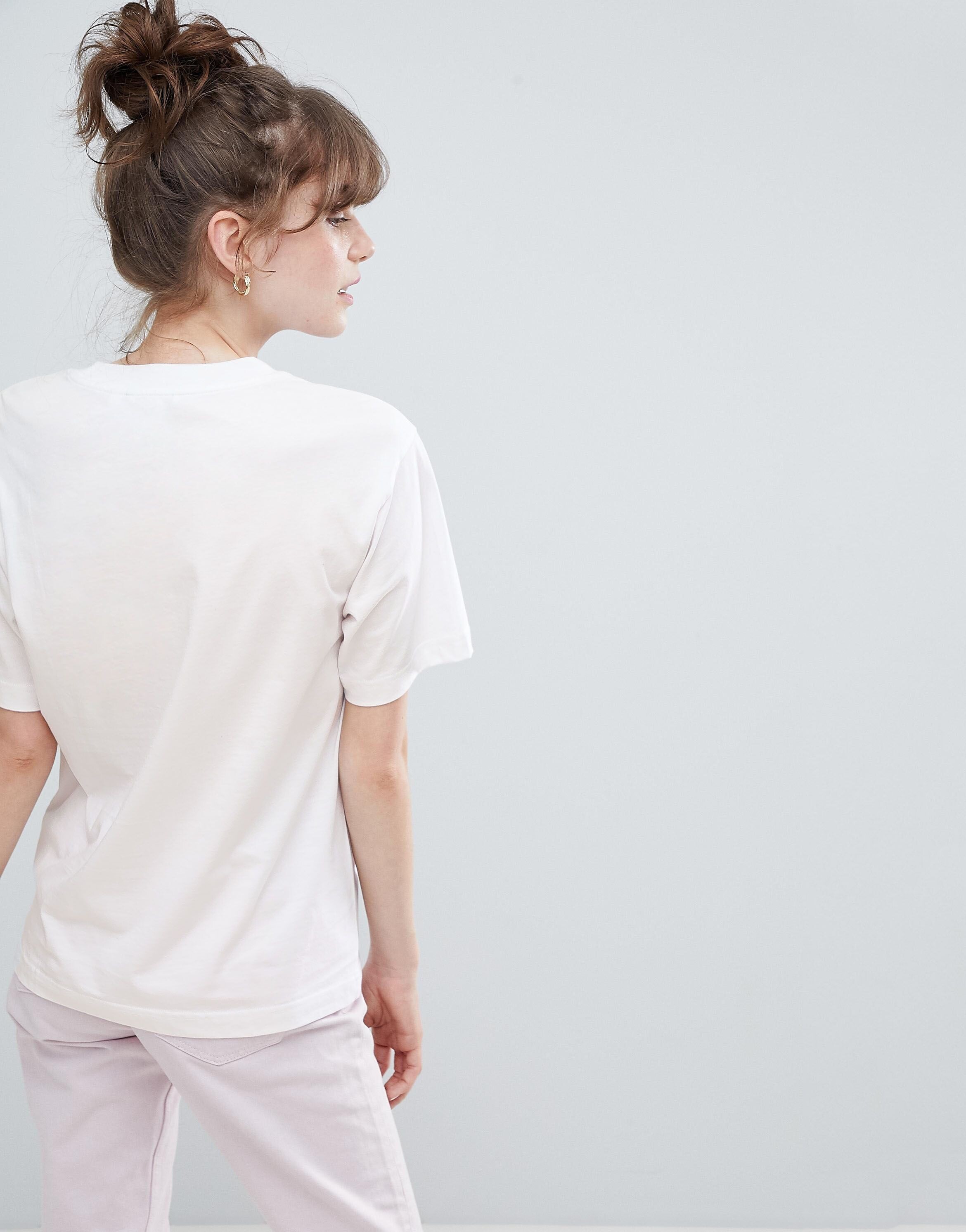
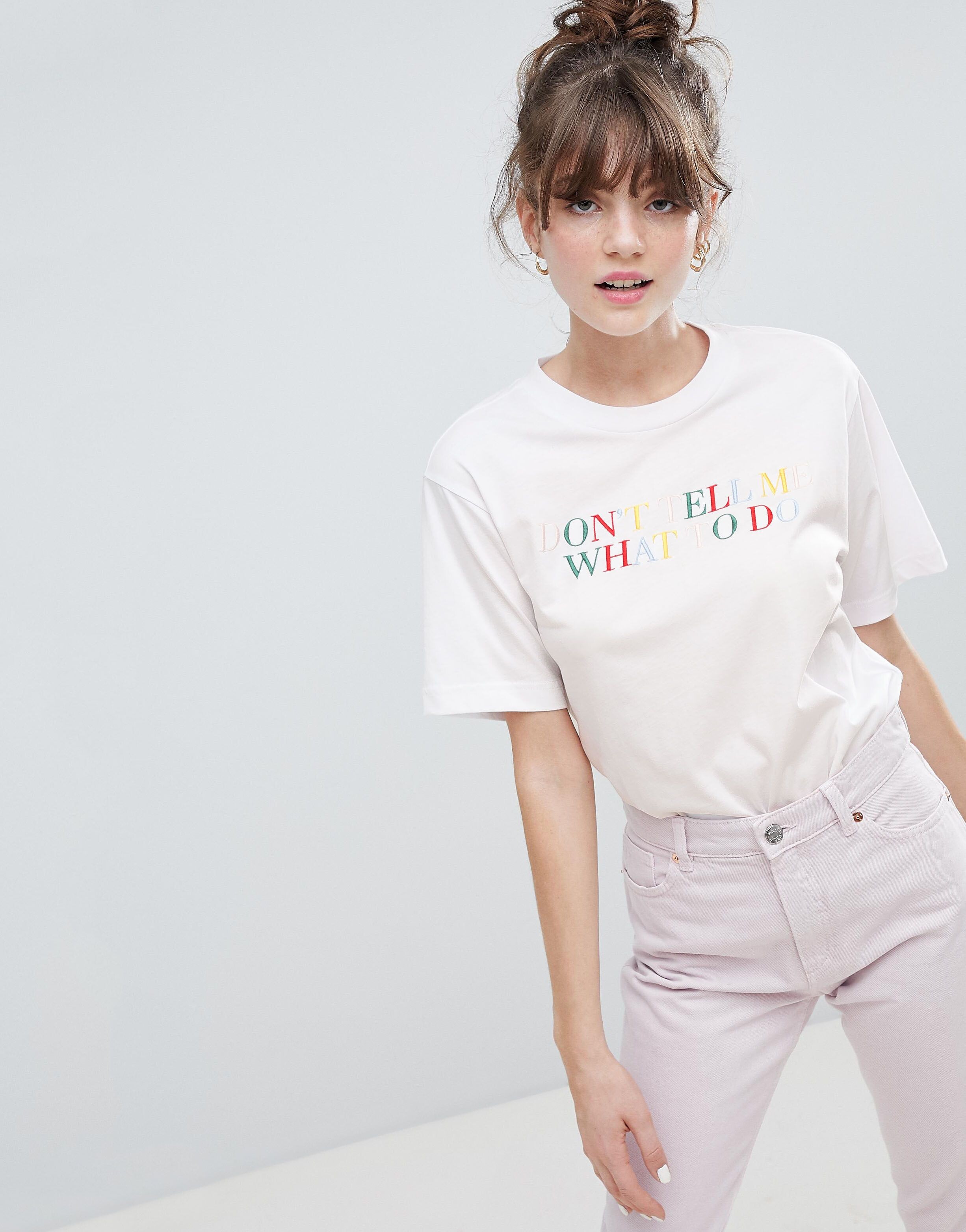
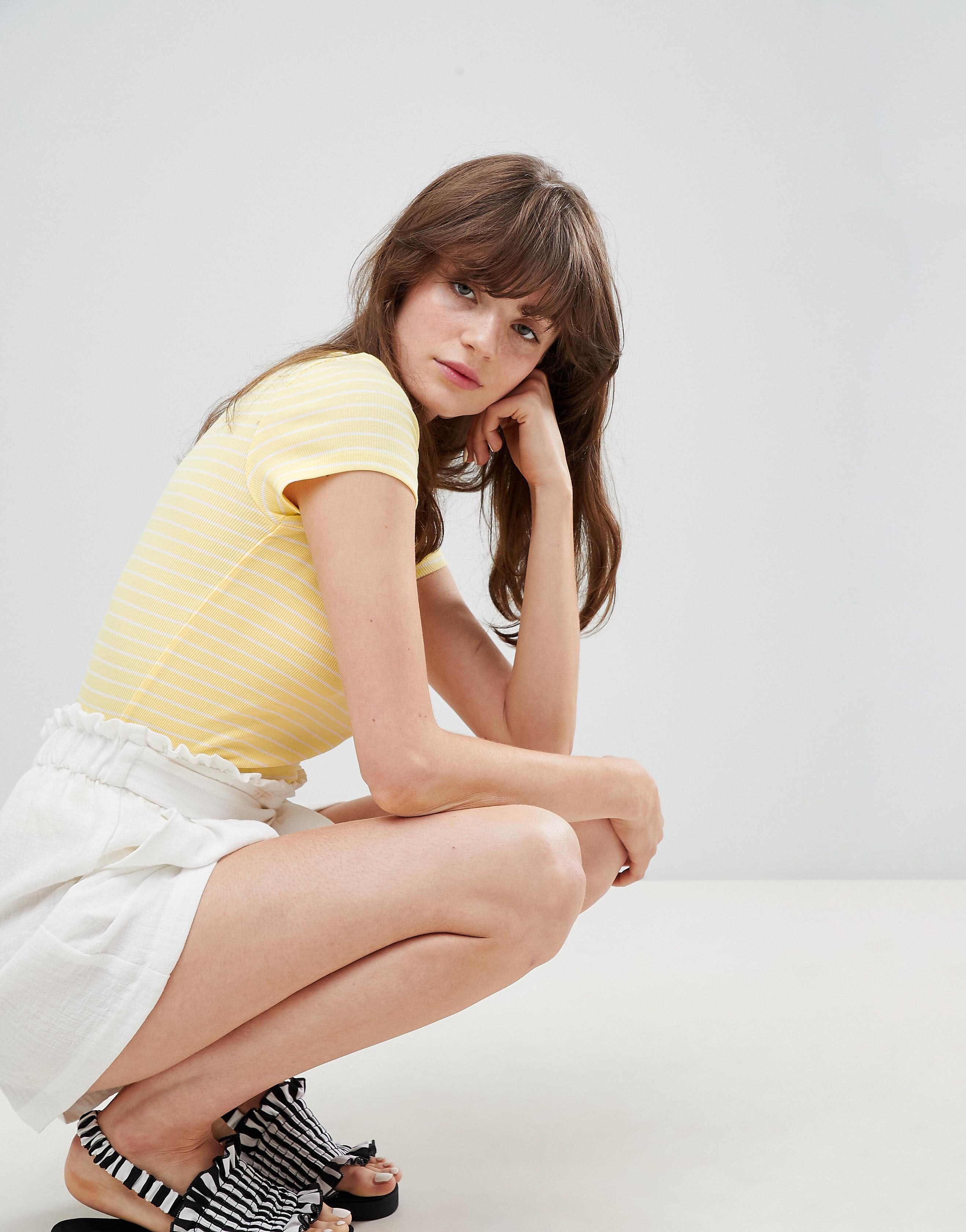


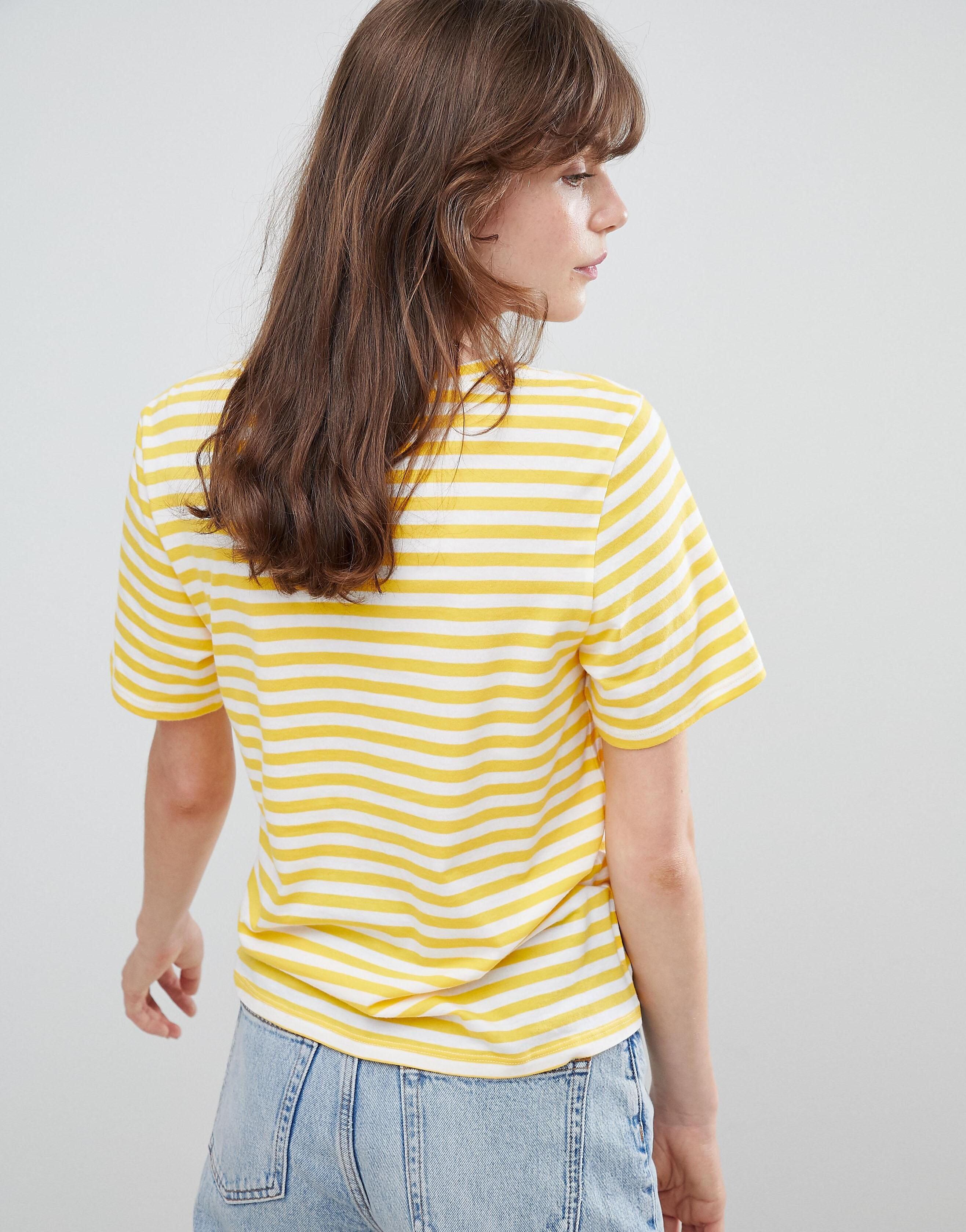
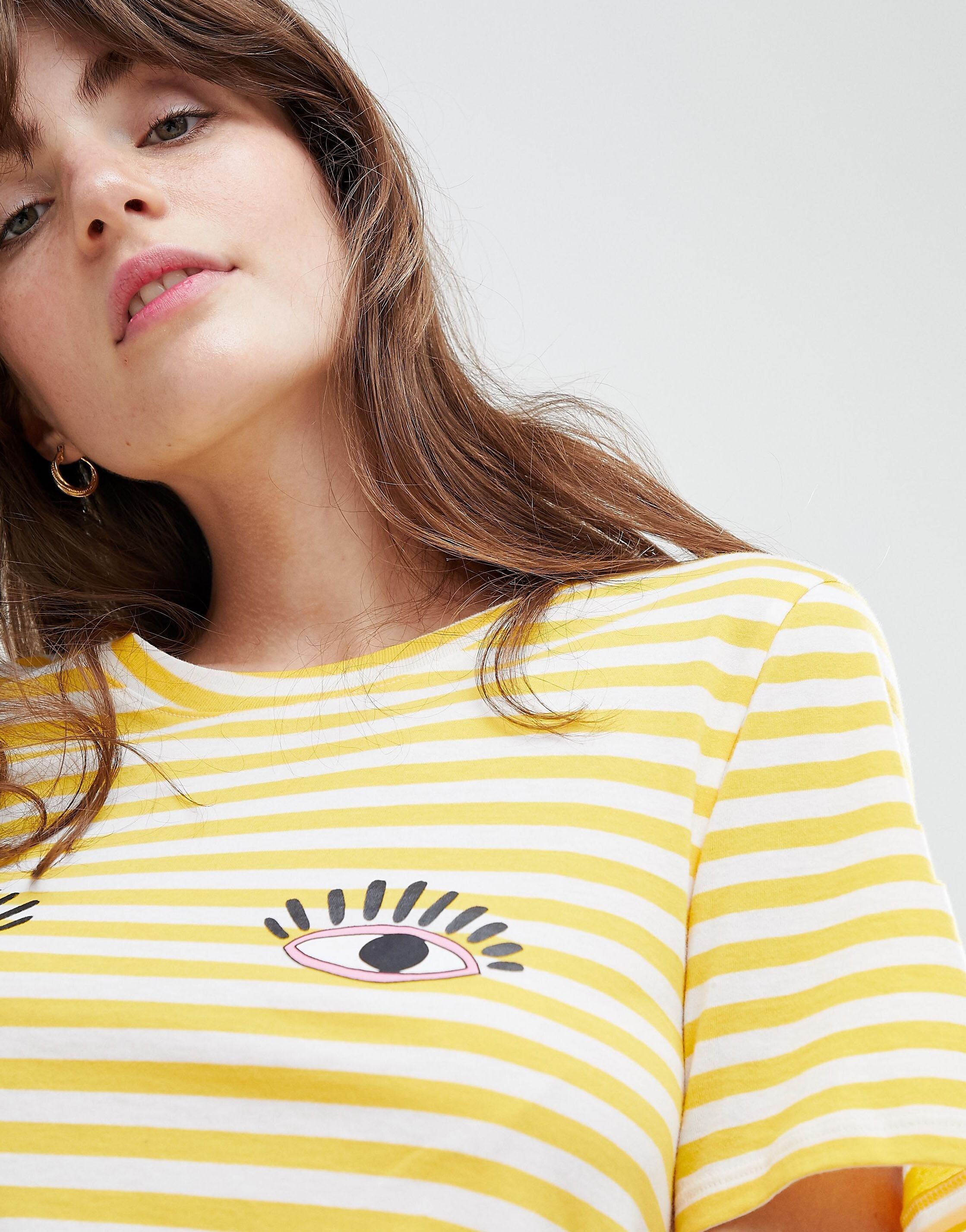
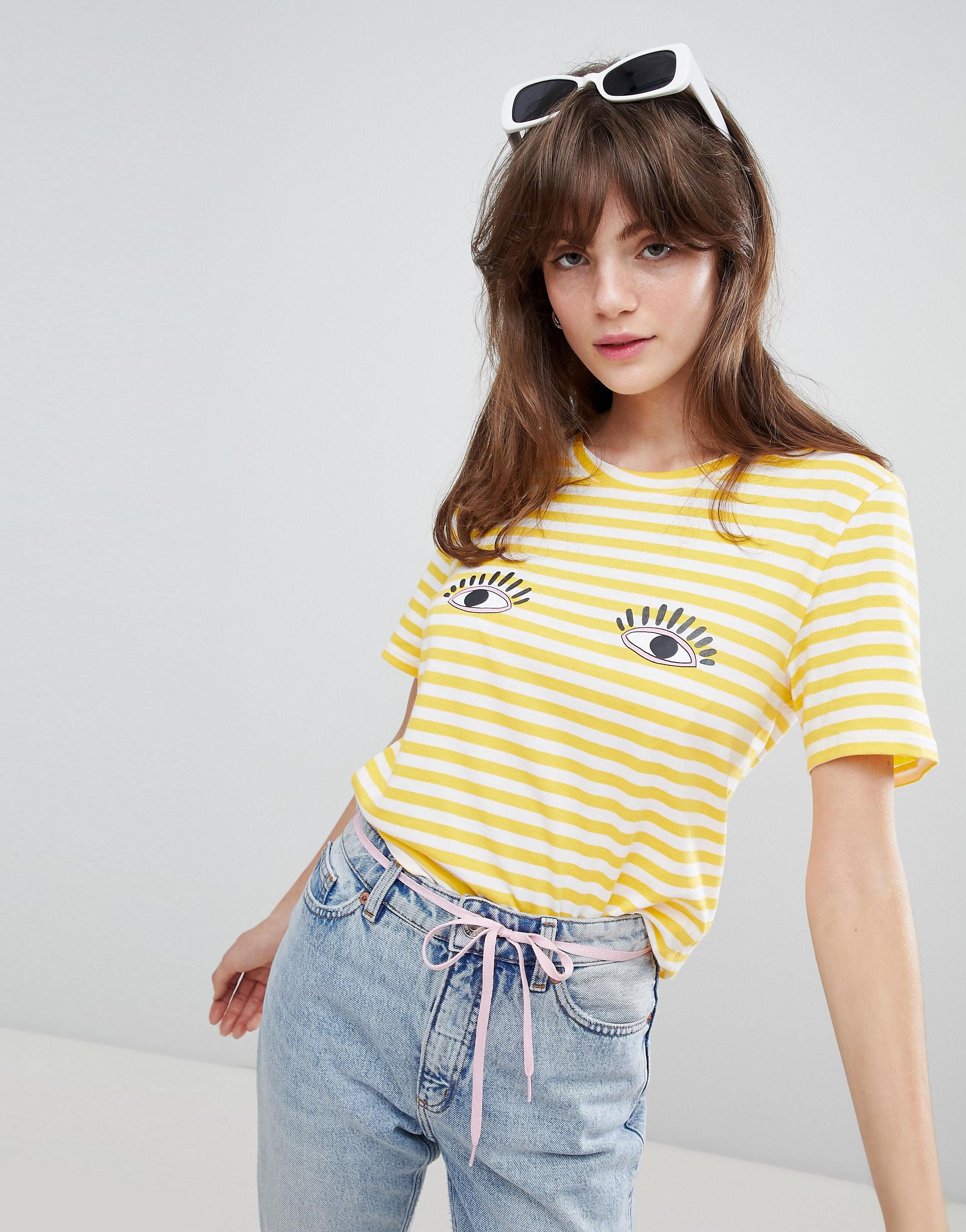
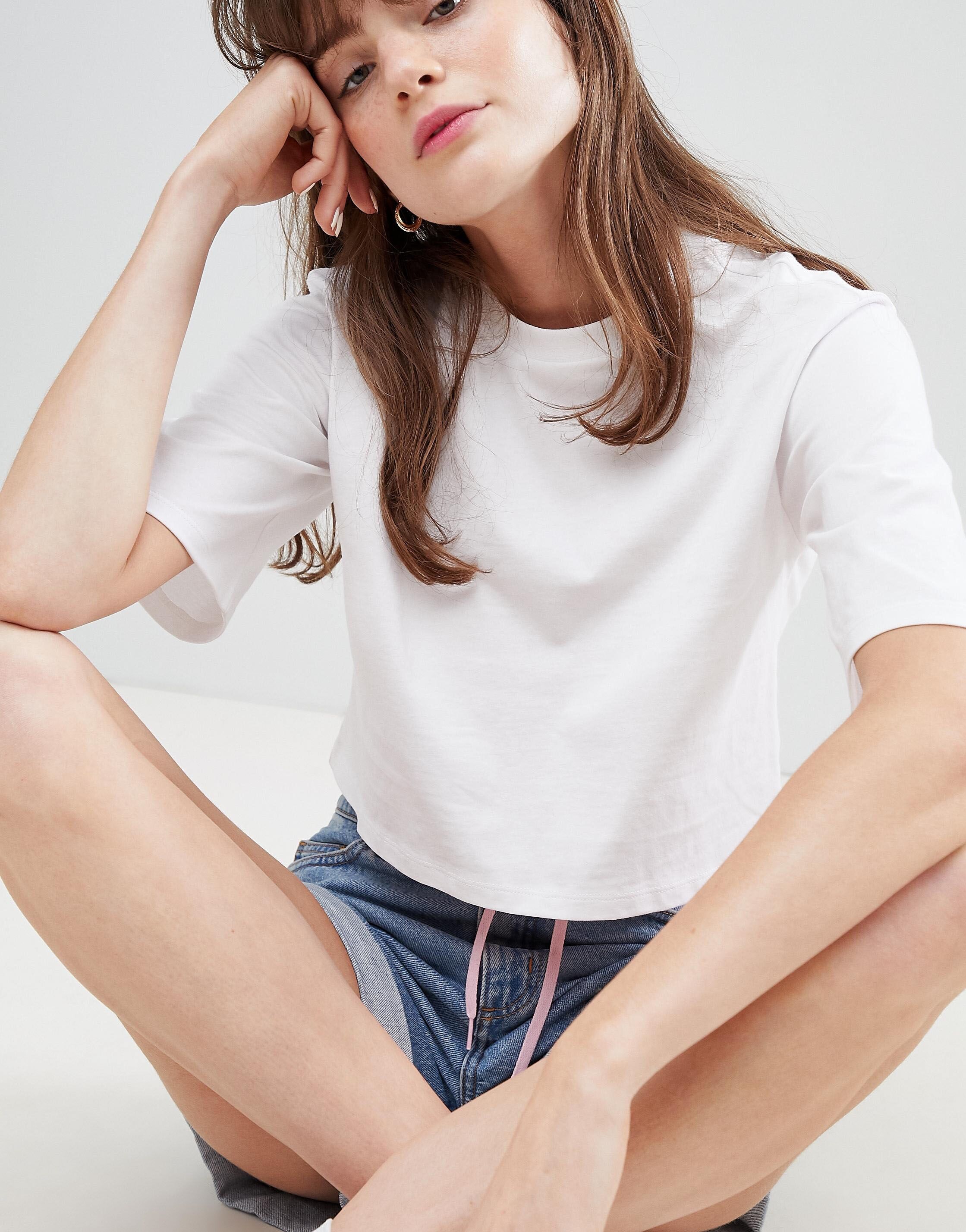

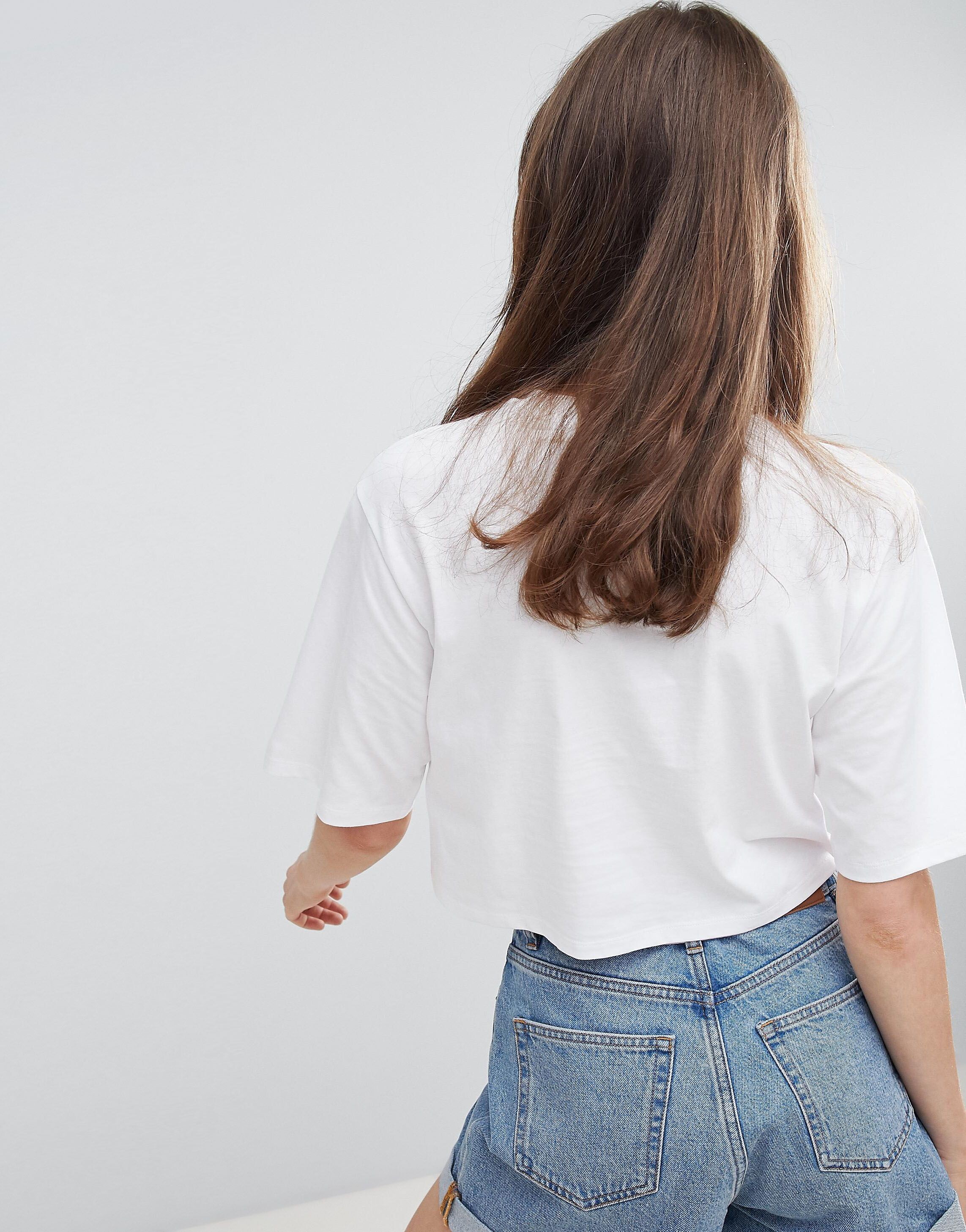

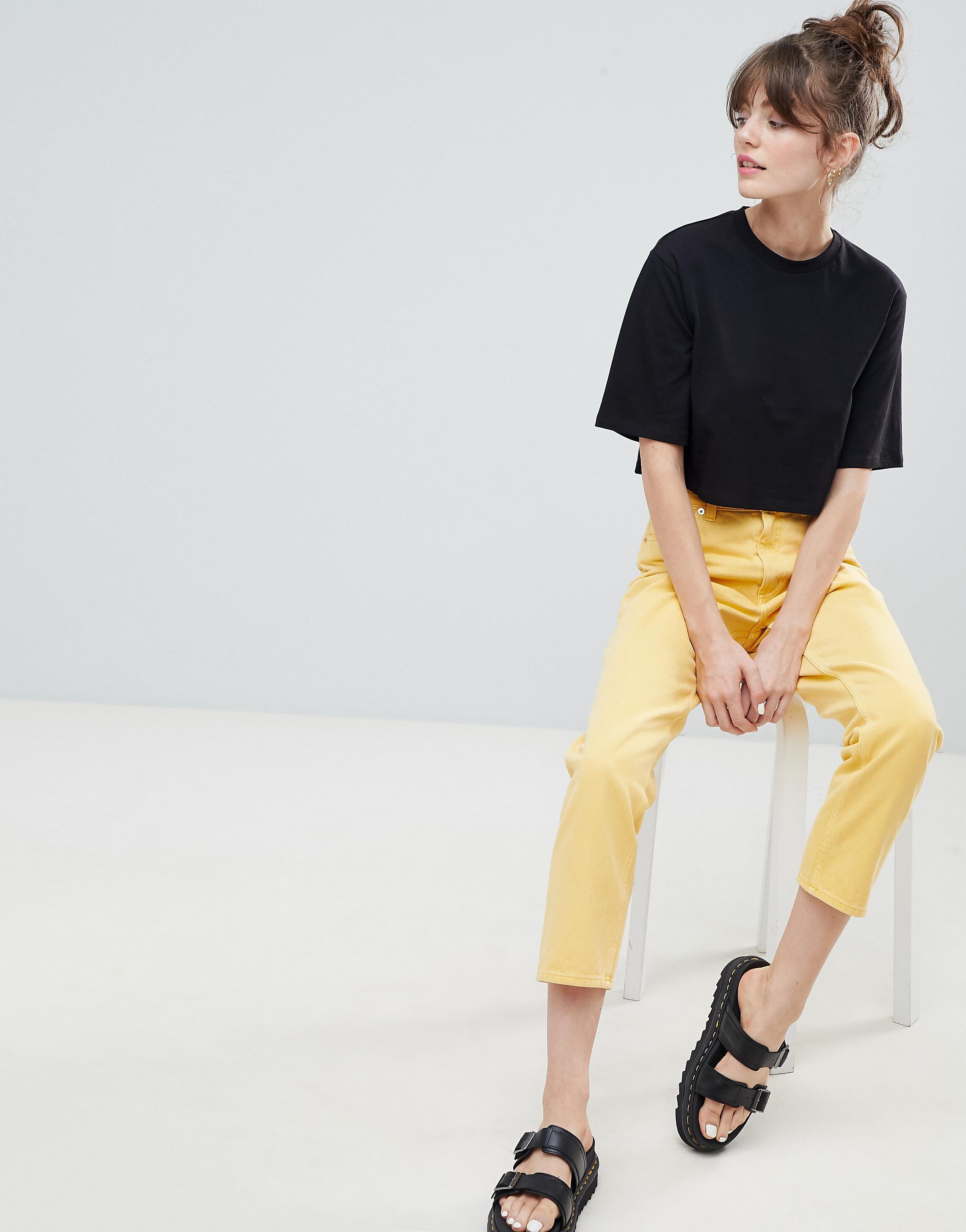
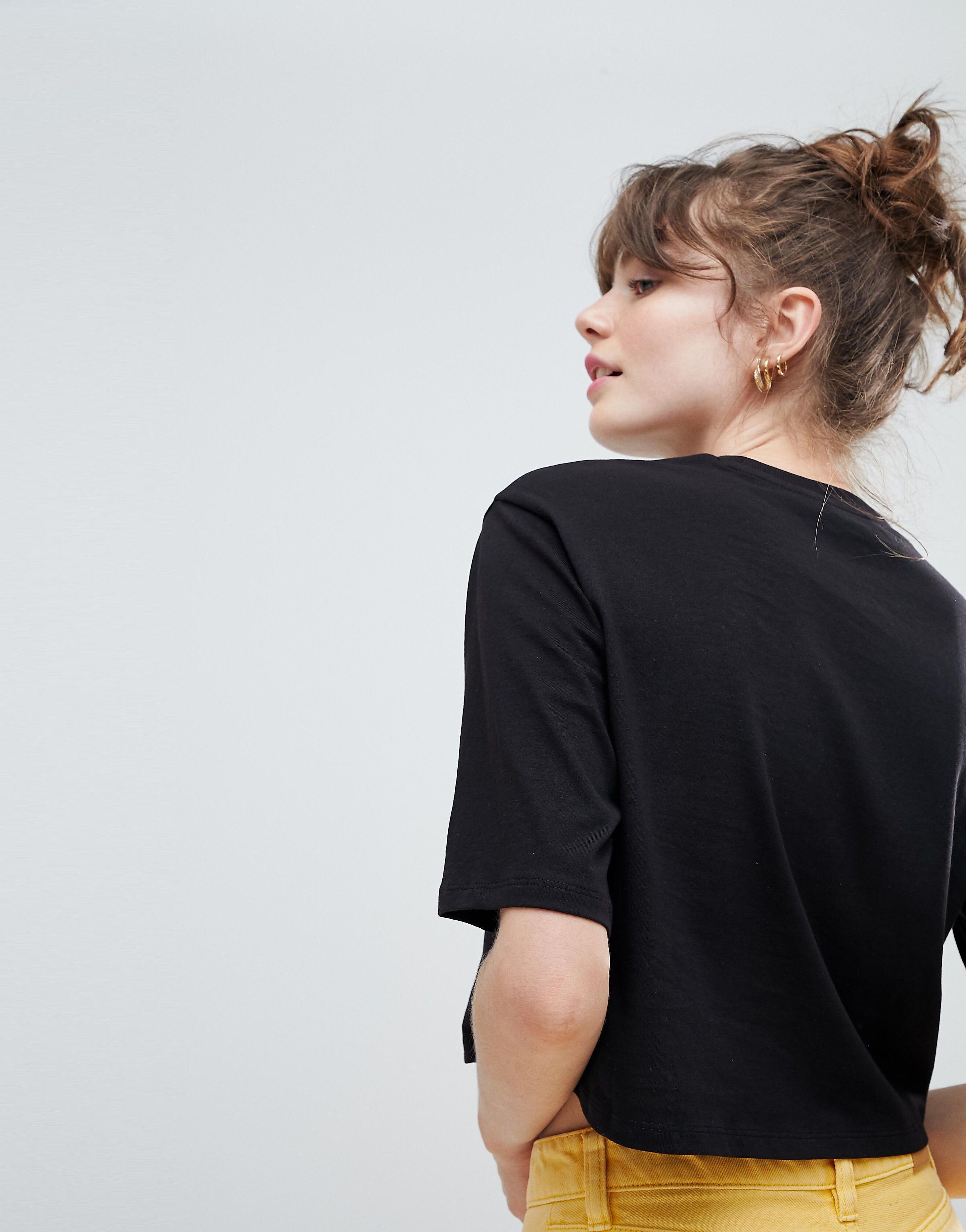

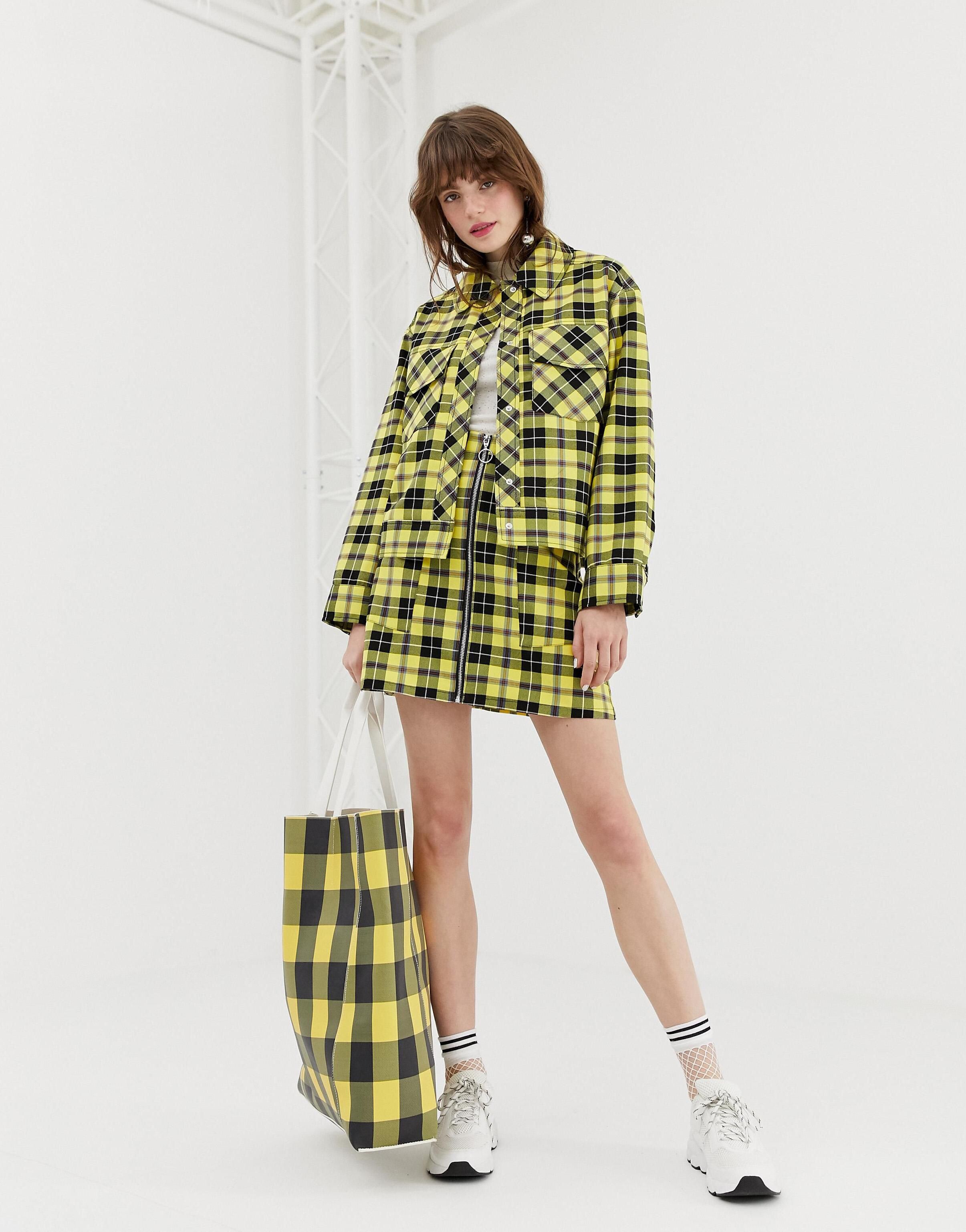

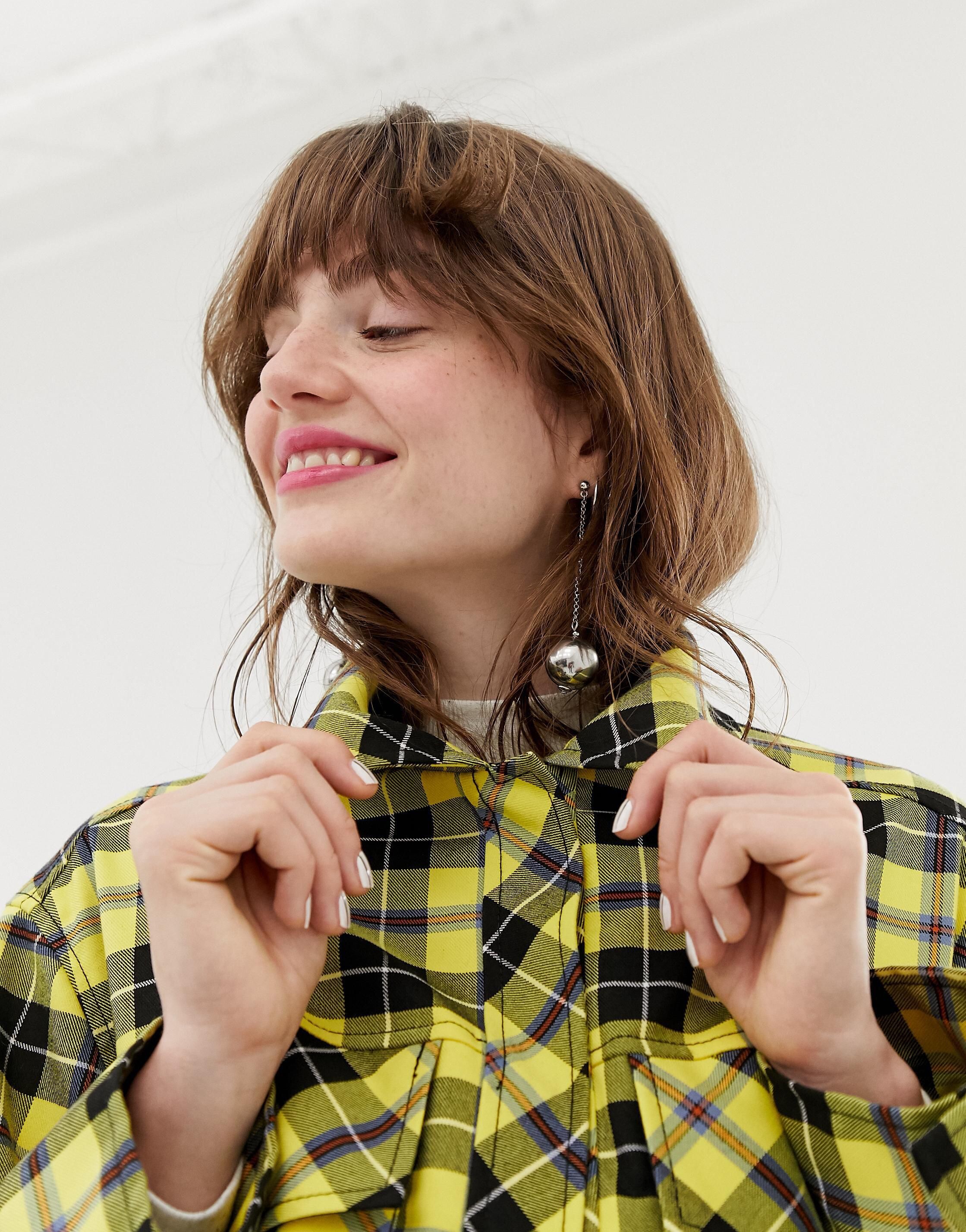
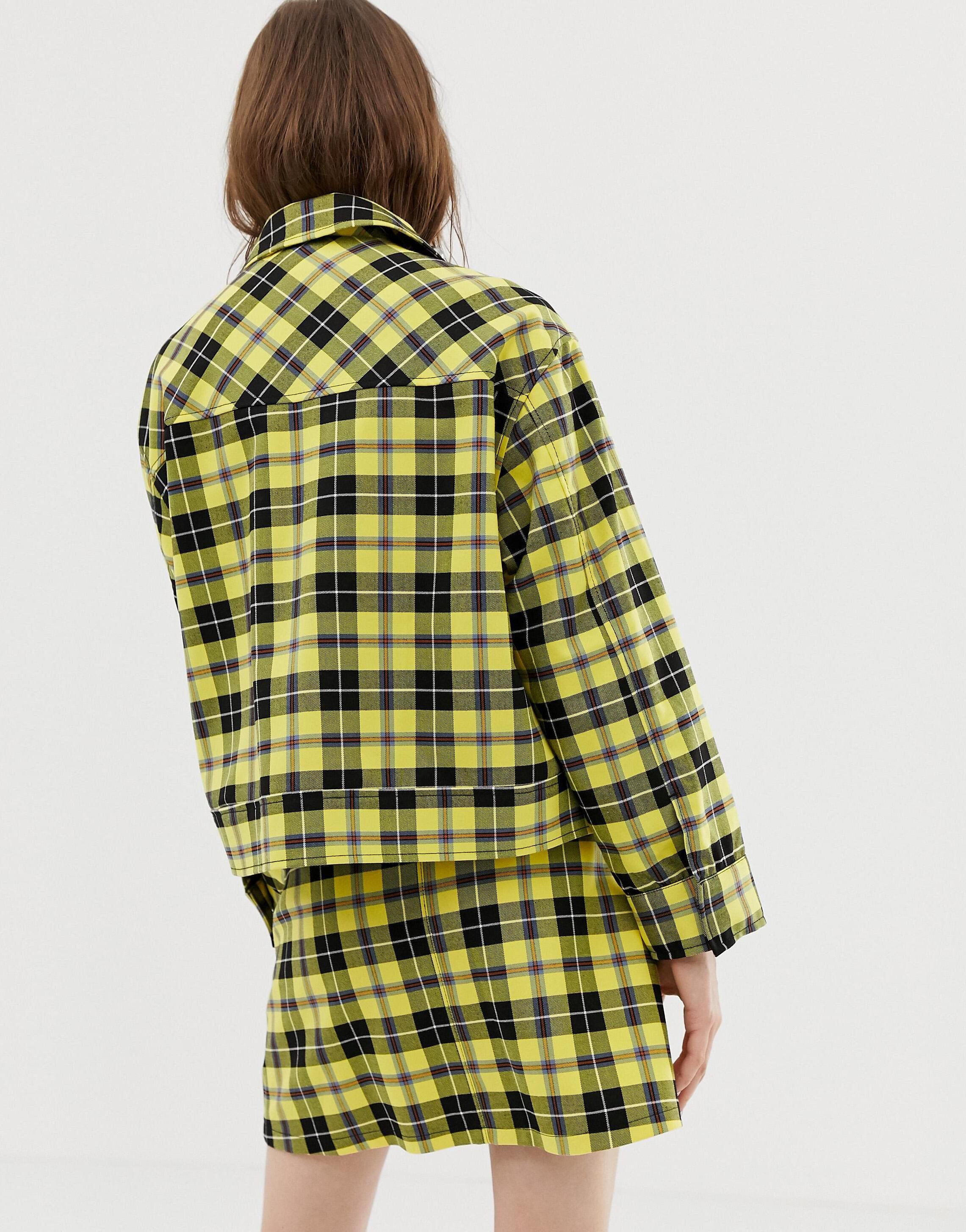
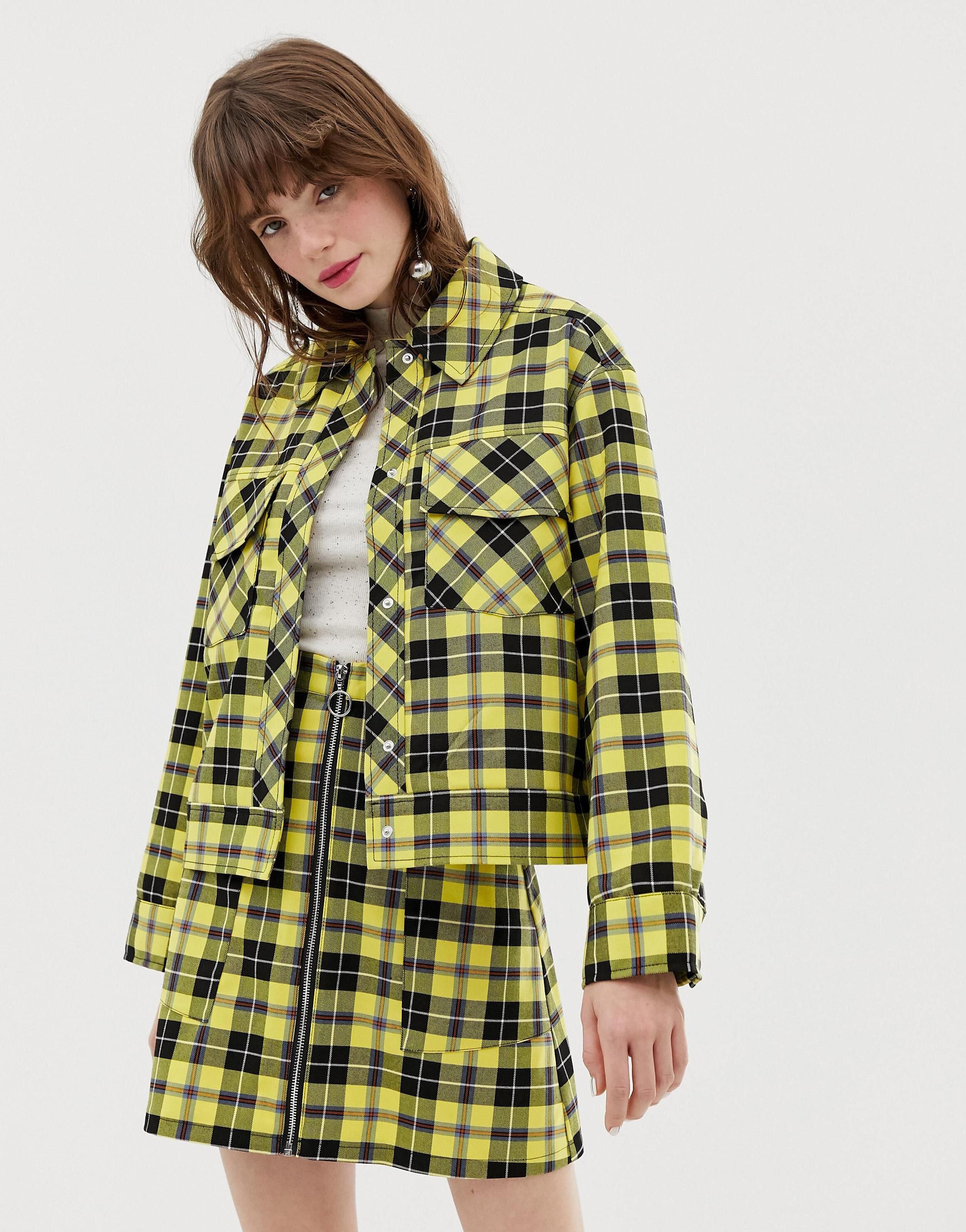
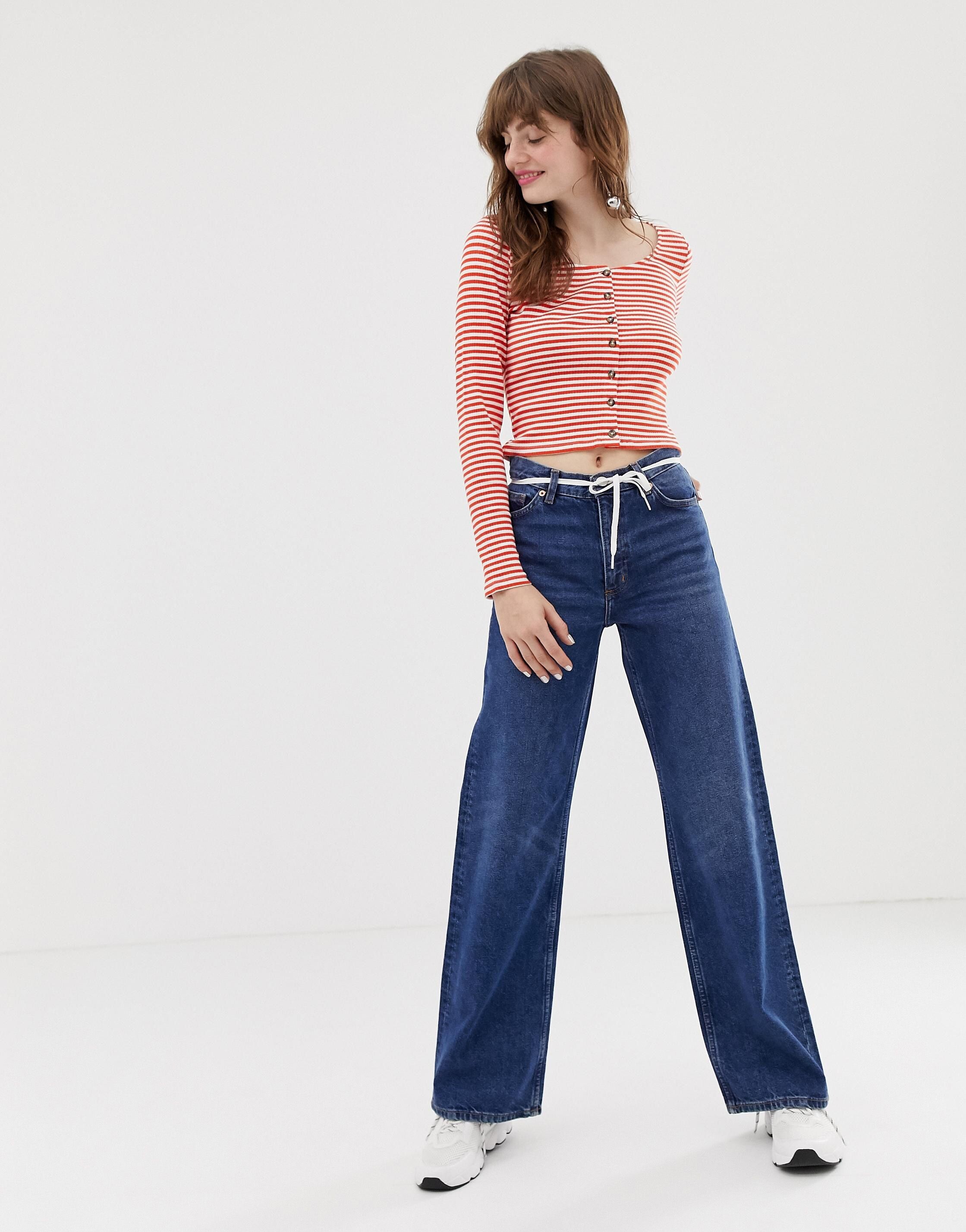
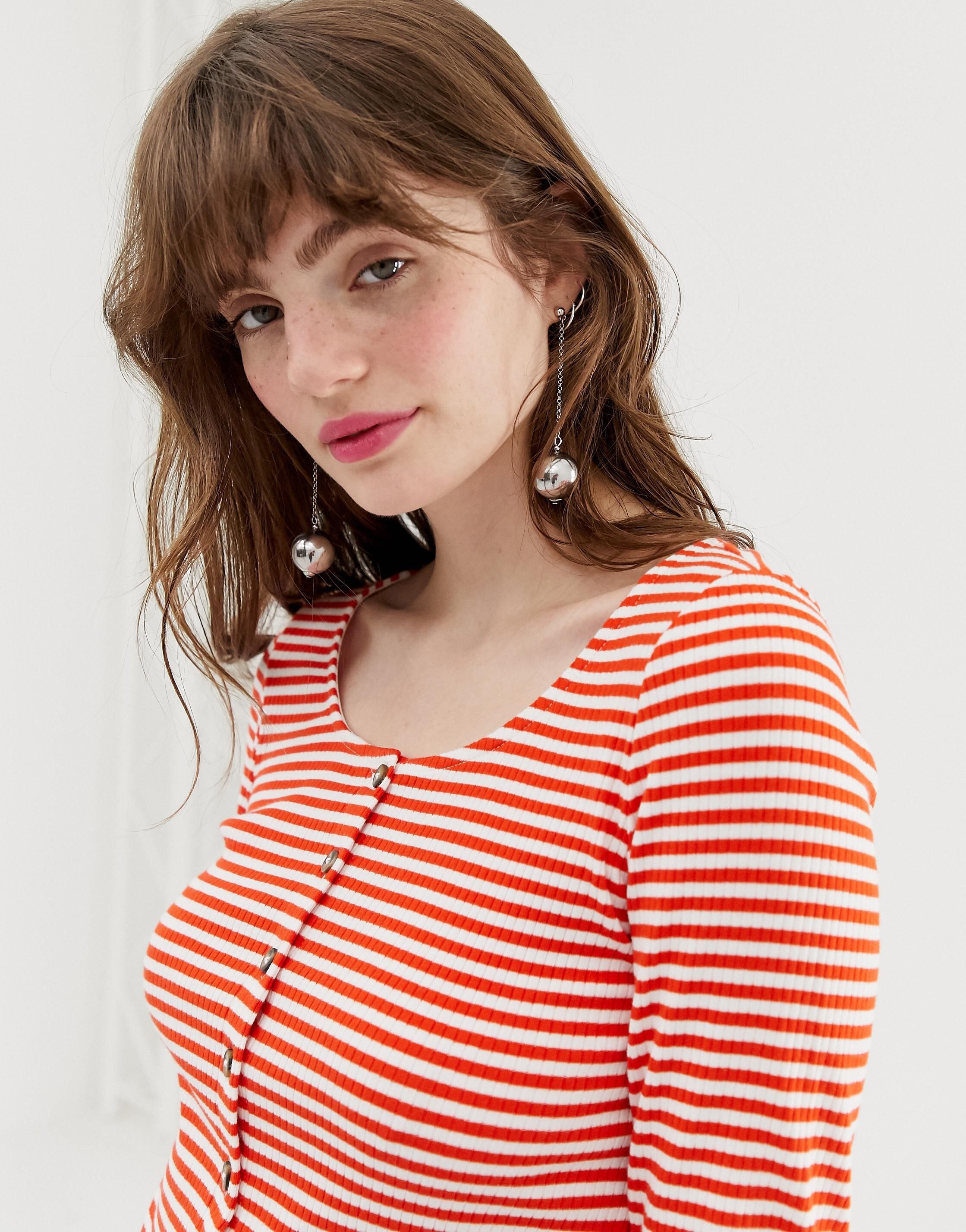
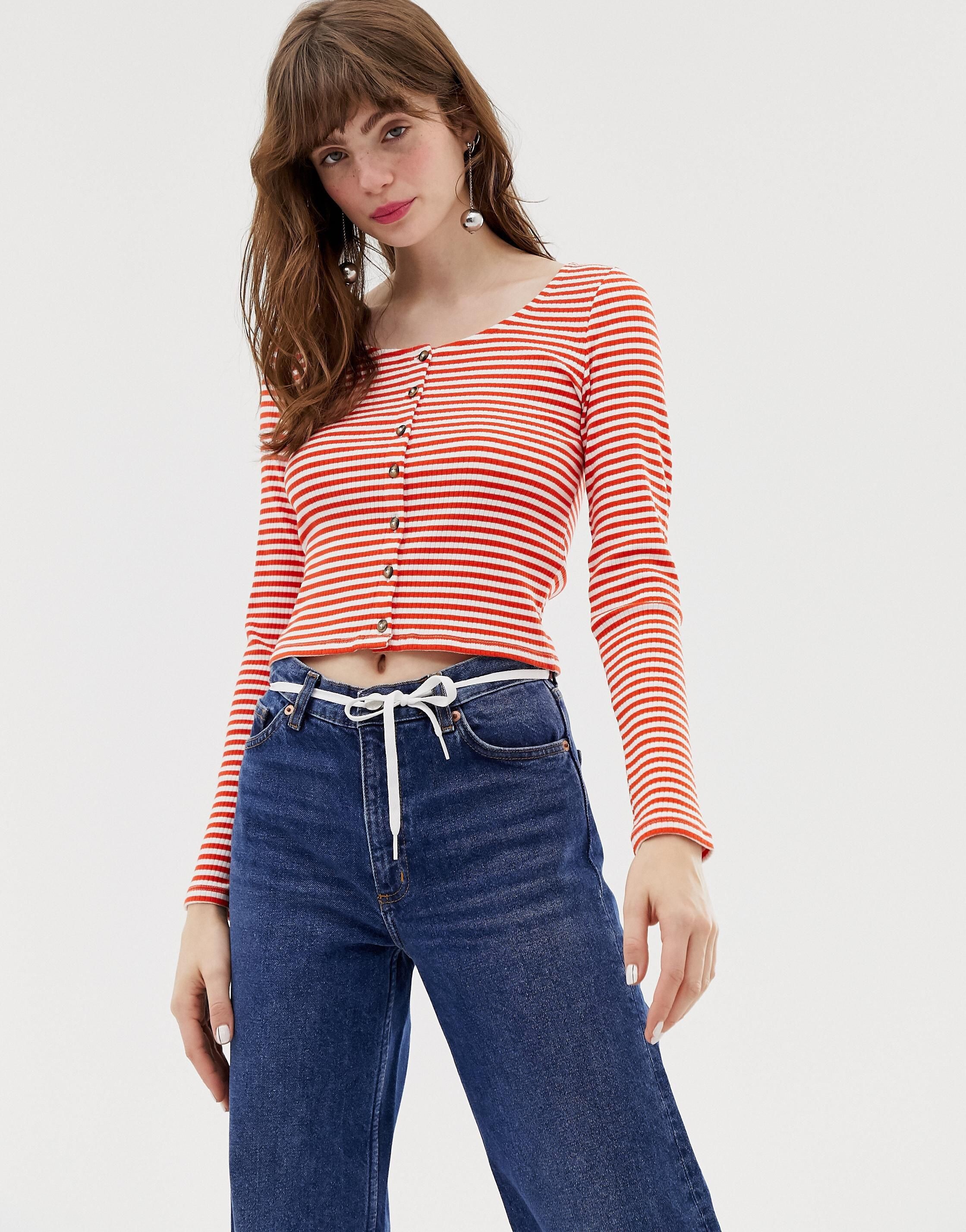
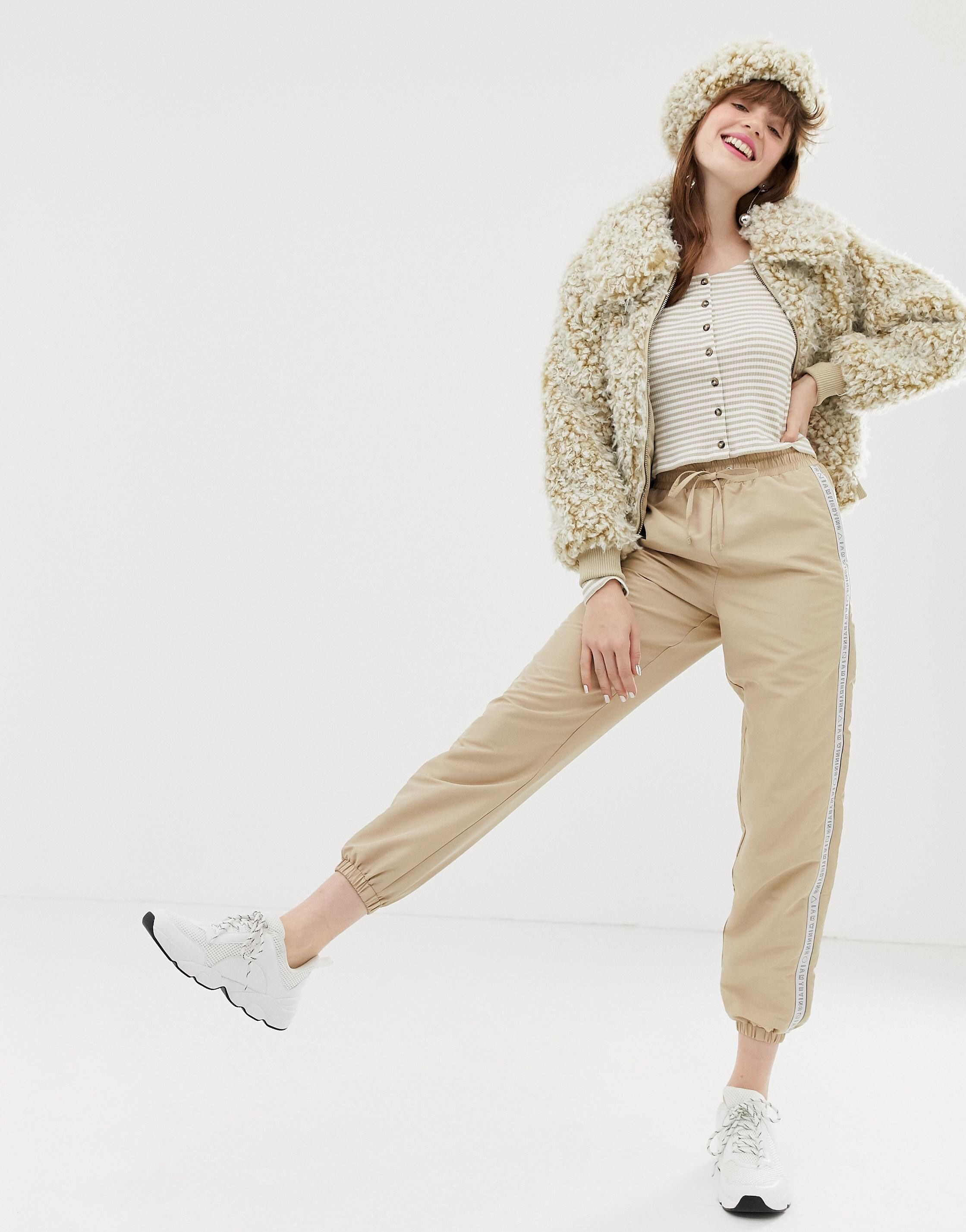

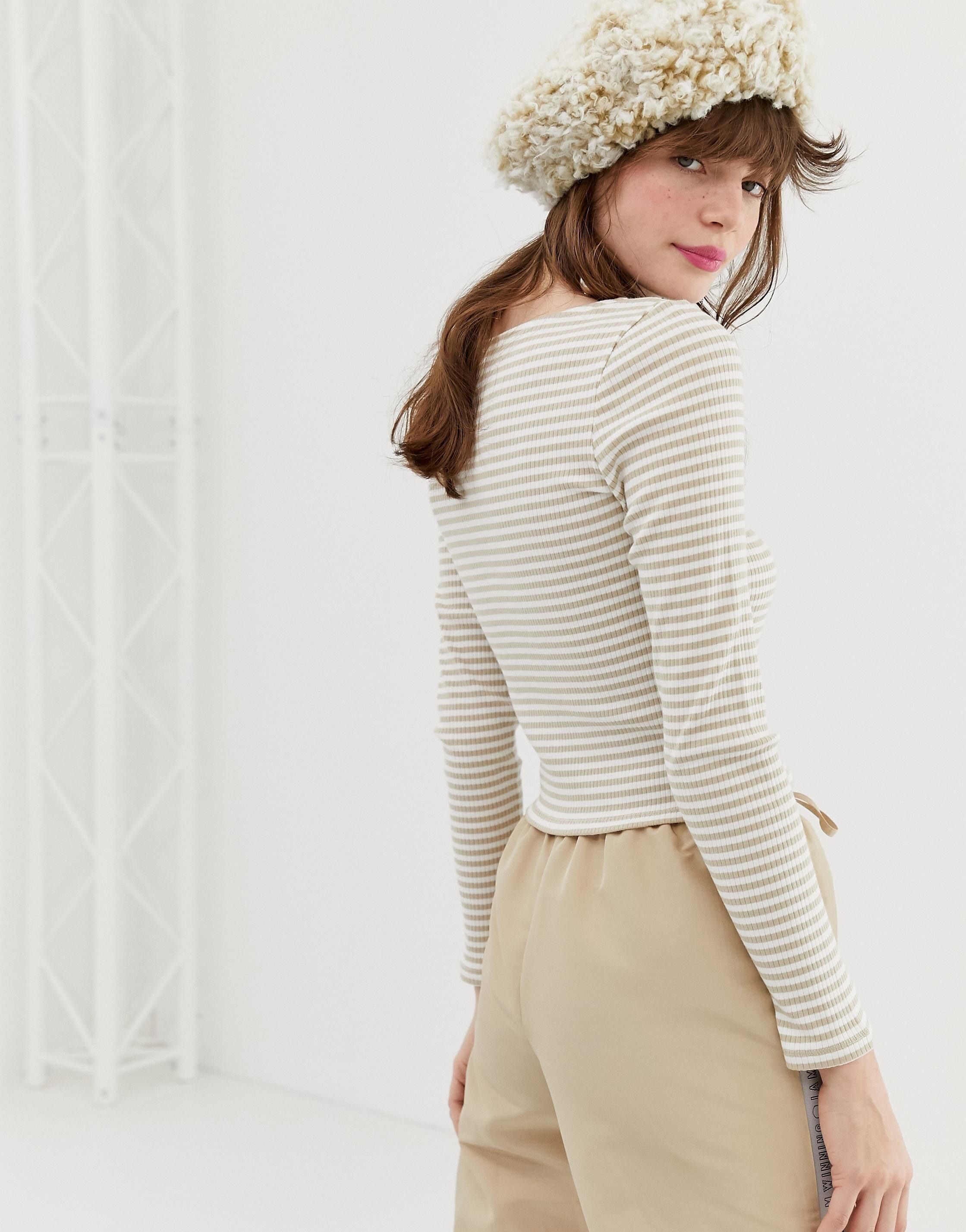

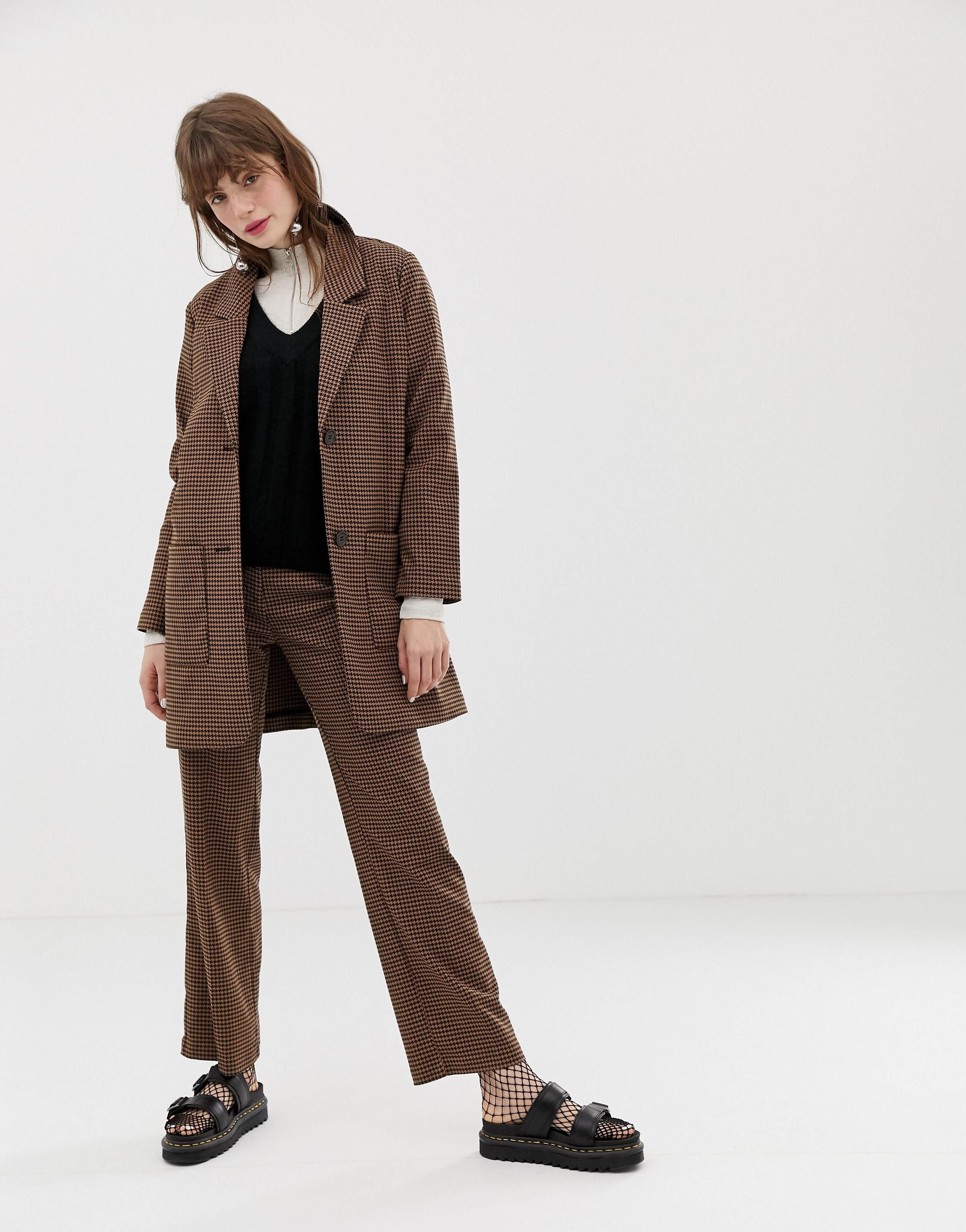

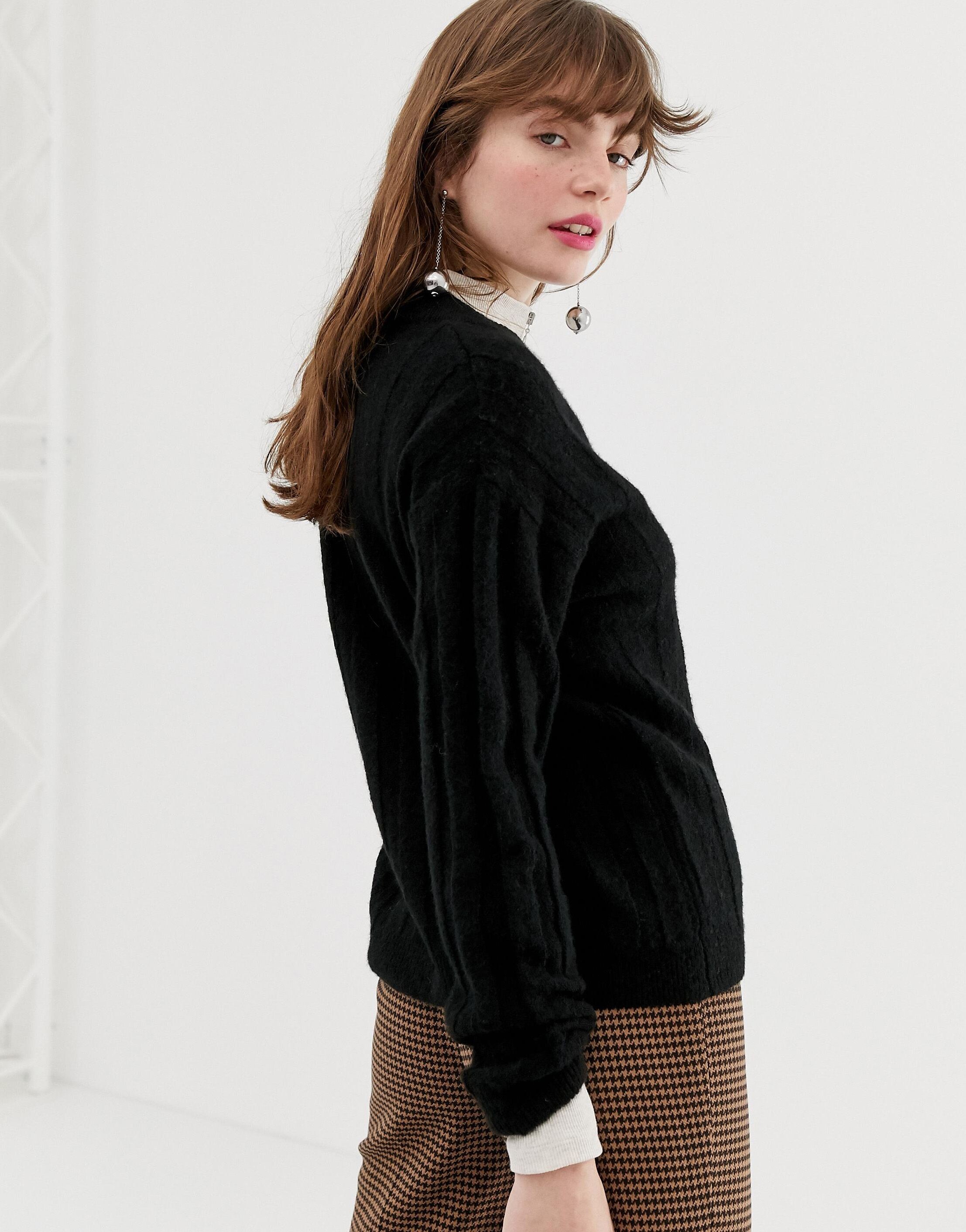
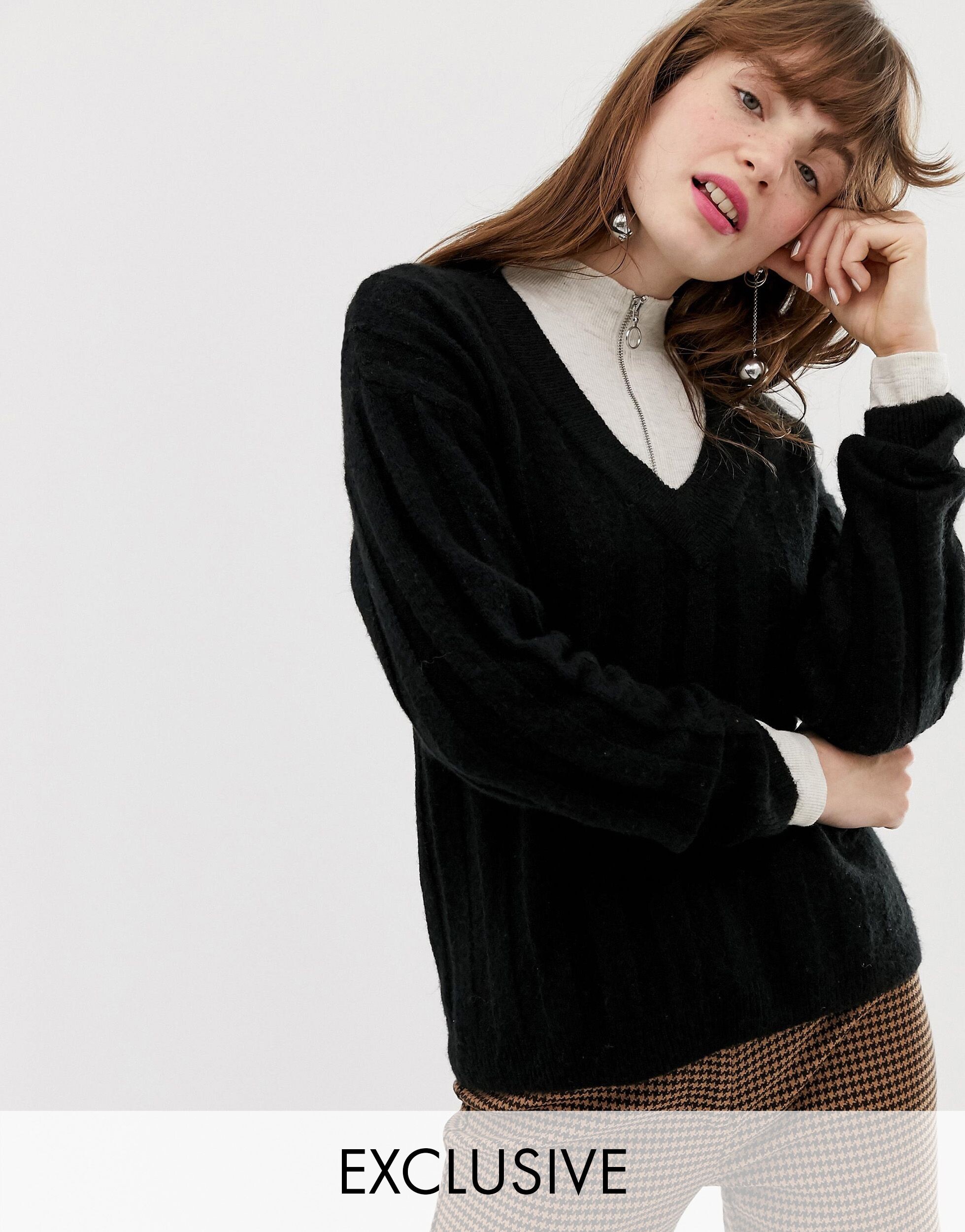
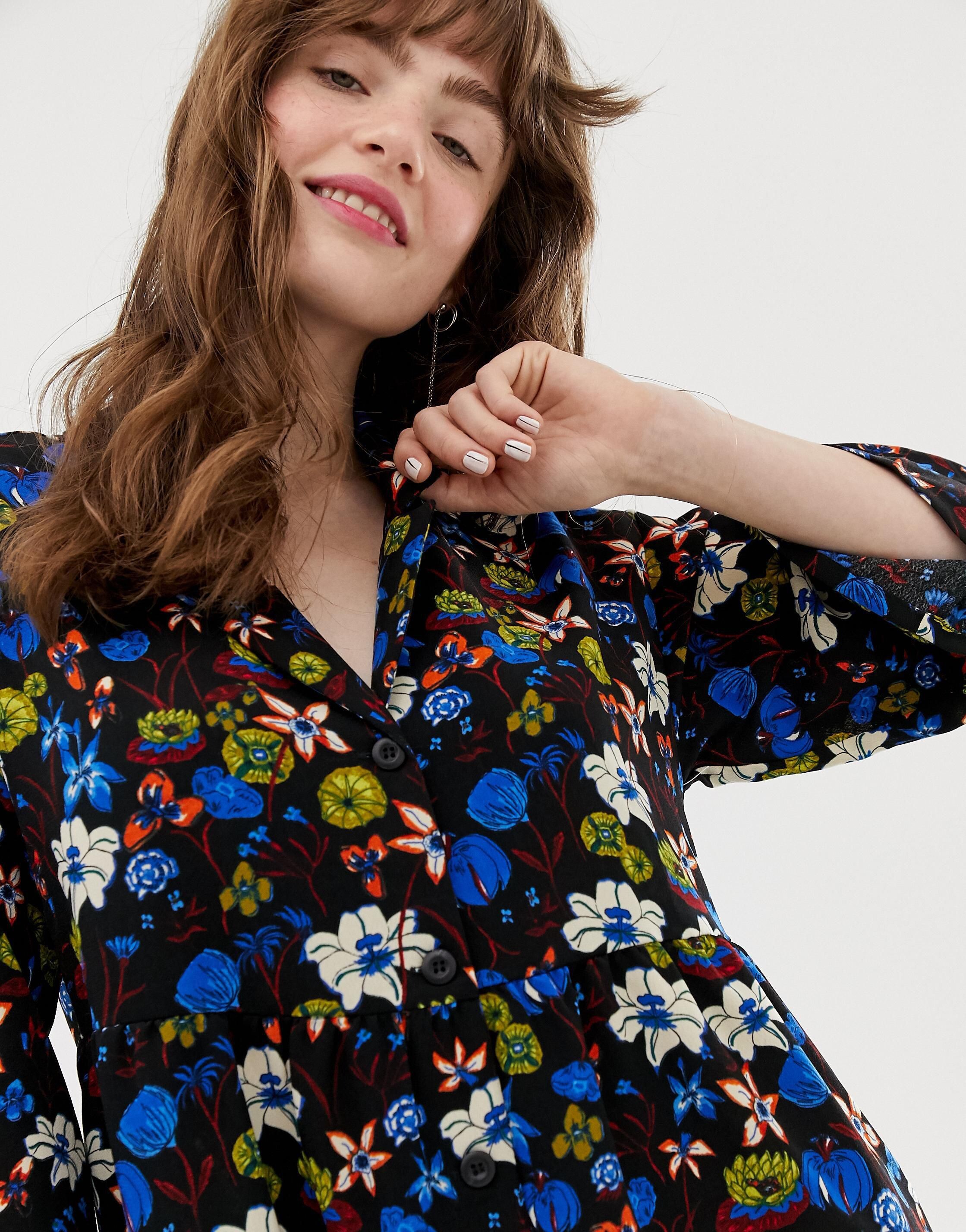
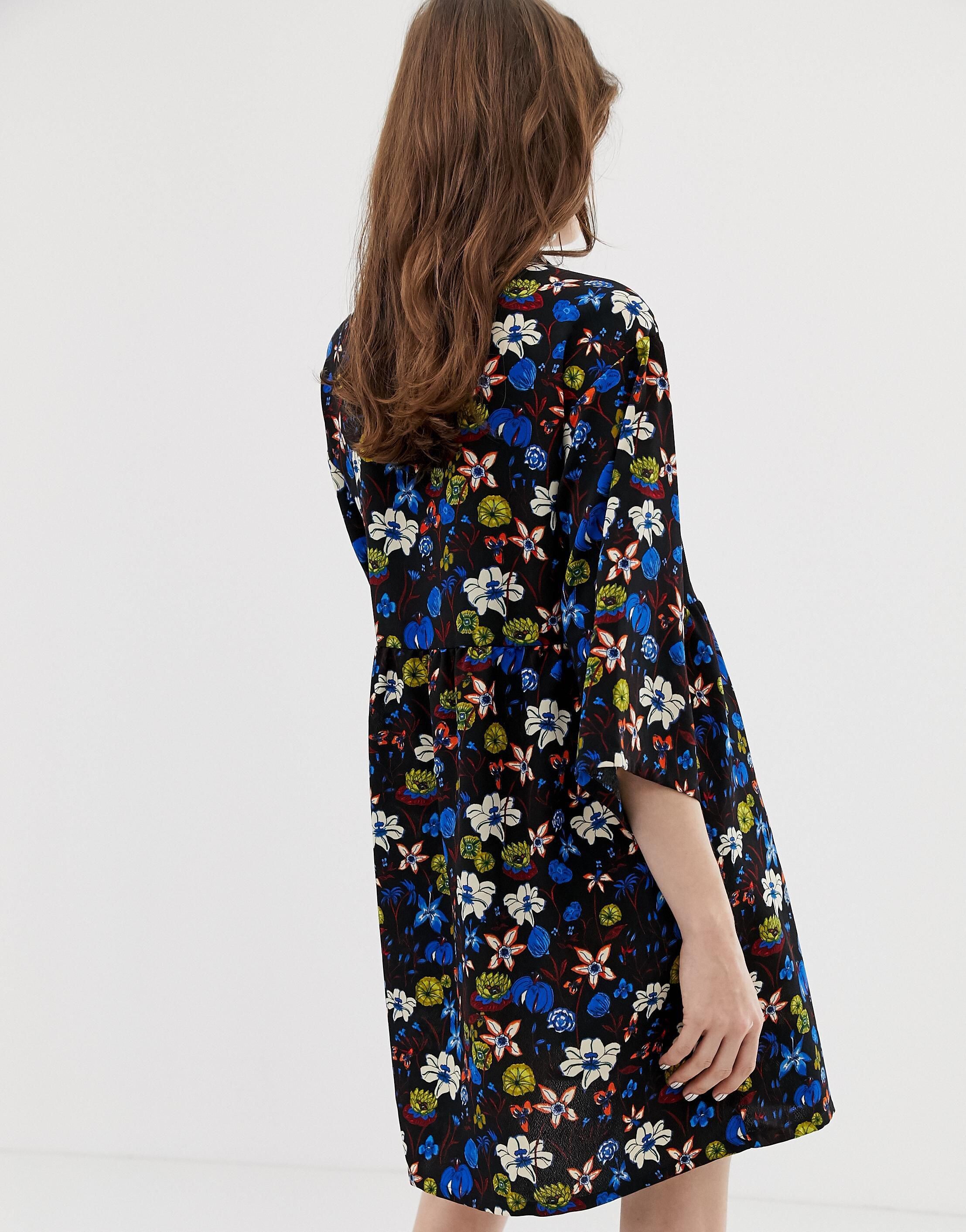
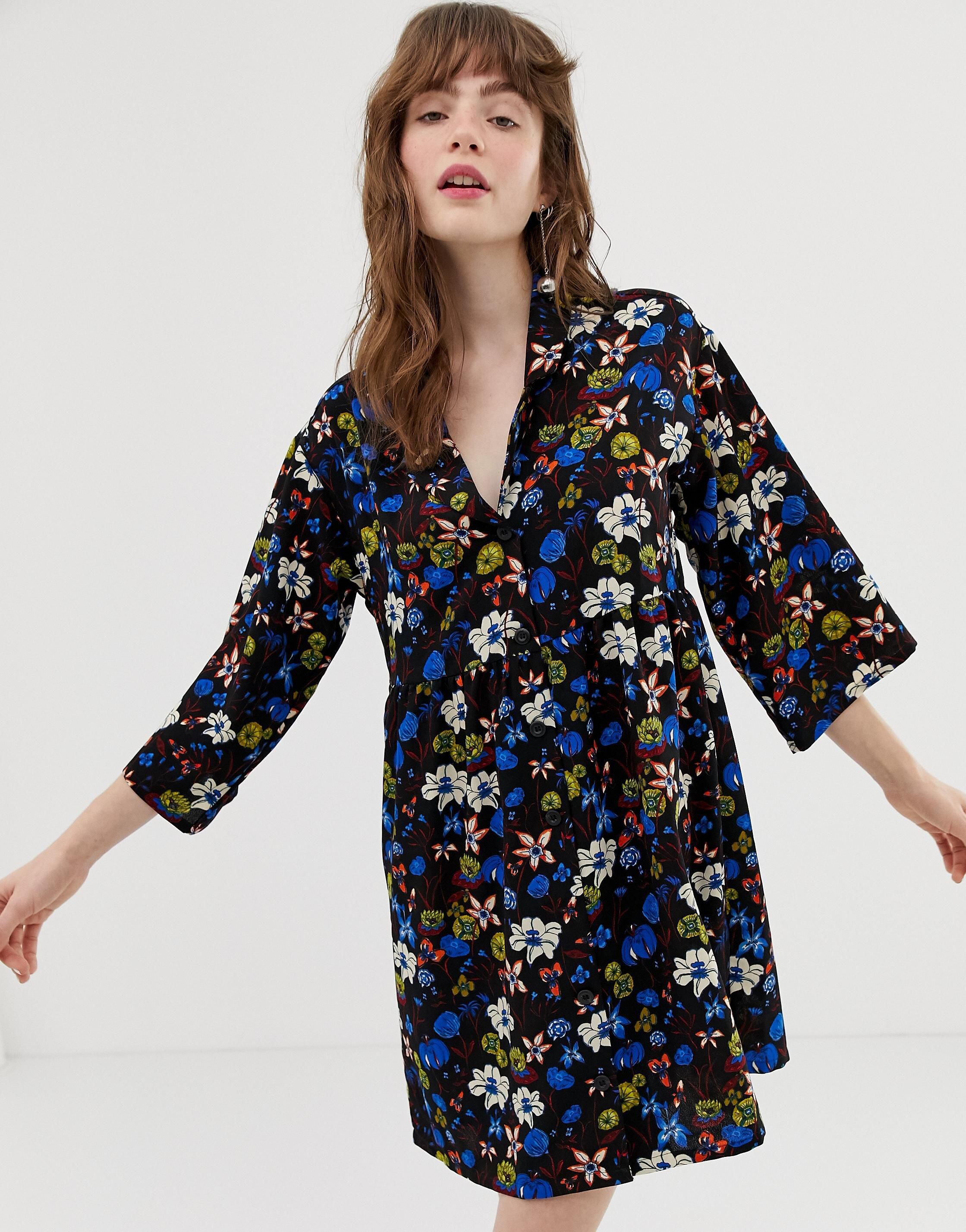

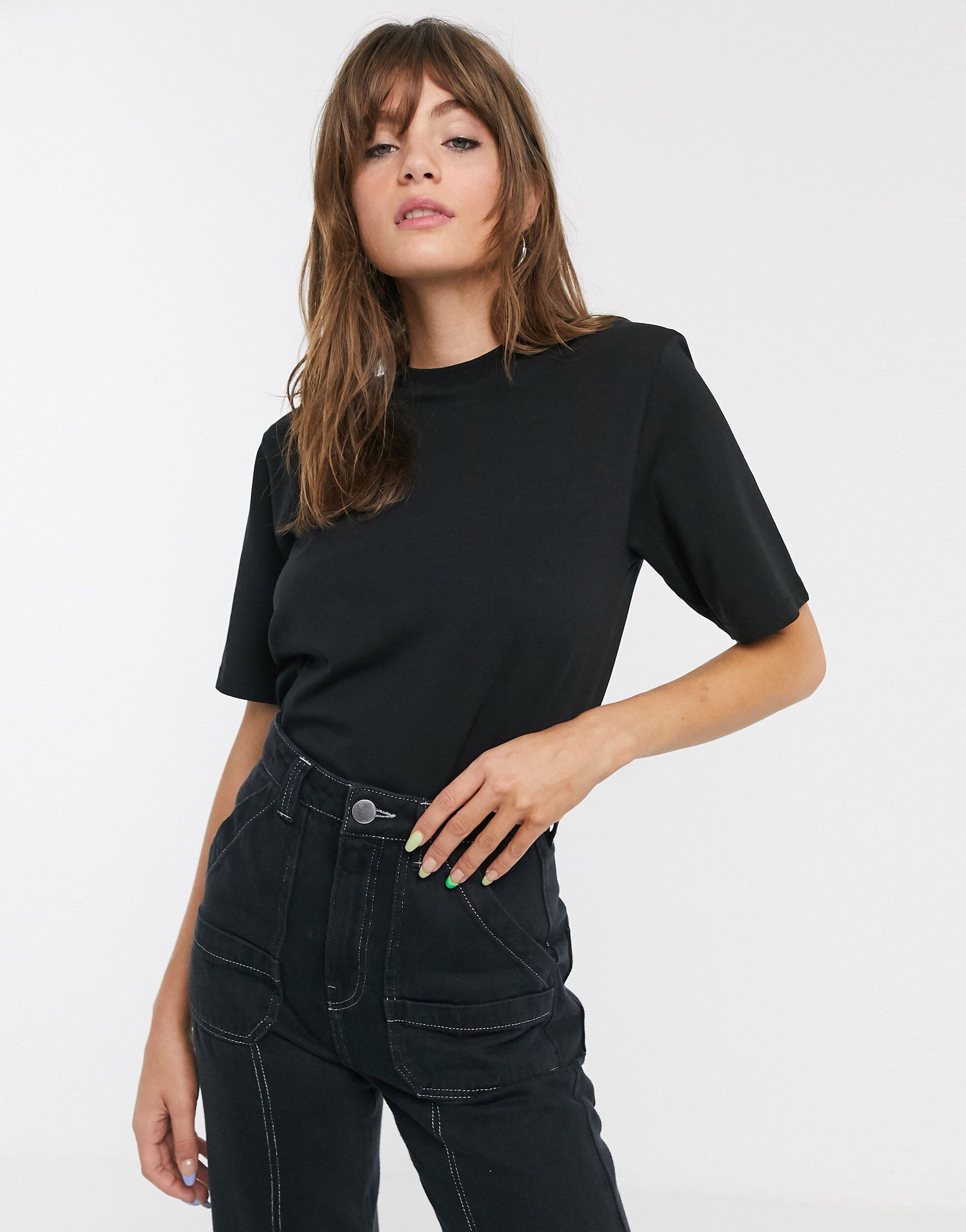
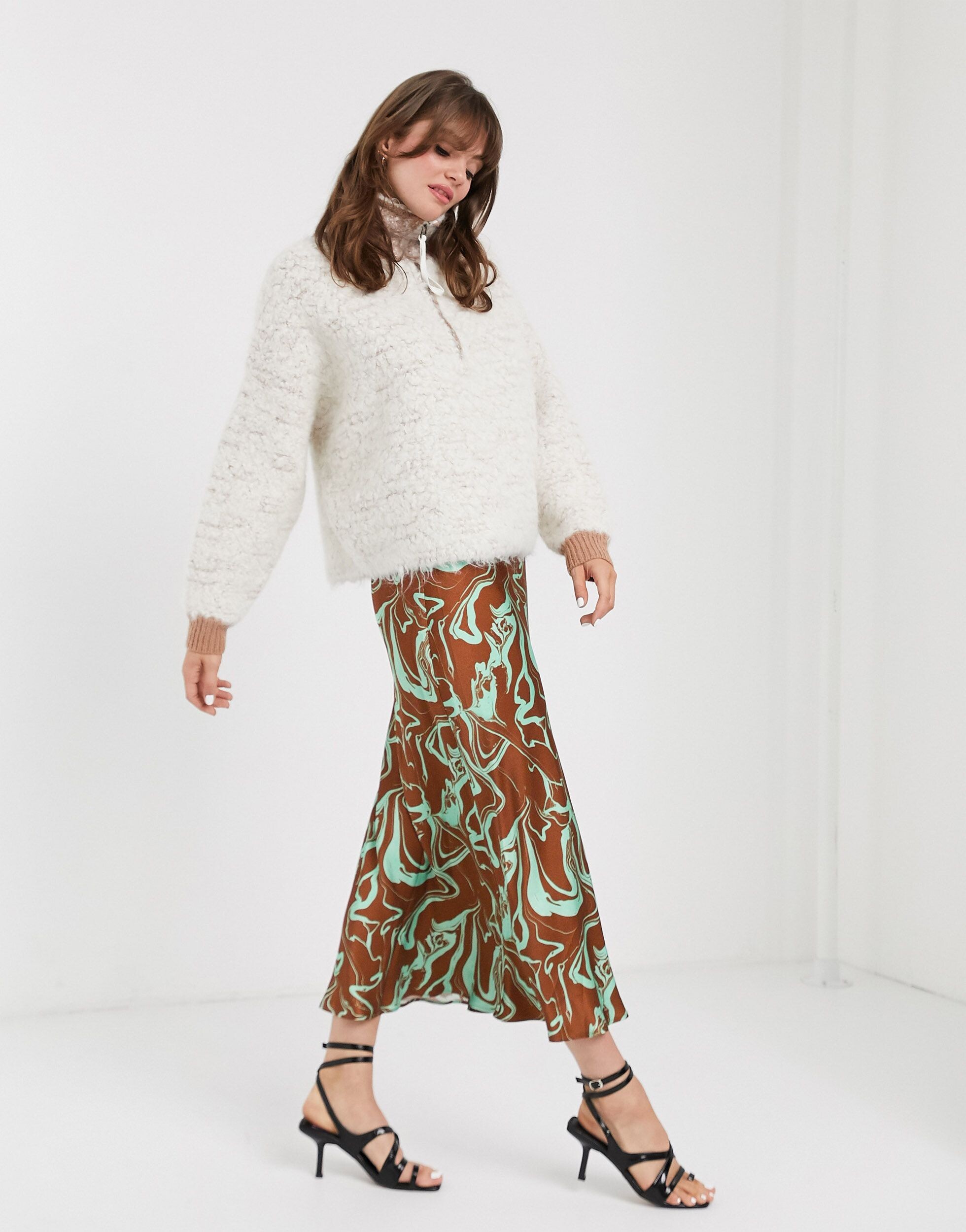
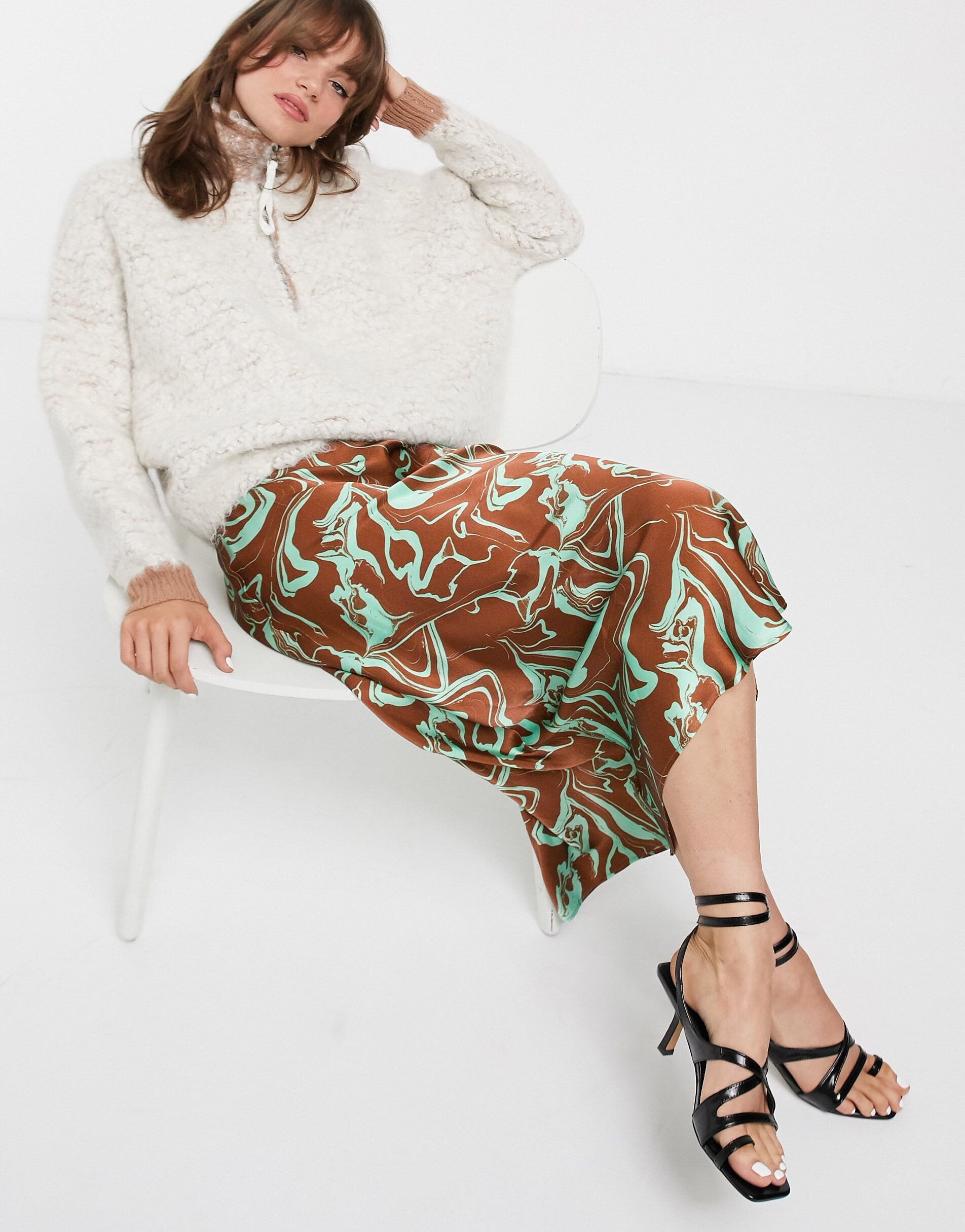
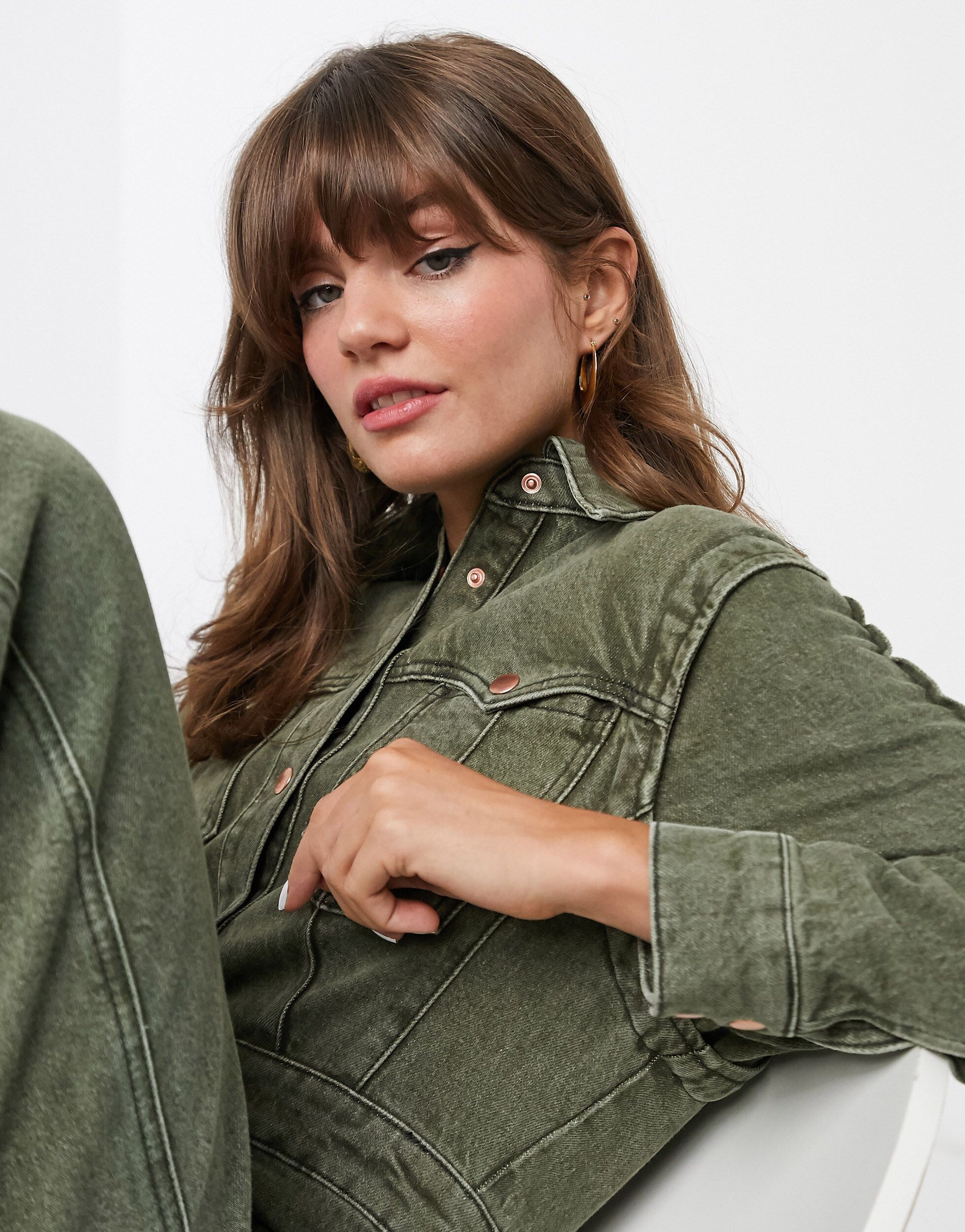
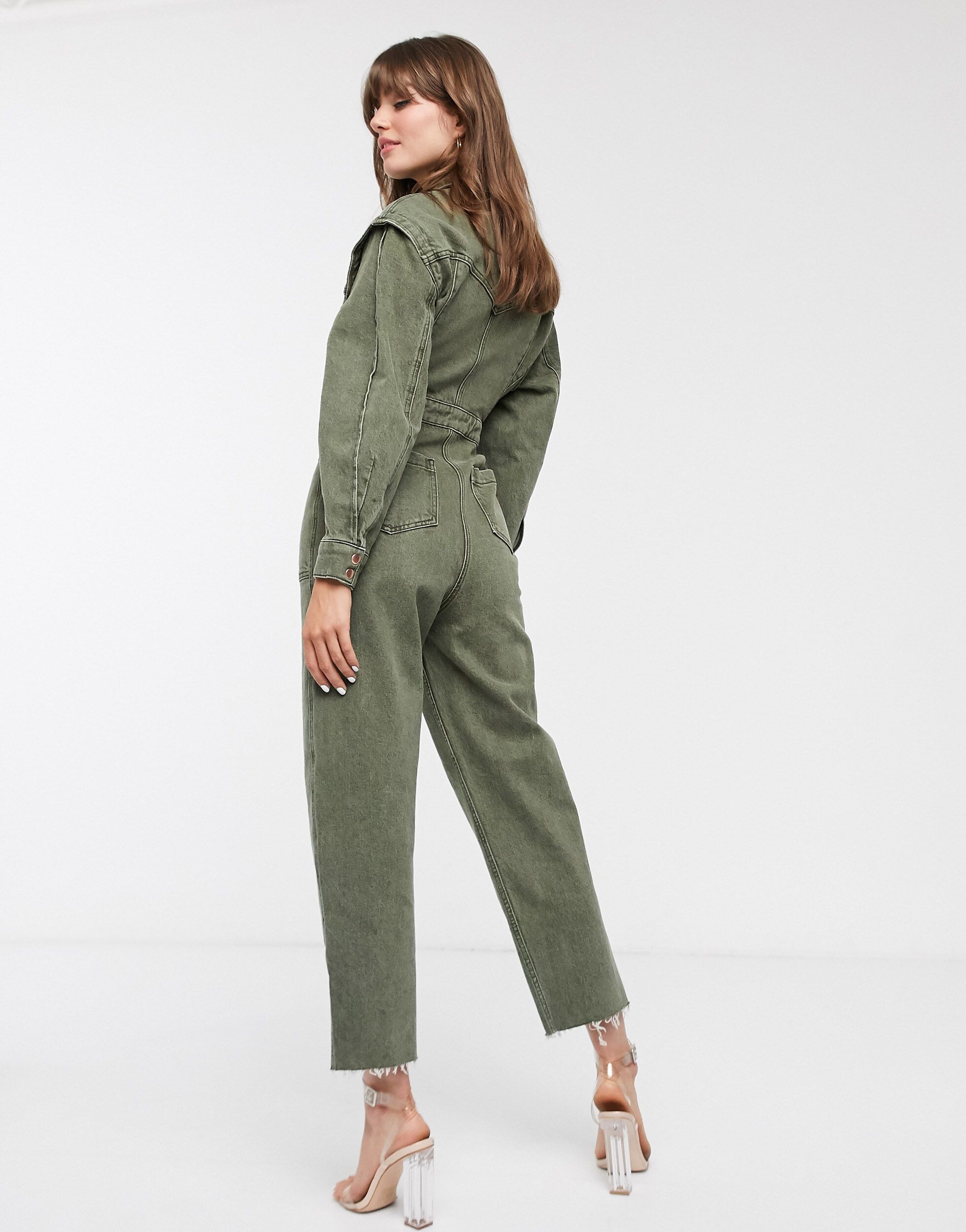

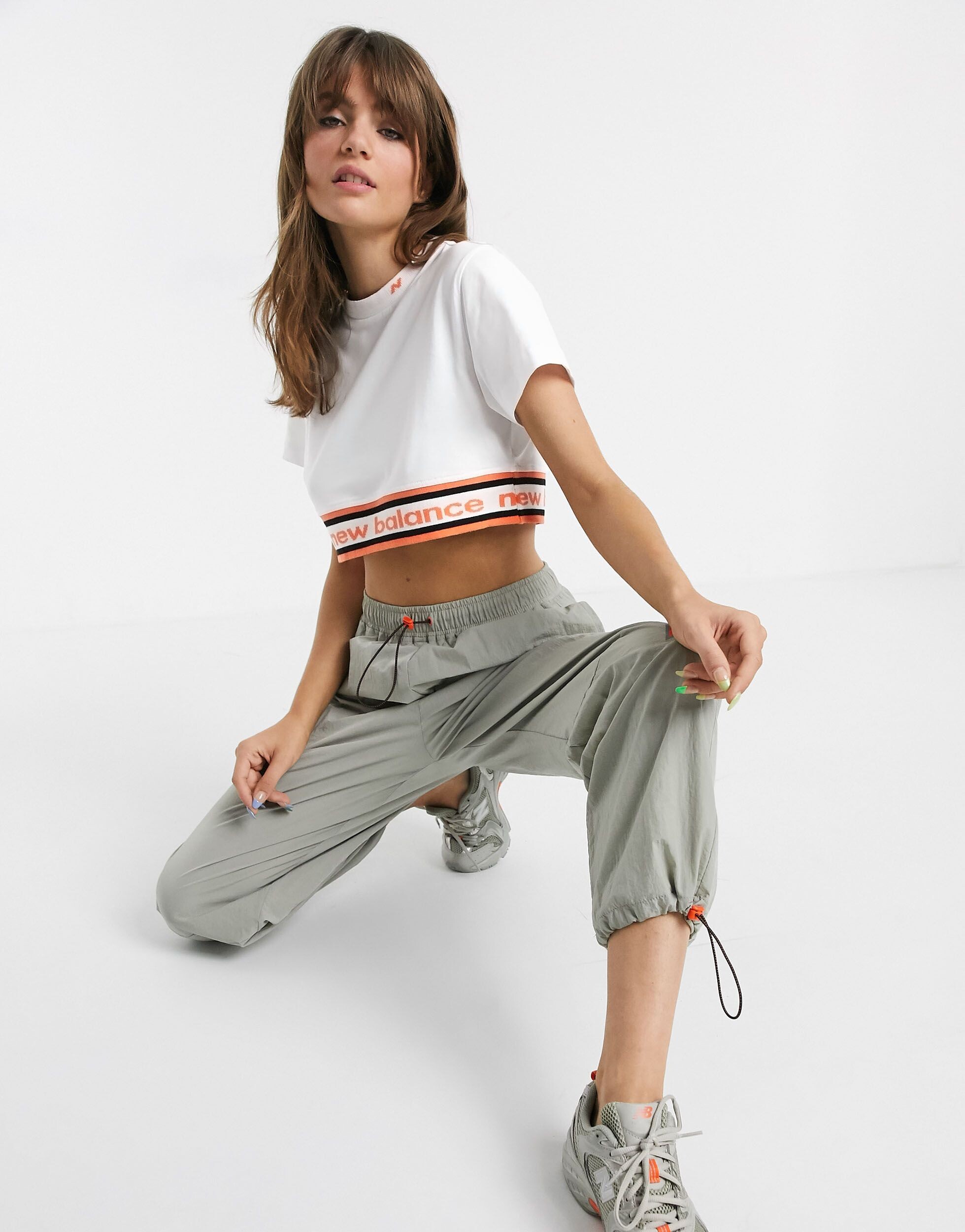
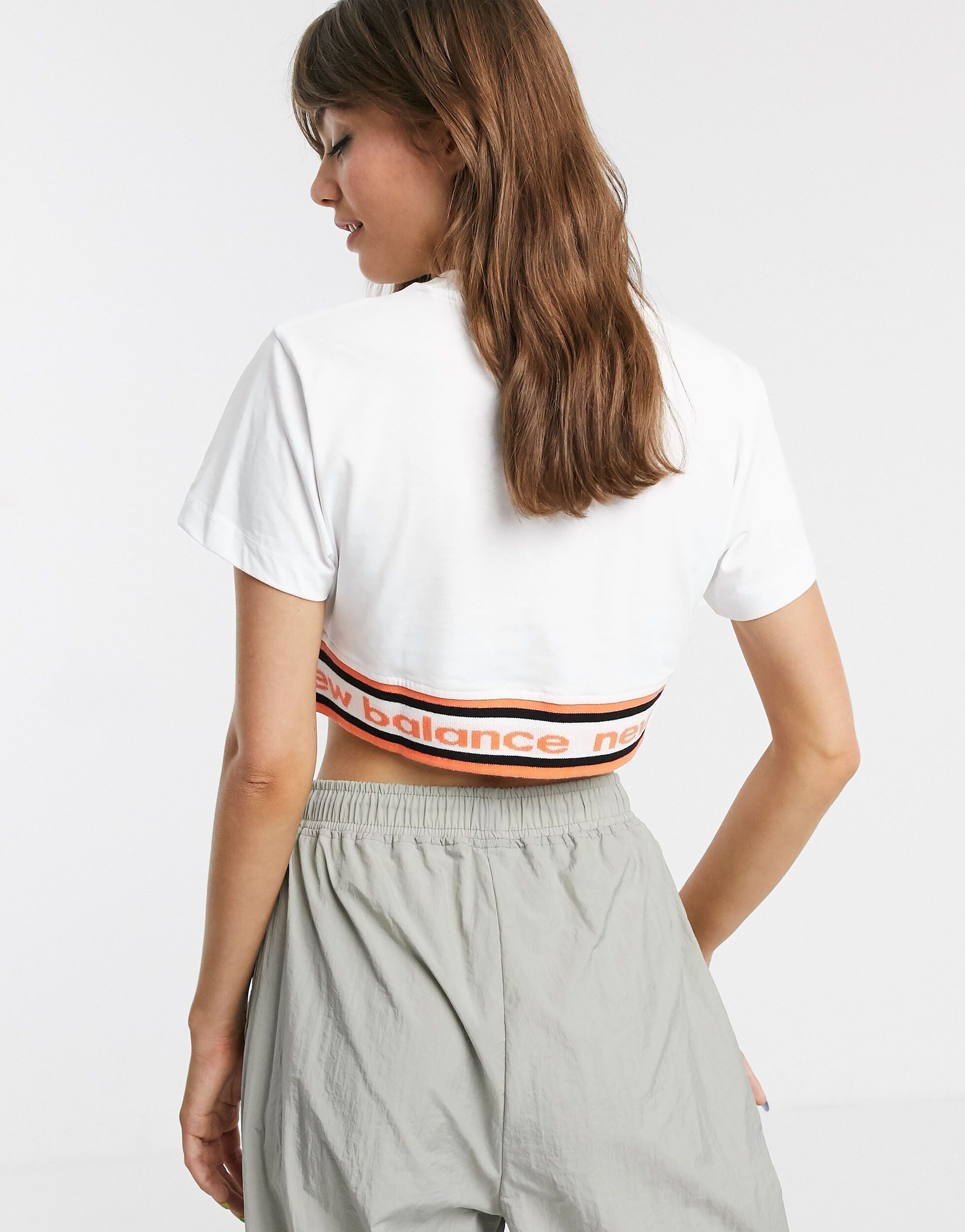
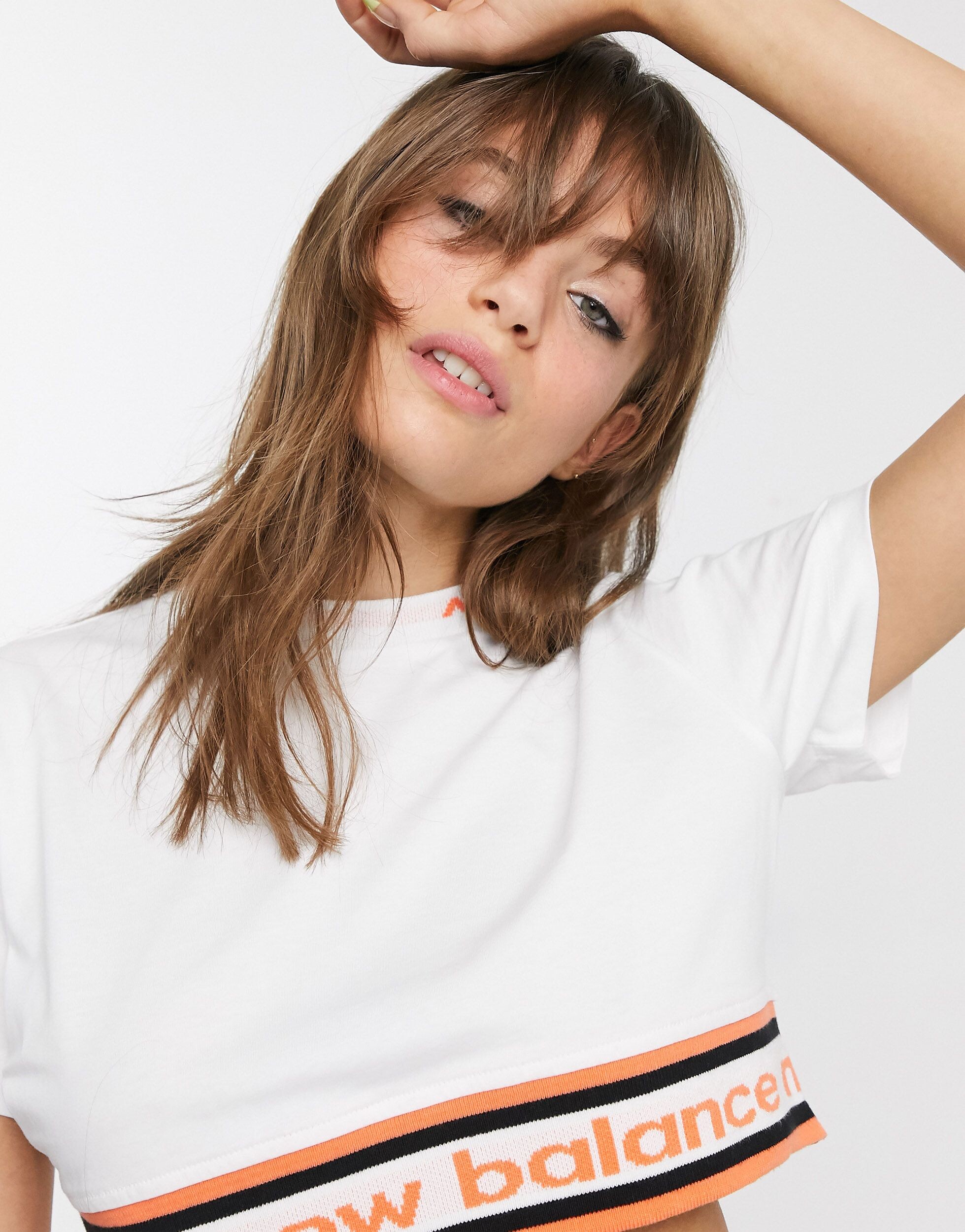
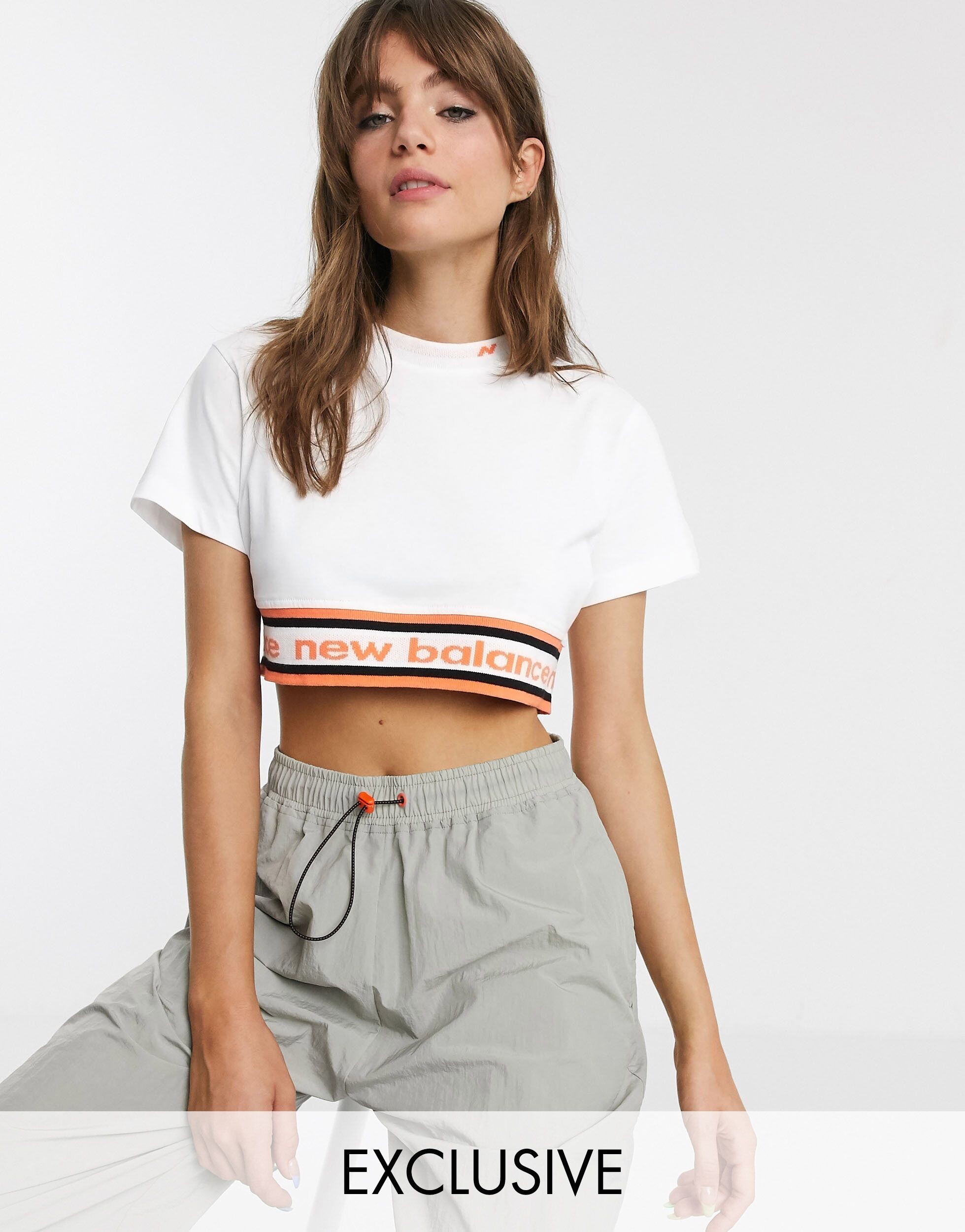
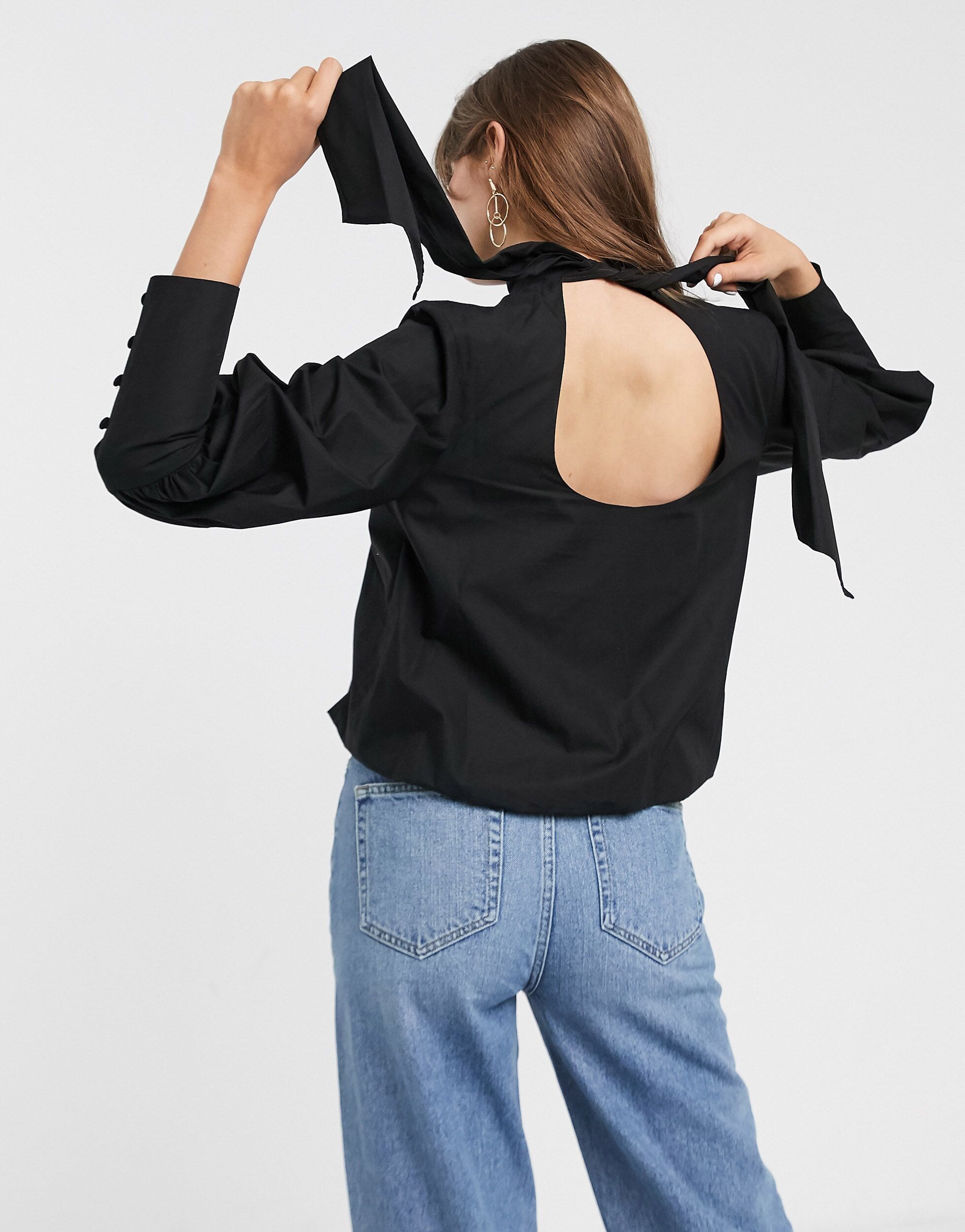
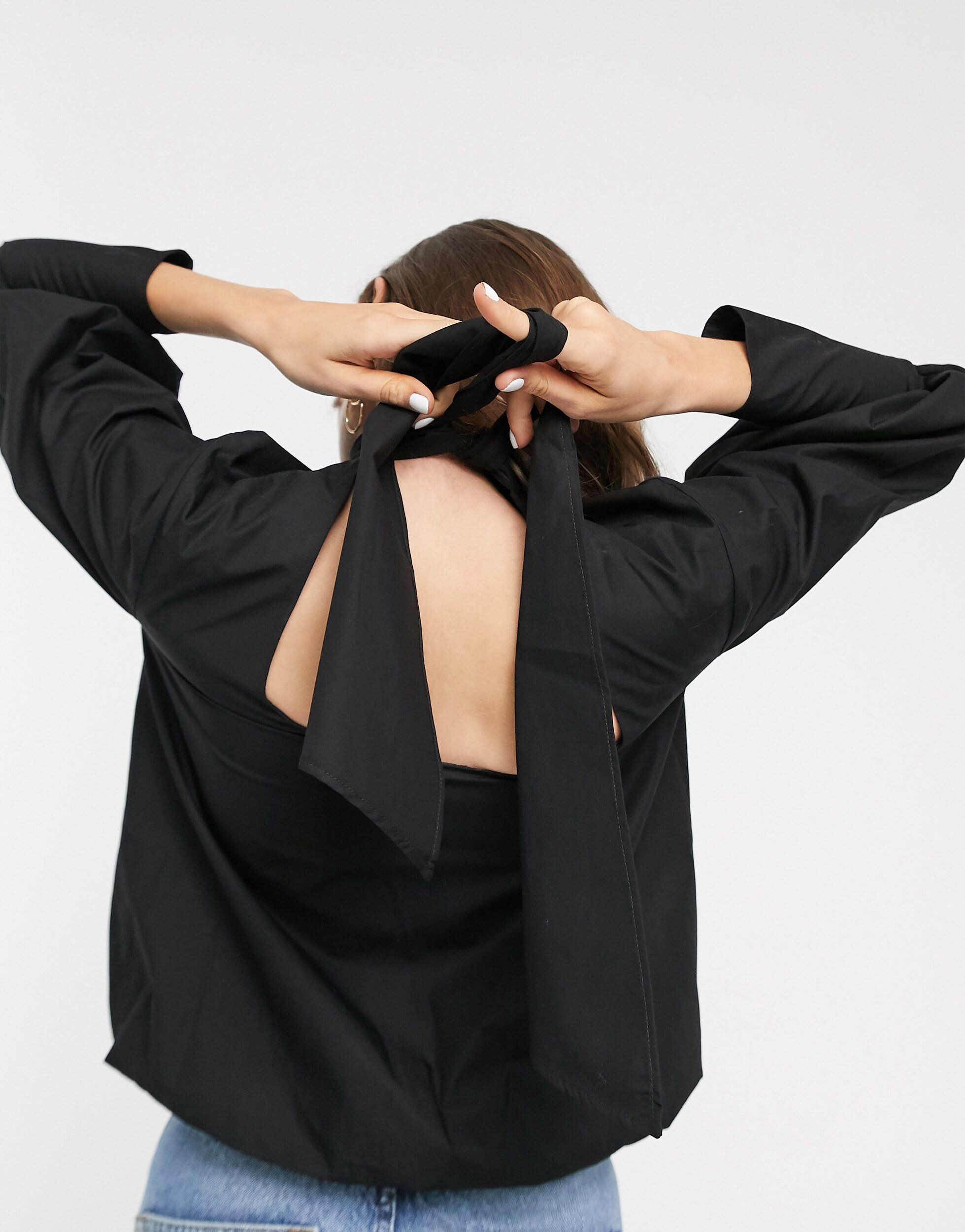
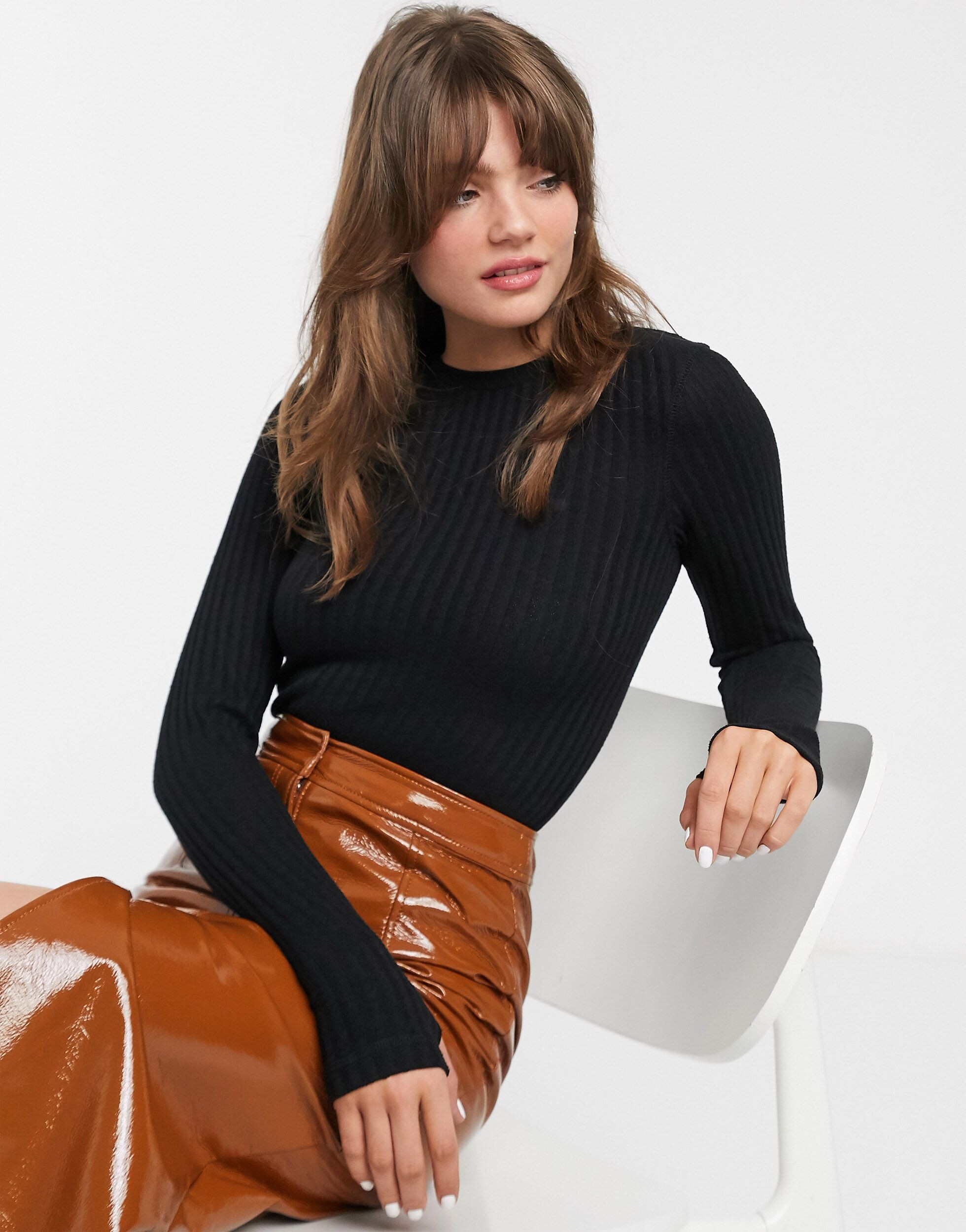
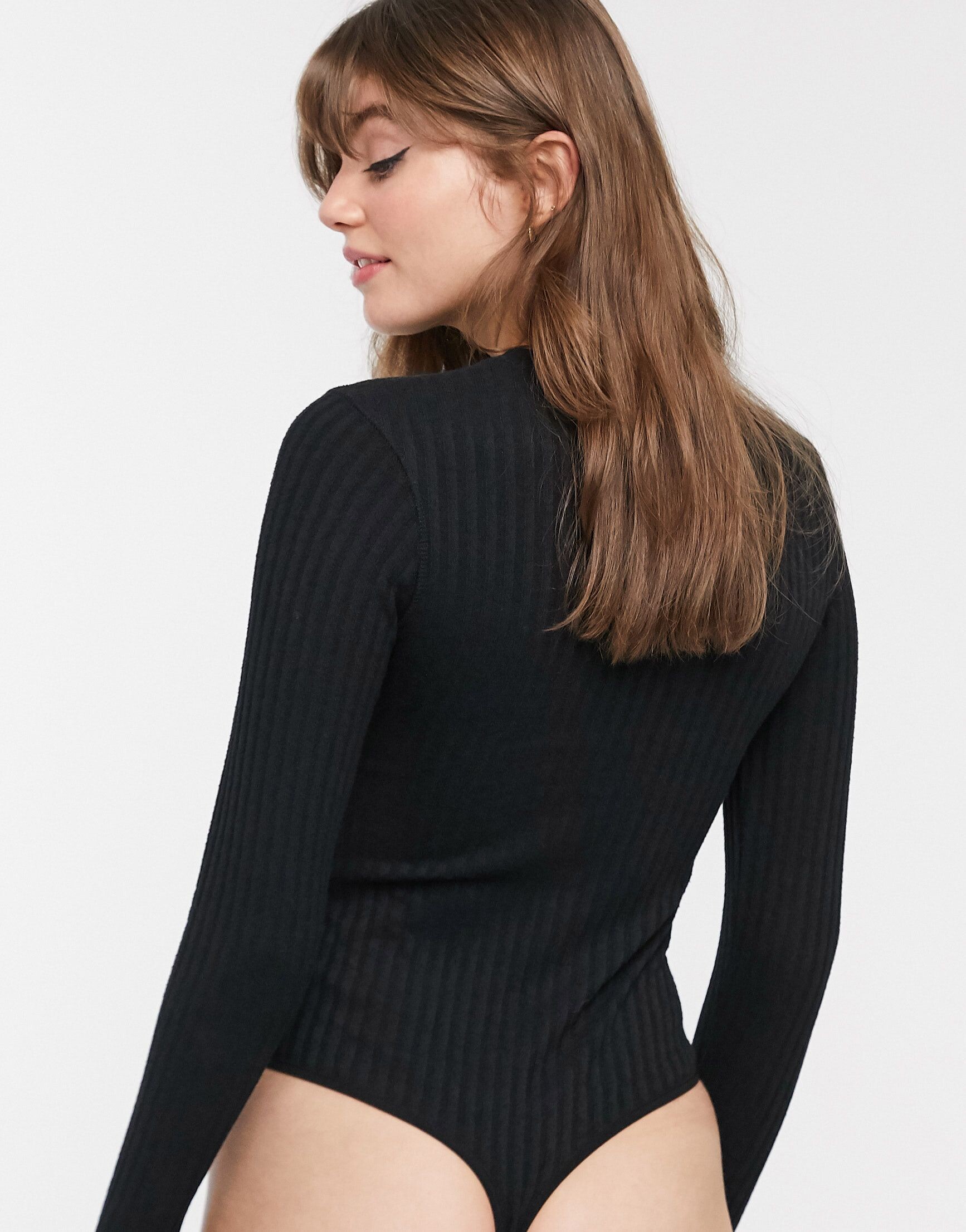
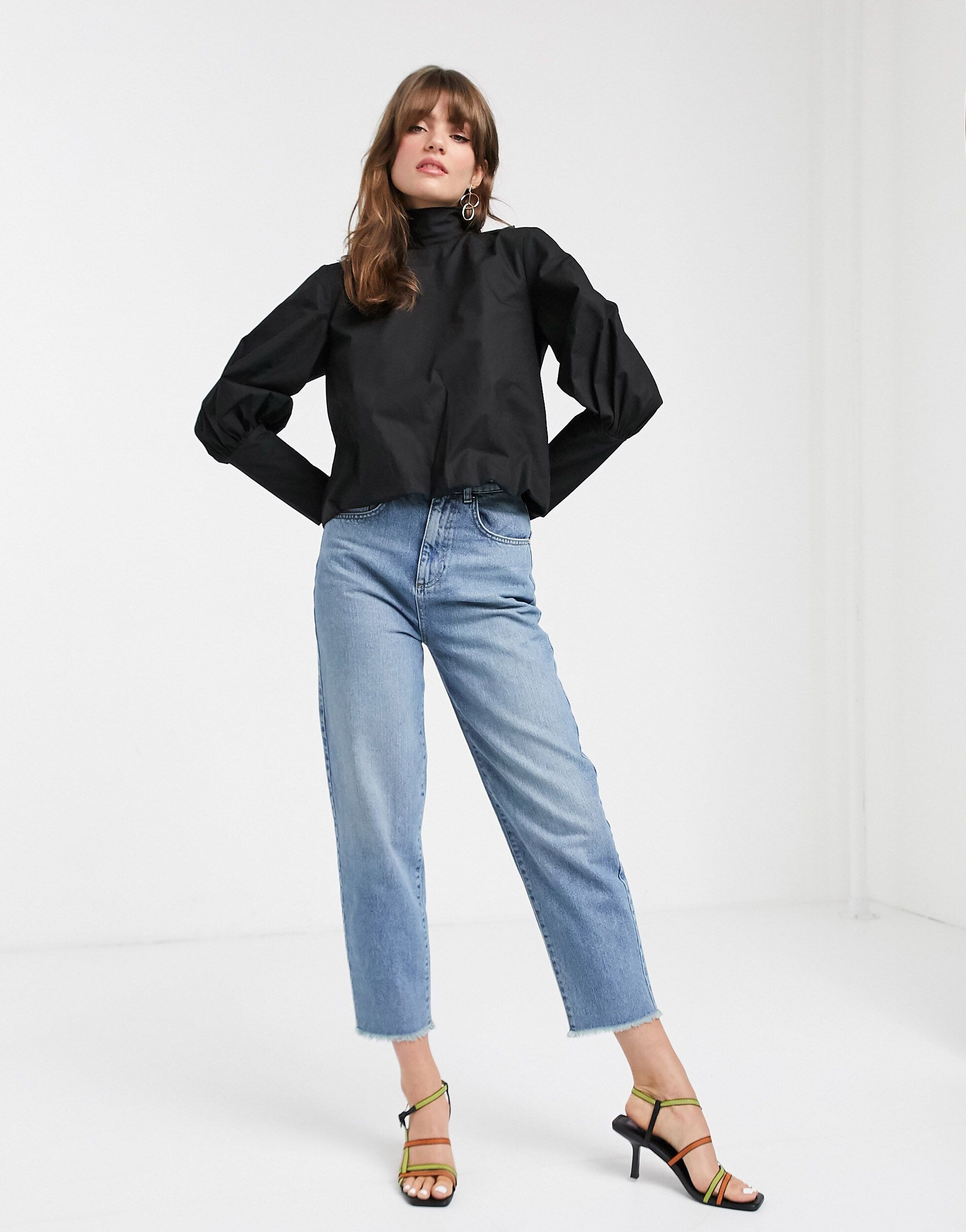
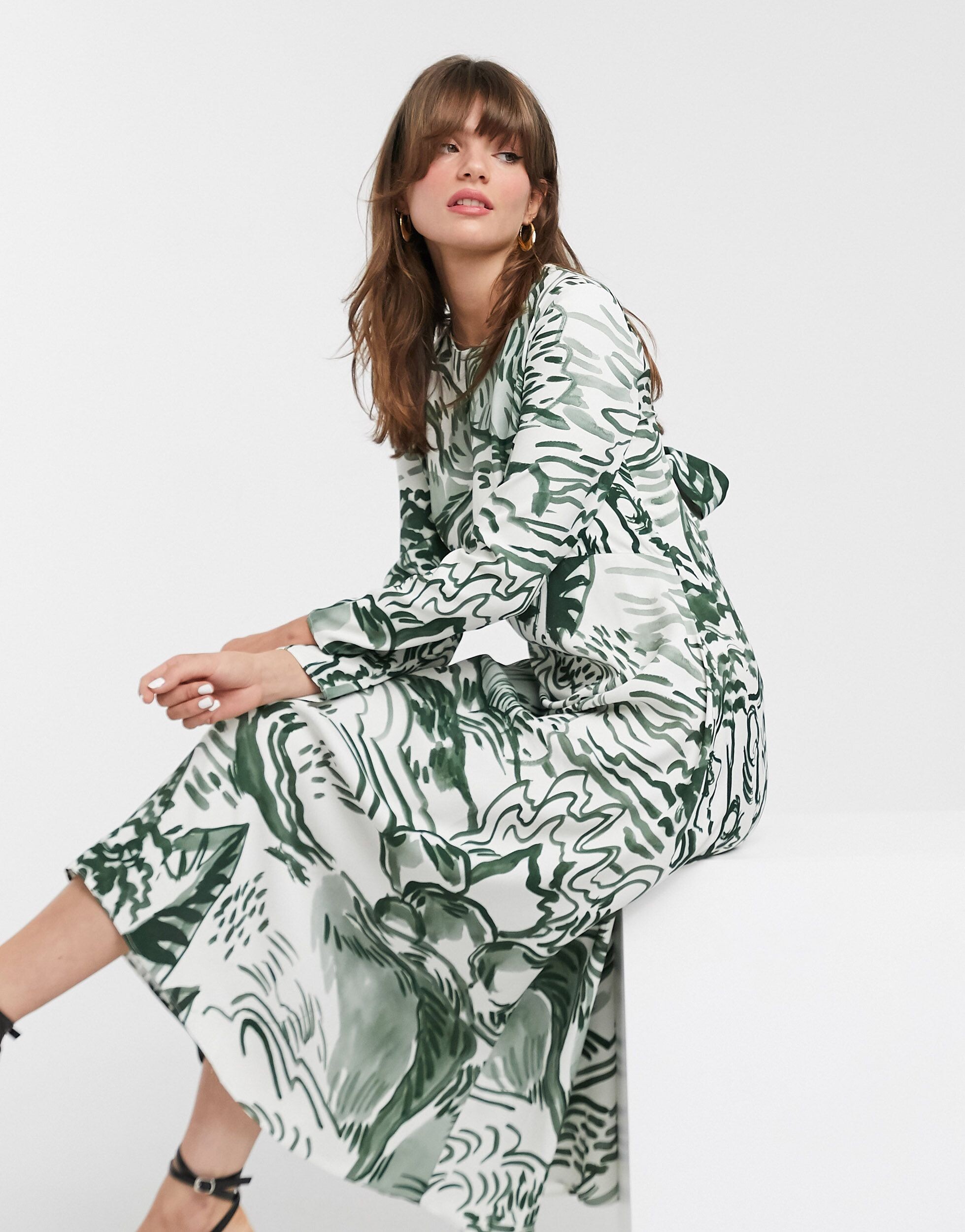
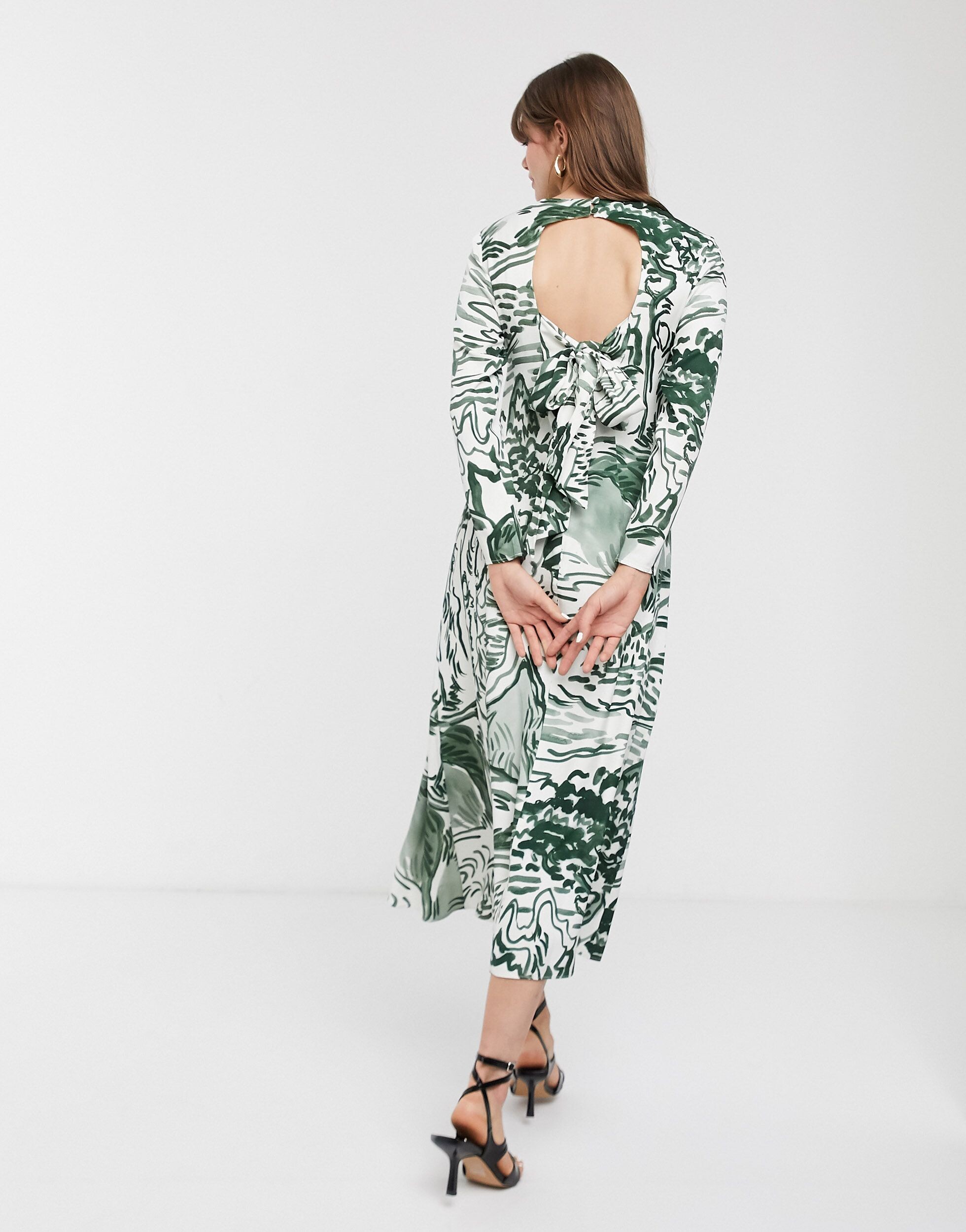
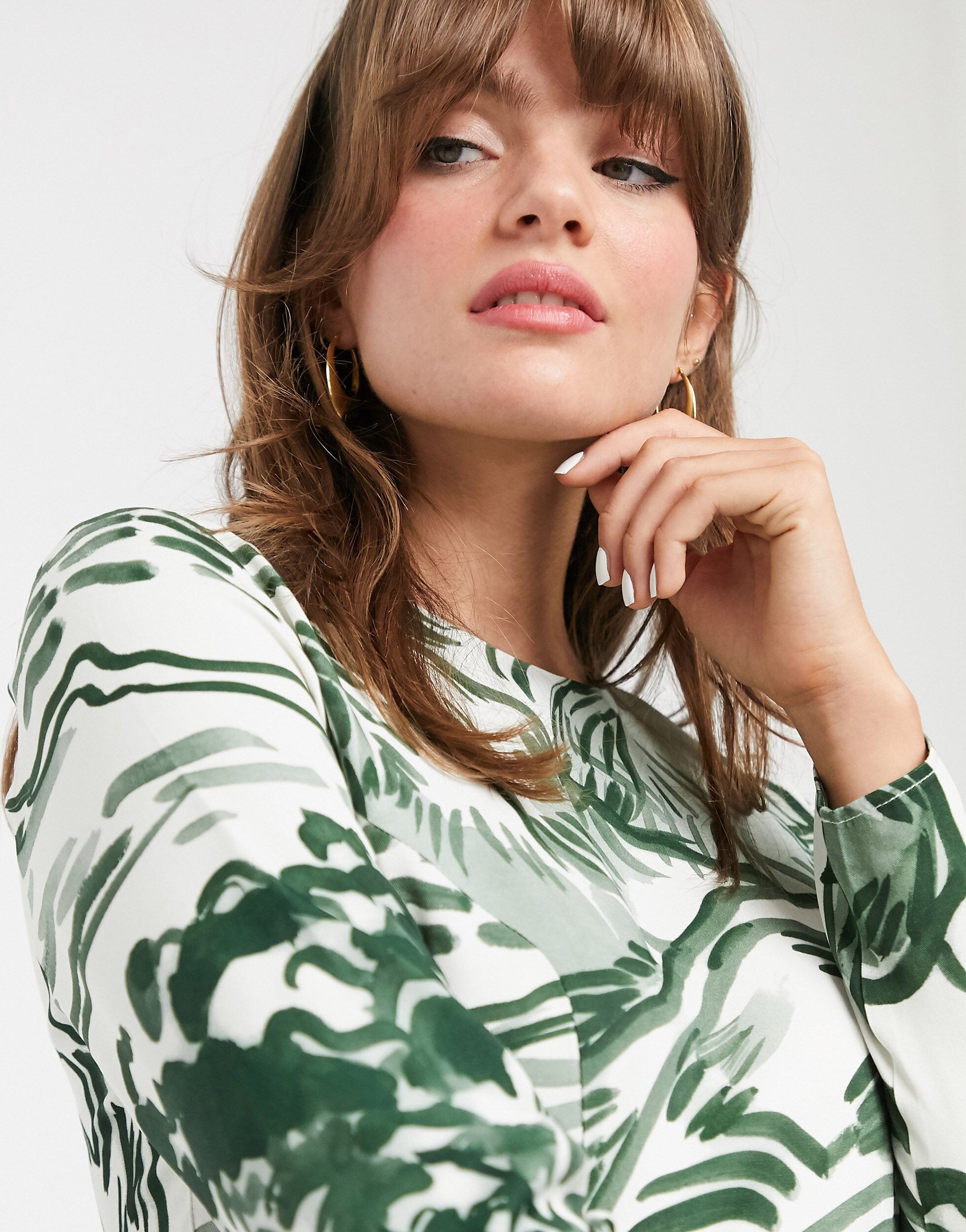
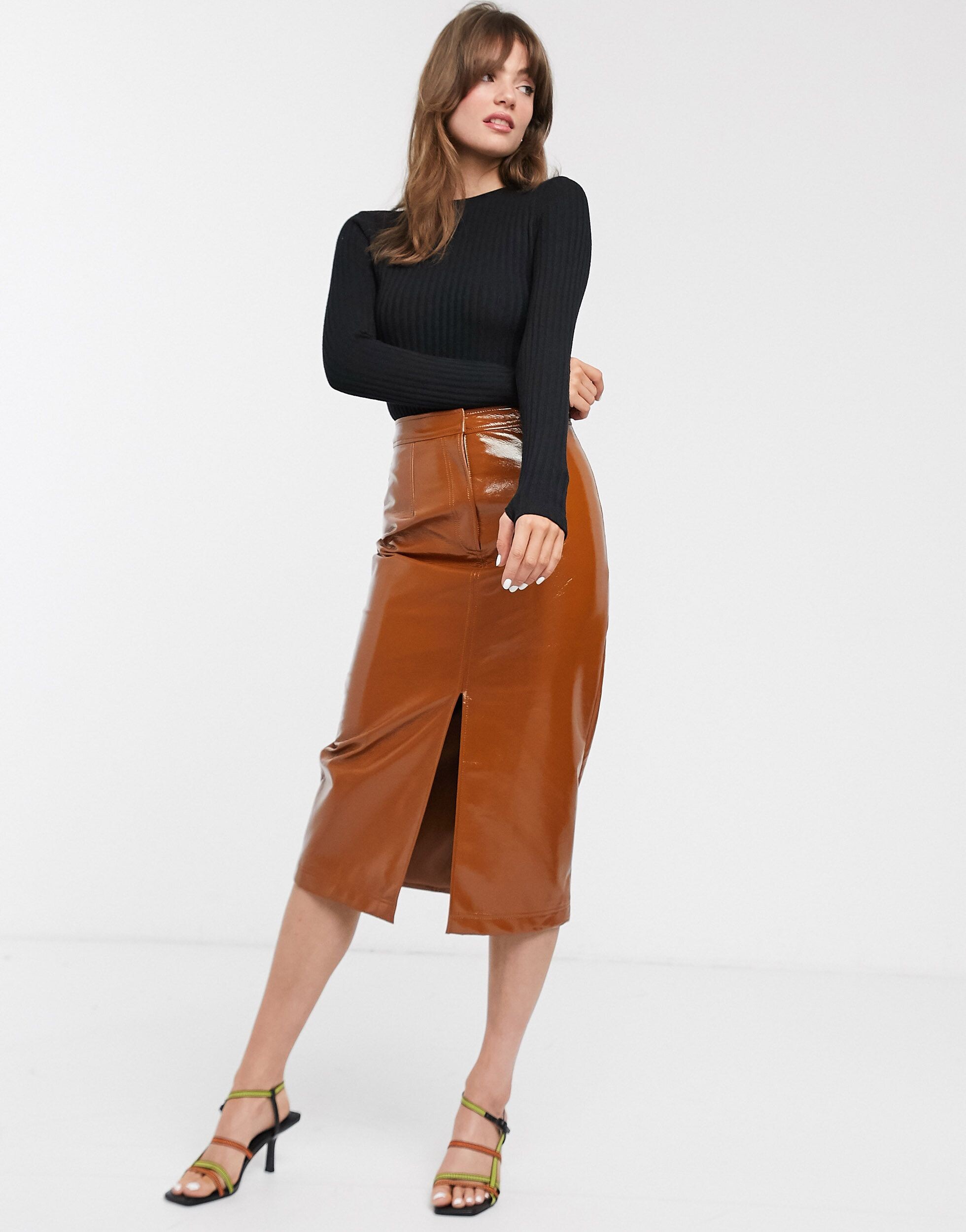
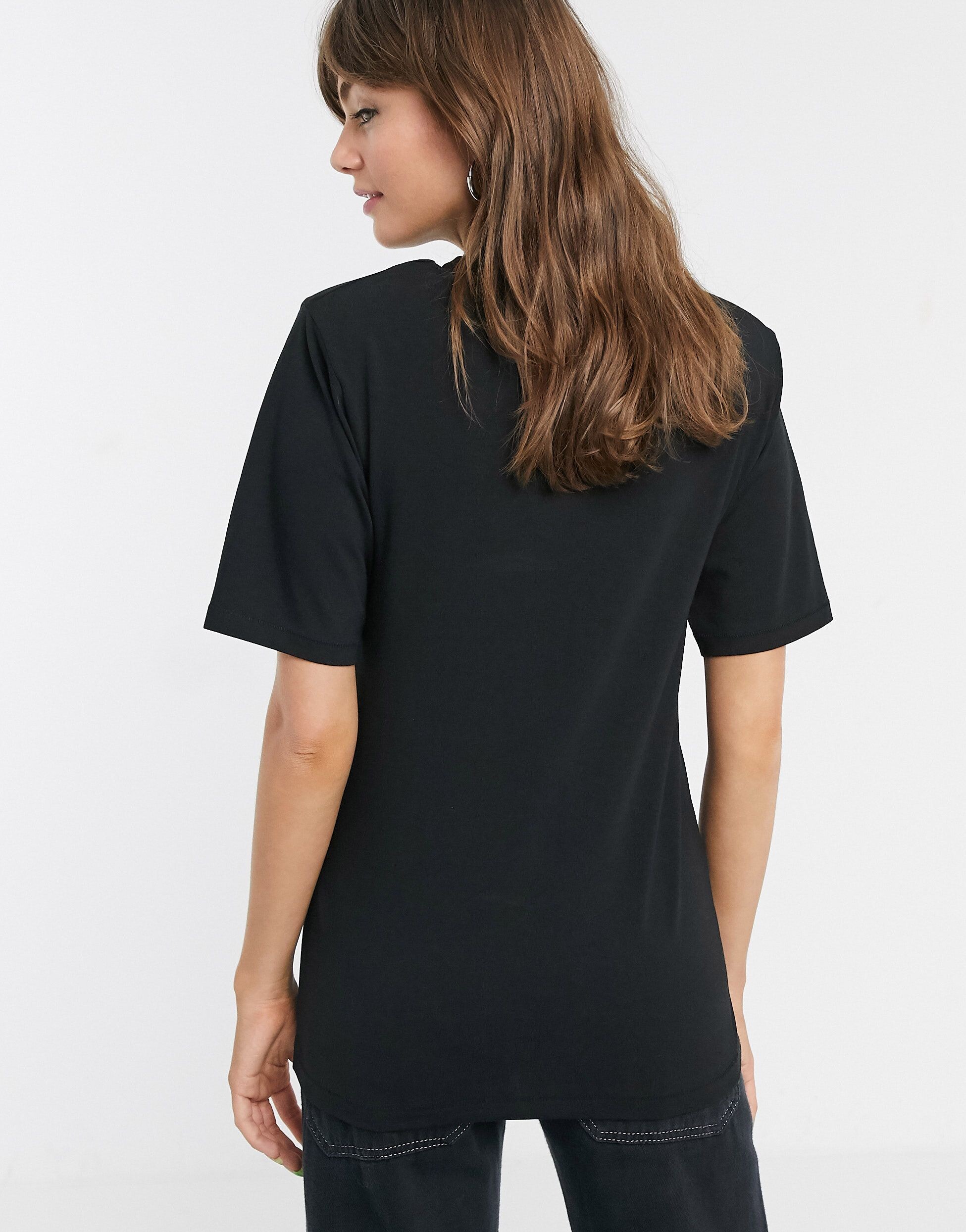
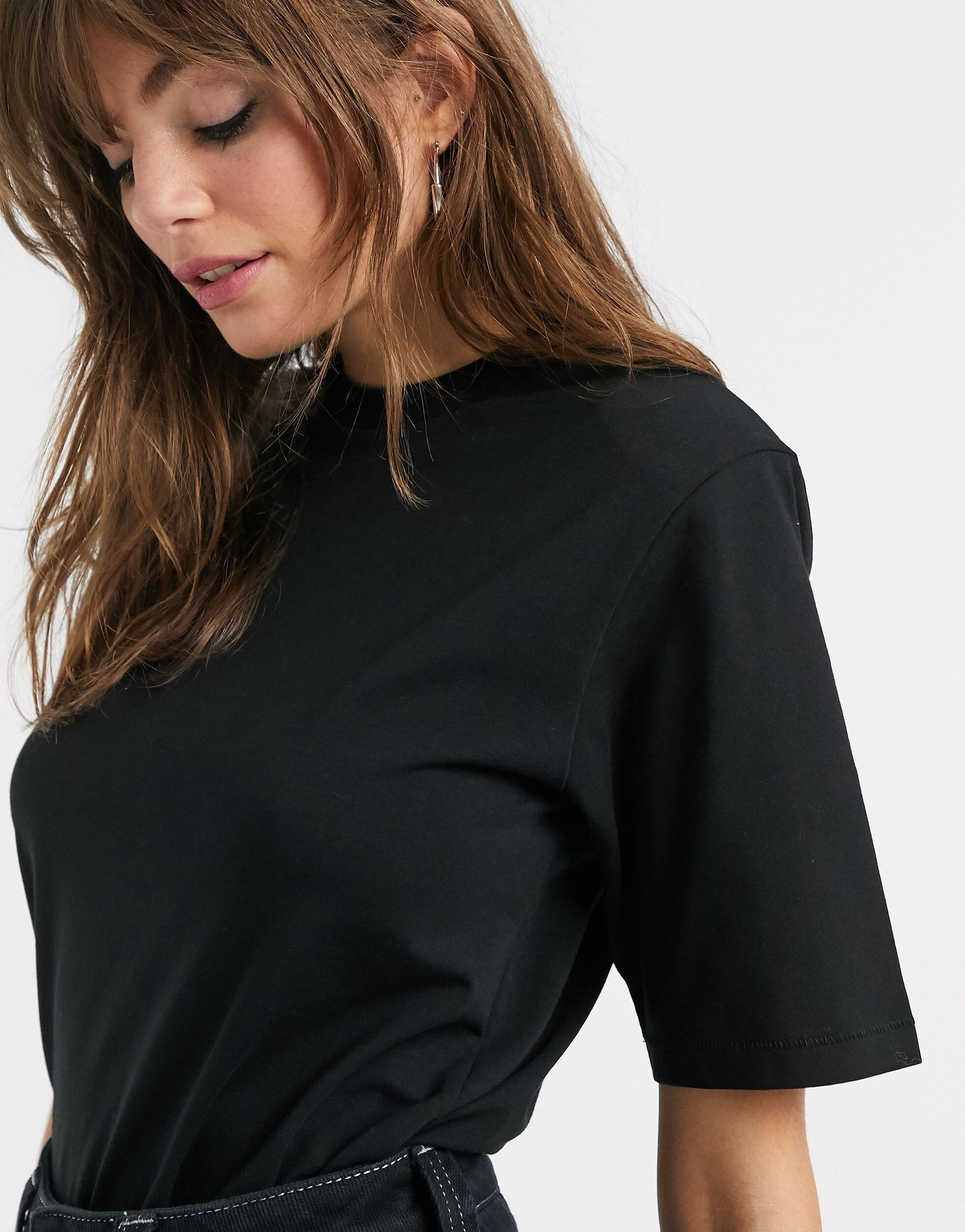
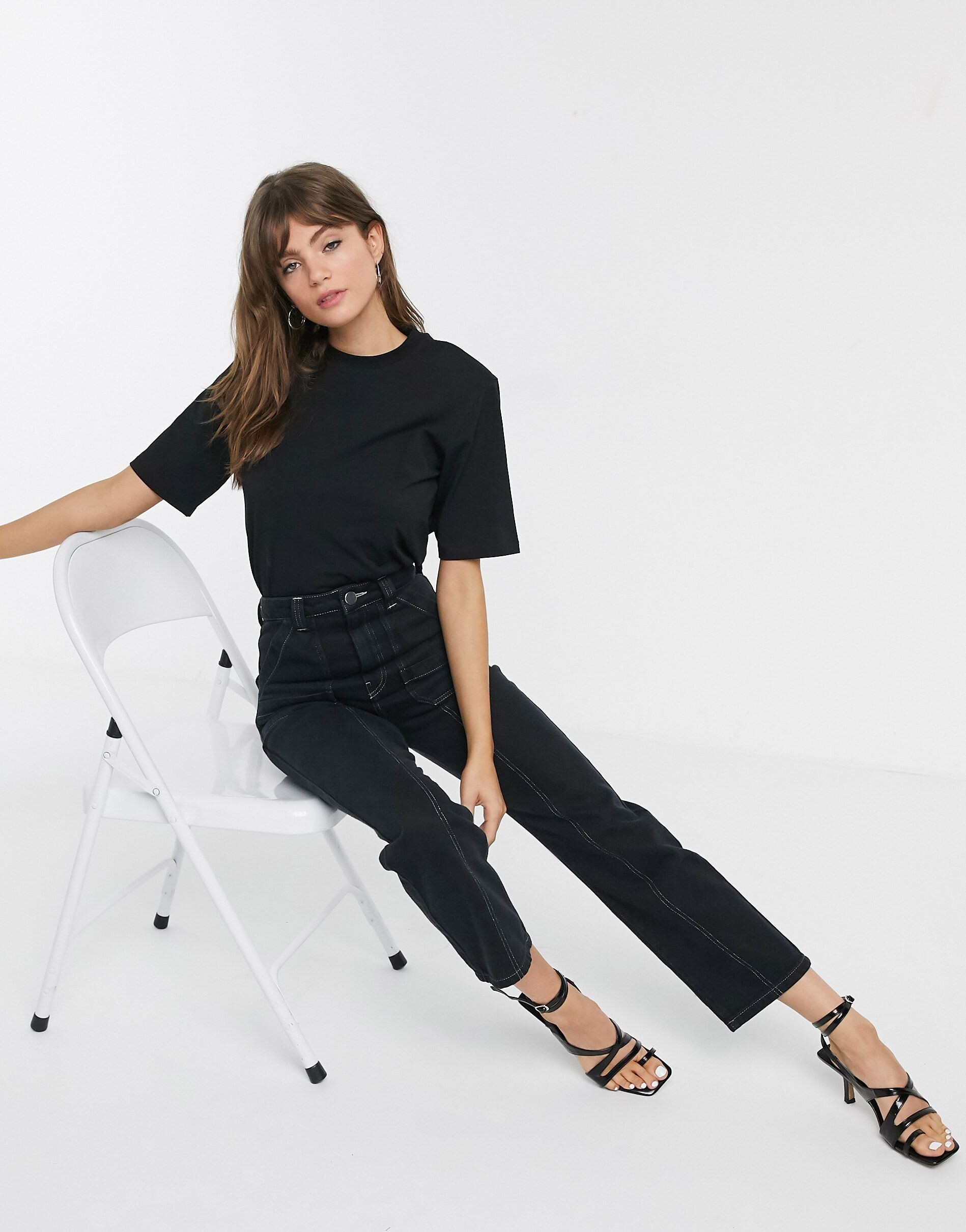
.jpg.8e7b81da8be2ef3eae64518c765e1622.jpg)
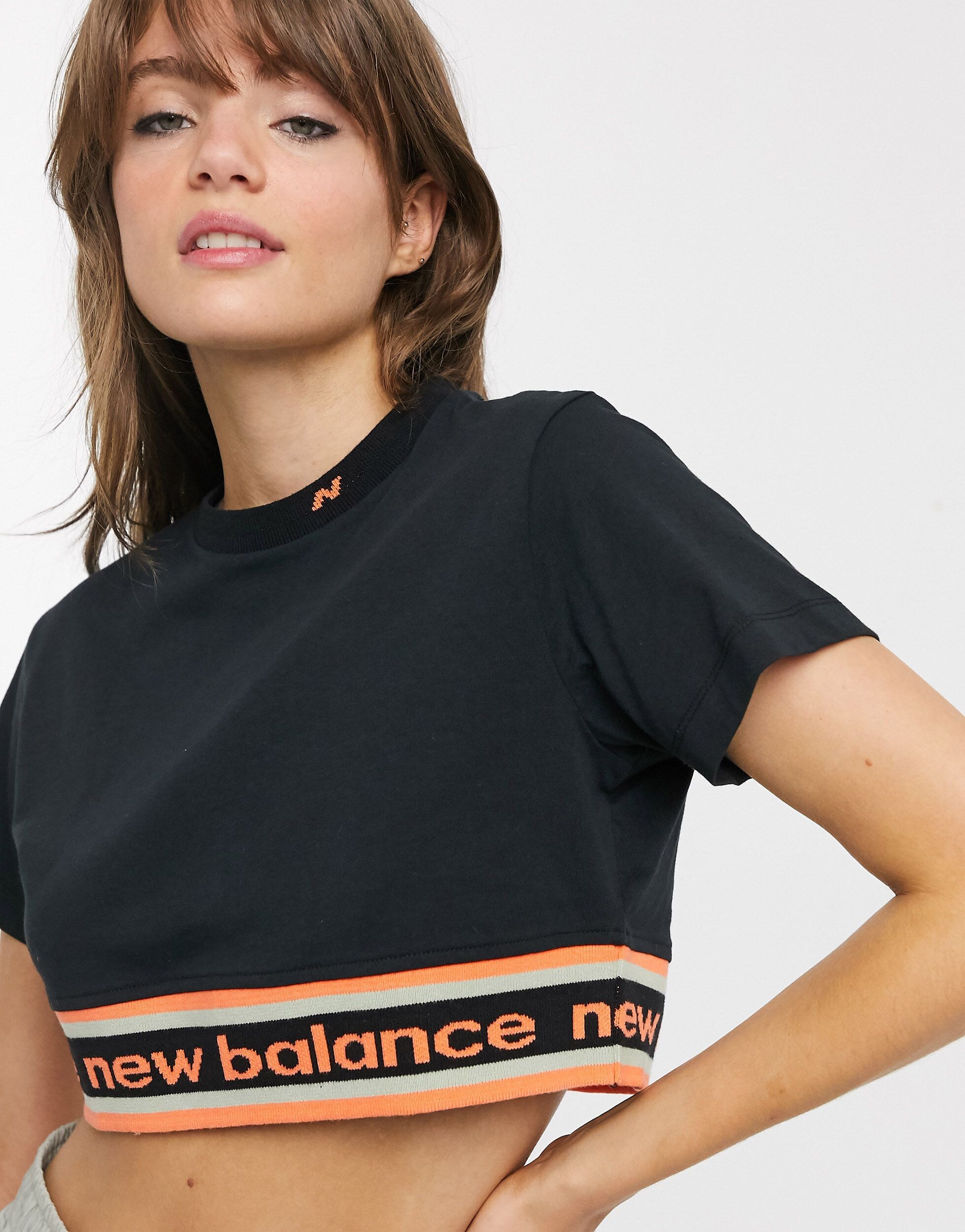
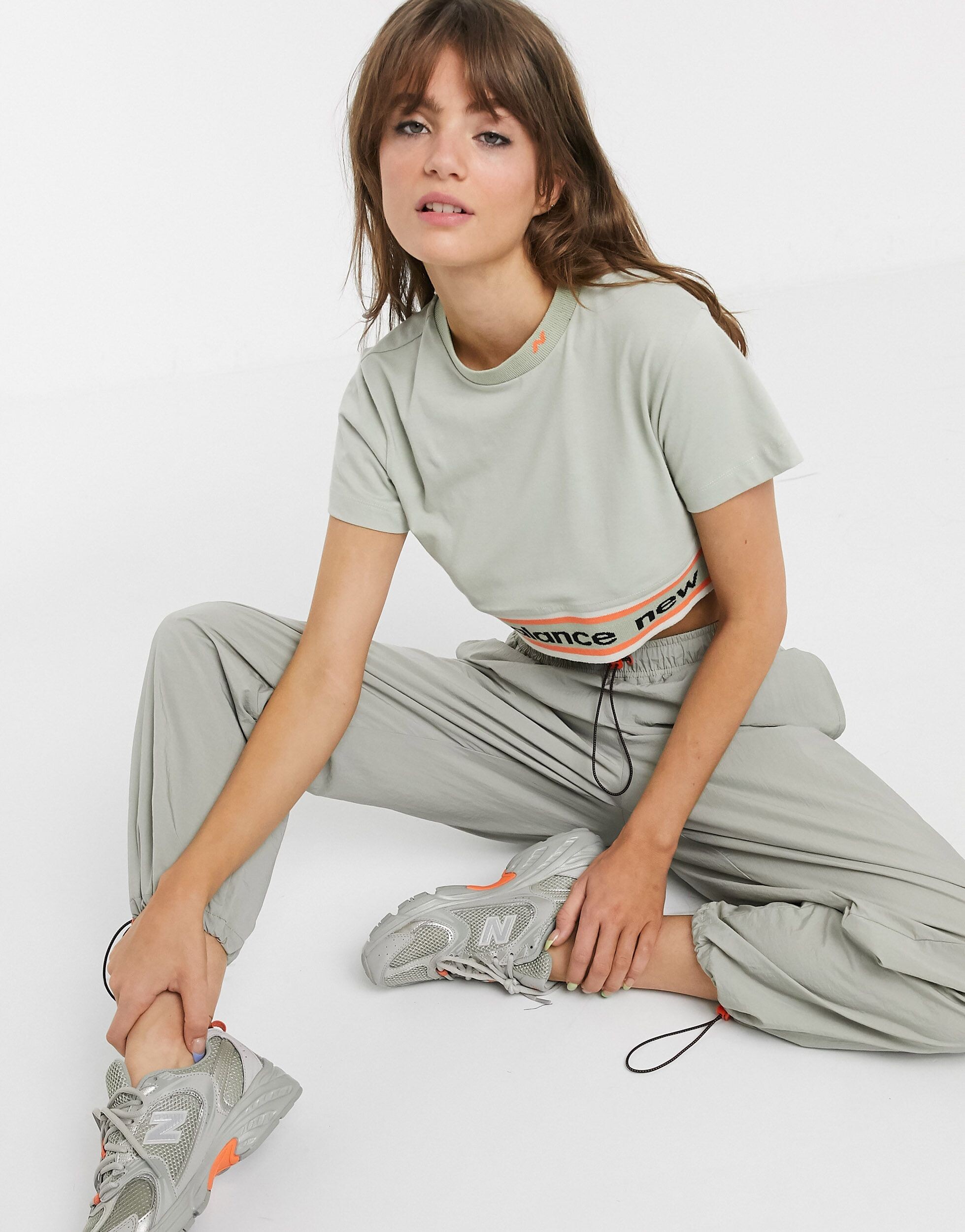
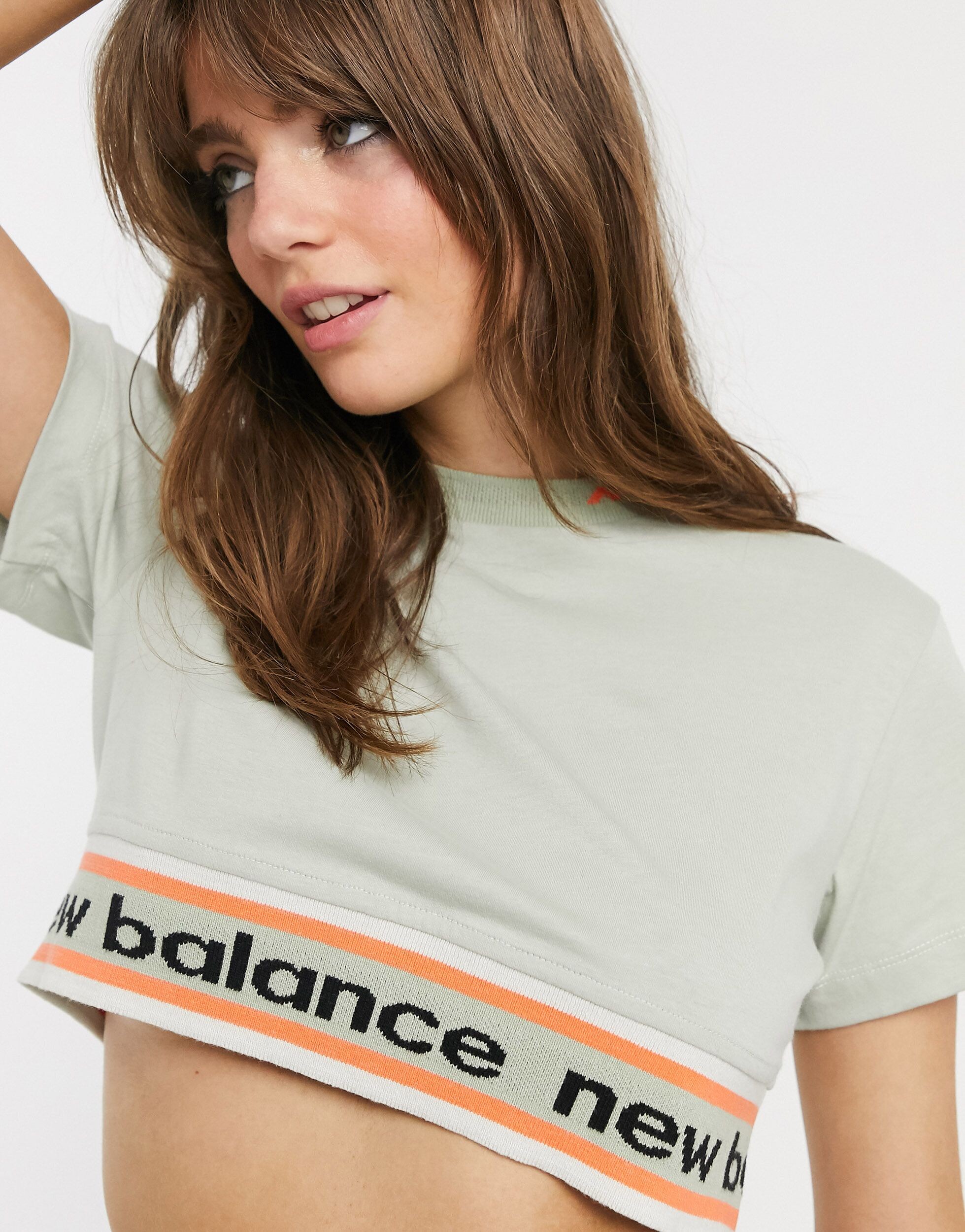
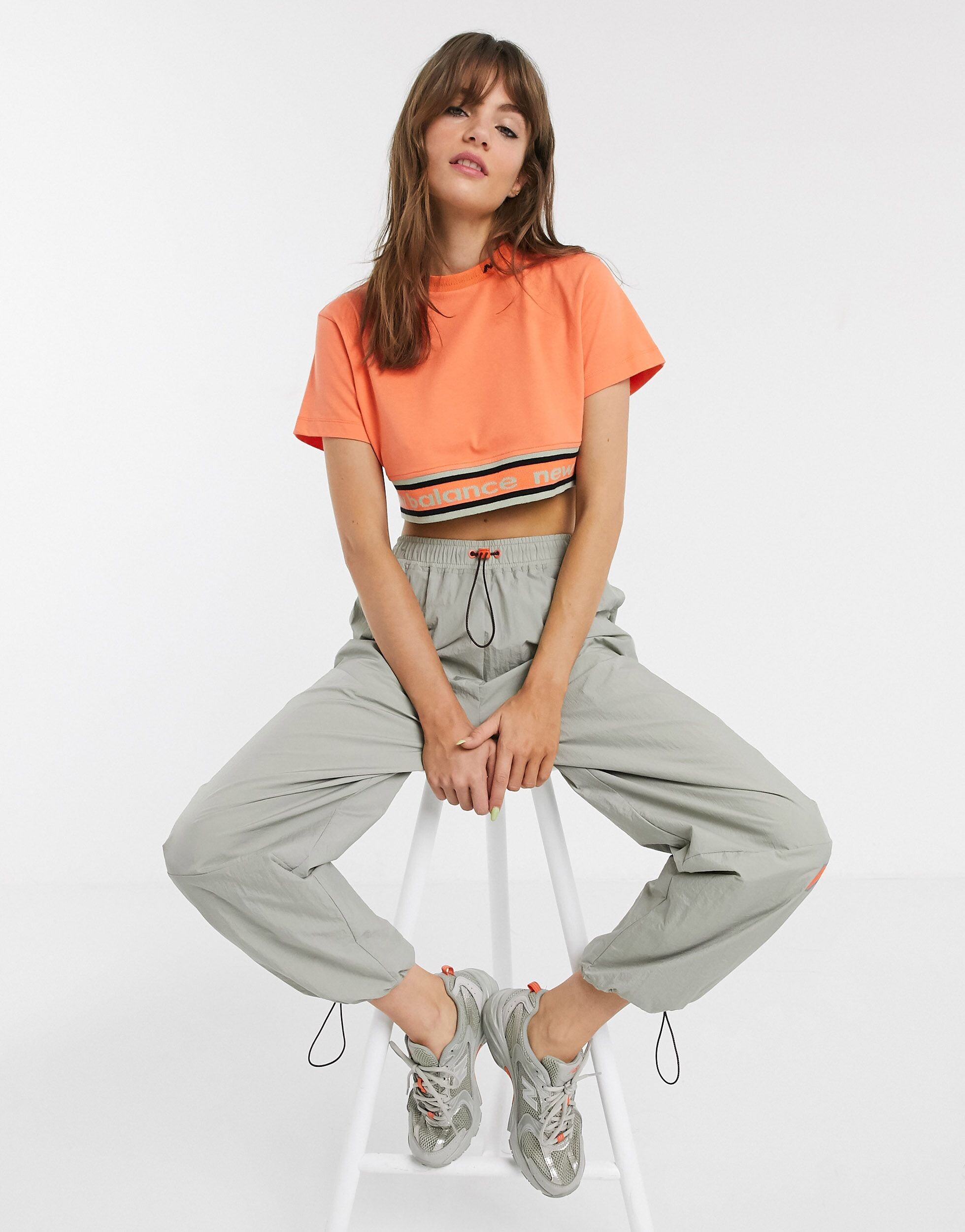

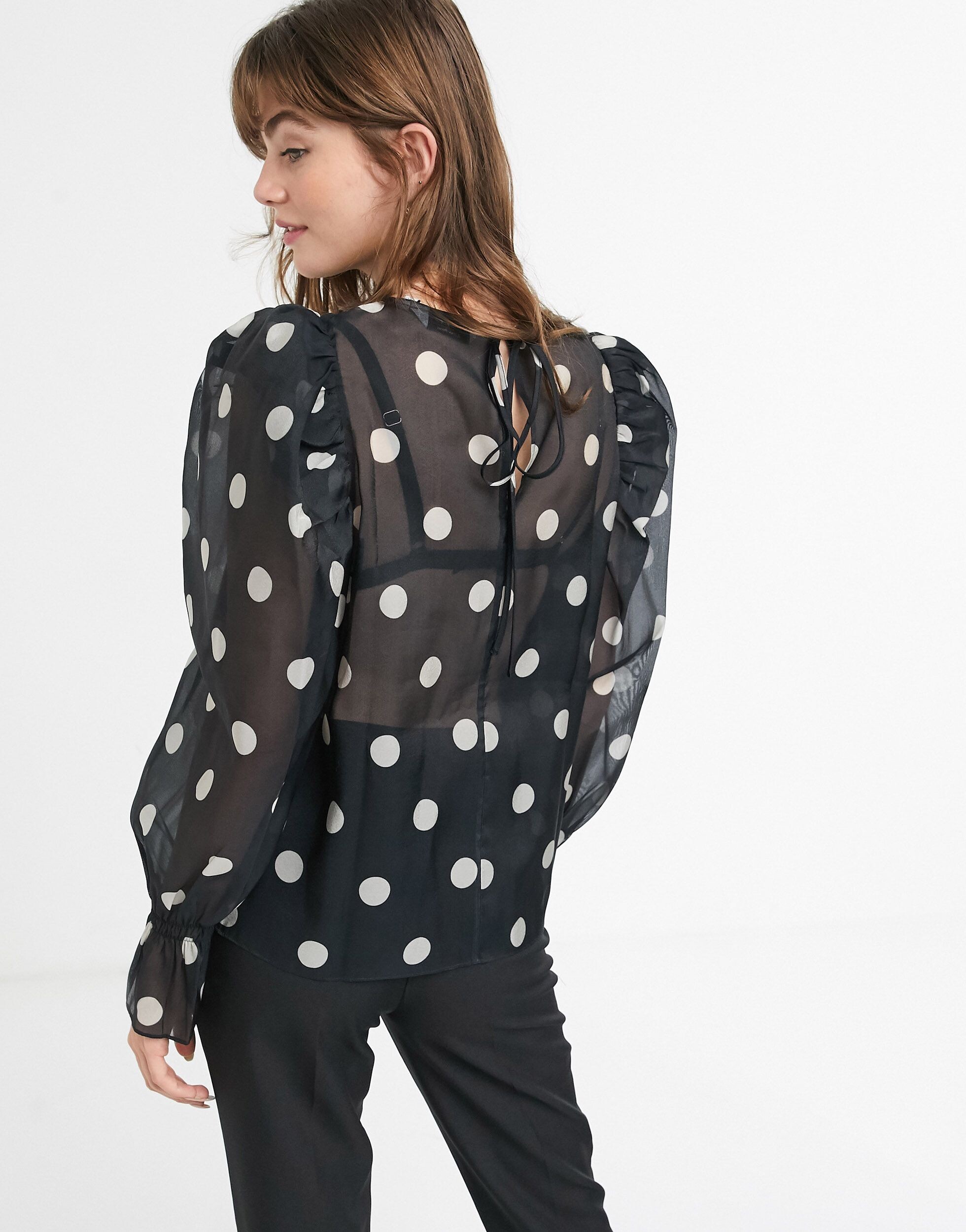

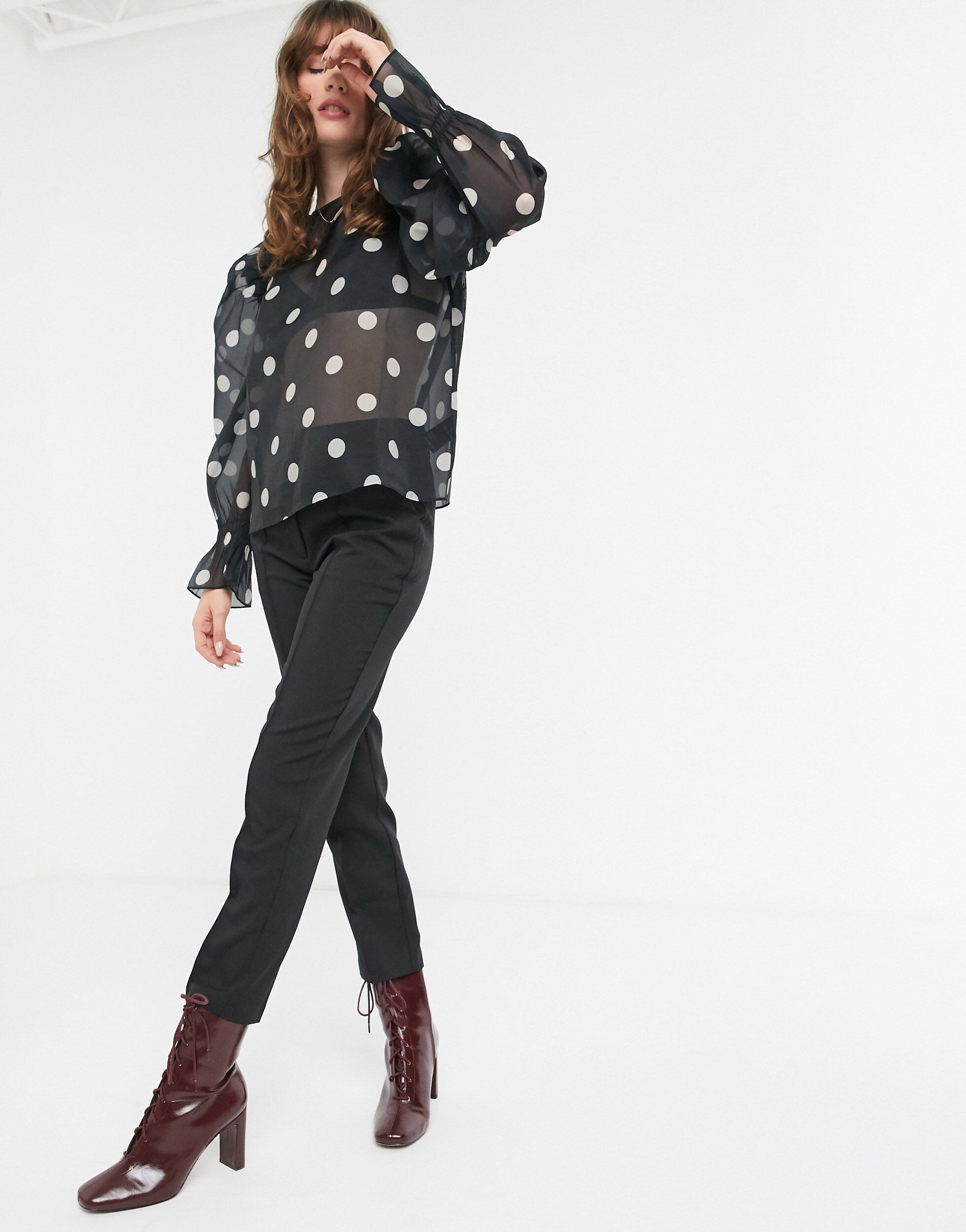
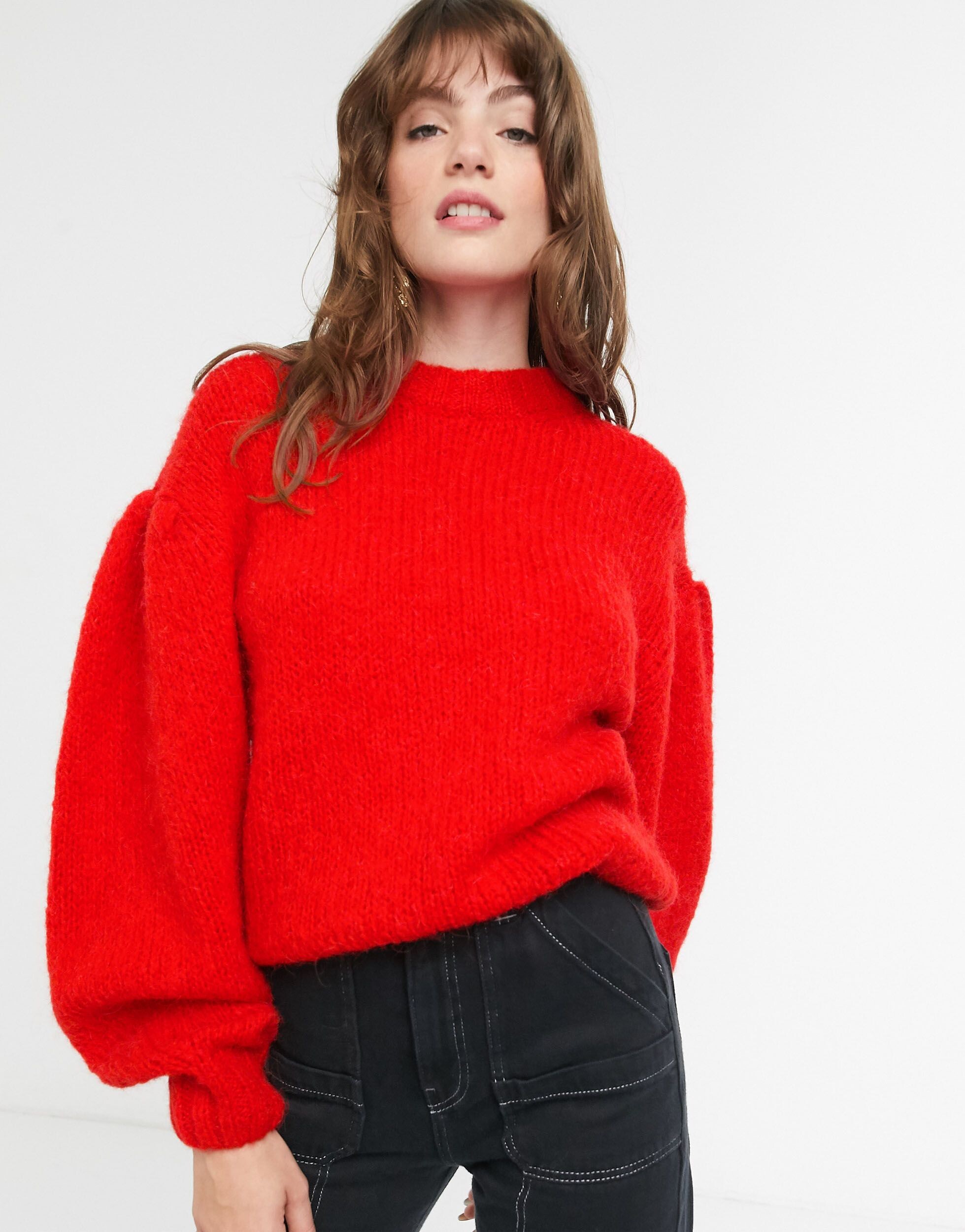
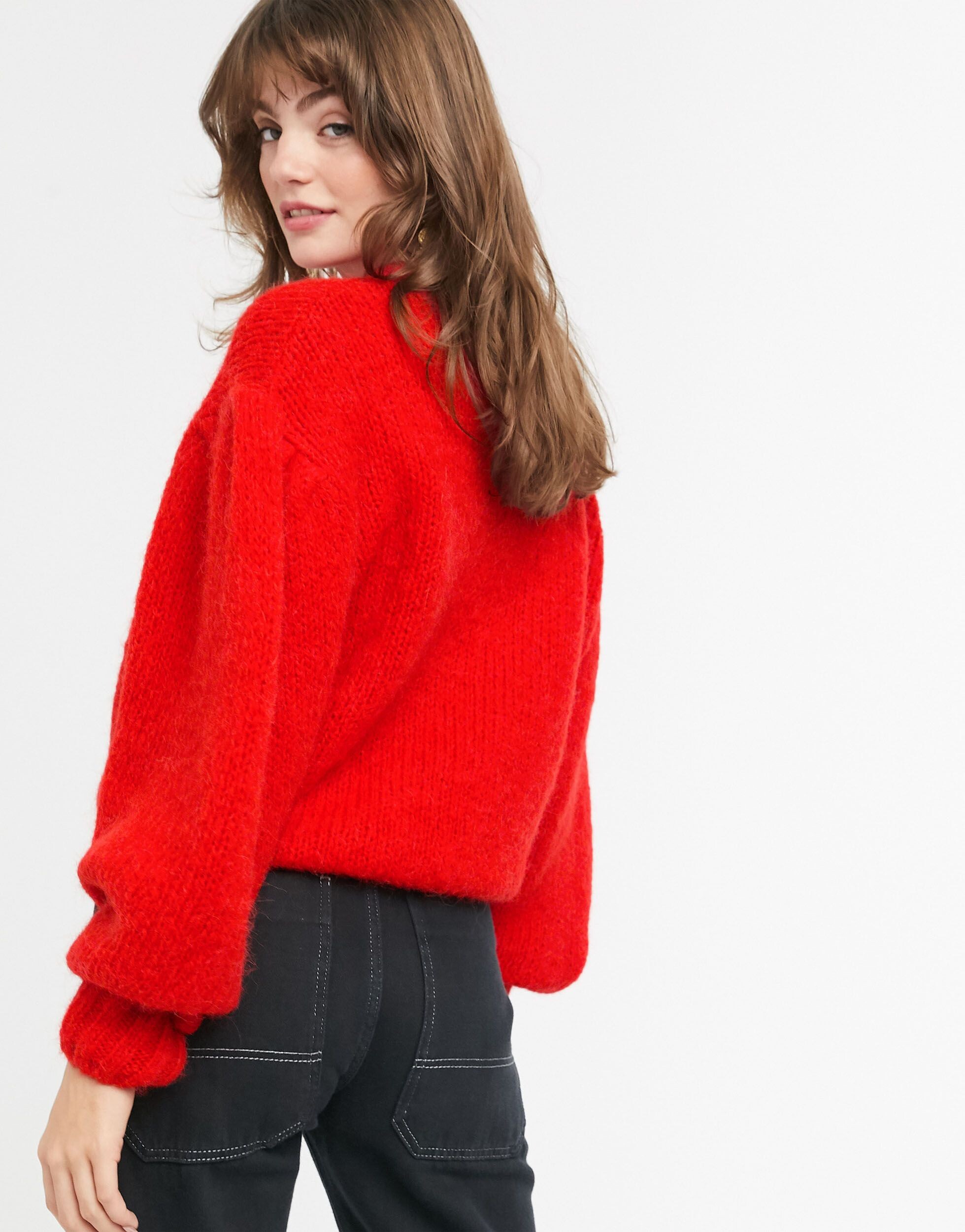
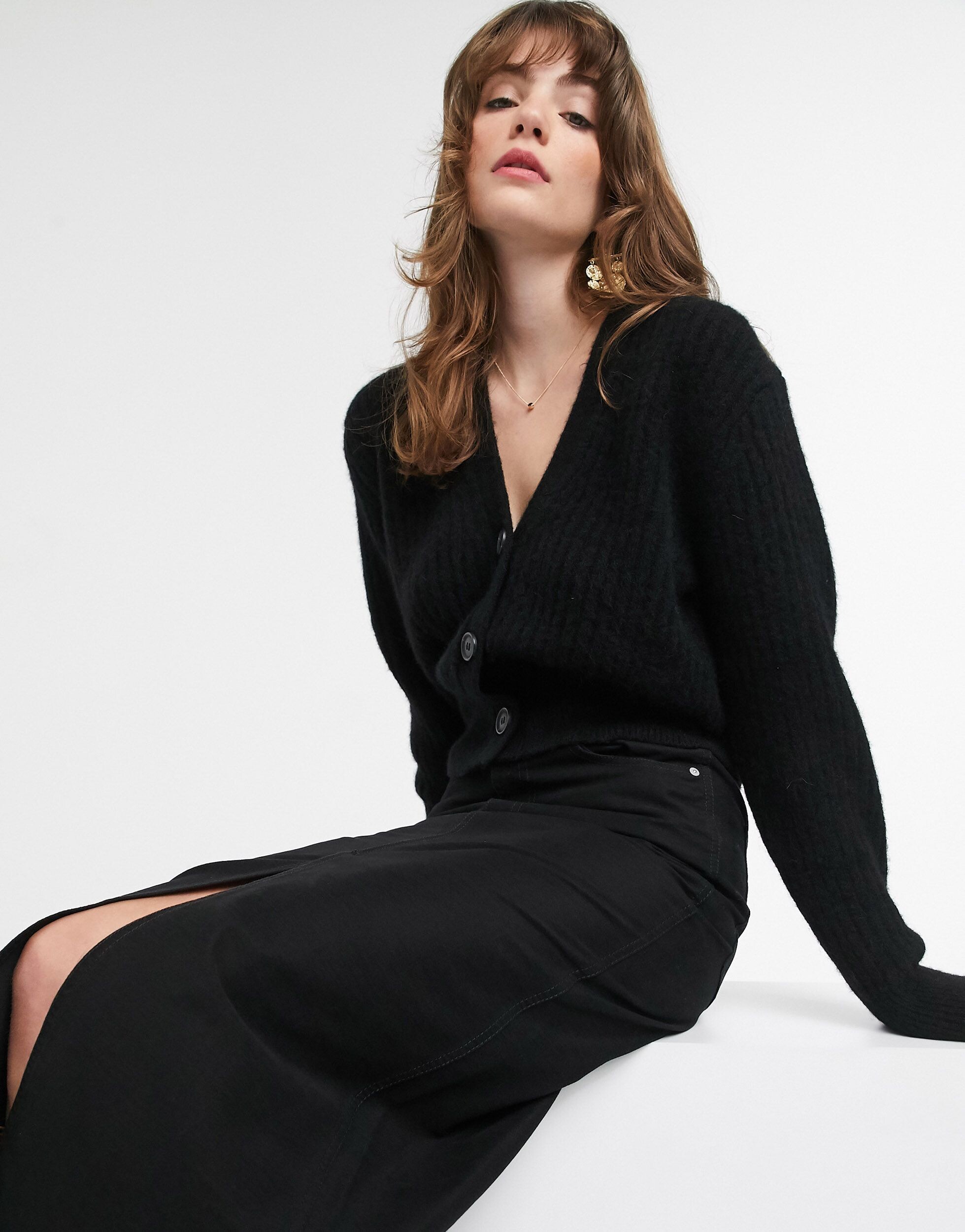


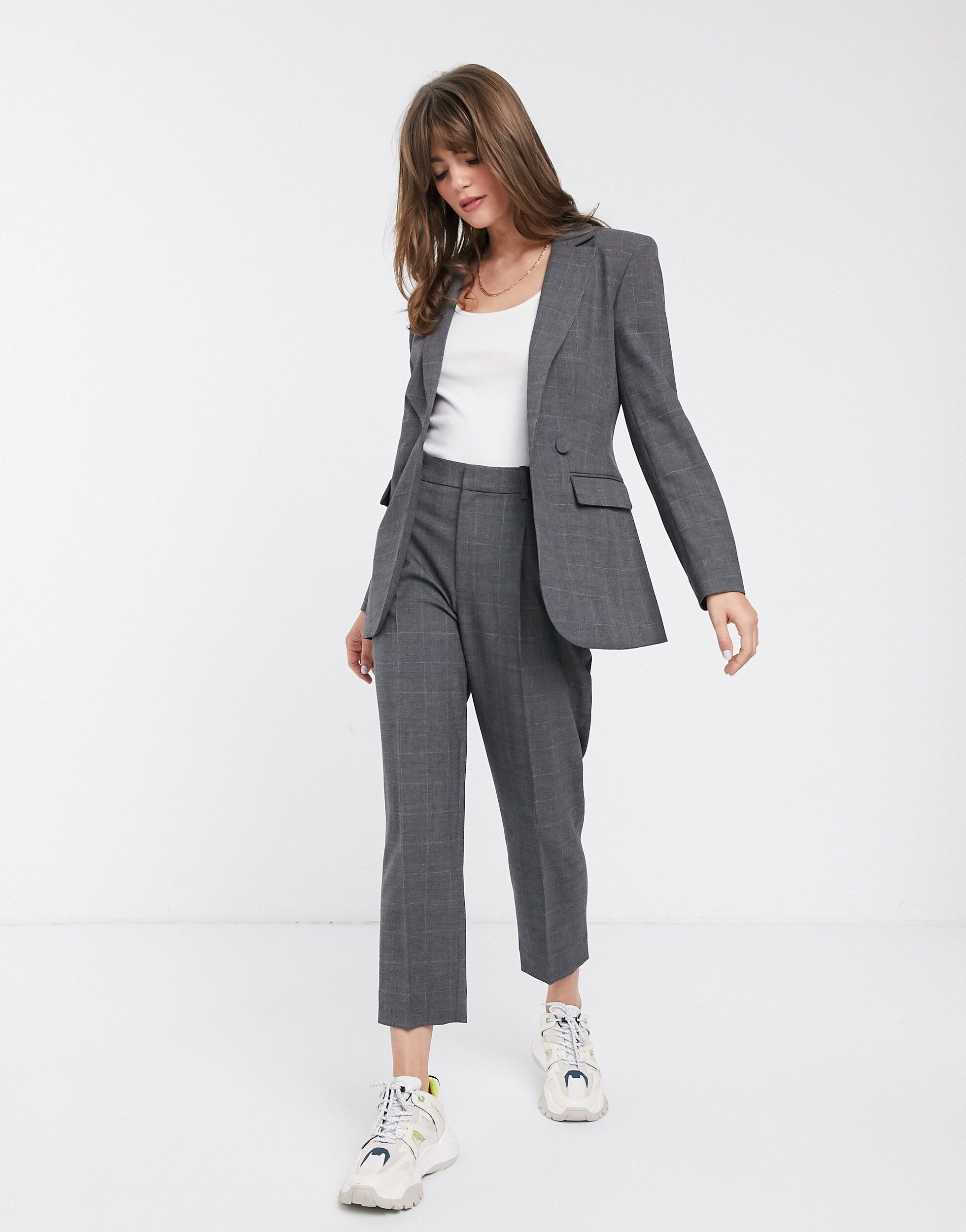
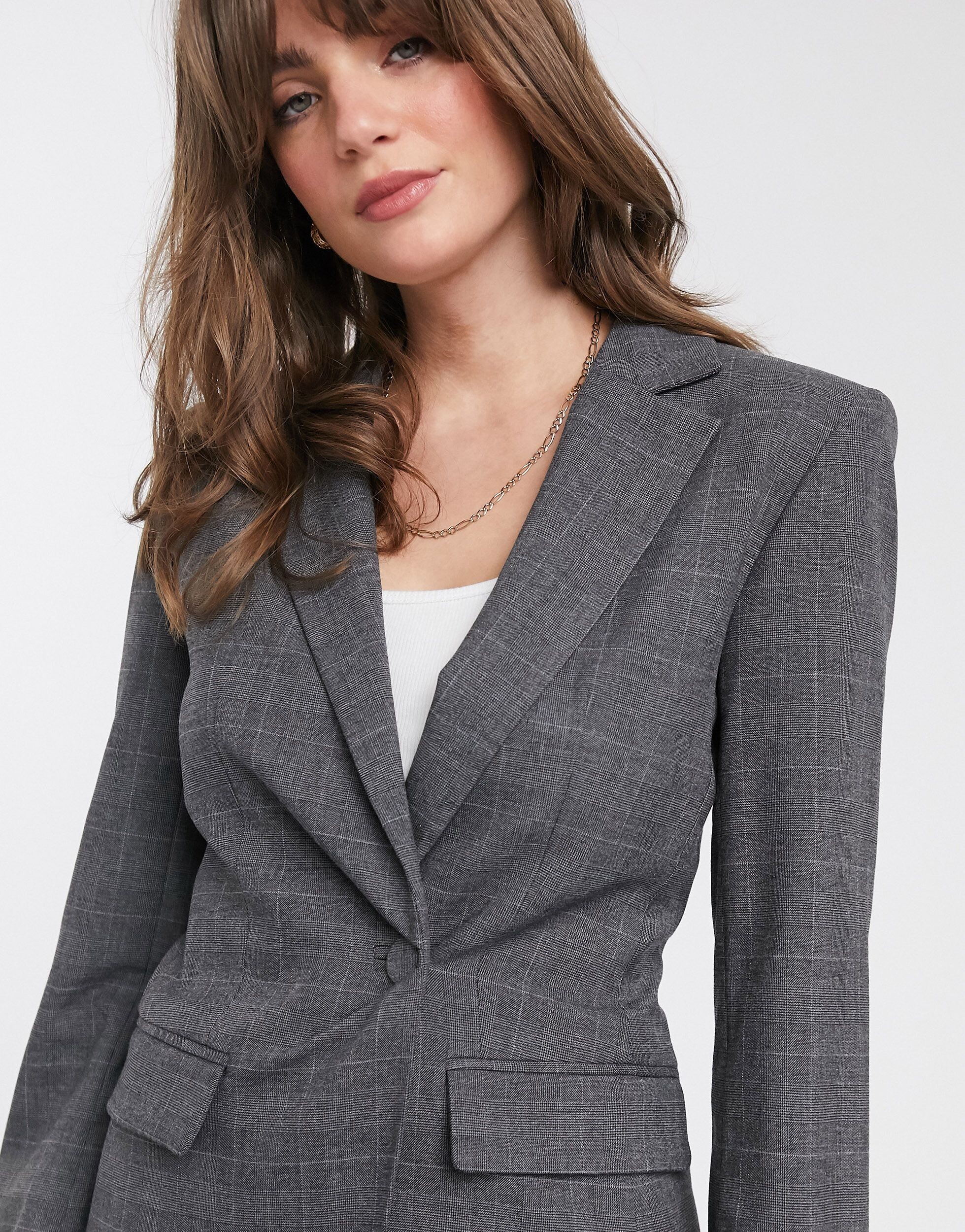
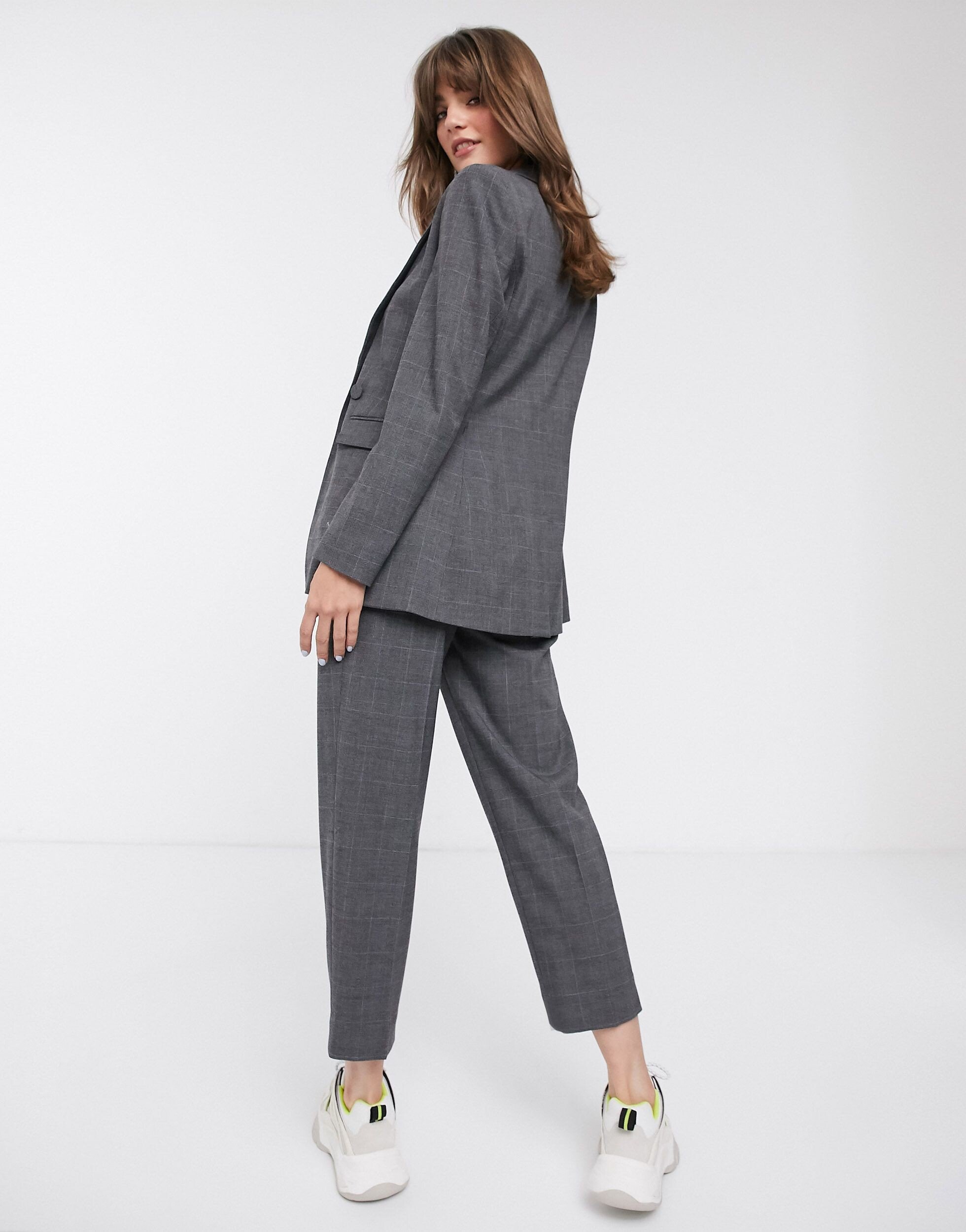
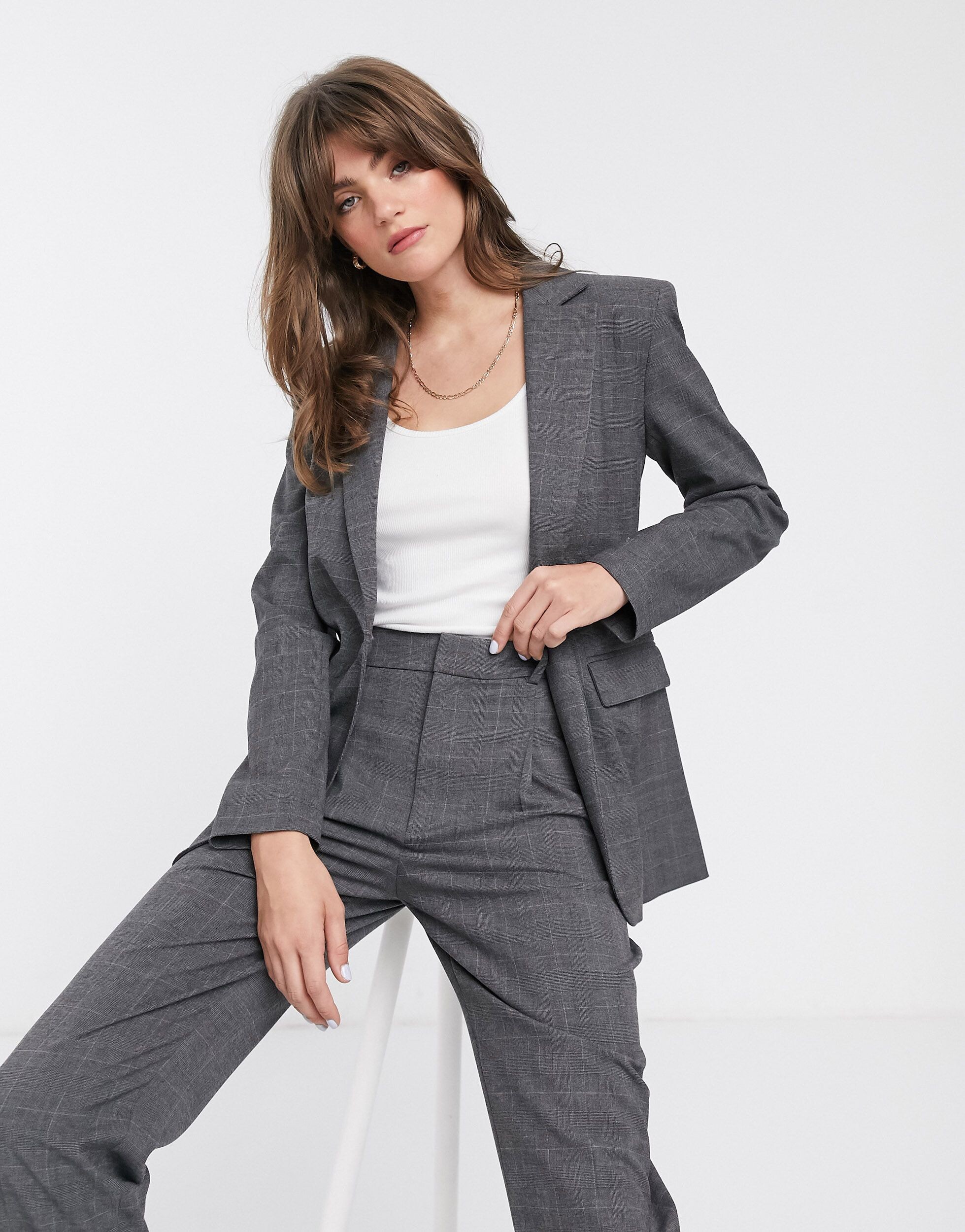
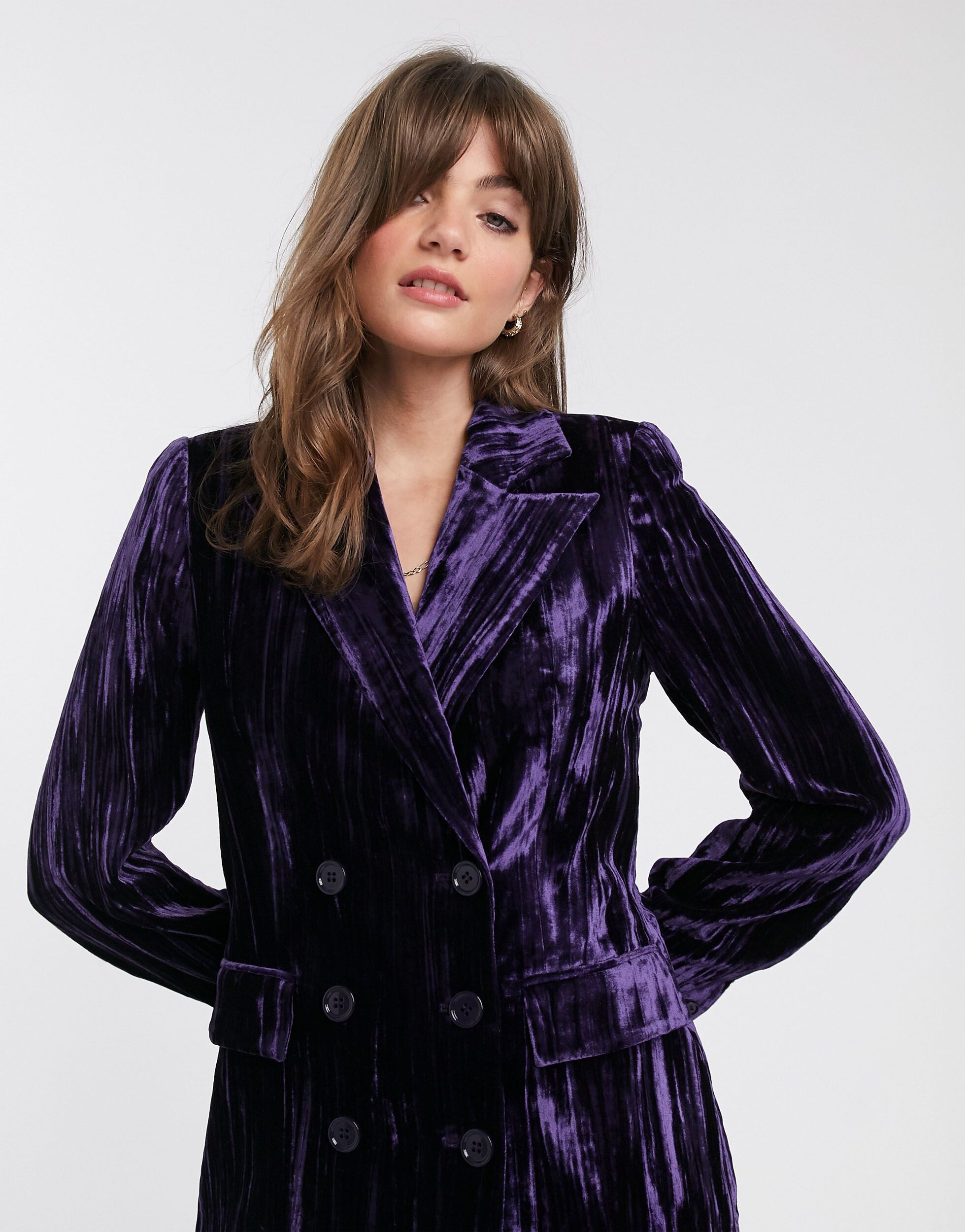
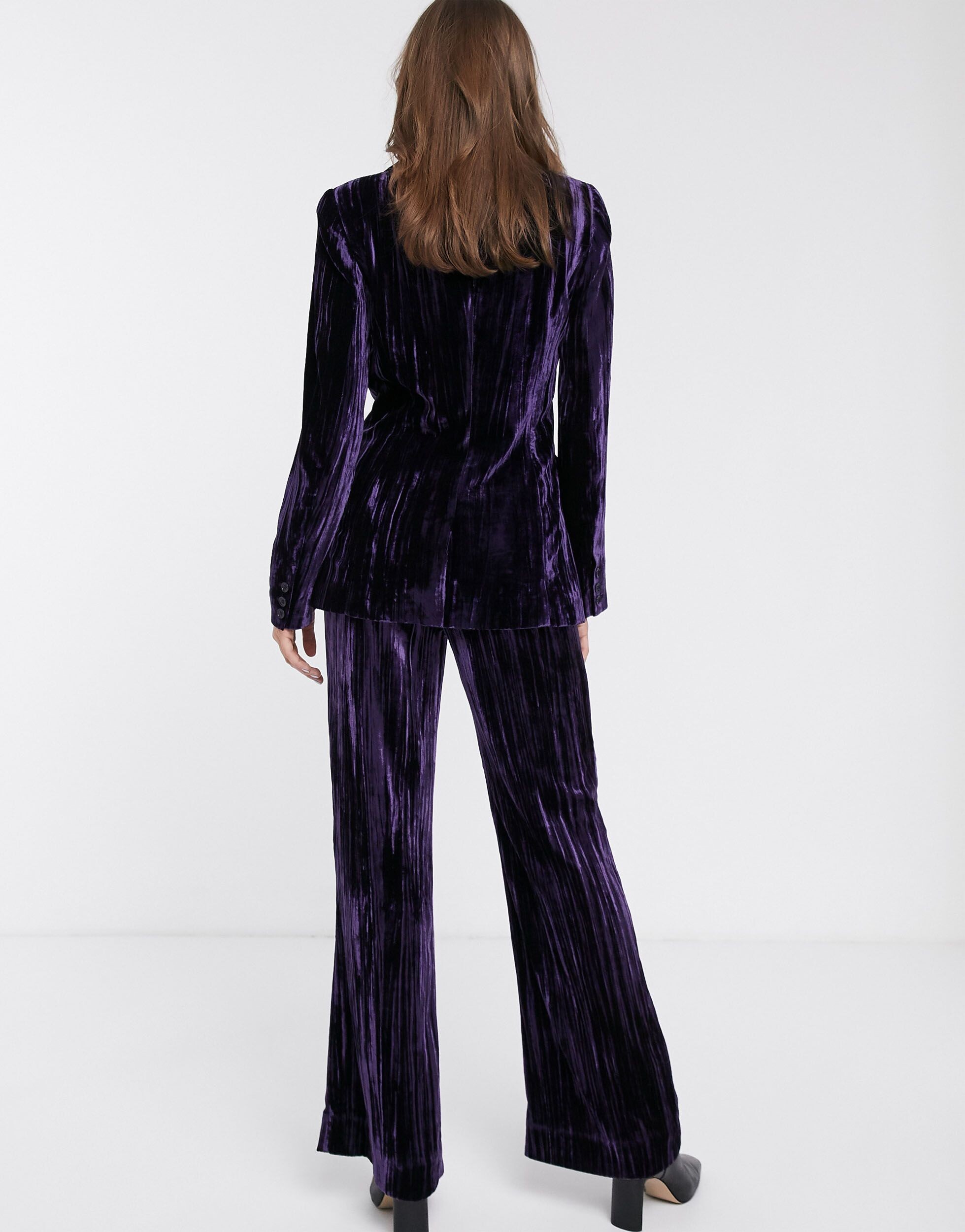
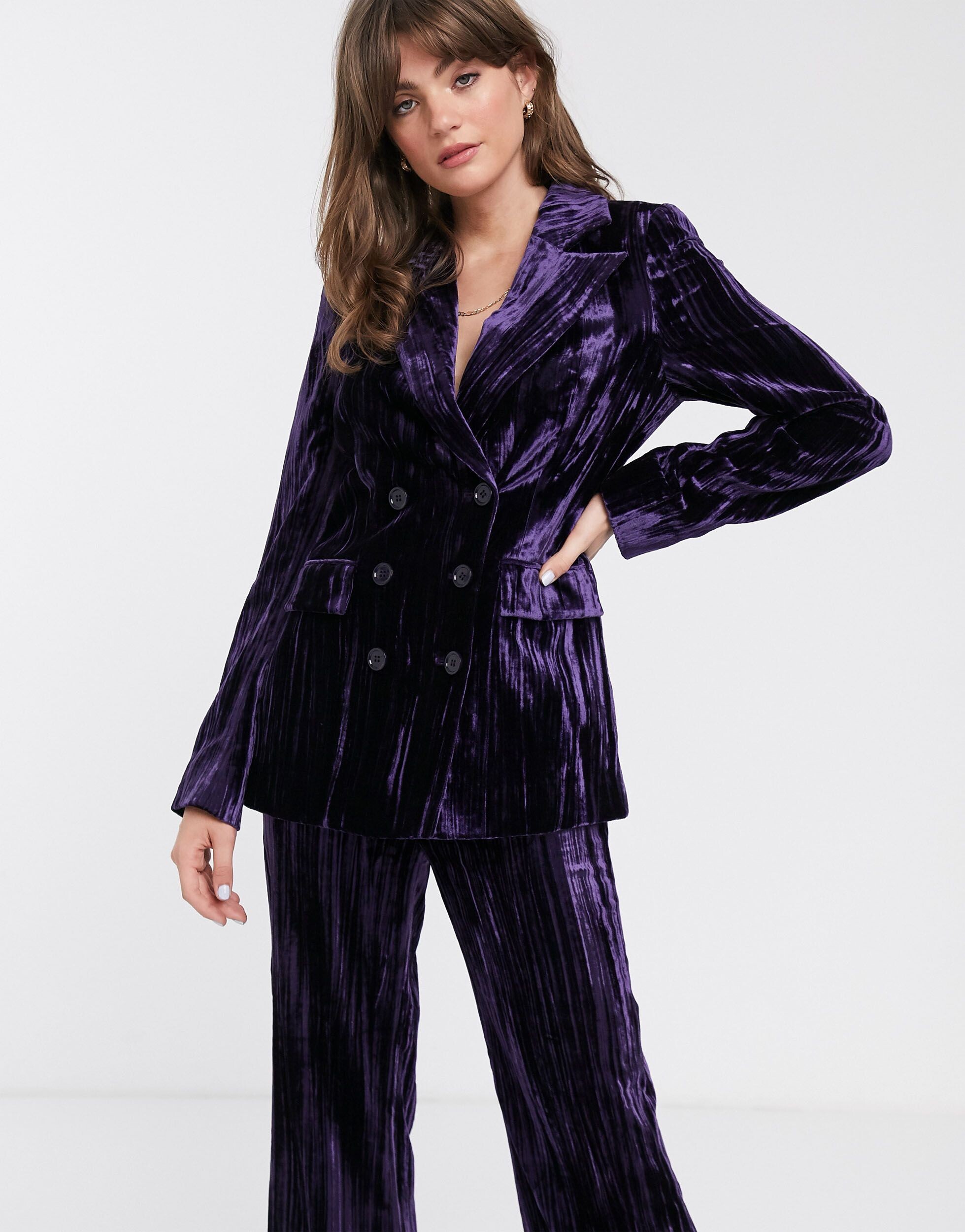
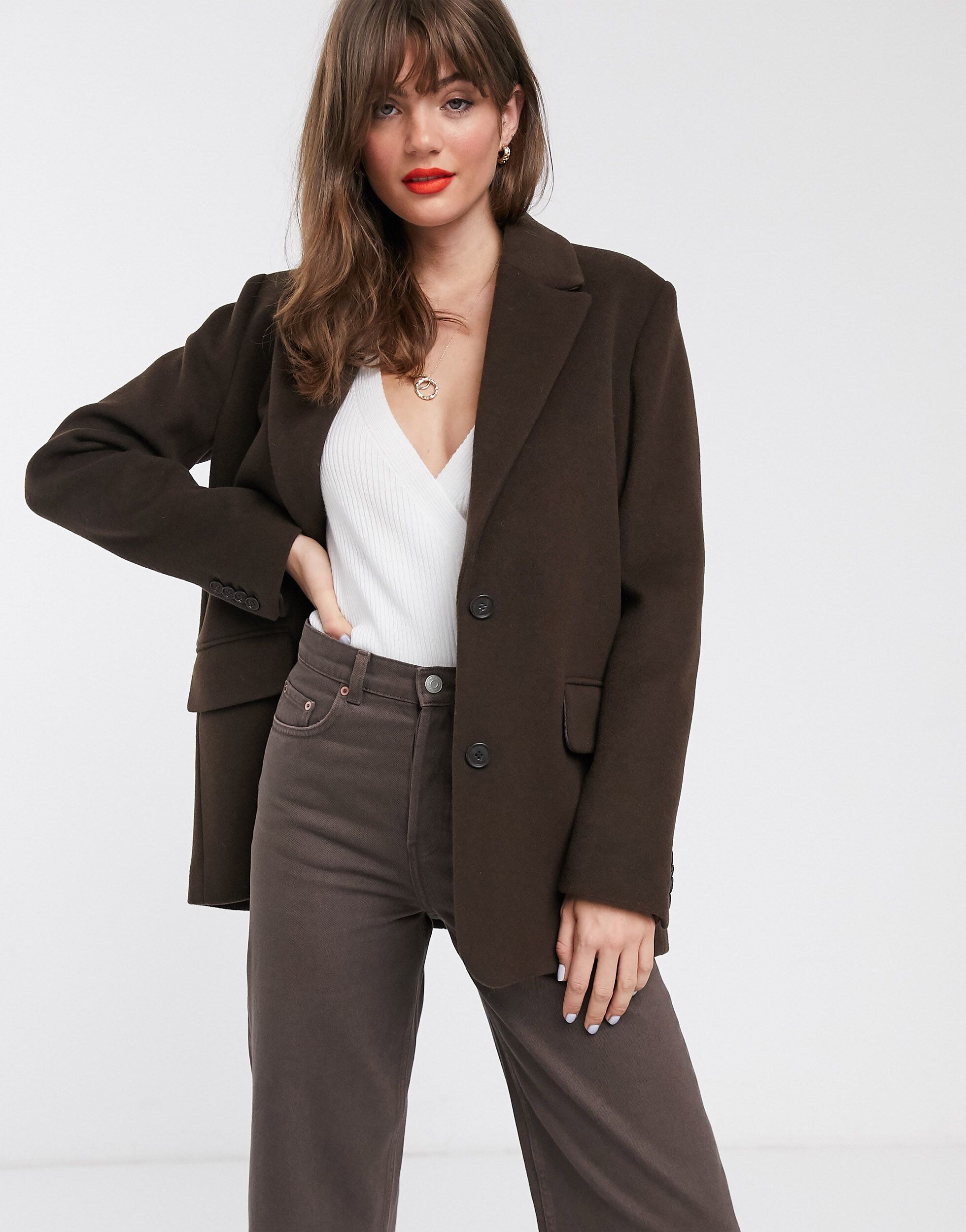
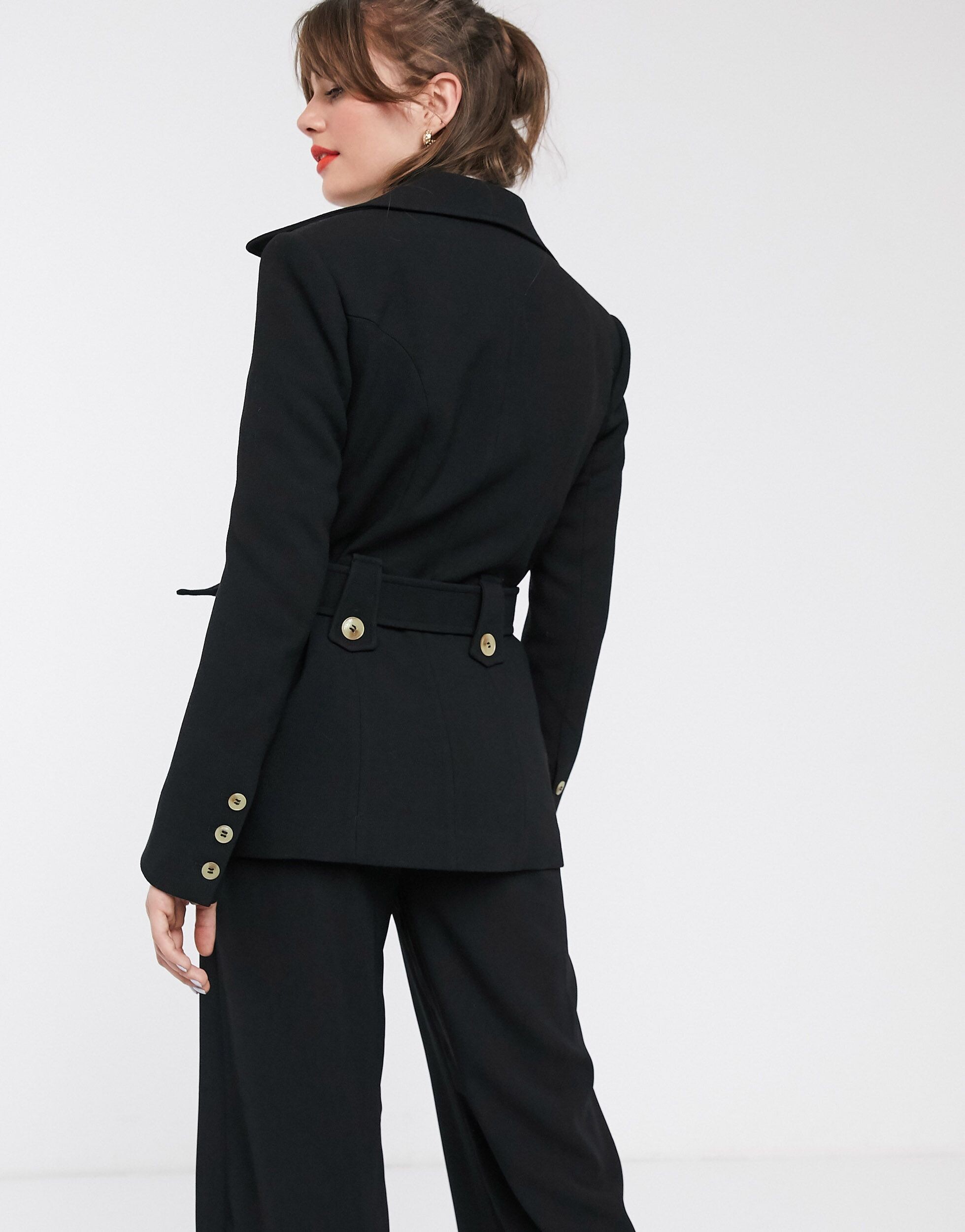
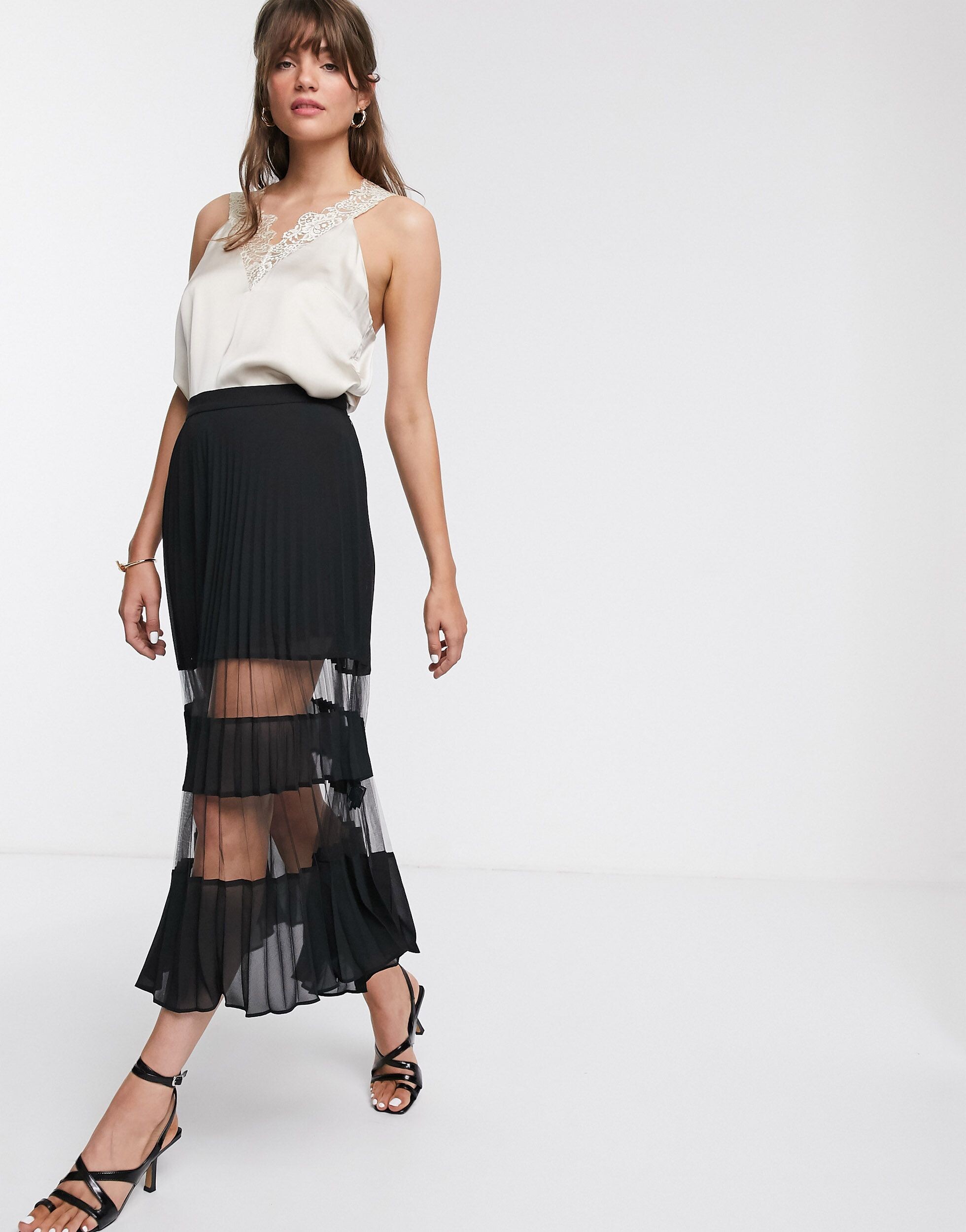
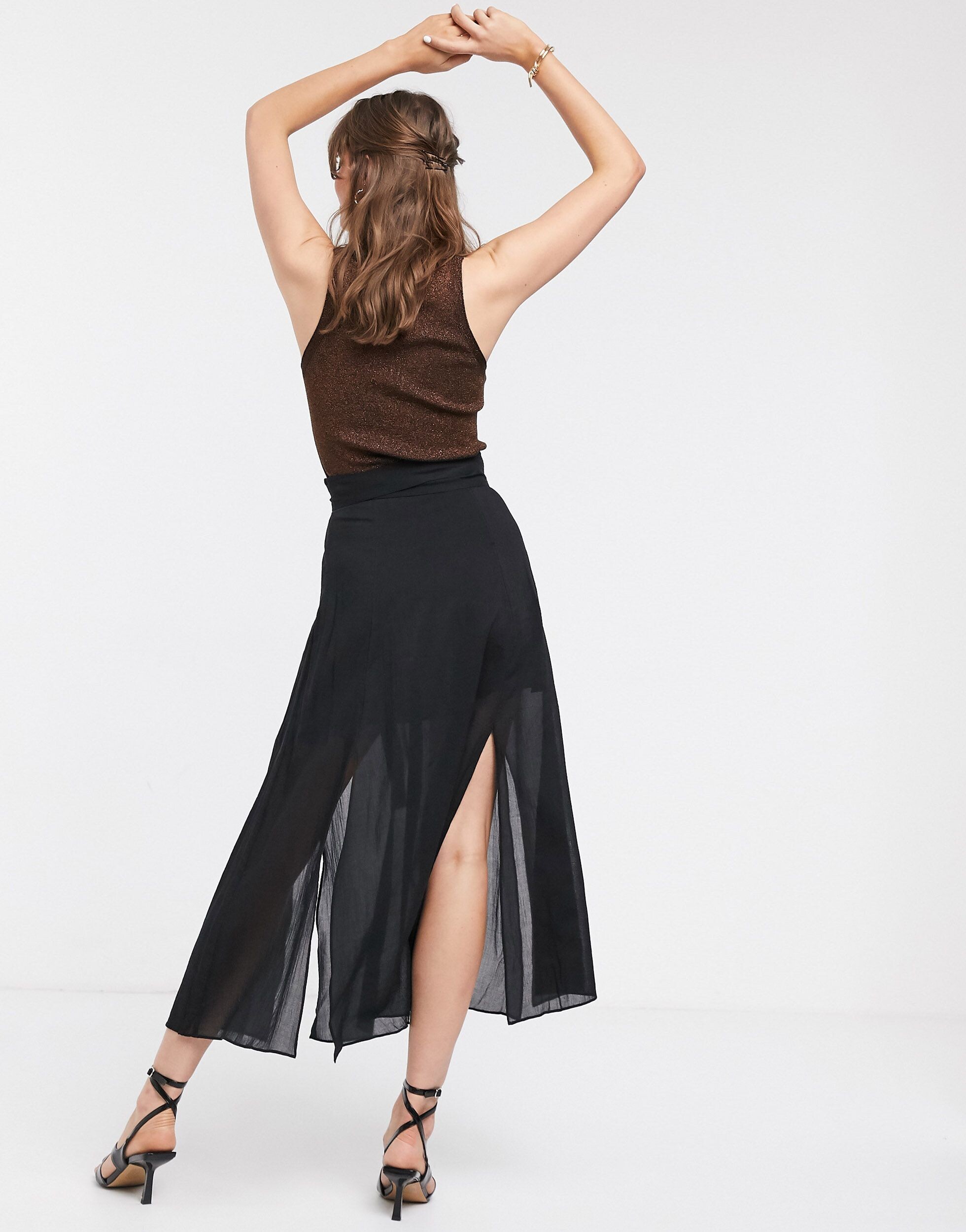
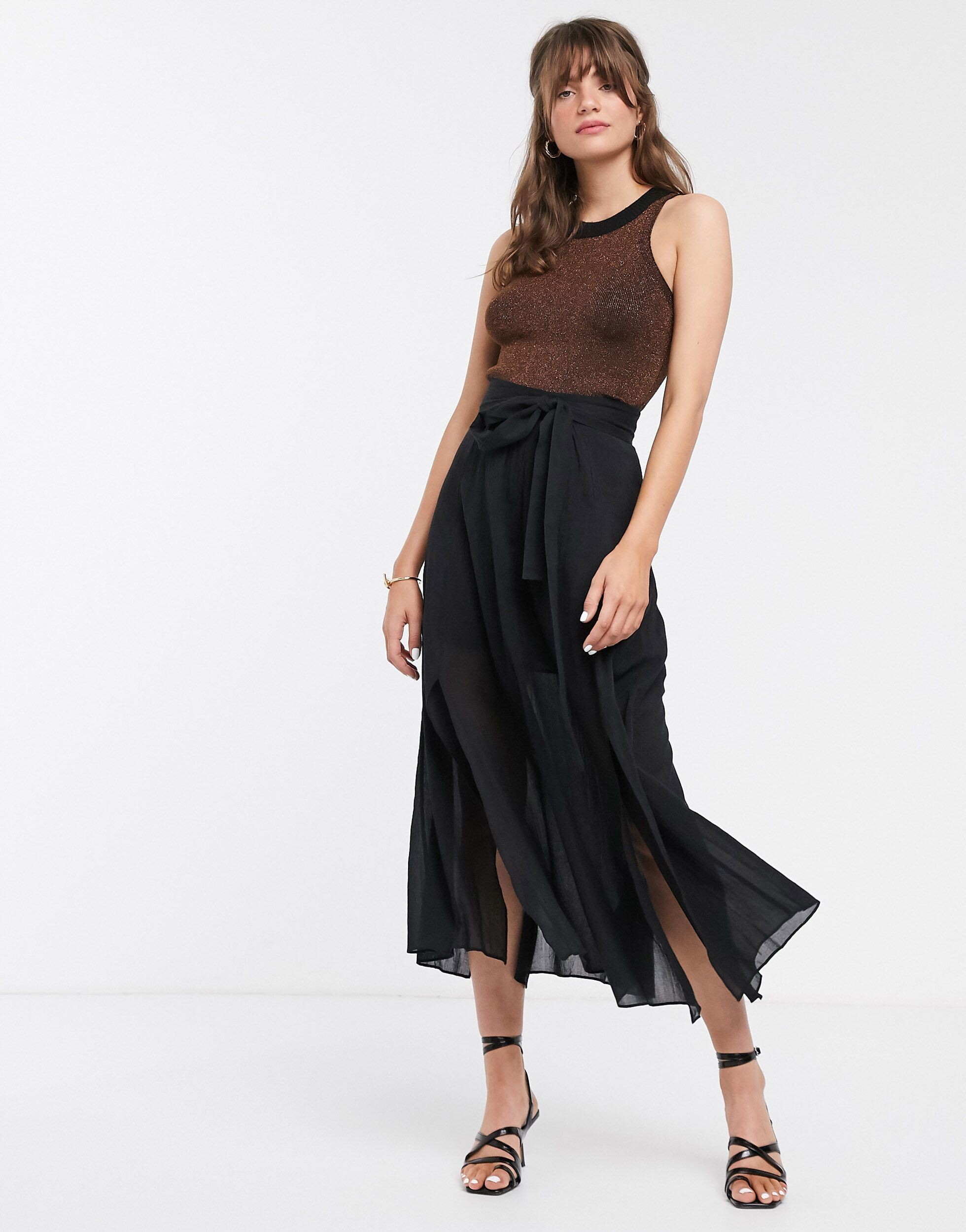
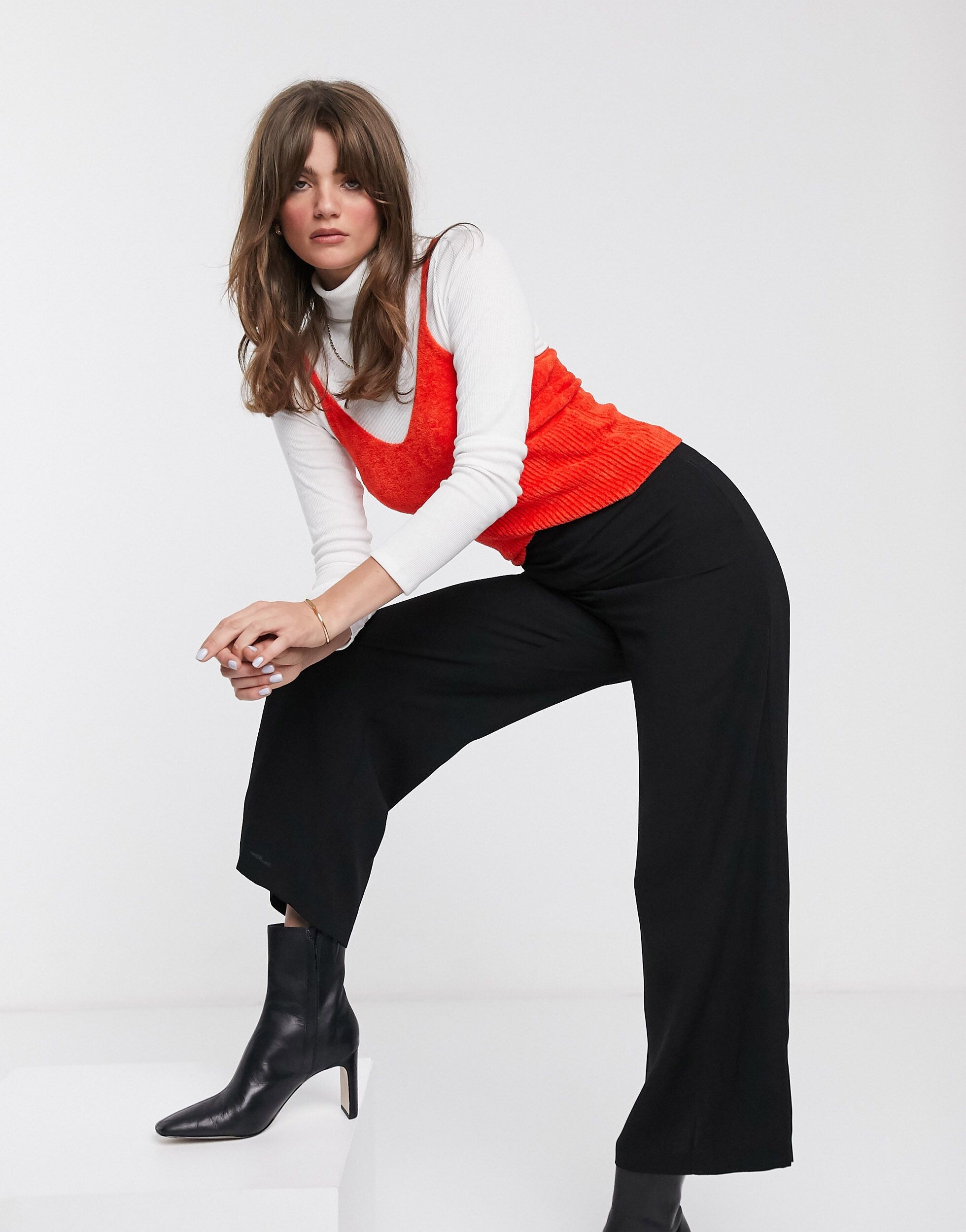
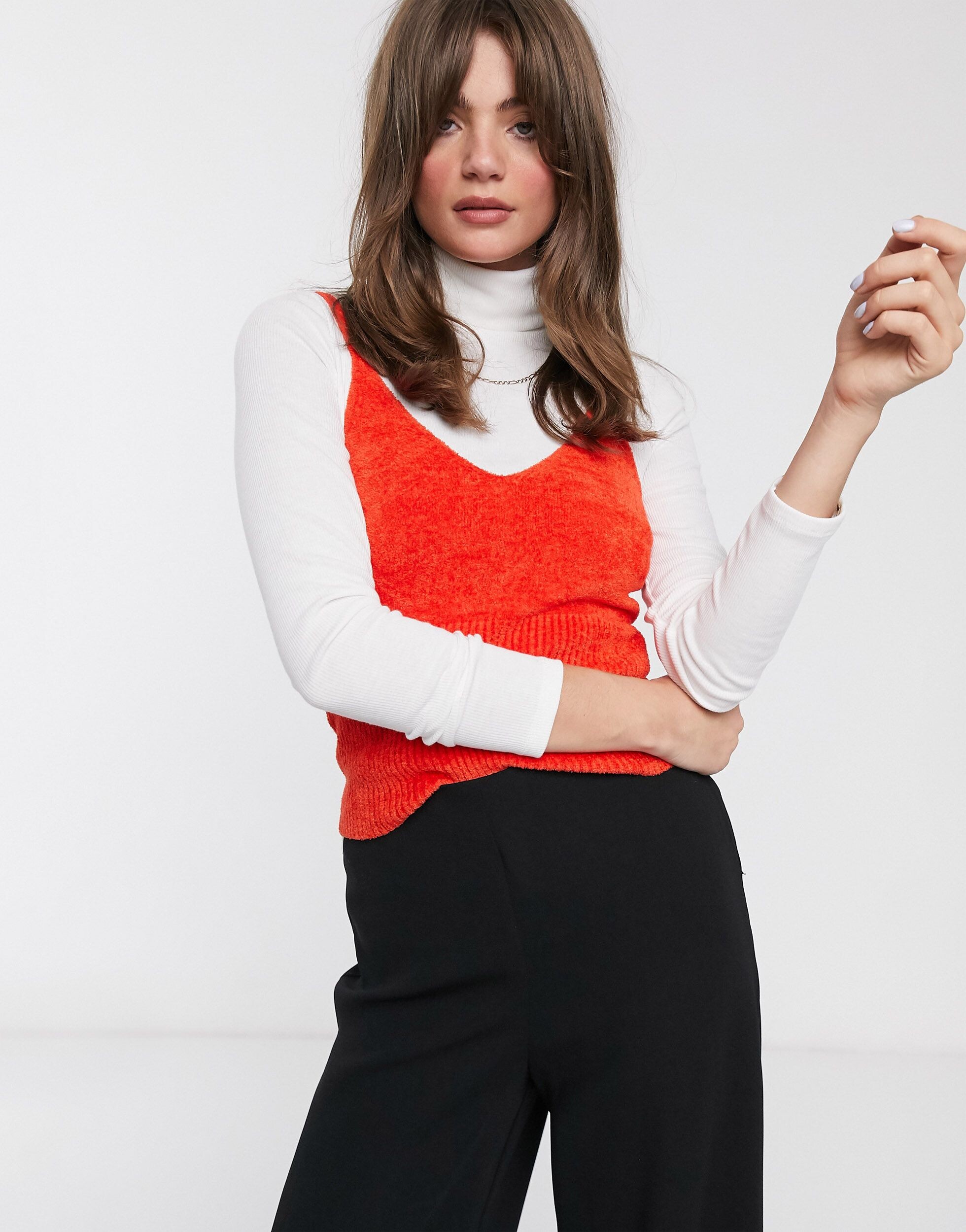
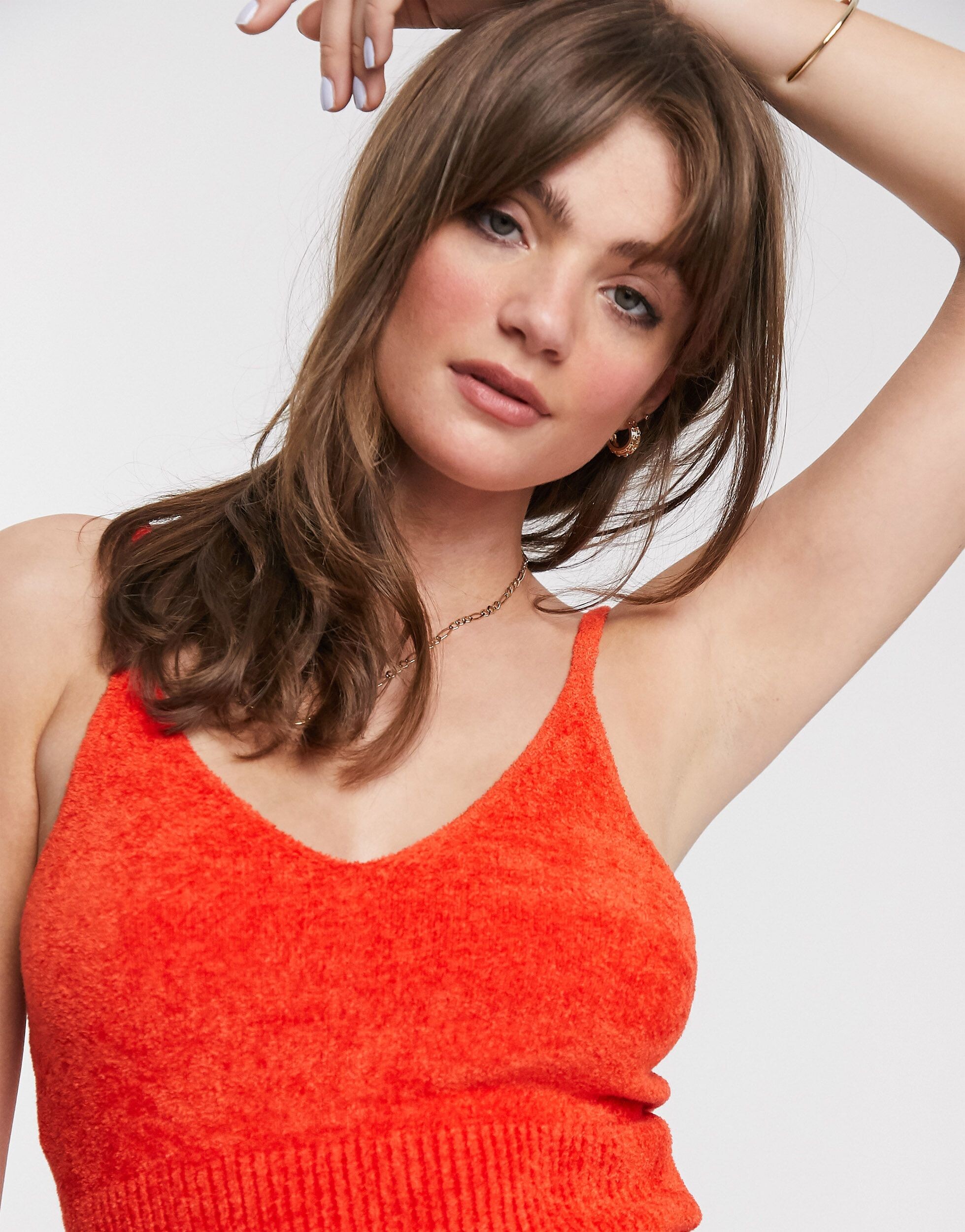
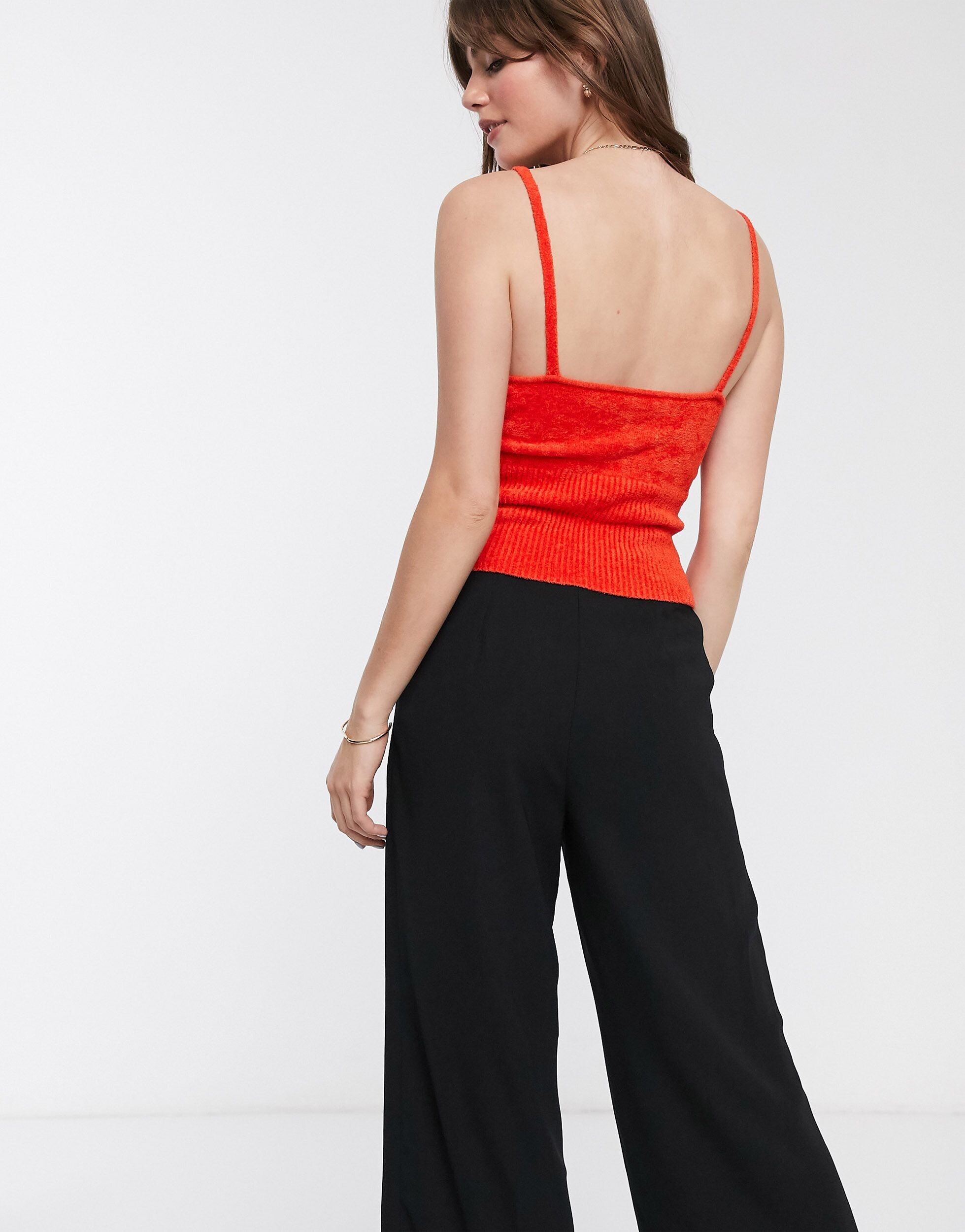
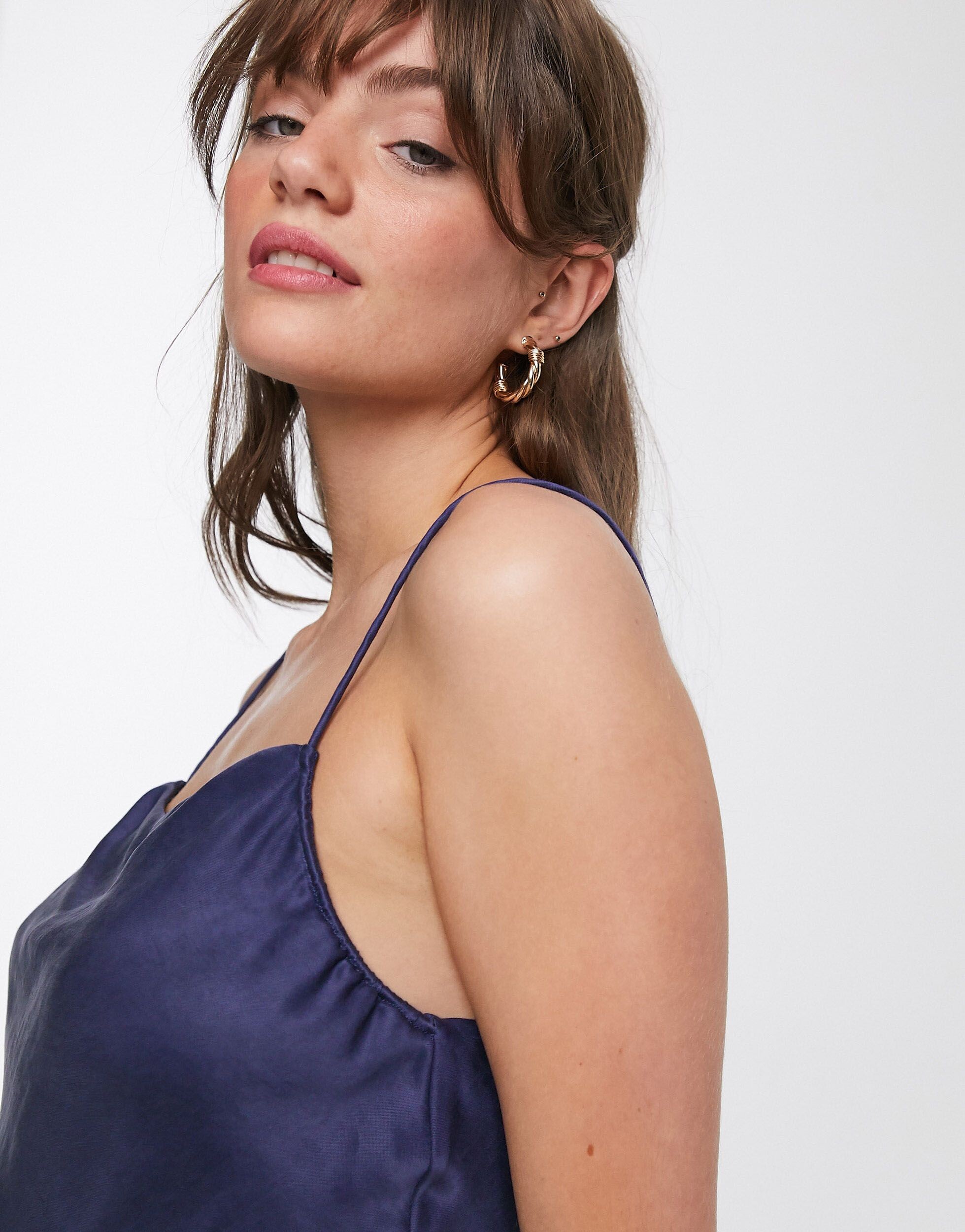
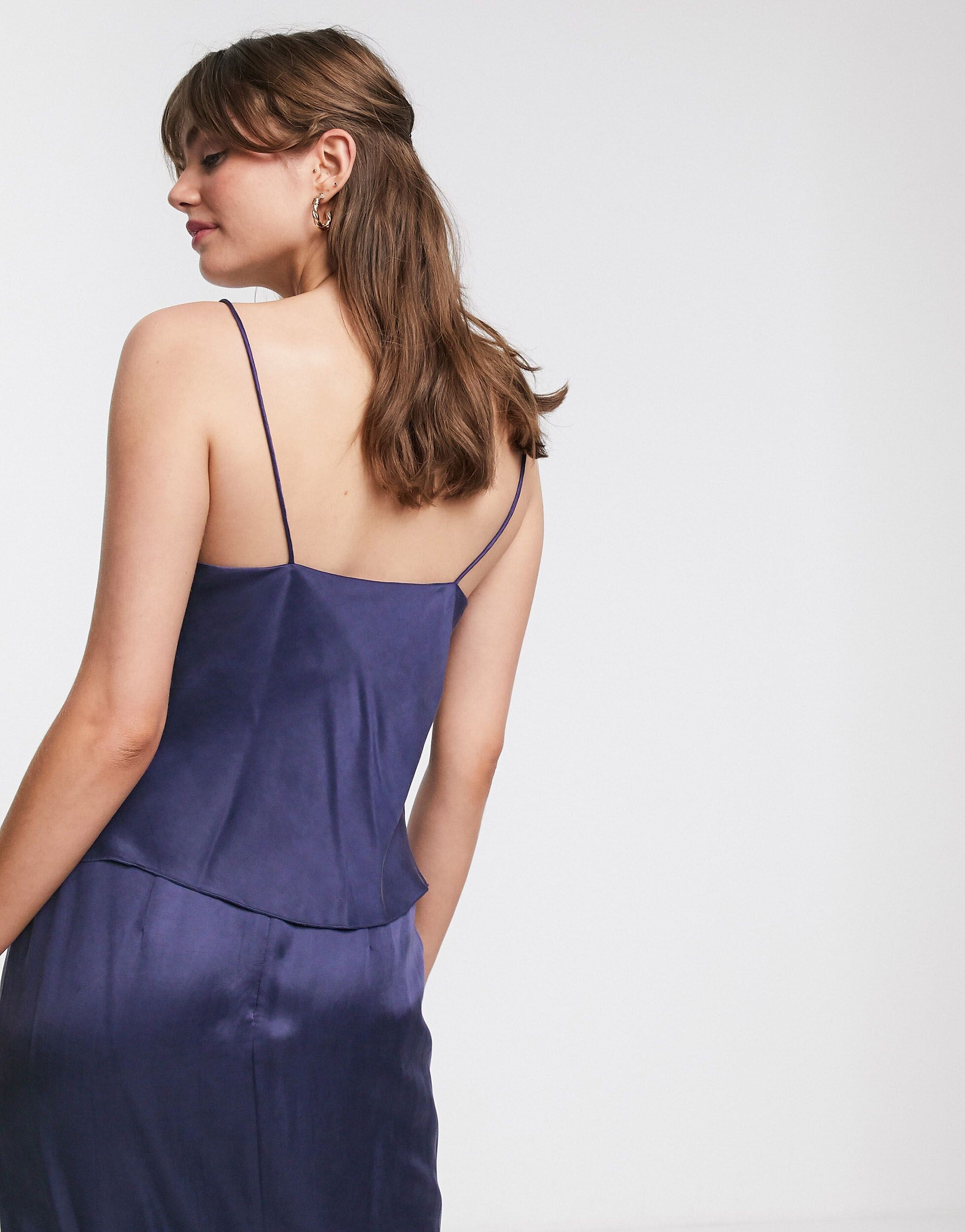
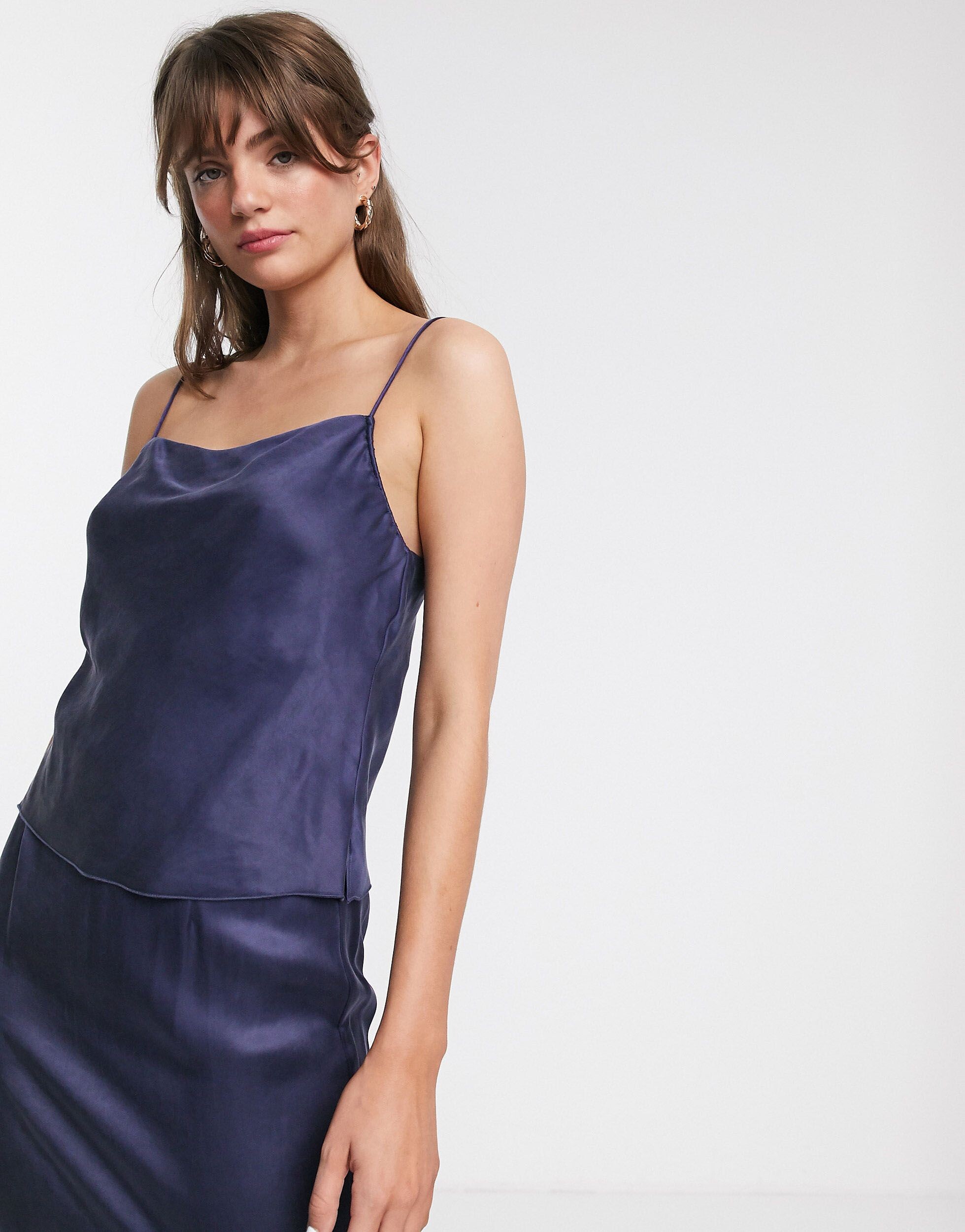
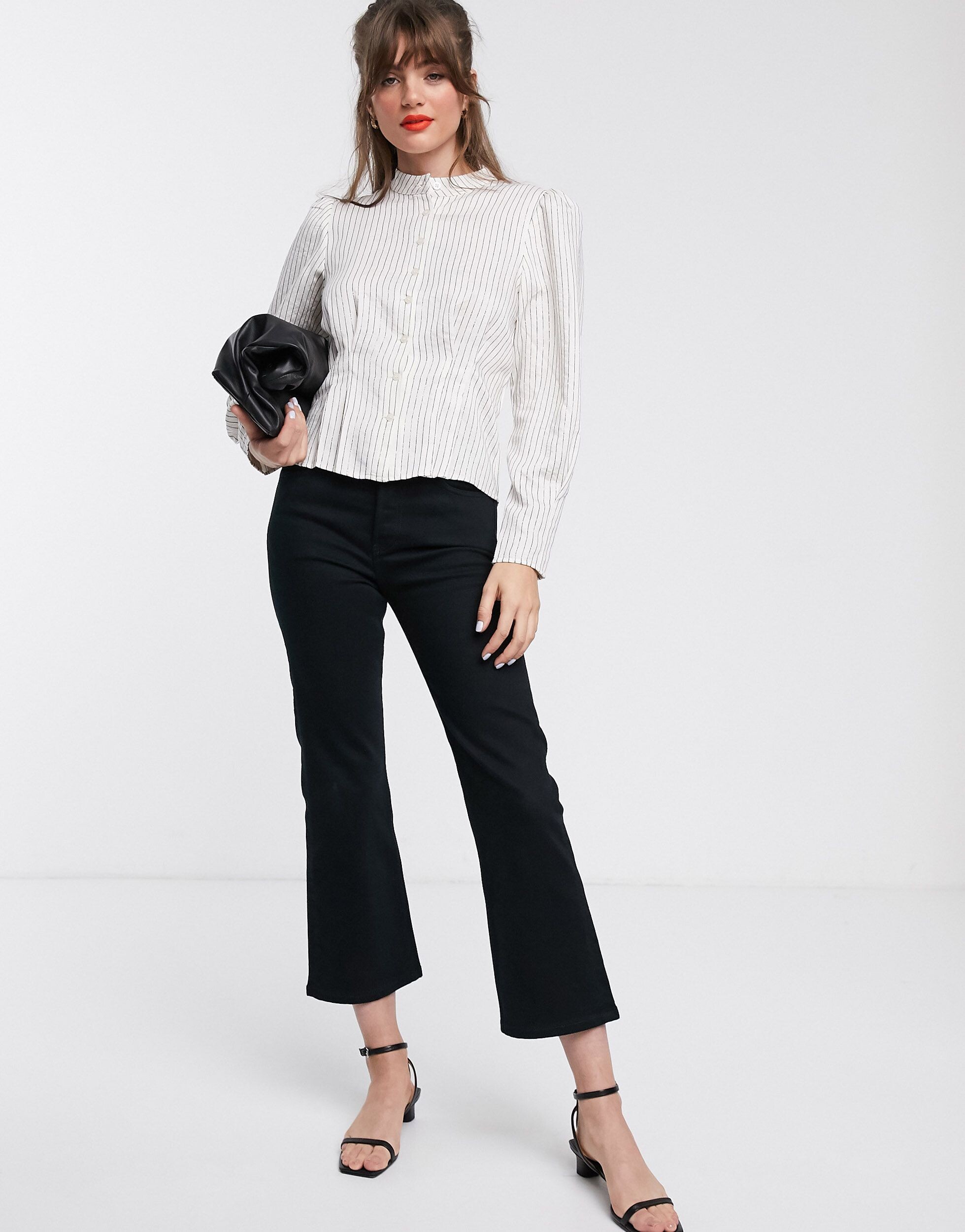

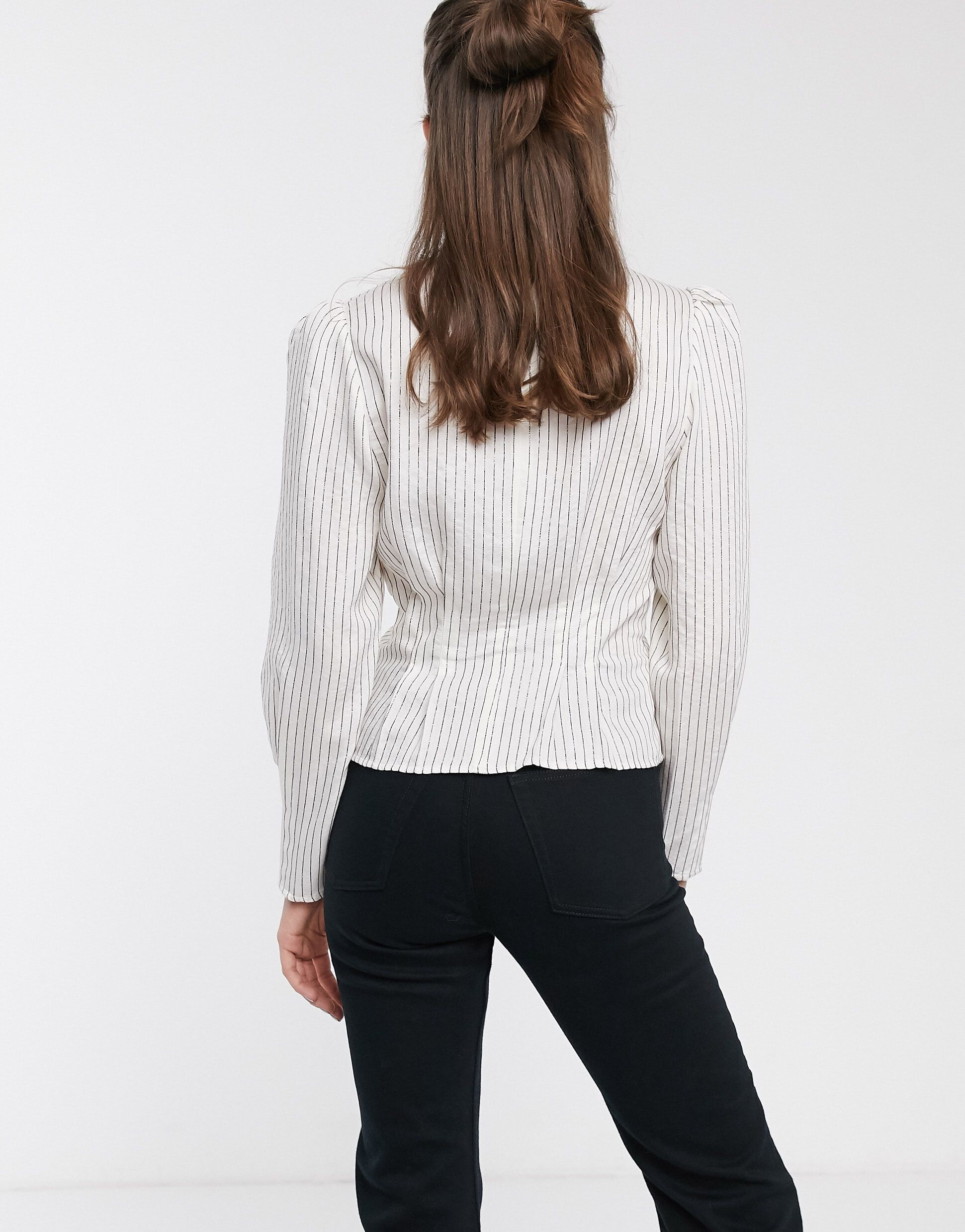
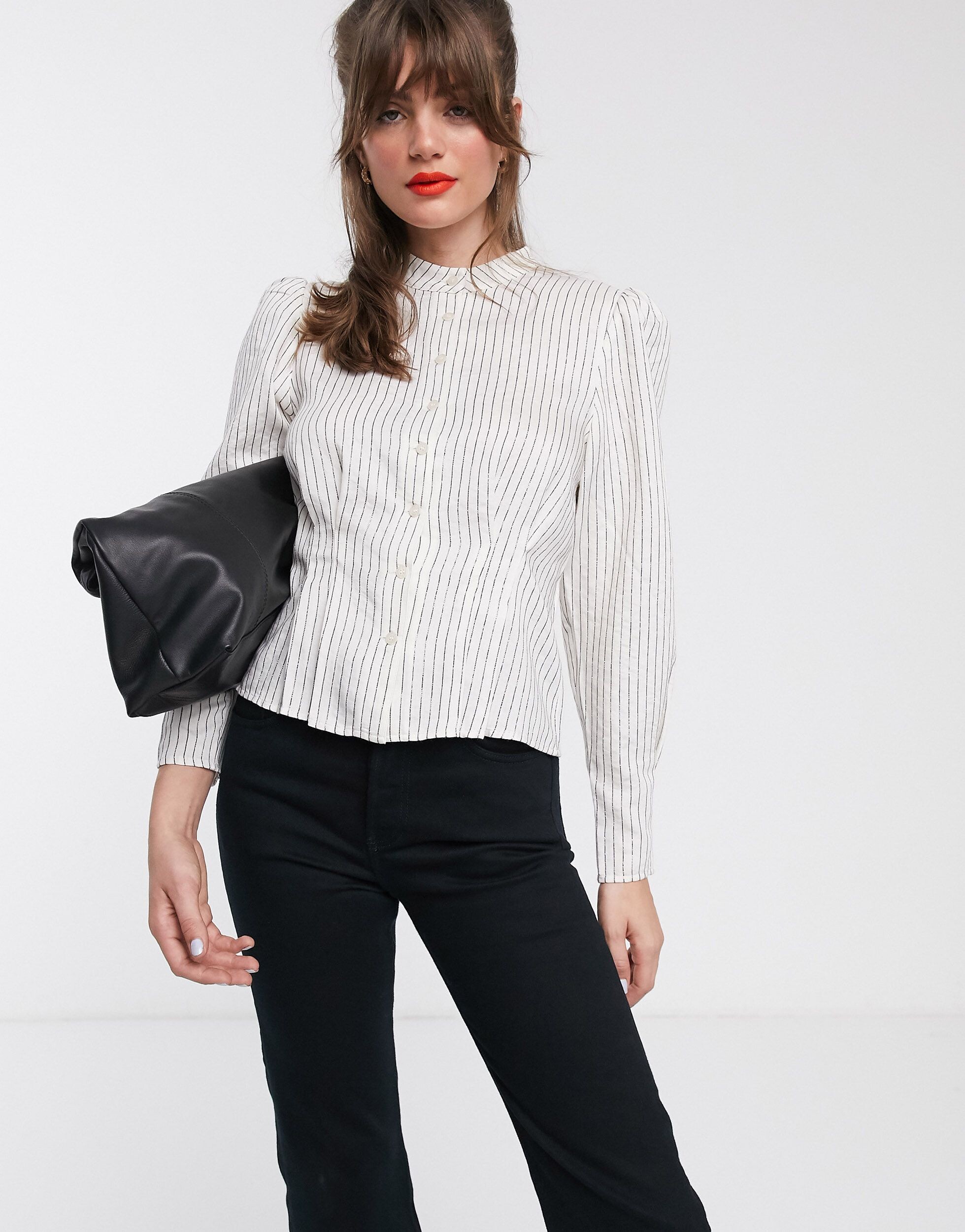
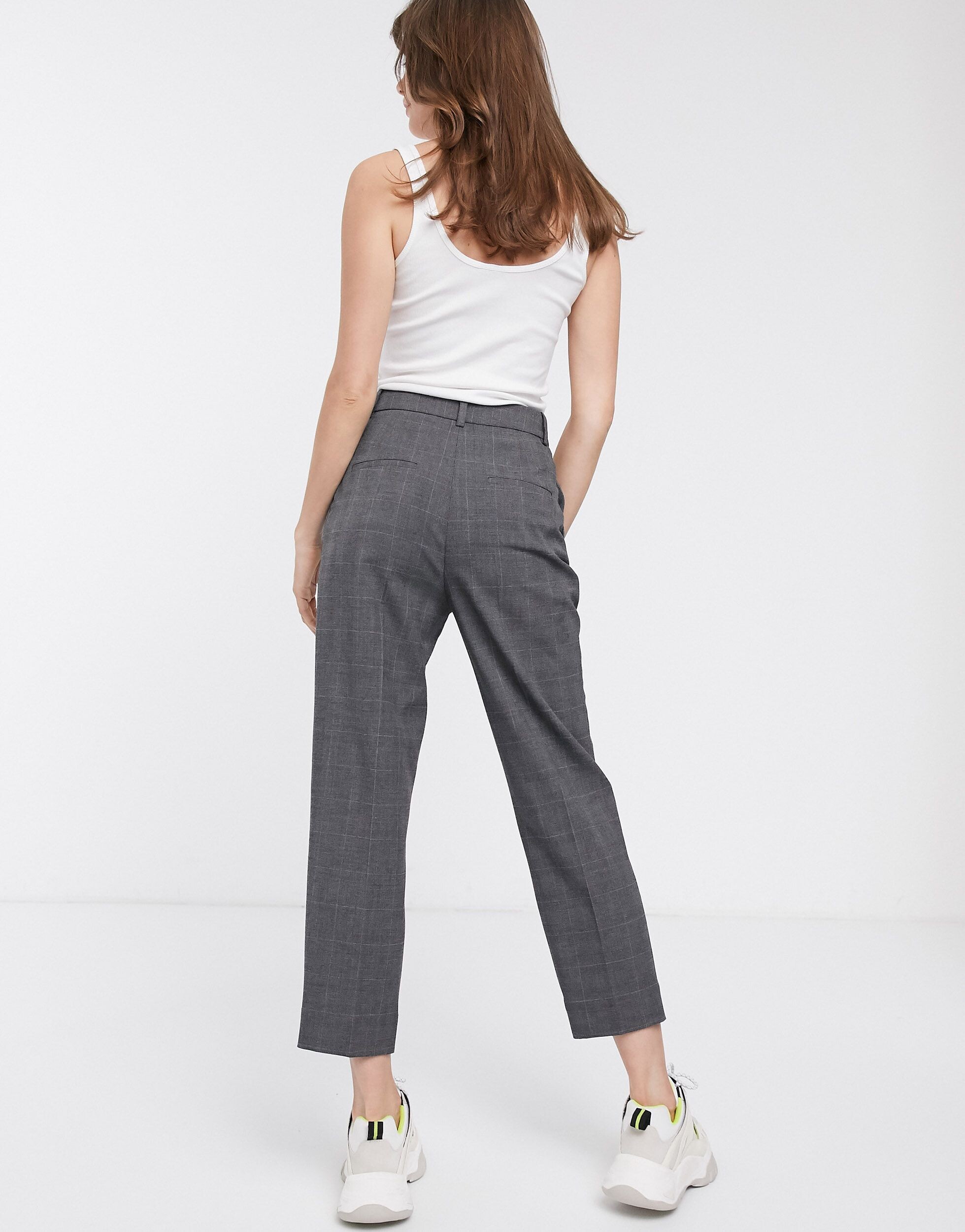
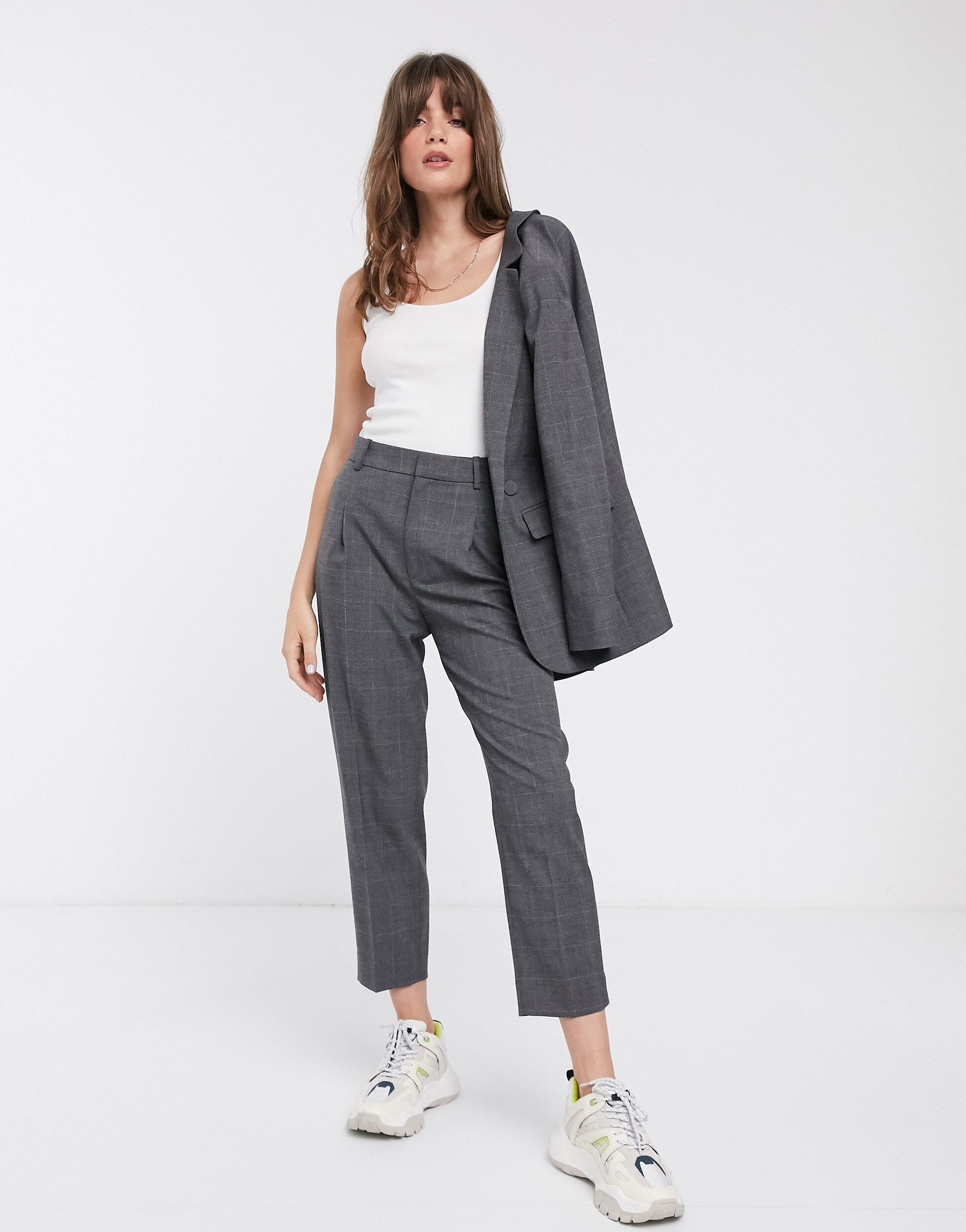
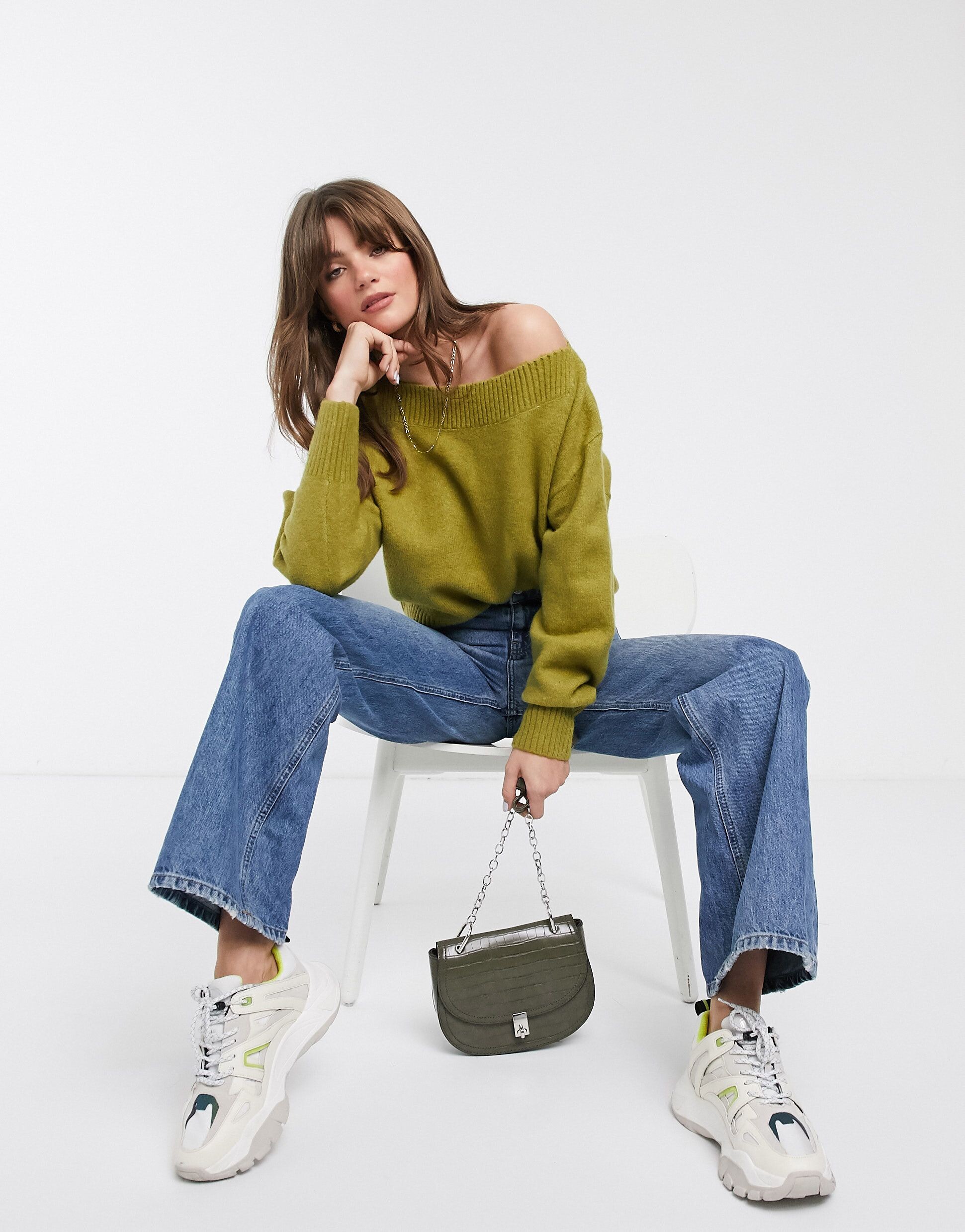

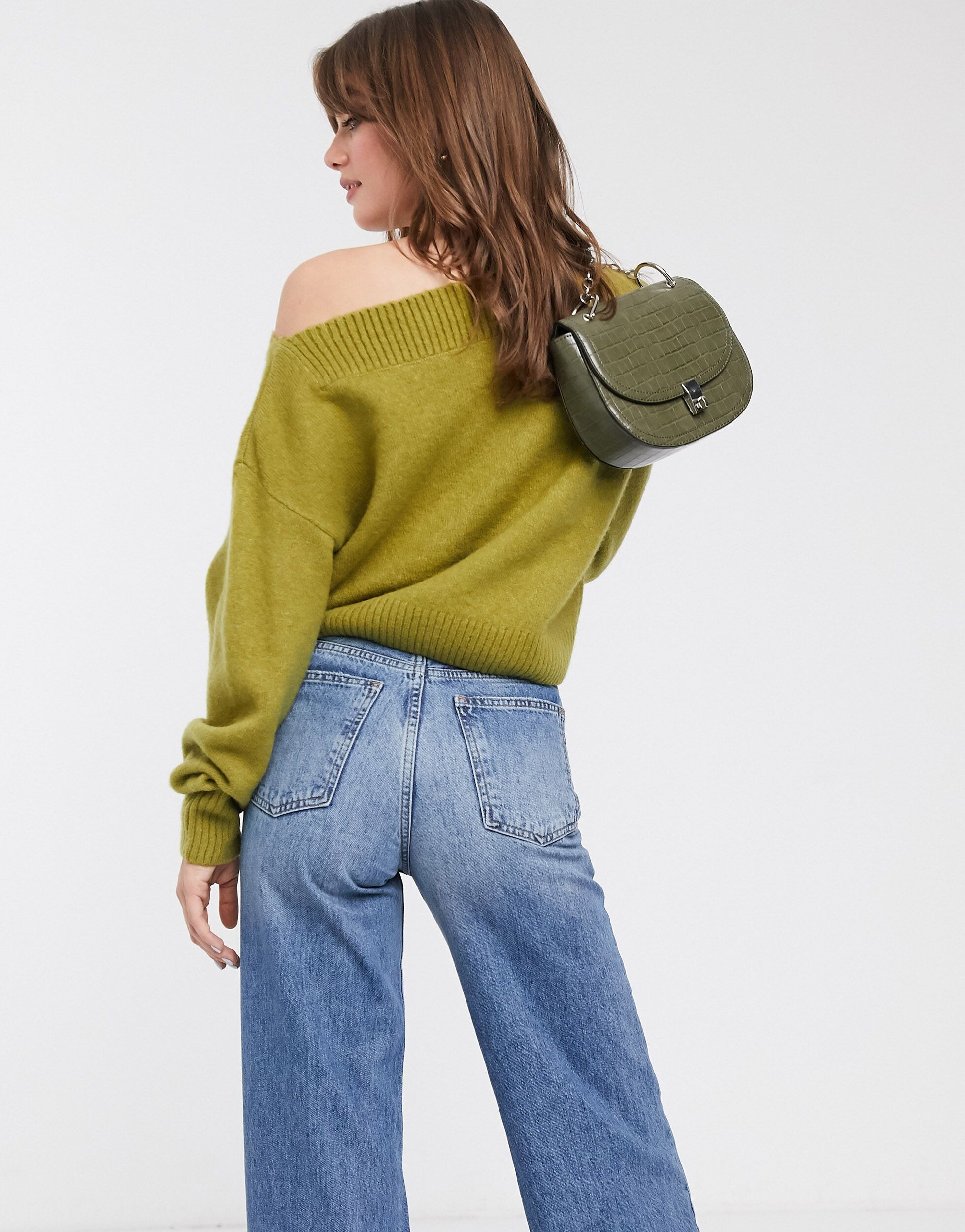

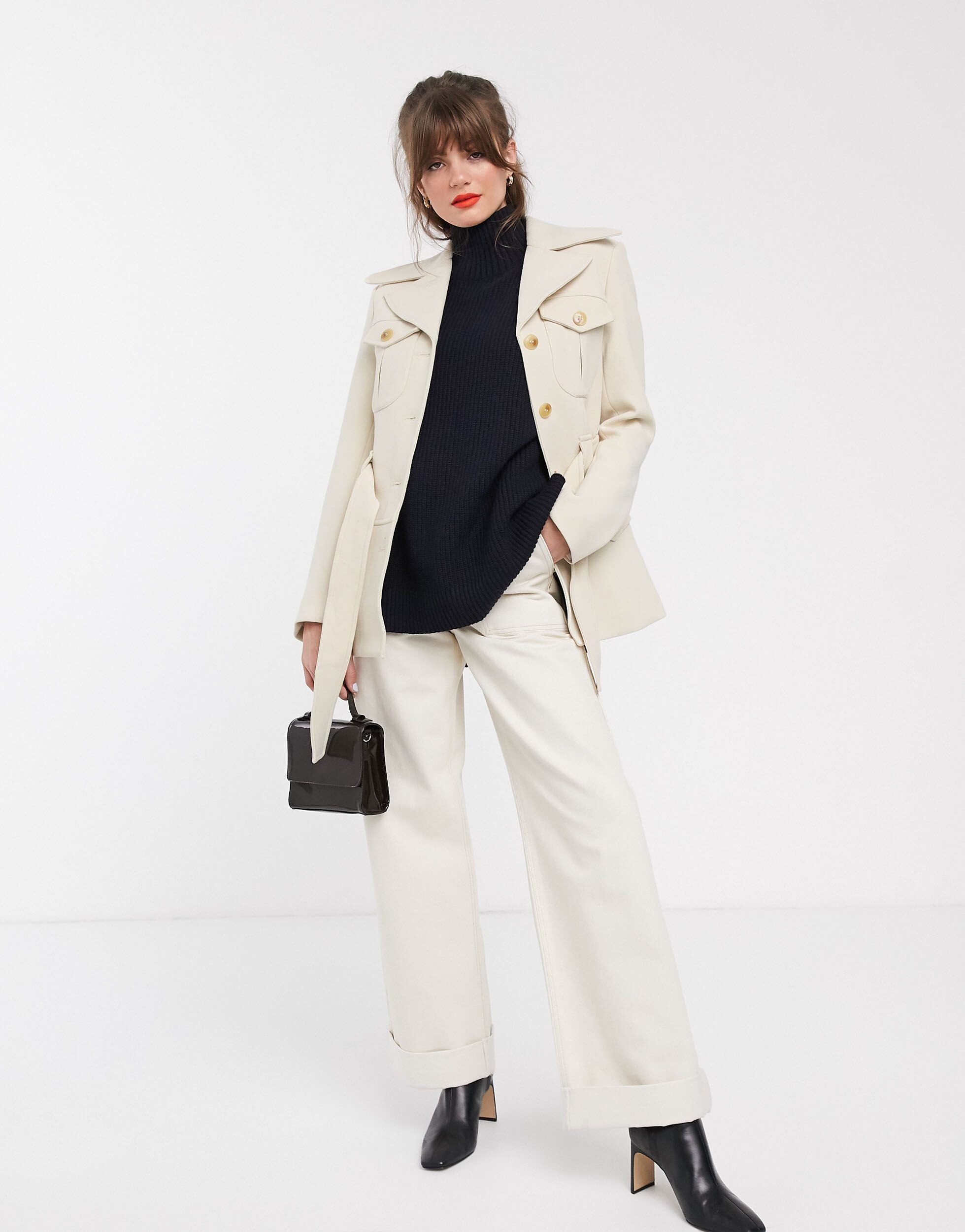
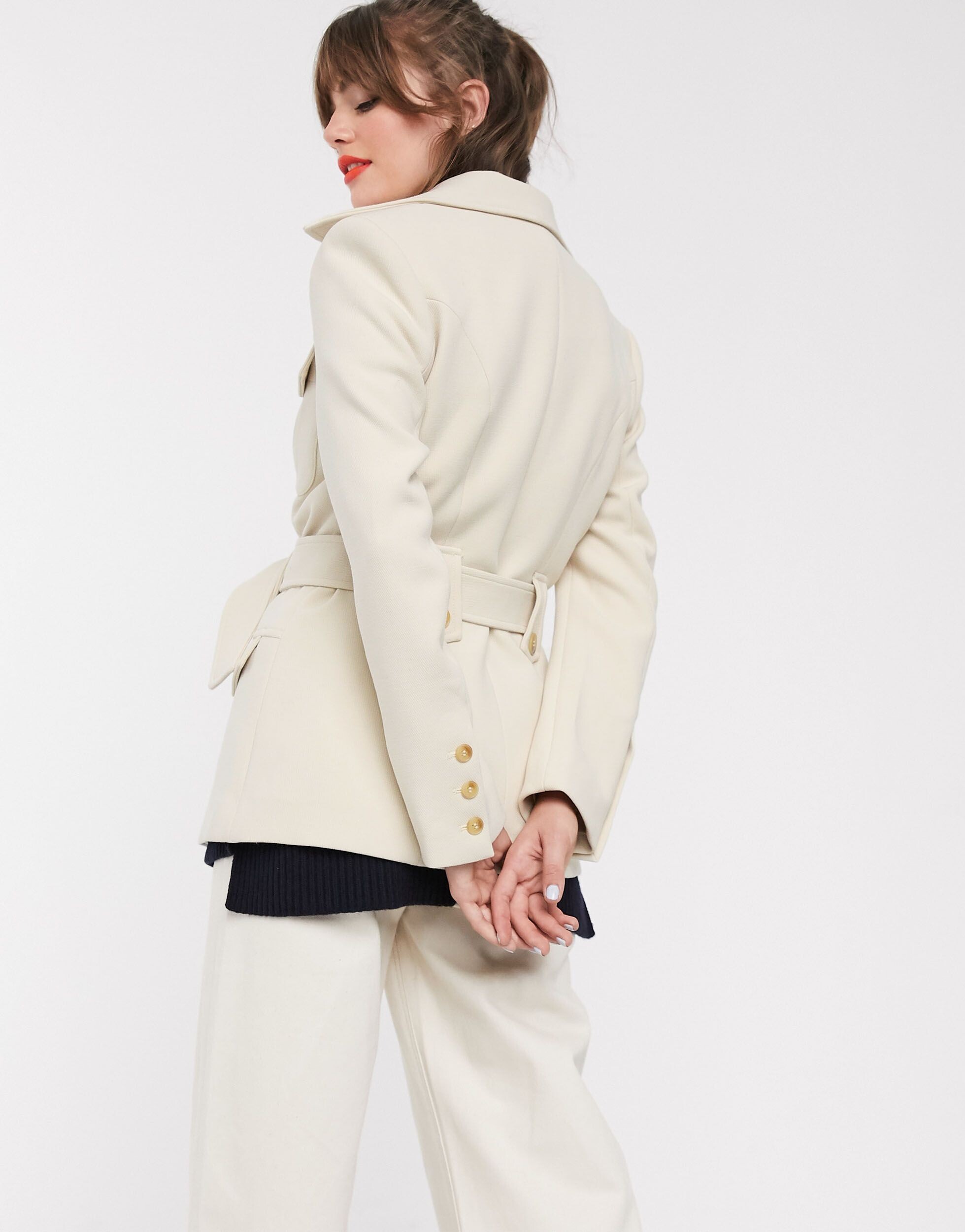
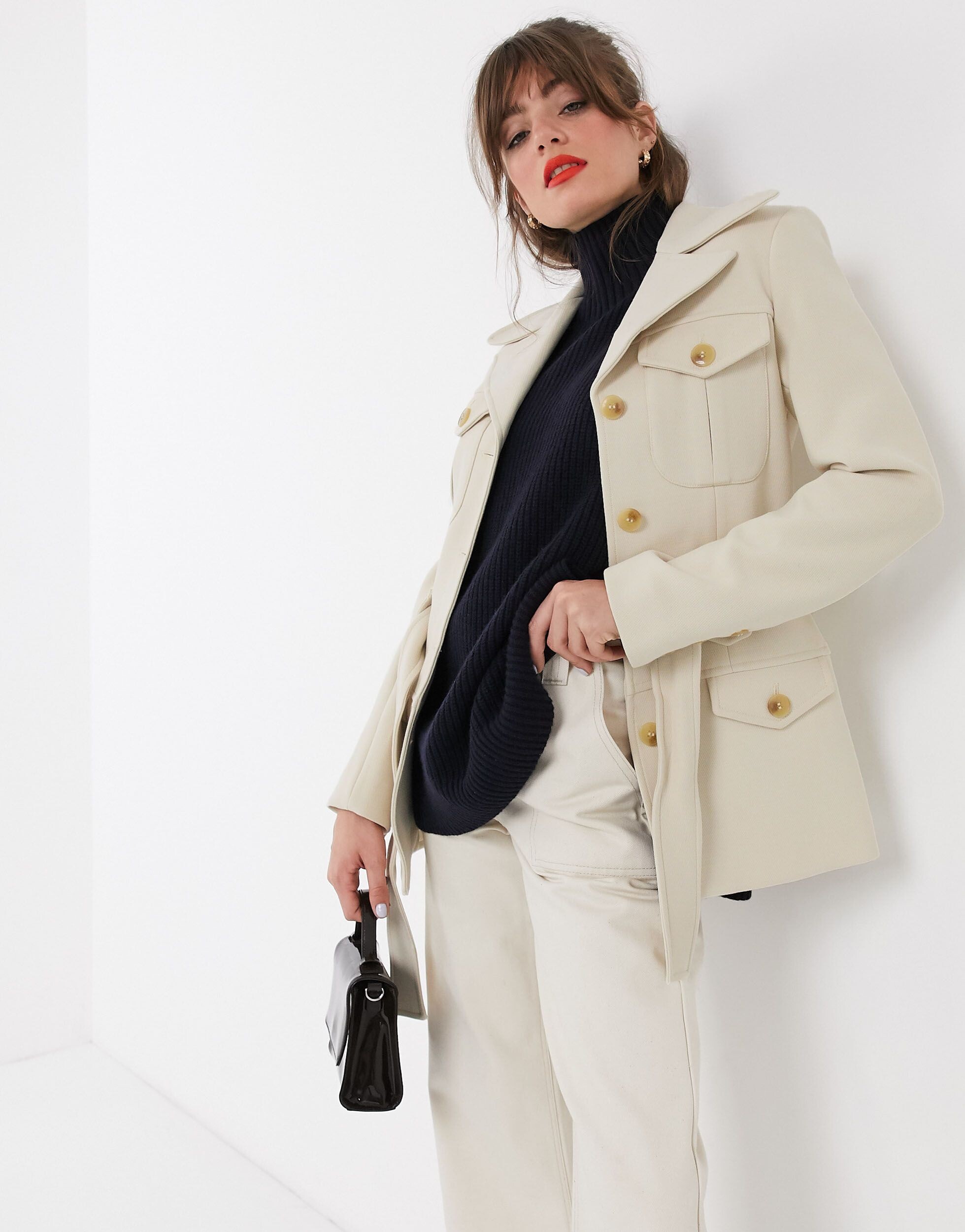
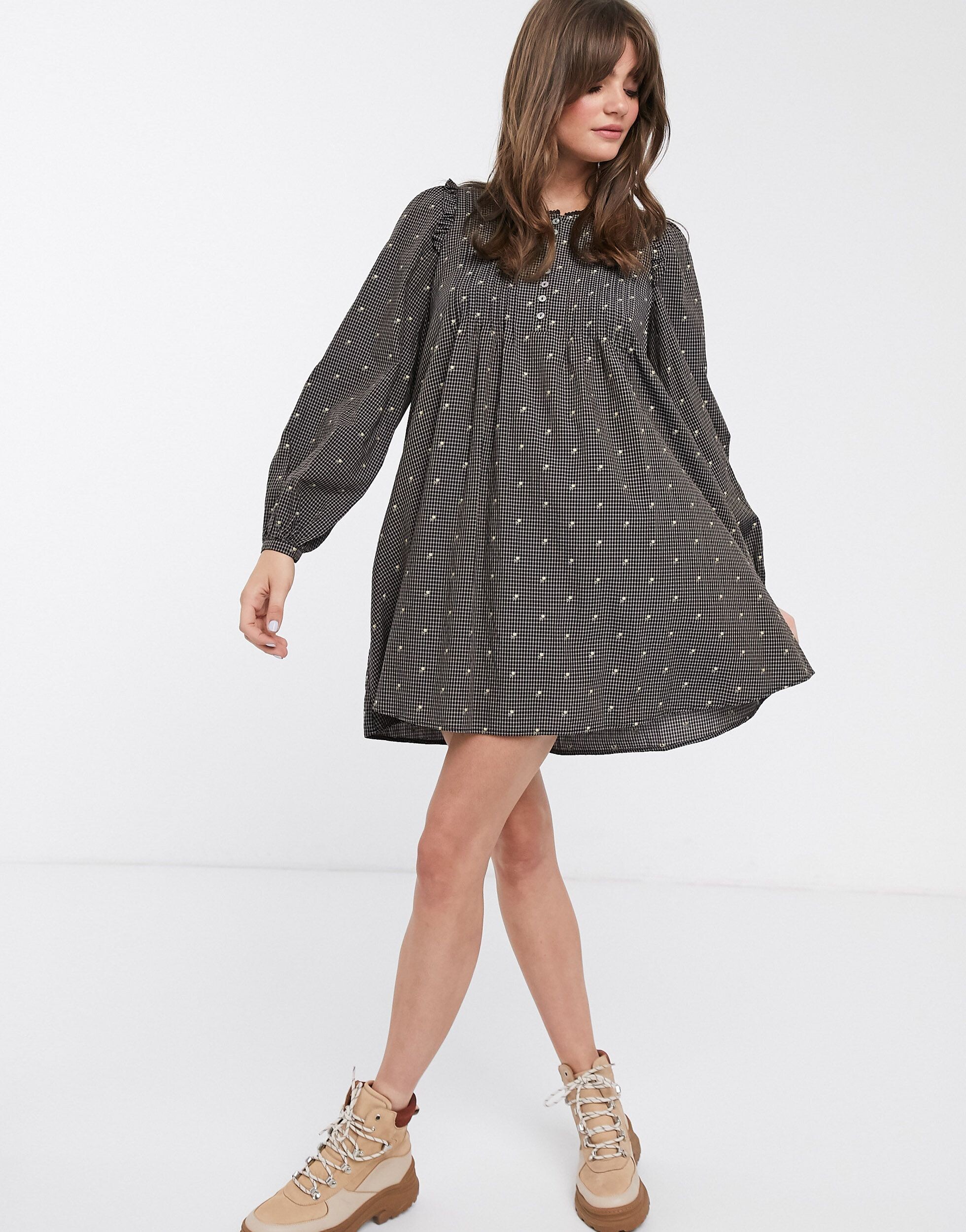
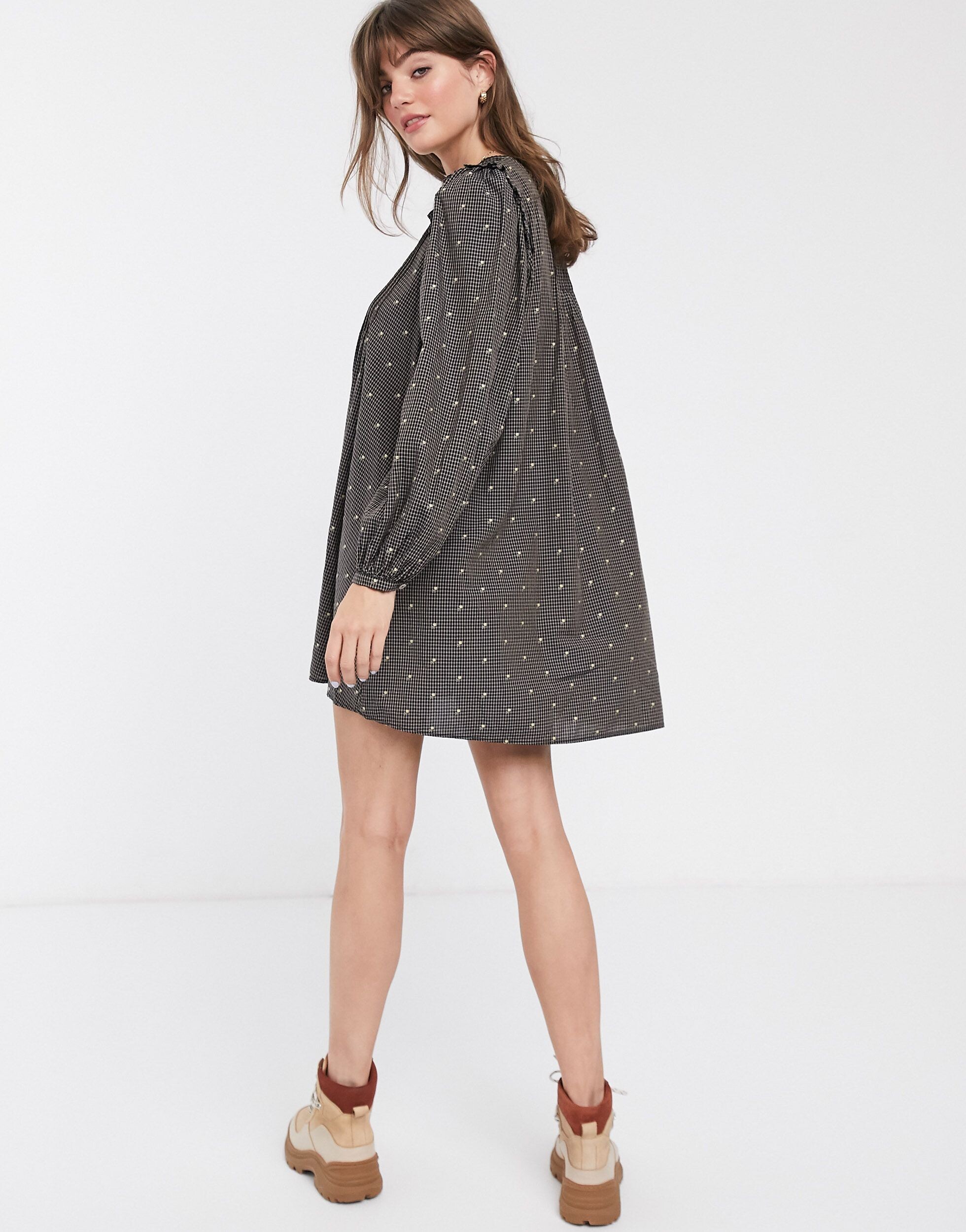
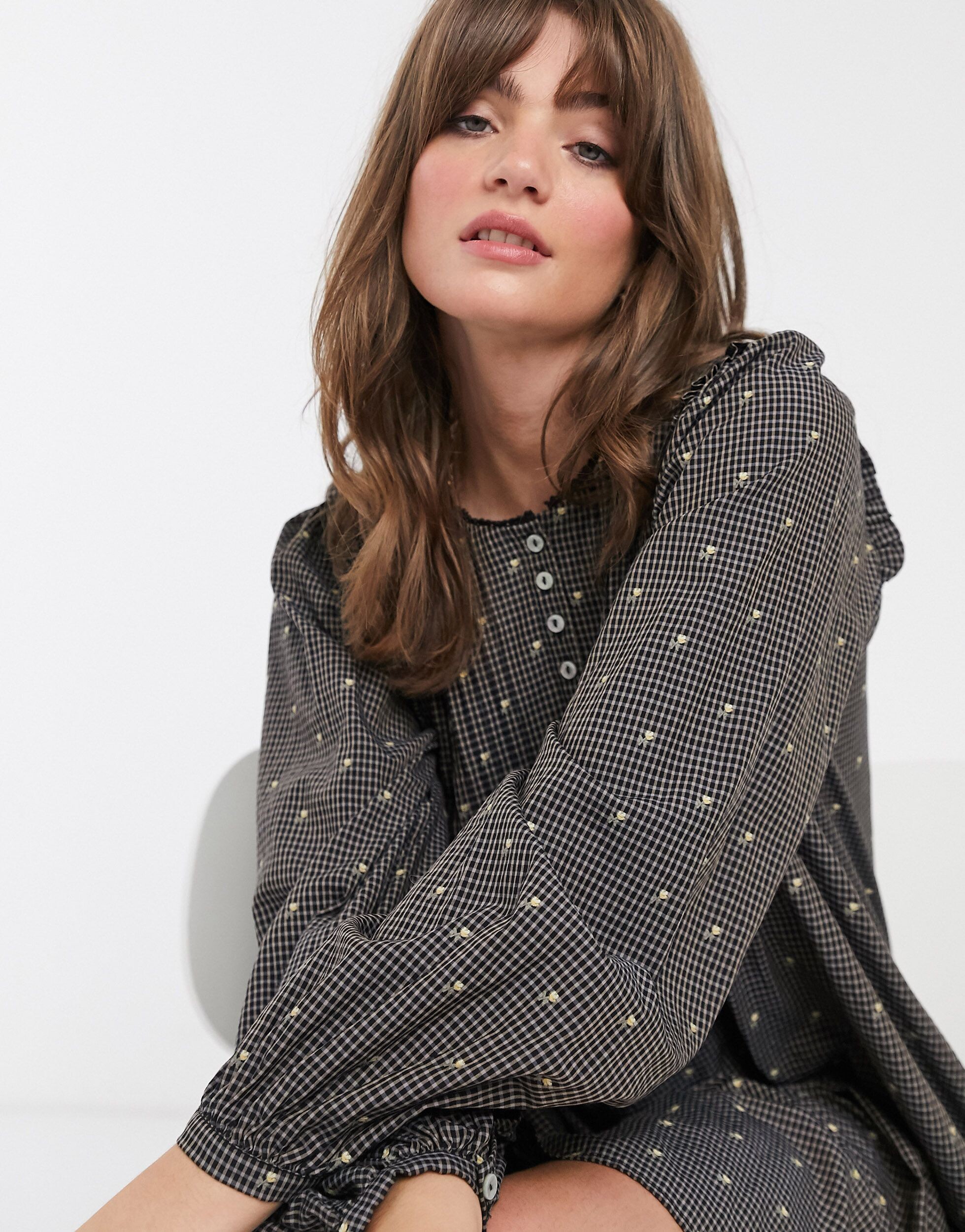
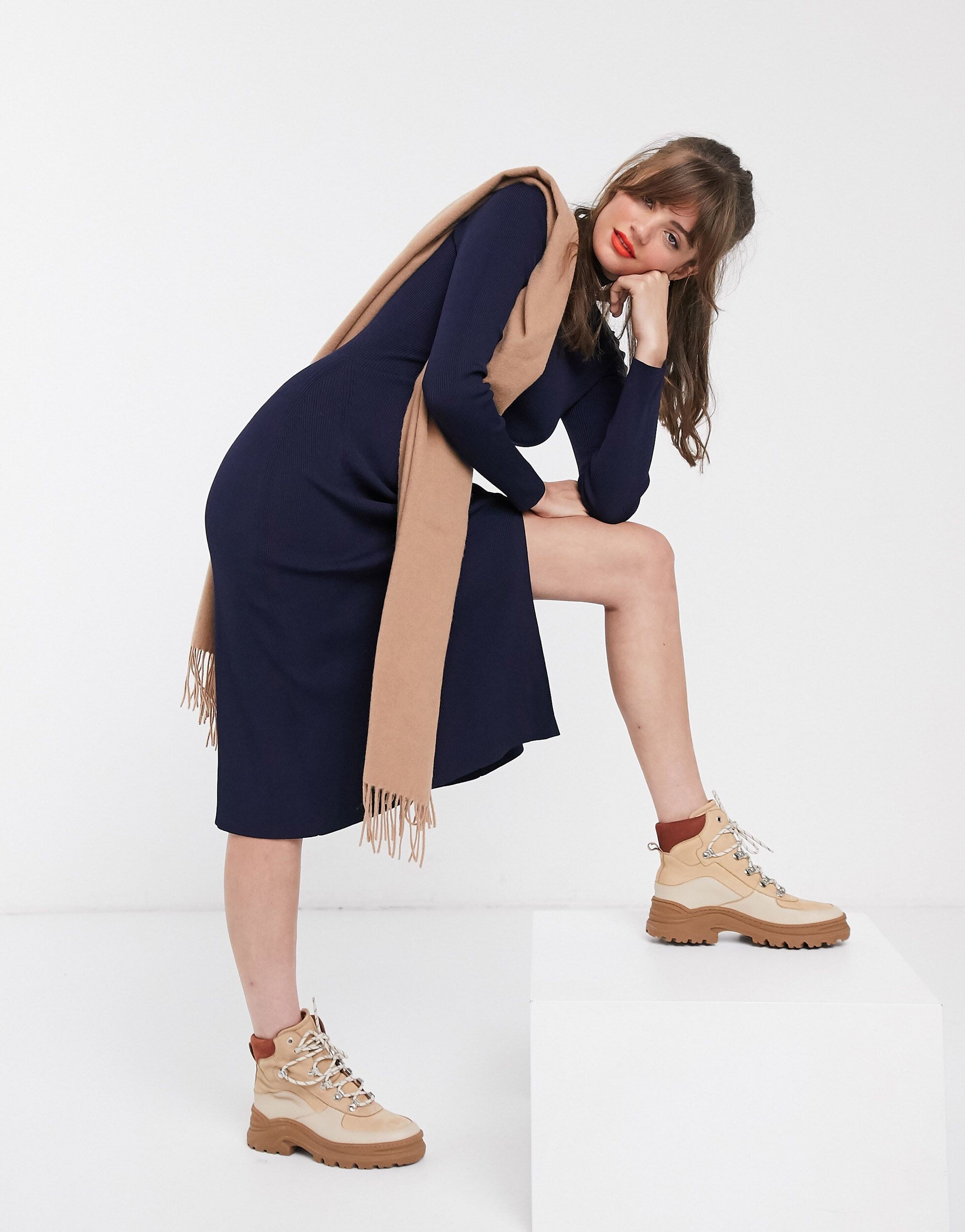
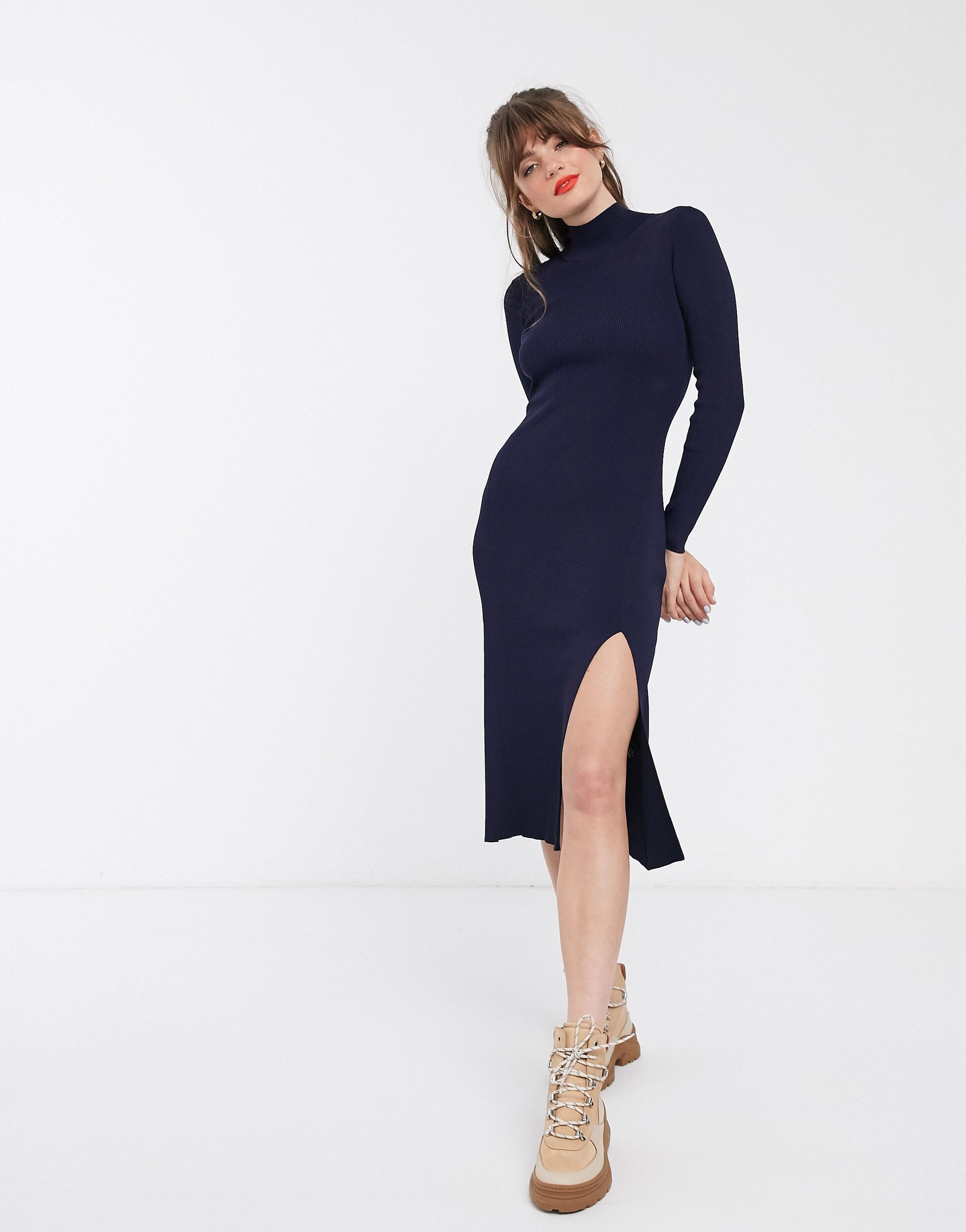
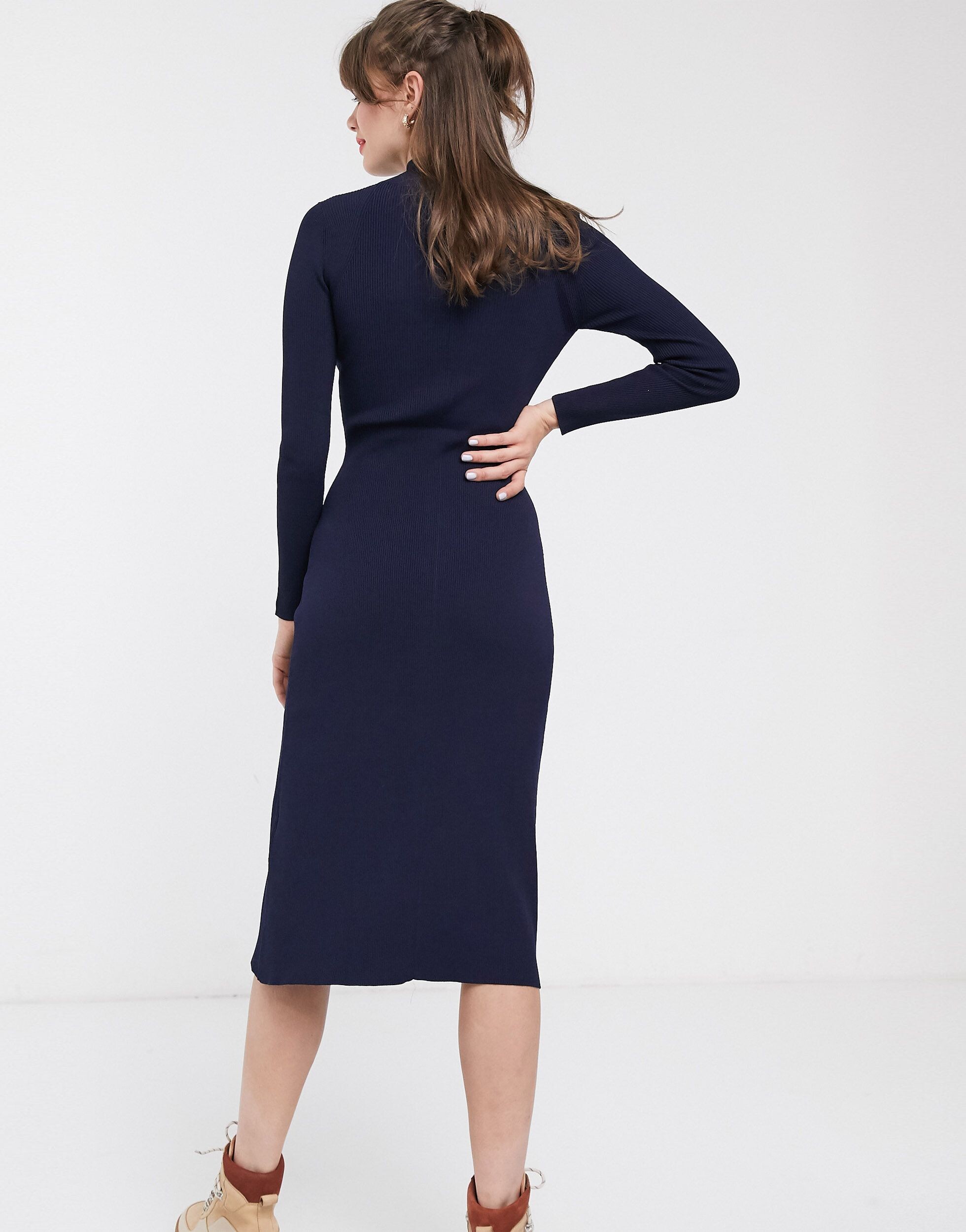
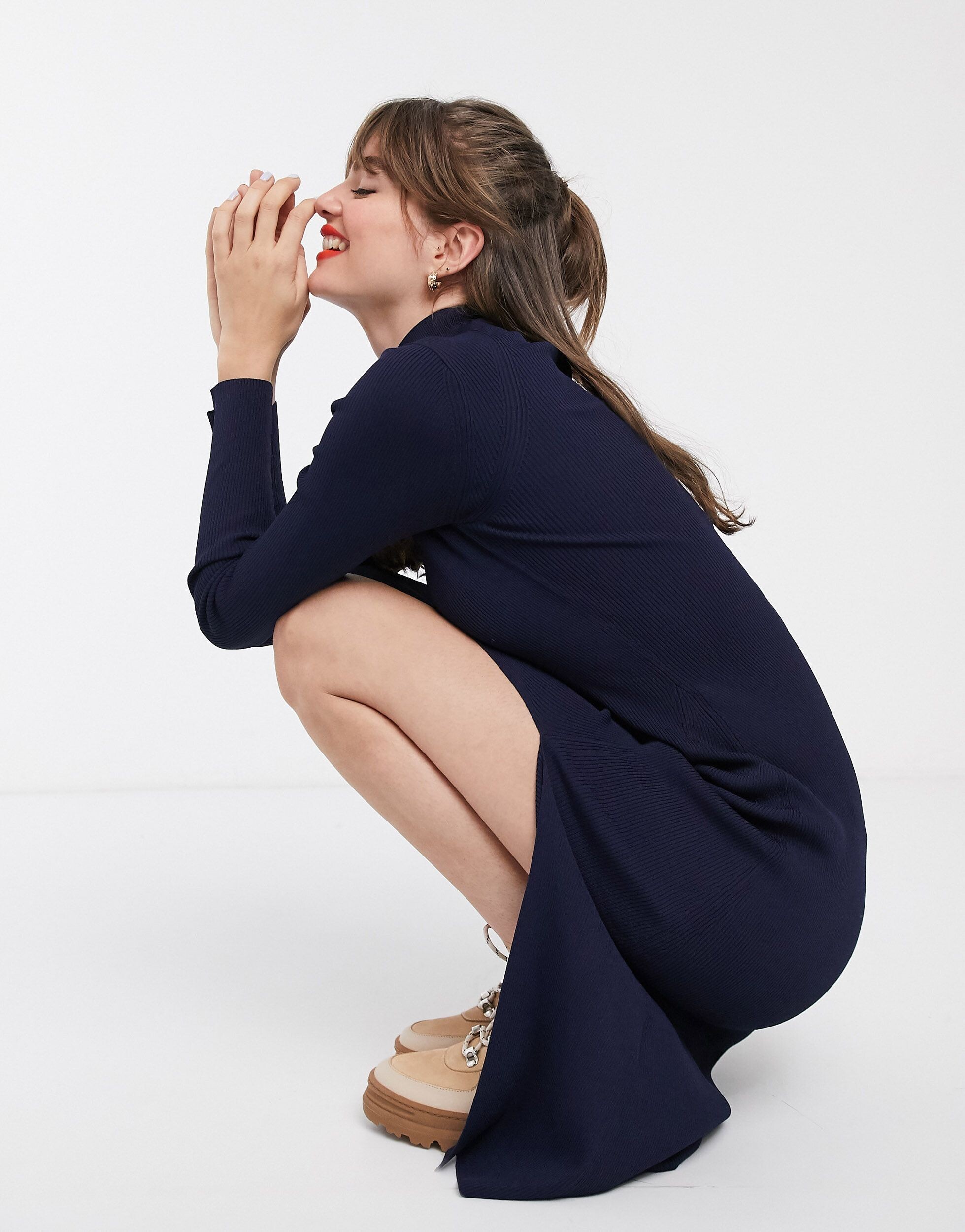
.jpg.c3e77a8ab0eddf6568f38b5b6b932ee7.jpg)
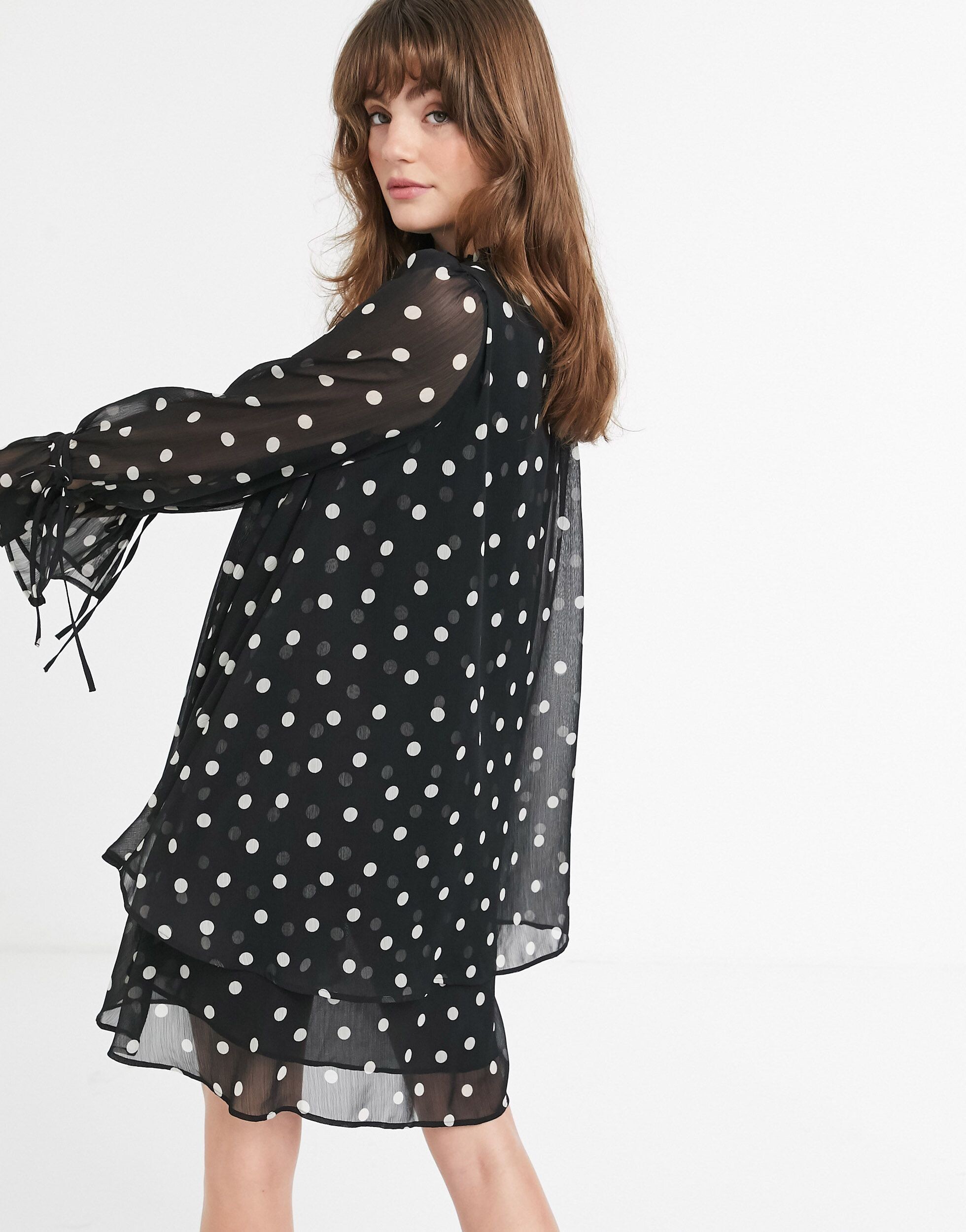
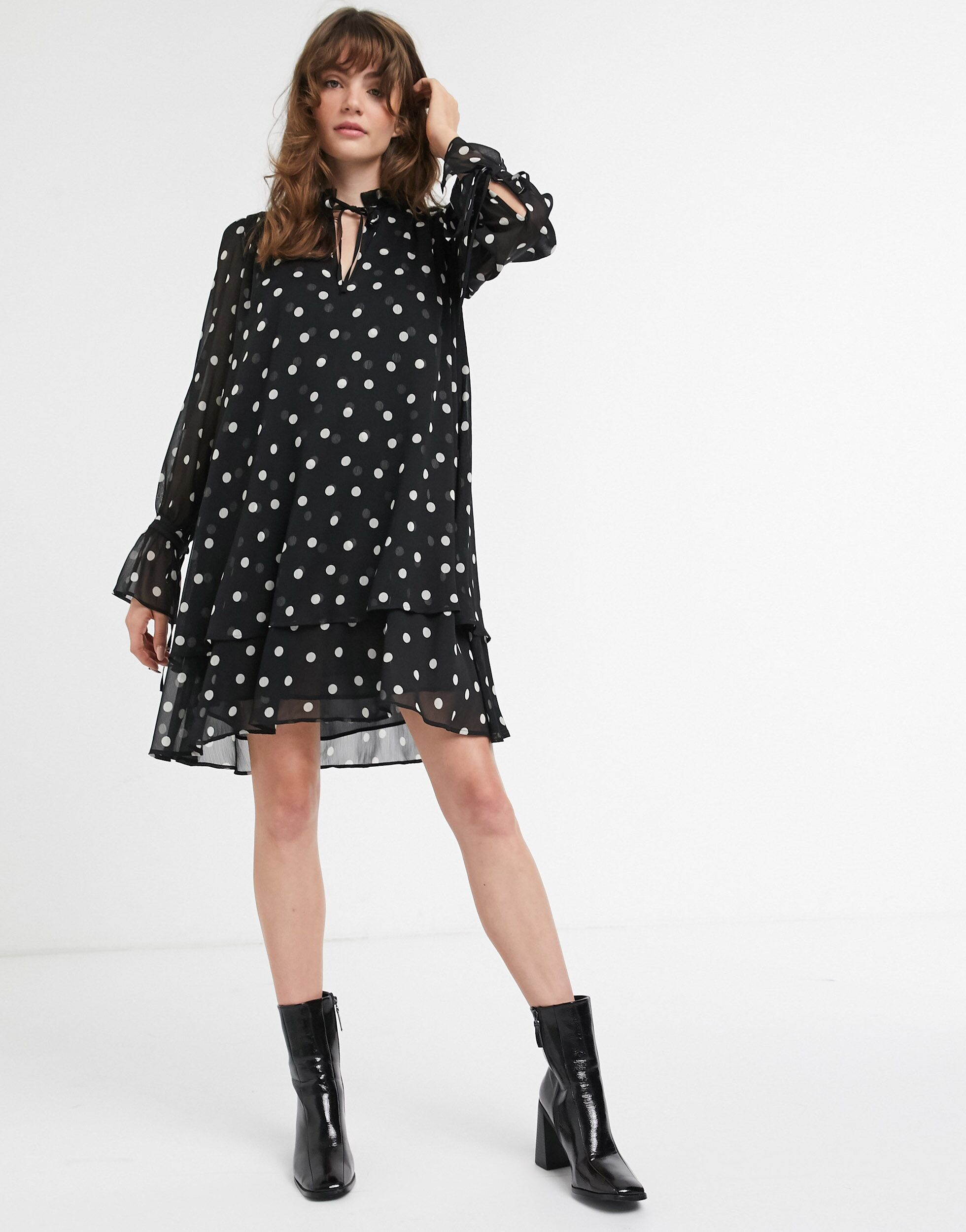
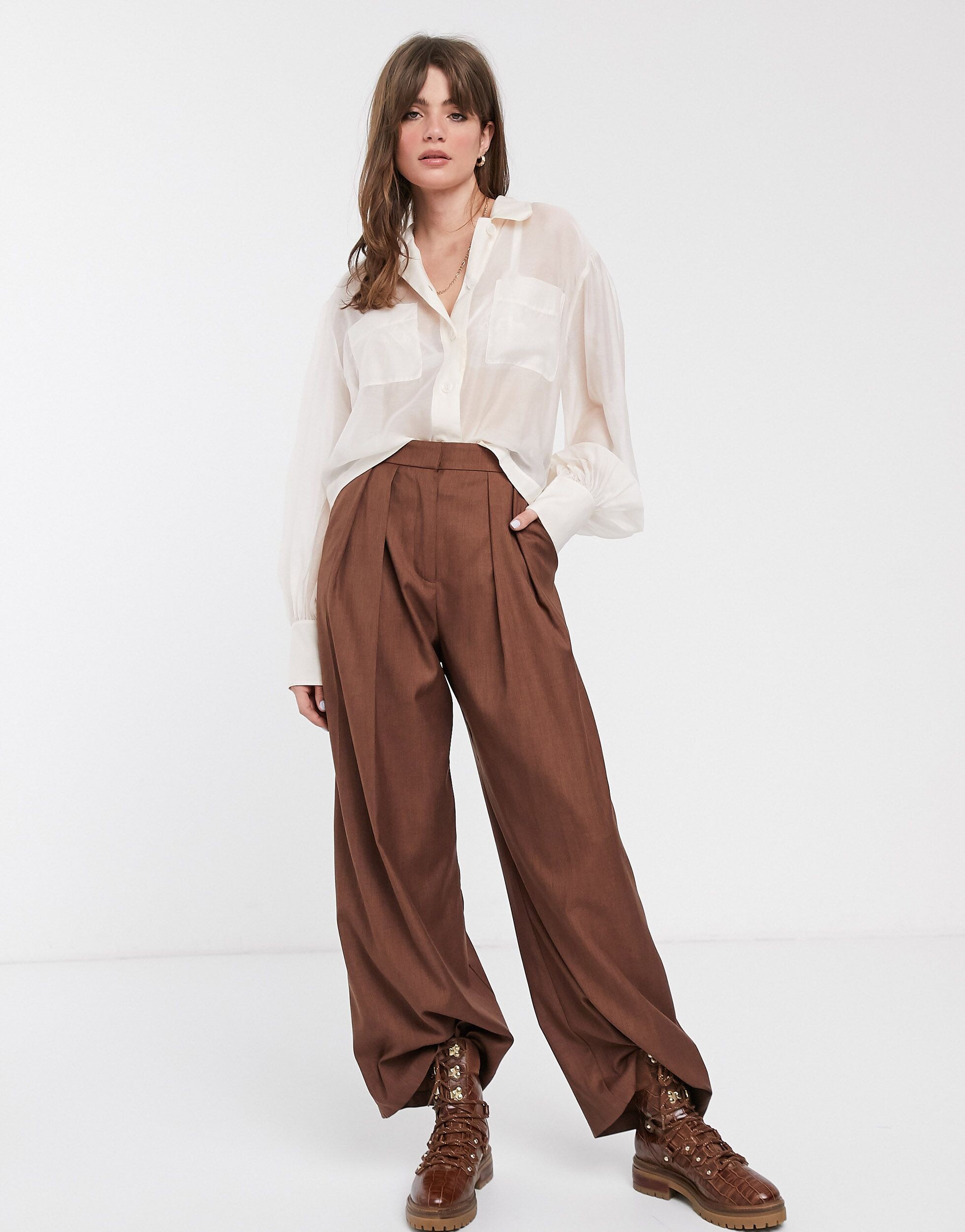
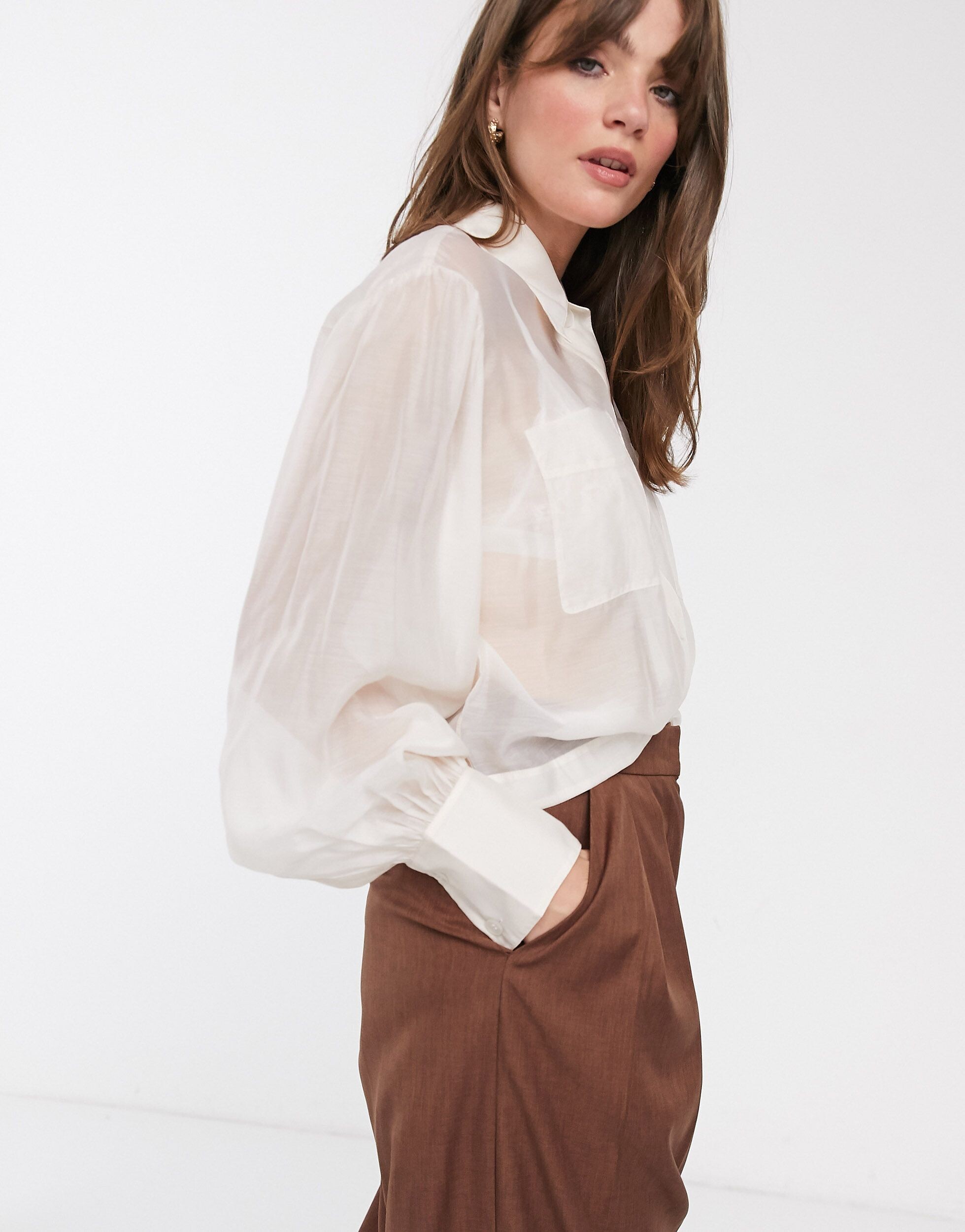
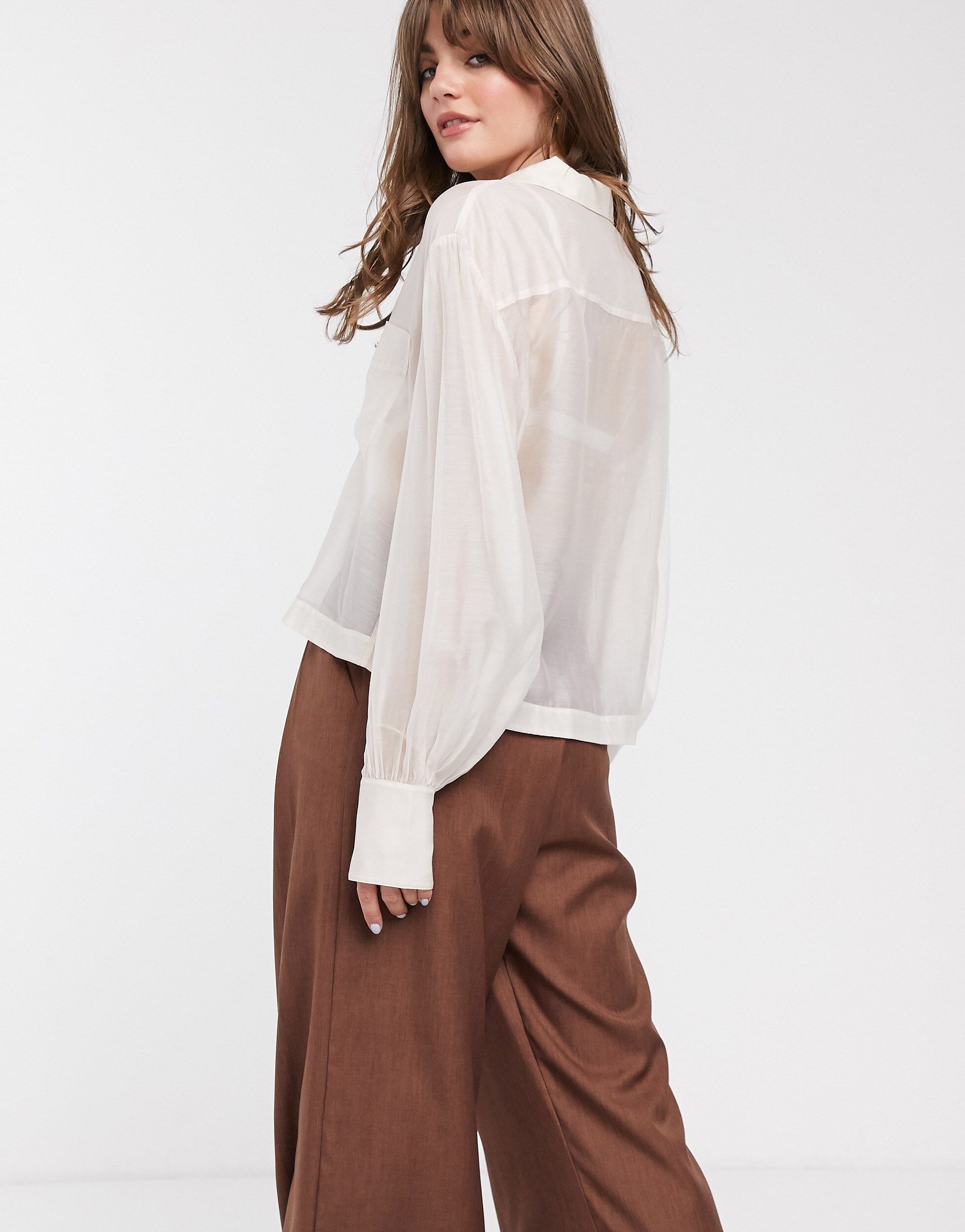
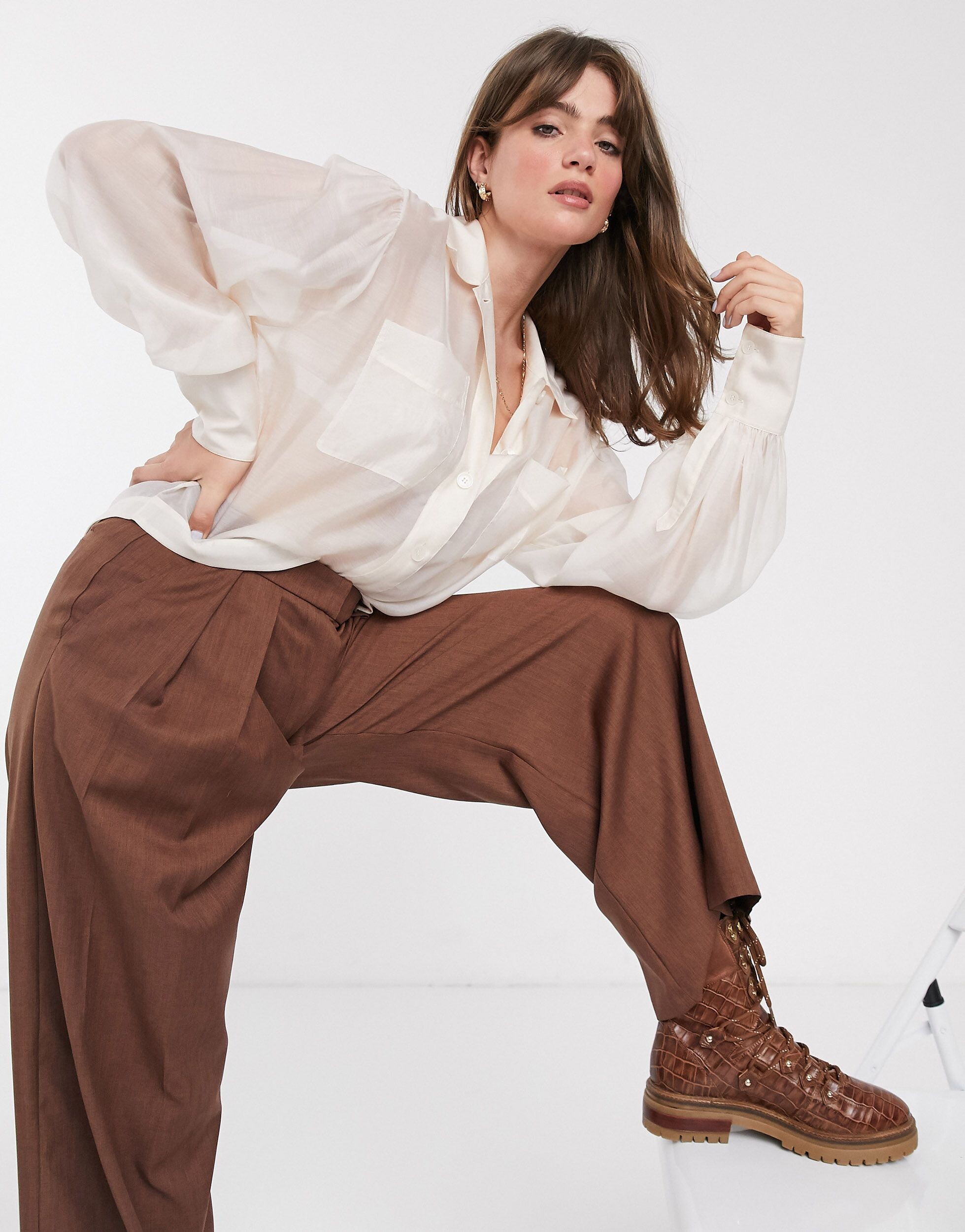
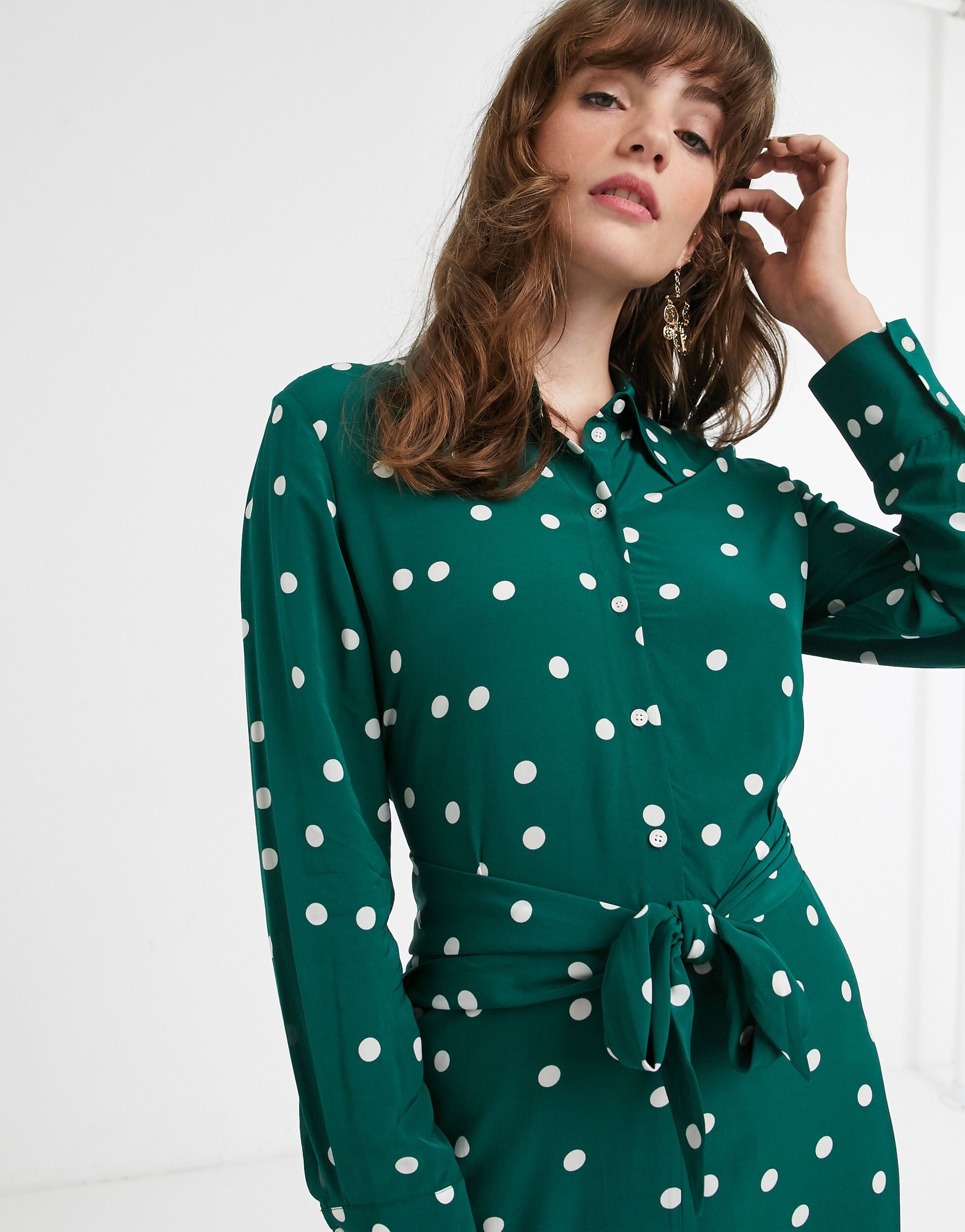
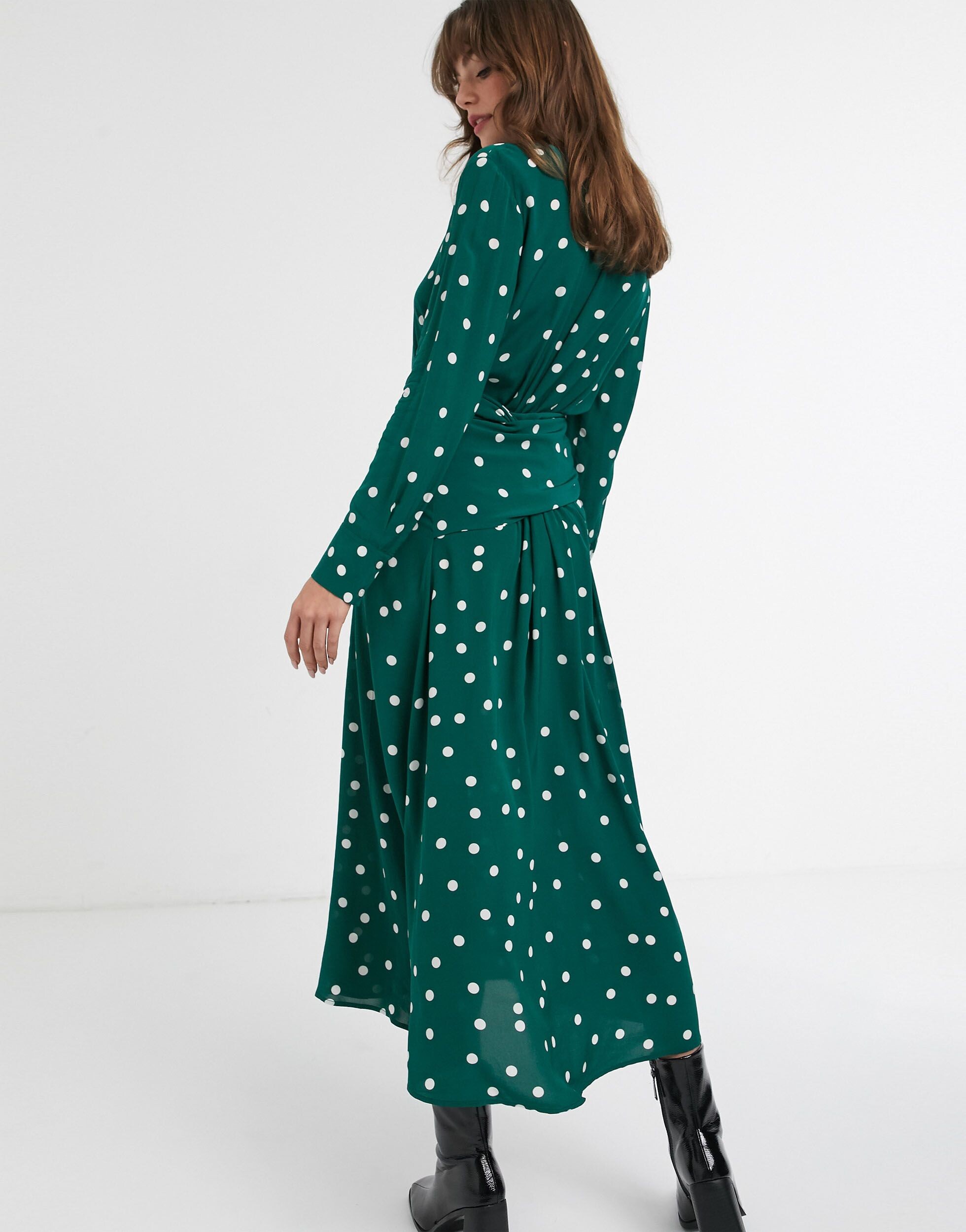
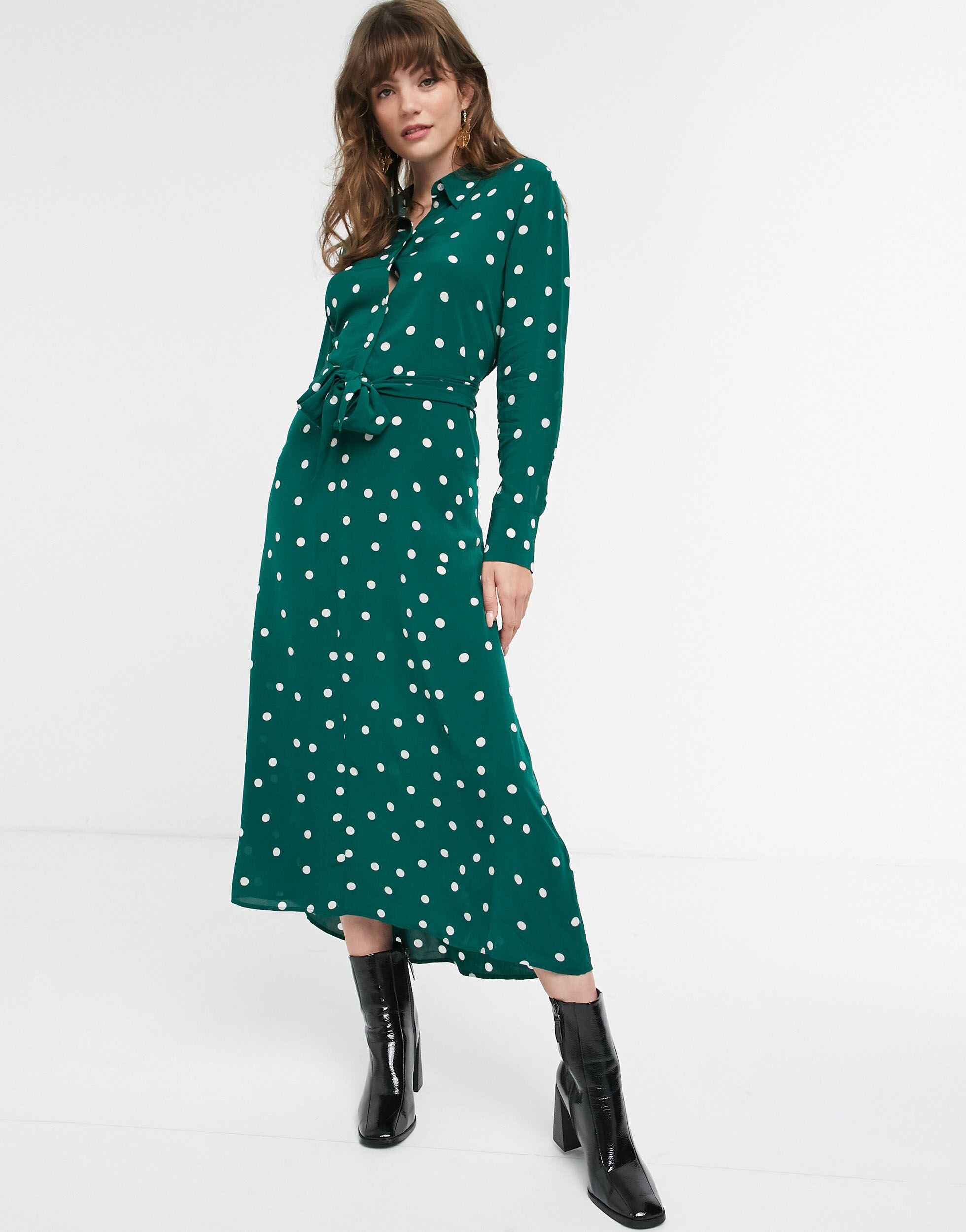

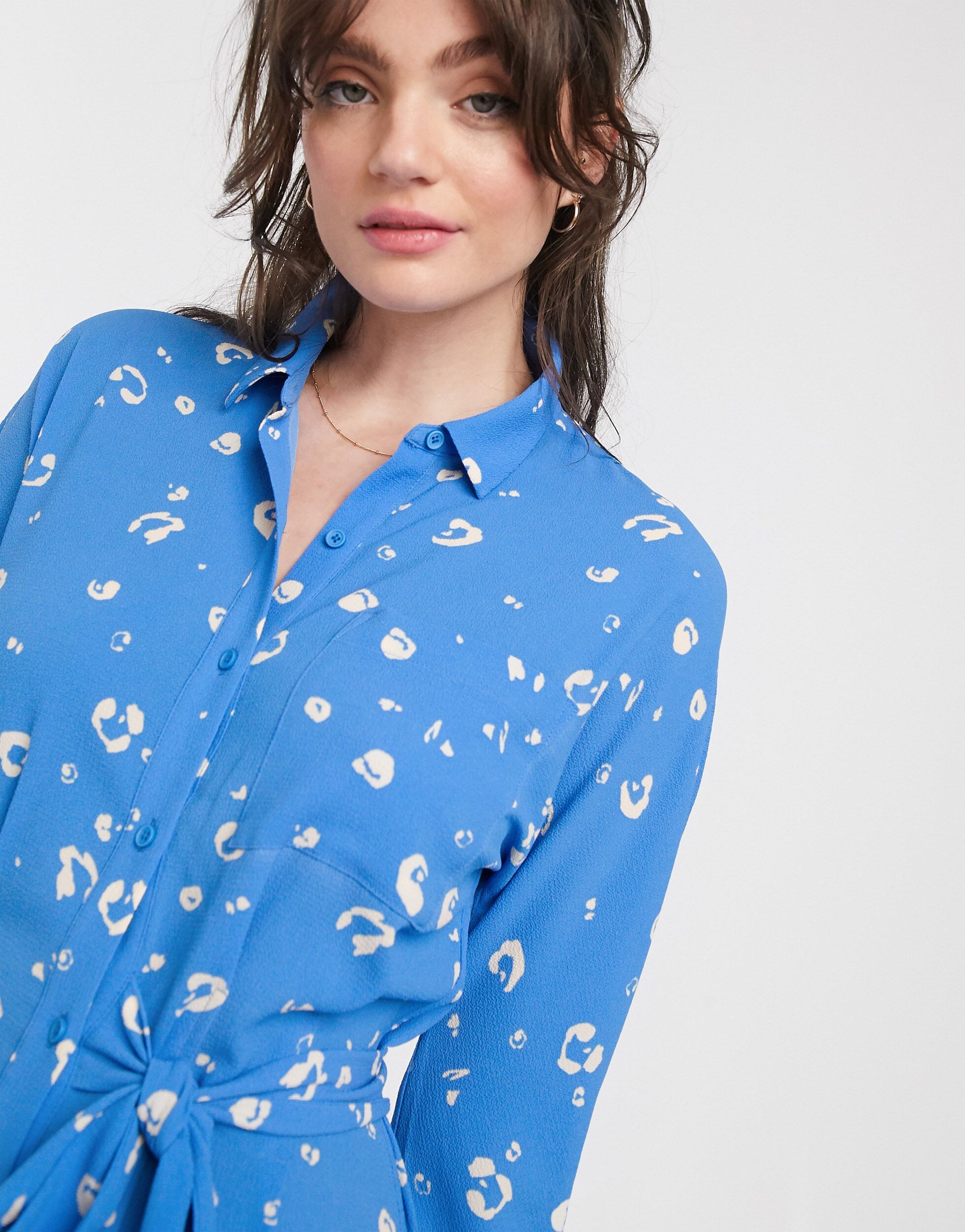
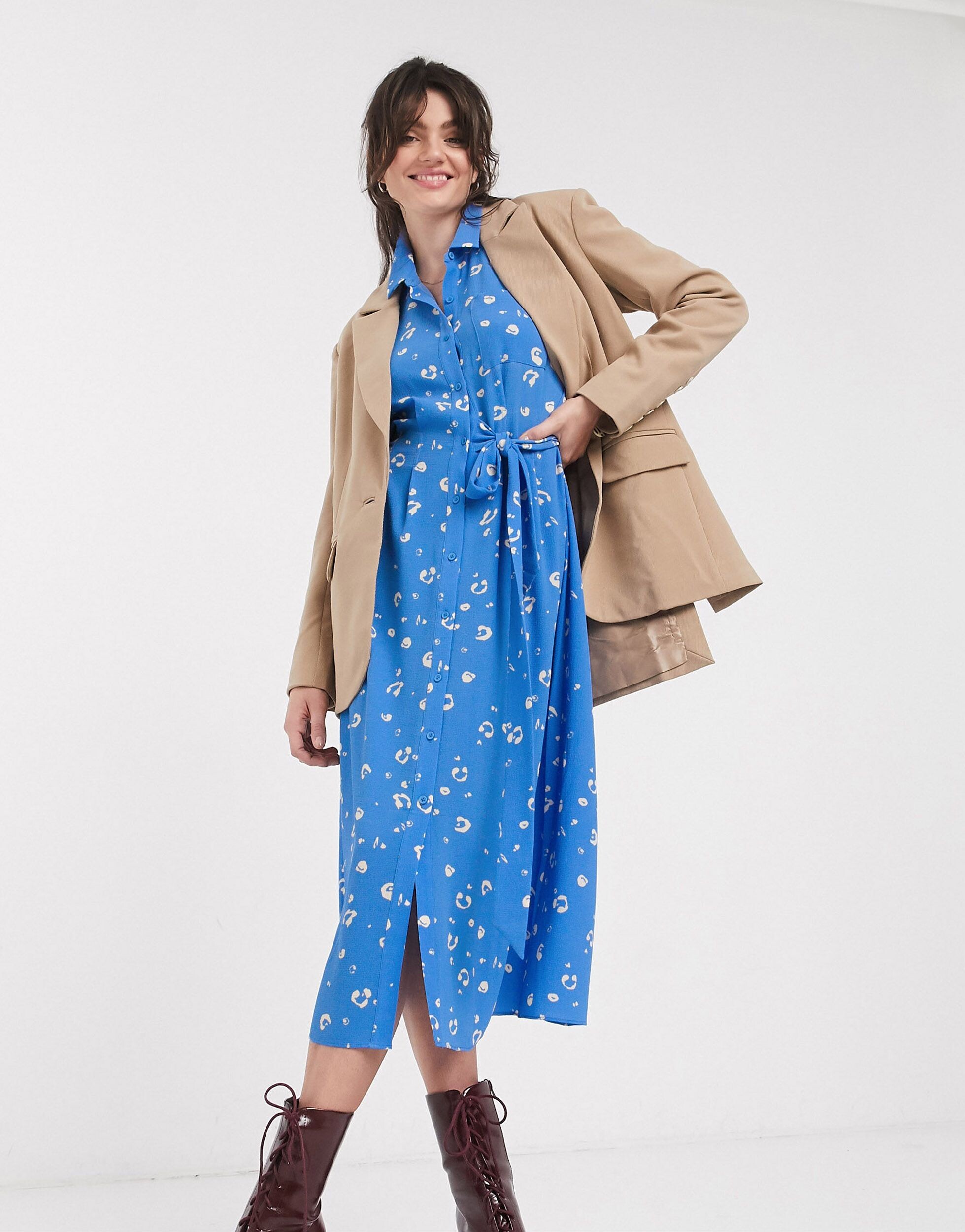
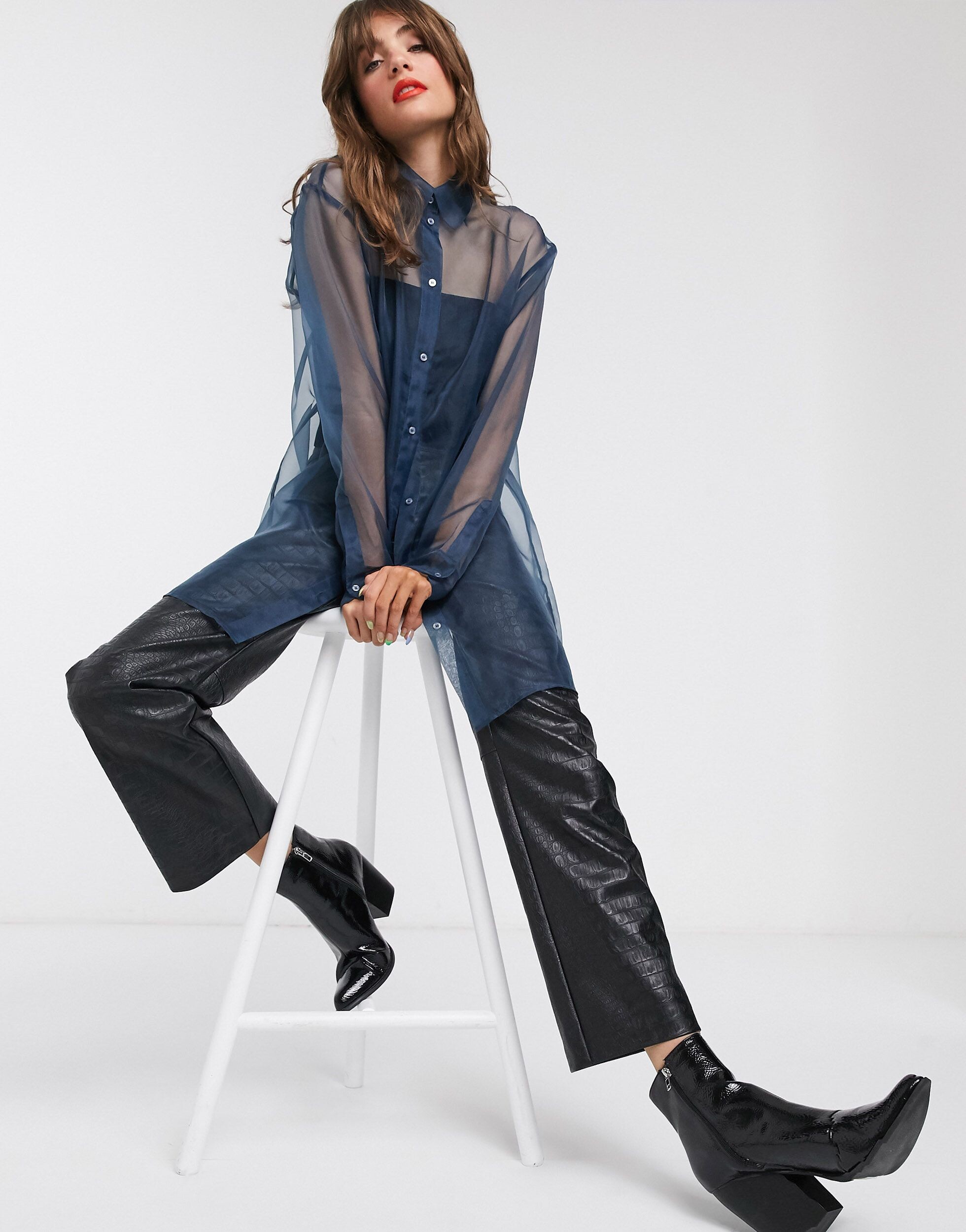

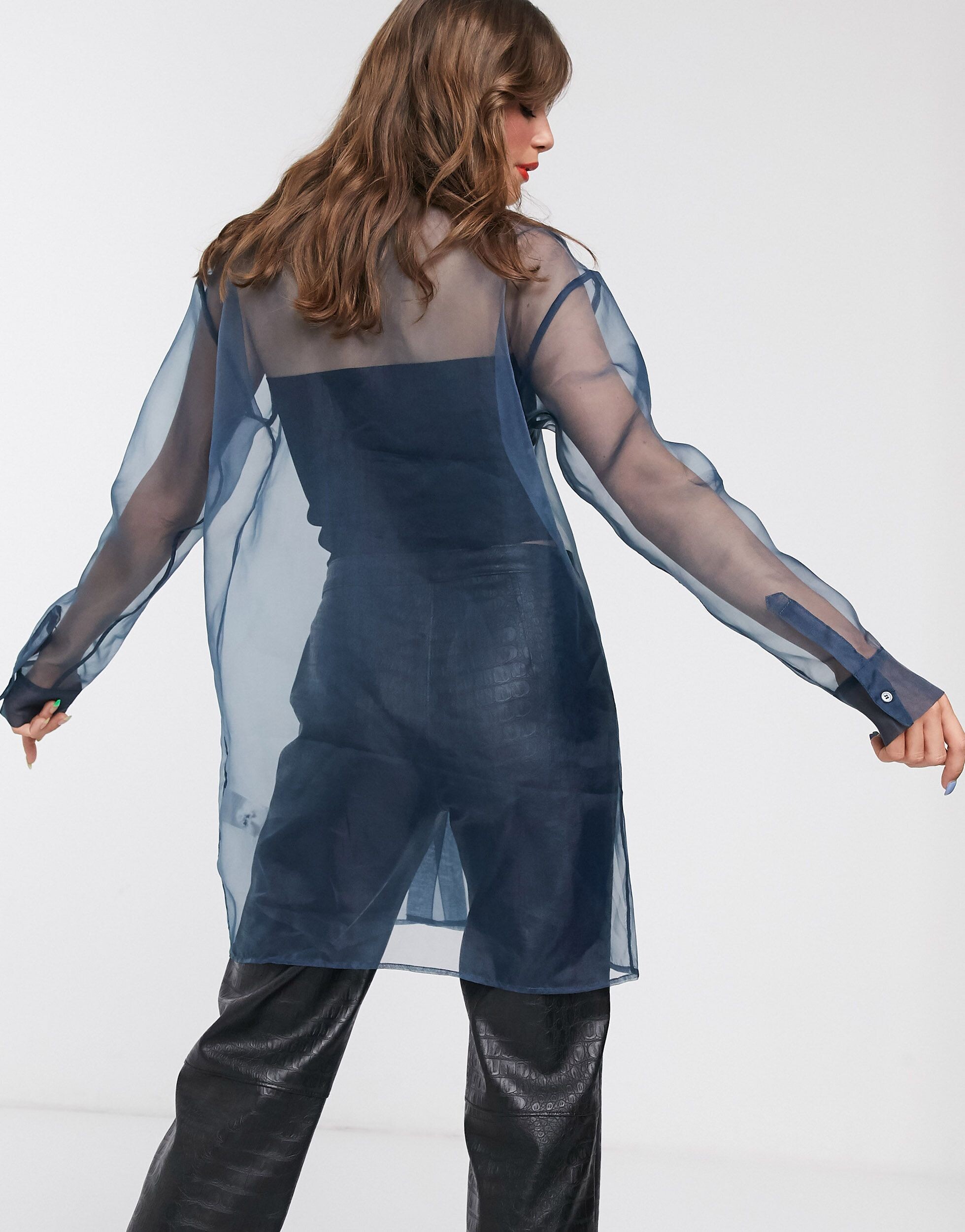
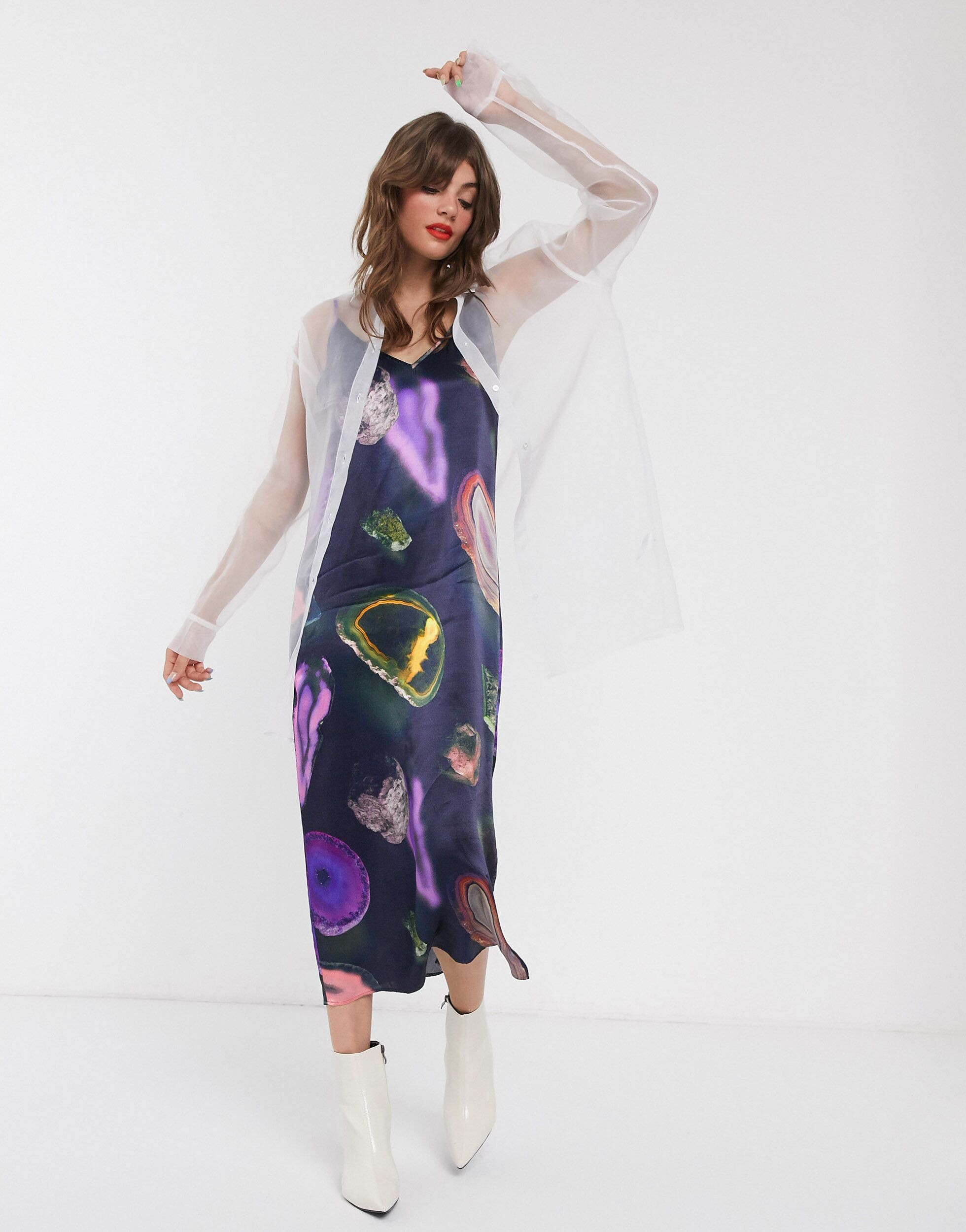
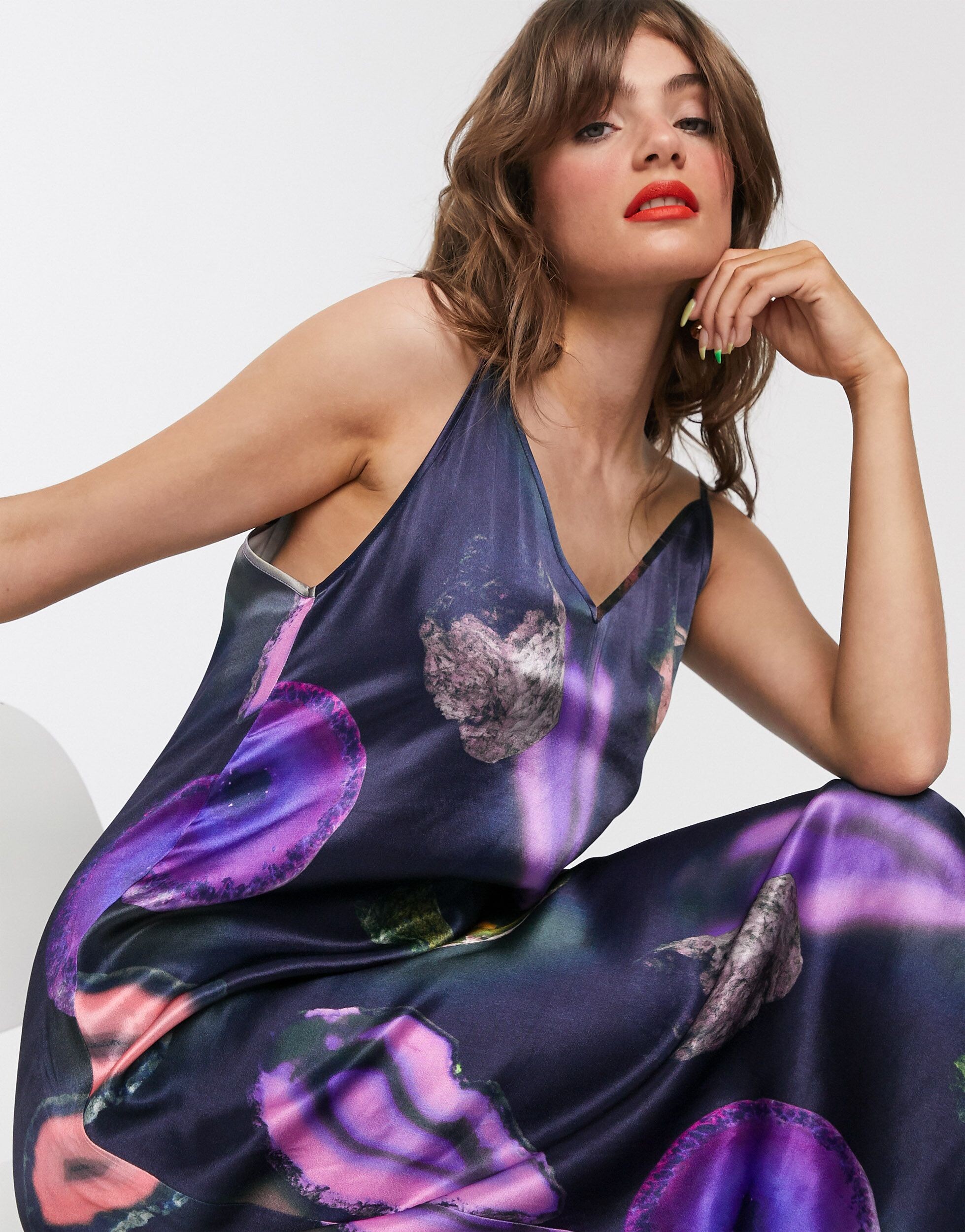
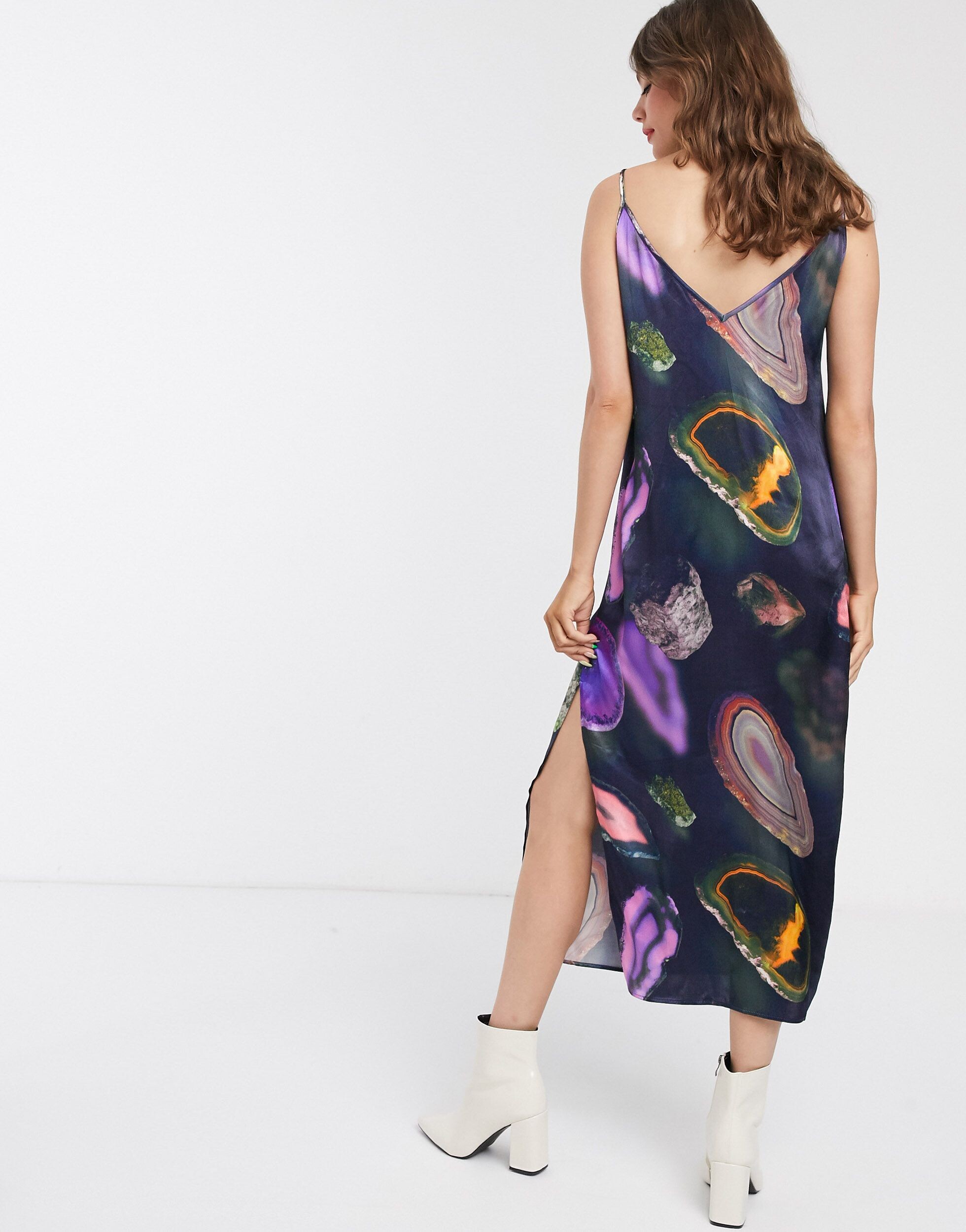
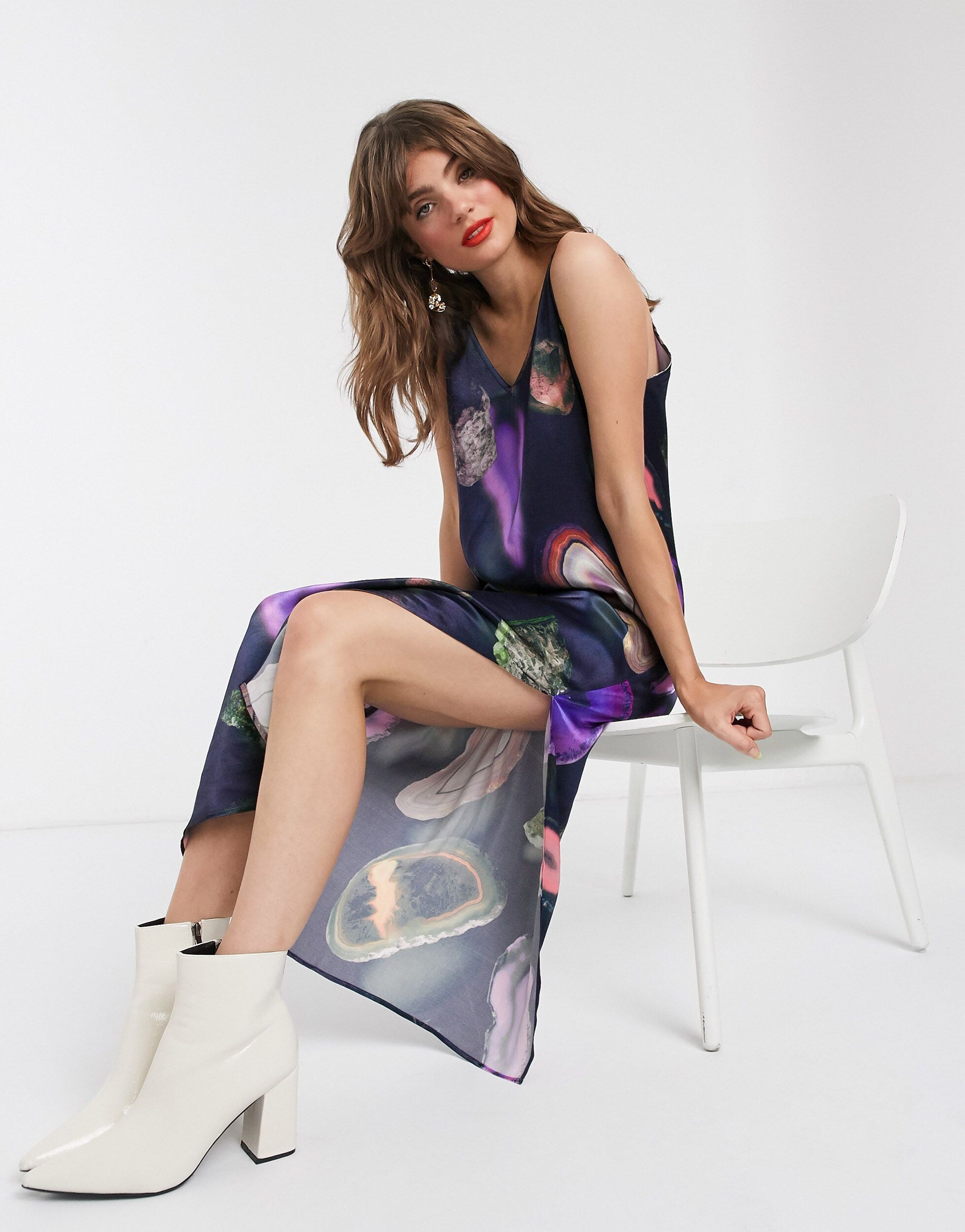
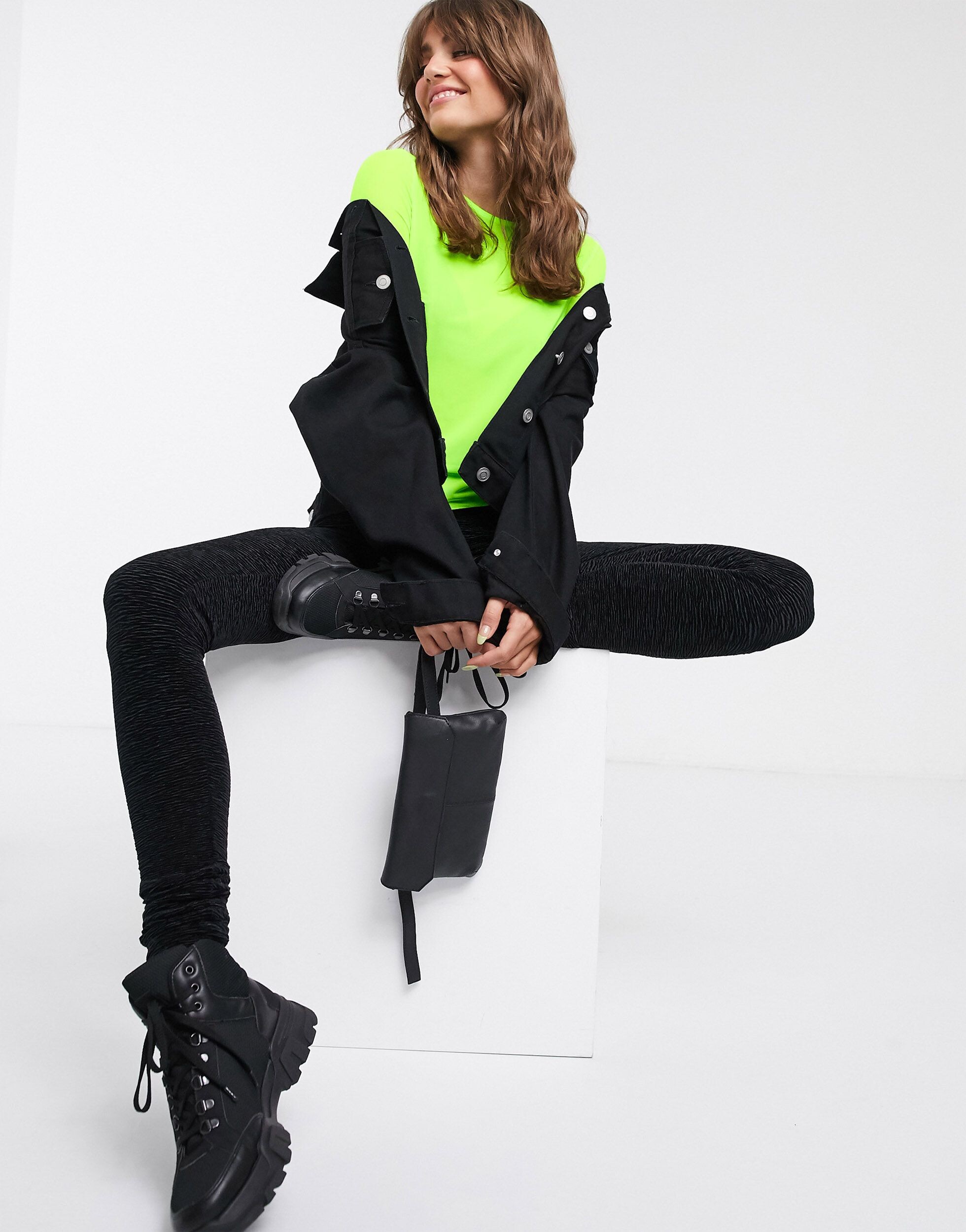
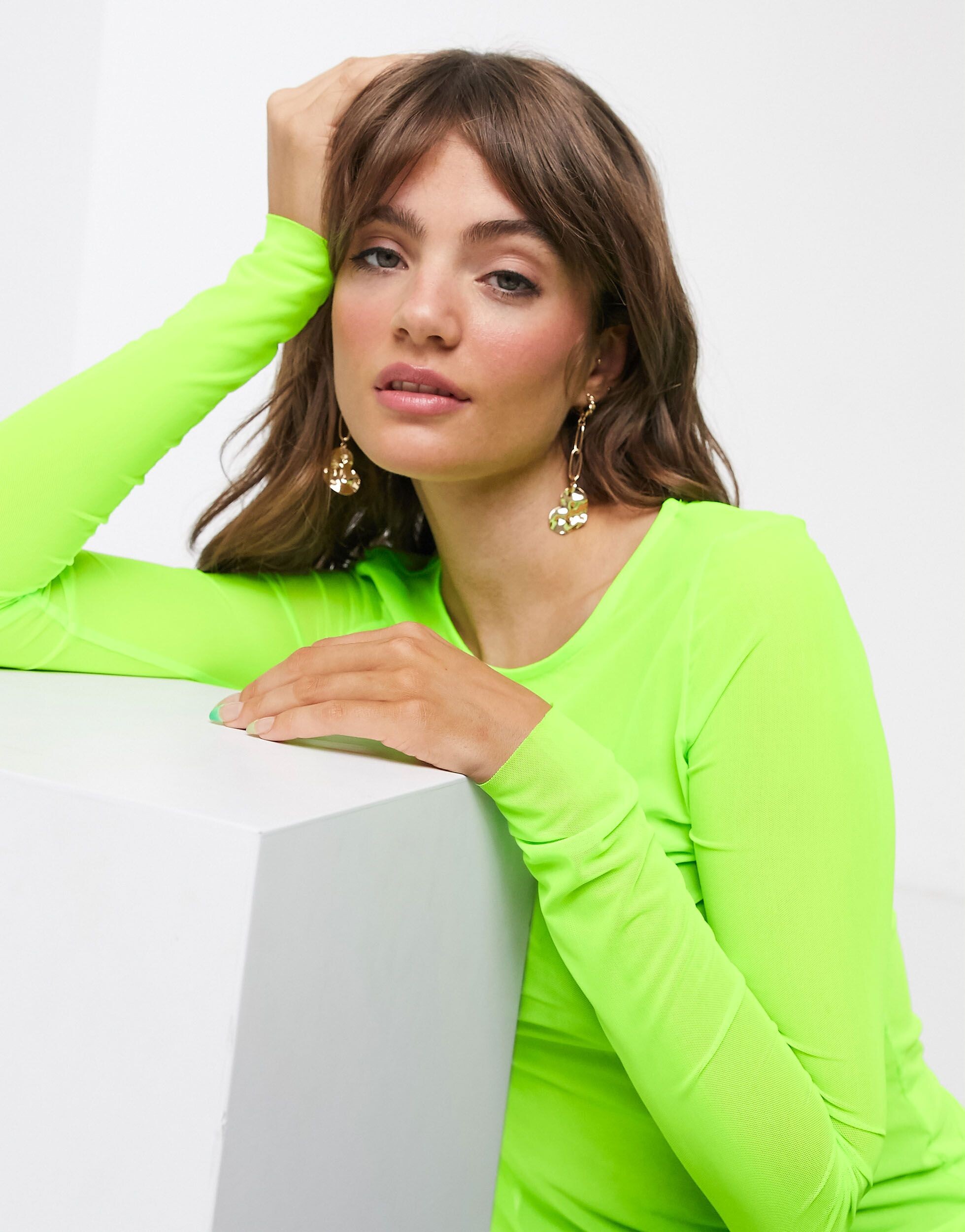
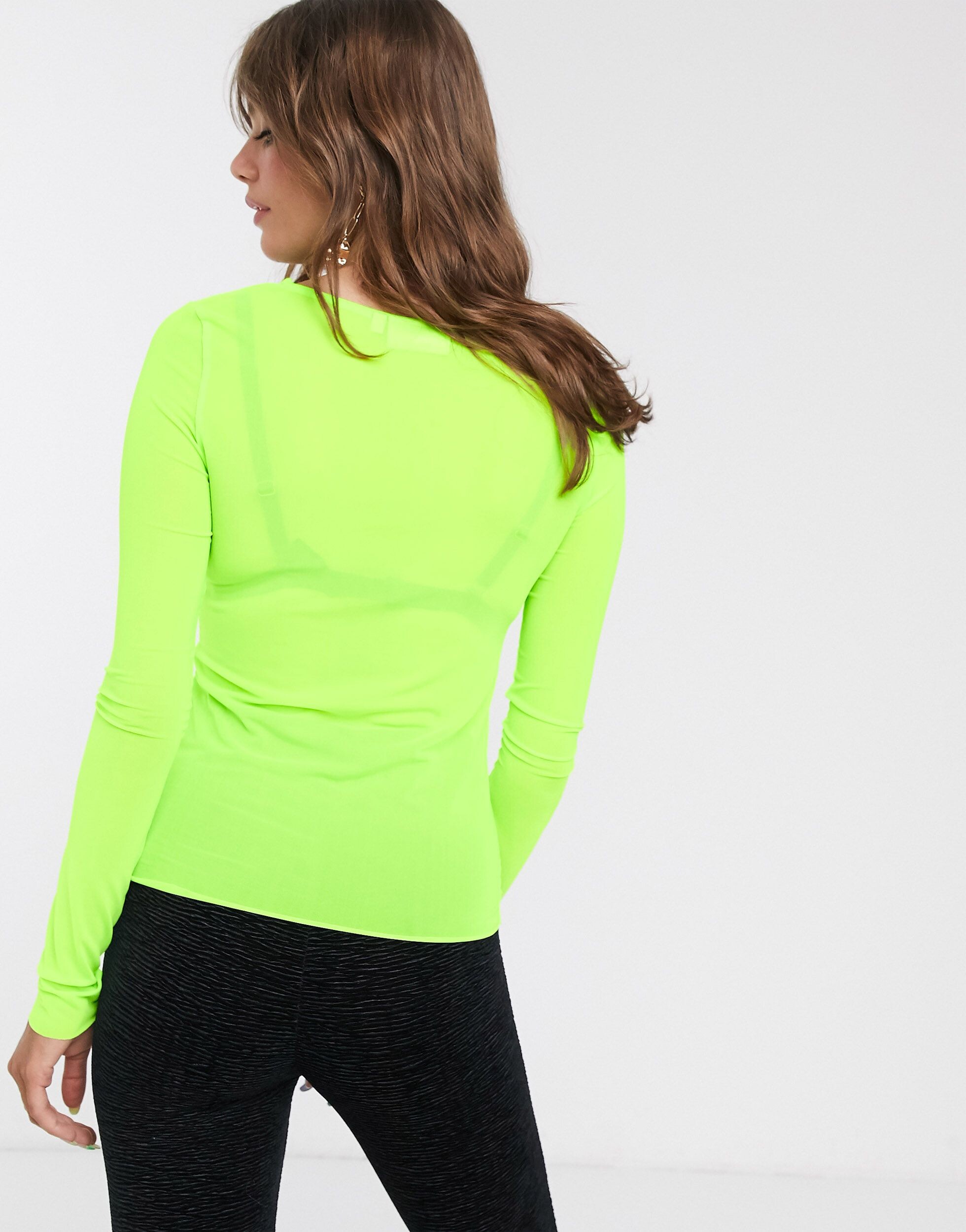
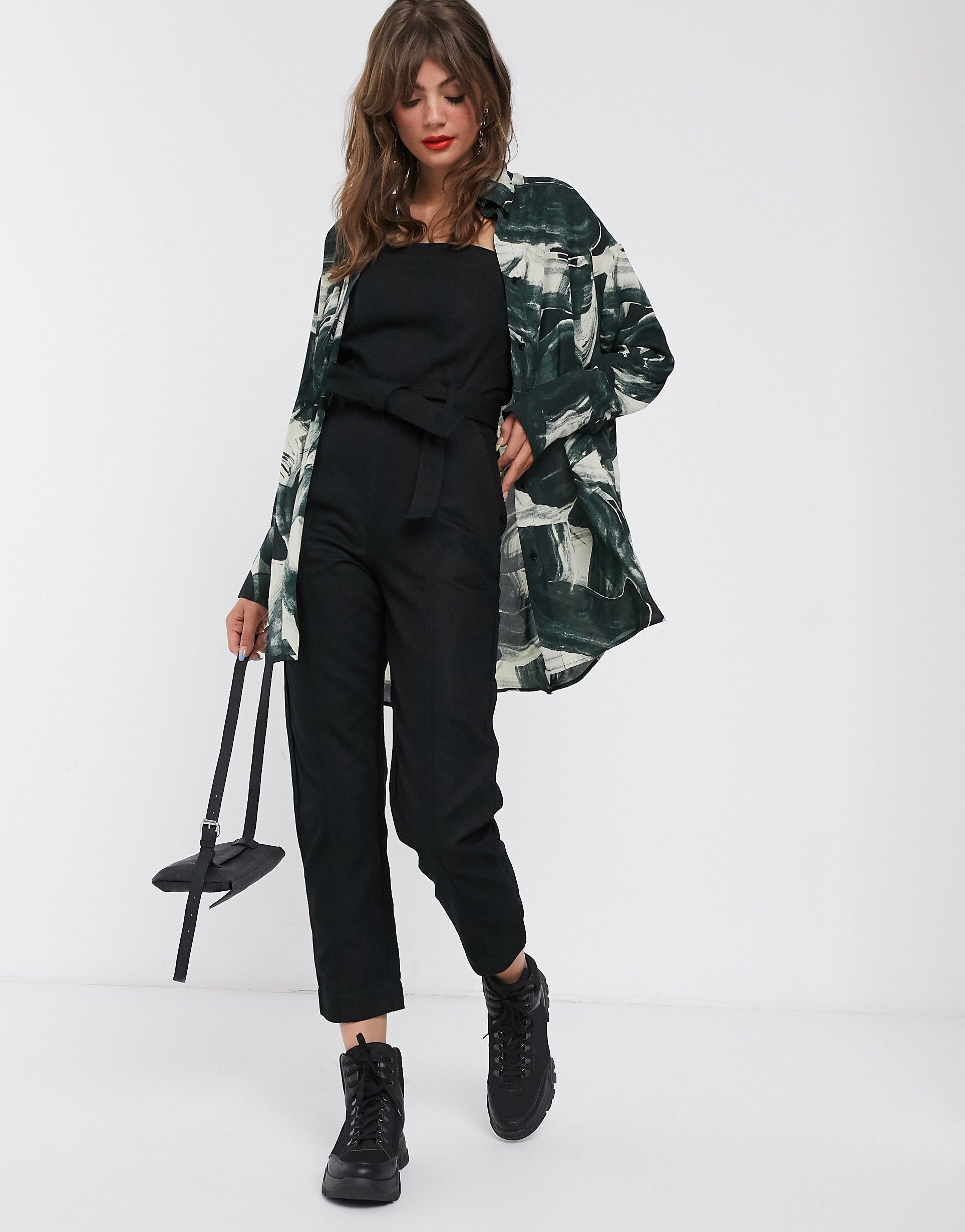
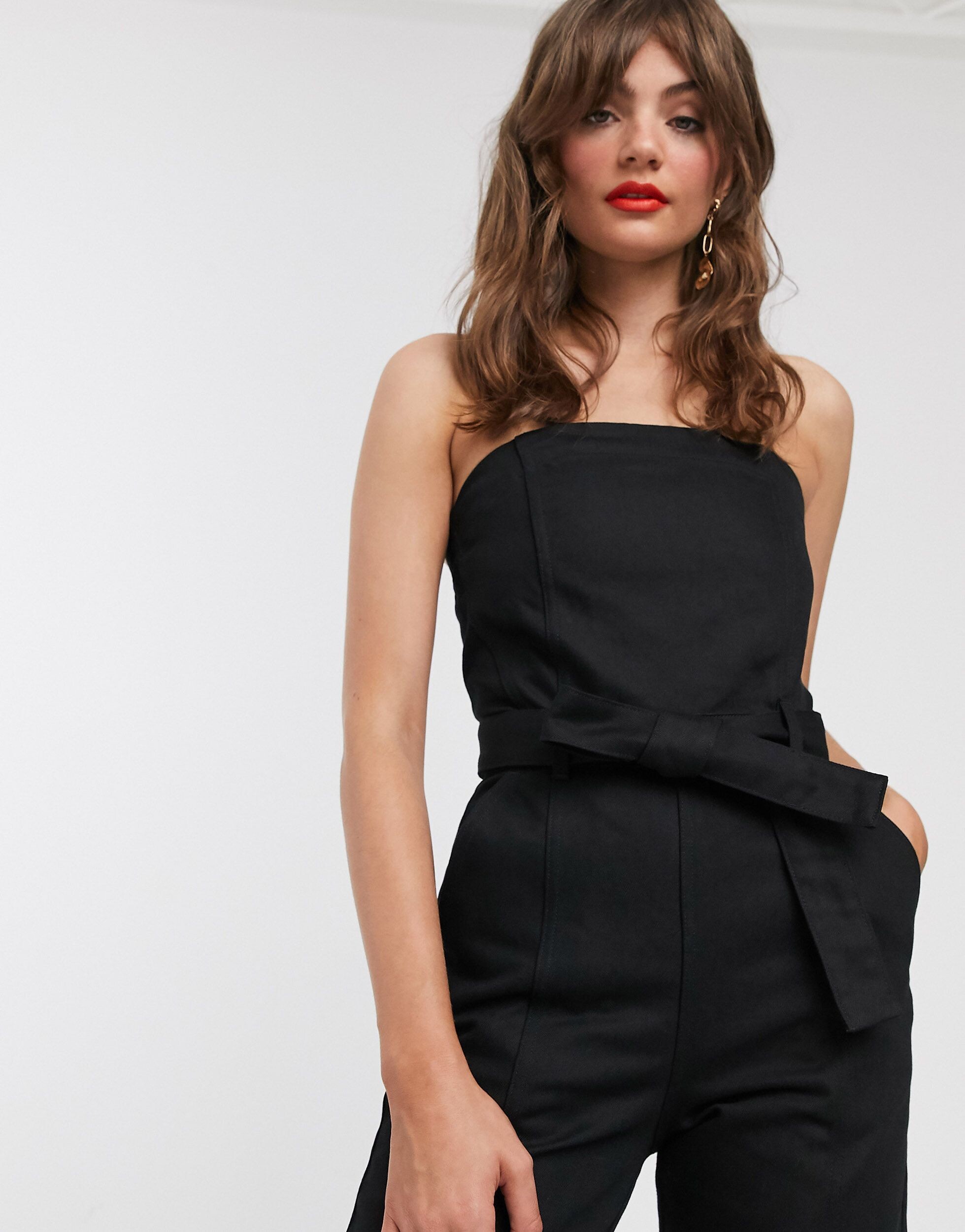
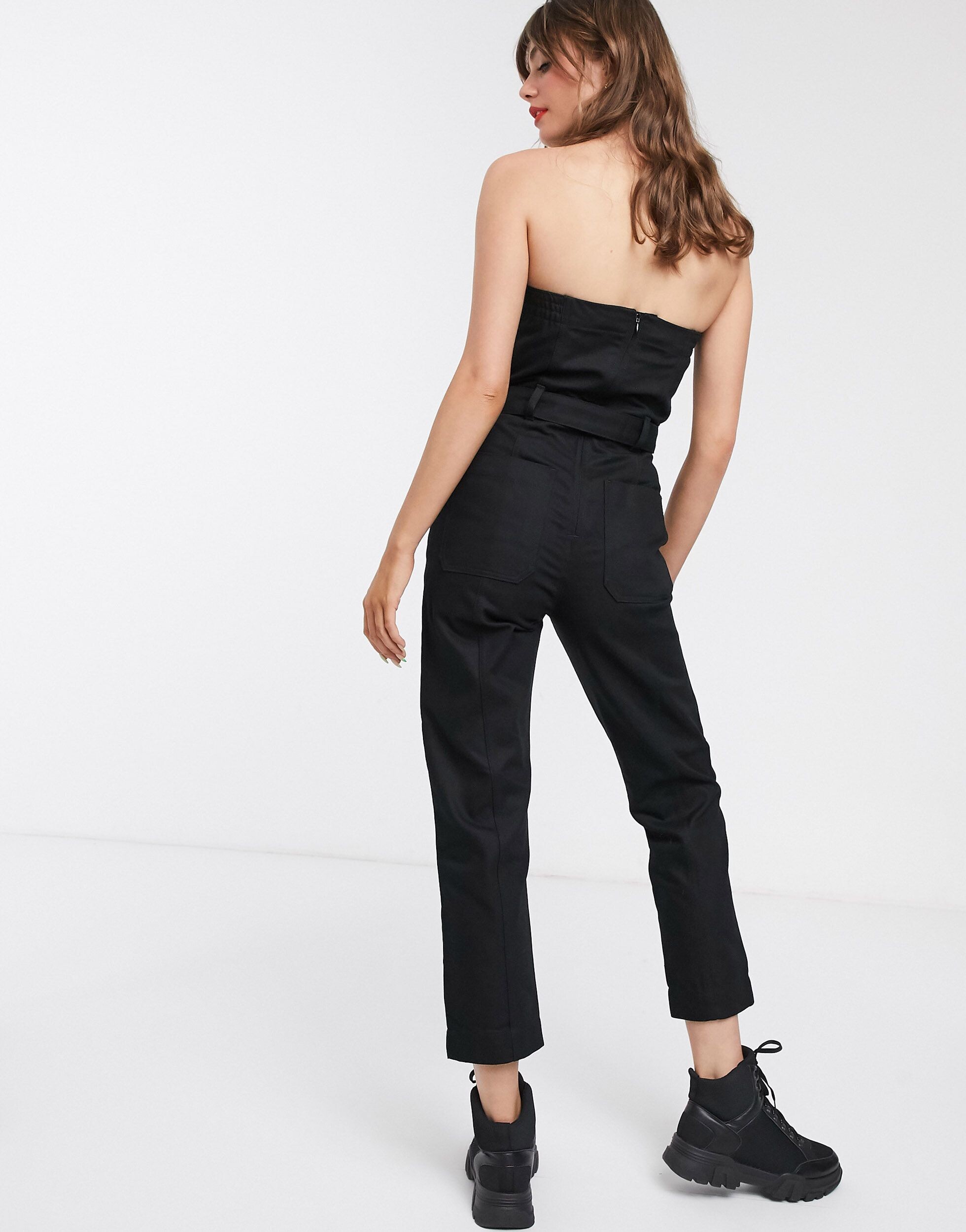
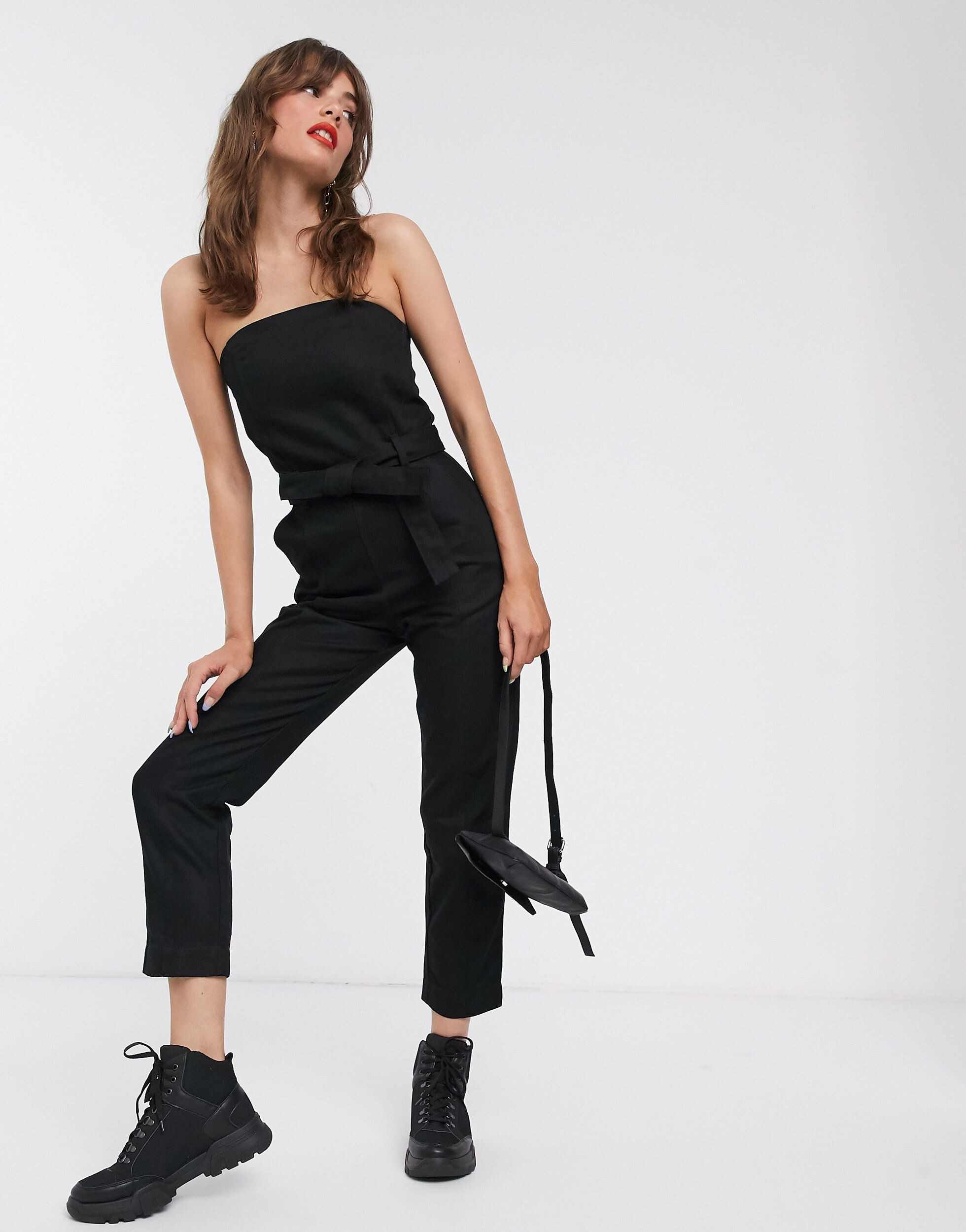
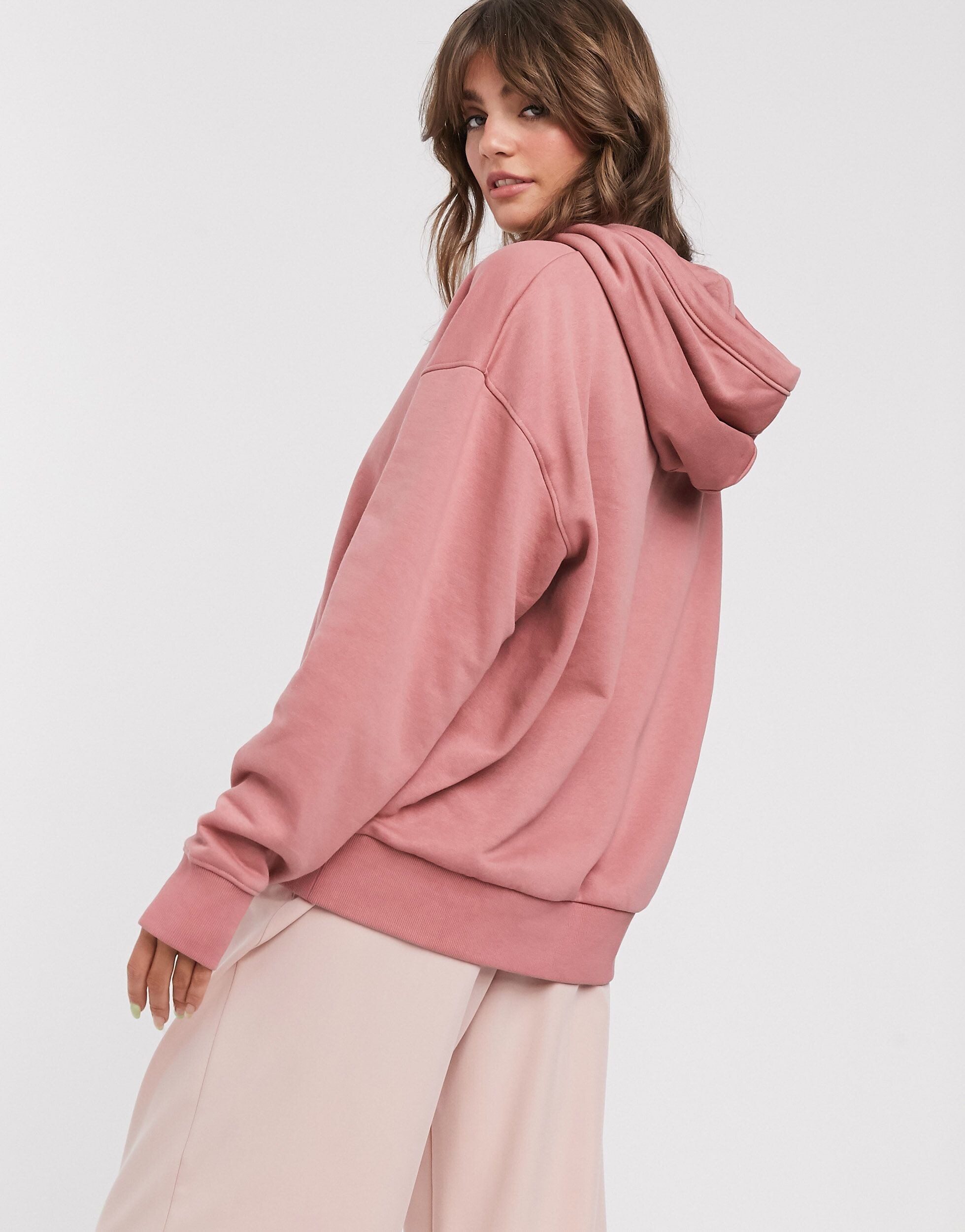
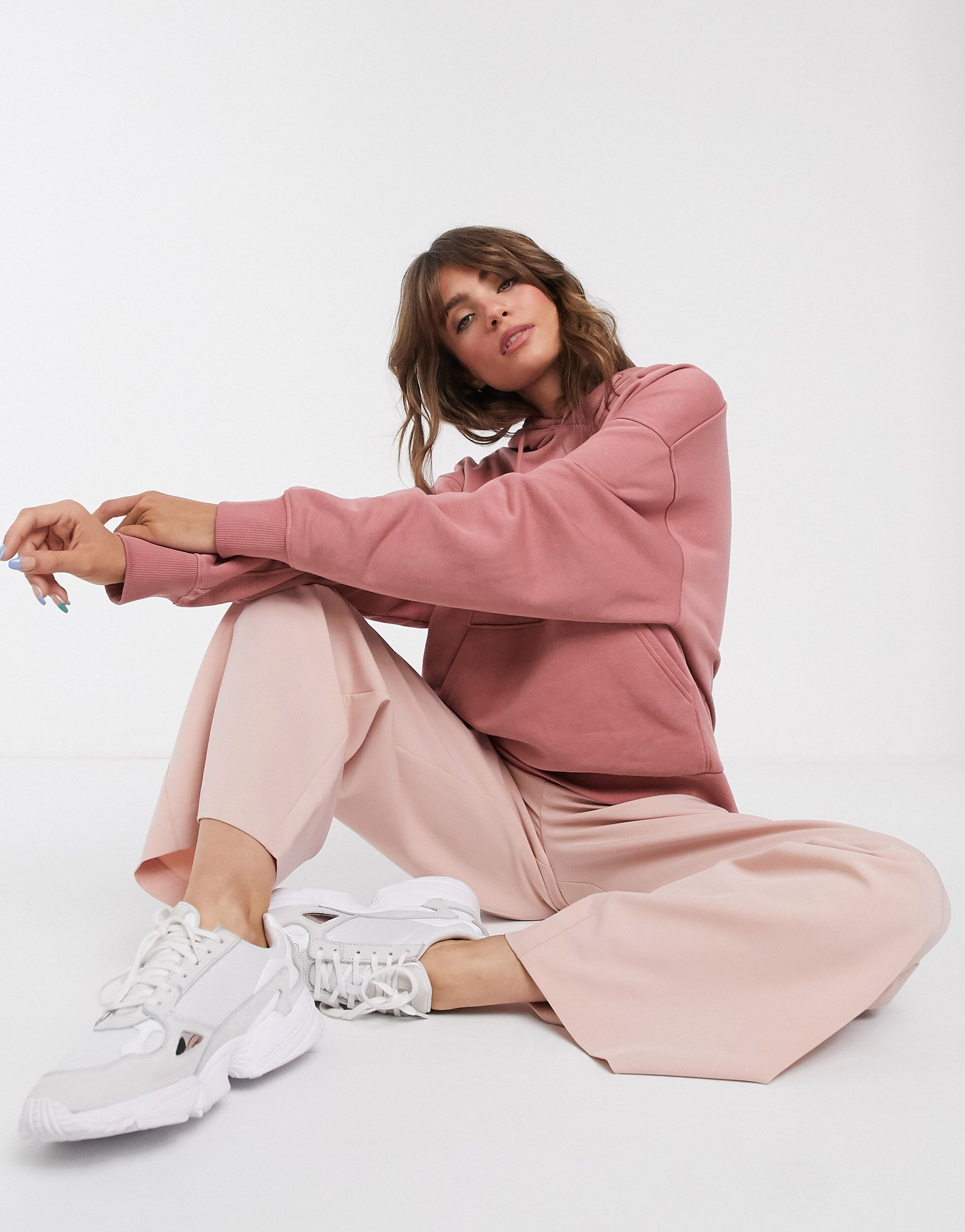
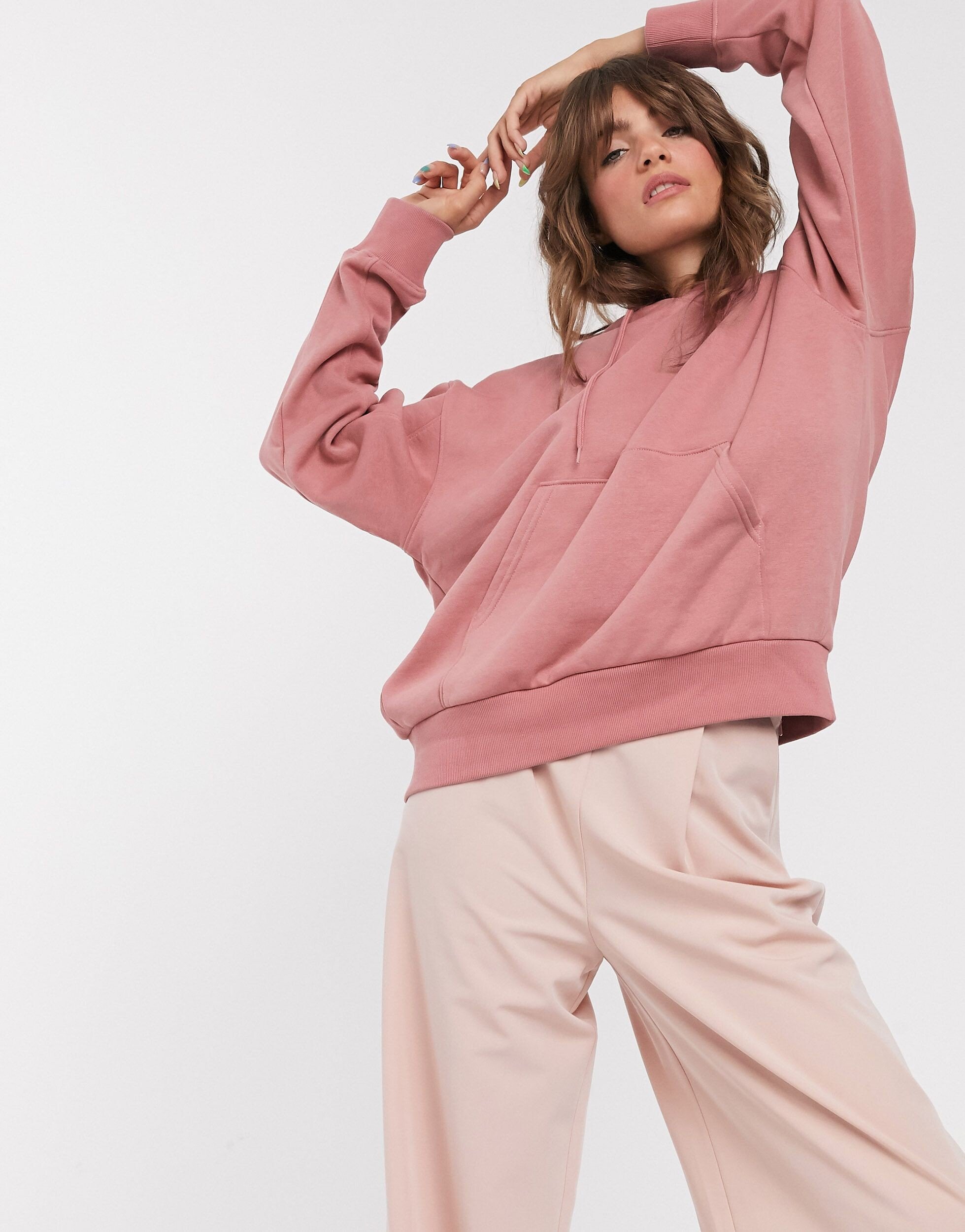
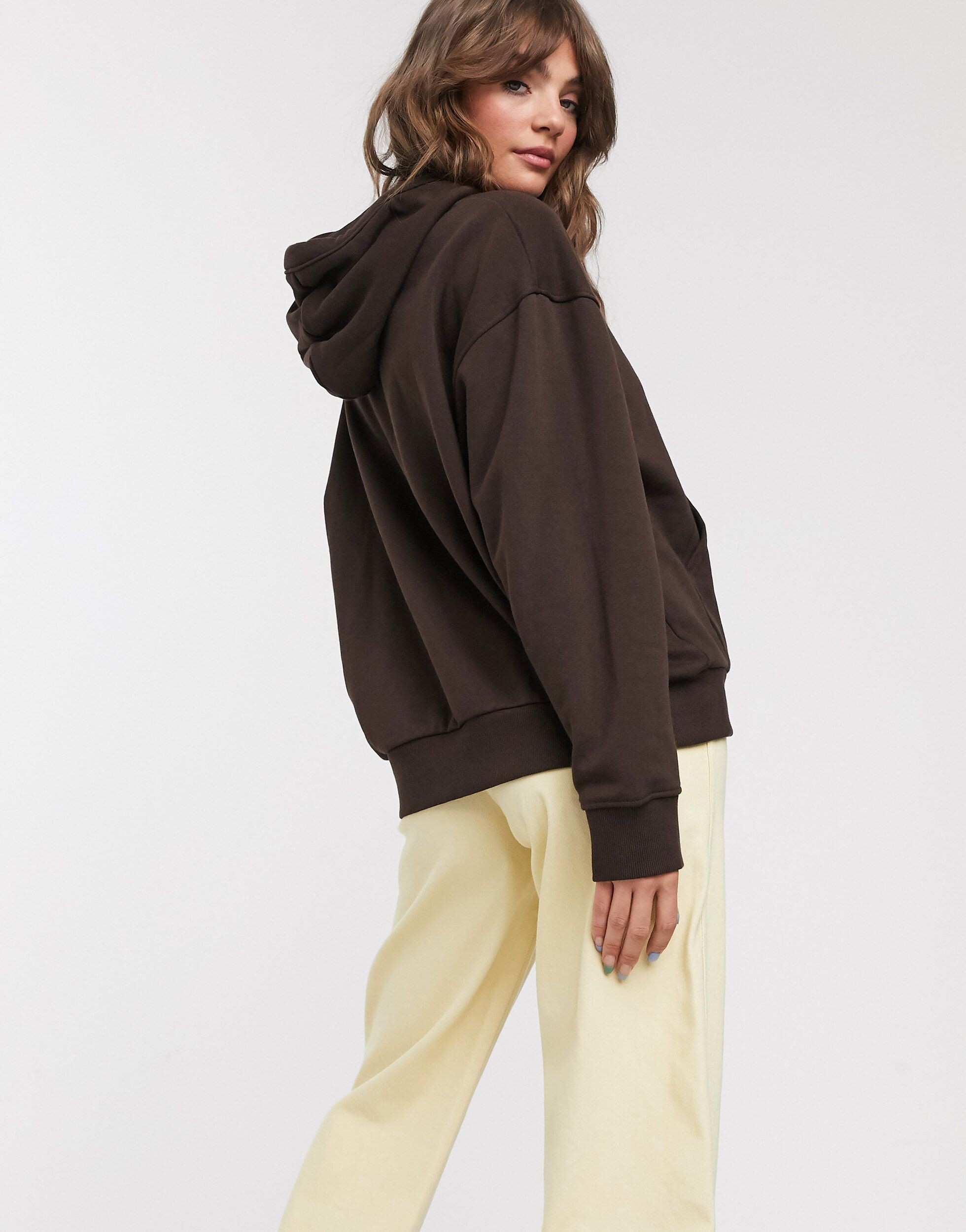
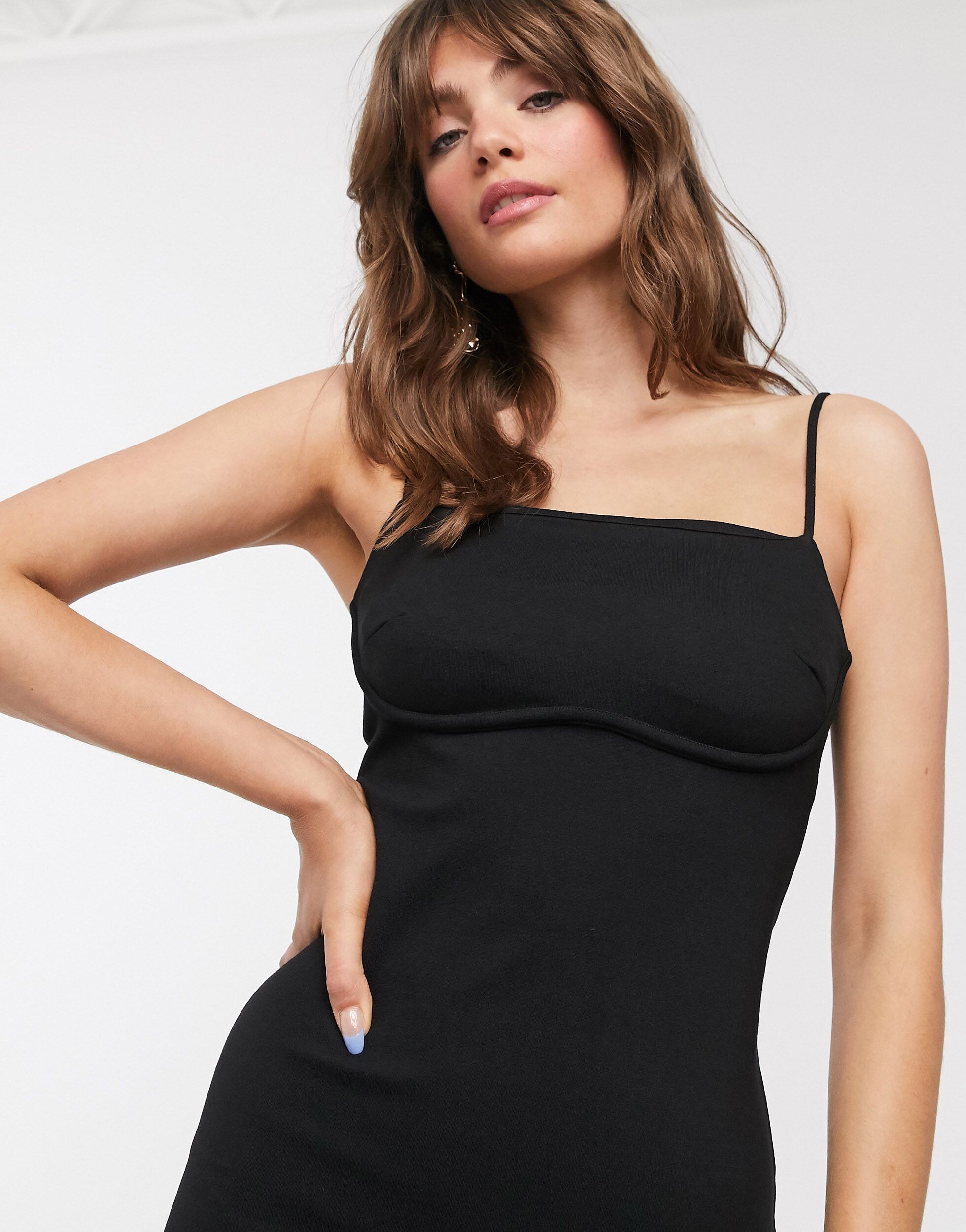
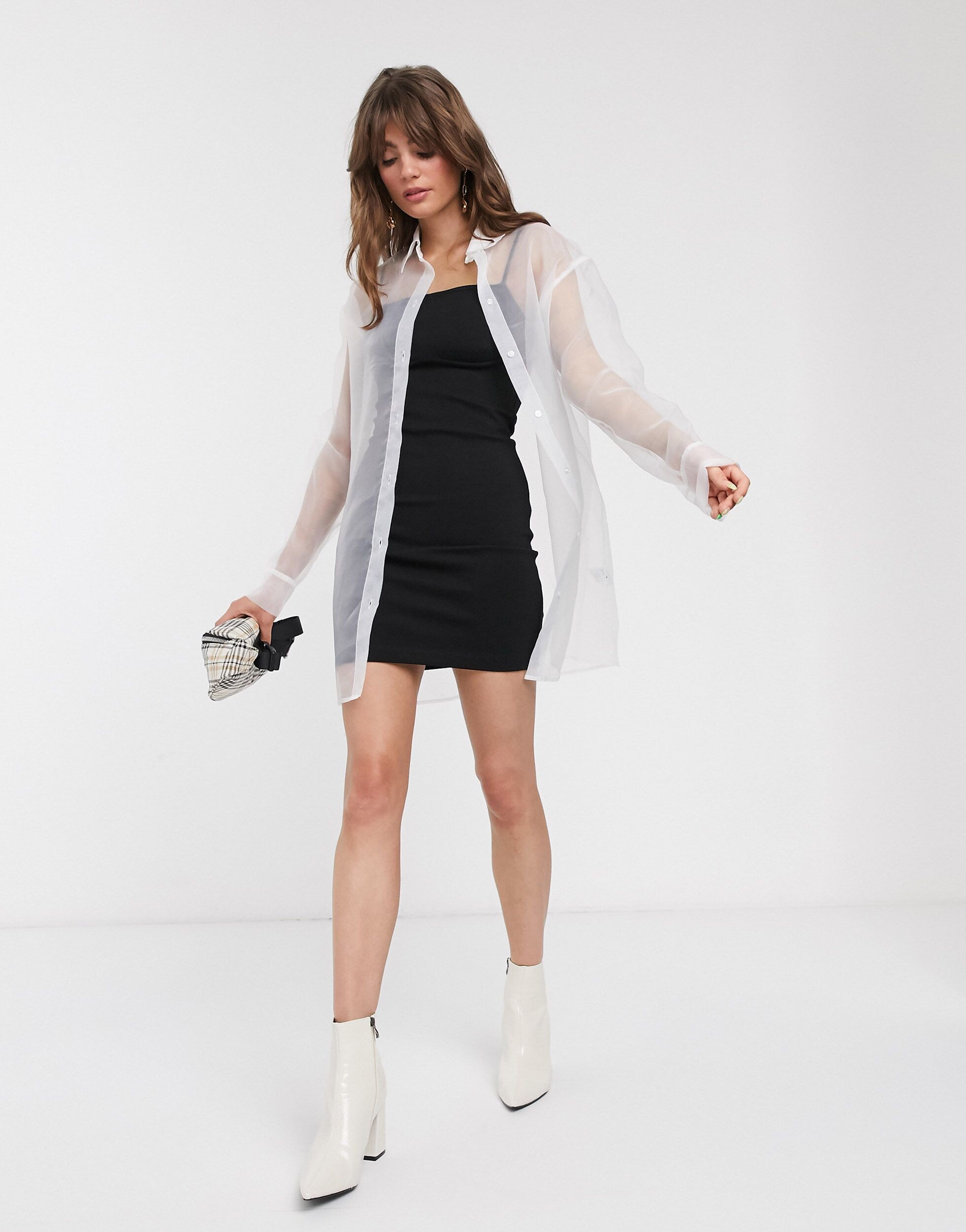
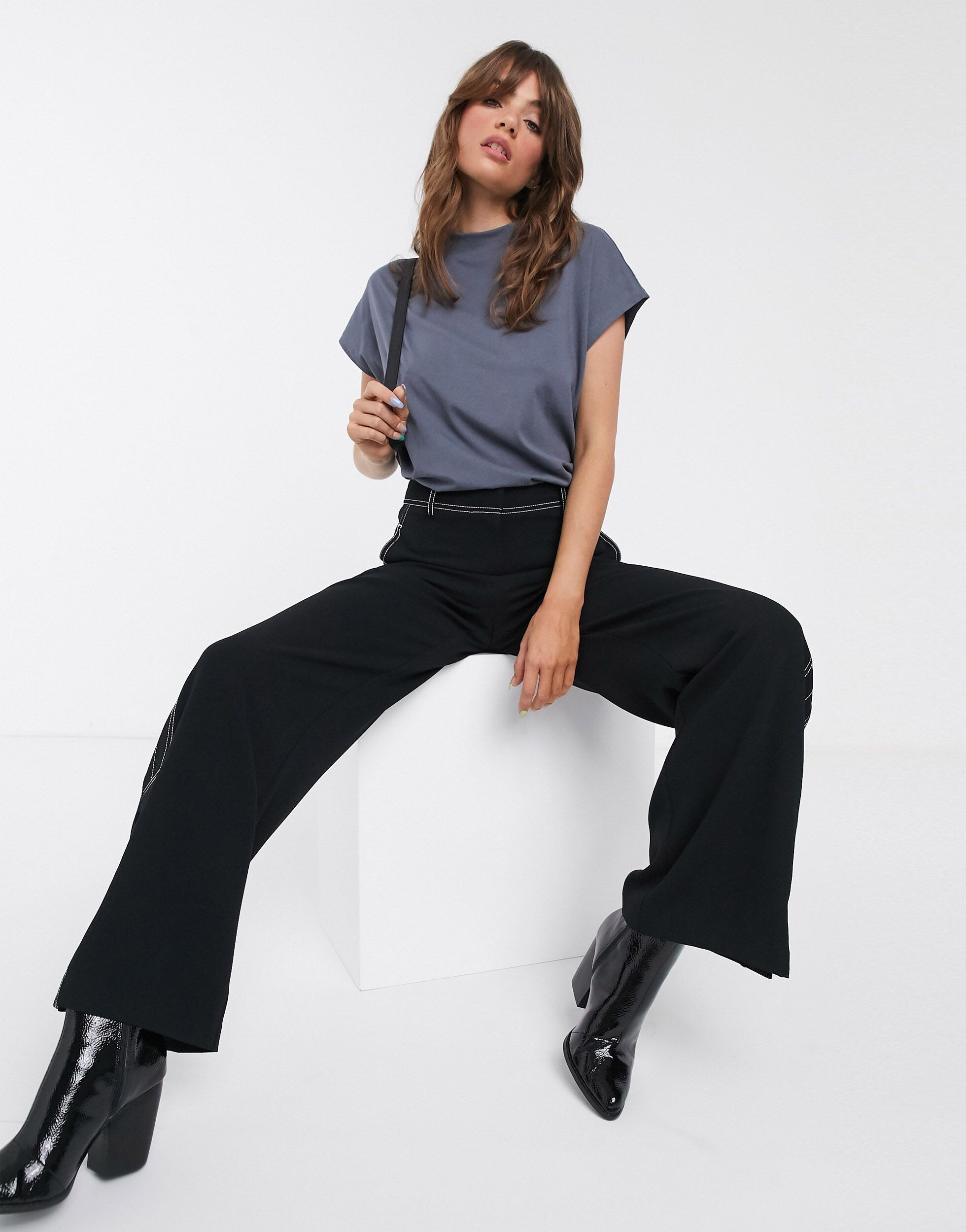
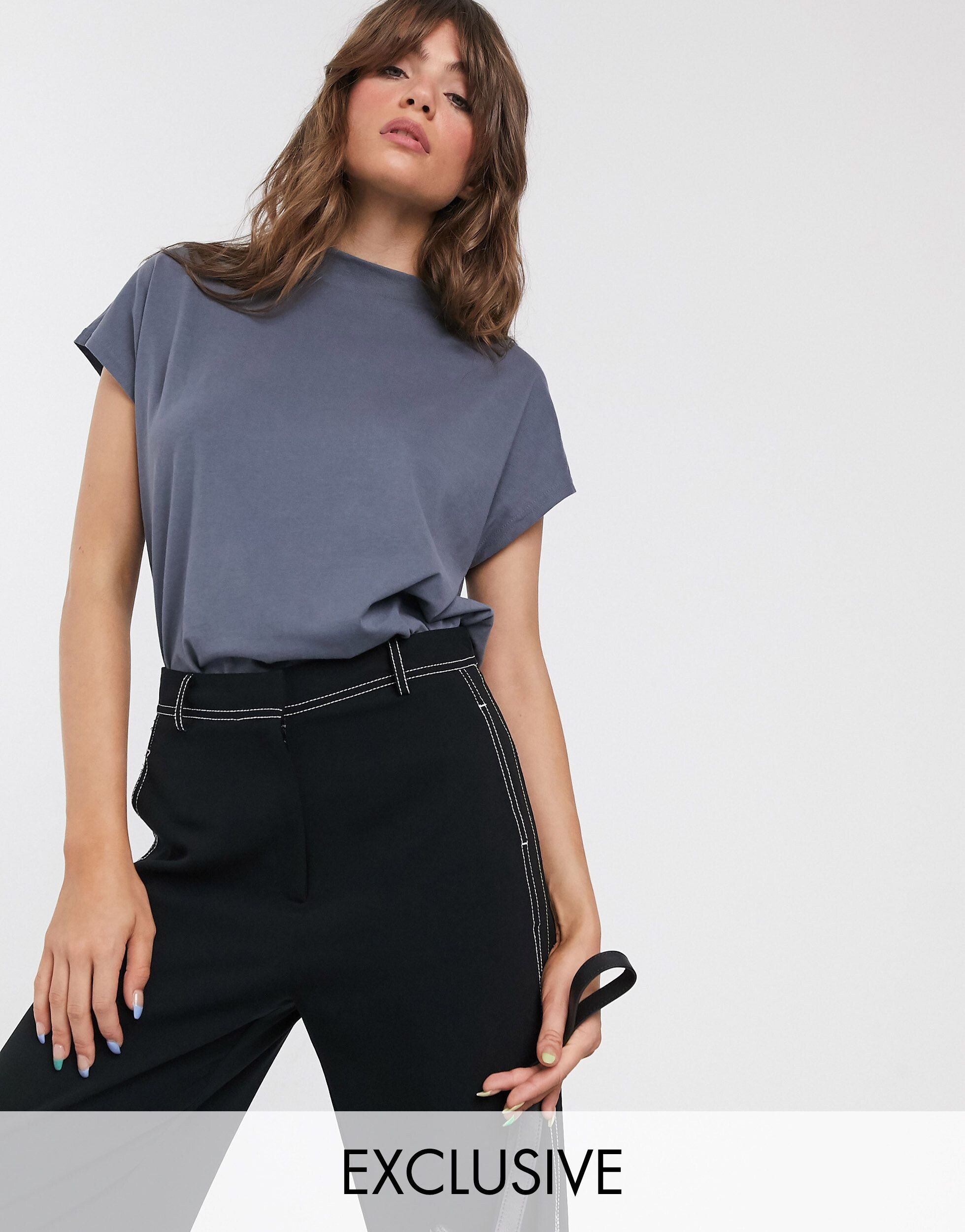
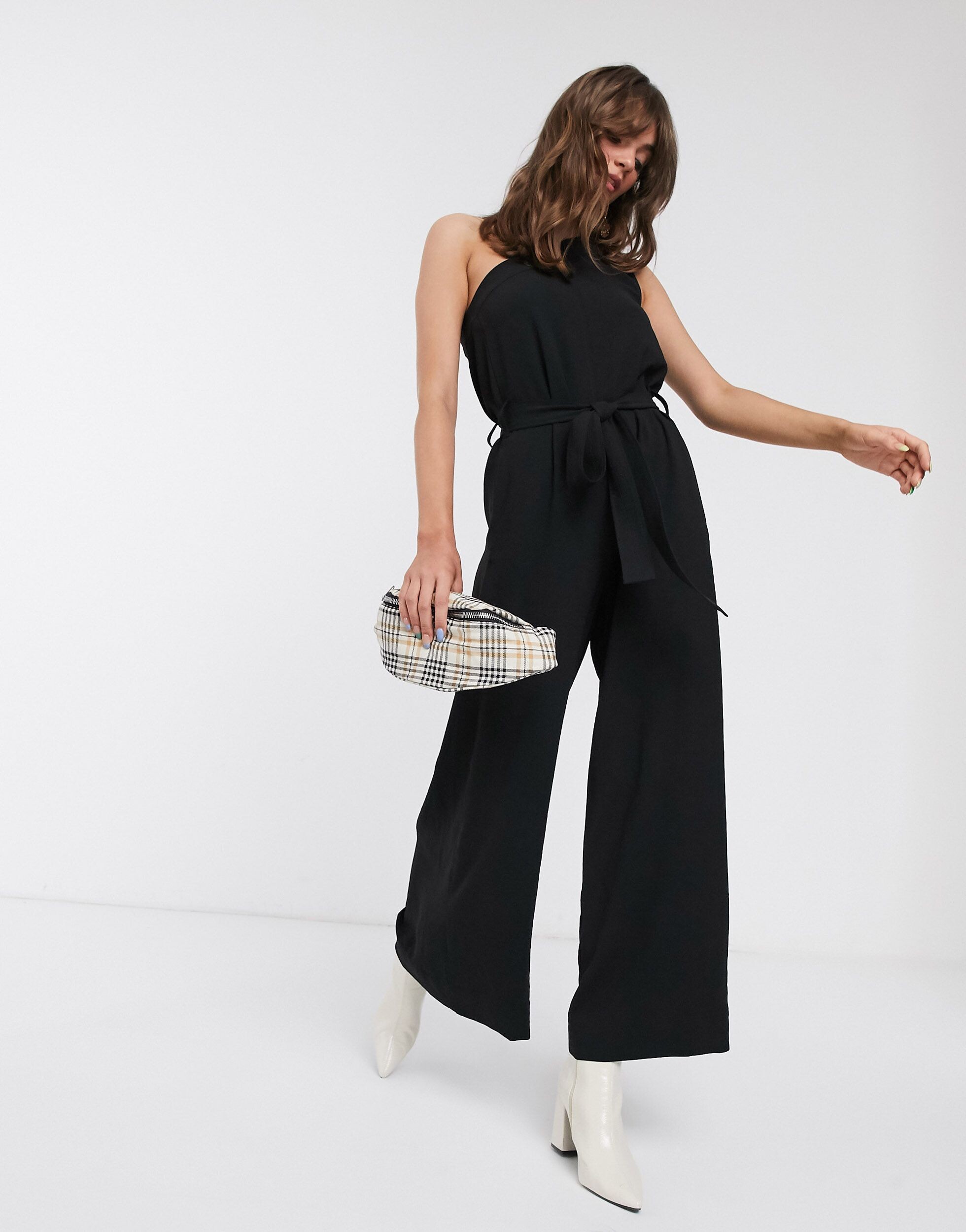
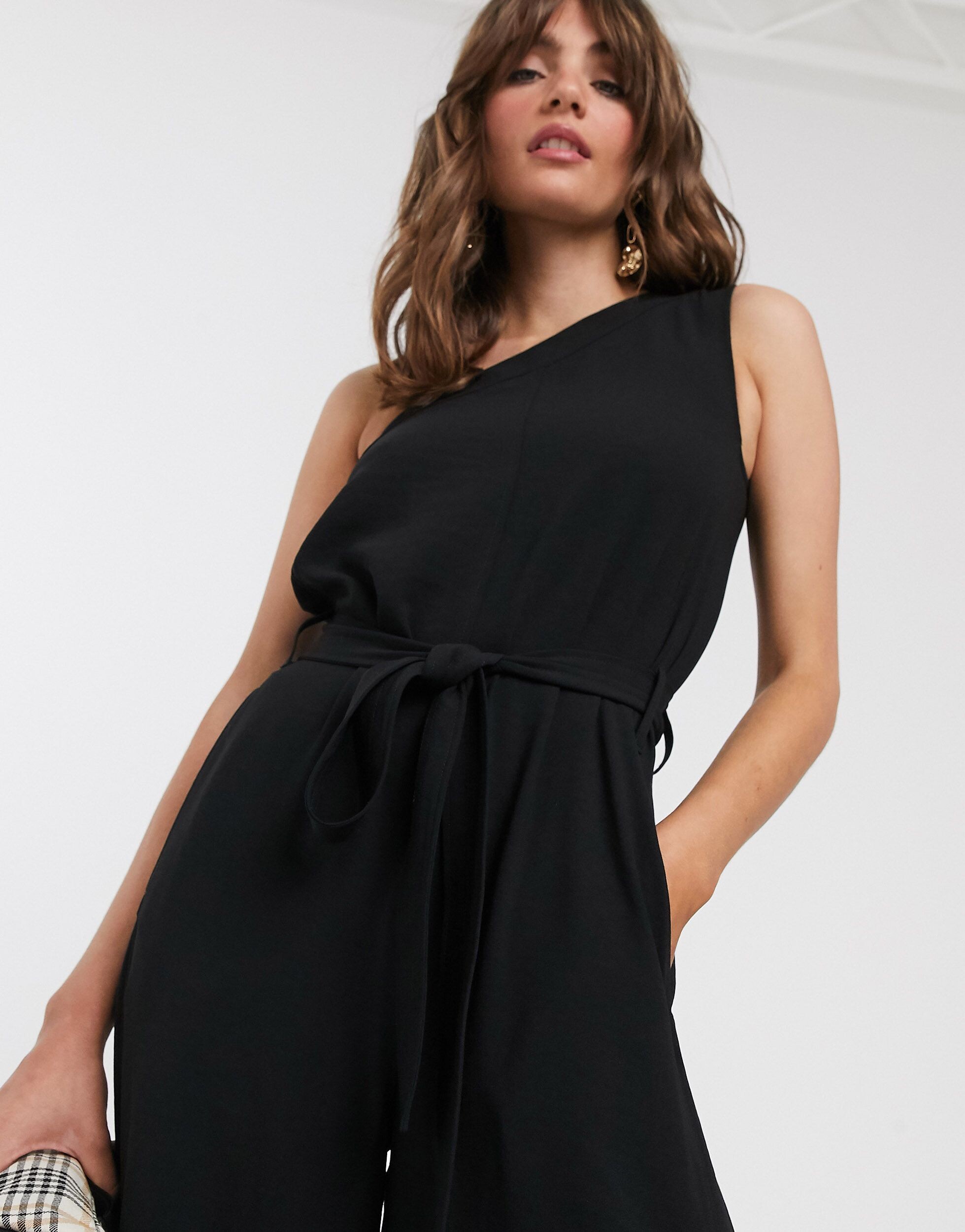
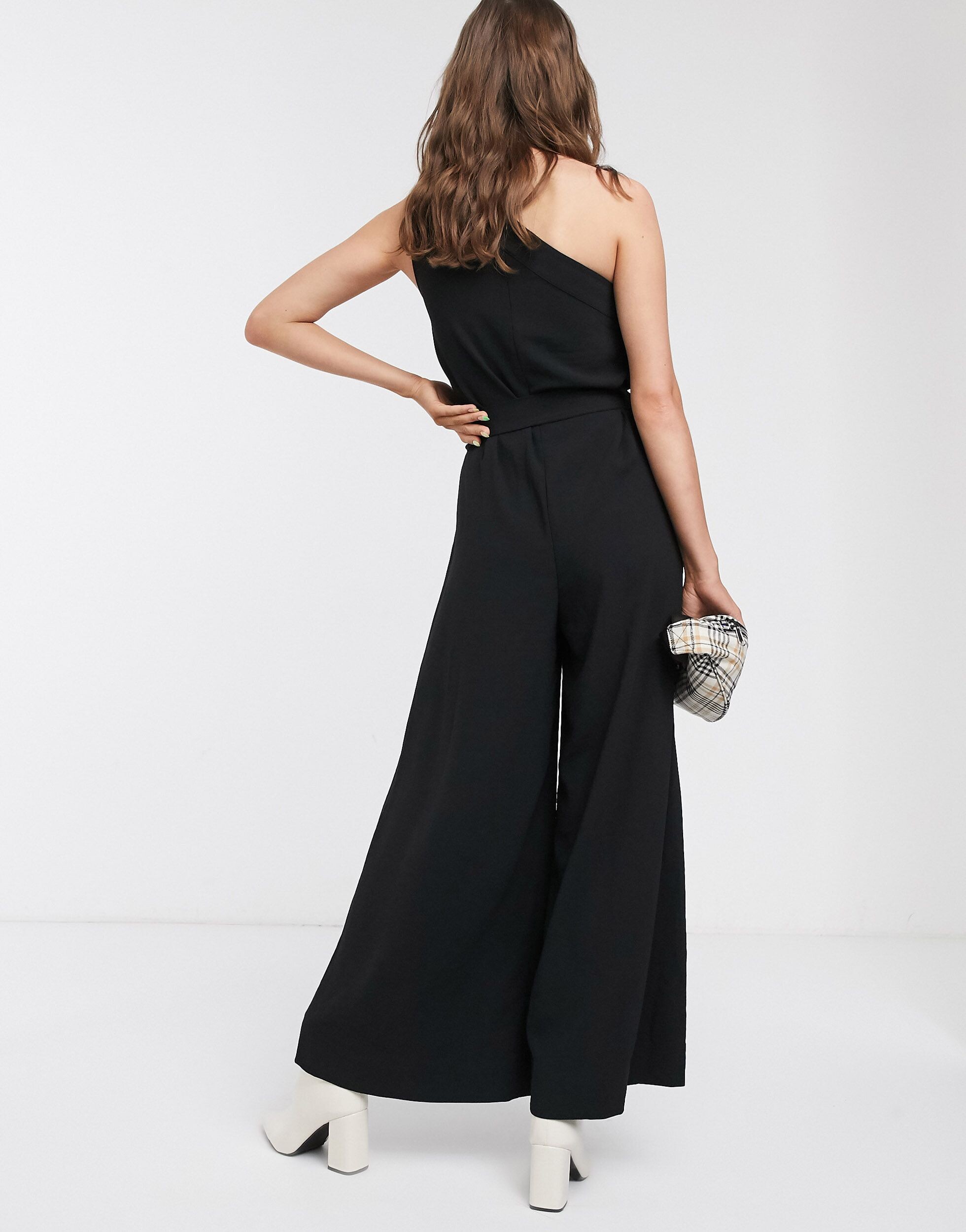

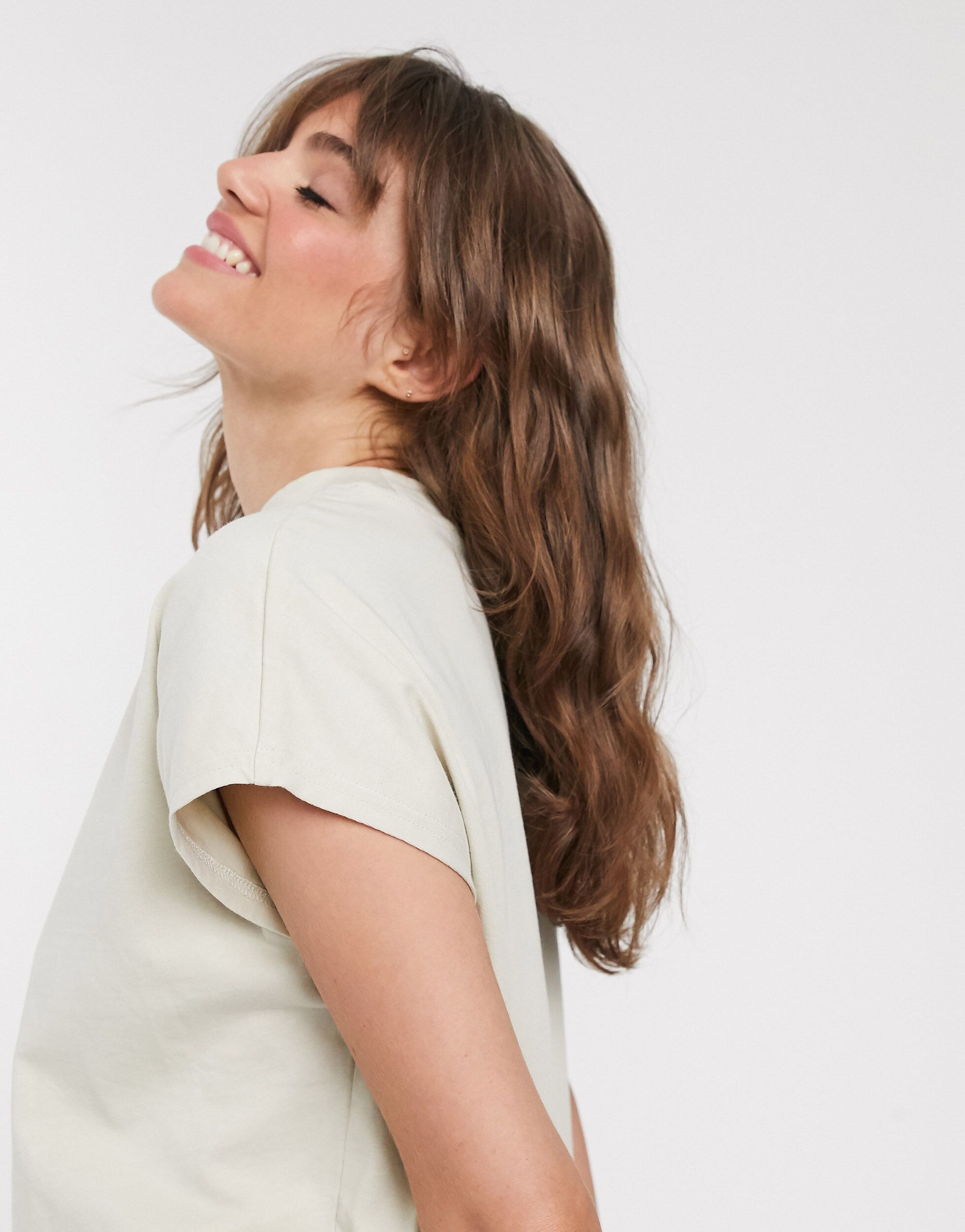
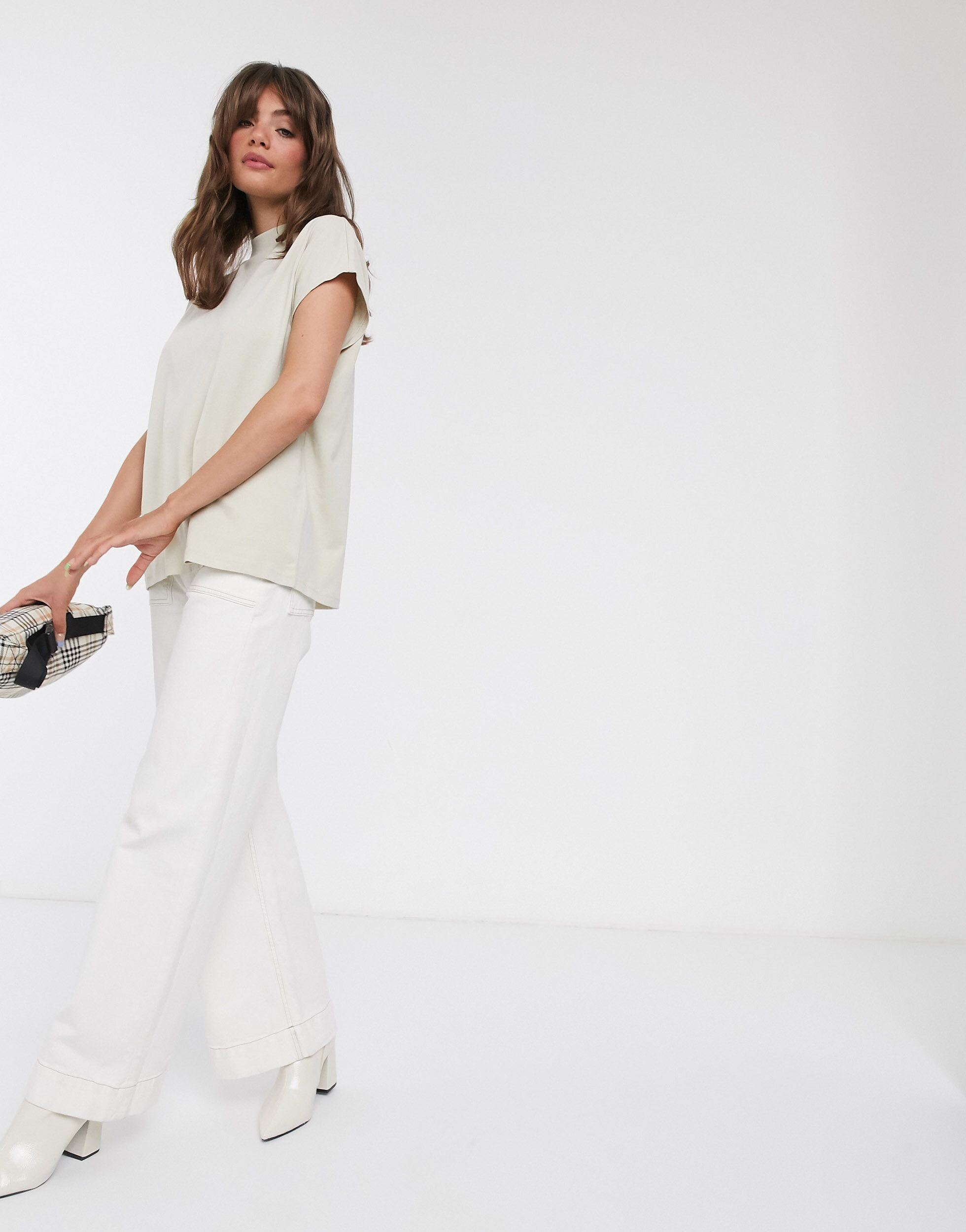
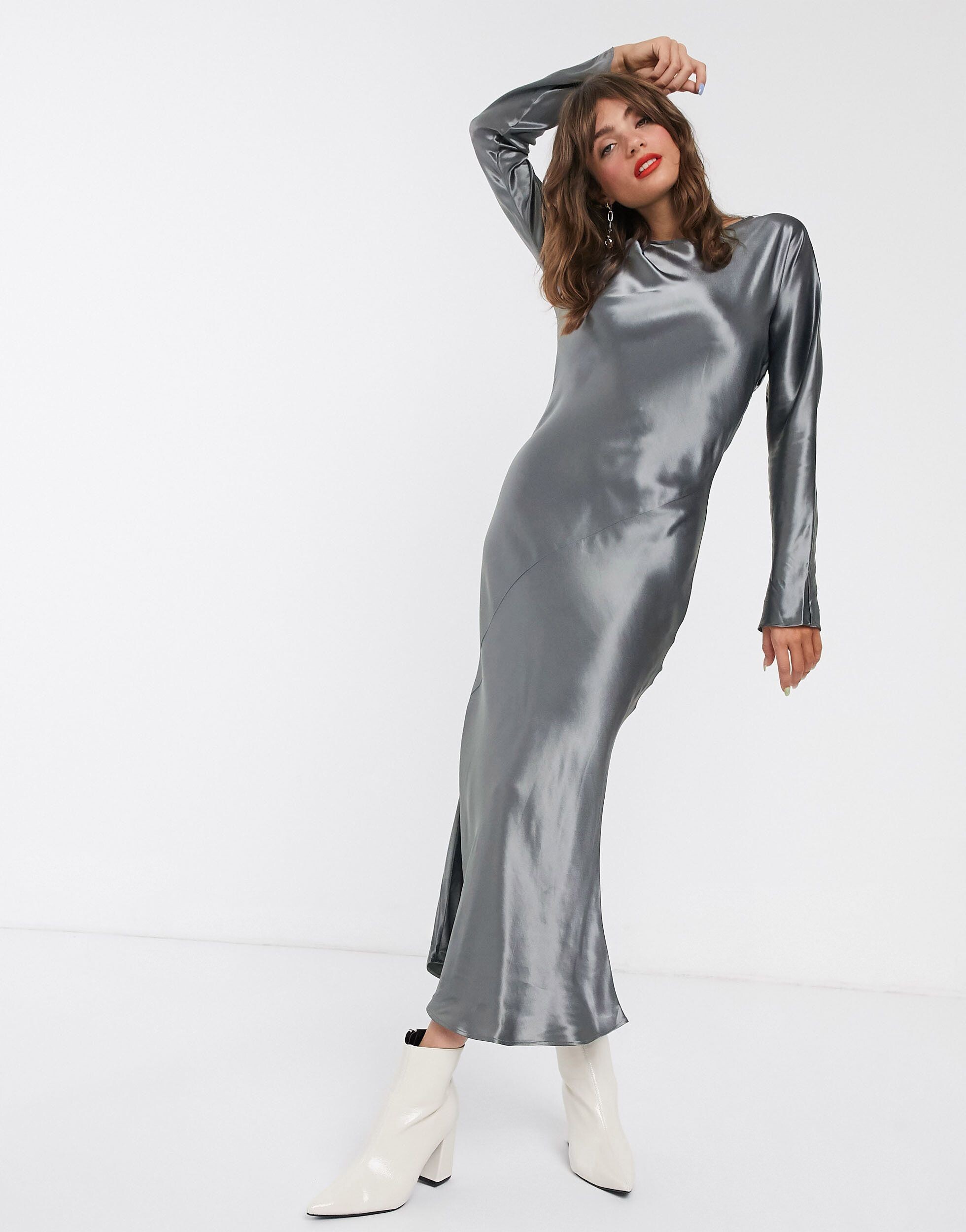
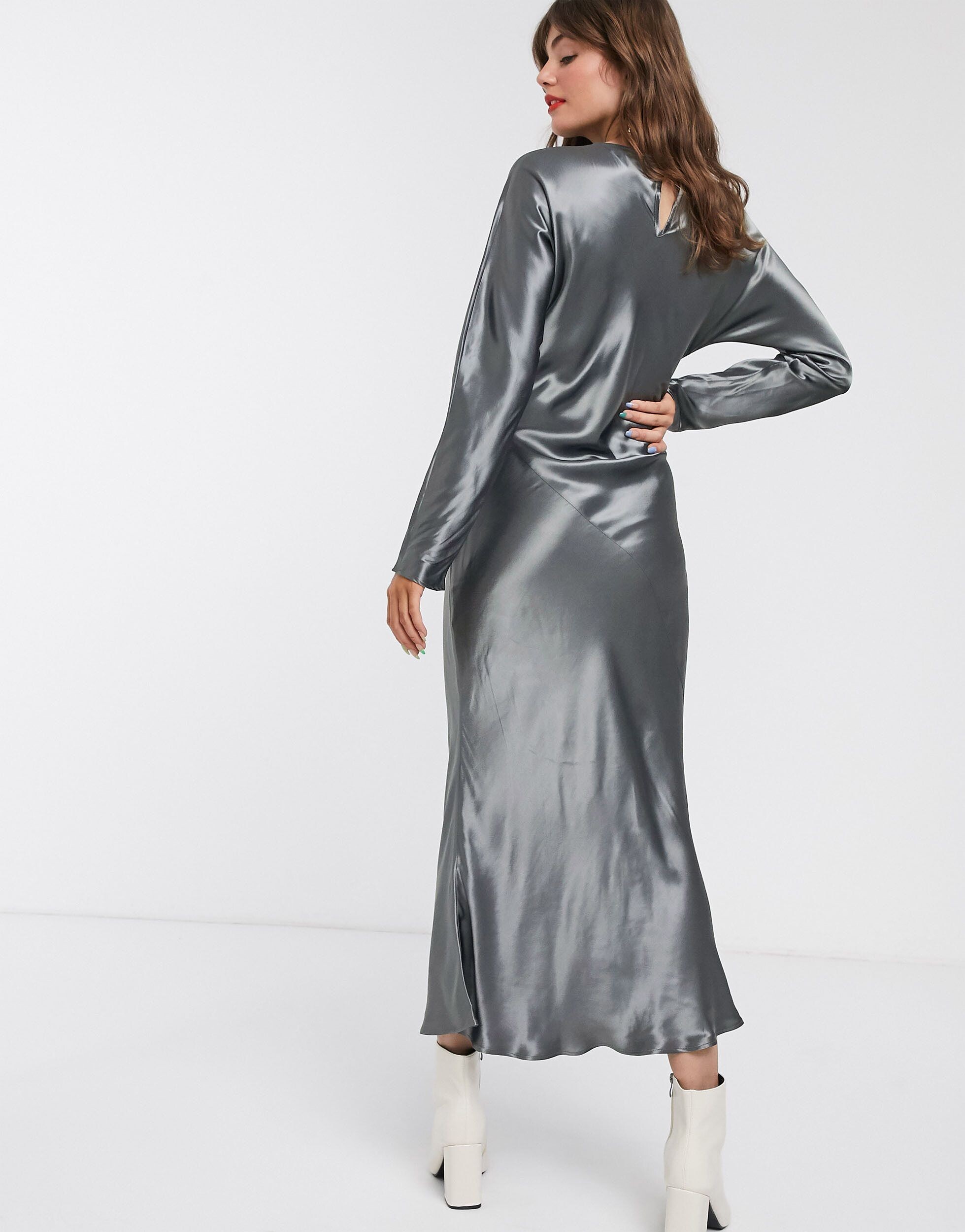
Account
Navigation
Search
Configure browser push notifications
Chrome (Android)
- Tap the lock icon next to the address bar.
- Tap Permissions → Notifications.
- Adjust your preference.
Chrome (Desktop)
- Click the padlock icon in the address bar.
- Select Site settings.
- Find Notifications and adjust your preference.
Safari (iOS 16.4+)
- Ensure the site is installed via Add to Home Screen.
- Open Settings App → Notifications.
- Find your app name and adjust your preference.
Safari (macOS)
- Go to Safari → Preferences.
- Click the Websites tab.
- Select Notifications in the sidebar.
- Find this website and adjust your preference.
Edge (Android)
- Tap the lock icon next to the address bar.
- Tap Permissions.
- Find Notifications and adjust your preference.
Edge (Desktop)
- Click the padlock icon in the address bar.
- Click Permissions for this site.
- Find Notifications and adjust your preference.
Firefox (Android)
- Go to Settings → Site permissions.
- Tap Notifications.
- Find this site in the list and adjust your preference.
Firefox (Desktop)
- Open Firefox Settings.
- Search for Notifications.
- Find this site in the list and adjust your preference.