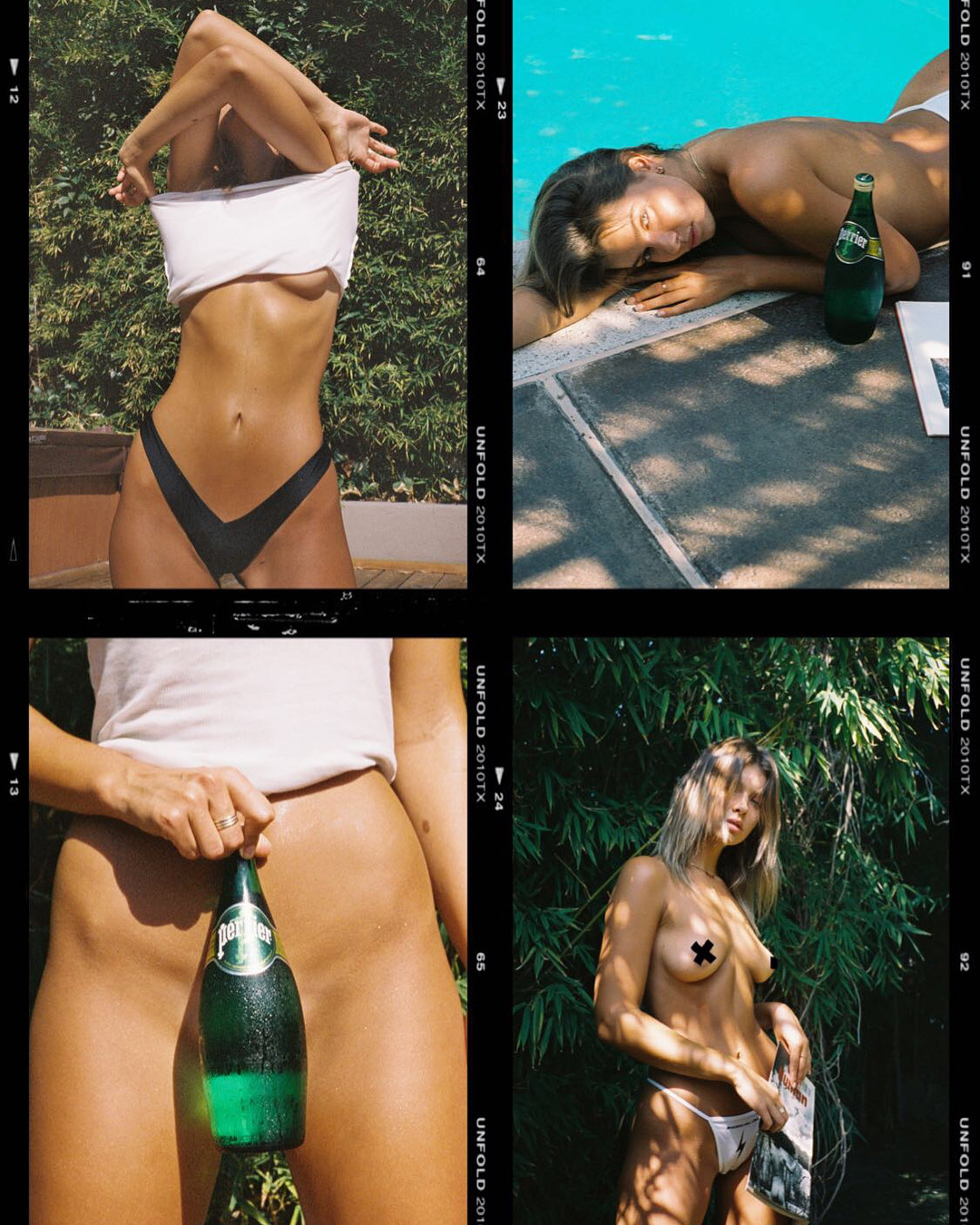
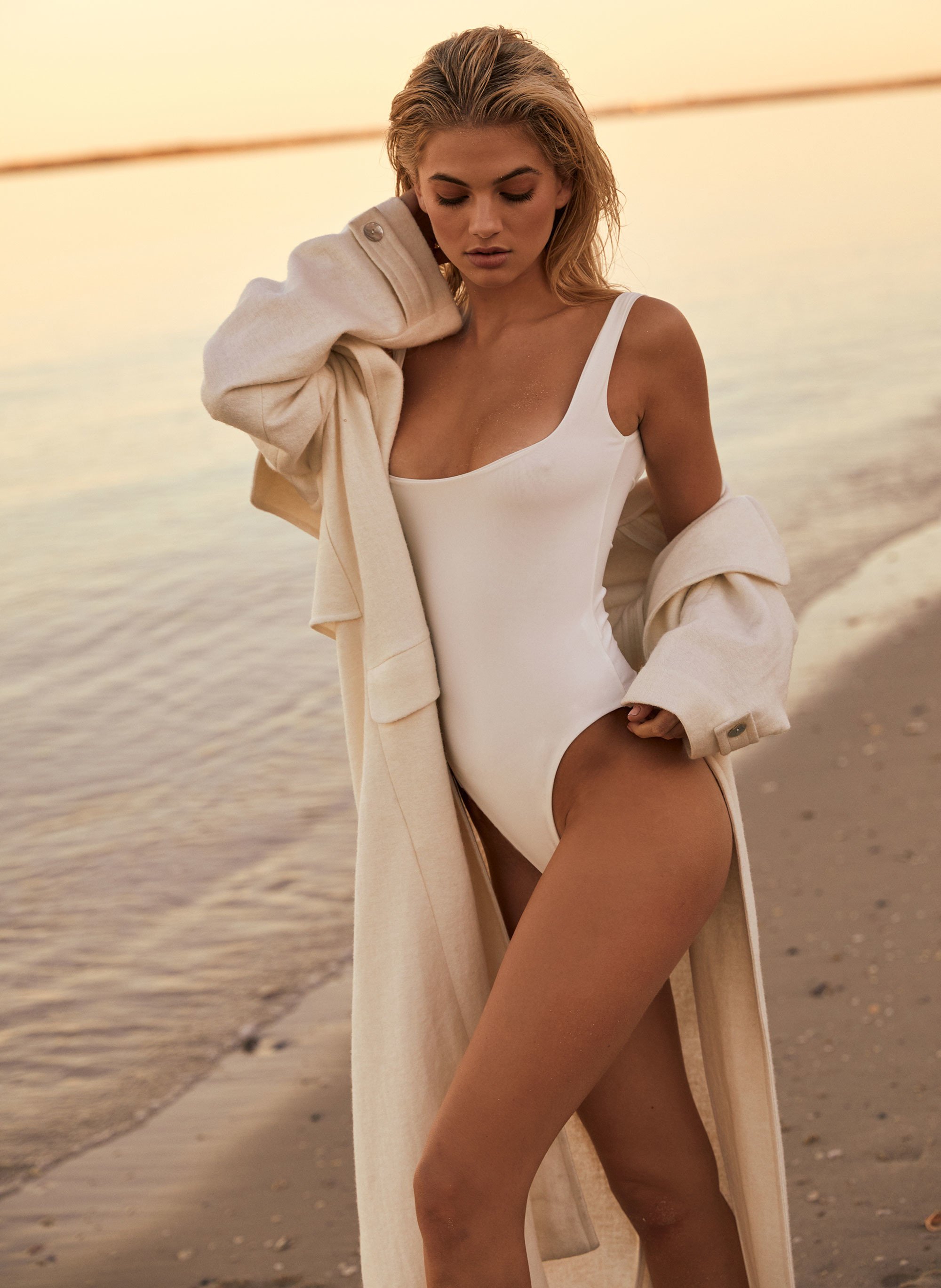
Pith_Possum
Members
-
Joined
-
Last visited
Everything posted by Pith_Possum
-
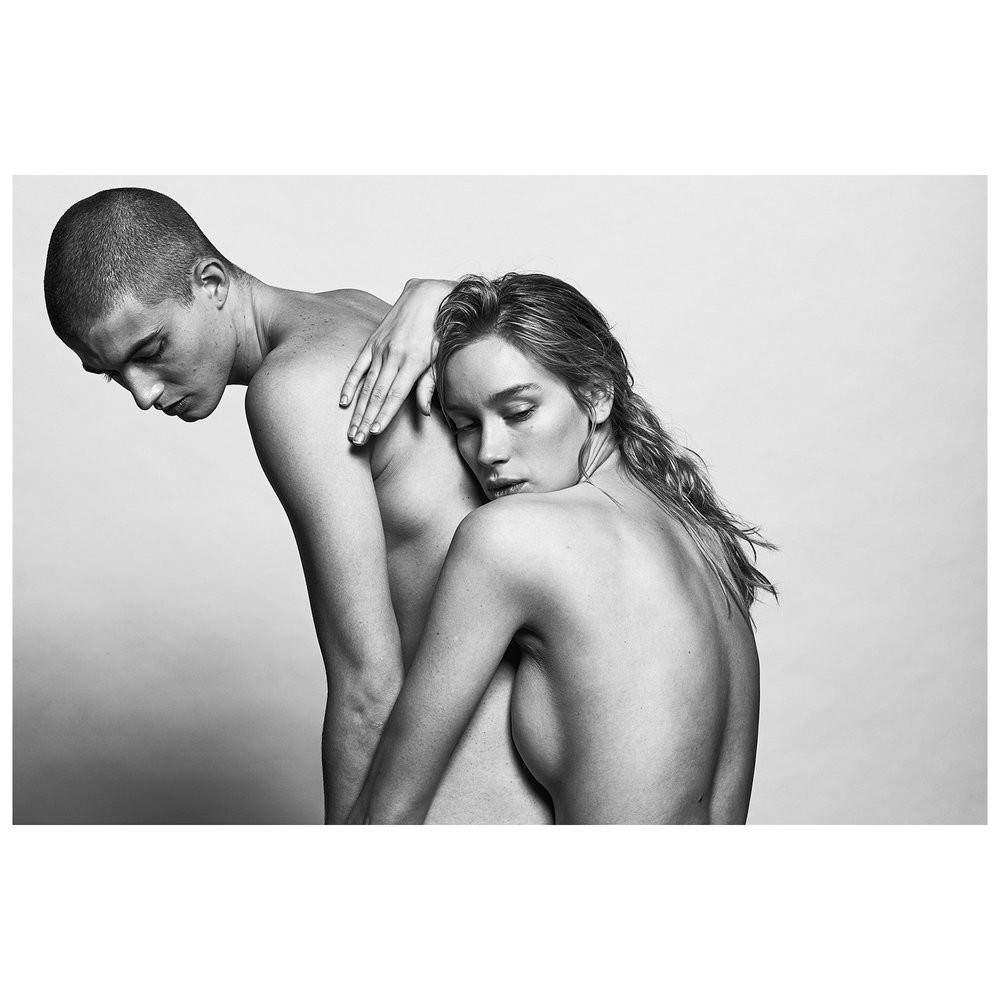
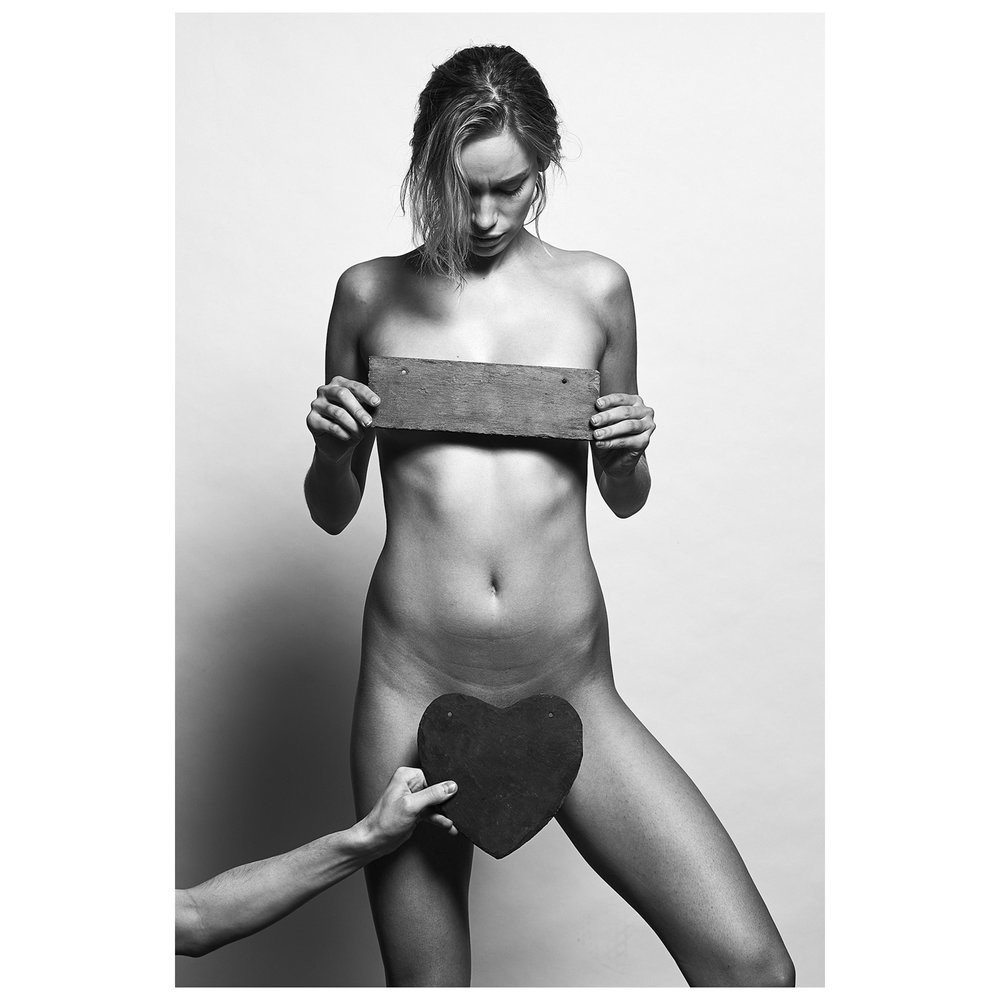
 Philippe Regard
























-
Naked Cashmere







 Russell James
 +1 Nudity!
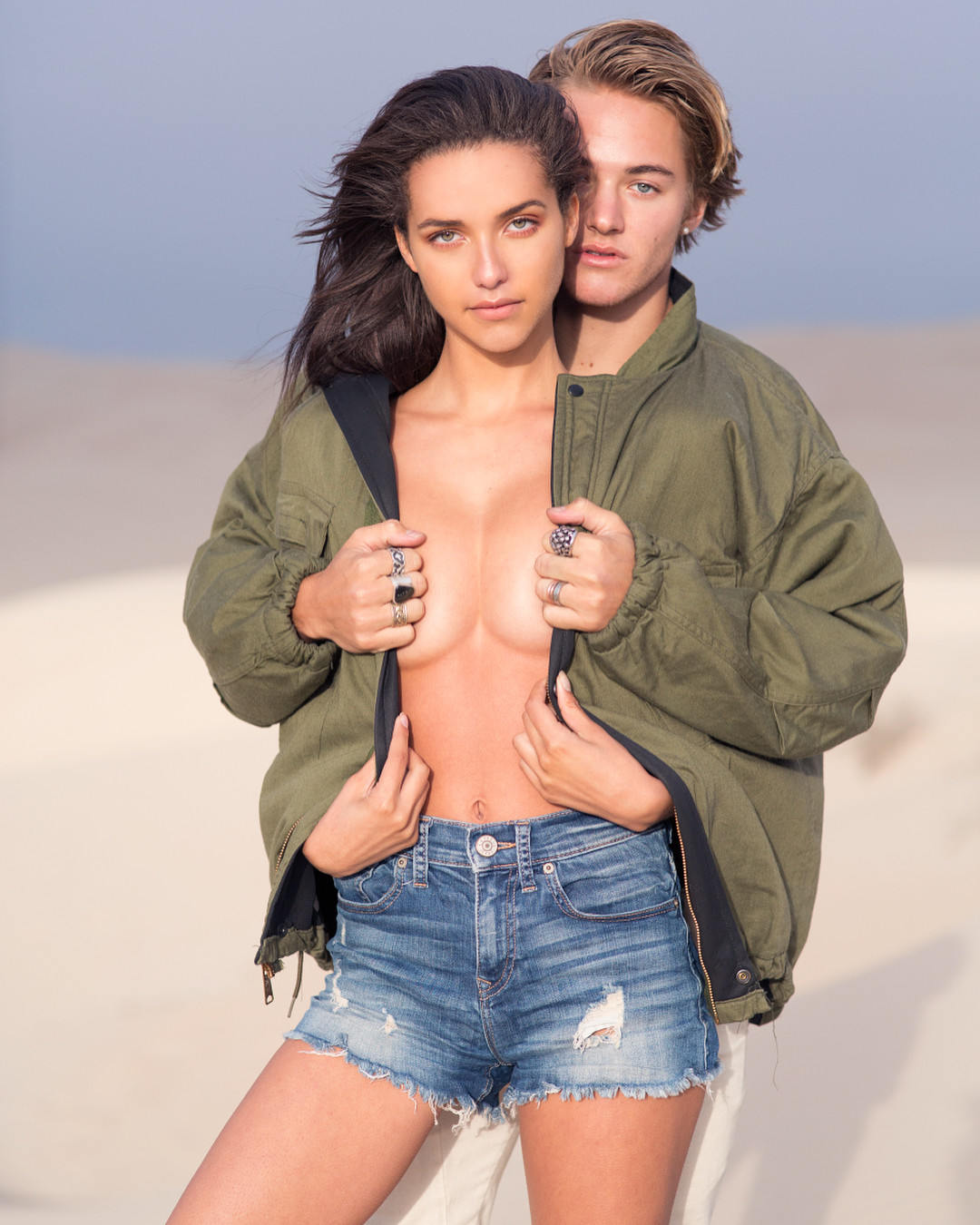
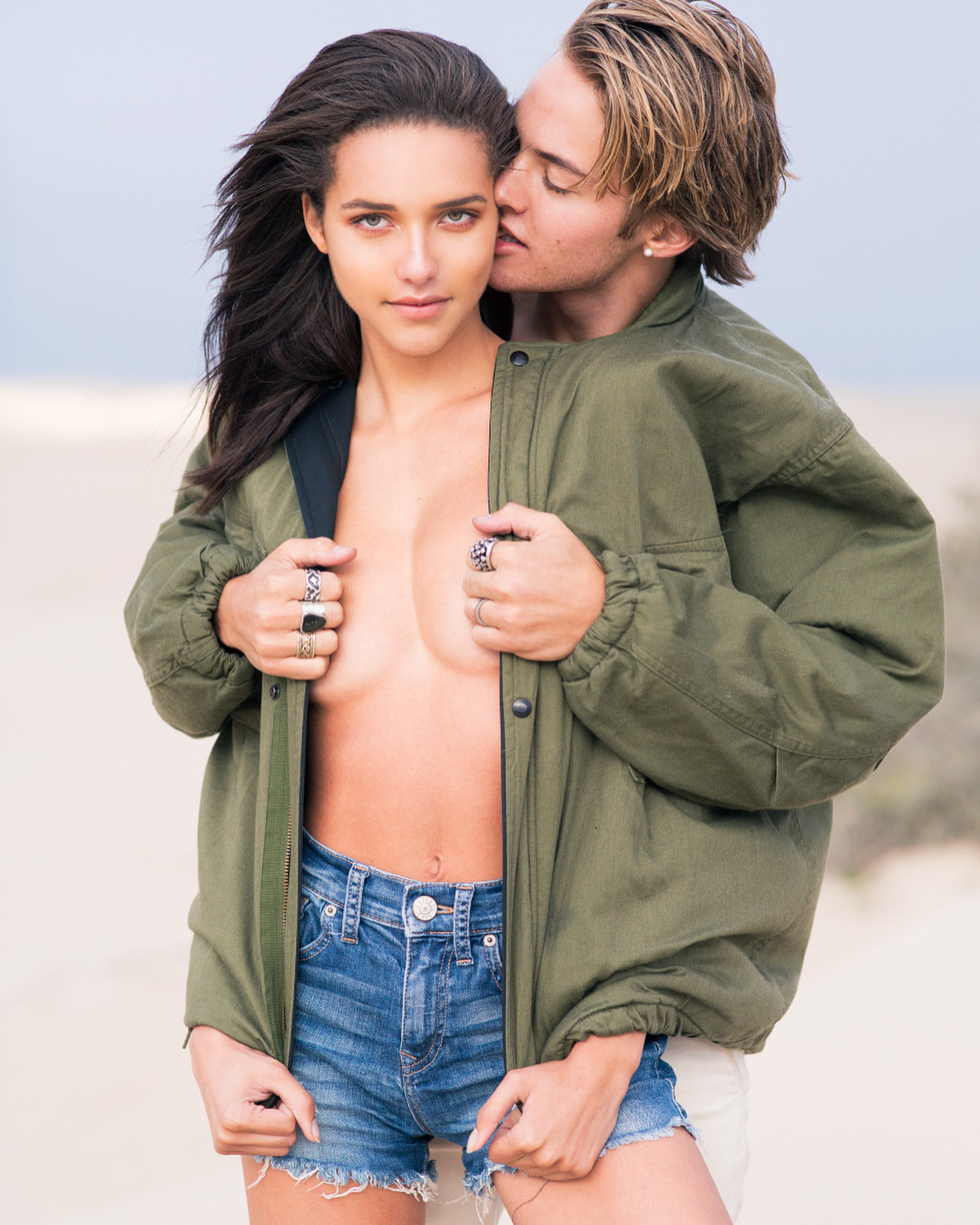
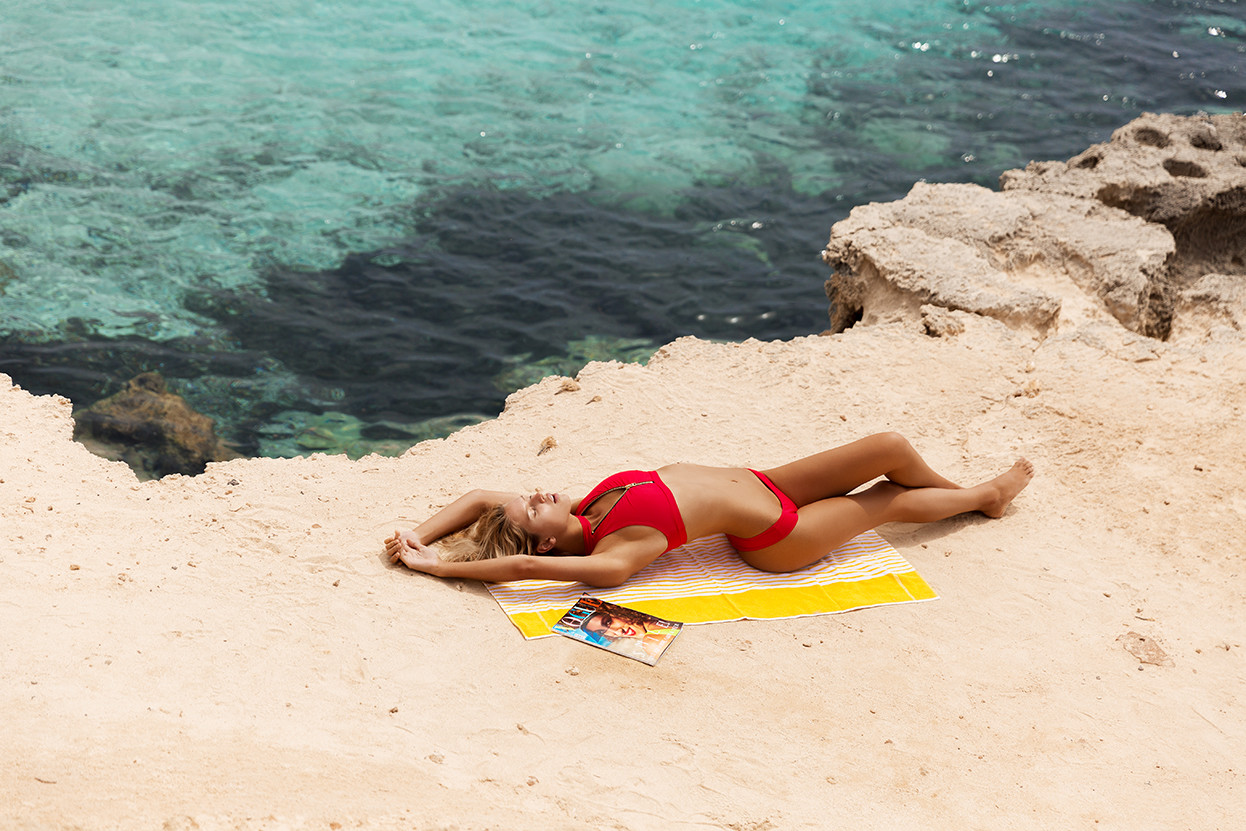
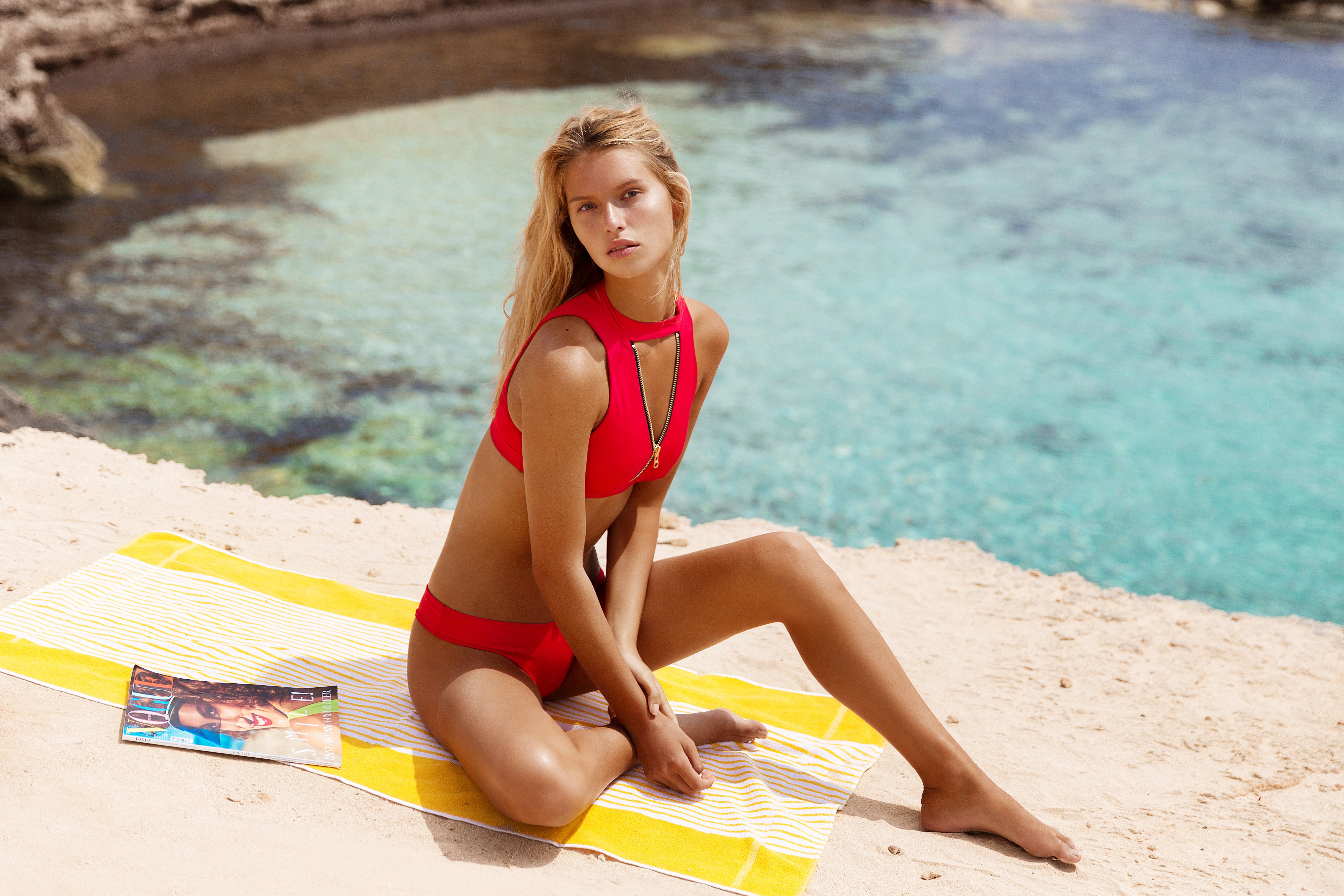
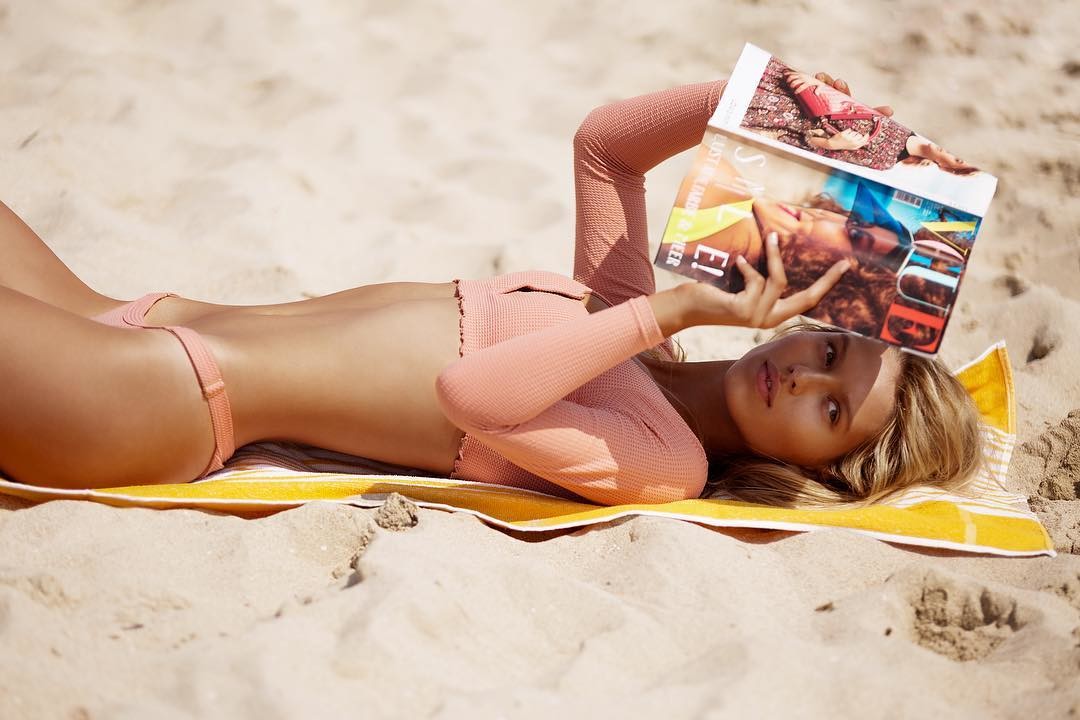
 Beach Bunny Swimwear IG







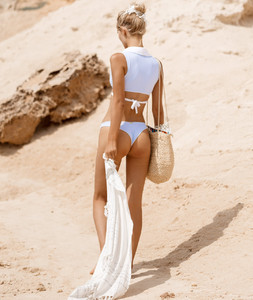


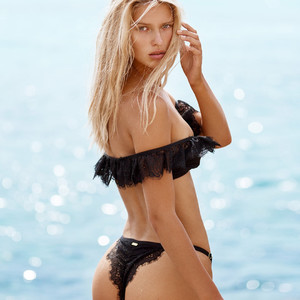

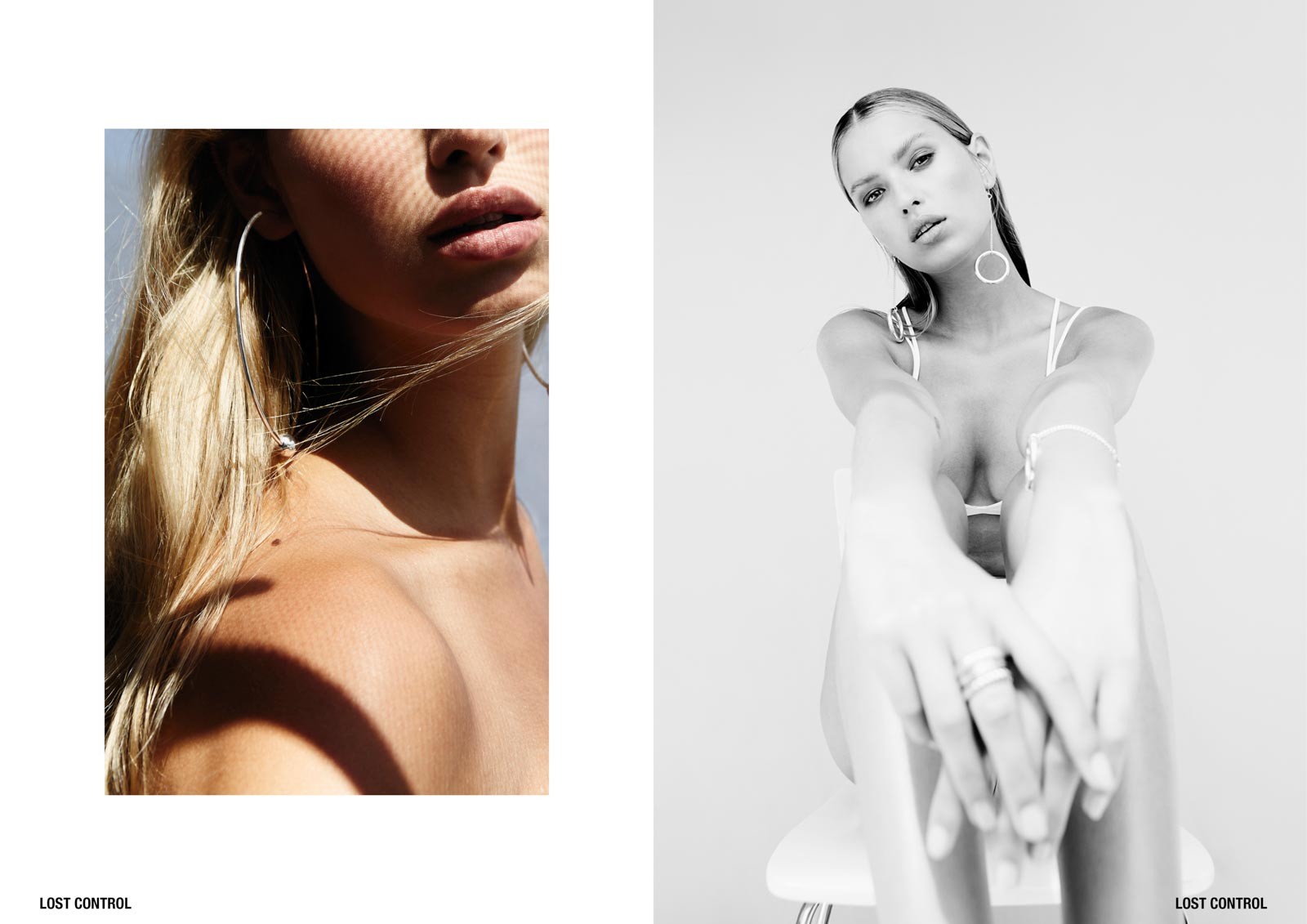
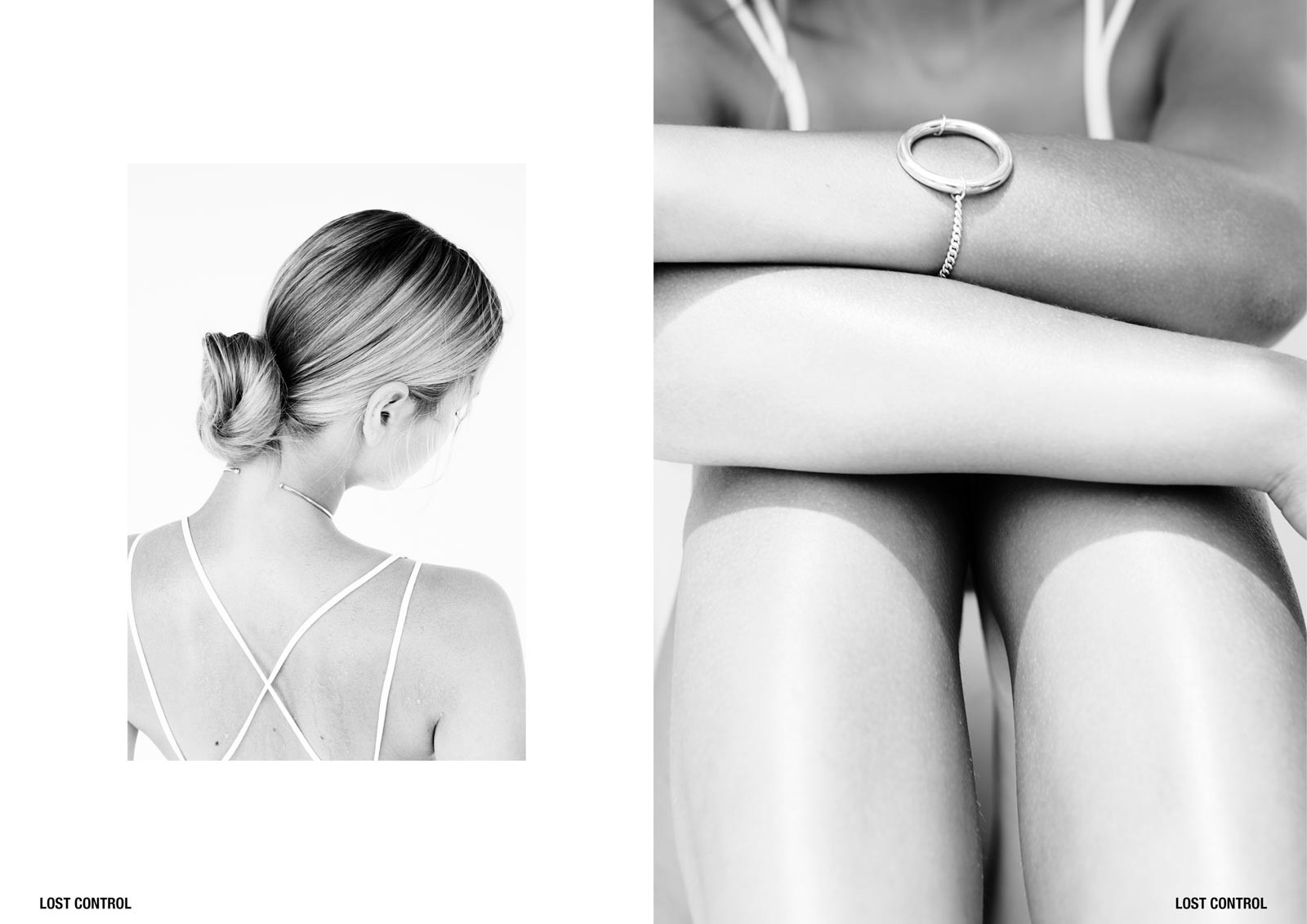
 Lost Control Ph: Maddy Grace O




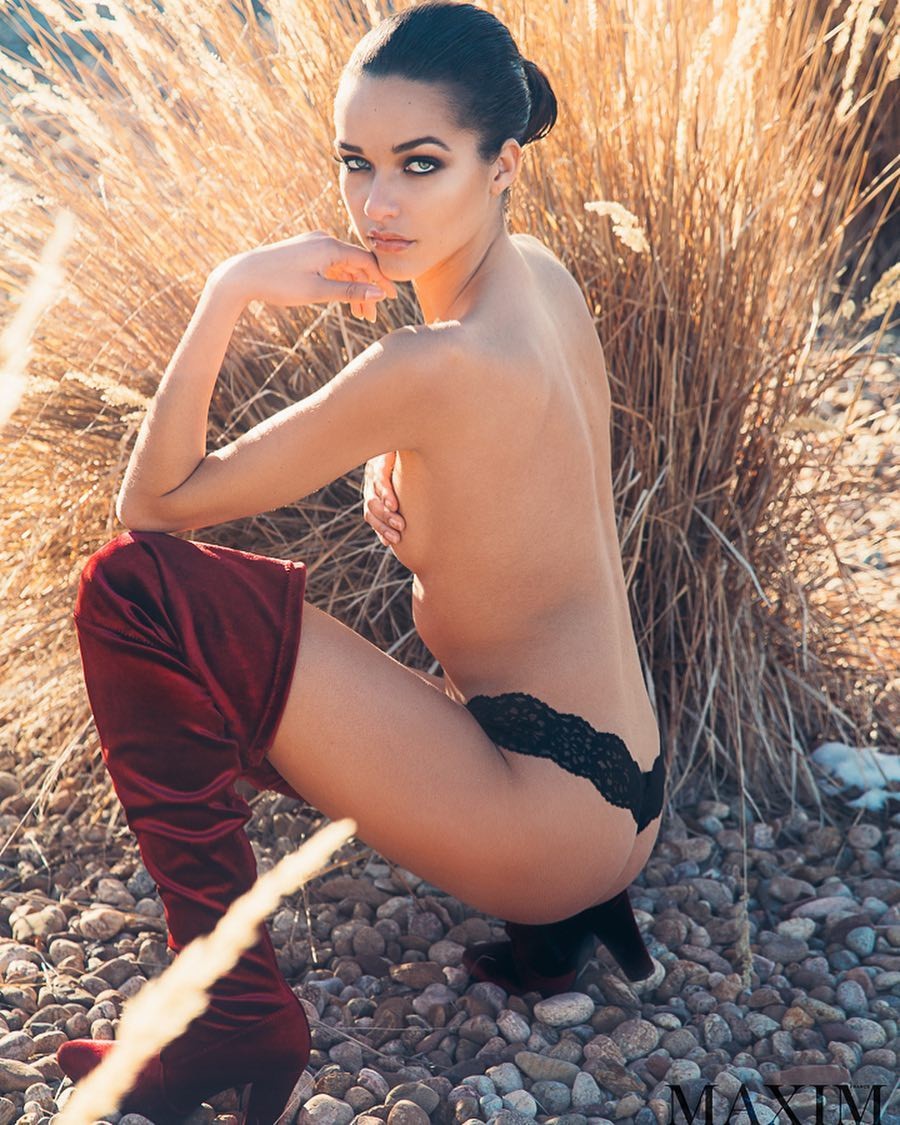
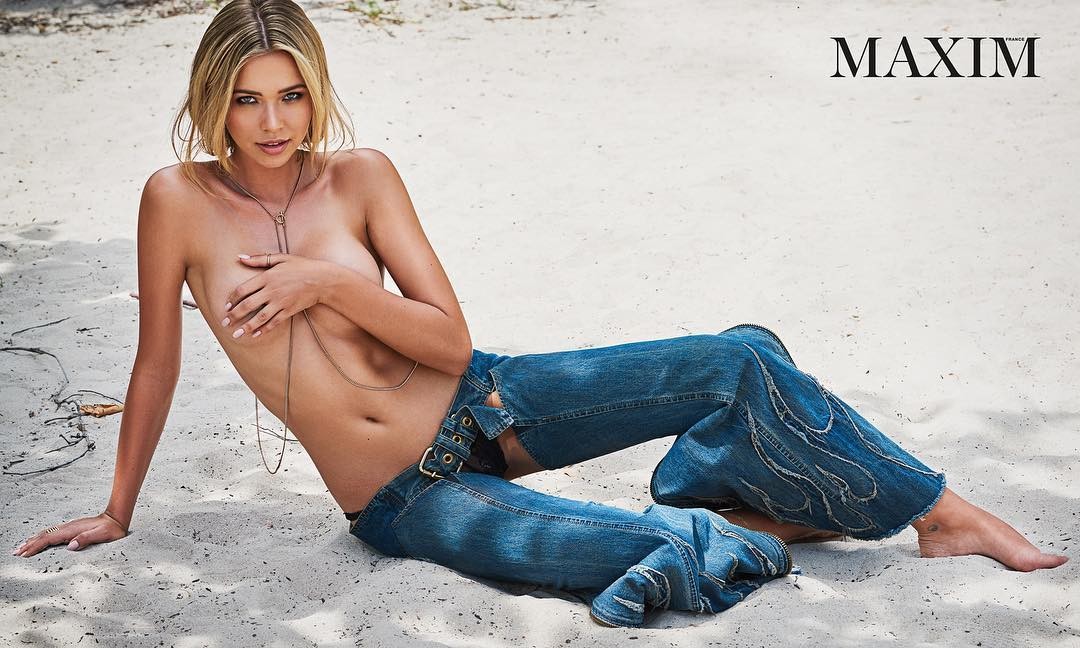
 David Bellemere Nudity!
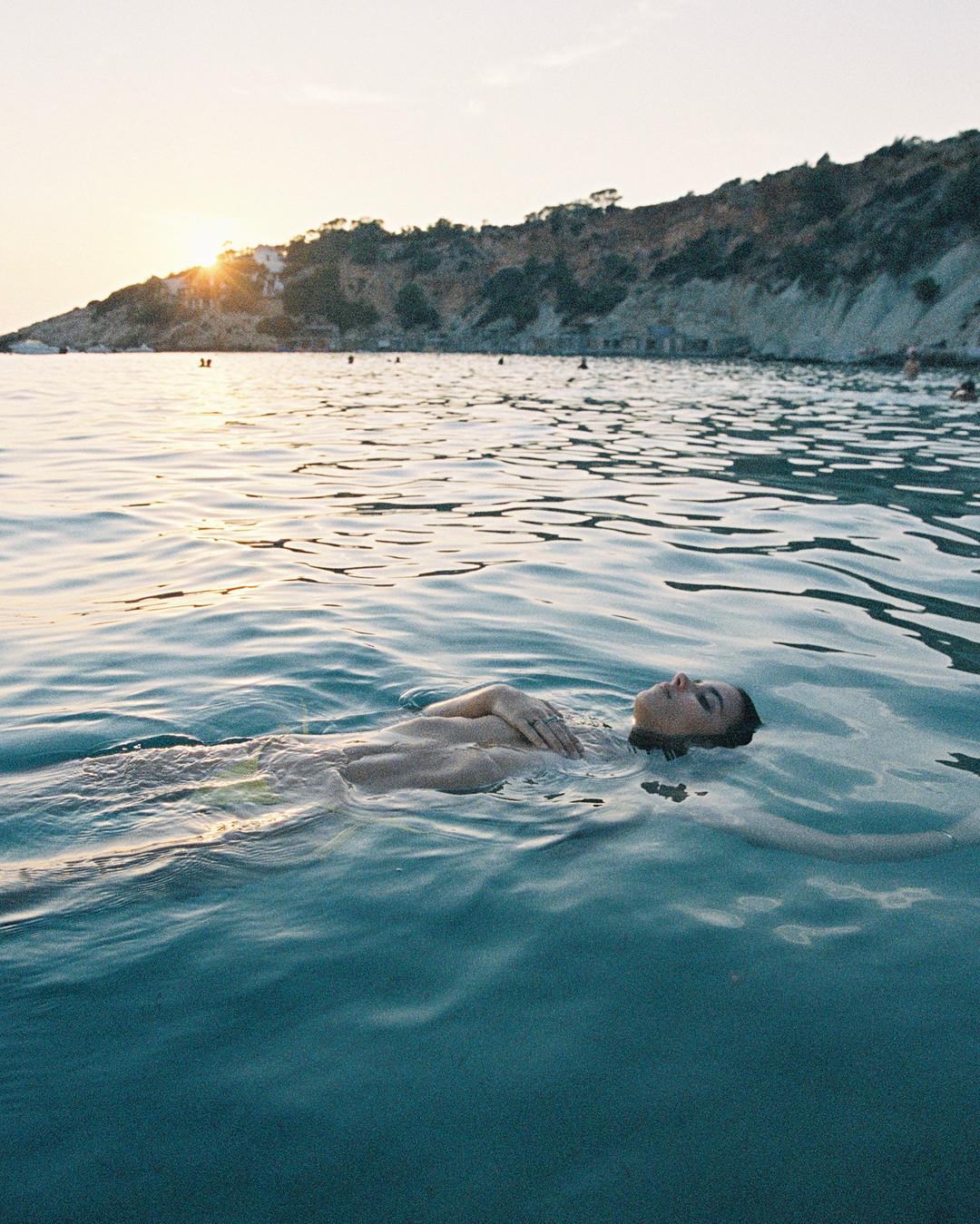
 Jethro Alaba see-through!


 Sam Dameshek



 Ph: Jeremy Choh












 BTS Joy Wong Photoshoot 1849055097213405093_1296090389.mp4 1849055267490680661_1296090389.mp4 1849055979652803852_1296090389.mp4

Account
Navigation
Search
Configure browser push notifications
Chrome (Android)
- Tap the lock icon next to the address bar.
- Tap Permissions → Notifications.
- Adjust your preference.
Chrome (Desktop)
- Click the padlock icon in the address bar.
- Select Site settings.
- Find Notifications and adjust your preference.
Safari (iOS 16.4+)
- Ensure the site is installed via Add to Home Screen.
- Open Settings App → Notifications.
- Find your app name and adjust your preference.
Safari (macOS)
- Go to Safari → Preferences.
- Click the Websites tab.
- Select Notifications in the sidebar.
- Find this website and adjust your preference.
Edge (Android)
- Tap the lock icon next to the address bar.
- Tap Permissions.
- Find Notifications and adjust your preference.
Edge (Desktop)
- Click the padlock icon in the address bar.
- Click Permissions for this site.
- Find Notifications and adjust your preference.
Firefox (Android)
- Go to Settings → Site permissions.
- Tap Notifications.
- Find this site in the list and adjust your preference.
Firefox (Desktop)
- Open Firefox Settings.
- Search for Notifications.
- Find this site in the list and adjust your preference.