
lisa-1
Members
-
Joined
-
Last visited
Everything posted by lisa-1
-
get well
-
come to vote in Everything about her
-
Laetitia as a good model: 8,7 GRACE KELLY FOR BEAUTY ROUND GIVE A MARK BETWEEN 0 TO 10 FOR GRACE BEAUTY












-
-
-
-
-
really? why I love this movie!!! about love, with poetic words.... well my fav movie of vanessa: Elisa
-
beautiful vid she is so pretty and fragile
-
Not enough! so so so so so so so so so so sooooo........... beautiful :heart: :heart: :heart: :heart: agree Thanks Lisa kiss chocolate!!!!!! I add those if someone have them.....







































 she a such a good actress!
girl1
oh big thanks chocolate I will try come to vote in Everything about her
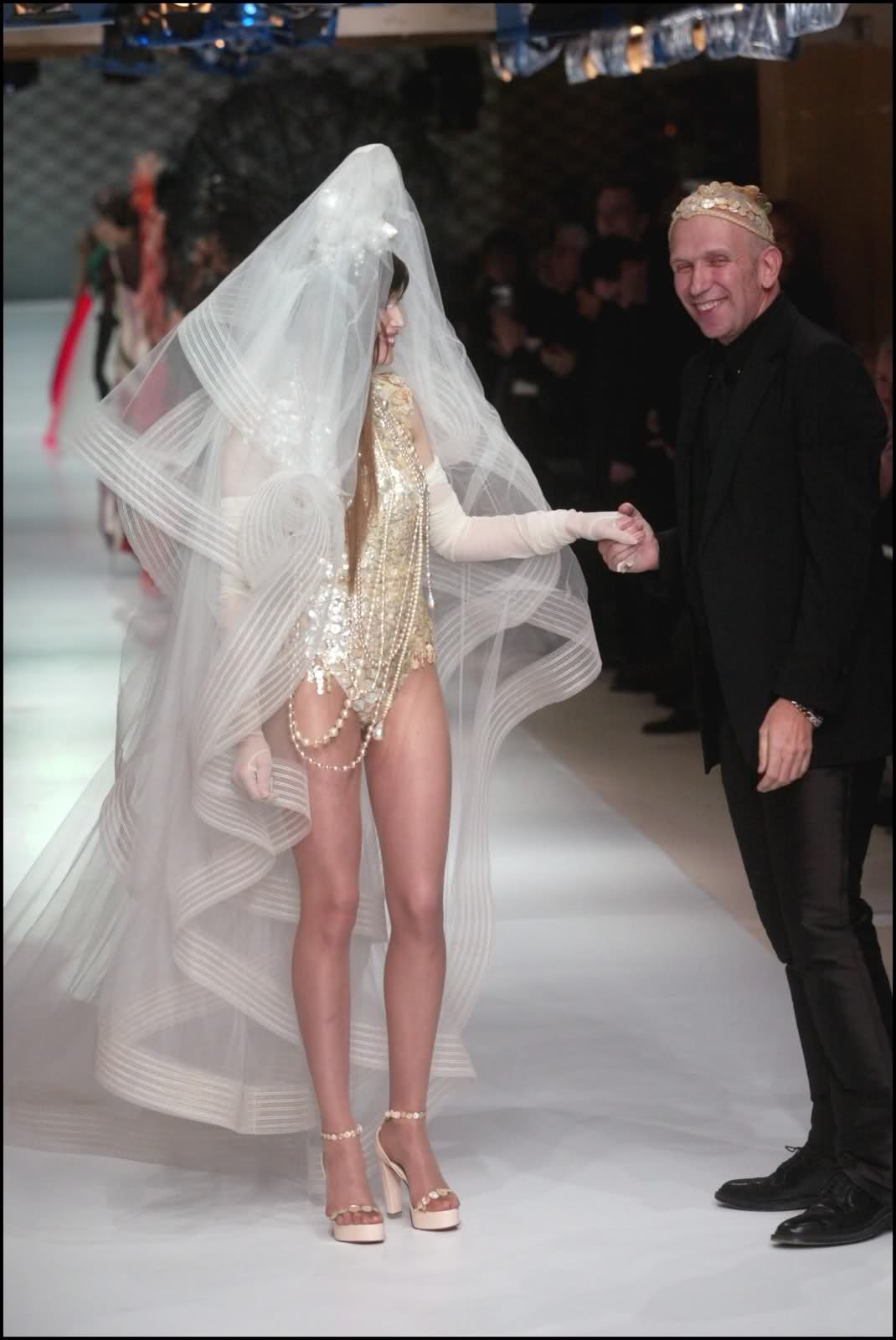
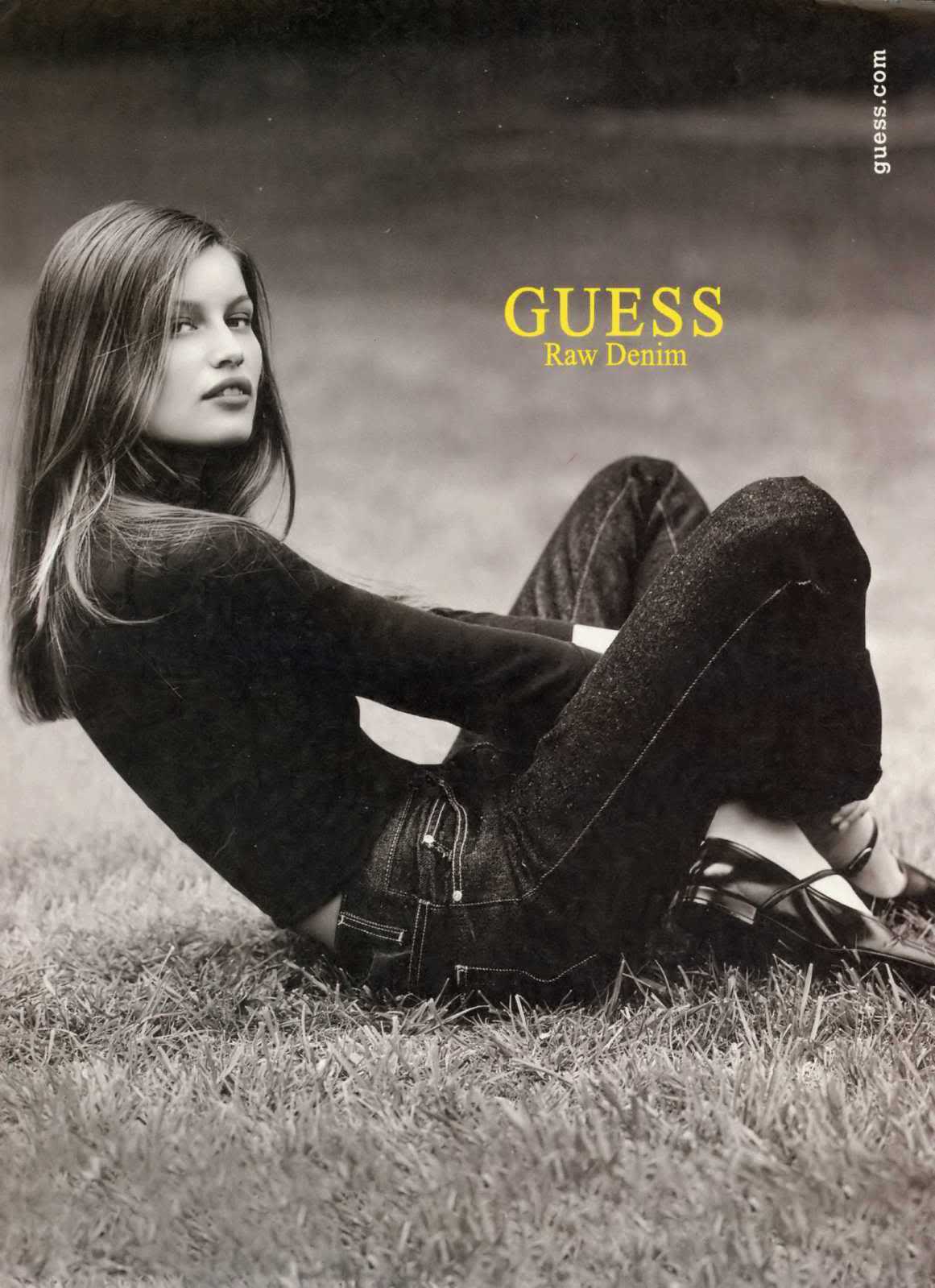
my vote: 8 Emmanuelle beauty: 6,9 LAETITIA CASTA AS A GOOD MODEL on Covers as versatil model: on the runway: catwalk and backstage vid: Ads: Shooting vid: GIVE A MARK BETWEEN 0 TO 10 FOR LAETITIA AS A GOOD MODEL
she a such a good actress!
girl1
oh big thanks chocolate I will try come to vote in Everything about her
my vote: 8 Emmanuelle beauty: 6,9 LAETITIA CASTA AS A GOOD MODEL on Covers as versatil model: on the runway: catwalk and backstage vid: Ads: Shooting vid: GIVE A MARK BETWEEN 0 TO 10 FOR LAETITIA AS A GOOD MODEL





























 How I can use it? love when the logo is on laetitia's face <_<


 lol yes girls!!!! if someone have those pics it would be a perfect world

























































































































Account
Navigation
Search
Configure browser push notifications
Chrome (Android)
- Tap the lock icon next to the address bar.
- Tap Permissions → Notifications.
- Adjust your preference.
Chrome (Desktop)
- Click the padlock icon in the address bar.
- Select Site settings.
- Find Notifications and adjust your preference.
Safari (iOS 16.4+)
- Ensure the site is installed via Add to Home Screen.
- Open Settings App → Notifications.
- Find your app name and adjust your preference.
Safari (macOS)
- Go to Safari → Preferences.
- Click the Websites tab.
- Select Notifications in the sidebar.
- Find this website and adjust your preference.
Edge (Android)
- Tap the lock icon next to the address bar.
- Tap Permissions.
- Find Notifications and adjust your preference.
Edge (Desktop)
- Click the padlock icon in the address bar.
- Click Permissions for this site.
- Find Notifications and adjust your preference.
Firefox (Android)
- Go to Settings → Site permissions.
- Tap Notifications.
- Find this site in the list and adjust your preference.
Firefox (Desktop)
- Open Firefox Settings.
- Search for Notifications.
- Find this site in the list and adjust your preference.