Jump to content
View in the app

A better way to browse. Learn more.

Bellazon

A full-screen app on your home screen with push notifications, badges and more.

To install this app on iOS and iPadOS
  1. Tap the Share icon in Safari
  2. Scroll the menu and tap Add to Home Screen.
  3. Tap Add in the top-right corner.
To install this app on Android
  1. Tap the 3-dot menu (⋮) in the top-right corner of the browser.
  2. Tap Add to Home screen or Install app.
  3. Confirm by tapping Install.

lisa-1

Members
  • Joined

  • Last visited

Everything posted by lisa-1

  1. lisa-1 replied to a post in a topic in Actresses
    thanks I love her dress!
  2. Vanessa who sings "La Bataille" her dance on stage is so great the "wave" The full song in free style it's funny song! I love How she dances in the second part of the vid
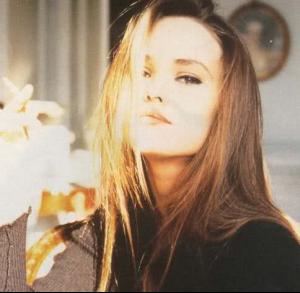
  3. Vanessa Paradis:
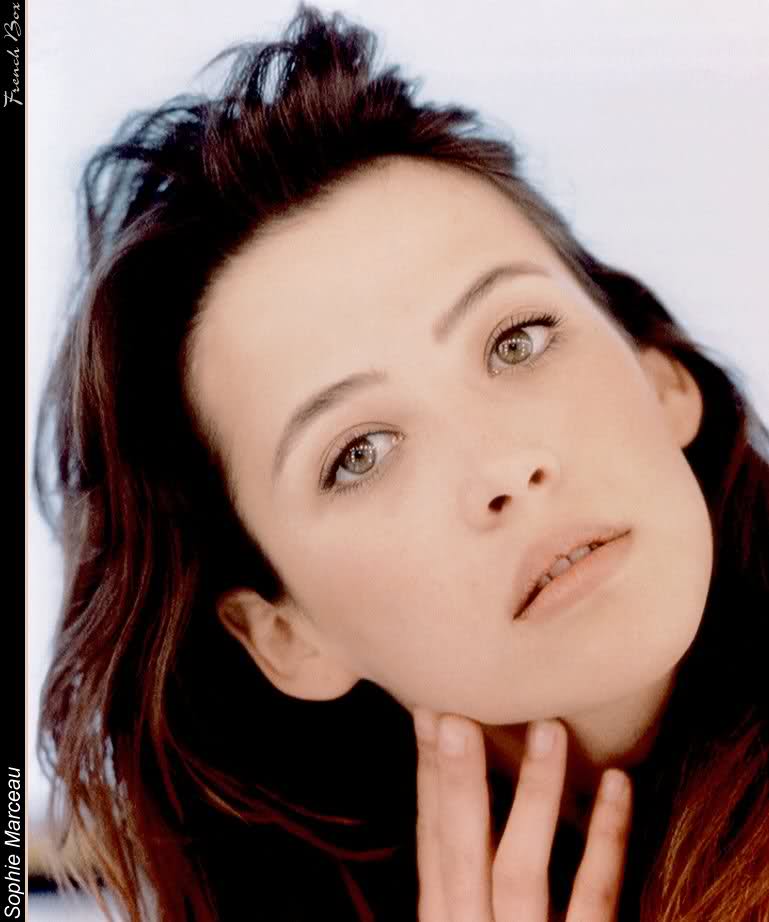
  4. Sophie Marceau:
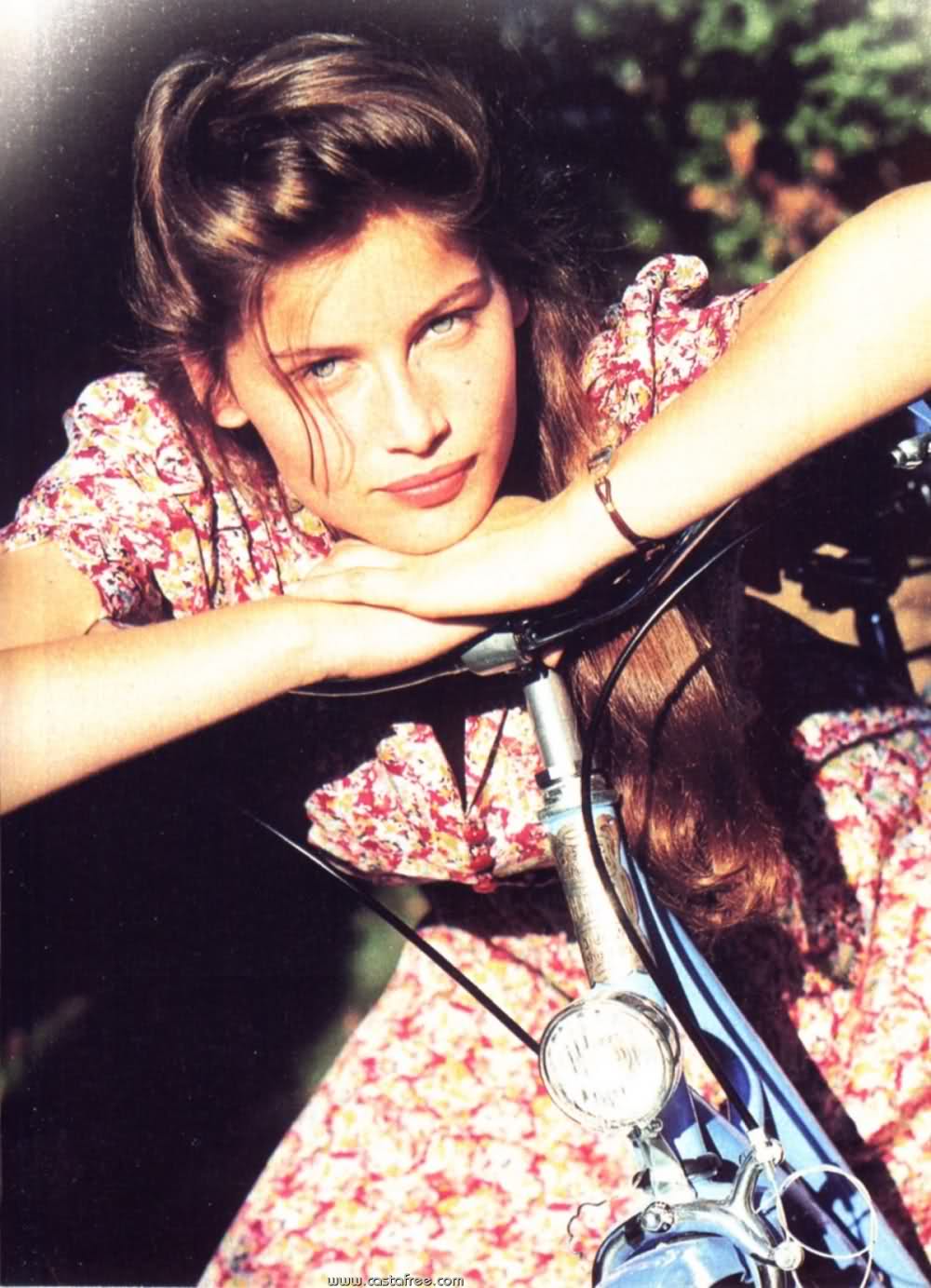
  5. Laetitia Casta:
  6. 1. Hair: 6 2. Butt: 8 3. Face: 8 4. Eyes: 10 5. Legs: 8 6. Body: 8 7. Smile: 7 8. Cleavage: 7 9. Sexiness: 7 10. Natural Beauty:8 Voter #: 3
  7. lisa-1 replied to a post in a topic in Female Fashion Models
    thanks!
  8. thanks!
  9. thanks
  10. gorgeous!
  11. so beautiful!
  12. beautiful!
  13. thanks Minus
  14. thanks
  15. beautiful eva!
  16. lisa-1 replied to a post in a topic in Female Fashion Models
    yes me too I will post less coz I can't use bellazon post it doesn't work with me I wait I wait and it never happen th epicture is not posted Laetitia is gorgeous on that picture!
  17. lisa-1 replied to a post in a topic in Actresses
    beautiful
  18. thanks
  19. lisa-1 replied to a post in a topic in Female Fashion Models
    someone have acess to "incon itnernational"? and "fotolog"? coz I think we could find great pics of laeti
  20. lisa-1 replied to saritaa's topic in Actresses
    wow thanks diora!
  21. lisa-1 replied to a post in a topic in Female Fashion Models
    yes or just see her all day
Configure browser push notifications

Chrome (Android)
  1. Tap the lock icon next to the address bar.
  2. Tap Permissions → Notifications.
  3. Adjust your preference.
Chrome (Desktop)
  1. Click the padlock icon in the address bar.
  2. Select Site settings.
  3. Find Notifications and adjust your preference.