
lisa-1
Members
-
Joined
-
Last visited
Everything posted by lisa-1
-
-
come to vote in Everything about her
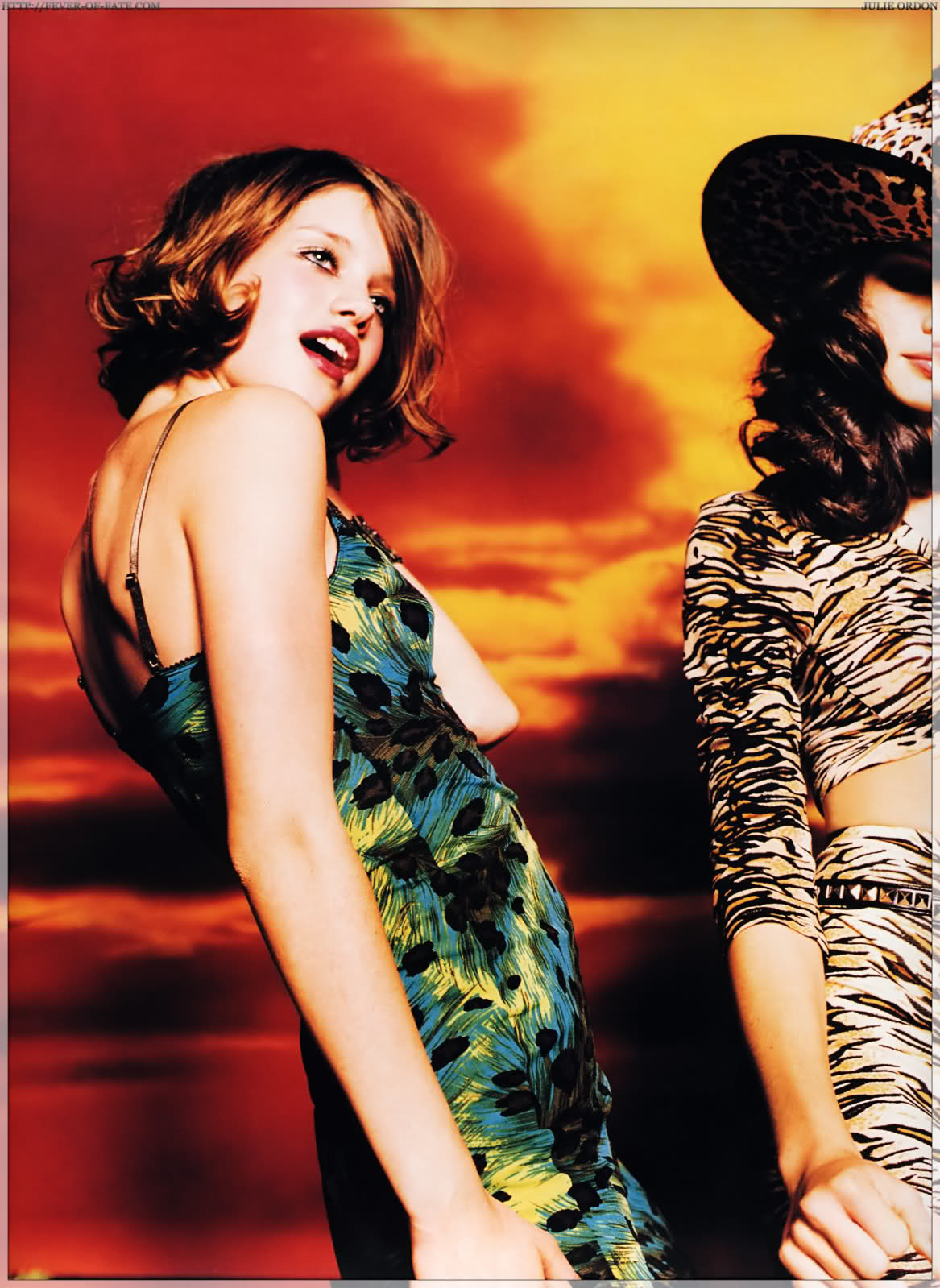
Edita as a good model: 8,5 JULIE ORDON FOR BEAUTY ROUND GIVE A MARK BETWEEN 0 TO 10 FOR JULIE BEAUTY












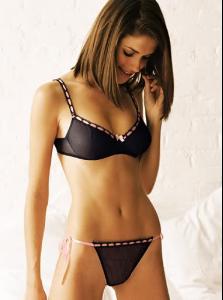
 1. Hair: 6 2. Butt: 5 3. Face: 7 4. Eyes: 7 5. Legs: 7 6. Body: 5.5 7. Smile: 6.5 8. Cleavage: 5 9. Sexiness: 6 10. Natural Beauty: 7.8 Voter #14
girl 2
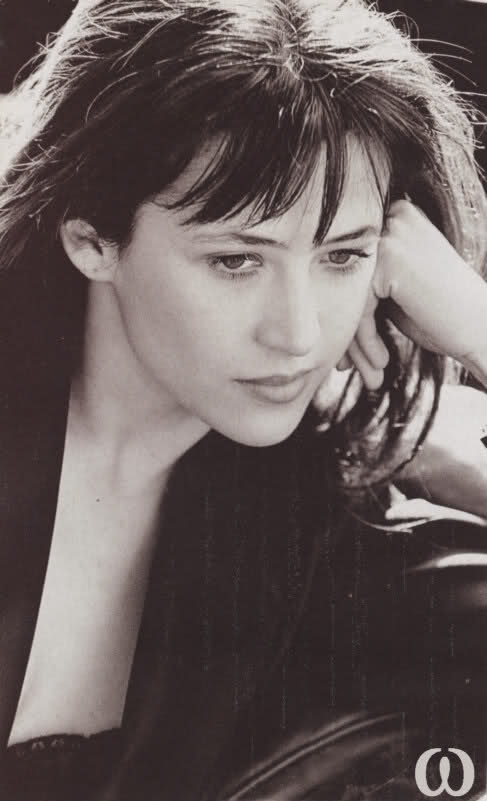
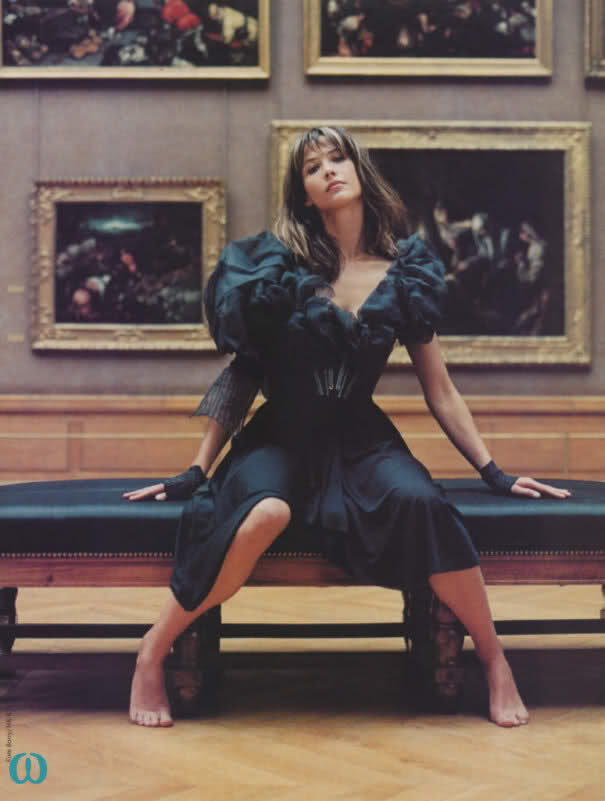
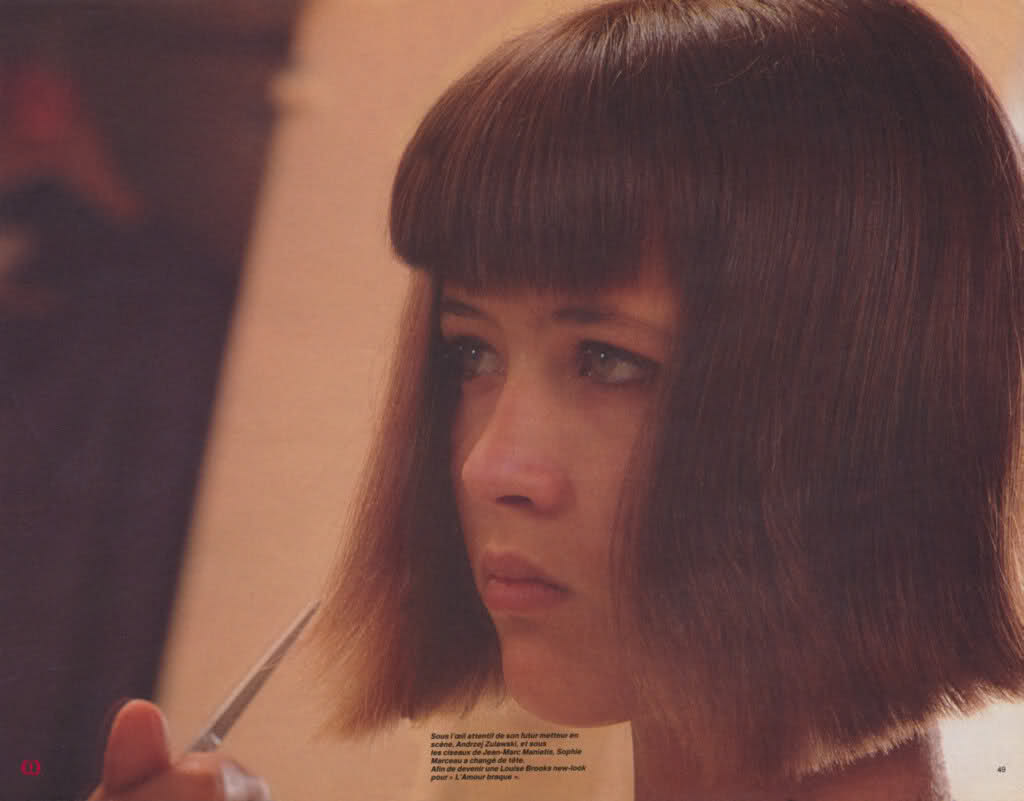
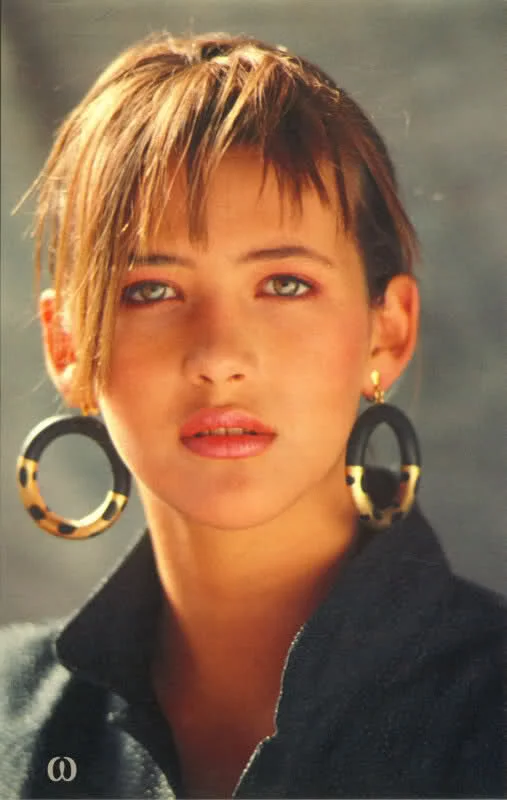
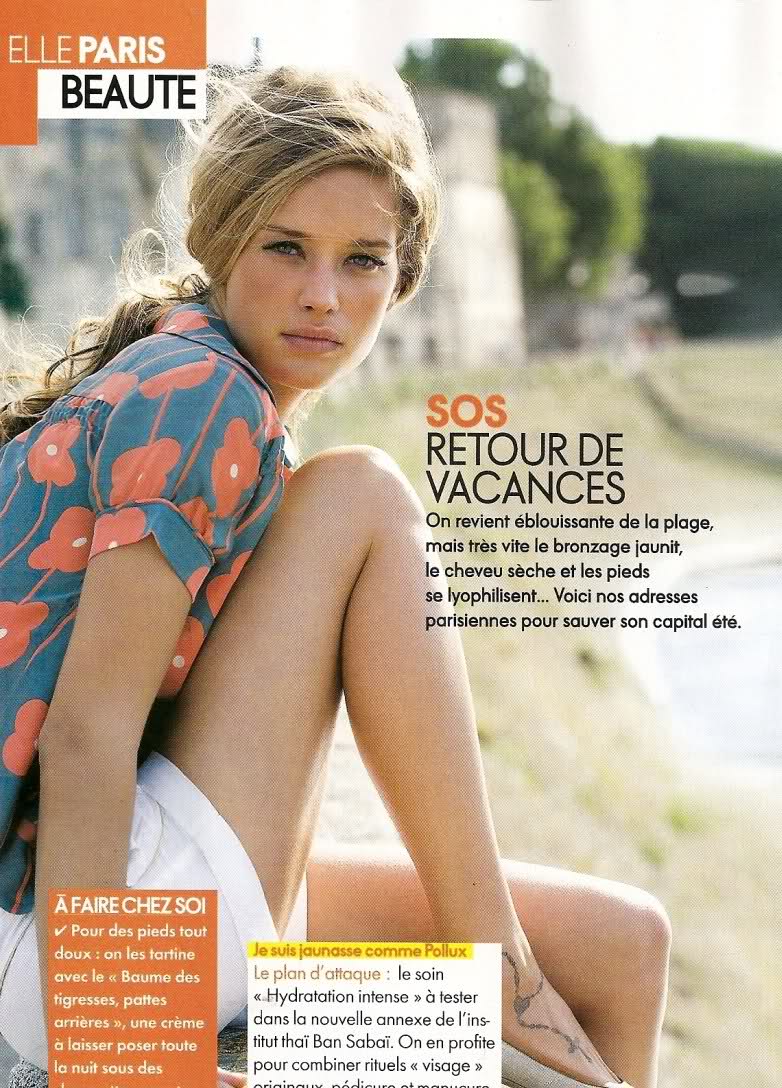
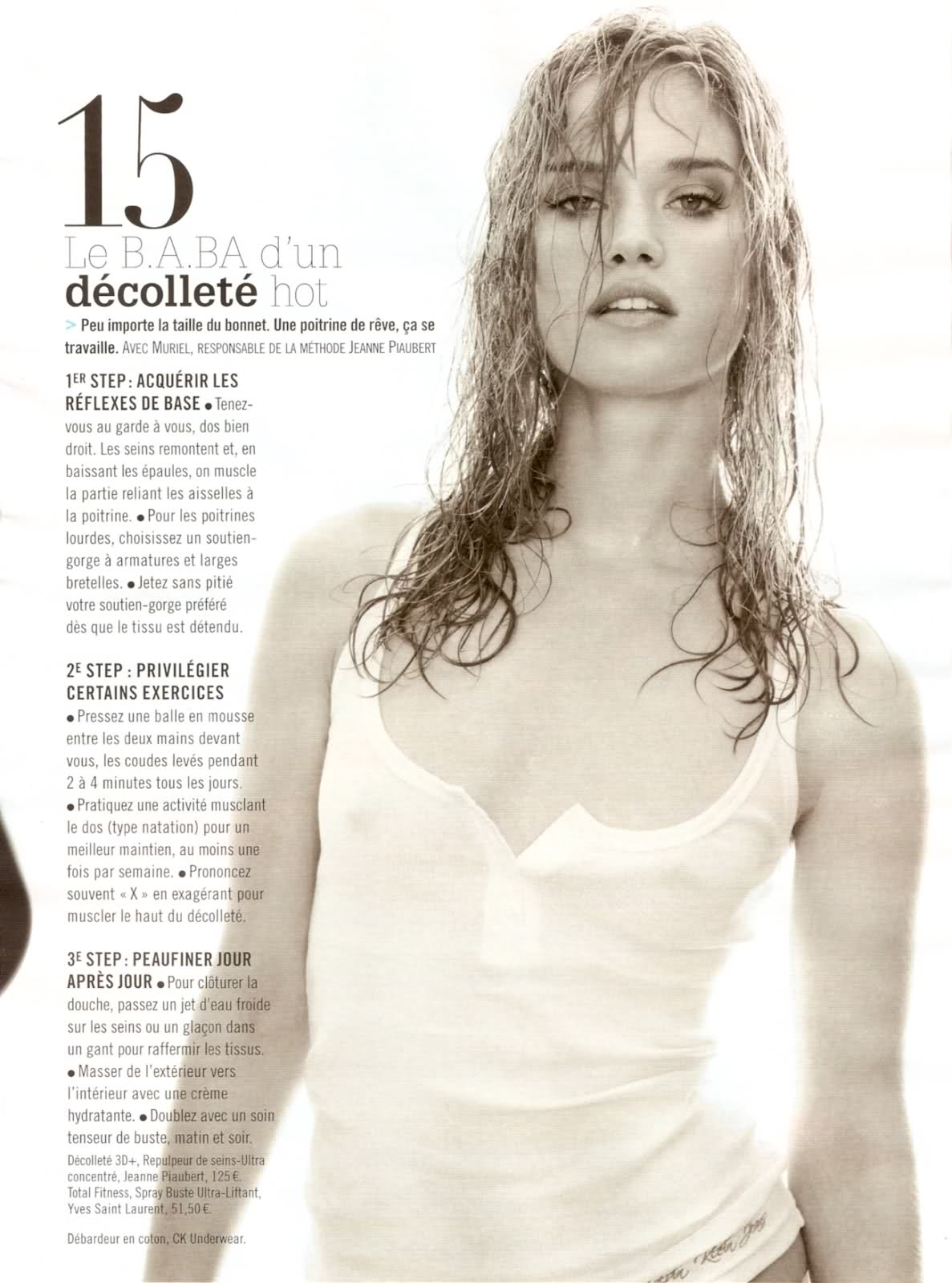
thanks marlene!!!! me I prefer her young!!! even if she is still elegant! she was more beautiful young and more natural!!!!!!!
OMG thanks OrengeO the serie is not new it was used for "Madame Figaro" but those pics are new coz they are never been published!!! never seen for me so thanks!!!! more orengeo
come to vote in Everything about her
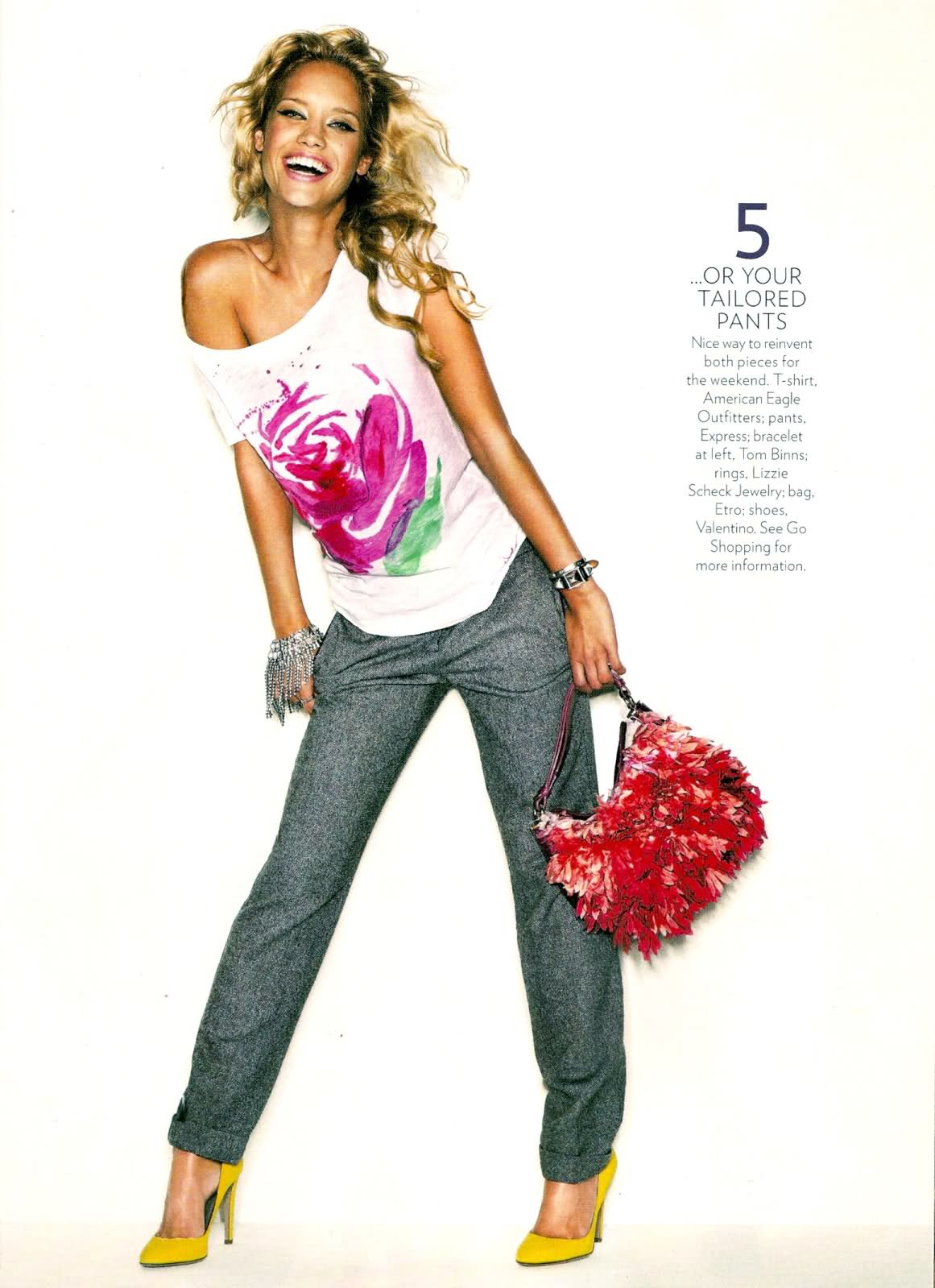
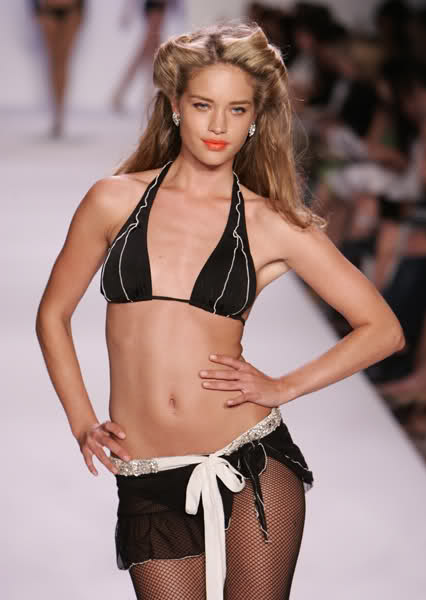
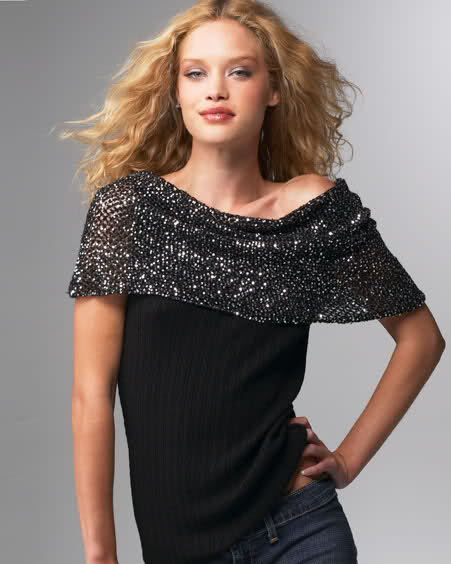
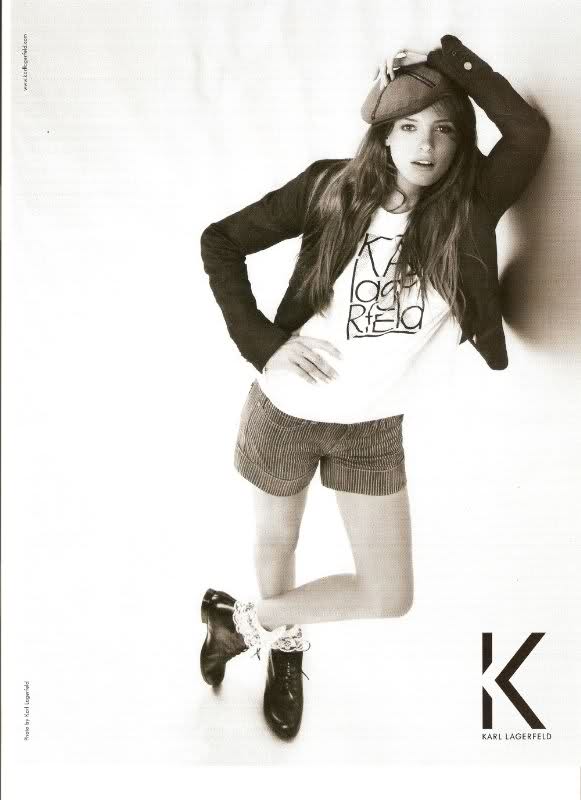
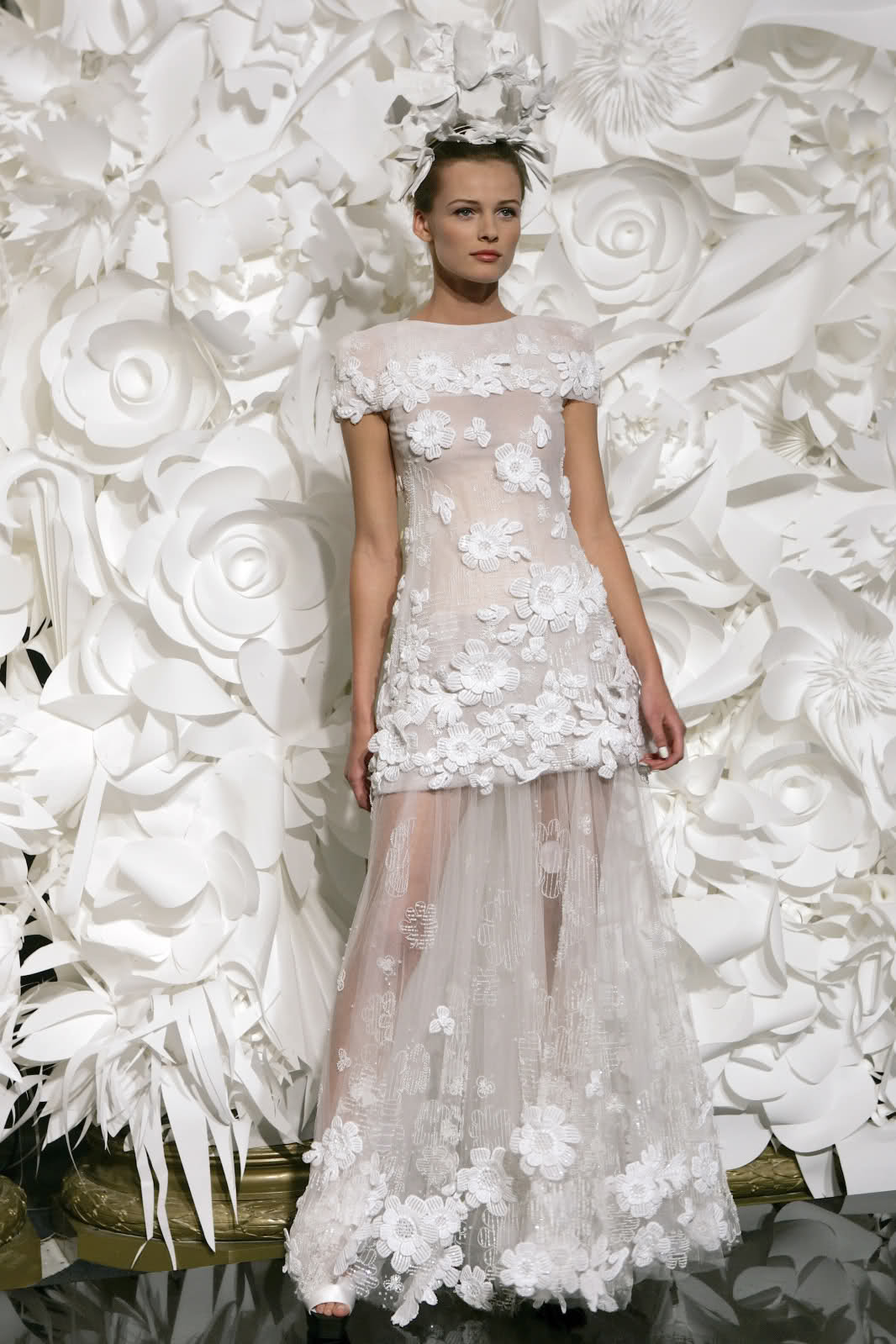
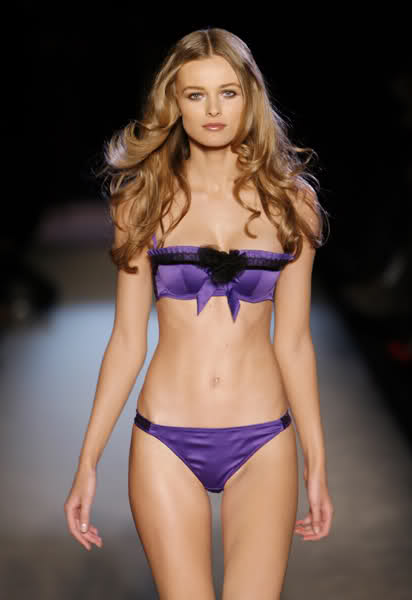
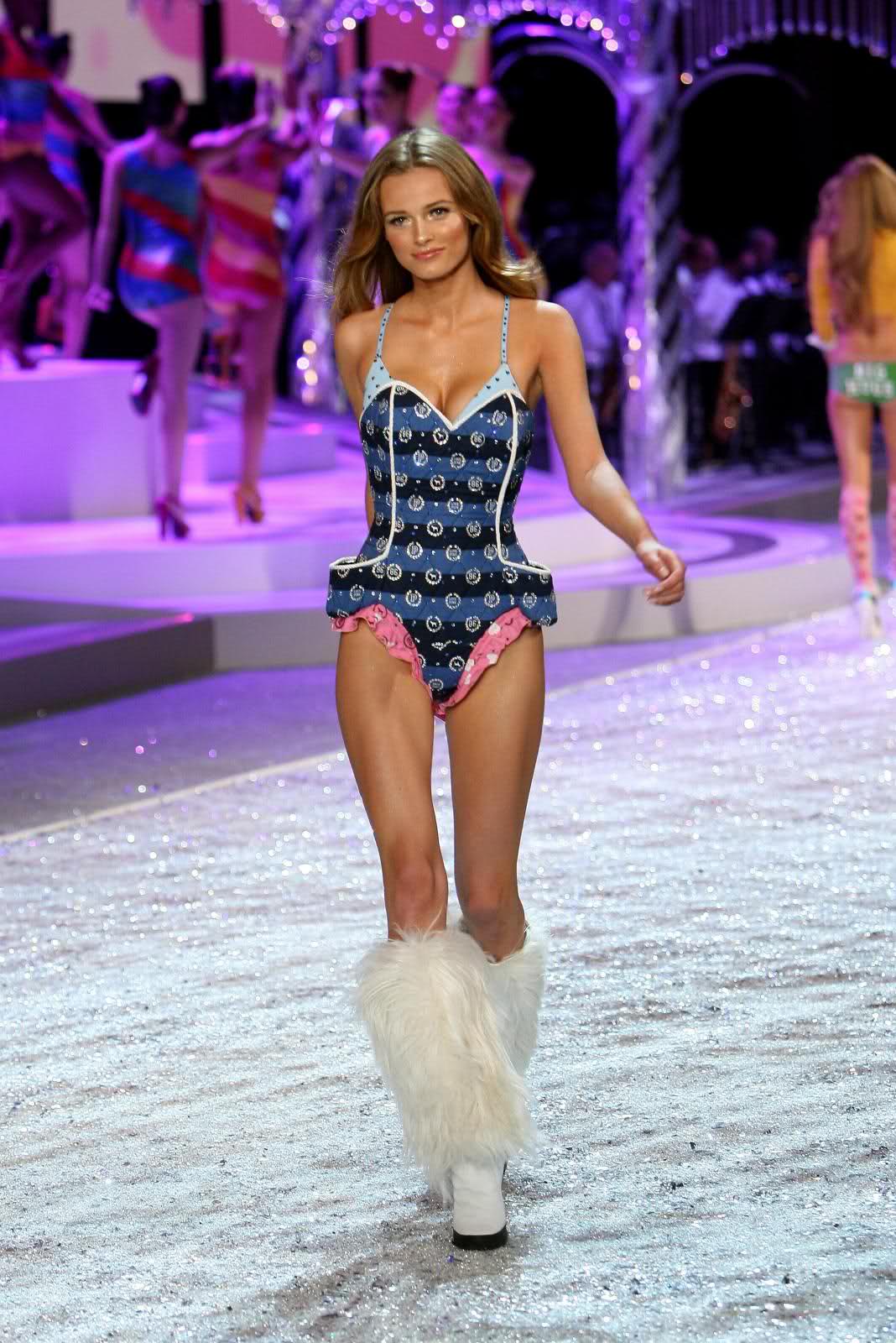
my vote: 8 Grace for beauty: 7,5 EDITA VILKEVICIUTE FOR GOOD MODEL Edito: Ads: on the Runway: GIVE A MARK BETWEEN 0 TO 10 FOR EDITA AS A GOOD MODEL
1. Hair: 6 2. Butt: 5 3. Face: 7 4. Eyes: 7 5. Legs: 7 6. Body: 5.5 7. Smile: 6.5 8. Cleavage: 5 9. Sexiness: 6 10. Natural Beauty: 7.8 Voter #14
girl 2
thanks marlene!!!! me I prefer her young!!! even if she is still elegant! she was more beautiful young and more natural!!!!!!!
OMG thanks OrengeO the serie is not new it was used for "Madame Figaro" but those pics are new coz they are never been published!!! never seen for me so thanks!!!! more orengeo
come to vote in Everything about her
my vote: 8 Grace for beauty: 7,5 EDITA VILKEVICIUTE FOR GOOD MODEL Edito: Ads: on the Runway: GIVE A MARK BETWEEN 0 TO 10 FOR EDITA AS A GOOD MODEL

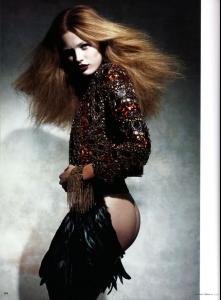


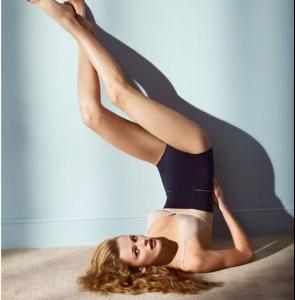
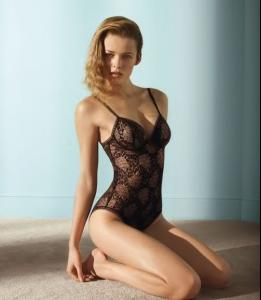

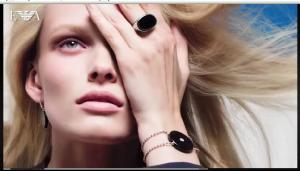






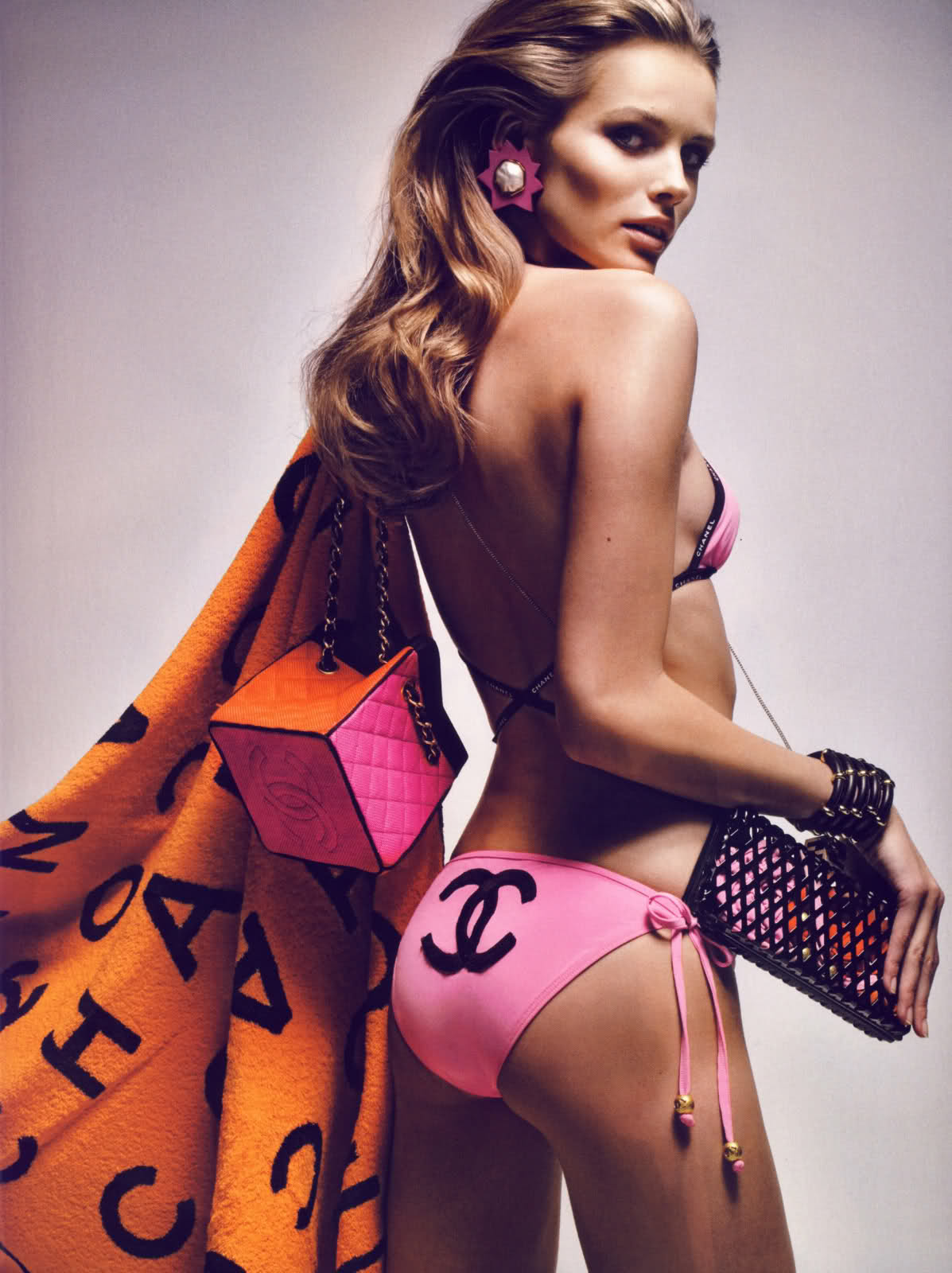
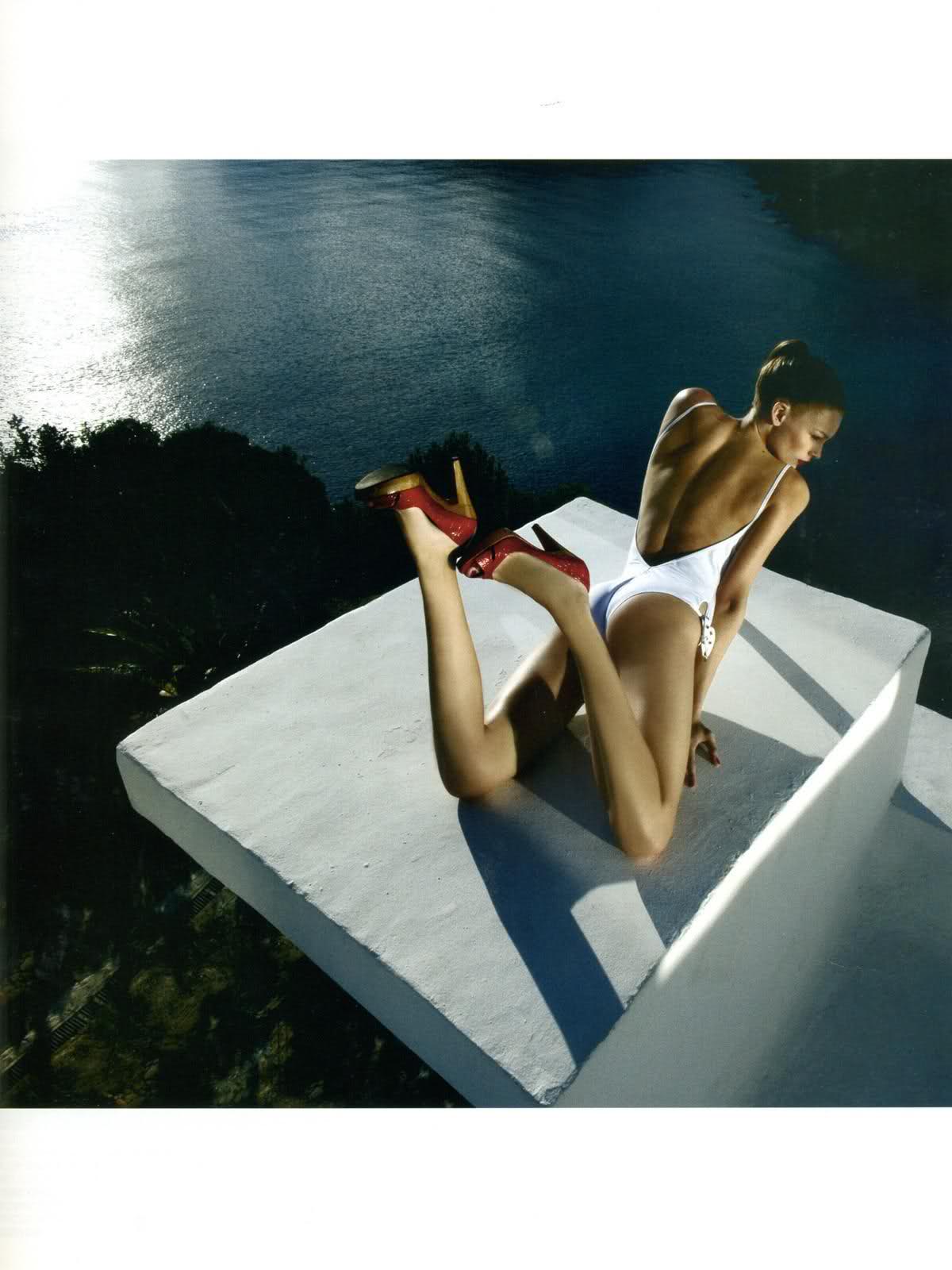
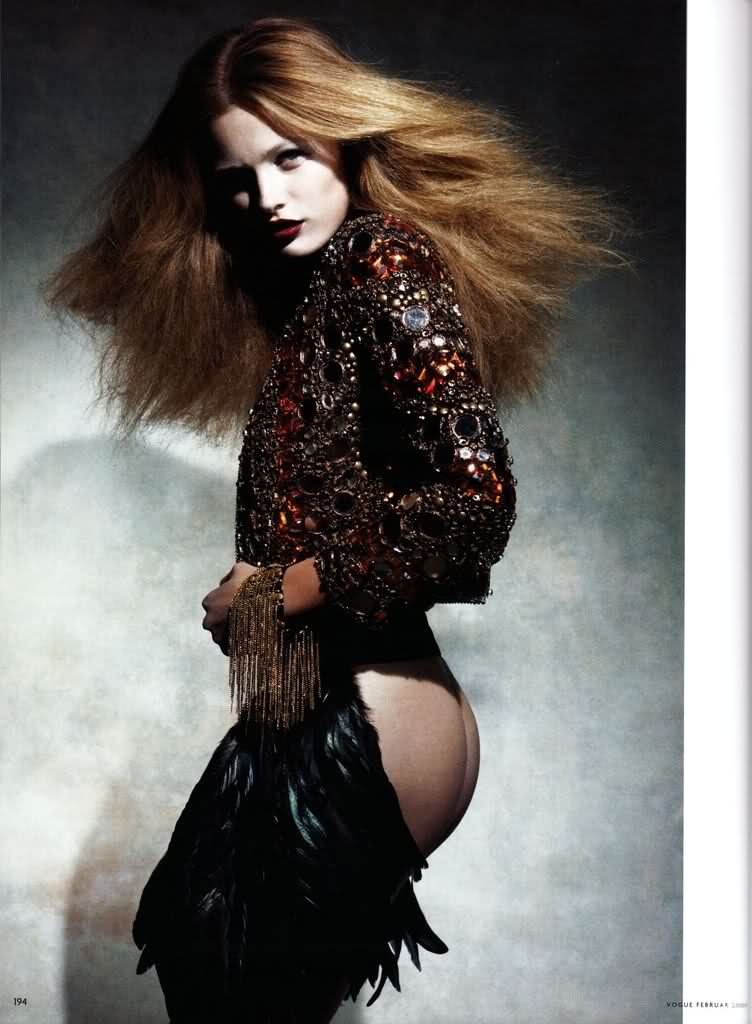
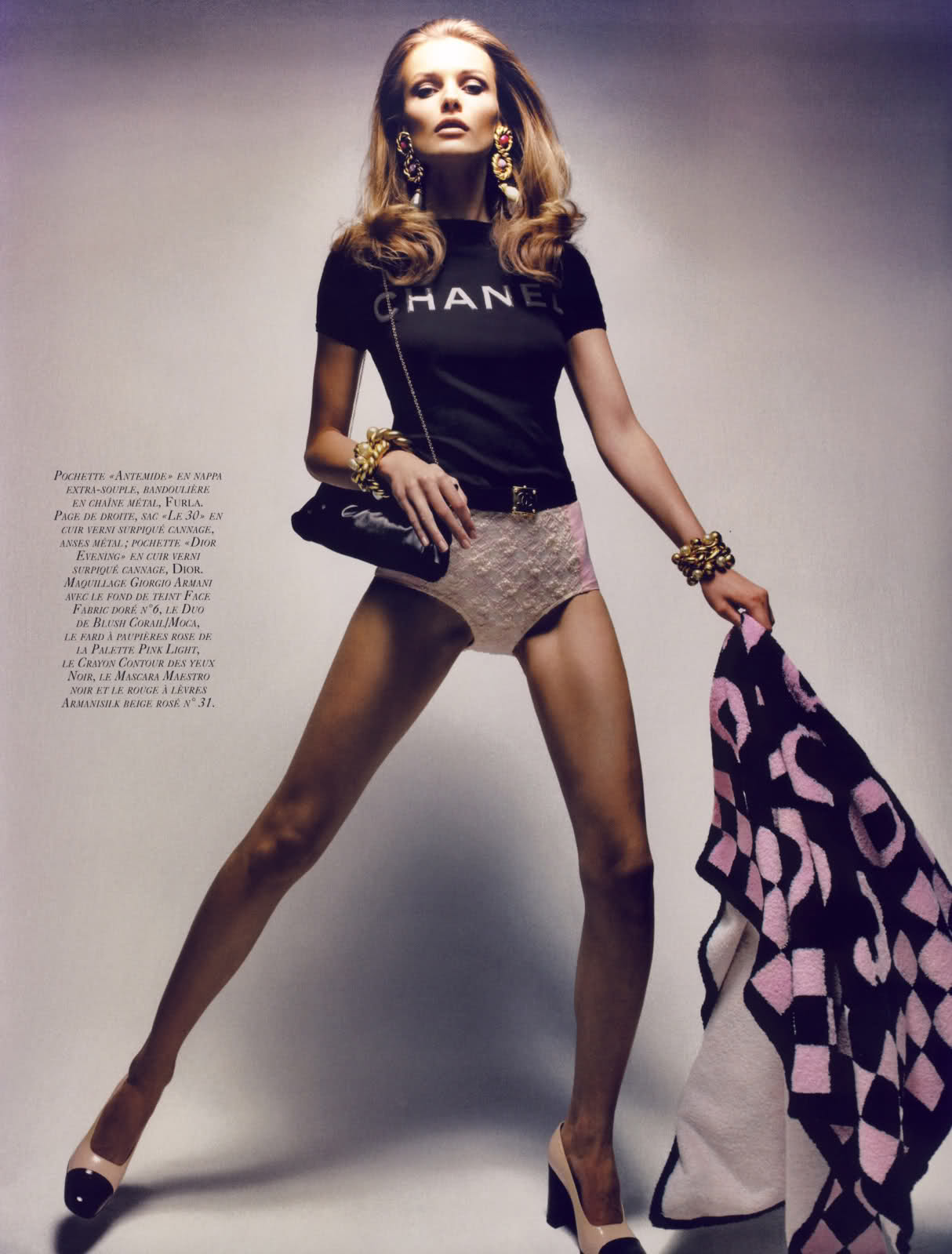
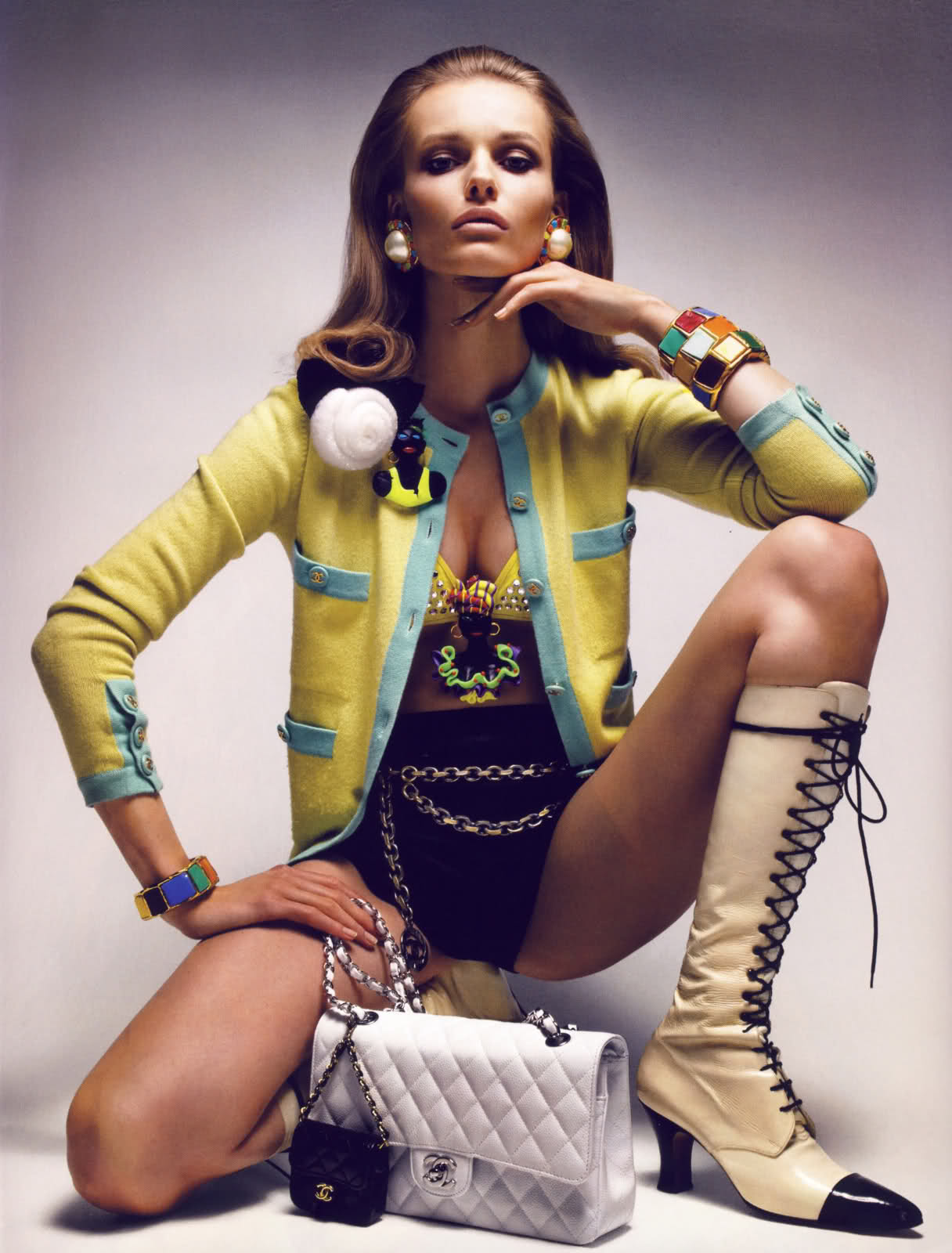
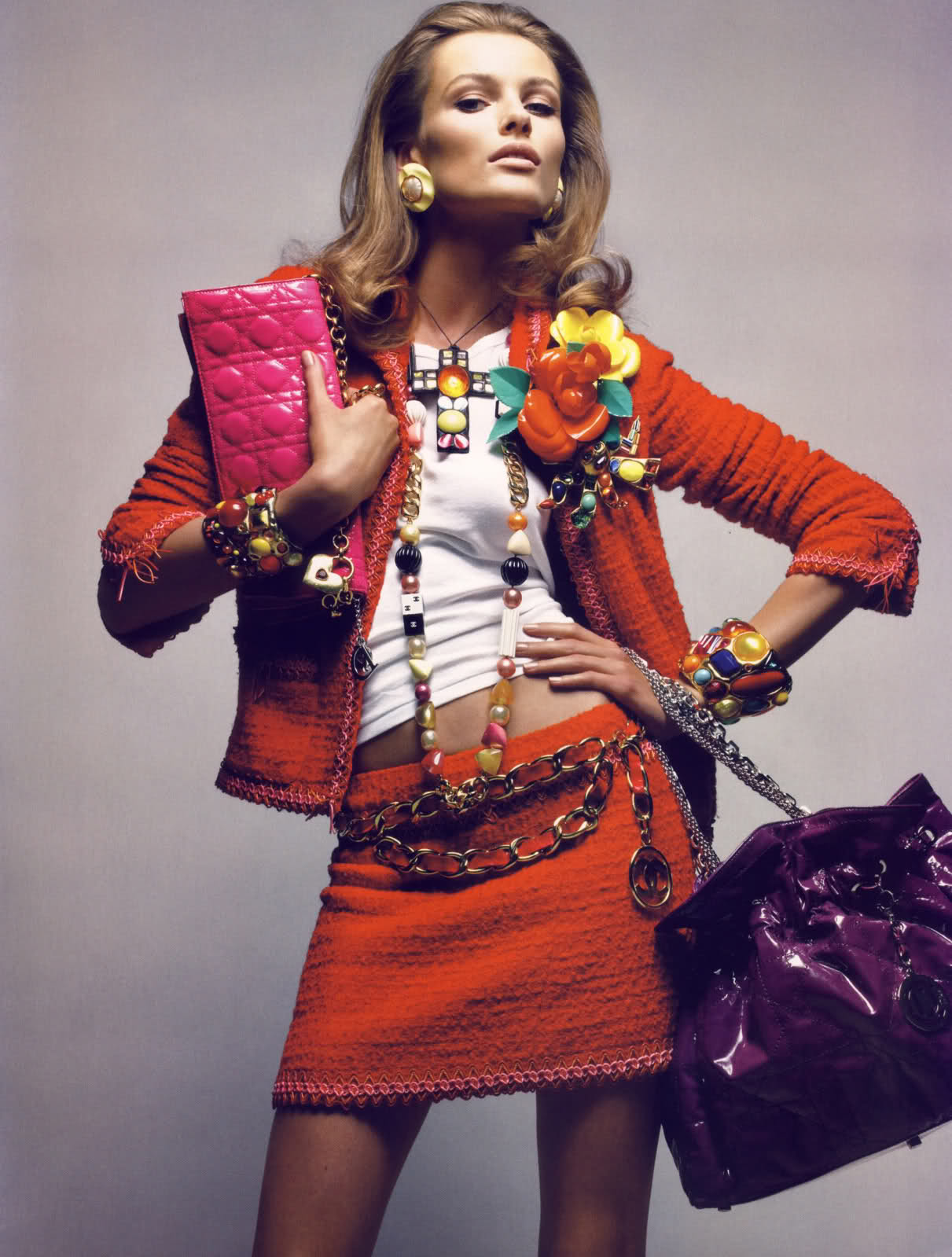
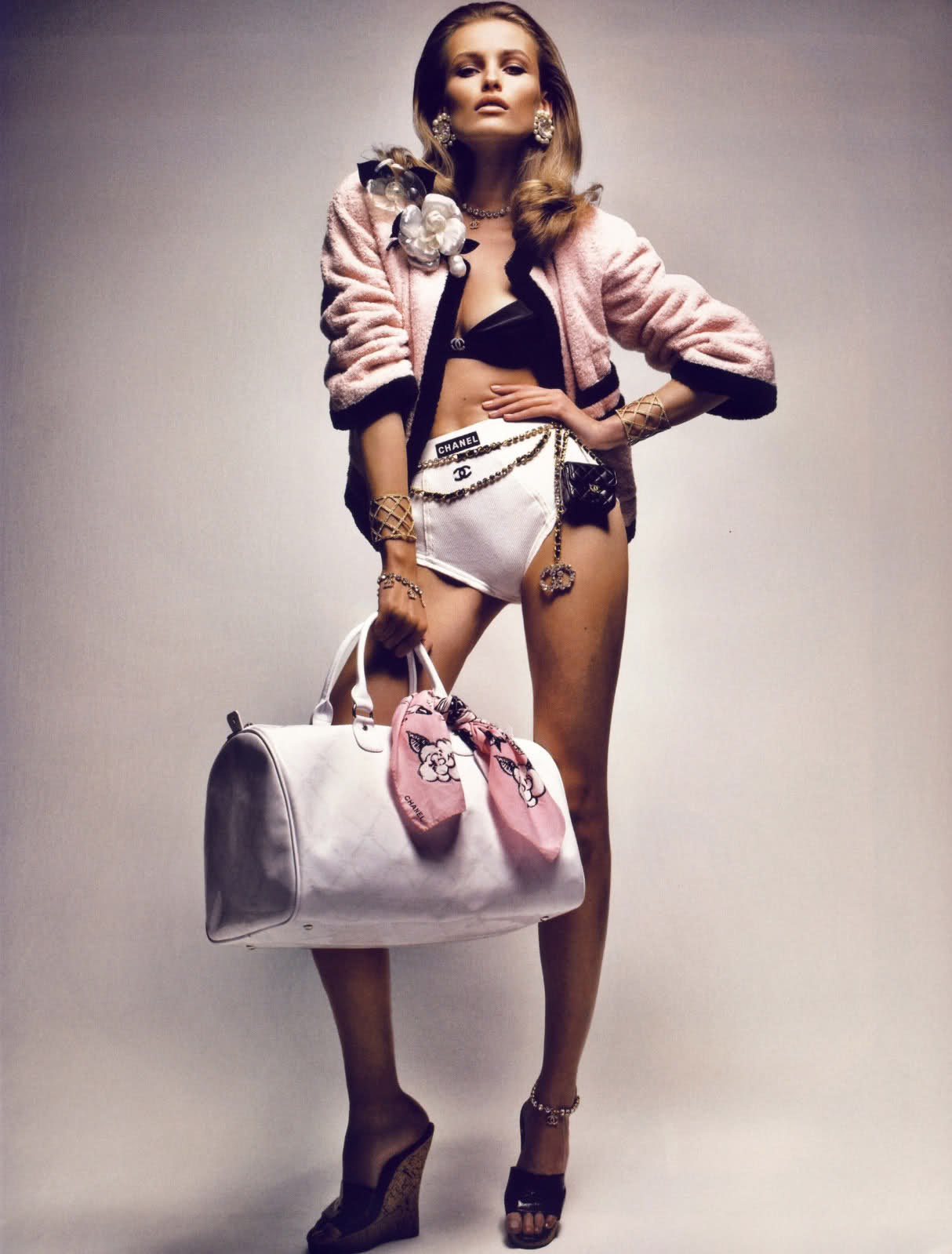
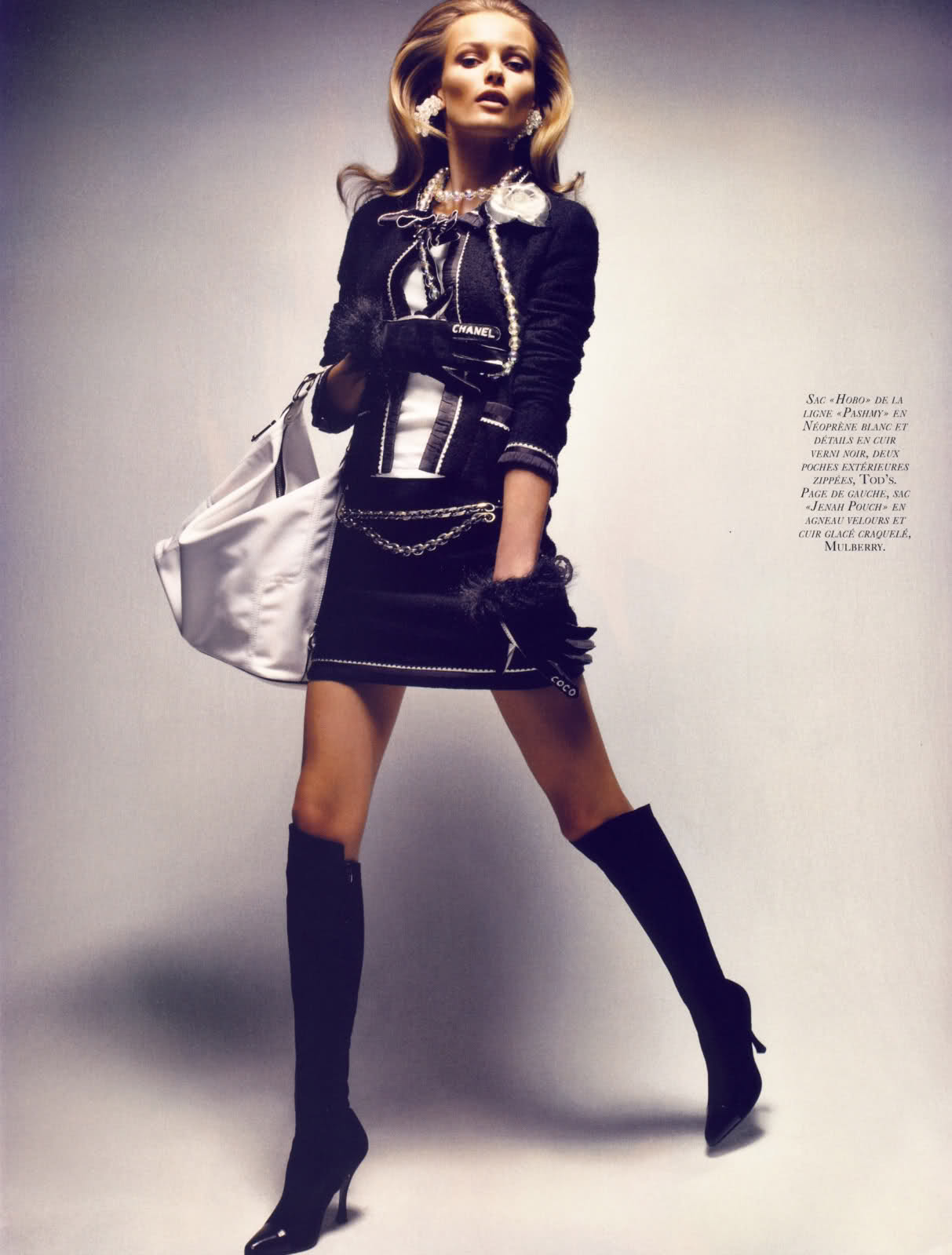
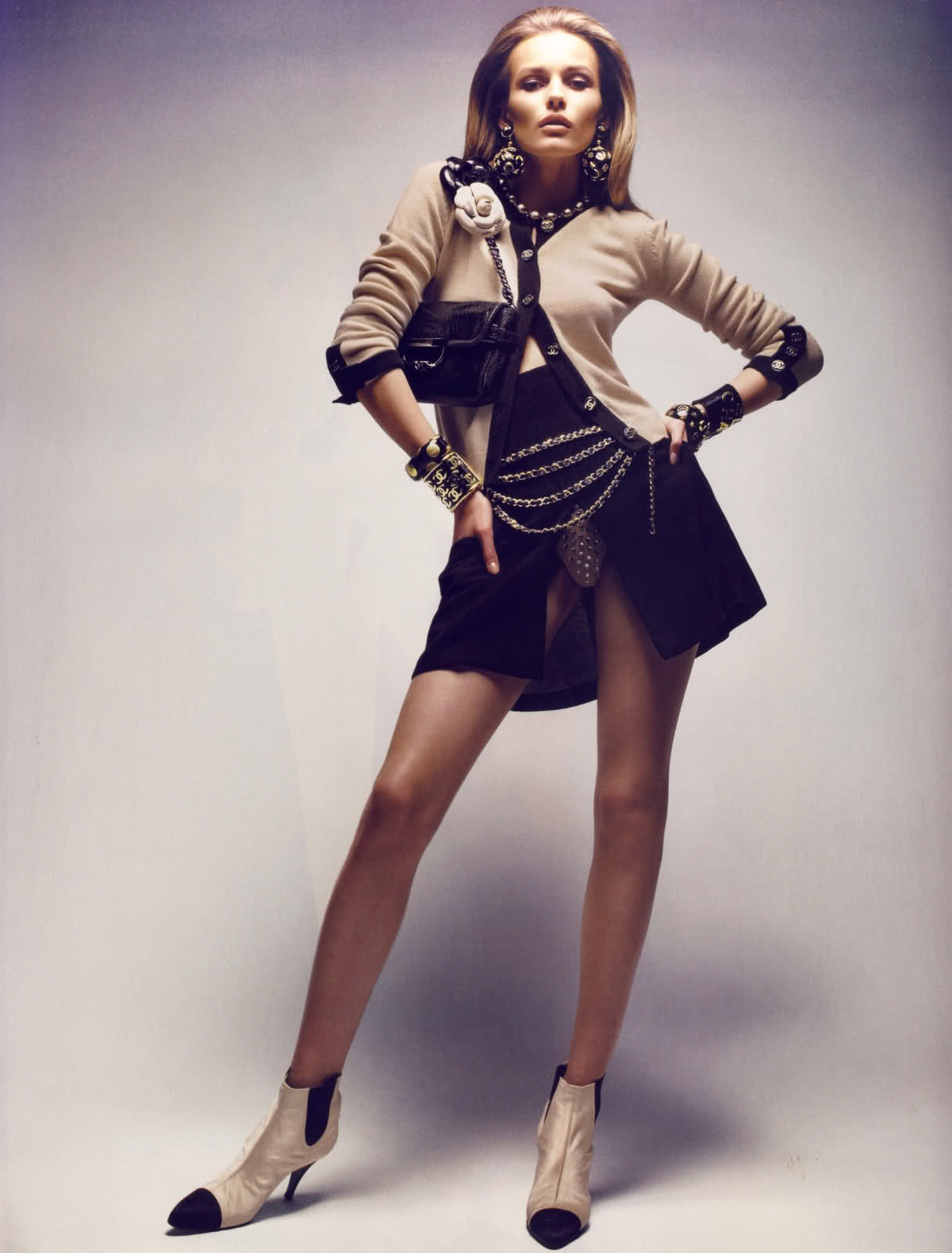
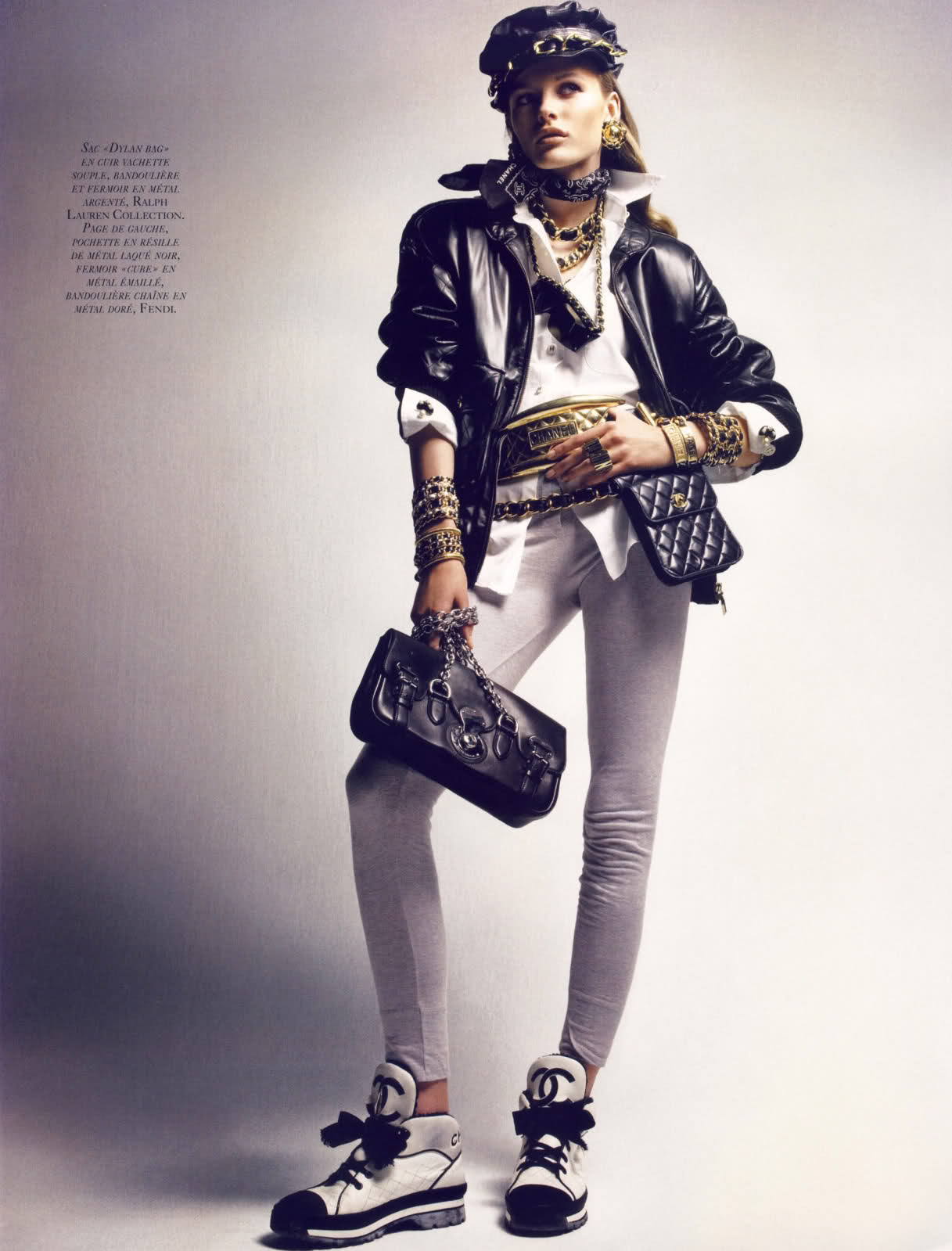
 scanned by Diorette Vogue Paris March 2009 Le sac Photographed by Patrick Demarchelier Styled by Carlyne Cerf de Dudzeele Model: Edita Vilkeviciute







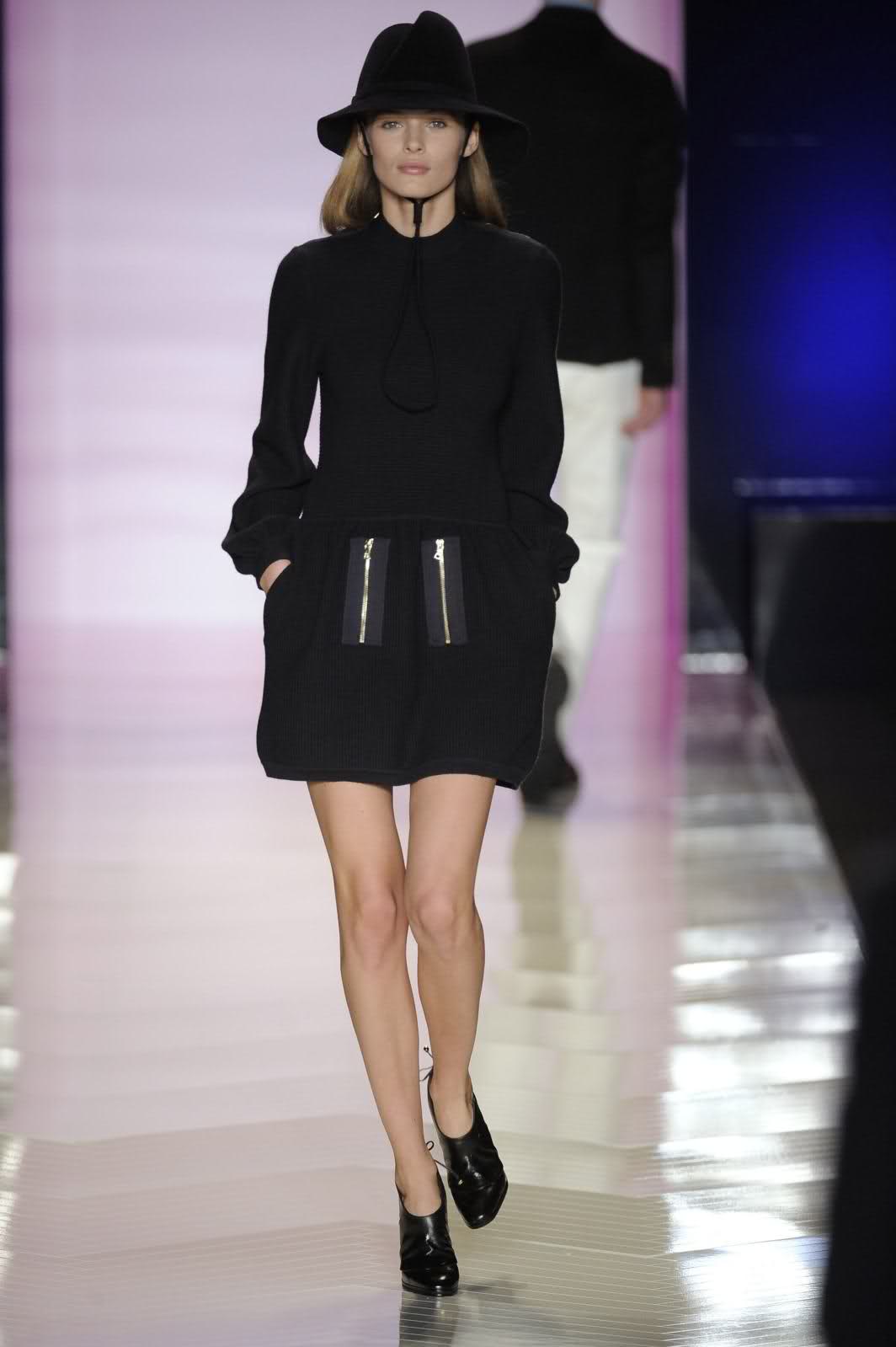
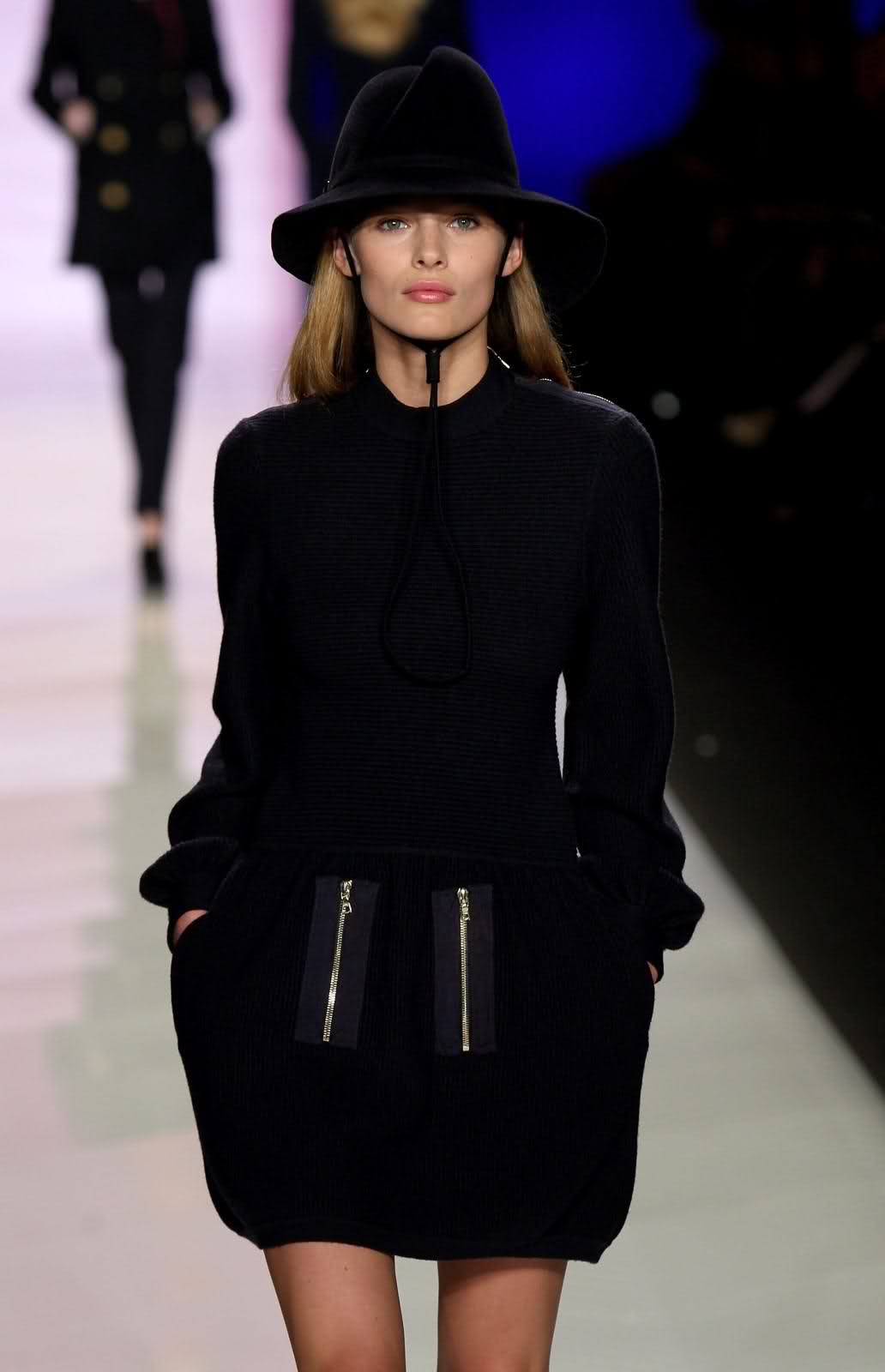
 Tommy Hilfiger FW 09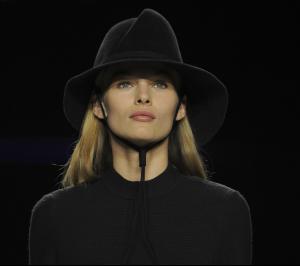

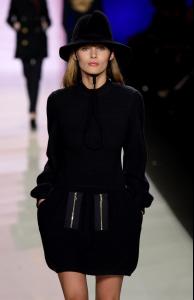
 she is so great!
wow big thanks Minus
she is so great!
wow big thanks Minus




















Account
Navigation
Search
Configure browser push notifications
Chrome (Android)
- Tap the lock icon next to the address bar.
- Tap Permissions → Notifications.
- Adjust your preference.
Chrome (Desktop)
- Click the padlock icon in the address bar.
- Select Site settings.
- Find Notifications and adjust your preference.
Safari (iOS 16.4+)
- Ensure the site is installed via Add to Home Screen.
- Open Settings App → Notifications.
- Find your app name and adjust your preference.
Safari (macOS)
- Go to Safari → Preferences.
- Click the Websites tab.
- Select Notifications in the sidebar.
- Find this website and adjust your preference.
Edge (Android)
- Tap the lock icon next to the address bar.
- Tap Permissions.
- Find Notifications and adjust your preference.
Edge (Desktop)
- Click the padlock icon in the address bar.
- Click Permissions for this site.
- Find Notifications and adjust your preference.
Firefox (Android)
- Go to Settings → Site permissions.
- Tap Notifications.
- Find this site in the list and adjust your preference.
Firefox (Desktop)
- Open Firefox Settings.
- Search for Notifications.
- Find this site in the list and adjust your preference.