RocketQueen
Members
-
Joined
-
Last visited
Everything posted by RocketQueen
-
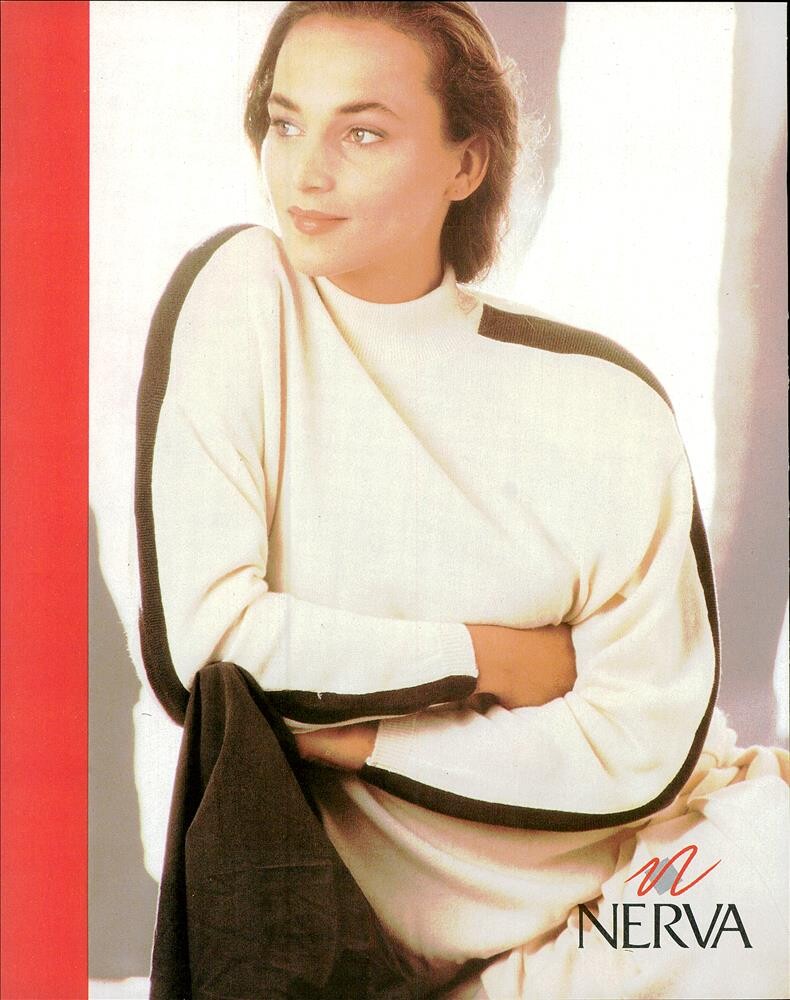
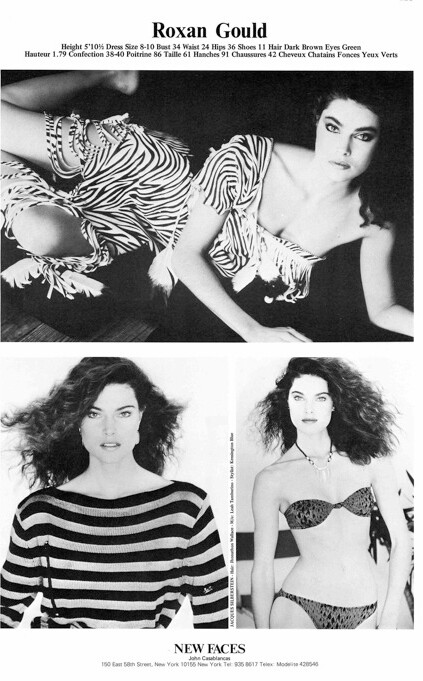
 Caroline Beil (middle pic) Patty Kelly (big pic)

-
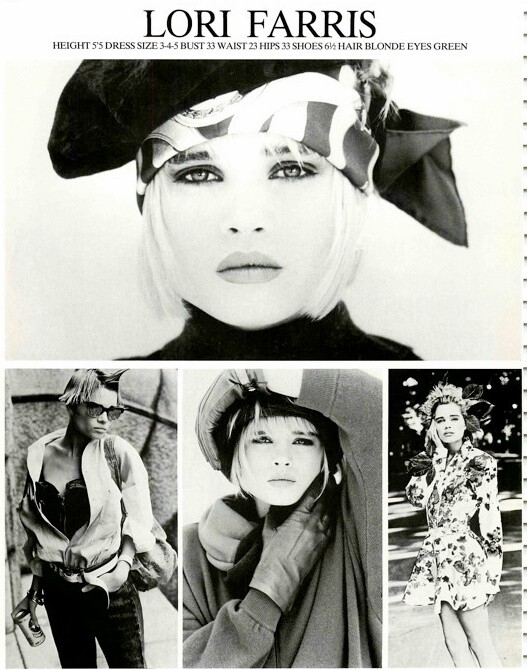
Elsa Anka

-
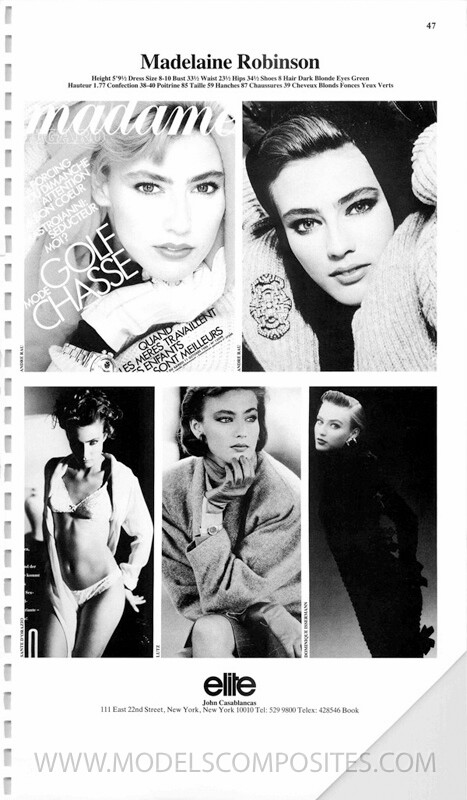
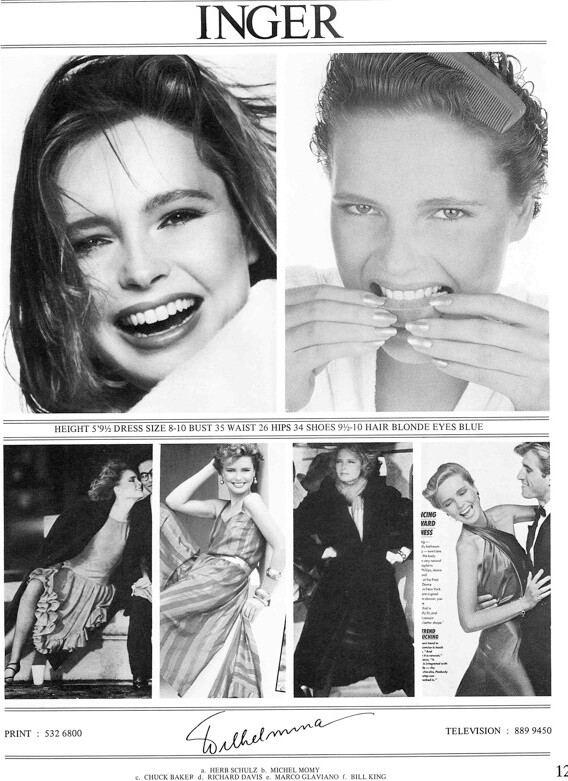
Bottom left:
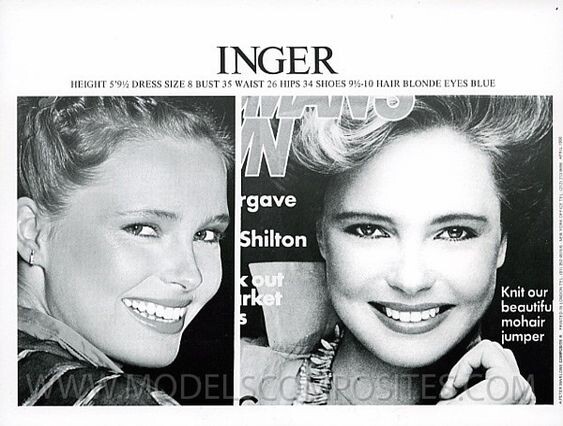
 Inger Heindl
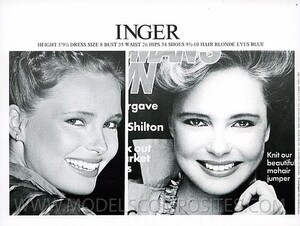 Luisa Corna
 Sabrina Staubitz
 Penny Holst
 Julie Janin
 Joko Zohrer
 Jose Toledo
 Inger Heindl
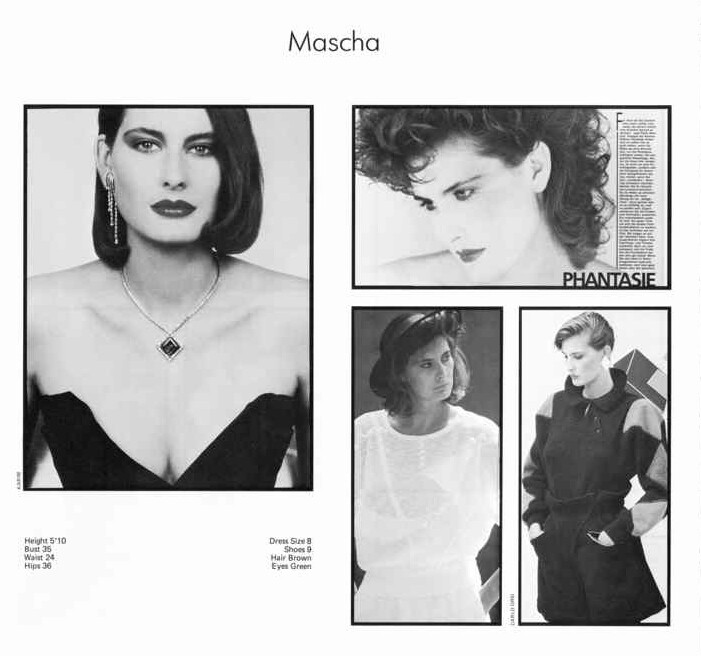
 Barbara
 I'd say yes
That's right
I'd say yes
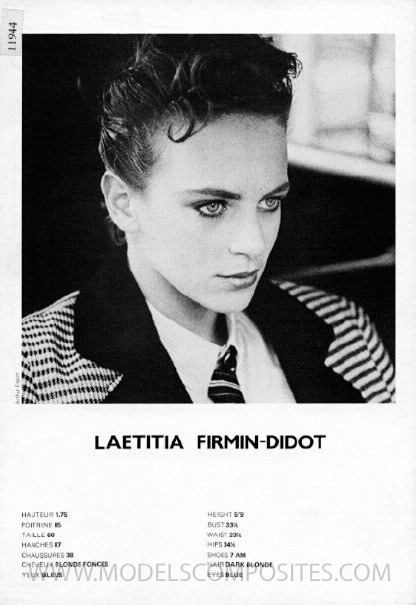
That's right Melania Bontempo
Account
Search
Configure browser push notifications
Chrome (Android)
- Tap the lock icon next to the address bar.
- Tap Permissions → Notifications.
- Adjust your preference.
Chrome (Desktop)
- Click the padlock icon in the address bar.
- Select Site settings.
- Find Notifications and adjust your preference.
Safari (iOS 16.4+)
- Ensure the site is installed via Add to Home Screen.
- Open Settings App → Notifications.
- Find your app name and adjust your preference.
Safari (macOS)
- Go to Safari → Preferences.
- Click the Websites tab.
- Select Notifications in the sidebar.
- Find this website and adjust your preference.
Edge (Android)
- Tap the lock icon next to the address bar.
- Tap Permissions.
- Find Notifications and adjust your preference.
Edge (Desktop)
- Click the padlock icon in the address bar.
- Click Permissions for this site.
- Find Notifications and adjust your preference.
Firefox (Android)
- Go to Settings → Site permissions.
- Tap Notifications.
- Find this site in the list and adjust your preference.
Firefox (Desktop)
- Open Firefox Settings.
- Search for Notifications.
- Find this site in the list and adjust your preference.