

RocketQueen
Members
-
Joined
-
Last visited
Everything posted by RocketQueen
-
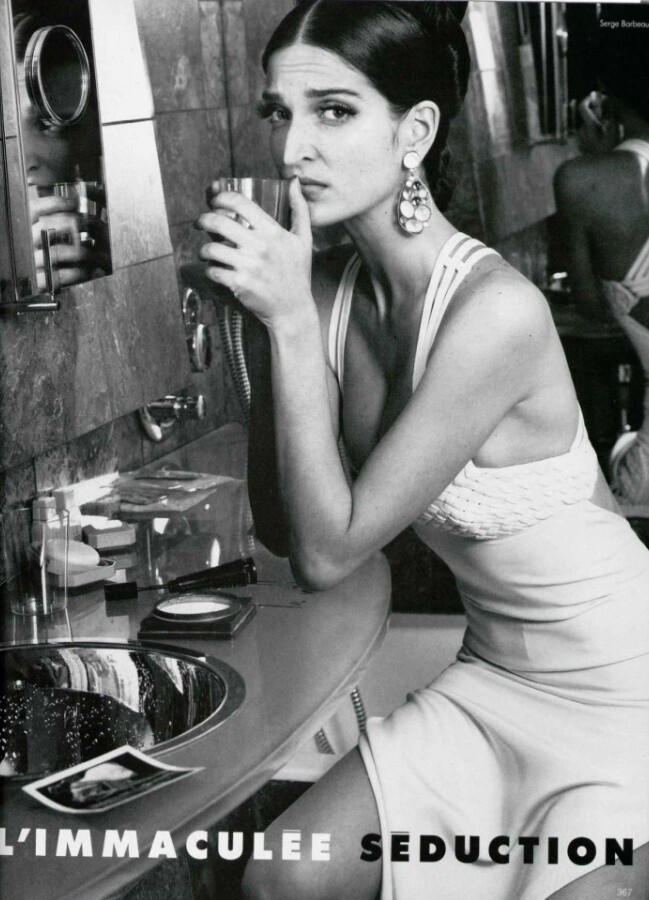
 I don't see Nadine in this editorial. Just Ruve and another blonde model whose ID is a mystery to me.
 -
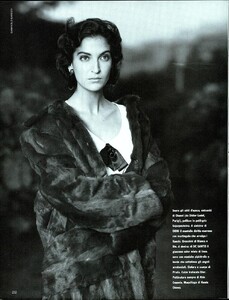
Carol Wilson
-
Inger Heindl
-
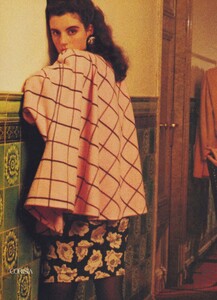
Sam Gold
-
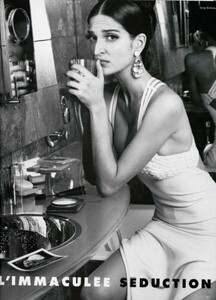
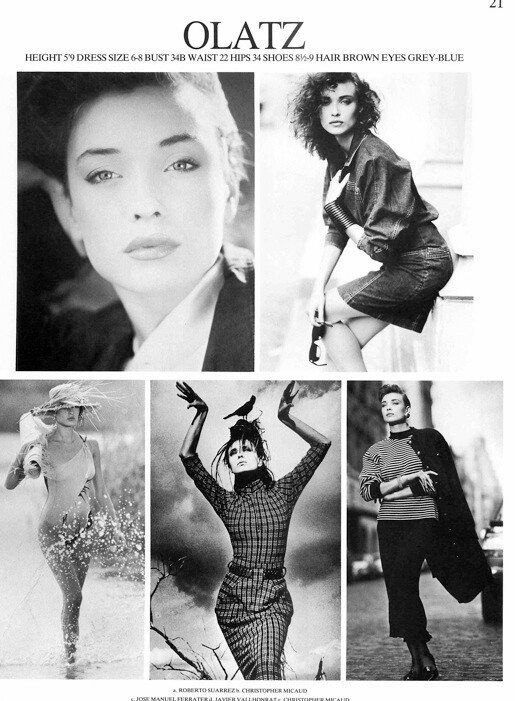
Carol Wilson Olatz Schnabel
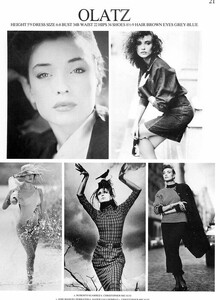
-
Angela Featherstone (1)
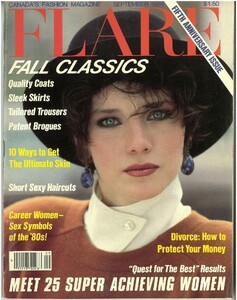
-
Catharina Von Pezold
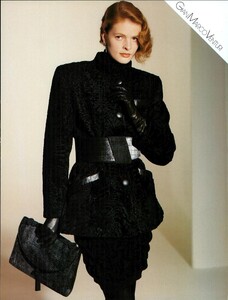
-
Vikki Hsieh
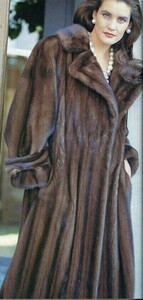
-
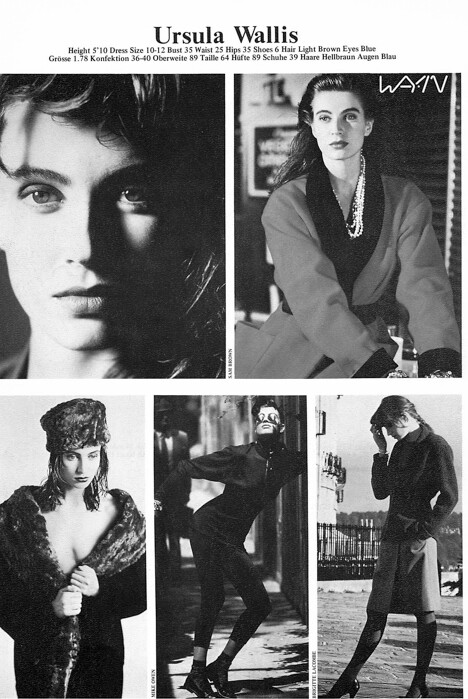
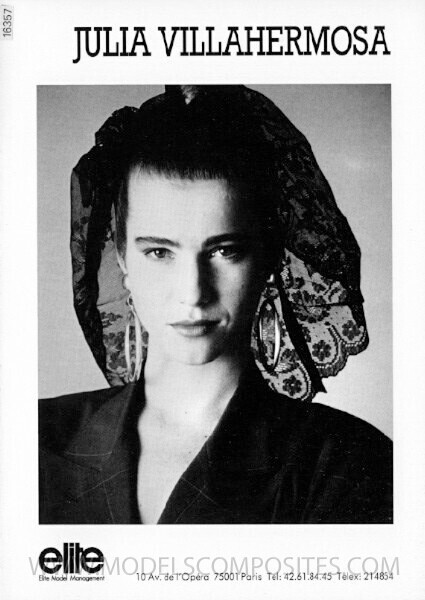
Yes, Julia, and Ursula Wallis.
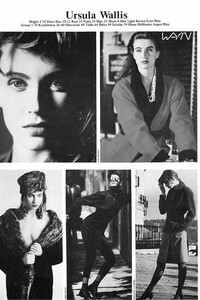 Dominique
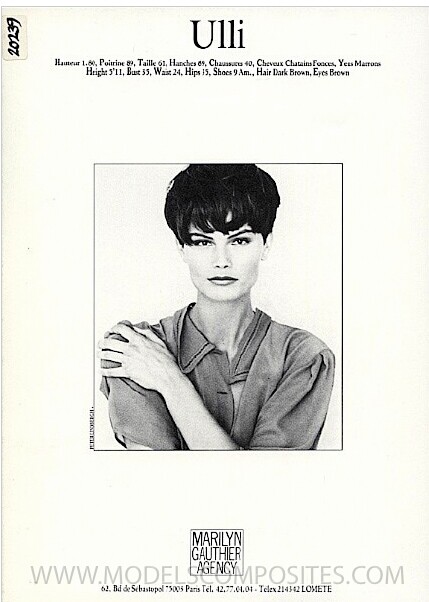
Ulli Steinmeier
Dominique
Ulli Steinmeier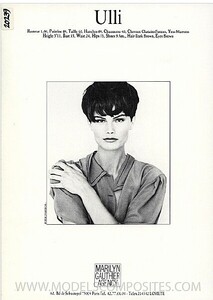 Yes, Anki, also: Saralyn (aka Sarita) as Martial IDed her Diana Bienvenue (It's great to see her doing editorial work as she was mostly a runway model )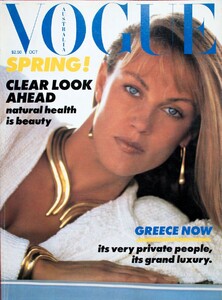
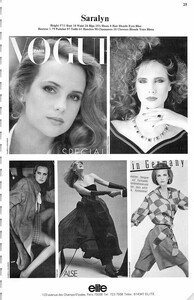
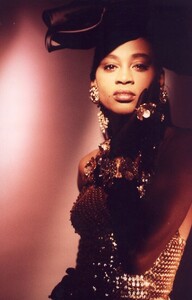 Leona O'Neill
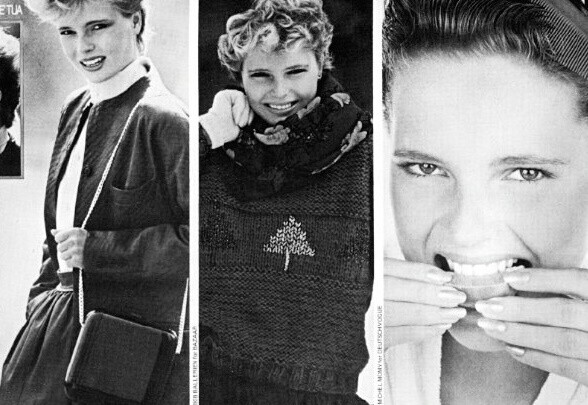
 Far left: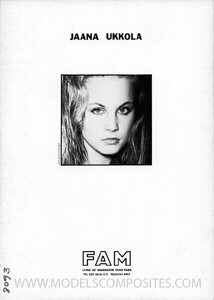
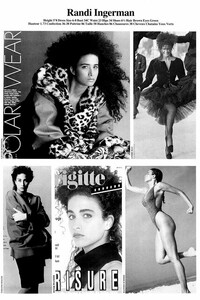 Heike (bottom pic)
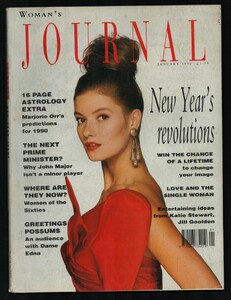 Vikki Hsieh
Catrina Skepper
Vikki Hsieh
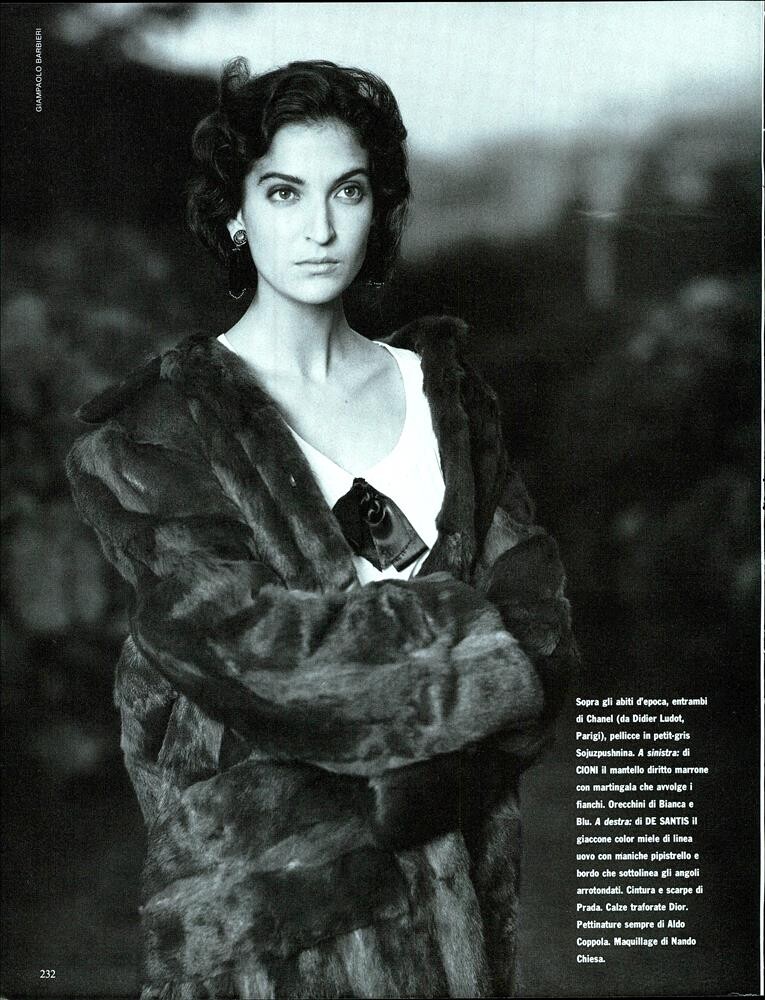
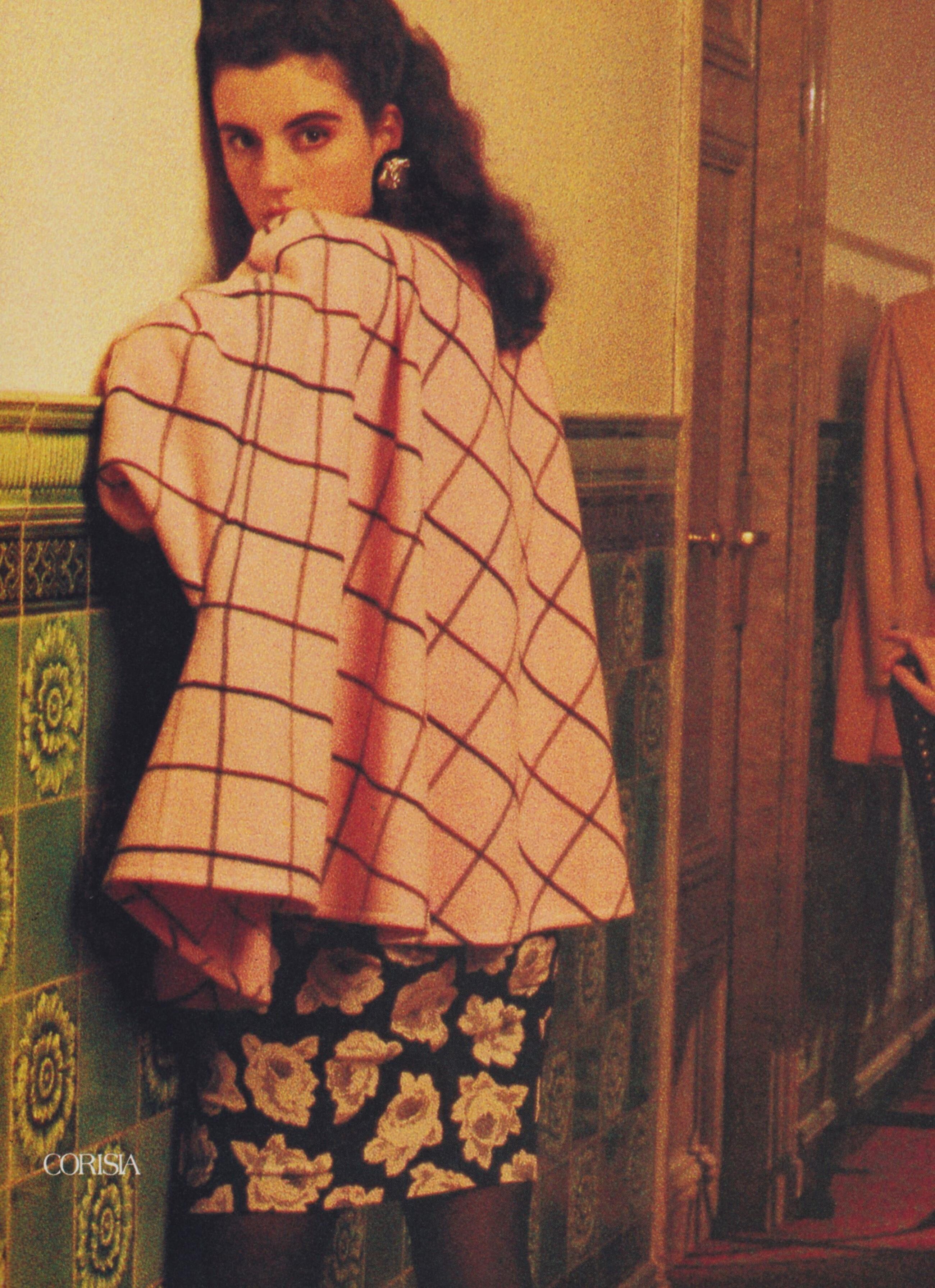
Catrina Skepper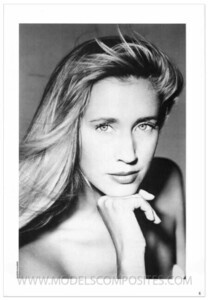

.JPG.13d69d00e88682e4549ec9bb94d79a88.jpg.5aa0131d3a8b53a87e9002d3b2ff33d6.jpg)

Account
Search
Configure browser push notifications
Chrome (Android)
- Tap the lock icon next to the address bar.
- Tap Permissions → Notifications.
- Adjust your preference.
Chrome (Desktop)
- Click the padlock icon in the address bar.
- Select Site settings.
- Find Notifications and adjust your preference.
Safari (iOS 16.4+)
- Ensure the site is installed via Add to Home Screen.
- Open Settings App → Notifications.
- Find your app name and adjust your preference.
Safari (macOS)
- Go to Safari → Preferences.
- Click the Websites tab.
- Select Notifications in the sidebar.
- Find this website and adjust your preference.
Edge (Android)
- Tap the lock icon next to the address bar.
- Tap Permissions.
- Find Notifications and adjust your preference.
Edge (Desktop)
- Click the padlock icon in the address bar.
- Click Permissions for this site.
- Find Notifications and adjust your preference.
Firefox (Android)
- Go to Settings → Site permissions.
- Tap Notifications.
- Find this site in the list and adjust your preference.
Firefox (Desktop)
- Open Firefox Settings.
- Search for Notifications.
- Find this site in the list and adjust your preference.