RocketQueen
Members
-
Joined
-
Last visited
Everything posted by RocketQueen
-
 Agnès Chemetov
-
Looma (Madeleine) Magnussen

-
Catherine Bailey


-
Natasha Wightman
 Suzanne
 Caroline Ashley
 Wanakee Pugh

(2).JPG.30a50c763dbdc09582872ab602ce002a.thumb.jpg.3646121dfc38f79d8800a521780daed1.jpg) Carol Perkins
Carol Perkins
 Eva Malmstrom
 Antonia Vasquez
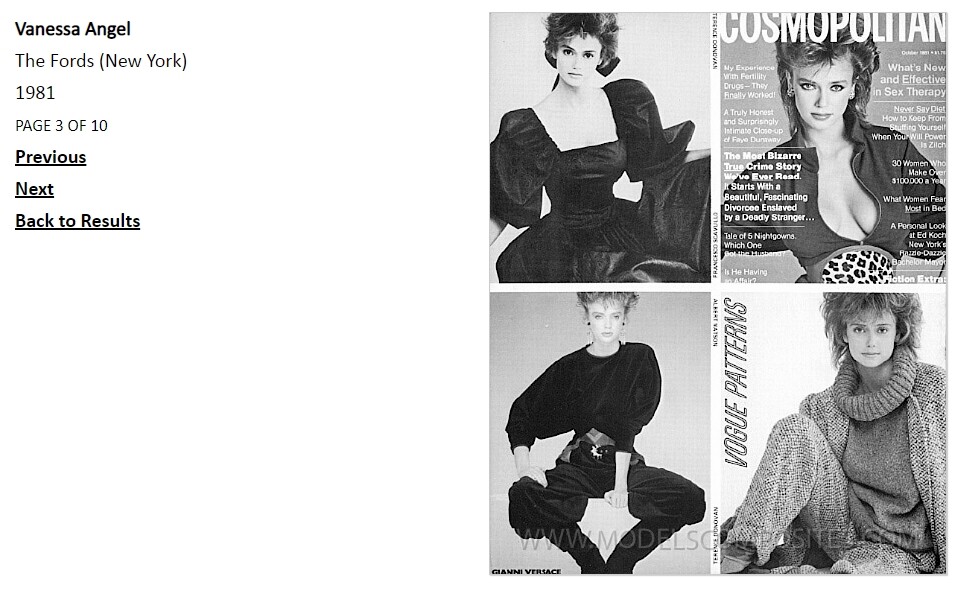
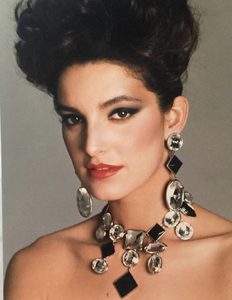 Yes, Vanessa.
Carol Perkins
Yes, Vanessa.
Carol Perkins

Account
Search
Configure browser push notifications
Chrome (Android)
- Tap the lock icon next to the address bar.
- Tap Permissions → Notifications.
- Adjust your preference.
Chrome (Desktop)
- Click the padlock icon in the address bar.
- Select Site settings.
- Find Notifications and adjust your preference.
Safari (iOS 16.4+)
- Ensure the site is installed via Add to Home Screen.
- Open Settings App → Notifications.
- Find your app name and adjust your preference.
Safari (macOS)
- Go to Safari → Preferences.
- Click the Websites tab.
- Select Notifications in the sidebar.
- Find this website and adjust your preference.
Edge (Android)
- Tap the lock icon next to the address bar.
- Tap Permissions.
- Find Notifications and adjust your preference.
Edge (Desktop)
- Click the padlock icon in the address bar.
- Click Permissions for this site.
- Find Notifications and adjust your preference.
Firefox (Android)
- Go to Settings → Site permissions.
- Tap Notifications.
- Find this site in the list and adjust your preference.
Firefox (Desktop)
- Open Firefox Settings.
- Search for Notifications.
- Find this site in the list and adjust your preference.


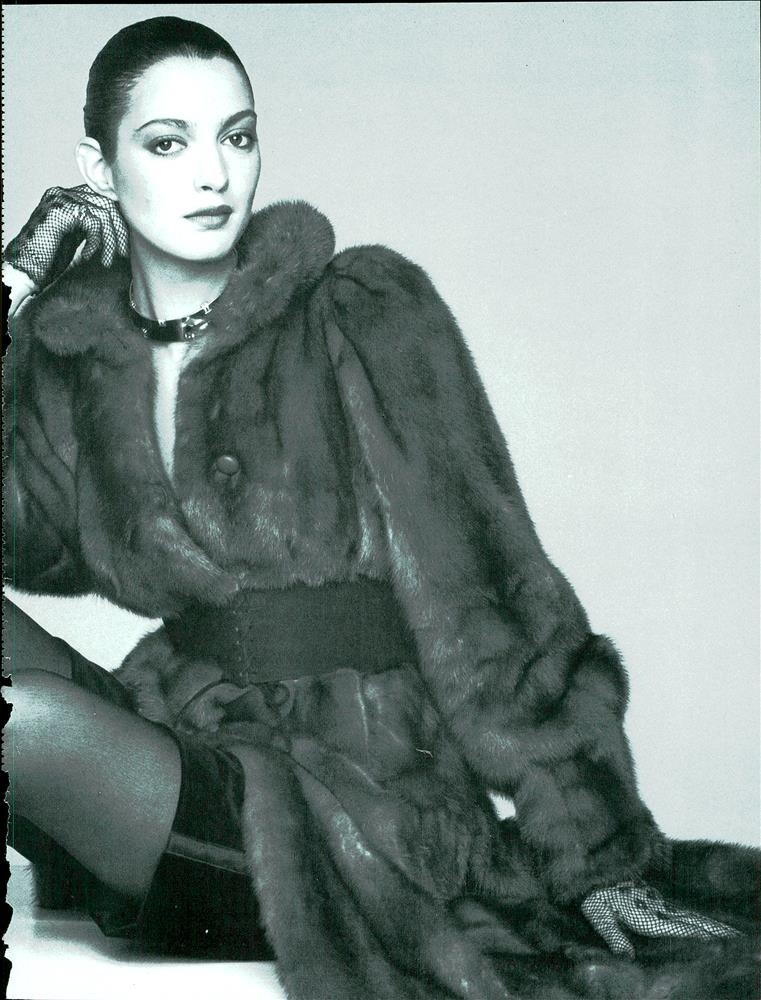



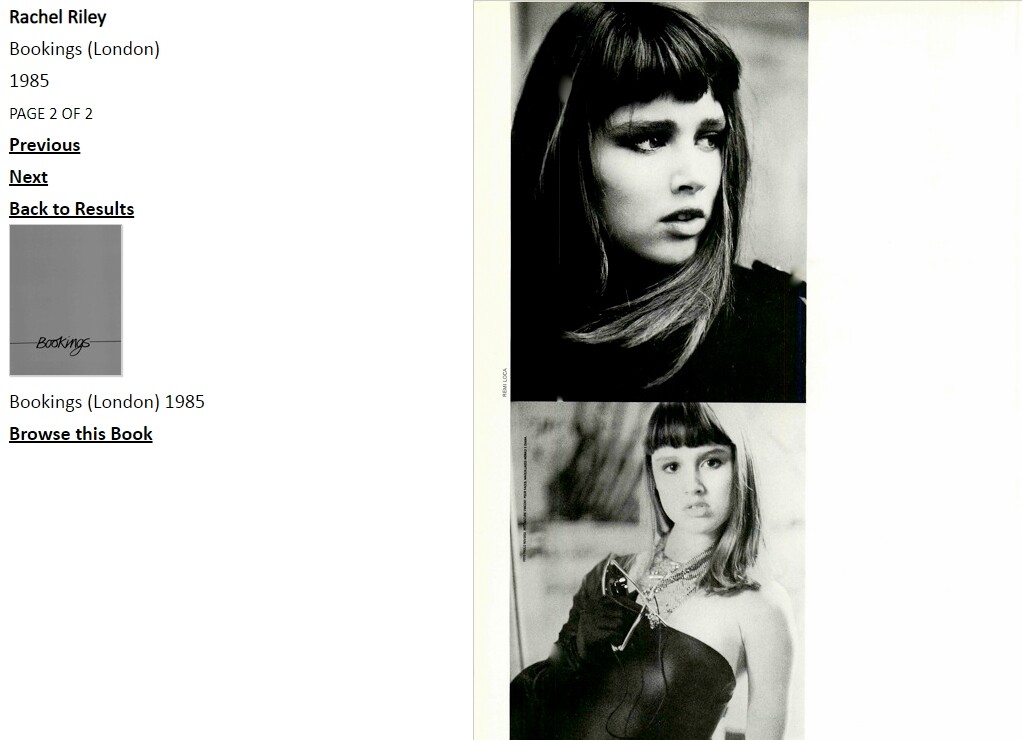





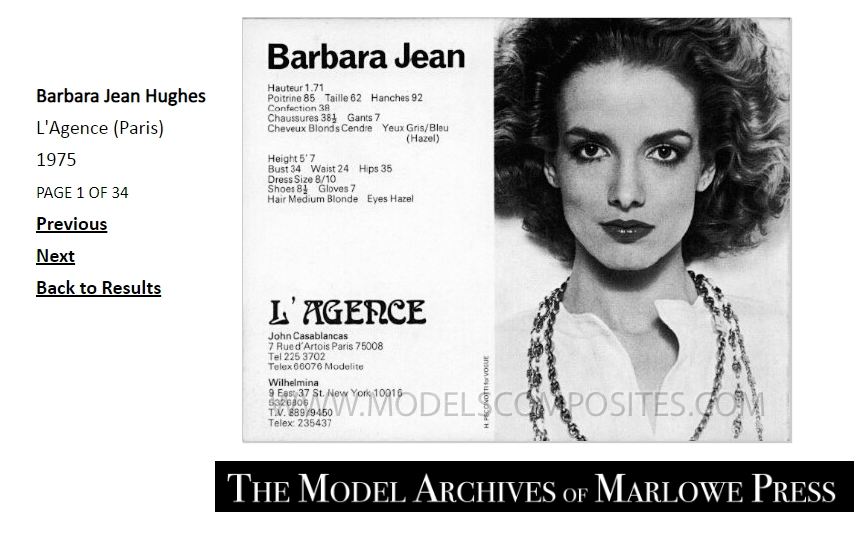
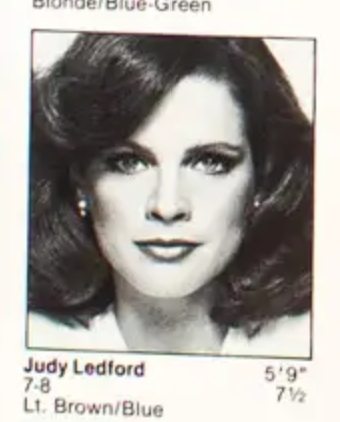
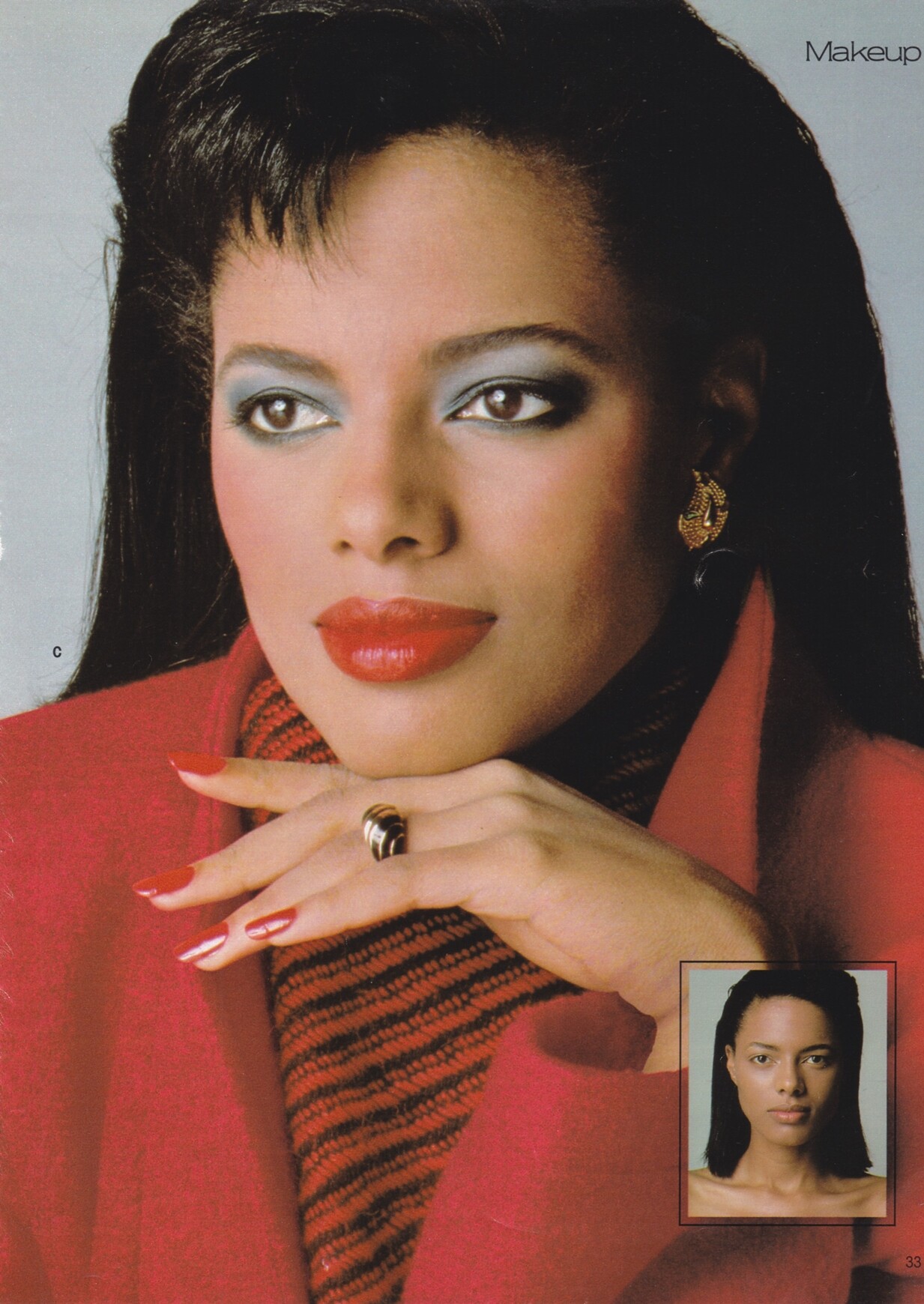
(2).JPG.30a50c763dbdc09582872ab602ce002a.jpg.6b8bc61017e7a12409187875077d3a05.jpg)
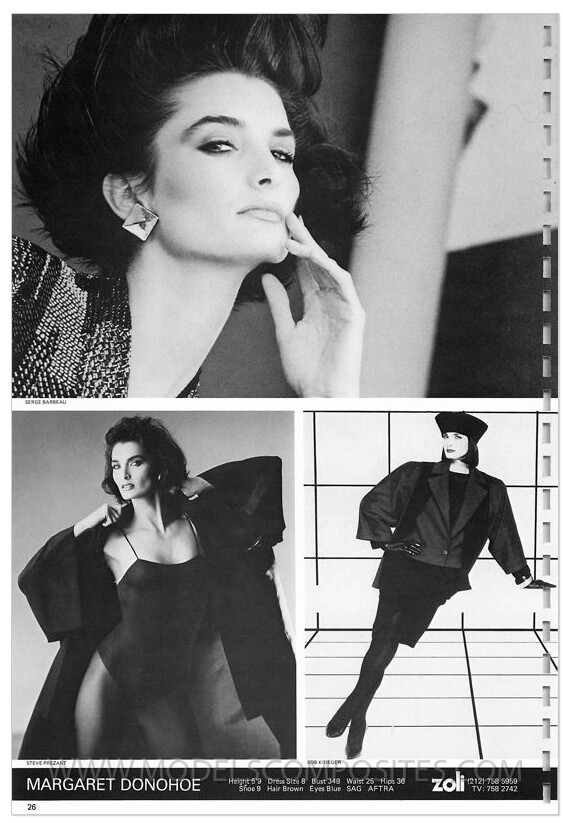
.jpg.41f47d6a5abc9f5e853047eee9df8f7d.jpg.50be9759991560d224589843dd42e586.jpg)