

RocketQueen
Members
-
Joined
-
Last visited
Everything posted by RocketQueen
-
 Orajona
-
https://www.bellazon.com/main/topic/102612-susan-carman/
-
She's not Beth, my friend, but she definitely looks like her.
Heather Miller
 Spot on, my friend
Marzia Sacchetti
Spot on, my friend
Marzia Sacchetti Andrea Kholterkhof
 Alessandra
 Kimmi Samson
 Arielle Burgelin-Hugo
 I don't see Dominique Kamber in this VOGUE IT issue. To me they look quite different. I hope @Martial could help us out with this.
First pic:
I don't see Dominique Kamber in this VOGUE IT issue. To me they look quite different. I hope @Martial could help us out with this.
First pic: Anne Marie Kertula
.thumb.jpg.ccb5535e00a94a79cc39abcdc236a775.jpg) Tracy Tweed
Tracy Tweed She's not Gail unfortunately.
Nope, this is another Dominique. I think it was either Martial or BlueAcadia who IDed this Dominique some time ago. Here are some more pics: Here she is in the background:
She's not Gail unfortunately.
Nope, this is another Dominique. I think it was either Martial or BlueAcadia who IDed this Dominique some time ago. Here are some more pics: Here she is in the background:
 They definitely look similar but I don't think it's Sabine.







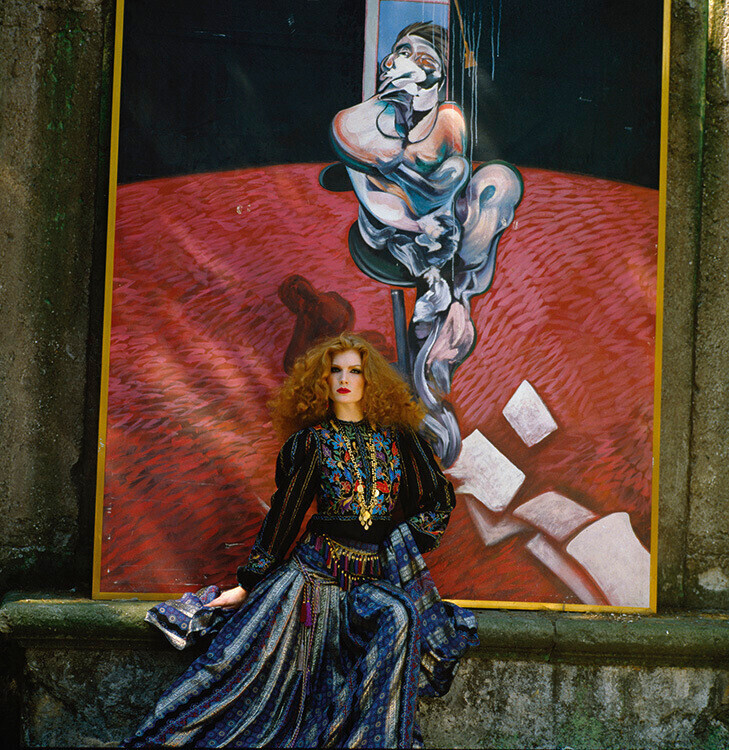



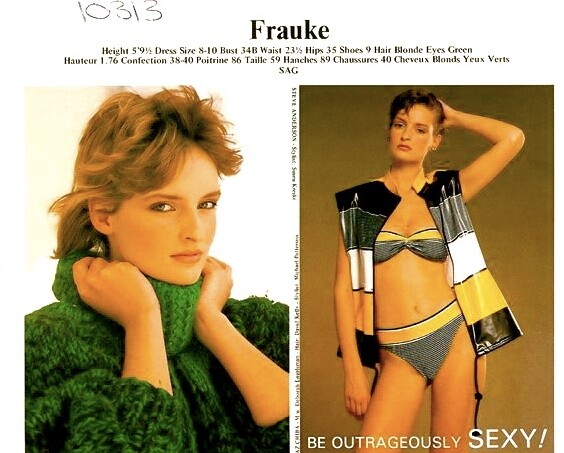

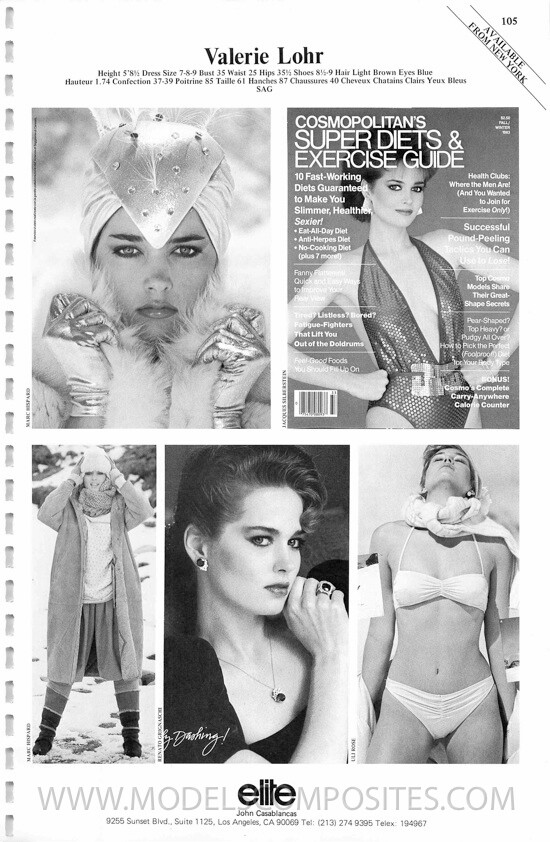
.jpg.152e07643942c070566d59ec41c46d95.jpg)

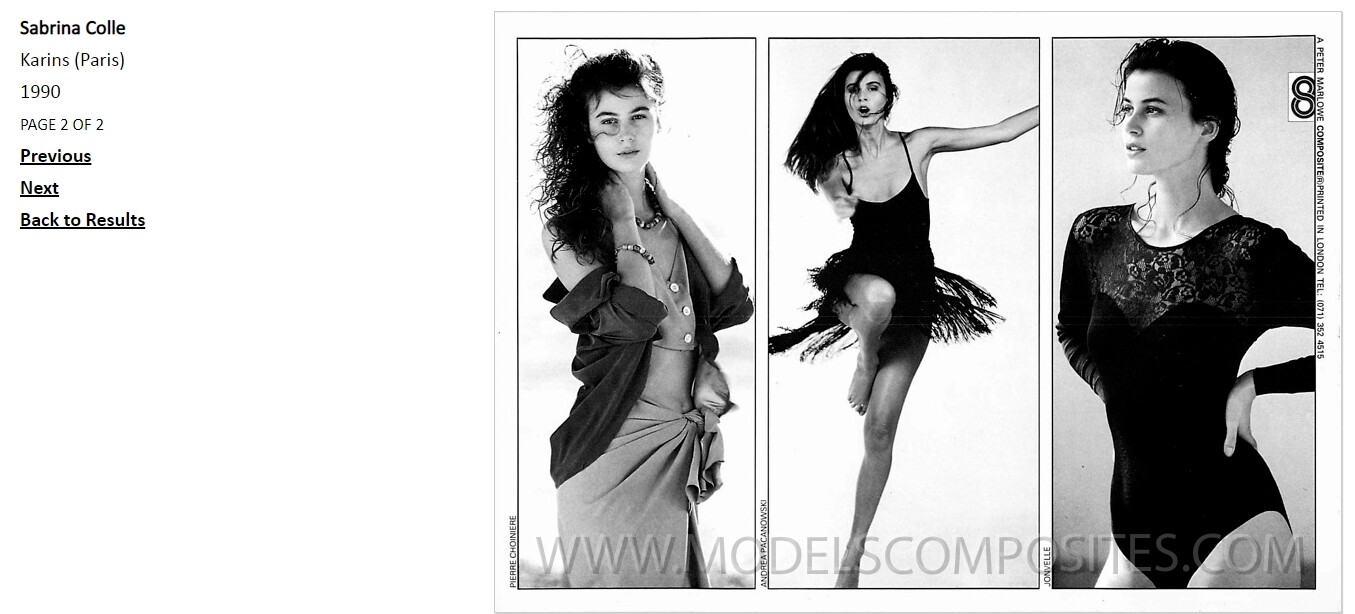


Account
Search
Configure browser push notifications
Chrome (Android)
- Tap the lock icon next to the address bar.
- Tap Permissions → Notifications.
- Adjust your preference.
Chrome (Desktop)
- Click the padlock icon in the address bar.
- Select Site settings.
- Find Notifications and adjust your preference.
Safari (iOS 16.4+)
- Ensure the site is installed via Add to Home Screen.
- Open Settings App → Notifications.
- Find your app name and adjust your preference.
Safari (macOS)
- Go to Safari → Preferences.
- Click the Websites tab.
- Select Notifications in the sidebar.
- Find this website and adjust your preference.
Edge (Android)
- Tap the lock icon next to the address bar.
- Tap Permissions.
- Find Notifications and adjust your preference.
Edge (Desktop)
- Click the padlock icon in the address bar.
- Click Permissions for this site.
- Find Notifications and adjust your preference.
Firefox (Android)
- Go to Settings → Site permissions.
- Tap Notifications.
- Find this site in the list and adjust your preference.
Firefox (Desktop)
- Open Firefox Settings.
- Search for Notifications.
- Find this site in the list and adjust your preference.