Skip to content
View in the app

A better way to browse. Learn more.

Bellazon

A full-screen app on your home screen with push notifications, badges and more.

To install this app on iOS and iPadOS
  1. Tap the Share icon in Safari
  2. Scroll the menu and tap Add to Home Screen.
  3. Tap Add in the top-right corner.
To install this app on Android
  1. Tap the 3-dot menu (⋮) in the top-right corner of the browser.
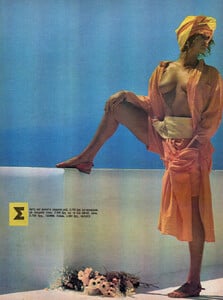
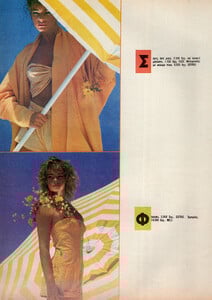
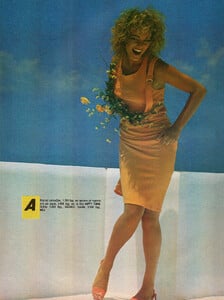
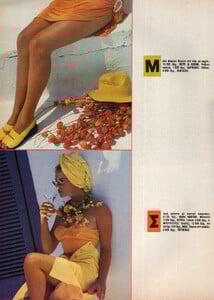
  2. Tap Add to Home screen or Install app.
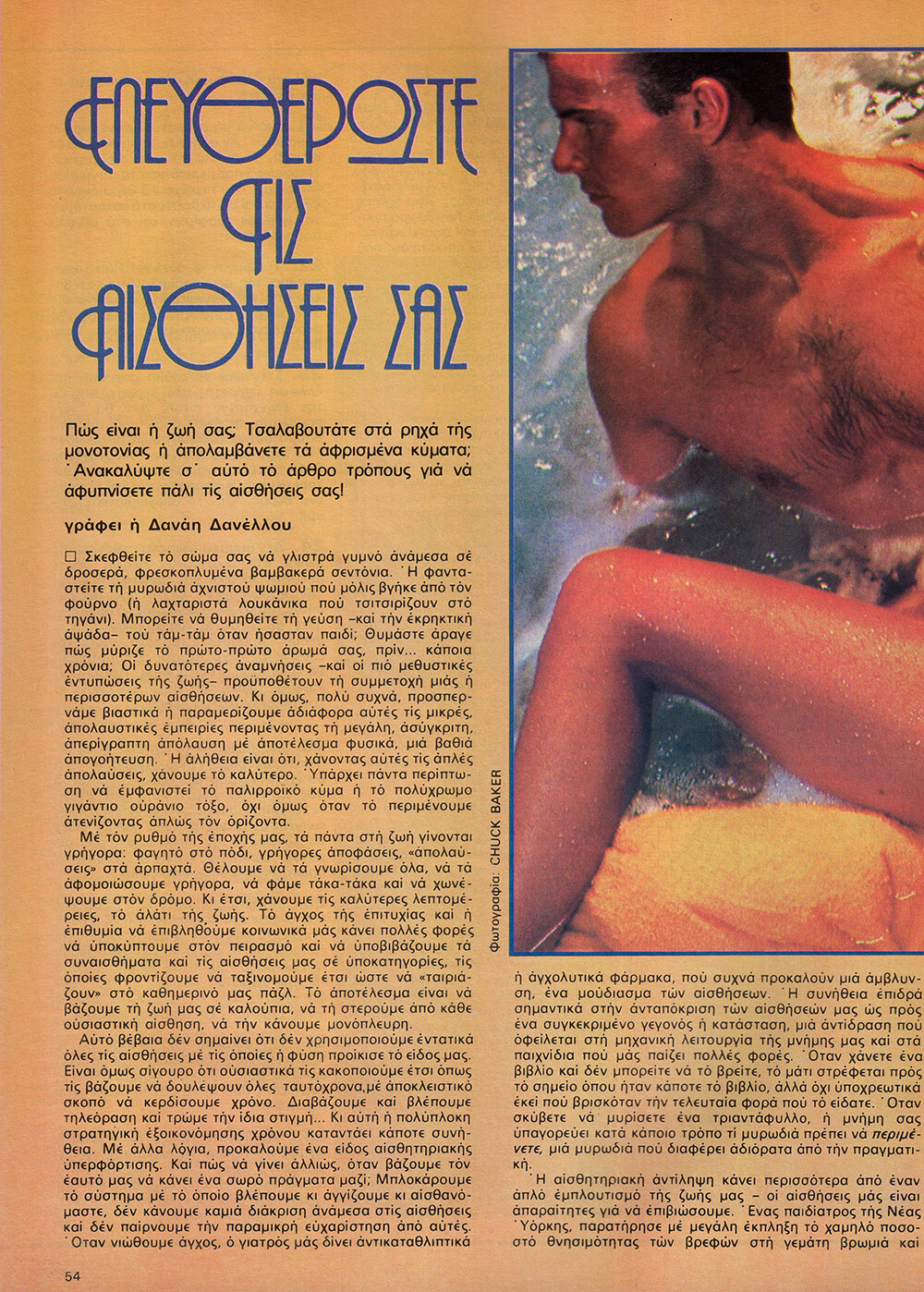
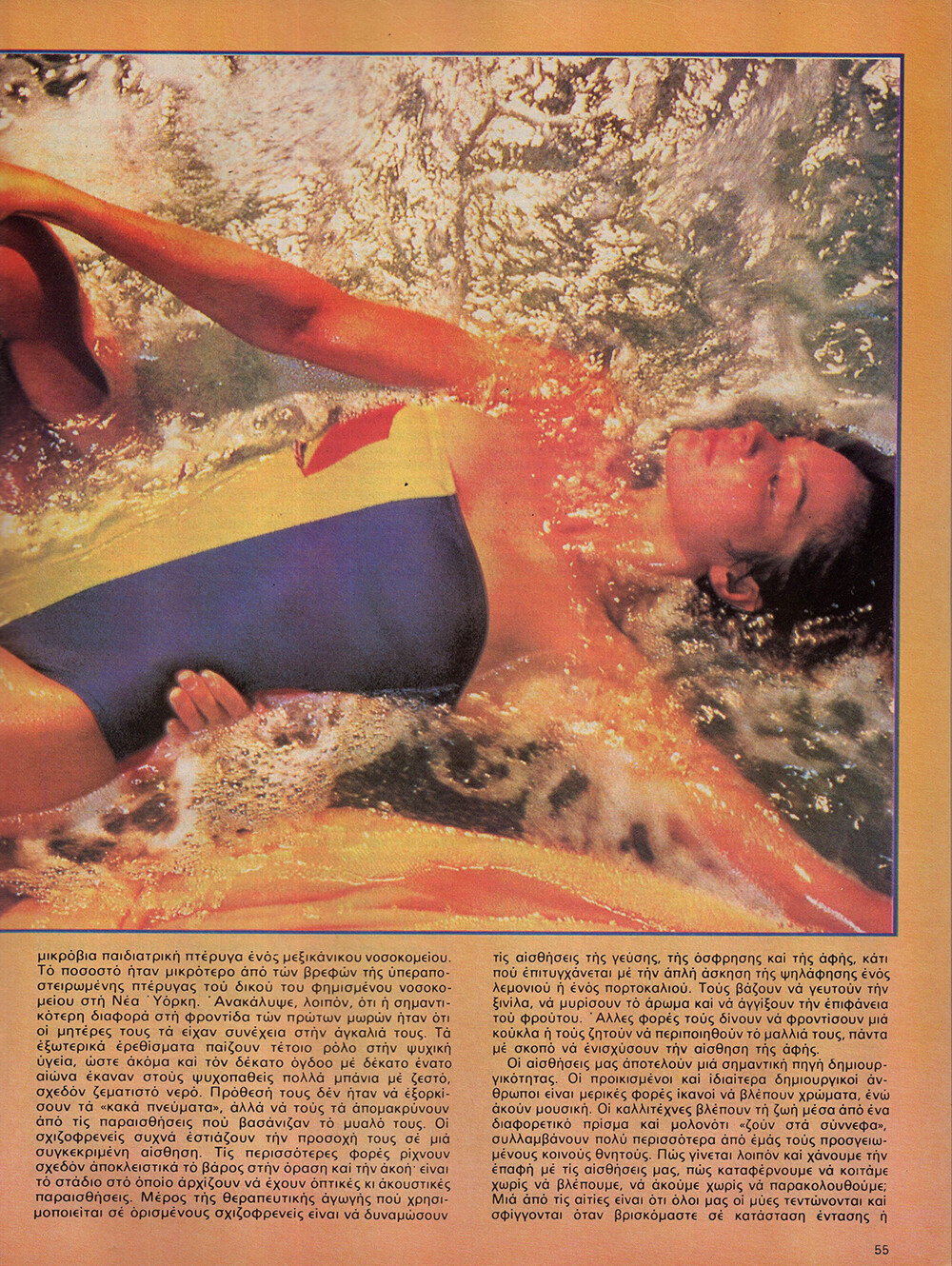
  3. Confirm by tapping Install.

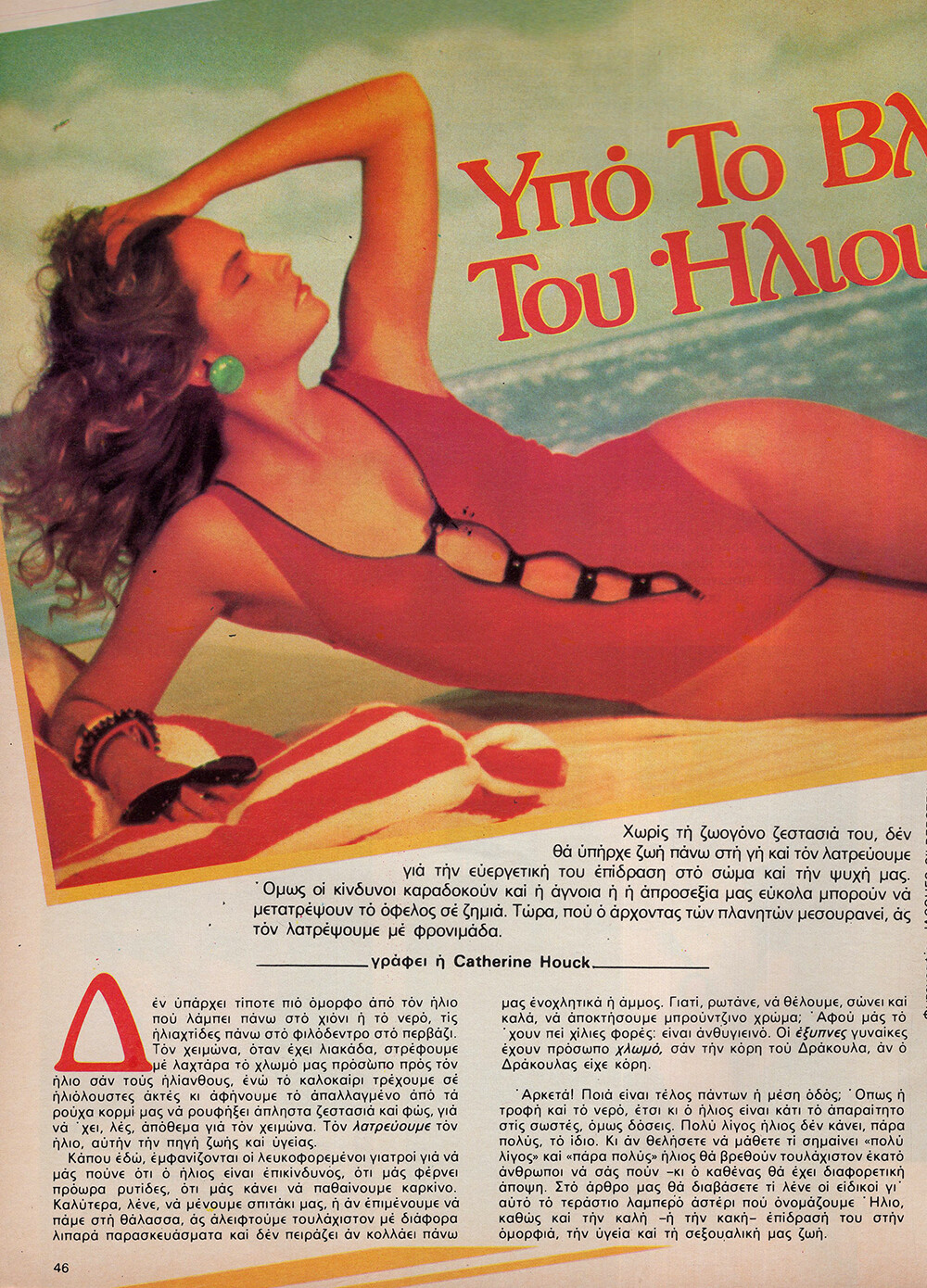
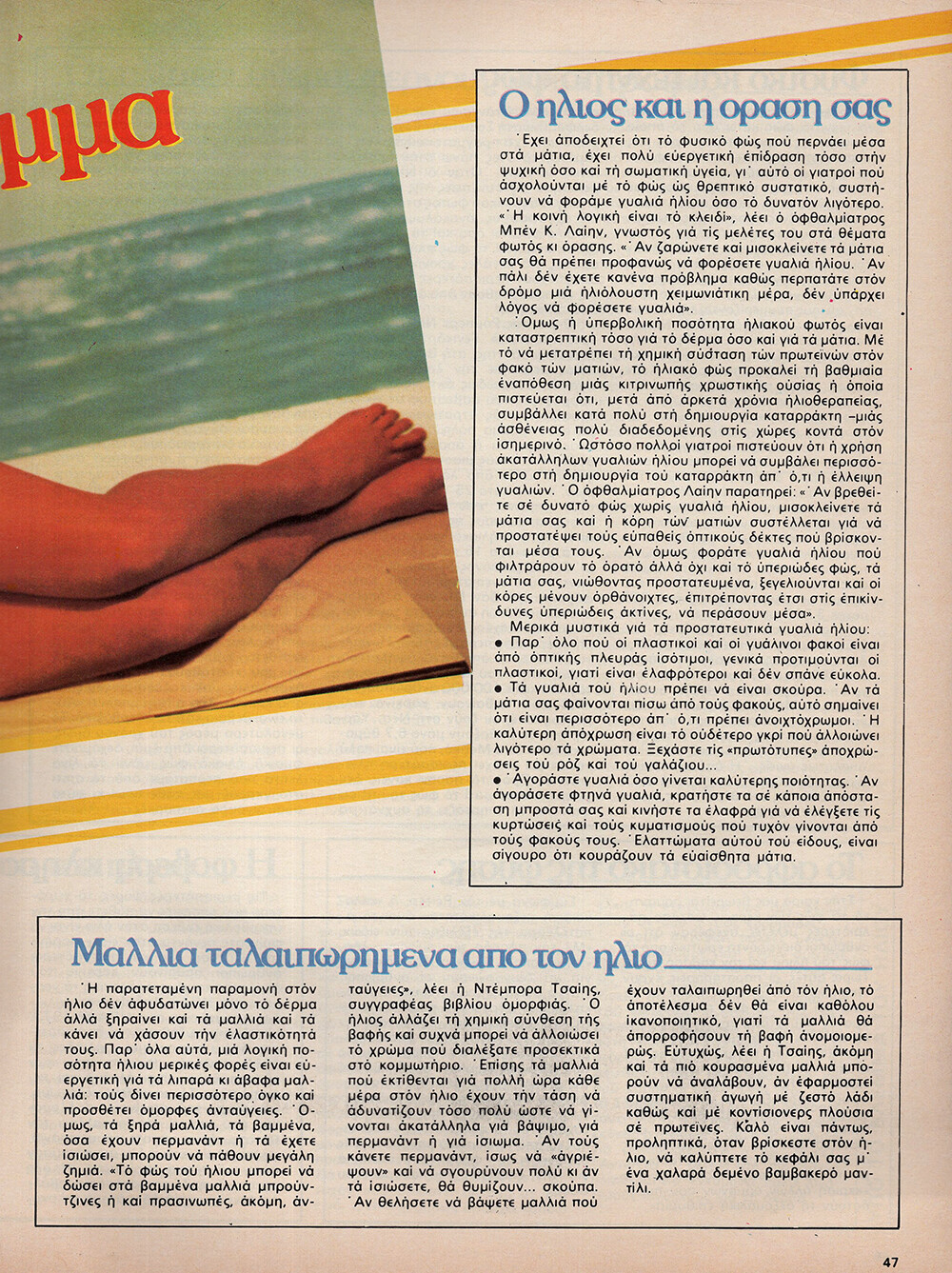
RocketQueen

Members
  • Joined

  • Last visited

Everything posted by RocketQueen

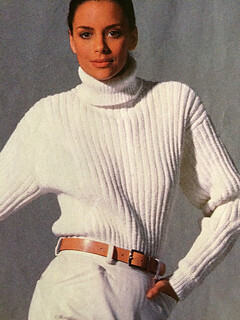
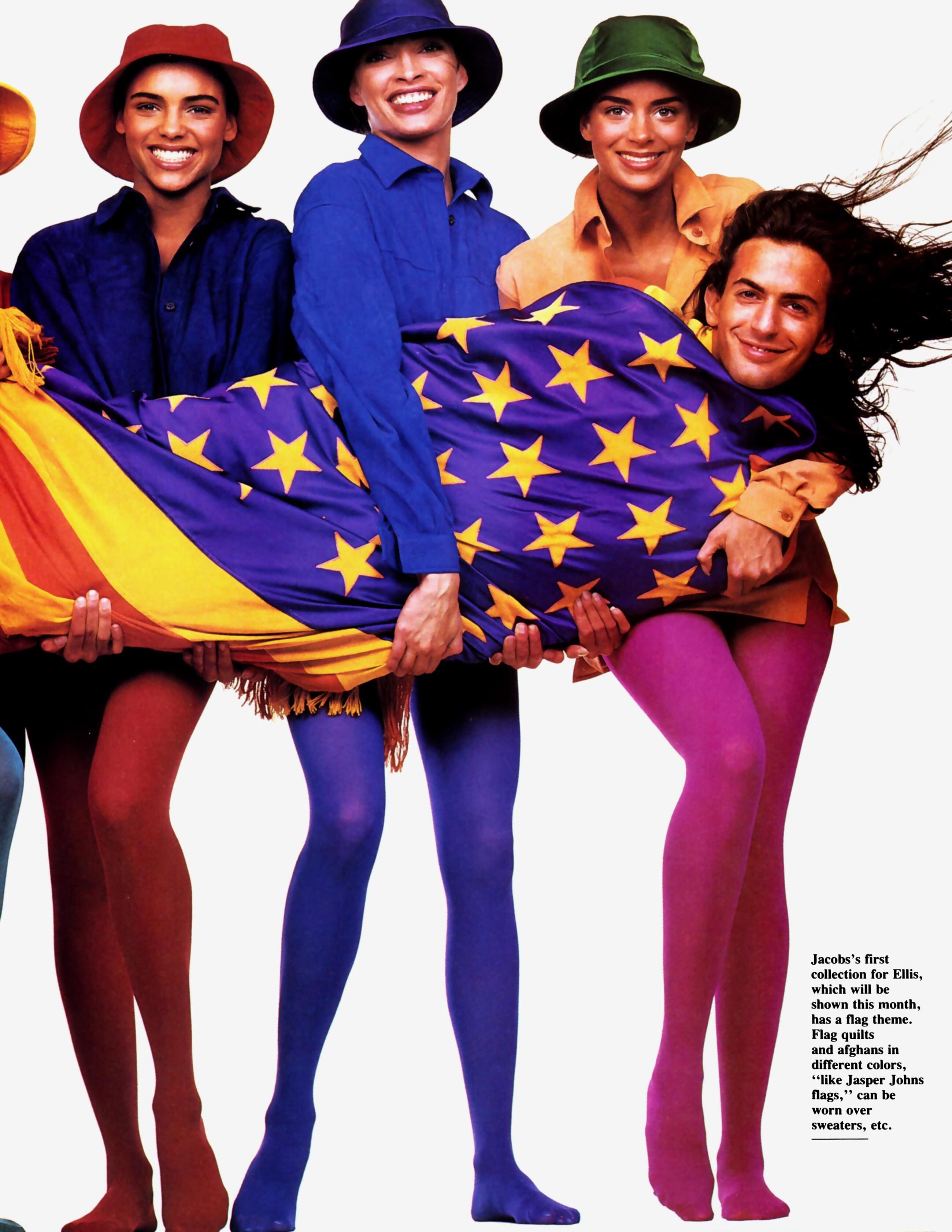
  1. VOGUE KNITTING US, Spr 1990 - PH. UNK - WEB FIND
  2. VANITY FAIR US, Apr 1989 - PH. STEVEN MEISEL - VANITY FAIR ARCHIVE
  3. TAXI IT, Feb 1988 - PH. UNK - MY SCANS
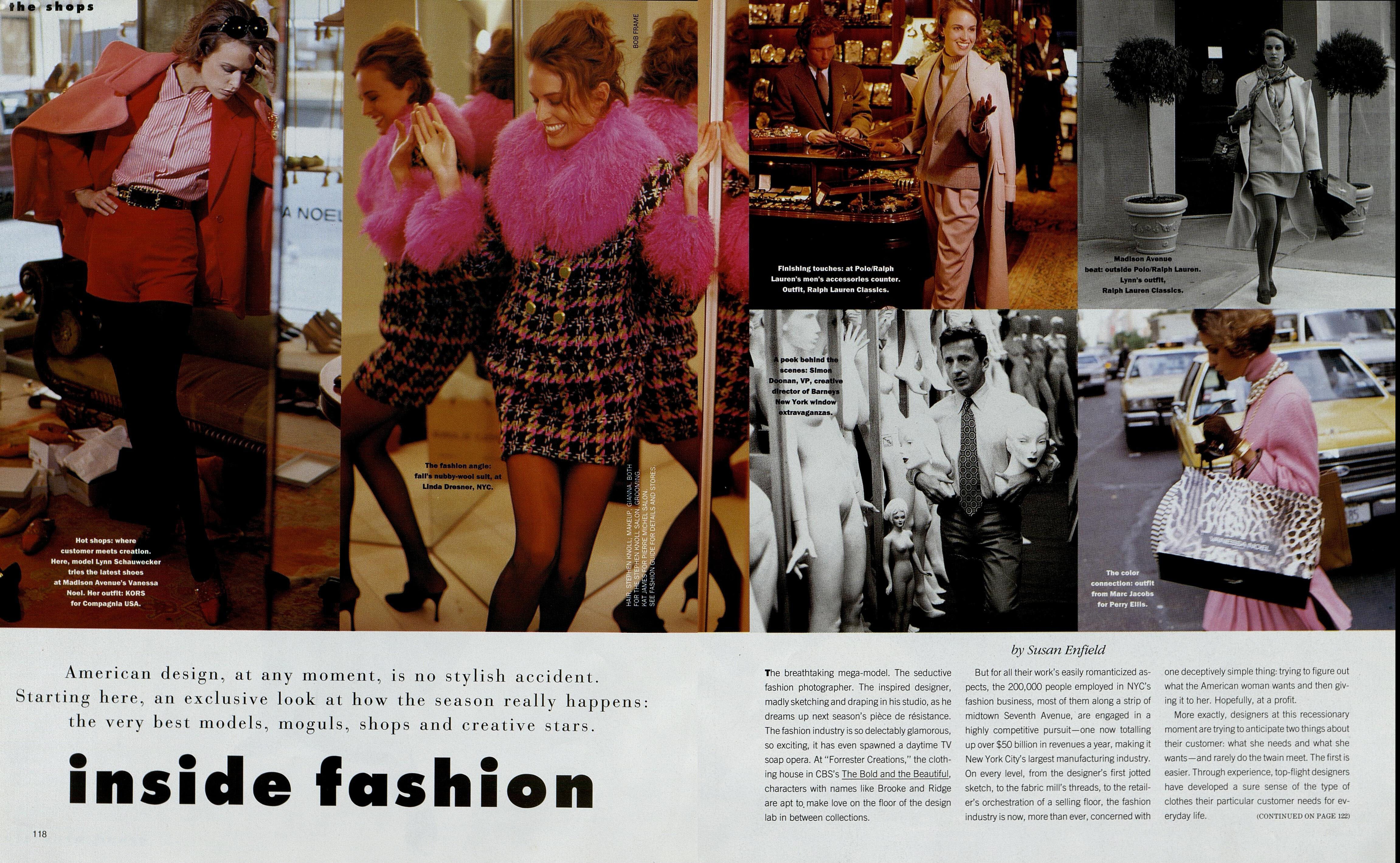
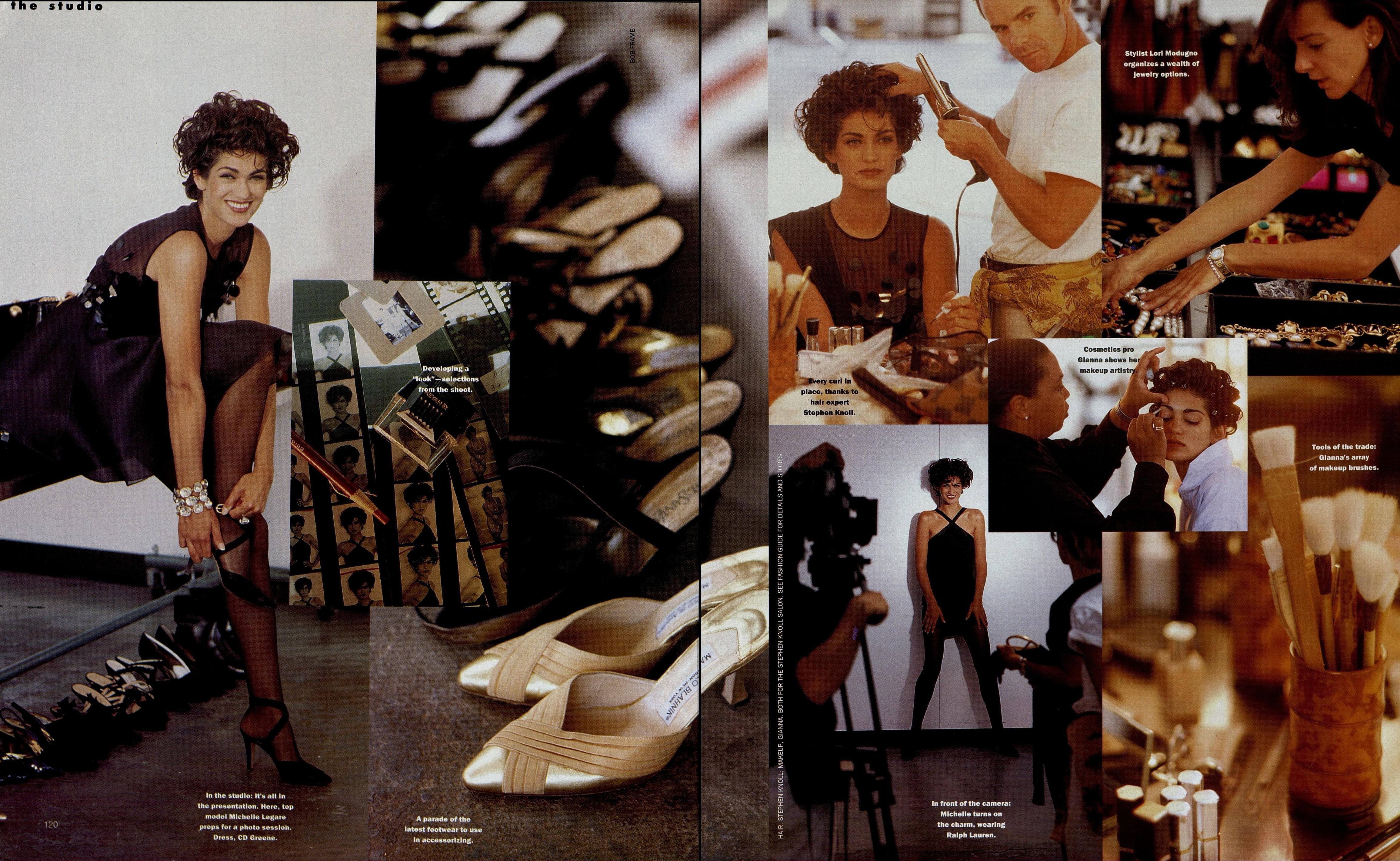
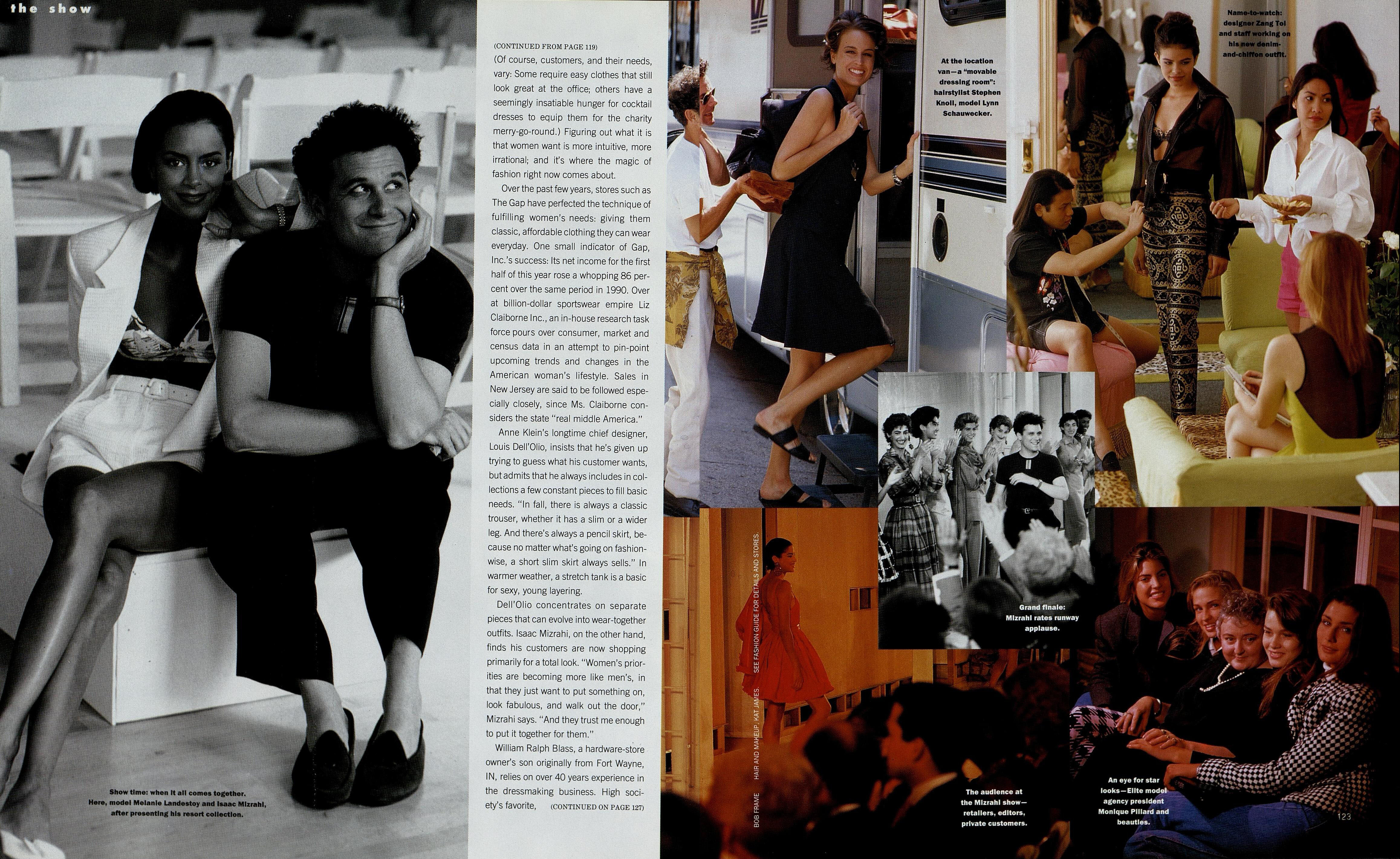
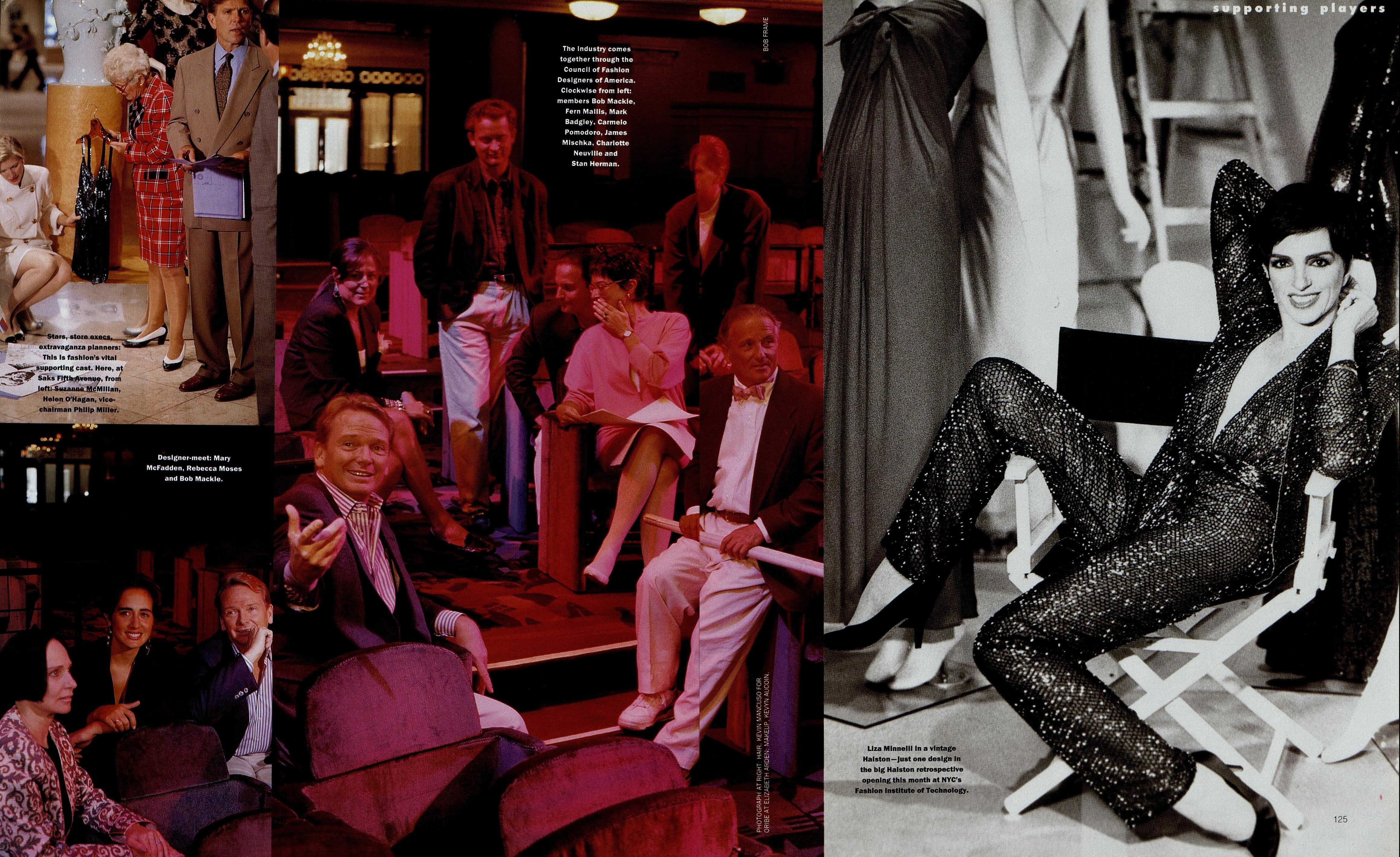
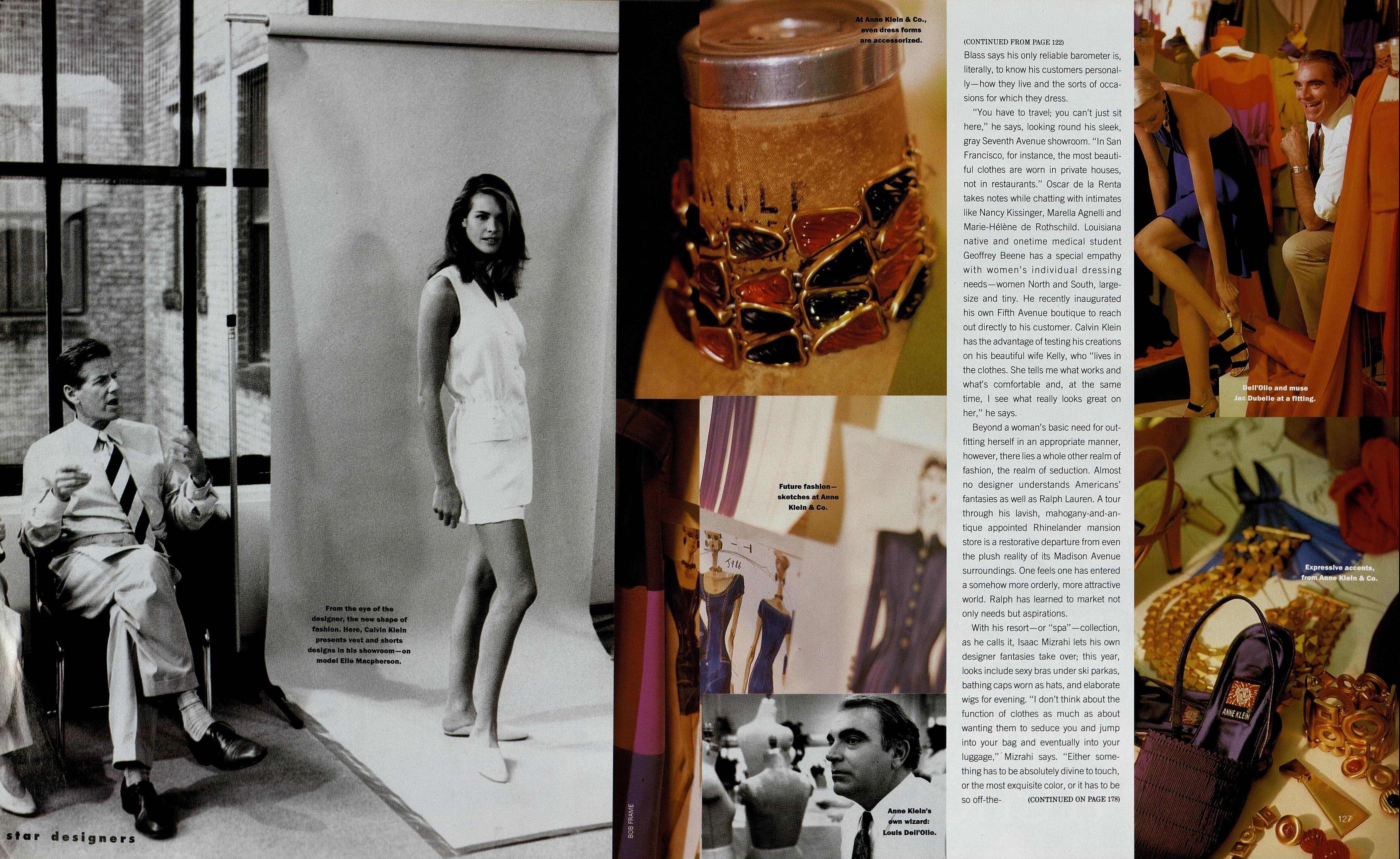
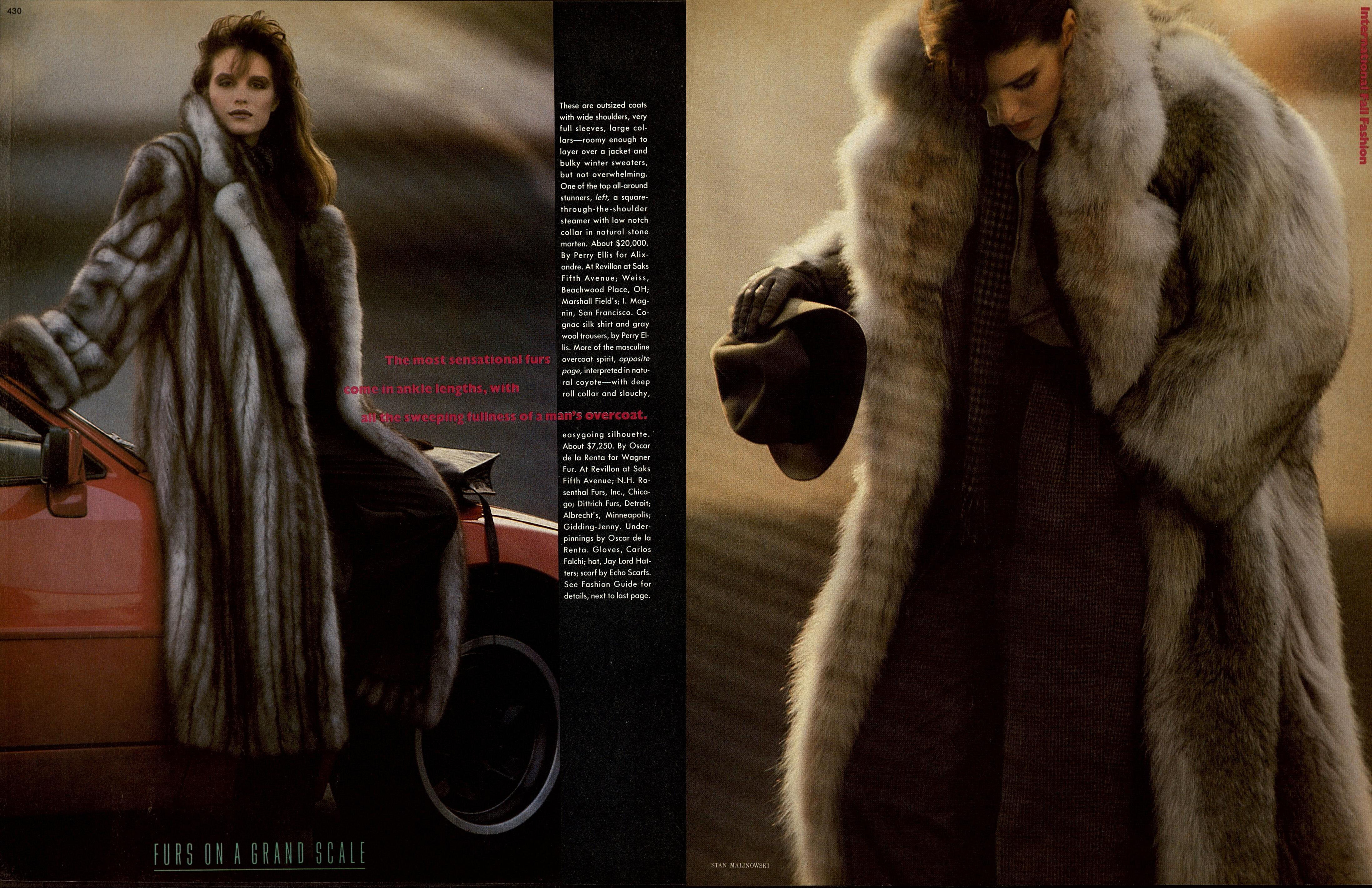
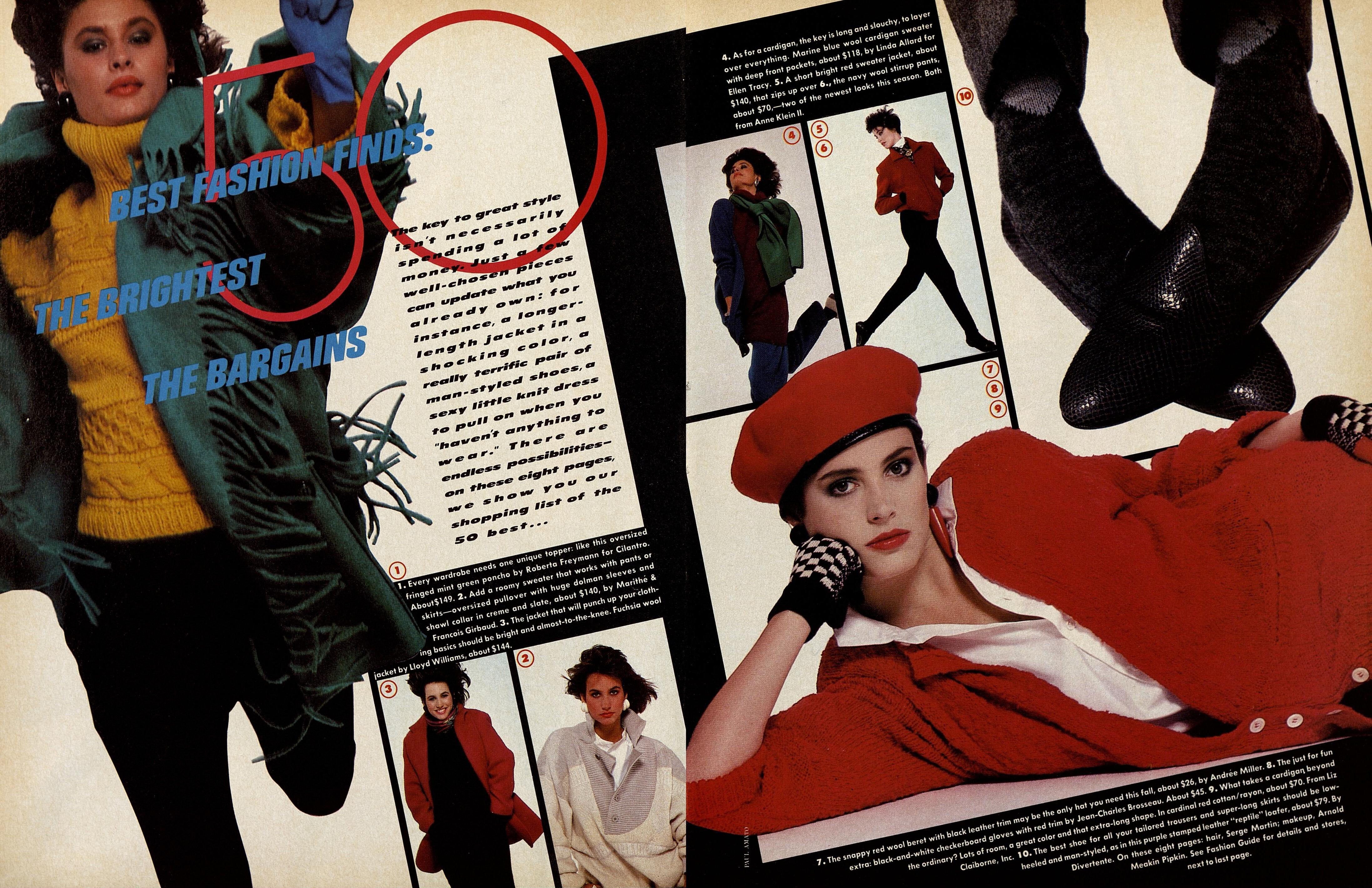
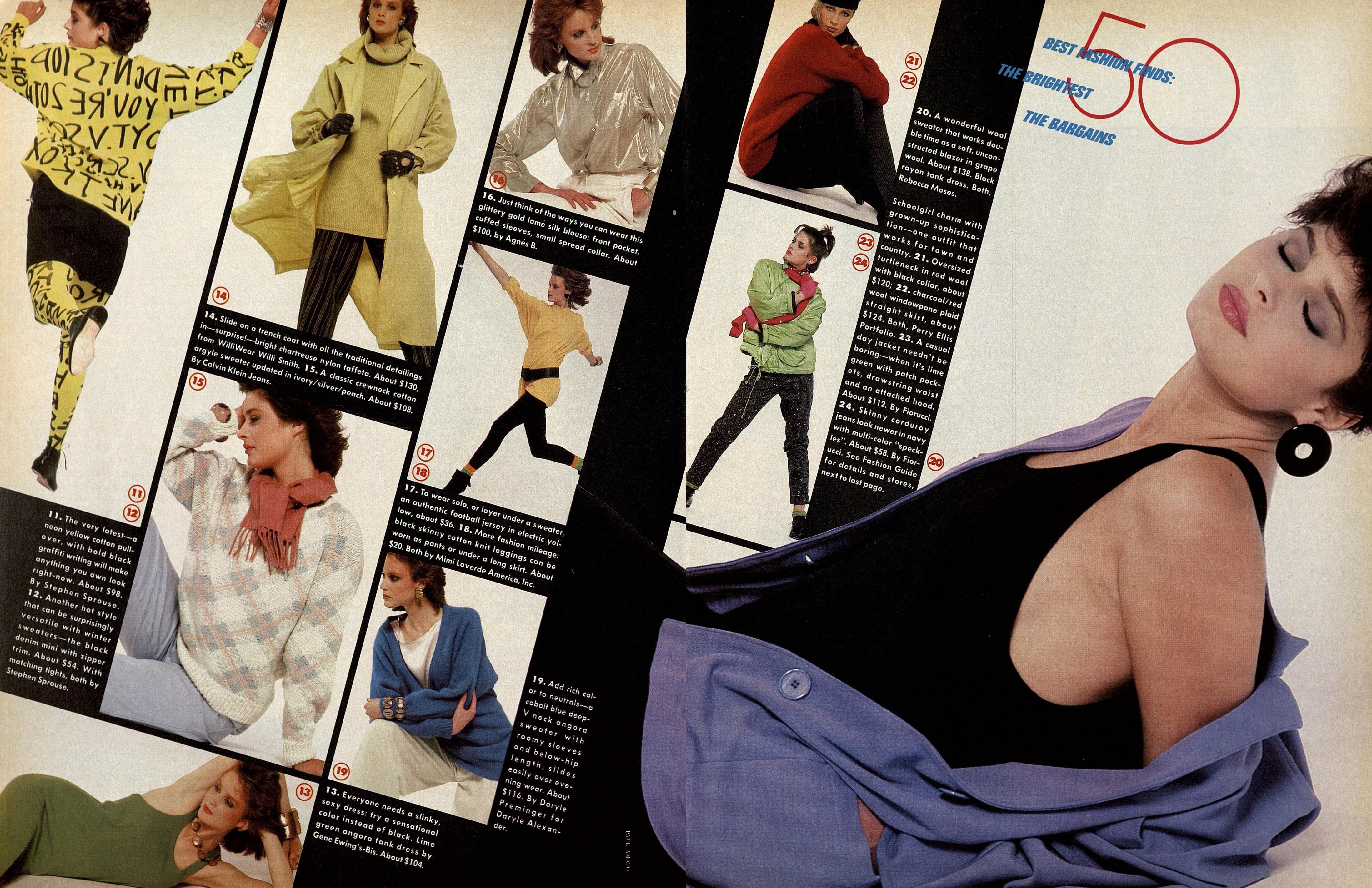
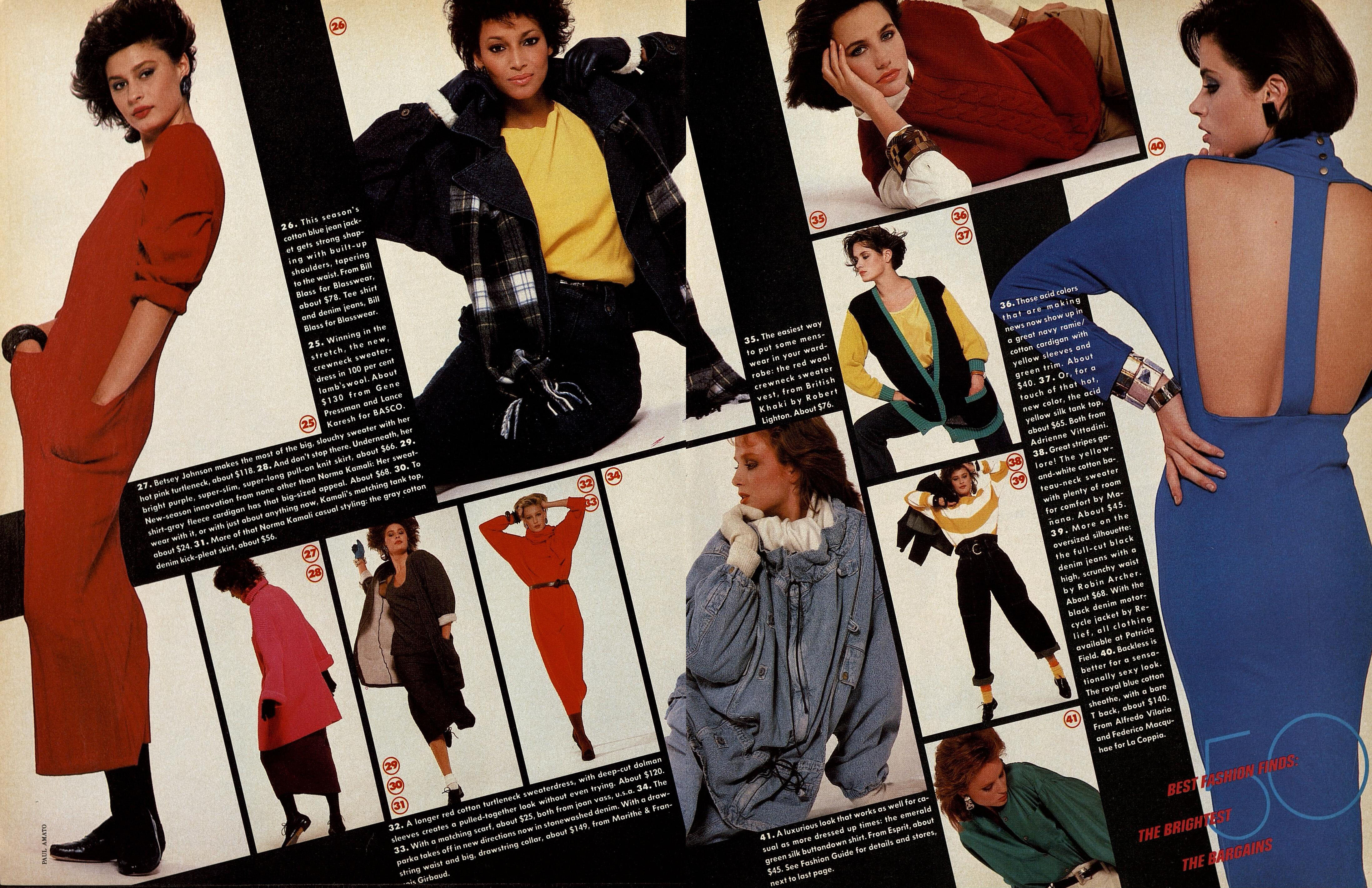
  4. HARPER'S BAZAAR US, Oct 1991 - PH. BOB FRAME - TFS
  5. WWD JP, 19 Jun 1989 - PH. UNK - WEB FIND
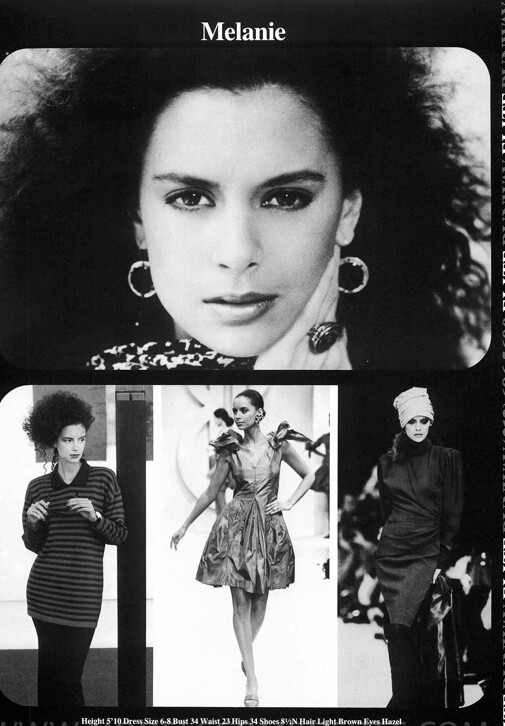
  6. Comp cards from modelcomposites.com:
  7. Virginia Slims 1990 - PH. UNK - WEB FIND
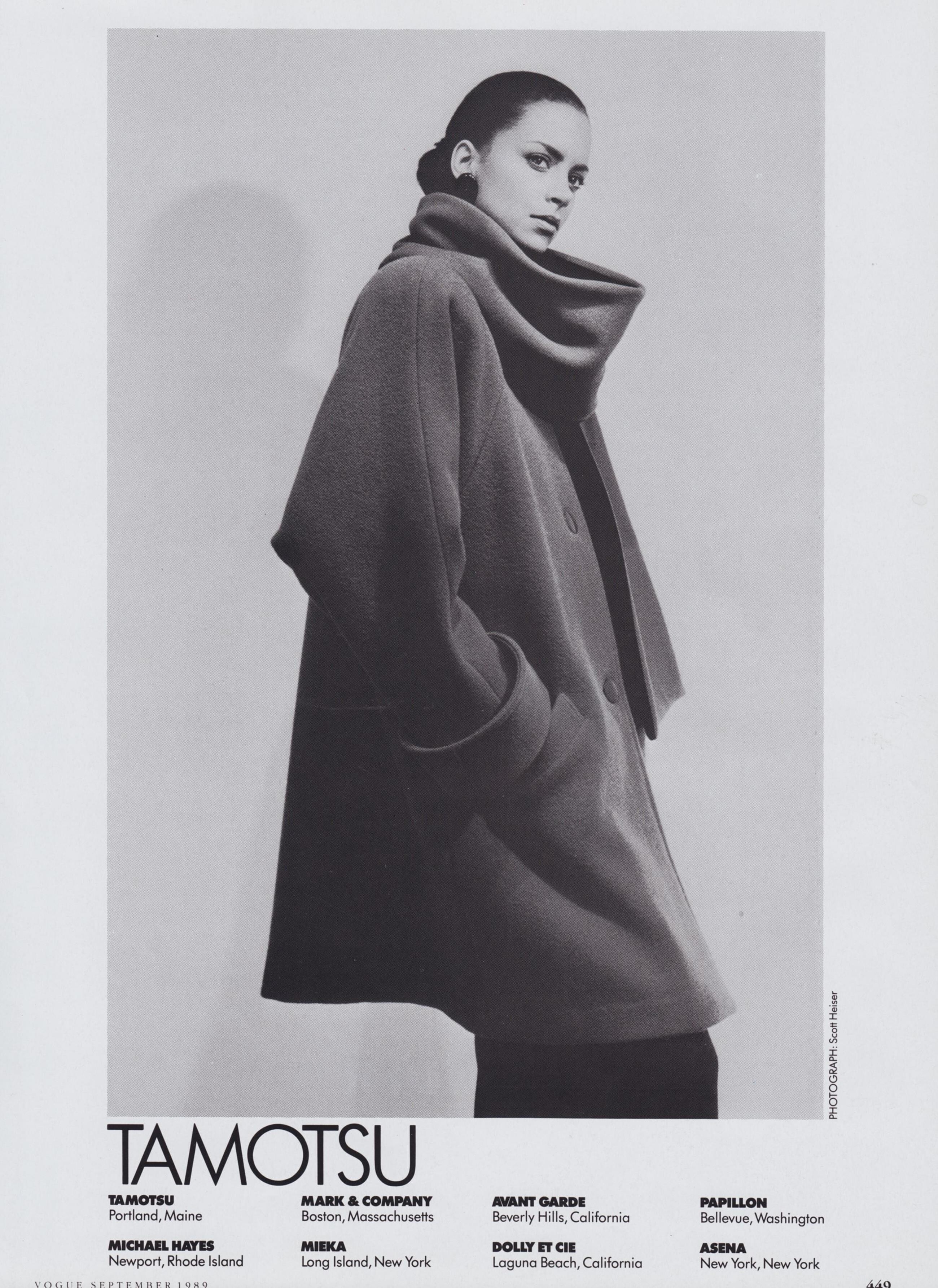
  8. Tamotsu 1989 - PH. SCOTT HEISER - VOGUE US ARCHIVE
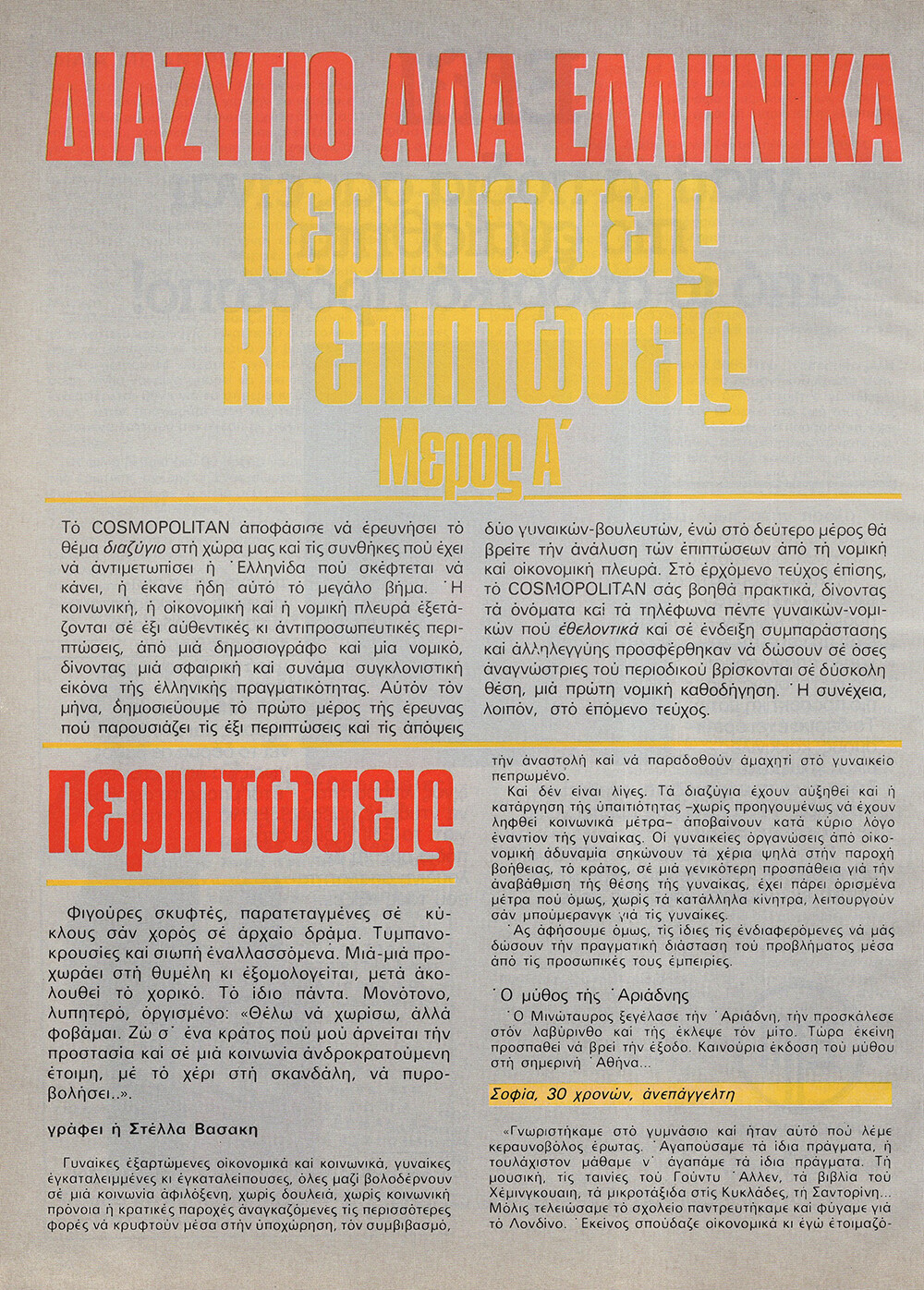
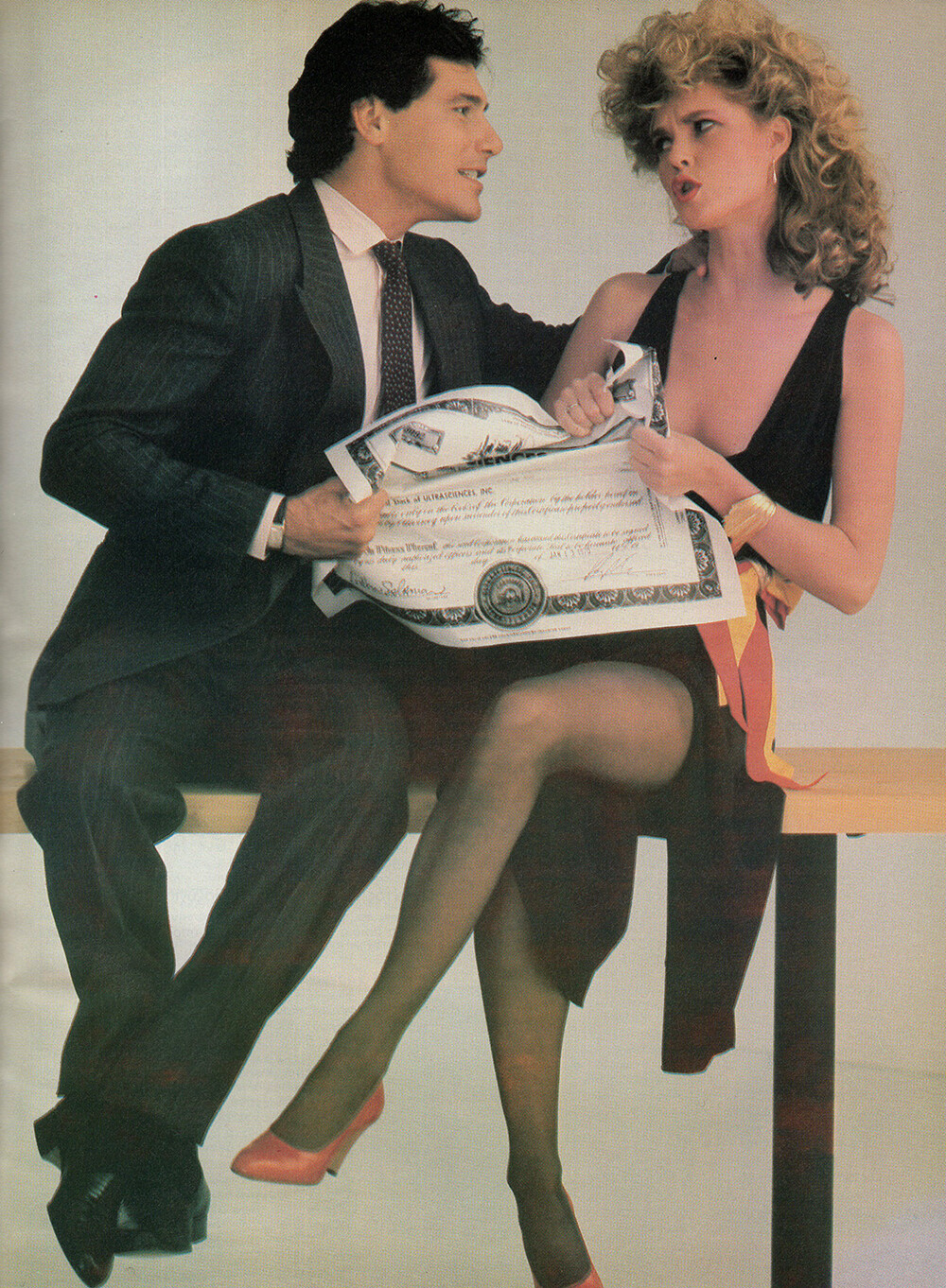
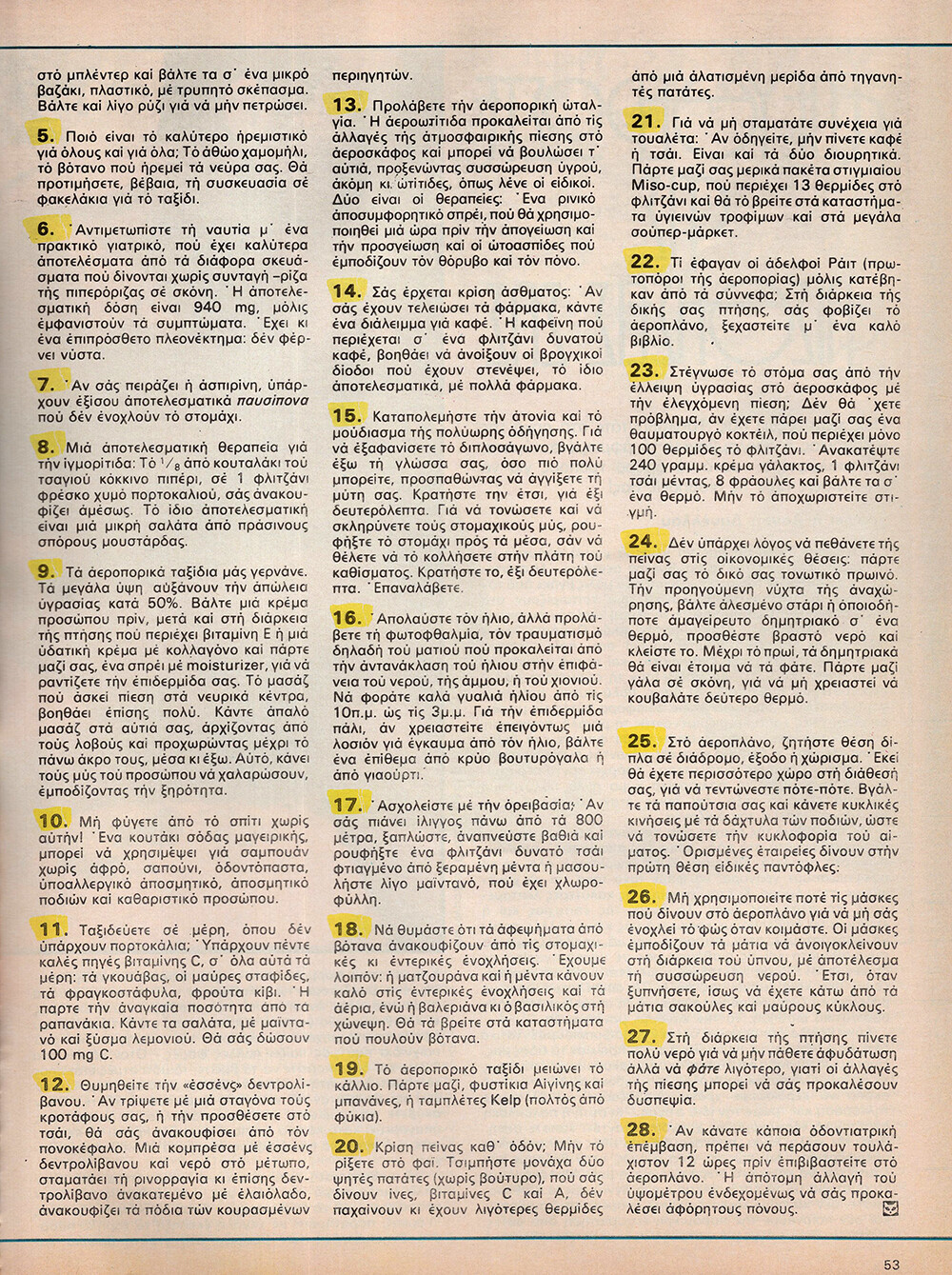
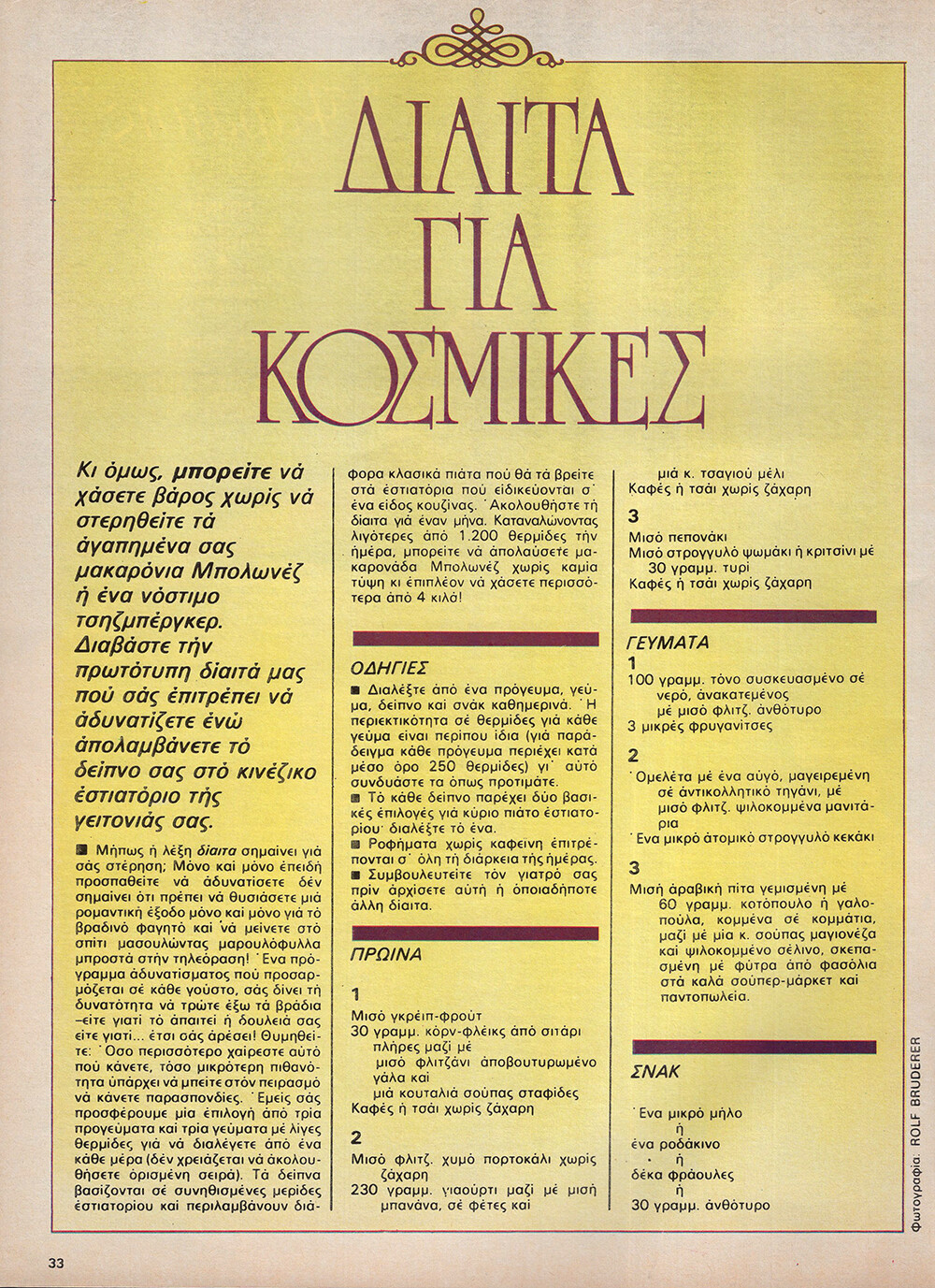
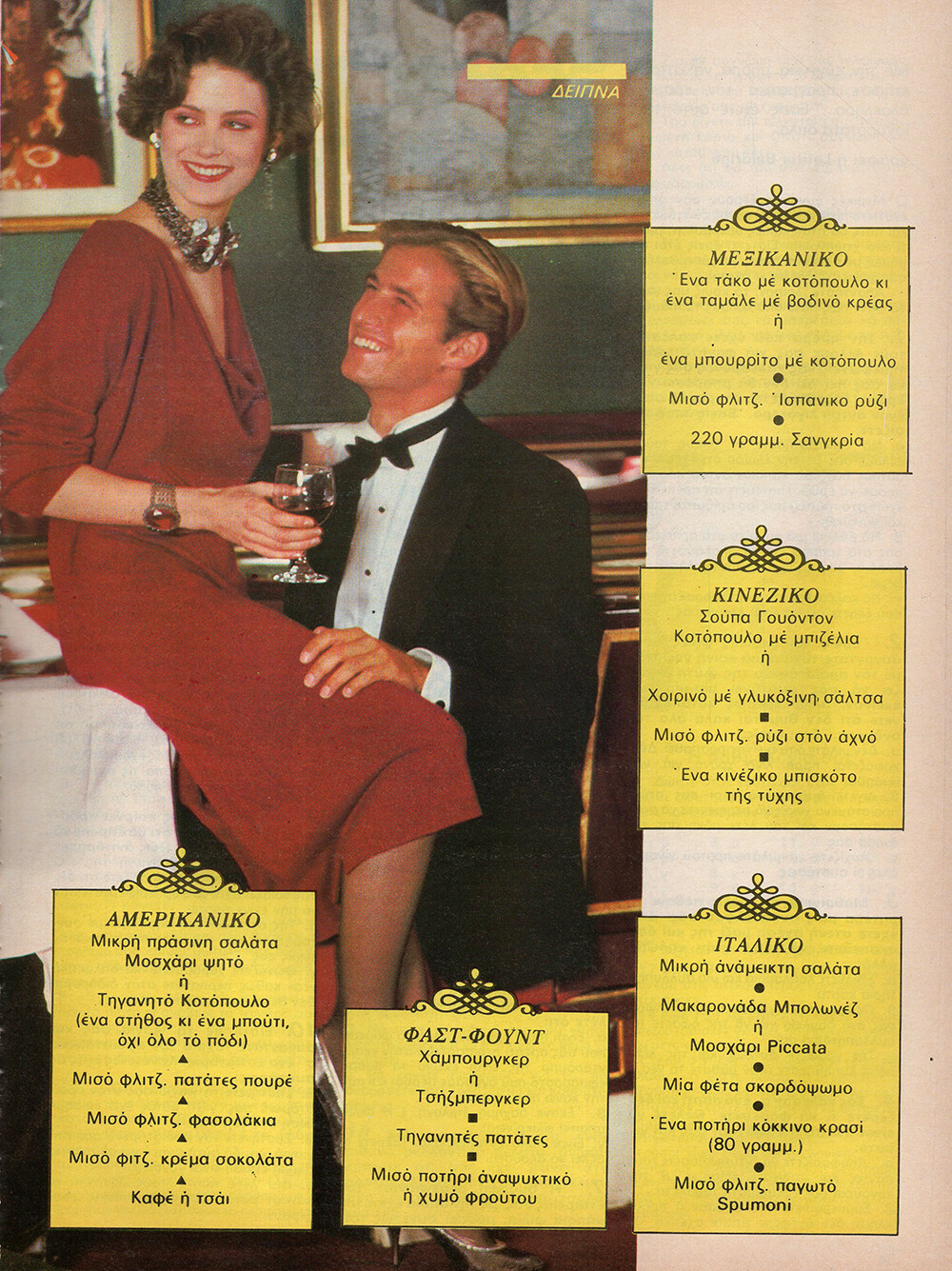
  9. It's very hard to tell with these Greek issues, half the models I'm not familiar with...
  10. I never thought I'd have to investigate nipples but how about the areolas, they seems very different, lol!
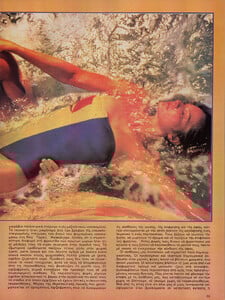
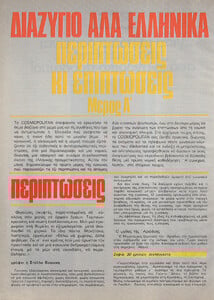
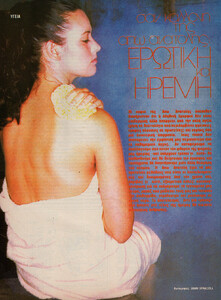
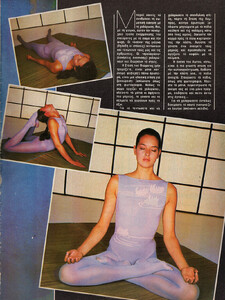
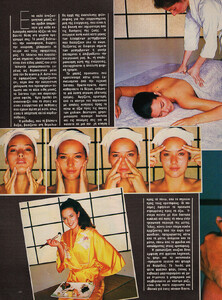
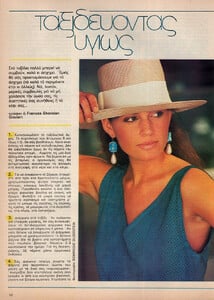
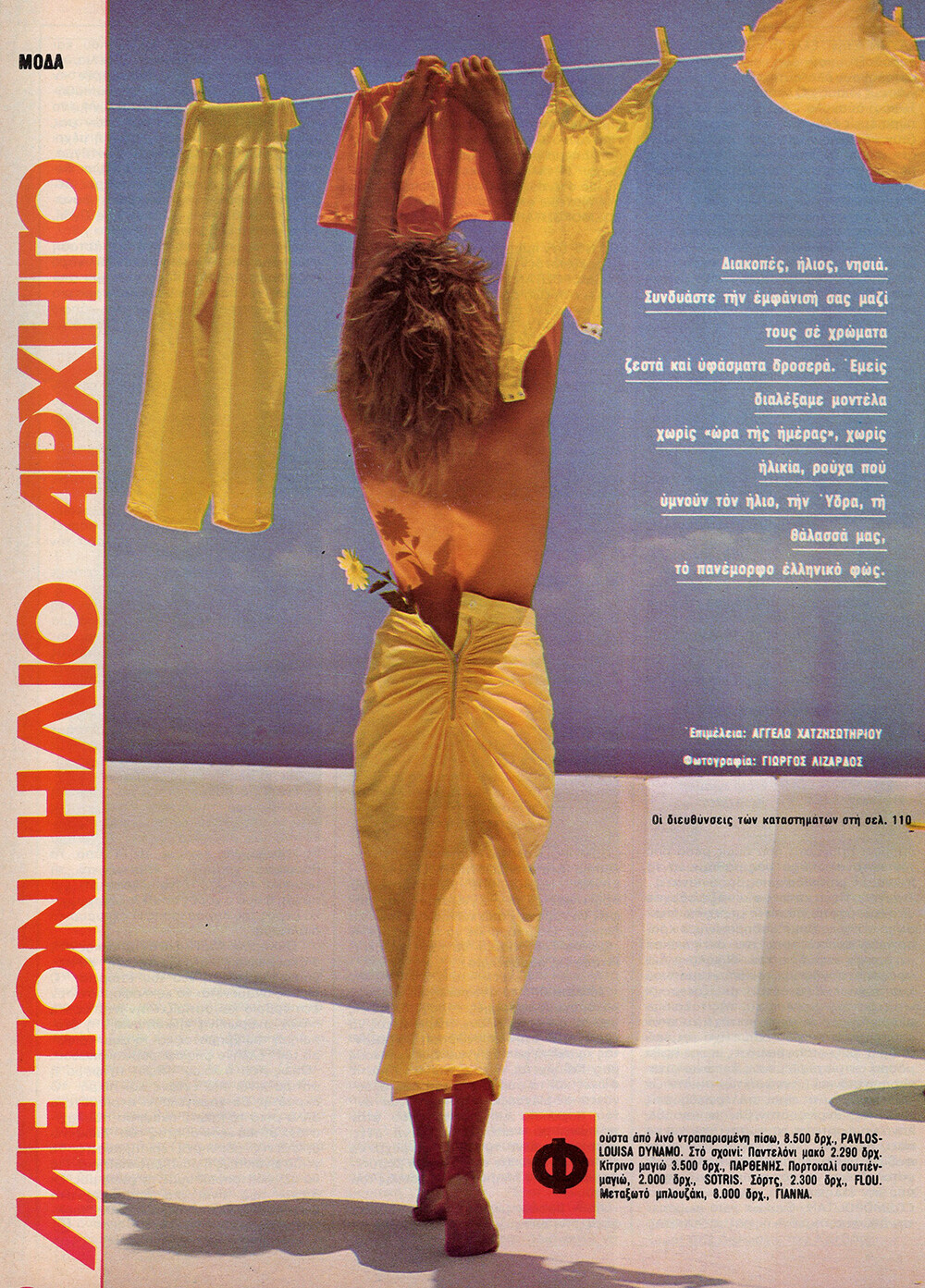
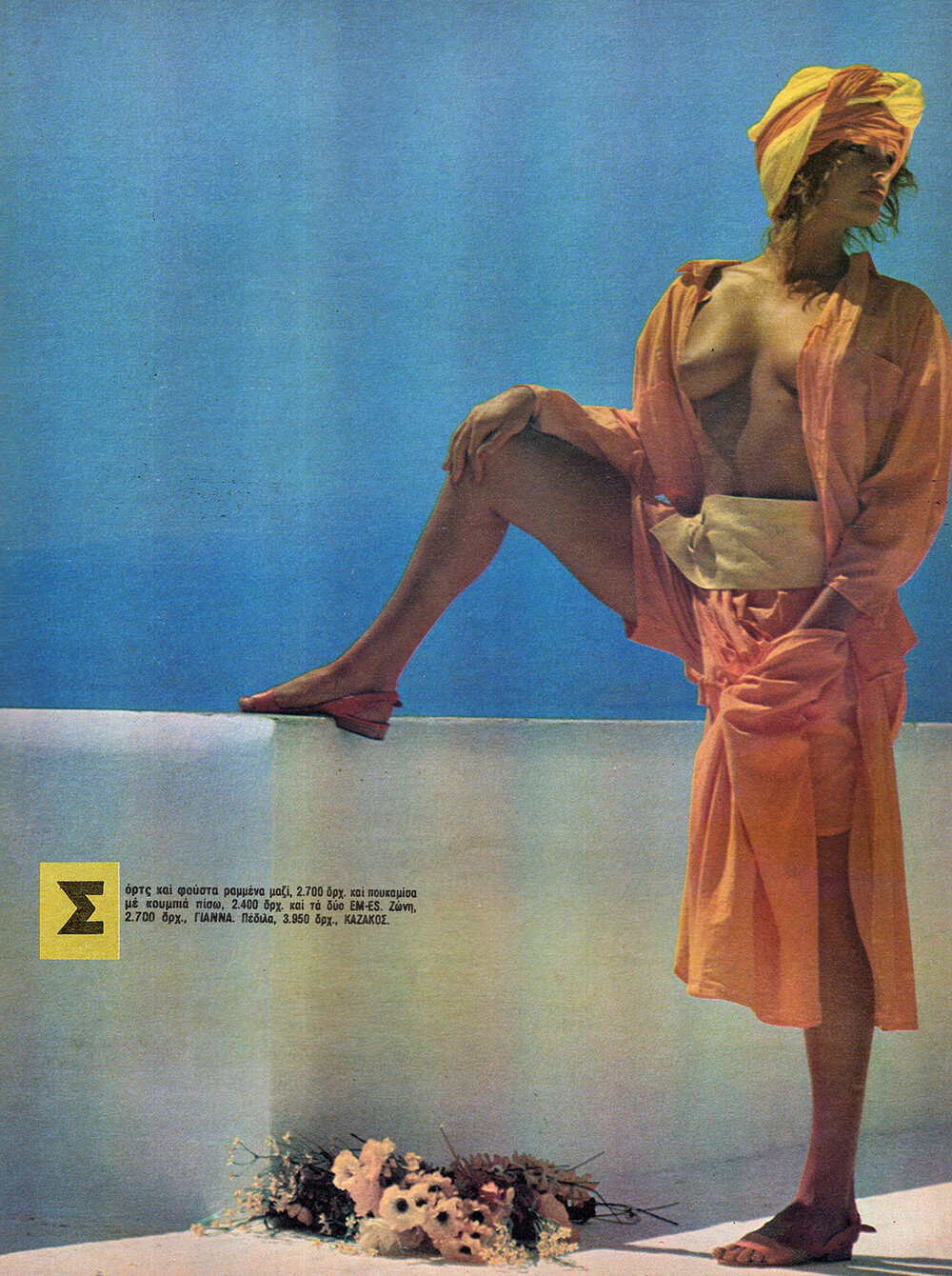
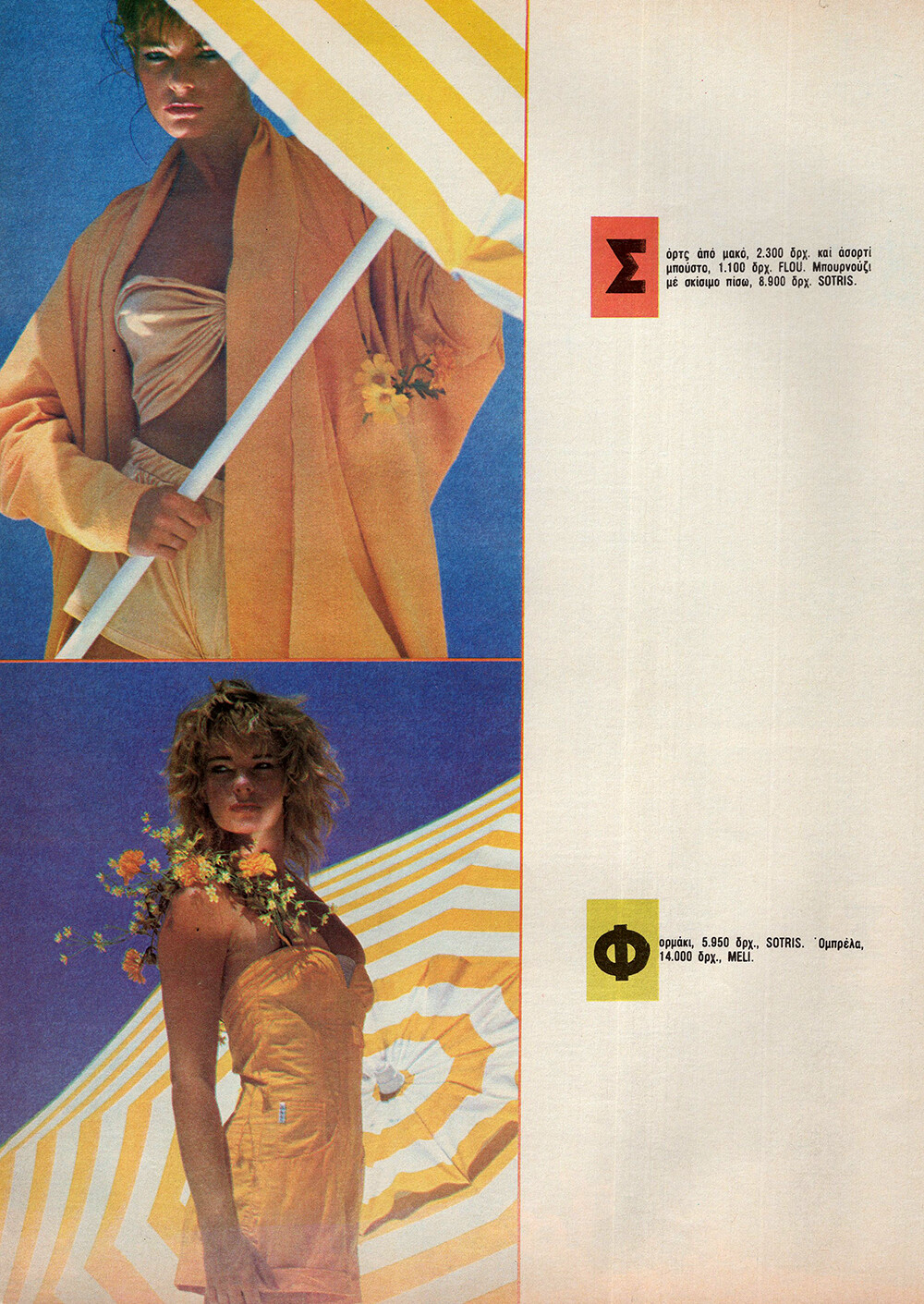
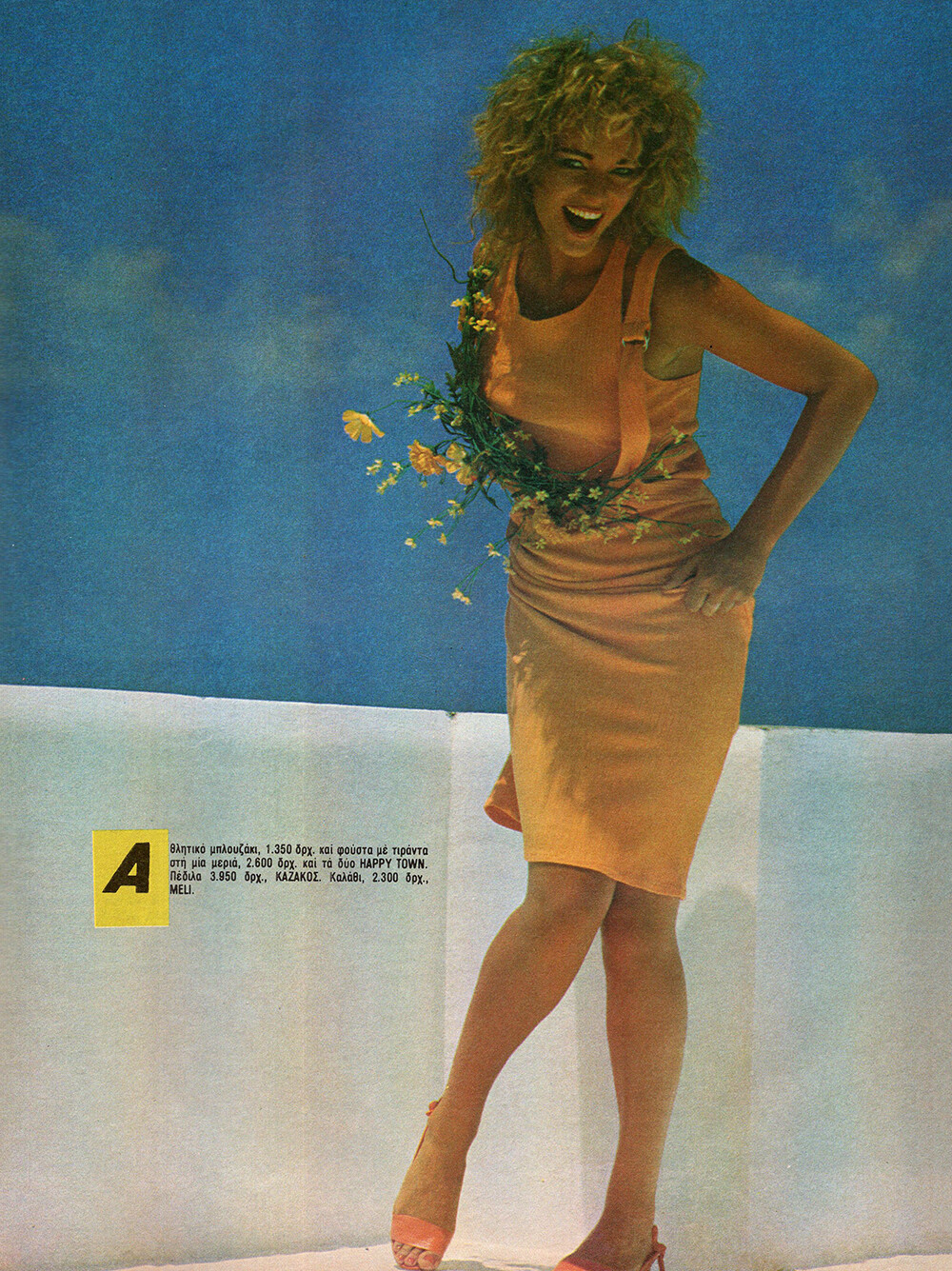
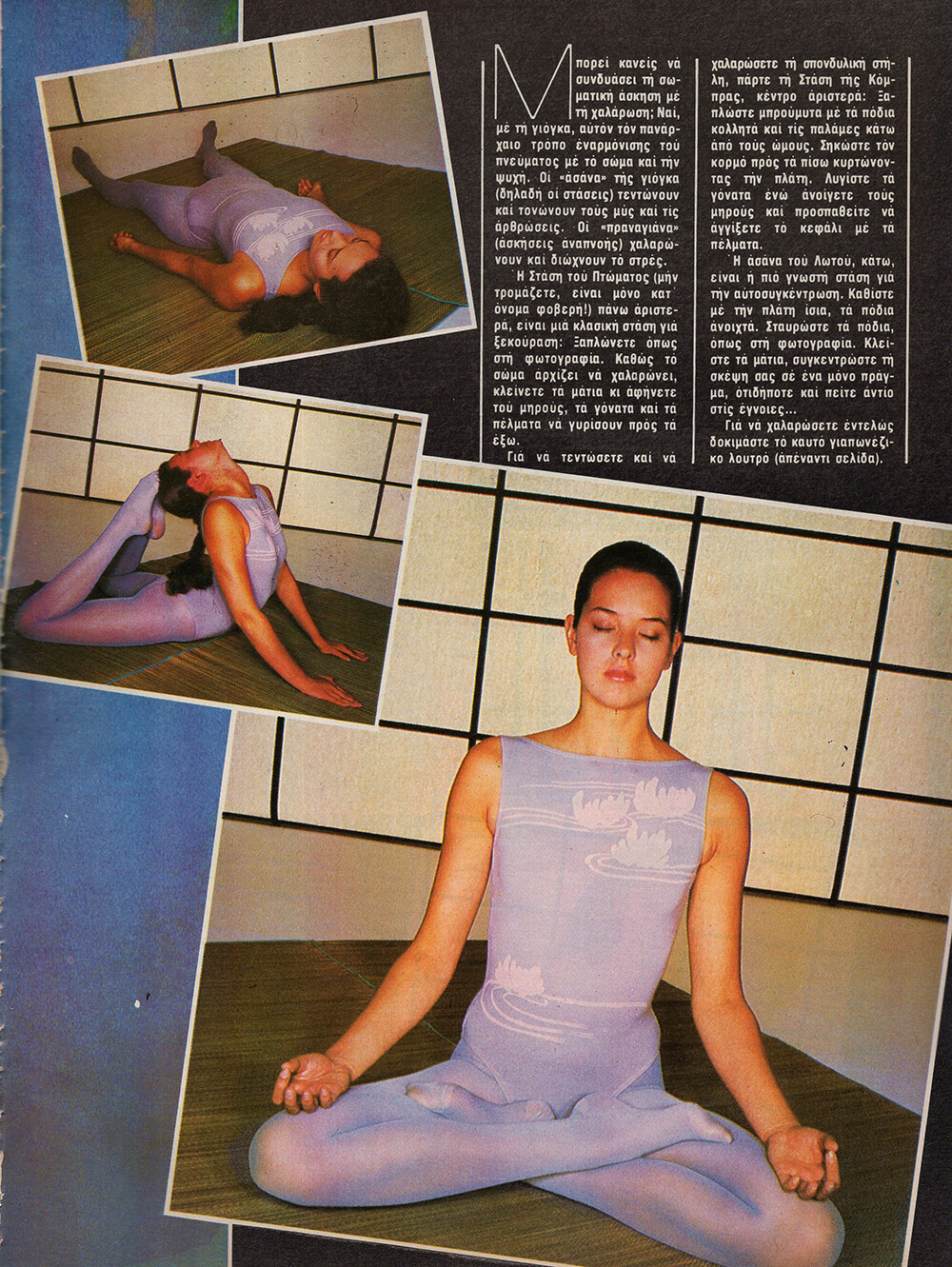
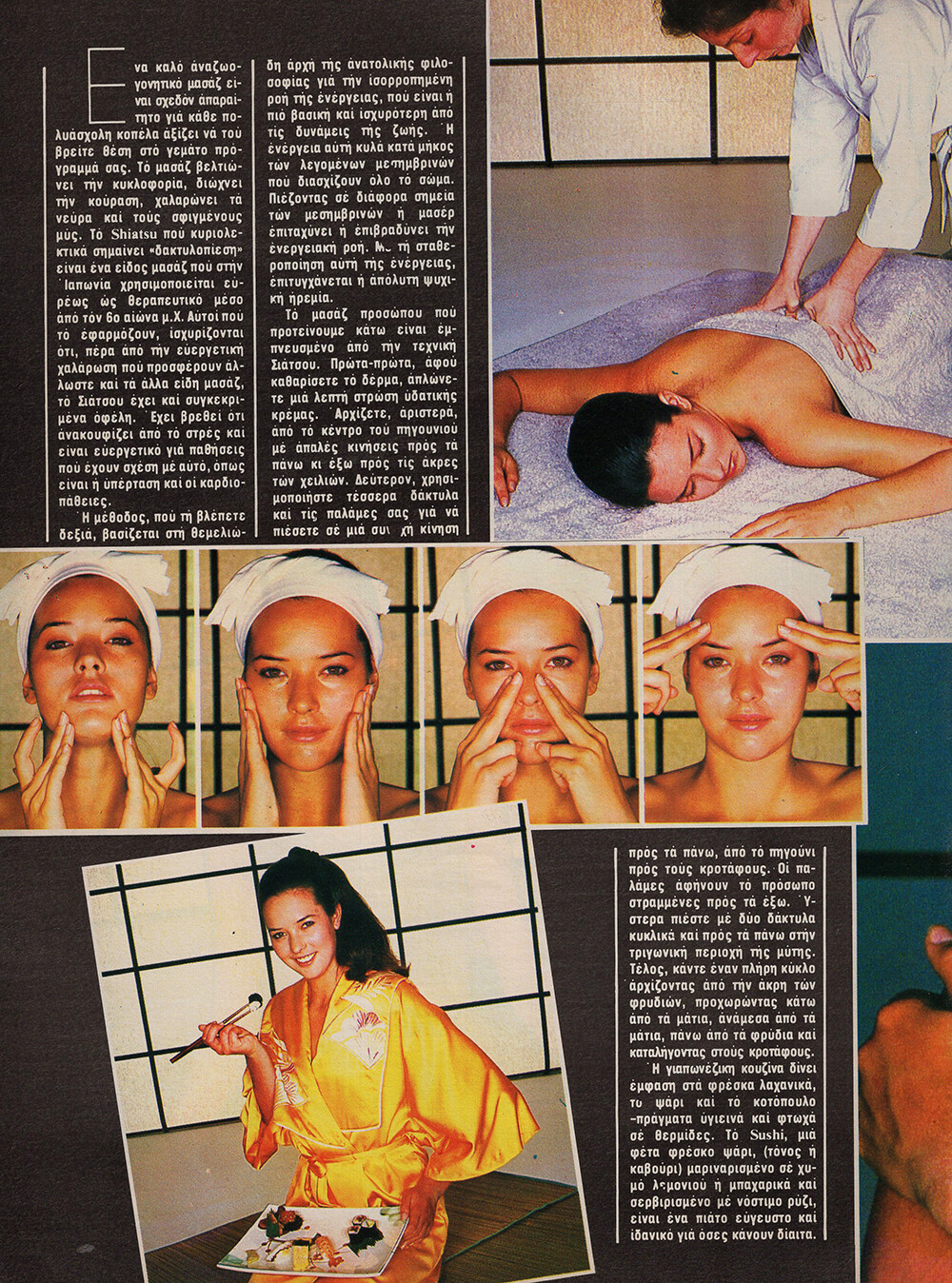
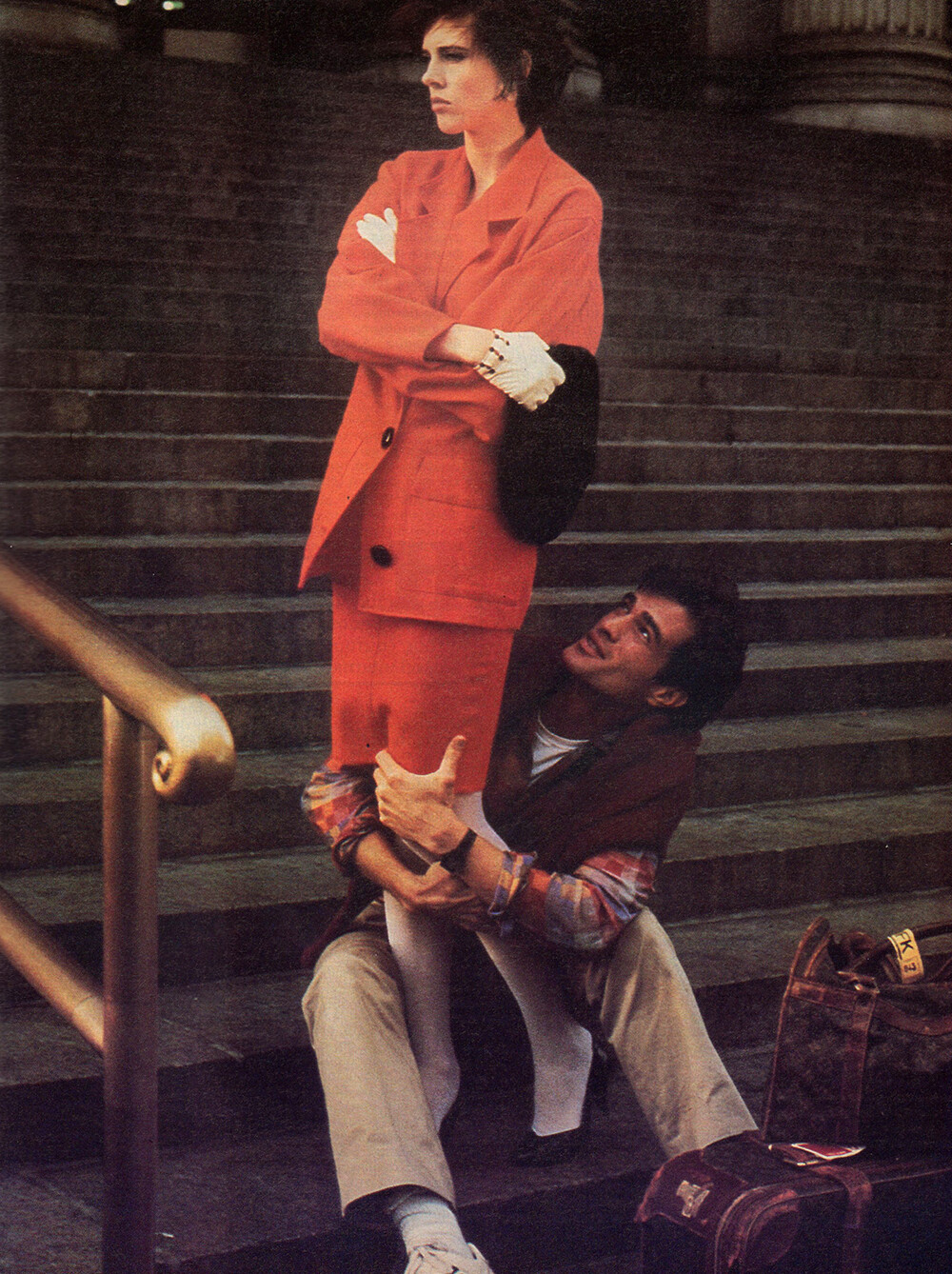
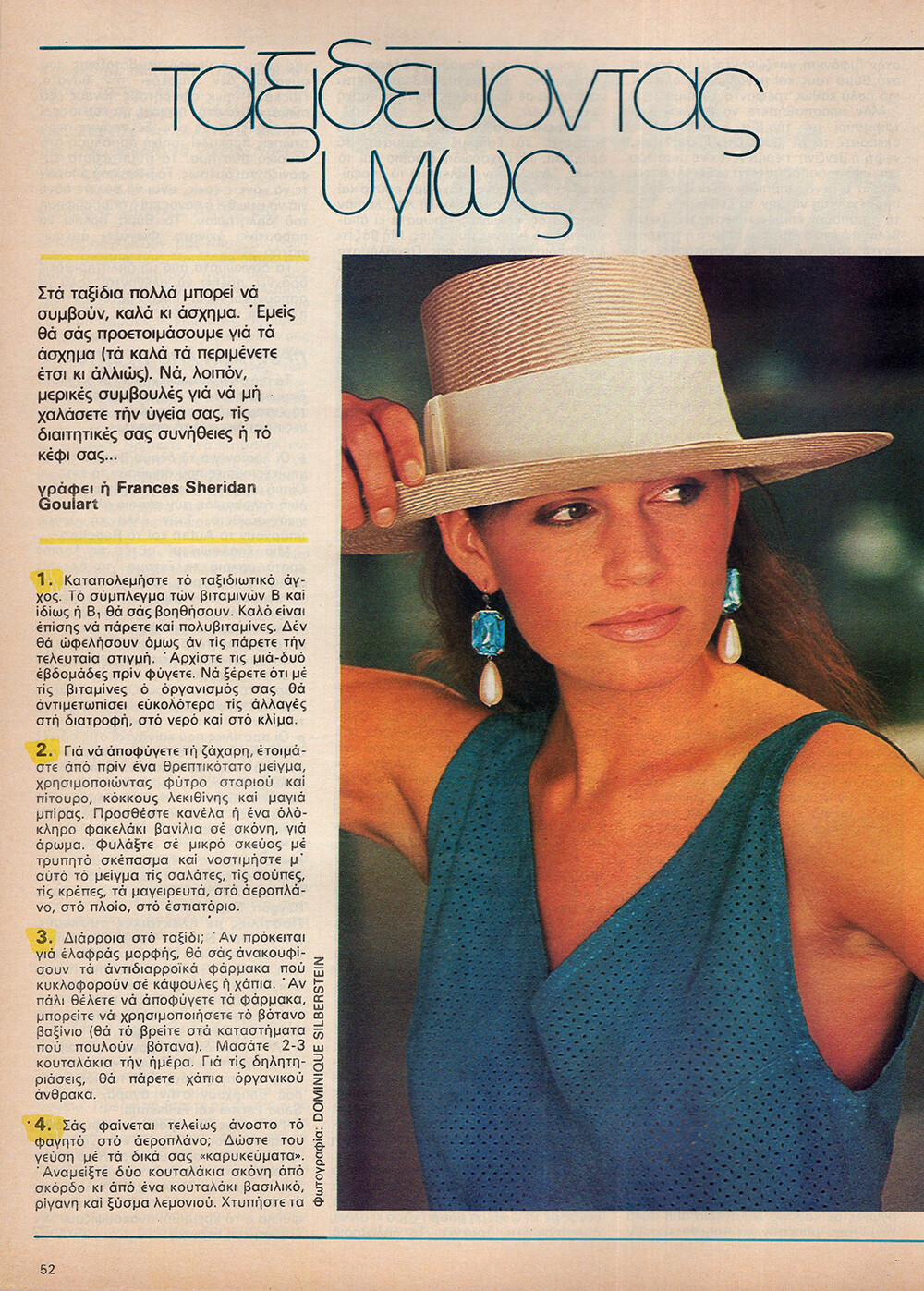
  11. COSMOPOLITAN GR, Aug 1985 - PH. GIORGOS LIZARDOS - MY SCANS Warning! Nudity! Spoiler
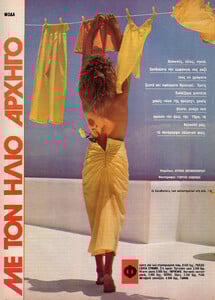
  12. COSMOPOLITAN GR, Aug 1985 - PH. CHUCK BAKER - MY SCANS
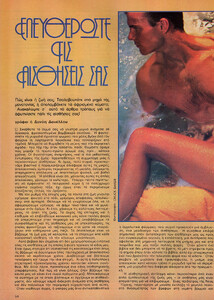
  13. COSMOPOLITAN GR, Aug 1985 - PH. UNK - MY SCANS
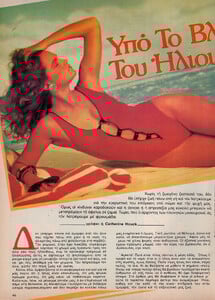
  14. COSMOPOLITAN GR, Jul 1985 - PH. UNK - MY SCANS
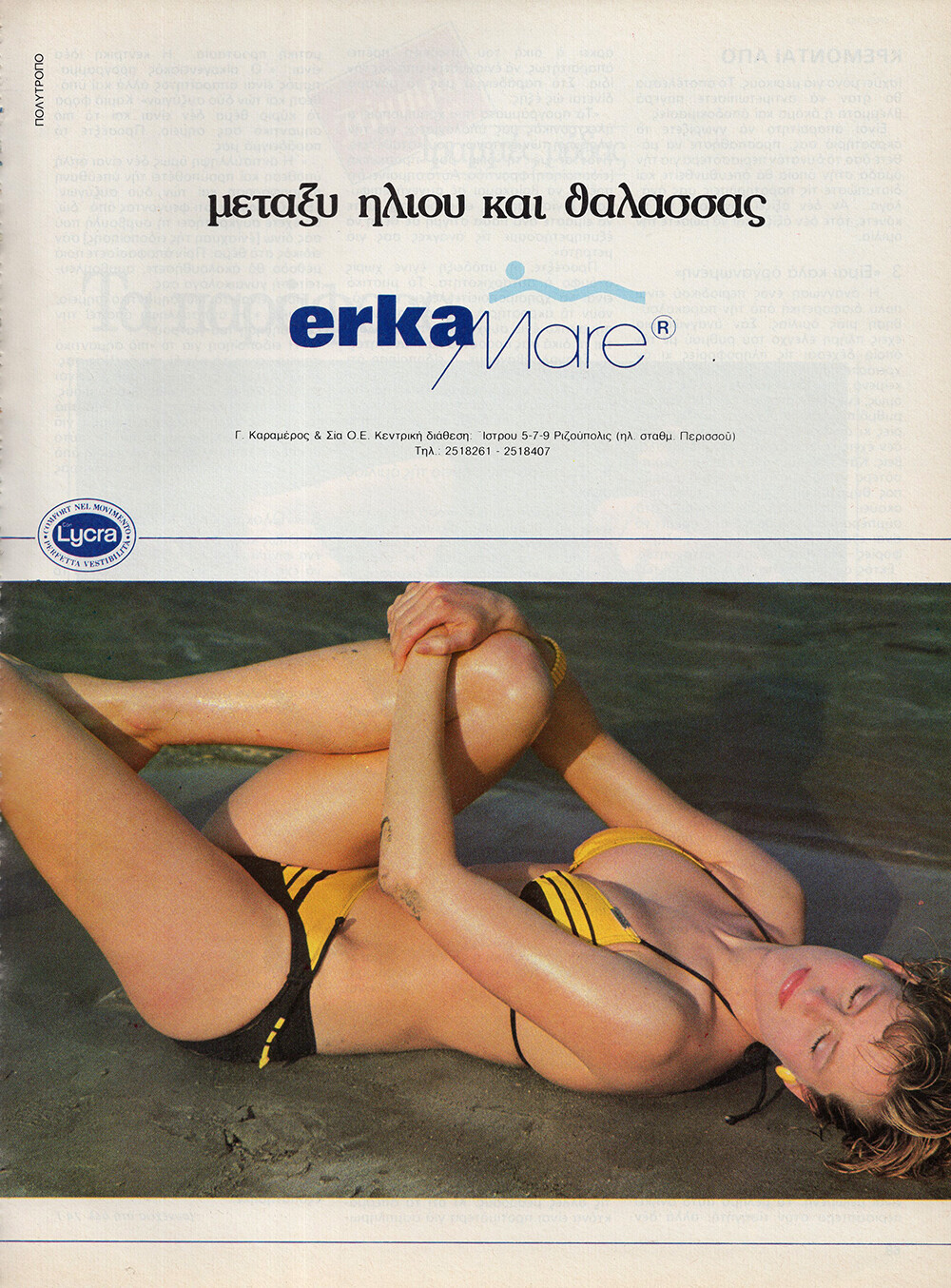
  15. ERKA MARE AD - COSMOPOLITAN GR, Jul 1985 - PH. UNK - MY SCAN
  16. Yeah, it's a different person for sure.
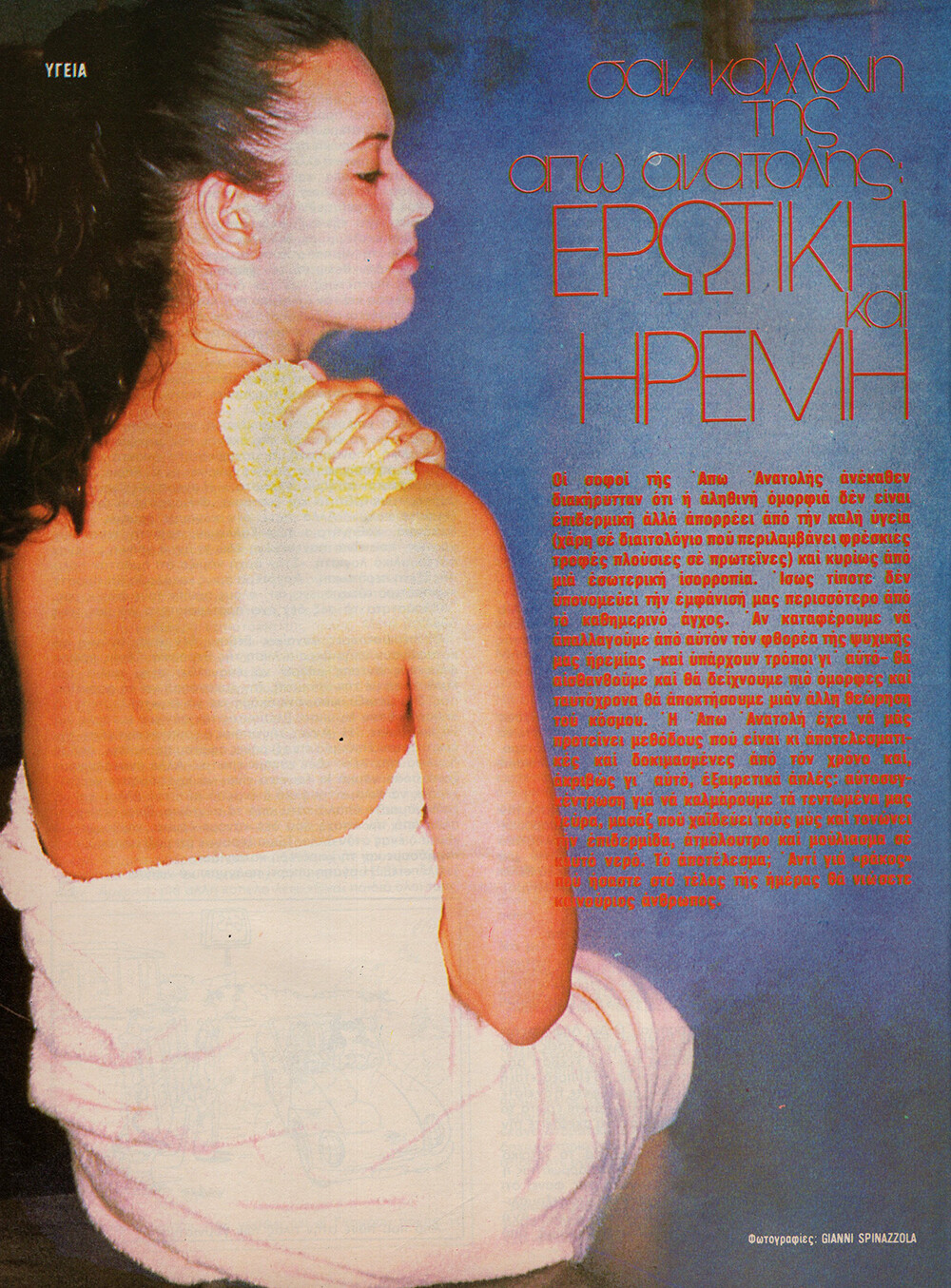
  17. COSMOPOLITAN GR, Aug 1985 - PH. GIANNI SPINAZZOLA - MY SCANS
  18. COSMOPOLITAN GR, Aug 1985 - PH. UNK - MY SCANS
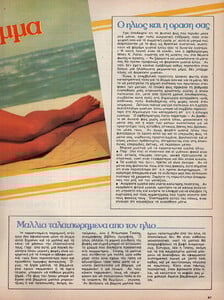
  19. COSMOPOLITAN GR, Aug 1985 - PH. ROLF BRUDERER - MY SCANS
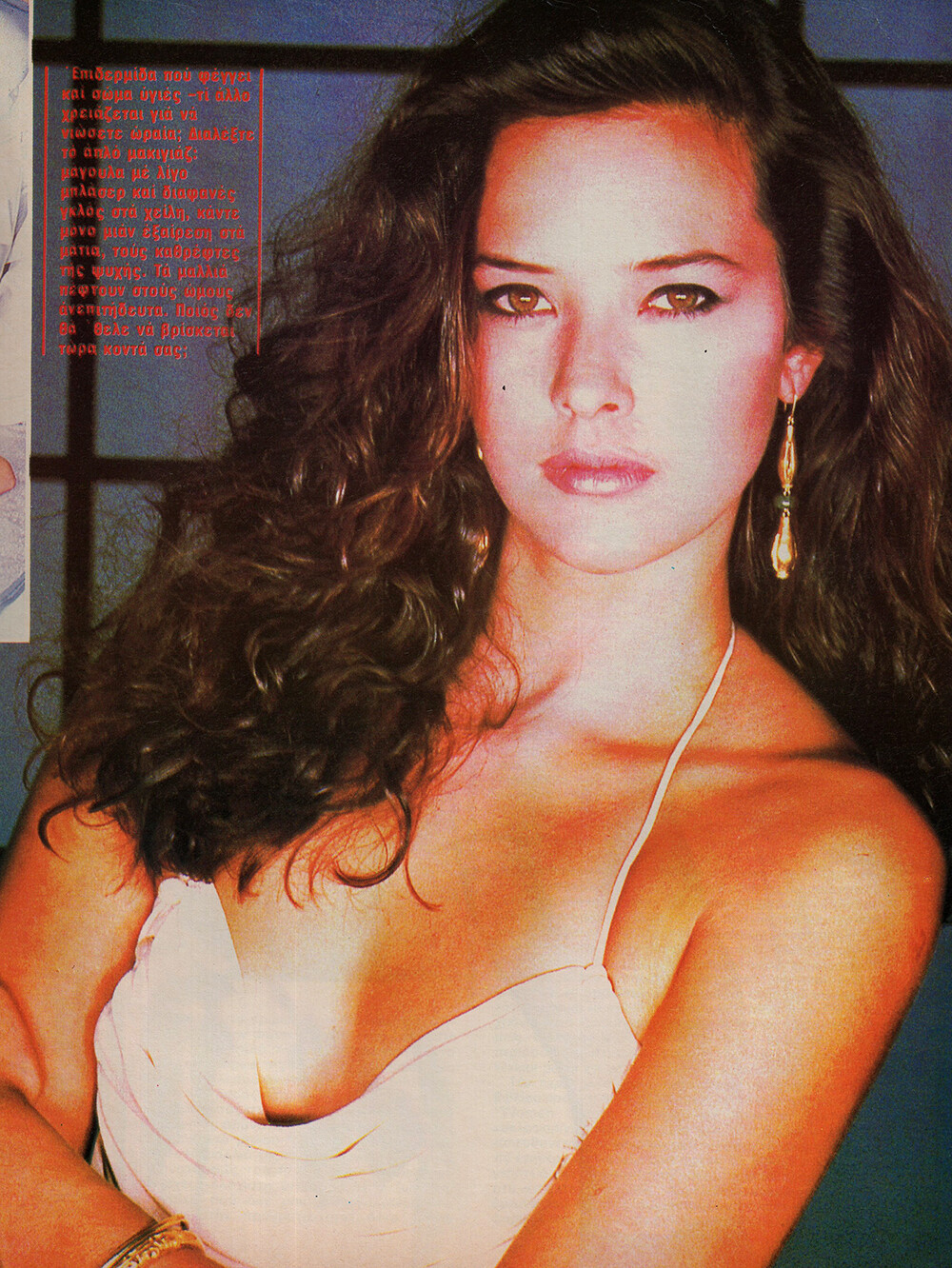
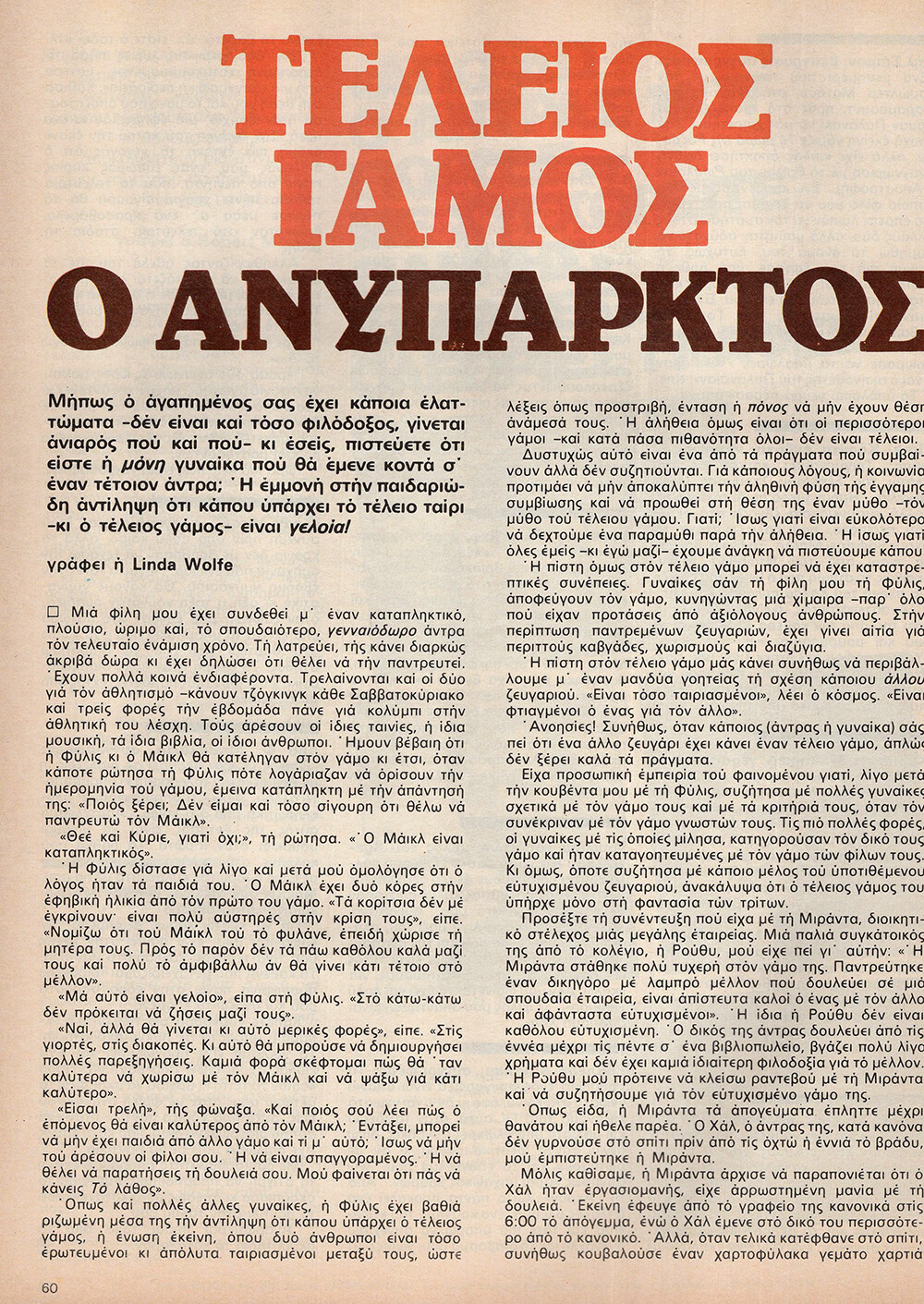
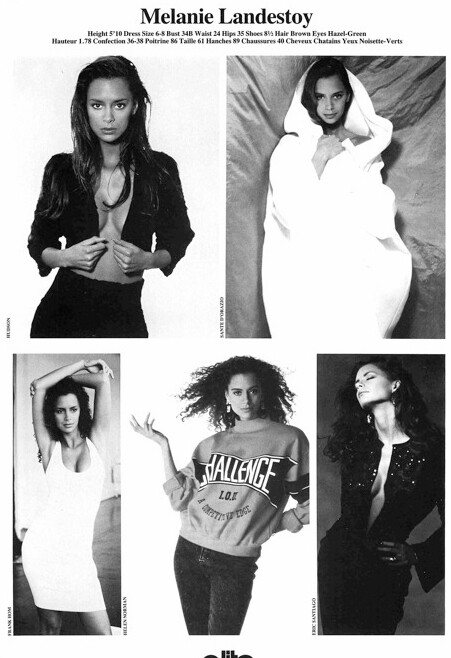
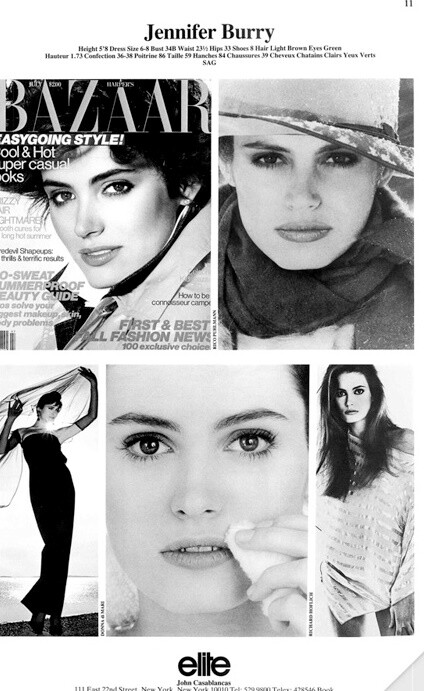
  20. Comp card from modelcomposites:
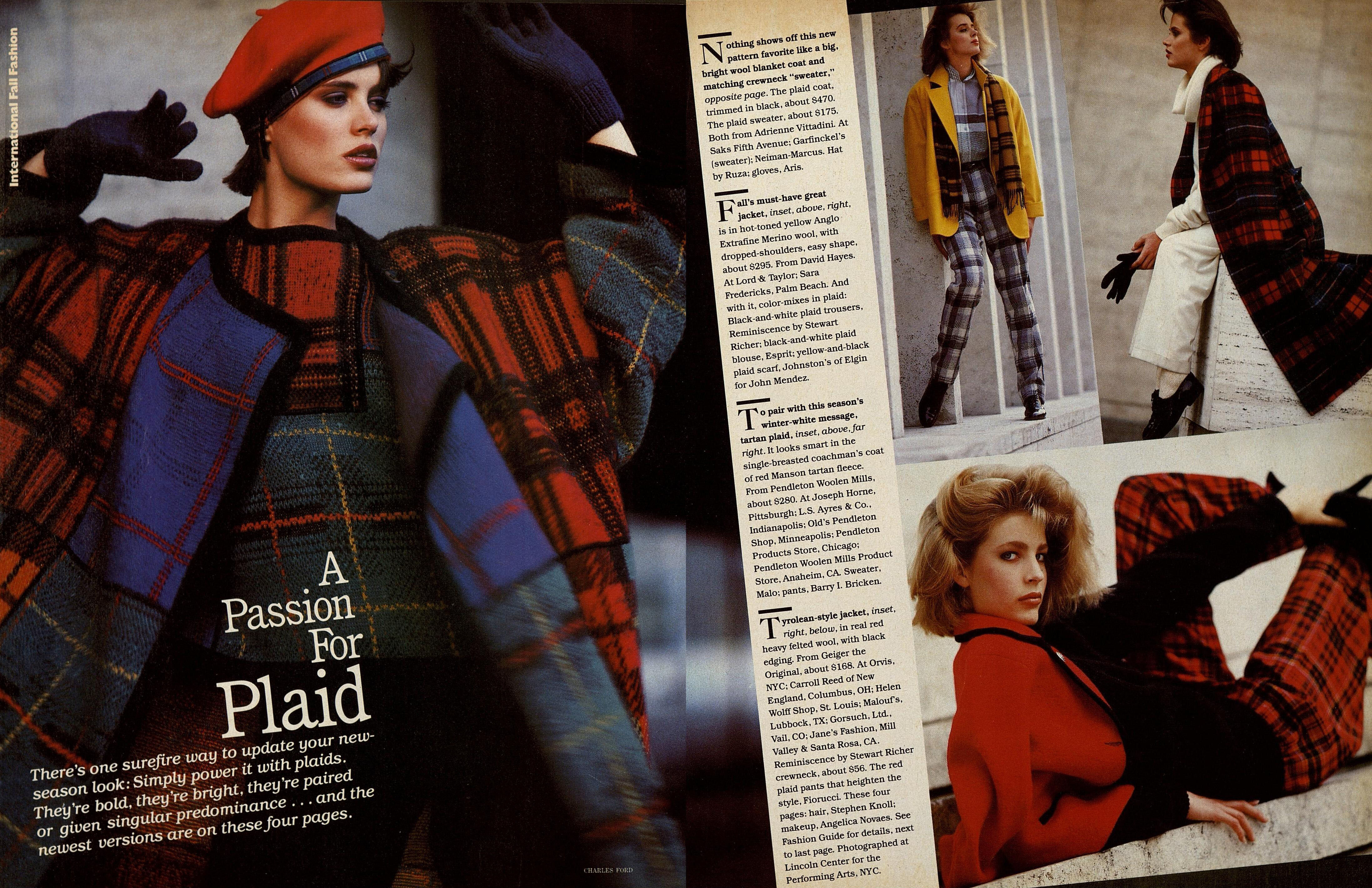
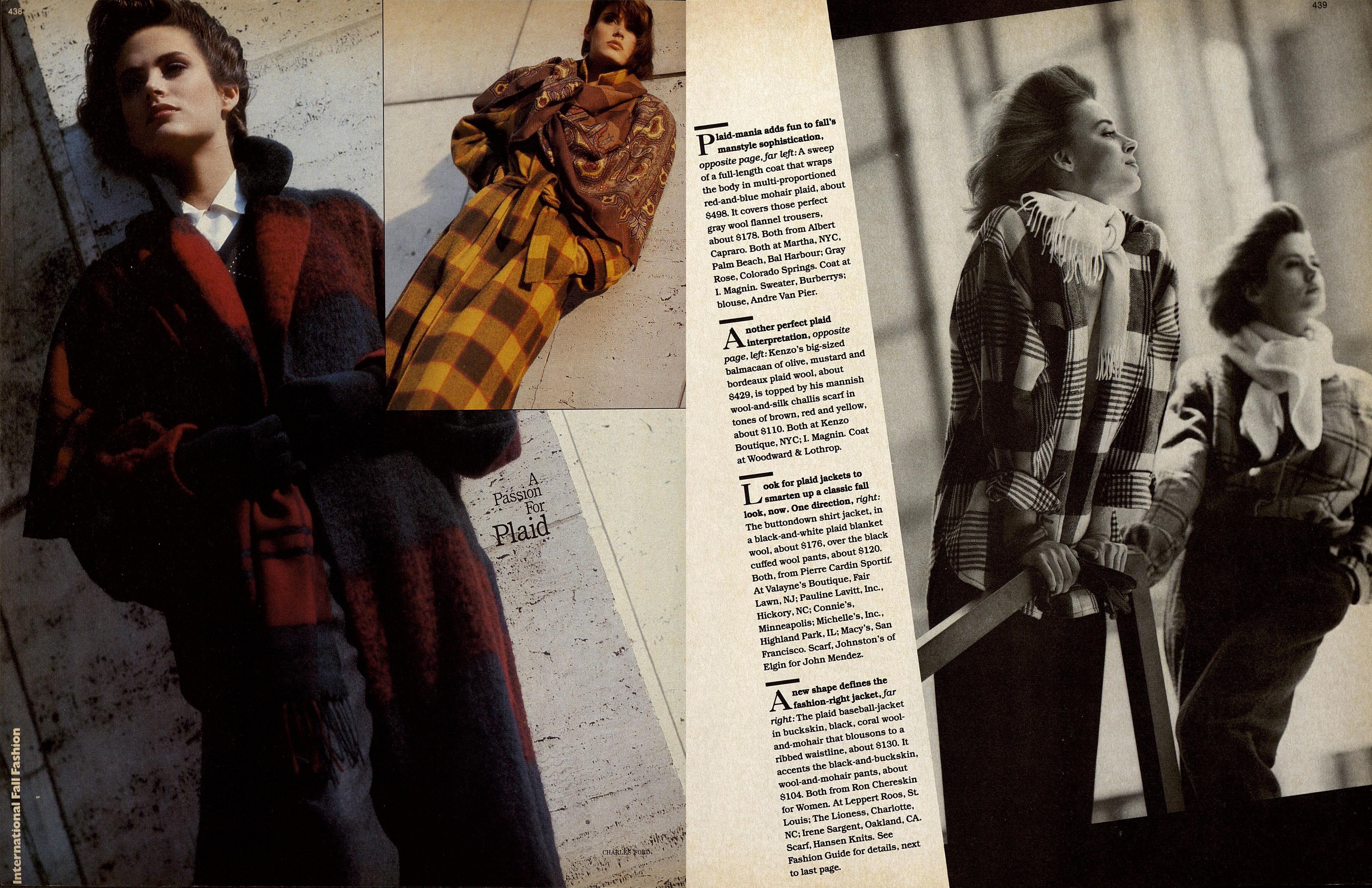
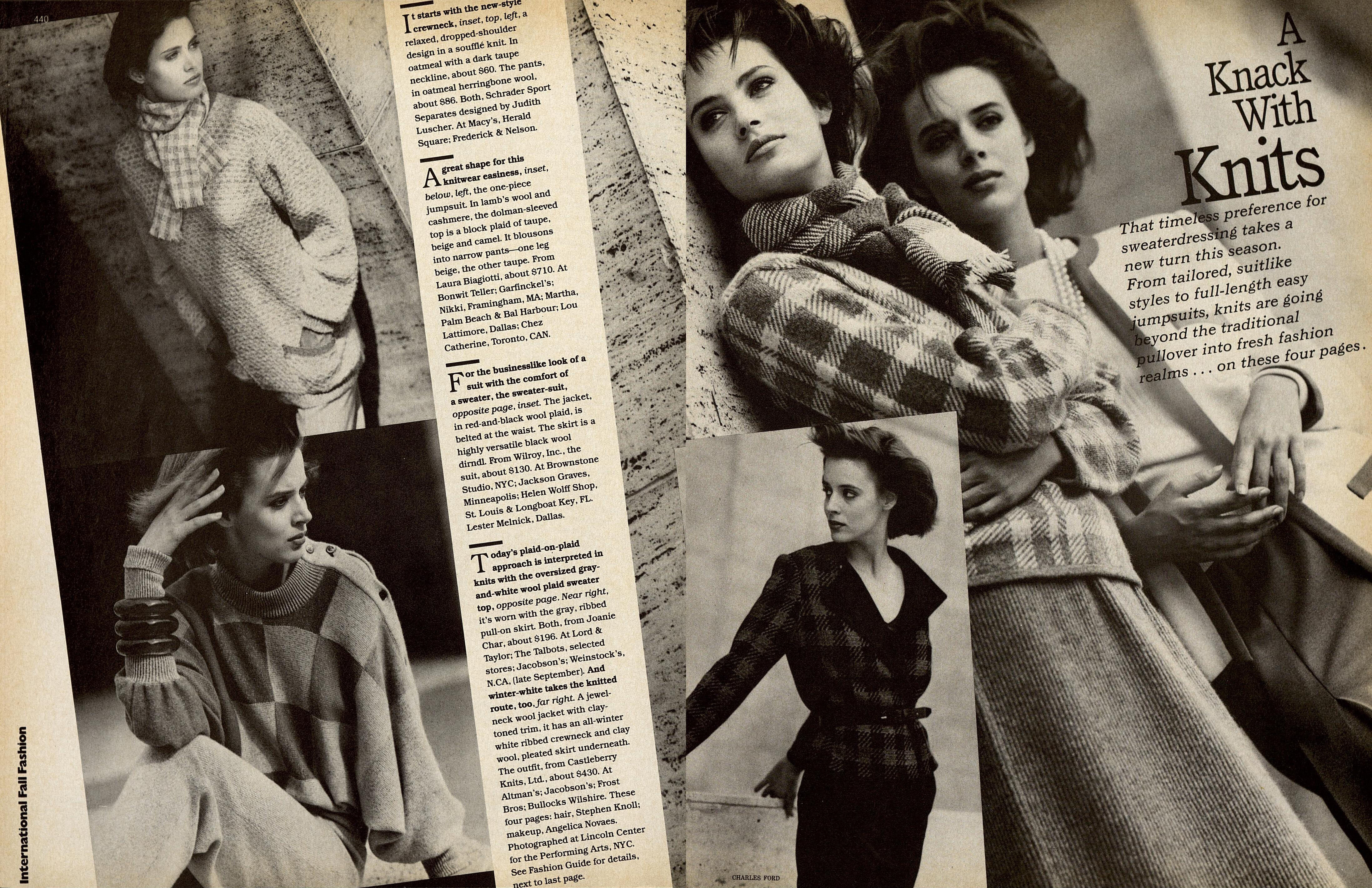
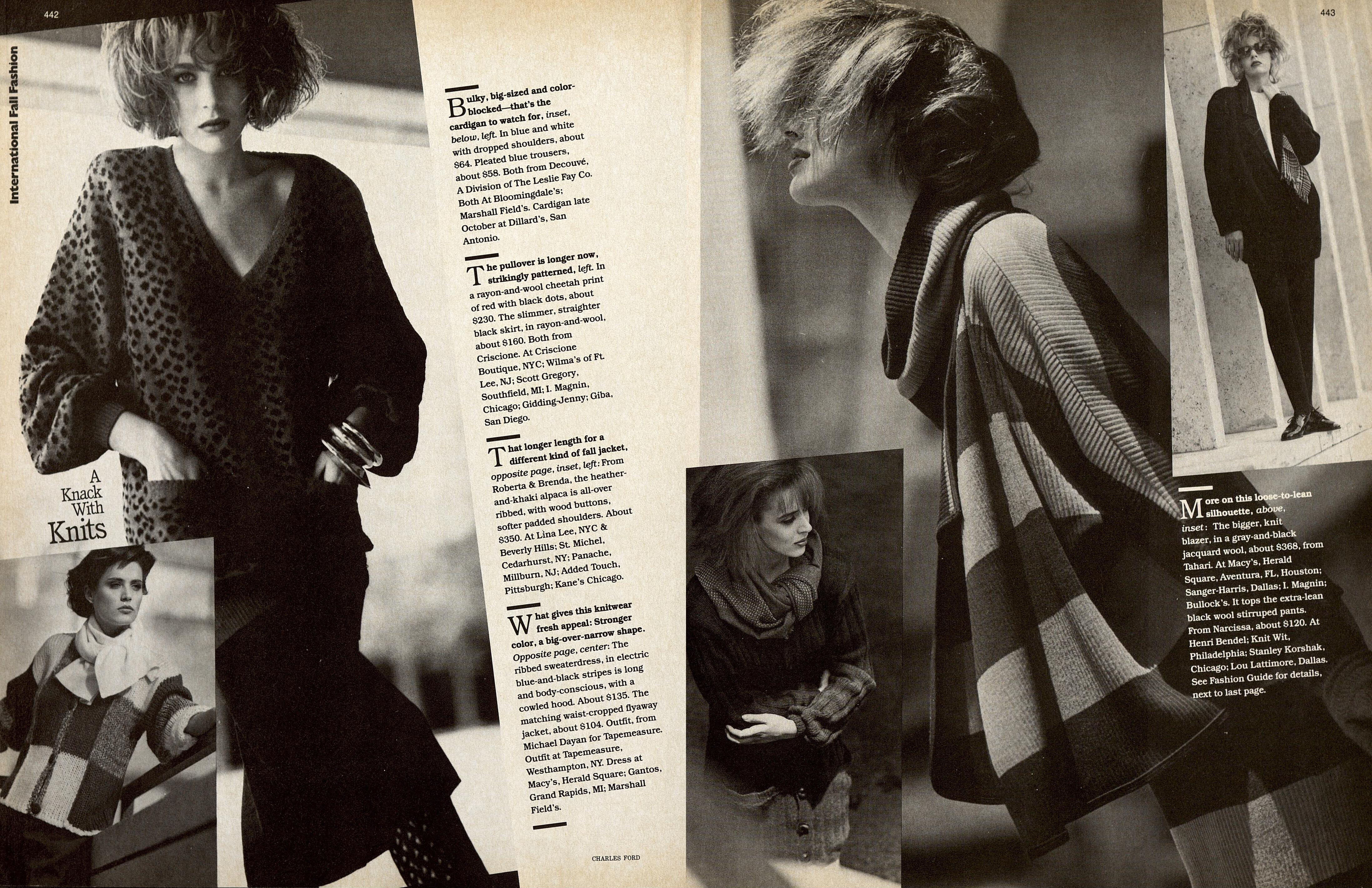
  21. HARPER'S BAZAAR US, Sept 1984 - PH. CHARLES FORD - TFS
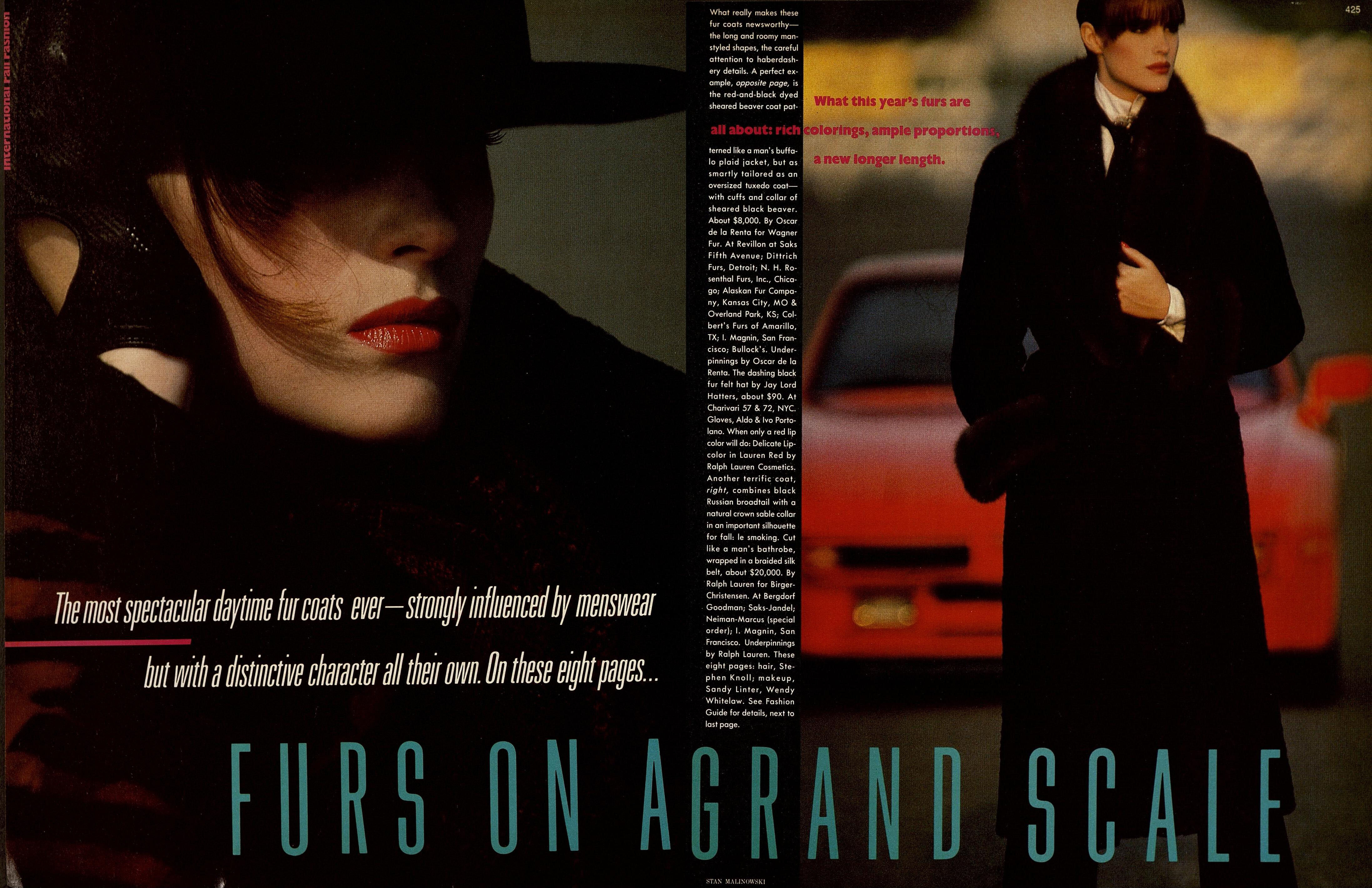
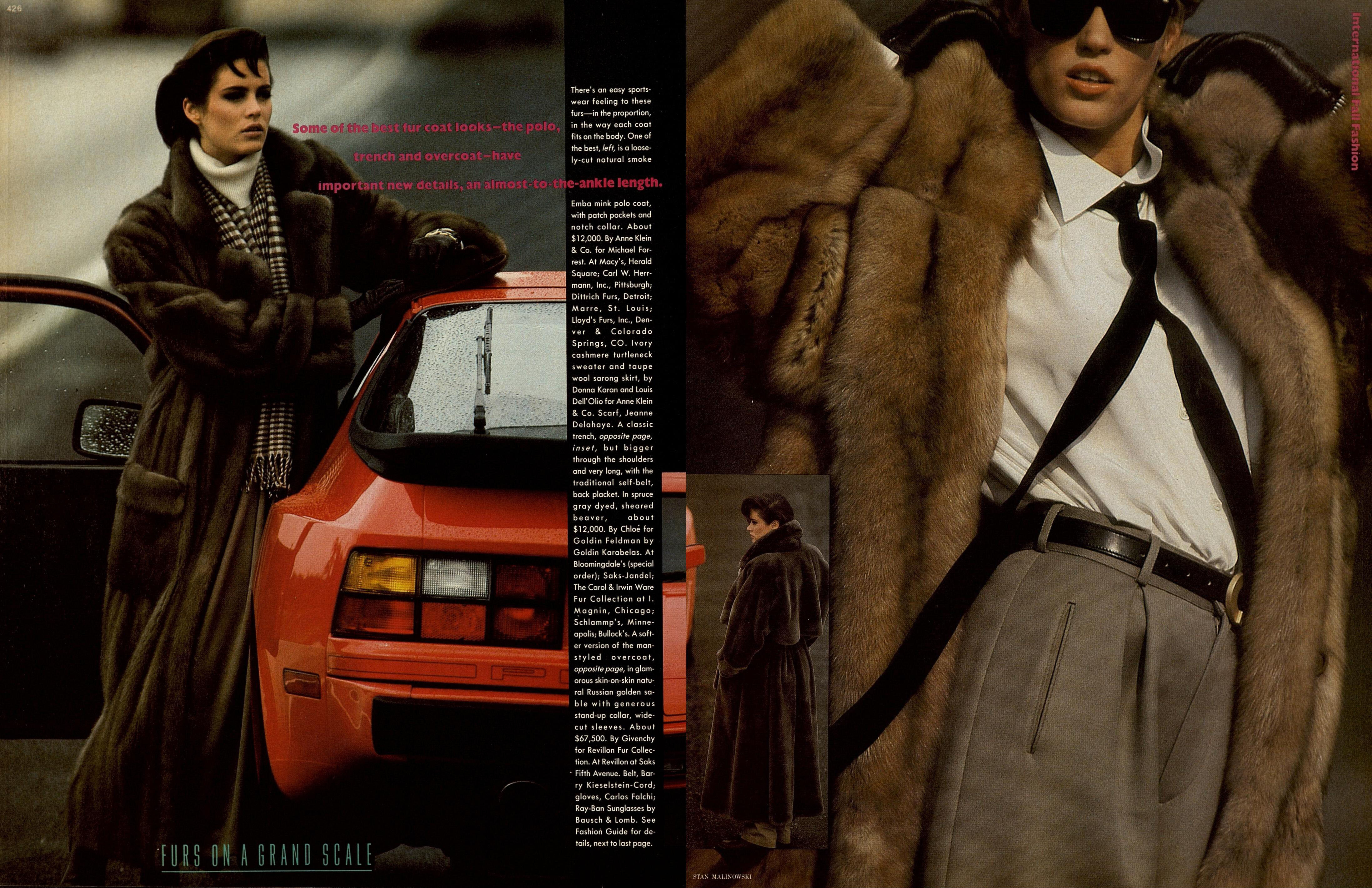
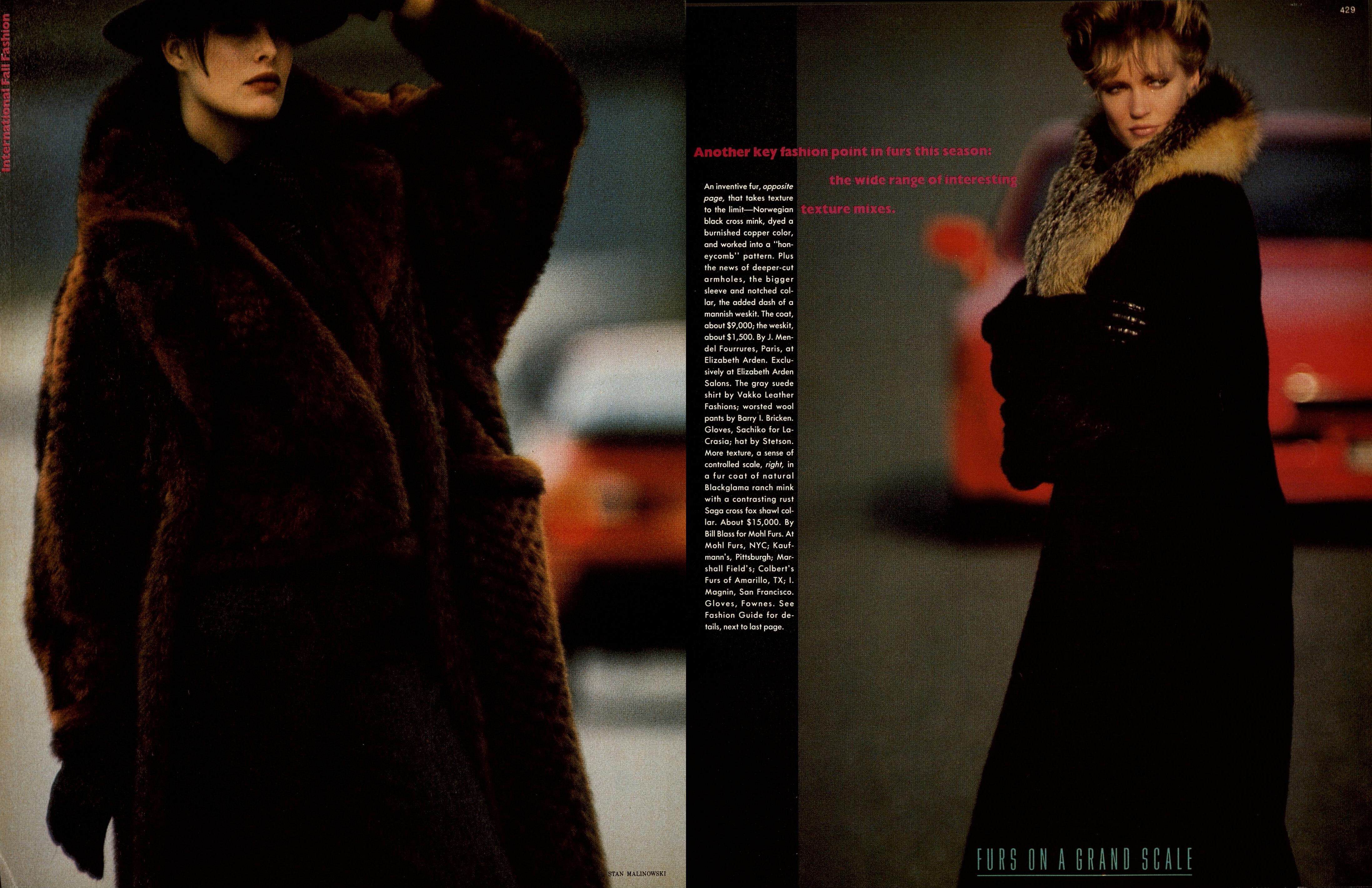
  22. HARPER'S BAZAAR US, Sept 1984 - PH. STAN MALINOWSKI - TFS
  23. HARPER'S BAZAAR US, Oct 1984 - PH. BILL SILANO - TFS

Account

Navigation

Search

Search

Configure browser push notifications

Chrome (Android)
  1. Tap the lock icon next to the address bar.
  2. Tap Permissions → Notifications.
  3. Adjust your preference.
Chrome (Desktop)
  1. Click the padlock icon in the address bar.
  2. Select Site settings.
  3. Find Notifications and adjust your preference.