
Jeanmarc
Members
-
Joined
-
Last visited
Everything posted by Jeanmarc
-
AMR Model Management

-
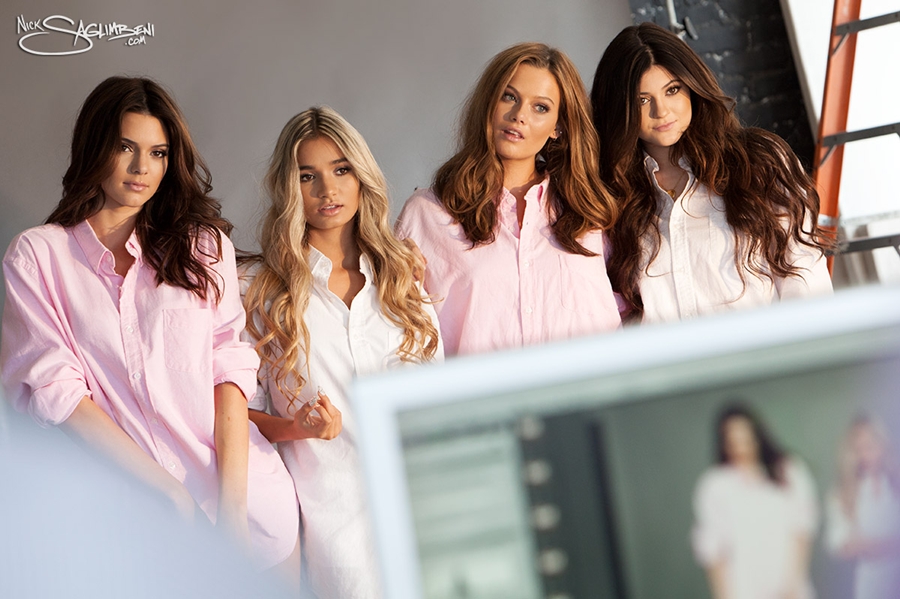
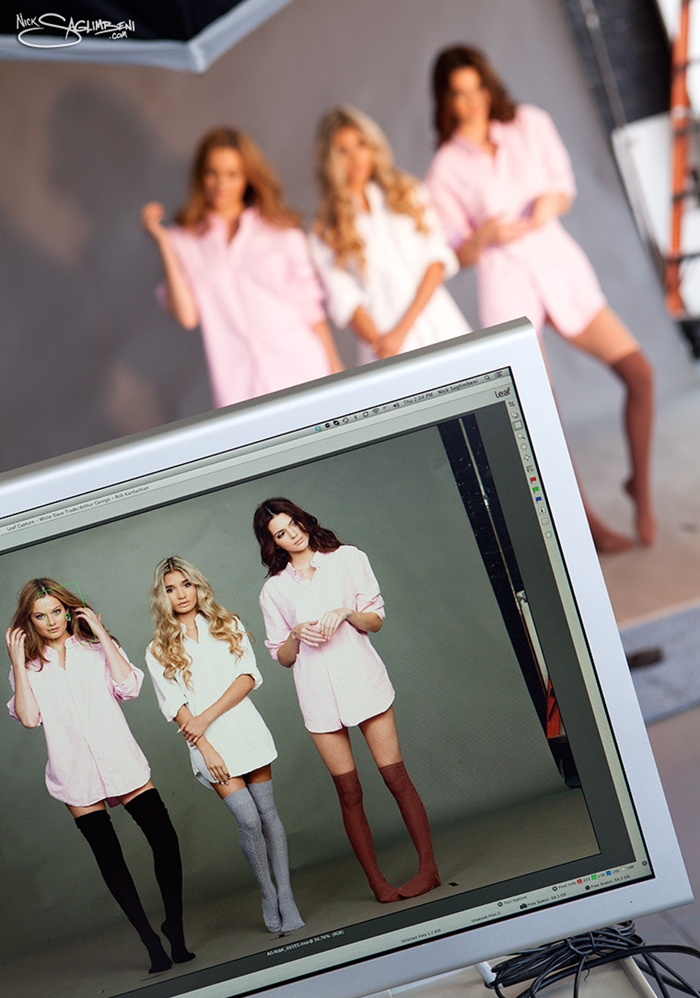
Arthur George for Neiman Marcus





-
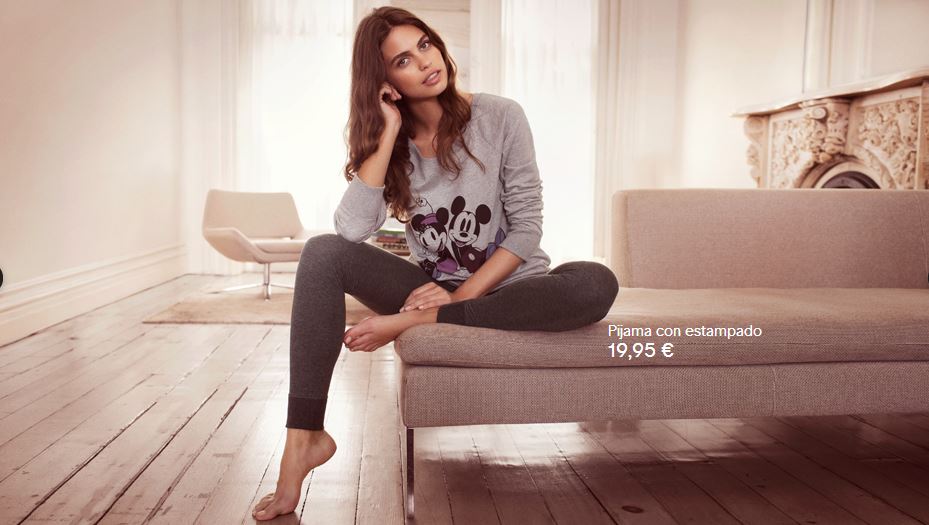
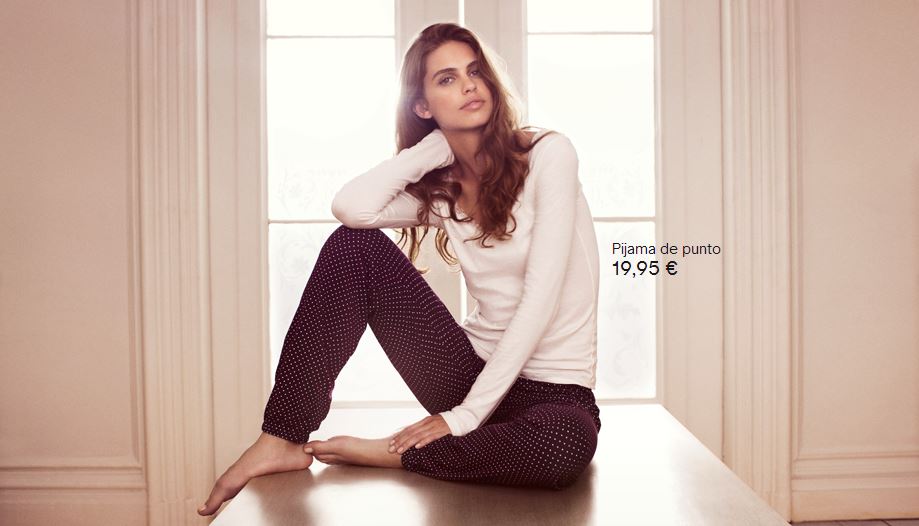
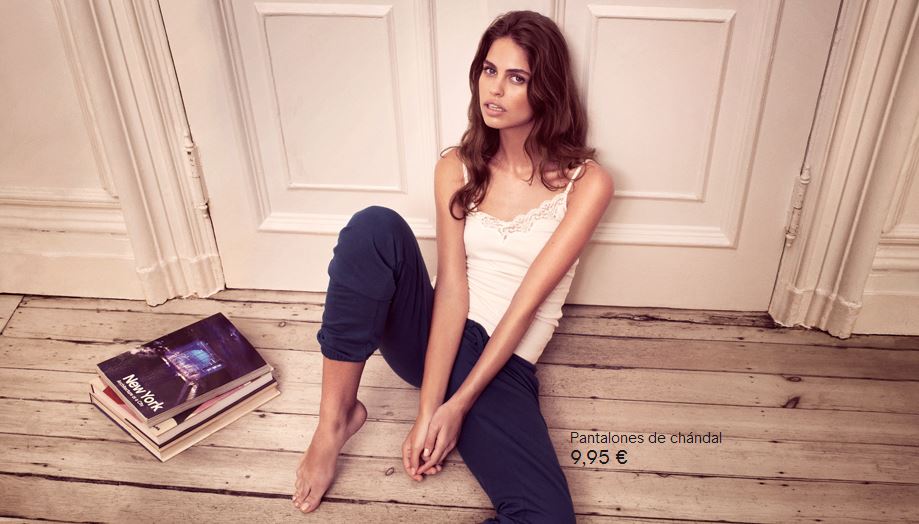
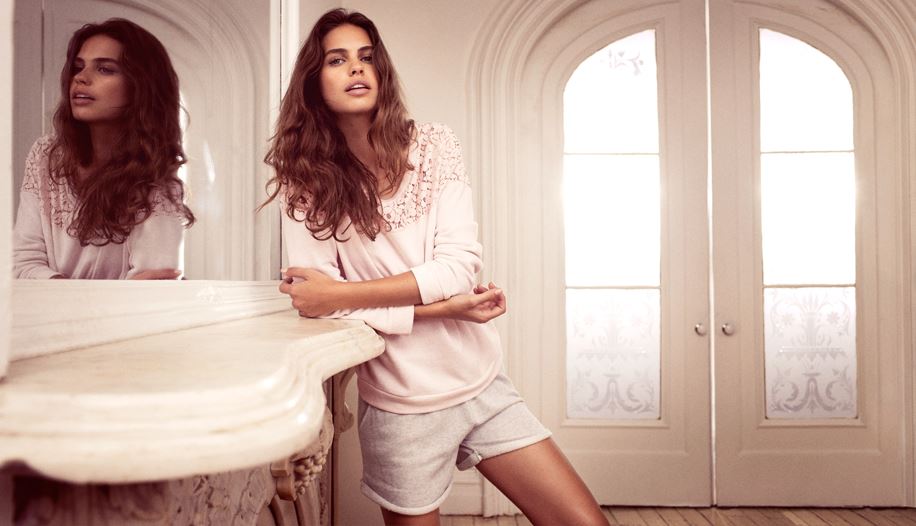
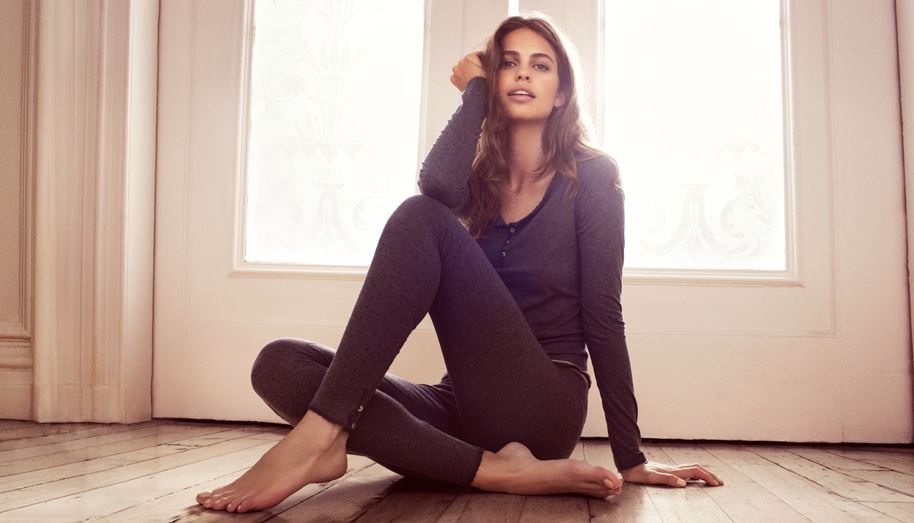
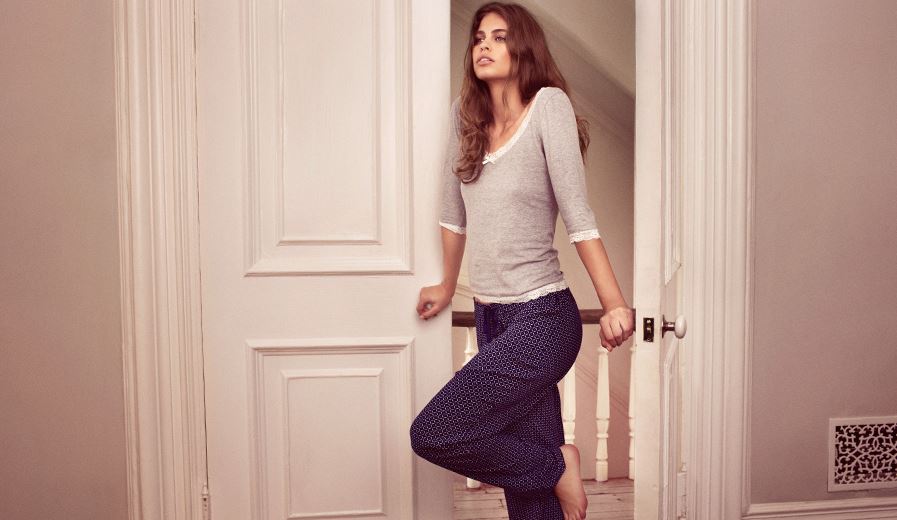
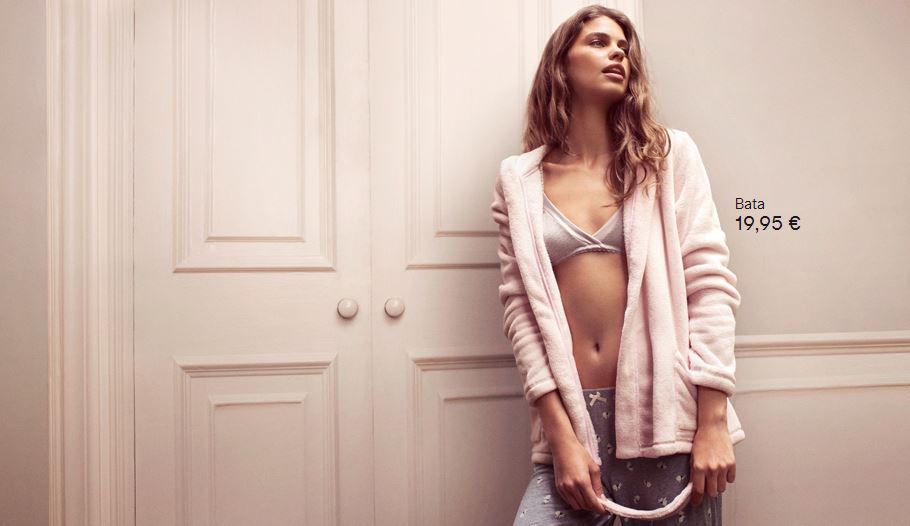
I think is the same model. http://www.bellazon.com/main/topic/26108-roza-gough/H&M Lingerie









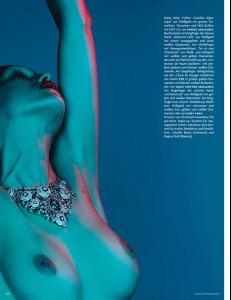
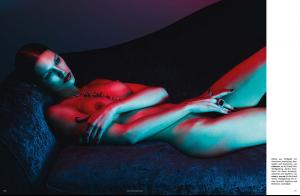
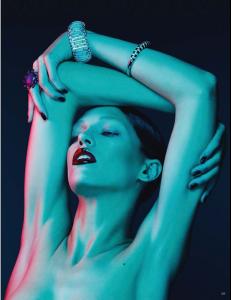
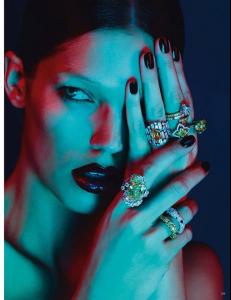
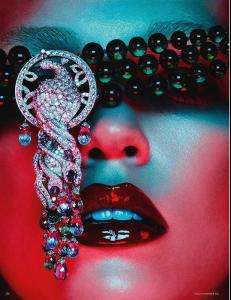
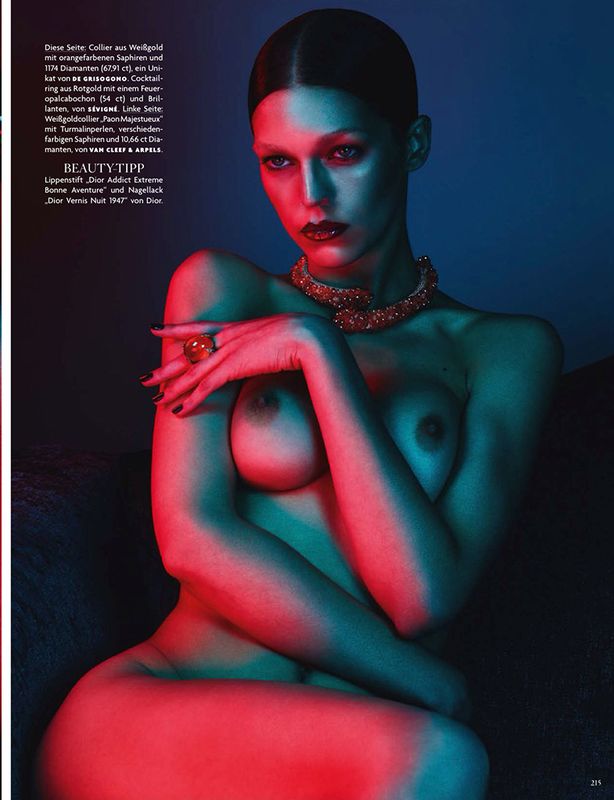
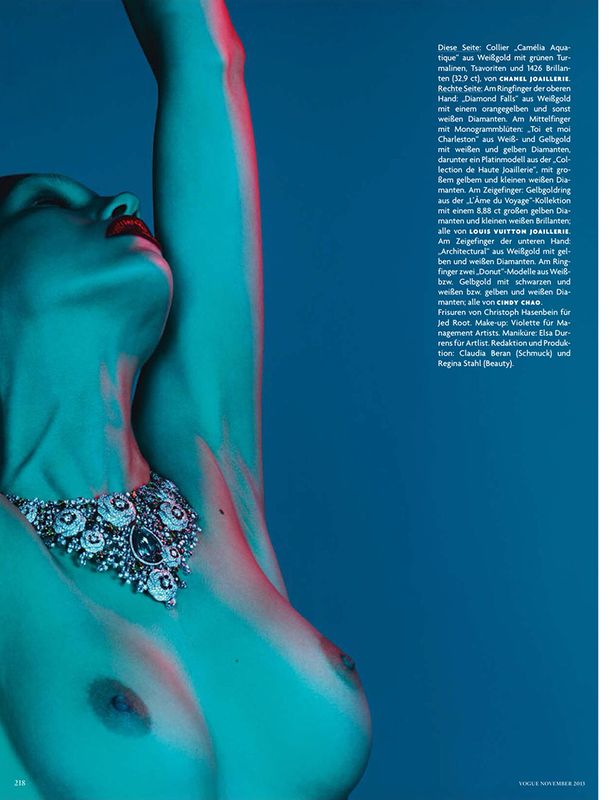
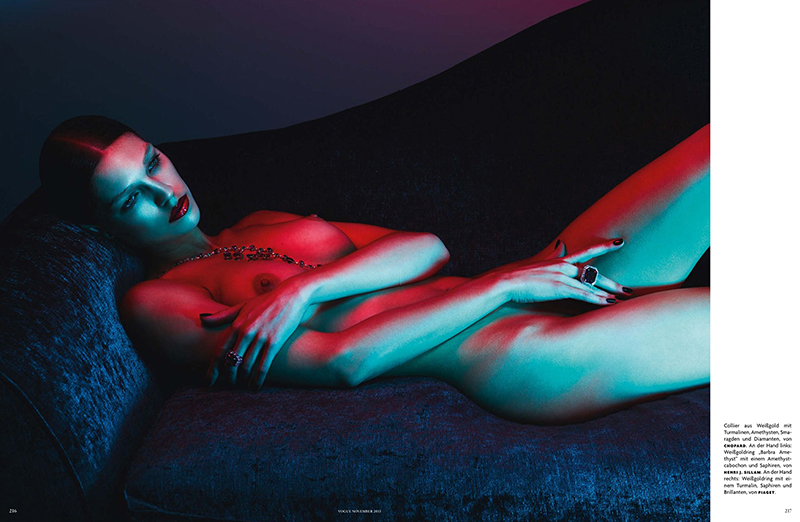
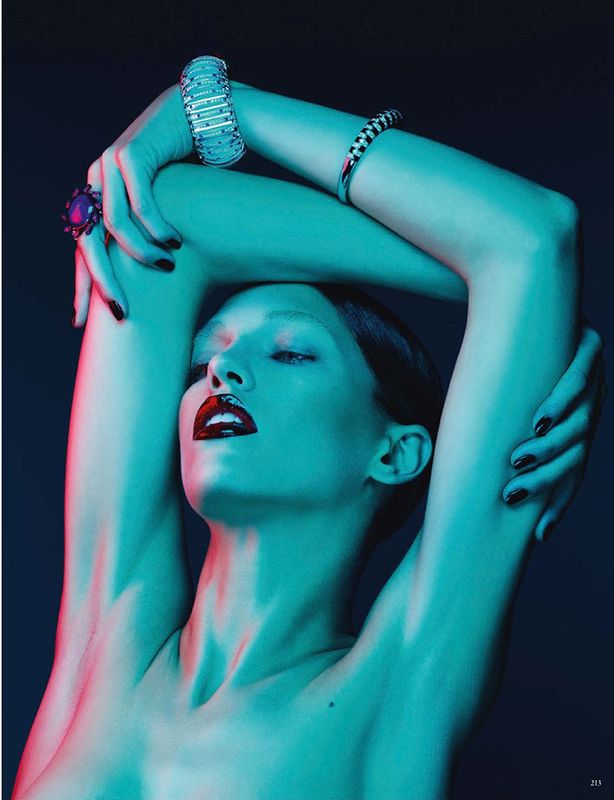
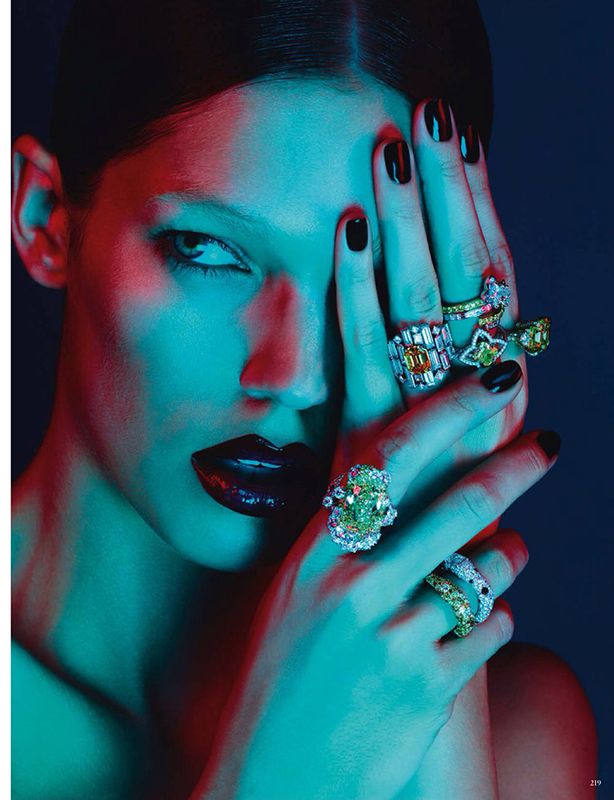
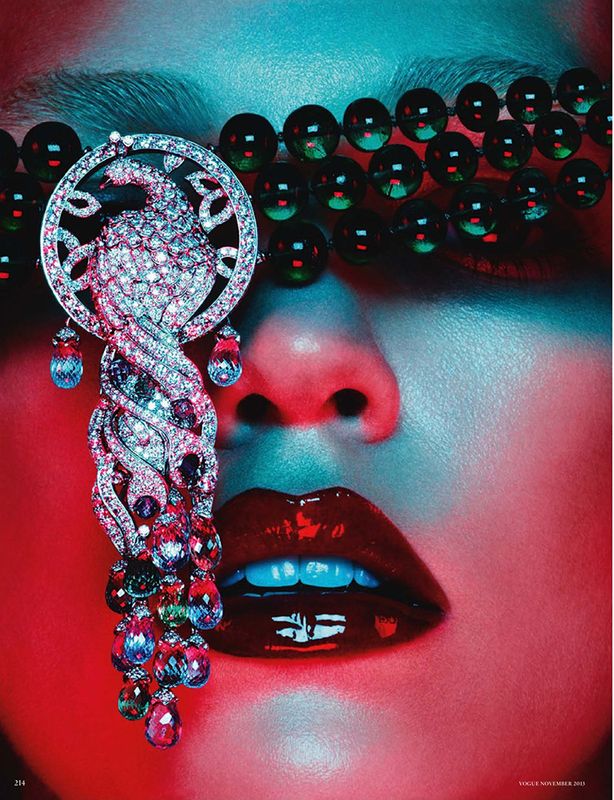
 Pure Passion Vogue Germany November 2013 Photographer: Ben Hassett Editors: Claudia Beran & Regina Stahl Hair: Christoph Hasenbein Make Up: Violette Nails: Elsa Durrens Model: Samantha Gradoville Nudity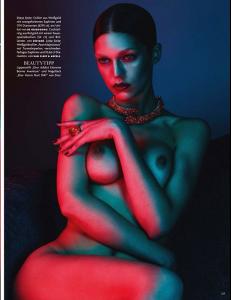

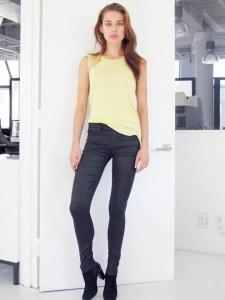
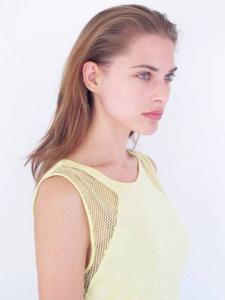
 nextmanagement.com


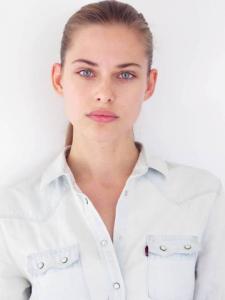
 New Facebook oficial site https://www.facebook.com/KimCloutierOfficial
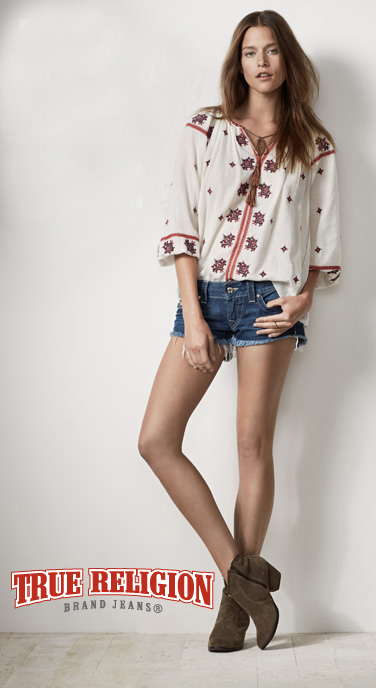
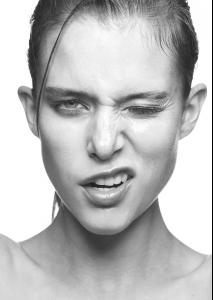 More Kim for True Religion


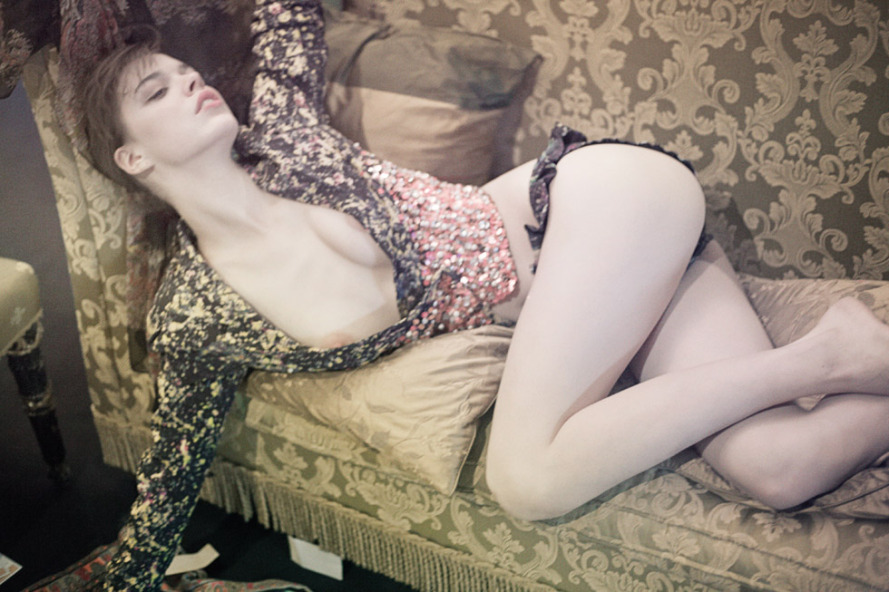
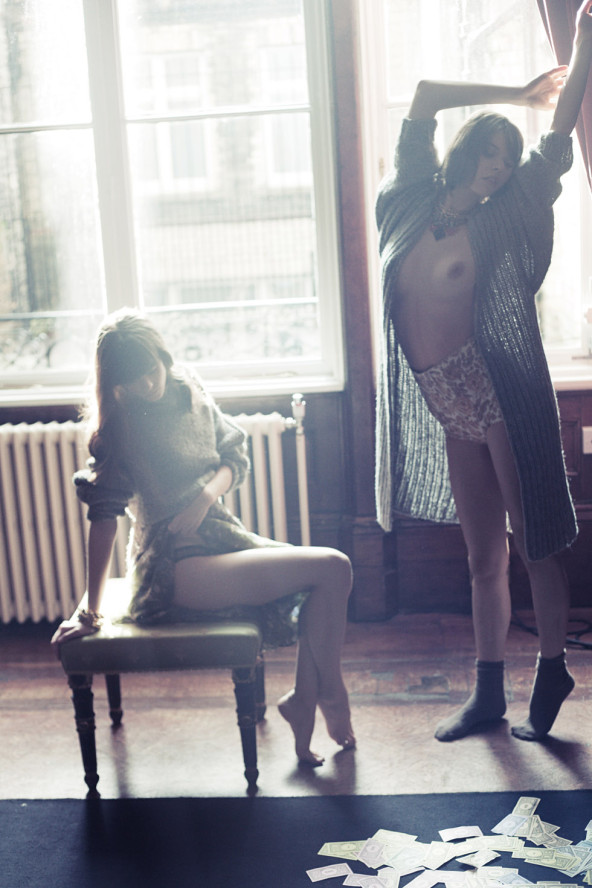
 Stacy Martin & Eva Doll by Dominic Clarke for C-Heads Summer Issue #29 Nudity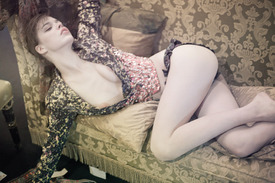




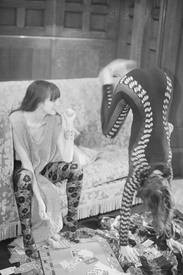







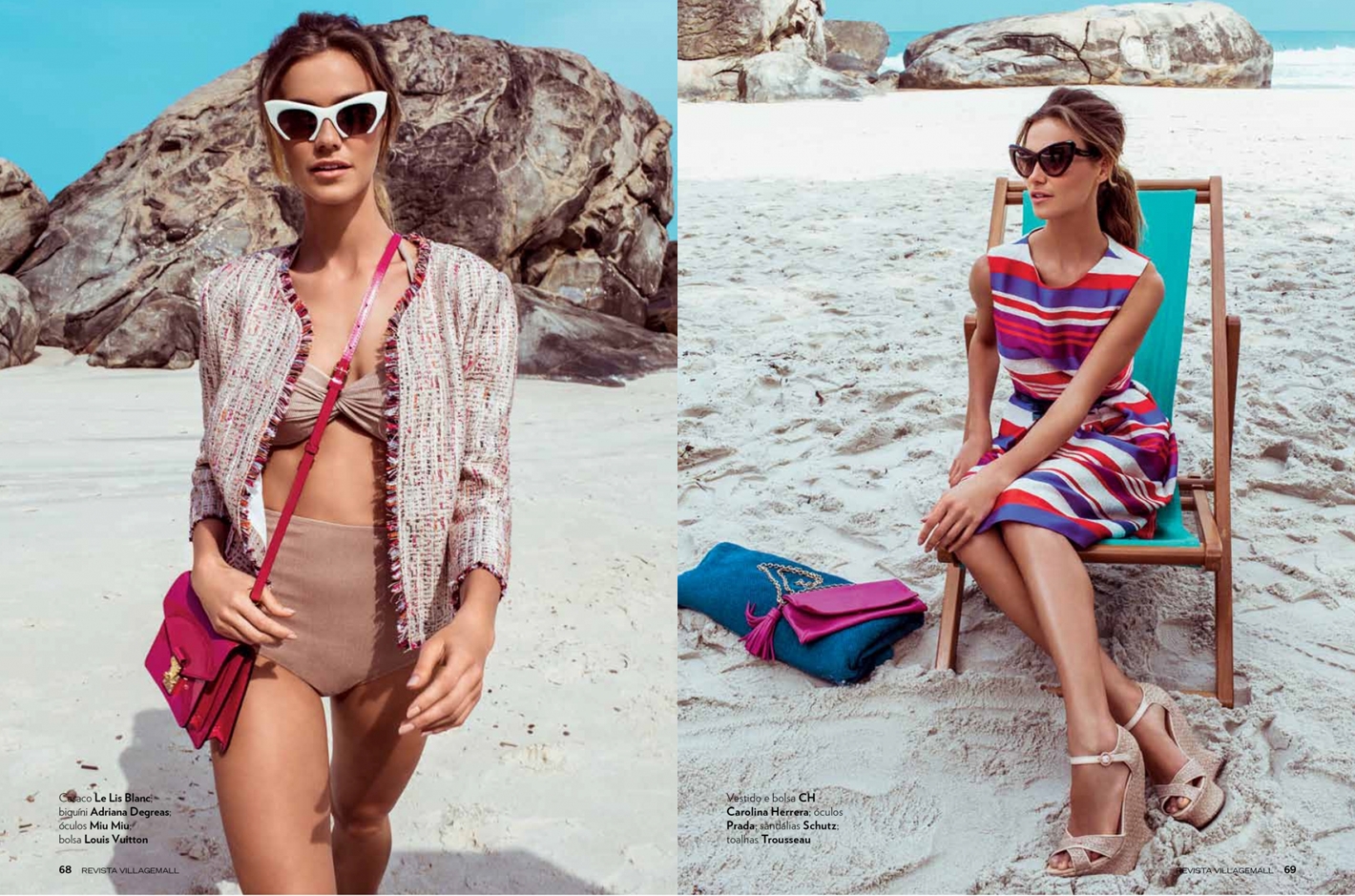
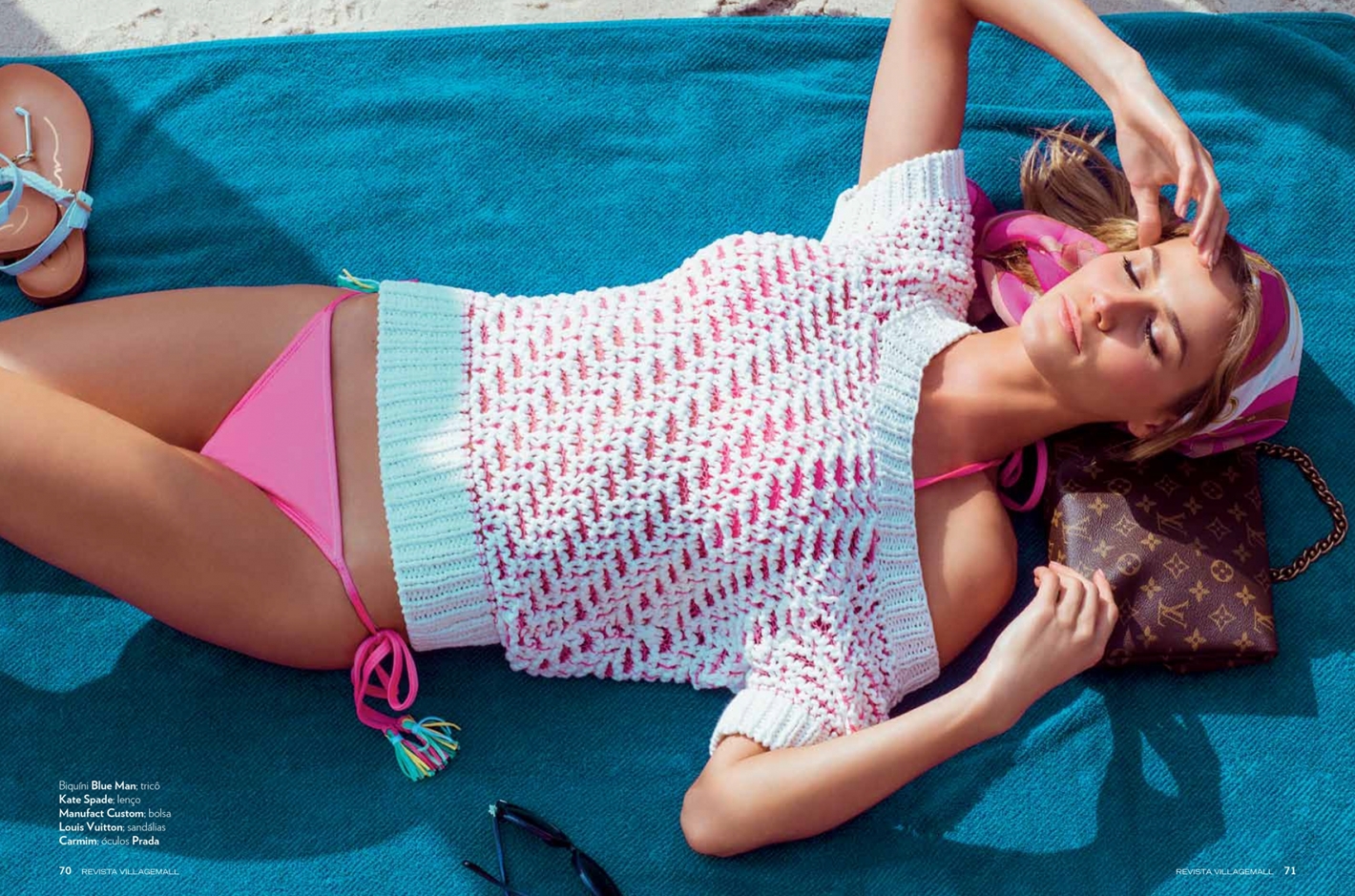
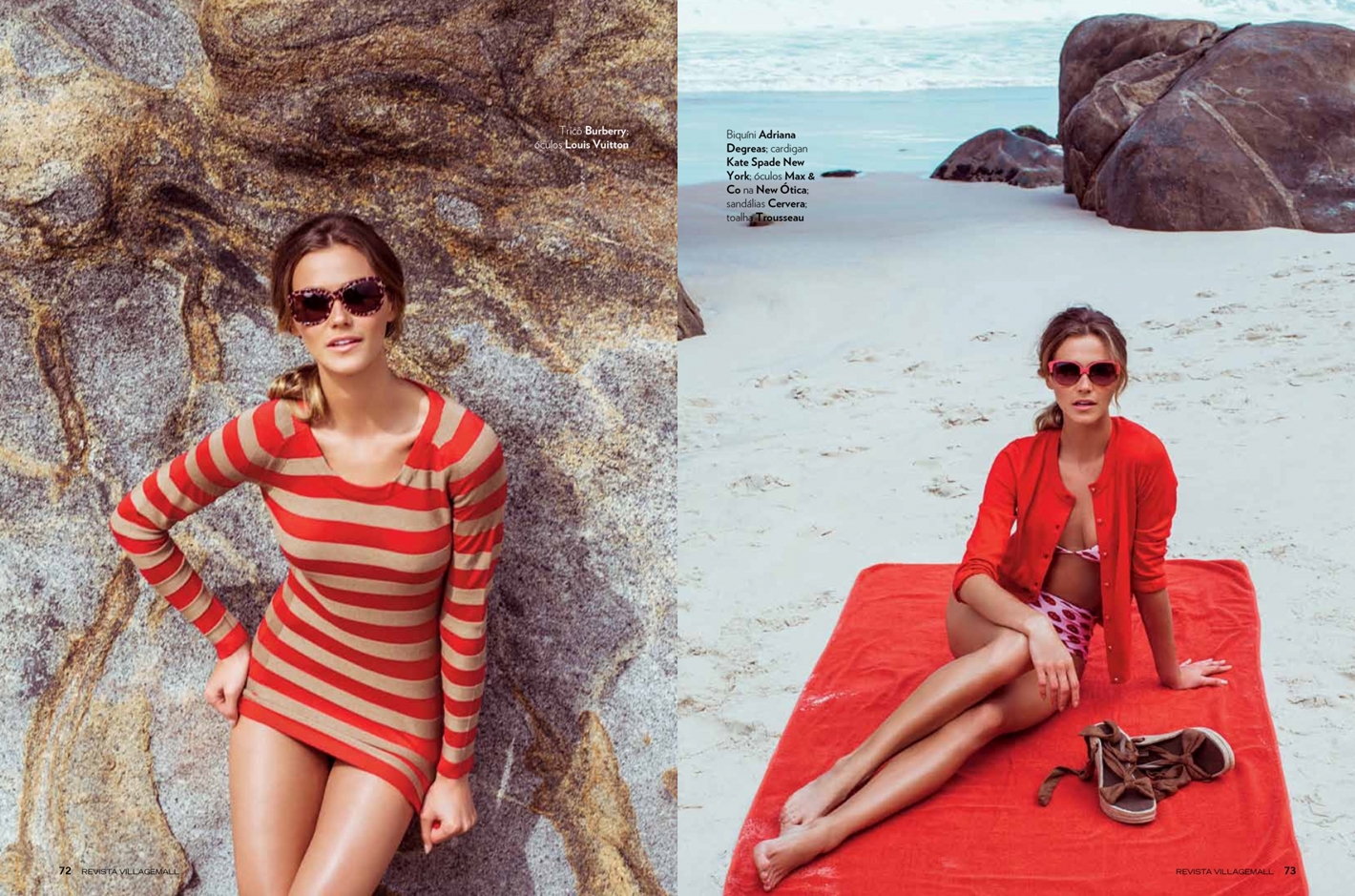
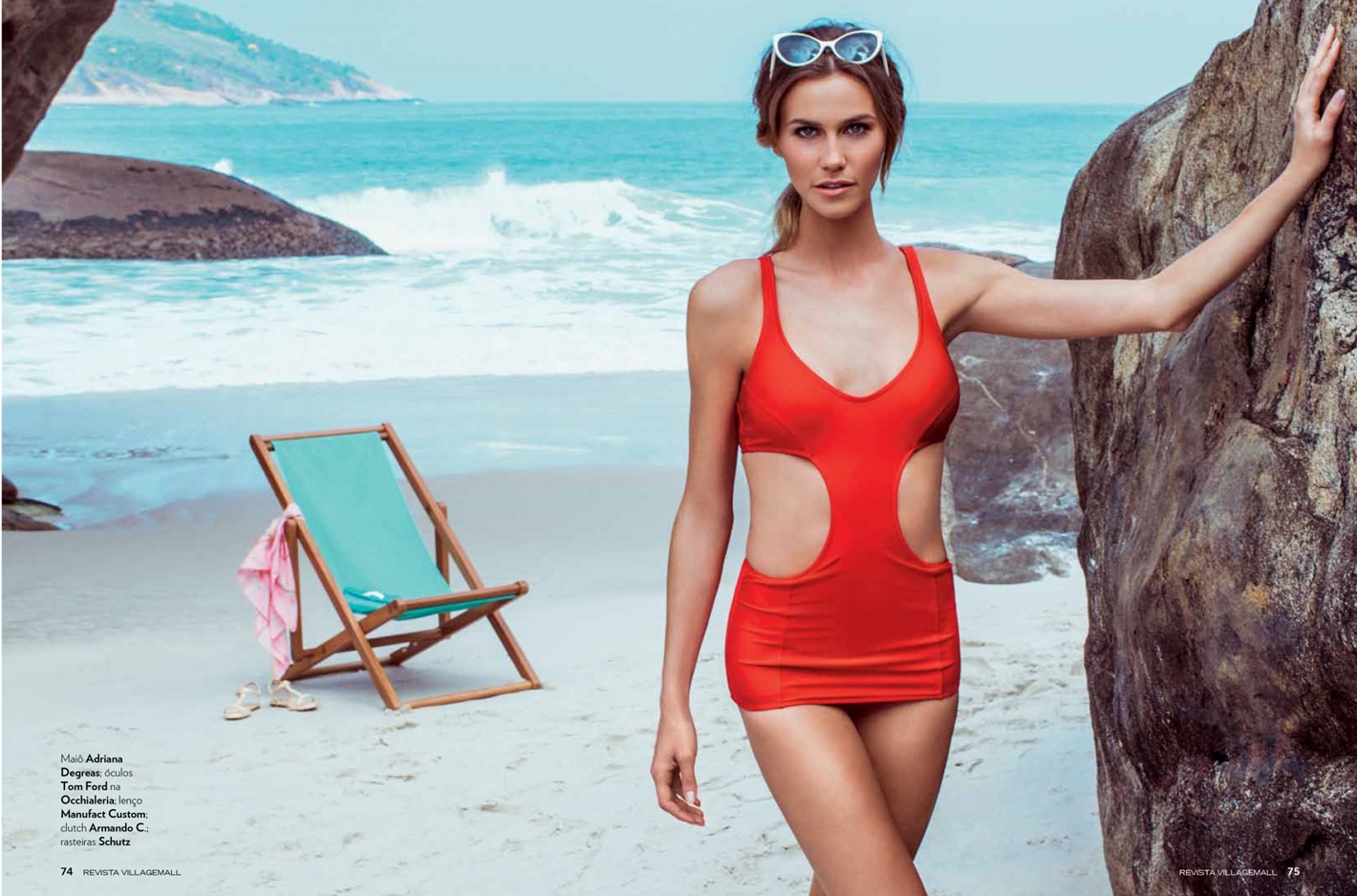
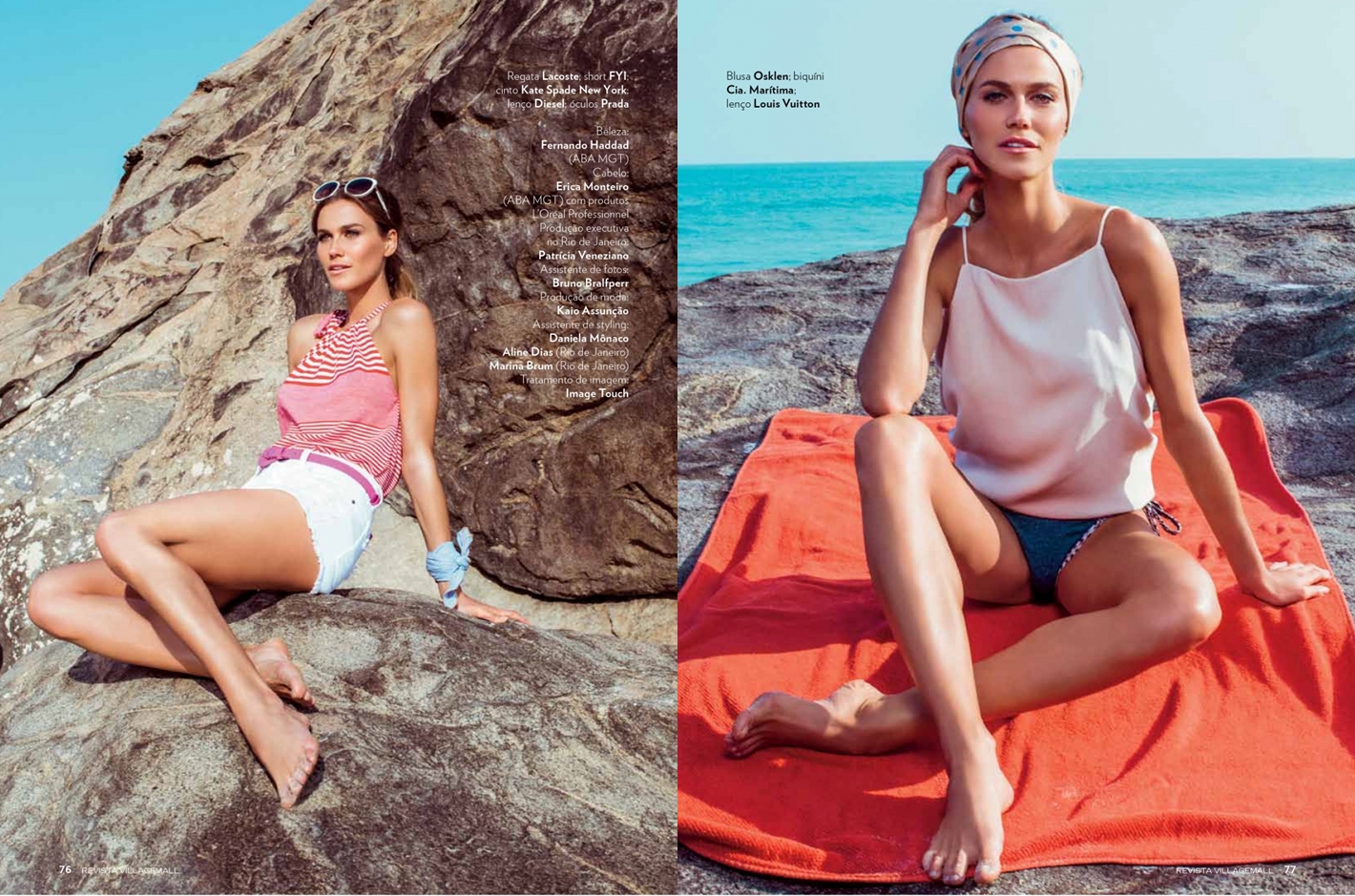
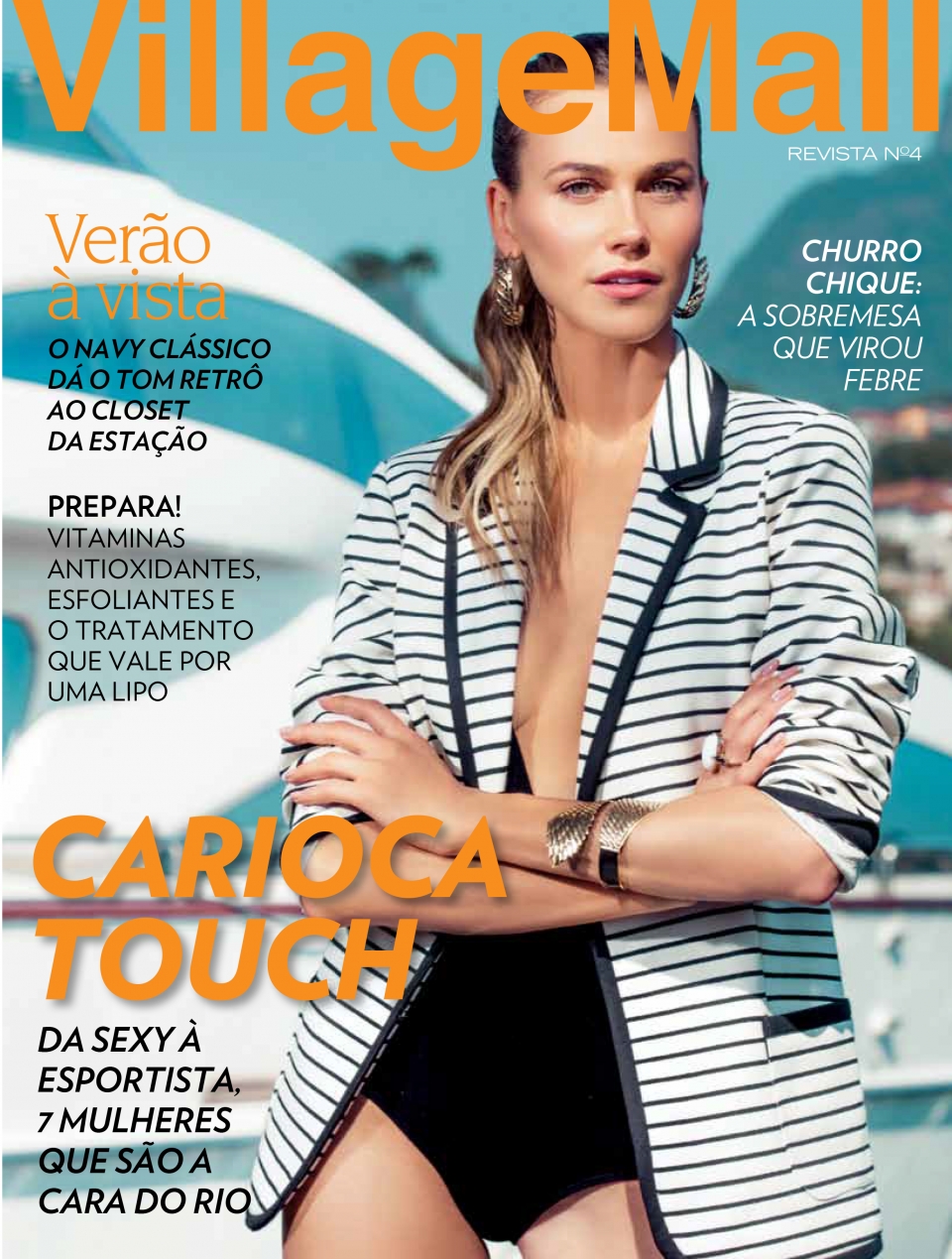
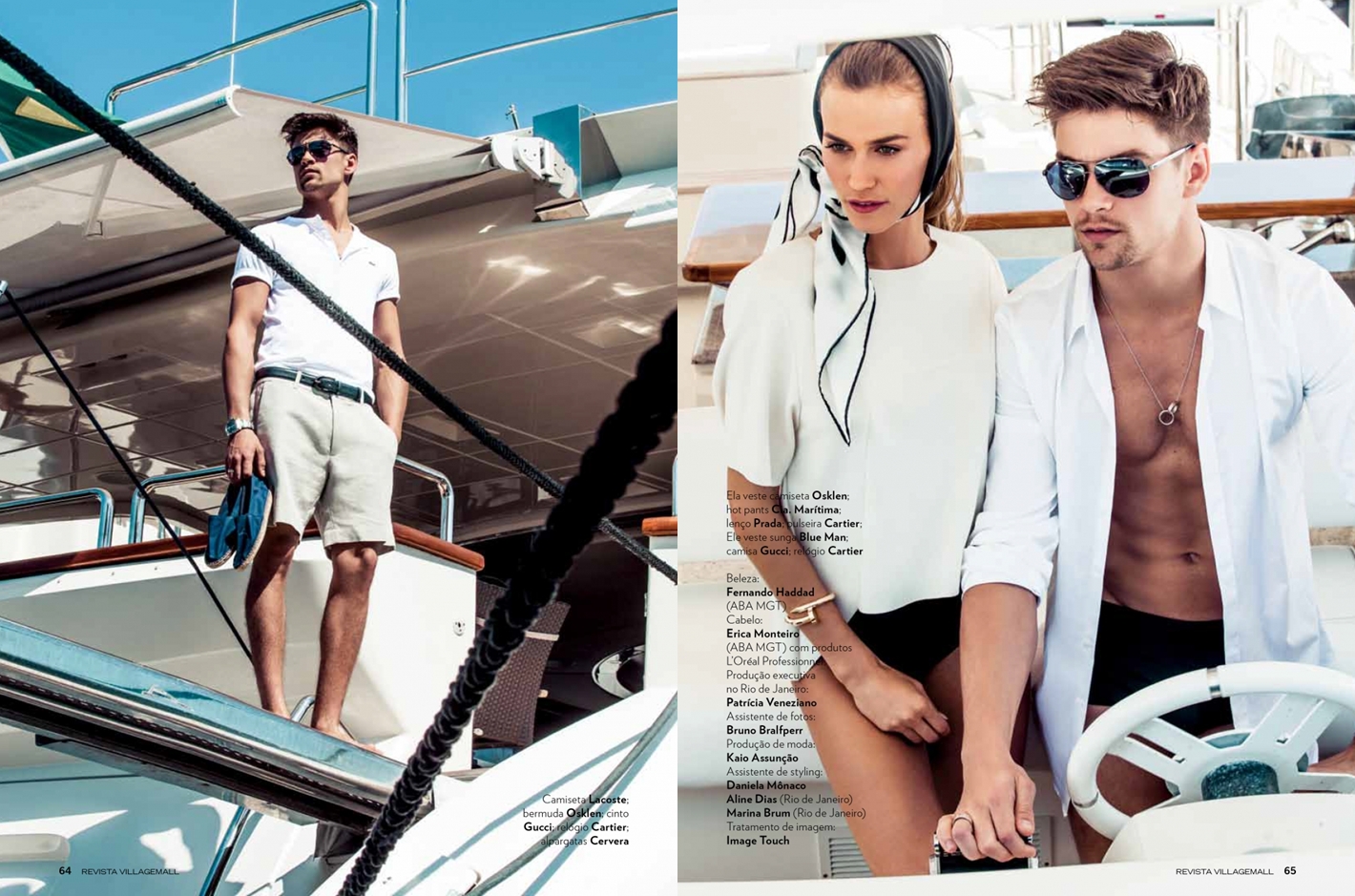
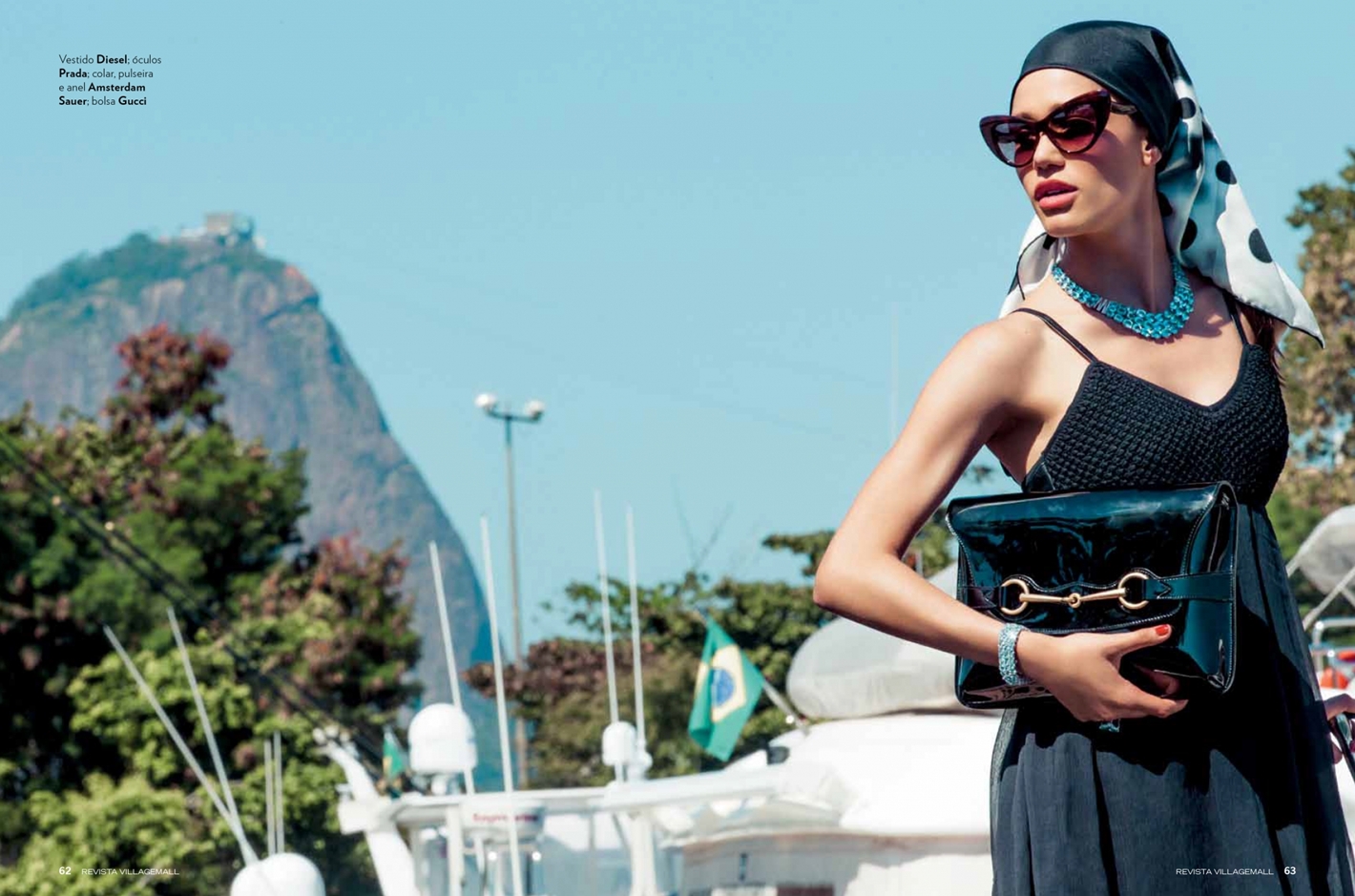
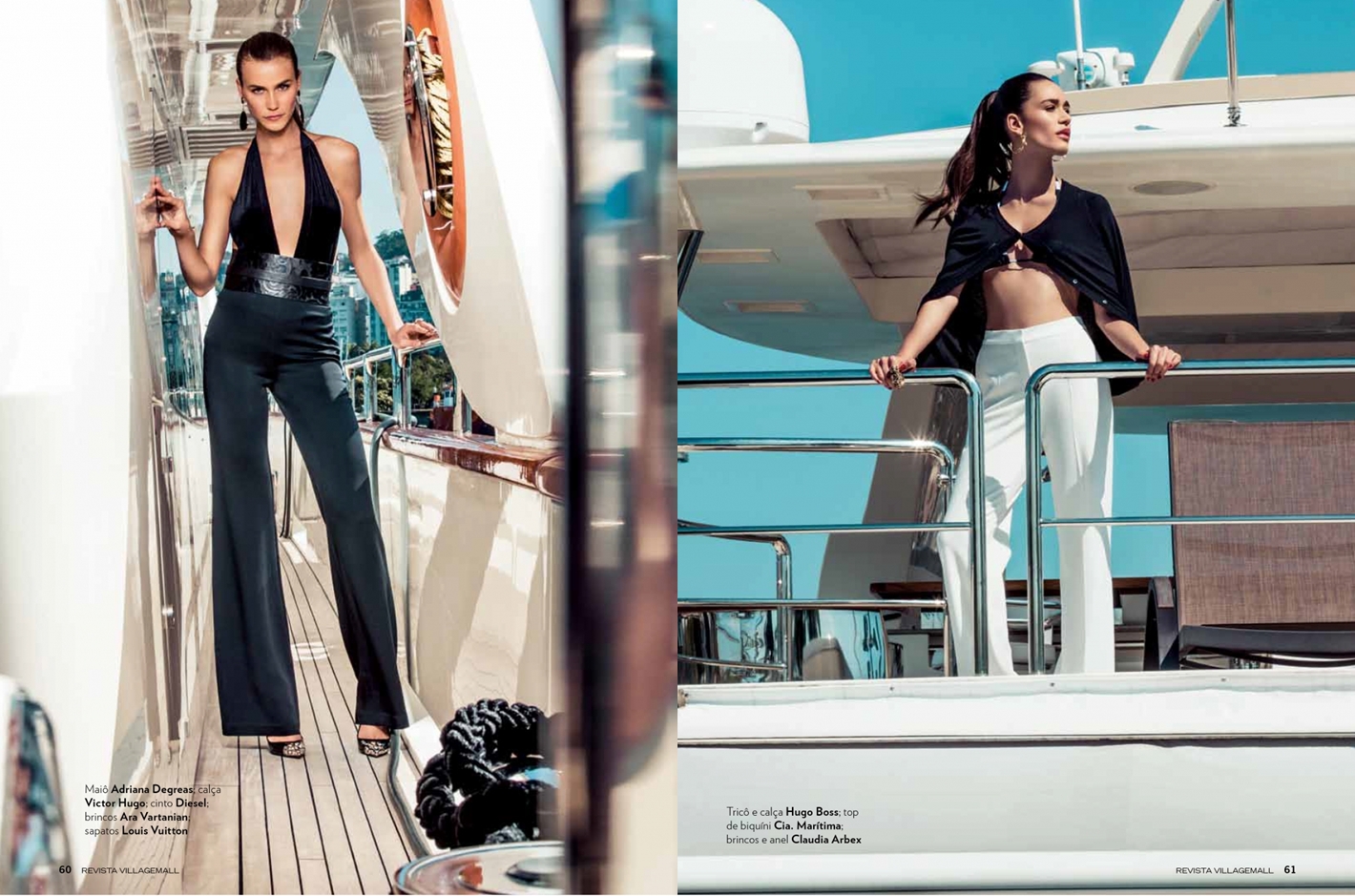
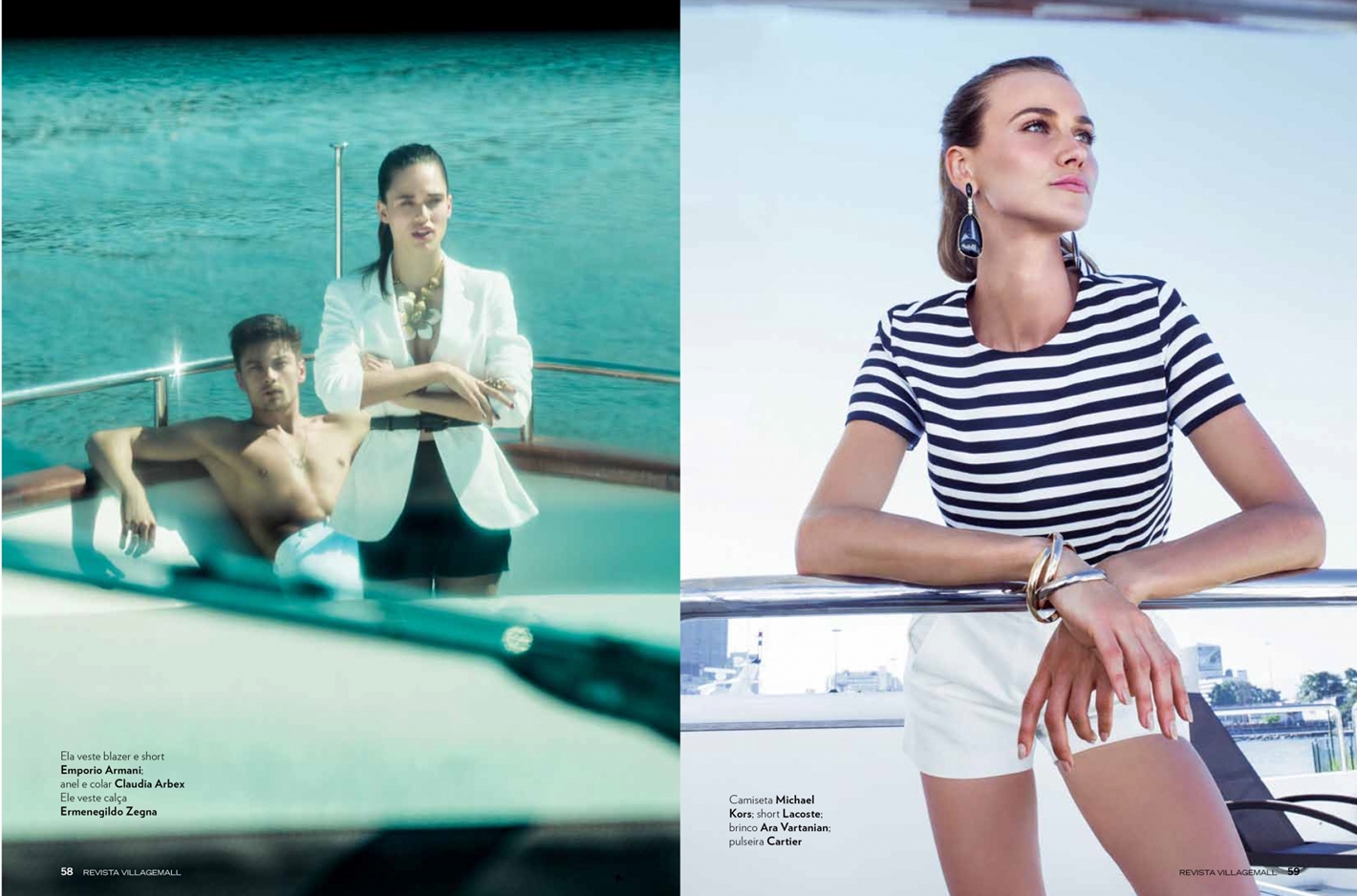
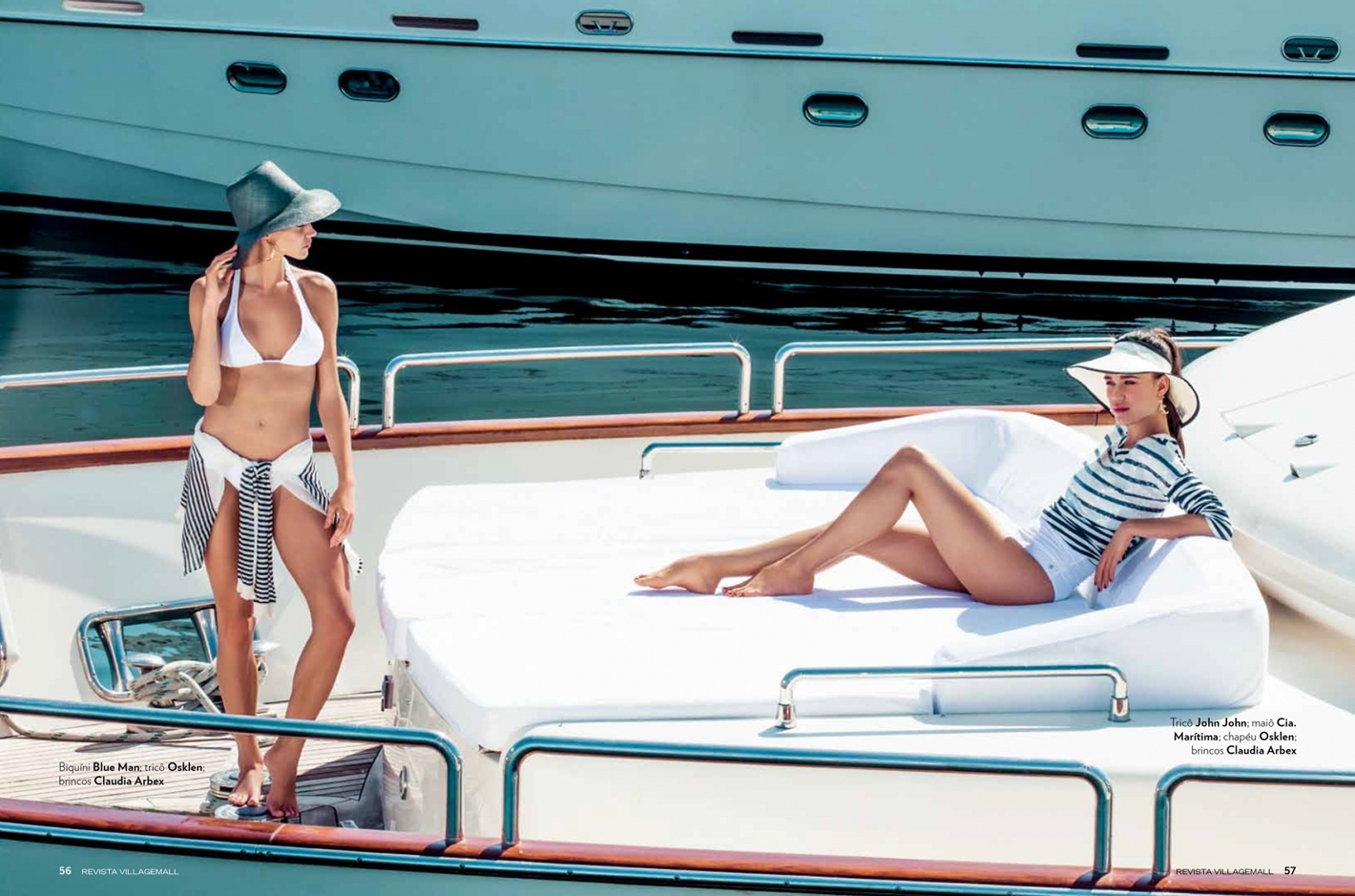
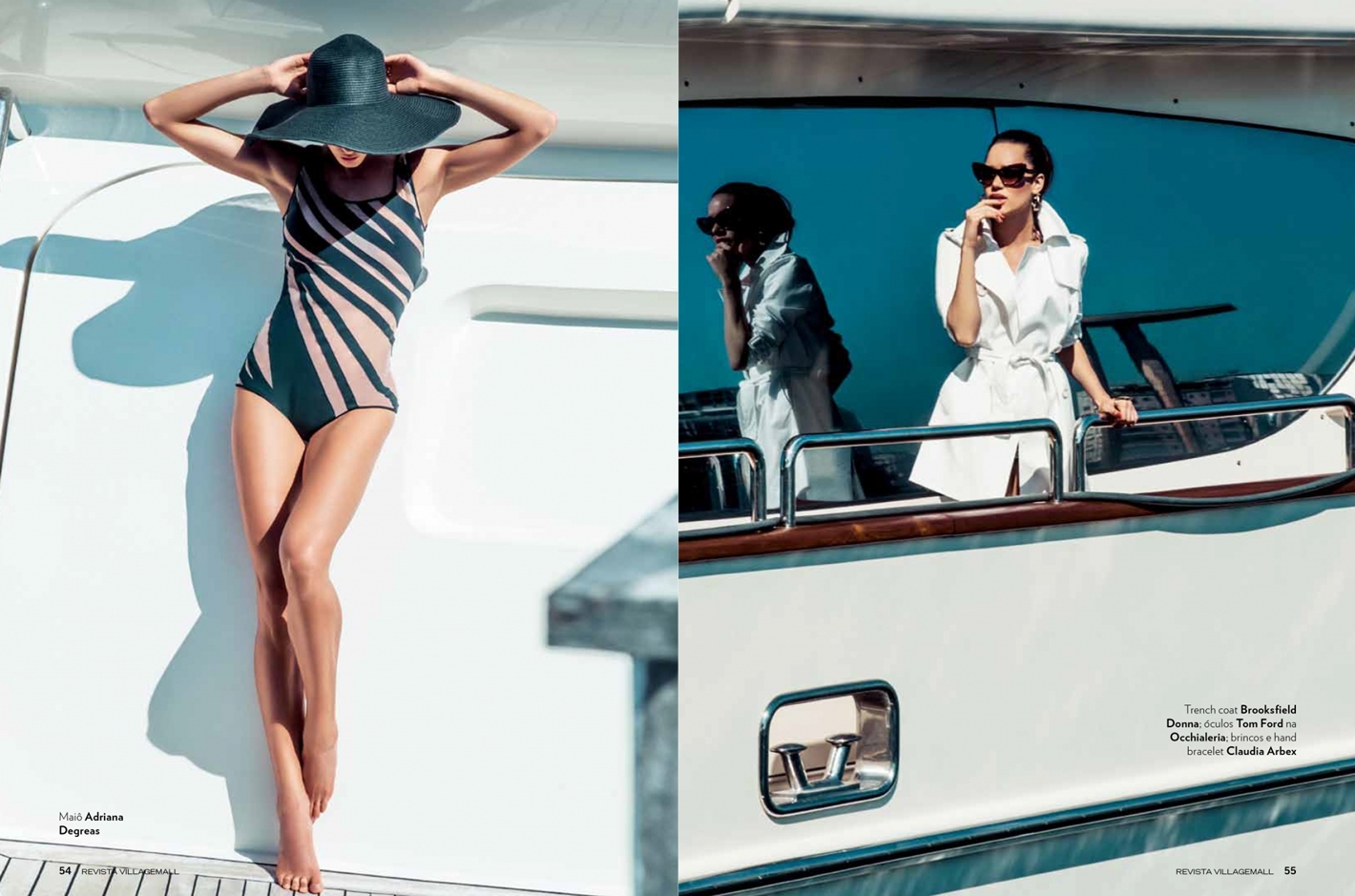
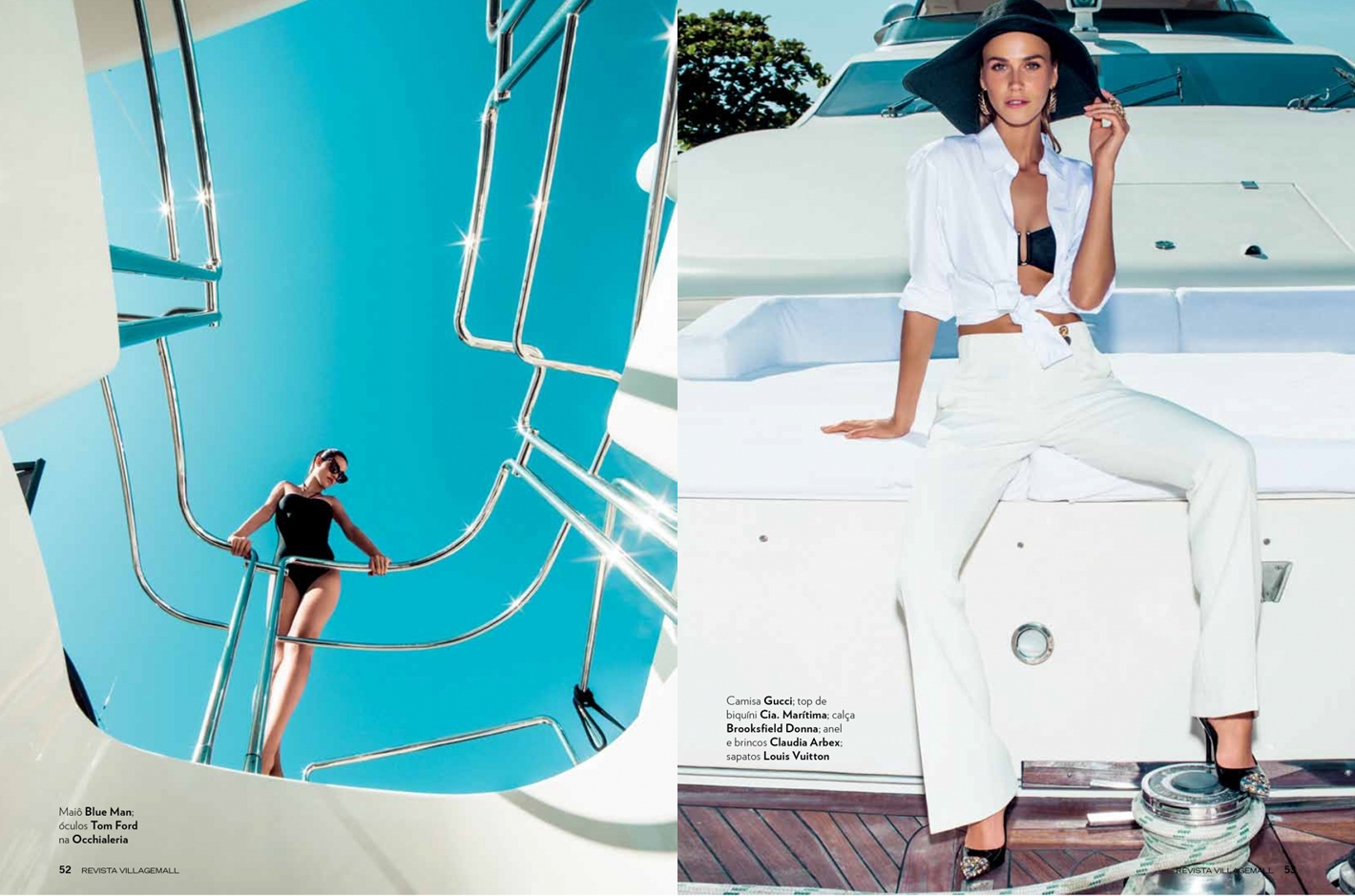
 Village Mall - September 2013 "Riviera Carioca" Ph: Jacques Dequeker Beauty: Fernando Haddad & Erica Monteiro


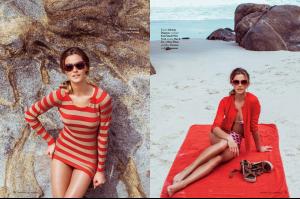
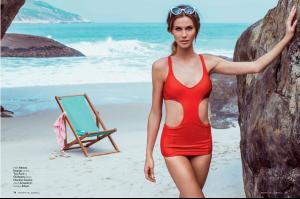
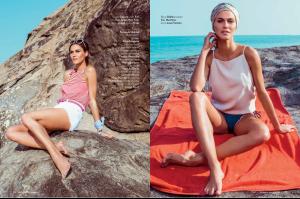 Village Mall - September 2013 "Rio, você foi feito para mim." Ph: Jacques Dequeker Beauty: Fernando Haddad & Erica Monteiro http://postimg.org/image/b5wdsknbd/
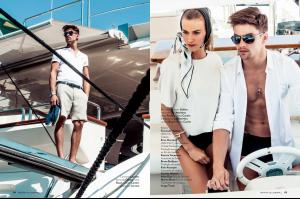

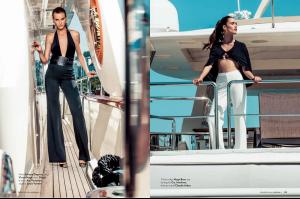
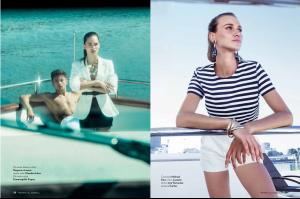


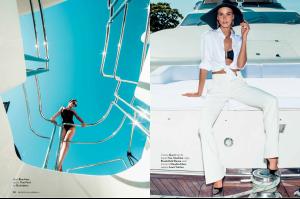 This is from Sixty Magazine Photographer: Alberto Gonzales Stylist: Waina Chancy Hair and Make up: Sage Here's the cover Thank you


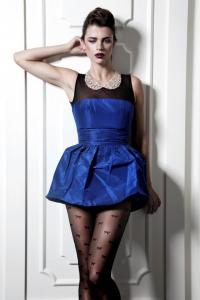

 Photography : Steven Chee Fashion editor : Charlotte Stokes Hair : Richard Kavanagh

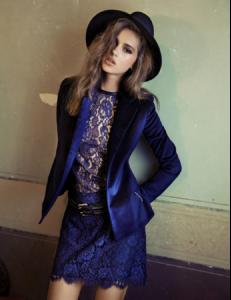
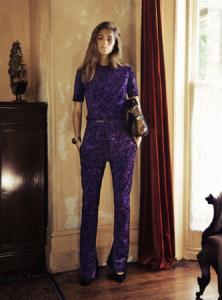



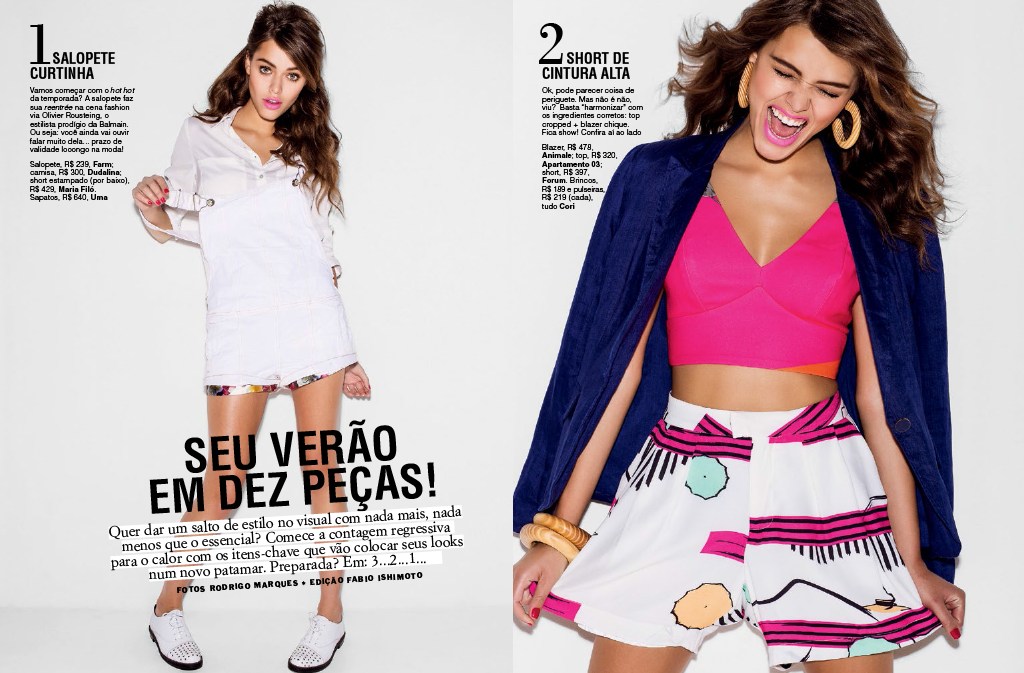
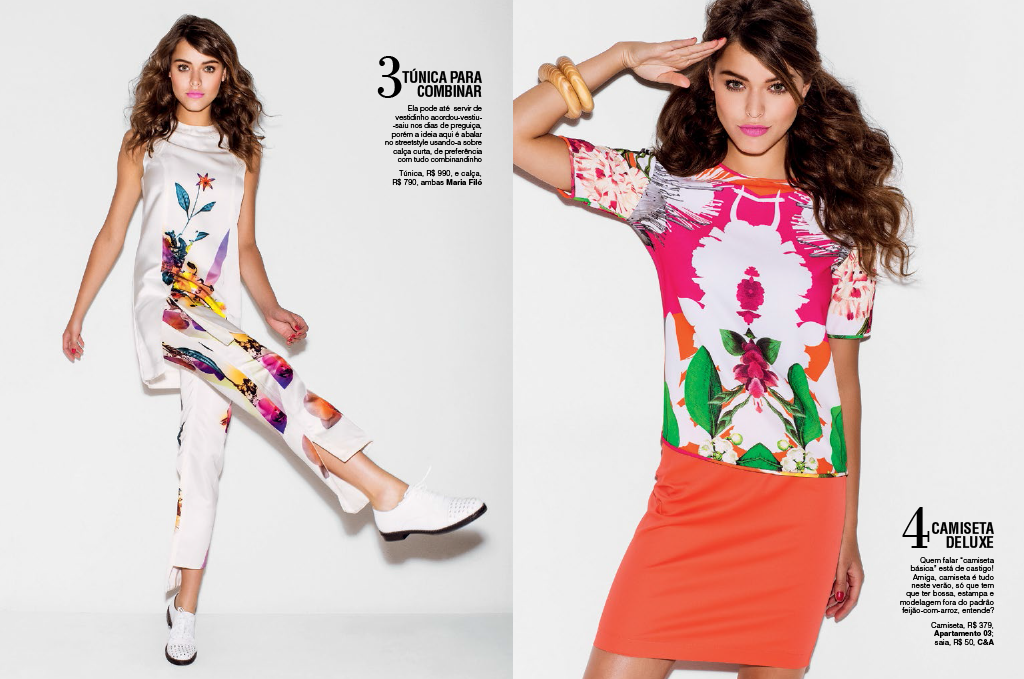
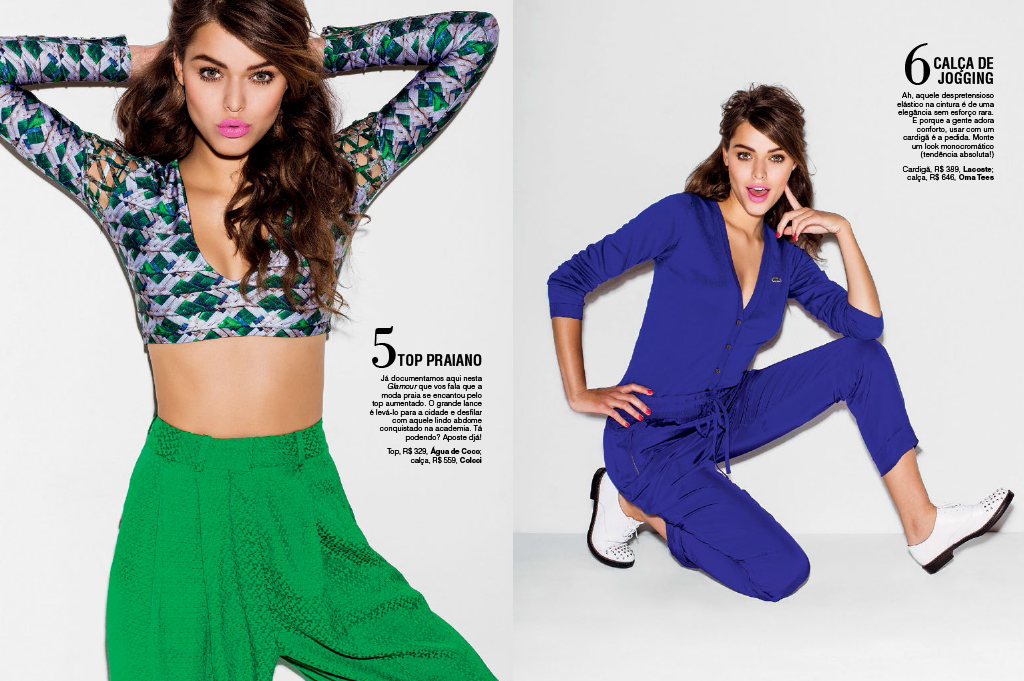
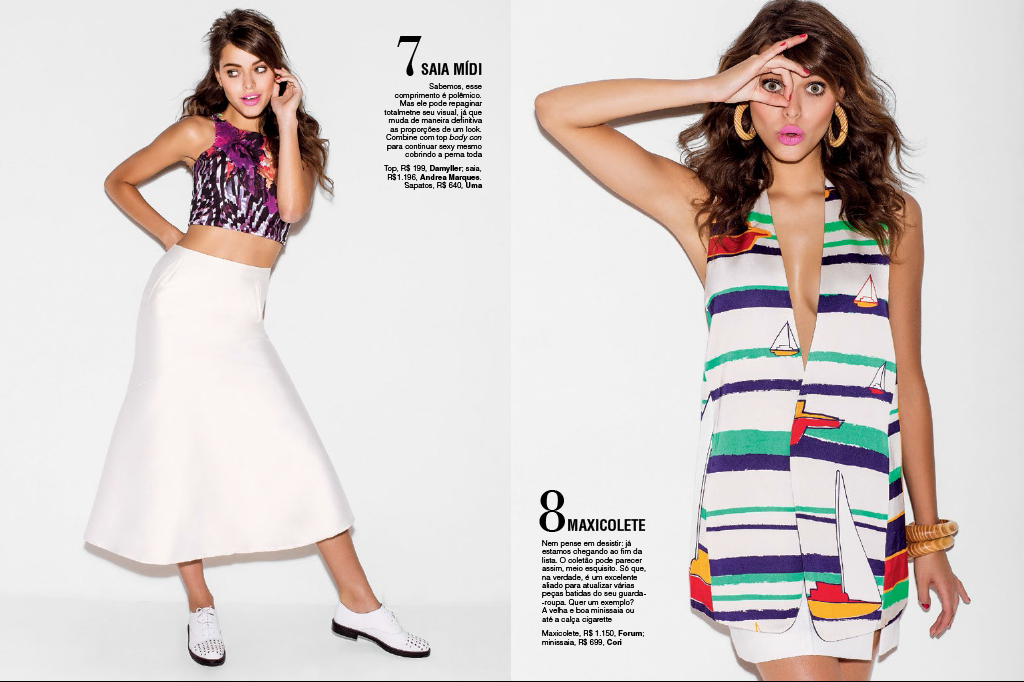
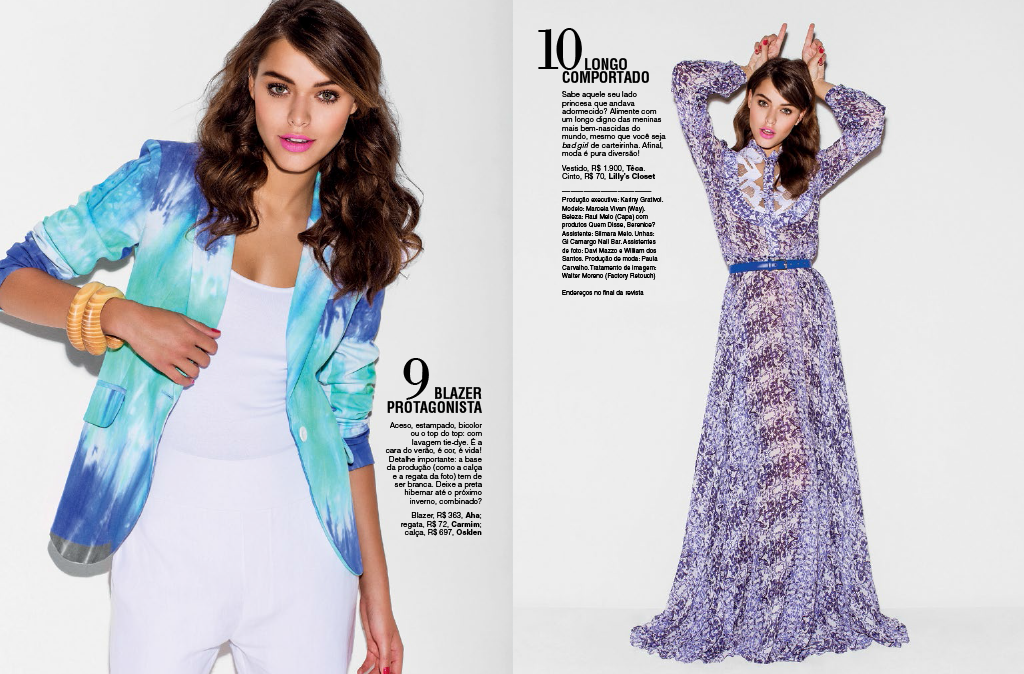
 Glamour Brasil - September 2013 Ph: Rodrigo Marques Beauty: Raul Melo.
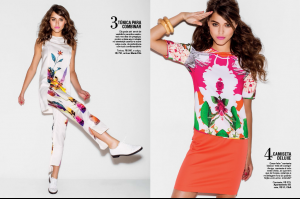
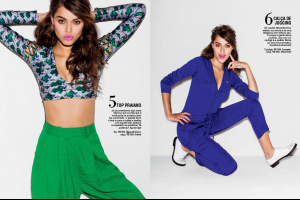
 Zinco ss13.14 Ph: Tavinho Costa







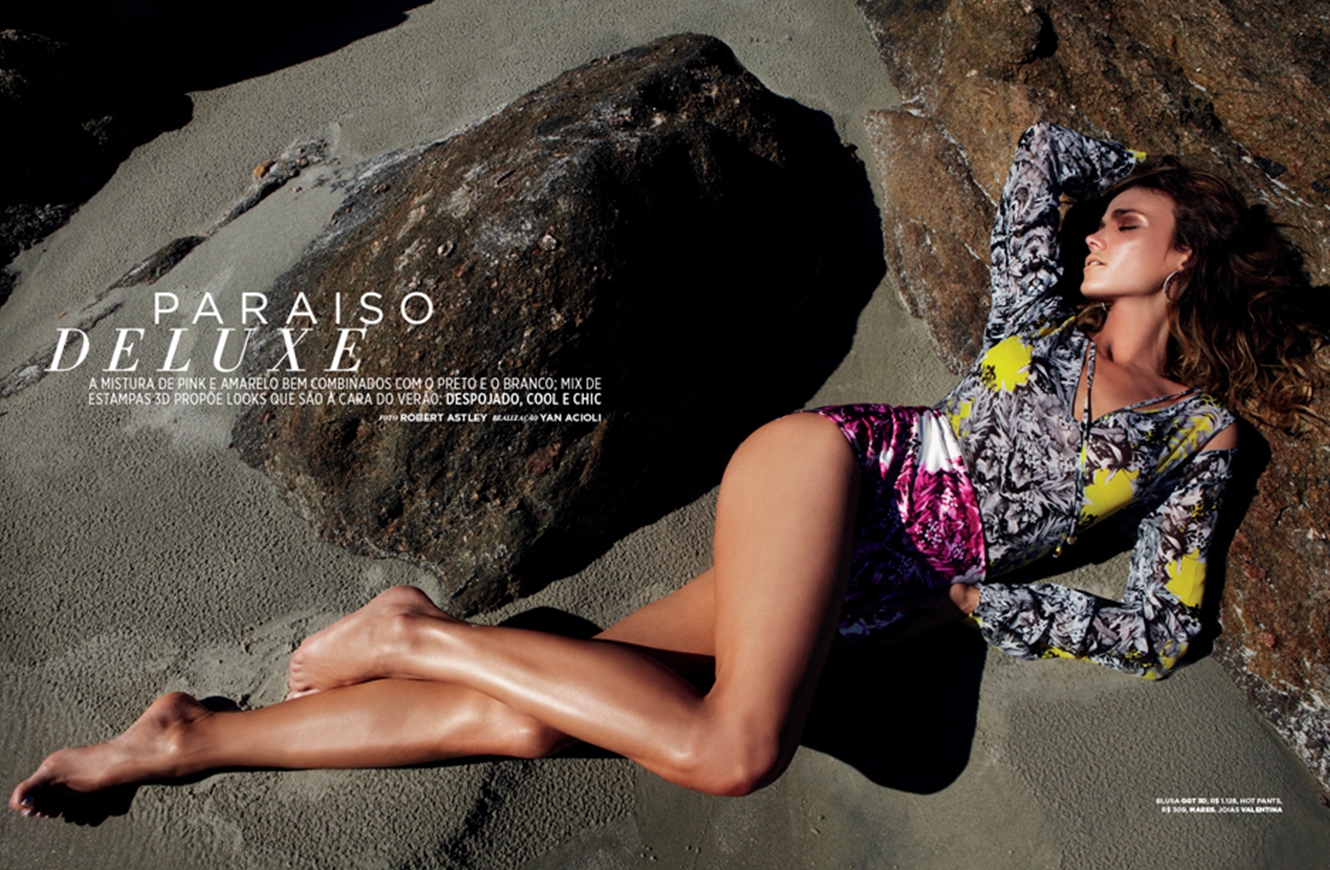
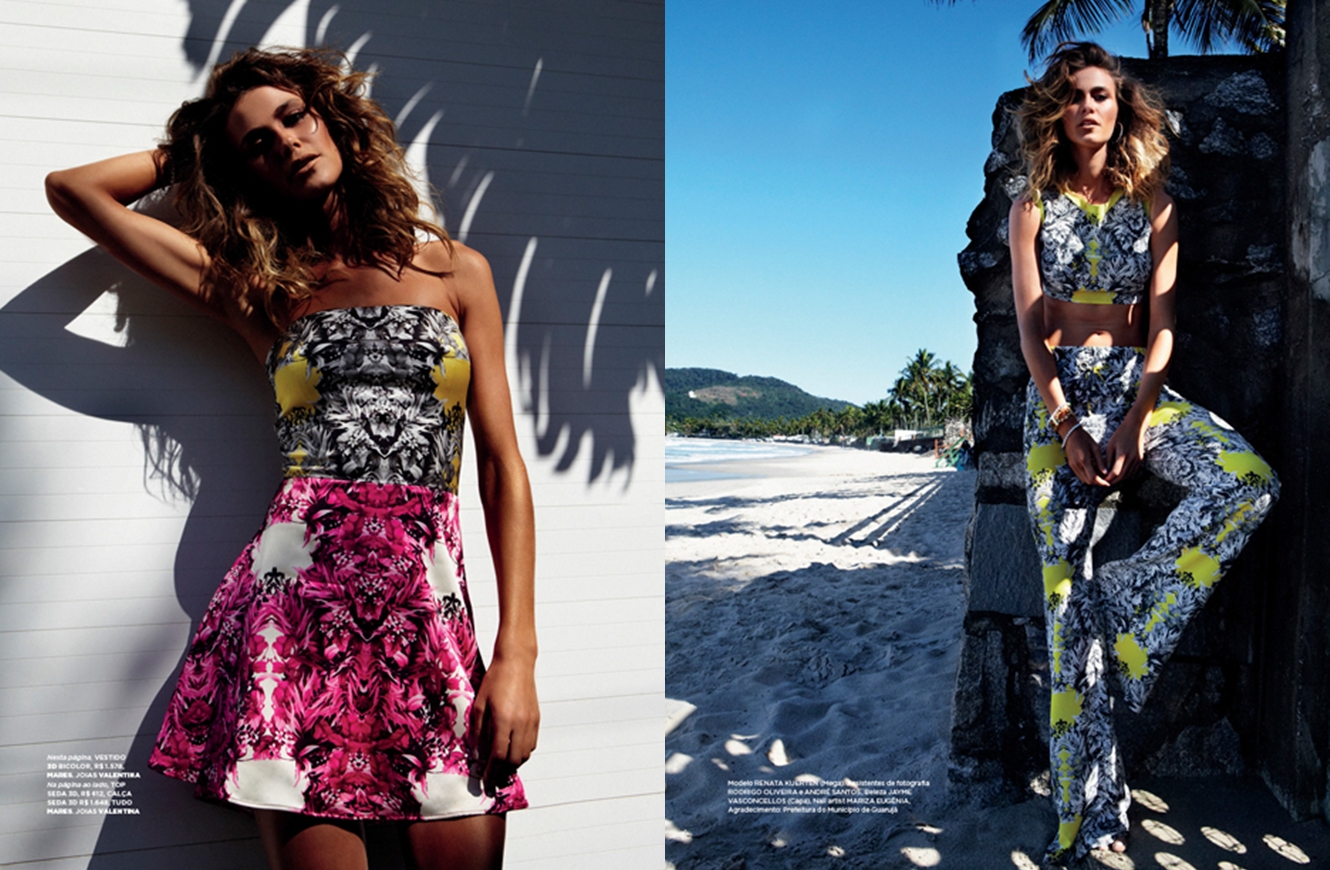
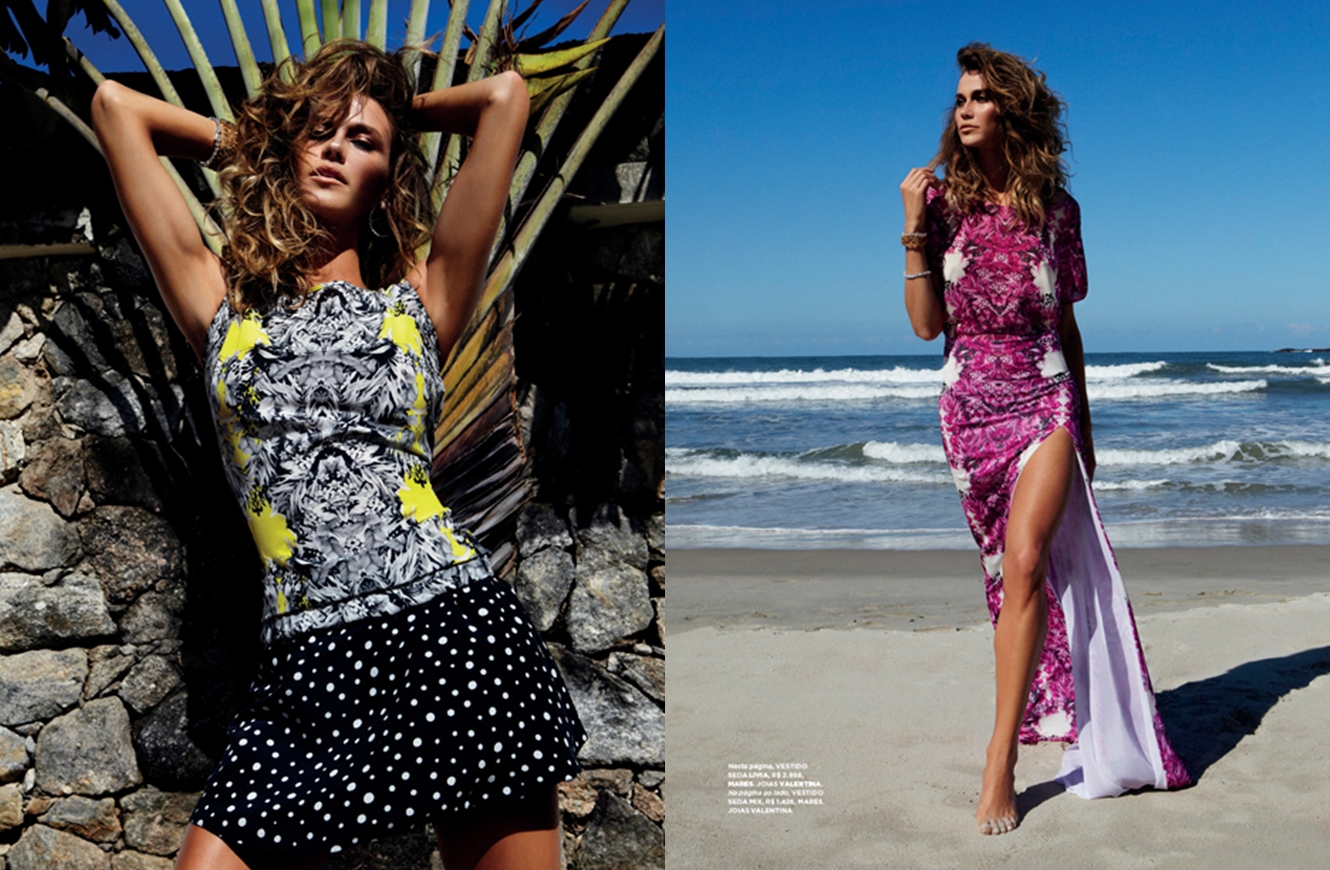
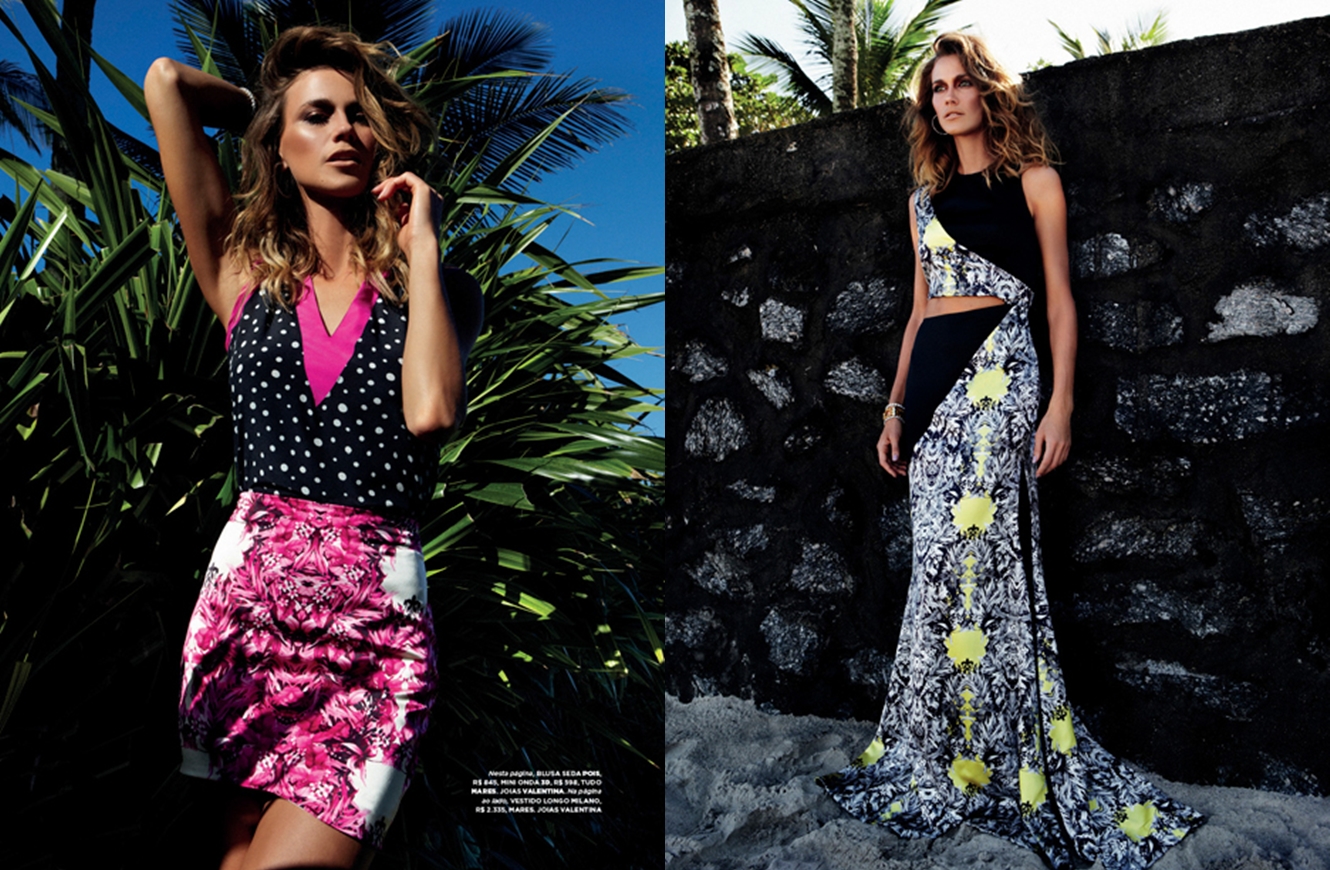
 Glamour Brasil - August 2013 "Lá Vem a Noiva" Ph: Tiago Molinos Styling: Adriana Bechara Beauty: Max WeberMares #18 "Paraíso Deluxe" Ph: Robert Astley Beauty: Jayme Vasconcellos
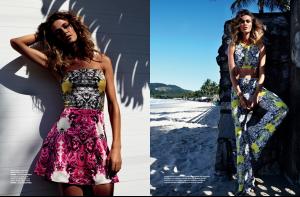
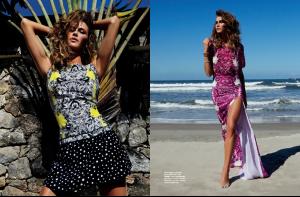
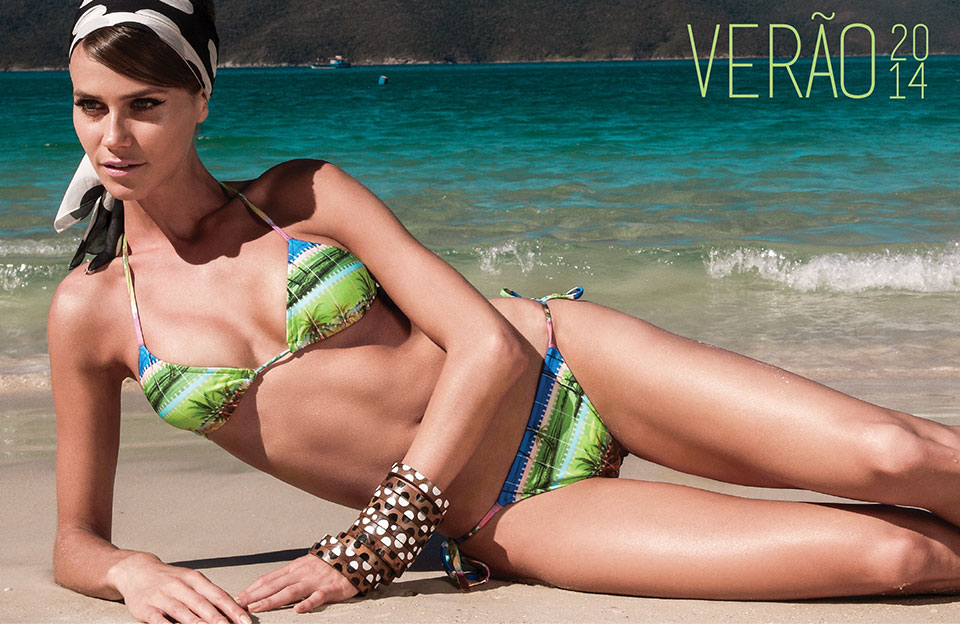
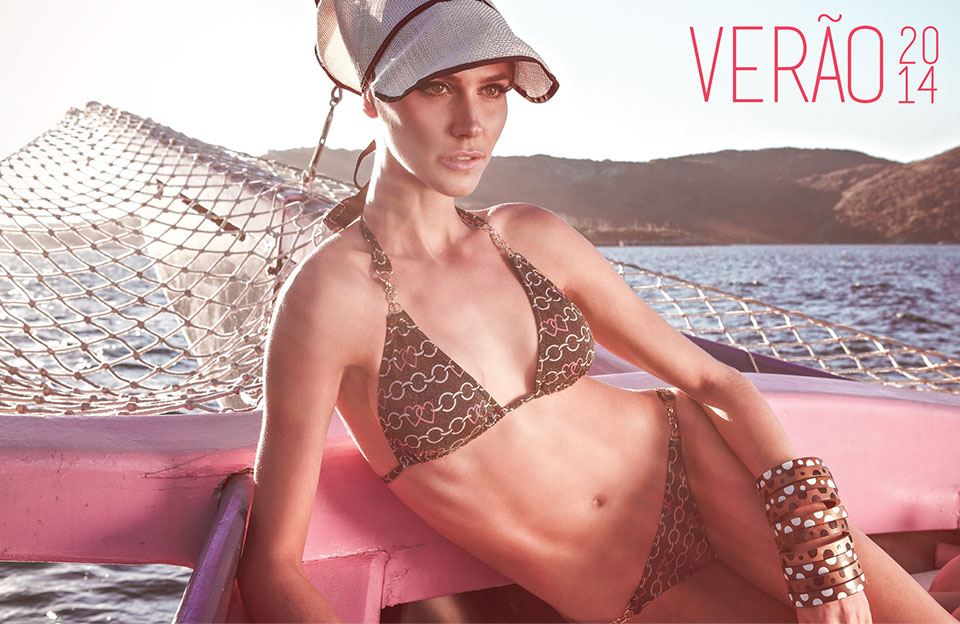
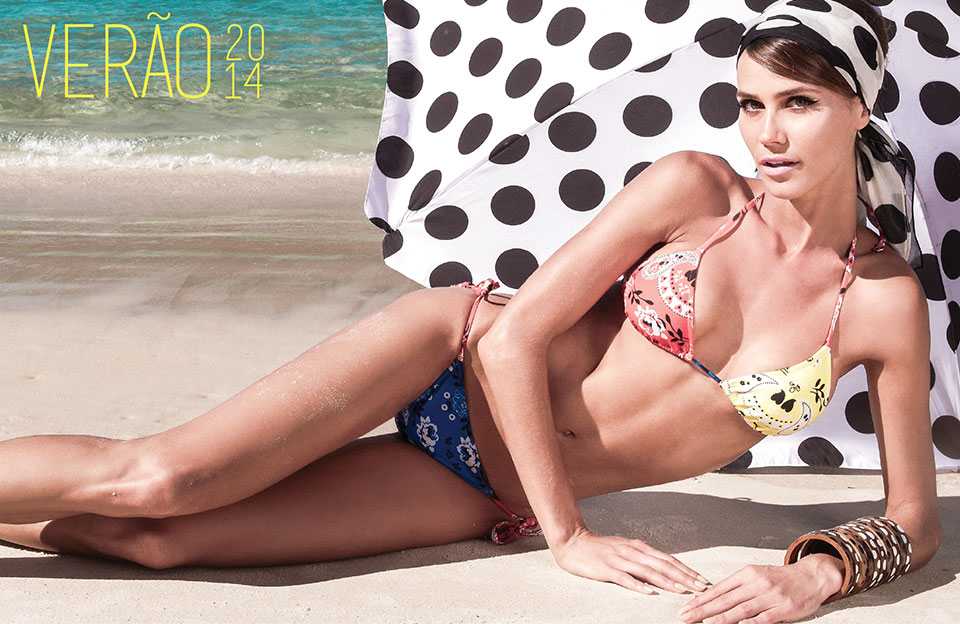
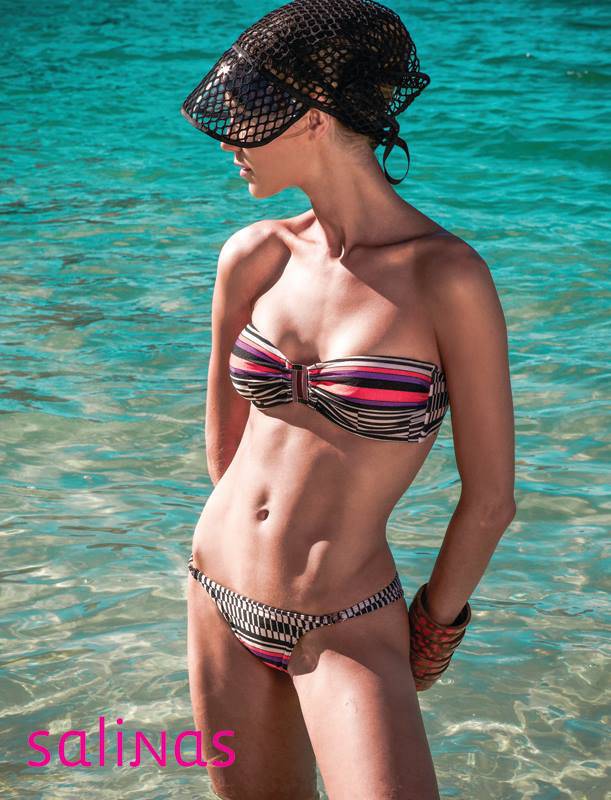
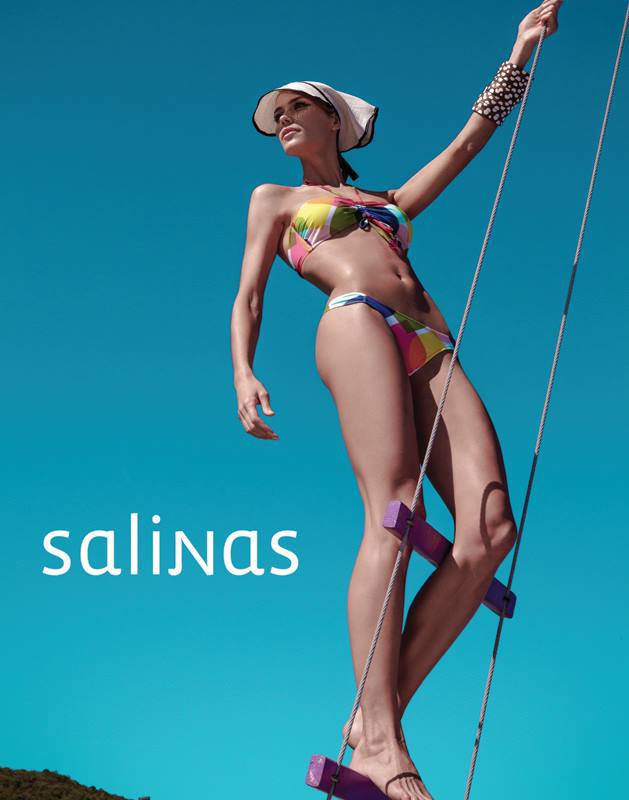
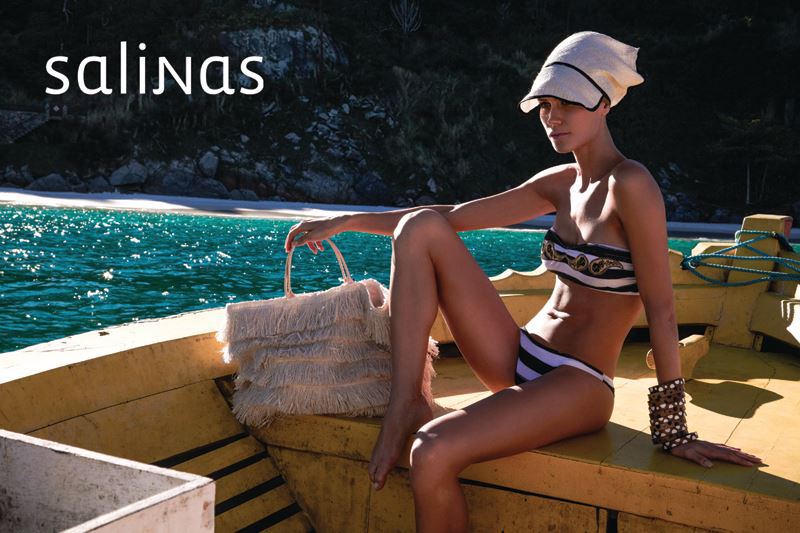
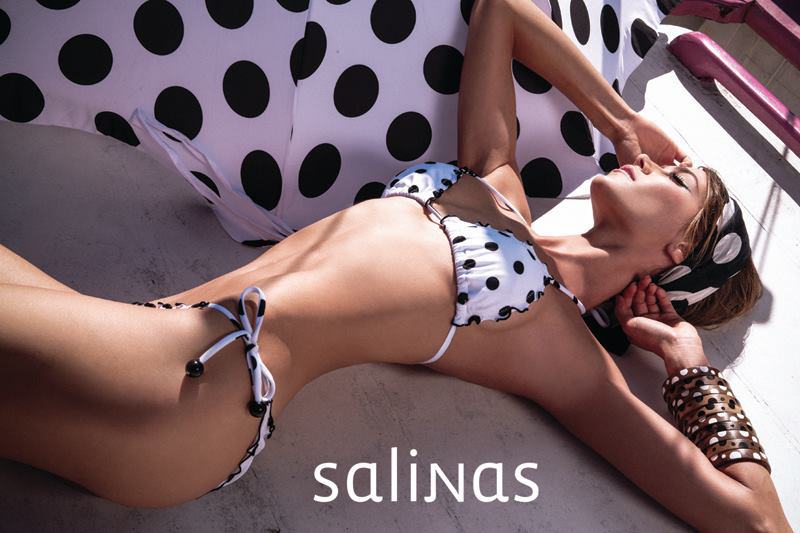
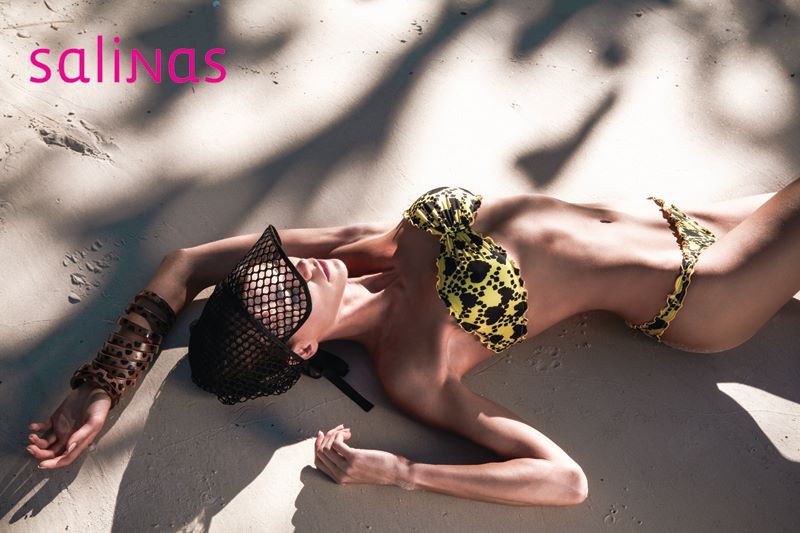
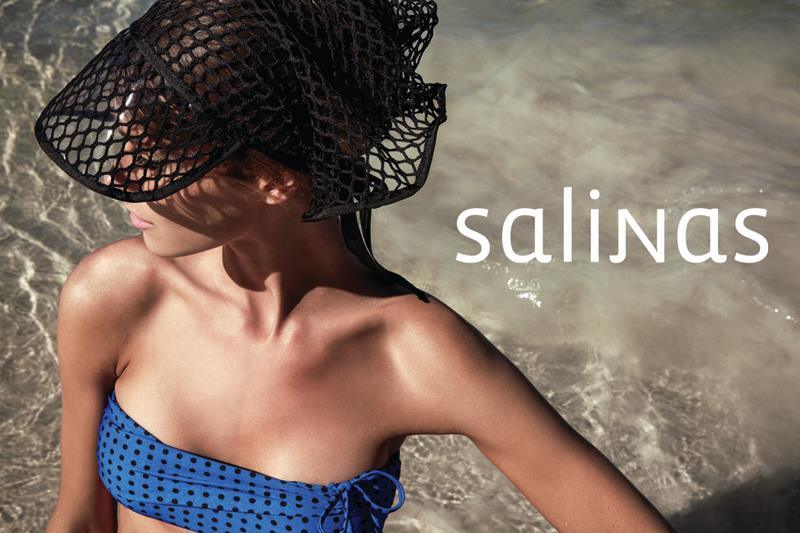
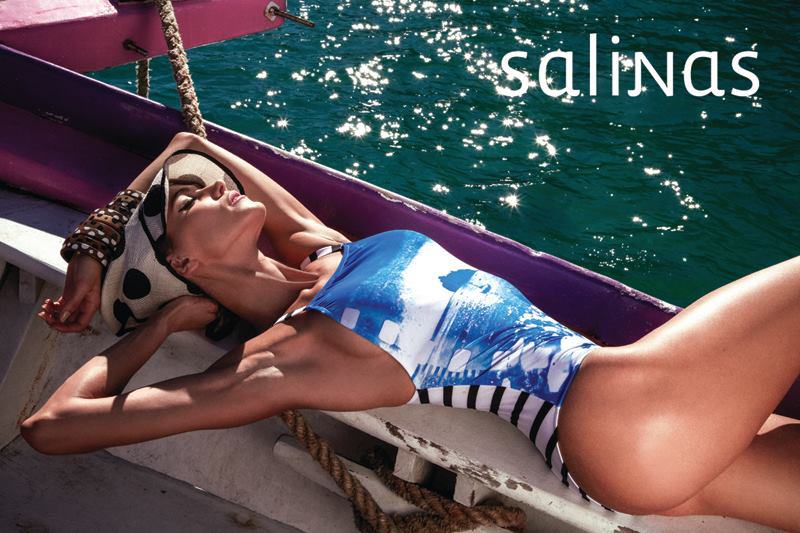
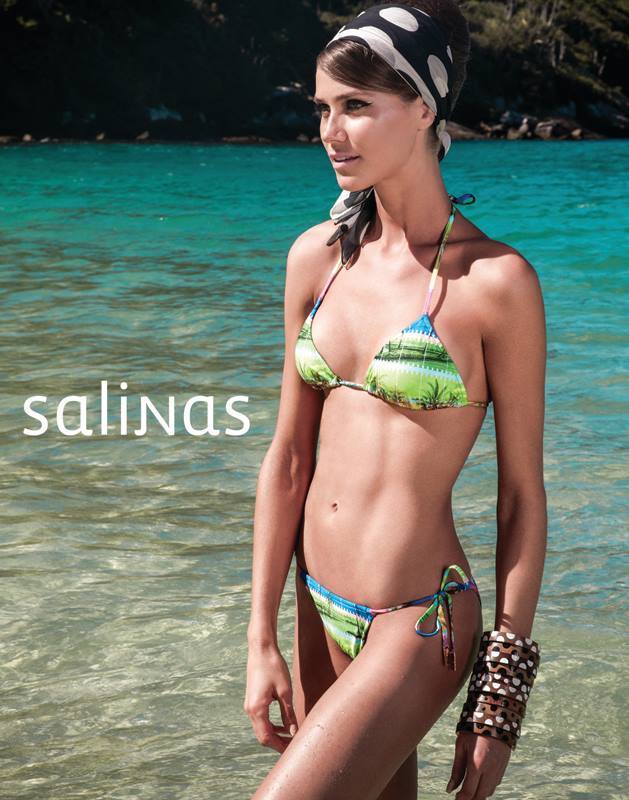
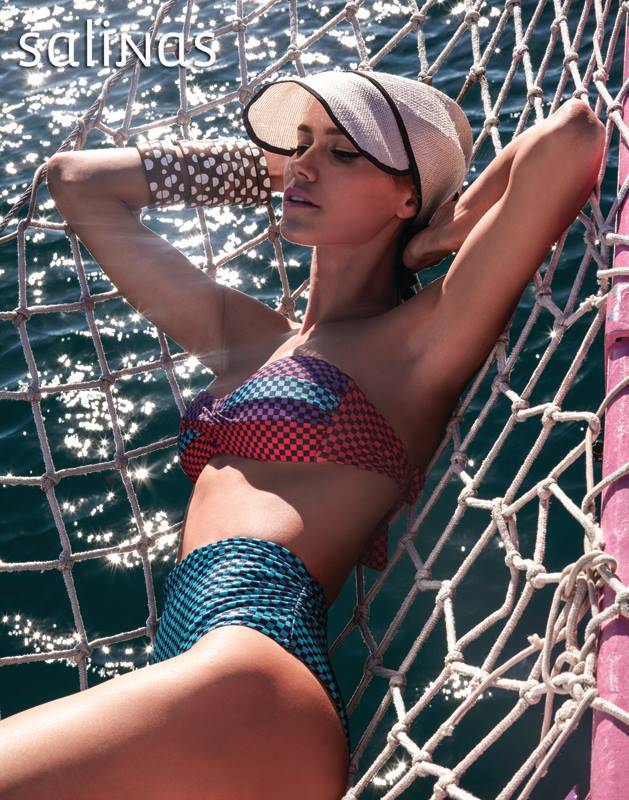
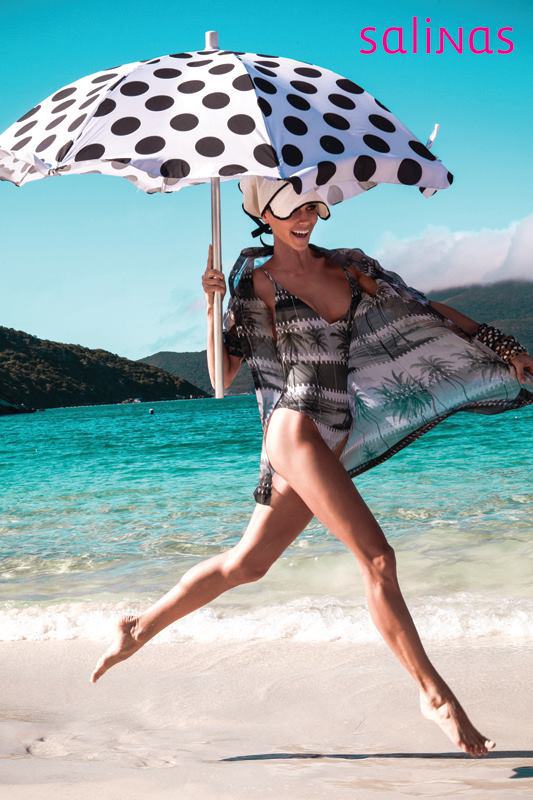
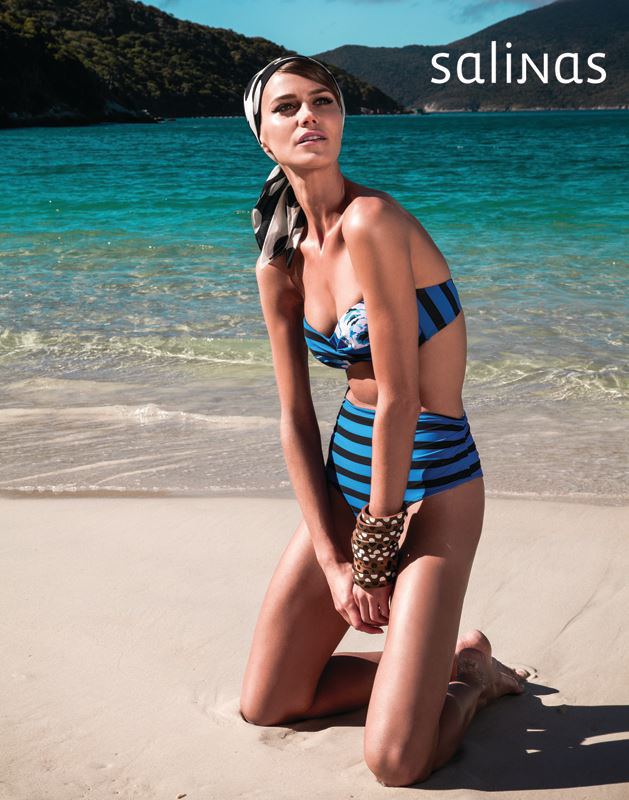
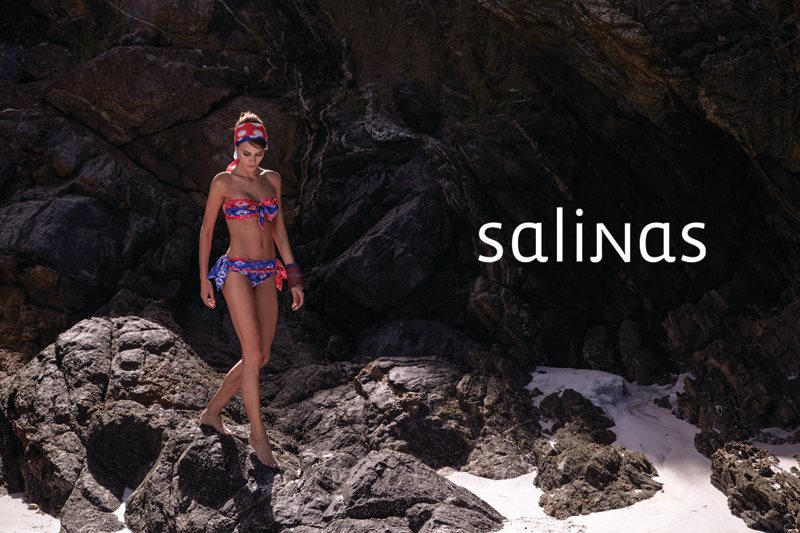
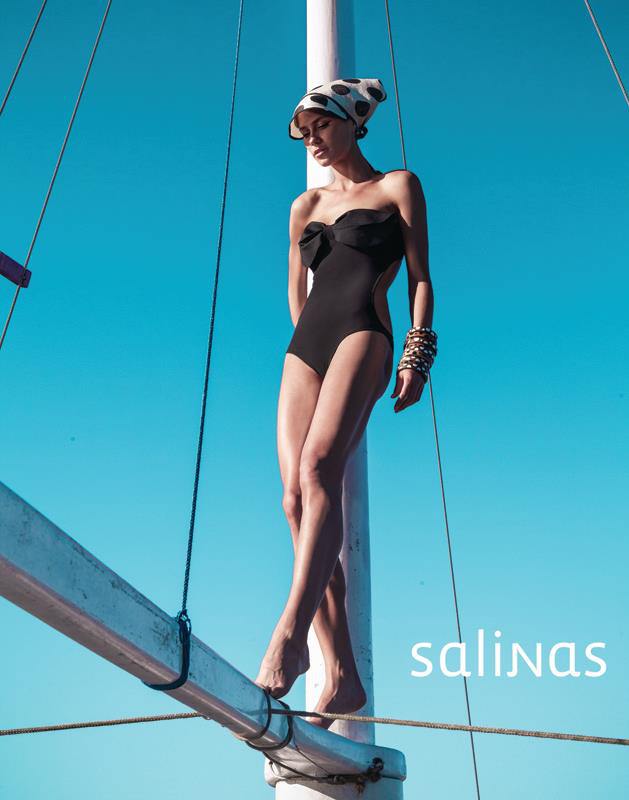
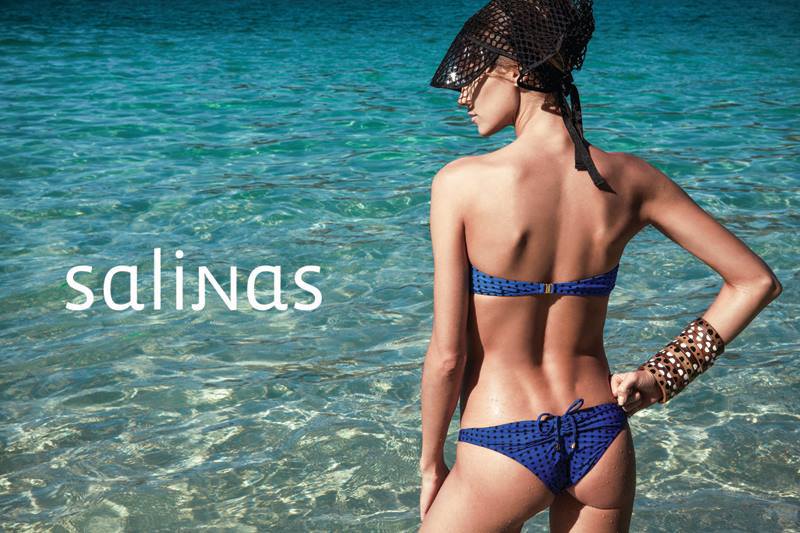
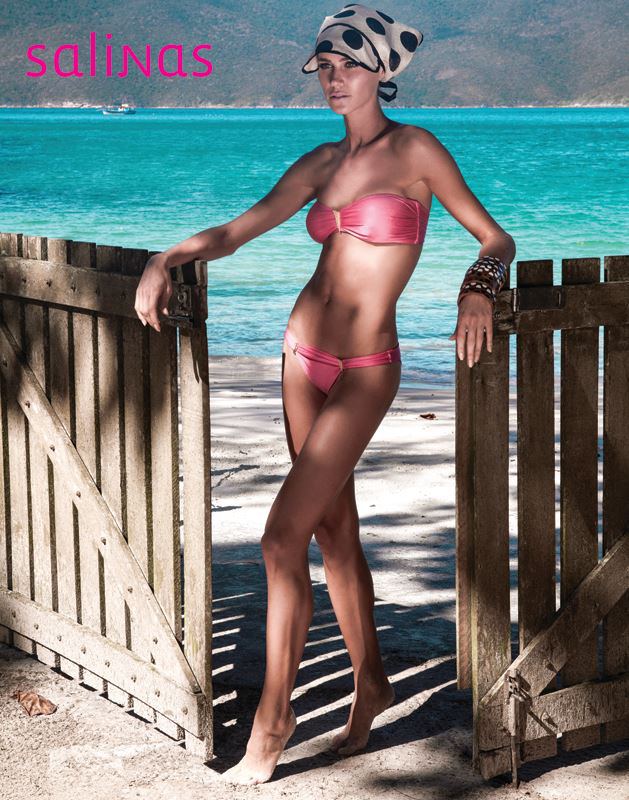
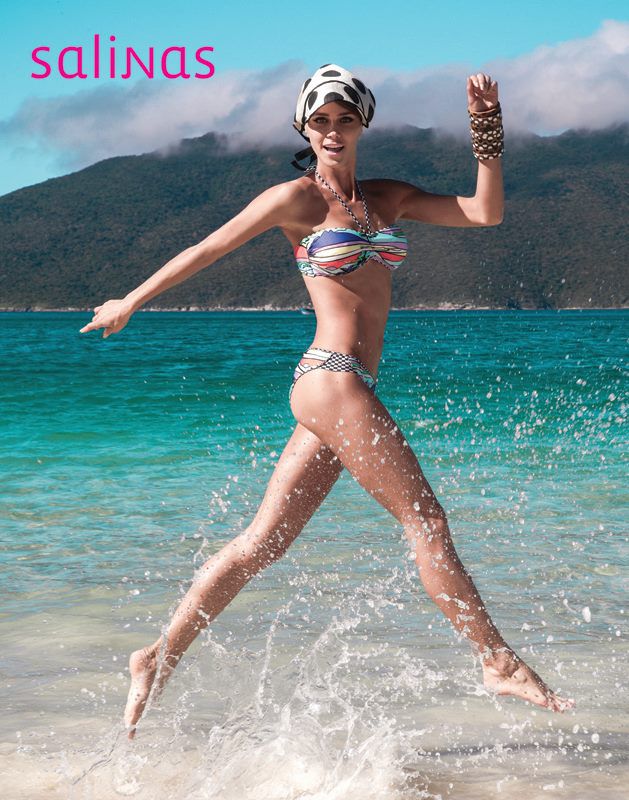
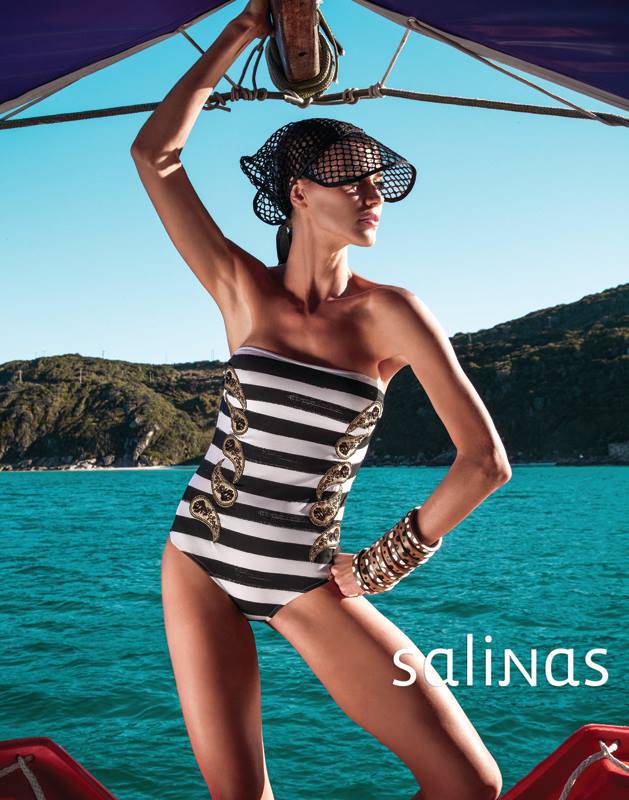
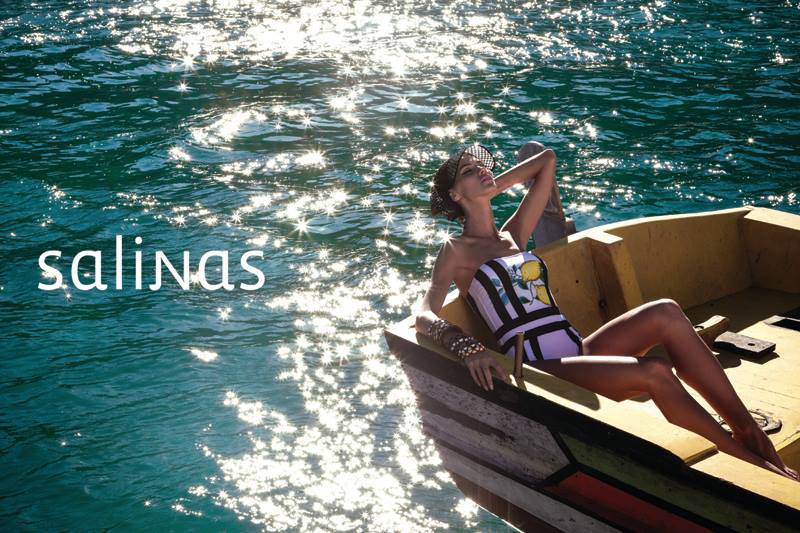
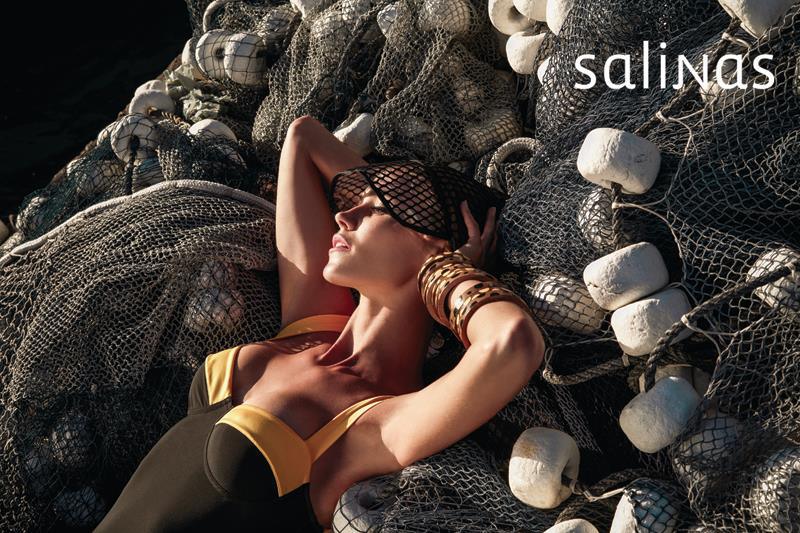
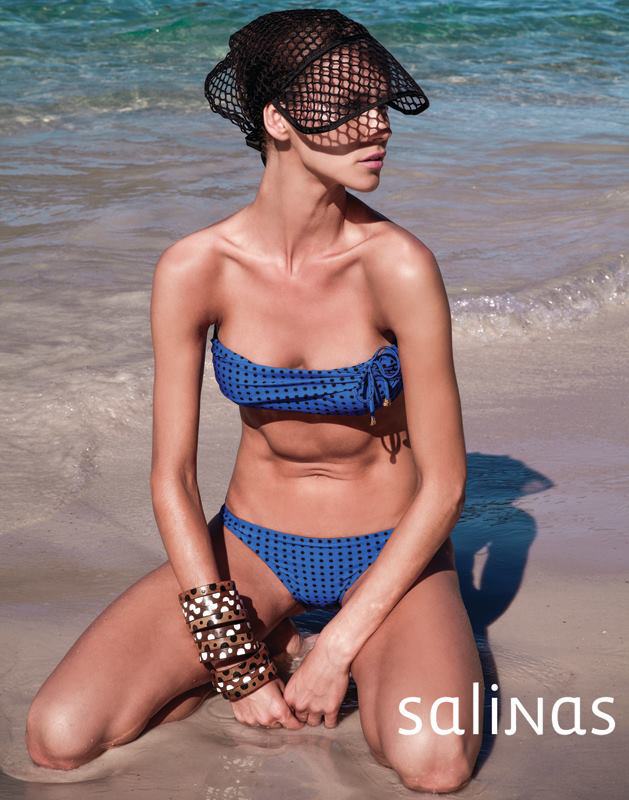
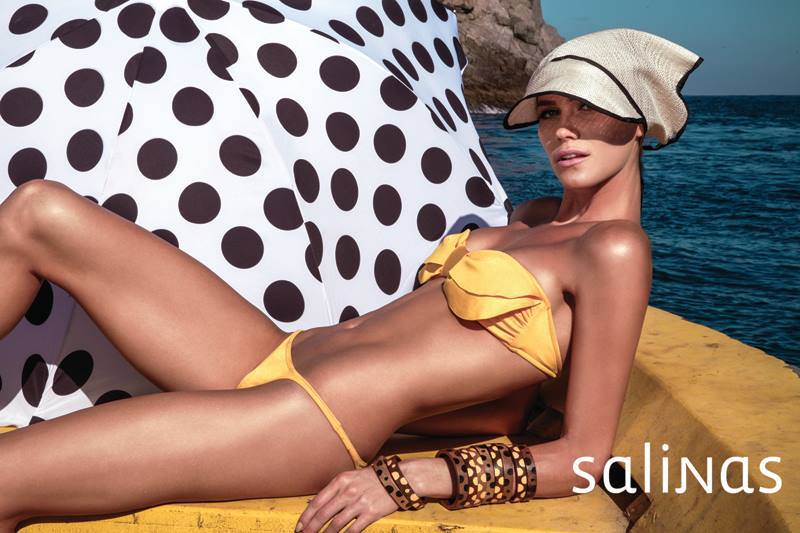
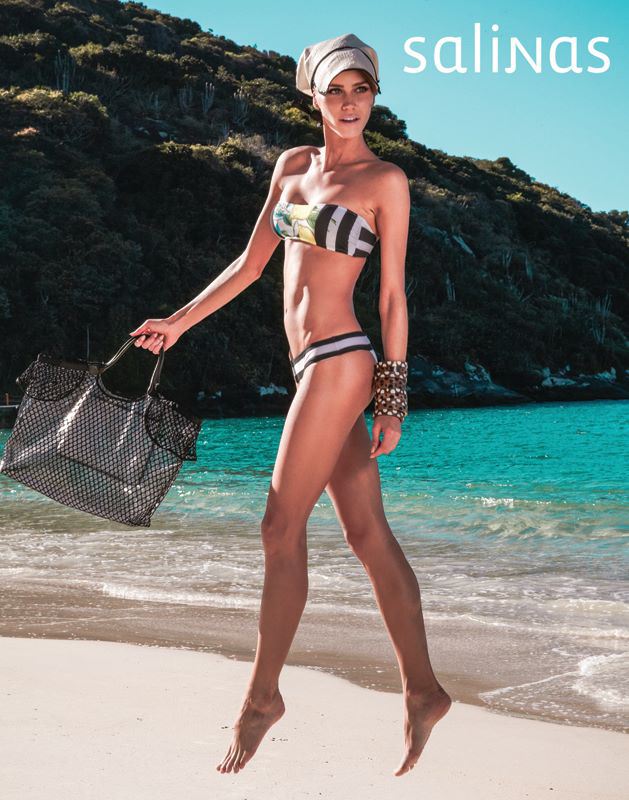
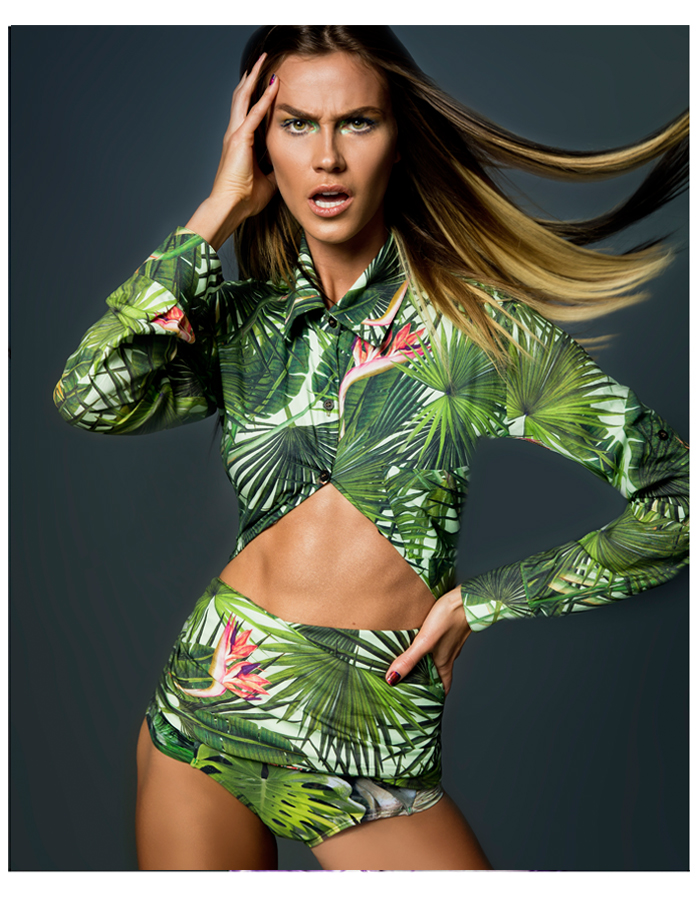
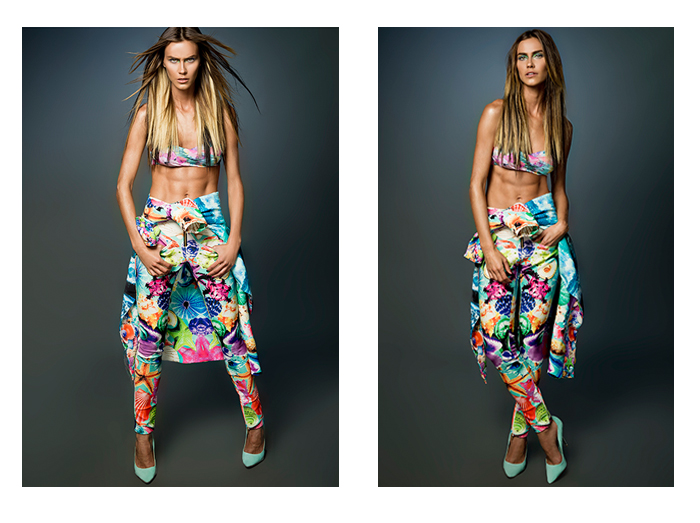
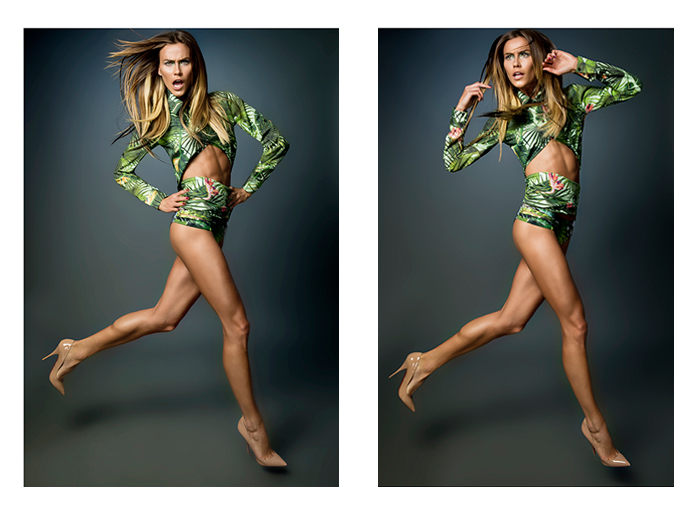
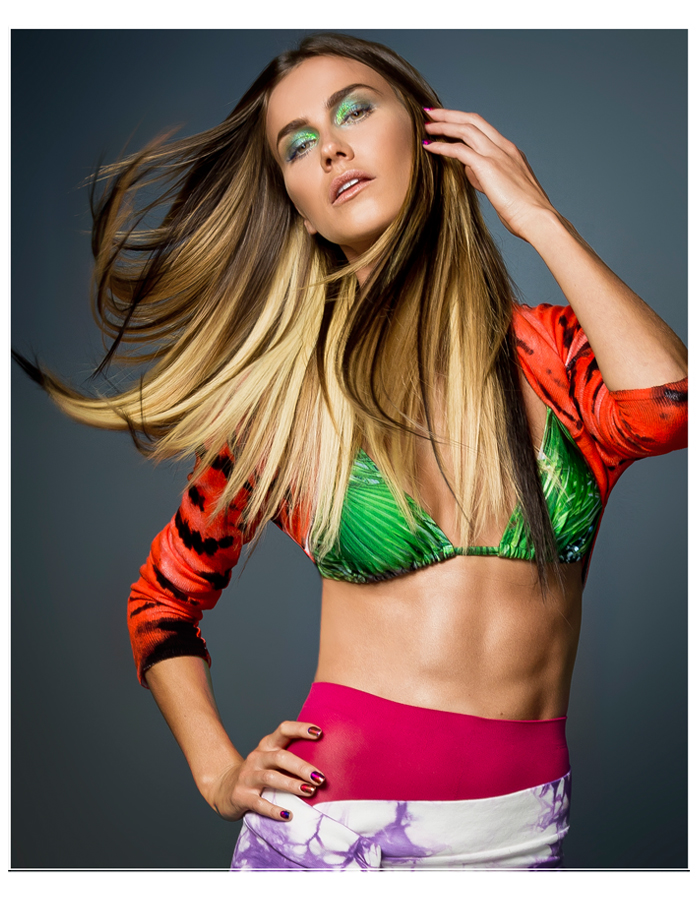
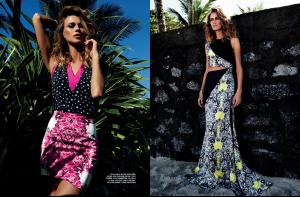 Salinas ss14 Ph: Zee Nunes Styling: Pedro Sales Beauty: Carol Ribeiro.

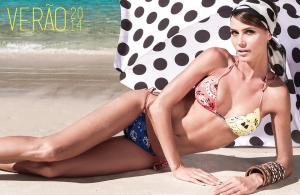








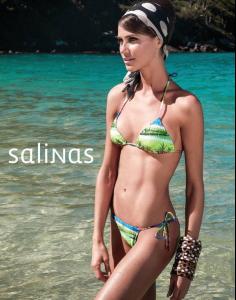





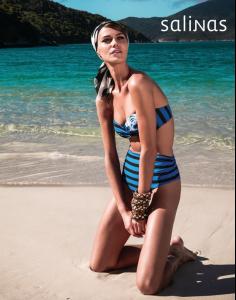



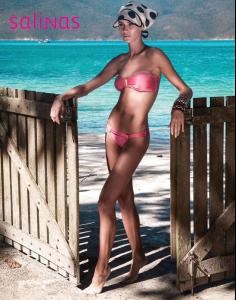
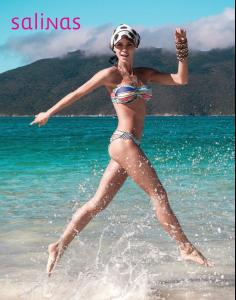
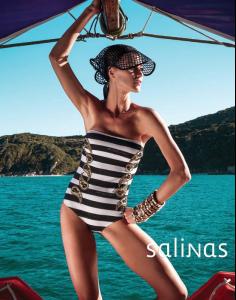


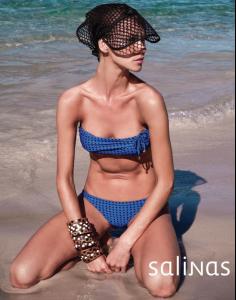

 RC Beauty Style "Surf Girl" Ph: Fabiano Pedrollo Styling: Michael Vendola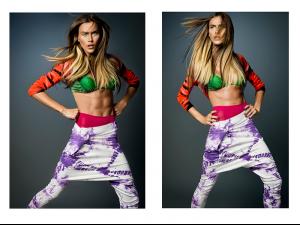
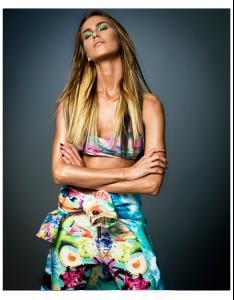
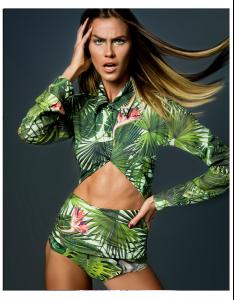
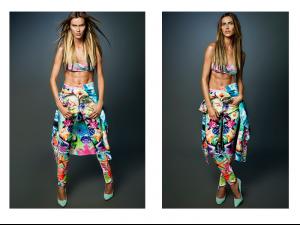
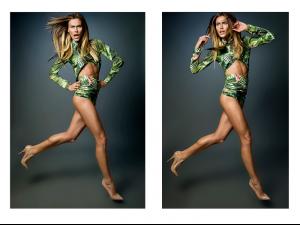
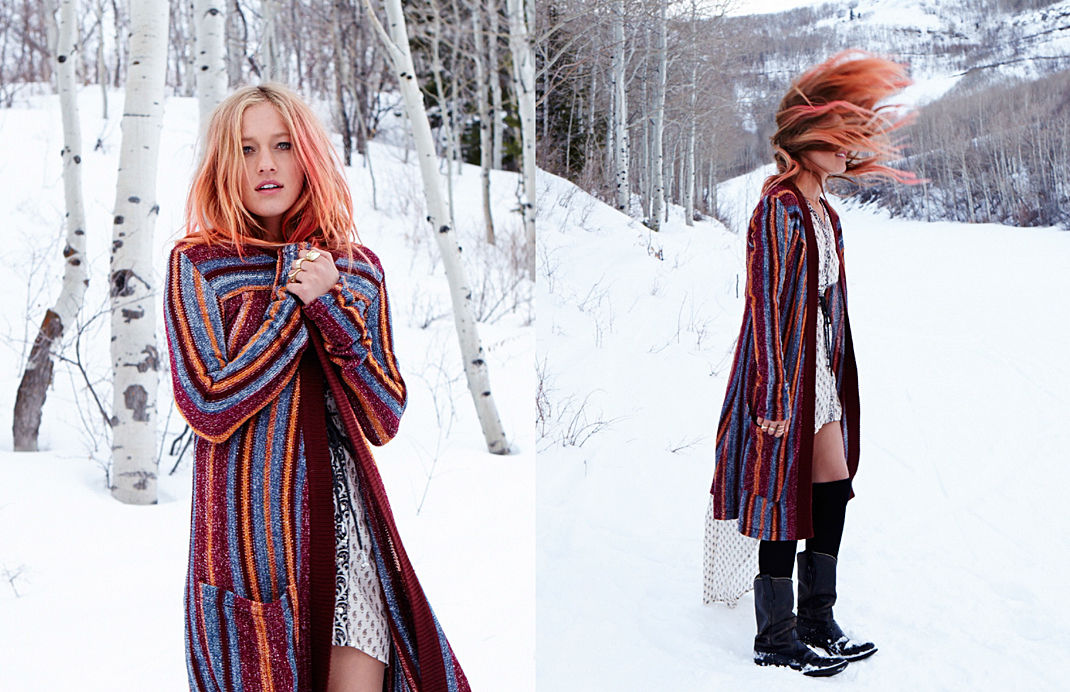
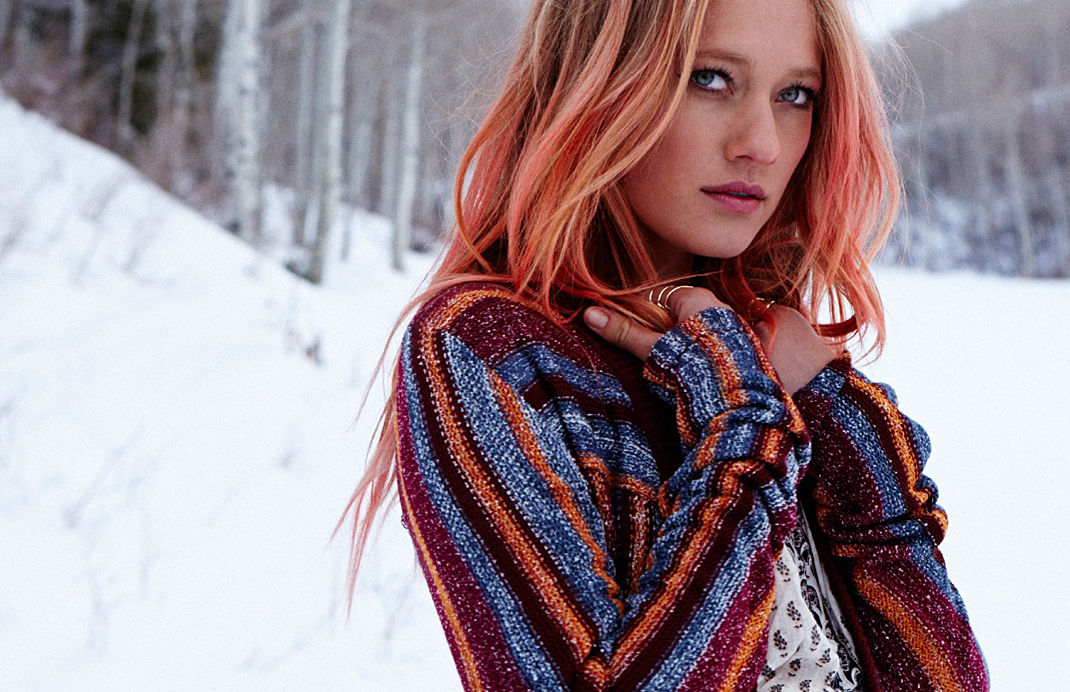
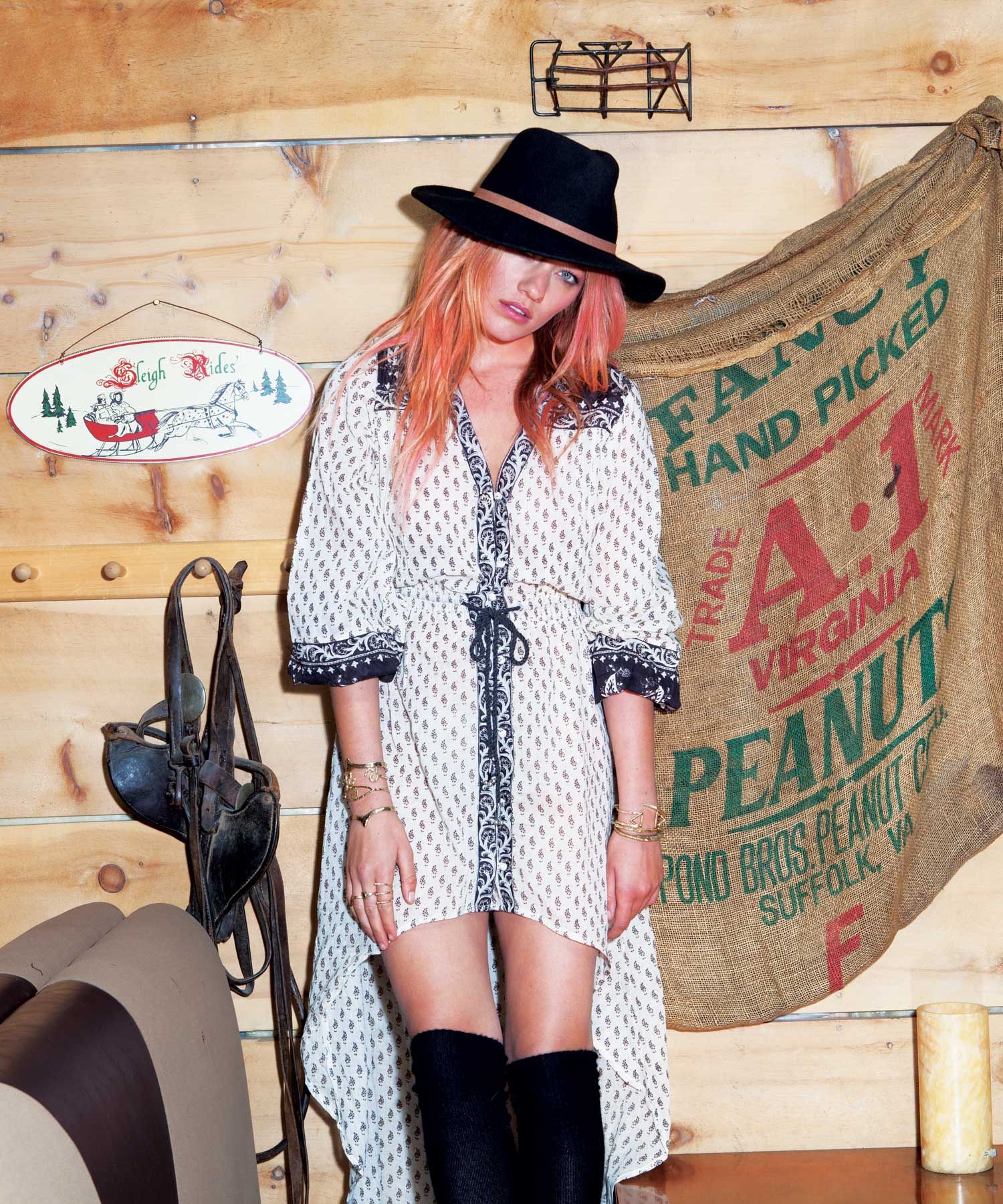
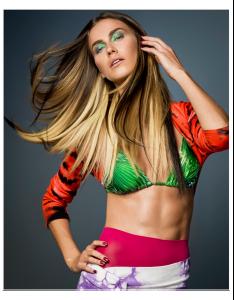 Billabong Holiday Lookbook | Bright Chill













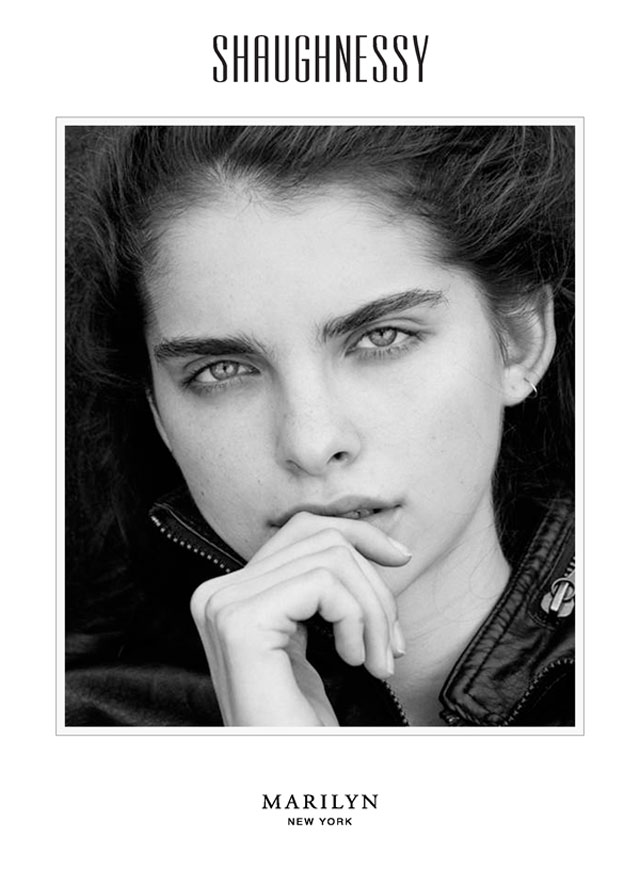
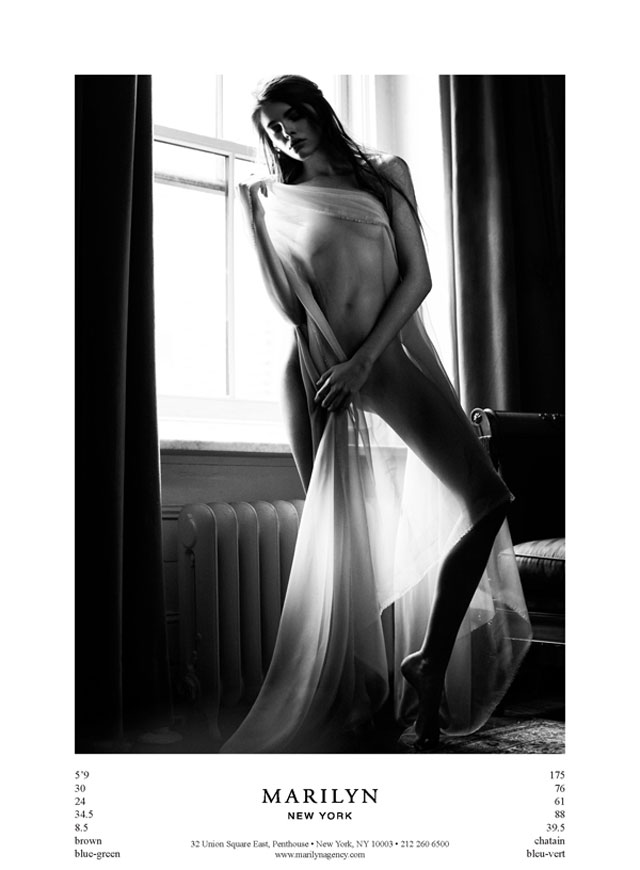
 Shaughnessy by Anthony Friend

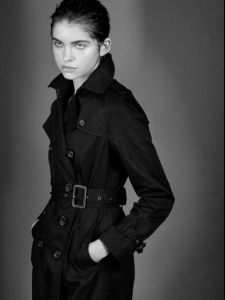
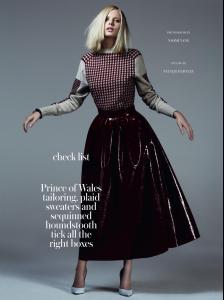
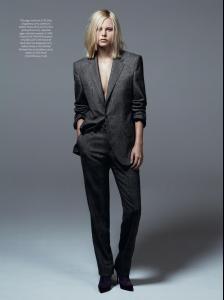
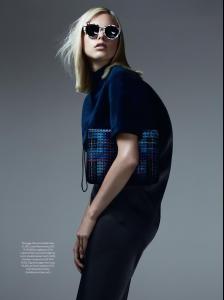
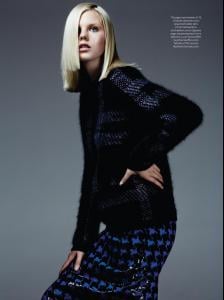
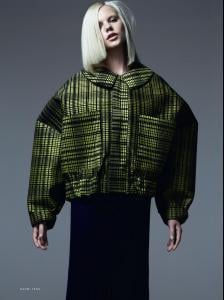
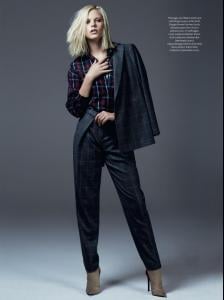
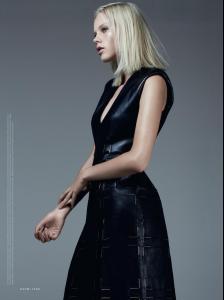
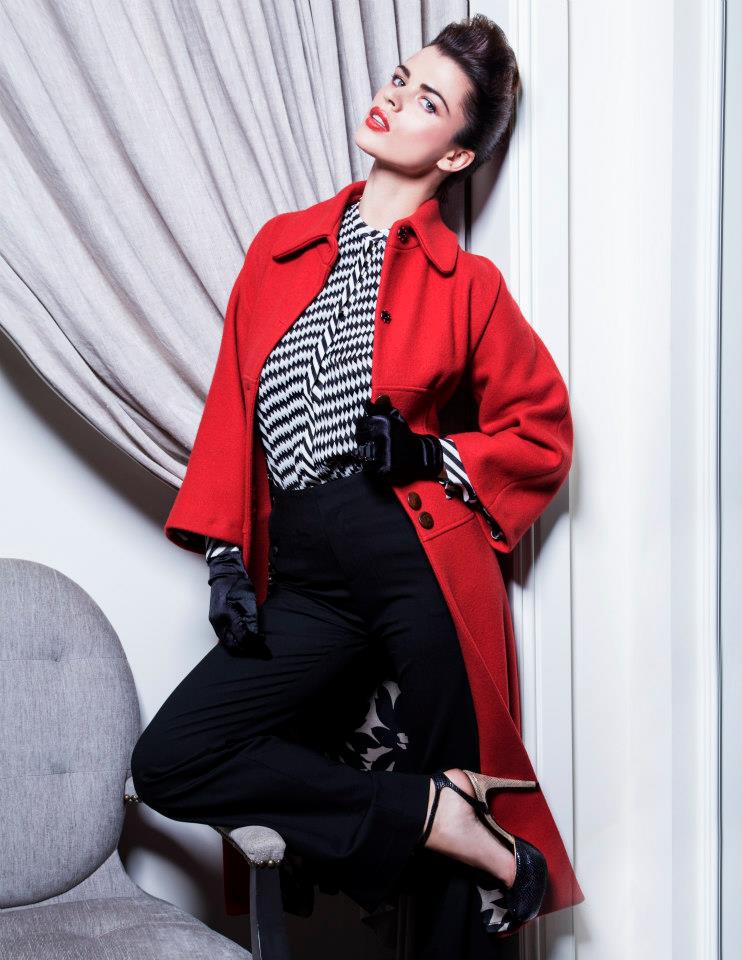
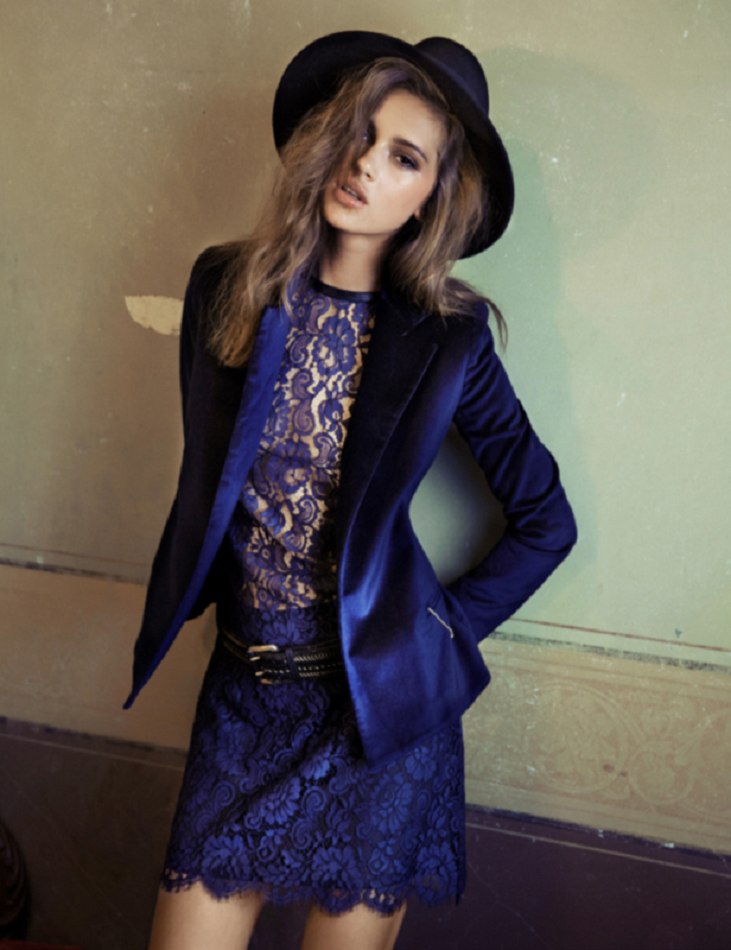
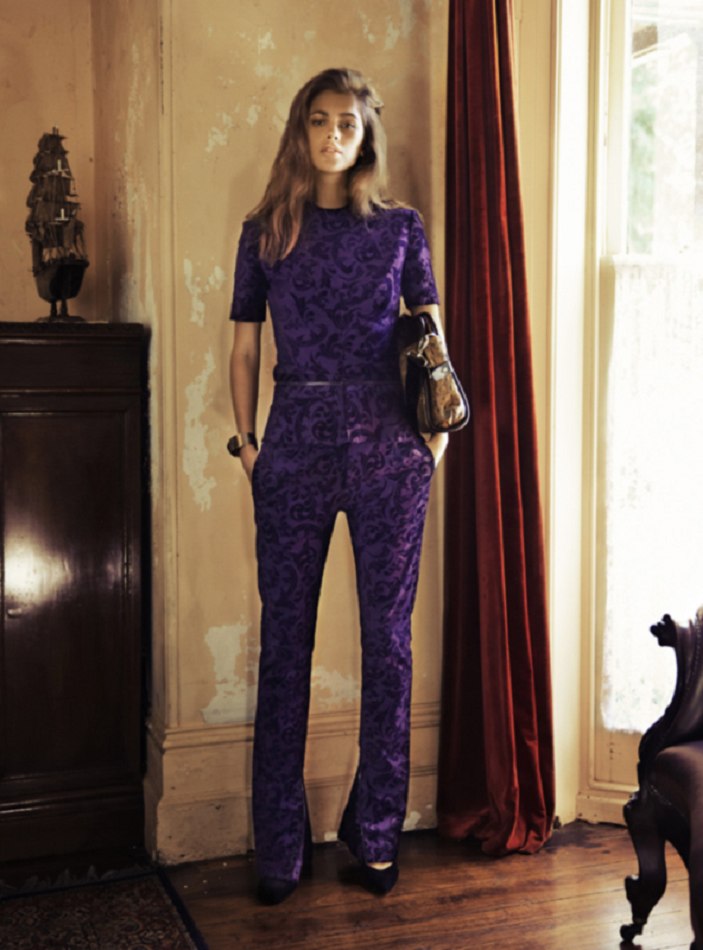
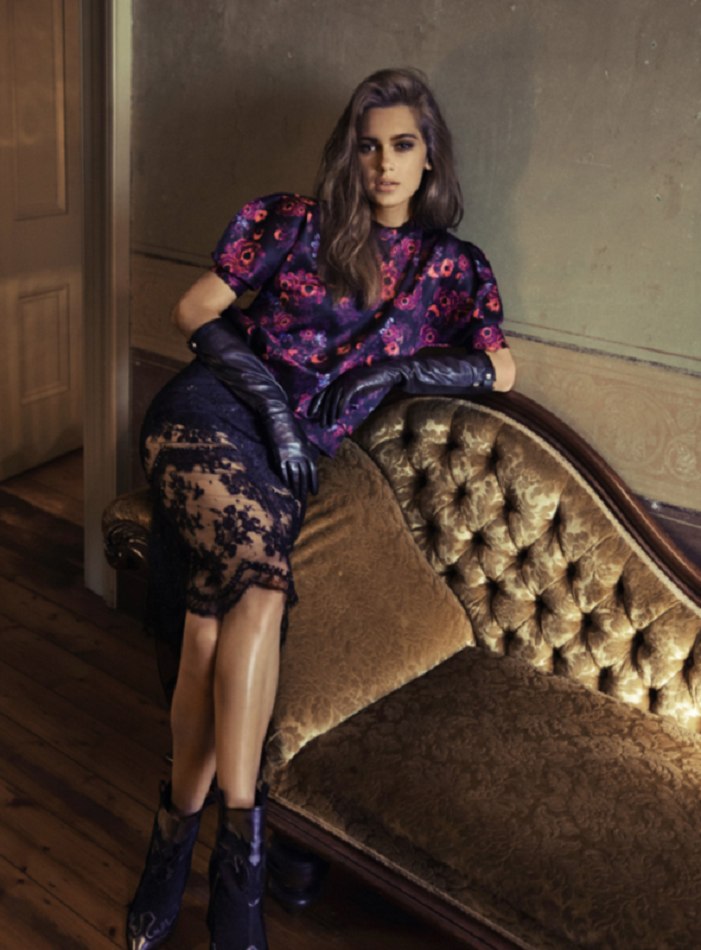
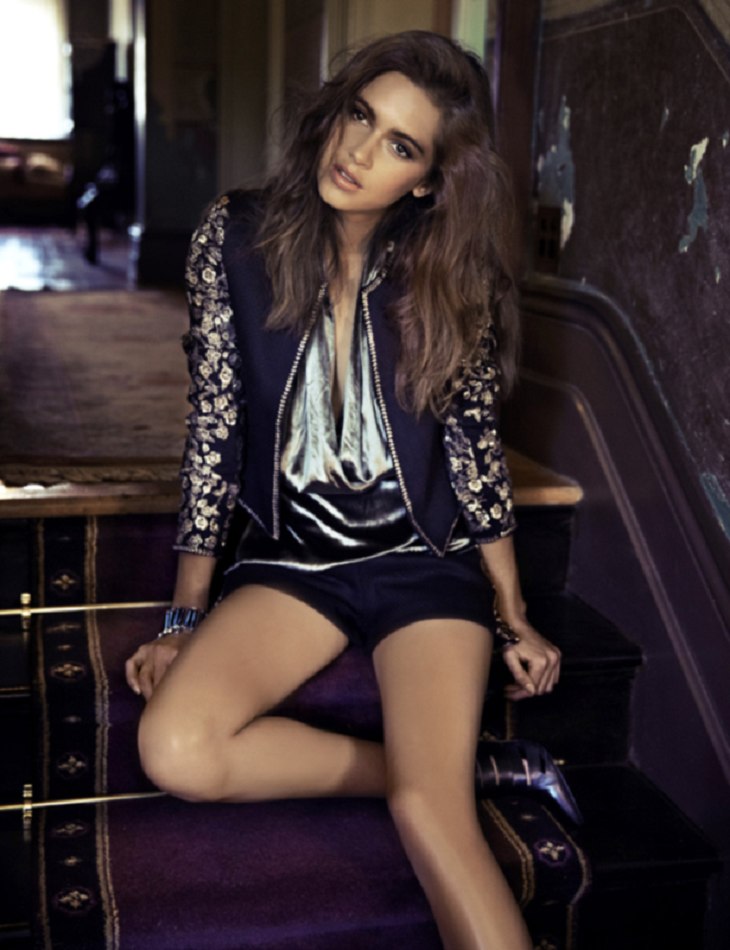
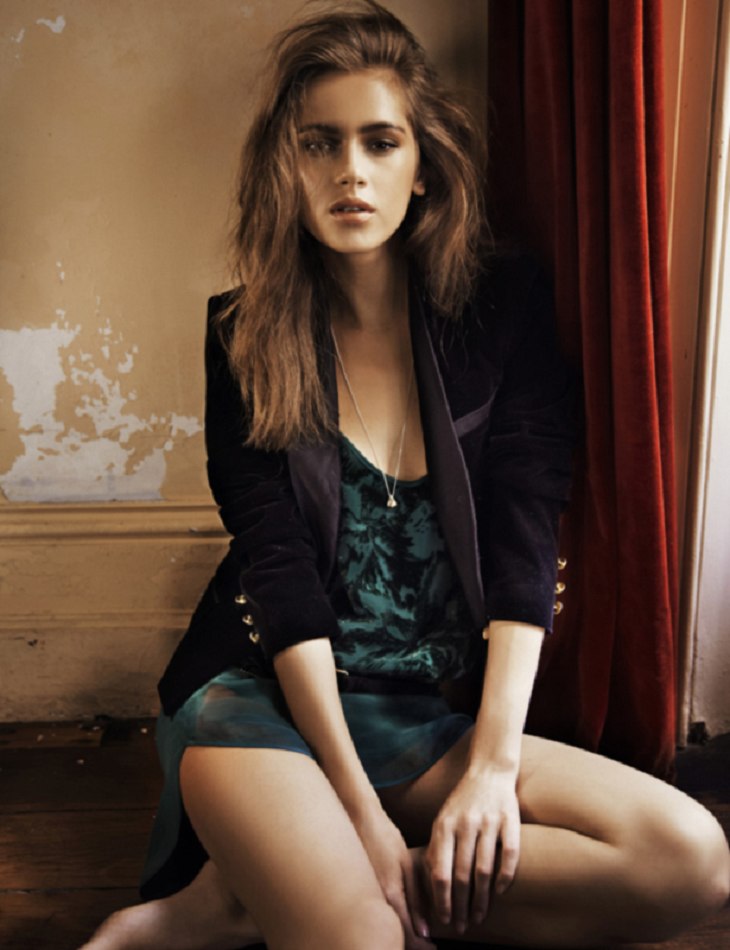
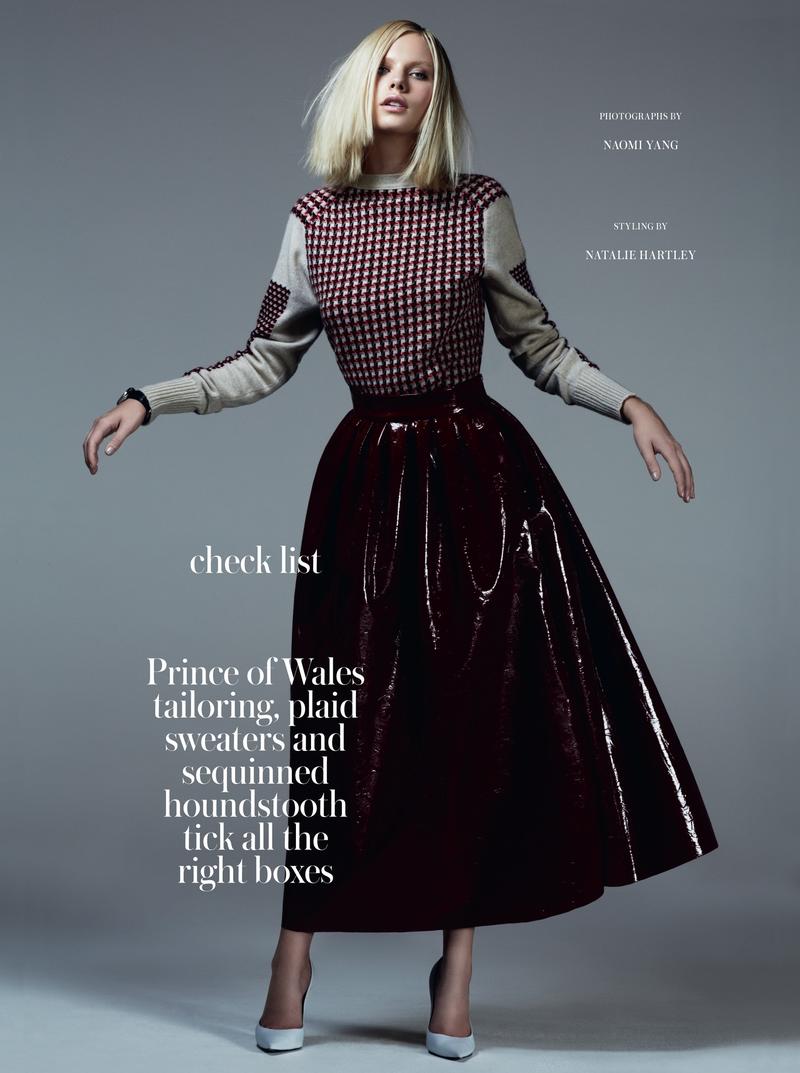
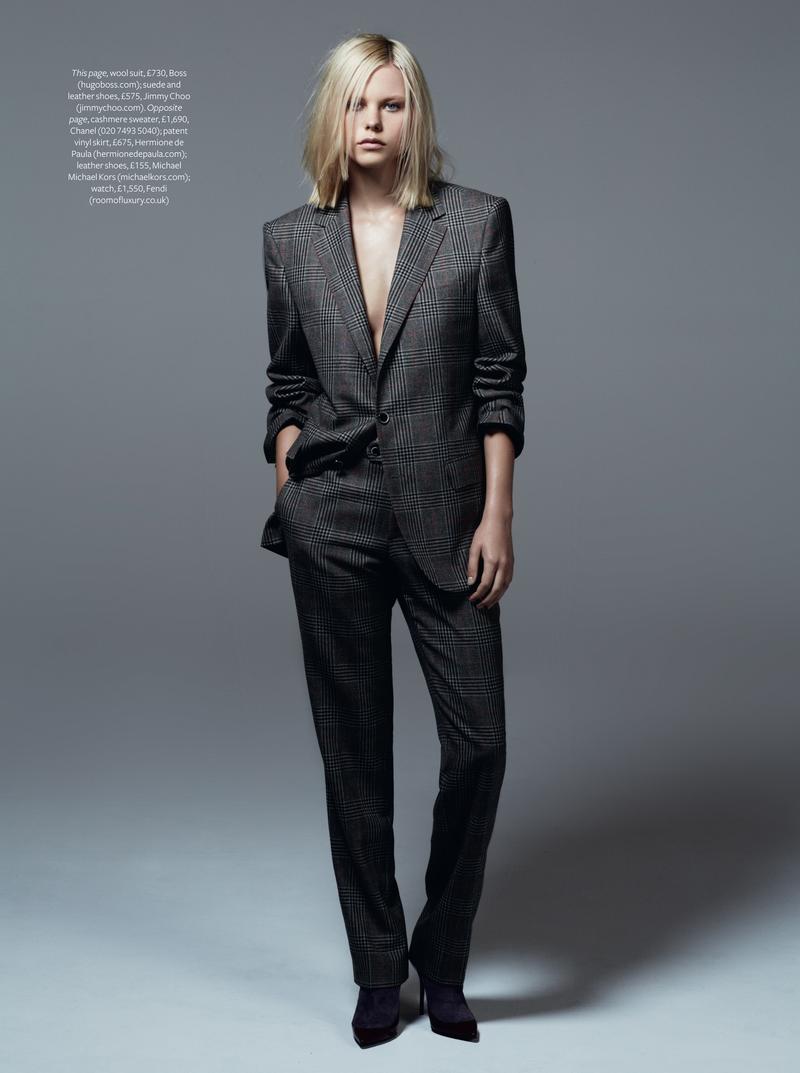
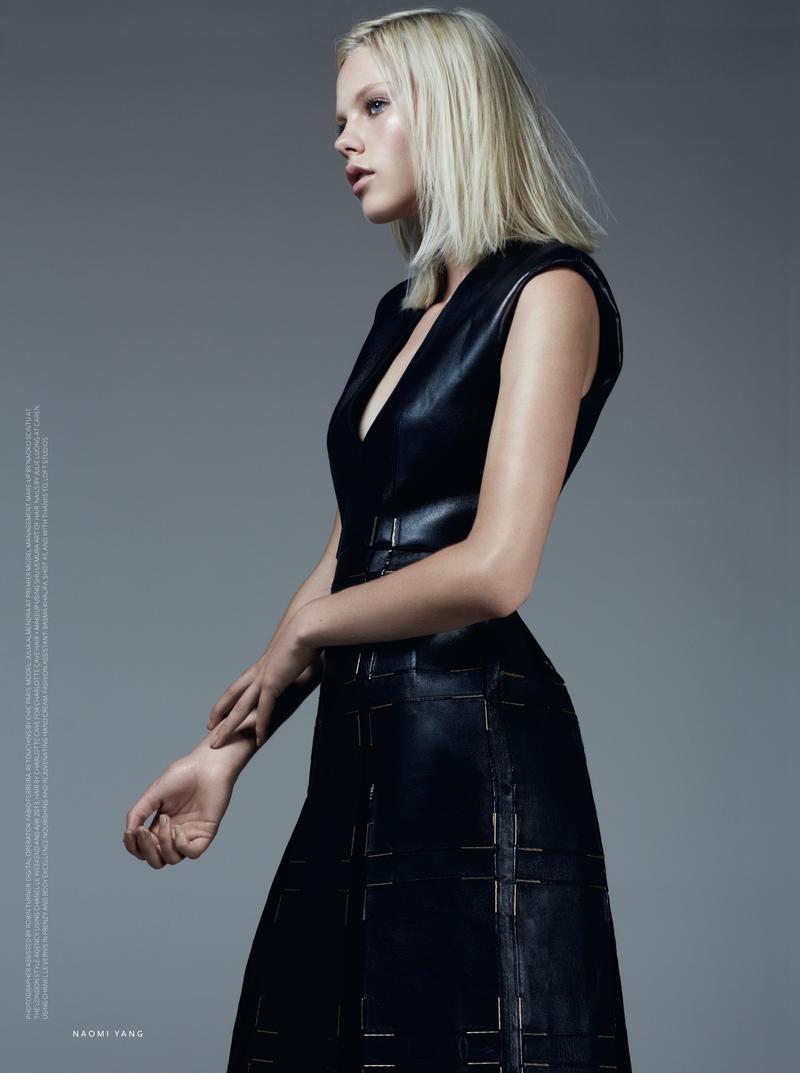
 InStyle UK November 2013 "Check List" Photographer: Naomi Yang Stylist: Natalie Hartley Makeup Artist: Naoko Scintu Casting Director: Megan McCluskie Model: Julia Almendra @ Premier



























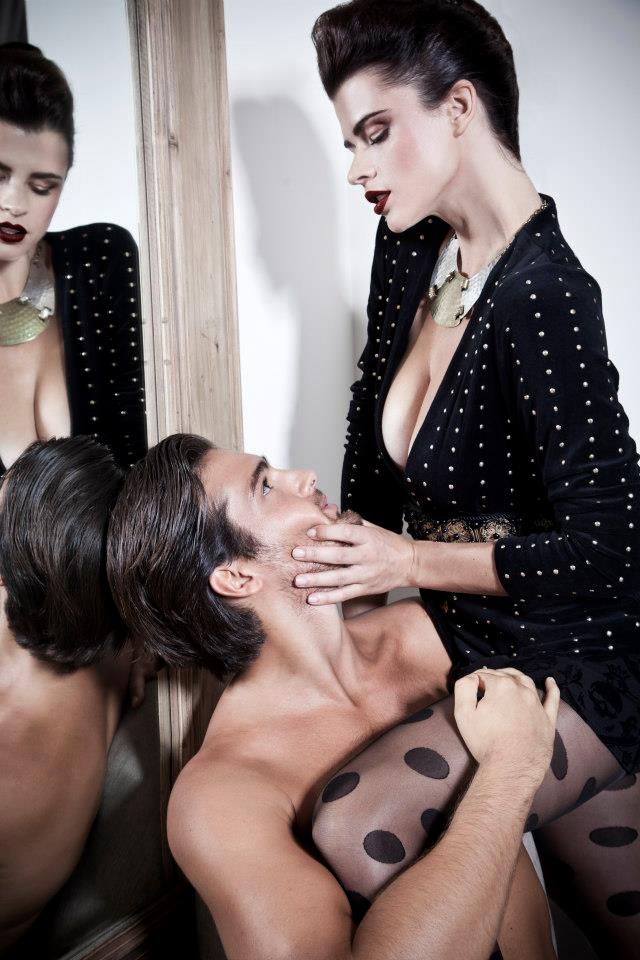
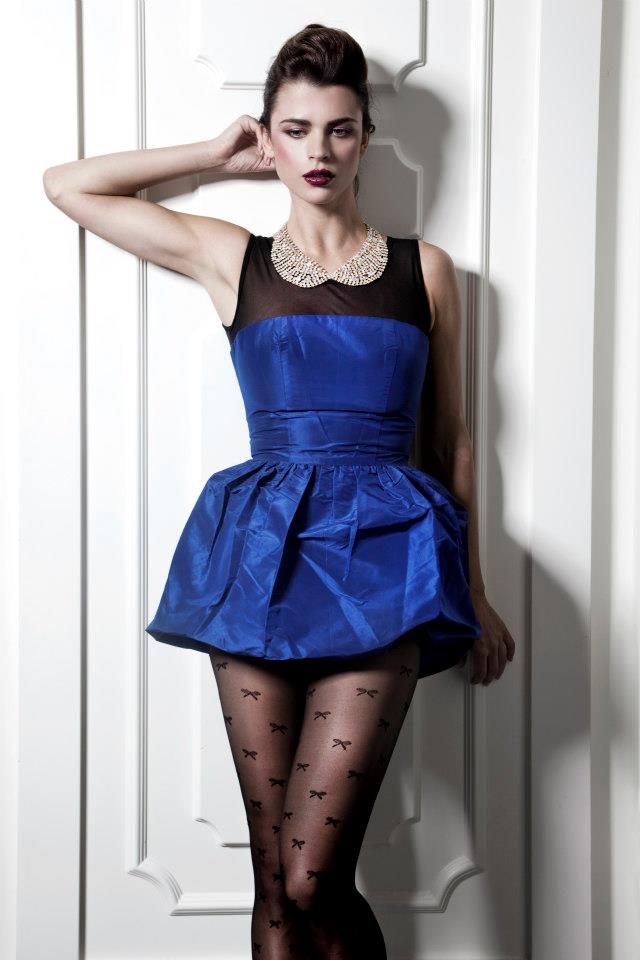
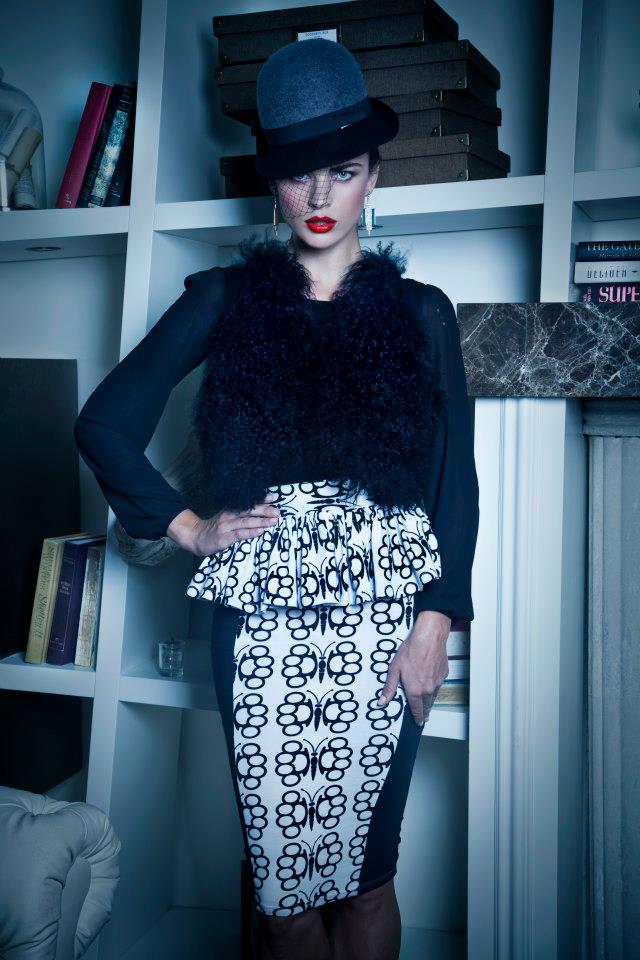

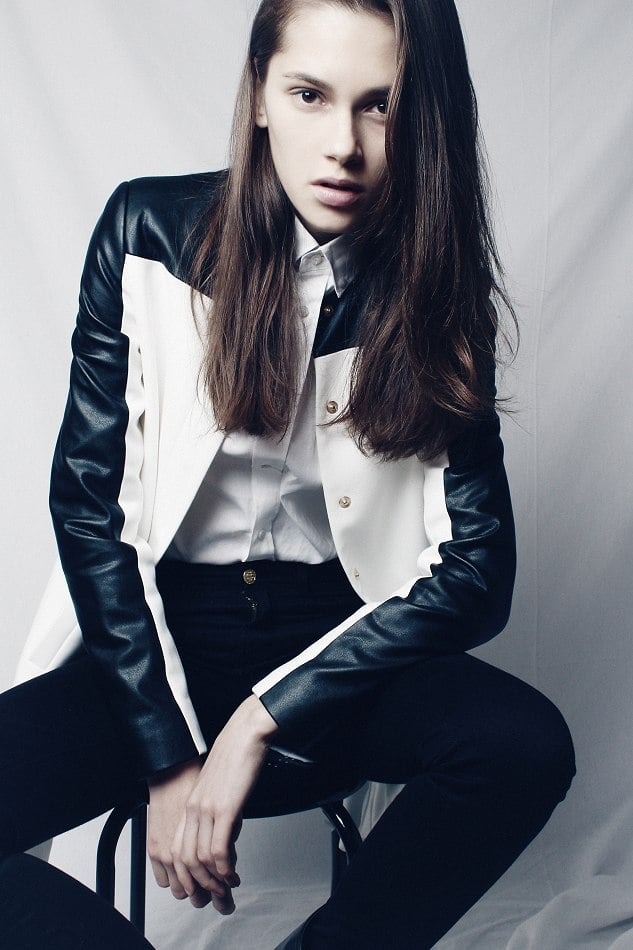


















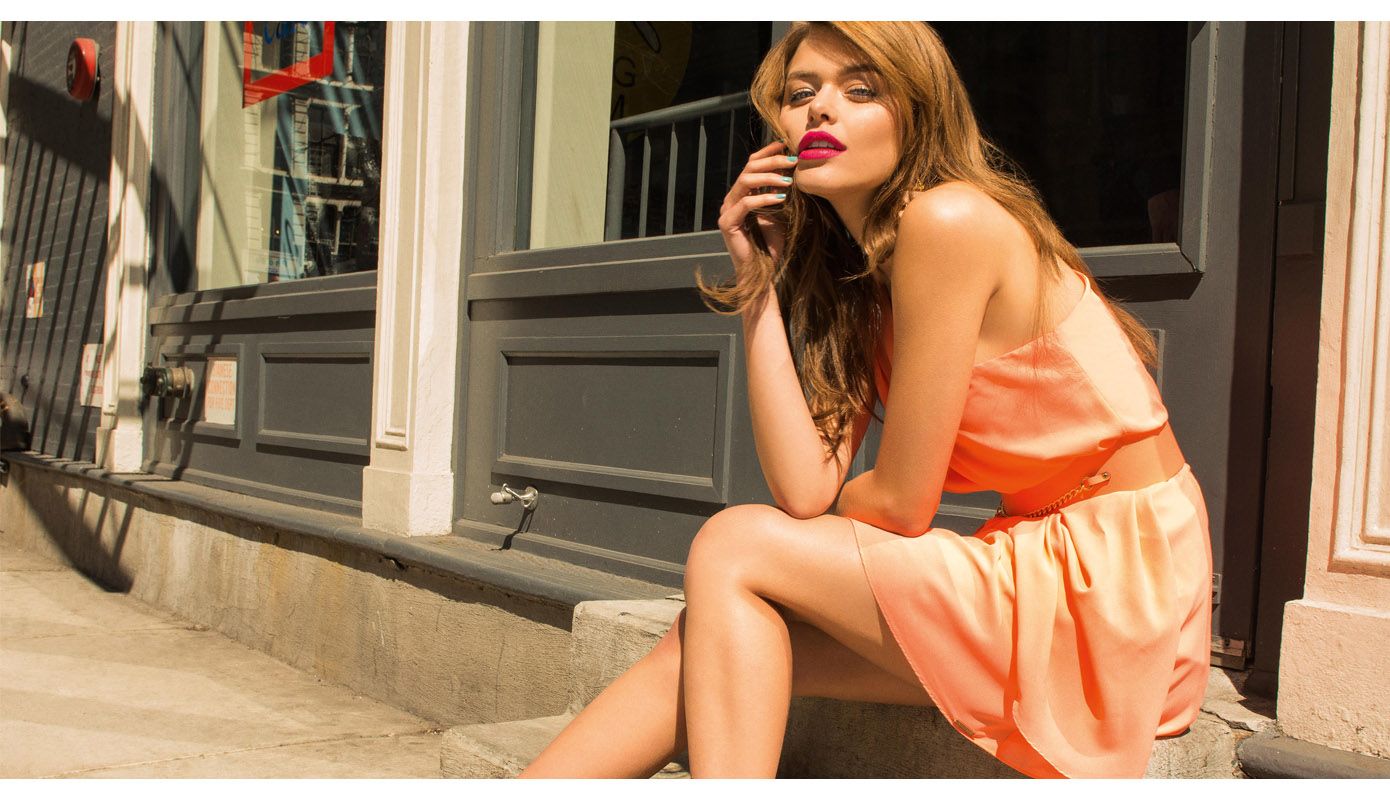
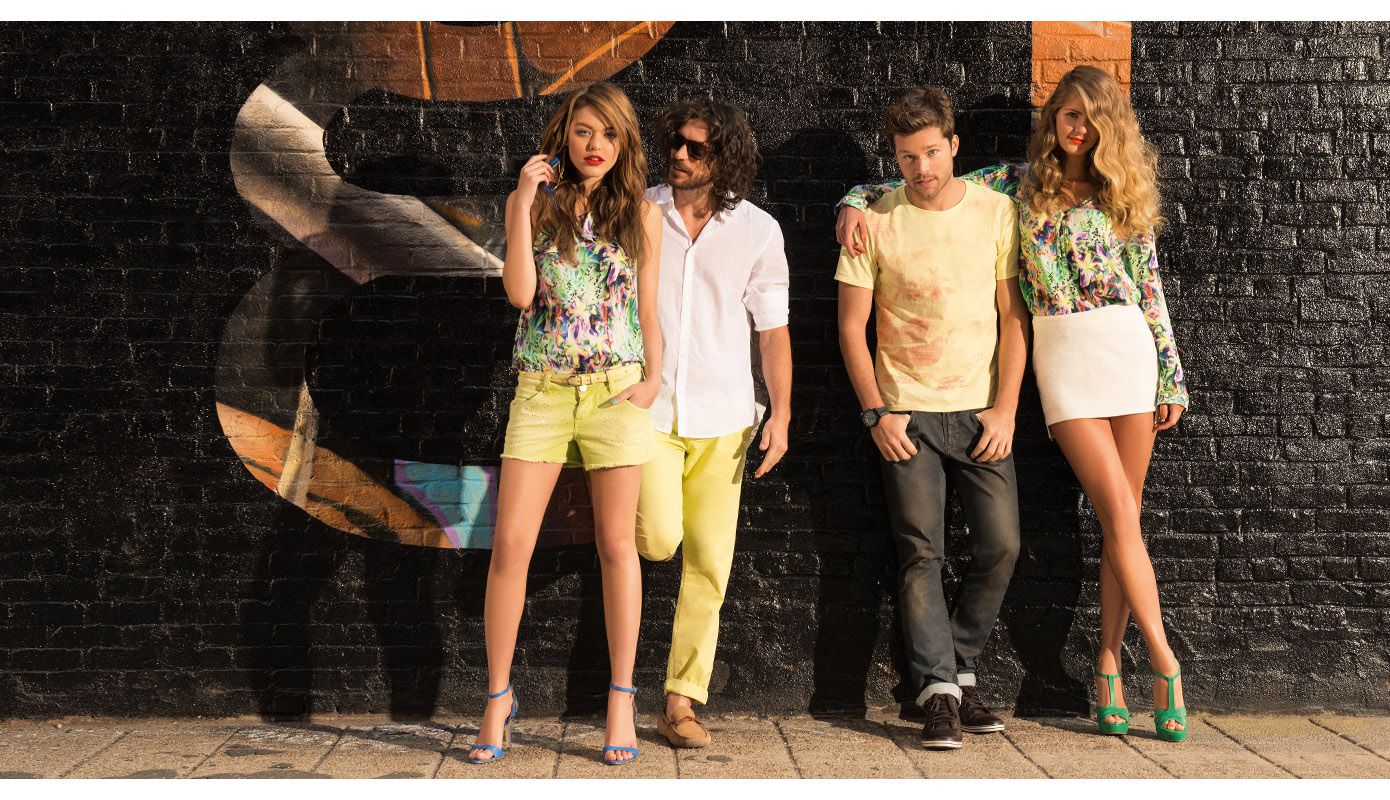
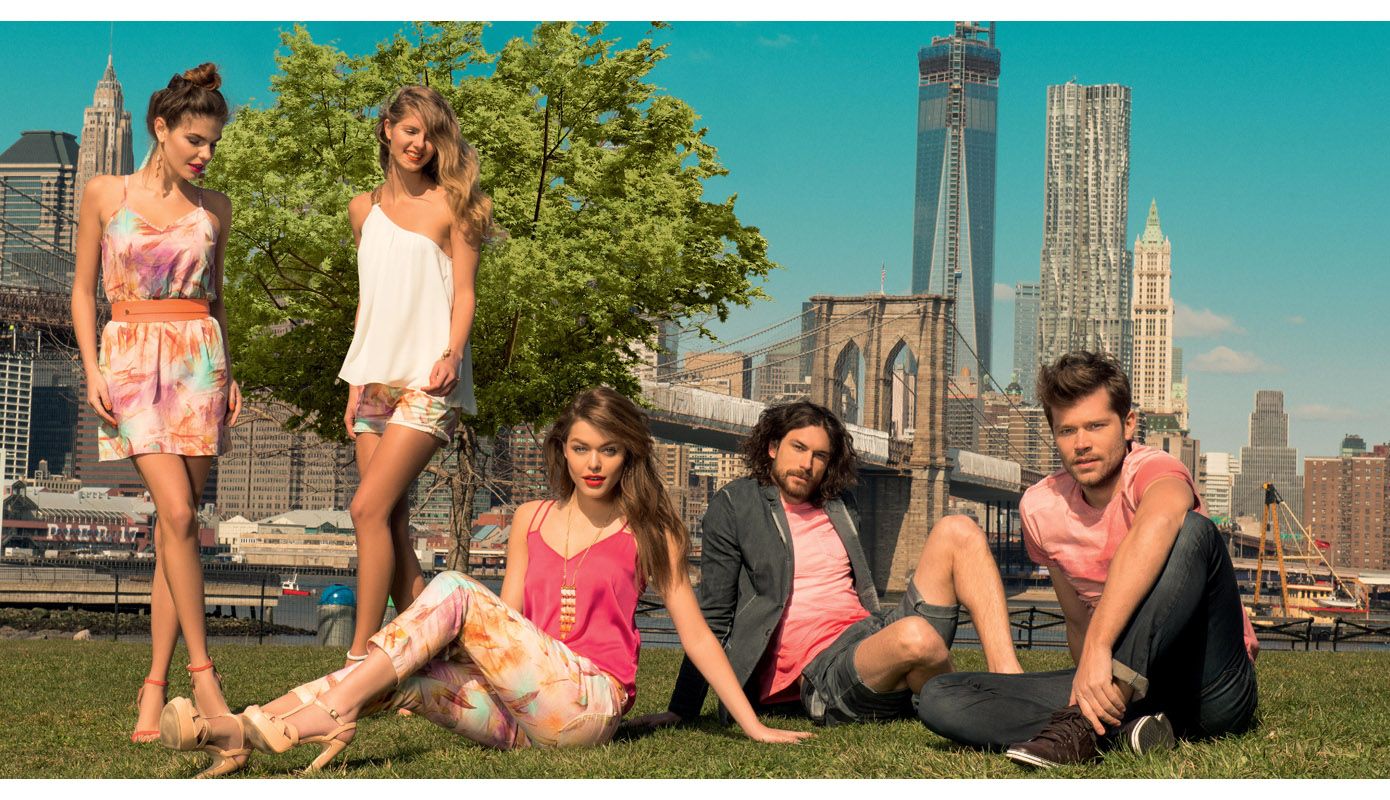
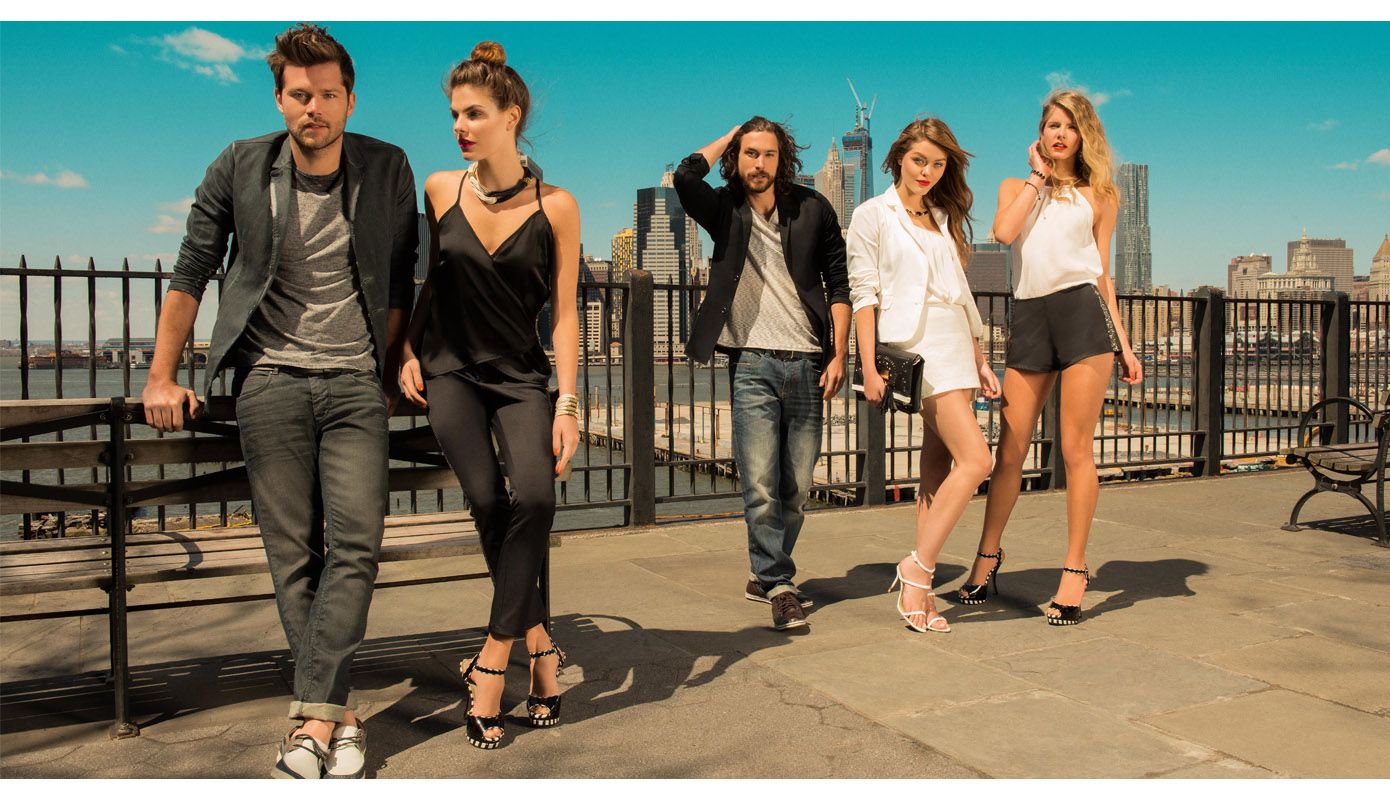




















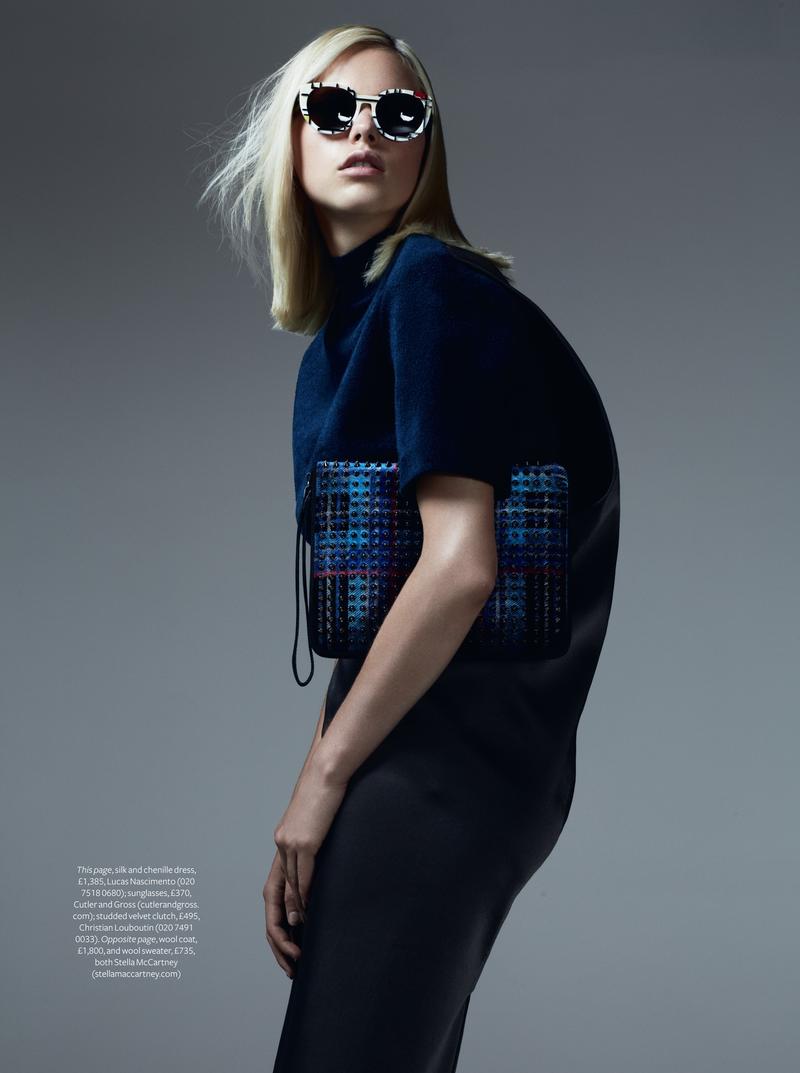
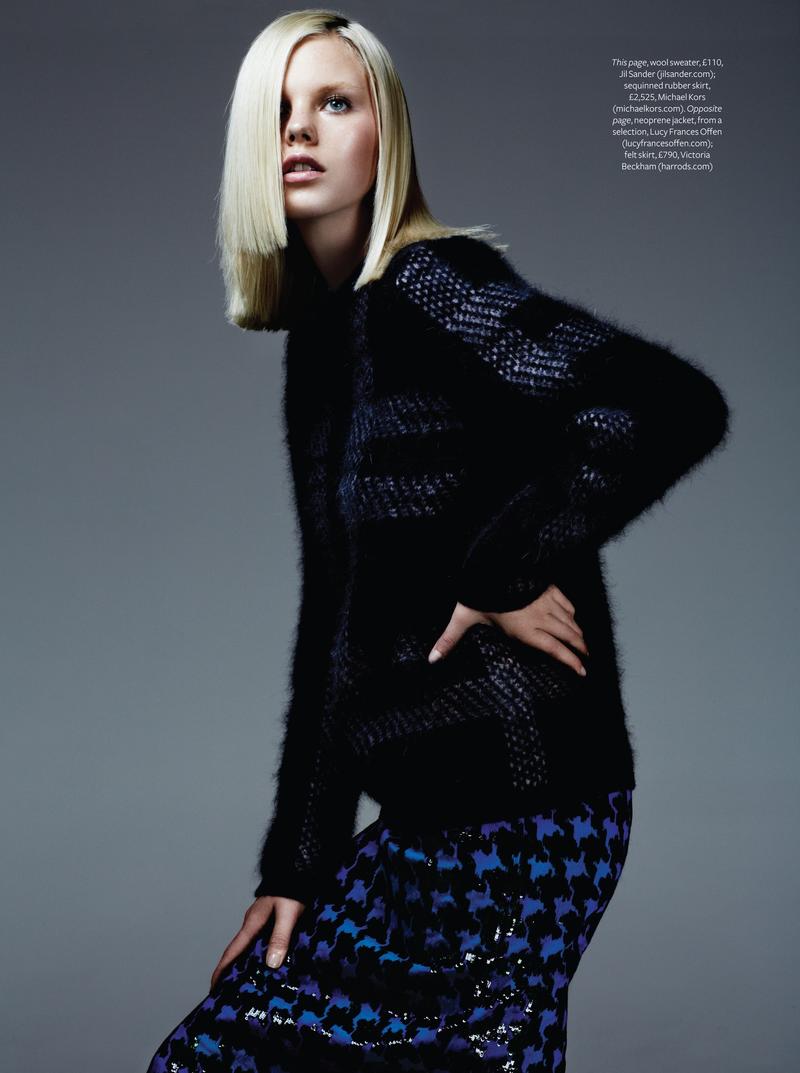
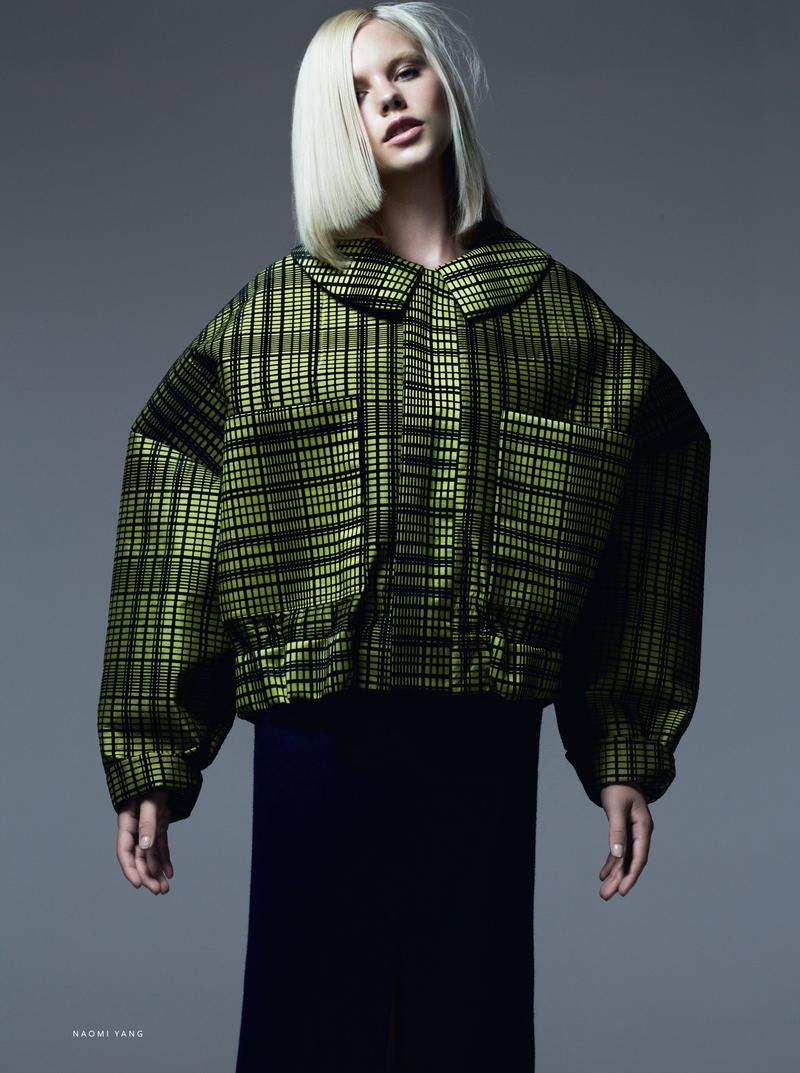
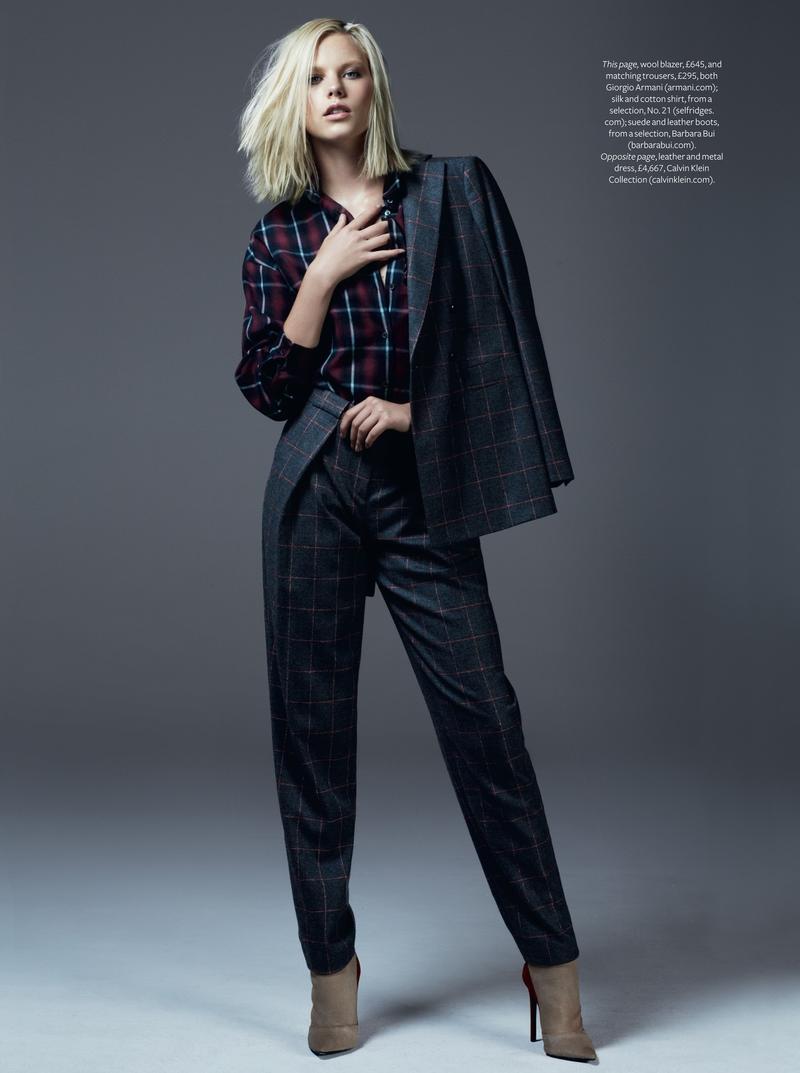
Account
Navigation
Search
Configure browser push notifications
Chrome (Android)
- Tap the lock icon next to the address bar.
- Tap Permissions → Notifications.
- Adjust your preference.
Chrome (Desktop)
- Click the padlock icon in the address bar.
- Select Site settings.
- Find Notifications and adjust your preference.
Safari (iOS 16.4+)
- Ensure the site is installed via Add to Home Screen.
- Open Settings App → Notifications.
- Find your app name and adjust your preference.
Safari (macOS)
- Go to Safari → Preferences.
- Click the Websites tab.
- Select Notifications in the sidebar.
- Find this website and adjust your preference.
Edge (Android)
- Tap the lock icon next to the address bar.
- Tap Permissions.
- Find Notifications and adjust your preference.
Edge (Desktop)
- Click the padlock icon in the address bar.
- Click Permissions for this site.
- Find Notifications and adjust your preference.
Firefox (Android)
- Go to Settings → Site permissions.
- Tap Notifications.
- Find this site in the list and adjust your preference.
Firefox (Desktop)
- Open Firefox Settings.
- Search for Notifications.
- Find this site in the list and adjust your preference.