

TheBestModels
Members
-
Joined
Everything posted by TheBestModels
-

-
More L'Espiègle - Vert - Maillot de bain une pièce femme _ Anja Paris.webm L'Espiègle - Violet - Maillot de bain une pièce femme _ Anja Paris.webm Le Fabuleux - Vert _ Anja Paris-2.webm Le Fabuleux - Vert _ Anja Paris-1.webm Le Fabuleux - Vert _ Anja Paris.webm









-
Incredible...
-
-
-
Thanks 👌
-
-
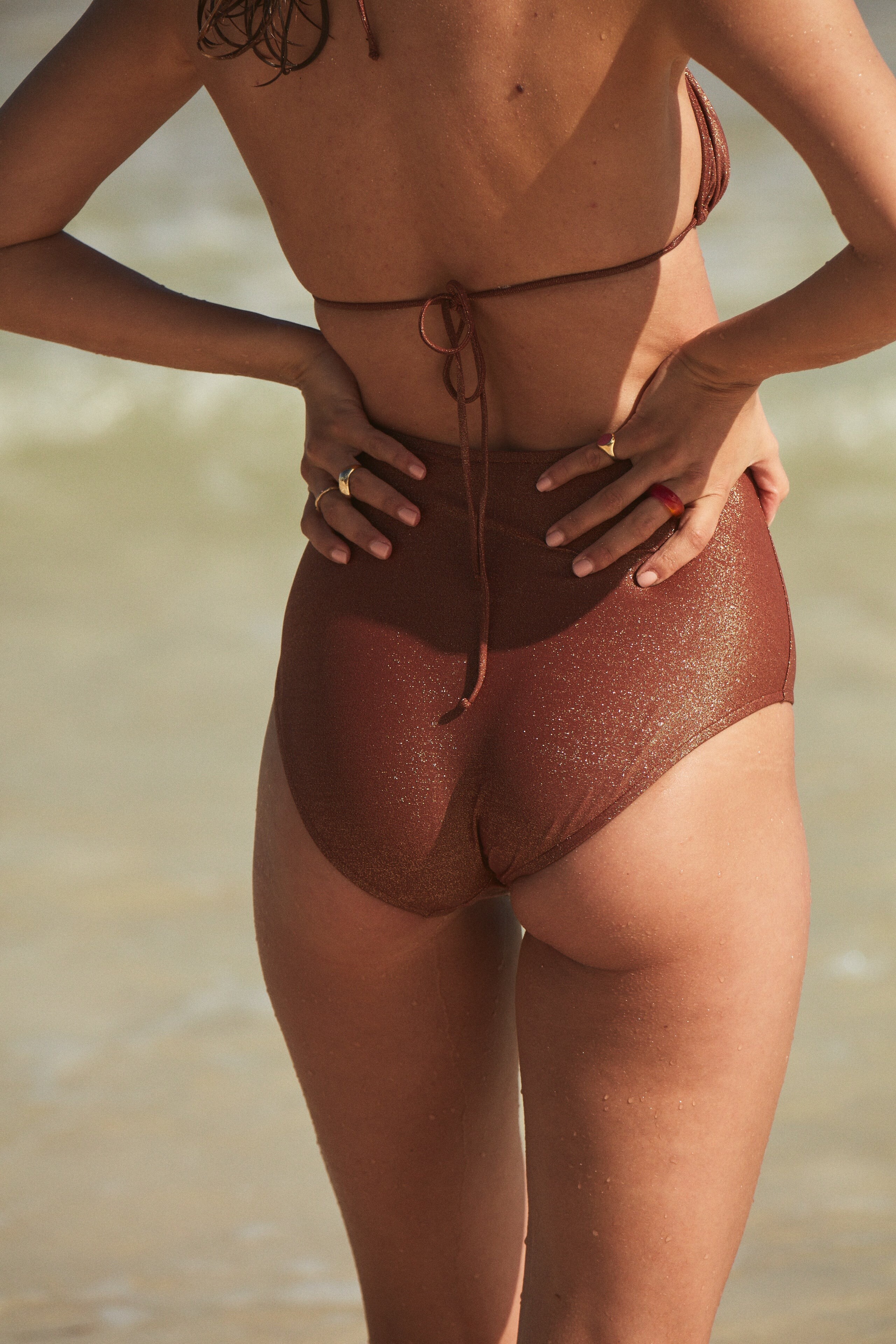
Videos 1669907319_SaveInsta.App-3074895390725816737.mp4 Le Divin - Sienne - Haut Foulard _ Anja Paris.webm Le Divin - Sienne - Culotte basse _ Anja Paris.webm Le Divin - Violet - Bas Shorty _ Anja Paris.webm Le Divin - Violet - Haut Cache Coeur _ Anja Paris.webm Le Ravissant - Cooper _ Anja Paris.webm Le Divin - Violet - Culotte Basse _ Anja Paris.webm Le Divin - Vert - Haut Triangle _ Anja Paris.webm Le Plongeant - Violet _ Anja Paris.webm Le Pareo - Paraiso _ Anja Paris.webm Le Divin - Paraiso - Culotte Nouettes _ Anja Paris.webm Le Divin - Paraiso - Haut Triangle _ Anja Paris.webm Le Fabuleux - Paraiso _ Anja Paris.webm
-
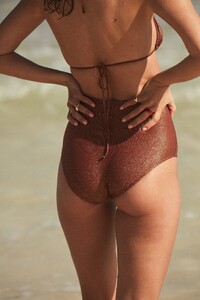
Anja Paris






































-
Thanks
-
-
Ig



-
Digitals NEW



-
-









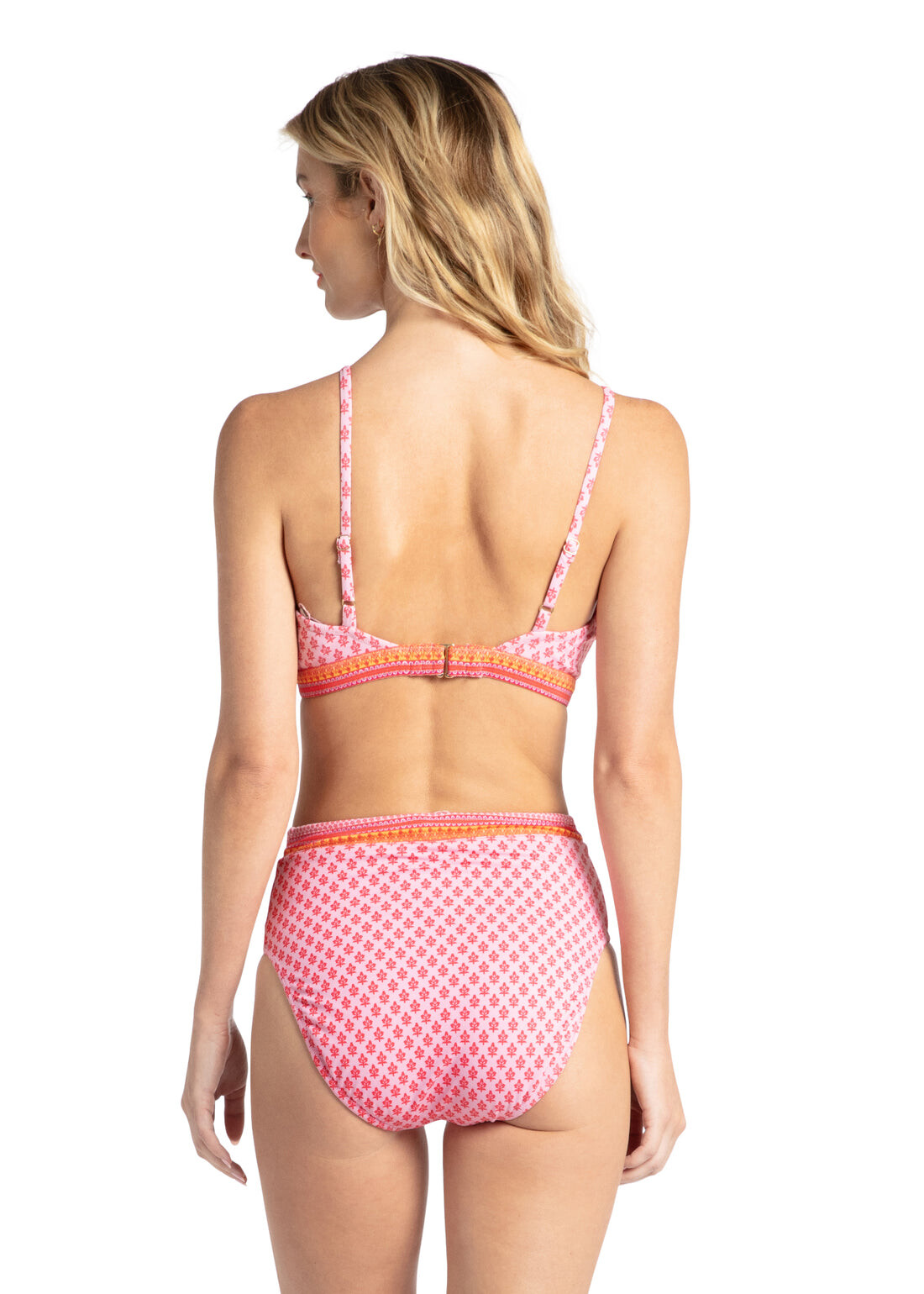
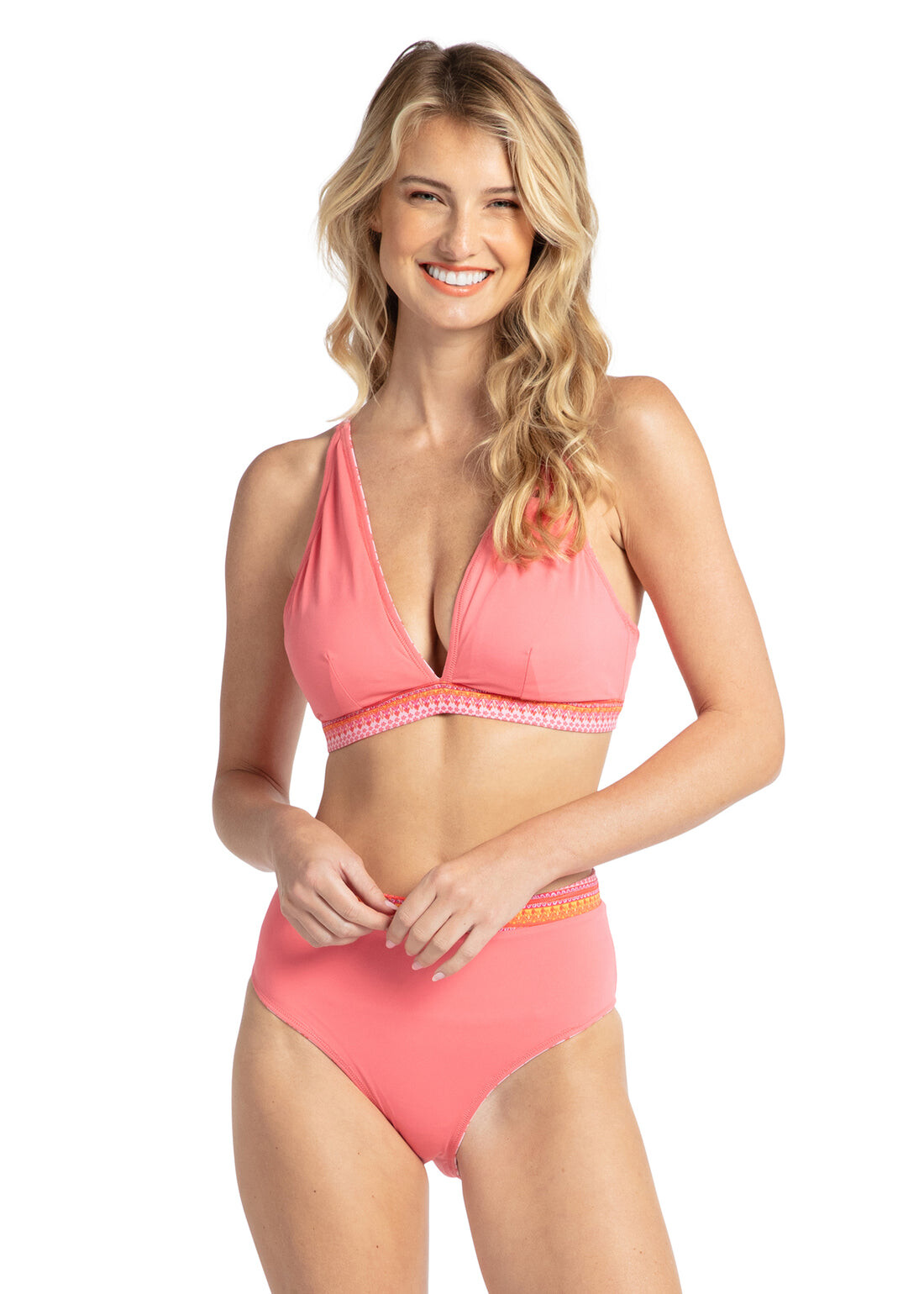
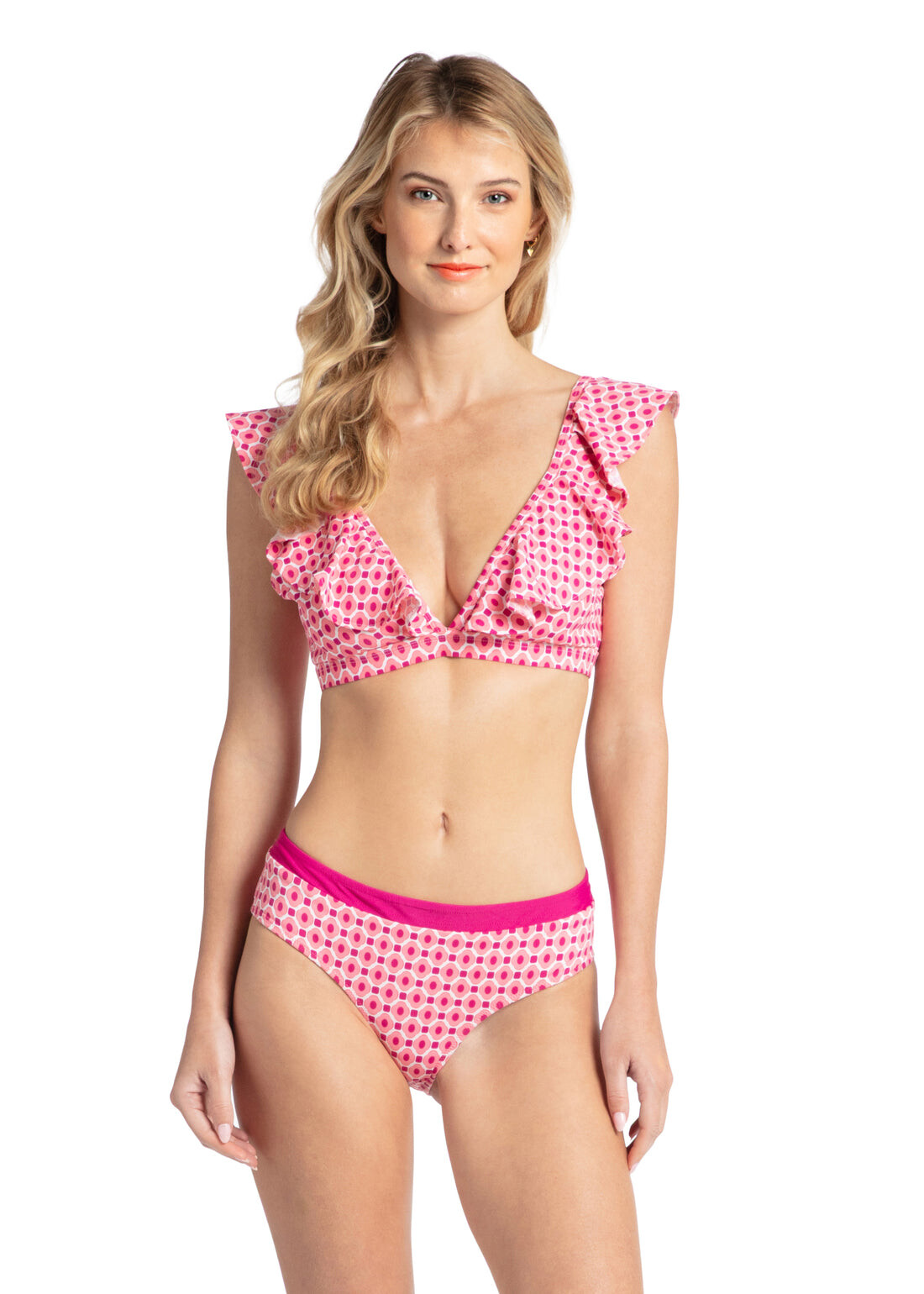
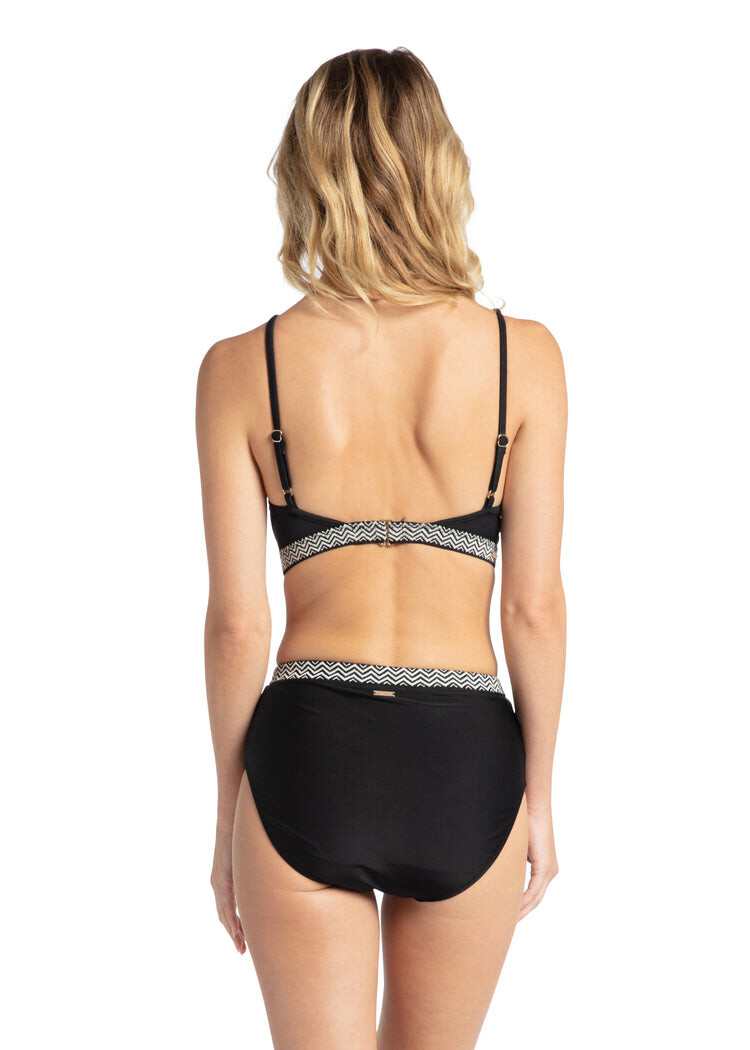
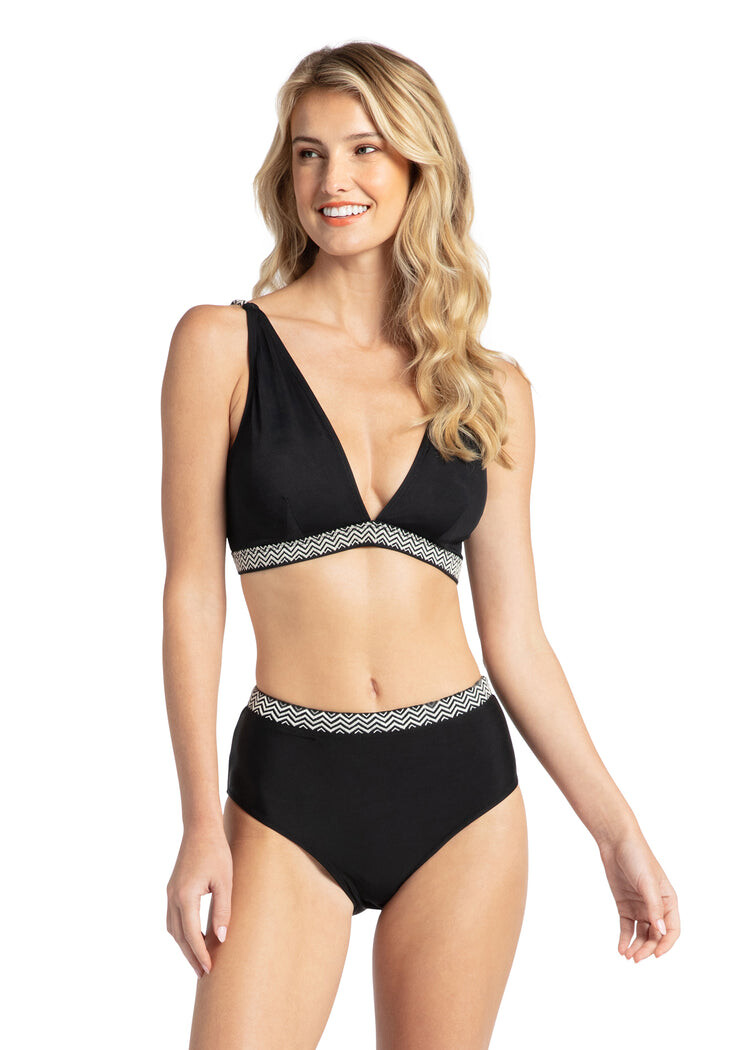
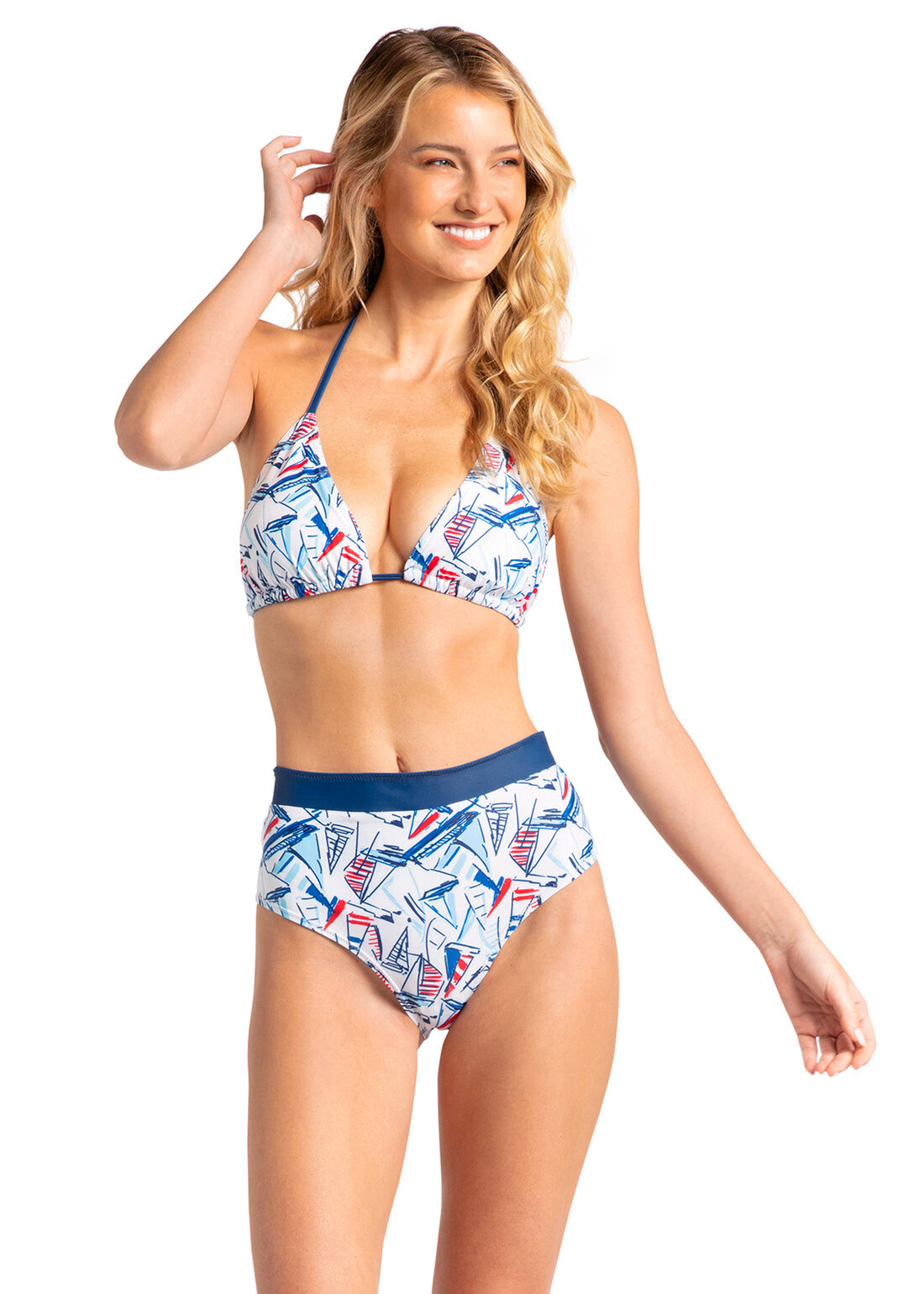
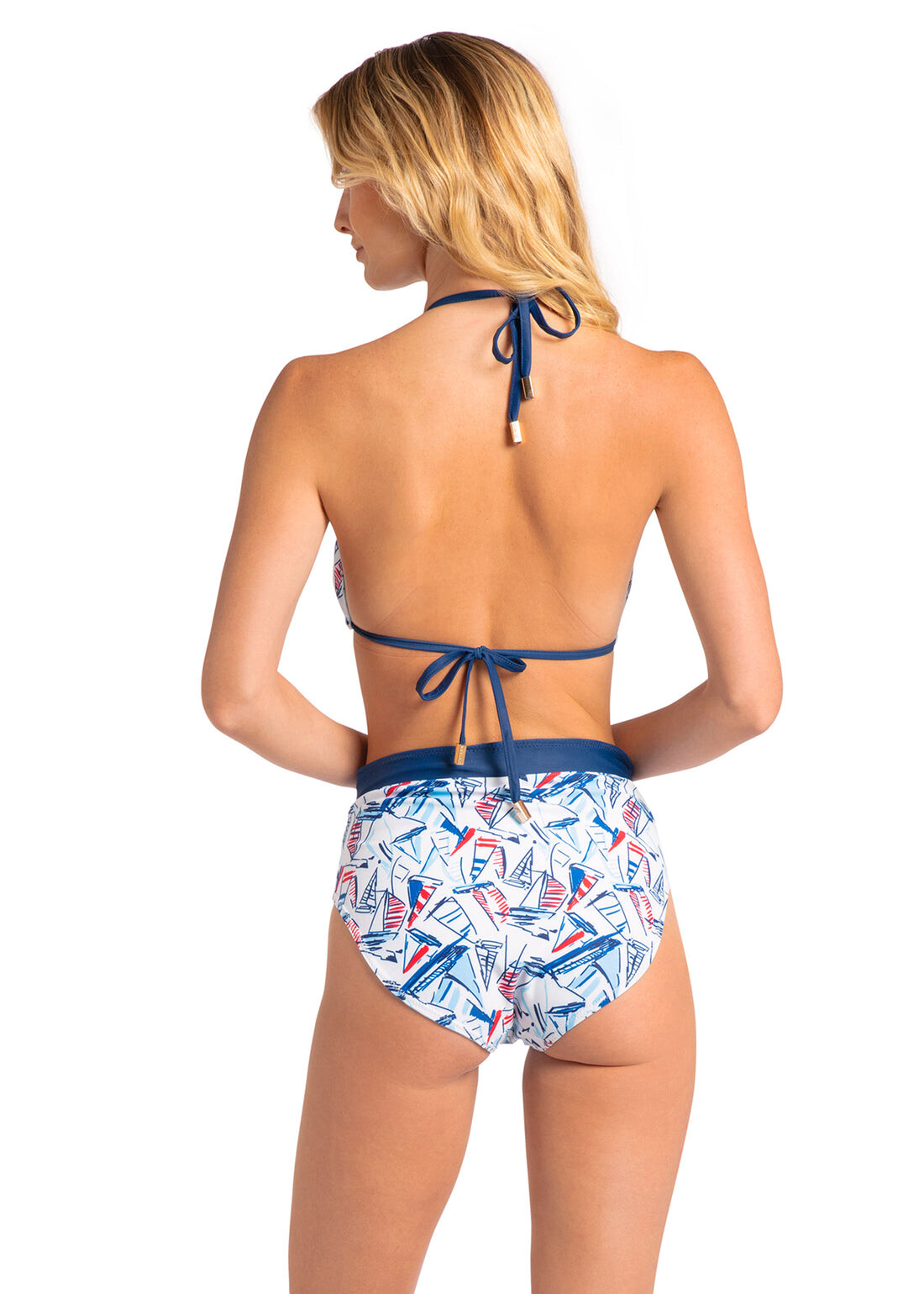
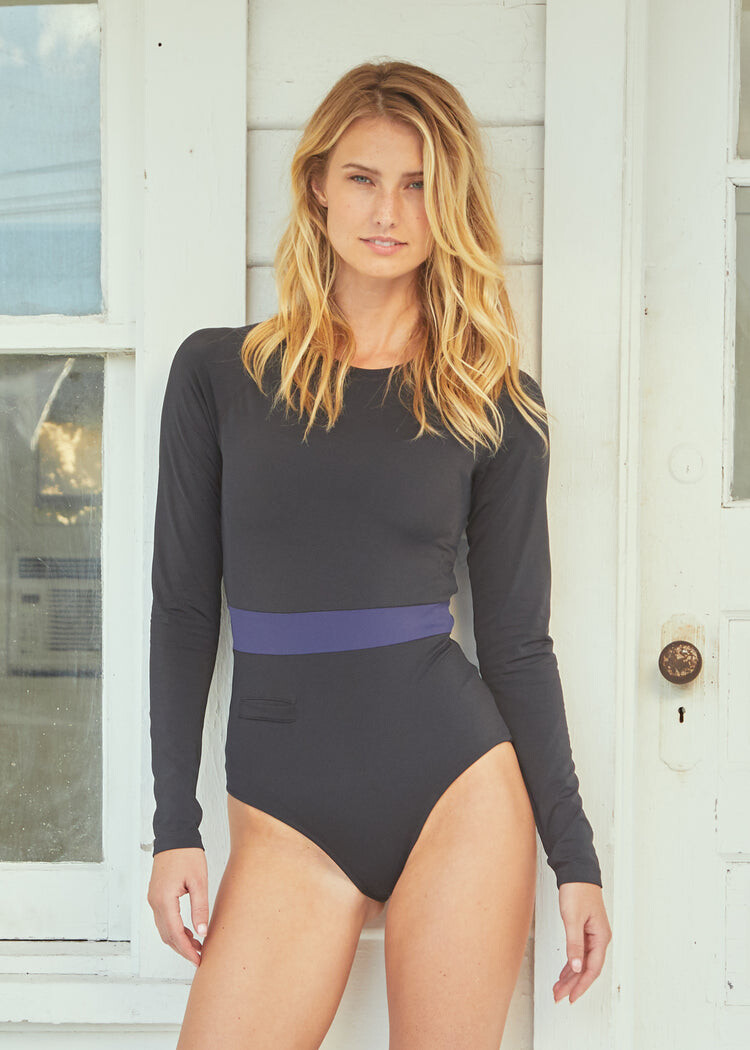
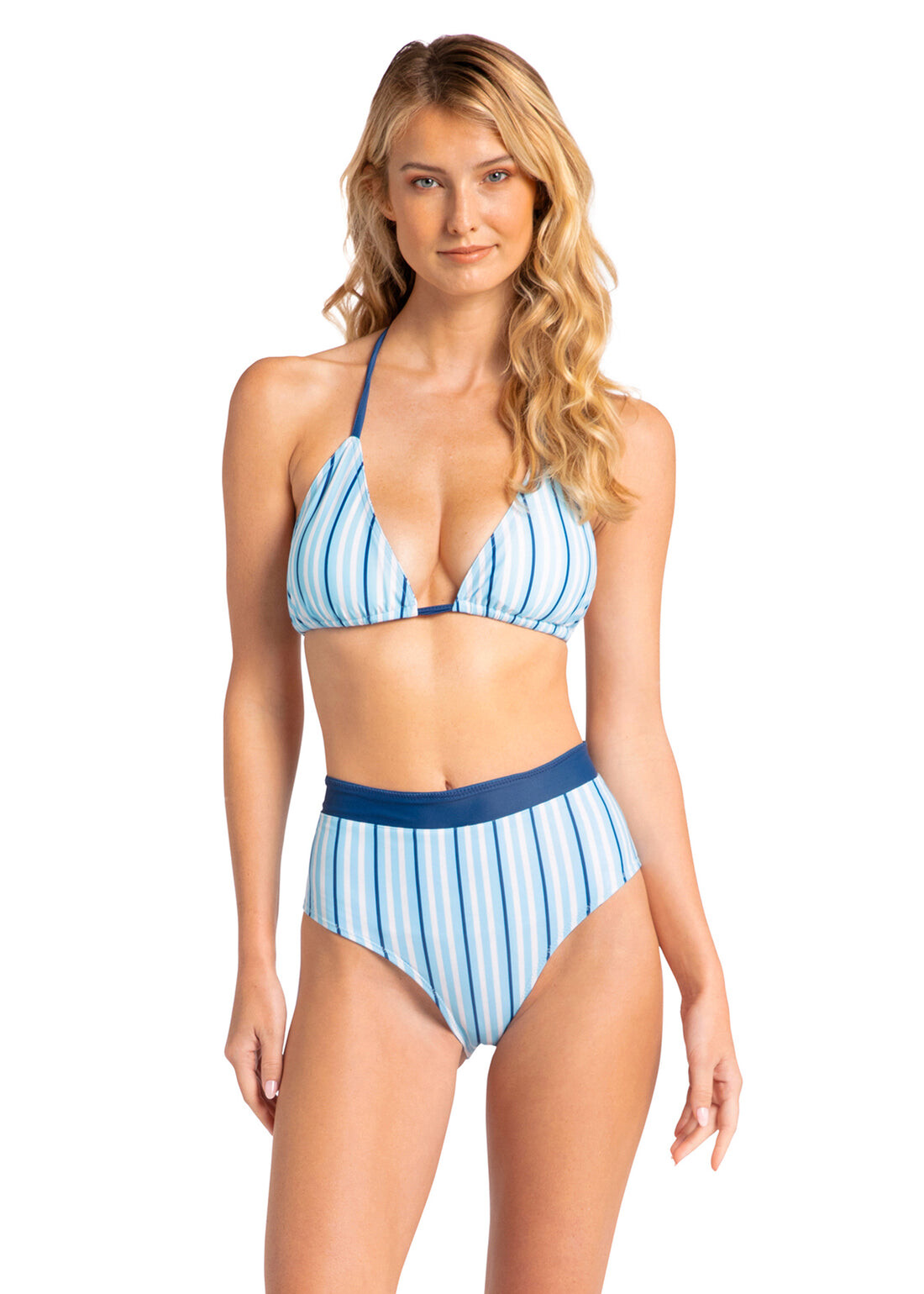
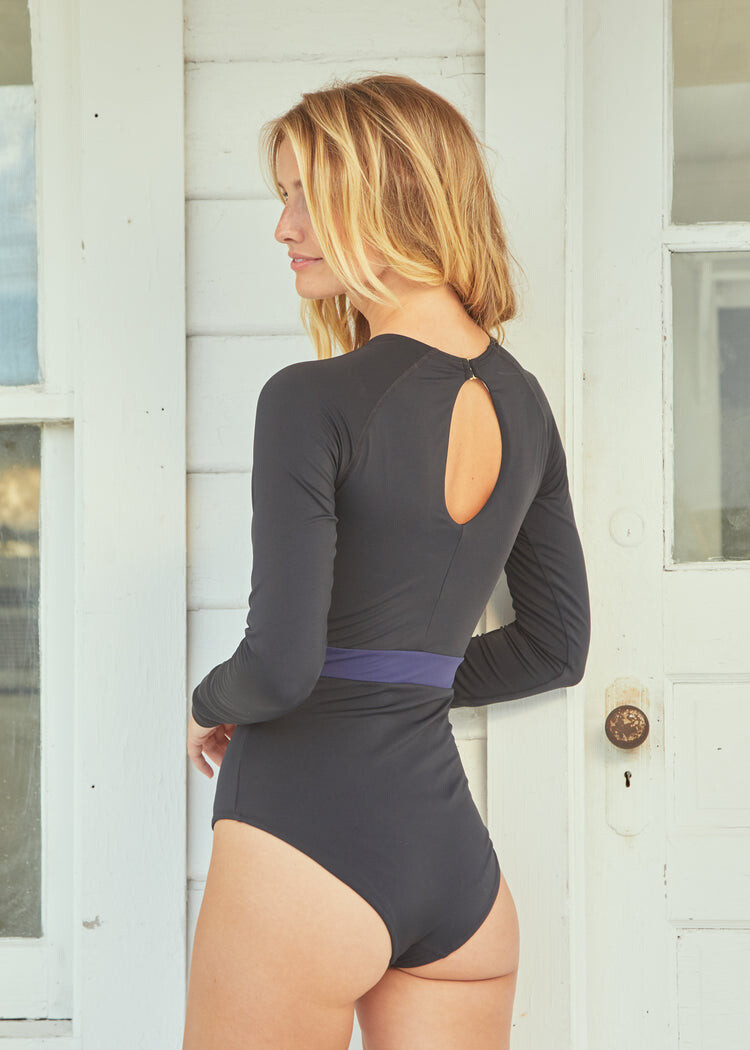










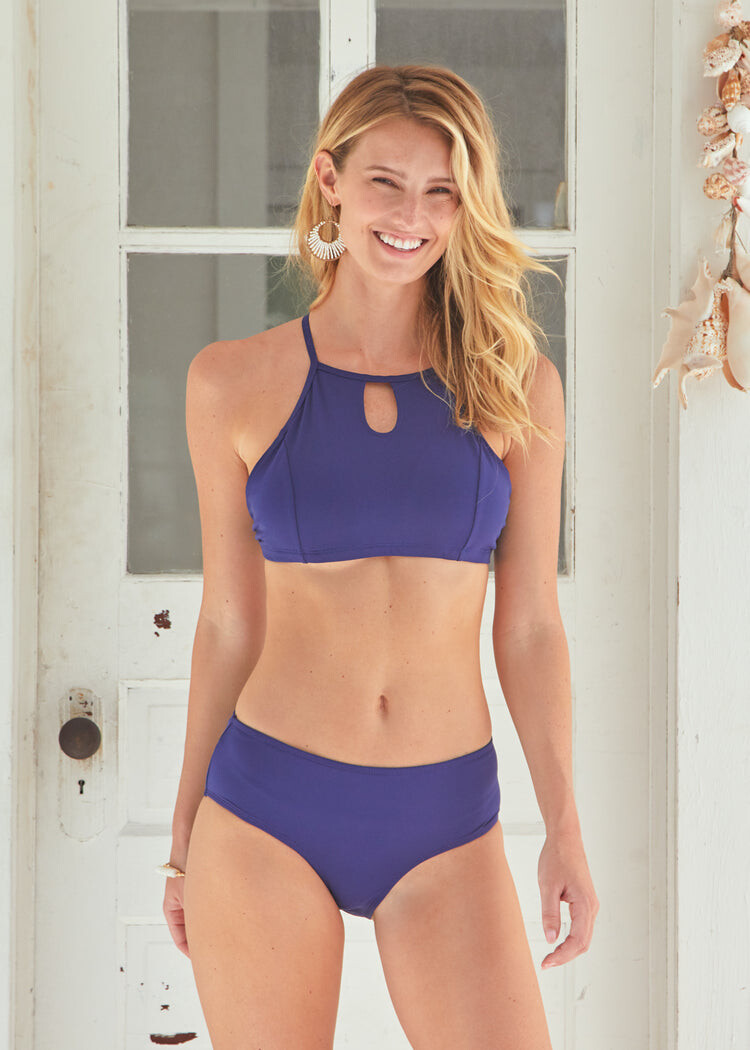





















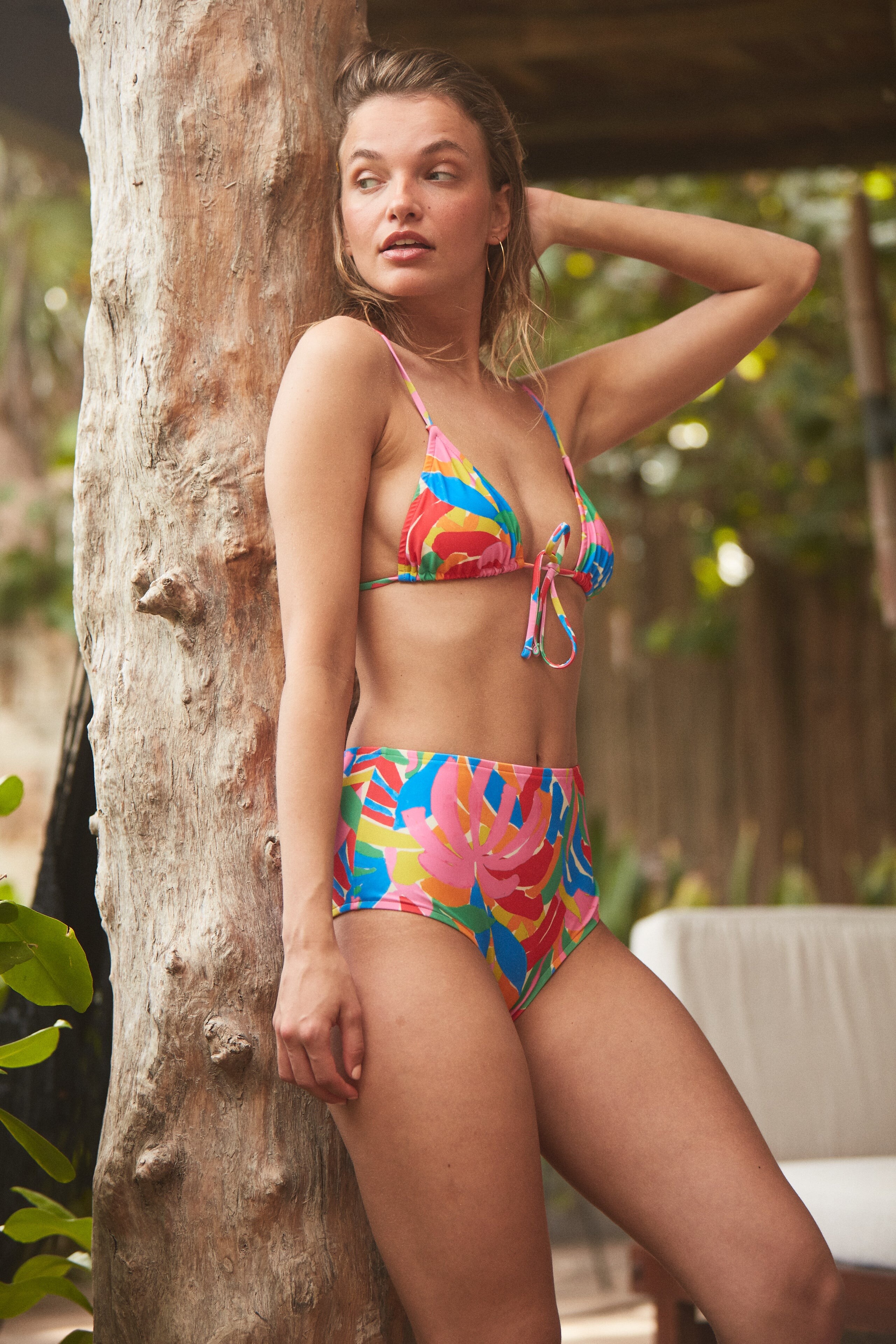







































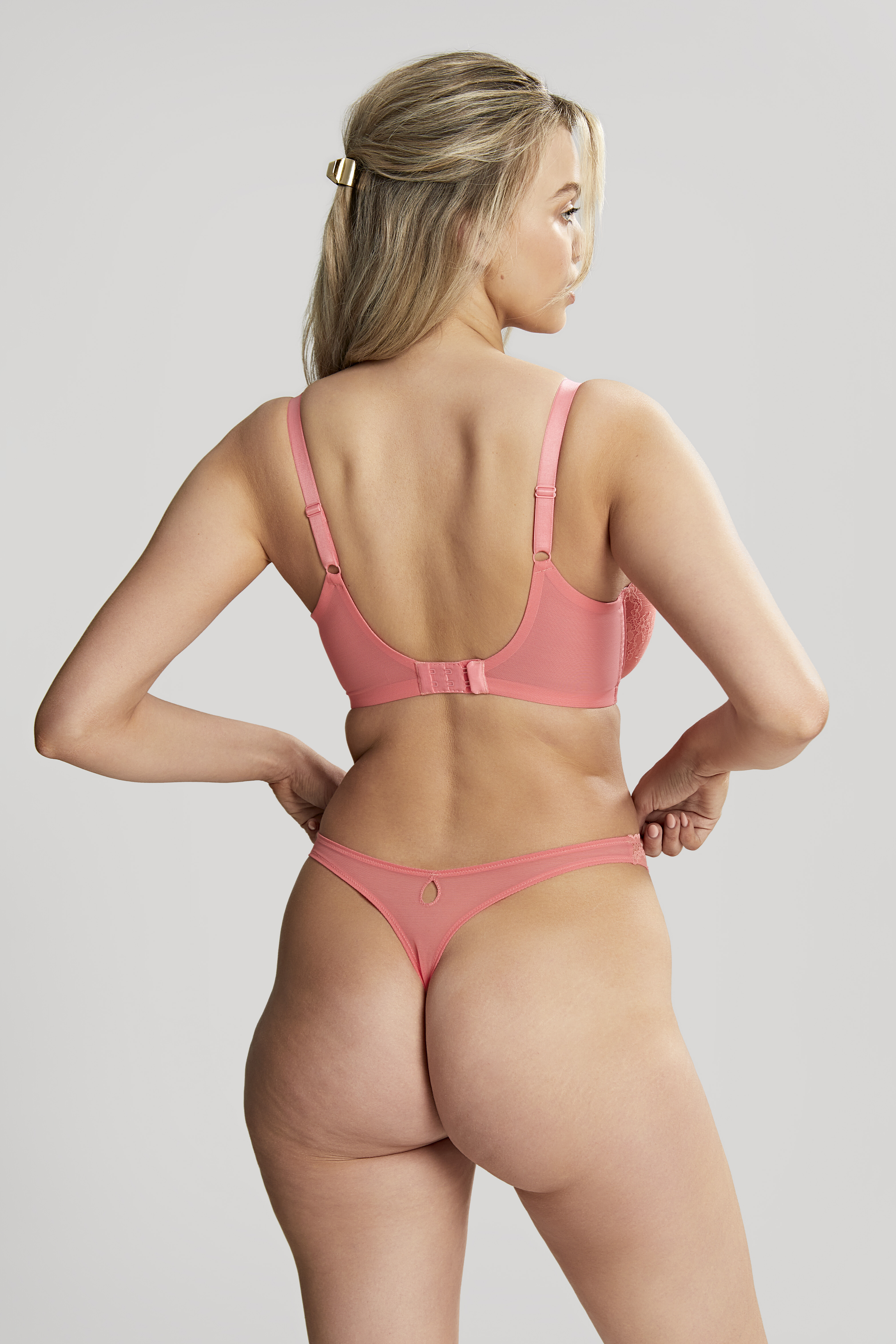



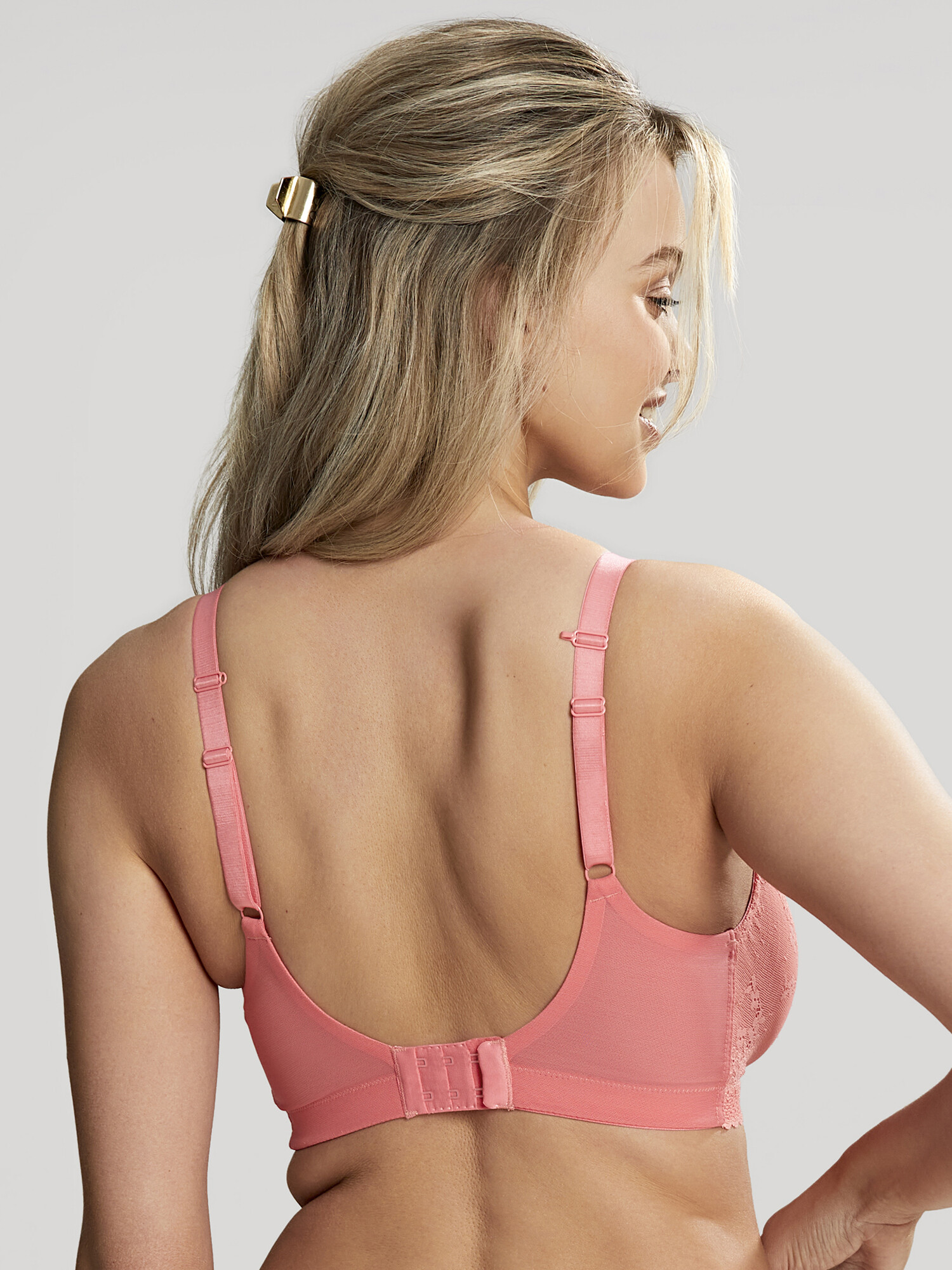
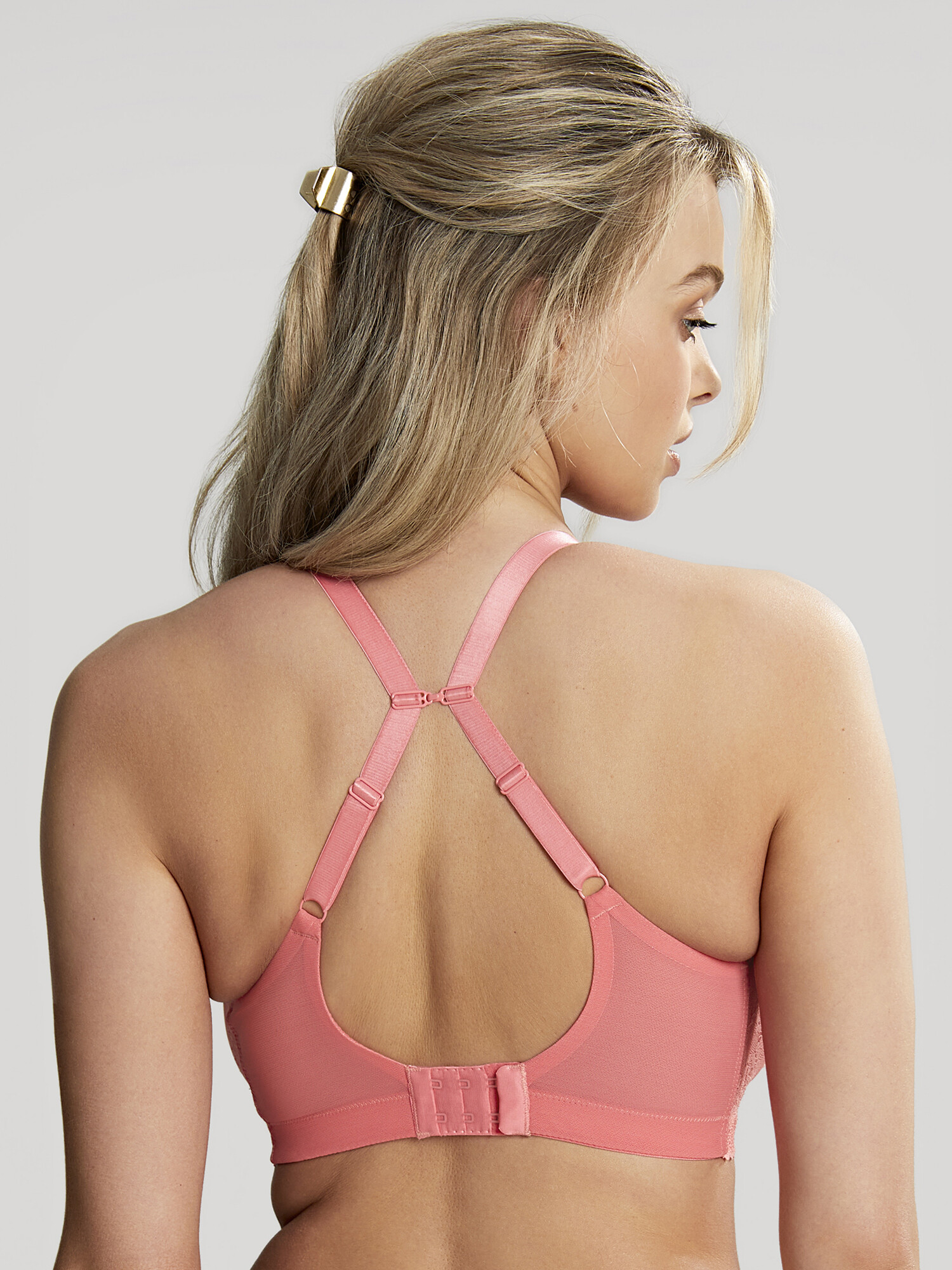

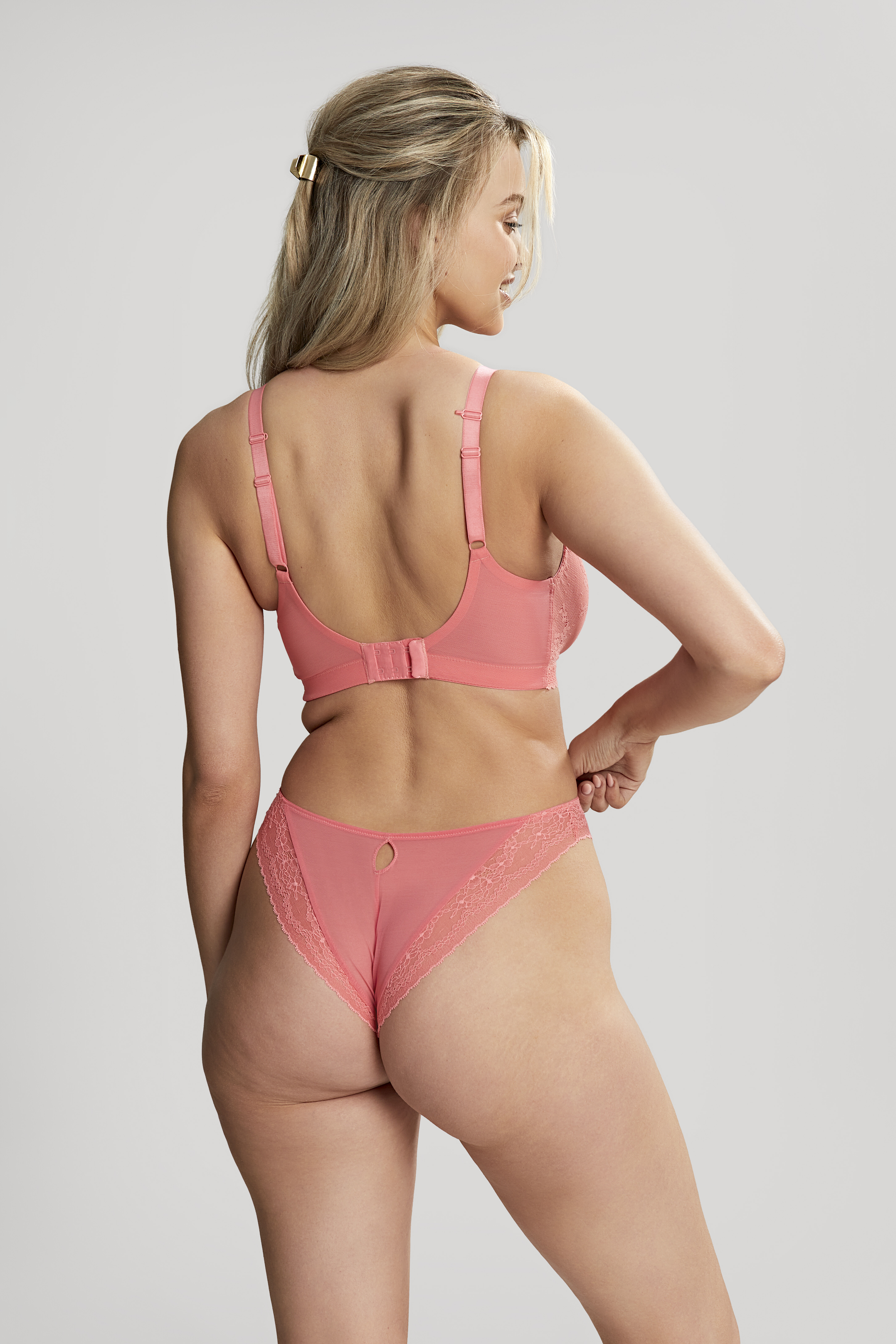

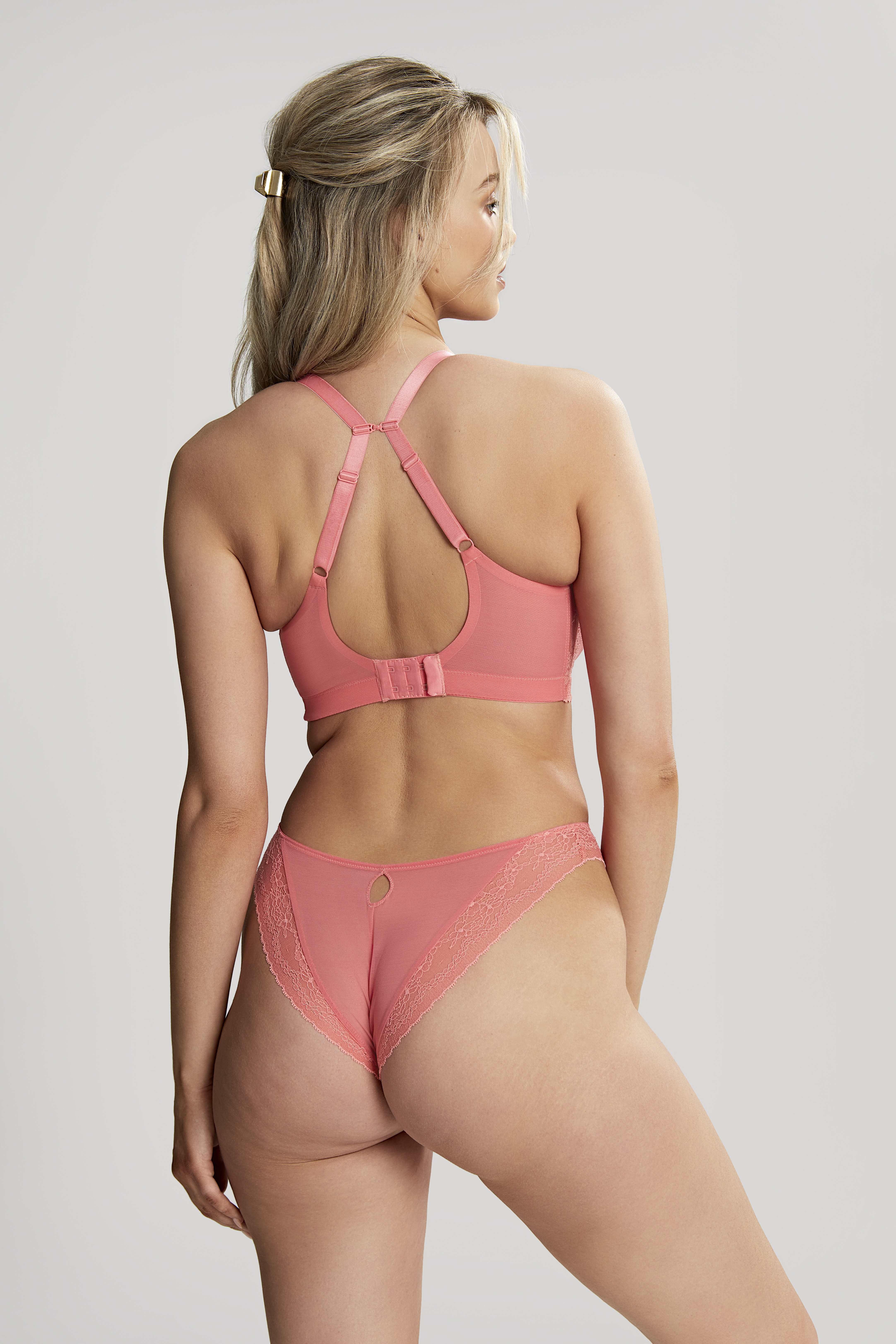

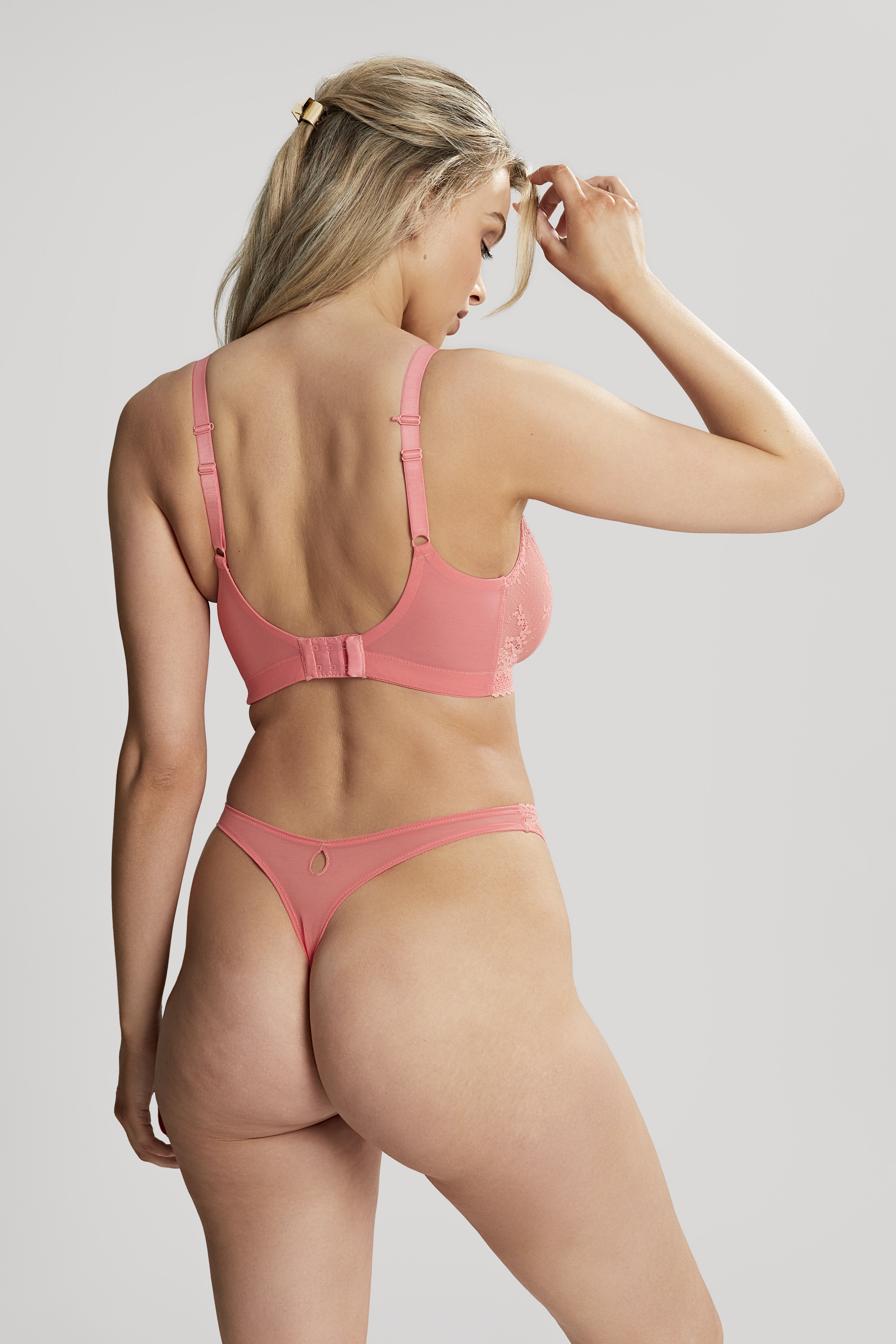








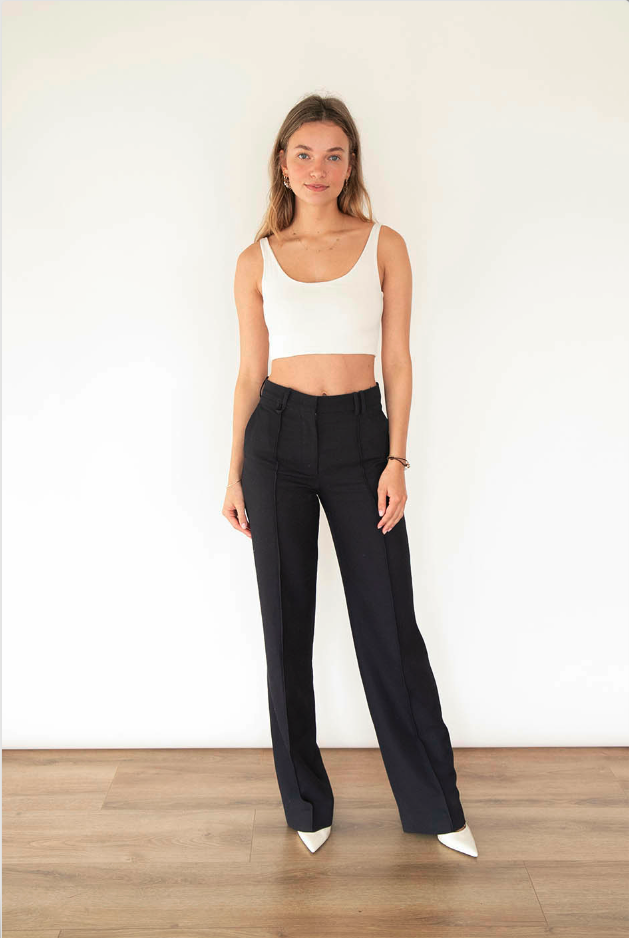


















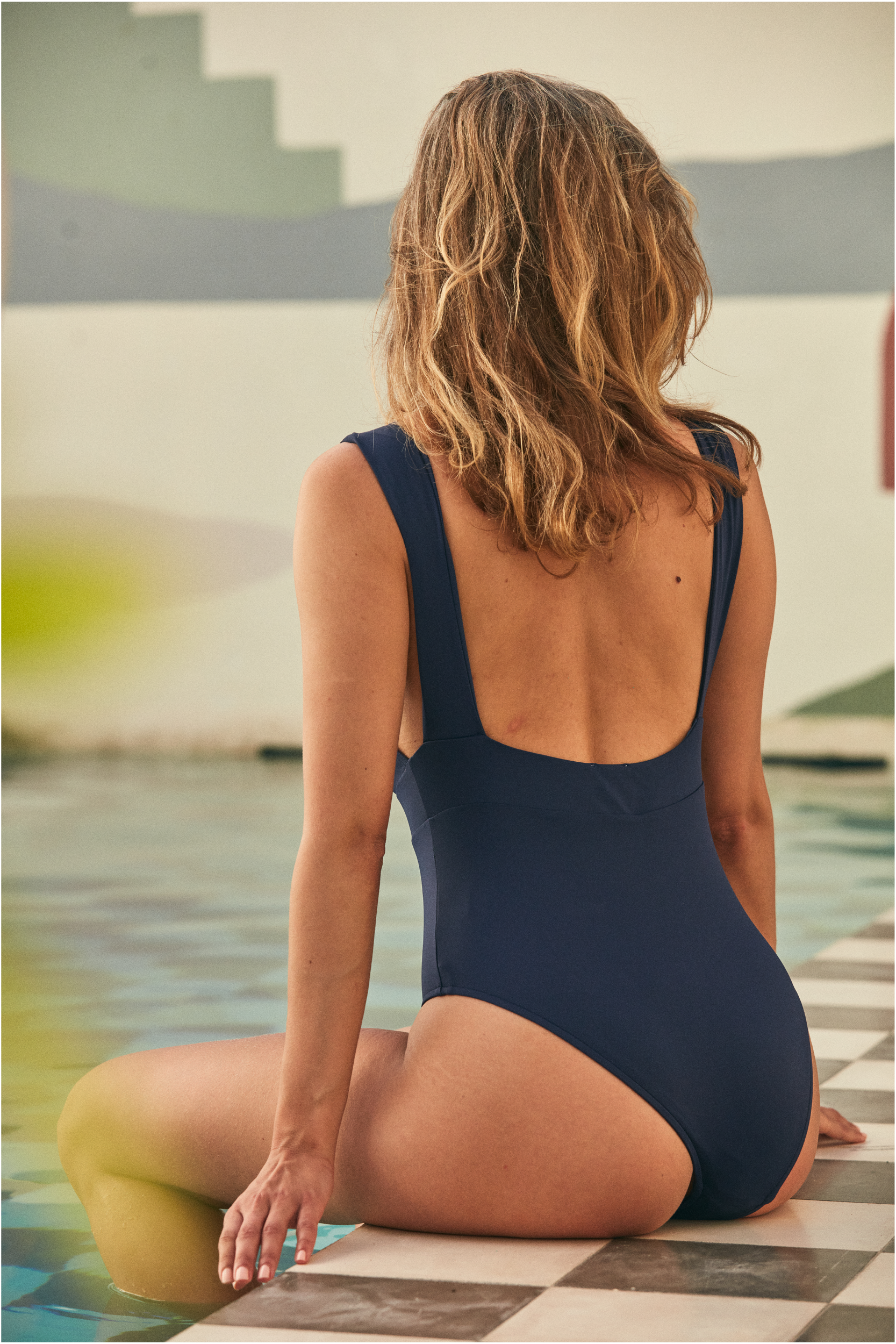












Account
Navigation
Search
Configure browser push notifications
Chrome (Android)
- Tap the lock icon next to the address bar.
- Tap Permissions → Notifications.
- Adjust your preference.
Chrome (Desktop)
- Click the padlock icon in the address bar.
- Select Site settings.
- Find Notifications and adjust your preference.
Safari (iOS 16.4+)
- Ensure the site is installed via Add to Home Screen.
- Open Settings App → Notifications.
- Find your app name and adjust your preference.
Safari (macOS)
- Go to Safari → Preferences.
- Click the Websites tab.
- Select Notifications in the sidebar.
- Find this website and adjust your preference.
Edge (Android)
- Tap the lock icon next to the address bar.
- Tap Permissions.
- Find Notifications and adjust your preference.
Edge (Desktop)
- Click the padlock icon in the address bar.
- Click Permissions for this site.
- Find Notifications and adjust your preference.
Firefox (Android)
- Go to Settings → Site permissions.
- Tap Notifications.
- Find this site in the list and adjust your preference.
Firefox (Desktop)
- Open Firefox Settings.
- Search for Notifications.
- Find this site in the list and adjust your preference.